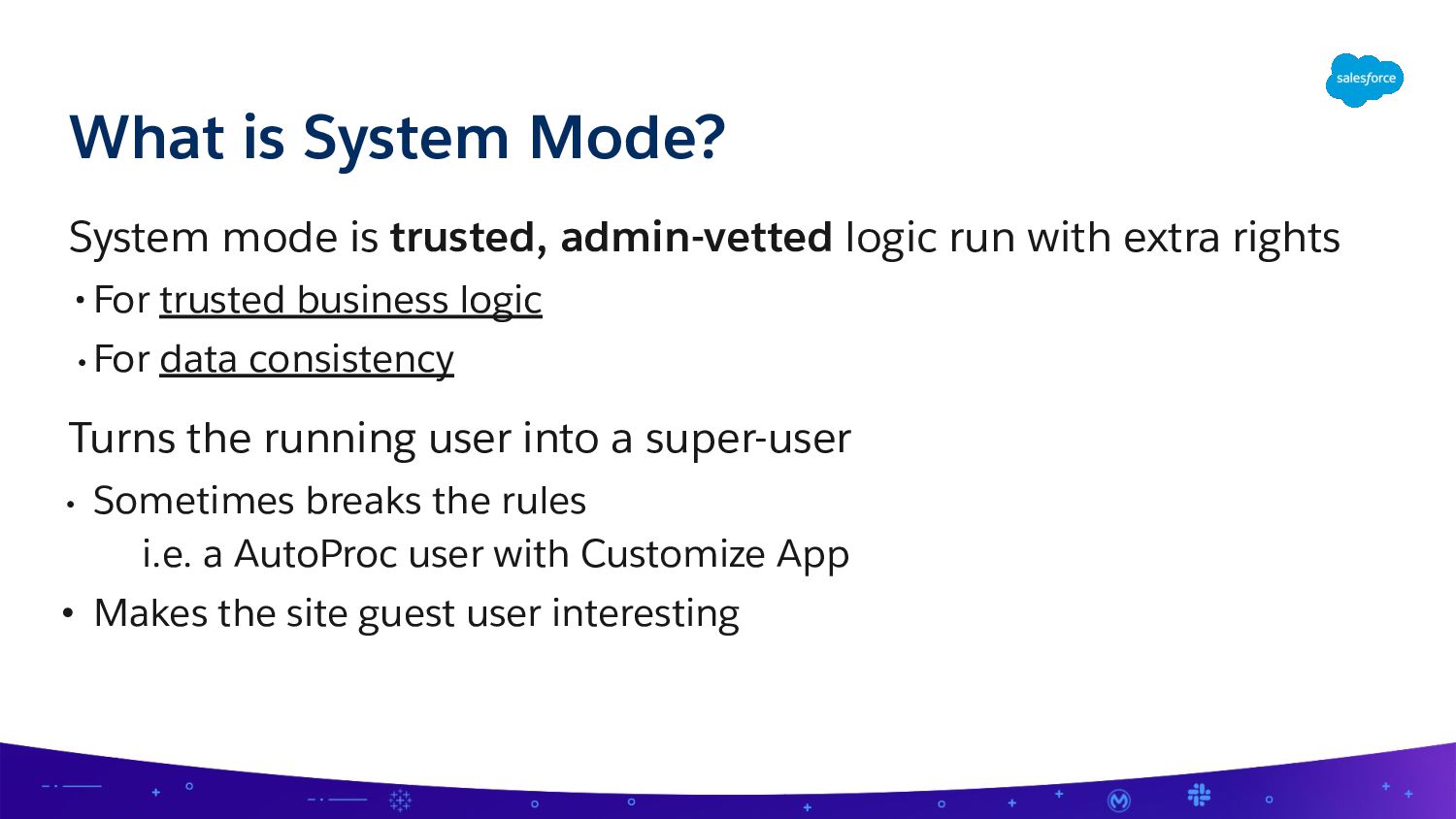
• For trusted business logic • For data consistency Turns the running user into a super-user • Sometimes breaks the rules i.e. a AutoProc user with Customize App • Makes the site guest user interesting What is System Mode?
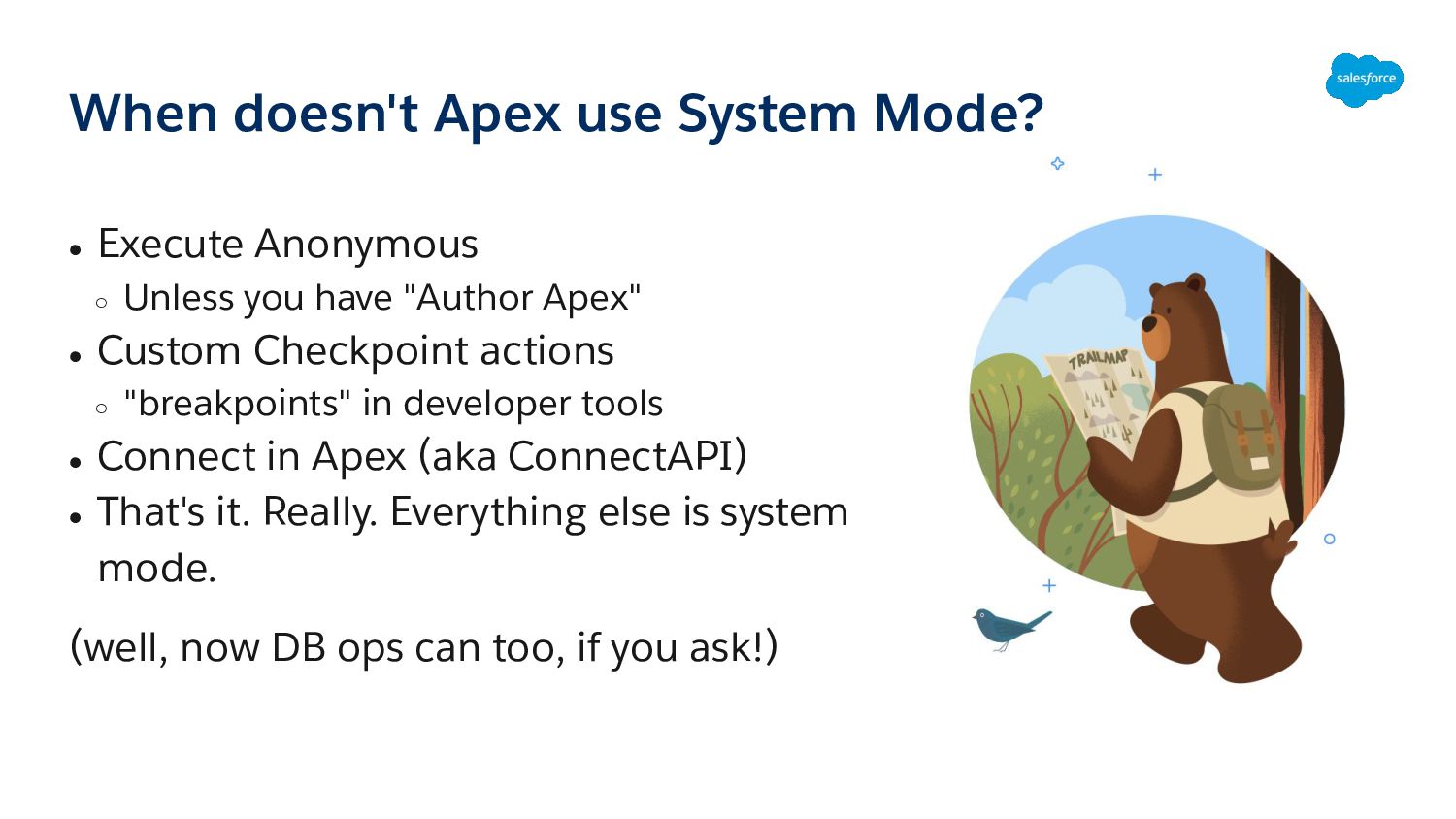
Unless you have "Author Apex" • Custom Checkpoint actions ◦ "breakpoints" in developer tools • Connect in Apex (aka ConnectAPI) • That's it. Really. Everything else is system mode. (well, now DB ops can too, if you ask!)
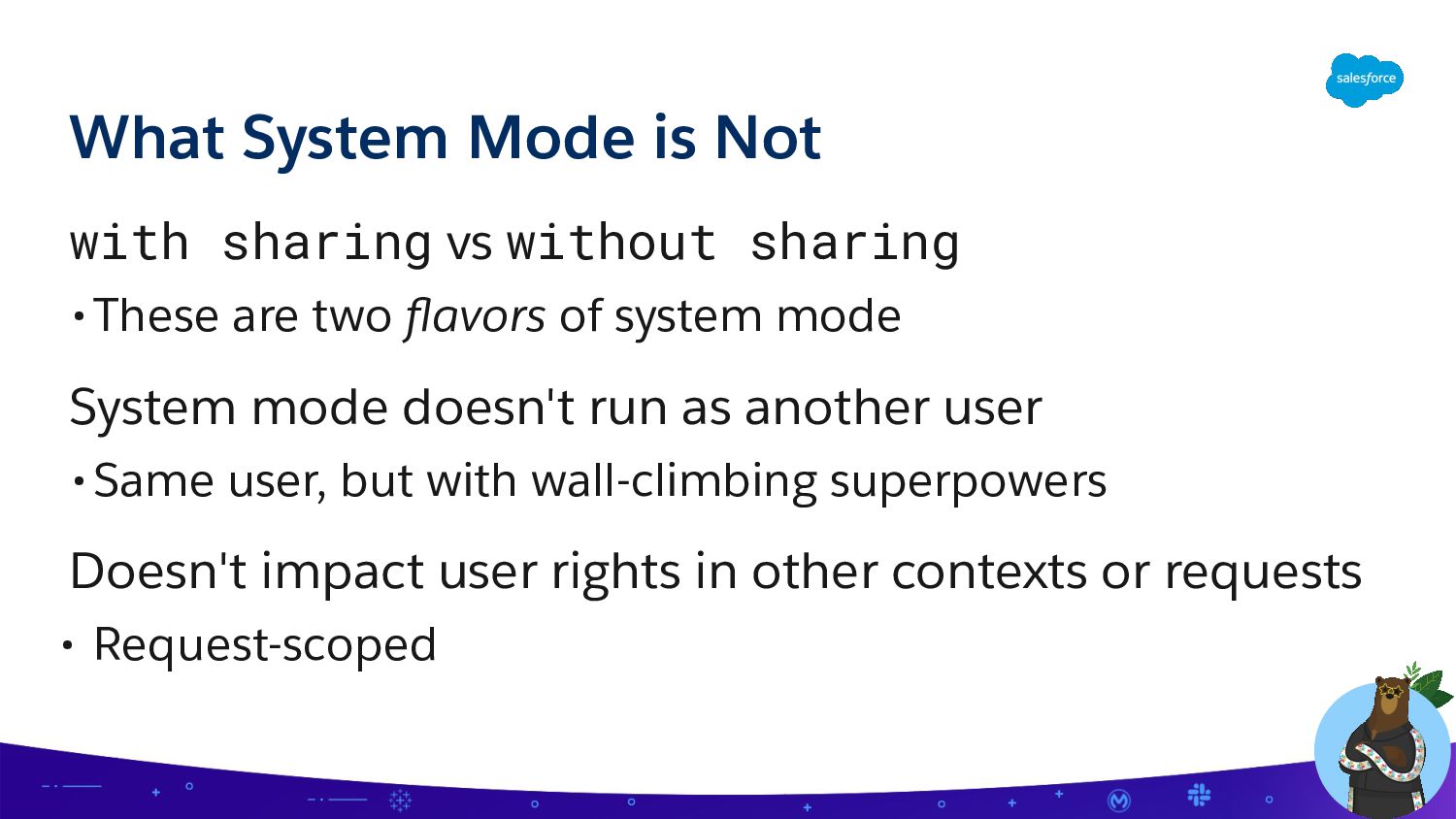
system mode System mode doesn't run as another user •Same user, but with wall-climbing superpowers Doesn't impact user rights in other contexts or requests • Request-scoped What System Mode is Not
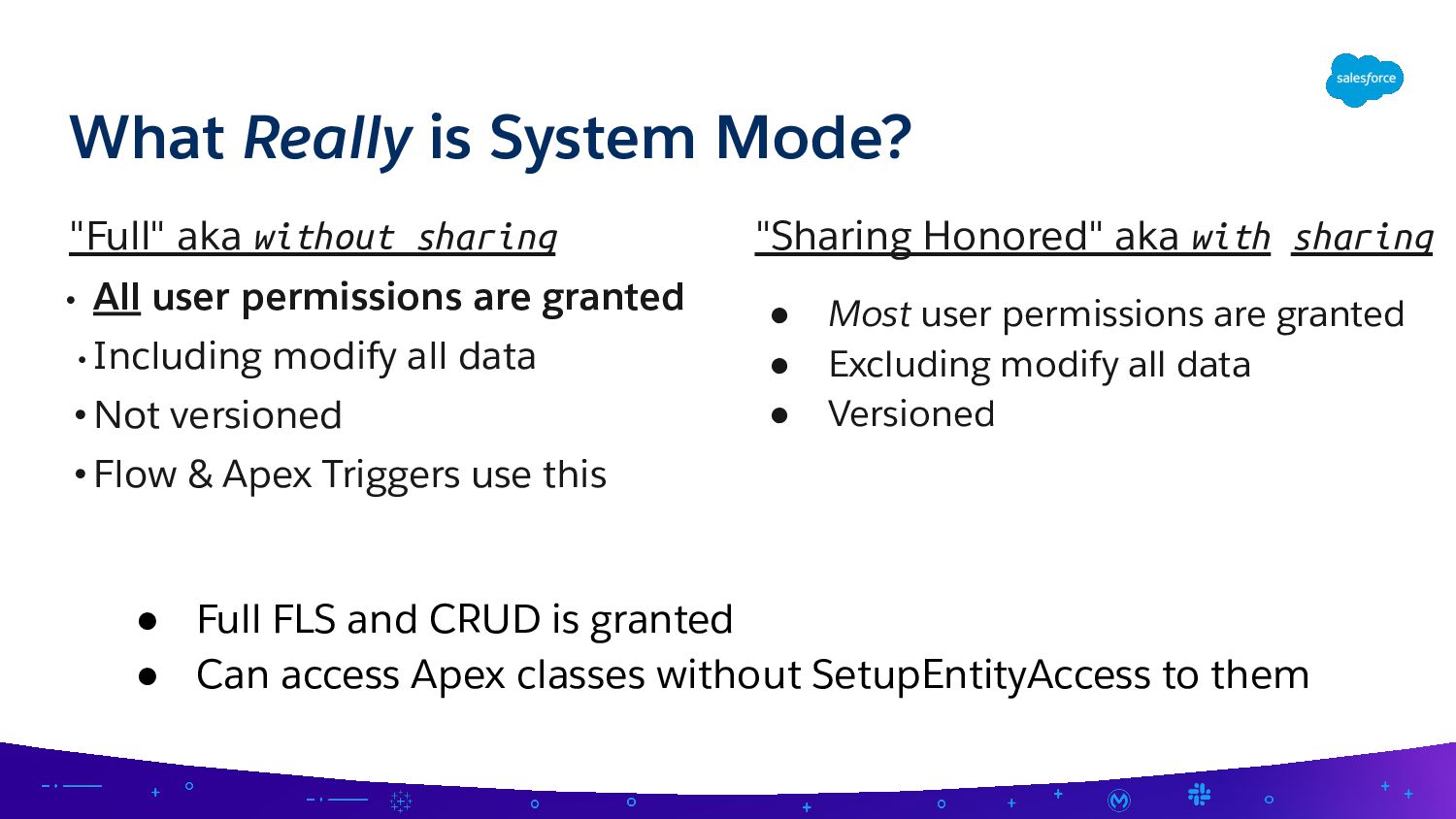
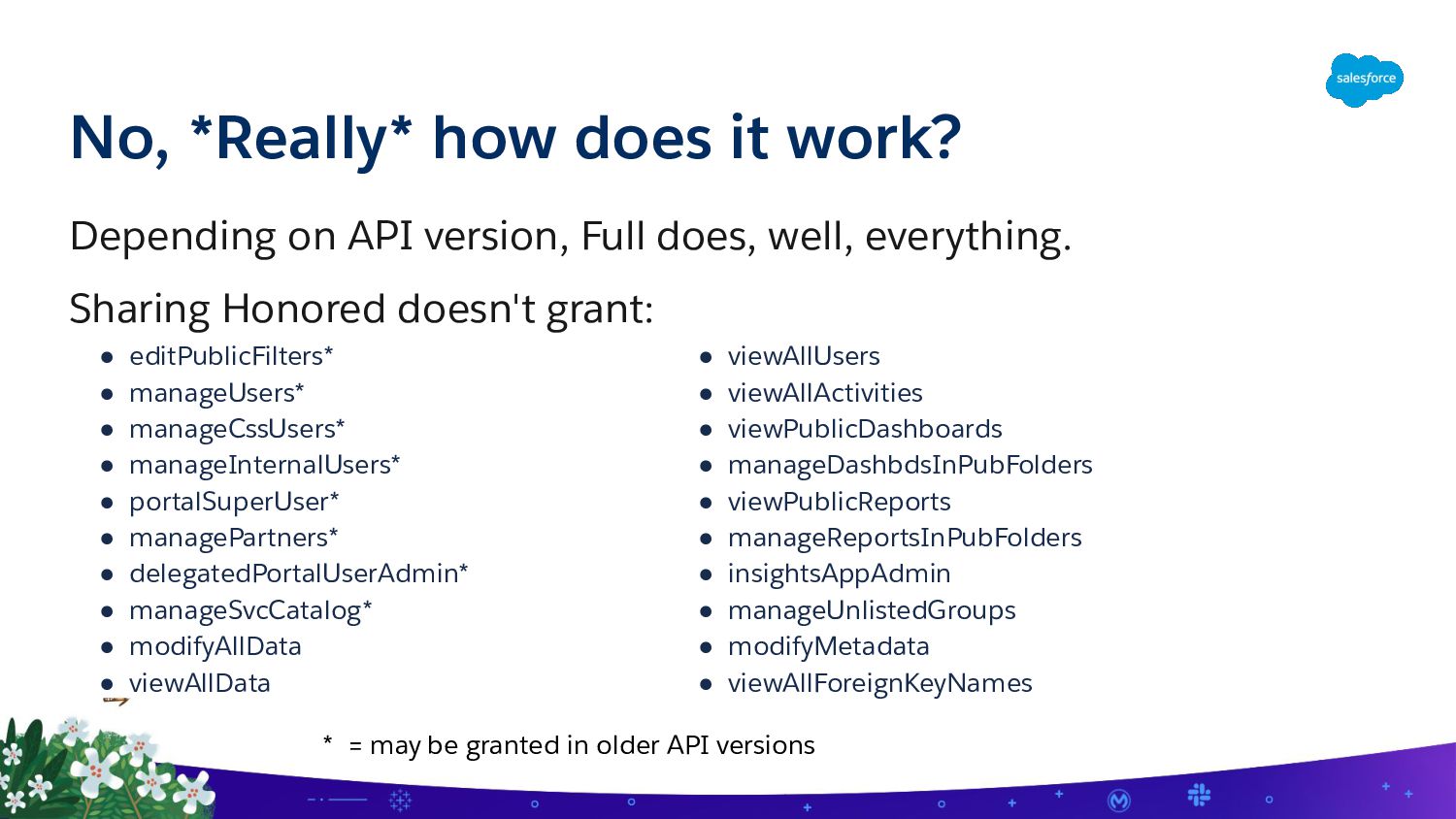
• Including modify all data • Not versioned • Flow & Apex Triggers use this What Really is System Mode? "Sharing Honored" aka with sharing • Most user permissions are granted • Excluding modify all data • Versioned • Full FLS and CRUD is granted • Can access Apex classes without SetupEntityAccess to them
FLS/CRUD checks ◦ Or do them wrong • Exceptions to rules (Custom Settings) • Deserialization attacks • Manipulated client-side input • Admins have limited insight
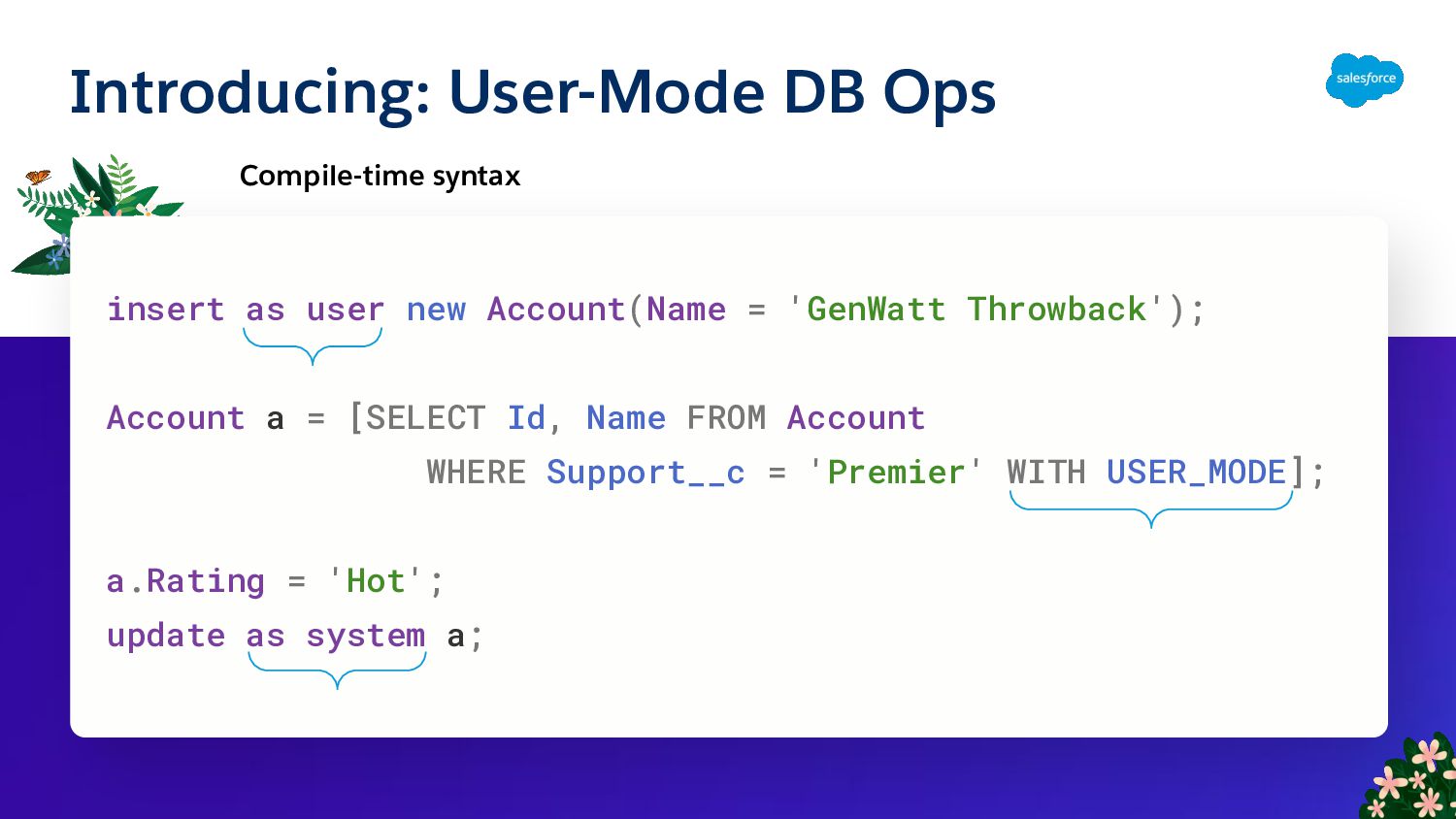
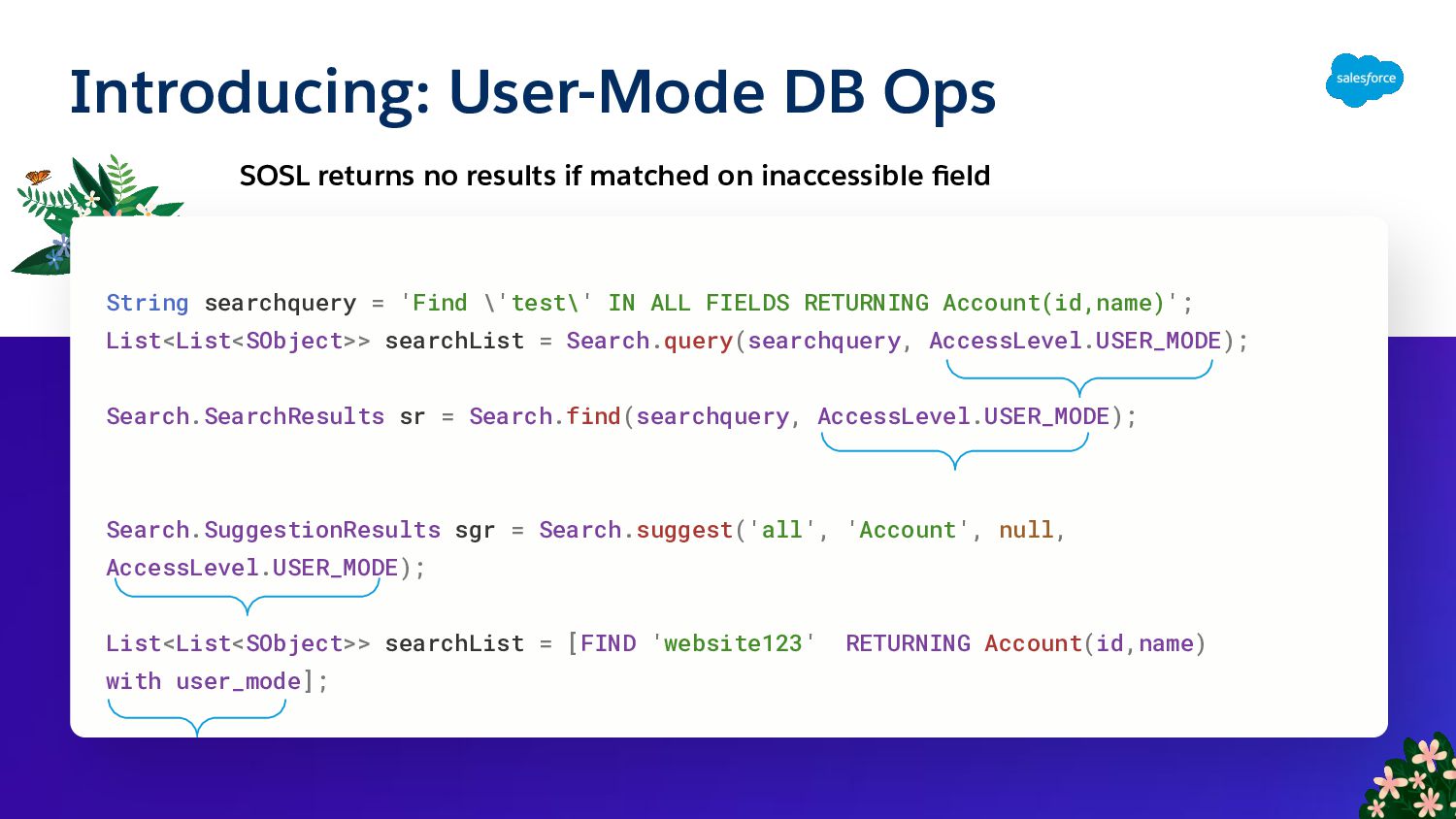
Account(Name = 'GenWatt Throwback'); Account a = [SELECT Id, Name FROM Account WHERE Support__c = 'Premier' WITH USER_MODE]; a.Rating = 'Hot'; update as system a;
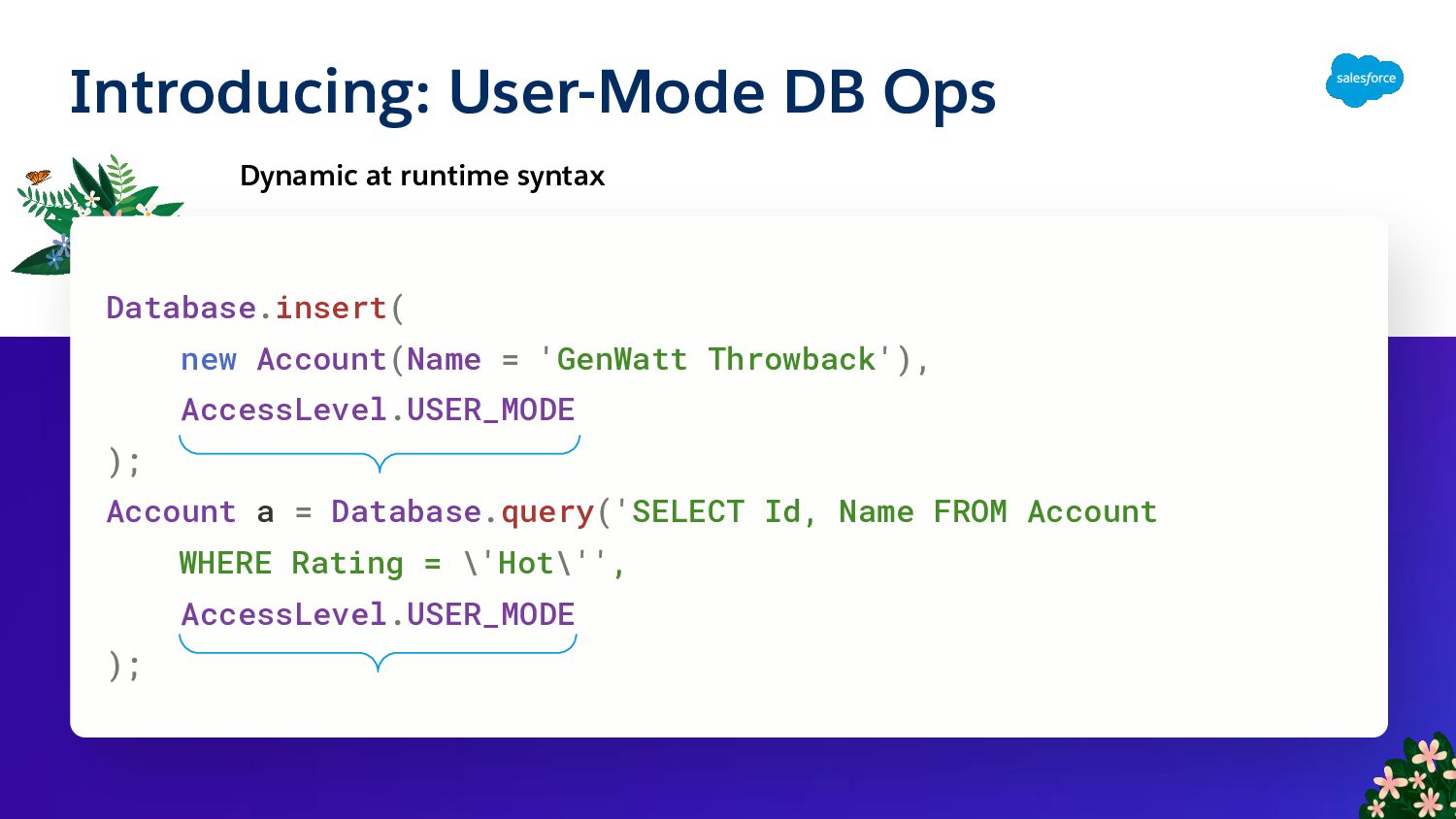
Account(Name = 'GenWatt Throwback'), AccessLevel.USER_MODE ); Account a = Database.query('SELECT Id, Name FROM Account WHERE Rating = \'Hot\'', AccessLevel.USER_MODE );
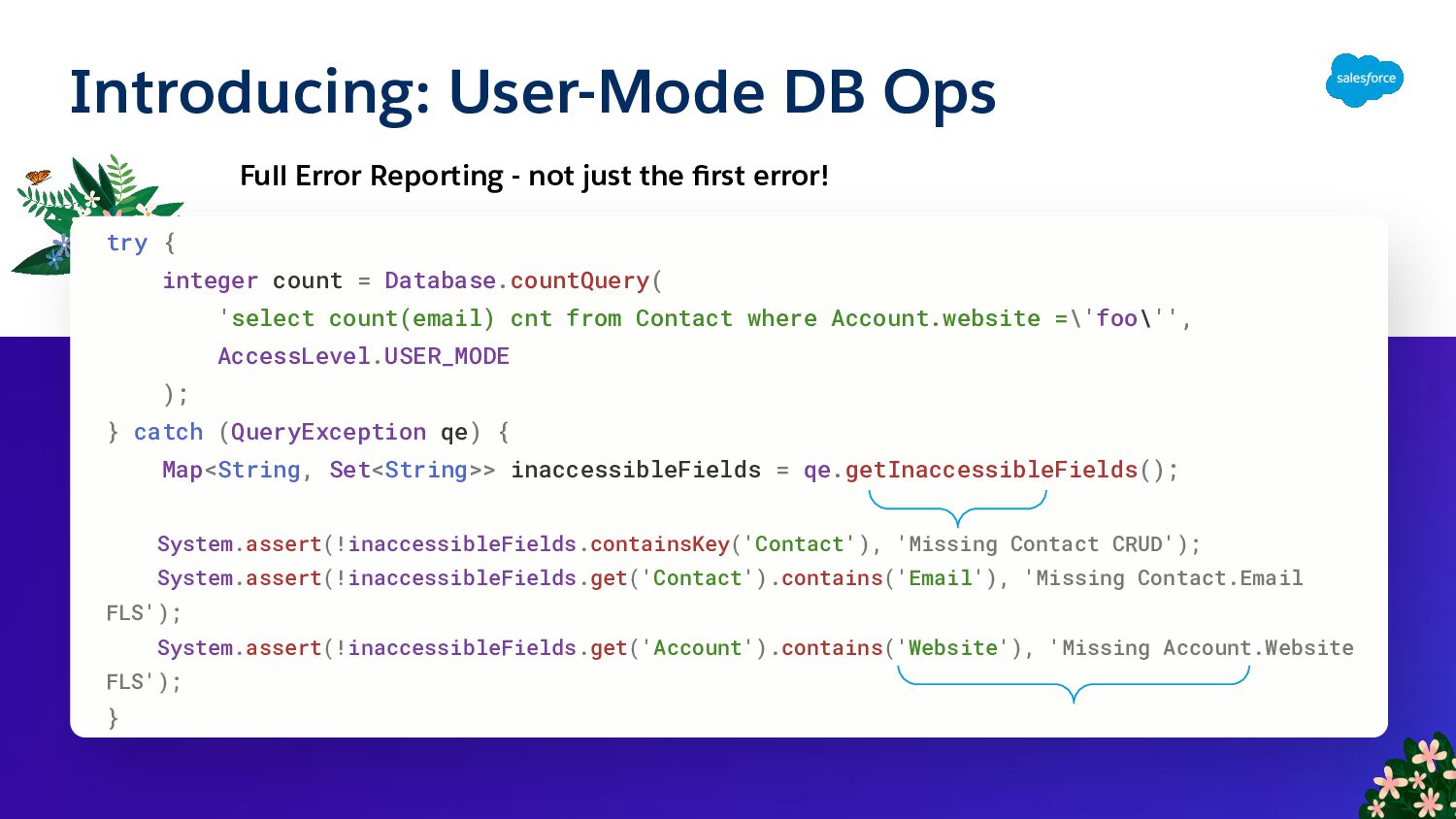
thank you Daniel Ballinger! List<Database.SaveResult> srList = Database.insert( new SObject[] { new Account(Name='foo', AnnualRevenue=2000), // no FLS edit on AnnualRevenue new Contact(LastName='foo', Email='foo'), // no FLS view on Email }, false, // allOrNone AccessLevel.USER_MODE ); System.assert(!srList.get(0).getErrors()[0].getFields().contains('AnnualRevenue’), 'Missing Account.AnnualRevenue FLS'); System.assert(!srList.get(1).getErrors()[0].getFields().contains('Email’), 'Missing Contact.Email FLS');
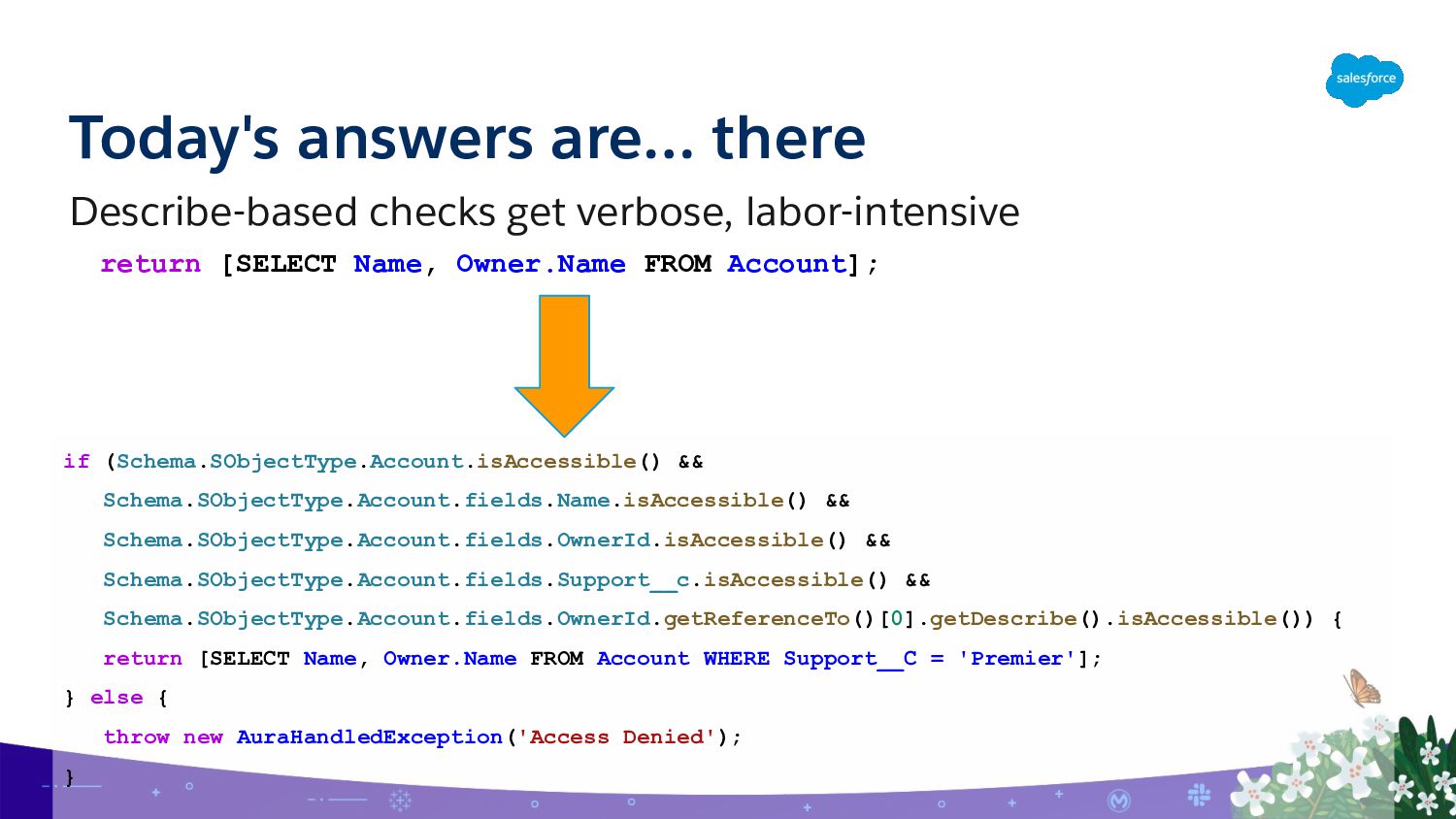
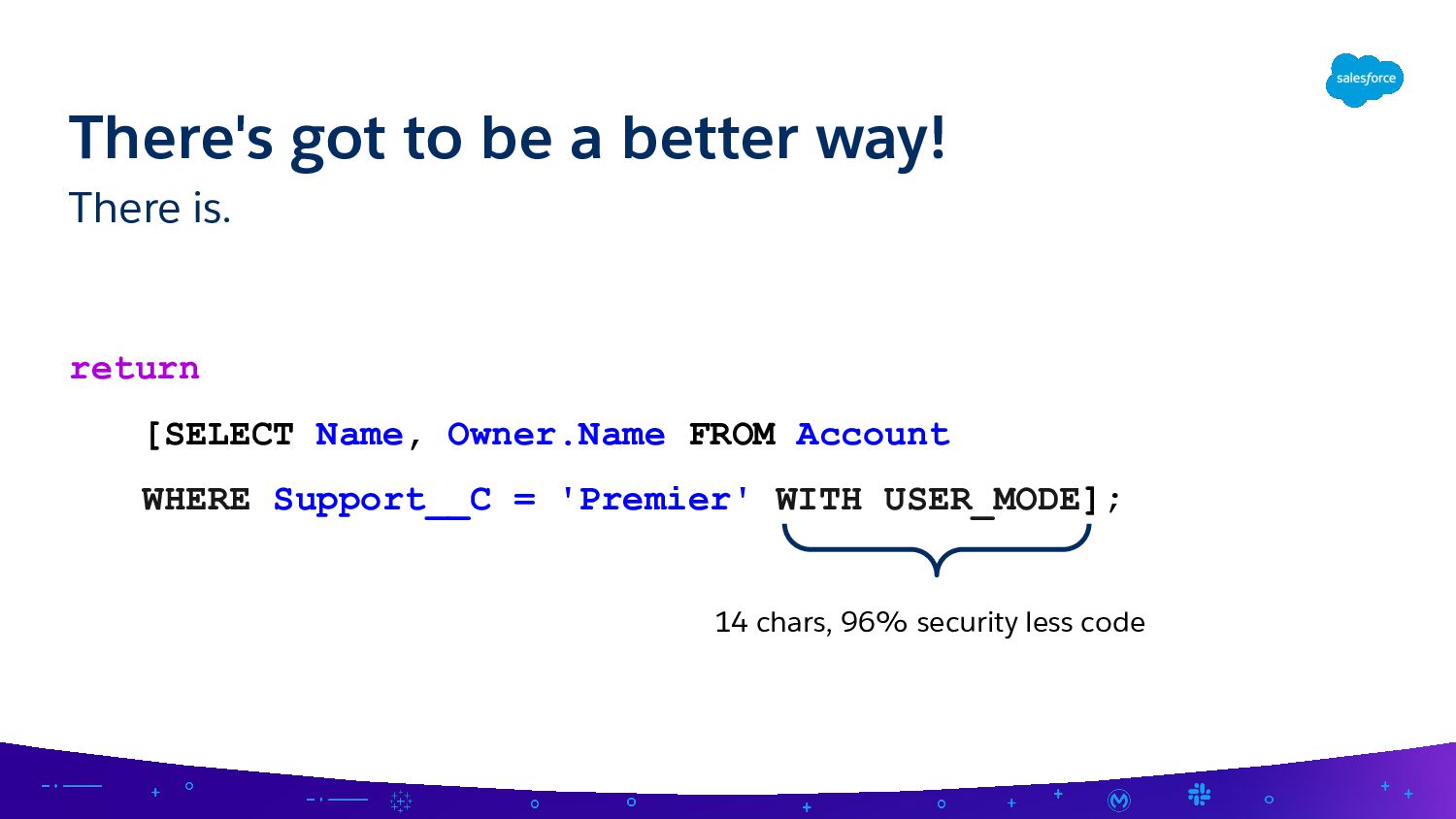
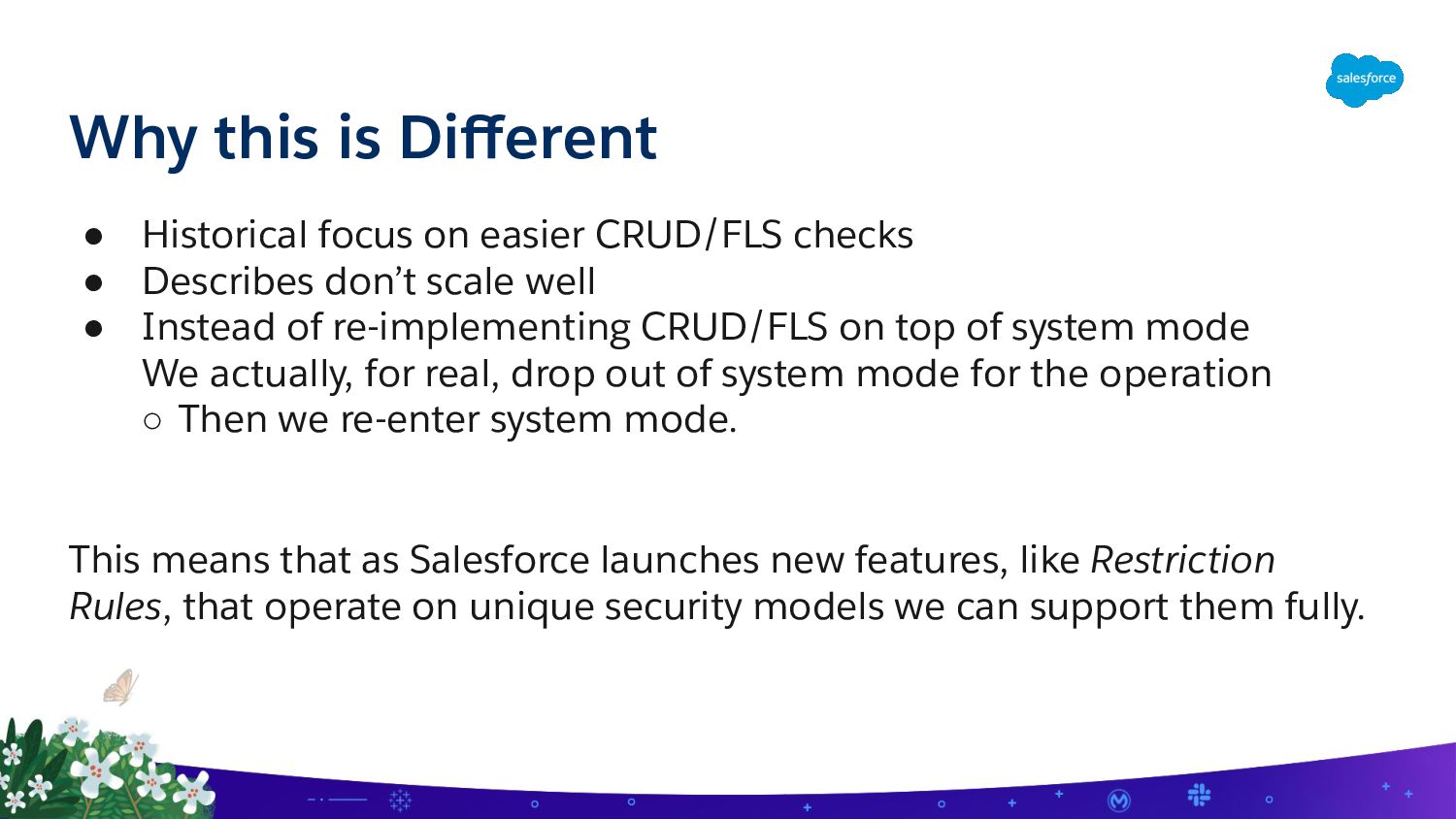
checks • Describes don’t scale well • Instead of re-implementing CRUD/FLS on top of system mode We actually, for real, drop out of system mode for the operation ◦ Then we re-enter system mode. This means that as Salesforce launches new features, like Restriction Rules, that operate on unique security models we can support them fully.
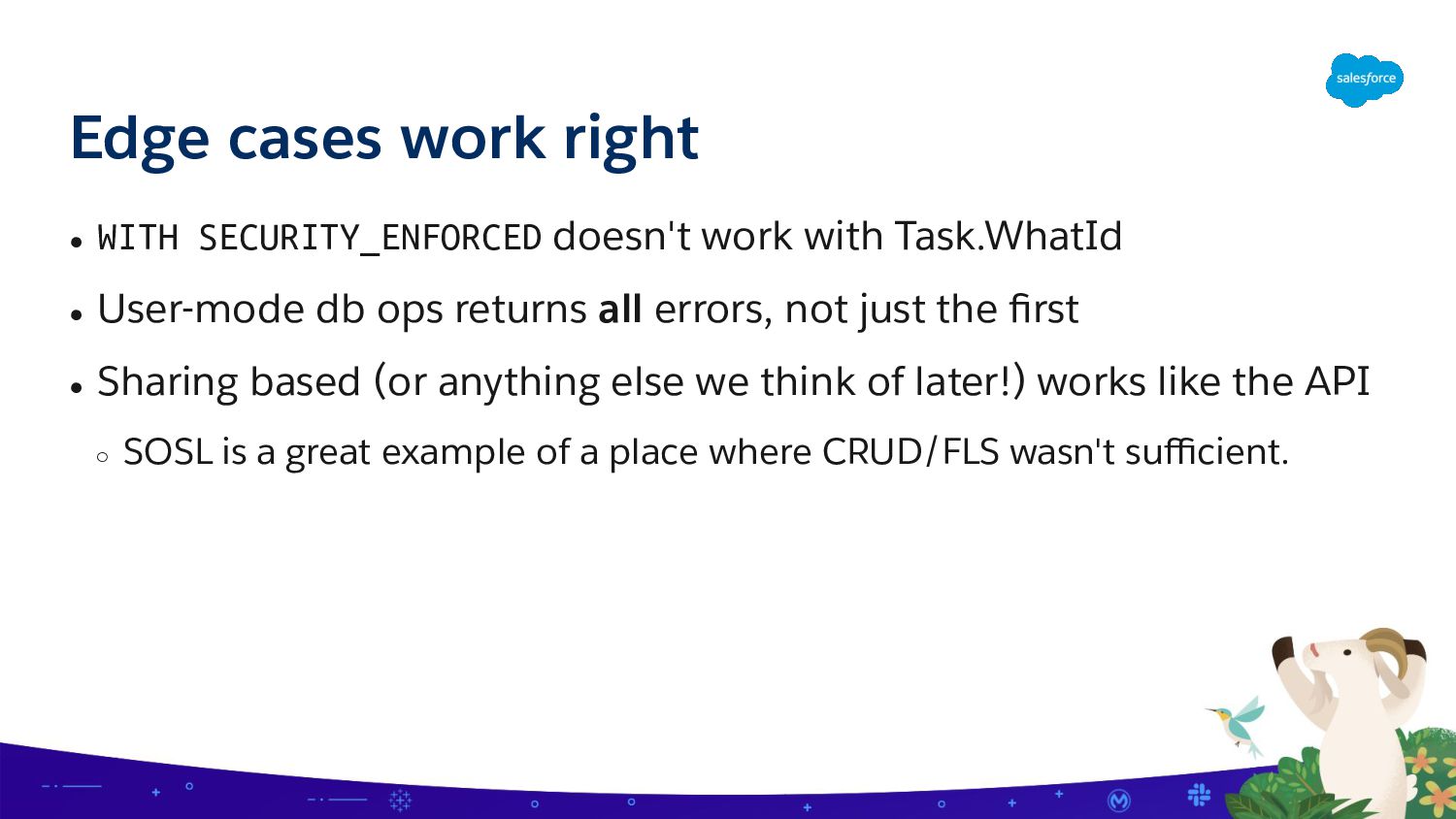
Task.WhatId • User-mode db ops returns all errors, not just the first • Sharing based (or anything else we think of later!) works like the API ◦ SOSL is a great example of a place where CRUD/FLS wasn't sufficient.
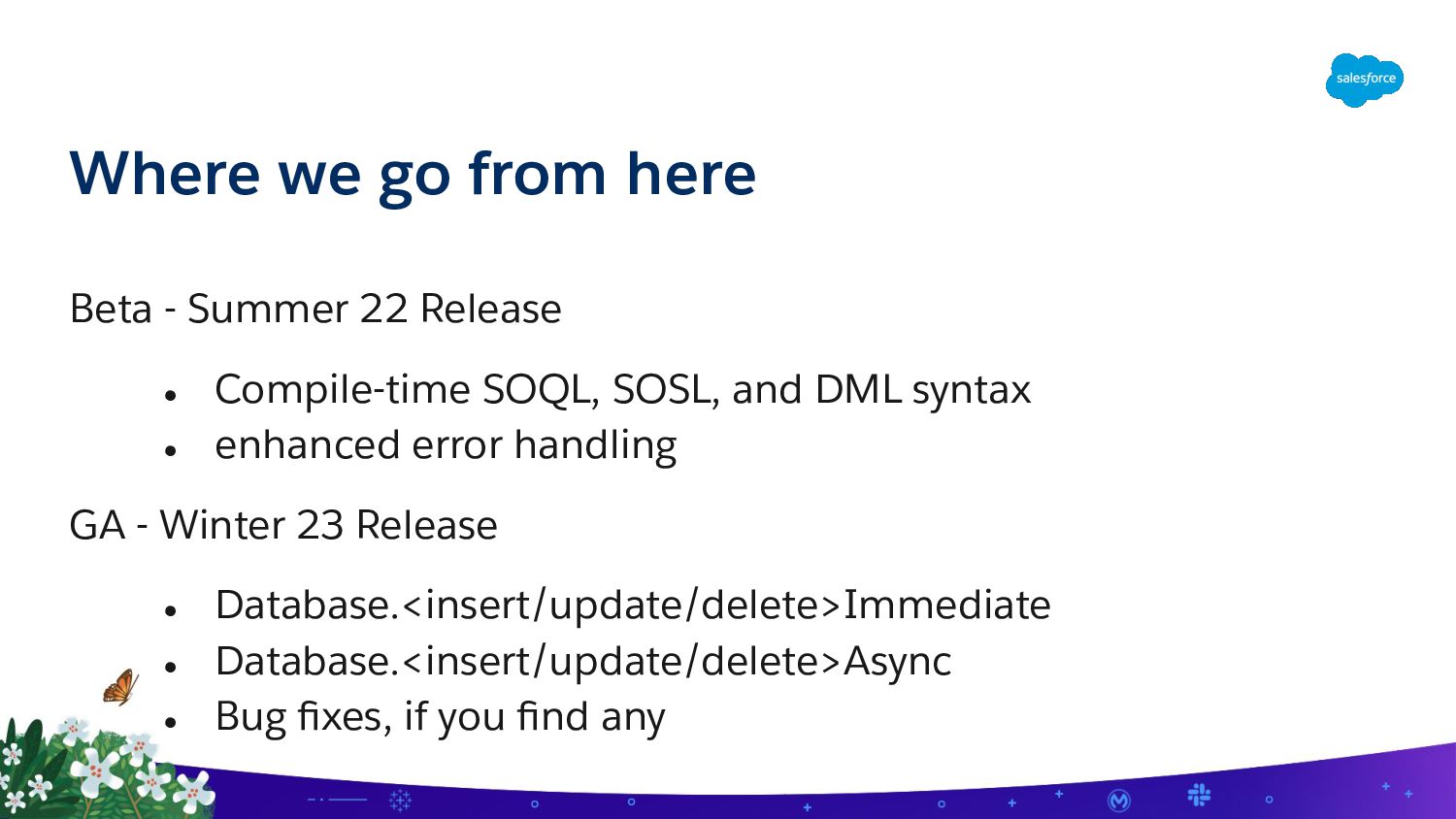
stripInaccessible • You use a framework that can be upgraded. It's better to swap this out low level. Yes, if: • You want to support new-fangled features like restriction rules • You're using WITH SECURITY_ENFORCED and don't want the WHERE or ORDER BY clause to be system mode. • Be explicit in your intent Do I need to refactor all my security checks?
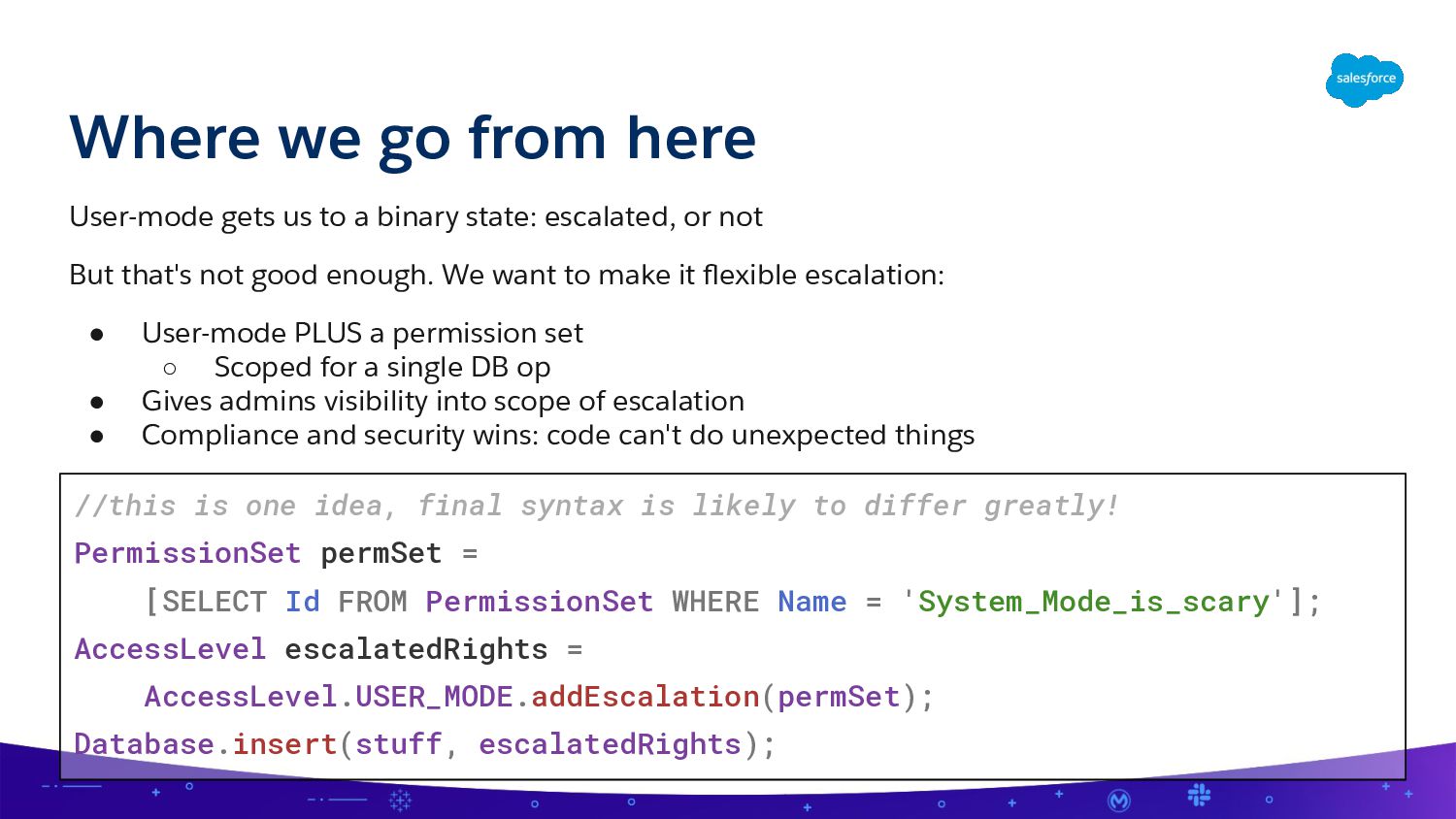
binary state: escalated, or not But that's not good enough. We want to make it flexible escalation: • User-mode PLUS a permission set ◦ Scoped for a single DB op • Gives admins visibility into scope of escalation • Compliance and security wins: code can't do unexpected things //this is one idea, final syntax is likely to differ greatly! PermissionSet permSet = [SELECT Id FROM PermissionSet WHERE Name = 'System_Mode_is_scary']; AccessLevel escalatedRights = AccessLevel.USER_MODE.addEscalation(permSet); Database.insert(stuff, escalatedRights);
want to make escalation a conscious decision • Someday, we're going to flip the default to user mode ◦ We're going to give plenty of notice when we do that ◦ Very open to suggestions on how to make that change smoother! • We hope that use of full system mode becomes rare ◦ But it's not going away! ◦ Strong preference for permset based escalation when possible ◦ Make it safe for our superhero to take a vacation • Worth making your code explicit soon to ease migration ◦ Yes, even if you want to keep using system mode, add it.


 ca_peterson
 ostk0069
 dalinaum
 ooga04
 kinakomoti321
 l2hyunwoo
 onozaty
 uwabami
 seike460
 slobodan
 sms_tech
 t45k
 richargh
 pedronauck
 inesmontani
 tammyeverts
 katarinadahlin
 akademiya2063
 codingconduct
 paigeccino
 sergeychernyshev
 bkeepers
 shpigford
 signer