Upgrade to Pro — share decks privately, control downloads, hide ads and more …

Images 101

Sponsored · Ship Features Fearlessly Turn features on and off without deploys. Used by thousands of Ruby developers.

Images 101

Avatar for Effie Barak

Effie Barak

July 20, 2018
Tweet

More Decks by Effie Barak

Other Decks in Programming

Transcript

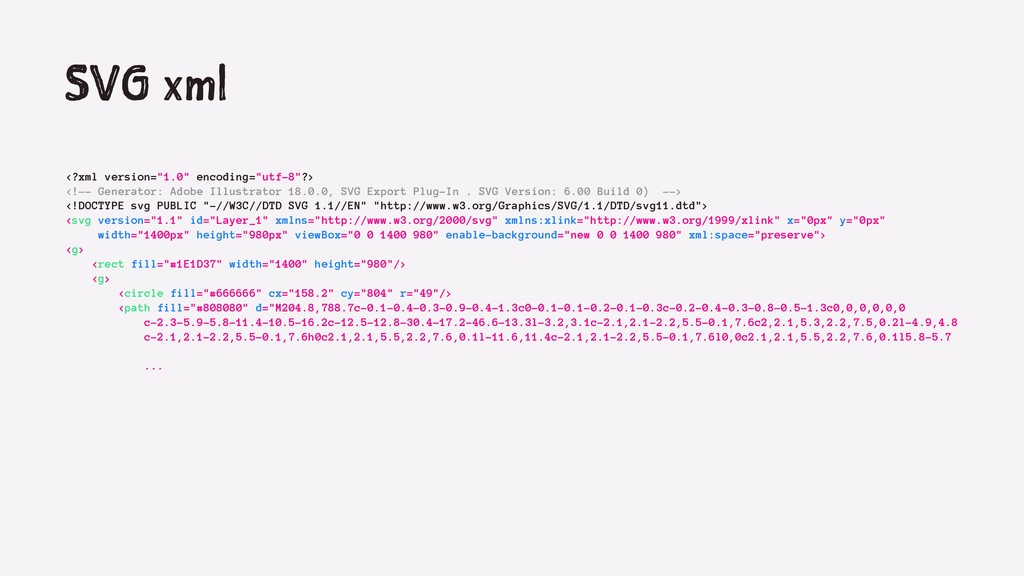
  1. SVG xml <?xml version="1.0" encoding="utf-8"?> <!-- Generator: Adobe Illustrator 18.0.0,

    SVG Export Plug-In . SVG Version: 6.00 Build 0) --> <!DOCTYPE svg PUBLIC "-//W3C//DTD SVG 1.1//EN" "http://www.w3.org/Graphics/SVG/1.1/DTD/svg11.dtd"> <svg version="1.1" id="Layer_1" xmlns="http://www.w3.org/2000/svg" xmlns:xlink="http://www.w3.org/1999/xlink" x="0px" y="0px" width="1400px" height="980px" viewBox="0 0 1400 980" enable-background="new 0 0 1400 980" xml:space="preserve"> <g> <rect fill="#1E1D37" width="1400" height="980"/> <g> <circle fill="#666666" cx="158.2" cy="804" r="49"/> <path fill="#808080" d="M204.8,788.7c-0.1-0.4-0.3-0.9-0.4-1.3c0-0.1-0.1-0.2-0.1-0.3c-0.2-0.4-0.3-0.8-0.5-1.3c0,0,0,0,0,0 c-2.3-5.9-5.8-11.4-10.5-16.2c-12.5-12.8-30.4-17.2-46.6-13.3l-3.2,3.1c-2.1,2.1-2.2,5.5-0.1,7.6c2,2.1,5.3,2.2,7.5,0.2l-4.9,4.8 c-2.1,2.1-2.2,5.5-0.1,7.6h0c2.1,2.1,5.5,2.2,7.6,0.1l-11.6,11.4c-2.1,2.1-2.2,5.5-0.1,7.6l0,0c2.1,2.1,5.5,2.2,7.6,0.1l5.8-5.7 ...
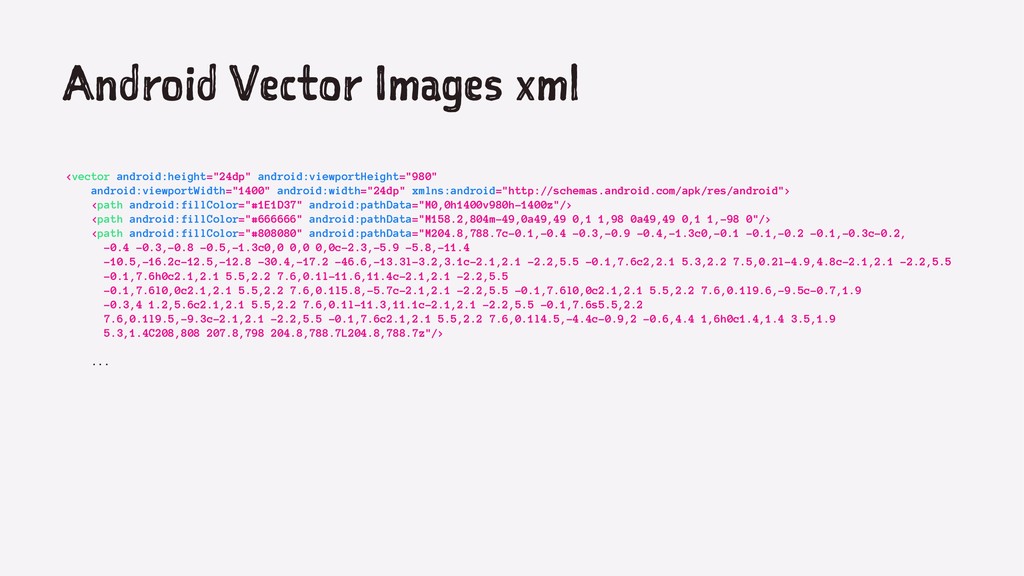
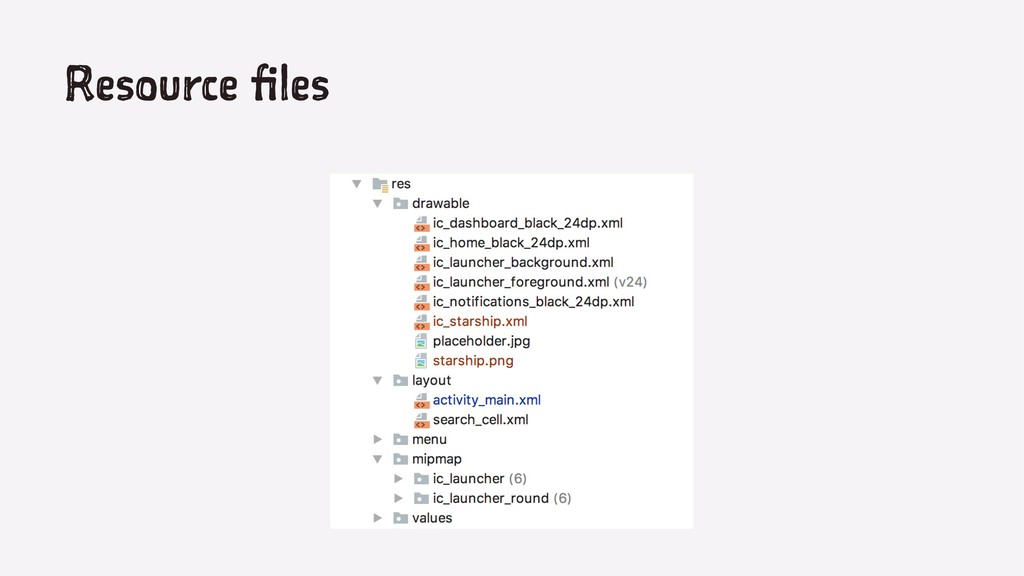
  2. Android Vector Images xml <vector android:height="24dp" android:viewportHeight="980" android:viewportWidth="1400" android:width="24dp" xmlns:android="http://schemas.android.com/apk/res/android">

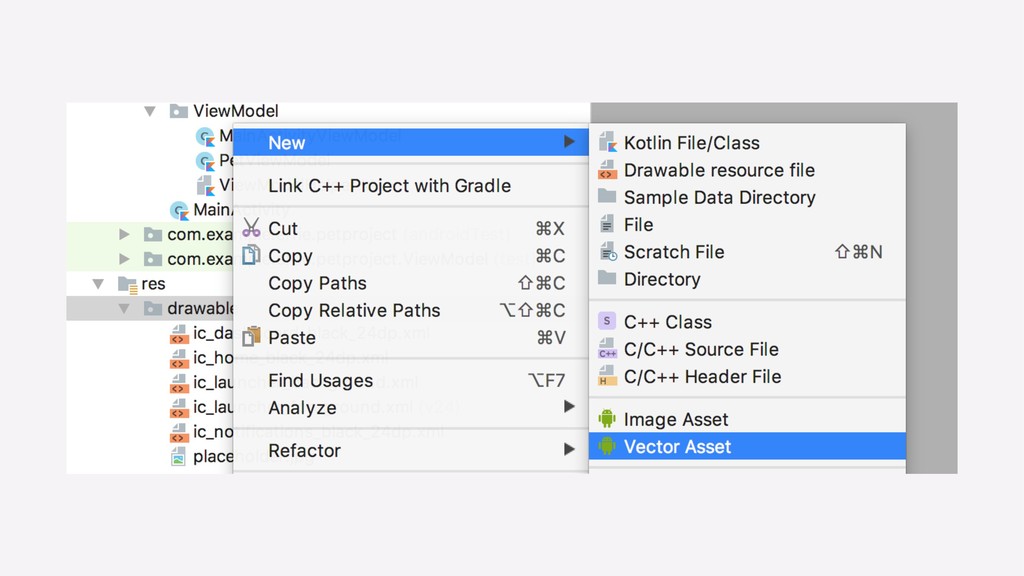
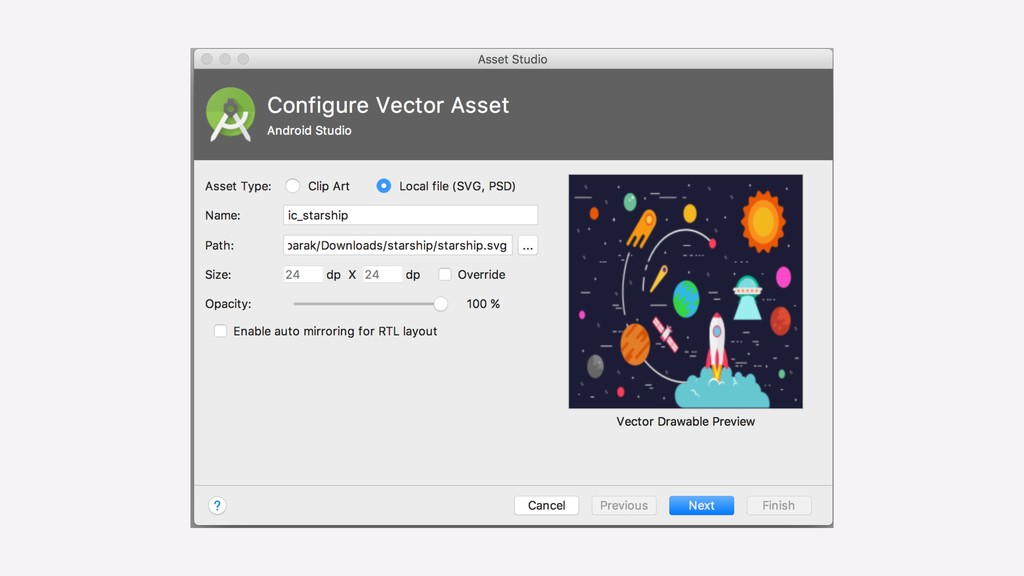
    <path android:fillColor="#1E1D37" android:pathData="M0,0h1400v980h-1400z"/> <path android:fillColor="#666666" android:pathData="M158.2,804m-49,0a49,49 0,1 1,98 0a49,49 0,1 1,-98 0"/> <path android:fillColor="#808080" android:pathData="M204.8,788.7c-0.1,-0.4 -0.3,-0.9 -0.4,-1.3c0,-0.1 -0.1,-0.2 -0.1,-0.3c-0.2, -0.4 -0.3,-0.8 -0.5,-1.3c0,0 0,0 0,0c-2.3,-5.9 -5.8,-11.4 -10.5,-16.2c-12.5,-12.8 -30.4,-17.2 -46.6,-13.3l-3.2,3.1c-2.1,2.1 -2.2,5.5 -0.1,7.6c2,2.1 5.3,2.2 7.5,0.2l-4.9,4.8c-2.1,2.1 -2.2,5.5 -0.1,7.6h0c2.1,2.1 5.5,2.2 7.6,0.1l-11.6,11.4c-2.1,2.1 -2.2,5.5 -0.1,7.6l0,0c2.1,2.1 5.5,2.2 7.6,0.1l5.8,-5.7c-2.1,2.1 -2.2,5.5 -0.1,7.6l0,0c2.1,2.1 5.5,2.2 7.6,0.1l9.6,-9.5c-0.7,1.9 -0.3,4 1.2,5.6c2.1,2.1 5.5,2.2 7.6,0.1l-11.3,11.1c-2.1,2.1 -2.2,5.5 -0.1,7.6s5.5,2.2 7.6,0.1l9.5,-9.3c-2.1,2.1 -2.2,5.5 -0.1,7.6c2.1,2.1 5.5,2.2 7.6,0.1l4.5,-4.4c-0.9,2 -0.6,4.4 1,6h0c1.4,1.4 3.5,1.9 5.3,1.4C208,808 207.8,798 204.8,788.7L204.8,788.7z"/> ...
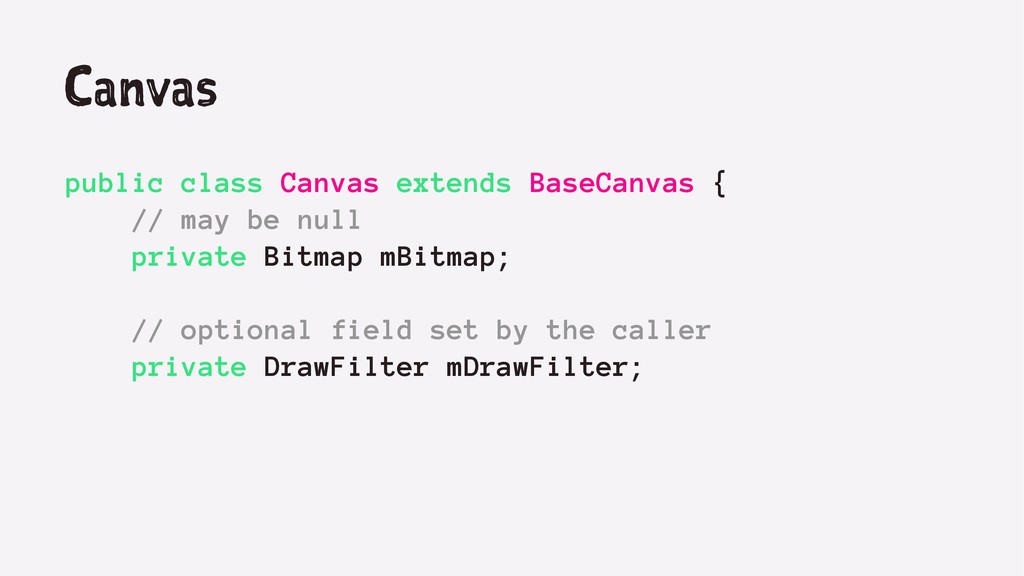
  3. Canvas public class Canvas extends BaseCanvas { // may be

    null private Bitmap mBitmap; // optional field set by the caller private DrawFilter mDrawFilter;
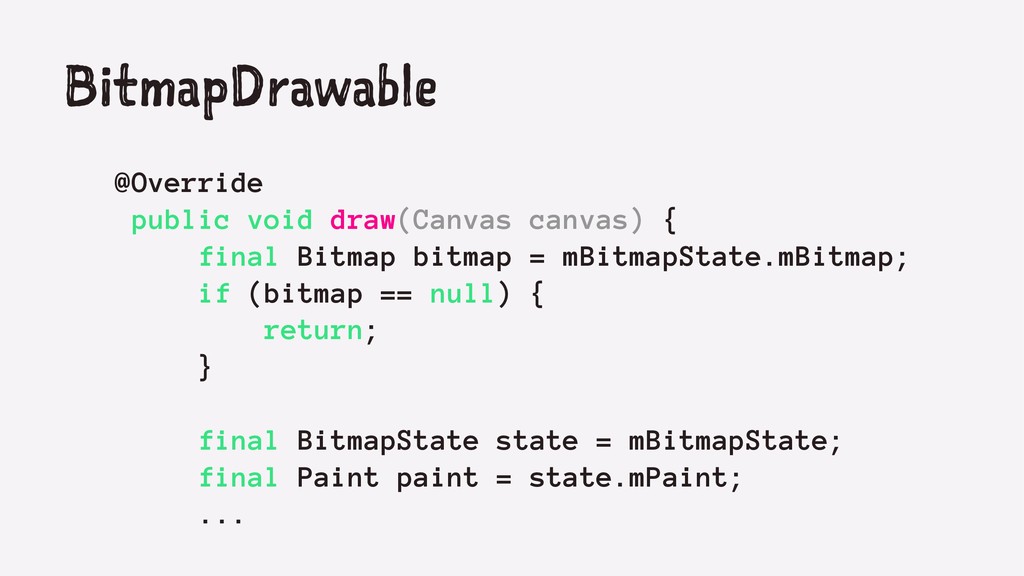
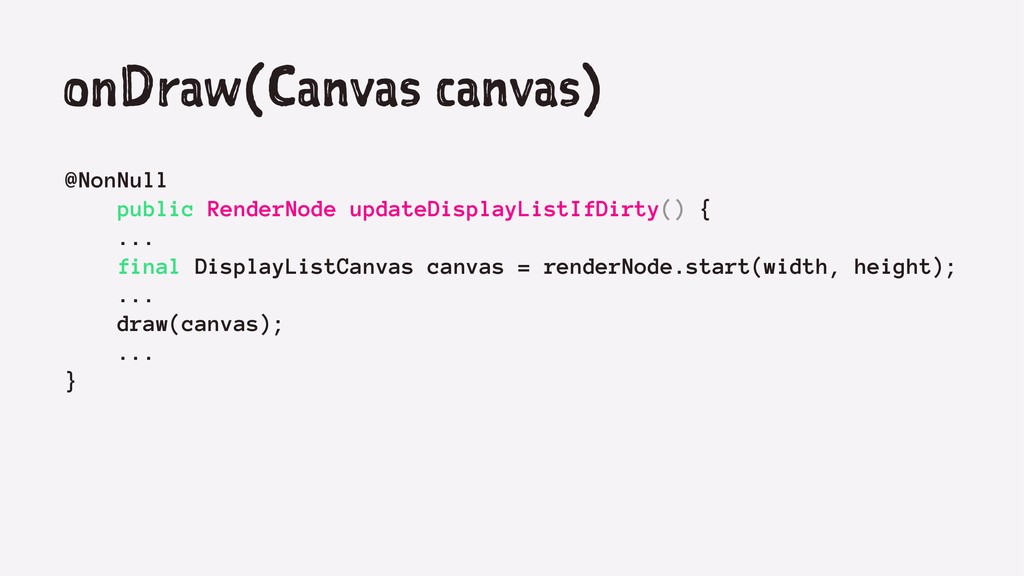
  4. BitmapDrawable @Override public void draw(Canvas canvas) { final Bitmap bitmap

    = mBitmapState.mBitmap; if (bitmap == null) { return; } final BitmapState state = mBitmapState; final Paint paint = state.mPaint; ...
  5. StateListDrawable <?xml version="1.0" encoding="utf-8"?> <selector xmlns:android="http://schemas.android.com/apk/res/android"> <item android:state_pressed="true" android:drawable="@drawable/button_pressed" />

    <!-- pressed --> <item android:state_focused="true" android:drawable="@drawable/button_focused" /> <!-- focused --> <item android:state_hovered="true" android:drawable="@drawable/button_focused" /> <!-- hovered --> <item android:drawable="@drawable/button_normal" /> <!-- default --> </selector>
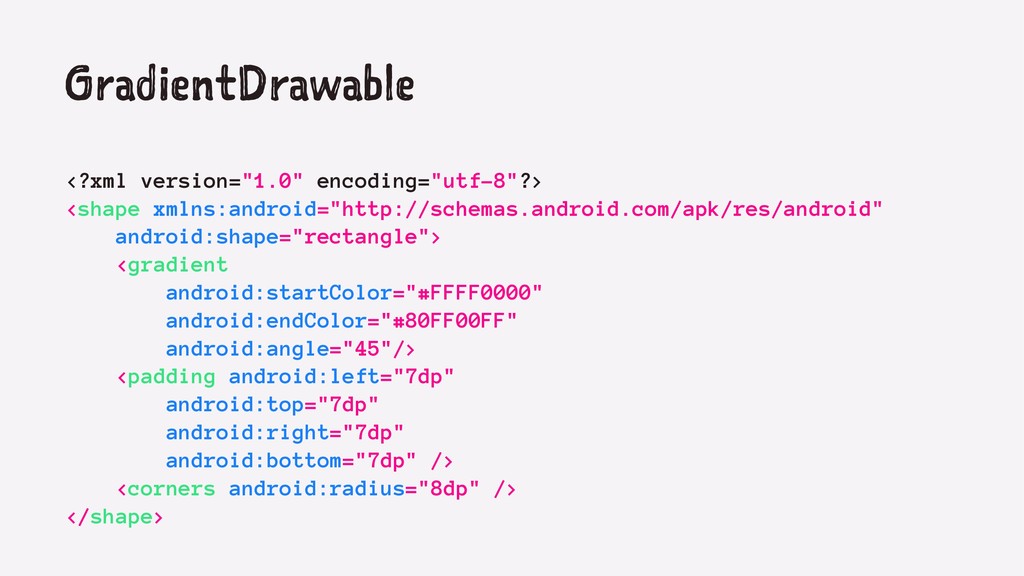
  6. GradientDrawable <?xml version="1.0" encoding="utf-8"?> <shape xmlns:android="http://schemas.android.com/apk/res/android" android:shape="rectangle"> <gradient android:startColor="#FFFF0000" android:endColor="#80FF00FF"

    android:angle="45"/> <padding android:left="7dp" android:top="7dp" android:right="7dp" android:bottom="7dp" /> <corners android:radius="8dp" /> </shape>
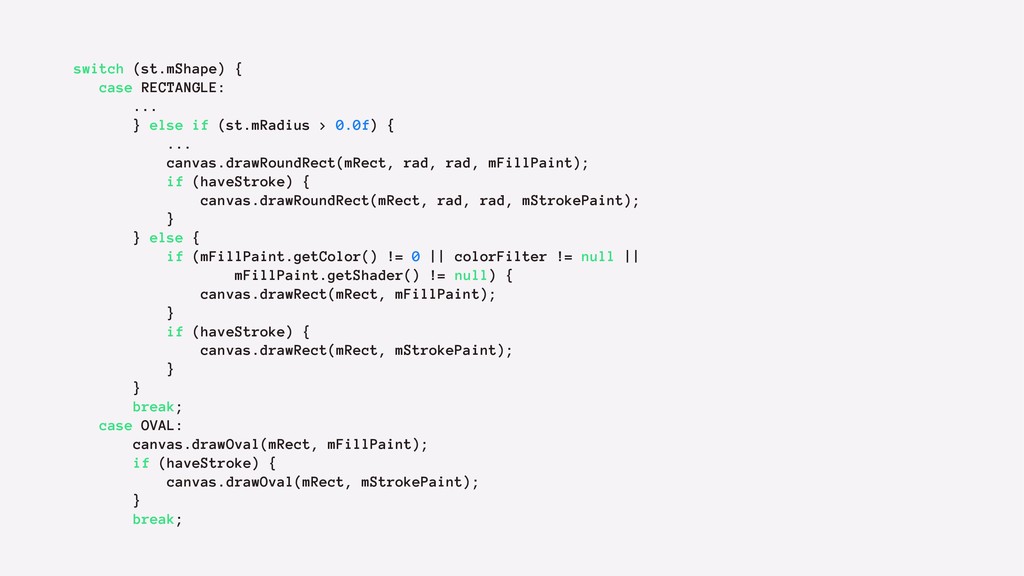
  7. switch (st.mShape) { case RECTANGLE: ... } else if (st.mRadius

    > 0.0f) { ... canvas.drawRoundRect(mRect, rad, rad, mFillPaint); if (haveStroke) { canvas.drawRoundRect(mRect, rad, rad, mStrokePaint); } } else { if (mFillPaint.getColor() != 0 || colorFilter != null || mFillPaint.getShader() != null) { canvas.drawRect(mRect, mFillPaint); } if (haveStroke) { canvas.drawRect(mRect, mStrokePaint); } } break; case OVAL: canvas.drawOval(mRect, mFillPaint); if (haveStroke) { canvas.drawOval(mRect, mStrokePaint); } break;
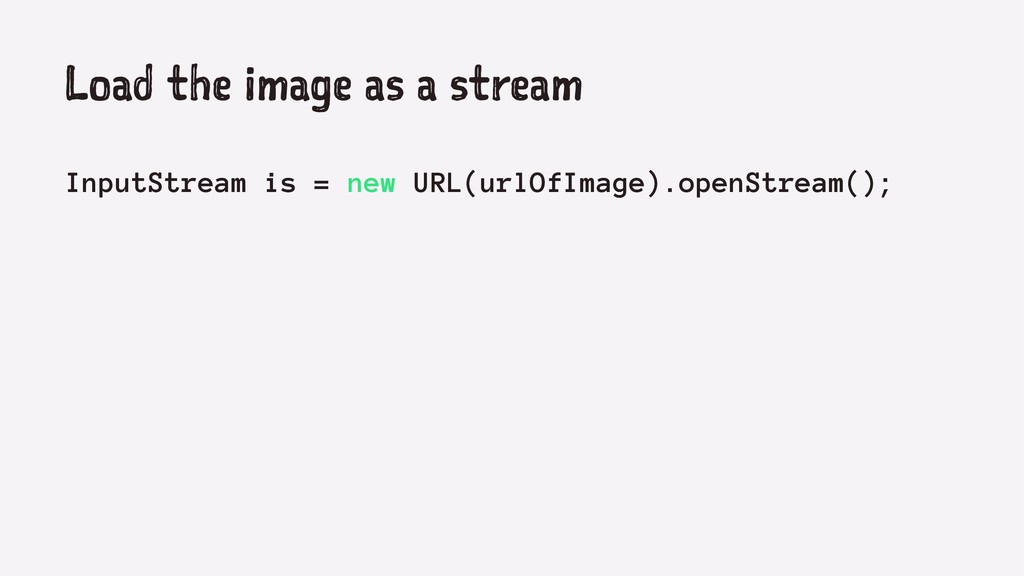
  8. Load the image as a stream InputStream is = new

    URL(urlOfImage).openStream();
  9. Create a bitmap out of the stream Bitmap bitmap =

    BitmapFactory.decodeStream(is);
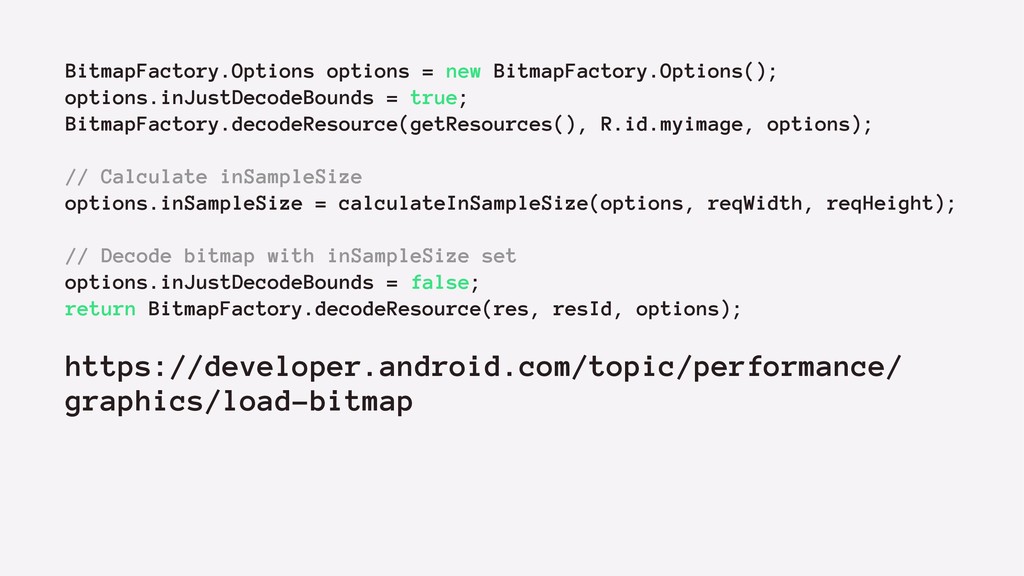
  10. BitmapFactory.Options options = new BitmapFactory.Options(); options.inJustDecodeBounds = true; BitmapFactory.decodeResource(getResources(), R.id.myimage,

    options); // Calculate inSampleSize options.inSampleSize = calculateInSampleSize(options, reqWidth, reqHeight); // Decode bitmap with inSampleSize set options.inJustDecodeBounds = false; return BitmapFactory.decodeResource(res, resId, options); https://developer.android.com/topic/performance/ graphics/load-bitmap
  11. !

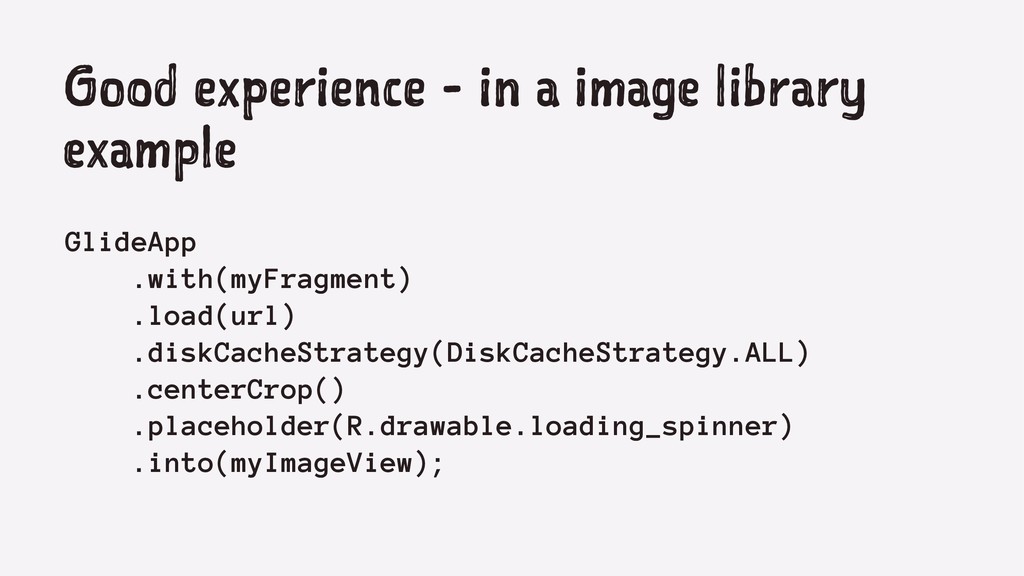
  12. Good experience - in a image library example GlideApp .with(myFragment)

    .load(url) .diskCacheStrategy(DiskCacheStrategy.ALL) .centerCrop() .placeholder(R.drawable.loading_spinner) .into(myImageView);