Upgrade to Pro — share decks privately, control downloads, hide ads and more …

Why State Is the Most Important Part of Your An...

Why State Is the Most Important Part of Your Angular Application

State is the foundation of every modern Angular application. A well-structured state management strategy determines not only how data flows through an application but also how scalable, maintainable, and performant it becomes. Without proper state management, applications quickly become hard to debug, difficult to scale, and prone to inconsistencies. This talk explores why state is the most crucial part of an Angular application, how to choose the right state management approach, and what common pitfalls to avoid. Whether using NgRx, the Signal Store, Signals, or a simple service-based approach, understanding and structuring state effectively is the key to long-term success.

Avatar for Fabian Gosebrink

Fabian Gosebrink

October 02, 2026

More Decks by Fabian Gosebrink

Other Decks in Technology

Transcript

  1. Every Angular application has state Backbone of your UI and

    data Different places Different formats and shapes
  2. What is state? All the data the user sees UI

    = fn(state) Backbone of every application
  3. What is state? All the data the user sees UI

    = fn(state) Backbone of every application Reactivity
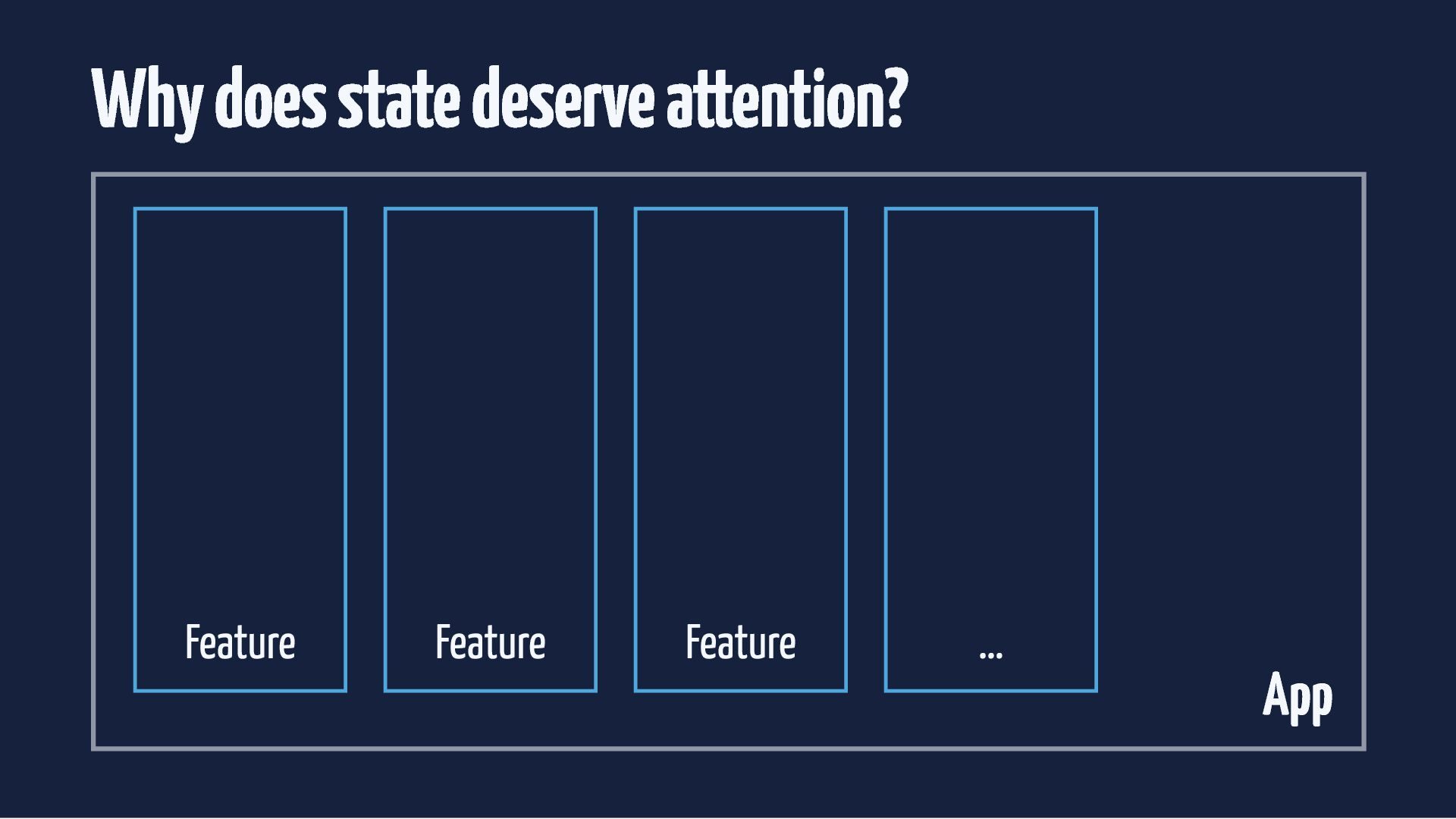
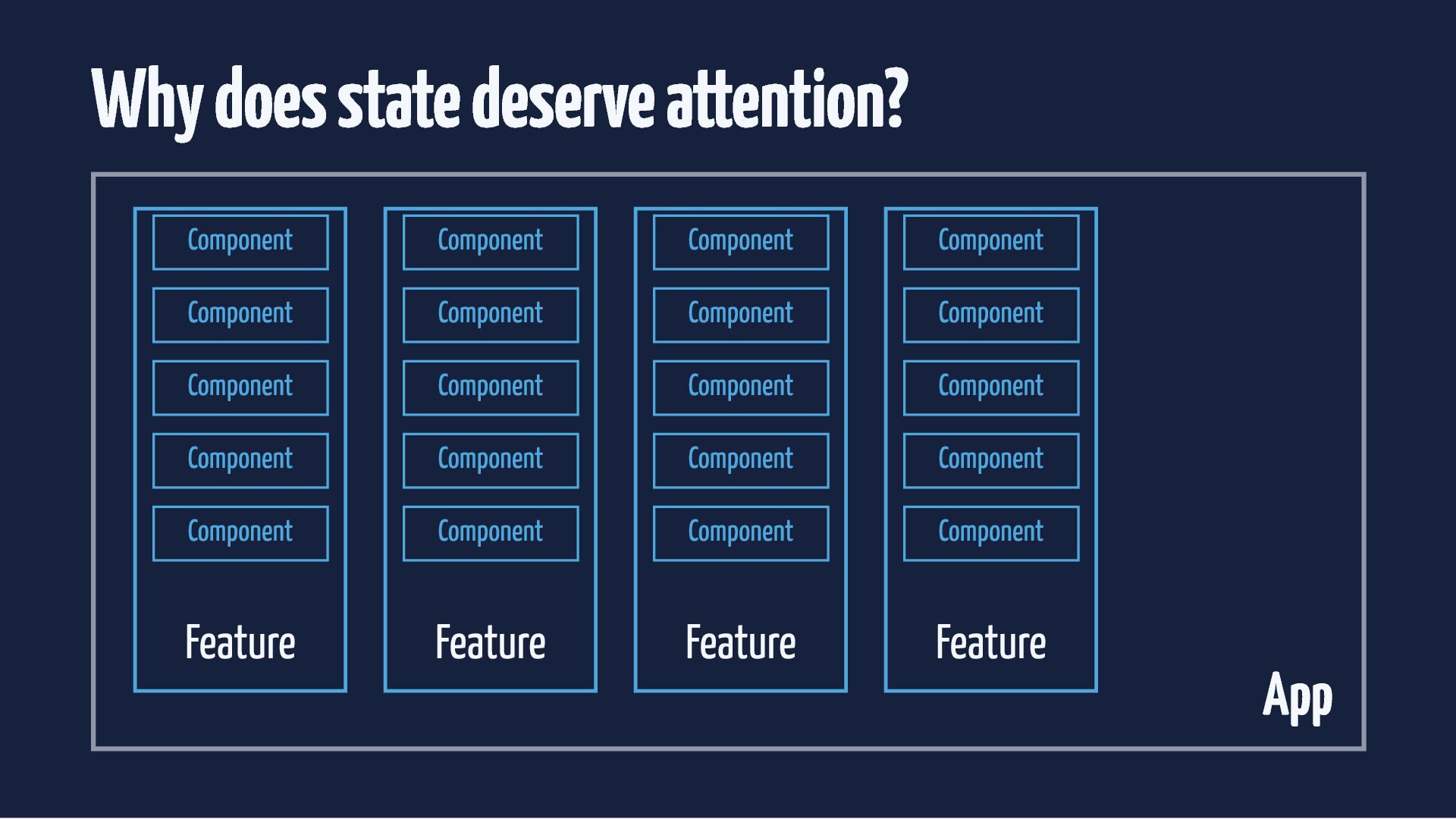
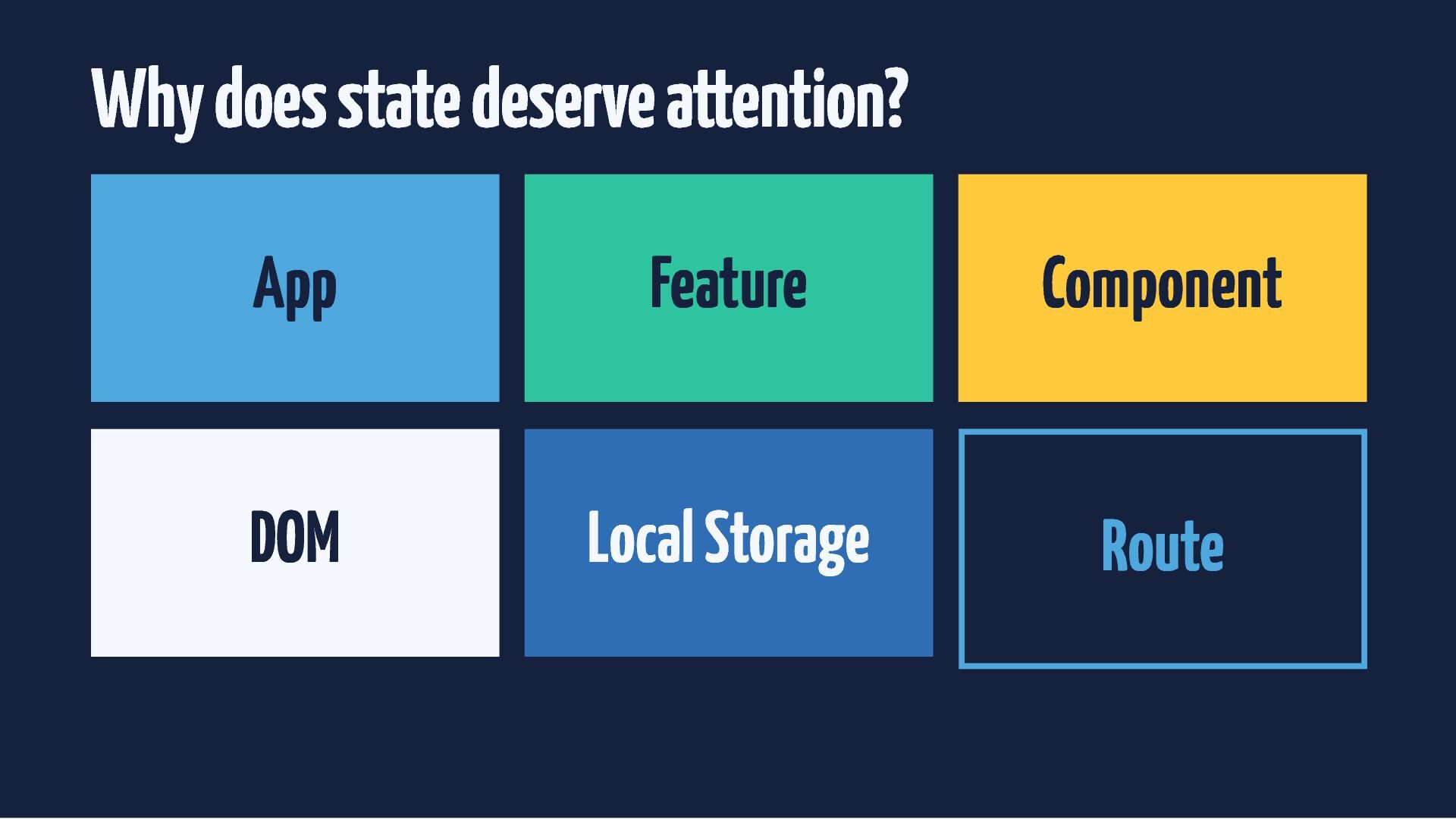
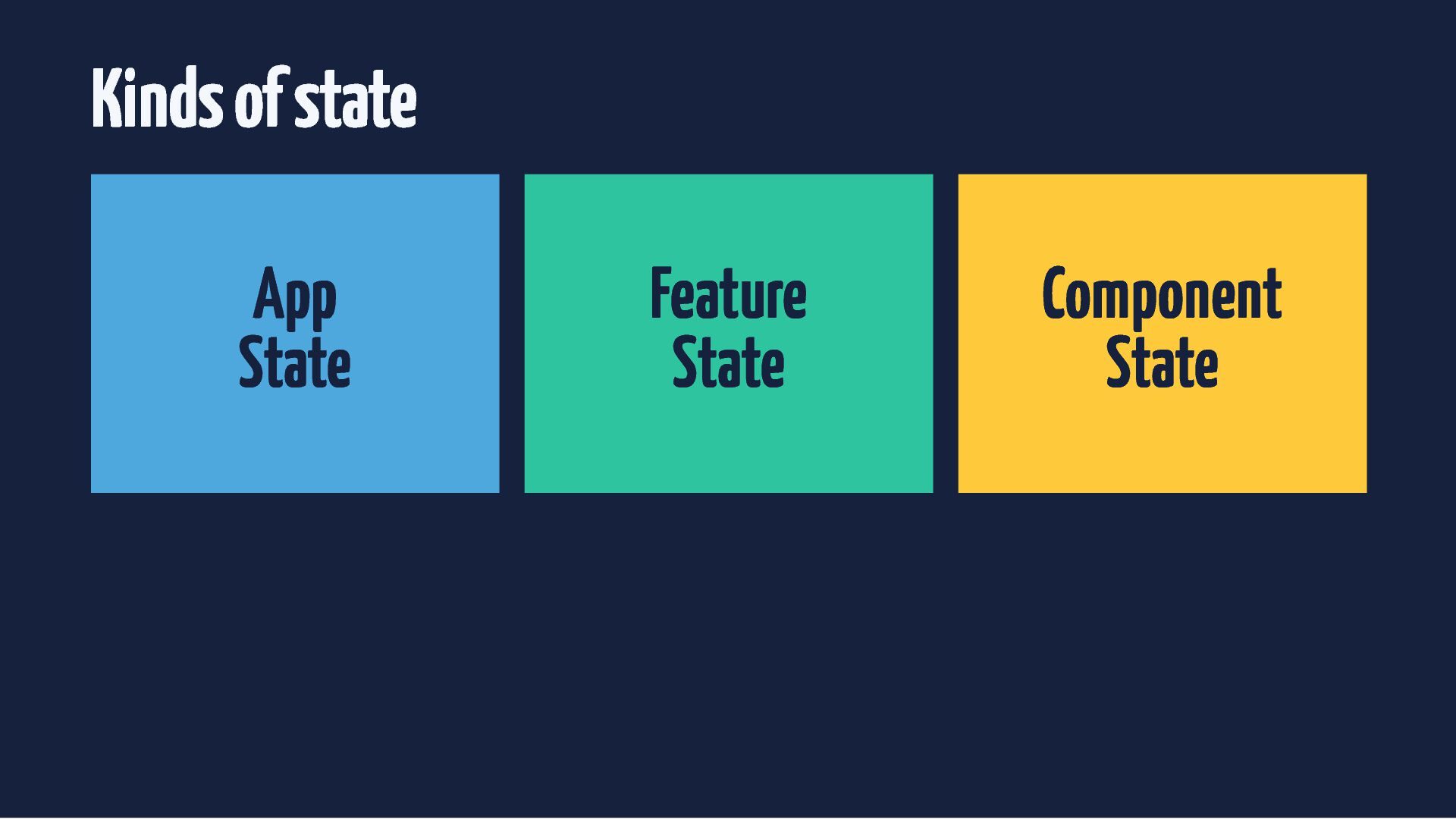
  4. Why does state deserve attention? Component Component Component Component Component

    Component Component Component Component Component Component Component Component Component Component Component Component Component Component Component Feature Feature Feature Feature App
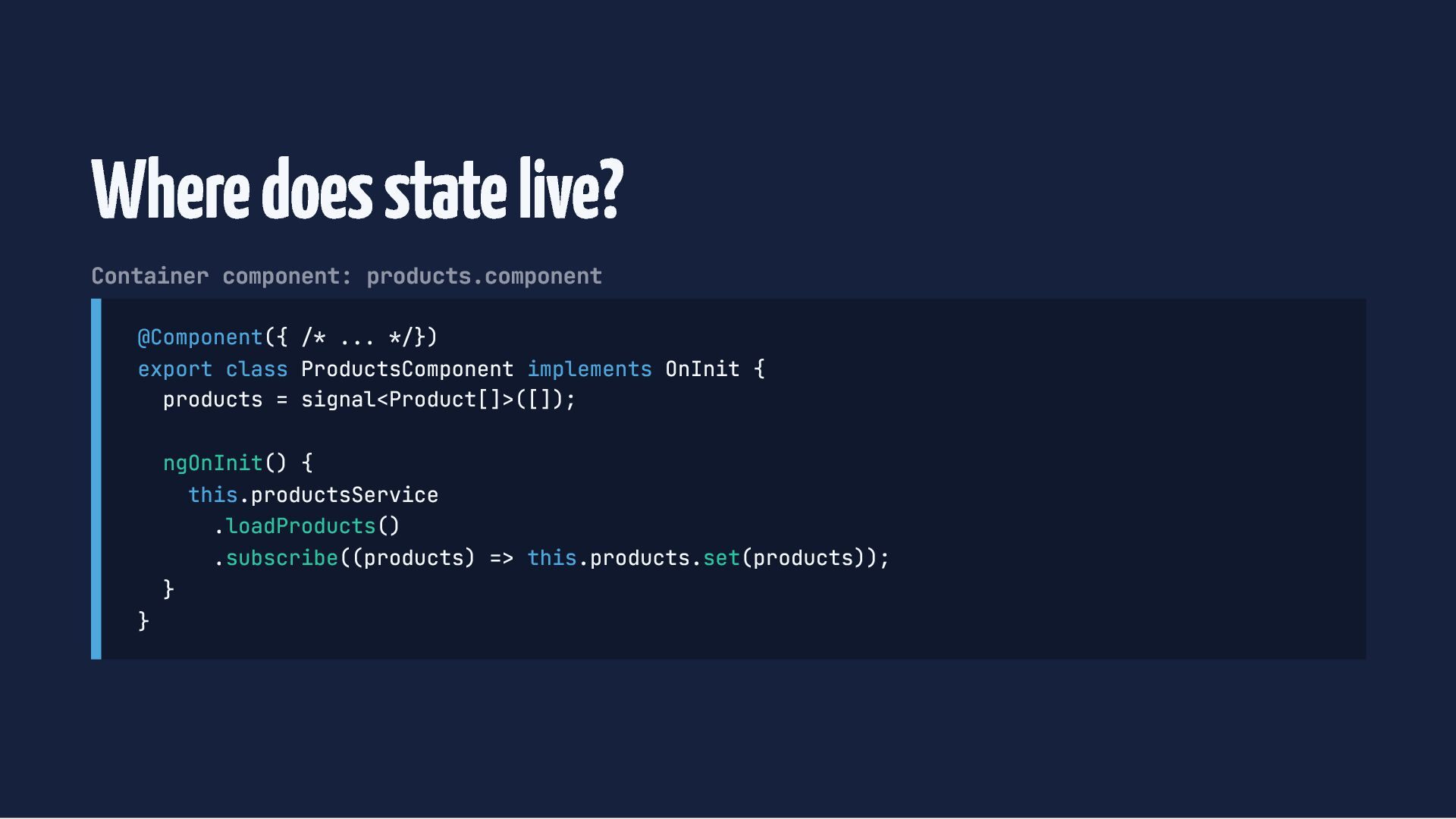
  5. Where does state live? Container component: products.component @Component({ /* ...

    */}) export class ProductsComponent implements OnInit { products = signal<Product[]>([]); } ngOnInit() { this.productsService .loadProducts() .subscribe((products) => this.products.set(products)); }
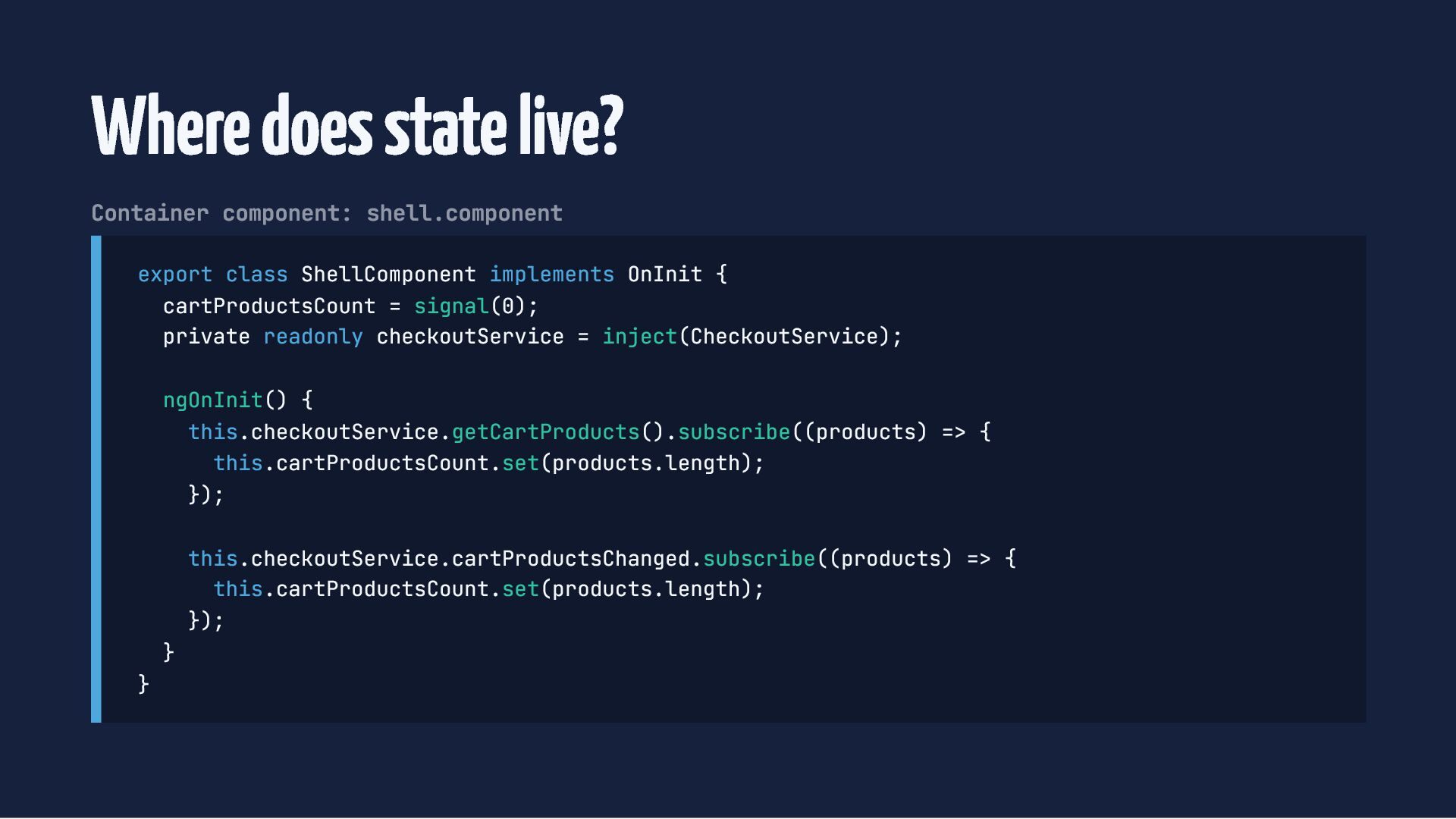
  6. Where does state live? Container component: shell.component export class ShellComponent

    implements OnInit { cartProductsCount = signal(0); private readonly checkoutService = inject(CheckoutService); ngOnInit() { this.checkoutService.getCartProducts().subscribe((products) => { this.cartProductsCount.set(products.length); }); } } this.checkoutService.cartProductsChanged.subscribe((products) => { this.cartProductsCount.set(products.length); });
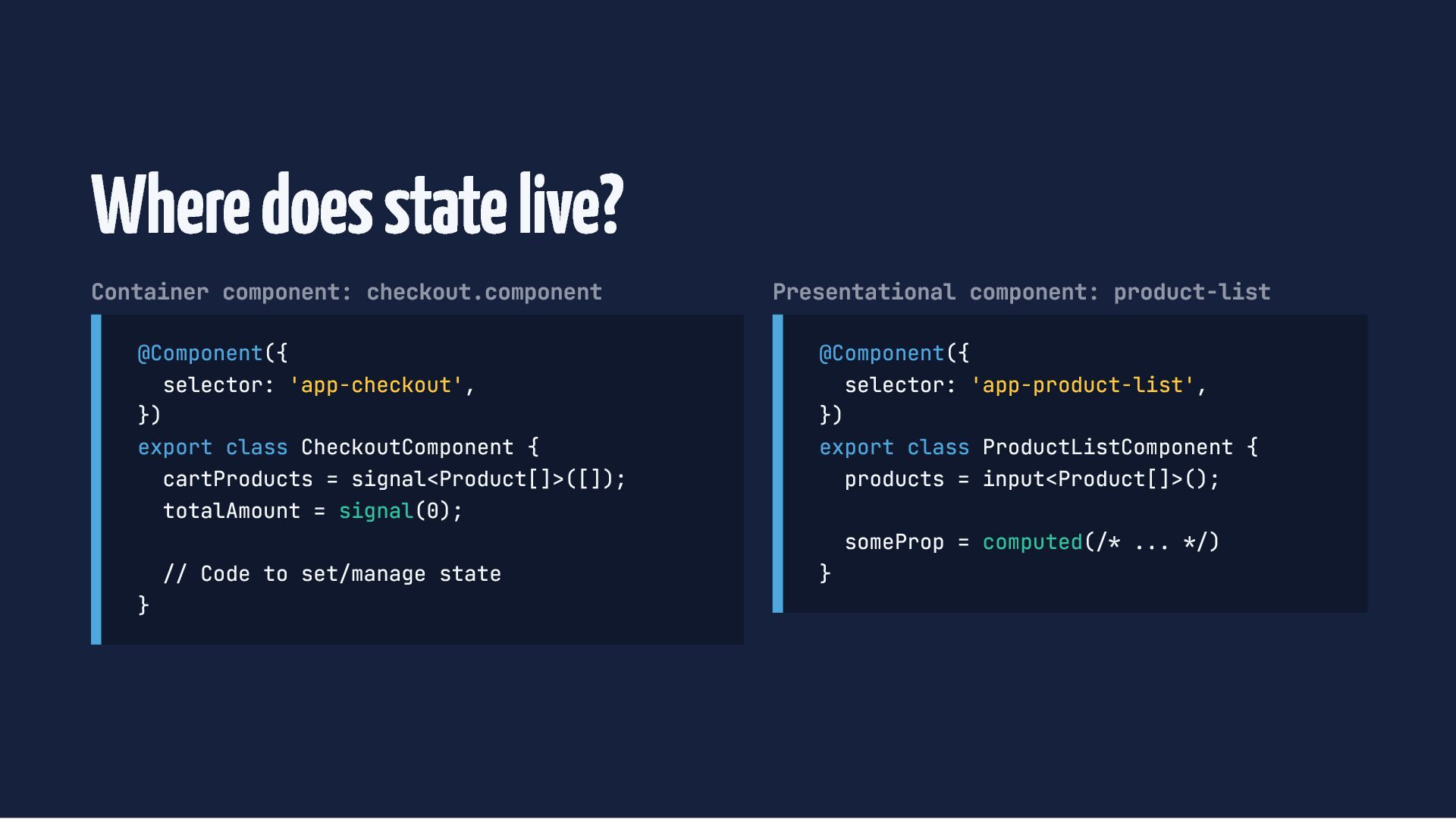
  7. Where does state live? Container component: checkout.component @Component({ selector: 'app-checkout',

    }) export class CheckoutComponent { cartProducts = signal<Product[]>([]); totalAmount = signal(0); } // Code to set/manage state Presentational component: product-list @Component({ selector: 'app-product-list', }) export class ProductListComponent { products = input<Product[]>(); } someProp = computed(/* ... */)

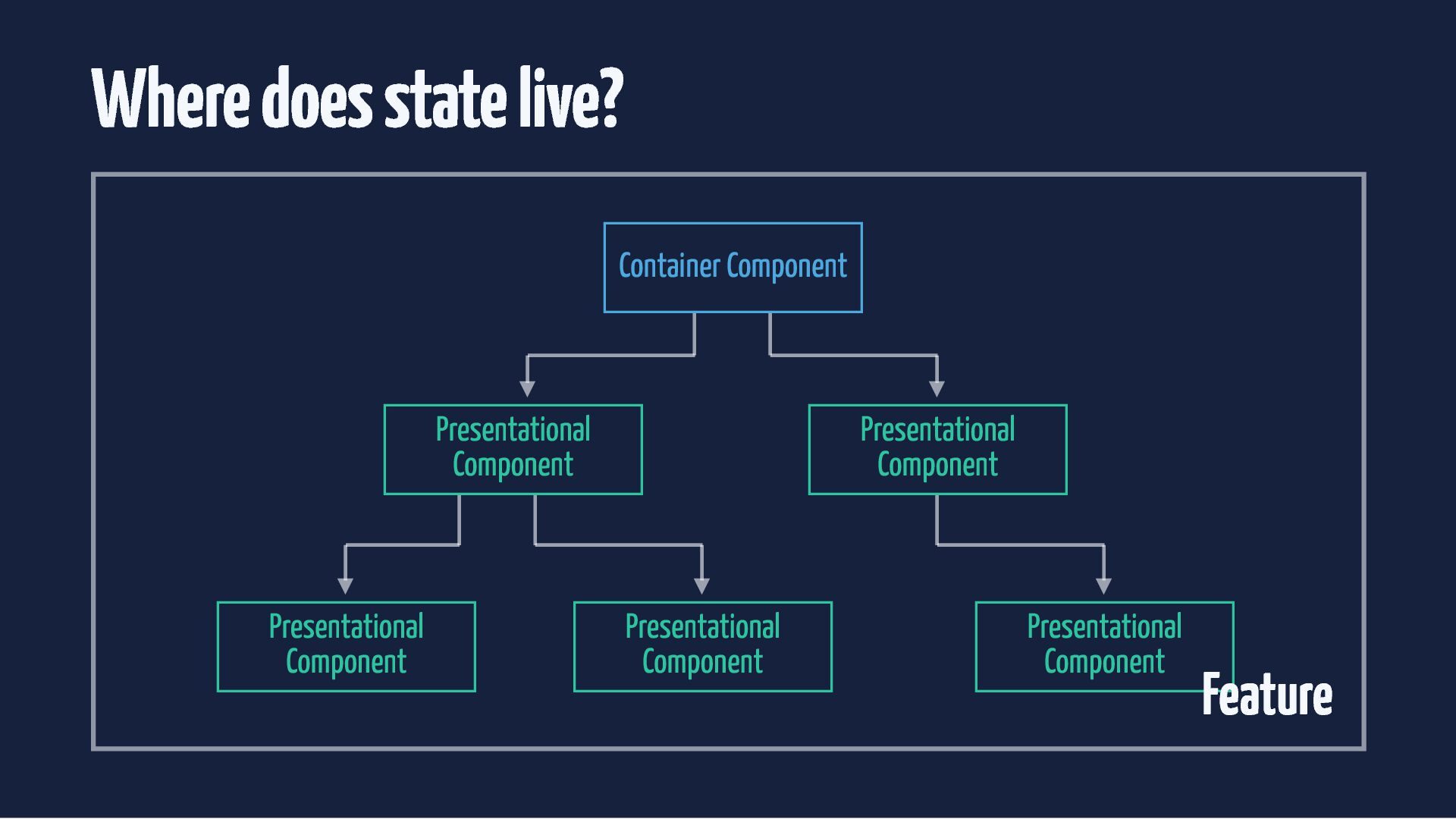
  8. Where does state live? Container Component Presentational Component Presentational Component

    Presentational Component Presentational Component Presentational Component Feature
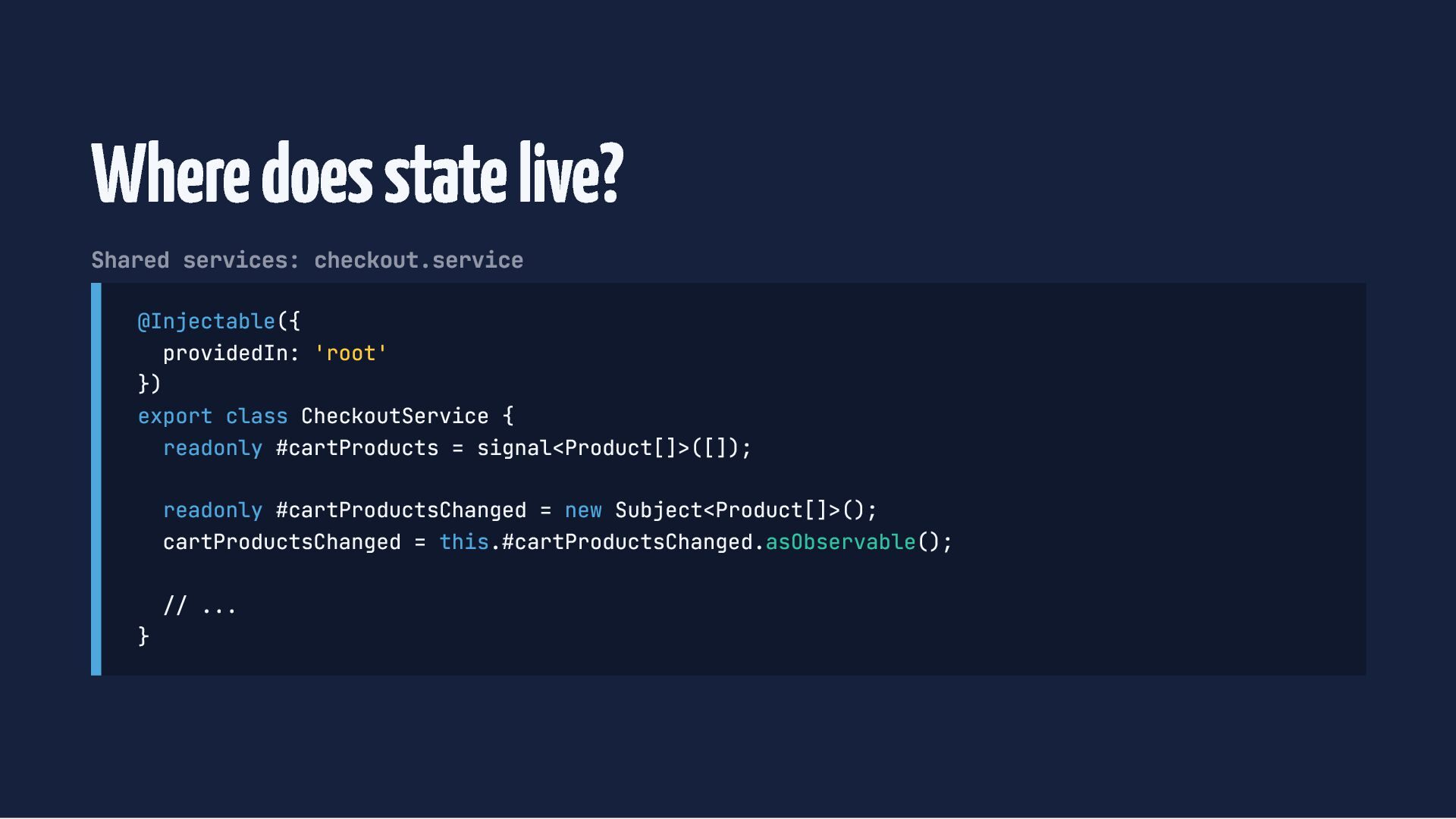
  9. Where does state live? Shared services: checkout.service @Injectable({ providedIn: 'root'

    }) export class CheckoutService { readonly #cartProducts = signal<Product[]>([]); readonly #cartProductsChanged = new Subject<Product[]>(); cartProductsChanged = this.#cartProductsChanged.asObservable(); } // ...
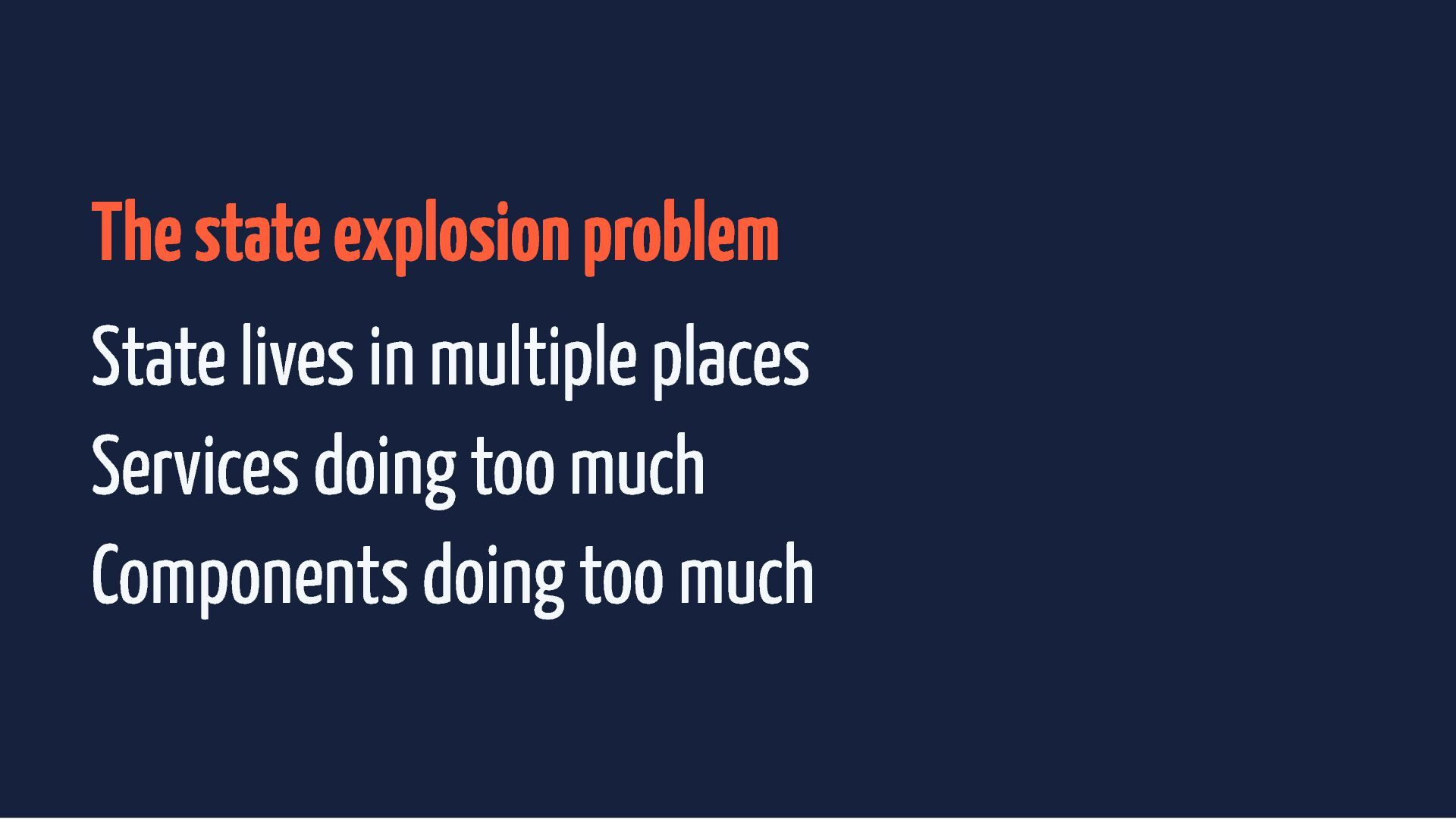
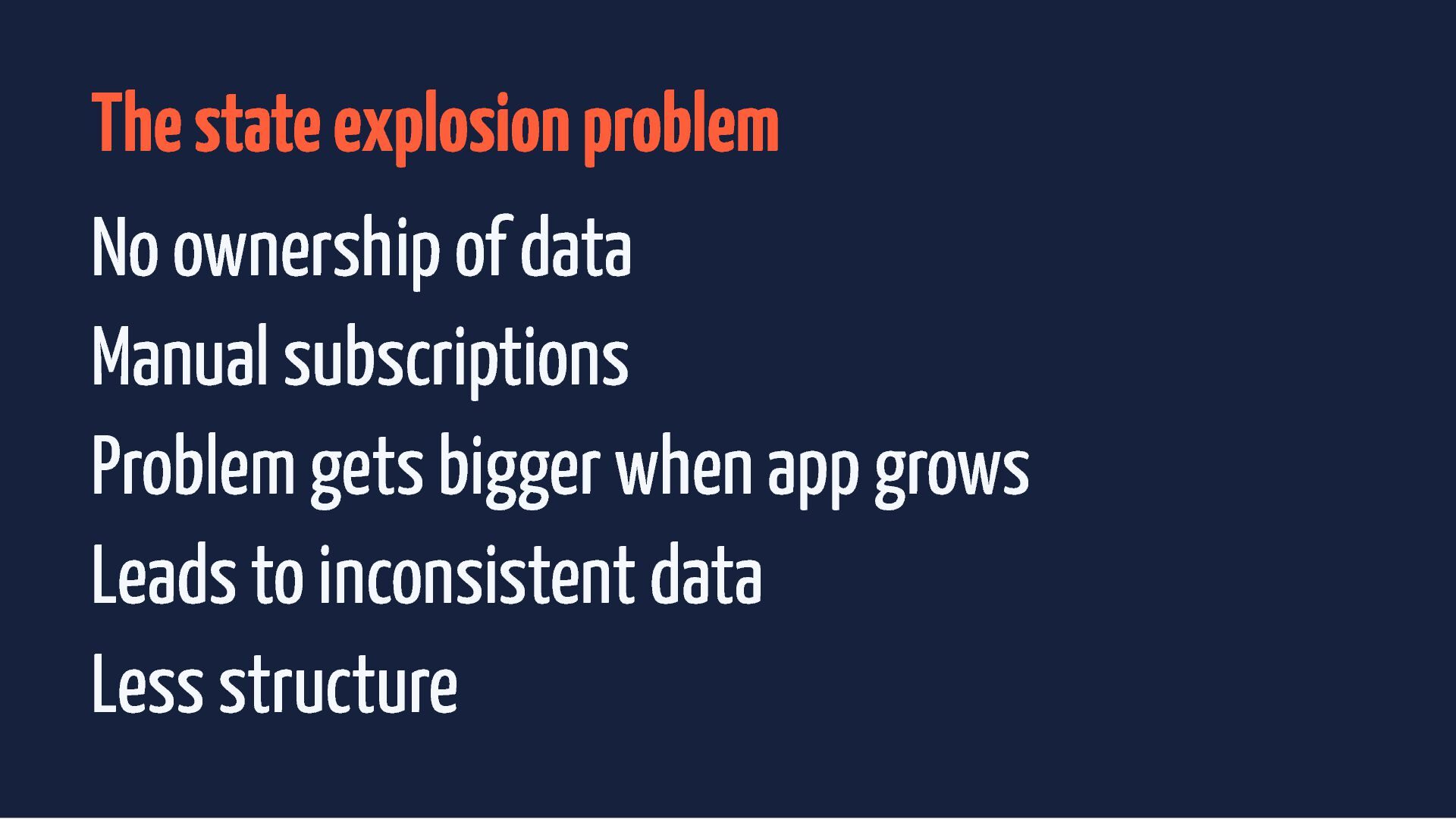
  10. The state explosion problem No ownership of data Manual subscriptions

    Problem gets bigger when app grows Leads to inconsistent data
  11. The state explosion problem No ownership of data Manual subscriptions

    Problem gets bigger when app grows Leads to inconsistent data Less structure
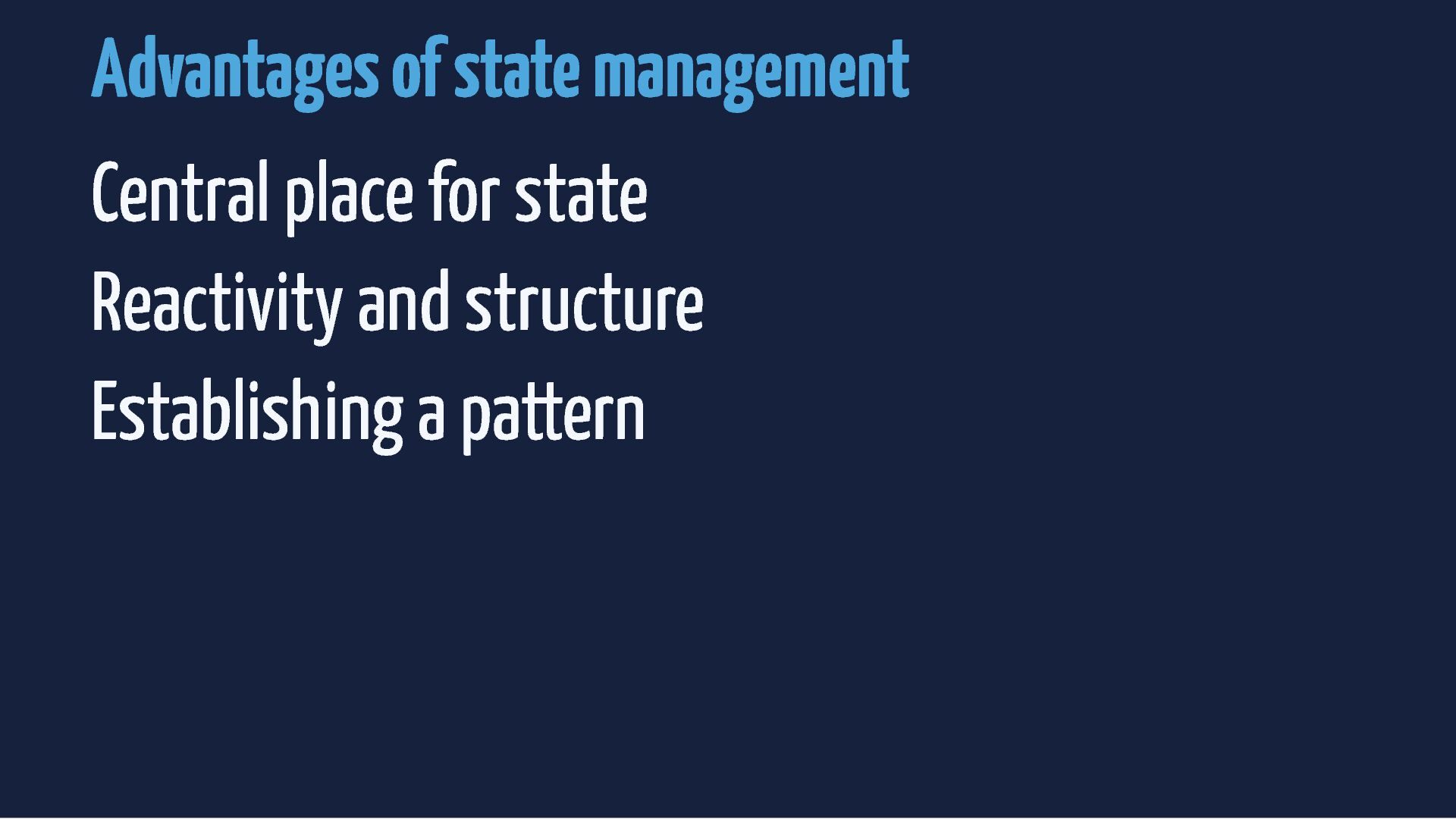
  12. Advantages of state management Central place for state Reactivity and

    structure Establishing a pattern Simplicity
  13. Advantages of state management Central place for state Reactivity and

    structure Establishing a pattern Simplicity Easy to debug
  14. Advantages of state management Central place for state Reactivity and

    structure Establishing a pattern Simplicity Easy to debug Clean services and components
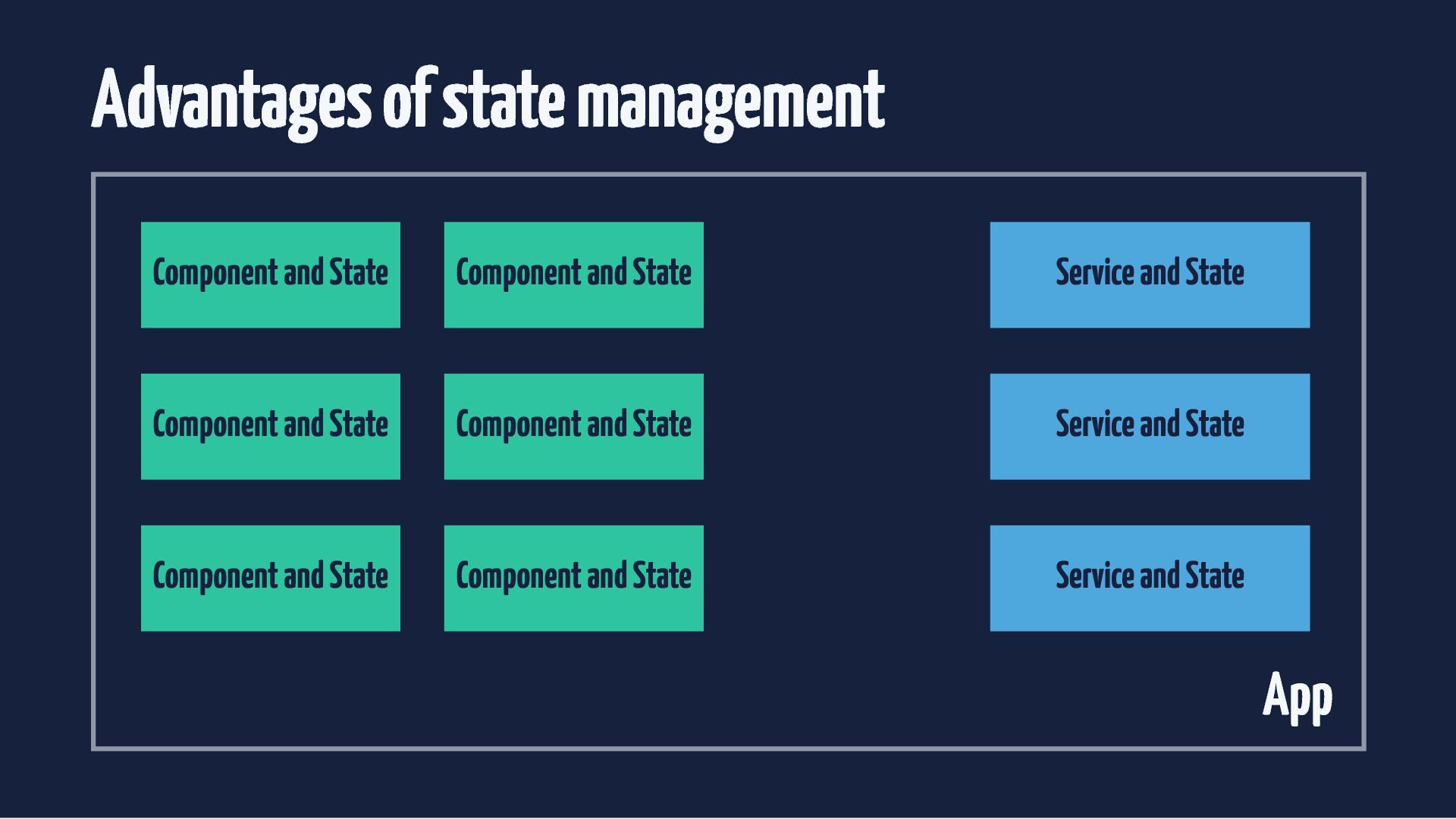
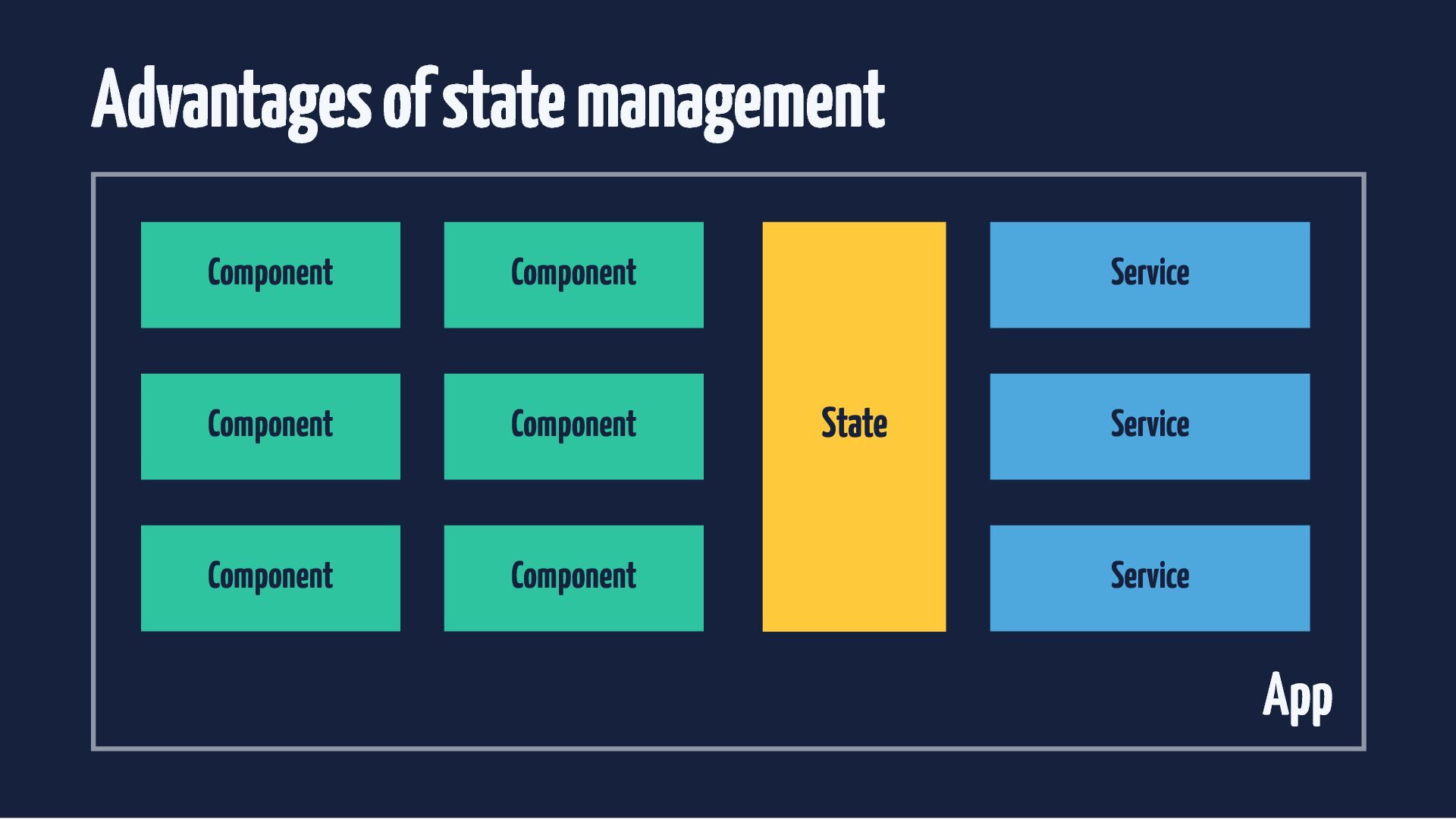
  15. Advantages of state management Component and State Component and State

    Service and State Component and State Component and State Service and State Component and State Component and State Service and State App
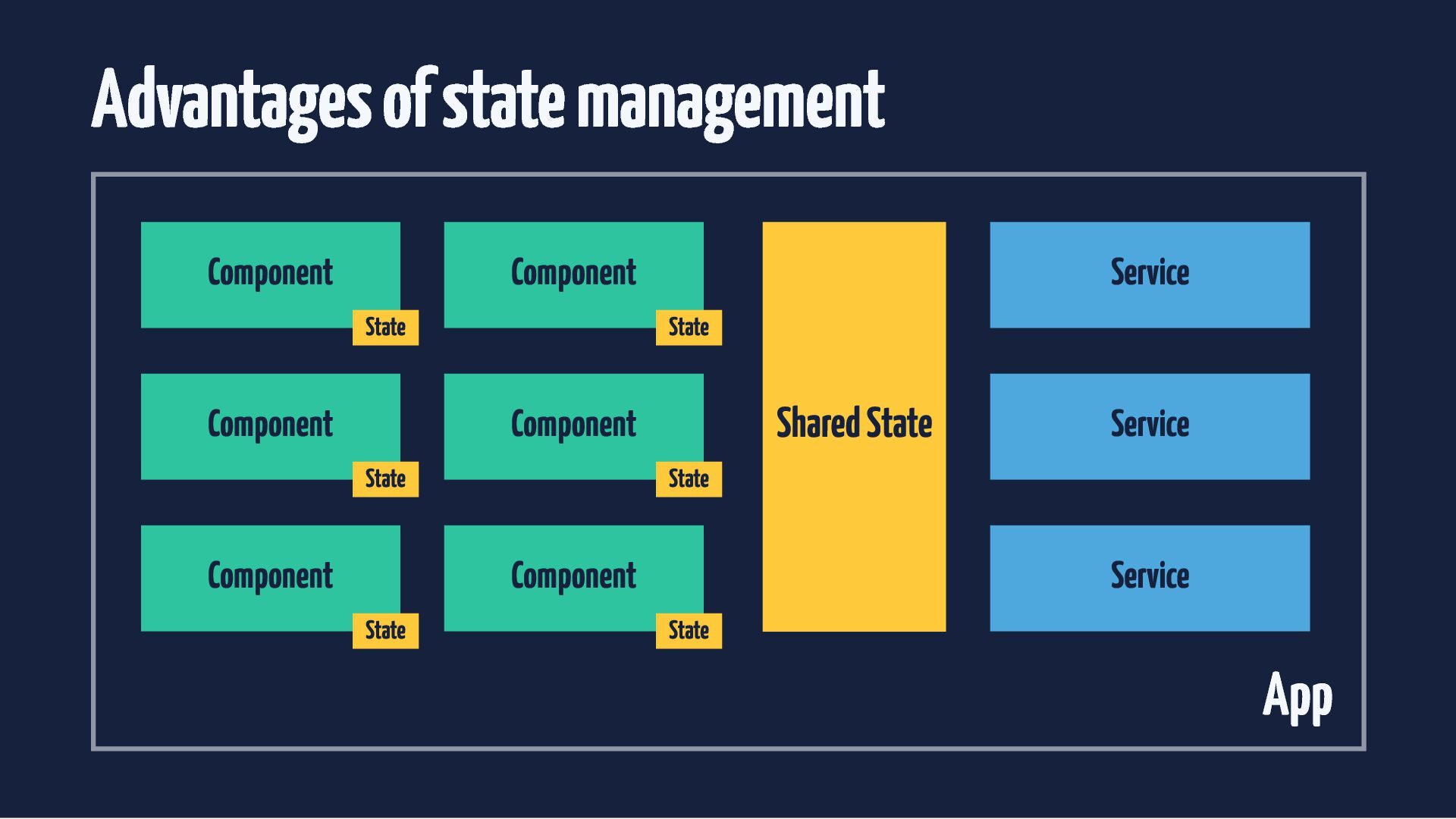
  16. Advantages of state management Component Component State Component Service State

    Shared State Component State Component State Component State Service Service State App
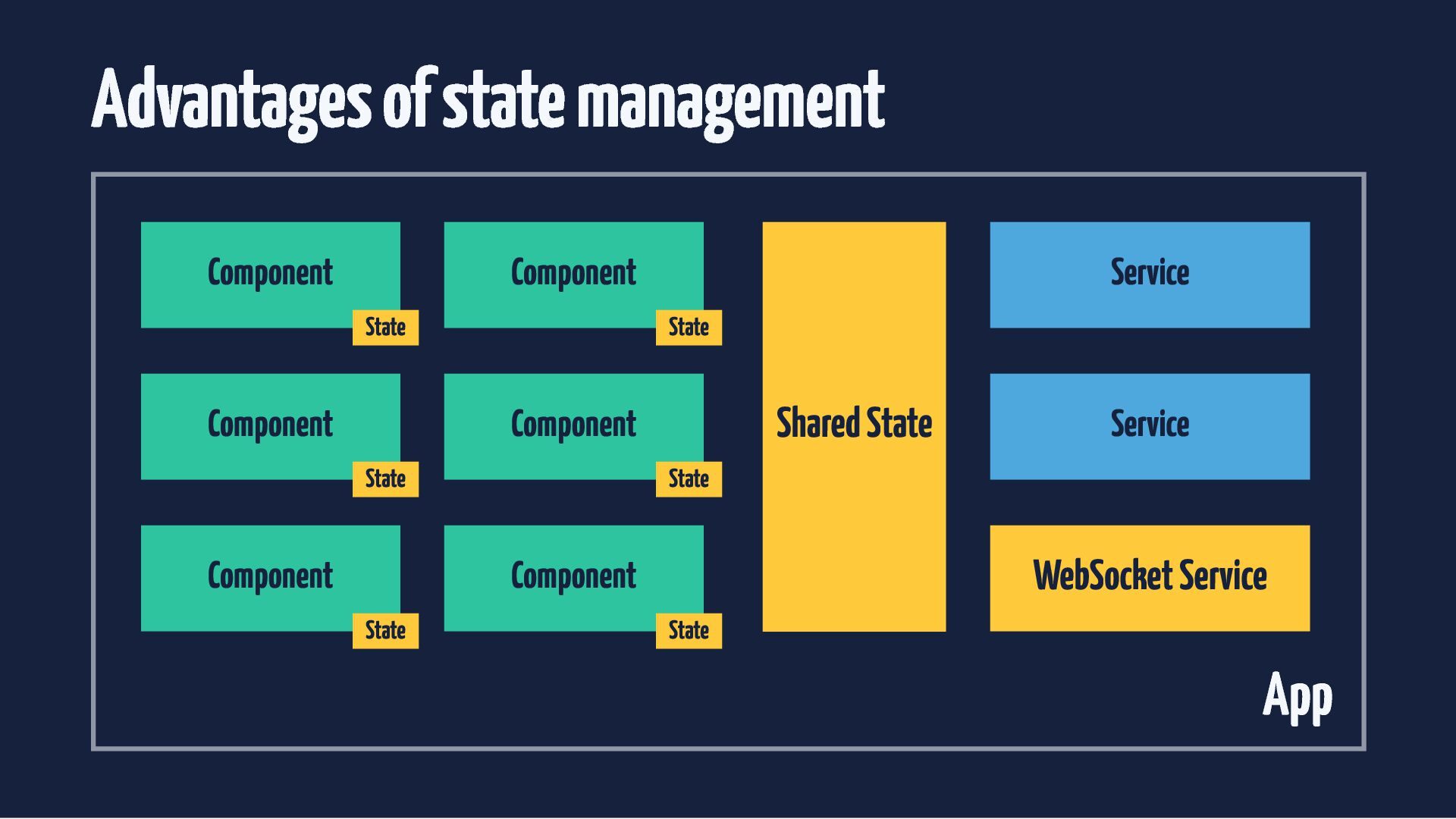
  17. Advantages of state management Component Component State Component Service State

    Shared State Component State Component State WebSocket Service Component State Service State App
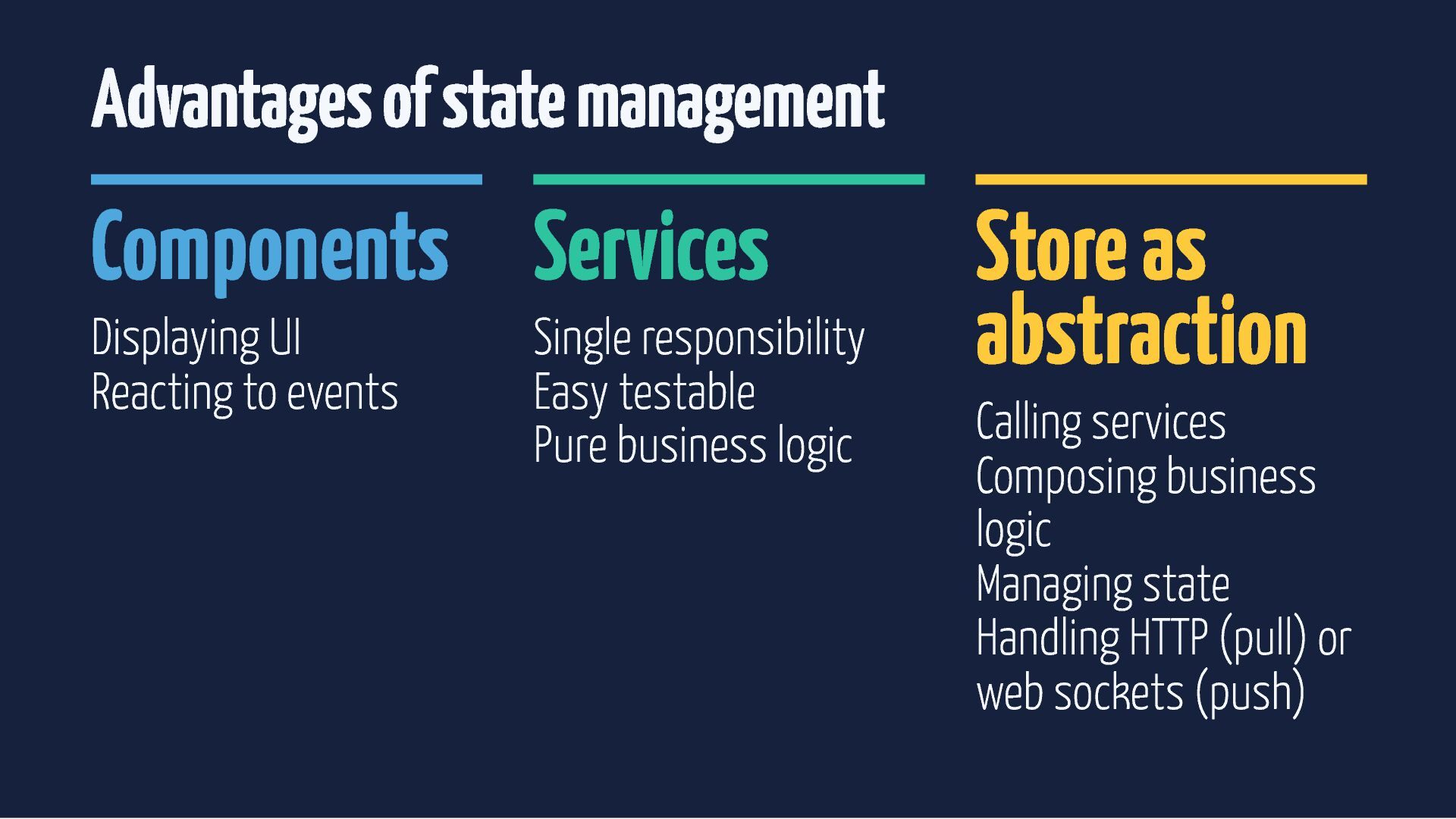
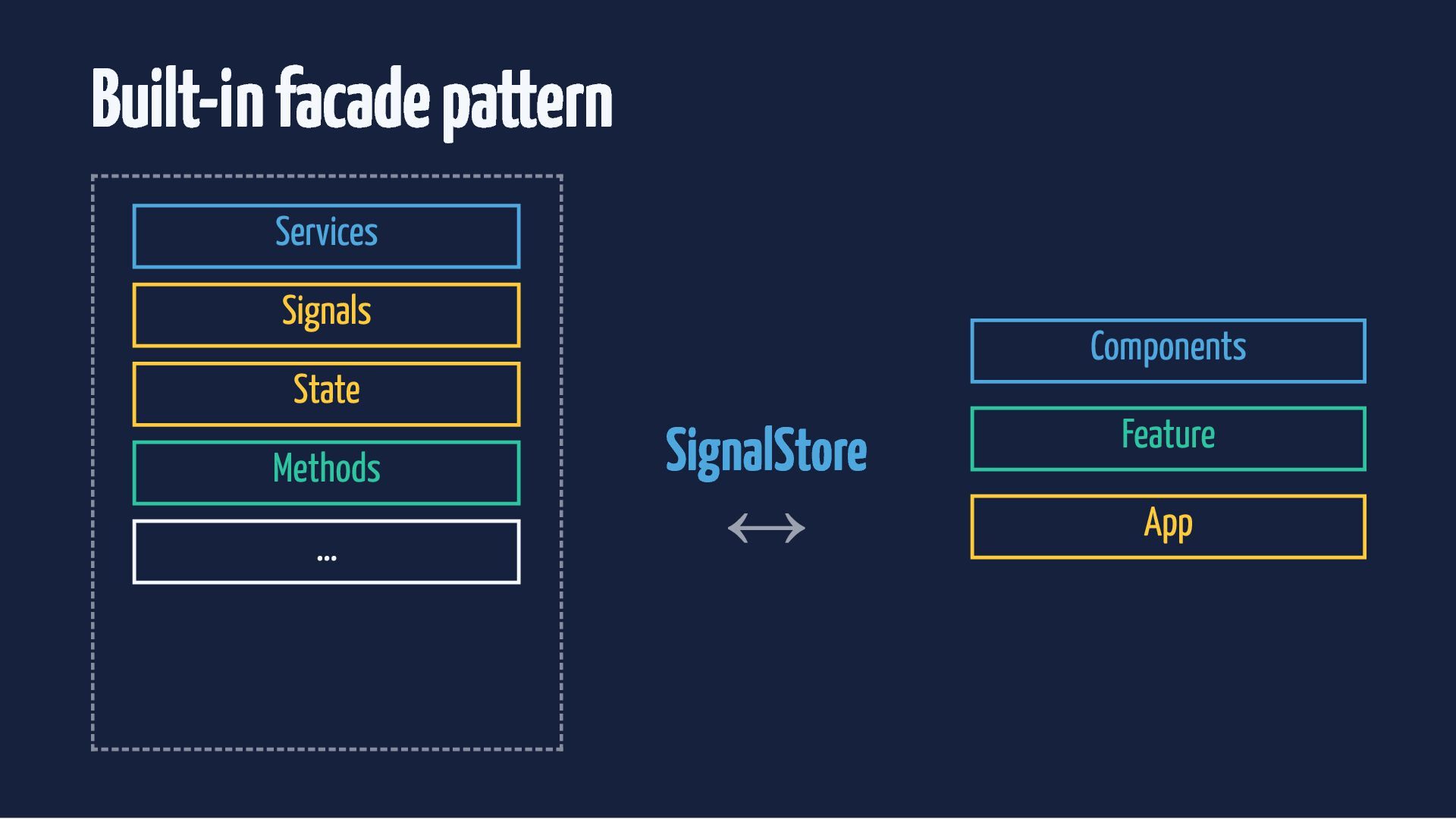
  18. Advantages of state management Components Services Displaying UI Reacting to

    events Single responsibility Easy testable Pure business logic Store as abstraction Calling services Composing business logic Managing state Handling HTTP (pull) or web sockets (push)
  19. The cleanest component checkout.component.ts @Component({ selector: 'app-checkout', imports: [ProductListComponent], template:

    ` <h3>Checkout</h3> <app-product-list [products]="store.products()" [totalAmount]="store.totalAmount()" (removeClicked)="store.removeProduct($event)" /> `, styleUrl: './checkout.component.scss', }) export class CheckoutComponent { readonly store = inject(CheckoutStore); }
  20. Store in component my.component.ts @Component({ selector: 'app-shell', imports: [HeaderComponent], template:

    ` <app-title [count]="store.bookingCount()" /> <booking-list [bookings]="store.bookings()" /> <booking-form (add)="store.addBooking($event)" /> `, providers: [BookingStore] }) export class MyComponent { store = inject(BookingStore); }
  21. Store in component booking.store.ts type BookingState = { bookings: Booking[]

    } export const BookingStore = signalStore( withState<BookingState>({ bookings: [] }), withComputed((store) => ({ bookingCount: computed(() => store.bookings().length) })), withMethods((store) => ({ addBooking(booking: Booking) { patchState(store, { bookings: [...store.bookings(), booking] }) }, })), );
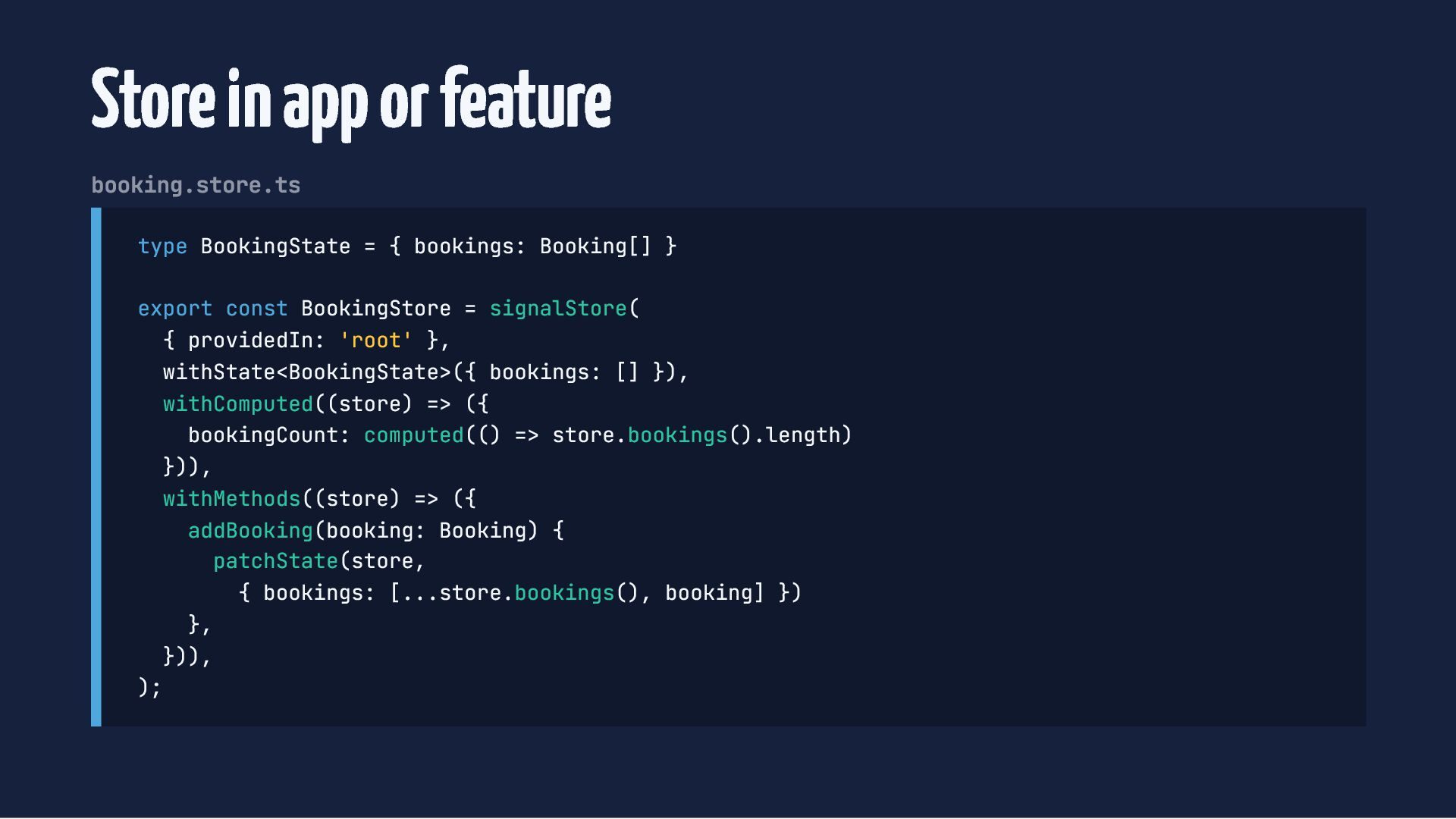
  22. Store in app or feature booking.store.ts type BookingState = {

    bookings: Booking[] } export const BookingStore = signalStore( { providedIn: 'root' }, withState<BookingState>({ bookings: [] }), withComputed((store) => ({ bookingCount: computed(() => store.bookings().length) })), withMethods((store) => ({ addBooking(booking: Booking) { patchState(store, { bookings: [...store.bookings(), booking] }) }, })), );
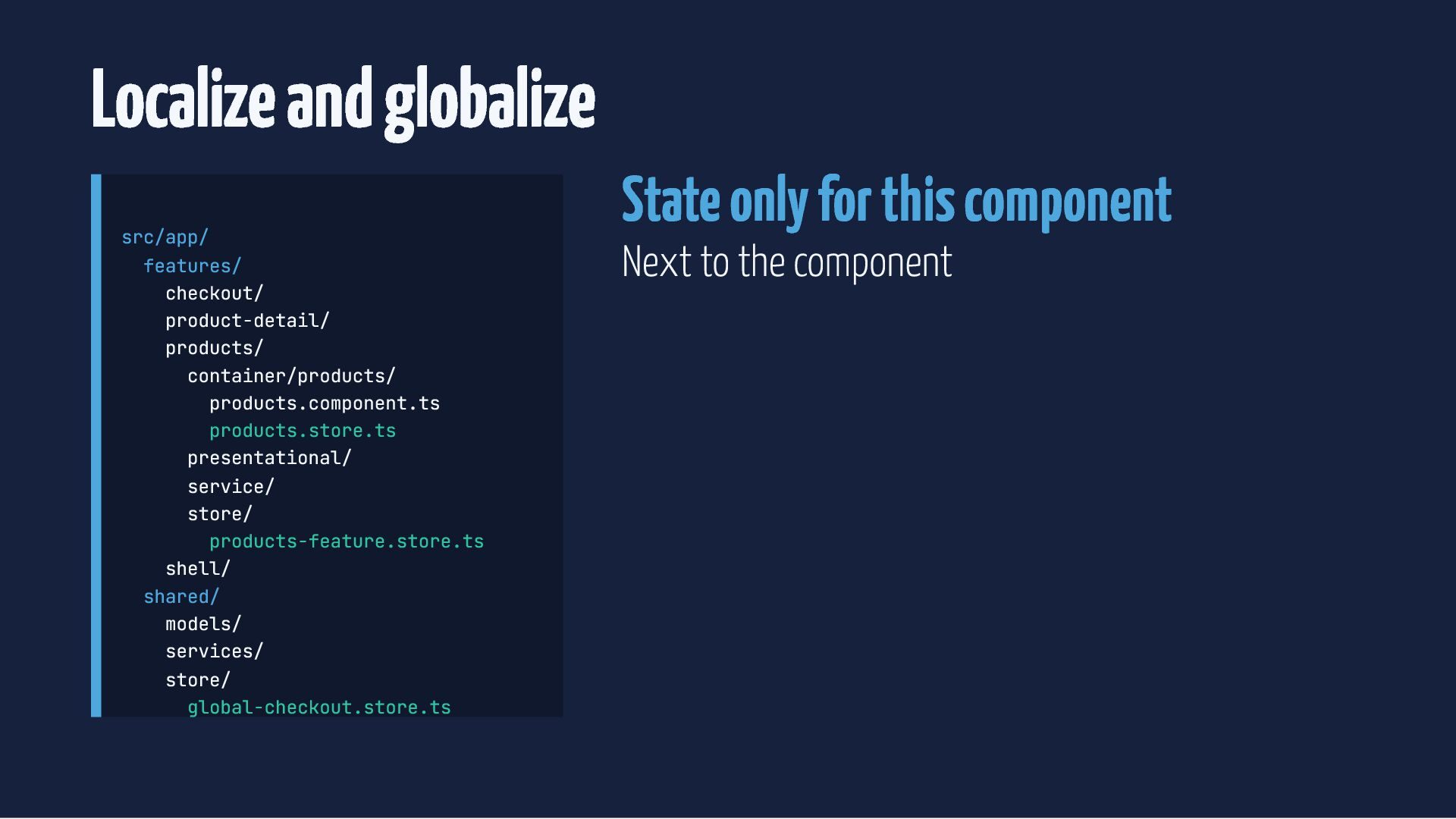
  23. Localize and globalize src/app/ features/ checkout/ product-detail/ products/ container/products/ products.component.ts

    products.store.ts presentational/ service/ store/ products-feature.store.ts shell/ shared/ models/ services/ store/ global-checkout.store.ts State only for this component Next to the component
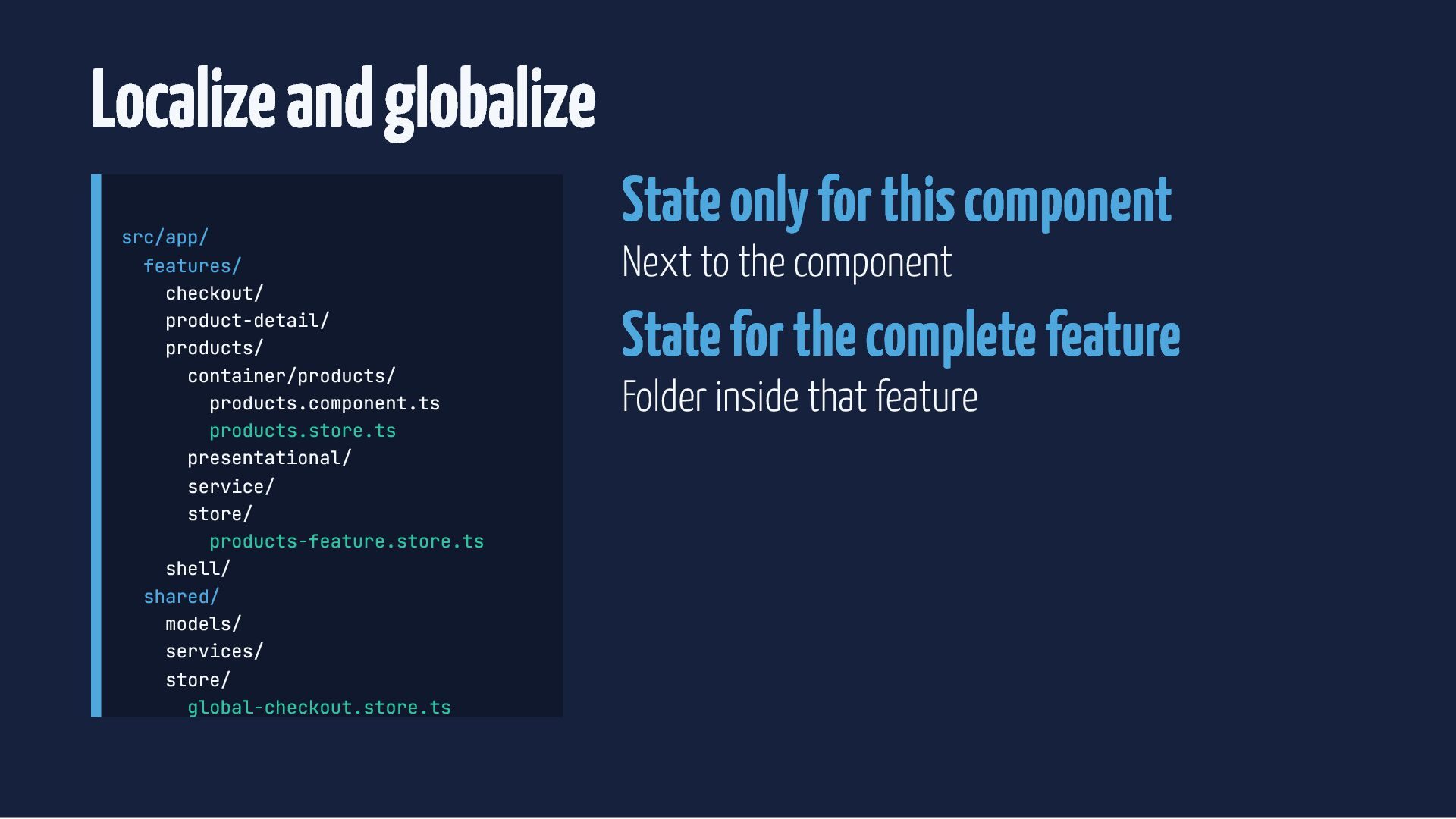
  24. Localize and globalize src/app/ features/ checkout/ product-detail/ products/ container/products/ products.component.ts

    products.store.ts presentational/ service/ store/ products-feature.store.ts shell/ shared/ models/ services/ store/ global-checkout.store.ts State only for this component Next to the component State for the complete feature Folder inside that feature
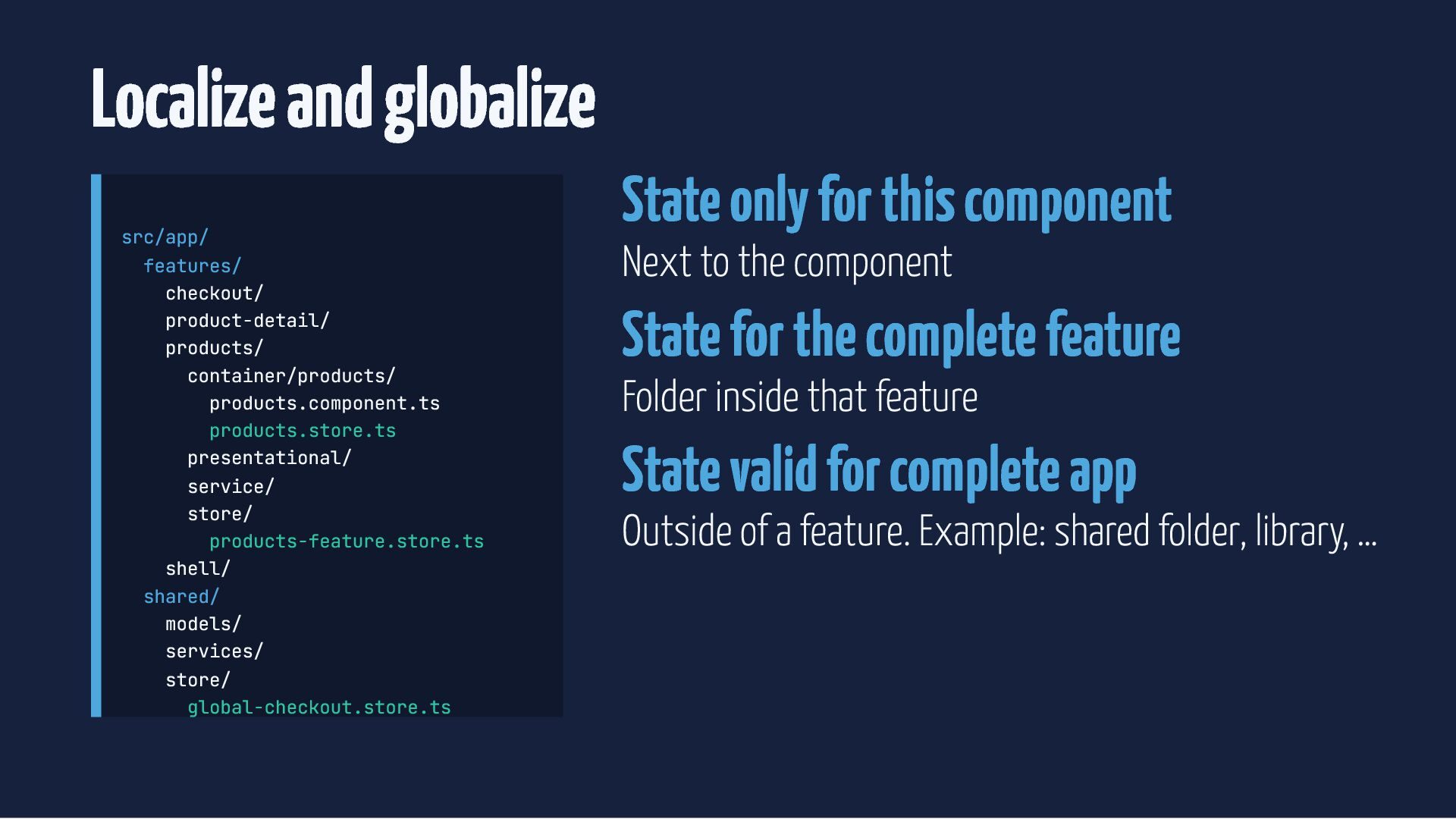
  25. Localize and globalize src/app/ features/ checkout/ product-detail/ products/ container/products/ products.component.ts

    products.store.ts presentational/ service/ store/ products-feature.store.ts shell/ shared/ models/ services/ store/ global-checkout.store.ts State only for this component Next to the component State for the complete feature Folder inside that feature State valid for complete app Outside of a feature. Example: shared folder, library, …
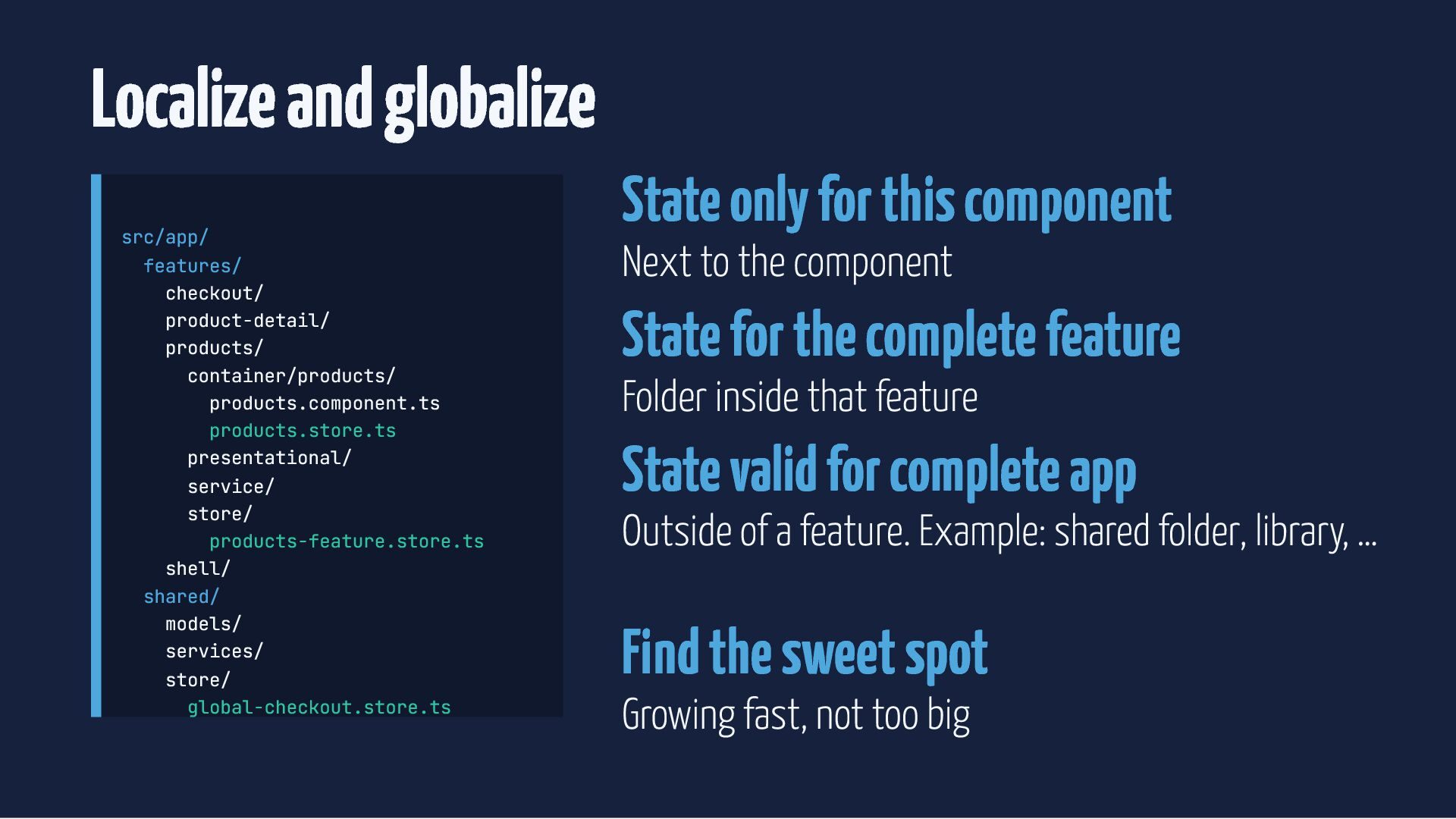
  26. Localize and globalize src/app/ features/ checkout/ product-detail/ products/ container/products/ products.component.ts

    products.store.ts presentational/ service/ store/ products-feature.store.ts shell/ shared/ models/ services/ store/ global-checkout.store.ts State only for this component Next to the component State for the complete feature Folder inside that feature State valid for complete app Outside of a feature. Example: shared folder, library, … Find the sweet spot Growing fast, not too big
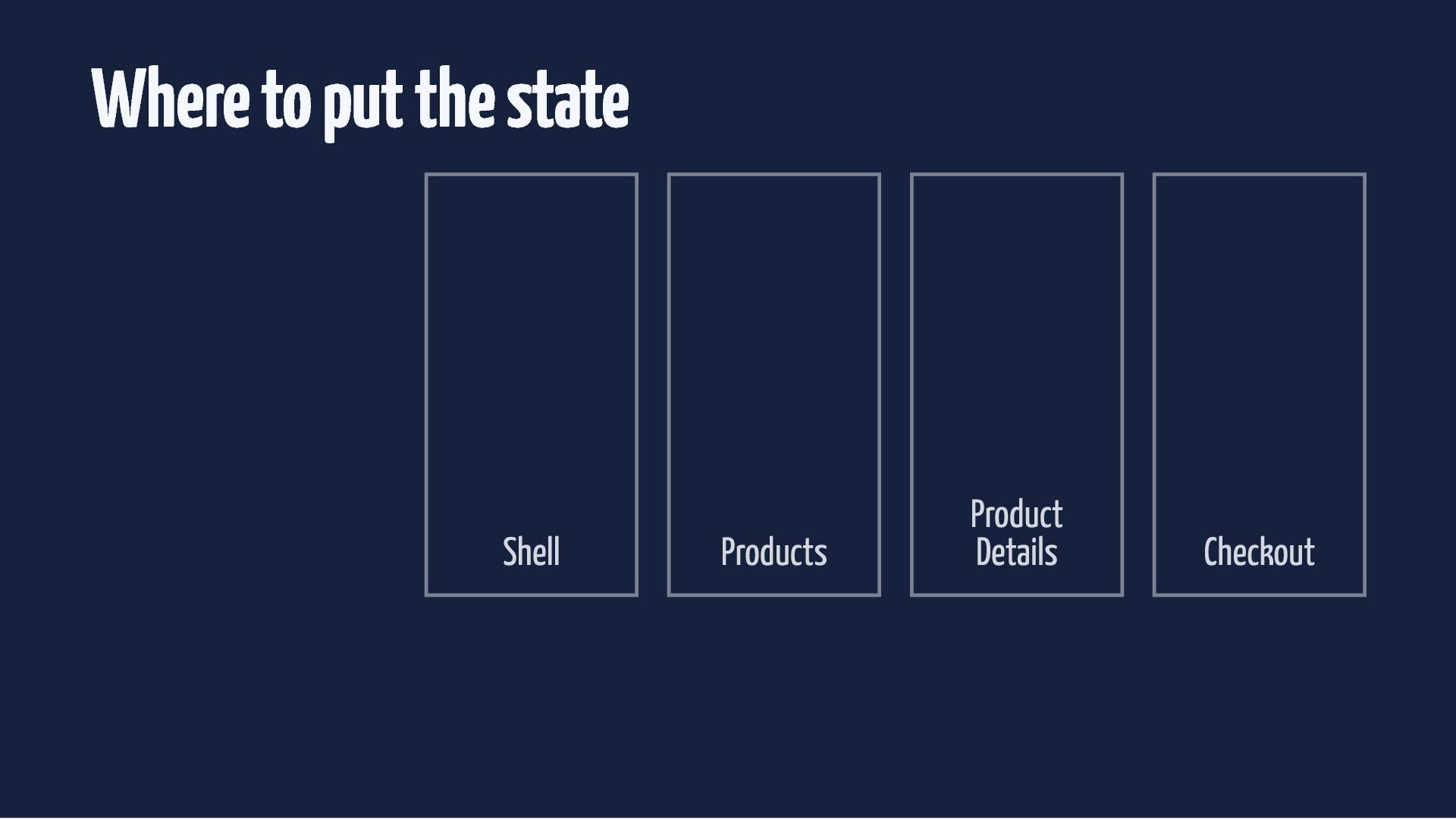
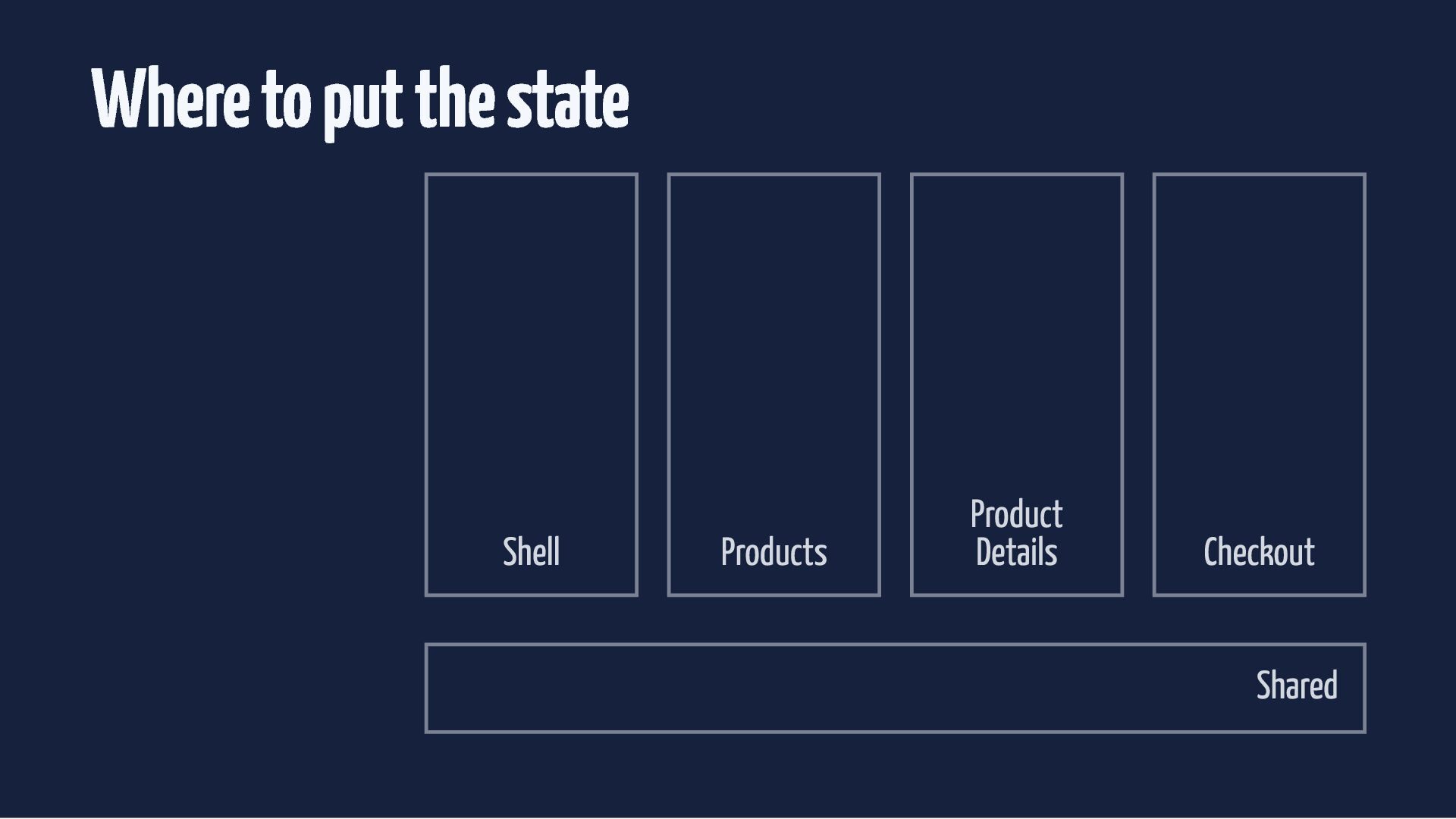
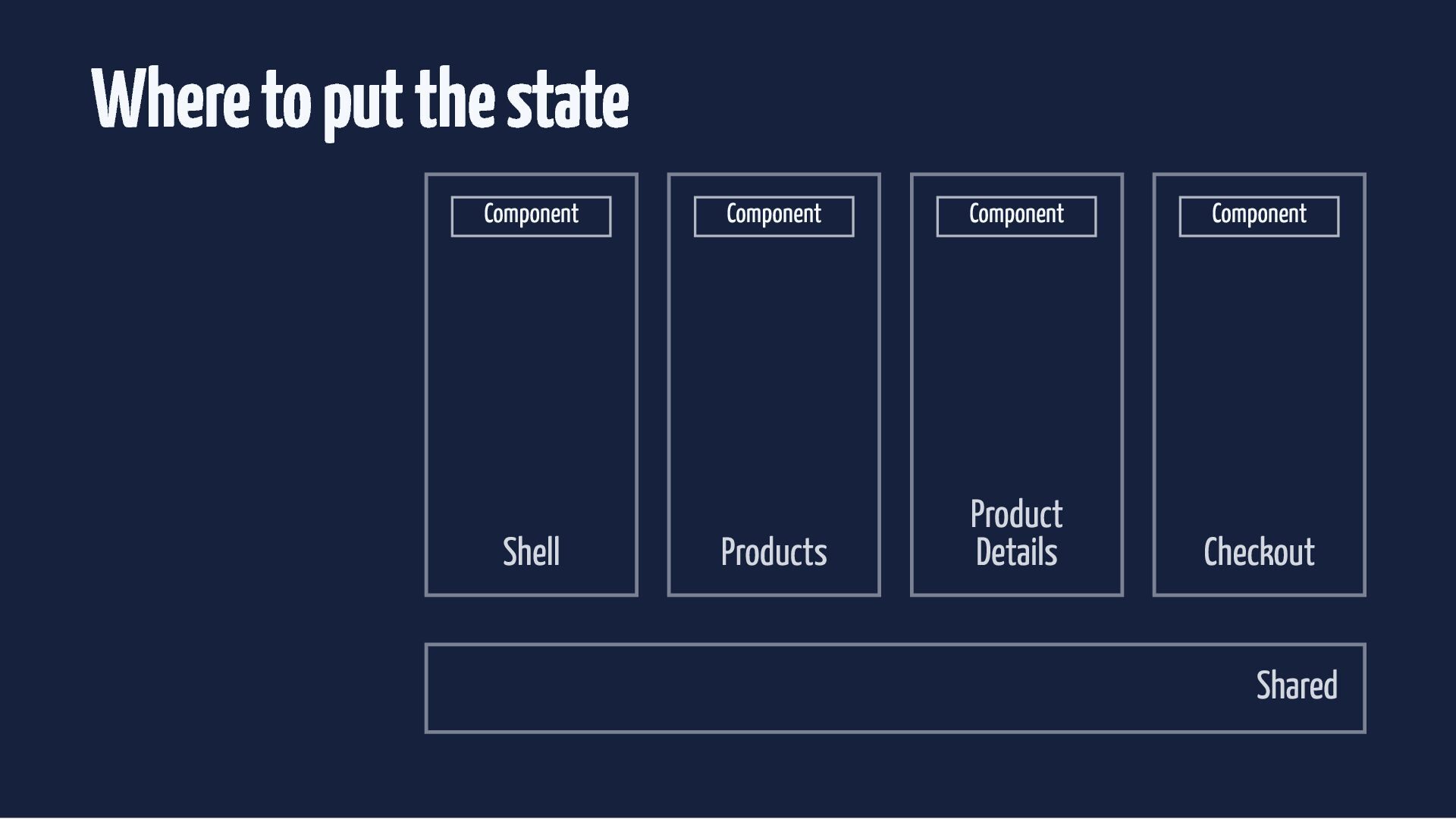
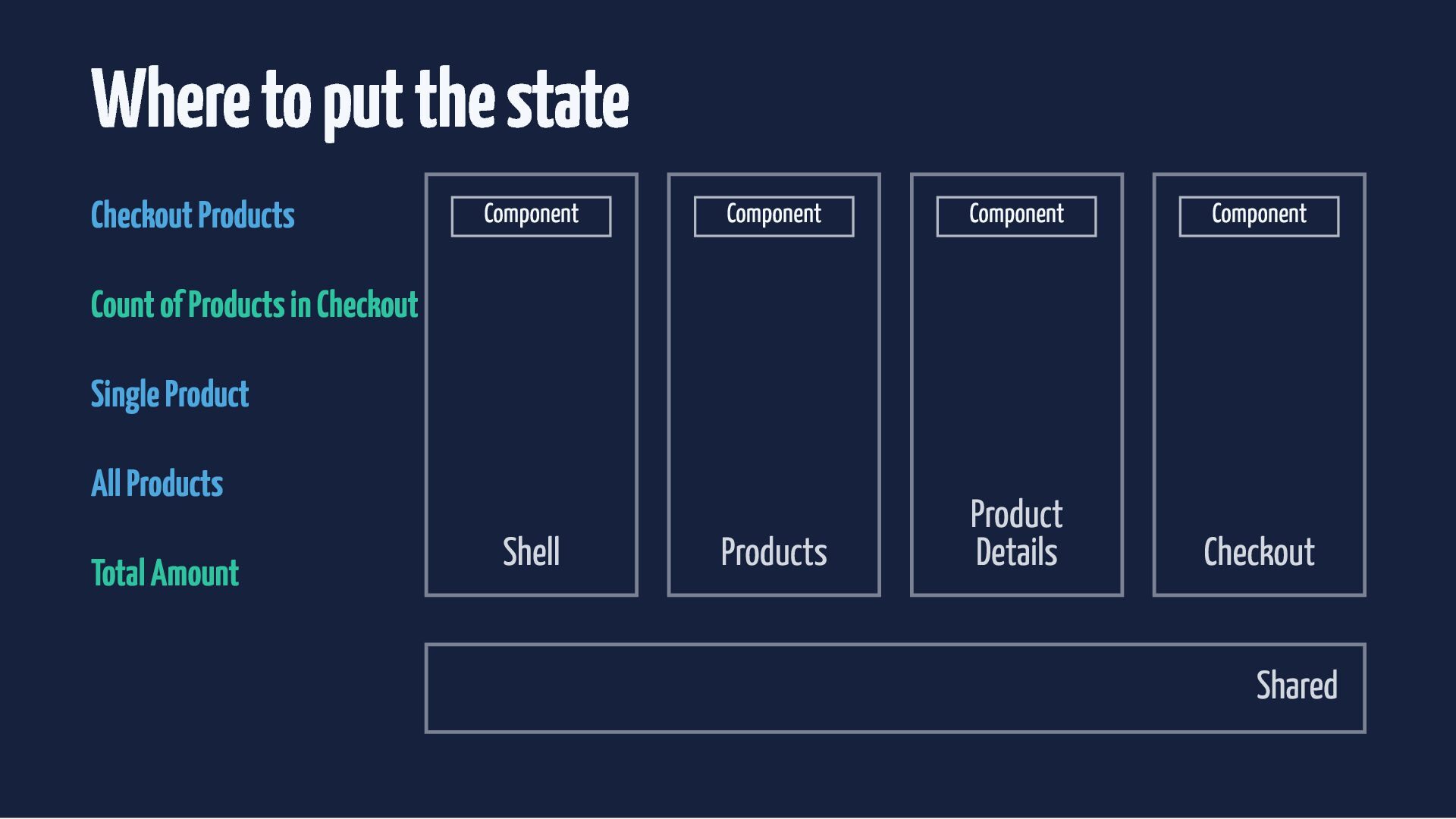
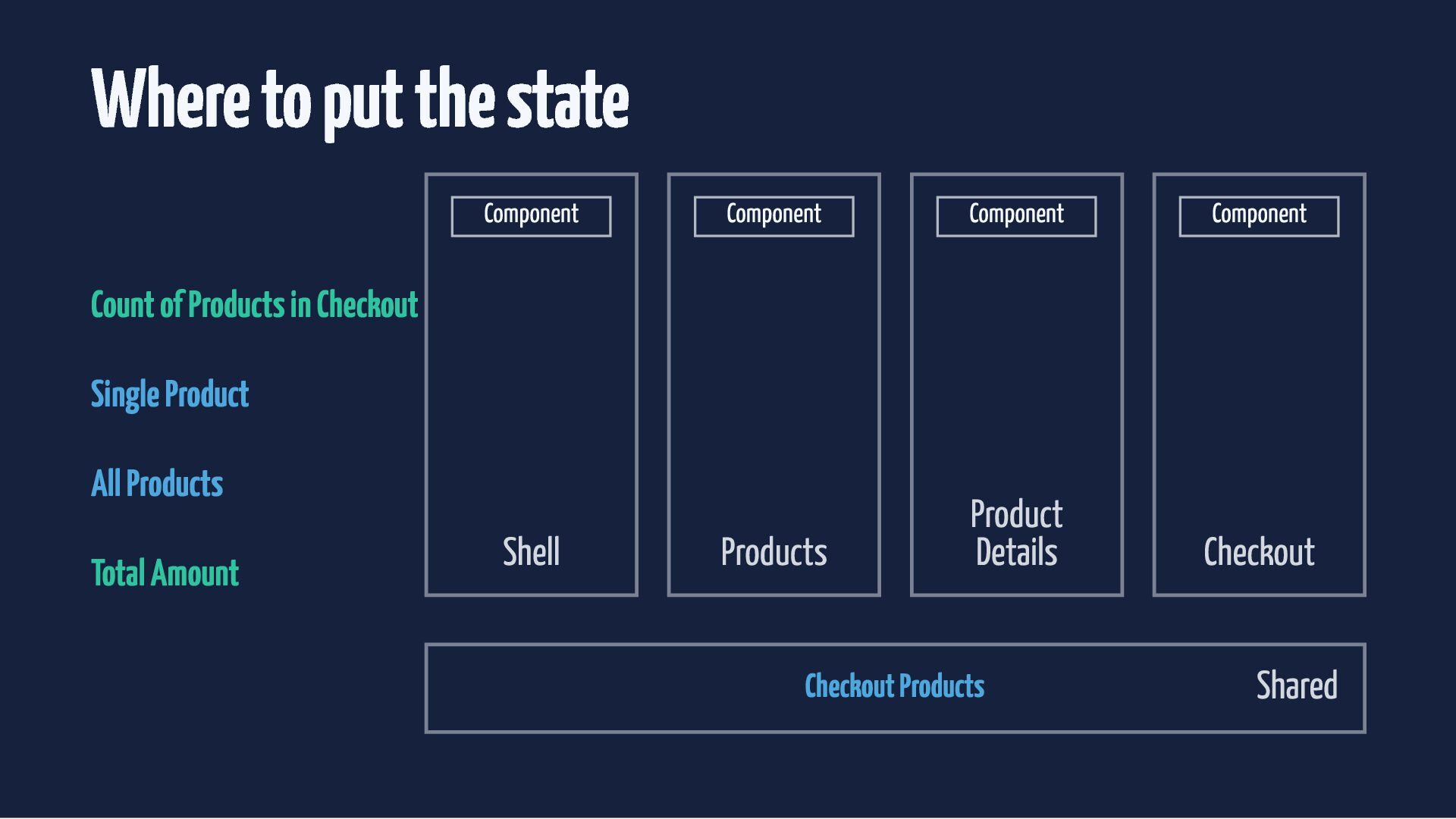
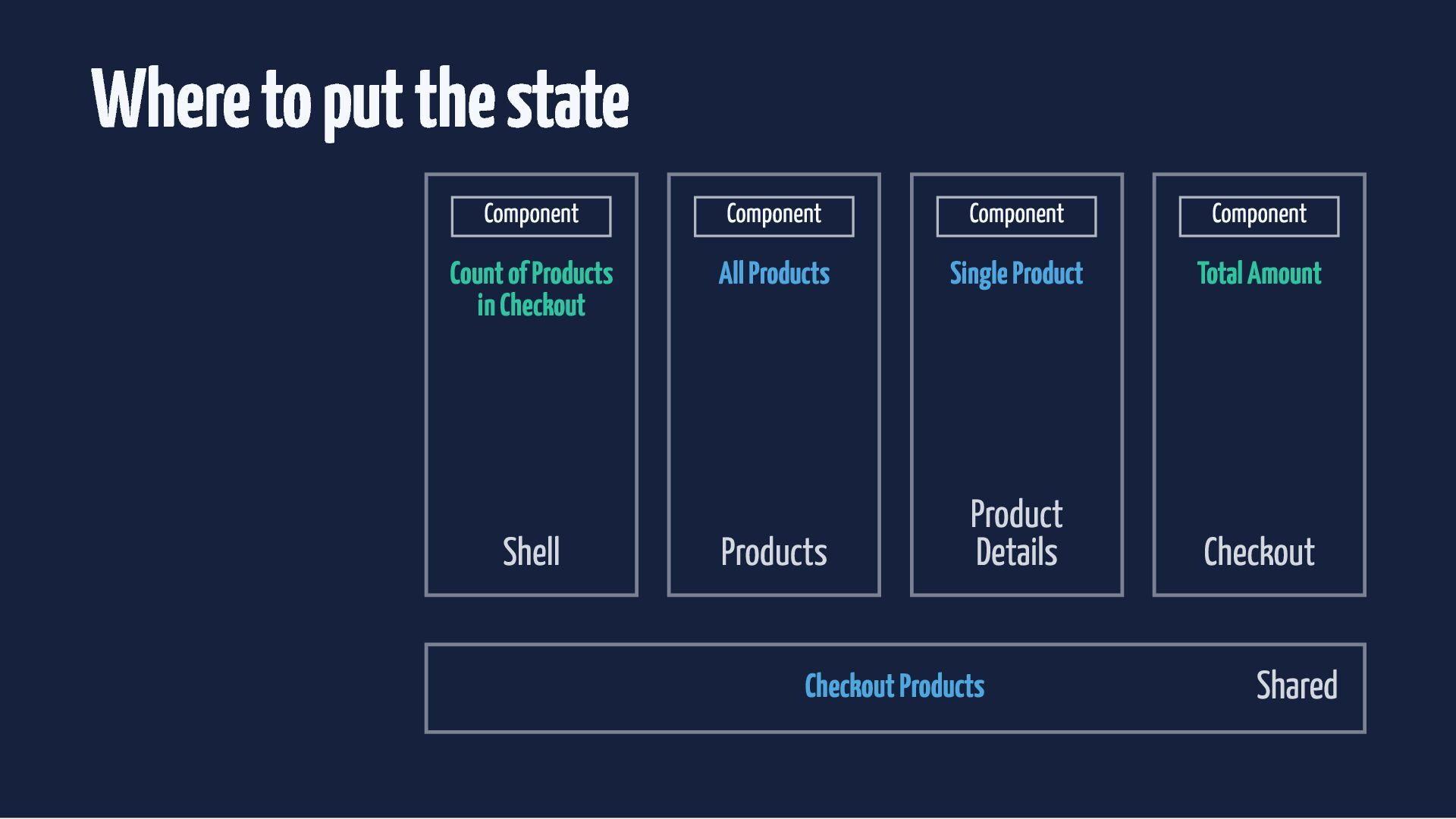
  27. Where to put the state Checkout Products Component Component Component

    Component Products Product Details Checkout Count of Products in Checkout Single Product All Products Total Amount Shell Shared
  28. Where to put the state Component Component Component Component Products

    Product Details Checkout Count of Products in Checkout Single Product All Products Total Amount Shell Checkout Products Shared
  29. Where to put the state Component Component Component Component Products

    Product Details Checkout Count of Products in Checkout Single Product All Products Total Amount Shell Checkout Products Shared
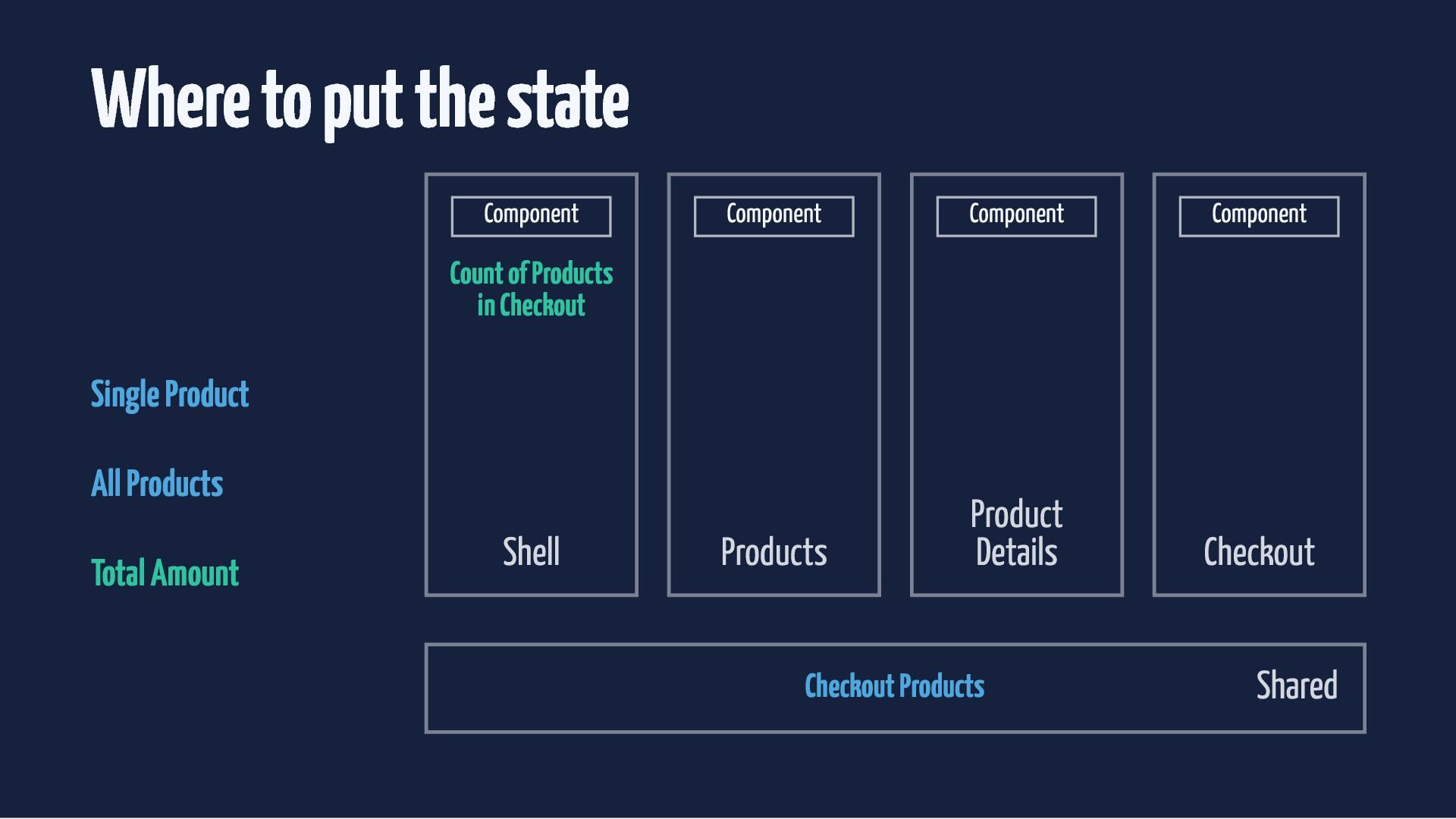
  30. Where to put the state Component Component Count of Products

    in Checkout Shell Component Single Product All Products Total Amount Component Products Product Details Checkout Products Checkout Shared
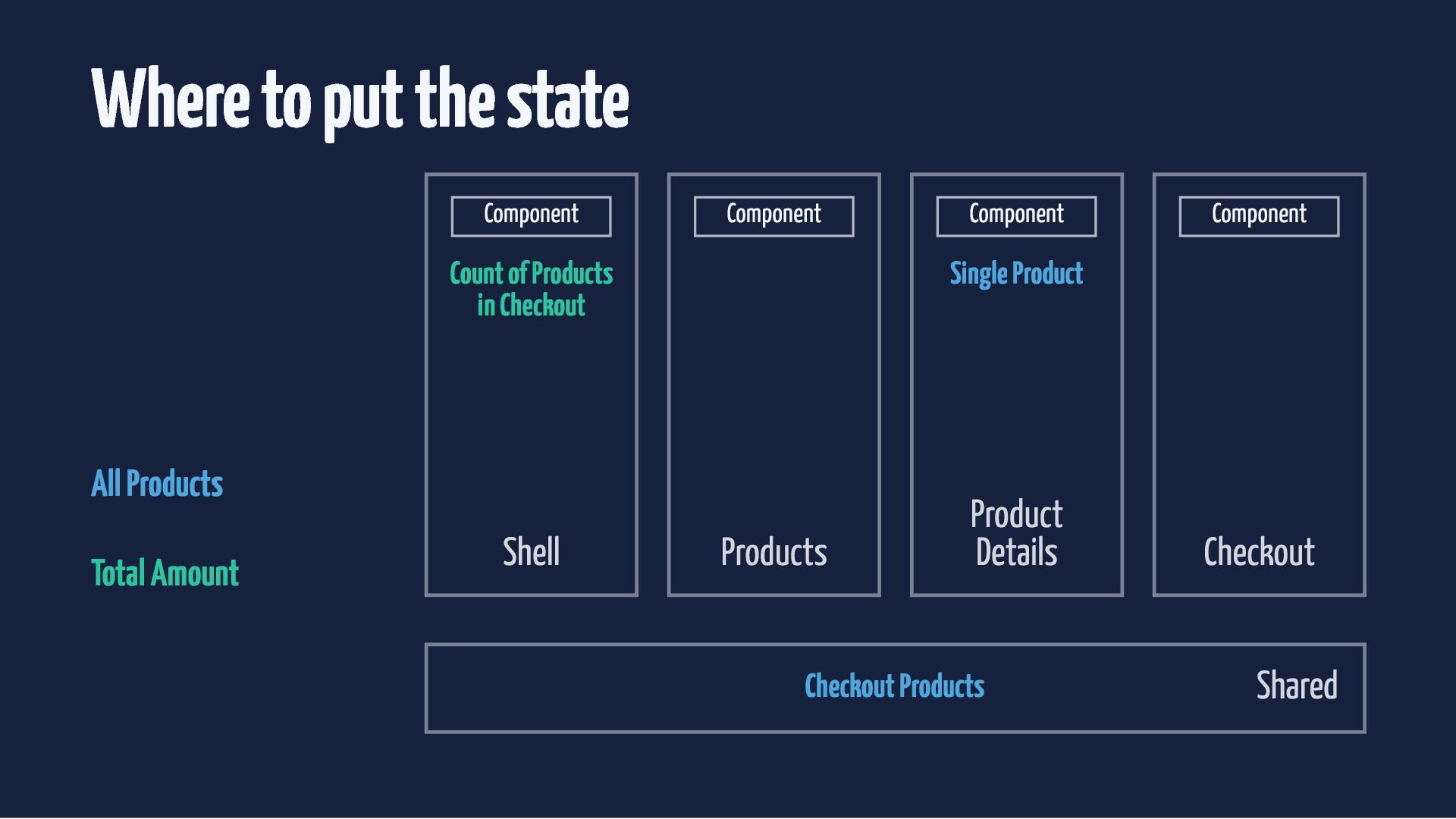
  31. Where to put the state Total Amount Component Component Component

    Count of Products in Checkout All Products Single Product Products Product Details Shell Checkout Products Component Checkout Shared
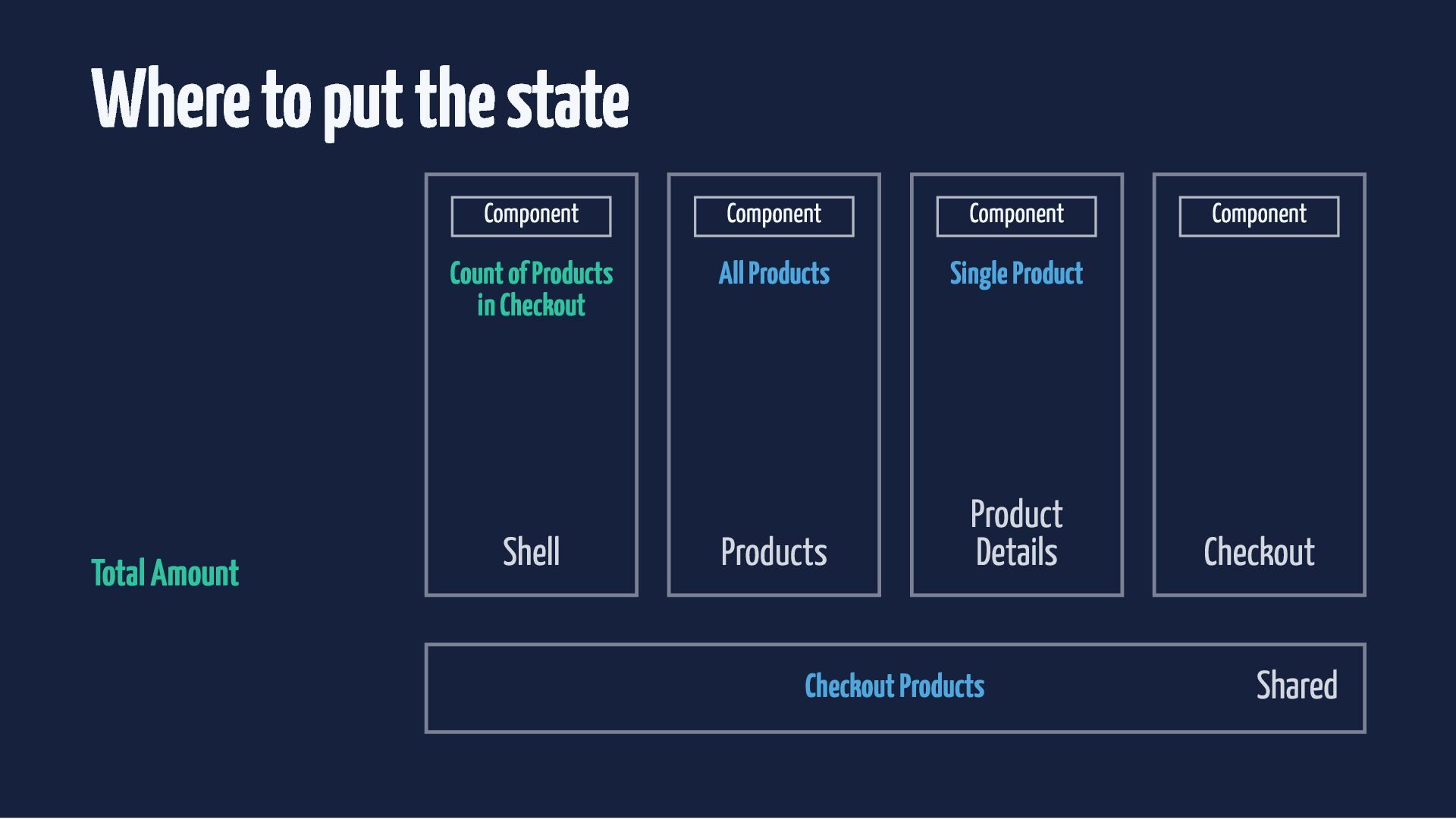
  32. Where to put the state Component Component Component Component Count

    of Products in Checkout All Products Single Product Total Amount Products Product Details Checkout Shell Checkout Products Shared
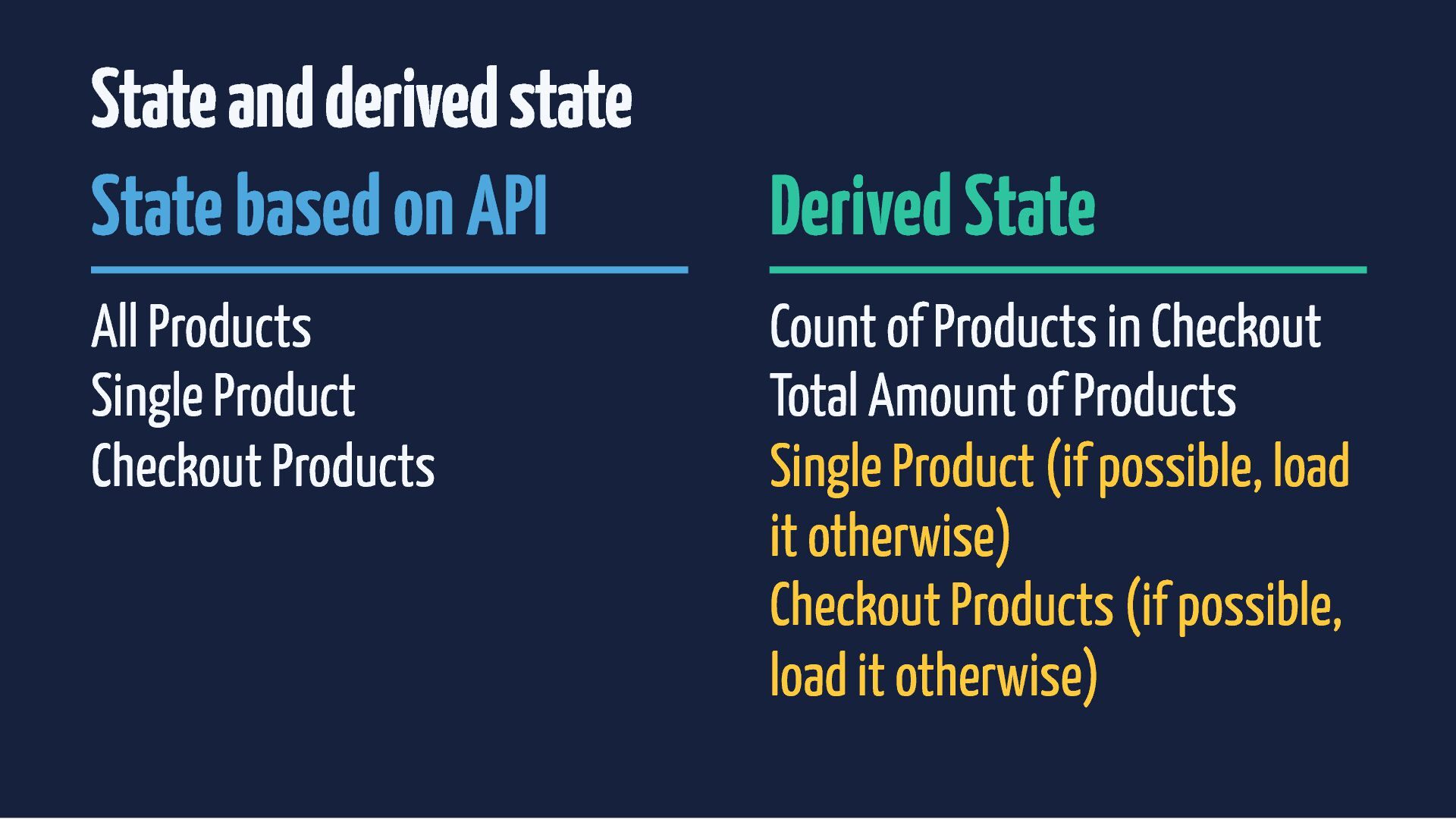
  33. State and derived state State based on API All Products

    Single Product Checkout Products Derived State Count of Products in Checkout Total Amount of Products Single Product (if possible, load it otherwise) Checkout Products (if possible, load it otherwise)
  34. Loading an item if it does not exist already is

    business logic. Perfect for the store layer.
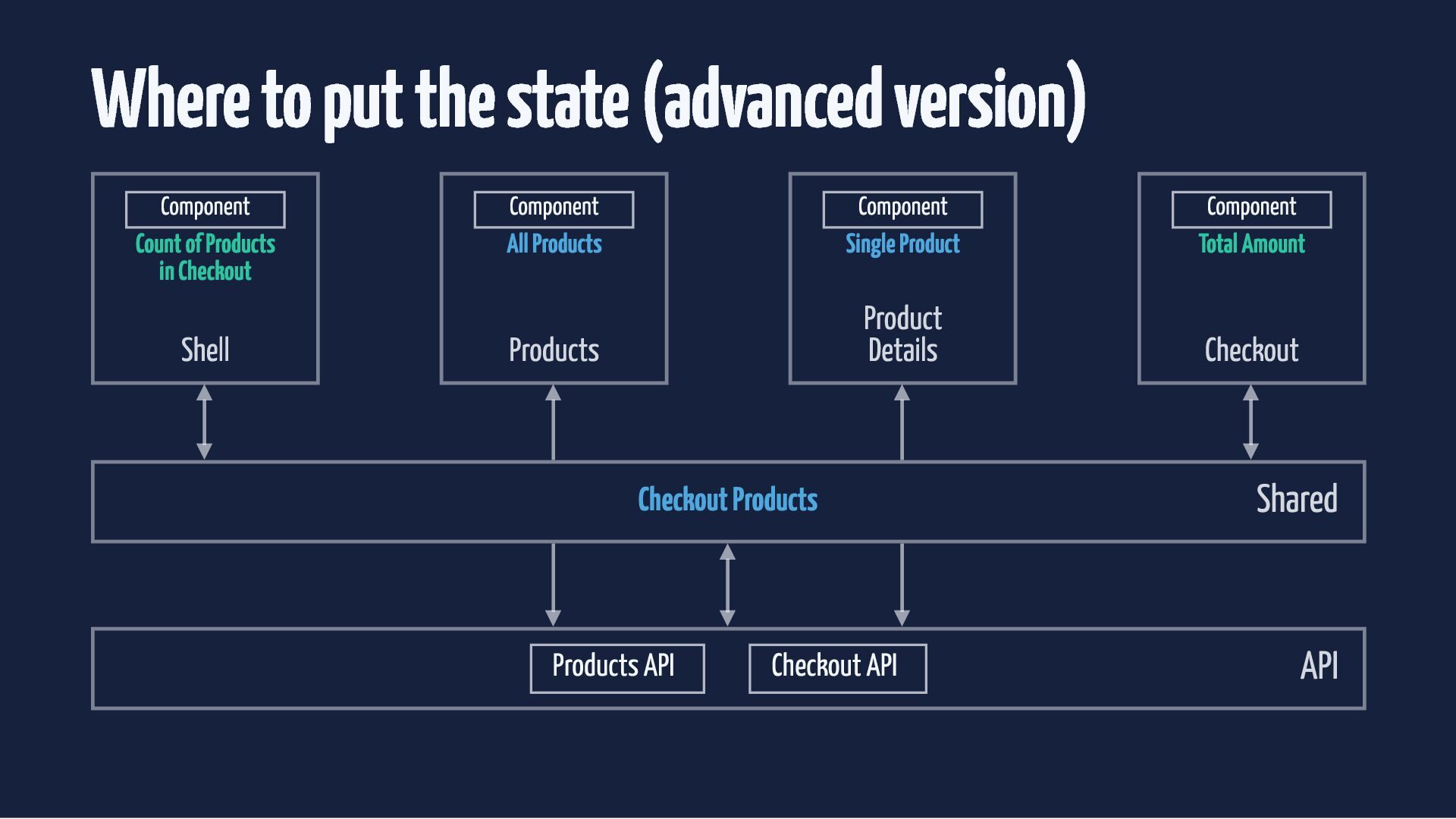
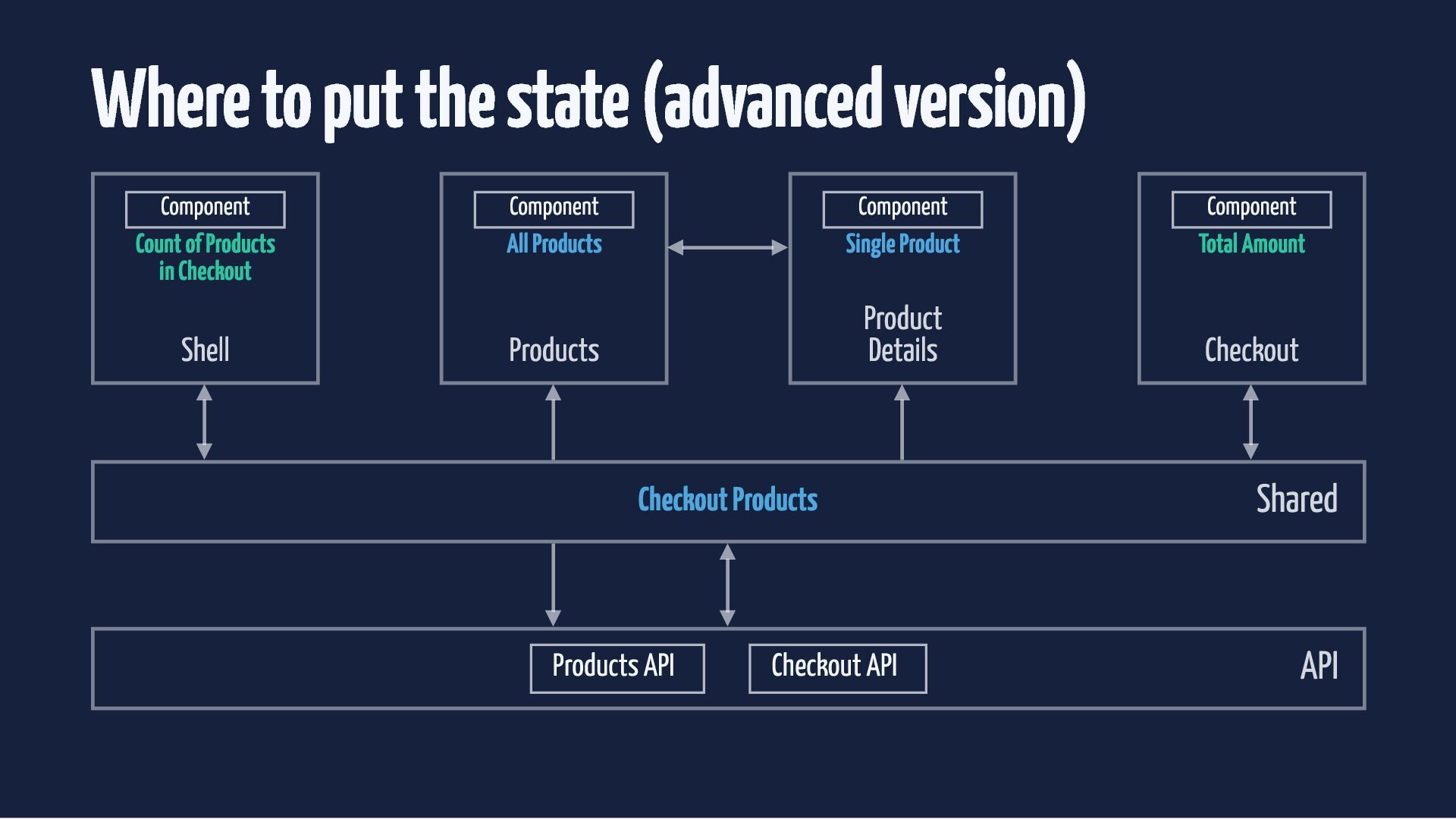
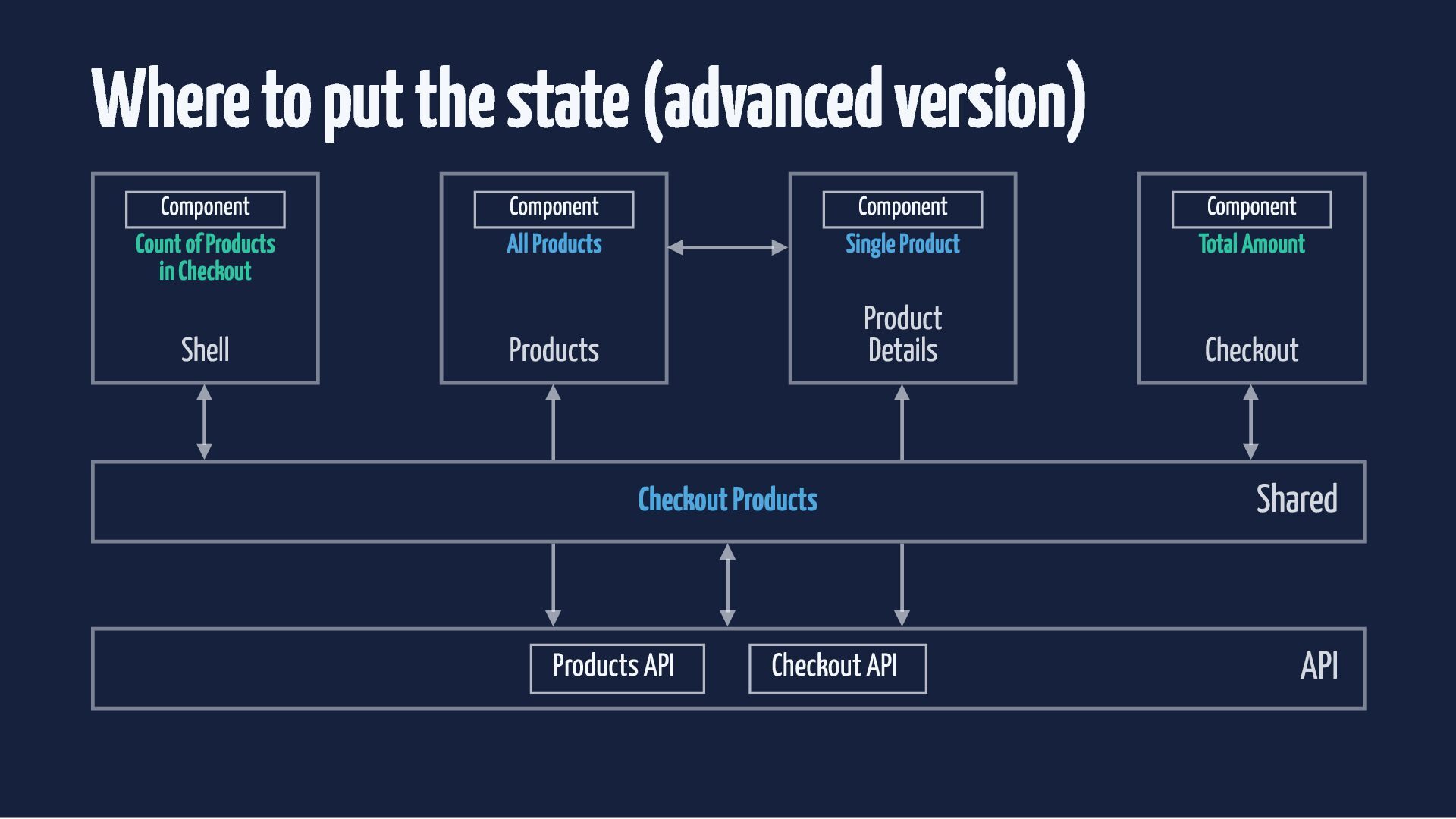
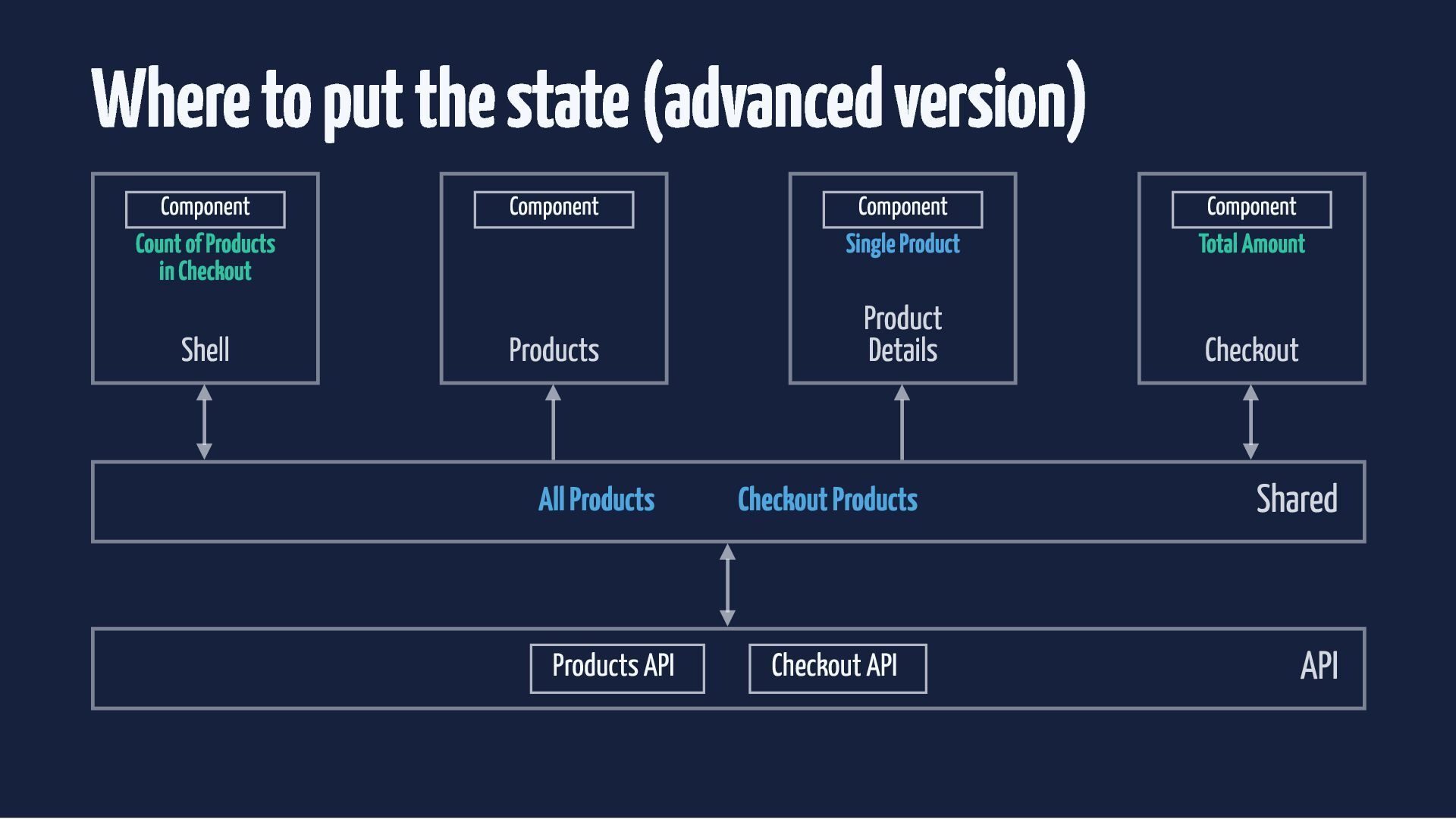
  35. Where to put the state (advanced version) Component Component Component

    Component Count of Products in Checkout All Products Single Product Total Amount Products Product Details Checkout Shell Checkout Products Products API Checkout API Shared API
  36. Where to put the state (advanced version) Component Component Component

    Component Count of Products in Checkout All Products Single Product Total Amount Products Product Details Checkout Shell Checkout Products Products API Checkout API Shared API
  37. Where to put the state (advanced version) Component Component Component

    Component Count of Products in Checkout All Products Single Product Total Amount Products Product Details Checkout Shell Checkout Products Products API Checkout API Shared API
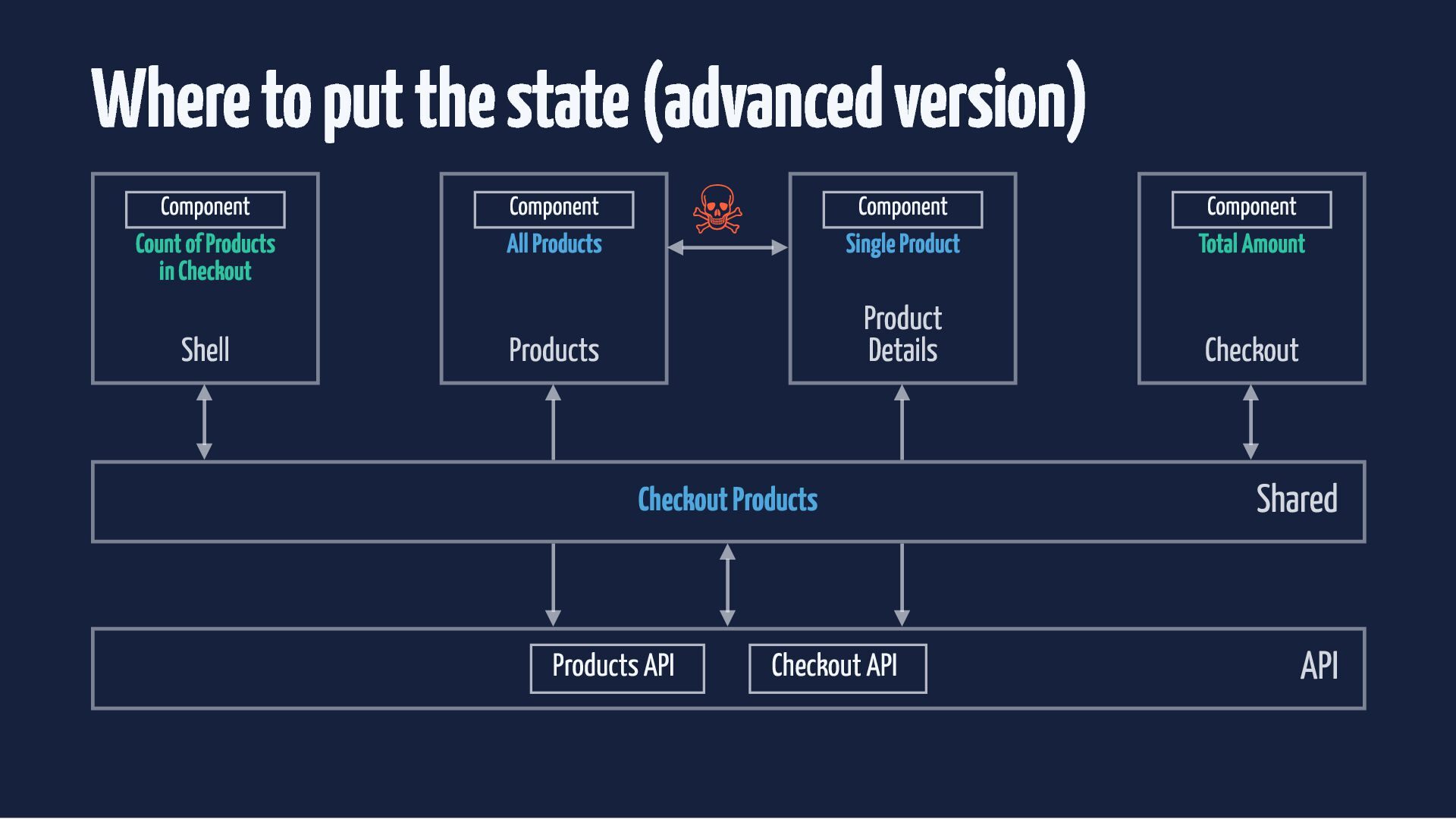
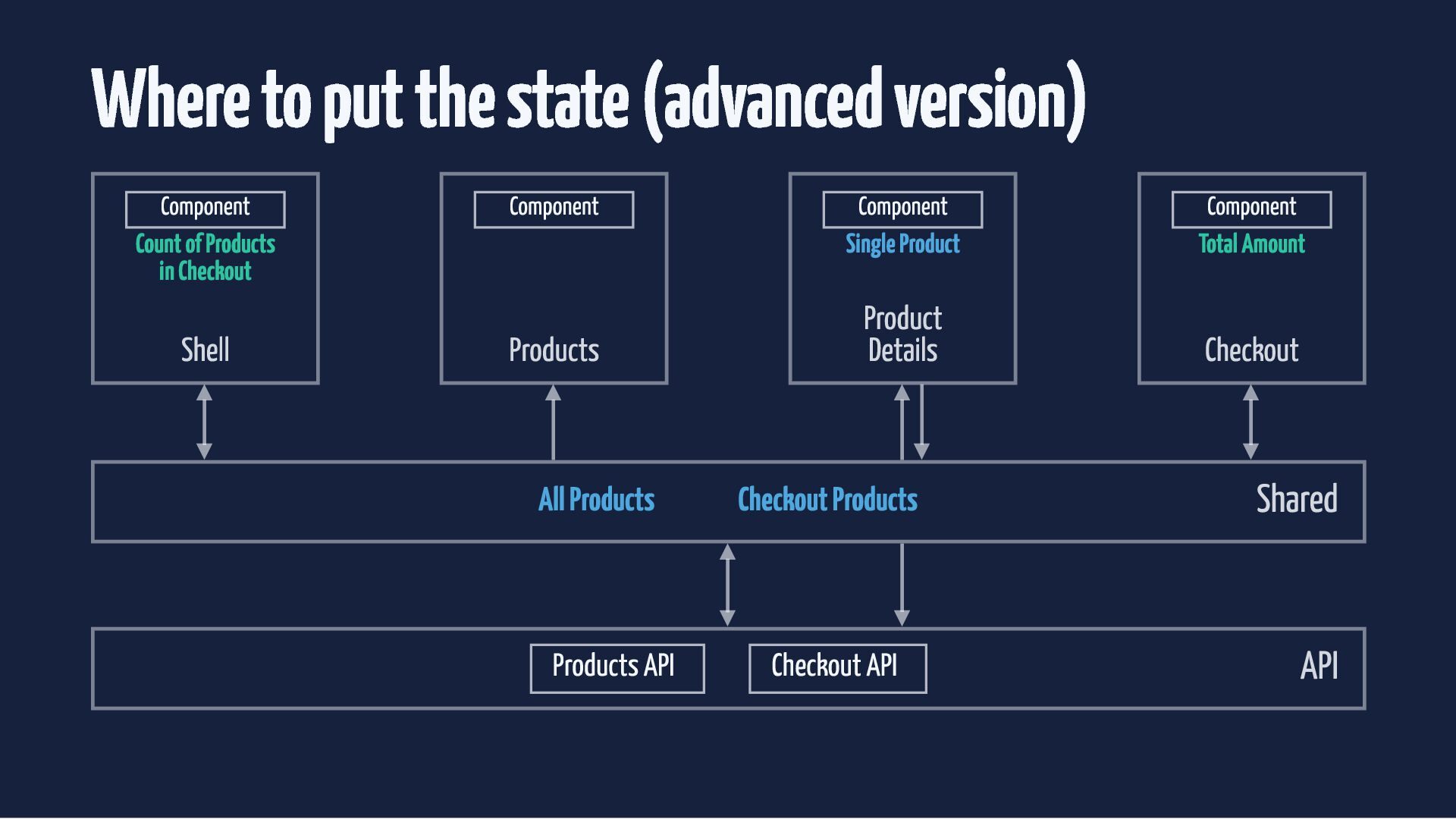
  38. Where to put the state (advanced version) ☠ Component Component

    Component Component Count of Products in Checkout All Products Single Product Total Amount Products Product Details Checkout Shell Checkout Products Products API Checkout API Shared API
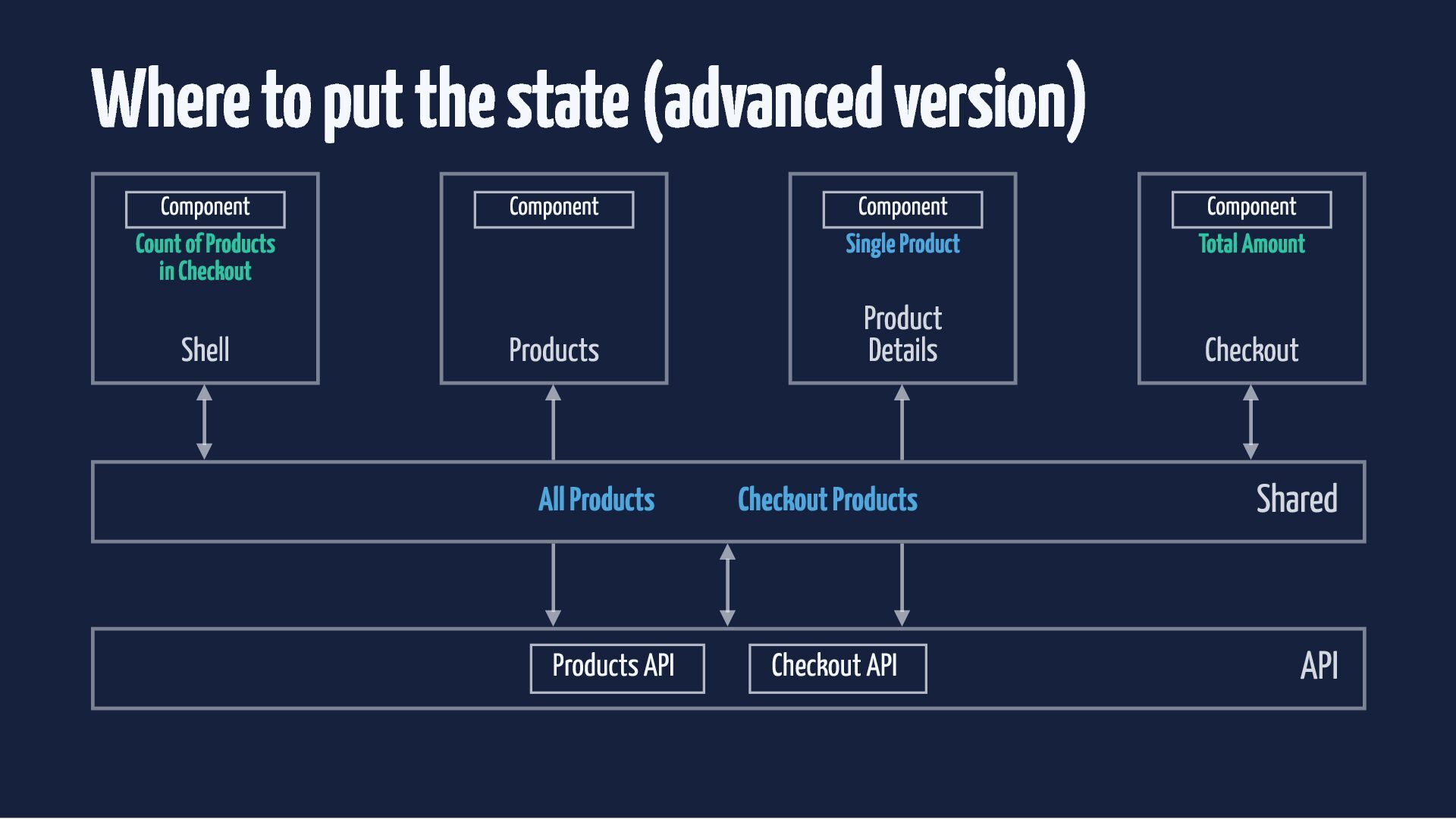
  39. Where to put the state (advanced version) Component Component Count

    of Products in Checkout Shell Products Component Component Single Product Total Amount Product Details Checkout All Products Checkout Products Shared Products API Checkout API API
  40. Where to put the state (advanced version) Component Component Count

    of Products in Checkout Shell Products Component Component Single Product Total Amount Product Details Checkout All Products Checkout Products Shared Products API Checkout API API
  41. Where to put the state (advanced version) Component Component Count

    of Products in Checkout Shell Products Component Component Single Product Total Amount Product Details Checkout All Products Checkout Products Shared Products API Checkout API API
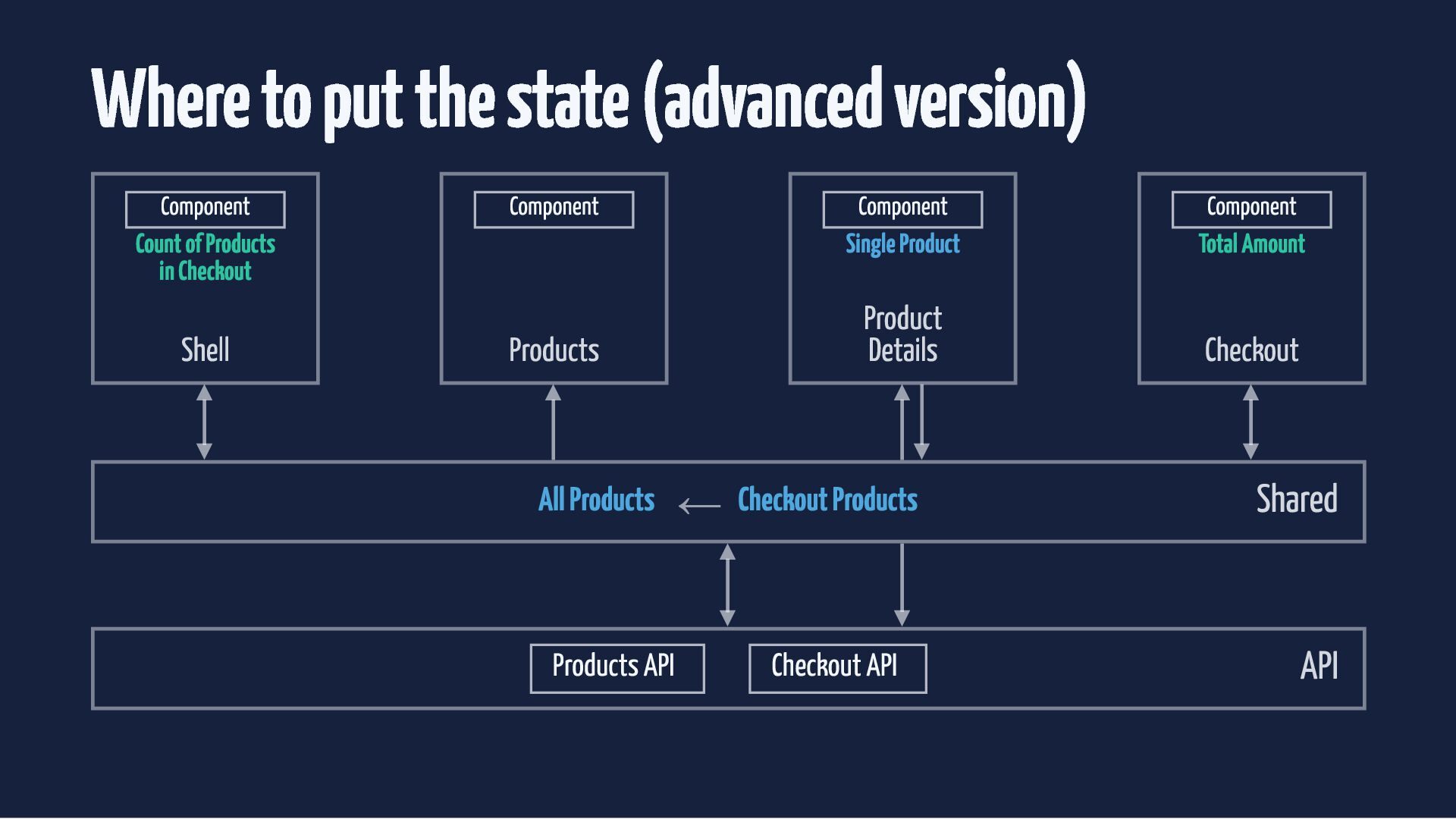
  42. Where to put the state (advanced version) Component Component Count

    of Products in Checkout Shell Products Component Component Single Product Total Amount Product Details Checkout All Products ← Checkout Products Products API Checkout API Shared API
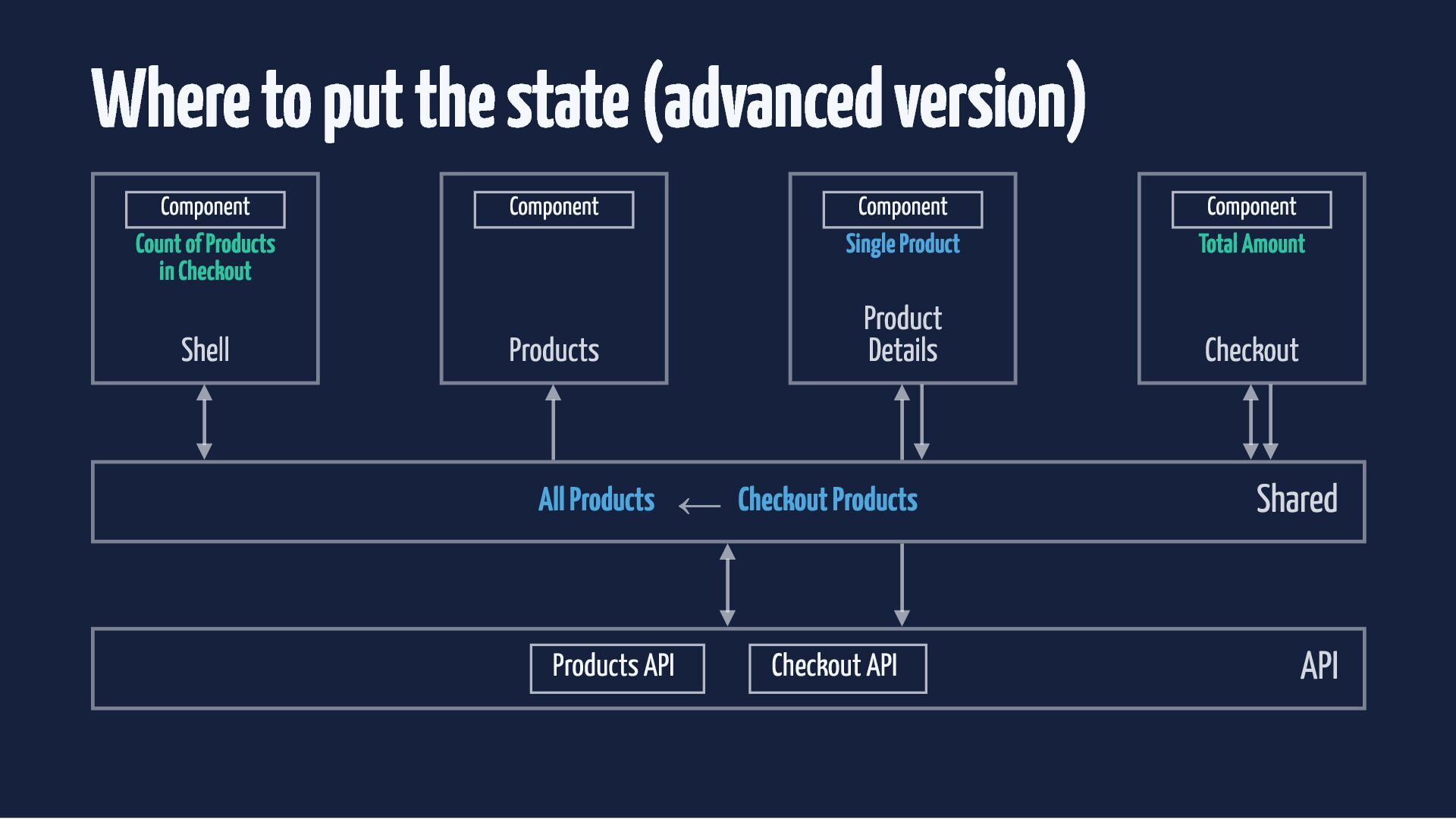
  43. Where to put the state (advanced version) Component Component Count

    of Products in Checkout Shell Products Component Component Single Product Total Amount Product Details Checkout All Products ← Checkout Products Products API Checkout API Shared API
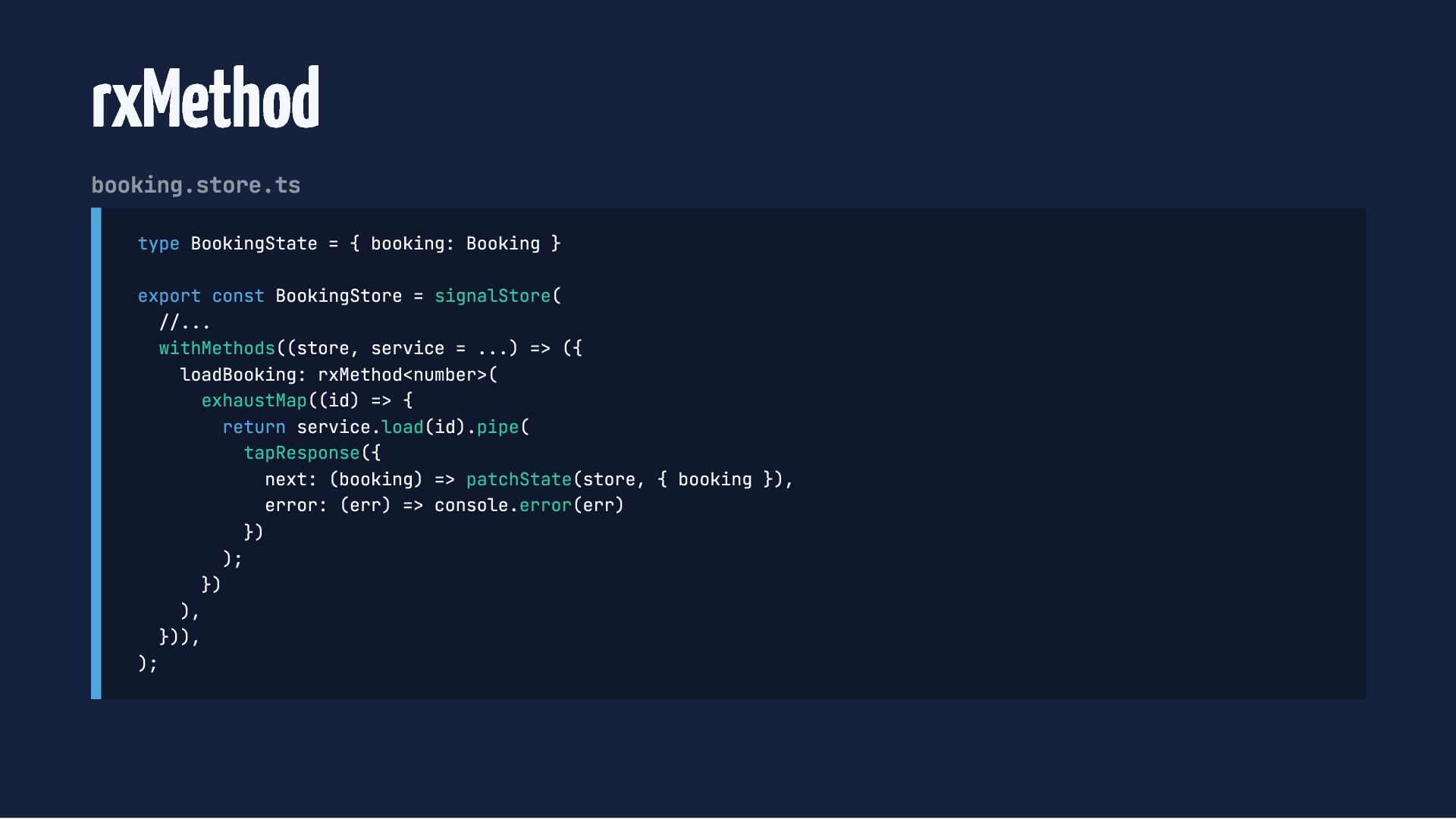
  44. rxMethod booking.store.ts type BookingState = { booking: Booking } export

    const BookingStore = signalStore( //... withMethods((store, service = ...) => ({ loadBooking: rxMethod<number>( exhaustMap((id) => { return service.load(id).pipe( tapResponse({ next: (booking) => patchState(store, { booking }), error: (err) => console.error(err) }) ); }) ), })), );
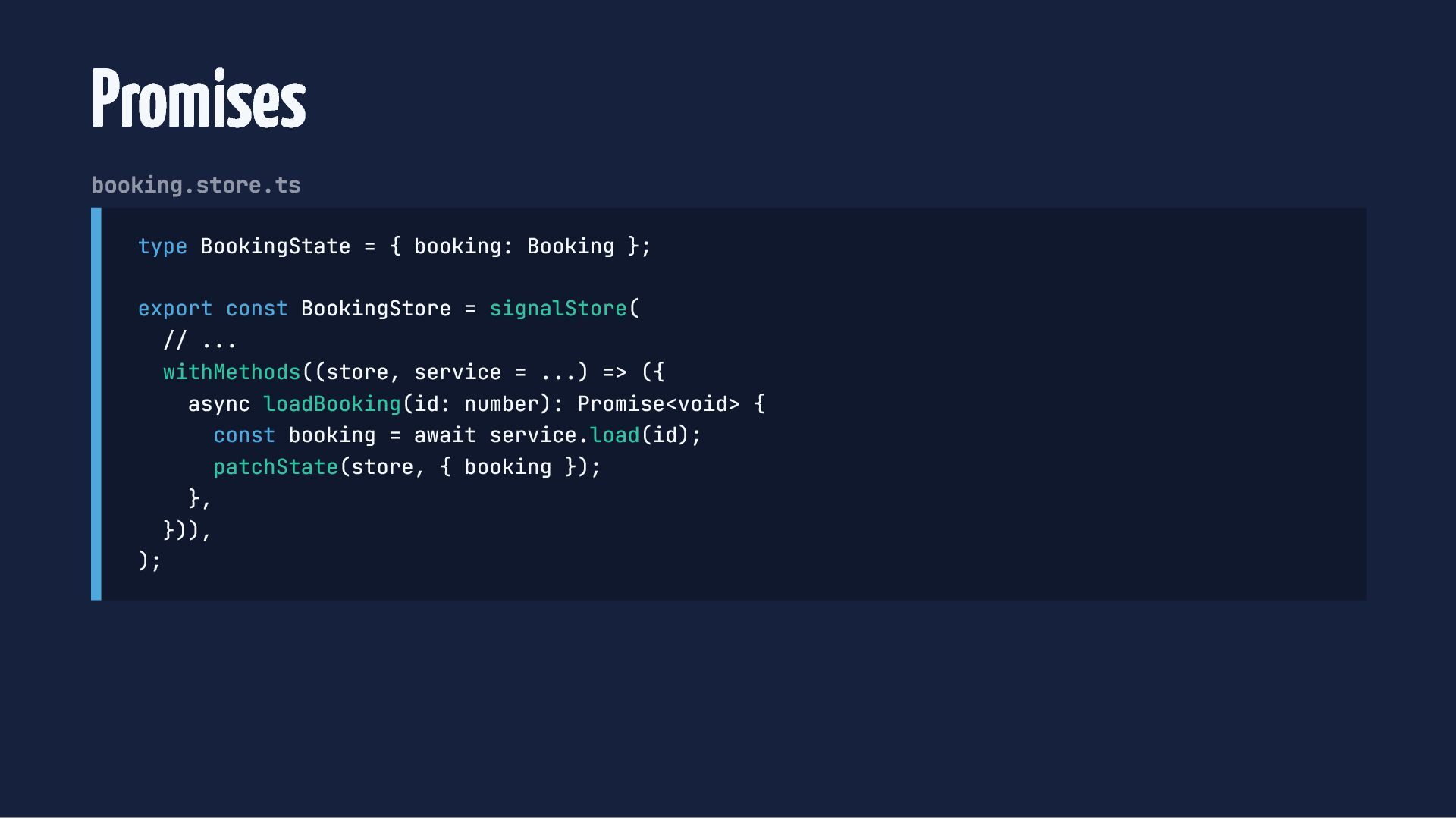
  45. Promises booking.store.ts type BookingState = { booking: Booking }; export

    const BookingStore = signalStore( // ... withMethods((store, service = ...) => ({ async loadBooking(id: number): Promise<void> { const booking = await service.load(id); patchState(store, { booking }); }, })), );
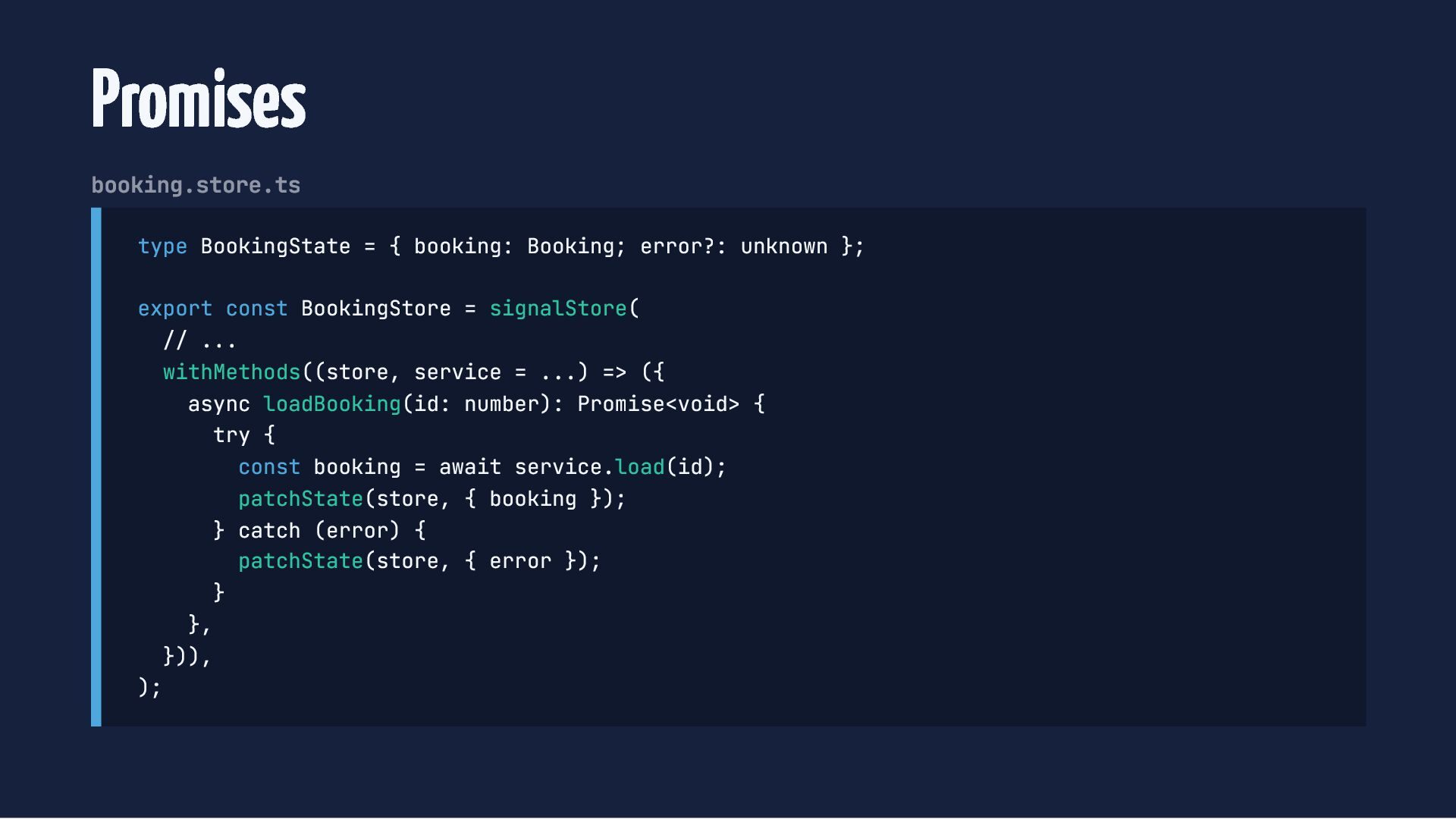
  46. Promises booking.store.ts type BookingState = { booking: Booking; error?: unknown

    }; export const BookingStore = signalStore( // ... withMethods((store, service = ...) => ({ async loadBooking(id: number): Promise<void> { try { const booking = await service.load(id); patchState(store, { booking }); } catch (error) { patchState(store, { error }); } }, })), );
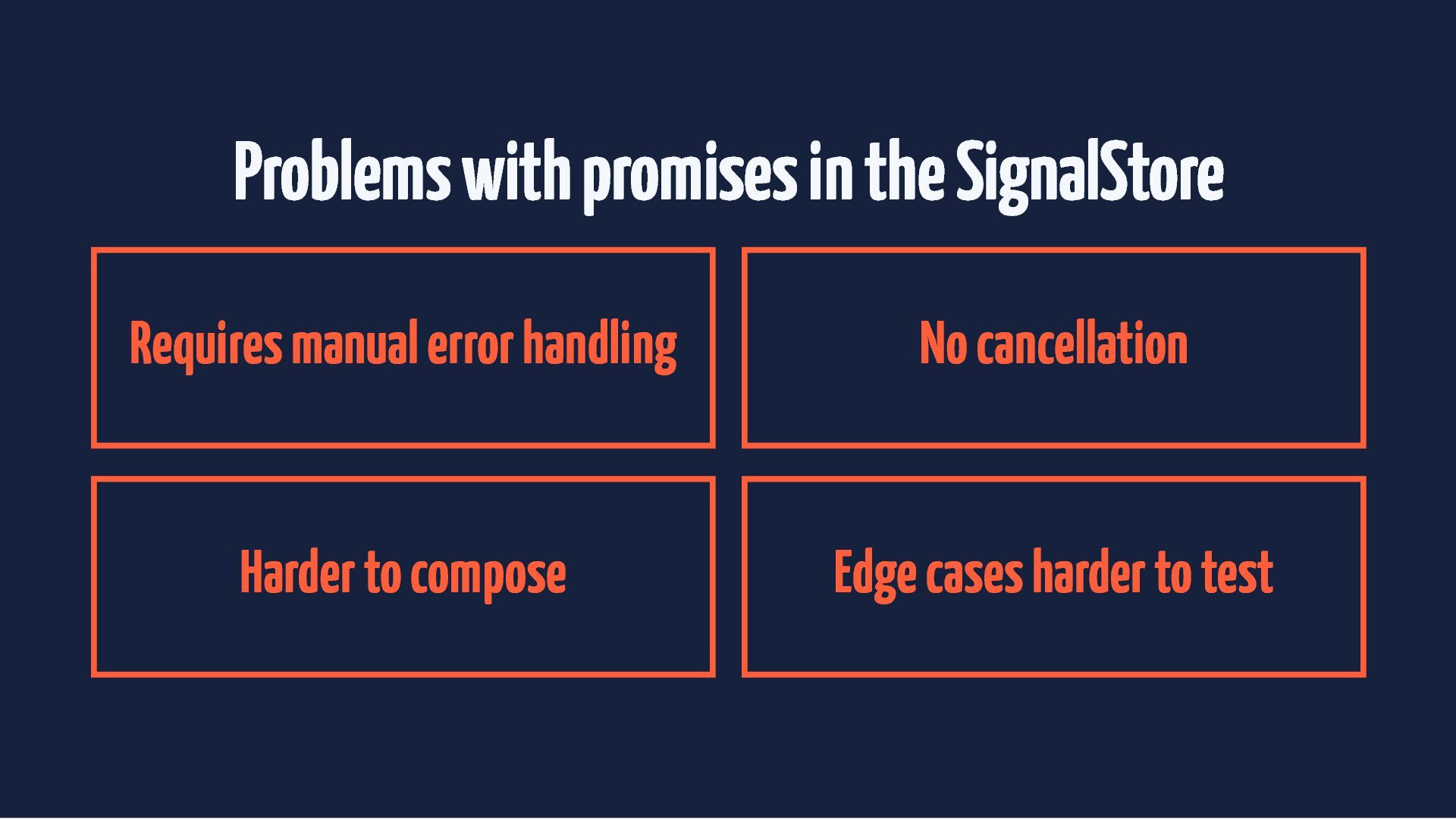
  47. Problems with promises in the SignalStore Requires manual error handling

    No cancellation Harder to compose Edge cases harder to test
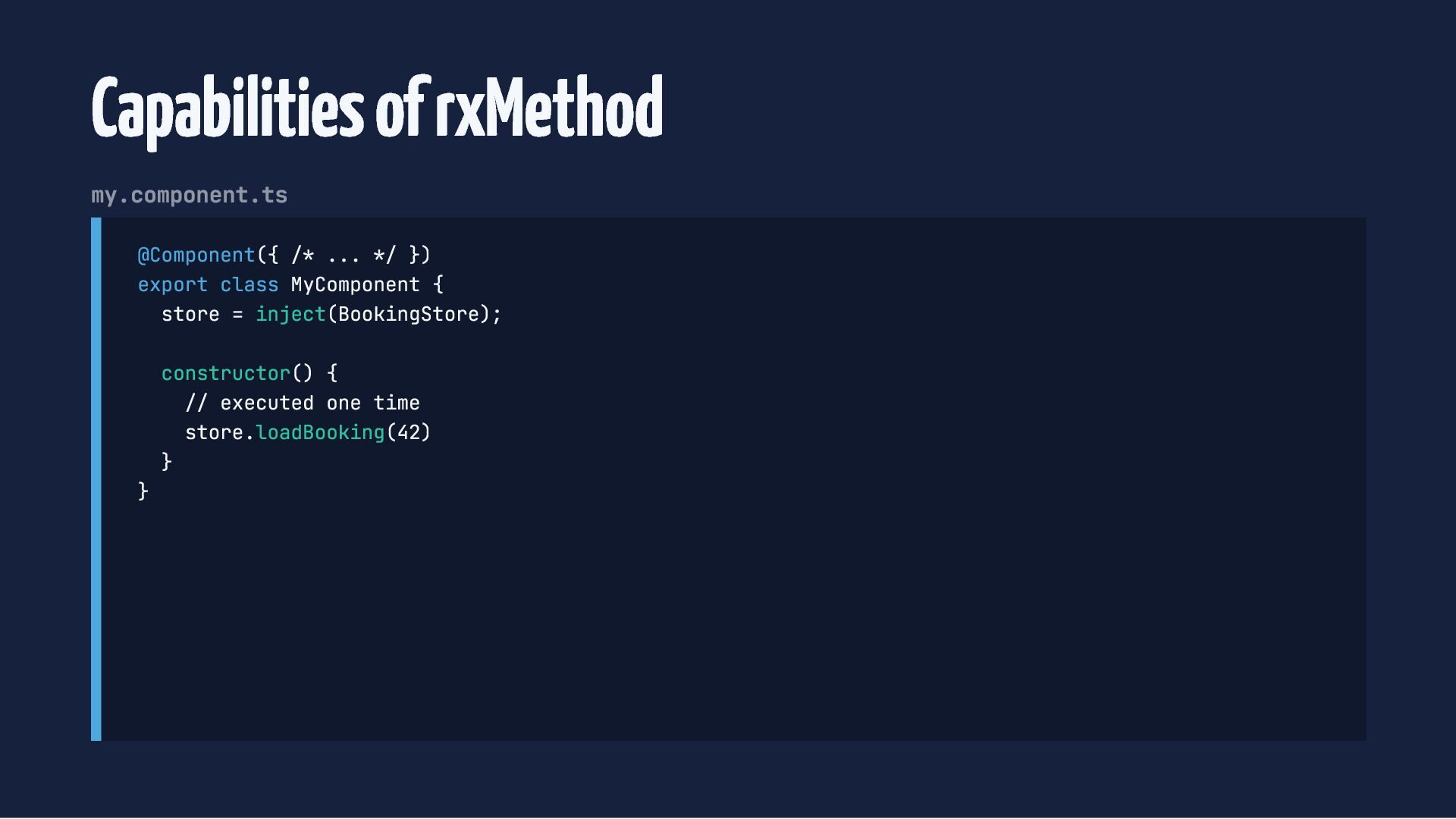
  48. Capabilities of rxMethod my.component.ts @Component({ /* ... */ }) export

    class MyComponent { store = inject(BookingStore); } constructor() { // executed one time store.loadBooking(42) }
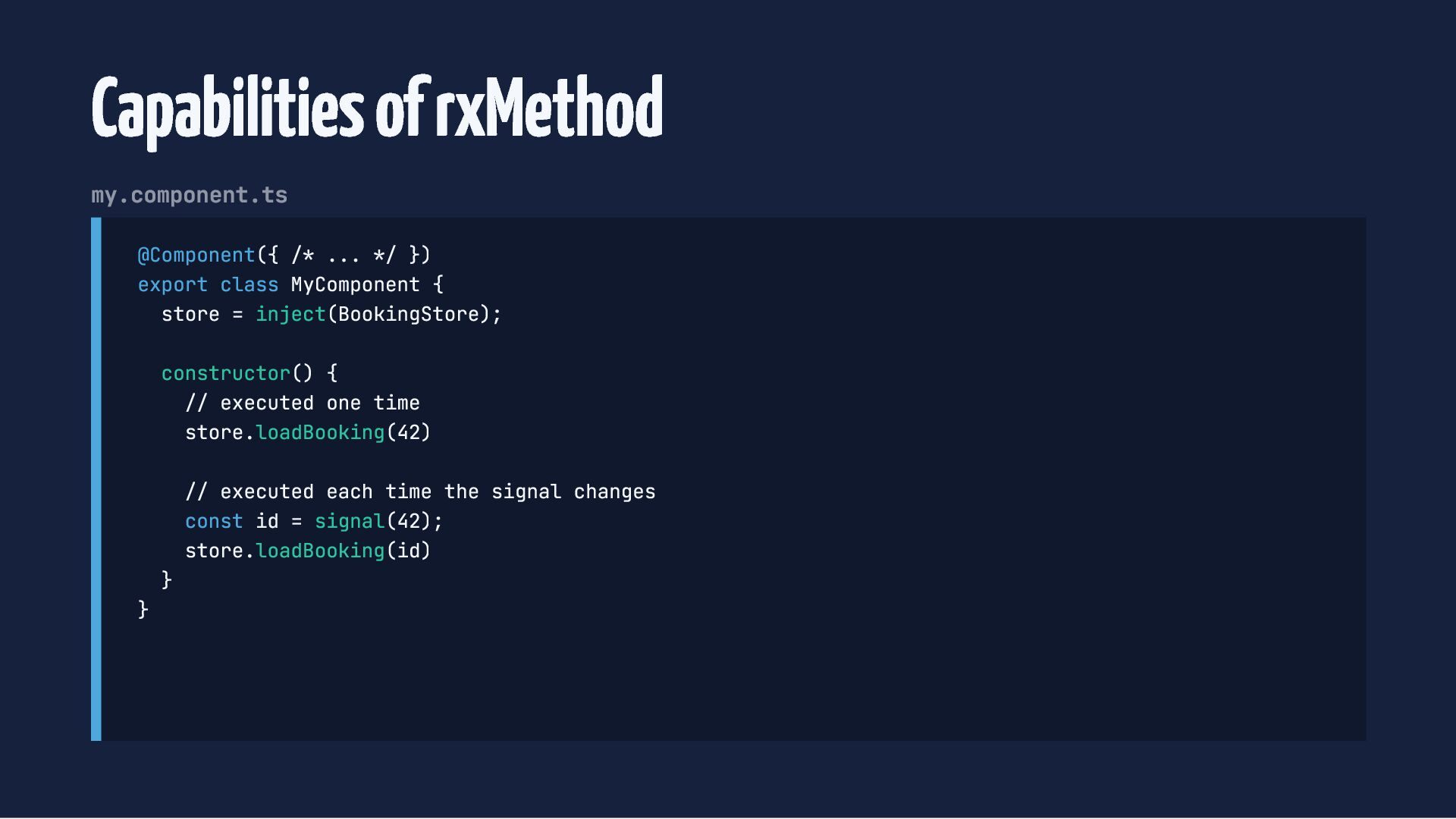
  49. Capabilities of rxMethod my.component.ts @Component({ /* ... */ }) export

    class MyComponent { store = inject(BookingStore); constructor() { // executed one time store.loadBooking(42) } } // executed each time the signal changes const id = signal(42); store.loadBooking(id)
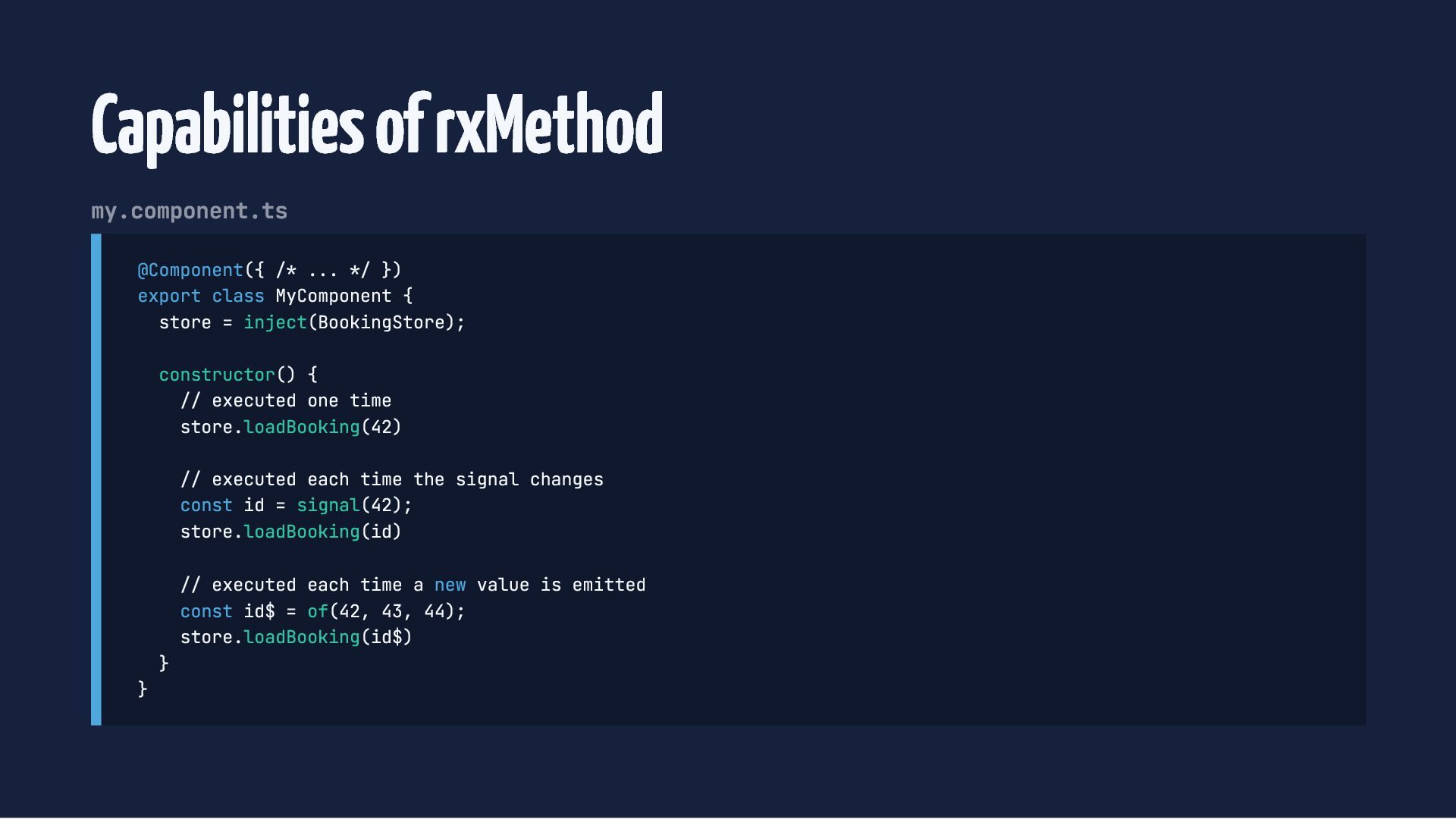
  50. Capabilities of rxMethod my.component.ts @Component({ /* ... */ }) export

    class MyComponent { store = inject(BookingStore); constructor() { // executed one time store.loadBooking(42) // executed each time the signal changes const id = signal(42); store.loadBooking(id) } } // executed each time a new value is emitted const id$ = of(42, 43, 44); store.loadBooking(id$)
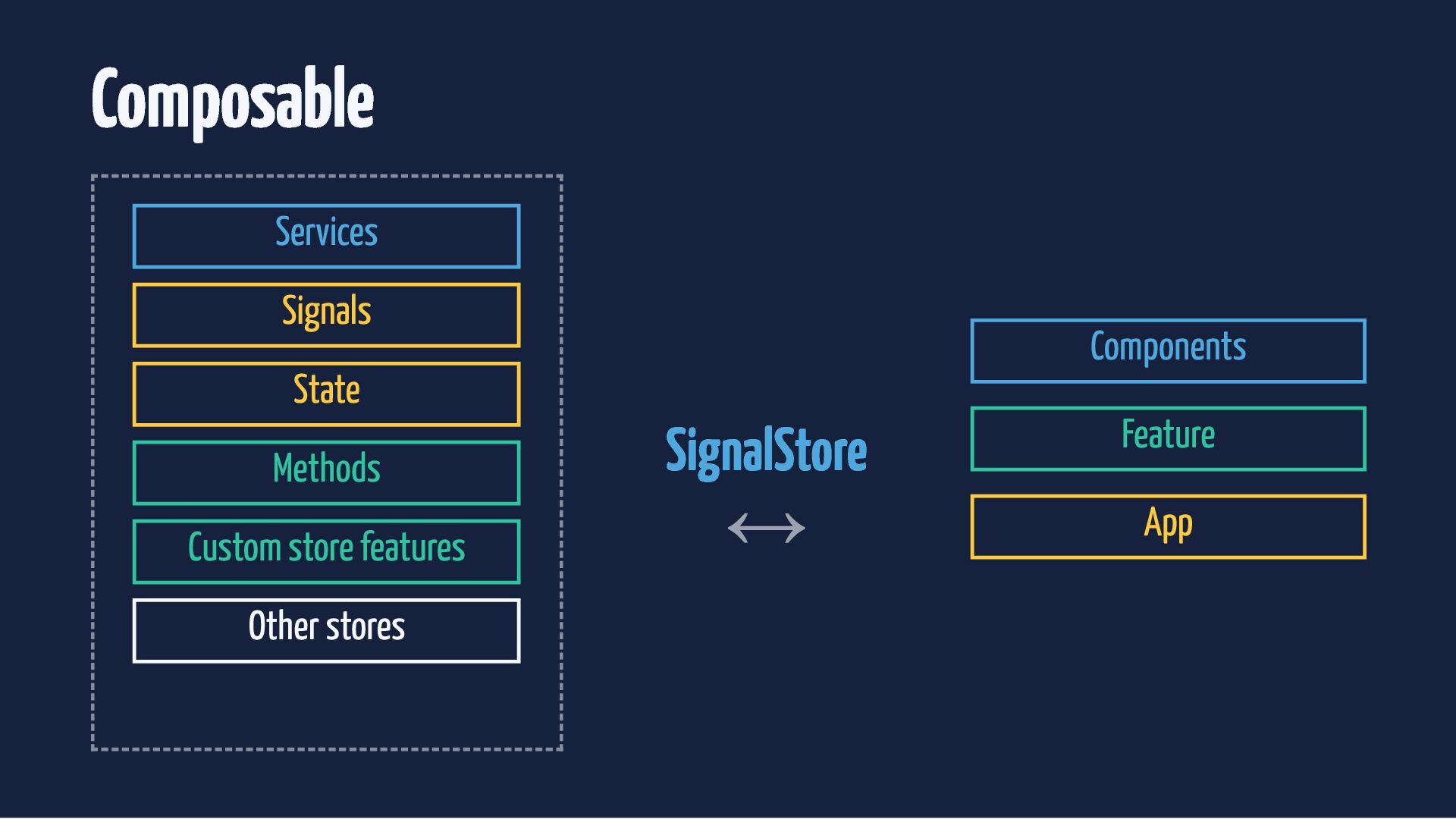
  51. Custom store features Option to extract reusable parts of the

    store Compose features directly into the store
  52. Custom store features Option to extract reusable parts of the

    store Compose features directly into the store Scale stores without increasing complexity
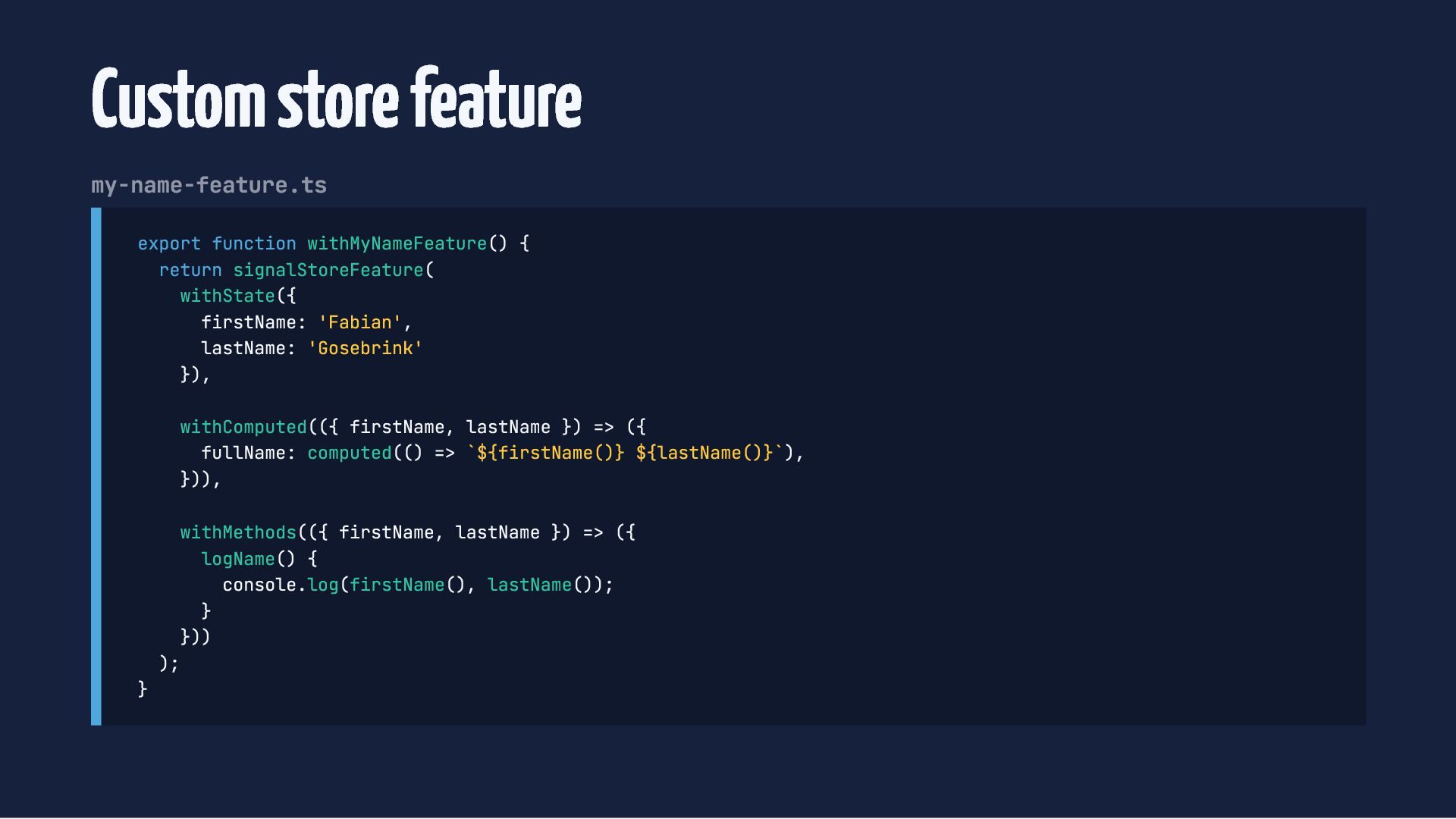
  53. Custom store feature my-name-feature.ts export function withMyNameFeature() { return signalStoreFeature(

    withState({ firstName: 'Fabian', lastName: 'Gosebrink' }), withComputed(({ firstName, lastName }) => ({ fullName: computed(() => `${firstName()} ${lastName()}`), })), } withMethods(({ firstName, lastName }) => ({ logName() { console.log(firstName(), lastName()); } })) );
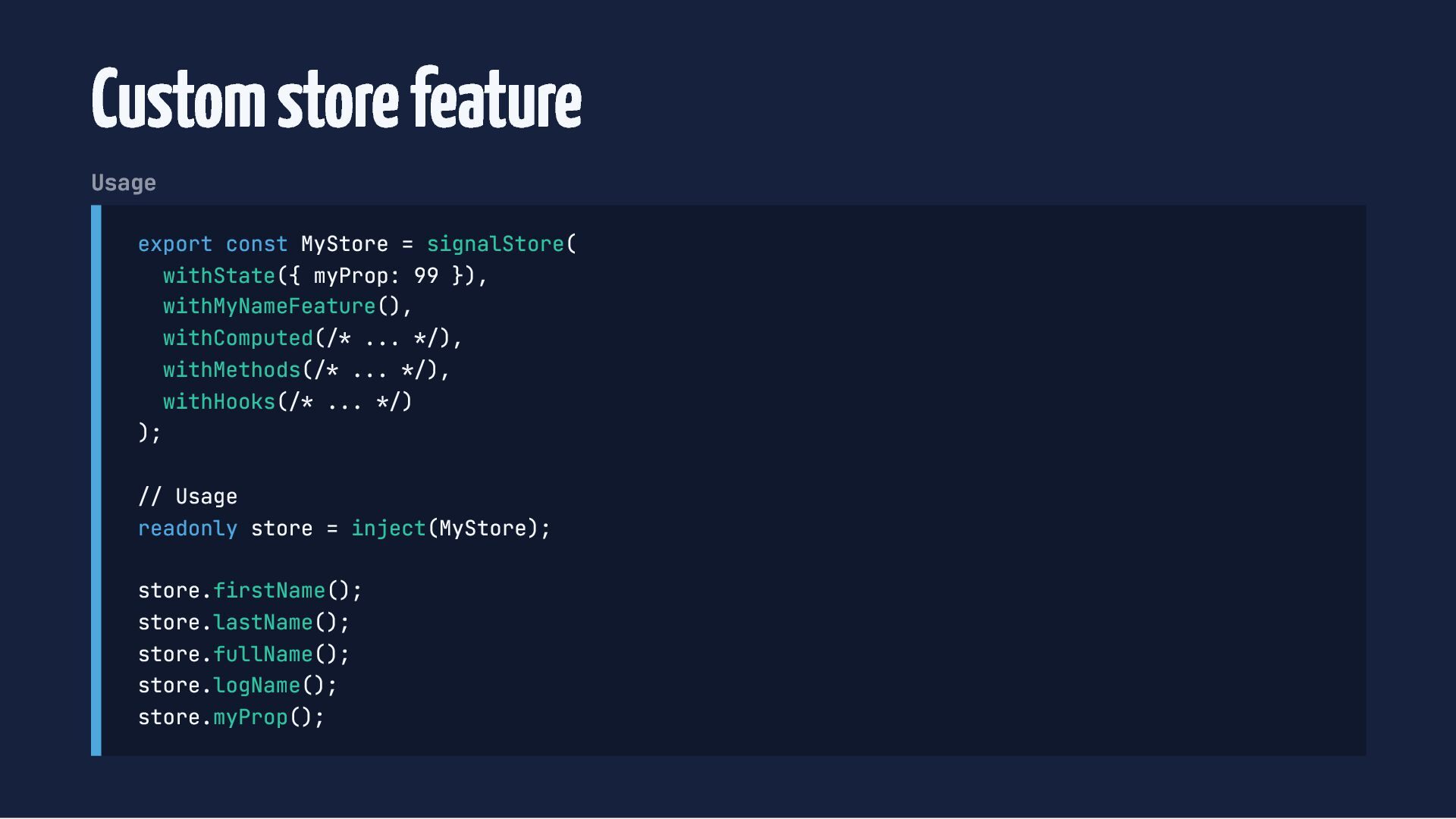
  54. Custom store feature Usage export const MyStore = signalStore( withState({

    myProp: 99 }), withMyNameFeature(), withComputed(/* ... */), withMethods(/* ... */), withHooks(/* ... */) ); // Usage readonly store = inject(MyStore); store.firstName(); store.lastName(); store.fullName(); store.logName(); store.myProp();
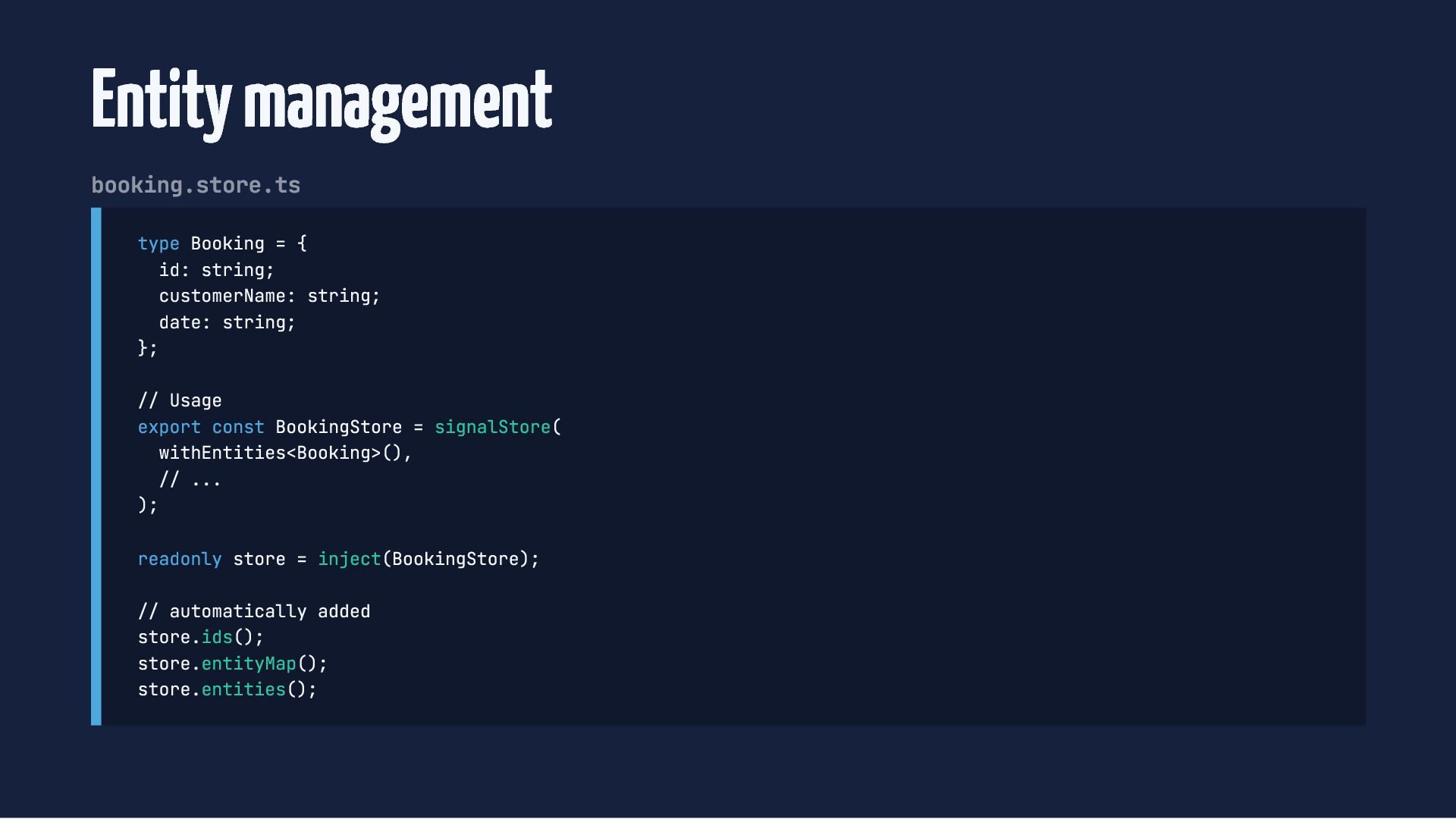
  55. Entity management booking.store.ts type Booking = { id: string; customerName:

    string; date: string; }; // Usage export const BookingStore = signalStore( withEntities<Booking>(), // ... ); readonly store = inject(BookingStore); // automatically added store.ids(); store.entityMap(); store.entities();
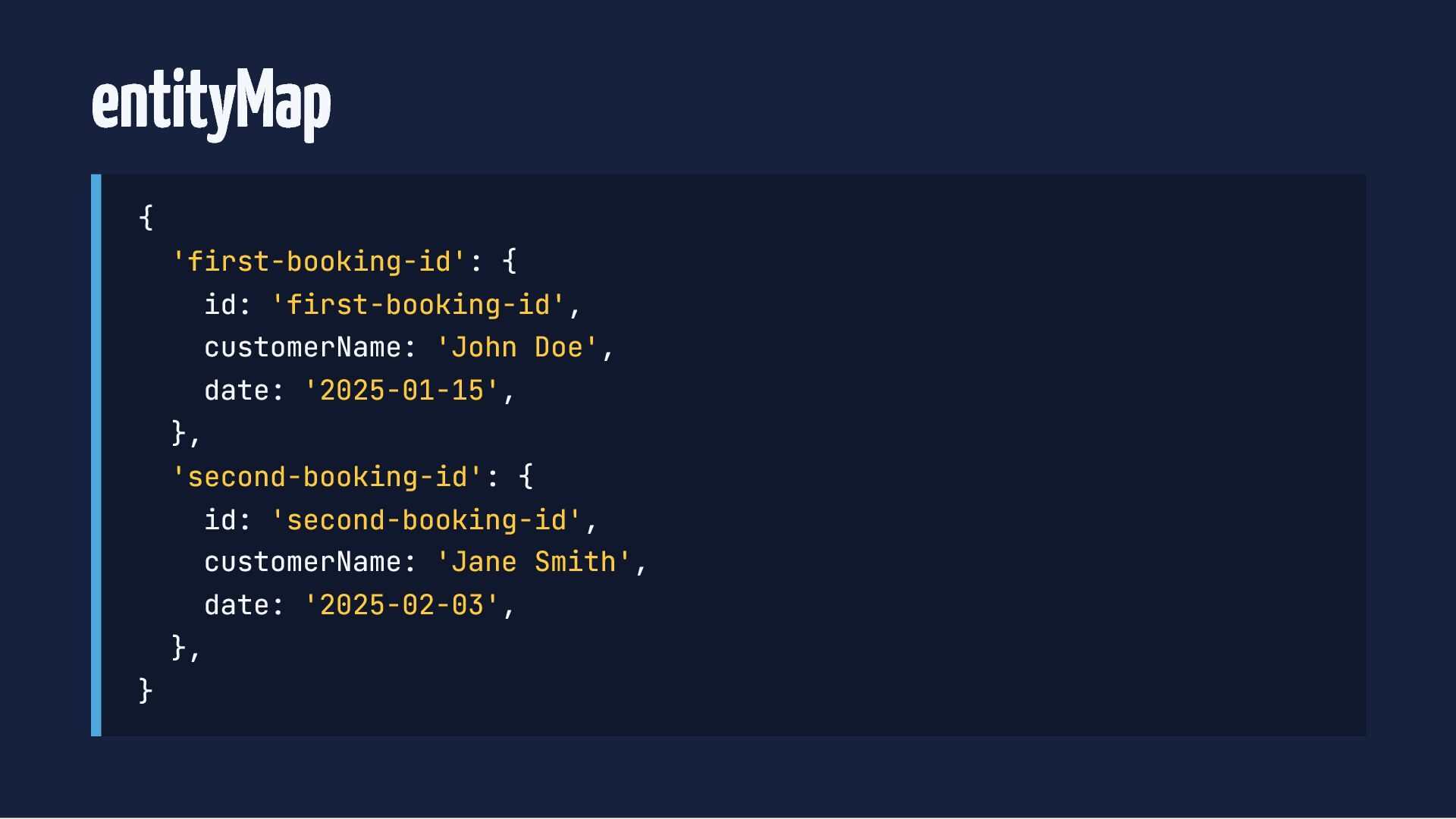
  56. entityMap { 'first-booking-id': { id: 'first-booking-id', customerName: 'John Doe', date:

    '2025-01-15', }, 'second-booking-id': { id: 'second-booking-id', customerName: 'Jane Smith', date: '2025-02-03', }, }
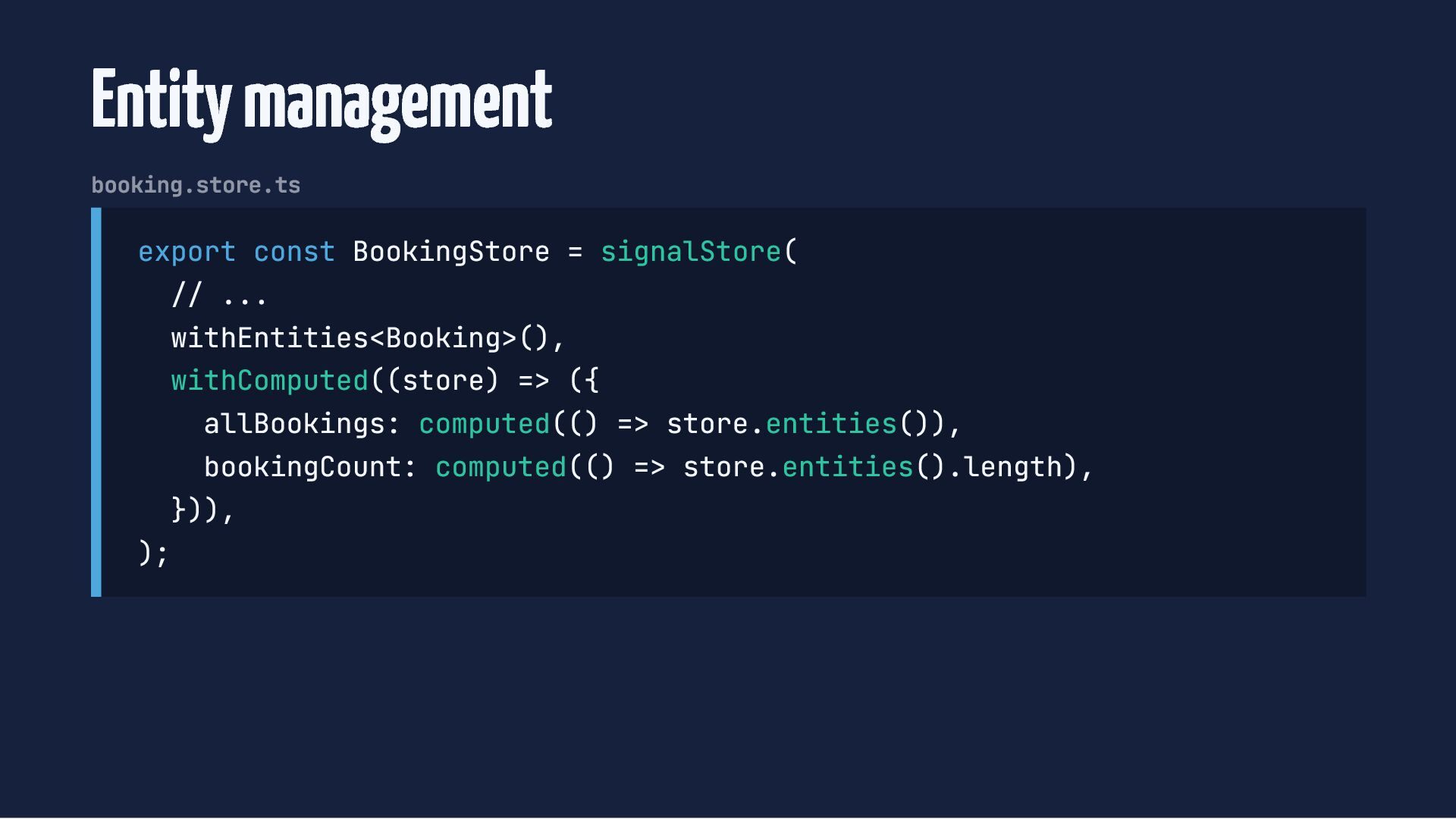
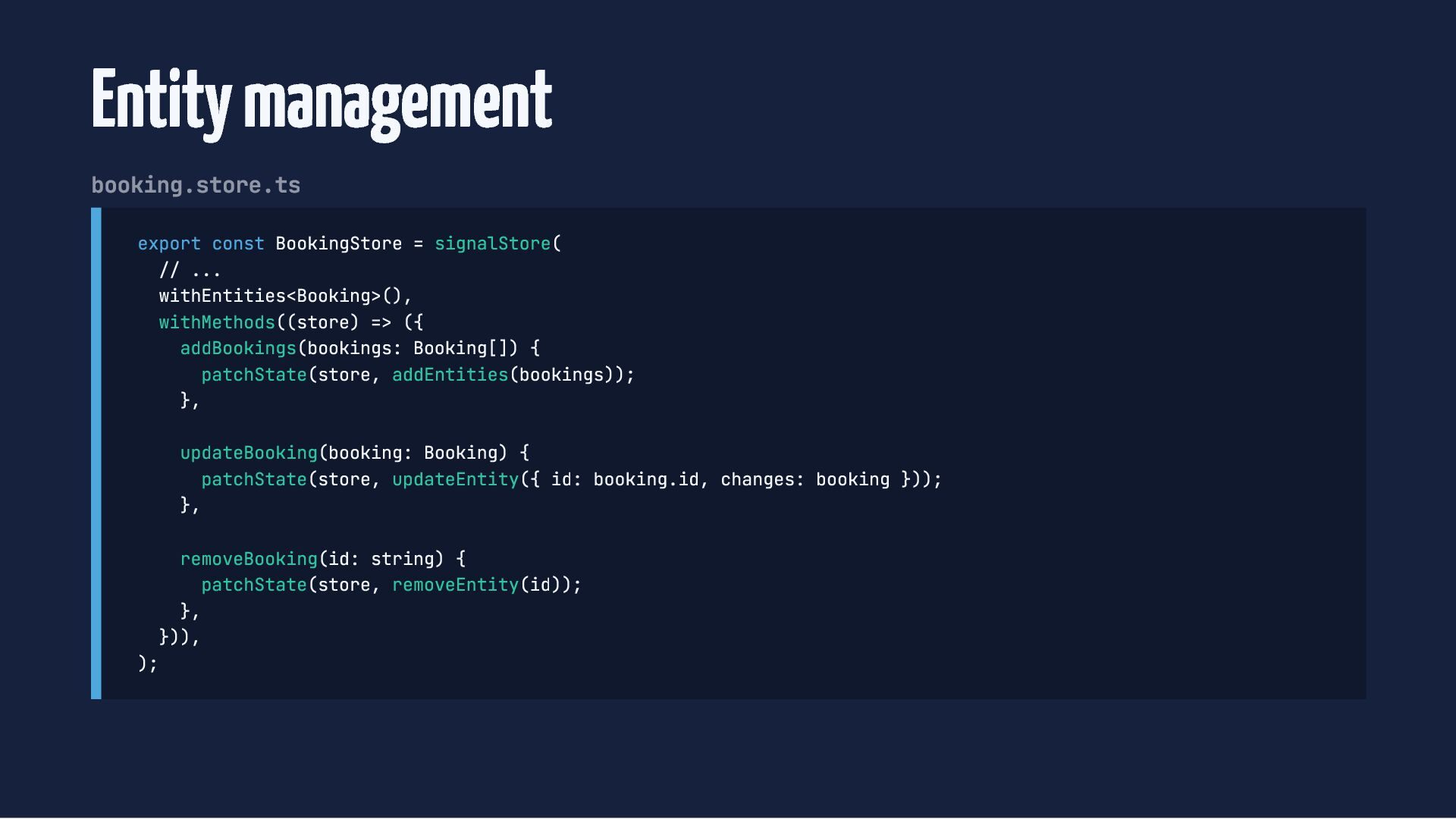
  57. Entity management booking.store.ts export const BookingStore = signalStore( // ...

    withEntities<Booking>(), withComputed((store) => ({ allBookings: computed(() => store.entities()), bookingCount: computed(() => store.entities().length), })), );
  58. Entity management booking.store.ts export const BookingStore = signalStore( // ...

    withEntities<Booking>(), withMethods((store) => ({ addBookings(bookings: Booking[]) { patchState(store, addEntities(bookings)); }, updateBooking(booking: Booking) { patchState(store, updateEntity({ id: booking.id, changes: booking })); }, removeBooking(id: string) { patchState(store, removeEntity(id)); }, })), );
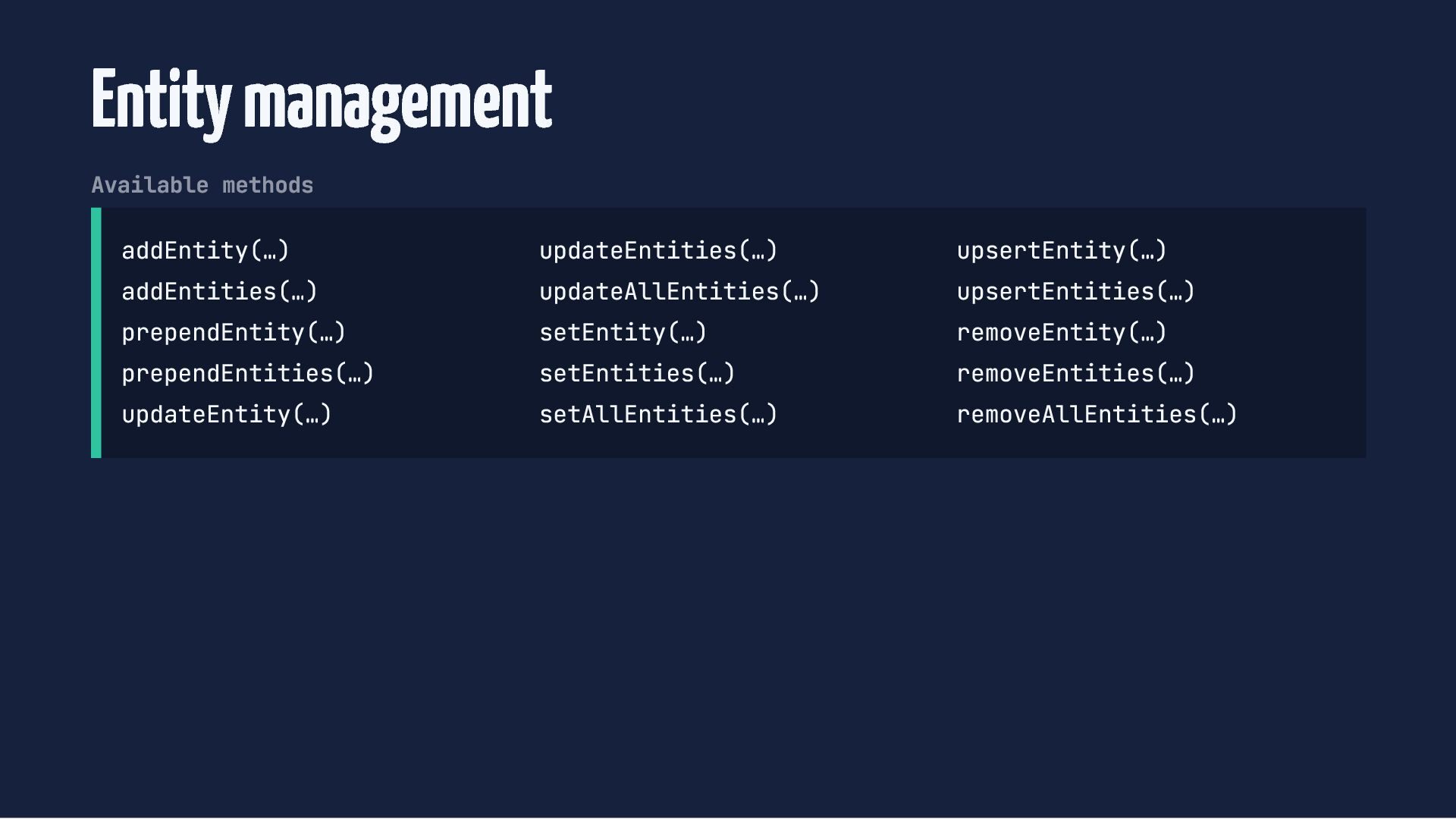
  59. Entity management Available methods addEntity(…) addEntities(…) prependEntity(…) prependEntities(…) updateEntity(…) updateEntities(…)

    updateAllEntities(…) setEntity(…) setEntities(…) setAllEntities(…) upsertEntity(…) upsertEntities(…) removeEntity(…) removeEntities(…) removeAllEntities(…)
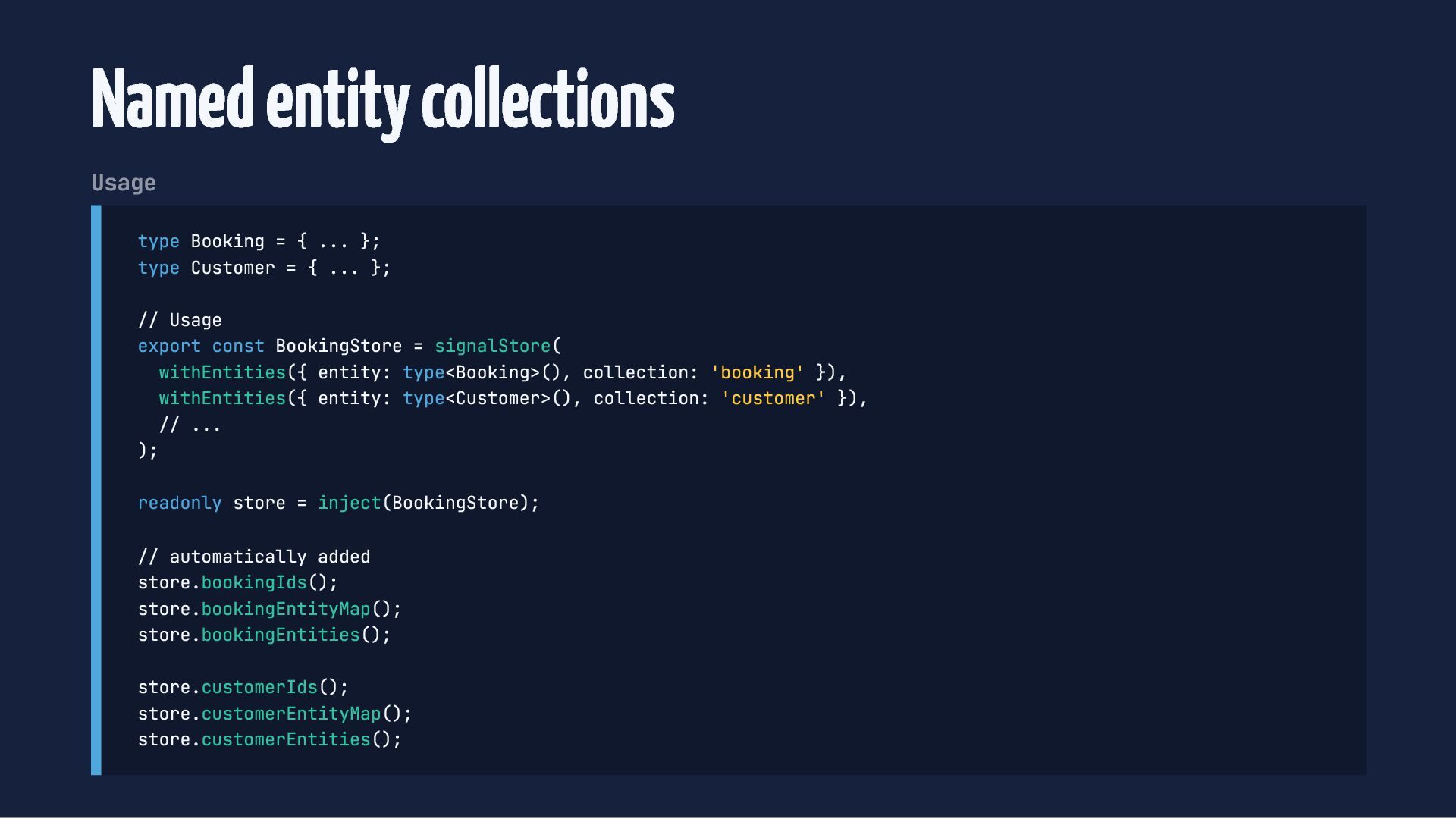
  60. Named entity collections Usage type Booking = { ... };

    type Customer = { ... }; // Usage export const BookingStore = signalStore( withEntities({ entity: type<Booking>(), collection: 'booking' }), withEntities({ entity: type<Customer>(), collection: 'customer' }), // ... ); readonly store = inject(BookingStore); // automatically added store.bookingIds(); store.bookingEntityMap(); store.bookingEntities(); store.customerIds(); store.customerEntityMap(); store.customerEntities();
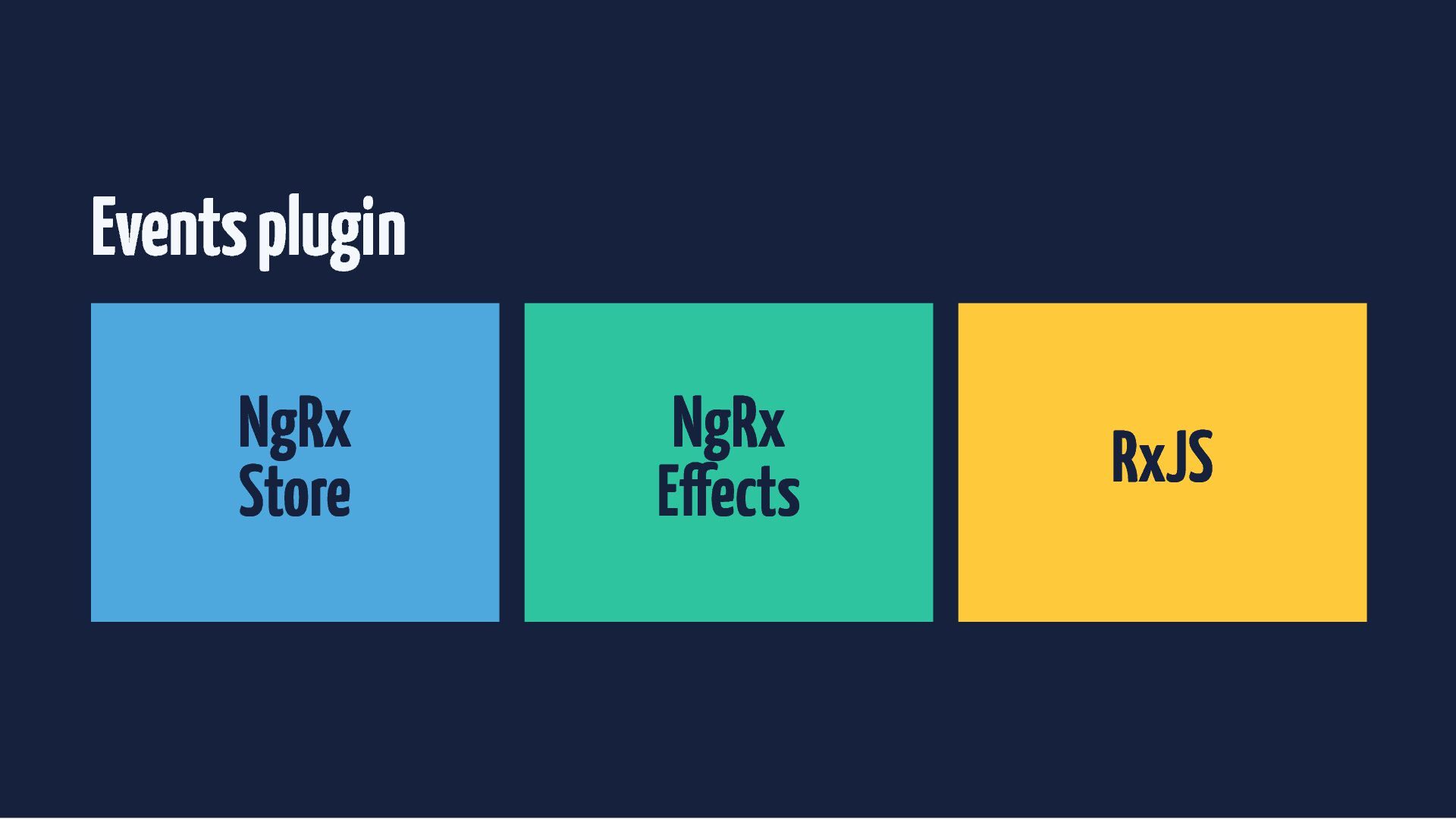
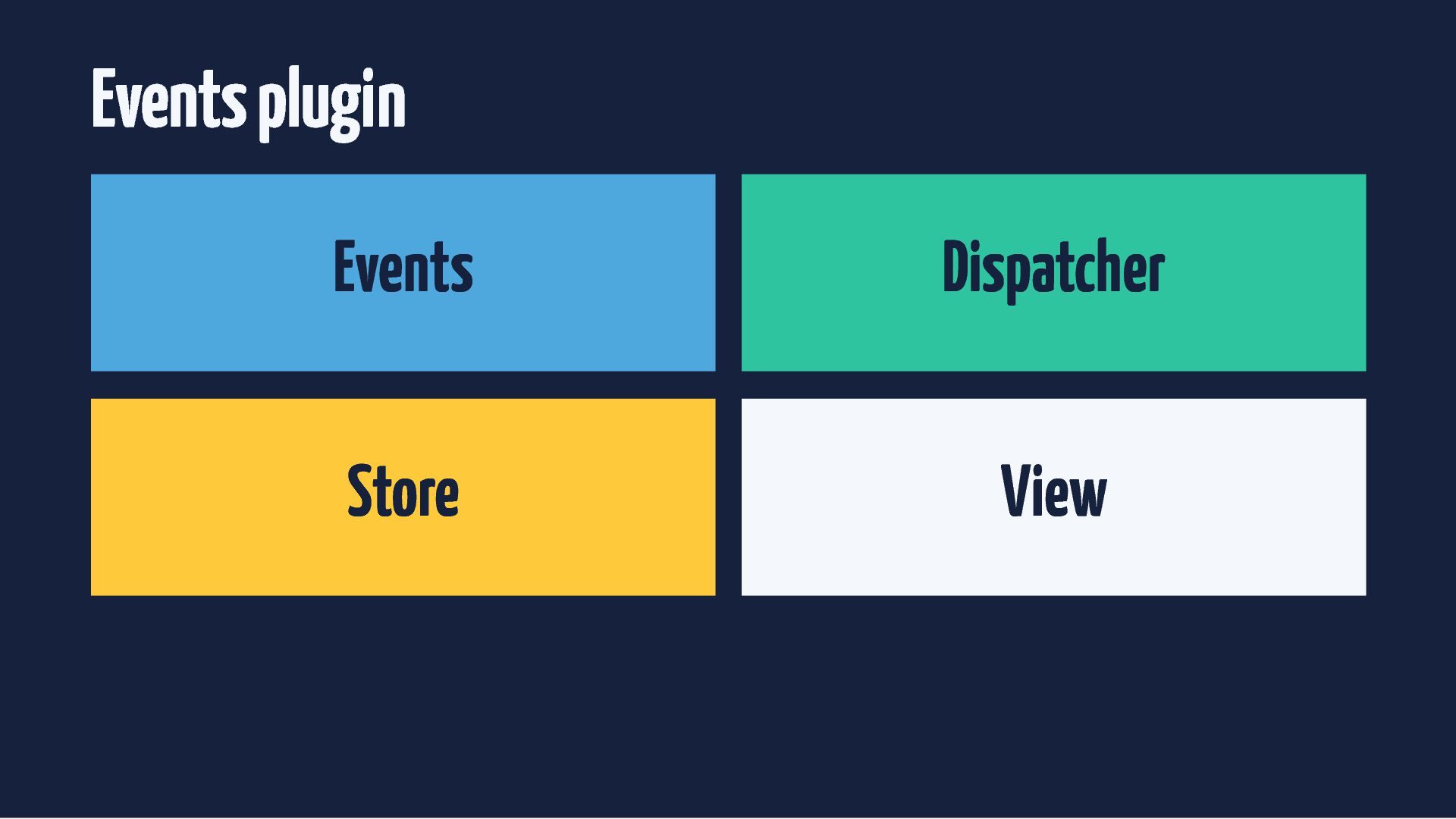
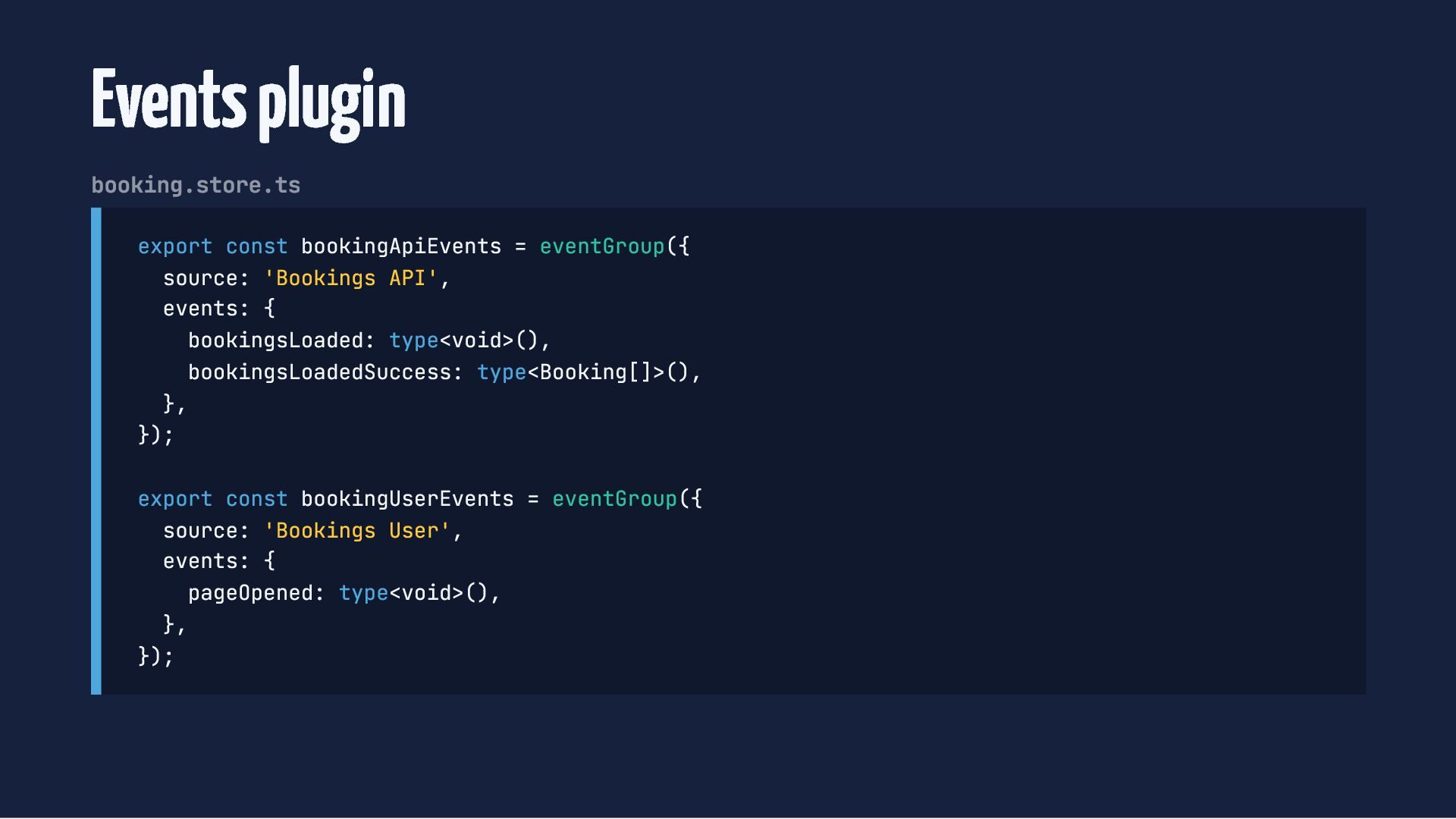
  61. Events plugin booking.store.ts export const bookingApiEvents = eventGroup({ source: 'Bookings

    API', events: { bookingsLoaded: type<void>(), bookingsLoadedSuccess: type<Booking[]>(), }, }); export const bookingUserEvents = eventGroup({ source: 'Bookings User', events: { pageOpened: type<void>(), }, });
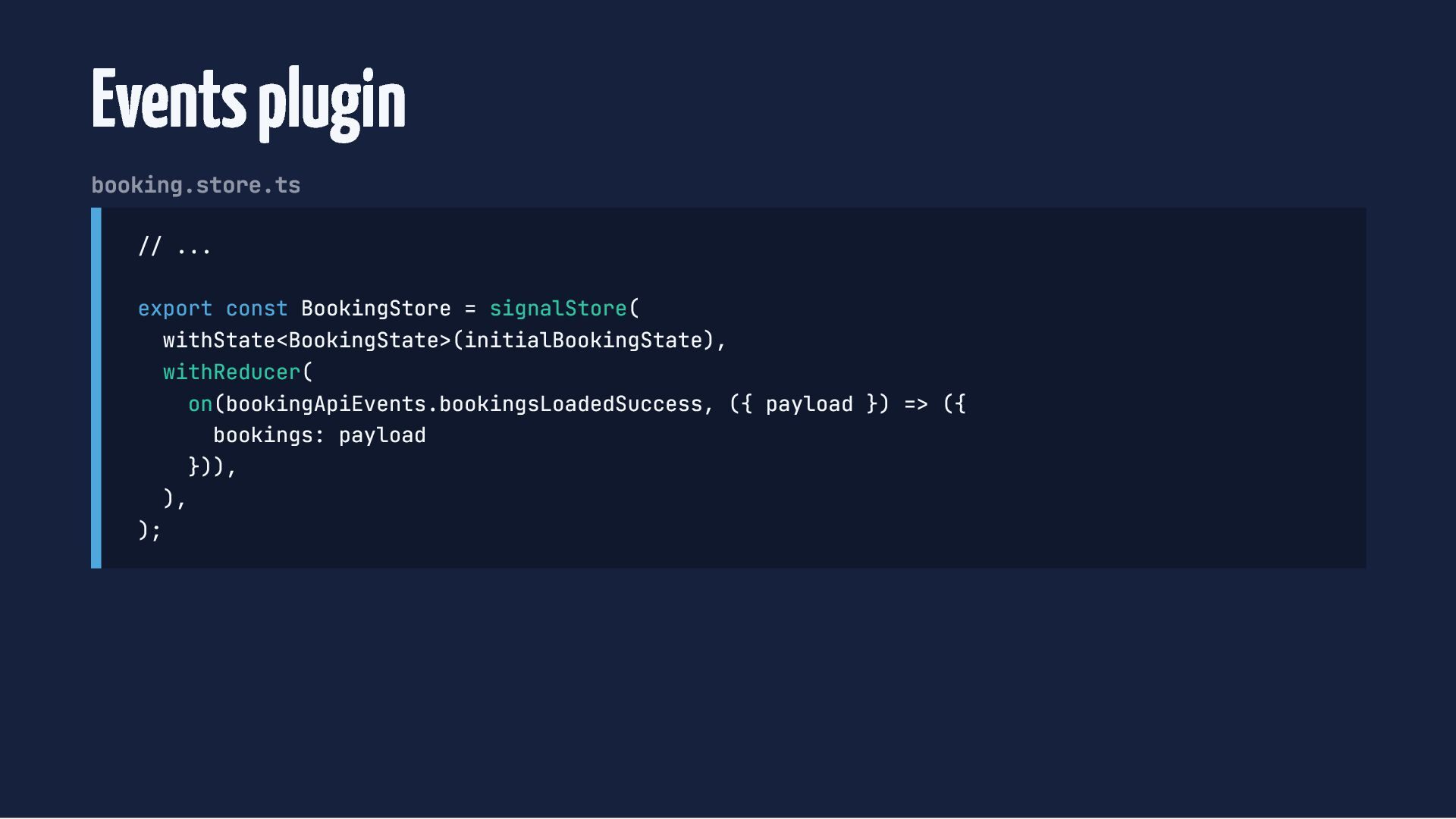
  62. Events plugin booking.store.ts // ... export const BookingStore = signalStore(

    withState<BookingState>(initialBookingState), withReducer( on(bookingApiEvents.bookingsLoadedSuccess, ({ payload }) => ({ bookings: payload })), ), );
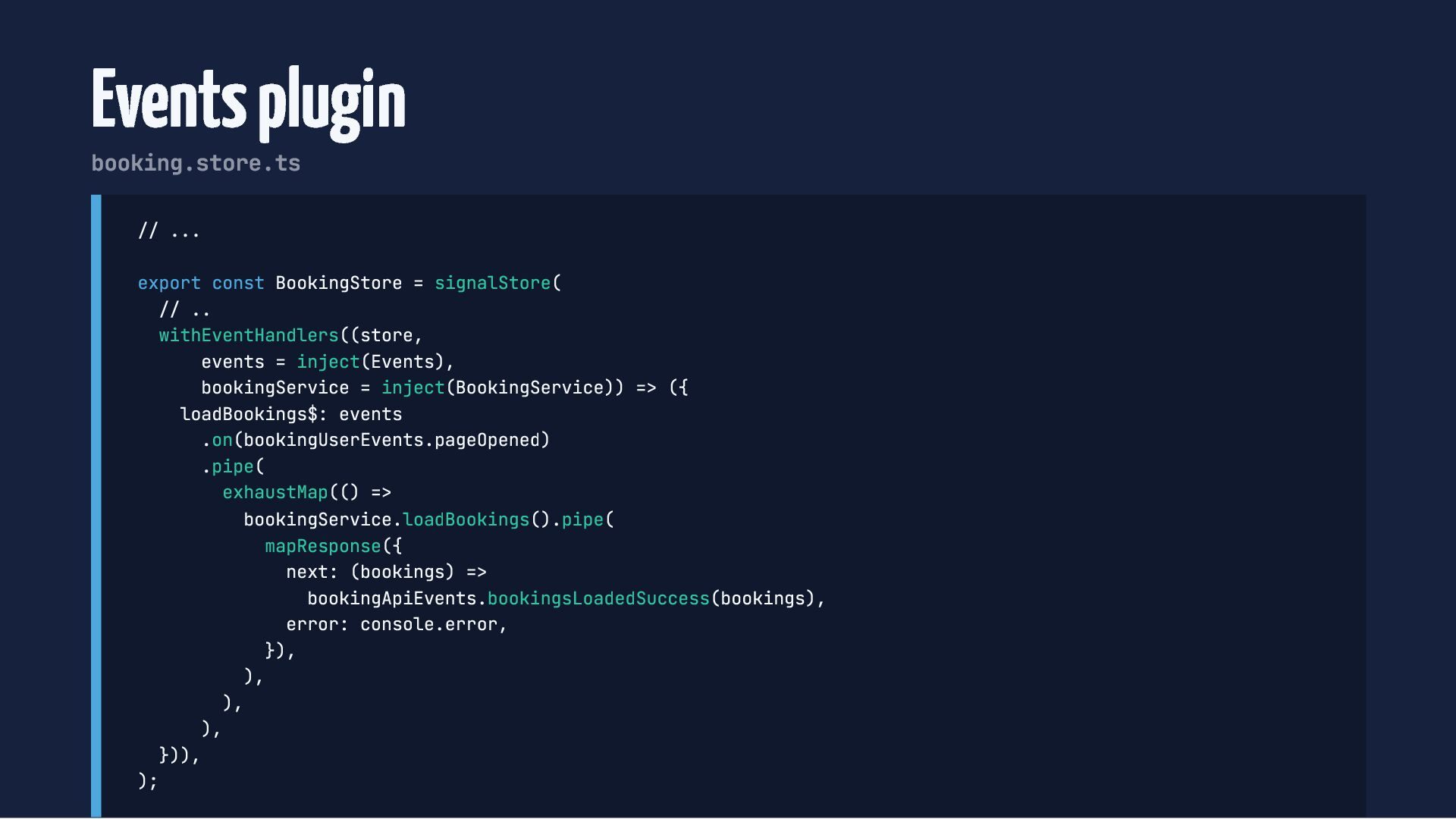
  63. Events plugin booking.store.ts // ... export const BookingStore = signalStore(

    // .. withEventHandlers((store, events = inject(Events), bookingService = inject(BookingService)) => ({ loadBookings$: events .on(bookingUserEvents.pageOpened) .pipe( exhaustMap(() => bookingService.loadBookings().pipe( mapResponse({ next: (bookings) => bookingApiEvents.bookingsLoadedSuccess(bookings), error: console.error, }), ), ), ), })), );
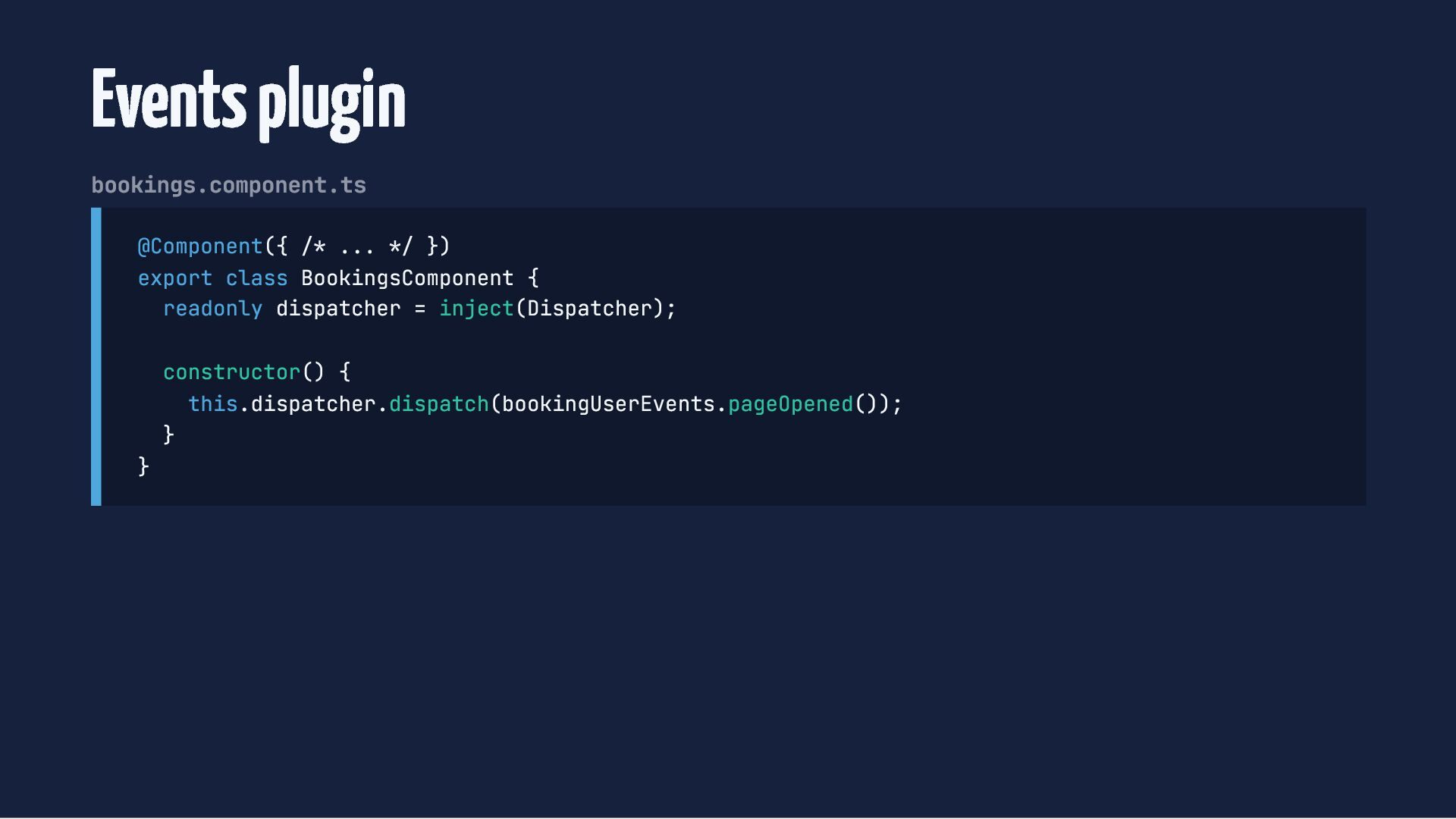
  64. Events plugin bookings.component.ts @Component({ /* ... */ }) export class

    BookingsComponent { readonly dispatcher = inject(Dispatcher); } constructor() { this.dispatcher.dispatch(bookingUserEvents.pageOpened()); }
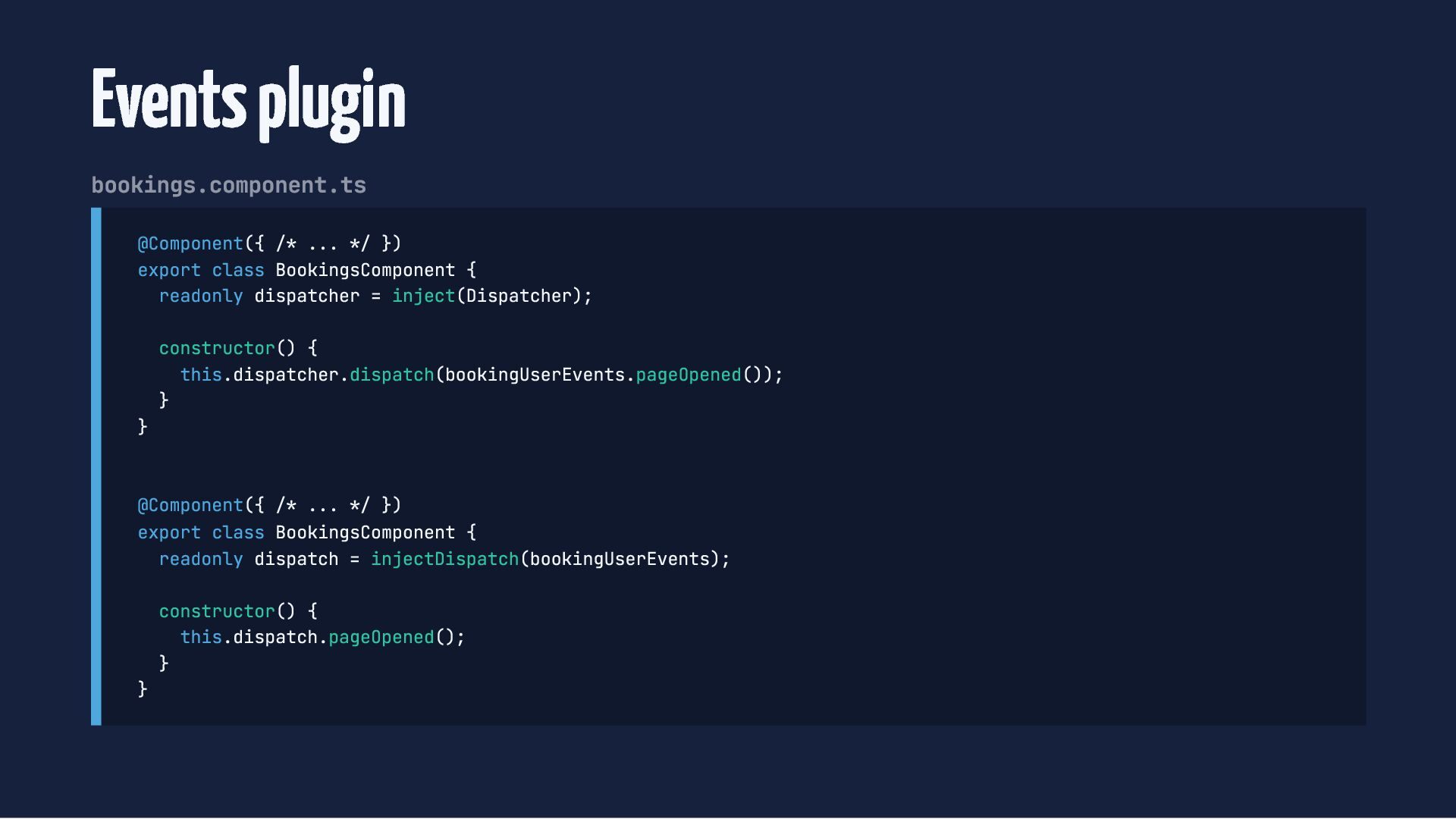
  65. Events plugin bookings.component.ts @Component({ /* ... */ }) export class

    BookingsComponent { readonly dispatcher = inject(Dispatcher); } constructor() { this.dispatcher.dispatch(bookingUserEvents.pageOpened()); } @Component({ /* ... */ }) export class BookingsComponent { readonly dispatch = injectDispatch(bookingUserEvents); } constructor() { this.dispatch.pageOpened(); }
  66. Testing Wrong on state: writing state is wrong Right on

    state: consuming from the UI is wrong