Upgrade to Pro
— share decks privately, control downloads, hide ads and more …
Speaker Deck
Sign up for free
Menu
Search
Features
All features
Private URLs
Password Protection
Custom URLS
Scheduled publishing
Remove Branding
Restrict embedding
Deck Collections
Notes
Features
All features
Private URLs
Password Protection
Custom URLS
Scheduled publishing
Remove Branding
Restrict embedding
Deck Collections
Notes
Explore
Featured decks
Featured speakers
Programming
Technology
Storyboards
Explore
Featured decks
Featured speakers
Programming
Technology
Storyboards
Pricing
Search
Sign in
Sign up for free
Fixing Performance and Memory Problems (RubyWine)
Search
Frederick Cheung
April 04, 2020
Technology
100
0
Share
Embed
Copy iframe code
Copy JS code
Copy link
Start on current slide
Fixing Performance and Memory Problems (RubyWine)
Frederick Cheung
April 04, 2020
More Decks by Frederick Cheung
See All by Frederick Cheung
how_to_ab_test_with_confidence_railsconf.pdf
fcheung
0
82
Fixing Performance and Memory Problems
fcheung
2
590
Asking questions
fcheung
0
89
Extending Ruby
fcheung
1
550
Introduction to Version Control
fcheung
0
110
Other Decks in Technology
See All in Technology
今こそ知りたいAmplifyGen2
mkdev10
2
150
OpenSharing について熱く語る 〜AI アセットの共有について〜
kameitomohiro
0
230
AI駆動開発の時代になったのでトヨタ生産方式から見直す
terurou
1
3.6k
AI Made Us Faster at Solving the Wrong Problems
marceloancelmo
0
180
自律型 AI をセキュアに実装!Gemini と MIG で作る動的コード実行環境
recruitengineers
PRO
1
220
無理せず続ける、子育てエンジニアの学び
codmoninc
PRO
0
270
【データ横丁主催】AI Agentがコンテキストを使って仕事をした後、何が残るのか― 組織の経験を次の判断に引き継ぐ「Agent Memory」
shisyu_gaku
2
330
ミイダス株式会社 テックチームのご紹介 / MIIDAS Tech Team
miidas
0
160
不可逆な意思決定を避けながら10億超の顧客データを AI Ready にするデータ基盤設計
baseballyama
1
130
インバスケット試験対策アプリを 作って見えたAIエージェント構築 ナレッジ2選
shichijoyuhi
1
130
OSC2026on_the-world-is-waiting-for-your-voice.pdf
naruoga
0
360
SREでアラート疲れを 解決しよう!
kairim0
1
210
Featured
See All Featured
Building Applications with DynamoDB
mza
96
7.2k
Bridging the Design Gap: How Collaborative Modelling removes blockers to flow between stakeholders and teams @FastFlow conf
baasie
0
720
Rails Girls Zürich Keynote
gr2m
96
14k
Digital Ethics as a Driver of Design Innovation
axbom
PRO
1
450
Building Flexible Design Systems
yeseniaperezcruz
330
41k
B2B Lead Gen: Tactics, Traps & Triumph
marketingsoph
0
260
Taking LLMs out of the black box: A practical guide to human-in-the-loop distillation
inesmontani
PRO
3
2.4k
Templates, Plugins, & Blocks: Oh My! Creating the theme that thinks of everything
marktimemedia
31
2.9k
The Myth of the Modular Monolith - Day 2 Keynote - Rails World 2024
eileencodes
28
3.7k
How to build an LLM SEO readiness audit: a practical framework
nmsamuel
2
930
Site-Speed That Sticks
csswizardry
13
1.5k
Un-Boring Meetings
codingconduct
0
440
Transcript
Fixing performance & Memory problems @fglc2 / dressipi
Part 1: The follow events happen in real-time
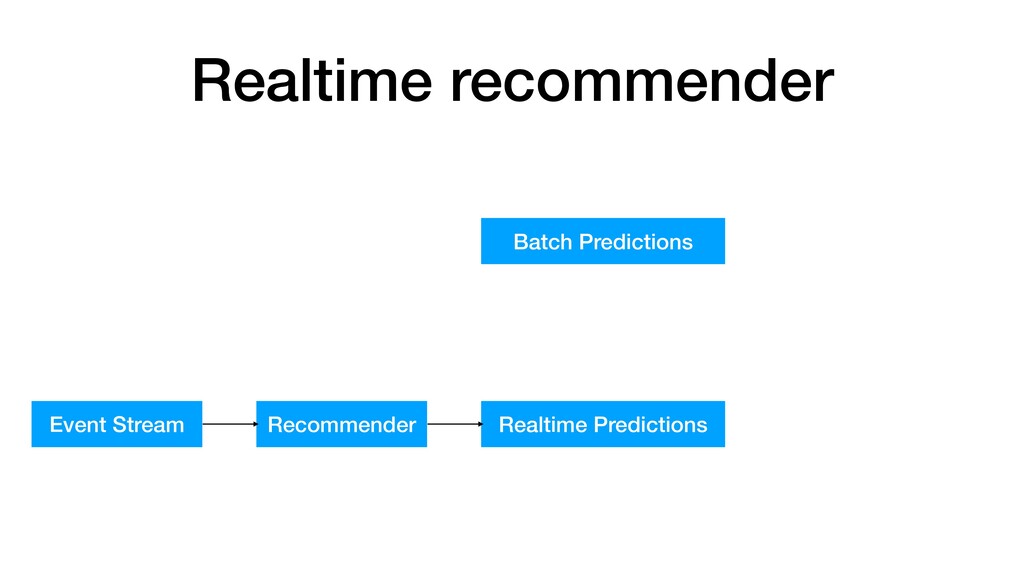
Realtime recommender
Realtime recommender Batch Predictions
Realtime recommender Batch Predictions Event Stream Recommender Realtime Predictions
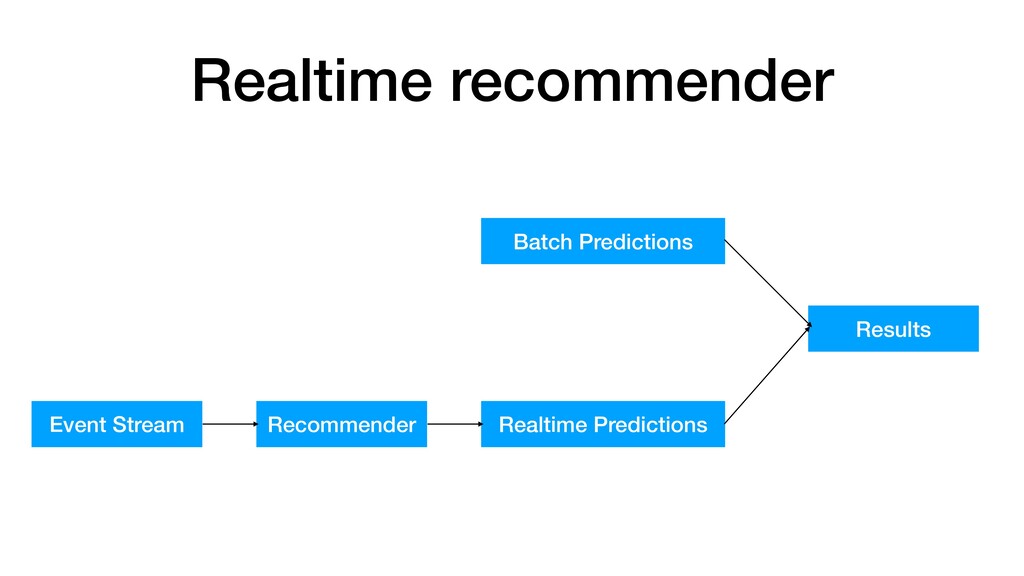
Realtime recommender Batch Predictions Event Stream Recommender Realtime Predictions Results
We deployed to production
None
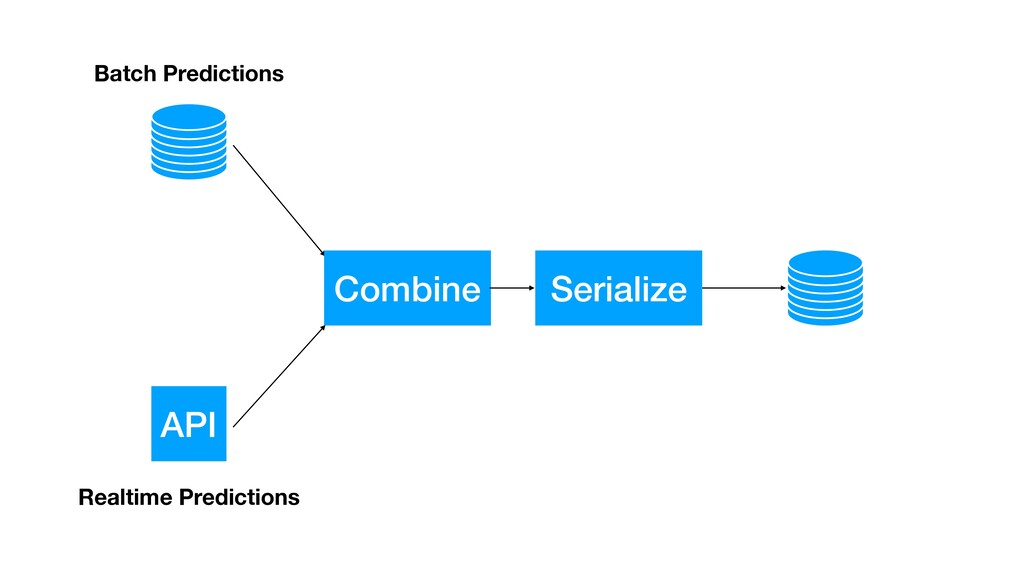
API Combine Serialize Batch Predictions Realtime Predictions
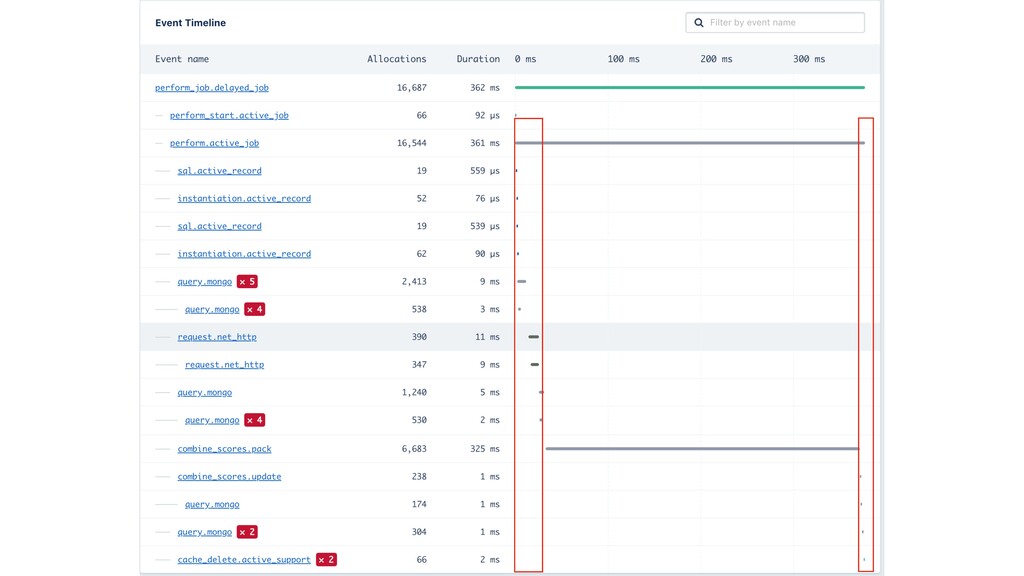
None
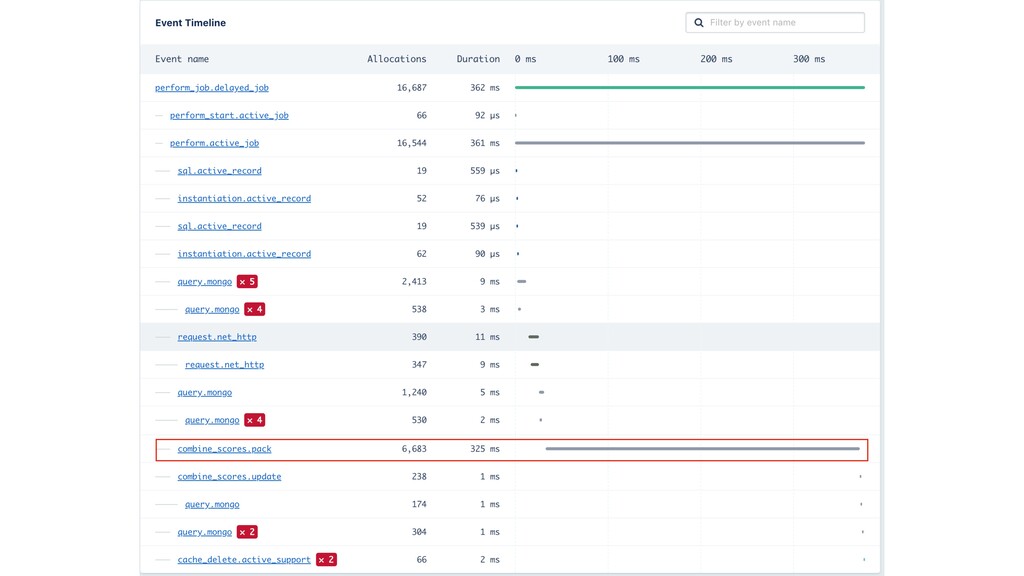
None
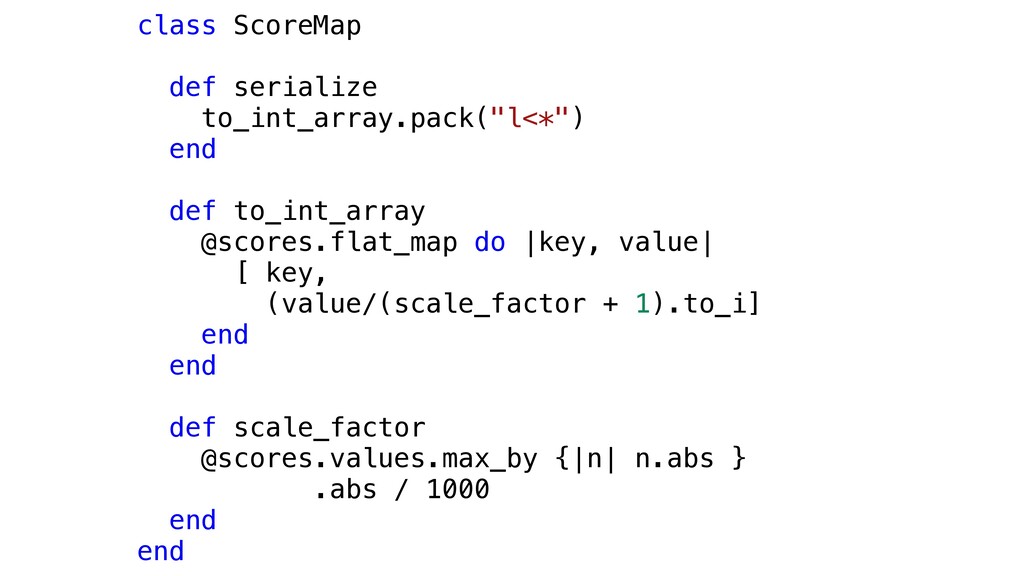
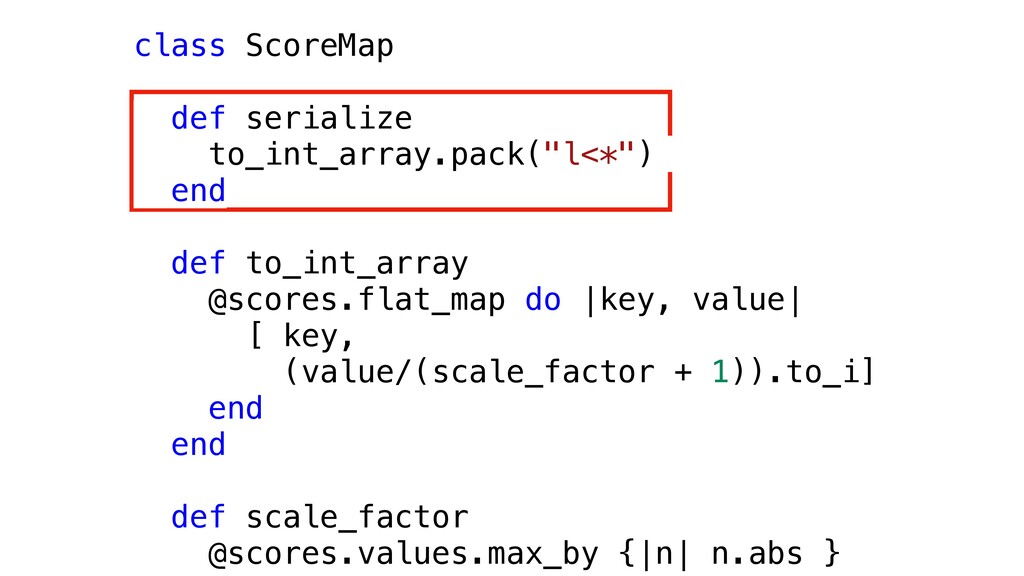
class ScoreMap def serialize to_int_array.pack("l<*") end def to_int_array @scores.flat_map do
|key, value| [ key, (value/(scale_factor + 1).to_i] end end def scale_factor @scores.values.max_by {|n| n.abs } .abs / 1000 end end
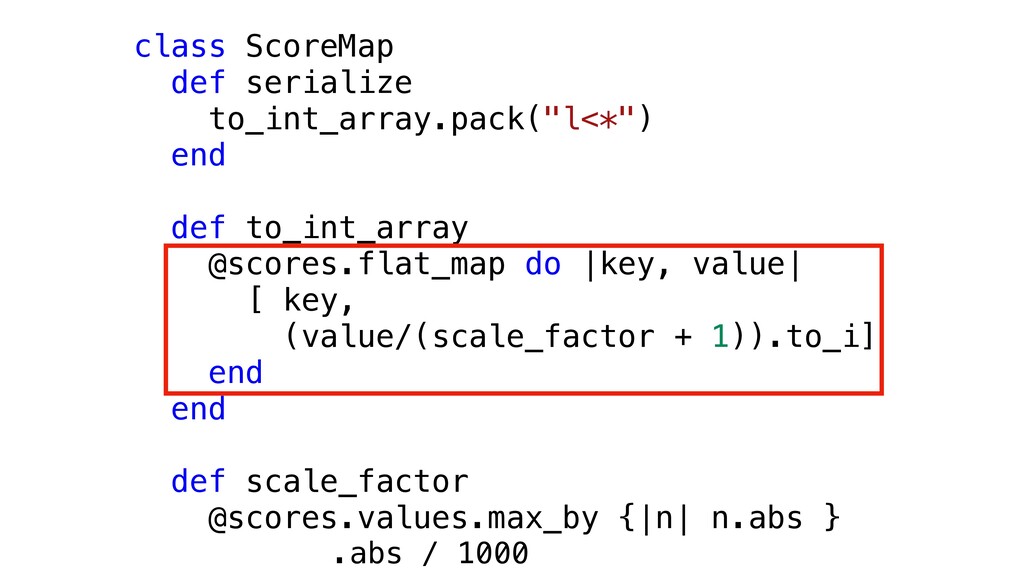
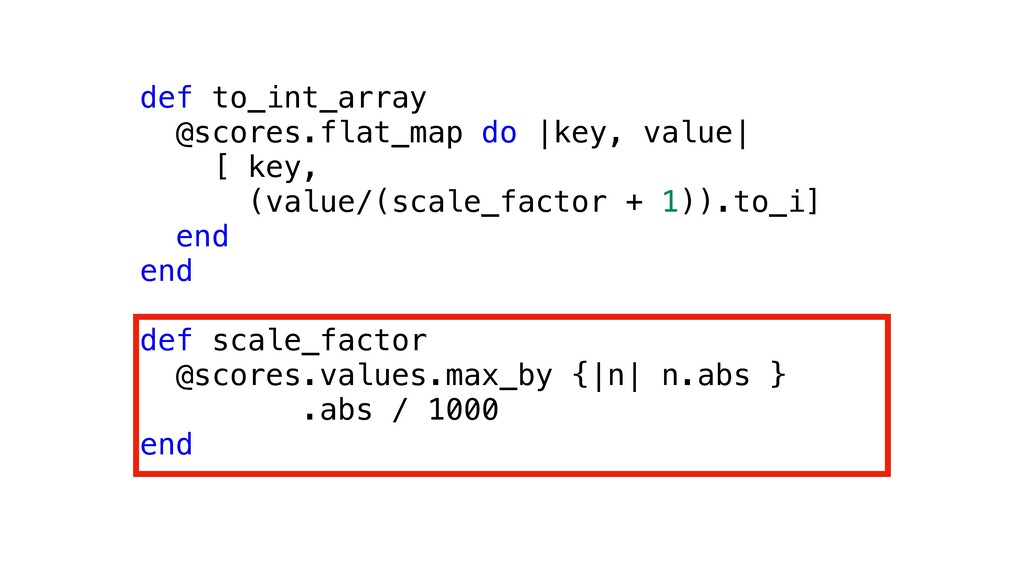
class ScoreMap def serialize to_int_array.pack("l<*") end def to_int_array @scores.flat_map do
|key, value| [ key, (value/(scale_factor + 1)).to_i] end end def scale_factor @scores.values.max_by {|n| n.abs }
class ScoreMap def serialize to_int_array.pack("l<*") end def to_int_array @scores.flat_map do
|key, value| [ key, (value/(scale_factor + 1)).to_i] end end def scale_factor @scores.values.max_by {|n| n.abs } .abs / 1000
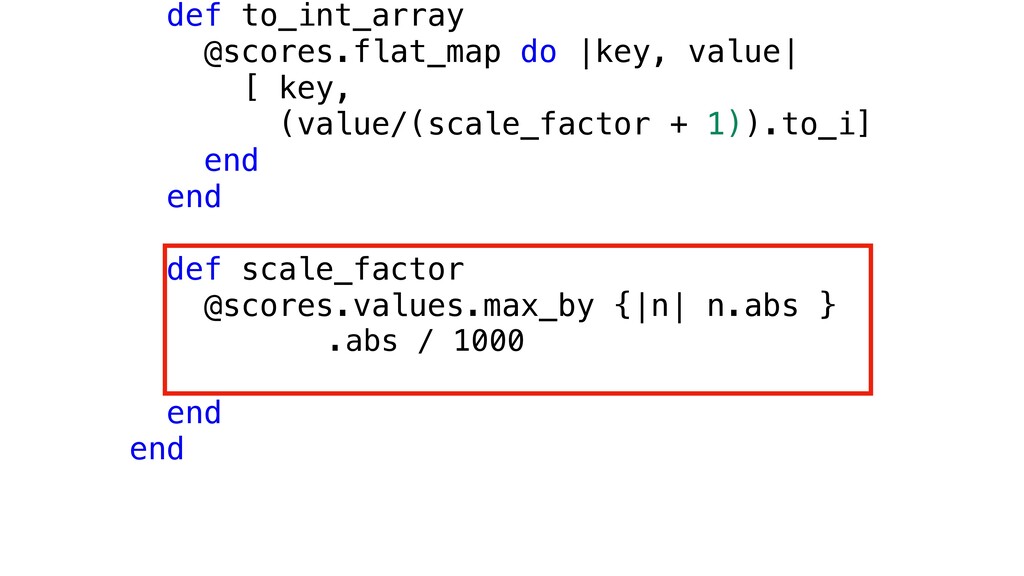
def to_int_array @scores.flat_map do |key, value| [ key, (value/(scale_factor +
1)).to_i] end end def scale_factor @scores.values.max_by {|n| n.abs } .abs / 1000 end end
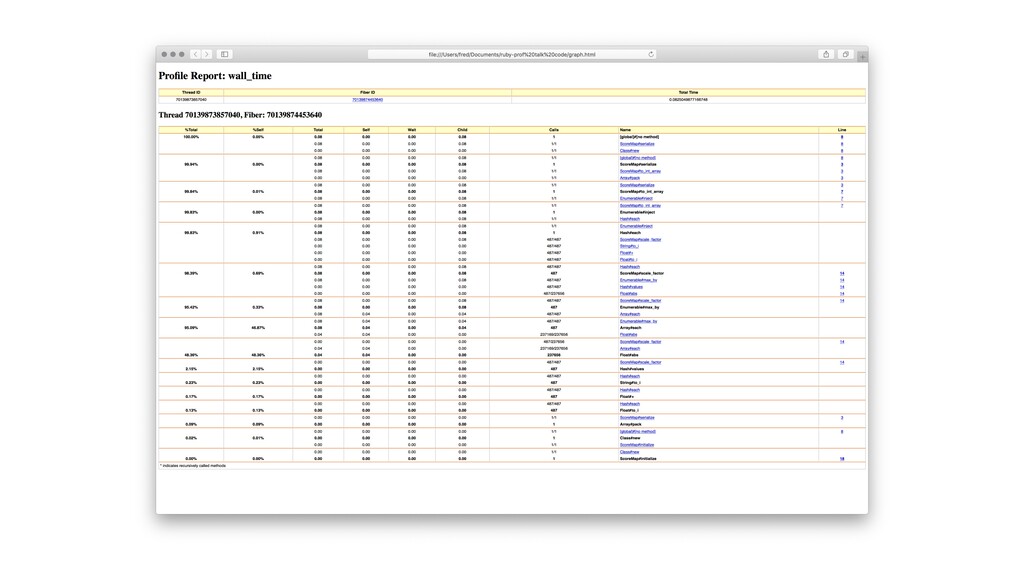
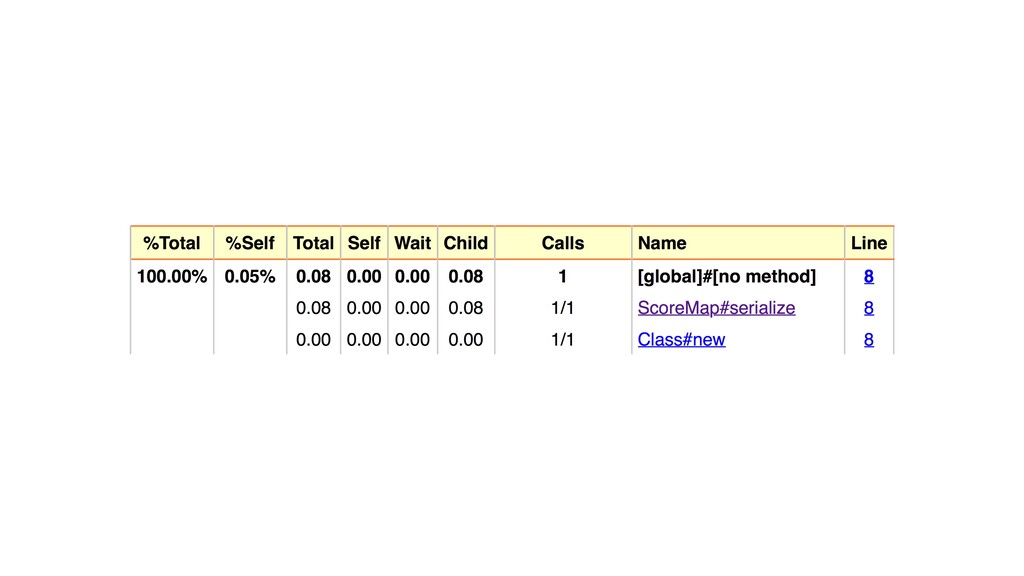
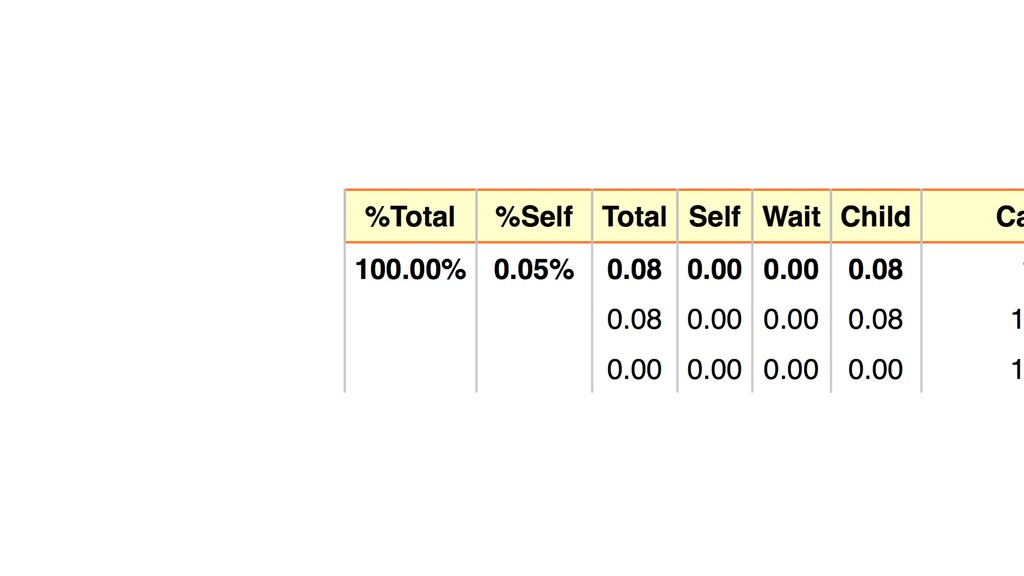
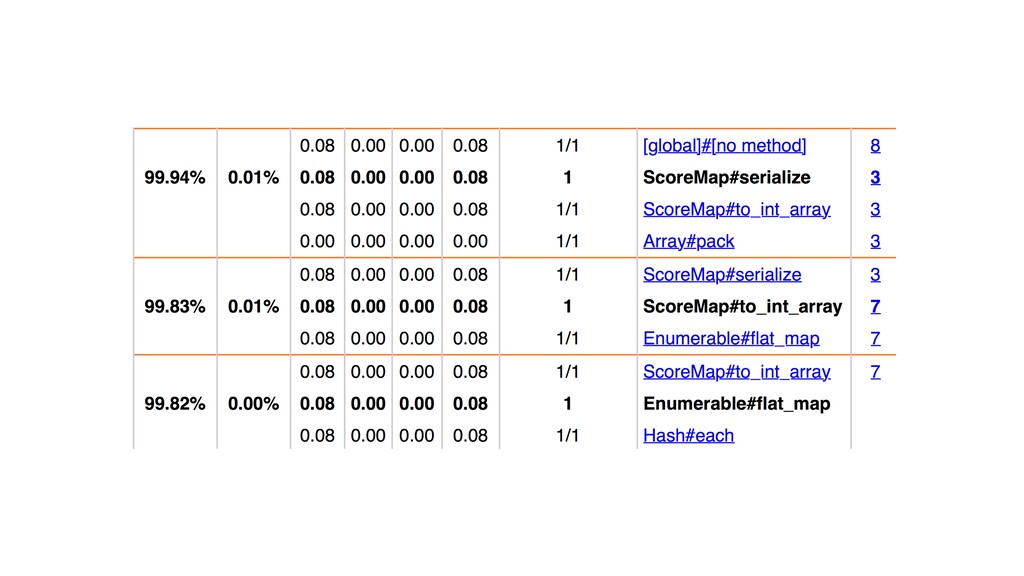
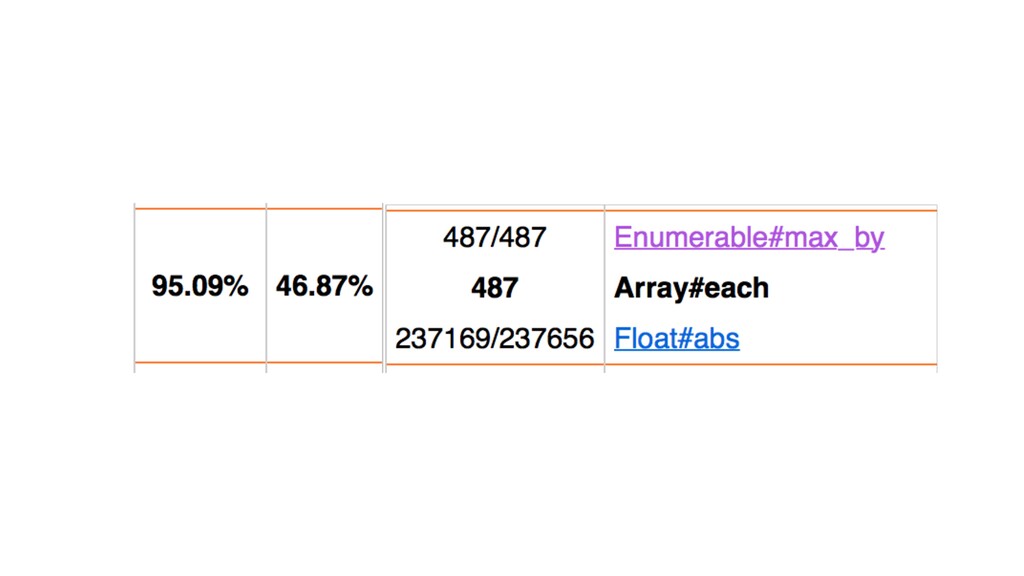
Ruby-Prof is a profiler • Records behaviour of your code
• Produces reports on where your code spends time • Use to analyse problems not detect them
None
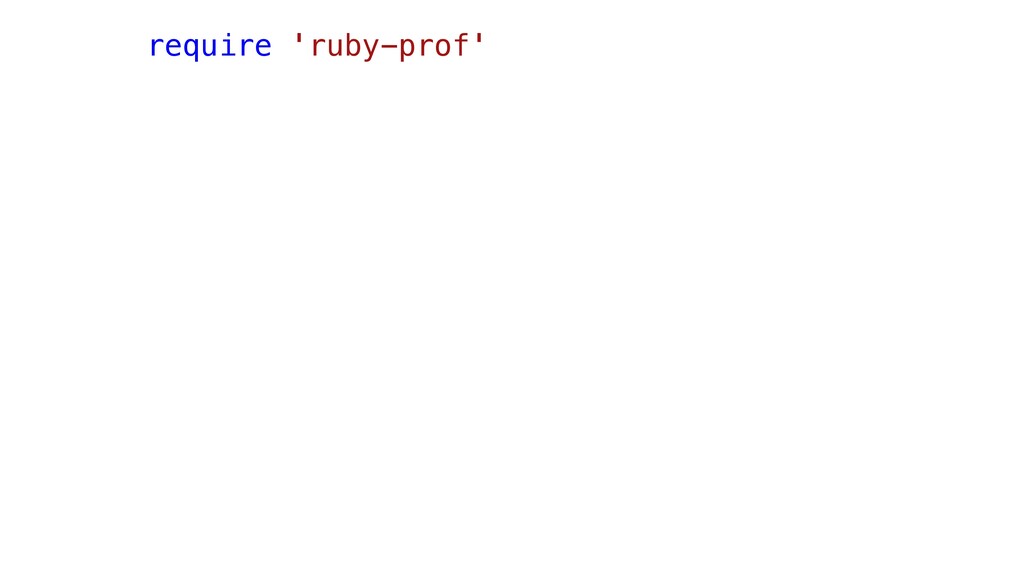
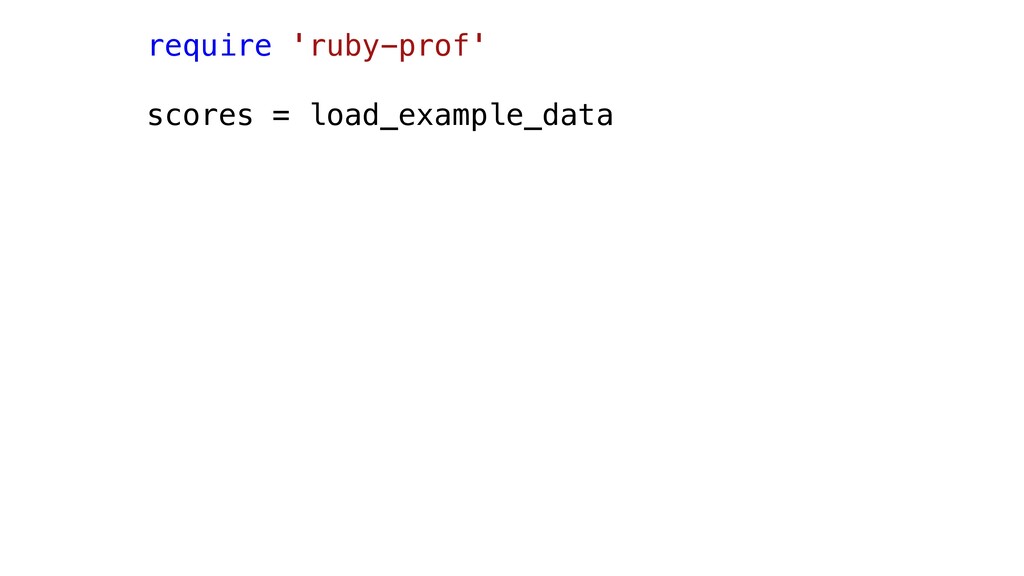
require 'ruby-prof'
require 'ruby-prof' scores = load_example_data
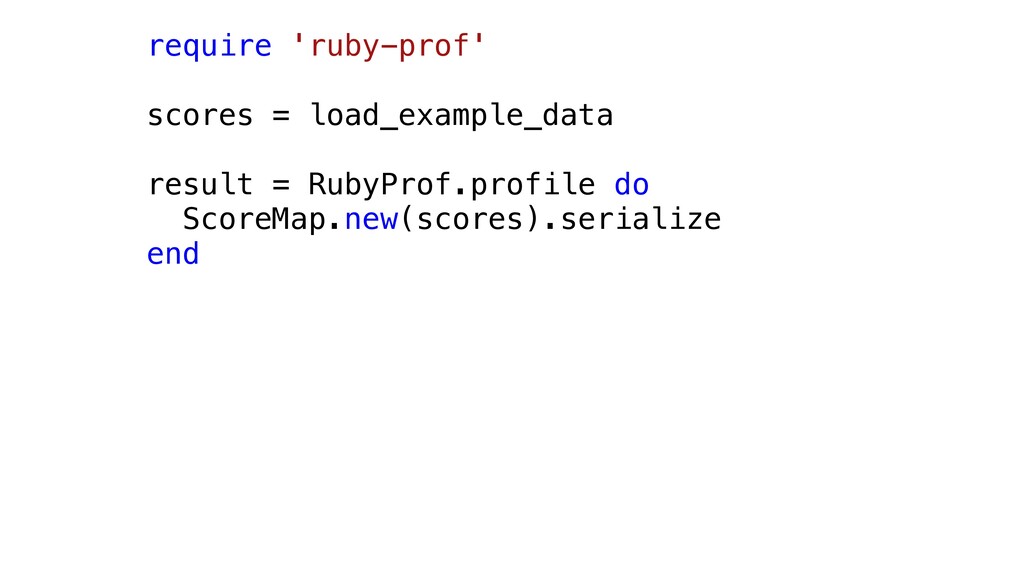
require 'ruby-prof' scores = load_example_data result = RubyProf.profile do ScoreMap.new(scores).serialize
end
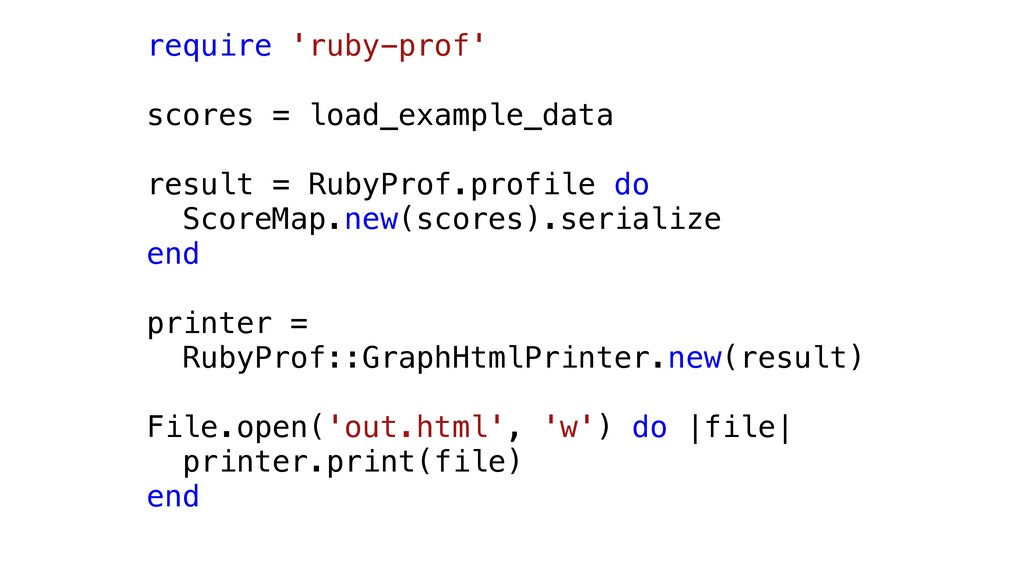
require 'ruby-prof' scores = load_example_data result = RubyProf.profile do ScoreMap.new(scores).serialize
end printer = RubyProf::GraphHtmlPrinter.new(result) File.open('out.html', 'w') do |file| printer.print(file) end
None
None
None
None
None
None
None
def to_int_array @scores.flat_map do |key, value| [ key, (value/(scale_factor +
1)).to_i] end end def scale_factor @scores.values.max_by {|n| n.abs } .abs / 1000 end
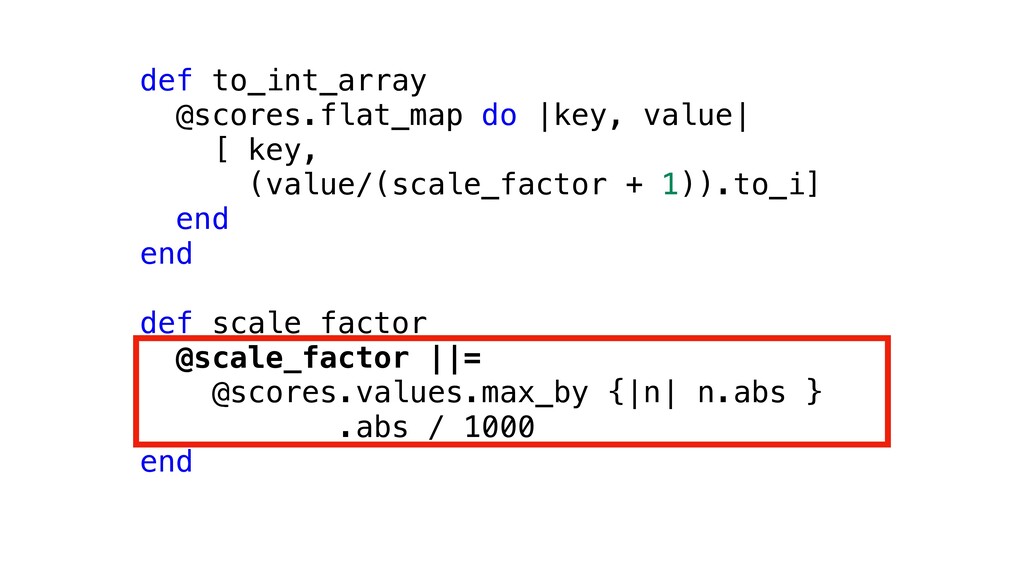
def to_int_array @scores.flat_map do |key, value| [ key, (value/(scale_factor +
1)).to_i] end end def scale_factor @scale_factor ||= @scores.values.max_by {|n| n.abs } .abs / 1000 end
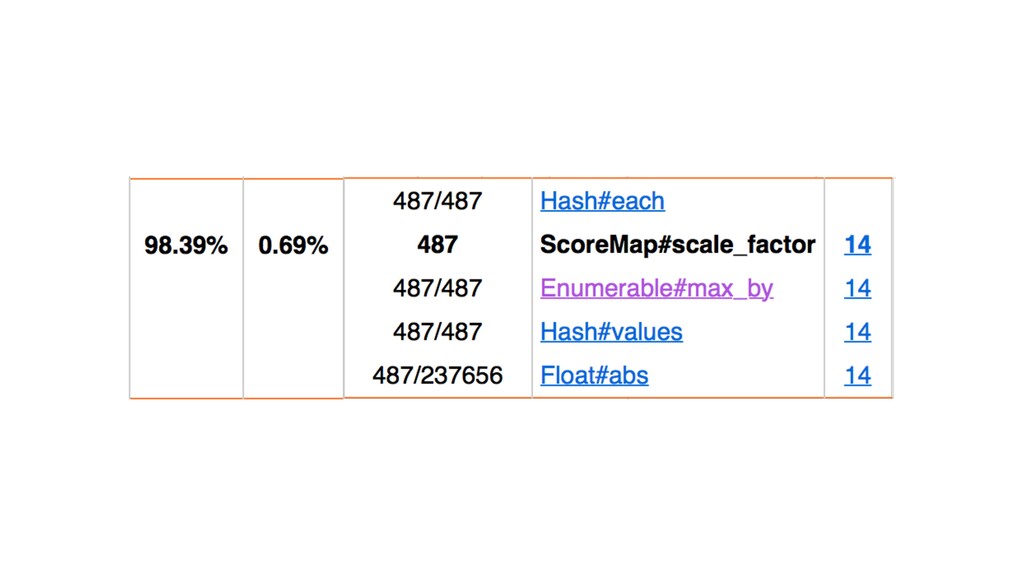
None
Slows down your code
Can distort things
ruby-prof is exact
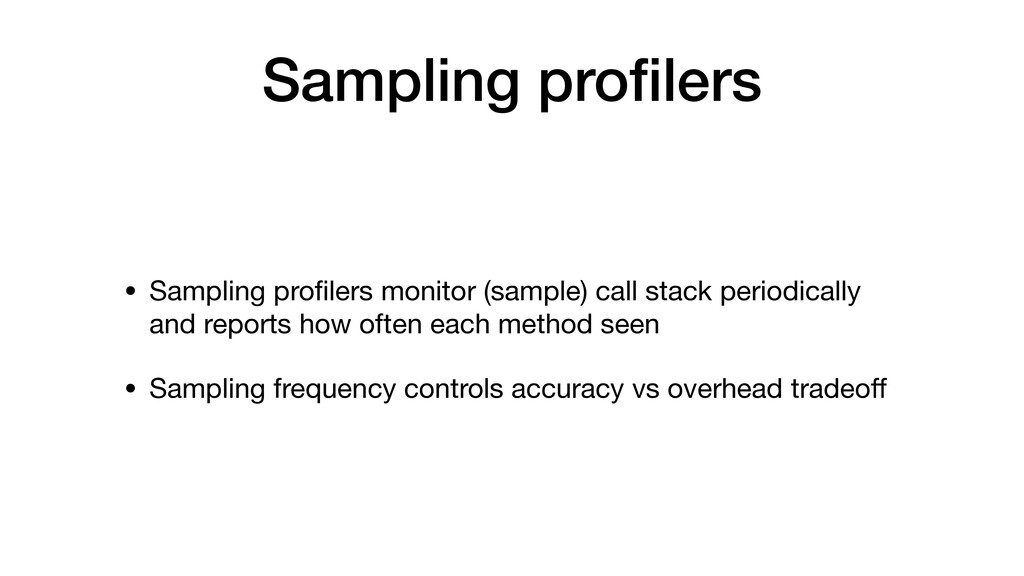
Sampling profilers
Sampling profilers • Sampling profilers monitor (sample) call stack periodically
and reports how often each method seen
Sampling profilers • Sampling profilers monitor (sample) call stack periodically
and reports how often each method seen • Sampling frequency controls accuracy vs overhead tradeoff
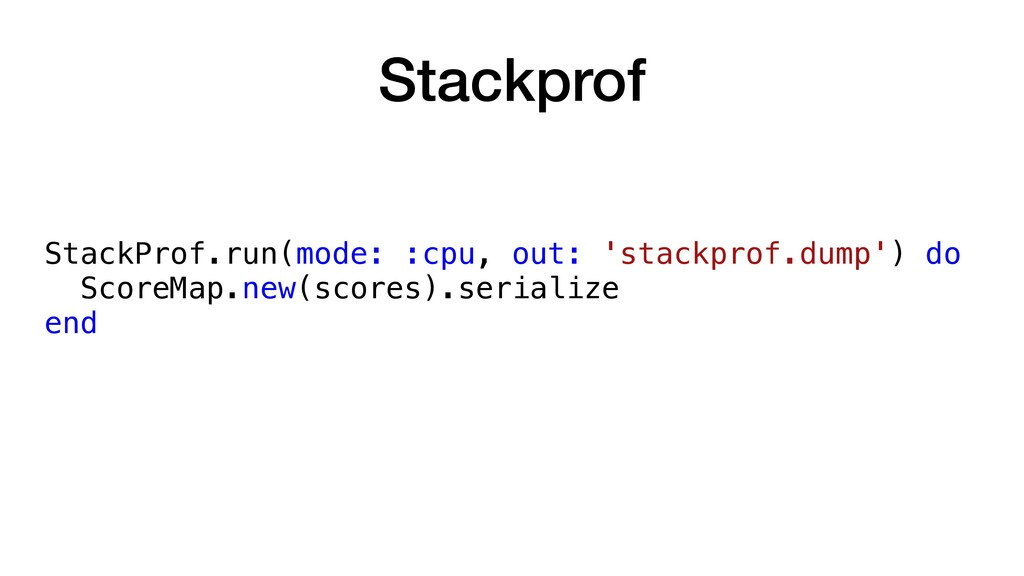
Stackprof StackProf.run(mode: :cpu, out: 'stackprof.dump') do ScoreMap.new(scores).serialize end
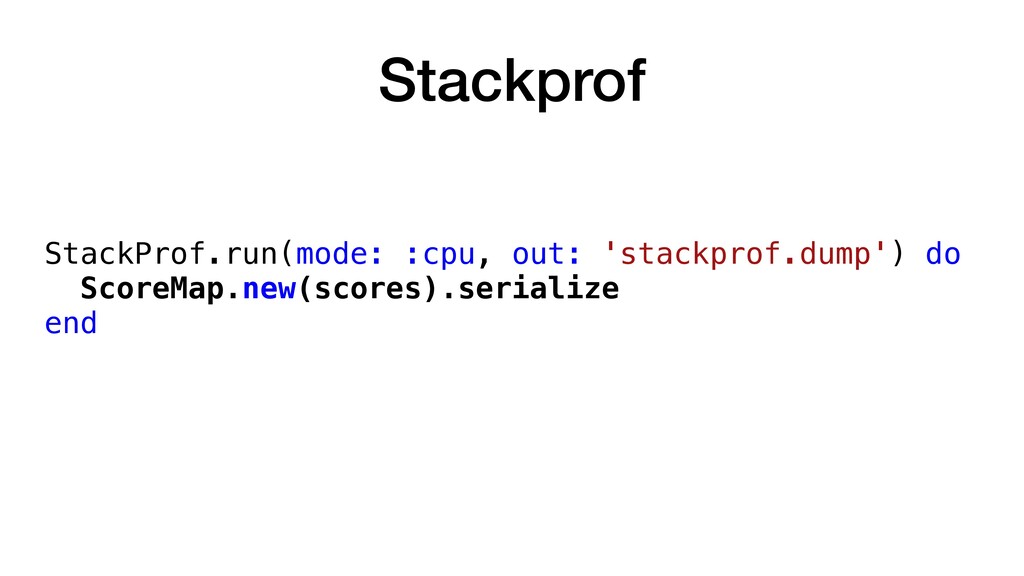
Stackprof StackProf.run(mode: :cpu, out: 'stackprof.dump') do ScoreMap.new(scores).serialize end
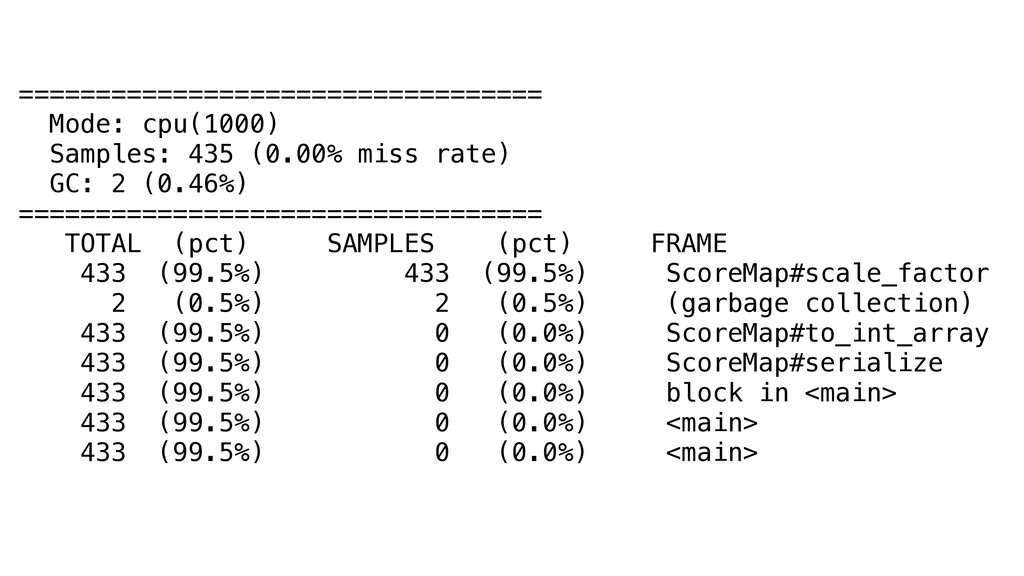
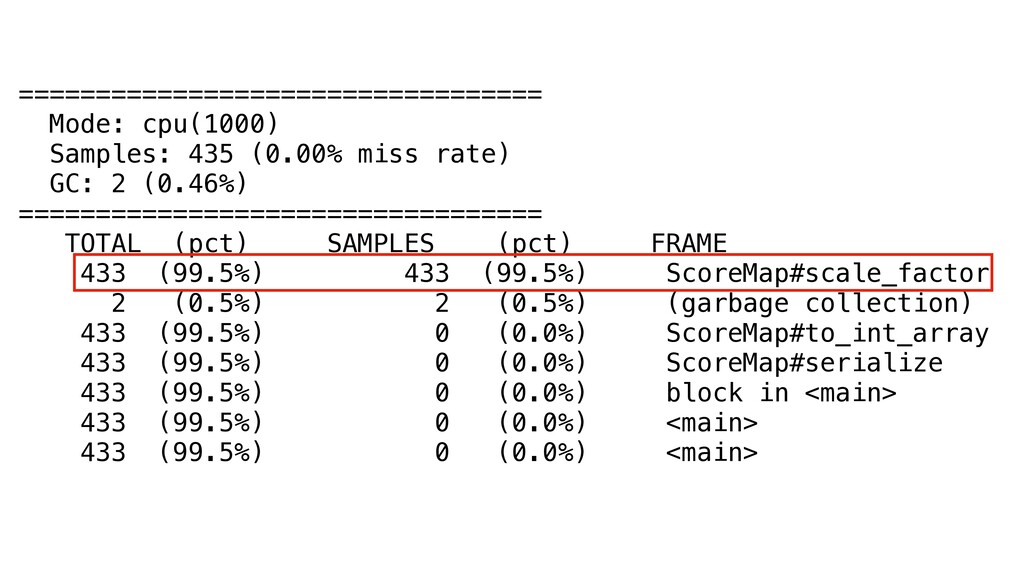
================================== Mode: cpu(1000) Samples: 435 (0.00% miss rate) GC: 2
(0.46%) ================================== TOTAL (pct) SAMPLES (pct) FRAME 433 (99.5%) 433 (99.5%) ScoreMap#scale_factor 2 (0.5%) 2 (0.5%) (garbage collection) 433 (99.5%) 0 (0.0%) ScoreMap#to_int_array 433 (99.5%) 0 (0.0%) ScoreMap#serialize 433 (99.5%) 0 (0.0%) block in <main> 433 (99.5%) 0 (0.0%) <main> 433 (99.5%) 0 (0.0%) <main>
================================== Mode: cpu(1000) Samples: 435 (0.00% miss rate) GC: 2
(0.46%) ================================== TOTAL (pct) SAMPLES (pct) FRAME 433 (99.5%) 433 (99.5%) ScoreMap#scale_factor 2 (0.5%) 2 (0.5%) (garbage collection) 433 (99.5%) 0 (0.0%) ScoreMap#to_int_array 433 (99.5%) 0 (0.0%) ScoreMap#serialize 433 (99.5%) 0 (0.0%) block in <main> 433 (99.5%) 0 (0.0%) <main> 433 (99.5%) 0 (0.0%) <main>
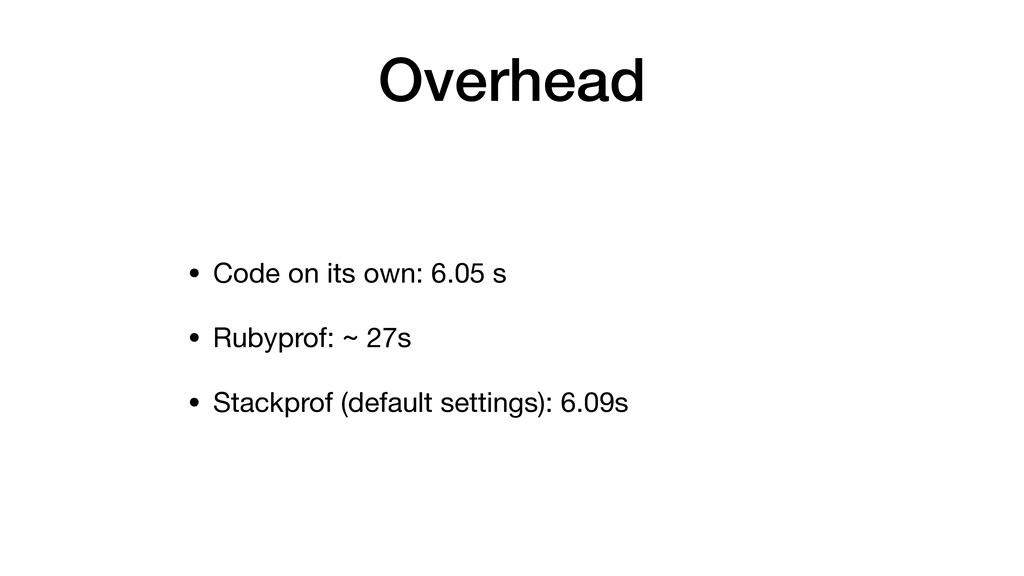
Overhead
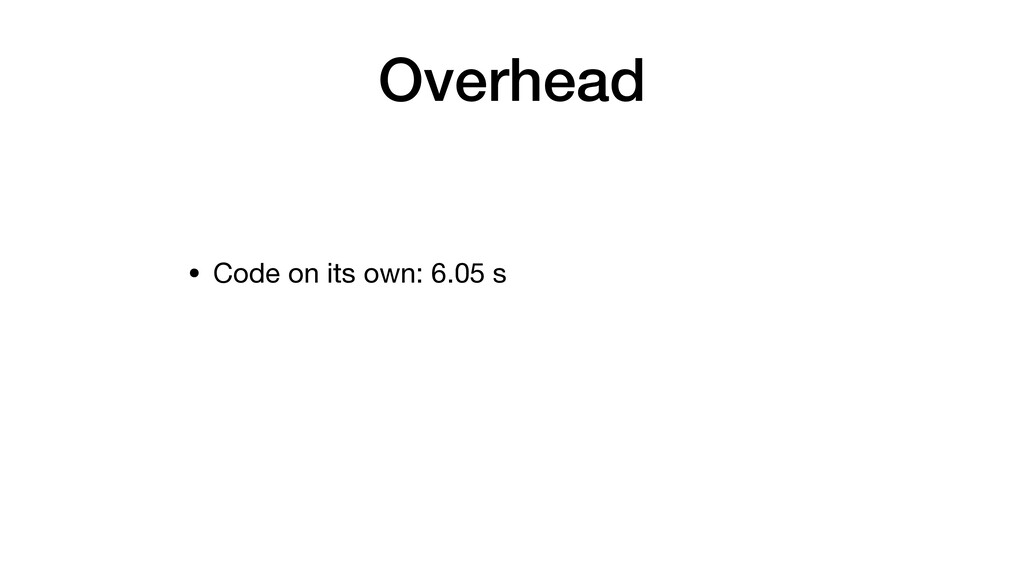
Overhead • Code on its own: 6.05 s
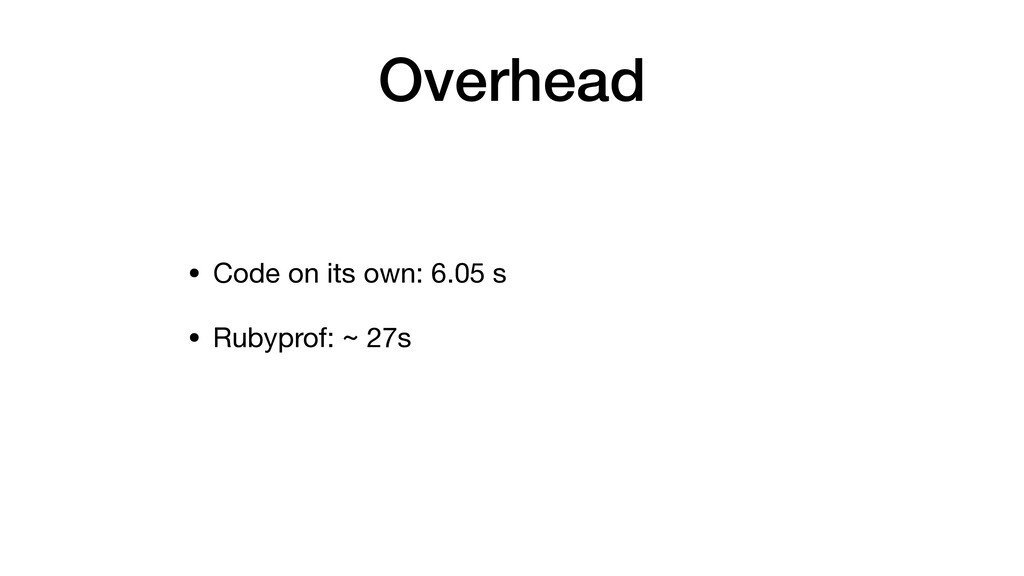
Overhead • Code on its own: 6.05 s • Rubyprof:
~ 27s
Overhead • Code on its own: 6.05 s • Rubyprof:
~ 27s • Stackprof (default settings): 6.09s
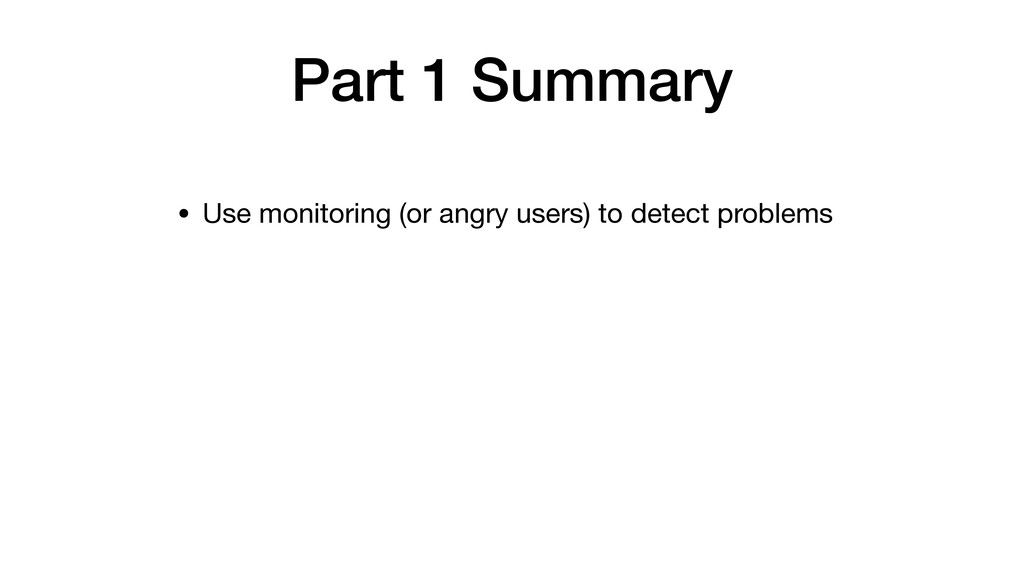
Part 1 Summary
Part 1 Summary • Use monitoring (or angry users) to
detect problems
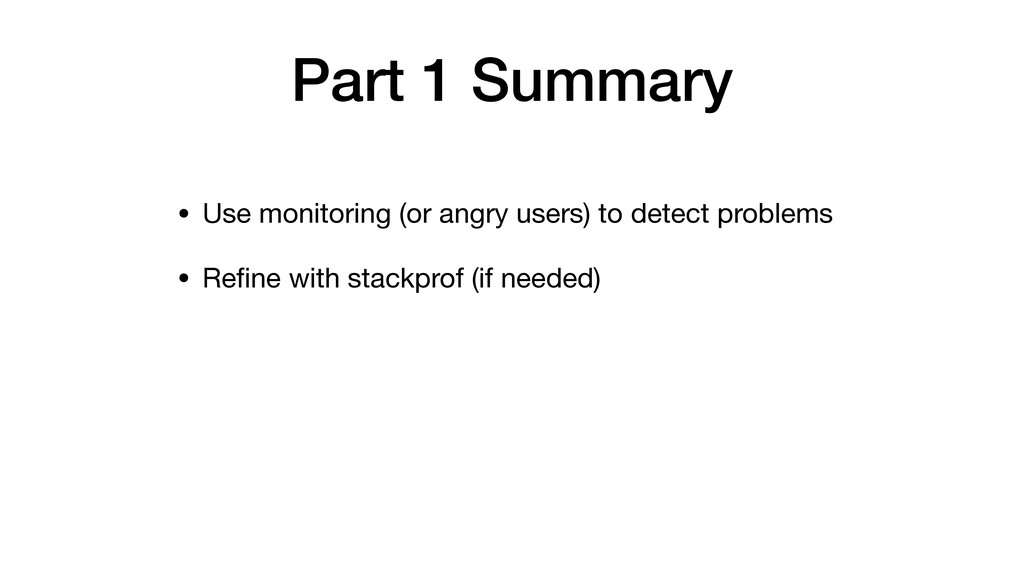
Part 1 Summary • Use monitoring (or angry users) to
detect problems • Refine with stackprof (if needed)
Part 1 Summary • Use monitoring (or angry users) to
detect problems • Refine with stackprof (if needed) • Reproduce the problem in a small benchmark
Part 1 Summary • Use monitoring (or angry users) to
detect problems • Refine with stackprof (if needed) • Reproduce the problem in a small benchmark • Use rubyprof to understand / fix the problem
Part 1 Summary • Use monitoring (or angry users) to
detect problems • Refine with stackprof (if needed) • Reproduce the problem in a small benchmark • Use rubyprof to understand / fix the problem • Profit!
Part 2: Memory
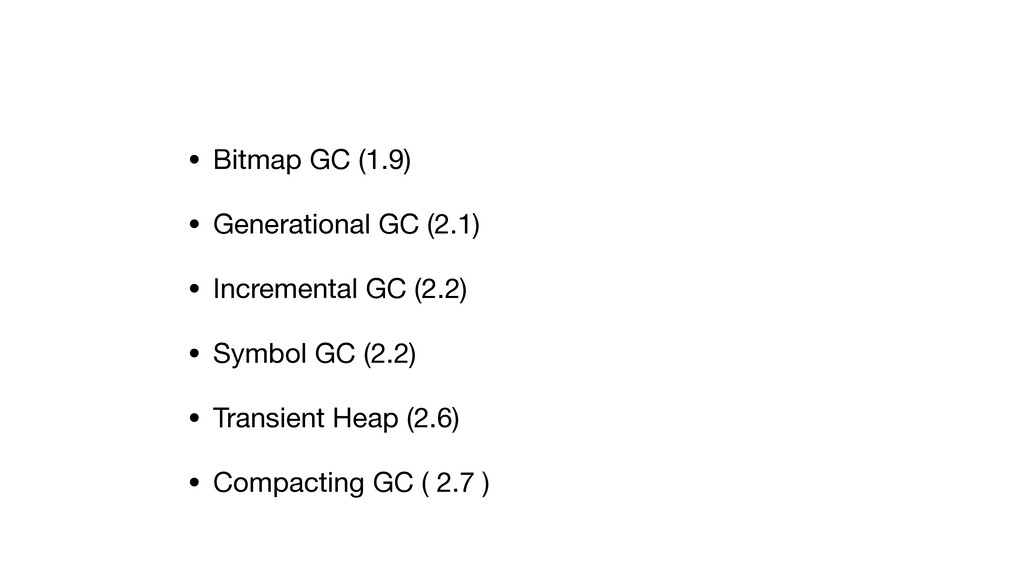
• Bitmap GC (1.9) • Generational GC (2.1) • Incremental
GC (2.2) • Symbol GC (2.2) • Transient Heap (2.6) • Compacting GC ( 2.7 )
You still have to worry about memory
NoMemoryError: failed to allocate
None
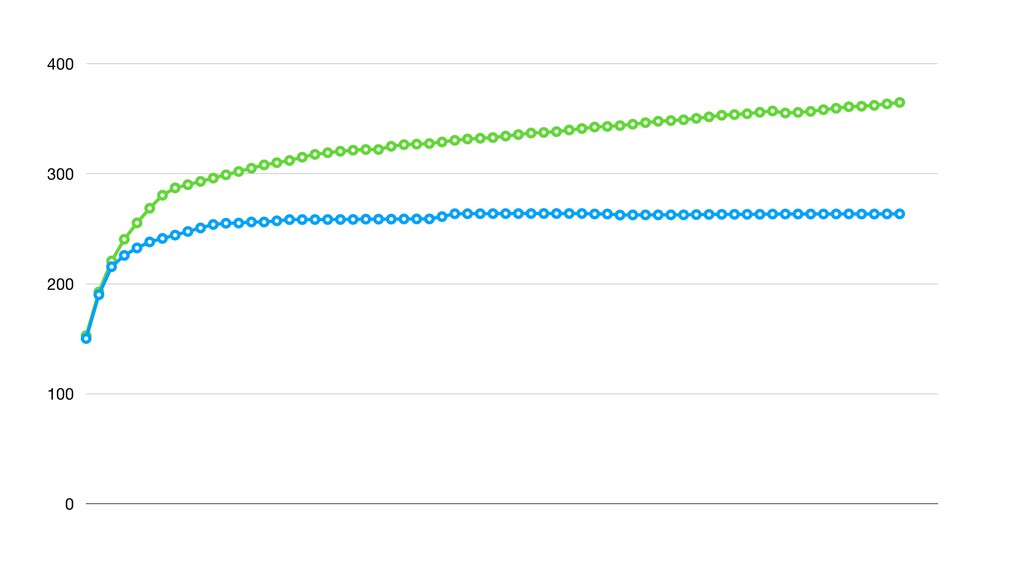
0 100 200 300 400
Memory leak
Where do they come from
Where do they come from • Leaks in native code
(C extensions)
Where do they come from • Leaks in native code
(C extensions) • Ruby thinks you are still using it (long lived objects, caches, etc.)
Where do they come from • Leaks in native code
(C extensions) • Ruby thinks you are still using it (long lived objects, caches, etc.) • Not understanding object lifecycles
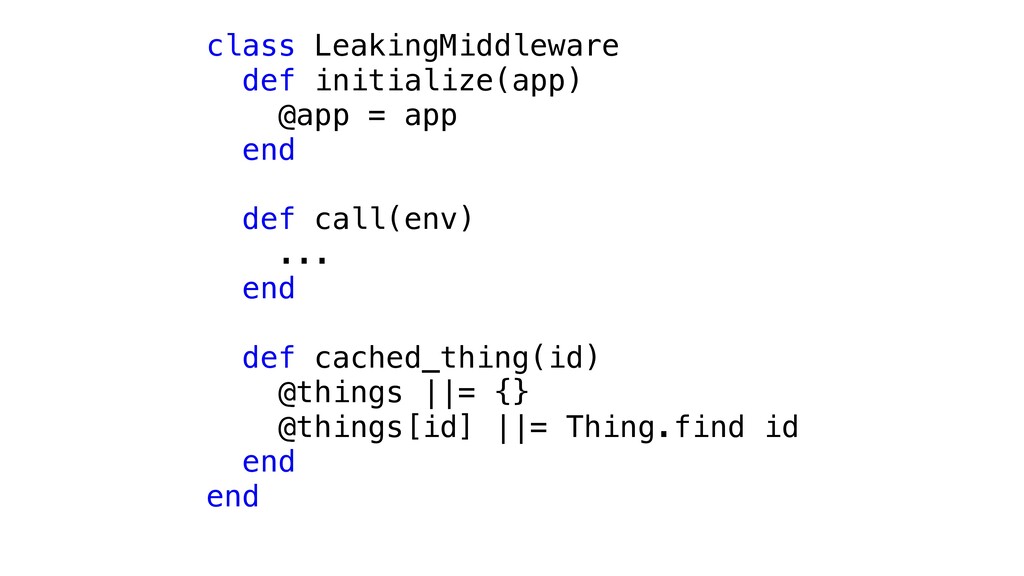
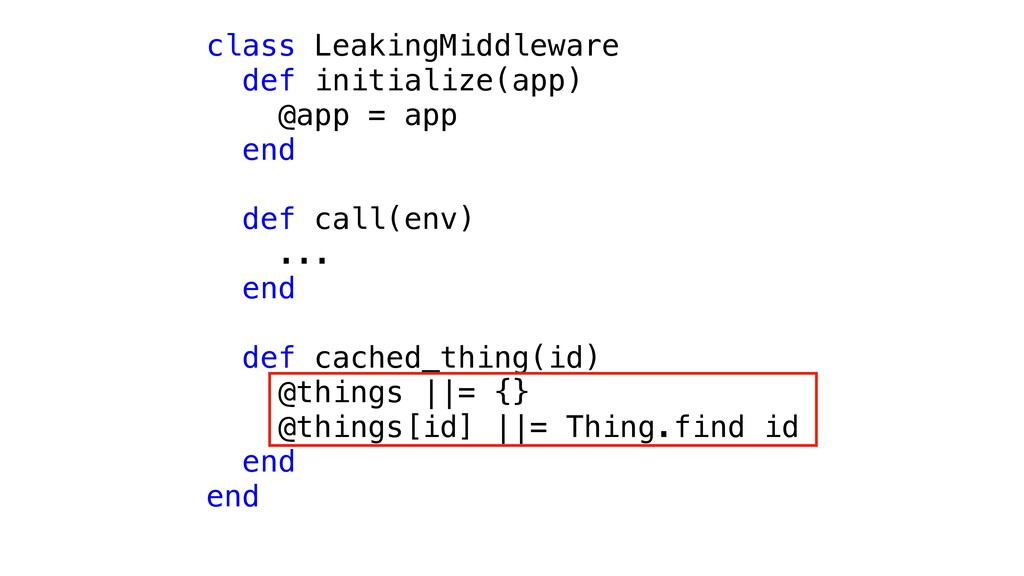
class LeakingMiddleware def initialize(app) @app = app end def call(env)
... end def cached_thing(id) @things ||= {} @things[id] ||= Thing.find id end end
class LeakingMiddleware def initialize(app) @app = app end def call(env)
... end def cached_thing(id) @things ||= {} @things[id] ||= Thing.find id end end
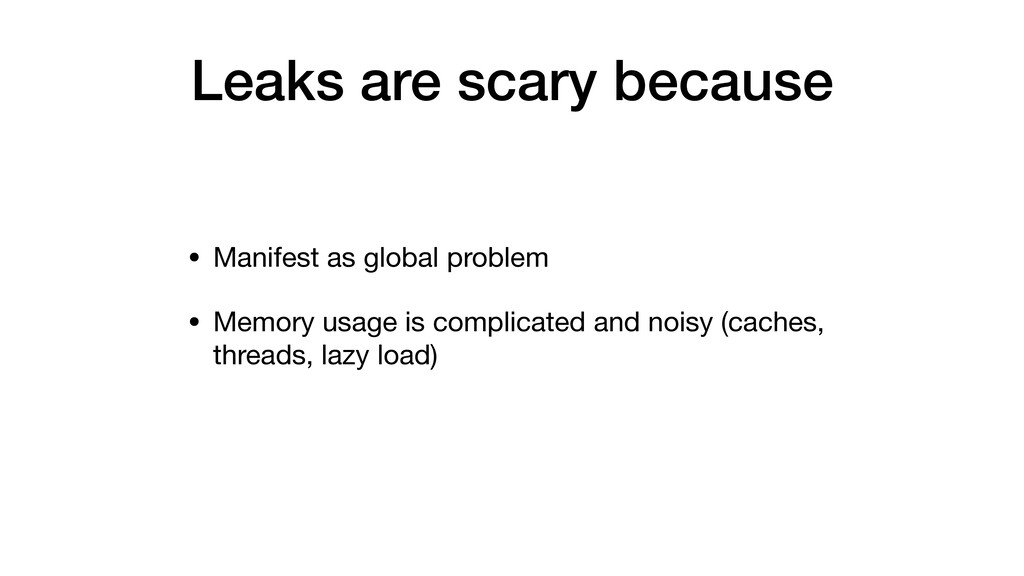
Leaks are scary because
Leaks are scary because • Manifest as global problem
Leaks are scary because • Manifest as global problem •
Memory usage is complicated and noisy (caches, threads, lazy load)
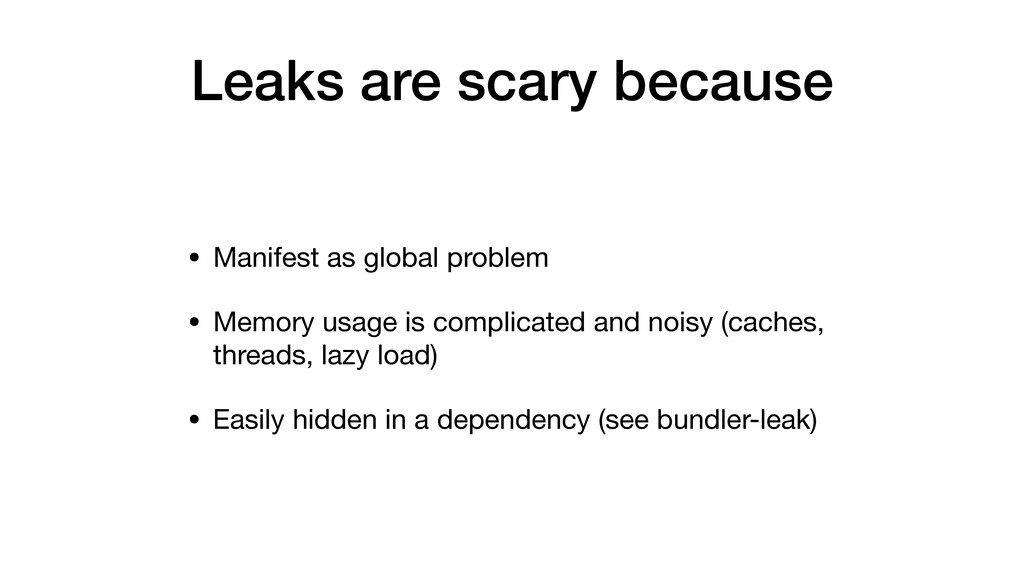
Leaks are scary because • Manifest as global problem •
Memory usage is complicated and noisy (caches, threads, lazy load) • Easily hidden in a dependency (see bundler-leak)
Back to the problem
At least a year
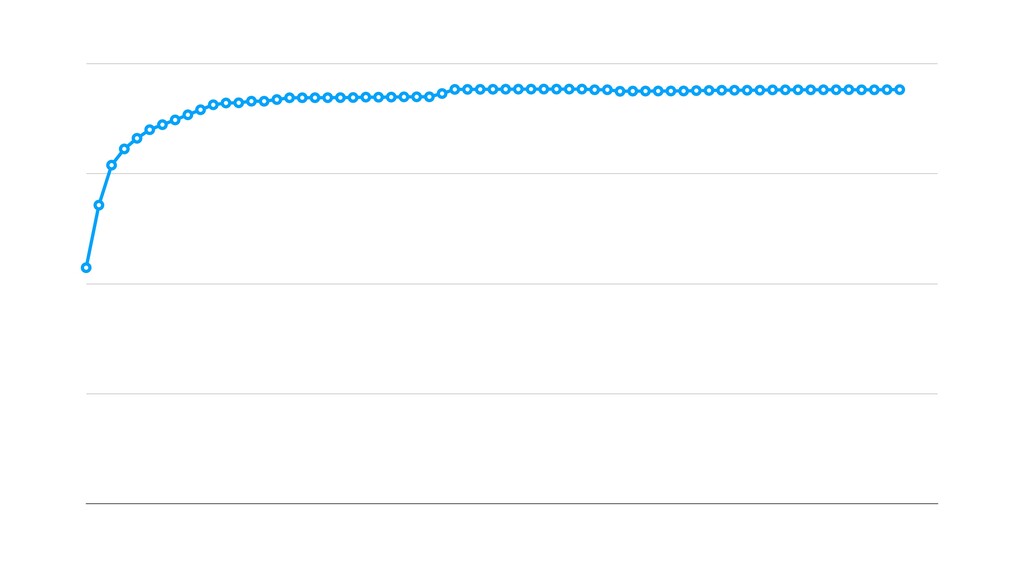
At least a year • Slow or rare leak ~
2 weeks to exhaust memory at 3M requests / day
At least a year • Slow or rare leak ~
2 weeks to exhaust memory at 3M requests / day • App usually restarted often enough (deploys, autoscaling)
At least a year • Slow or rare leak ~
2 weeks to exhaust memory at 3M requests / day • App usually restarted often enough (deploys, autoscaling) • Failed instances automatically detected as unhealthy and replaced
None
But seriously
I couldn't reproduce the leak
What could be happening?
What could be happening? • Not picking the right endpoint
What could be happening? • Not picking the right endpoint
• Different usage patterns
What could be happening? • Not picking the right endpoint
• Different usage patterns • Environment differences
Debugging in production
rbtrace
rbtrace • Count / trace method calls, GCs
rbtrace • Count / trace method calls, GCs • Dump
backtraces
rbtrace • Count / trace method calls, GCs • Dump
backtraces • Execute arbitrary ruby
trace_object_allocations
trace_object_allocations • Part of Objectspace (in stdlib)
trace_object_allocations • Part of Objectspace (in stdlib) • Records details
about each memory allocation (when/ where/what)
trace_object_allocations • Part of Objectspace (in stdlib) • Records details
about each memory allocation (when/ where/what) • Dump to a file for analysis ( heap dump )
Note that this feature introduces a huge performance decrease and
huge memory consumption.
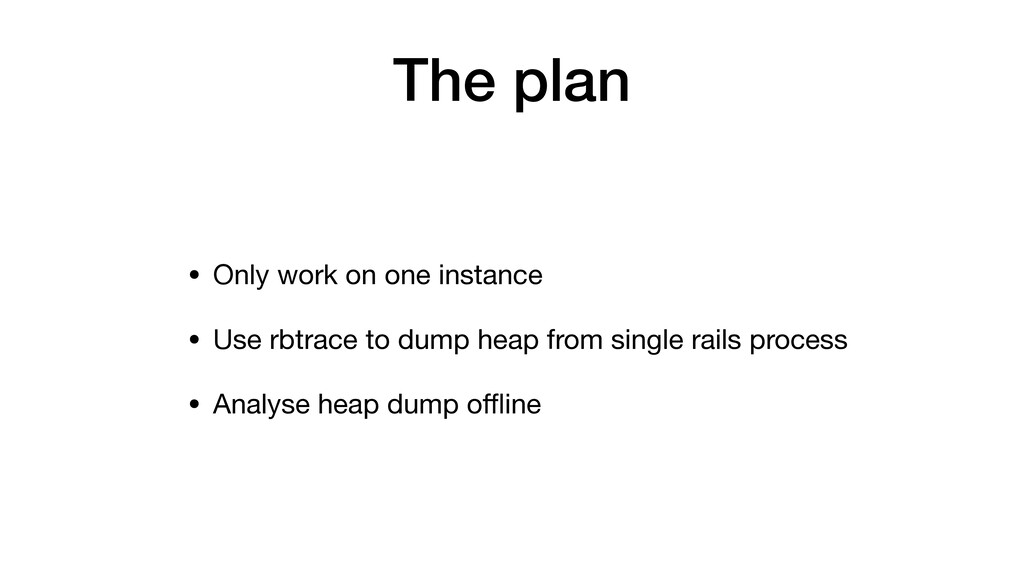
The plan
The plan • Only work on one instance
The plan • Only work on one instance • Use
rbtrace to dump heap from single rails process
The plan • Only work on one instance • Use
rbtrace to dump heap from single rails process • Analyse heap dump offline
I had to google this!
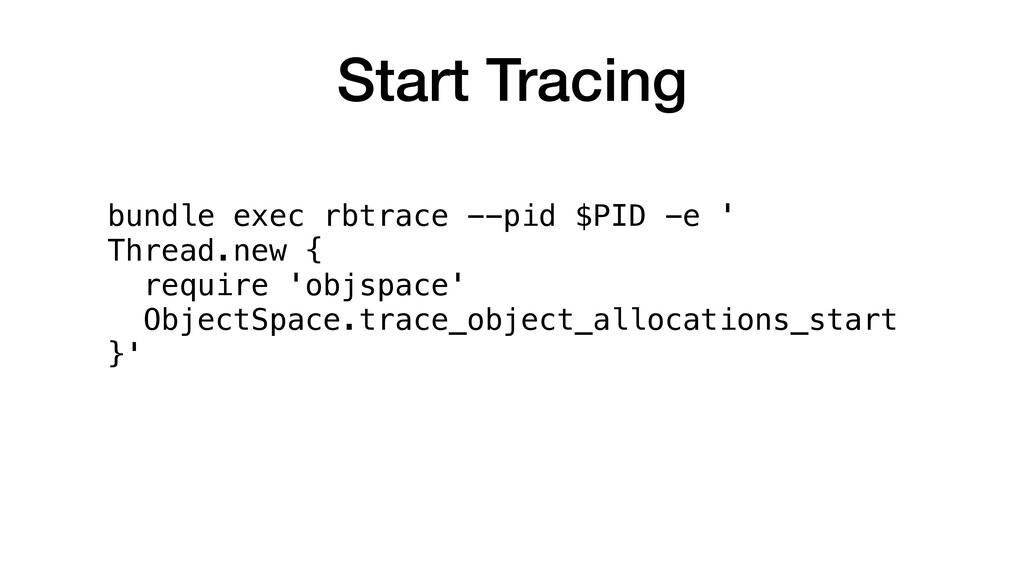
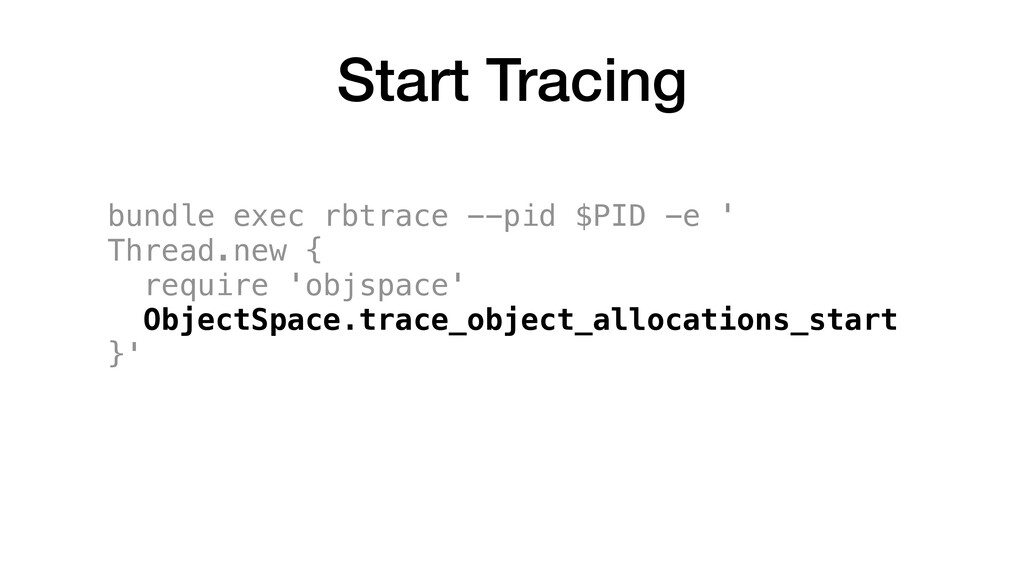
bundle exec rbtrace --pid $PID -e ' Thread.new { require
'objspace' ObjectSpace.trace_object_allocations_start }' Start Tracing
bundle exec rbtrace --pid $PID -e ' Thread.new { require
'objspace' ObjectSpace.trace_object_allocations_start }' Start Tracing
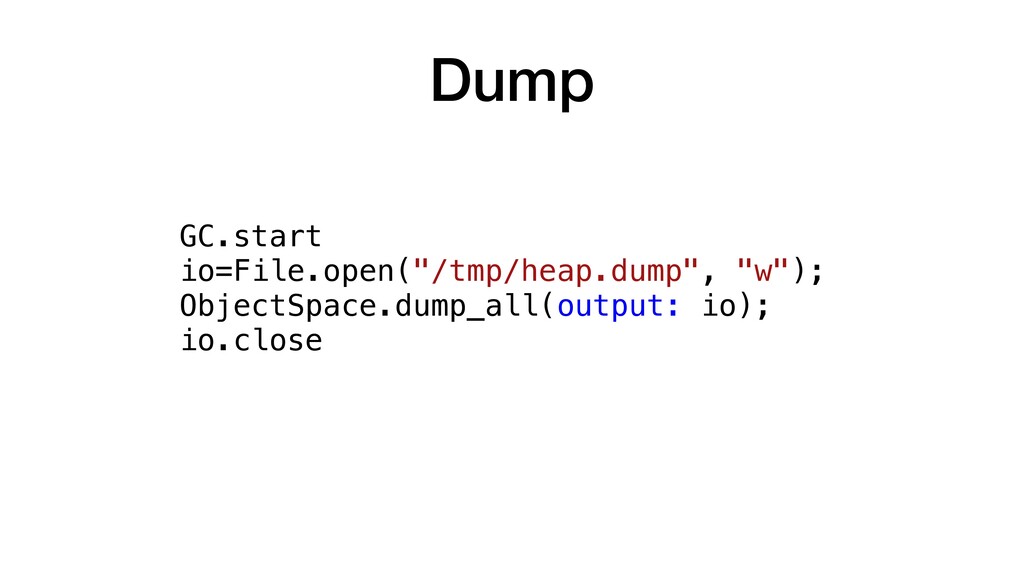
Dump GC.start io=File.open("/tmp/heap.dump", "w"); ObjectSpace.dump_all(output: io); io.close
What's in a heap dump?
None
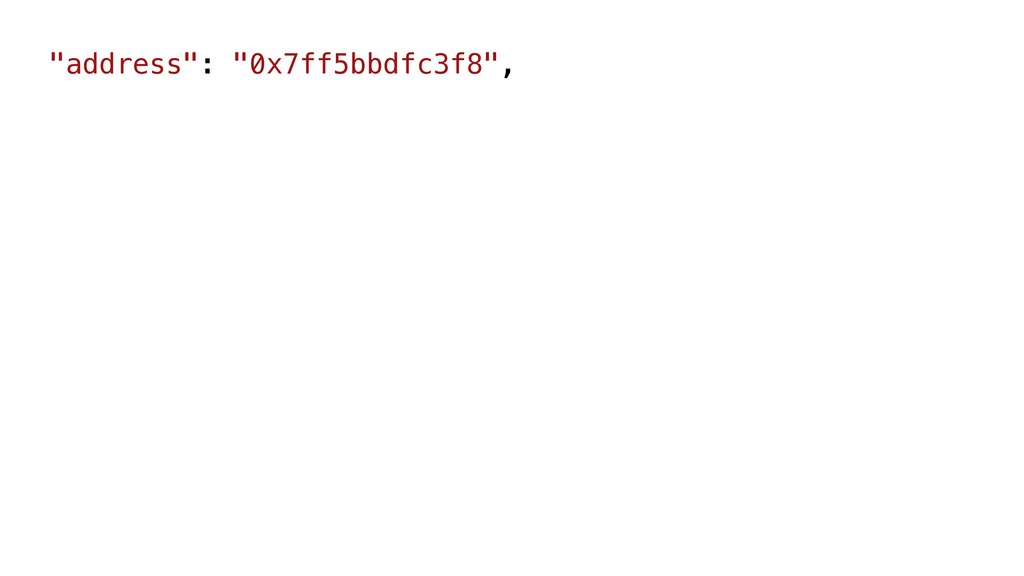
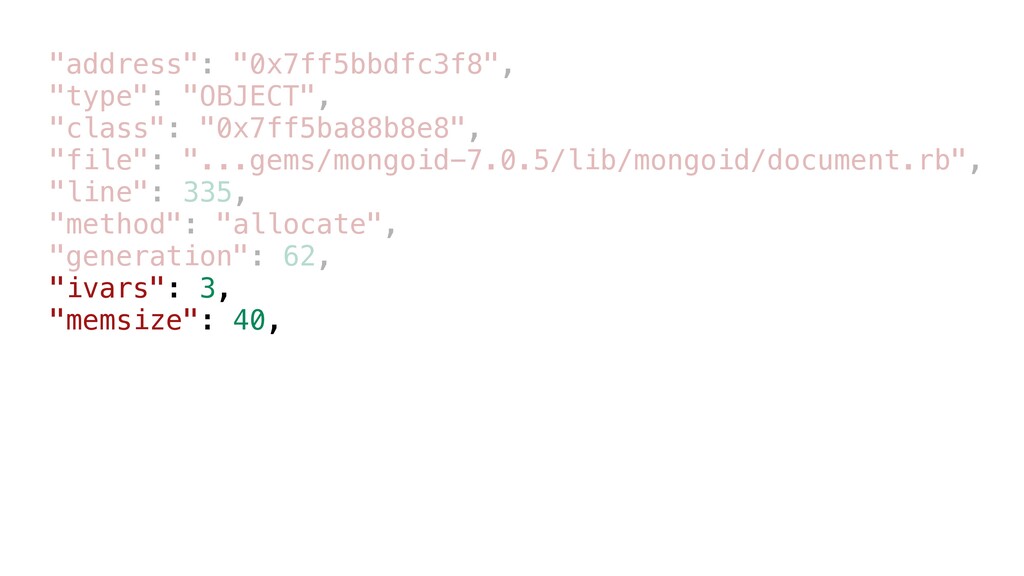
"address": "0x7ff5bbdfc3f8",
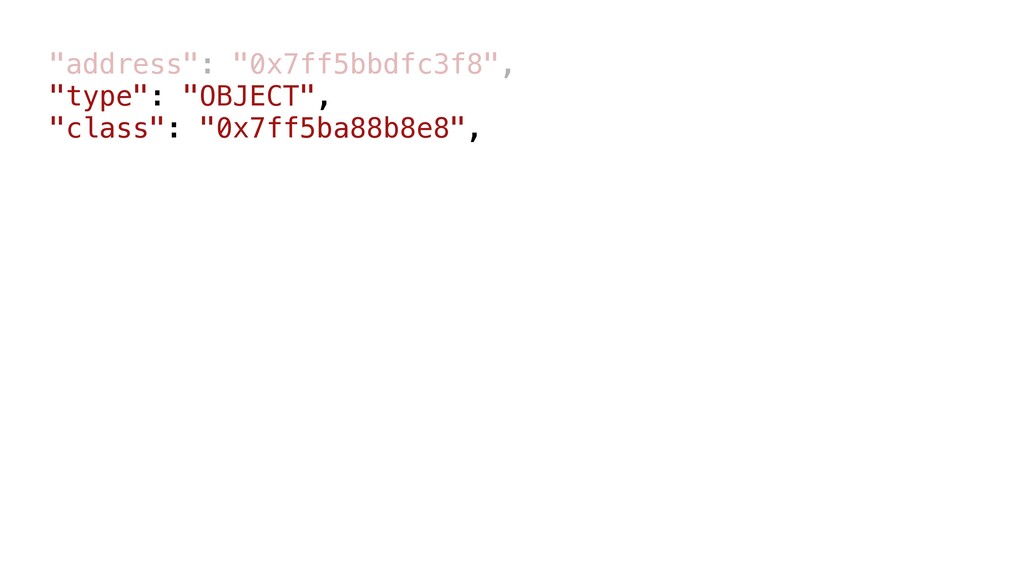
"address": "0x7ff5bbdfc3f8", "type": "OBJECT", "class": "0x7ff5ba88b8e8",
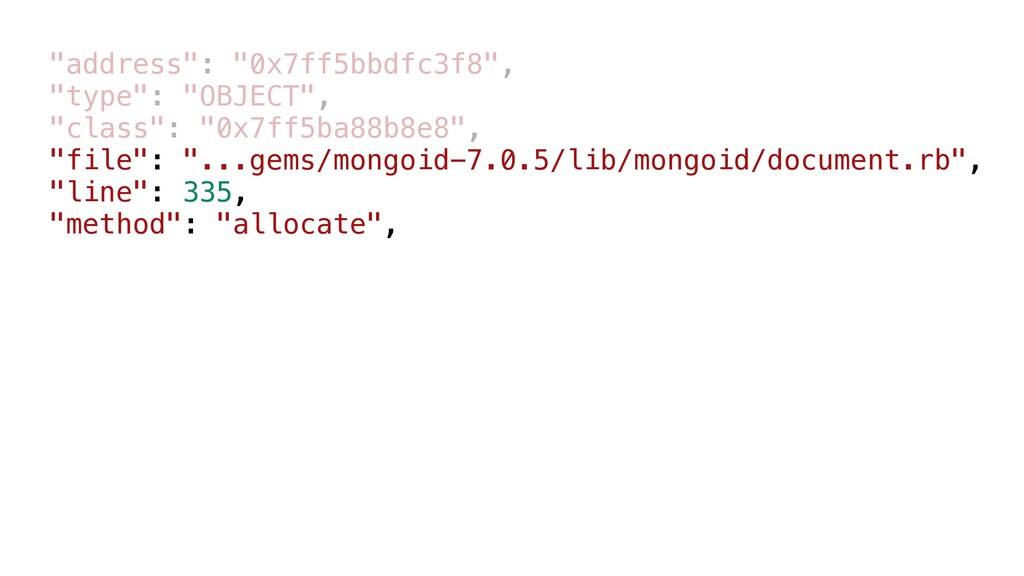
"address": "0x7ff5bbdfc3f8", "type": "OBJECT", "class": "0x7ff5ba88b8e8", "file": "...gems/mongoid-7.0.5/lib/mongoid/document.rb", "line": 335,
"method": "allocate",
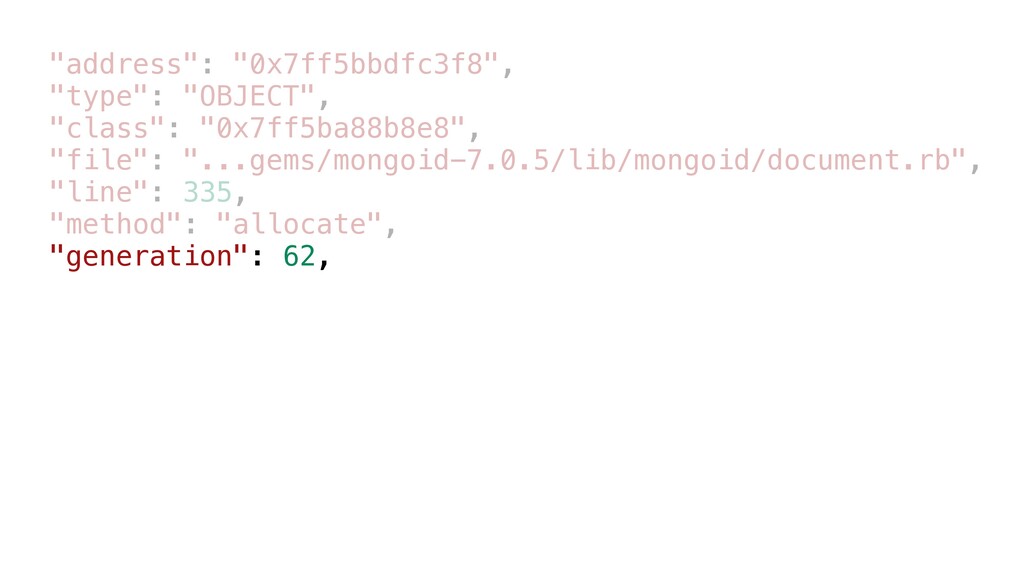
"address": "0x7ff5bbdfc3f8", "type": "OBJECT", "class": "0x7ff5ba88b8e8", "file": "...gems/mongoid-7.0.5/lib/mongoid/document.rb", "line": 335,
"method": "allocate", "generation": 62,
"address": "0x7ff5bbdfc3f8", "type": "OBJECT", "class": "0x7ff5ba88b8e8", "file": "...gems/mongoid-7.0.5/lib/mongoid/document.rb", "line": 335,
"method": "allocate", "generation": 62, "ivars": 3, "memsize": 40,
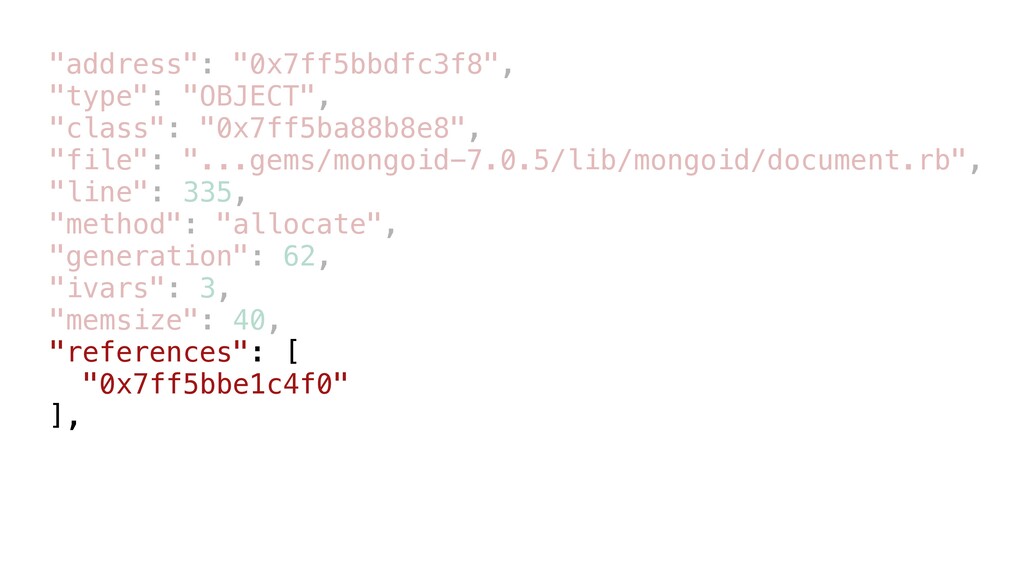
"address": "0x7ff5bbdfc3f8", "type": "OBJECT", "class": "0x7ff5ba88b8e8", "file": "...gems/mongoid-7.0.5/lib/mongoid/document.rb", "line": 335,
"method": "allocate", "generation": 62, "ivars": 3, "memsize": 40, "references": [ "0x7ff5bbe1c4f0" ],
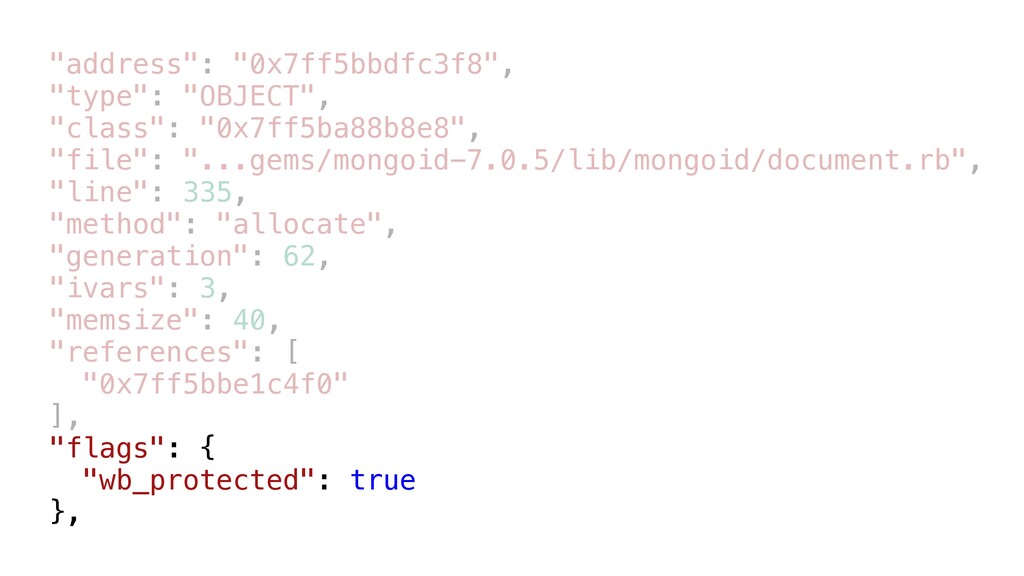
"address": "0x7ff5bbdfc3f8", "type": "OBJECT", "class": "0x7ff5ba88b8e8", "file": "...gems/mongoid-7.0.5/lib/mongoid/document.rb", "line": 335,
"method": "allocate", "generation": 62, "ivars": 3, "memsize": 40, "references": [ "0x7ff5bbe1c4f0" ], "flags": { "wb_protected": true },
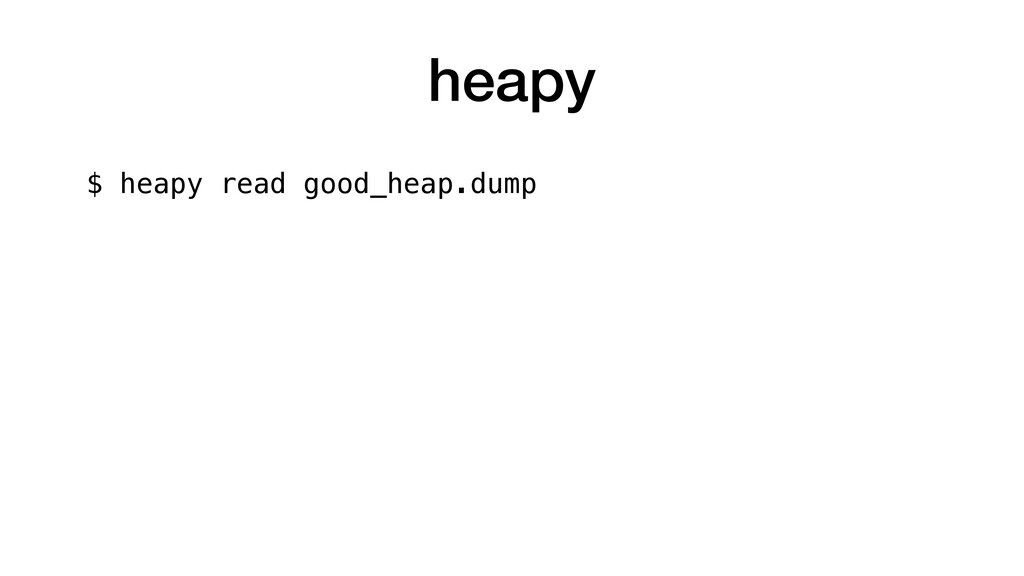
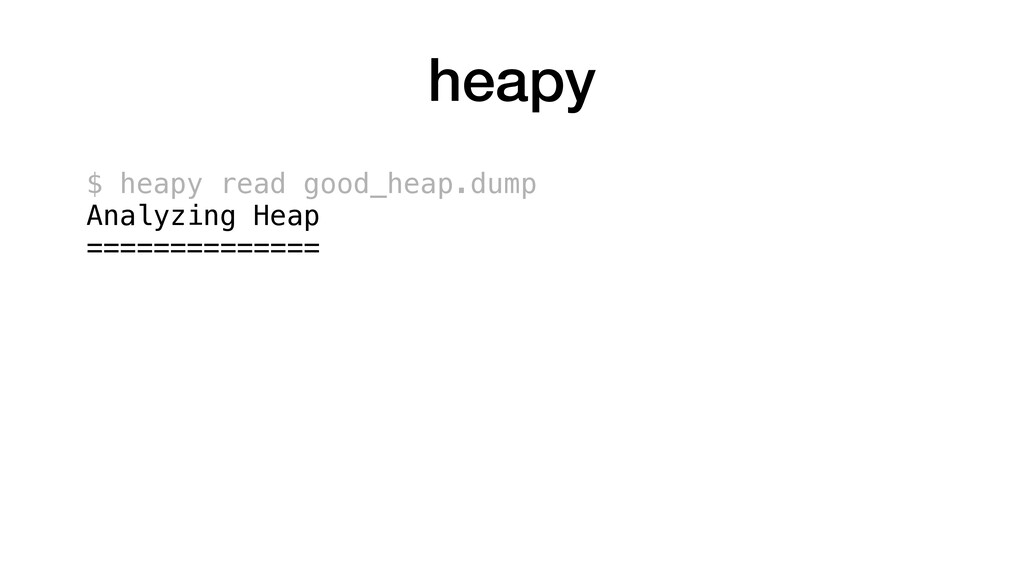
heapy
heapy $ heapy read good_heap.dump
heapy $ heapy read good_heap.dump Analyzing Heap ==============
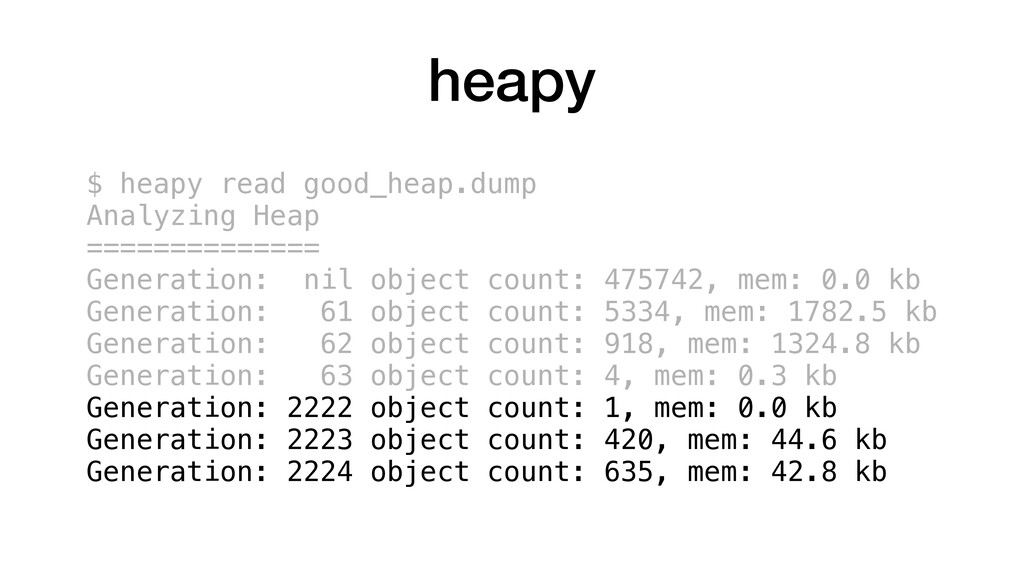
heapy $ heapy read good_heap.dump Analyzing Heap ============== Generation: nil
object count: 475742, mem: 0.0 kb
heapy $ heapy read good_heap.dump Analyzing Heap ============== Generation: nil
object count: 475742, mem: 0.0 kb Generation: 61 object count: 5334, mem: 1782.5 kb Generation: 62 object count: 918, mem: 1324.8 kb Generation: 63 object count: 4, mem: 0.3 kb
heapy $ heapy read good_heap.dump Analyzing Heap ============== Generation: nil
object count: 475742, mem: 0.0 kb Generation: 61 object count: 5334, mem: 1782.5 kb Generation: 62 object count: 918, mem: 1324.8 kb Generation: 63 object count: 4, mem: 0.3 kb Generation: 2222 object count: 1, mem: 0.0 kb Generation: 2223 object count: 420, mem: 44.6 kb Generation: 2224 object count: 635, mem: 42.8 kb
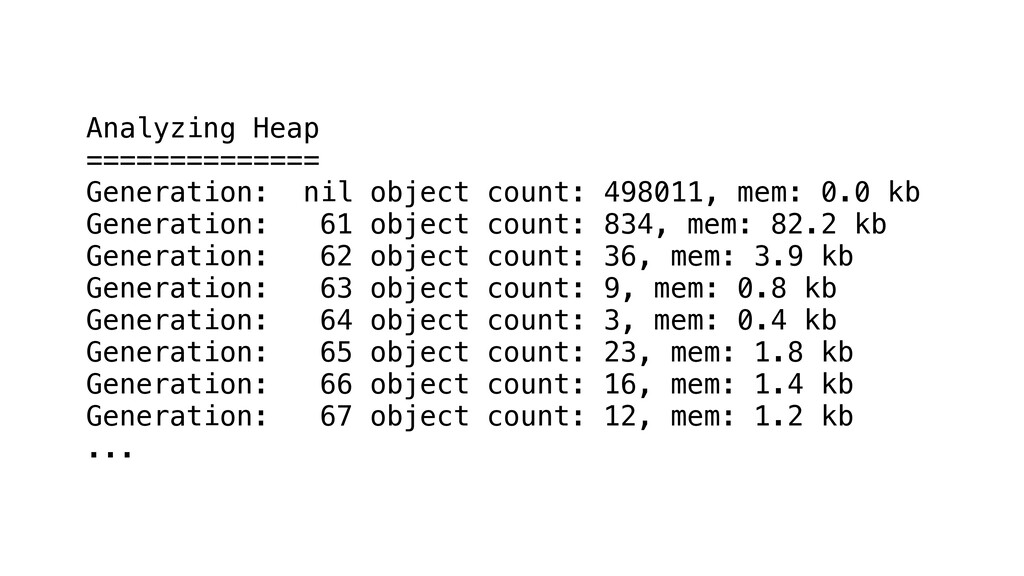
Analyzing Heap ============== Generation: nil object count: 498011, mem: 0.0
kb Generation: 61 object count: 834, mem: 82.2 kb Generation: 62 object count: 36, mem: 3.9 kb Generation: 63 object count: 9, mem: 0.8 kb Generation: 64 object count: 3, mem: 0.4 kb Generation: 65 object count: 23, mem: 1.8 kb Generation: 66 object count: 16, mem: 1.4 kb Generation: 67 object count: 12, mem: 1.2 kb ...
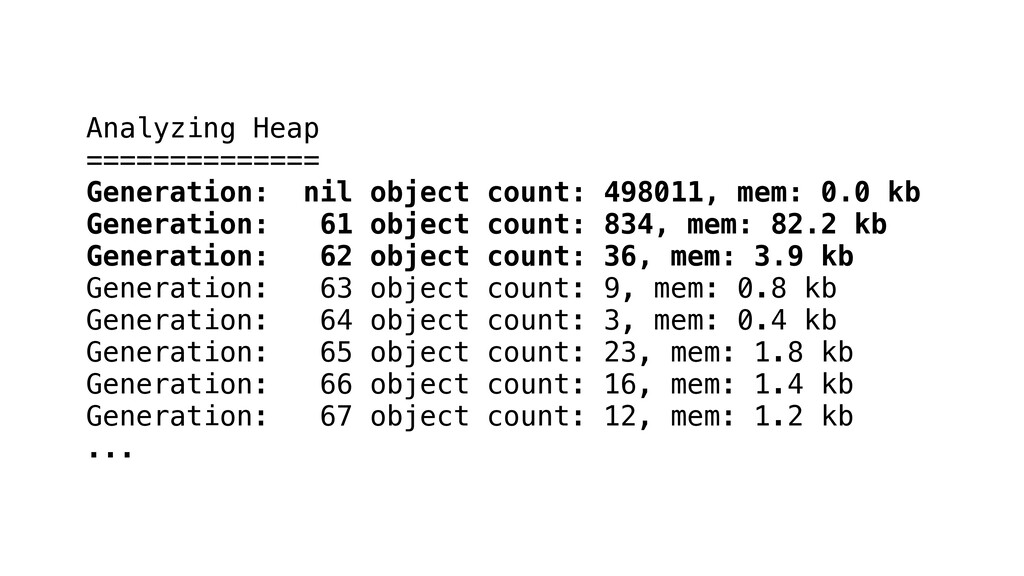
Analyzing Heap ============== Generation: nil object count: 498011, mem: 0.0
kb Generation: 61 object count: 834, mem: 82.2 kb Generation: 62 object count: 36, mem: 3.9 kb Generation: 63 object count: 9, mem: 0.8 kb Generation: 64 object count: 3, mem: 0.4 kb Generation: 65 object count: 23, mem: 1.8 kb Generation: 66 object count: 16, mem: 1.4 kb Generation: 67 object count: 12, mem: 1.2 kb ...
Generation: 218 object count: 11, mem: 1.2 kb Generation: 219
object count: 10, mem: 1.1 kb Generation: 220 object count: 12, mem: 1.2 kb Generation: 221 object count: 12, mem: 1.2 kb Generation: 222 object count: 13, mem: 9.2 kb Generation: 223 object count: 10, mem: 1.0 kb Generation: 224 object count: 12, mem: 1.2 kb Generation: 225 object count: 12, mem: 1.2 kb Generation: 226 object count: 9, mem: 0.9 kb Generation: 227 object count: 11, mem: 1.2 kb ...
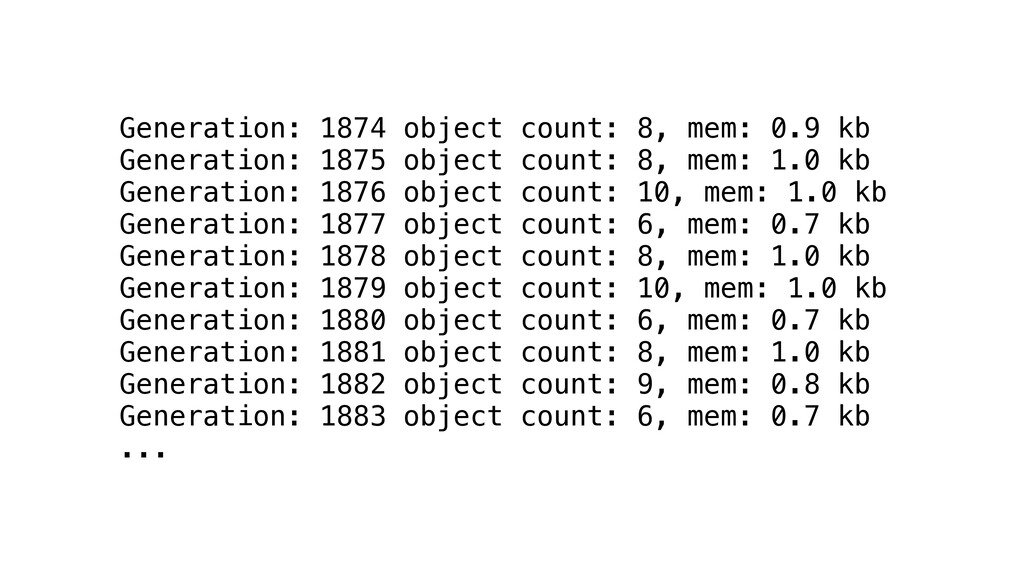
Generation: 1874 object count: 8, mem: 0.9 kb Generation: 1875
object count: 8, mem: 1.0 kb Generation: 1876 object count: 10, mem: 1.0 kb Generation: 1877 object count: 6, mem: 0.7 kb Generation: 1878 object count: 8, mem: 1.0 kb Generation: 1879 object count: 10, mem: 1.0 kb Generation: 1880 object count: 6, mem: 0.7 kb Generation: 1881 object count: 8, mem: 1.0 kb Generation: 1882 object count: 9, mem: 0.8 kb Generation: 1883 object count: 6, mem: 0.7 kb ...
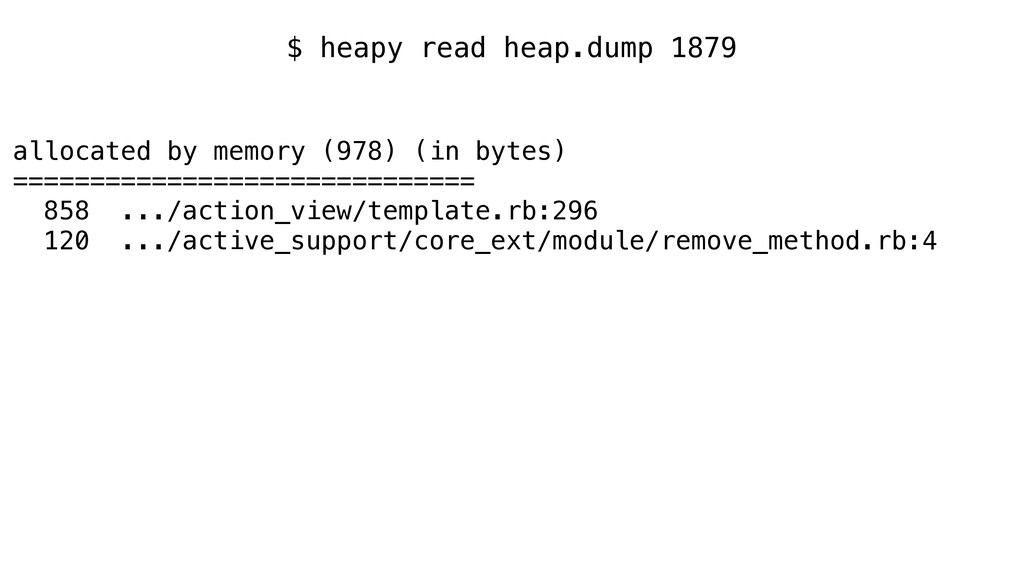
$ heapy read heap.dump 1879
$ heapy read heap.dump 1879 allocated by memory (978) (in
bytes) ============================== 858 .../action_view/template.rb:296 120 .../active_support/core_ext/module/remove_method.rb:4
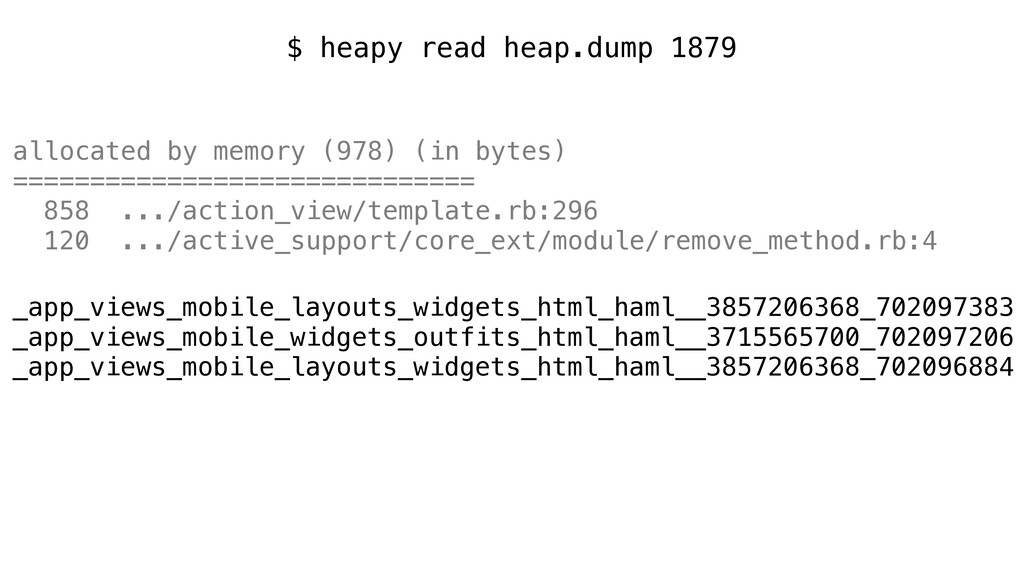
$ heapy read heap.dump 1879 allocated by memory (978) (in
bytes) ============================== 858 .../action_view/template.rb:296 120 .../active_support/core_ext/module/remove_method.rb:4 _app_views_mobile_layouts_widgets_html_haml__3857206368_702097383 _app_views_mobile_widgets_outfits_html_haml__3715565700_702097206 _app_views_mobile_layouts_widgets_html_haml__3857206368_702096884
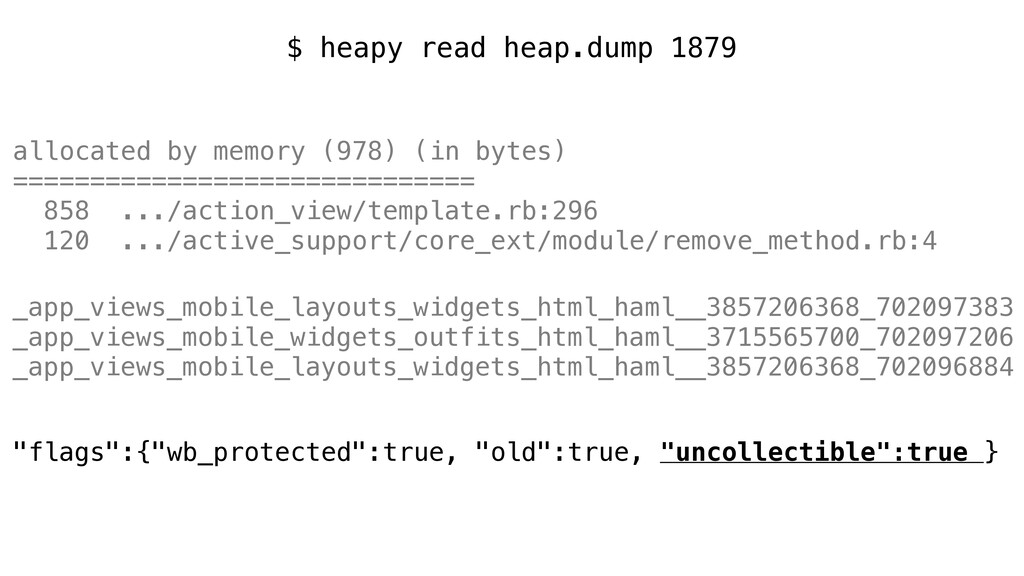
$ heapy read heap.dump 1879 allocated by memory (978) (in
bytes) ============================== 858 .../action_view/template.rb:296 120 .../active_support/core_ext/module/remove_method.rb:4 _app_views_mobile_layouts_widgets_html_haml__3857206368_702097383 _app_views_mobile_widgets_outfits_html_haml__3715565700_702097206 _app_views_mobile_layouts_widgets_html_haml__3857206368_702096884 "flags":{"wb_protected":true, "old":true, "uncollectible":true }
2 Questions
2 Questions • Why is the method name uncollectible?
2 Questions • Why is the method name uncollectible? •
Why so many of them?
Ruby 2.2: Symbols can be garbage collected
Ruby 2.2: Symbols can be garbage collected *Terms and conditions
may apply Your statutory rights are not affected
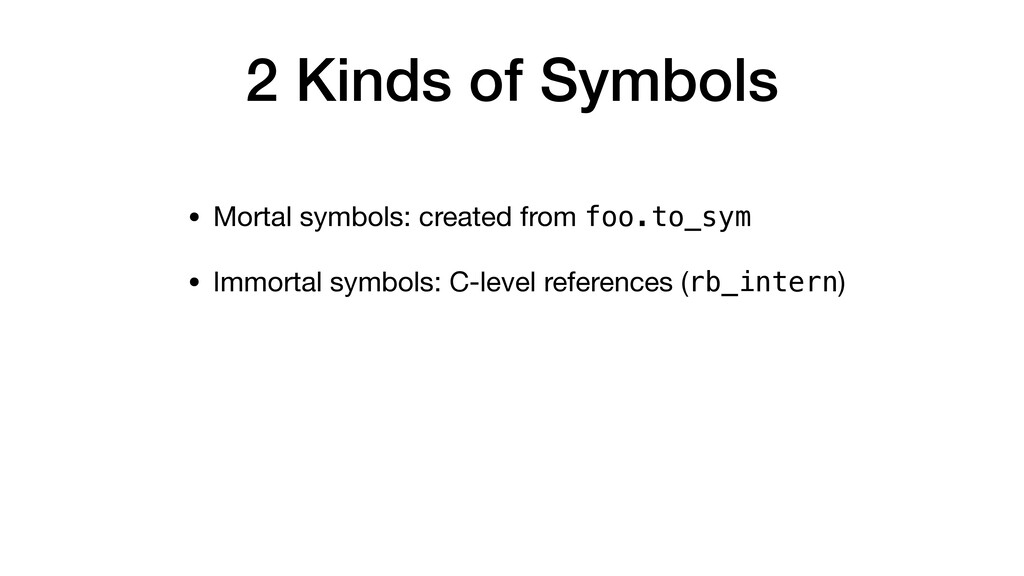
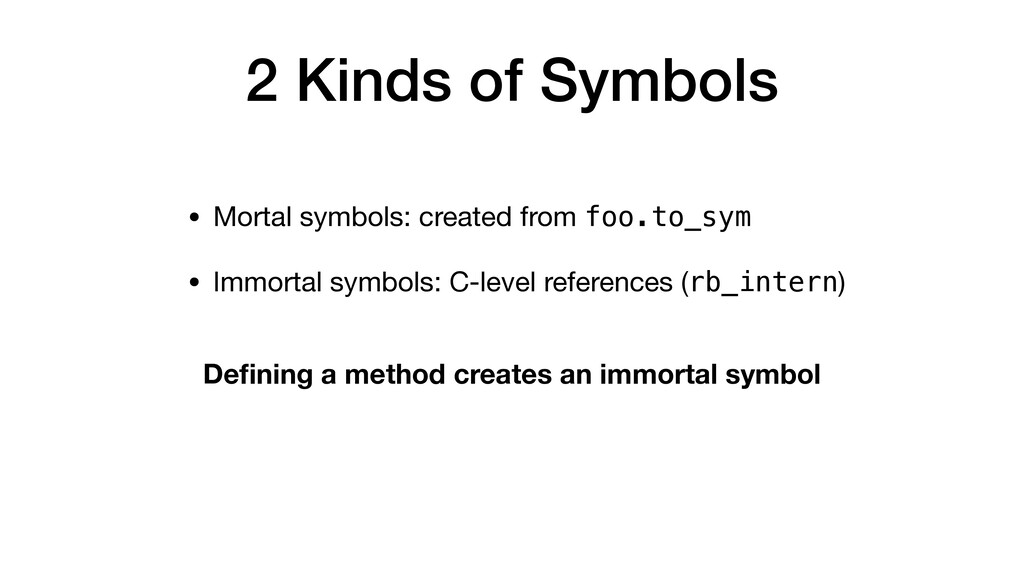
2 Kinds of Symbols
2 Kinds of Symbols • Mortal symbols: created from foo.to_sym
2 Kinds of Symbols • Mortal symbols: created from foo.to_sym
• Immortal symbols: C-level references (rb_intern)
2 Kinds of Symbols • Mortal symbols: created from foo.to_sym
• Immortal symbols: C-level references (rb_intern) Defining a method creates an immortal symbol
Action View template caching
Action View template caching • Each template is compiled to
a method with random name
Action View template caching • Each template is compiled to
a method with random name • Each entry in the view search path is a resolver
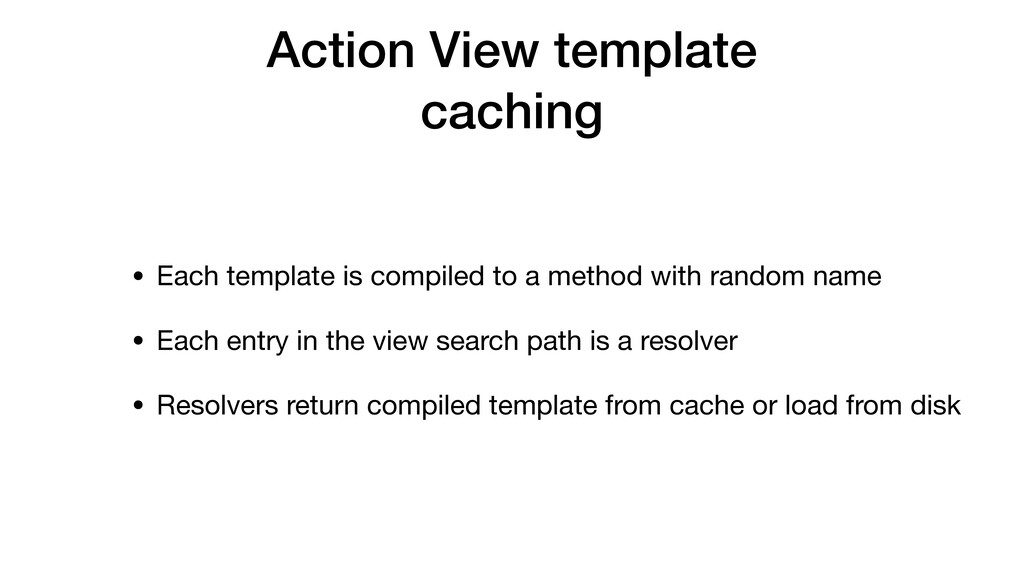
Action View template caching • Each template is compiled to
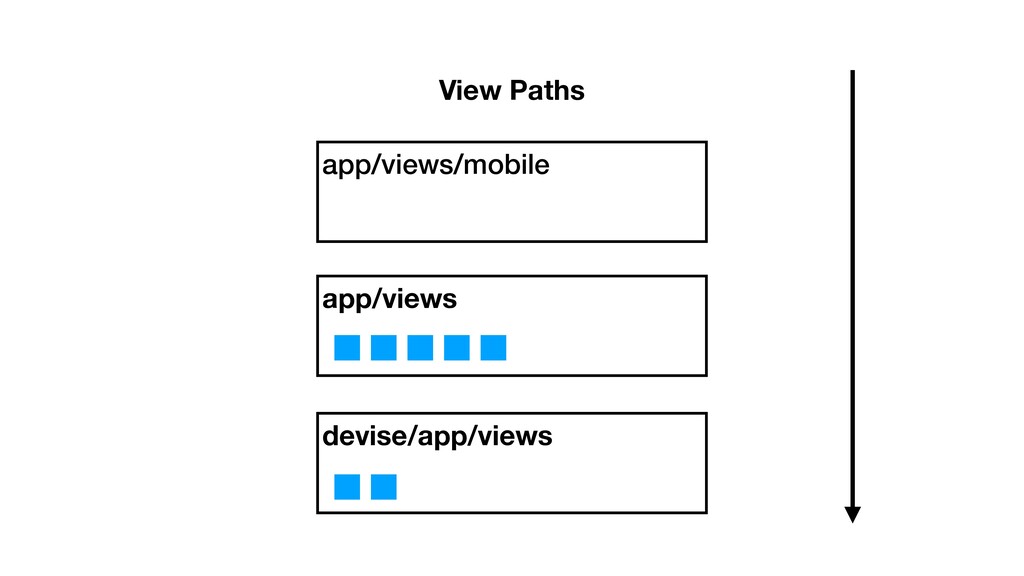
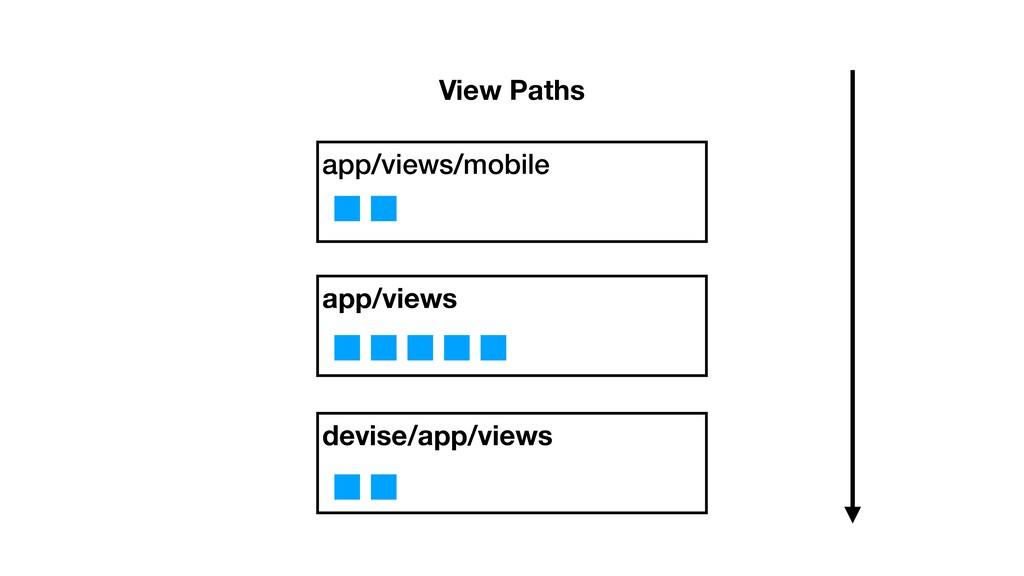
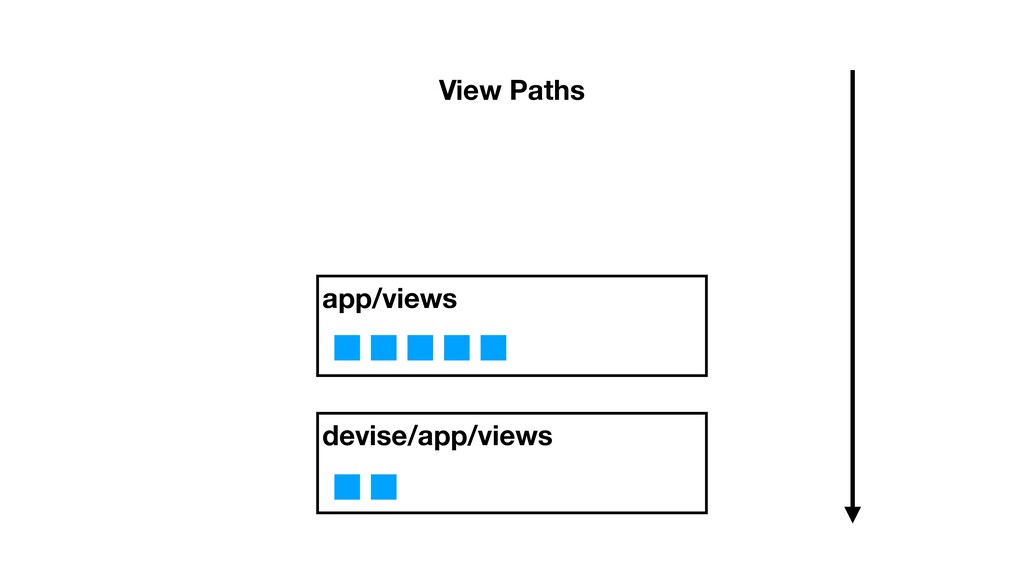
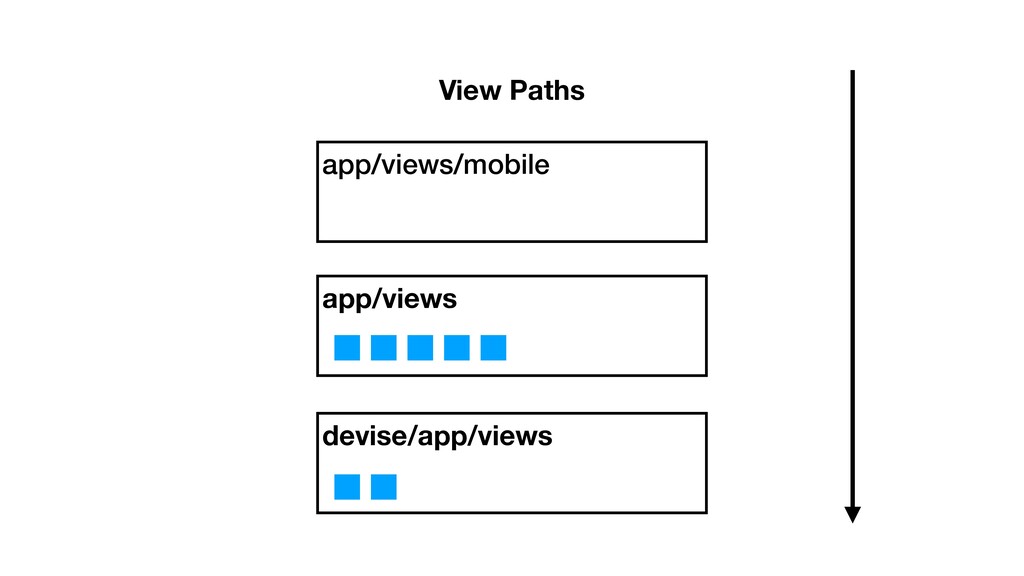
a method with random name • Each entry in the view search path is a resolver • Resolvers return compiled template from cache or load from disk
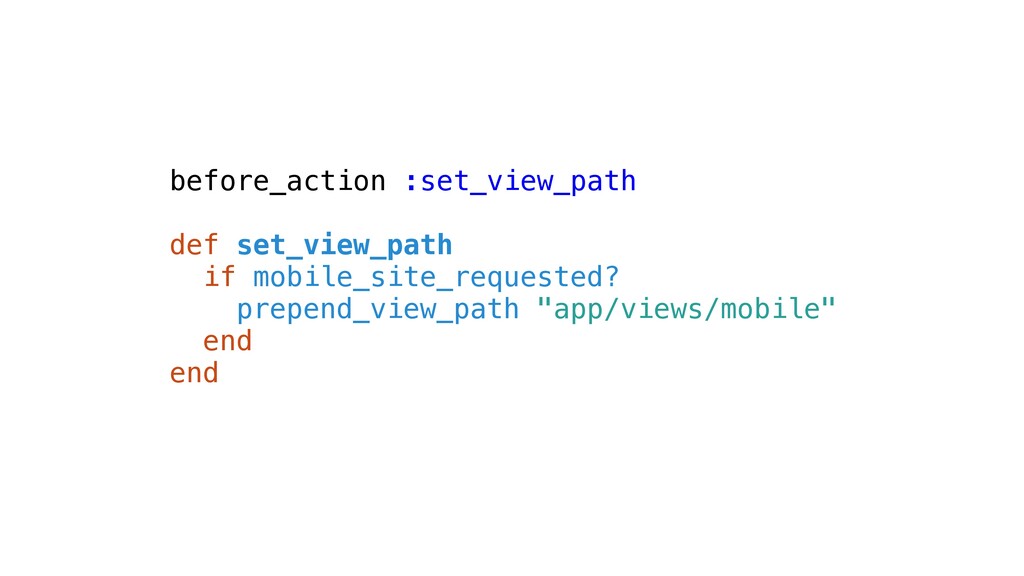
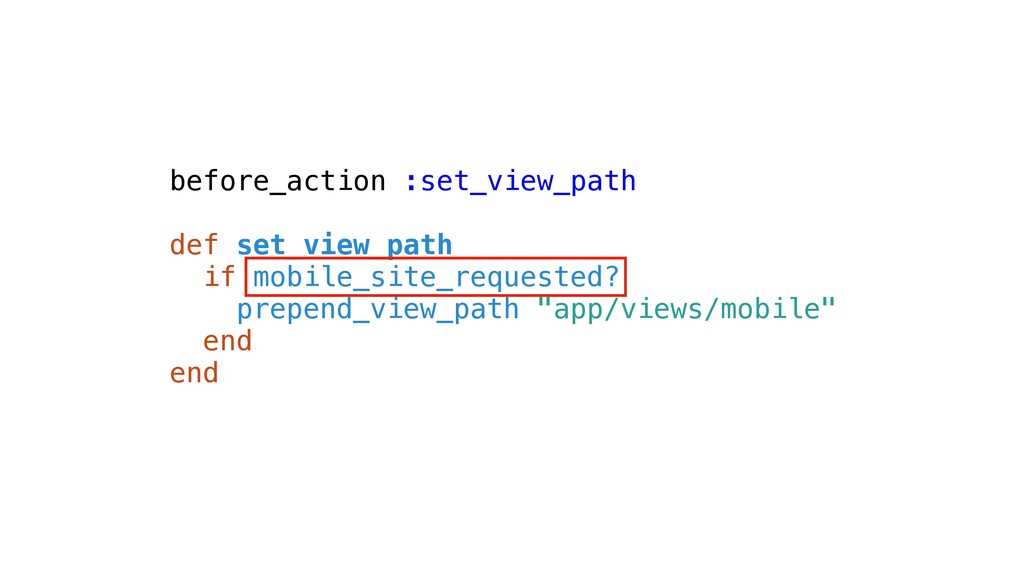
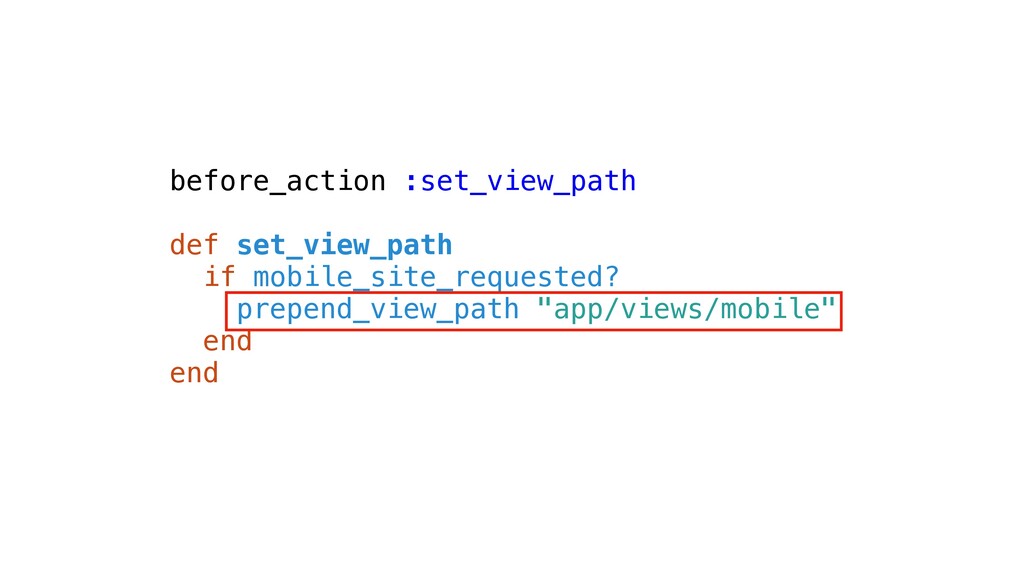
before_action :set_view_path def set_view_path if mobile_site_requested? prepend_view_path "app/views/mobile" end end
before_action :set_view_path def set_view_path if mobile_site_requested? prepend_view_path "app/views/mobile" end end
before_action :set_view_path def set_view_path if mobile_site_requested? prepend_view_path "app/views/mobile" end end
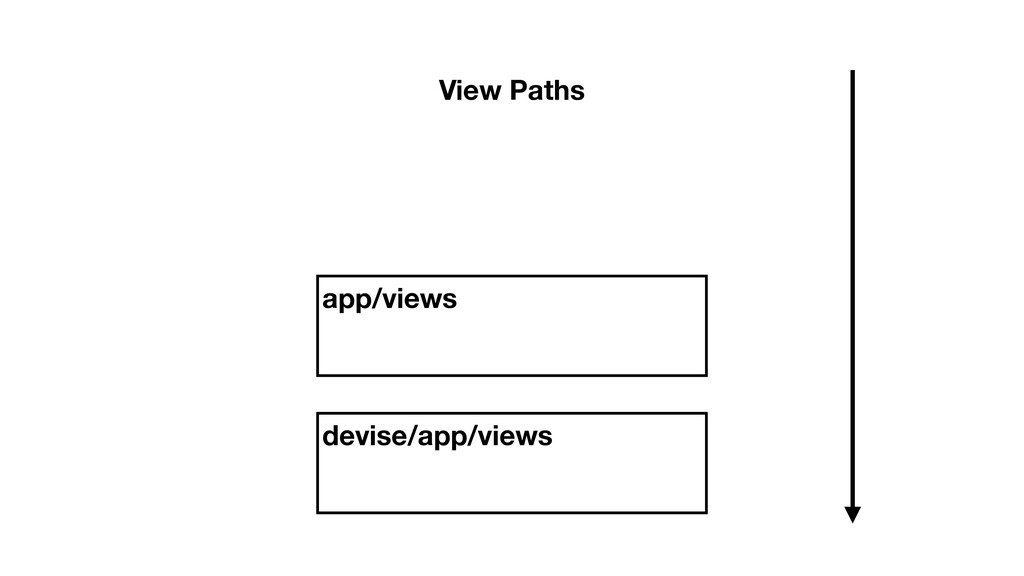
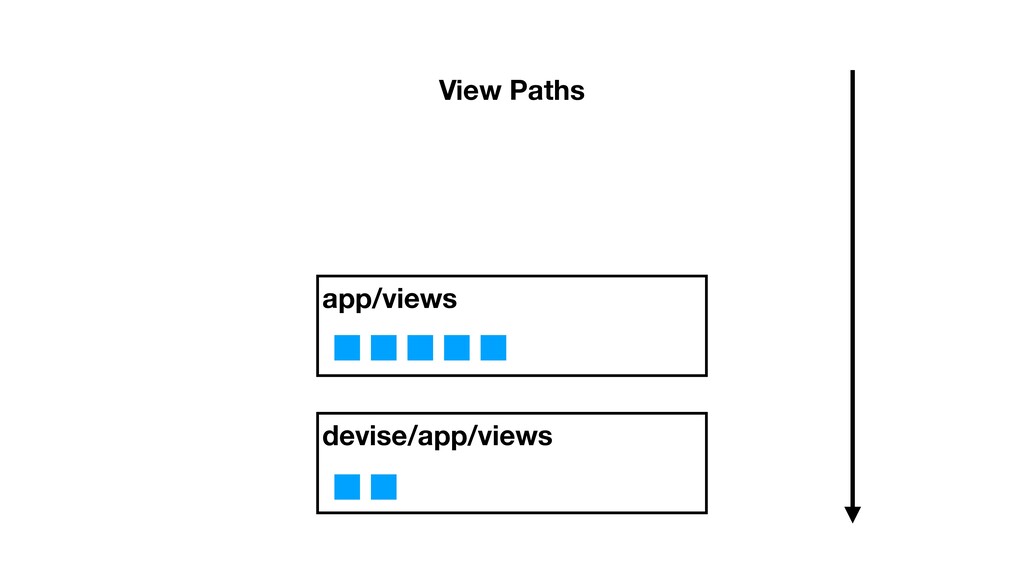
devise/app/views app/views View Paths
devise/app/views app/views View Paths
devise/app/views app/views View Paths app/views/mobile
devise/app/views app/views View Paths app/views/mobile
devise/app/views app/views View Paths
devise/app/views app/views View Paths app/views/mobile
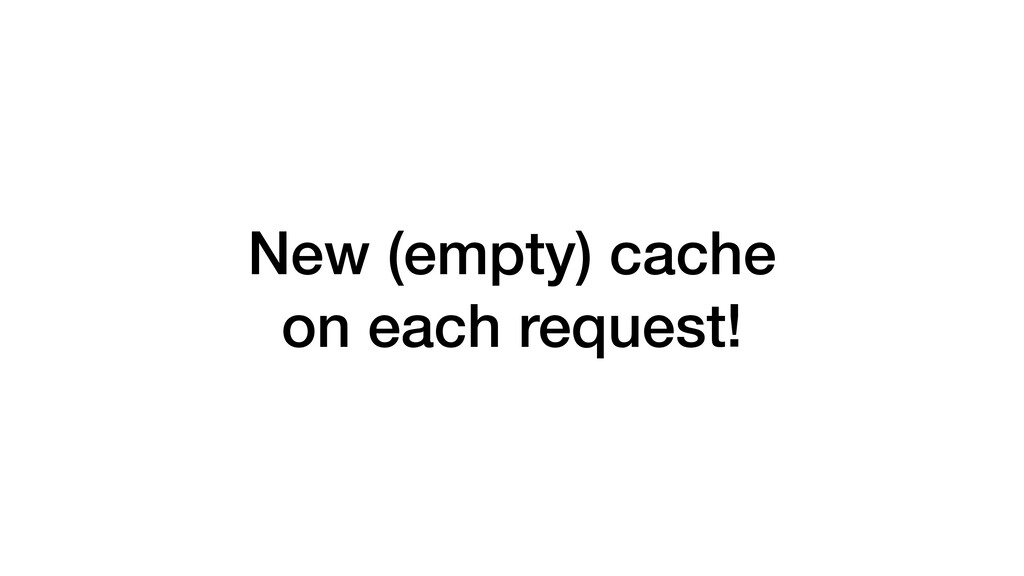
New (empty) cache on each request!
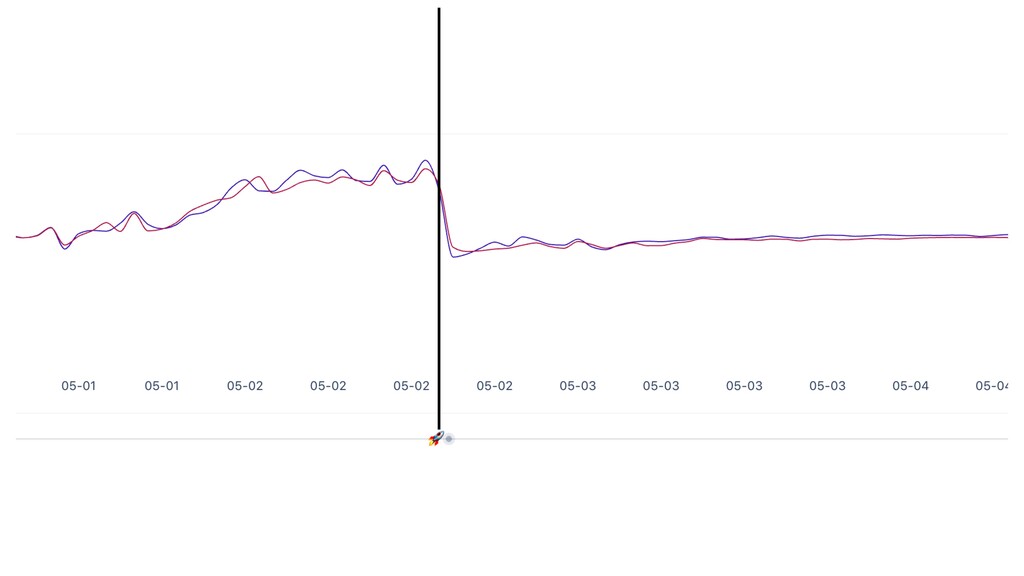
Each request leaks a symbol
None
None
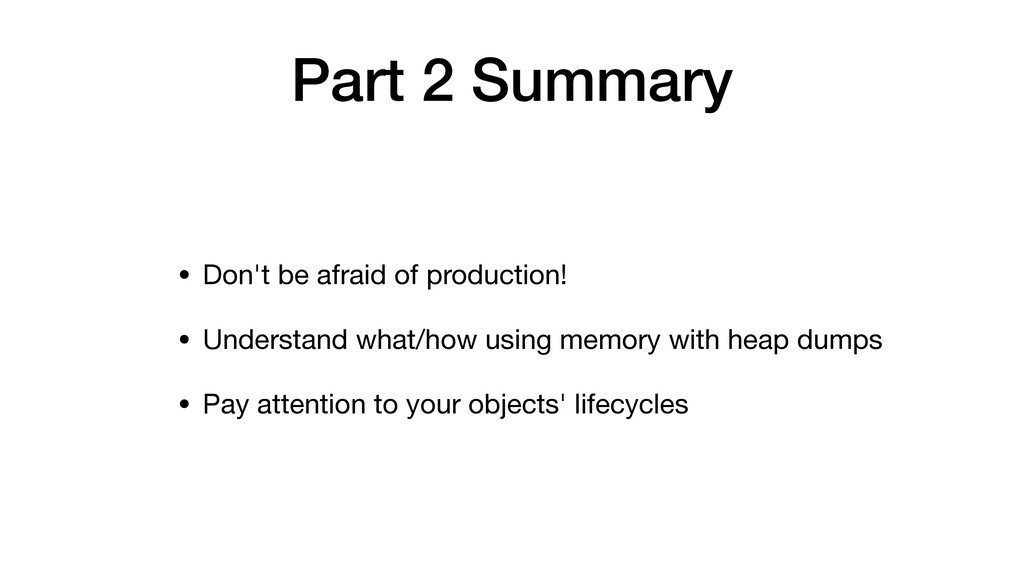
Part 2 Summary
Part 2 Summary • Don't be afraid of production!
Part 2 Summary • Don't be afraid of production! •
Understand what/how using memory with heap dumps
Part 2 Summary • Don't be afraid of production! •
Understand what/how using memory with heap dumps • Pay attention to your objects' lifecycles
Thank you! @fglc2 / dressipi
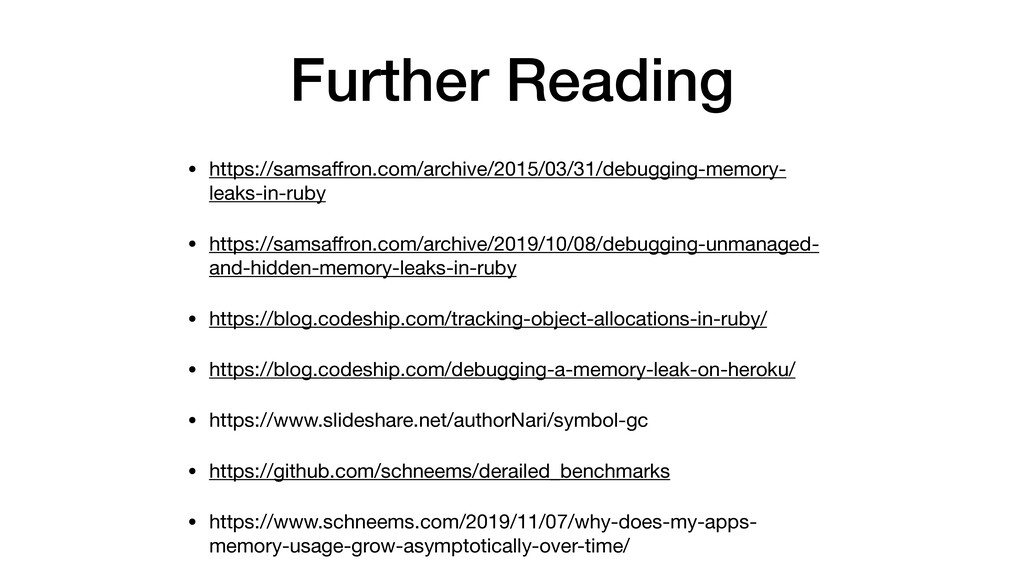
Further Reading • https://samsaffron.com/archive/2015/03/31/debugging-memory- leaks-in-ruby • https://samsaffron.com/archive/2019/10/08/debugging-unmanaged- and-hidden-memory-leaks-in-ruby • https://blog.codeship.com/tracking-object-allocations-in-ruby/
• https://blog.codeship.com/debugging-a-memory-leak-on-heroku/ • https://www.slideshare.net/authorNari/symbol-gc • https://github.com/schneems/derailed_benchmarks • https://www.schneems.com/2019/11/07/why-does-my-apps- memory-usage-grow-asymptotically-over-time/


 fcheung
 mkdev10
 kameitomohiro
 terurou
 marceloancelmo
 recruitengineers
 codmoninc
 shisyu_gaku
 miidas
 baseballyama
 shichijoyuhi
 naruoga
 kairim0
 mza
mza
 baasie
 gr2m
gr2m
 axbom
axbom
 yeseniaperezcruz
 marketingsoph
 inesmontani
 marktimemedia
 eileencodes
 nmsamuel
 csswizardry
 codingconduct