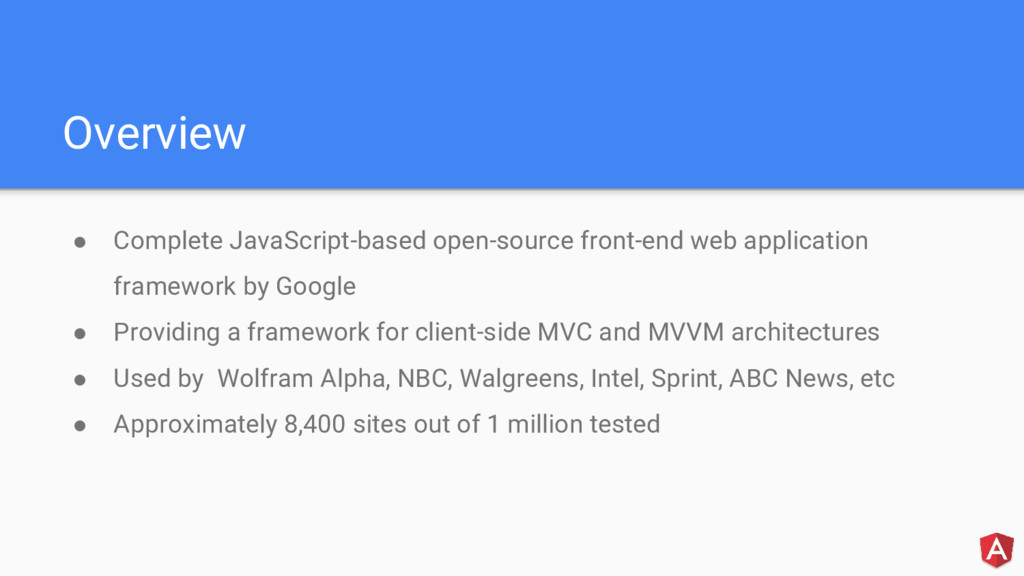
Google • Providing a framework for client-side MVC and MVVM architectures • Used by Wolfram Alpha, NBC, Walgreens, Intel, Sprint, ABC News, etc • Approximately 8,400 sites out of 1 million tested
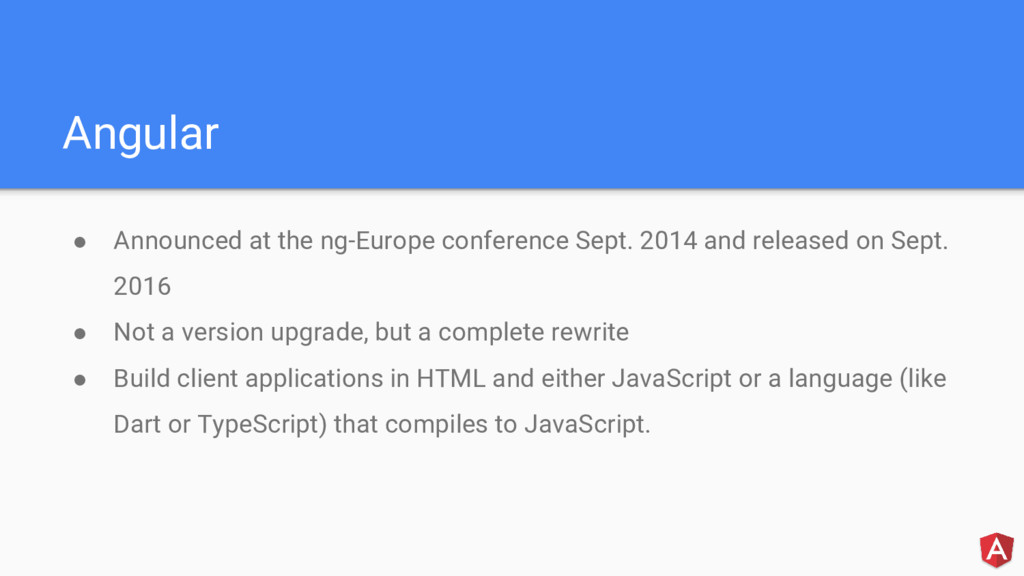
released on Sept. 2016 • Not a version upgrade, but a complete rewrite • Build client applications in HTML and either JavaScript or a language (like Dart or TypeScript) that compiles to JavaScript.
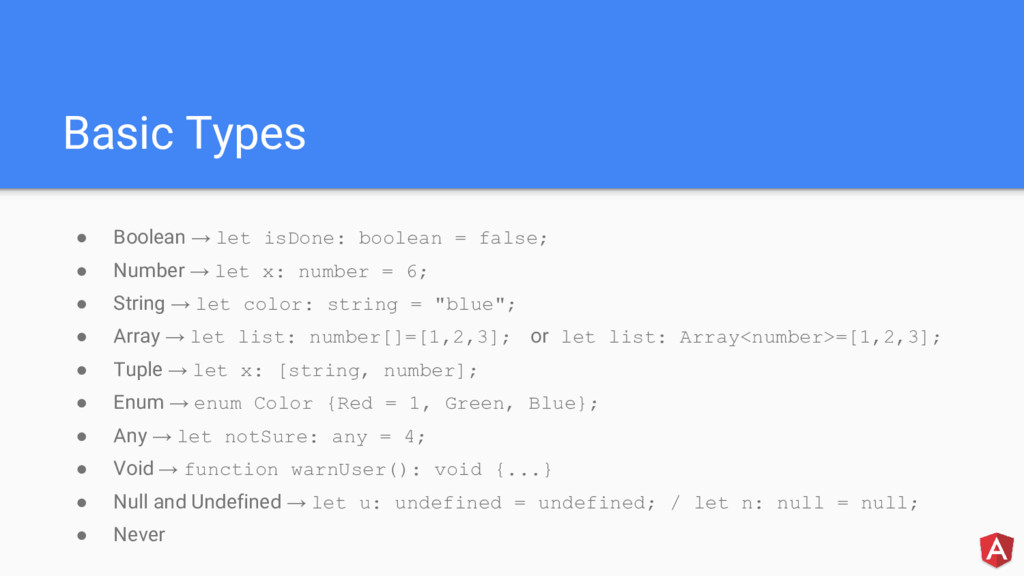
• Number → let x: number = 6; • String → let color: string = "blue"; • Array → let list: number[]=[1,2,3]; or let list: Array<number>=[1,2,3]; • Tuple → let x: [string, number]; • Enum → enum Color {Red = 1, Green, Blue}; • Any → let notSure: any = 4; • Void → function warnUser(): void {...} • Null and Undefined → let u: undefined = undefined; / let n: null = null; • Never
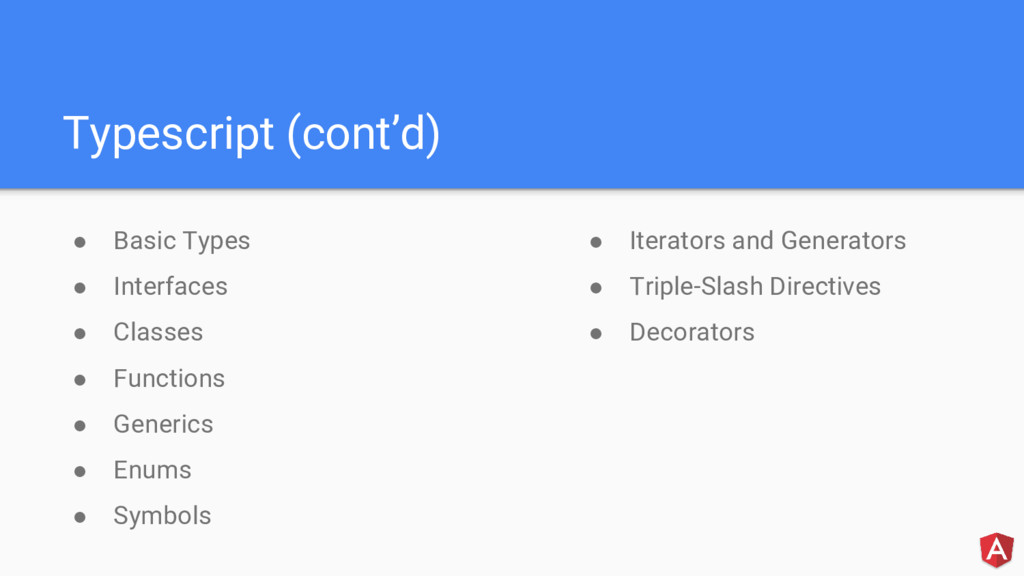
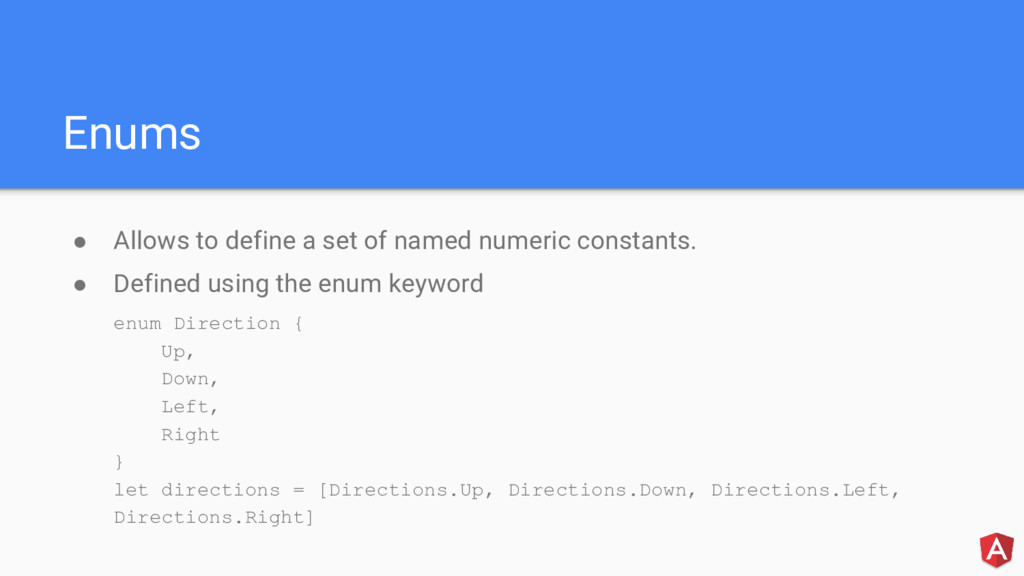
constants. • Defined using the enum keyword enum Direction { Up, Down, Left, Right } let directions = [Directions.Up, Directions.Down, Directions.Left, Directions.Right]
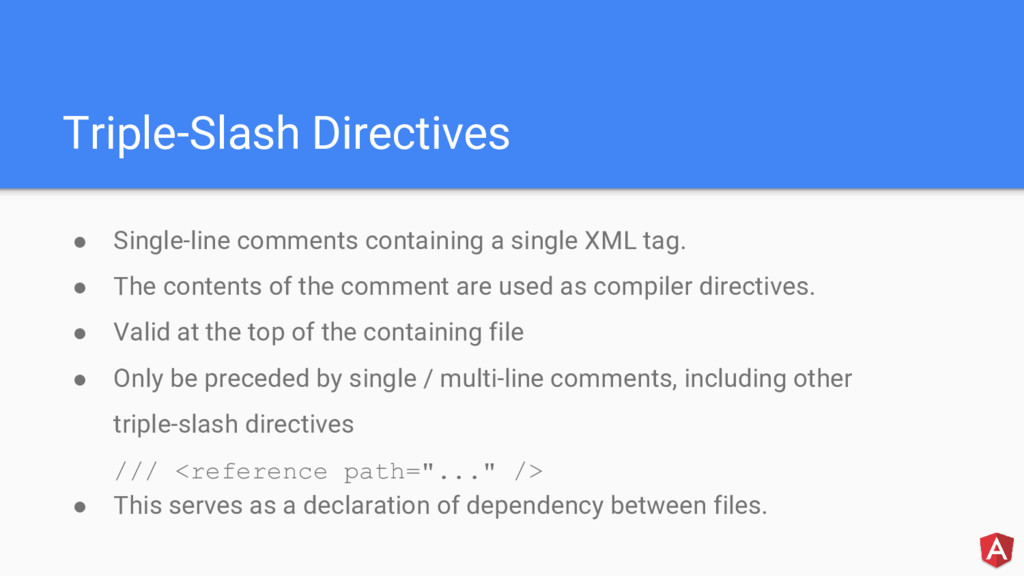
• The contents of the comment are used as compiler directives. • Valid at the top of the containing file • Only be preceded by single / multi-line comments, including other triple-slash directives /// <reference path="..." /> • This serves as a declaration of dependency between files.
to a class declaration, method, accessor, property, or parameter • Provides a way to add annotations and a meta-programming syntax for class declarations and member • Available as an experimental feature of TypeScript; to enable it, one must enable the experimentalDecorators compiler option either on the command line or in tsconfig.json
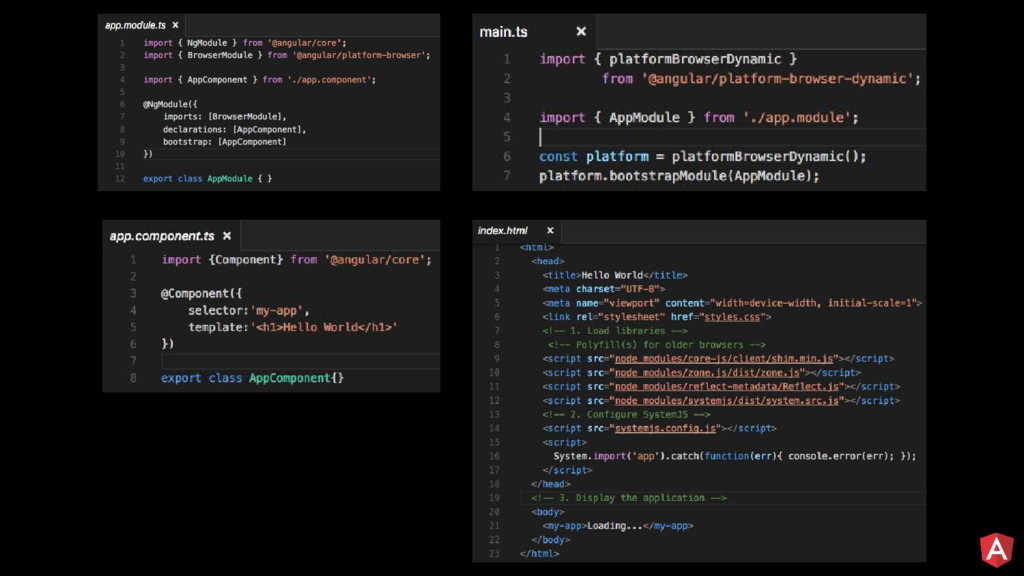
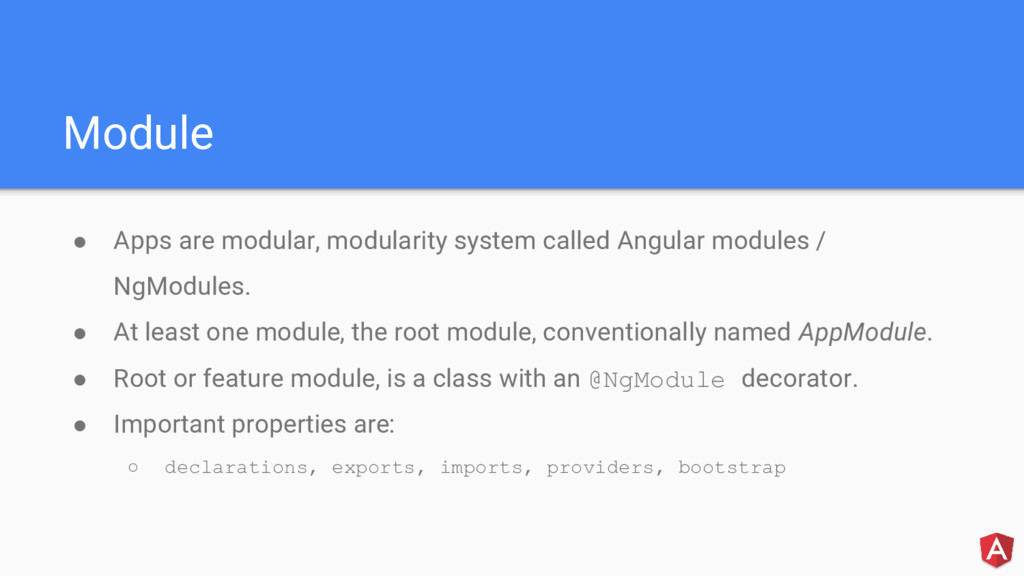
/ NgModules. • At least one module, the root module, conventionally named AppModule. • Root or feature module, is a class with an @NgModule decorator. • Important properties are: ◦ declarations, exports, imports, providers, bootstrap
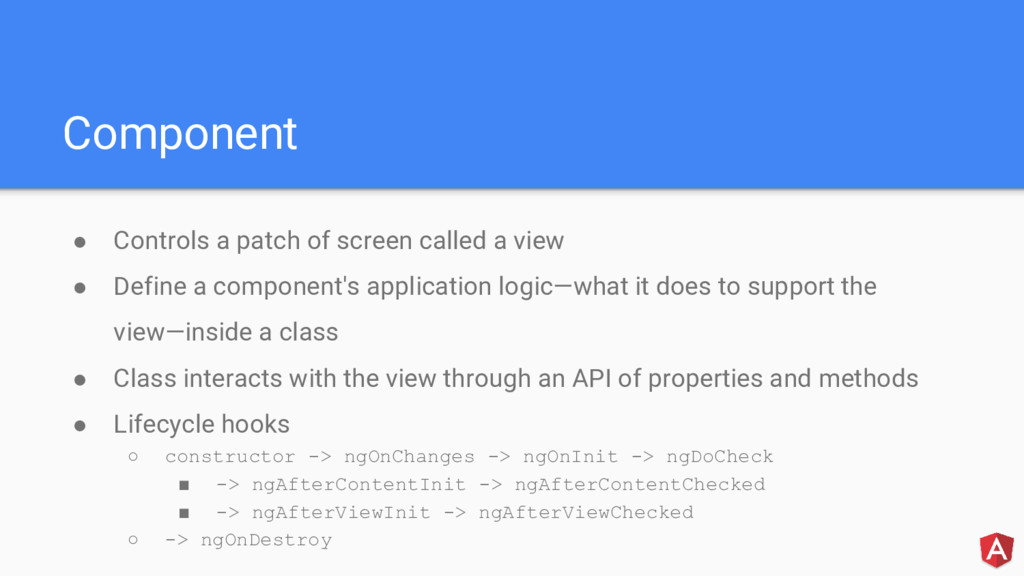
• Define a component's application logic—what it does to support the view—inside a class • Class interacts with the view through an API of properties and methods • Lifecycle hooks ◦ constructor -> ngOnChanges -> ngOnInit -> ngDoCheck ▪ -> ngAfterContentInit -> ngAfterContentChecked ▪ -> ngAfterViewInit -> ngAfterViewChecked ◦ -> ngOnDestroy
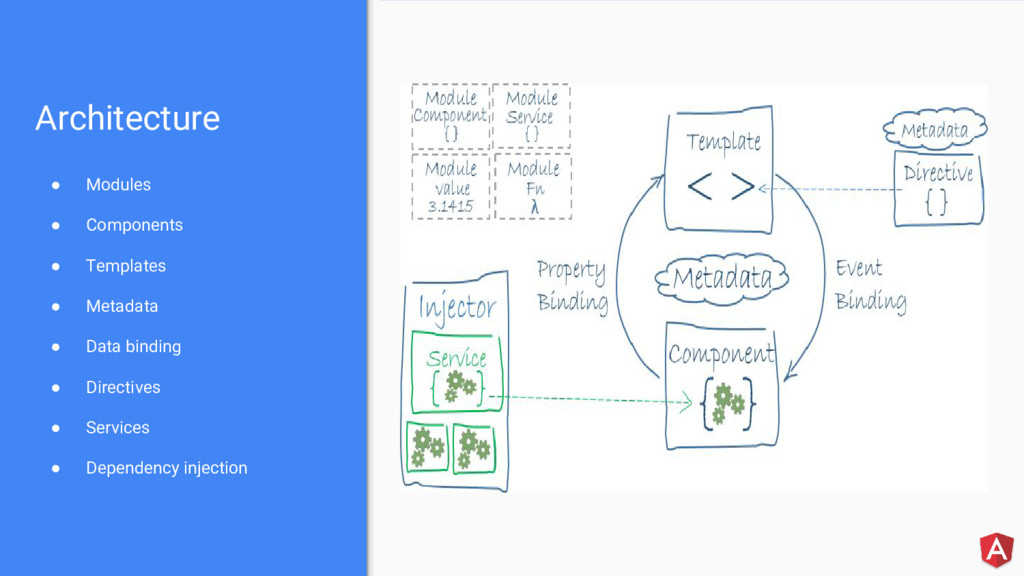
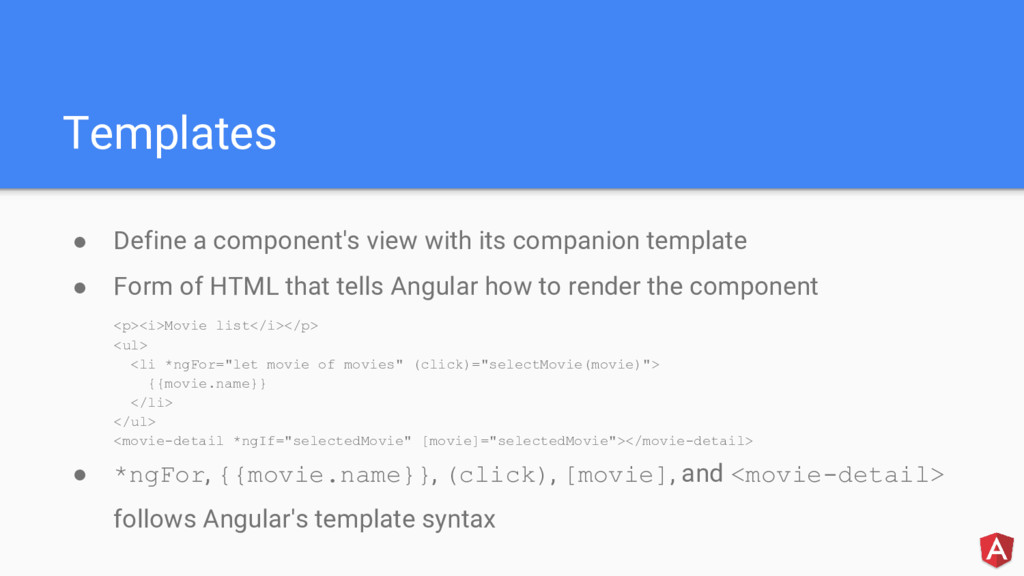
• Form of HTML that tells Angular how to render the component <p><i>Movie list</i></p> <ul> <li *ngFor="let movie of movies" (click)="selectMovie(movie)"> {{movie.name}} </li> </ul> <movie-detail *ngIf="selectedMovie" [movie]="selectedMovie"></movie-detail> • *ngFor, {{movie.name}}, (click), [movie], and <movie-detail> follows Angular's template syntax
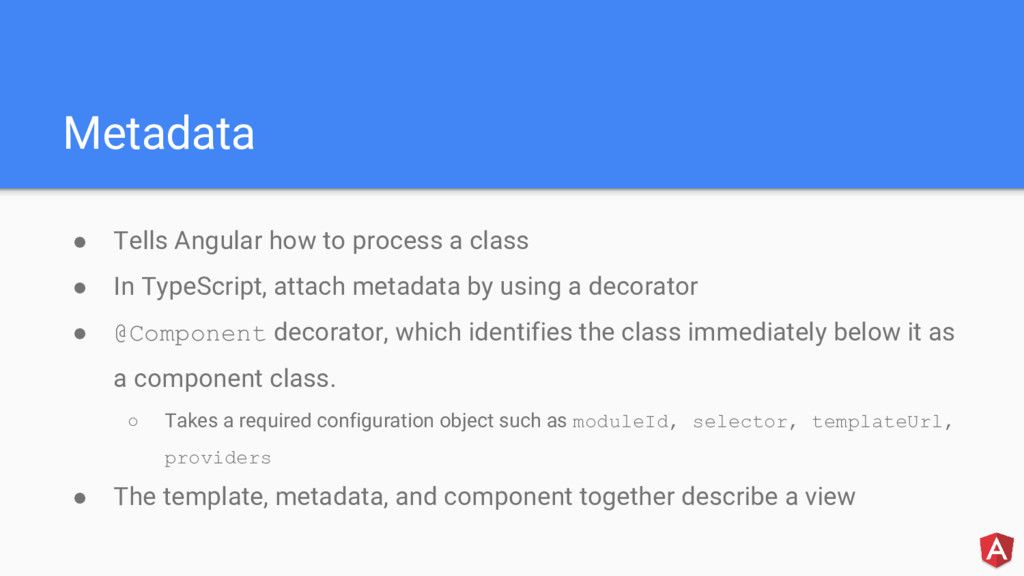
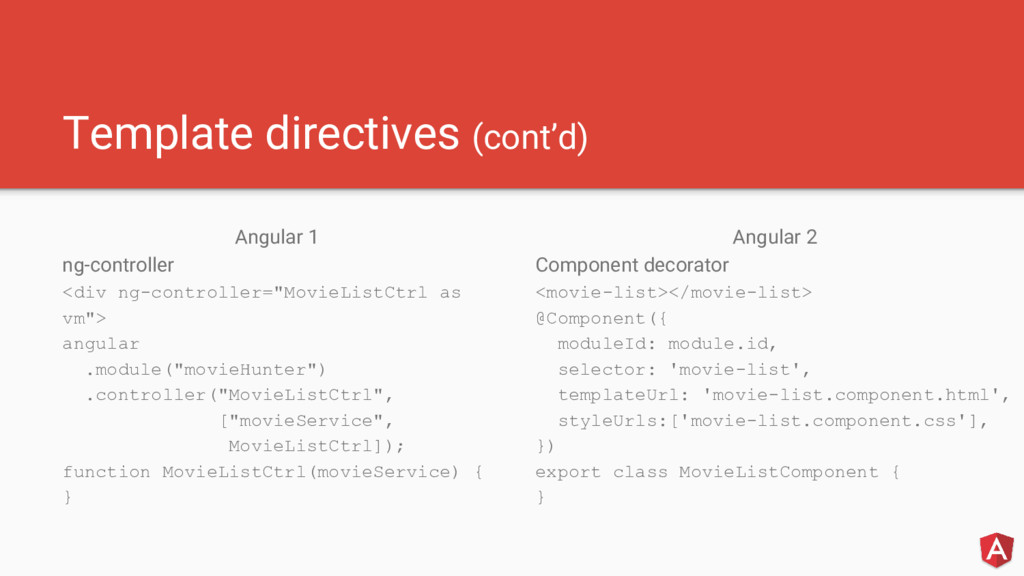
In TypeScript, attach metadata by using a decorator • @Component decorator, which identifies the class immediately below it as a component class. ◦ Takes a required configuration object such as moduleId, selector, templateUrl, providers • The template, metadata, and component together describe a view
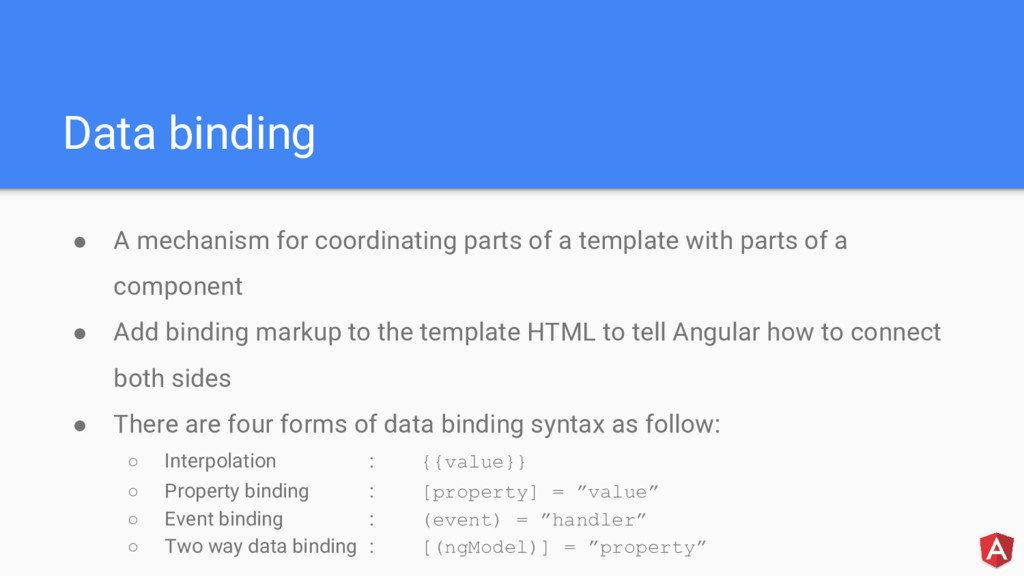
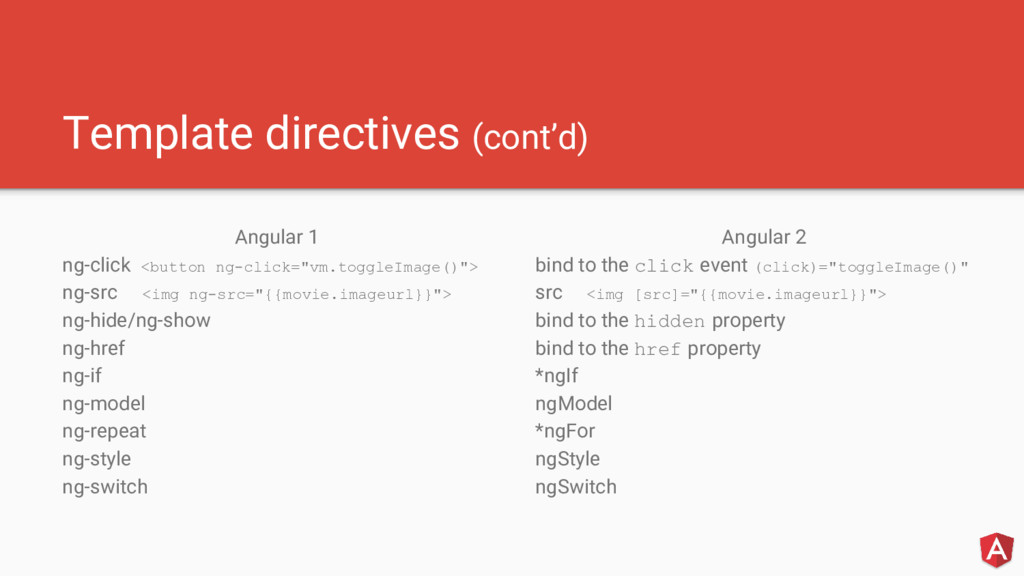
template with parts of a component • Add binding markup to the template HTML to tell Angular how to connect both sides • There are four forms of data binding syntax as follow: ◦ Interpolation : {{value}} ◦ Property binding : [property] = ”value” ◦ Event binding : (event) = ”handler” ◦ Two way data binding : [(ngModel)] = ”property”
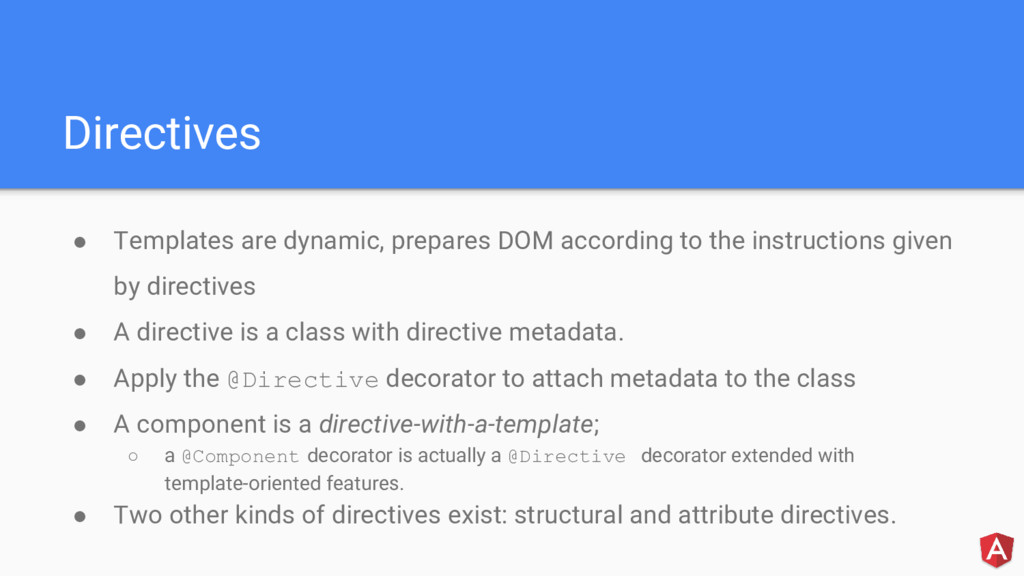
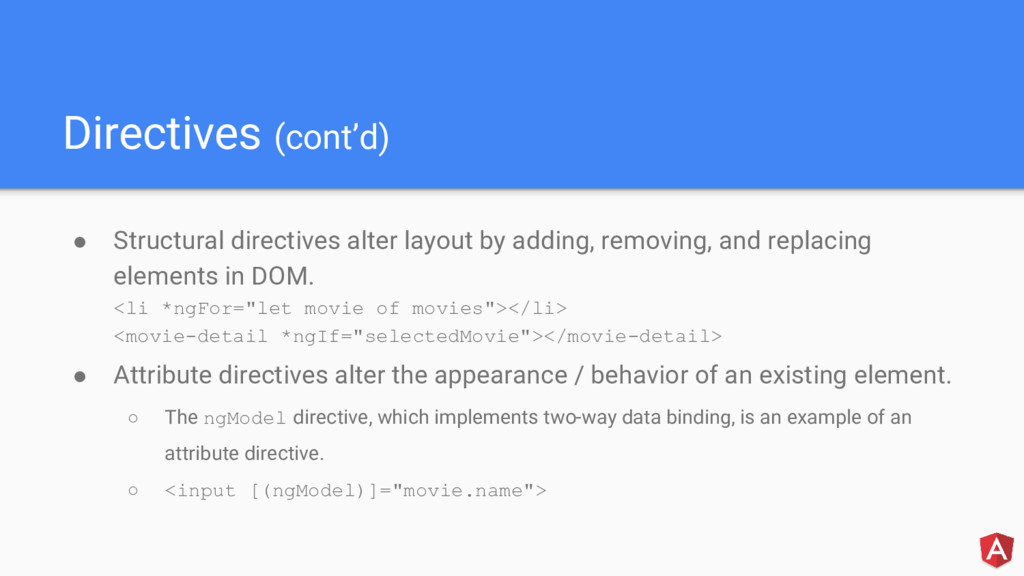
instructions given by directives • A directive is a class with directive metadata. • Apply the @Directive decorator to attach metadata to the class • A component is a directive-with-a-template; ◦ a @Component decorator is actually a @Directive decorator extended with template-oriented features. • Two other kinds of directives exist: structural and attribute directives.
and replacing elements in DOM. <li *ngFor="let movie of movies"></li> <movie-detail *ngIf="selectedMovie"></movie-detail> • Attribute directives alter the appearance / behavior of an existing element. ◦ The ngModel directive, which implements two-way data binding, is an example of an attribute directive. ◦ <input [(ngModel)]="movie.name">
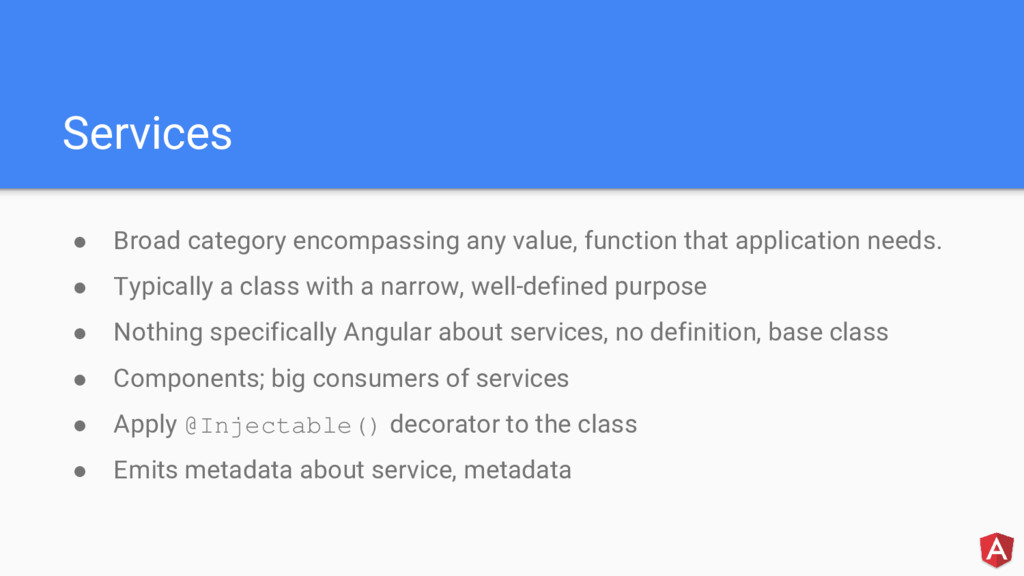
needs. • Typically a class with a narrow, well-defined purpose • Nothing specifically Angular about services, no definition, base class • Components; big consumers of services • Apply @Injectable() decorator to the class • Emits metadata about service, metadata
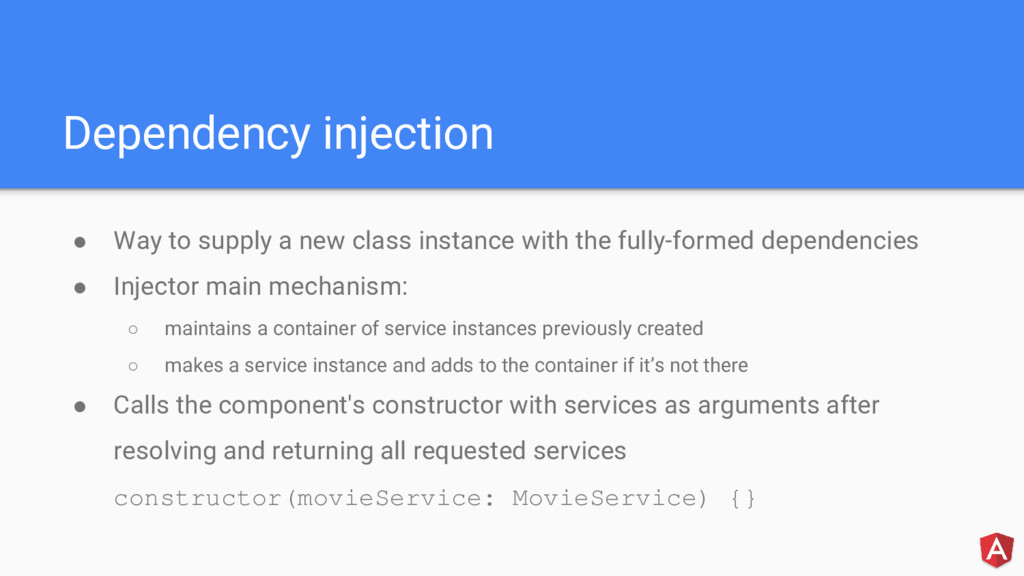
with the fully-formed dependencies • Injector main mechanism: ◦ maintains a container of service instances previously created ◦ makes a service instance and adds to the container if it’s not there • Calls the component's constructor with services as arguments after resolving and returning all requested services constructor(movieService: MovieService) {}
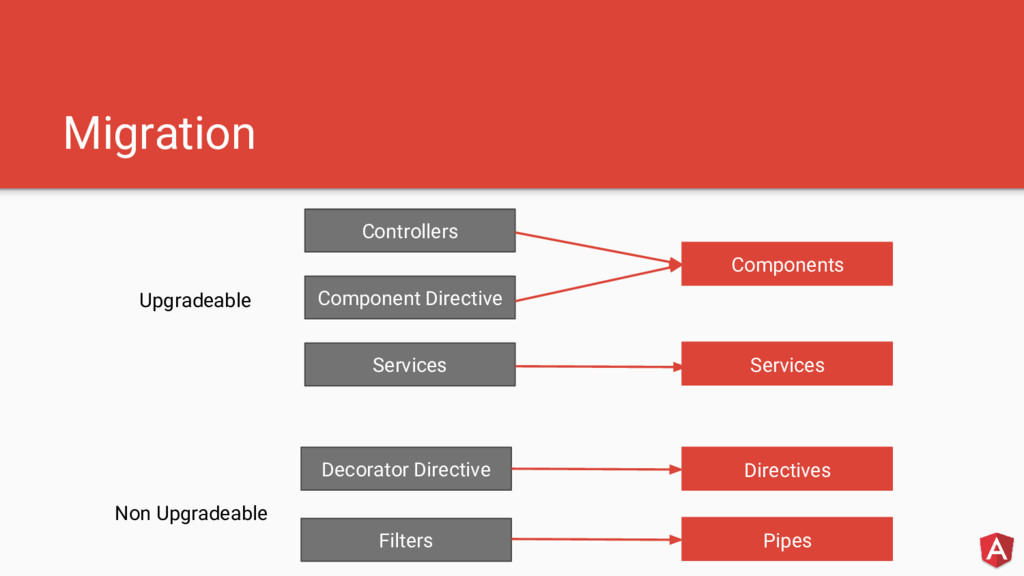
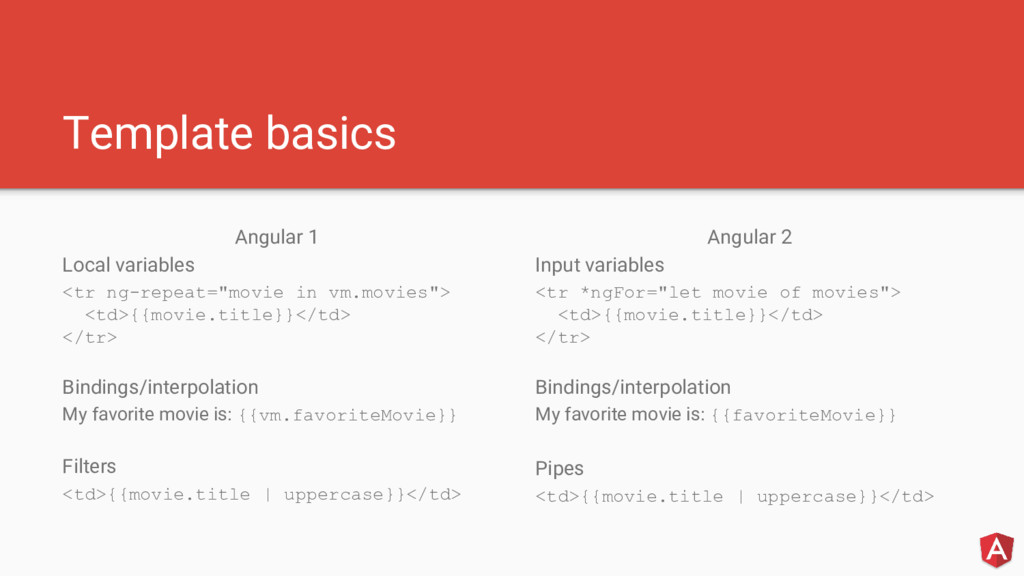
<td>{{movie.title}}</td> </tr> Bindings/interpolation My favorite movie is: {{vm.favoriteMovie}} Filters <td>{{movie.title | uppercase}}</td> Angular 2 Input variables <tr *ngFor="let movie of movies"> <td>{{movie.title}}</td> </tr> Bindings/interpolation My favorite movie is: {{favoriteMovie}} Pipes <td>{{movie.title | uppercase}}</td>
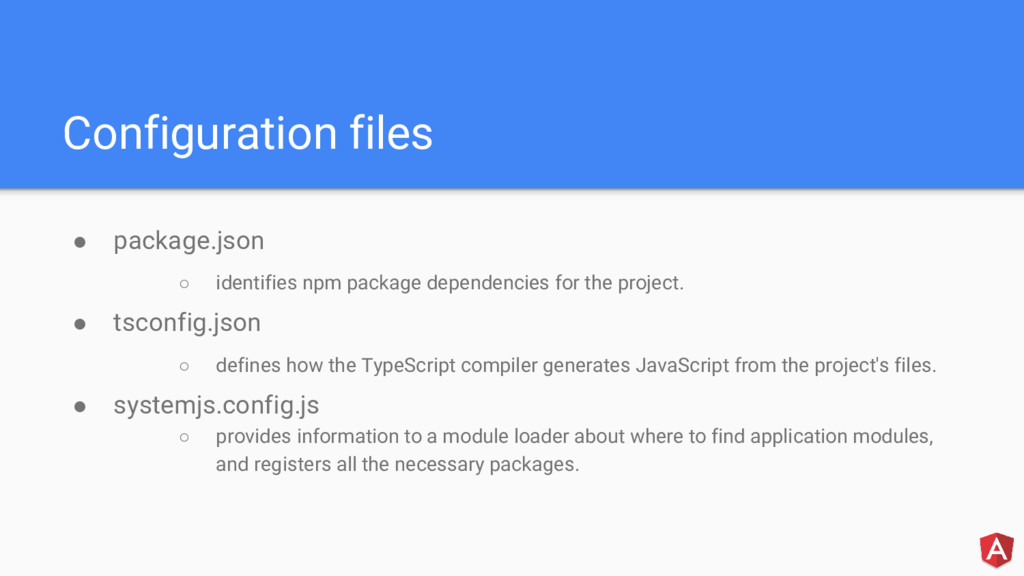
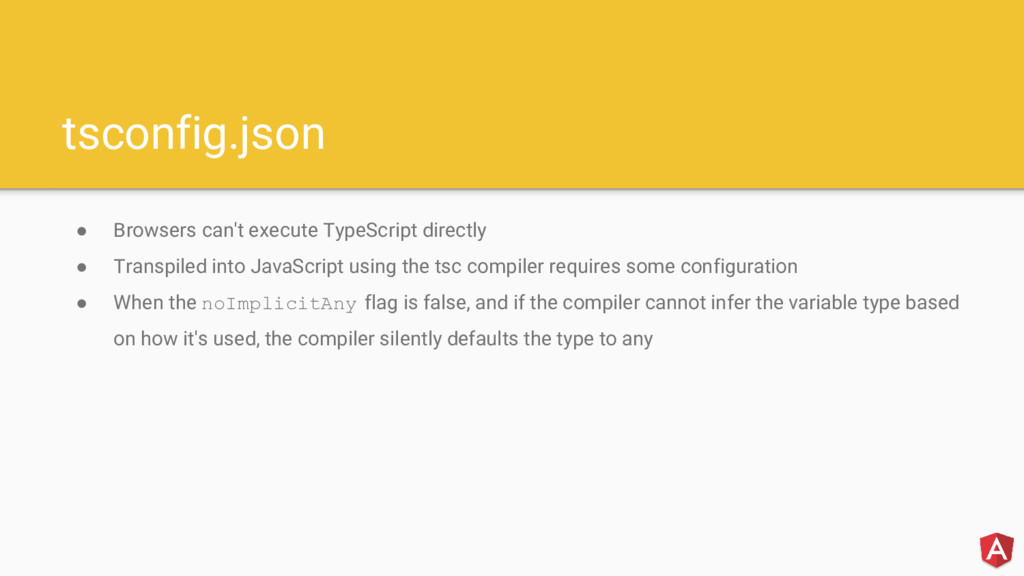
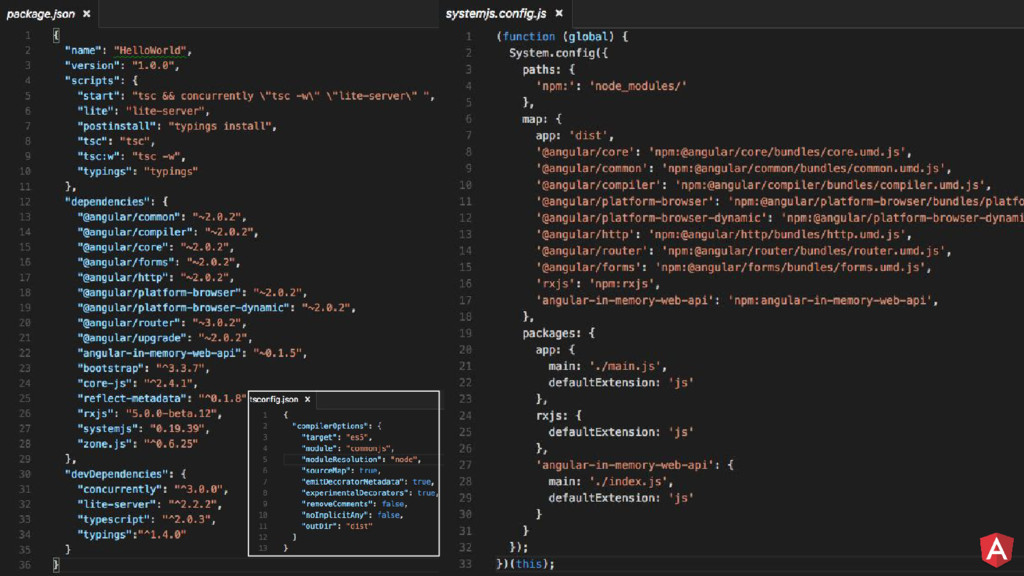
the project. • tsconfig.json ◦ defines how the TypeScript compiler generates JavaScript from the project's files. • systemjs.config.js ◦ provides information to a module loader about where to find application modules, and registers all the necessary packages.
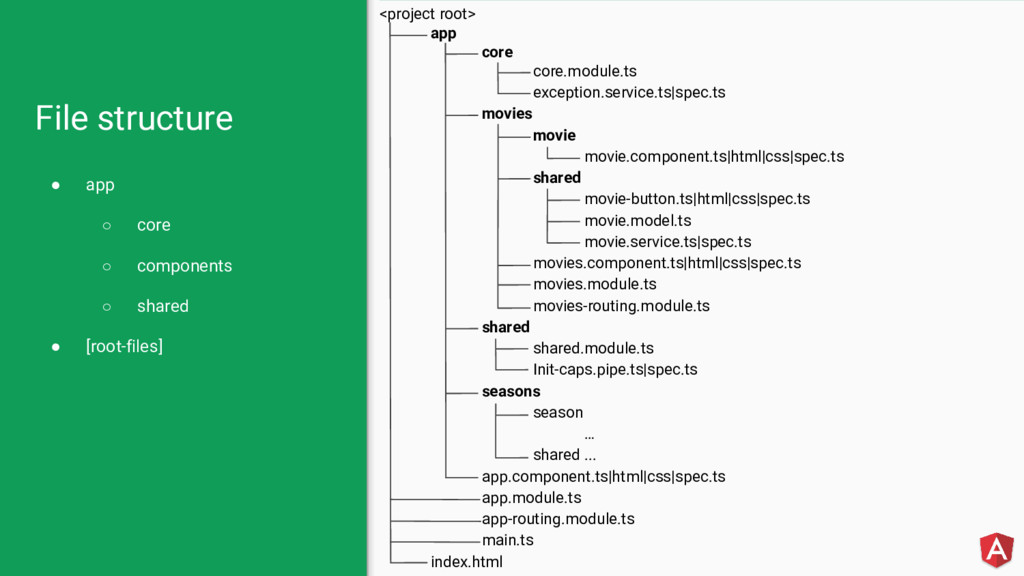
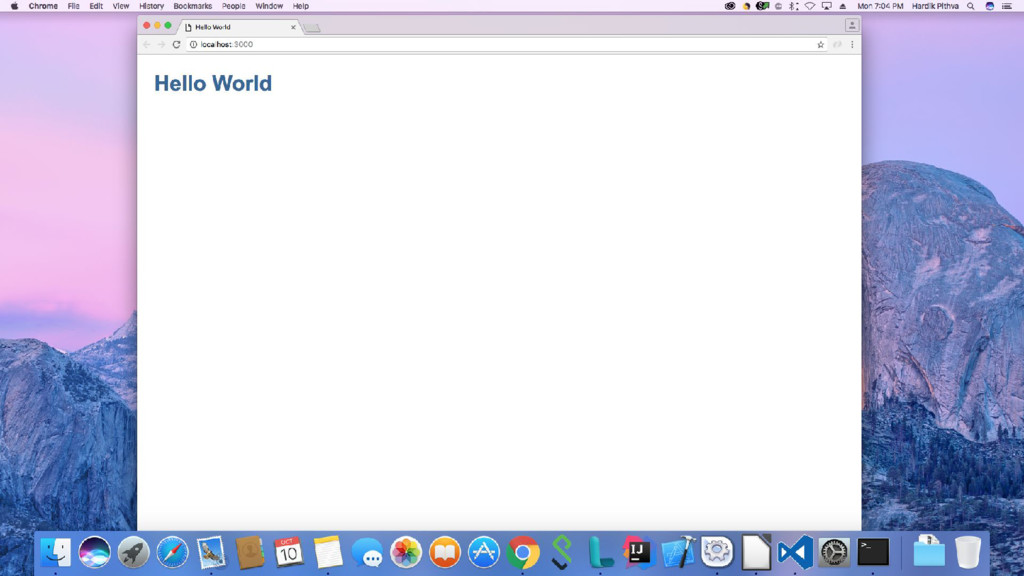
application • app/app.component.ts ◦ at least one component a.k.a. the root component while others are feature • app/main.ts ◦ initializes the platform that your application runs in, then uses the platform to bootstrap your AppModule. • index.html
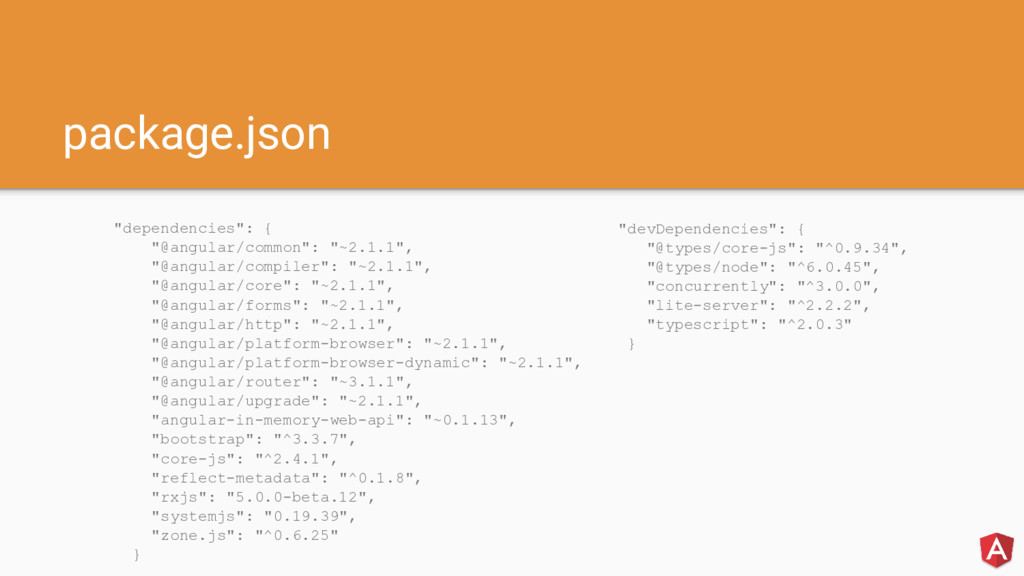
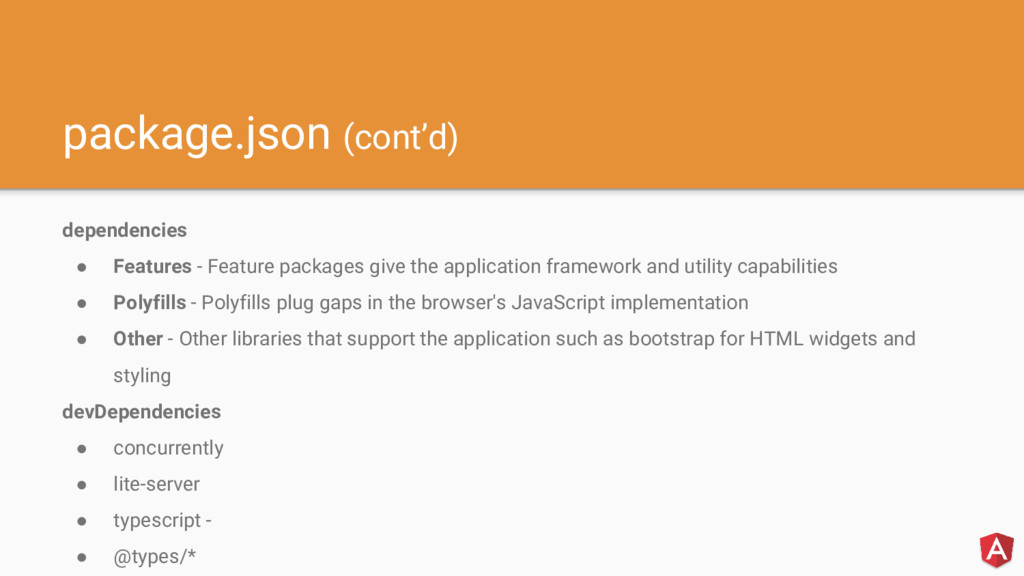
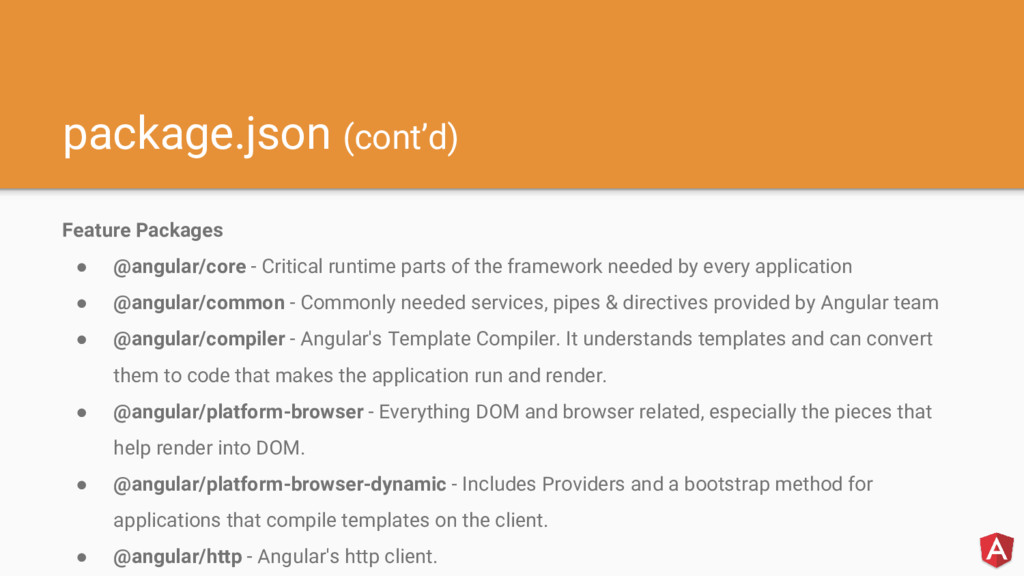
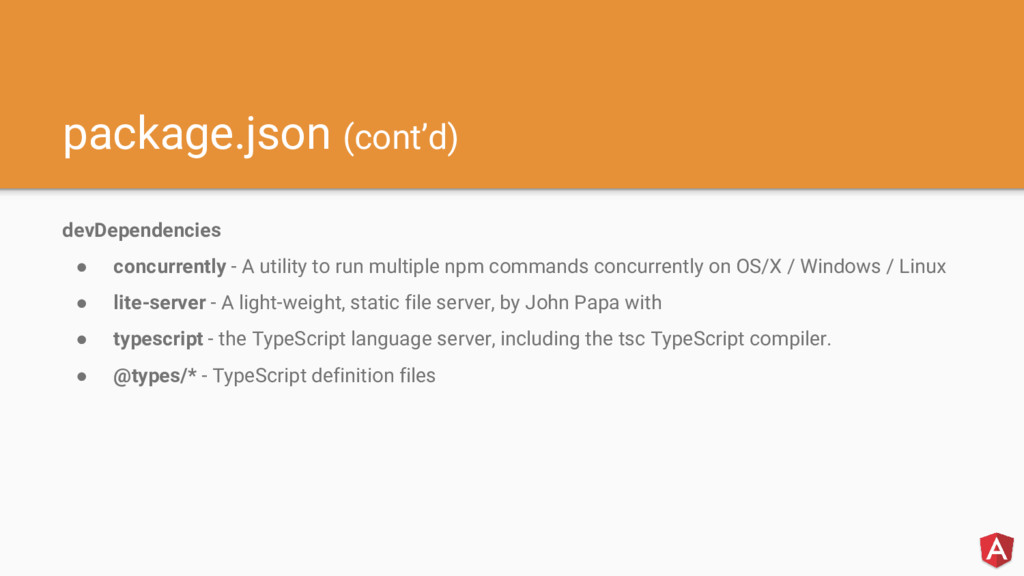
application framework and utility capabilities • Polyfills - Polyfills plug gaps in the browser's JavaScript implementation • Other - Other libraries that support the application such as bootstrap for HTML widgets and styling devDependencies • concurrently • lite-server • typescript - • @types/*
of the framework needed by every application • @angular/common - Commonly needed services, pipes & directives provided by Angular team • @angular/compiler - Angular's Template Compiler. It understands templates and can convert them to code that makes the application run and render. • @angular/platform-browser - Everything DOM and browser related, especially the pieces that help render into DOM. • @angular/platform-browser-dynamic - Includes Providers and a bootstrap method for applications that compile templates on the client. • @angular/http - Angular's http client.
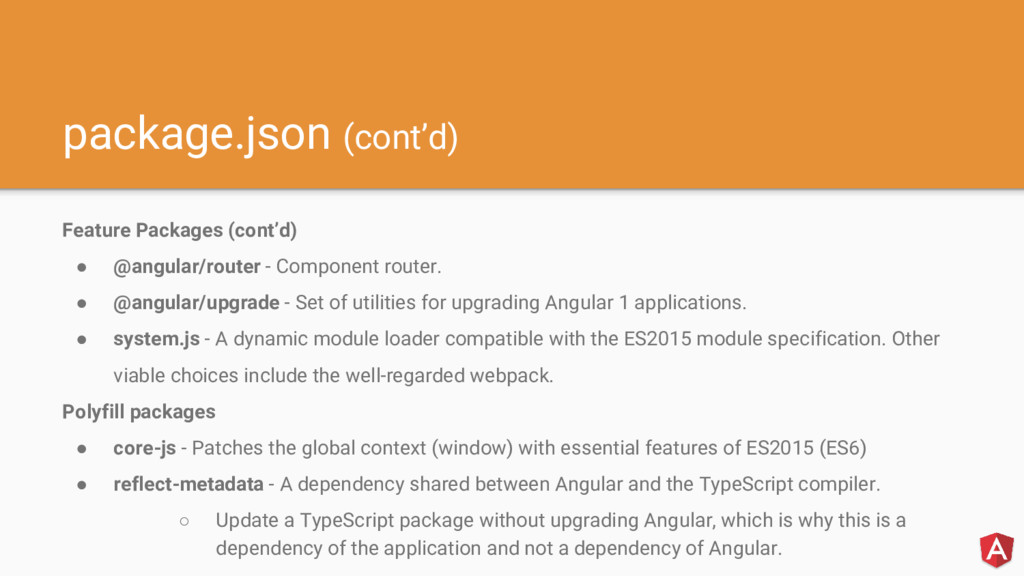
• @angular/upgrade - Set of utilities for upgrading Angular 1 applications. • system.js - A dynamic module loader compatible with the ES2015 module specification. Other viable choices include the well-regarded webpack. Polyfill packages • core-js - Patches the global context (window) with essential features of ES2015 (ES6) • reflect-metadata - A dependency shared between Angular and the TypeScript compiler. ◦ Update a TypeScript package without upgrading Angular, which is why this is a dependency of the application and not a dependency of Angular.
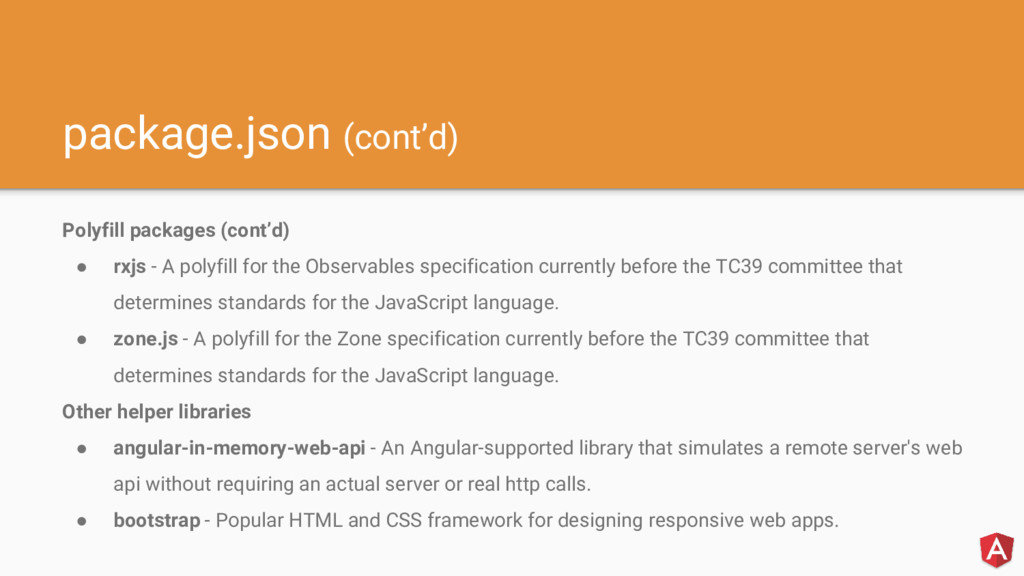
for the Observables specification currently before the TC39 committee that determines standards for the JavaScript language. • zone.js - A polyfill for the Zone specification currently before the TC39 committee that determines standards for the JavaScript language. Other helper libraries • angular-in-memory-web-api - An Angular-supported library that simulates a remote server's web api without requiring an actual server or real http calls. • bootstrap - Popular HTML and CSS framework for designing responsive web apps.
multiple npm commands concurrently on OS/X / Windows / Linux • lite-server - A light-weight, static file server, by John Papa with • typescript - the TypeScript language server, including the tsc TypeScript compiler. • @types/* - TypeScript definition files
JavaScript using the tsc compiler requires some configuration • When the noImplicitAny flag is false, and if the compiler cannot infer the variable type based on how it's used, the compiler silently defaults the type to any
es5 or es6 "module": "commonjs", // amd or system or umd "moduleResolution": "node", "sourceMap": true, // transpile .js along with the associated '.map' files "emitDecoratorMetadata": true, "experimentalDecorators": true, "removeComments": false, "noImplicitAny": false, "outDir":"dist" //redirect all of transpiled files to specify directory } }


 hardikpthv
 kaityo256
 deka_morita
 y0hgi
y0hgi
 nabondance
 iwatsukayura
 o0h
o0h
 satoshi256kbyte
 syumai
 rshindo
 minodriven
 oniak3ibm
 lynnswap
 shlominoach
 davidcarrasco
 lynnandtonic
 chriscoyier
 seathinner
 sergeychernyshev
 skipperchong
 twada
twada
 jonoalderson
 speakerdeck
 moore
moore
 mlcsv
mlcsv


![Iterators and Generators let list = [4, 5, 6]; for](https://files.speakerdeck.com/presentations/20b0998e4d1d4759aade6936140c5632/slide_9.jpg)



![Template directives Angular 1 ng-app <body ng-app="movieHunter"> angular.module("movieHunter", ["ngRoute"]); Angular](https://files.speakerdeck.com/presentations/20b0998e4d1d4759aade6936140c5632/slide_26.jpg)
![Filters/pipes Angular 1 Filters angular.module('movieHunter', []) .filter('exponentialStrength', function() { return](https://files.speakerdeck.com/presentations/20b0998e4d1d4759aade6936140c5632/slide_29.jpg)