Upgrade to Pro — share decks privately, control downloads, hide ads and more …

Reactive forms in Angular

Sponsored · Ship Features Fearlessly Turn features on and off without deploys. Used by thousands of Ruby developers.
Avatar for Hardik Pithva Hardik Pithva
November 05, 2017

Reactive forms in Angular

Build complex form in the simplest way with Angular
Find Google Slides @ https://bit.ly/devfest-amd-17

Avatar for Hardik Pithva

Hardik Pithva

November 05, 2017
Tweet

More Decks by Hardik Pithva

Other Decks in Technology

Transcript

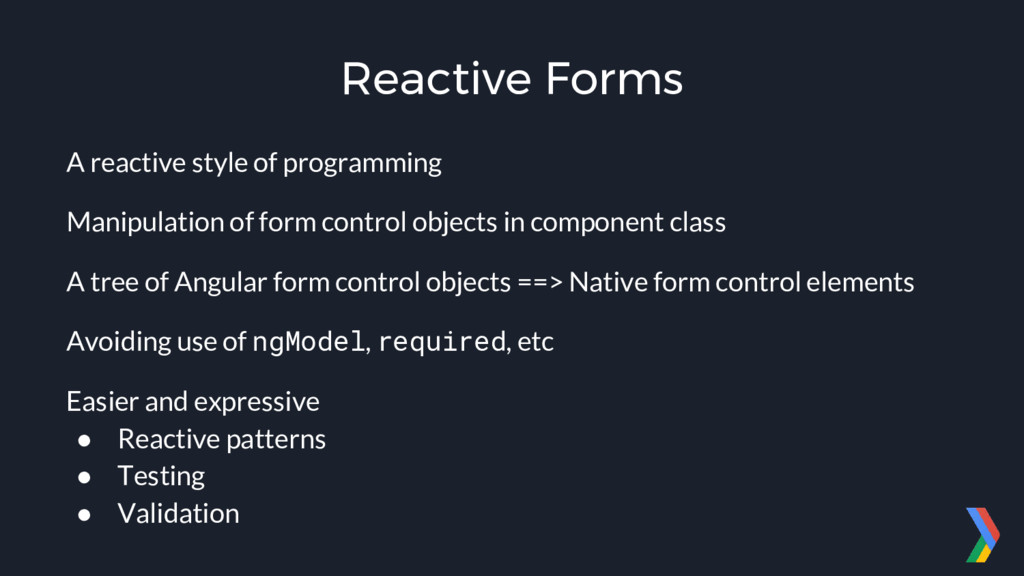
  1. Reactive Forms A reactive style of programming Manipulation of form

    control objects in component class A tree of Angular form control objects ==> Native form control elements Avoiding use of ngModel, required, etc Easier and expressive • Reactive patterns • Testing • Validation
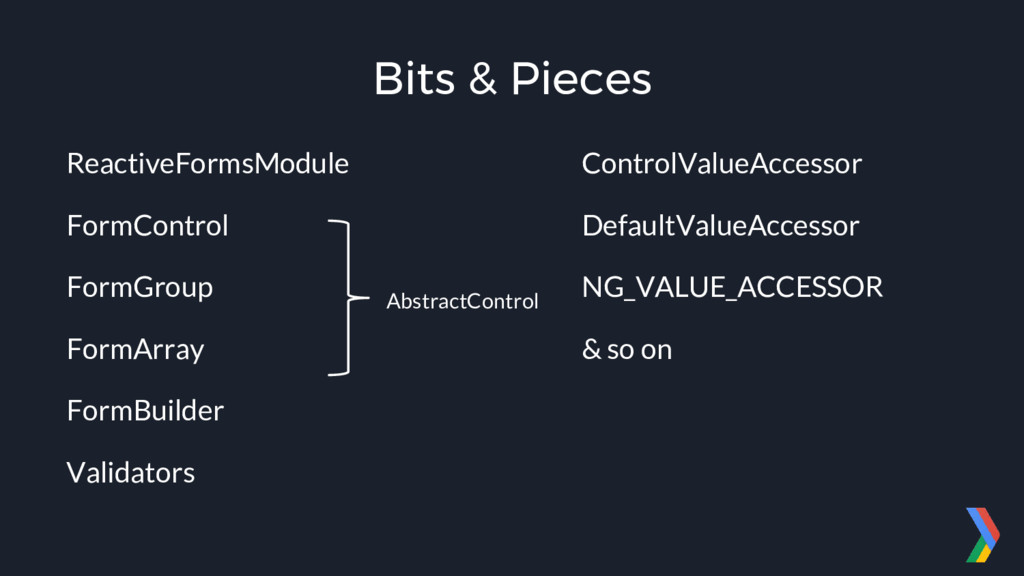
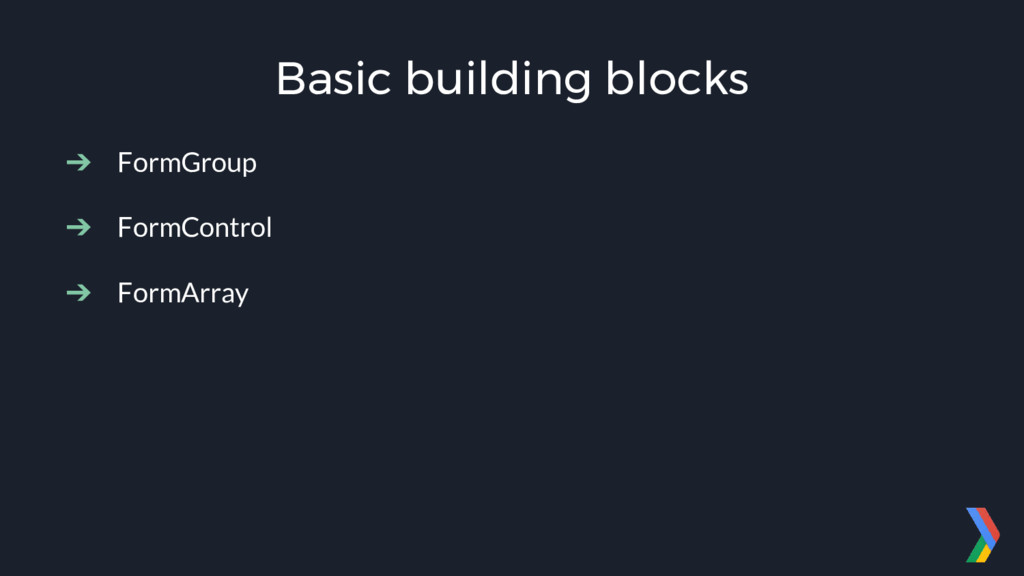
  2. Bits & Pieces ReactiveFormsModule FormControl FormGroup FormArray FormBuilder Validators AbstractControl

    ControlValueAccessor DefaultValueAccessor NG_VALUE_ACCESSOR & so on
  3. import { ReactiveFormsModule } from "@angular/forms"; @NgModule({ declarations: [...], imports:

    [ ... ReactiveFormsModule ], bootstrap: [...] }) export class AppModule { } Setup speakerdeck.com/hardikpthv/rise-with-angular app.module.ts npm install --save @angular/forms Terminal
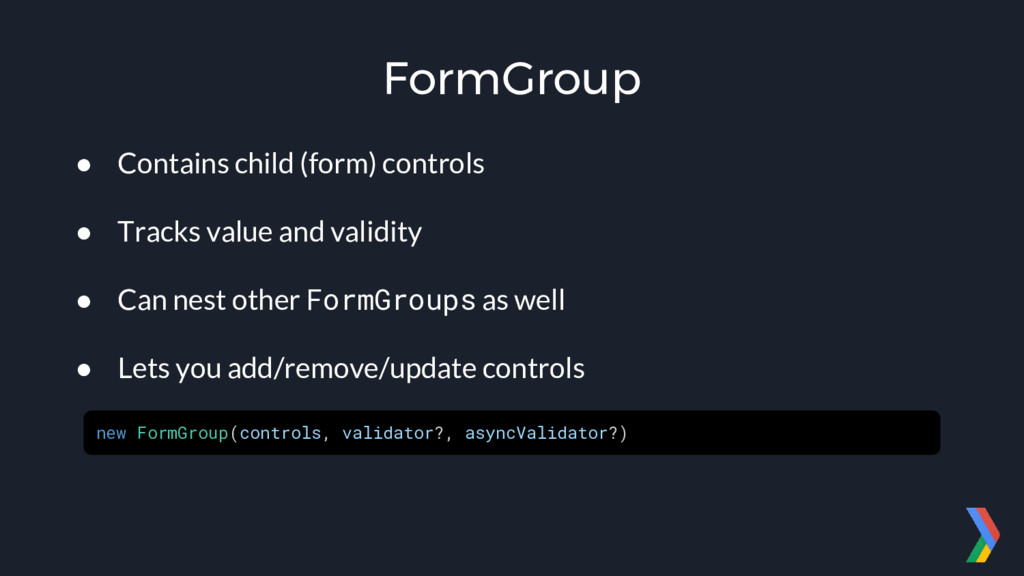
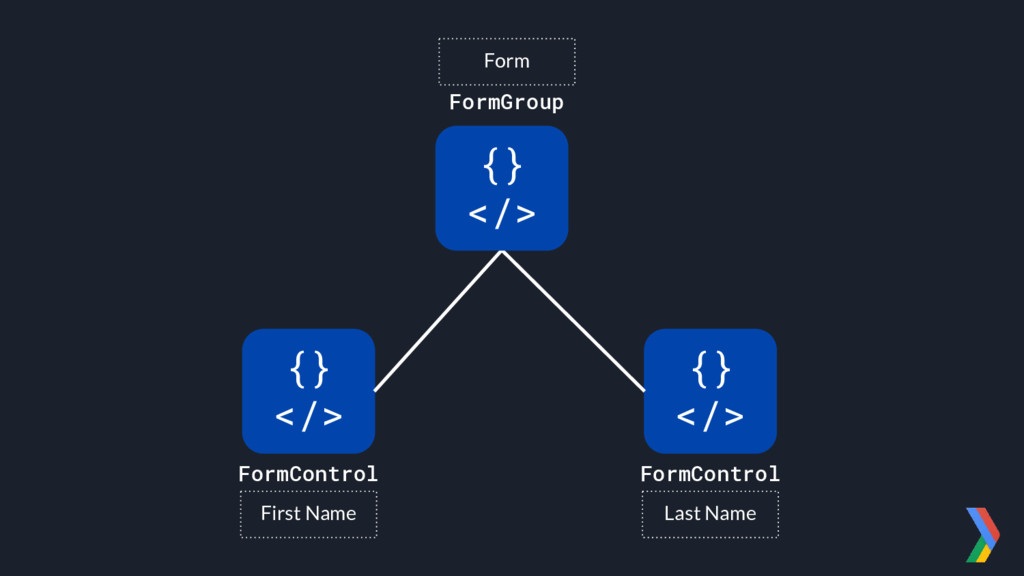
  4. FormGroup • Contains child (form) controls • Tracks value and

    validity • Can nest other FormGroups as well • Lets you add/remove/update controls new FormGroup(controls, validator?, asyncValidator?)
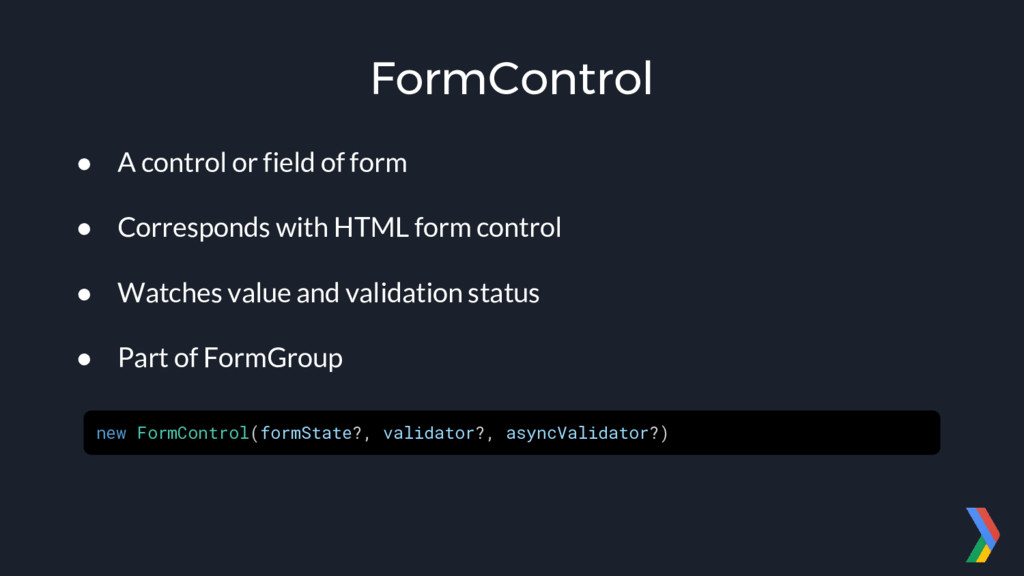
  5. FormControl • A control or field of form • Corresponds

    with HTML form control • Watches value and validation status • Part of FormGroup new FormControl(formState?, validator?, asyncValidator?)
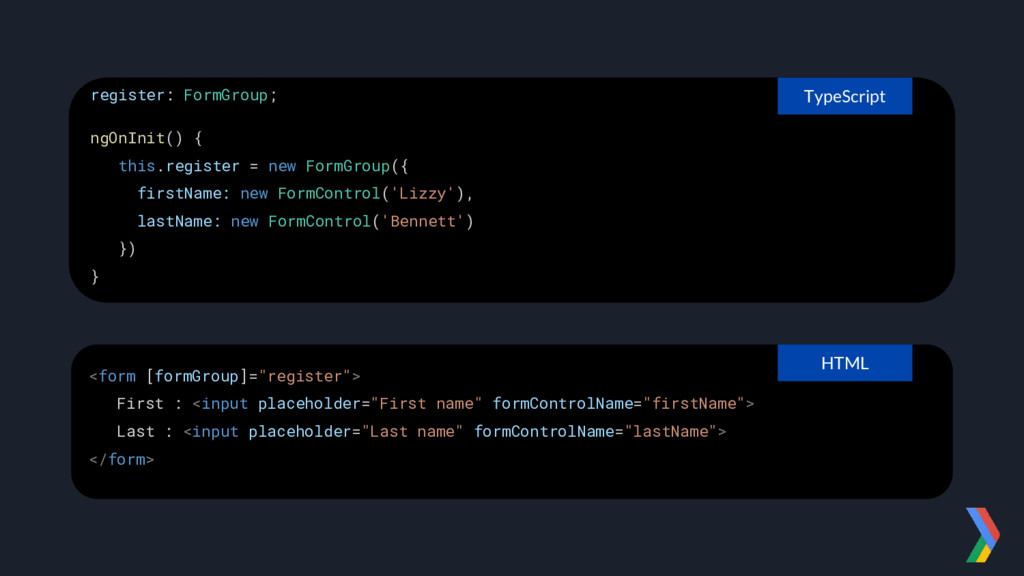
  6. register: FormGroup; ngOnInit() { this.register = new FormGroup({ firstName: new

    FormControl('Lizzy'), lastName: new FormControl('Bennett') }) } <form [formGroup]="register"> First : <input placeholder="First name" formControlName="firstName"> Last : <input placeholder="Last name" formControlName="lastName"> </form> HTML TypeScript
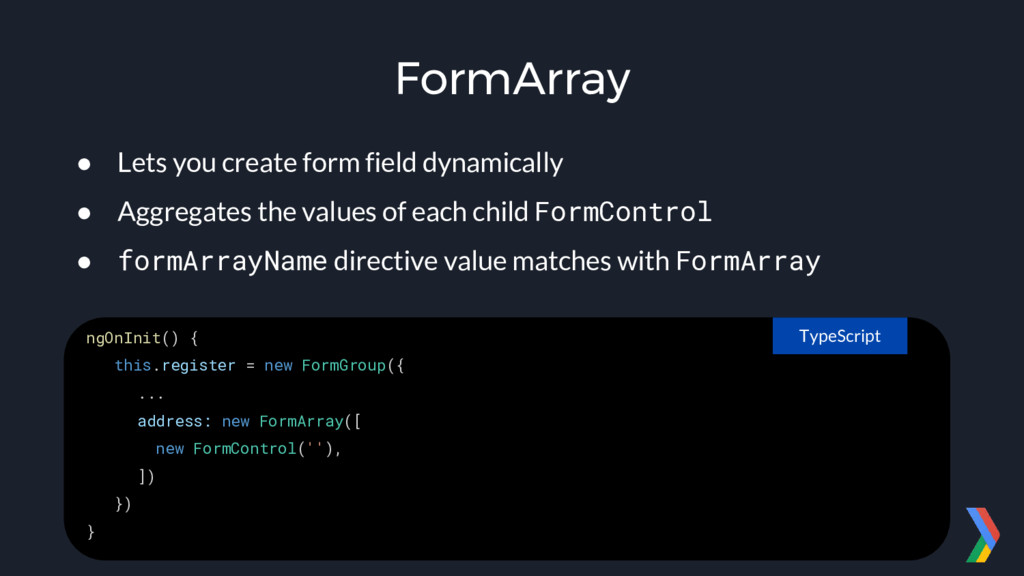
  7. FormArray • Lets you create form field dynamically • Aggregates

    the values of each child FormControl • formArrayName directive value matches with FormArray ngOnInit() { this.register = new FormGroup({ ... address: new FormArray([ new FormControl(''), ]) }) } TypeScript
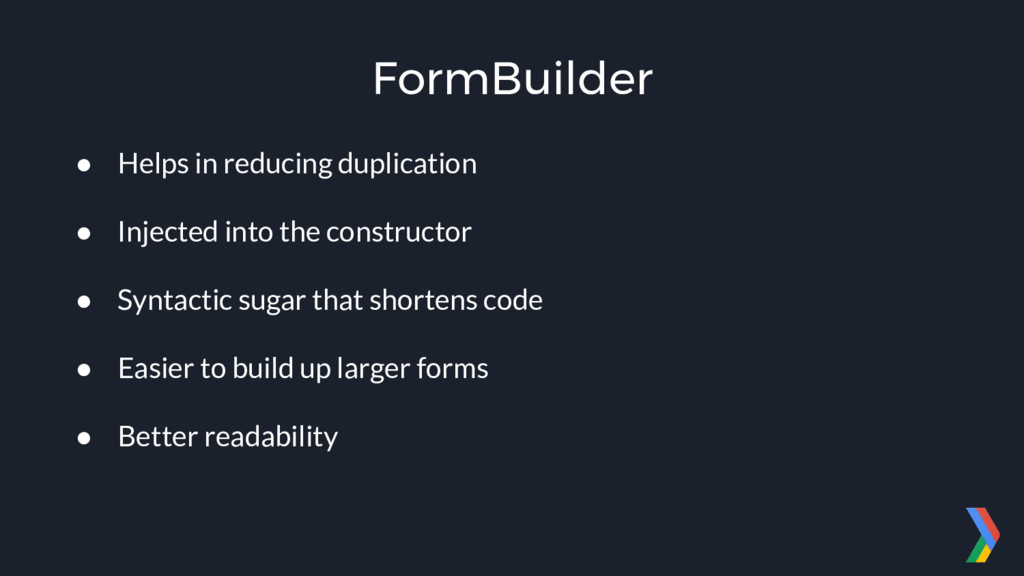
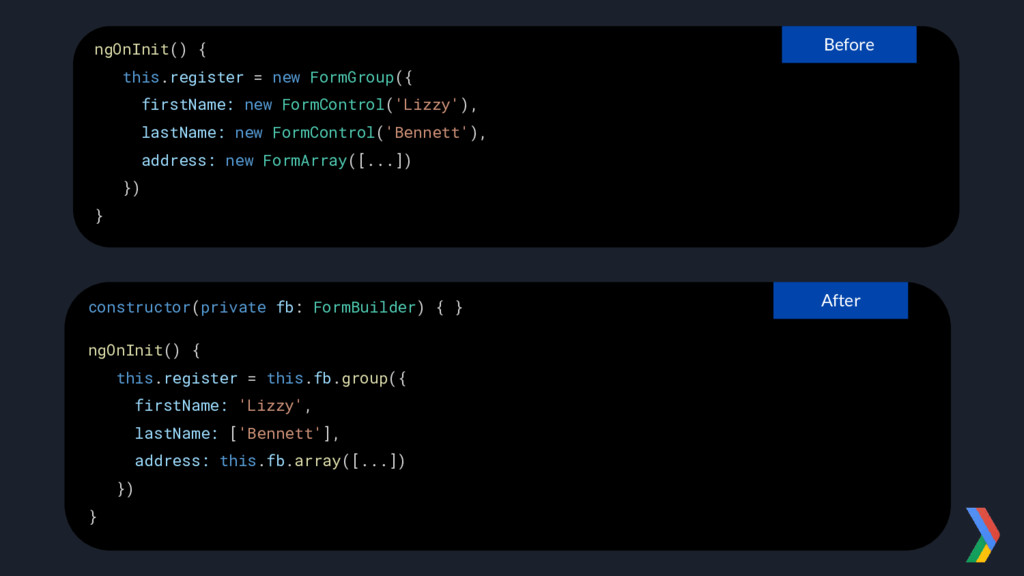
  8. FormBuilder • Helps in reducing duplication • Injected into the

    constructor • Syntactic sugar that shortens code • Easier to build up larger forms • Better readability
  9. ngOnInit() { this.register = new FormGroup({ firstName: new FormControl('Lizzy'), lastName:

    new FormControl('Bennett'), address: new FormArray([...]) }) } Before constructor(private fb: FormBuilder) { } ngOnInit() { this.register = this.fb.group({ firstName: 'Lizzy', lastName: ['Bennett'], address: this.fb.array([...]) }) } After
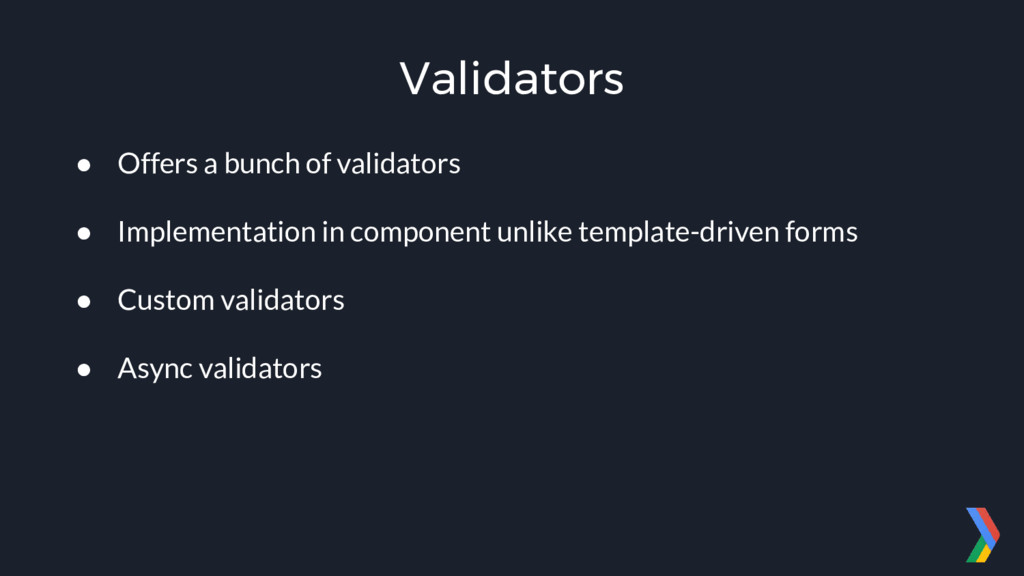
  10. Validators • Offers a bunch of validators • Implementation in

    component unlike template-driven forms • Custom validators • Async validators
  11. ngOnInit() { this.register = this.fb.group({ firstName: ['', Validators.required], lastName: ['',

    [ Validators.required, Validators.pattern('[a-zA-Z]+'), Validators.maxLength(100), ]], }) } TypeScript
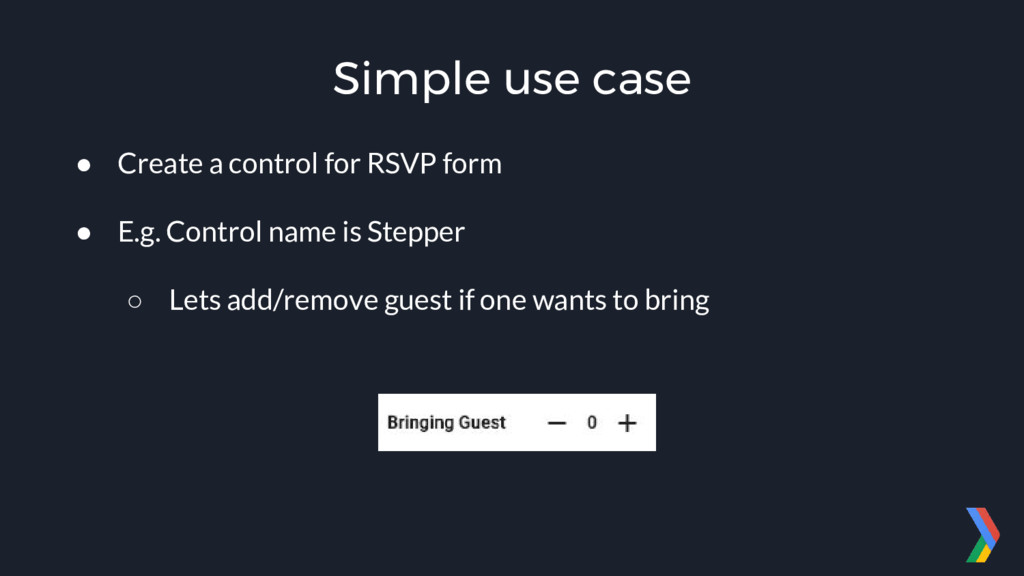
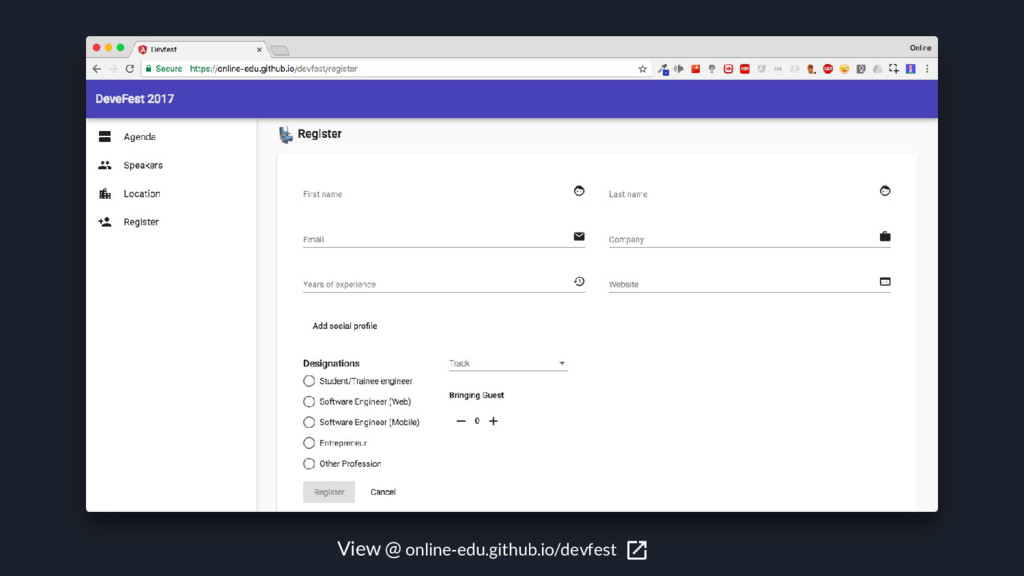
  12. Simple use case • Create a control for RSVP form

    • E.g. Control name is Stepper ◦ Lets add/remove guest if one wants to bring
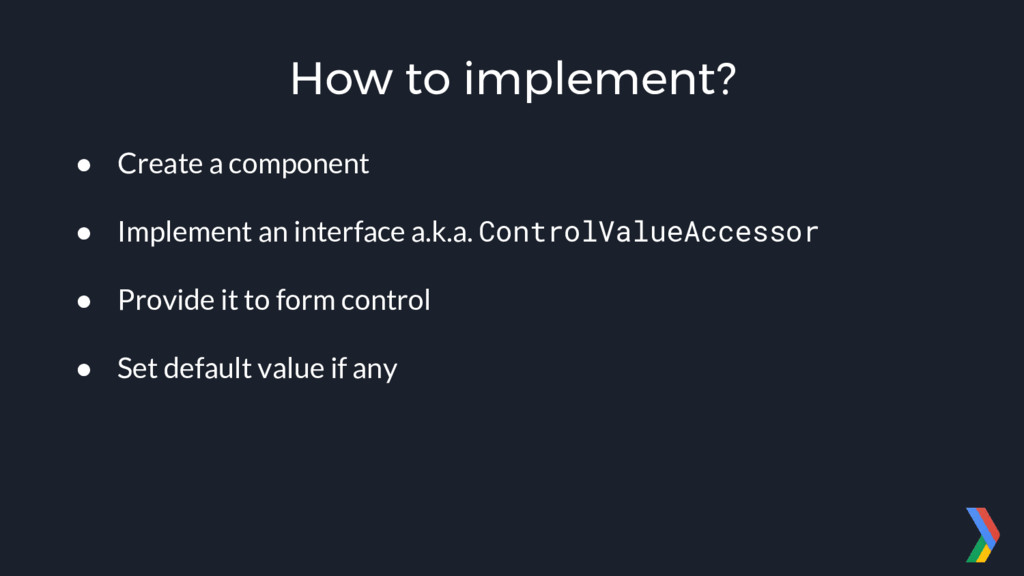
  13. How to implement? • Create a component • Implement an

    interface a.k.a. ControlValueAccessor • Provide it to form control • Set default value if any
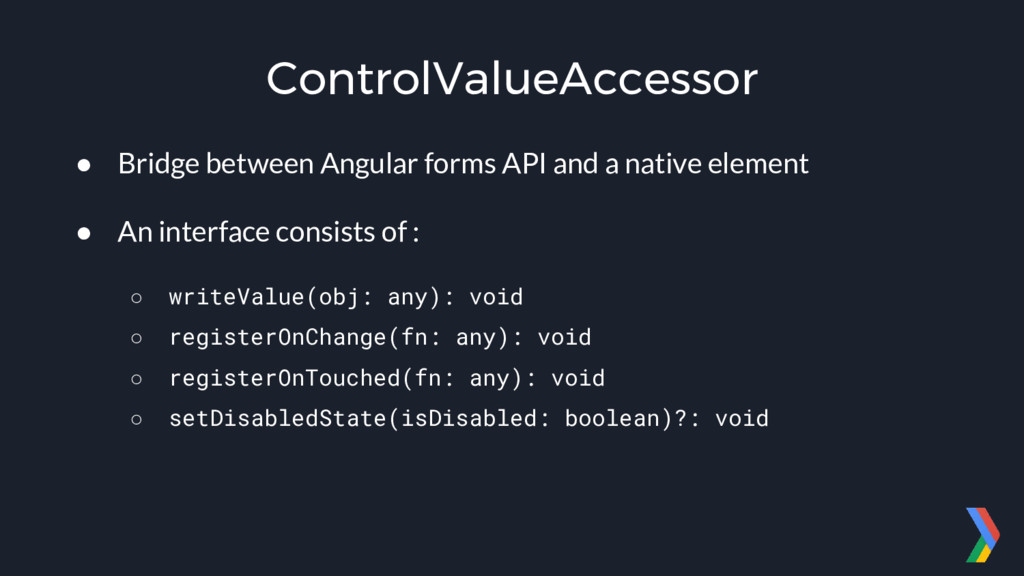
  14. ControlValueAccessor • Bridge between Angular forms API and a native

    element • An interface consists of : ◦ writeValue(obj: any): void ◦ registerOnChange(fn: any): void ◦ registerOnTouched(fn: any): void ◦ setDisabledState(isDisabled: boolean)?: void
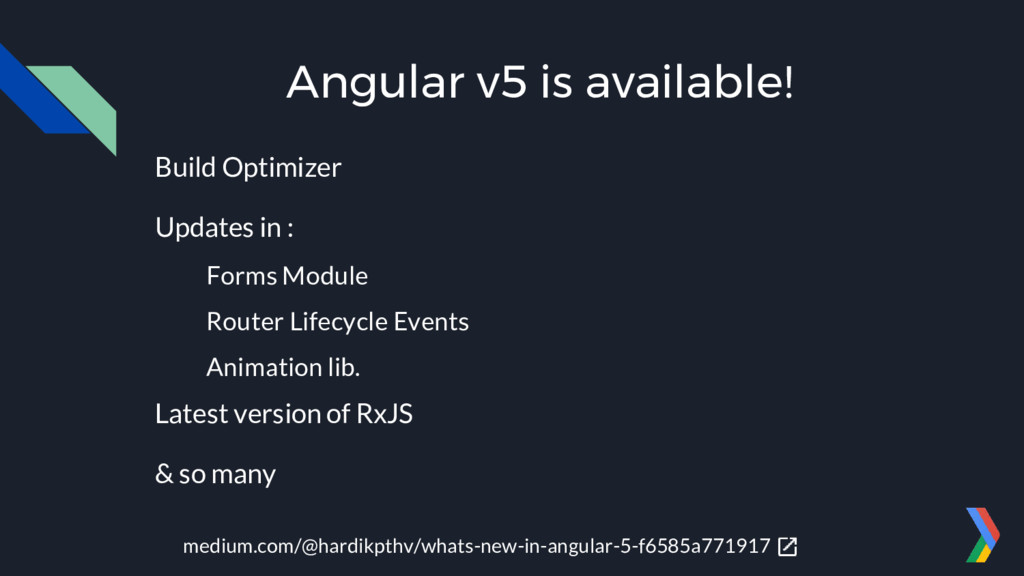
  15. Angular v5 is available! Build Optimizer Updates in : Forms

    Module Router Lifecycle Events Animation lib. Latest version of RxJS & so many medium.com/@hardikpthv/whats-new-in-angular-5-f6585a771917
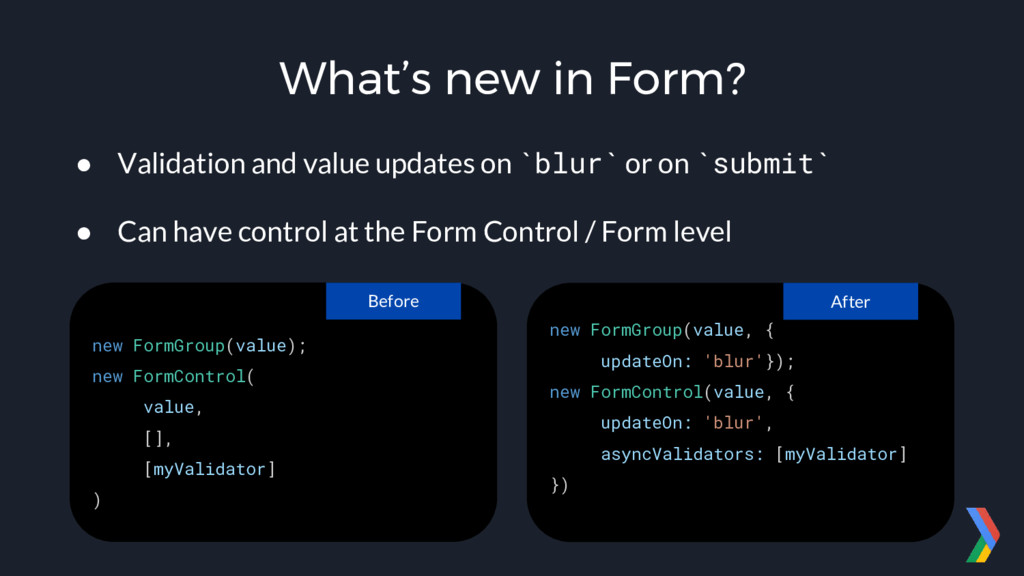
  16. What’s new in Form? • Validation and value updates on

    `blur` or on `submit` • Can have control at the Form Control / Form level new FormGroup(value); new FormControl( value, [], [myValidator] ) Before new FormGroup(value, { updateOn: 'blur'}); new FormControl(value, { updateOn: 'blur', asyncValidators: [myValidator] }) After
  17. Get the content • Slides : bit.ly/devfest-amd-17 • Repo. :

    github.com/online-edu/devfest • VS Code Snippets for Material : bit.ly/ng-material-vscode