Share
Embed
PWA, Tools and Frameworks
GDD India Extended 2017, Pune Edition
Find Google Slides @ https://bit.ly/gddx-pune-17
Hardik Pithva
January 13, 2018
Transcript
40 slides
-
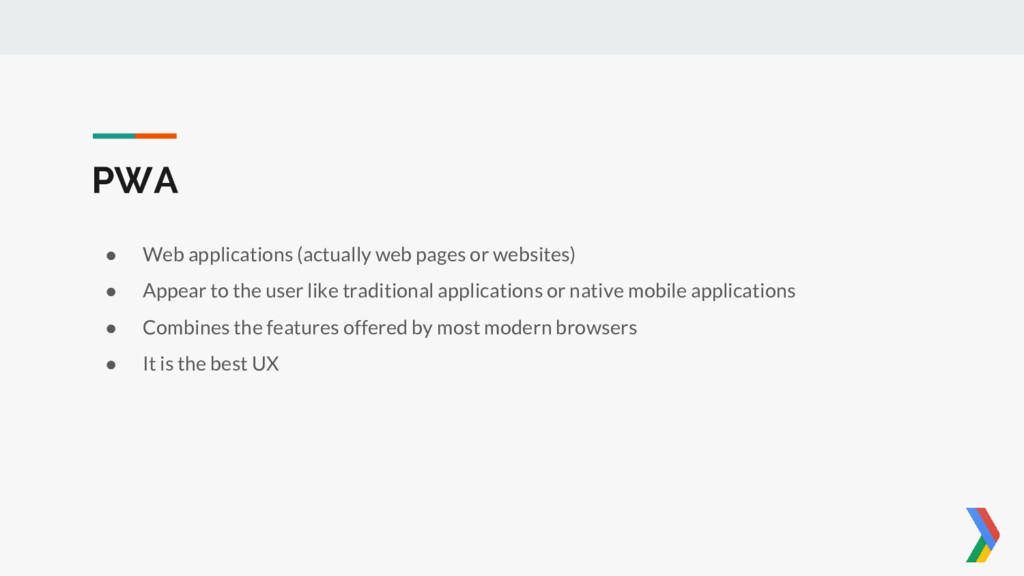
PWA • Web applications (actually web pages or websites) •
Appear to the user like traditional applications or native mobile applications • Combines the features offered by most modern browsers • It is the best UX -
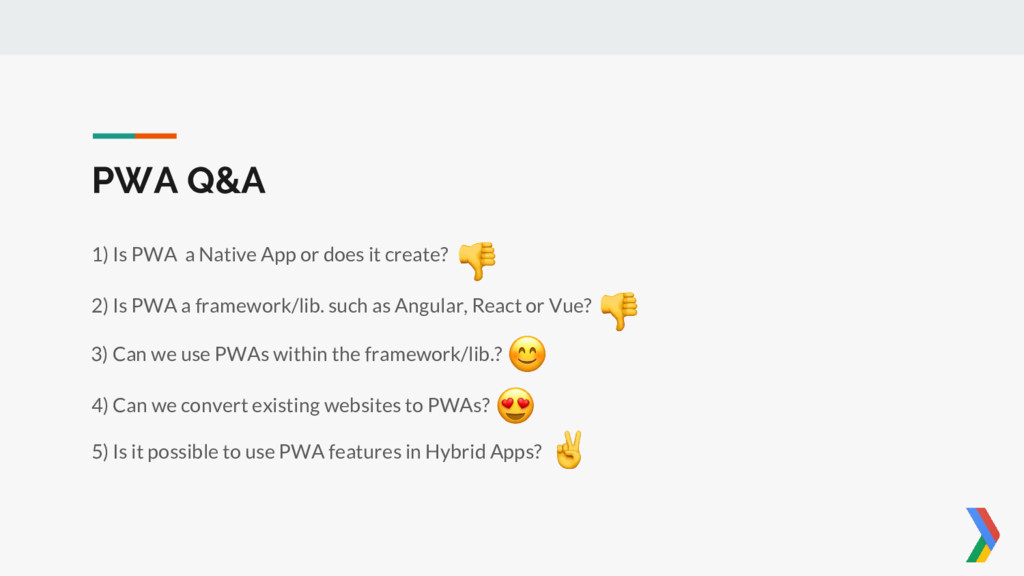
2) Is PWA a framework/lib. such as Angular, React or
Vue? PWA Q&A 1) Is PWA a Native App or does it create? 3) Can we use PWAs within the framework/lib.? 4) Can we convert existing websites to PWAs? 5) Is it possible to use PWA features in Hybrid Apps? -
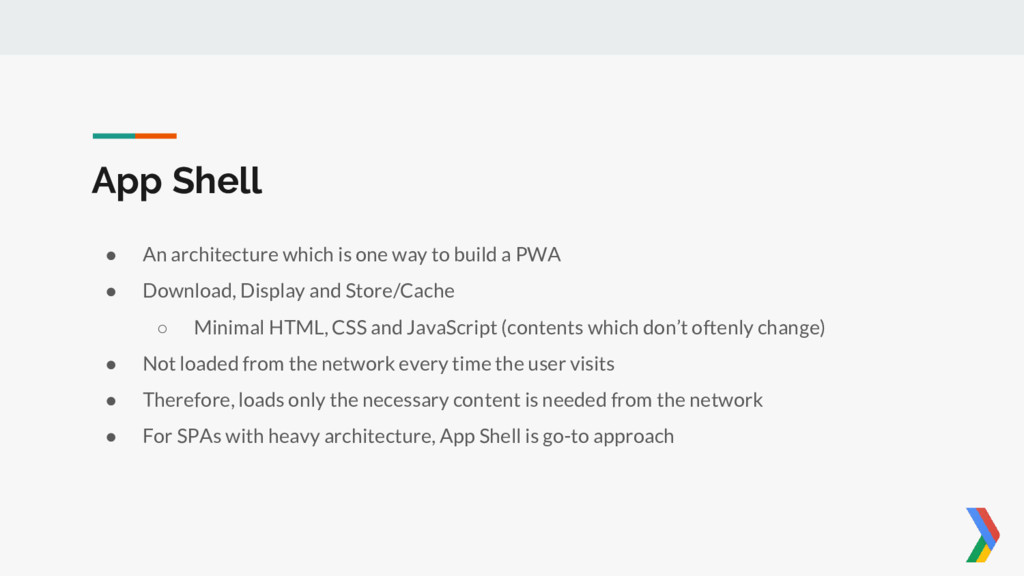
App Shell • An architecture which is one way to
build a PWA • Download, Display and Store/Cache ◦ Minimal HTML, CSS and JavaScript (contents which don’t oftenly change) • Not loaded from the network every time the user visits • Therefore, loads only the necessary content is needed from the network • For SPAs with heavy architecture, App Shell is go-to approach -
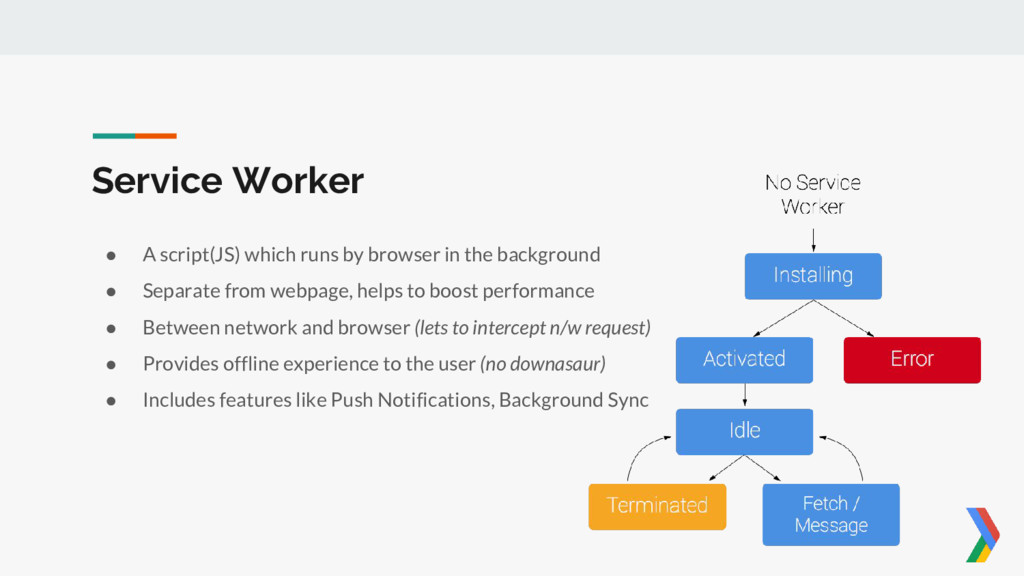
Service Worker • A script(JS) which runs by browser in
the background • Separate from webpage, helps to boost performance • Between network and browser (lets to intercept n/w request) • Provides offline experience to the user (no downasaur) • Includes features like Push Notifications, Background Sync -

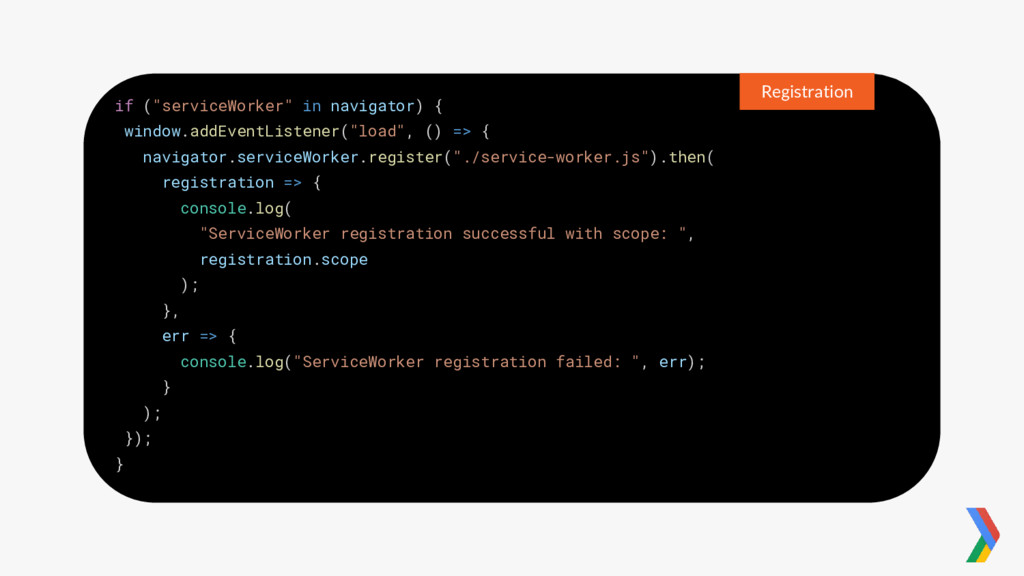
if ("serviceWorker" in navigator) { window.addEventListener("load", () => { navigator.serviceWorker.register("./service-worker.js").then(

registration => { console.log( "ServiceWorker registration successful with scope: ", registration.scope ); }, err => { console.log("ServiceWorker registration failed: ", err); } ); }); } Registration -
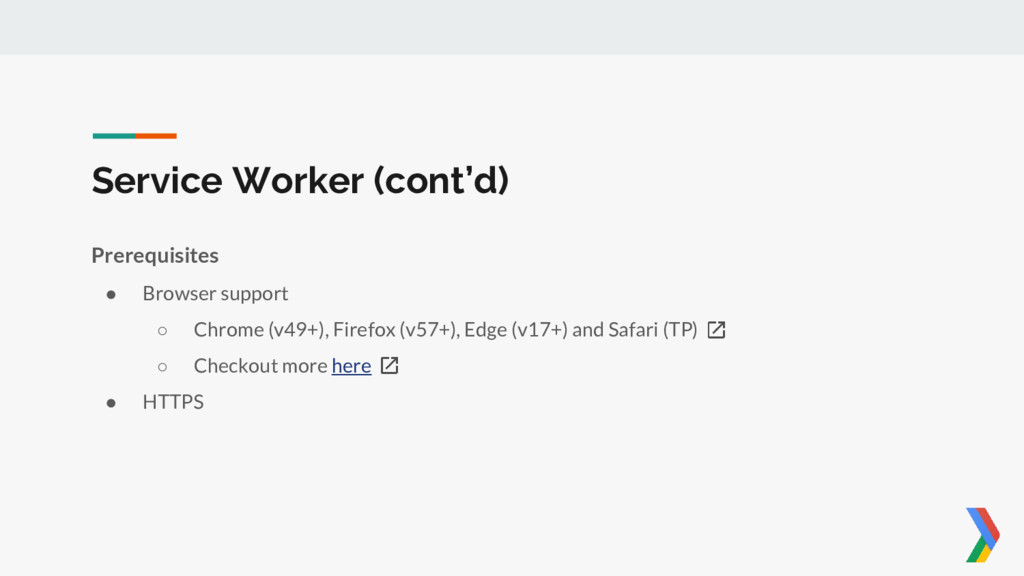
Prerequisites • Browser support ◦ Chrome (v49+), Firefox (v57+), Edge
(v17+) and Safari (TP) ◦ Checkout more here • HTTPS Service Worker (cont’d) -
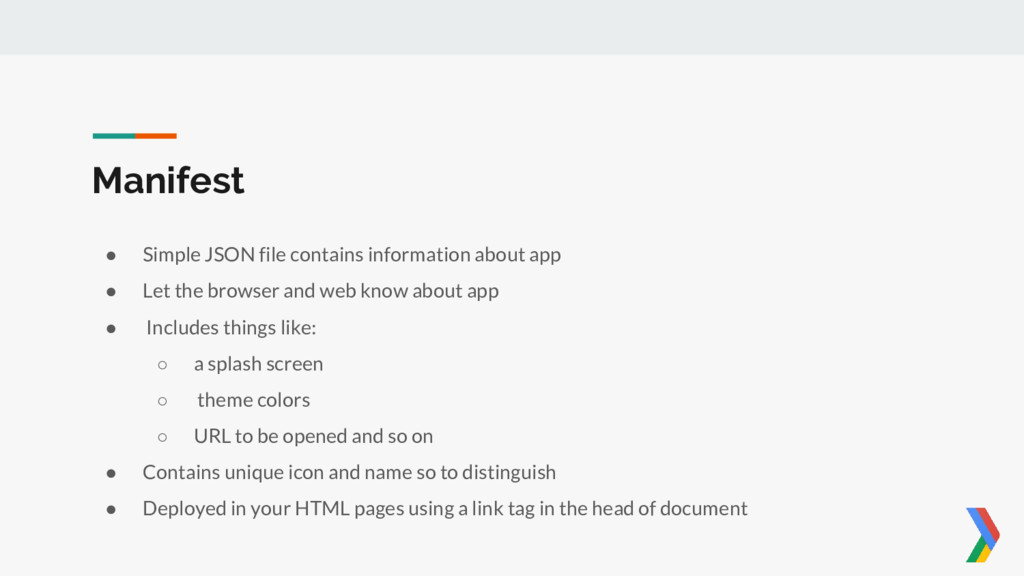
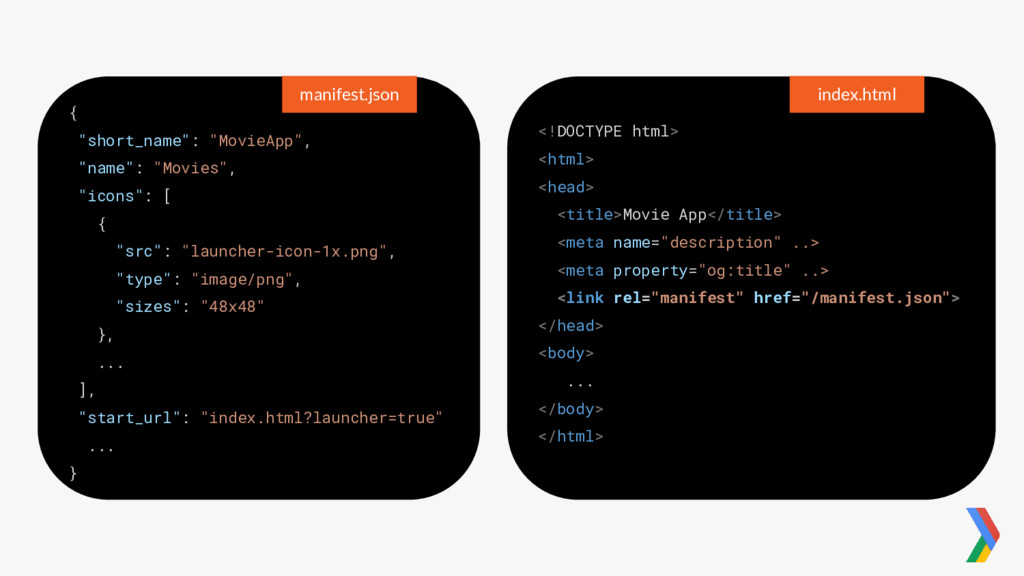
Manifest • Simple JSON file contains information about app •
Let the browser and web know about app • Includes things like: ◦ a splash screen ◦ theme colors ◦ URL to be opened and so on • Contains unique icon and name so to distinguish • Deployed in your HTML pages using a link tag in the head of document -
{ "short_name": "MovieApp", "name": "Movies", "icons": [ { "src": "launcher-icon-1x.png",
"type": "image/png", "sizes": "48x48" }, ... ], "start_url": "index.html?launcher=true" ... } manifest.json <!DOCTYPE html> <html> <head> <title>Movie App</title> <meta name="description" ..> <meta property="og:title" ..> <link rel="manifest" href="/manifest.json"> </head> <body> ... </body> </html> index.html -
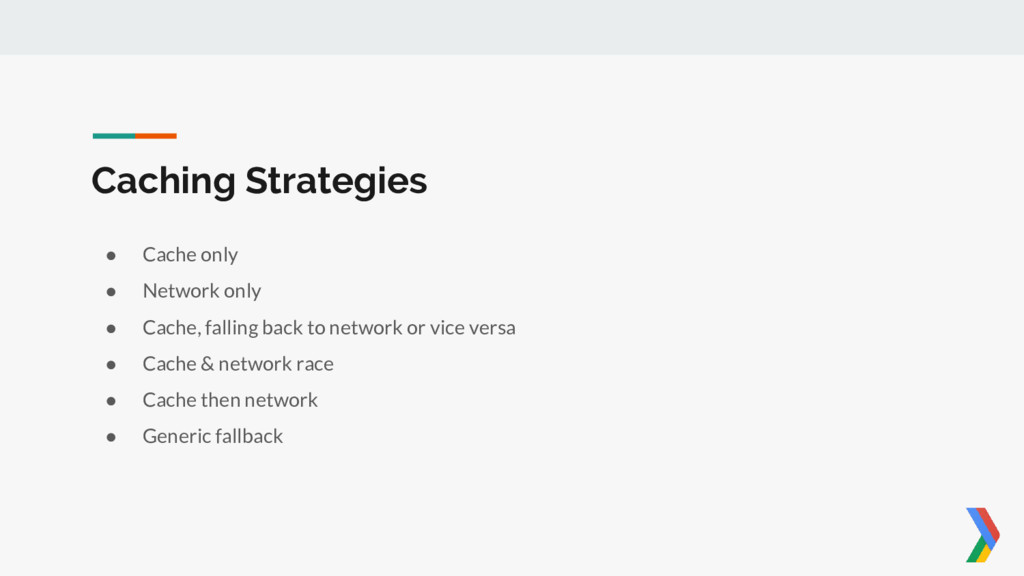
Caching Strategies • Cache only • Network only • Cache,
falling back to network or vice versa • Cache & network race • Cache then network • Generic fallback -
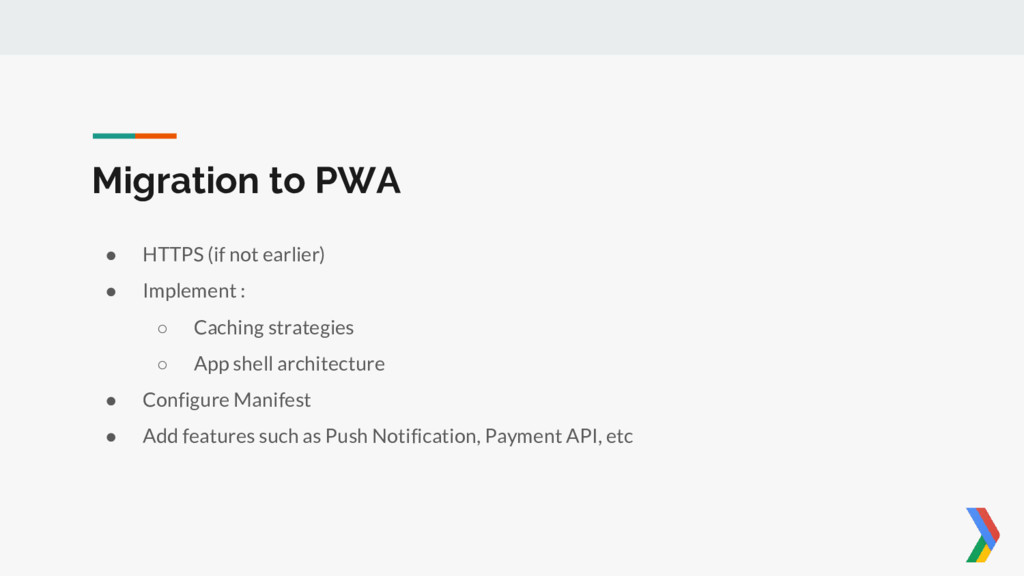
Migration to PWA • HTTPS (if not earlier) • Implement
: ◦ Caching strategies ◦ App shell architecture • Configure Manifest • Add features such as Push Notification, Payment API, etc -
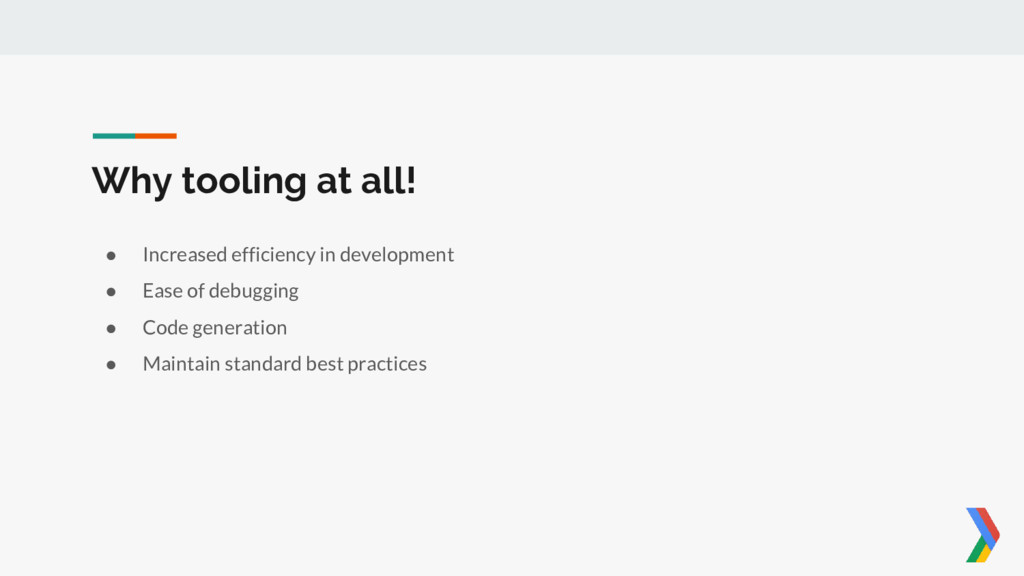
Why tooling at all! • Increased efficiency in development •
Ease of debugging • Code generation • Maintain standard best practices -
• Under the Application Tab : ◦ Get all details
of service worker ◦ Preview manifest ◦ Check cached assets/data ◦ Toggle network status Chrome DevTools -
• JS libraries and build tools for PWAs • Next
version of sw-precache & sw-toolbox • Applies to existing as well as new sites • Automatically generate a service worker that correctly caches resources • Currently offers… ◦ Offline caching ◦ Offline analytics ◦ Background sync -
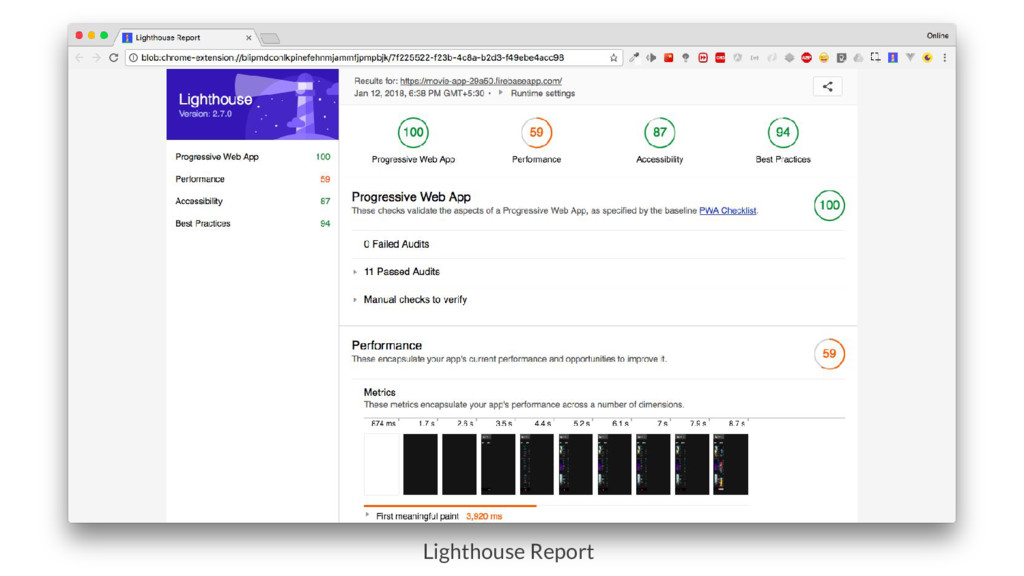
• Automated tool for improving : ◦ Performance ◦ Quality
◦ Correctness of web apps • Generates a report on how well the each page did. • Integrated with Chrome as well as Available as Extension • Also available as Node CLI Lighthouse -
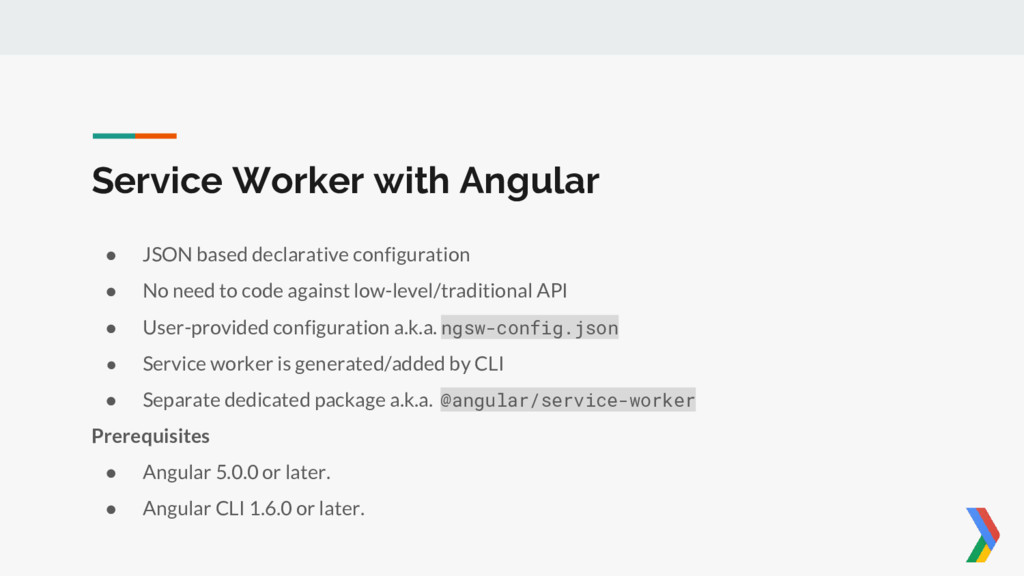
Service Worker with Angular • JSON based declarative configuration •
No need to code against low-level/traditional API • User-provided configuration a.k.a. ngsw-config.json • Service worker is generated/added by CLI • Separate dedicated package a.k.a. @angular/service-worker Prerequisites • Angular 5.0.0 or later. • Angular CLI 1.6.0 or later. -
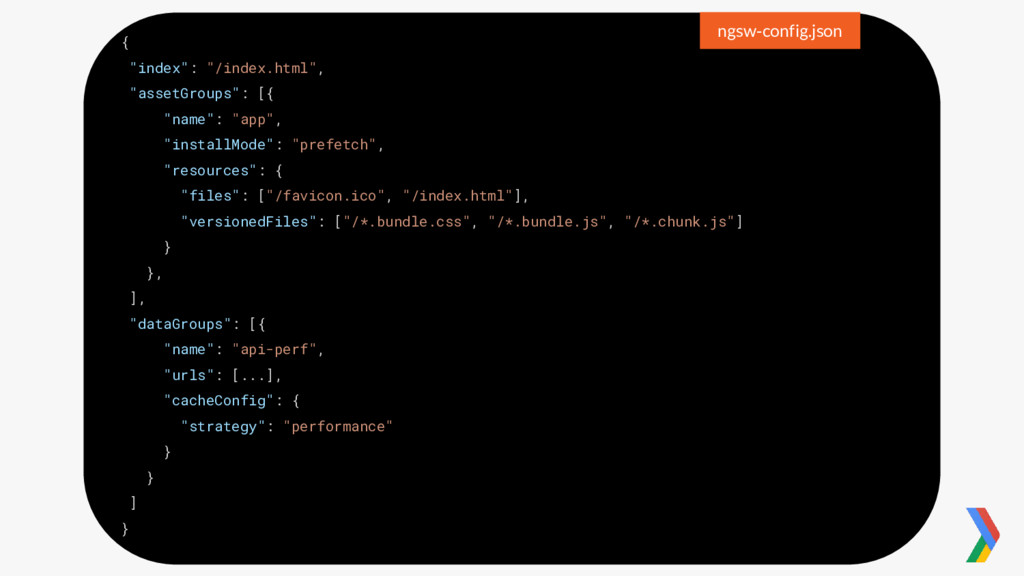
{ "index": "/index.html", "assetGroups": [{ "name": "app", "installMode": "prefetch", "resources":
{ "files": ["/favicon.ico", "/index.html"], "versionedFiles": ["/*.bundle.css", "/*.bundle.js", "/*.chunk.js"] } }, ], "dataGroups": [{ "name": "api-perf", "urls": [...], "cacheConfig": { "strategy": "performance" } } ] } ngsw-config.json -
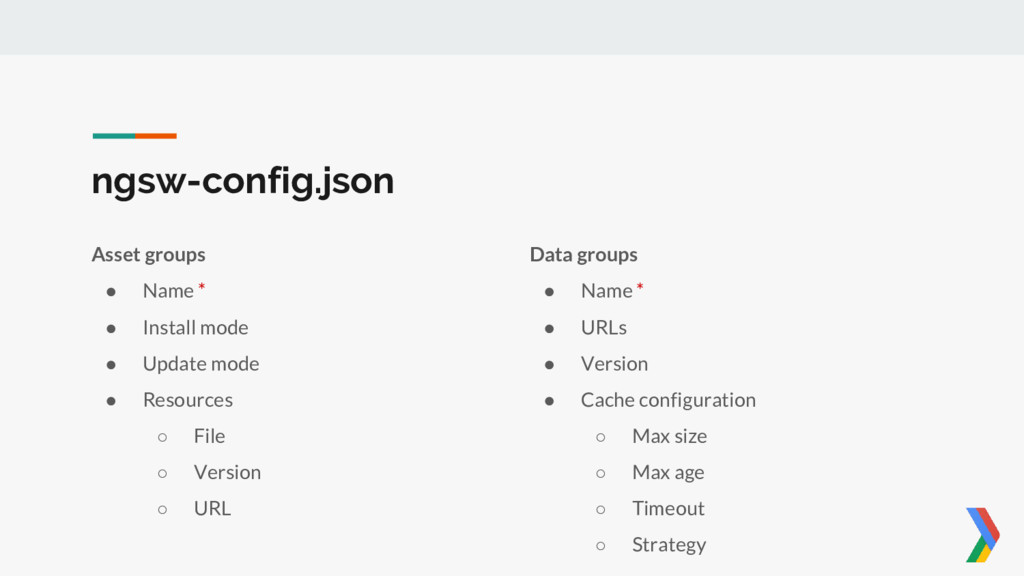
ngsw-config.json Asset groups • Name * • Install mode •
Update mode • Resources ◦ File ◦ Version ◦ URL Data groups • Name * • URLs • Version • Cache configuration ◦ Max size ◦ Max age ◦ Timeout ◦ Strategy -
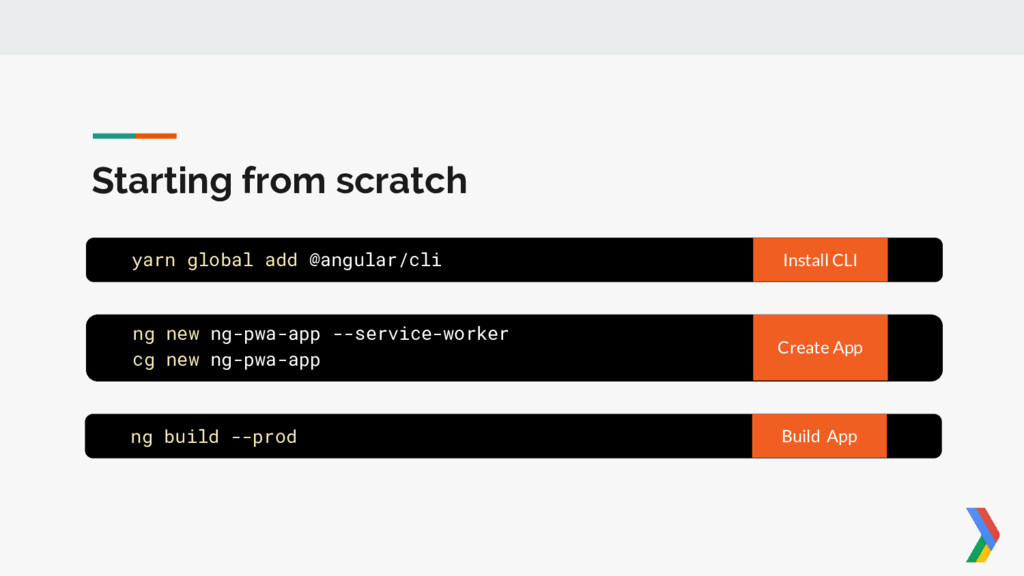
Starting from scratch yarn global add @angular/cli Install CLI ng
new ng-pwa-app --service-worker cg new ng-pwa-app Create App ng build --prod Build App -
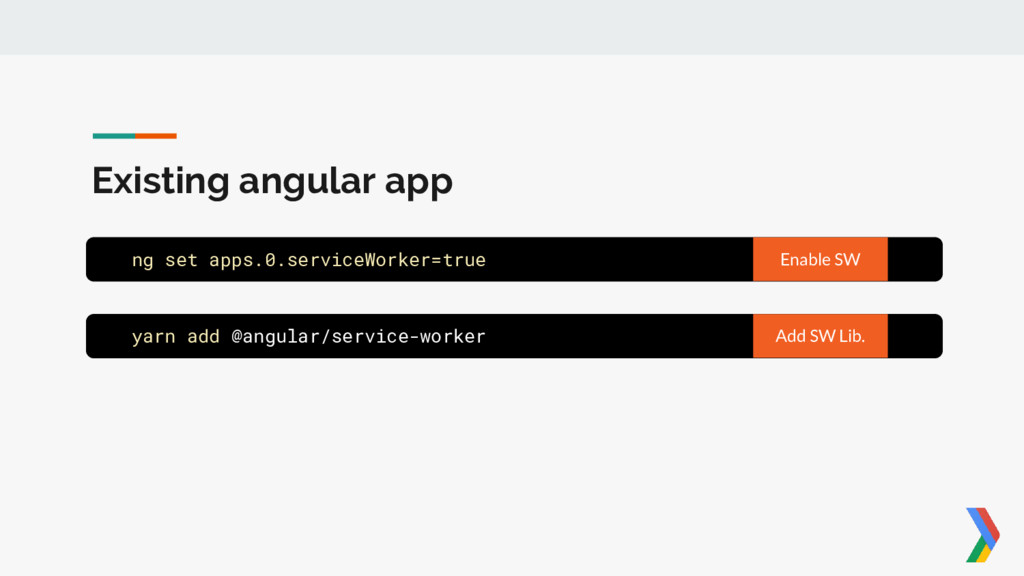
Existing angular app ng set apps.0.serviceWorker=true Enable SW yarn add
@angular/service-worker Add SW Lib. -
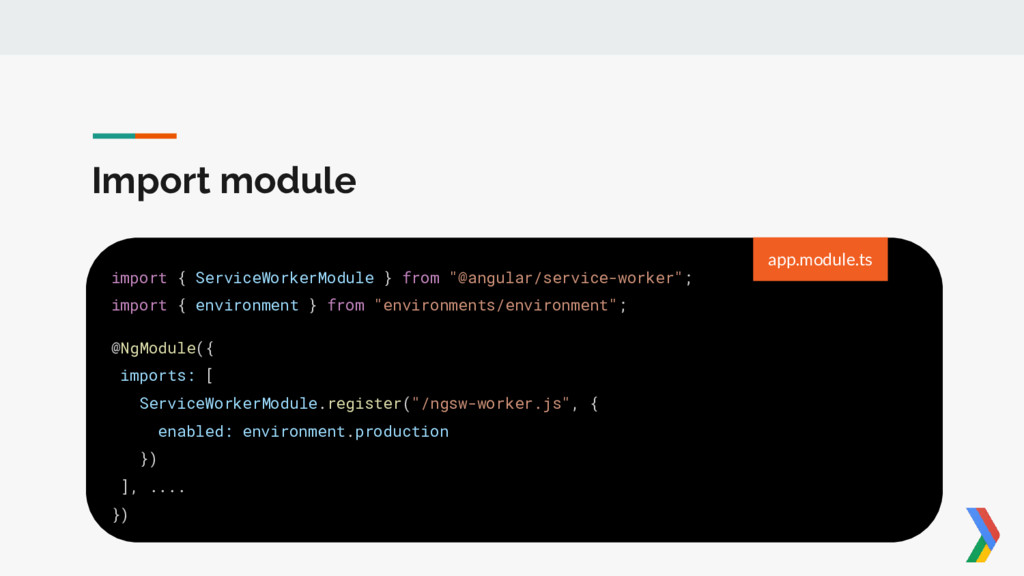
Import module import { ServiceWorkerModule } from "@angular/service-worker"; import {
environment } from "environments/environment"; @NgModule({ imports: [ ServiceWorkerModule.register("/ngsw-worker.js", { enabled: environment.production }) ], .... }) app.module.ts -
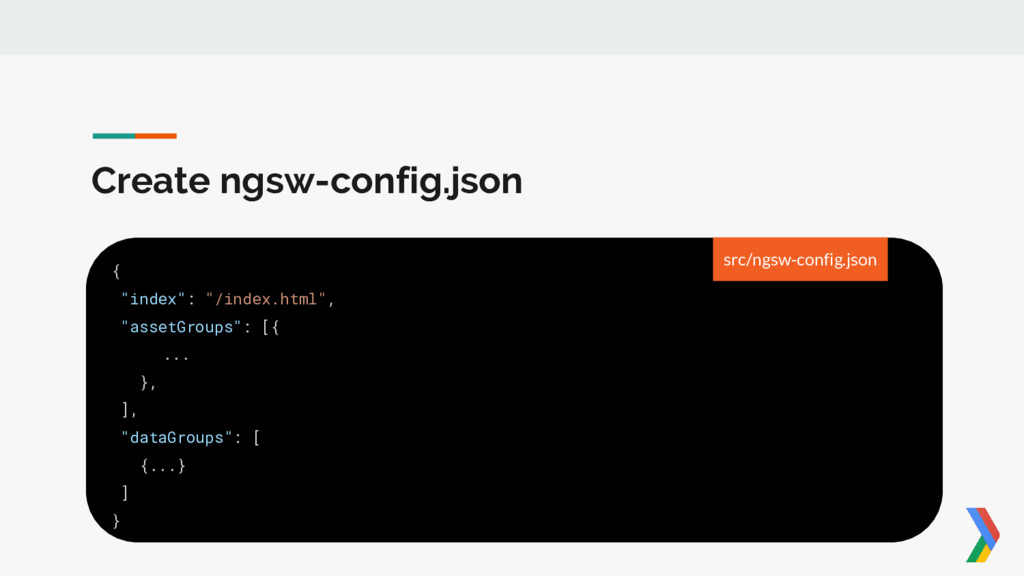
Create ngsw-config.json { "index": "/index.html", "assetGroups": [{ ... }, ],
"dataGroups": [ {...} ] } src/ngsw-config.json -
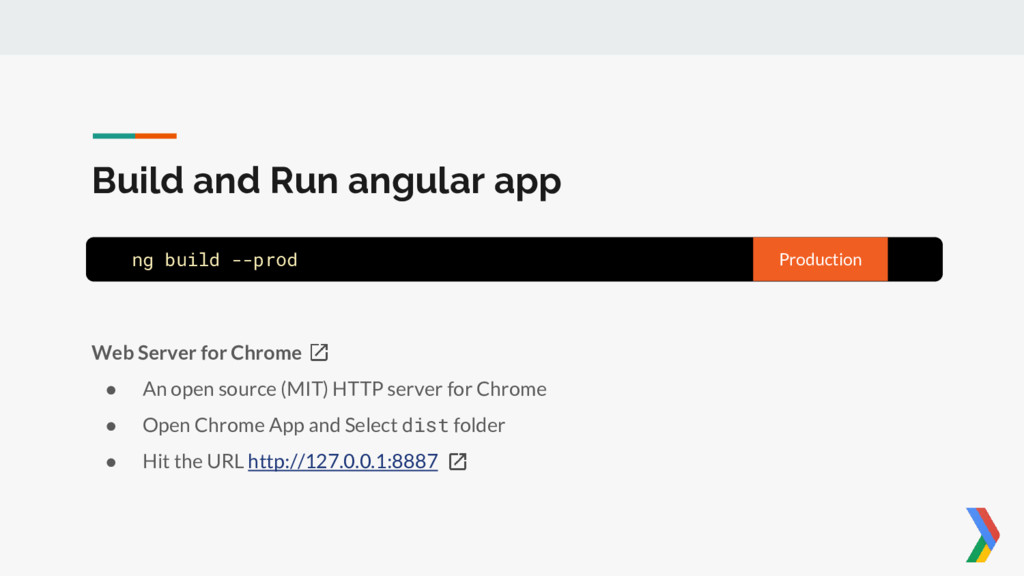
Build and Run angular app ng build --prod Production Web
Server for Chrome • An open source (MIT) HTTP server for Chrome • Open Chrome App and Select dist folder • Hit the URL http://127.0.0.1:8887 -
Get the content and stay tuned • Slides @ goo.gl/iiVUic
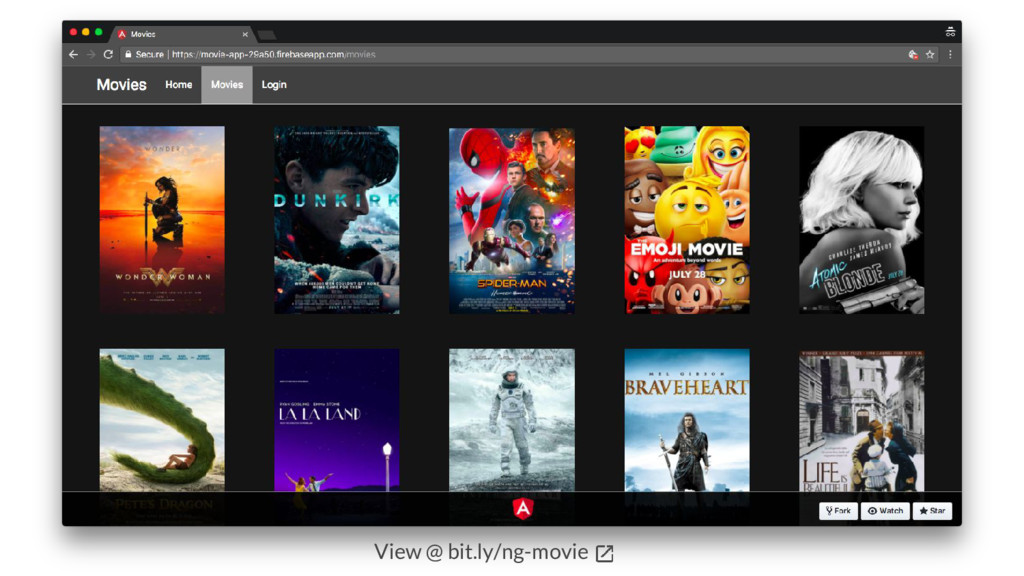
• Repo. @ github.com/online-edu/ng-movies • Demo @ bit.ly/ng-movie • Follow @ github.com/hardikpthv