Share
Embed
Hacking iOS Apps for fun and profit
Slides from my MobileOptimized 2013 presentation.
Denis Lebedev
May 31, 2013
Transcript
49 slides
-
Hacking apps for fun and profit iOS security overview Denis
Lebedev MobileOptimized 2013 www.linkedin.com/in/dlebedev -
Agenda - iOS security overview - A bit of Obj-C
runtime - Tools for manipulating apps at runtime - Use cases - Recommendations -
Memory corruption[1] - the oldest of the vulnerabilities - on
of the hardest to find and prevent - dog-cat-mouse game -
Data execution prevention (DEP) - OS marks certain memory pages
as ‘non executable’ - processor refuses to execute that pages - used to prevent part of memory corruption cases -
Address space layout randomization - randomly shuffles positions of important
data in memory - finding particular memory location is not trivial* - introduced in iOS 4.3 * evasi0n jailbreak uses arm exception vector layout information to map memory layout -
- Apps are run by user ‘mobile’ - Apps must
be signed by Apple - Each app has unique ID and directory - ‘Sandbox’ restricts app from accessing almost everything - Apps cannot access data from other apps* - Low level ‘attacks’ reduced with ‘sandbox’* General conditions -
- encrypted container (128 bit AES algorithm) - SQLite database
with 4 tables: genp, inet, cert, keys - keychain API performs IPC calls to securityd which handles database access - access control is based on application id - new: applications with the same keychain access group entitlement can access/share the keychain items - simple “WHERE agrp = %s” clause appended to SQL statements Keychain -
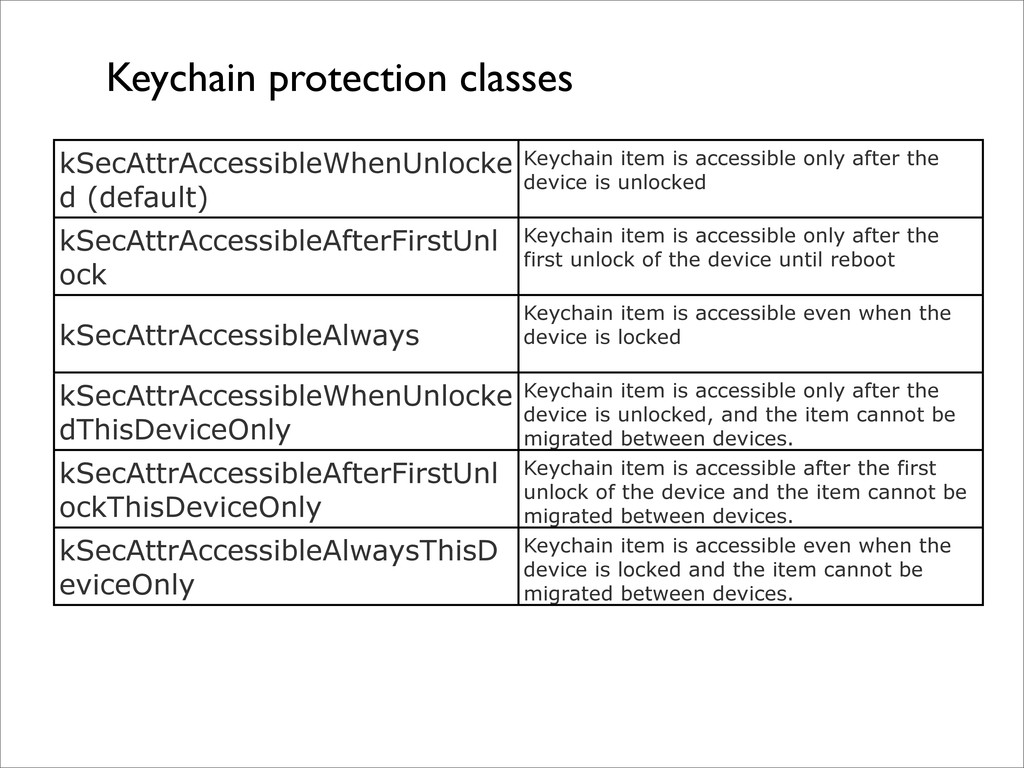
Keychain protection classes kSecAttrAccessibleWhenUnlocke d (default) Keychain item is accessible
only after the device is unlocked kSecAttrAccessibleAfterFirstUnl ock Keychain item is accessible only after the first unlock of the device until reboot kSecAttrAccessibleAlways Keychain item is accessible even when the device is locked kSecAttrAccessibleWhenUnlocke dThisDeviceOnly Keychain item is accessible only after the device is unlocked, and the item cannot be migrated between devices. kSecAttrAccessibleAfterFirstUnl ockThisDeviceOnly Keychain item is accessible after the first unlock of the device and the item cannot be migrated between devices. kSecAttrAccessibleAlwaysThisD eviceOnly Keychain item is accessible even when the device is locked and the item cannot be migrated between devices. -
NSMutableDictionary *query = [NSMutableDictionary dictionary]; [query setObject:(id)kSecClassGenericPassword forKey: (id)kSecClass]; [query
setObject:account forKey:(id)kSecAttrAccount]; [query setObject:(id)kSecAttrAccessibleWhenUnlocked forKey: (id)kSecAttrAccessible]; [query setObject:data forKey:(id)kSecValueData]; OSStatus error = SecItemAdd((CFDictionaryRef)query, NULL); Keychain by example -
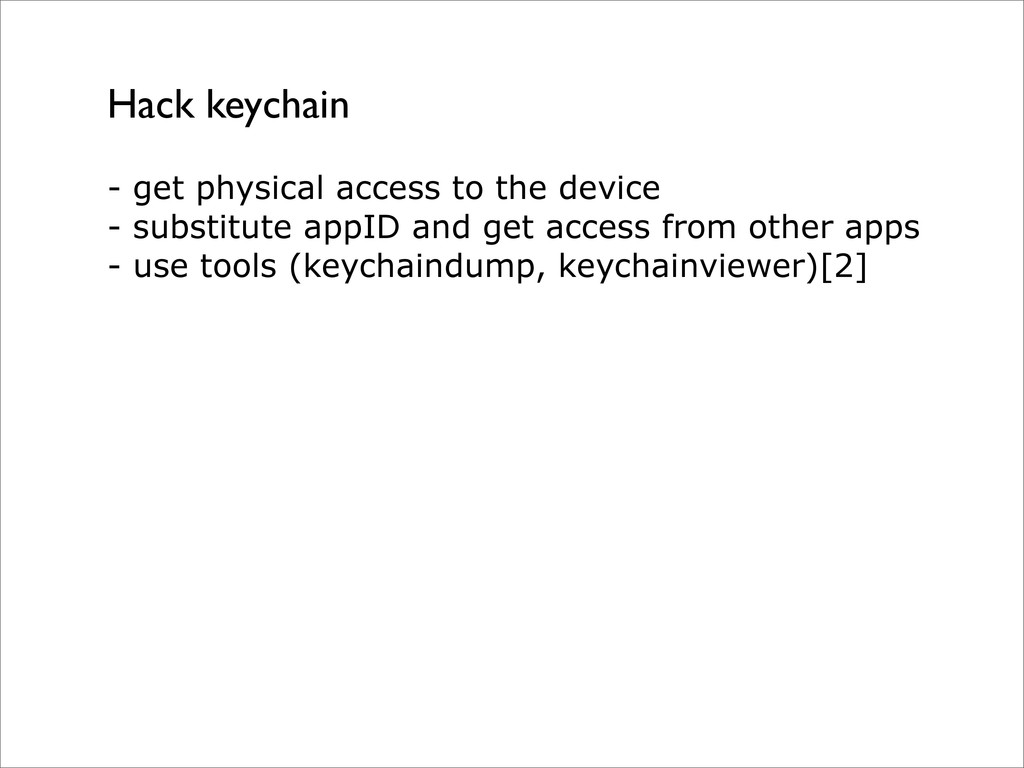
- get physical access to the device - substitute appID
and get access from other apps - use tools (keychaindump, keychainviewer)[2] Hack keychain -
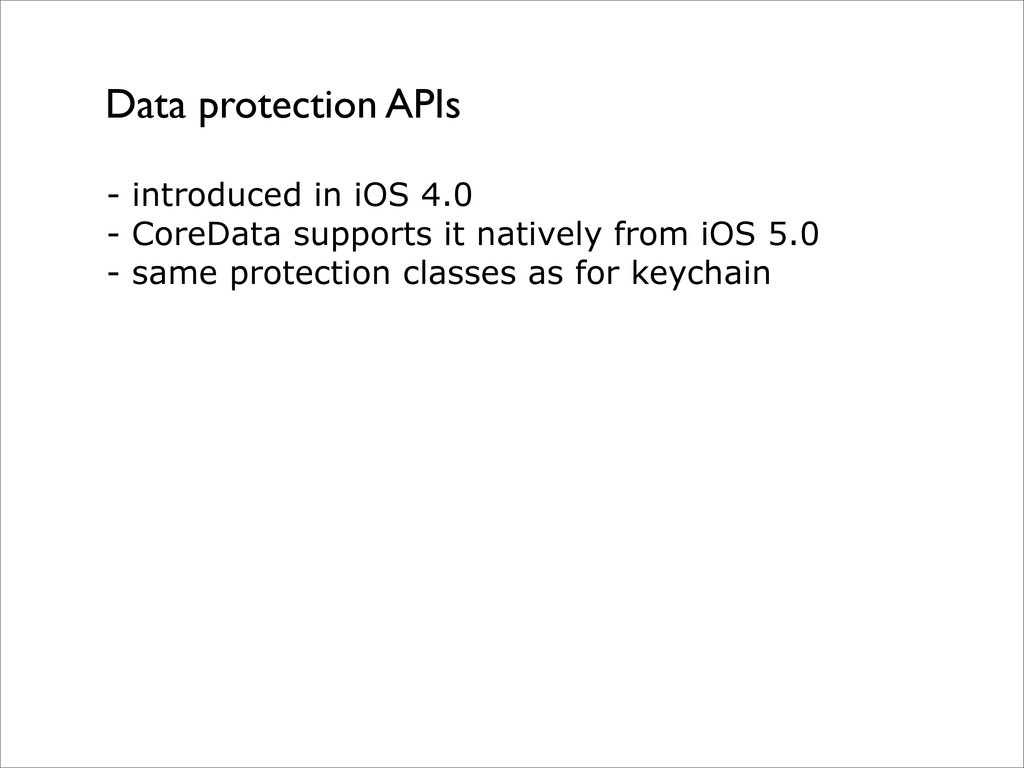
- introduced in iOS 4.0 - CoreData supports it natively
from iOS 5.0 - same protection classes as for keychain Data protection APIs -
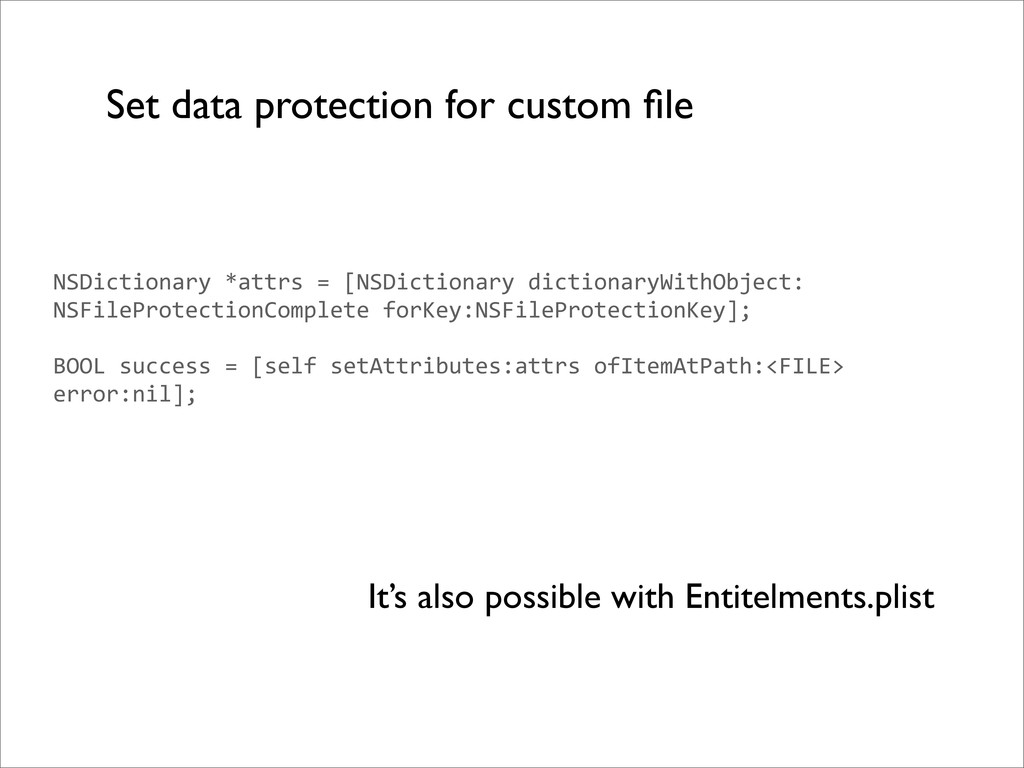
Set data protection for custom file NSDictionary *attrs = [NSDictionary
dictionaryWithObject: NSFileProtectionComplete forKey:NSFileProtectionKey]; BOOL success = [self setAttributes:attrs ofItemAtPath:<FILE> error:nil]; It’s also possible with Entitelments.plist -
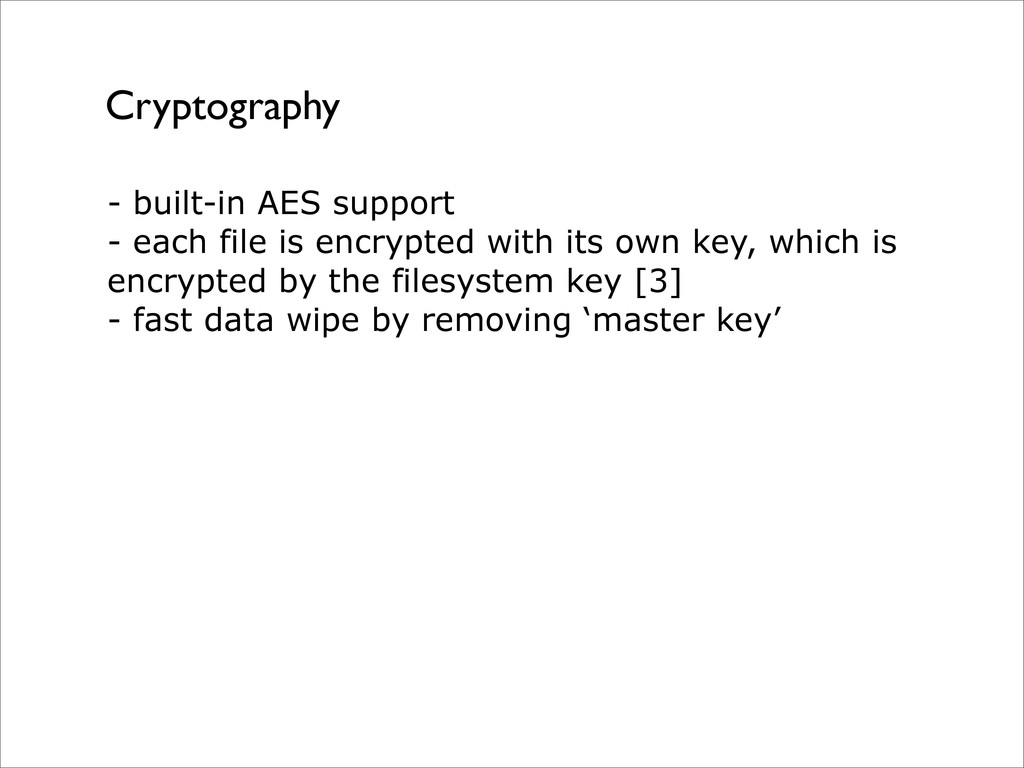
Cryptography - built-in AES support - each file is encrypted
with its own key, which is encrypted by the filesystem key [3] - fast data wipe by removing ‘master key’ -
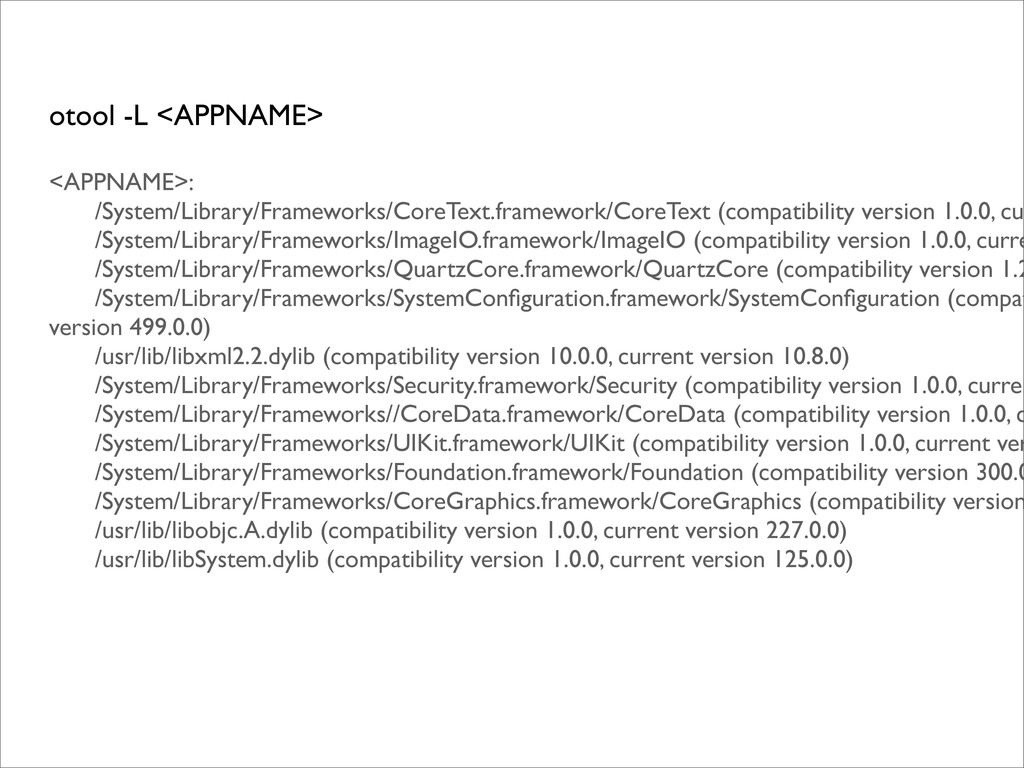
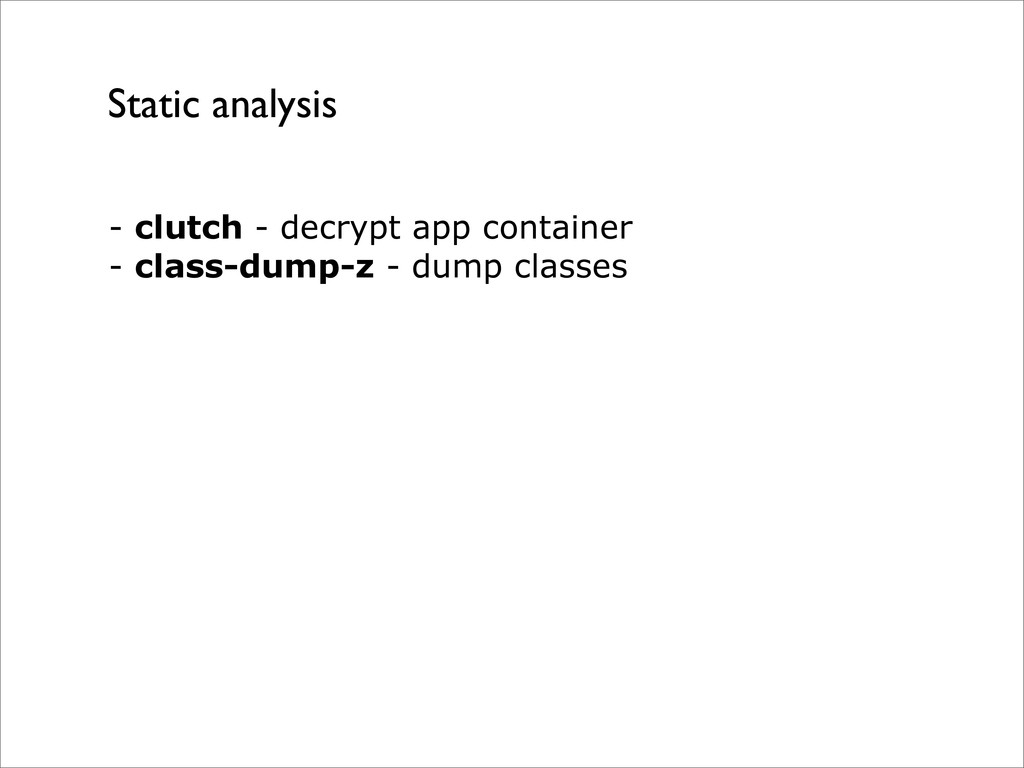
- get app resources (iExplorer) - list used frameworks (otool)
- classes/methods list (nm) Without jailbreak curious user can: -
otool -L <APPNAME> <APPNAME>: /System/Library/Frameworks/CoreText.framework/CoreText (compatibility version 1.0.0, cu /System/Library/Frameworks/ImageIO.framework/ImageIO
(compatibility version 1.0.0, curre /System/Library/Frameworks/QuartzCore.framework/QuartzCore (compatibility version 1.2 /System/Library/Frameworks/SystemConfiguration.framework/SystemConfiguration (compat version 499.0.0) /usr/lib/libxml2.2.dylib (compatibility version 10.0.0, current version 10.8.0) /System/Library/Frameworks/Security.framework/Security (compatibility version 1.0.0, curren /System/Library/Frameworks//CoreData.framework/CoreData (compatibility version 1.0.0, c /System/Library/Frameworks/UIKit.framework/UIKit (compatibility version 1.0.0, current ver /System/Library/Frameworks/Foundation.framework/Foundation (compatibility version 300.0 /System/Library/Frameworks/CoreGraphics.framework/CoreGraphics (compatibility version /usr/lib/libobjc.A.dylib (compatibility version 1.0.0, current version 227.0.0) /usr/lib/libSystem.dylib (compatibility version 1.0.0, current version 125.0.0) -
nm -U <APPNAME> > file.txt 00040860 t -[WABaseProfileHeader itemsTable] 00040980
t -[WABaseProfileHeader nicknameLabel] 00040980 - 01 0000 FUN -[WABaseProfileHeader nicknameLabel] 00040360 t -[WABaseProfileHeader onClanButtonTap:] 00040360 - 01 0000 FUN -[WABaseProfileHeader onClanButtonTap:] 000402d0 t -[WABaseProfileHeader onCompareButtonTap:] 000402d0 - 01 0000 FUN -[WABaseProfileHeader onCompareButtonTap:] 00040610 t -[WABaseProfileHeader roleLabel] 00040610 - 01 0000 FUN -[WABaseProfileHeader roleLabel] *Xcode does not strip symbols by default [5] -
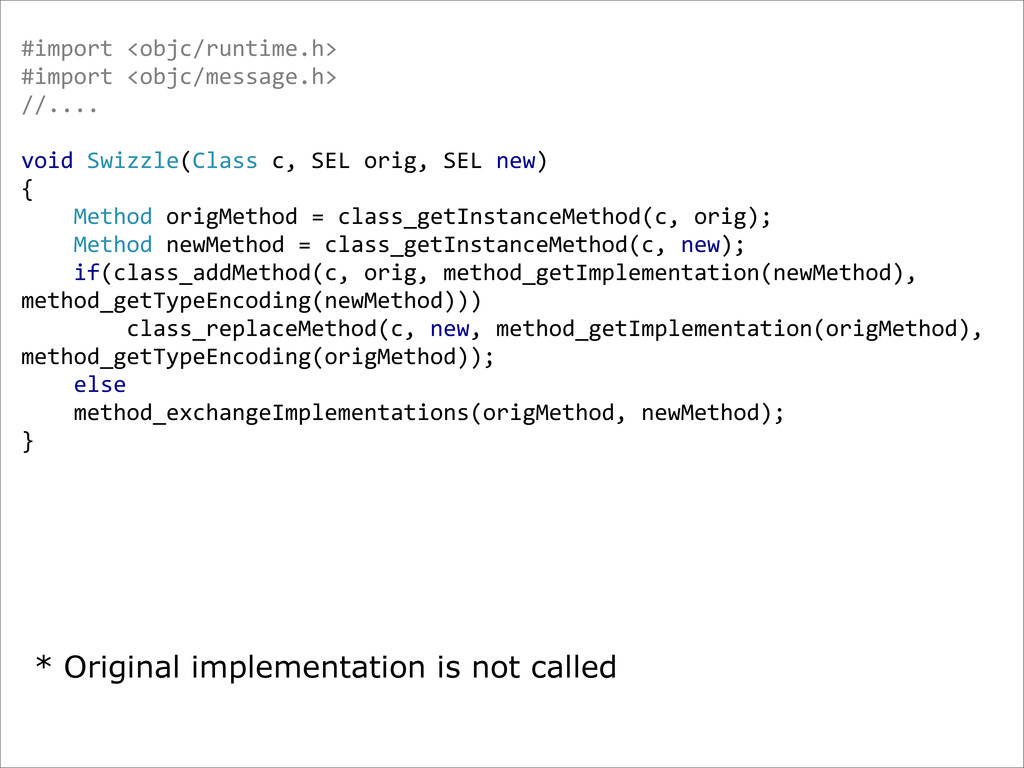
#import <objc/runtime.h> #import <objc/message.h> //.... void Swizzle(Class c, SEL
orig, SEL new) { Method origMethod = class_getInstanceMethod(c, orig); Method newMethod = class_getInstanceMethod(c, new); if(class_addMethod(c, orig, method_getImplementation(newMethod), method_getTypeEncoding(newMethod))) class_replaceMethod(c, new, method_getImplementation(origMethod), method_getTypeEncoding(origMethod)); else method_exchangeImplementations(origMethod, newMethod); } * Original implementation is not called -
DLIntrospection [6] (lldb) po [[UIDevice class] properties] (lldb) po [[UIDevice
class] instanceMethods] ... -‐ (BOOL)isMediaPicker, -‐ (void)setIsMediaPicker:(BOOL)arg0 , -‐ (id)systemVersion, -‐ (void)_unregisterForSystemSounds:(id)arg0 , -‐ (void)_registerForSystemSounds:(id)arg0 ... @property (nonatomic, assign, readonly) BOOL _useSheetRotation, @property (nonatomic, copy) @? afterAppearanceBlock, ... @property (nonatomic, assign) {CGSize=ff} contentSizeForViewInPopover, @property (nonatomic, assign, getter=isInAnimatedVCTransition) BOOL inAnimatedVCTransition, @property (nonatomic, assign, readonly) BOOL inExplicitAppearanceTransition Dump classes info from within the app: -
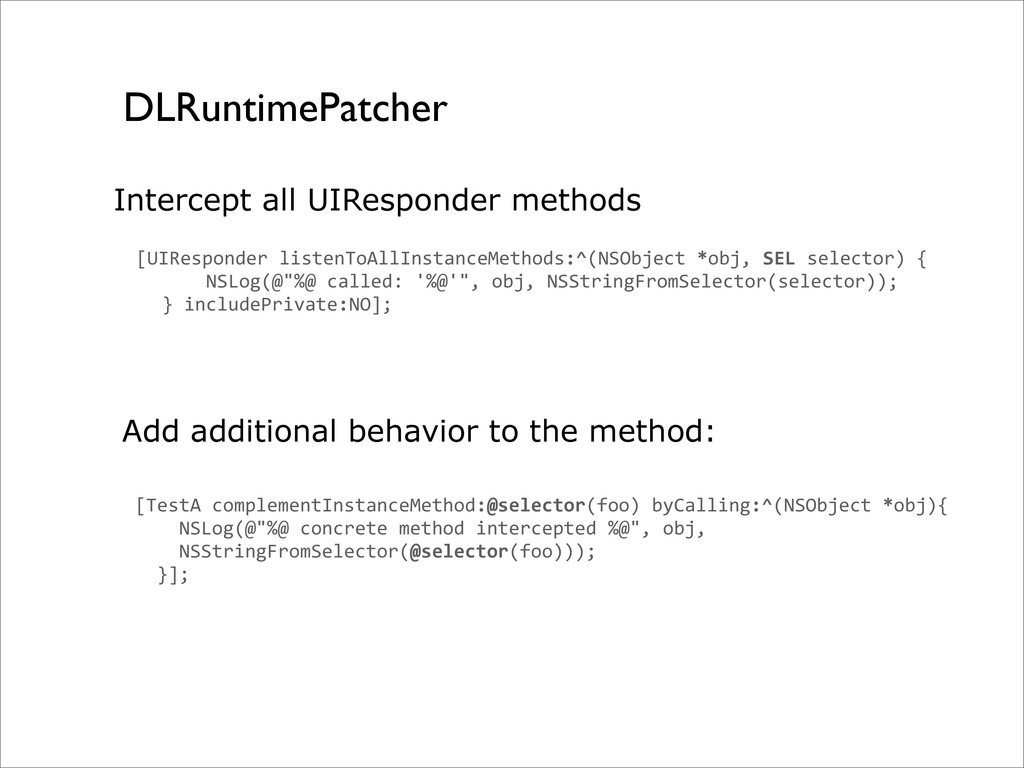
DLRuntimePatcher [UIResponder listenToAllInstanceMethods:^(NSObject *obj, SEL selector) {
NSLog(@"%@ called: '%@'", obj, NSStringFromSelector(selector)); } includePrivate:NO]; [TestA complementInstanceMethod:@selector(foo) byCalling:^(NSObject *obj){ NSLog(@"%@ concrete method intercepted %@", obj, NSStringFromSelector(@selector(foo))); }]; Add additional behavior to the method: Intercept all UIResponder methods -
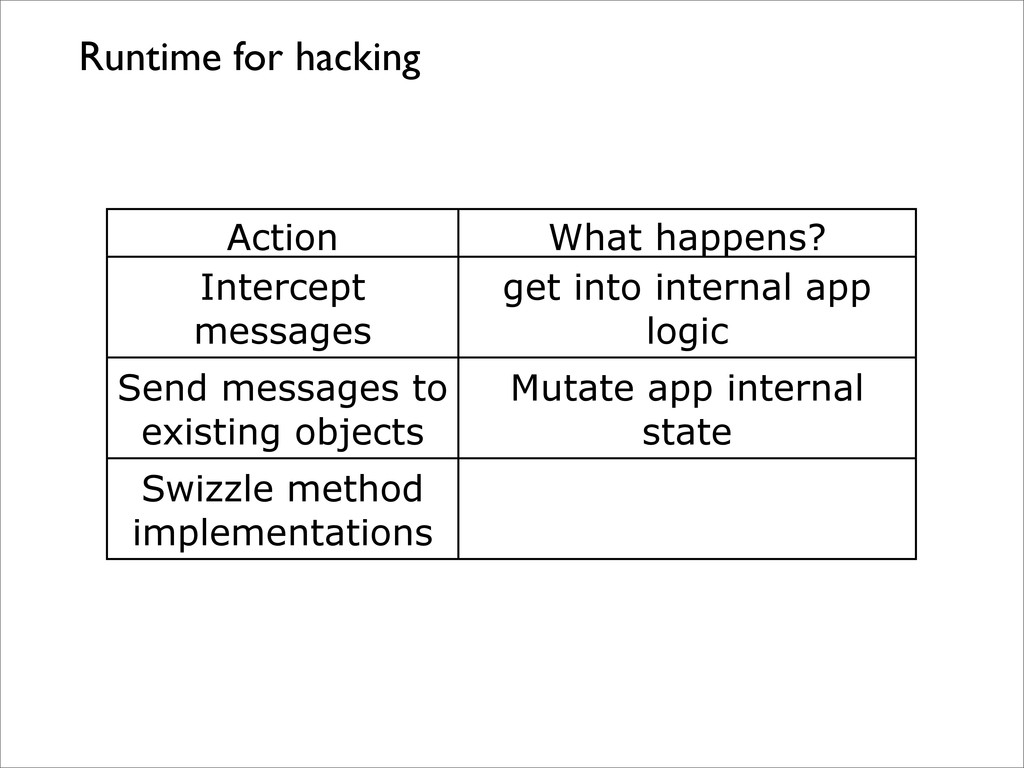
Action What happens? Intercept messages get into internal app logic
Send messages to existing objects Mutate app internal state Swizzle method implementations Runtime for hacking -
Cycript cy# var a = [NSMutableArray arrayWithCapacity:4] cy# a instanceof
Array true cy# [a class] "NSCFArray" - Mix of Objective-C and javascript - Possibility to write Mac/iOS Apps - Hook into existing processes -
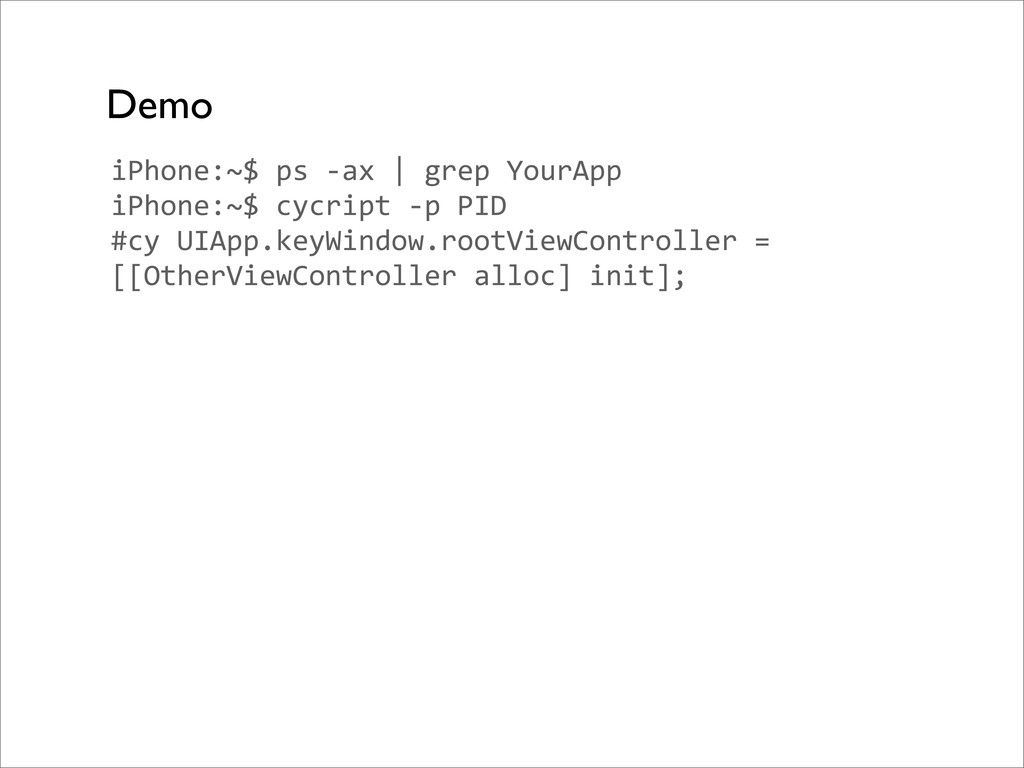
iPhone:~$ ps -‐ax | grep YourApp iPhone:~$ cycript -‐p PID
#cy UIApp.keyWindow.rootViewController = [[OtherViewController alloc] init]; Demo -
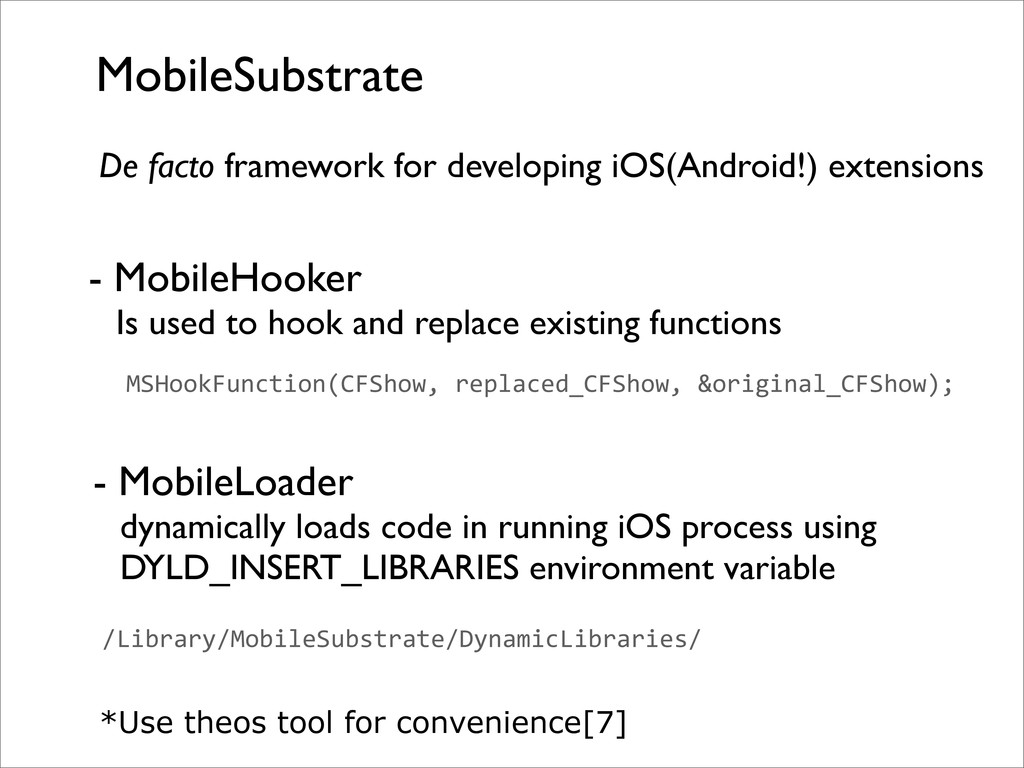
MobileSubstrate - MobileHooker Is used to hook and replace existing
functions MSHookFunction(CFShow, replaced_CFShow, &original_CFShow); De facto framework for developing iOS(Android!) extensions - MobileLoader dynamically loads code in running iOS process using DYLD_INSERT_LIBRARIES environment variable /Library/MobileSubstrate/DynamicLibraries/ *Use theos tool for convenience[7] -
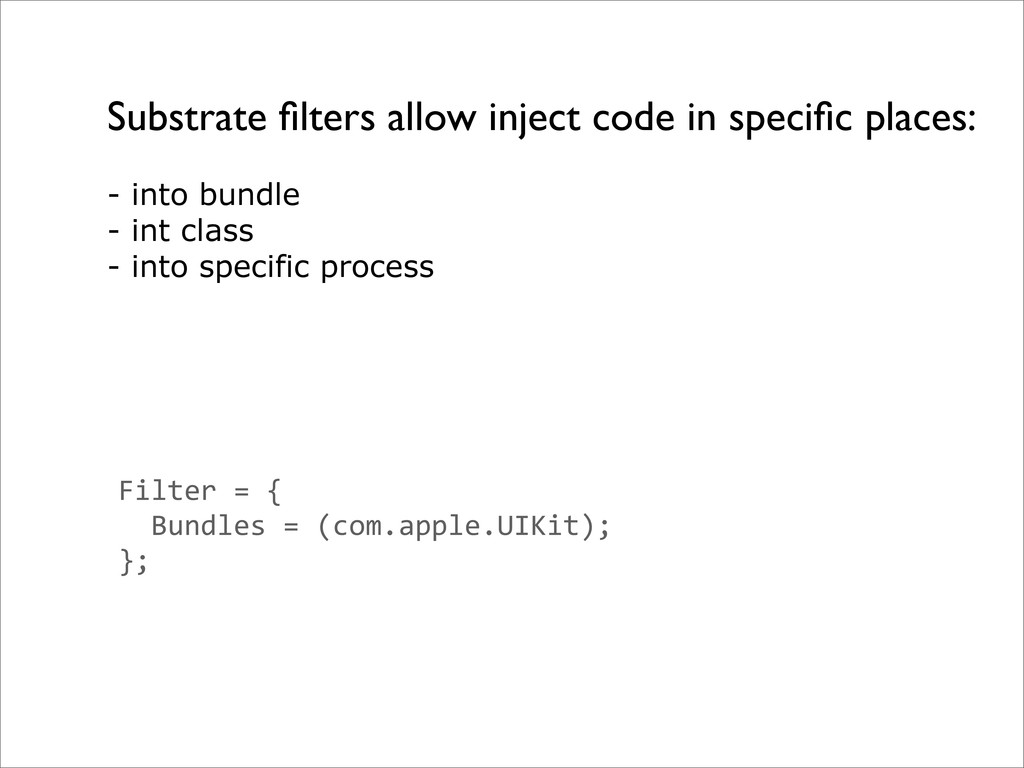
Substrate filters allow inject code in specific places: Filter =
{ Bundles = (com.apple.UIKit); }; - into bundle - int class - into specific process -
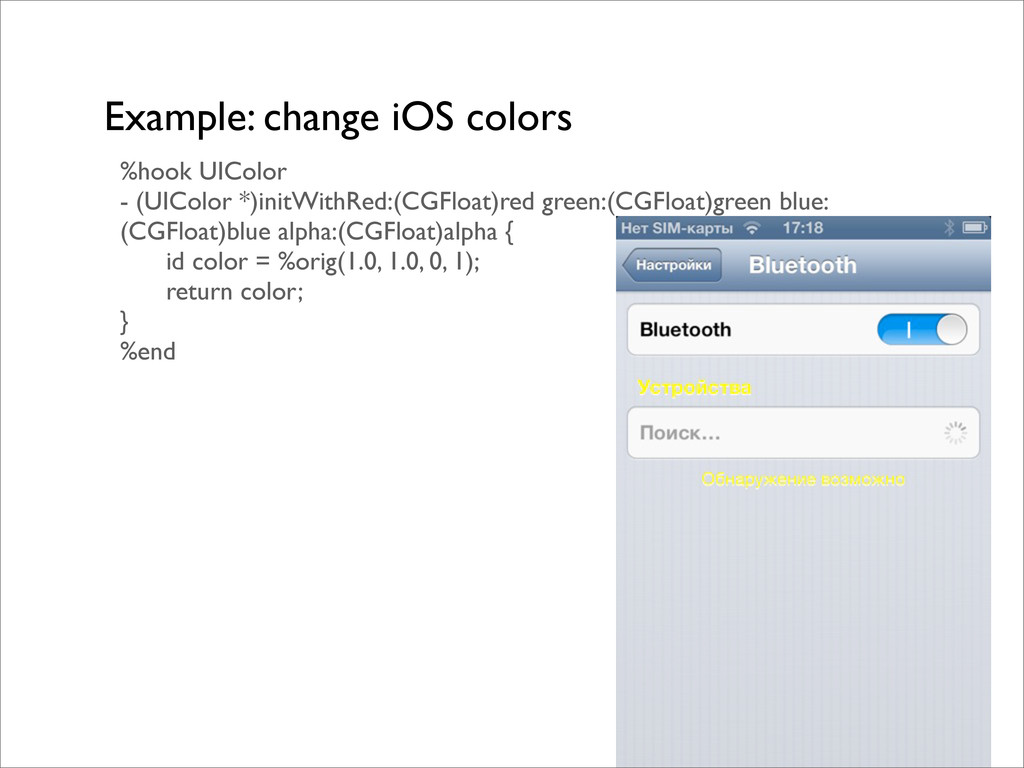
Example: change iOS colors %hook UIColor - (UIColor *)initWithRed:(CGFloat)red green:(CGFloat)green
blue: (CGFloat)blue alpha:(CGFloat)alpha { id color = %orig(1.0, 1.0, 0, 1); return color; } %end -
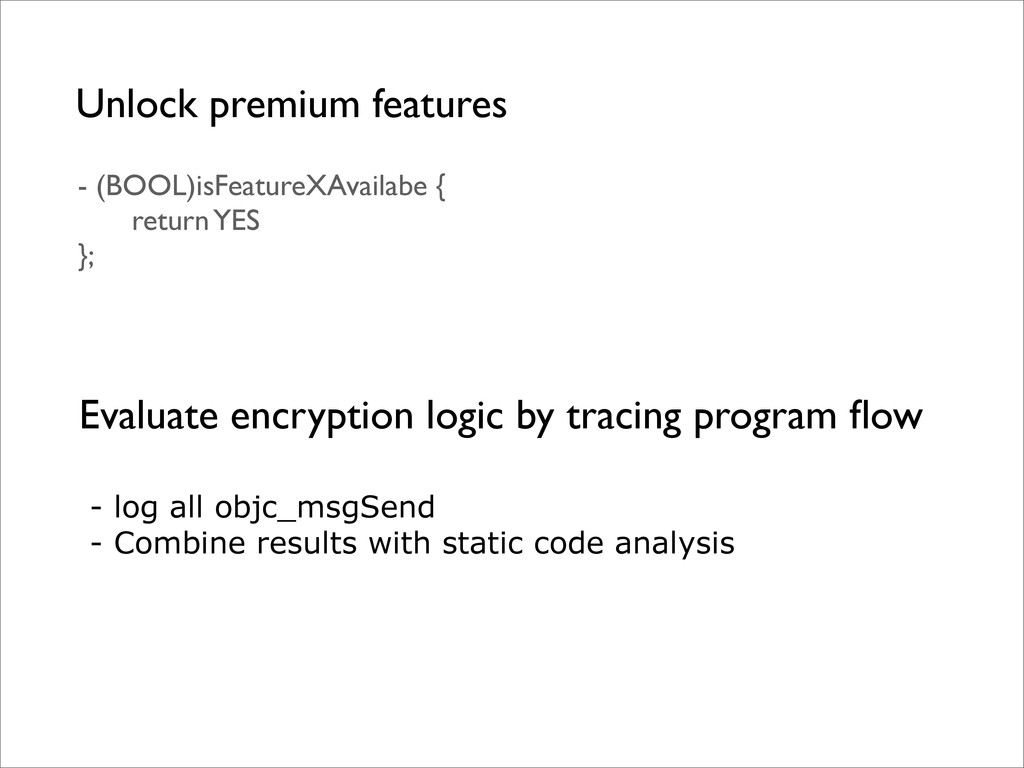
Unlock premium features - (BOOL)isFeatureXAvailabe { return YES }; Evaluate
encryption logic by tracing program flow - log all objc_msgSend - Combine results with static code analysis -
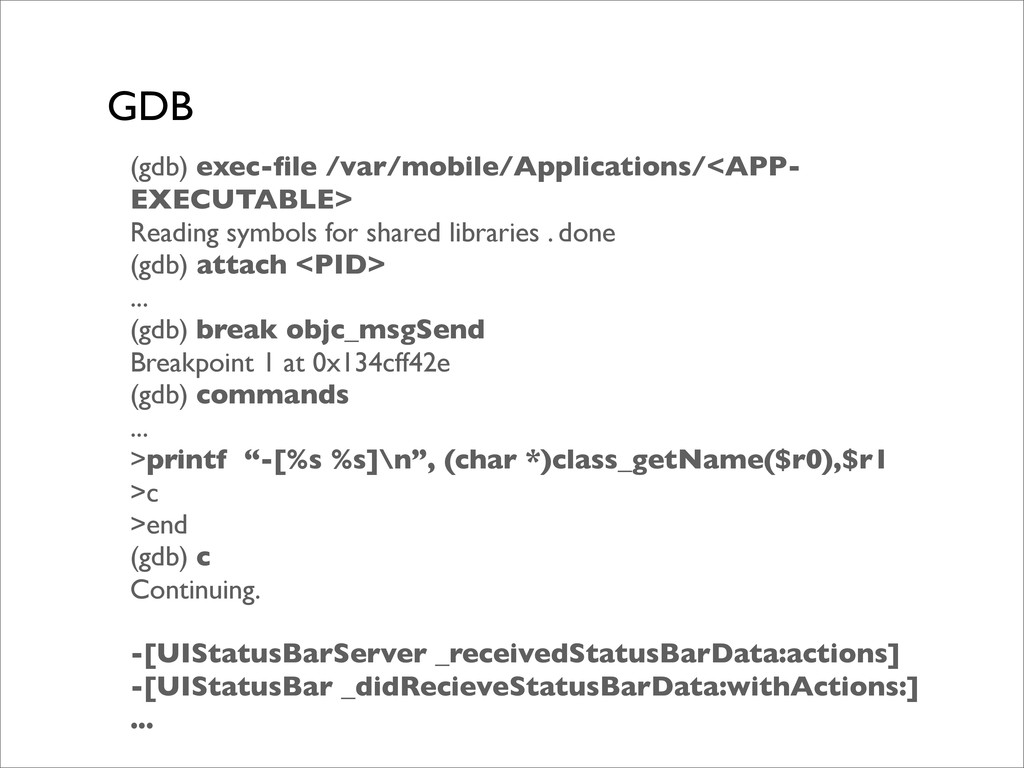
GDB (gdb) exec-file /var/mobile/Applications/<APP- EXECUTABLE> Reading symbols for shared libraries
. done (gdb) attach <PID> ... (gdb) break objc_msgSend Breakpoint 1 at 0x134cff42e (gdb) commands ... >printf “-[%s %s]\n”, (char *)class_getName($r0),$r1 >c >end (gdb) c Continuing. -[UIStatusBarServer _receivedStatusBarData:actions] -[UIStatusBar _didRecieveStatusBarData:withActions:] ... -
What do we want to see? [myCipher decryptDataWithSecret], args:<__NSCFConstantString 0x1235xe
> Constant key is used: potential vulnerability is discovered. -
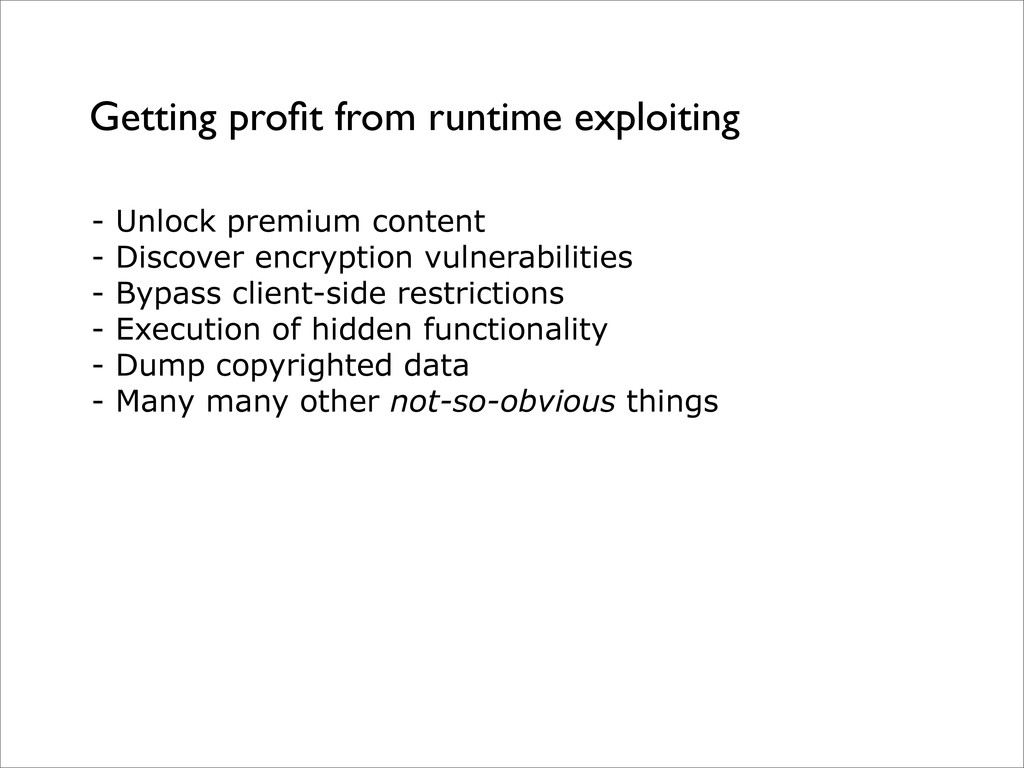
Getting profit from runtime exploiting - Unlock premium content -
Discover encryption vulnerabilities - Bypass client-side restrictions - Execution of hidden functionality - Dump copyrighted data - Many many other not-so-obvious things -
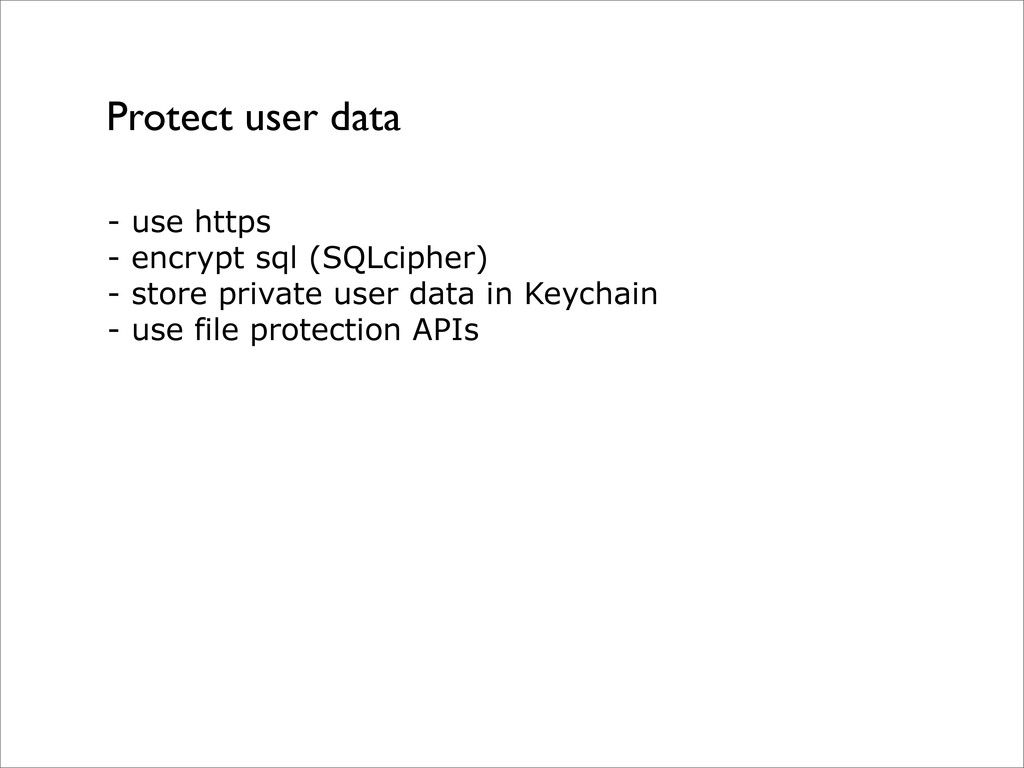
Protect user data - use https - encrypt sql (SQLcipher)
- store private user data in Keychain - use file protection APIs -
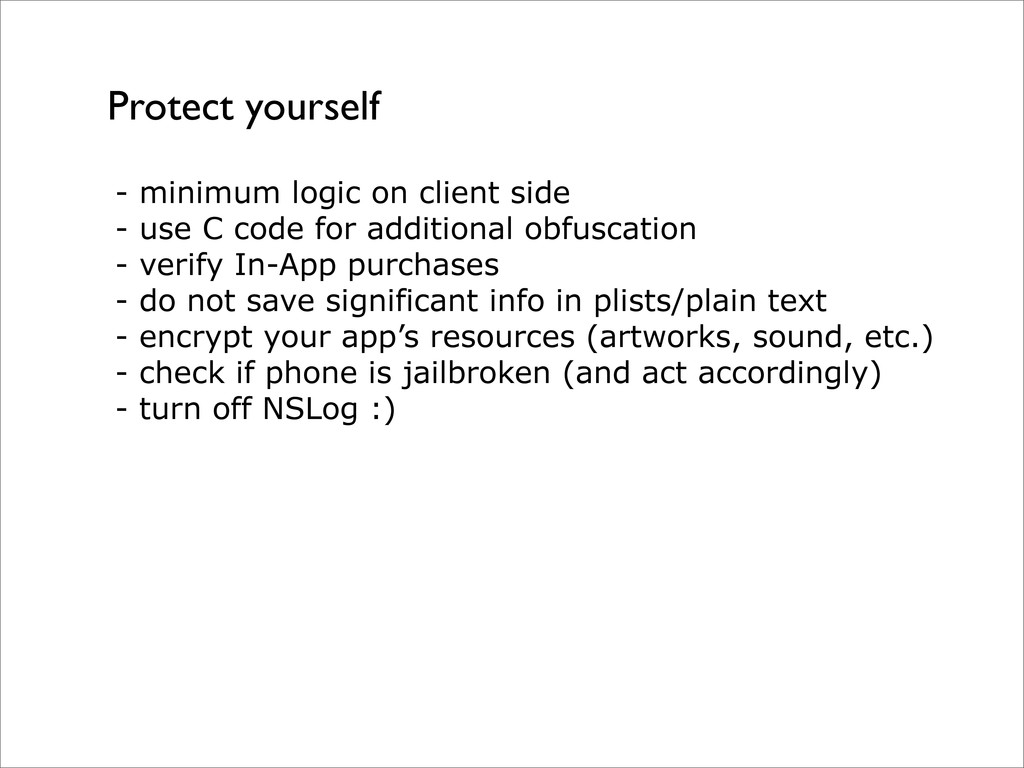
- minimum logic on client side - use C code
for additional obfuscation - verify In-App purchases - do not save significant info in plists/plain text - encrypt your app’s resources (artworks, sound, etc.) - check if phone is jailbroken (and act accordingly) - turn off NSLog :) Protect yourself -
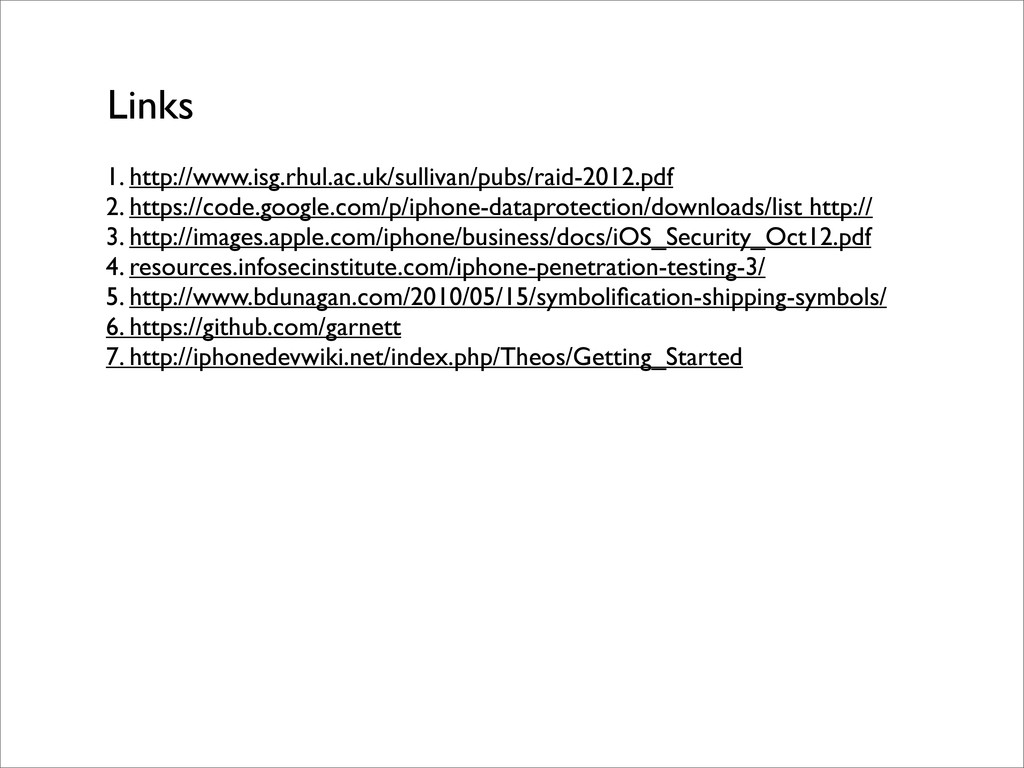
1. http://www.isg.rhul.ac.uk/sullivan/pubs/raid-2012.pdf 2. https://code.google.com/p/iphone-dataprotection/downloads/list http:// 3. http://images.apple.com/iphone/business/docs/iOS_Security_Oct12.pdf 4. resources.infosecinstitute.com/iphone-penetration-testing-3/ 5.
http://www.bdunagan.com/2010/05/15/symbolification-shipping-symbols/ 6. https://github.com/garnett 7. http://iphonedevwiki.net/index.php/Theos/Getting_Started Links