Share
Embed
軽量ウェブブラウザDilloのPlugin
発表:: 鹿児島Linux勉強会 2026.07(オンライン開催) - connpass https://kagolug.connpass.com/event/398107/
source:: https://codeberg.org/matoken/kagolug-2026-07/src/branch/main/slide/slide.adoc
Kenichiro MATOHARA
July 19, 2026
Transcript
46 slides
-
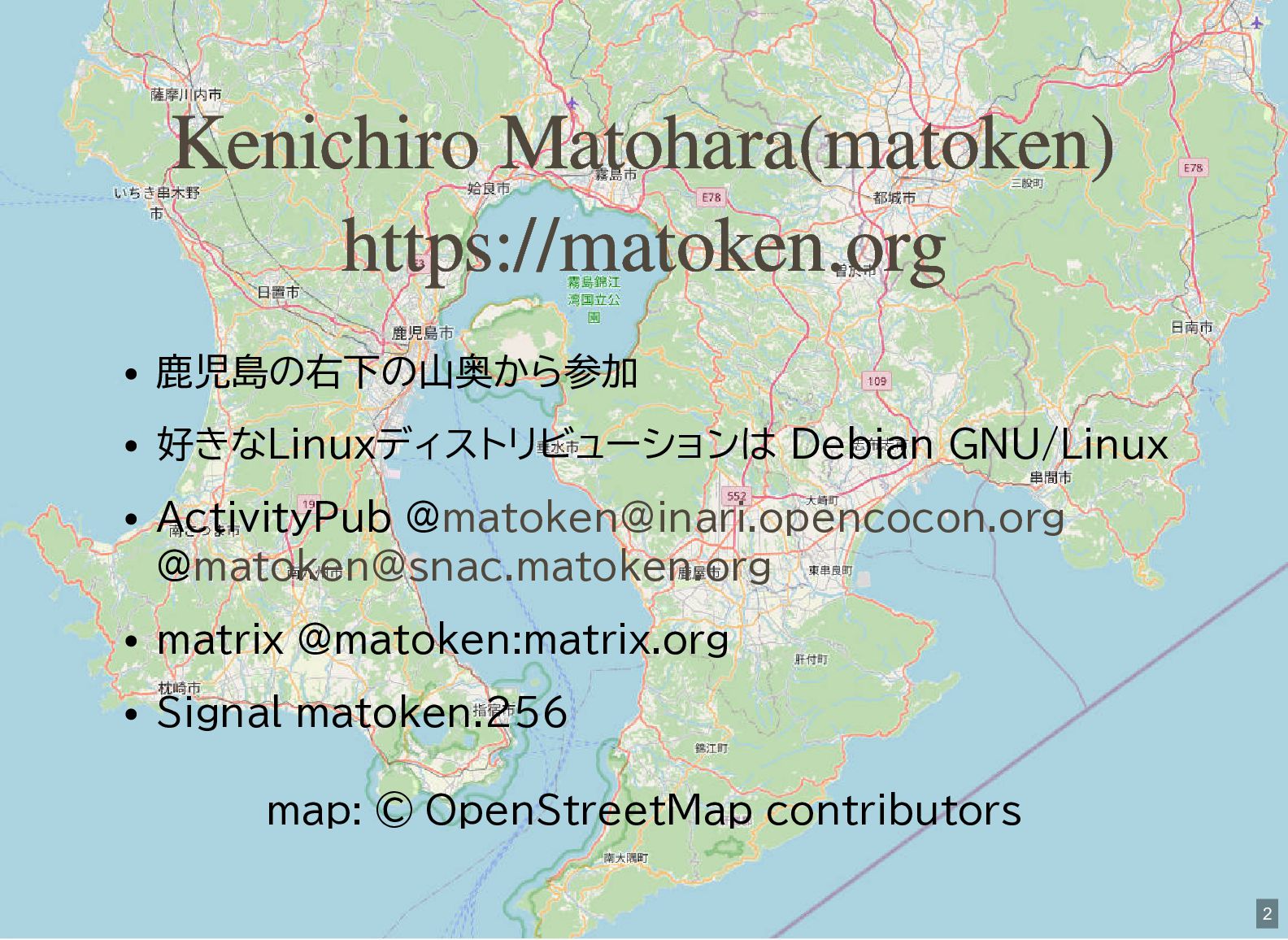
Kenichiro Matohara(matoken) https://matoken.org 鹿児島の右下の山奥から参加 好きなLinuxディストリビューションは Debian GNU/Linux ActivityPub @[email protected] @[email protected]
matrix @matoken:matrix.org Signal matoken.256 map: © OpenStreetMap contributors 2 -
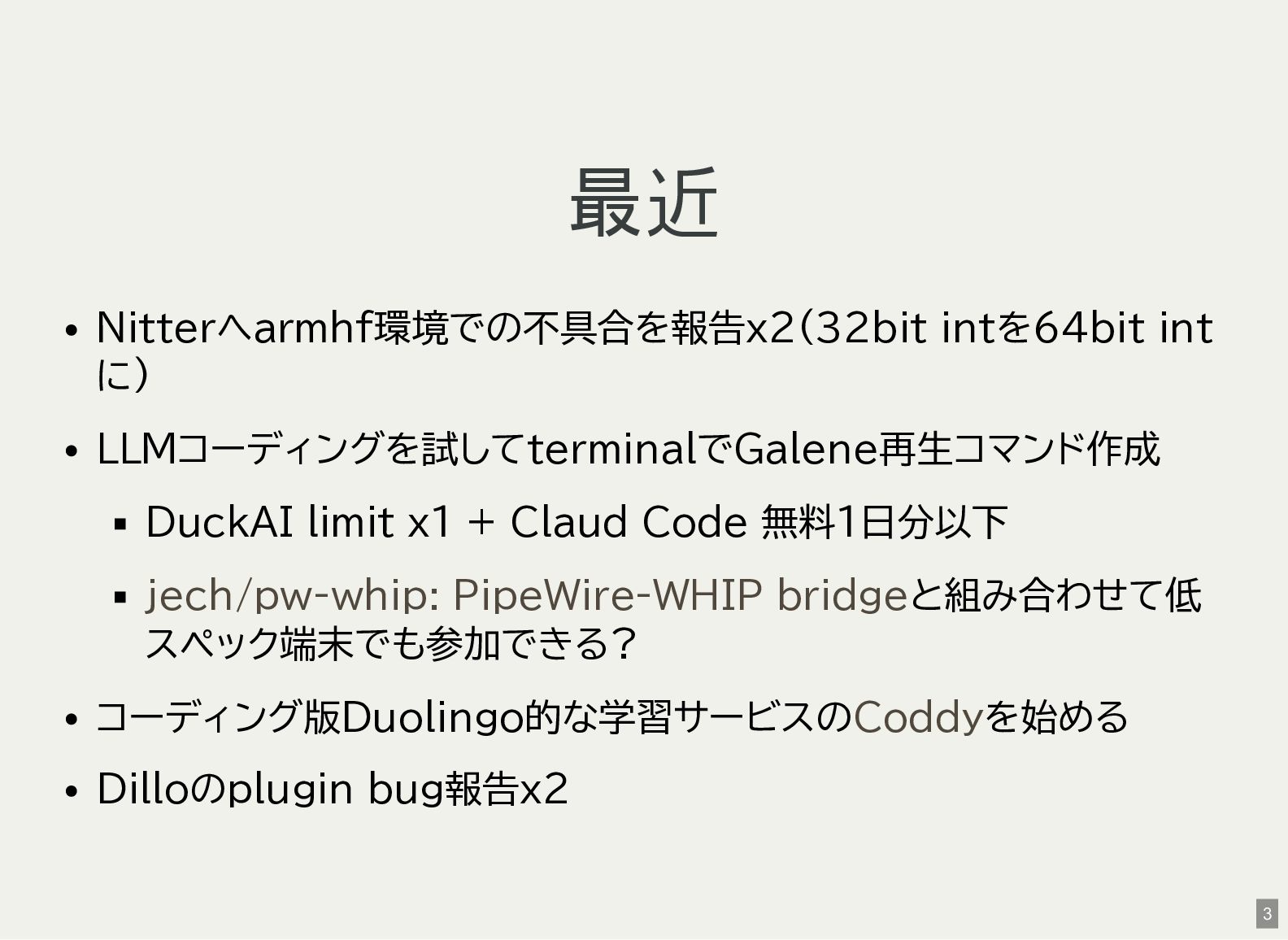
最近 Nitterへarmhf環境での不具合を報告x2(32bit intを64bit int に) LLMコーディングを試してterminalでGalene再生コマンド作成 DuckAI limit x1 +
Claud Code 無料1日分以下 jech/pw-whip: PipeWire-WHIP bridgeと組み合わせて低 スペック端末でも参加できる? コーディング版Duolingo的な学習サービスのCoddyを始める Dilloのplugin bug報告x2 3 -
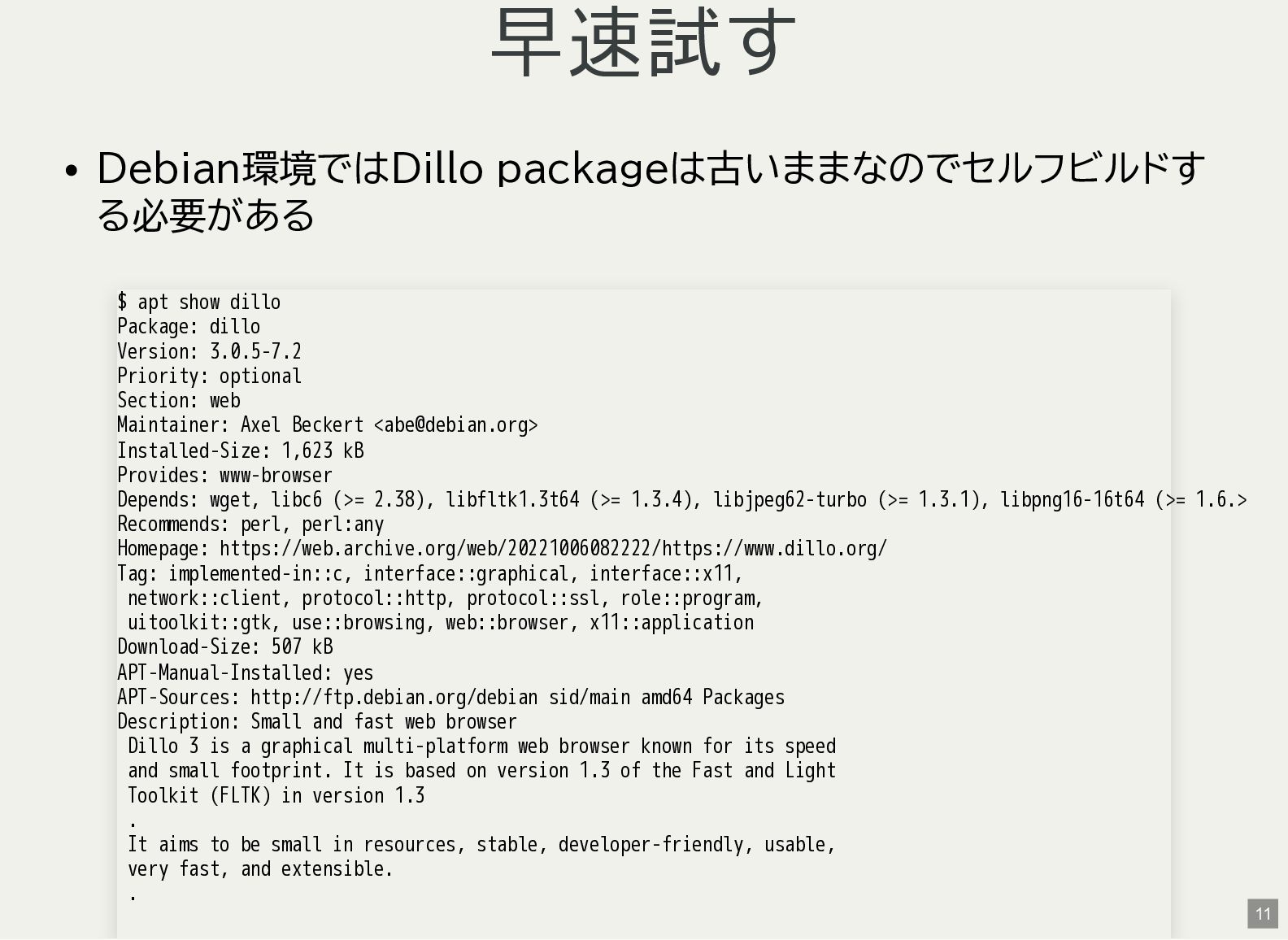
早速試す Debian環境ではDillo packageは古いままなのでセルフビルドす る必要がある $ apt show dillo Package: dillo
Version: 3.0.5-7.2 Priority: optional Section: web Maintainer: Axel Beckert <[email protected]> Installed-Size: 1,623 kB Provides: www-browser Depends: wget, libc6 (>= 2.38), libfltk1.3t64 (>= 1.3.4), libjpeg62-turbo (>= 1.3.1), libpng16-16t64 (>= 1.6.> Recommends: perl, perl:any Homepage: https://web.archive.org/web/20221006082222/https://www.dillo.org/ Tag: implemented-in::c, interface::graphical, interface::x11, network::client, protocol::http, protocol::ssl, role::program, uitoolkit::gtk, use::browsing, web::browser, x11::application Download-Size: 507 kB APT-Manual-Installed: yes APT-Sources: http://ftp.debian.org/debian sid/main amd64 Packages Description: Small and fast web browser Dillo 3 is a graphical multi-platform web browser known for its speed and small footprint. It is based on version 1.3 of the Fast and Light Toolkit (FLTK) in version 1.3 . It aims to be small in resources, stable, developer-friendly, usable, very fast, and extensible. . 11 -

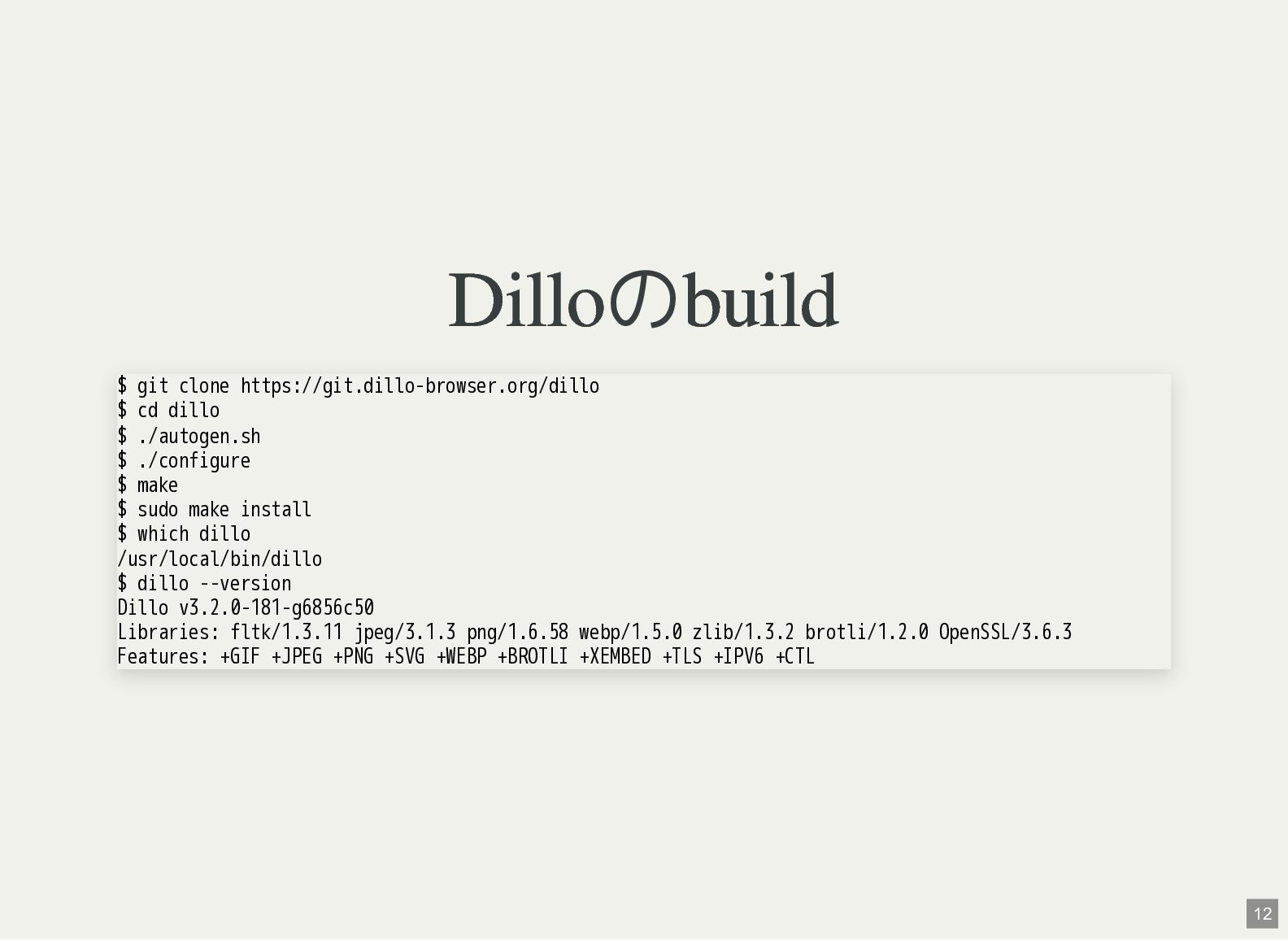
Dilloのbuild $ git clone https://git.dillo-browser.org/dillo $ cd dillo $ ./autogen.sh
$ ./configure $ make $ sudo make install $ which dillo /usr/local/bin/dillo $ dillo --version Dillo v3.2.0-181-g6856c50 Libraries: fltk/1.3.11 jpeg/3.1.3 png/1.6.58 webp/1.5.0 zlib/1.3.2 brotli/1.2.0 OpenSSL/3.6.3 Features: +GIF +JPEG +PNG +SVG +WEBP +BROTLI +XEMBED +TLS +IPV6 +CTL 12 -
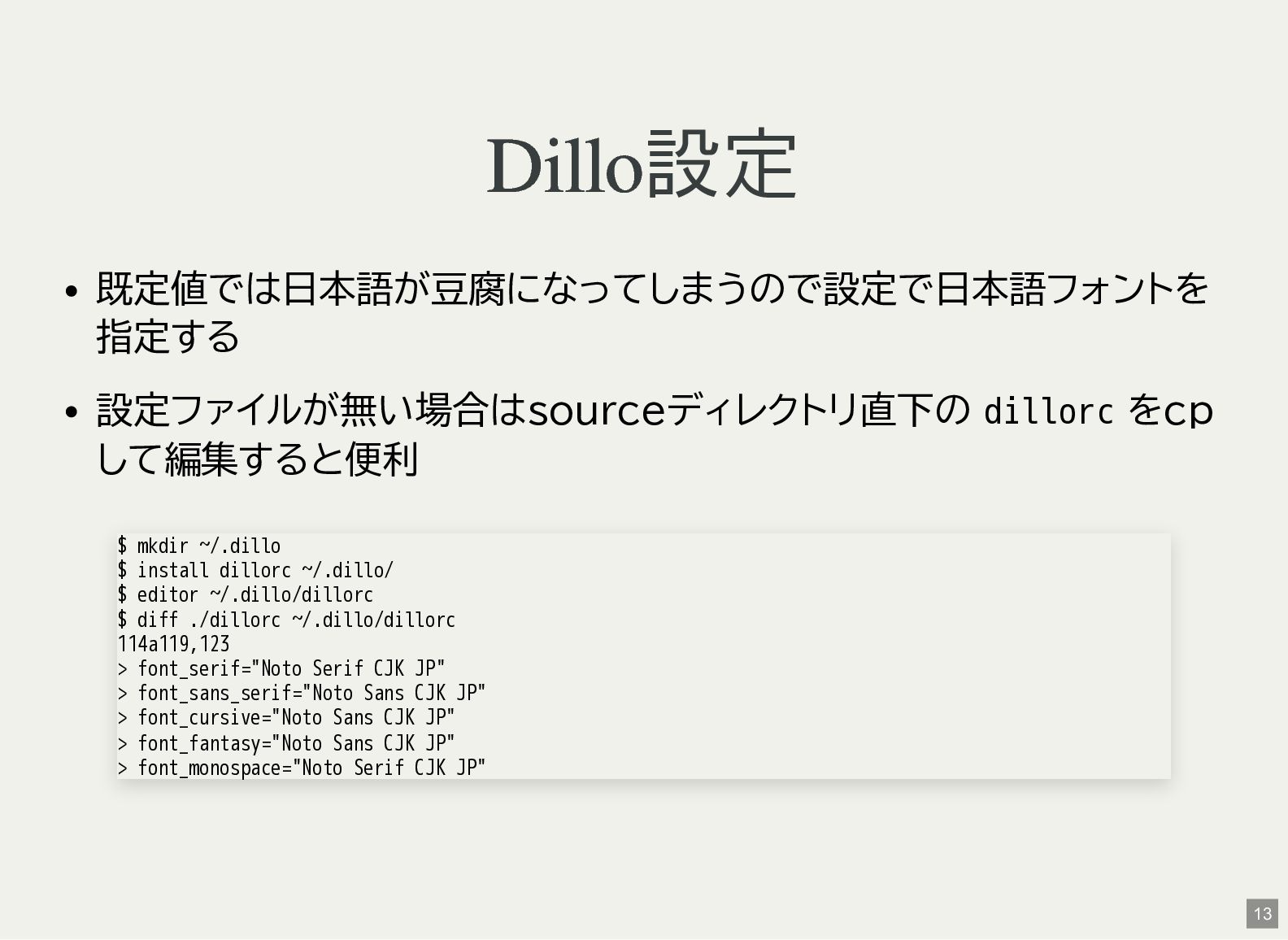
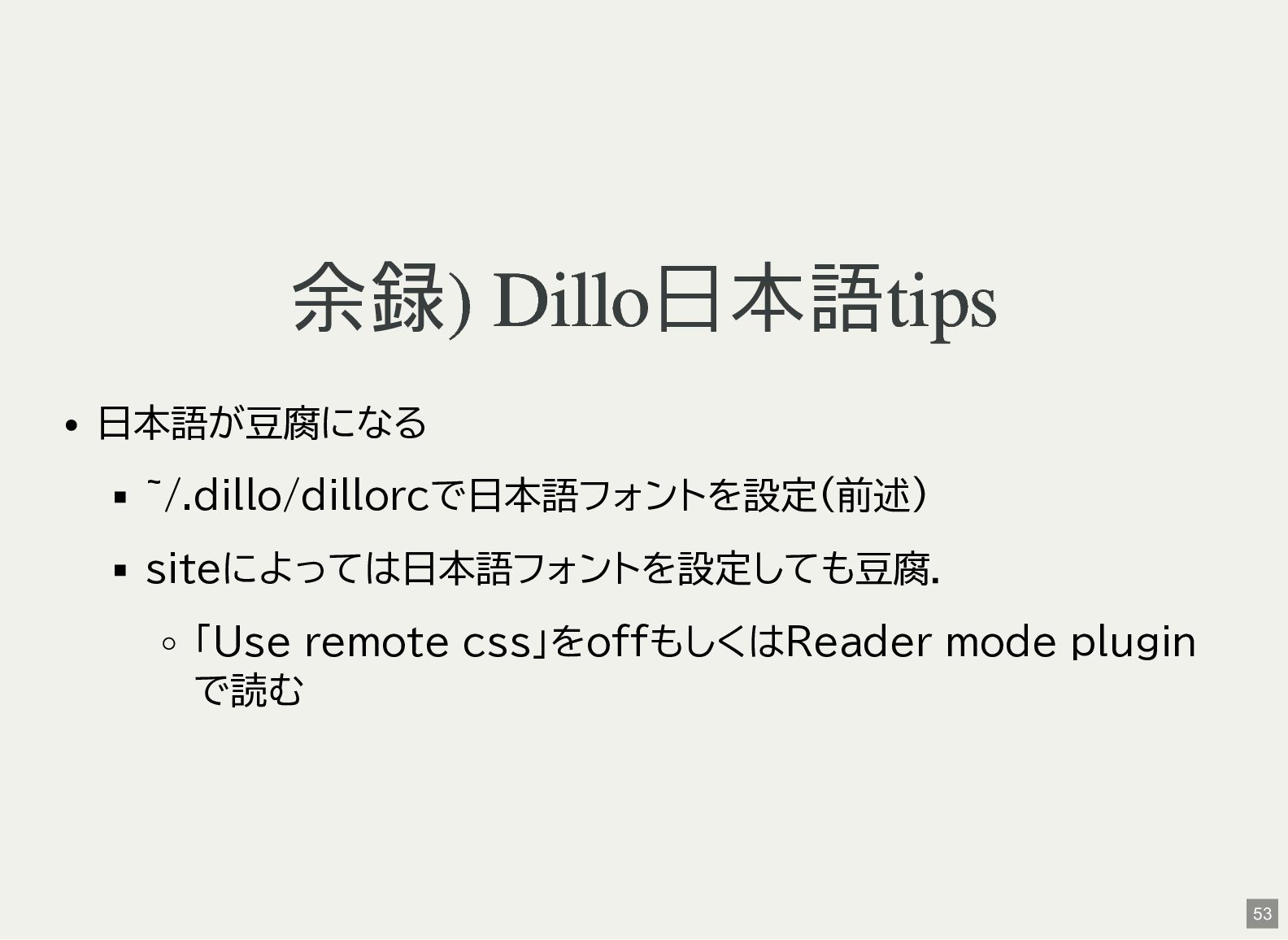
Dillo設定 既定値では日本語が豆腐になってしまうので設定で日本語フォントを 指定する 設定ファイルが無い場合はsourceディレクトリ直下の dillorc をcp して編集すると便利 $ mkdir ~/.dillo
$ install dillorc ~/.dillo/ $ editor ~/.dillo/dillorc $ diff ./dillorc ~/.dillo/dillorc 114a119,123 > font_serif="Noto Serif CJK JP" > font_sans_serif="Noto Sans CJK JP" > font_cursive="Noto Sans CJK JP" > font_fantasy="Noto Sans CJK JP" > font_monospace="Noto Serif CJK JP" 13 -
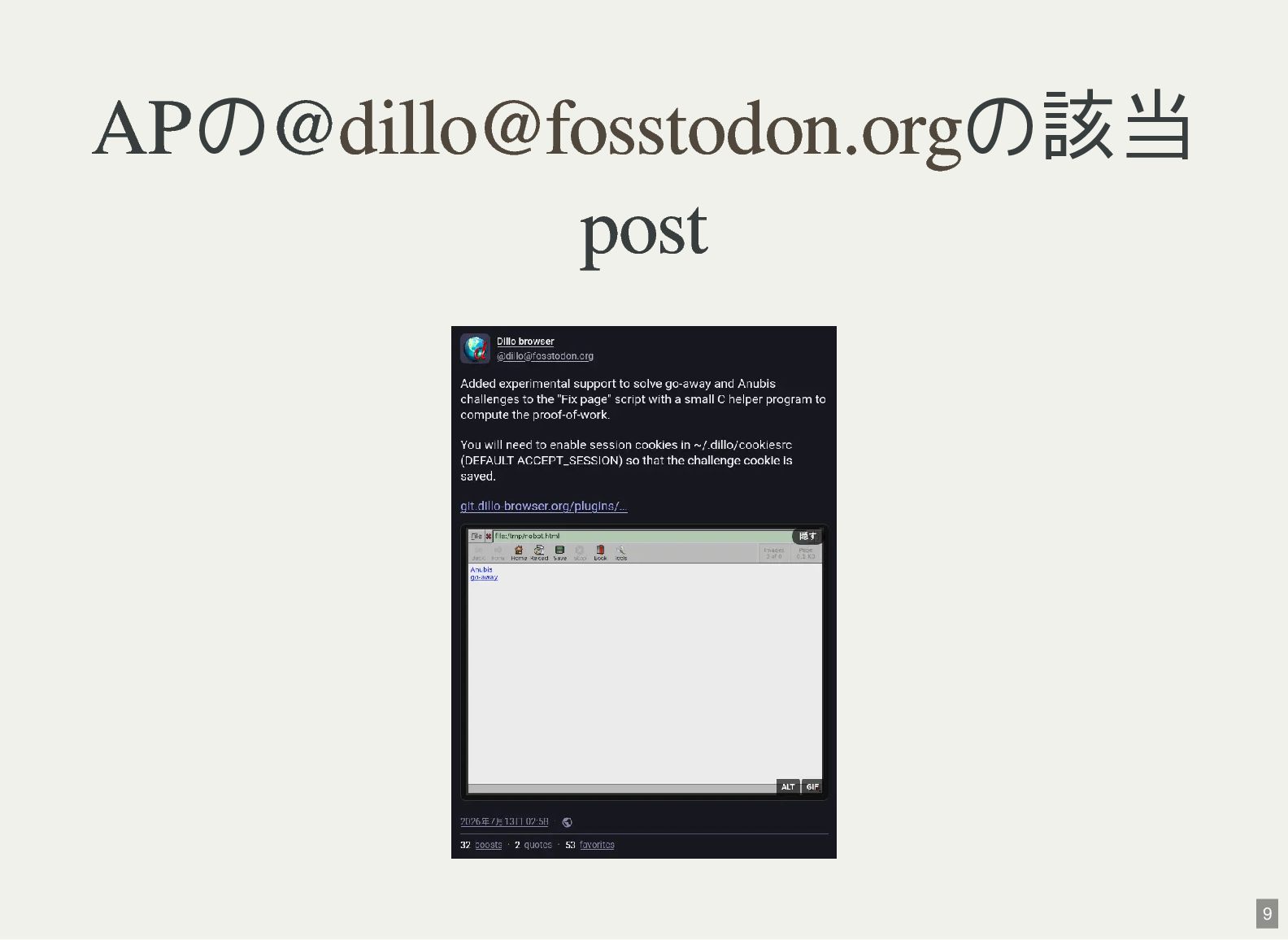
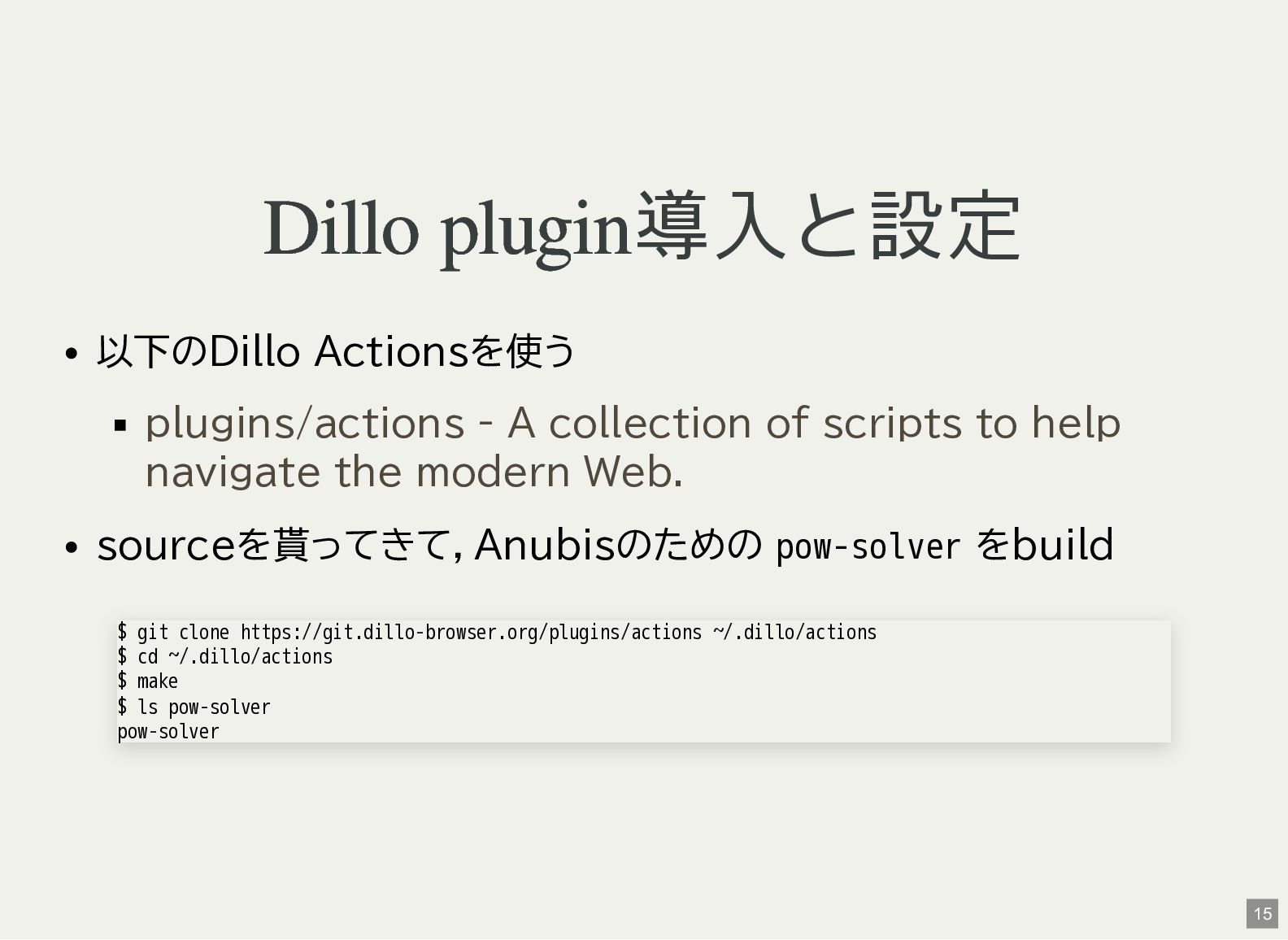
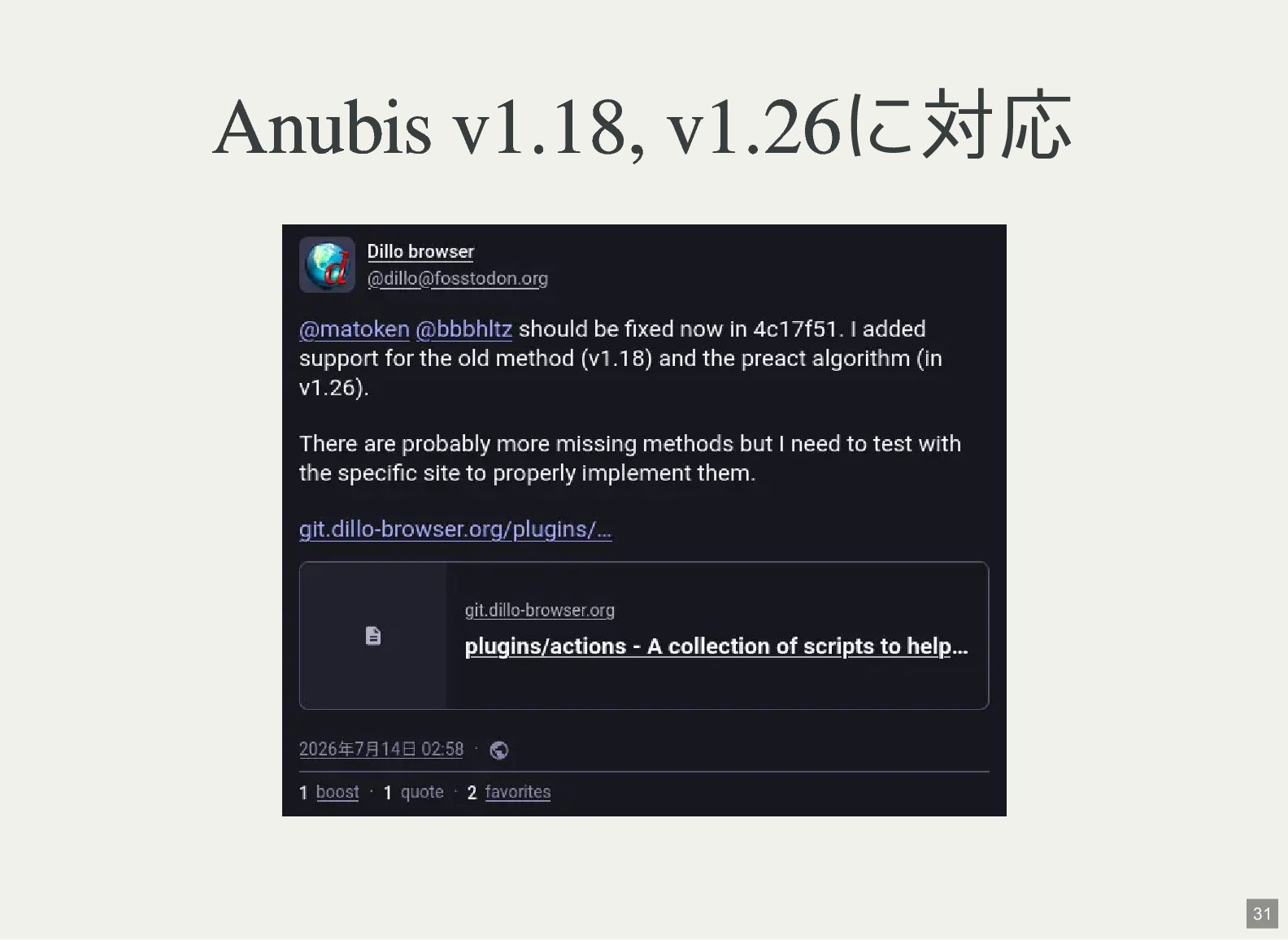
Dillo plugin導入と設定 以下のDillo Actionsを使う plugins/actions - A collection of scripts
to help navigate the modern Web. sourceを貰ってきて,Anubisのための pow-solver をbuild $ git clone https://git.dillo-browser.org/plugins/actions ~/.dillo/actions $ cd ~/.dillo/actions $ make $ ls pow-solver pow-solver 15 -
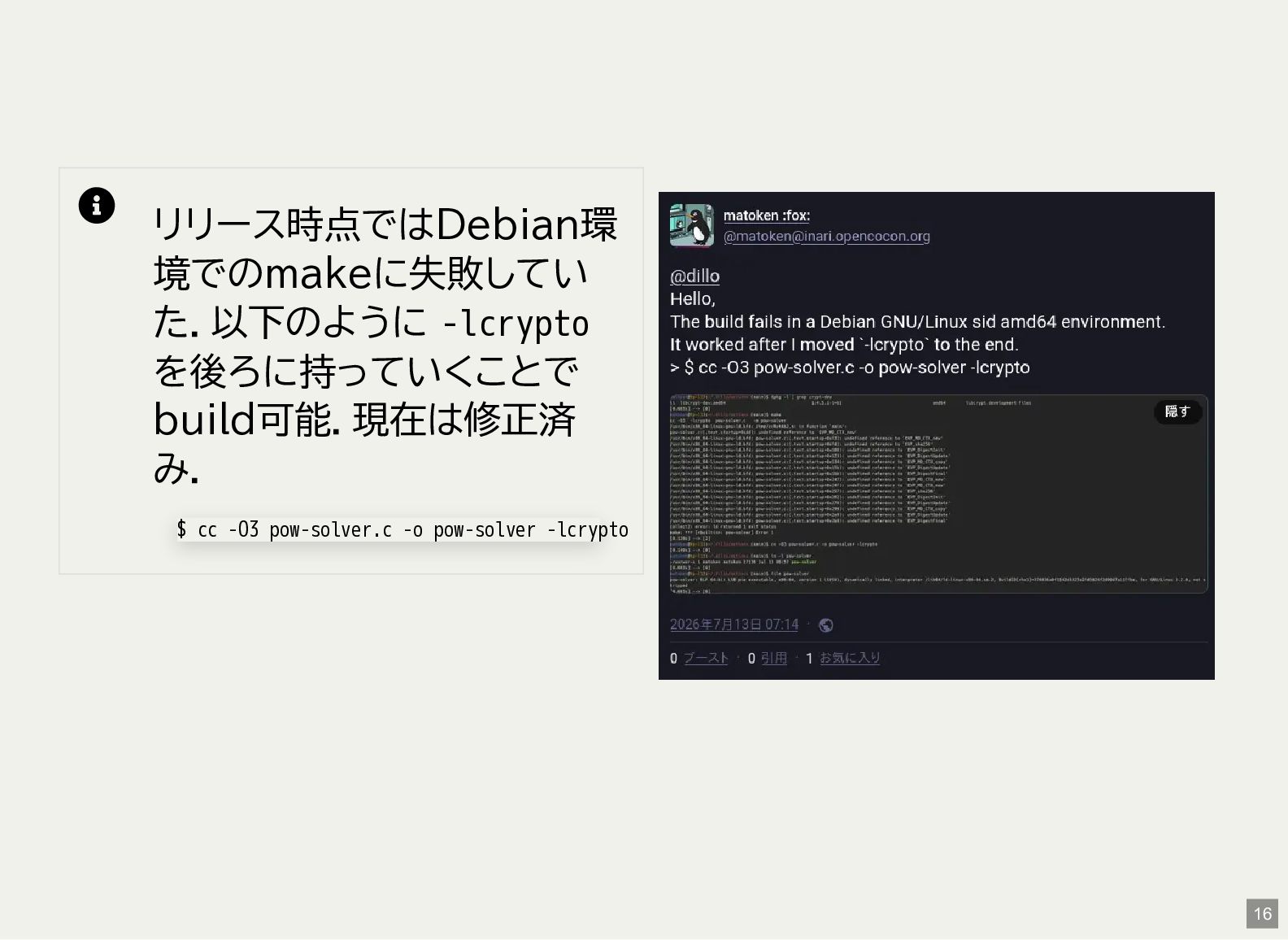
リリース時点ではDebian環 境でのmakeに失敗してい た.以下のように -lcrypto を後ろに持っていくことで build可能.現在は修正済 み. $ cc
-O3 pow-solver.c -o pow-solver -lcrypto 16 -
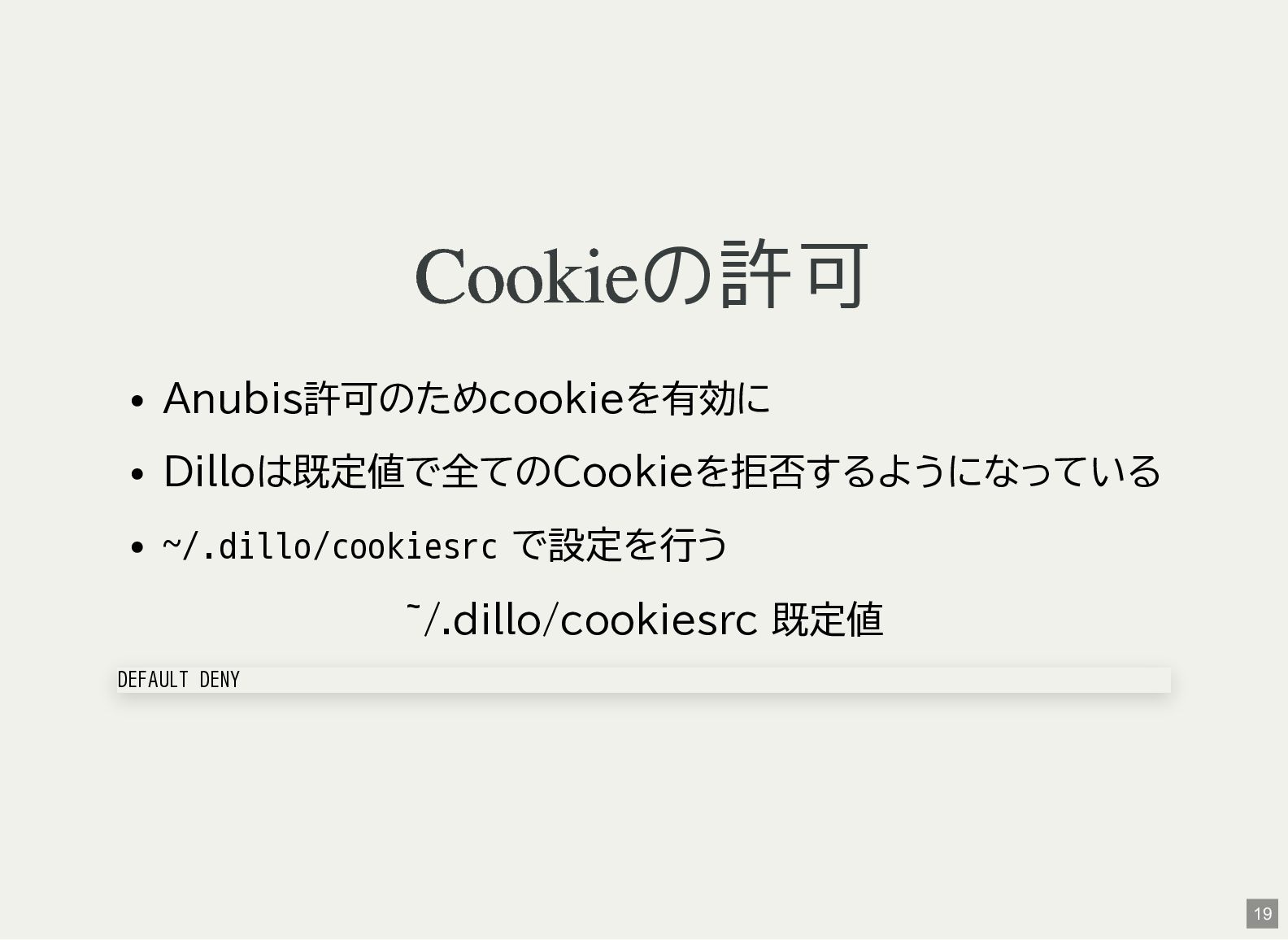
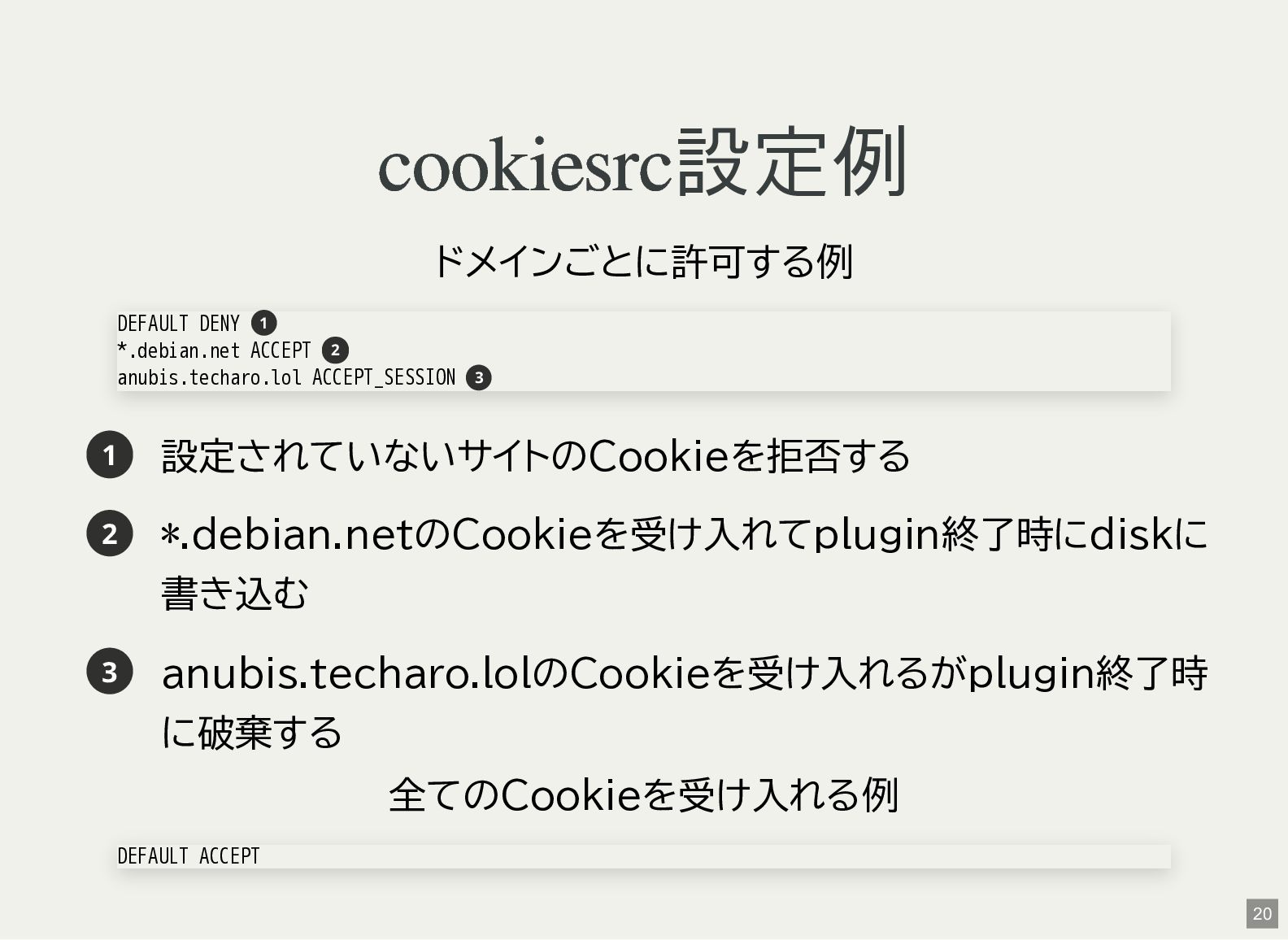
cookiesrc設定例 ドメインごとに許可する例 DEFAULT DENY 1 *.debian.net ACCEPT 2 anubis.techaro.lol ACCEPT_SESSION
3 1 設定されていないサイトのCookieを拒否する 2 *.debian.netのCookieを受け入れてplugin終了時にdiskに 書き込む 3 anubis.techaro.lolのCookieを受け入れるがplugin終了時 に破棄する 全てのCookieを受け入れる例 DEFAULT ACCEPT 20 -
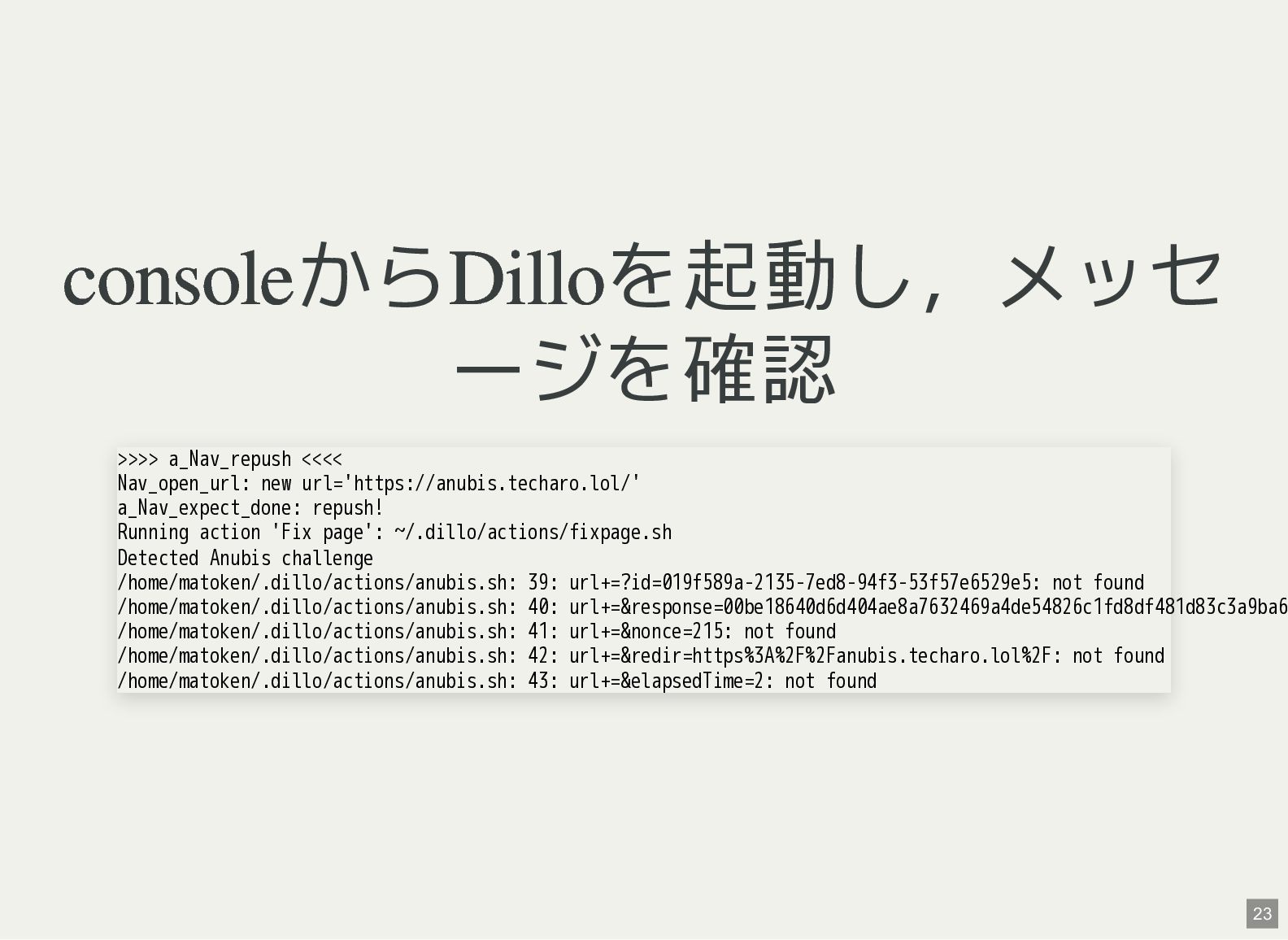
consoleからDilloを起動し,メッセ ージを確認 >>>> a_Nav_repush <<<< Nav_open_url: new url='https://anubis.techaro.lol/' a_Nav_expect_done: repush!
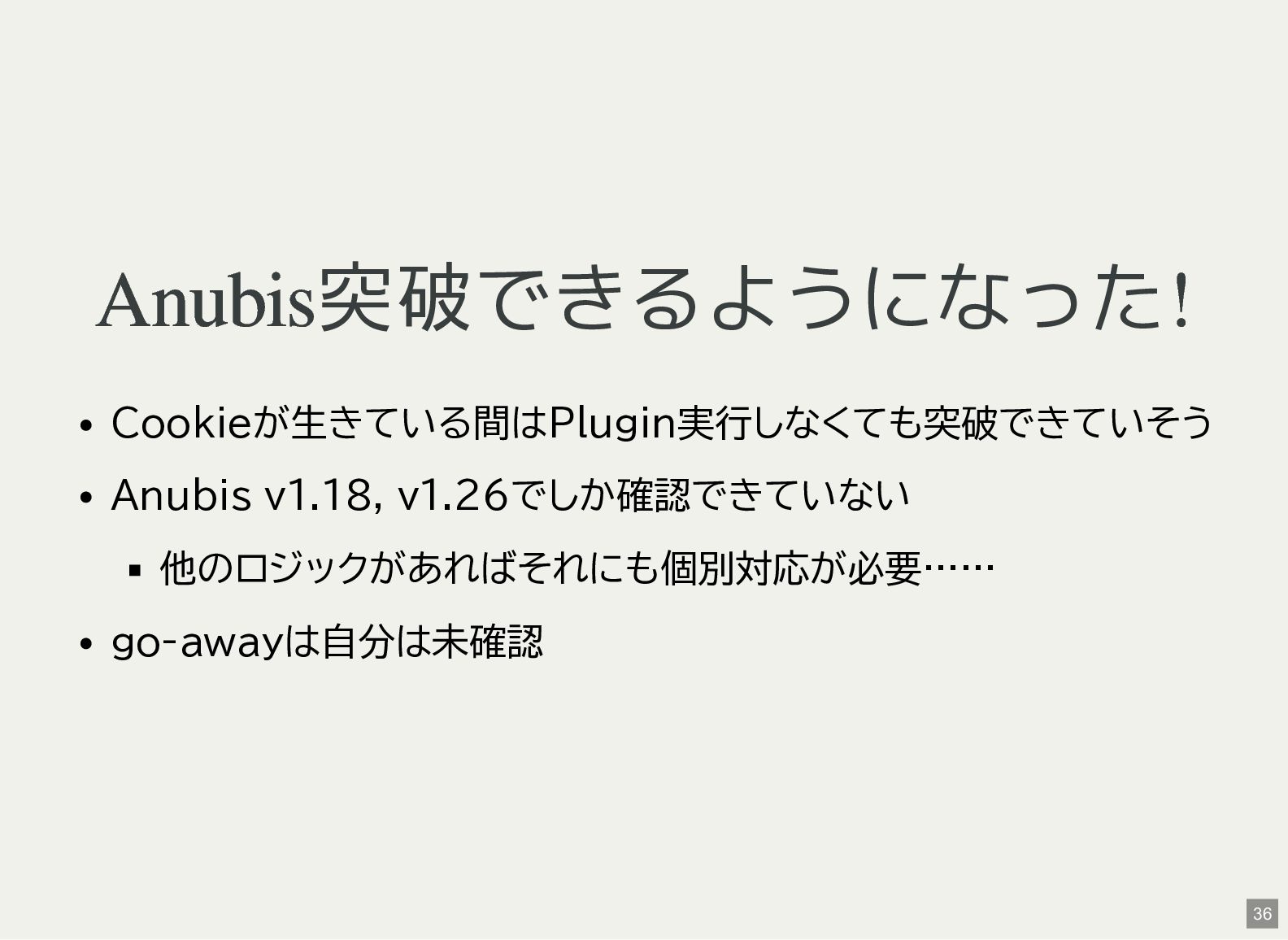
Running action 'Fix page': ~/.dillo/actions/fixpage.sh Detected Anubis challenge /home/matoken/.dillo/actions/anubis.sh: 39: url+=?id=019f589a-2135-7ed8-94f3-53f57e6529e5: not found /home/matoken/.dillo/actions/anubis.sh: 40: url+=&response=00be18640d6d404ae8a7632469a4de54826c1fd8df481d83c3a9ba6 /home/matoken/.dillo/actions/anubis.sh: 41: url+=&nonce=215: not found /home/matoken/.dillo/actions/anubis.sh: 42: url+=&redir=https%3A%2F%2Fanubis.techaro.lol%2F: not found /home/matoken/.dillo/actions/anubis.sh: 43: url+=&elapsedTime=2: not found 23 -
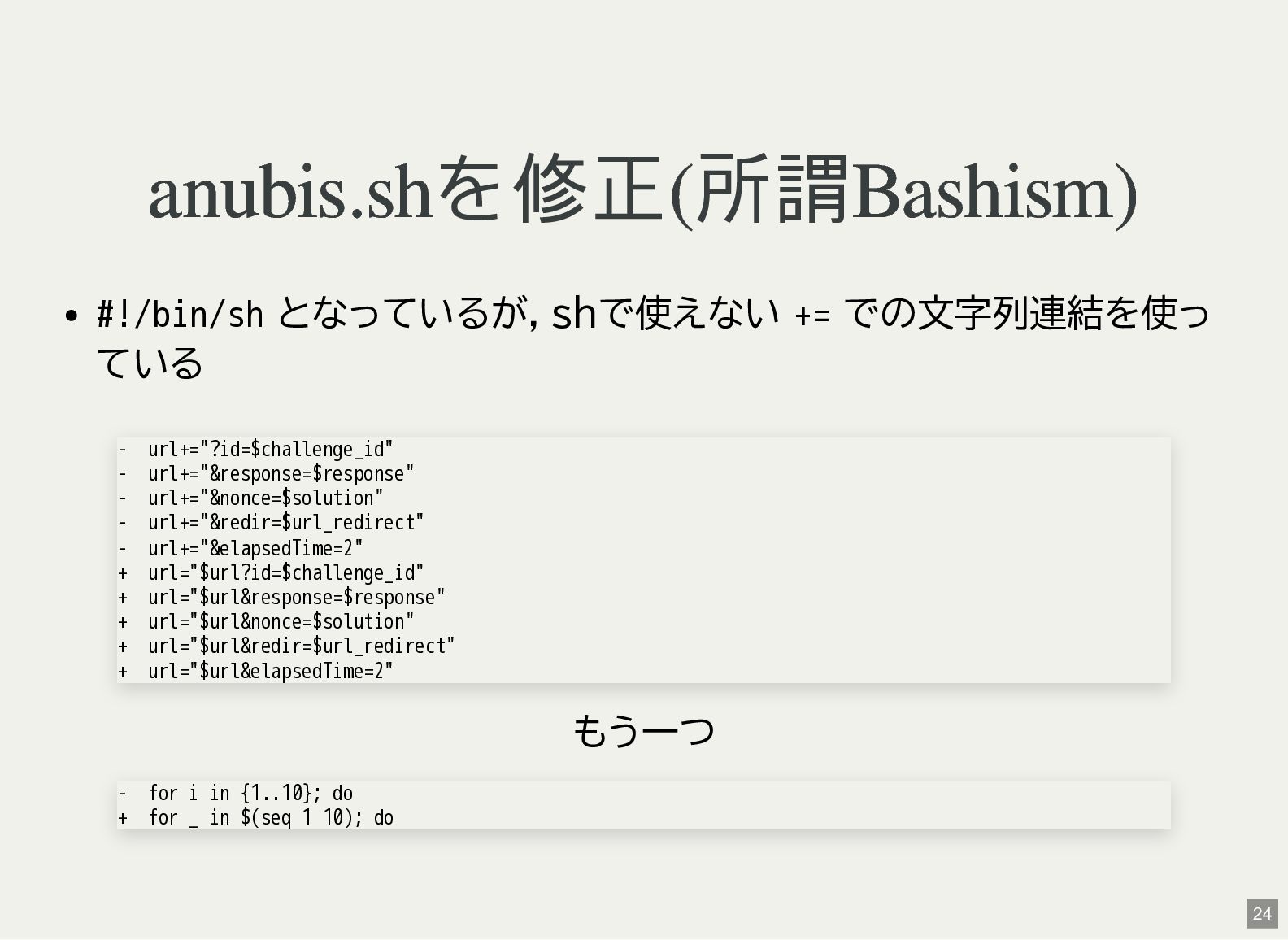
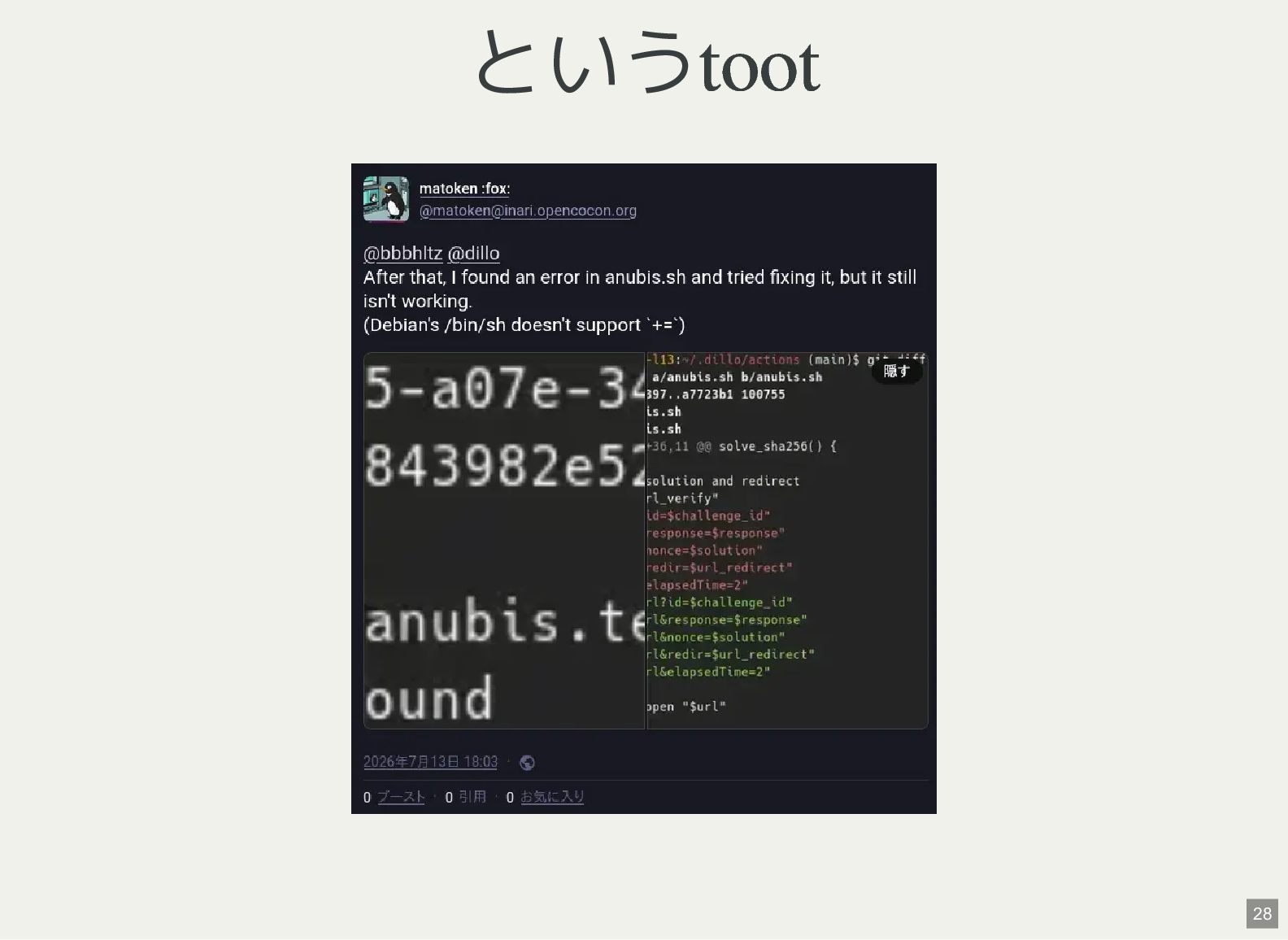
anubis.shを修正(所謂Bashism) #!/bin/sh となっているが,shで使えない += での文字列連結を使っ ている + + + +
+ url+="?id=$challenge_id" url+="&response=$response" url+="&nonce=$solution" url+="&redir=$url_redirect" url+="&elapsedTime=2" url="$url?id=$challenge_id" url="$url&response=$response" url="$url&nonce=$solution" url="$url&redir=$url_redirect" url="$url&elapsedTime=2" もう一つ - for i in {1..10}; do + for _ in $(seq 1 10); do 24 -
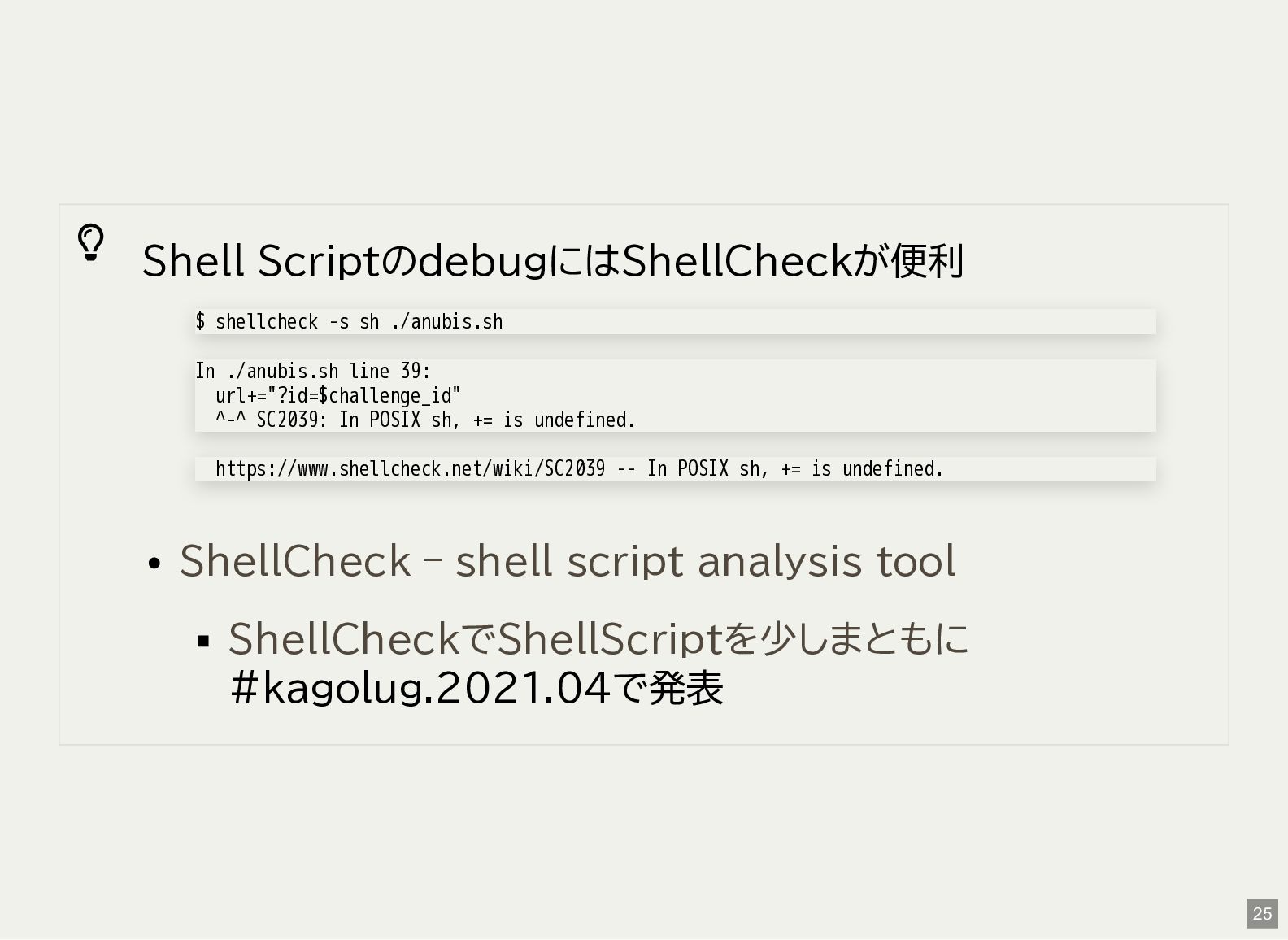
Shell ScriptのdebugにはShellCheckが便利 $ shellcheck -s sh ./anubis.sh In ./anubis.sh
line 39: url+="?id=$challenge_id" ^-^ SC2039: In POSIX sh, += is undefined. https://www.shellcheck.net/wiki/SC2039 -- In POSIX sh, += is undefined. ShellCheck – shell script analysis tool ShellCheckでShellScriptを少しまともに #kagolug.2021.04で発表 25 -
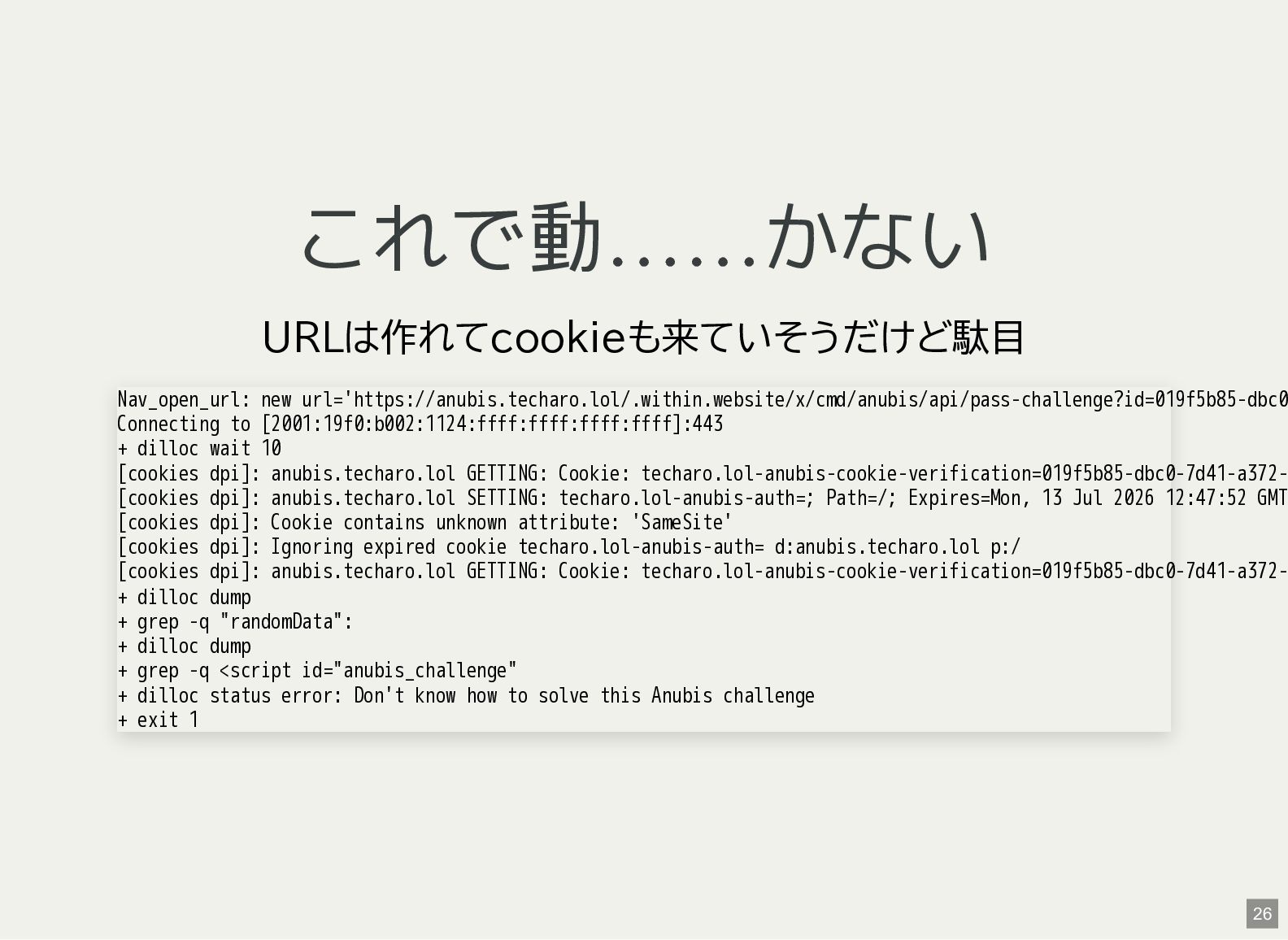
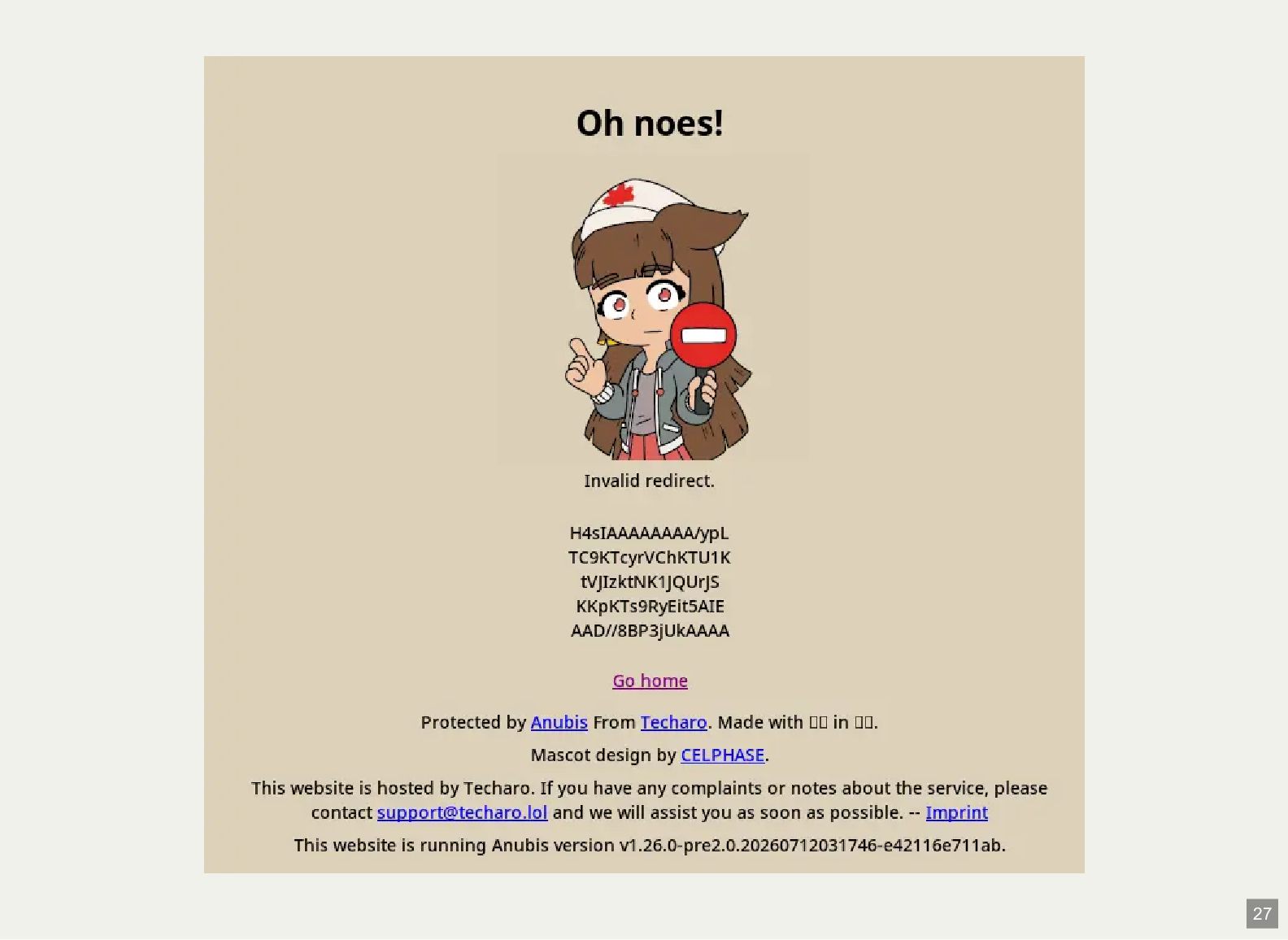
これで動……かない URLは作れてcookieも来ていそうだけど駄目 Nav_open_url: new url='https://anubis.techaro.lol/.within.website/x/cmd/anubis/api/pass-challenge?id=019f5b85-dbc0 Connecting to [2001:19f0:b002:1124:ffff:ffff:ffff:ffff]:443 + dilloc
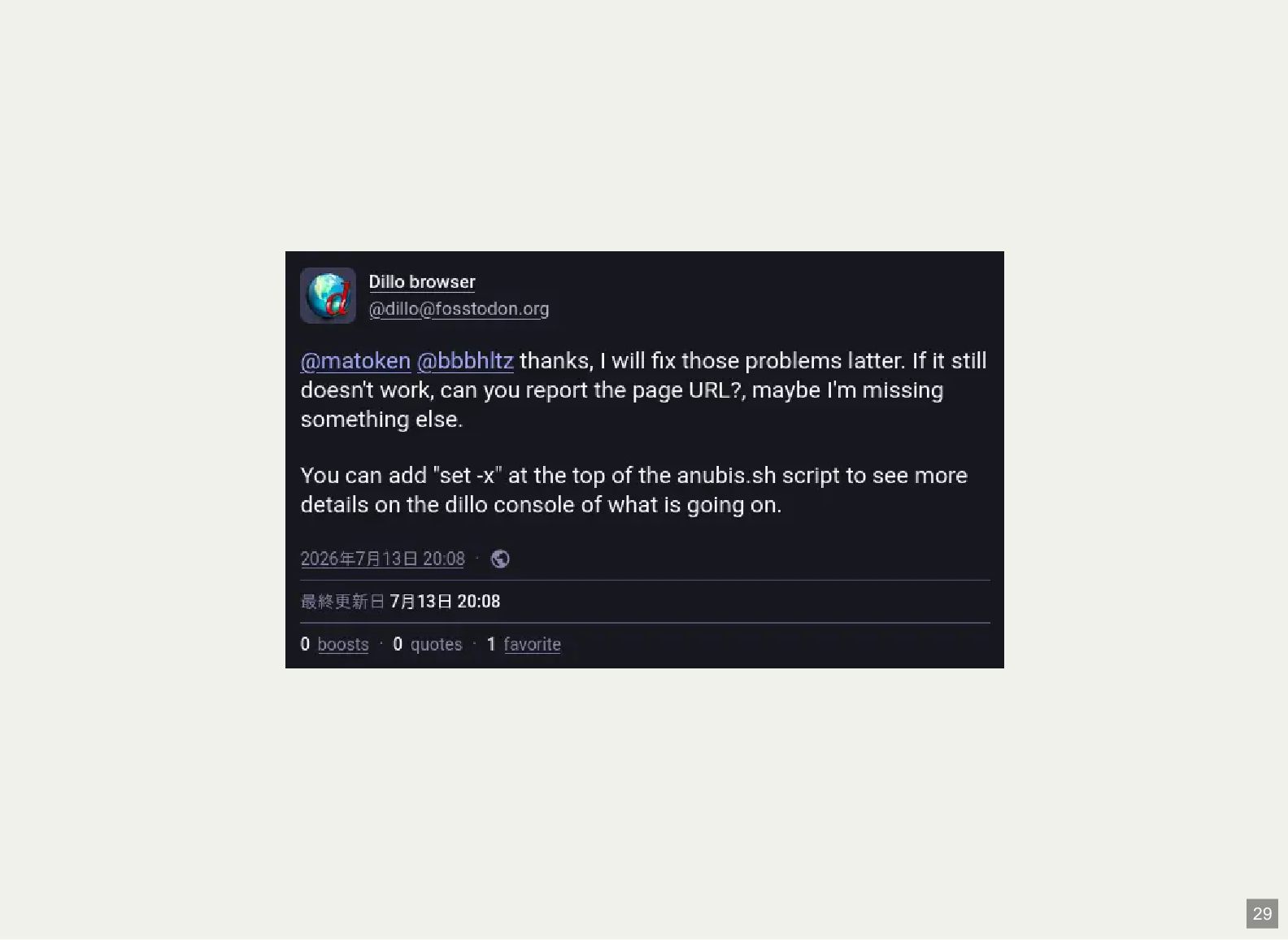
wait 10 [cookies dpi]: anubis.techaro.lol GETTING: Cookie: techaro.lol-anubis-cookie-verification=019f5b85-dbc0-7d41-a372[cookies dpi]: anubis.techaro.lol SETTING: techaro.lol-anubis-auth=; Path=/; Expires=Mon, 13 Jul 2026 12:47:52 GMT [cookies dpi]: Cookie contains unknown attribute: 'SameSite' [cookies dpi]: Ignoring expired cookie techaro.lol-anubis-auth= d:anubis.techaro.lol p:/ [cookies dpi]: anubis.techaro.lol GETTING: Cookie: techaro.lol-anubis-cookie-verification=019f5b85-dbc0-7d41-a372+ dilloc dump + grep -q "randomData": + dilloc dump + grep -q <script id="anubis_challenge" + dilloc status error: Don't know how to solve this Anubis challenge + exit 1 26 -
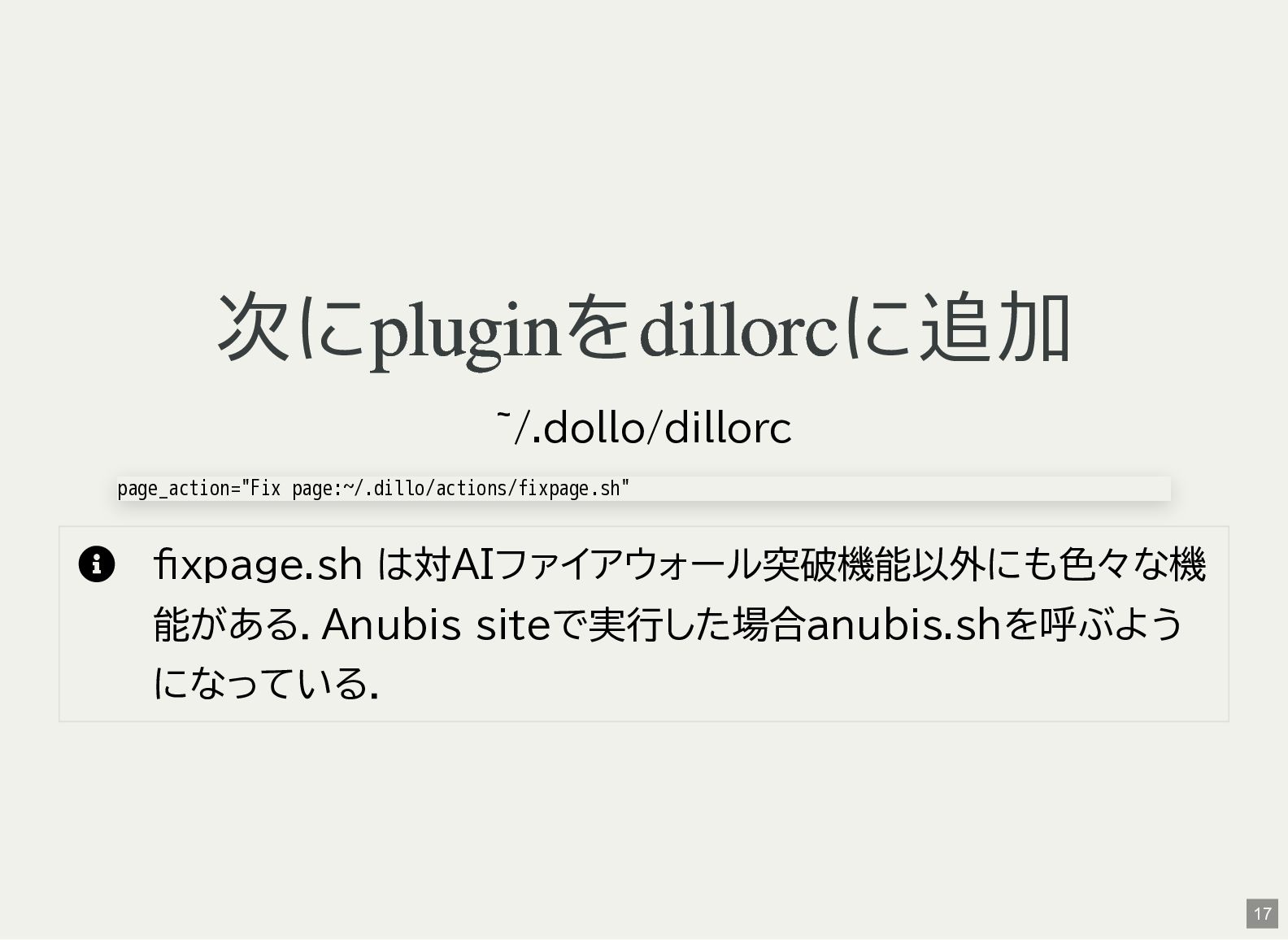
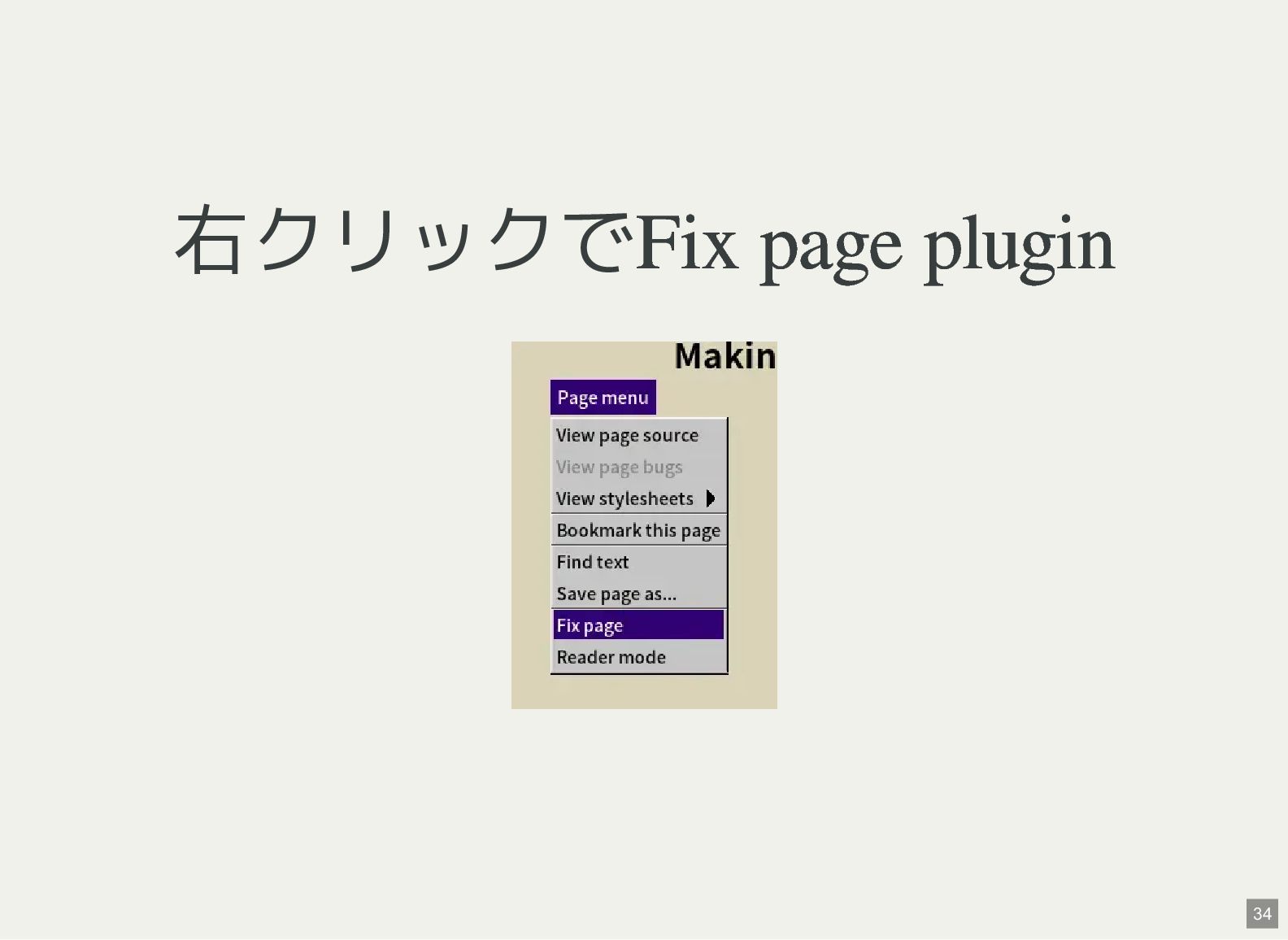
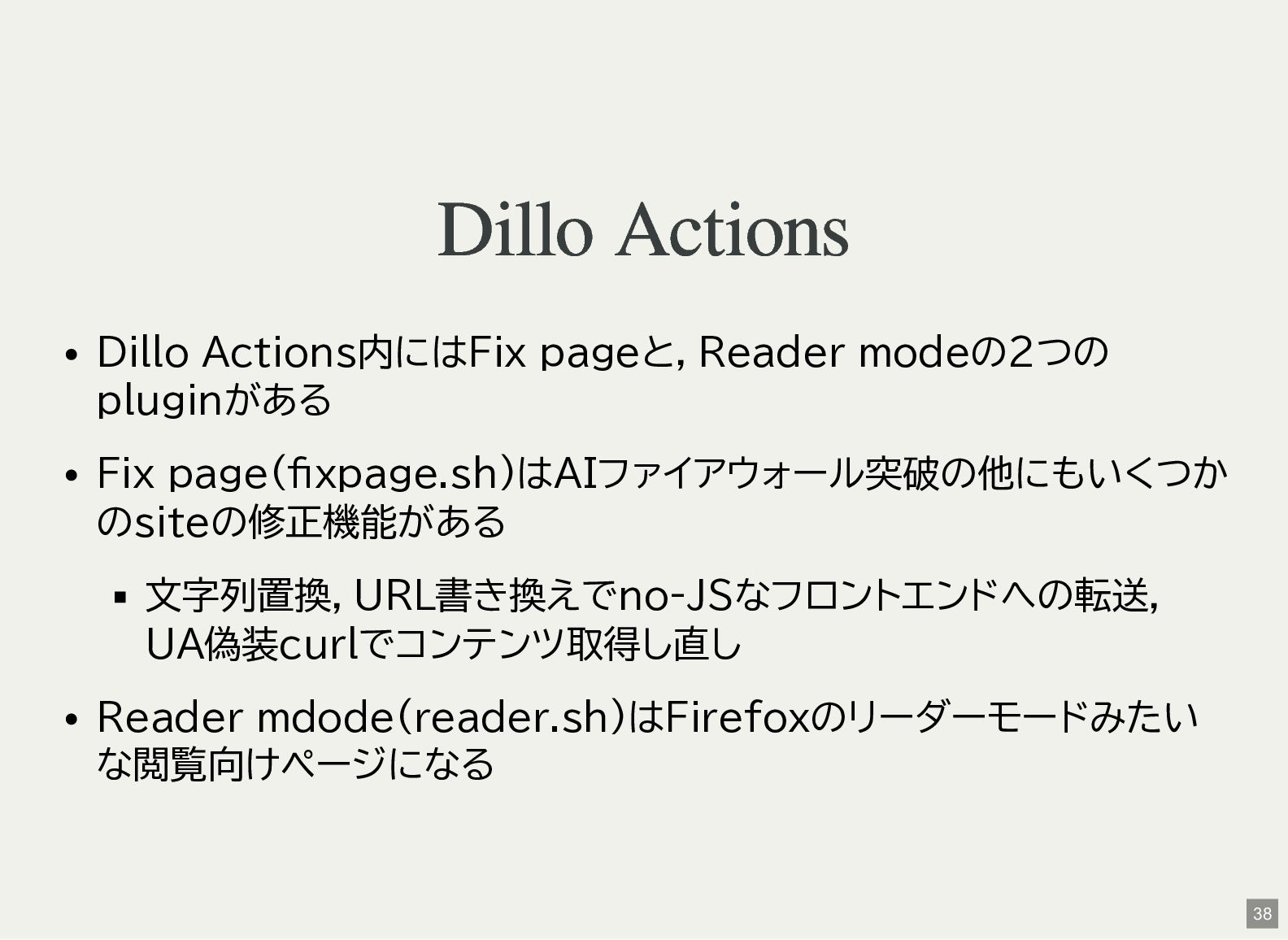
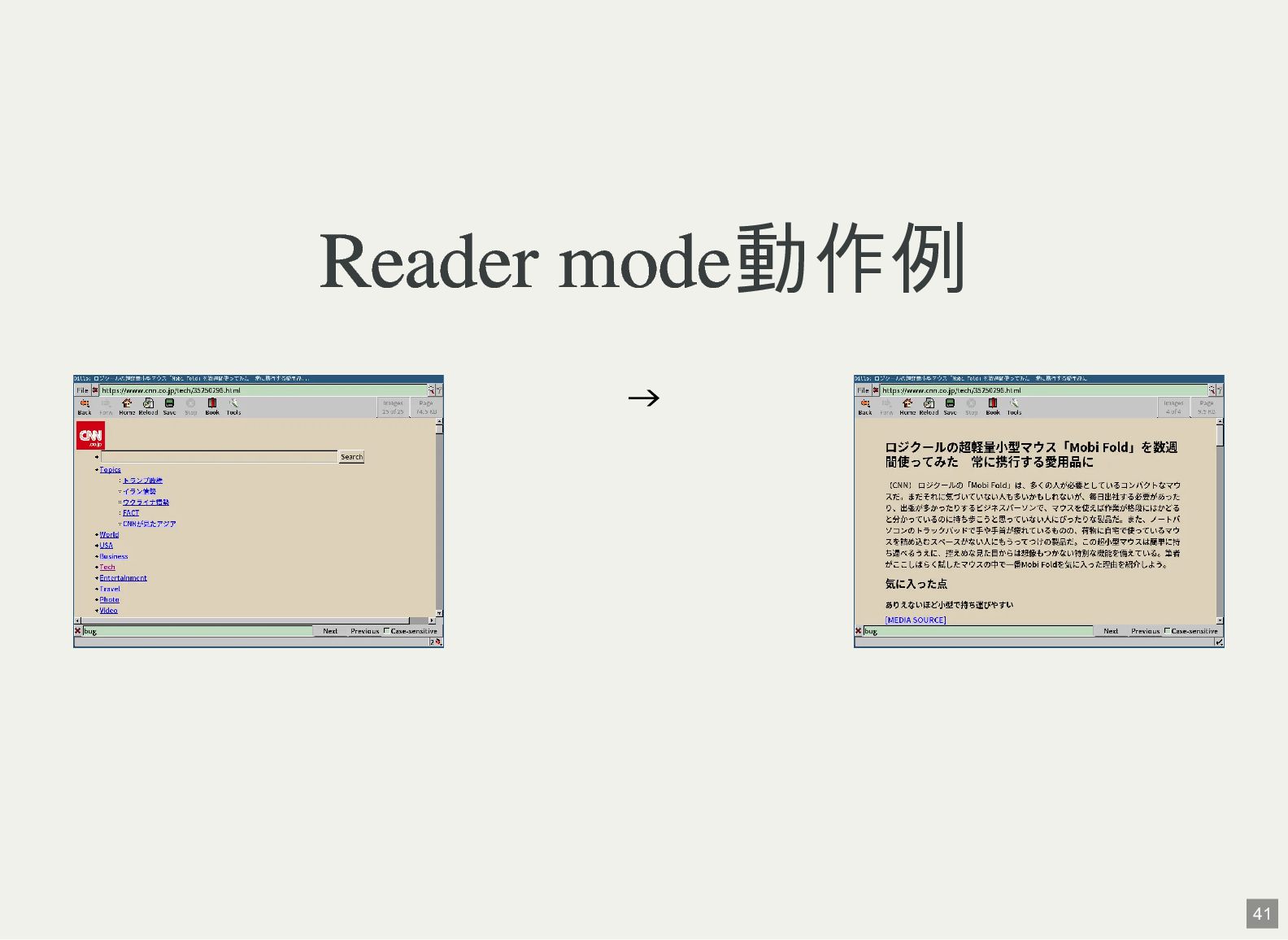
Dillo Actions Dillo Actions内にはFix pageと,Reader modeの2つの pluginがある Fix page(fixpage.sh)はAIファイアウォール突破の他にもいくつか のsiteの修正機能がある
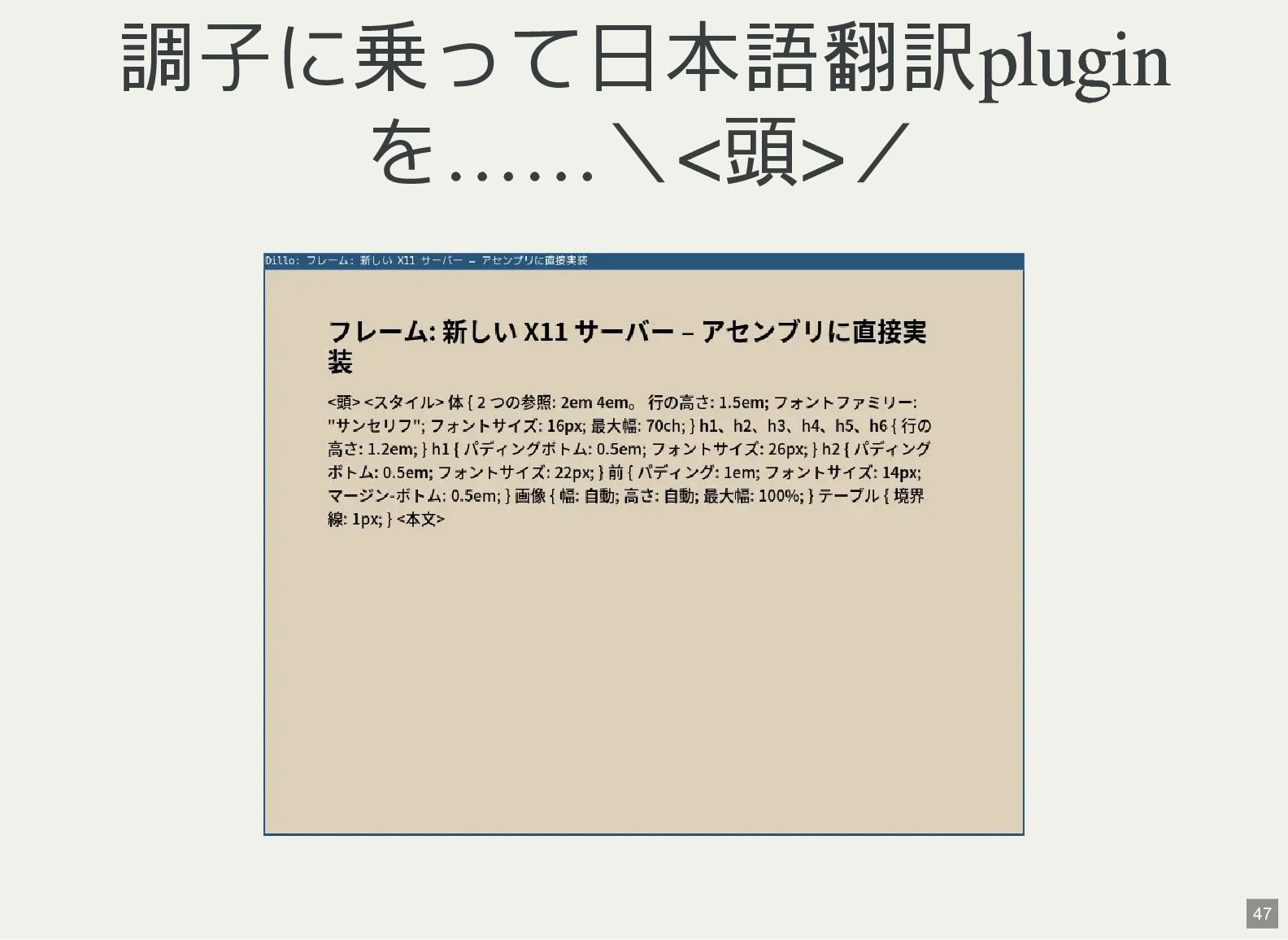
文字列置換,URL書き換えでno-JSなフロントエンドへの転送, UA偽装curlでコンテンツ取得し直し Reader mdode(reader.sh)はFirefoxのリーダーモードみたい な閲覧向けページになる 38 -
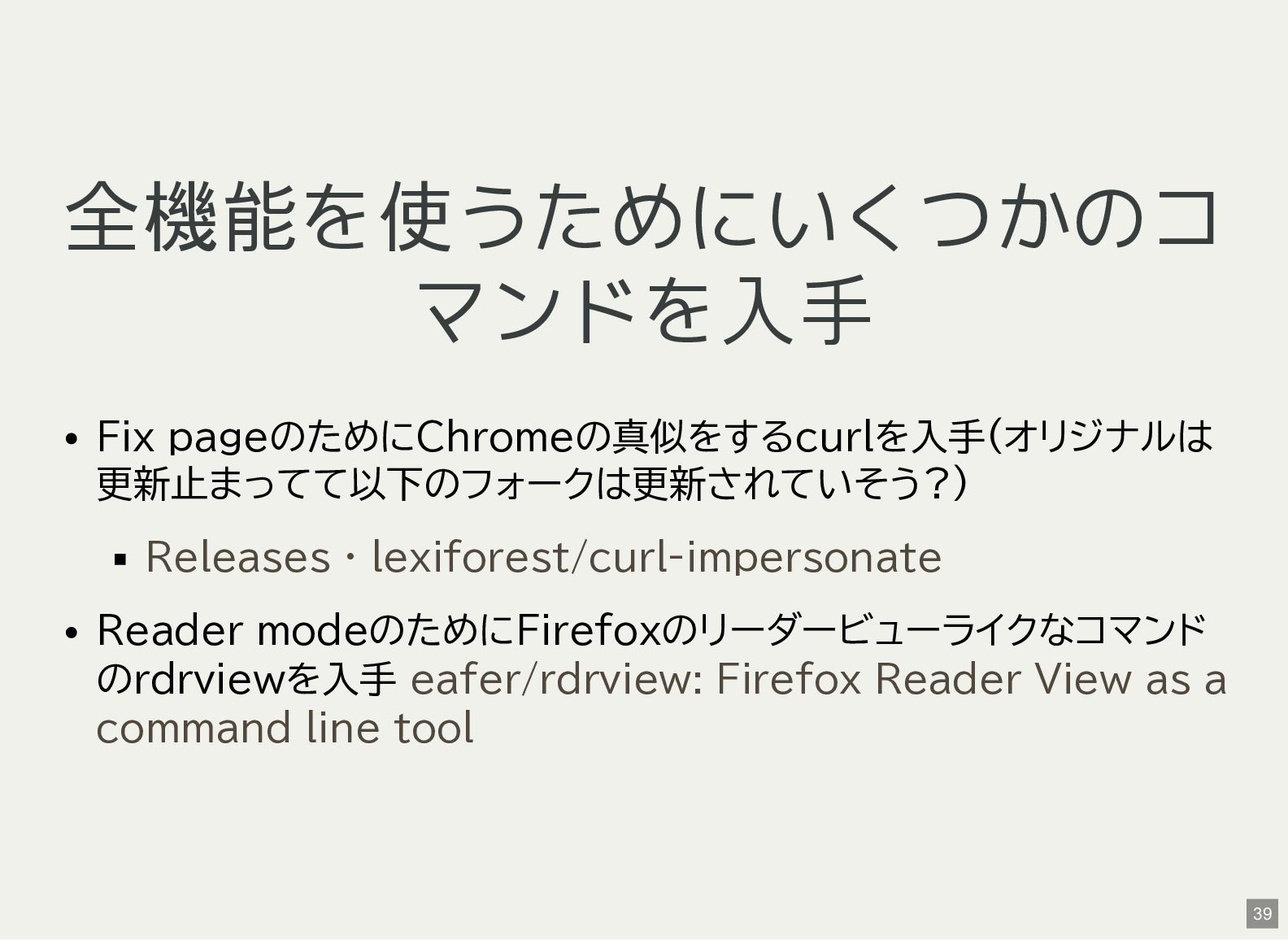
全機能を使うためにいくつかのコ マンドを入手 Fix pageのためにChromeの真似をするcurlを入手(オリジナルは 更新止まってて以下のフォークは更新されていそう?) Releases · lexiforest/curl-impersonate Reader modeのためにFirefoxのリーダービューライクなコマンド
のrdrviewを入手 eafer/rdrview: Firefox Reader View as a command line tool 39 -
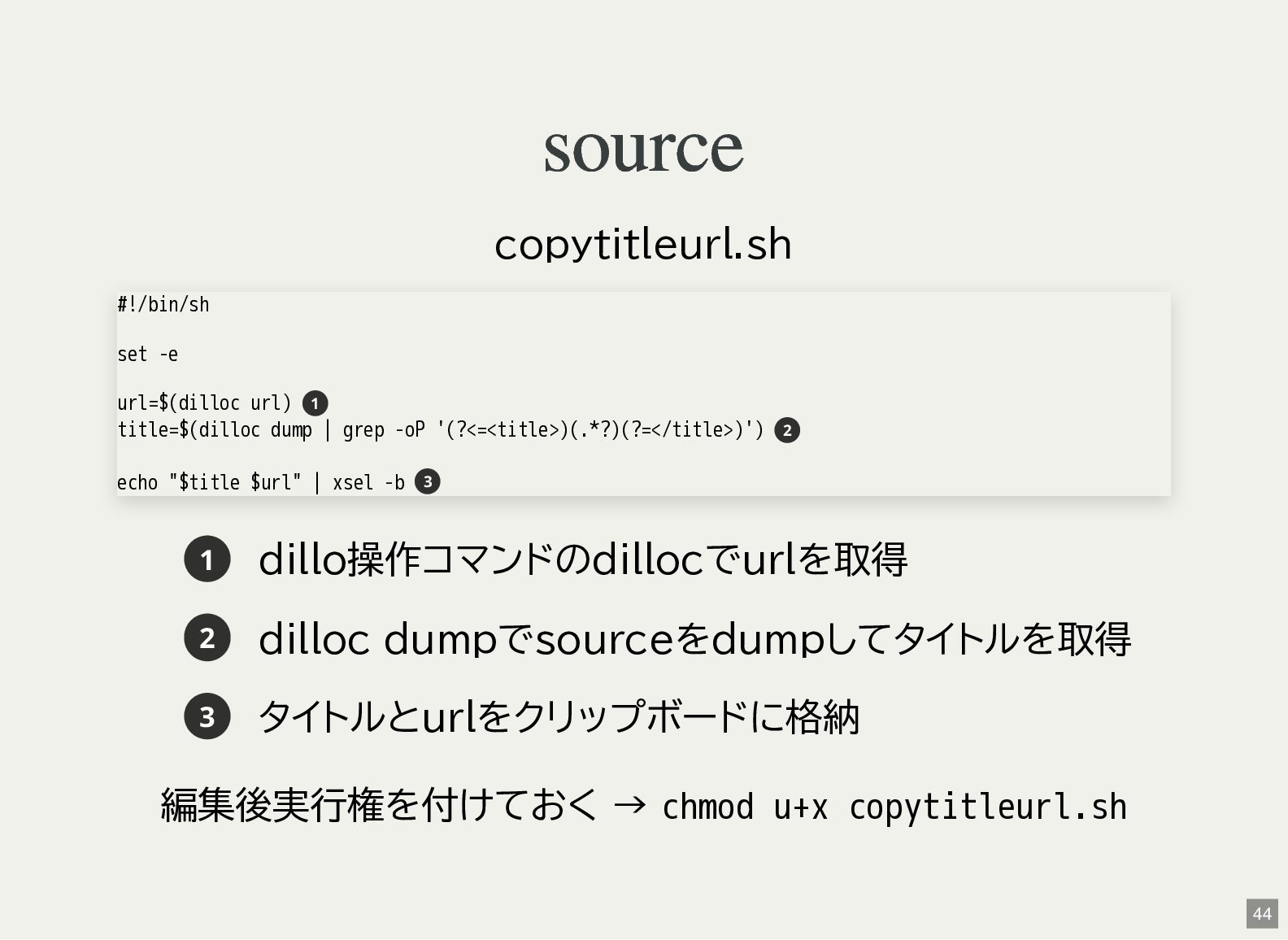
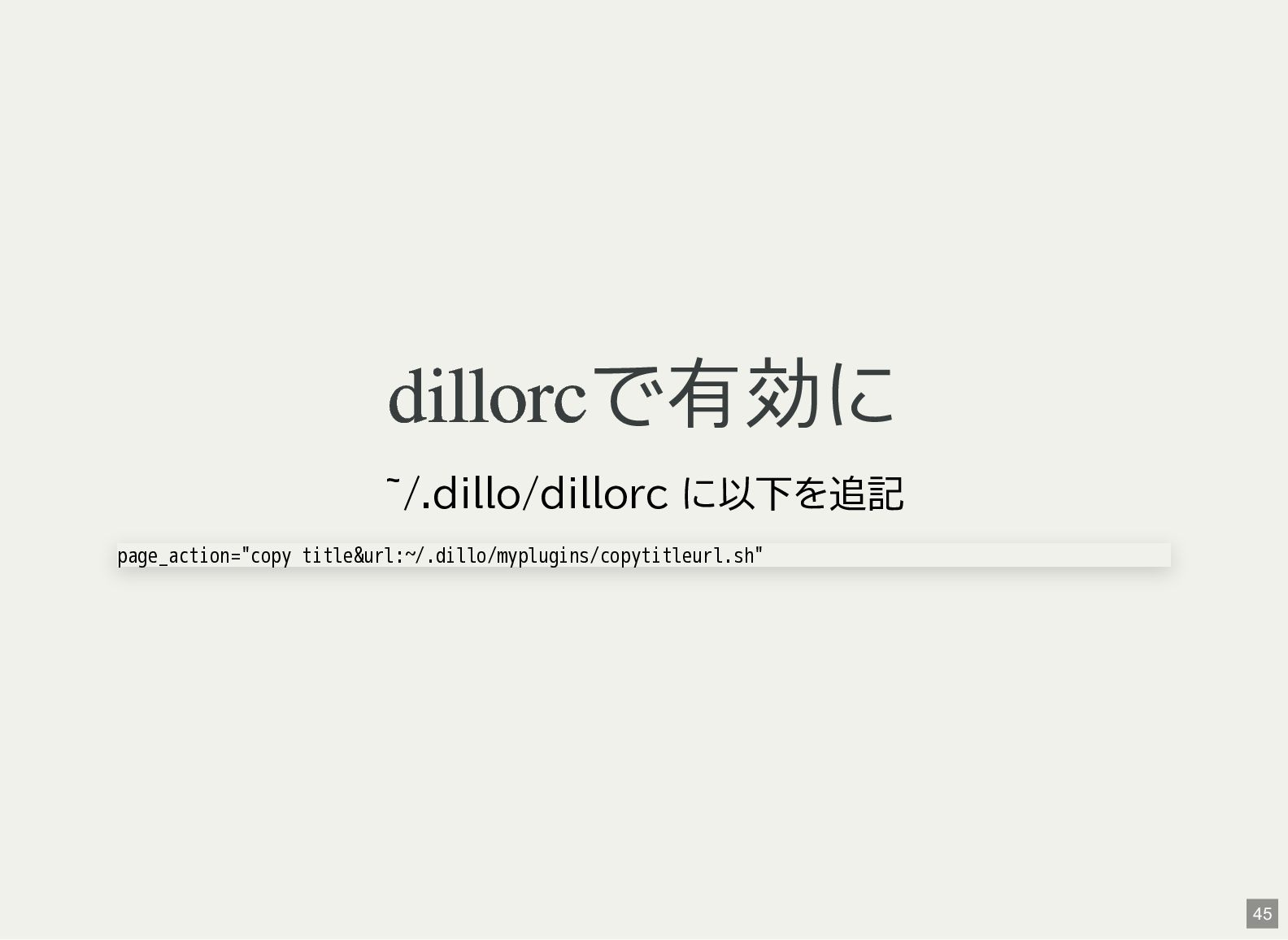
source copytitleurl.sh #!/bin/sh set -e url=$(dilloc url) 1 title=$(dilloc dump
| grep -oP '(?<=<title>)(.*?)(?=</title>)') echo "$title $url" | xsel -b 2 3 1 dillo操作コマンドのdillocでurlを取得 2 dilloc dumpでsourceをdumpしてタイトルを取得 3 タイトルとurlをクリップボードに格納 編集後実行権を付けておく → chmod u+x copytitleurl.sh 44 -
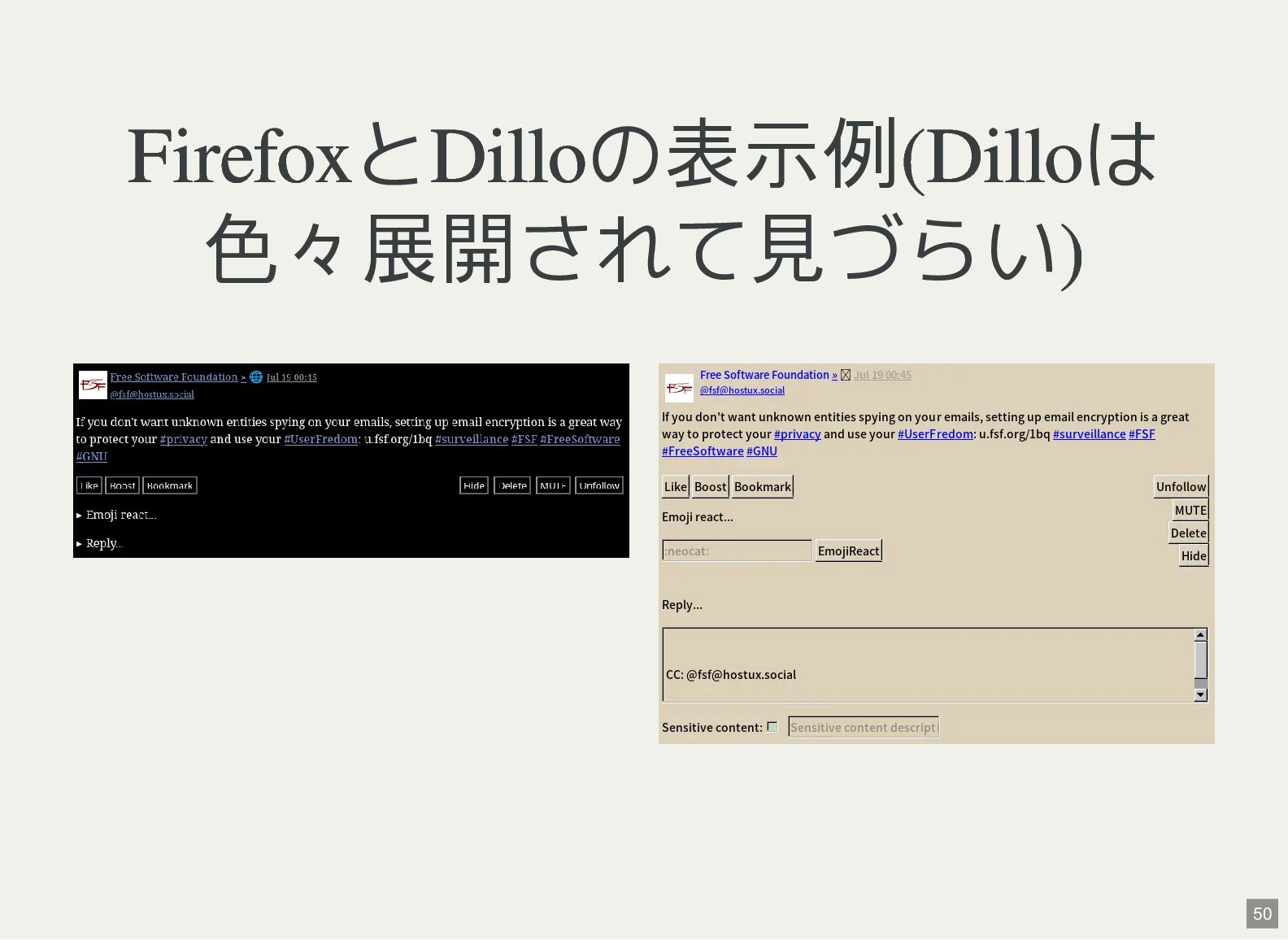
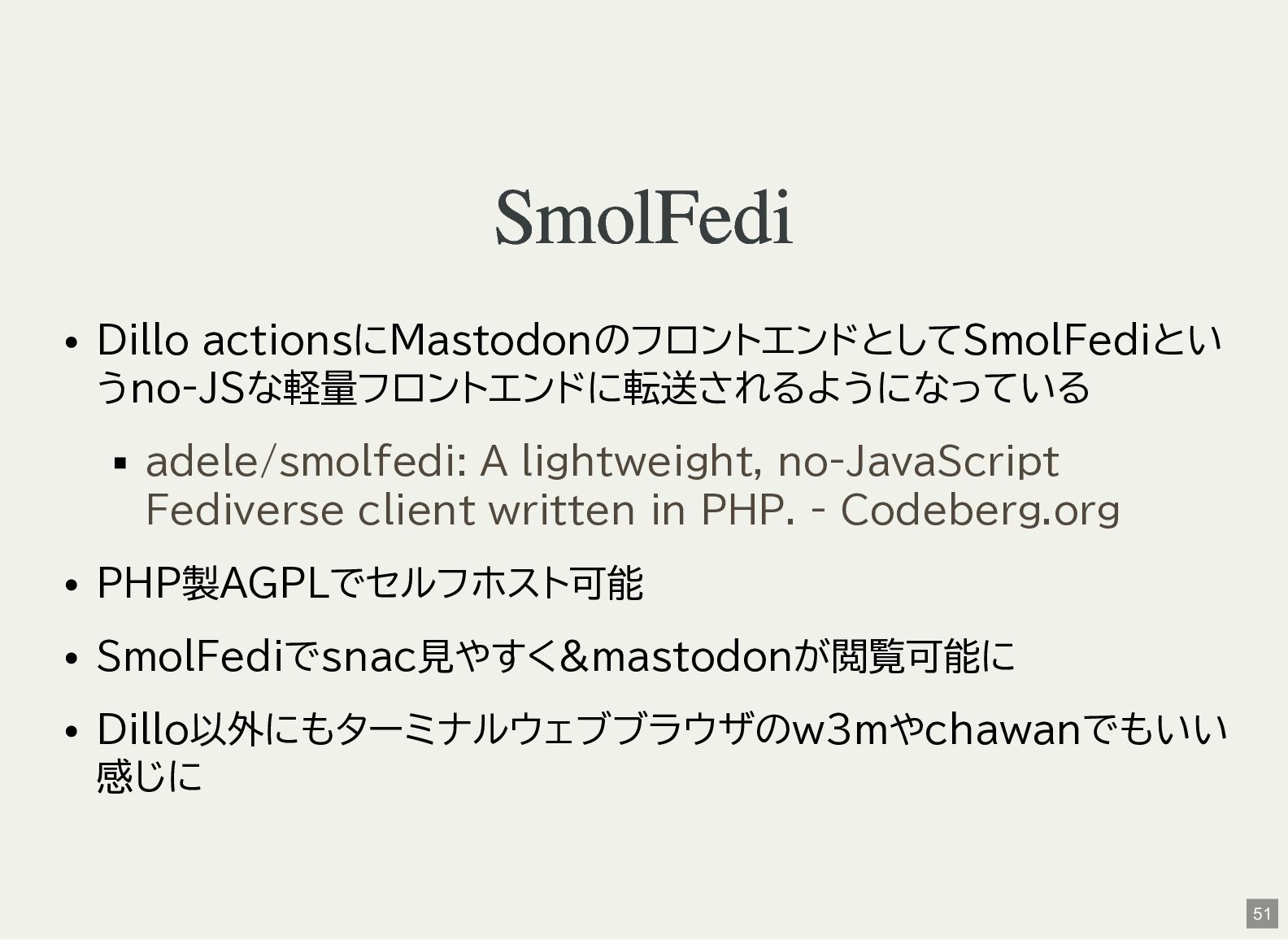
SmolFedi Dillo actionsにMastodonのフロントエンドとしてSmolFediとい うno-JSな軽量フロントエンドに転送されるようになっている adele/smolfedi: A lightweight, no-JavaScript Fediverse client
written in PHP. - Codeberg.org PHP製AGPLでセルフホスト可能 SmolFediでsnac見やすく&mastodonが閲覧可能に Dillo以外にもターミナルウェブブラウザのw3mやchawanでもいい 感じに 51 -
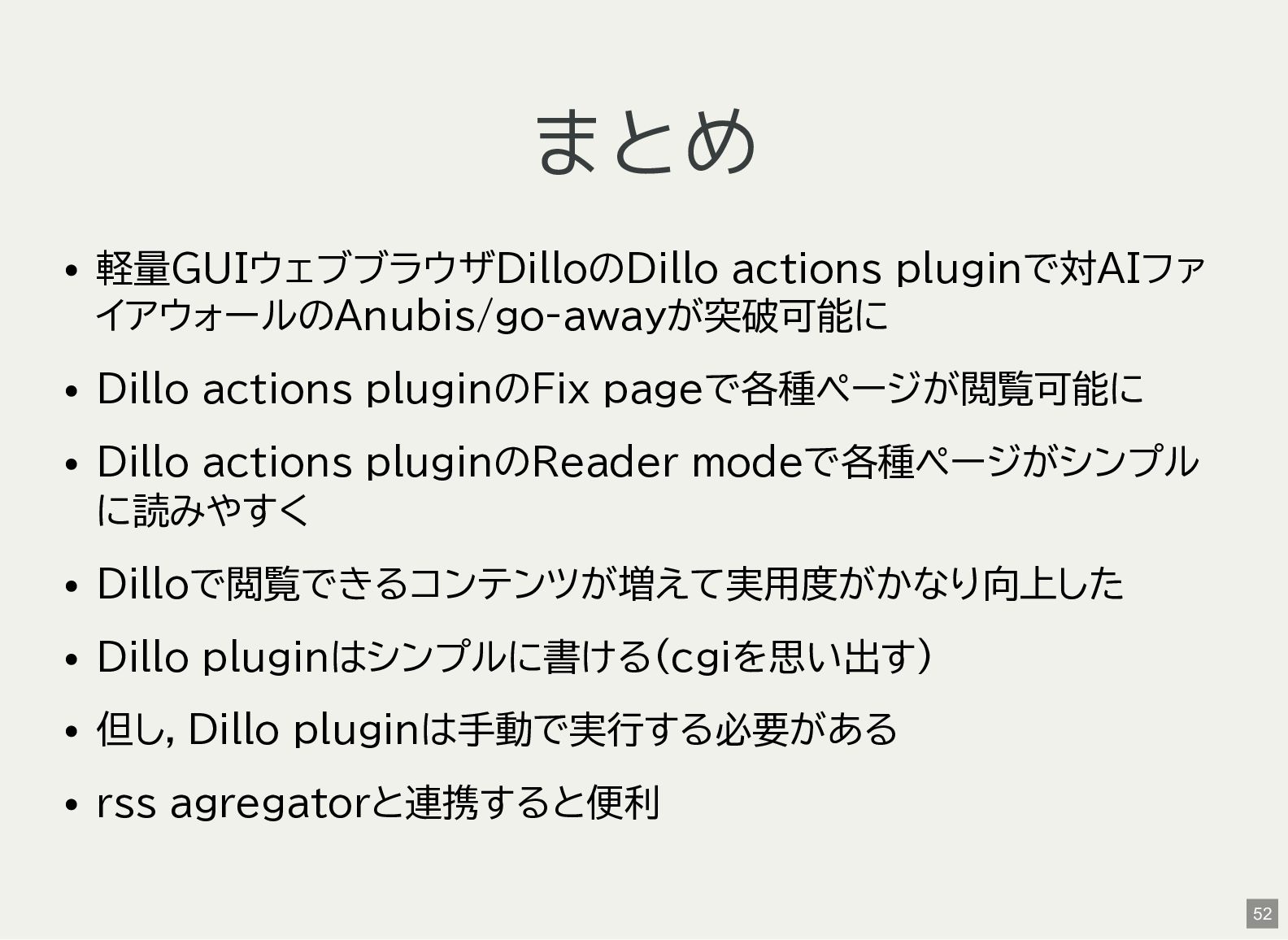
まとめ 軽量GUIウェブブラウザDilloのDillo actions pluginで対AIファ イアウォールのAnubis/go-awayが突破可能に Dillo actions pluginのFix pageで各種ページが閲覧可能に Dillo
actions pluginのReader modeで各種ページがシンプル に読みやすく Dilloで閲覧できるコンテンツが増えて実用度がかなり向上した Dillo pluginはシンプルに書ける(cgiを思い出す) 但し,Dillo pluginは手動で実行する必要がある rss agregatorと連携すると便利 52 -
奥付 発表 鹿児島Linux勉強会 2026.07(オンライン開催) 2026-0718(sun) 発表者 Kenichiro Matohara(matoken) 利用ソフトウェア NeoVim
+ textlint + Asciidoctor Reveal.js ライセンス CC BY 4.0 54