Upgrade to Pro — share decks privately, control downloads, hide ads and more …

Gemini for developers

Gemini for developers

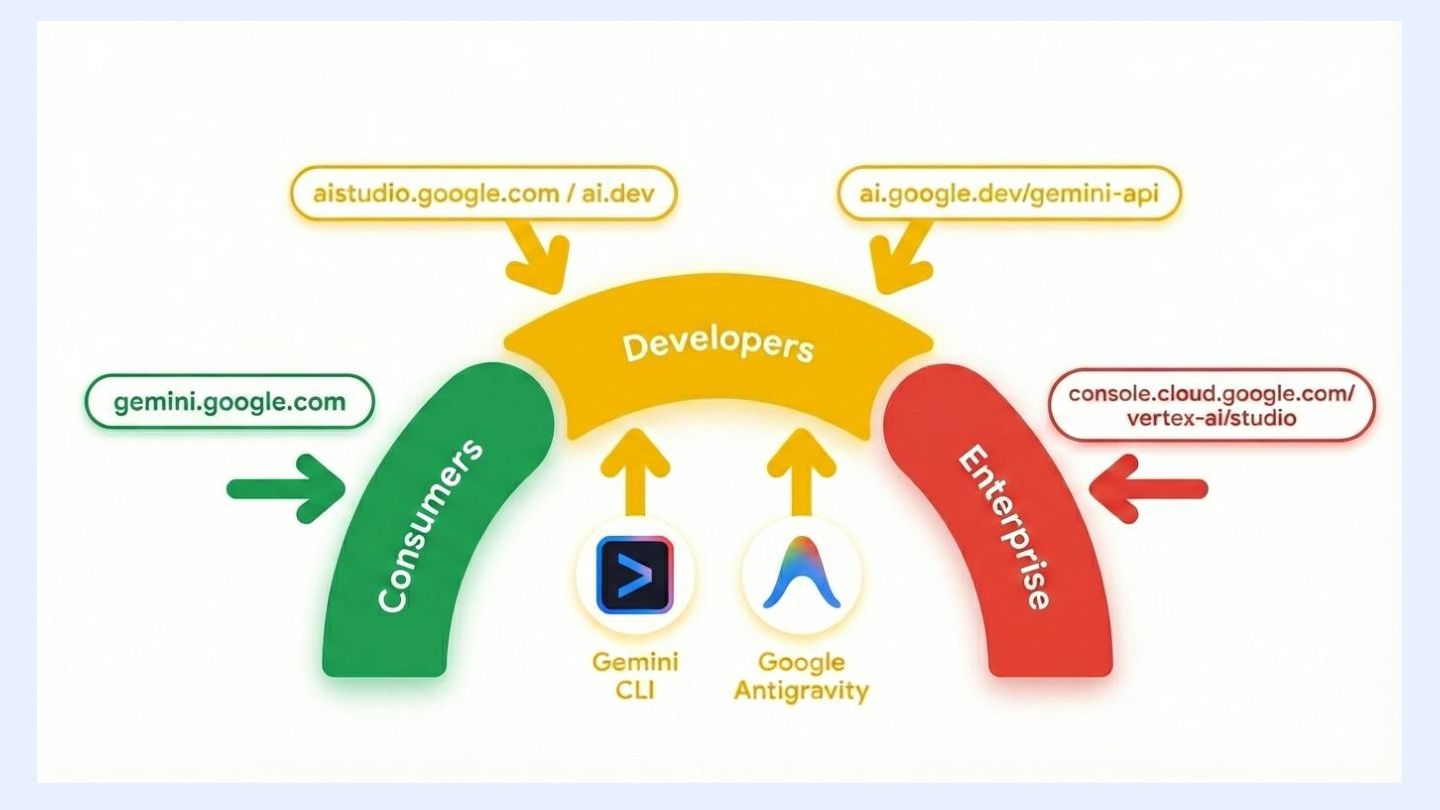
Gemini is Google’s family of multimodal AI models. In this talk, you’ll learn about the models, witness their powerful capabilities such as deep thinking, Google Search and Map grounding, computer use tool, spatial understanding, live API, and native image and audio output. You’ll also see demos of Gemini’s coding agent tools Antigravity and Gemini CLI, and also learn how to integrate Gemini into your applications using the Google Gen AI SDK.

Avatar for Mete Atamel

Mete Atamel

January 26, 2026
Tweet

More Decks by Mete Atamel

Other Decks in Programming

Transcript

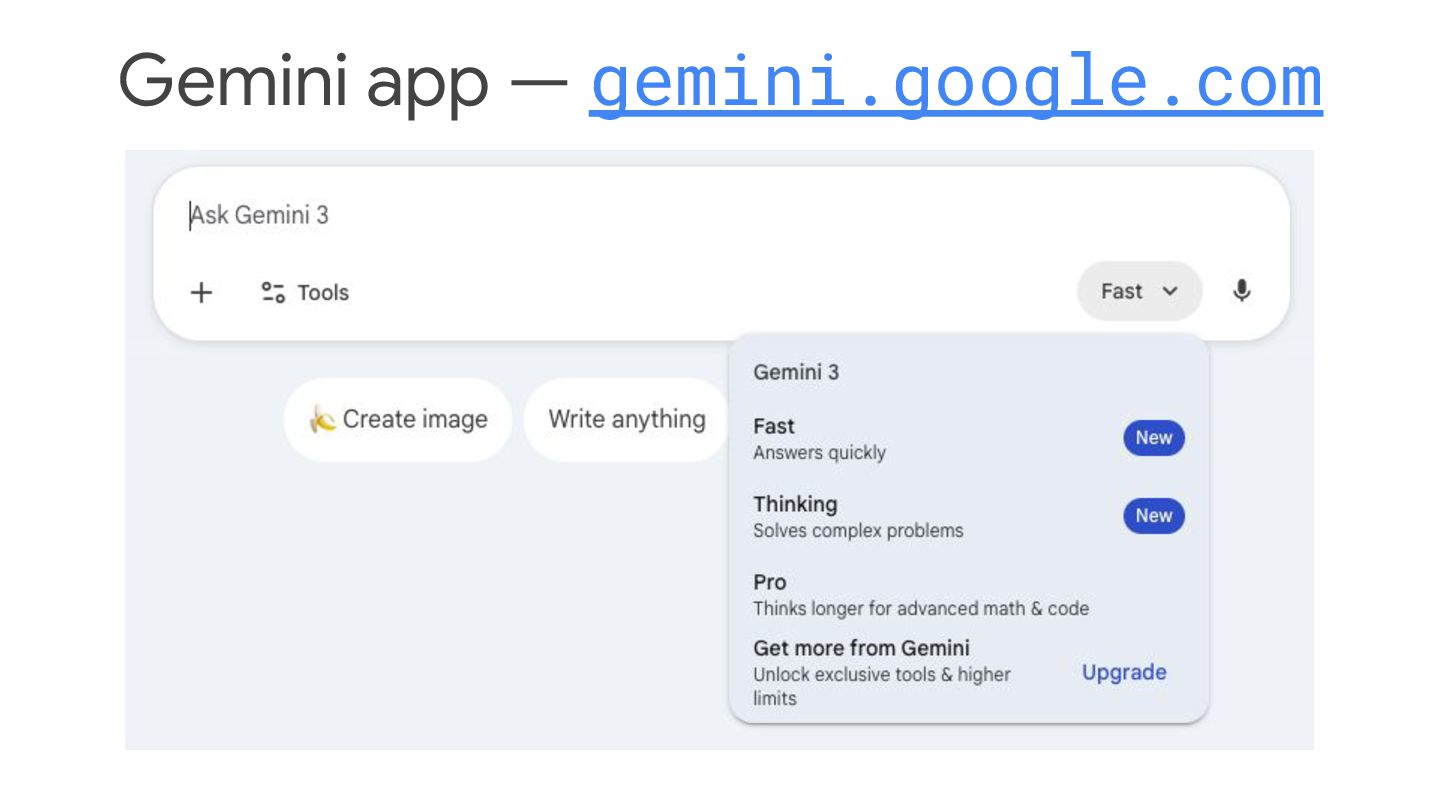
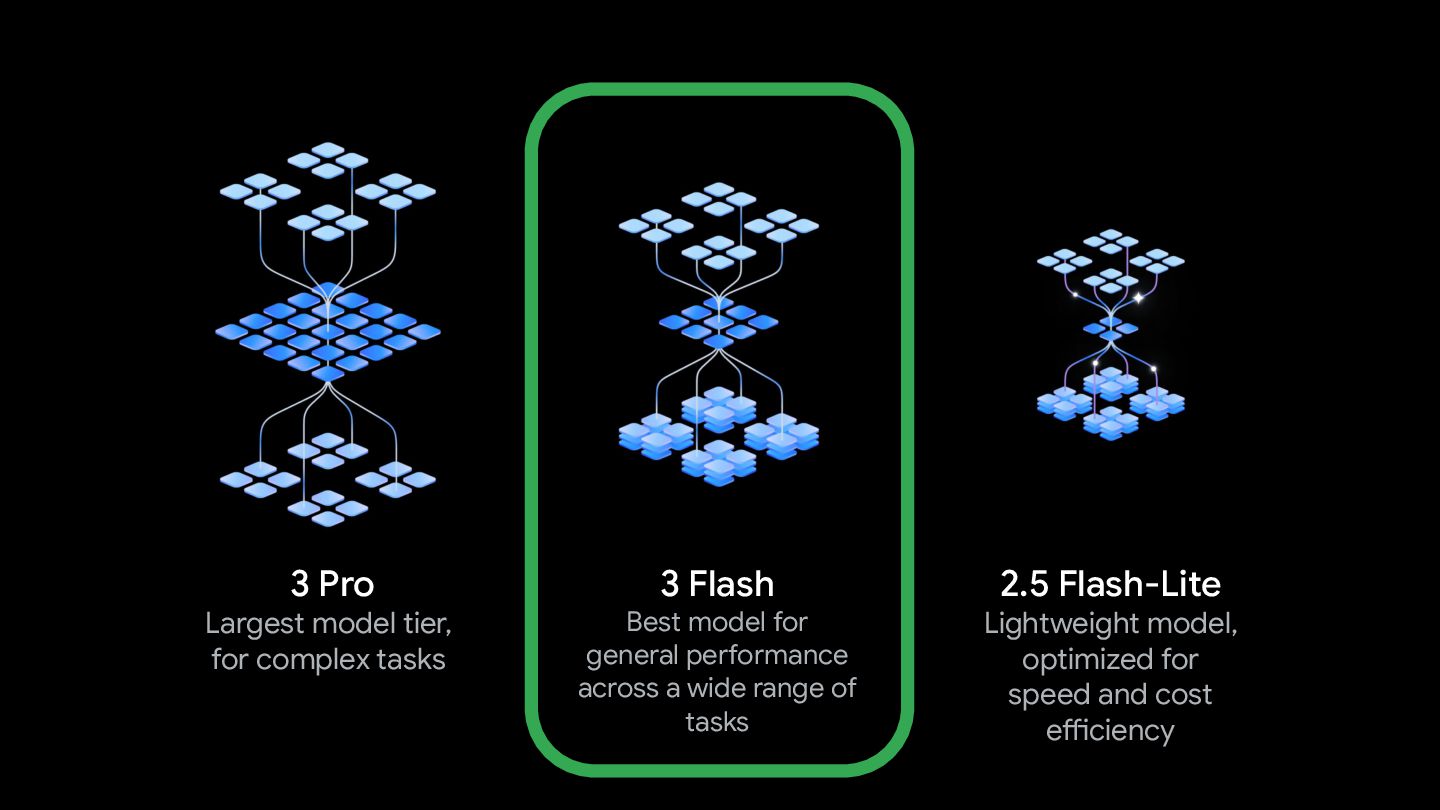
  1. 3 Pro Largest model tier, for complex tasks 3 Flash

    Best model for general performance across a wide range of tasks 2.5 Flash-Lite Lightweight model, optimized for speed and cost efficiency
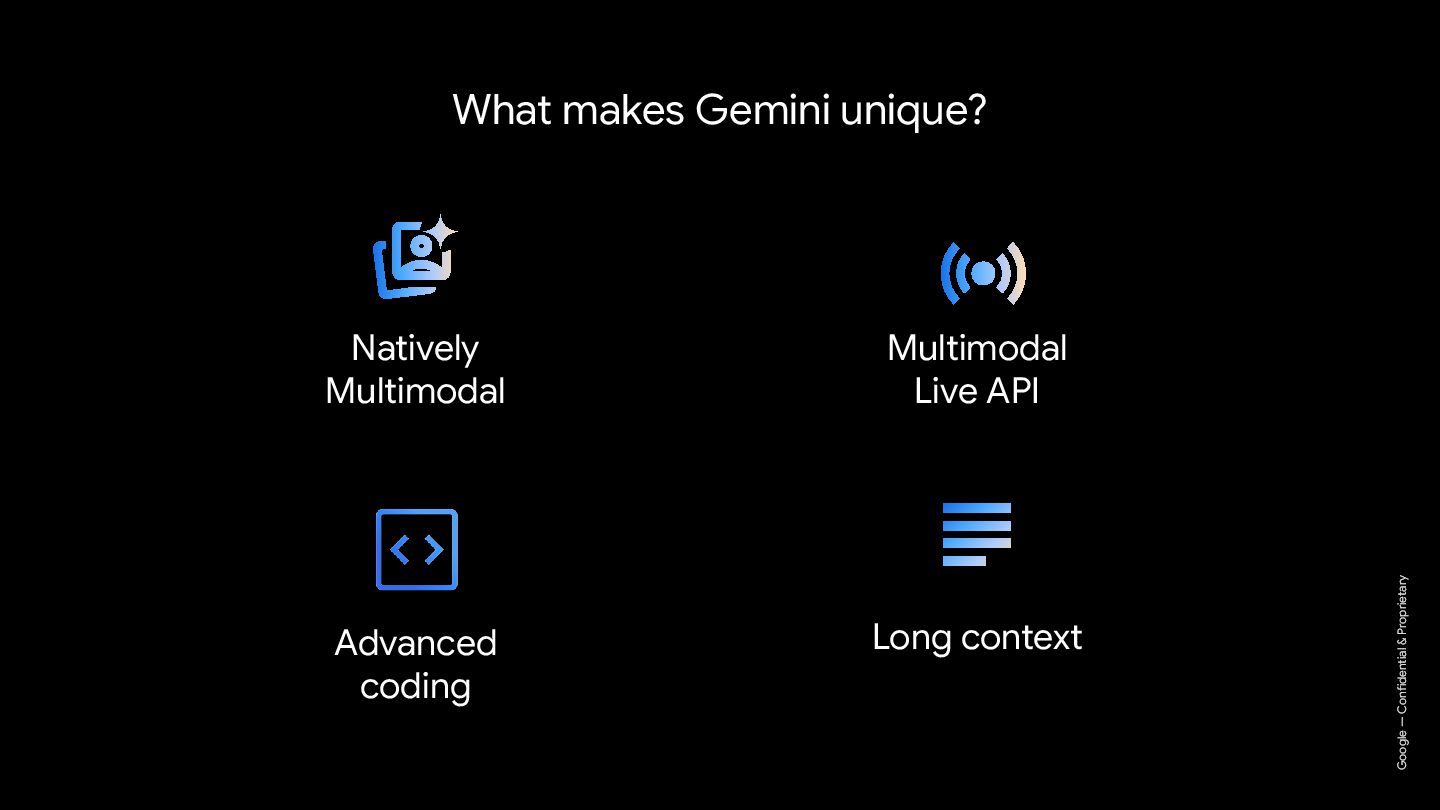
  2. Google — Confidential & Proprietary What makes Gemini unique? Multimodal

    Live API Natively Multimodal Long context Google — Confidential & Proprietary Advanced coding
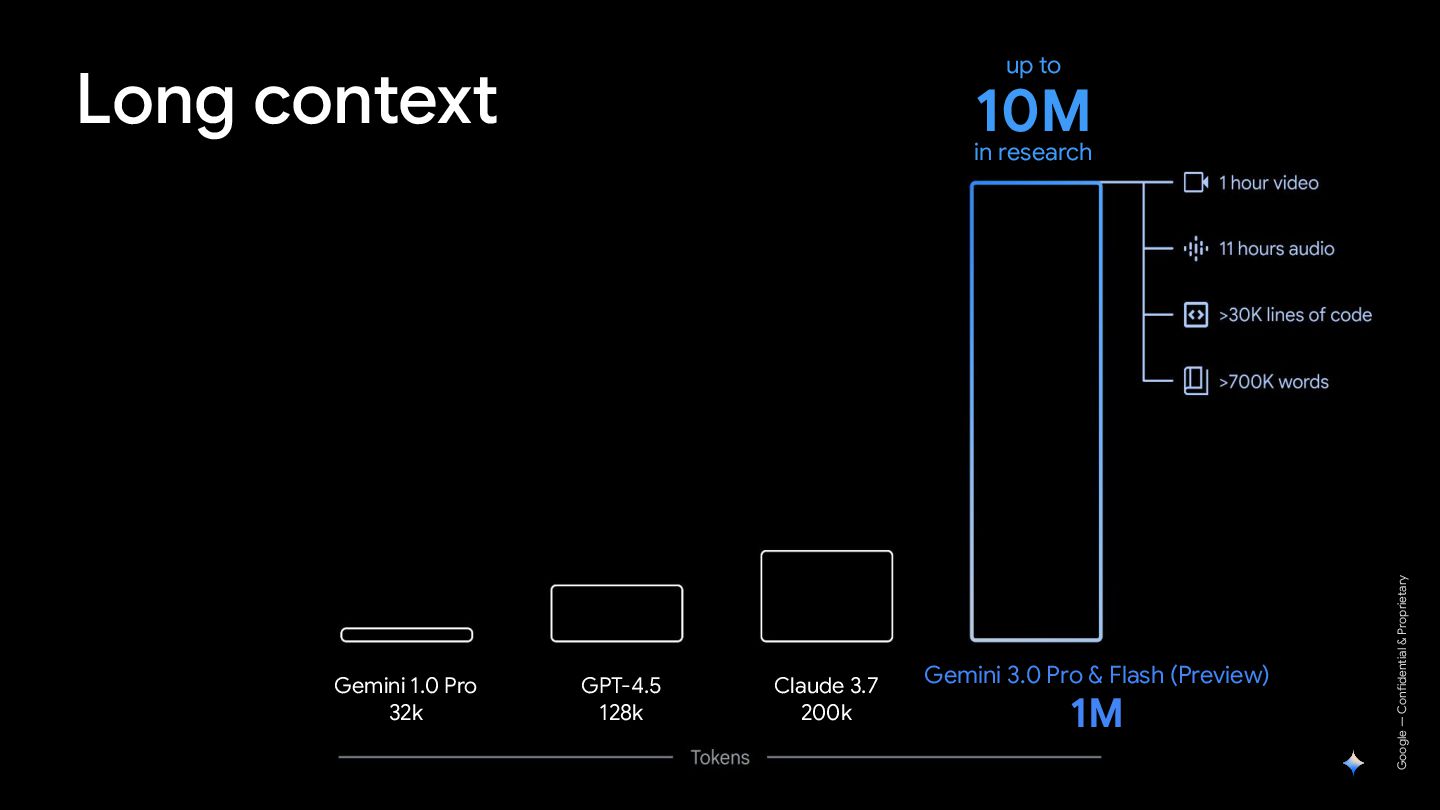
  3. Long context up to 10M in research Google — Confidential

    & Proprietary 2M Gemini 3.0 Pro & Flash (Preview) 1M GPT-4.5 128k Gemini 1.0 Pro 32k Claude 3.7 200k
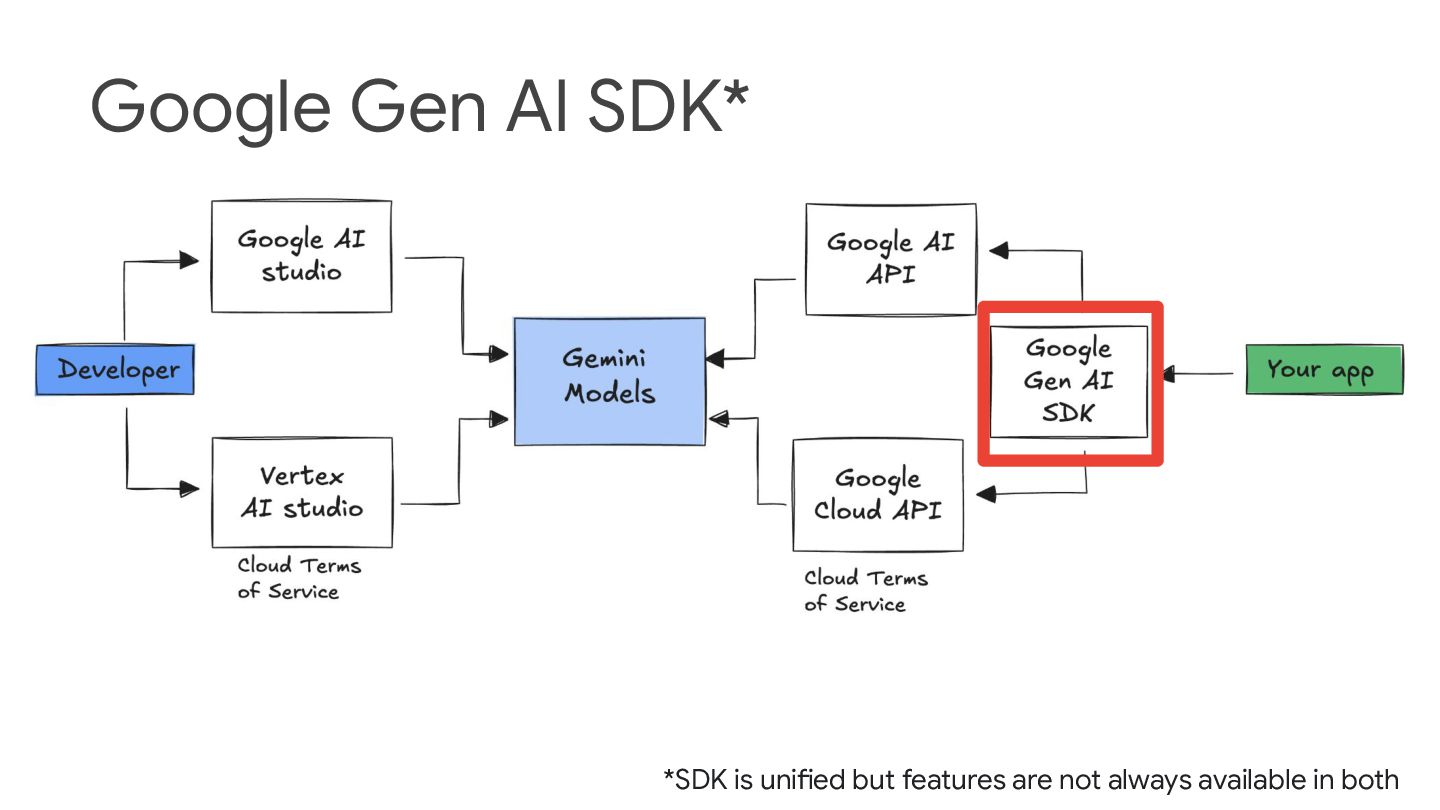
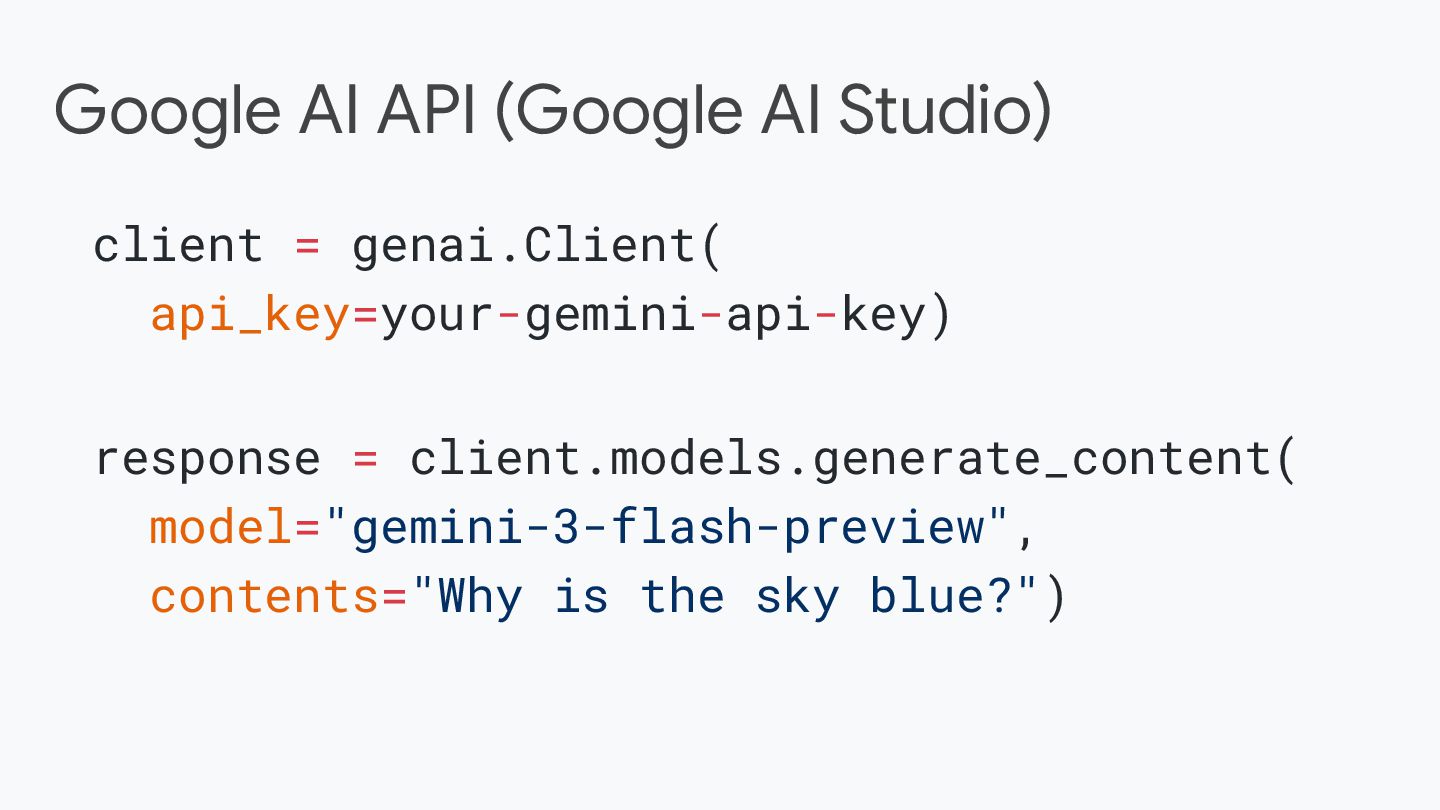
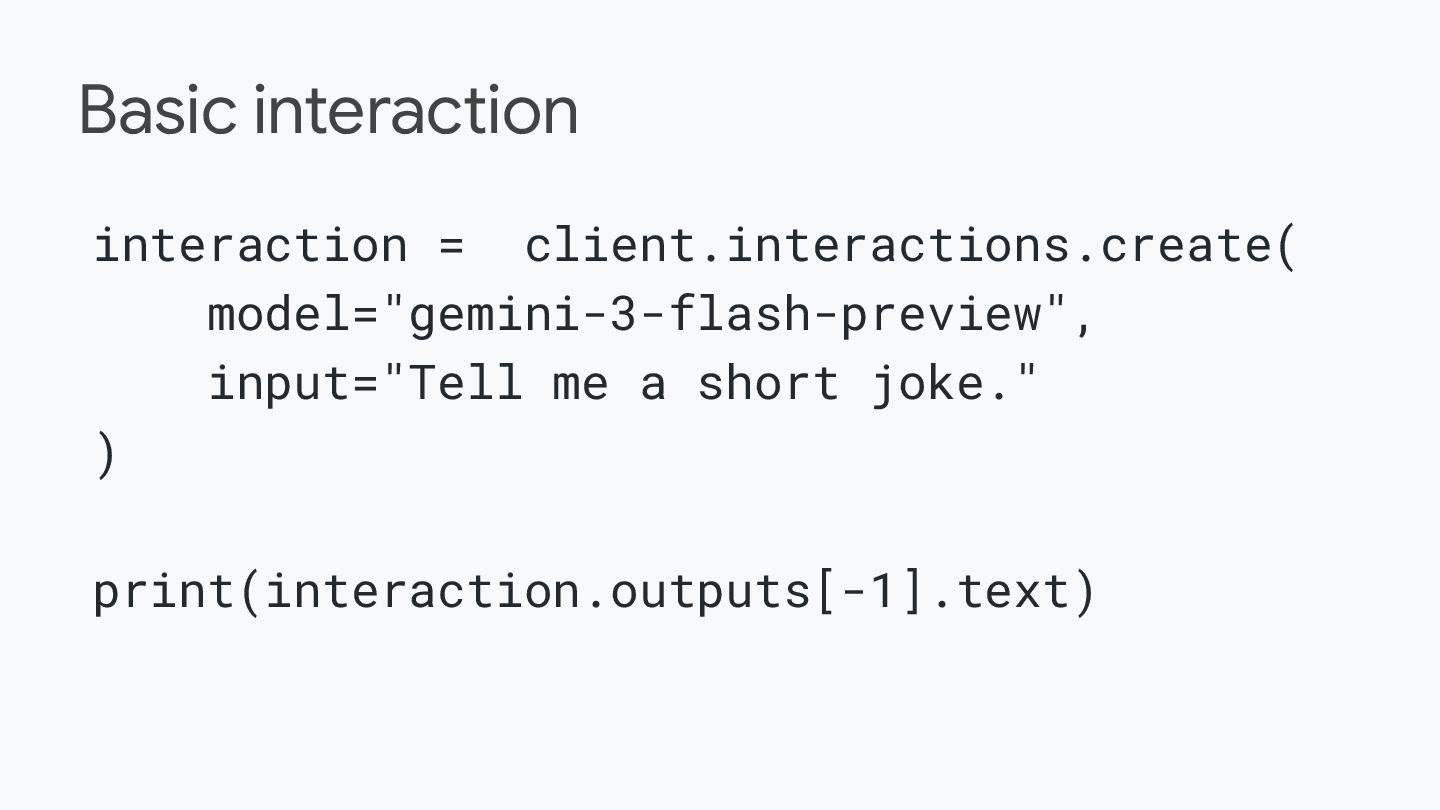
  4. Google AI API (Google AI Studio) client = genai.Client( api_key=your-gemini-api-key)

    response = client.models.generate_content( model="gemini-3-flash-preview", contents="Why is the sky blue?")
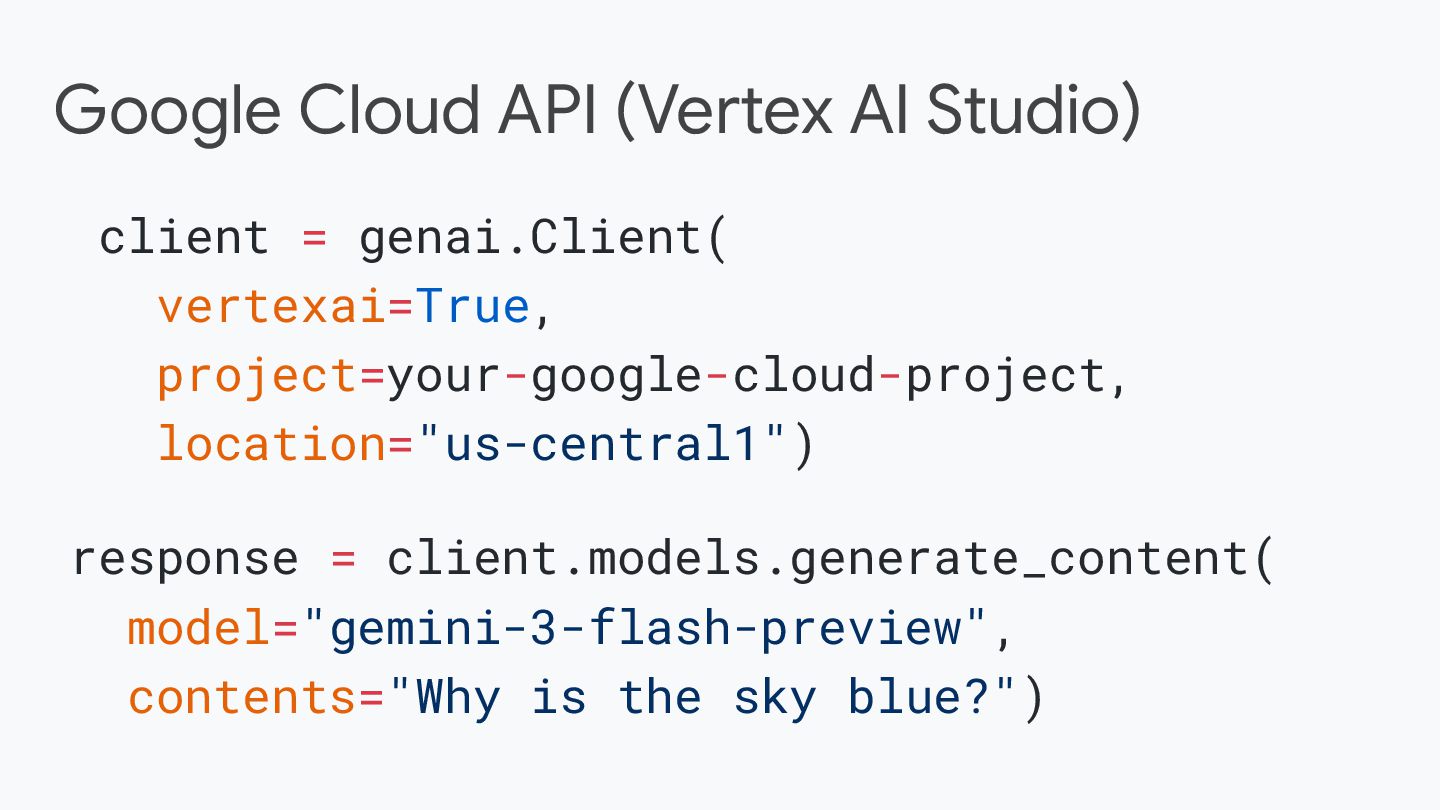
  5. Google Cloud API (Vertex AI Studio) client = genai.Client( vertexai=True,

    project=your-google-cloud-project, location="us-central1") response = client.models.generate_content( model="gemini-3-flash-preview", contents="Why is the sky blue?")
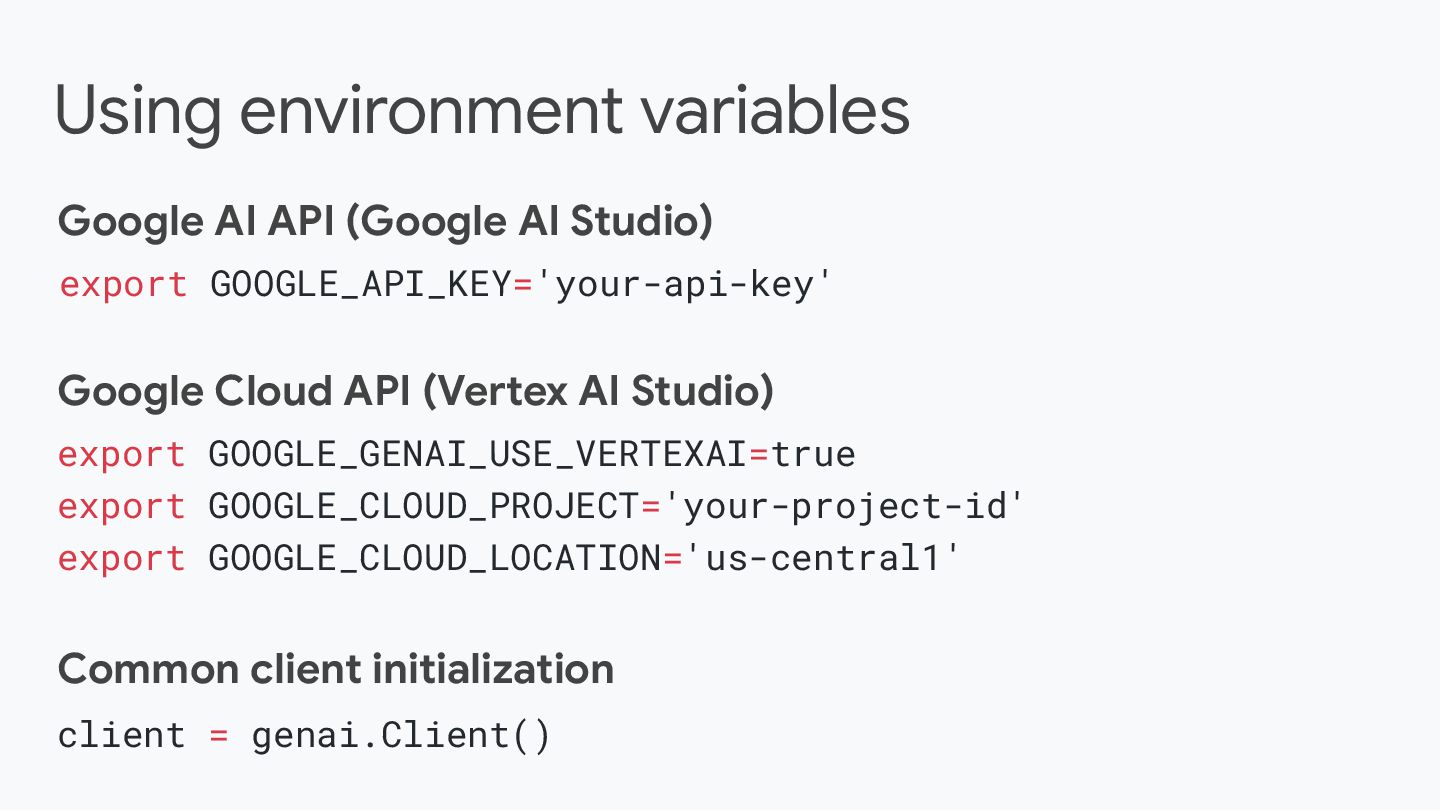
  6. Using environment variables Google AI API (Google AI Studio) export

    GOOGLE_API_KEY='your-api-key' Google Cloud API (Vertex AI Studio) export GOOGLE_GENAI_USE_VERTEXAI=true export GOOGLE_CLOUD_PROJECT='your-project-id' export GOOGLE_CLOUD_LOCATION='us-central1' client = genai.Client() Common client initialization
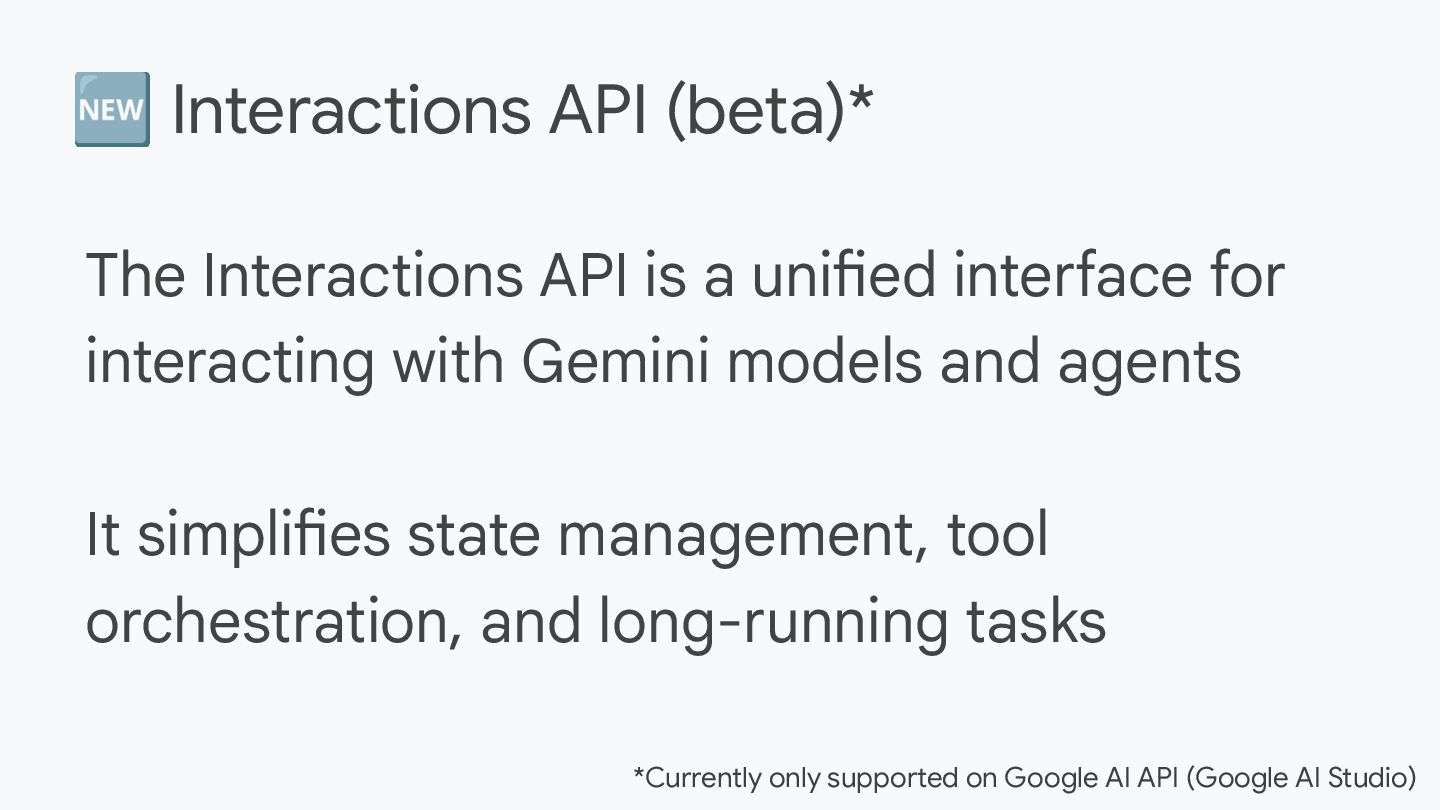
  7. 🆕 Interactions API (beta)* The Interactions API is a unified

    interface for interacting with Gemini models and agents It simplifies state management, tool orchestration, and long-running tasks *Currently only supported on Google AI API (Google AI Studio)
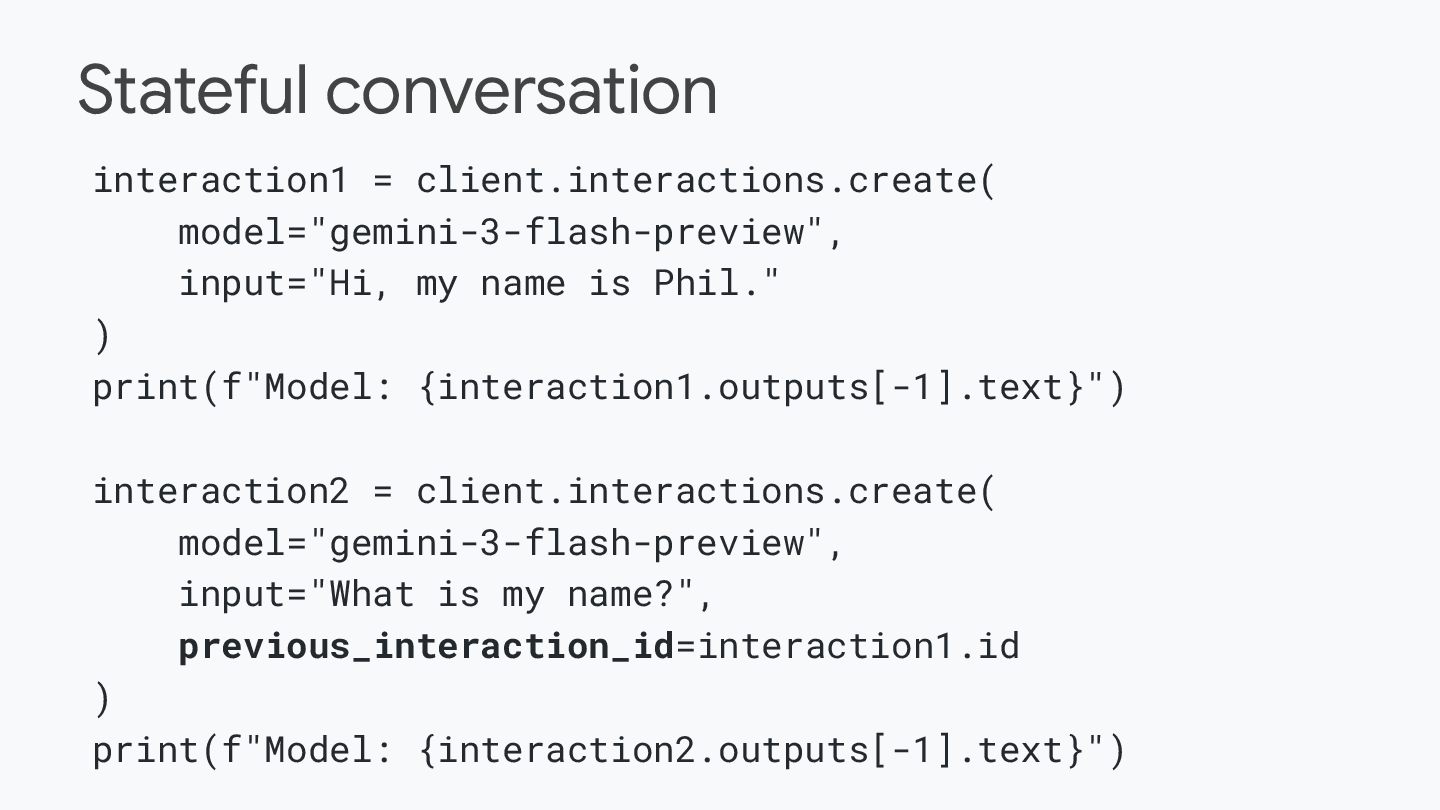
  8. Stateful conversation interaction1 = client.interactions.create( model="gemini-3-flash-preview", input="Hi, my name is

    Phil." ) print(f"Model: {interaction1.outputs[-1].text}") interaction2 = client.interactions.create( model="gemini-3-flash-preview", input="What is my name?", previous_interaction_id=interaction1.id ) print(f"Model: {interaction2.outputs[-1].text}")
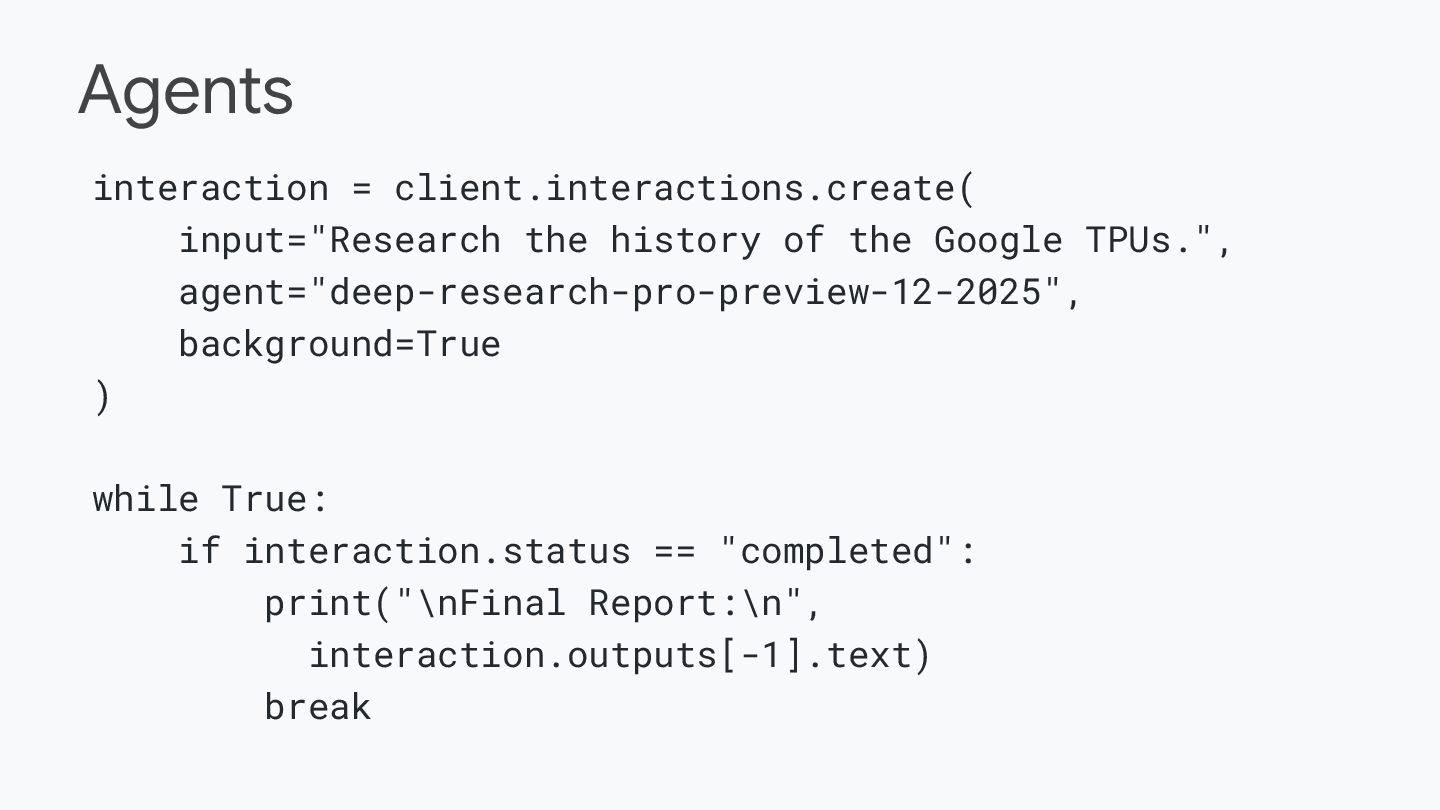
  9. Agents interaction = client.interactions.create( input="Research the history of the Google

    TPUs.", agent="deep-research-pro-preview-12-2025", background=True ) while True: if interaction.status == "completed": print("\nFinal Report:\n", interaction.outputs[-1].text) break
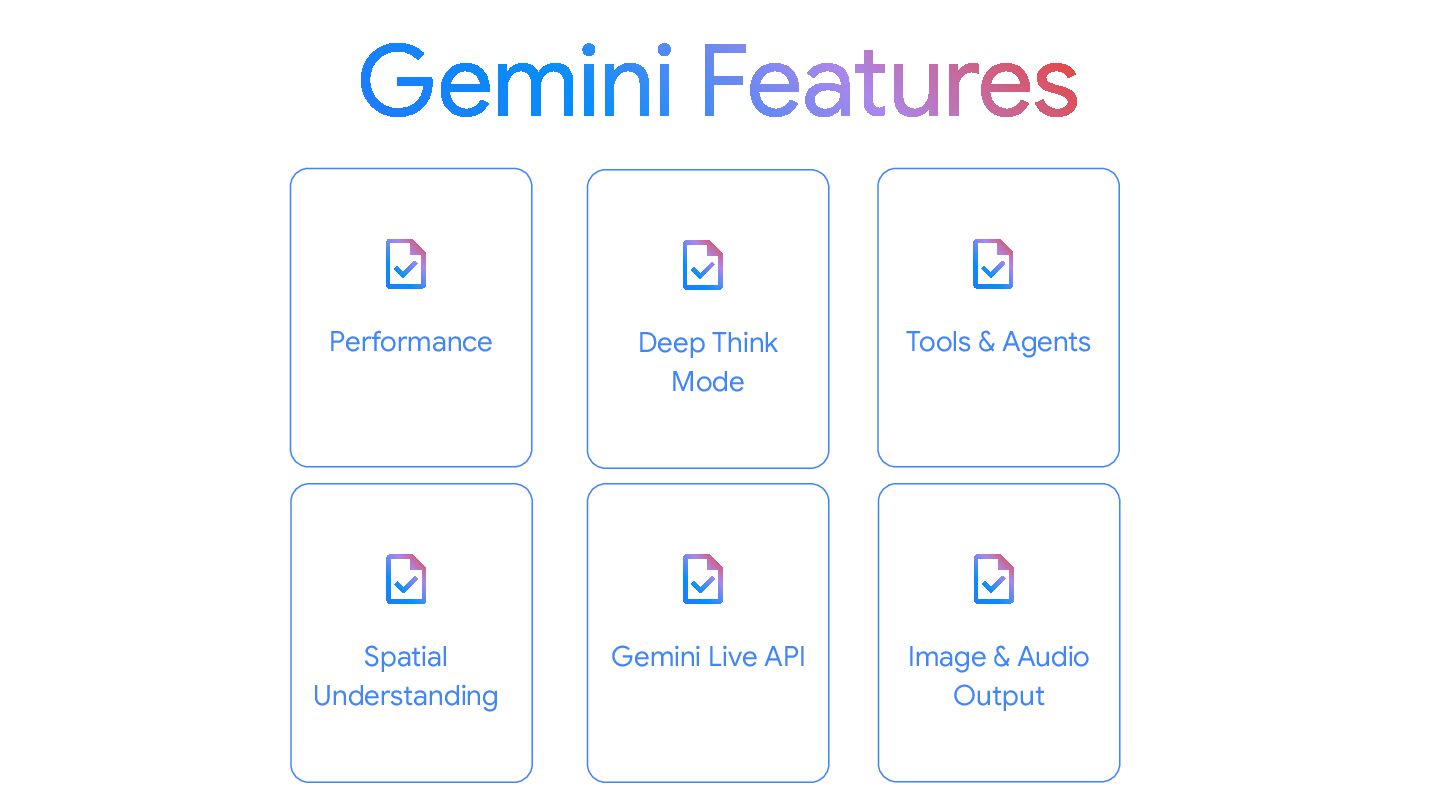
  10. Performance Gemini Live API Deep Think Mode Tools & Agents

    Image & Audio Output Spatial Understanding
  11. The Gemini 3 and 2.5 models use an internal thinking

    process that significantly improves their reasoning for complex tasks Thinking mode in Gemini
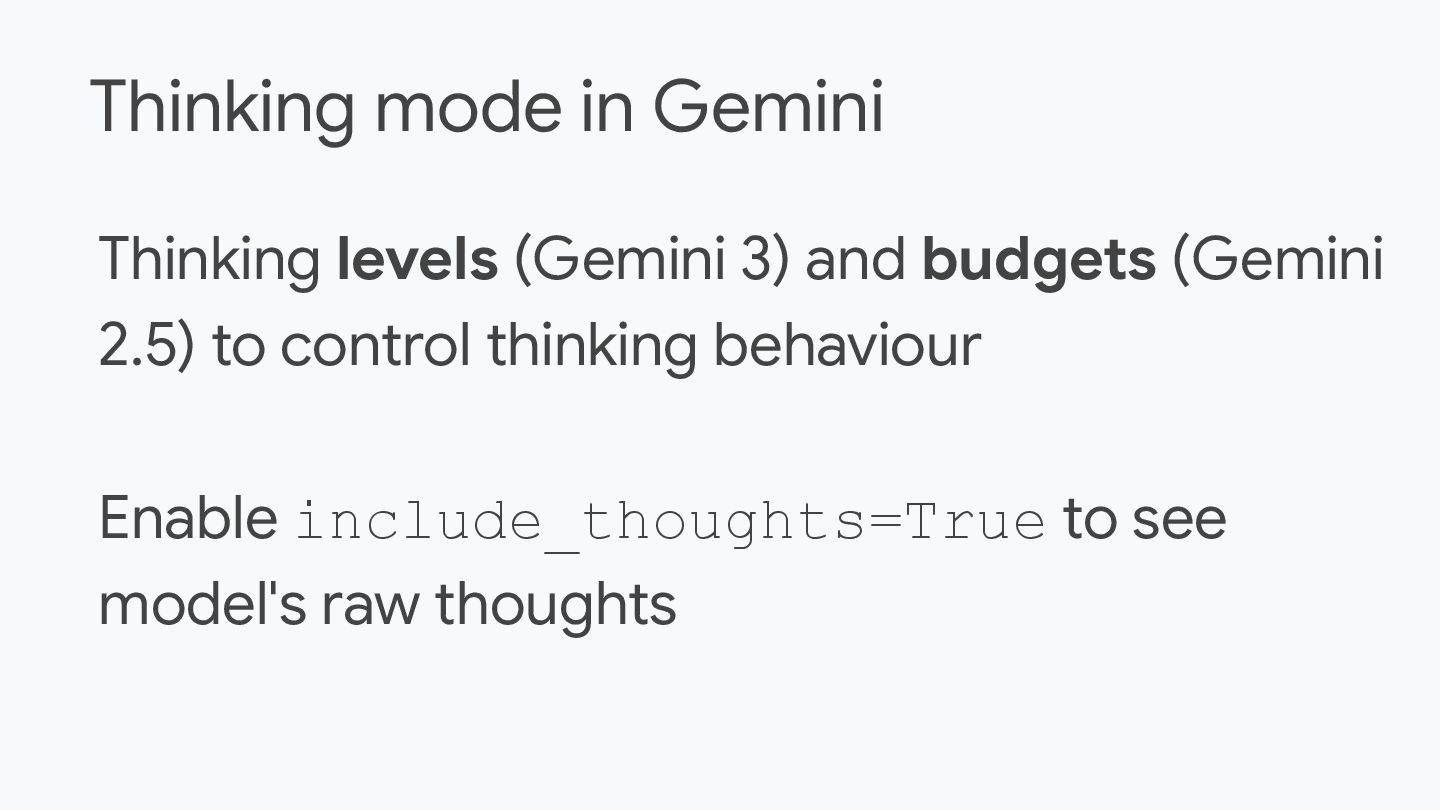
  12. Thinking levels (Gemini 3) and budgets (Gemini 2.5) to control

    thinking behaviour Enable include_thoughts=True to see model's raw thoughts Thinking mode in Gemini
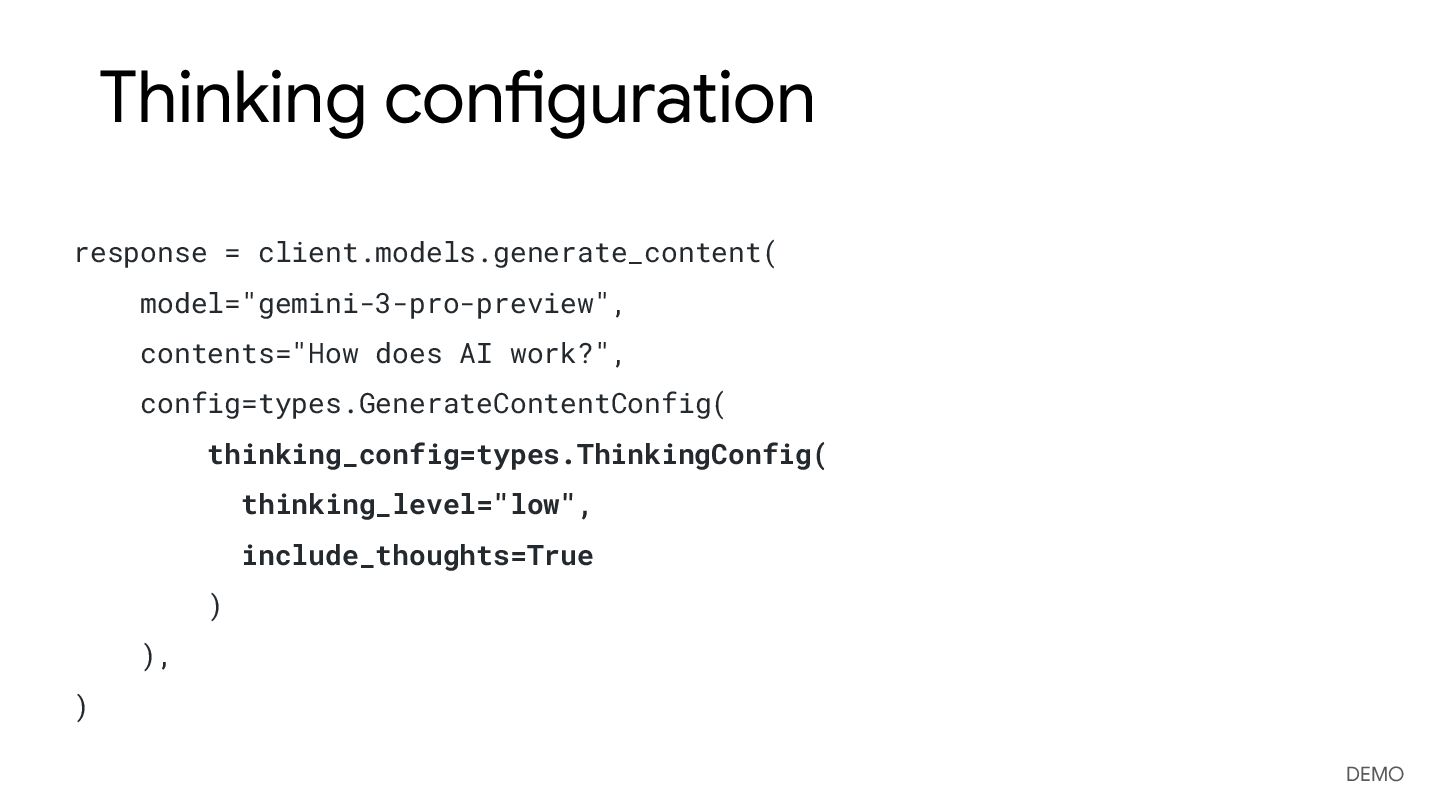
  13. Thinking configuration response = client.models.generate_content( model="gemini-3-pro-preview", contents="How does AI work?",

    config=types.GenerateContentConfig( thinking_config=types.ThinkingConfig( thinking_level="low", include_thoughts=True ) ), ) DEMO
  14. Google Search Tool Ground model responses in Google Search results

    For more accurate, up-to-date, and relevant responses
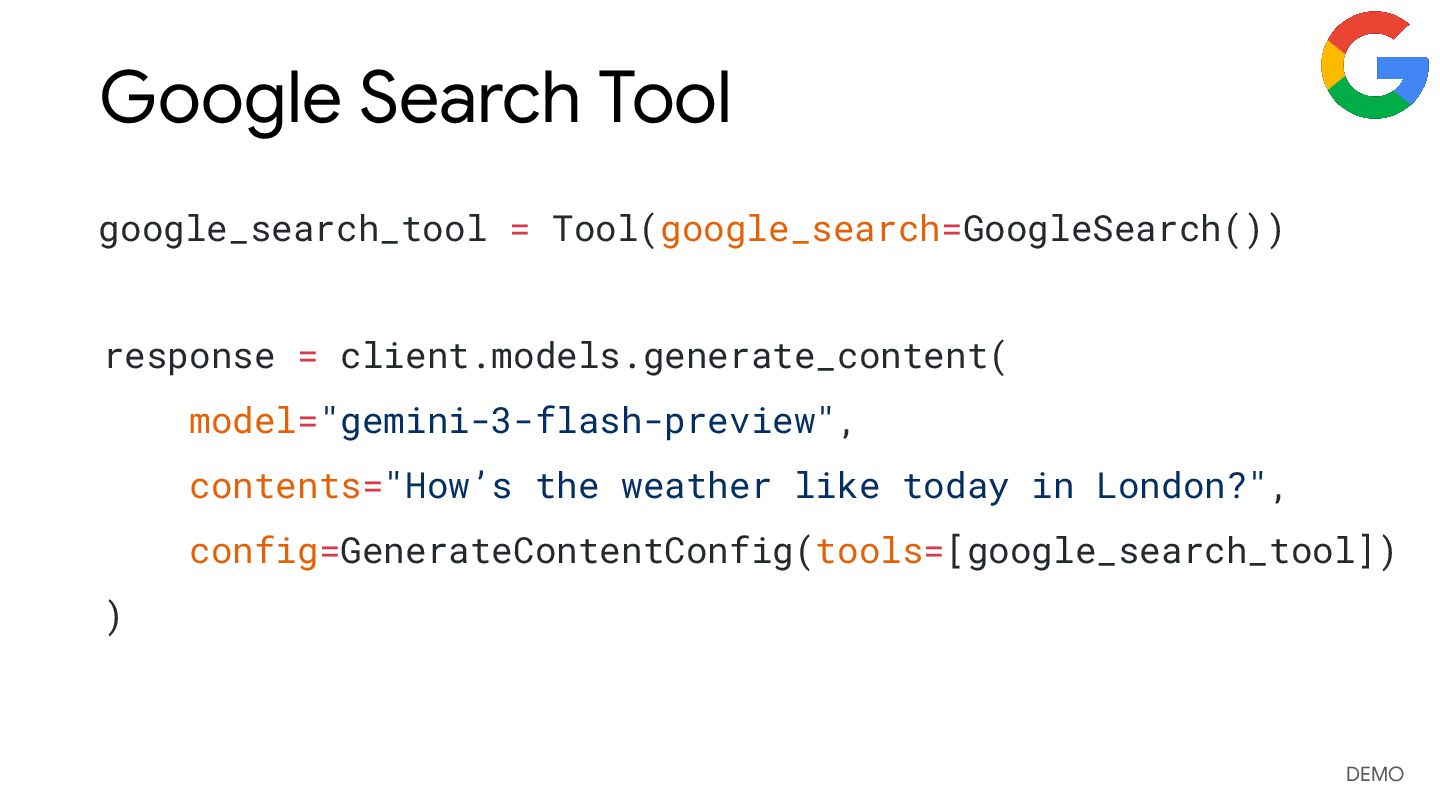
  15. Google Search Tool google_search_tool = Tool(google_search=GoogleSearch()) response = client.models.generate_content( model="gemini-3-flash-preview",

    contents="How’s the weather like today in London?", config=GenerateContentConfig(tools=[google_search_tool]) ) DEMO
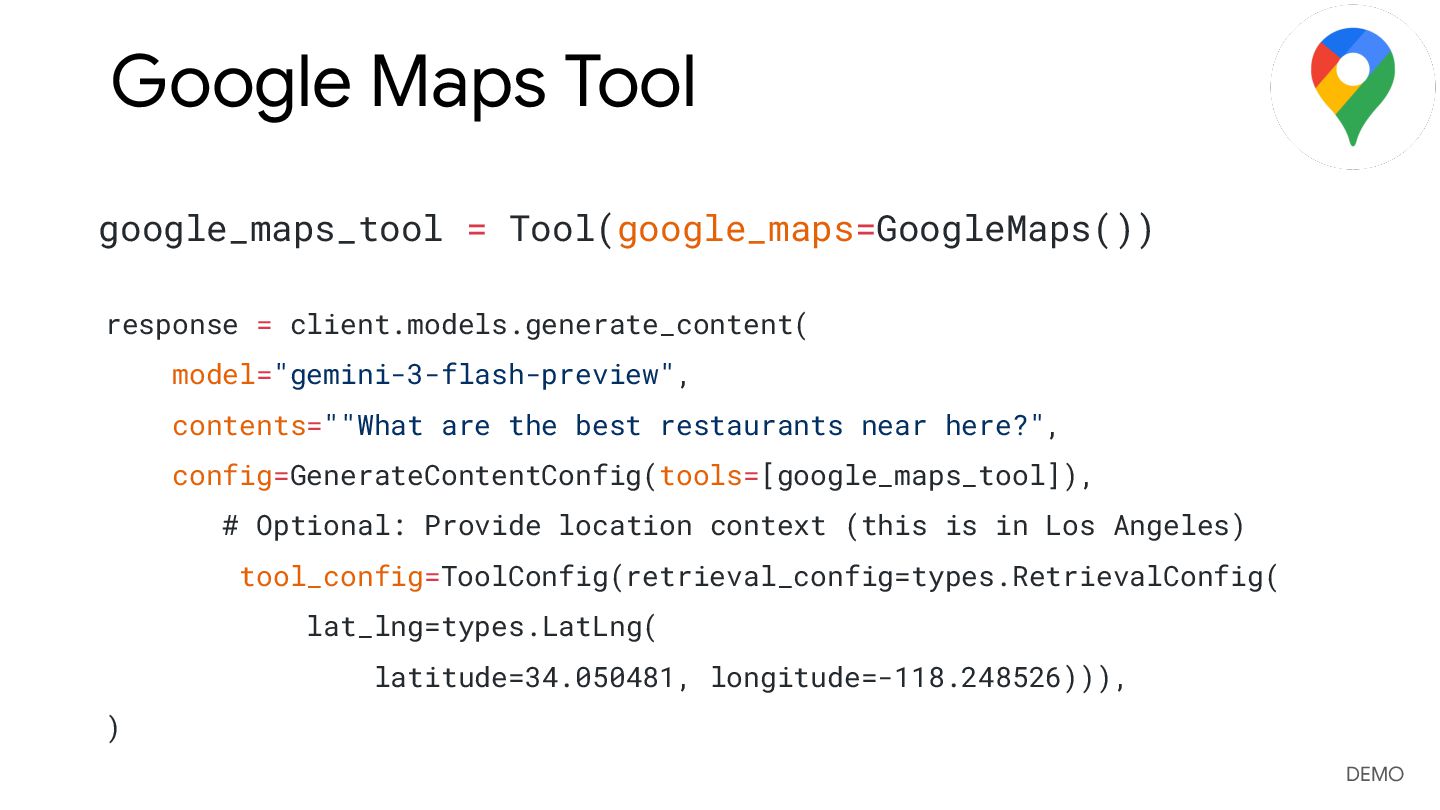
  16. Google Maps Tool Ground model responses with Google Maps, which

    has access to information on over 250 million places
  17. Google Maps Tool google_maps_tool = Tool(google_maps=GoogleMaps()) response = client.models.generate_content( model="gemini-3-flash-preview",

    contents=""What are the best restaurants near here?", config=GenerateContentConfig(tools=[google_maps_tool]), # Optional: Provide location context (this is in Los Angeles) tool_config=ToolConfig(retrieval_config=types.RetrievalConfig( lat_lng=types.LatLng( latitude=34.050481, longitude=-118.248526))), ) DEMO
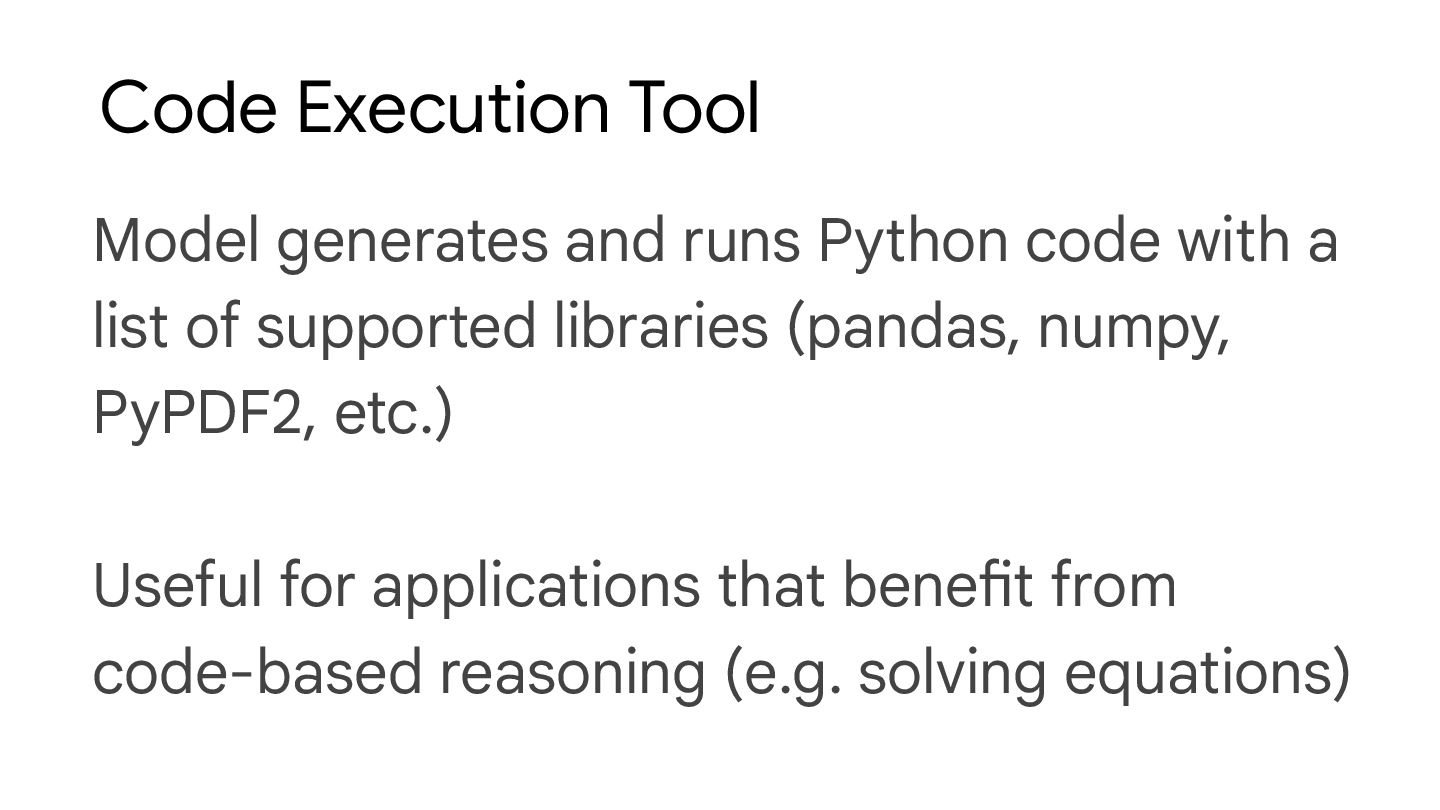
  18. Code Execution Tool Model generates and runs Python code with

    a list of supported libraries (pandas, numpy, PyPDF2, etc.) Useful for applications that benefit from code-based reasoning (e.g. solving equations)
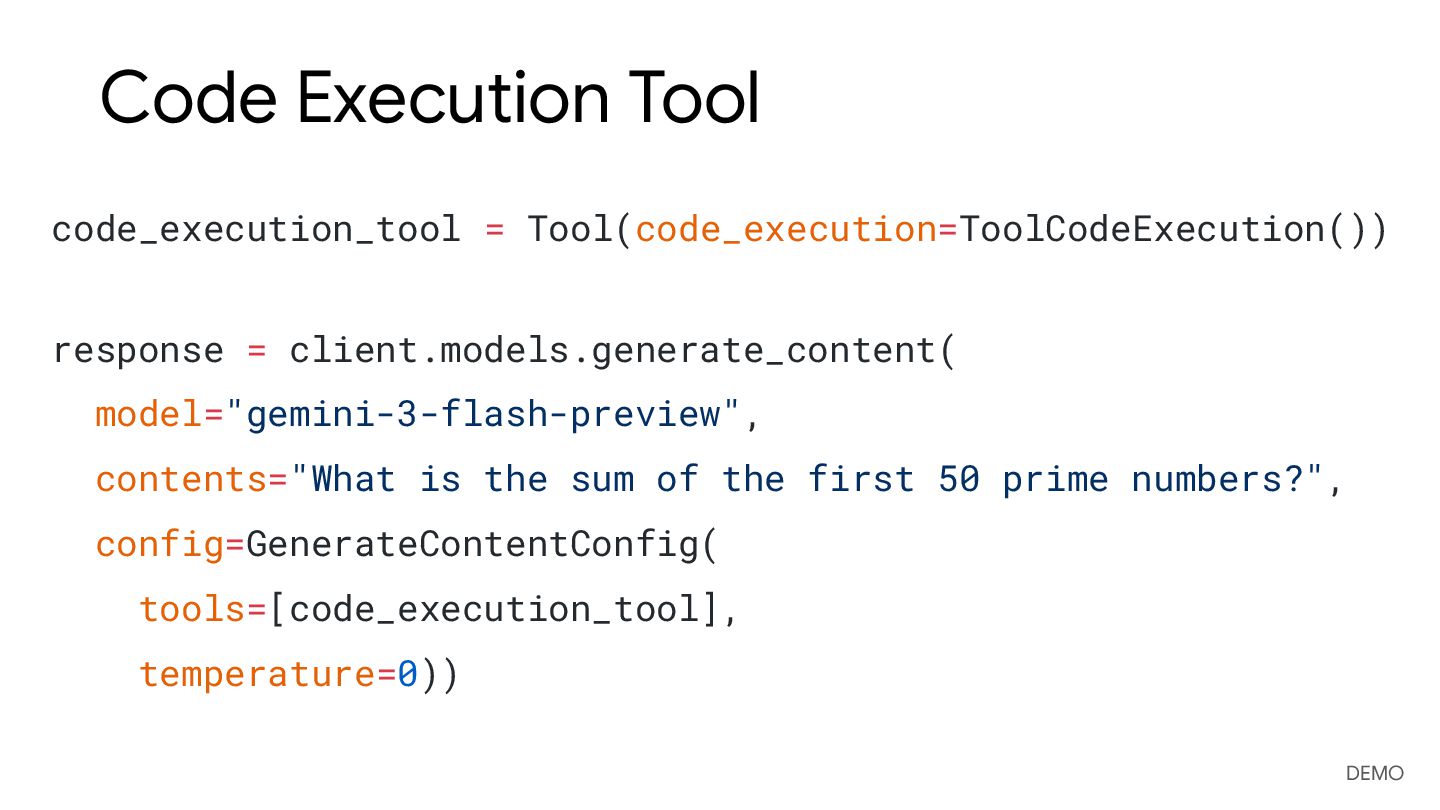
  19. Code Execution Tool code_execution_tool = Tool(code_execution=ToolCodeExecution()) response = client.models.generate_content( model="gemini-3-flash-preview",

    contents="What is the sum of the first 50 prime numbers?", config=GenerateContentConfig( tools=[code_execution_tool], temperature=0)) DEMO
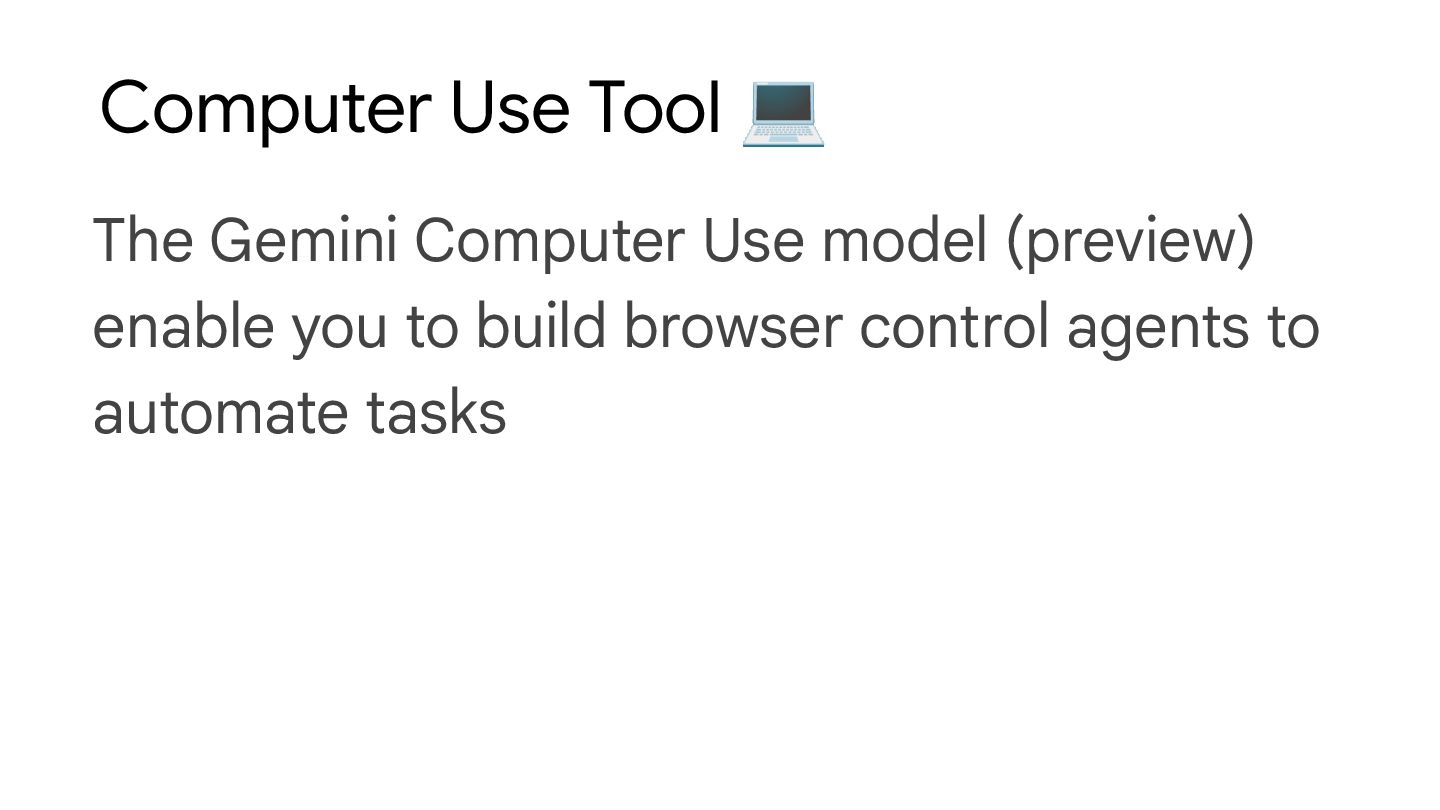
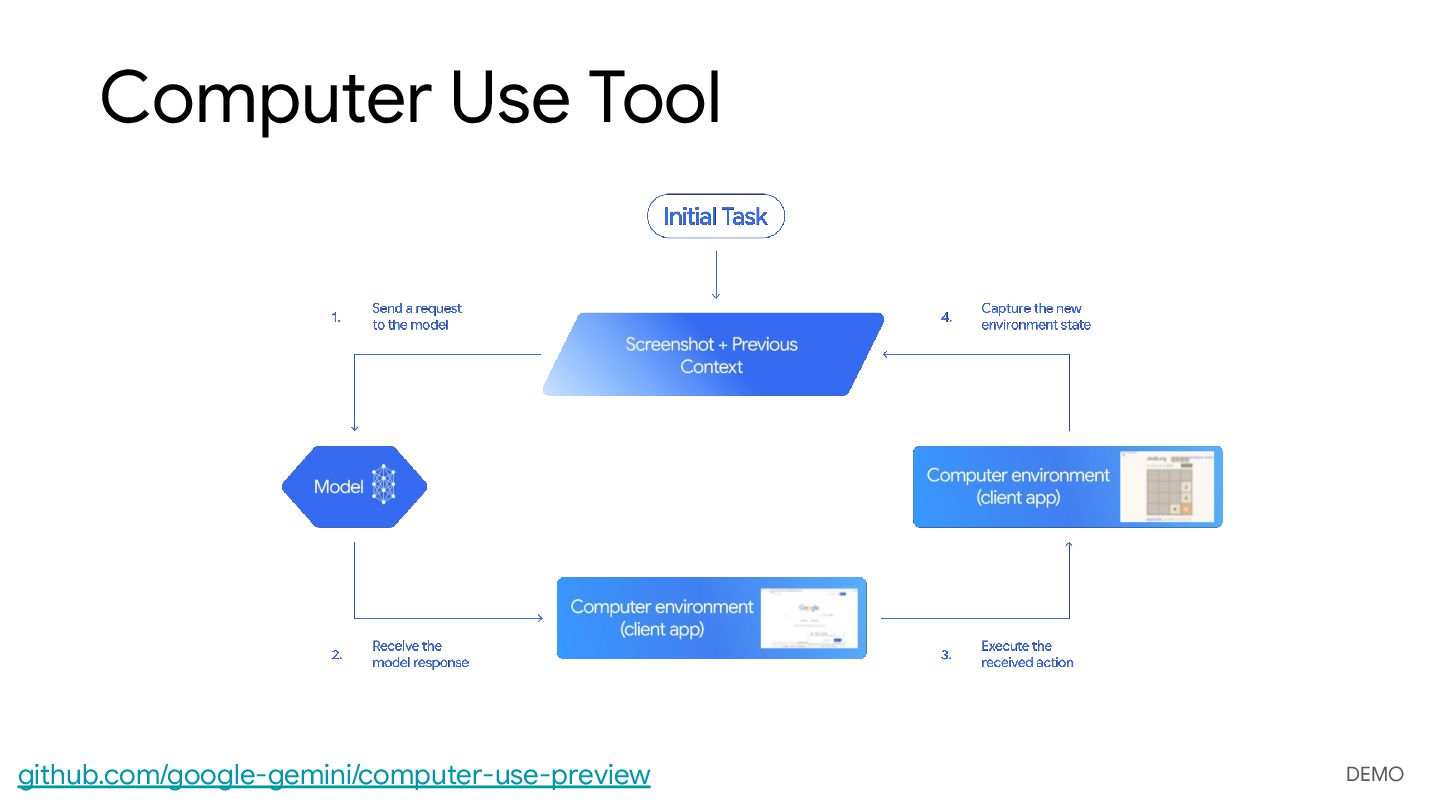
  20. Computer Use Tool 💻 The Gemini Computer Use model (preview)

    enable you to build browser control agents to automate tasks
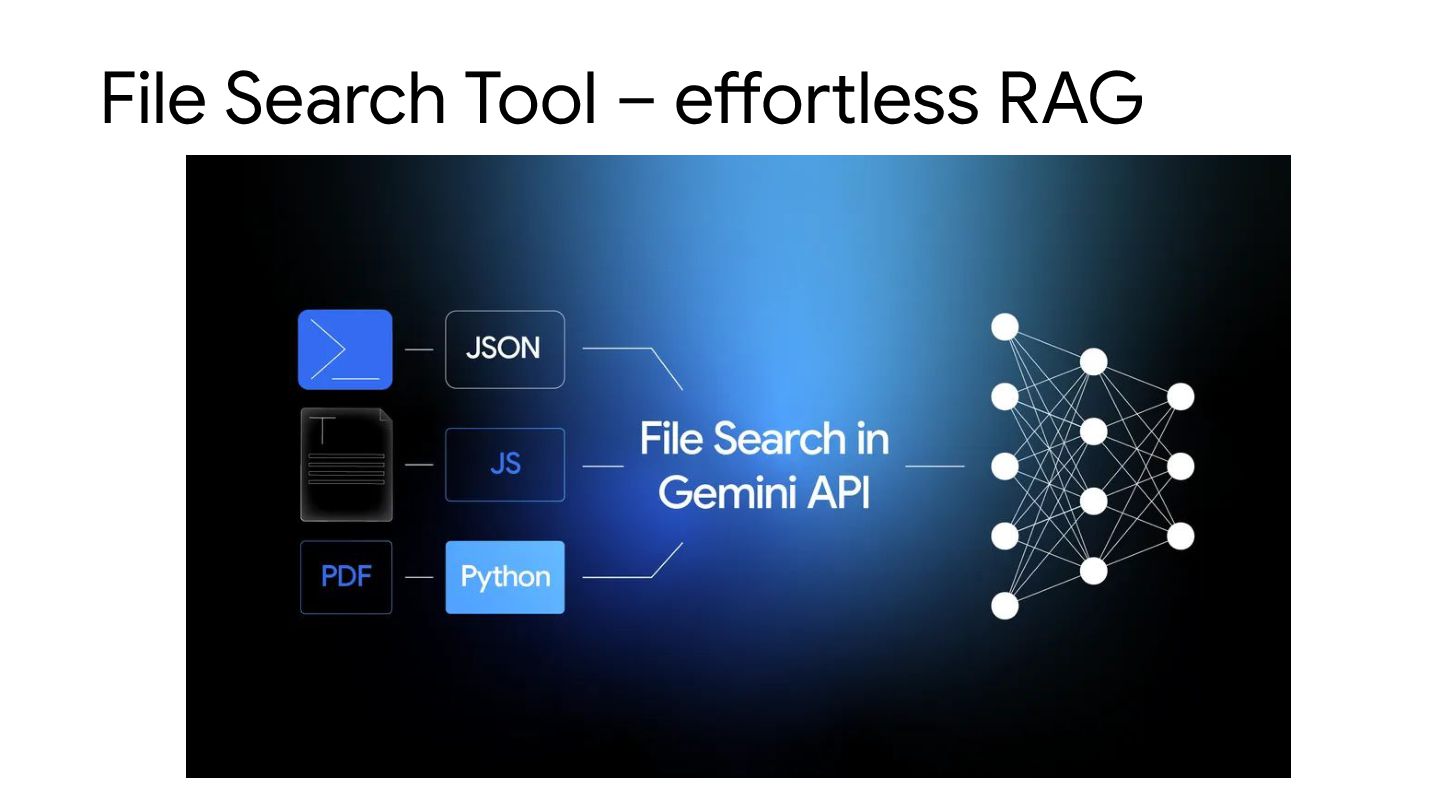
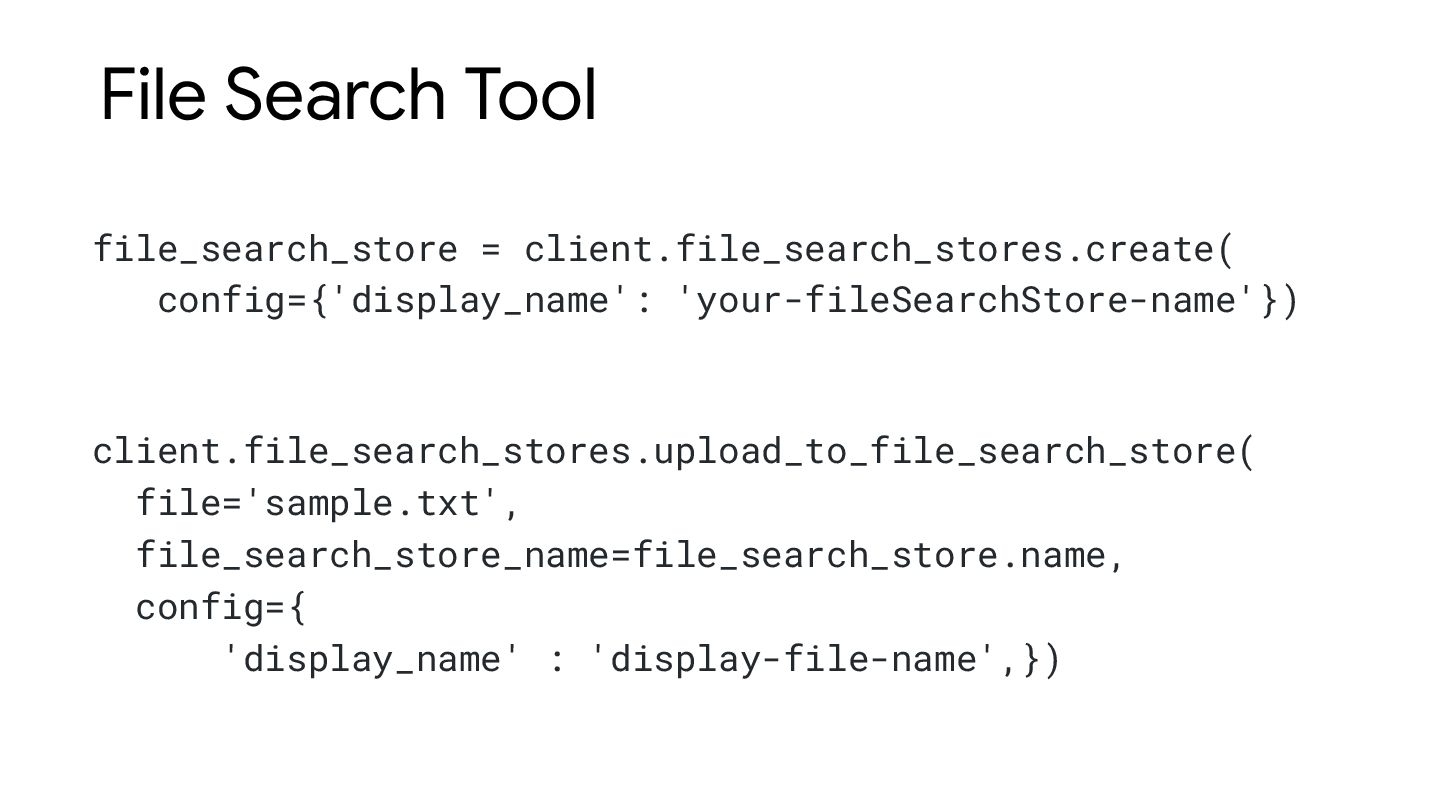
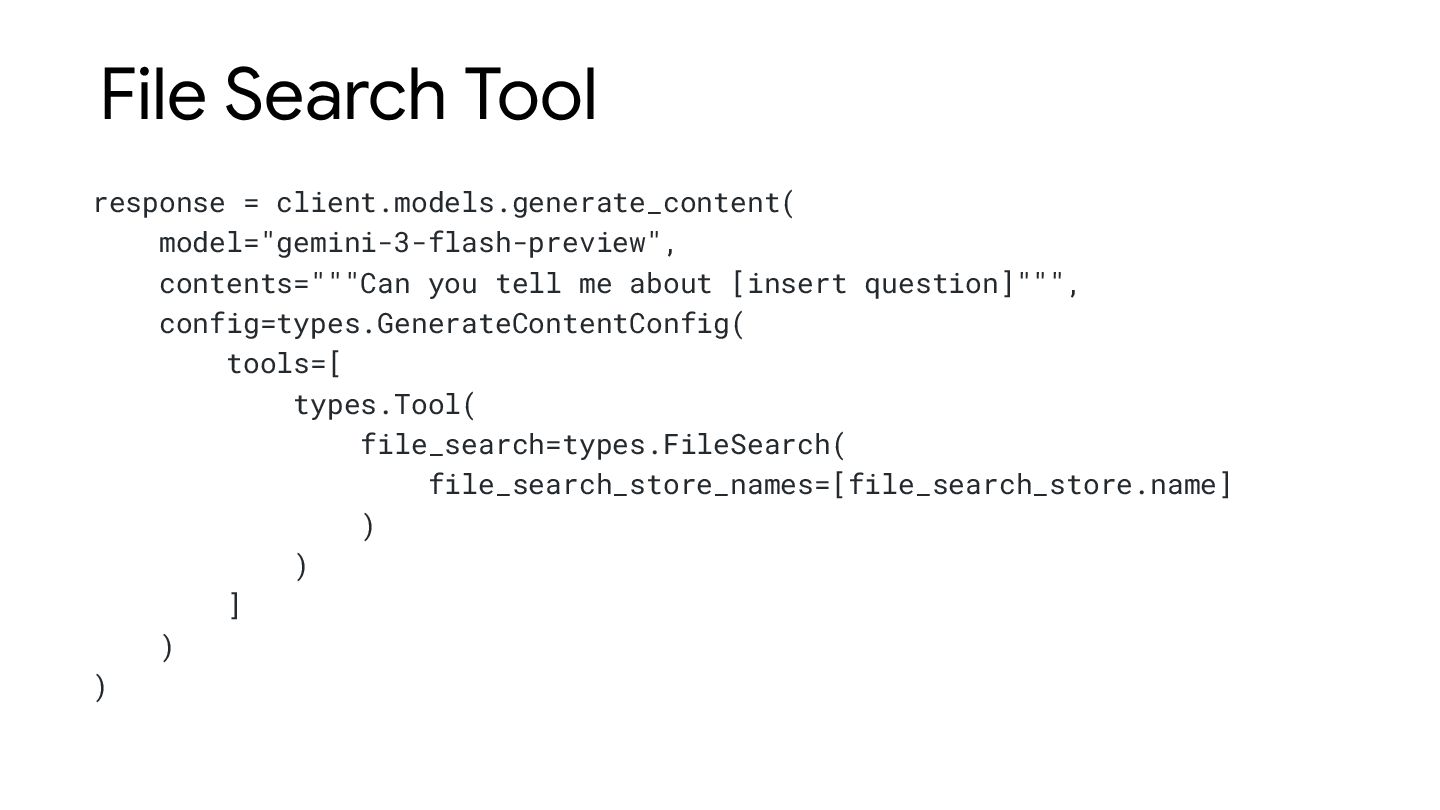
  21. File Search Tool response = client.models.generate_content( model="gemini-3-flash-preview", contents="""Can you tell

    me about [insert question]""", config=types.GenerateContentConfig( tools=[ types.Tool( file_search=types.FileSearch( file_search_store_names=[file_search_store.name] ) ) ] ) )
  22. Gemini Deep Research Agent Autonomously plans, executes, and synthesizes multi-step

    research tasks It navigates complex information landscapes using web search or your own data to produce detailed, cited reports
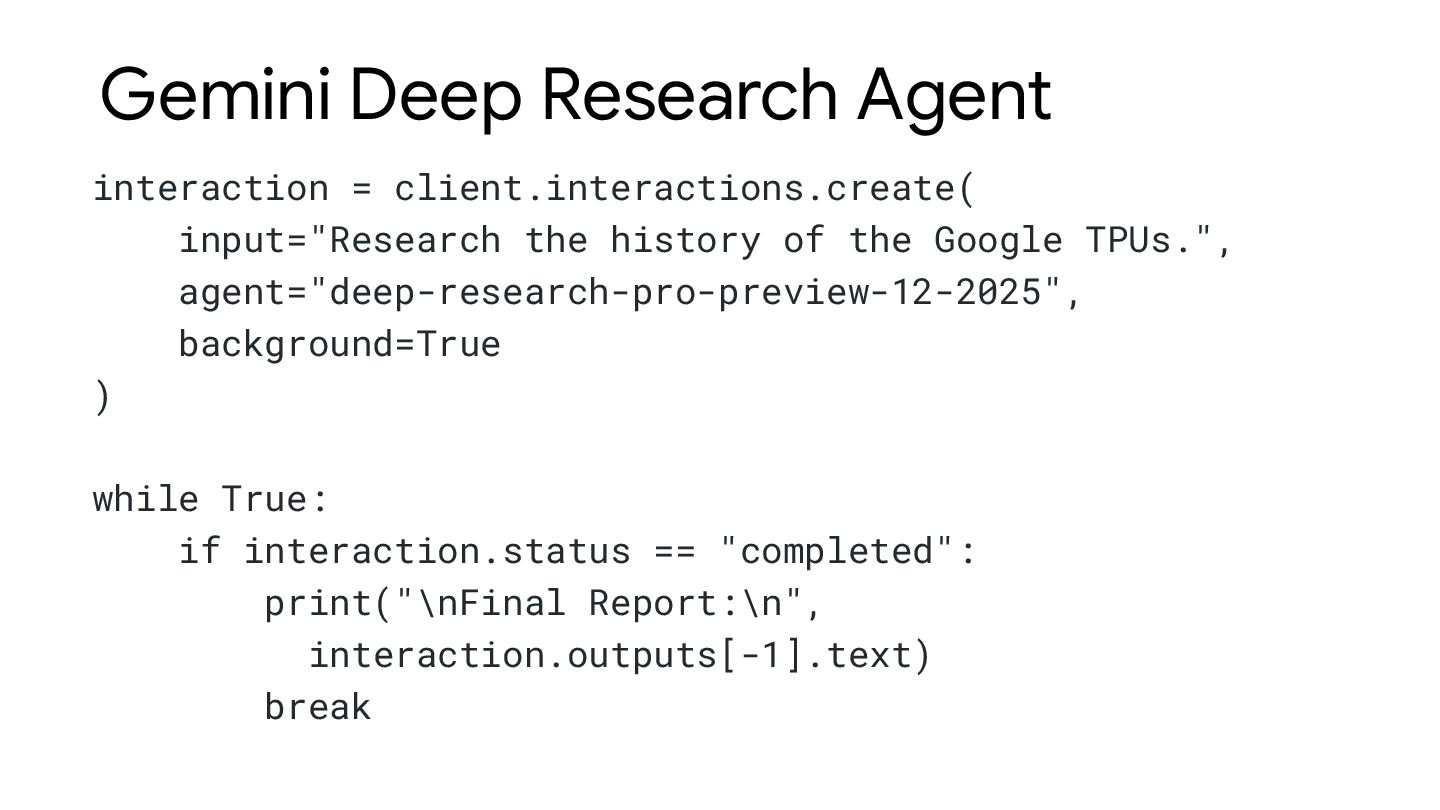
  23. Gemini Deep Research Agent interaction = client.interactions.create( input="Research the history

    of the Google TPUs.", agent="deep-research-pro-preview-12-2025", background=True ) while True: if interaction.status == "completed": print("\nFinal Report:\n", interaction.outputs[-1].text) break
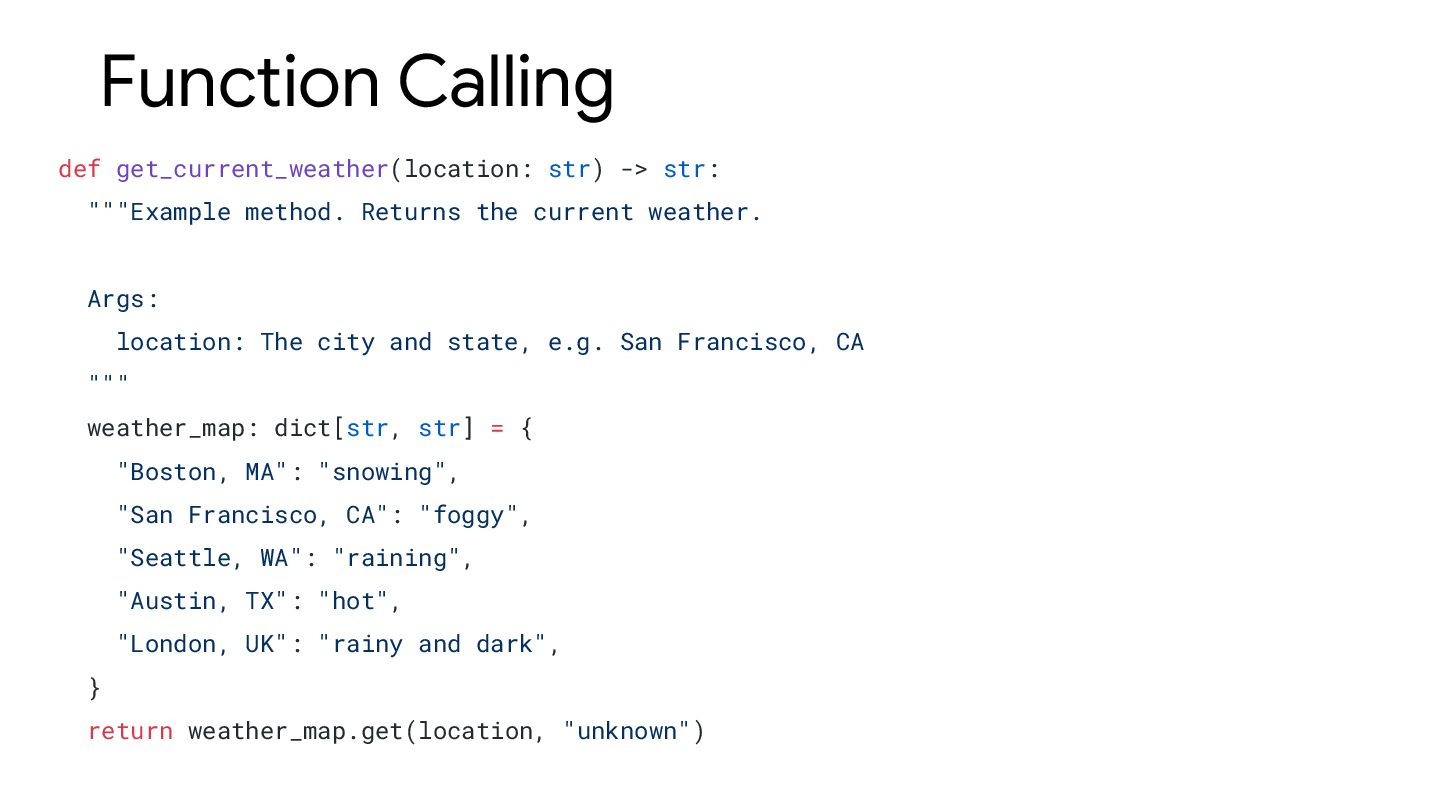
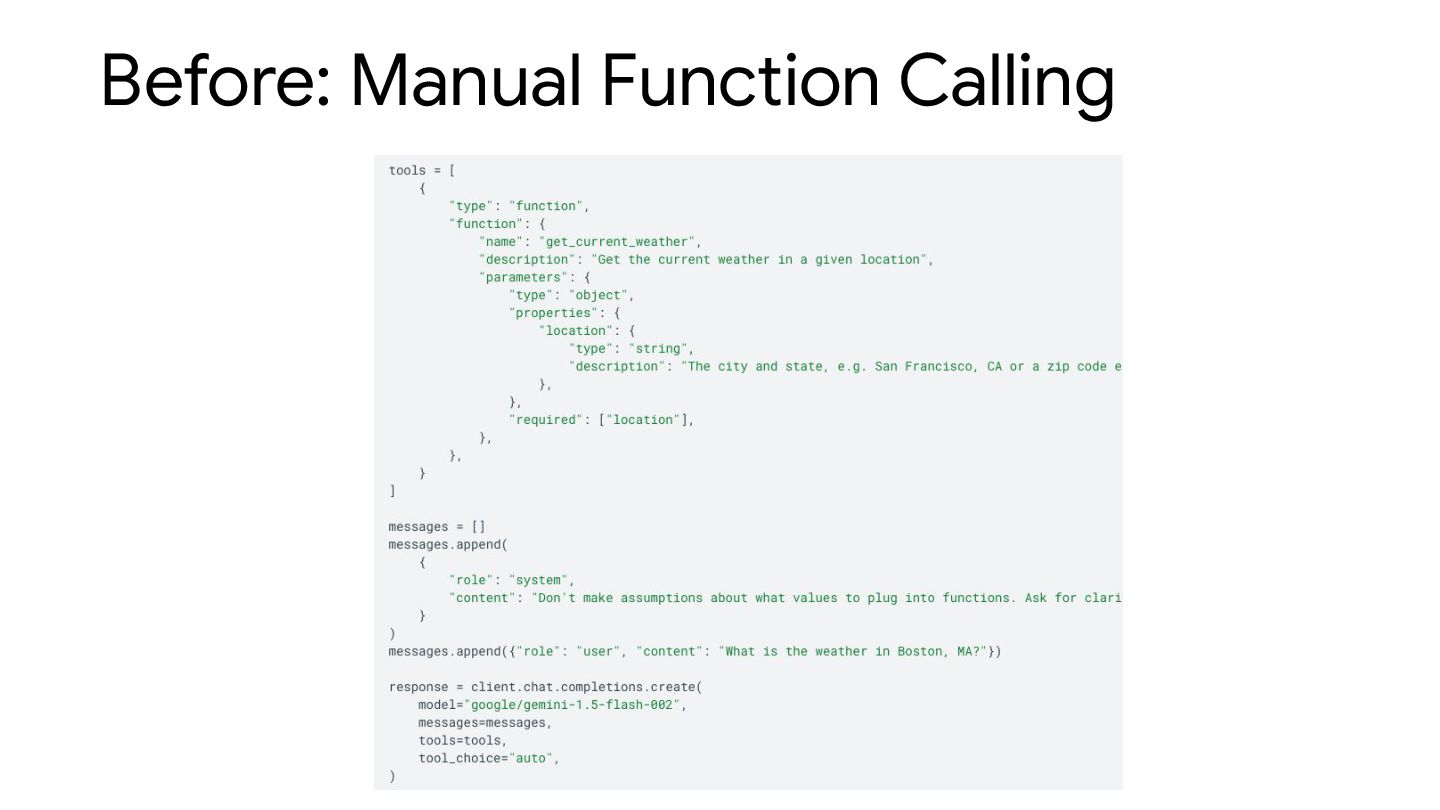
  24. Function Calling def get_current_weather(location: str) -> str: """Example method. Returns

    the current weather. Args: location: The city and state, e.g. San Francisco, CA """ weather_map: dict[str, str] = { "Boston, MA": "snowing", "San Francisco, CA": "foggy", "Seattle, WA": "raining", "Austin, TX": "hot", "London, UK": "rainy and dark", } return weather_map.get(location, "unknown")
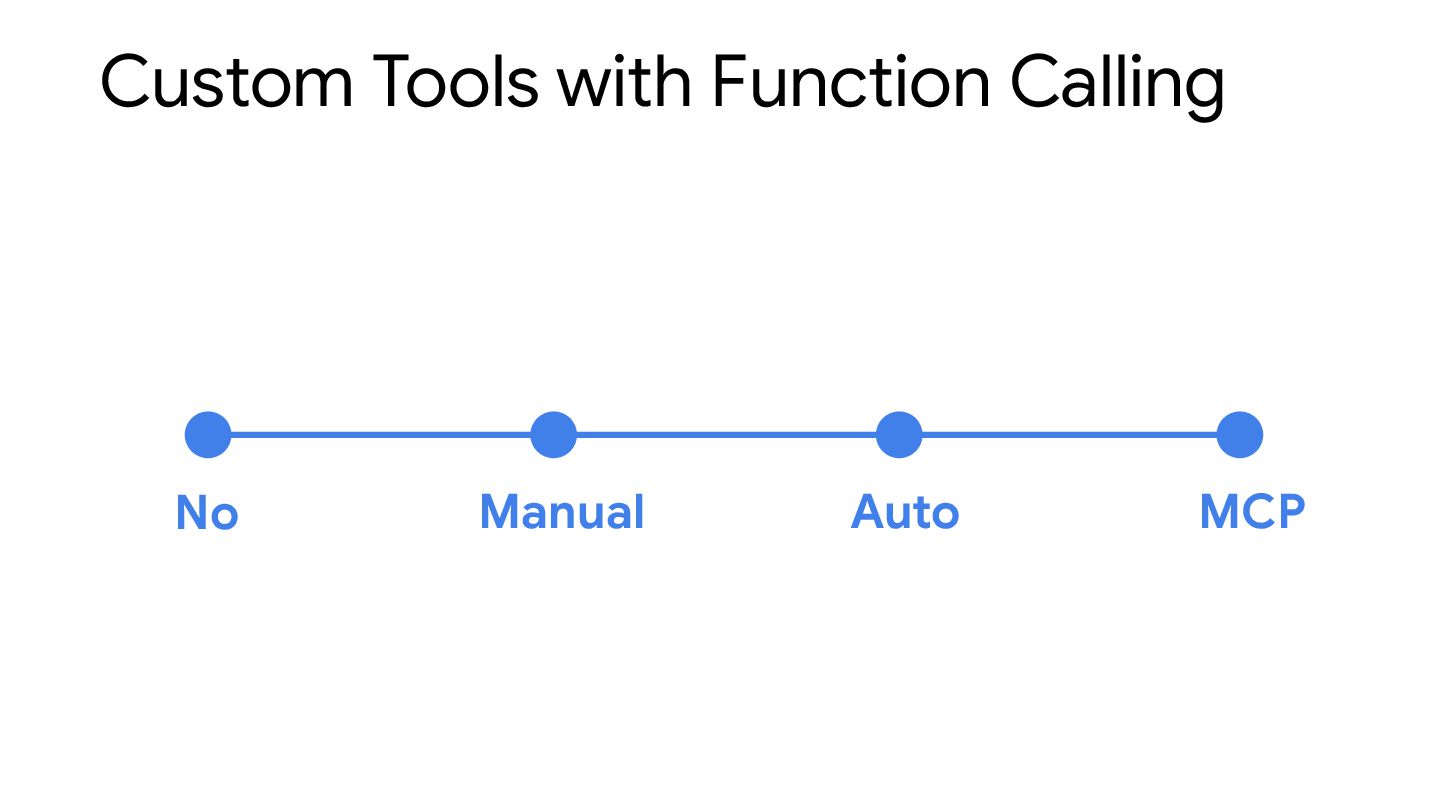
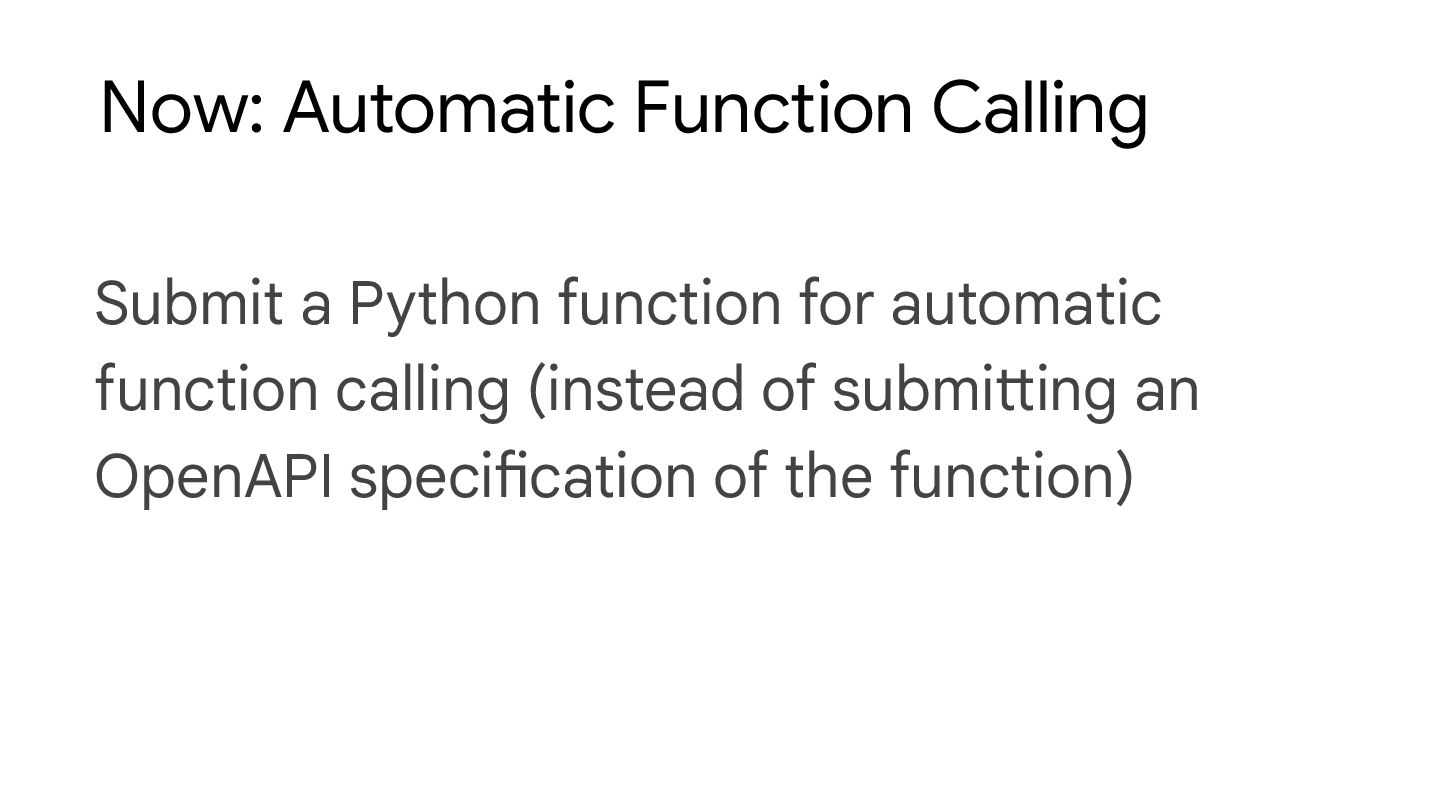
  25. Now: Automatic Function Calling Submit a Python function for automatic

    function calling (instead of submitting an OpenAPI specification of the function)
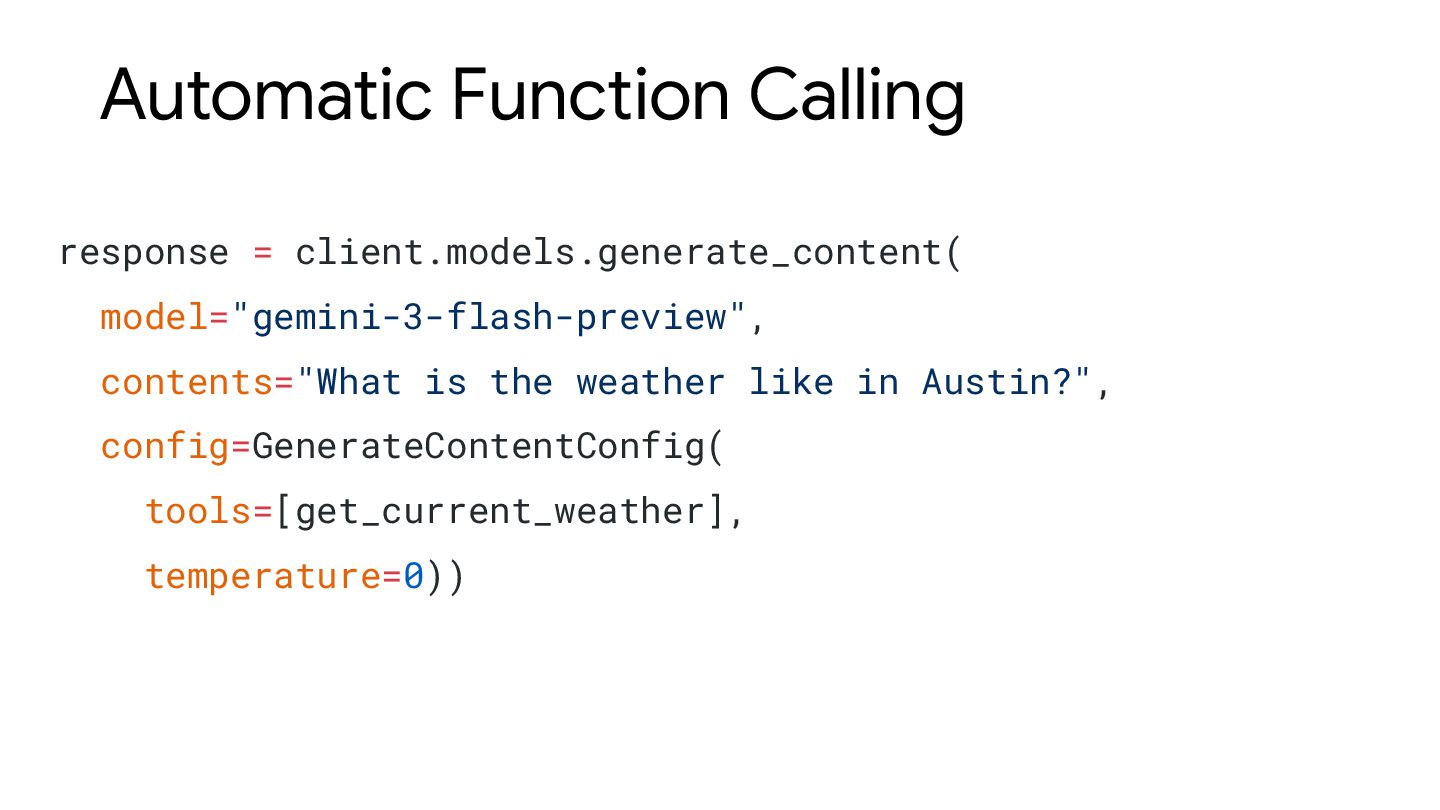
  26. Automatic Function Calling response = client.models.generate_content( model="gemini-3-flash-preview", contents="What is the

    weather like in Austin?", config=GenerateContentConfig( tools=[get_current_weather], temperature=0))
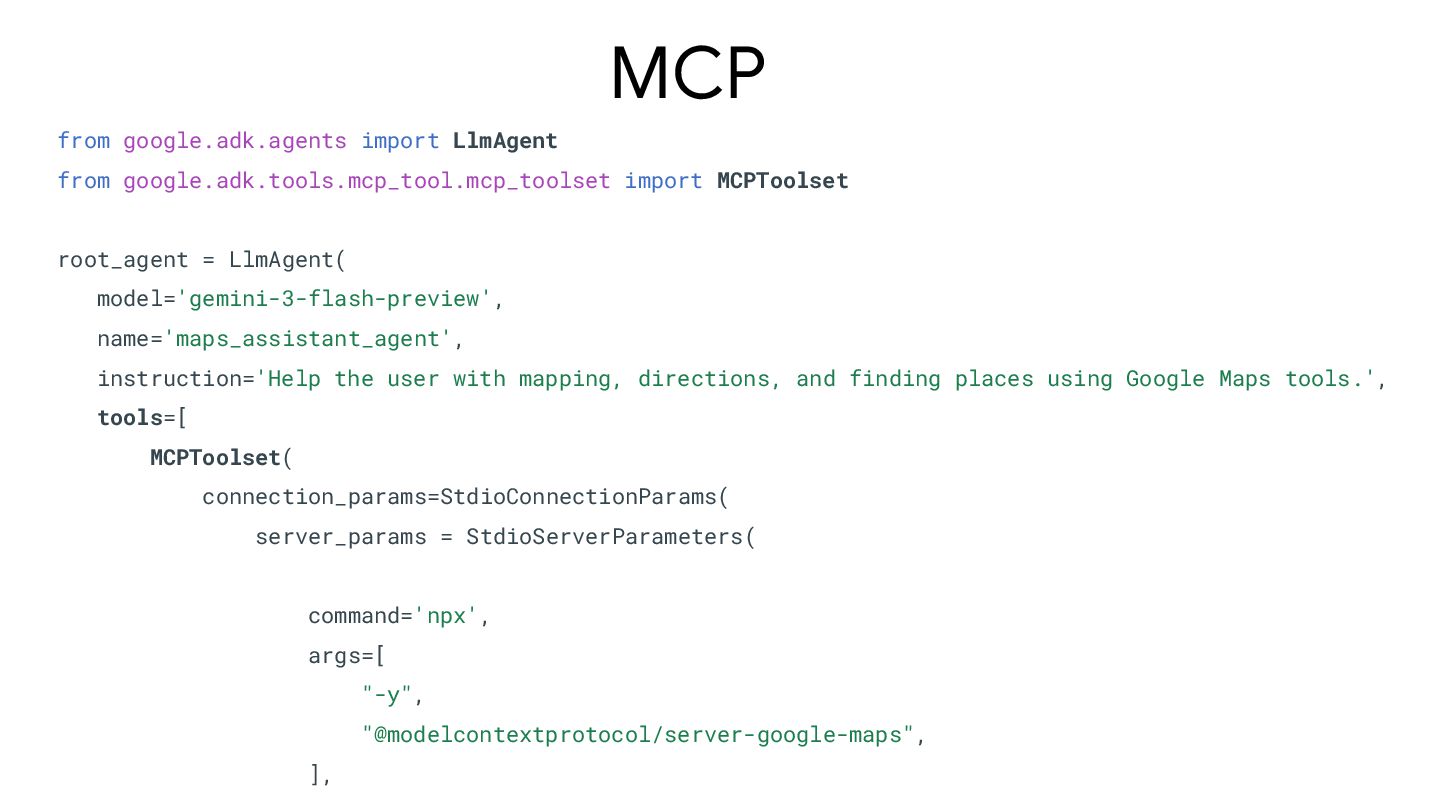
  27. MCP from google.adk.agents import LlmAgent from google.adk.tools.mcp_tool.mcp_toolset import MCPToolset root_agent

    = LlmAgent( model='gemini-3-flash-preview', name='maps_assistant_agent', instruction='Help the user with mapping, directions, and finding places using Google Maps tools.', tools=[ MCPToolset( connection_params=StdioConnectionParams( server_params = StdioServerParameters( command='npx', args=[ "-y", "@modelcontextprotocol/server-google-maps", ],
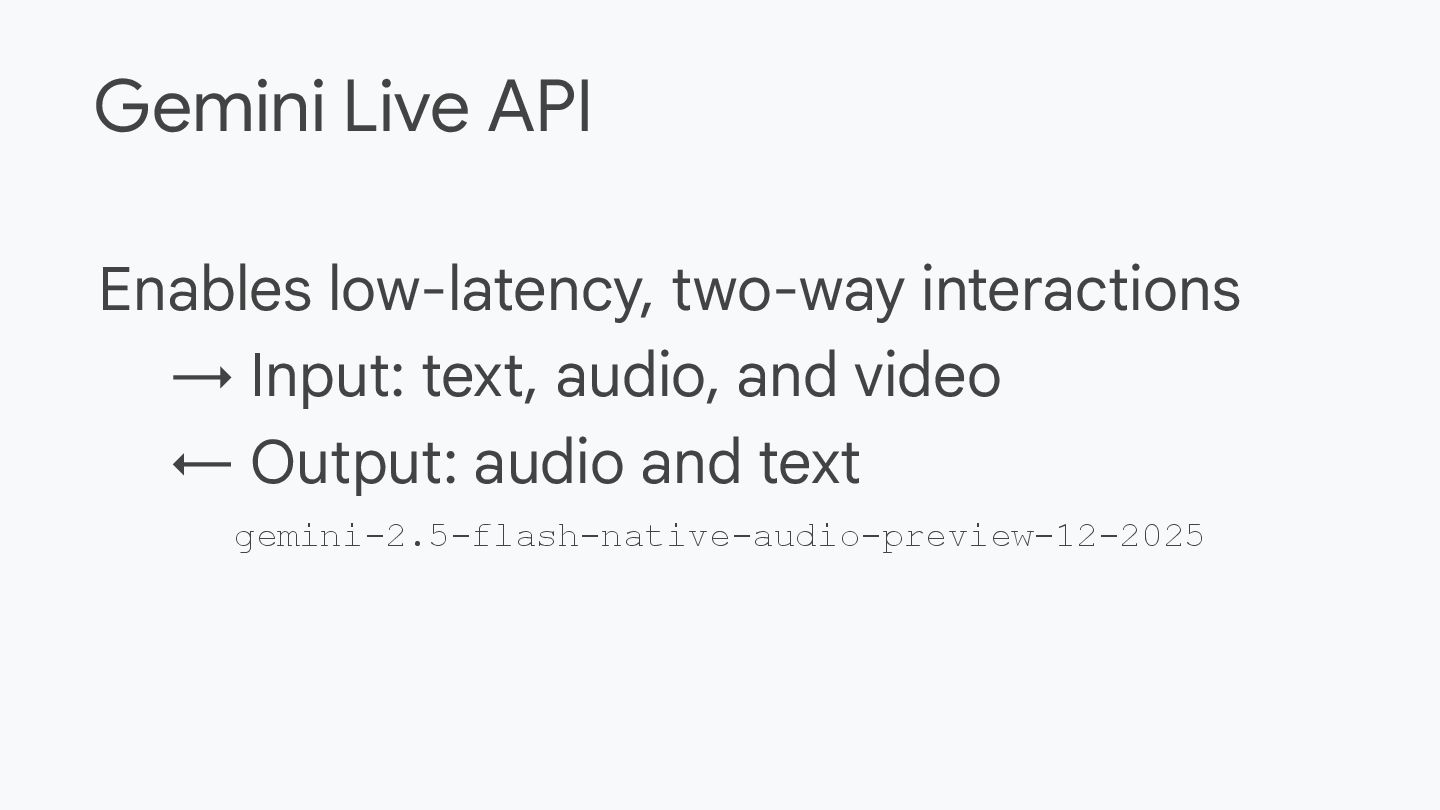
  28. Enables low-latency, two-way interactions → Input: text, audio, and video

    ← Output: audio and text gemini-2.5-flash-native-audio-preview-12-2025 Gemini Live API
  29. Multimodal – model can see, hear, speak Low-latency – for

    realtime interaction Memory – model remembers the session Tools – Function calling, code execution, and Google search Gemini Live API–key capabilities DEMO