Upgrade to Pro — share decks privately, control downloads, hide ads and more …

Getting started with Google Antigravity

Avatar for Mete Atamel Mete Atamel
February 20, 2026

Getting started with Google Antigravity

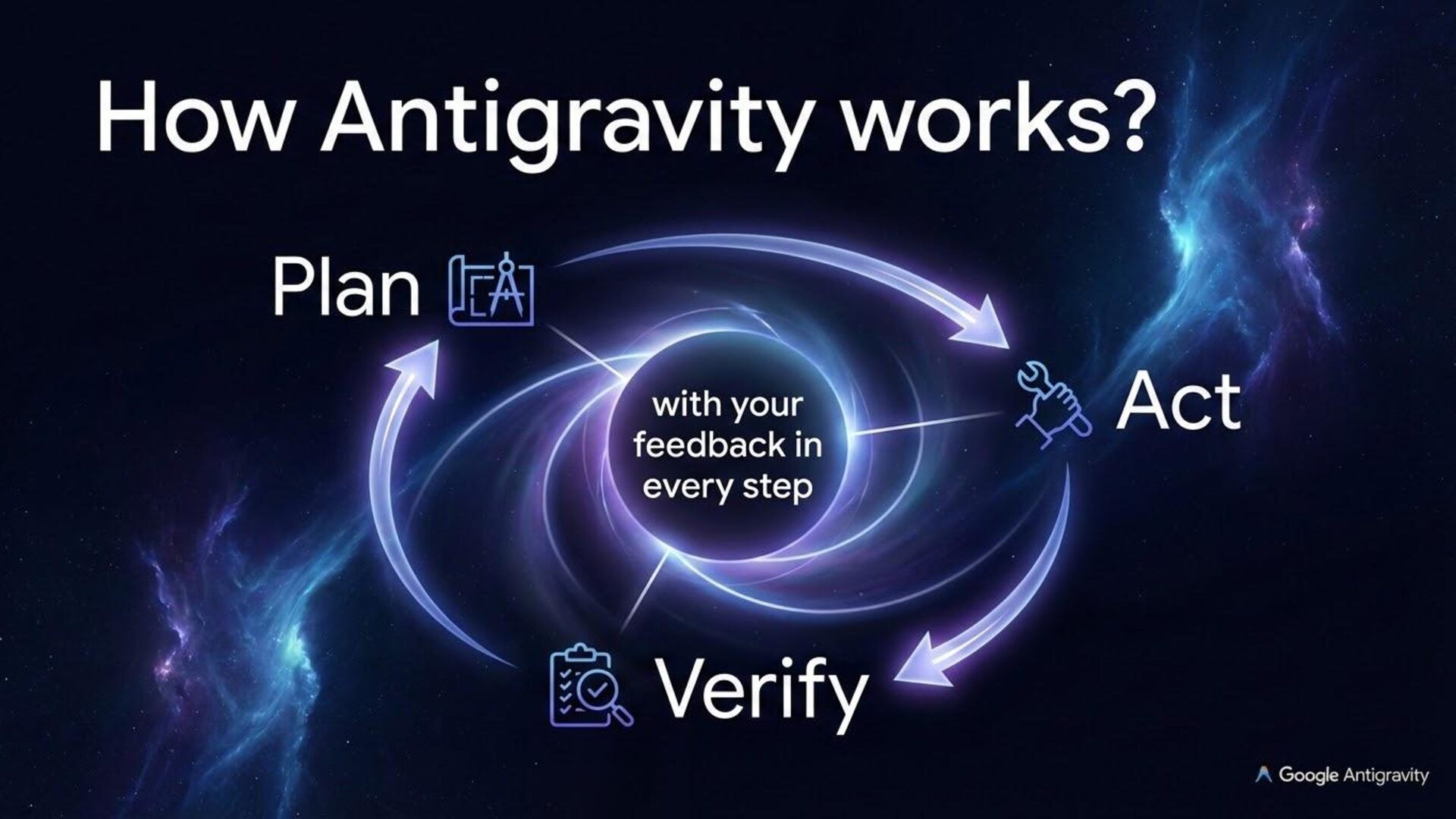
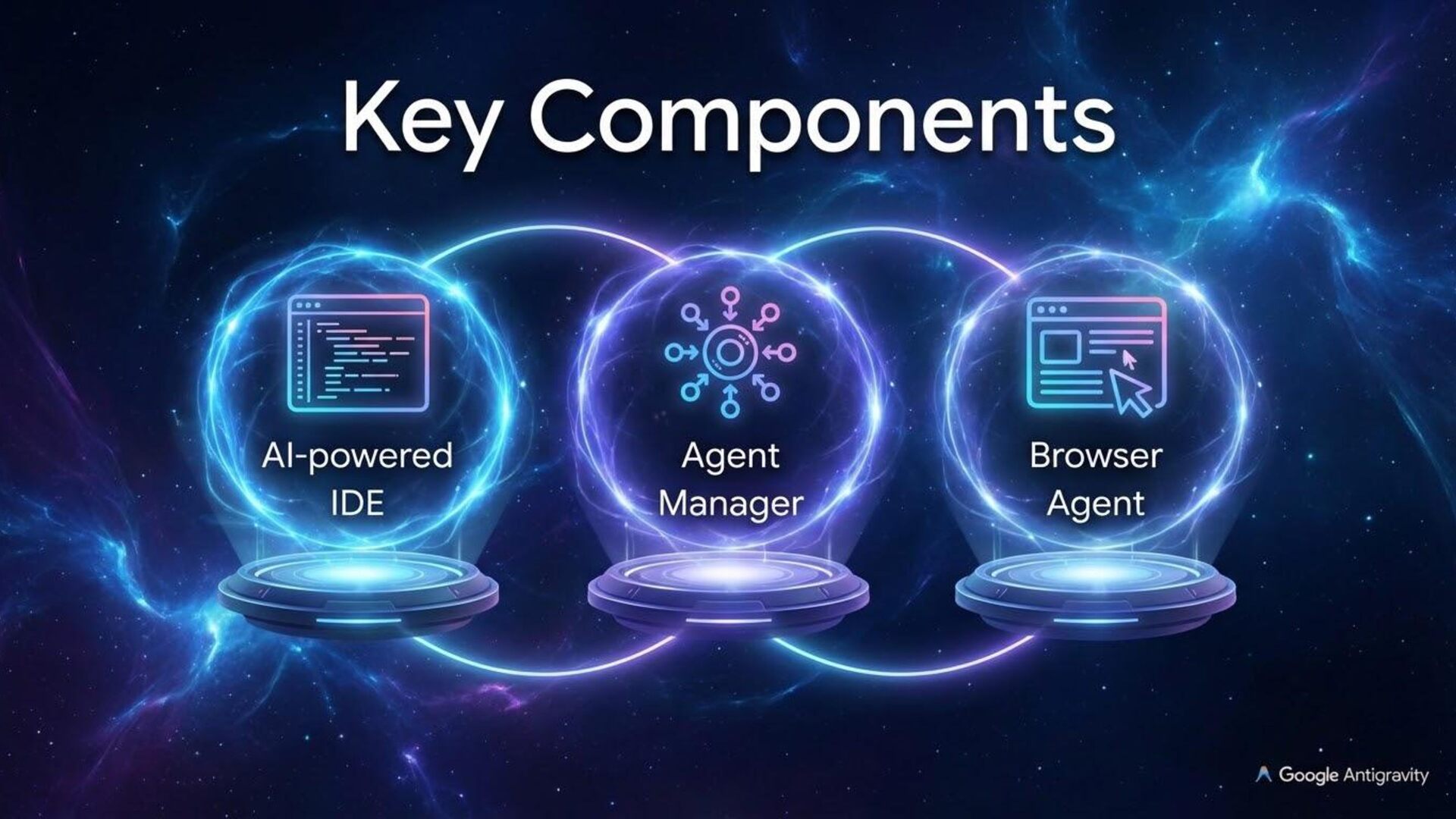
Google Antigravity transforms your regular IDE into an agentic development platform. Beyond basic tab completion, Antigravity offers an intuitive, artifact-based approach to monitoring and providing feedback to agents. By utilizing rules, workflows, and skills, you can fully customize the environment to your team’s best practices, while a dedicated browser subagent handles tasks outside the editor. Last but not least, its Agent Manager can spin up and coordinate multiple parallel agents across various workflows, allowing you to work at a higher level than the code itself.

Avatar for Mete Atamel

Mete Atamel

February 20, 2026

More Decks by Mete Atamel

Other Decks in Technology

Transcript

  1. Who am I? Mete Atamel Developer Advocate @ Google Cloud

    atamel.dev speakerdeck.com/meteatamel @meteatamel
  2. Antigravity Platform  Antigravity App  Antigravity IDE & Antigravity

    IDE Extensions  Antigravity CLI  Antigravity SDK
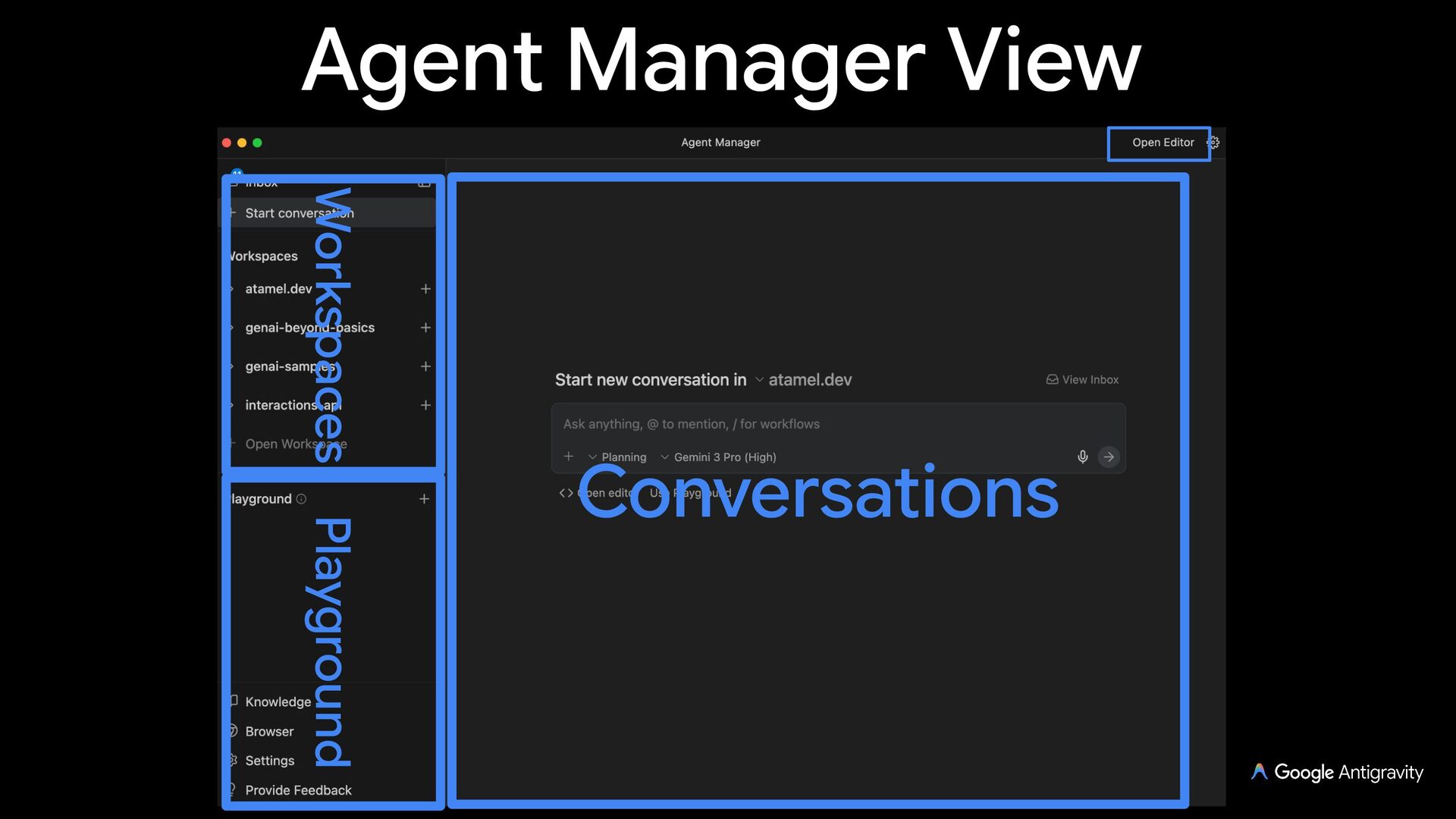
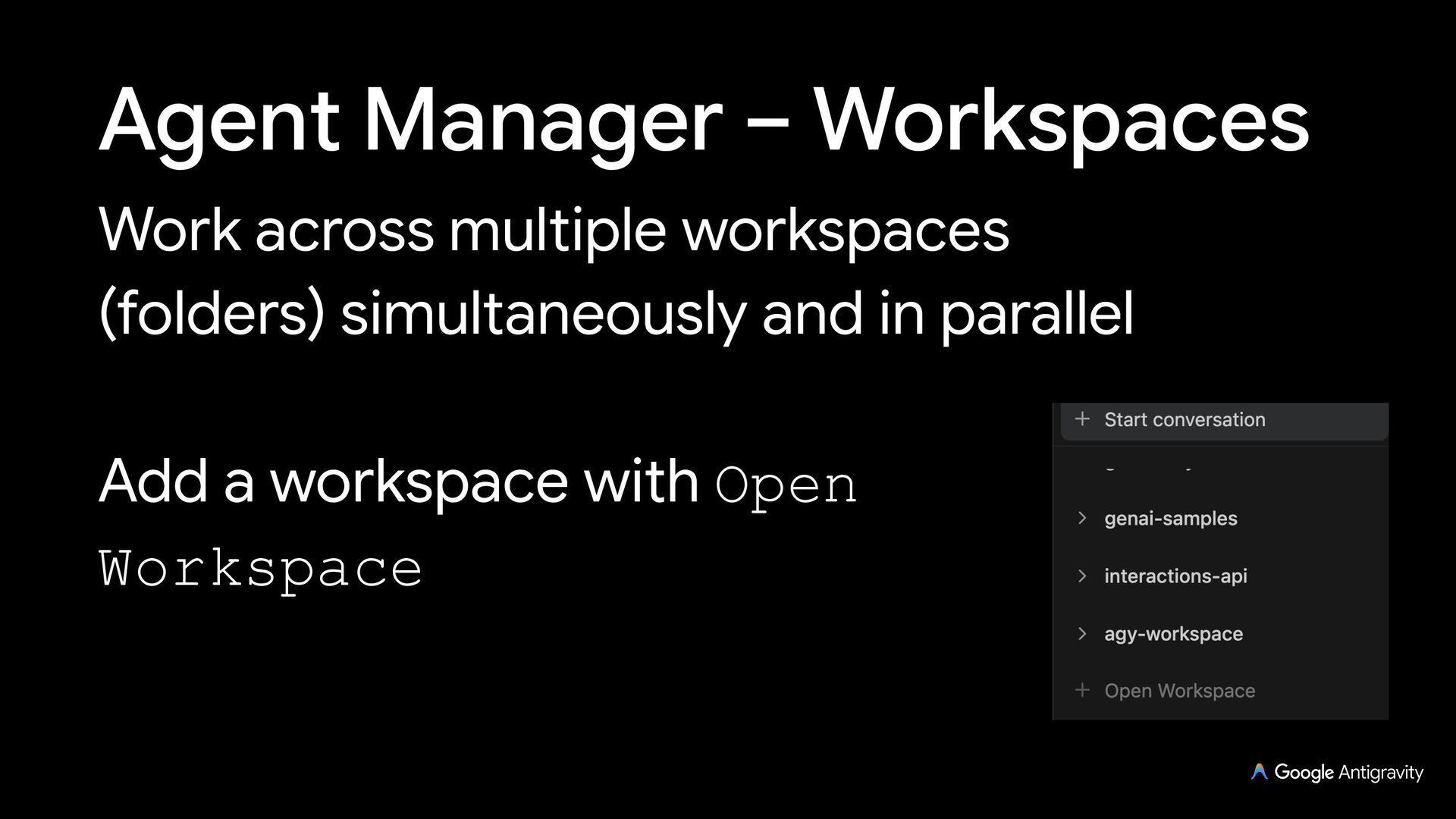
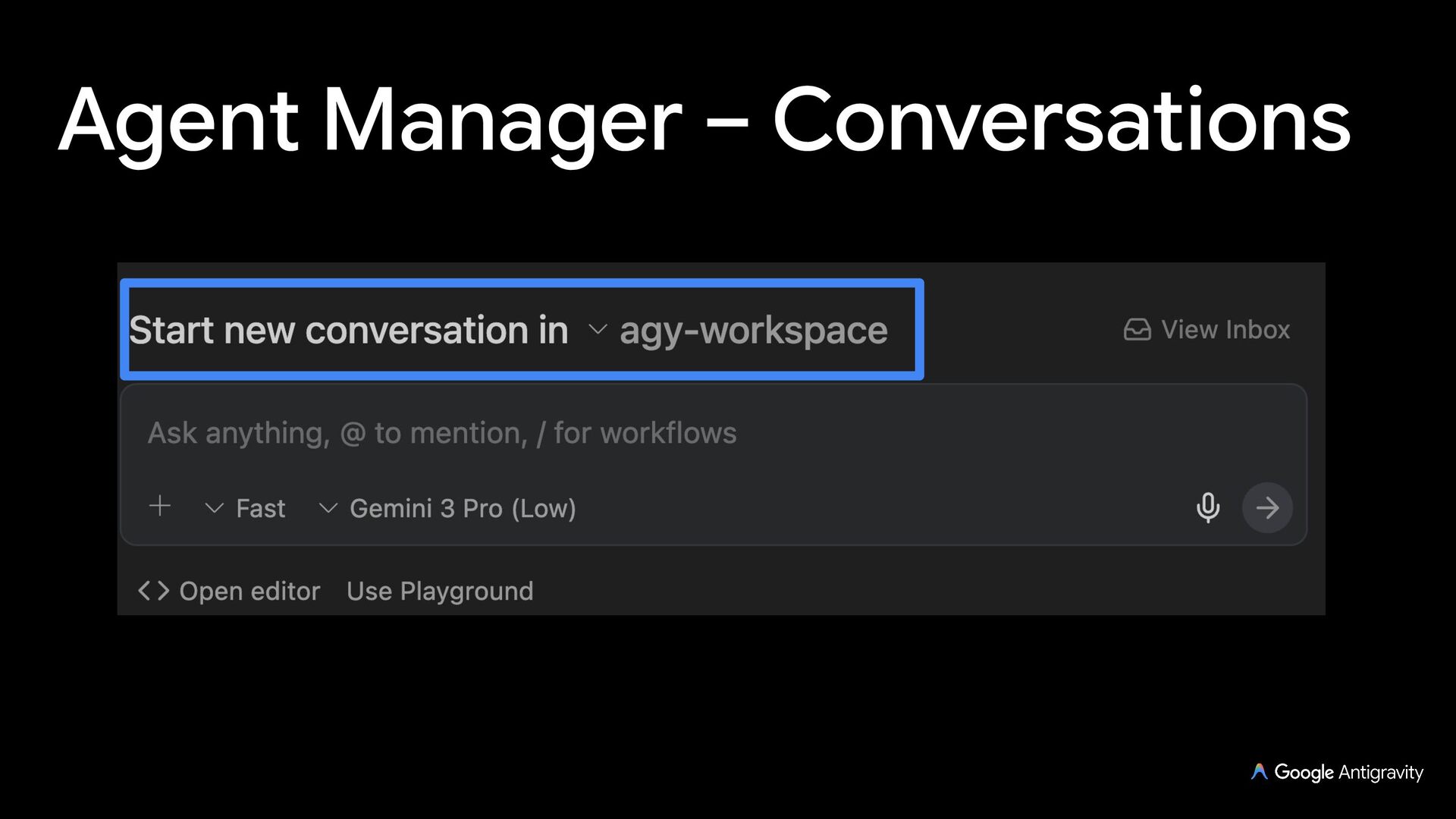
  3. Antigravity App Your command center to manage multiple local agents

    across multiple folders Group conversations & folders into projects and operate across them in parallel
  4. Projects A project defines the filesystem and security boundaries for

    the agent Multi-folder & worktree support, scoped settings and permissions that the agent respects
  5. Review and Terminal Review diffs, stage & commit with Git,

    and quote or comment on lines (no inline editing) Built-in terminal and browser in the side panel
  6. Context & Attachments Use @ to reference files, folders, symbols,

    docs, and subagents in prompts Select lines in diffs or artifacts to quote directly into chat, and attach images, PDFs (with built-in viewer), audio, or video
  7. Automations Automate routine tasks in Automations panel Define a cron

    schedule and the agents start and run autonomously in the background in their own project
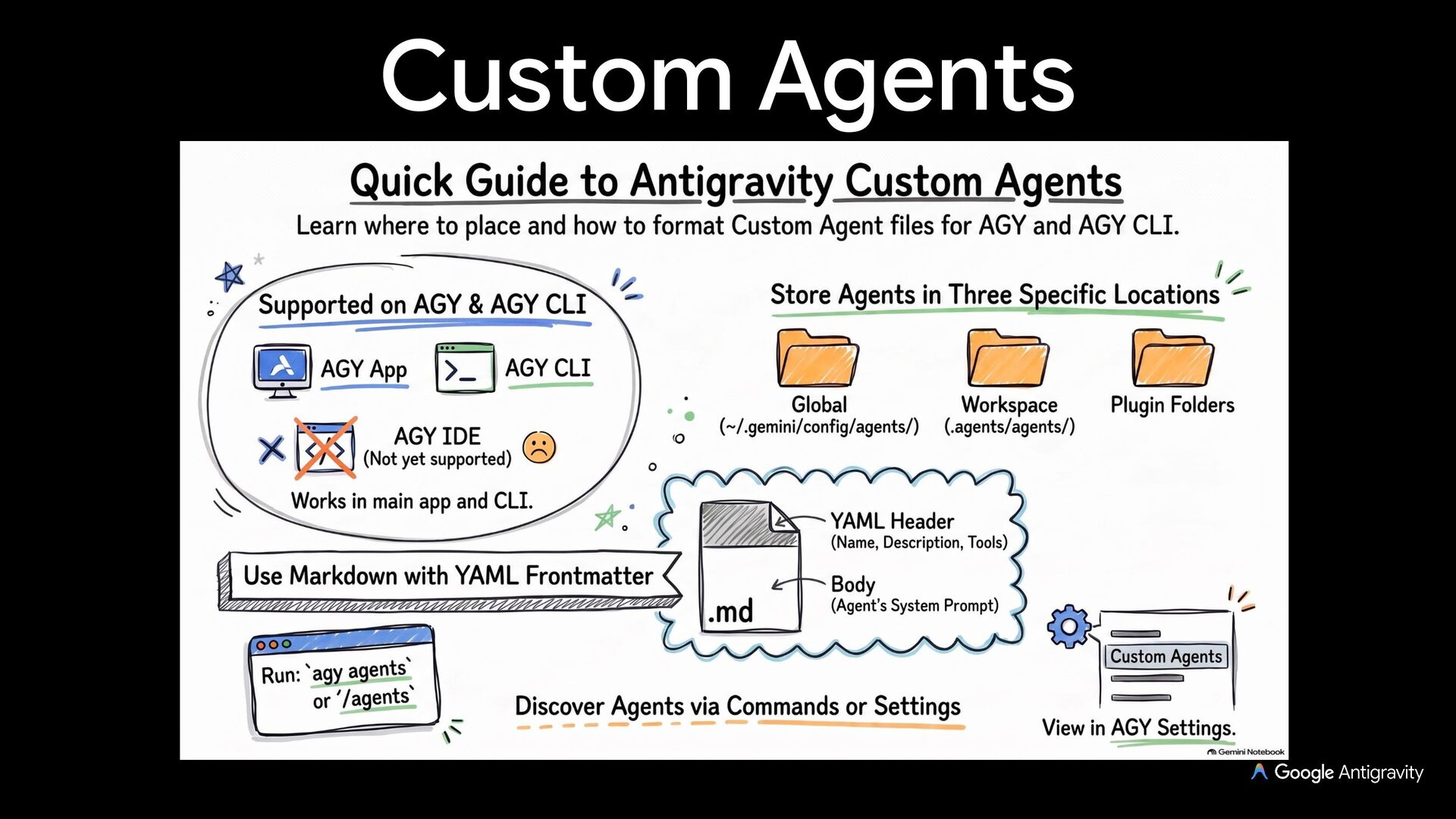
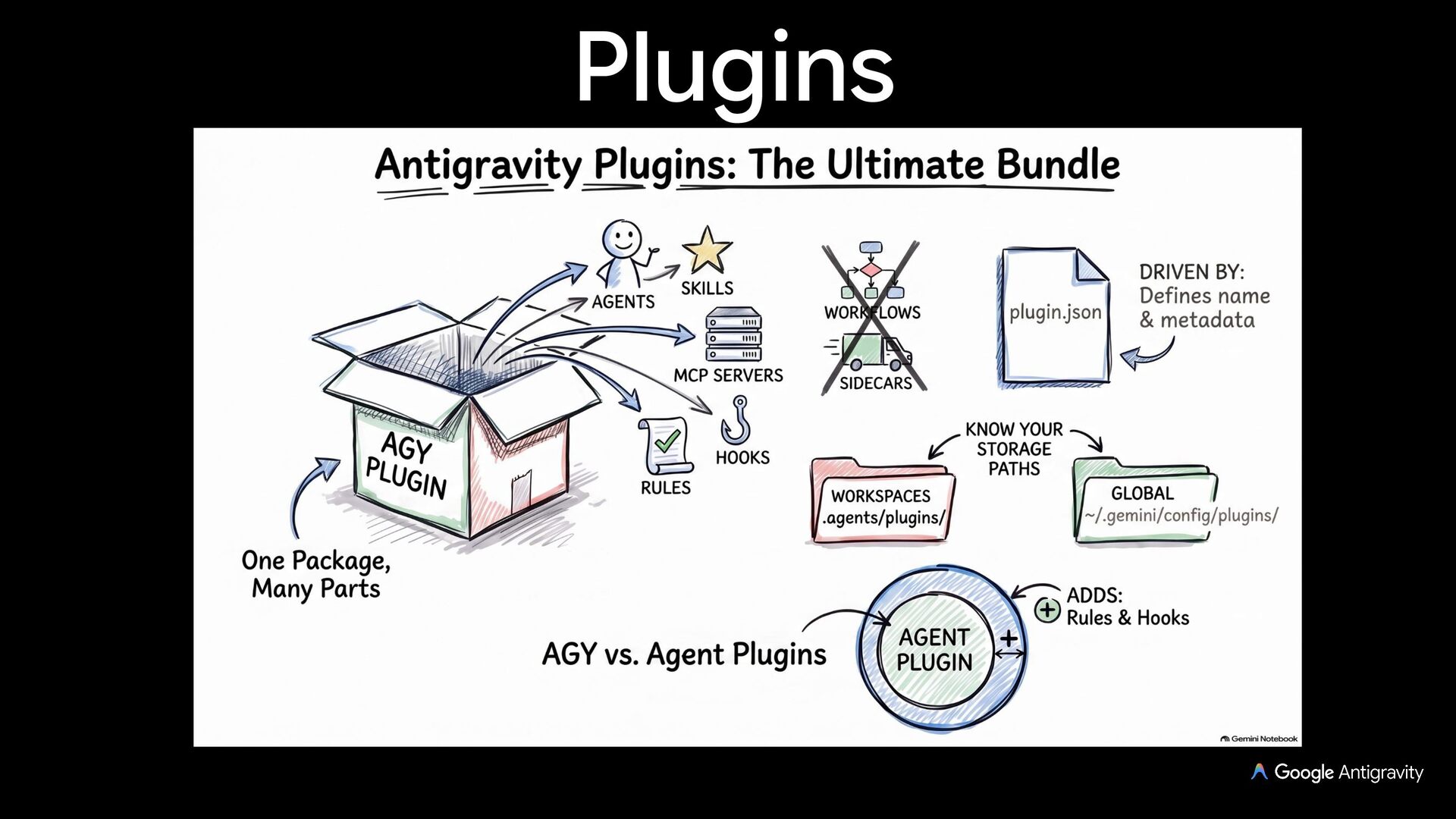
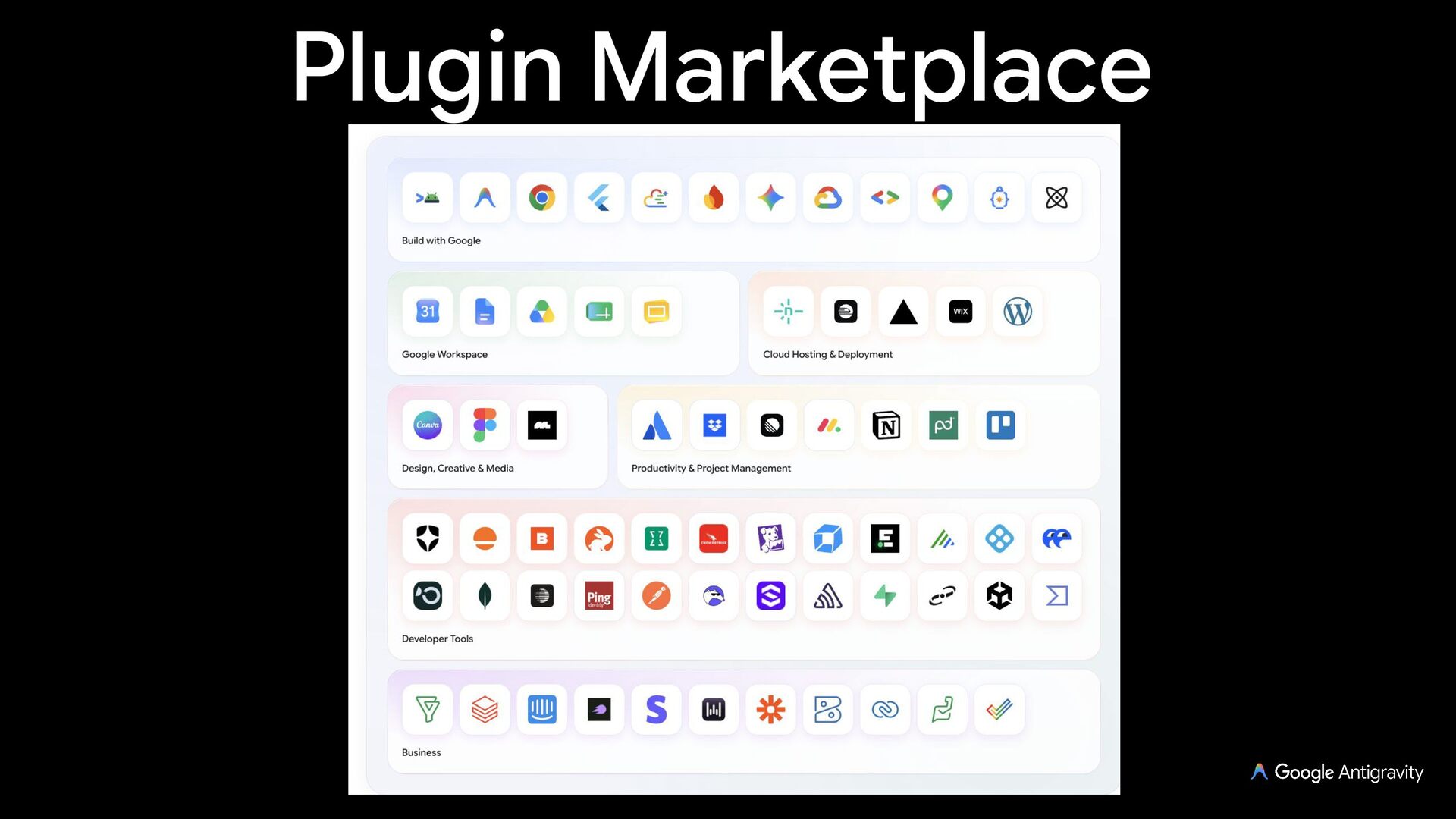
  8. Customizations Marketplace of Plugins from Google Workspace & Build with

    Google, plus Skills, Rules, Hooks, and MCP servers
  9. Slash commands /plan: Plan carefully before executing a task /grill-me:

    Interview me to align on a plan /goal: Run until the task is finished /boost: Explore parallel solutions for hard problems /teamwork: Assemble a multi-agent team /btw: Ask a side question without interrupting /browser: Invoke a browser subagent /learn: Distill into persistent Rules or Skills /plugin: Create and manage plugins /schedule: Schedule a task /compact: Summarize history to free up context window
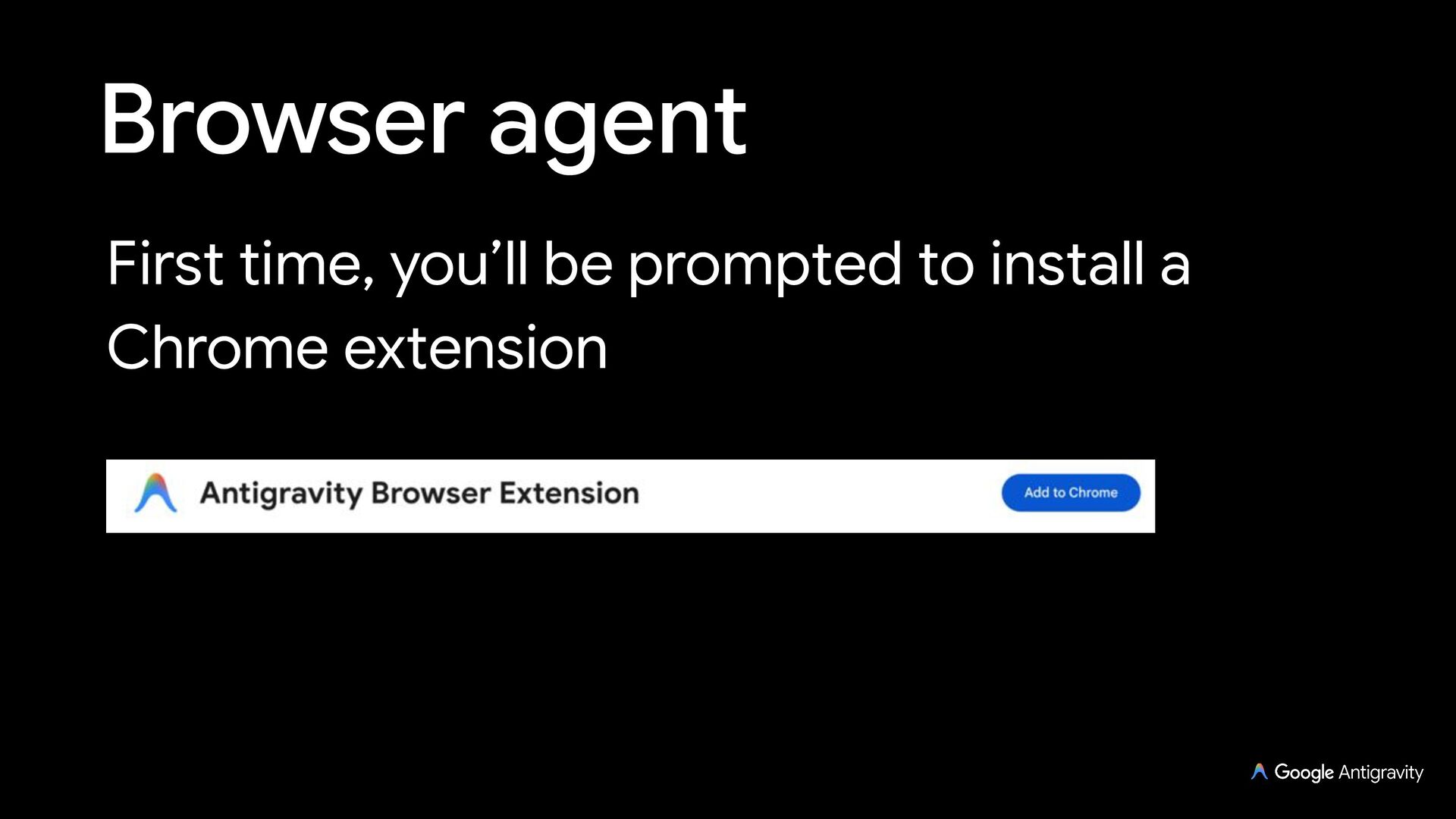
  10. Browser Subagent Antigravity has the ability to open and control

    a Chrome browser with /browser Requires Chrome and a permission to start a debugging session
  11. Teamwork Use /teamwork to dynamically assemble a custom team of

    specialized subagents Each agent gets its own role, system prompt, and isolated branch, communicating peer-to-peer
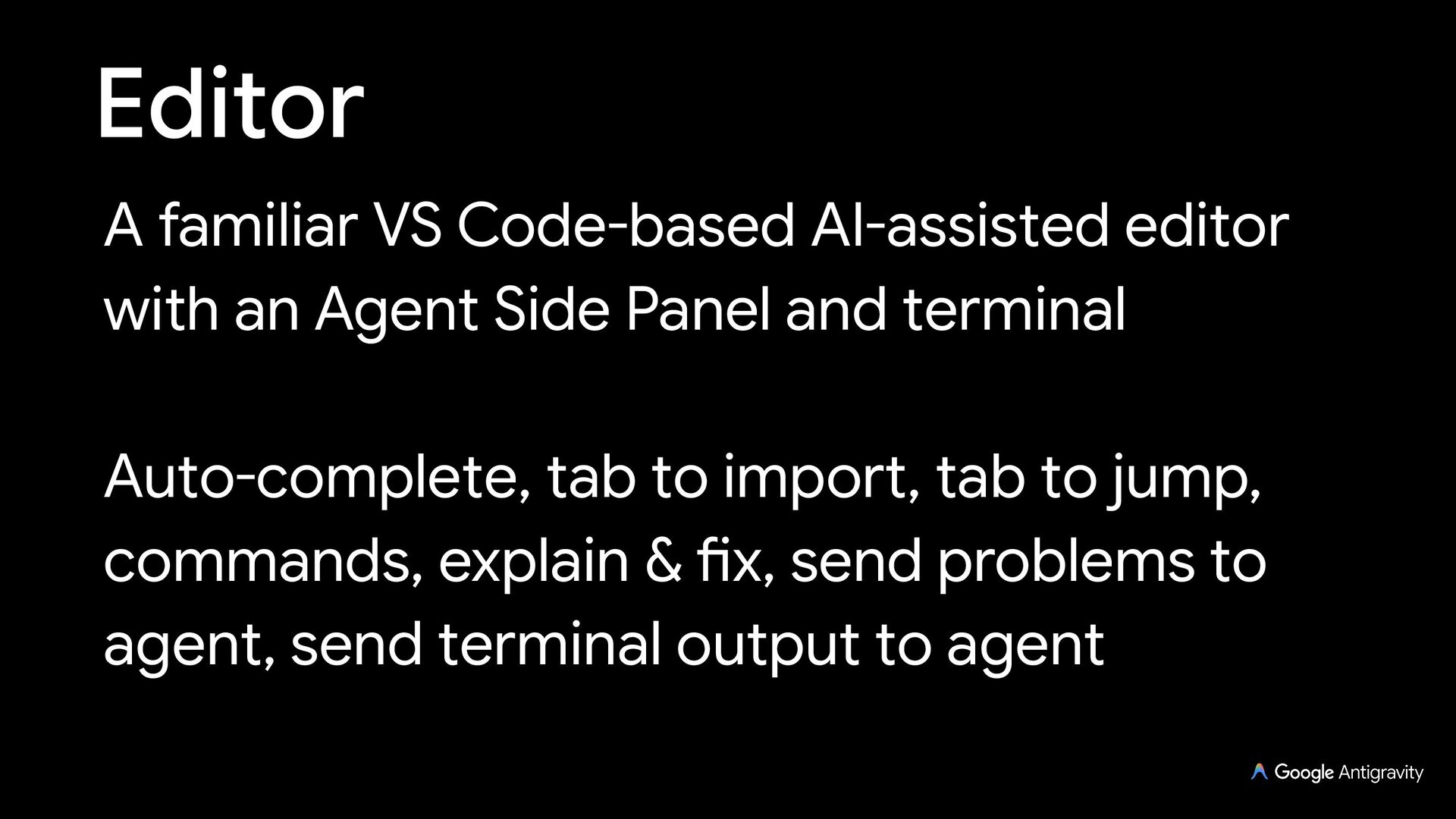
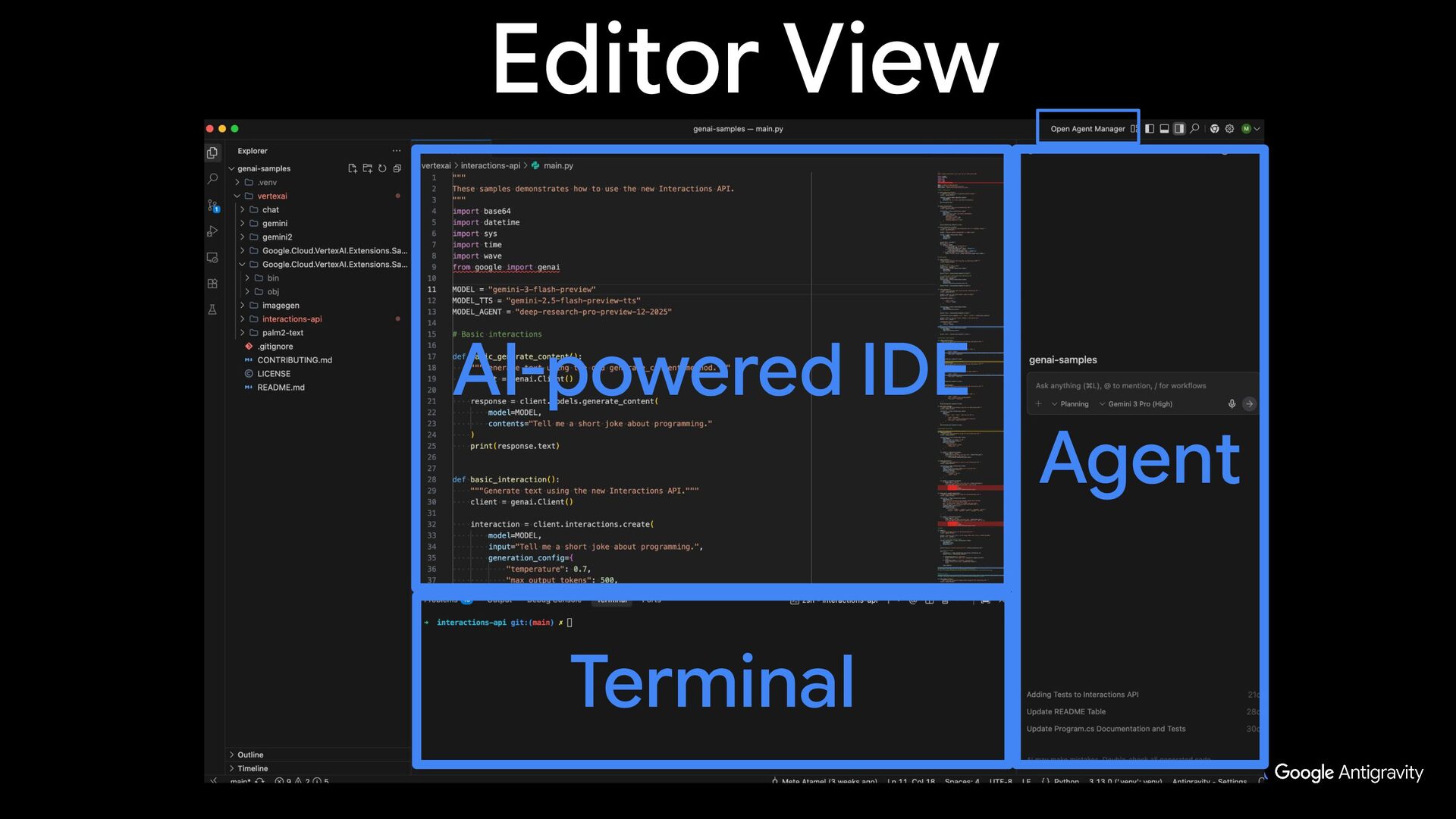
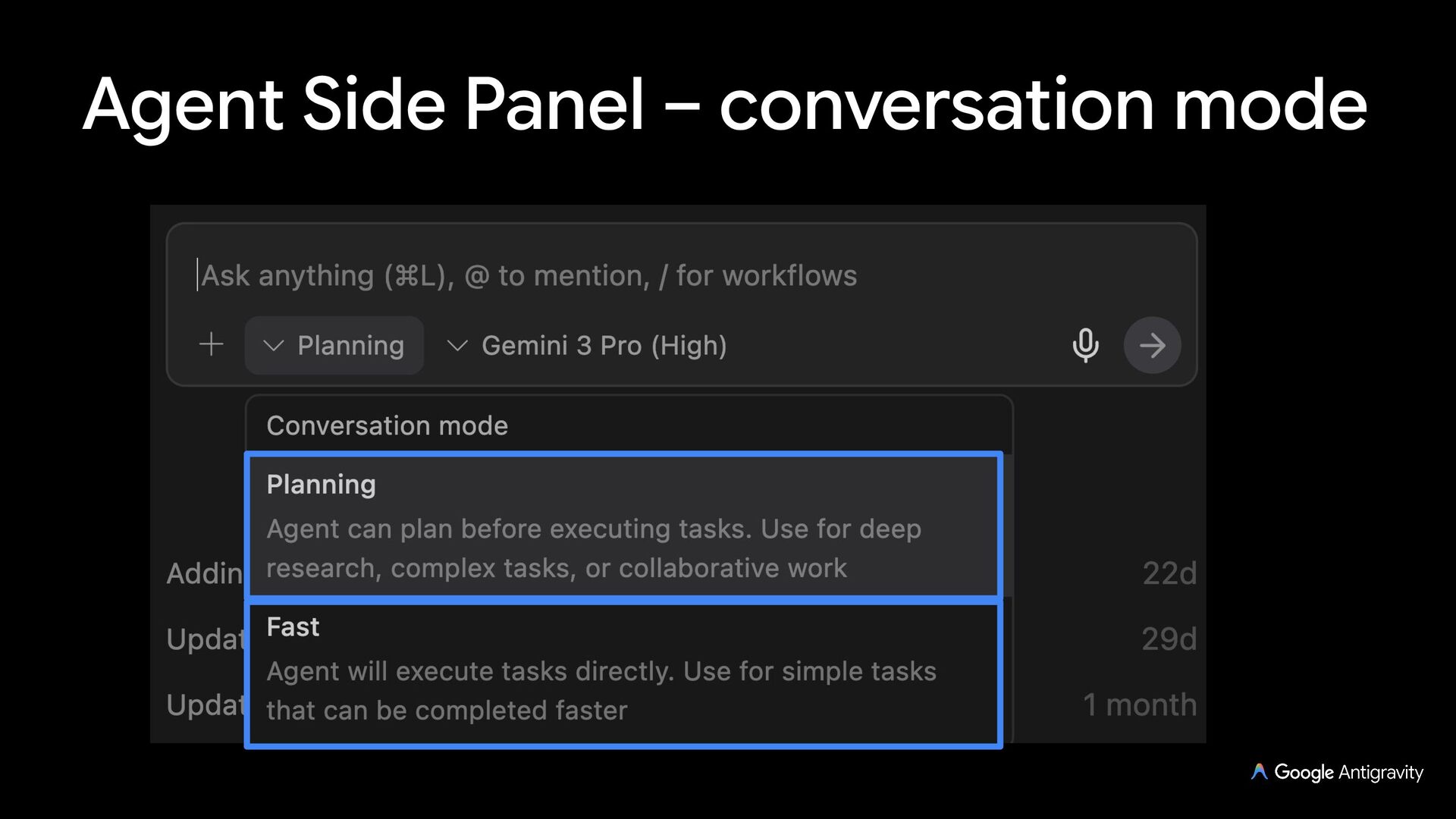
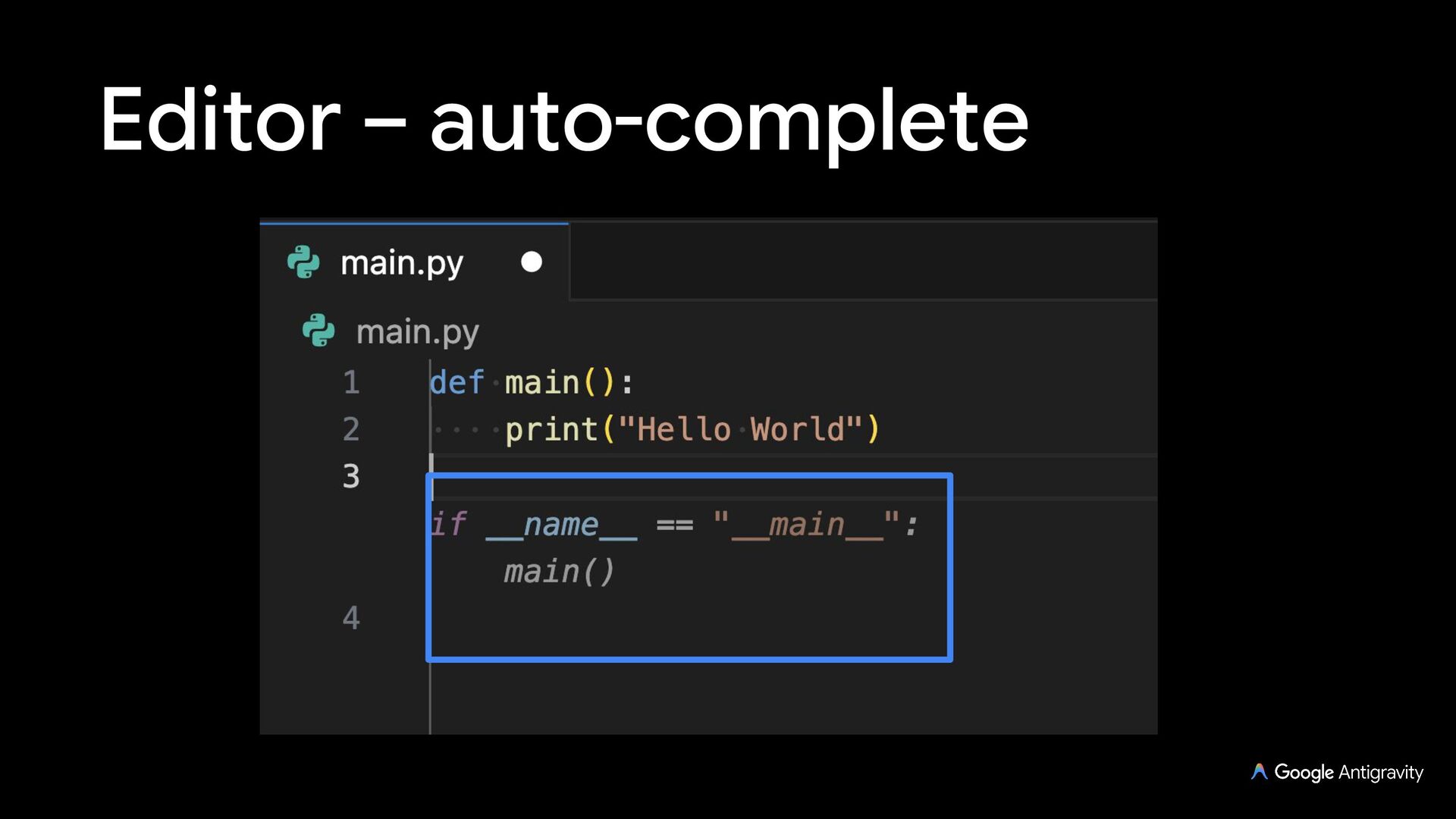
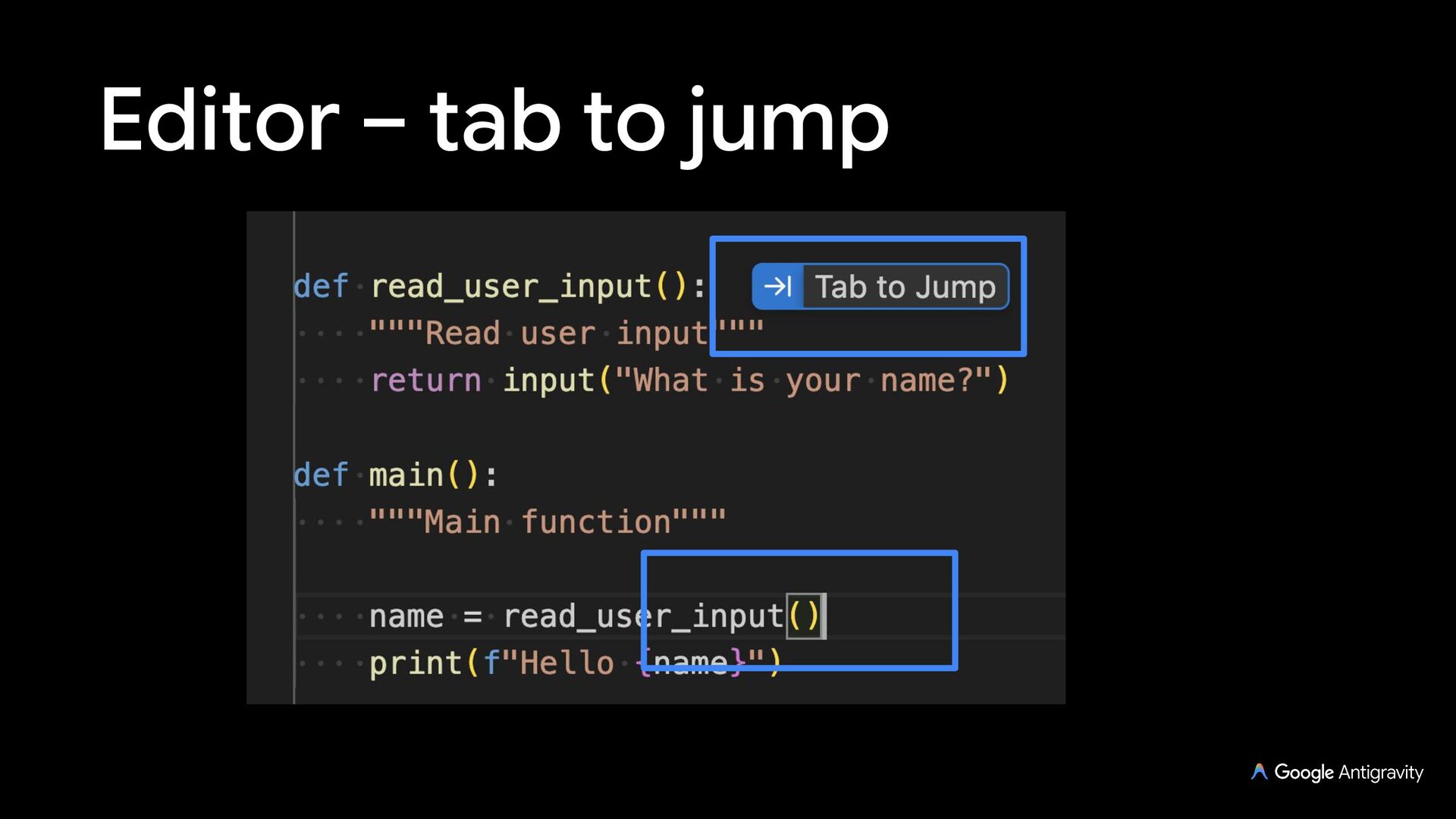
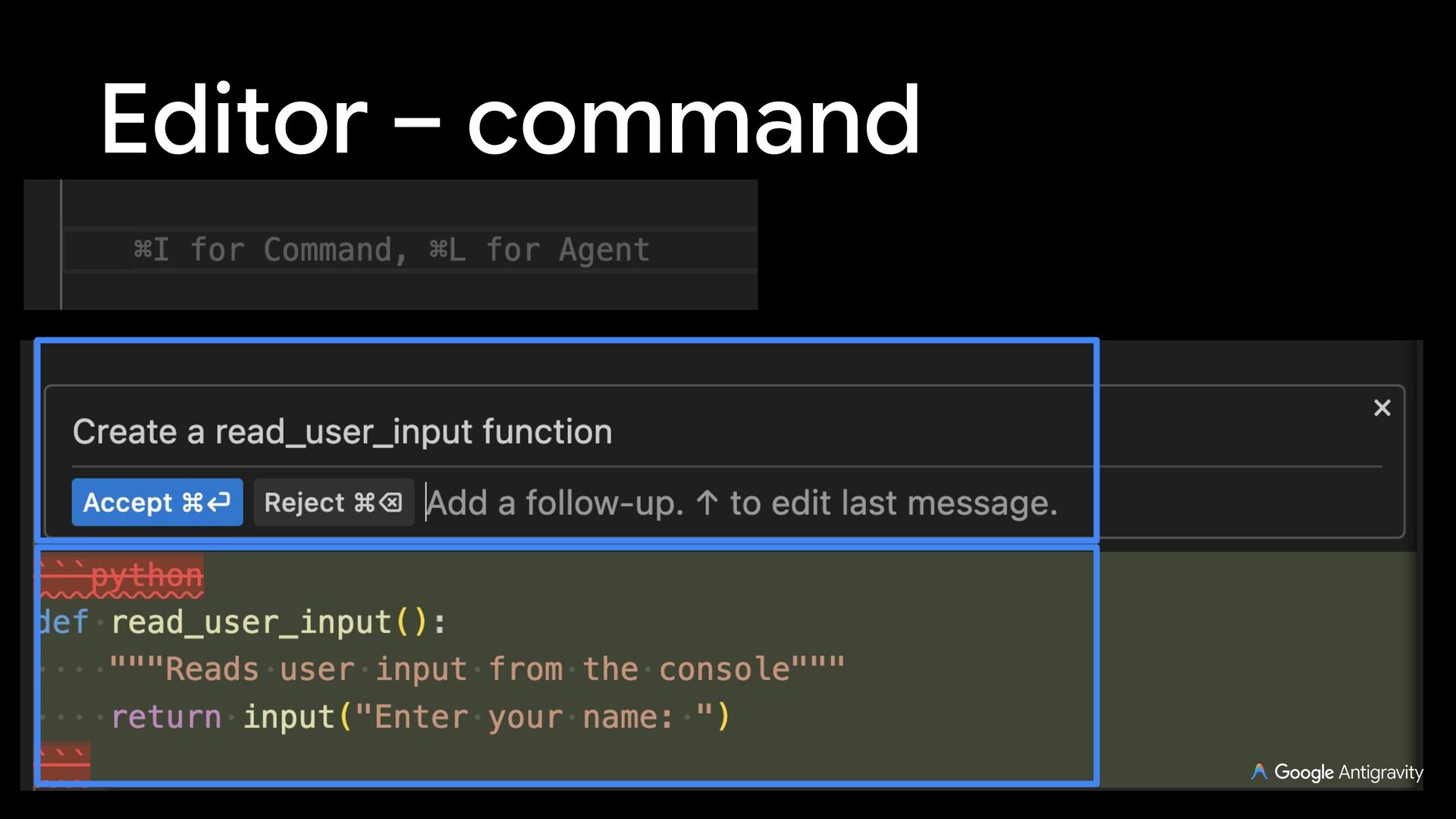
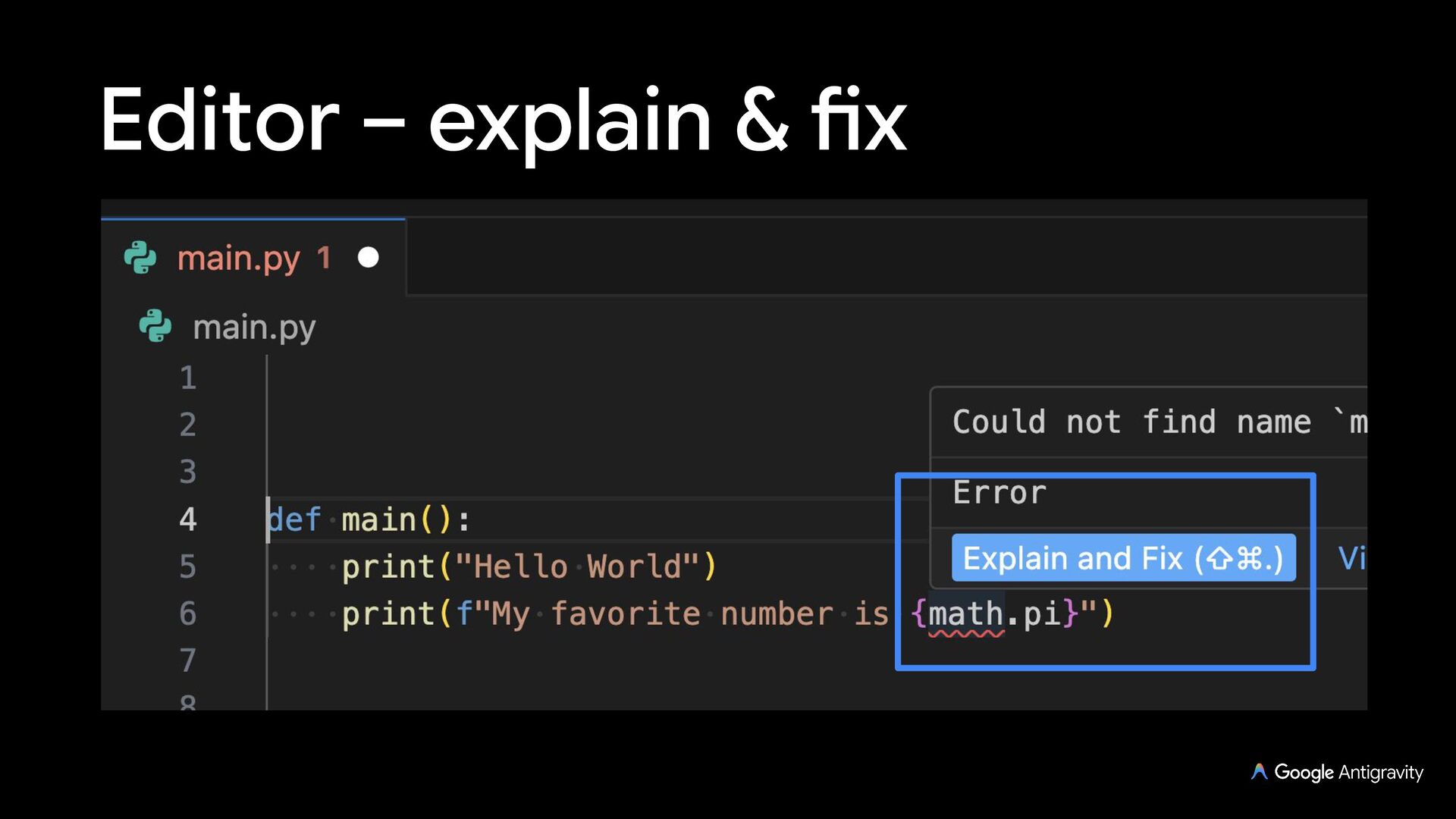
  12. Antigravity IDE (deprioritized) A VS Code-based AI-assisted editor with an

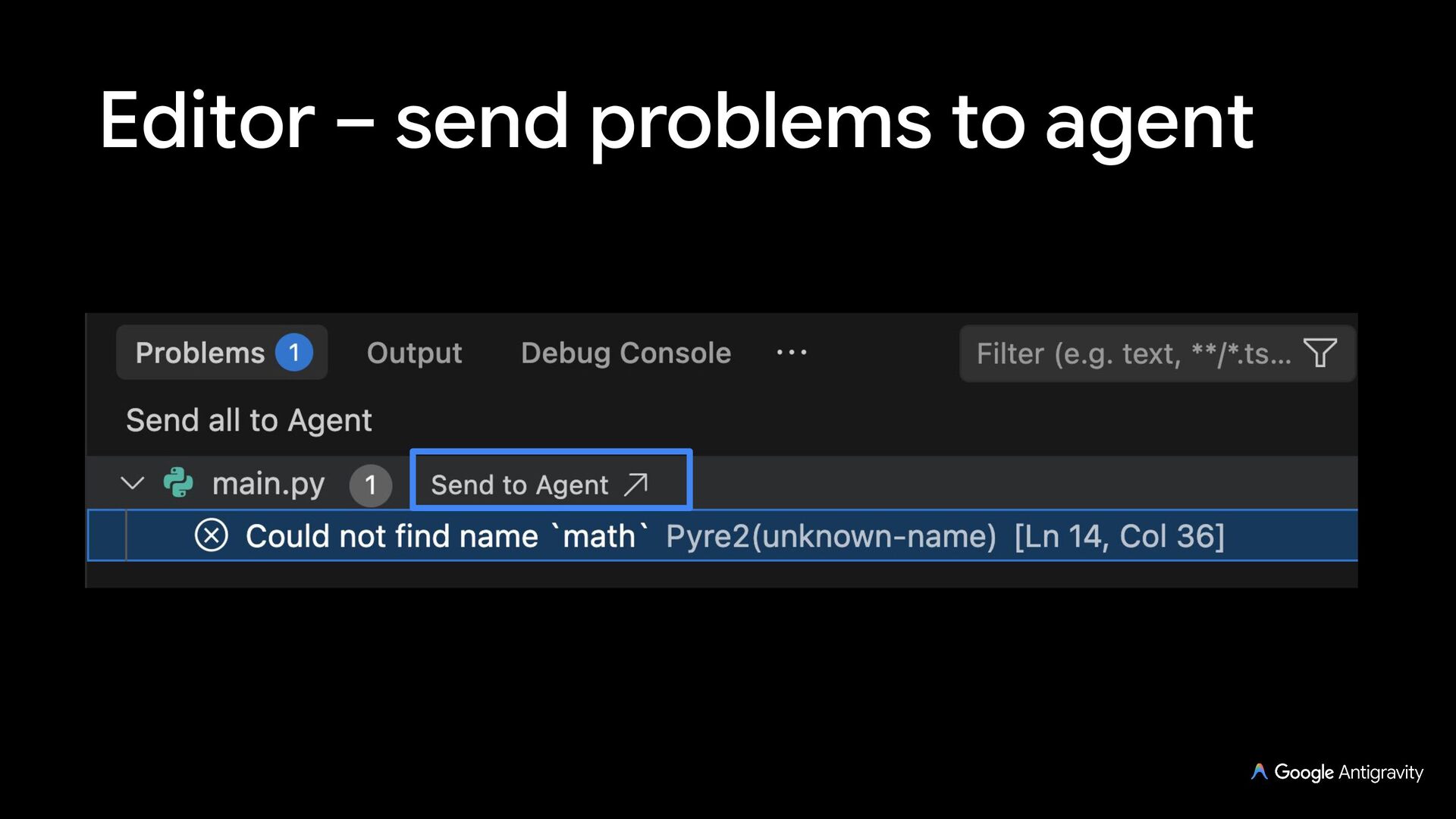
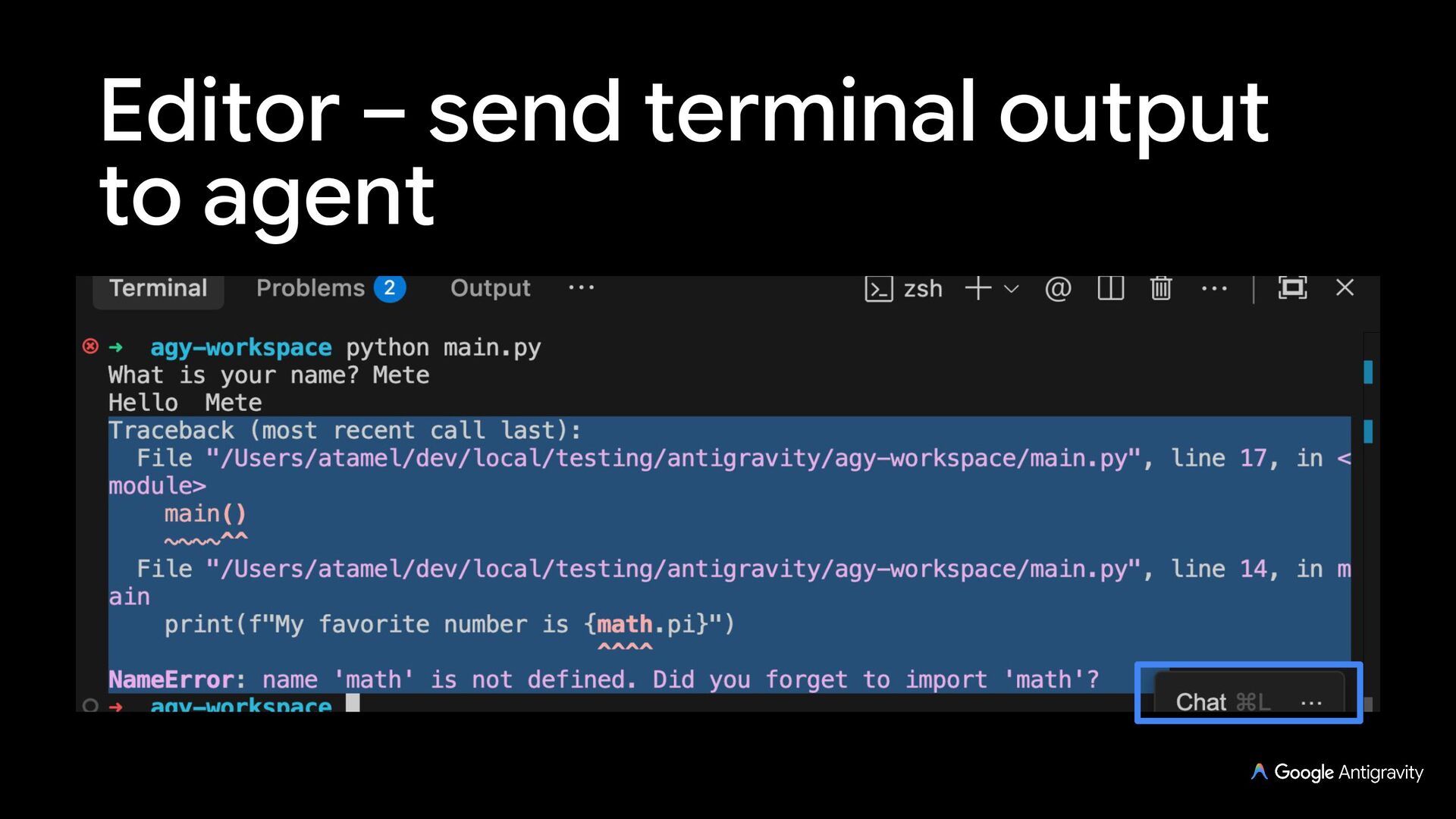
    agent side panel and terminal Auto-complete, tab to import, tab to jump, commands, explain & fix, send problems to agent, send terminal output to agent
  13. Antigravity IDE Extensions IDE Extensions with Antigravity agent side panel

    (but no AI-assistance in the editor) Extensions for: Visual Studio Code, Visual Studio, JetBrains, Zed, Xcode, Eclipse
  14. Antigravity CLI Interactive TUI (agy) and headless mode (agy -p)

    with JSON/stream output for CI/CD Run inline shell commands (!) or --dangerously-skip-permissions for Turbo mode
  15. Antigravity SDK The Antigravity SDK gives you the same tools,

    agent loop, and context management that power Antigravity, programmable in Python
  16. Antigravity SDK import asyncio from google.antigravity import Agent, LocalAgentConfig async

    def main(): config = LocalAgentConfig() async with Agent(config) as agent: response = await agent.chat("Explain the repository layout.") print(await response.text()) if __name__ == "__main__": asyncio.run(main())
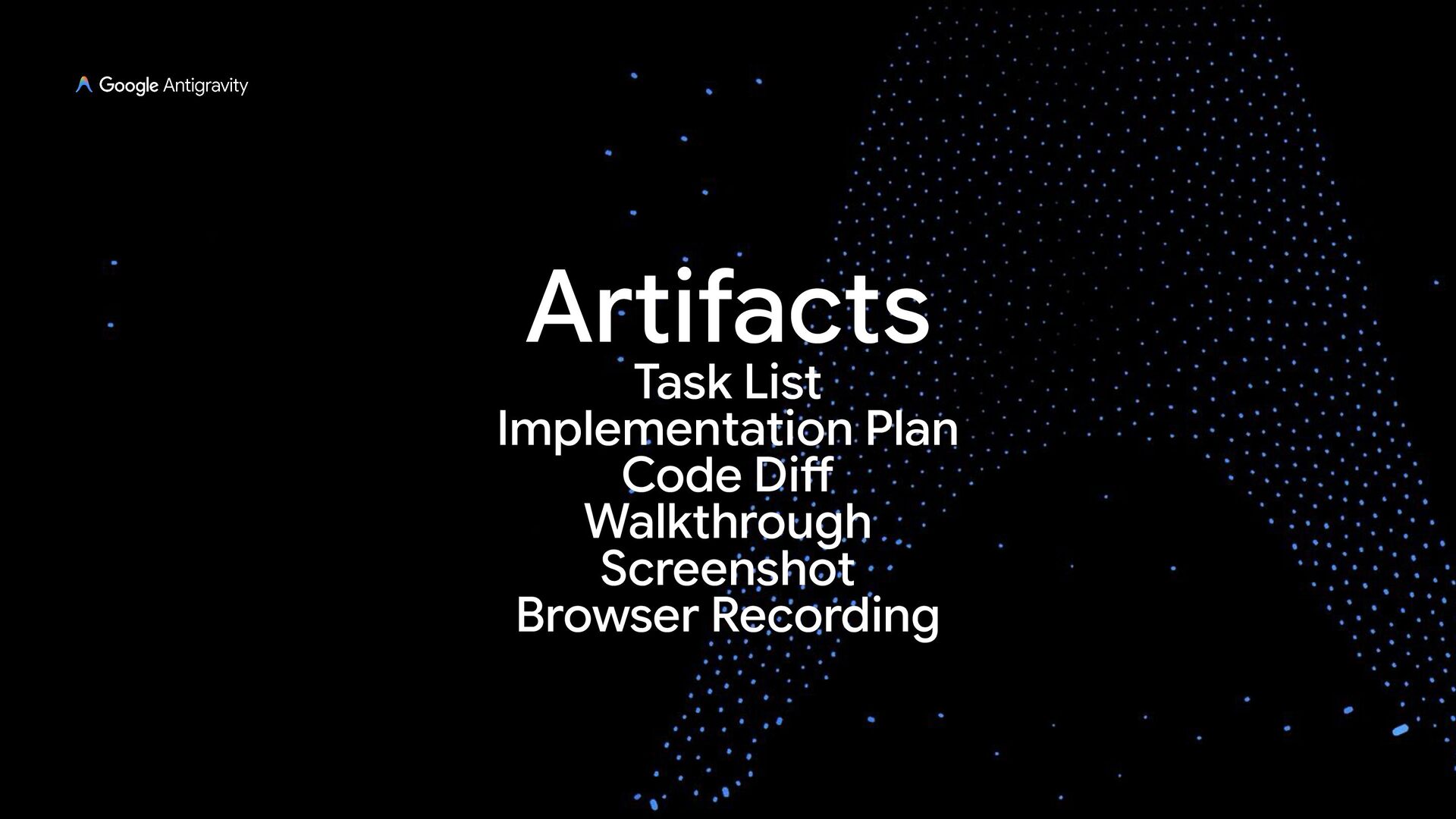
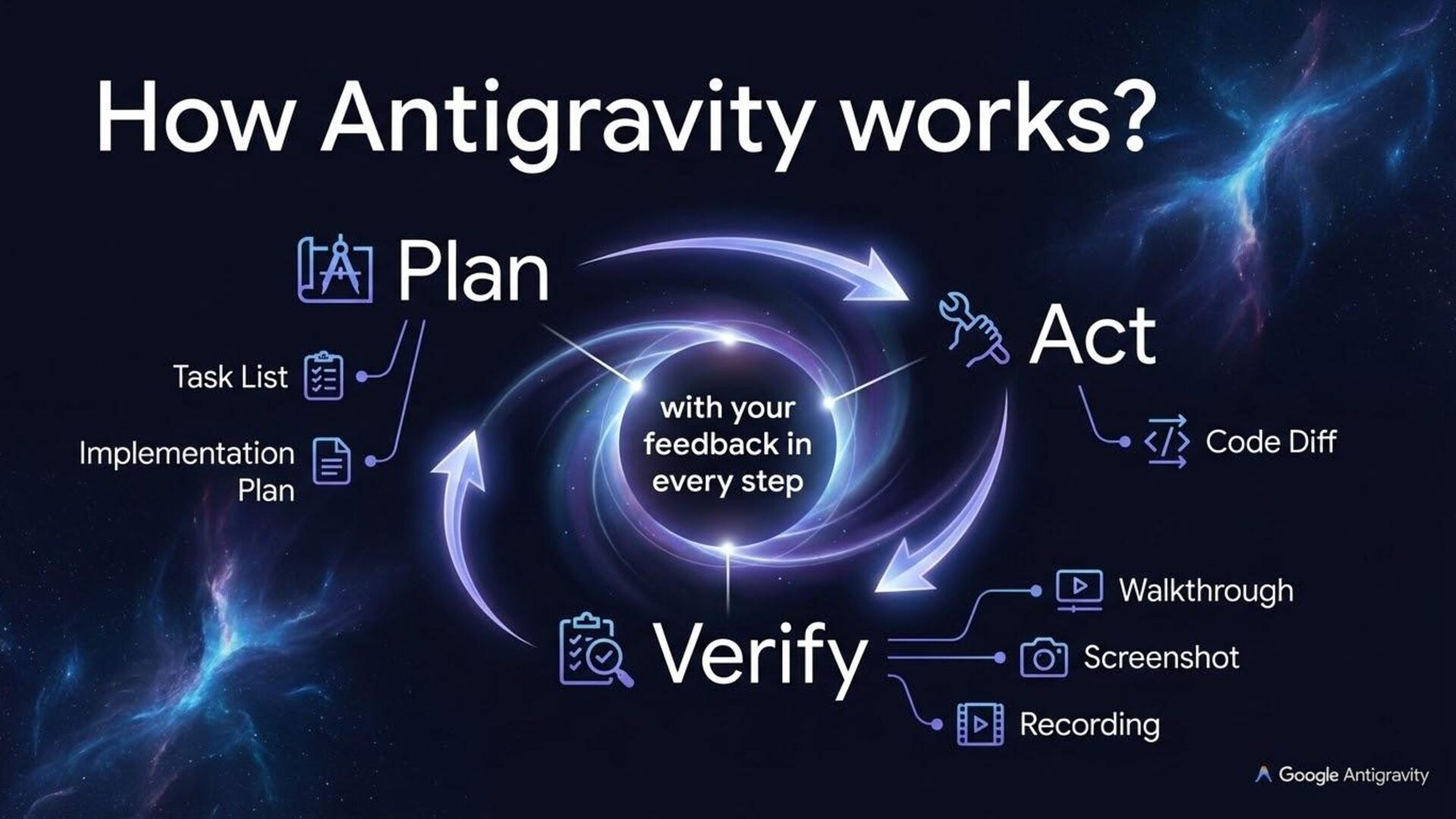
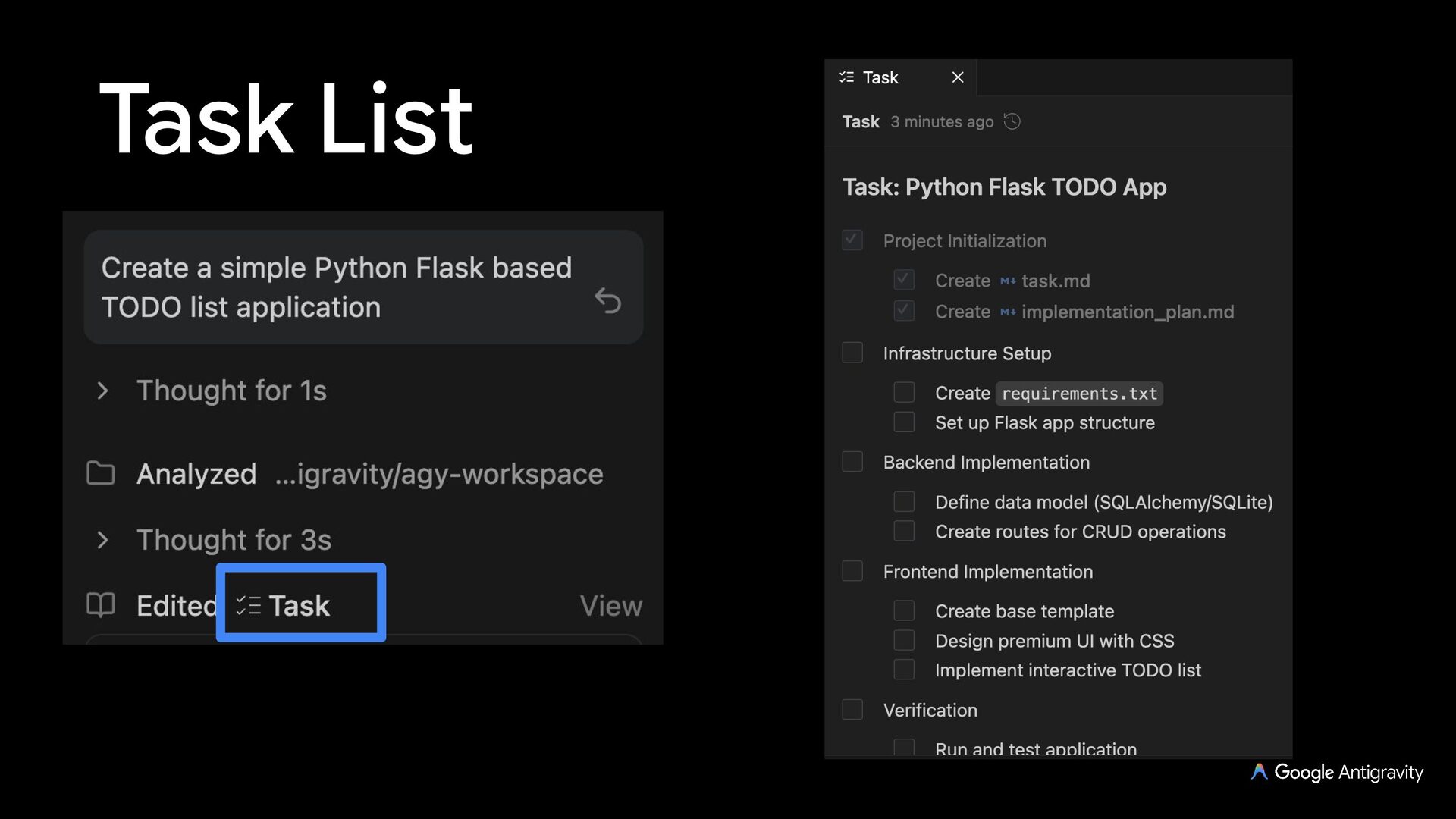
  17. Task List Used by the agent to keep track and

    monitor progress with action items Typically, you do not need to directly interact with the task list
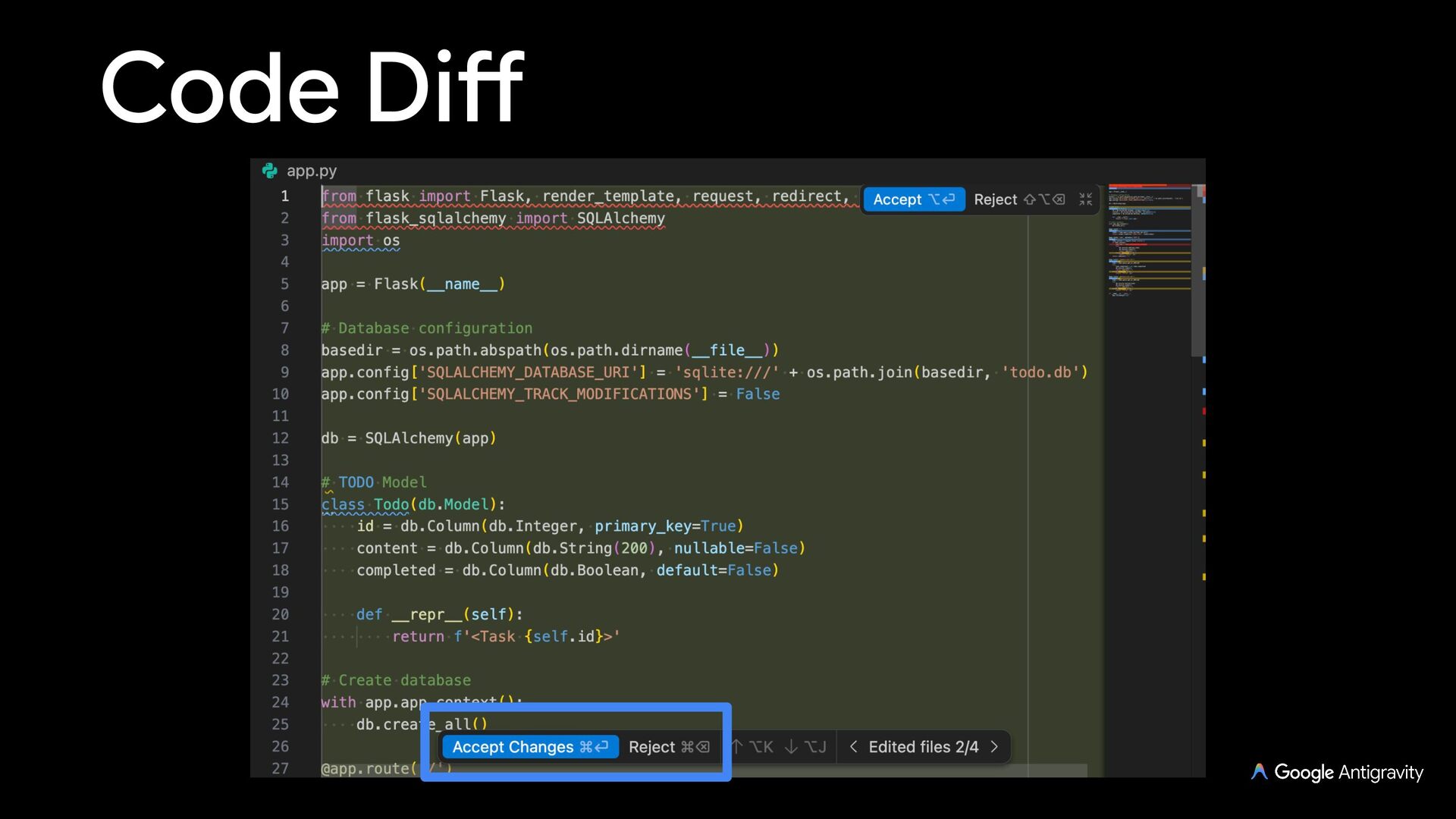
  18. Code Diff As Antigravity works on a task, it’ll create

    code diffs for you to accept or reject
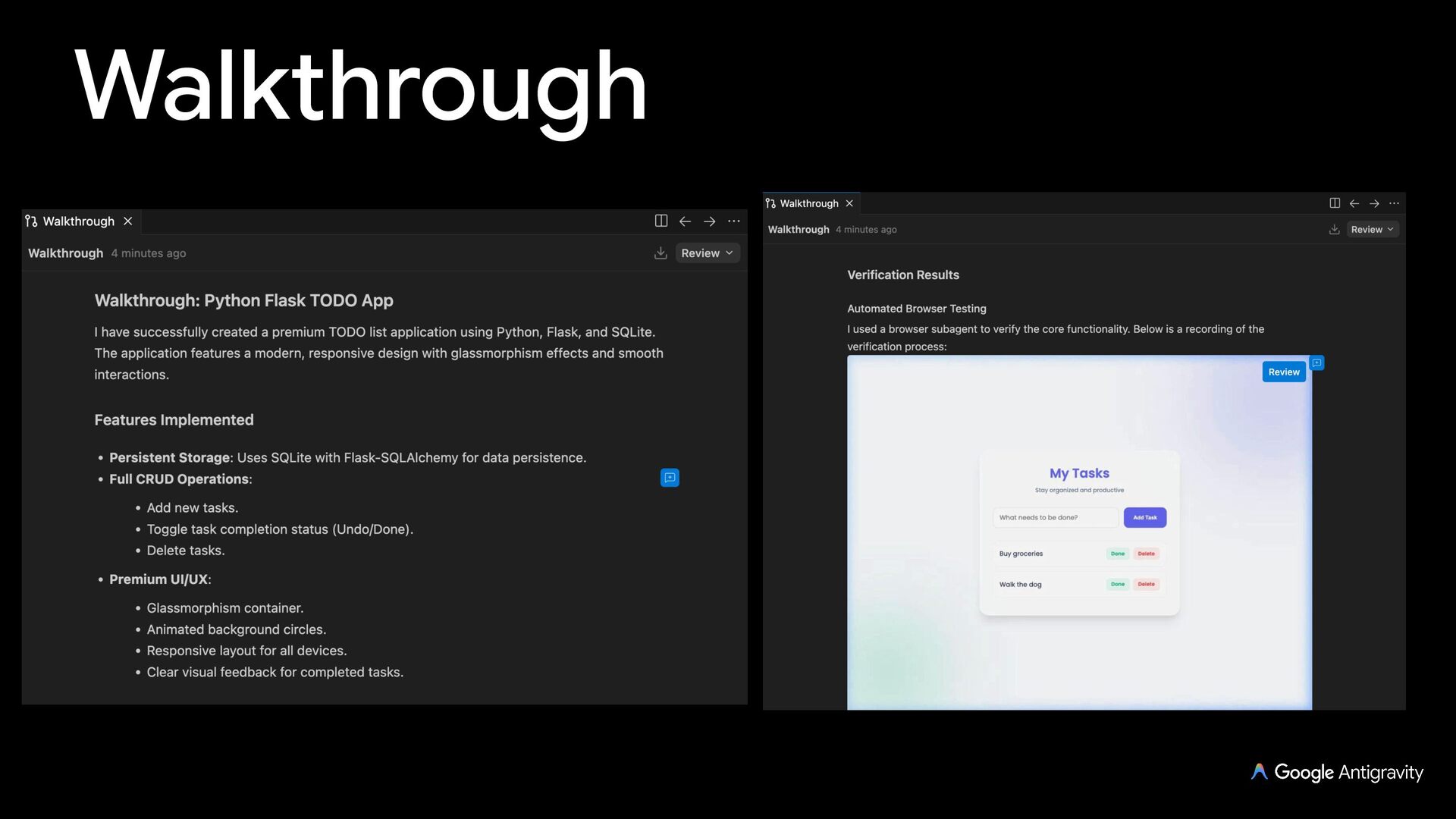
  19. Walkthrough Agent creates a walkthrough after a task is done

    Summary of the code changes and steps taken (screenshots, browser recordings) to verify the changes
  20. Screenshot & Recording Agent can take browser screenshots and recordings

    to verify functionality and add it to the walkthrough
  21. Generative UI Agent can generate interactive HTML/CSS/JS widgets rendered inline

    in chat or as standalone artifacts Ideal for interactive diagrams, charts, data visualizations, and visual walkthroughs (/generative_ui)
  22. Skills An open standard for extending agent capabilities with best

    practices During a conversation, the agent sees a list of available skills and decides which one to use for the task
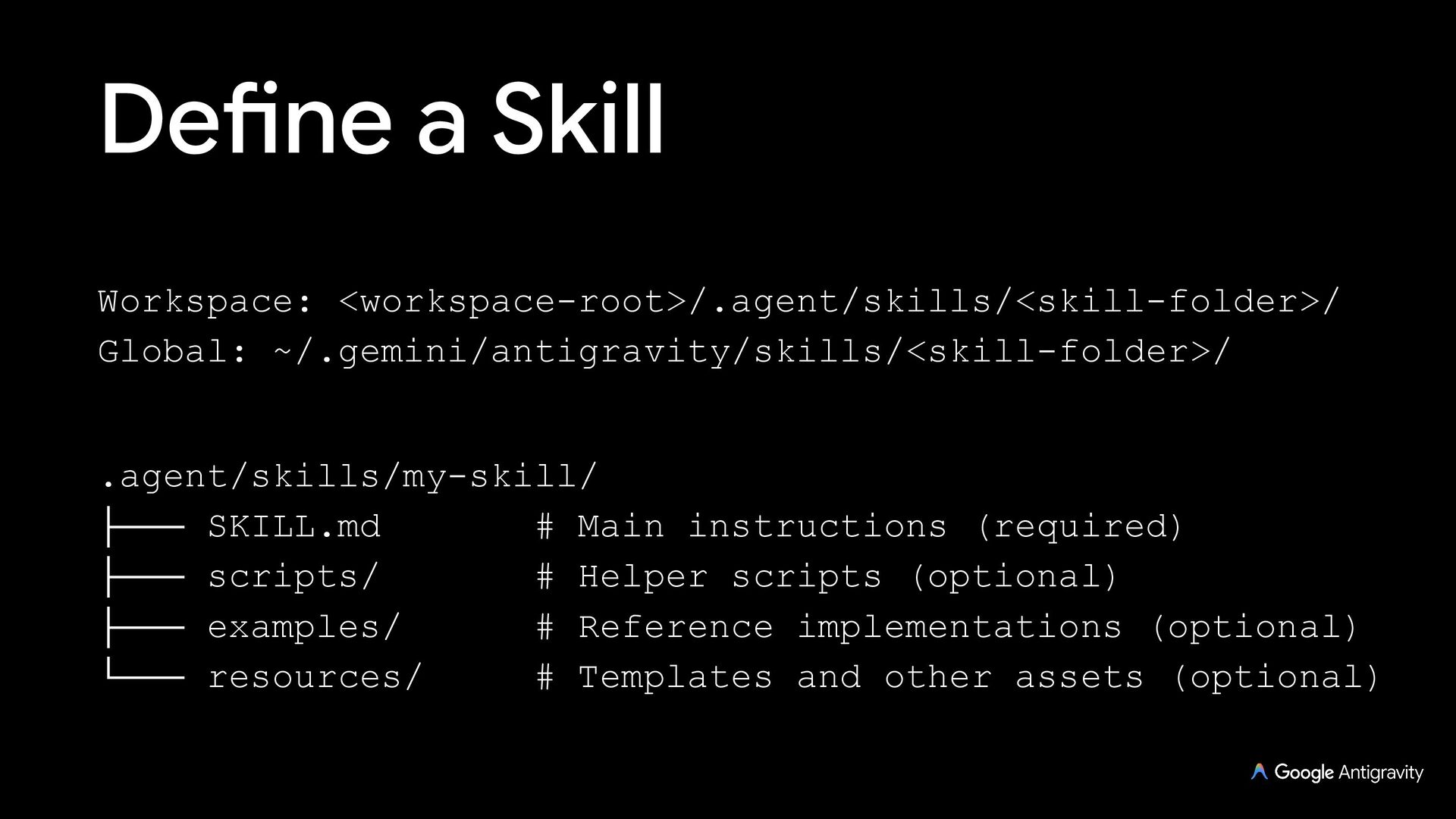
  23. Define a Skill my-skill/ ├─── SKILL.md ├─── scripts/ ├─── examples/

    ├─── resources/ └─── references/ # Main instructions (required) # Helper scripts (optional) # Reference implementations (optional) # Templates and other assets (optional) # Additional documentation (optional)
  24. MCP Servers Antigravity supports Model Context Protocol (MCP) servers Provides

    the AI with real-time context beyond just the files open in your editor
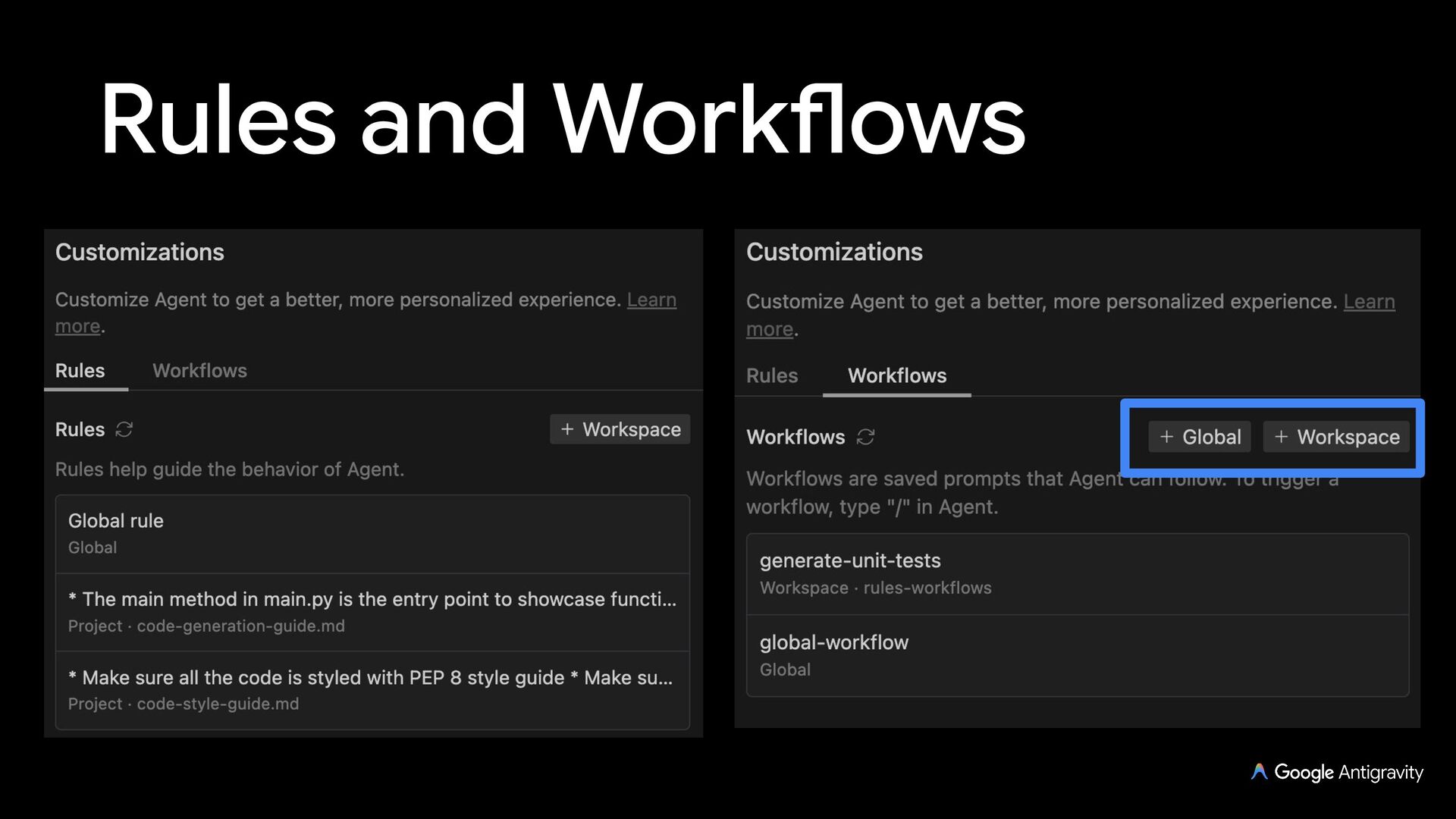
  25. Rules Rules help guide the behavior of the agent with

    AGENTS.md, GEMINI.md, or .agents/rules/*.md files For example, you can add a rule to follow a certain code style, or to always document methods
  26. Workflows (deprioritized) Workflows are saved prompts that you can trigger

    on demand with / with the agent For example, you can add a workflow to generate unit tests on demand
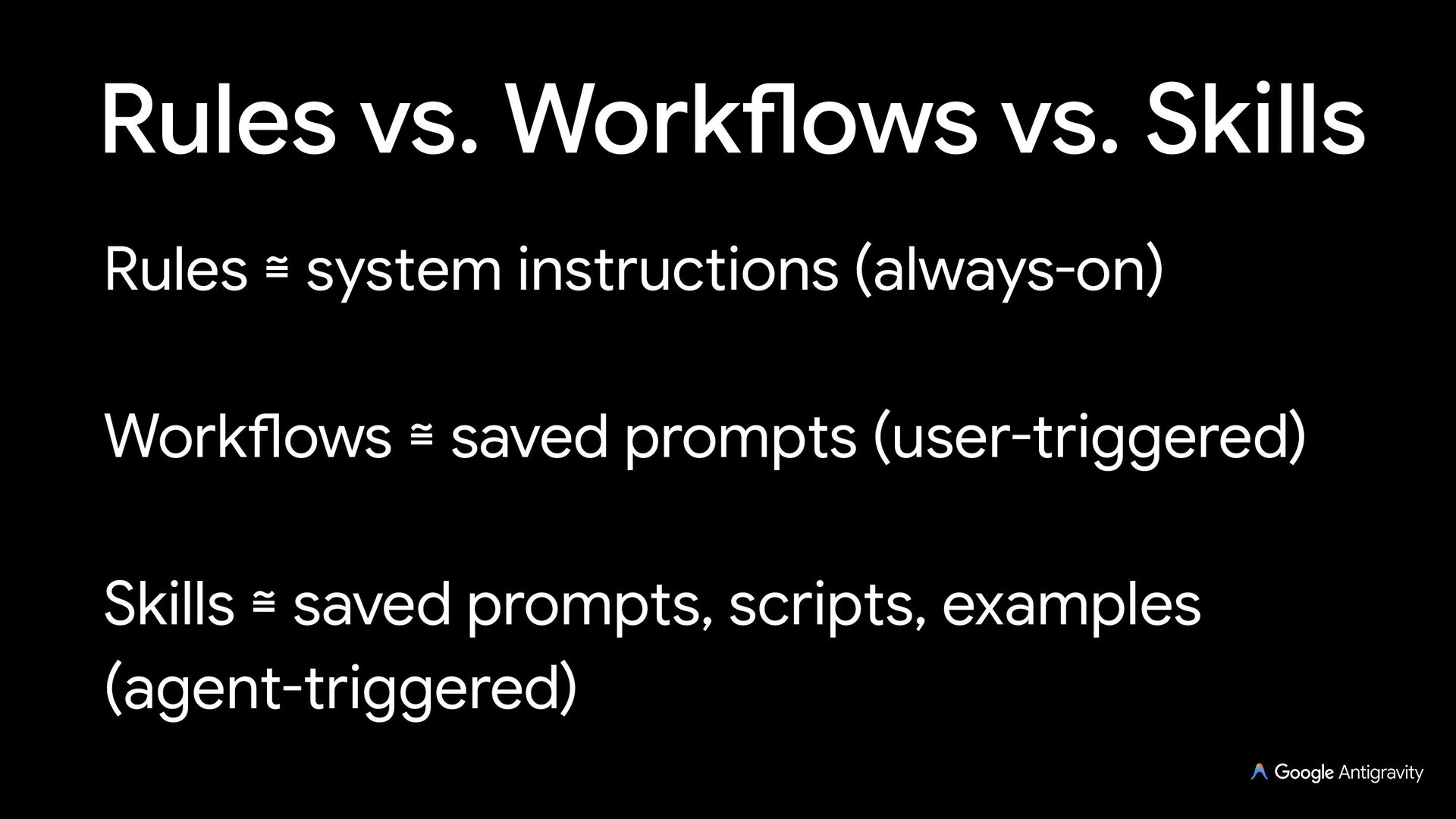
  27. Rules vs. Skills Rules ≅ guardrails & instructions (always-on, glob,

    manual, or model-triggered) Skills ≅ multi-step workflows, scripts, examples (agent-triggered)
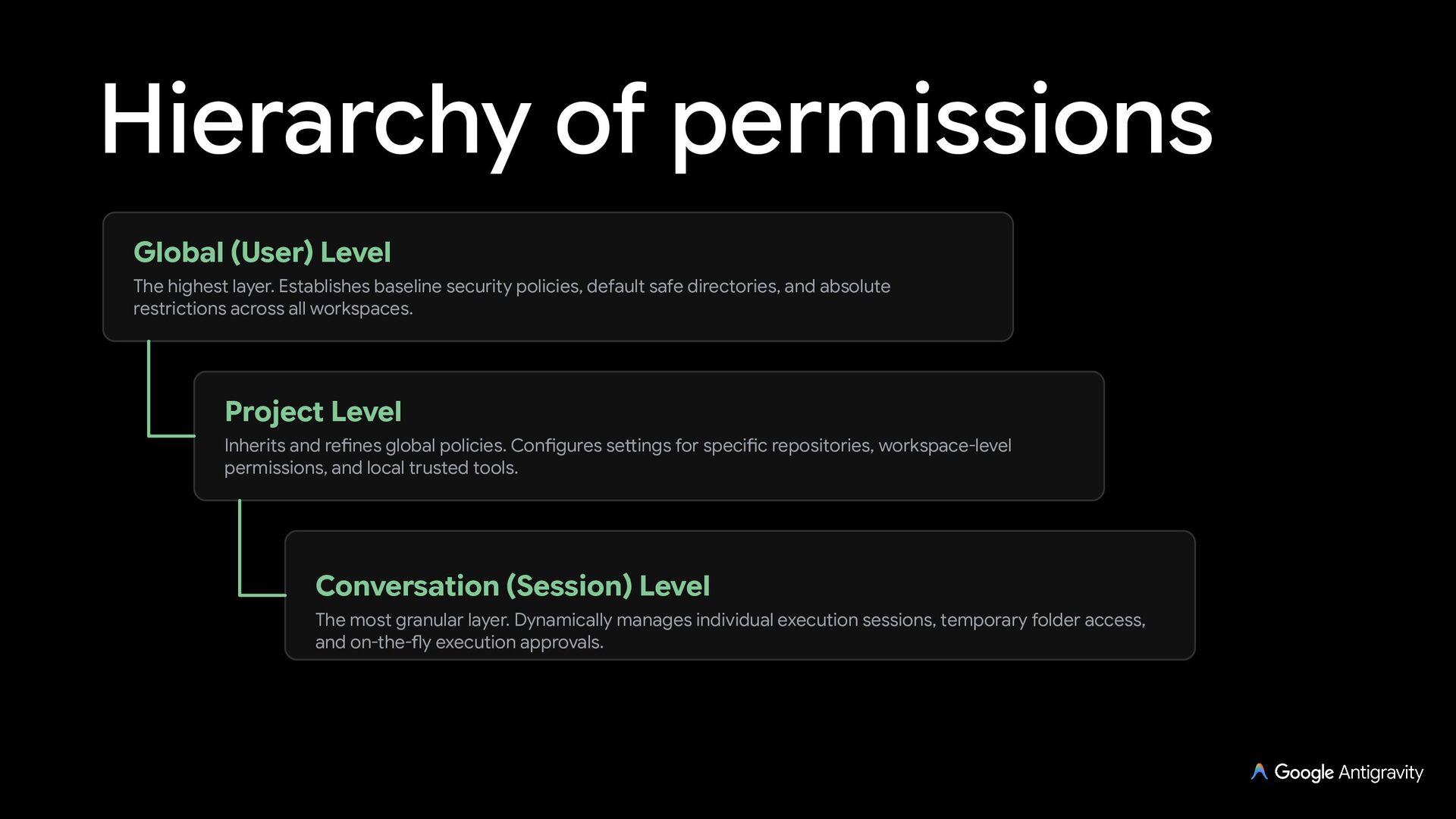
  28. Hierarchy of permissions Global (User) Level The highest layer. Establishes

    baseline security policies, default safe directories, and absolute restrictions across all workspaces. Project Level Inherits and refines global policies. Configures settings for specific repositories, workspace-level permissions, and local trusted tools. Conversation (Session) Level The most granular layer. Dynamically manages individual execution sessions, temporary folder access, and on-the-fly execution approvals.
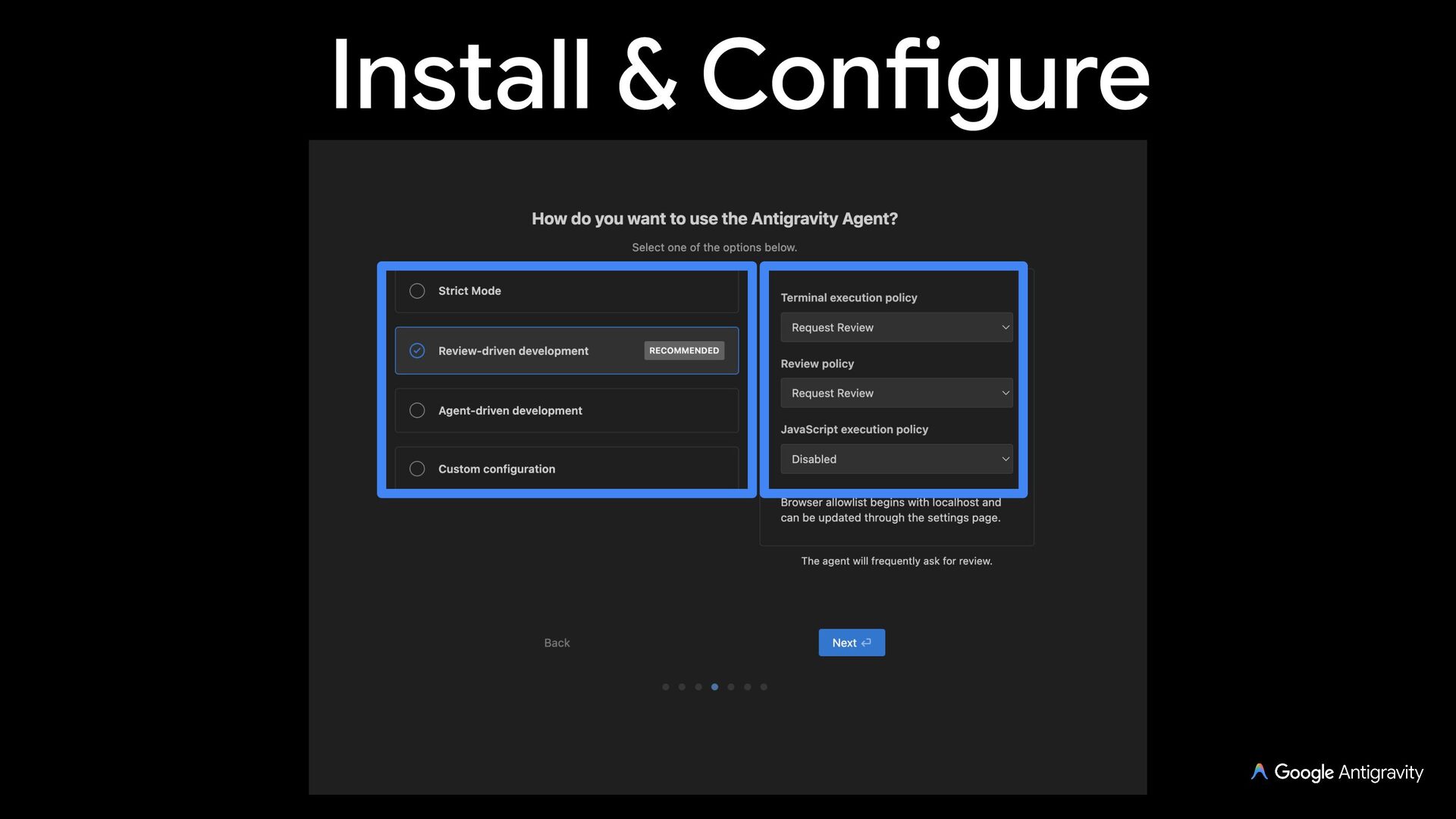
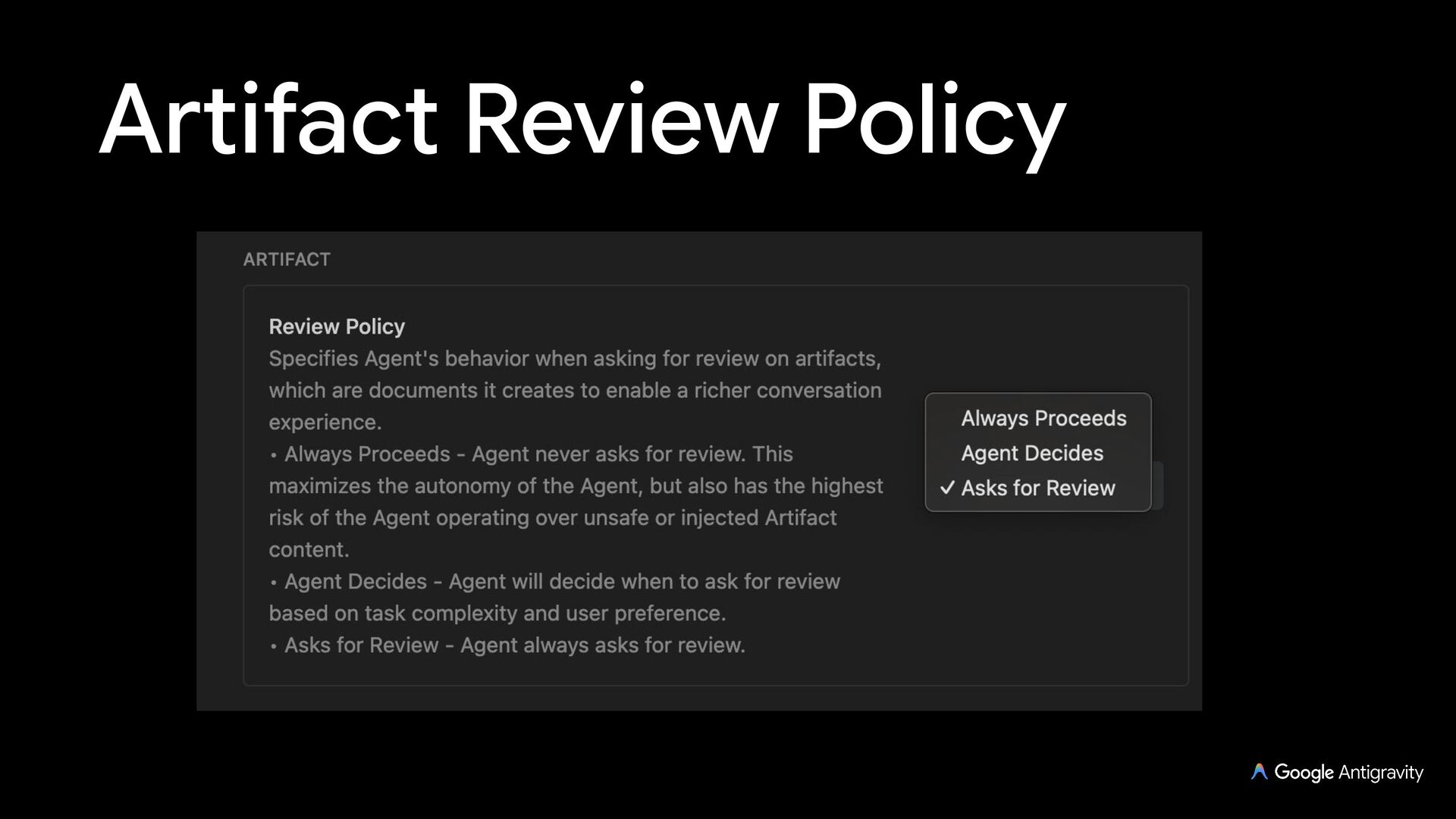
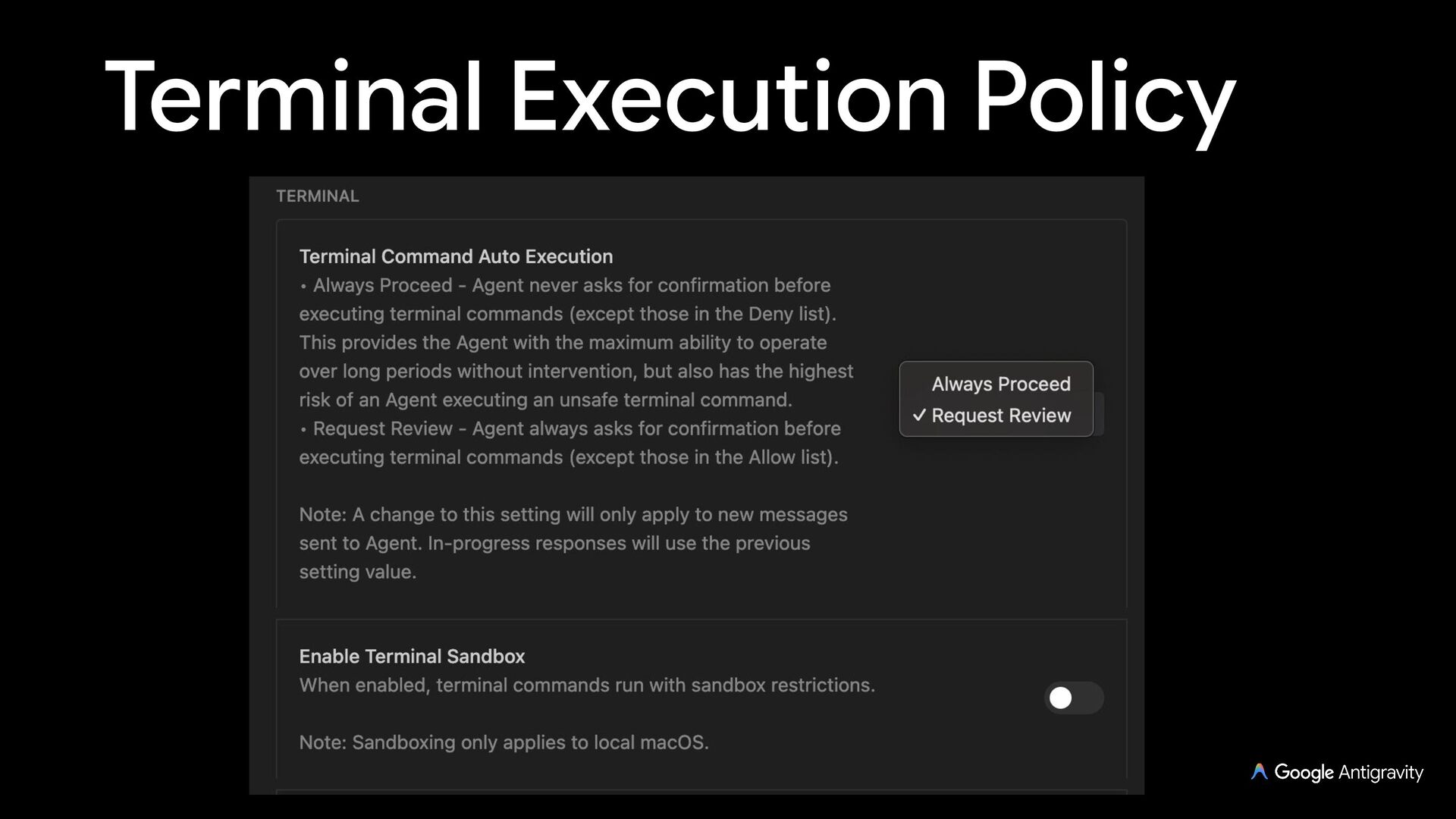
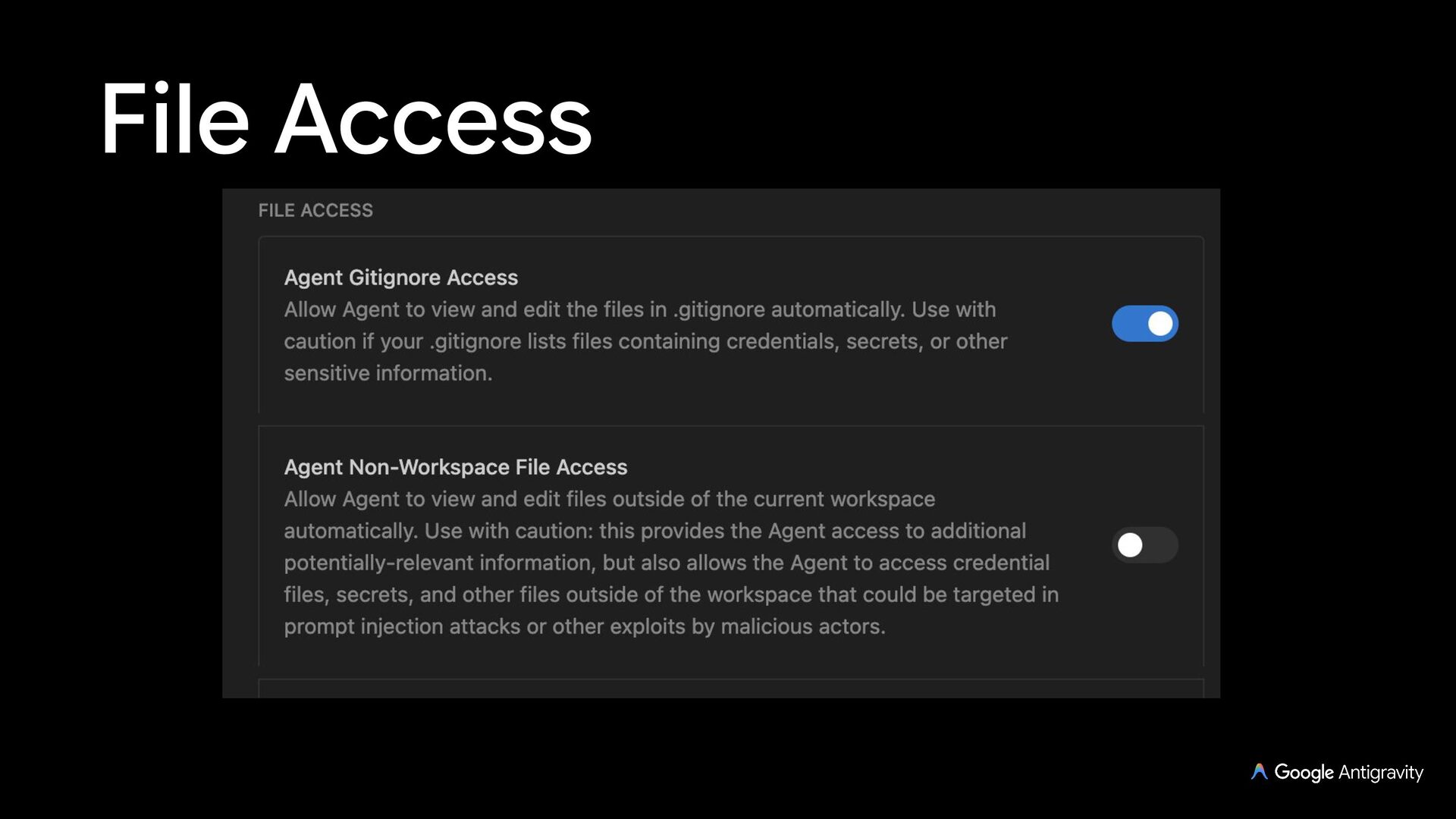
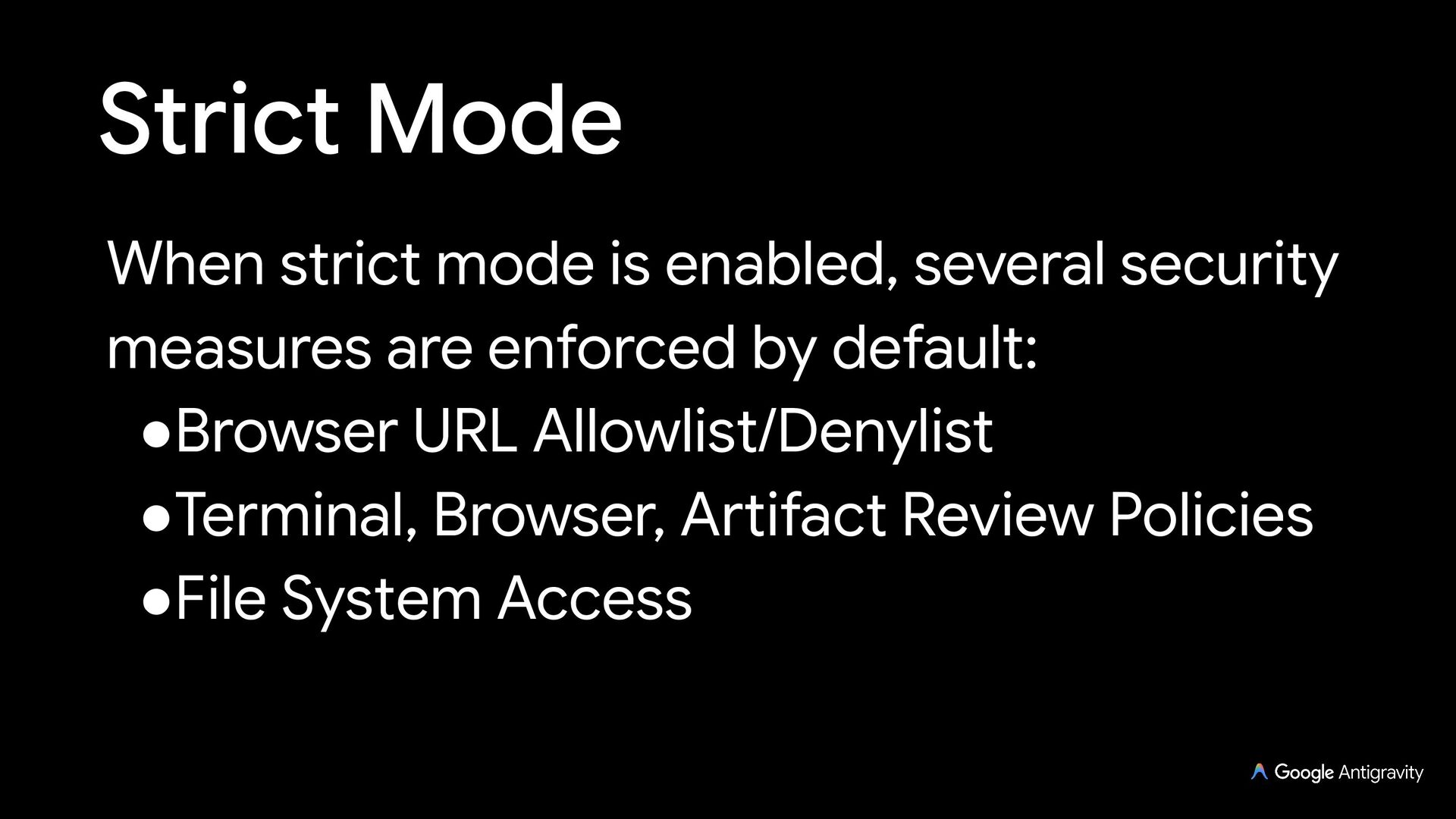
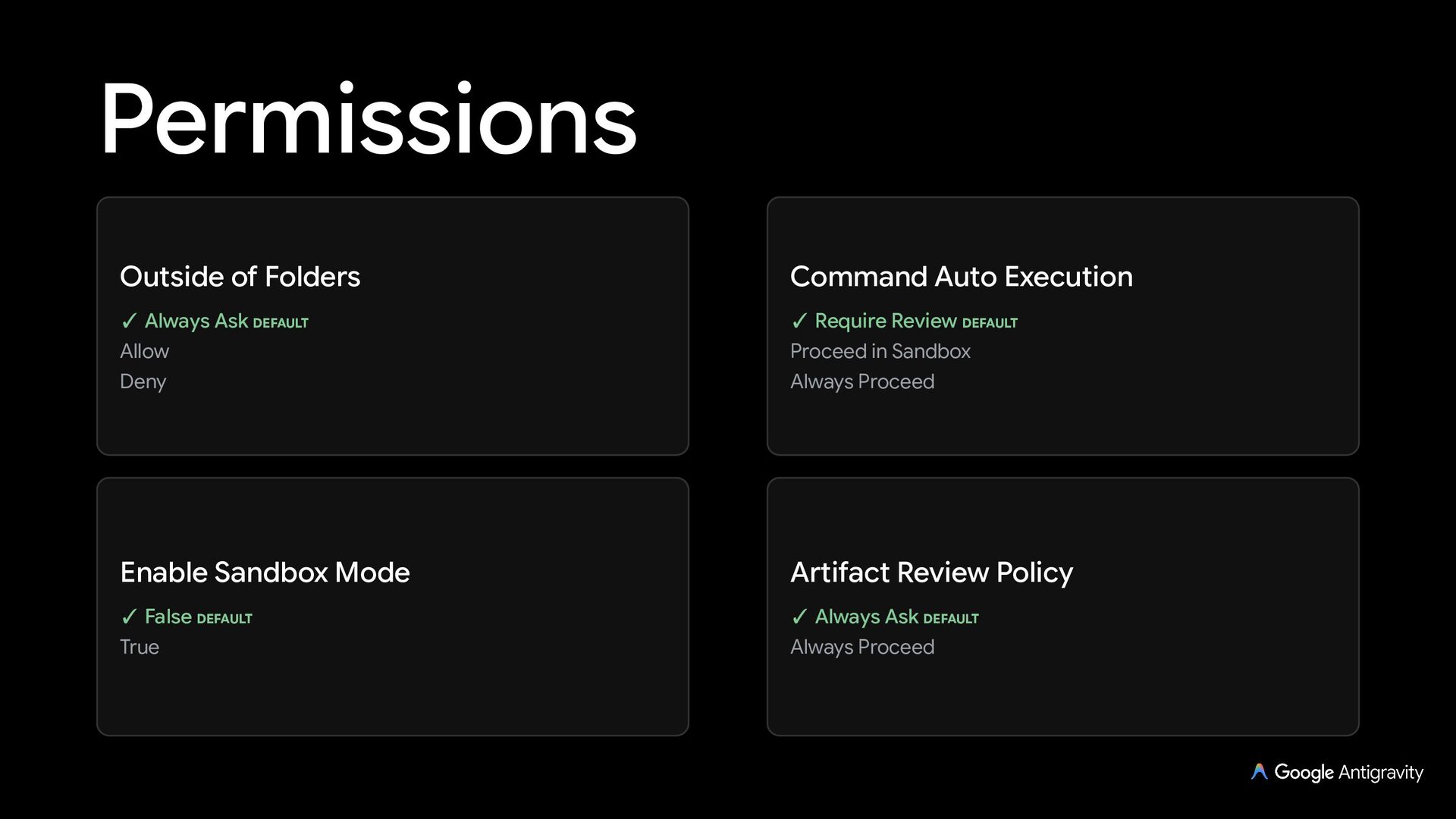
  29. Permissions Permission Preset (Personal) Command Auto Execution (Enterprise) Outside of

    Folders Artifact Review Policy Request Review ✓ Default (Sandbox On) DEFAULT Auto (Preview) • Turbo ✓ Always Ask DEFAULT Allow Deny ✓ Require Review DEFAULT Proceed in Sandbox Always Proceed ✓ Always Ask DEFAULT Always Proceed
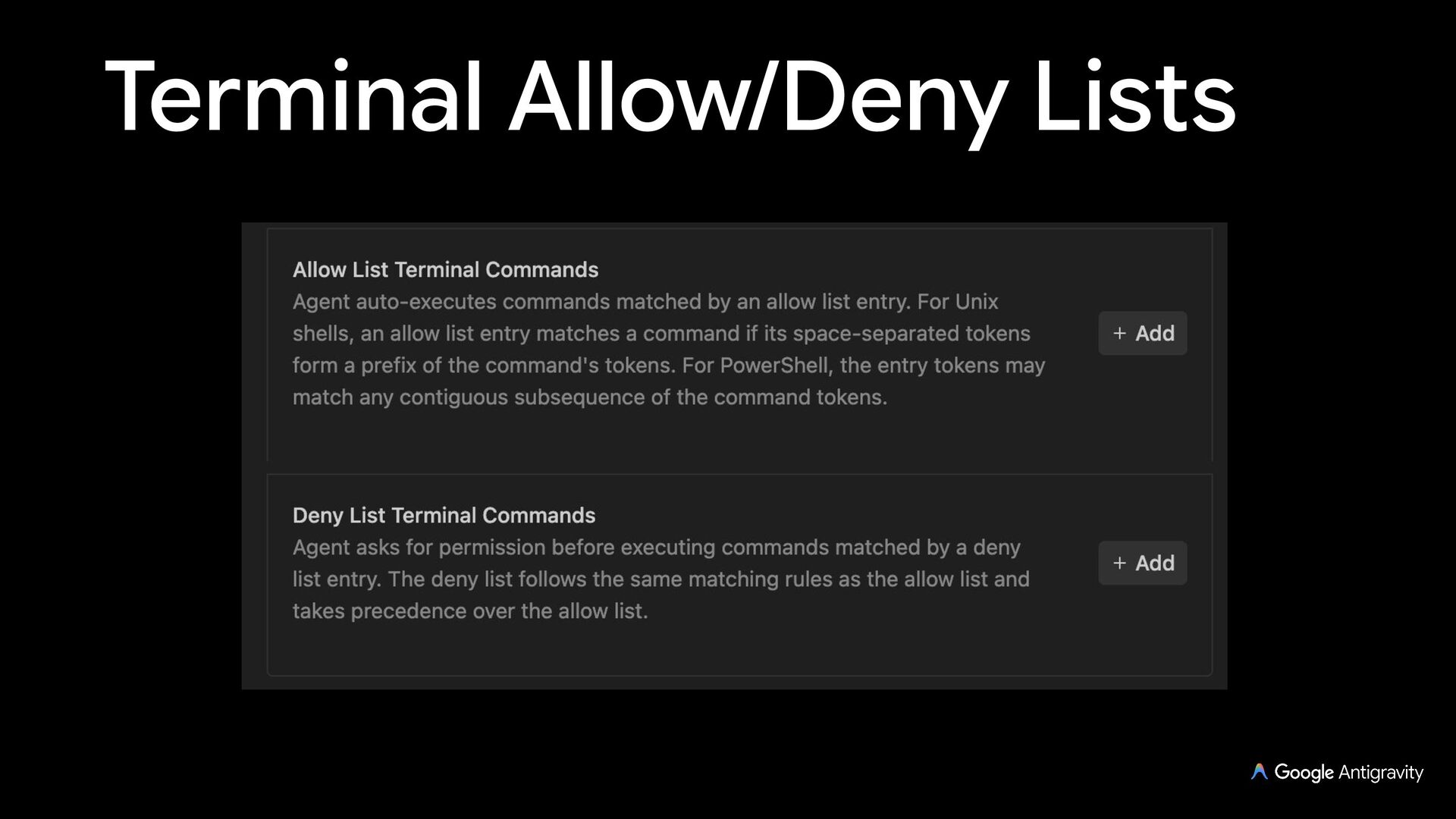
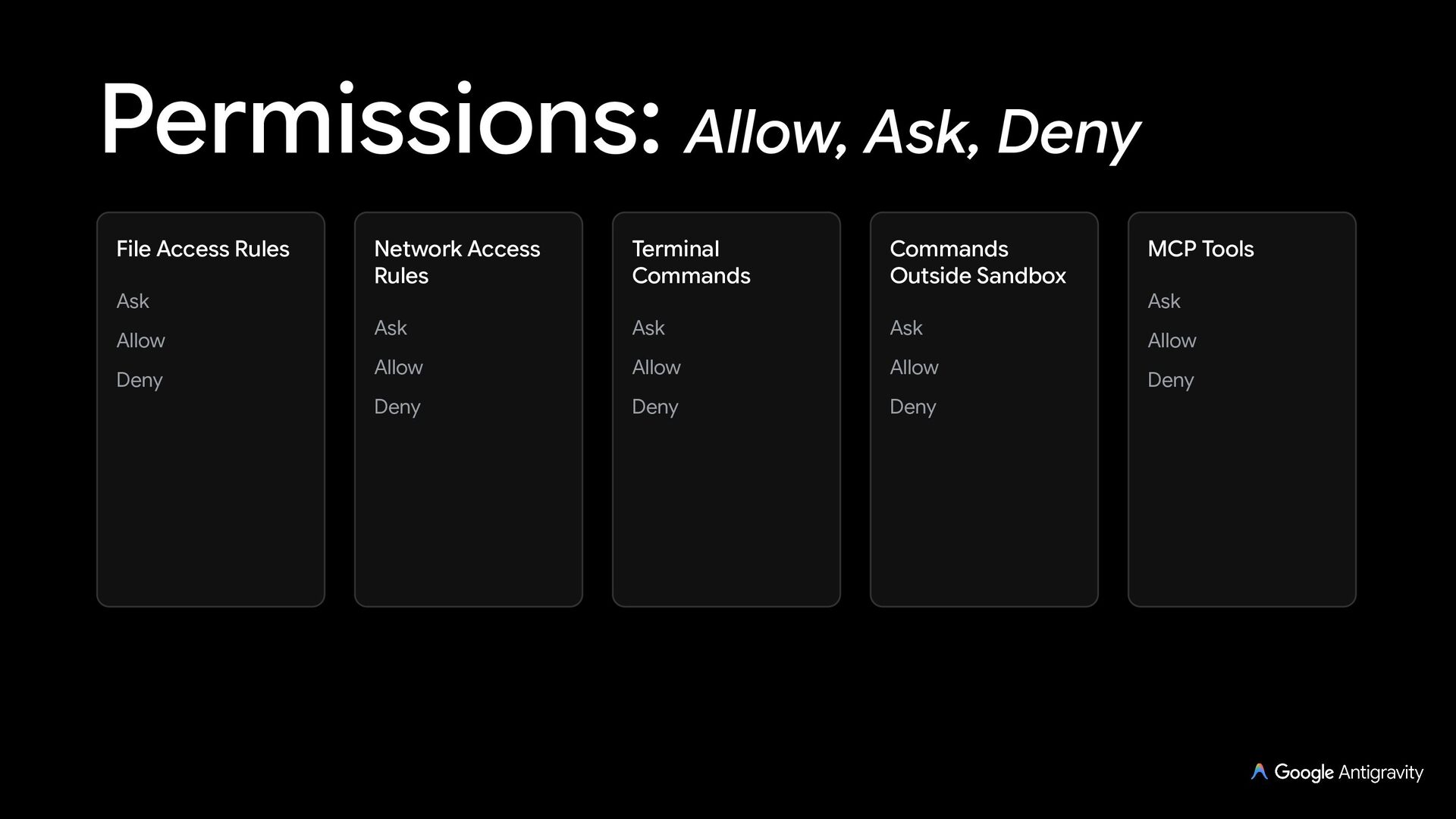
  30. Permissions: Deny > Ask > Allow File Access Rules Ask

    Allow Deny Network Access Rules Terminal Commands Commands Outside Sandbox Ask Ask Ask Allow Allow Allow Deny Deny Deny MCP Tools Ask Allow Deny
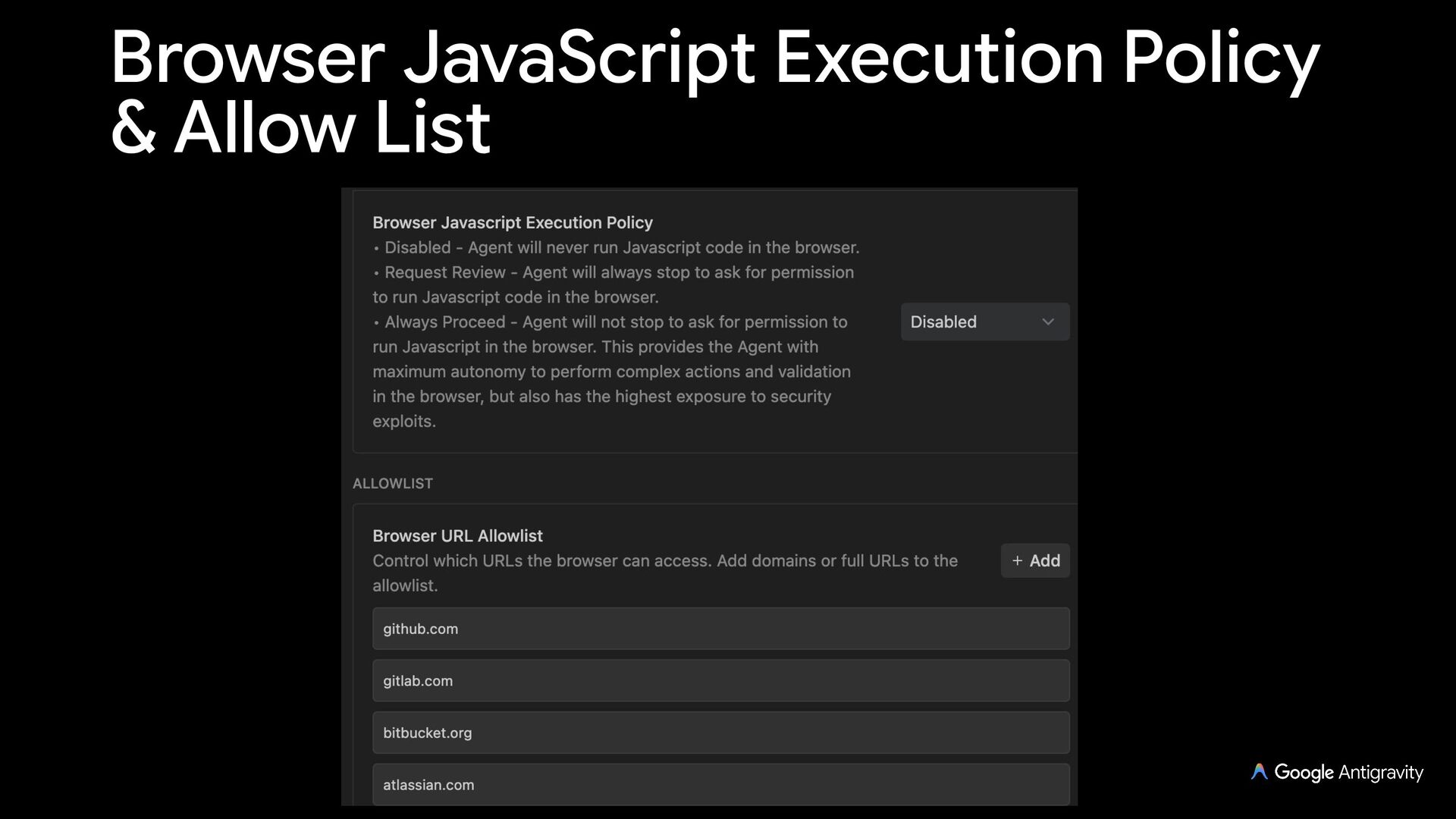
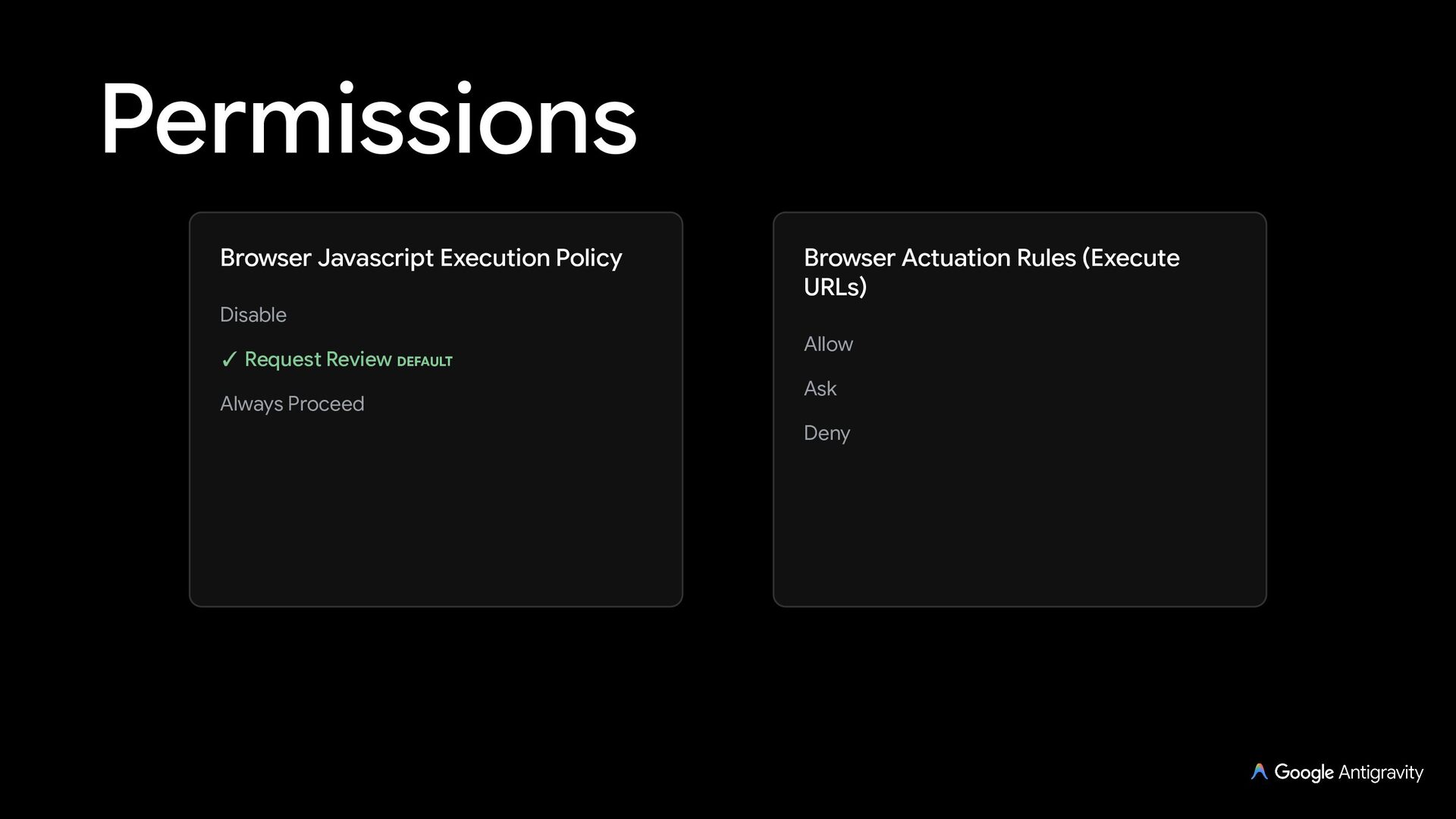
  31. Permissions Browser Javascript Execution Policy Disable ✓ Request Review DEFAULT

    Always Proceed Browser Actuation Rules (Execute URLs) Allow Ask Deny
  32. Login Options In Antigravity, you are presented with two primary

    authentication routes: personal or business (Google Cloud)
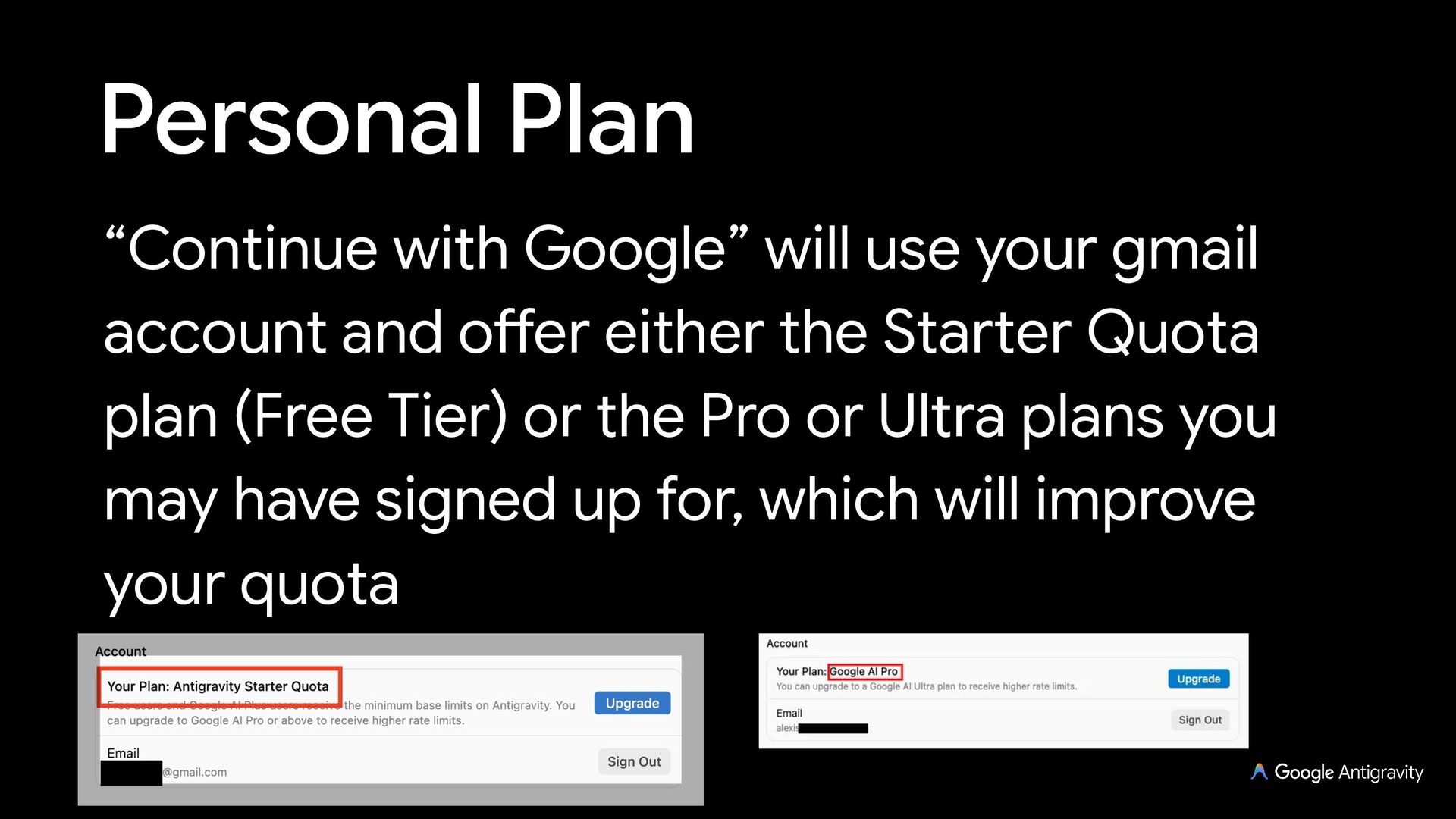
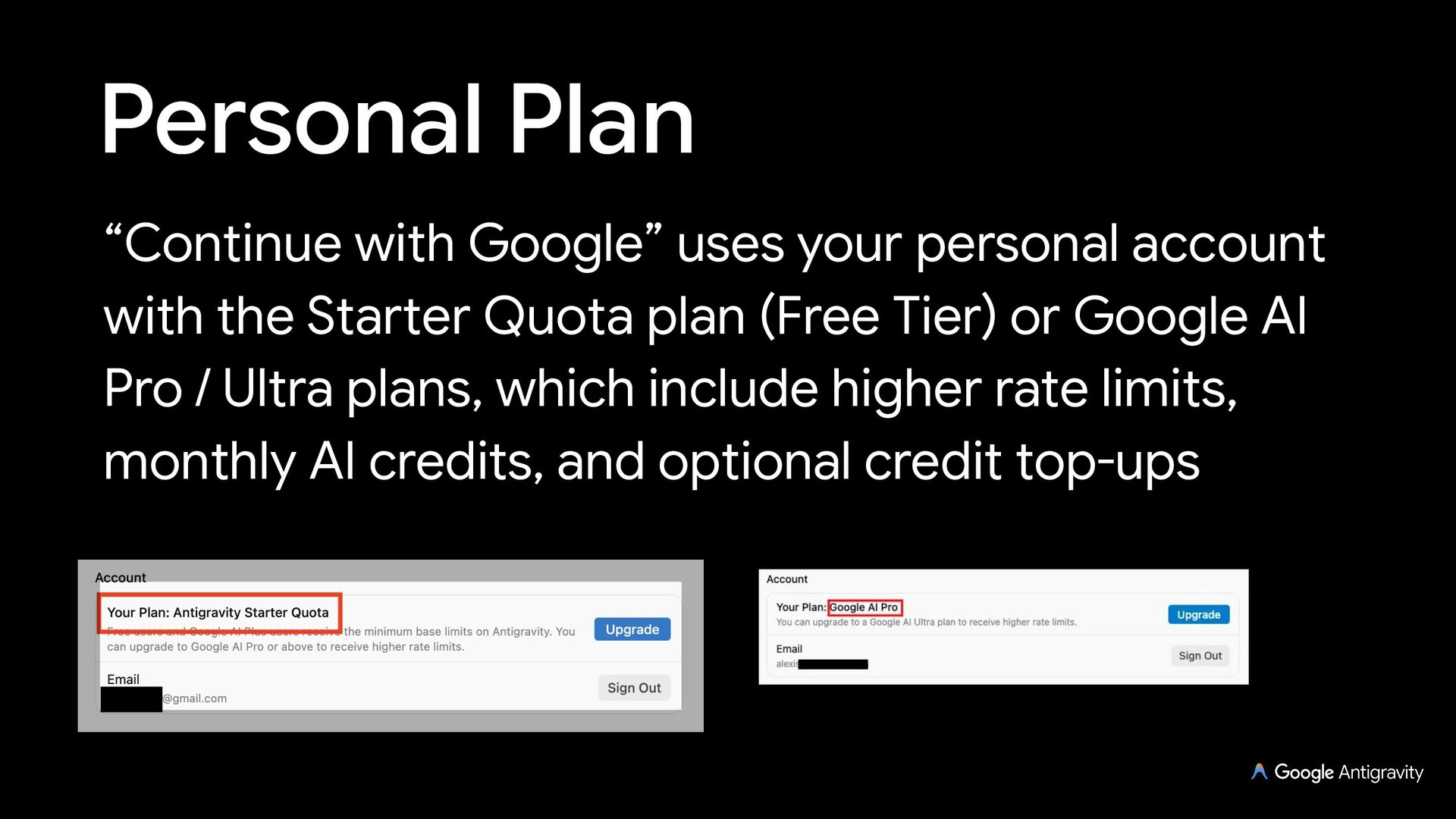
  33. Personal Plan “Continue with Google” uses your personal account with

    the Starter Quota plan (Free Tier) or Google AI Pro / Ultra plans, which include higher rate limits, monthly AI credits, and optional credit top-ups
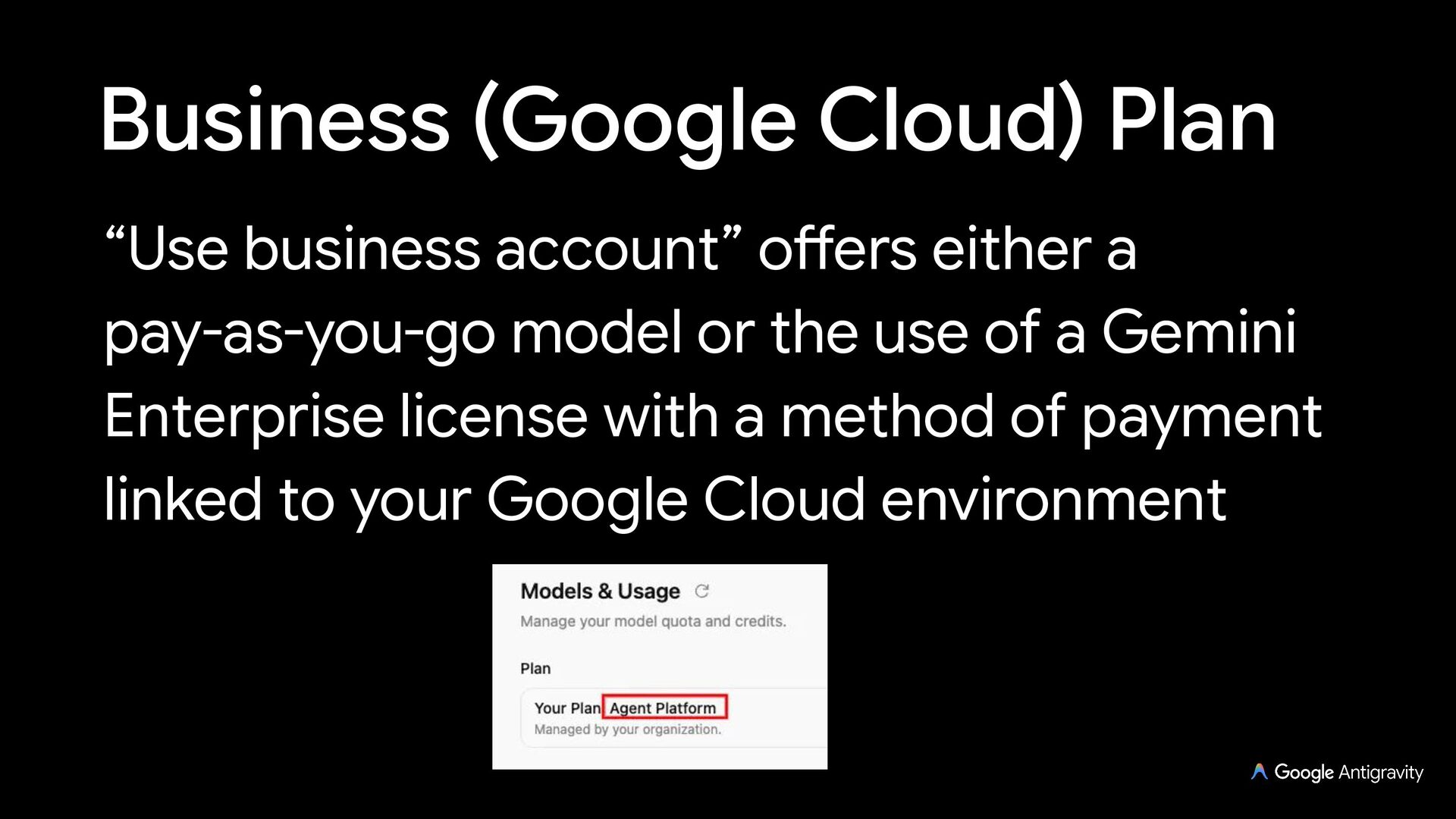
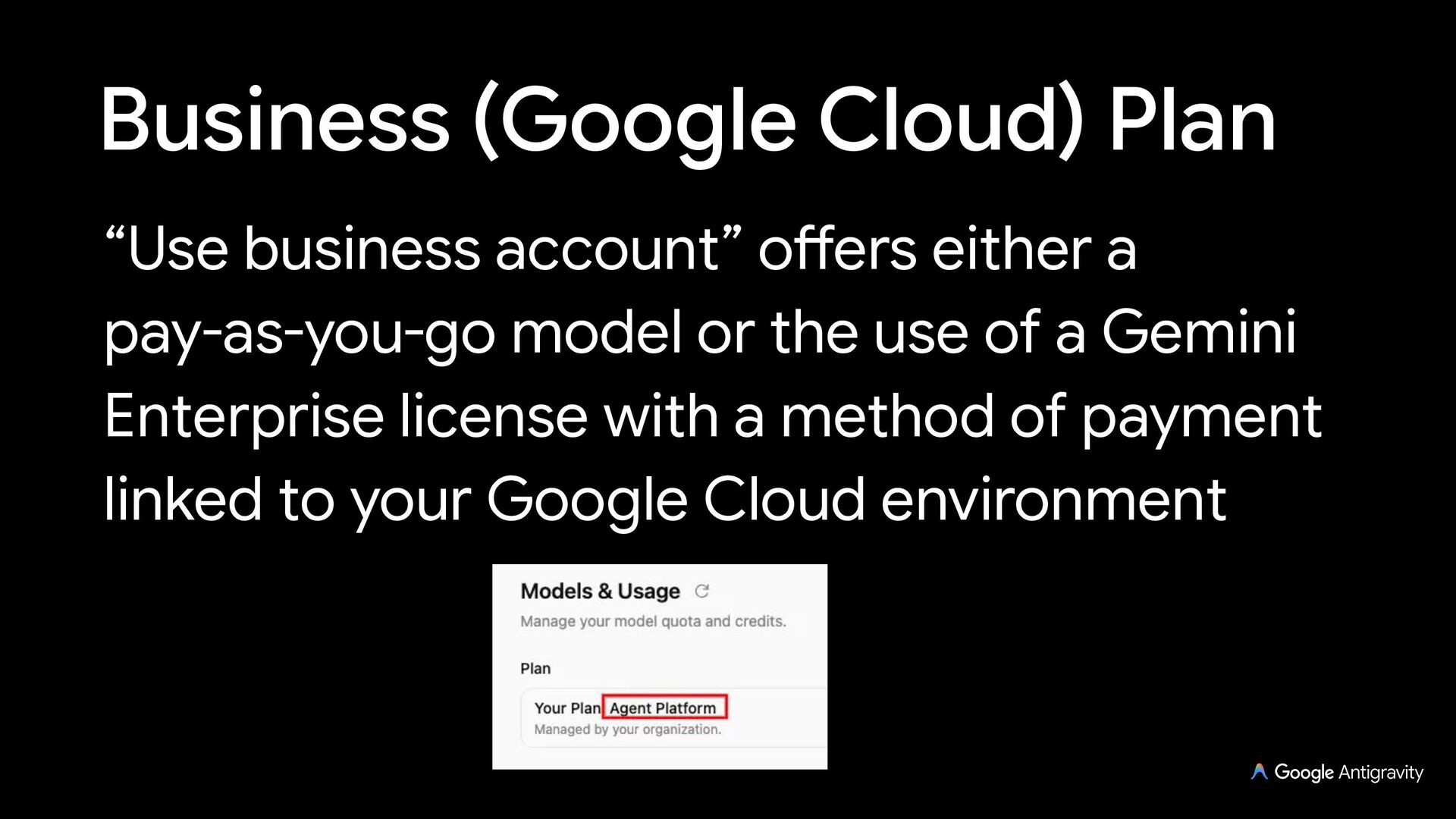
  34. Business (Google Cloud) Plan “Use business account” offers either a

    pay-as-you-go model or the use of a Gemini Enterprise license with a method of payment linked to your Google Cloud environment
  35. Enterprise Identity Bring Your Own GCP Project with Google Workspace

    SSO or 3rd-party IdPs via Workload Identity Federation (Okta, Entra ID, Ping) Supported in Antigravity App and CLI (3rd-party IDE extensions currently require a personal account)
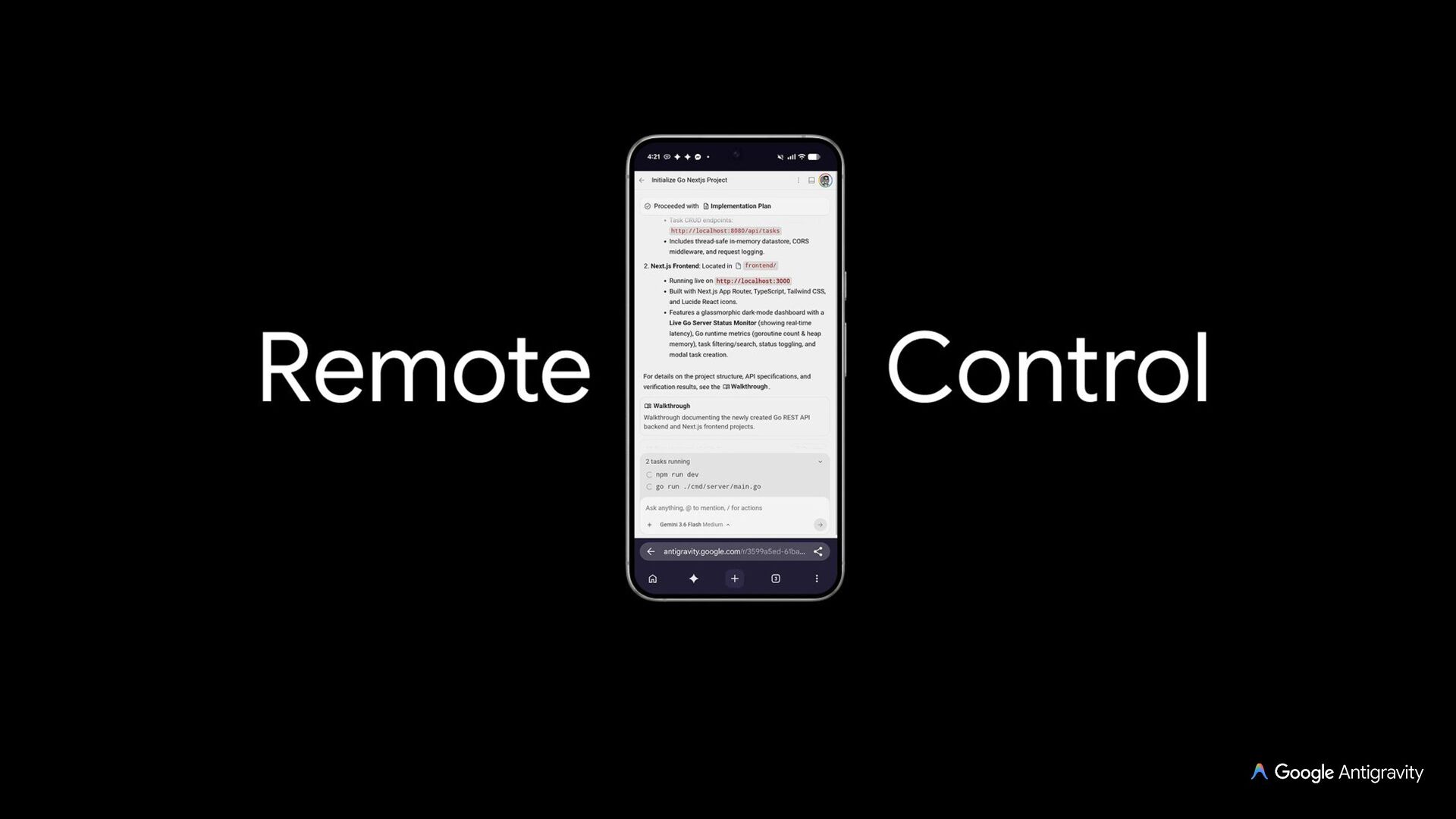
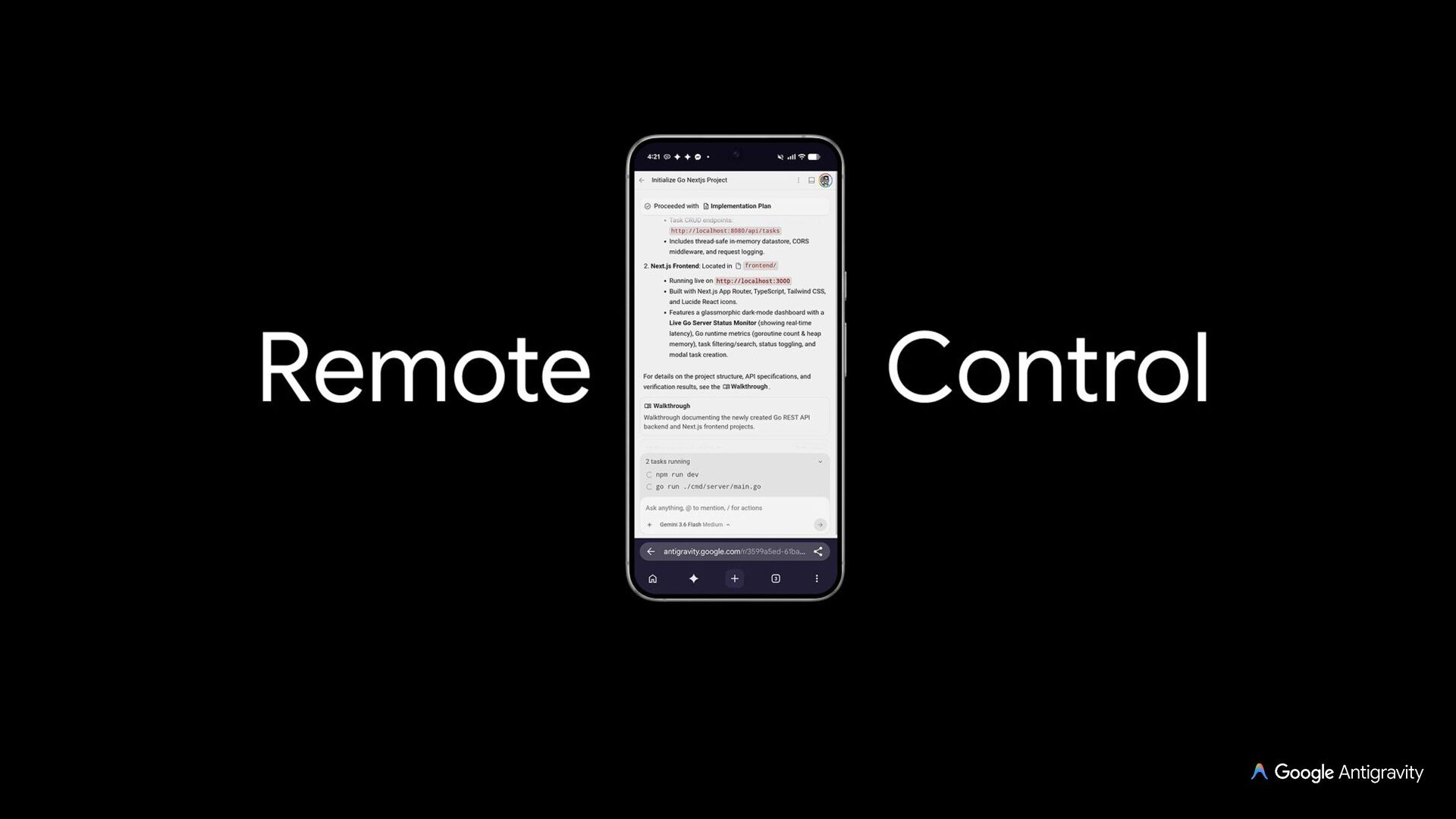
  36. Remote Control Remote control allows you to connect and drive

    your Antigravity sessions running across your different machines with a web browser