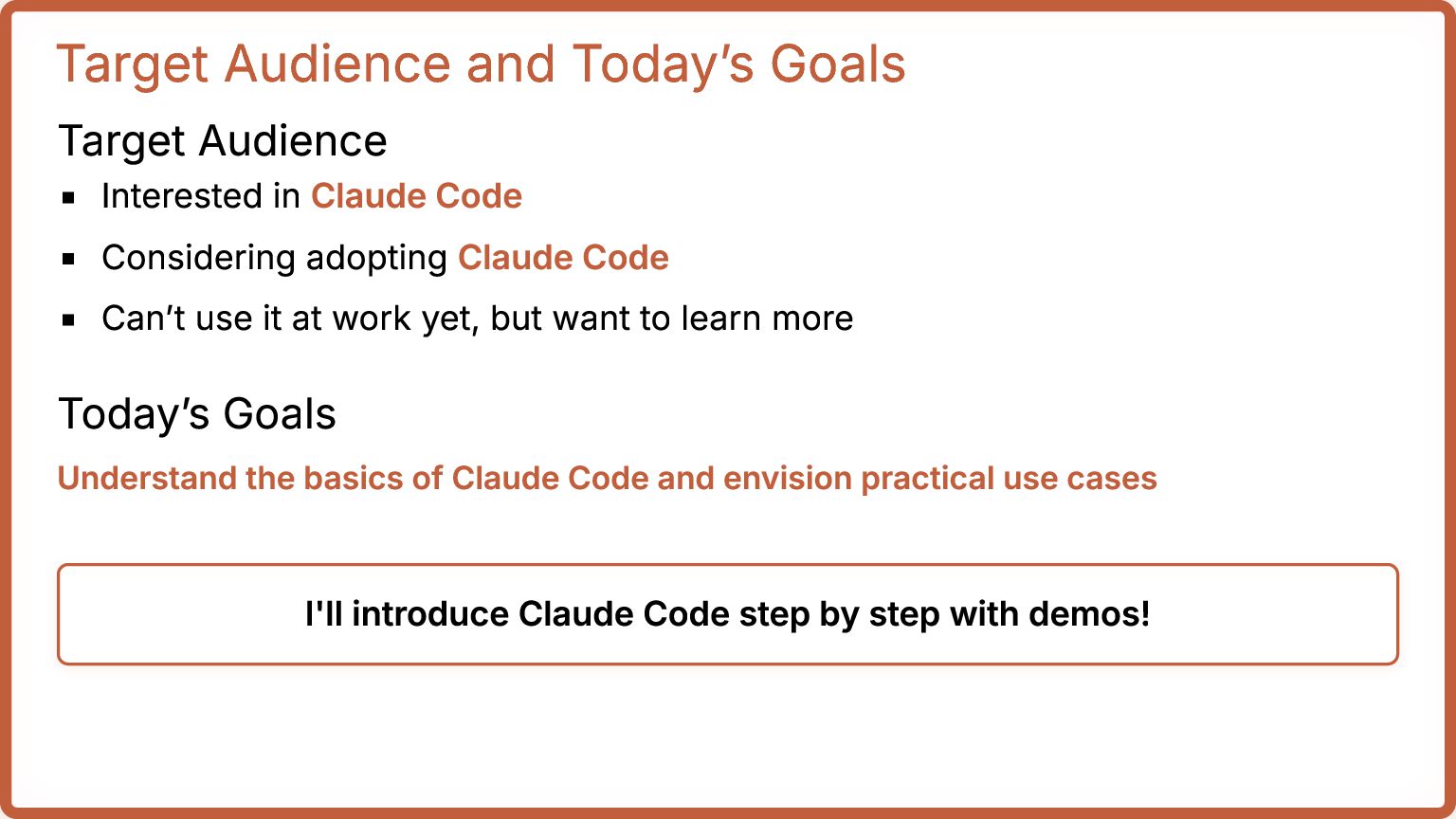
Code Considering adopting Claude Code Can’t use it at work yet, but want to learn more Today’s Goals Understand the basics of Claude Code and envision practical use cases I'll introduce Claude Code step by step with demos!
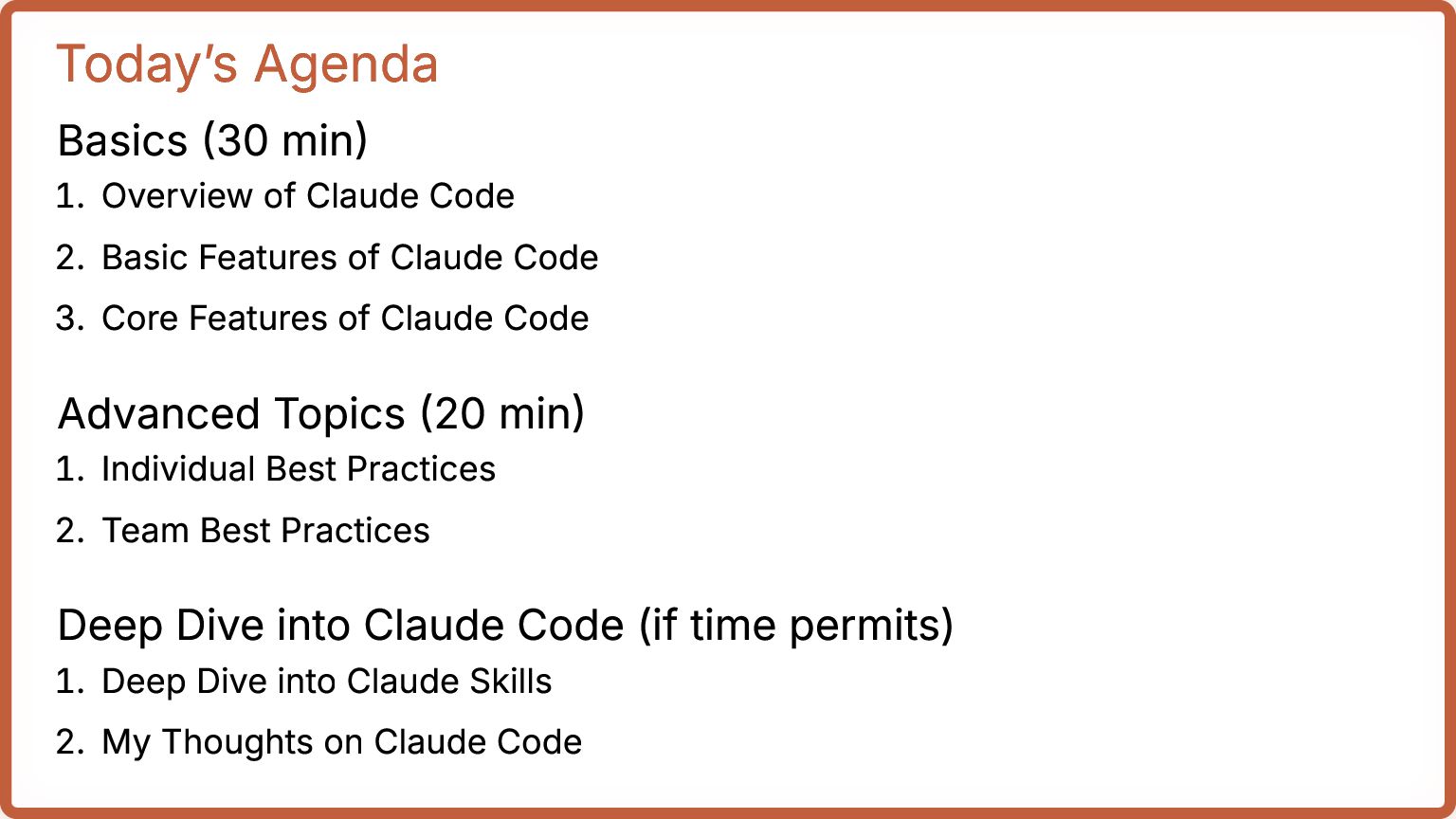
2. Basic Features of Claude Code 3. Core Features of Claude Code Advanced Topics (20 min) 1. Individual Best Practices 2. Team Best Practices Deep Dive into Claude Code (if time permits) 1. Deep Dive into Claude Skills 2. My Thoughts on Claude Code
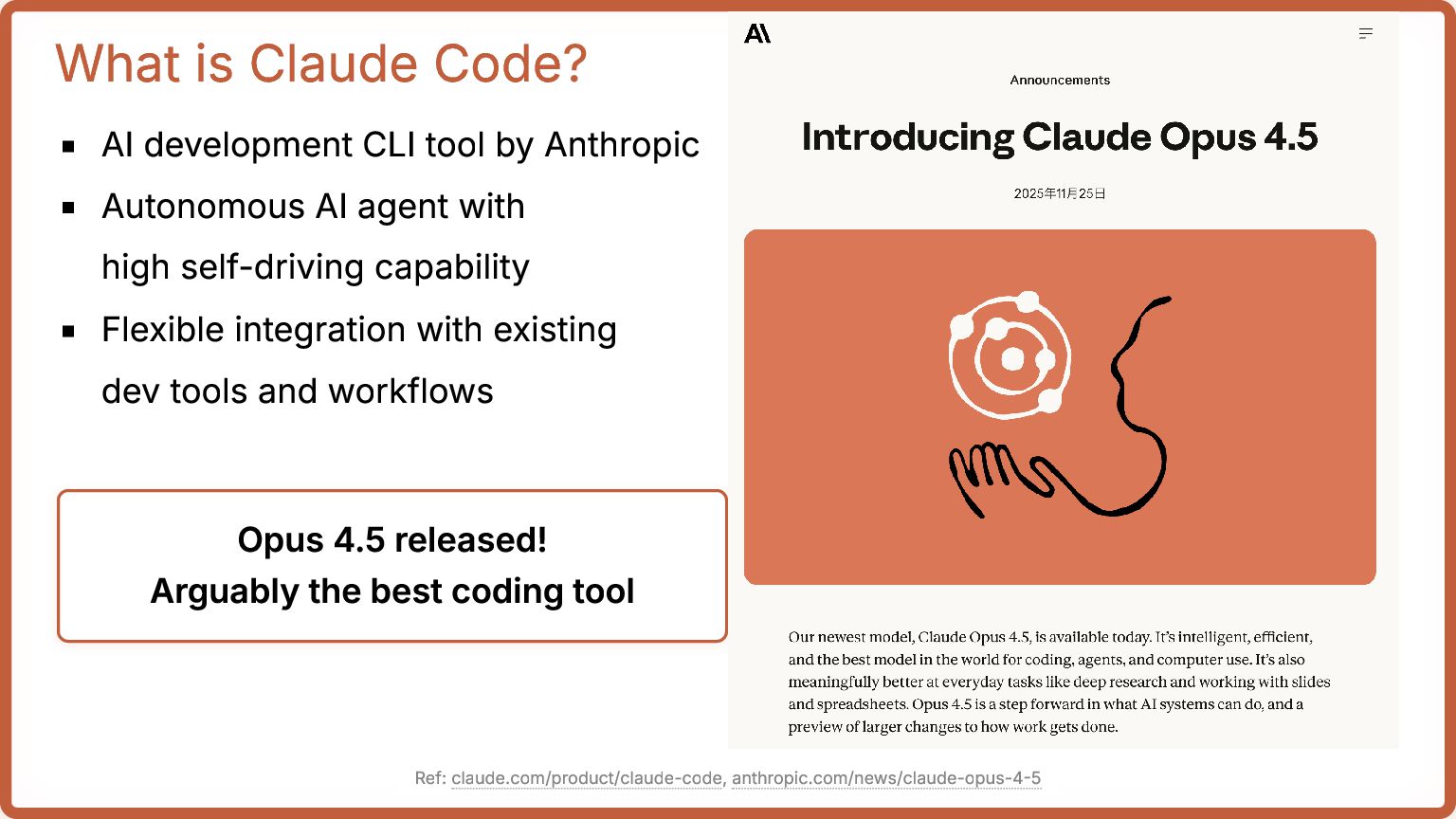
Autonomous AI agent with high self-driving capability Flexible integration with existing dev tools and workflows Opus 4.5 released! Arguably the best coding tool Ref: claude.com/product/claude-code, anthropic.com/news/claude-opus-4-5
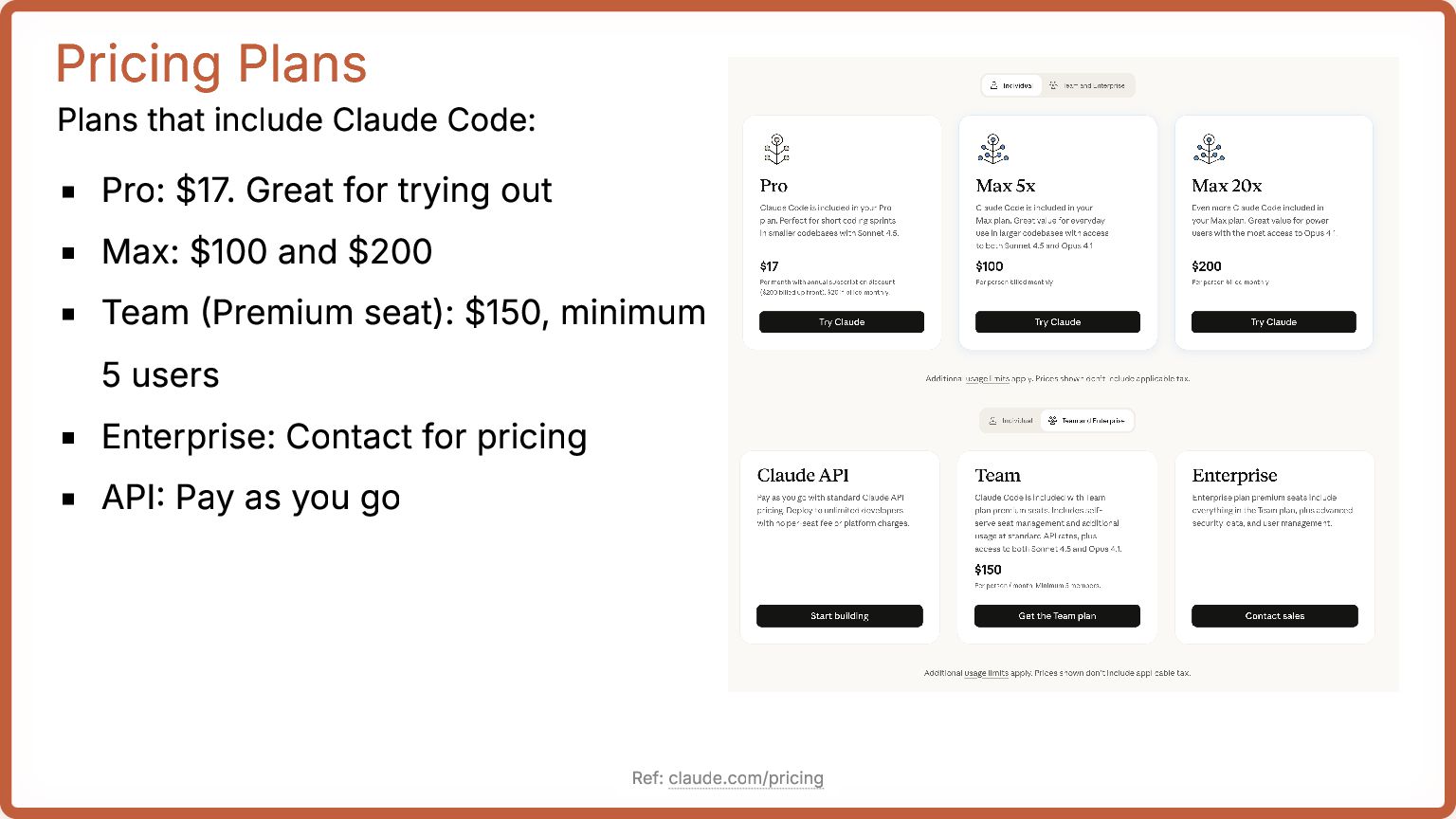
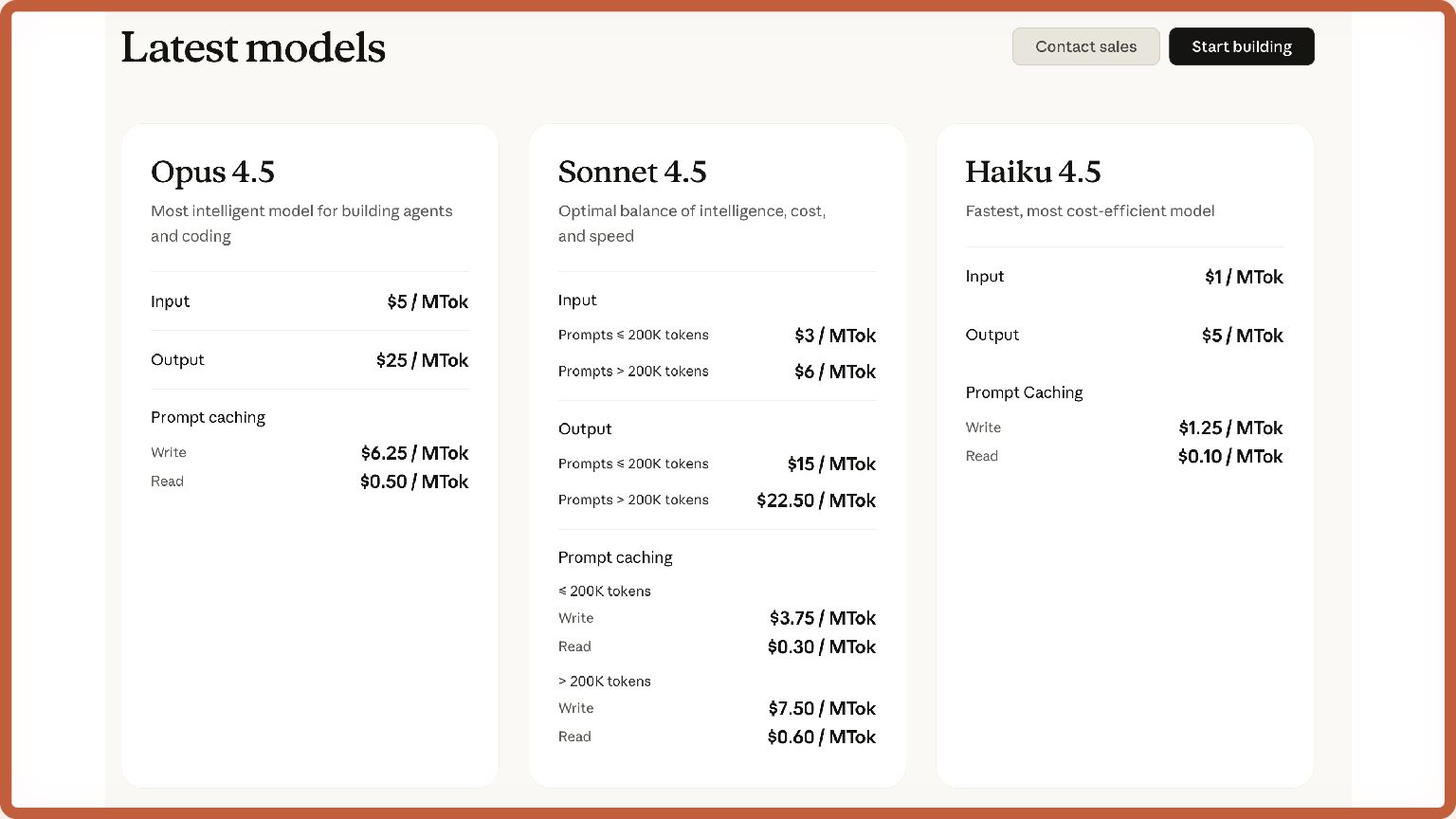
for trying out Max: $100 and $200 Team (Premium seat): $150, minimum 5 users Enterprise: Contact for pricing API: Pay as you go Ref: claude.com/pricing
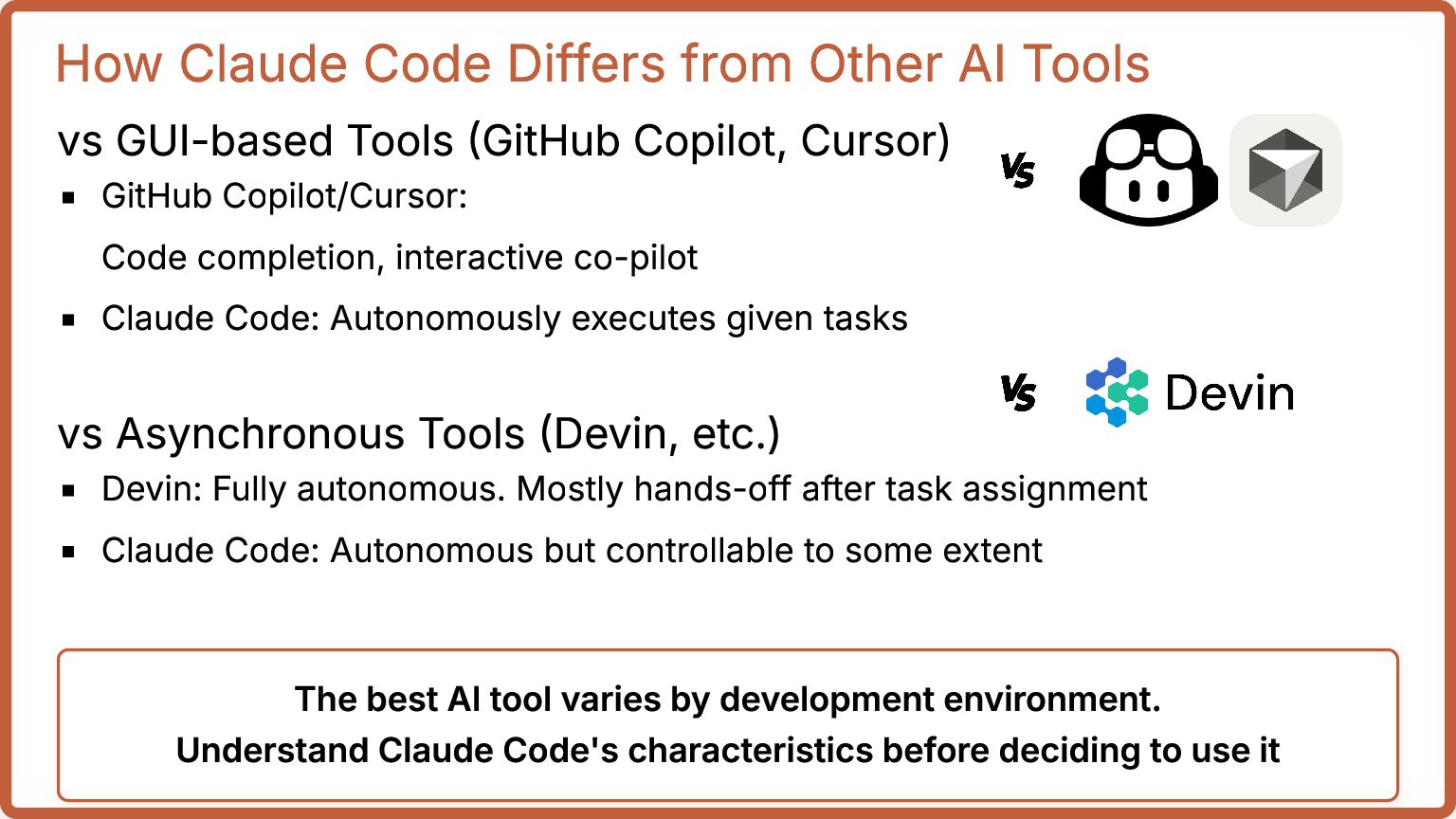
Tools (GitHub Copilot, Cursor) GitHub Copilot/Cursor: Code completion, interactive co-pilot Claude Code: Autonomously executes given tasks vs Asynchronous Tools (Devin, etc.) Devin: Fully autonomous. Mostly hands-off after task assignment Claude Code: Autonomous but controllable to some extent The best AI tool varies by development environment. Understand Claude Code's characteristics before deciding to use it
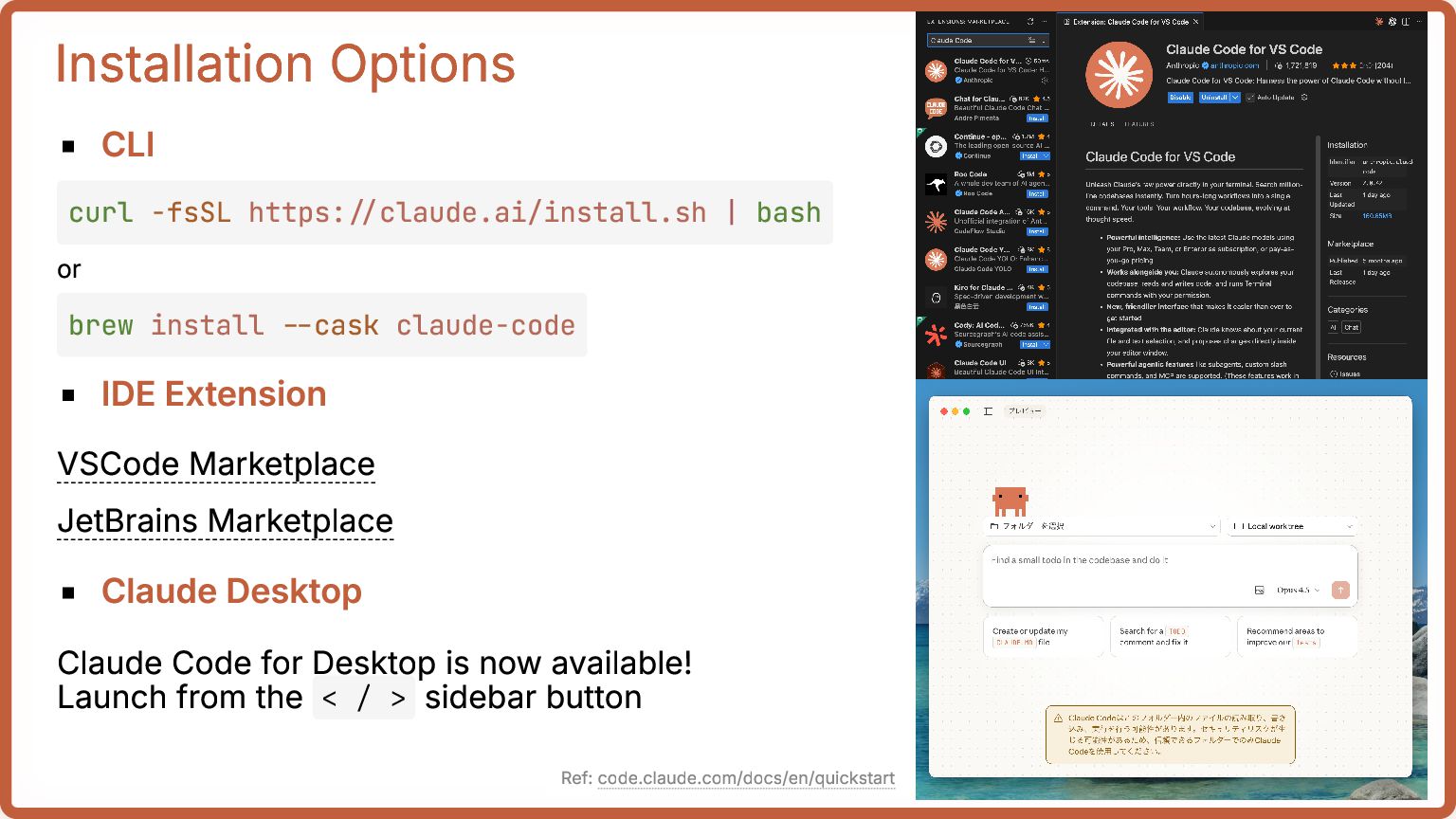
Claude Desktop Claude Code for Desktop is now available! Launch from the < / > sidebar button curl -fsSL https://claude.ai/install.sh | bash brew install --cask claude-code Ref: code.claude.com/docs/en/quickstart
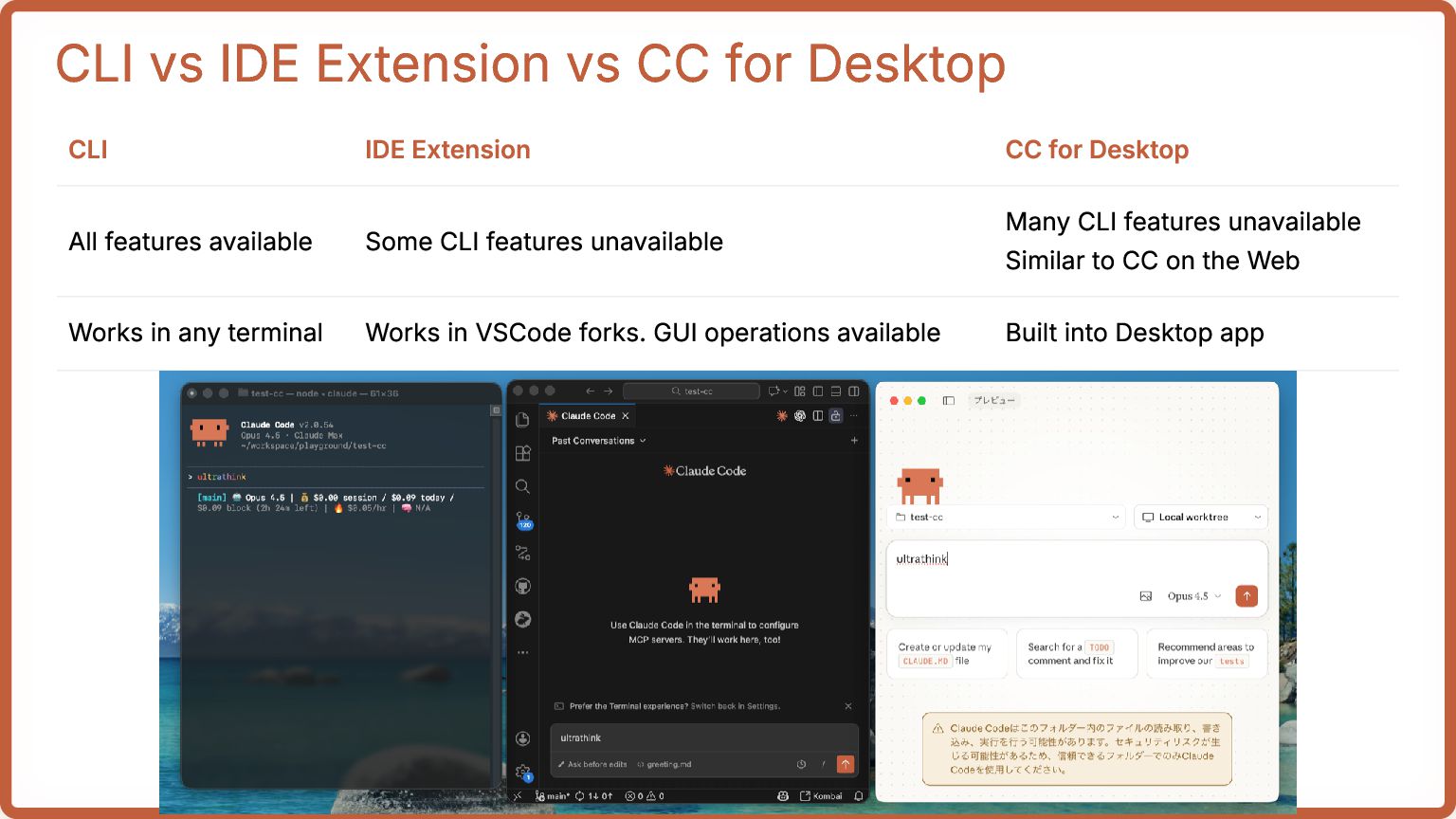
Extension CC for Desktop All features available Some CLI features unavailable Many CLI features unavailable Similar to CC on the Web Works in any terminal Works in VSCode forks. GUI operations available Built into Desktop app
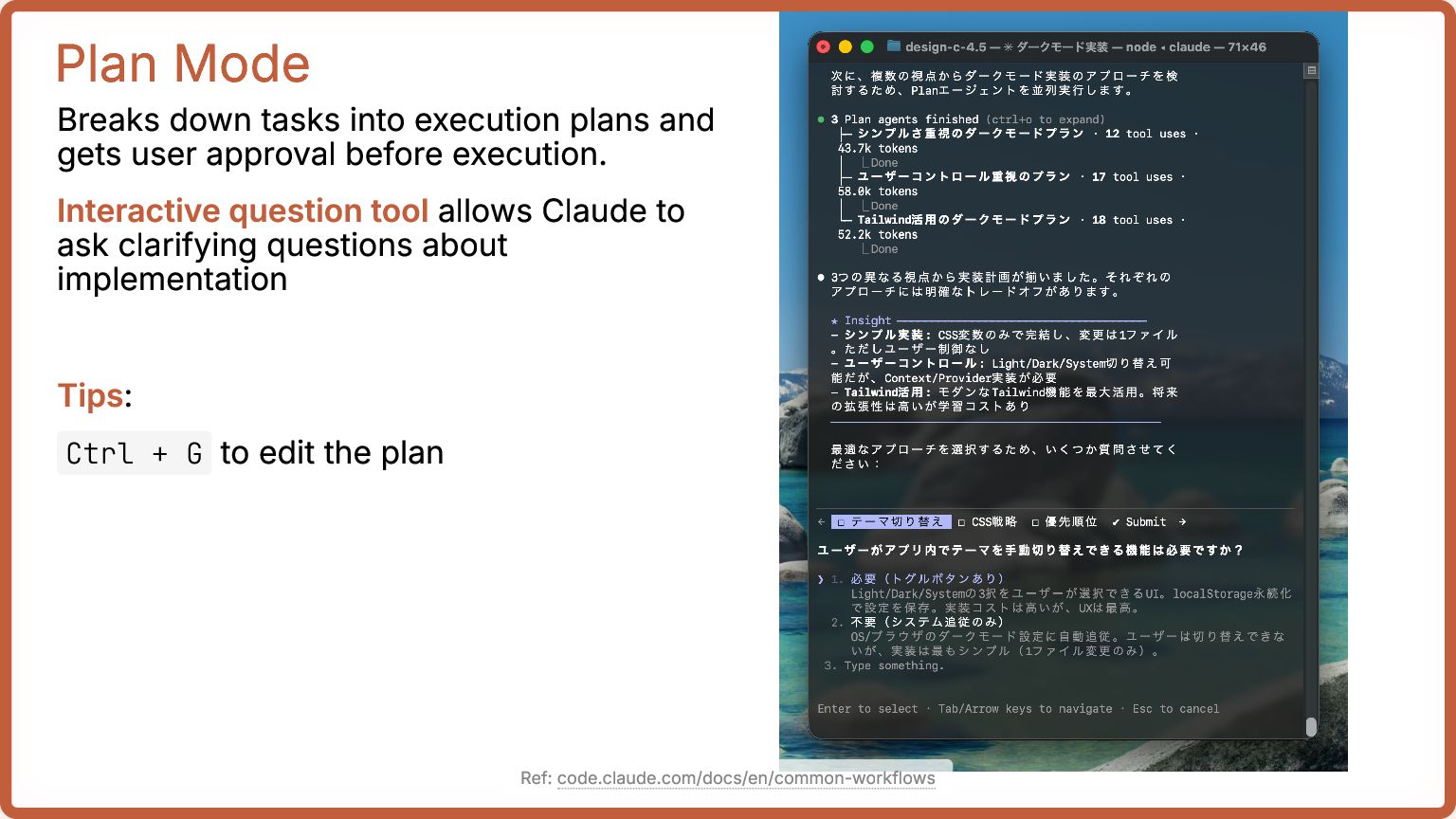
user approval before execution. Interactive question tool allows Claude to ask clarifying questions about implementation Tips: Ctrl + G to edit the plan Ref: code.claude.com/docs/en/common-workflows
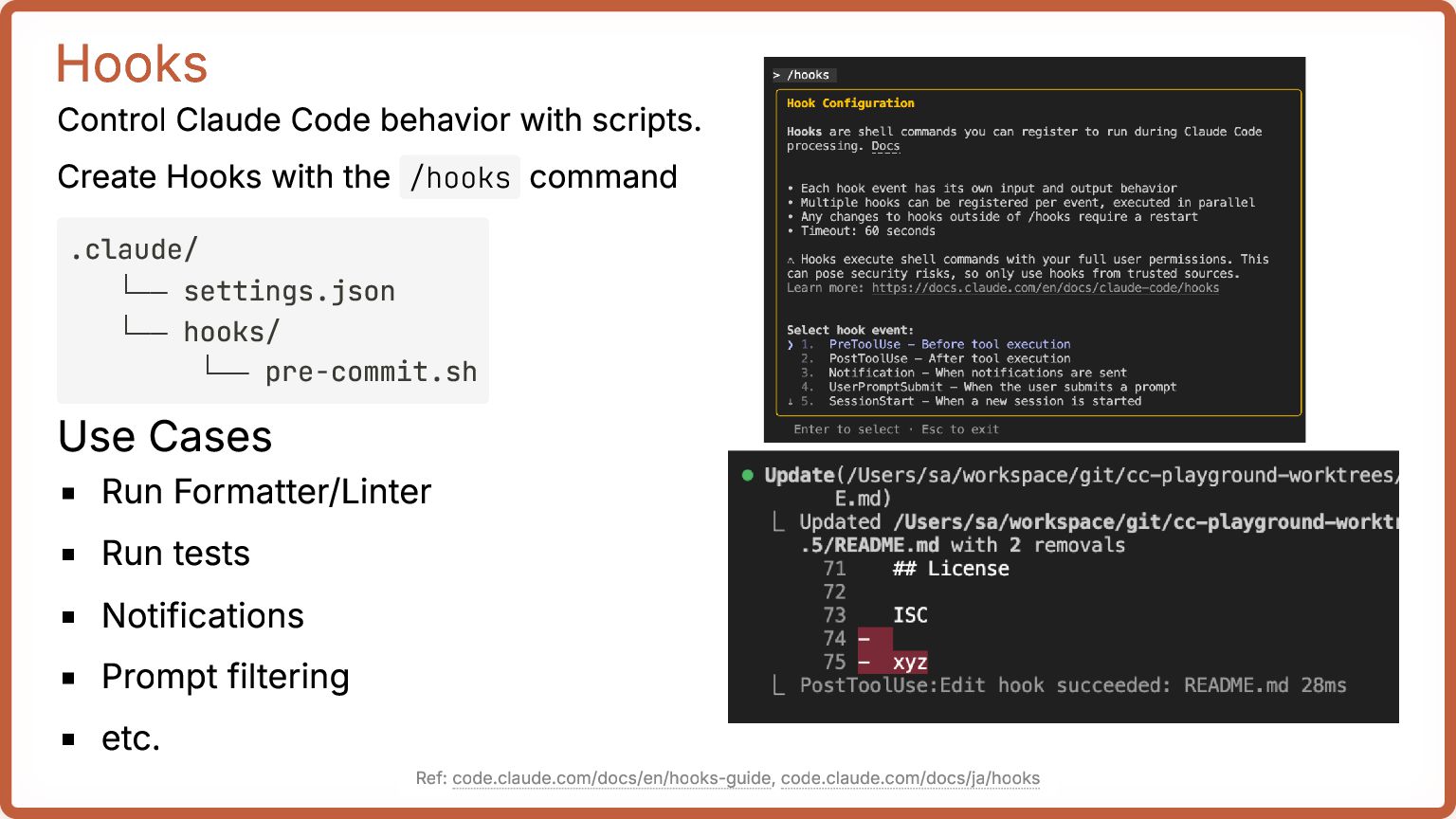
the /hooks command Use Cases Run Formatter/Linter Run tests Notifications Prompt filtering etc. .claude/ └── settings.json └── hooks/ └── pre-commit.sh Ref: code.claude.com/docs/en/hooks-guide, code.claude.com/docs/ja/hooks
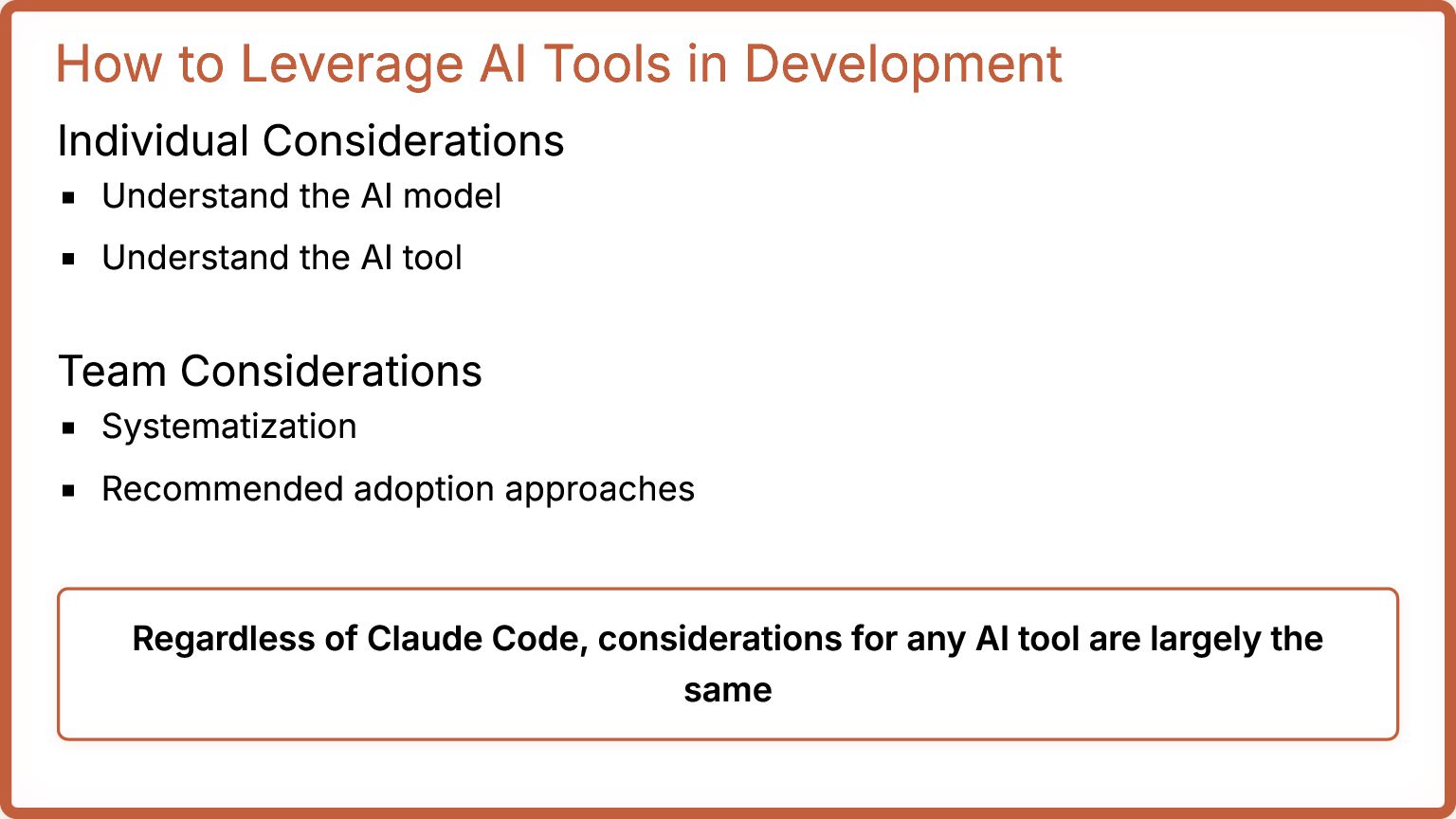
the AI model Understand the AI tool Team Considerations Systematization Recommended adoption approaches Regardless of Claude Code, considerations for any AI tool are largely the same
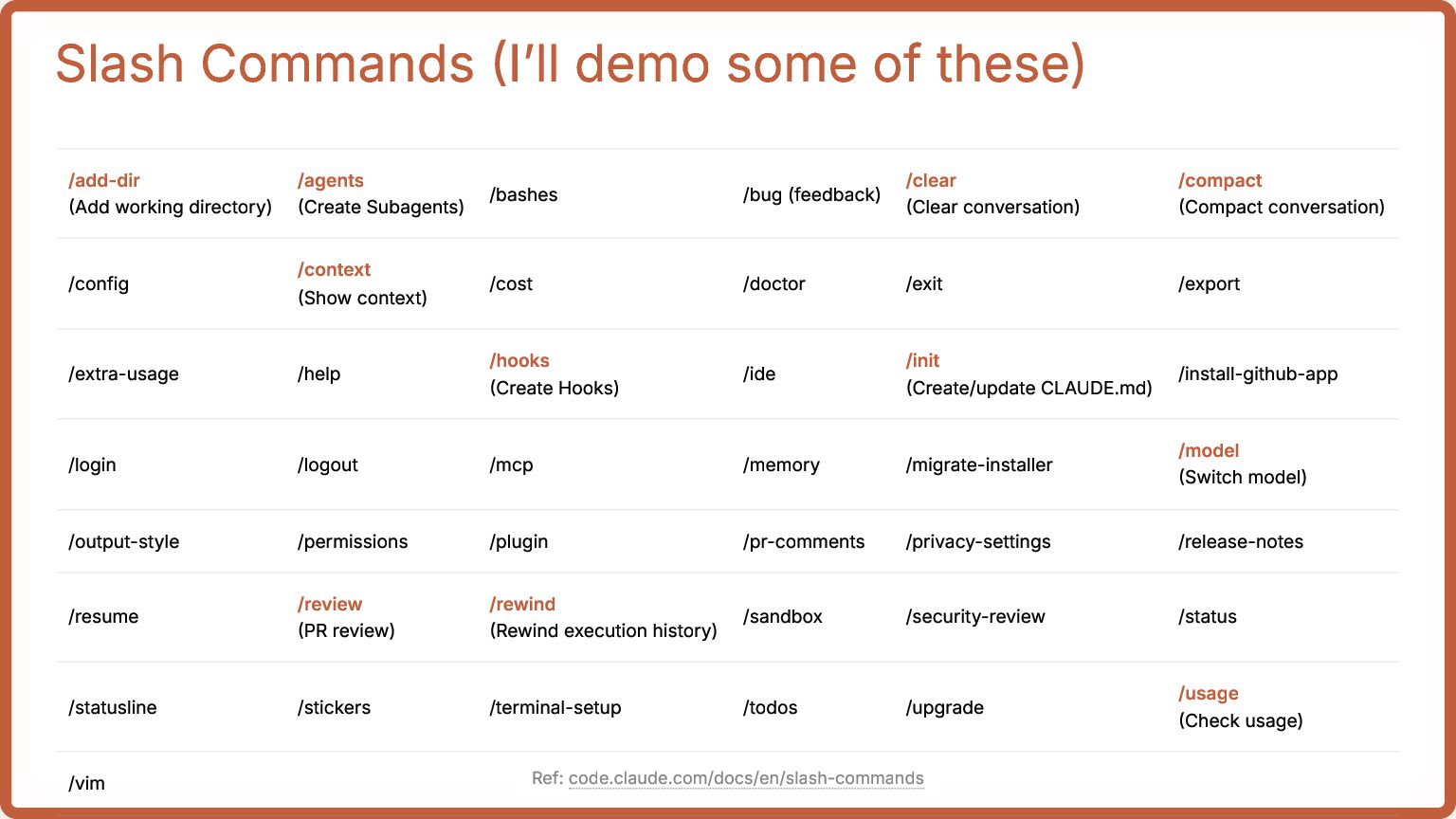
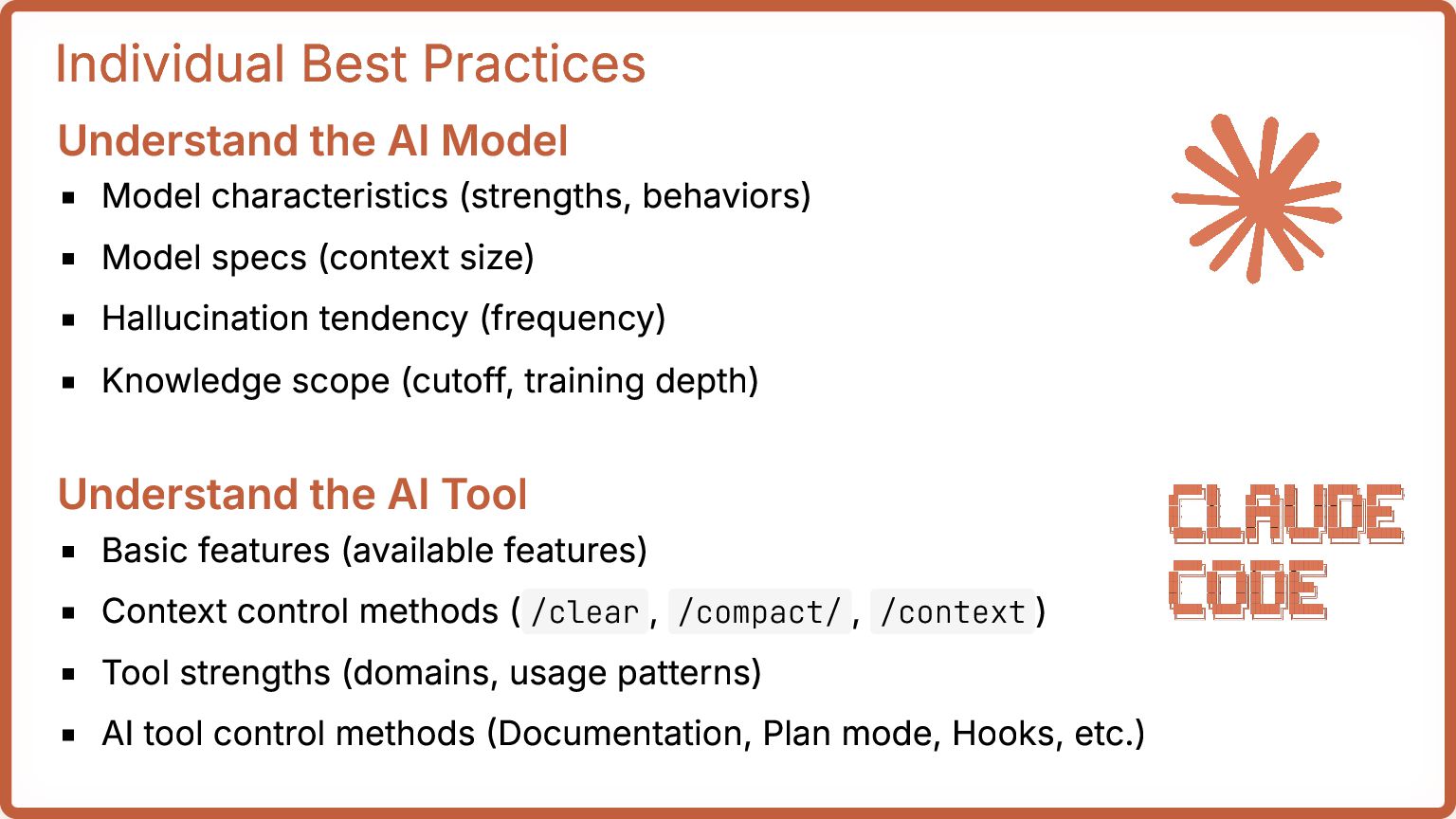
behaviors) Model specs (context size) Hallucination tendency (frequency) Knowledge scope (cutoff, training depth) Understand the AI Tool Basic features (available features) Context control methods ( /clear , /compact/ , /context ) Tool strengths (domains, usage patterns) AI tool control methods (Documentation, Plan mode, Hooks, etc.)
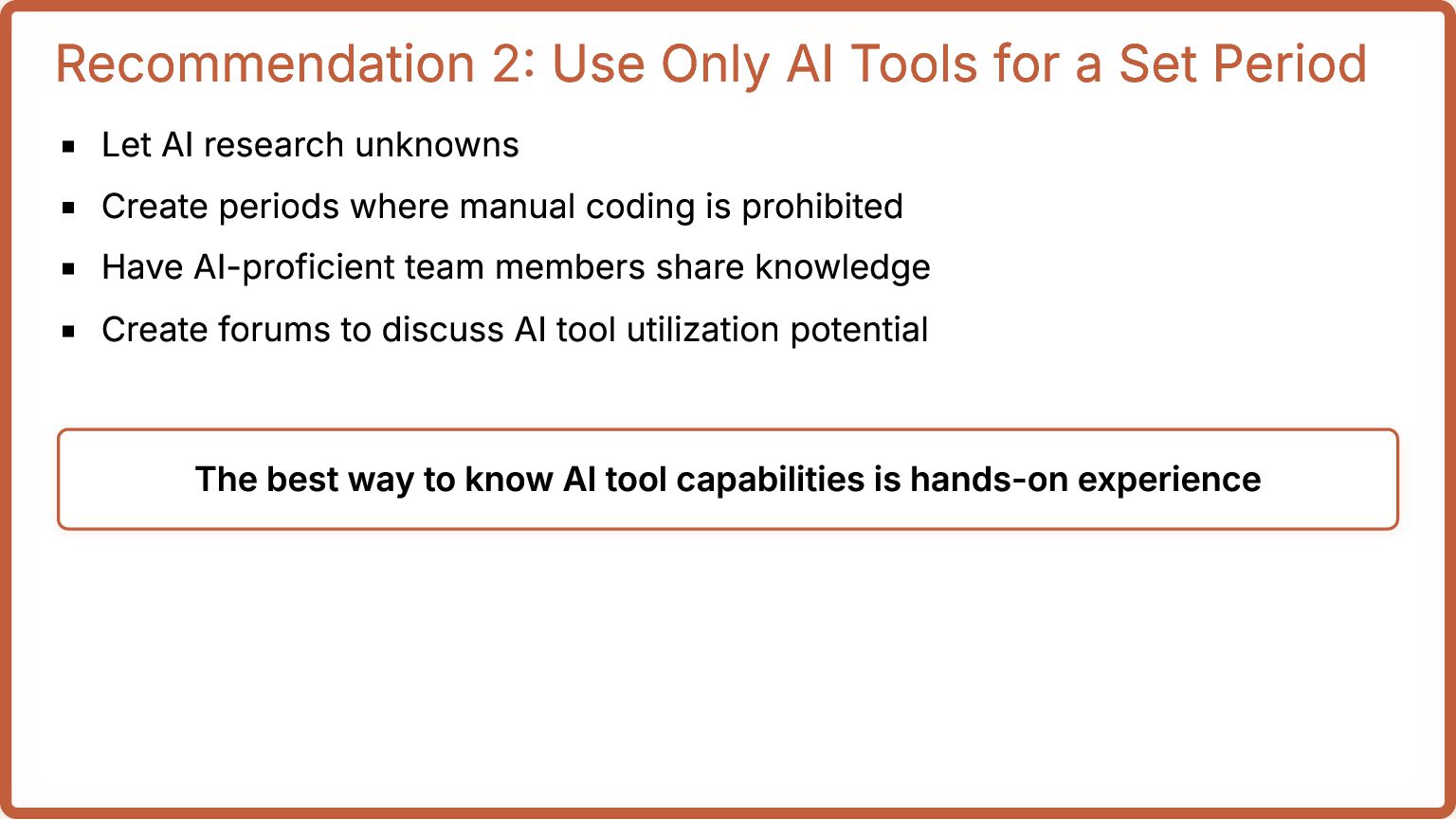
Let AI research unknowns Create periods where manual coding is prohibited Have AI-proficient team members share knowledge Create forums to discuss AI tool utilization potential The best way to know AI tool capabilities is hands-on experience
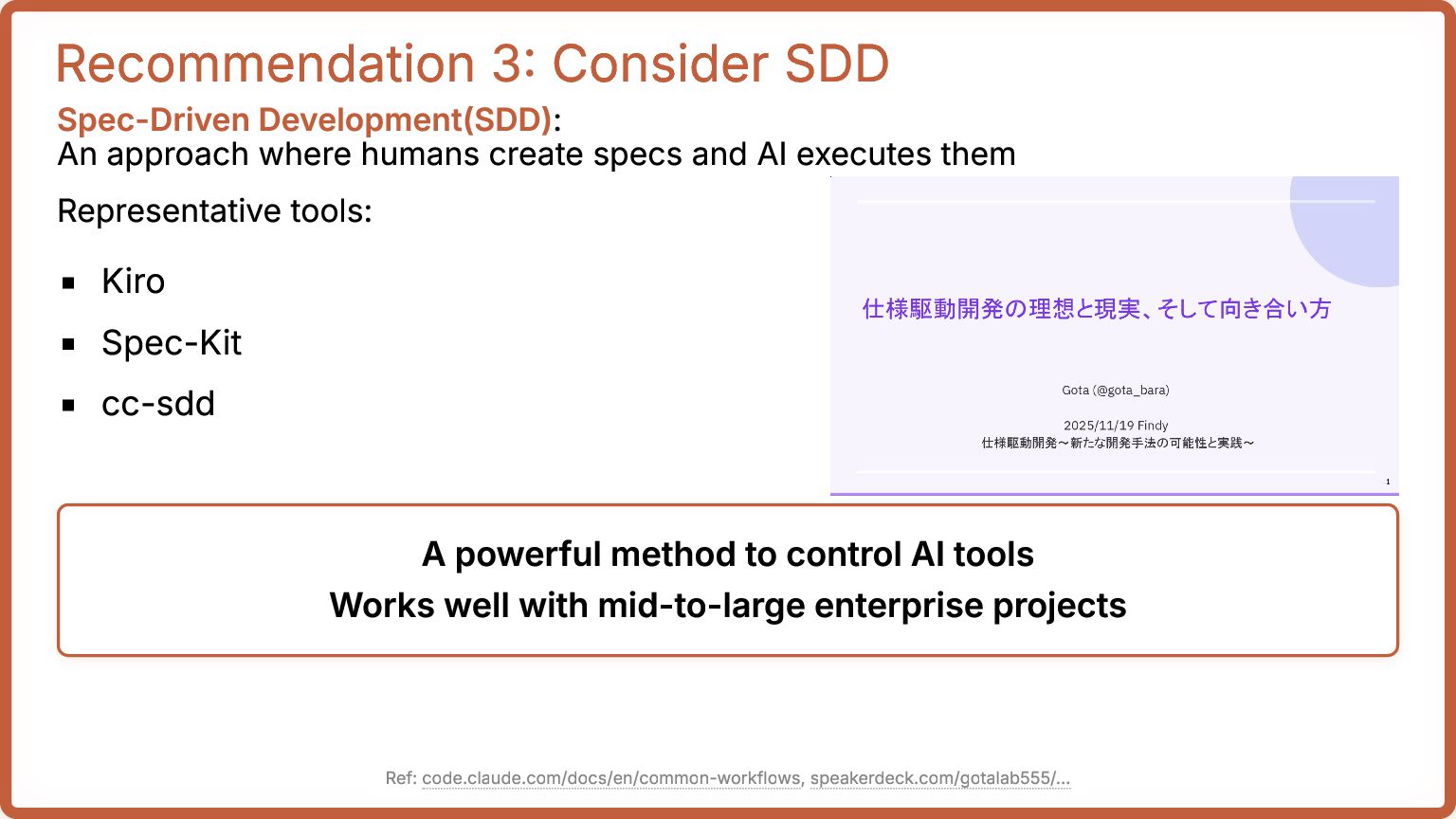
create specs and AI executes them Representative tools: Kiro Spec-Kit cc-sdd A powerful method to control AI tools Works well with mid-to-large enterprise projects Ref: code.claude.com/docs/en/common-workflows, speakerdeck.com/gotalab555/...
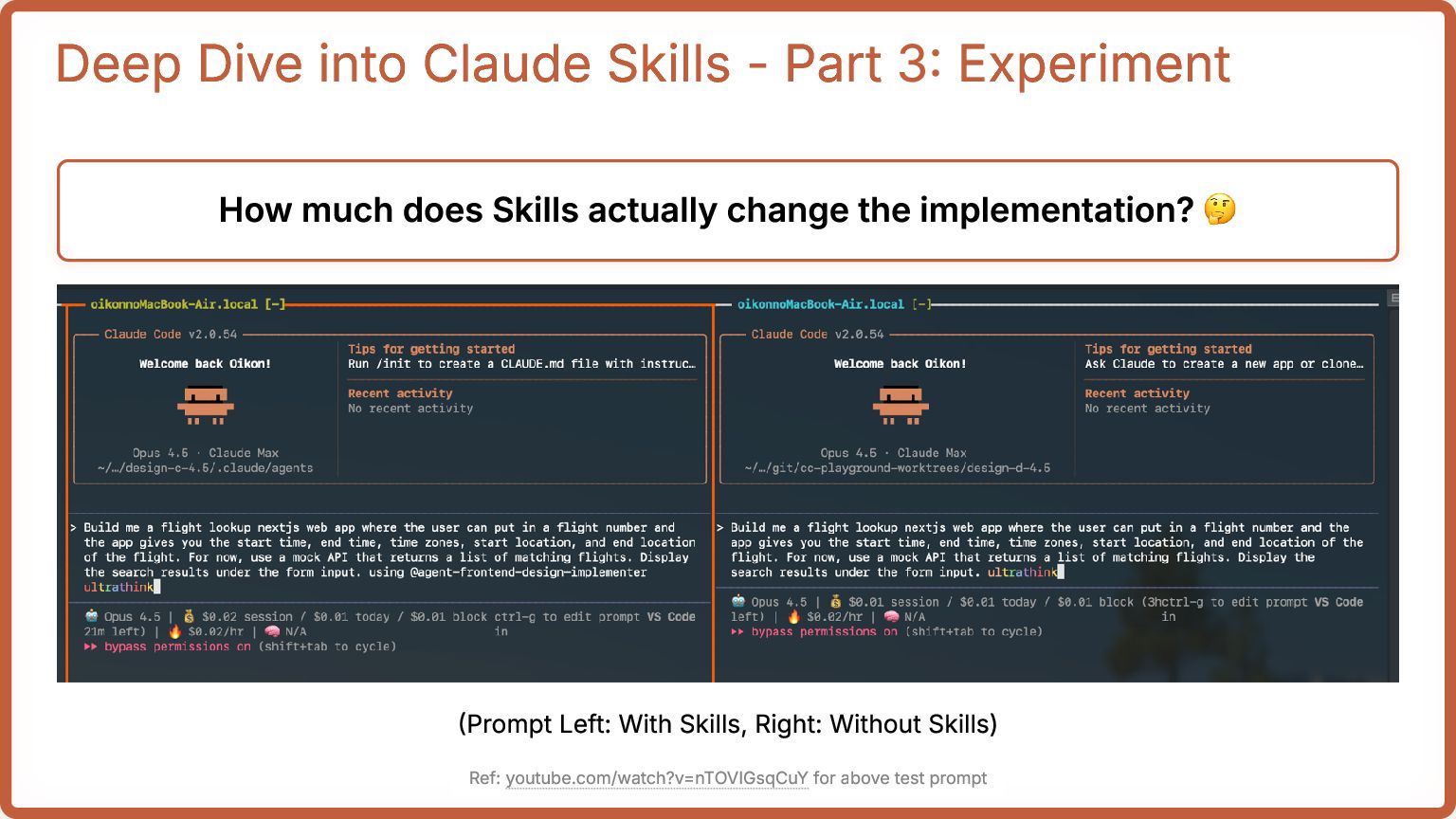
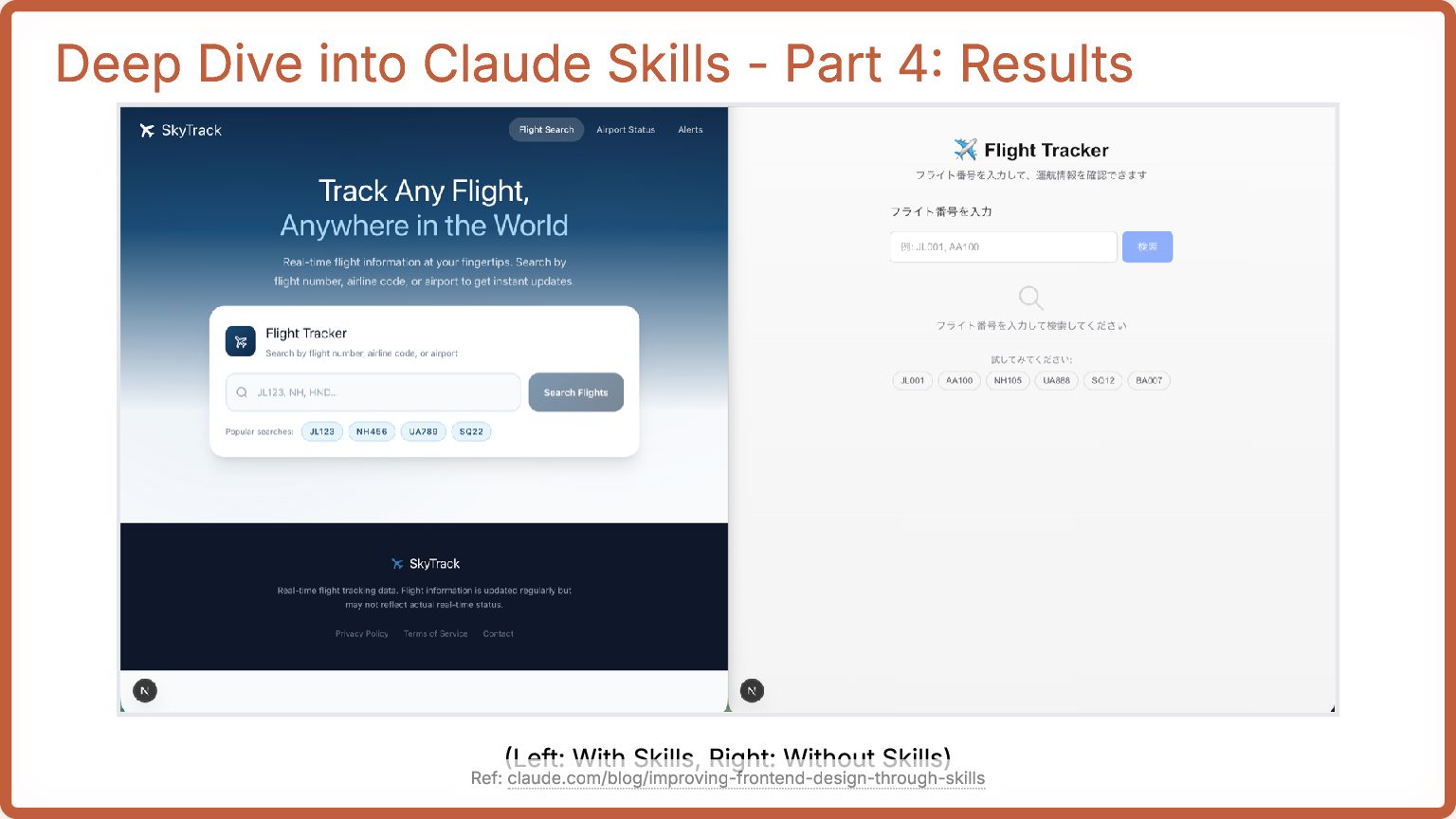
much does Skills actually change the implementation? 🤔 (Prompt Left: With Skills, Right: Without Skills) Ref: youtube.com/watch?v=nTOVIGsqCuY for above test prompt
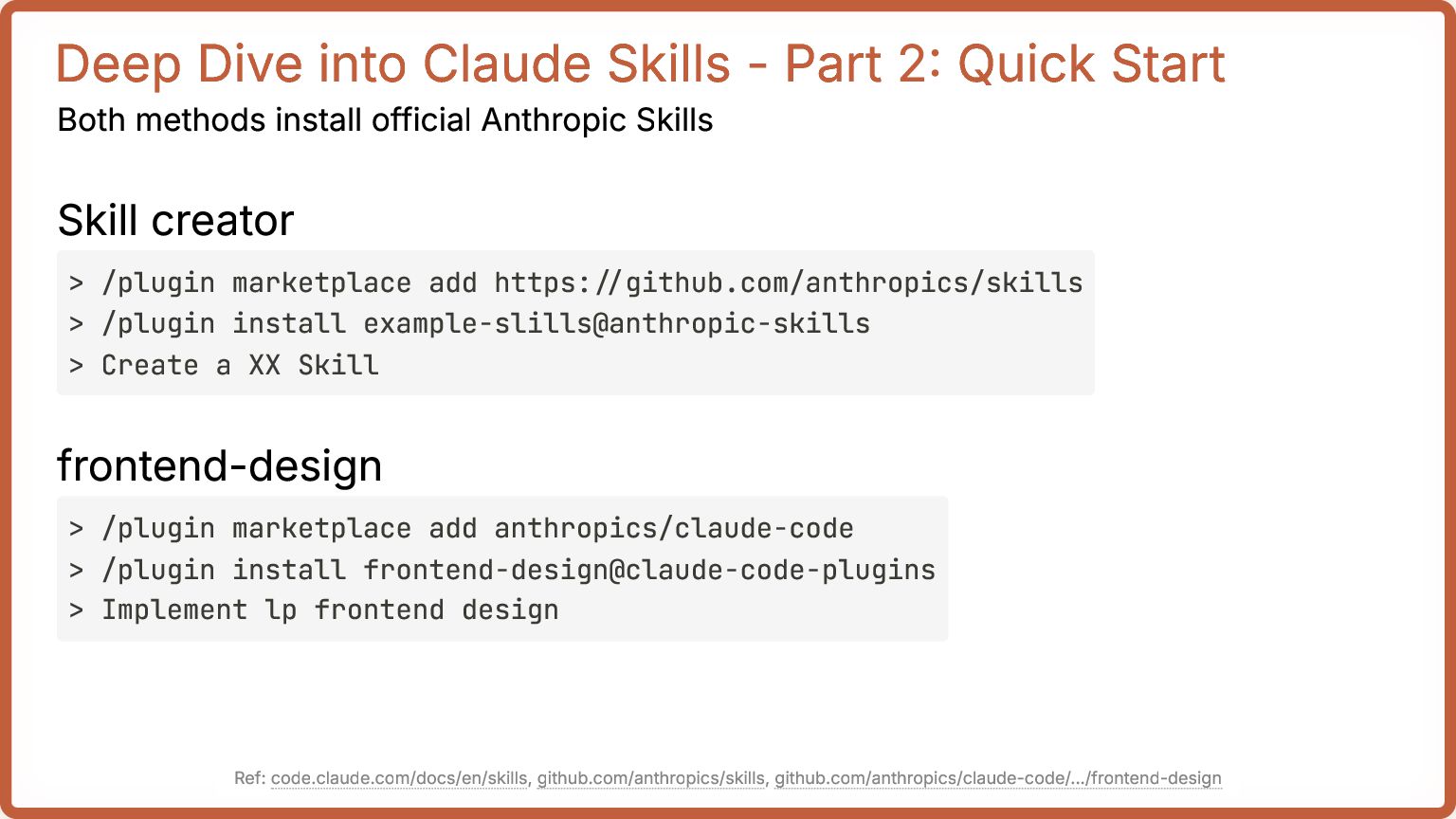
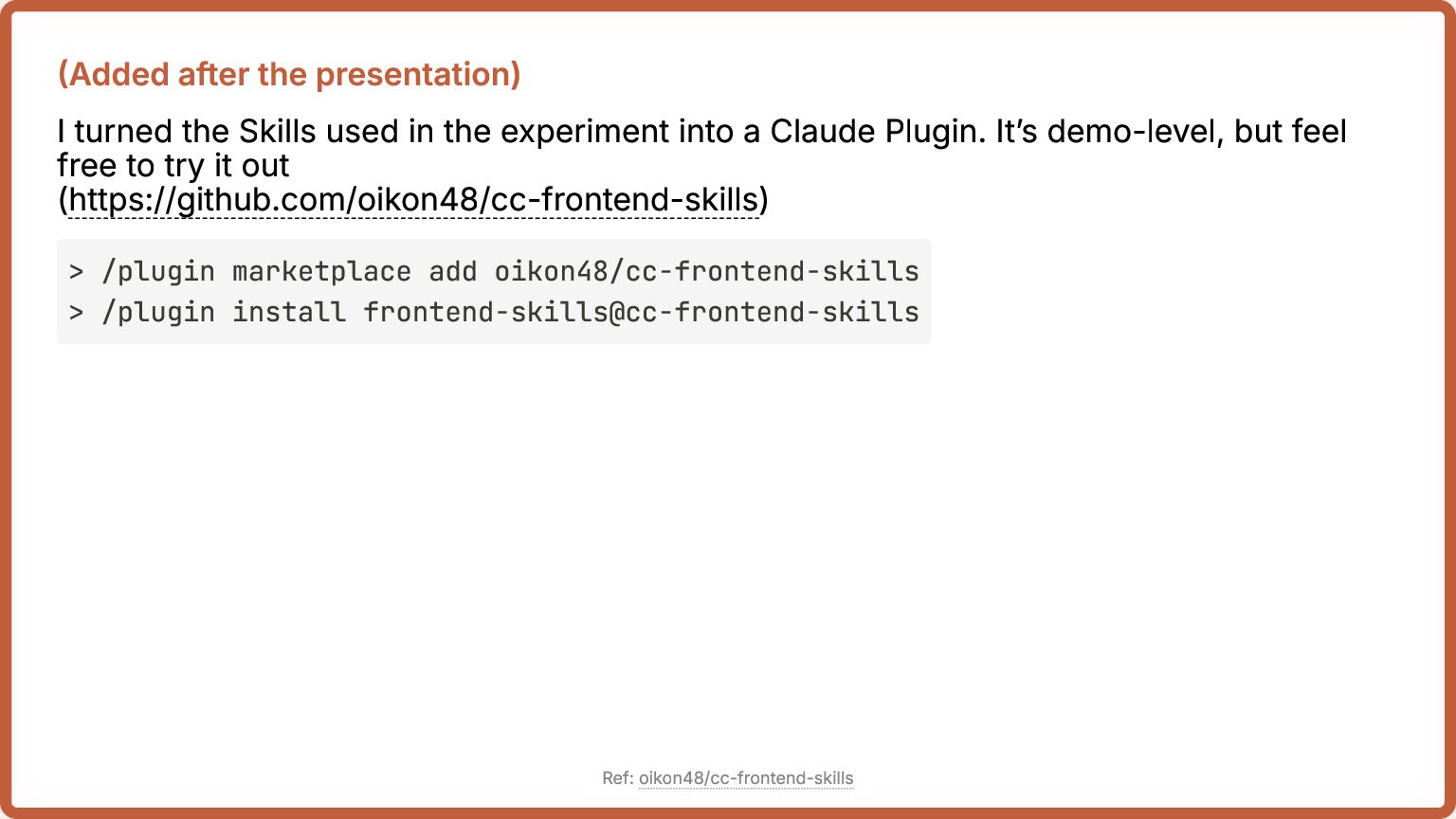
the experiment into a Claude Plugin. It’s demo-level, but feel free to try it out (https://github.com/oikon48/cc-frontend-skills) > /plugin marketplace add oikon48/cc-frontend-skills > /plugin install frontend-skills@cc-frontend-skills Ref: oikon48/cc-frontend-skills
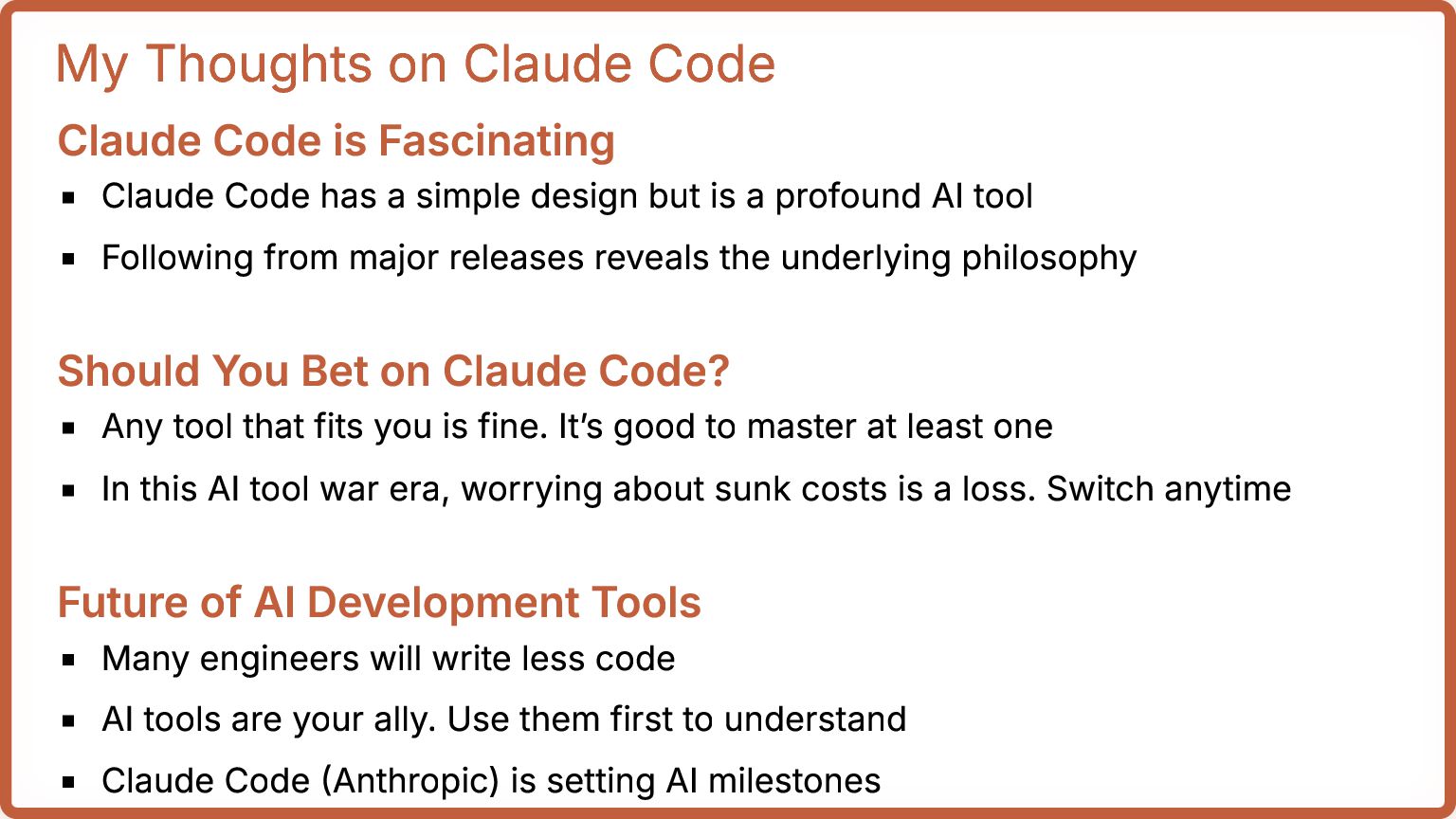
Code has a simple design but is a profound AI tool Following from major releases reveals the underlying philosophy Should You Bet on Claude Code? Any tool that fits you is fine. It’s good to master at least one In this AI tool war era, worrying about sunk costs is a loss. Switch anytime Future of AI Development Tools Many engineers will write less code AI tools are your ally. Use them first to understand Claude Code (Anthropic) is setting AI milestones
to get familiar Learn the characteristics of AI models and tools, including Claude Code To control Claude Code effectively, systematize and practice @oikon48 Feel free to ask questions on X!
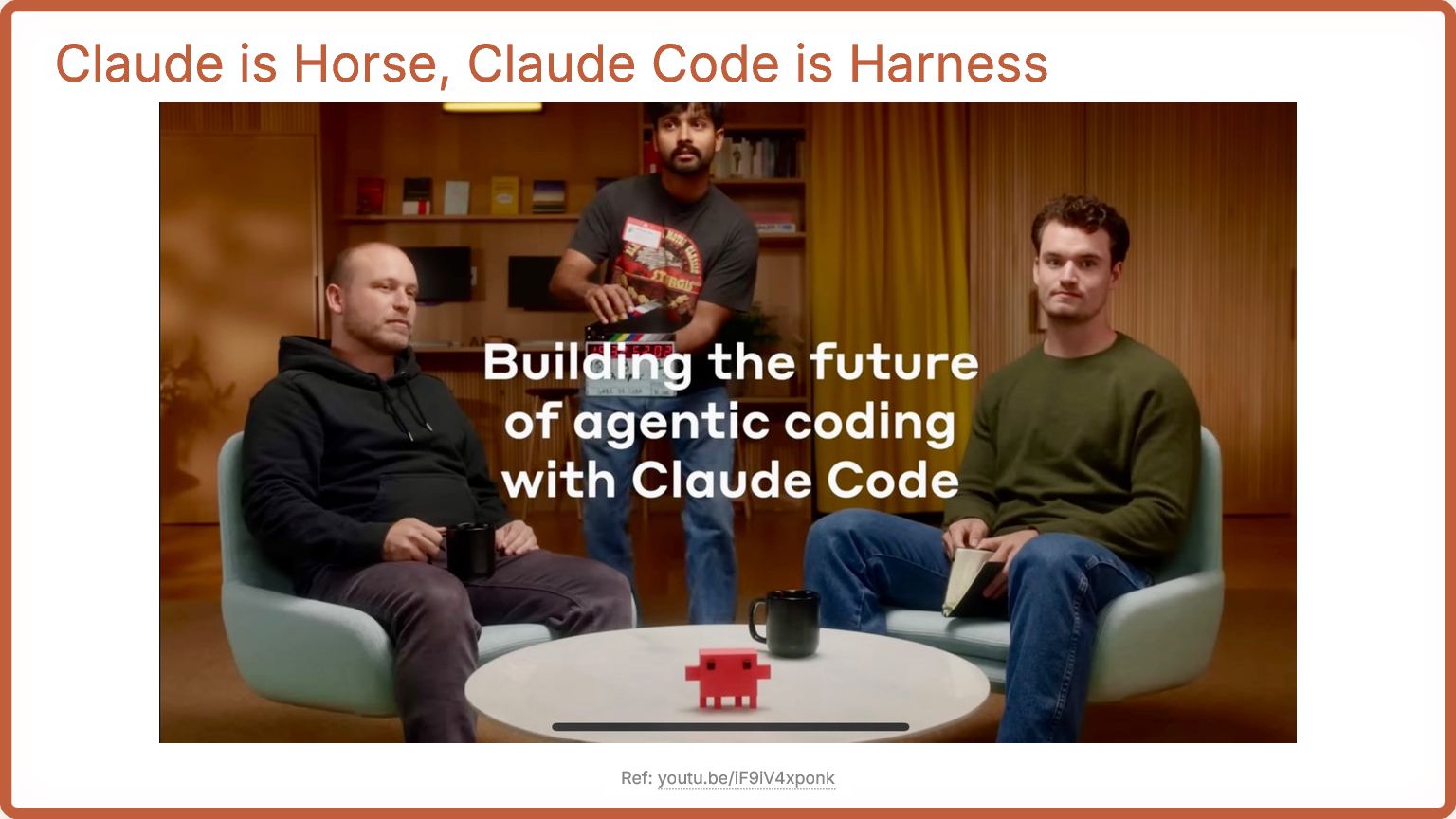
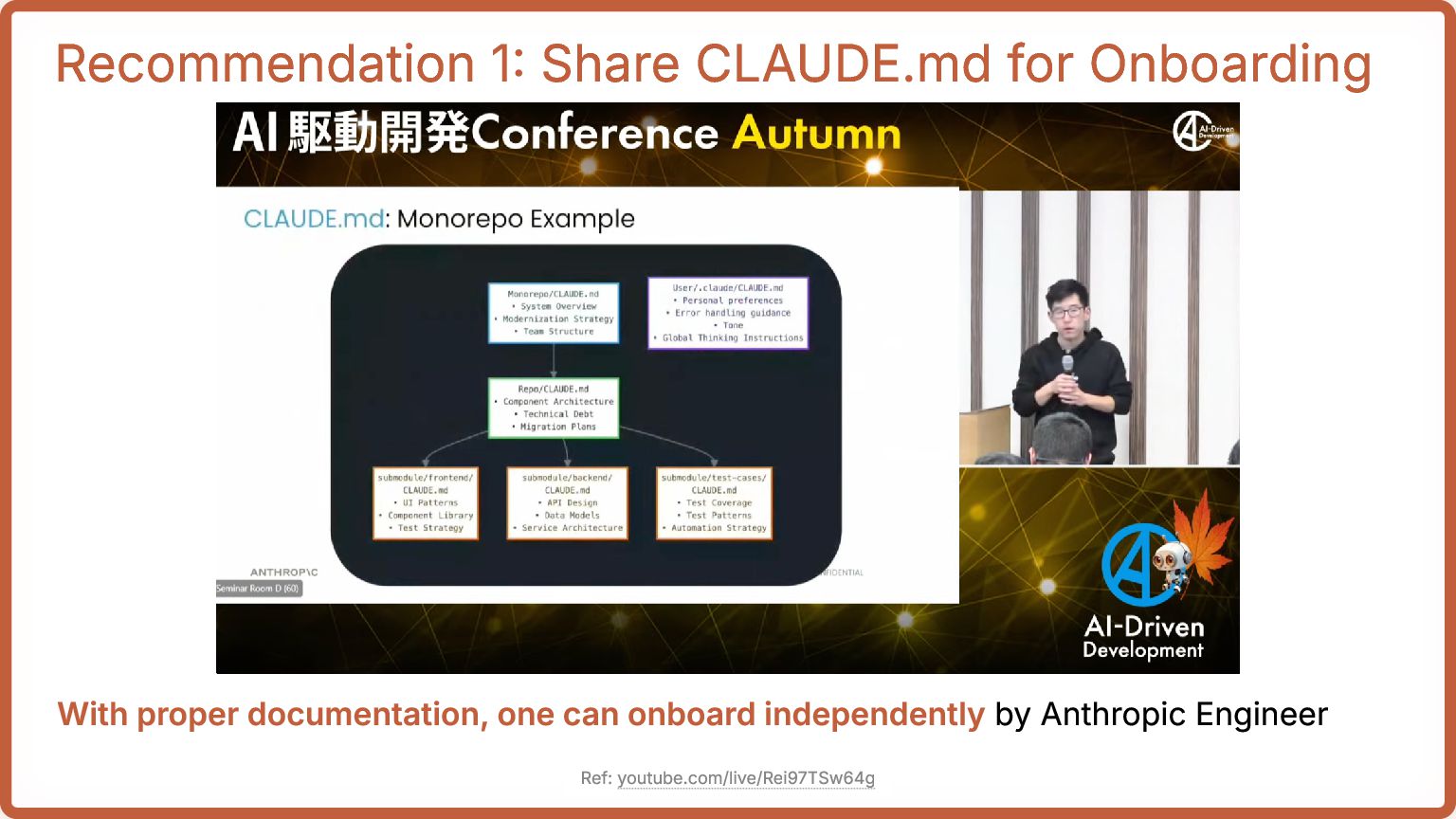
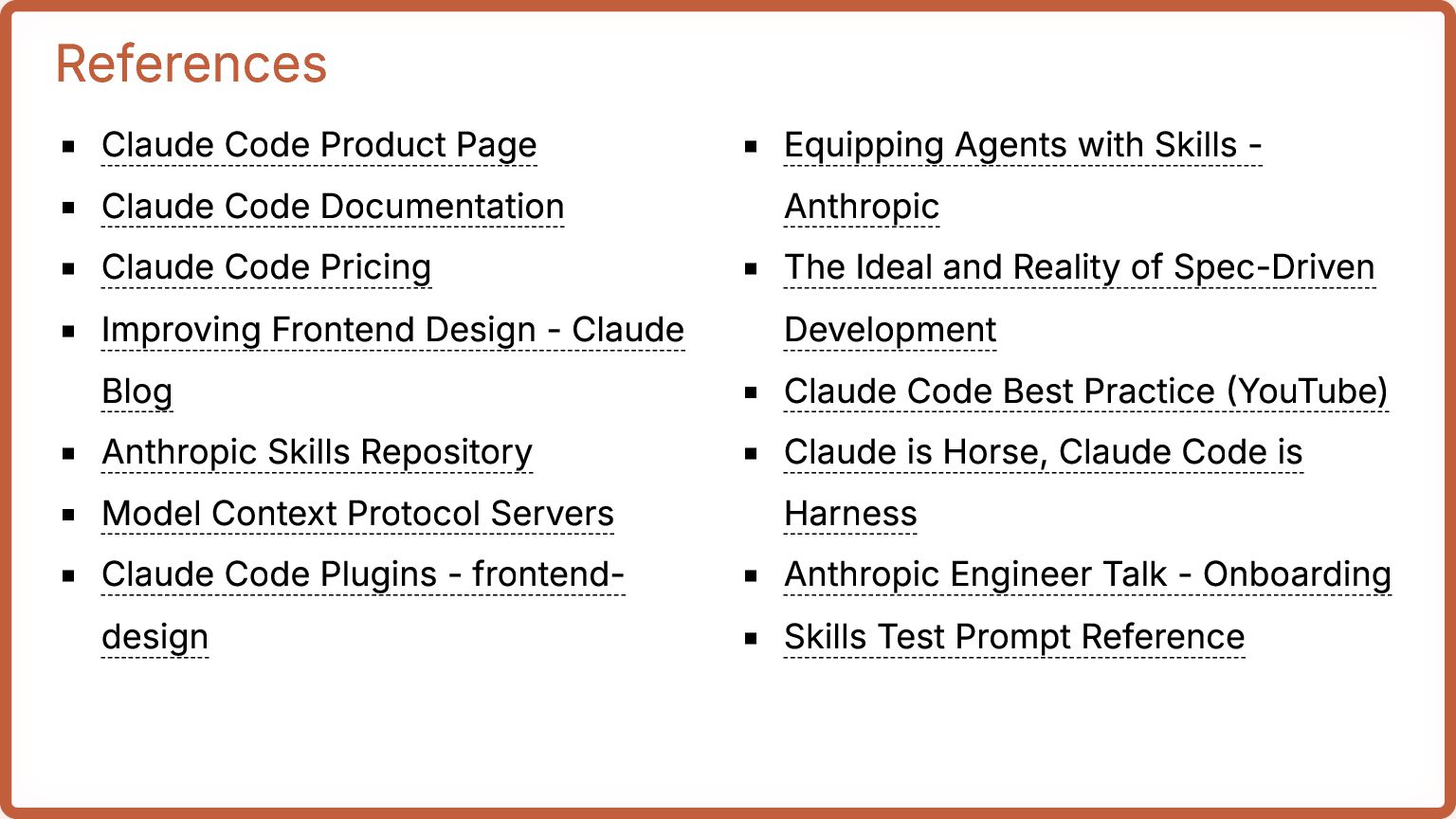
Pricing Improving Frontend Design - Claude Blog Anthropic Skills Repository Model Context Protocol Servers Claude Code Plugins - frontend- design Equipping Agents with Skills - Anthropic The Ideal and Reality of Spec-Driven Development Claude Code Best Practice (YouTube) Claude is Horse, Claude Code is Harness Anthropic Engineer Talk - Onboarding Skills Test Prompt Reference
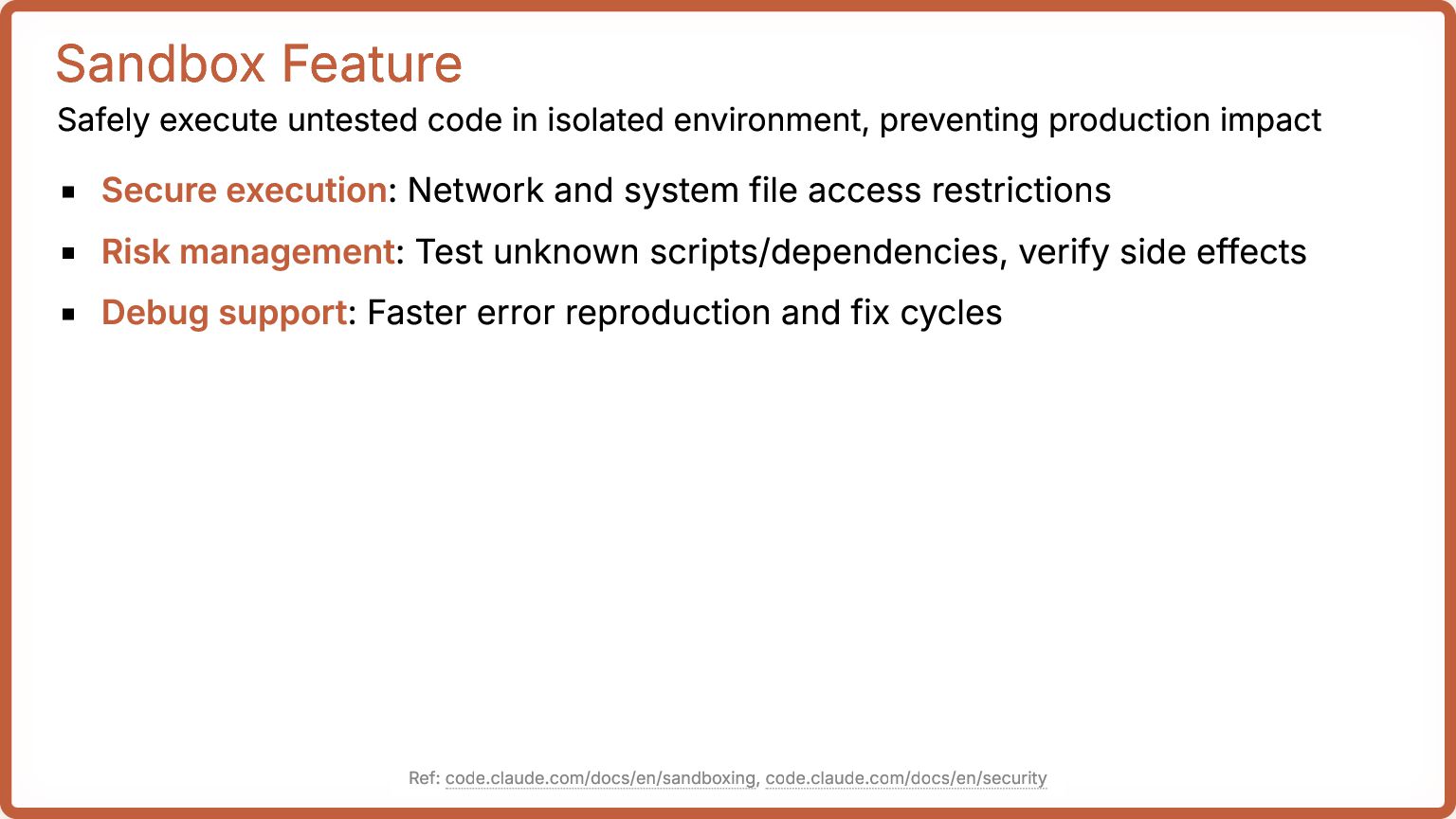
production impact Secure execution: Network and system file access restrictions Risk management: Test unknown scripts/dependencies, verify side effects Debug support: Faster error reproduction and fix cycles Ref: code.claude.com/docs/en/sandboxing, code.claude.com/docs/en/security
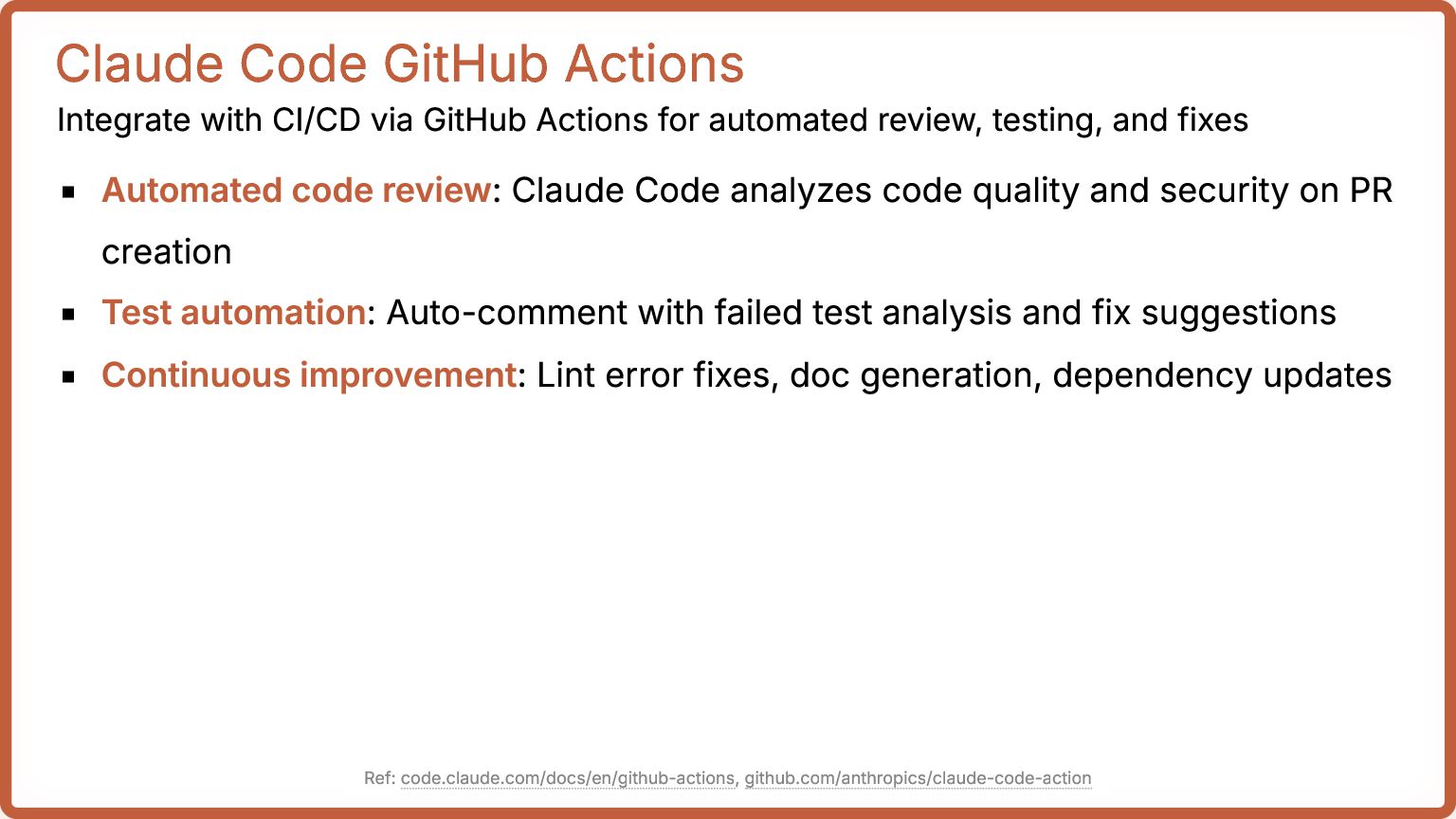
for automated review, testing, and fixes Automated code review: Claude Code analyzes code quality and security on PR creation Test automation: Auto-comment with failed test analysis and fix suggestions Continuous improvement: Lint error fixes, doc generation, dependency updates Ref: code.claude.com/docs/en/github-actions, github.com/anthropics/claude-code-action
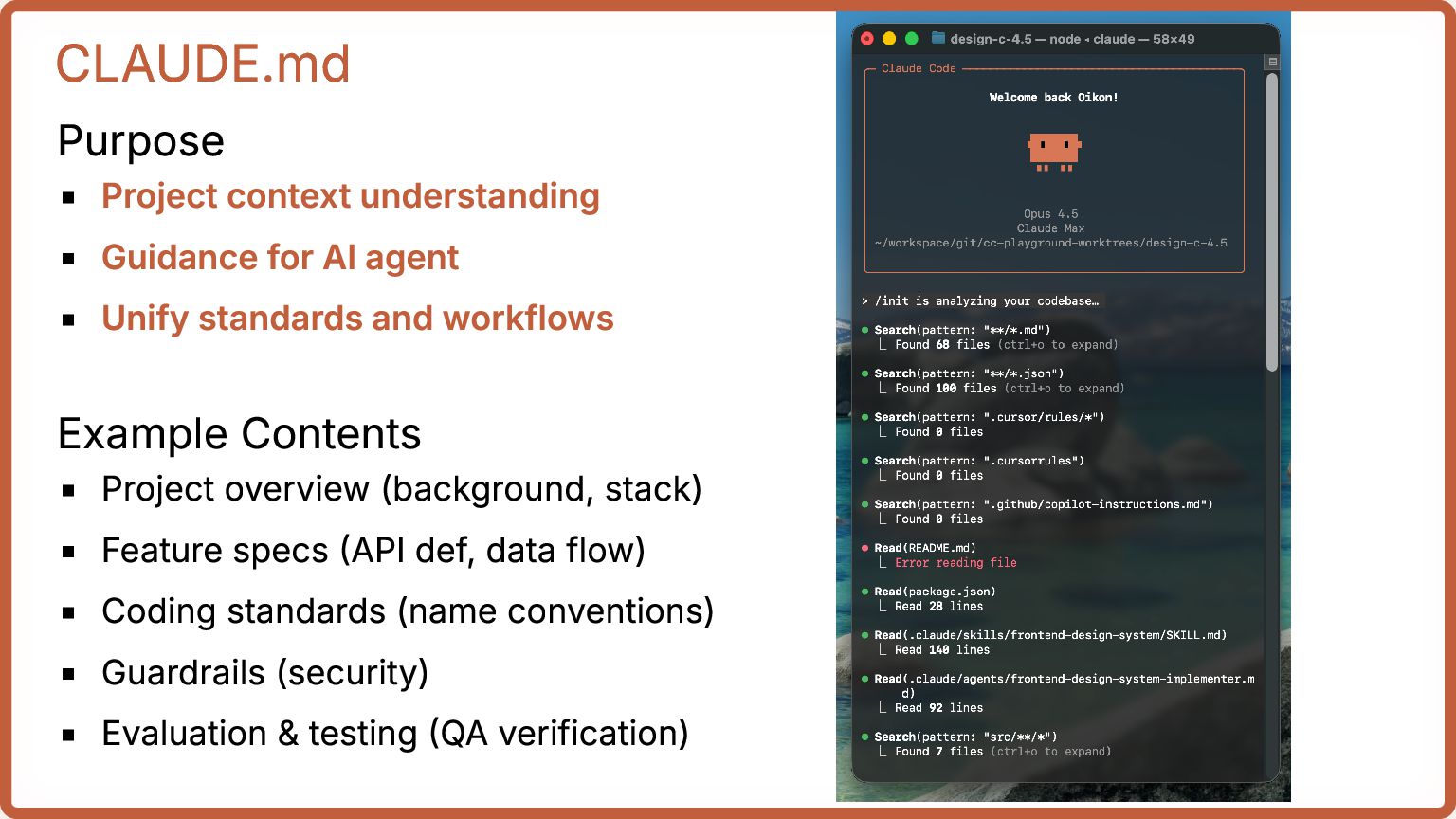
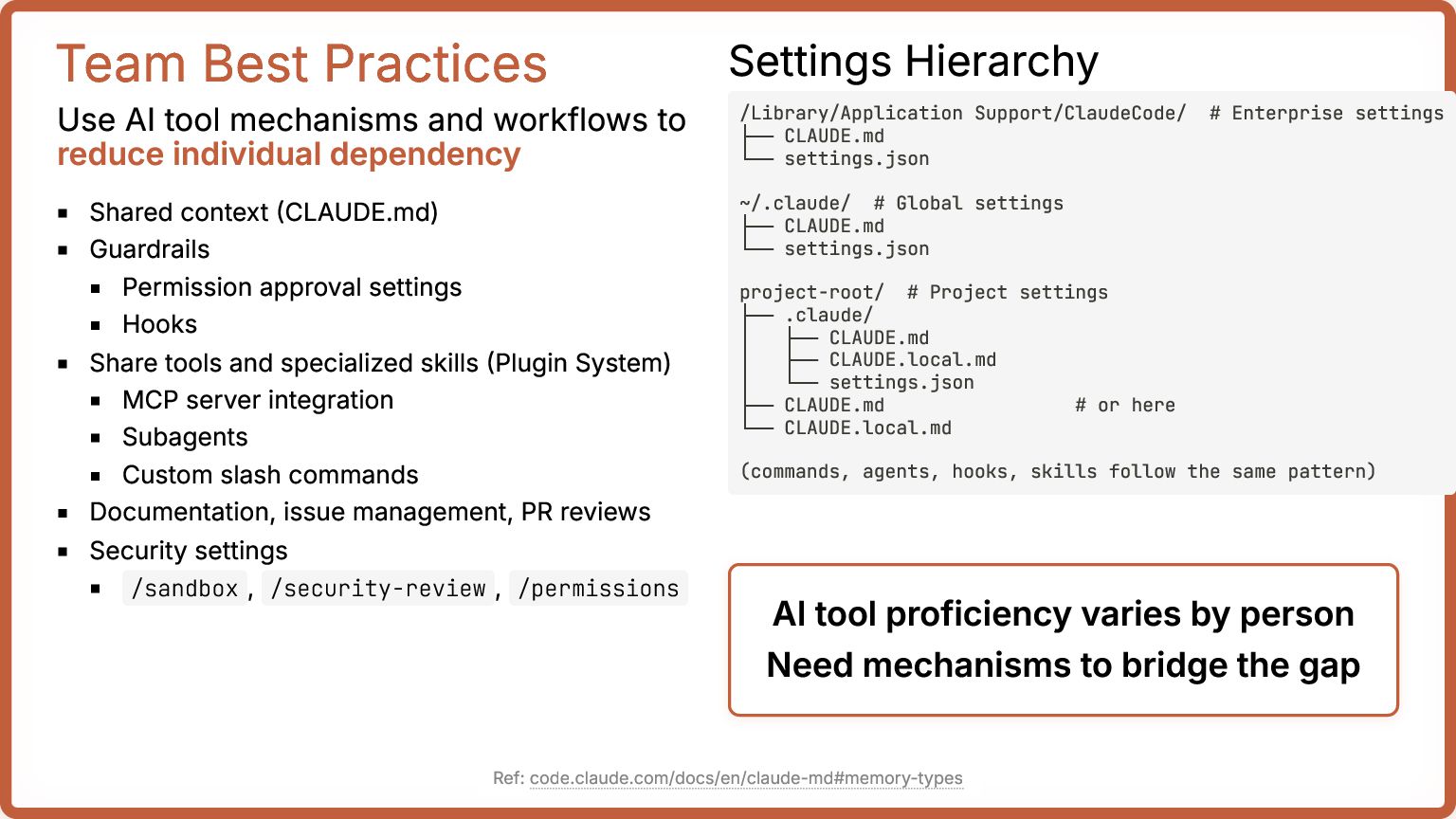
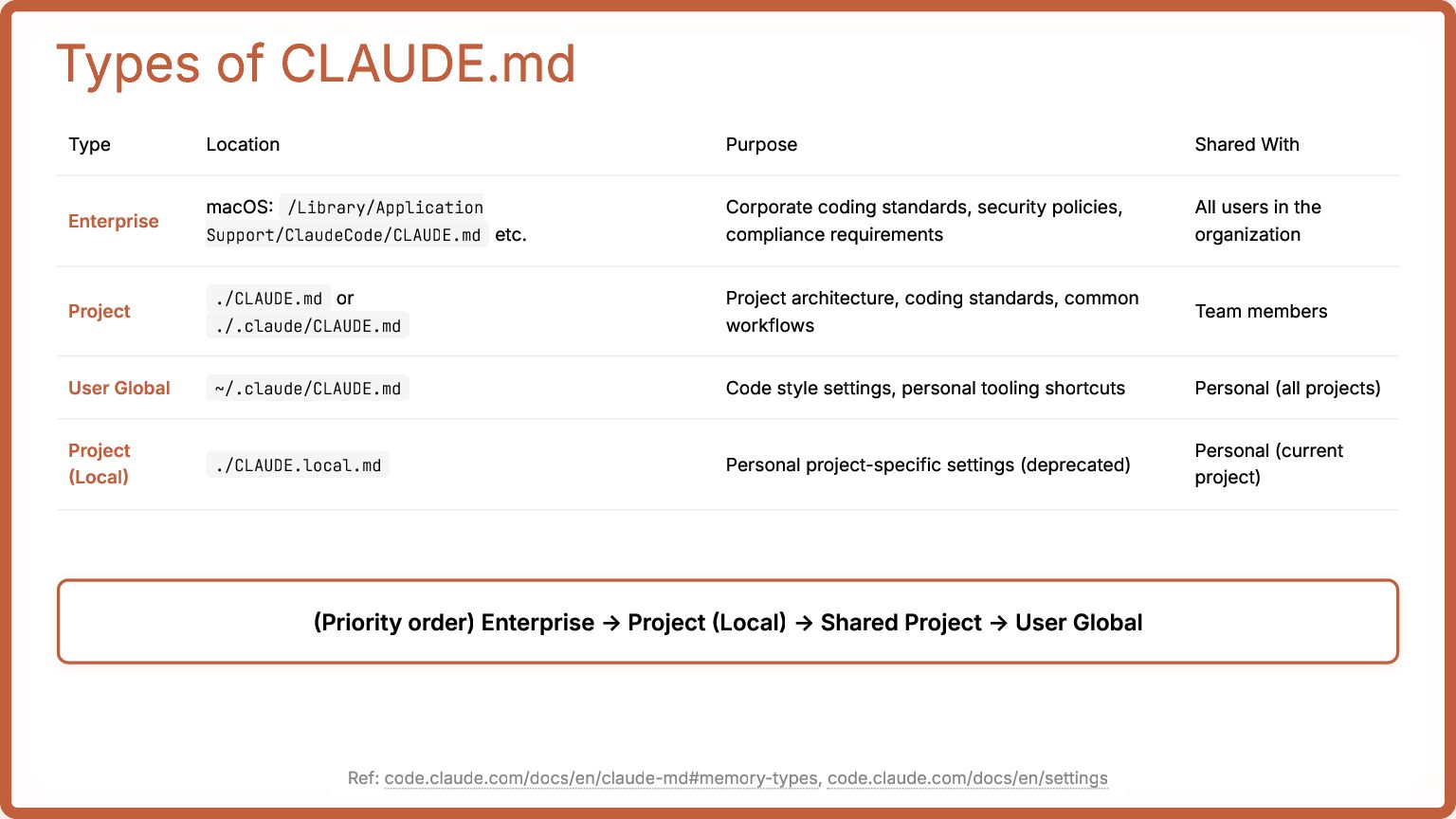
/Library/Application Support/ClaudeCode/CLAUDE.md etc. Corporate coding standards, security policies, compliance requirements All users in the organization Project ./CLAUDE.md or ./.claude/CLAUDE.md Project architecture, coding standards, common workflows Team members User Global ~/.claude/CLAUDE.md Code style settings, personal tooling shortcuts Personal (all projects) Project (Local) ./CLAUDE.local.md Personal project-specific settings (deprecated) Personal (current project) (Priority order) Enterprise -> Project (Local) -> Shared Project -> User Global Ref: code.claude.com/docs/en/claude-md#memory-types, code.claude.com/docs/en/settings


 oikon48
 kenichiodo
 syuchimu
 takanorip
 pfn
pfn
 usanchuu
 carta_engineering
 ykanoh
 tokuty
 occhi
occhi
 raspython3
 riyaamemiya
 masakiokuda
 palkan
 mlcsv
mlcsv
.png) helenjbeal
helenjbeal
 moore
moore
 axbom
axbom
 quramy
 ryanjones
 helmedeiros
 garrettdimon
 skipperchong
 aleyda