Upgrade to Pro — share decks privately, control downloads, hide ads and more …

MVVM Architecture on Android

Sponsored · Ship Features Fearlessly Turn features on and off without deploys. Used by thousands of Ruby developers.
Avatar for petrnohejl petrnohejl
November 24, 2016

MVVM Architecture on Android

Talk about MVVM given at STRV Android Meetup in Nov/2016. I describe my approach using Data Binding Library from Google. Video record: https://www.youtube.com/watch?v=vnBmdKkMLZw. Demo project: https://github.com/petrnohejl/Android-Stocks.

Avatar for petrnohejl

petrnohejl

November 24, 2016
Tweet

More Decks by petrnohejl

Other Decks in Programming

Transcript

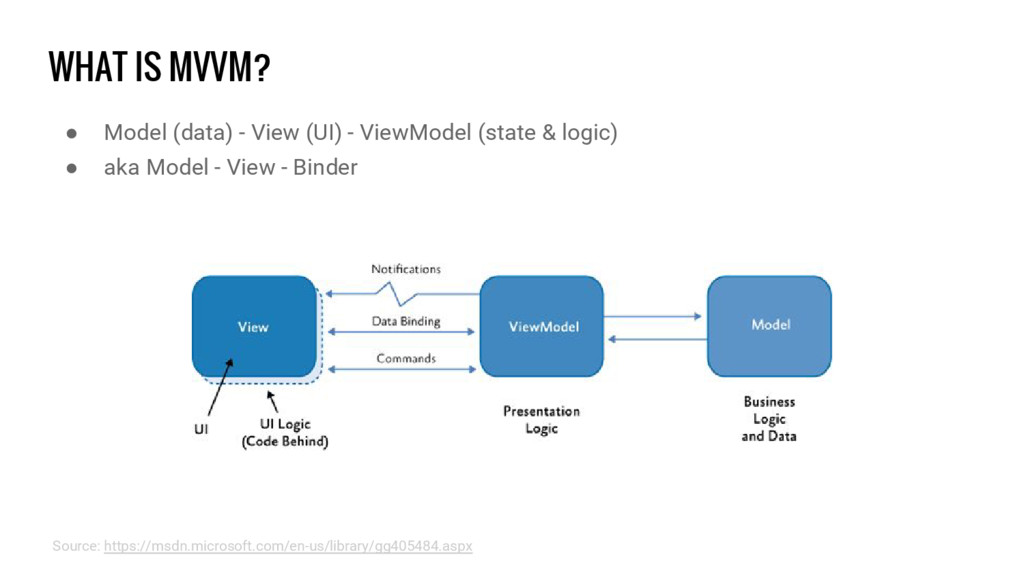
  1. WHAT IS MVVM? • Model (data) - View (UI) -

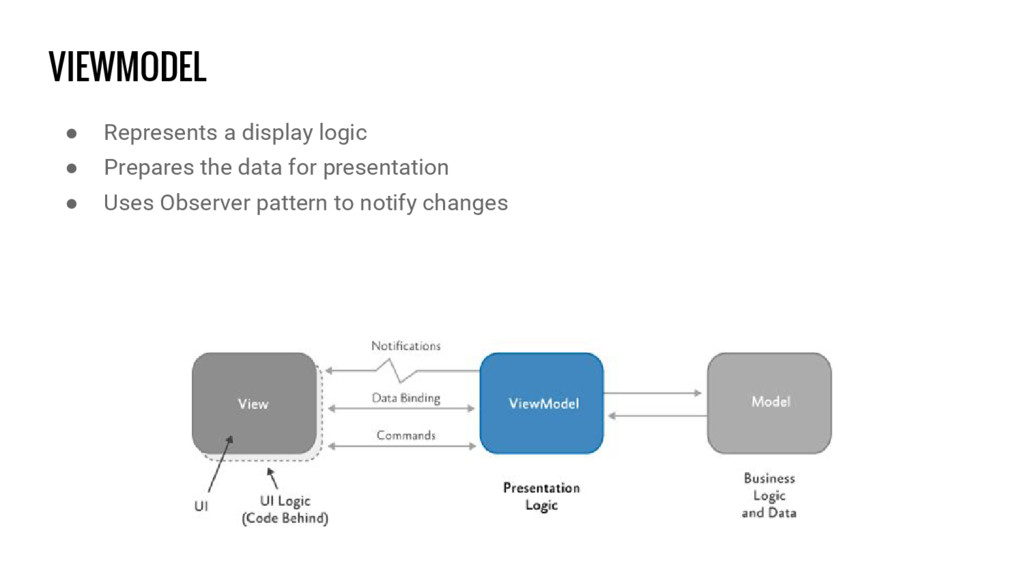
    ViewModel (state & logic) • aka Model - View - Binder Source: https://msdn.microsoft.com/en-us/library/gg405484.aspx
  2. VIEWMODEL • Represents a display logic • Prepares the data

    for presentation • Uses Observer pattern to notify changes
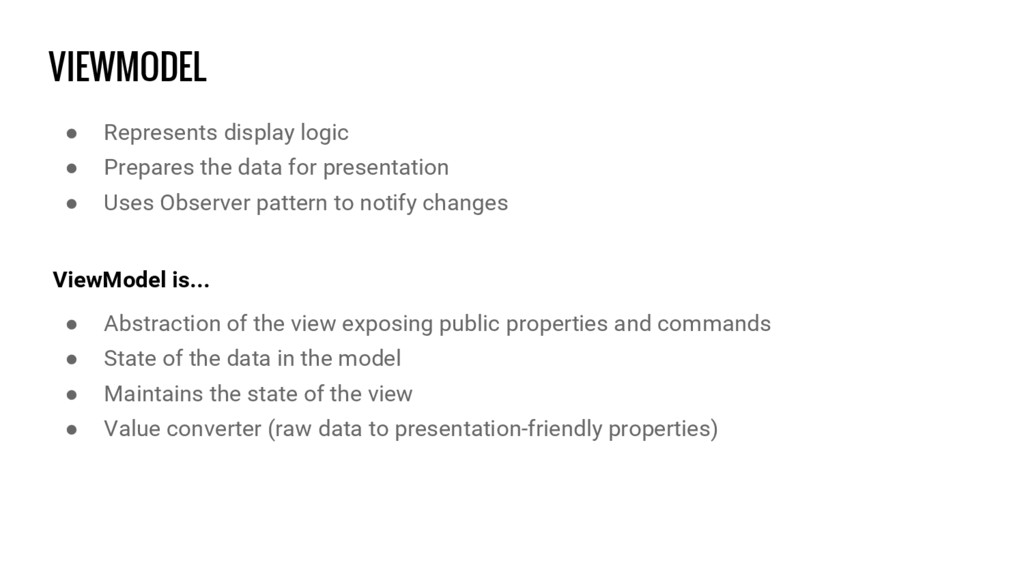
  3. VIEWMODEL • Represents display logic • Prepares the data for

    presentation • Uses Observer pattern to notify changes ViewModel is... • Abstraction of the view exposing public properties and commands • State of the data in the model • Maintains the state of the view • Value converter (raw data to presentation-friendly properties)
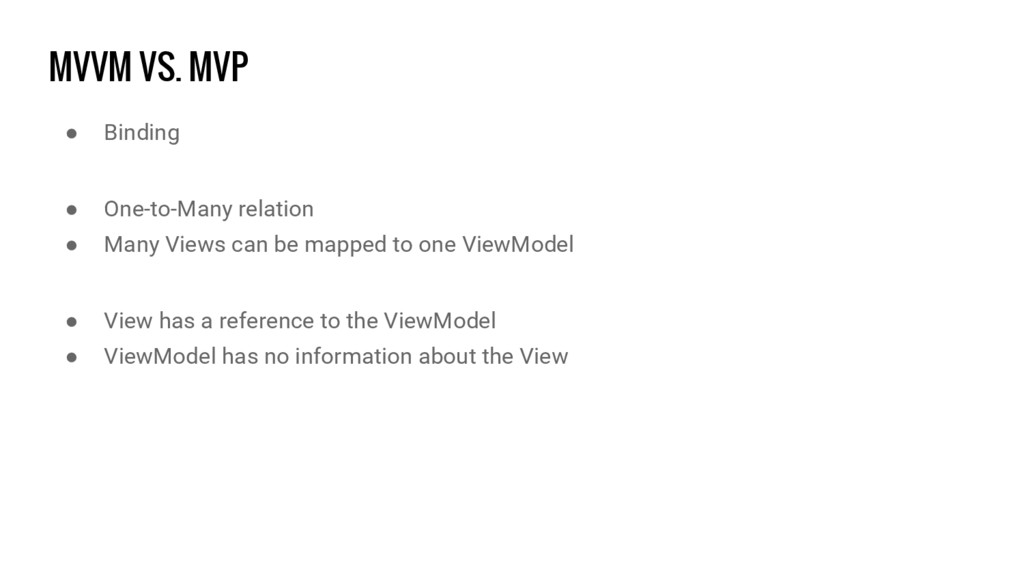
  4. MVVM VS. MVP • Binding • One-to-Many relation • Many

    Views can be mapped to one ViewModel • View has a reference to the ViewModel • ViewModel has no information about the View
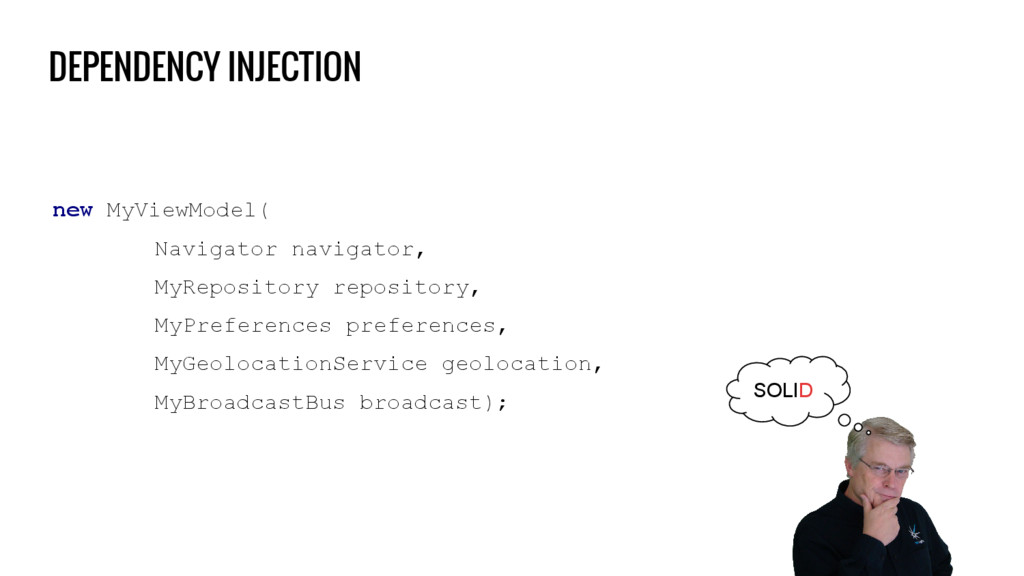
  5. MOTIVATION • Separation of concerns • Better testability • Follow

    SOLID principles Source: http://tiny-giant-books.com/img/Uncle-Bob-Transparent-Background.png
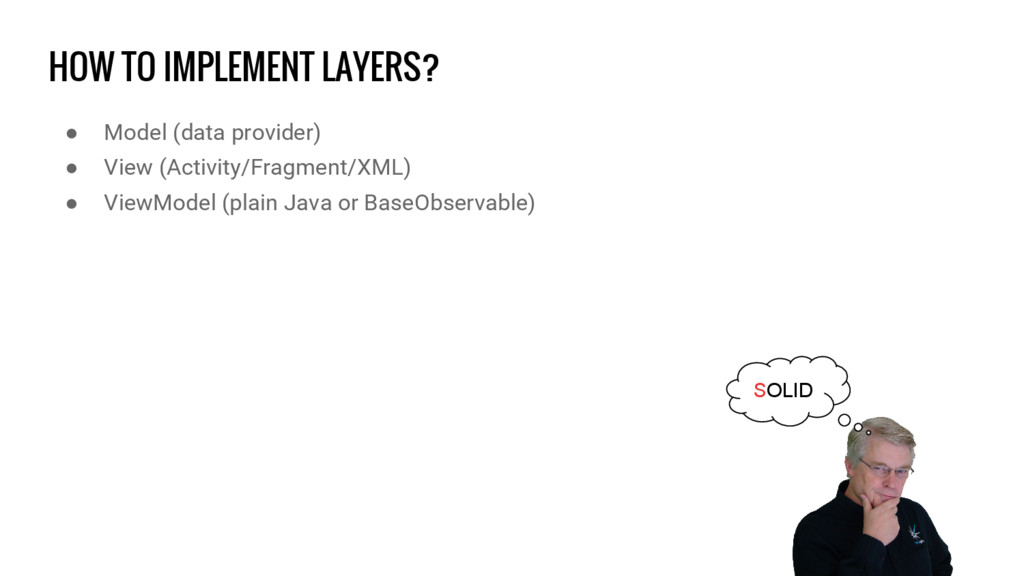
  6. HOW TO IMPLEMENT LAYERS? • Model (data provider) • View

    (Activity/Fragment/XML) • ViewModel (plain Java or BaseObservable) SOLID
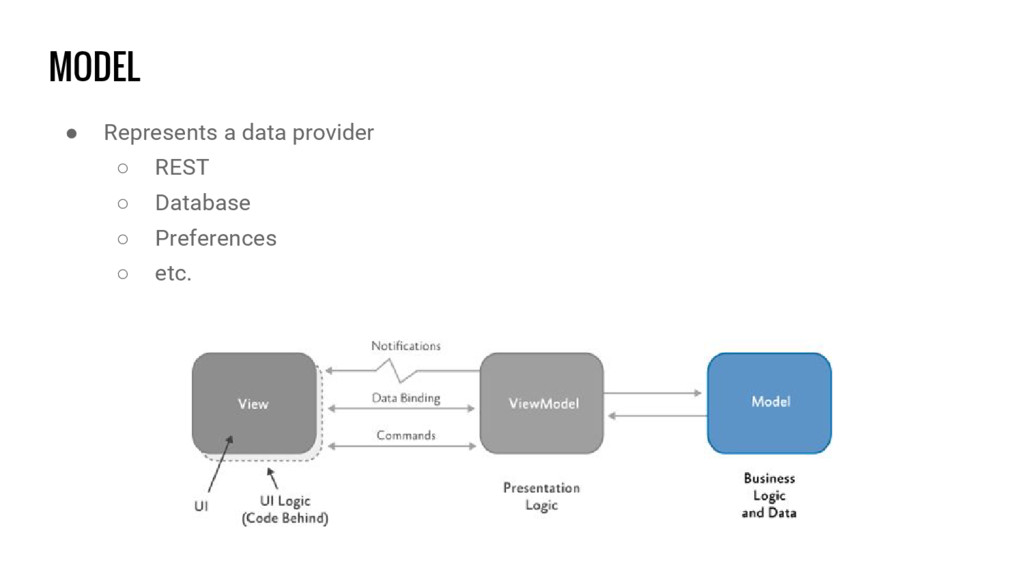
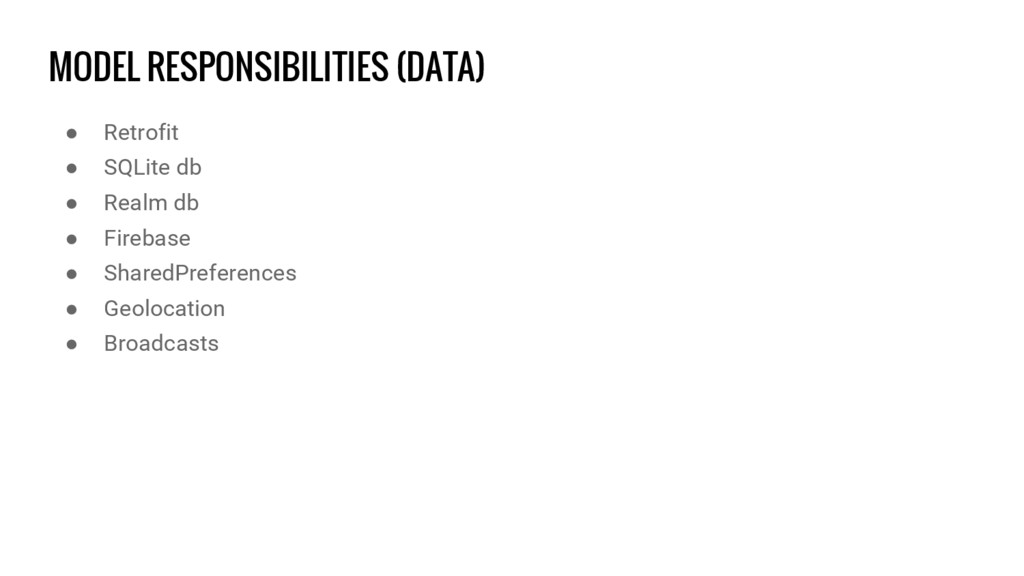
  7. MODEL RESPONSIBILITIES (DATA) • Retrofit • SQLite db • Realm

    db • Firebase • SharedPreferences • Geolocation • Broadcasts
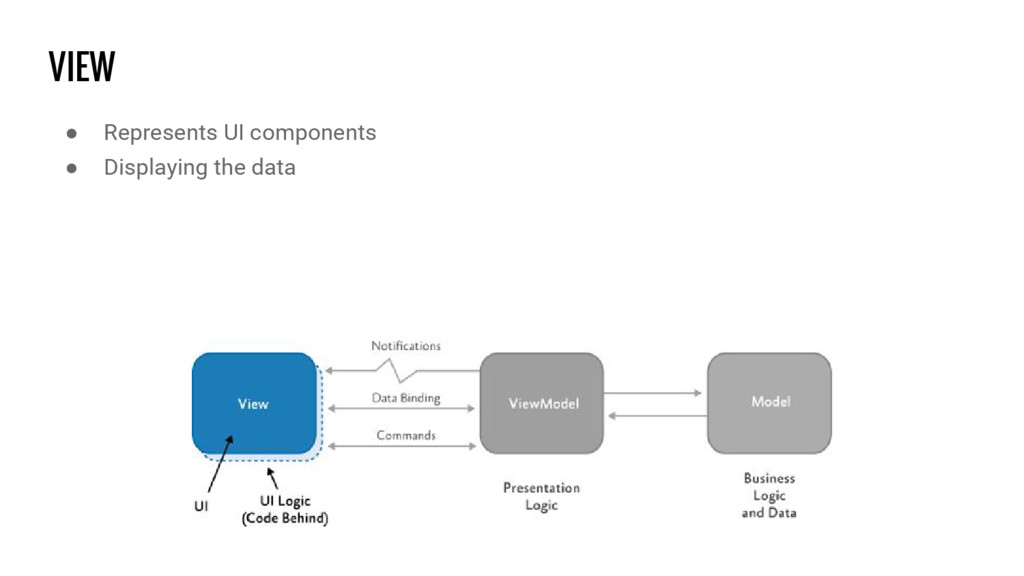
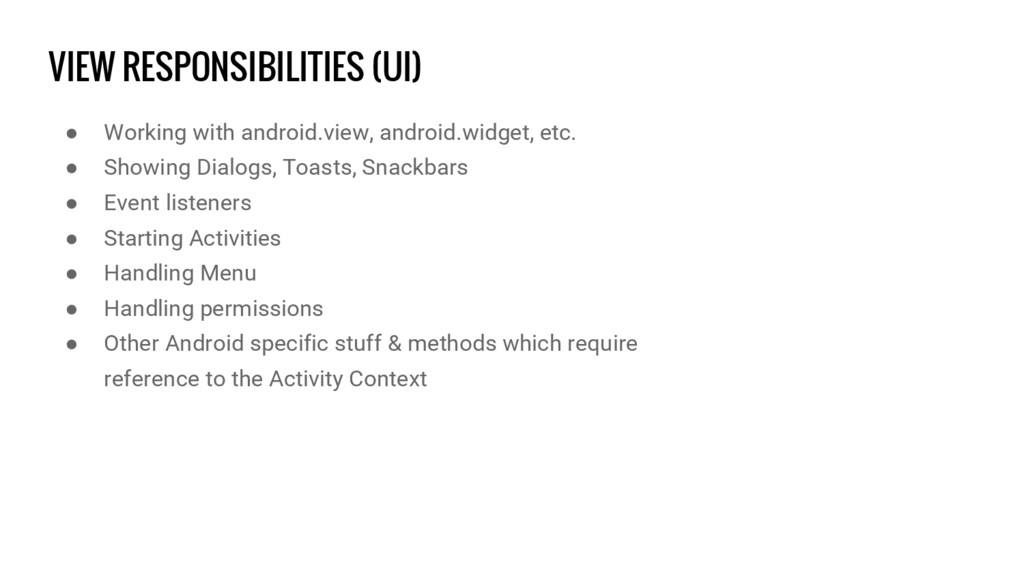
  8. VIEW RESPONSIBILITIES (UI) • Working with android.view, android.widget, etc. •

    Showing Dialogs, Toasts, Snackbars • Event listeners • Starting Activities • Handling Menu • Handling permissions • Other Android specific stuff & methods which require reference to the Activity Context
  9. VIEWMODEL RESPONSIBILITIES (STATE & LOGIC) • Exposing state (progress, offline,

    empty, error, etc.) • Exposing data • Handling visibility • Handling Extras & Arguments (Bundle) • Input validation • Executing data calls in the Model • Executing UI commands in the View
  10. WHAT ABOUT ANDROID API? • ViewModel layer should be separated

    from Android specific classes • Permissions, Intents, Menu etc. in Activity/Fragment
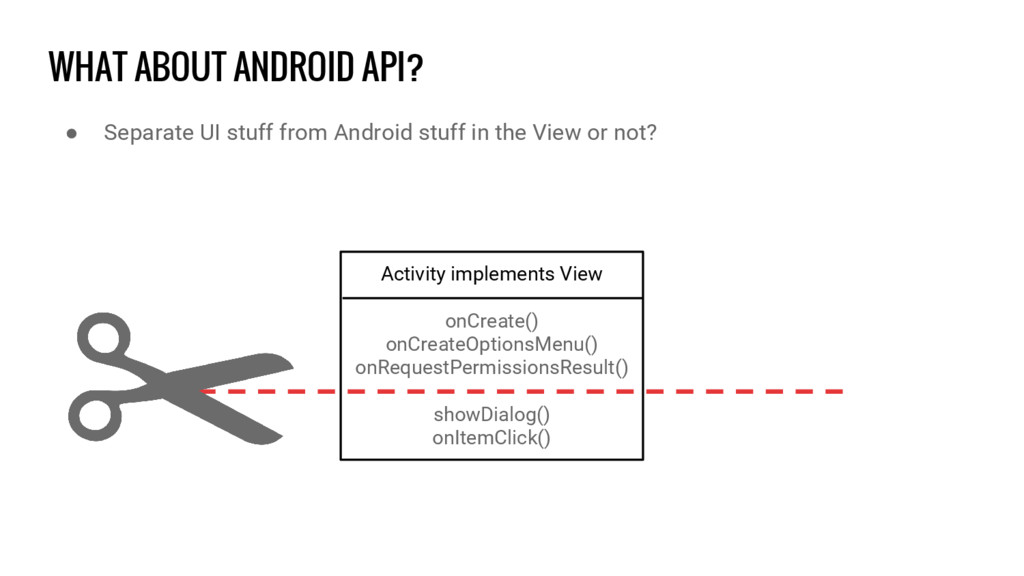
  11. WHAT ABOUT ANDROID API? • Separate UI stuff from Android

    stuff in the View or not? Activity implements View onCreate() onCreateOptionsMenu() onRequestPermissionsResult() showDialog() onItemClick()
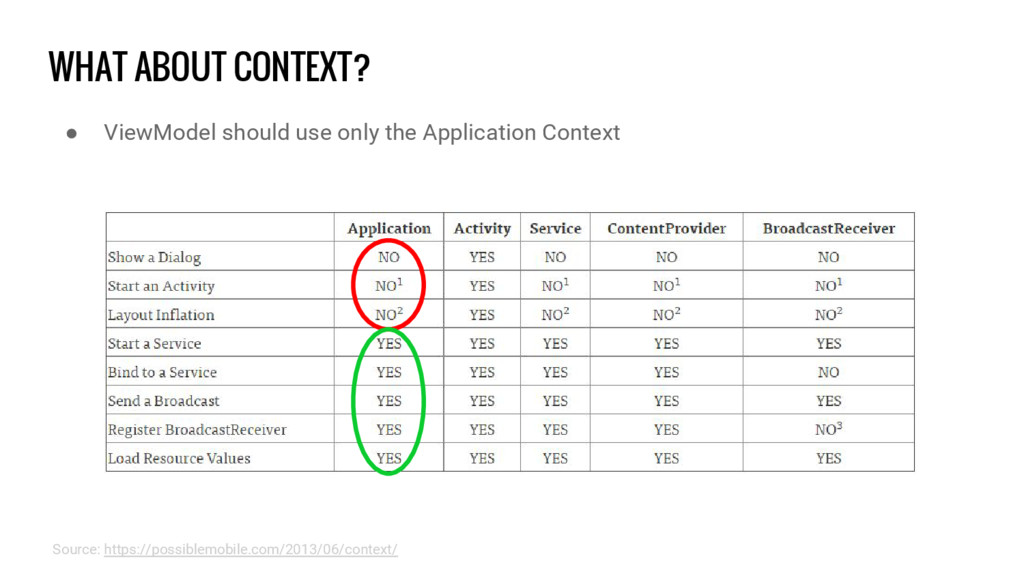
  12. WHAT ABOUT CONTEXT? • ViewModel should use only the Application

    Context Source: https://possiblemobile.com/2013/06/context/
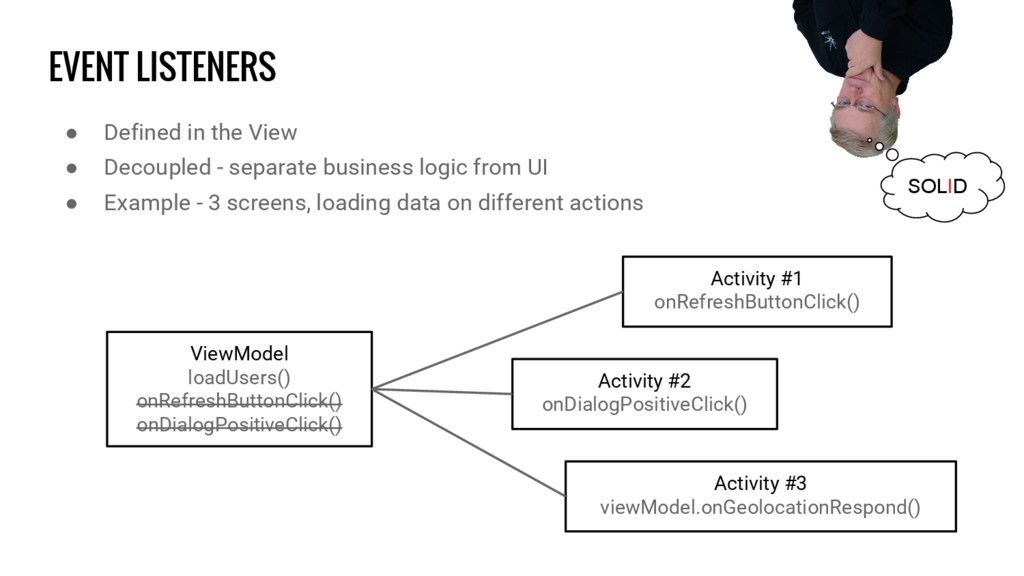
  13. EVENT LISTENERS • Defined in the View • Decoupled -

    separate business logic from UI • Example - 3 screens, loading data on different actions ViewModel loadUsers() onRefreshButtonClick() onDialogPositiveClick() Activity #1 onRefreshButtonClick() Activity #3 viewModel.onGeolocationRespond() Activity #2 onDialogPositiveClick() SOLID
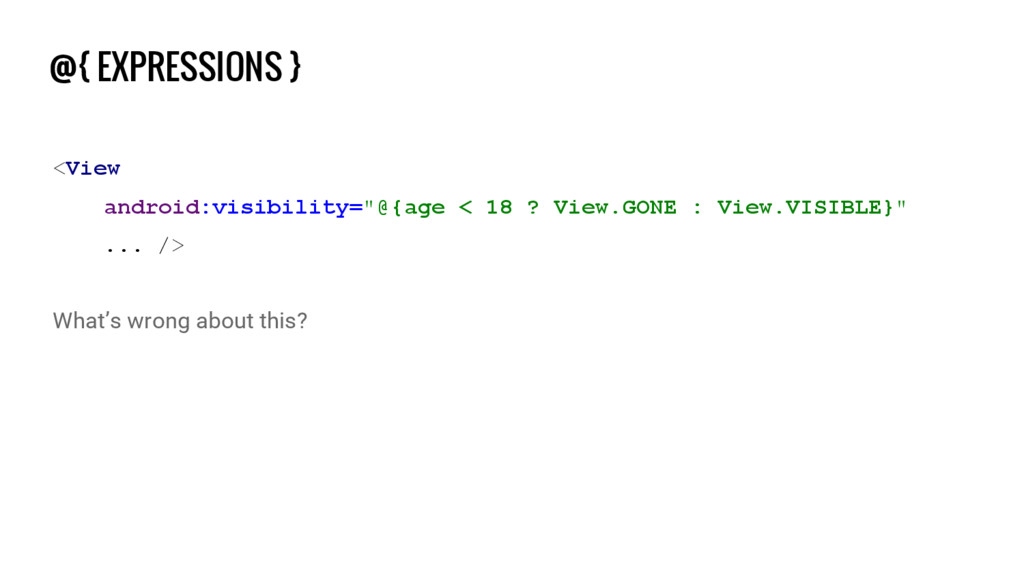
  14. @{ EXPRESSIONS } <View android:visibility="@{age < 18 ? View.GONE :

    View.VISIBLE}" ... /> What’s wrong about this?
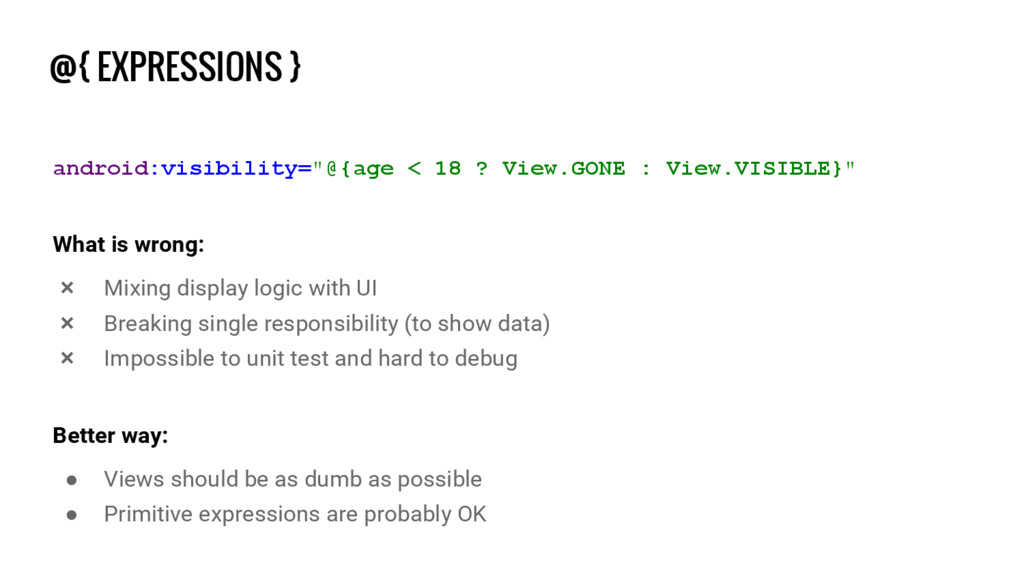
  15. @{ EXPRESSIONS } android:visibility="@{age < 18 ? View.GONE : View.VISIBLE}"

    What is wrong: ❌ Mixing display logic with UI ❌ Breaking single responsibility (to show data) ❌ Impossible to unit test and hard to debug Better way: • Views should be as dumb as possible • Primitive expressions are probably OK
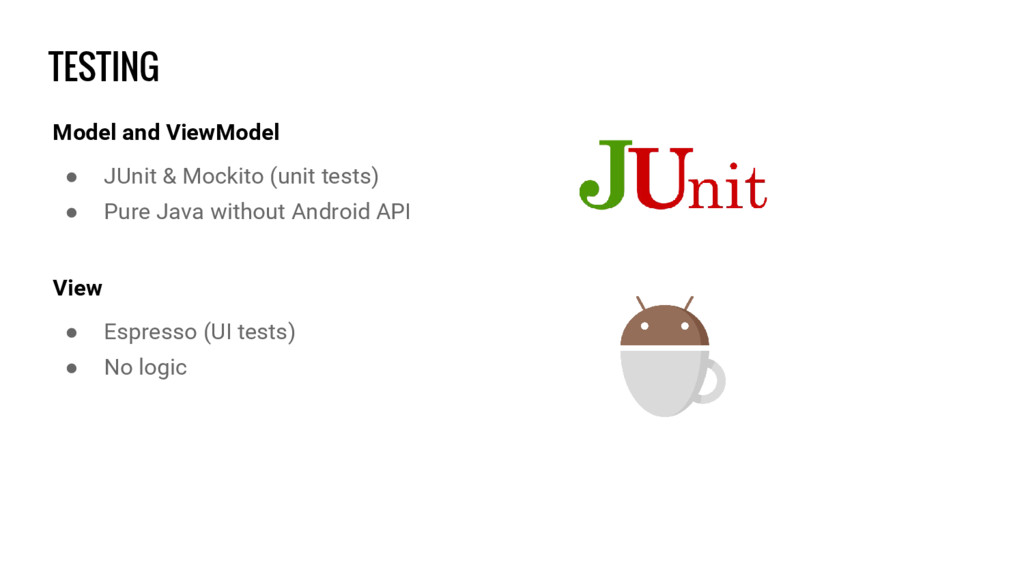
  16. TESTING Model and ViewModel • JUnit & Mockito (unit tests)

    • Pure Java without Android API View • Espresso (UI tests) • No logic
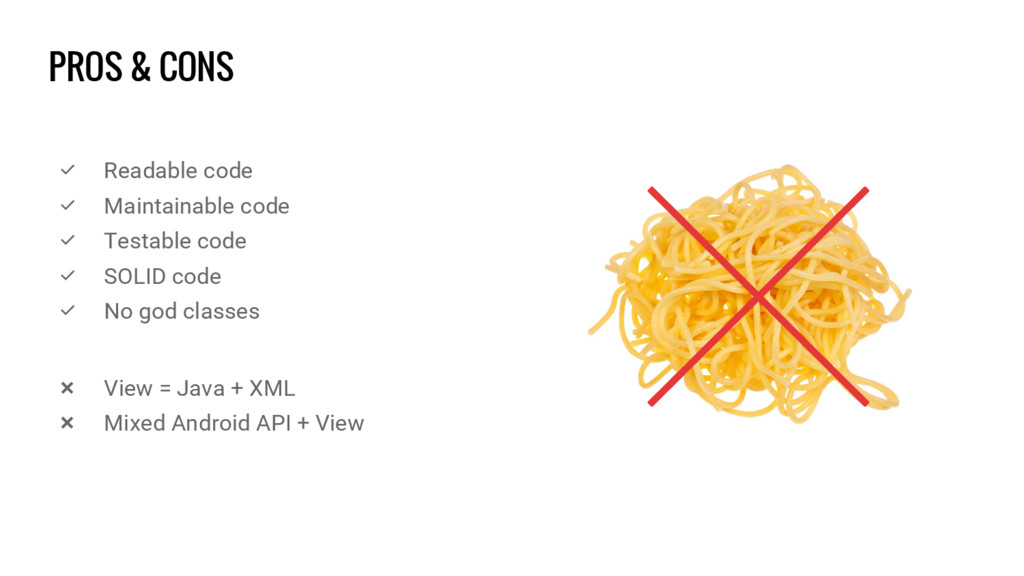
  17. PROS & CONS ✅ Readable code ✅ Maintainable code ✅

    Testable code ✅ SOLID code ✅ No god classes ❌ View = Java + XML ❌ Mixed Android API + View
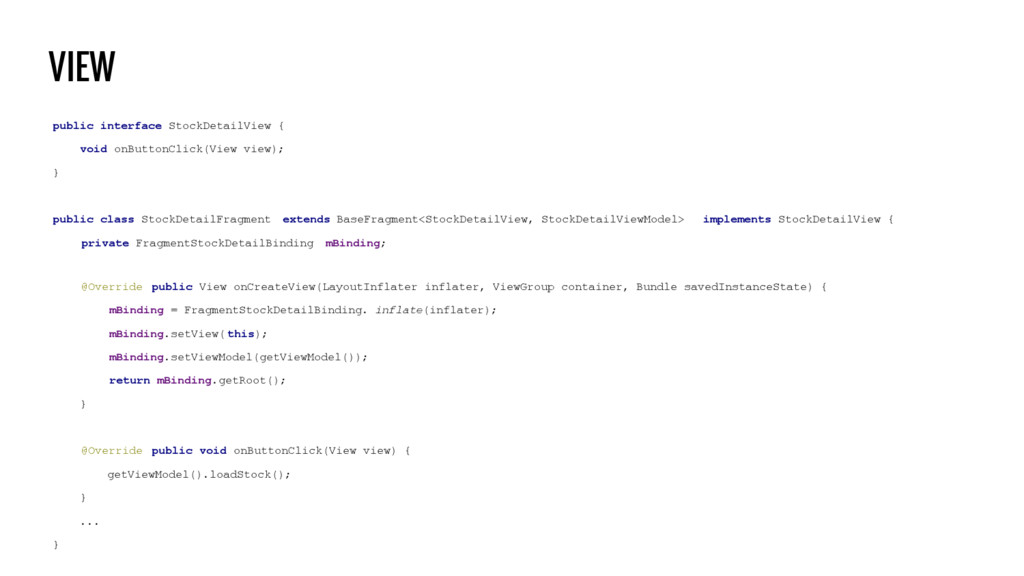
  18. VIEW public interface StockDetailView { void onButtonClick(View view); } public

    class StockDetailFragment extends BaseFragment<StockDetailView, StockDetailViewModel> implements StockDetailView { private FragmentStockDetailBinding mBinding; @Override public View onCreateView(LayoutInflater inflater, ViewGroup container, Bundle savedInstanceState) { mBinding = FragmentStockDetailBinding. inflate(inflater); mBinding.setView( this); mBinding.setViewModel(getViewModel()); return mBinding.getRoot(); } @Override public void onButtonClick(View view) { getViewModel().loadStock(); } ... }
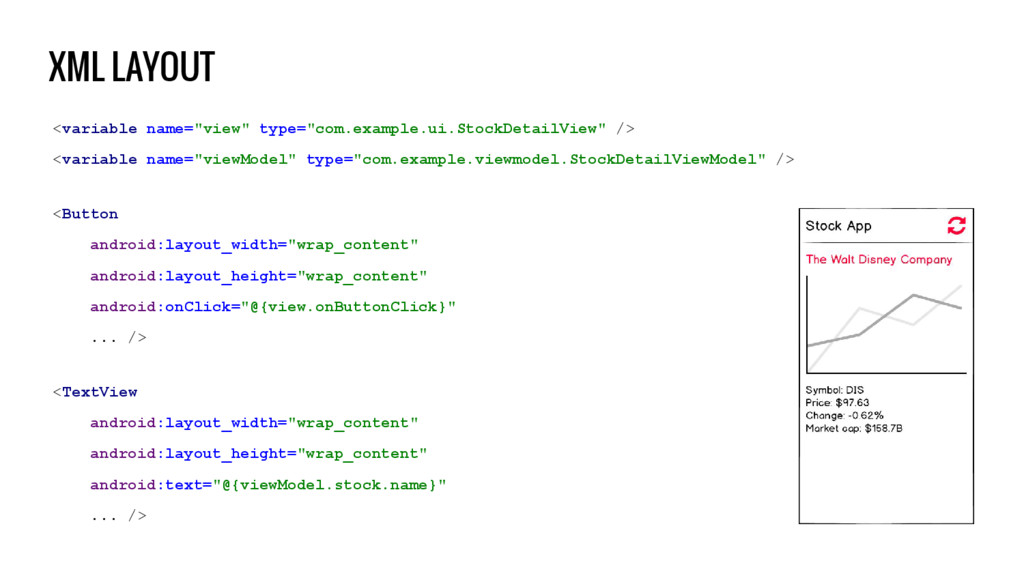
  19. XML LAYOUT <variable name="view" type="com.example.ui.StockDetailView" /> <variable name="viewModel" type="com.example.viewmodel.StockDetailViewModel" />

    <Button android:layout_width="wrap_content" android:layout_height="wrap_content" android:onClick="@{view.onButtonClick}" ... /> <TextView android:layout_width="wrap_content" android:layout_height="wrap_content" android:text="@{viewModel.stock.name}" ... />
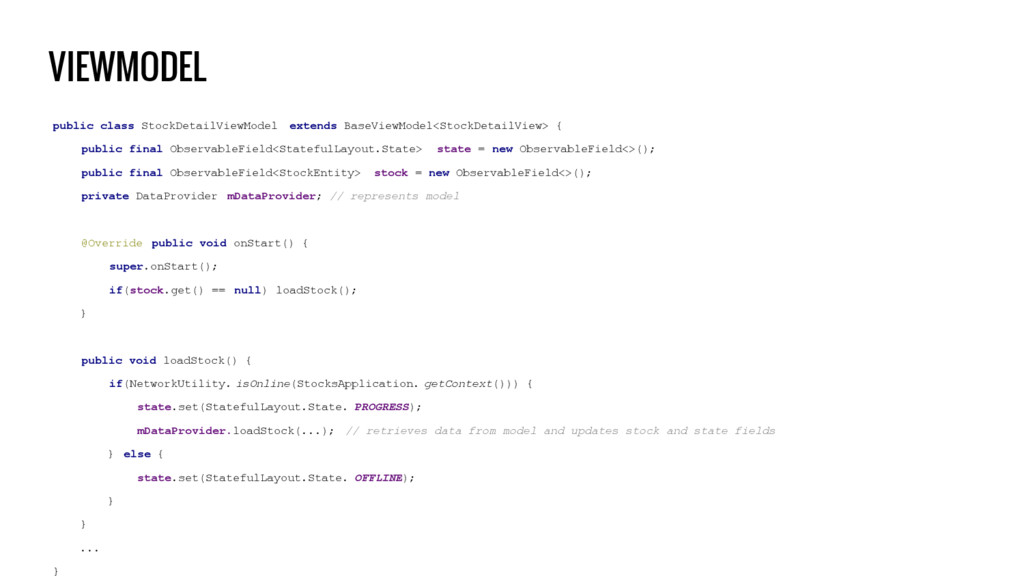
  20. VIEWMODEL public class StockDetailViewModel extends BaseViewModel<StockDetailView> { public final ObservableField<StatefulLayout.State>

    state = new ObservableField<>(); public final ObservableField<StockEntity> stock = new ObservableField<>(); private DataProvider mDataProvider; // represents model @Override public void onStart() { super.onStart(); if(stock.get() == null) loadStock(); } public void loadStock() { if(NetworkUtility. isOnline(StocksApplication. getContext())) { state.set(StatefulLayout.State. PROGRESS); mDataProvider.loadStock(...); // retrieves data from model and updates stock and state fields } else { state.set(StatefulLayout.State. OFFLINE); } } ... }
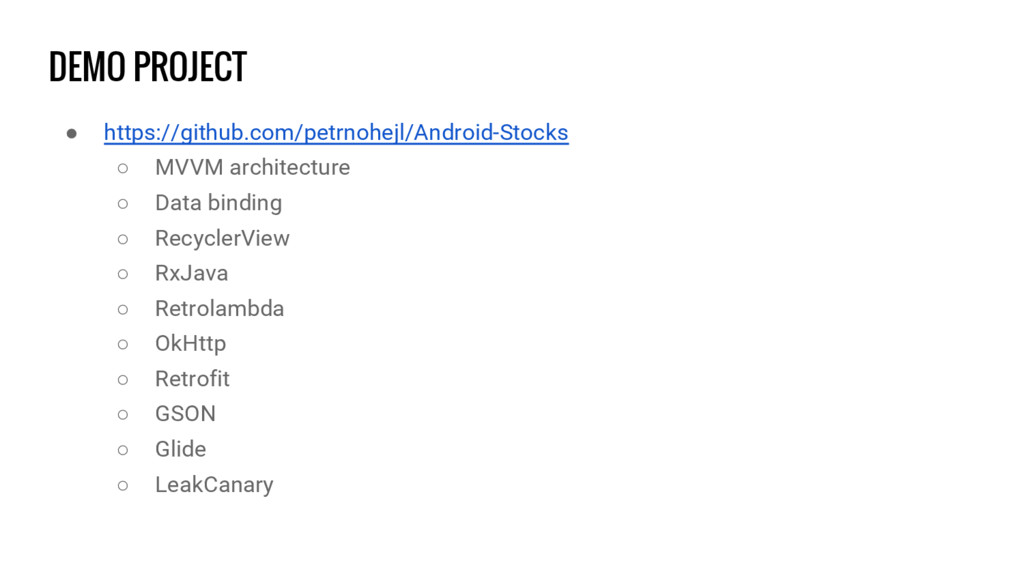
  21. DEMO PROJECT • https://github.com/petrnohejl/Android-Stocks ◦ MVVM architecture ◦ Data binding

    ◦ RecyclerView ◦ RxJava ◦ Retrolambda ◦ OkHttp ◦ Retrofit ◦ GSON ◦ Glide ◦ LeakCanary
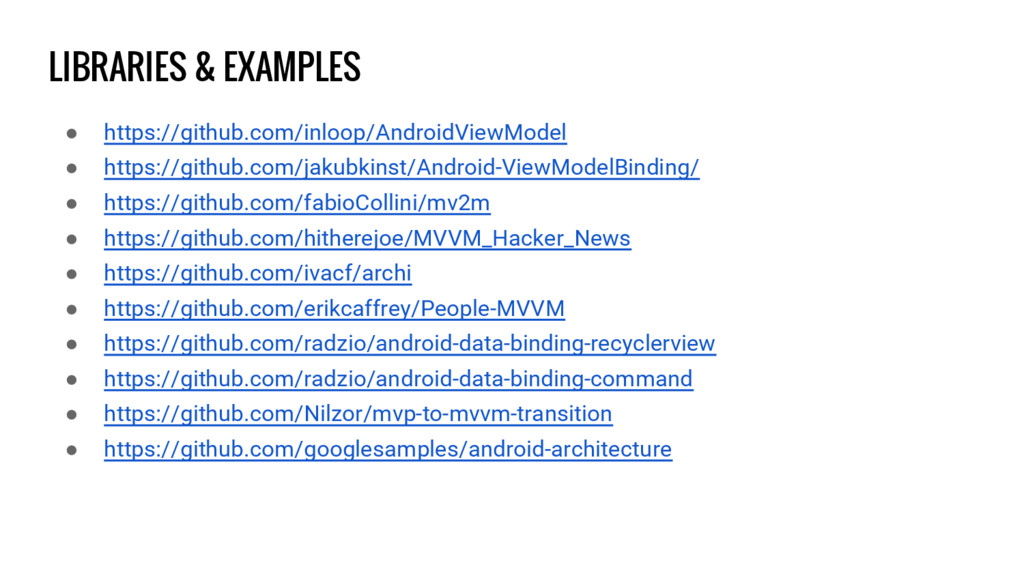
  22. LIBRARIES & EXAMPLES • https://github.com/inloop/AndroidViewModel • https://github.com/jakubkinst/Android-ViewModelBinding/ • https://github.com/fabioCollini/mv2m •

    https://github.com/hitherejoe/MVVM_Hacker_News • https://github.com/ivacf/archi • https://github.com/erikcaffrey/People-MVVM • https://github.com/radzio/android-data-binding-recyclerview • https://github.com/radzio/android-data-binding-command • https://github.com/Nilzor/mvp-to-mvvm-transition • https://github.com/googlesamples/android-architecture
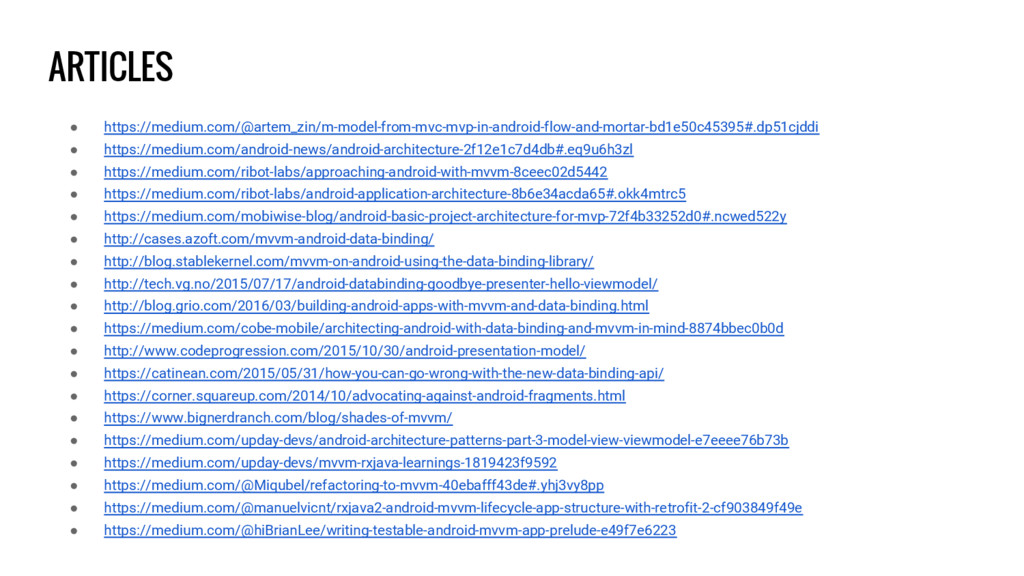
  23. ARTICLES • https://medium.com/@artem_zin/m-model-from-mvc-mvp-in-android-flow-and-mortar-bd1e50c45395#.dp51cjddi • https://medium.com/android-news/android-architecture-2f12e1c7d4db#.eq9u6h3zl • https://medium.com/ribot-labs/approaching-android-with-mvvm-8ceec02d5442 • https://medium.com/ribot-labs/android-application-architecture-8b6e34acda65#.okk4mtrc5 •

    https://medium.com/mobiwise-blog/android-basic-project-architecture-for-mvp-72f4b33252d0#.ncwed522y • http://cases.azoft.com/mvvm-android-data-binding/ • http://blog.stablekernel.com/mvvm-on-android-using-the-data-binding-library/ • http://tech.vg.no/2015/07/17/android-databinding-goodbye-presenter-hello-viewmodel/ • http://blog.grio.com/2016/03/building-android-apps-with-mvvm-and-data-binding.html • https://medium.com/cobe-mobile/architecting-android-with-data-binding-and-mvvm-in-mind-8874bbec0b0d • http://www.codeprogression.com/2015/10/30/android-presentation-model/ • https://catinean.com/2015/05/31/how-you-can-go-wrong-with-the-new-data-binding-api/ • https://corner.squareup.com/2014/10/advocating-against-android-fragments.html • https://www.bignerdranch.com/blog/shades-of-mvvm/ • https://medium.com/upday-devs/android-architecture-patterns-part-3-model-view-viewmodel-e7eeee76b73b • https://medium.com/upday-devs/mvvm-rxjava-learnings-1819423f9592 • https://medium.com/@Miqubel/refactoring-to-mvvm-40ebafff43de#.yhj3vy8pp • https://medium.com/@manuelvicnt/rxjava2-android-mvvm-lifecycle-app-structure-with-retrofit-2-cf903849f49e • https://medium.com/@hiBrianLee/writing-testable-android-mvvm-app-prelude-e49f7e6223