Upgrade to Pro
— share decks privately, control downloads, hide ads and more …
Speaker Deck
Sign up for free
Menu
Search
Features
All features
Private URLs
Password Protection
Custom URLS
Scheduled publishing
Remove Branding
Restrict embedding
Deck Collections
Notes
Features
All features
Private URLs
Password Protection
Custom URLS
Scheduled publishing
Remove Branding
Restrict embedding
Deck Collections
Notes
Explore
Featured decks
Featured speakers
Programming
Technology
Storyboards
Explore
Featured decks
Featured speakers
Programming
Technology
Storyboards
Pricing
Search
Sign in
Sign up for free
Wellness & Droid
Search
Roberto Orgiu
April 04, 2022
Programming
140
0
Share
Embed
Copy iframe code
Copy JS code
Copy link
Start on current slide
Wellness & Droid
Slides of the talk I gave at Droidcon Italy together with Daniele Bonaldo
Roberto Orgiu
April 04, 2022
More Decks by Roberto Orgiu
See All by Roberto Orgiu
Behind the curtains
tiwiz
0
99
The Importance of Being Tested
tiwiz
0
460
An Android Dev start to Kotlin MPP
tiwiz
0
220
Fantastic API and where to find them
tiwiz
0
120
Flipping the Koin @ GDG Dev Party
tiwiz
1
84
Flipping the Koin
tiwiz
2
190
Trip into the async world @ NYC Kotlin Meetup
tiwiz
0
140
Trip into the async world
tiwiz
1
170
GraphQL IRL (Android Makers)
tiwiz
0
170
Other Decks in Programming
See All in Programming
AIに “答え“を書かせるのを やめてみた
___akari11
0
130
半永久的に提供し続けられるプライベートクラウドを目指して ― 利用者の認知負荷を抑えるAPI抽象化とハードウェア世代交代の基盤設計
tomokon
0
520
AIで開発が速くなった先で、開発チームは何を目指すか
shihochan
1
1.8k
PumaからFalconに移行したRailsアプリケーションでの実践
falcon8823
0
200
R8 の設定見直しでアプリサイズ削減
andpad
0
230
機械に任せるテスト、人が見るテスト ⽣成AIで引き直した、運⽤保守フェーズの線引き
dske104
0
200
Simple Storage Service(S3) is not simple
iwatsukayura
0
320
Compiling a real-world CLI tool to native with Static Hermes
tmikov2023
0
130
SalesForceを内製化!? ~ HR事業を支える顧客管理基盤のインフラを大公開 ~
oku053
0
190
Seven New Principles of Software Engineering
yegor256
0
240
学びを記事・スライド・Xへ高速展開する― AI-assisted Learning Loopで回すコンテンツ生成術
ochtum
0
120
Groovy as a human and AI friendly programming language
paulk
0
100
Featured
See All Featured
Templates, Plugins, & Blocks: Oh My! Creating the theme that thinks of everything
marktimemedia
31
2.9k
How to audit for AI Accessibility on your Front & Back End
davetheseo
0
610
Sharpening the Axe: The Primacy of Toolmaking
bcantrill
46
3k
The Pragmatic Product Professional
lauravandoore
37
7.5k
Paper Plane
katiecoart
PRO
5
54k
Easily Structure & Communicate Ideas using Wireframe
afnizarnur
194
17k
Making the Leap to Tech Lead
cromwellryan
135
10k
Building Flexible Design Systems
yeseniaperezcruz
330
41k
Building an army of robots
kneath
307
47k
Game over? The fight for quality and originality in the time of robots
wayneb77
1
310
Have SEOs Ruined the Internet? - User Awareness of SEO in 2025
akashhashmi
0
530
How People are Using Generative and Agentic AI to Supercharge Their Products, Projects, Services and Value Streams Today
helenjbeal
2
370
Transcript
WELLNESS & DROID Photo by Jeremy Thomas on Unsplash
Daniele Bonaldo @danybony_ Roberto Orgiu @_ tiwiz
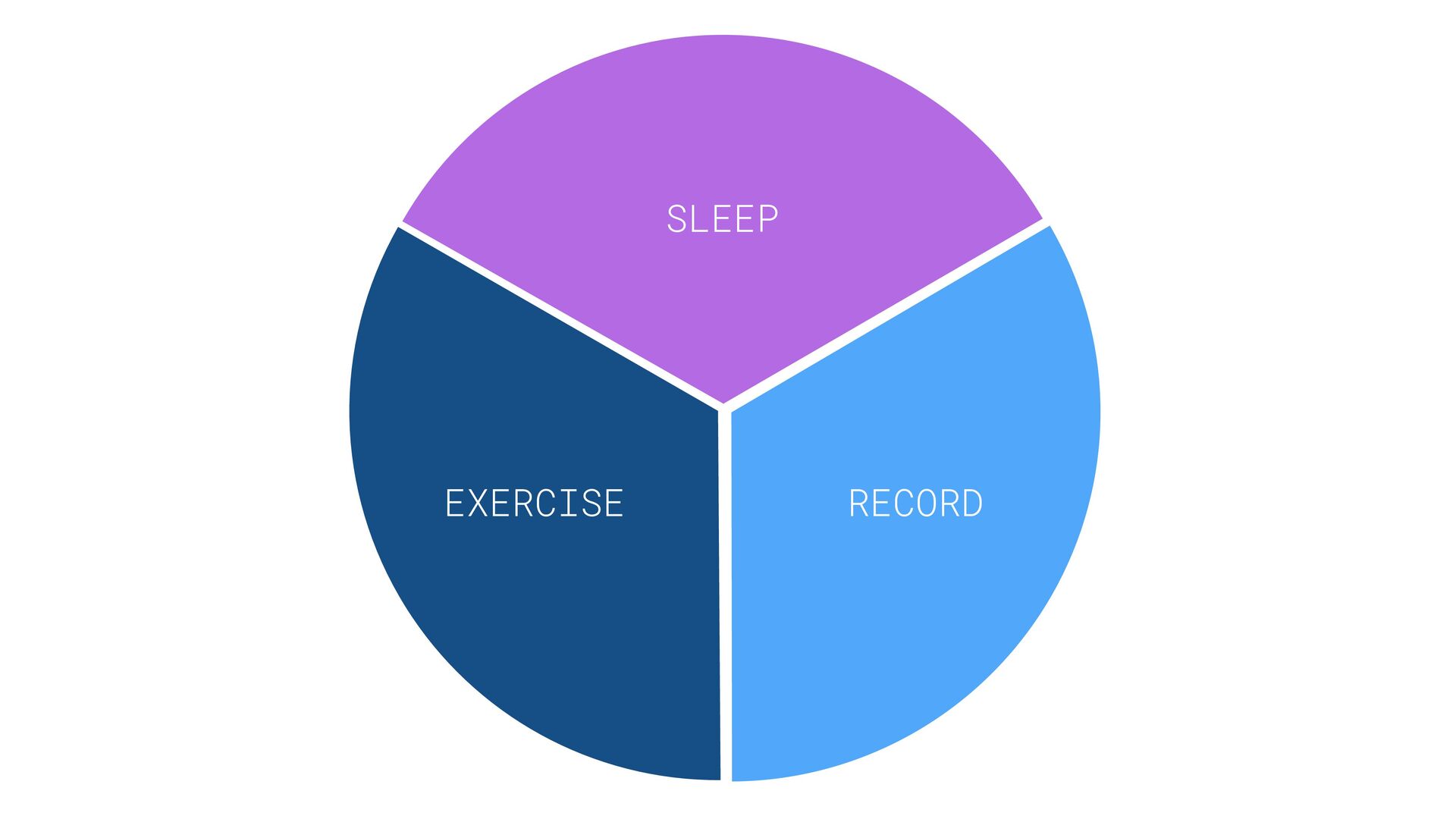
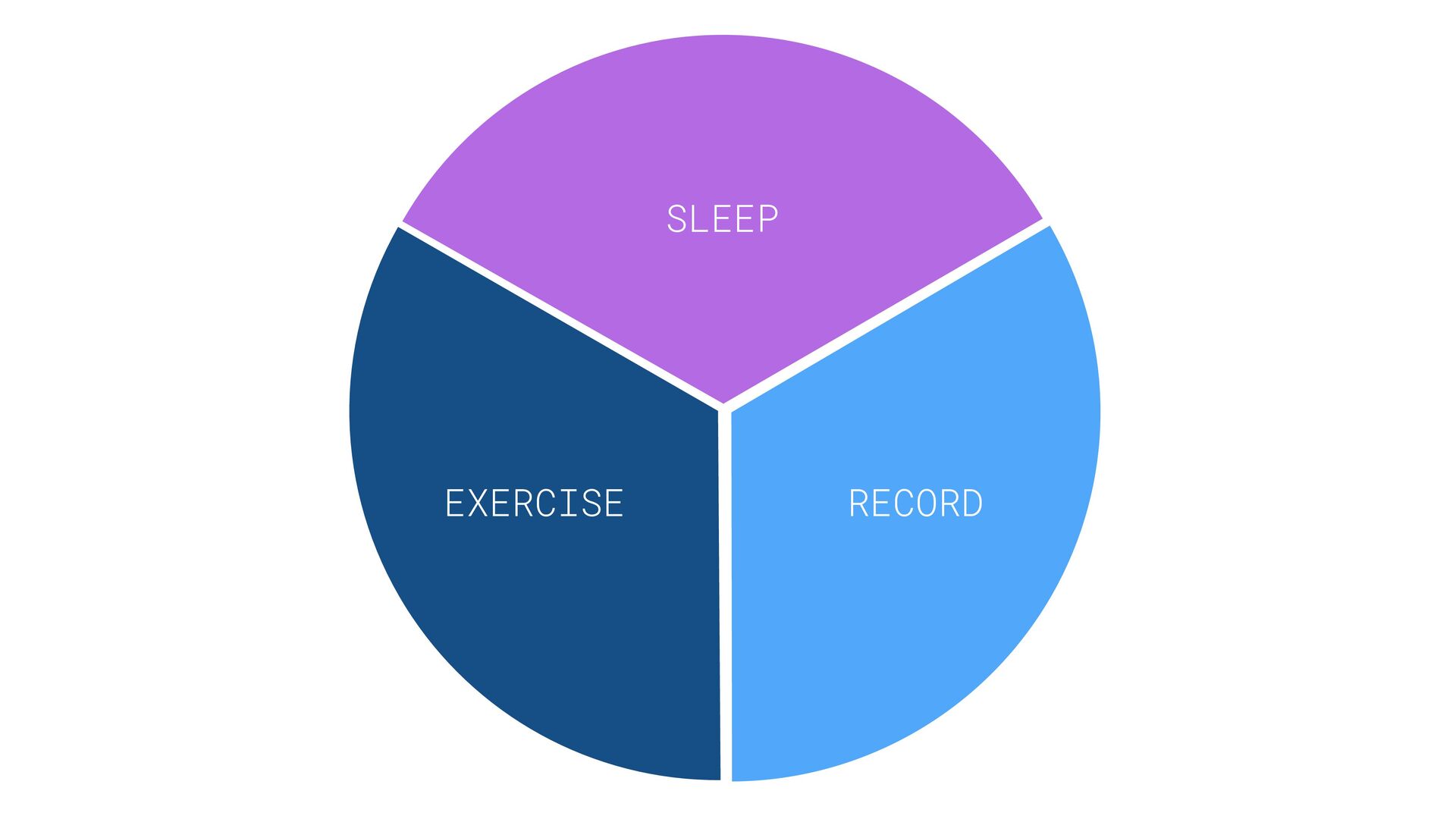
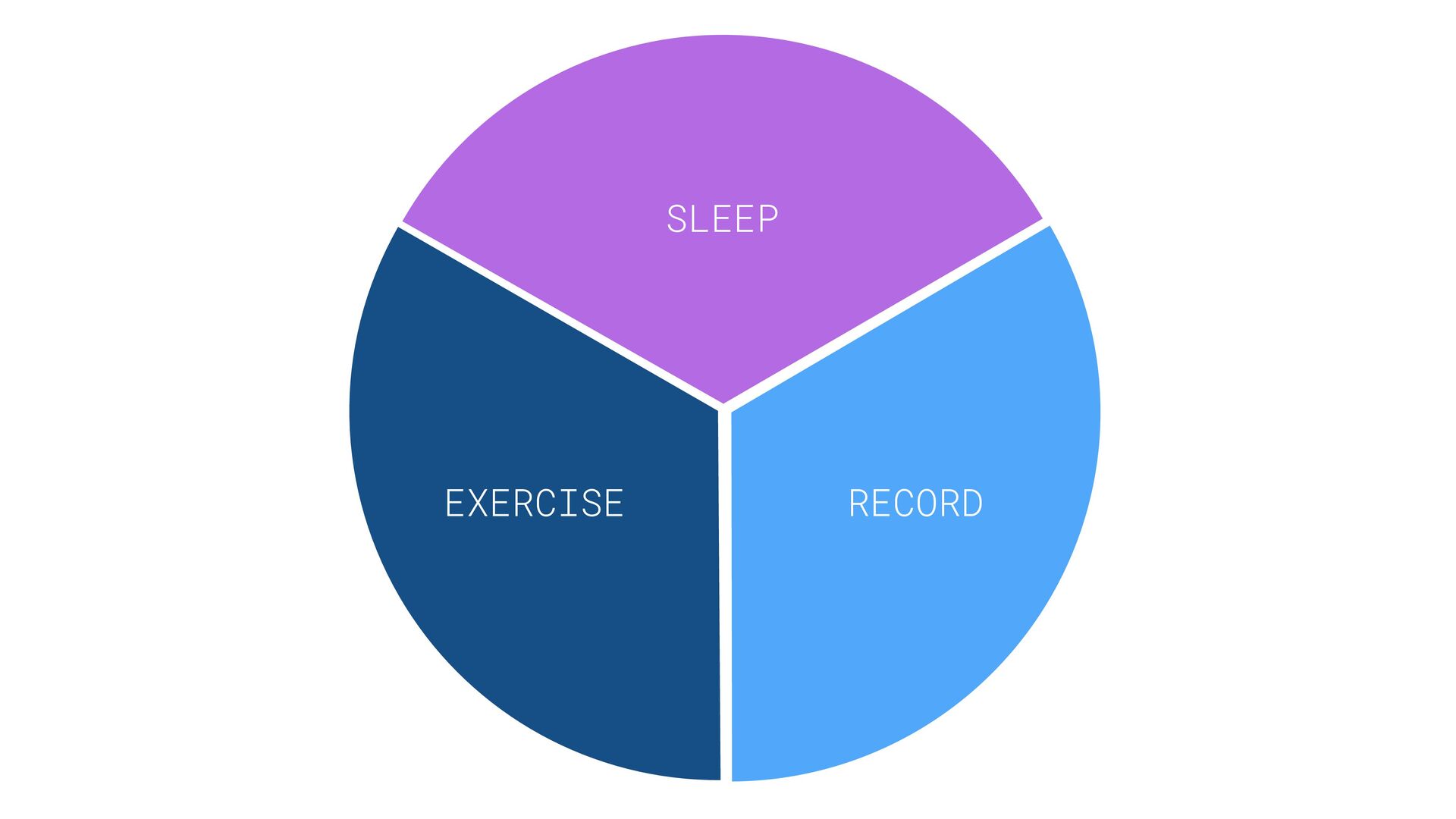
SLEEP EXERCISE RECORD
ACTIVITY RECOGNITION API EXERCISE
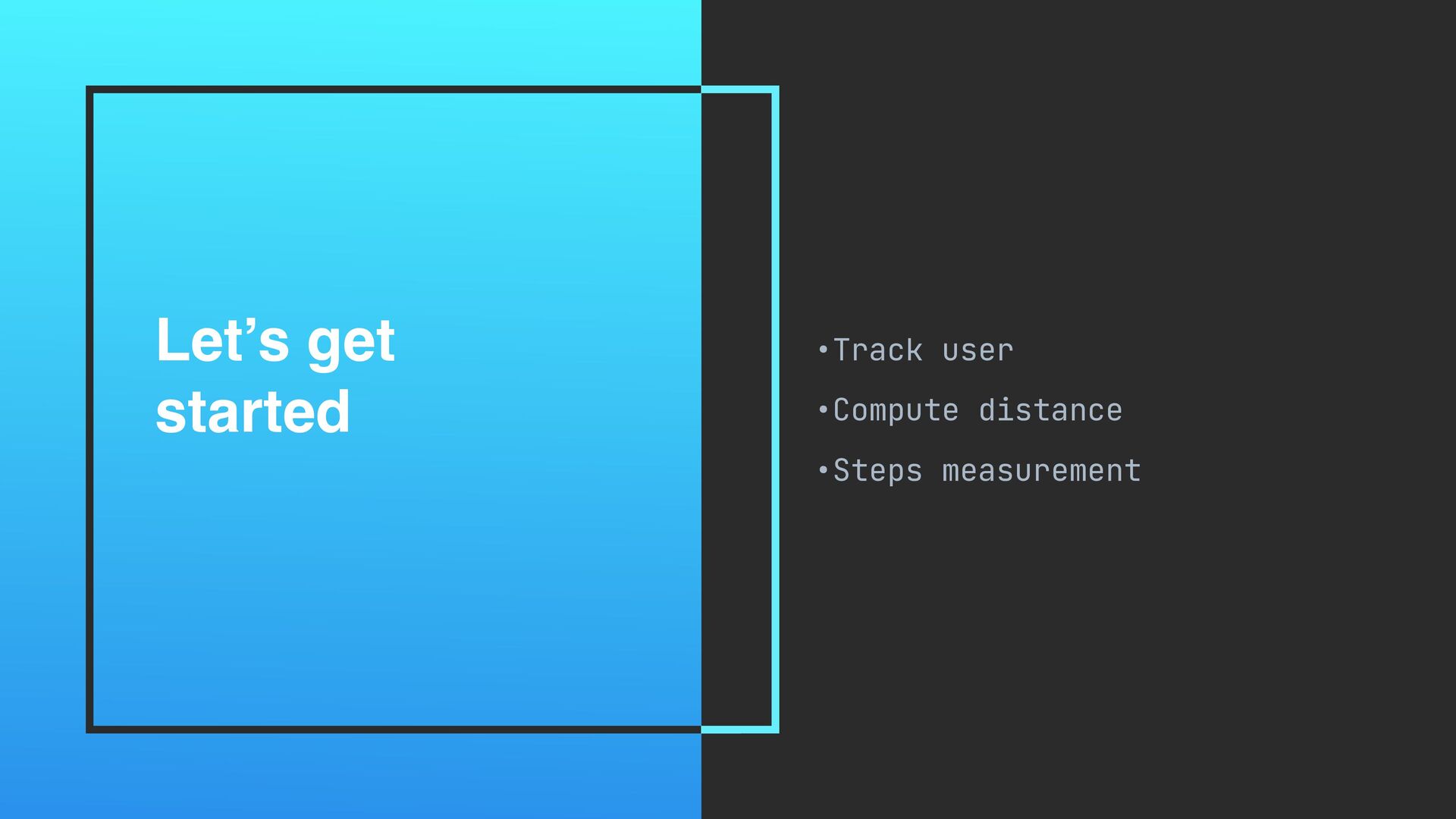
Let’s get started •Track user •Compute distance •Steps measurement
Getting last user’s location //Manifest.permission.ACCESS_FINE_LOCATION private val client = LocationServices.getFusedLocationProviderClient(
activity ) client.lastLocation.addOnSuccessListener { location -> . .. }
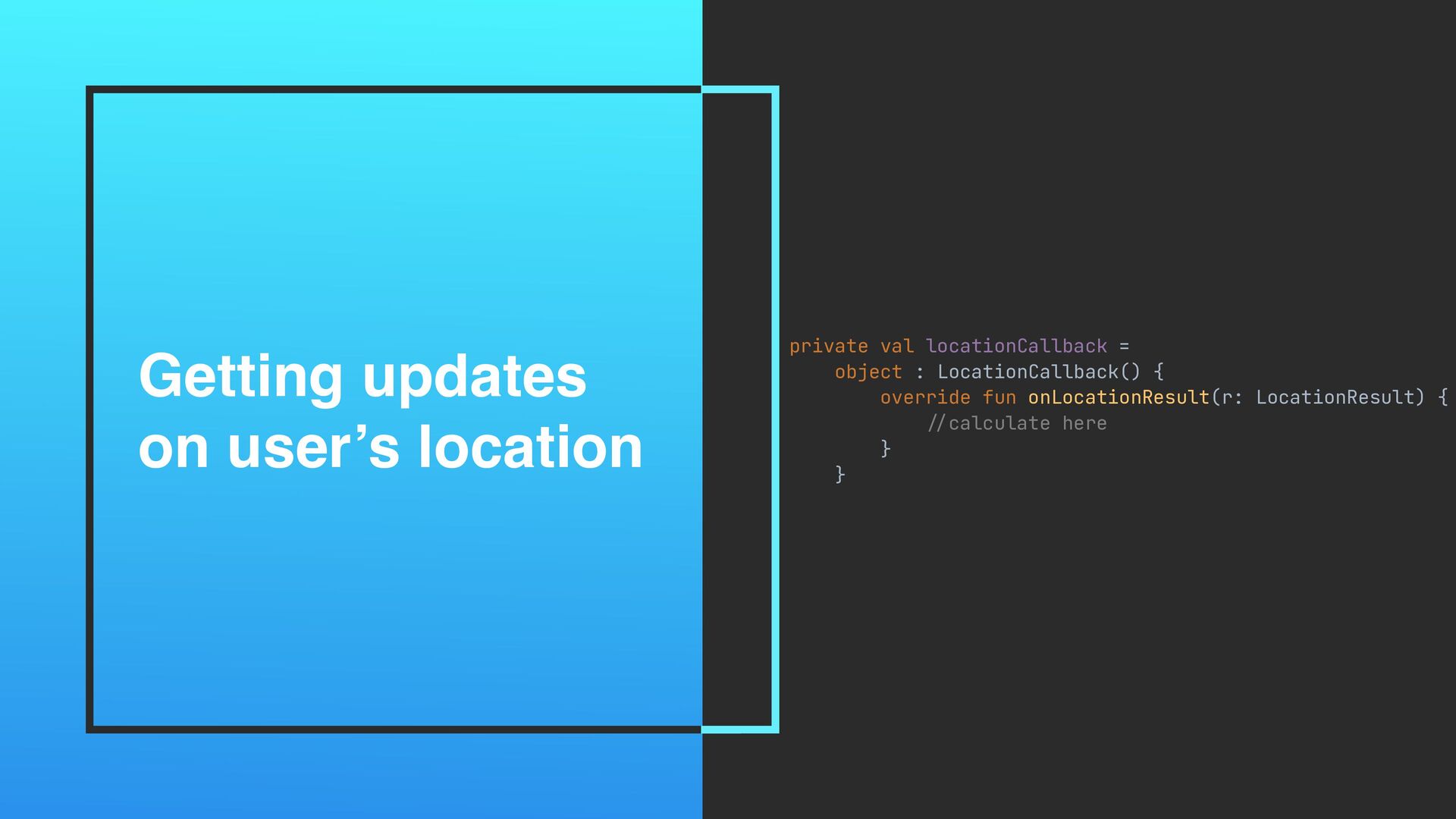
Getting updates on user’s location private val locationCallback = object
: LocationCallback() { override fun onLocationResult(r: LocationResult) { // calculate here } }
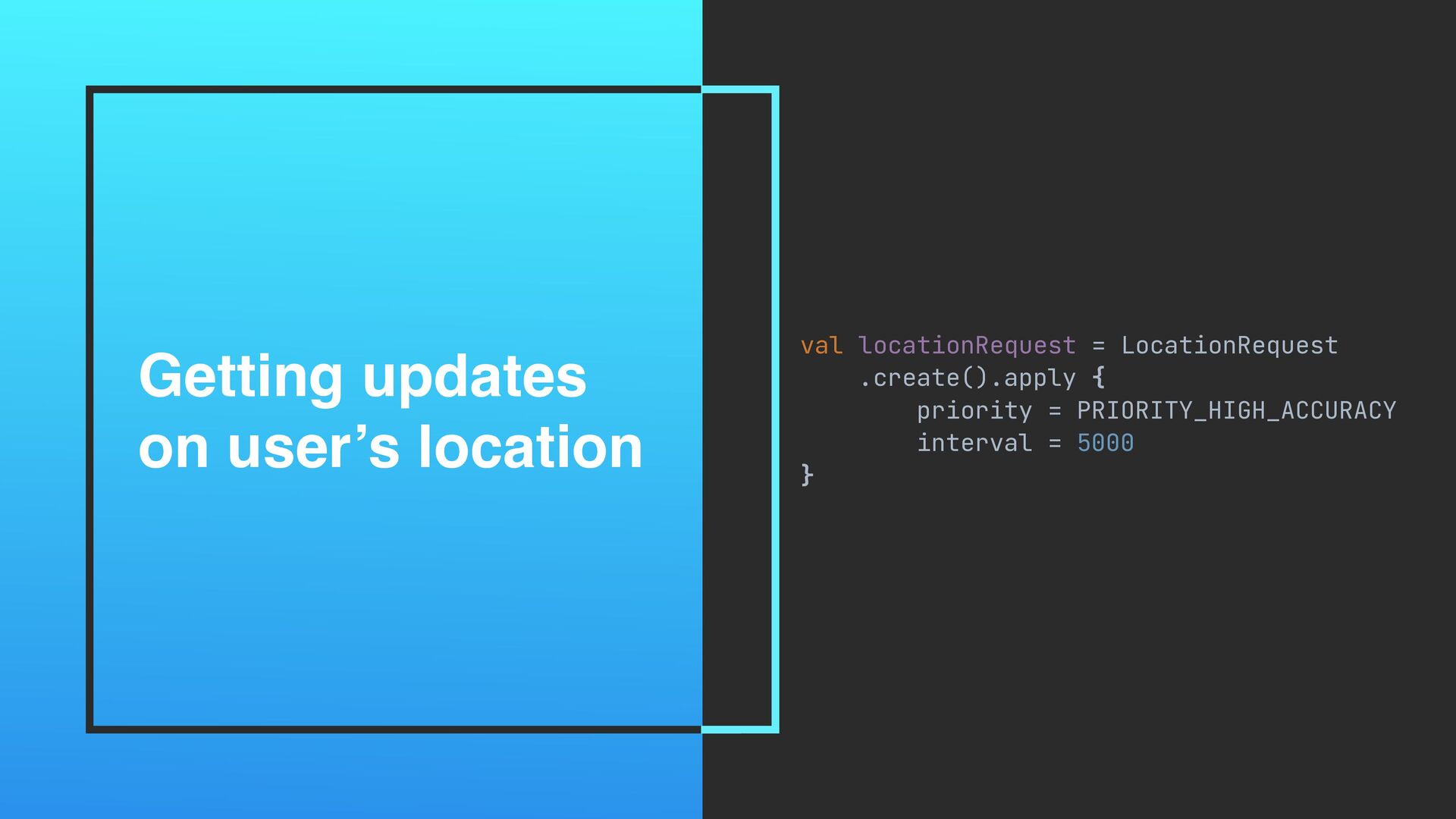
Getting updates on user’s location val locationRequest = LocationRequest .create().apply
{ priority = PRIORITY_HIGH_ACCURACY interval = 5000 }
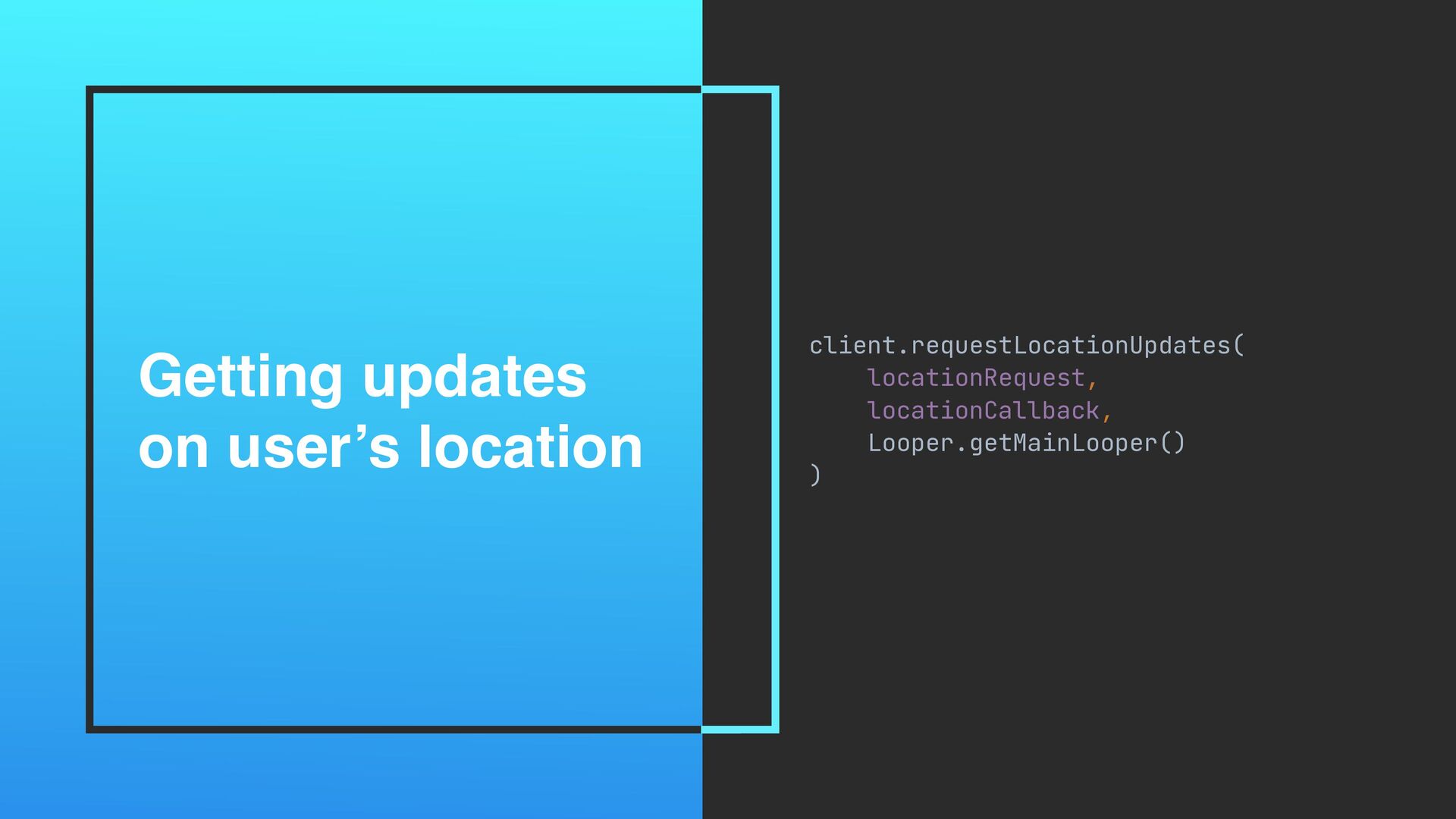
Getting updates on user’s location client.requestLocationUpdates( locationRequest, locationCallback, Looper.getMainLooper() )
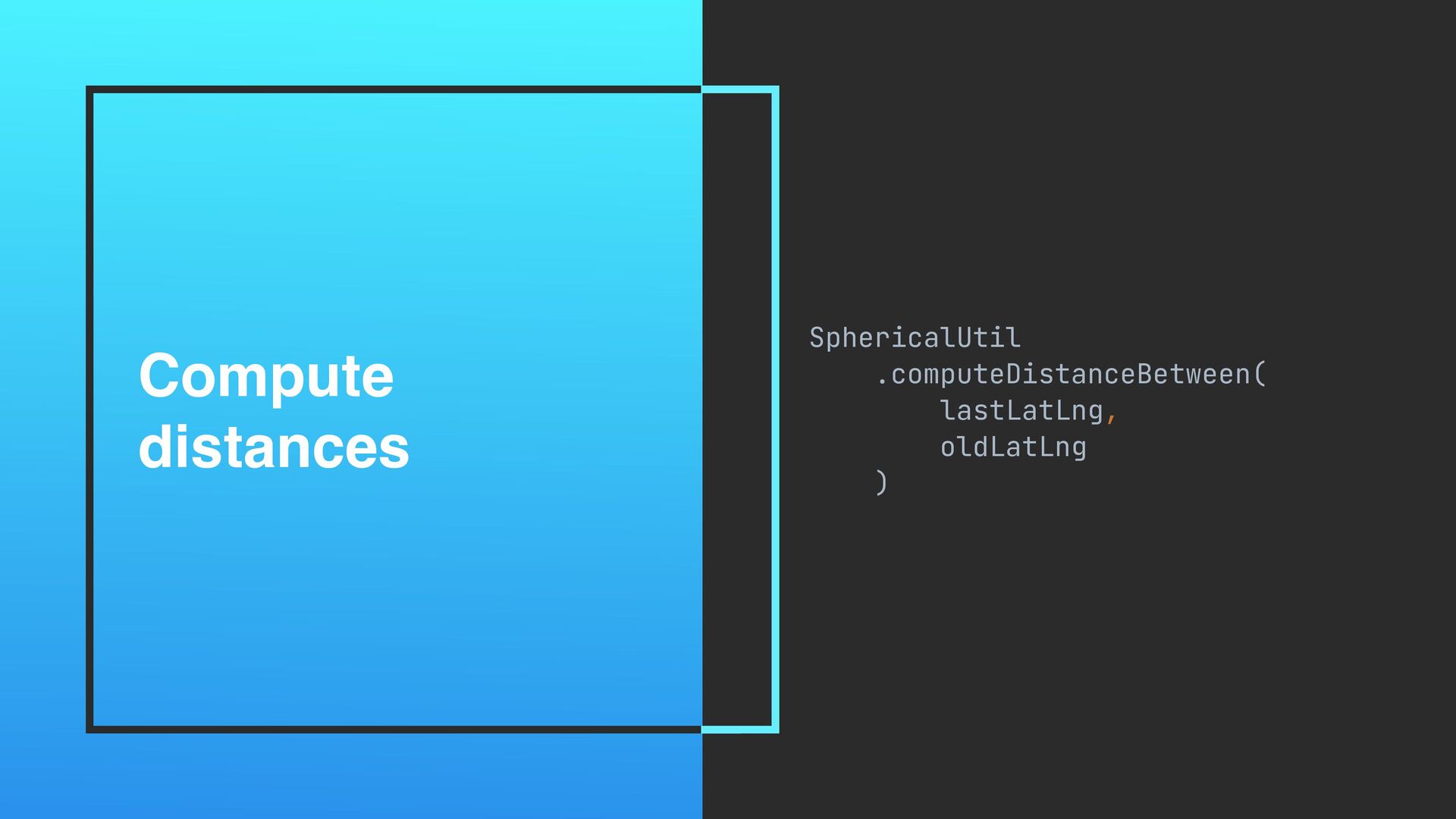
Compute distances SphericalUtil .computeDistanceBetween( lastLatLng, oldLatLng )
class StepCounter( private val activity: AppCompatActivity ) : SensorEventListener Every
step counts
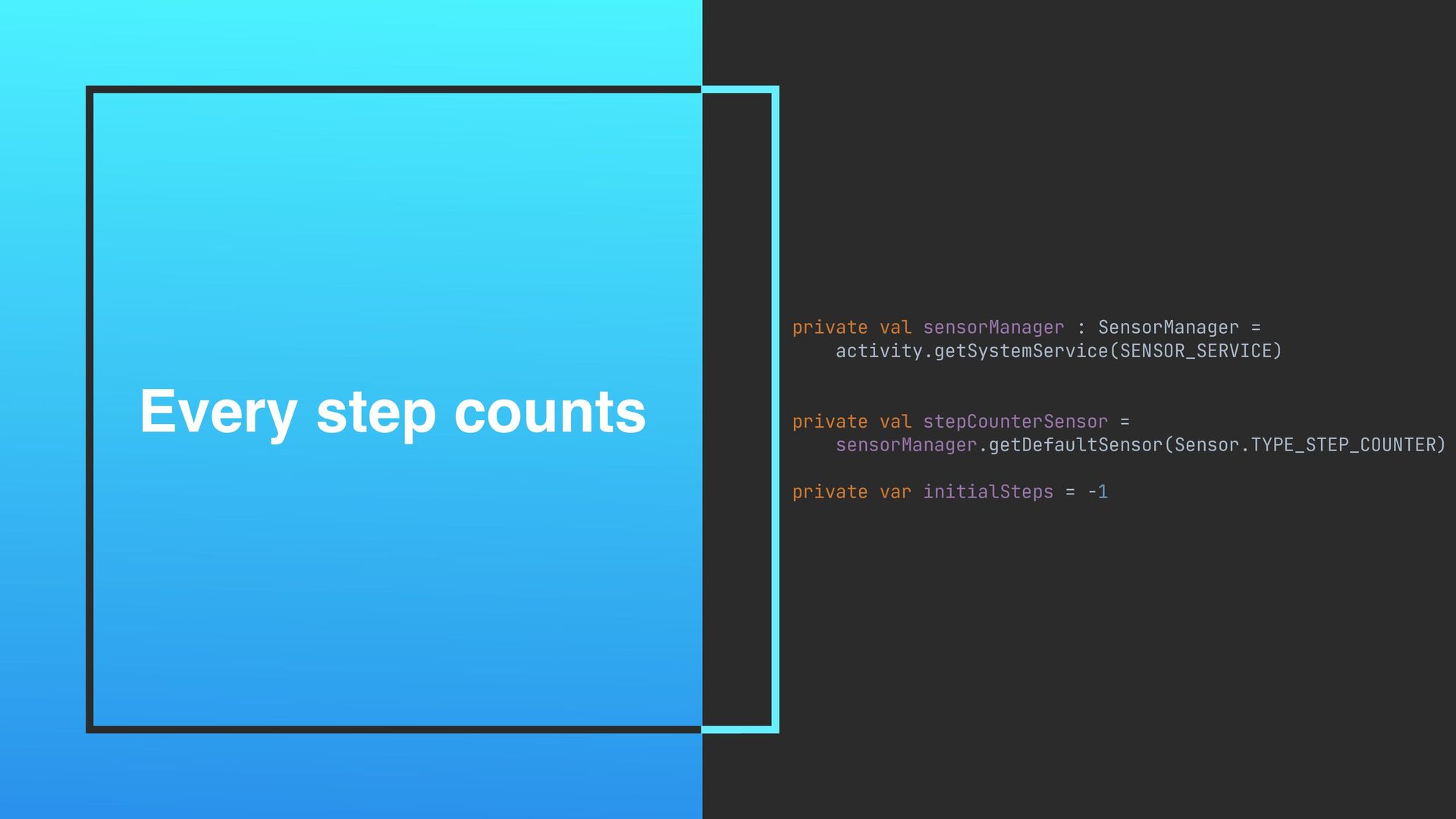
Every step counts private val sensorManager : SensorManager = activity.getSystemService(SENSOR_SERVICE)
private val stepCounterSensor = sensorManager.getDefaultSensor(Sensor.TYPE_STEP_COUNTER) private var initialSteps = -1
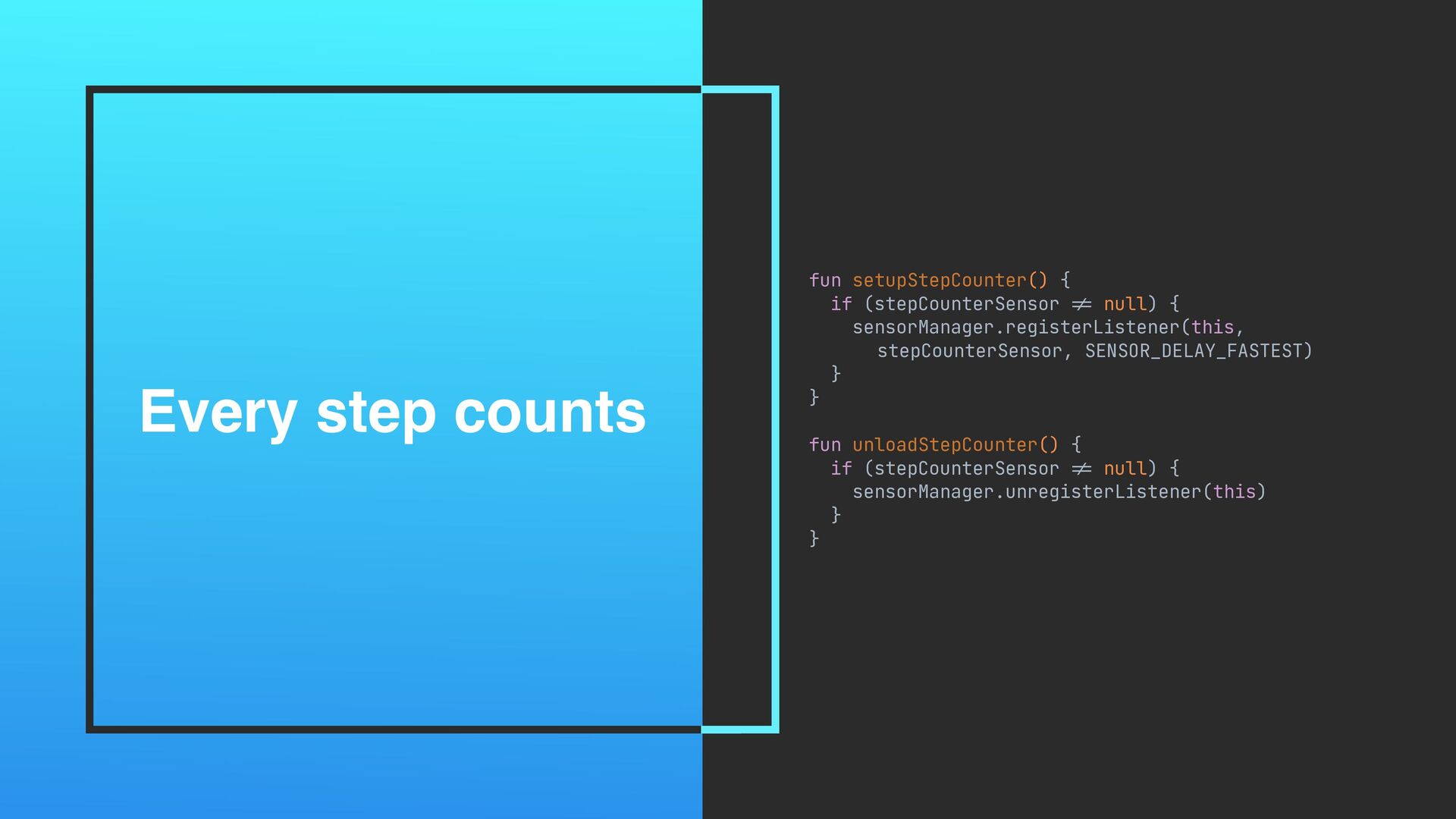
Every step counts fun setupStepCounter() { if (stepCounterSensor != null)
{ sensorManager.registerListener(this, stepCounterSensor, SENSOR_DELAY_FASTEST) } } fun unloadStepCounter() { if (stepCounterSensor != null) { sensorManager.unregisterListener(this) } }
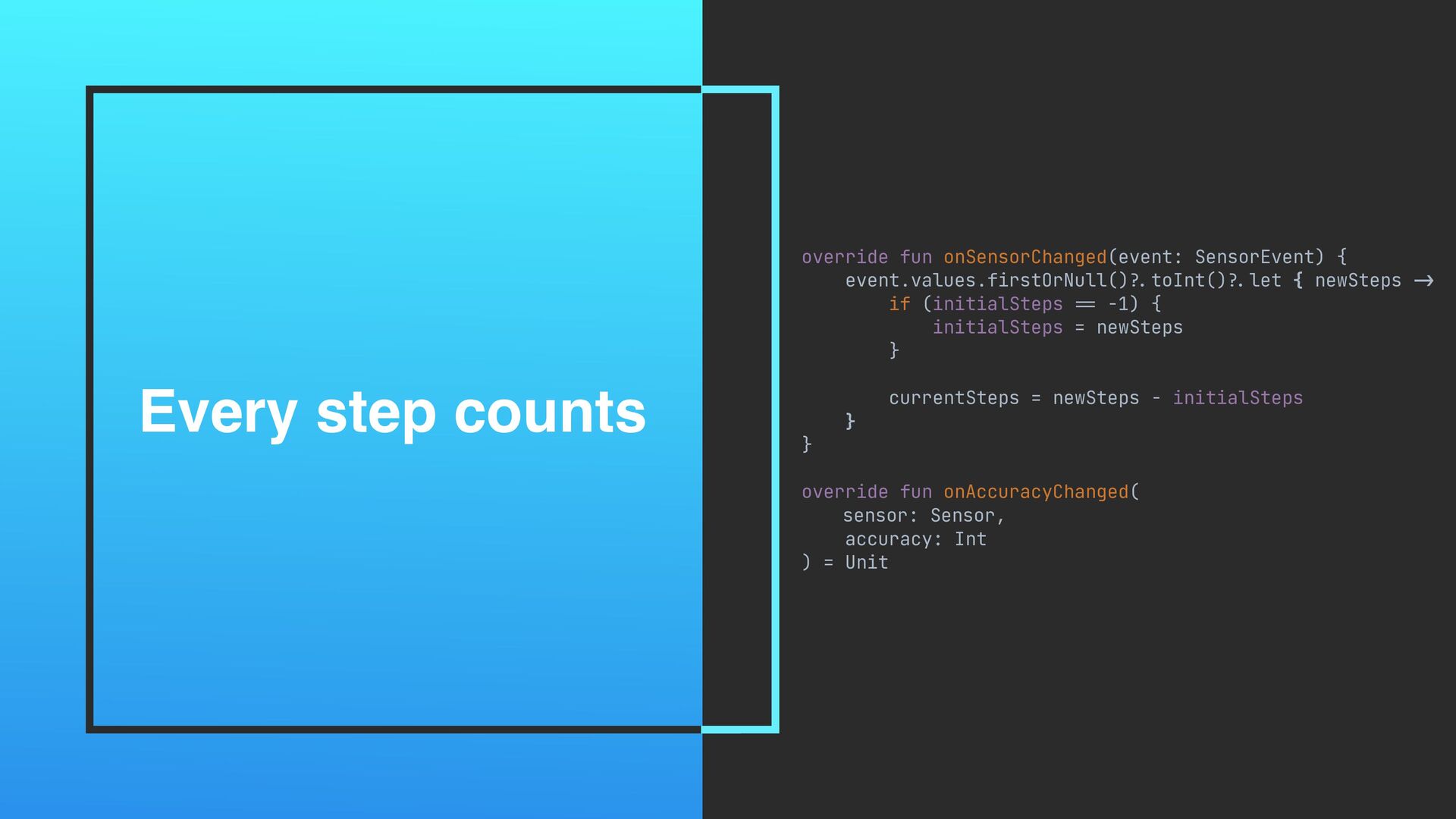
Every step counts override fun onSensorChanged(event: SensorEvent) { event.values.firstOrNull() ?.
toInt() ?. let { newSteps -> if (initialSteps == -1) { initialSteps = newSteps } currentSteps = newSteps - initialSteps } } override fun onAccuracyChanged( sensor: Sensor, accuracy: Int ) = Unit
SLEEP EXERCISE RECORD
SLEEP SLEEP RECOGNITION API
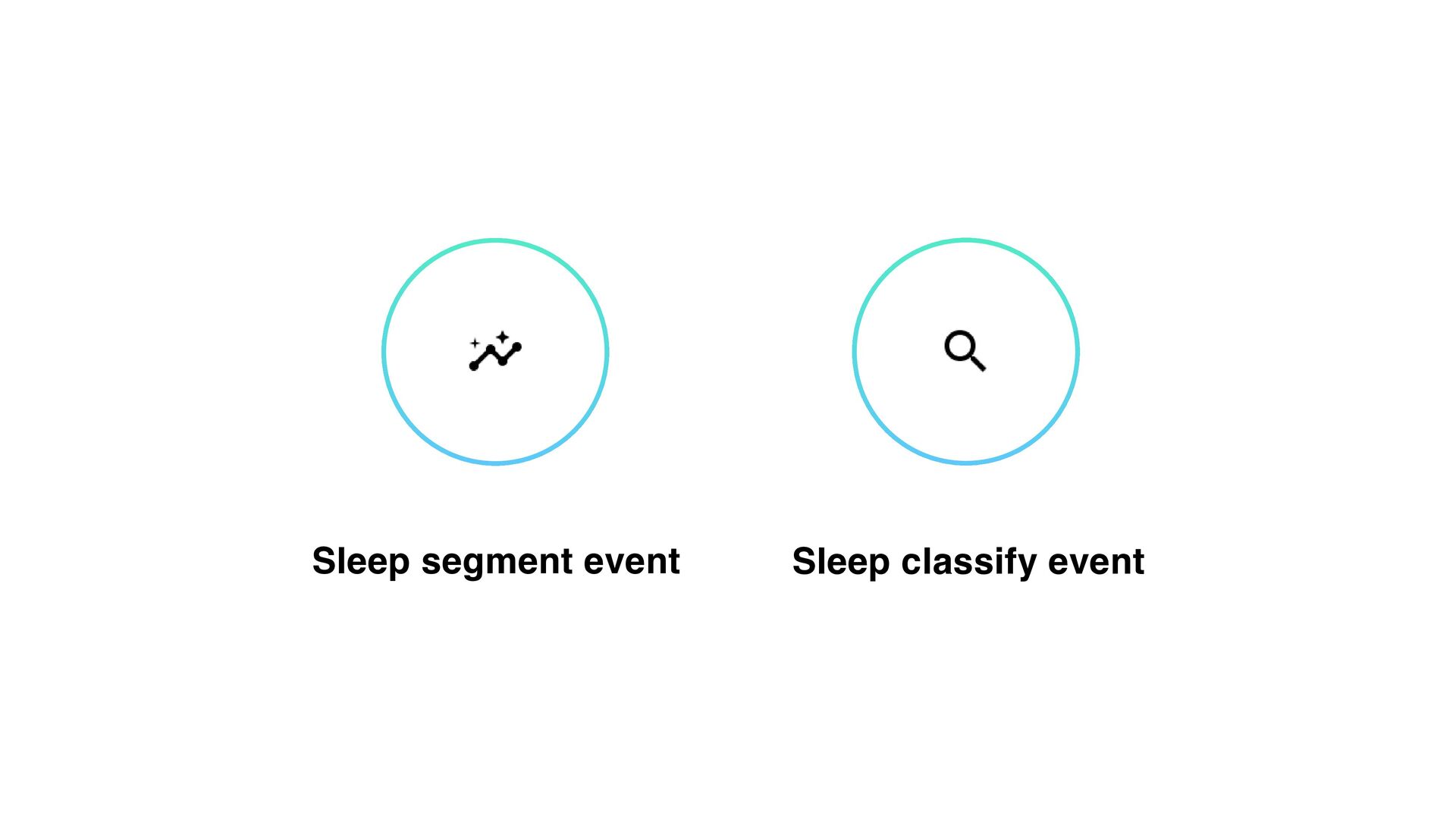
Sleep classify event Sleep segment event
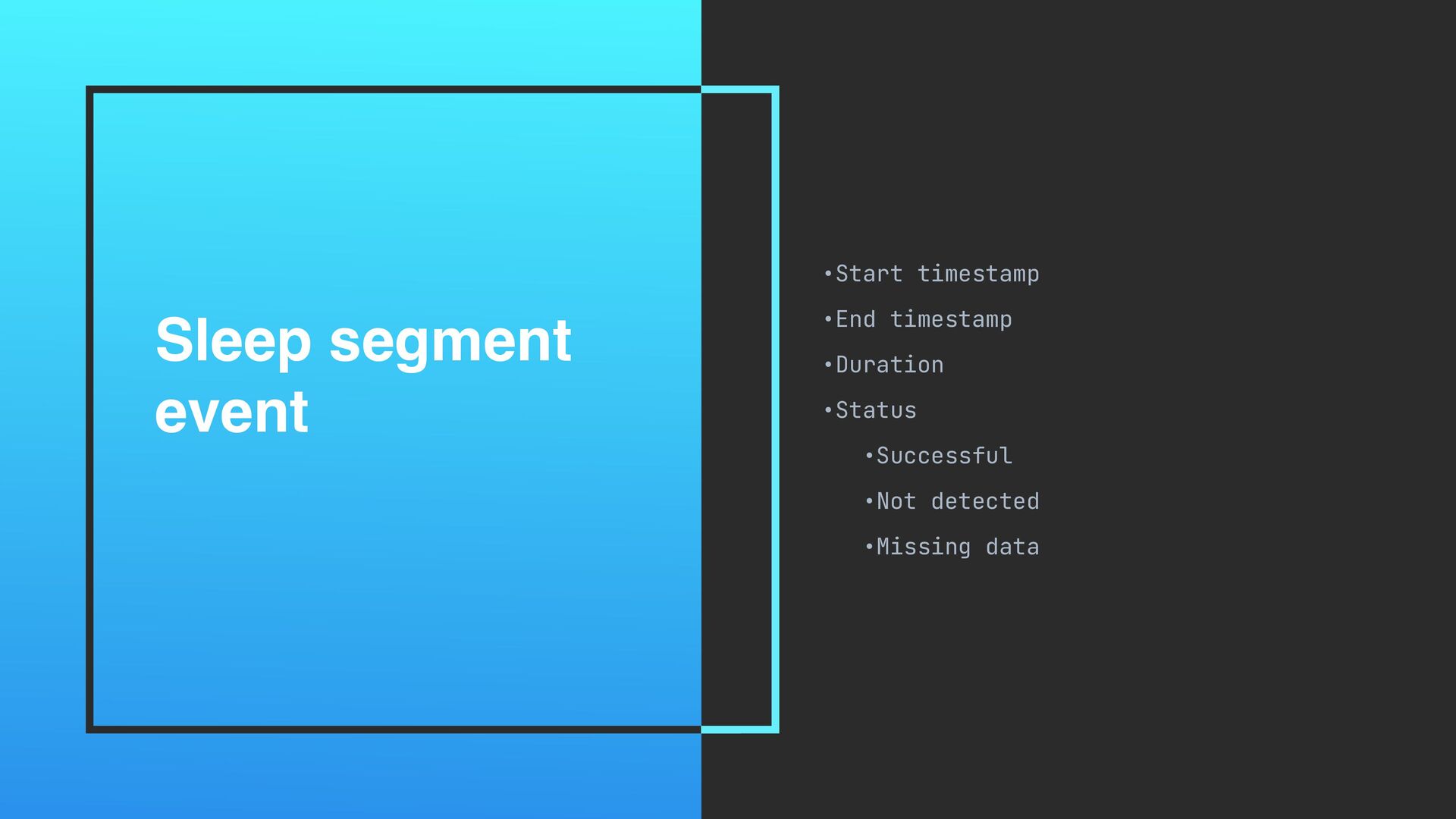
Sleep segment event •Start timestamp •End timestamp •Duration •Status •Successful
•Not detected •Missing data
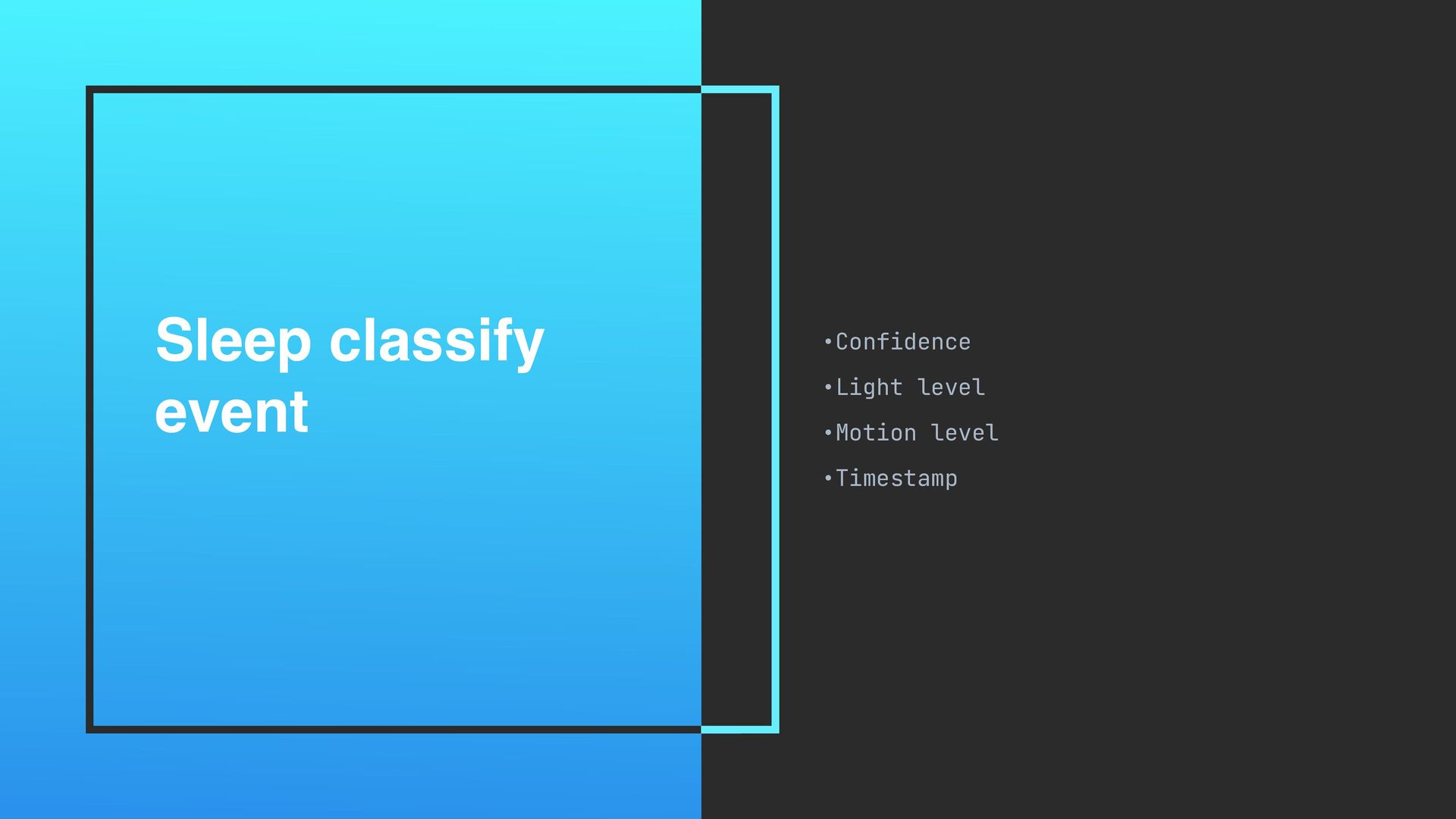
Sleep classify event •Confidence •Light level •Motion level •Timestamp
M T W T F S S
M T W T F S S
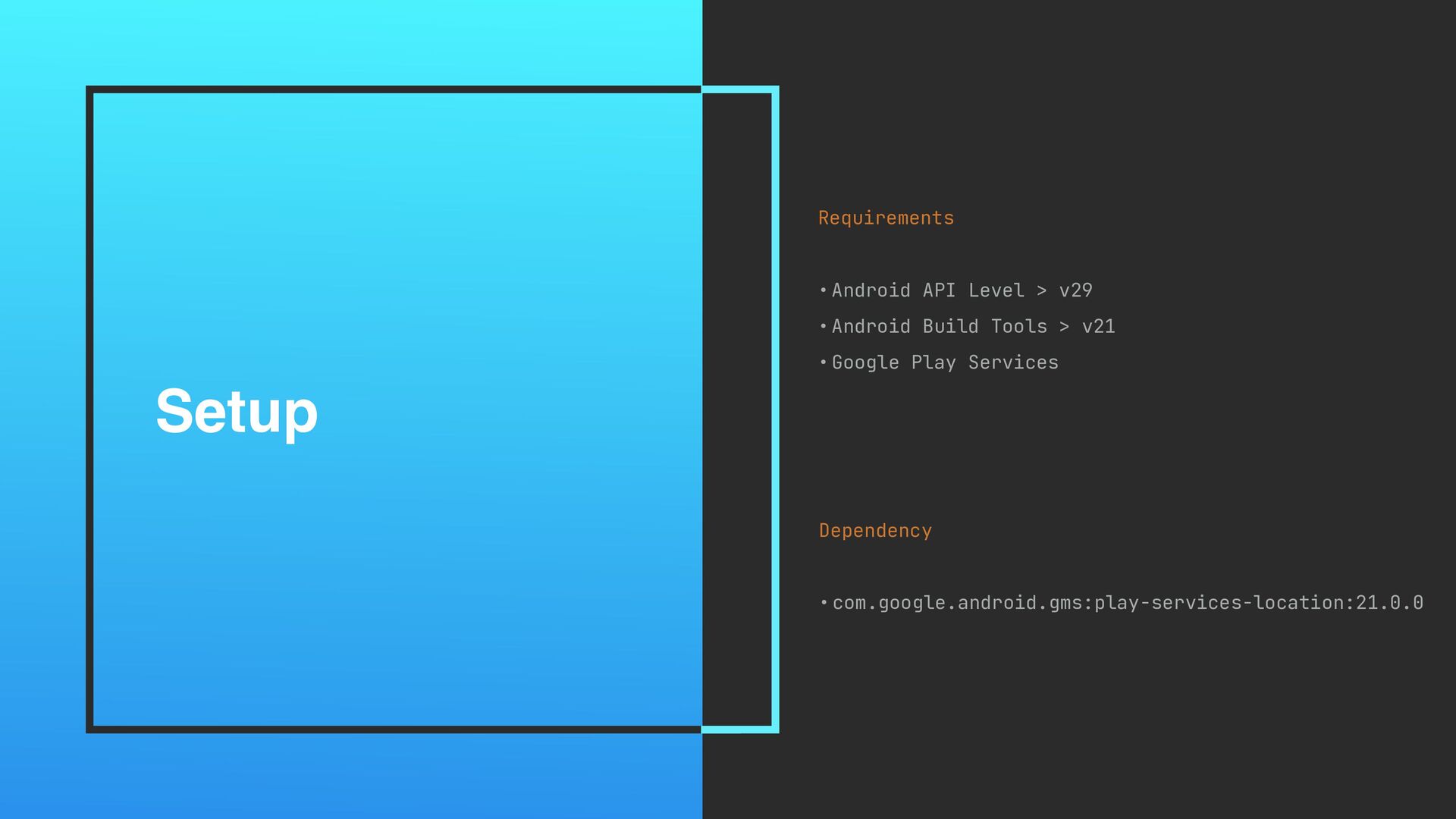
Setup Requirements •Android API Level > v29 •Android Build Tools
> v21 •Google Play Services Dependency •com.google.android.gms:play-services-location:21.0.0
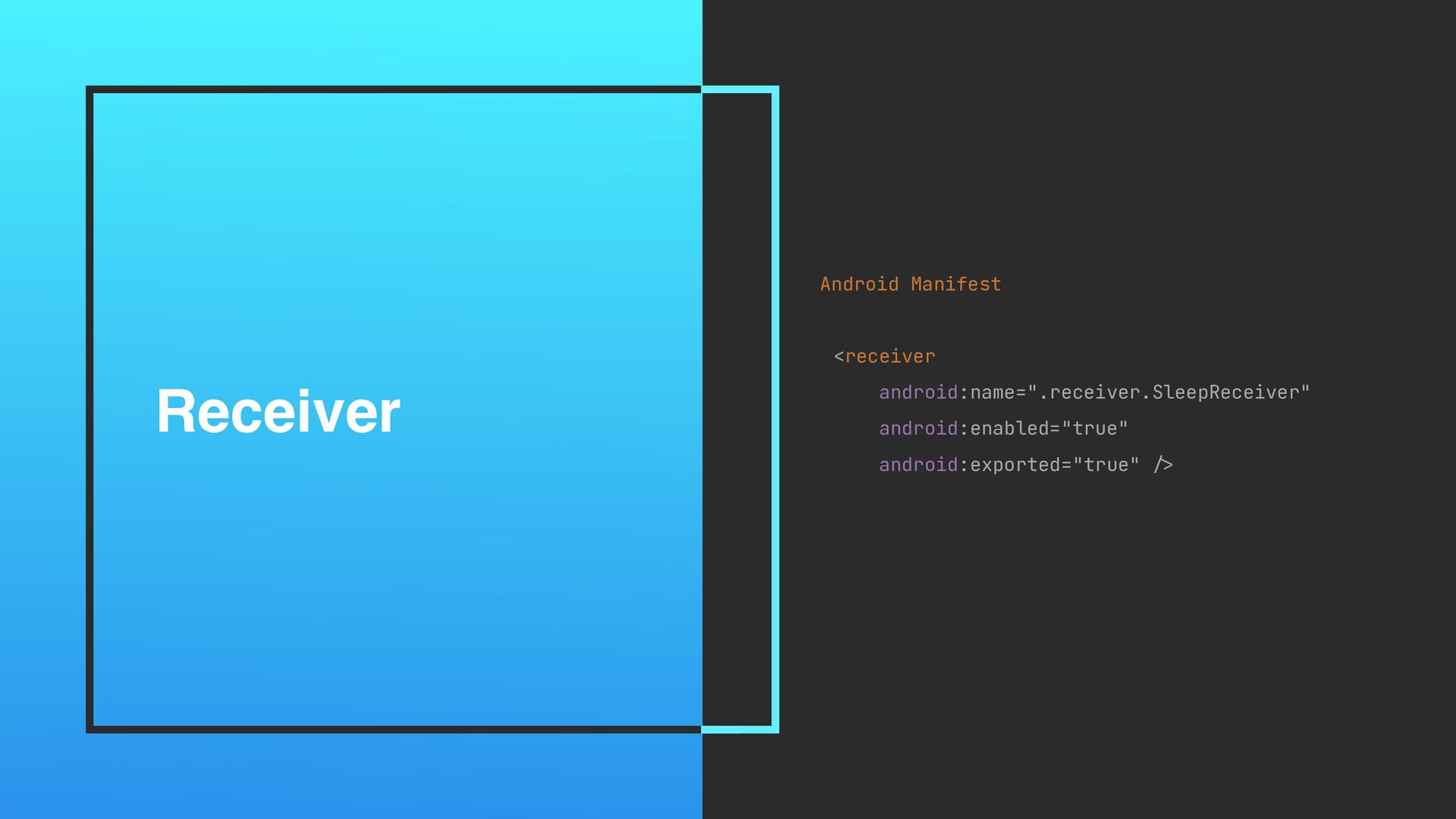
Receiver Android Manifest <receiver android:name=".receiver.SleepReceiver" android:enabled="true" android:exported="true" />
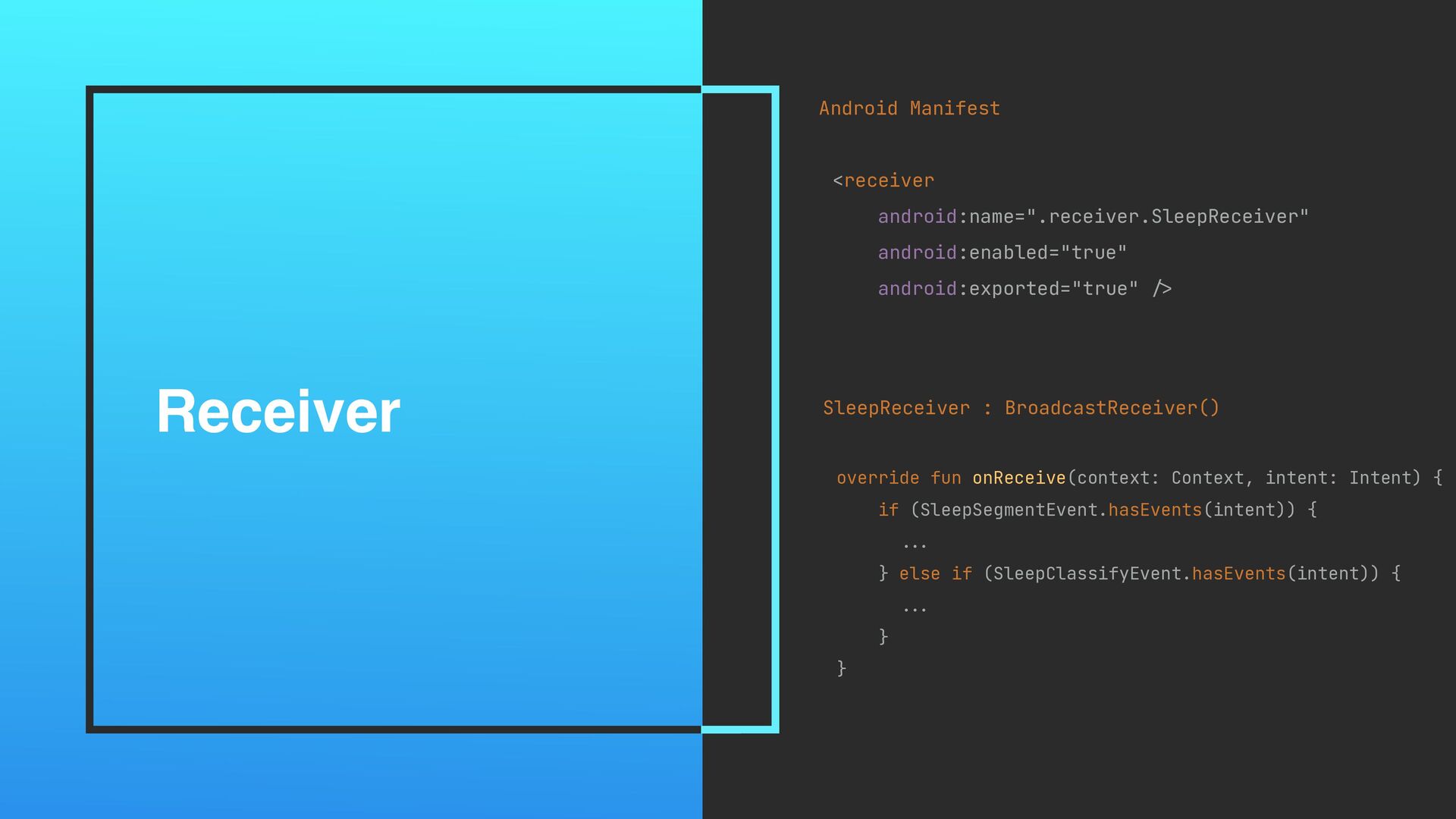
Receiver Android Manifest <receiver android:name=".receiver.SleepReceiver" android:enabled="true" android:exported="true" /> SleepReceiver :
BroadcastReceiver() override fun onReceive(context: Context, intent: Intent) { if (SleepSegmentEvent.hasEvents(intent)) { .. . } else if (SleepClassifyEvent.hasEvents(intent)) { .. . } }
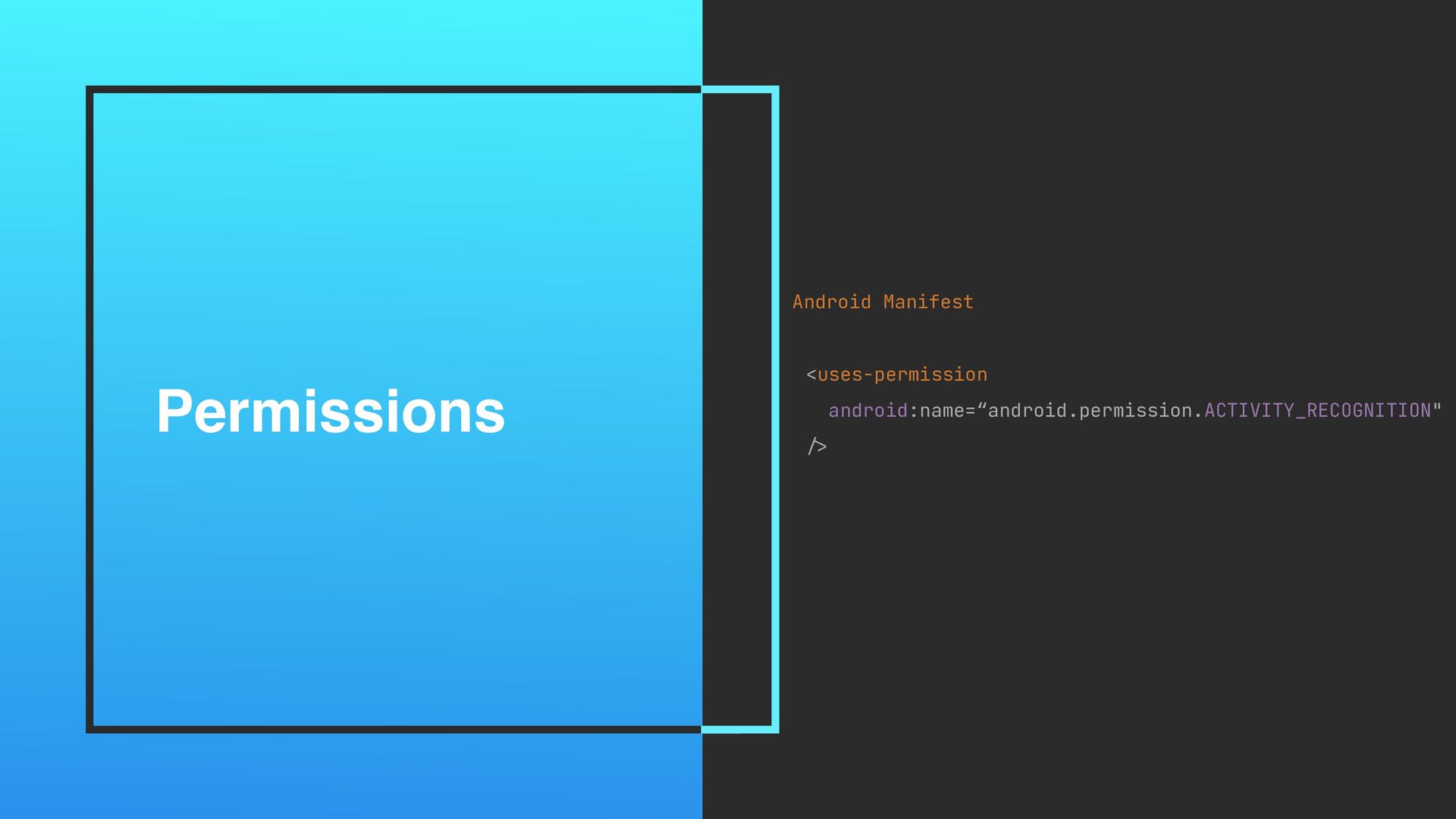
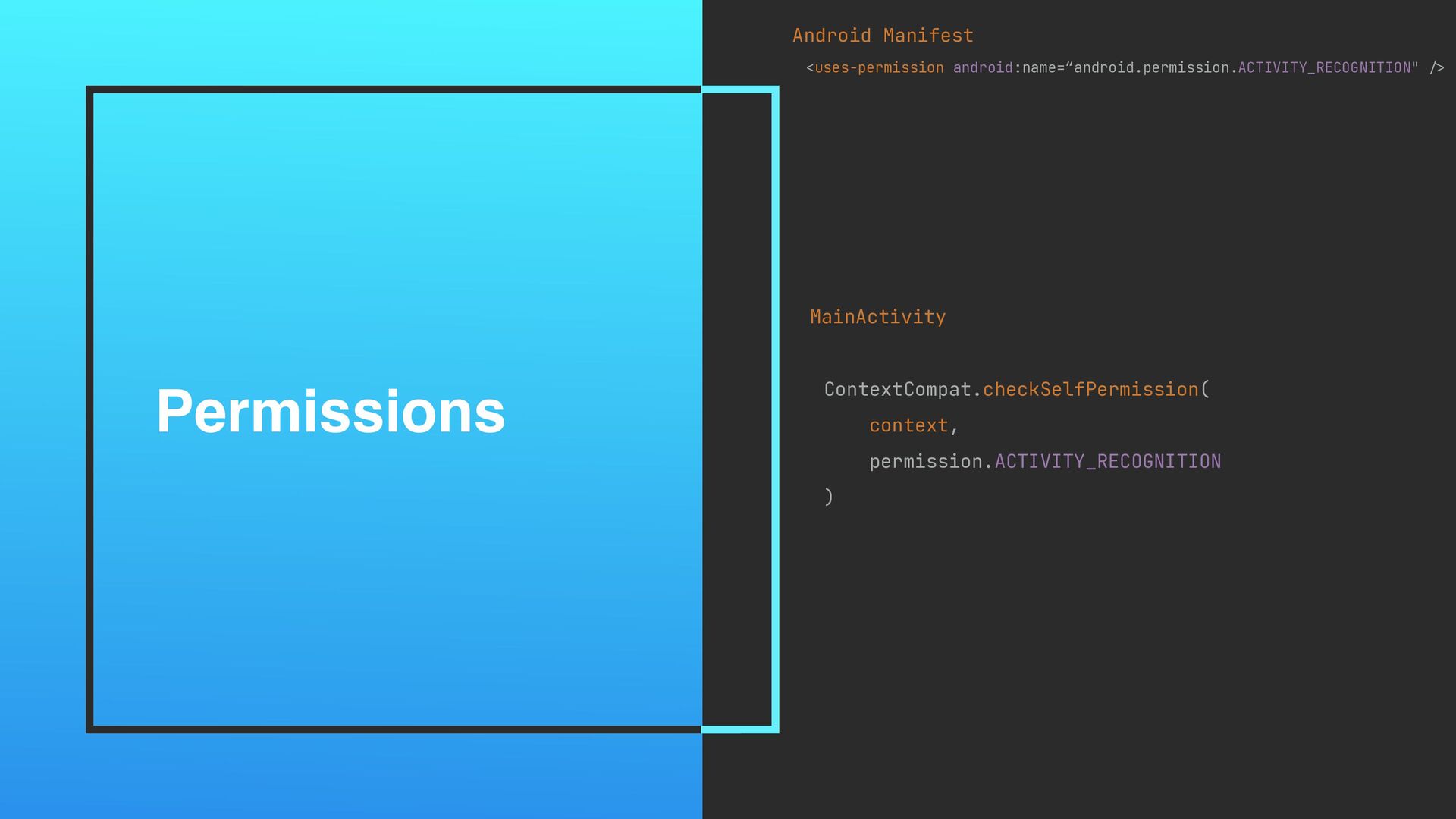
Permissions Android Manifest <uses-permission android:name=“android.permission.ACTIVITY_RECOGNITION" />
Permissions Android Manifest <uses-permission android:name=“android.permission.ACTIVITY_RECOGNITION" / > MainActivity ContextCompat.checkSelfPermission( context,
permission.ACTIVITY_RECOGNITION )_
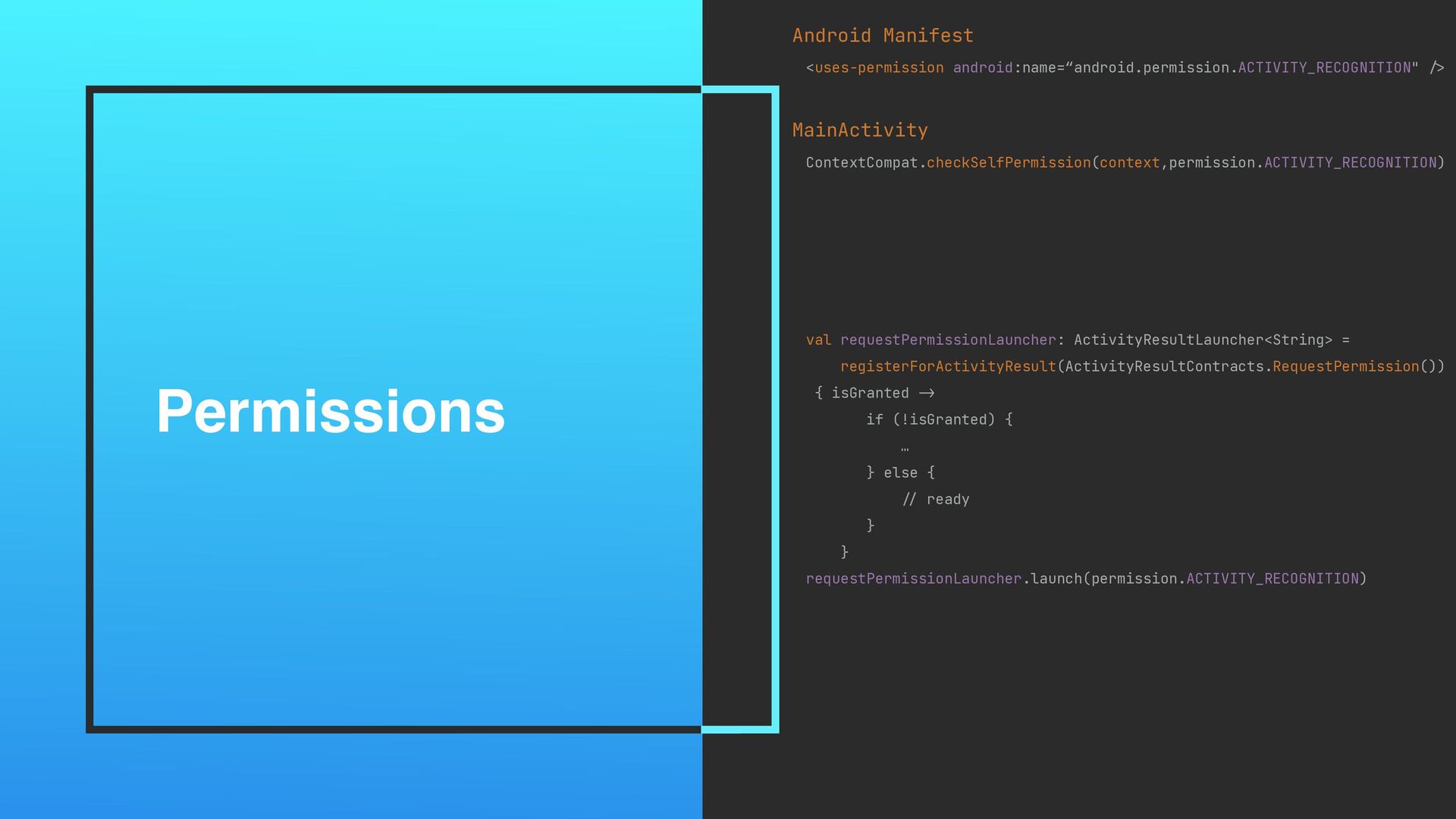
Permissions Android Manifest <uses-permission android:name=“android.permission.ACTIVITY_RECOGNITION" / > MainActivity ContextCompat.checkSelfPermission(context,permission.ACTIVITY_RECOGNITION)_ val
requestPermissionLauncher: ActivityResultLauncher<String> = registerForActivityResult(ActivityResultContracts.RequestPermission()) { isGranted -> if (!isGranted) { … } else { // ready } } requestPermissionLauncher.launch(permission.ACTIVITY_RECOGNITION)
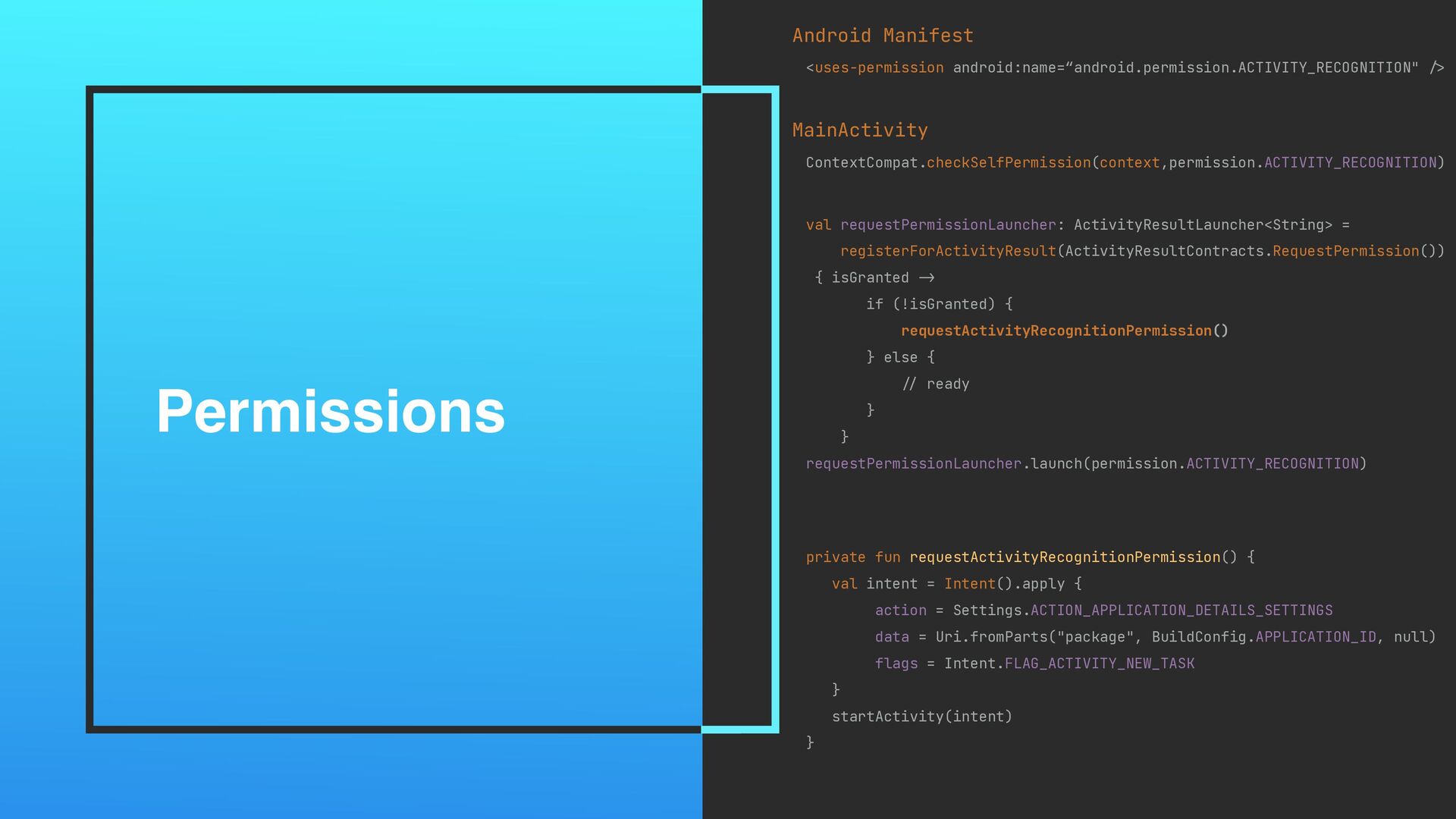
Permissions Android Manifest <uses-permission android:name=“android.permission.ACTIVITY_RECOGNITION" / > MainActivity ContextCompat.checkSelfPermission(context,permission.ACTIVITY_RECOGNITION)_ val
requestPermissionLauncher: ActivityResultLauncher<String> = registerForActivityResult(ActivityResultContracts.RequestPermission()) { isGranted -> if (!isGranted) { requestActivityRecognitionPermission() } else { // ready } } requestPermissionLauncher.launch(permission.ACTIVITY_RECOGNITION) private fun requestActivityRecognitionPermission() { val intent = Intent().apply { action = Settings.ACTION_APPLICATION_DETAILS_SETTINGS data = Uri.fromParts("package", BuildConfig.APPLICATION_ID, null) flags = Intent.FLAG_ACTIVITY_NEW_TASK } startActivity(intent) }
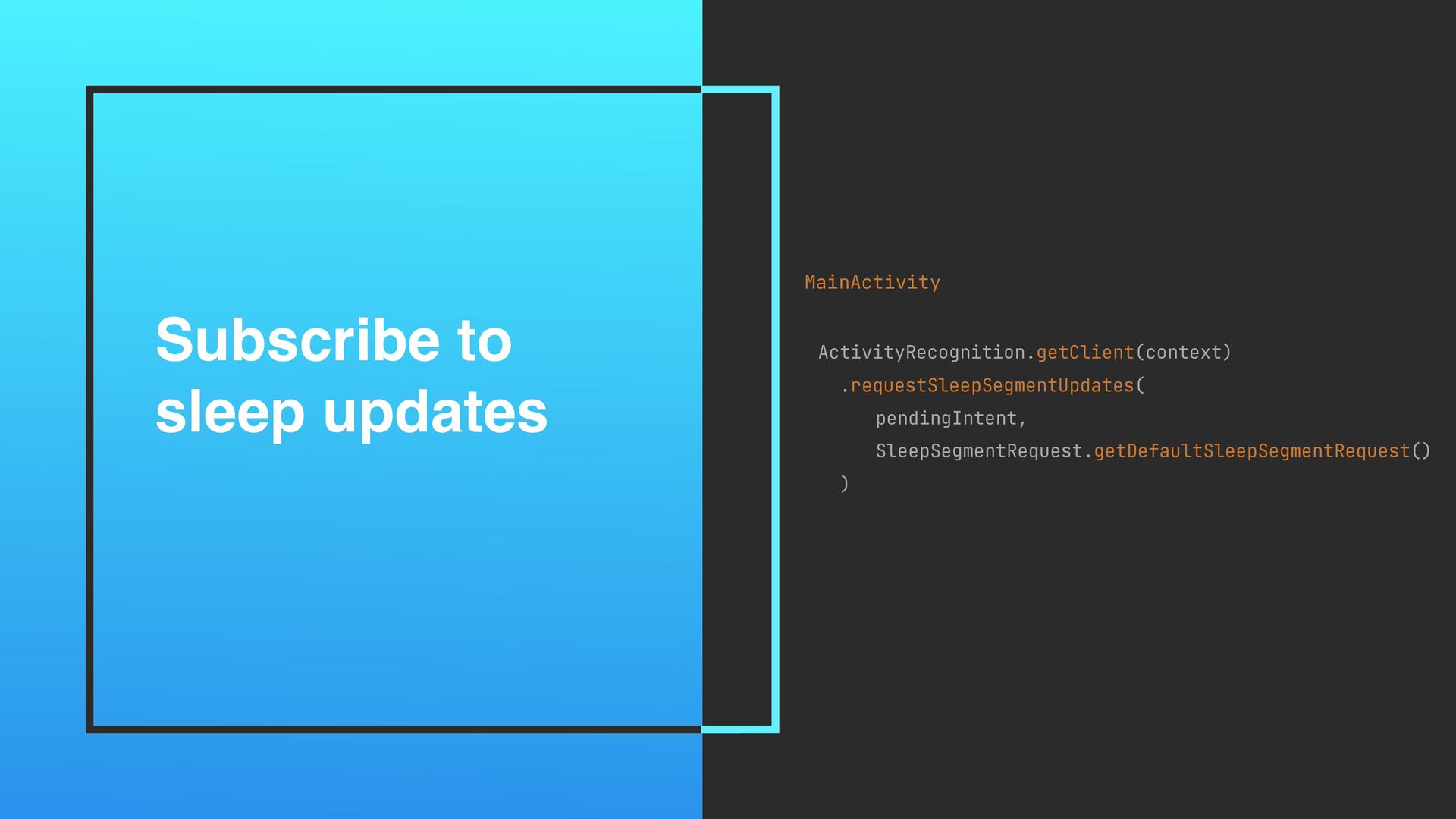
Subscribe to sleep updates MainActivity ActivityRecognition.getClient(context) .requestSleepSegmentUpdates( pendingIntent, SleepSegmentRequest.getDefaultSleepSegmentRequest() )
Confidence Motion Light Segments
SLEEP EXERCISE RECORD
GOOGLE FIT API RECORD
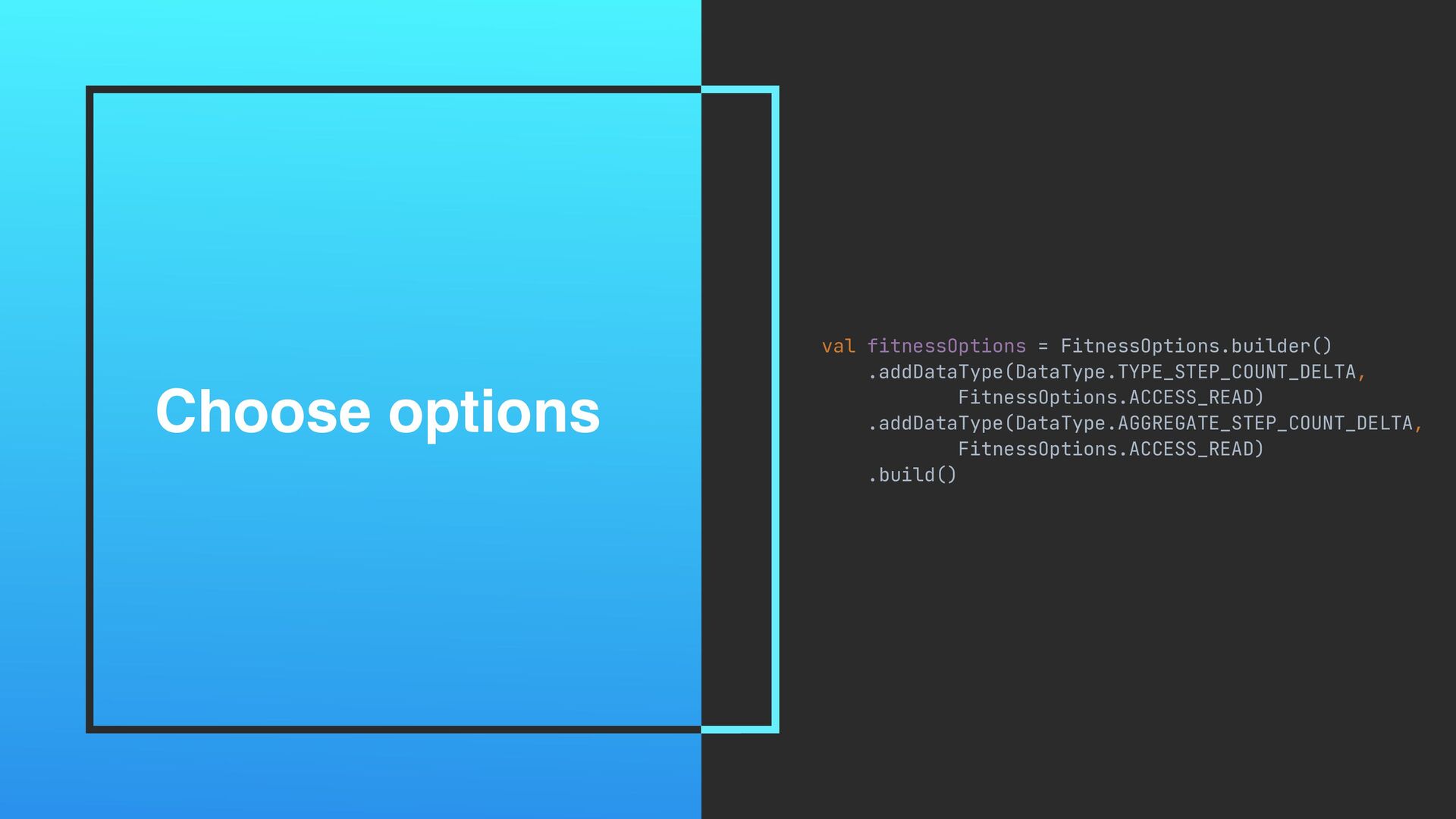
Choose options val fitnessOptions = FitnessOptions.builder() .addDataType(DataType.TYPE_STEP_COUNT_DELTA, FitnessOptions.ACCESS_READ) .addDataType(DataType.AGGREGATE_STEP_COUNT_DELTA, FitnessOptions.ACCESS_READ)
.build()
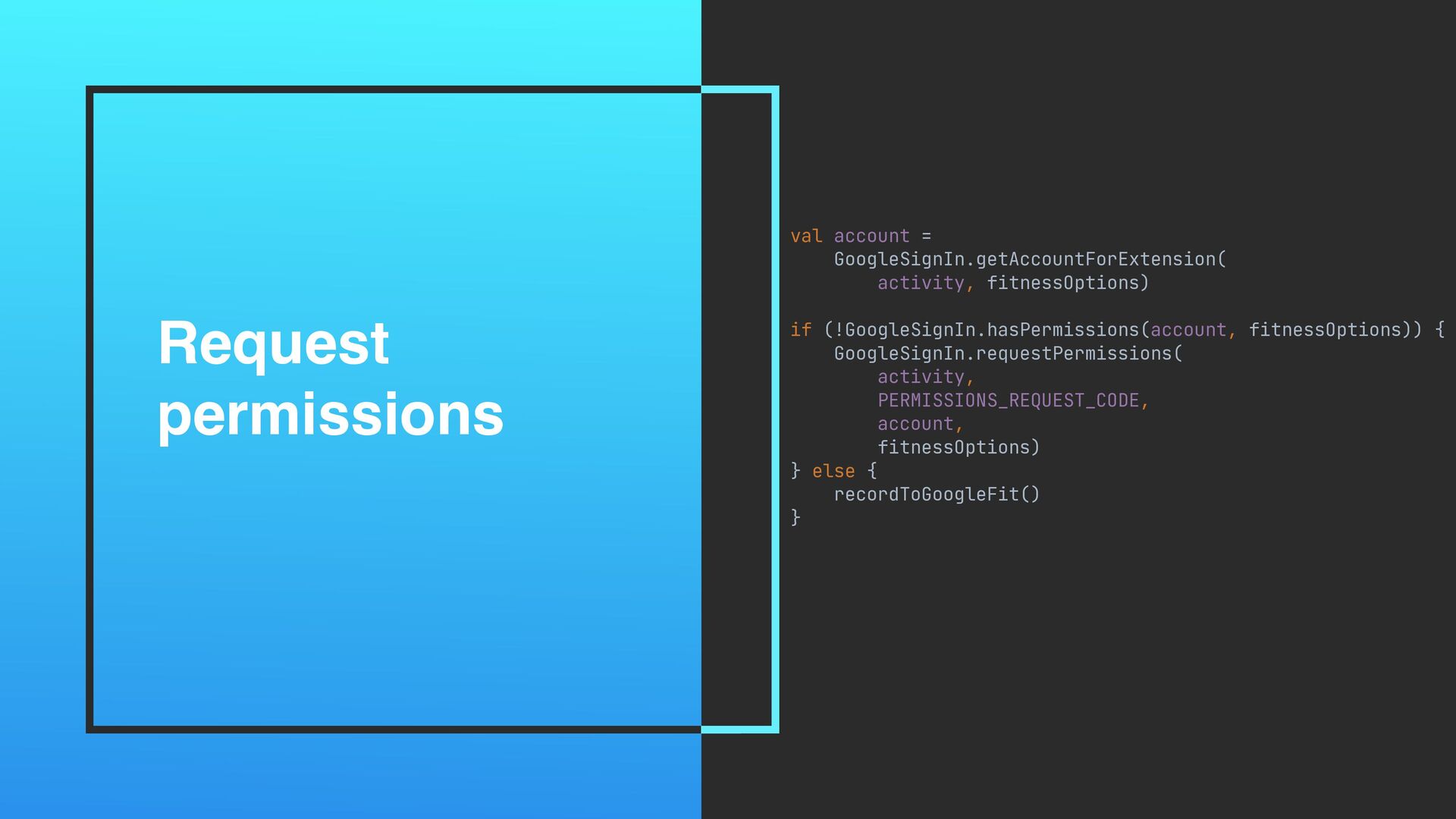
Request permissions val account = GoogleSignIn.getAccountForExtension( activity, fitnessOptions) if (!GoogleSignIn.hasPermissions(account,
fitnessOptions)) { GoogleSignIn.requestPermissions( activity, PERMISSIONS_REQUEST_CODE, account, fitnessOptions) } else { recordToGoogleFit() }
Choose options override fun onActivityResult(requestCode: Int, resultCode: Int, data: Intent?)
{ super.onActivityResult(requestCode, resultCode, data) when (resultCode) { Activity.RESULT_OK - > when (requestCode) { PERMISSIONS_REQUEST_CODE -> recordToGoogleFit() else -> { . .. } } else - > { ... } } }
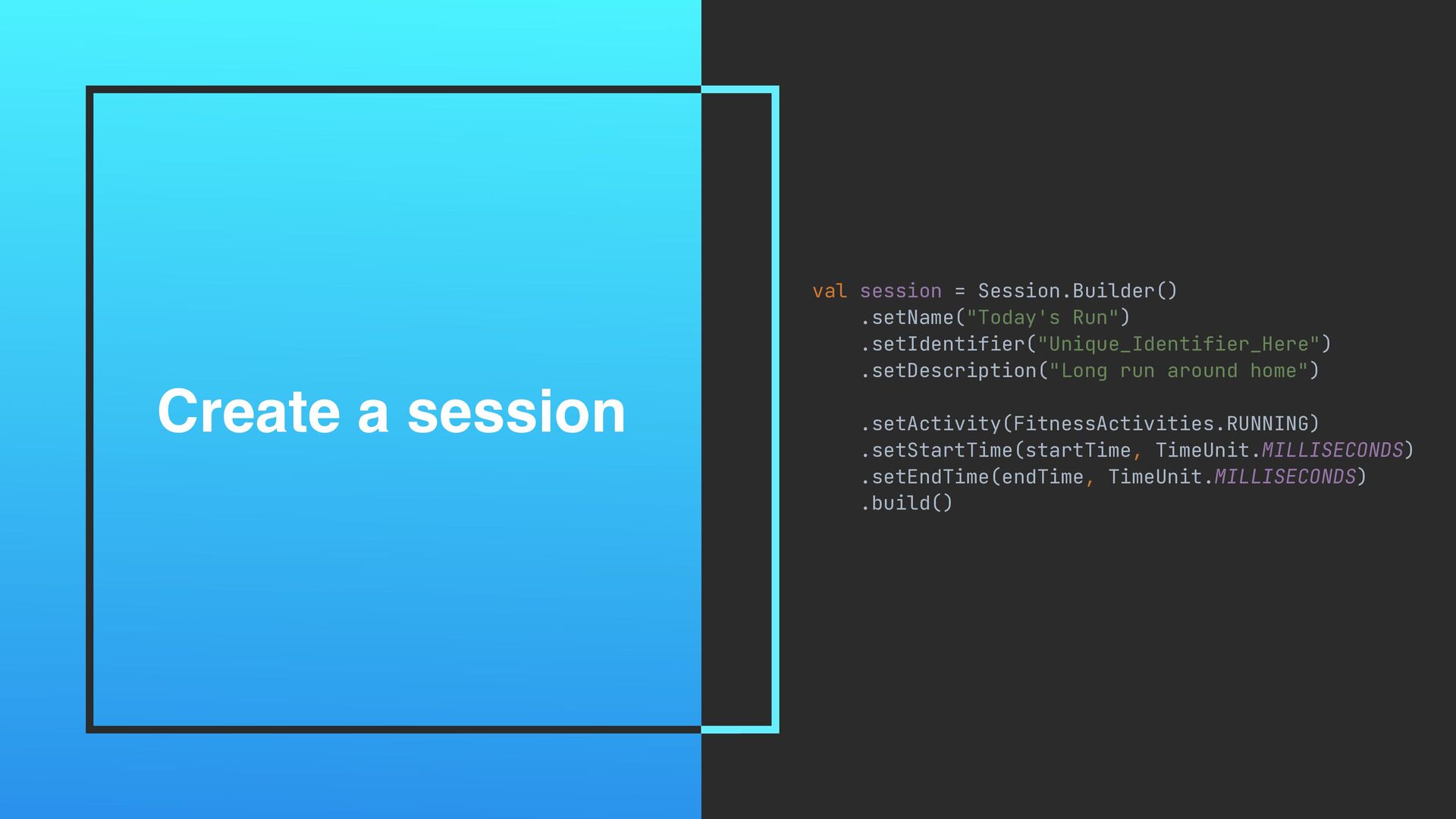
Create a session val session = Session.Builder() .setName("Today's Run") .setIdentifier("Unique_Identifier_Here")
.setDescription("Long run around home") .setActivity(FitnessActivities.RUNNING) .setStartTime(startTime, TimeUnit.MILLISECONDS) .setEndTime(endTime, TimeUnit.MILLISECONDS) .build()
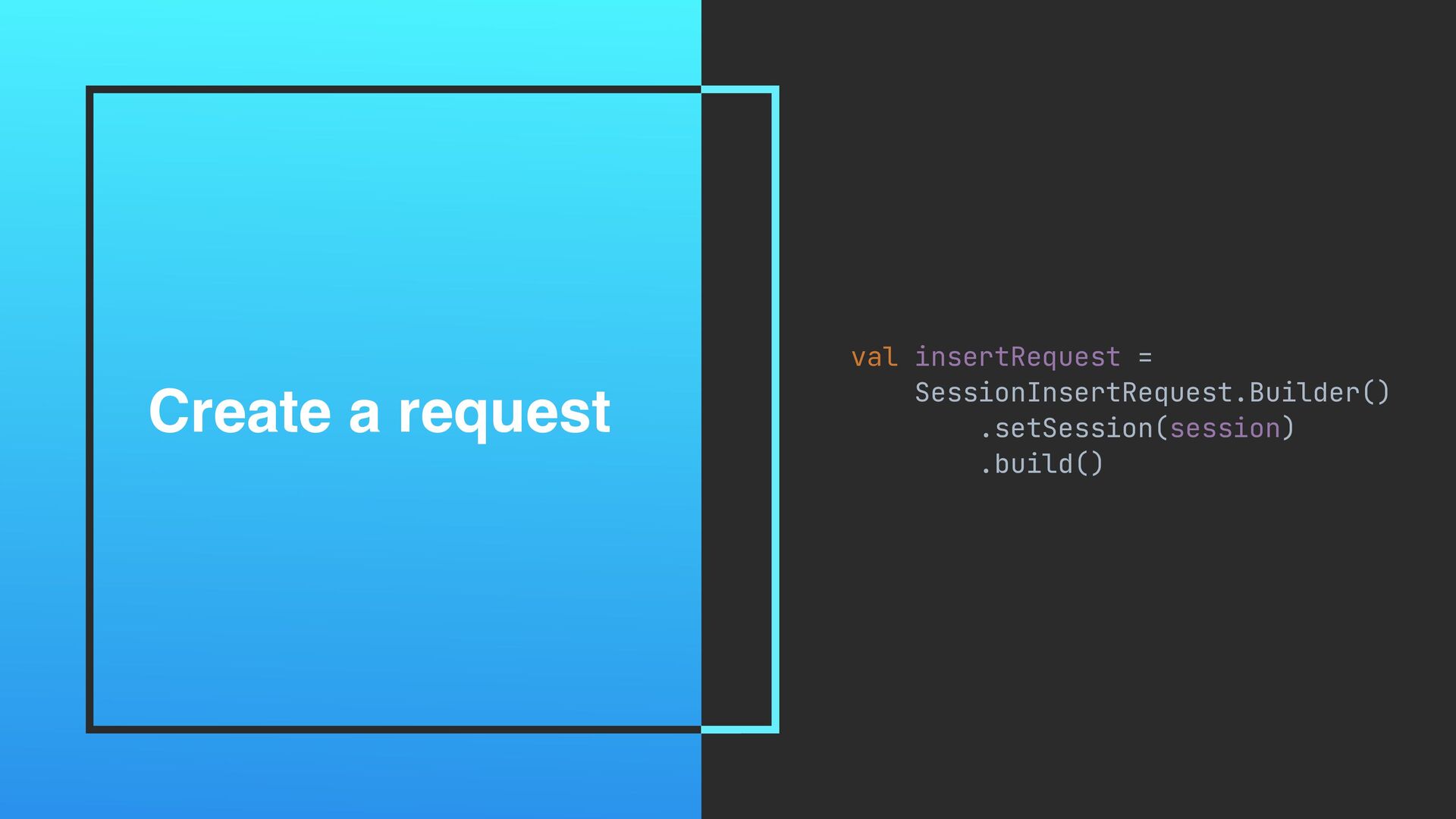
Create a request val insertRequest = SessionInsertRequest.Builder() .setSession(session) .build()
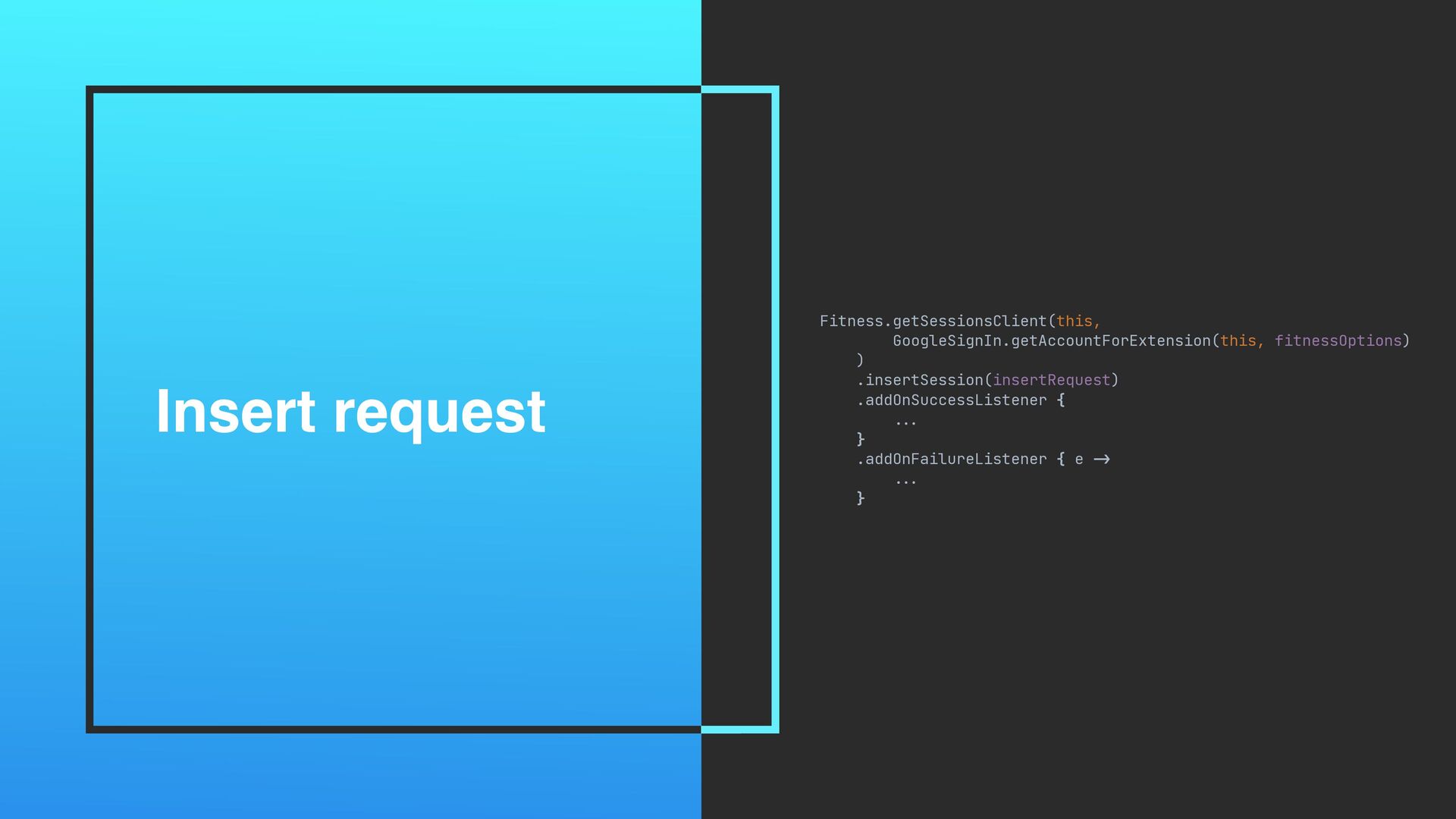
Insert request Fitness.getSessionsClient(this, GoogleSignIn.getAccountForExtension(this, fitnessOptions) ) .insertSession(insertRequest) .addOnSuccessListener { ...
} .addOnFailureListener { e -> ... }
Q&A Photo by Simone Secci on Unsplash


 tiwiz
tiwiz
 ___akari11
 tomokon
 shihochan
 falcon8823
 andpad
 dske104
 iwatsukayura
 tmikov2023
 oku053
 yegor256
 ochtum
 paulk
paulk
 marktimemedia
 davetheseo
 bcantrill
 lauravandoore
 katiecoart
 afnizarnur
 cromwellryan
 yeseniaperezcruz
 kneath
 wayneb77
 akashhashmi
.png) helenjbeal
helenjbeal