Share
Embed
Transcript
45 slides
-
Agenda About me What it means to contribute? Why contribute?
Where to start? Managing your forks Anatomy of a good Pull Request Lifecycle of a Pull Request Conclusion Q&A -
Vedran Pavić • Software Development Engineer at Kapsch CarrierCom d.o.o.
• Open Source Software enthusiast ◦ Java, Spring, Linux • Active contributor to multiple Spring projects • Spring Session committer -
There’s more to contributing than just code • Helping other
users ◦ Issue tracker, Gitter, Stack Overflow • Reporting issues ◦ stackoverflow.com/help/mcve • Documentation -
What are the prerequisites? • Knowledge of Git, related workflows
and GitHub • Willingness to discuss, elaborate and rework your proposals • Contributor License Agreement (CLA) ◦ cla.pivotal.io • Patience :) -
Spring embraces your contributions • Move to GitHub made contributing
much easier • Projects are well managed with contributors in mind ◦ Easy to build & import in IDE • Contributions are properly attributed ◦ Commits, @author tags -
What do you get out of it? • Learn new
skills, improve existing ones ◦ Apply the ideas from Spring projects to your own projects • Meet the people behind Spring and collaborate with them • Grow your reputation • Contributing is an empowering experience -
Use spring.io as service discovery • spring.io/projects contains pointers to
all relevant project’s resources ◦ issue tracker, source repository, CI server, Stack Overflow tag -
Get familiar with the project • Source repositories contain resources
for contributors ◦ README, CONTRIBUTING, CODE_OF_CONDUCT • Note the project’s active branches • Check out the issues marked for contribution ◦ JIRA roadmap, GitHub labels -
Get familiar with the project • Project build: Gradle or
Maven • Single-click builds that are easy on the newcomers ◦ ./gradlew build or ./mvnw clean install • Check out resources for contributors for more details ◦ Some projects have special build profiles, for example documentation builds -
Get familiar with the project • Note the preferred Git
workflows ◦ Merge vs rebase • Note the preferred code style ◦ Check source repository for IDE config files • Use other people’s contributions as a reference • Reach out to the project maintainers or community ◦ Gitter or Stack Overflow -
Creating a fork • A fork is a copy of
a repository • Serves as a base for contributing activities -
Keep your forks lean • Forking creates a copy with
all branches of the original repository ◦ Some of them are not active, or not relevant for contributor • Deleting needless branches makes your fork easier to maintain -
Keep your forks up to date • Configure a remote
that points to original repository $ git remote add upstream [email protected]:spring-projects/spring-session.git $ git remote -v origin [email protected]:vpavic/spring-session.git (fetch) origin [email protected]:vpavic/spring-session.git (push) upstream [email protected]:spring-projects/spring-session.git (fetch) upstream [email protected]:spring-projects/spring-session.git (push) -
Keep your forks up to date • Fetch and merge
the changes from the upstream repository $ git fetch upstream ... From github.com:spring-projects/spring-boot 216506d20f..e236b71615 1.5.x -> upstream/1.5.x 3abd8d3adf..269cea291c master -> upstream/master $ git checkout 1.5.x && git merge upstream/1.5.x && git push $ git checkout master && git merge upstream/master && git push -
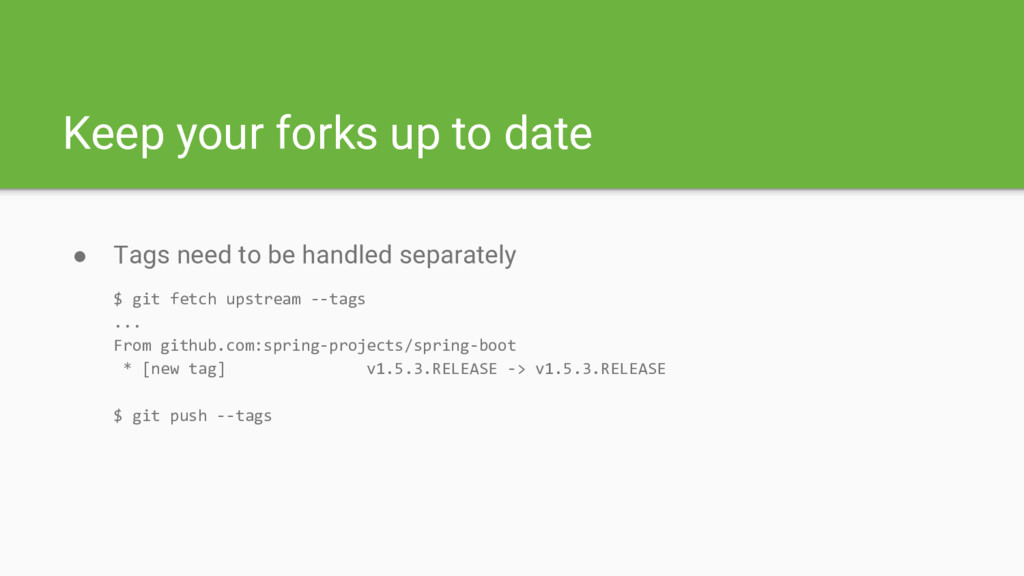
Keep your forks up to date • Tags need to
be handled separately $ git fetch upstream --tags ... From github.com:spring-projects/spring-boot * [new tag] v1.5.3.RELEASE -> v1.5.3.RELEASE $ git push --tags -
Clean up your local branches • Clean up after deleting
branches on GitHub $ git remote prune origin Pruning origin URL: [email protected]:spring-projects/spring-integration * [pruned] origin/INT-4248 $ git branch -vv | grep gone INT-4248 a2458f78f [origin/INT-4248: gone] Use StringRedisTemplate $ git branch -d INT-4248 -
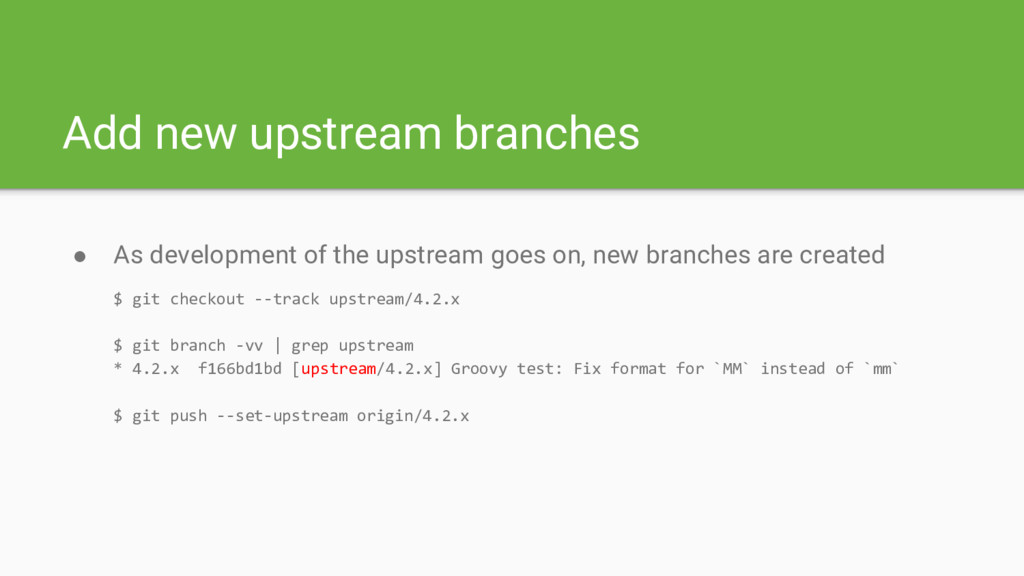
Add new upstream branches • As development of the upstream
goes on, new branches are created $ git checkout --track upstream/4.2.x $ git branch -vv | grep upstream * 4.2.x f166bd1bd [upstream/4.2.x] Groovy test: Fix format for `MM` instead of `mm` $ git push --set-upstream origin/4.2.x -
Before you start • If the issue ticket exists, drop
a note you’re working on it ◦ To help prevent duplicating efforts • Otherwise opening issue might be required • Pick the appropriate target branch ◦ Semantic versioning matters - semver.org • If in doubt about target branch consult the maintainers -
Working on your changes • Configure your IDE to use
appropriate code style ◦ Look for Eclipse formatter configuration files ◦ IntelliJ IDEA: Eclipse Code Formatter plugin • Create a dedicated feature branch for your changes - use target branch as base • Initially make your changes a single commit unless there’s a good reason to do otherwise -
Tests or it didn’t happen • Unit tests are a
must if you change the code ◦ JUnit, AssertJ, Mockito, Spring Test support • Bug: add a test that reproduces the problem ◦ Check out the contributors resources • New feature: a substantial set of tests is expected ◦ Check the existing unit tests for similar/related functionalities -
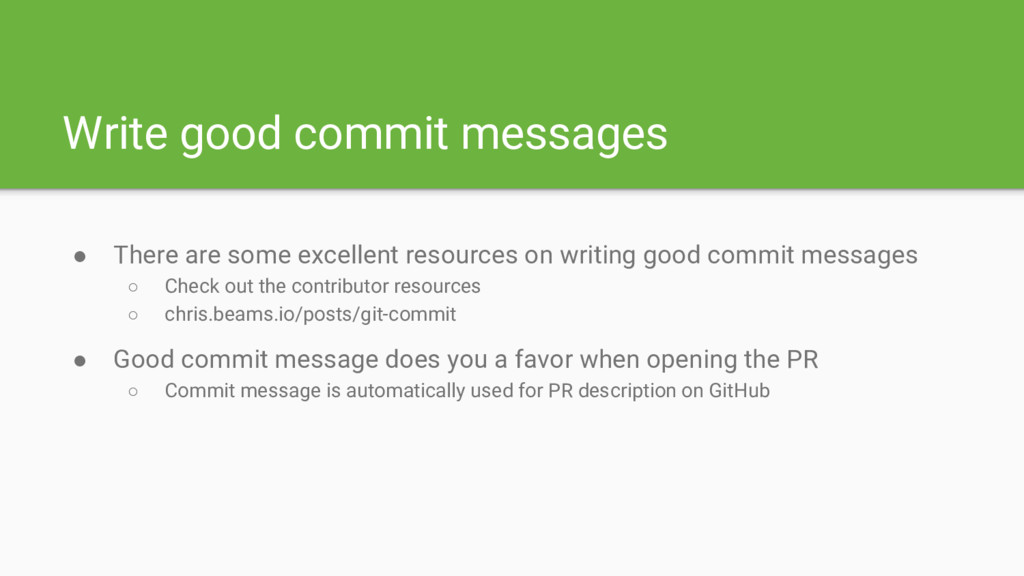
Write good commit messages • There are some excellent resources
on writing good commit messages ◦ Check out the contributor resources ◦ chris.beams.io/posts/git-commit • Good commit message does you a favor when opening the PR ◦ Commit message is automatically used for PR description on GitHub -
Build the project before submitting PR • Builds are single-click
and easy to get running ◦ Check contributor resources for info on additional build profiles, like documentation • Contains additional checks, such as Checkstyle ◦ Import the IDE code style config ◦ Use Checkstyle plugin for your IDE • Tests the impact of your changes on entire project -
Build the project before submitting PR • Sometimes build fails
for you for reasons unrelated to your changes ◦ check the project’s source repository and/or CI server for info -
Pull Request checks • Submitting a PR will usually trigger
some actions ◦ Contributor License Agreement (CLA) check ◦ PR branch build on Travis CI -
Pull Request checks • First time contributors need to sign
CLA ◦ cla.pivotal.io has all the details ◦ The process in nearly automatic these days • Minor changes can skip some checks ◦ CLA not required - add “Obvious Fix” to the PR description ◦ Skip the Travis CI build - include “[ci skip]” in commit message -
Pull Request checks • Travis CI builds can sometime get
stuck or fail for transient reasons ◦ You can trigger the build again by closing and reopening the PR ◦ Or more elegantly using Git $ git commit --amend --no-edit && git push --force -
Discussion and reviews • Expect discussion on your proposals, especially
if your PR is introducing new features • Often times you’ll be asked to rework your proposal • Don’t open a PR and walk away ◦ If unsure how to rework your proposal ask for help ◦ If you have no time to rework let the maintainers know -
Updating your Pull Request • Requested changes are done on
the existing PR - no need to close existing and open new one • You can simply push more commits to your PR branch • You can update the existing commit (force push is needed) $ git add . && git commit --amend --no-edit && git push --force -
Updating your Pull Request • Rebase reworked changes on the
current state of base branch ◦ Remember the tips for managing forks ◦ Your PR has been on the shelf for some time -
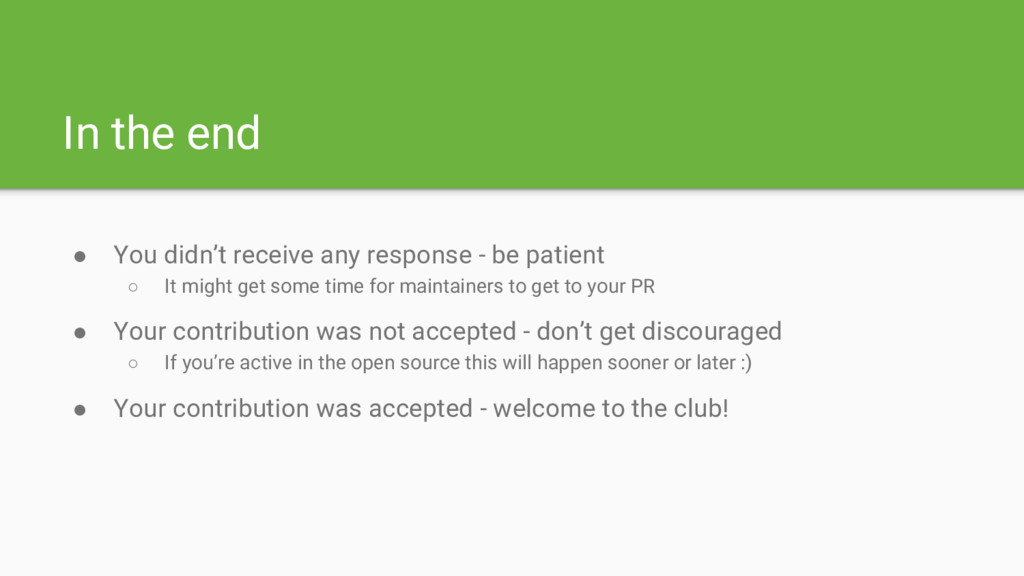
In the end • You didn’t receive any response -
be patient ◦ It might get some time for maintainers to get to your PR • Your contribution was not accepted - don’t get discouraged ◦ If you’re active in the open source this will happen sooner or later :) • Your contribution was accepted - welcome to the club! -
Spring contributions • Spring and the entire ecosystem around it
wouldn’t be what it is today without contributors • Significant efforts have been made to make Spring projects contributor friendly