Upgrade to Pro — share decks privately, control downloads, hide ads and more …

Tech SEO Summit Hamburg - Caching as a Competit...

Tech SEO Summit Hamburg - Caching as a Competitive Advantage

My deck from the Tech SEO Summit in Hamburg 23/04/2026.

Caching is no longer just an engineering detail. In modern web architectures, it directly affects rendering, performance, crawl efficiency, SEO, infrastructure cost, and business outcomes. This talk breaks down core caching strategies, including build-time caching, TTLs, stale-while-revalidate, and on-demand invalidation, and shows how SEOs can audit cache behaviour, identify rendering issues, and make a stronger business case for caching work. 

Avatar for Will Kennard

Will Kennard

April 24, 2026

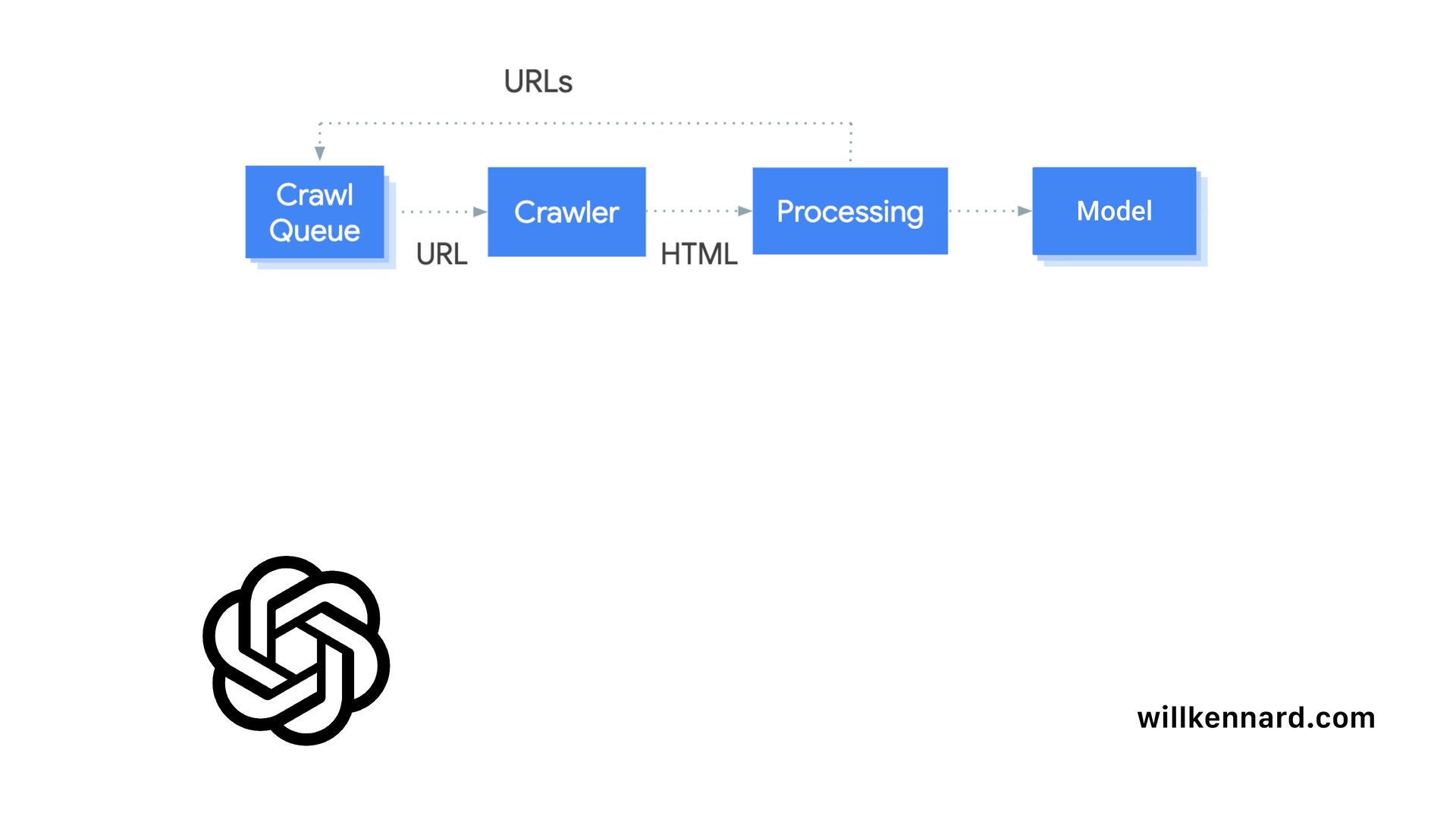
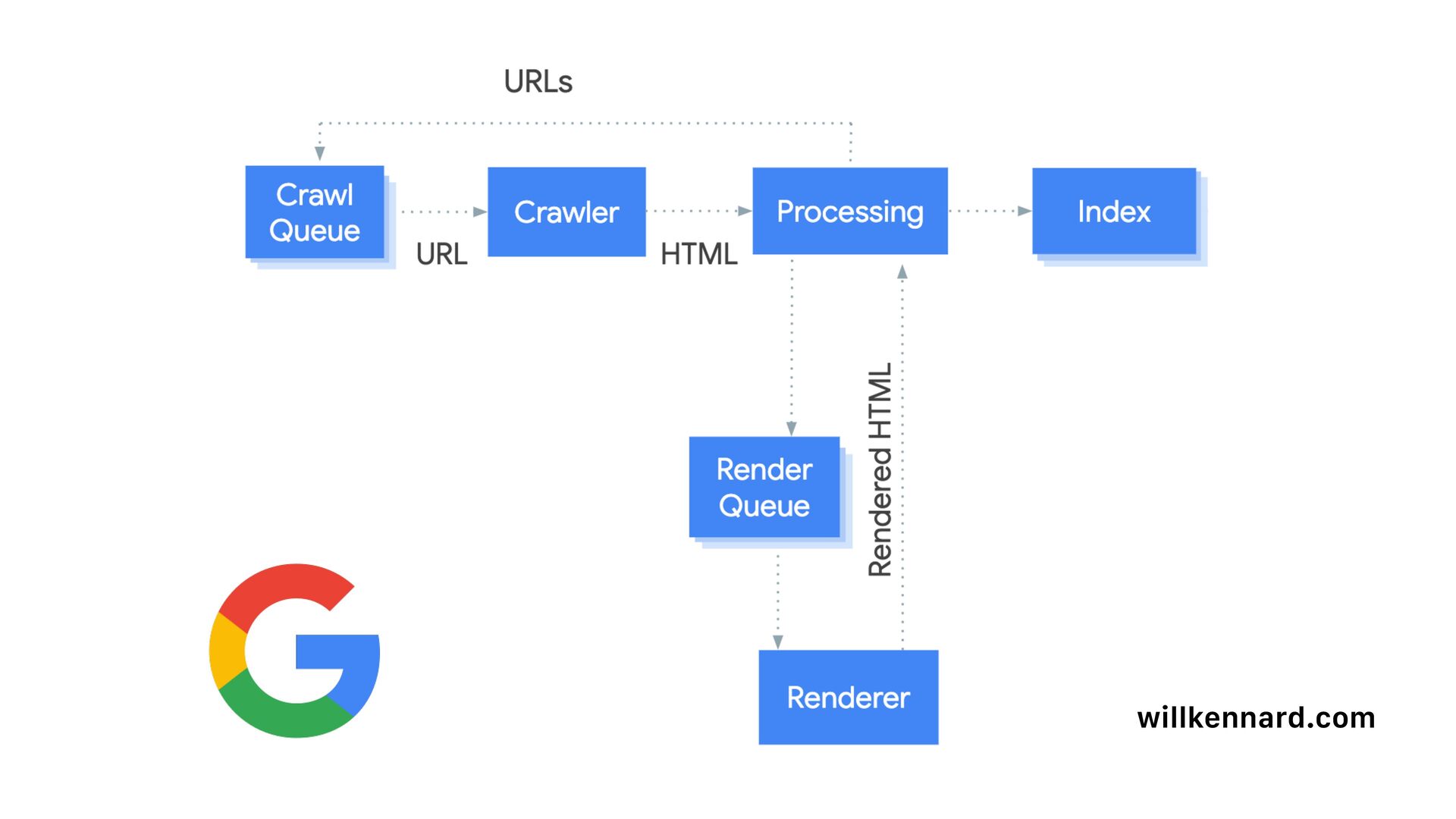
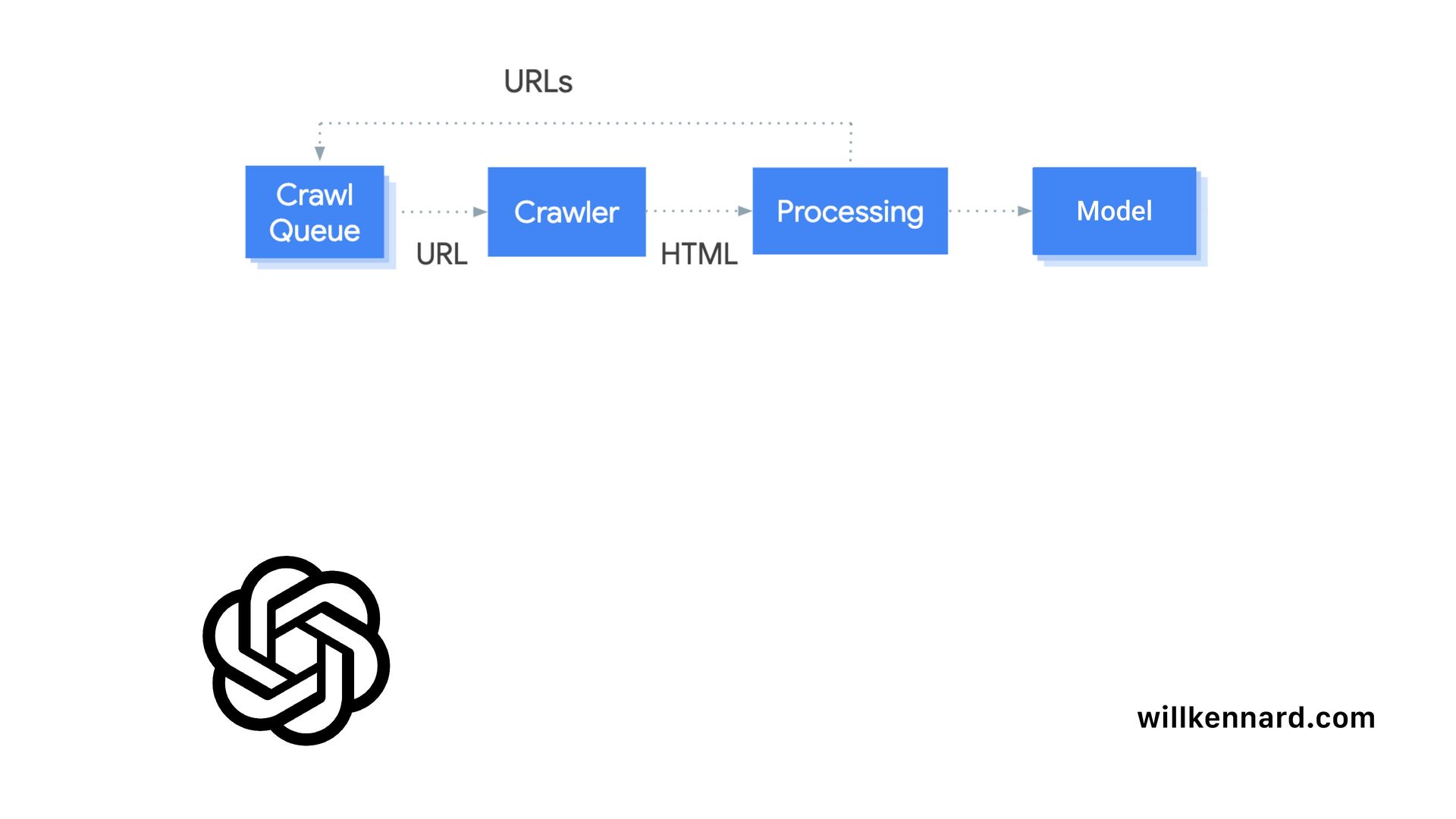
Other Decks in Marketing & SEO

Transcript

  1. Caching as a Competitive Advantage Rendering, Performance & SEO in

    Modern Web Architectures Will Kennard SEO Consultant linkedin.com/in/willkennard @willkennard
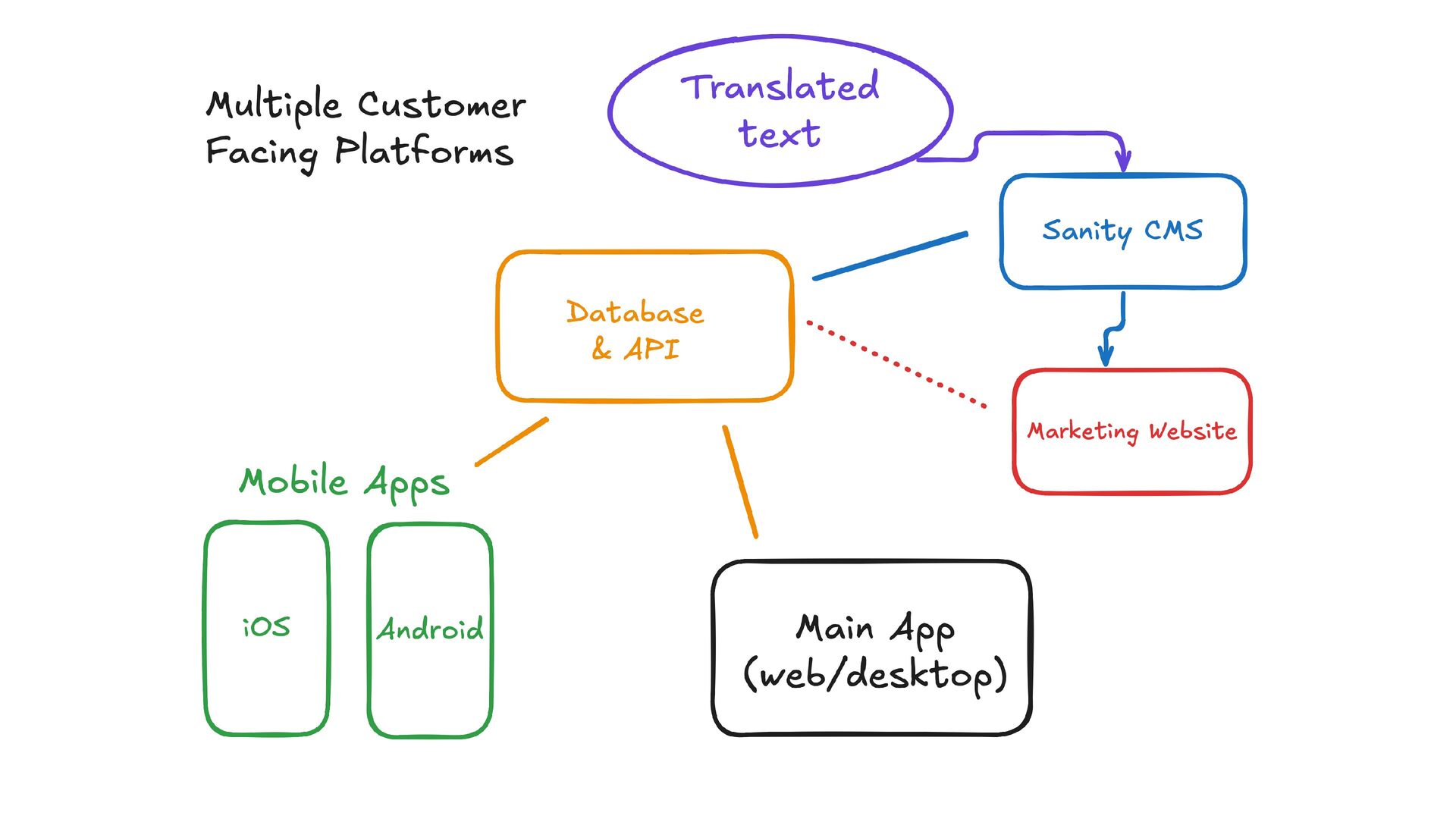
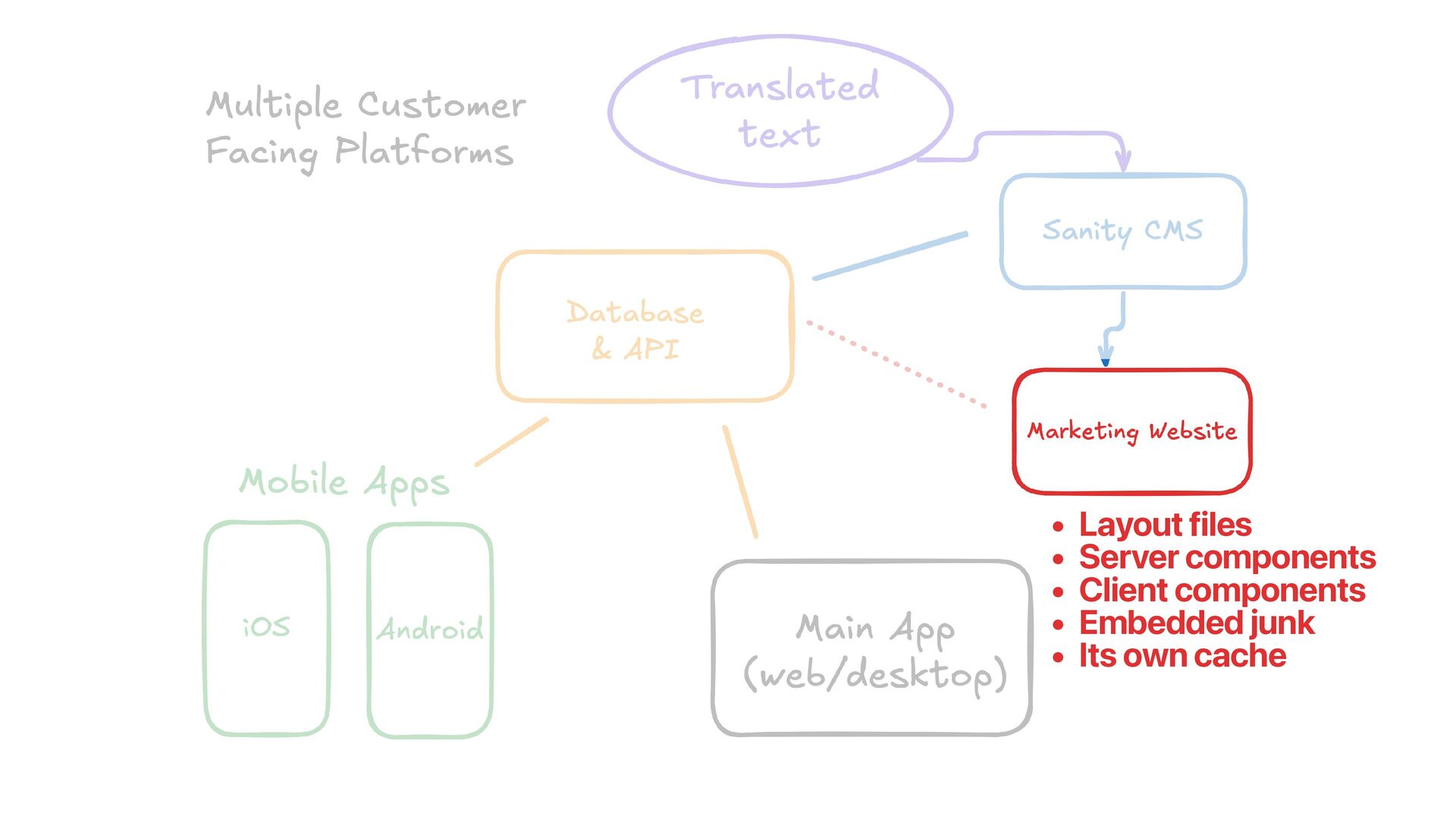
  2. 1: Modern Web Architecture willkennard.com 2: Core Caching Strategies 4:

    Making the Business Case for Caching 3: Measuring Impact & Identifying SEO Issues Coming Up
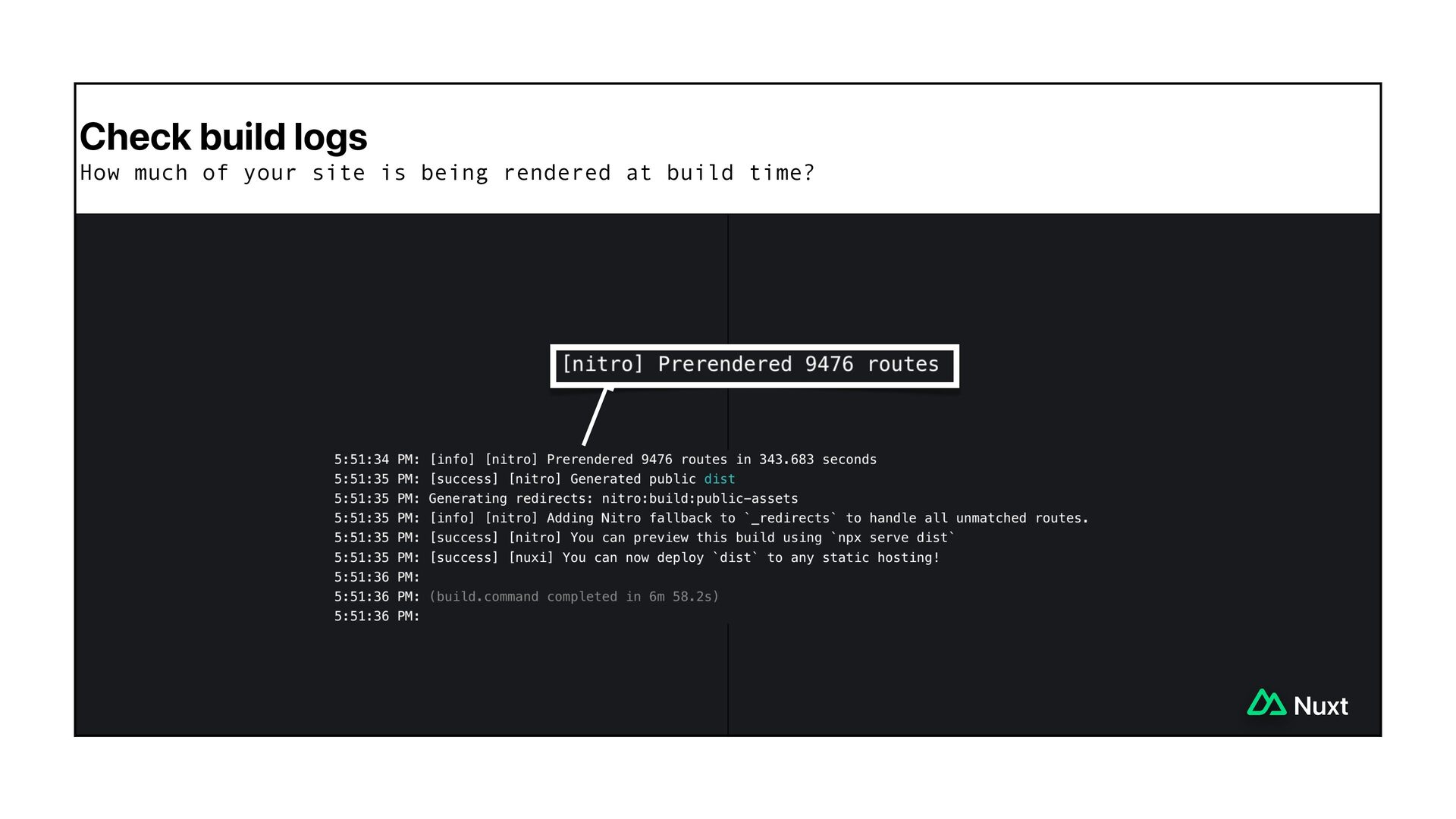
  3. The process of storing a temporary copy of frequently used

    data so that future requests can be served instantly. willkennard.com
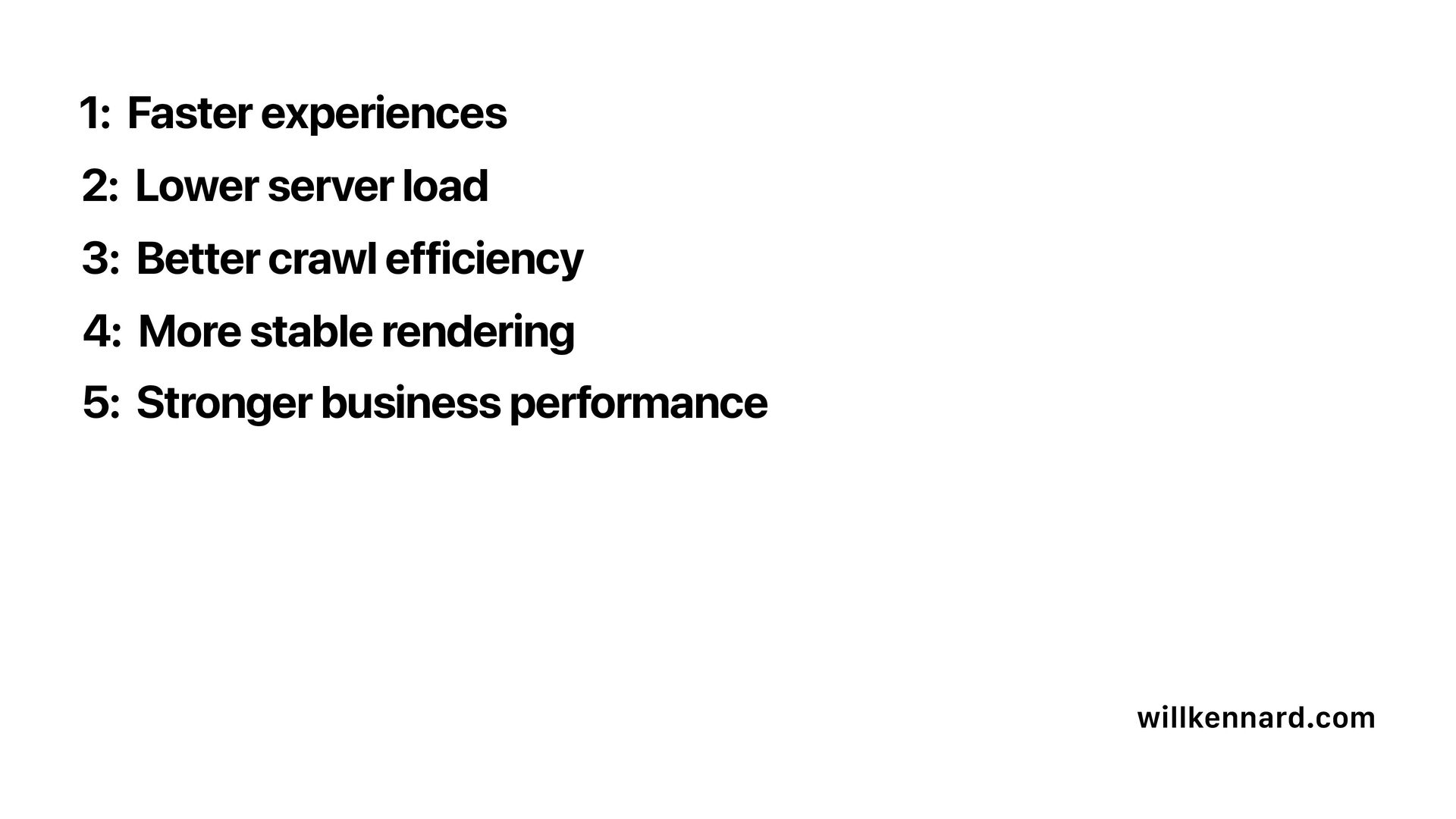
  4. 1: Faster experiences willkennard.com 2: Lower server load 3: Better

    crawl efficiency 5: Stronger business performance 4: More stable rendering
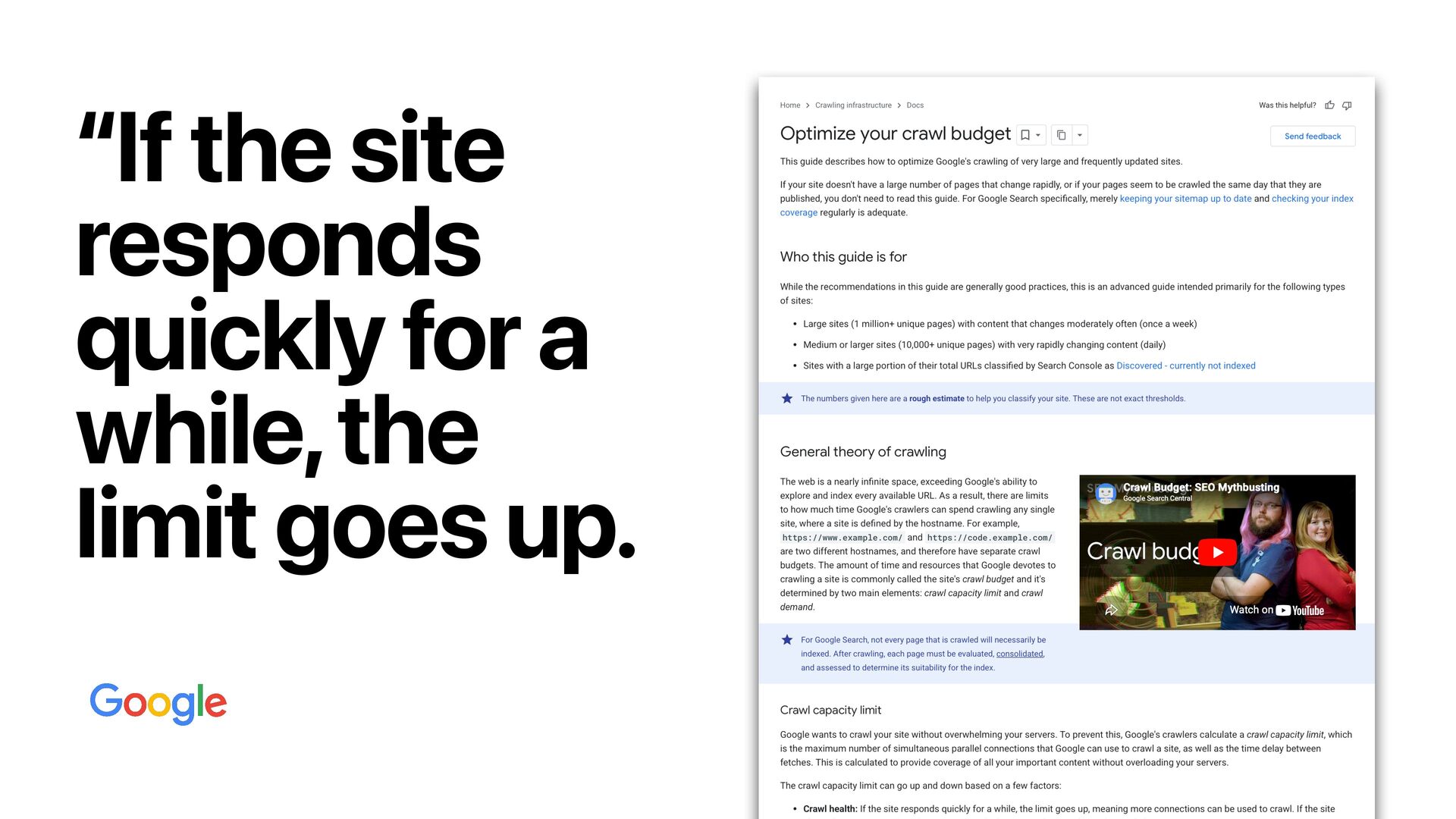
  5. “ We want you to think about caching at every
    possible layer. - Tim Neutkens, Next.js
  6. The amount of applications out there is growing. Technical SEOs

    are going to need to fix them. willkennard.com
  7. Generally, it ’ s probably a good idea to build

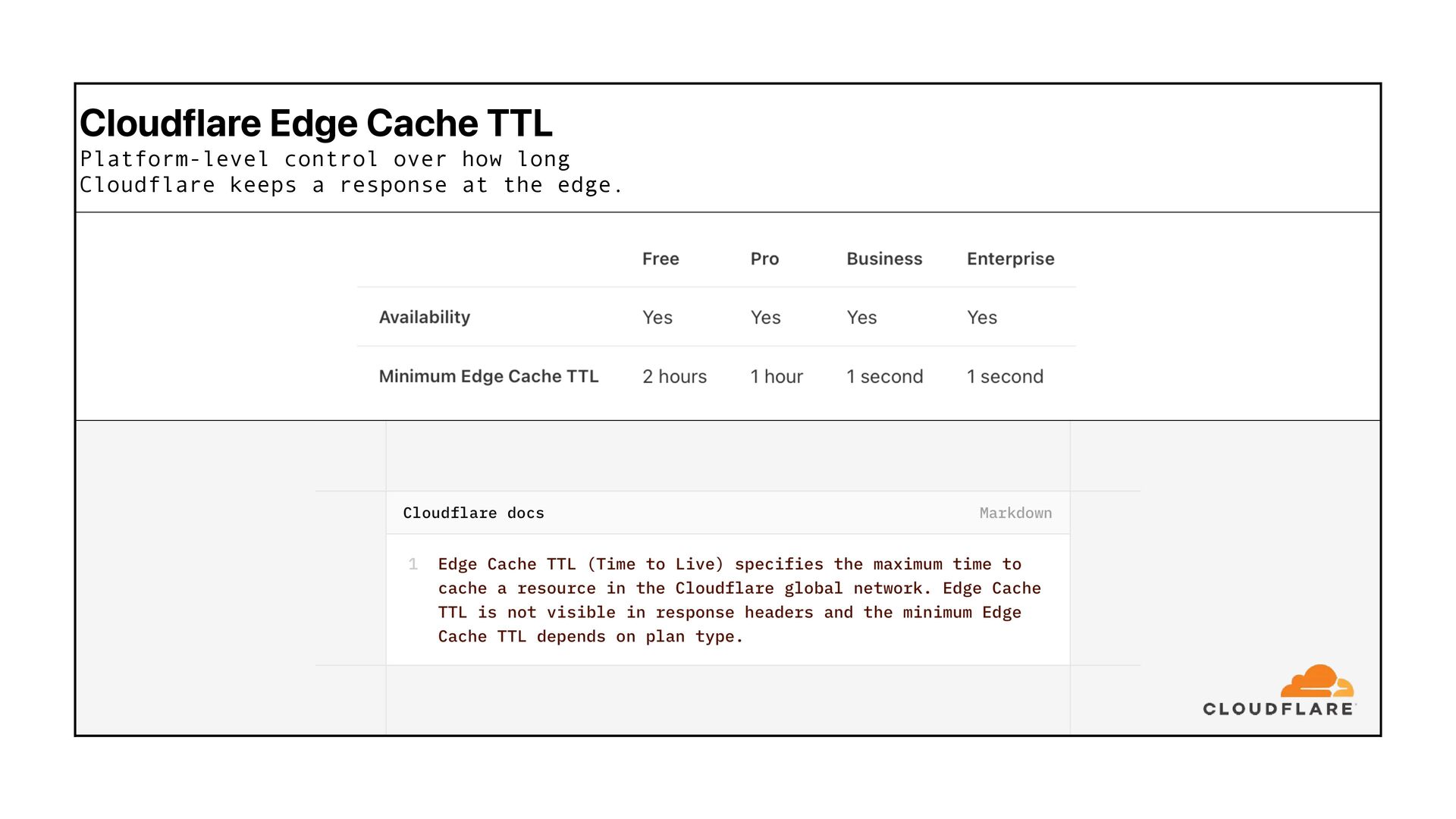
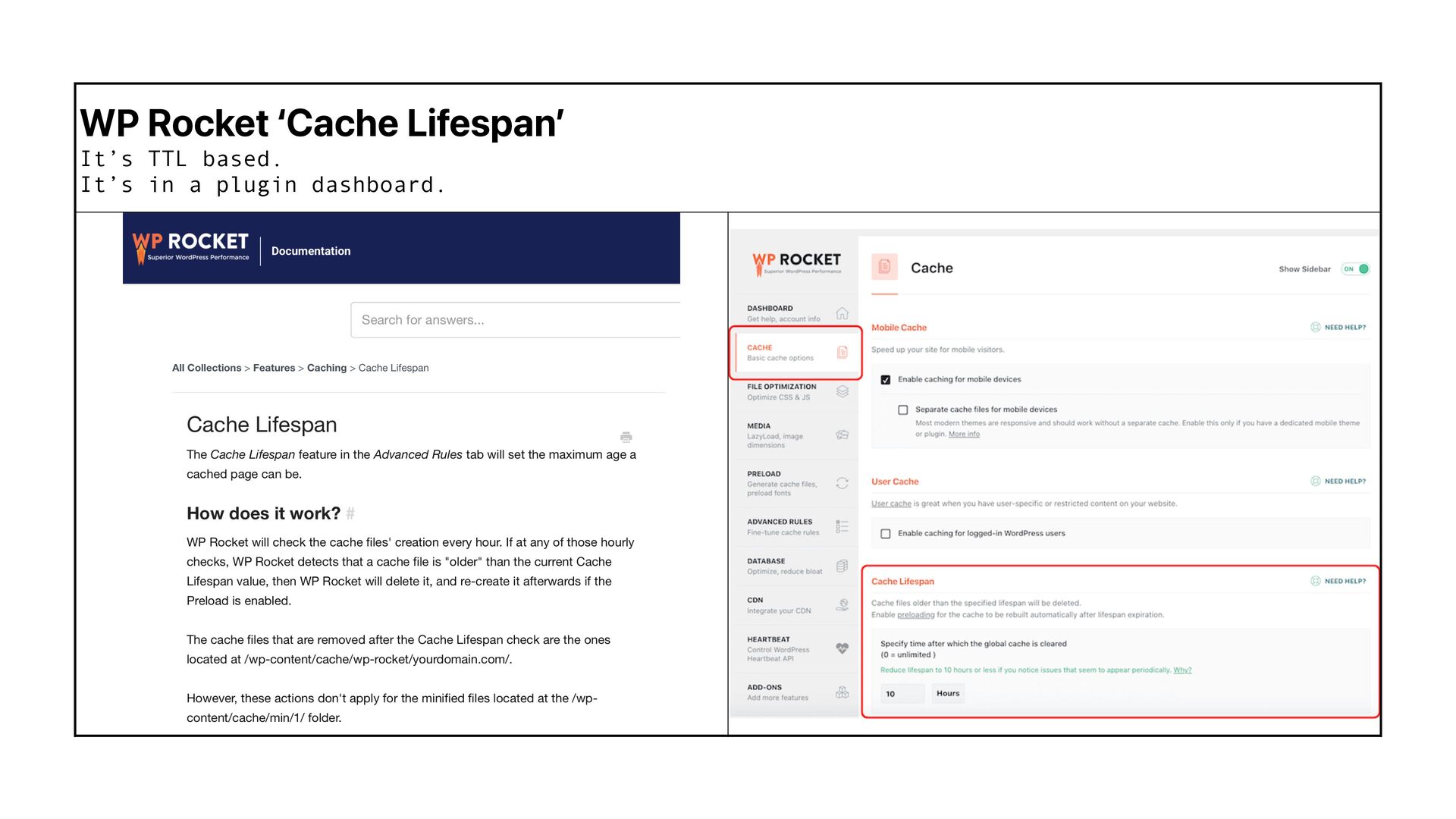
    first, then add caching later - optimising as you build. willkennard.com
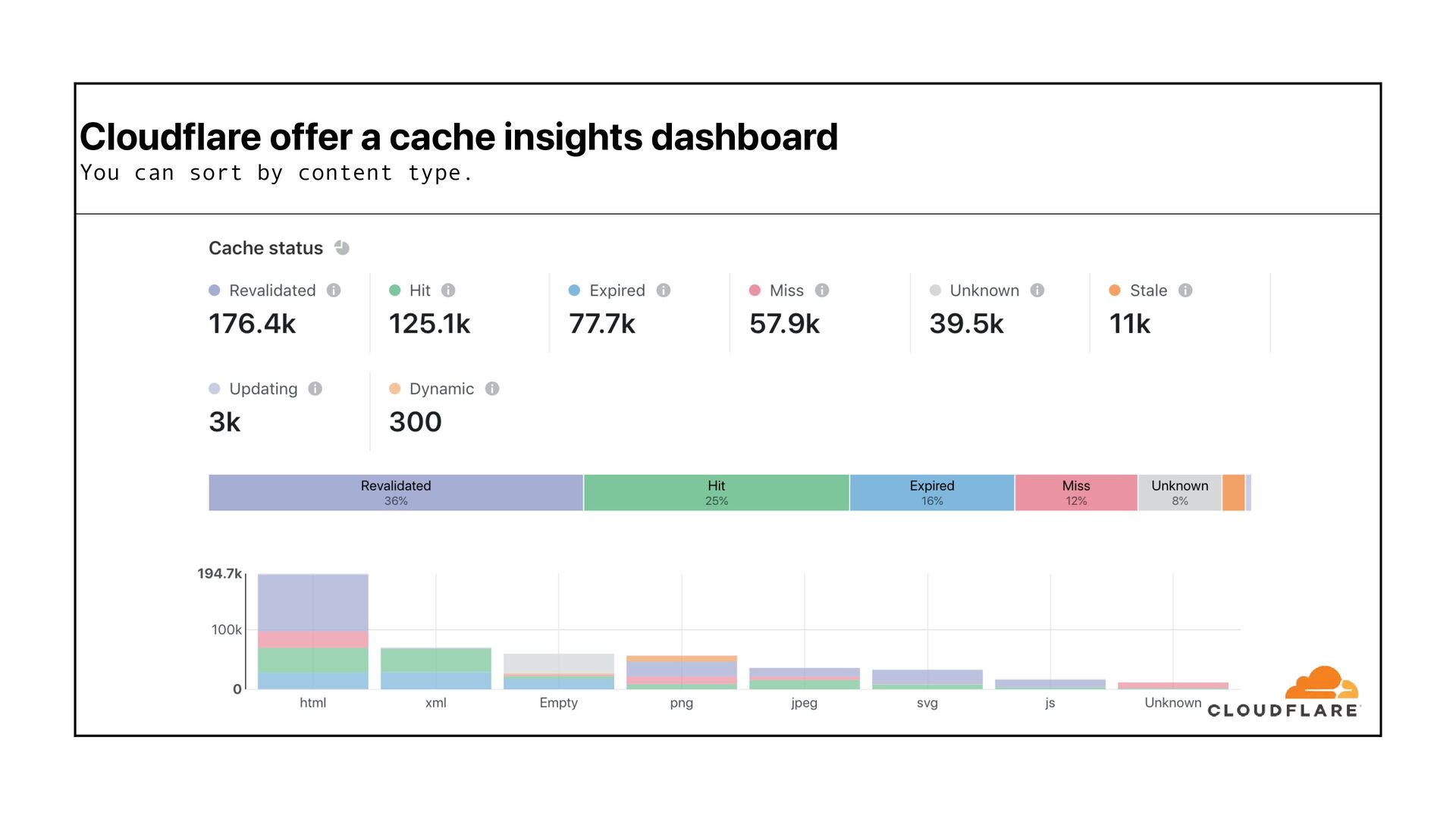
  8. “ The results consistently show that none of the major

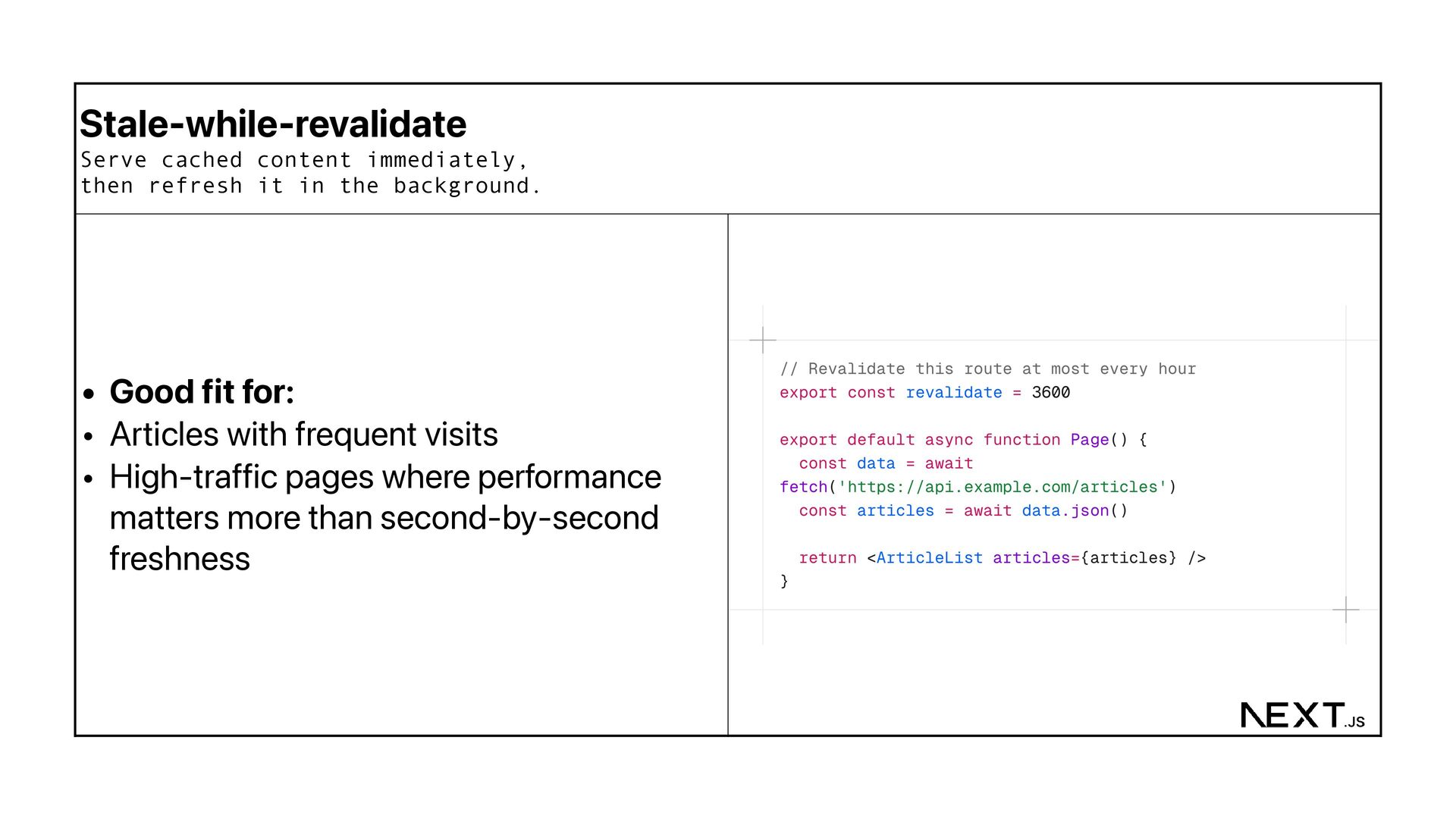
    AI crawlers currently render JavaScript. willkennard.com
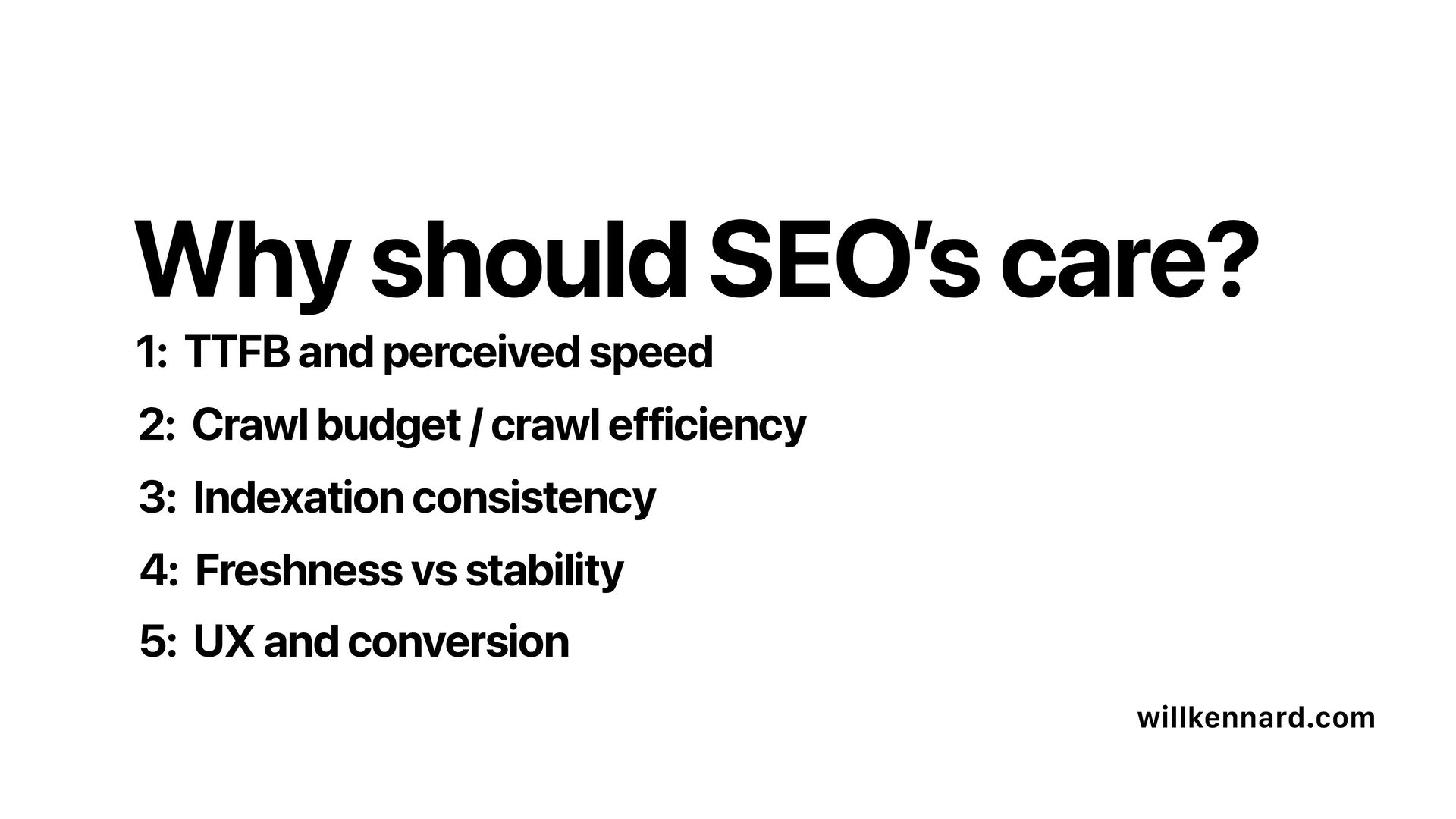
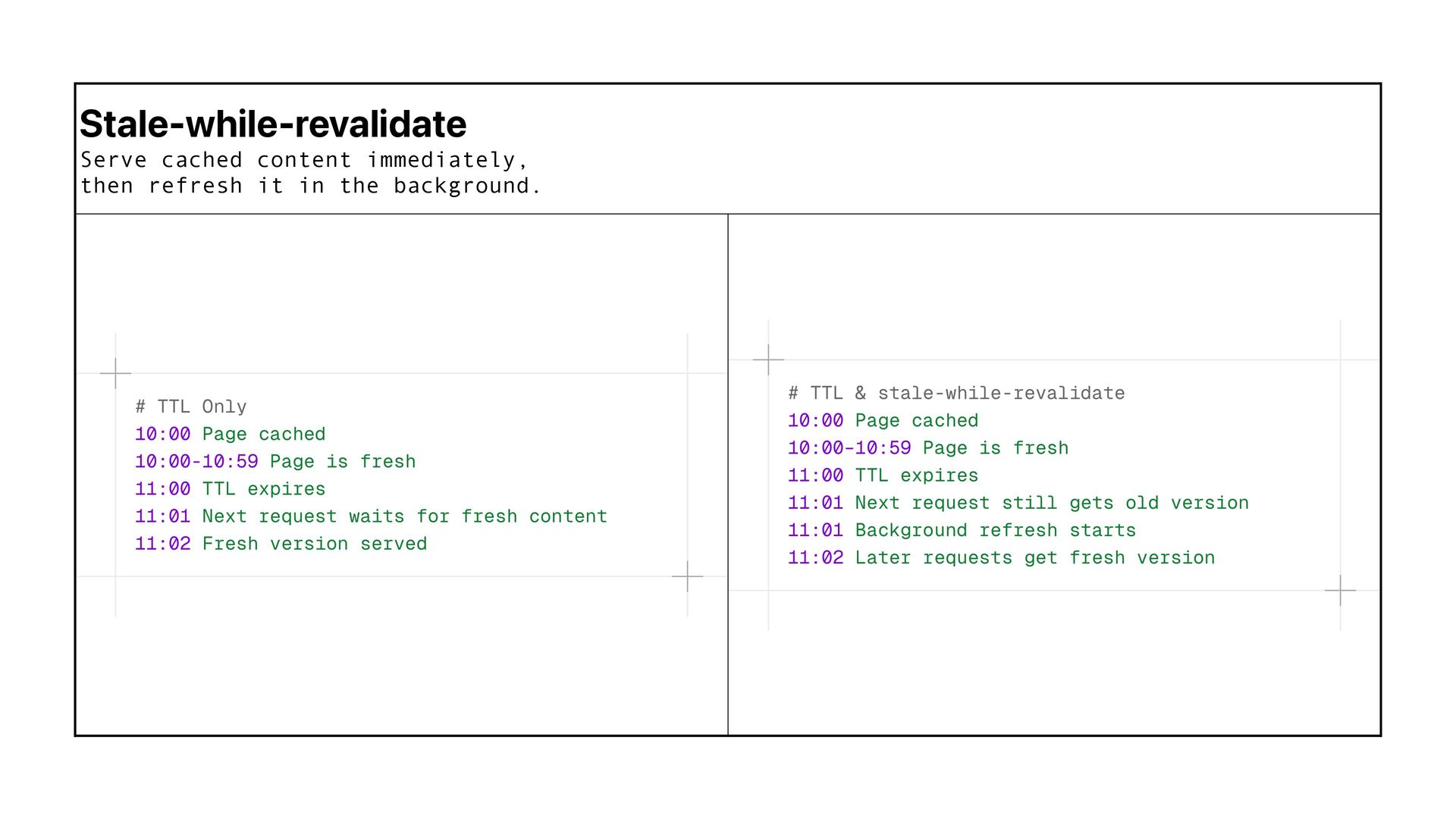
  9. 1: TTFB and perceived speed willkennard.com 2: Crawl budget /

    crawl efficiency 3: Indexation consistency 5: UX and conversion 4: Freshness vs stability Why should SEO ’ s care?
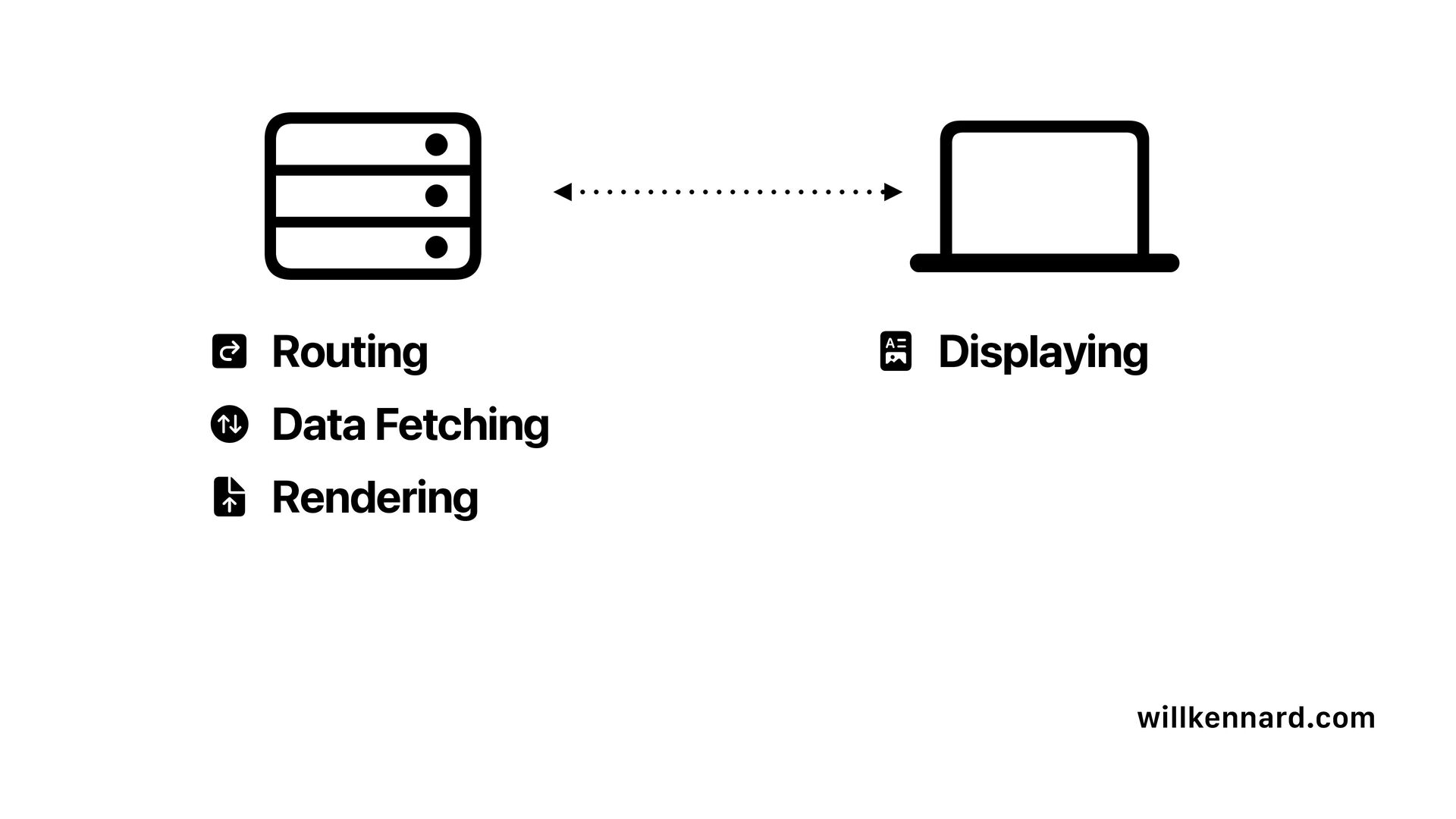
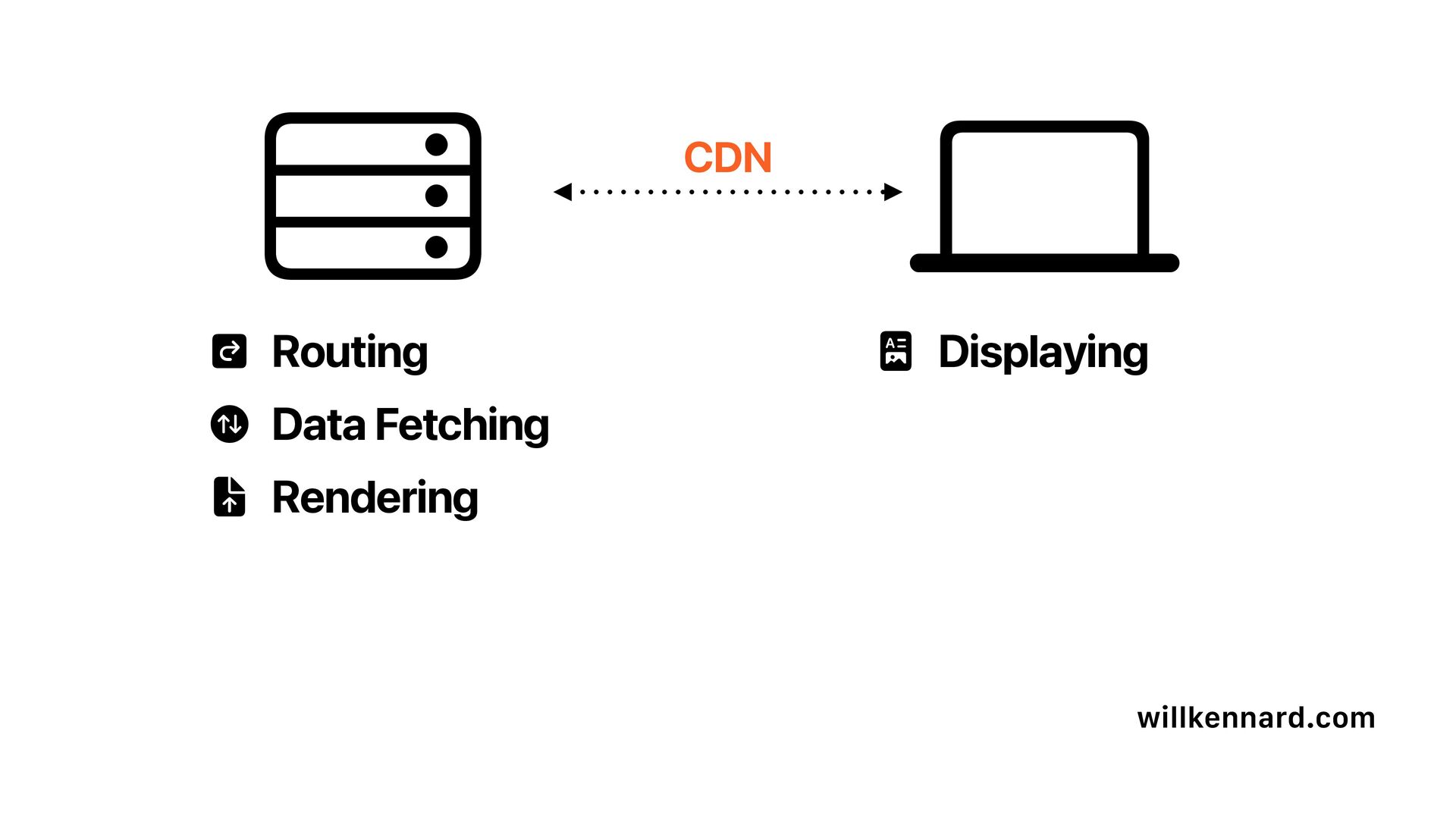
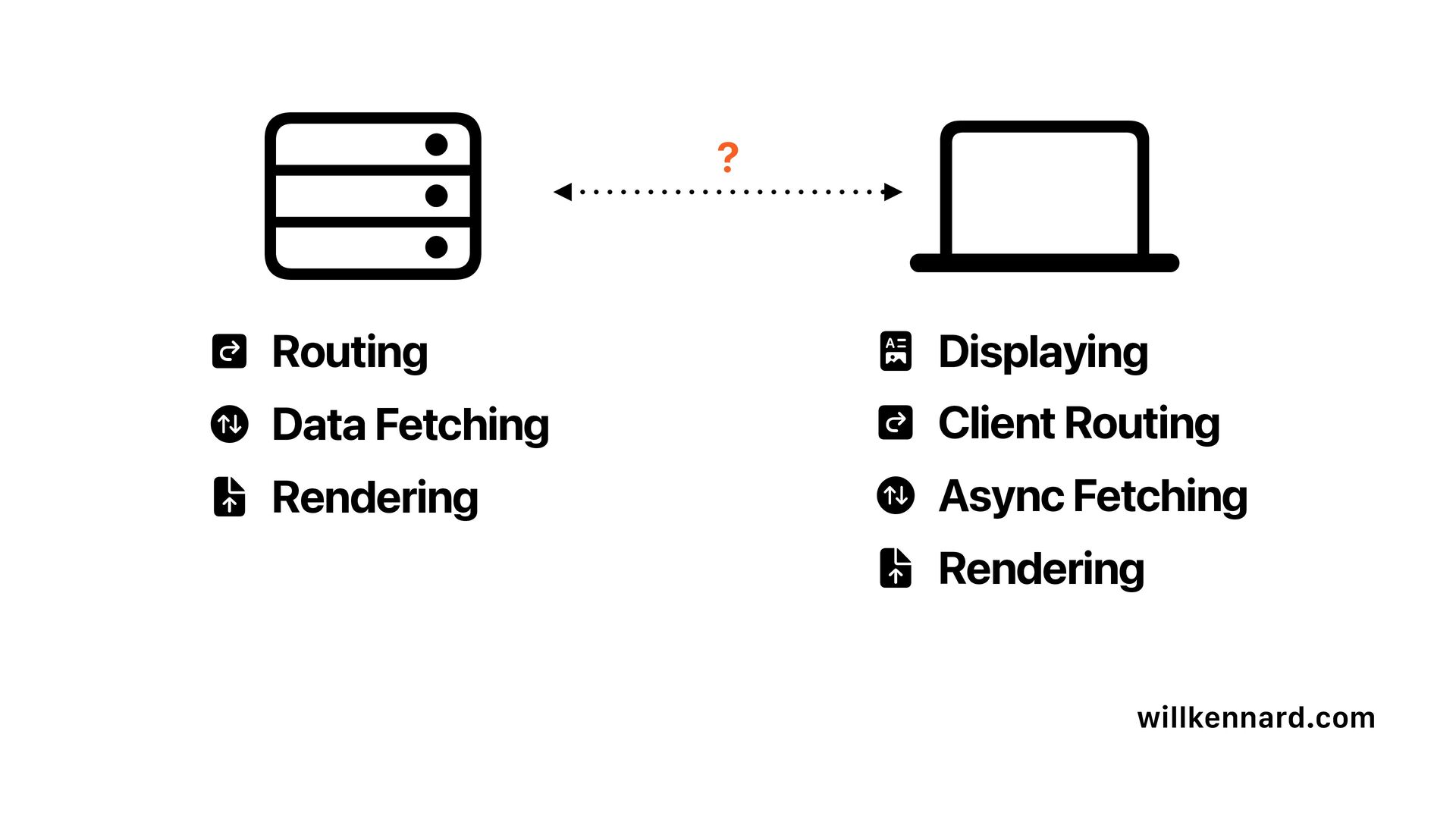
  10. willkennard.com 􀪬 􀈼 􀁿 􀱗 Routing Data Fetching Rendering 􀦊

    􀟛 􀈼 􀁿 􀱗 Client Routing Async Fetching Rendering Displaying ?
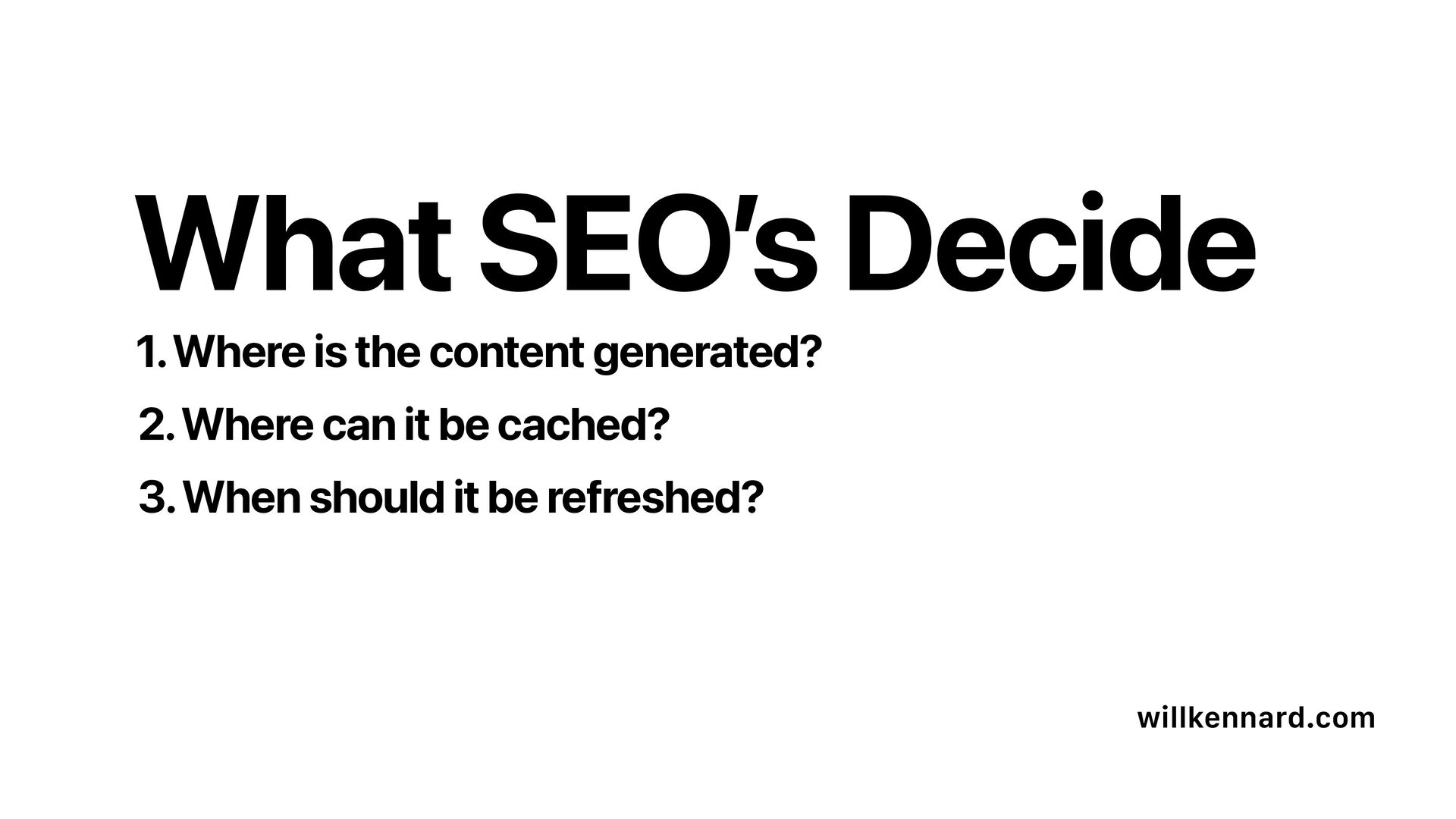
  11. 1. Where is the content generated? willkennard.com 2. Where can

    it be cached? 3. When should it be refreshed? What SEO ’ s Decide
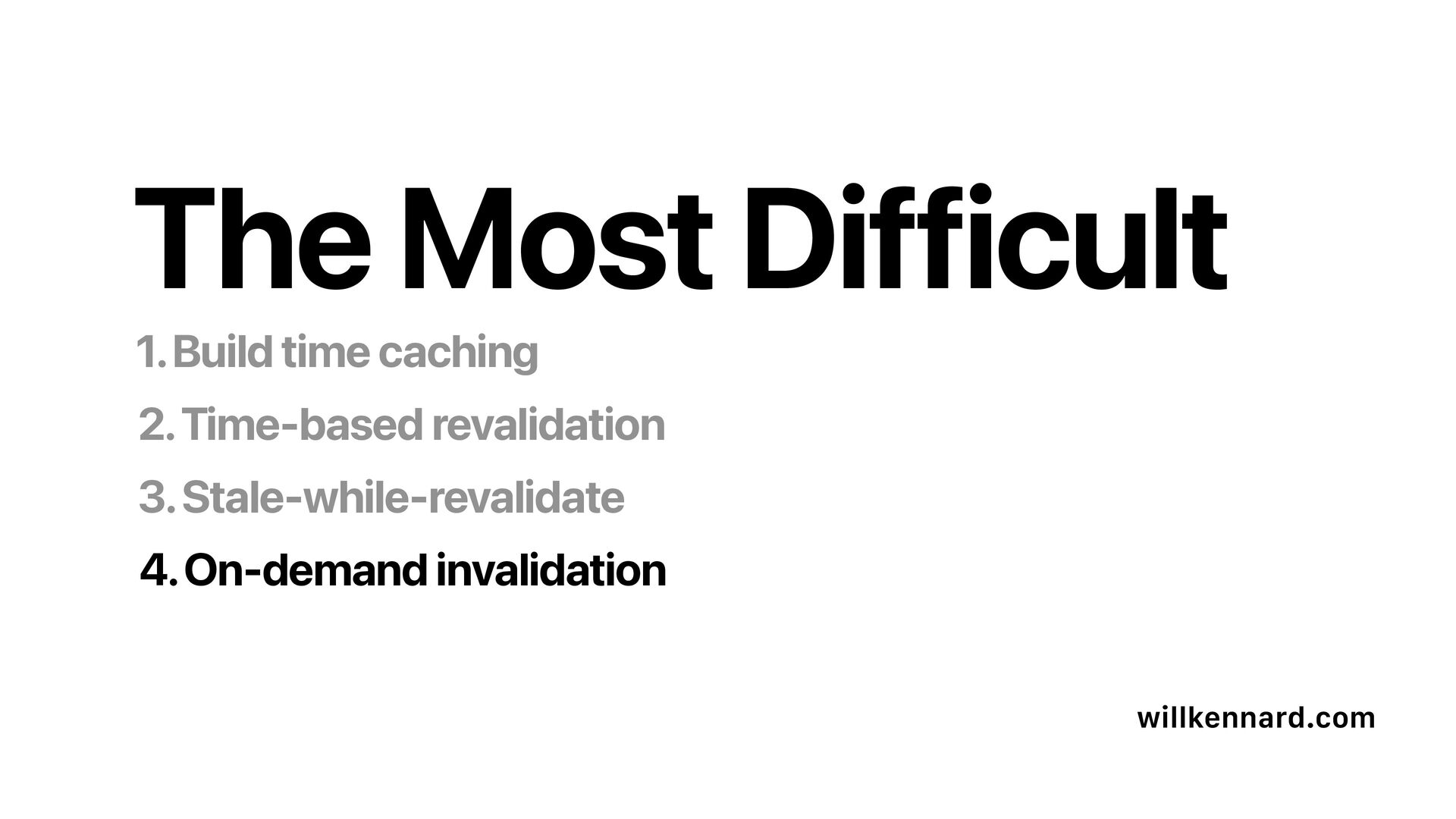
  12. “ There are only two hard things in Computer Science:

    cache invalidation and naming things. - Phil Karlton
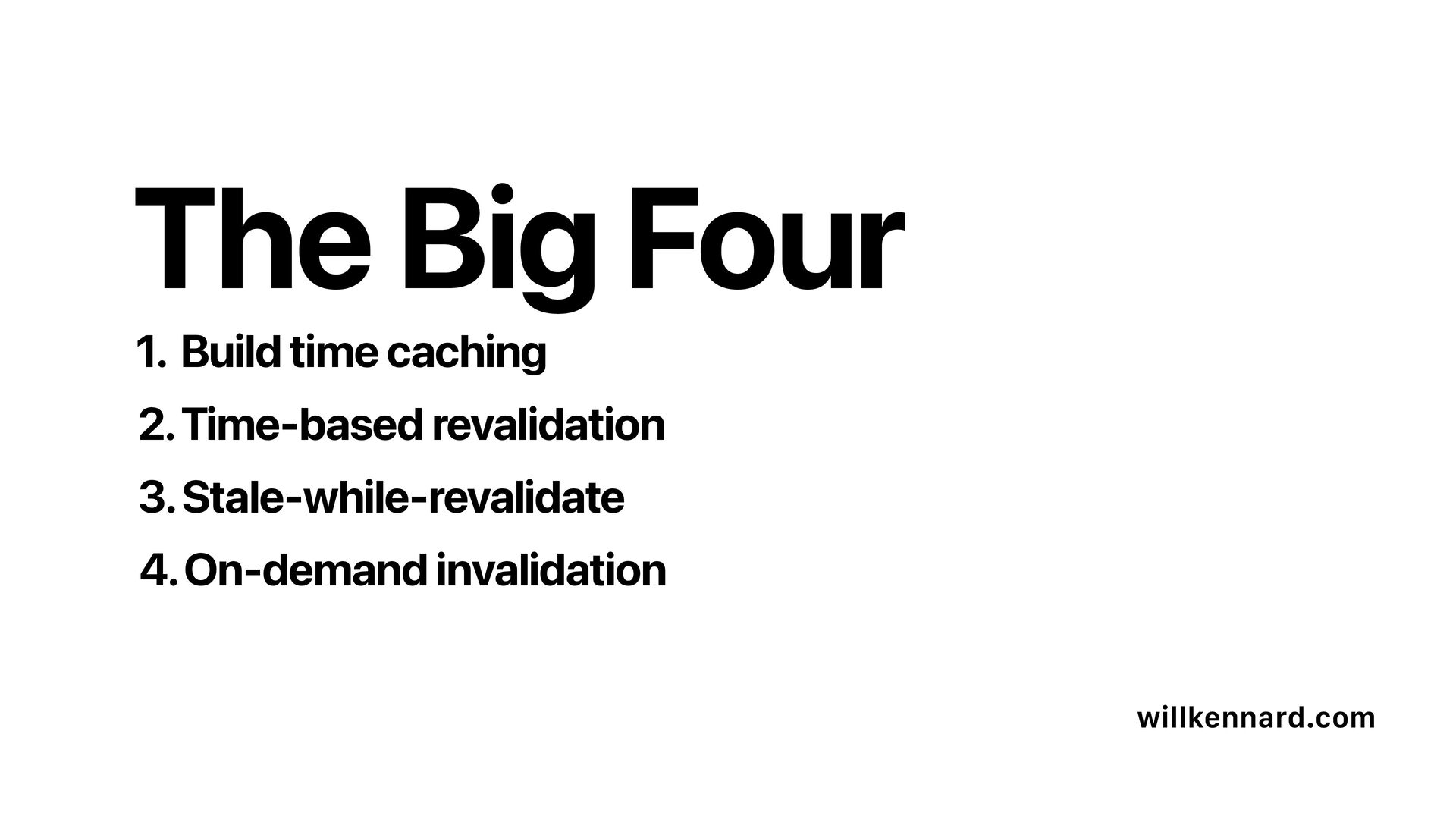
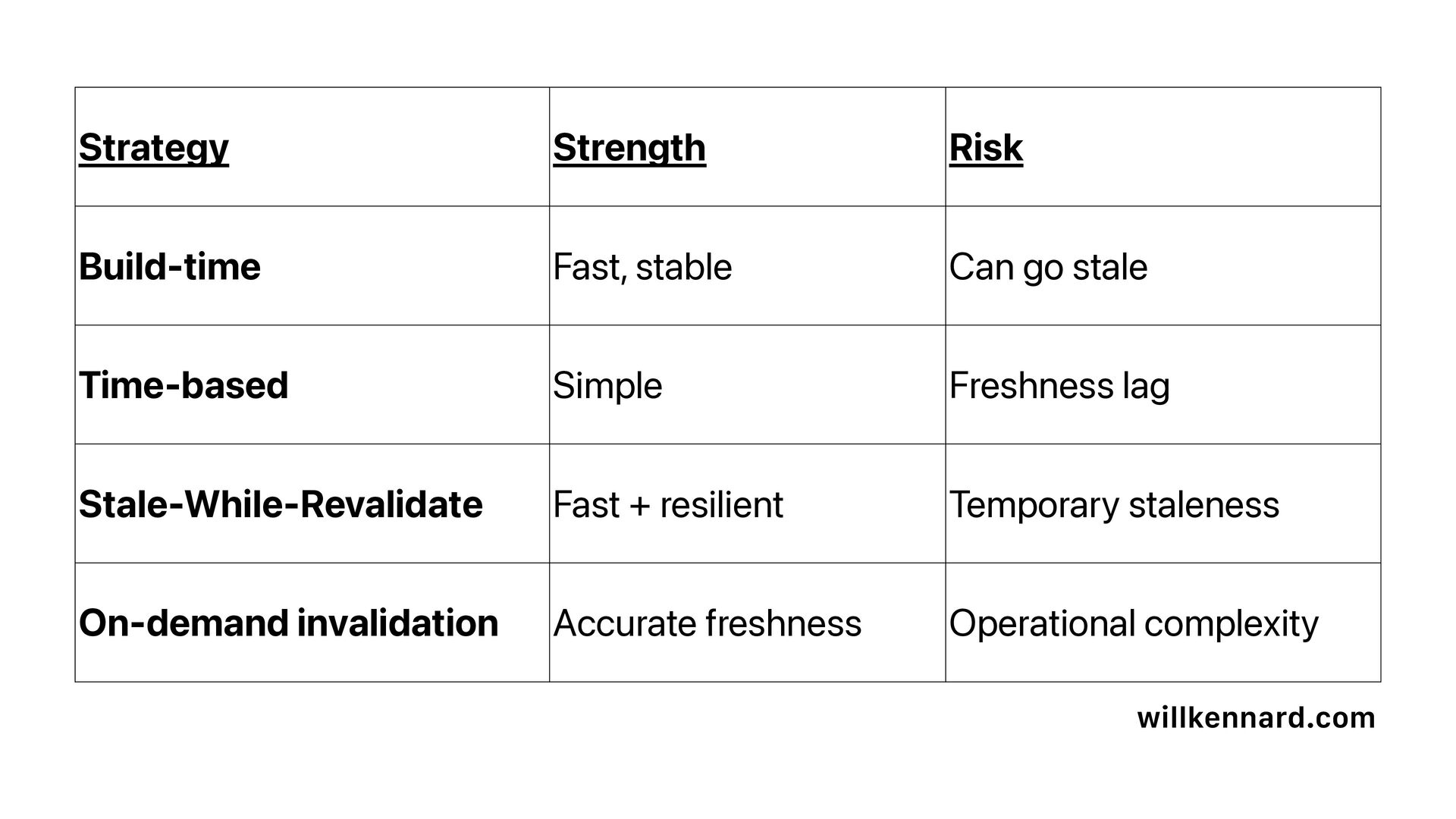
  13. willkennard.com Strategy Strength Risk Build-time Fast, stable Can go stale

    Time-based Simple Freshness lag Stale-While-Revalidate Fast + resilient Temporary staleness On-demand invalidation Accurate freshness Operational complexity
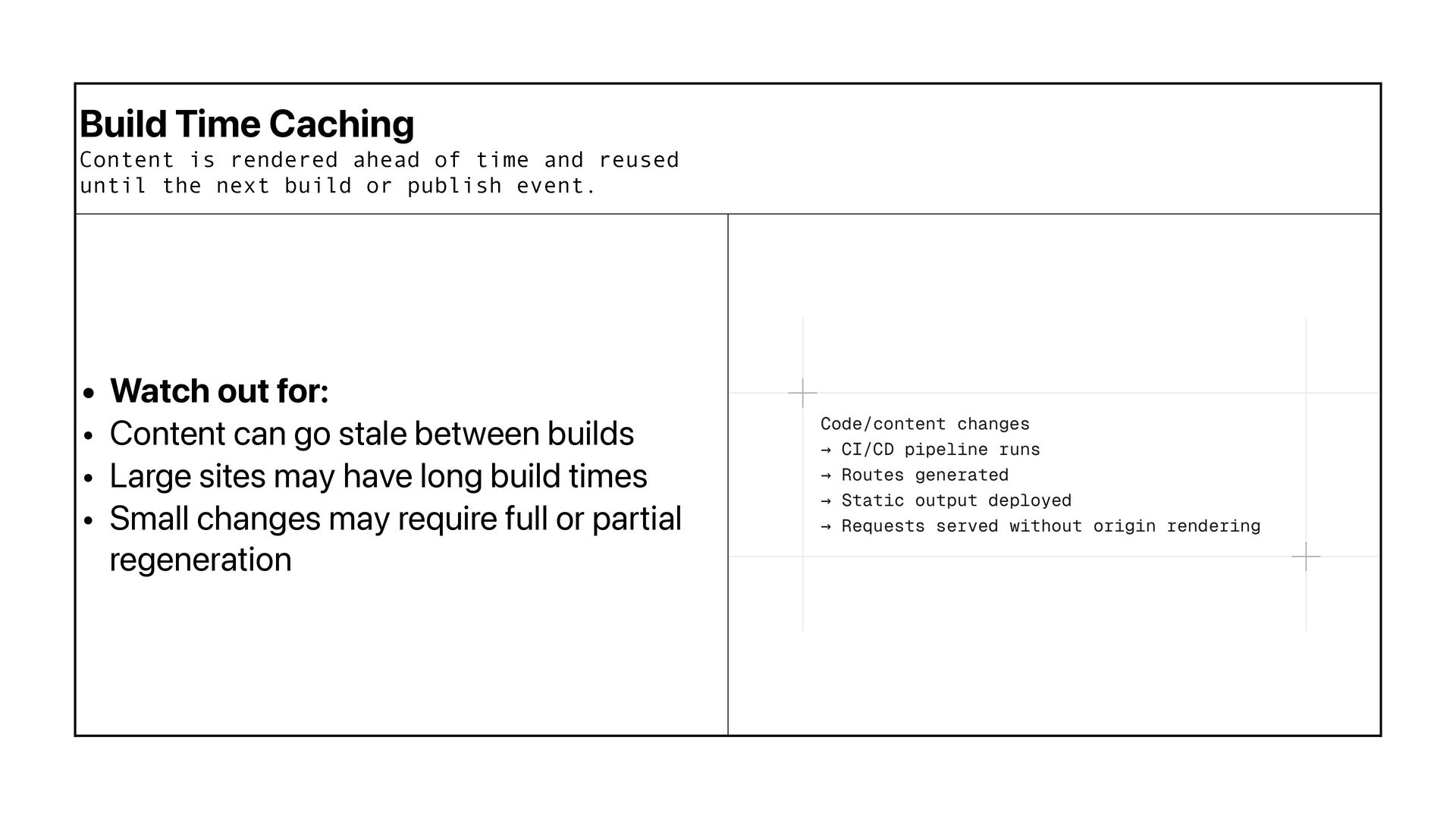
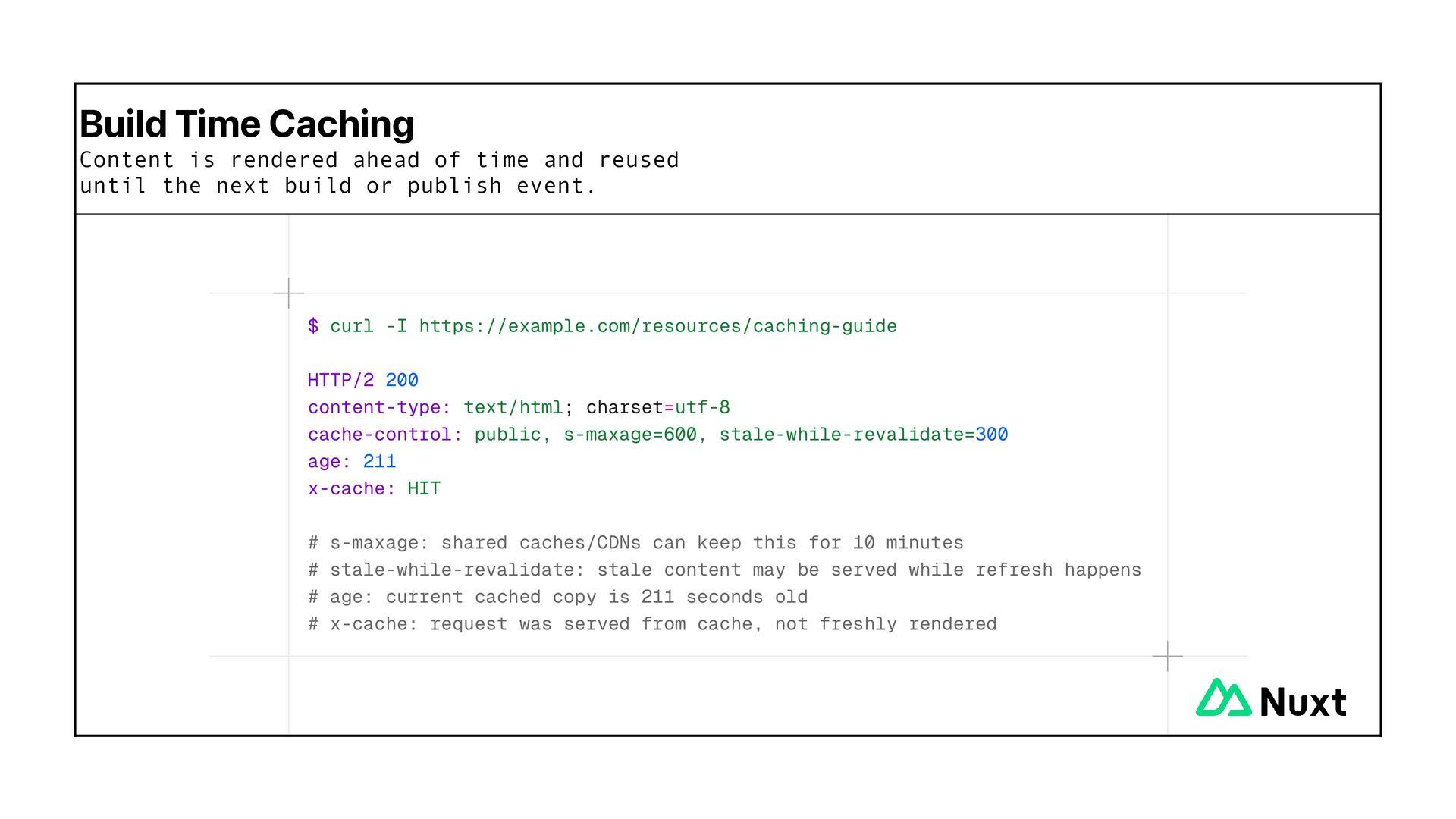
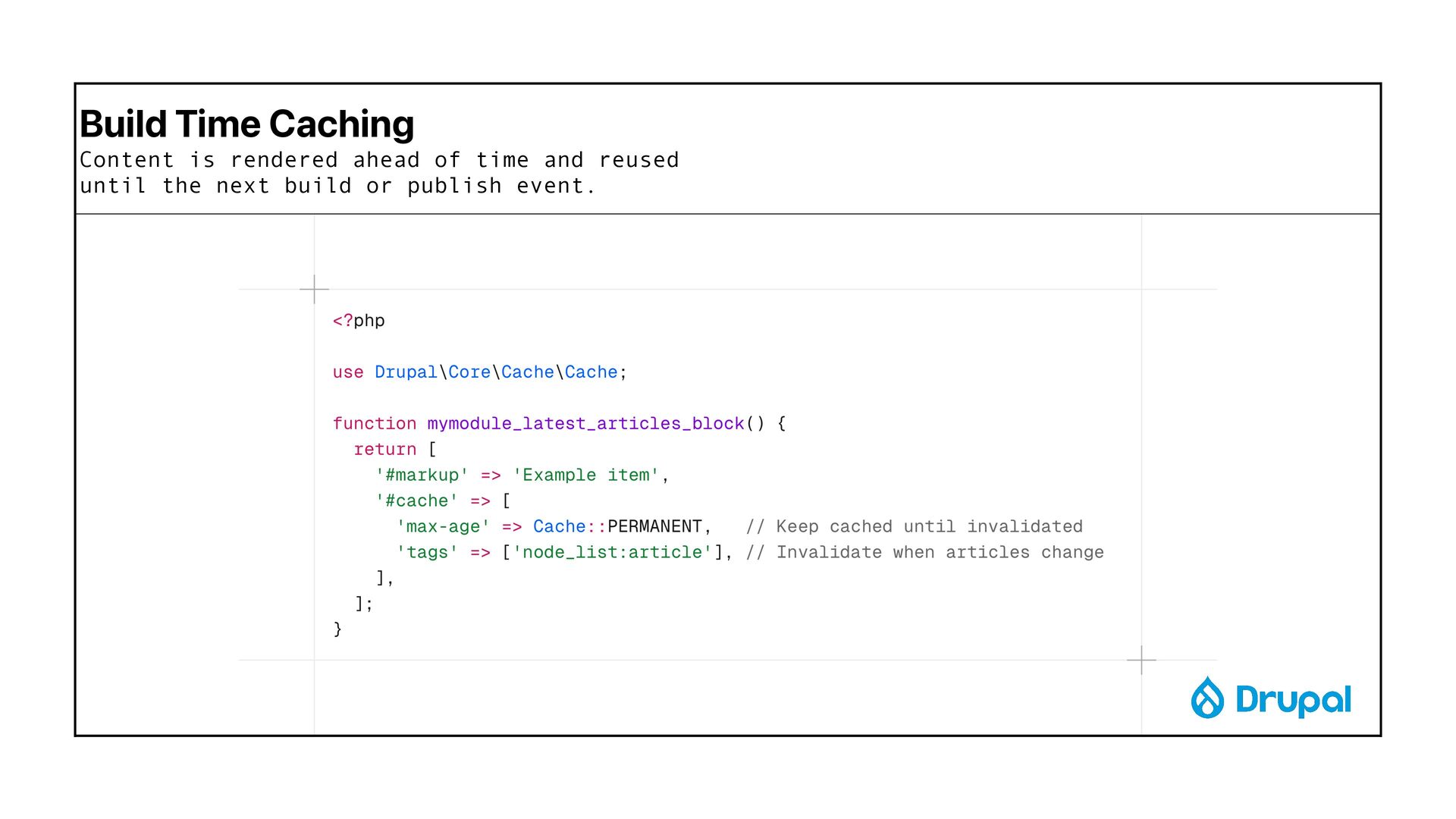
  14. Build Time Caching Content is rendered ahead of time and

    reused until the next build or publish event.
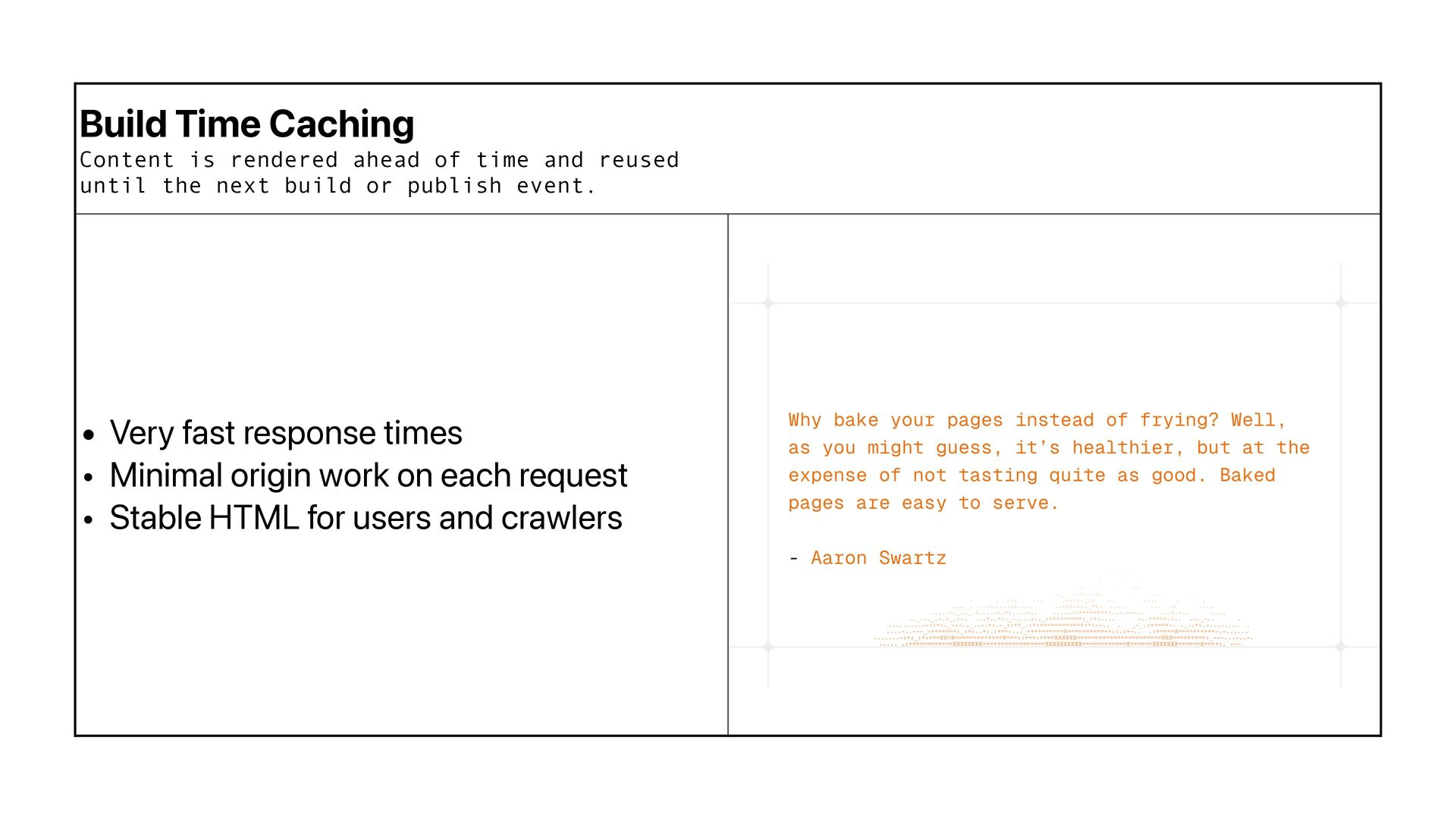
  15. Build Time Caching Content is rendered ahead of time and

    reused until the next build or publish event. • Very fast response times • Minimal origin work on each request • Stable HTML for users and crawlers
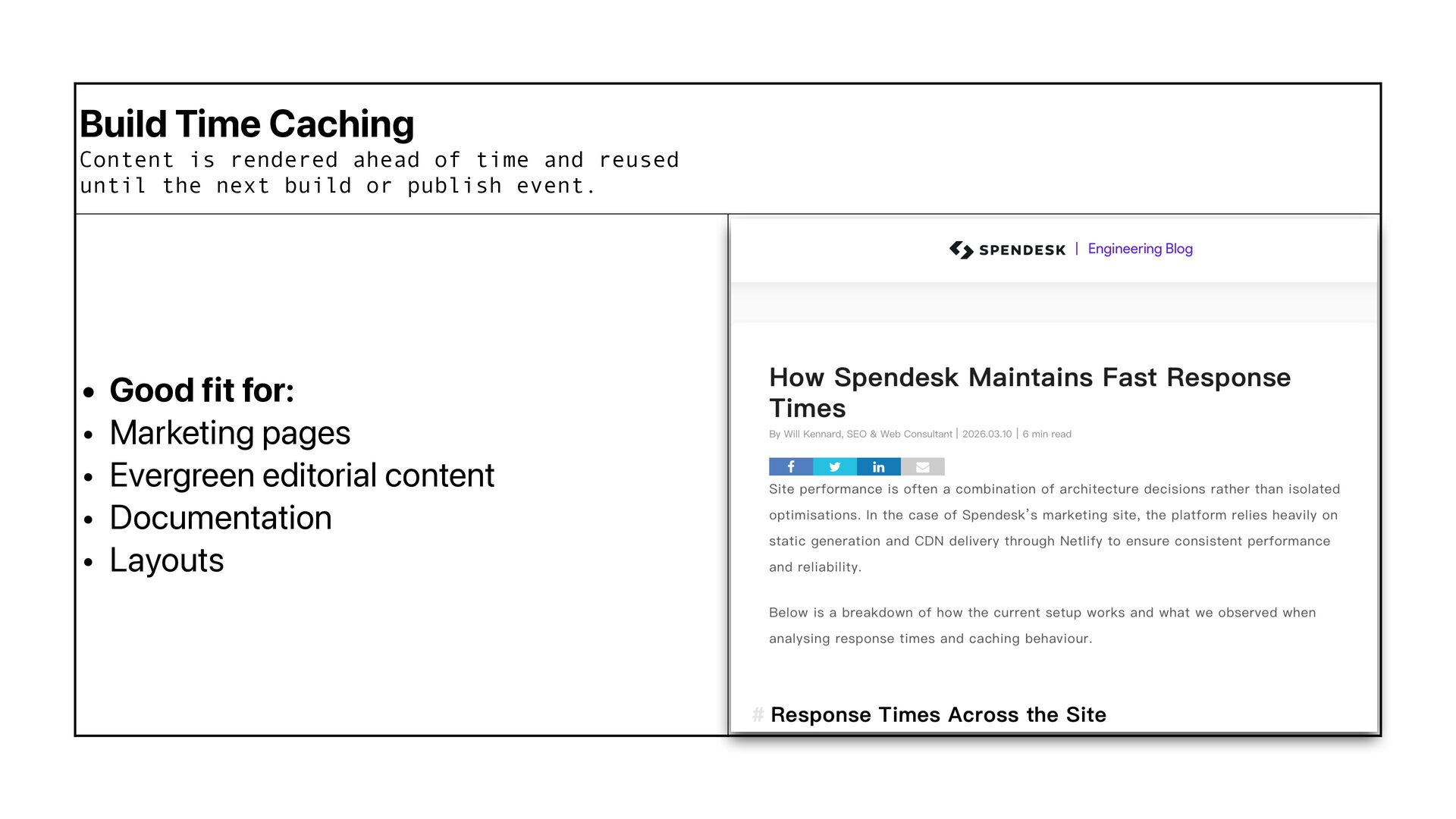
  16. Build Time Caching Content is rendered ahead of time and

    reused until the next build or publish event. • Good fit for: • Marketing pages • Evergreen editorial content • Documentation • Layouts
  17. Build Time Caching Content is rendered ahead of time and

    reused until the next build or publish event. • Watch out for: • Content can go stale between builds • Large sites may have long build times • Small changes may require full or partial regeneration
  18. Build Time Caching Content is rendered ahead of time and

    reused until the next build or publish event.
  19. Build Time Caching Content is rendered ahead of time and

    reused until the next build or publish event.
  20. TTL / expiry based Content is cached for a fixed

    period, then refreshed when that period ends.
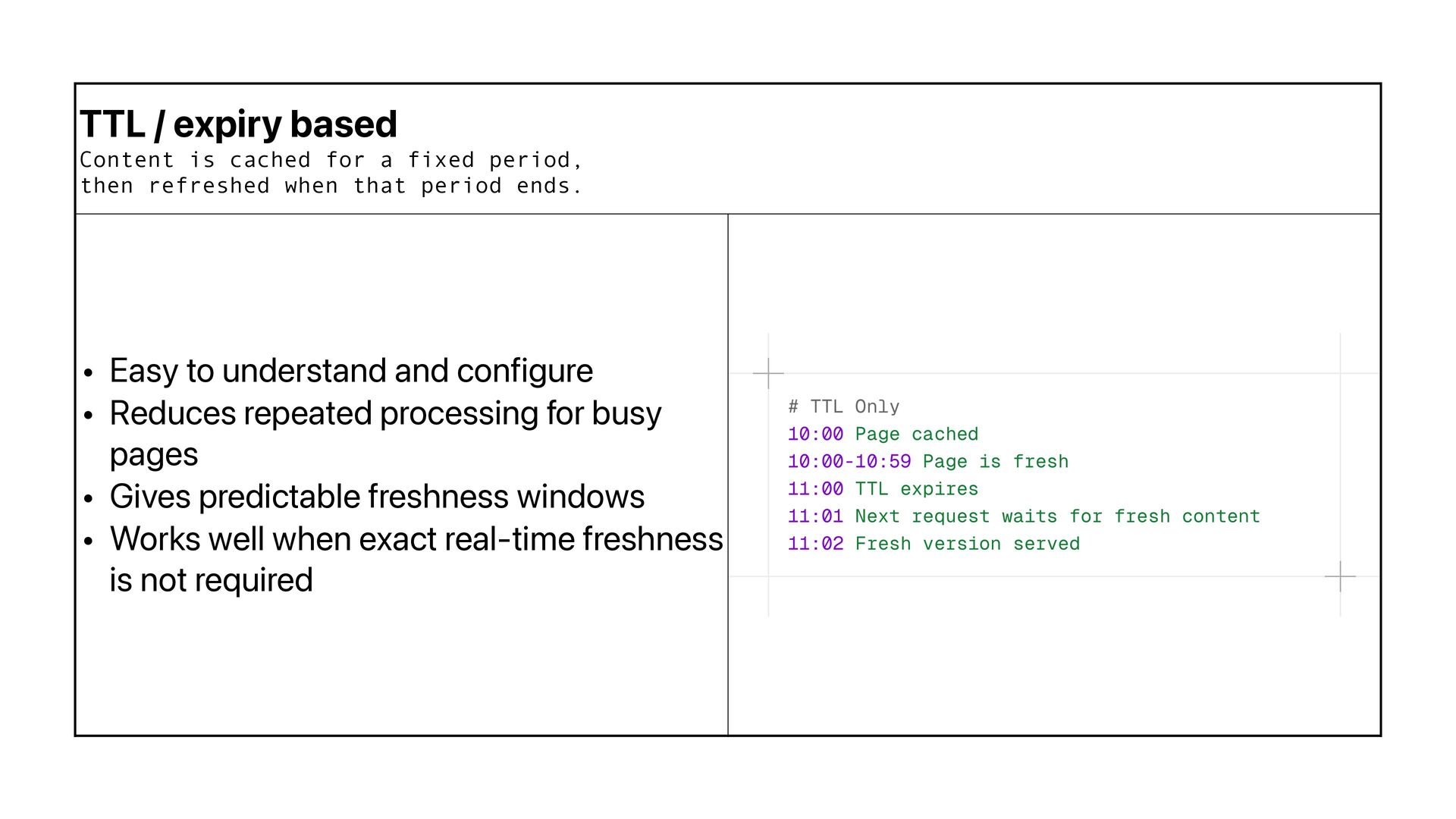
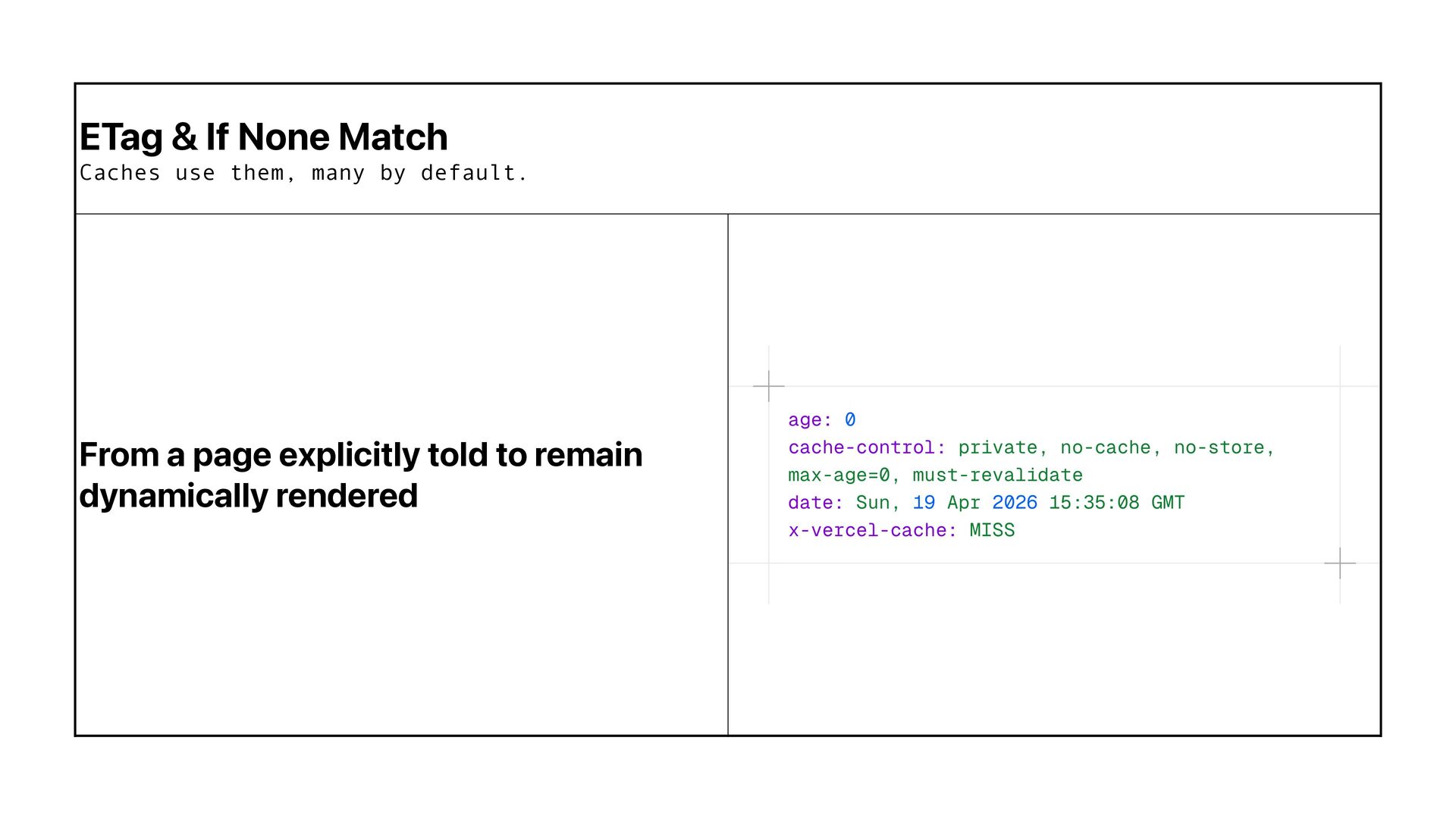
  21. TTL / expiry based Content is cached for a fixed

    period, then refreshed when that period ends. • Easy to understand and configure • Reduces repeated processing for busy pages • Gives predictable freshness windows • Works well when exact real-time freshness is not required
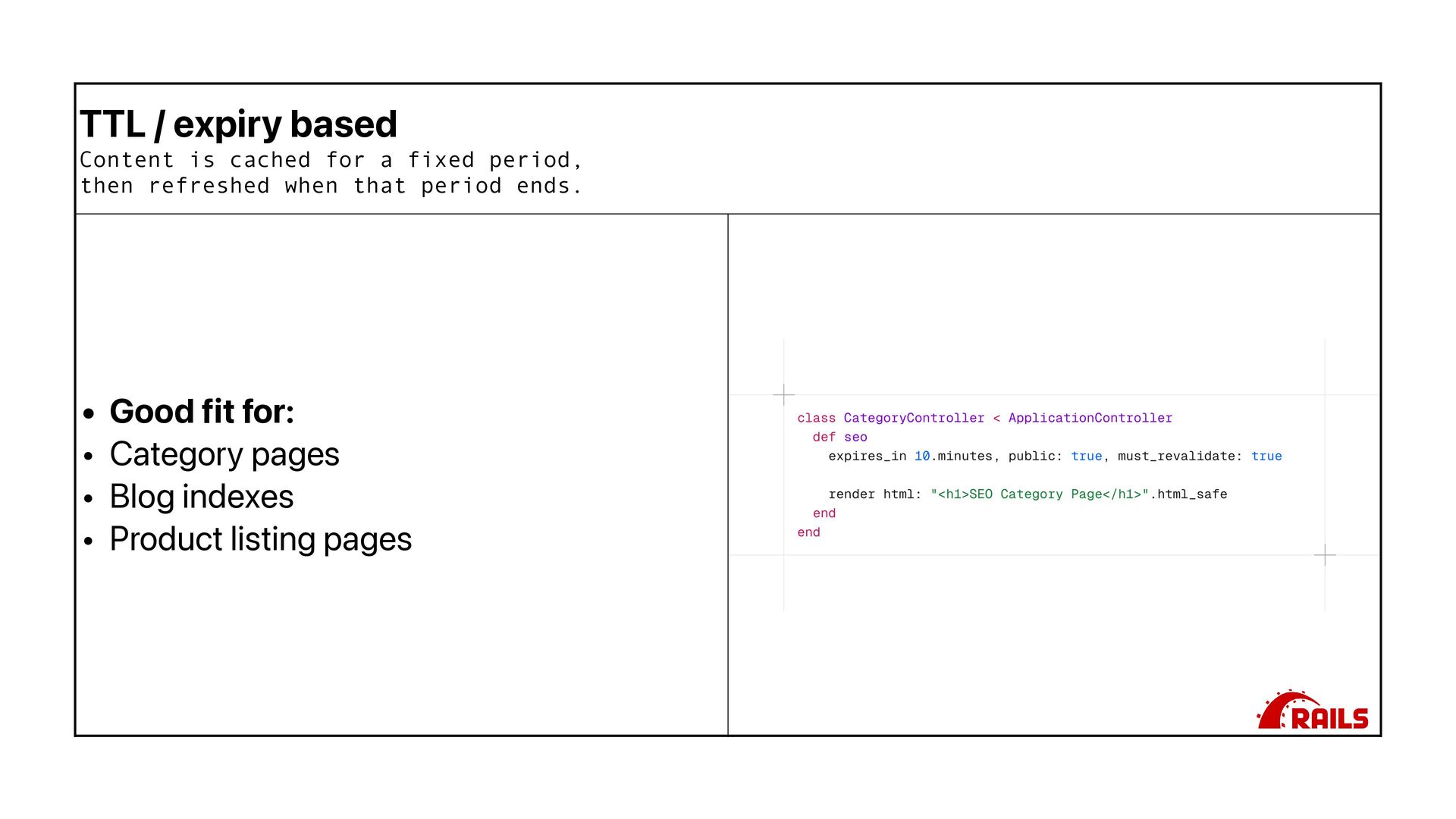
  22. TTL / expiry based Content is cached for a fixed

    period, then refreshed when that period ends. • Good fit for: • Category pages • Blog indexes • Product listing pages
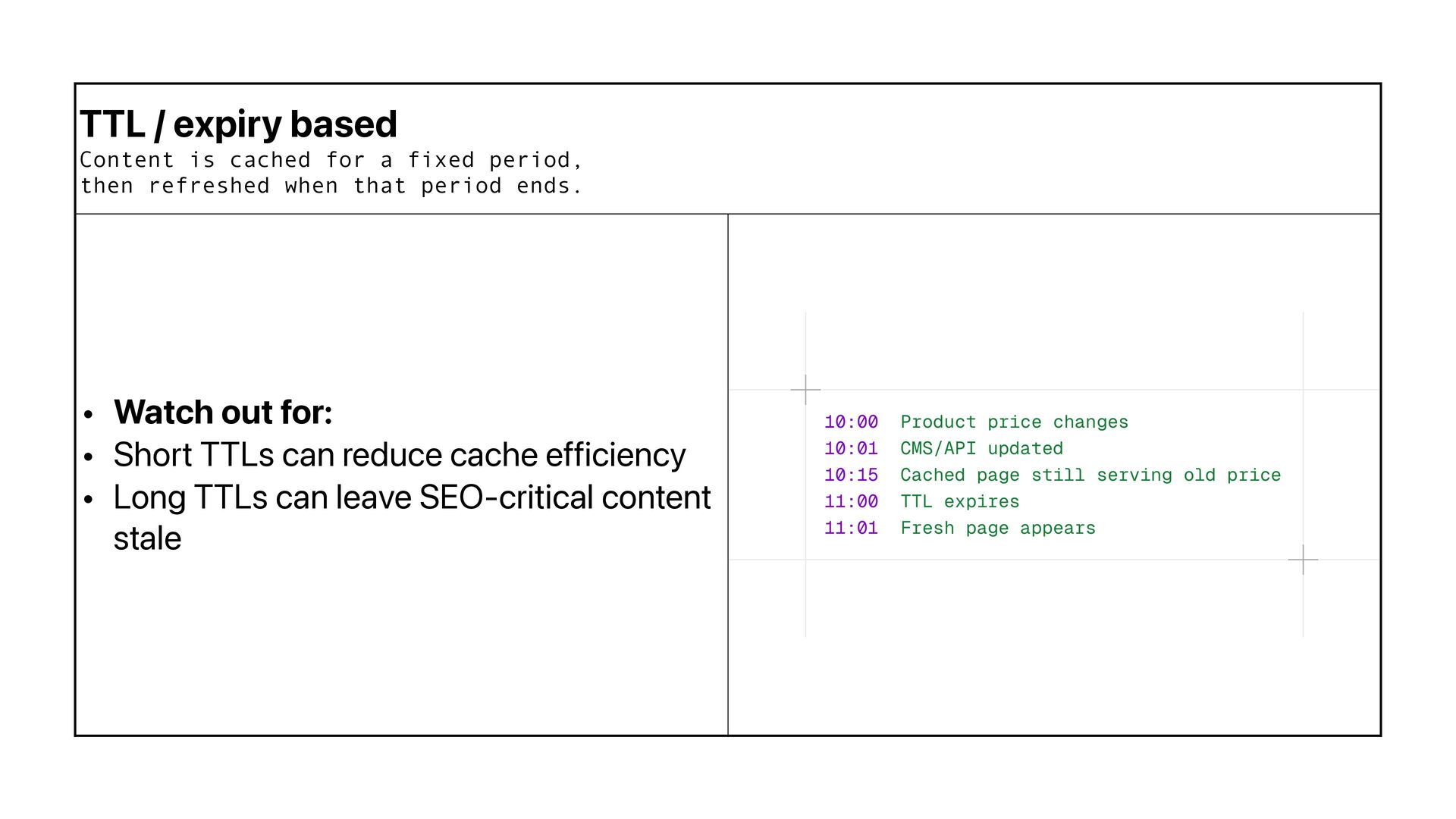
  23. TTL / expiry based Content is cached for a fixed

    period, then refreshed when that period ends. • Watch out for: • Short TTLs can reduce cache efficiency • Long TTLs can leave SEO-critical content stale
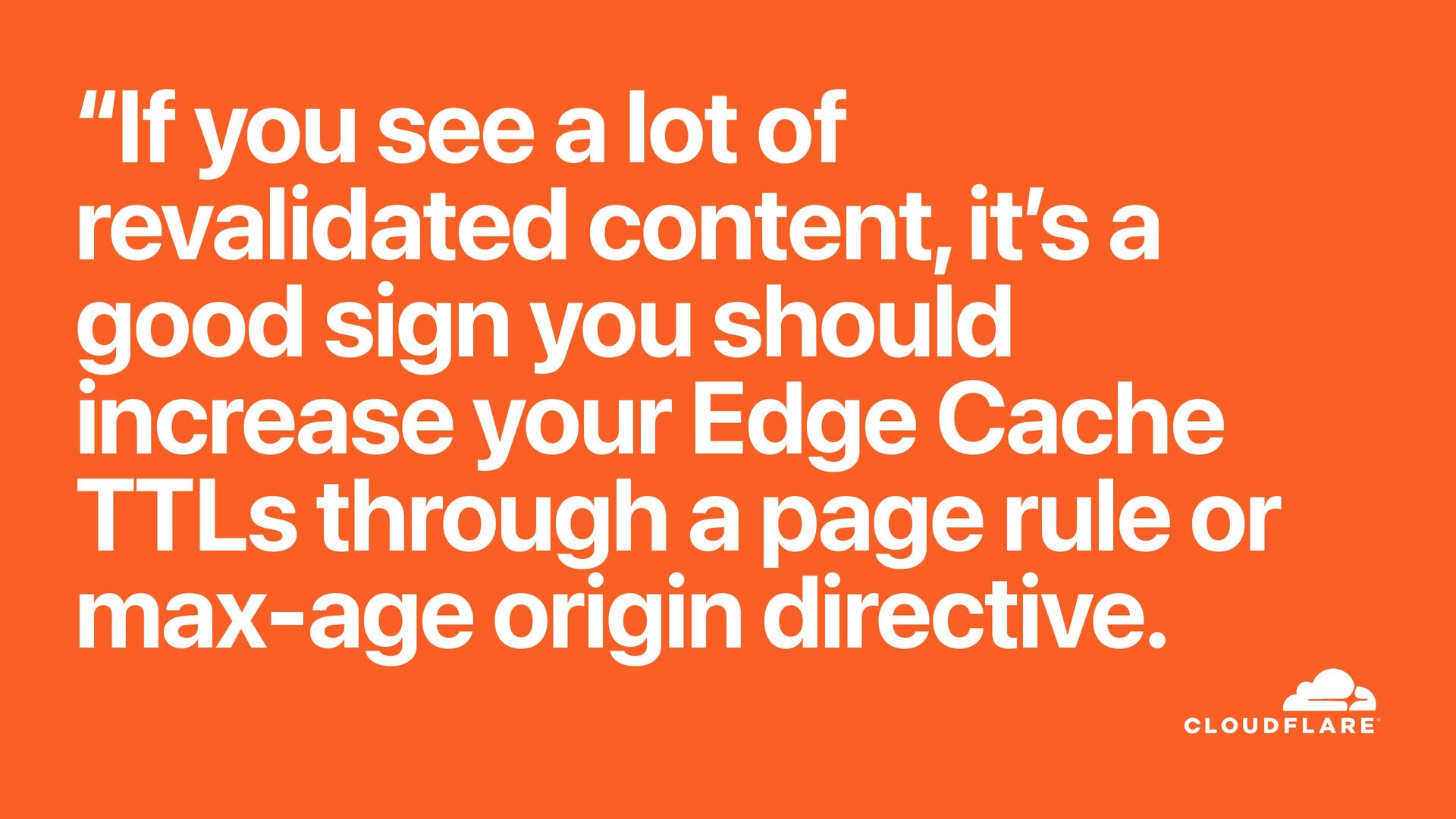
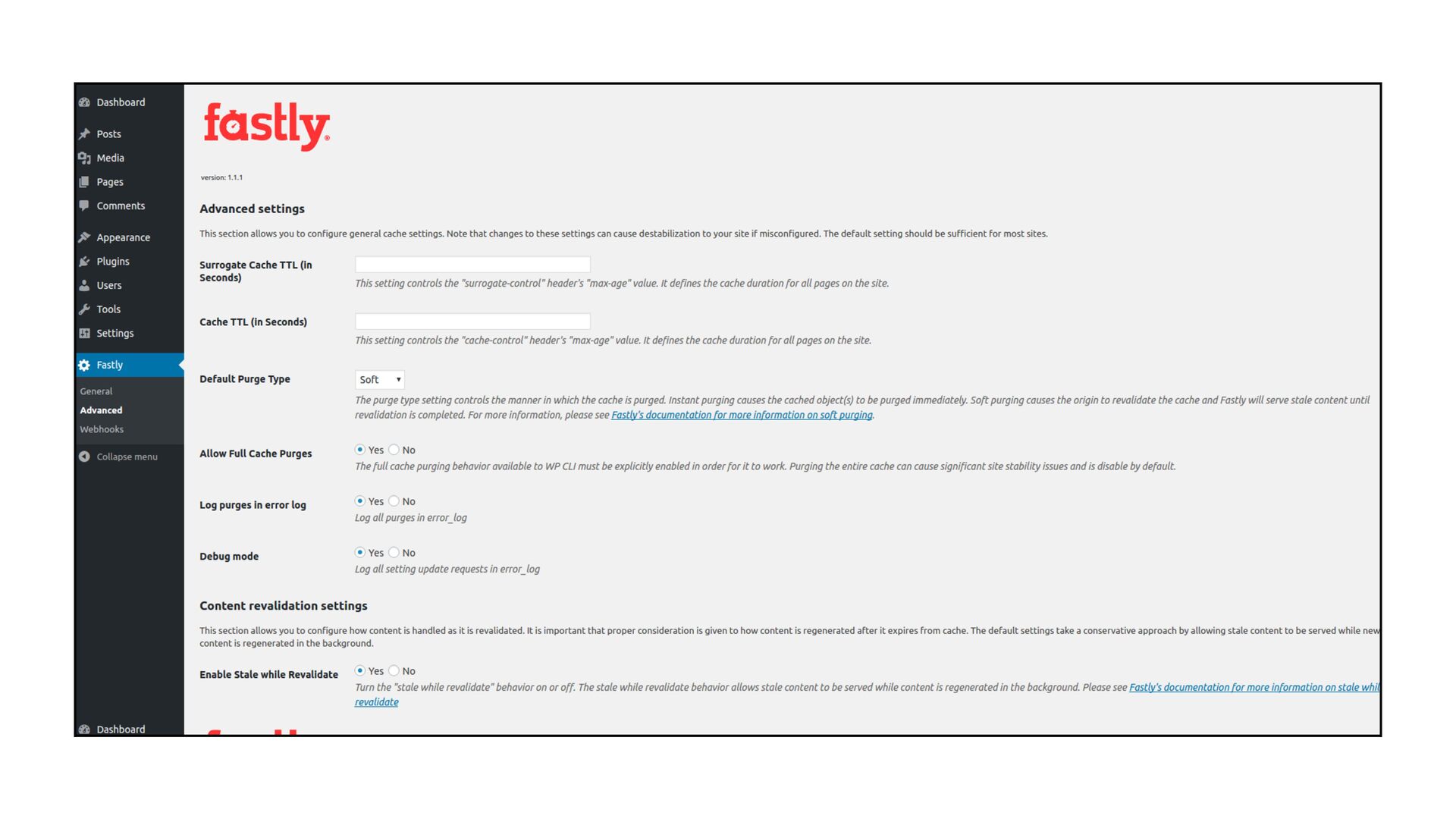
  24. “If you see a lot of revalidated content, it ’

    s a good sign you should increase your Edge Cache TTLs through a page rule or max-age origin directive.
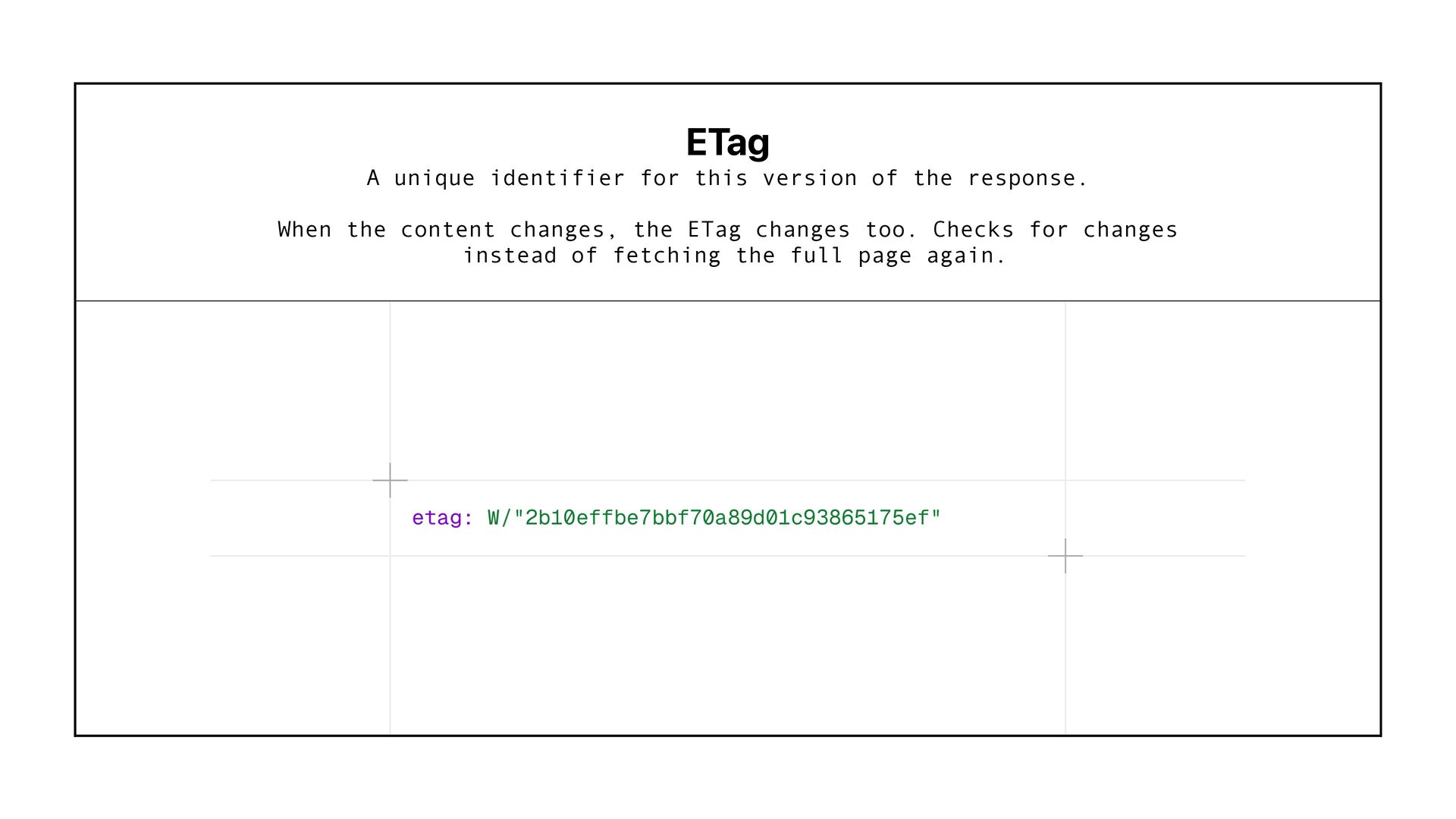
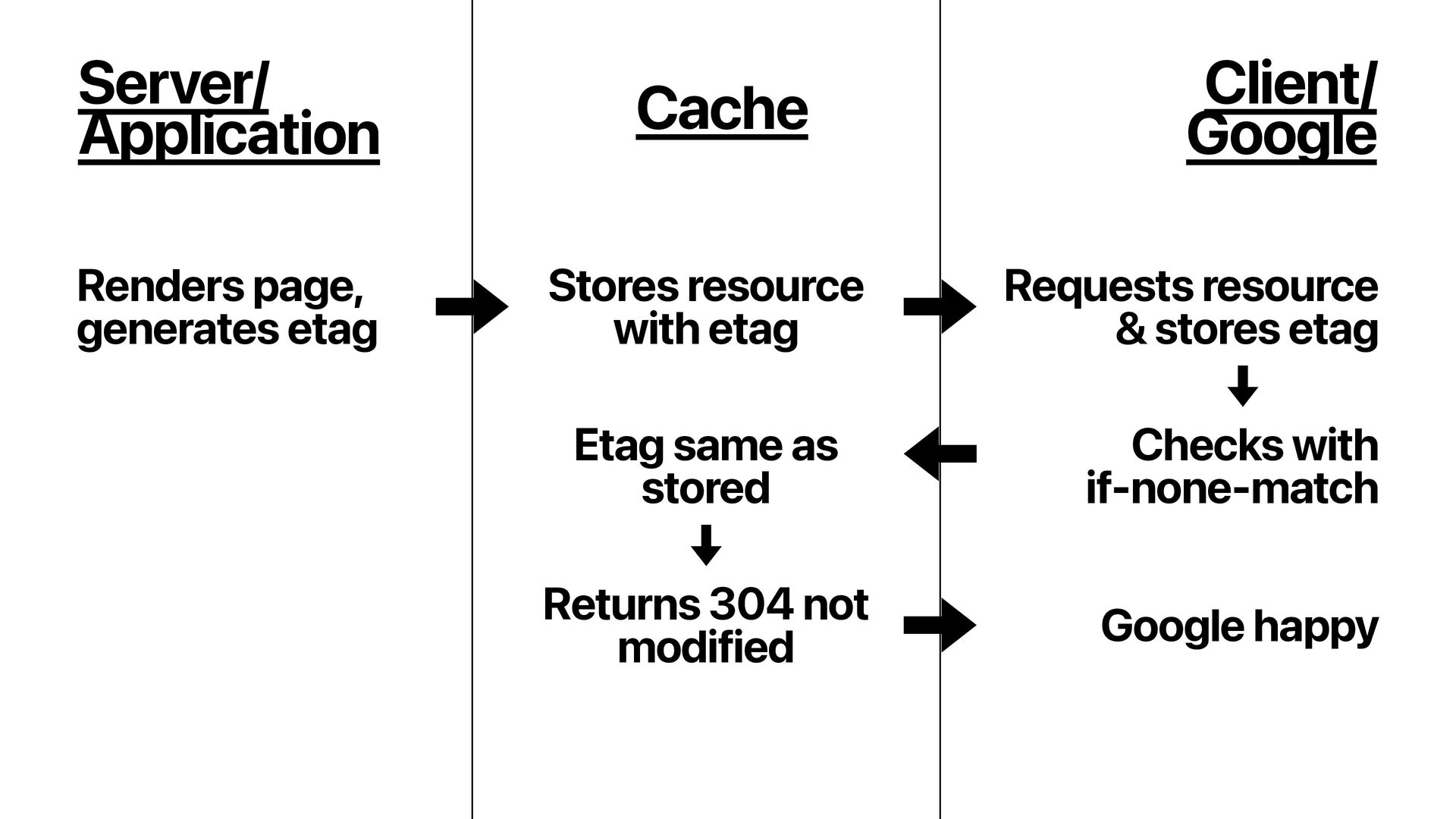
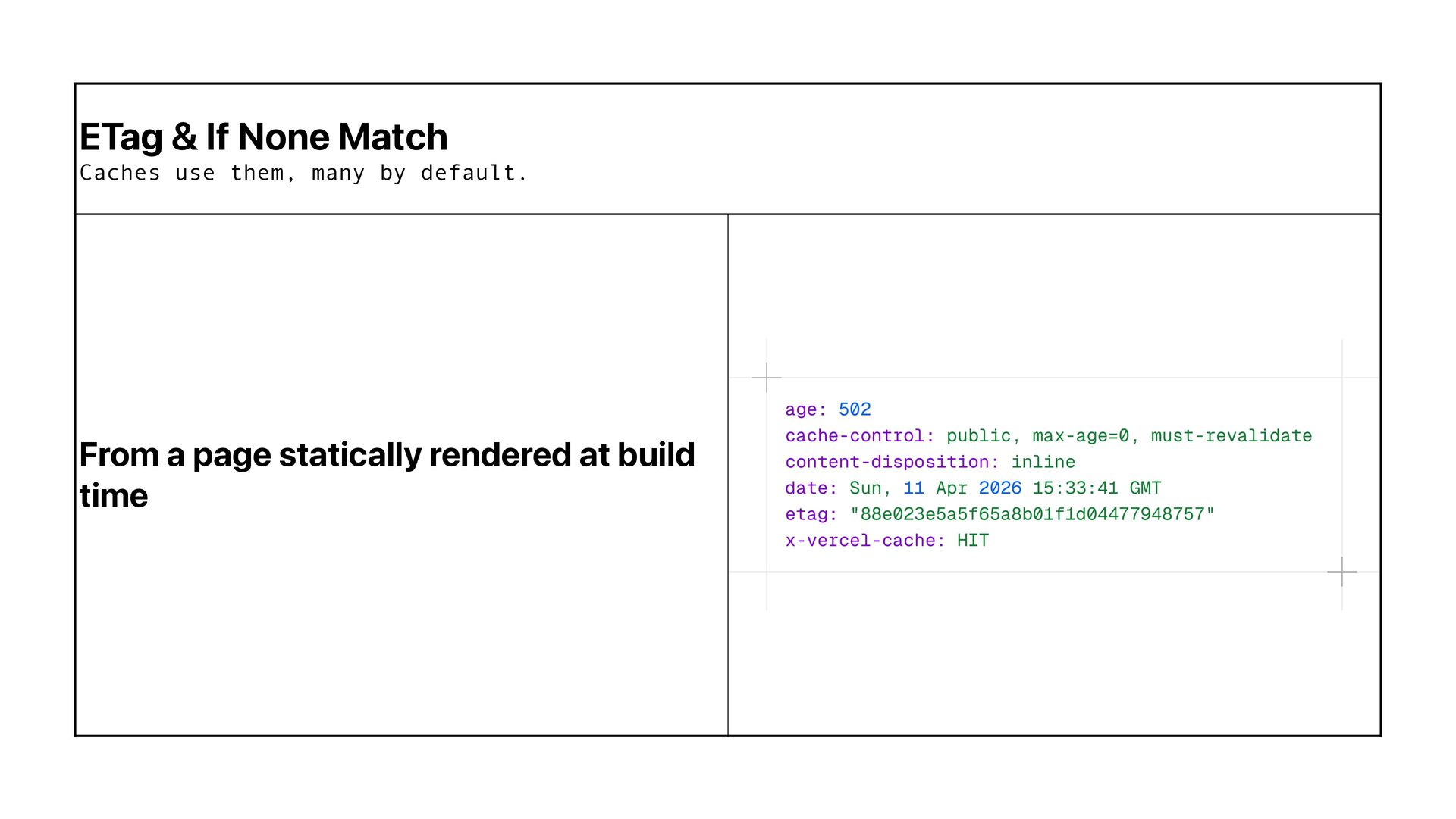
  25. SWR is the most widely used modern caching pattern because

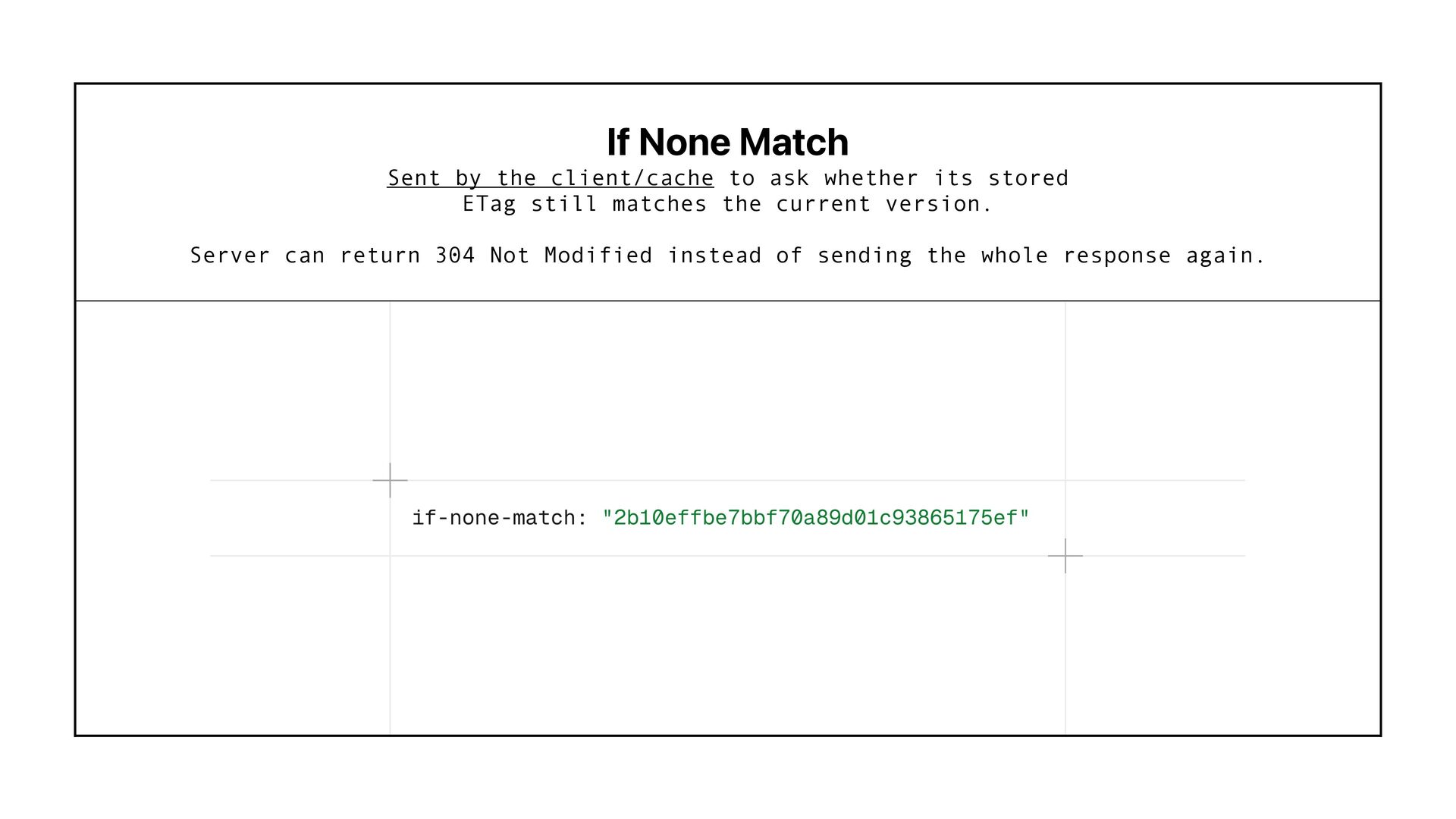
    it gives a practical compromise: keep things fast & update freshness in the background. willkennard.com
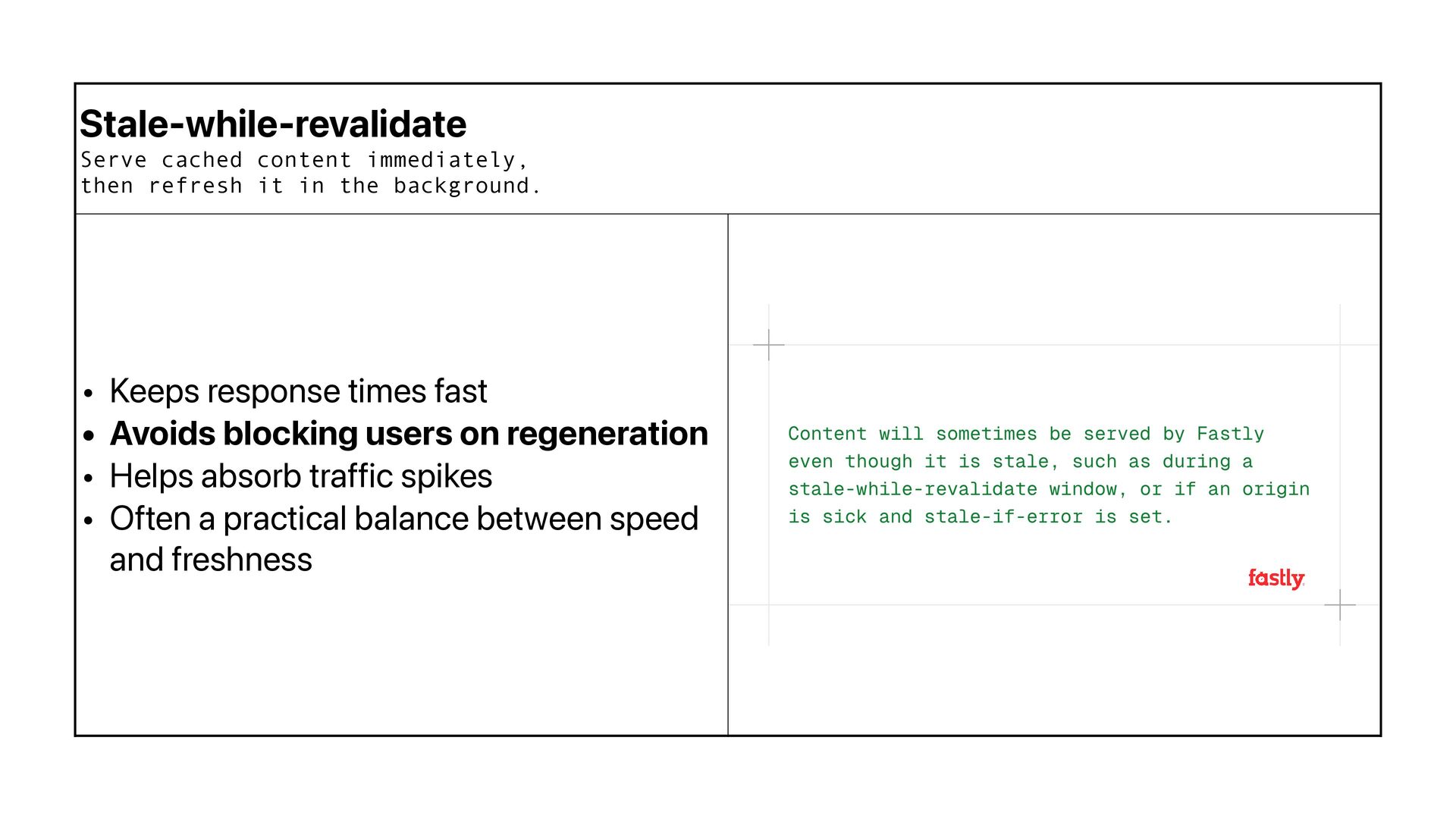
  26. Stale-while-revalidate Serve cached content immediately, then refresh it in the

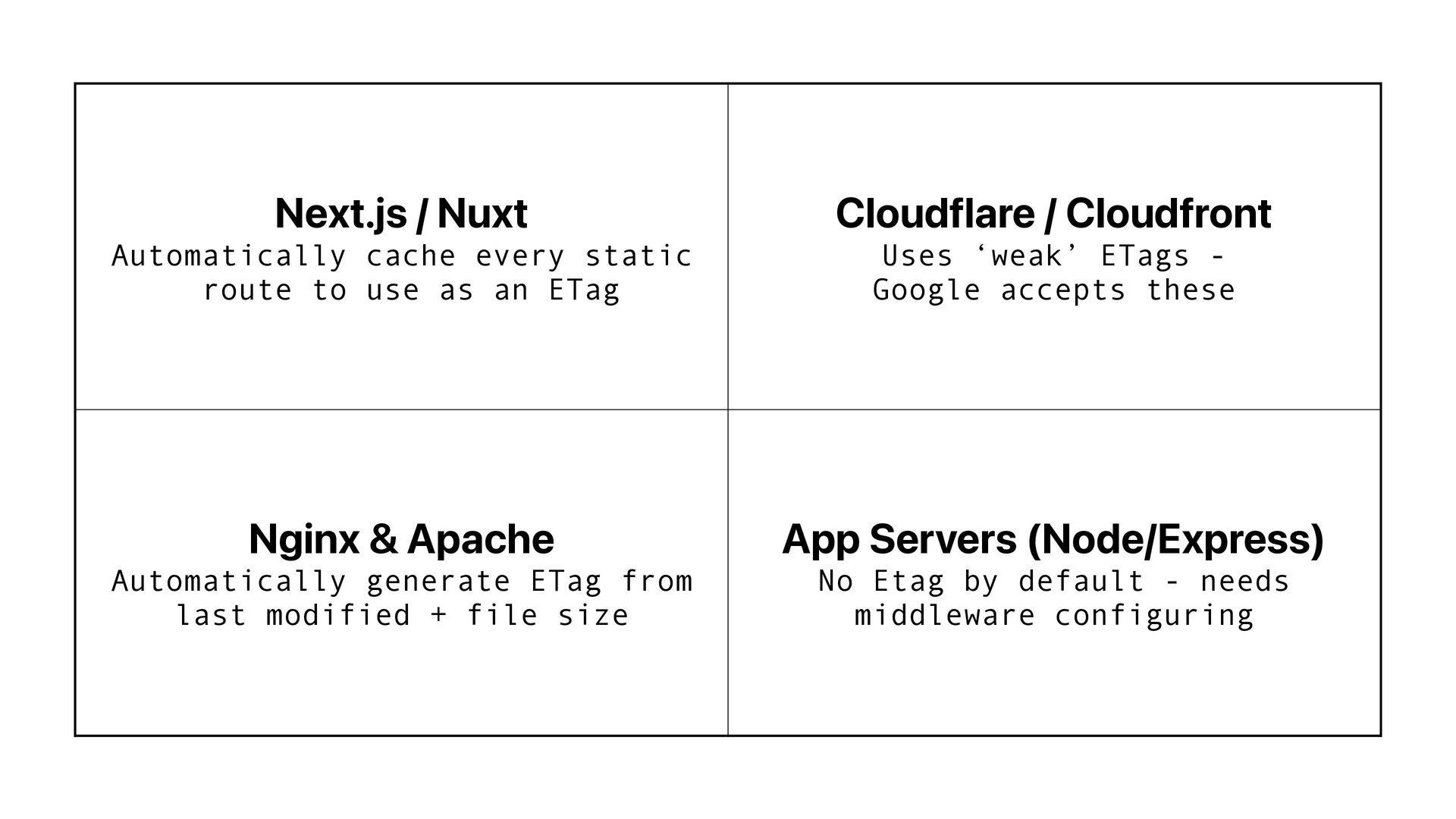
    background. • Keeps response times fast • Avoids blocking users on regeneration • Helps absorb traffic spikes • Often a practical balance between speed and freshness
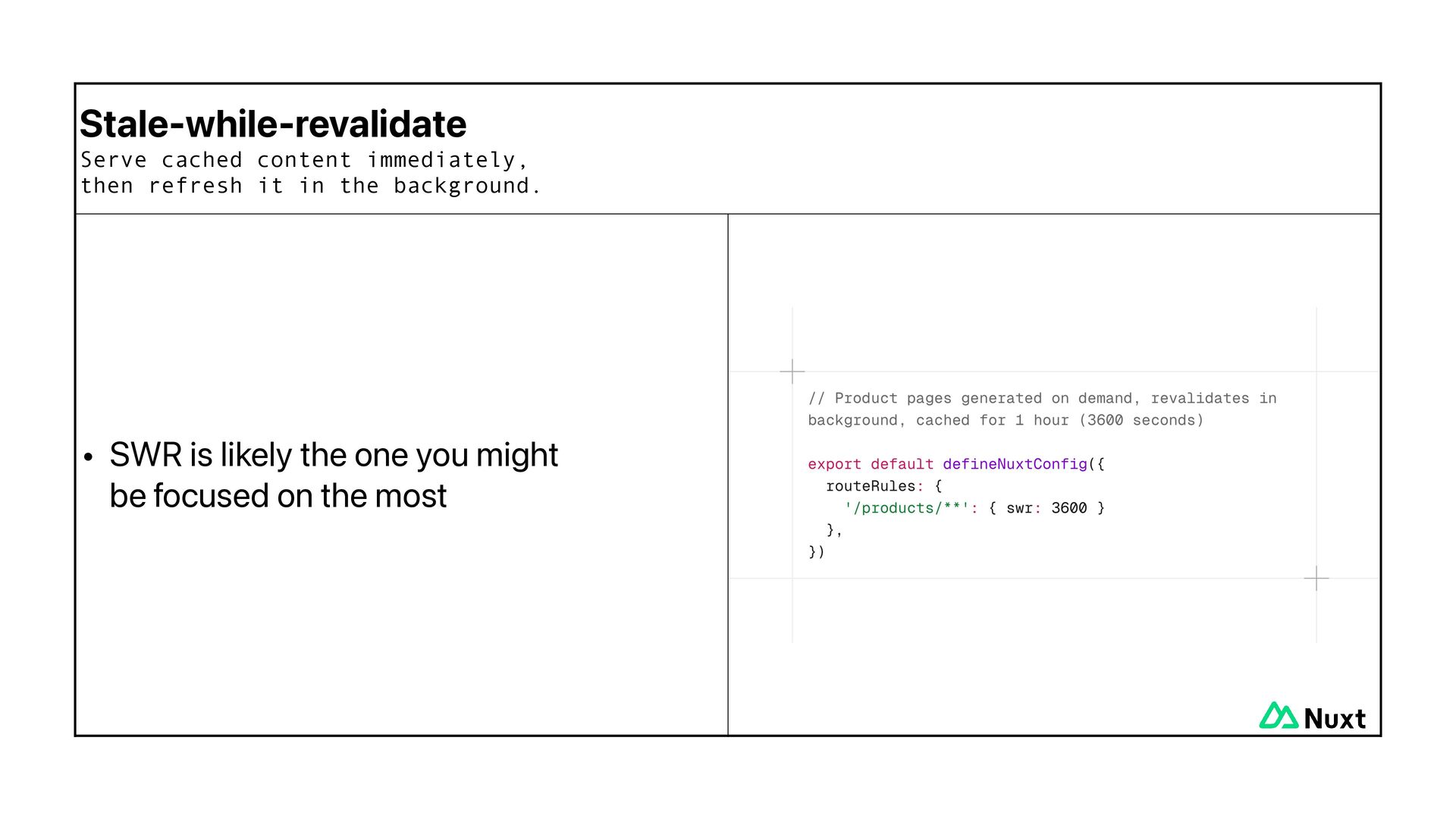
  27. Stale-while-revalidate Serve cached content immediately, then refresh it in the

    background. • SWR is likely the one you might be focused on the most
  28. Stale-while-revalidate Serve cached content immediately, then refresh it in the

    background. • Good fit for: • Articles with frequent visits • High-traffic pages where performance matters more than second-by-second freshness
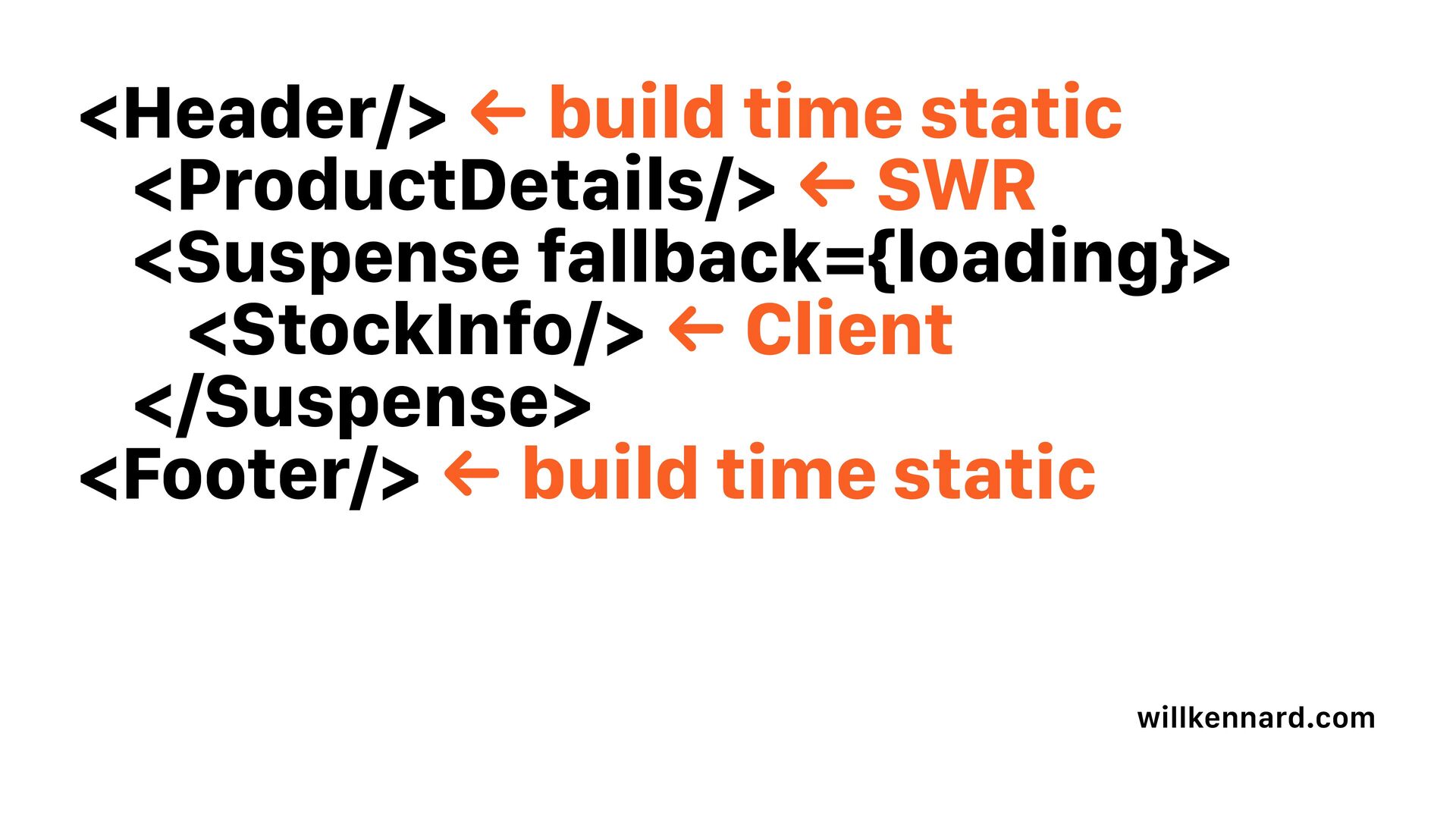
  29. <Header/> ← build time static <ProductDetails/> ← SWR <Suspense fallback={loading}>

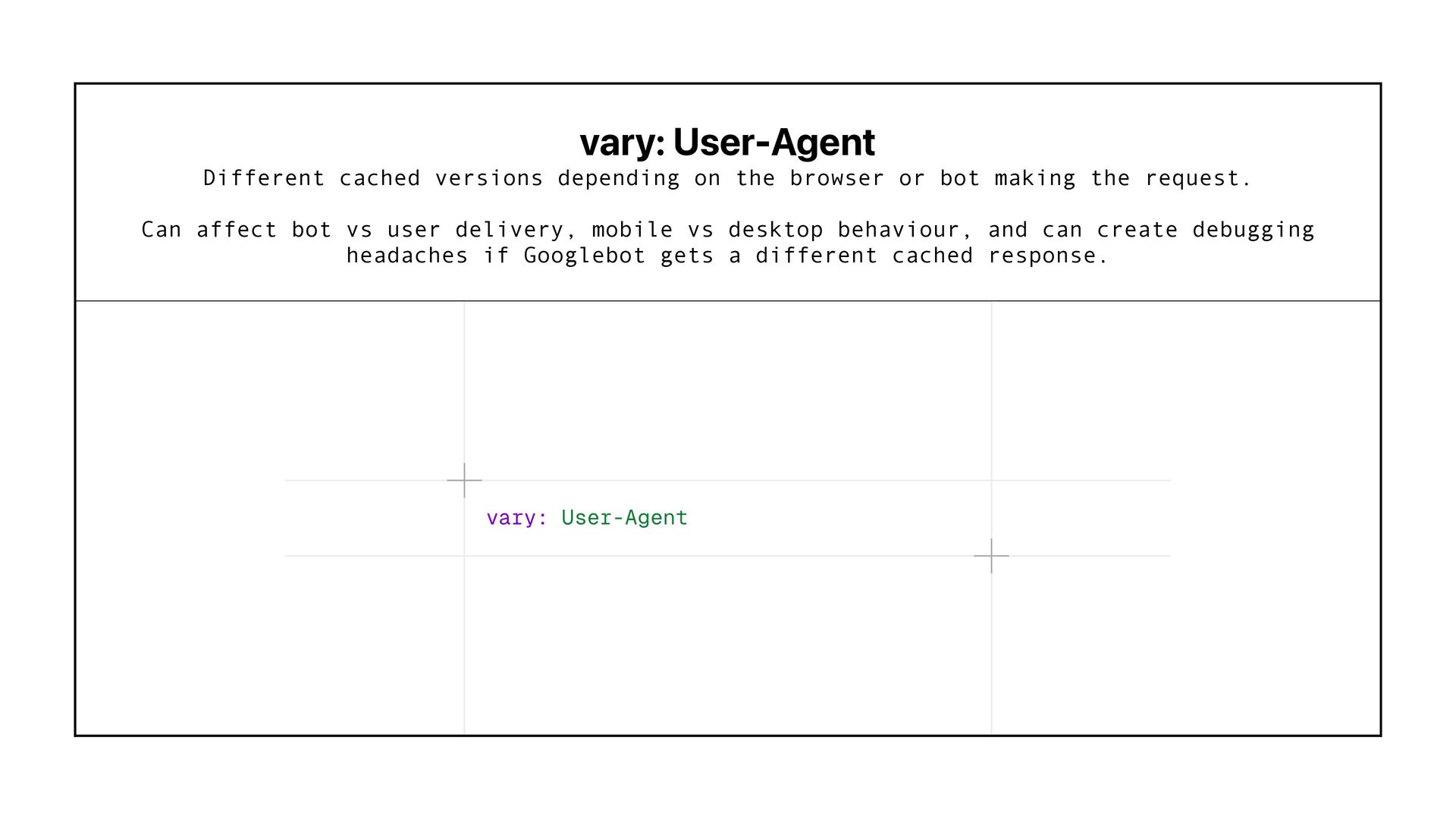
    <StockInfo/> ← Client </Suspense> <Footer/> ← build time static willkennard.com
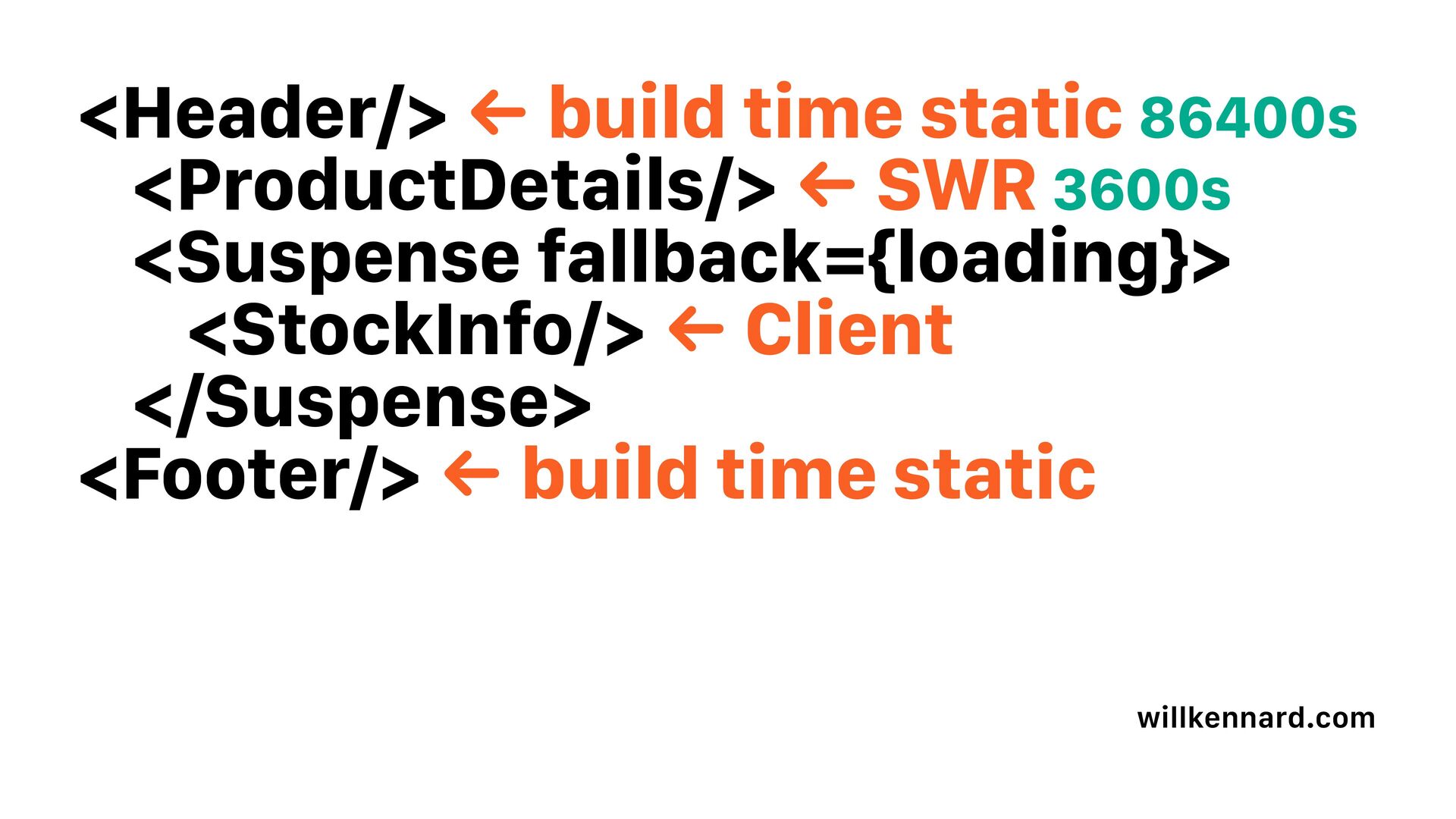
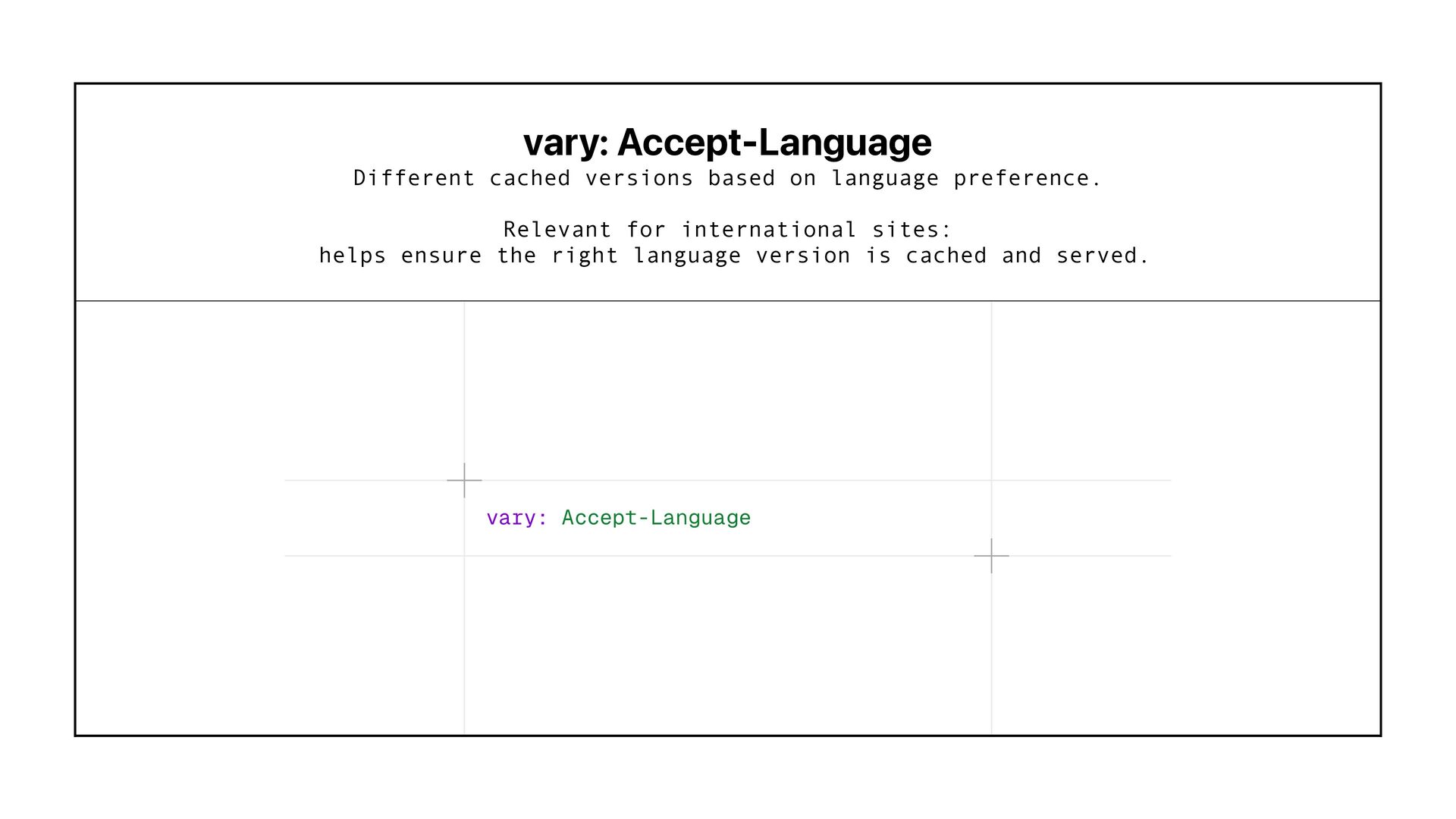
  30. <Header/> ← build time static 86400s <ProductDetails/> ← SWR 3600s

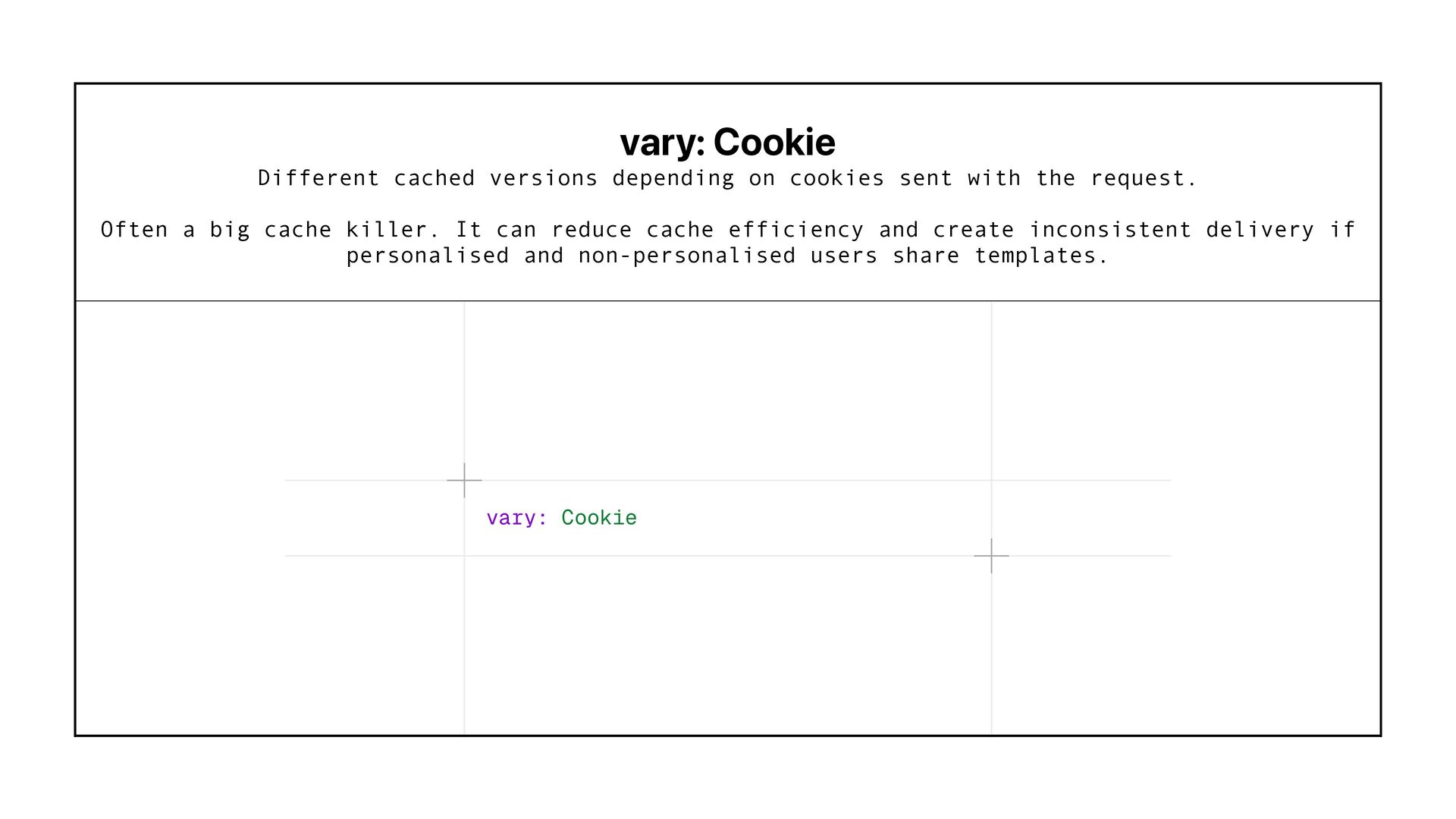
    <Suspense fallback={loading}> <StockInfo/> ← Client </Suspense> <Footer/> ← build time static willkennard.com
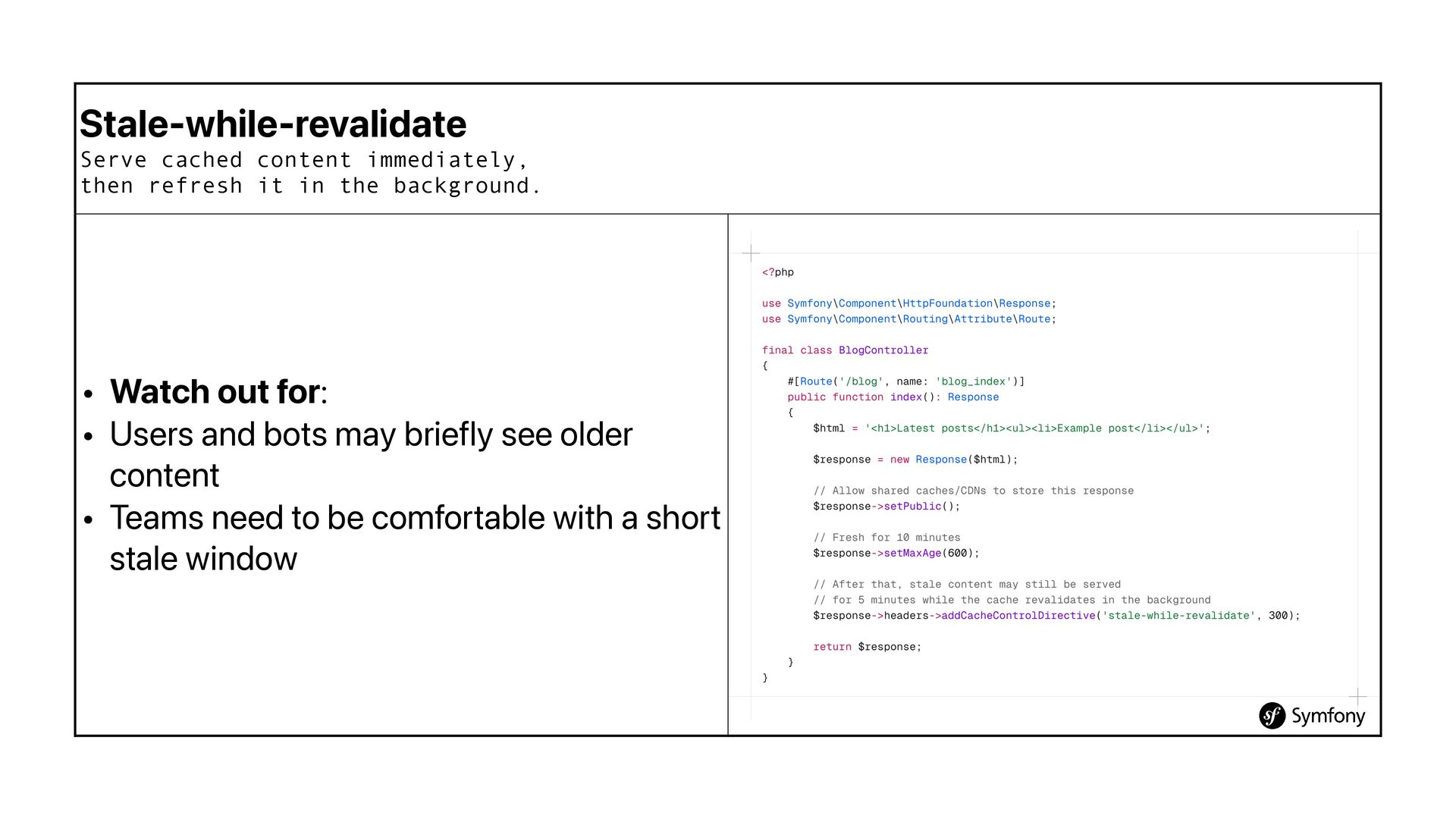
  31. Stale-while-revalidate Serve cached content immediately, then refresh it in the

    background. • Watch out for: • Users and bots may briefly see older content • Teams need to be comfortable with a short stale window
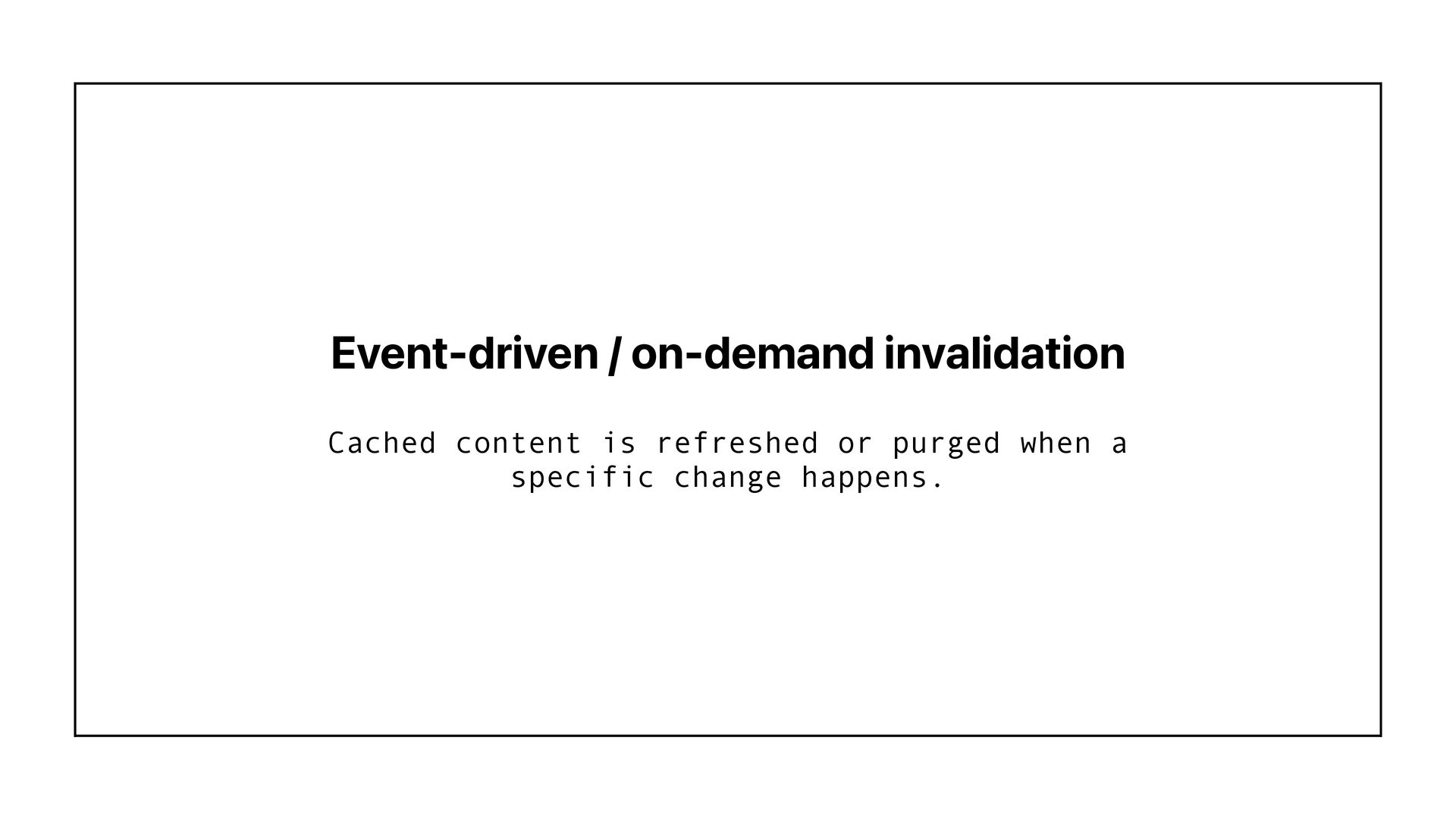
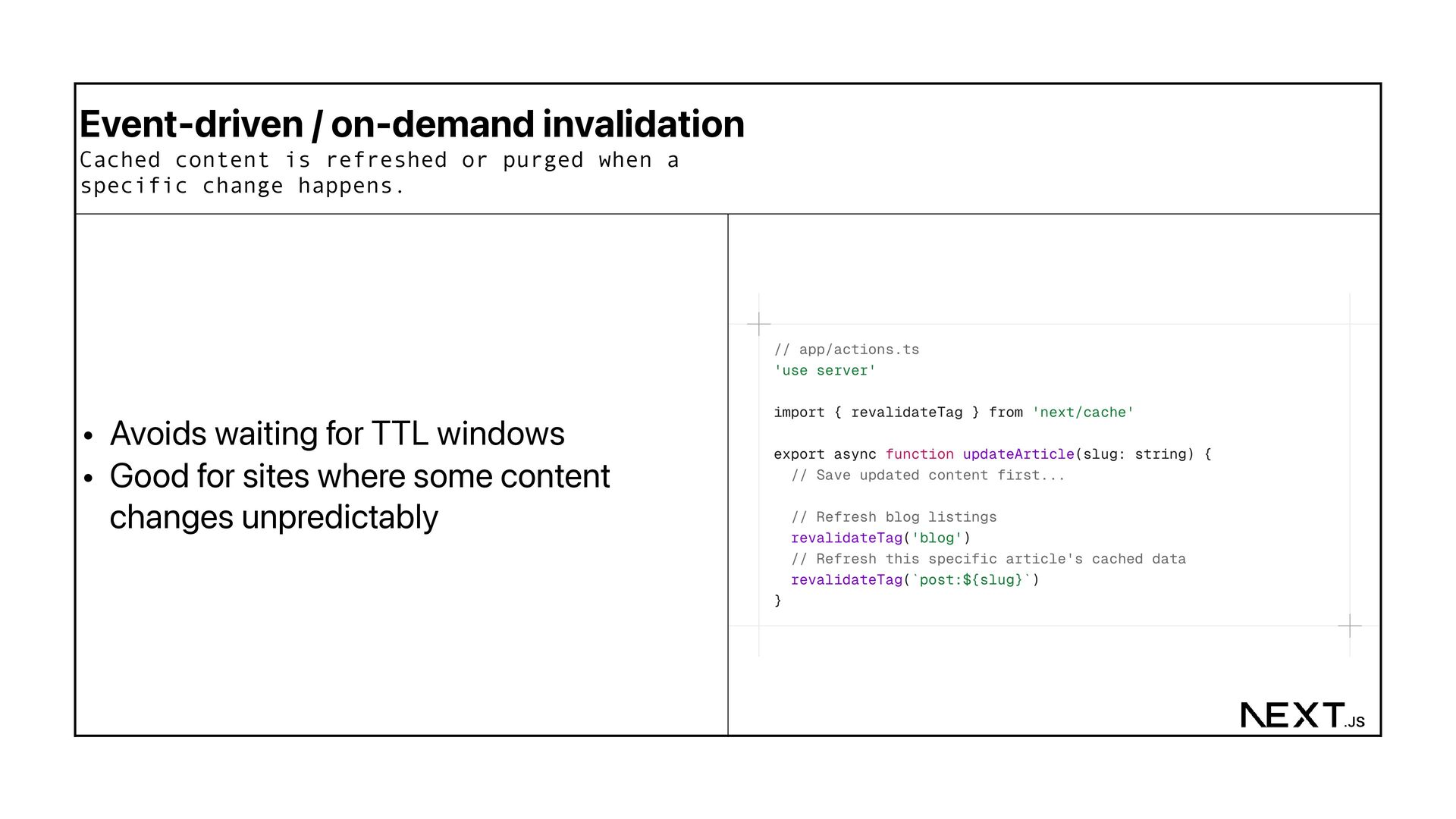
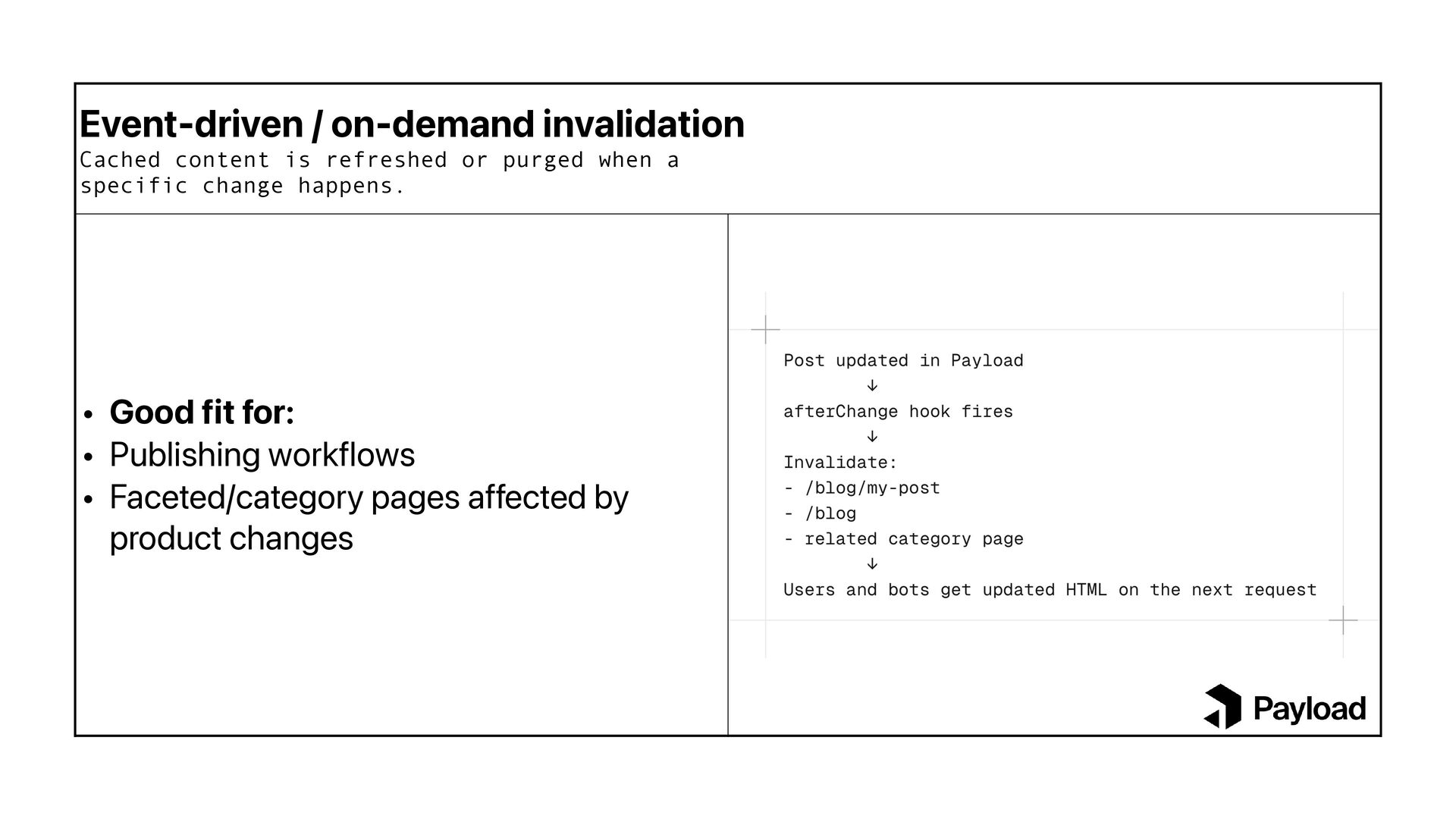
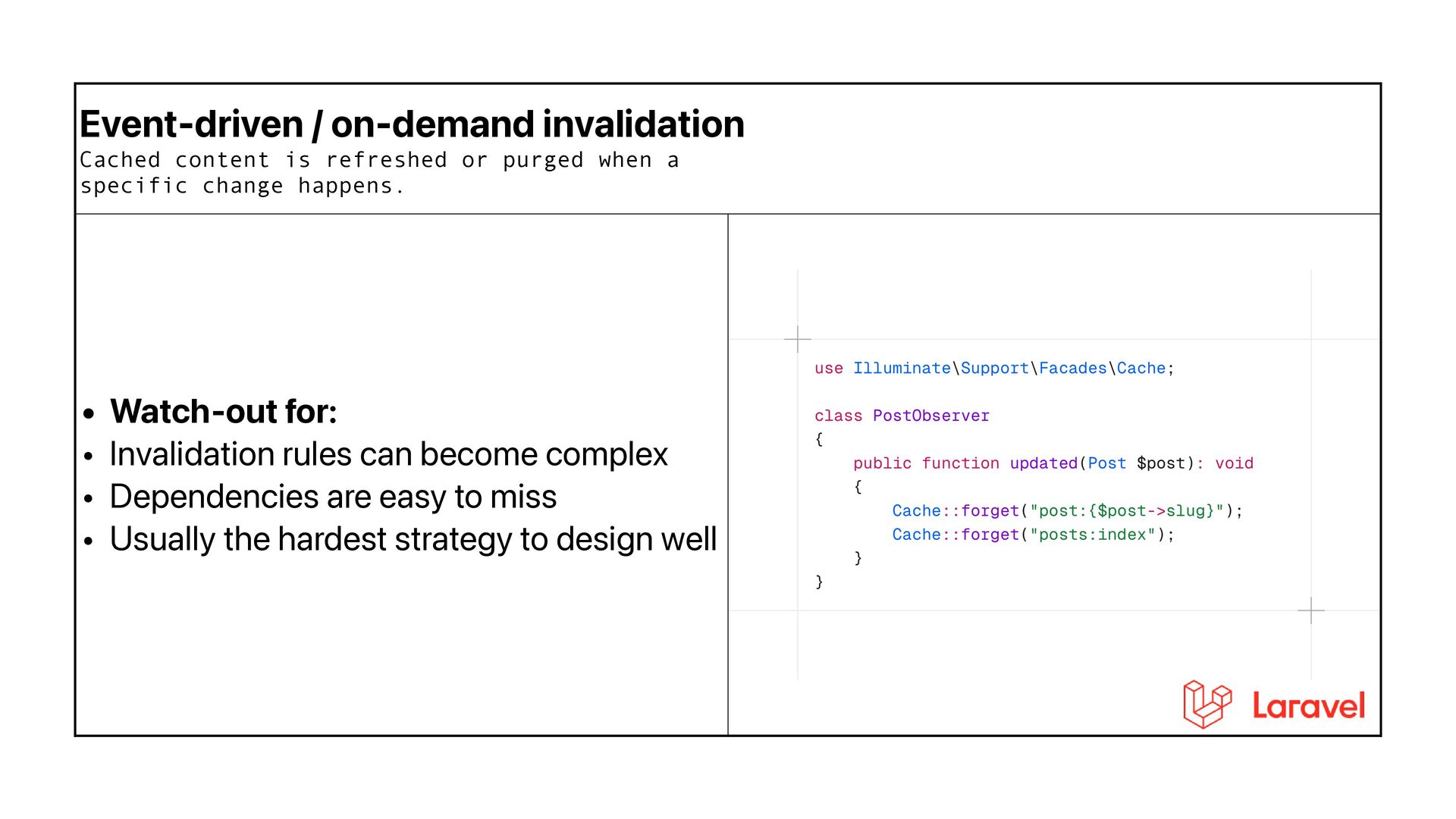
  32. Event-driven / on-demand invalidation Cached content is refreshed or purged

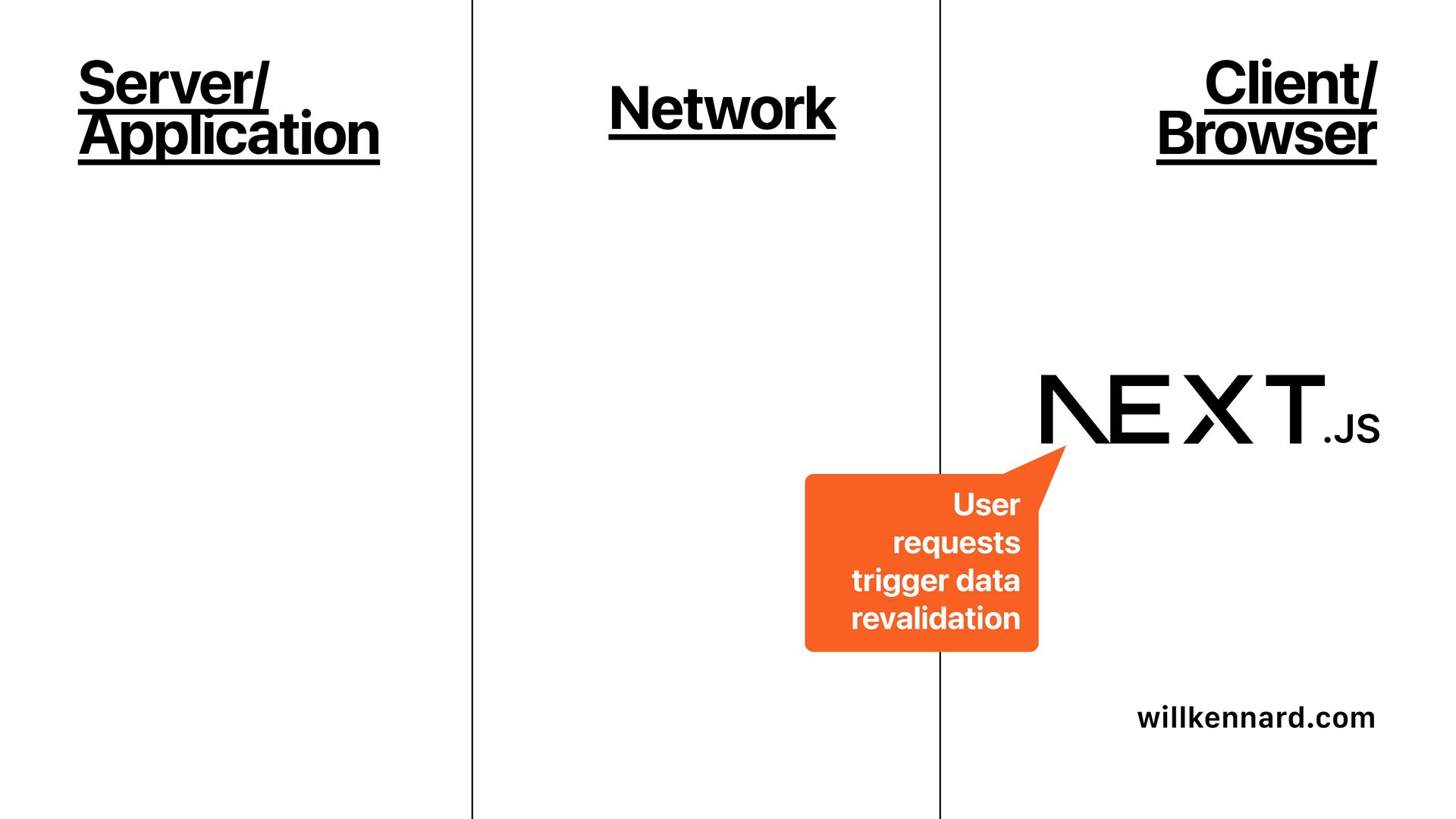
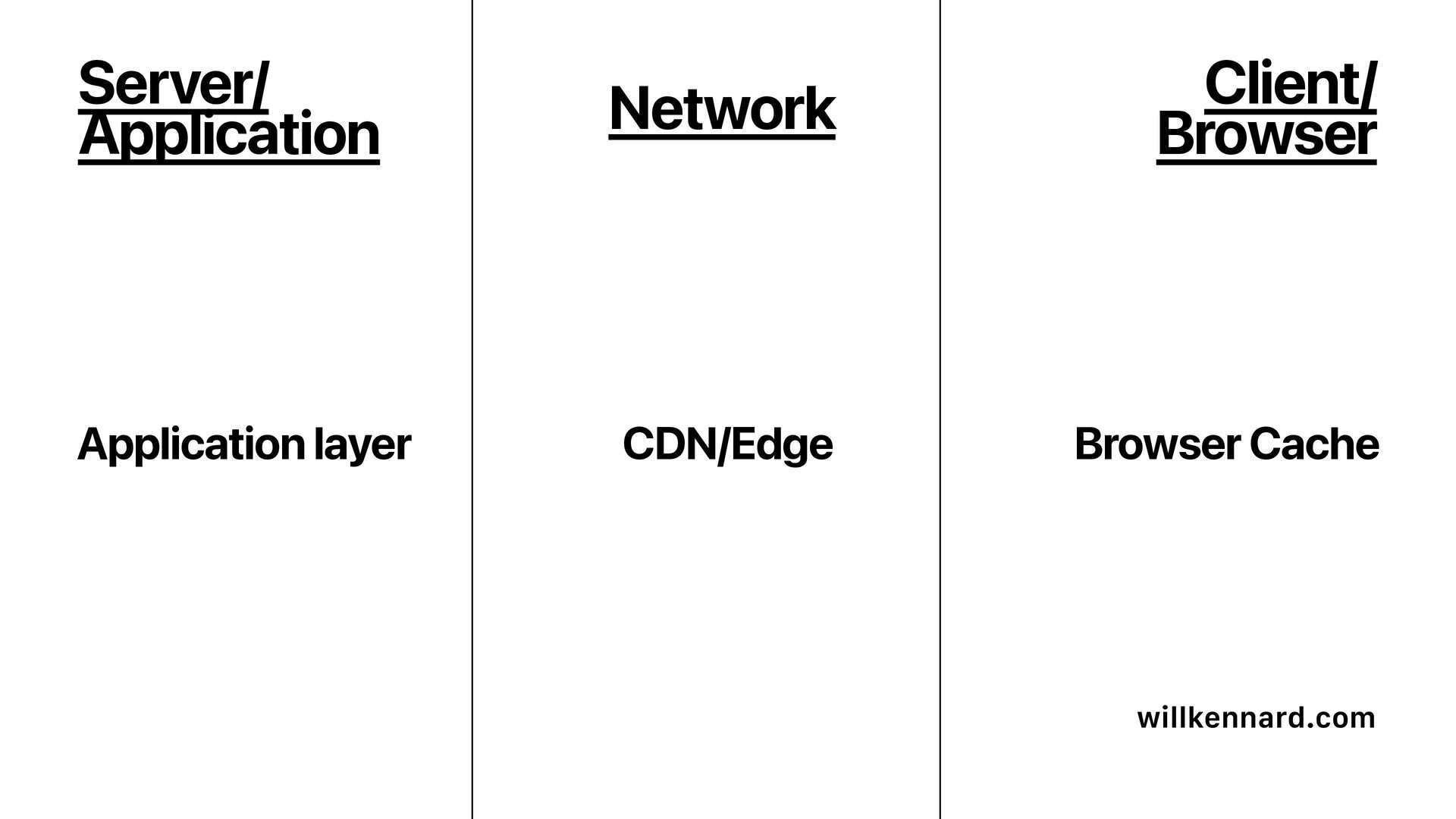
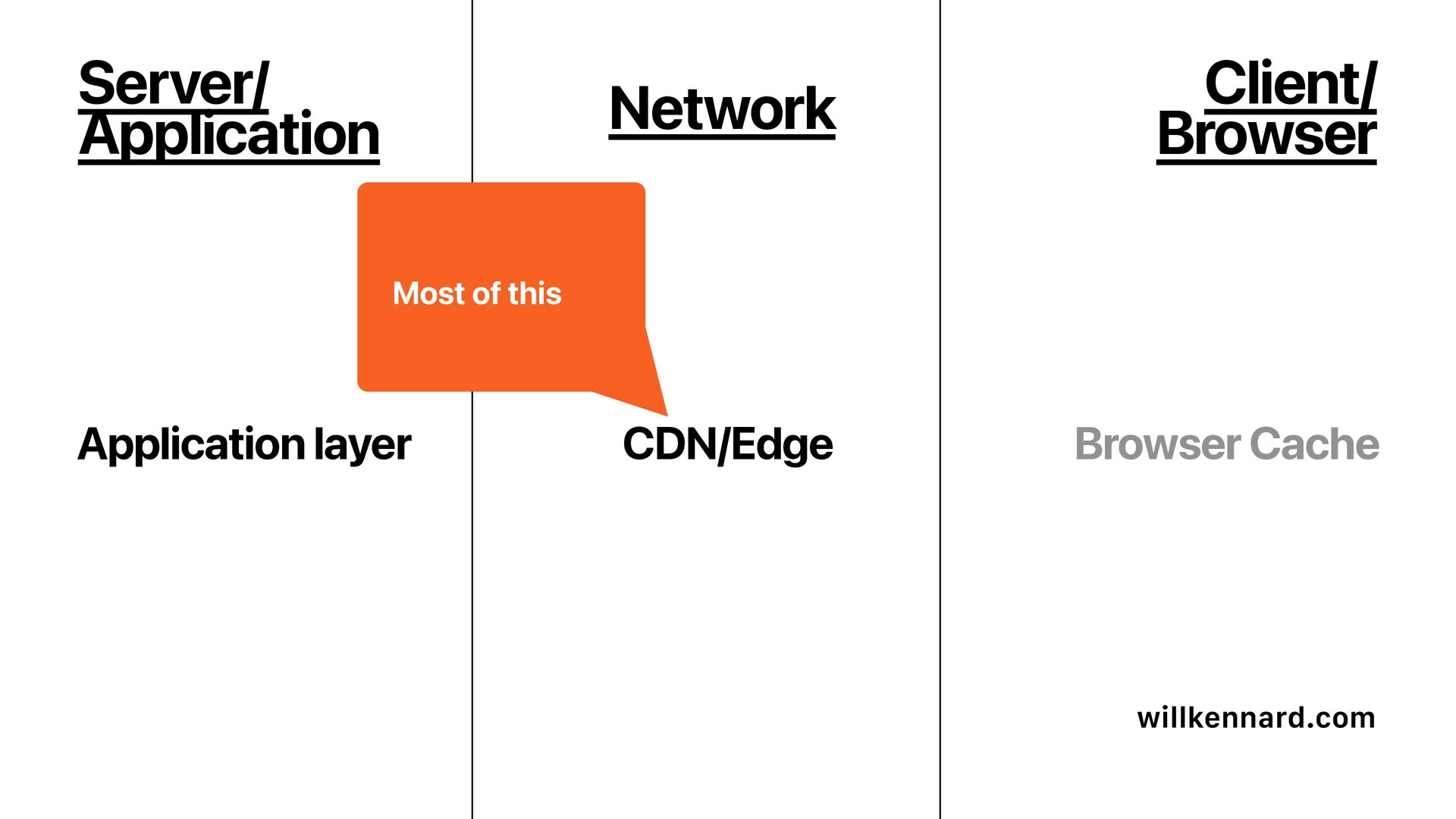
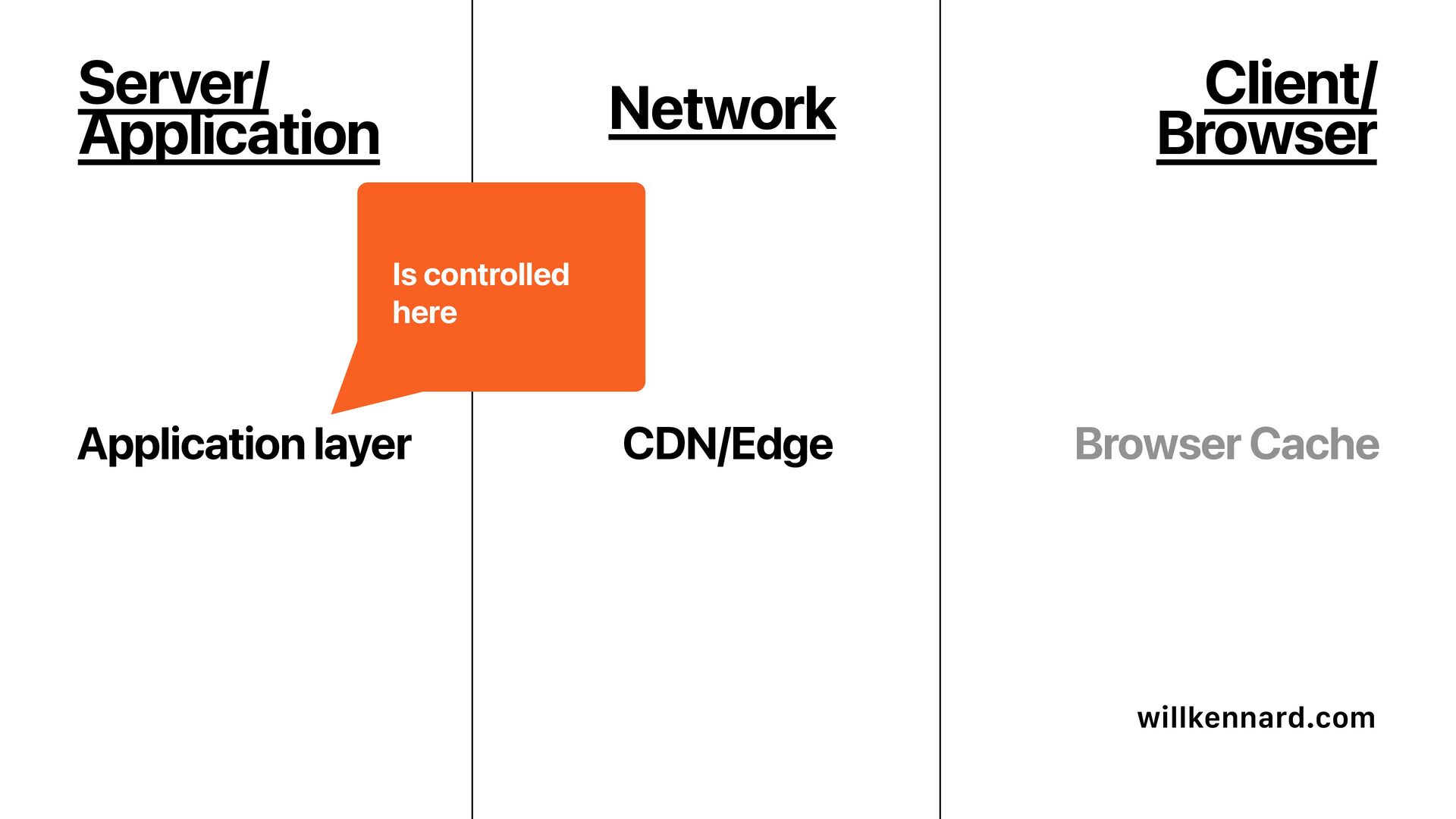
    when a specific change happens. • Better freshness control • Faster updates for important content
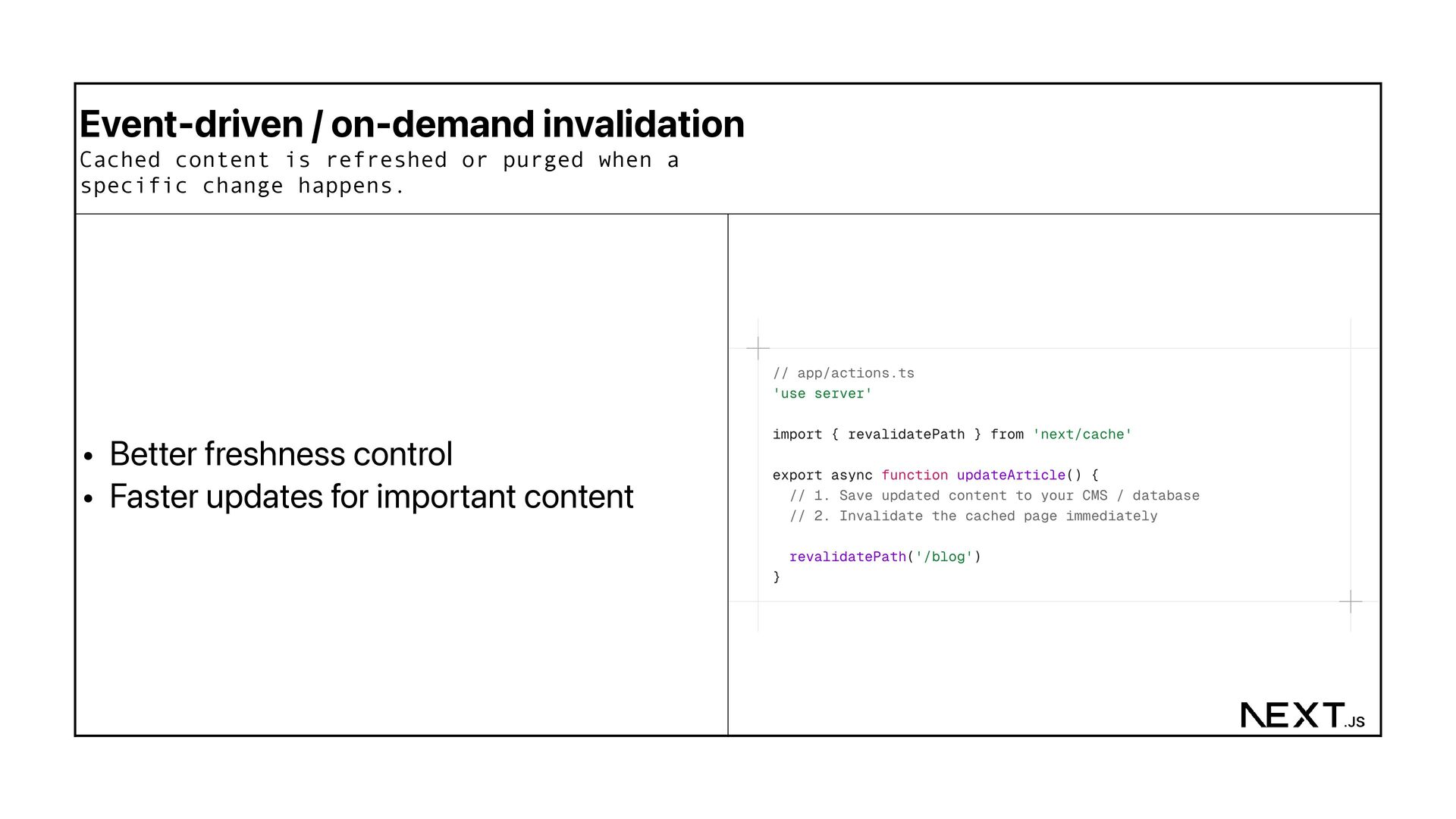
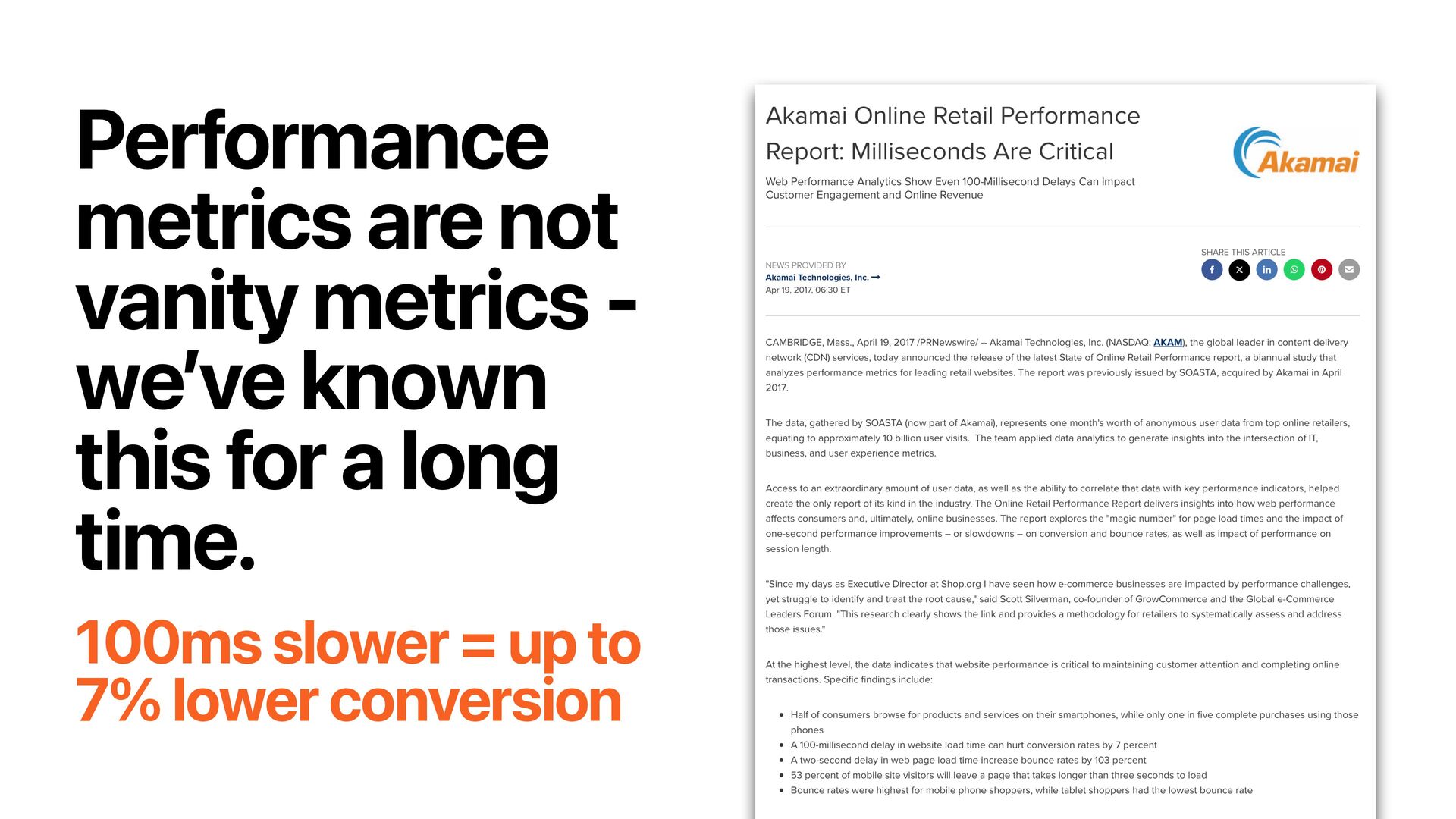
  33. Event-driven / on-demand invalidation Cached content is refreshed or purged

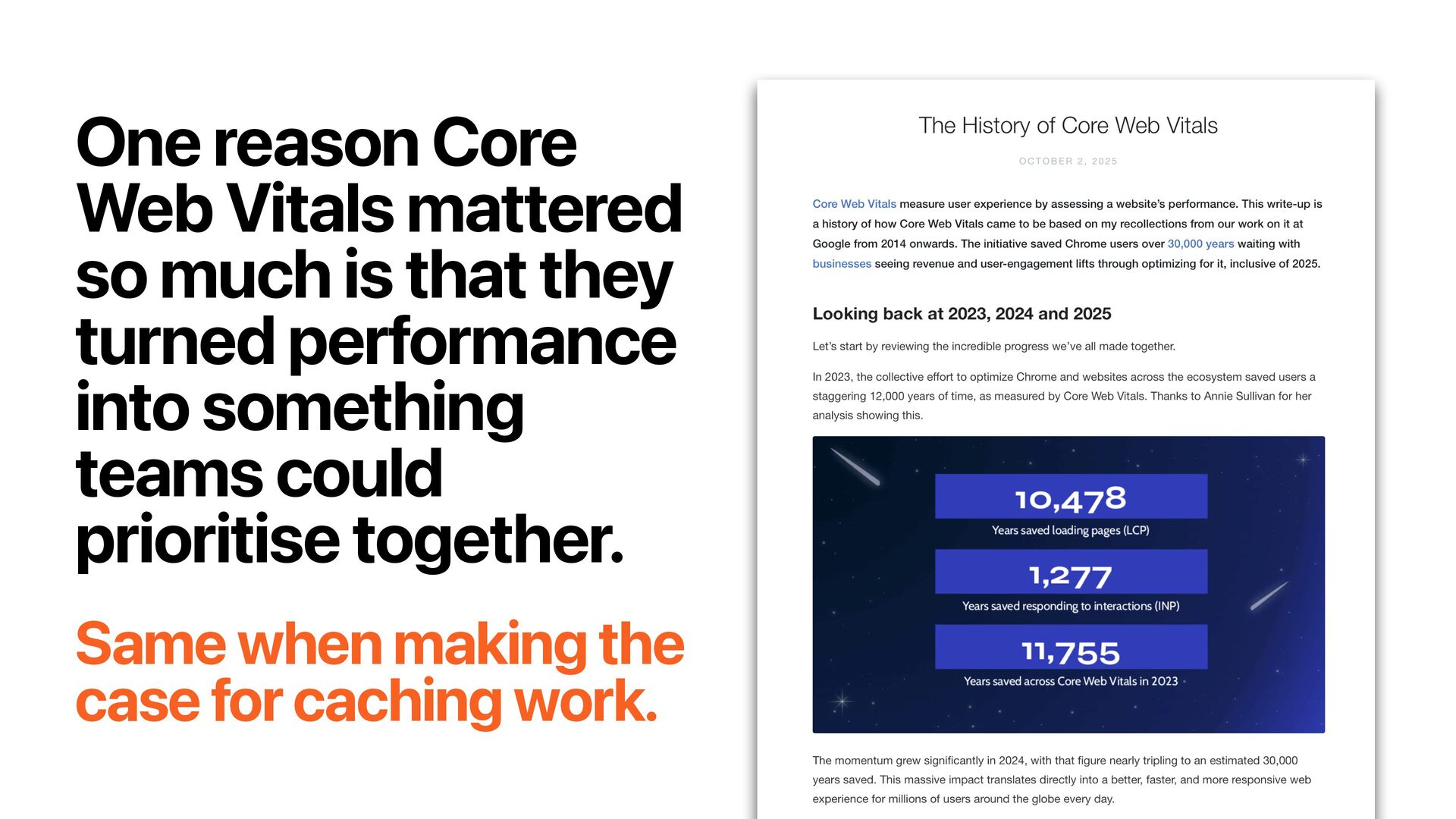
    when a specific change happens. • Avoids waiting for TTL windows • Good for sites where some content changes unpredictably
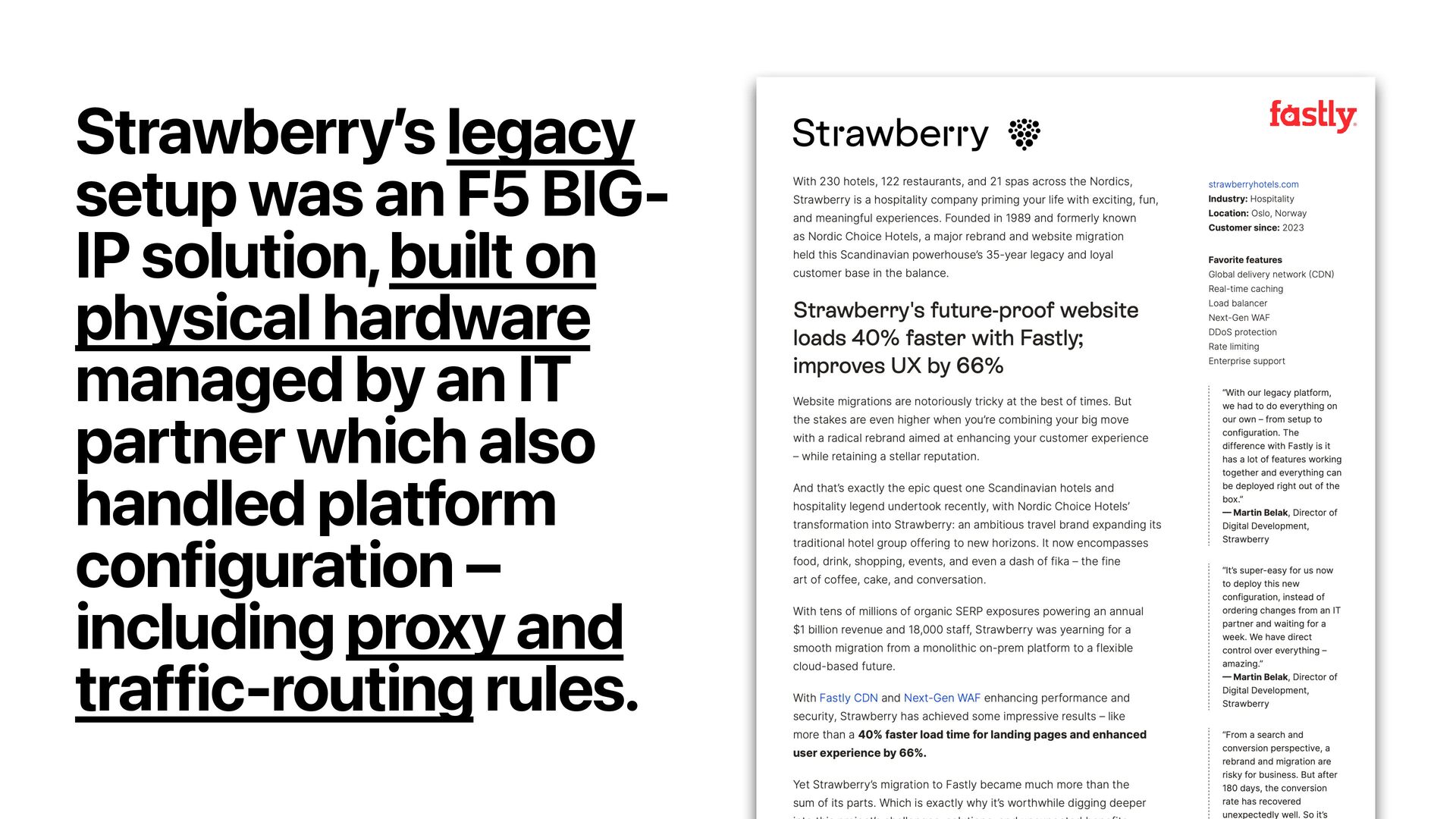
  34. Event-driven / on-demand invalidation Cached content is refreshed or purged

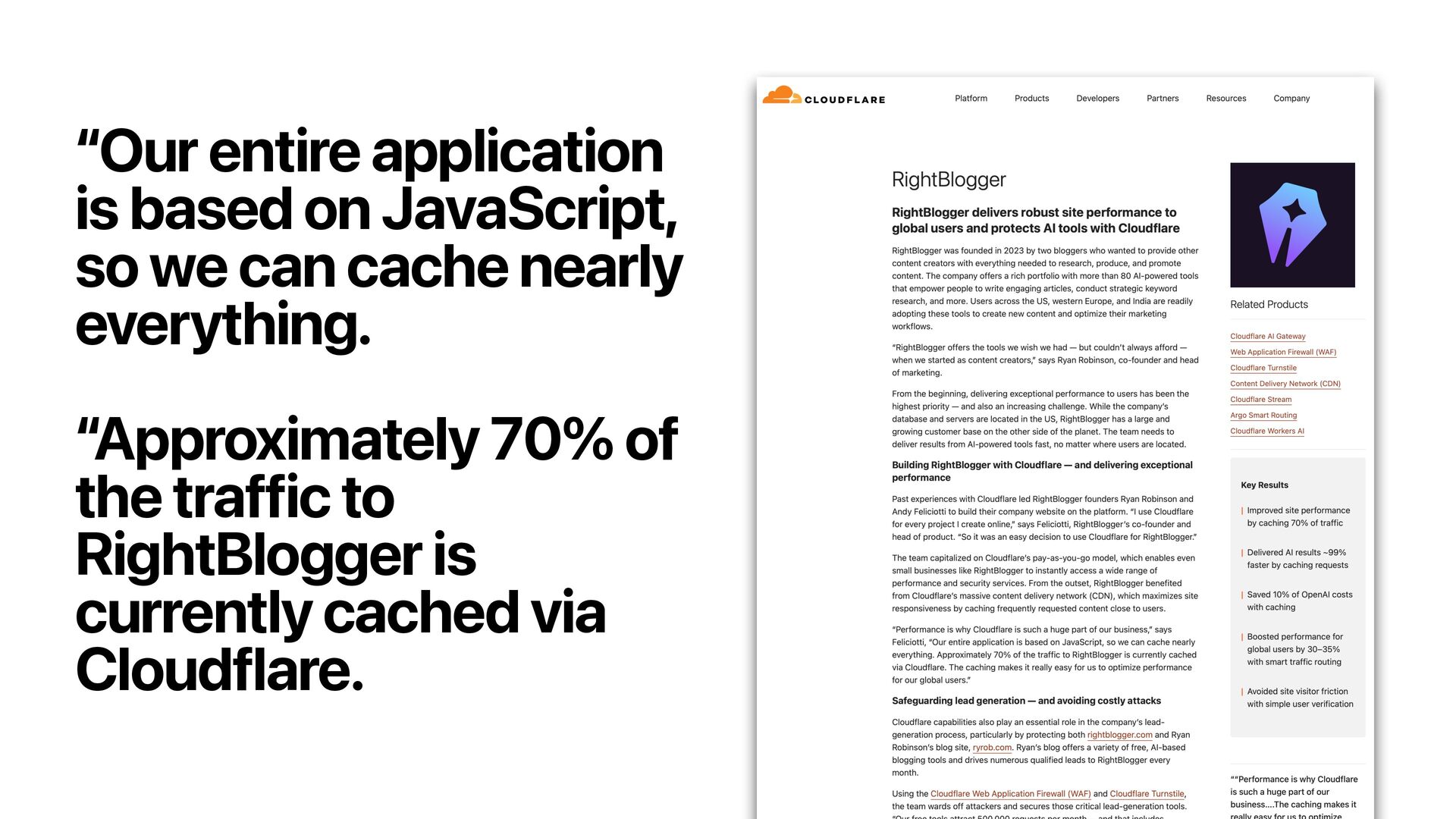
    when a specific change happens. • Good fit for: • Publishing workflows • Faceted/category pages affected by product changes
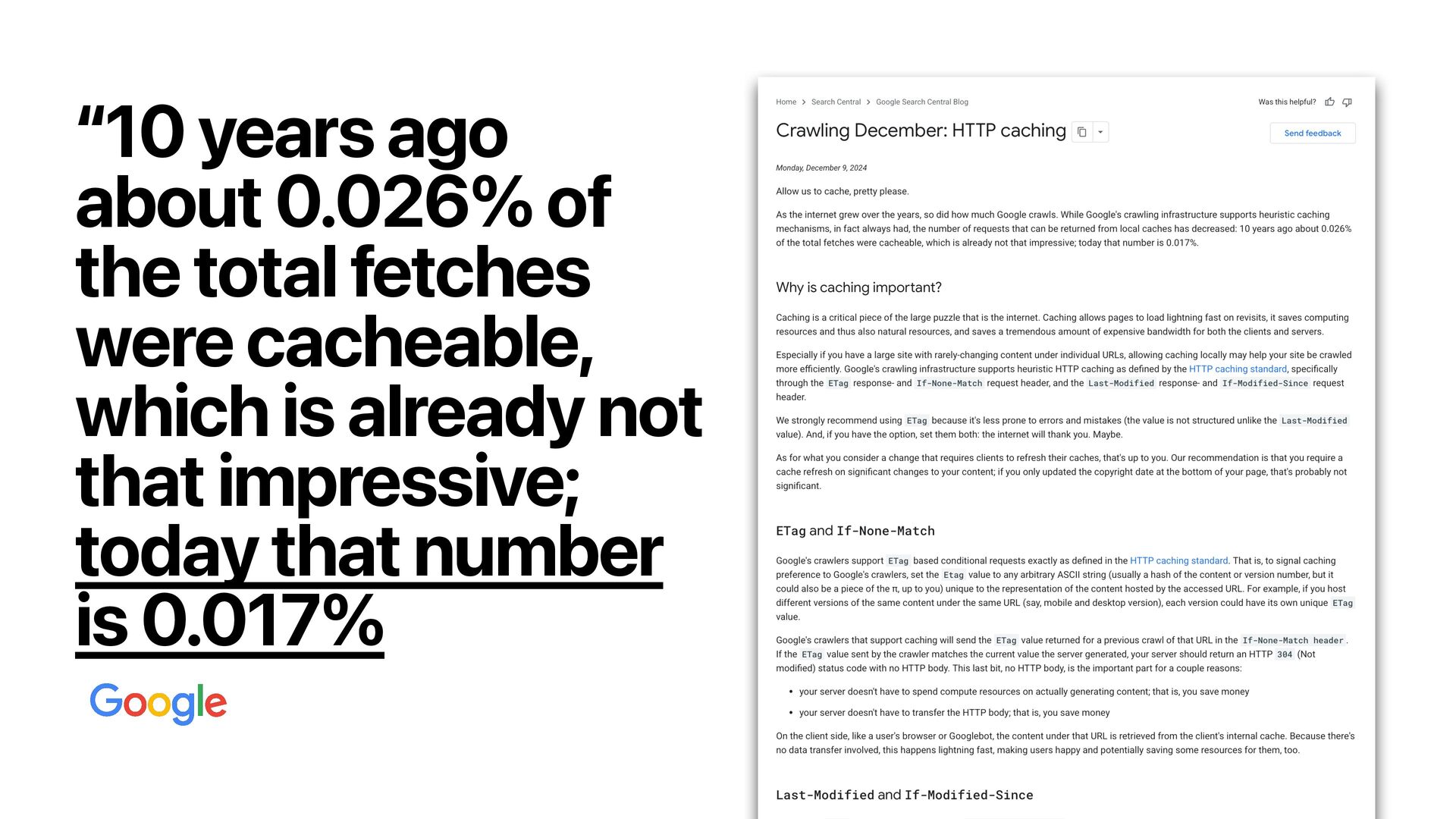
  35. Event-driven / on-demand invalidation Cached content is refreshed or purged

    when a specific change happens. • Watch-out for: • Invalidation rules can become complex • Dependencies are easy to miss • Usually the hardest strategy to design well
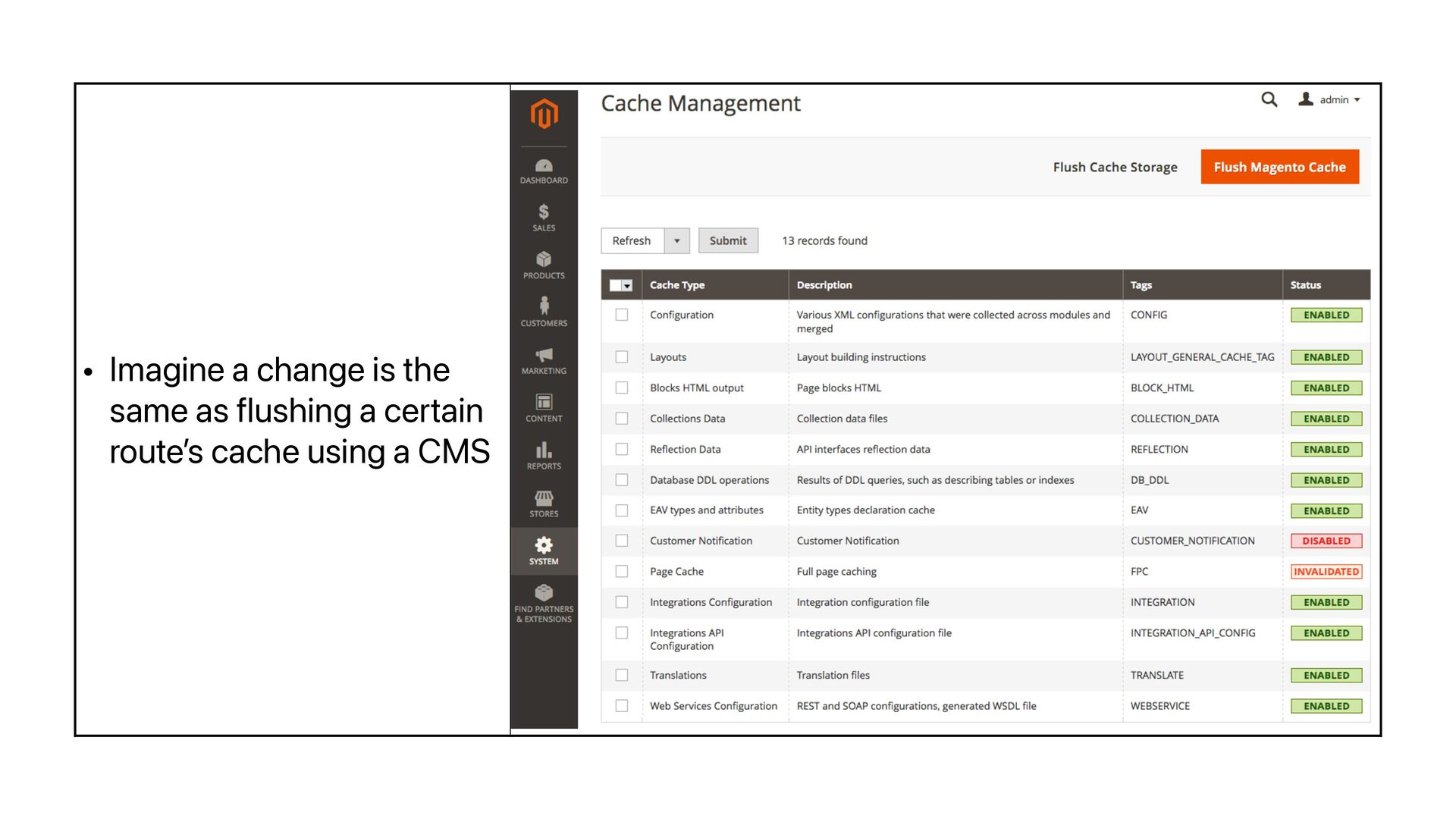
  36. • Imagine a change is the same as flushing a

    certain route ’ s cache using a CMS
  37. willkennard.com If your traffic is low and your content doesn

    ’ t change very often, leave long invalidation periods on 🤷
  38. willkennard.com If your traffic is low and your content doesn

    ’ t change very often, leave long invalidation periods on 🤷 And vice versa!
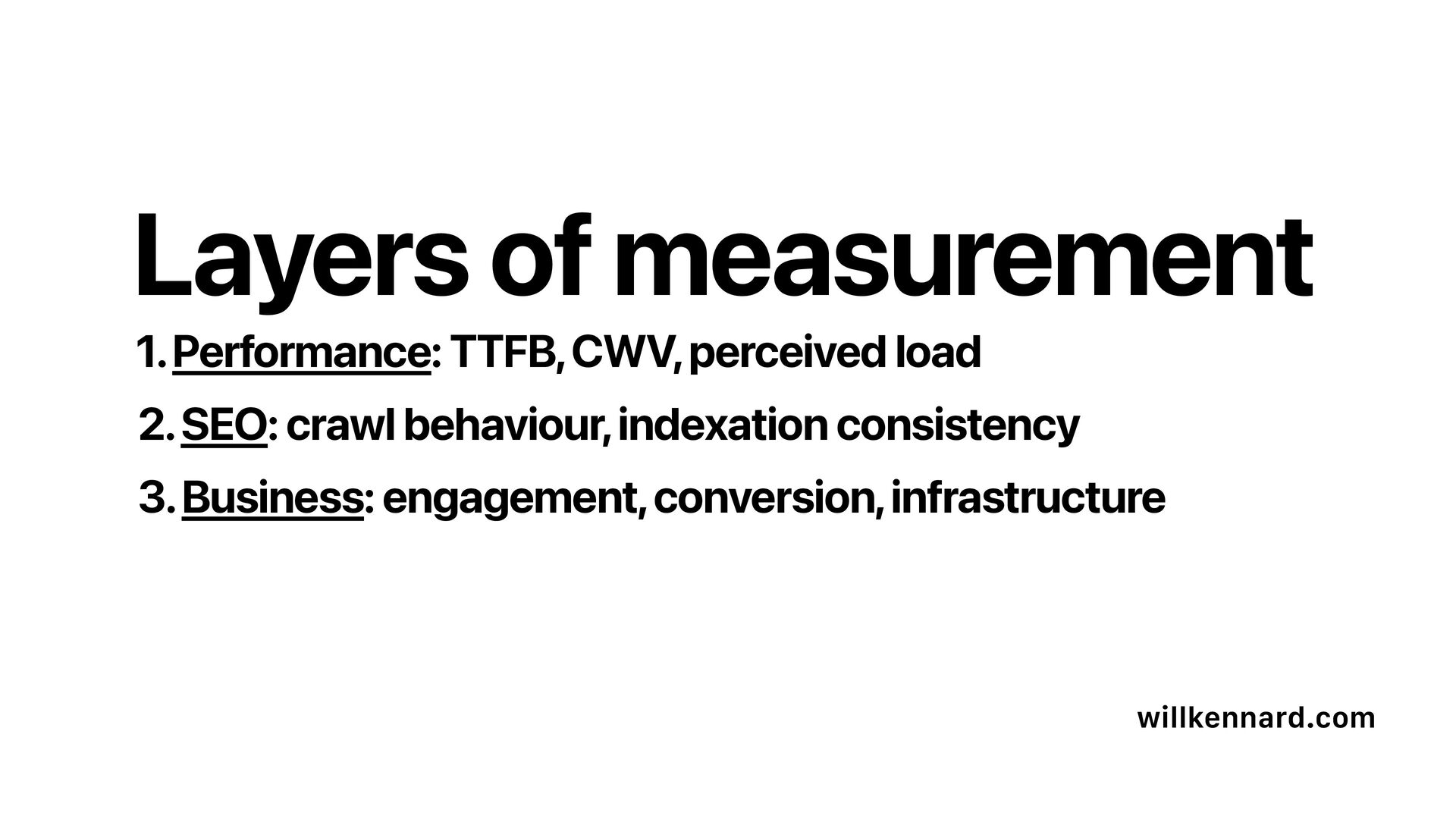
  39. 1. Performance: TTFB, CWV, perceived load willkennard.com 2. SEO: crawl

    behaviour, indexation consistency 3. Business: engagement, conversion, infrastructure Layers of measurement
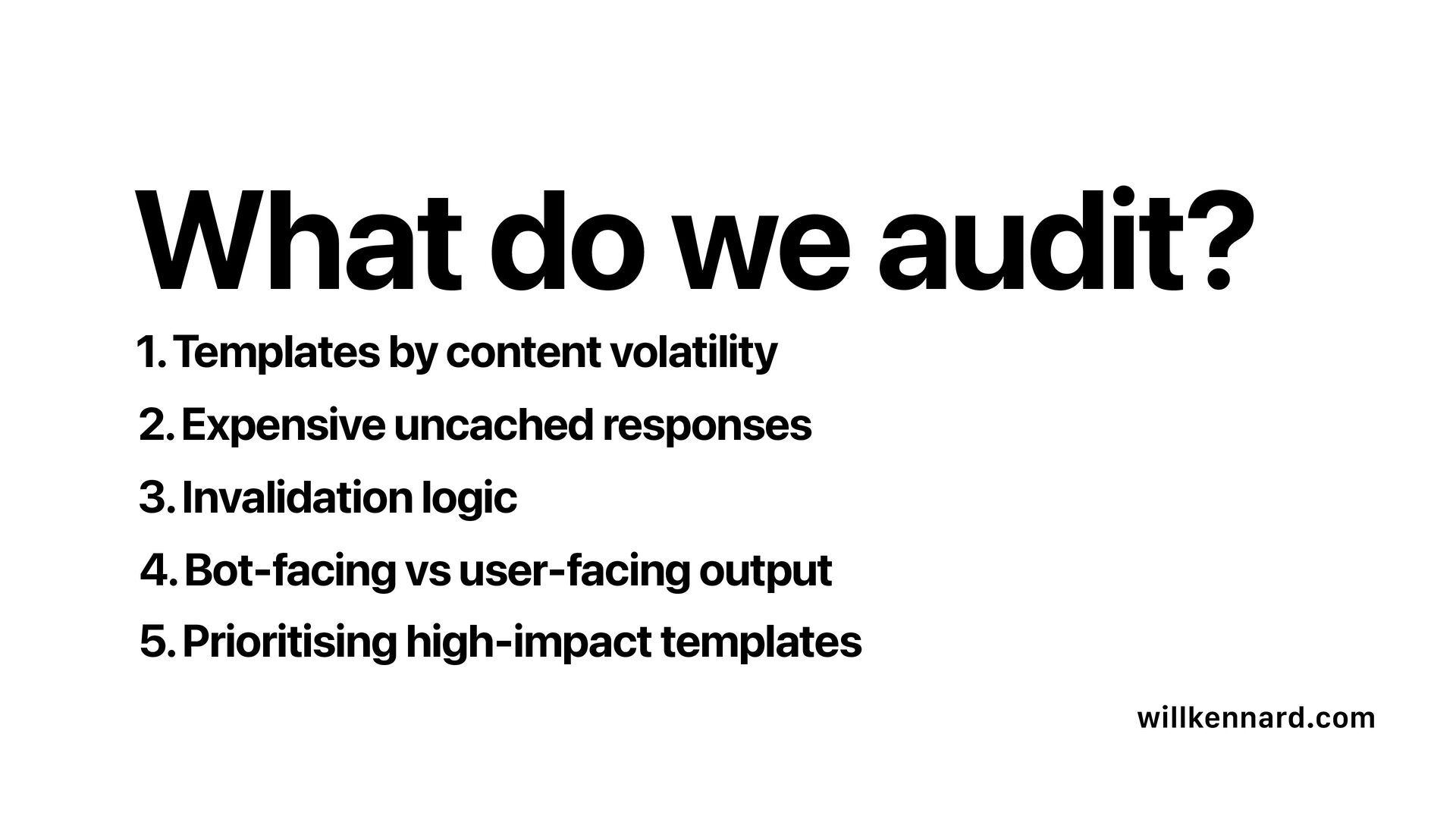
  40. 1. Templates by content volatility willkennard.com 2. Expensive uncached responses

    3. Invalidation logic What do we audit? 4. Bot-facing vs user-facing output 5. Prioritising high-impact templates
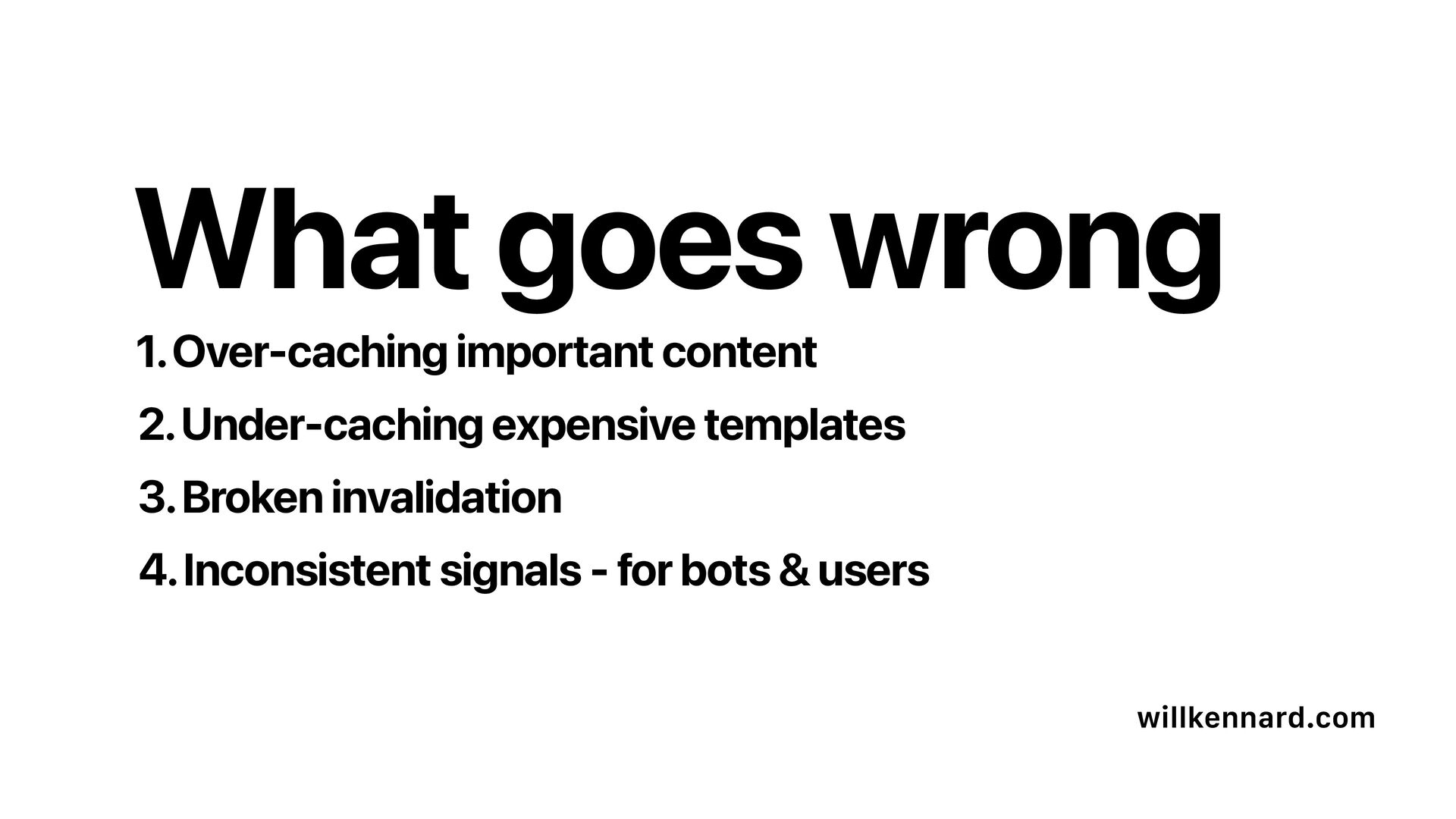
  41. 1. Over-caching important content willkennard.com 2. Under-caching expensive templates 3.

    Broken invalidation What goes wrong 4. Inconsistent signals - for bots & users
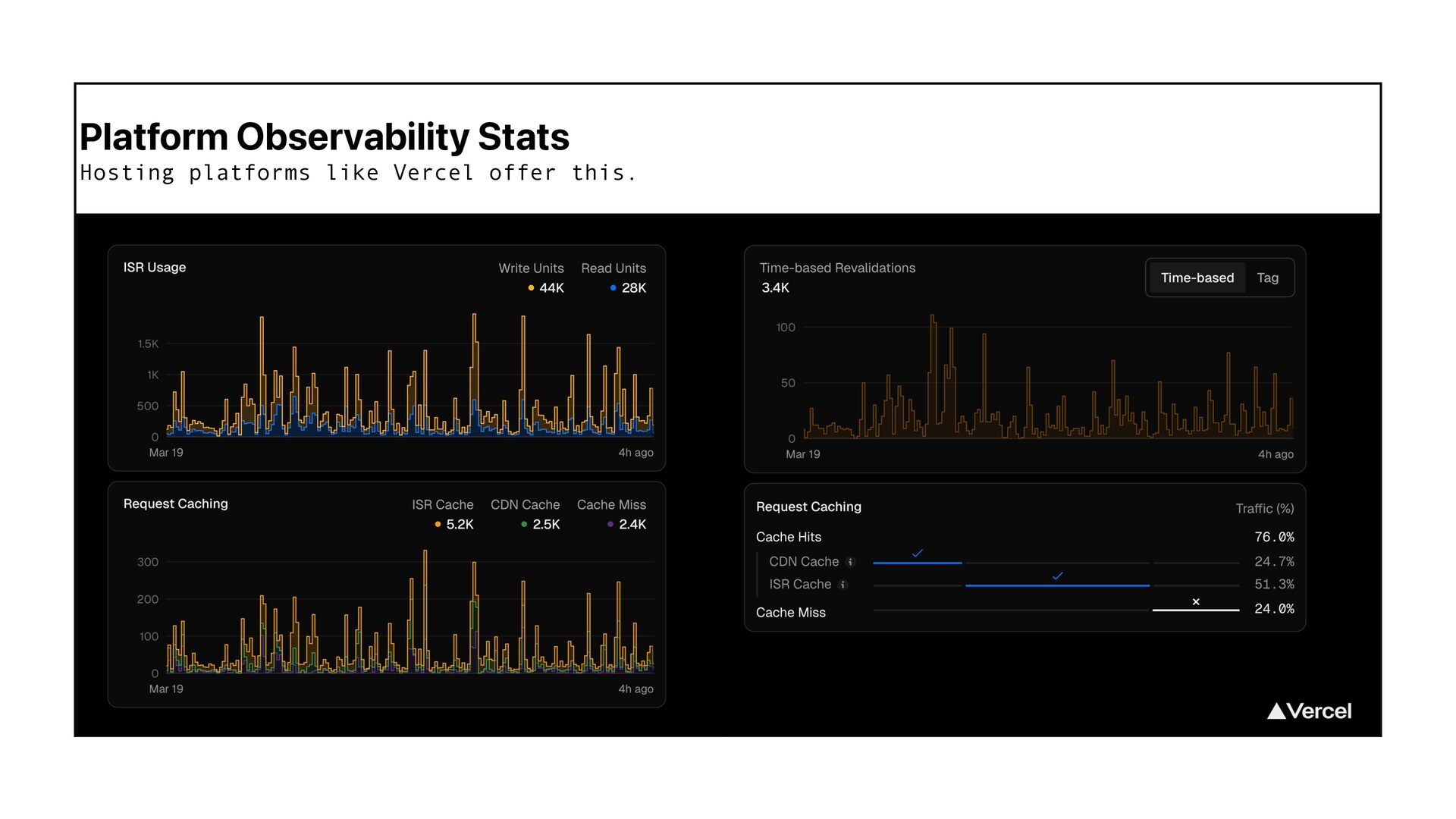
  42. 1. Get hold of observability stats from your platforms willkennard.com

    How do we audit? 2. Check response headers and work with devs
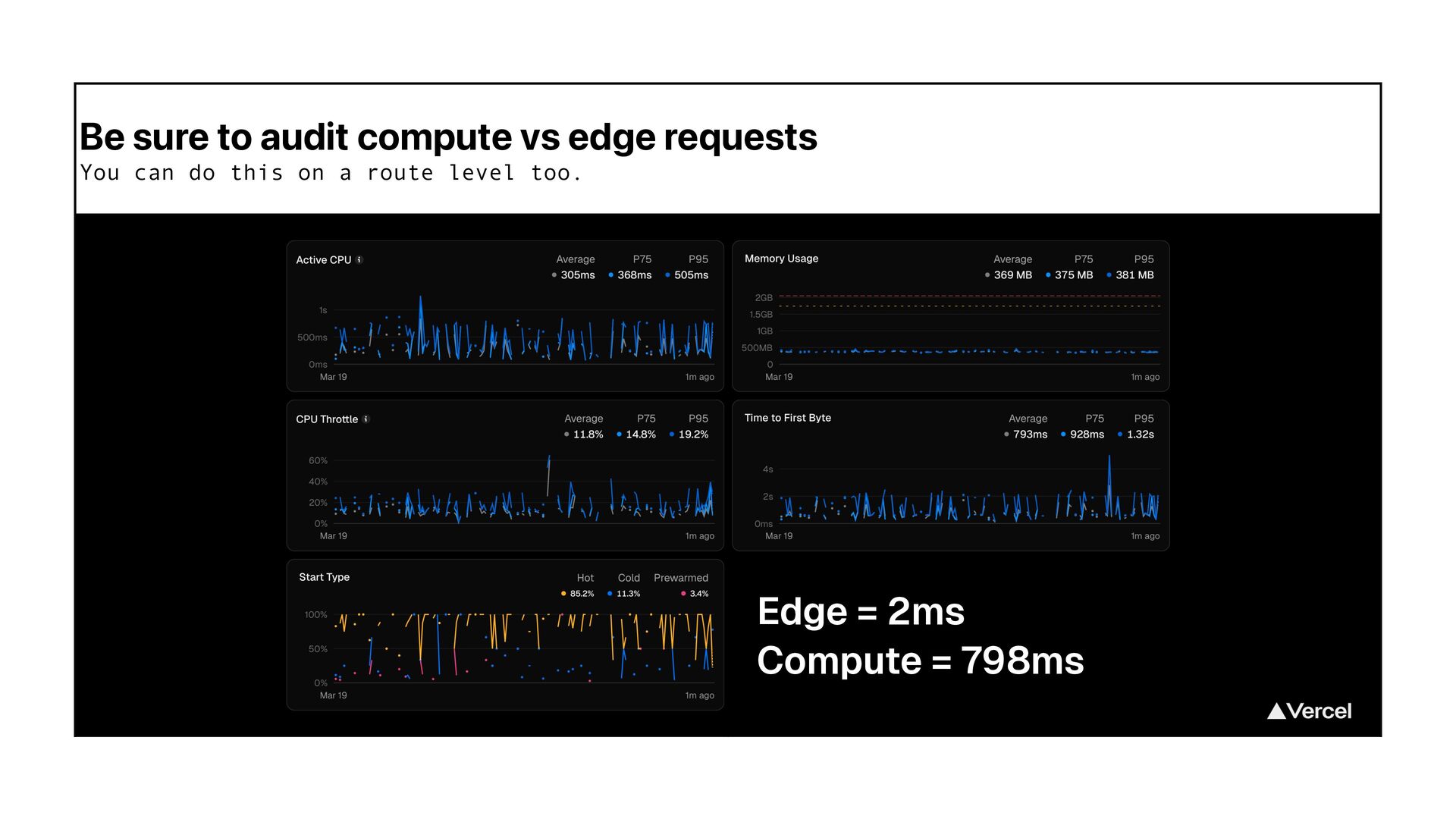
  43. Be sure to audit compute vs edge requests You can

    do this on a route level too. Edge = 2ms Compute = 798ms
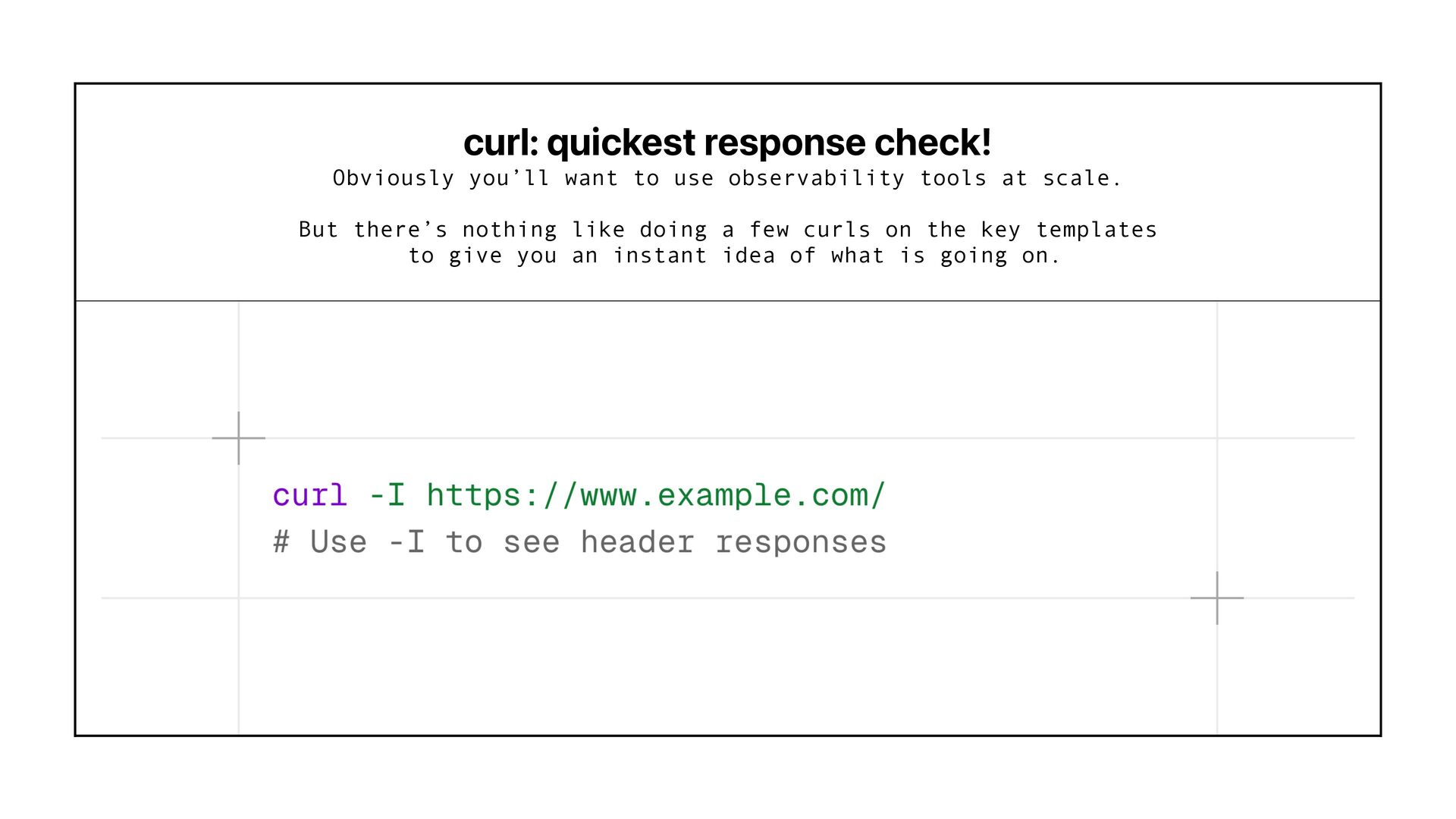
  44. curl: quickest response check! Obviously you’ll want to use observability

    tools at scale. But there’s nothing like doing a few curls on the key templates to give you an instant idea of what is going on.
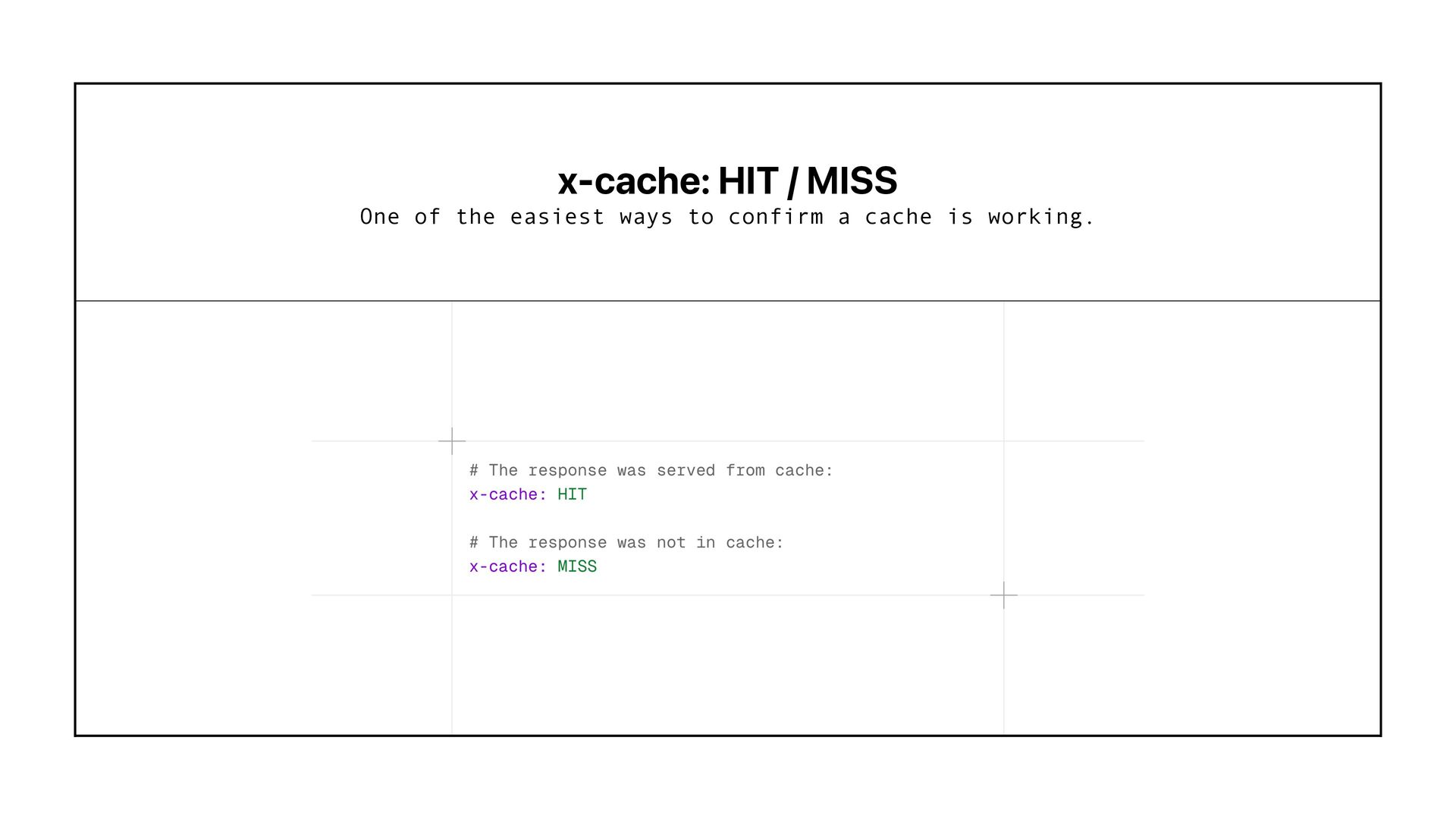
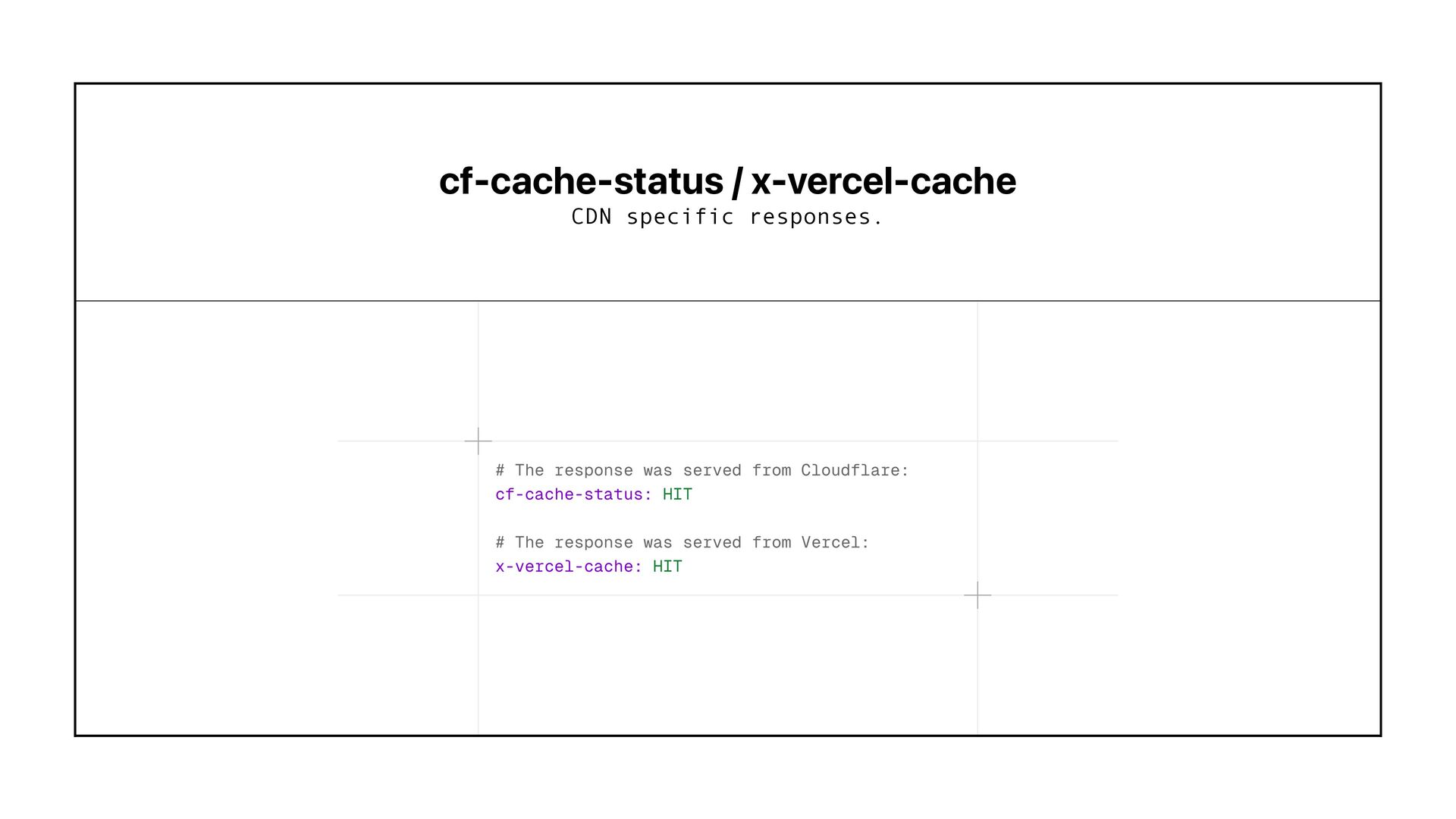
  45. Cache Result Headers These don ’ t direct caches to

    do stuff These help you understand what actually happened in the cache for a specific request.
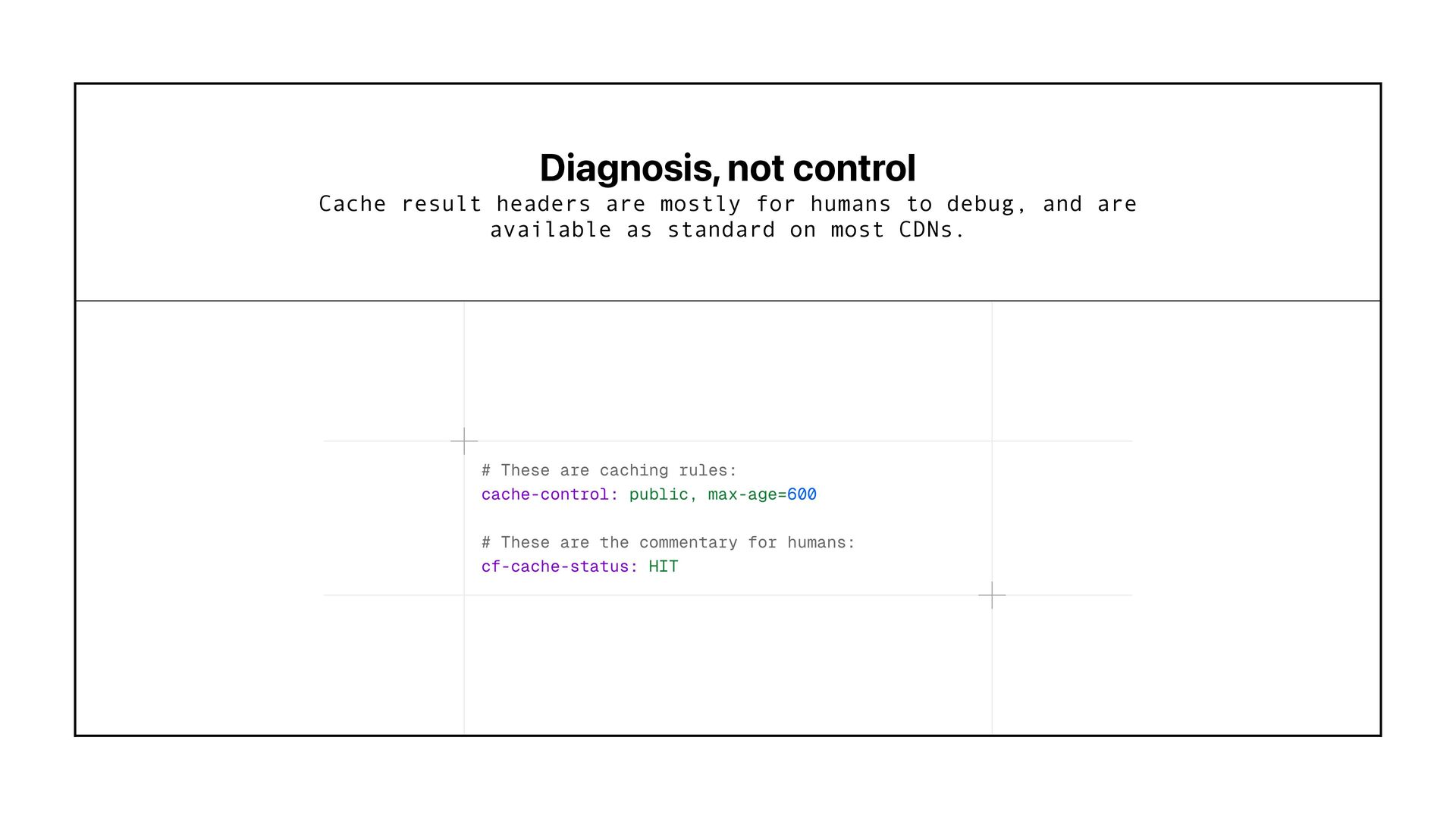
  46. Diagnosis, not control Cache result headers are mostly for humans

    to debug, and are available as standard on most CDNs.
  47. Cache-Control Directives These actually direct caches to do stuff These

    tell caches how long a response can be reused, when it becomes stale, and how old the cached copy already is.
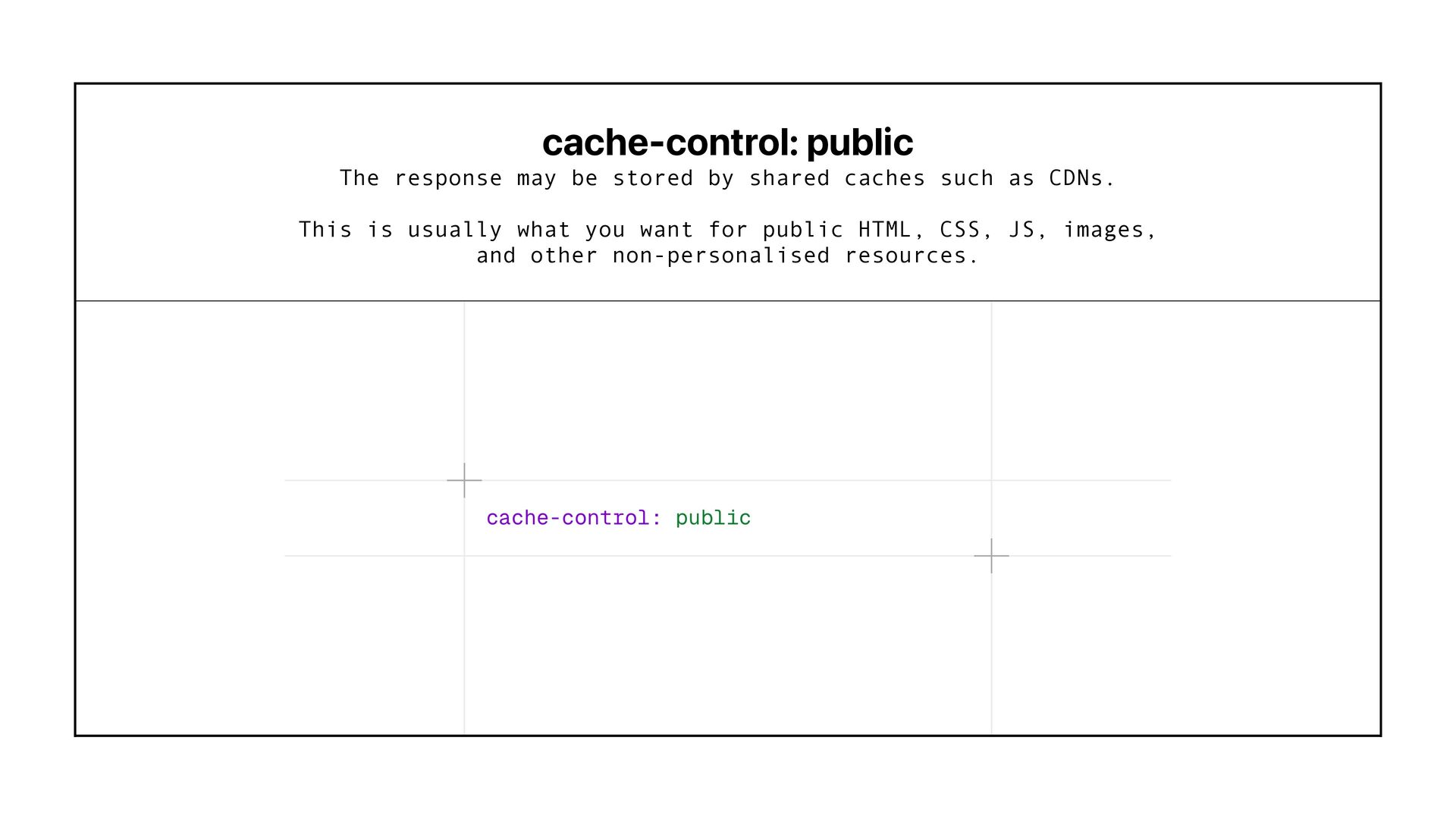
  48. cache-control: public The response may be stored by shared caches

    such as CDNs. This is usually what you want for public HTML, CSS, JS, images, and other non-personalised resources.
  49. cache-control: private The response is intended for one user and

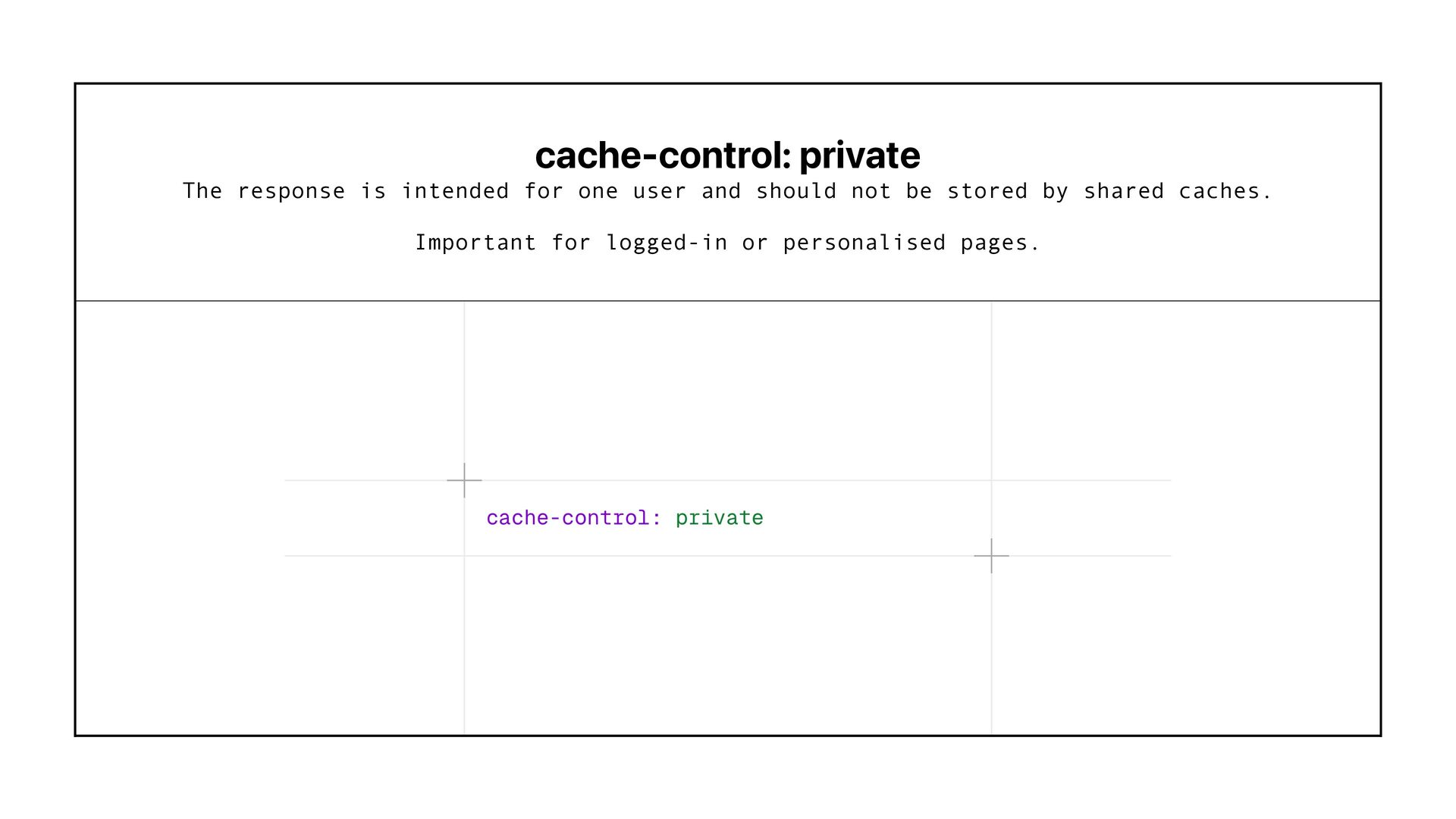
    should not be stored by shared caches. Important for logged-in or personalised pages.
  50. cache-control: no-cache The response may be stored, but it must

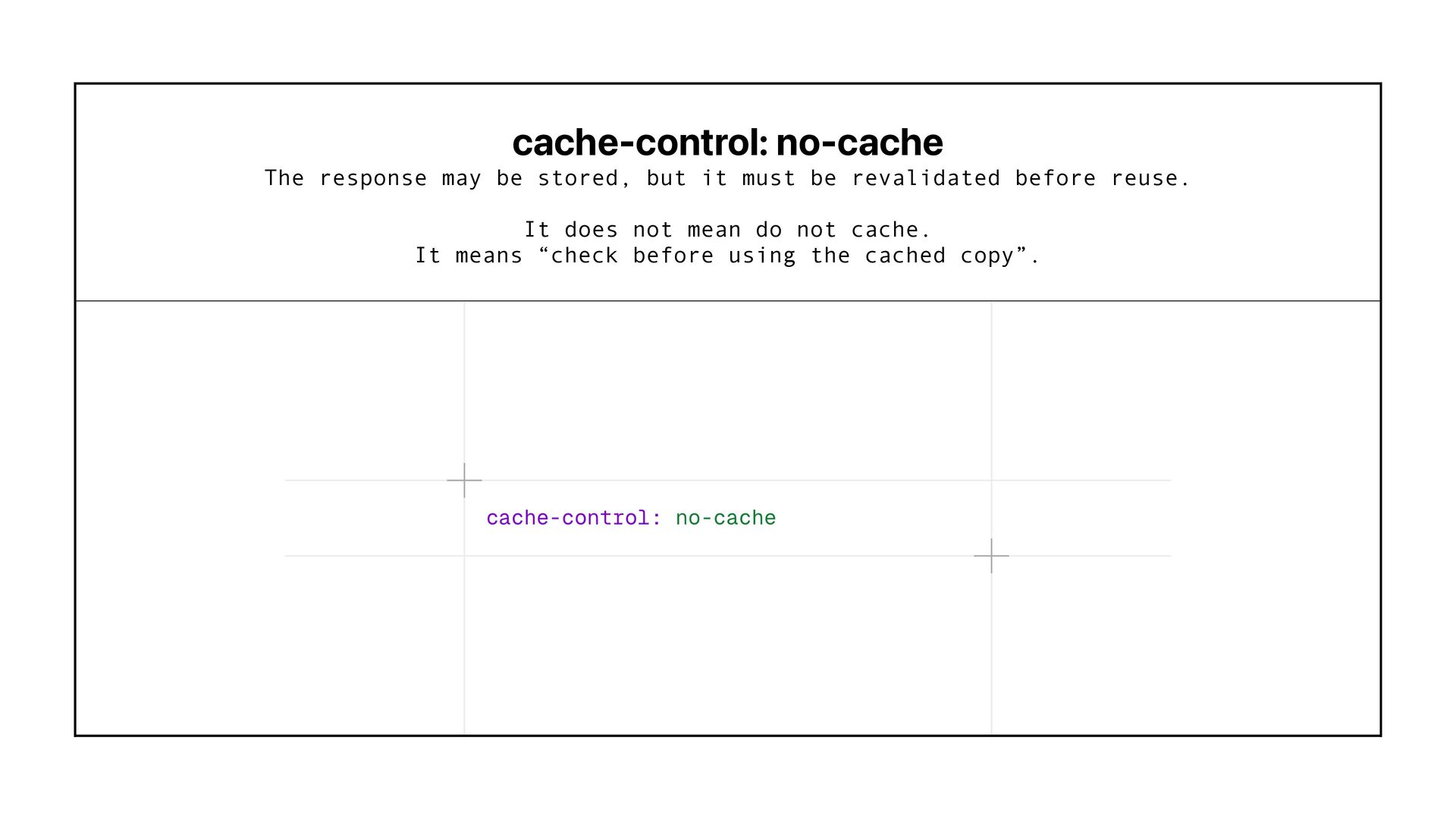
    be revalidated before reuse. It does not mean do not cache. It means “check before using the cached copy”.
  51. cache-control: no-store The response should not be stored in cache

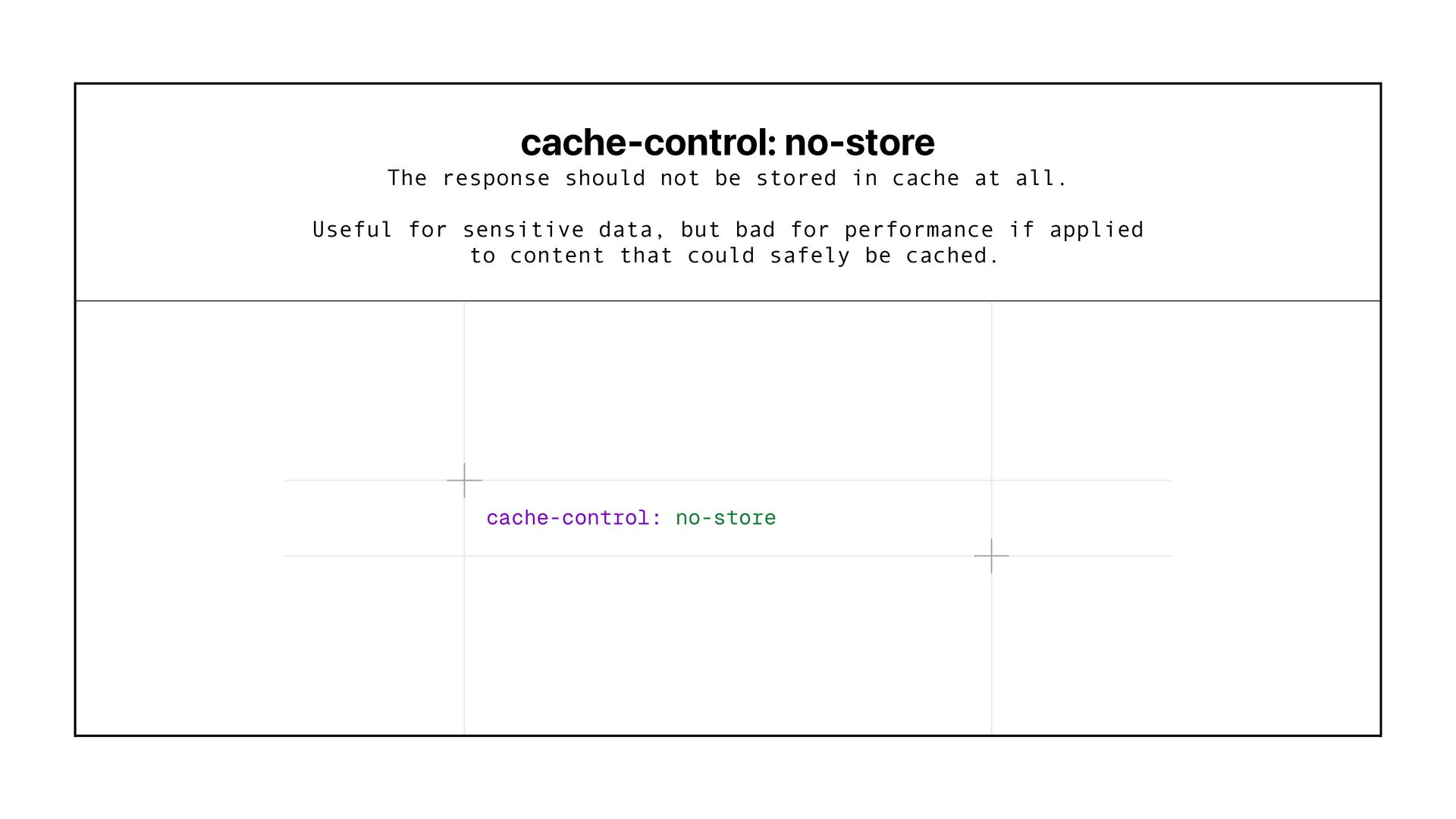
    at all. Useful for sensitive data, but bad for performance if applied to content that could safely be cached.
  52. cache-control: max-age This is the basic TTL rule. It tells

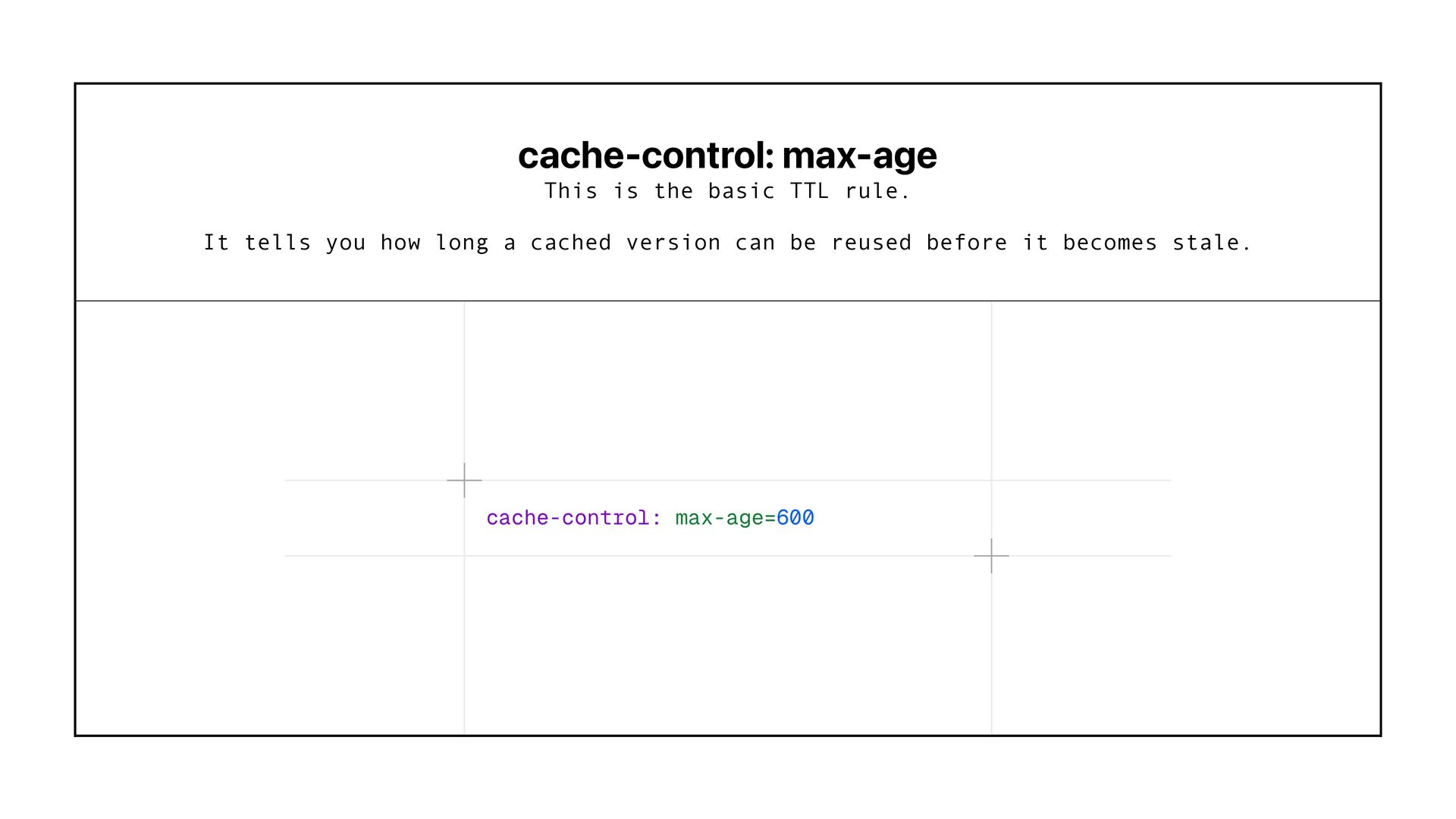
    you how long a cached version can be reused before it becomes stale.
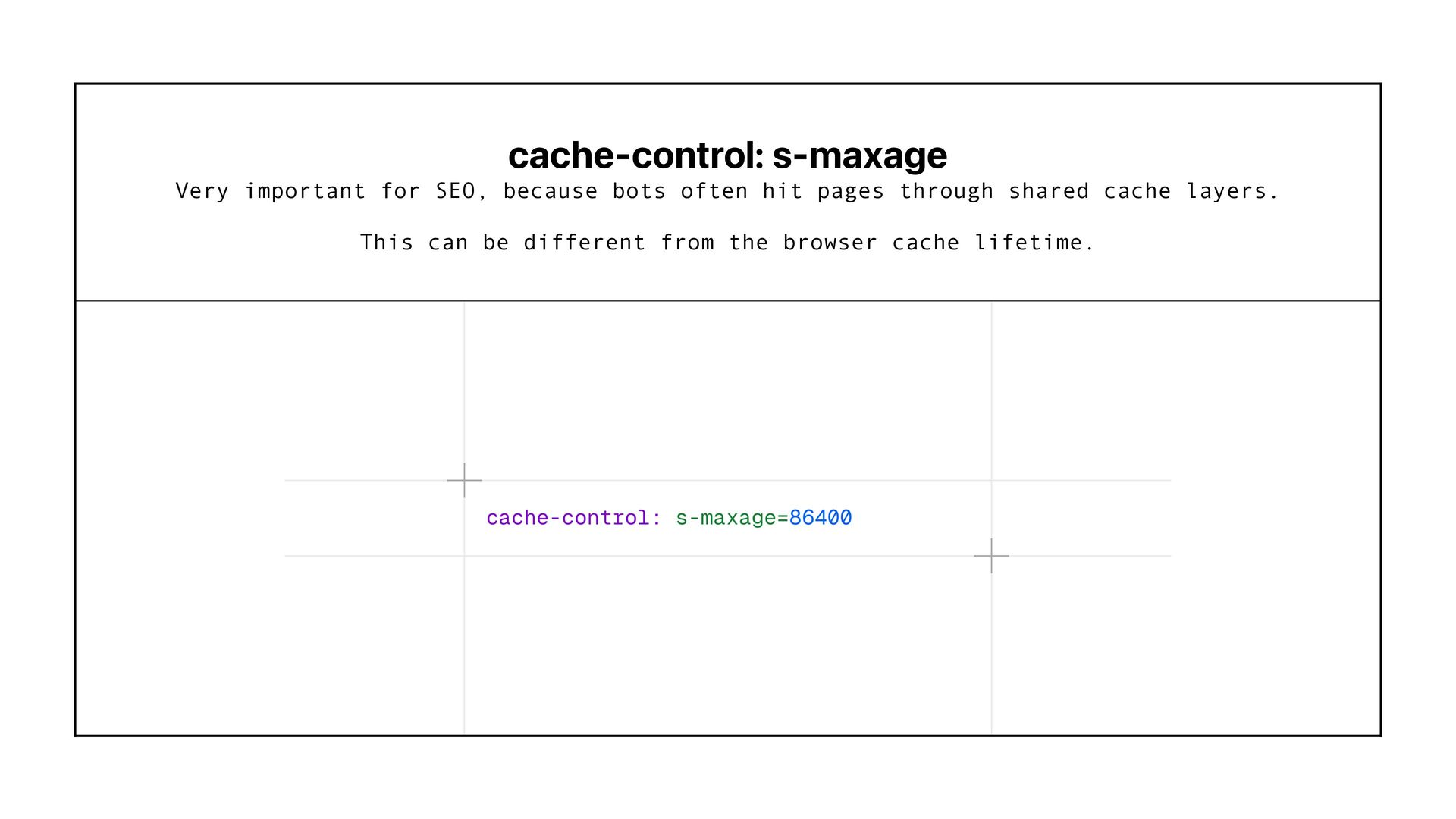
  53. cache-control: s-maxage Very important for SEO, because bots often hit

    pages through shared cache layers. This can be different from the browser cache lifetime.
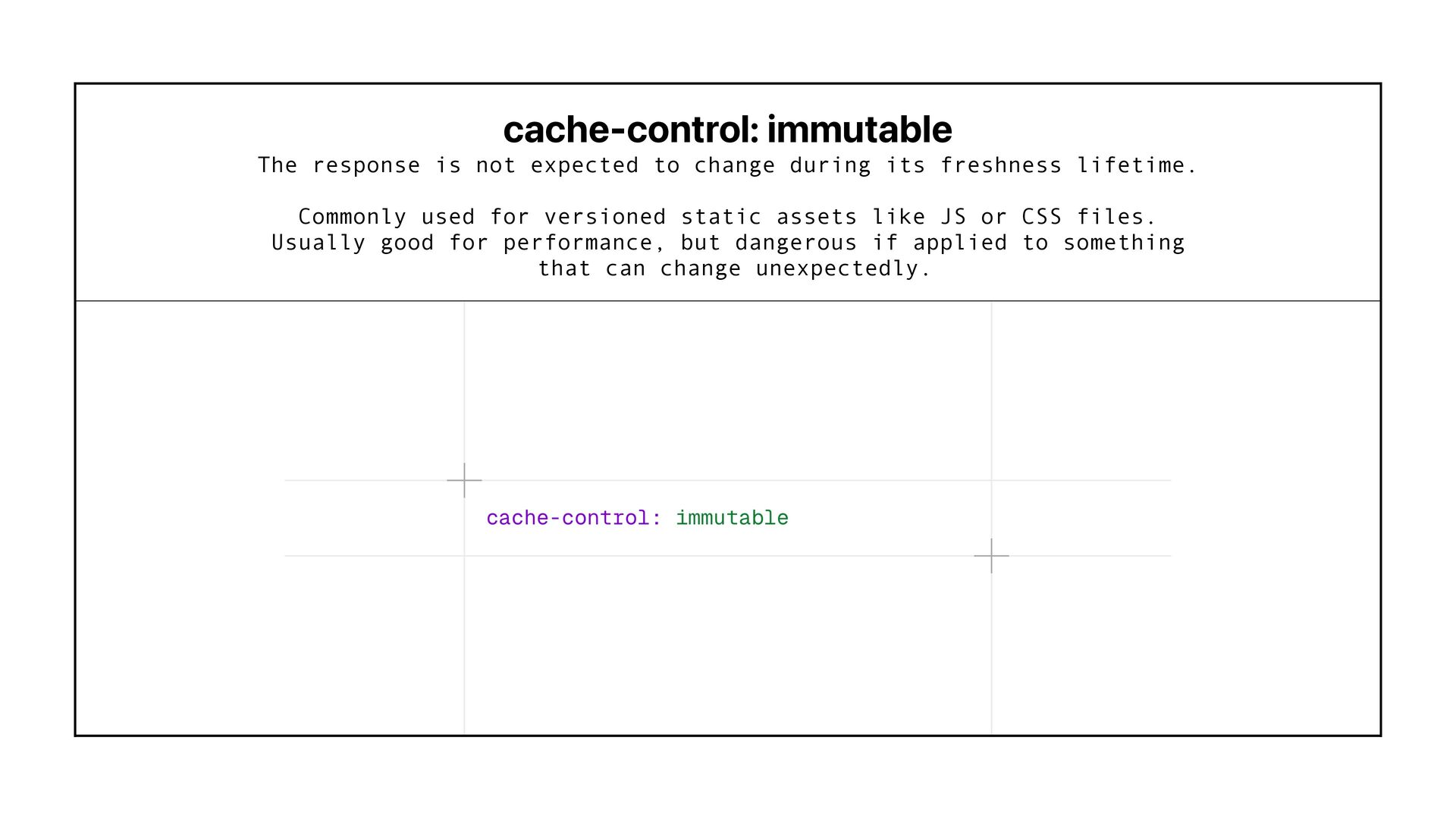
  54. cache-control: immutable The response is not expected to change during

    its freshness lifetime. Commonly used for versioned static assets like JS or CSS files. Usually good for performance, but dangerous if applied to something that can change unexpectedly.
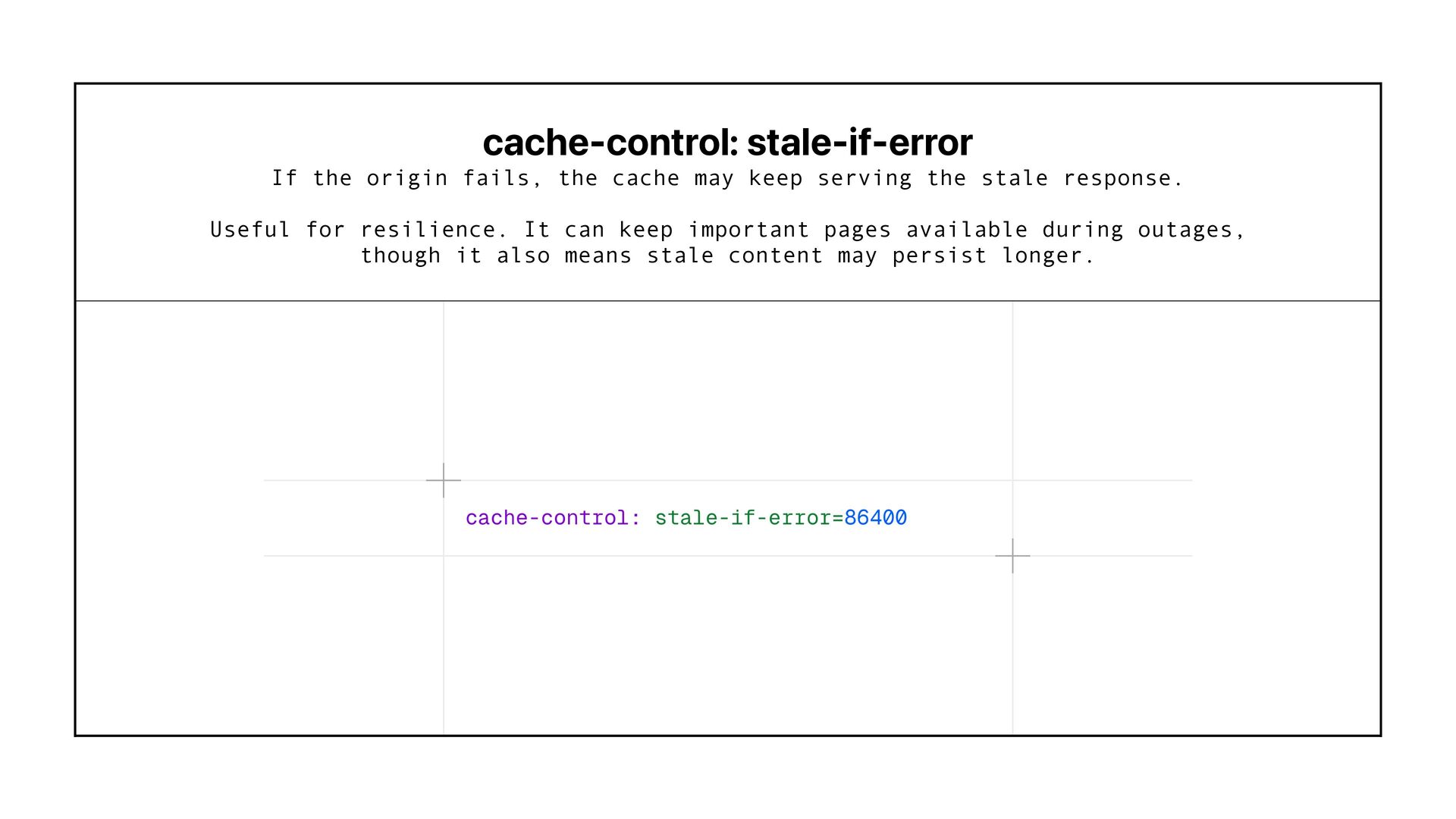
  55. cache-control: stale-if-error If the origin fails, the cache may keep

    serving the stale response. Useful for resilience. It can keep important pages available during outages, though it also means stale content may persist longer.
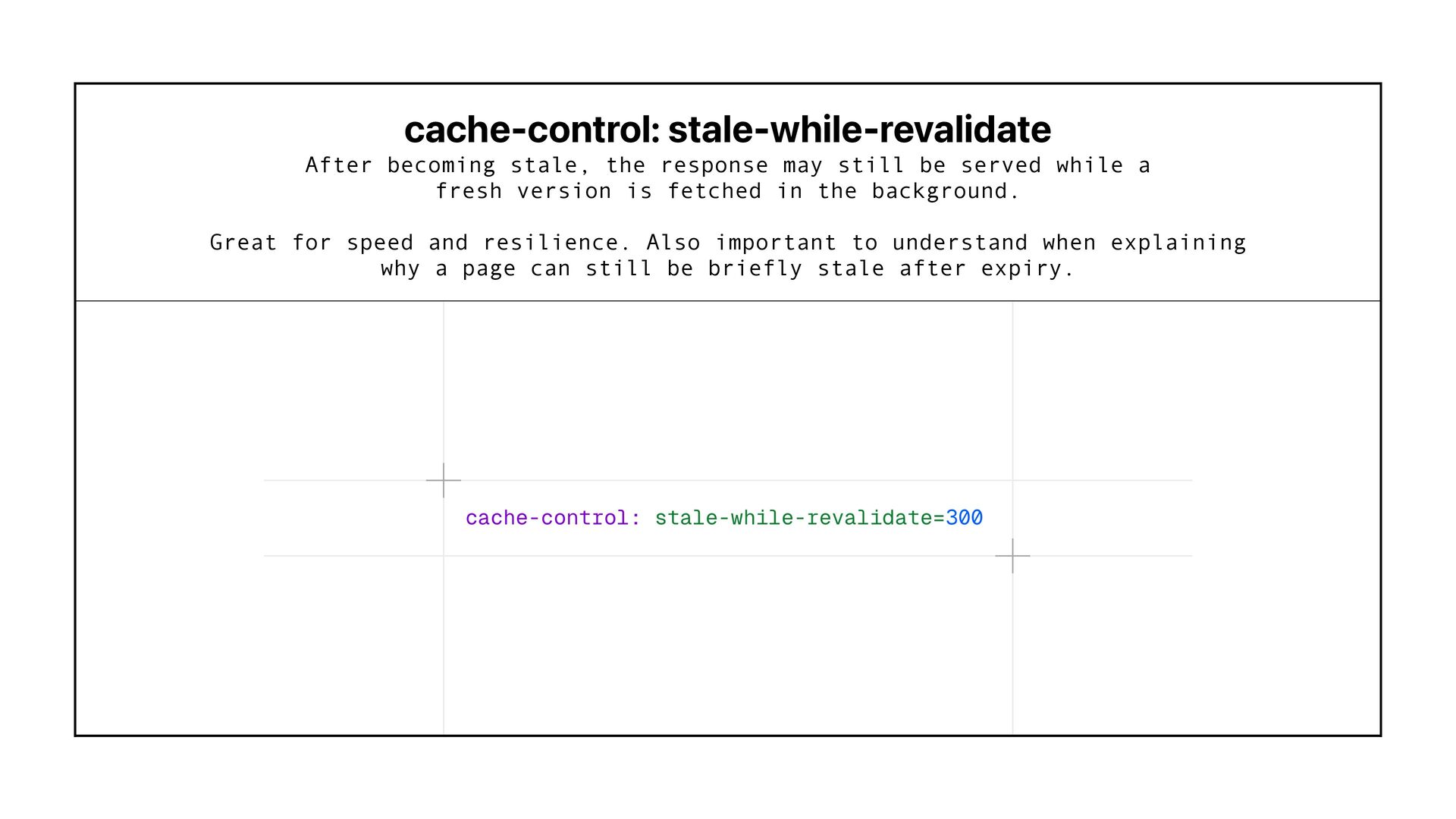
  56. cache-control: stale-while-revalidate After becoming stale, the response may still be

    served while a fresh version is fetched in the background. Great for speed and resilience. Also important to understand when explaining why a page can still be briefly stale after expiry.
  57. Validation Headers These help caches & crawlers check whether their

    stored copy is still valid, instead of downloading the whole response again.
  58. ETag A unique identifier for this version of the response.

    When the content changes, the ETag changes too. Checks for changes instead of fetching the full page again.
  59. If None Match Sent by the client/cache to ask whether

    its stored ETag still matches the current version. Server can return 304 Not Modified instead of sending the whole response again.
  60. Server/ Application Client/ Google Cache Google happy Stores resource with

    etag Renders page, generates etag Checks with if-none-match Returns 304 not modified Requests resource & stores etag Etag same as stored
  61. Next.js / Nuxt Automatically cache every static route to use

    as an ETag Cloudflare / Cloudfront Uses ‘weak’ ETags - Google accepts these Nginx & Apache Automatically generate ETag from last modified + file size App Servers (Node/Express) No Etag by default - needs middleware configuring
  62. ETag & If None Match Caches use them, many by

    default. From a page statically rendered at build time
  63. ETag & If None Match Caches use them, many by

    default. From a page explicitly told to remain dynamically rendered
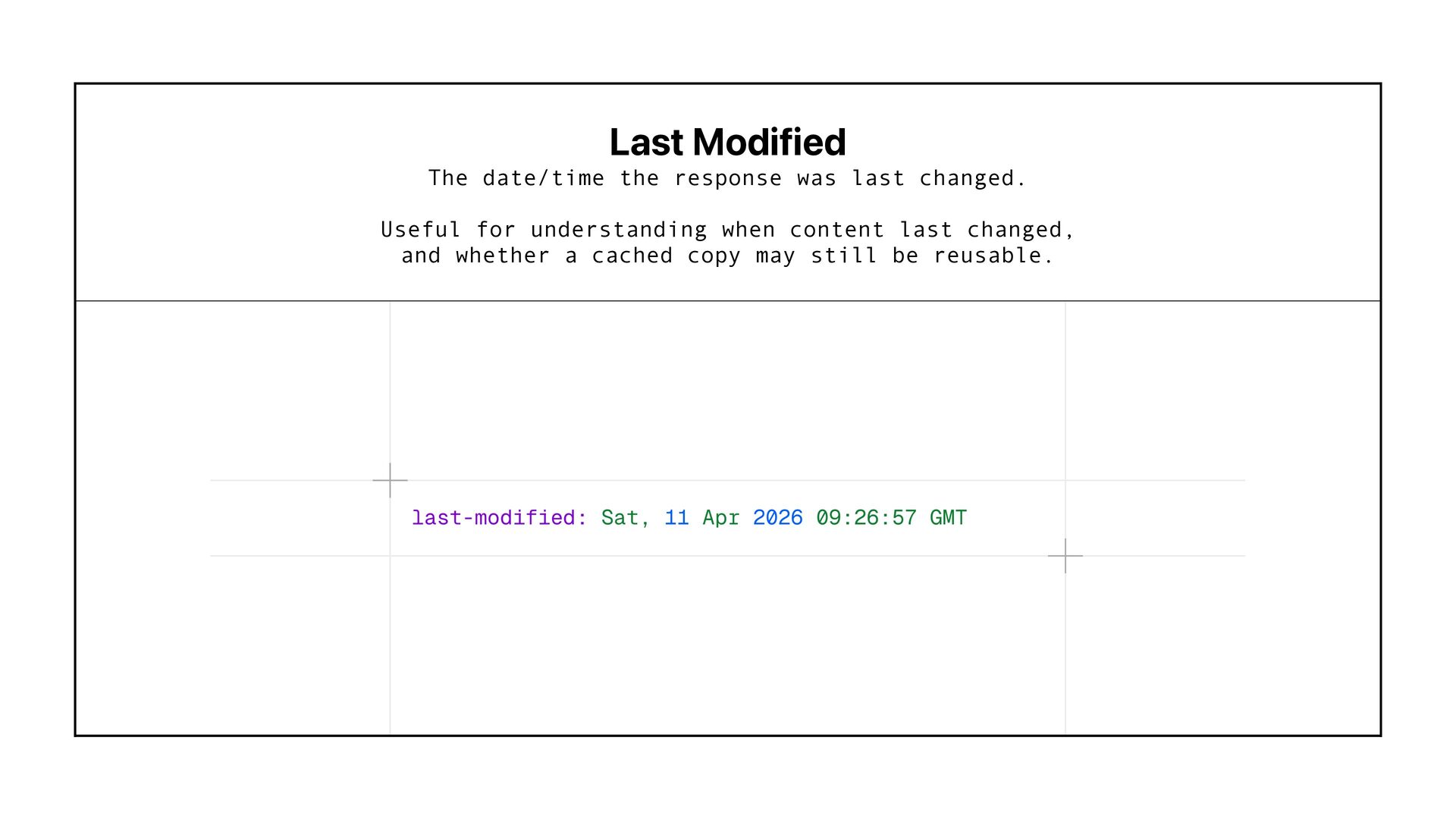
  64. Last Modified The date/time the response was last changed. Useful

    for understanding when content last changed, and whether a cached copy may still be reusable.
  65. Vary headers When cached versions must differ. Tell caches which

    request headers affect the response, so they know when they must store or serve a different version.
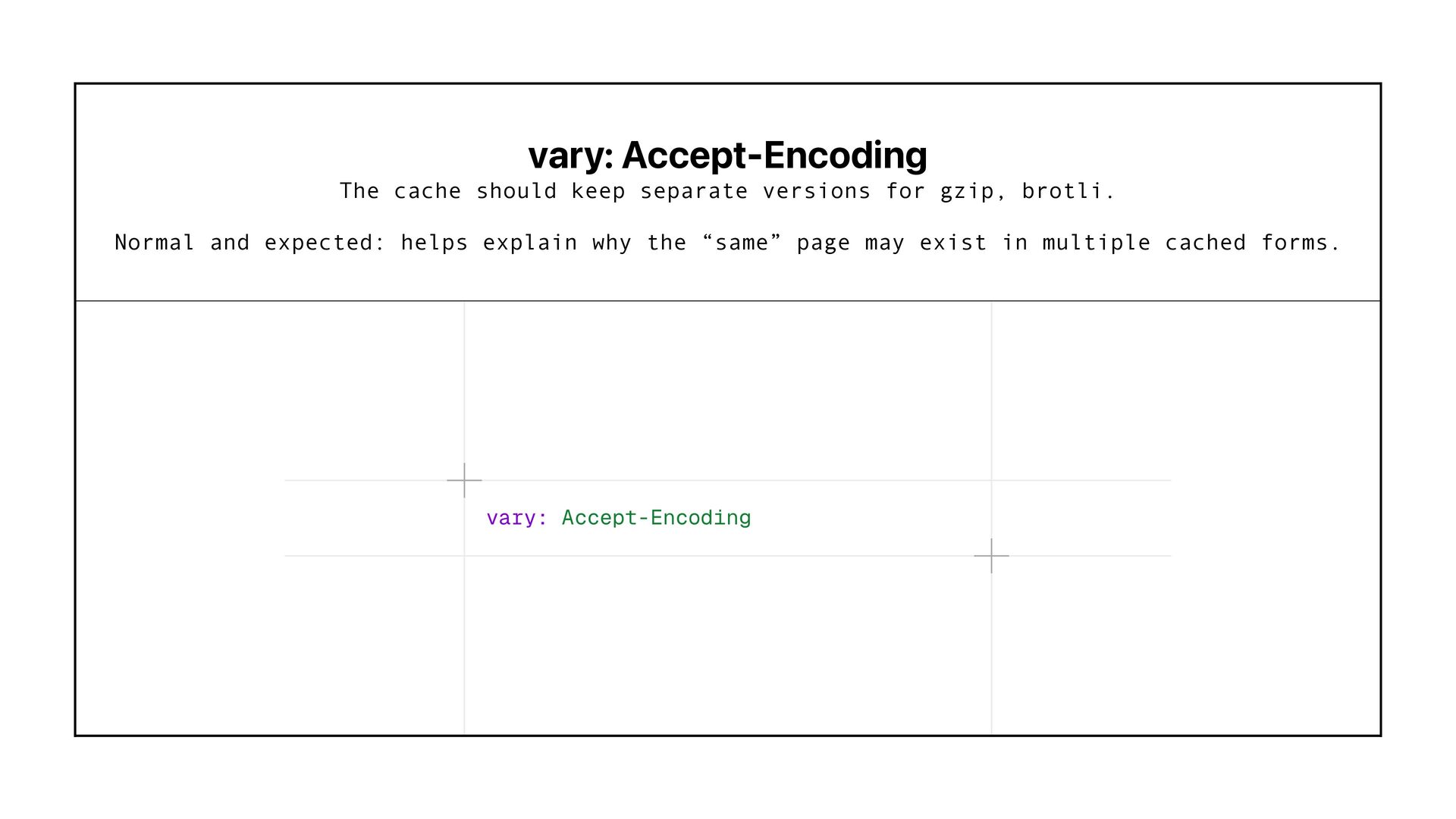
  66. vary: Accept-Encoding The cache should keep separate versions for gzip,

    brotli. Normal and expected: helps explain why the “same” page may exist in multiple cached forms.
  67. vary: User-Agent Different cached versions depending on the browser or

    bot making the request. Can affect bot vs user delivery, mobile vs desktop behaviour, and can create debugging headaches if Googlebot gets a different cached response.
  68. vary: Accept-Language Different cached versions based on language preference. Relevant

    for international sites: helps ensure the right language version is cached and served.
  69. vary: Cookie Different cached versions depending on cookies sent with

    the request. Often a big cache killer. It can reduce cache efficiency and create inconsistent delivery if personalised and non-personalised users share templates.
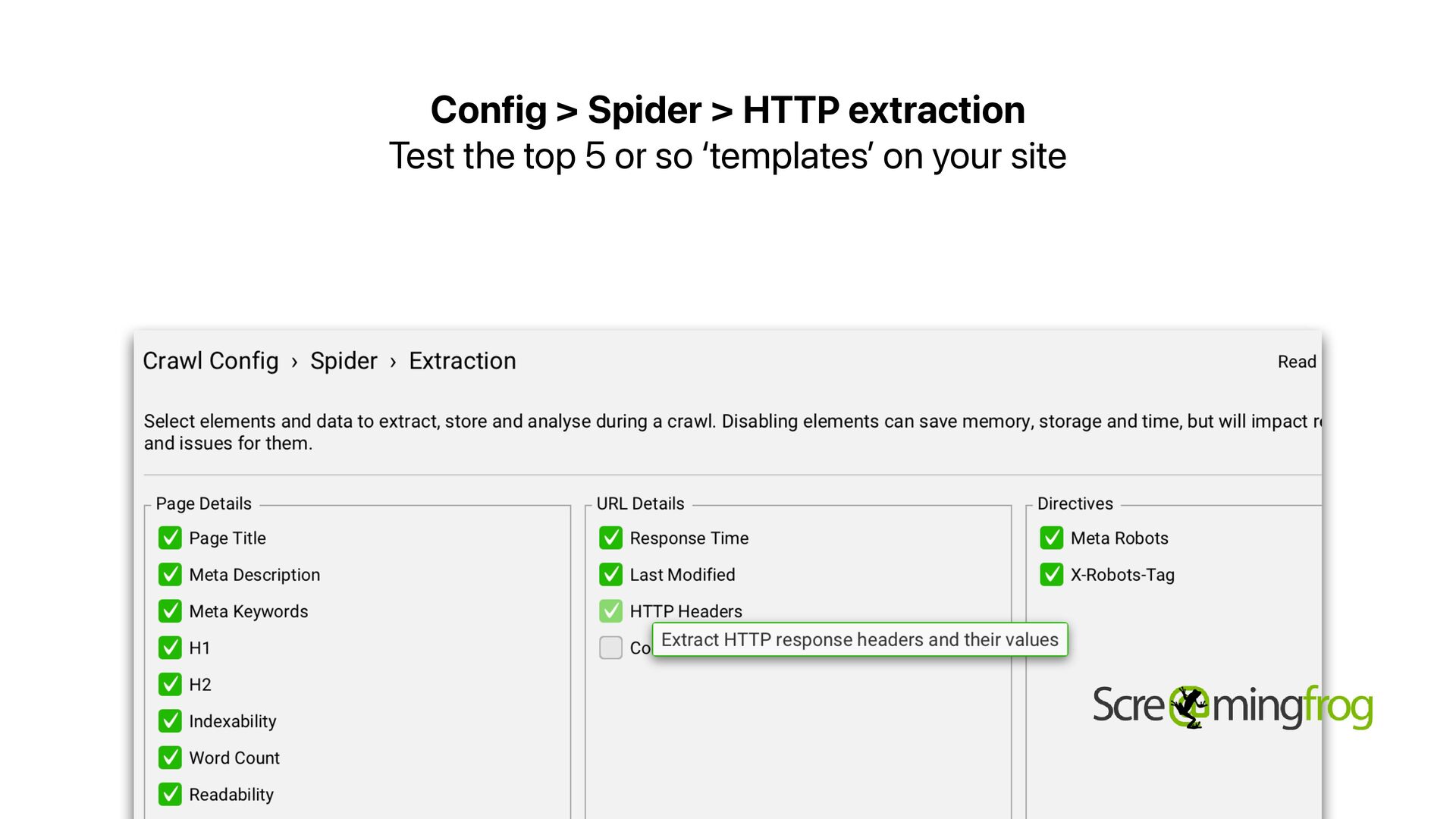
  70. Config > Spider > HTTP extraction Test the top 5

    or so ‘templates ’ on your site
  71. I ’ m also working on a tool It ’

    s not quite ready yet! I ’ m looking for someone to work on it with me to make it as useful as possible - if that ’ s you please give me a shout :)
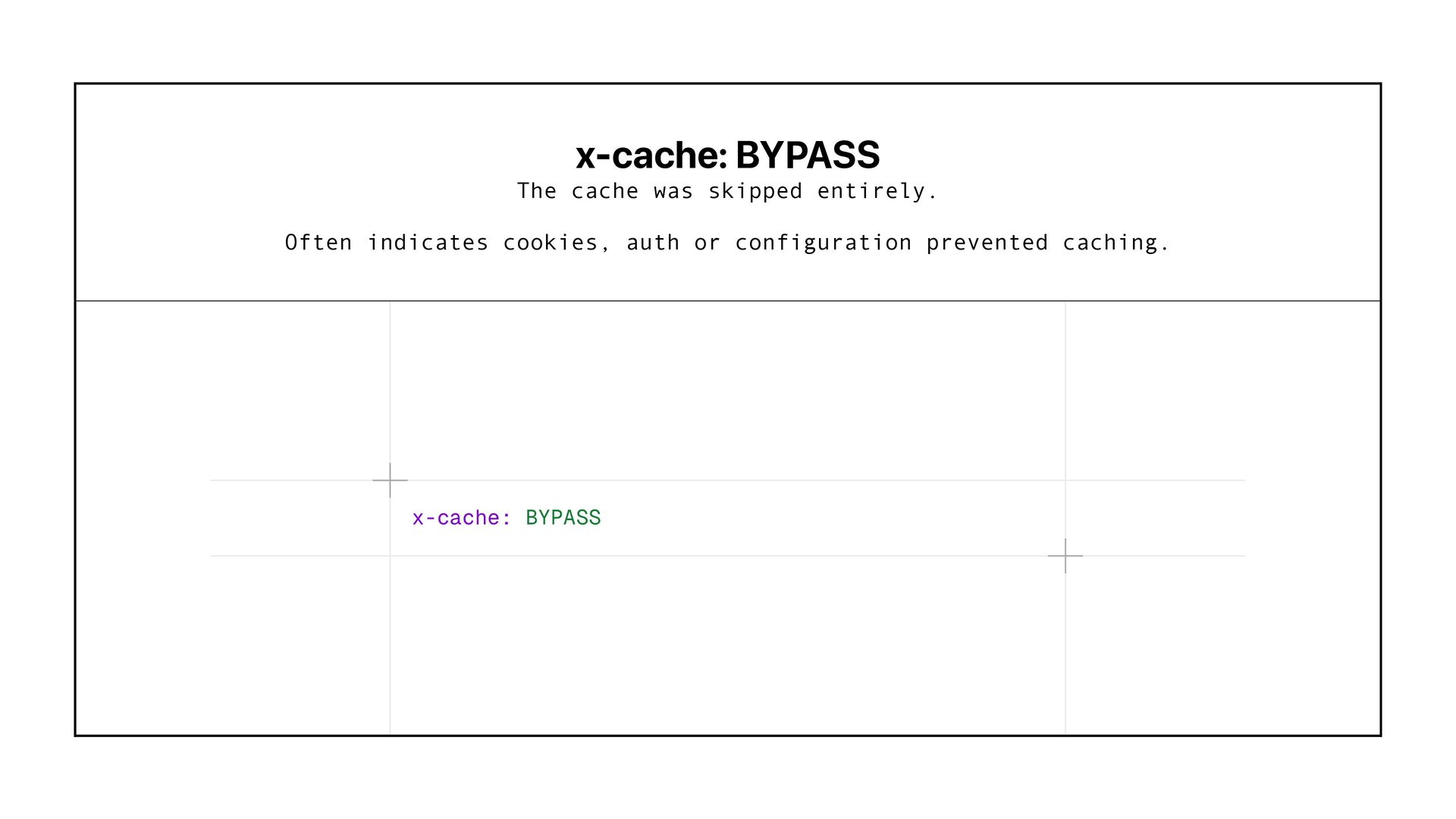
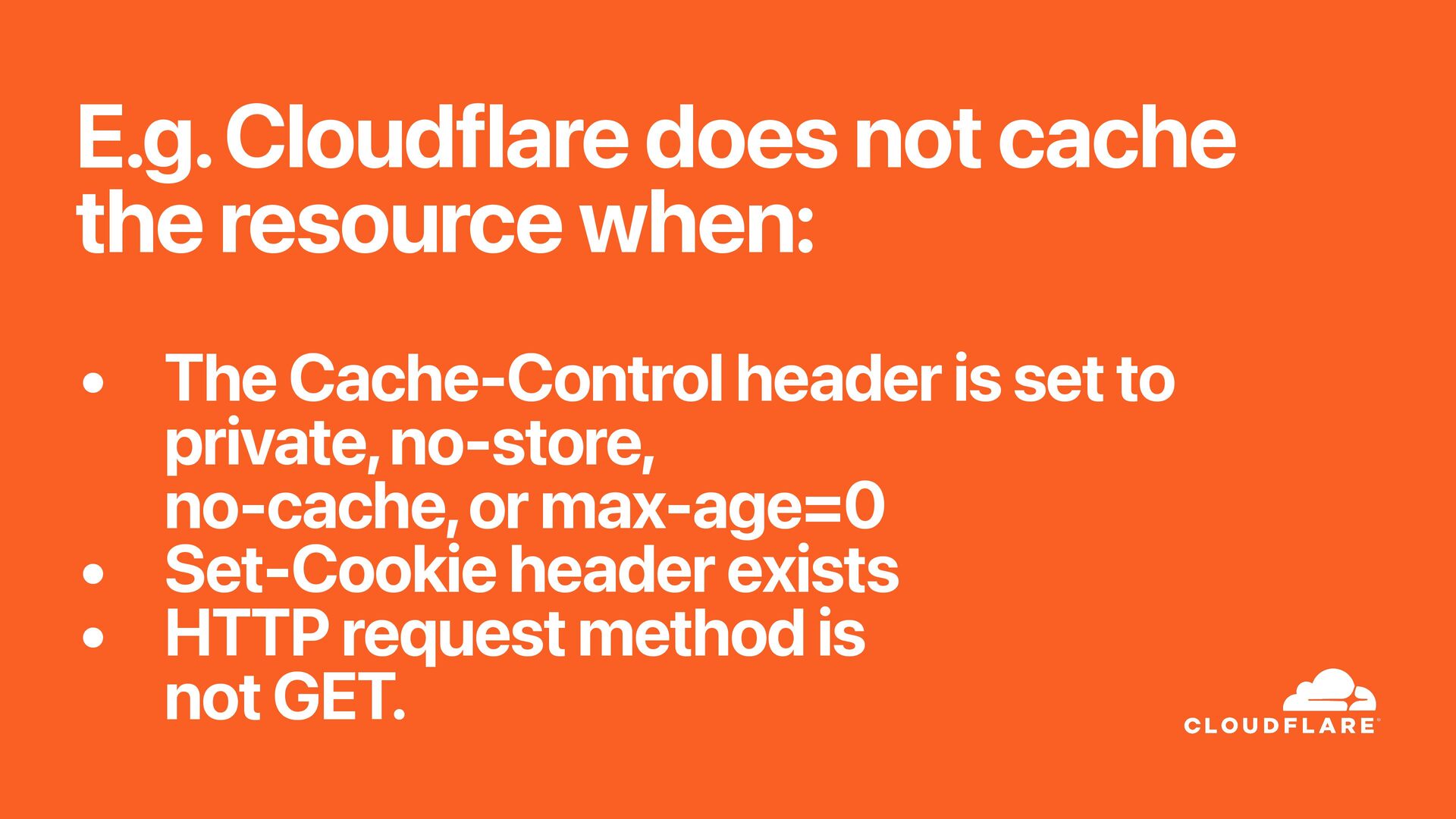
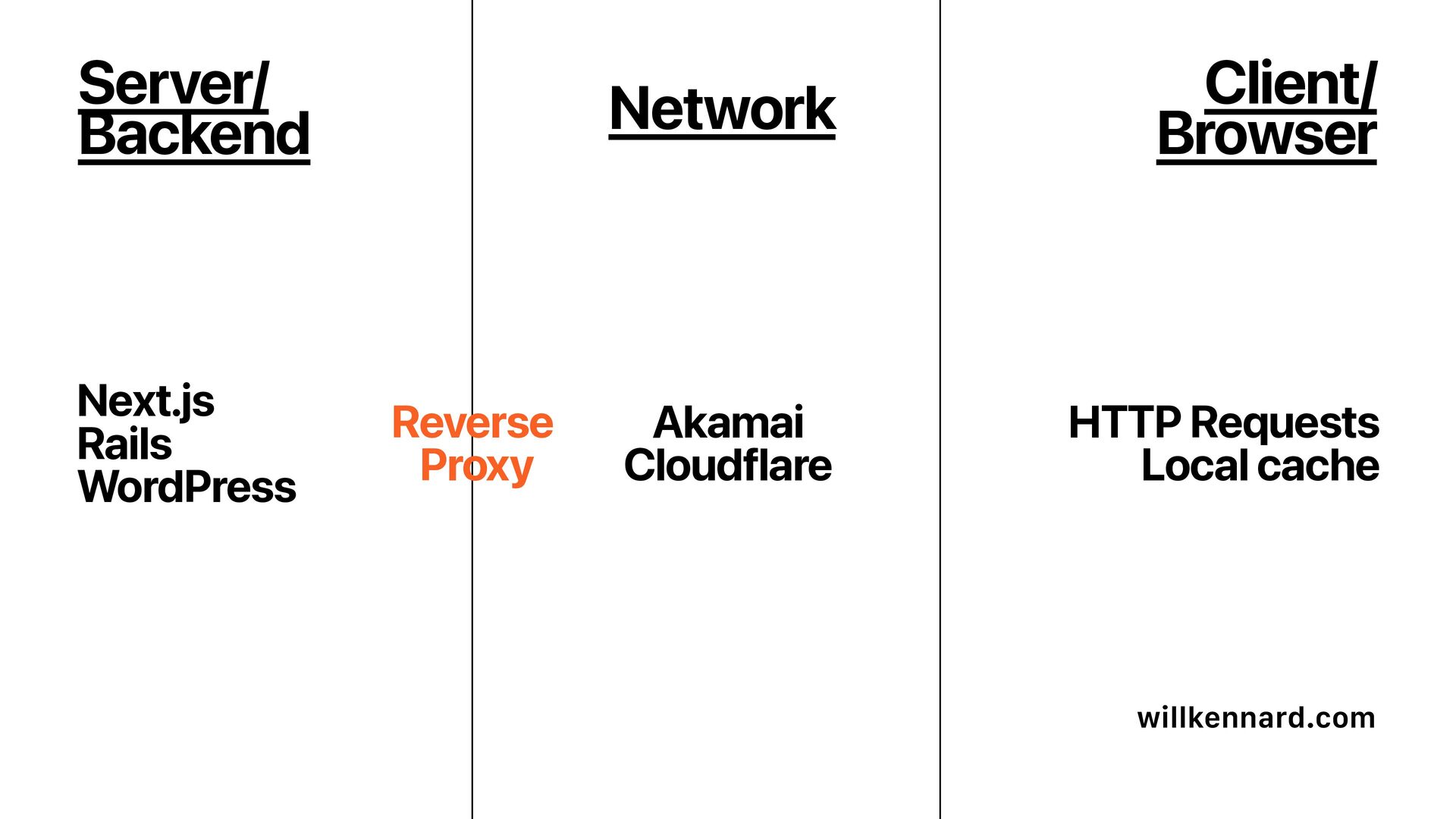
  72. E.g. Cloudflare does not cache the resource when: • The

    Cache-Control header is set to private, no-store, no-cache, or max-age=0 • Set-Cookie header exists • HTTP request method is not GET.
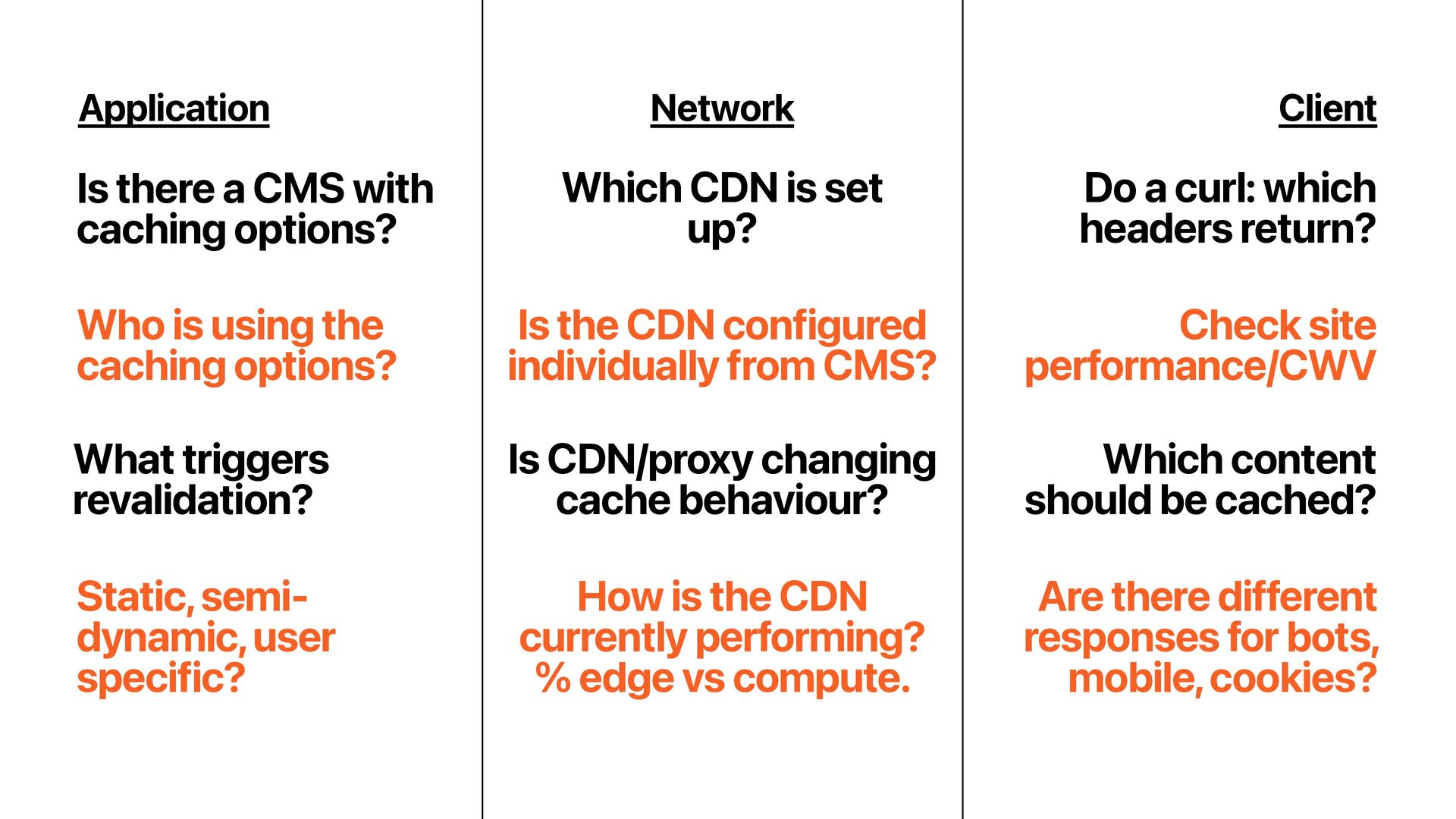
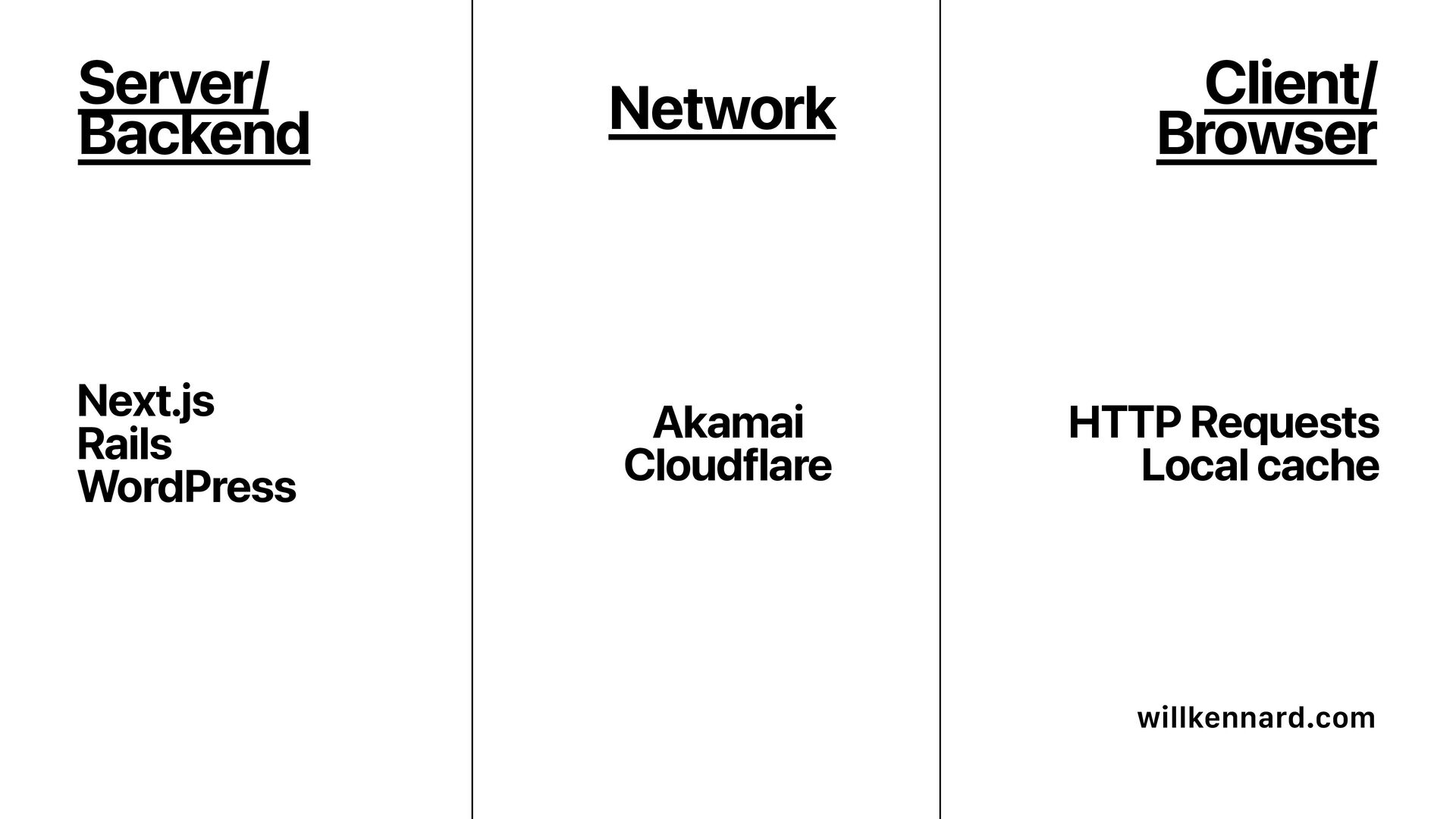
  73. Application Network Is there a CMS with caching options? Which

    CDN is set up? Do a curl: which headers return? Client What triggers revalidation? Which content should be cached? Is CDN/proxy changing cache behaviour? Is the CDN configured individually from CMS? Check site performance/CWV Who is using the caching options? How is the CDN currently performing? % edge vs compute. Are there different responses for bots, mobile, cookies? Static, semi- dynamic, user specific?
  74. Performance metrics are not vanity metrics - we ’ ve

    known this for a long time. 100ms slower = up to 7% lower conversion
  75. One reason Core Web Vitals mattered so much is that

    they turned performance into something teams could prioritise together. Same when making the case for caching work.
  76. Strawberry ’ s legacy setup was an F5 BIG- IP

    solution, built on physical hardware managed by an IT partner which also handled platform configuration – including proxy and traffic-routing rules.
  77. “Our entire application is based on JavaScript, so we can

    cache nearly everything. “Approximately 70% of the traffic to RightBlogger is currently cached via Cloudflare.
  78. “10 years ago about 0.026% of the total fetches were

    cacheable, which is already not that impressive; today that number is 0.017%
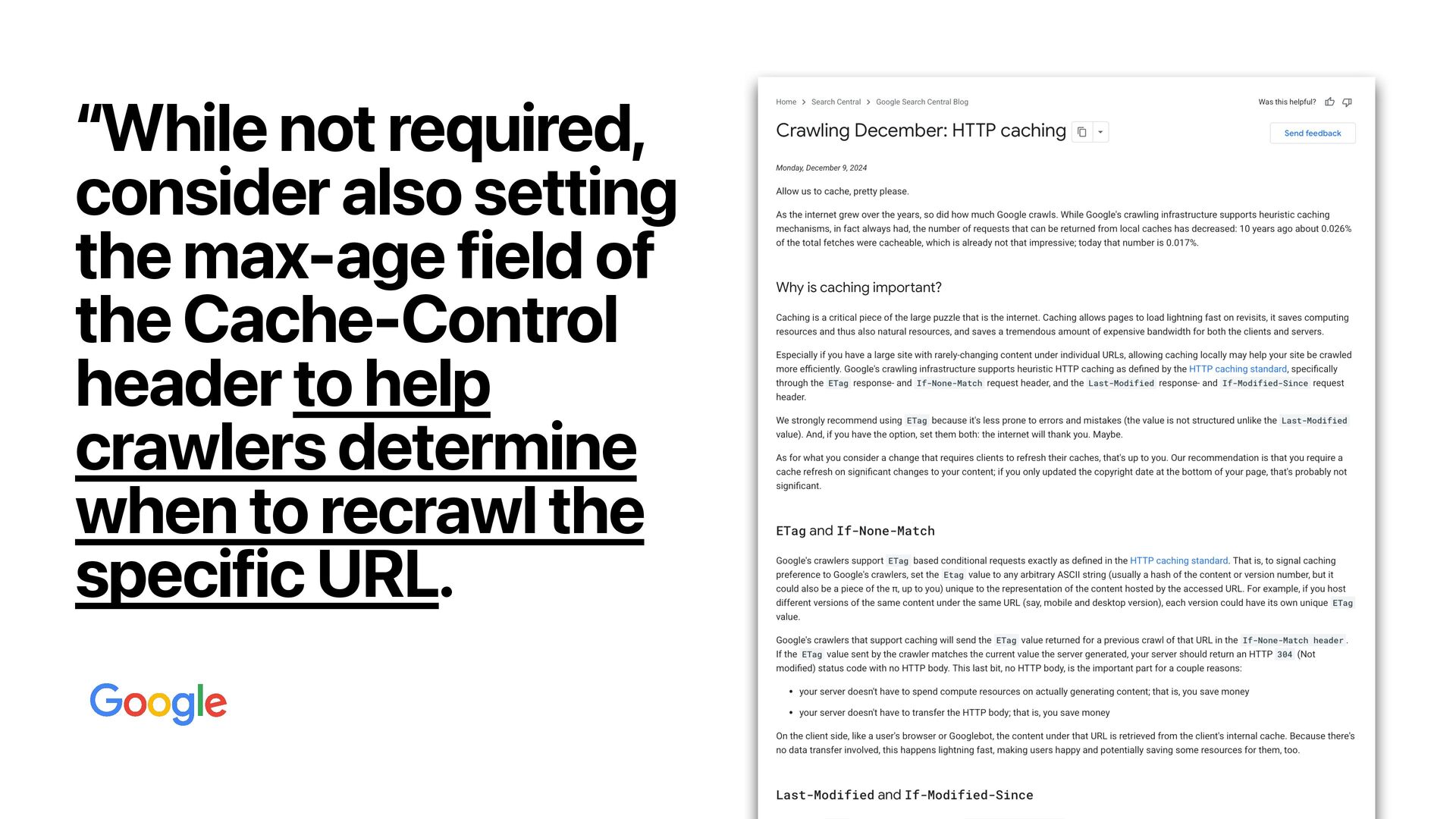
  79. “While not required, consider also setting the max-age field of

    the Cache-Control header to help crawlers determine when to recrawl the specific URL.
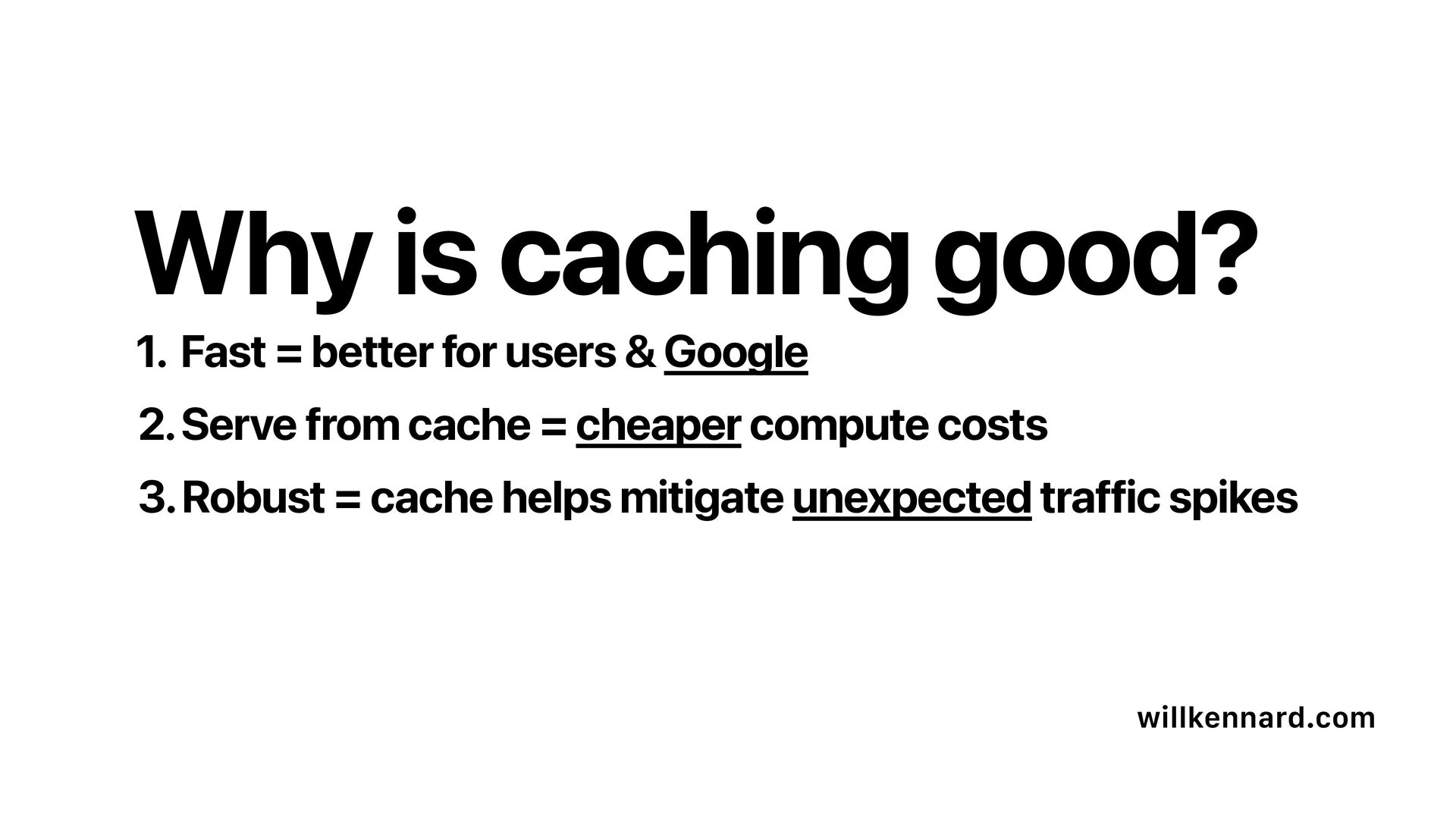
  80. 1. Fast = better for users & Google willkennard.com 2.

    Serve from cache = cheaper compute costs 3. Robust = cache helps mitigate unexpected traffic spikes Why is caching good?