Upgrade to Pro — share decks privately, control downloads, hide ads and more …

Writing Perl Modules

ynonperek
December 12, 2011

Writing Perl Modules

Introducing reusable perl code using modules

ynonperek

December 12, 2011

Transcript

62 slides
  1. Agenda ✦ Writing Perl Modules ✦ Namespaces In Depth ✦

    Using Perl Modules ✦ CPAN Monday, December 12, 2011
  2. Writing Modules Photo Editing Program XML Parser Pet Encyclopedia http://www.everystockphoto.com/photo.php?imageId=4319409

    http://www.flickr.com/photos/psd/1005276581/ http://morguefile.com/archive/display/611435 Monday, December 12, 2011
  3. Modules ✦ Allow us to write log handling functionality once

    ✦ Use for every app ✦ No need to copy-paste Monday, December 12, 2011
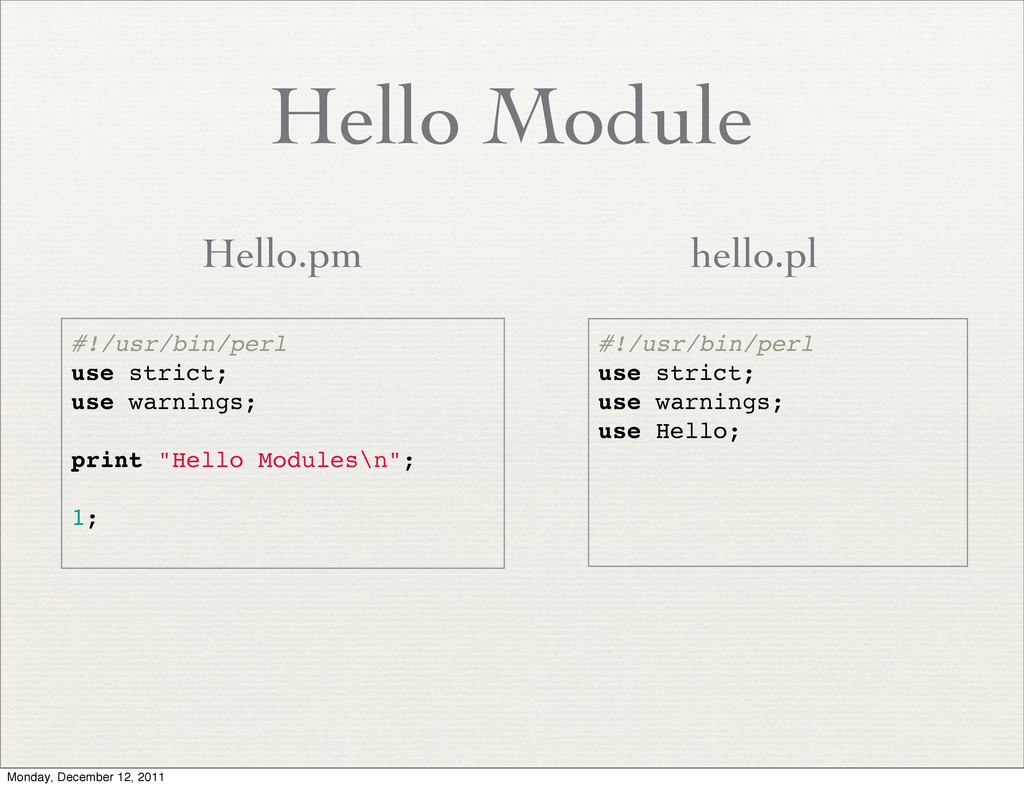
  4. Hello Module #!/usr/bin/perl use strict; use warnings; print "Hello Modules\n";

    1; #!/usr/bin/perl use strict; use warnings; use Hello; Hello.pm hello.pl Monday, December 12, 2011
  5. The Rules ✦ Name the file .pm ✦ Have the

    last statement evaluate to true ✦ Put the file somewhere perl will find it #!/usr/bin/perl use strict; use warnings; print "Hello Modules\n"; 1; Monday, December 12, 2011
  6. Is That All ? ✦ A module file is actually

    just perl code ✦ It is included in the app by a “use” directive ✦ The module is loaded and executed before anything else happens (at compilation) Monday, December 12, 2011
  7. Playing Friendly ✦ When writing modules, we need to think

    how the module affect other modules and programs Monday, December 12, 2011
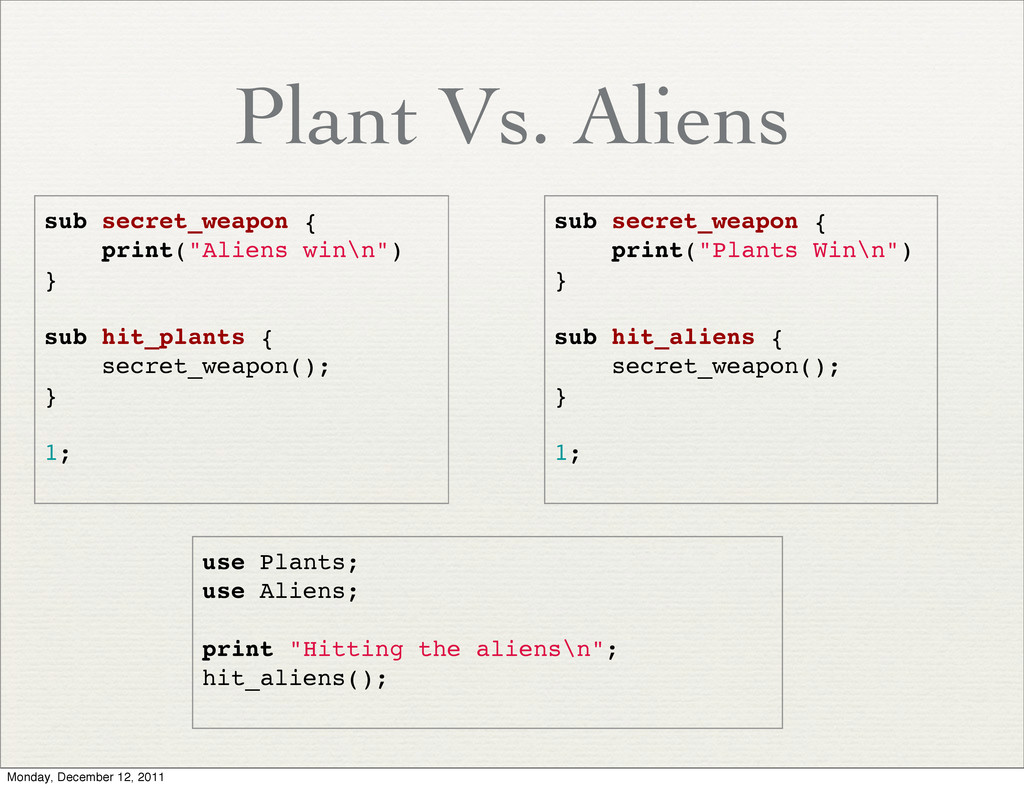
  8. Plant Vs. Aliens sub secret_weapon { print("Aliens win\n") } sub

    hit_plants { secret_weapon(); } 1; sub secret_weapon { print("Plants Win\n") } sub hit_aliens { secret_weapon(); } 1; use Plants; use Aliens; print "Hitting the aliens\n"; hit_aliens(); Monday, December 12, 2011
  9. Namespace ✦ As a program grows, it’s hard to keep

    track of all names of all the functions ✦ Using a namespace will prevent confusion Monday, December 12, 2011
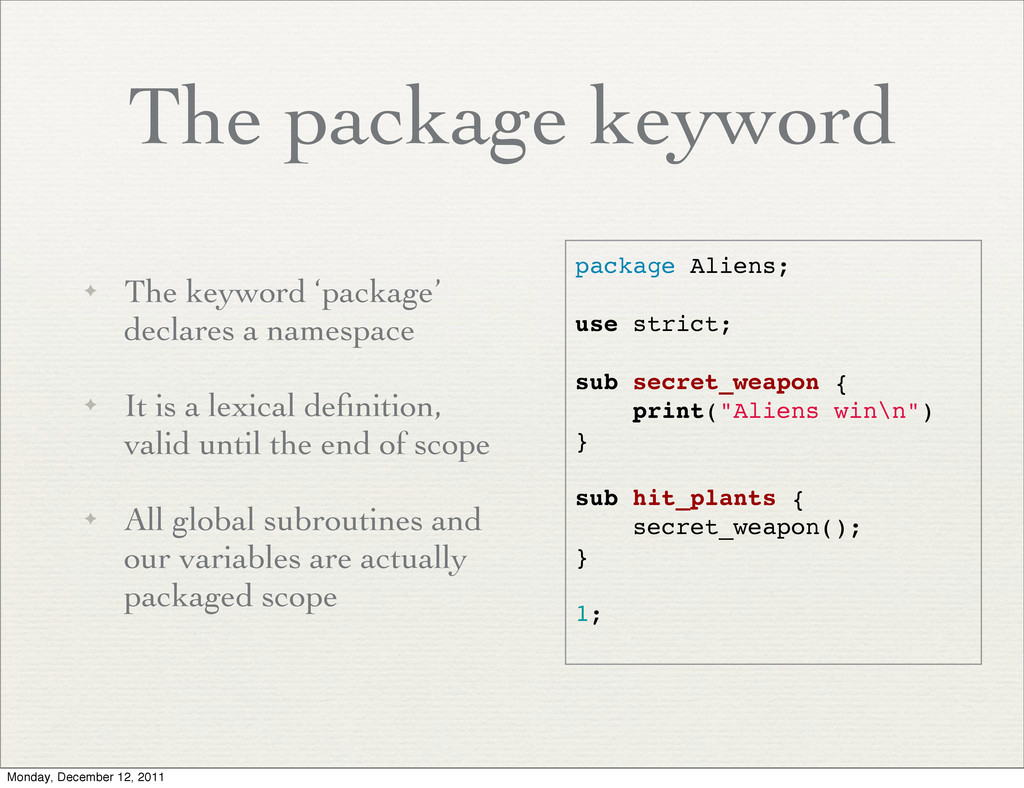
  10. The package keyword ✦ The keyword ‘package’ declares a namespace

    ✦ It is a lexical definition, valid until the end of scope ✦ All global subroutines and our variables are actually packaged scope package Aliens; use strict; sub secret_weapon { print("Aliens win\n") } sub hit_plants { secret_weapon(); } 1; Monday, December 12, 2011
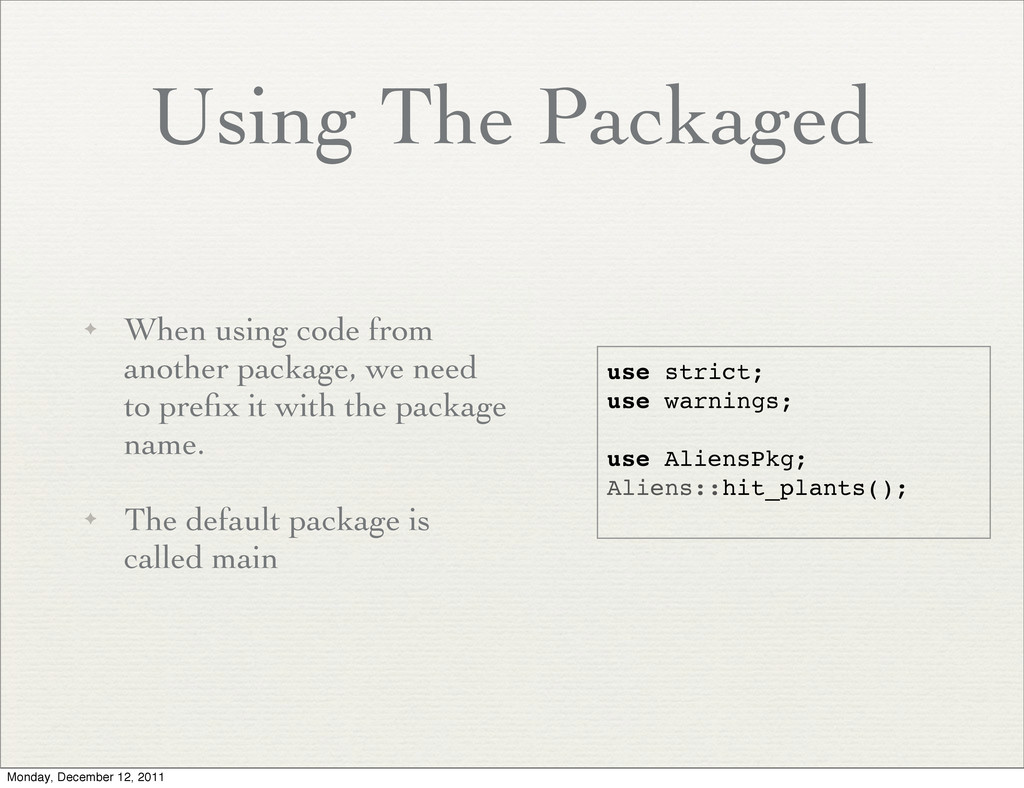
  11. Using The Packaged ✦ When using code from another package,

    we need to prefix it with the package name. ✦ The default package is called main use strict; use warnings; use AliensPkg; Aliens::hit_plants(); Monday, December 12, 2011
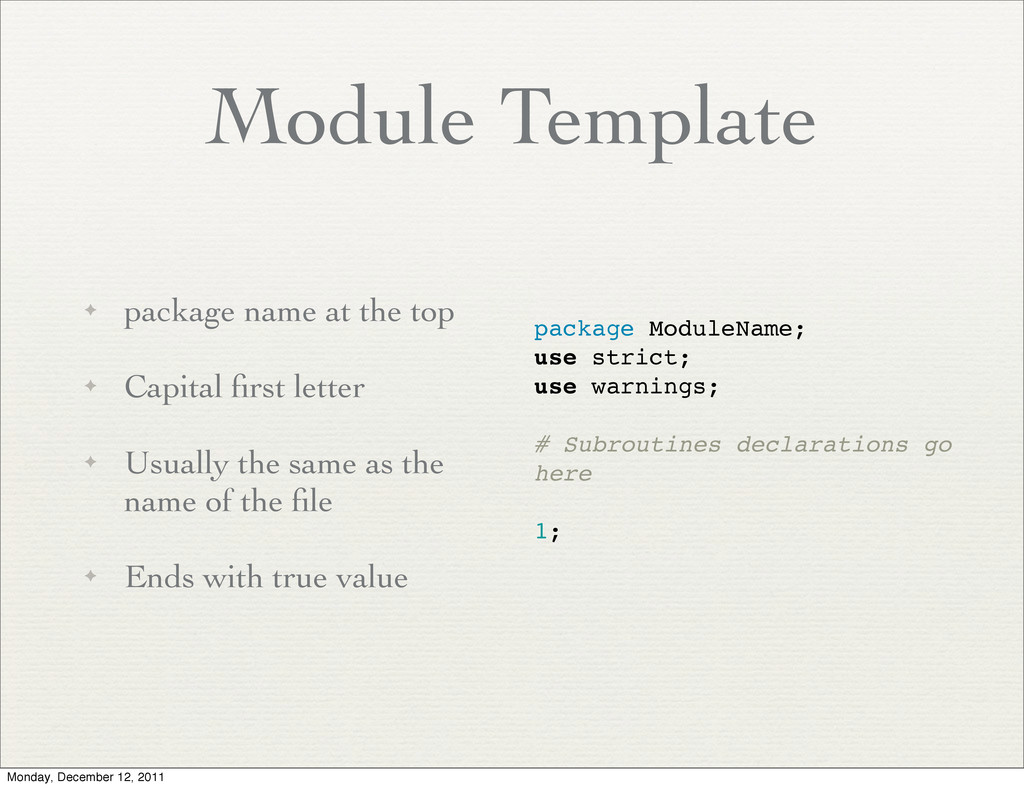
  12. Module Template ✦ package name at the top ✦ Capital

    first letter ✦ Usually the same as the name of the file ✦ Ends with true value package ModuleName; use strict; use warnings; # Subroutines declarations go here 1; Monday, December 12, 2011
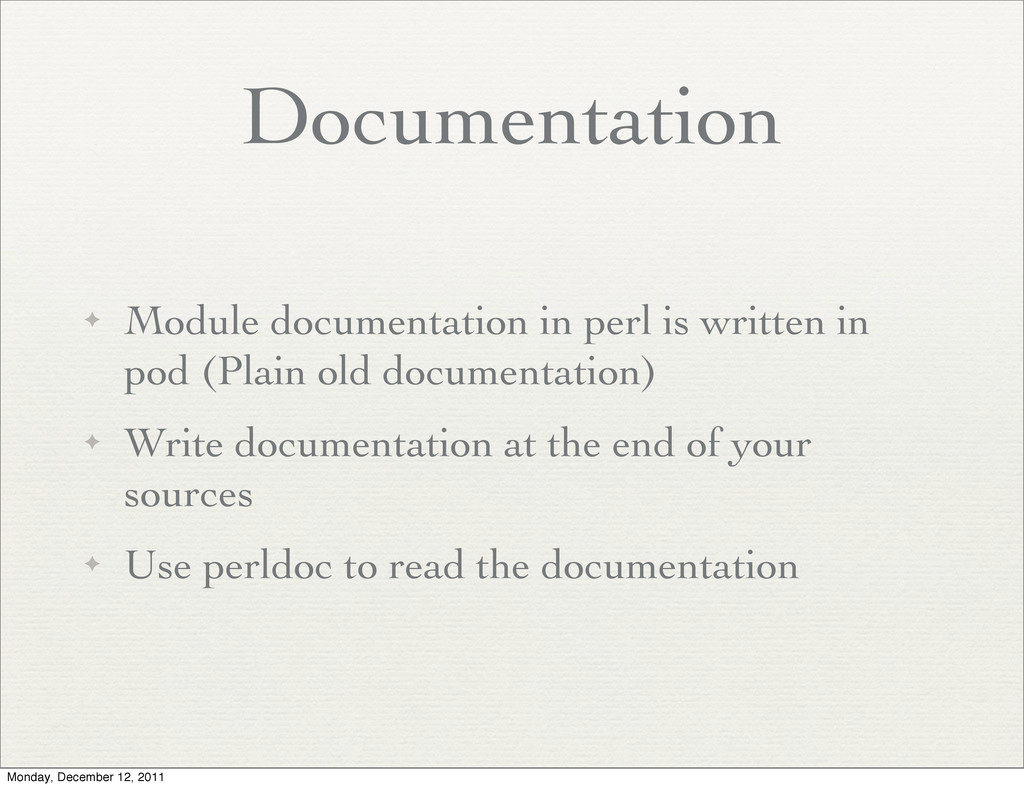
  13. Documentation ✦ Module documentation in perl is written in pod

    (Plain old documentation) ✦ Write documentation at the end of your sources ✦ Use perldoc to read the documentation Monday, December 12, 2011
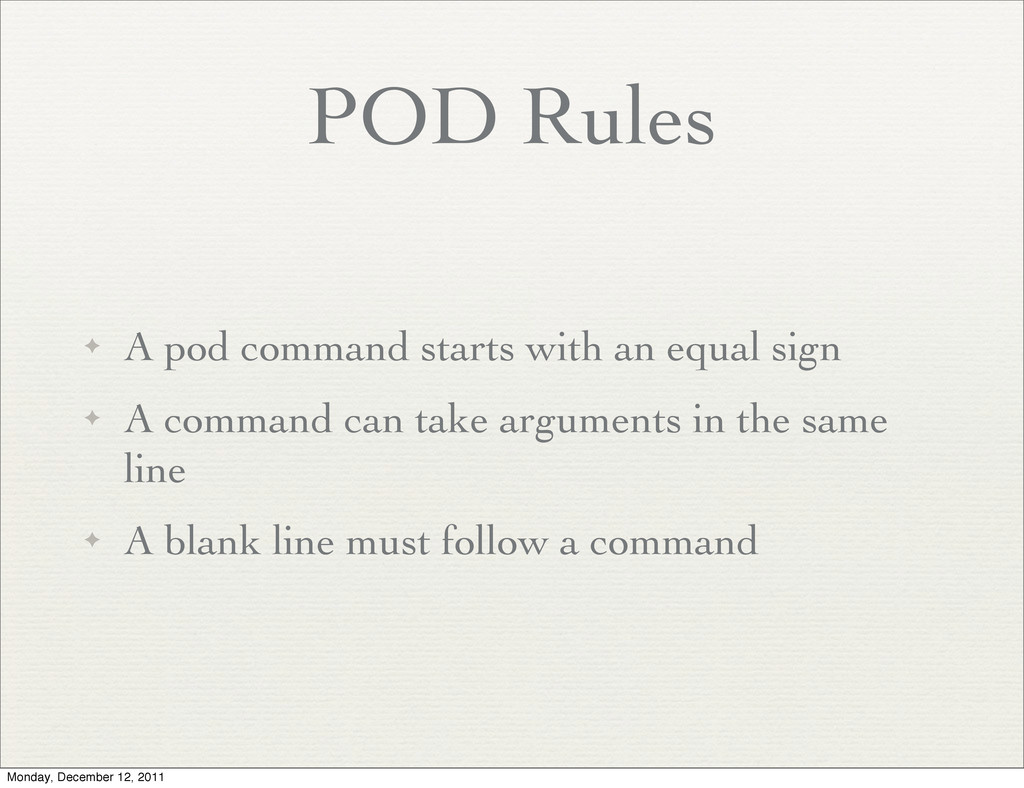
  14. POD Rules ✦ A pod command starts with an equal

    sign ✦ A command can take arguments in the same line ✦ A blank line must follow a command Monday, December 12, 2011
  15. POD Example ✦ A =head1 command sets a title ✦

    Normal text can appear anywhere in the pod ✦ All pod is written after the 1; (end of the module) ✦ Full code: Calc.pm 1; =head1 Simple Calculator Module The calculator module provides functionality related to calculating and doing math. It supports all basic operations. Monday, December 12, 2011
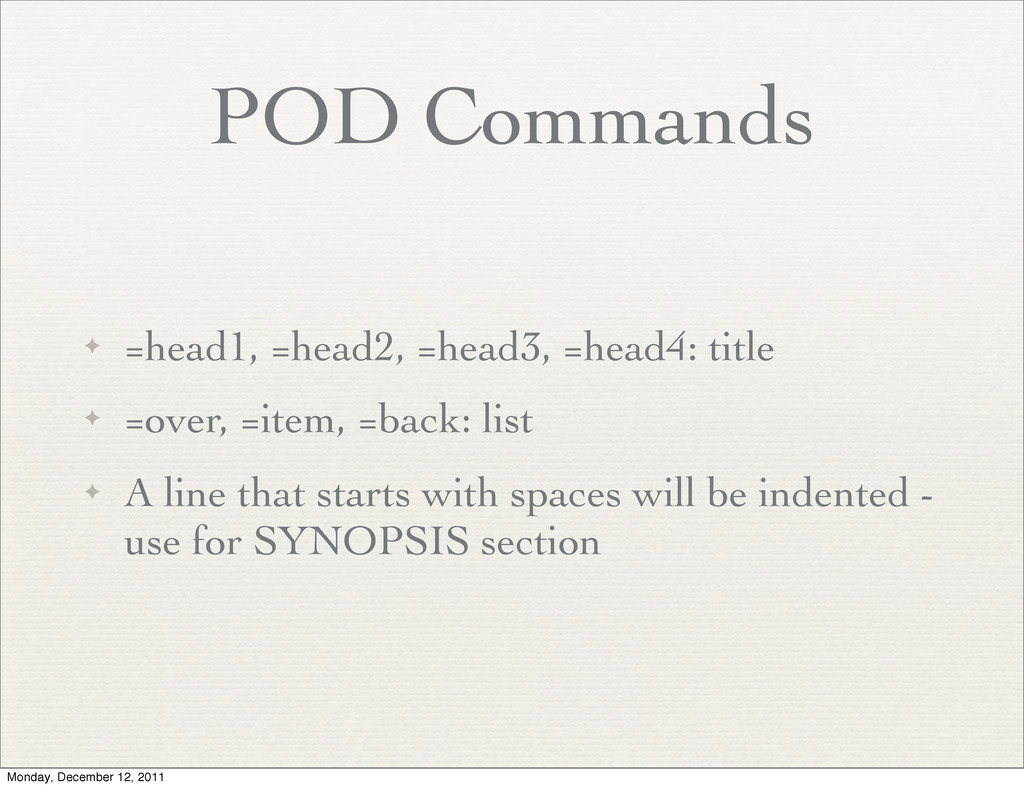
  16. POD Commands ✦ =head1, =head2, =head3, =head4: title ✦ =over,

    =item, =back: list ✦ A line that starts with spaces will be indented - use for SYNOPSIS section Monday, December 12, 2011
  17. POD Common Sections ✦ Name ✦ Synopsis ✦ Description ✦

    See Also ✦ Bugs Monday, December 12, 2011
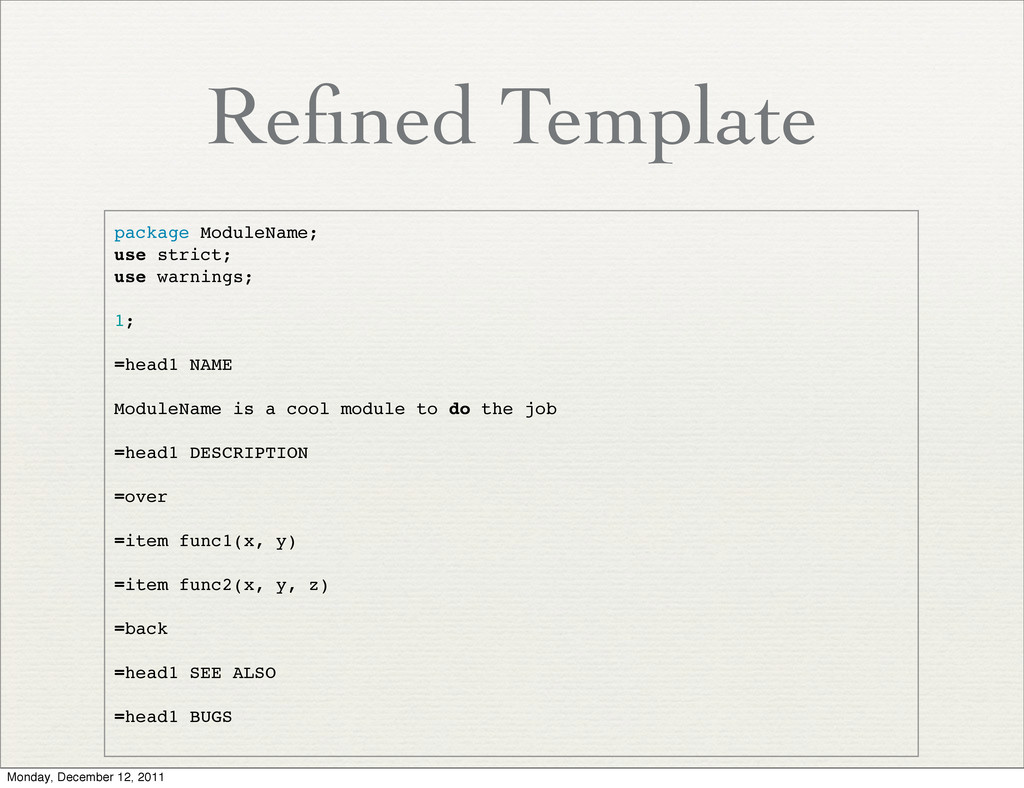
  18. Refined Template package ModuleName; use strict; use warnings; 1; =head1

    NAME ModuleName is a cool module to do the job =head1 DESCRIPTION =over =item func1(x, y) =item func2(x, y, z) =back =head1 SEE ALSO =head1 BUGS Monday, December 12, 2011
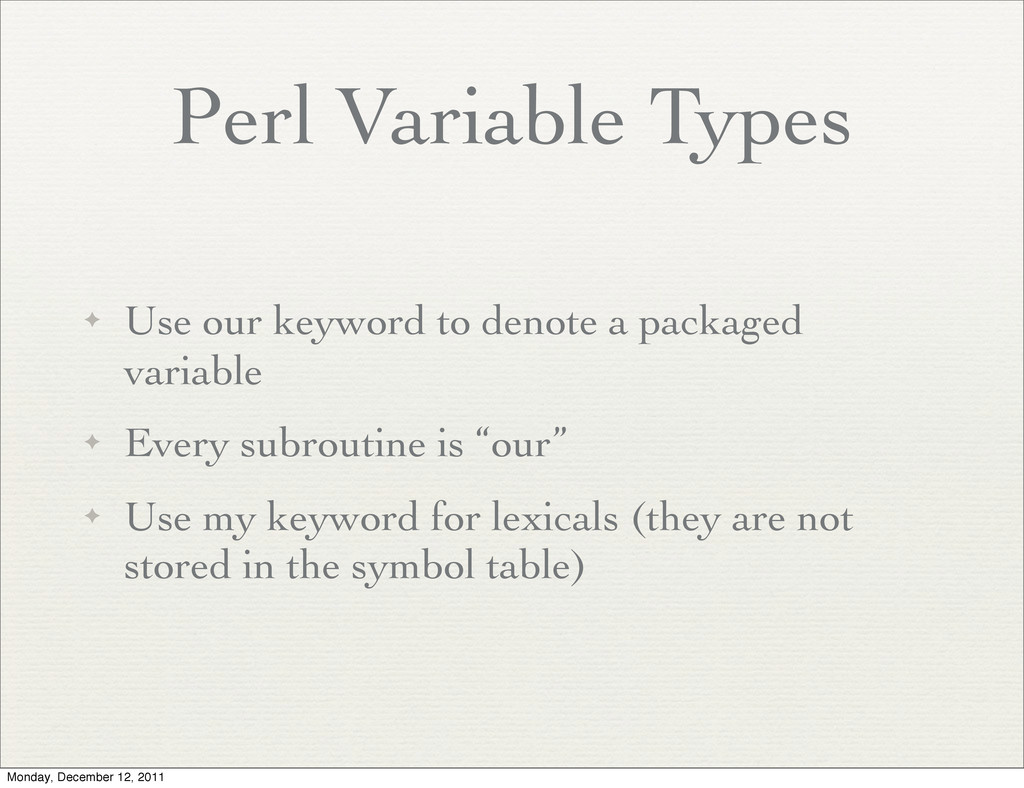
  19. Perl Variable Types ✦ Use our keyword to denote a

    packaged variable ✦ Every subroutine is “our” ✦ Use my keyword for lexicals (they are not stored in the symbol table) Monday, December 12, 2011
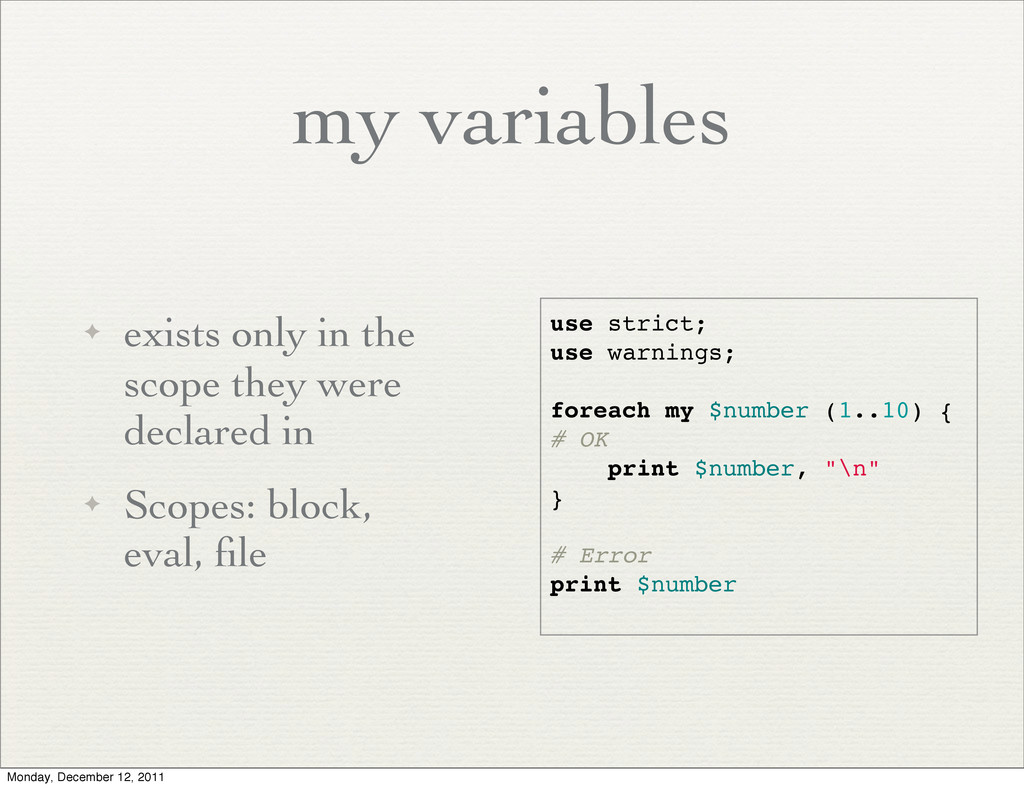
  20. my variables ✦ exists only in the scope they were

    declared in ✦ Scopes: block, eval, file use strict; use warnings; foreach my $number (1..10) { # OK print $number, "\n" } # Error print $number Monday, December 12, 2011
  21. our variables ✦ Defined and stored within a packge ✦

    accessed from everywhere in the program ✦ Not very useful, but are the default if not using strict Monday, December 12, 2011
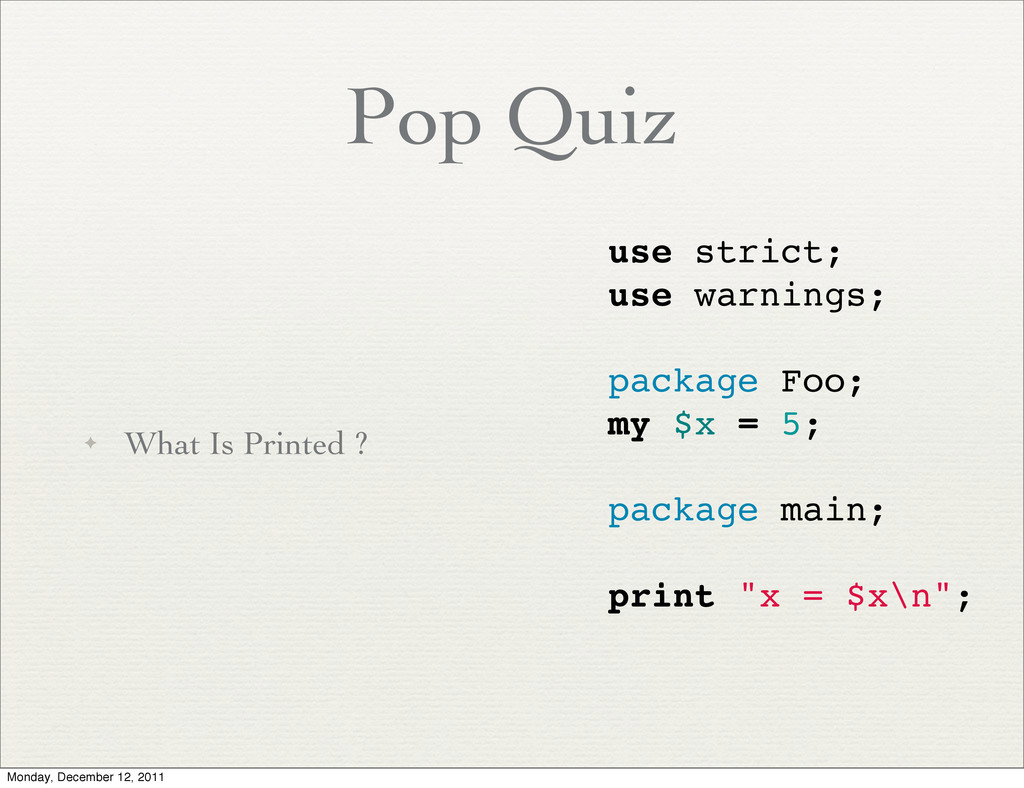
  22. Pop Quiz ✦ What Is Printed ? use strict; use

    warnings; package Foo; my $x = 5; package main; print "x = $x\n"; Monday, December 12, 2011
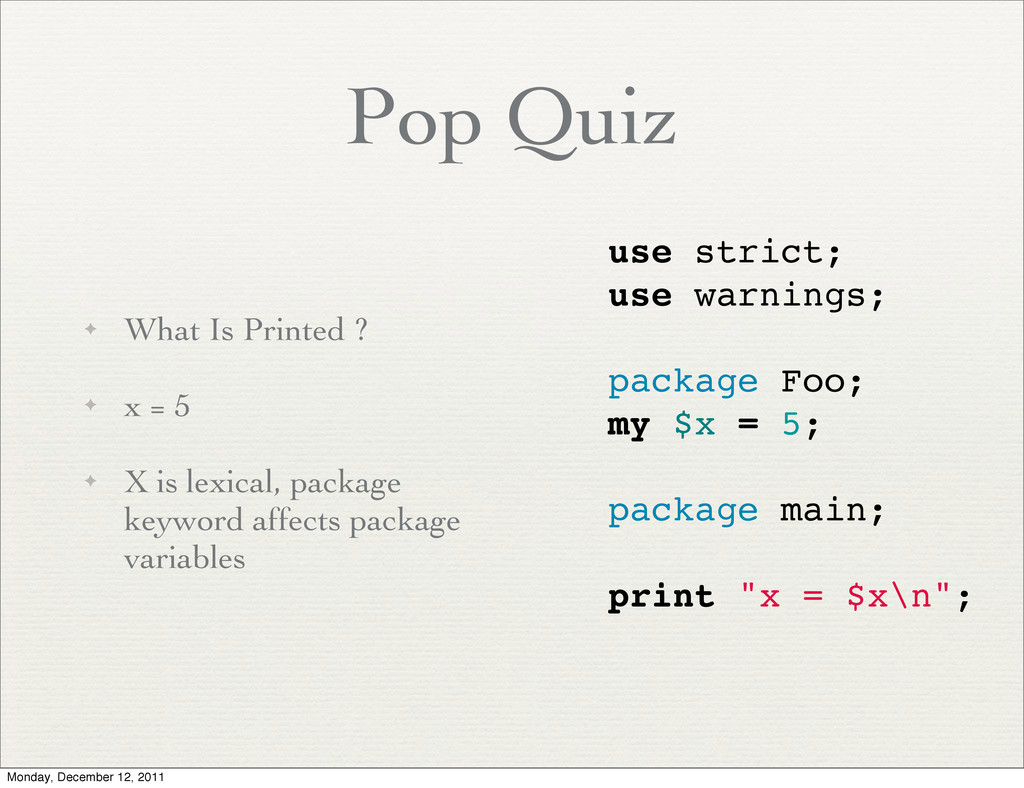
  23. Pop Quiz ✦ What Is Printed ? ✦ x =

    5 ✦ X is lexical, package keyword affects package variables use strict; use warnings; package Foo; my $x = 5; package main; print "x = $x\n"; Monday, December 12, 2011
  24. local variables ✦ Temporarily store the current value of a

    global var ✦ Restore old value when leaving scope ✦ Useful for superglobals Monday, December 12, 2011
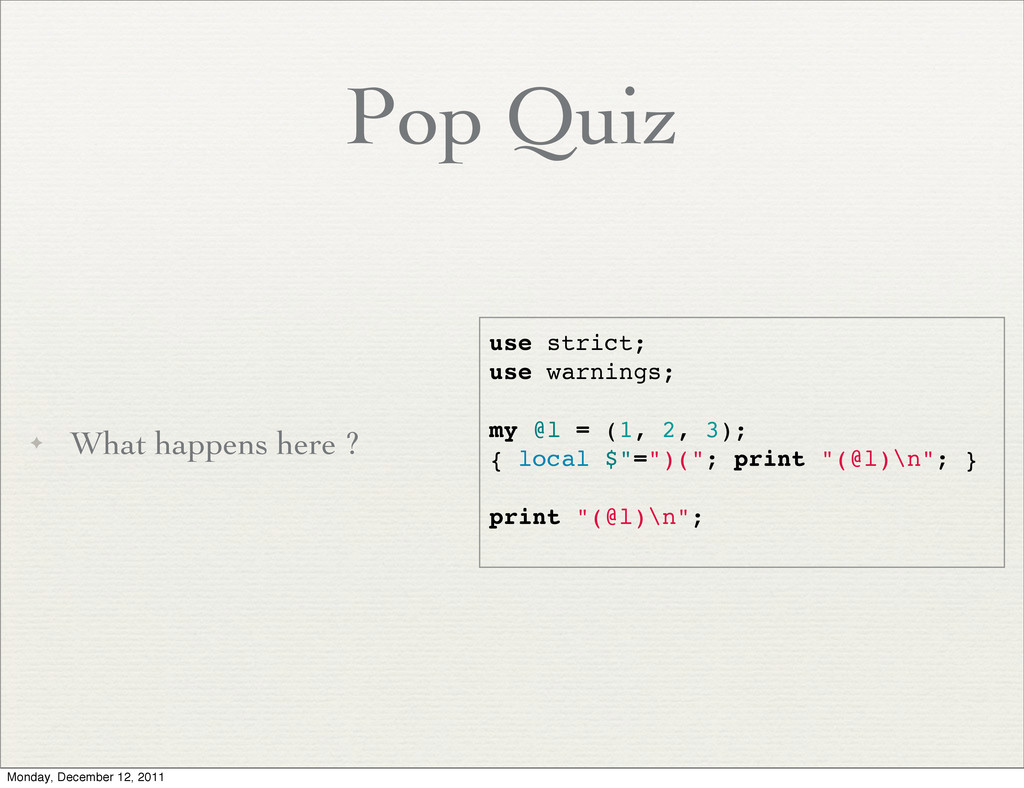
  25. Pop Quiz ✦ What happens here ? use strict; use

    warnings; my @l = (1, 2, 3); { local $"=")("; print "(@l)\n"; } print "(@l)\n"; Monday, December 12, 2011
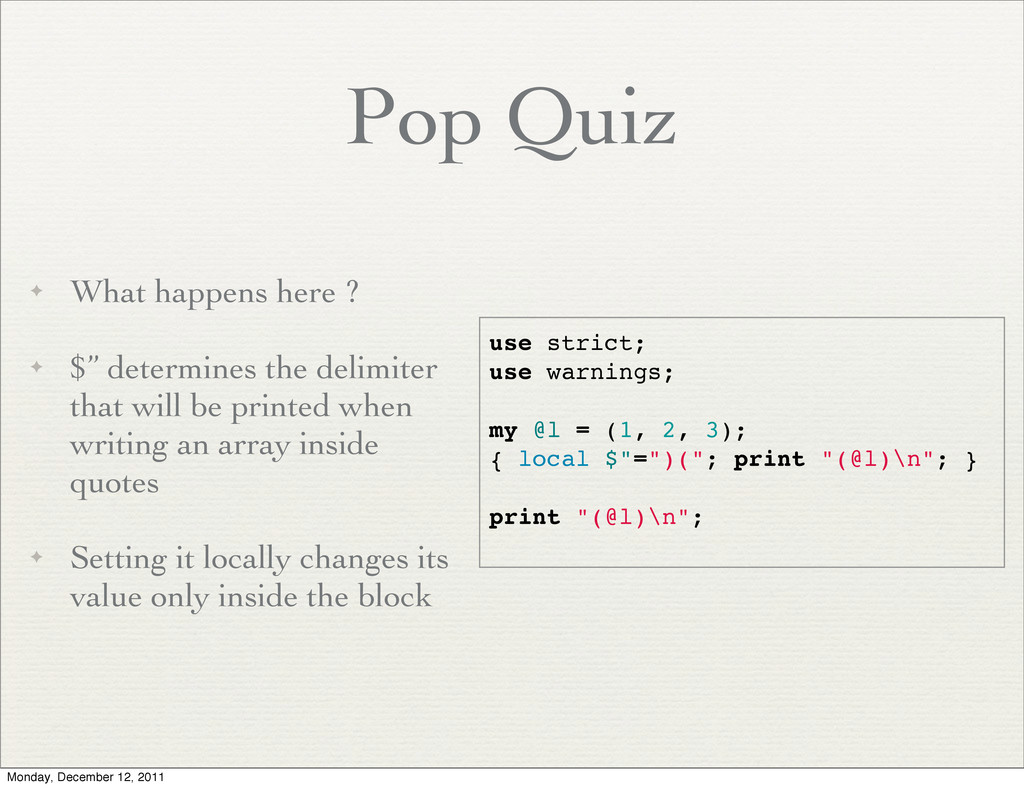
  26. Pop Quiz ✦ What happens here ? ✦ $” determines

    the delimiter that will be printed when writing an array inside quotes ✦ Setting it locally changes its value only inside the block use strict; use warnings; my @l = (1, 2, 3); { local $"=")("; print "(@l)\n"; } print "(@l)\n"; Monday, December 12, 2011
  27. Namespaces ✦ A namespace in perl is a special kind

    of hash ✦ It is called after the package name. For instance, %main:: for main package ✦ The hash holds typeglobs Monday, December 12, 2011
  28. Manipulating Typeglobs ✦ Since packages are just hash maps, it’s

    possible to set or remove global package names by changing a hash ✦ This can be used to create subroutines dynamically ✦ Demo Monday, December 12, 2011
  29. Using Perl Modules ✦ Loading external files in perl can

    be performed using any of the 3 keywords: ✦ do ✦ require ✦ use Monday, December 12, 2011
  30. do ✦ Load an external file ✦ Execute the file

    line-by-line ✦ Return the value of the last statement ✦ Used mainly for loading configuration files ✦ Demo Monday, December 12, 2011
  31. require ✦ Built on top of use ✦ Adds: ✦

    Not loading same file twice ✦ Search for the file in @INC Monday, December 12, 2011
  32. use ✦ Built on top of require ✦ Adds: ✦

    Compile time running Monday, December 12, 2011
  33. do, require, use ✦ Use ‘do’ for configuration files, but

    always consider YAML instead ✦ Use ‘require’ for dynamic or conditioned loading ✦ Use ‘use’ for dependencies ✦ Most of the time, use use Monday, December 12, 2011
  34. Using Modules ✦ @INC holds all the search paths for

    modules ✦ %INC holds all the loaded modules ✦ change value of @INC using: use lib <newdir> ✦ Can use PERL5LIB environment variable Monday, December 12, 2011
  35. Exporting Subroutines ✦ The Exporter module makes life a little

    easier ✦ It allows exporting of functionality from one module to another ✦ Note: If using exporter, module name and file name must be the same Monday, December 12, 2011
  36. Using Exporter ✦ use base ‘Exporter’ ✦ our @EXPORT =

    qw/.../; ✦ our @EXPORT_OK = qw/.../; Monday, December 12, 2011
  37. Exporter Tags ✦ Use EXPORT_TAGS to export a group of

    subroutines as a tag ✦ %EXPORT_TAGS = (T1 => [qw/foo bar/]); ✦ On the app: use MyModule qw/:T1/; Monday, December 12, 2011
  38. Demo ✦ Build a Stack Module ✦ Export subroutines: mypush,

    mypop ✦ Use pod for documentation Monday, December 12, 2011
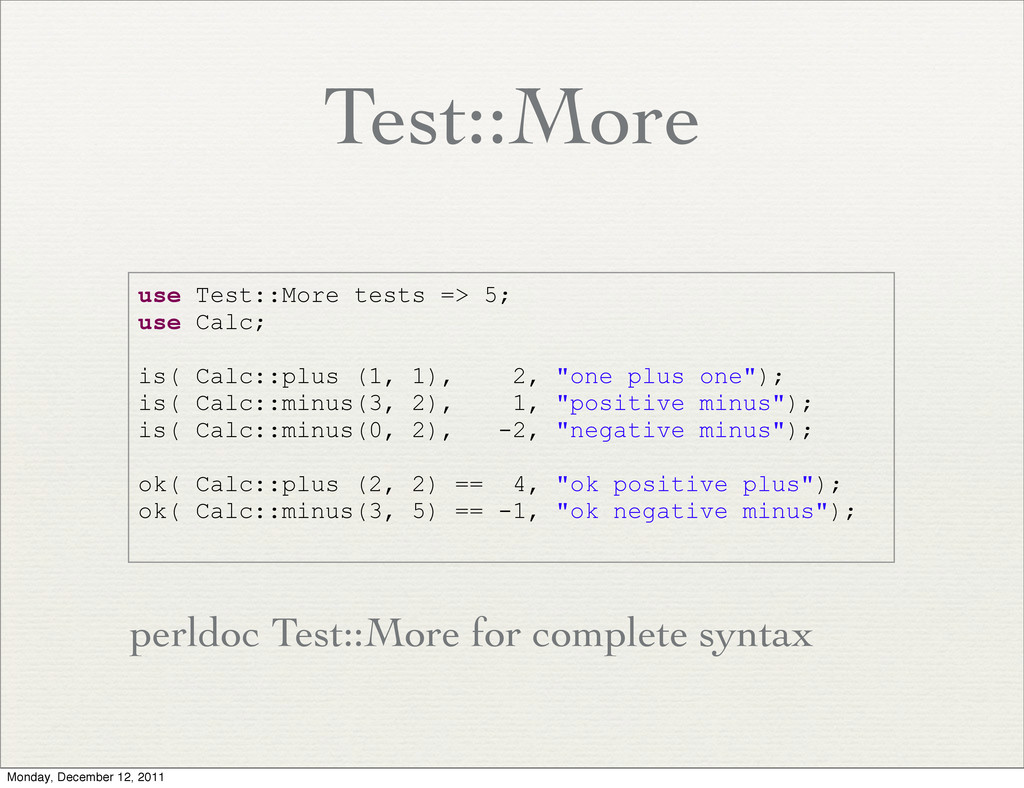
  39. Test::More ✦ A Unit testing framework for perl ✦ Use

    ‘prove’ command line utility to run the tests and get a detailed report ✦ Easy to use Monday, December 12, 2011
  40. Test::More use Test::More tests => 5; use Calc; is( Calc::plus

    (1, 1), 2, "one plus one"); is( Calc::minus(3, 2), 1, "positive minus"); is( Calc::minus(0, 2), -2, "negative minus"); ok( Calc::plus (2, 2) == 4, "ok positive plus"); ok( Calc::minus(3, 5) == -1, "ok negative minus"); perldoc Test::More for complete syntax Monday, December 12, 2011
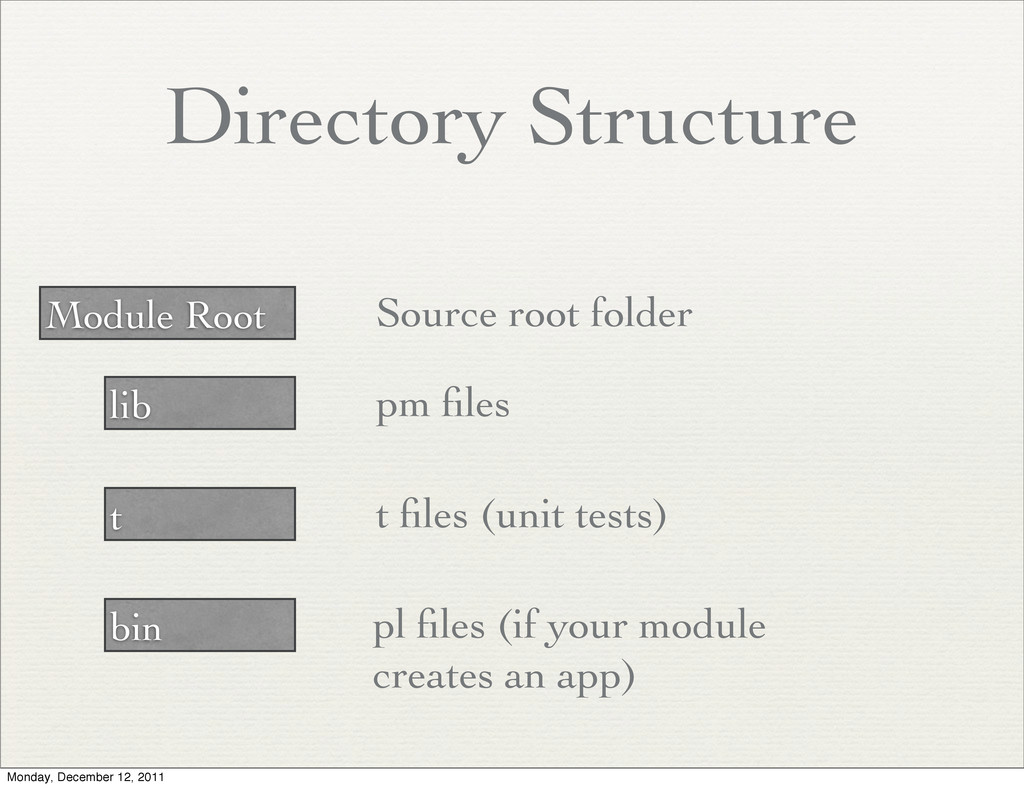
  41. Directory Structure Module Root lib t bin Source root folder

    pm files t files (unit tests) pl files (if your module creates an app) Monday, December 12, 2011
  42. ✦ Comprehensive Perl Archive Network ✦ Contains over 20,000 software

    modules ✦ Available as a command line tool that installs the modules ✦ Module Search: search.metacpan.org Monday, December 12, 2011
  43. Recommended Modules ✦ local::lib ✦ Try::Tiny ✦ Template::Toolkit ✦ Spreadsheet::ParseExcel

    ✦ Spreadsheet::WriteExcel ✦ Config::Any http://www.freedigitalphotos.net/images/view_photog.php? photogid=809 Monday, December 12, 2011
  44. local::lib ✦ Install modules without requiring root permissions ✦ Sets

    environment variables accordingly ✦ No need for root access to install modules Monday, December 12, 2011
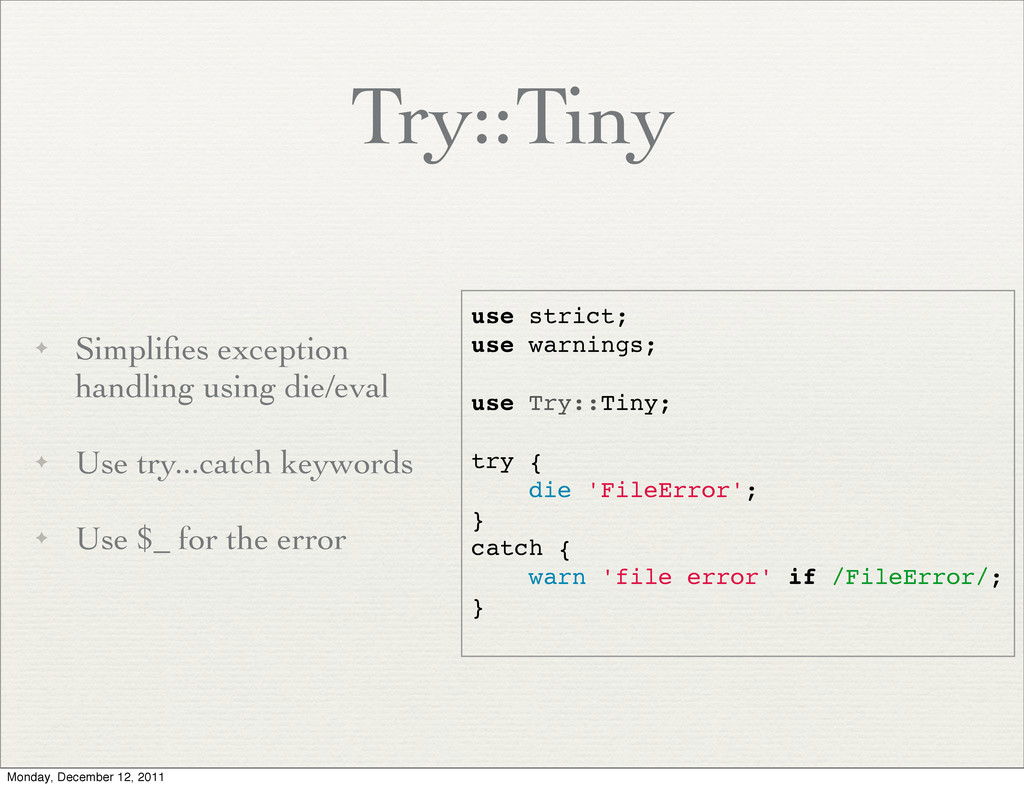
  45. Try::Tiny ✦ Simplifies exception handling using die/eval ✦ Use try...catch

    keywords ✦ Use $_ for the error use strict; use warnings; use Try::Tiny; try { die 'FileError'; } catch { warn 'file error' if /FileError/; } Monday, December 12, 2011
  46. Template::Toolkit ✦ An all purpose template engine in perl ✦

    Write template file that uses variables ✦ From perl, define the variables and render ✦ Docs: http://template-toolkit.org/ Monday, December 12, 2011
  47. Config::Any ✦ Parse any type of configuration file ✦ Give

    back a hash of config options ✦ Supported formats: ini, JSON, YAML, XML ✦ Acts as a front end for dedicated config modules Monday, December 12, 2011
  48. Thank You ✦ Ynon Perek ✦ ynonperek.com ✦ [email protected] ✦

    All rights reserved Monday, December 12, 2011

More Decks by ynonperek

Other Decks in Programming