Share
Embed

Transcript
42 slides
-
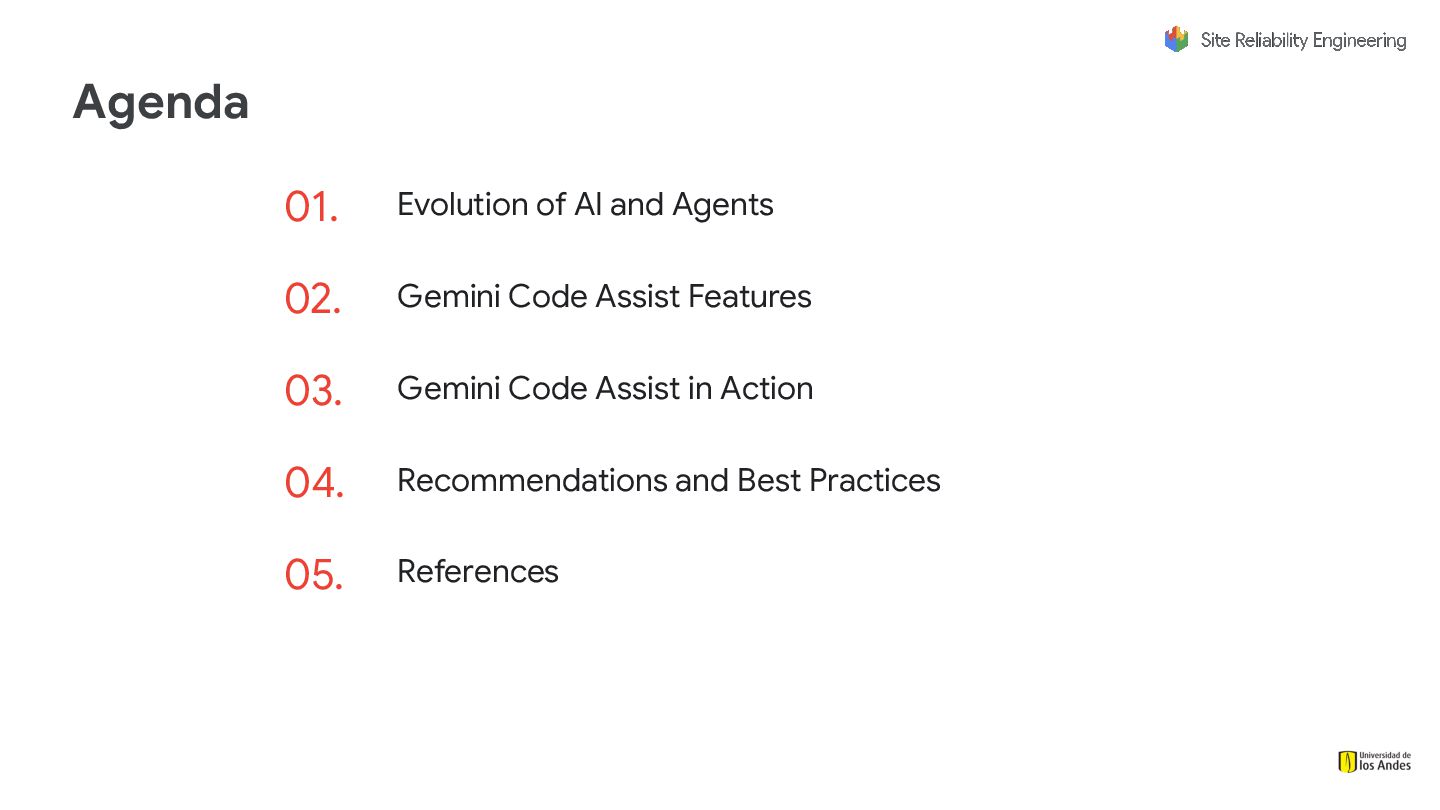
Agenda Evolution of AI and Agents 01. Gemini Code Assist
Features 02. Gemini Code Assist in Action 03. Recommendations and Best Practices 04. References 05. -
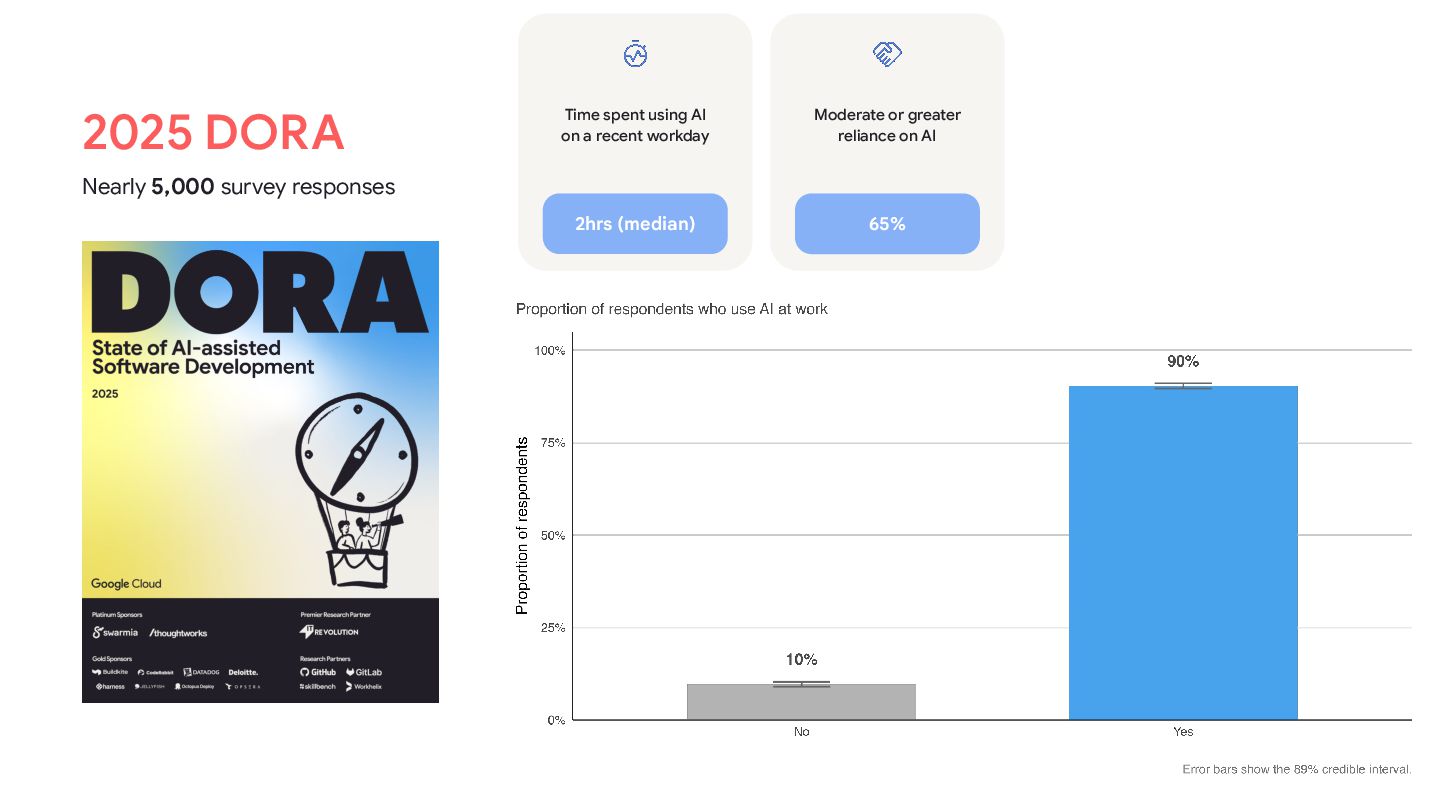
2025 DORA Nearly 5,000 survey responses Time spent using AI
on a recent workday 2hrs (median) Moderate or greater reliance on AI 65% -
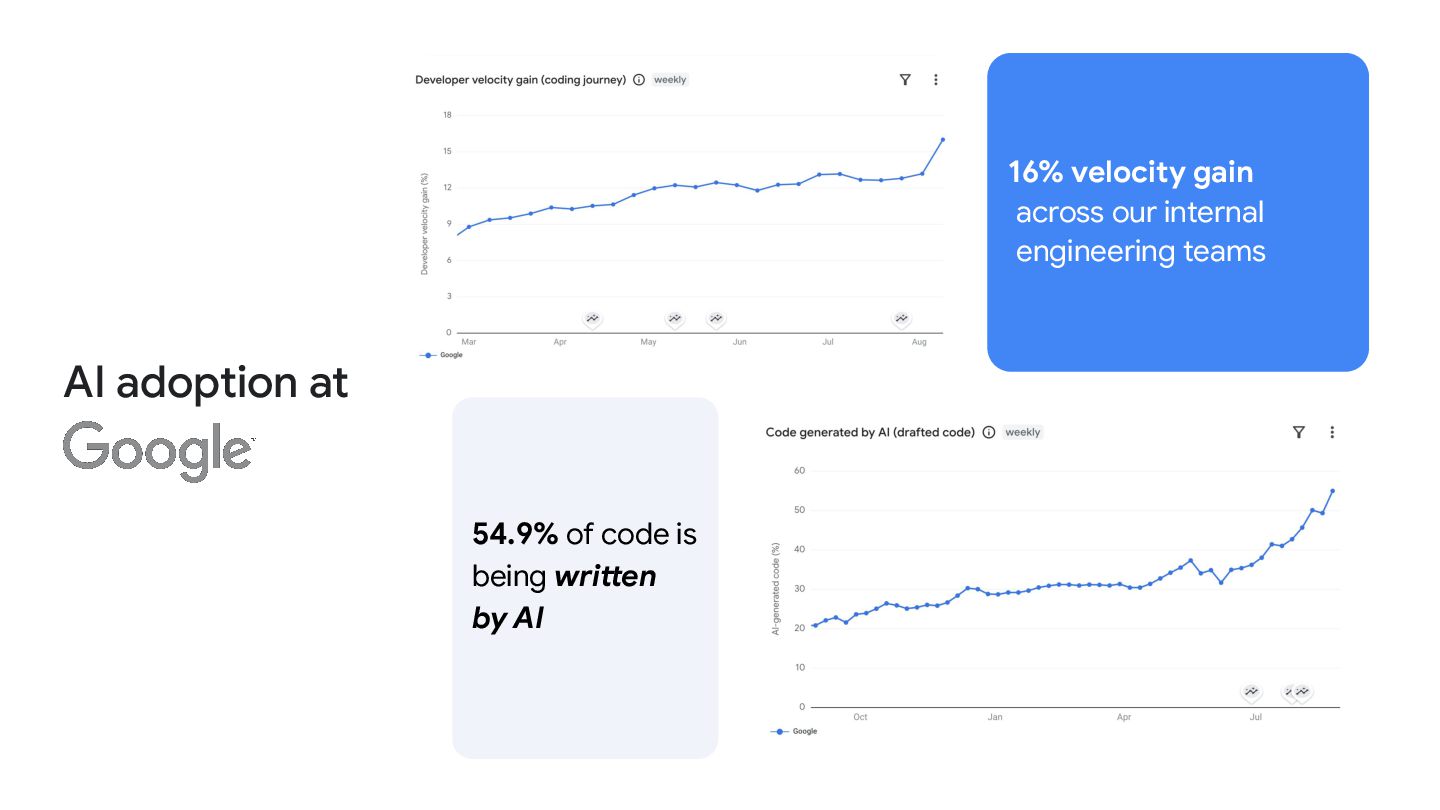
AI adoption at 16% velocity gain across our internal engineering
teams 54.9% of code is being written by AI -
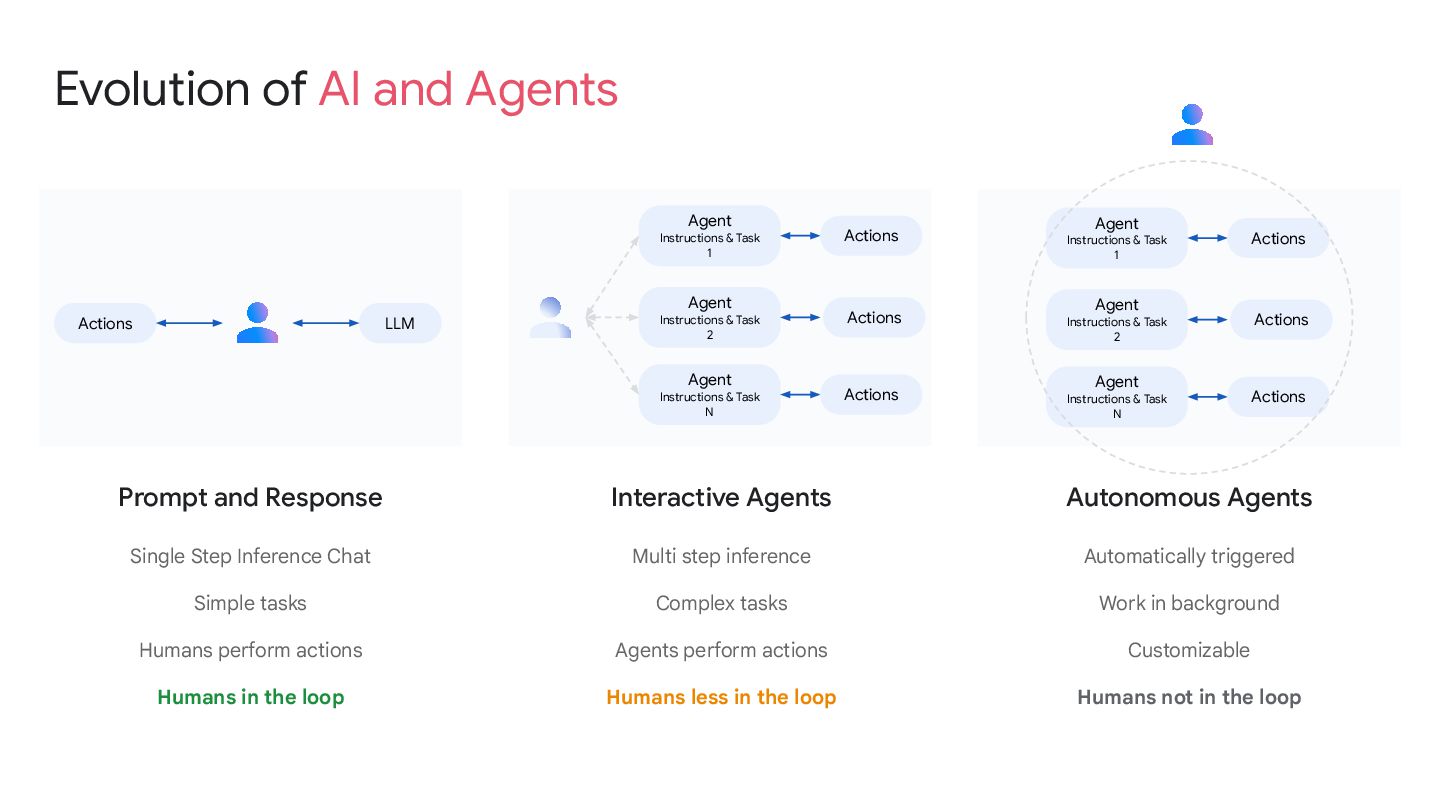
Prompt and Response Single Step Inference Chat Simple tasks Humans
perform actions Humans in the loop Interactive Agents Multi step inference Complex tasks Agents perform actions Humans less in the loop Autonomous Agents Automatically triggered Work in background Customizable Humans not in the loop LLM Agent Instructions & Task 1 Agent Instructions & Task 2 Agent Instructions & Task N Evolution of AI and Agents Actions Actions Actions Actions Agent Instructions & Task 1 Agent Instructions & Task 2 Agent Instructions & Task N Actions Actions Actions -
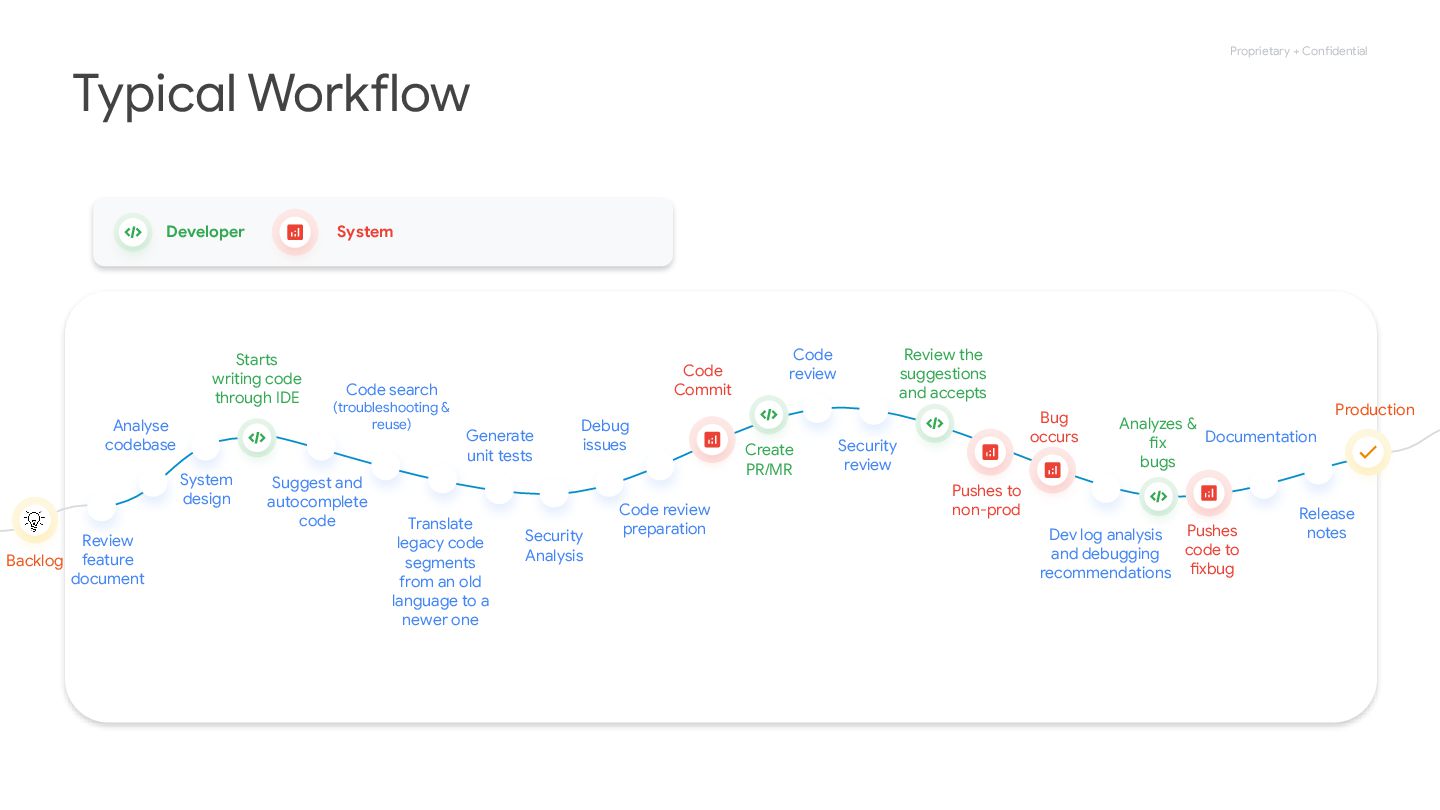
Proprietary + Confidential Starts writing code through IDE Suggest and
autocomplete code Code search (troubleshooting & reuse) Translate legacy code segments from an old language to a newer one Generate unit tests Debug issues Code Commit Create PR/MR Code review Review the suggestions and accepts Pushes to non-prod Bug occurs Dev log analysis and debugging recommendations Analyzes & fix bugs Release notes Pushes code to fixbug Typical Workflow Analyse codebase System design Production Documentation Review feature document Security Analysis Security review Code review preparation Backlog Developer System -
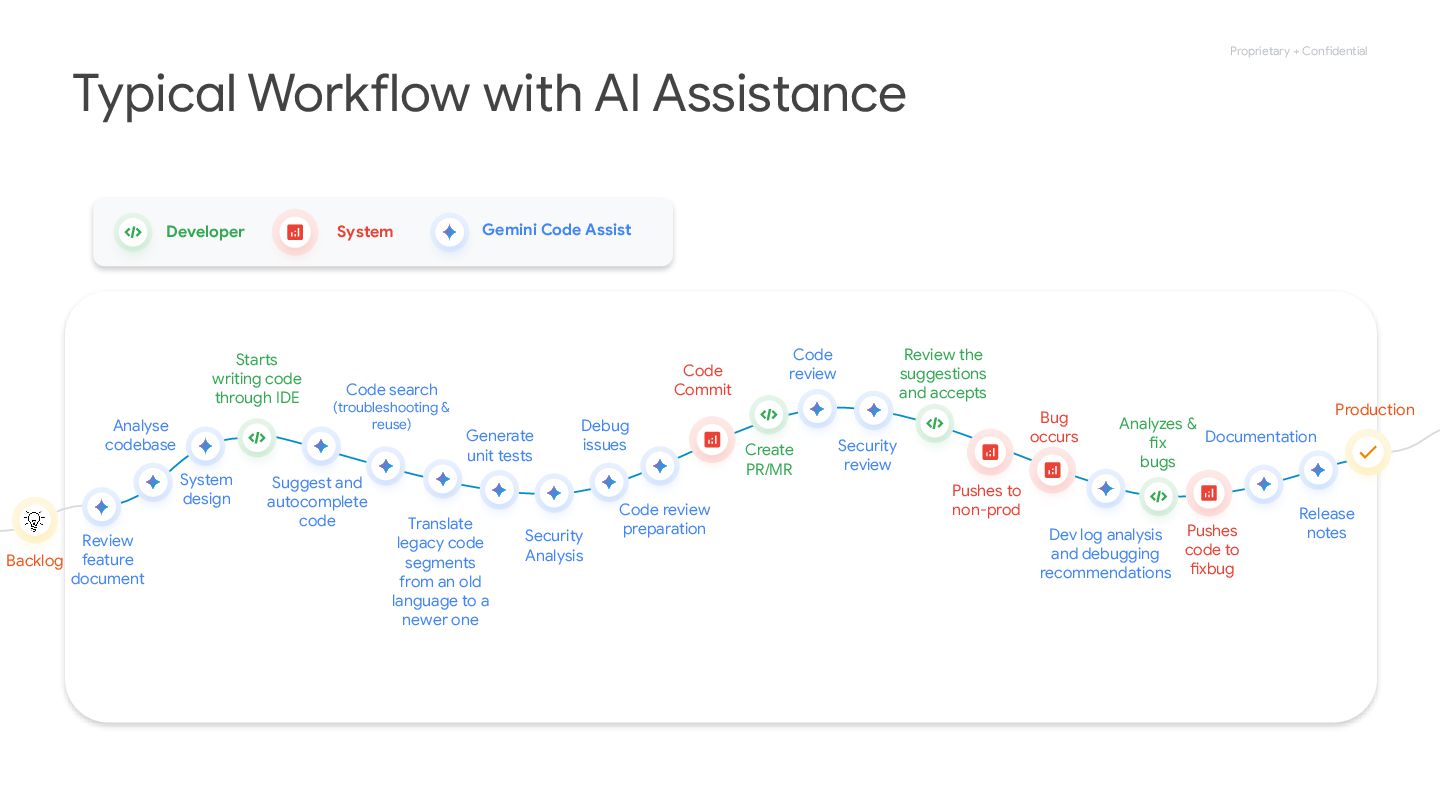
Proprietary + Confidential Starts writing code through IDE Suggest and
autocomplete code Code search (troubleshooting & reuse) Translate legacy code segments from an old language to a newer one Generate unit tests Debug issues Code Commit Create PR/MR Code review Review the suggestions and accepts Pushes to non-prod Bug occurs Dev log analysis and debugging recommendations Analyzes & fix bugs Release notes Pushes code to fixbug Typical Workflow with AI Assistance Analyse codebase System design Production Documentation Review feature document Security Analysis Security review Code review preparation Backlog Developer System Gemini Code Assist -
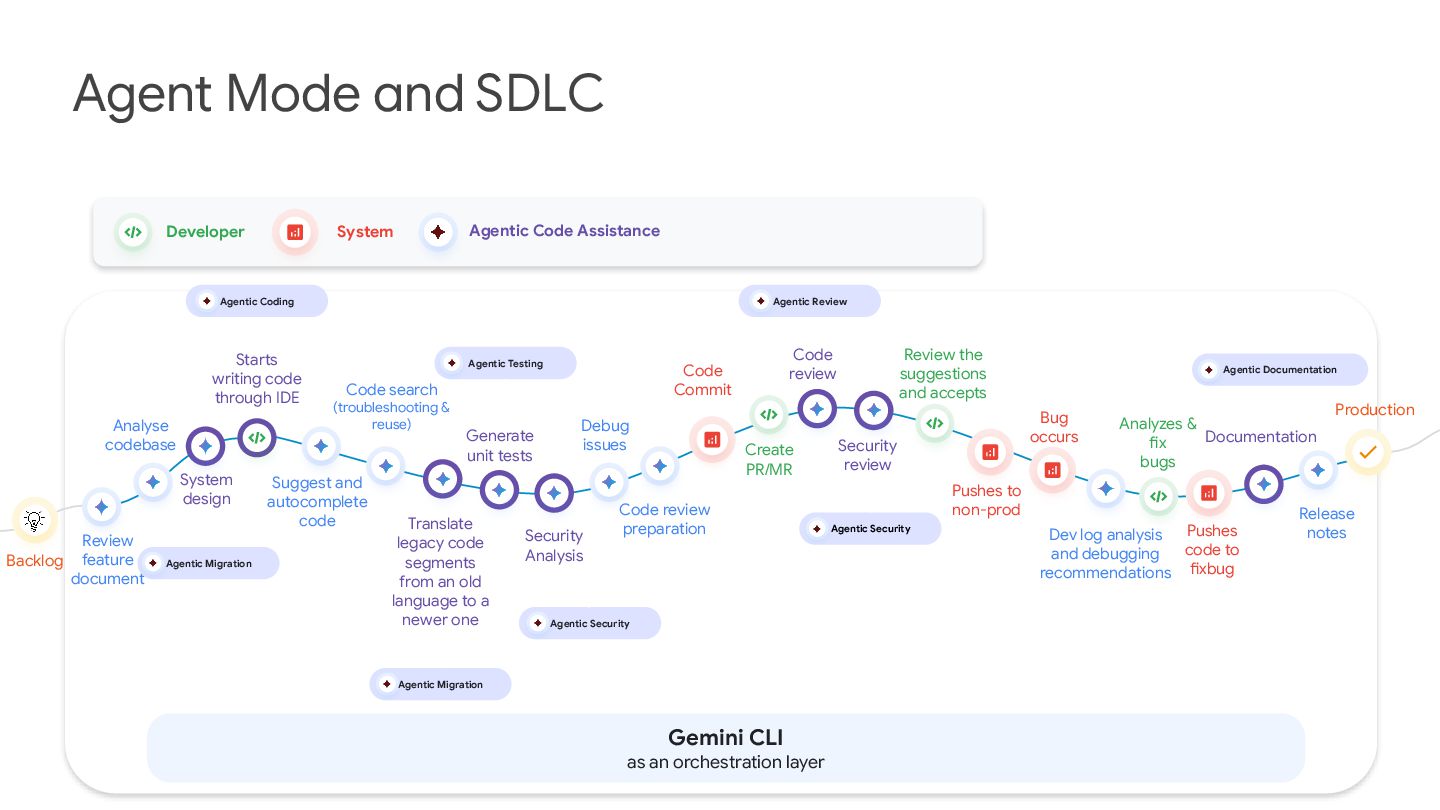
Starts writing code through IDE Suggest and autocomplete code Code
search (troubleshooting & reuse) Translate legacy code segments from an old language to a newer one Generate unit tests Debug issues Code Commit Create PR/MR Code review Review the suggestions and accepts Pushes to non-prod Bug occurs Dev log analysis and debugging recommendations Analyzes & fix bugs Release notes Pushes code to fixbug Agent Mode and SDLC Analyse codebase System design Agentic Coding Production Documentation Review feature document Security Analysis Security review Code review preparation Backlog Agentic Migration Agentic Testing Agentic Security Agentic Migration Agentic Security Agentic Review Developer System Agentic Documentation Agentic Code Assistance Gemini CLI as an orchestration layer -
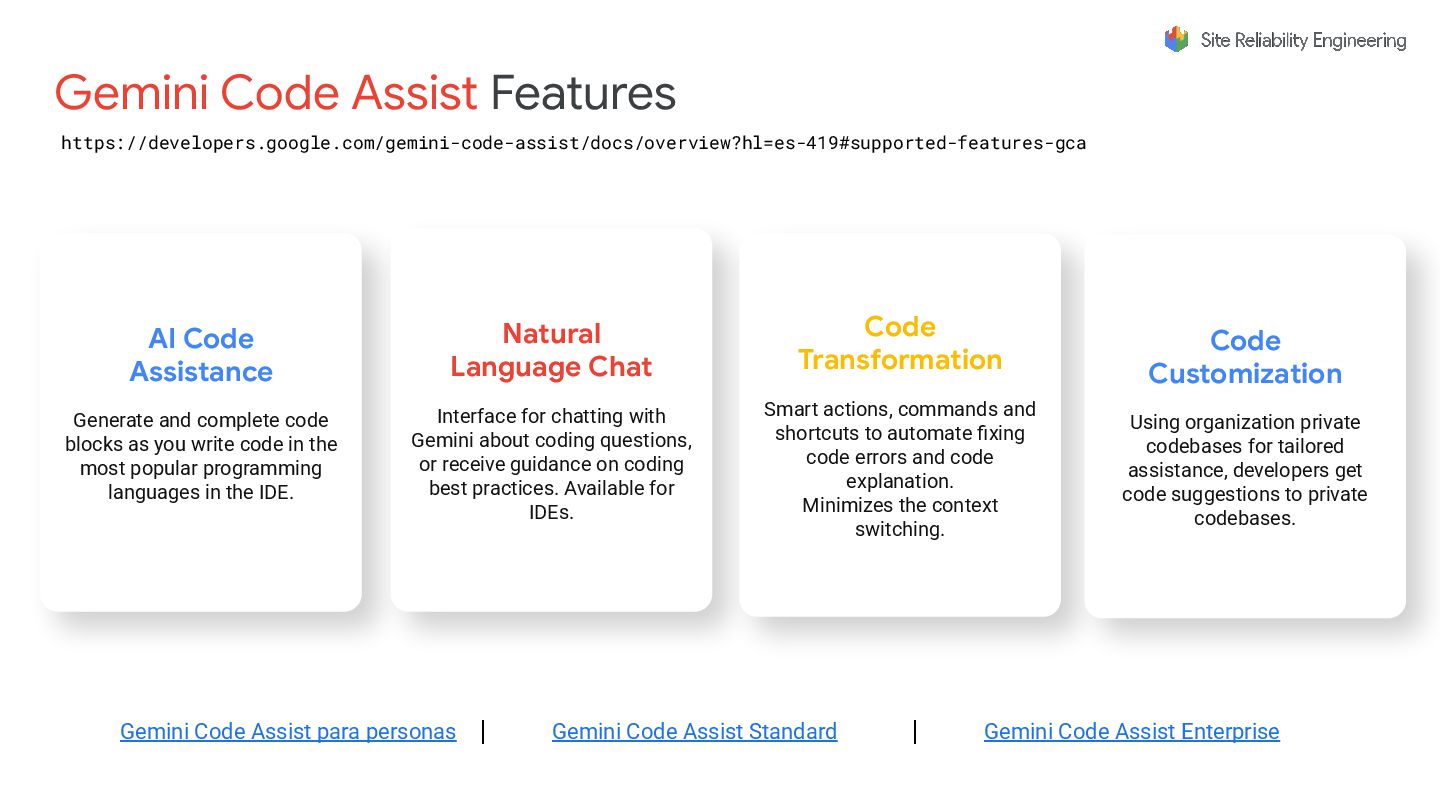
Gemini Code Assist Features AI Code Assistance Generate and complete
code blocks as you write code in the most popular programming languages in the IDE. Natural Language Chat Interface for chatting with Gemini about coding questions, or receive guidance on coding best practices. Available for IDEs. Code Transformation Smart actions, commands and shortcuts to automate fixing code errors and code explanation. Minimizes the context switching. Code Customization Using organization private codebases for tailored assistance, developers get code suggestions to private codebases. Gemini Code Assist para personas | Gemini Code Assist Standard | Gemini Code Assist Enterprise https://developers.google.com/gemini-code-assist/docs/overview?hl=es-419#supported-features-gca -
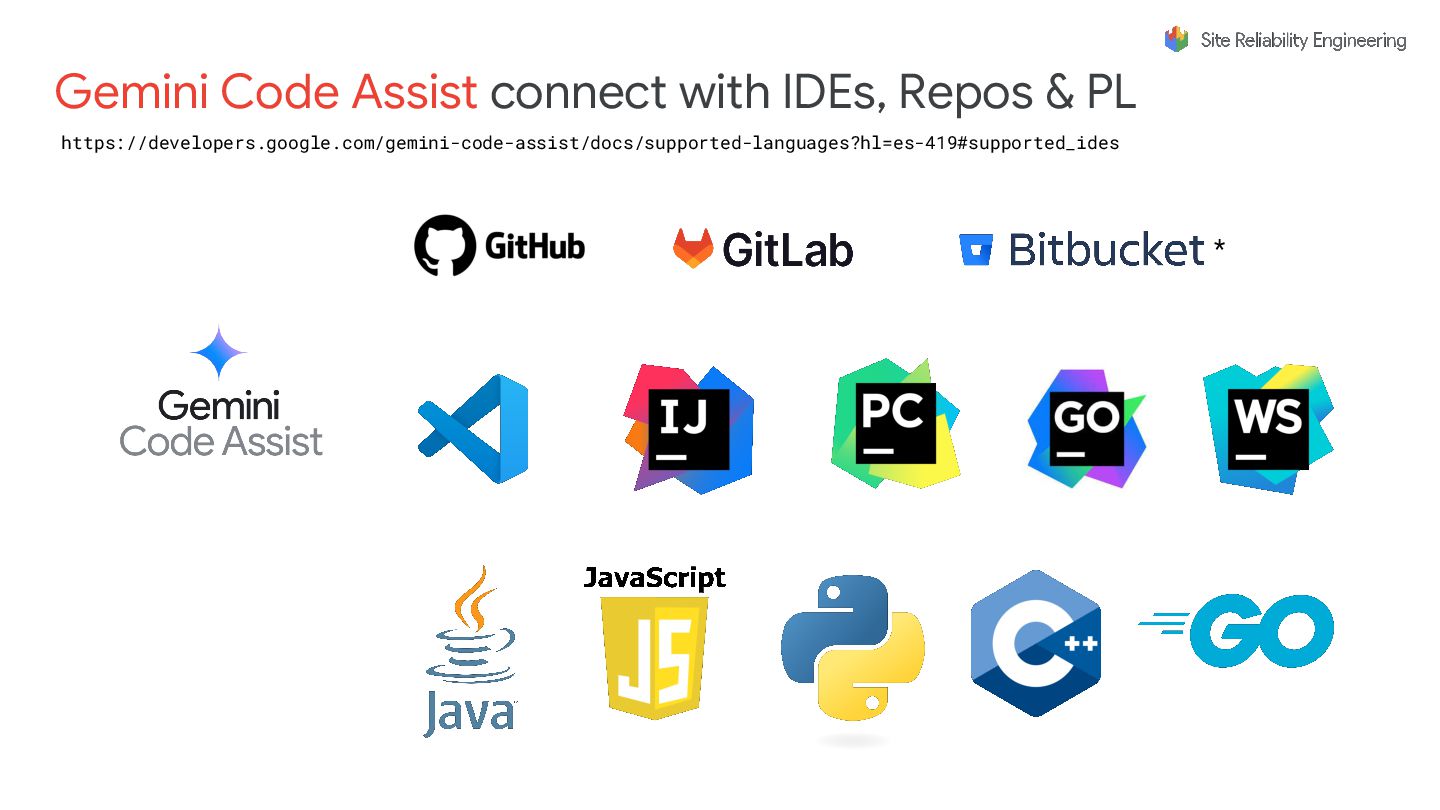
* Gemini Code Assist connect with IDEs, Repos & PL
https://developers.google.com/gemini-code-assist/docs/supported-languages?hl=es-419#supported_ides -
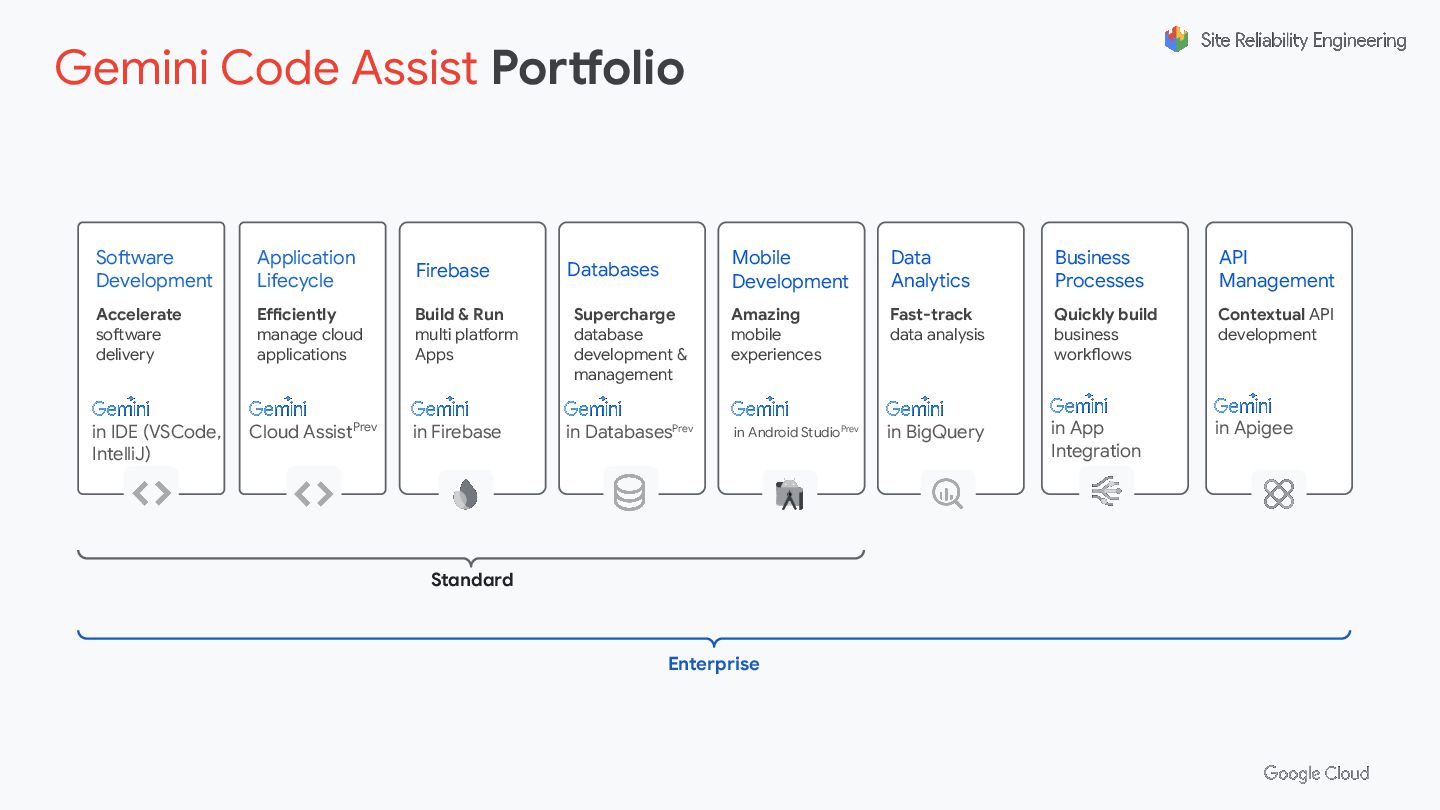
in DatabasesPrev Databases Supercharge database development & management in IDE
(VSCode, IntelliJ) Software Development Accelerate software delivery in Firebase Firebase Build & Run multi platform Apps in BigQuery Data Analytics Fast-track data analysis in Android StudioPrev Mobile Development Amazing mobile experiences Cloud AssistPrev Application Lifecycle Efficiently manage cloud applications in App Integration Business Processes Quickly build business workflows in Apigee API Management Contextual API development Standard Enterprise Gemini Code Assist Portfolio -
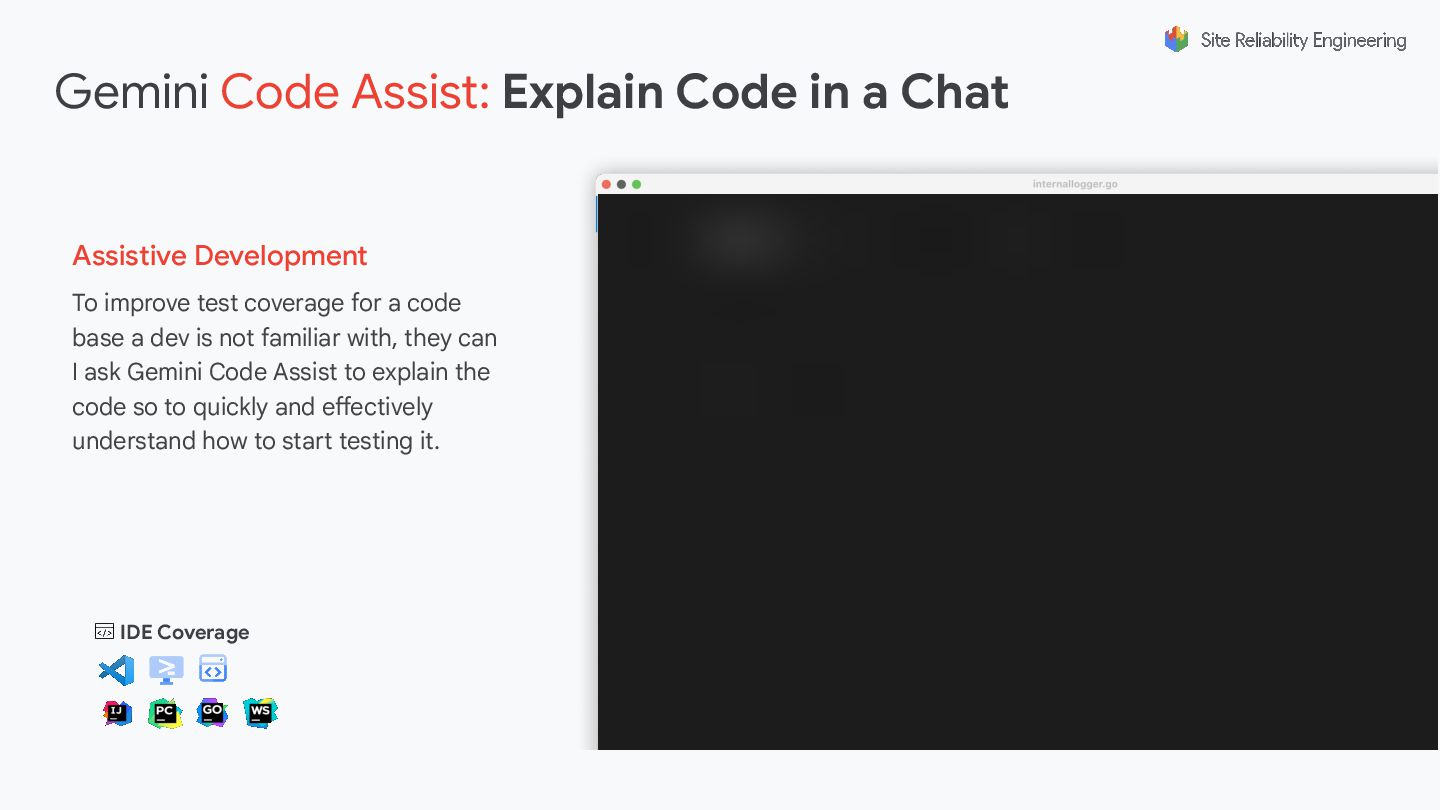
To improve test coverage for a code base a dev
is not familiar with, they can I ask Gemini Code Assist to explain the code so to quickly and effectively understand how to start testing it. IDE Coverage Gemini Code Assist: Explain Code in a Chat Assistive Development -
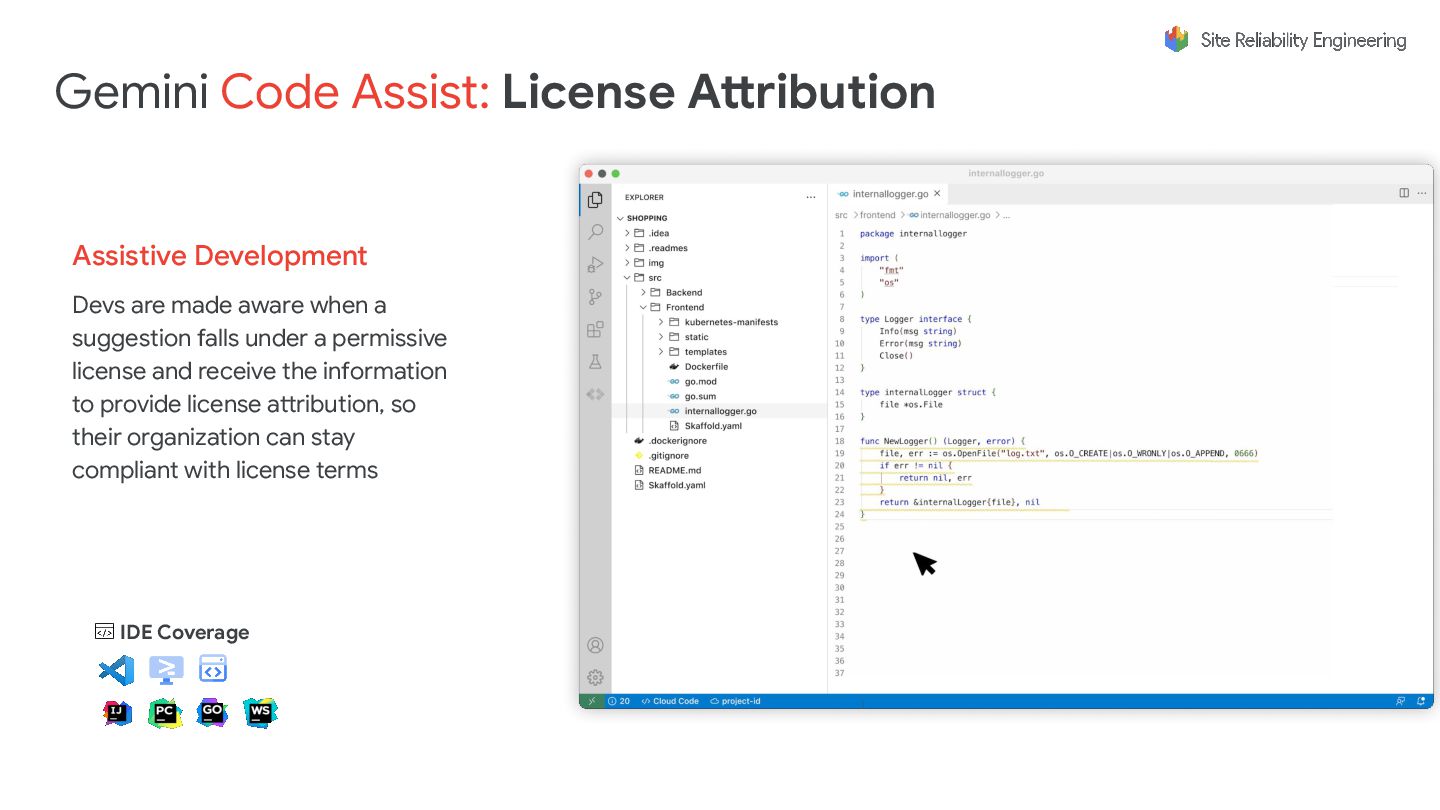
Devs are made aware when a suggestion falls under a
permissive license and receive the information to provide license attribution, so their organization can stay compliant with license terms IDE Coverage Assistive Development Gemini Code Assist: License Attribution -
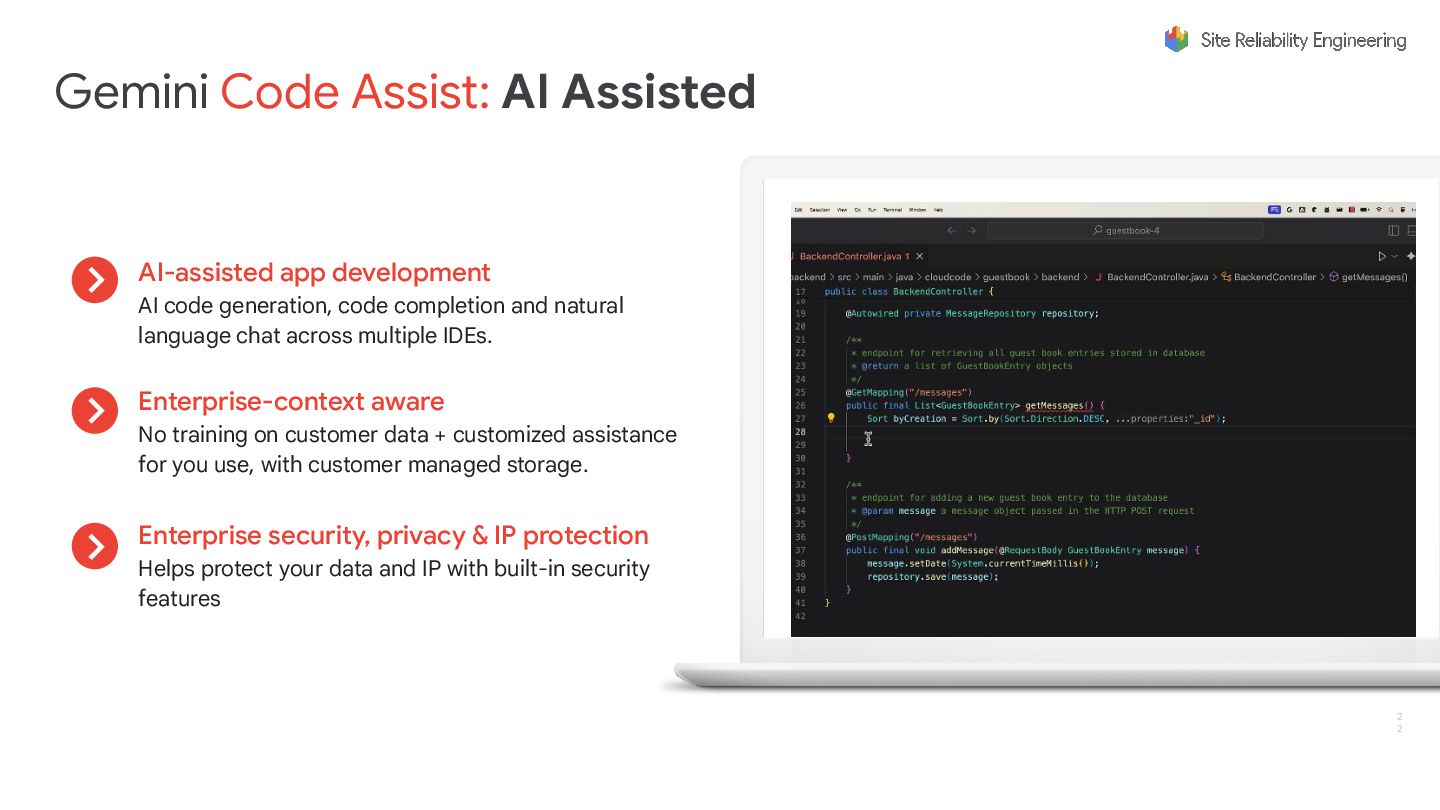
2 2 AI-assisted app development AI code generation, code completion
and natural language chat across multiple IDEs. Enterprise-context aware No training on customer data + customized assistance for you use, with customer managed storage. Enterprise security, privacy & IP protection Helps protect your data and IP with built-in security features Gemini Code Assist: AI Assisted -
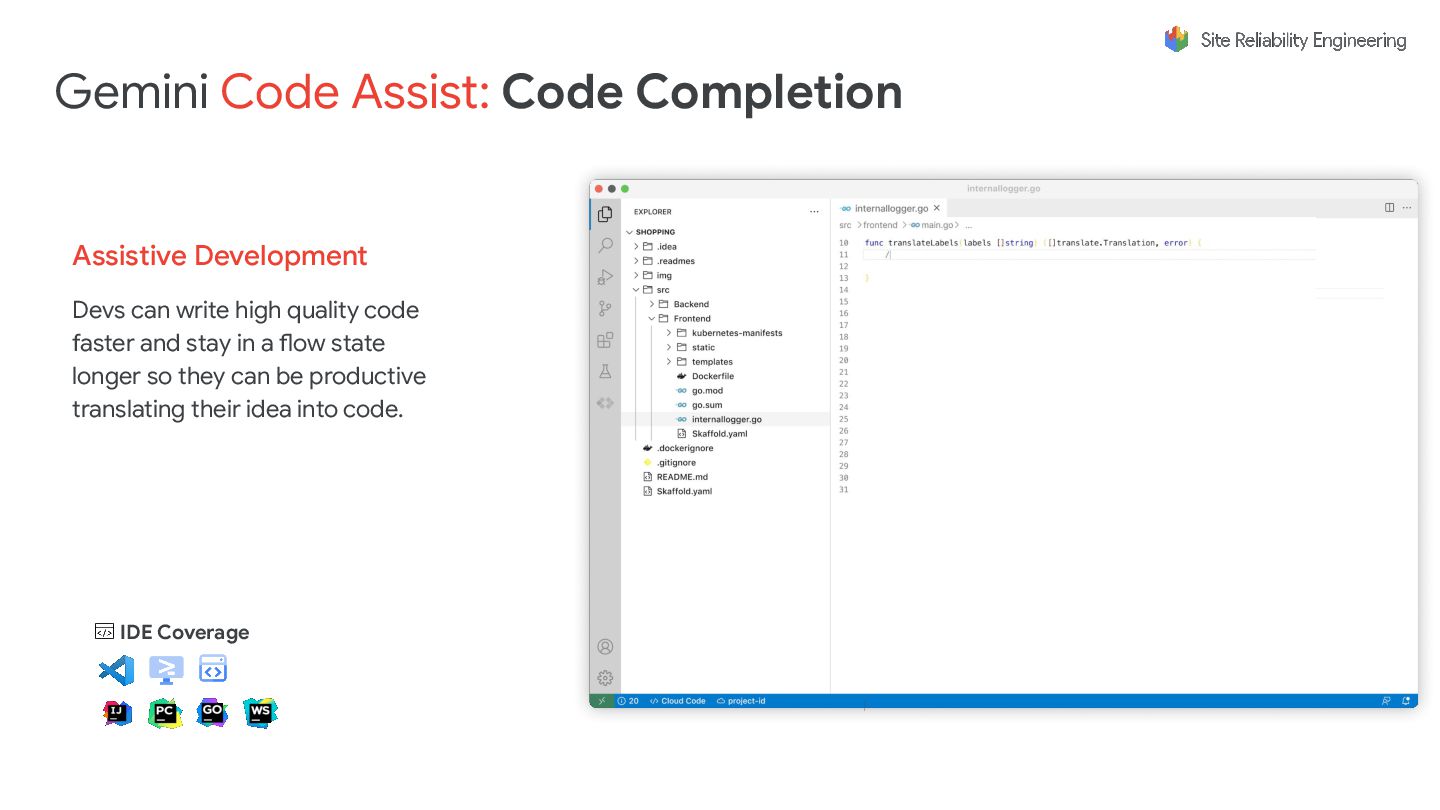
Assistive Development Devs can write high quality code faster and
stay in a flow state longer so they can be productive translating their idea into code. IDE Coverage Gemini Code Assist: Code Completion -
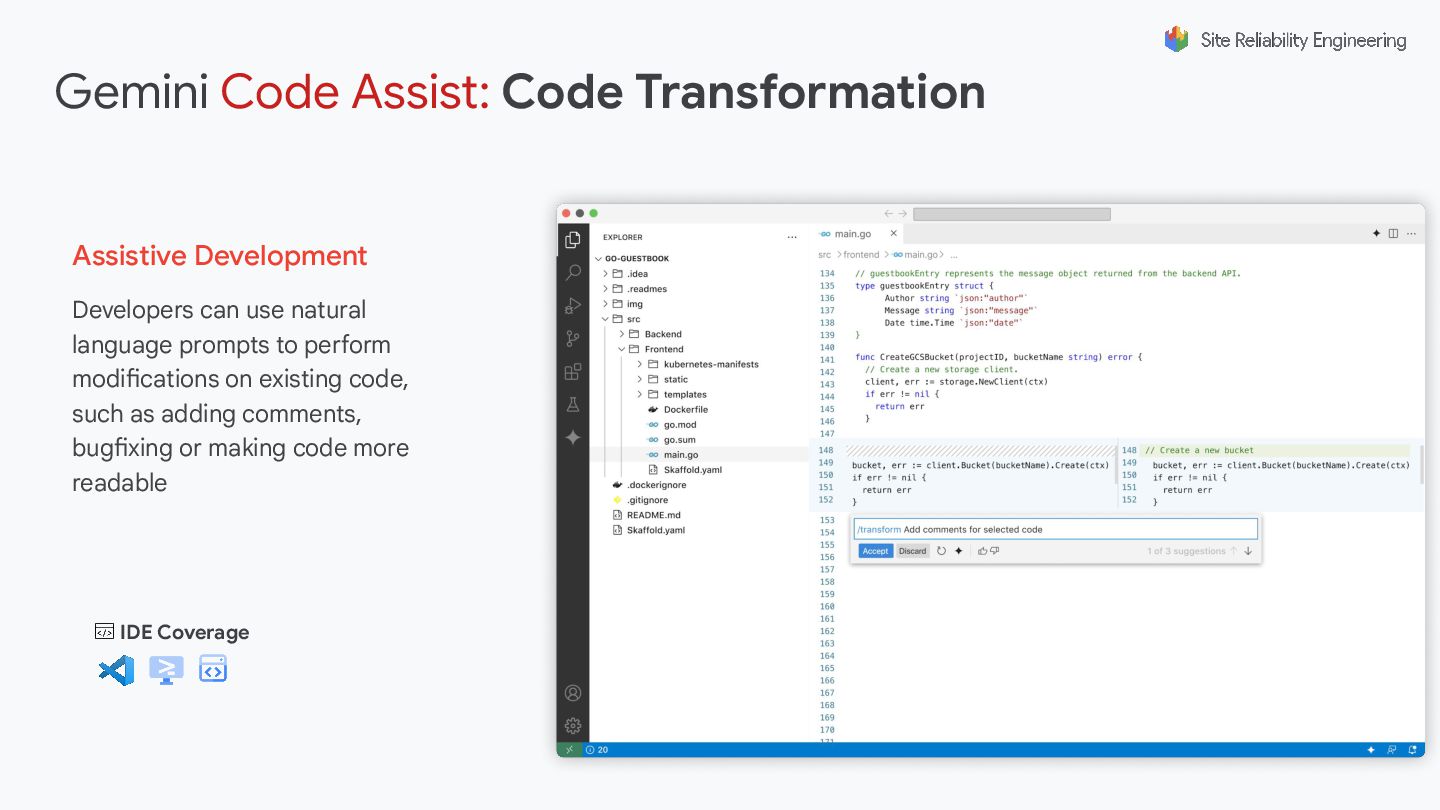
IDE Coverage Gemini Code Assist: Code Transformation Assistive Development Developers
can use natural language prompts to perform modifications on existing code, such as adding comments, bugfixing or making code more readable -
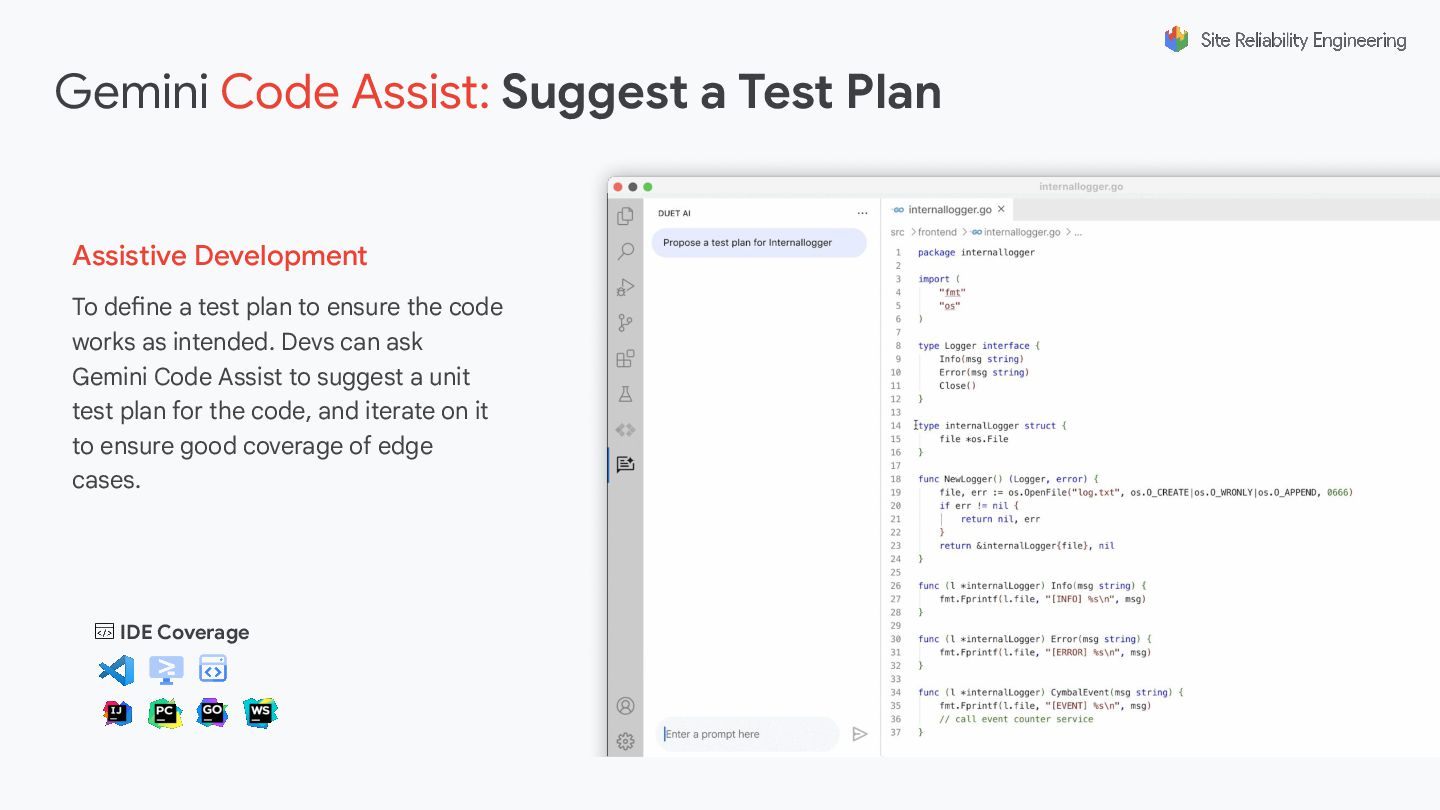
To define a test plan to ensure the code works
as intended. Devs can ask Gemini Code Assist to suggest a unit test plan for the code, and iterate on it to ensure good coverage of edge cases. IDE Coverage Gemini Code Assist: Suggest a Test Plan Assistive Development -
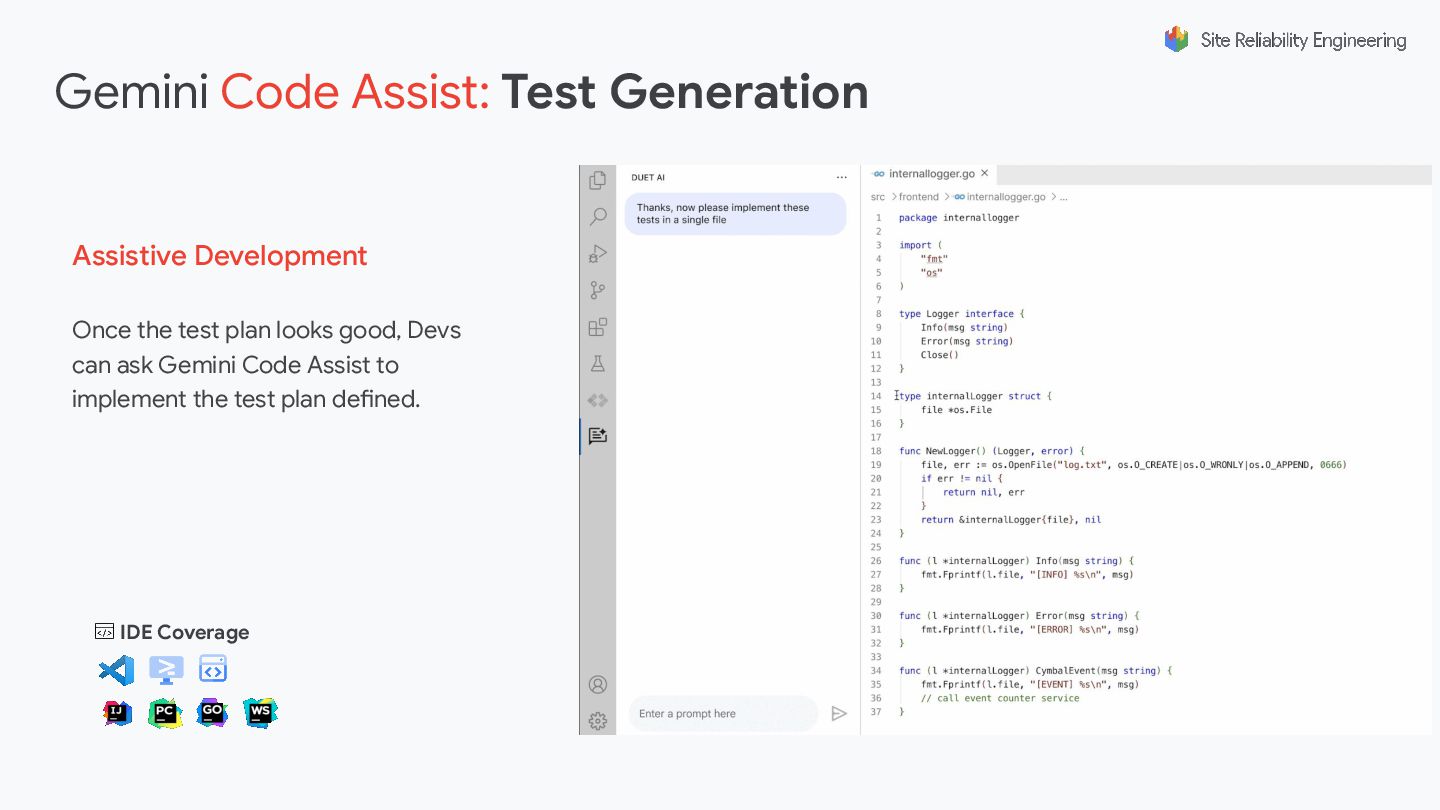
Once the test plan looks good, Devs can ask Gemini
Code Assist to implement the test plan defined. IDE Coverage Gemini Code Assist: Test Generation Assistive Development -
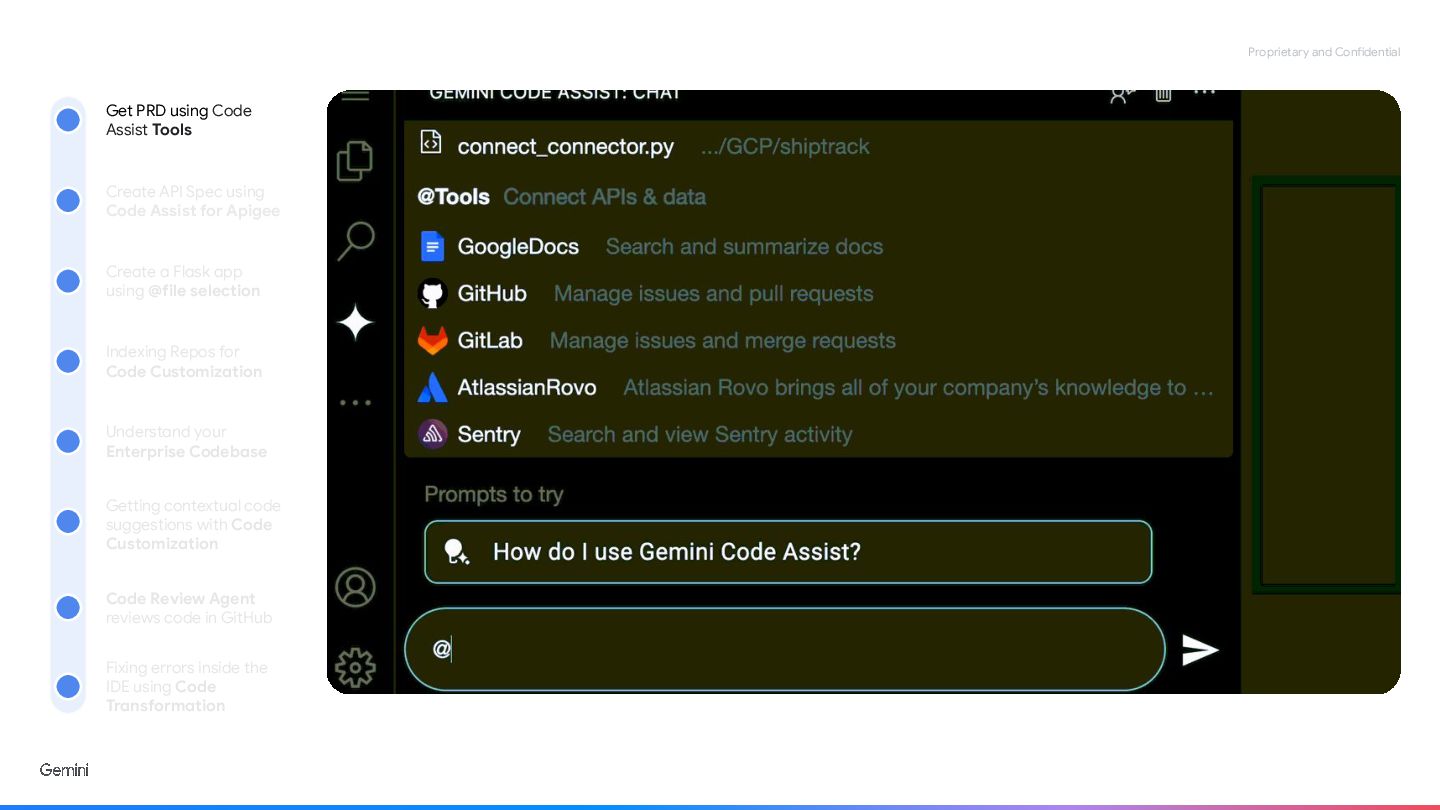
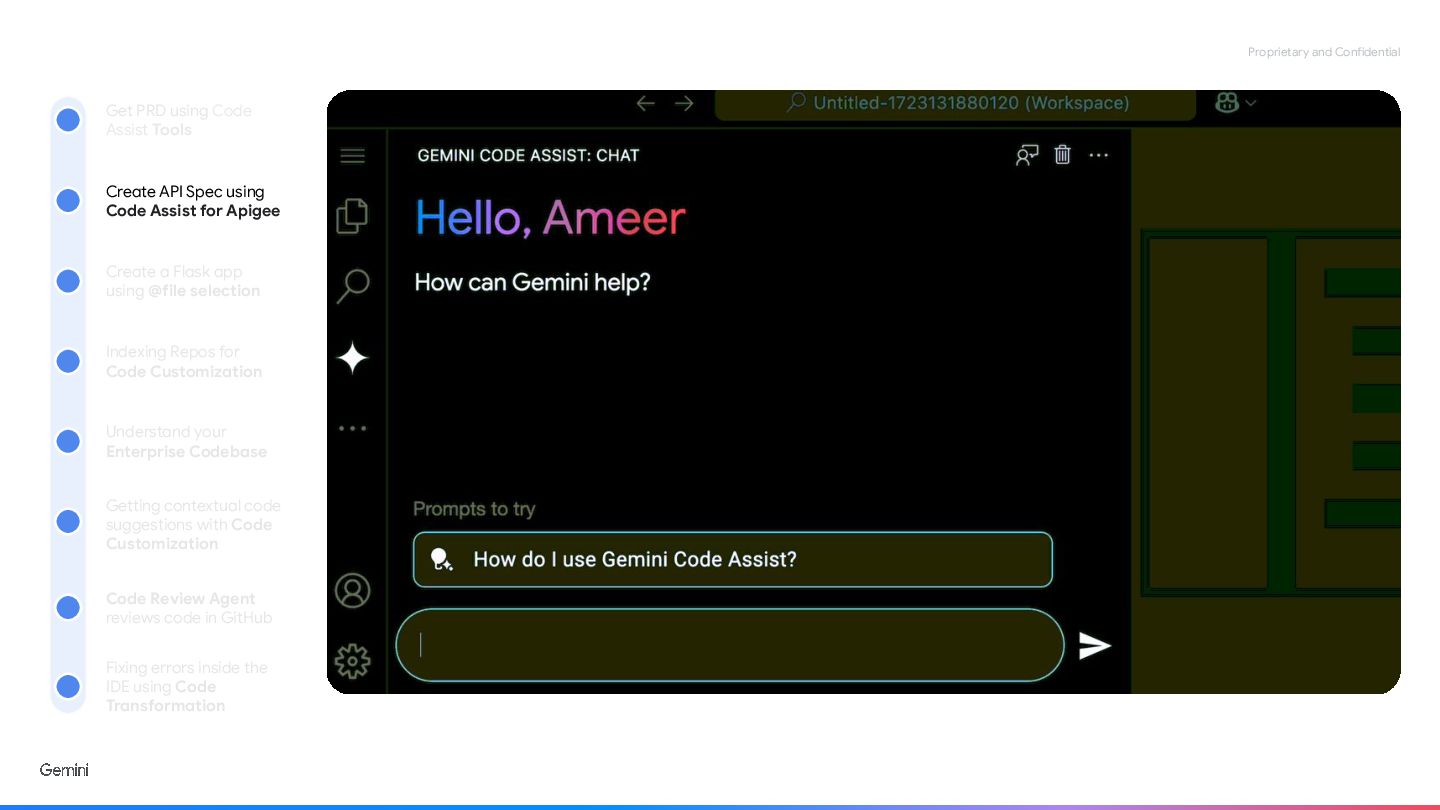
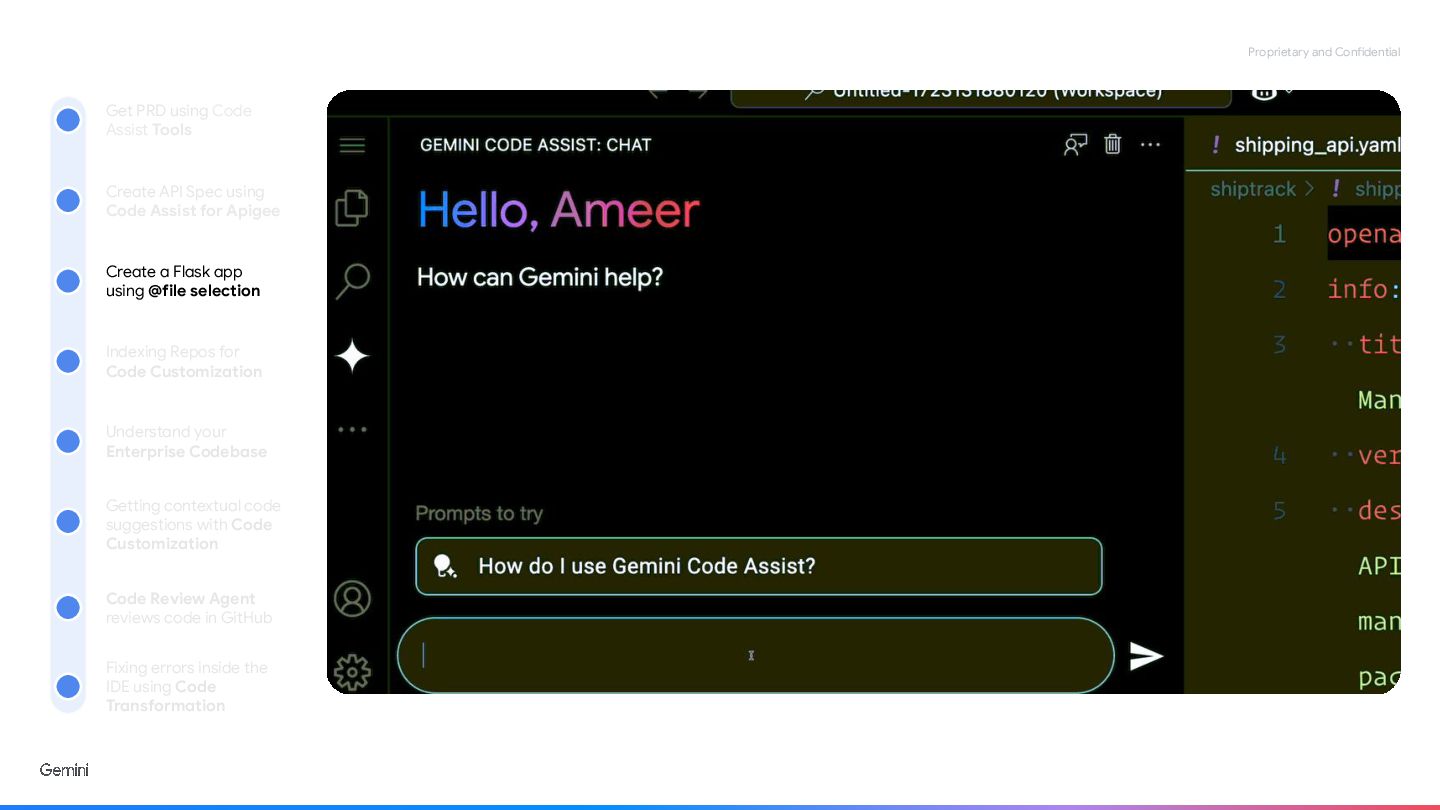
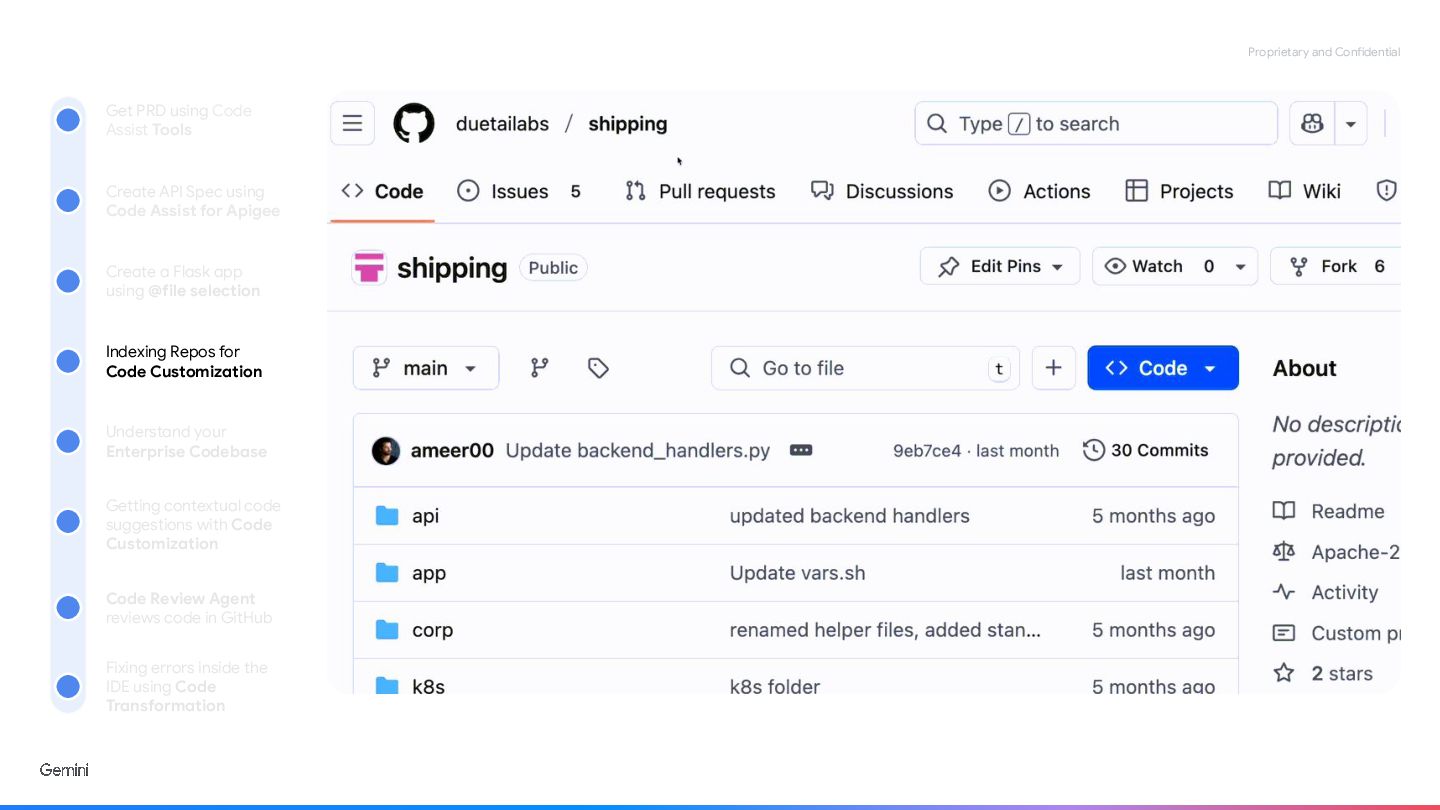
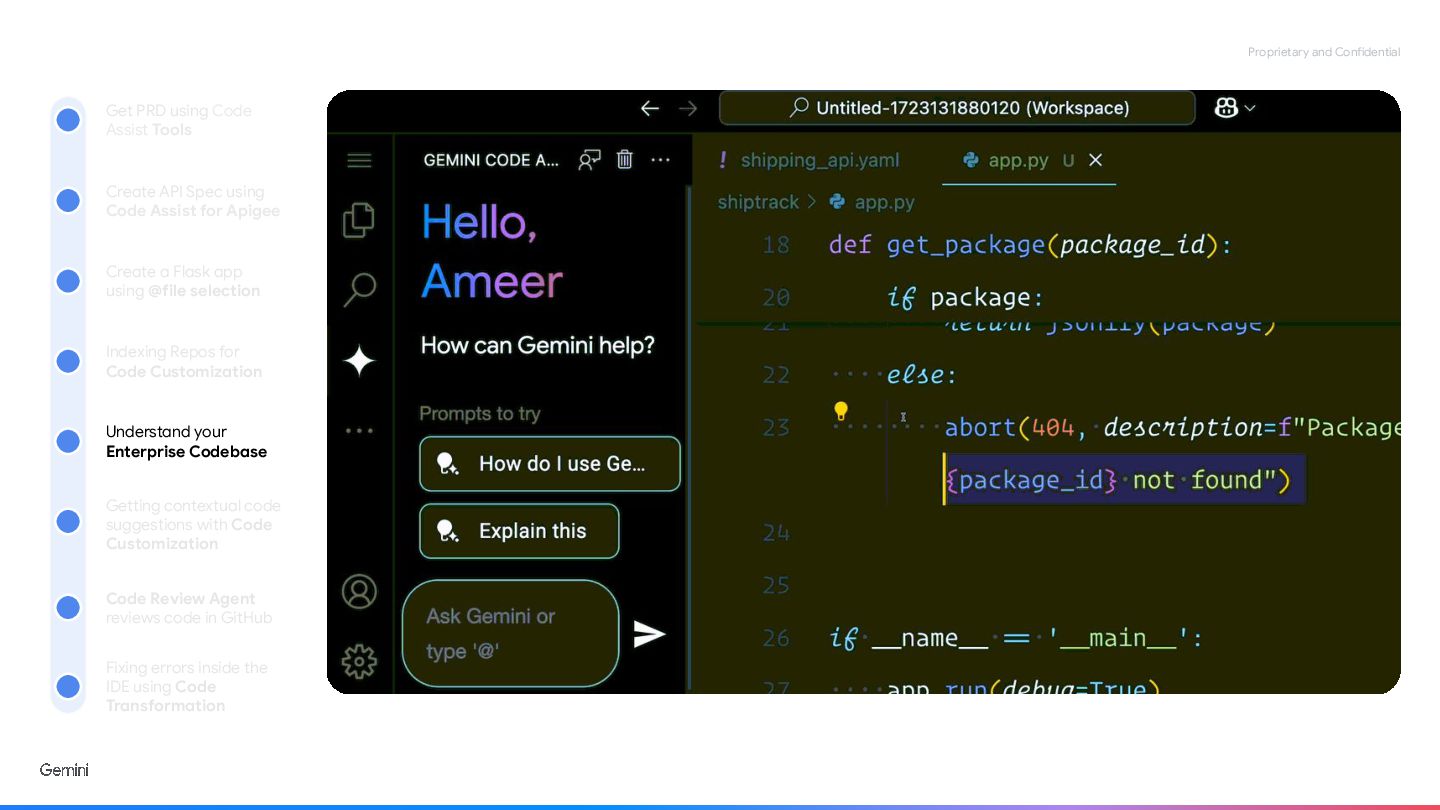
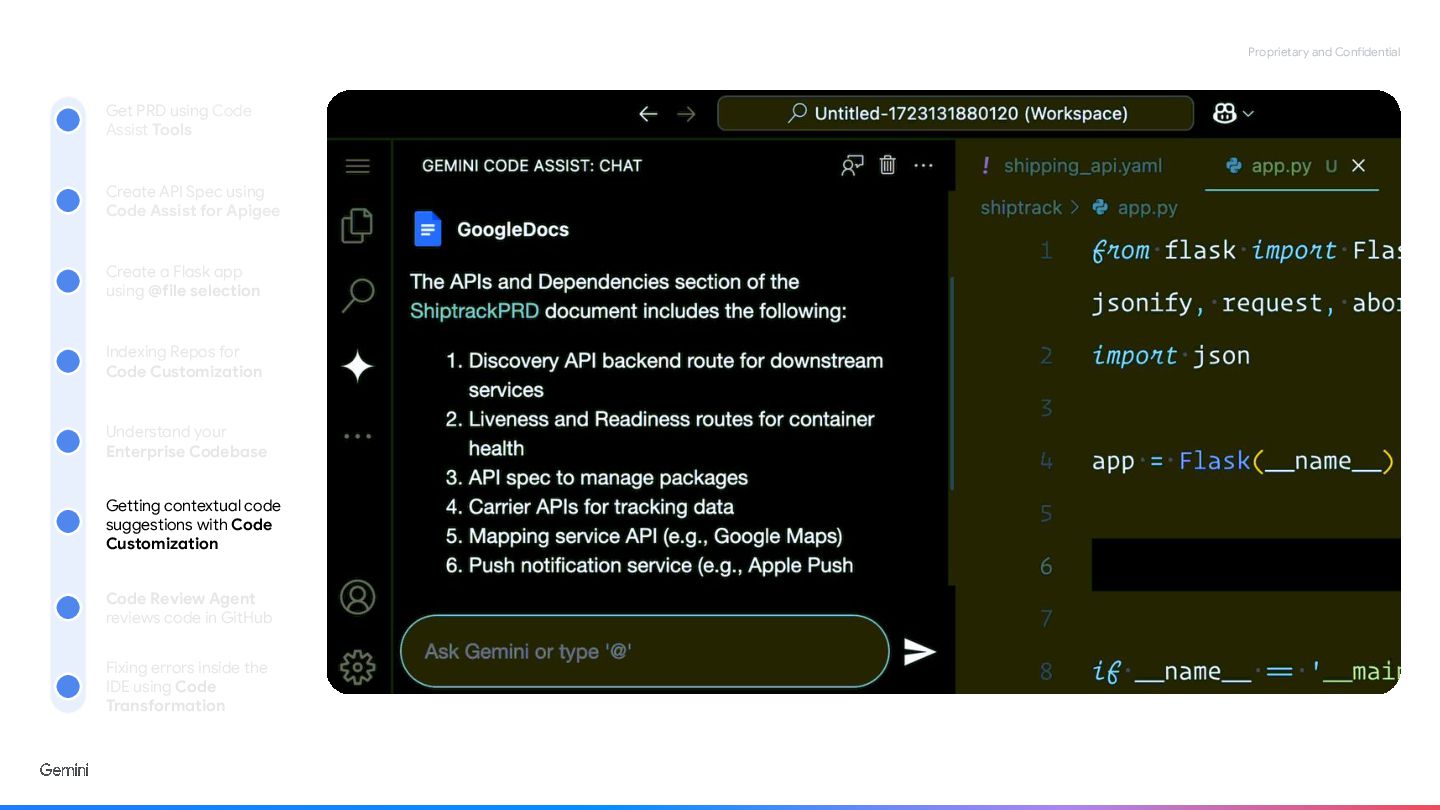
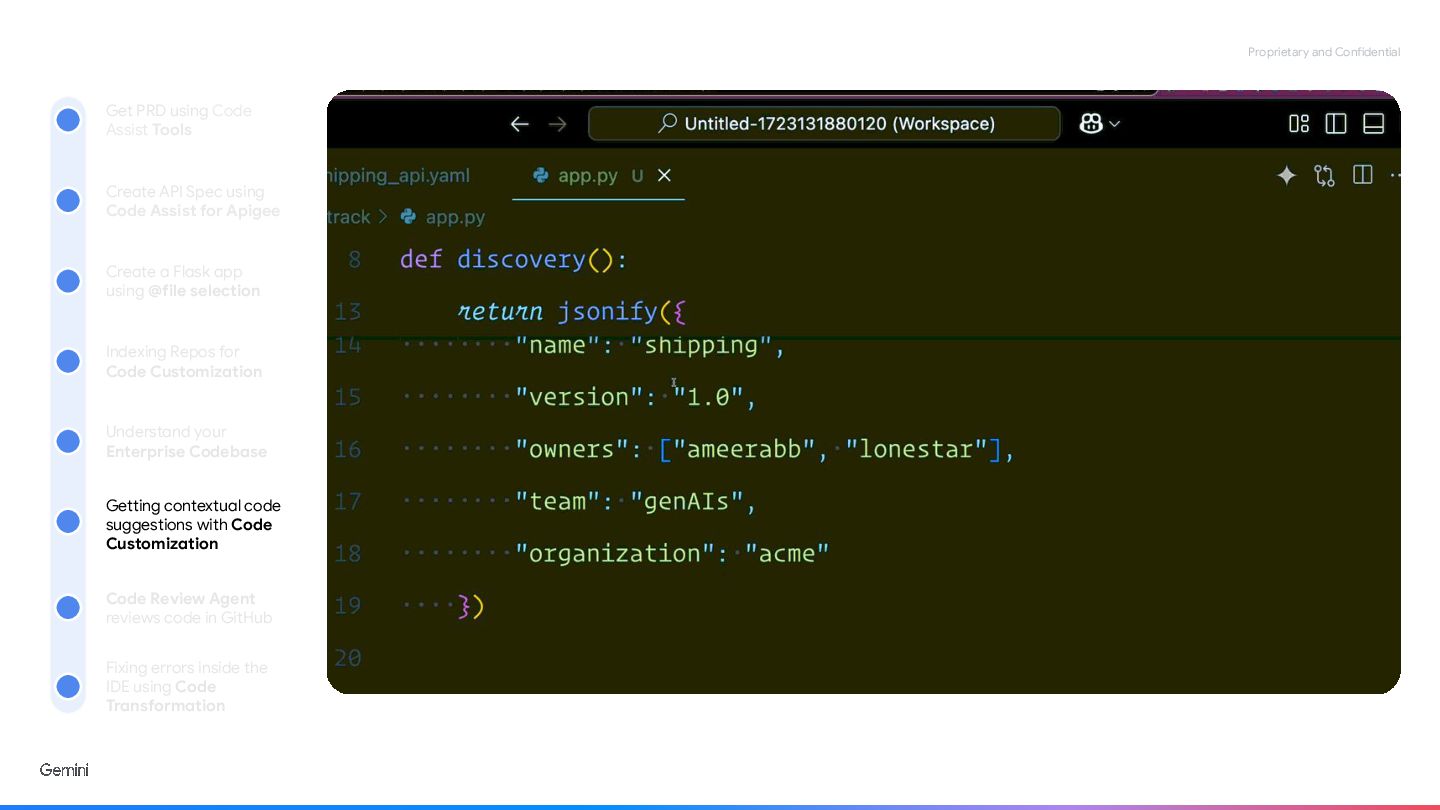
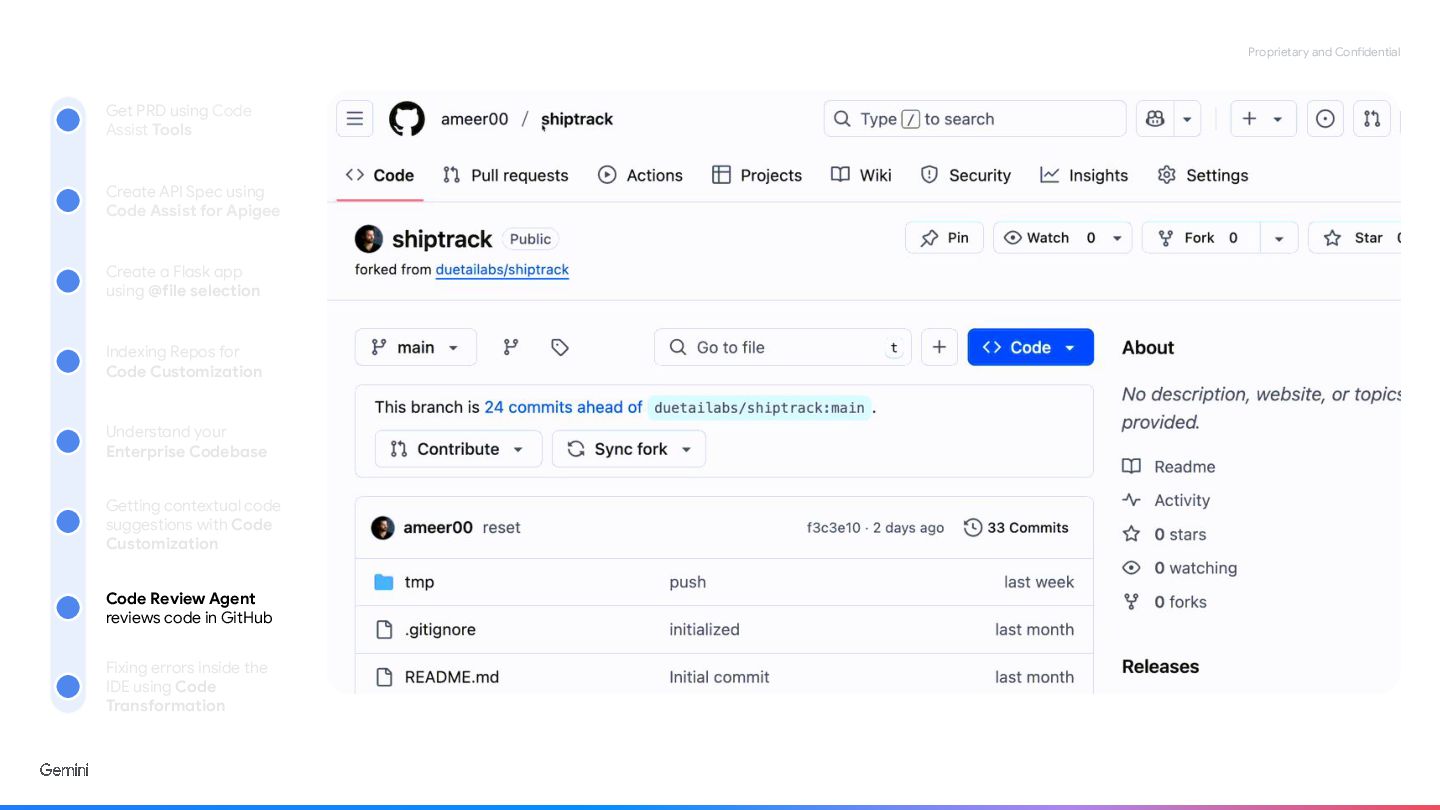
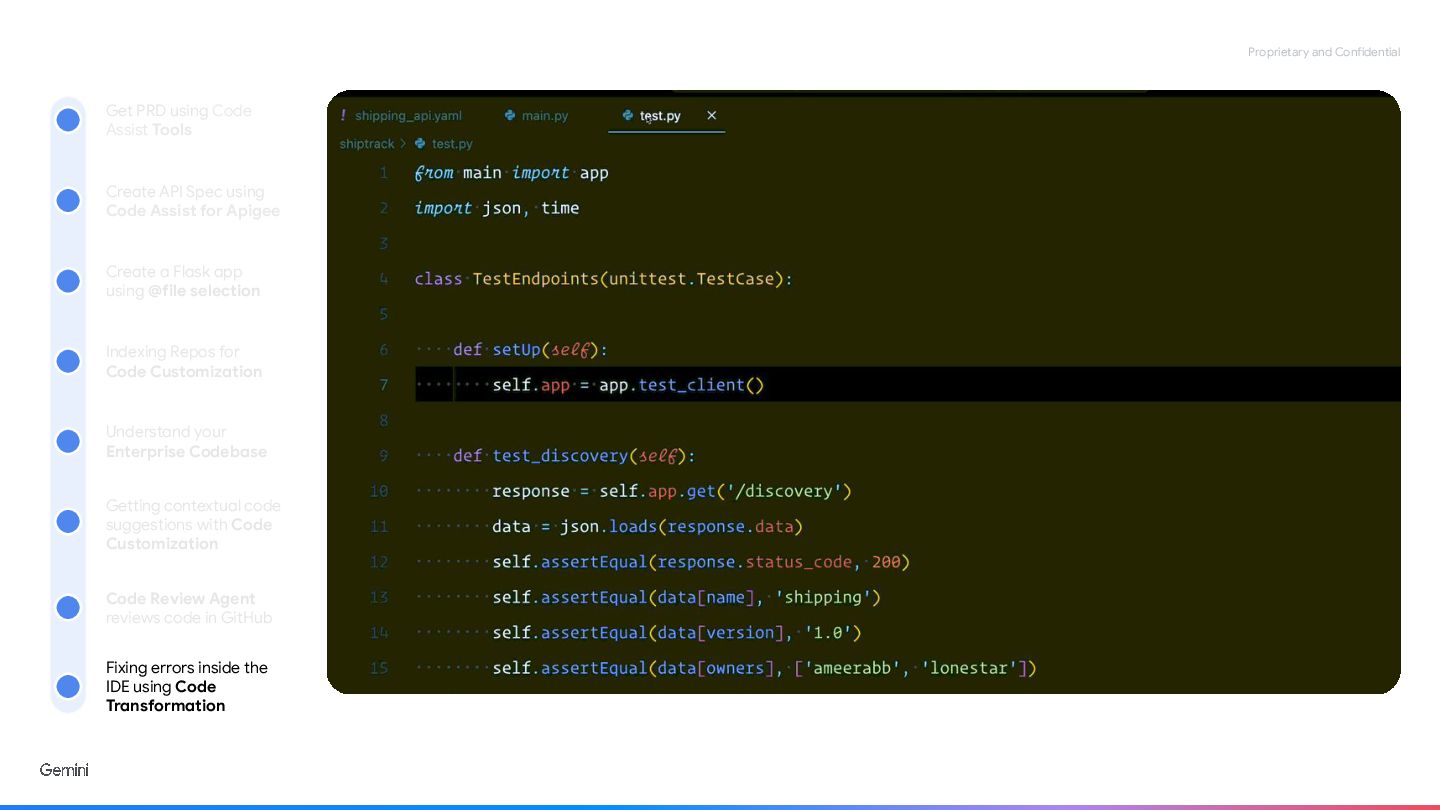
Proprietary and Confidential Get PRD using Code Assist Tools Create
API Spec using Code Assist for Apigee Create a Flask app using @file selection Indexing Repos for Code Customization Understand your Enterprise Codebase Getting contextual code suggestions with Code Customization Code Review Agent reviews code in GitHub Fixing errors inside the IDE using Code Transformation -
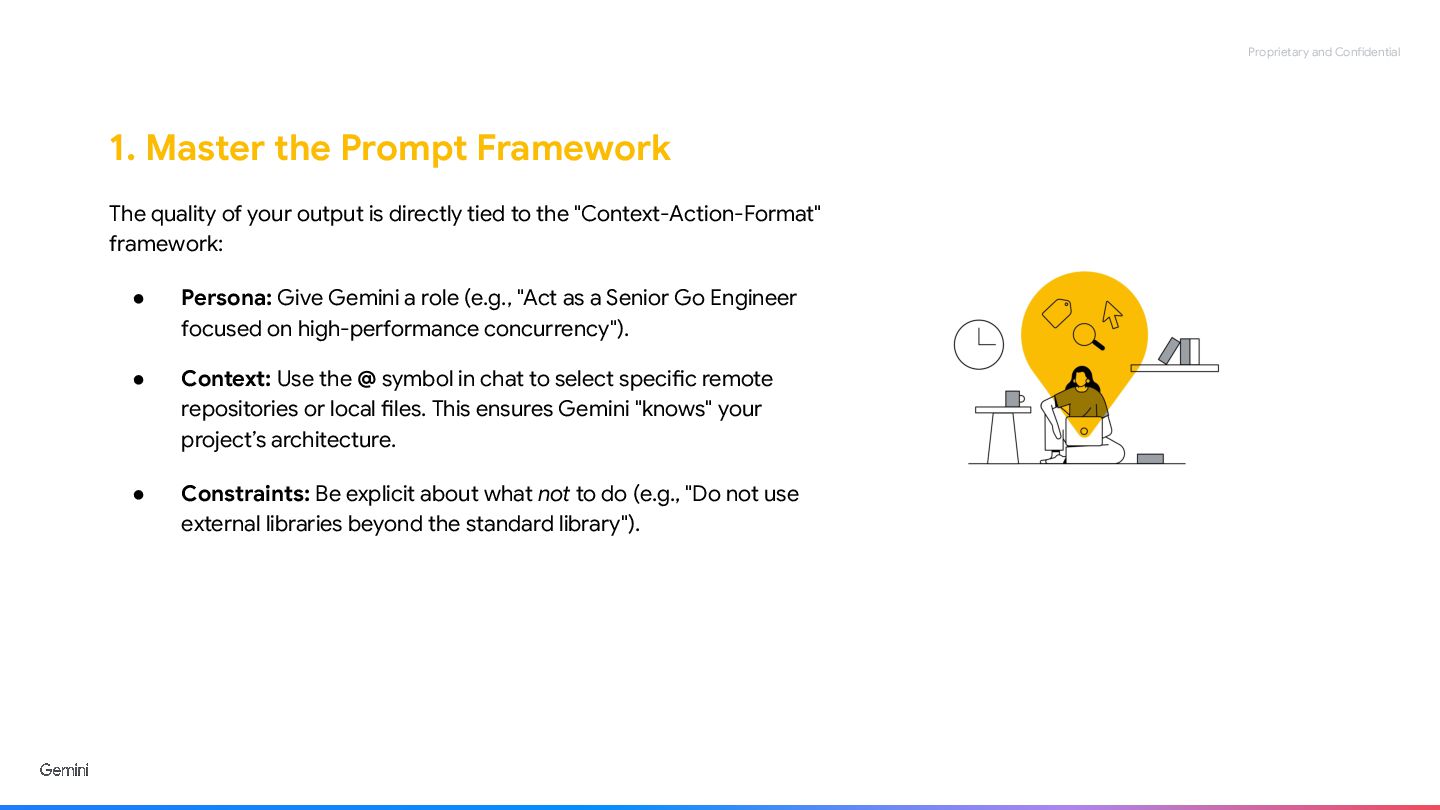
Proprietary and Confidential 1. Master the Prompt Framework The quality
of your output is directly tied to the "Context-Action-Format" framework: • Persona: Give Gemini a role (e.g., "Act as a Senior Go Engineer focused on high-performance concurrency"). • Context: Use the @ symbol in chat to select specific remote repositories or local files. This ensures Gemini "knows" your project’s architecture. • Constraints: Be explicit about what not to do (e.g., "Do not use external libraries beyond the standard library"). -
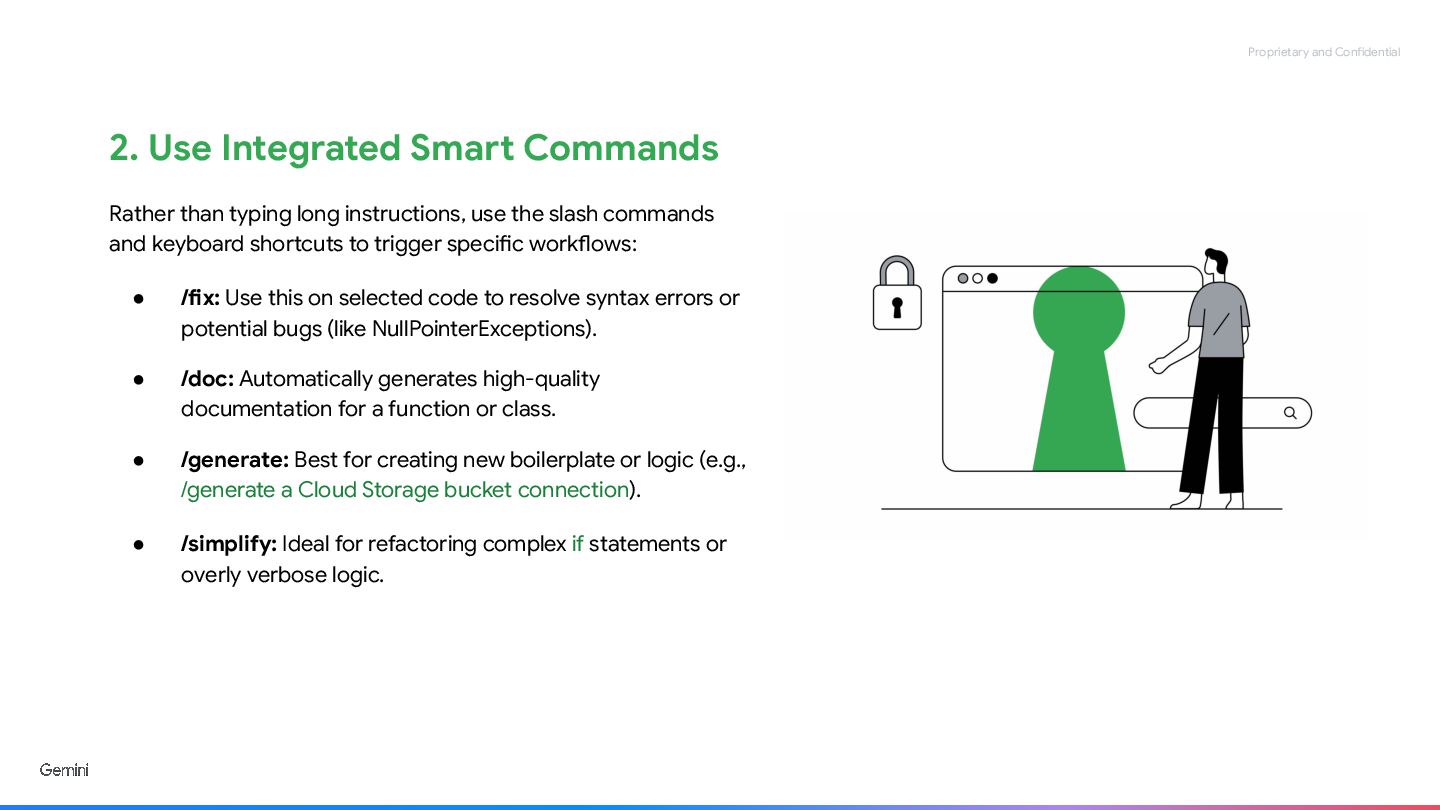
Proprietary and Confidential 2. Use Integrated Smart Commands Rather than
typing long instructions, use the slash commands and keyboard shortcuts to trigger specific workflows: • /fix: Use this on selected code to resolve syntax errors or potential bugs (like NullPointerExceptions). • /doc: Automatically generates high-quality documentation for a function or class. • /generate: Best for creating new boilerplate or logic (e.g., /generate a Cloud Storage bucket connection). • /simplify: Ideal for refactoring complex if statements or overly verbose logic. -
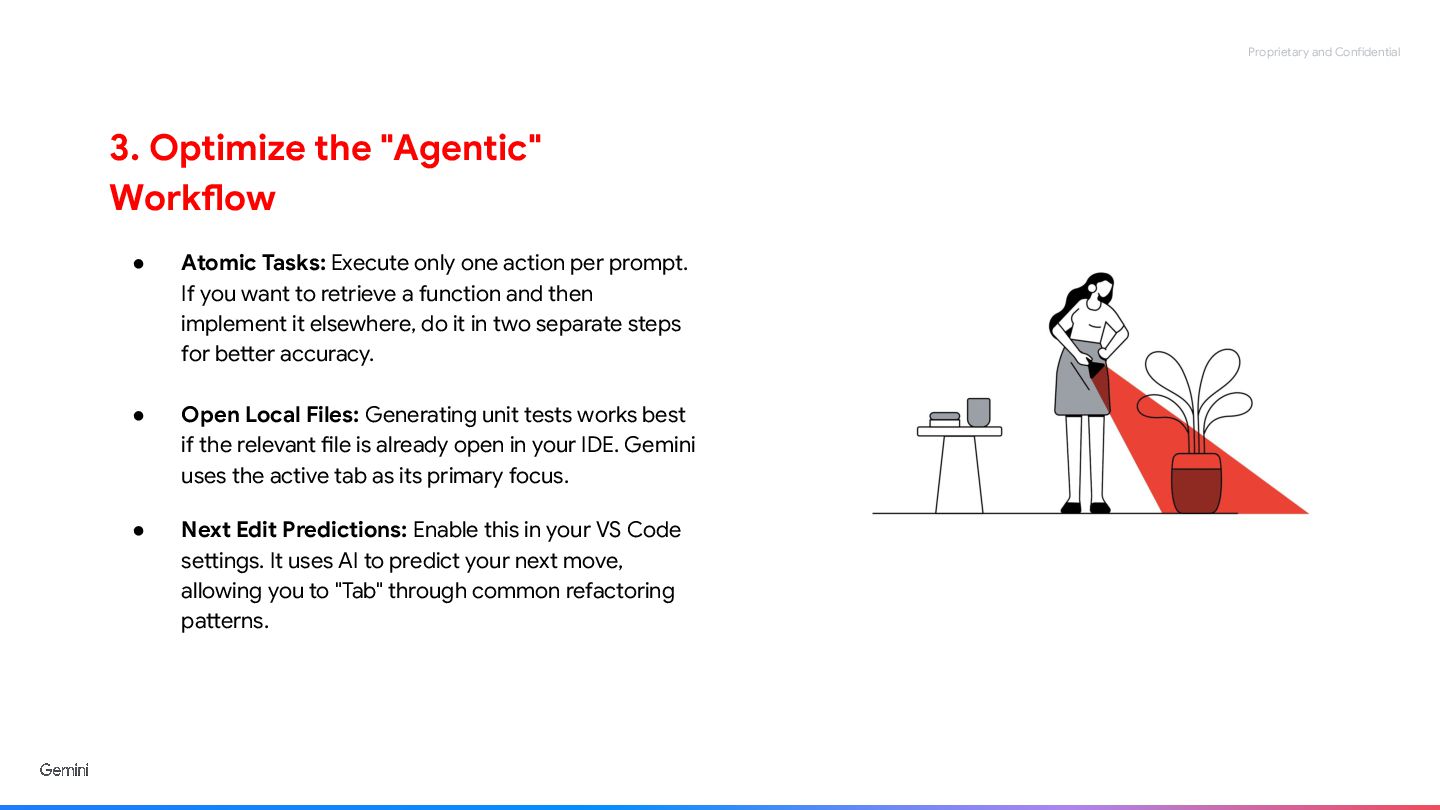
Proprietary and Confidential 3. Optimize the "Agentic" Workflow • Atomic
Tasks: Execute only one action per prompt. If you want to retrieve a function and then implement it elsewhere, do it in two separate steps for better accuracy. • Open Local Files: Generating unit tests works best if the relevant file is already open in your IDE. Gemini uses the active tab as its primary focus. • Next Edit Predictions: Enable this in your VS Code settings. It uses AI to predict your next move, allowing you to "Tab" through common refactoring patterns.
 yurynino
 pawan_pharm
 auctria
 adeputra13
 kentaroy47
 akiraasano
 cbtlibrary
 hiola
 kfujita
 signer
 reverentgeek
 malarkey
 rabernat
 nikkihalliwell
 auna
 dougneiner
 katarinadahlin
 greggifford
 keavy
 addyosmani
 aleyda
 tammyeverts