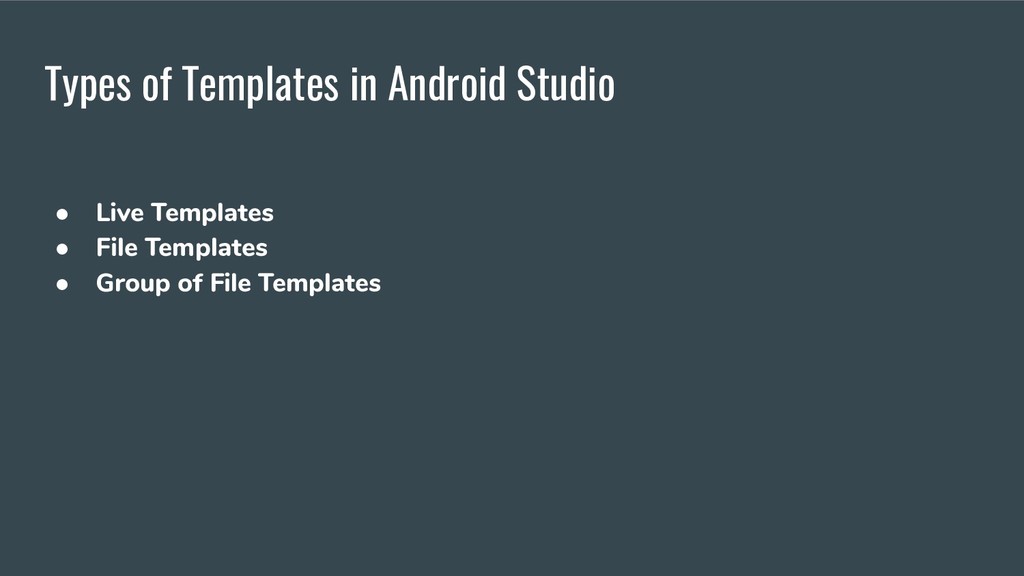
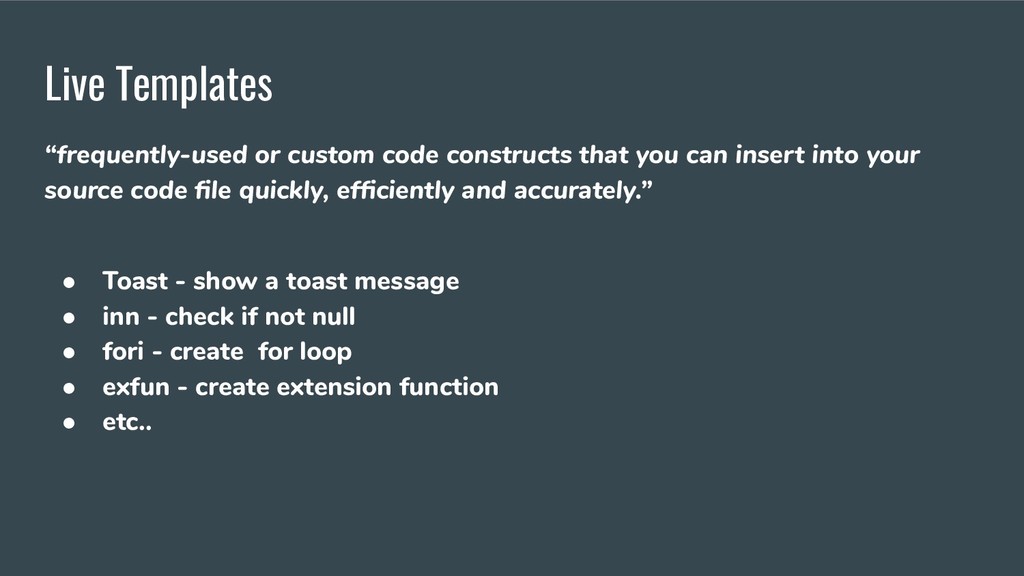
insert into your source code file quickly, efficiently and accurately.” • Toast - show a toast message • inn - check if not null • fori - create for loop • exfun - create extension function • etc..
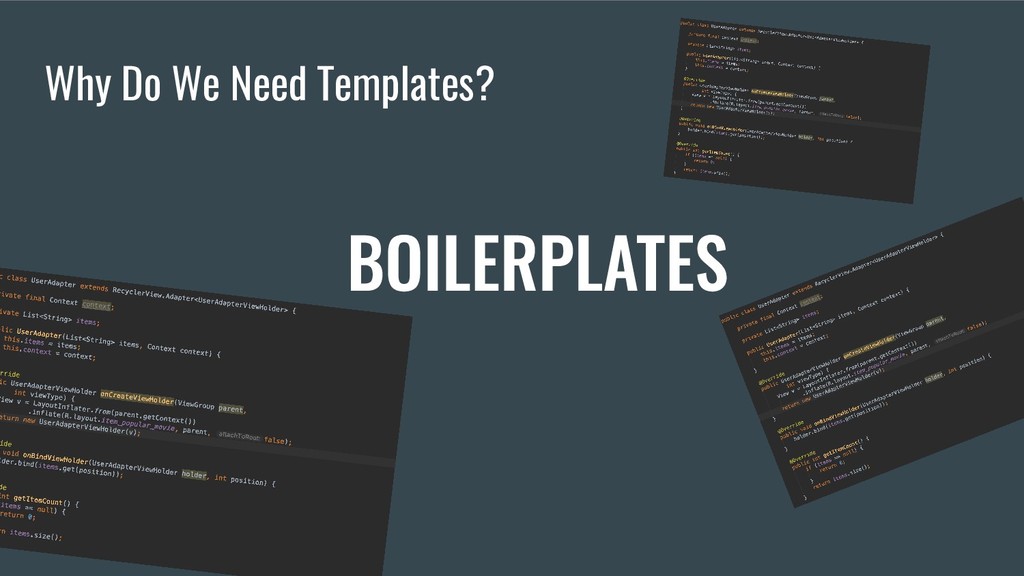
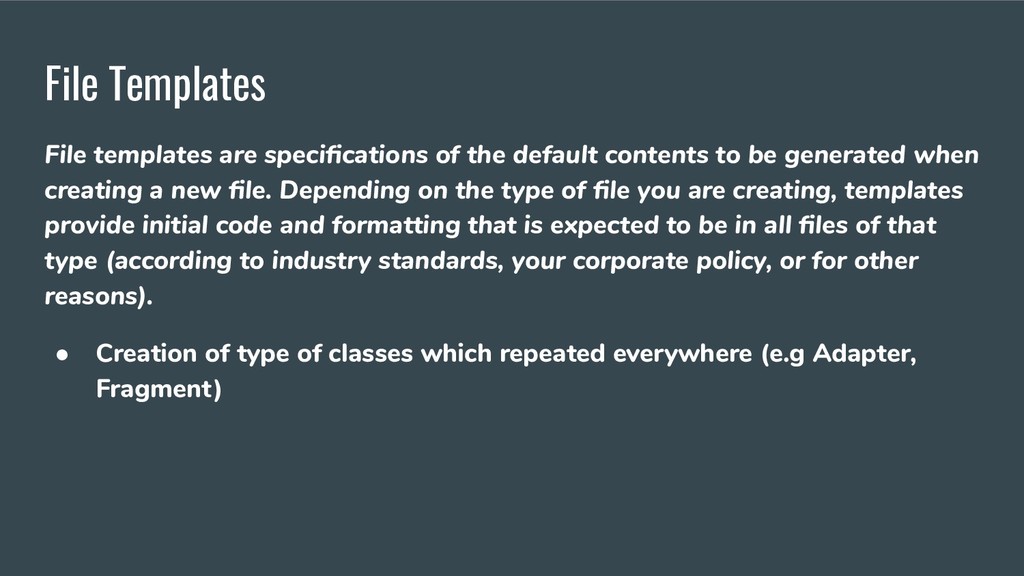
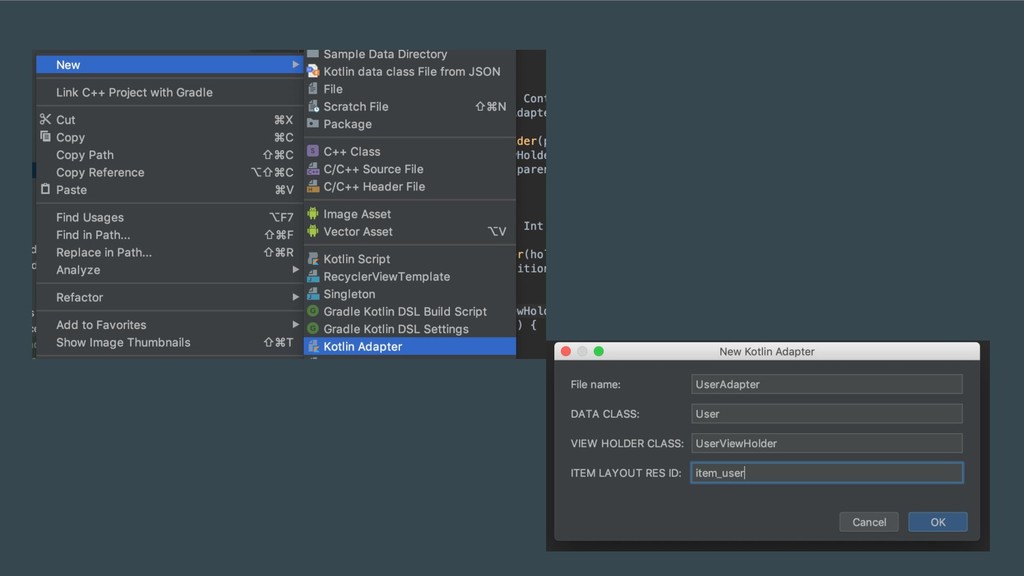
to be generated when creating a new file. Depending on the type of file you are creating, templates provide initial code and formatting that is expected to be in all files of that type (according to industry standards, your corporate policy, or for other reasons). • Creation of type of classes which repeated everywhere (e.g Adapter, Fragment)
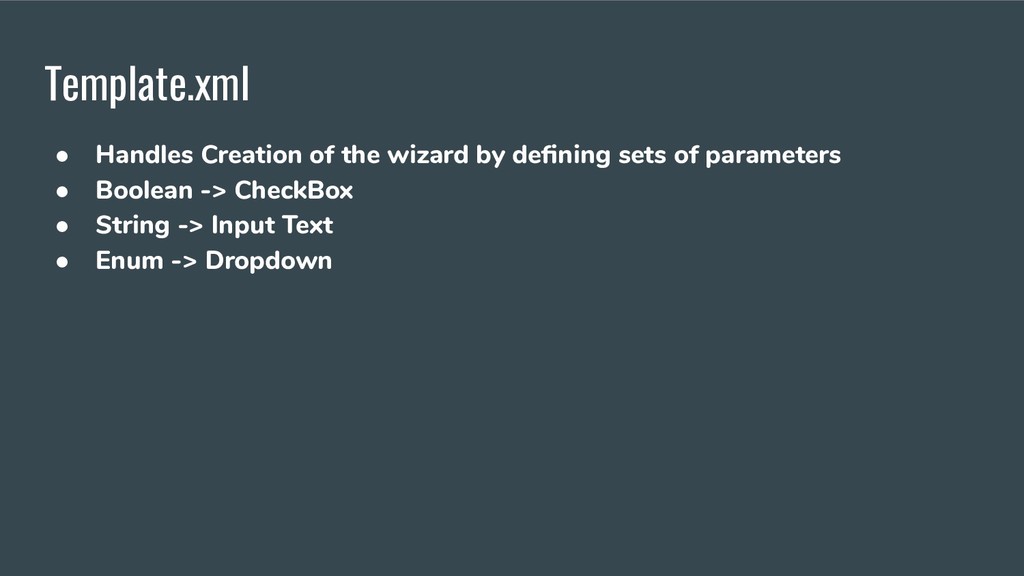
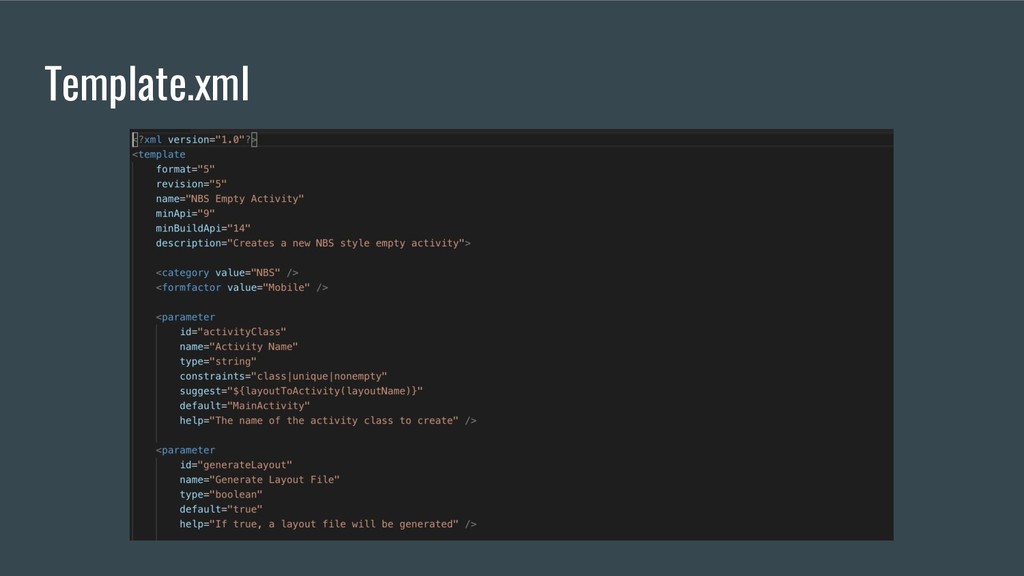
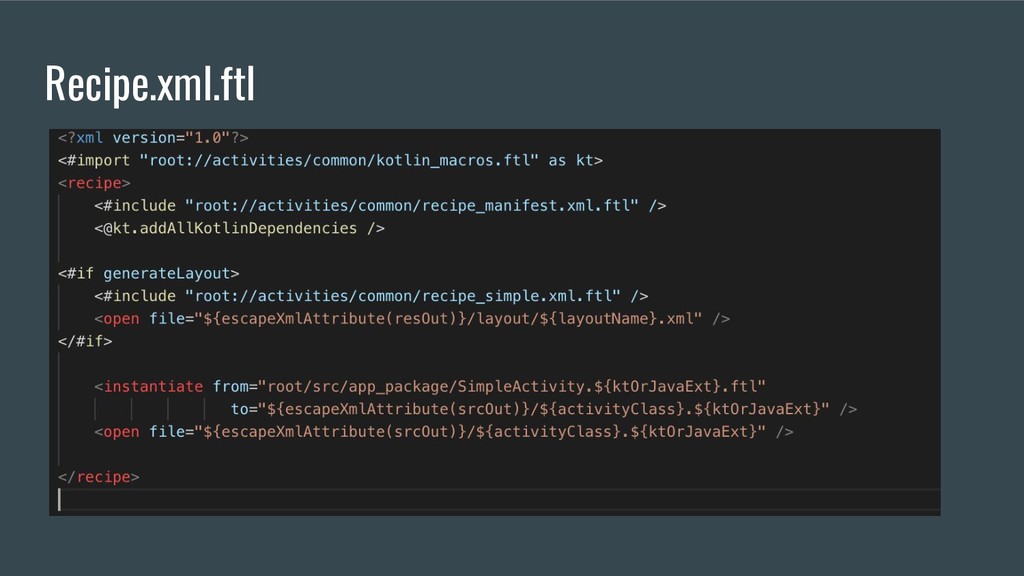
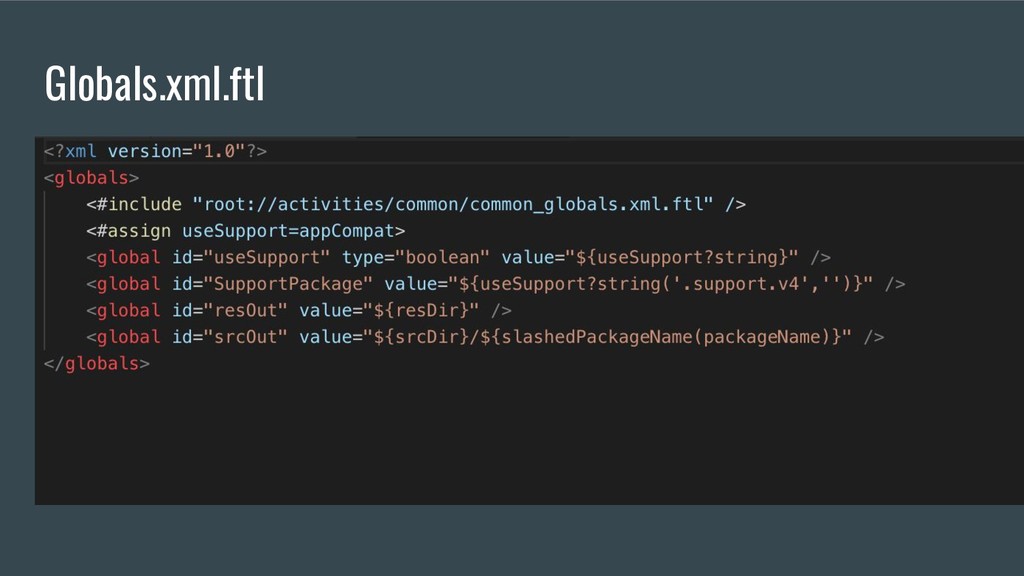
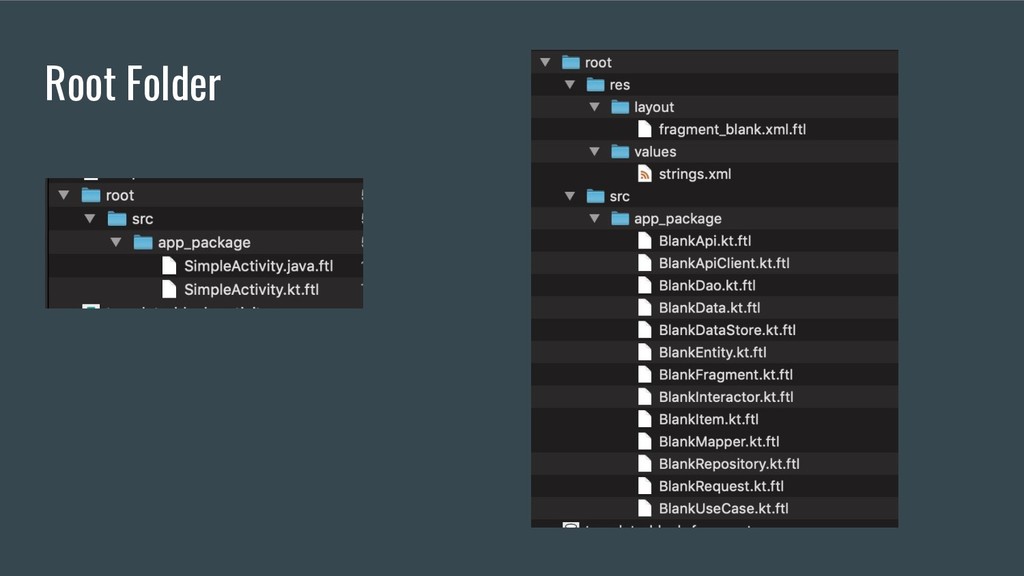
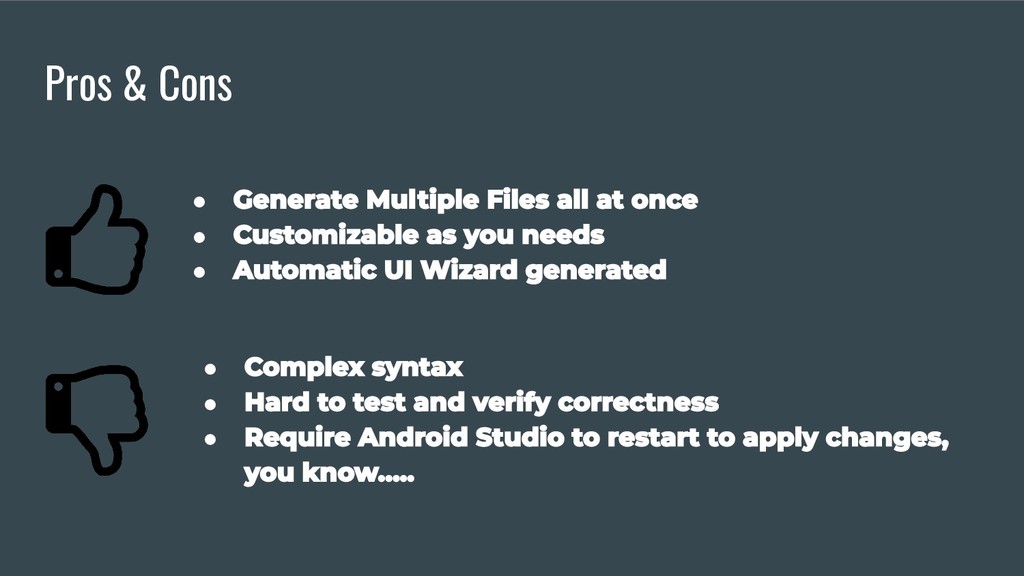
File templates are specifications of the default contents to be generated when creating a new file. Depending on the type of file you are creating, templates provide initial code and formatting that is expected to be in all files of that type (according to industry standards, your corporate policy, or for other reasons). • Creation of default/blank activity. It generates -> activity class, manifest declaration, activity's layout xml • In the era of MVx feature creation is quite a long journey • Using FreeMarker.org convention
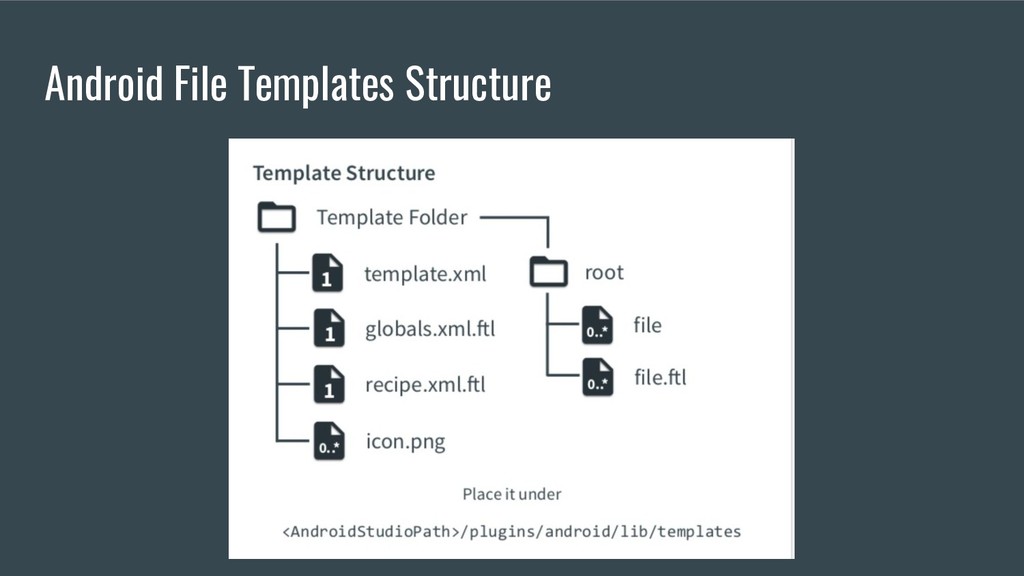
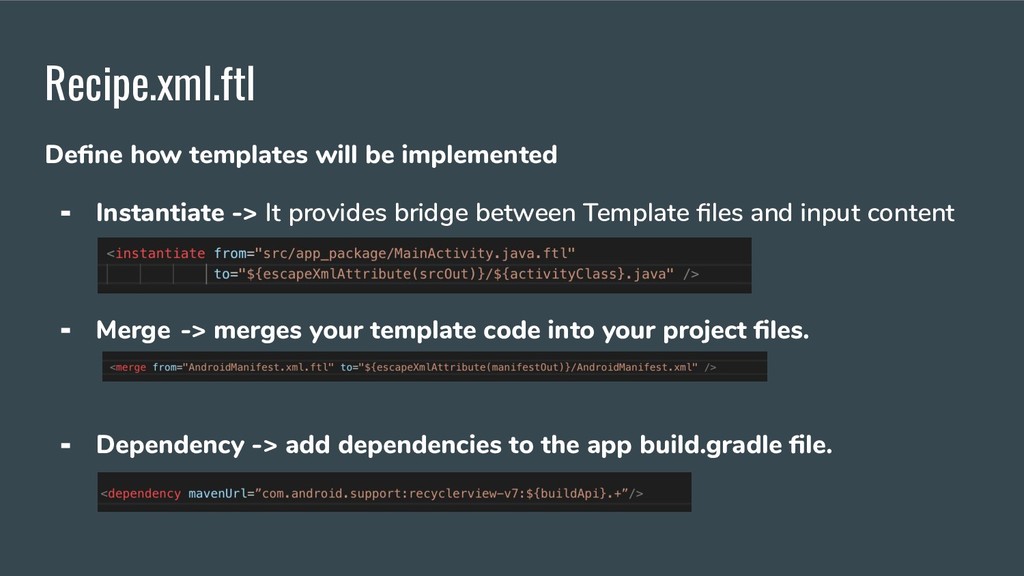
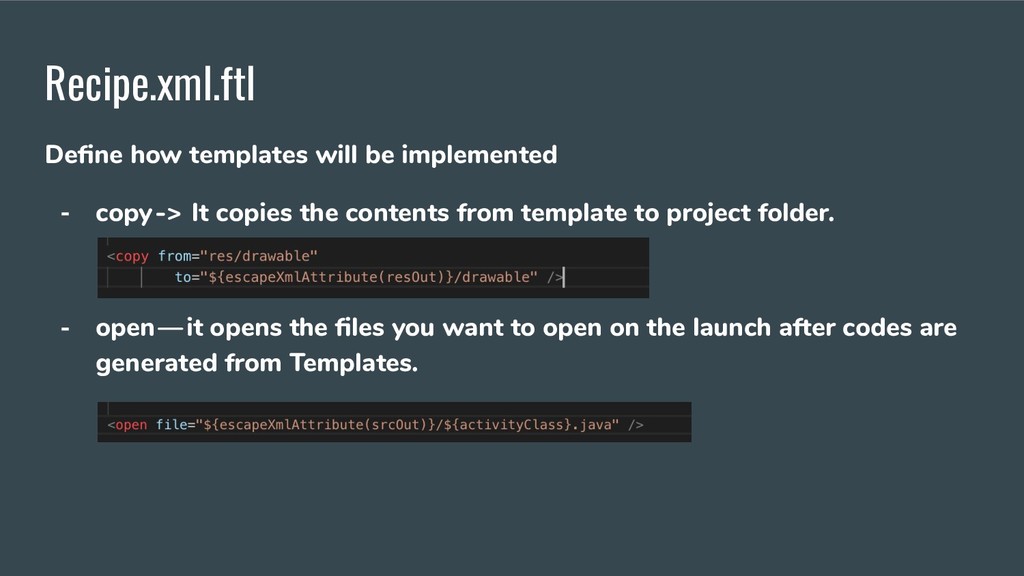
provides bridge between Template files and input content received from templates.xml Merge -> merges your template code into your project files. Dependency -> add dependencies to the app build.gradle file.
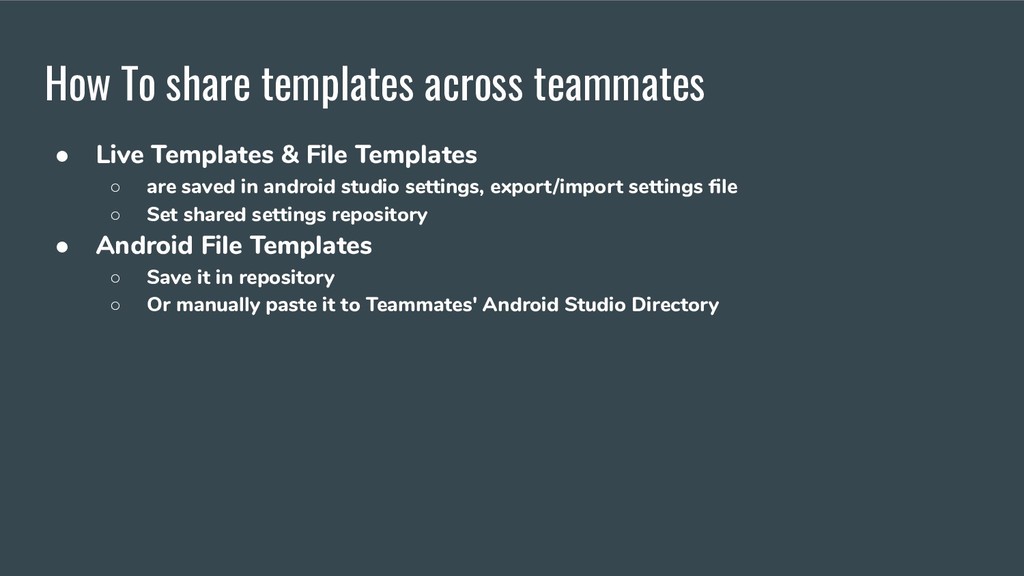
File Templates ◦ are saved in android studio settings, export/import settings file ◦ Set shared settings repository • Android File Templates ◦ Save it in repository ◦ Or manually paste it to Teammates' Android Studio Directory


 androidvip
 hschwentner
 akkeylab
 s_shimotori
 gam0022
 tomokon
 ivargrimstad
 yub0n
yub0n
 steliosf
 headius
 suneo3476
 drumath2237
 myus4a
 akademiya2063
 baasie
 helmedeiros
 michaelherold
 joshbly
 reverentgeek
 aleyda
 cassininazir
 rakko
rakko
 kimpetersen
 csswizardry
 axbom
axbom