Share
Embed
Lessons from managing hadoop clusters on aws @Indix
Slides of the talk I presented at DevopsDays India 2016.
Video - https://www.youtube.com/watch?v=eBbgylpRufQ
Ashwanth Kumar
November 05, 2016
Transcript
54 slides
-
assumptions You all know about AWS Regions and Availability Zones
Spot instances on AWS (optional) Worked / Operated Hadoop clusters -
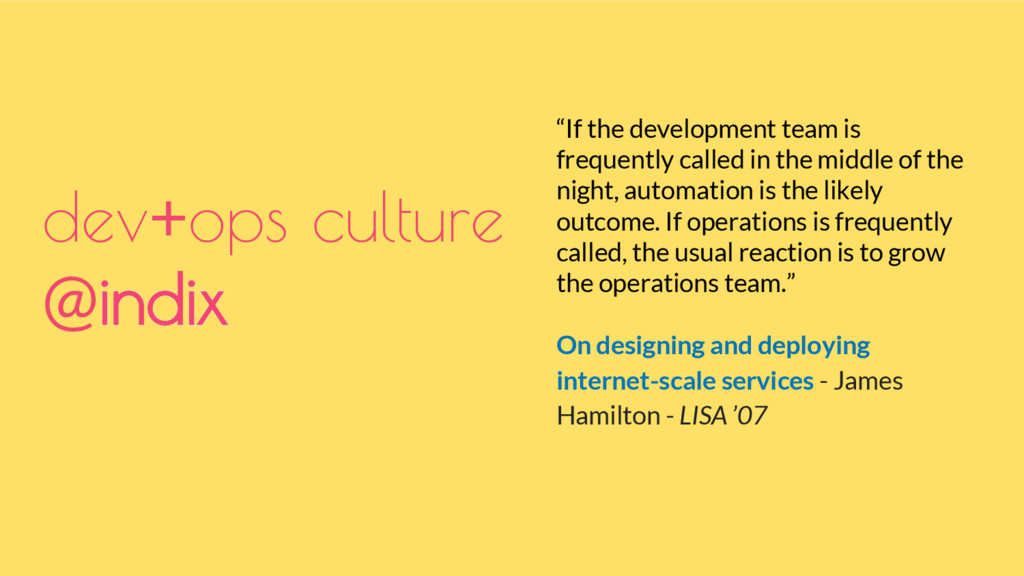
“If the development team is frequently called in the middle
of the night, automation is the likely outcome. If operations is frequently called, the usual reaction is to grow the operations team.” On designing and deploying internet-scale services - James Hamilton - LISA ’07 dev+ops culture @indix -
dev+ops culture @indix Development Teams manage a. infrastructure provisioning b.
configuration management c. deployment (incl. releases and testing at various environments) d. on-call roster and weekly rotation for all the systems they inherit and build. -
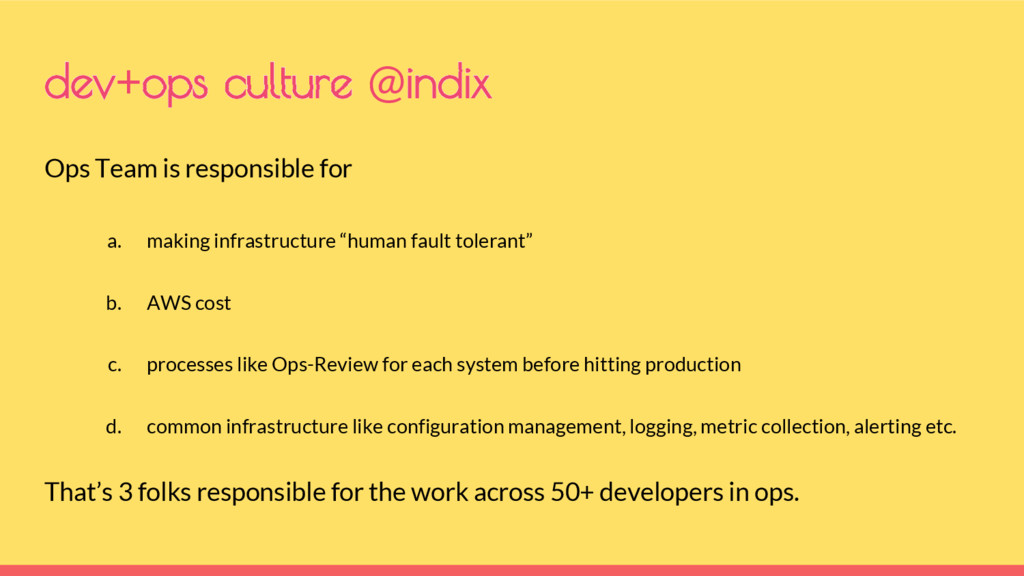
Ops Team is responsible for a. making infrastructure “human fault
tolerant” b. AWS cost c. processes like Ops-Review for each system before hitting production d. common infrastructure like configuration management, logging, metric collection, alerting etc. That’s 3 folks responsible for the work across 50+ developers in ops. dev+ops culture @indix -
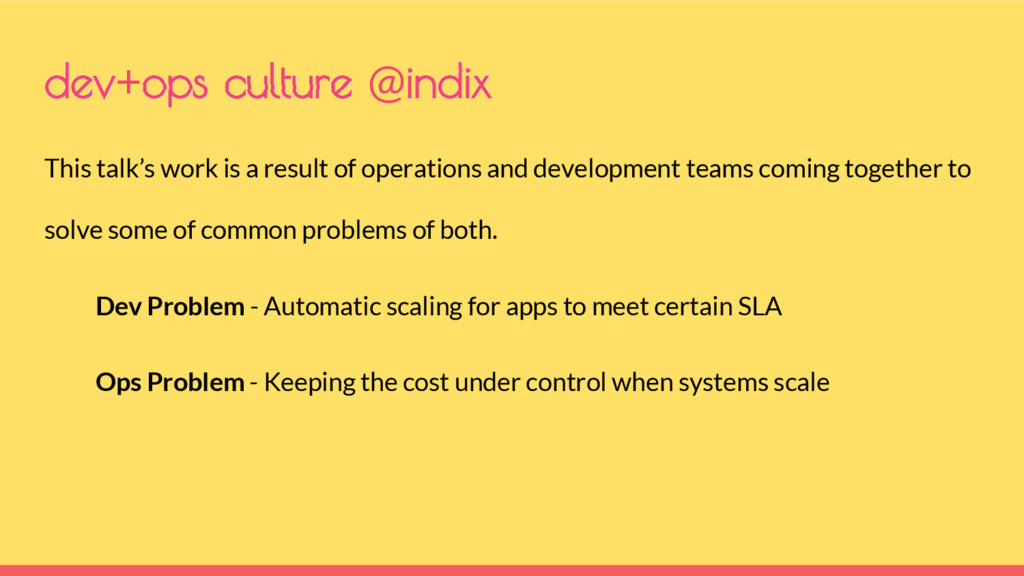
This talk’s work is a result of operations and development
teams coming together to solve some of common problems of both. Dev Problem - Automatic scaling for apps to meet certain SLA Ops Problem - Keeping the cost under control when systems scale dev+ops culture @indix -
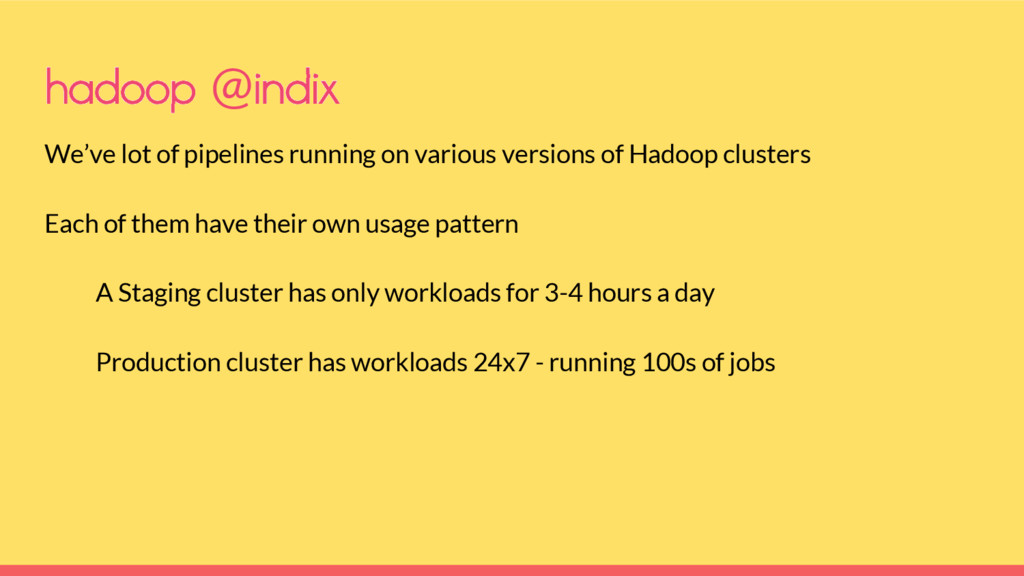
We’ve lot of pipelines running on various versions of Hadoop
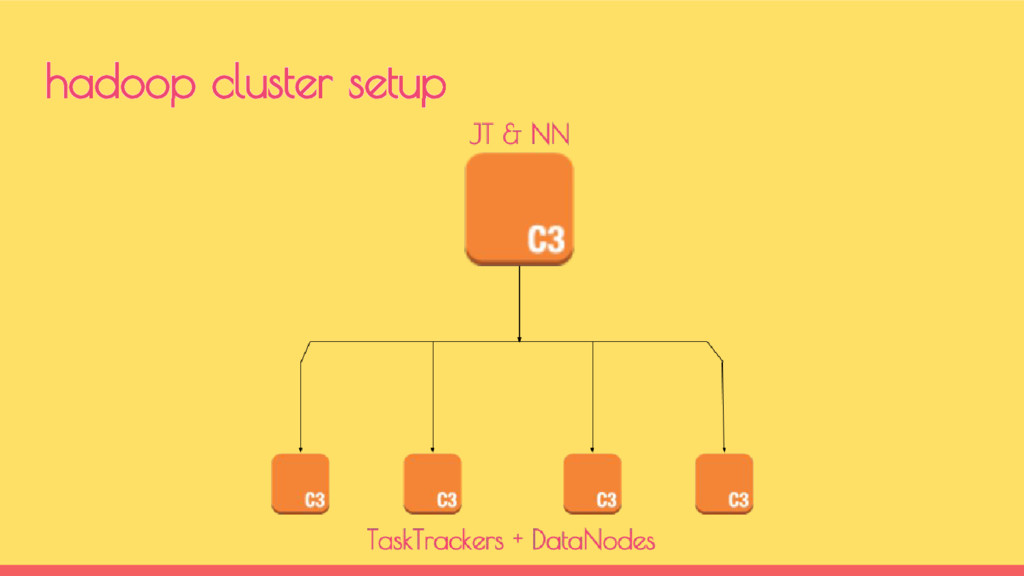
clusters Each of them have their own usage pattern A Staging cluster has only workloads for 3-4 hours a day Production cluster has workloads 24x7 - running 100s of jobs hadoop @indix -
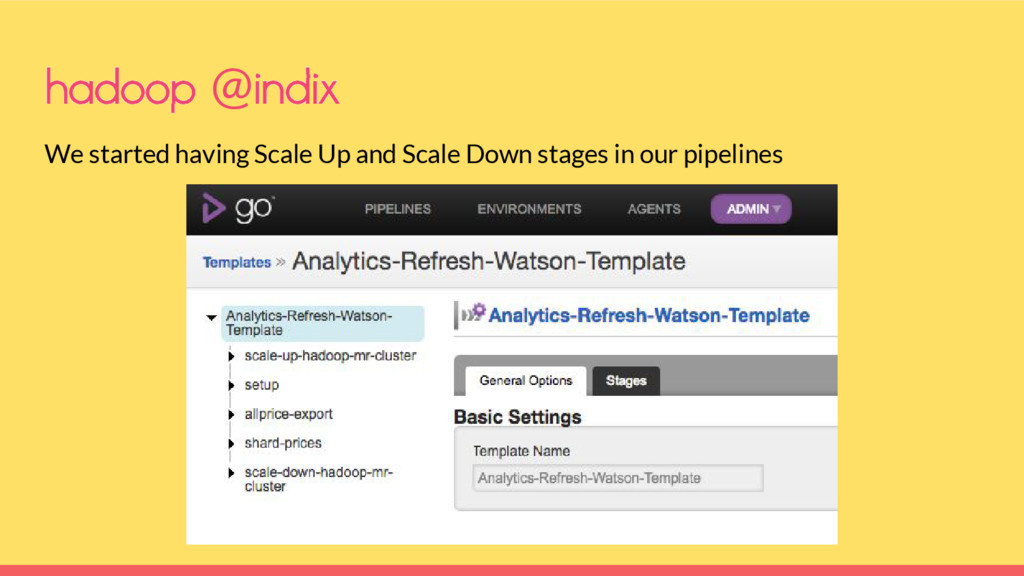
hadoop @indix We started having Scale Up and Scale Down
stages in our pipelines -
Initially it helped but started breaking when Pipeline fails before
completion and the cluster will not scale down Every new pipeline created had to have a scale up and scale down stage More than 1 pipeline started sharing the cluster hadoop @indix -
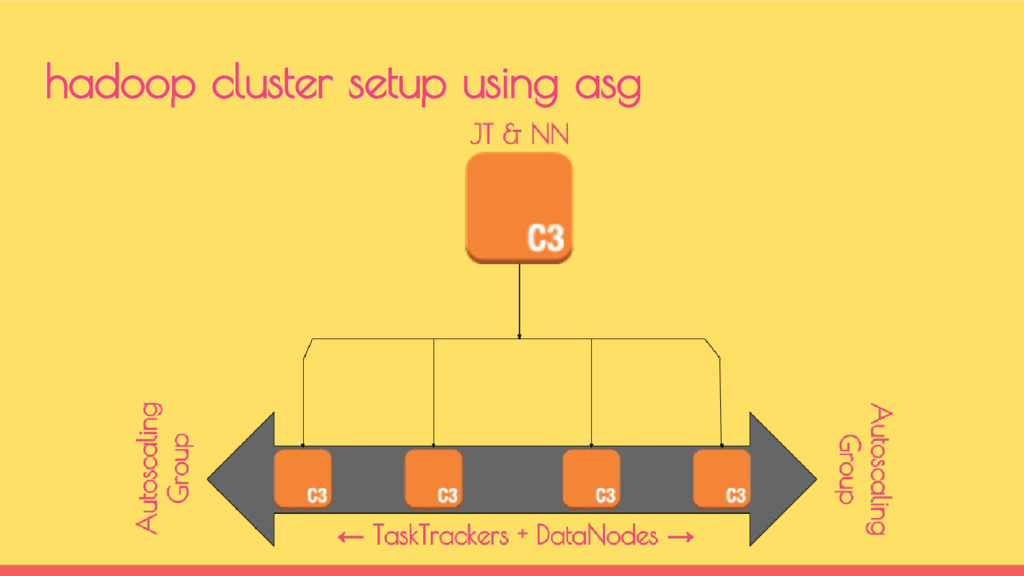
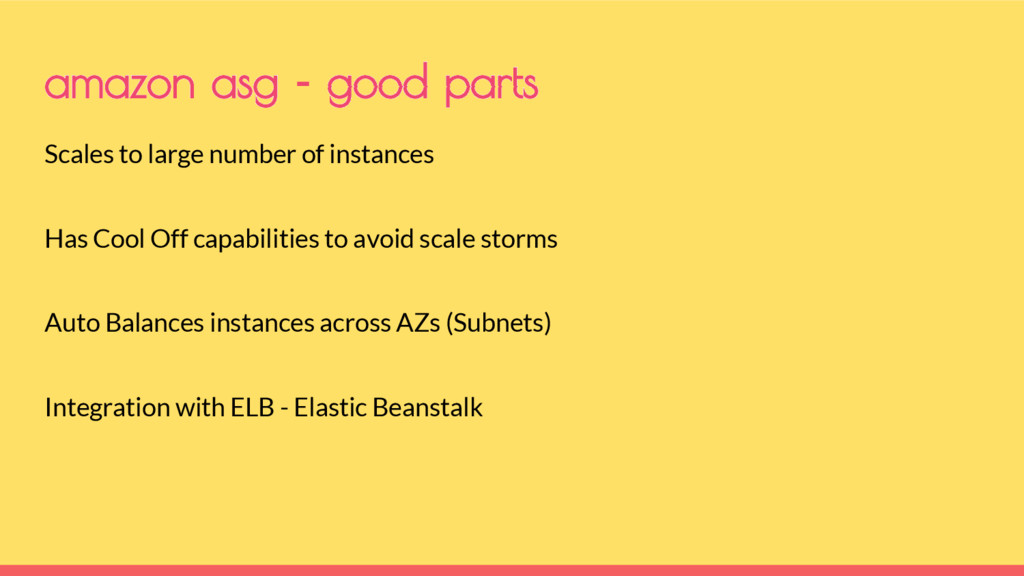
Scales to large number of instances Has Cool Off capabilities
to avoid scale storms Auto Balances instances across AZs (Subnets) Integration with ELB - Elastic Beanstalk amazon asg - good parts -
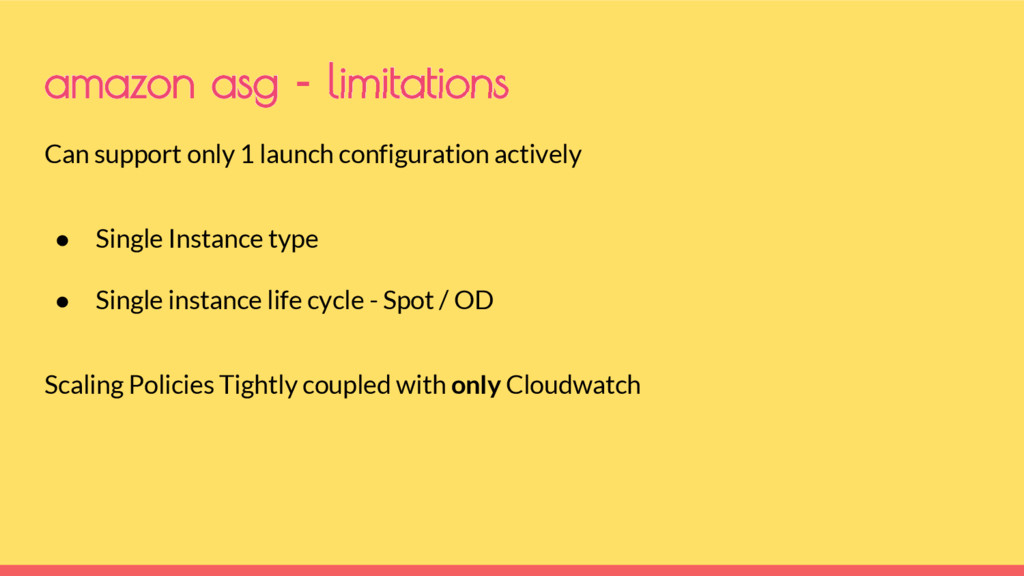
Can support only 1 launch configuration actively • Single Instance
type • Single instance life cycle - Spot / OD Scaling Policies Tightly coupled with only Cloudwatch amazon asg - limitations -
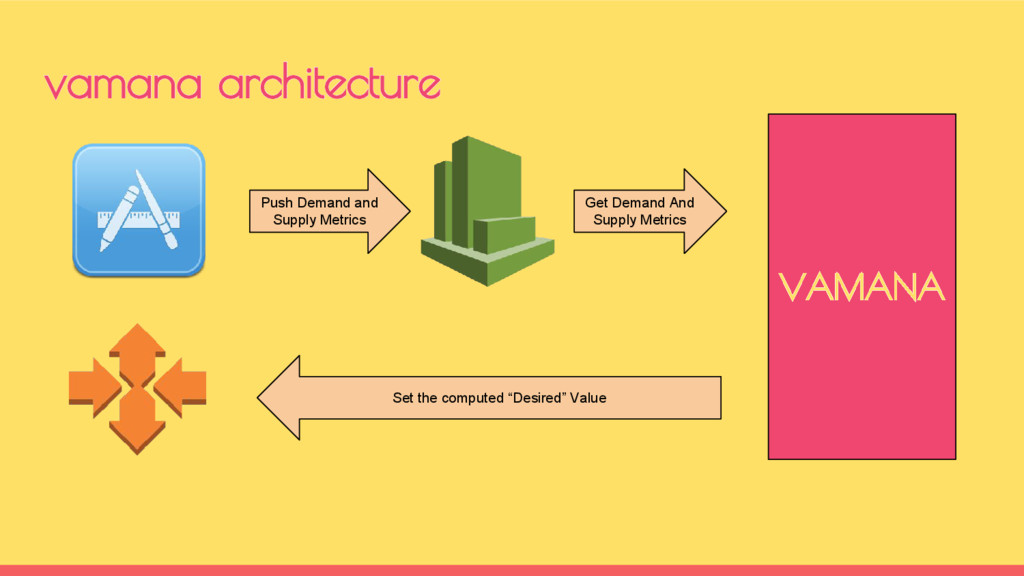
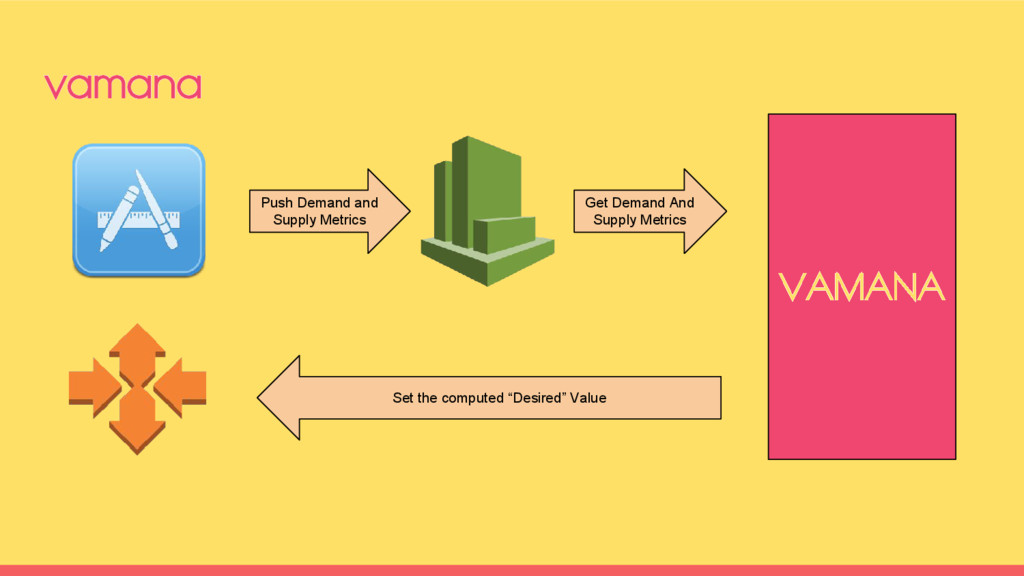
vamana architecture VAMANA Push Demand and Supply Metrics Get Demand
And Supply Metrics Set the computed “Desired” Value -
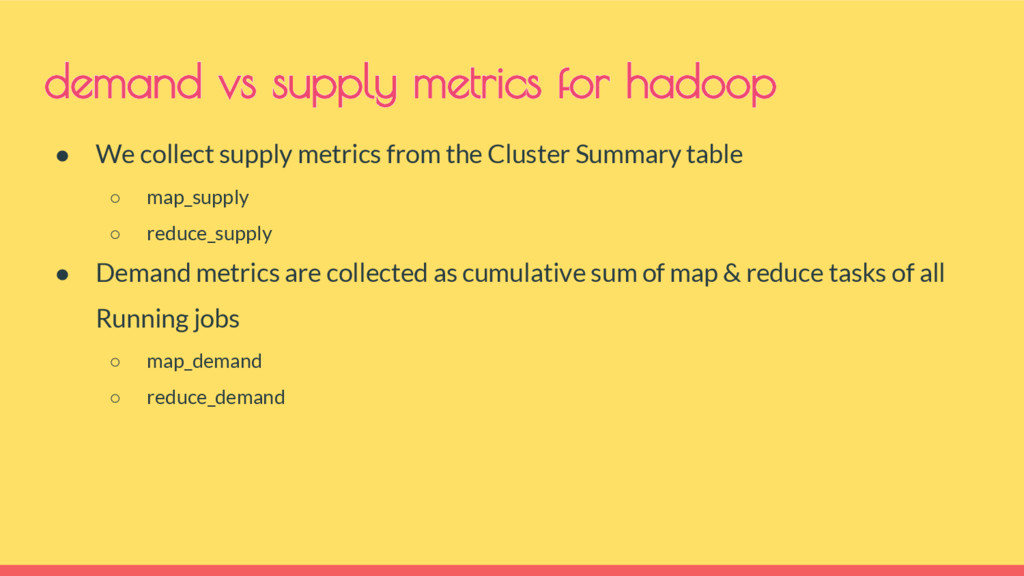
• We collect supply metrics from the Cluster Summary table
◦ map_supply ◦ reduce_supply • Demand metrics are collected as cumulative sum of map & reduce tasks of all Running jobs ◦ map_demand ◦ reduce_demand demand vs supply metrics for hadoop -
vamana Push Demand and Supply Metrics Get Demand And Supply
Metrics Set the computed “Desired” Value VAMANA -
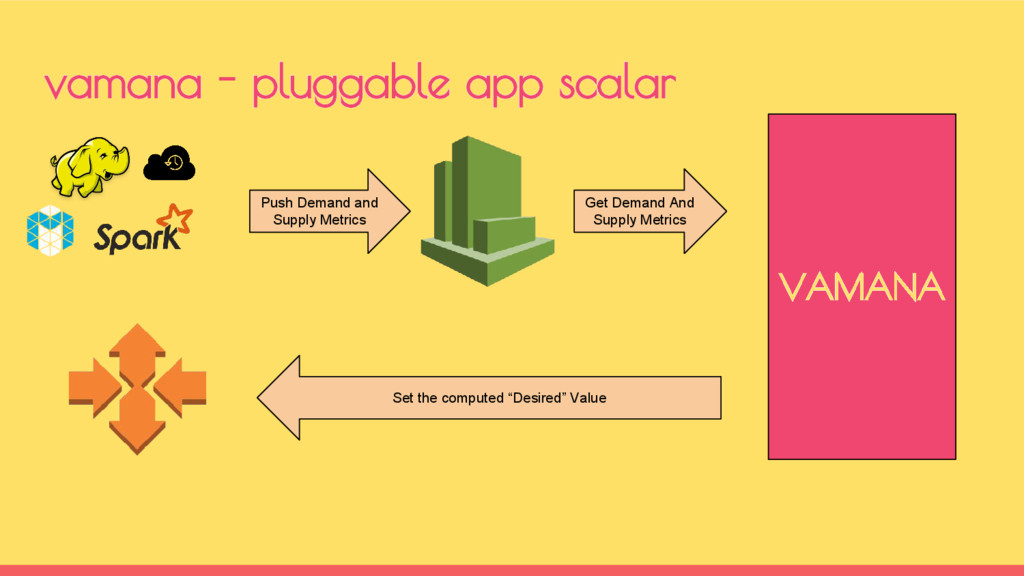
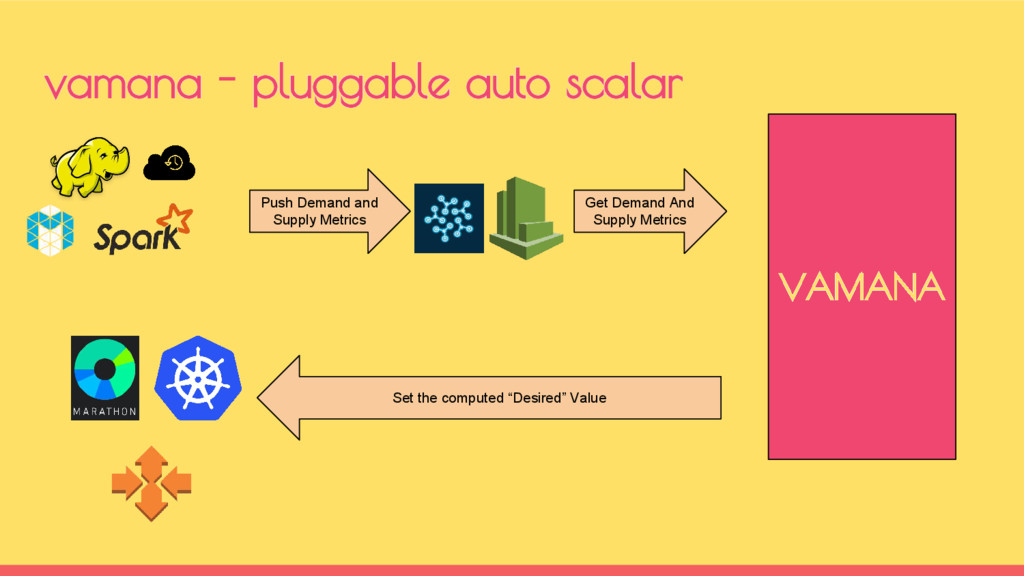
vamana - pluggable app scalar Push Demand and Supply Metrics
Get Demand And Supply Metrics Set the computed “Desired” Value VAMANA -
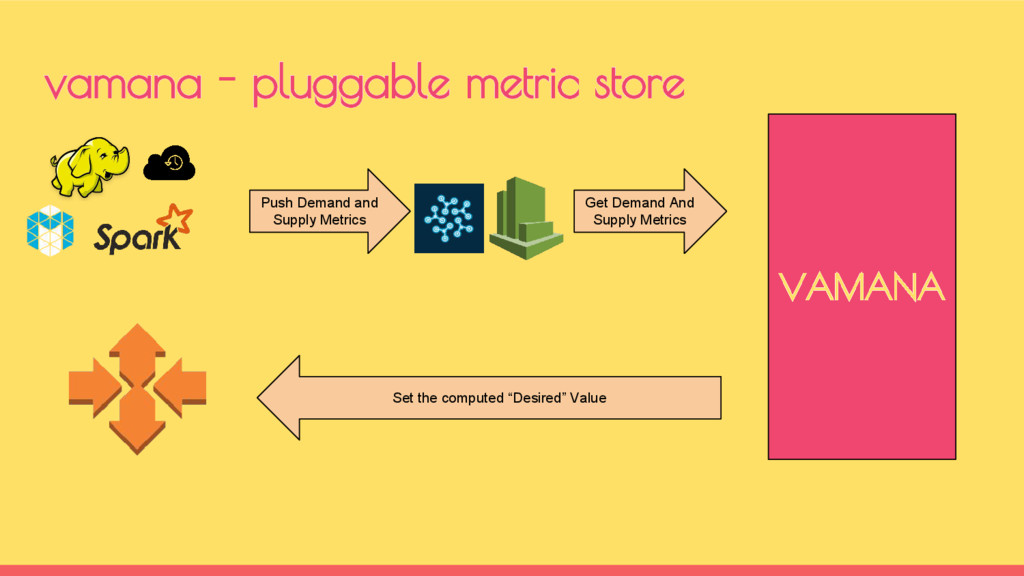
vamana - pluggable metric store Push Demand and Supply Metrics
Get Demand And Supply Metrics Set the computed “Desired” Value VAMANA -
vamana - pluggable auto scalar Push Demand and Supply Metrics
Get Demand And Supply Metrics Set the computed “Desired” Value VAMANA -
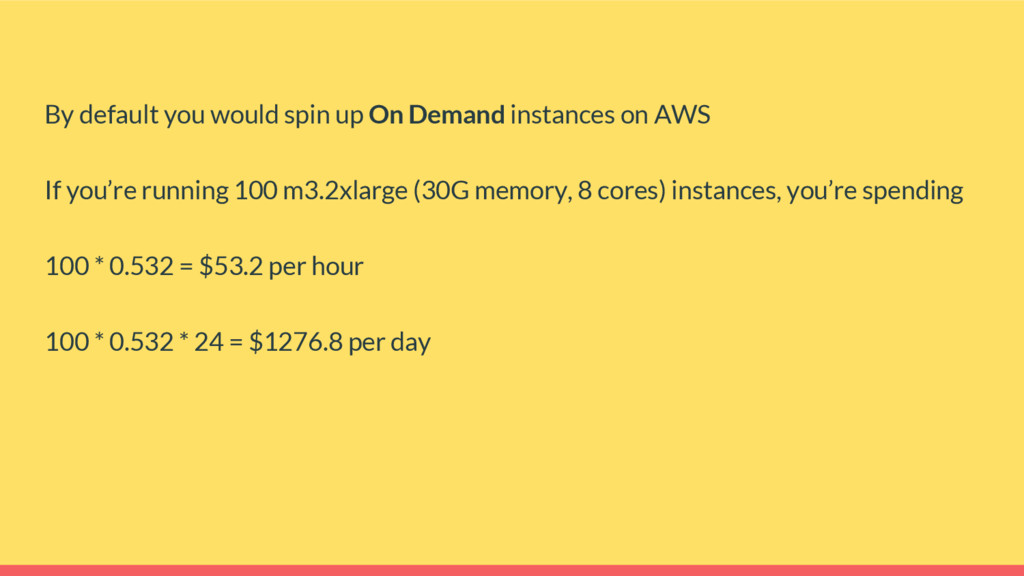
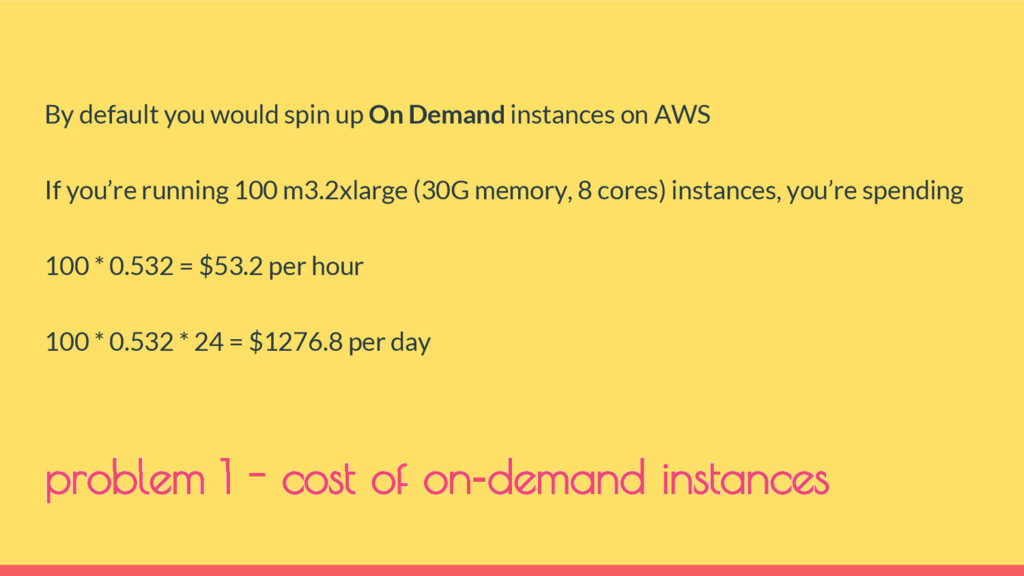
By default you would spin up On Demand instances on
AWS If you’re running 100 m3.2xlarge (30G memory, 8 cores) instances, you’re spending 100 * 0.532 = $53.2 per hour 100 * 0.532 * 24 = $1276.8 per day -
By default you would spin up On Demand instances on
AWS If you’re running 100 m3.2xlarge (30G memory, 8 cores) instances, you’re spending 100 * 0.532 = $53.2 per hour 100 * 0.532 * 24 = $1276.8 per day problem 1 - cost of on-demand instances -
Best value for money Using spot is a High Risk
vs Reward game There’s Spot Termination Notice, but unfortunately not all applications are AWS-aware like Hadoop in our case -
problem 2 - spot outages Best value for money Using
spot is a High Risk vs Reward game There’s Spot Termination Notice, but unfortunately not all applications are AWS-aware like Hadoop in our case -
choose a different instance type split the spot instances across
availability zones -
We had this running for a while with good success
Until we saw our AWS bill was gradually increasing - esp. under “Data Transfer” Because HDFS write pipeline is not very AWS-Cross-AZ-Data-Transfer-Cost aware -
We had this running for a while with good success
Until we saw our AWS bill was gradually increasing - esp. under “Data Transfer” Because HDFS write pipeline is not very AWS-Cross-AZ-Data-Transfer-Cost aware problem 3 - data transfer cost -
go back to single availability zone Find a way around
Spot outages within an AZ -
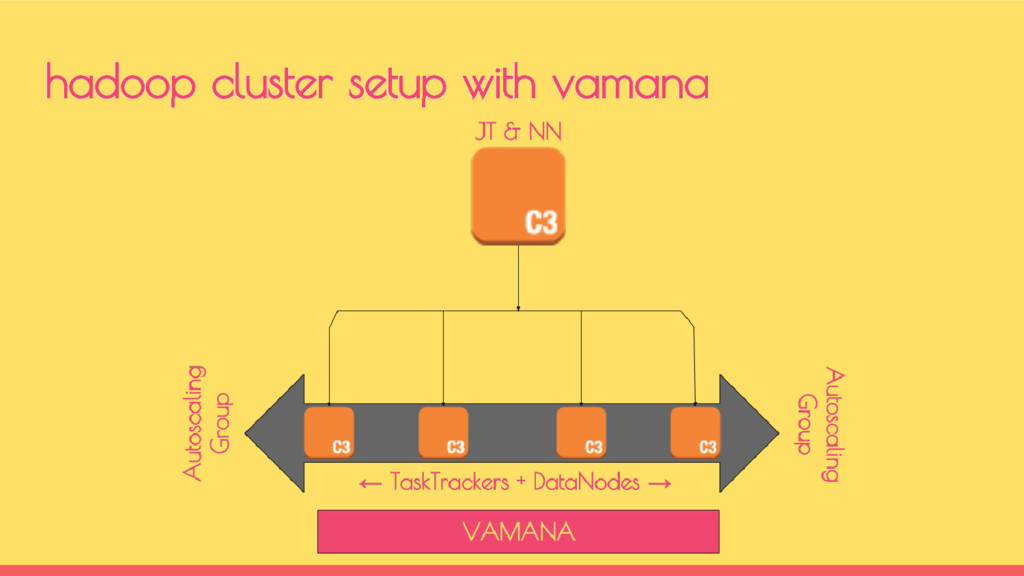
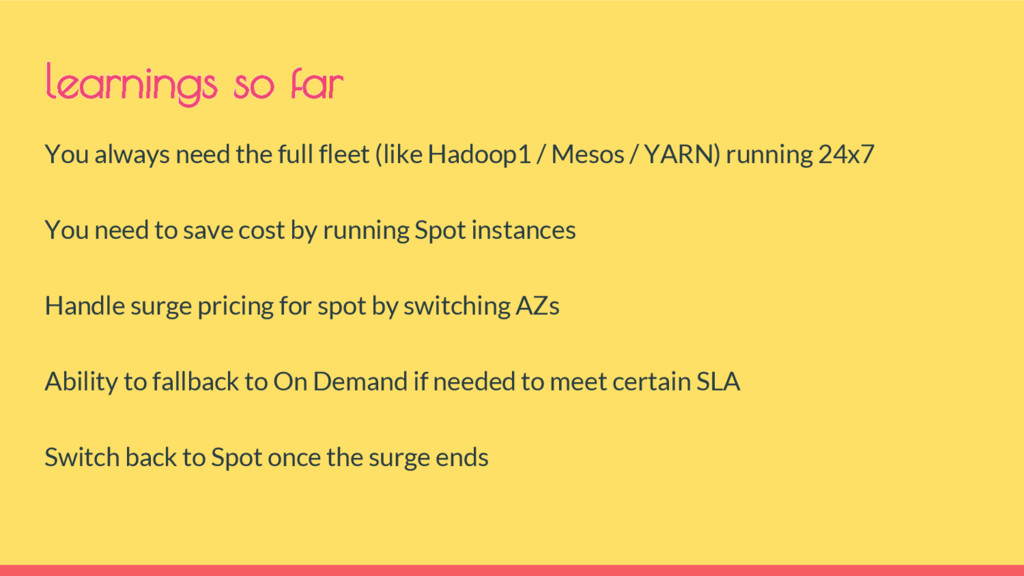
You always need the full fleet (like Hadoop1 / Mesos
/ YARN) running 24x7 You need to save cost by running Spot instances Handle surge pricing for spot by switching AZs Ability to fallback to On Demand if needed to meet certain SLA Switch back to Spot once the surge ends learnings so far -
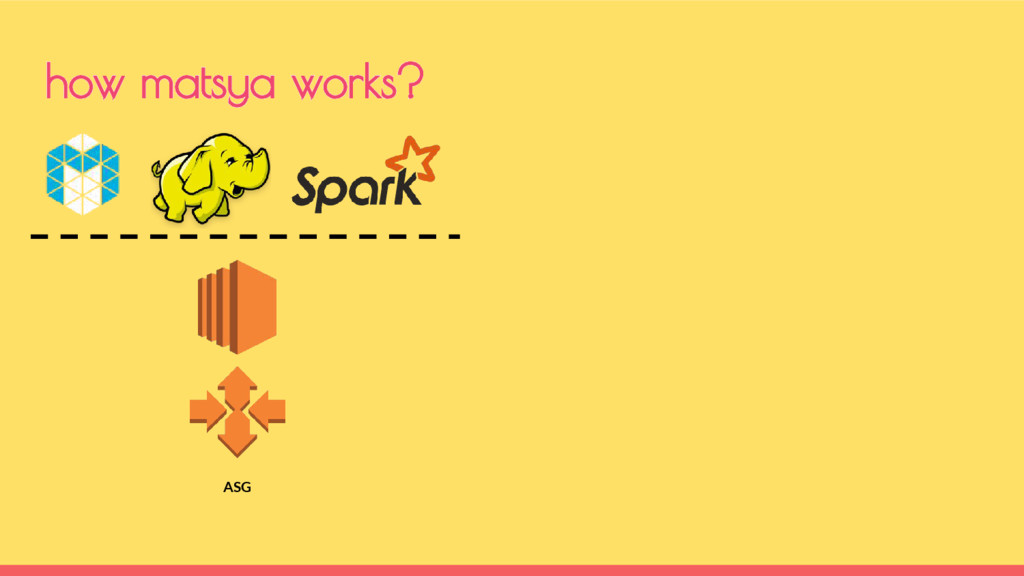
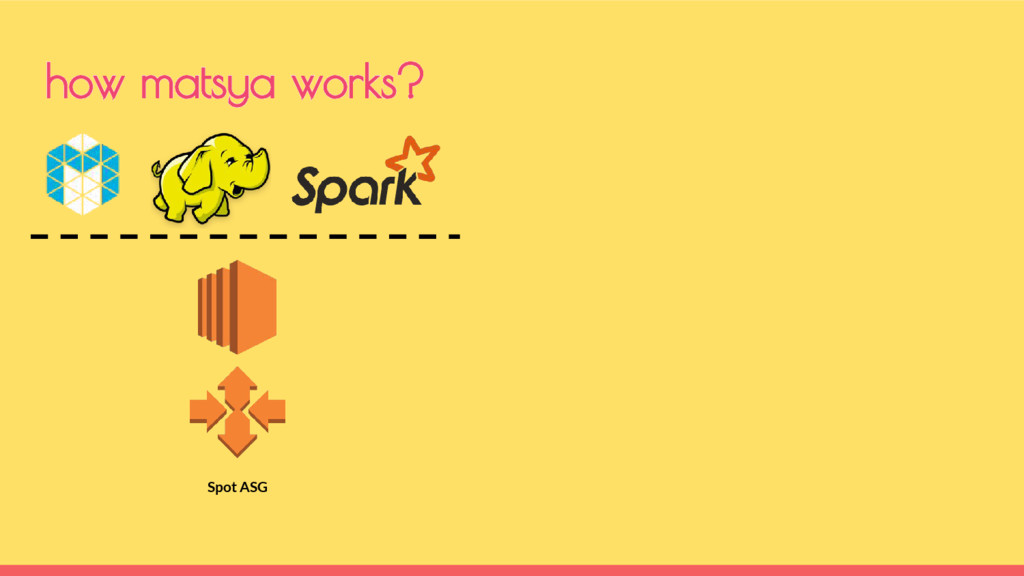
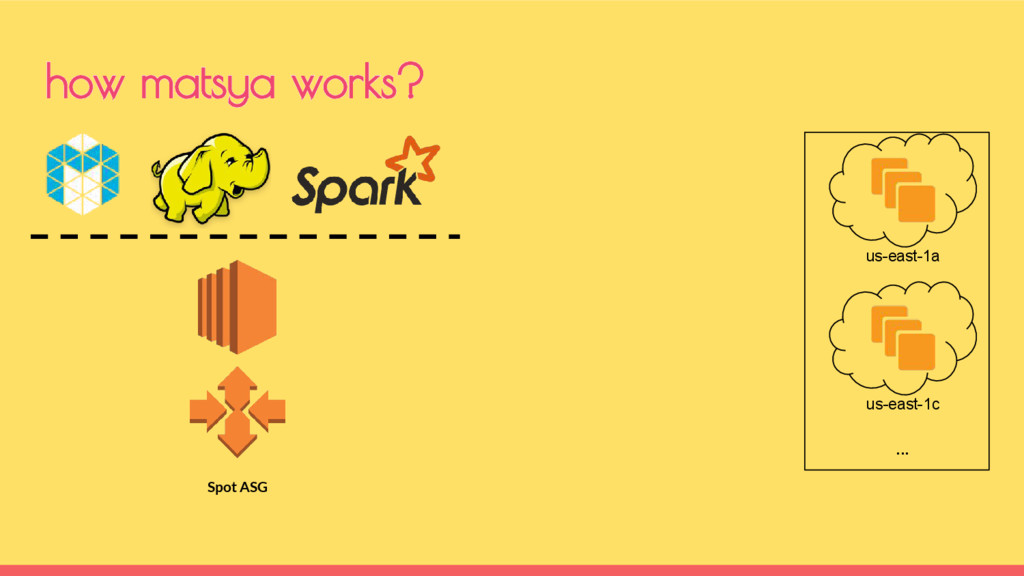
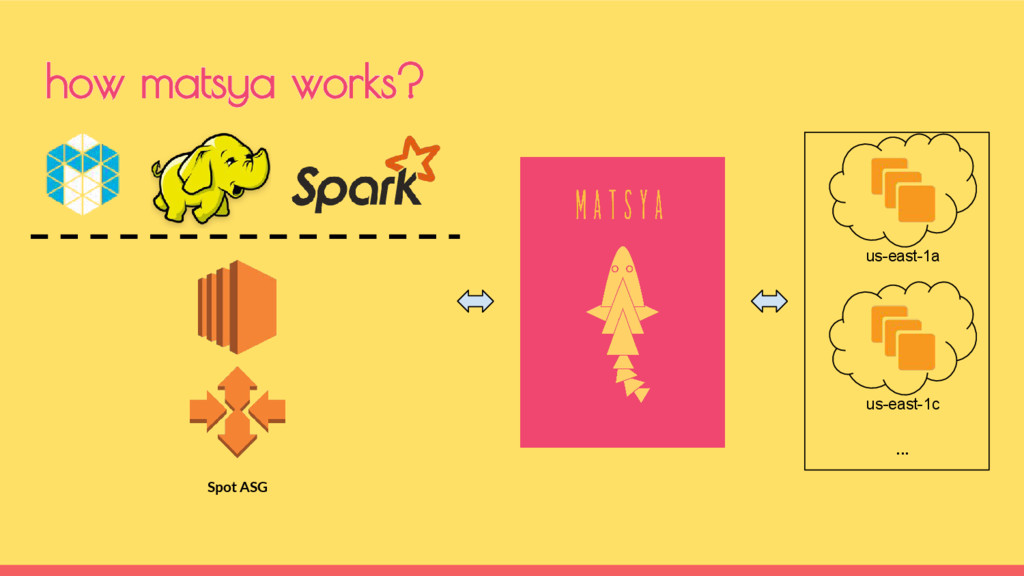
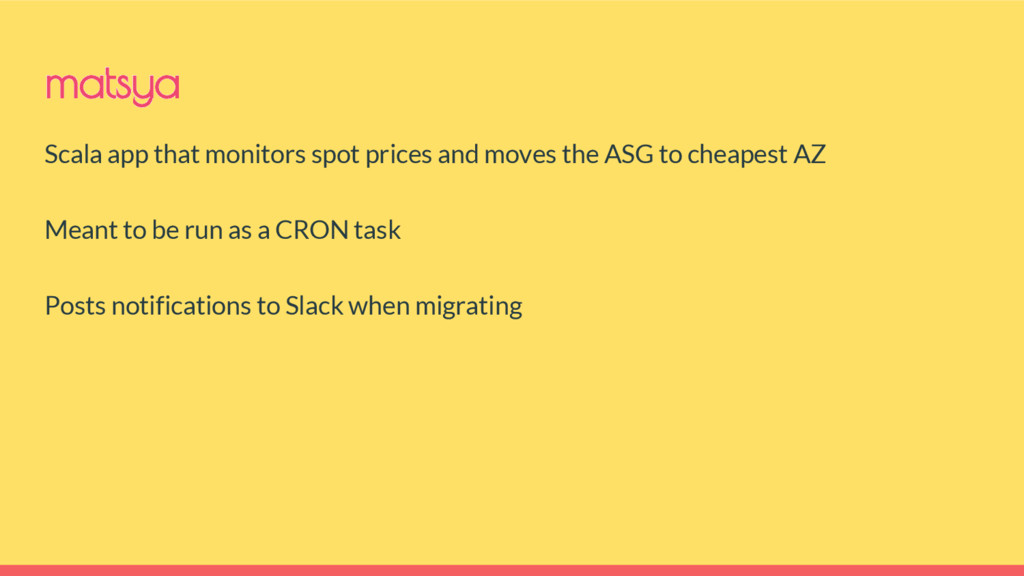
Scala app that monitors spot prices and moves the ASG
to cheapest AZ Meant to be run as a CRON task Posts notifications to Slack when migrating matsya -
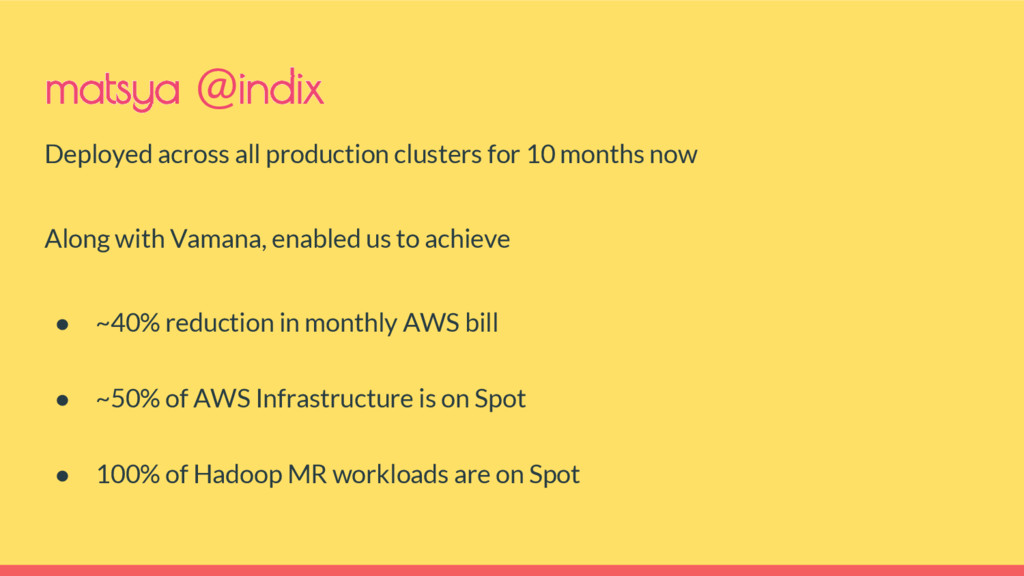
matsya @indix Deployed across all production clusters for 10 months
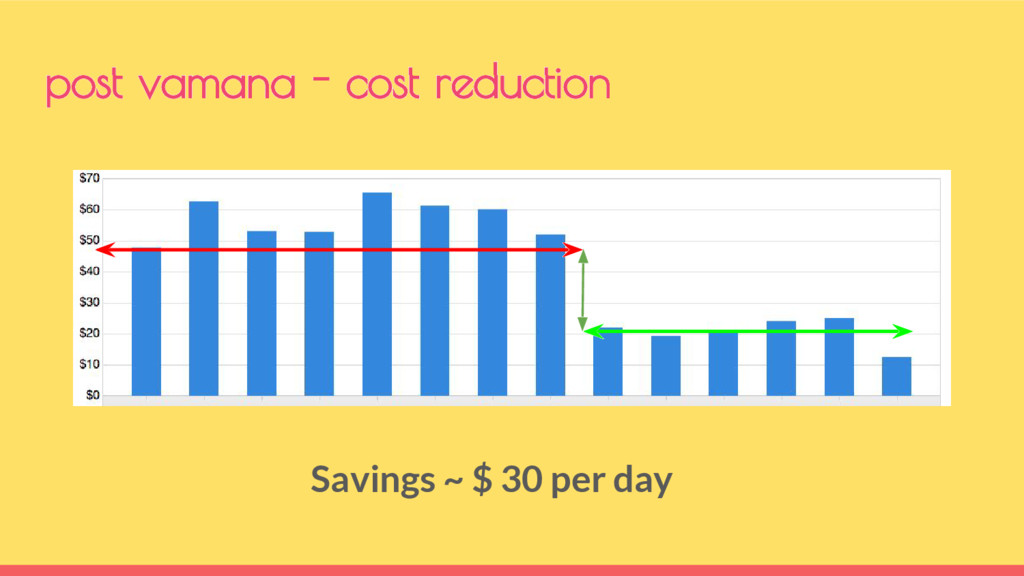
now Along with Vamana, enabled us to achieve • ~40% reduction in monthly AWS bill • ~50% of AWS Infrastructure is on Spot • 100% of Hadoop MR workloads are on Spot -
Make operations approachable to developers - this is more than
using shiny tools Think Autoscale as first class functional feature across all systems Use Spot on AWS - Save costs - but be cognizant of when, where and hows take aways Questions? github.com/indix/matsya || github.com/indix/vamana -
Support for other Spot products - Spot Blocks Multiple Region
support Minimum number of OD instances matsya - roadmap -
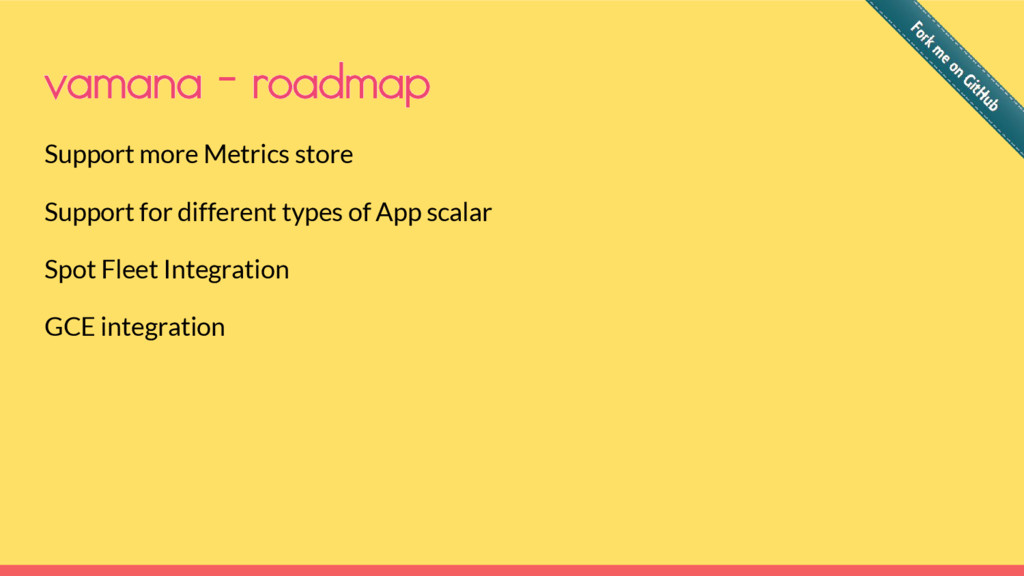
Support more Metrics store Support for different types of App
scalar Spot Fleet Integration GCE integration vamana - roadmap -
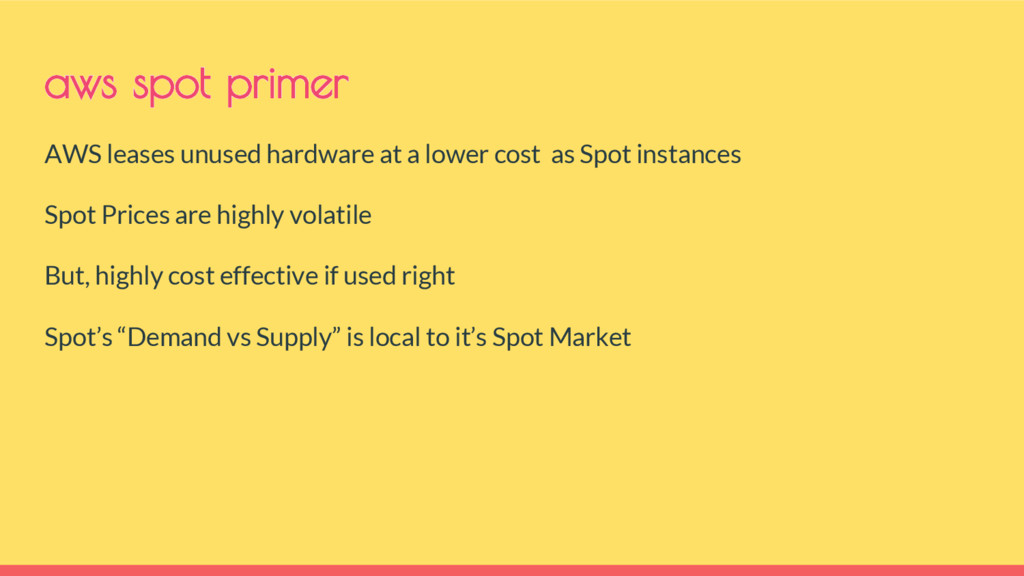
AWS leases unused hardware at a lower cost as Spot
instances Spot Prices are highly volatile But, highly cost effective if used right Spot’s “Demand vs Supply” is local to it’s Spot Market aws spot primer -
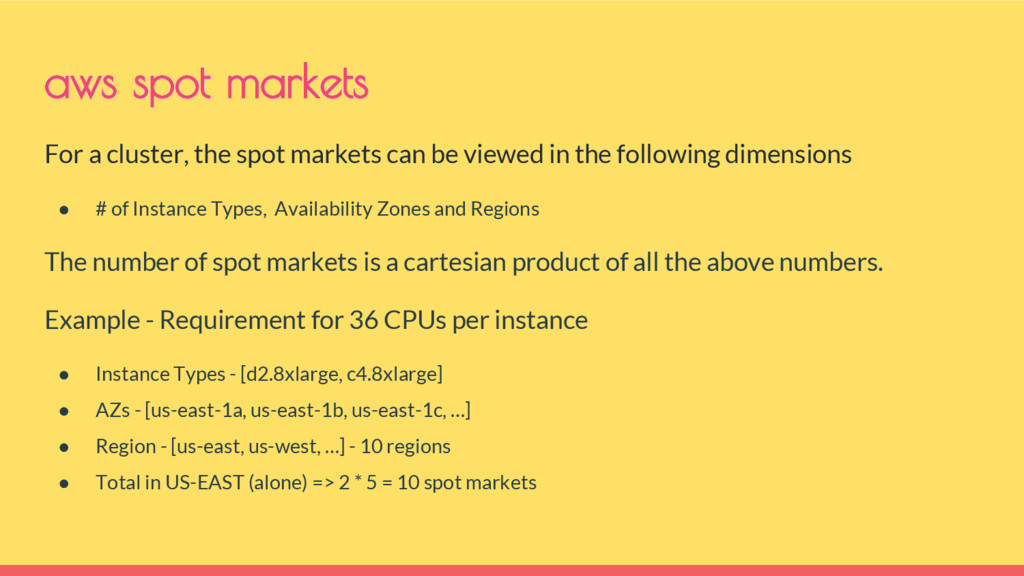
For a cluster, the spot markets can be viewed in
the following dimensions • # of Instance Types, Availability Zones and Regions The number of spot markets is a cartesian product of all the above numbers. Example - Requirement for 36 CPUs per instance • Instance Types - [d2.8xlarge, c4.8xlarge] • AZs - [us-east-1a, us-east-1b, us-east-1c, …] • Region - [us-east, us-west, …] - 10 regions • Total in US-EAST (alone) => 2 * 5 = 10 spot markets aws spot markets