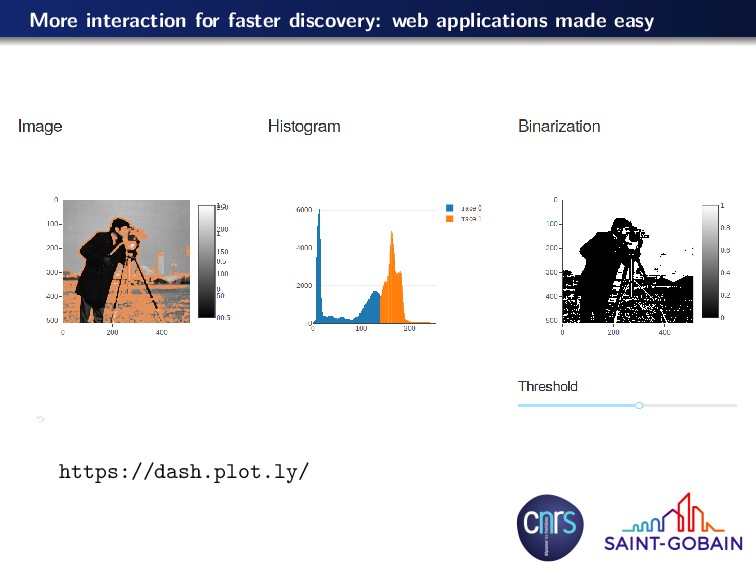
Finding image processing pipelines for extracting scientific information Running these operations on very large datasets (> 1 Tb) in reasonable time Removing bugs in scikit-image
Finding image processing pipelines for extracting scientific information Running these operations on very large datasets (> 1 Tb) in reasonable time Removing bugs in scikit-image Social and learning problems Working with people with little experience in programming and image processing Helping people to learn programming and image processing How can we have more developers and users of scikit-image?
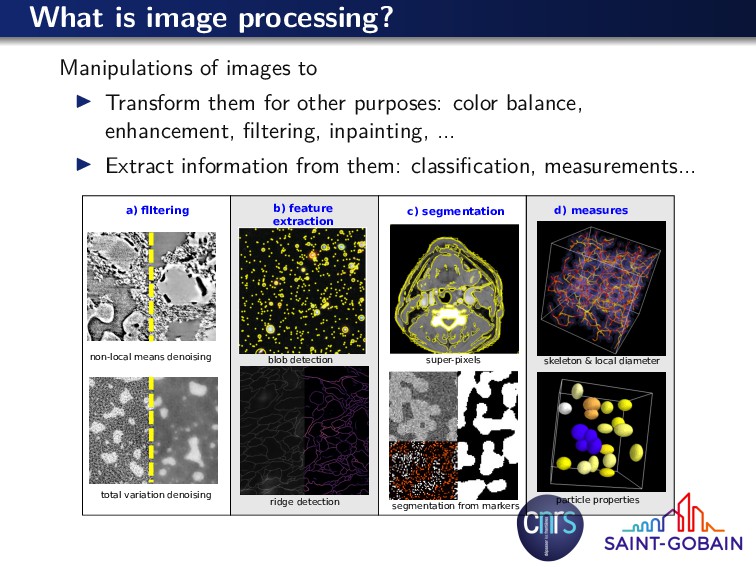
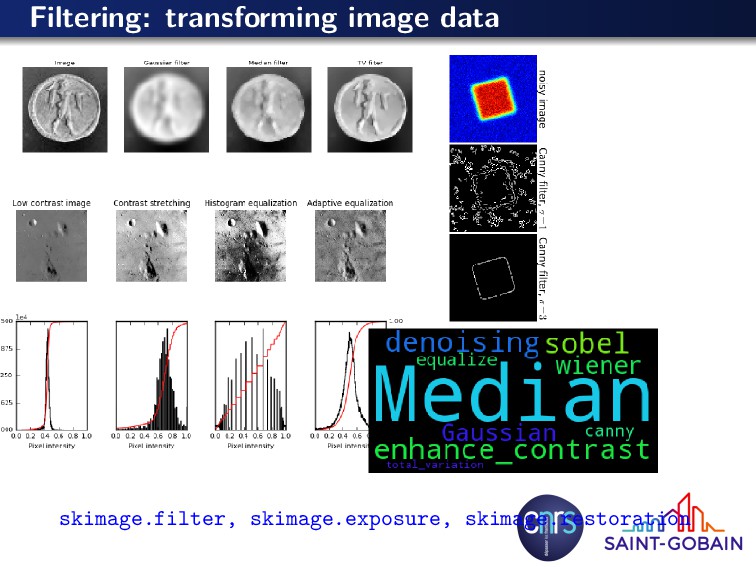
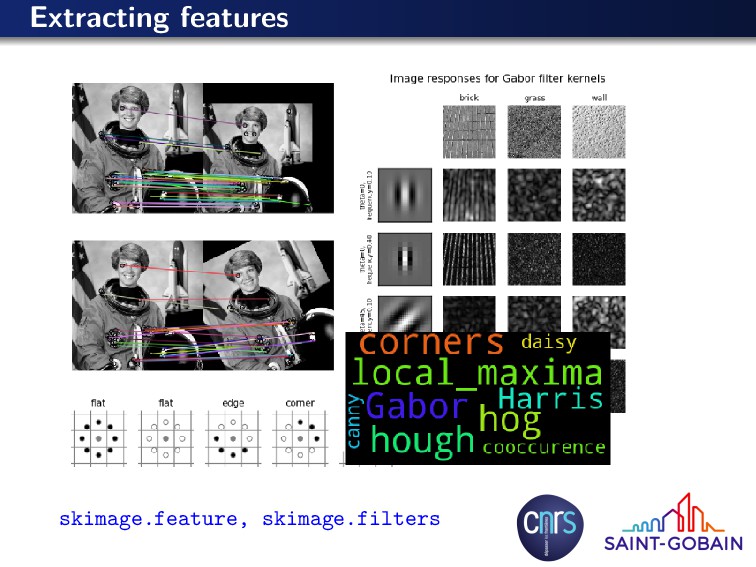
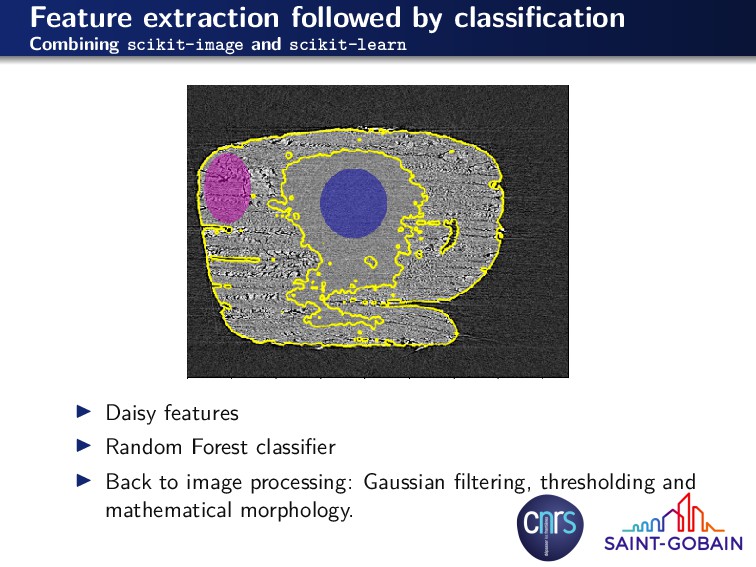
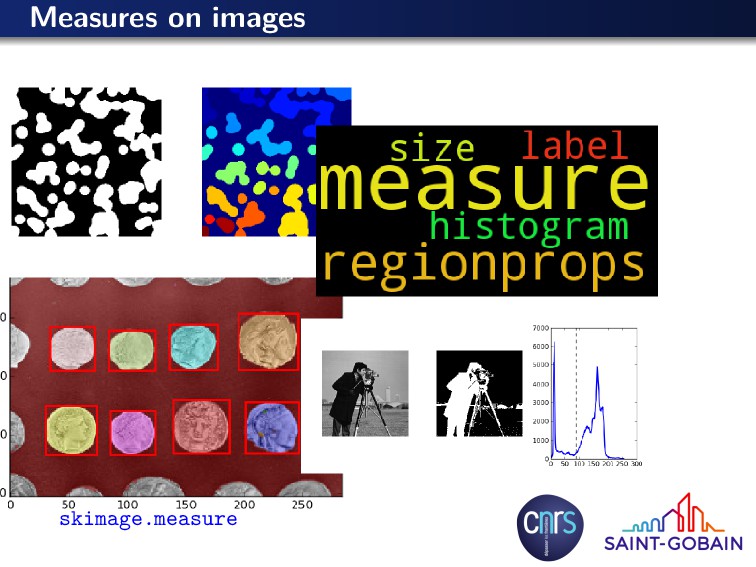
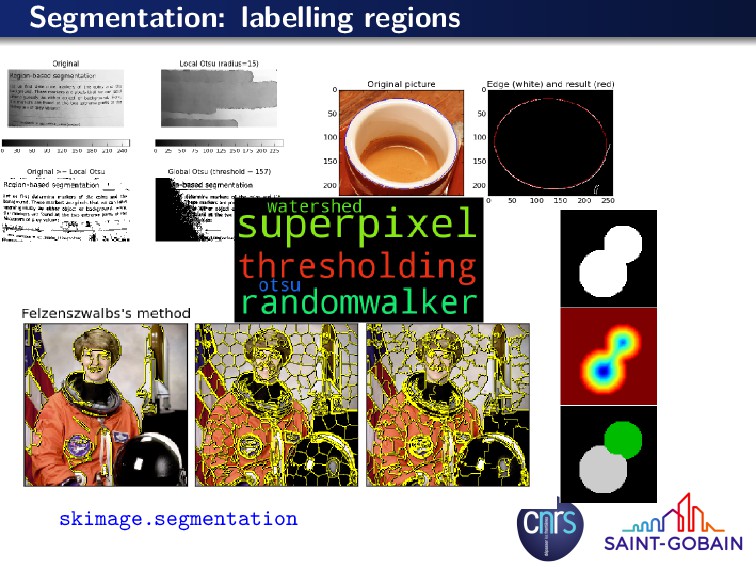
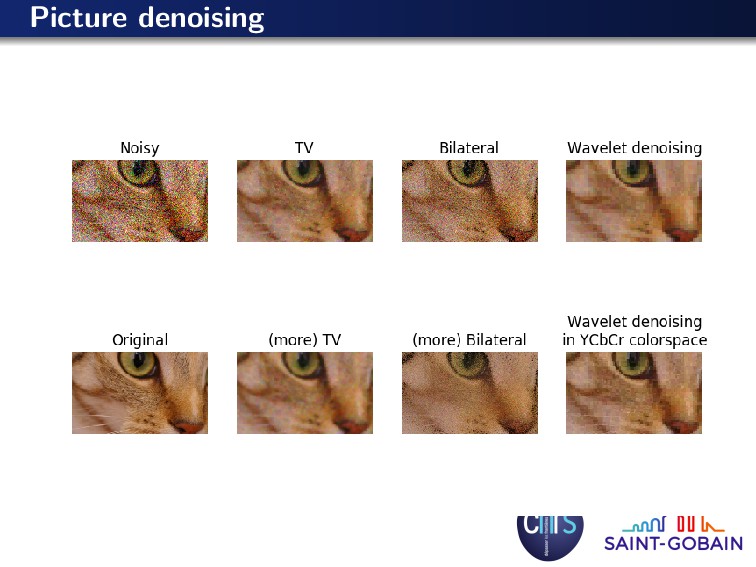
for other purposes: color balance, enhancement, filtering, inpainting, ... Extract information from them: classification, measurements... a) flltering b) feature extraction c) segmentation d) measures non-local means denoising total variation denoising blob detection super-pixels skeleton & local diameter particle properties segmentation from markers ridge detection
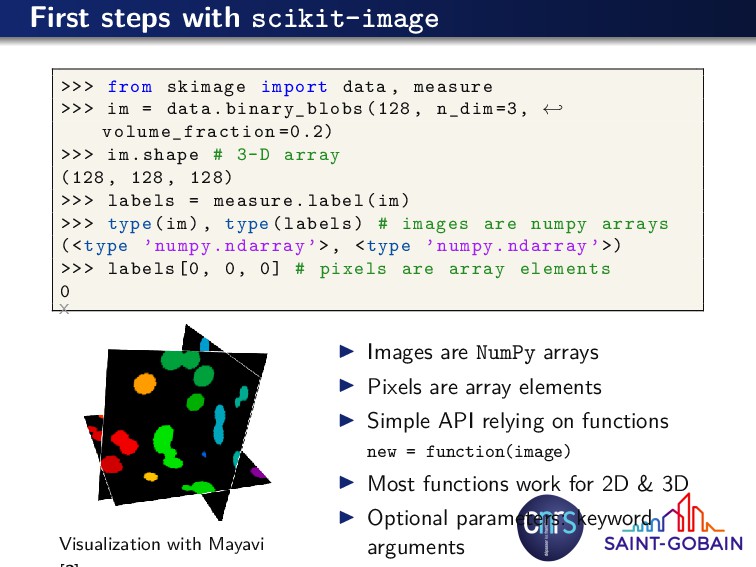
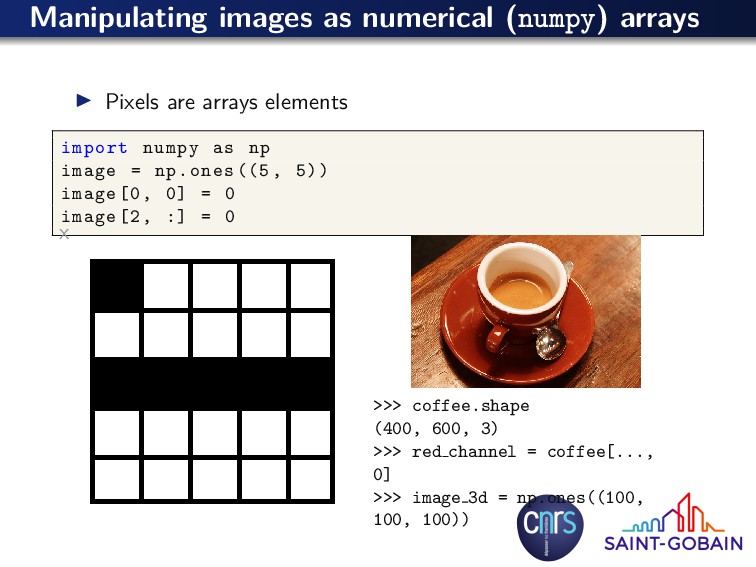
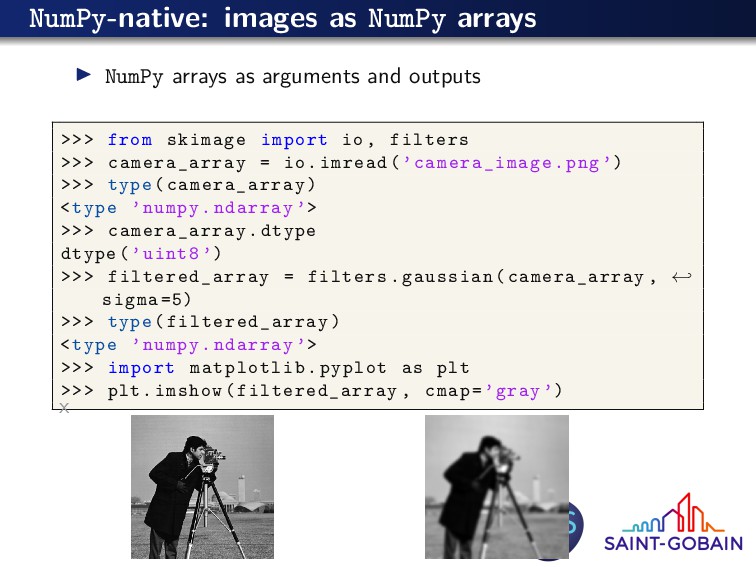
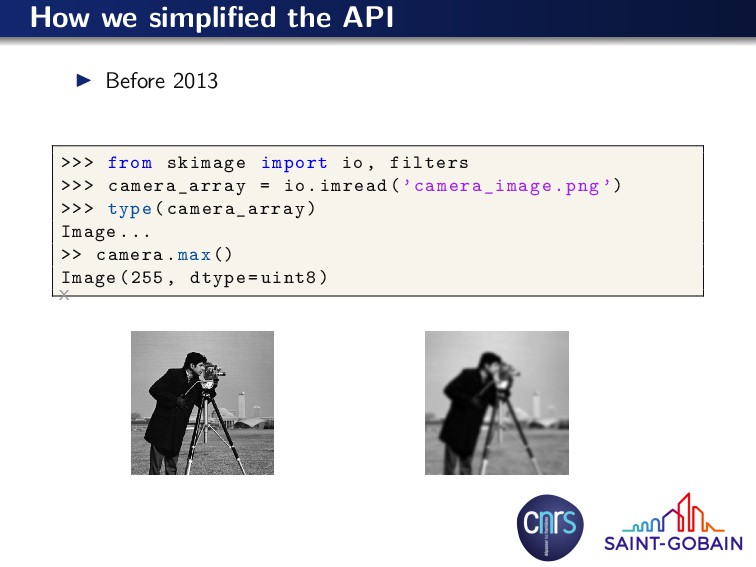
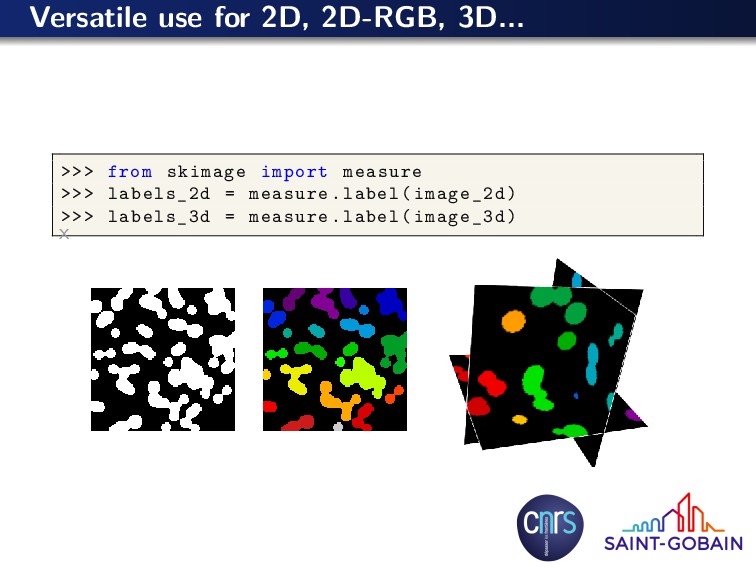
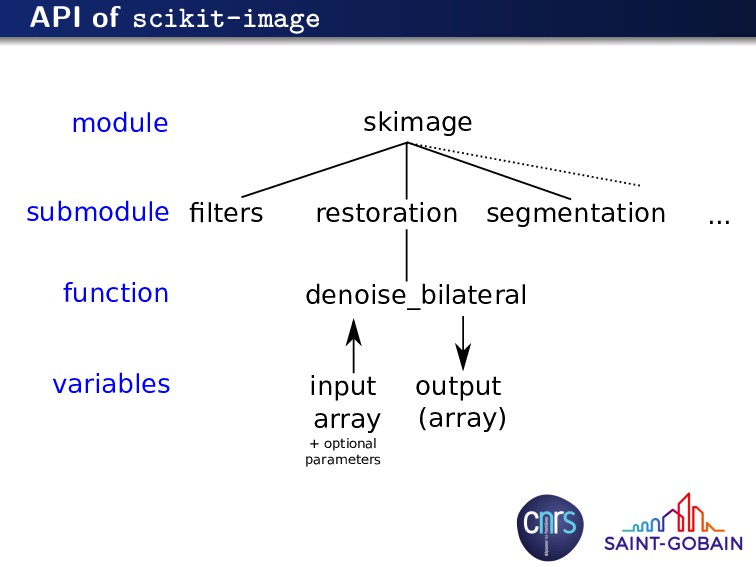
measure >>> im = data.binary_blobs (128, n_dim =3, ← volume_fraction =0.2) >>> im.shape # 3-D array (128 , 128, 128) >>> labels = measure.label(im) >>> type(im), type(labels) # images are numpy arrays (<type ’numpy.ndarray ’>, <type ’numpy.ndarray ’>) >>> labels [0, 0, 0] # pixels are array elements 0 x Visualization with Mayavi Images are NumPy arrays Pixels are array elements Simple API relying on functions new = function(image) Most functions work for 2D & 3D Optional parameters: keyword arguments
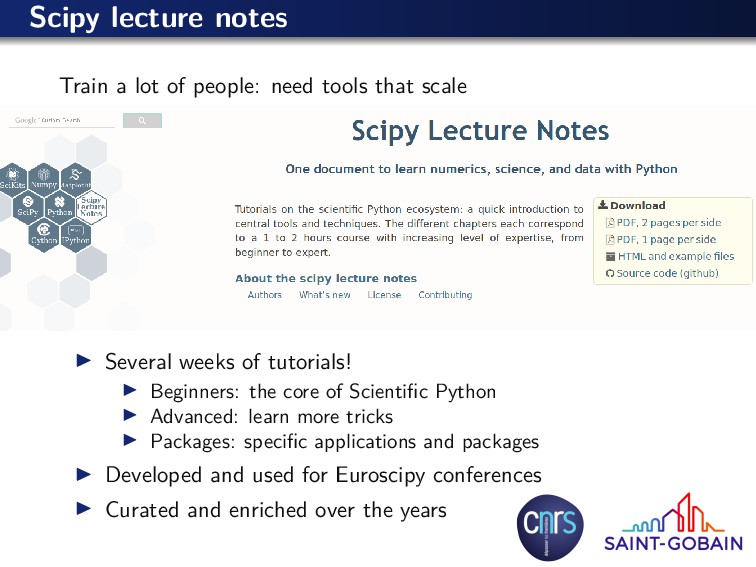
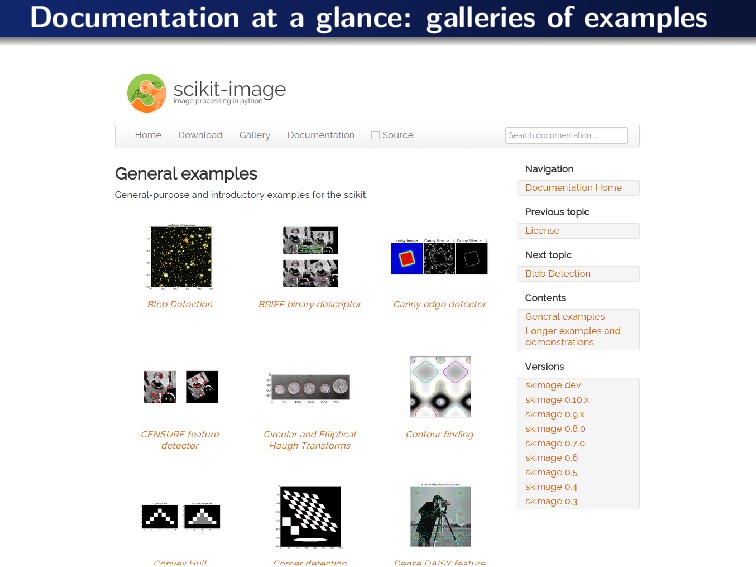
that scale Several weeks of tutorials! Beginners: the core of Scientific Python Advanced: learn more tricks Packages: specific applications and packages Developed and used for Euroscipy conferences Curated and enriched over the years
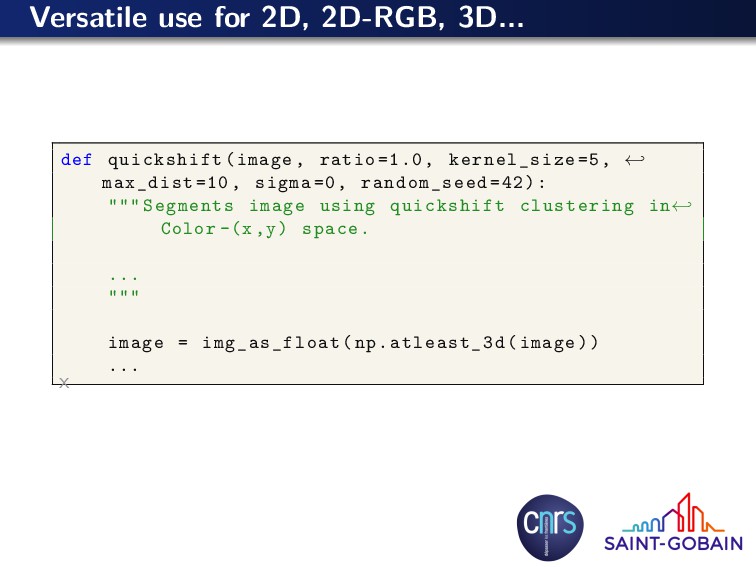
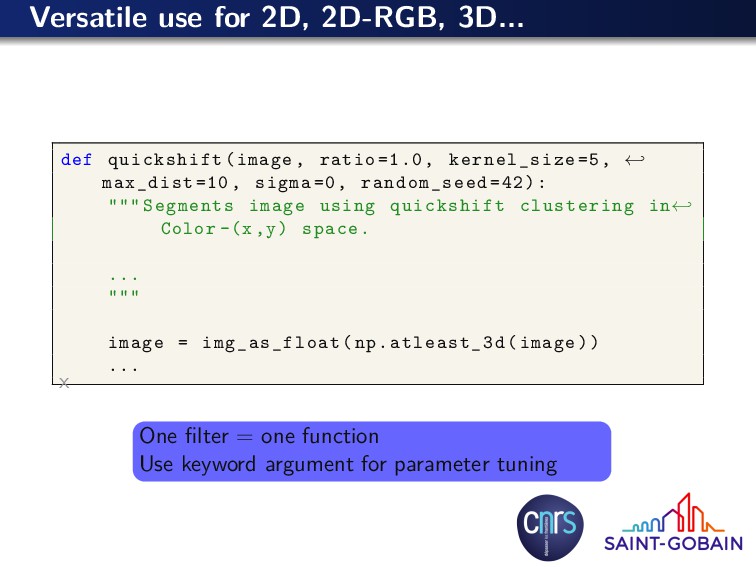
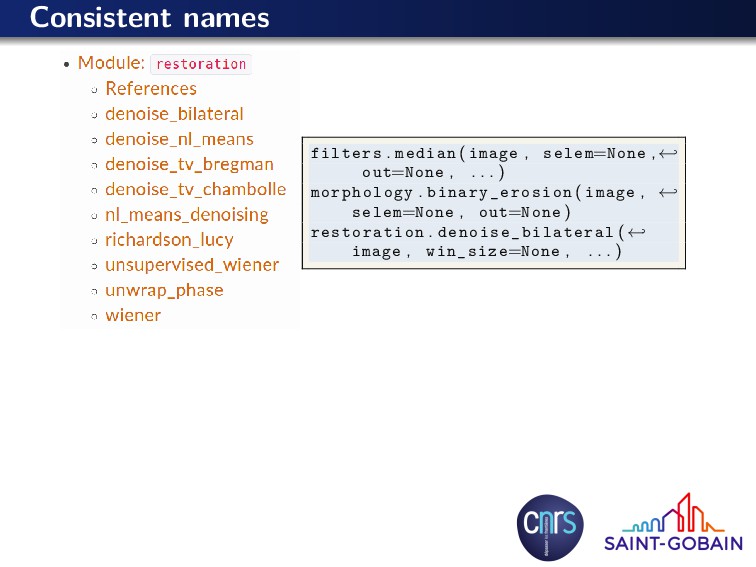
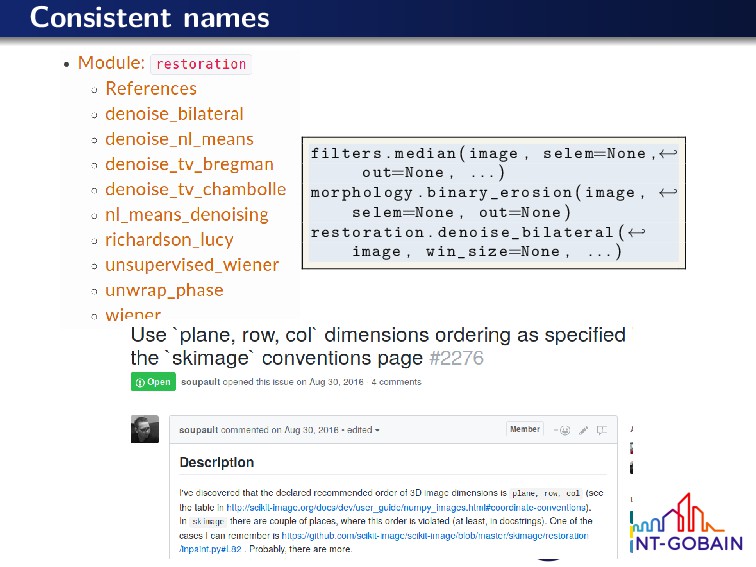
=1.0, kernel_size =5, ← max_dist =10, sigma =0, random_seed =42): """ Segments image using quickshift clustering in← Color -(x,y) space. ... """ image = img_as_float(np.atleast_3d(image)) ... x One filter = one function Use keyword argument for parameter tuning
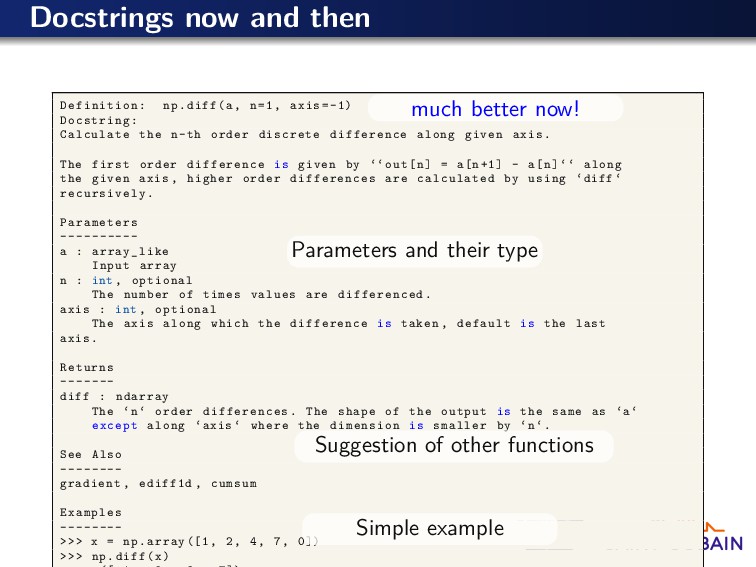
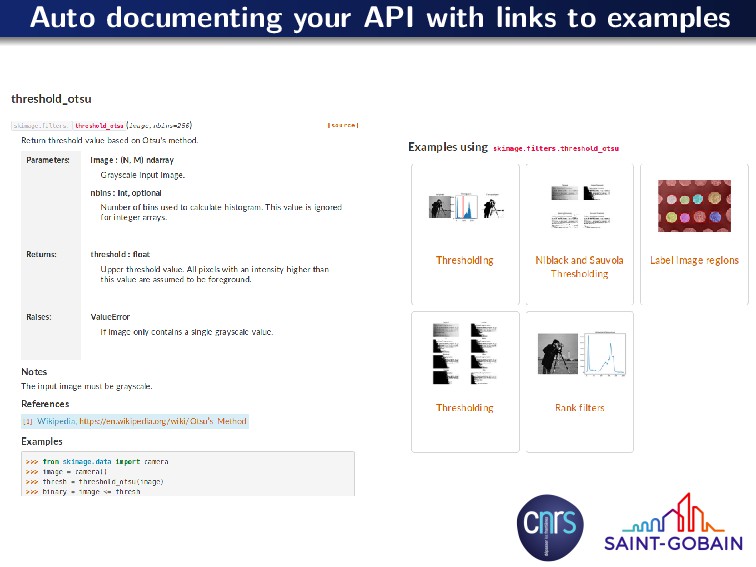
Docstring: Calculate the n-th order discrete difference along given axis. The first order difference is given by ‘‘out[n] = a[n+1] - a[n]‘‘ along the given axis , higher order differences are calculated by using ‘diff ‘ recursively . Parameters ---------- a : array_like Input array n : int , optional The number of times values are differenced. axis : int , optional The axis along which the difference is taken , default is the last axis. Returns ------- diff : ndarray The ‘n‘ order differences . The shape of the output is the same as ‘a‘ except along ‘axis ‘ where the dimension is smaller by ‘n‘. See Also -------- gradient , ediff1d , cumsum Examples -------- >>> x = np.array ([1, 2, 4, 7, 0]) >>> np.diff(x) much better now! Parameters and their type Suggestion of other functions Simple example
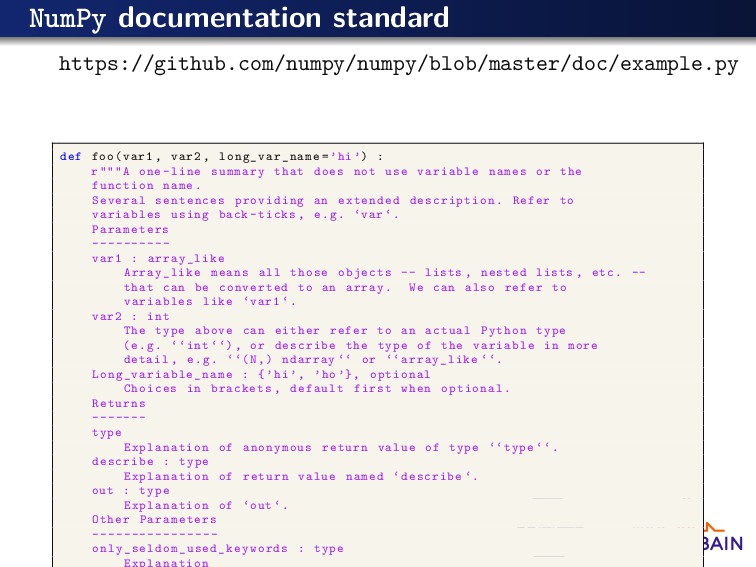
=’hi’) : r"""A one -line summary that does not use variable names or the function name. Several sentences providing an extended description . Refer to variables using back -ticks , e.g. ‘var ‘. Parameters ---------- var1 : array_like Array_like means all those objects -- lists , nested lists , etc. -- that can be converted to an array. We can also refer to variables like ‘var1 ‘. var2 : int The type above can either refer to an actual Python type (e.g. ‘‘int ‘‘), or describe the type of the variable in more detail , e.g. ‘‘(N,) ndarray ‘‘ or ‘‘array_like ‘‘. Long_variable_name : {’hi ’, ’ho ’}, optional Choices in brackets , default first when optional. Returns ------- type Explanation of anonymous return value of type ‘‘type ‘‘. describe : type Explanation of return value named ‘describe ‘. out : type Explanation of ‘out ‘. Other Parameters ---------------- only_seldom_used_keywords : type Explanation
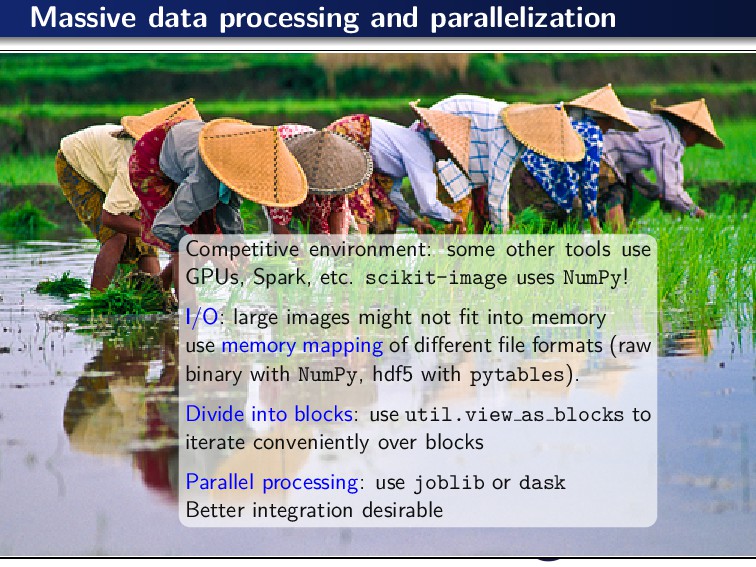
use GPUs, Spark, etc. scikit-image uses NumPy! I/O: large images might not fit into memory use memory mapping of different file formats (raw binary with NumPy, hdf5 with pytables). Divide into blocks: use util.view as blocks to iterate conveniently over blocks Parallel processing: use joblib or dask Better integration desirable
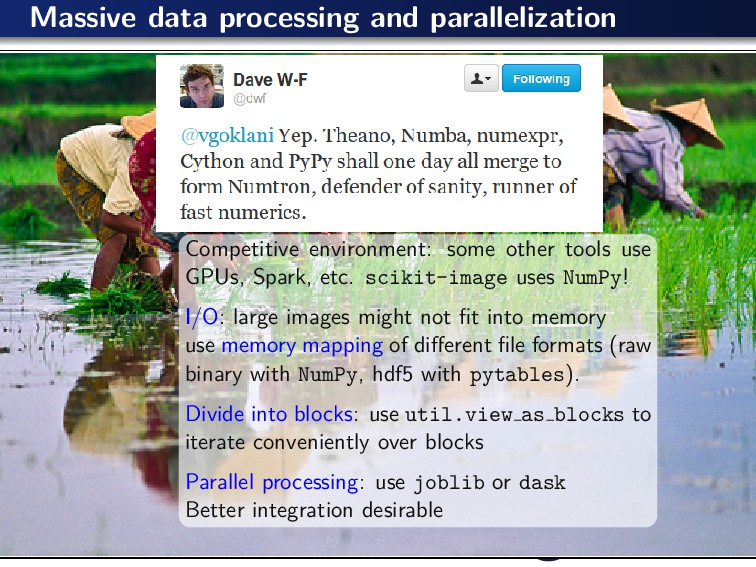
use GPUs, Spark, etc. scikit-image uses NumPy! I/O: large images might not fit into memory use memory mapping of different file formats (raw binary with NumPy, hdf5 with pytables). Divide into blocks: use util.view as blocks to iterate conveniently over blocks Parallel processing: use joblib or dask Better integration desirable
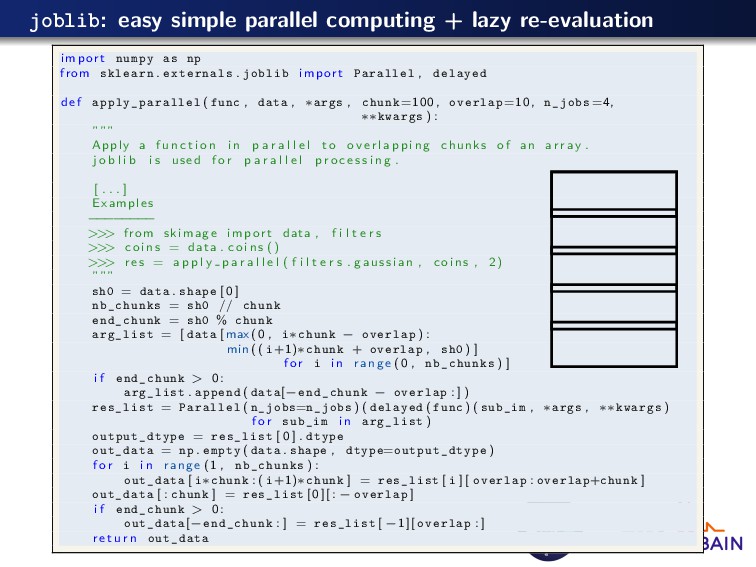
as np from sklearn . externals . joblib import Parallel , delayed def apply_parallel ( func , data , ∗args , chunk =100, overlap =10, n_jobs=4, ∗∗kwargs ) : ””” Apply a f u n c t i o n i n p a r a l l e l to o v e r l a p p i n g chunks of an a r r a y . j o b l i b i s used f o r p a r a l l e l p r o c e s s i n g . [ . . . ] Examples − − − − − − − − > > > from skimage import data , f i l t e r s > > > c o i n s = data . c o i n s () > > > r e s = a p p l y p a r a l l e l ( f i l t e r s . gaussian , coins , 2) ””” sh0 = data . shape [ 0 ] nb_chunks = sh0 // chunk end_chunk = sh0 % chunk arg_list = [ data [ max (0 , i∗chunk − overlap ) : min (( i+1)∗chunk + overlap , sh0 ) ] f o r i i n range (0 , nb_chunks ) ] i f end_chunk > 0 : arg_list . append ( data[−end_chunk − overlap : ] ) res_list = Parallel ( n_jobs=n_jobs ) ( delayed ( func ) ( sub_im , ∗args , ∗∗kwargs ) f o r sub_im i n arg_list ) output_dtype = res_list [ 0 ] . dtype out_data = np . empty ( data . shape , dtype=output_dtype ) f o r i i n range (1 , nb_chunks ) : out_data [ i∗chunk : ( i+1)∗chunk ] = res_list [ i ] [ overlap : overlap+chunk ] out_data [ : chunk ] = res_list [0][: − overlap ] i f end_chunk > 0 : out_data[−end_chunk : ] = res_list [ −1][ overlap : ] r e t u r n out_data


 emmanuelle
 voginip
 trycycle
 ykiyota
 tagtag
.jpg) lychee1223
lychee1223
 akasan
 naokimuroki
 shucho0103
 takusamar
 mkilby
 kastner
 jmmastey
 eitanlees
 eileencodes
 moore
moore
 stephenakadiri
 baasie
 aleyda
 bethany
 reverentgeek
 sonatard