Share
Embed
Git Version Control: A Basic Tutorial
Presentation given to developers at Sq1 Agency as training on how and why to use Git.
Andrew Turner
July 26, 2011
Transcript
38 slides
-
Andrew Turner [Sq1 Agency], http://sq1agency.com SECTIONS • what? • why?
• how? • workflow • demo • setup [hands-on] -
Andrew Turner [Sq1 Agency], http://sq1agency.com WHAT IS VERSION CONTROL? “Version
control is a system that records changes to a file or set of files over time so that you can recall specific versions later.” - Pro Git [progit.org] -
Andrew Turner [Sq1 Agency], http://sq1agency.com WHAT IS VERSION CONTROL? #
Version Control allows us to easily... • revert files to a previous state • revert project to a previous state • compare changes between file versions • see who last modified a file • recover when things go wrong -
Andrew Turner [Sq1 Agency], http://sq1agency.com WHAT? : TYPES • Local
• Centralized Version Control System (CVCS) • Distributed Version Control System (DVCS) -
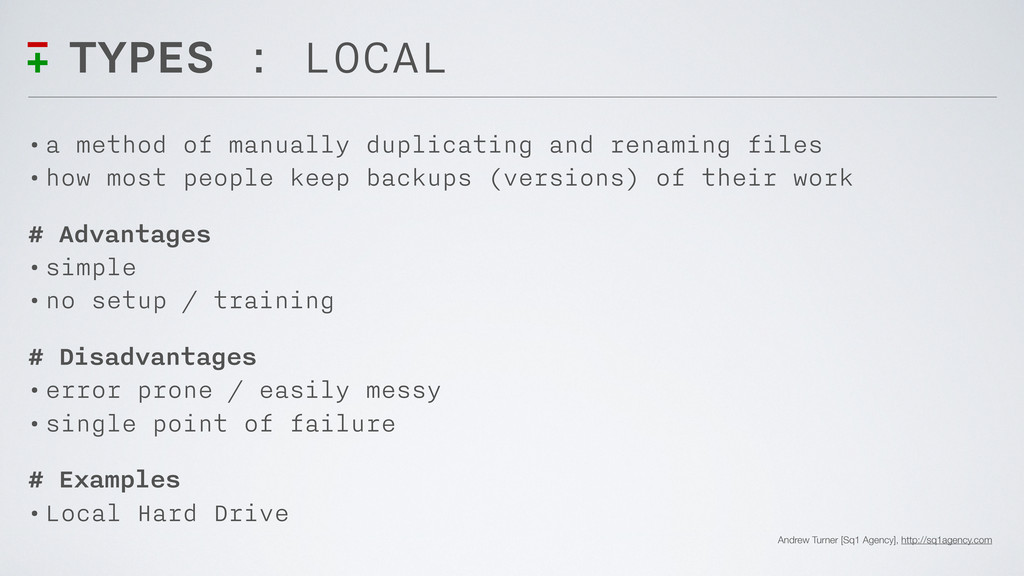
Andrew Turner [Sq1 Agency], http://sq1agency.com TYPES : LOCAL • a
method of manually duplicating and renaming files • how most people keep backups (versions) of their work # Advantages • simple • no setup / training # Disadvantages • error prone / easily messy • single point of failure # Examples • Local Hard Drive -
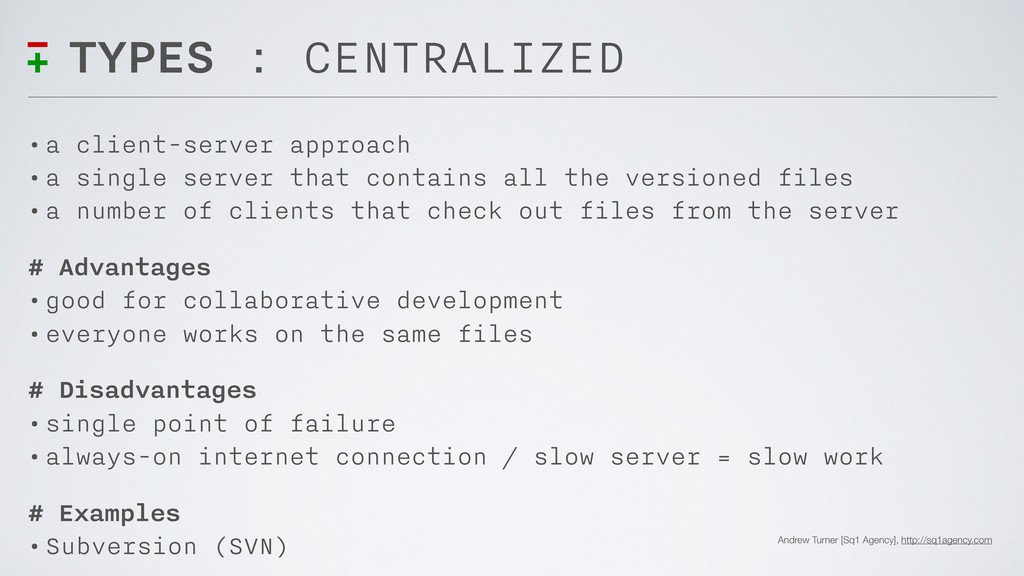
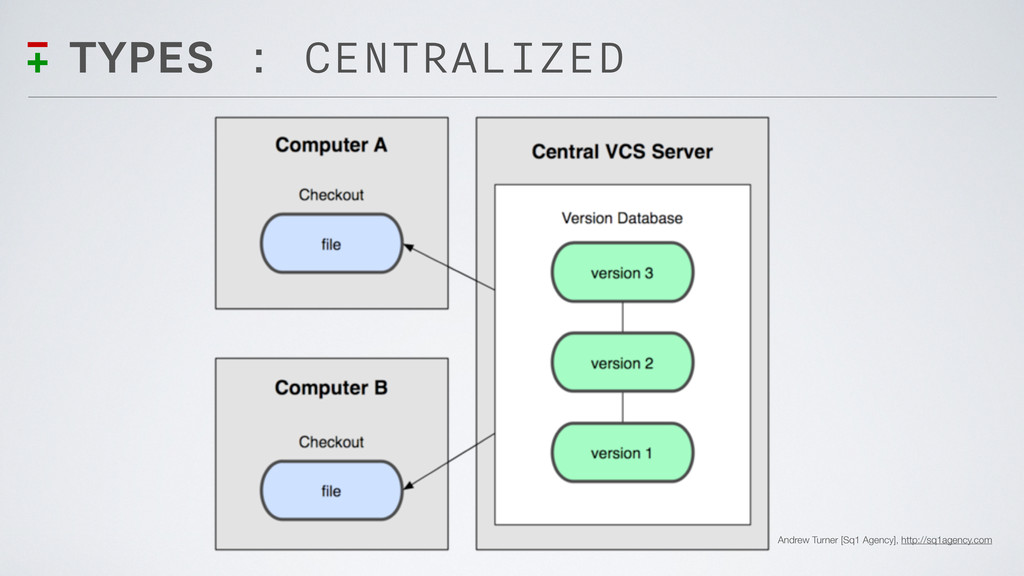
Andrew Turner [Sq1 Agency], http://sq1agency.com TYPES : CENTRALIZED • a
client-server approach • a single server that contains all the versioned files • a number of clients that check out files from the server # Advantages • good for collaborative development • everyone works on the same files # Disadvantages • single point of failure • always-on internet connection / slow server = slow work # Examples • Subversion (SVN) -
Andrew Turner [Sq1 Agency], http://sq1agency.com TYPES : DISTRIBUTED • a
peer-to-peer approach • each peer has a complete working copy and history of project # Advantages • great for collaborative development • multiple backups of project • no internet (work done locally then pushed to server) • can be used for more than just code (Photoshop files too!!) # Disadvantages • more complex / setup and training # Examples • Git, Mercurial -
Andrew Turner [Sq1 Agency], http://sq1agency.com WHAT IS GIT? “Git is
distributed version control system focused on speed, effectivity and real-world usability on large [and small] projects.” - Git [git-scm.com/about] -
Andrew Turner [Sq1 Agency], http://sq1agency.com WHY USE VERSION CONTROL? “If
you’ve ever made a mistake then you need to use version control...” - multiple blogs -
Andrew Turner [Sq1 Agency], http://sq1agency.com WHY USE VERSION CONTROL? #
Benefits of using a VCS • encourages better organization • enables better collaborative work • maintains a detailed history of a project • easily recover from failures / errors • easier to try experimental code with a project • ...so many more reasons! -
Andrew Turner [Sq1 Agency], http://sq1agency.com HOW TO USE GIT? •
concepts • terminology • basics • commands • remotes -
Andrew Turner [Sq1 Agency], http://sq1agency.com HOW? : CONCEPTS # Local
• installed on your local machine and run from command line • full repository and history on local machine • used in conjunction with preferred editors / IDE (Dreamweaver) # Integrity • project integrity (snapshots, not differences) • data integrity (checksums) # Additions Only • git generally only adds data (that is committed) • freedom to experiment without loss -
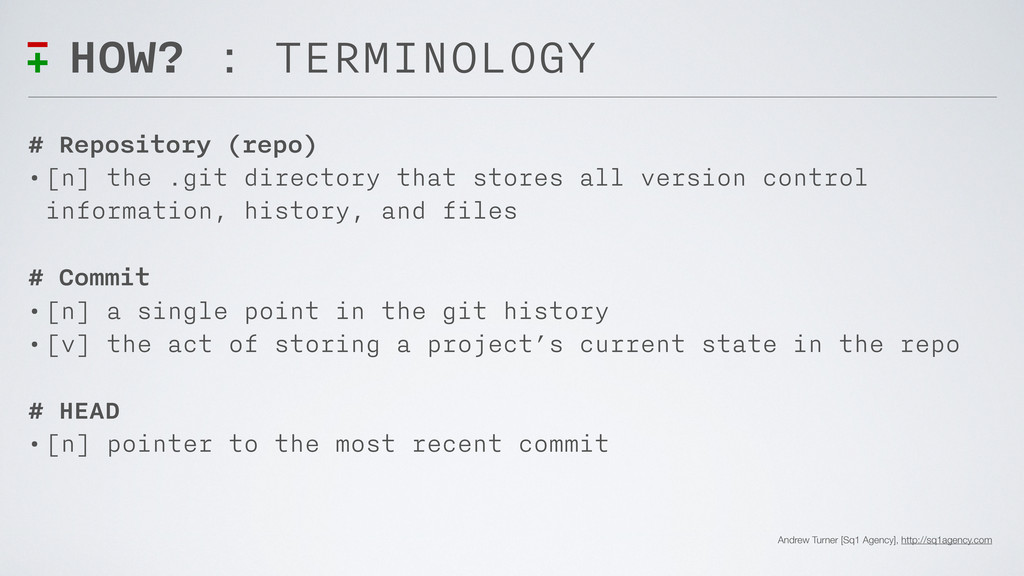
Andrew Turner [Sq1 Agency], http://sq1agency.com HOW? : TERMINOLOGY # Repository
(repo) • [n] the .git directory that stores all version control information, history, and files # Commit • [n] a single point in the git history • [v] the act of storing a project’s current state in the repo # HEAD • [n] pointer to the most recent commit -
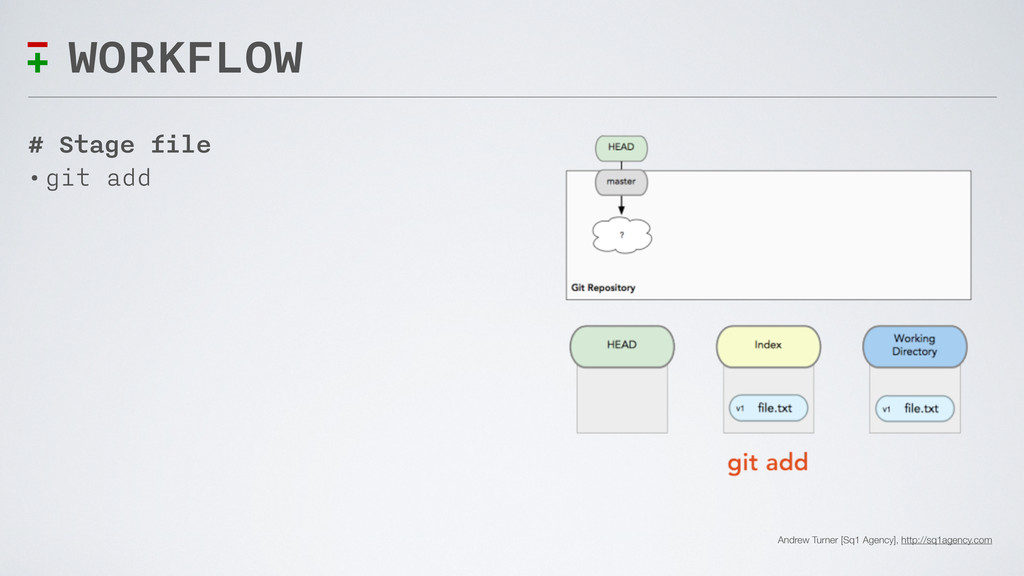
Andrew Turner [Sq1 Agency], http://sq1agency.com HOW? : BASICS # Working
Directory • new/edited files # Staging Area (INDEX) • files ready to commit # Repository • committed snapshots • history of commits and branches -
Andrew Turner [Sq1 Agency], http://sq1agency.com HOW? : COMMANDS • init
- creates a new git repository • add - stages either a new or edited file to the INDEX • commit - stores a snapshot of project’s current state • status - shows any changes to the working directory • pull - fetches and merges from a remote repo • push - updates a remote repo with local changes -
Andrew Turner [Sq1 Agency], http://sq1agency.com HOW? : REMOTES # GitHub
• hosted git repos • built for collaborative development • “central” collaborative point • ensured backup of code • ability to deploy locally from remote repo to multiple servers [dev, live, staging, etc] • integrated issue tracking • web-based editor for quick-fixes -
Andrew Turner [Sq1 Agency], http://sq1agency.com WORKFLOW # Commit Changes and
Save Status • git commit -
Andrew Turner [Sq1 Agency], http://sq1agency.com WORKFLOW # Commit Changes and
Save Status • git commit -
Andrew Turner [Sq1 Agency], http://sq1agency.com SETUP : LET’S GIT STARTED
# Create GitHub Account • Sign up for FREE GitHub account [github.com] • Add SSH Key to GitHub [help.github.com/articles/set-up-git] # Install Git on Computer • git-scm.com/download] # Install GUI for Development • Mac [mac.github.com] • Windows [code.google.com/p/msysgit] • More GUIs listed in RESOURCES -
Andrew Turner [Sq1 Agency], http://sq1agency.com RESOURCES/CREDITS # General Links •
Official Git Website [git-scm.com] • GitHub [github.com] # References • GitHub Help Docs [help.github.com] • Git Reference [gitref.org] • Git Cheat Sheets [help.github.com/git-cheat-sheets] # Books • Pro Git Digital Book [progit.org] • Git Community Book [book.git-scm.com] -
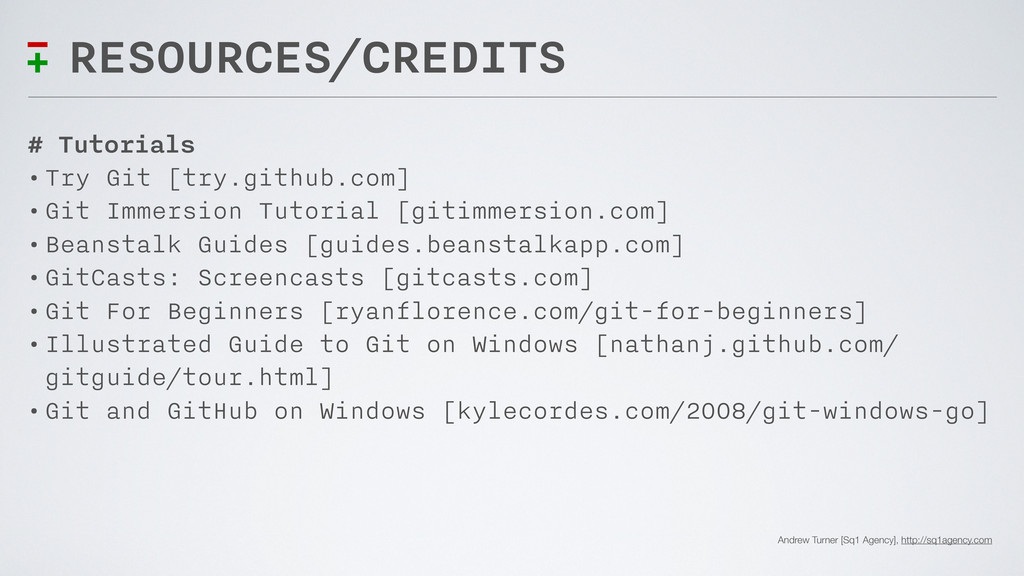
Andrew Turner [Sq1 Agency], http://sq1agency.com RESOURCES/CREDITS # Tutorials • Try
Git [try.github.com] • Git Immersion Tutorial [gitimmersion.com] • Beanstalk Guides [guides.beanstalkapp.com] • GitCasts: Screencasts [gitcasts.com] • Git For Beginners [ryanflorence.com/git-for-beginners] • Illustrated Guide to Git on Windows [nathanj.github.com/ gitguide/tour.html] • Git and GitHub on Windows [kylecordes.com/2008/git-windows-go] -
Andrew Turner [Sq1 Agency], http://sq1agency.com RESOURCES/CREDITS # GUI Applications -
Mac • GitHub Mac [mac.github.com] • Tower [git-tower.com] • GitX [gitx.frim.nl] • GitBox [gitboxapp.com] (also in Mac App Store) # GUI Applications - Windows • TortoiseGit [code.google.com/p/tortoisegit] • Git Extensions [code.google.com/p/gitextensions] • SmartGit [syntevo.com/smartgit]