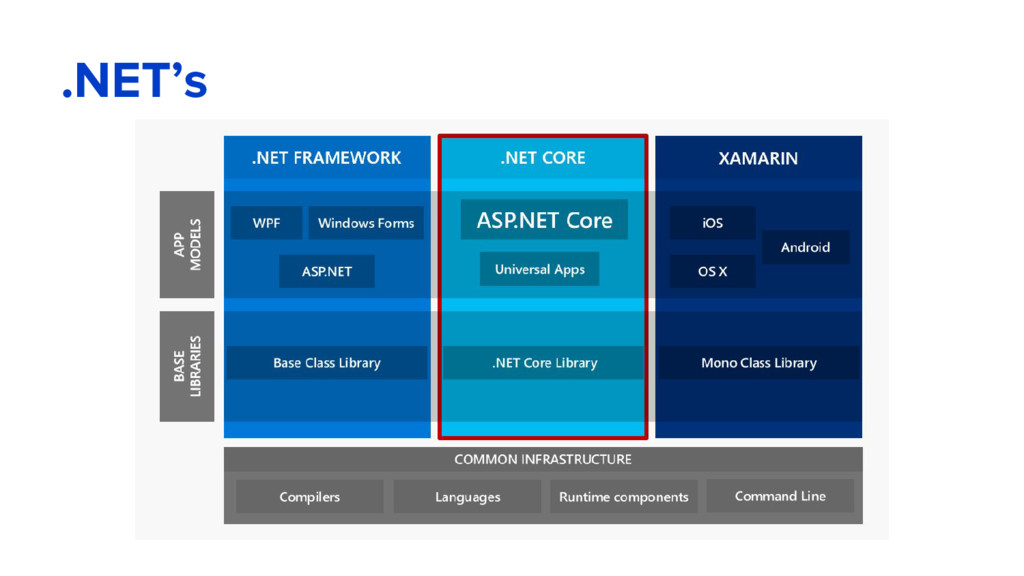
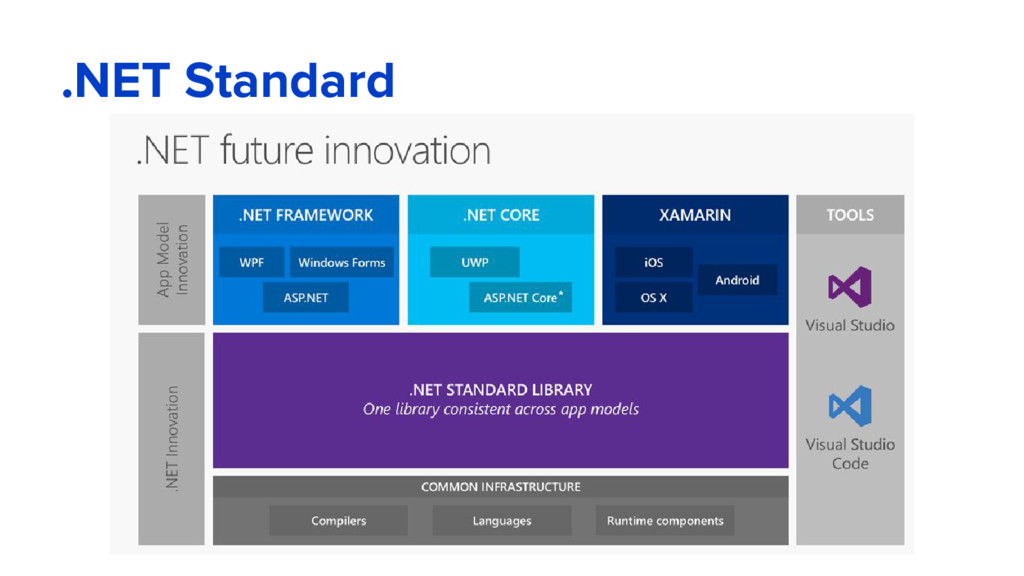
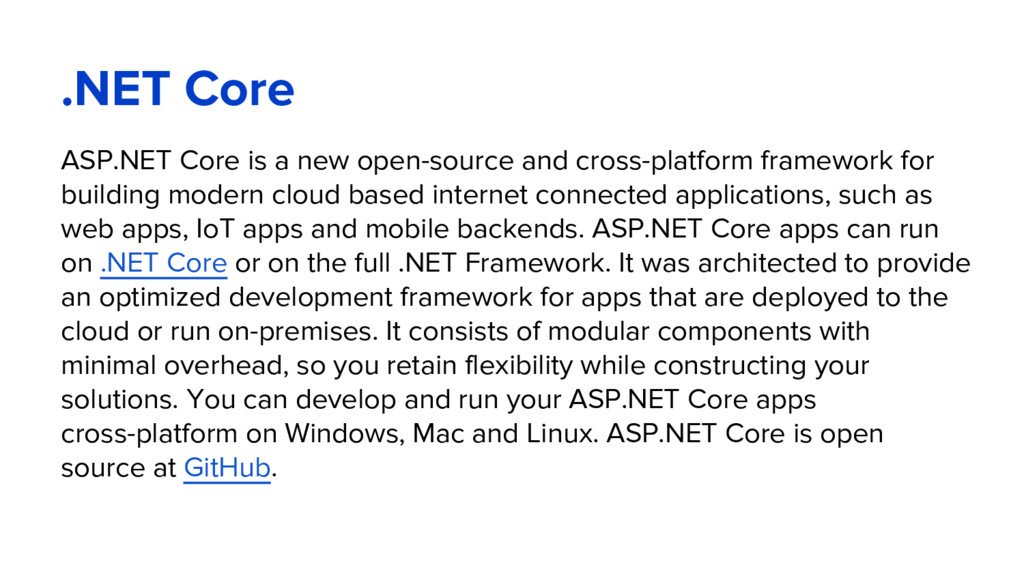
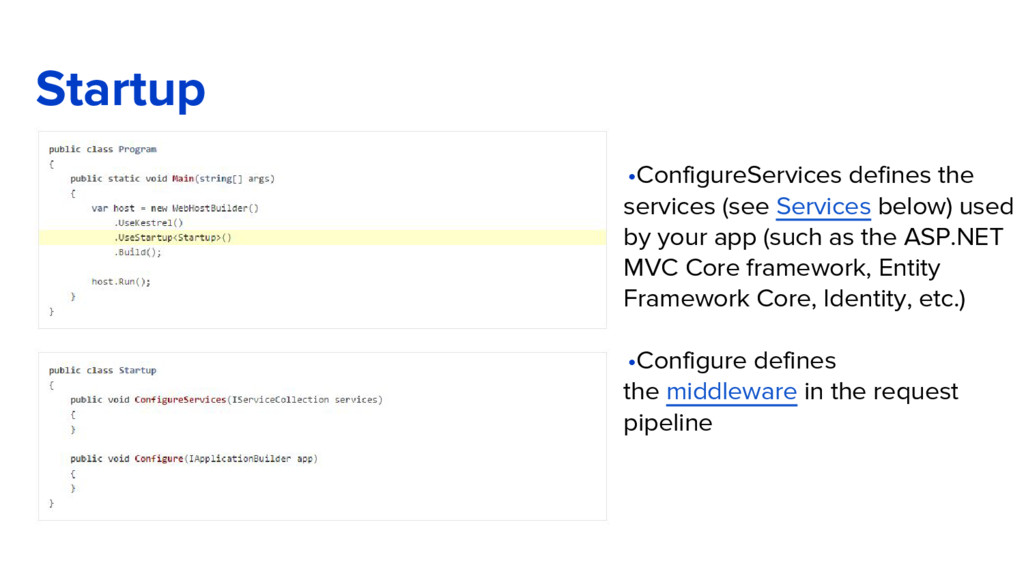
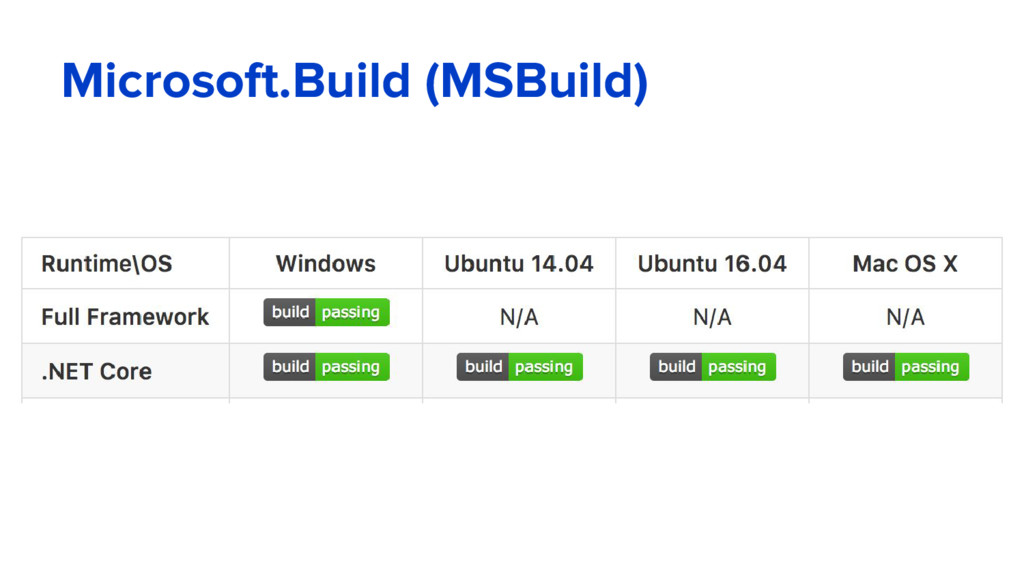
framework for building modern cloud based internet connected applications, such as web apps, IoT apps and mobile backends. ASP.NET Core apps can run on .NET Core or on the full .NET Framework. It was architected to provide an optimized development framework for apps that are deployed to the cloud or run on-premises. It consists of modular components with minimal overhead, so you retain flexibility while constructing your solutions. You can develop and run your ASP.NET Core apps cross-platform on Windows, Mac and Linux. ASP.NET Core is open source at GitHub.
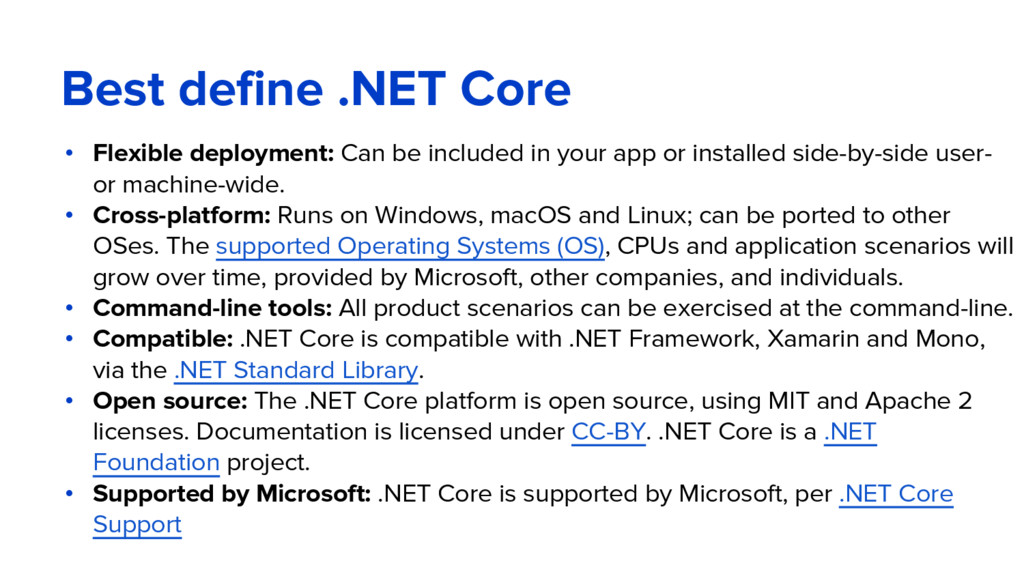
in your app or installed side-by-side user- or machine-wide. • Cross-platform: Runs on Windows, macOS and Linux; can be ported to other OSes. The supported Operating Systems (OS), CPUs and application scenarios will grow over time, provided by Microsoft, other companies, and individuals. • Command-line tools: All product scenarios can be exercised at the command-line. • Compatible: .NET Core is compatible with .NET Framework, Xamarin and Mono, via the .NET Standard Library. • Open source: The .NET Core platform is open source, using MIT and Apache 2 licenses. Documentation is licensed under CC-BY. .NET Core is a .NET Foundation project. • Supported by Microsoft: .NET Core is supported by Microsoft, per .NET Core Support
came out almost 15 years ago as part of the .NET Framework. Since then millions of developers have used it to build and run great web apps, and over the years we have added and evolved many capabilities to it. ASP.NET Core has a number of architectural changes that result in a much leaner and modular framework. ASP.NET Core is no longer based on System.Web.dll. It is based on a set of granular and well factored NuGet packages. This allows you to optimize your app to include just the NuGet packages you need. The benefits of a smaller app surface area include tighter security, reduced servicing, improved performance, and decreased costs in a pay-for-what-you-use model.
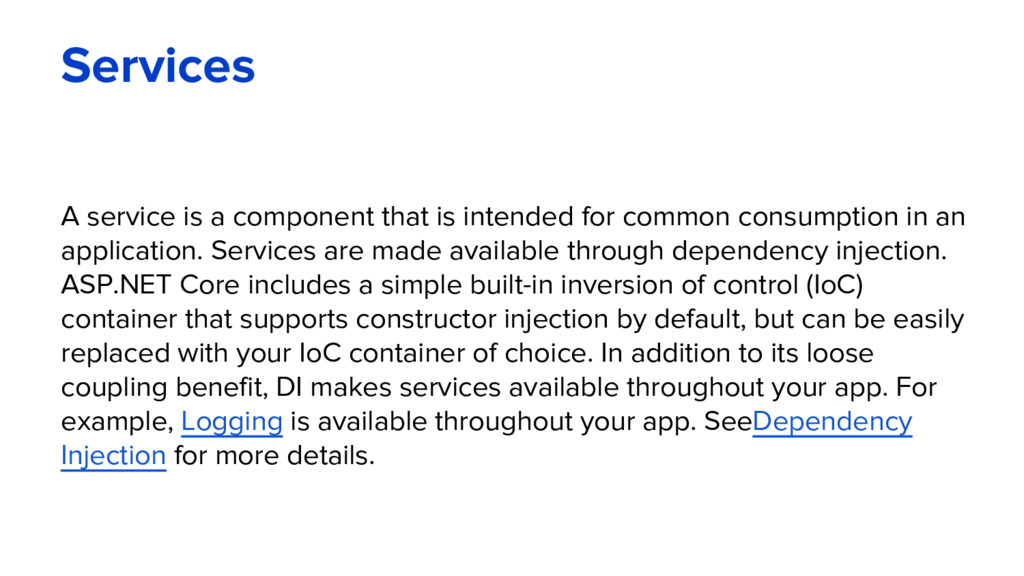
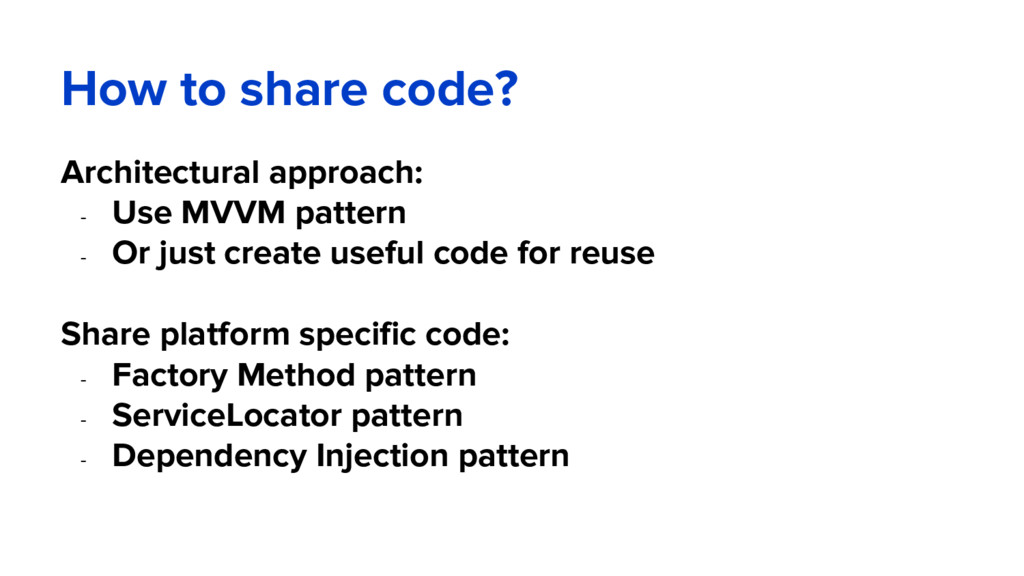
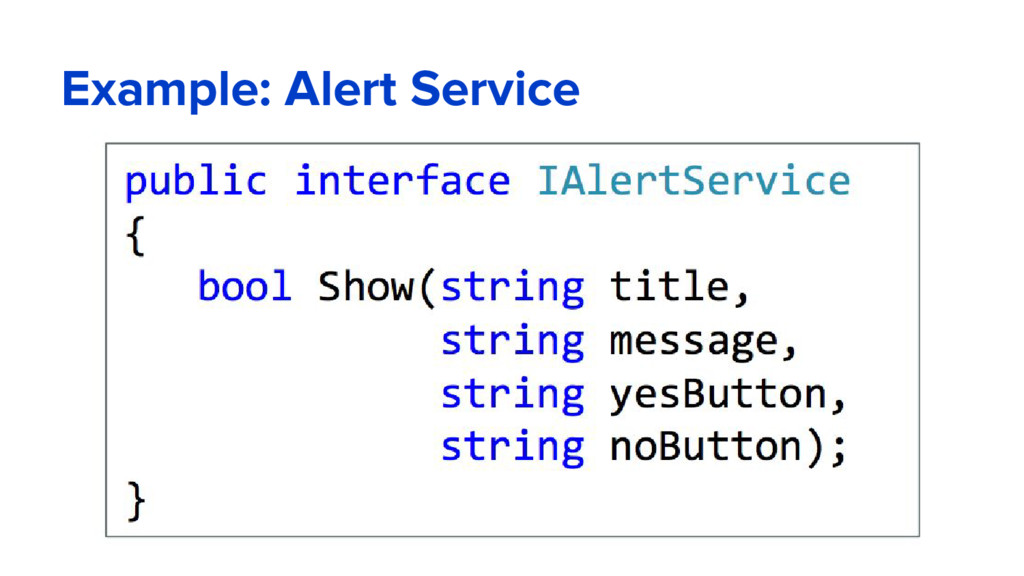
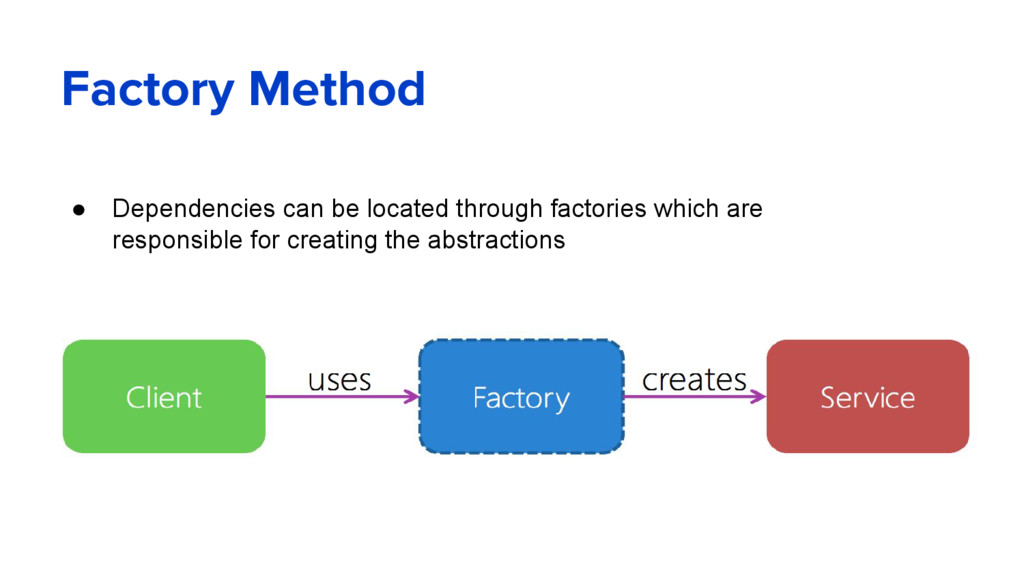
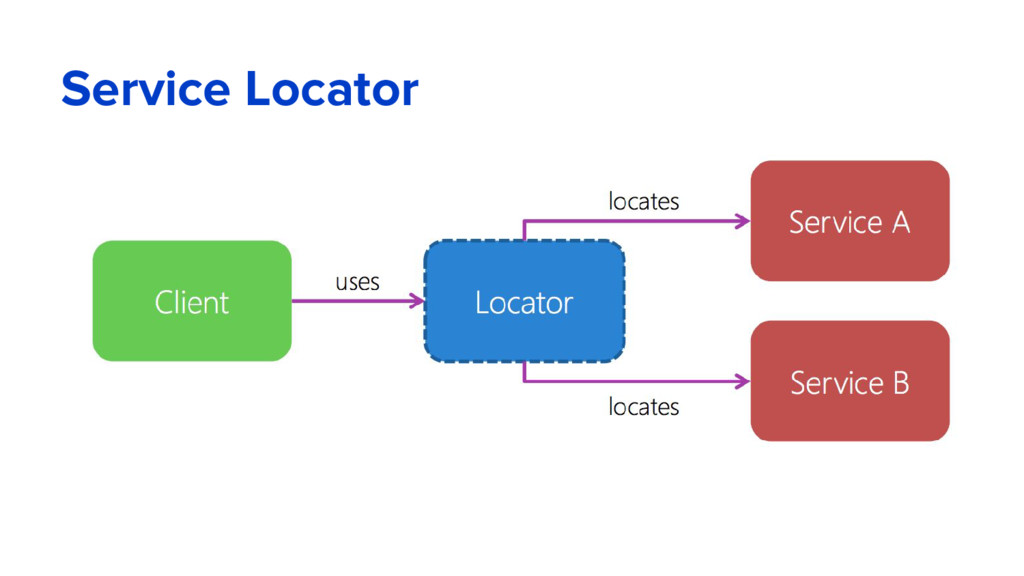
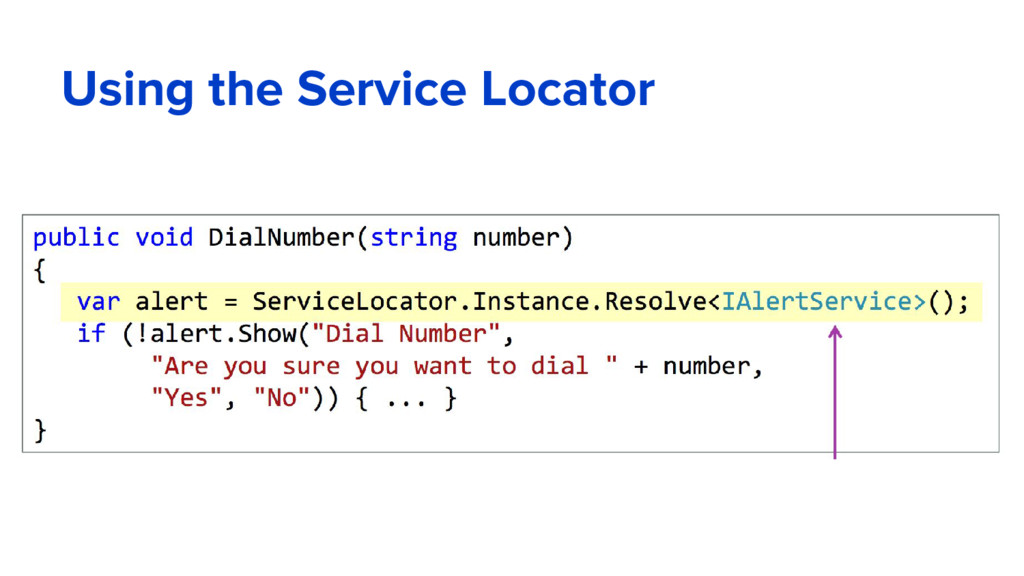
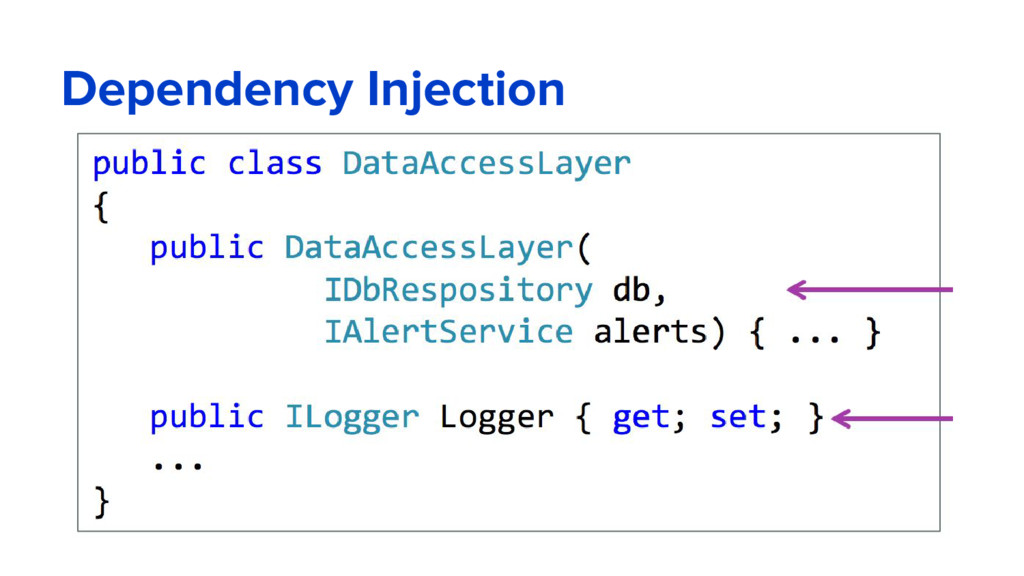
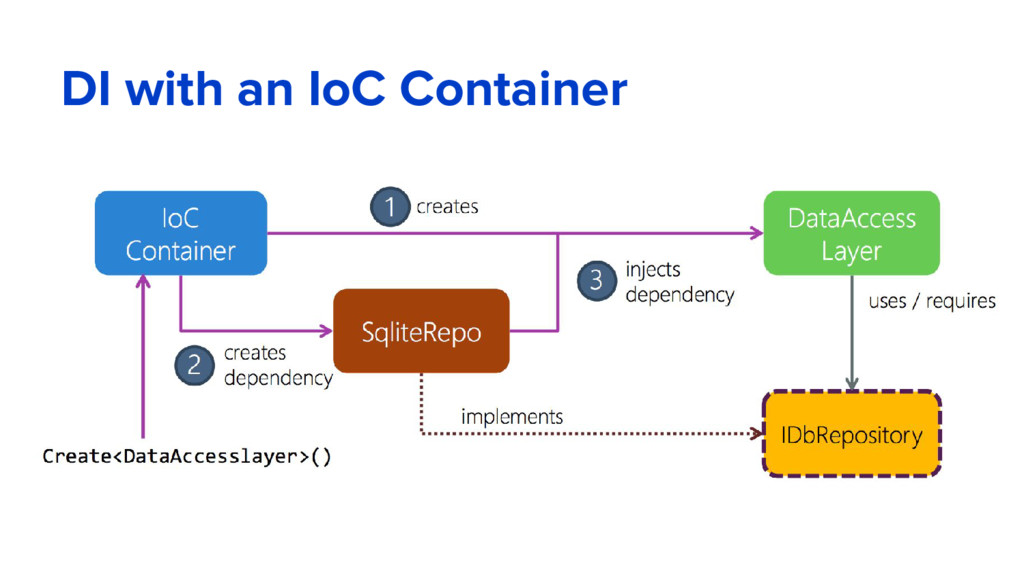
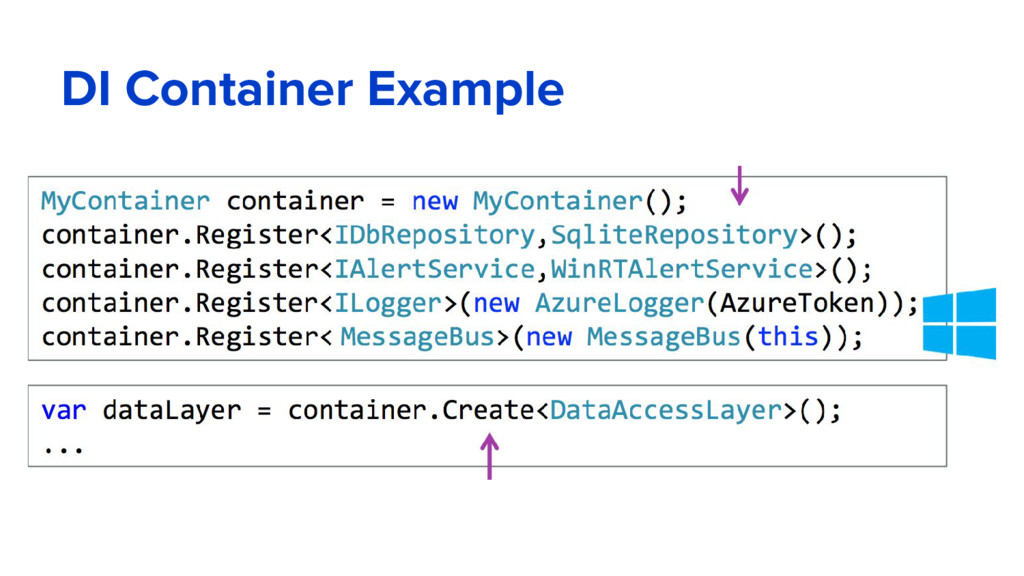
common consumption in an application. Services are made available through dependency injection. ASP.NET Core includes a simple built-in inversion of control (IoC) container that supports constructor injection by default, but can be easily replaced with your IoC container of choice. In addition to its loose coupling benefit, DI makes services available throughout your app. For example, Logging is available throughout your app. SeeDependency Injection for more details.
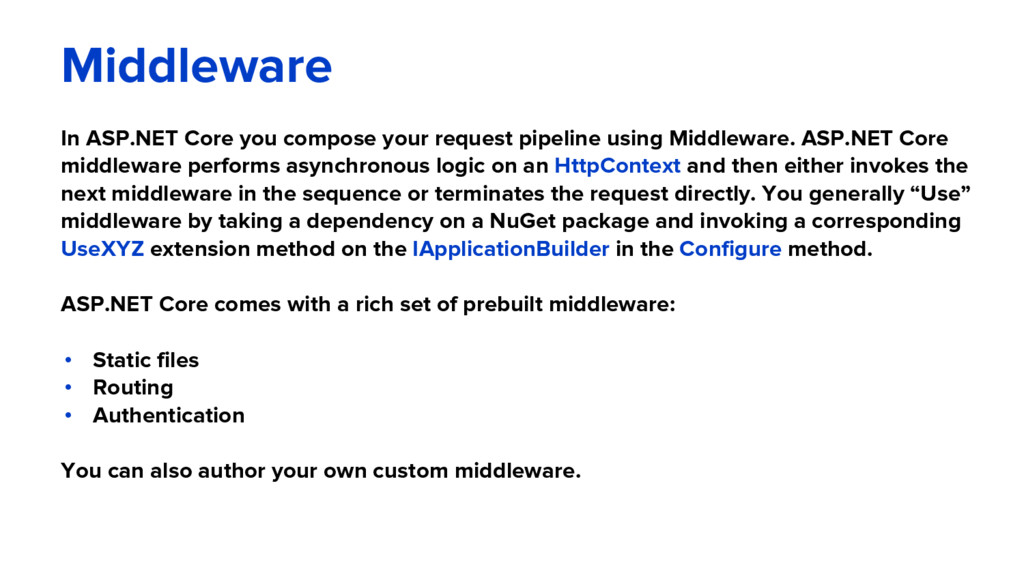
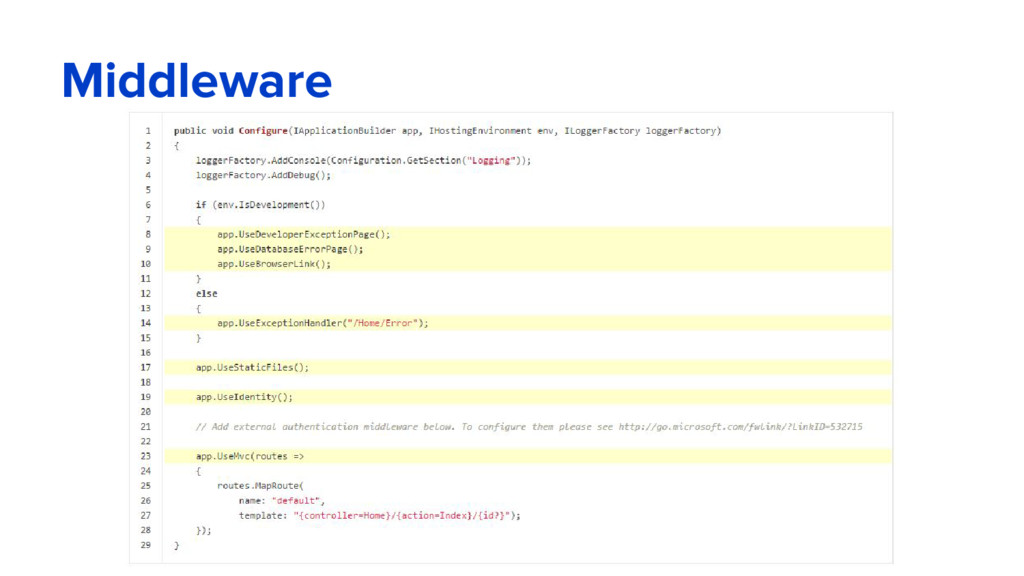
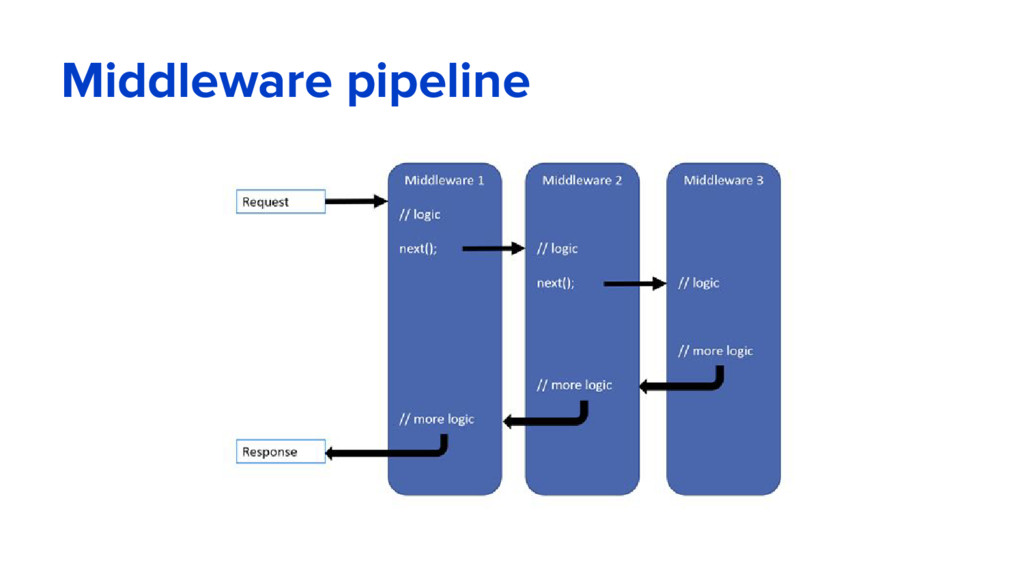
Middleware. ASP.NET Core middleware performs asynchronous logic on an HttpContext and then either invokes the next middleware in the sequence or terminates the request directly. You generally “Use” middleware by taking a dependency on a NuGet package and invoking a corresponding UseXYZ extension method on the IApplicationBuilder in the Configure method. ASP.NET Core comes with a rich set of prebuilt middleware: • Static files • Routing • Authentication You can also author your own custom middleware.
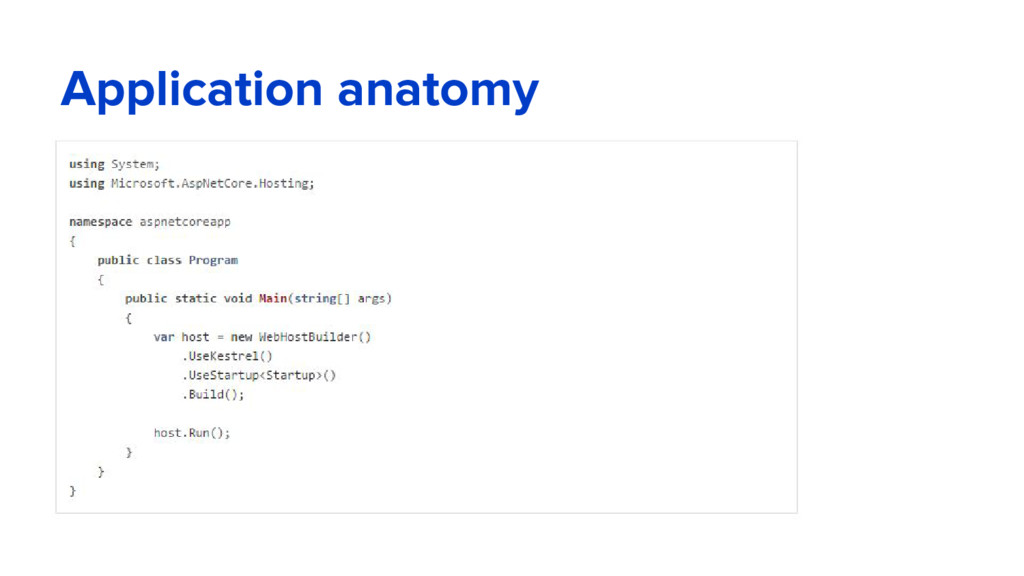
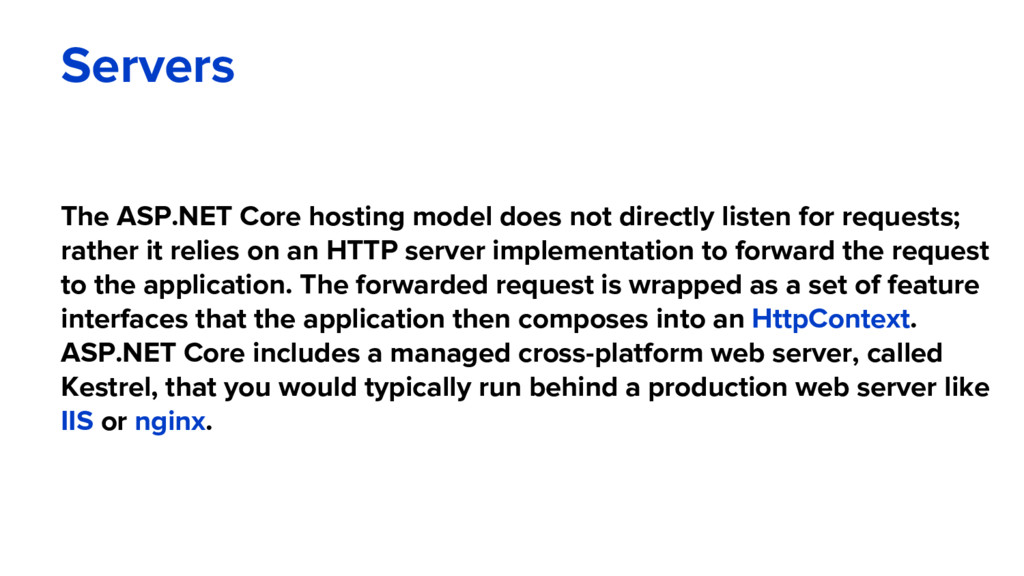
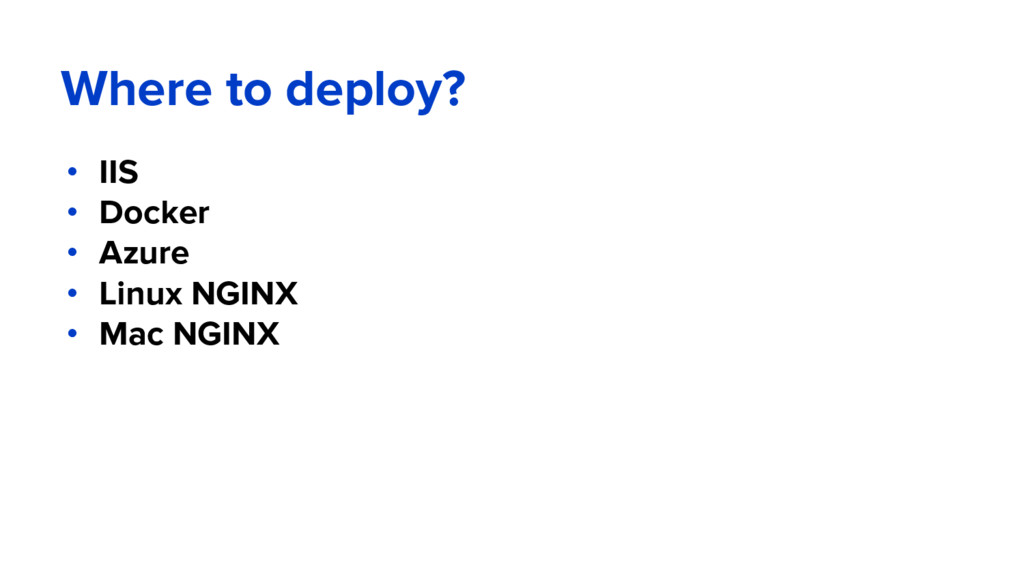
for requests; rather it relies on an HTTP server implementation to forward the request to the application. The forwarded request is wrapped as a set of feature interfaces that the application then composes into an HttpContext. ASP.NET Core includes a managed cross-platform web server, called Kestrel, that you would typically run behind a production web server like IIS or nginx.
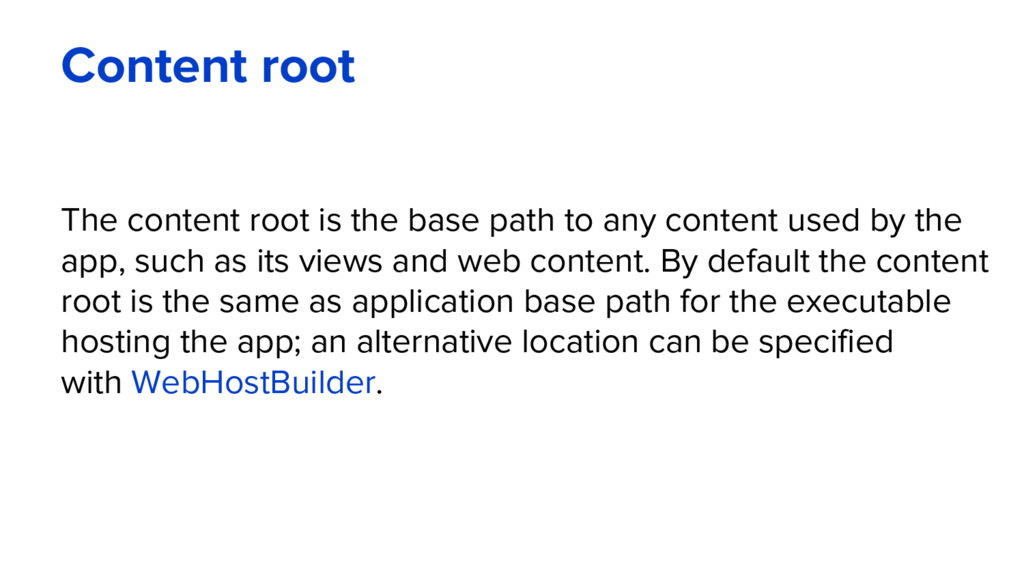
any content used by the app, such as its views and web content. By default the content root is the same as application base path for the executable hosting the app; an alternative location can be specified with WebHostBuilder.
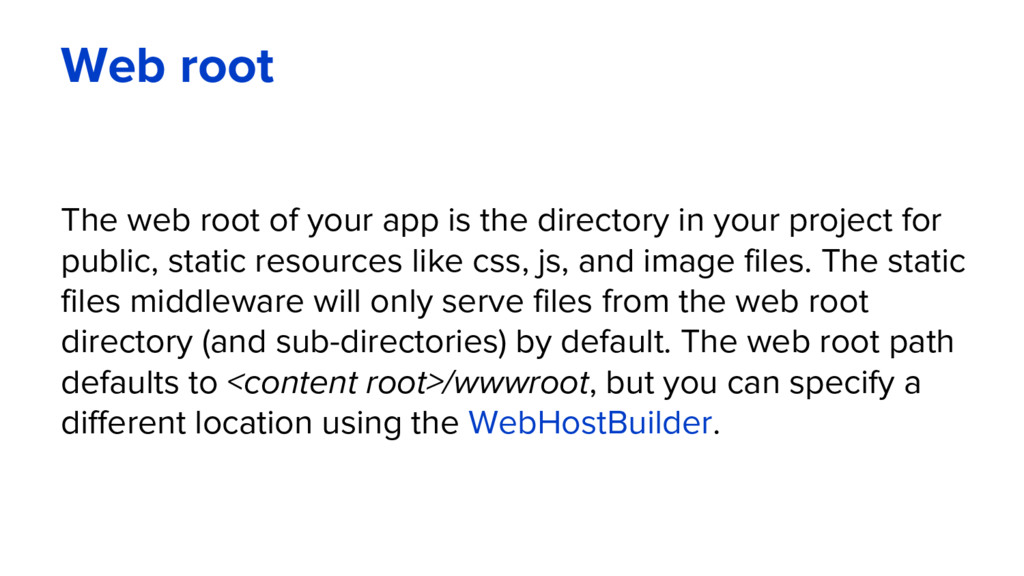
directory in your project for public, static resources like css, js, and image files. The static files middleware will only serve files from the web root directory (and sub-directories) by default. The web root path defaults to <content root>/wwwroot, but you can specify a different location using the WebHostBuilder.
simple name-value pairs. The new configuration model is not based on System.Configuration or web.config; rather, it pulls from an ordered set of configuration providers. The built-in configuration providers support a variety of file formats (XML, JSON, INI) and environment variables to enable environment-based configuration. You can also write your own custom configuration providers
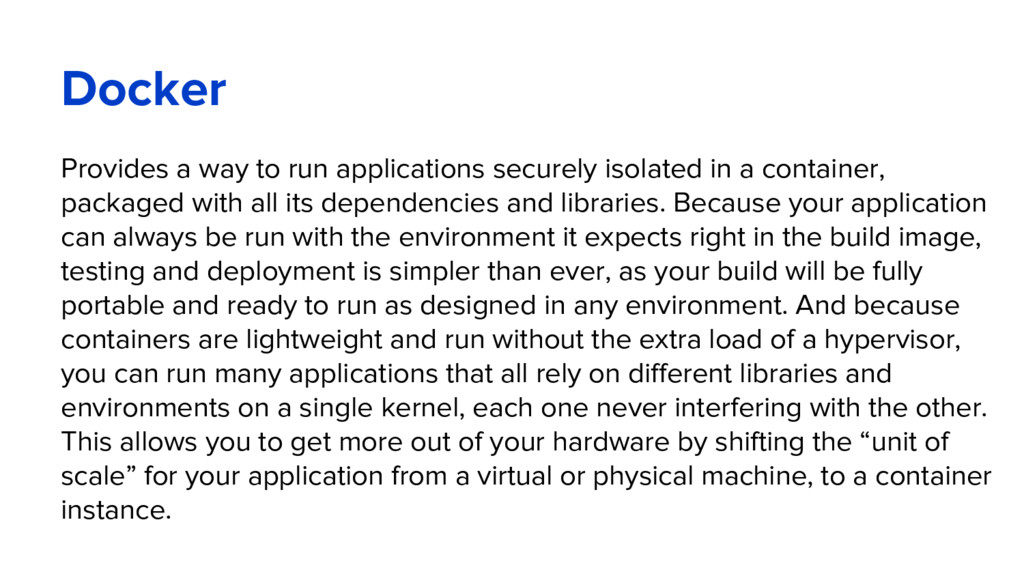
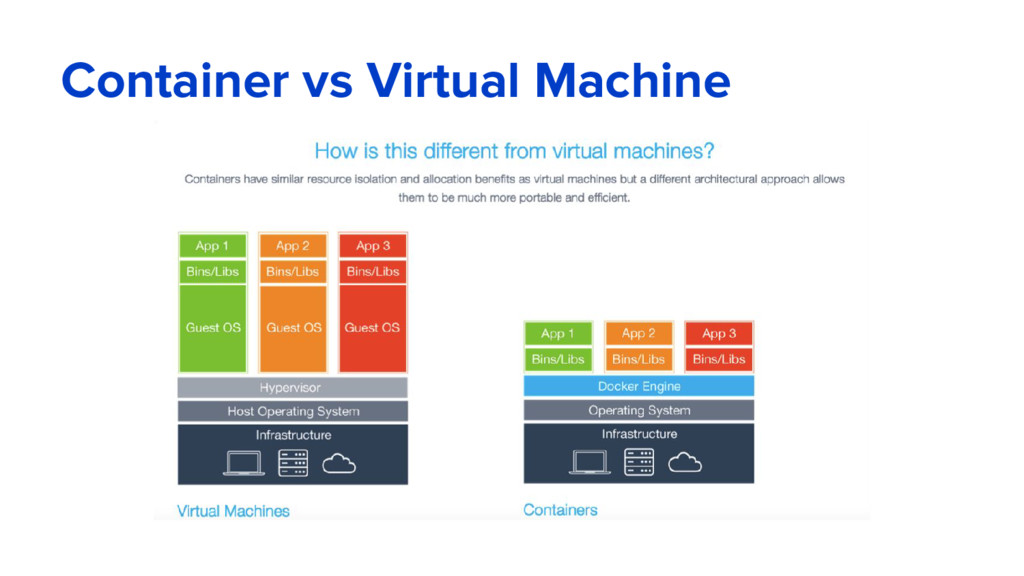
a container, packaged with all its dependencies and libraries. Because your application can always be run with the environment it expects right in the build image, testing and deployment is simpler than ever, as your build will be fully portable and ready to run as designed in any environment. And because containers are lightweight and run without the extra load of a hypervisor, you can run many applications that all rely on different libraries and environments on a single kernel, each one never interfering with the other. This allows you to get more out of your hardware by shifting the “unit of scale” for your application from a virtual or physical machine, to a container instance.
dependencies into a folder getting it ready for publishing Synopsis dotnet publish [project] [--help] [--framework] [--runtime] [--build-base-path] [--output] [--version-suffix] [--configuration] [--native-subdirectory] [--no-build] Description dotnet publish compiles the application, reads through its dependencies specified in the project.json file and publishes the resulting set of files to a directory. Depending on the type of portable app, the resulting directory will contain the following: 1. Portable application - application's intermediate language (IL) code and all of application's managed dependencies. Portable application with native dependencies - same as above with a sub- directory for the supported platform of each native dependency. 2. Self-contained application - same as above plus the entire runtime for the targeted platform. https://docs.microsoft.com/en-us/dotnet/articles/core/tools/dotnet-publish


 gdgternopil
 mpyw
mpyw
 ivargrimstad
 htkym
htkym
 kawashimo0
 lynnswap
 ichirokano2
 florets1
 deka_morita
 irinanazarova
 akihisaikeda
 monolithic_adam
 frankvandijk
 bluesmoon
 tammyeverts
 kastner
 thirion
 chikuwait
 shpigford
 cassininazir
 techseoconnect
 427marketing
 marktimemedia
 konakalab