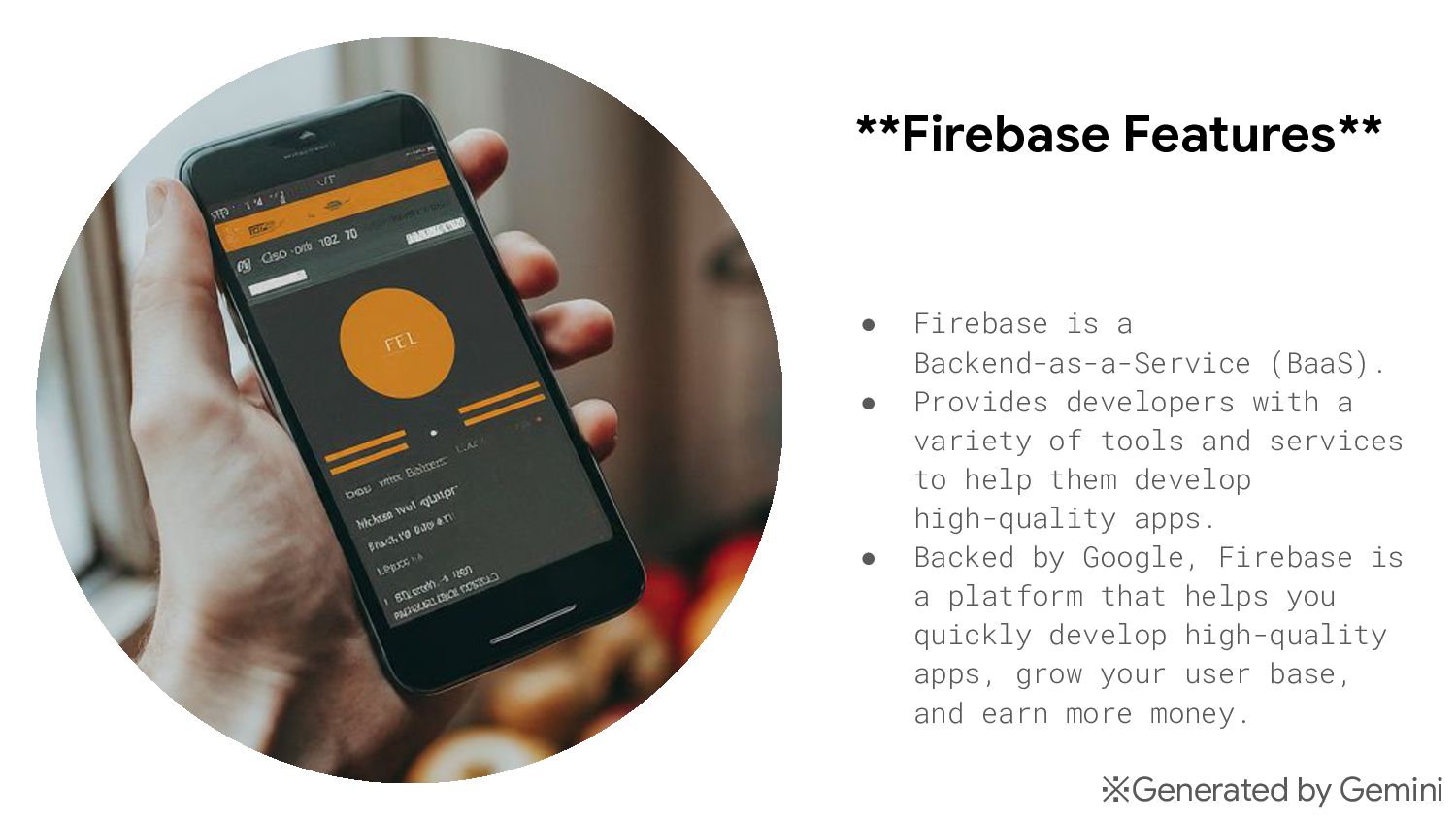
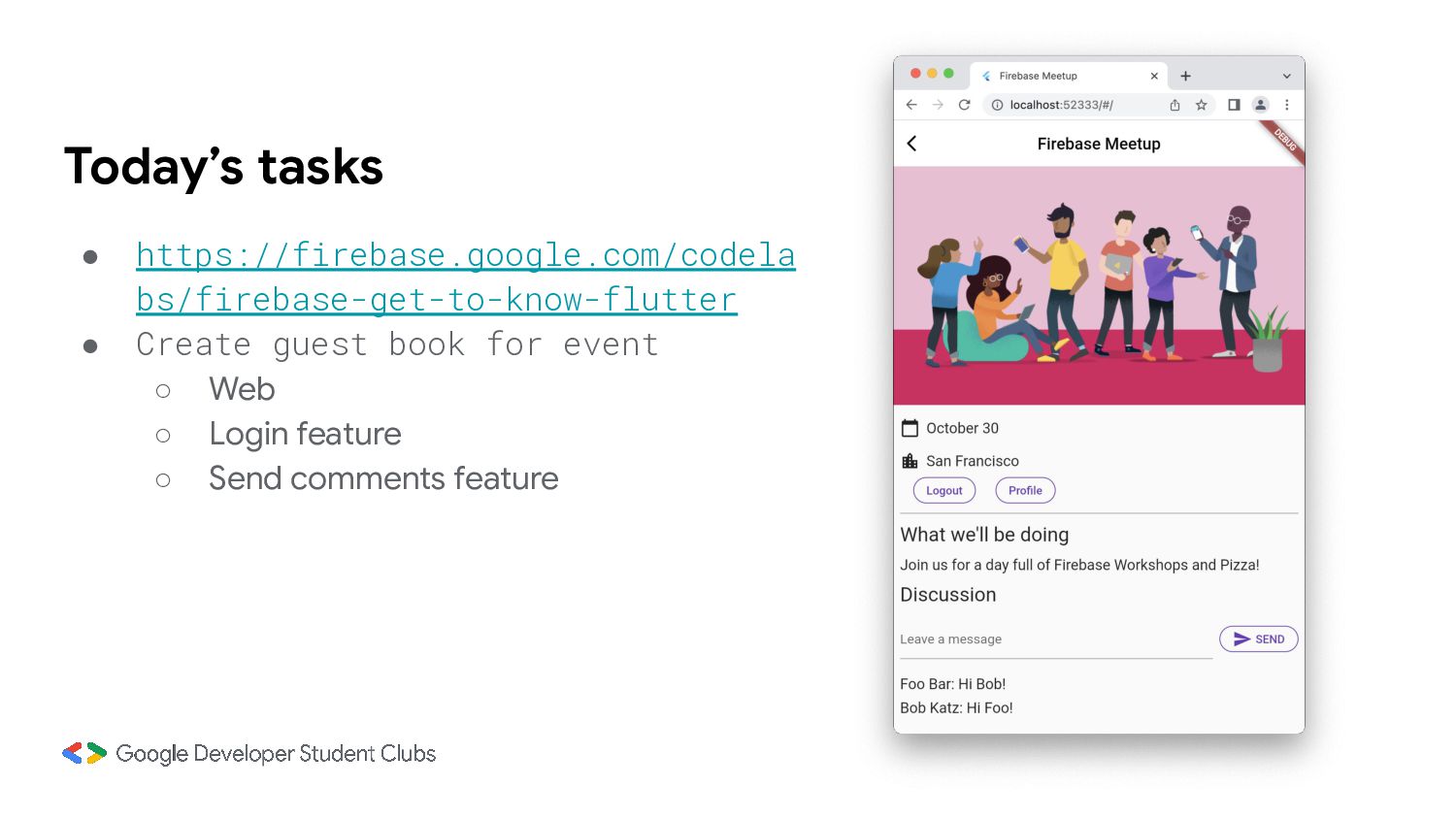
developers with a variety of tools and services to help them develop high-quality apps. • Backed by Google, Firebase is a platform that helps you quickly develop high-quality apps, grow your user base, and earn more money. ※Generated by Gemini
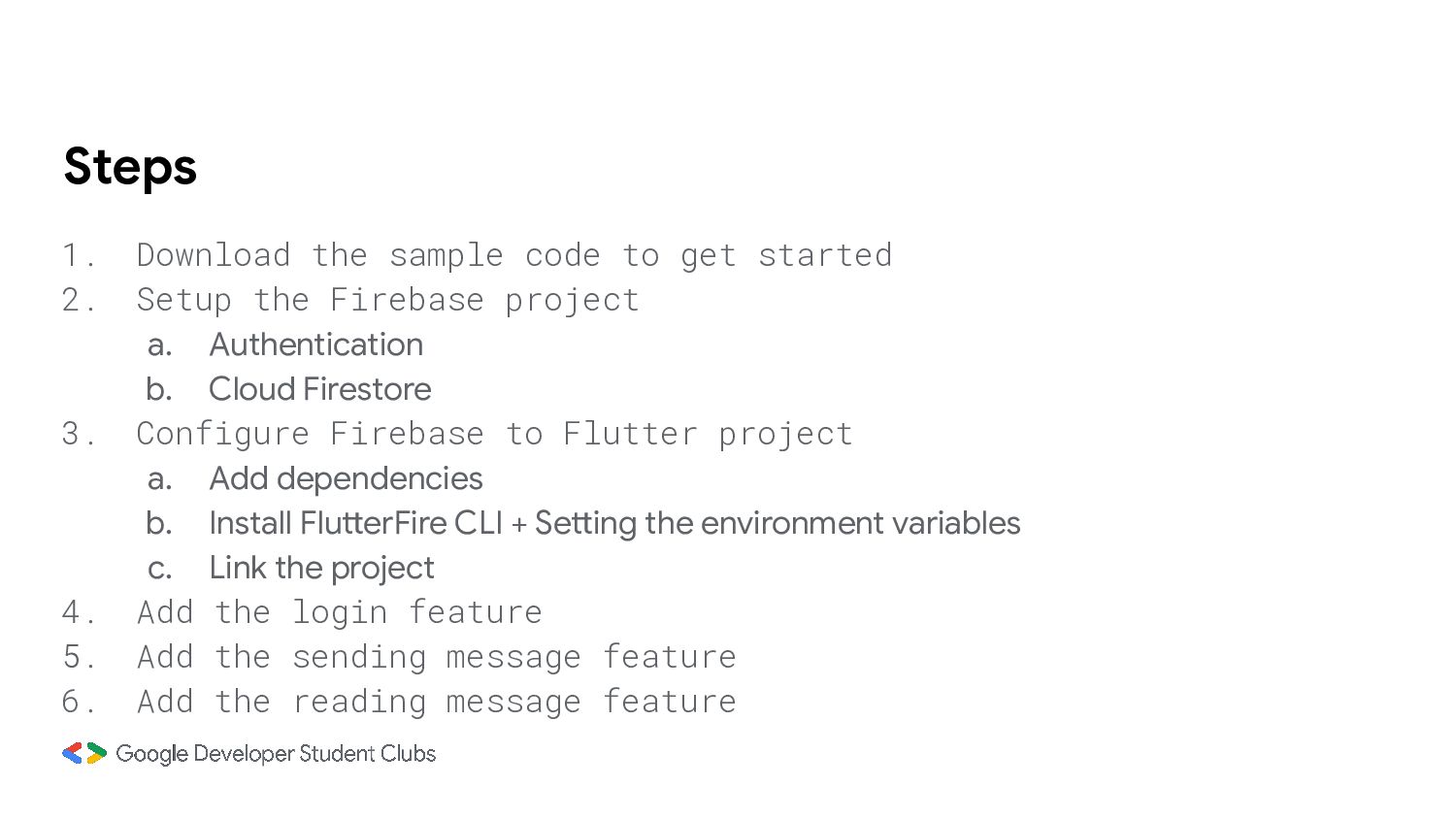
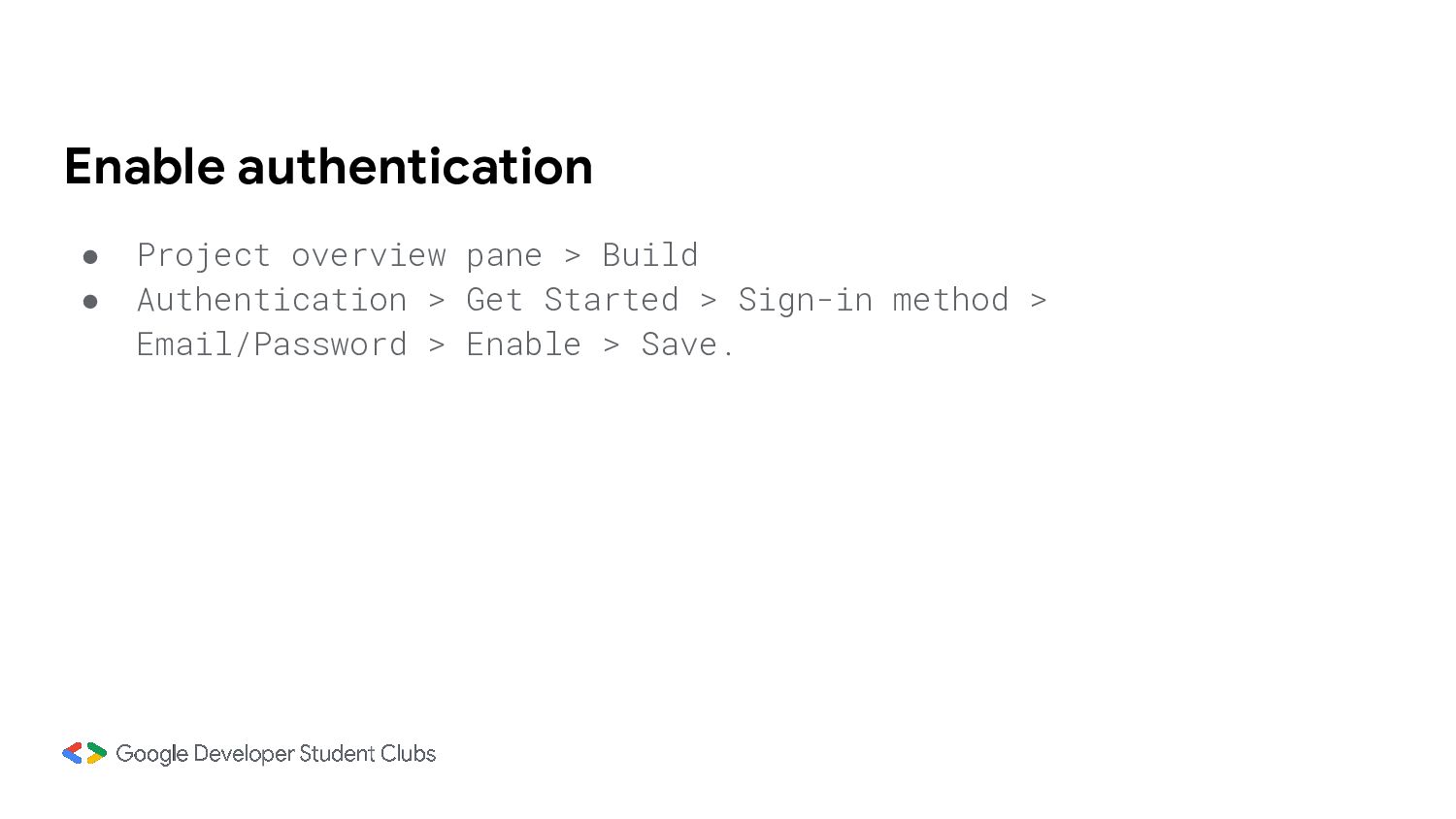
Setup the Firebase project a. Authentication b. Cloud Firestore 3. Configure Firebase to Flutter project a. Add dependencies b. Install FlutterFire CLI + Setting the environment variables c. Link the project 4. Add the login feature 5. Add the sending message feature 6. Add the reading message feature
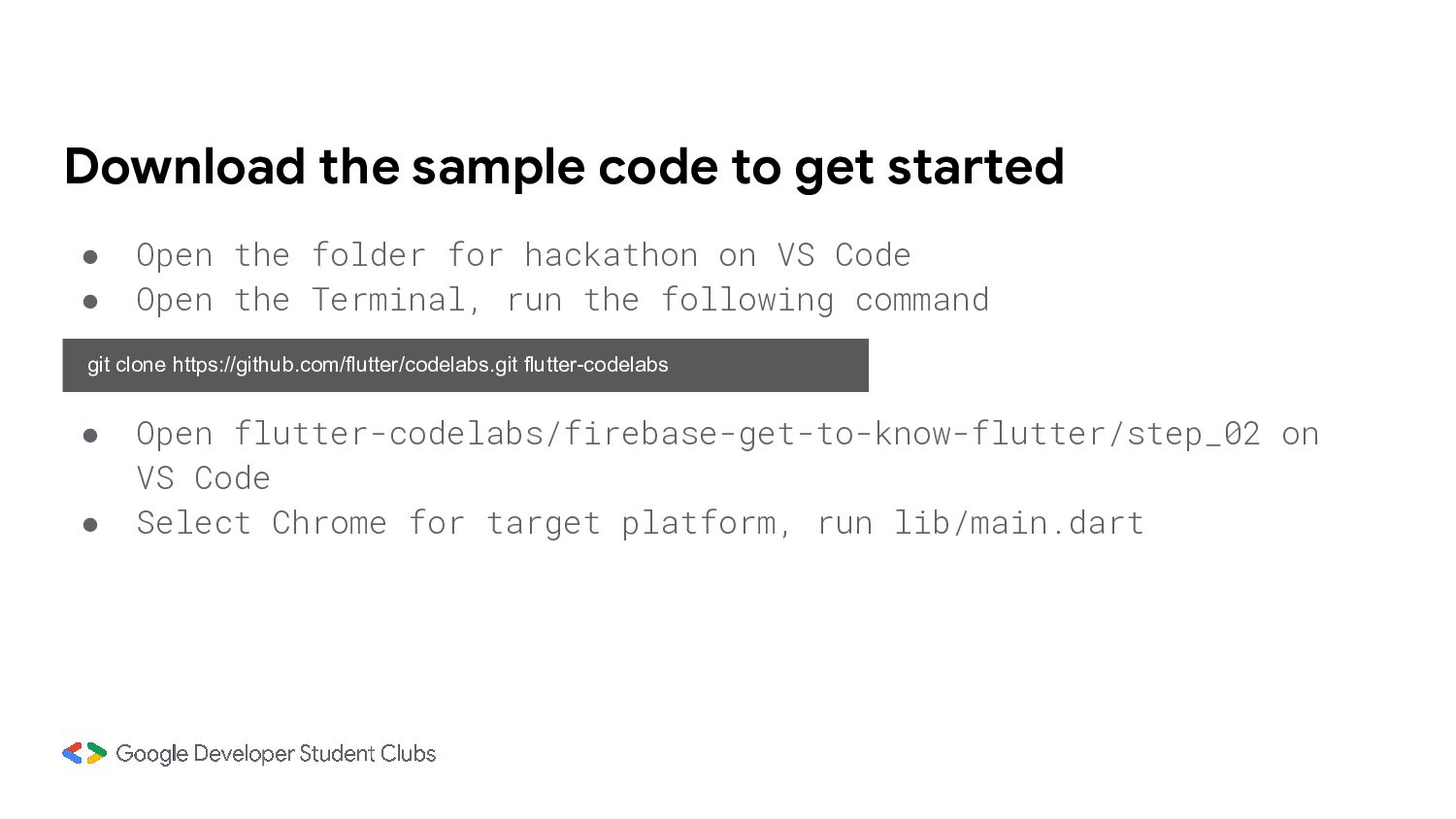
folder for hackathon on VS Code • Open the Terminal, run the following command git clone https://github.com/flutter/codelabs.git flutter-codelabs • Open flutter-codelabs/firebase-get-to-know-flutter/step_02 on VS Code • Select Chrome for target platform, run lib/main.dart
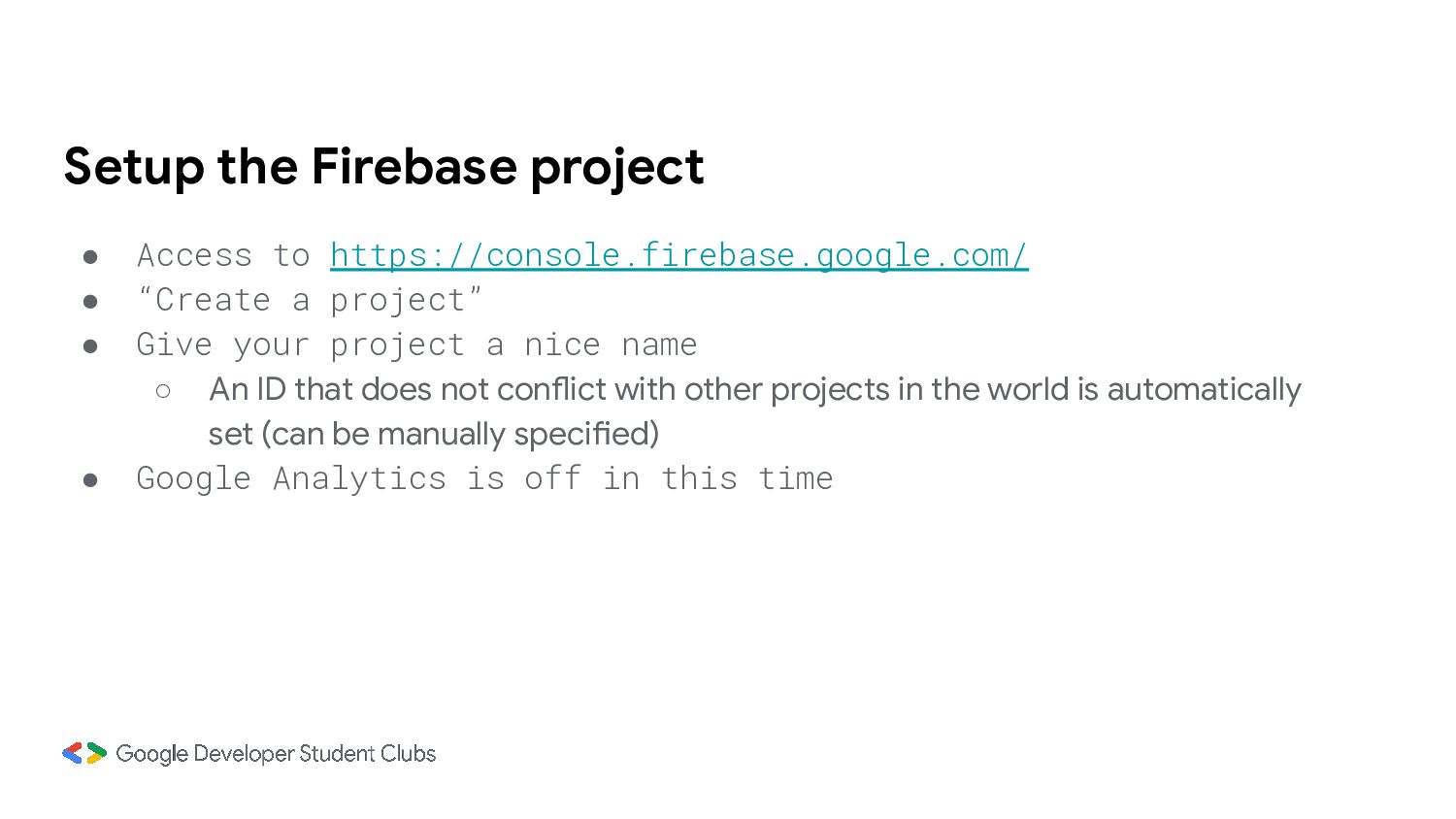
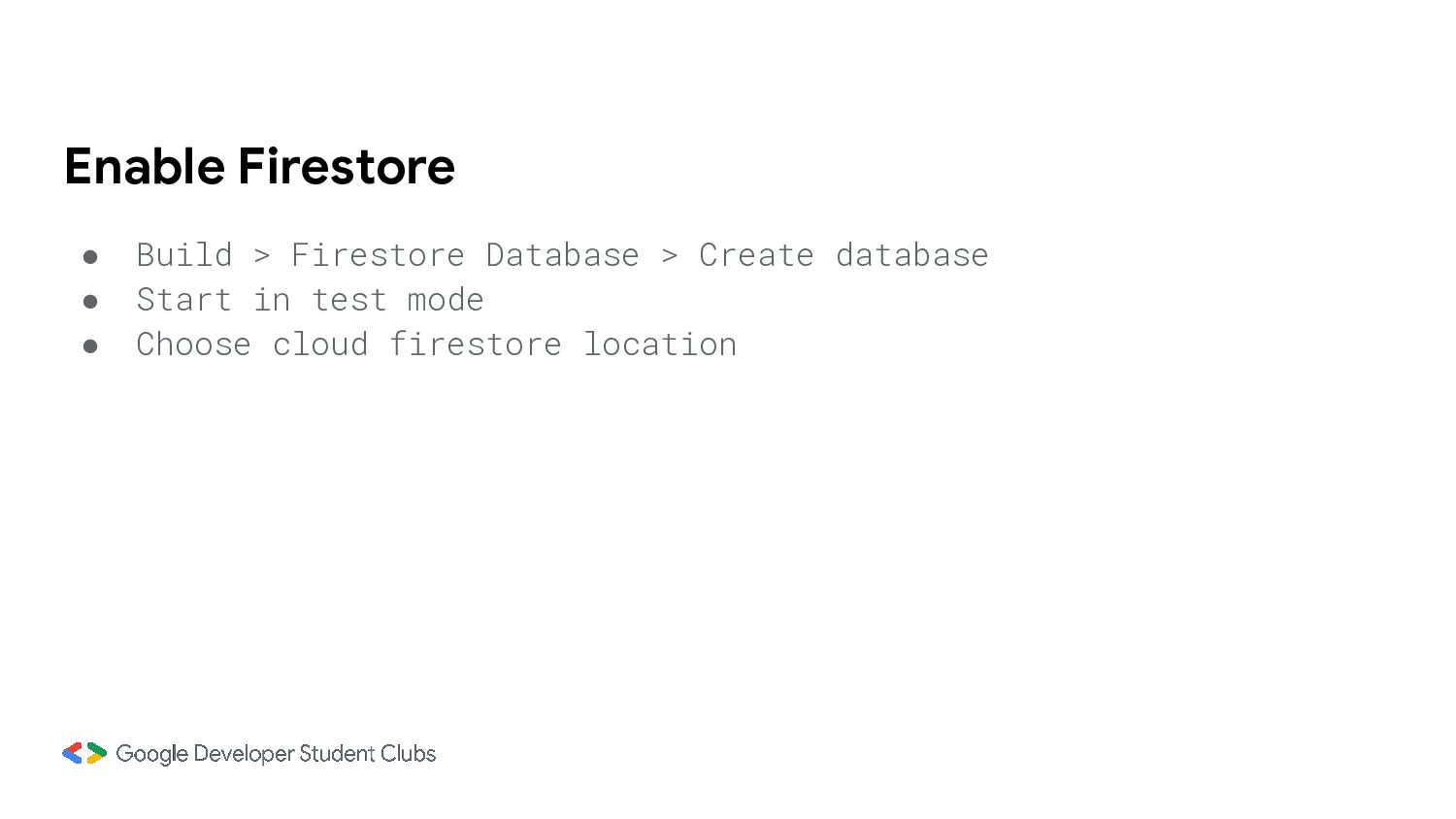
a project” • Give your project a nice name ◦ An ID that does not conflict with other projects in the world is automatically set (can be manually specified) • Google Analytics is off in this time
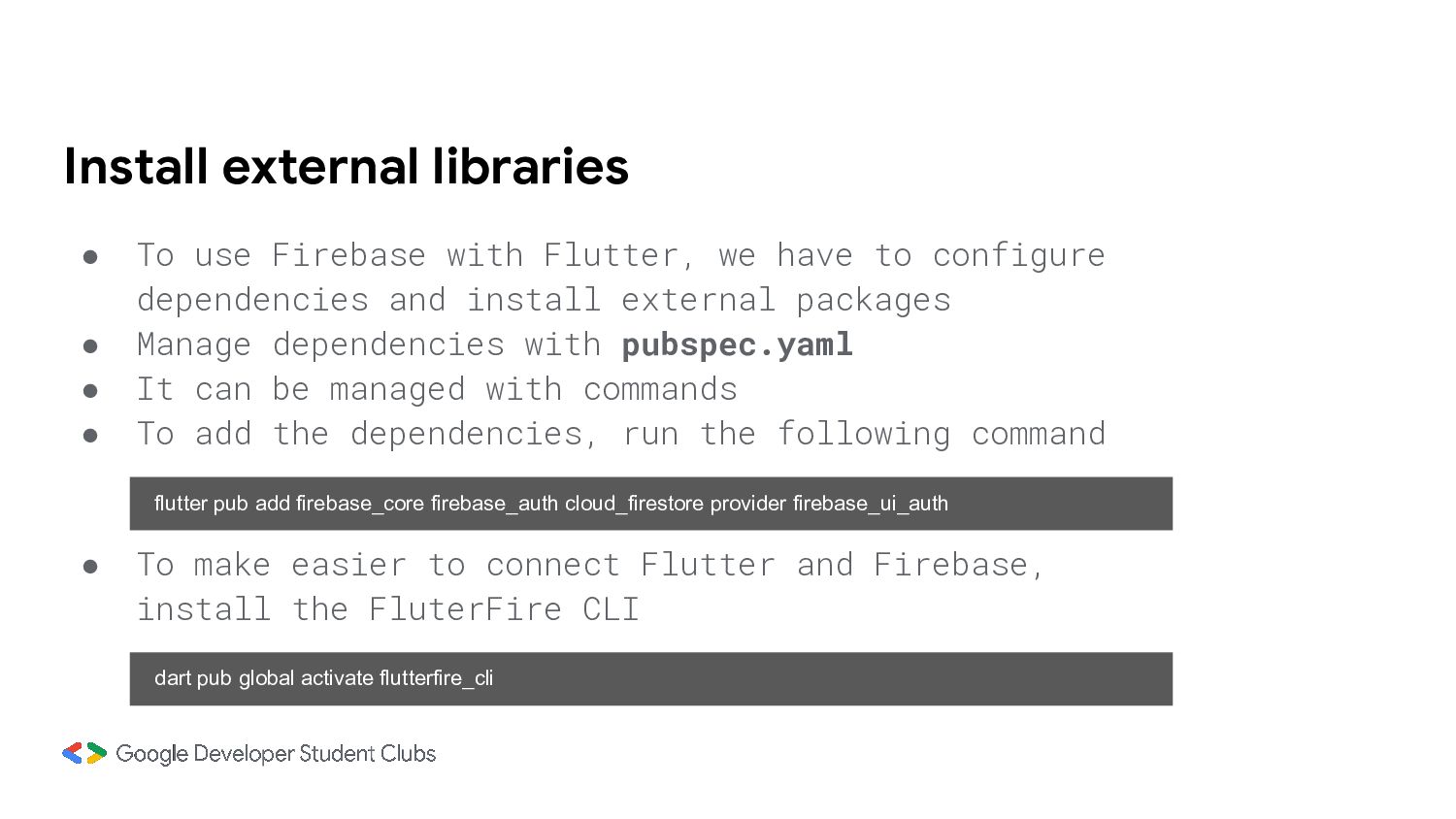
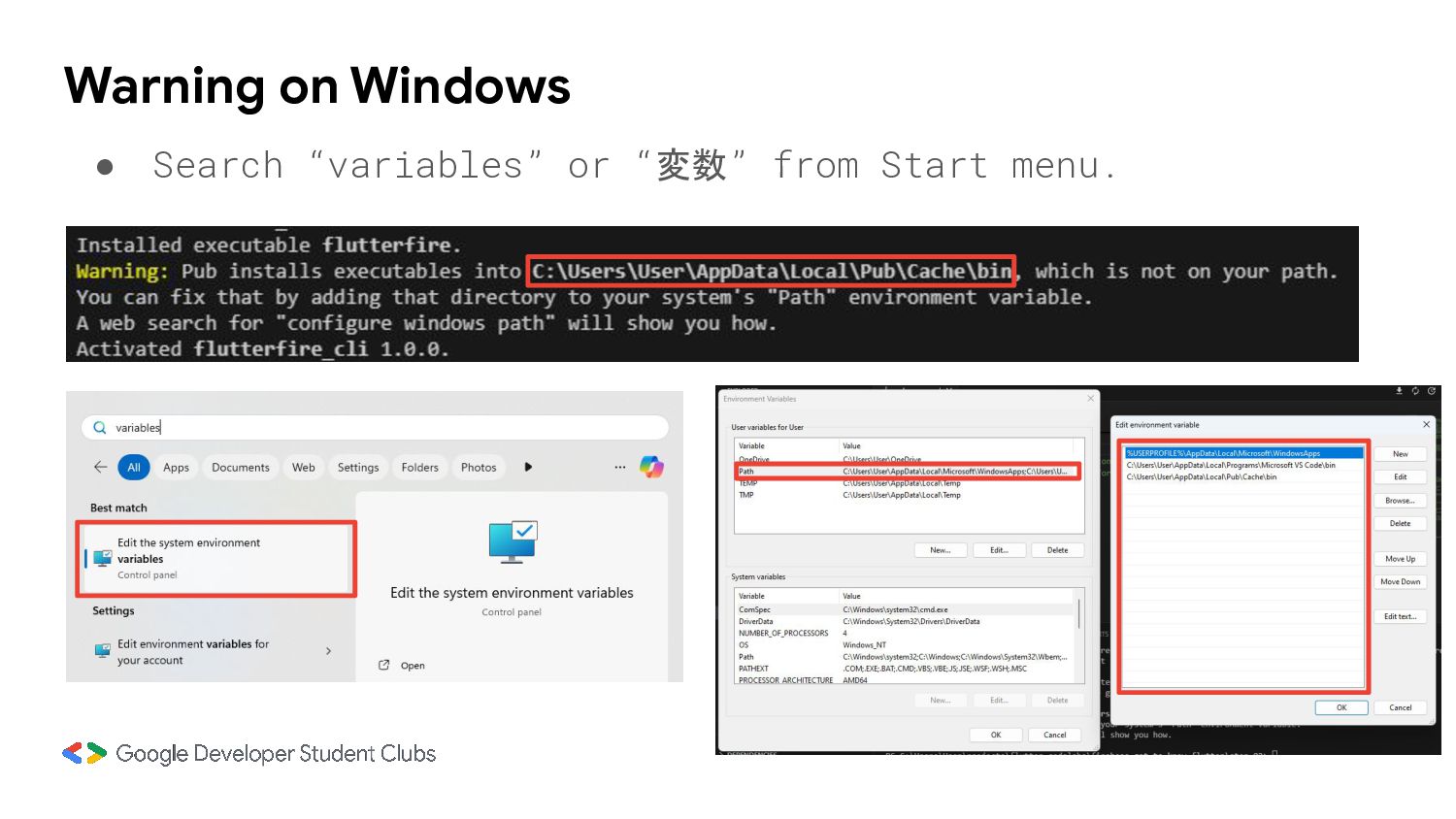
have to configure dependencies and install external packages • Manage dependencies with pubspec.yaml • It can be managed with commands • To add the dependencies, run the following command flutter pub add firebase_core firebase_auth cloud_firestore provider firebase_ui_auth • To make easier to connect Flutter and Firebase, install the FluterFire CLI dart pub global activate flutterfire_cli
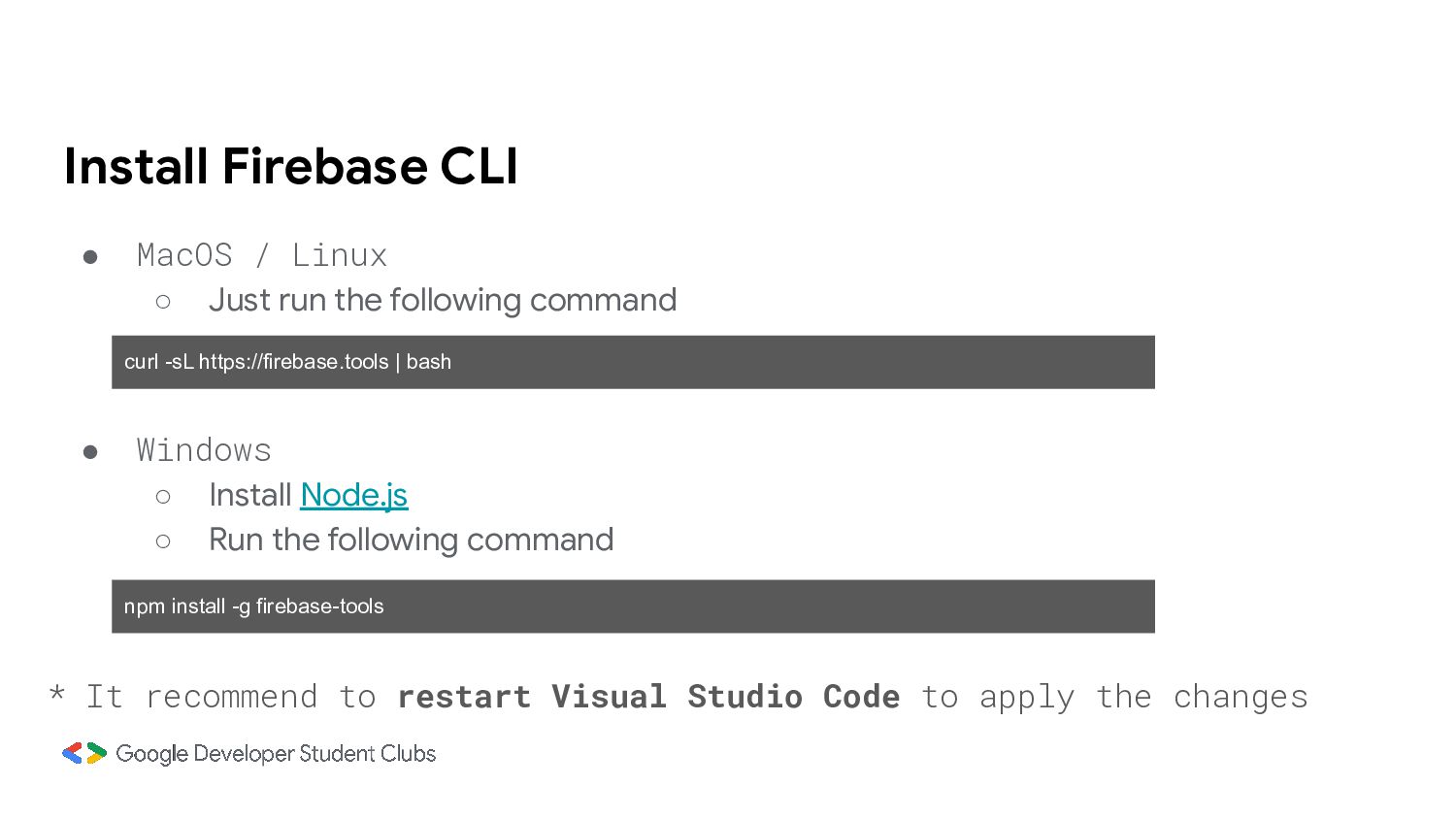
the following command curl -sL https://firebase.tools | bash • Windows ◦ Install Node.js ◦ Run the following command npm install -g firebase-tools * It recommend to restart Visual Studio Code to apply the changes
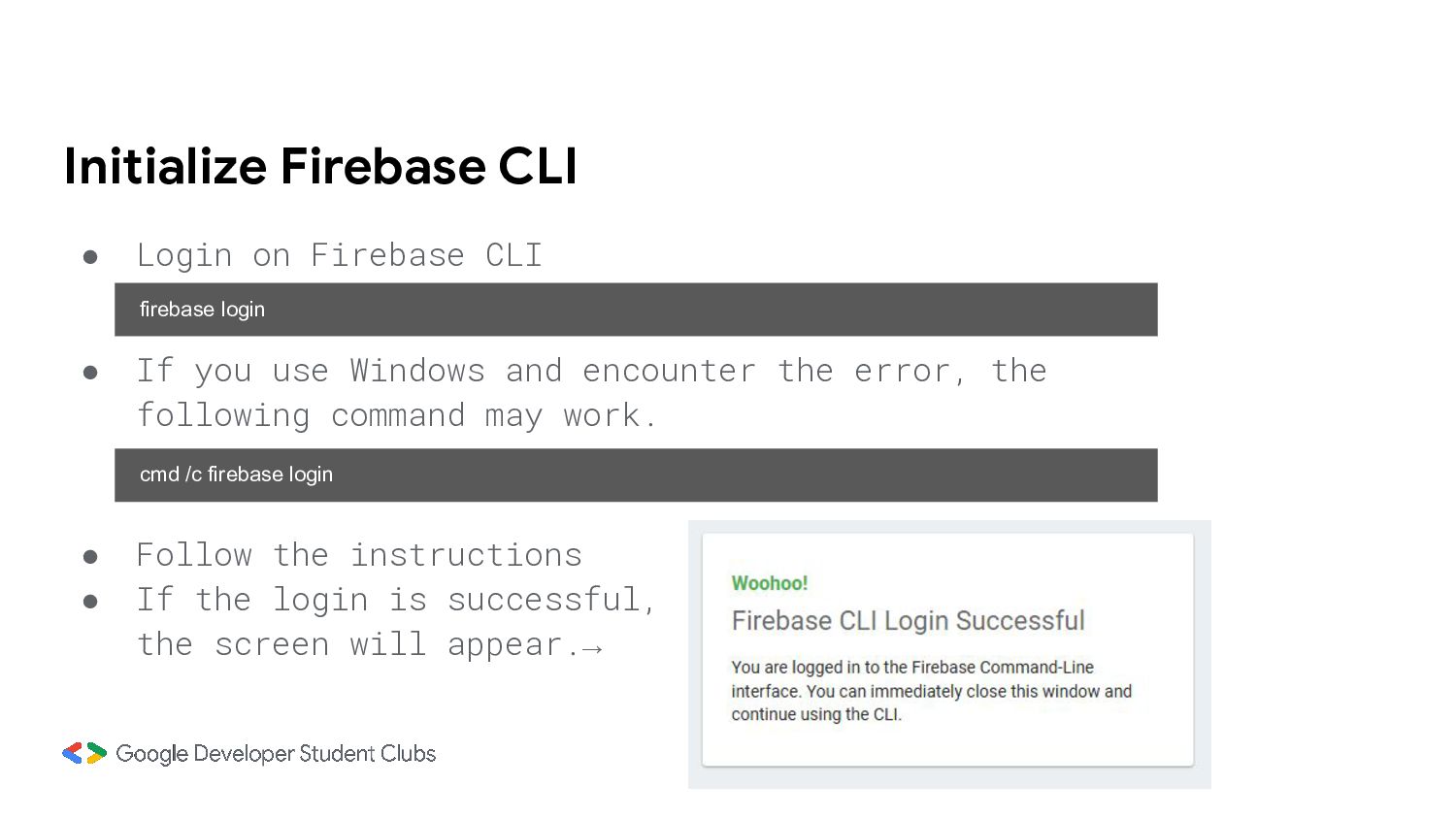
• If you use Windows and encounter the error, the following command may work. cmd /c firebase login • Follow the instructions • If the login is successful, the screen will appear.→
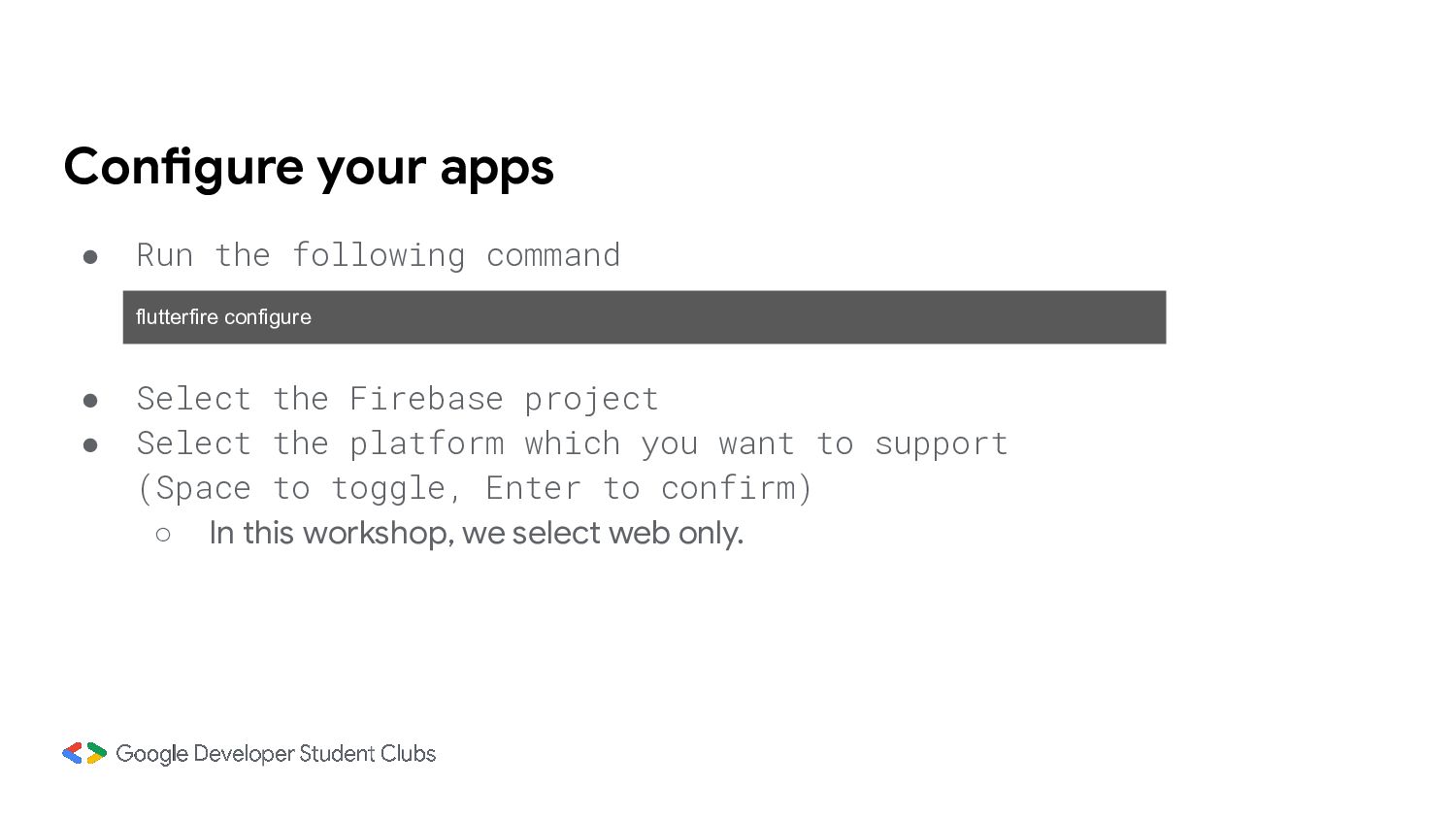
• Select the Firebase project • Select the platform which you want to support (Space to toggle, Enter to confirm) ◦ In this workshop, we select web only.
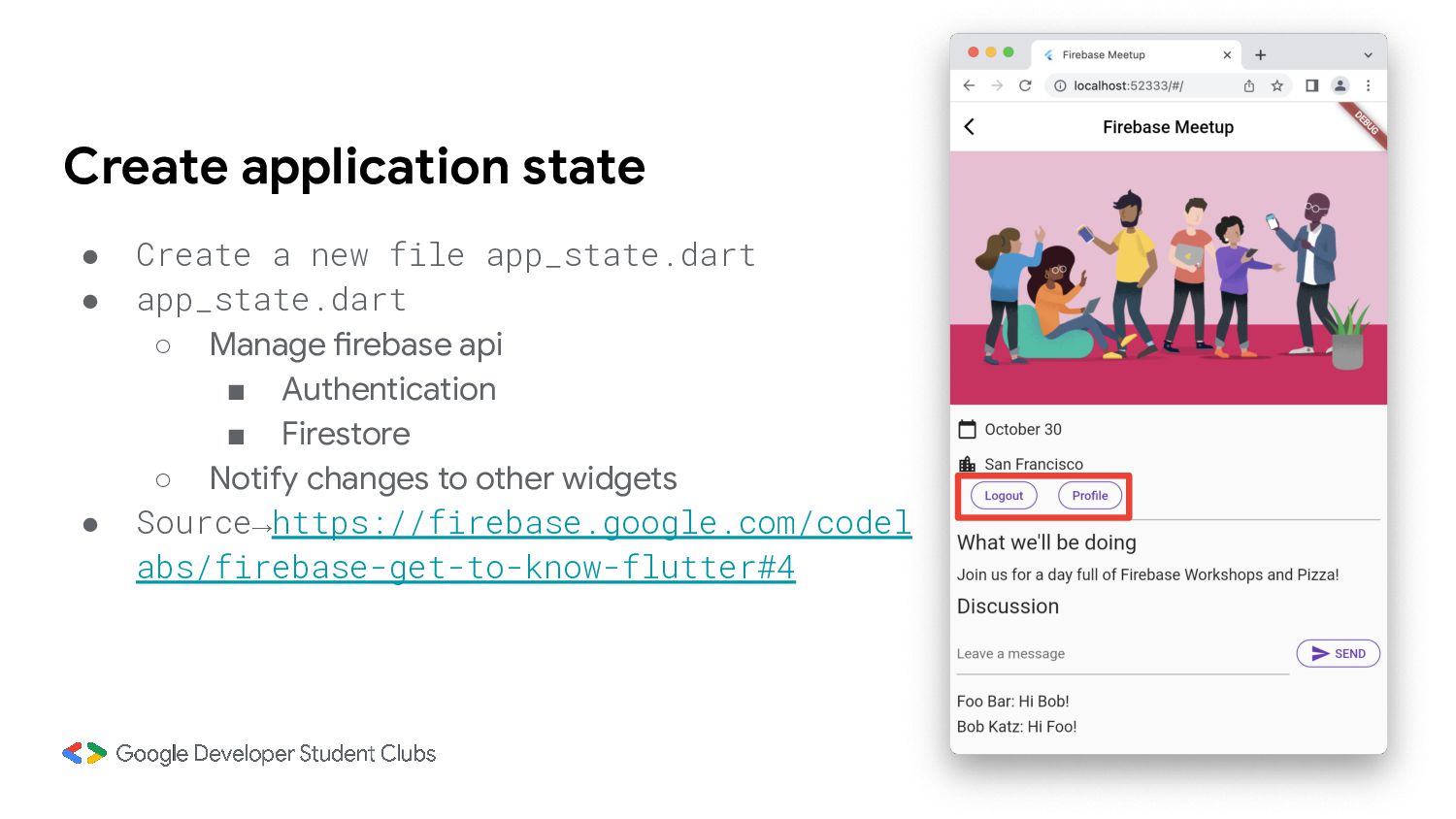
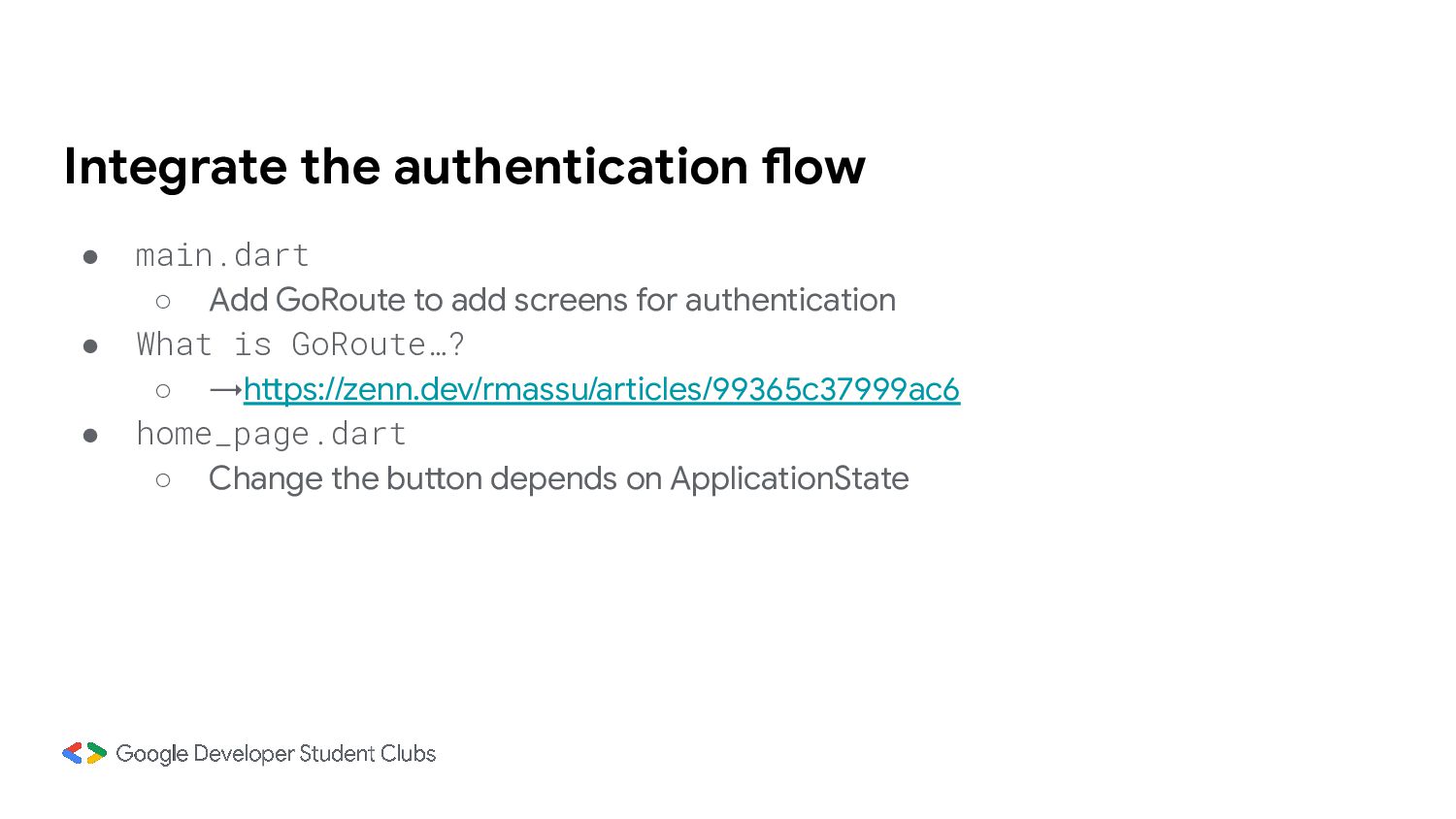
add screens for authentication • What is GoRoute…? ◦ →https://zenn.dev/rmassu/articles/99365c37999ac6 • home_page.dart ◦ Change the button depends on ApplicationState
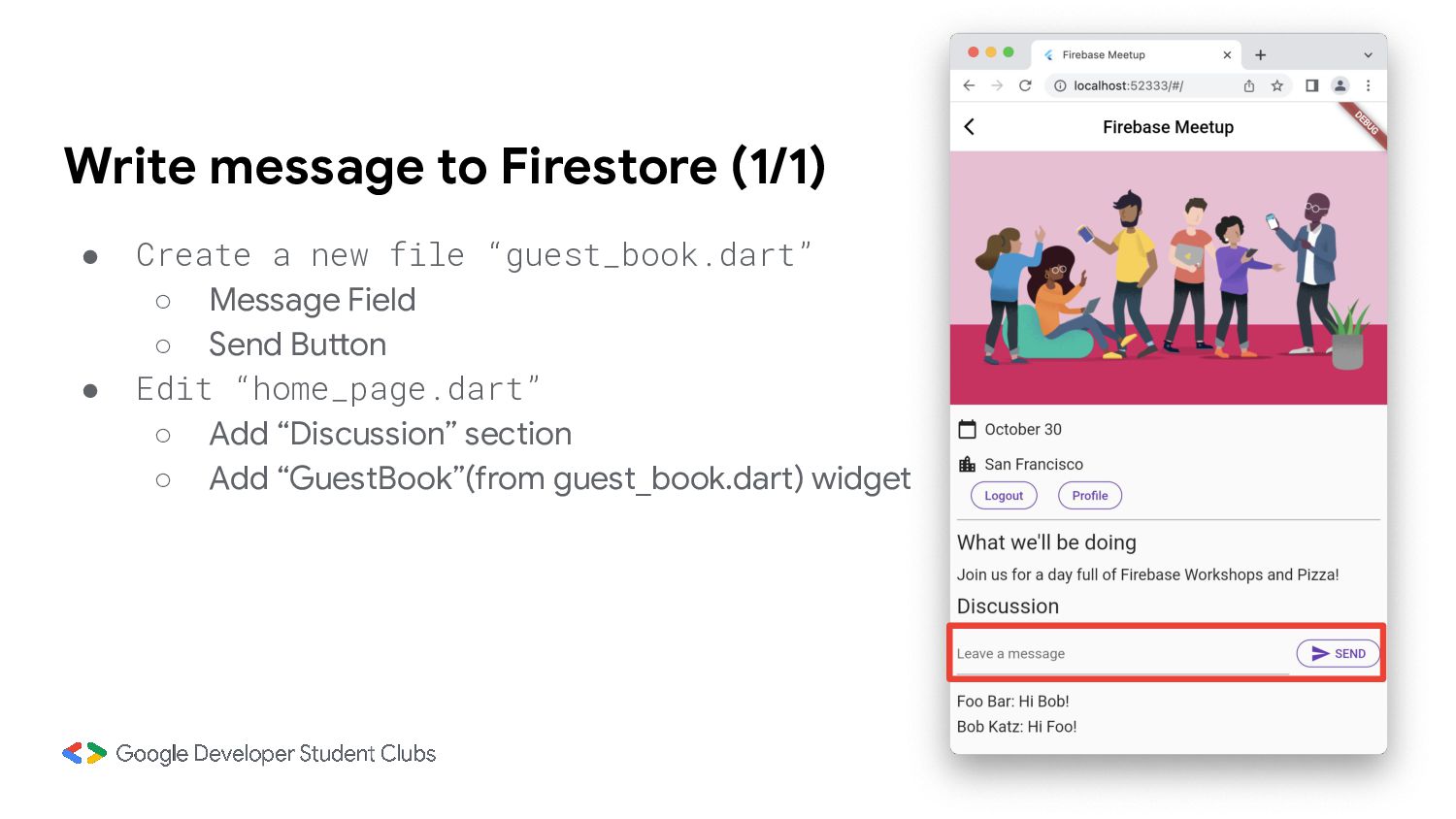
“addMessageToGuestBook” function • Edit “home_page.dart” ◦ Make accessible to ApplicationState ◦ Change show / hide depends on loggedIn ◦ Call addMessageToGuestBook in app_state.dart
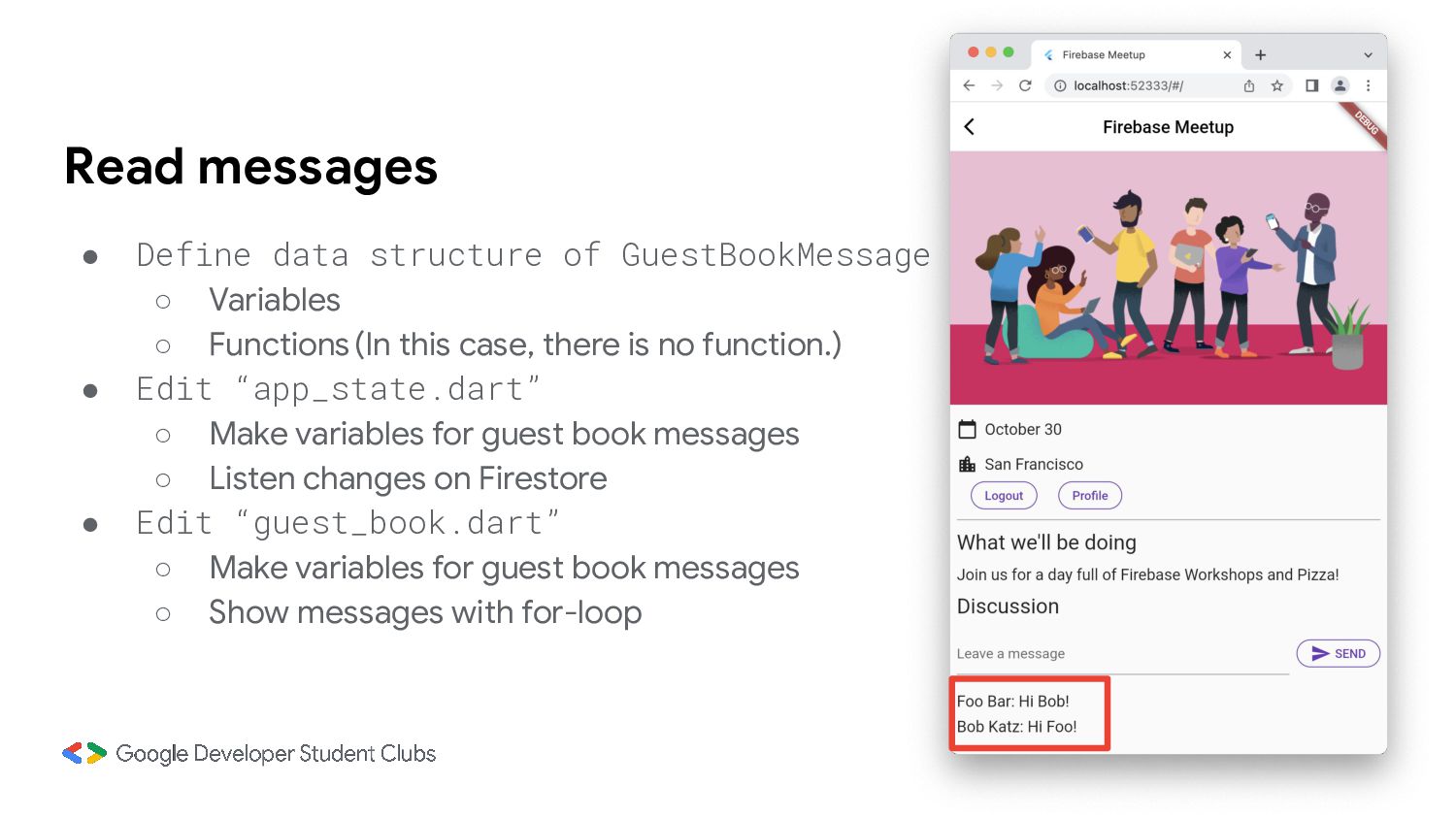
◦ Functions(In this case, there is no function.) • Edit “app_state.dart” ◦ Make variables for guest book messages ◦ Listen changes on Firestore • Edit “guest_book.dart” ◦ Make variables for guest book messages ◦ Show messages with for-loop

 Your Podcast. Everywhere. Effortlessly.


 gdsctmu
 tapps
tapps
 techseoconnect
 jdejongh
 axbom
axbom
 codingconduct
 brad_frost
 letsgokoyo
 pwiseman
 jacobian
 427marketing
 ammeep
 tammielis