Upgrade to Pro
— share decks privately, control downloads, hide ads and more …
Speaker Deck
Sign up for free
Menu
Search
Features
All features
Private URLs
Password Protection
Custom URLS
Scheduled publishing
Remove Branding
Restrict embedding
Deck Collections
Notes
Features
All features
Private URLs
Password Protection
Custom URLS
Scheduled publishing
Remove Branding
Restrict embedding
Deck Collections
Notes
Explore
Featured decks
Featured speakers
Programming
Technology
Storyboards
Explore
Featured decks
Featured speakers
Programming
Technology
Storyboards
Pricing
Search
Sign in
Sign up for free
CSS Modules, CSS Variables and the Future of Re...
Search
Glen Maddern
May 11, 2016
Technology
1.3k
9
Share
Embed
Copy iframe code
Copy JS code
Copy link
Start on current slide
CSS Modules, CSS Variables and the Future of Reusable CSS
Presented at CSSConf Budapest, 2016 <3
Glen Maddern
May 11, 2016
More Decks by Glen Maddern
See All by Glen Maddern
The Road to Styled Components & the Road Ahead
geelen
2
270
The Road to Styled Components
geelen
2
1.5k
Styled Components and the Road to Unification
geelen
2
310
The Future of Reusable CSS
geelen
2
240
Other Decks in Technology
See All in Technology
触りたくないデータに、どう触るか AI時代のRBACアクセスガバナンス
ivry_presentationmaterials
0
270
Temporal 最高!でも改めて「日付」について調べたら人類の負債すぎる件
riyaamemiya
0
150
AIカンパニーへの転換を支えた、エンジニアの仕事の再定義
kworkdev
PRO
2
1.2k
オントロジーって 結局なにもの? AI エージェントに「意味」を渡す知識設計の話
greenmidori
0
200
Rustuna: Rustによる高速なOptuna実装
pfn
PRO
0
190
Webの常識が通じないHTMLメールのダークモード
teamlab
PRO
0
120
OptunaHub: ブラックボックス最適化のためのプラットフォーム
pfn
PRO
0
140
"優秀な誰か"の下位互換にならないために
yut0naga1_fa
1
1.8k
AIにシークレットを見せない、WSL2で安全な開発環境
yazm
0
300
Persisting Massive Data with Rails ~Designing for 60 billion rows, and fighting the bottlenecks~ Railsで挑む大量データ永続化 〜600億件を永続化するための設計とボトルネックとの戦い〜
occhi
0
730
今さら理解するウェブフォントver.2026
takanorip
3
820
[JAWS-UG彩の国埼玉#12]そろそろ準備する?re:Invent2026をやさしく解説 / reinvent2026-sainokuni
sh_fk2
1
340
Featured
See All Featured
Unlocking the hidden potential of vector embeddings in international SEO
frankvandijk
0
990
Done Done
chrislema
187
17k
Marketing to machines
jonoalderson
1
5.9k
Max Prin - Stacking Signals: How International SEO Comes Together (And Falls Apart)
techseoconnect
PRO
0
490
A designer walks into a library…
pauljervisheath
211
25k
Facilitating Awesome Meetings
lara
57
7.2k
A Tale of Four Properties
chriscoyier
163
24k
I Don’t Have Time: Getting Over the Fear to Launch Your Podcast
jcasabona
35
2.9k
Faster Mobile Websites
deanohume
310
32k
Optimising Largest Contentful Paint
csswizardry
37
4k
Efficient Content Optimization with Google Search Console & Apps Script
katarinadahlin
PRO
1
930
Bridging the Design Gap: How Collaborative Modelling removes blockers to flow between stakeholders and teams @FastFlow conf
baasie
0
730
Transcript
Reusable CSS CSS VARIABLES, CSS MODULES & THE FUTURE OF
@glenmaddern
HELLO BUDAPEST! ♥
Reusable CSS CSS VARIABLES, CSS MODULES & THE FUTURE OF
@glenmaddern
None
WHY IS IT SO HARD TO SHARE CSS?
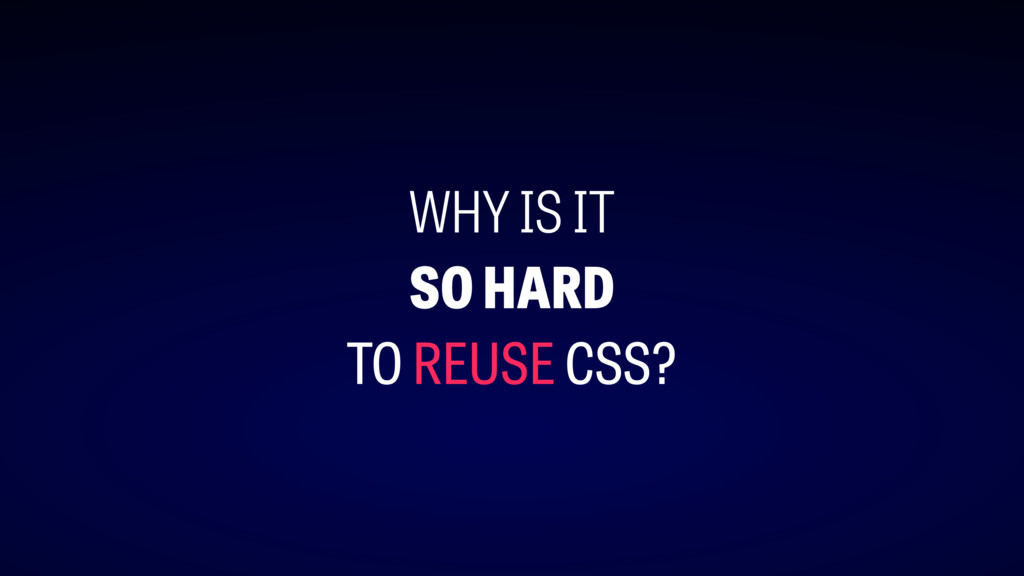
WHY IS IT SO HARD TO REUSE CSS?
import something from 'somewhere' something.leftPad()
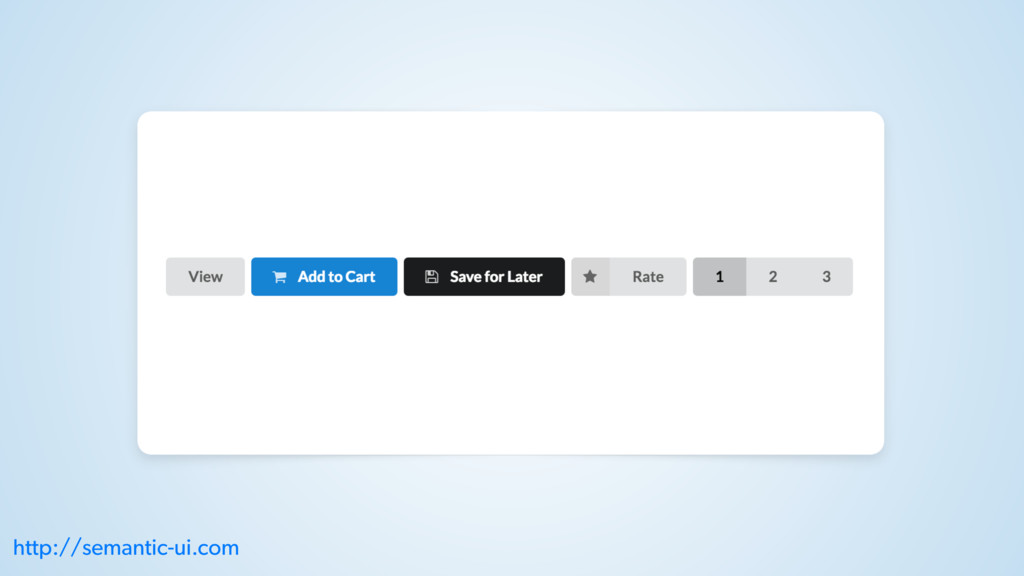
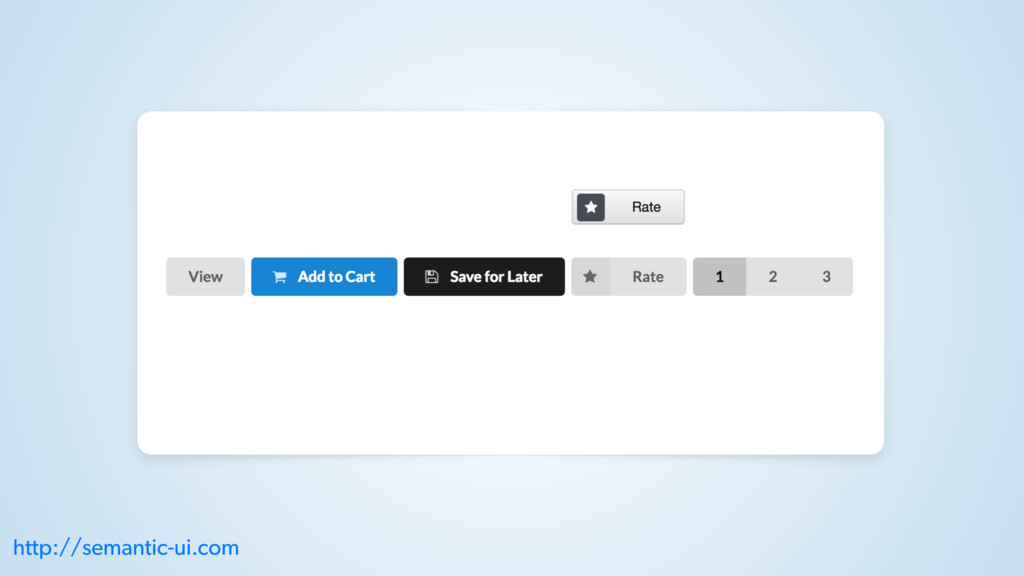
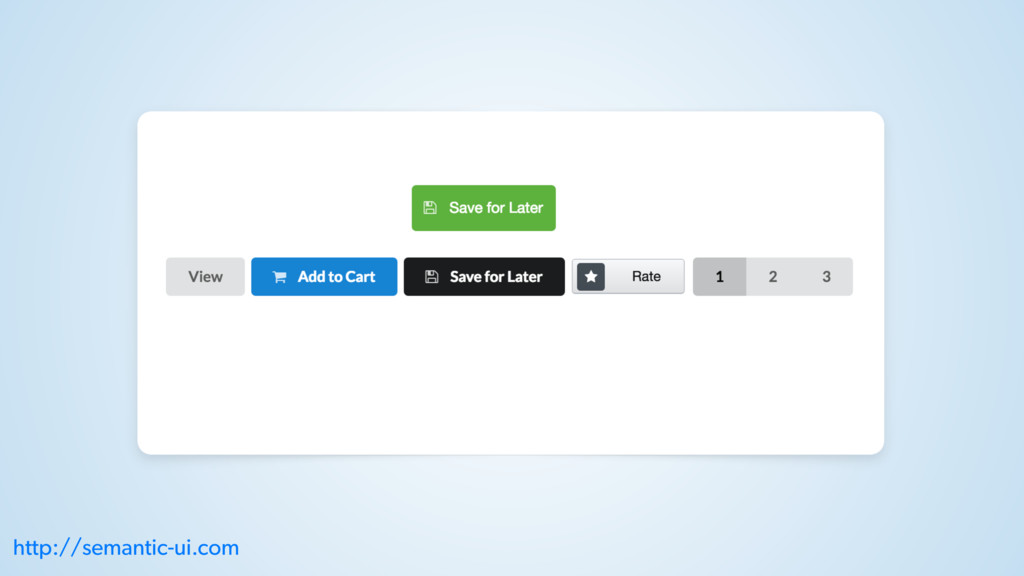
THE HUMAN BRAIN IS A (IN)CONSISTENCY-DETECTING MACHINE
http://semantic-ui.com
http://semantic-ui.com
http://semantic-ui.com
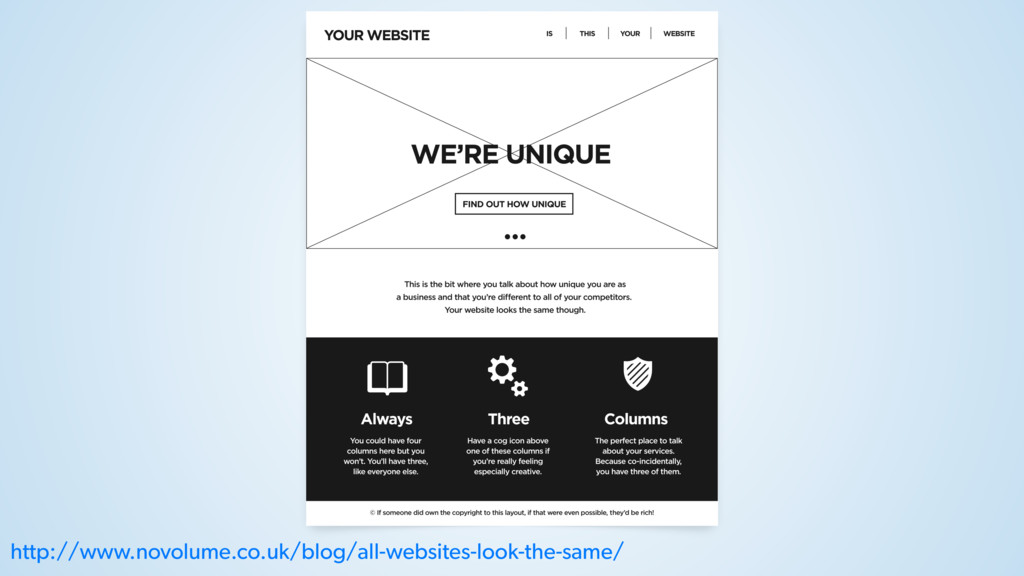
http://www.novolume.co.uk/blog/all-websites-look-the-same/
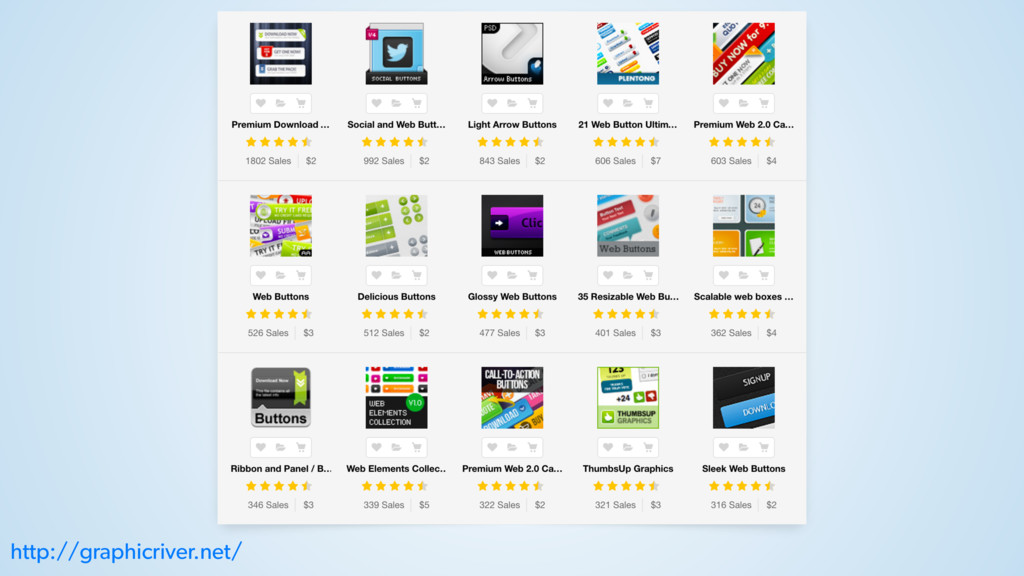
http://graphicriver.net/
None
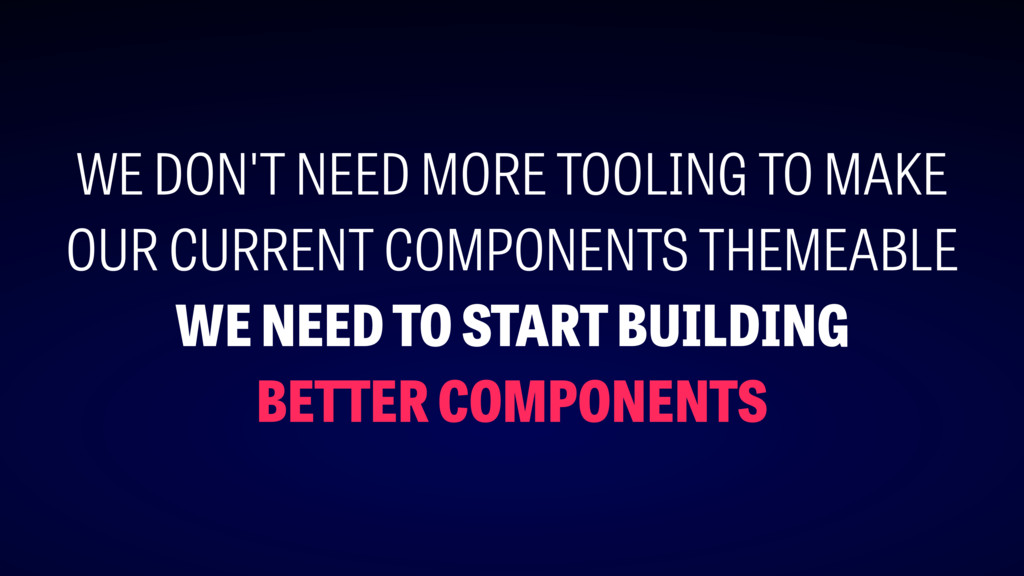
WE DON'T NEED MORE TOOLING TO MAKE OUR CURRENT COMPONENTS
THEMEABLE WE NEED TO START BUILDING BETTER COMPONENTS
st ep #1
RESPONSIVE COMPONENTS
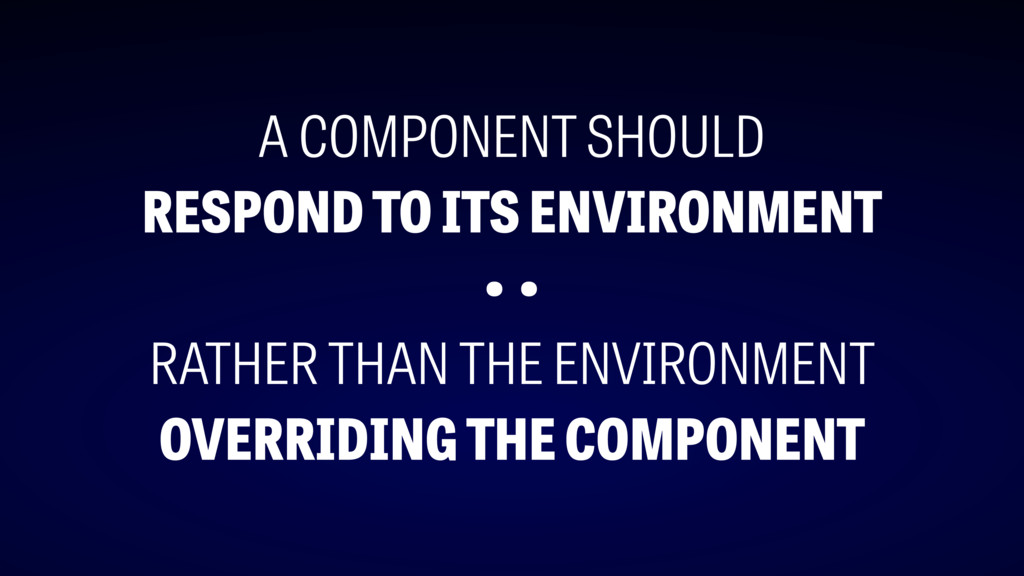
A COMPONENT SHOULD RESPOND TO ITS ENVIRONMENT • • RATHER
THAN THE ENVIRONMENT OVERRIDING THE COMPONENT
OUTSIDE-IN OVERRIDES
https://en.wikipedia.org/wiki/Margaret_Hamilton_(scientist)
http://semantic-ui.com
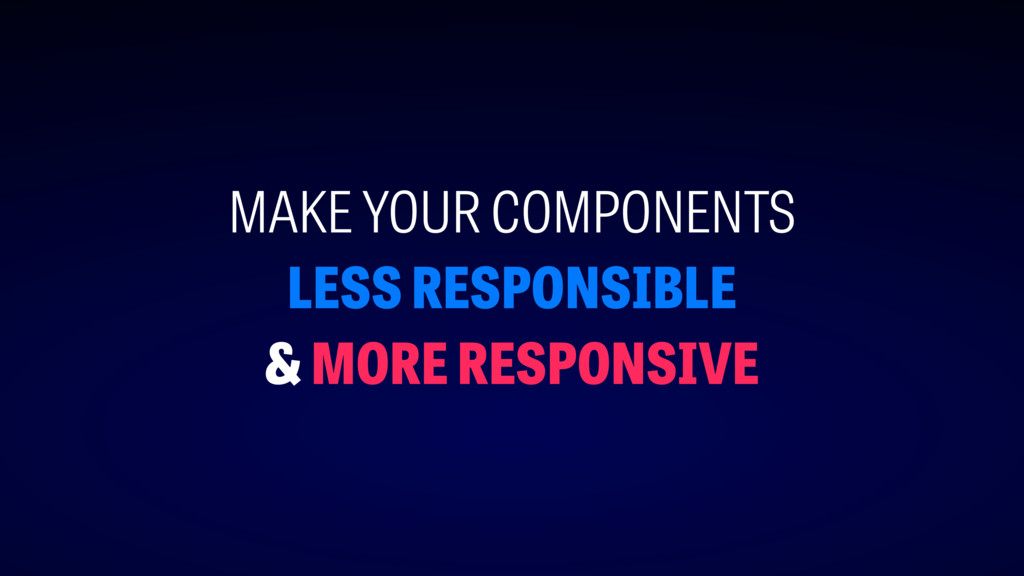
MAKE YOUR COMPONENTS LESS RESPONSIBLE & MORE RESPONSIVE
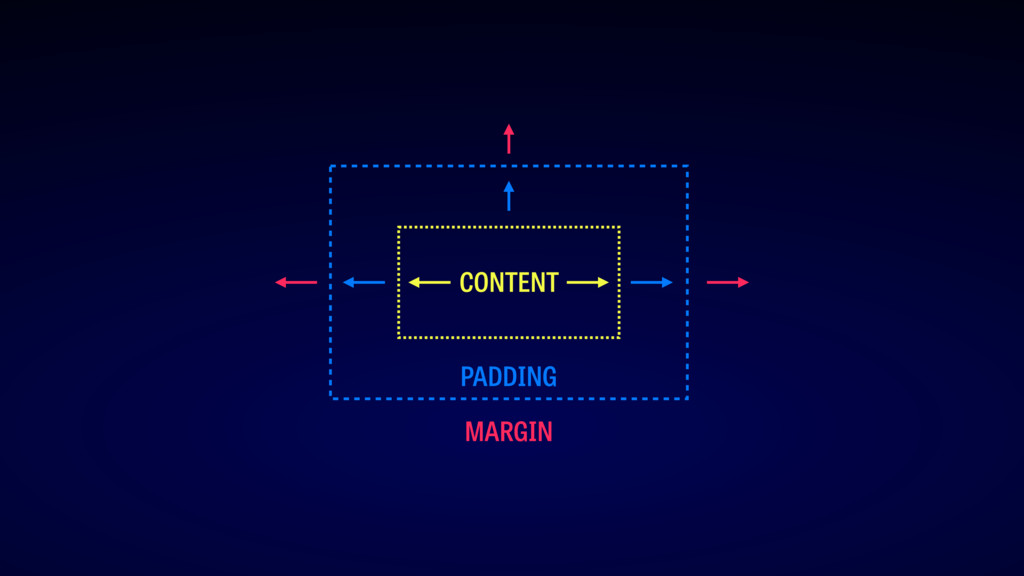
layout
PADDING CONTENT MARGIN
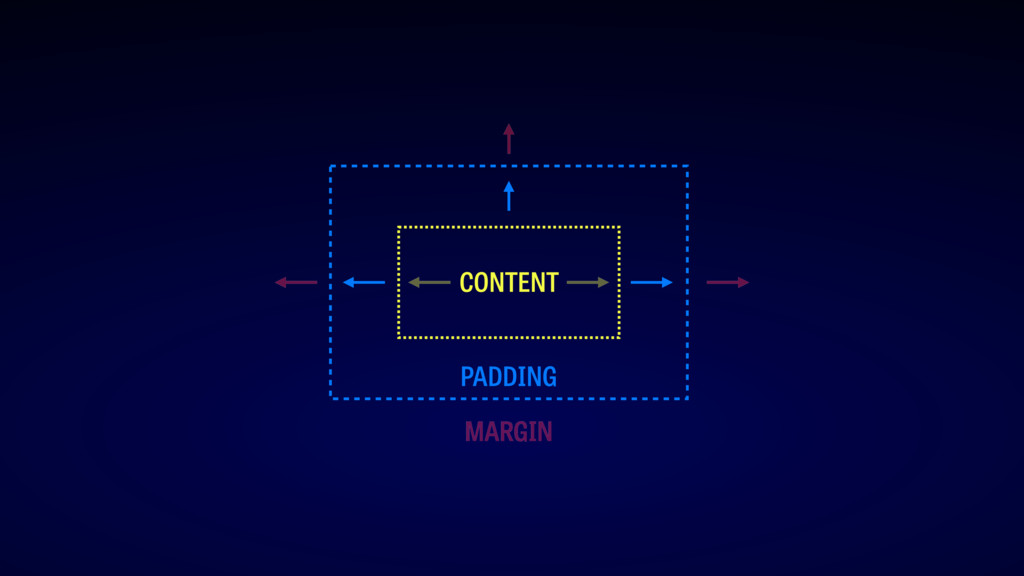
PADDING CONTENT MARGIN
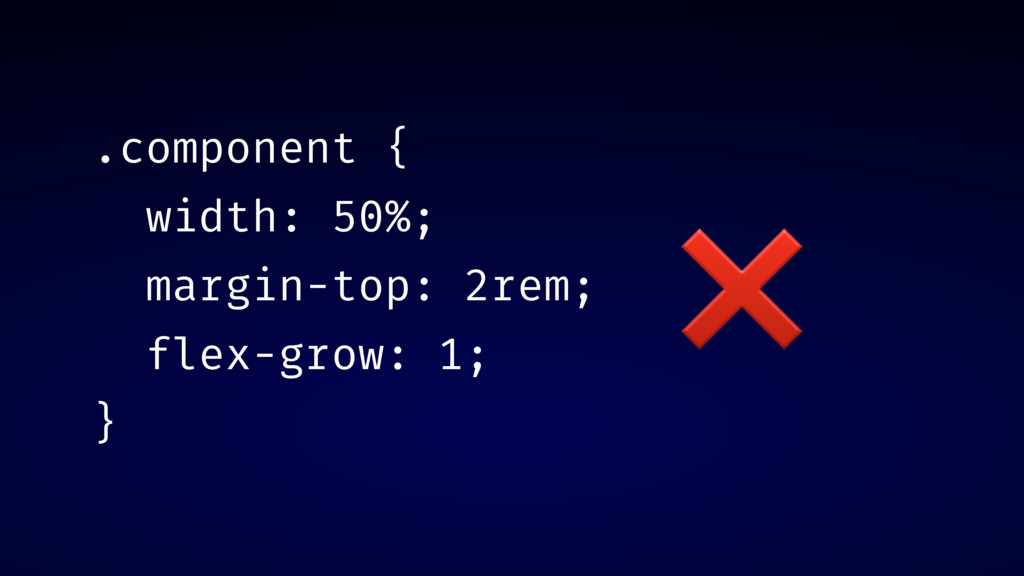
.component { width: 50%; margin-top: 2rem; flex-grow: 1; } ❌
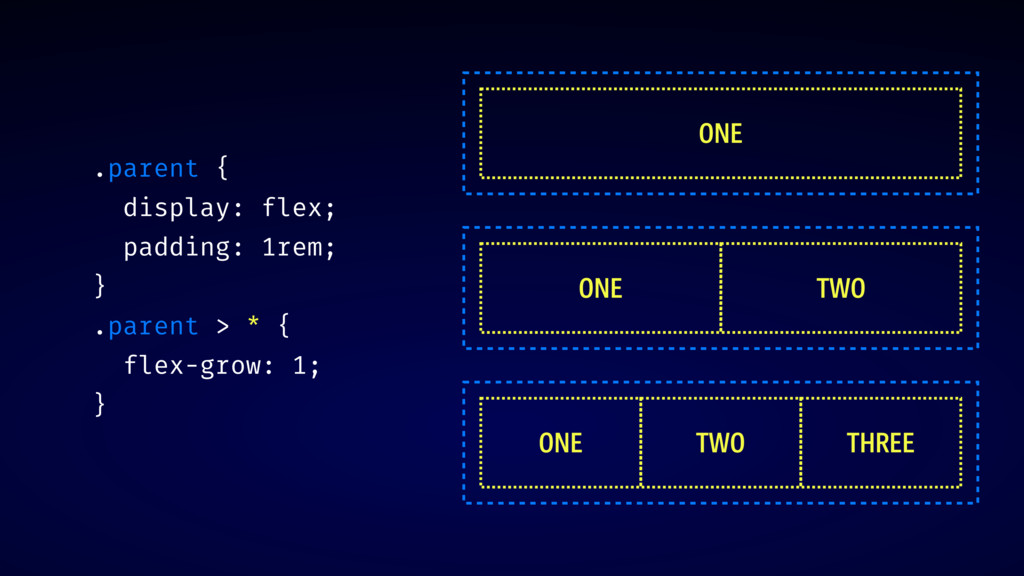
.parent { display: flex; padding: 1rem; } .parent > *
{ flex-grow: 1; } ONE ONE TWO ONE TWO THREE
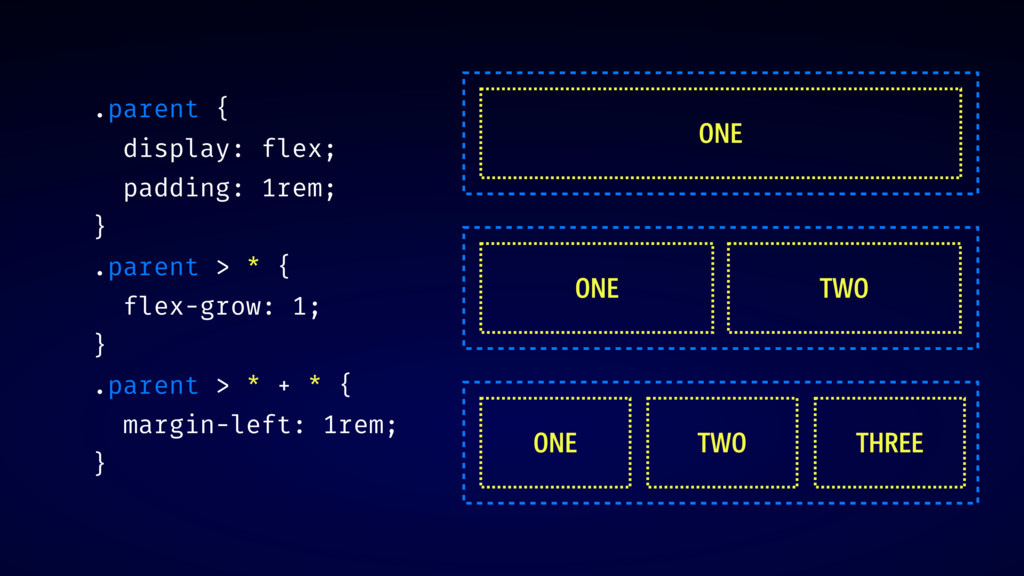
.parent { display: flex; padding: 1rem; } .parent > *
{ flex-grow: 1; } .parent > * + * { margin-left: 1rem; } ONE ONE TWO ONE TWO THREE
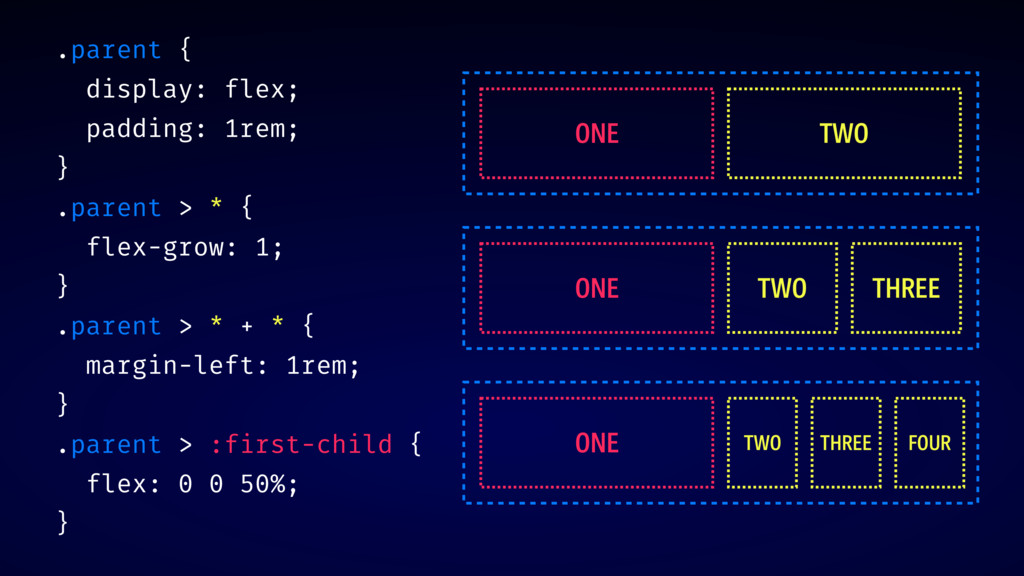
.parent { display: flex; padding: 1rem; } .parent > *
{ flex-grow: 1; } .parent > * + * { margin-left: 1rem; } .parent > :first-child { flex: 0 0 50%; } ONE TWO ONE TWO THREE ONE TWO THREE FOUR
LAYOUT IS THE CONCERN OF THE p arent
DEMO: CURRENTCOLOR
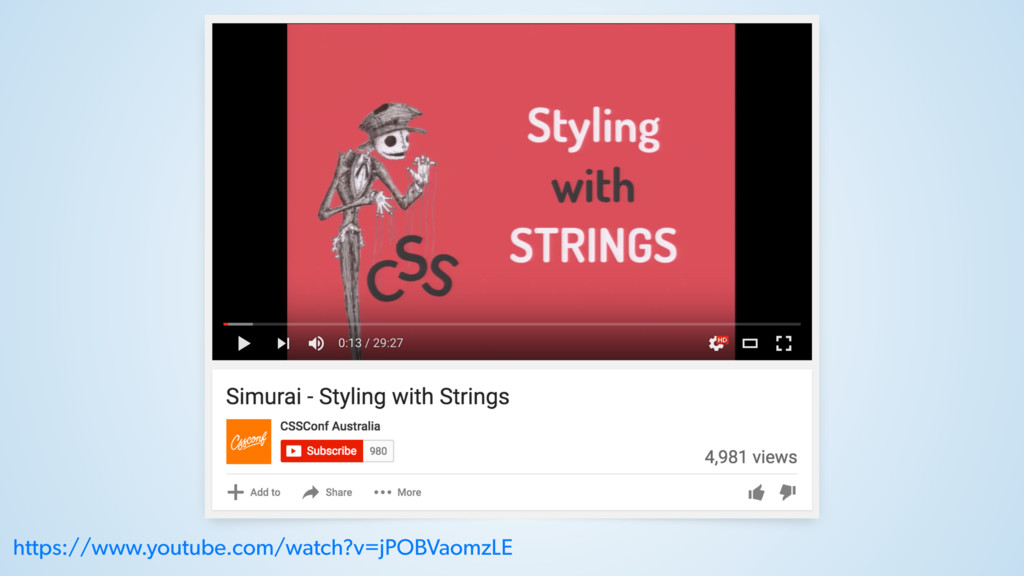
https://www.youtube.com/watch?v=jPOBVaomzLE
css v ari able s
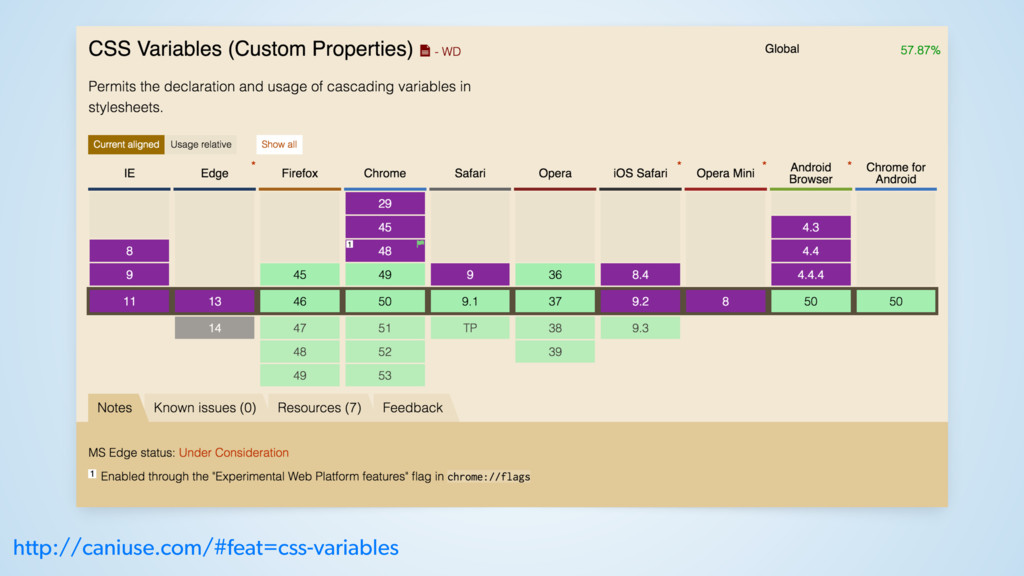
http://caniuse.com/#feat=css-variables
CSS CUSTOM PROPERTIES CSS VARIABLES =
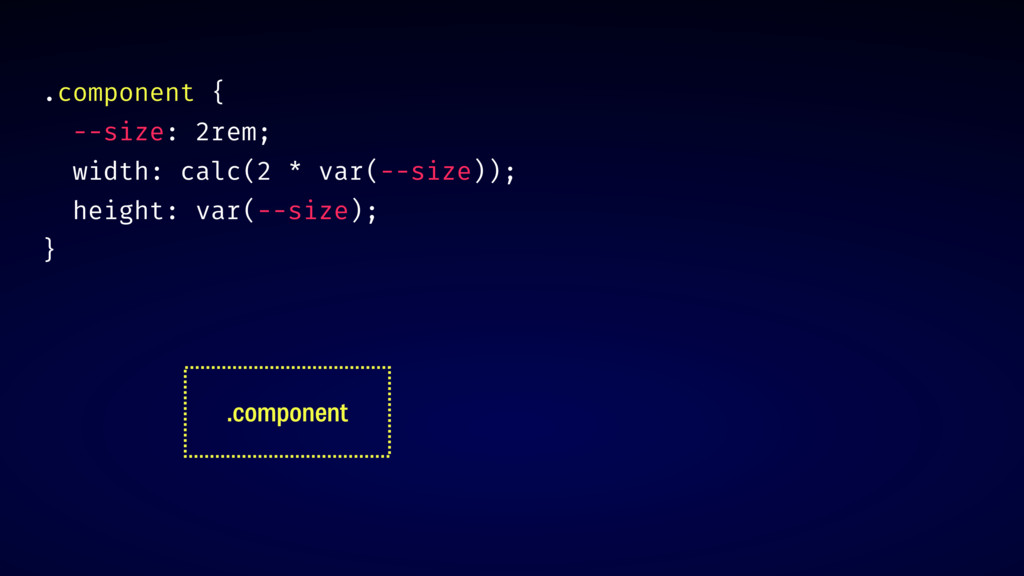
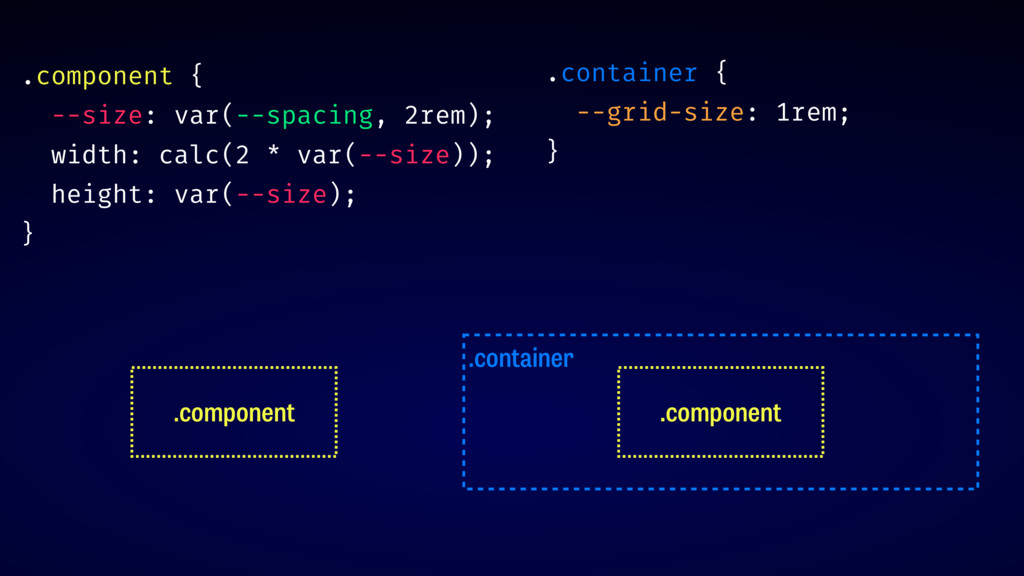
.component { --size: 2rem; width: calc(2 * var(--size)); height: var(--size);
} .component
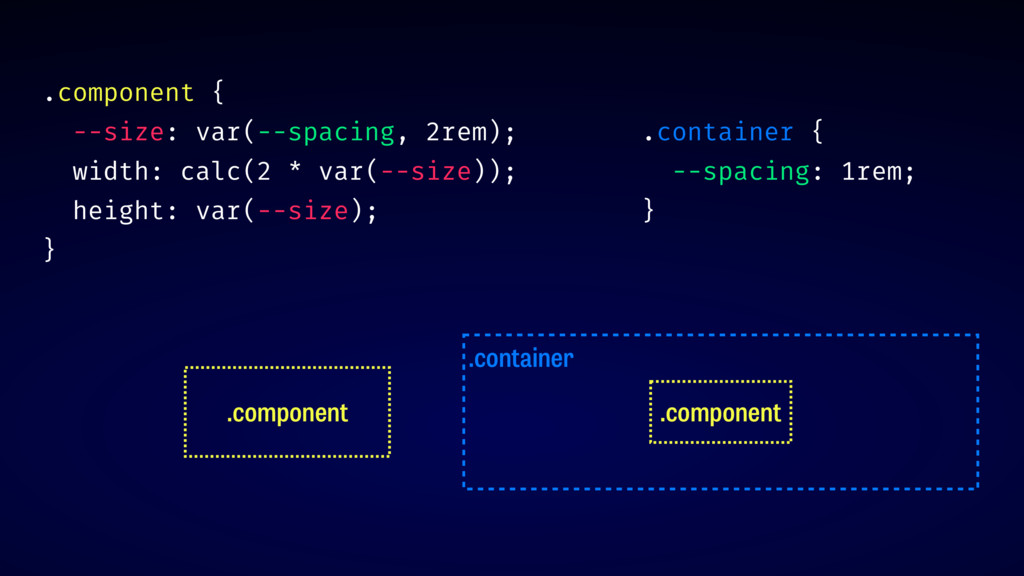
.component { --size: var(--spacing, 2rem); width: calc(2 * var(--size)); height:
var(--size); } .component .container .component .container { --spacing: 1rem; }
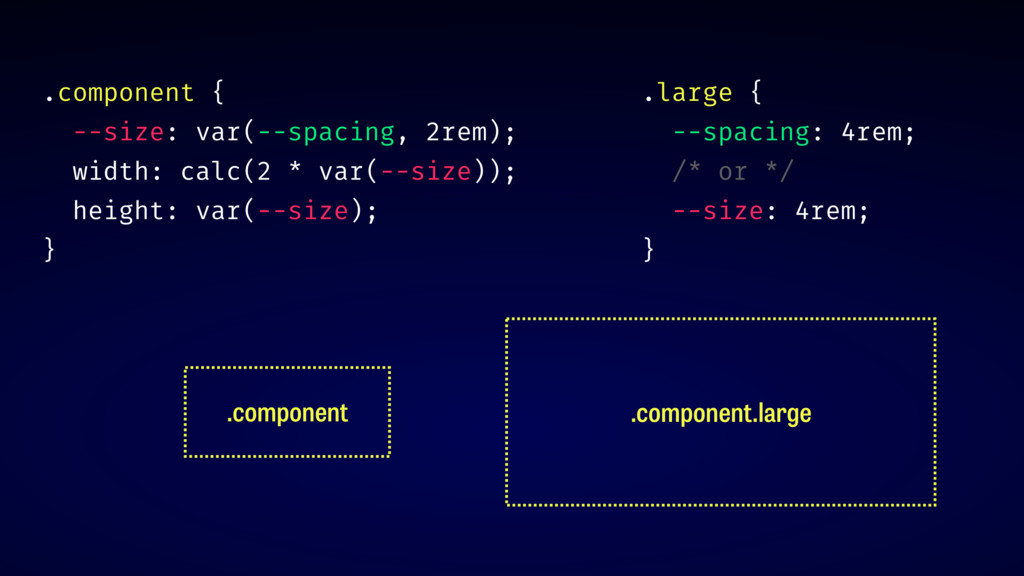
.component { --size: var(--spacing, 2rem); width: calc(2 * var(--size)); height:
var(--size); } .component .component.large .large { --spacing: 4rem; /* or */ --size: 4rem; }
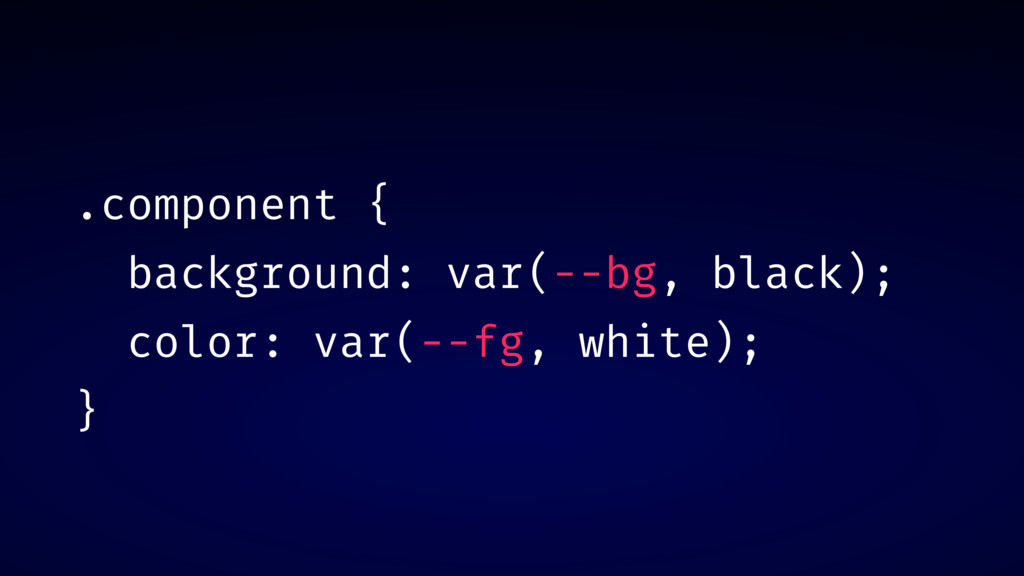
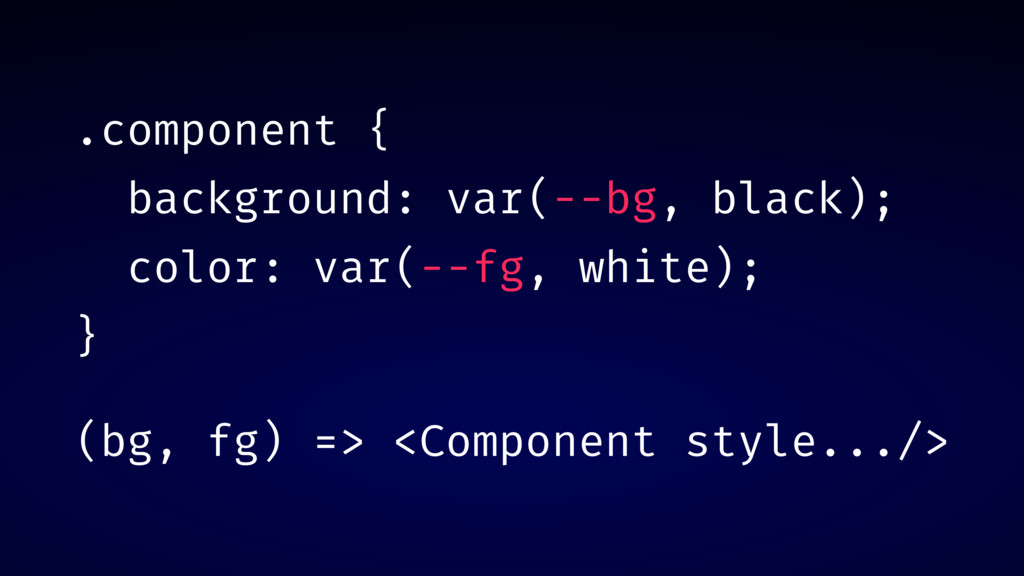
.component { background: var(--bg, black); color: var(--fg, white); }
.component { background: var(--bg, black); color: var(--fg, white); } (bg,
fg) => <Component style.../>
DEMO: INVERTED BUTTON
INHERITANCE THE CASCADE vs
st ep #2
EXPLICIT COMPONENTS
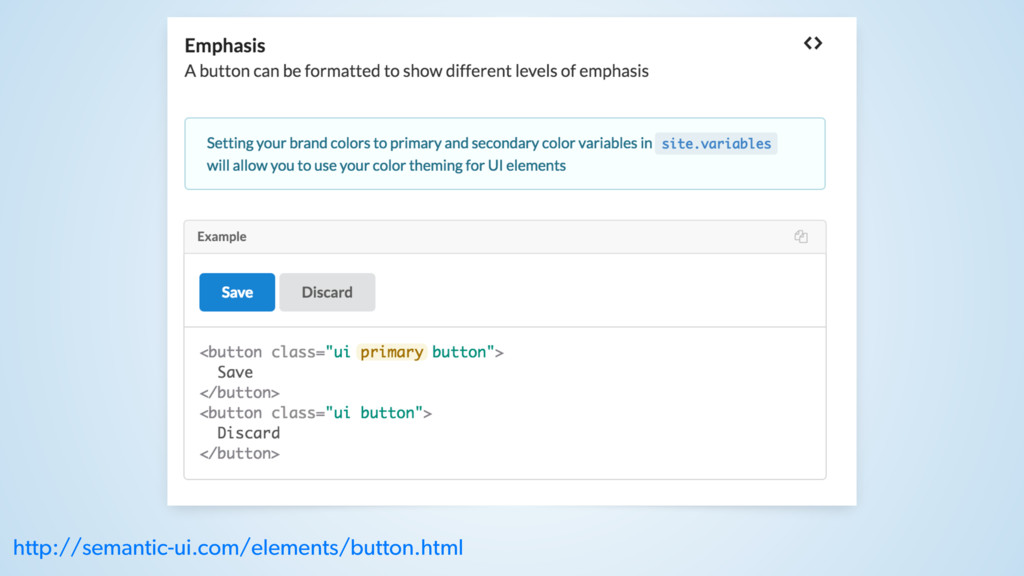
http://semantic-ui.com/elements/button.html
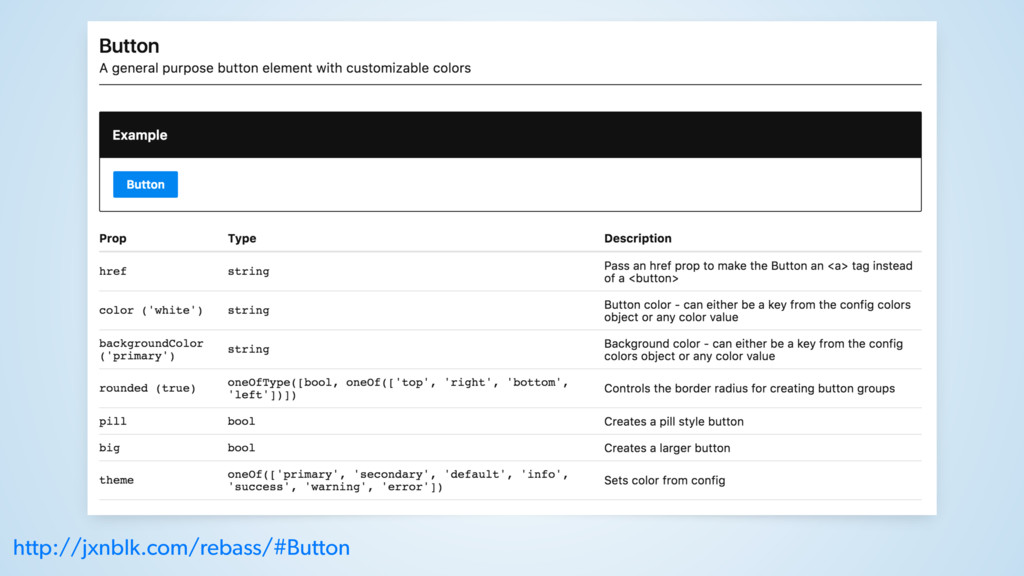
http://jxnblk.com/rebass/#Button
DEMO: DOCUMENTATION
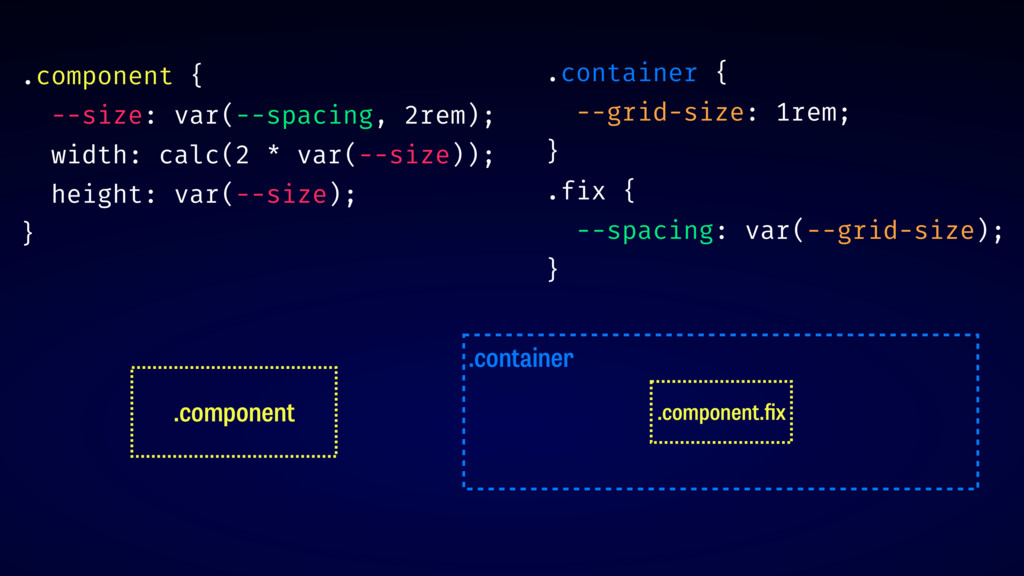
NAMING MISMATCHES?
.container .container { --grid-size: 1rem; } .component .component .component {
--size: var(--spacing, 2rem); width: calc(2 * var(--size)); height: var(--size); }
.component .container .component.fix .container { --grid-size: 1rem; } .fix {
--spacing: var(--grid-size); } .component { --size: var(--spacing, 2rem); width: calc(2 * var(--size)); height: var(--size); }
st ep #3
RESILIENT COMPONENTS
w arning: re act
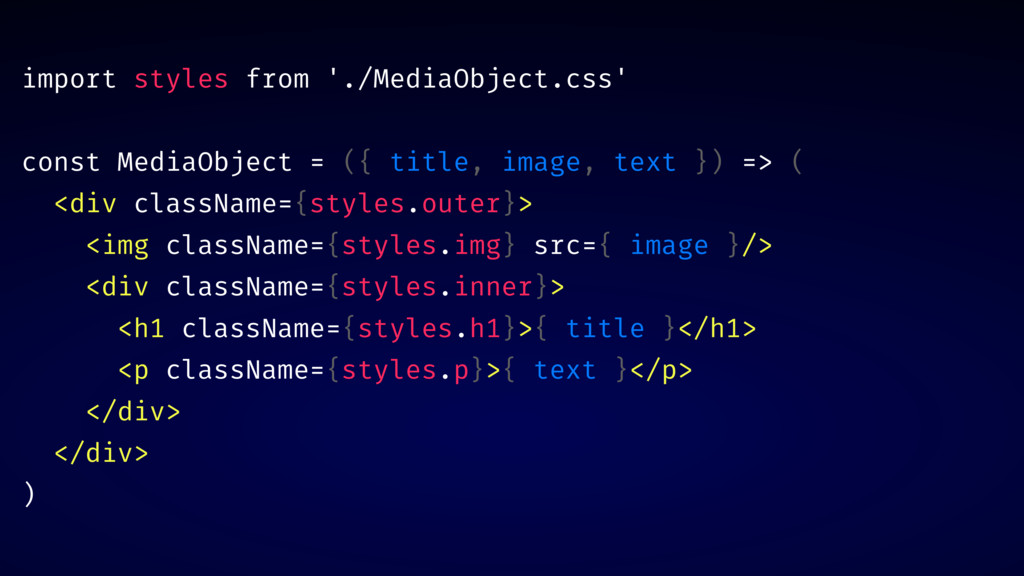
import styles from './MediaObject.css' const MediaObject = ({ title, image,
text }) => ( <div className={styles.outer}> <img className={styles.img} src={ image }/> <div className={styles.inner}> <h1 className={styles.h1}>{ title }</h1> <p className={styles.p}>{ text }</p> </div> </div> )
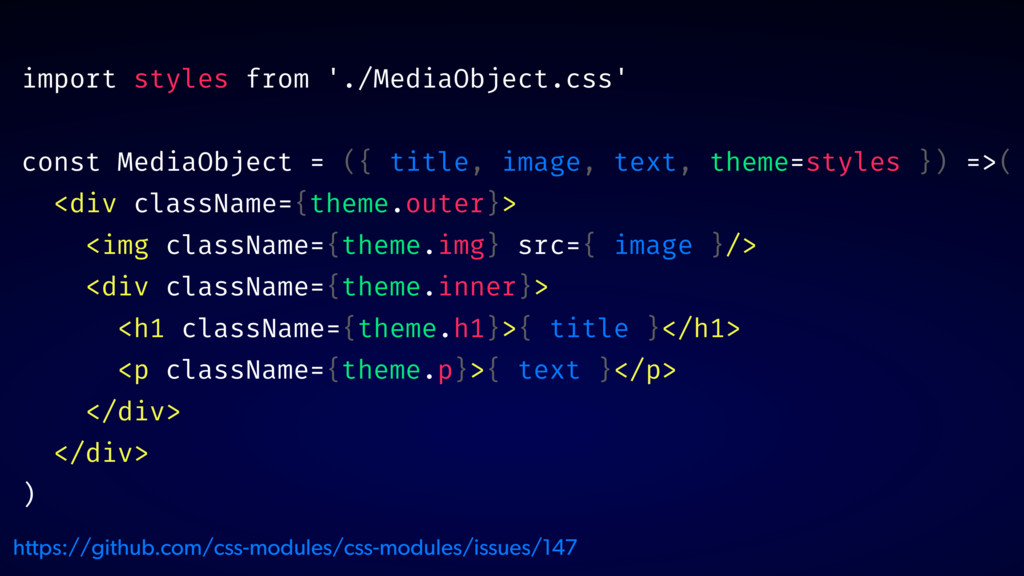
import styles from './MediaObject.css' const MediaObject = ({ title, image,
text, theme=styles }) =>( <div className={theme.outer}> <img className={theme.img} src={ image }/> <div className={theme.inner}> <h1 className={theme.h1}>{ title }</h1> <p className={theme.p}>{ text }</p> </div> </div> ) https://github.com/css-modules/css-modules/issues/147
DEMO: INTERNAL STRUCTURE DOCS
✅ RESPOND TO ENVIRONMENT ✅ USE INTERNAL VARIABLES ✅ EXPOSE
INTERNAL STRUCTURE
t hank you! @glenmaddern


 geelen
 ivry_presentationmaterials
 riyaamemiya
 kworkdev
 greenmidori
 pfn
pfn
 teamlab
 yut0naga1_fa
 yazm
yazm
 occhi
occhi
 takanorip
 sh_fk2
 frankvandijk
 chrislema
 jonoalderson
 techseoconnect
 pauljervisheath
 lara
lara
 chriscoyier
 jcasabona
 deanohume
 csswizardry
 katarinadahlin
 baasie