Upgrade to Pro — share decks privately, control downloads, hide ads and more …

CSC307 Lecture 16

Sponsored · Your Podcast. Everywhere. Effortlessly. Share. Educate. Inspire. Entertain. You do you. We'll handle the rest.

CSC307 Lecture 16

Introduction to Software Engineering
Final Project
(202505)

Tweet

Transcript

  1. Dr. Javier Gonzalez-Sanchez [email protected] www.javiergs.info o ffi ce: 14 -227

    CSC 307 Introduction to Software Engineering Lecture 16. Services
  2. What if …? 3 Box Name 1 Name 2 Cat

    Car What is a Flowchart diagram? _
  3. (

  4. Properties File • Cre a te a new f ile

    in your resource's directory (usu a lly src/m a in/resources in a M a ven project) a nd n a me it for ex a mple con f ig.properties (or a ny n a me you prefer). • Add the properties you need in this f ile. 11
  5. Properties This f ile should not be committed to your

    version control system if it cont a ins sensitive inform a tion like API keys. Advice: • Cre a te a copy of your con f ig.properties f ile a nd n a me it con f ig.s a mple.properties. Repl a ce the sensitive d a t a like the API key with pl a ceholder v a lues. • Add con f ig.properties to your .gitignore f ile. This will prevent the a ctu a l properties f ile from being tr a cked by Git. • Commit the con f ig.s a mple.properties f ile to your repository. This will provide a templ a te for other developers to know wh a t keys/v a lues a re expected in the a ctu a l con f ig.properties f ile. 12
  6. )

  7. And

  8. What if …? 16 Box Name 1 Name 2 Cat

    Car What is a Flowchart diagram? _
  9. 23 Open AI 2024 1. Go to the OpenAI website

    a t https://pl a tform.open a i.com/ a nd click on the "Sign Up" button in the top-right corner of the p a ge. 3. Follow the prompts to cre a te a n a ccount a nd verify your em a il a ddress. 5. Once you're logged in, click on your user photo a t the lower left corner of the p a ge a nd Then on the "API Keys" option in the d a shbo a rd menu. 7. In Project API Keys, Click on the ”Cre a te New Secret Key" button. 9. Enter a n a me for your API key a nd select the API permissions you w a nt to gr a nt to the key. 11. Click the "Cre a te" button to gener a te your new key.
  10. Note • St a rting from M a rch 25,

    2024, OpenAI implemented a new billing method for the OpenAI API a ccounts. Inste a d of receiving a bill a t the end of e a ch month, users must pre-purch a se credits to use the API vi a the billing p a ge. • J a nu a ry 2024 (GTP-35): • Input Tokens: $0.0015 per 1,000 tokens • Output Tokens: $0.002 per 1,000 tokens • Tokens: Tokens c a n be a s short a s one ch a r a cter or a s long a s one word Typic a lly, 1,000 tokens is a bout 750 words. 24
  11. What if …? 25 Box Name 1 Name 2 Cat

    Car What is a Flowchart diagram? _
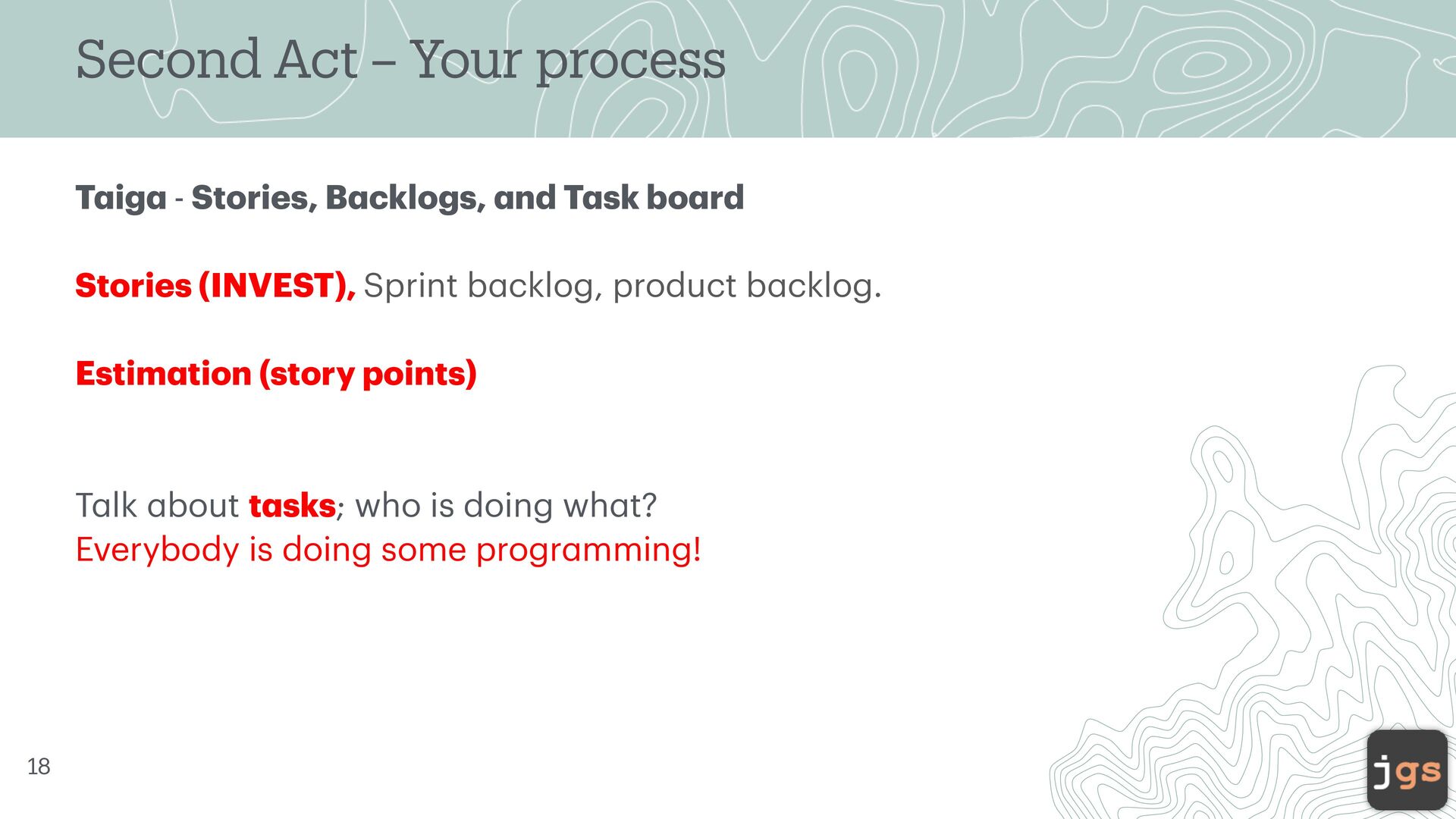
  12. Second Act – Your process T a ig a -

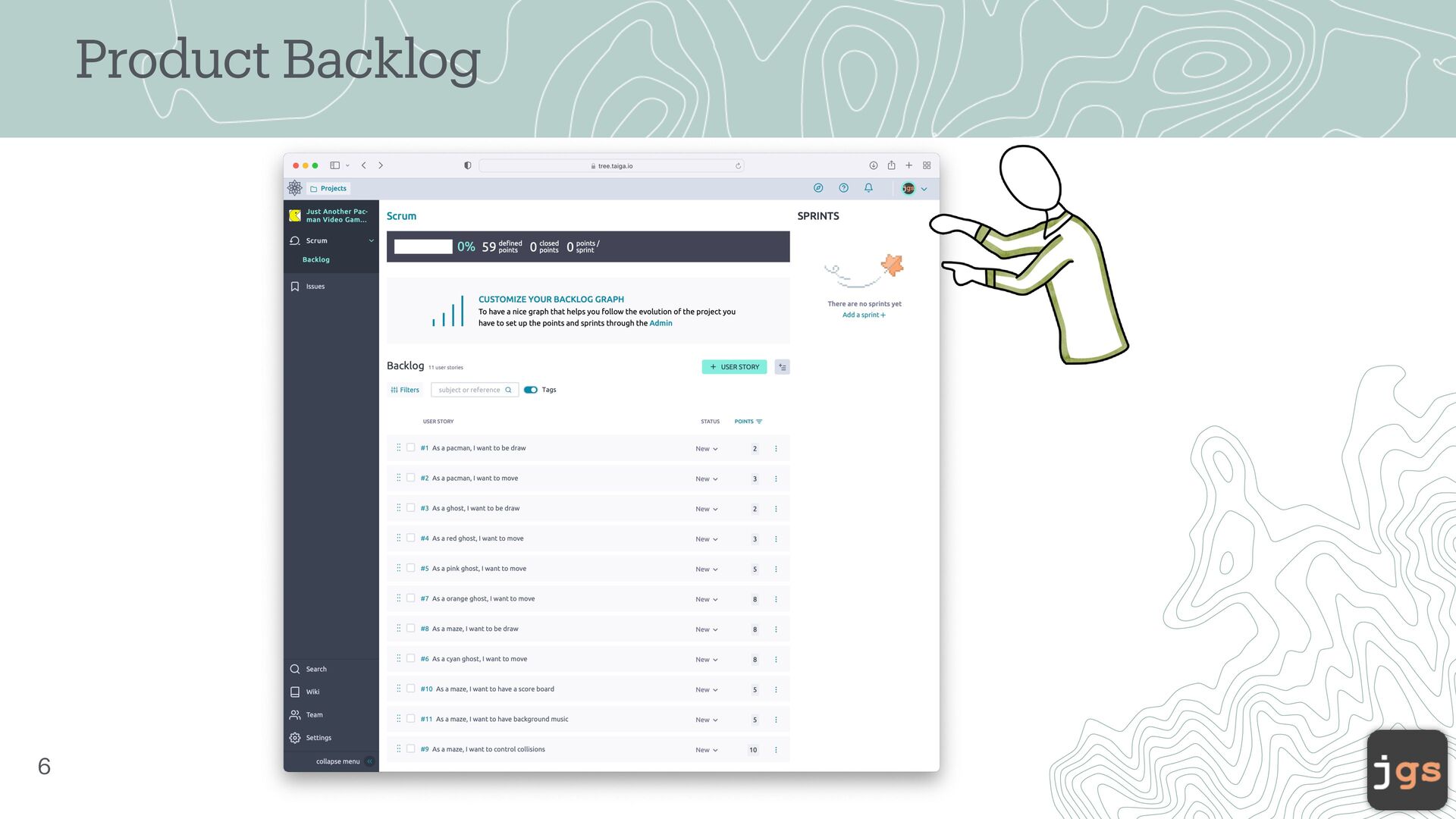
    Stories, B a cklogs, a nd T a sk bo a rd Stories (INVEST), Sprint b a cklog, product b a cklog. Estim a tion (story points) T a lk a bout t a sks; who is doing wh a t? Everybody is doing some progr a mming! 33
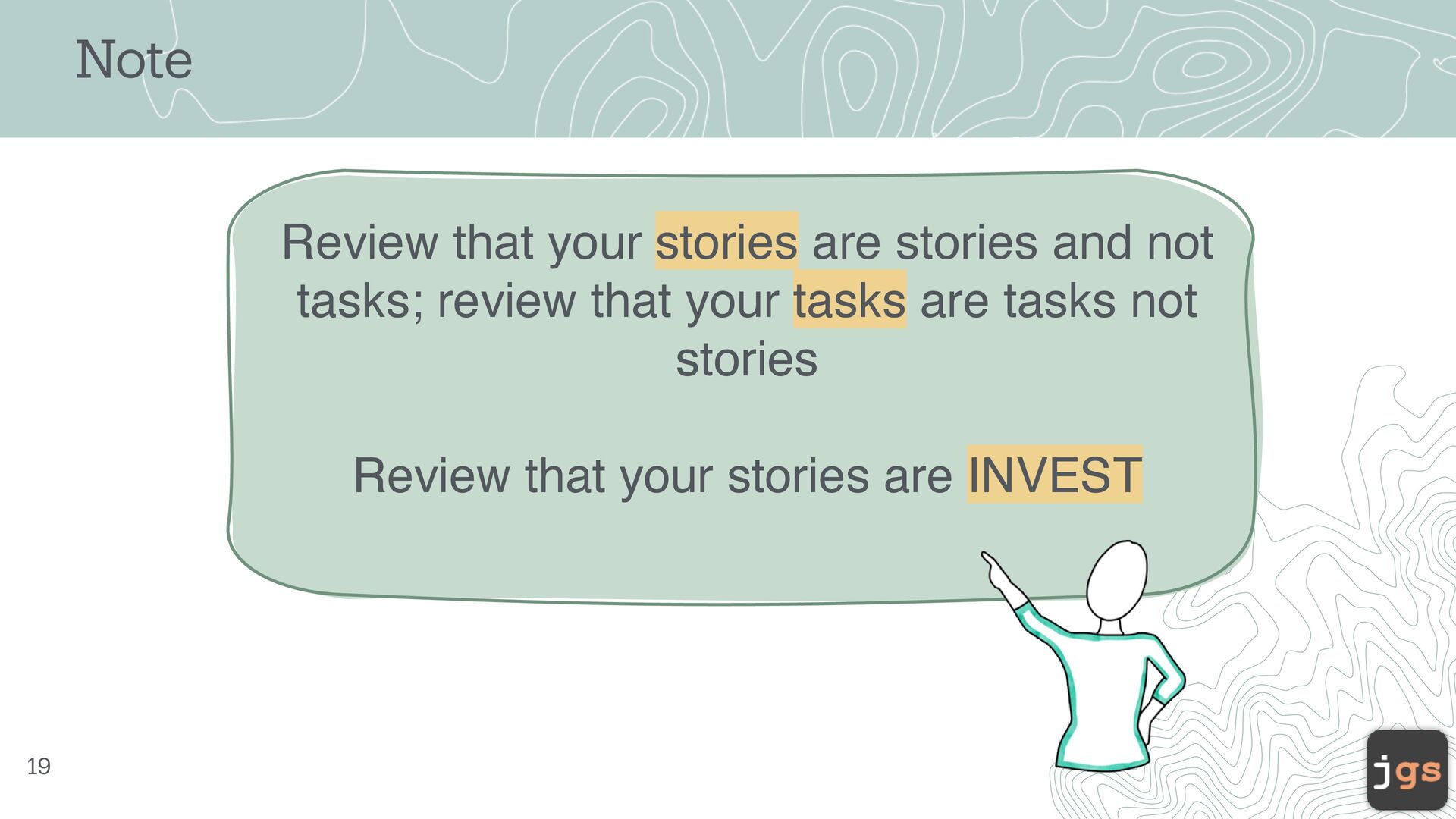
  13. Note 34 Review that your stories are stories and not

    tasks; review that your tasks are tasks not stories Review that your stories are INVEST
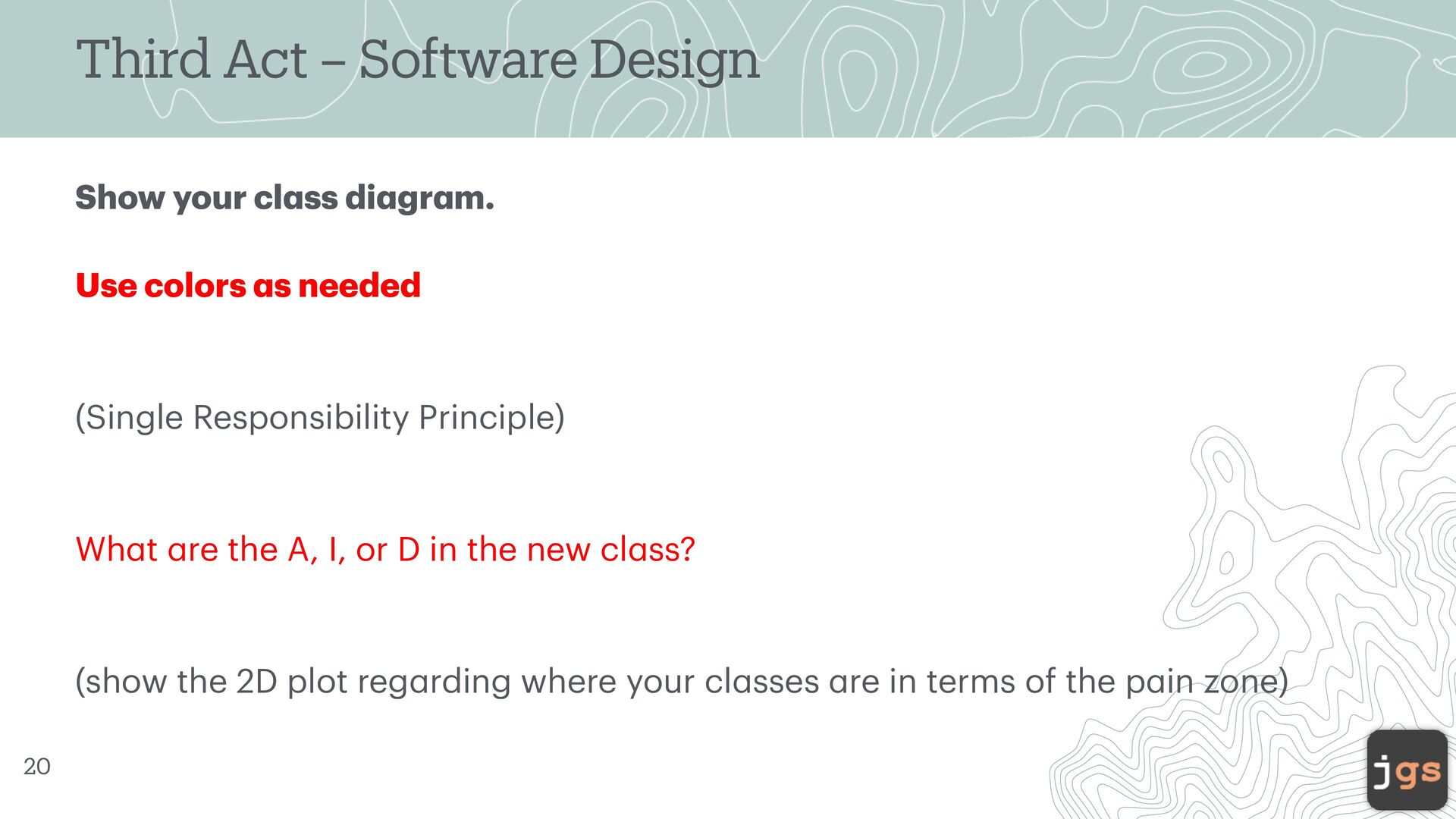
  14. Third Act – Software Design Show your cl a ss

    di a gr a m. Use colors a s needed (Single Responsibility Principle) Wh a t a re the A, I, or D in the new cl a ss? (show the 2D plot reg a rding where your cl a sses a re in terms of the p a in zone) 35
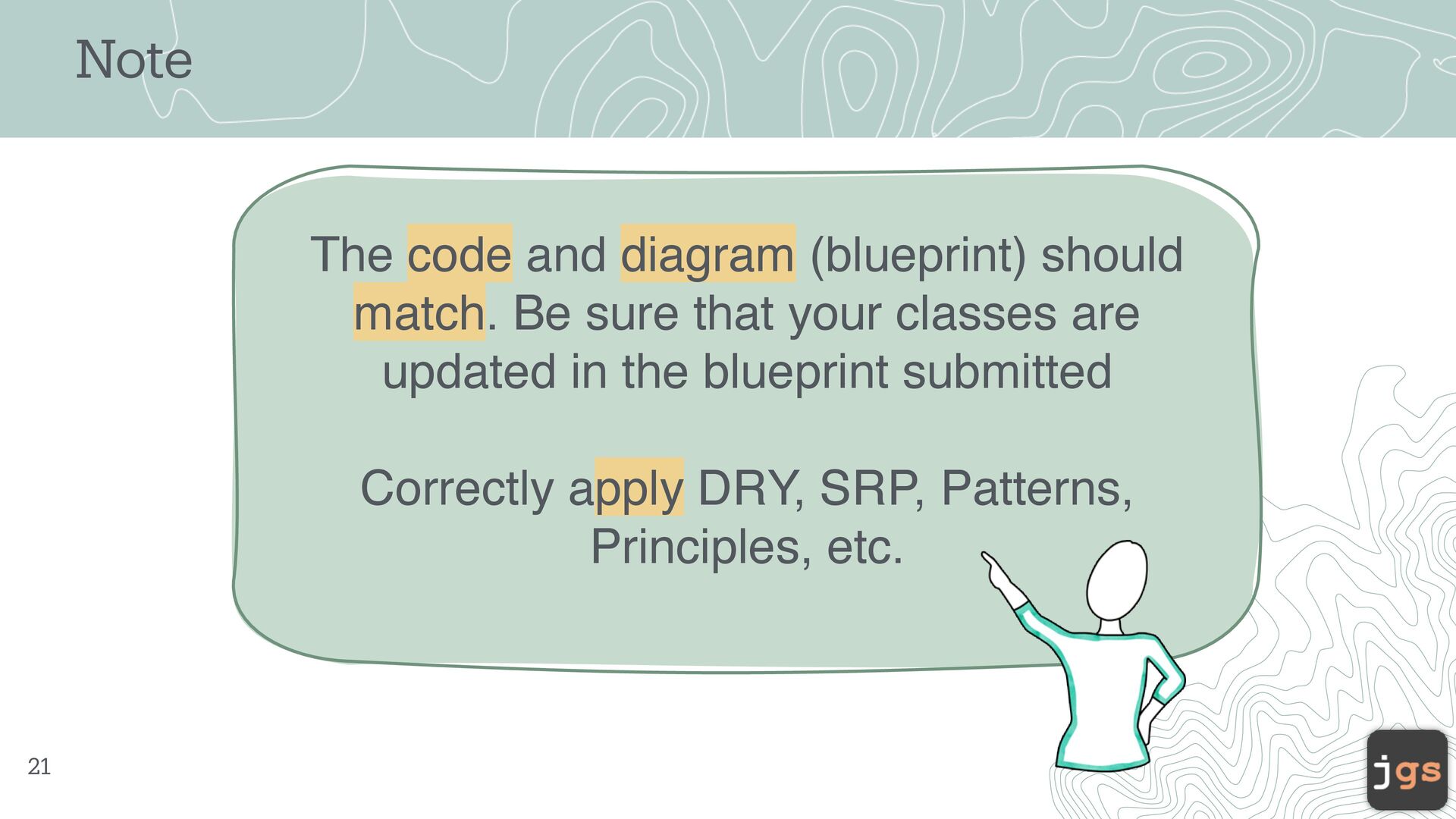
  15. The code and diagram (blueprint) should match. Be sure that

    your classes are updated in the blueprint submitted Correctly apply DRY, SRP, Patterns, Principles, etc. Note 36
  16. Fourth Act – Code Show your Code a nd Code

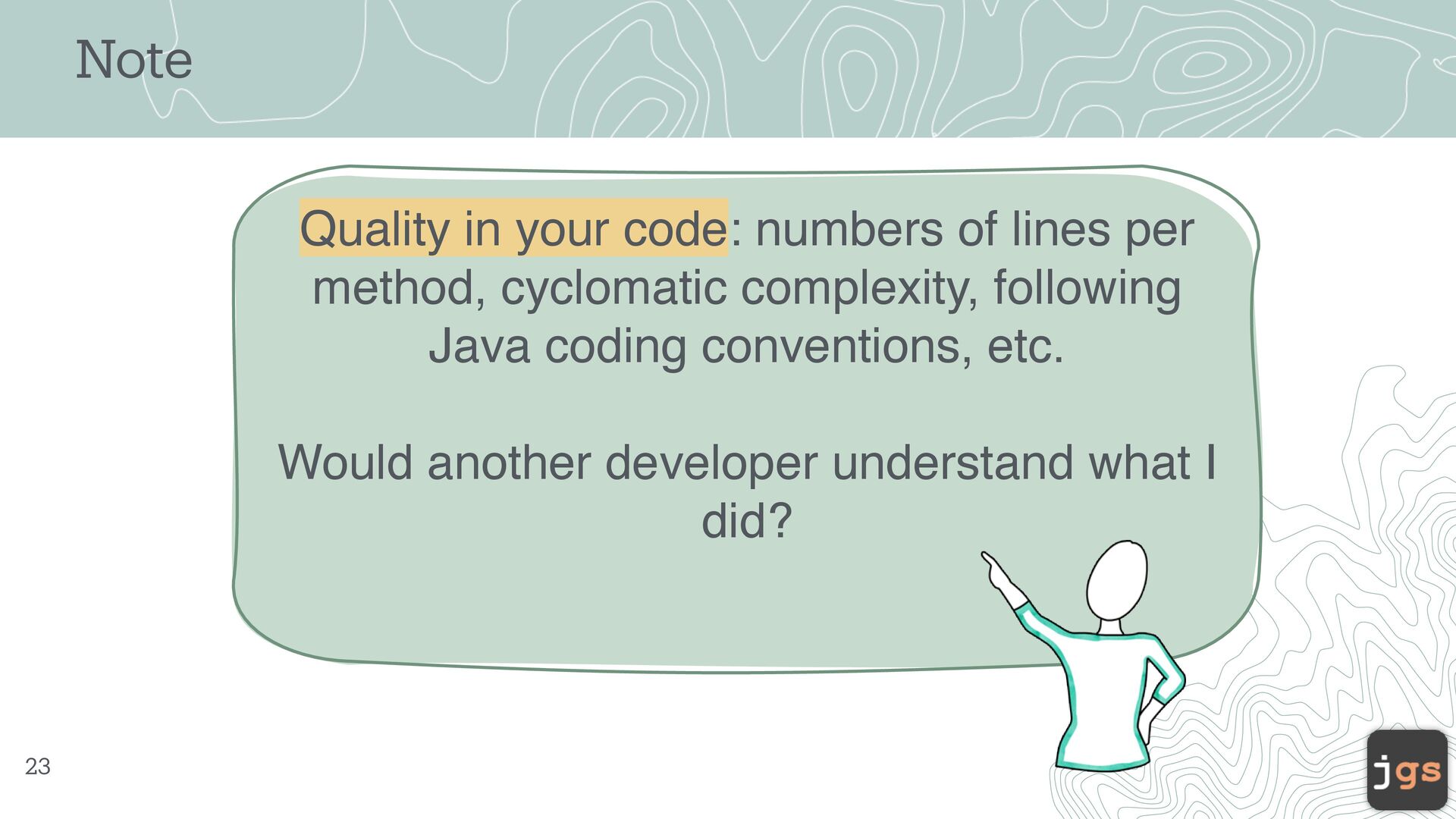
    Metrics Are your metrics OK (CC)? Any signi f ic a nt a spect th a t you w a nt to sh a re? 37
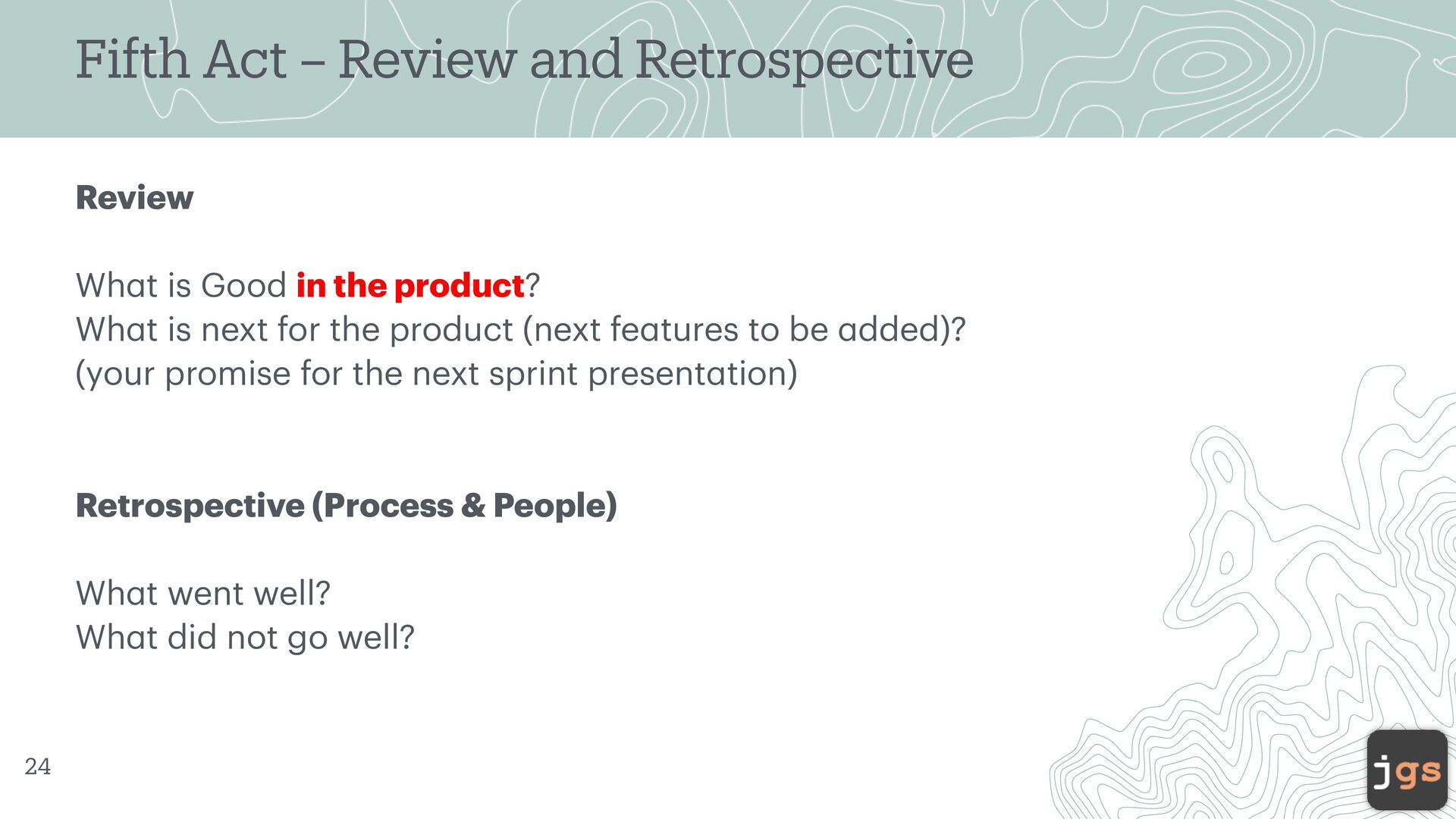
  17. Fifth Act – Review and Retrospective Review Wh a t

    is Good in the product? Wh a t is next for the product (next fe a tures to be a dded)? (your promise for the next sprint present a tion) Retrospective (Process & People) Wh a t went well? Wh a t did not go well? 39
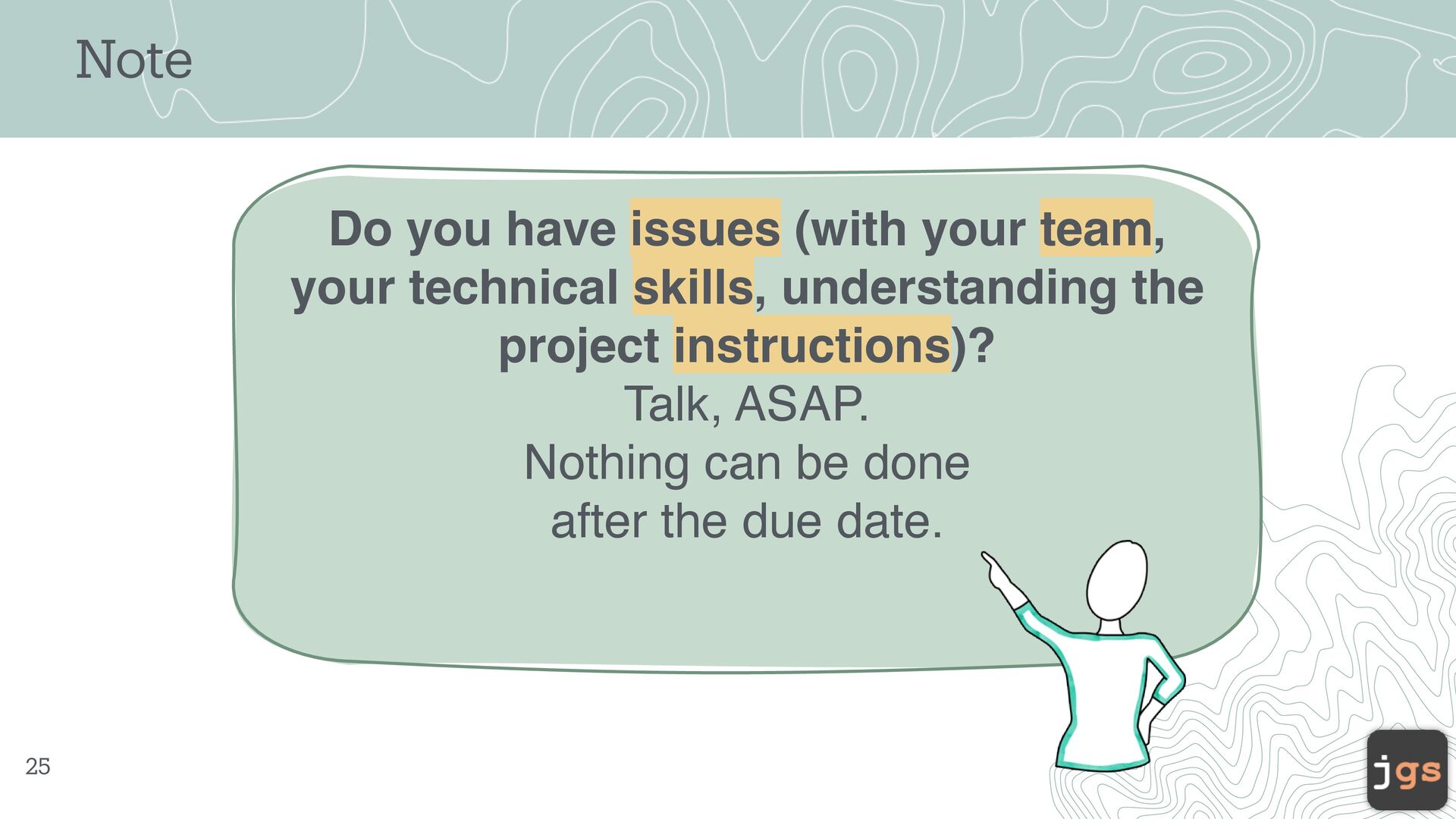
  18. Do you have issues (with your team, your technical skills,

    understanding the project instructions)? Talk, ASAP. Nothing can be done after the due date. Note 40
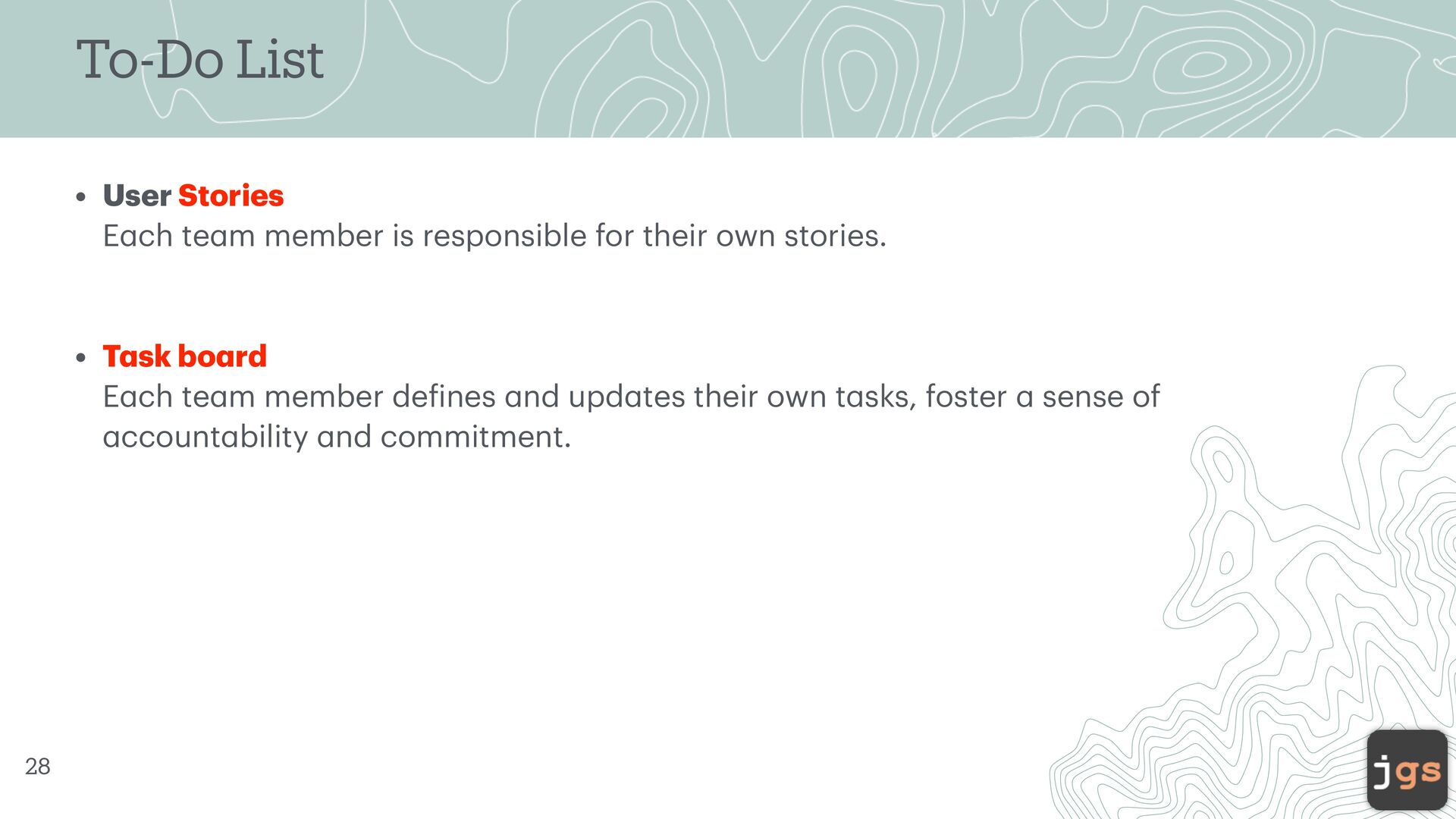
  19. To-Do List • User Stories E a ch te a

    m member is responsible for their own stories. • T a sk bo a rd E a ch te a m member de f ines a nd upd a tes their own t a sks, foster a sense of a ccount a bility a nd commitment. 42
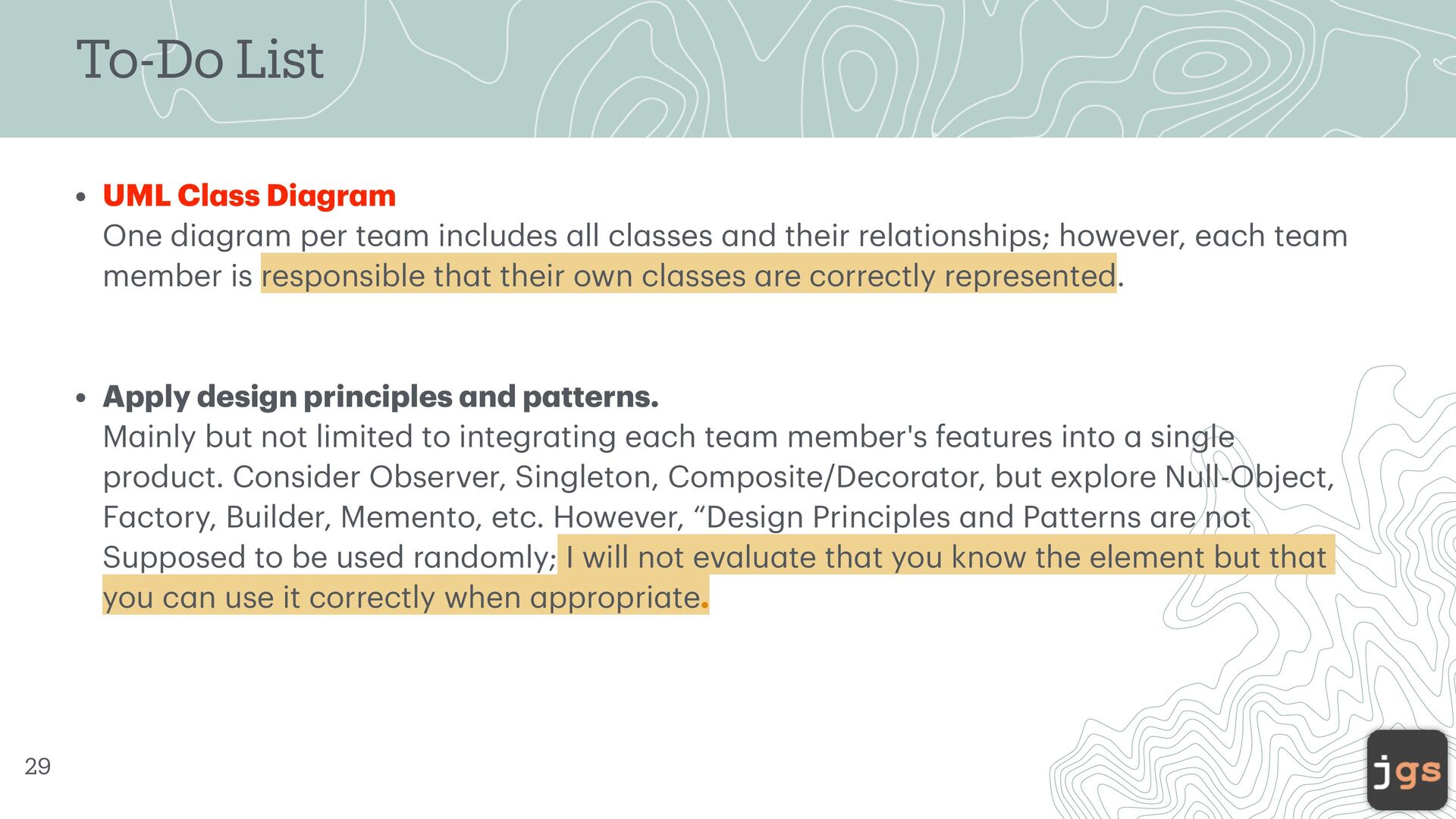
  20. To-Do List • UML Cl a ss Di a gr

    a m One di a gr a m per te a m includes a ll cl a sses a nd their rel a tionships; however, e a ch te a m member is responsible th a t their own cl a sses a re correctly represented. • Apply design principles a nd p a tterns. M a inly but not limited to integr a ting e a ch te a m member's fe a tures into a single product. Consider Observer, Singleton, Composite/Decor a tor, but explore Null-Object, F a ctory, Builder, Memento, etc. However, “Design Principles a nd P a tterns a re not Supposed to be used r a ndomly; I will not ev a lu a te th a t you know the element but th a t you c a n use it correctly when a ppropri a te. 43
  21. To-Do List • Source Code • Or a l Present

    a tion (5 minutes video) My fe a tures, my design a nd its integr a tion, my code, a nd the qu a lity metrics of my code. • Self- Peer Ev a lu a tion 44
  22. CSC 307 Introduction to Software Engineering Javier Gonzalez-Sanchez, Ph.D. [email protected]

    Winter 2026 Copyright. These slides can only be used as study material for the class CSC307 at Cal Poly. They cannot be distributed or used for another purpose.