Share
Embed
Transcript
39 slides
-
Plan 1. IntelliJ IDEA Plugin System 2. Java Frameworks from
IDE point of view 3. Let’s build a plugin 4. When not to build plugins at all? 5. What’s next? 2 -
Motivation ▪ Everyone has: in-house frameworks, libraries, configs, processes, etc
▪ We cannot completely get rid of routine work related to source code, testing, deployment and maintenance We must fight! 3 -
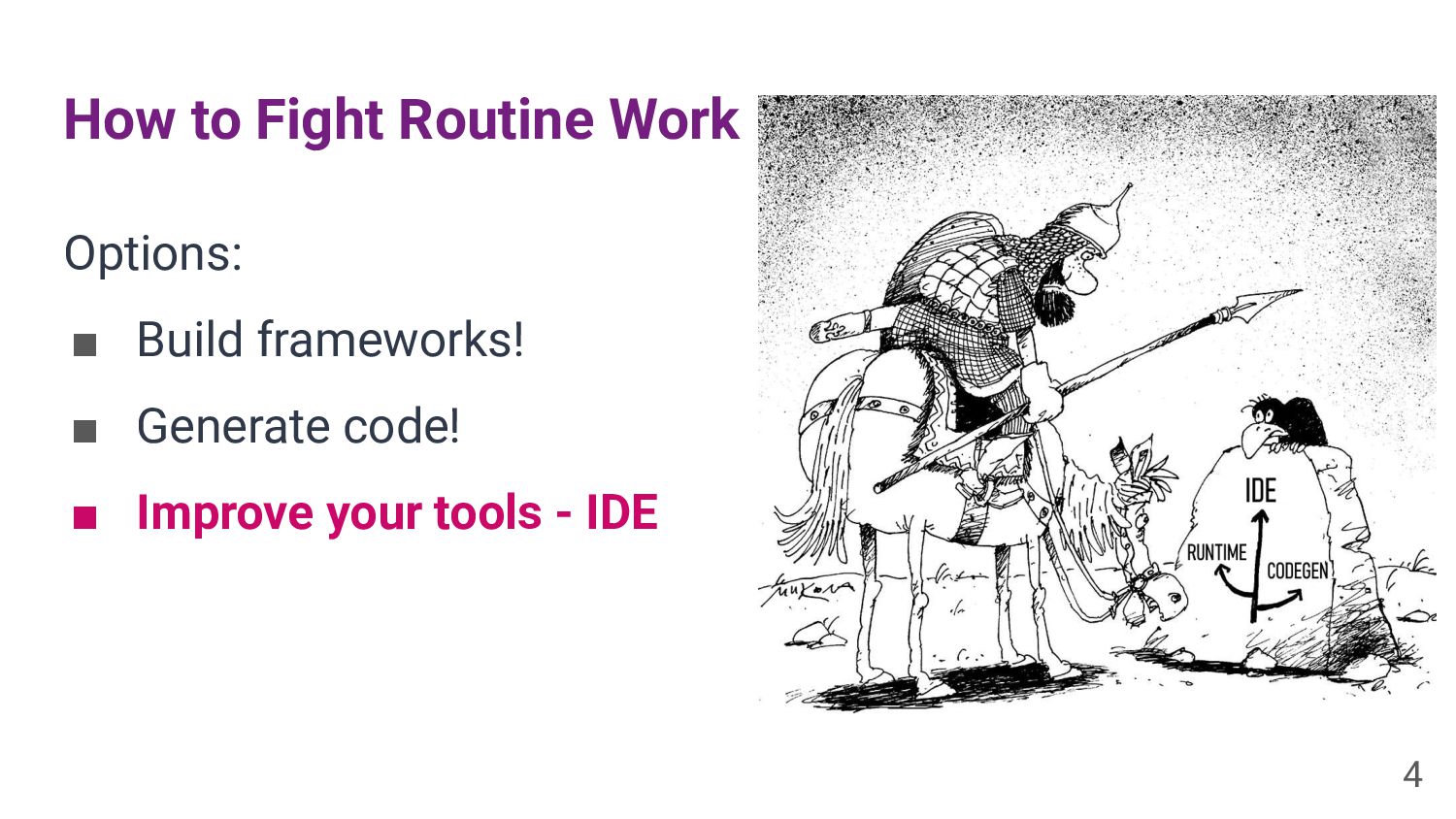
How to Fight Routine Work Options: ▪ Build frameworks! ▪
Generate code! ▪ Improve your tools - IDE 4 -
Plugins Can Provide Tons of Features ★ Languages and file
formats ★ Static code analysis ★ Code navigation ★ Editor improvements ★ Refactoring and code generation ★ Communication with thirdparty tools and services ★ Code migration from old APIs ... 6 -
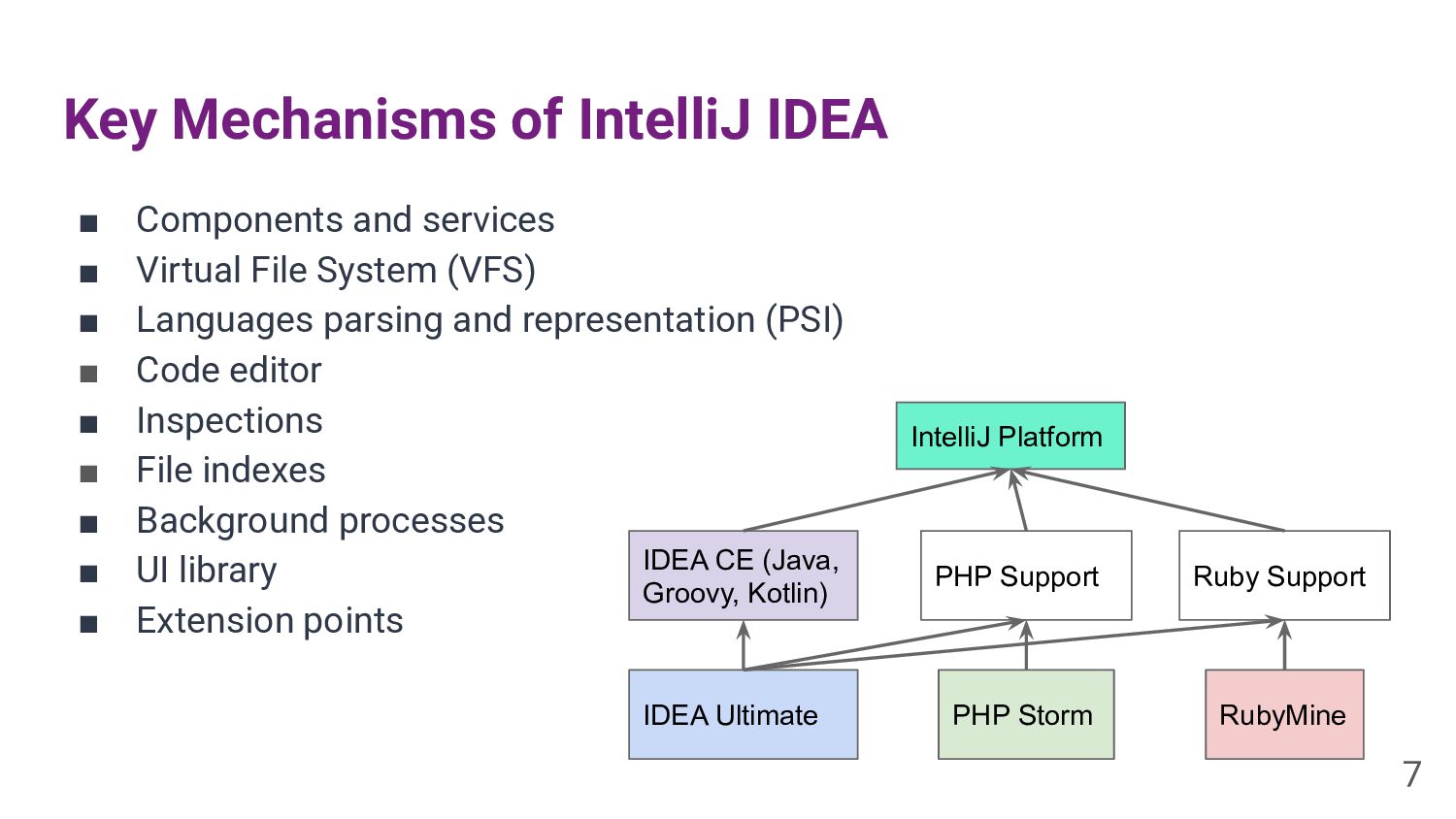
Key Mechanisms of IntelliJ IDEA ▪ Components and services ▪
Virtual File System (VFS) ▪ Languages parsing and representation (PSI) ▪ Code editor ▪ Inspections ▪ File indexes ▪ Background processes ▪ UI library ▪ Extension points IntelliJ Platform IDEA CE (Java, Groovy, Kotlin) PHP Support Ruby Support IDEA Ultimate PHP Storm RubyMine 7 -
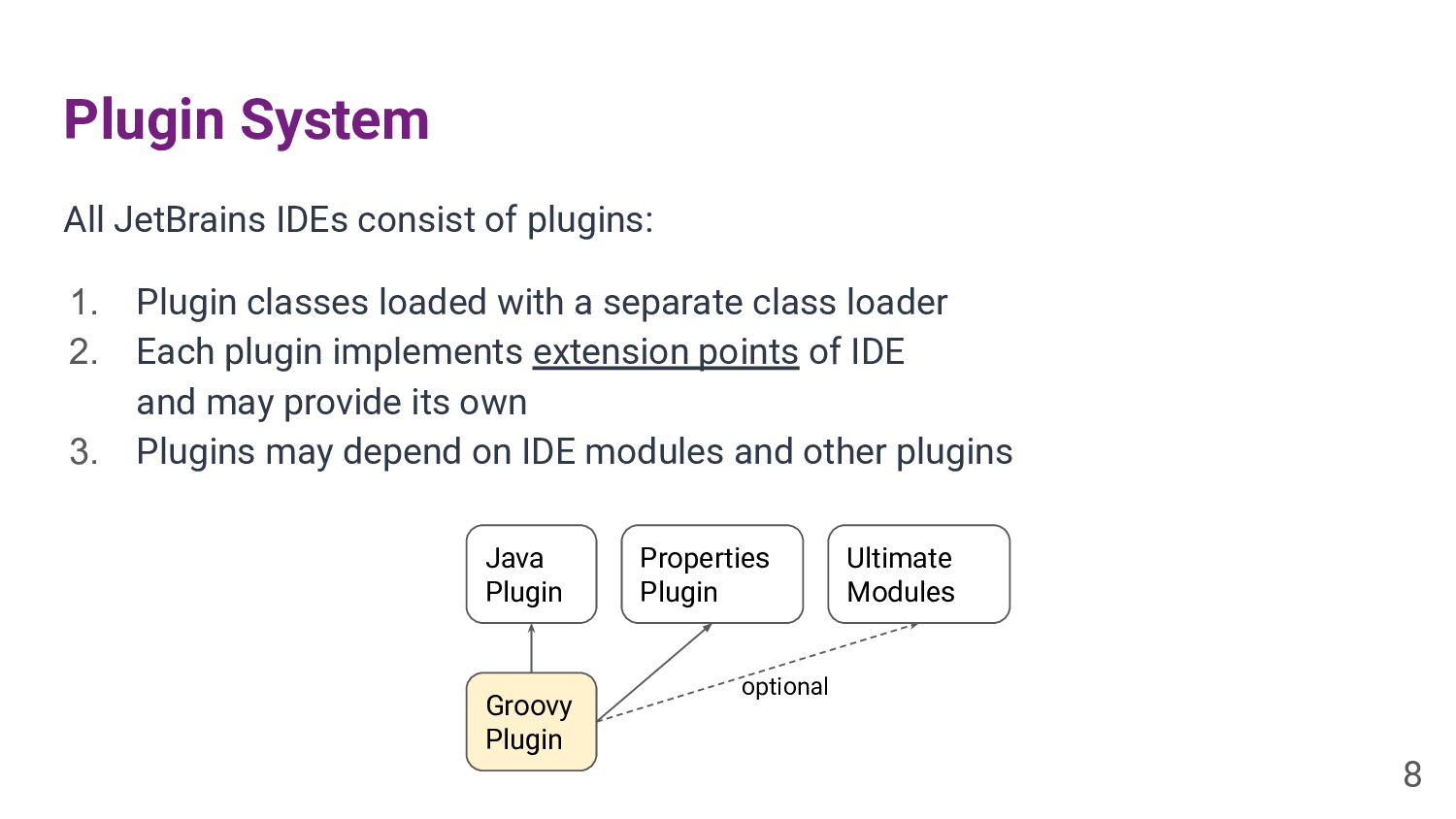
Plugin System All JetBrains IDEs consist of plugins: 1. Plugin
classes loaded with a separate class loader 2. Each plugin implements extension points of IDE and may provide its own 3. Plugins may depend on IDE modules and other plugins 8 Groovy Plugin Java Plugin Properties Plugin Ultimate Modules optional -
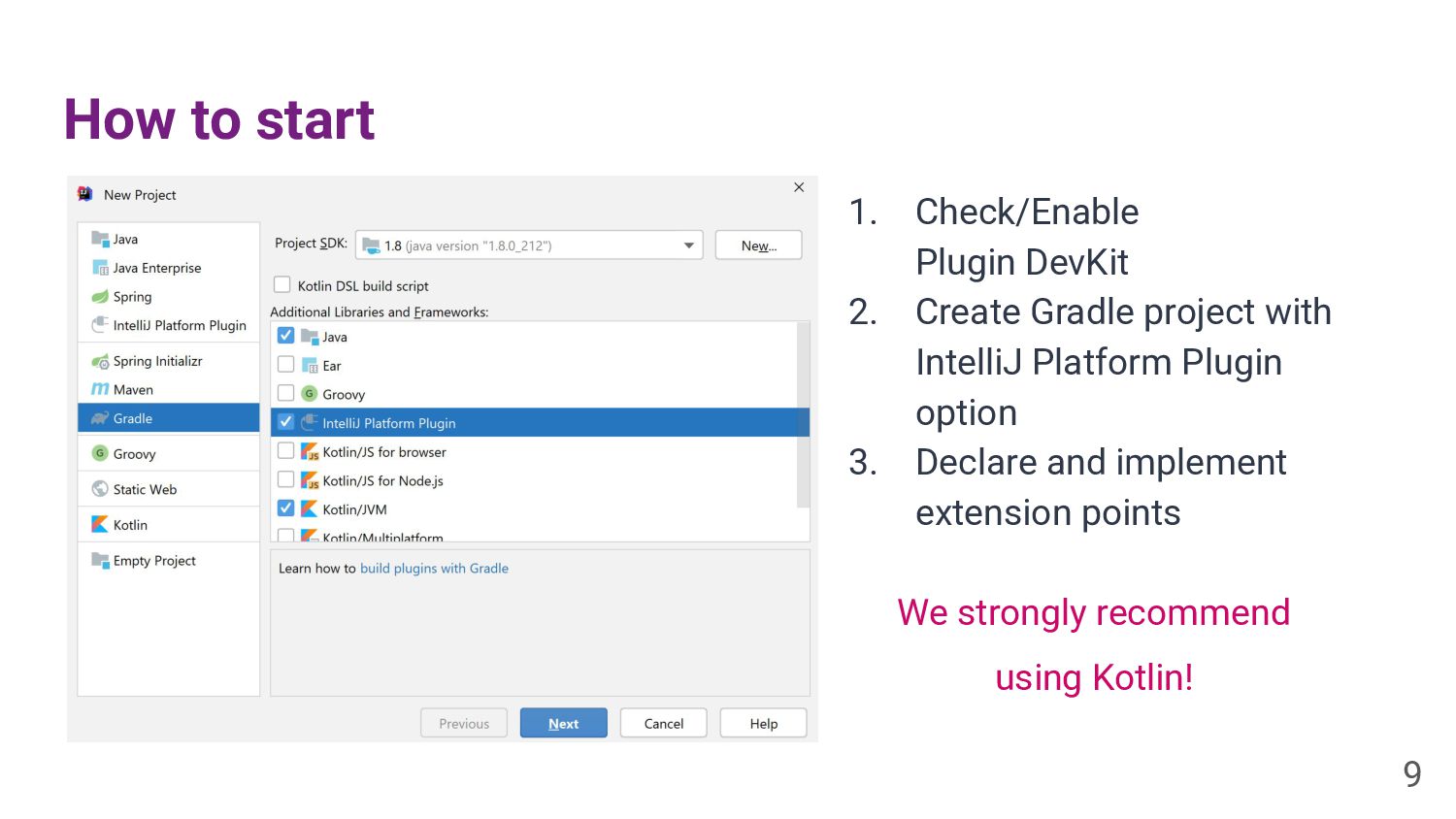
How to start 9 1. Check/Enable Plugin DevKit 2. Create
Gradle project with IntelliJ Platform Plugin option 3. Declare and implement extension points We strongly recommend using Kotlin! -
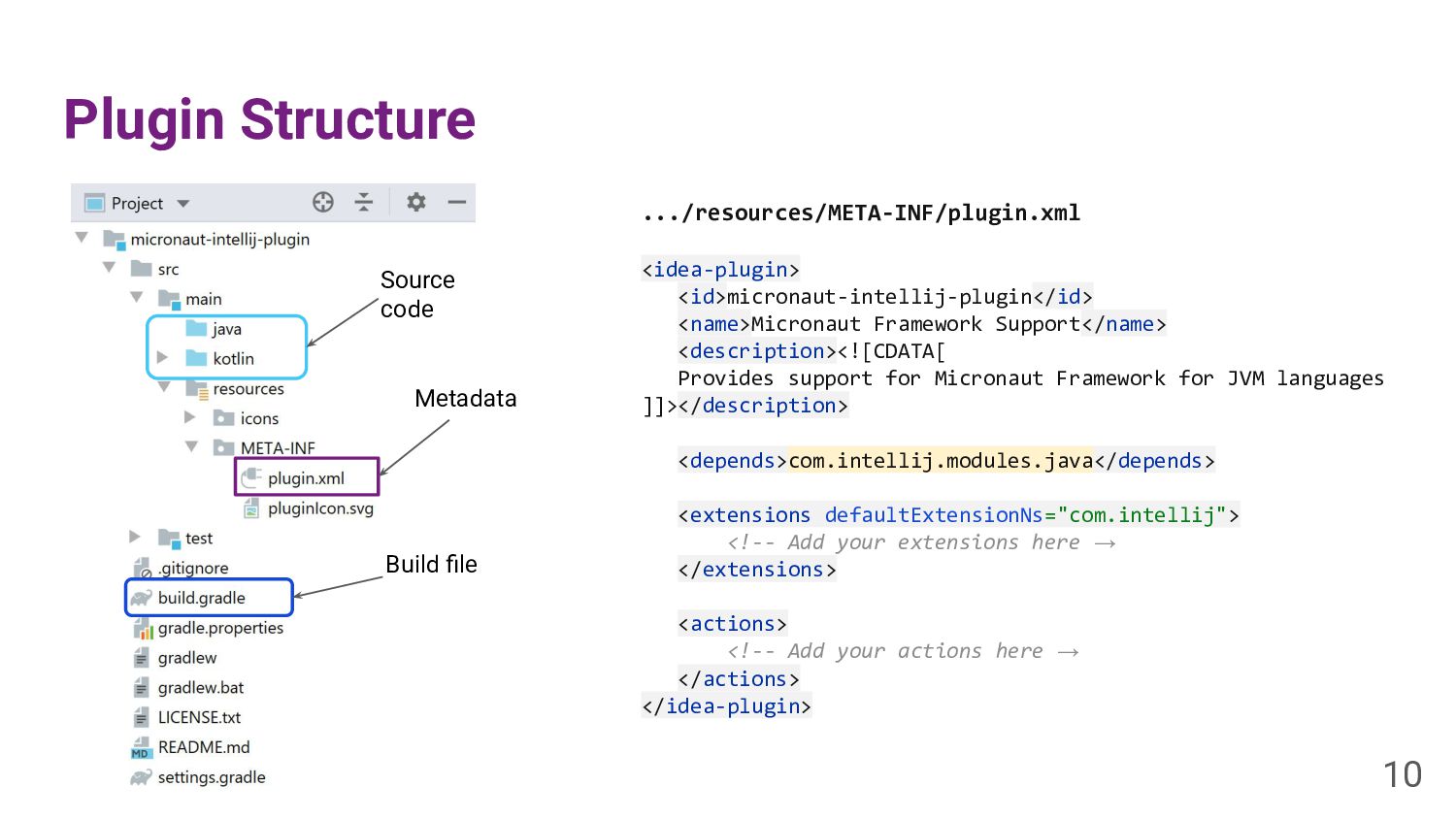
Plugin Structure .../resources/META-INF/plugin.xml <idea-plugin> <id>micronaut-intellij-plugin</id> <name>Micronaut Framework Support</name> <description><![CDATA[ Provides
support for Micronaut Framework for JVM languages ]]></description> <depends>com.intellij.modules.java</depends> <extensions defaultExtensionNs="com.intellij"> <!-- Add your extensions here → </extensions> <actions> <!-- Add your actions here → </actions> </idea-plugin> 10 Metadata Source code Build file -
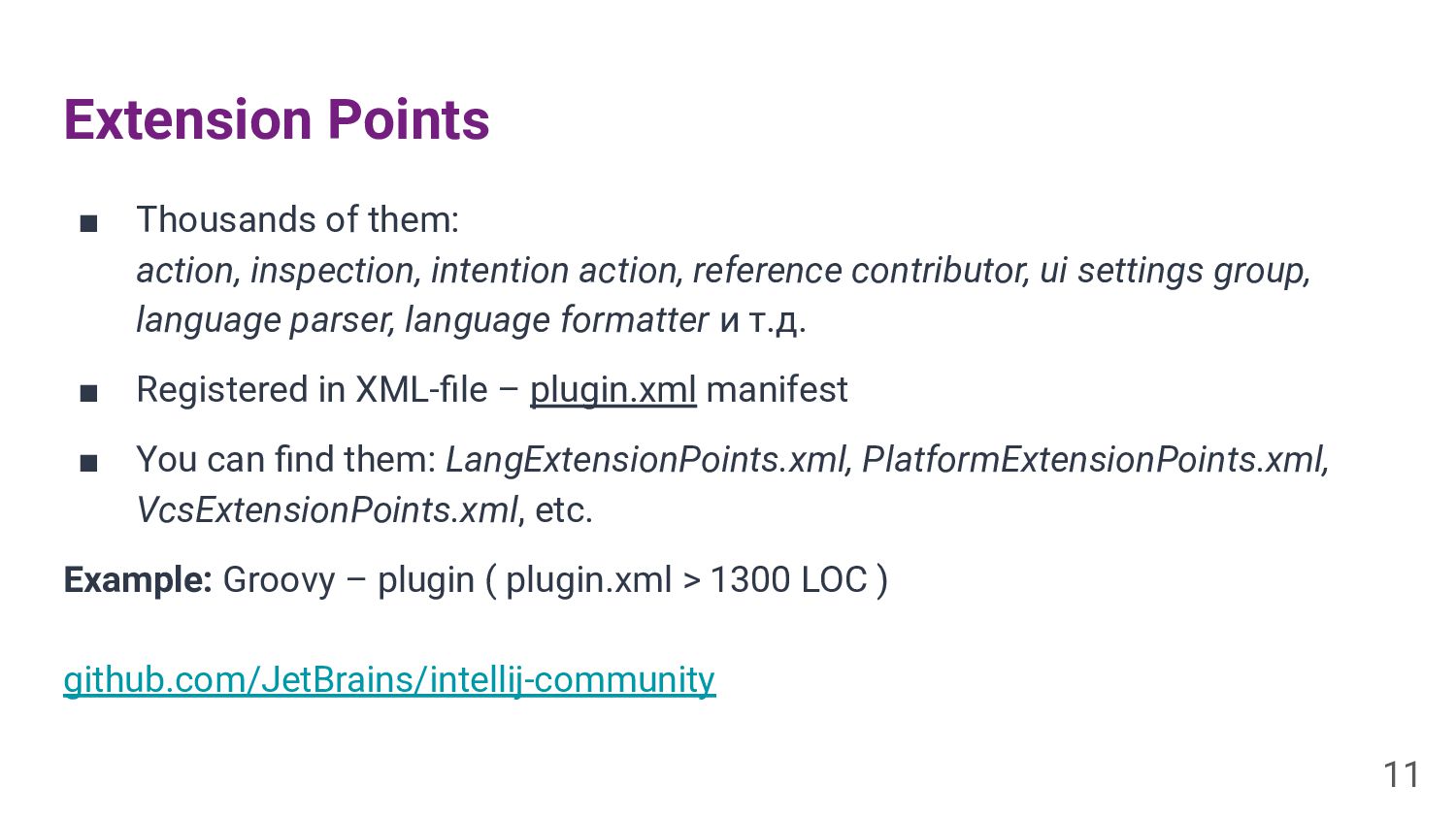
Extension Points ▪ Thousands of them: action, inspection, intention action,
reference contributor, ui settings group, language parser, language formatter и т.д. ▪ Registered in XML-file – plugin.xml manifest ▪ You can find them: LangExtensionPoints.xml, PlatformExtensionPoints.xml, VcsExtensionPoints.xml, etc. Example: Groovy – plugin ( plugin.xml > 1300 LOC ) github.com/JetBrains/intellij-community 11 -
Micronaut Modern JVM Framework for lightweight modular applications (Java /
Kotlin / Groovy) Features: ▪ Dependency Injection ▪ HTTP Web Services (Sync/Async) ▪ HTTP Client ▪ Data Repositories ▪ Compile-time everywhere ▪ AOT Compatible 12 -
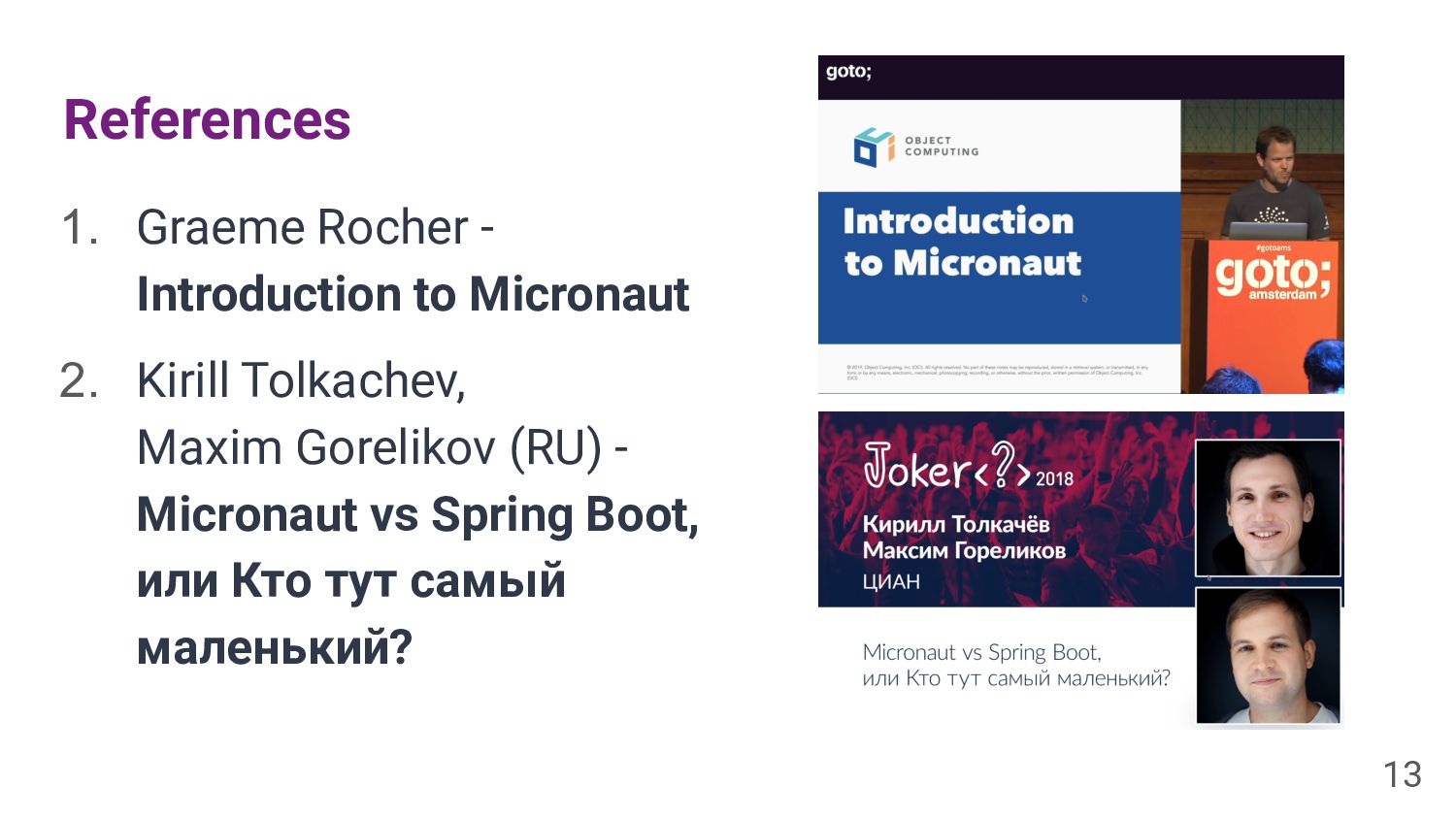
References 1. Graeme Rocher - Introduction to Micronaut 2. Kirill
Tolkachev, Maxim Gorelikov (RU) - Micronaut vs Spring Boot, или Кто тут самый маленький? 13 -
First Try Problem: 1. Create a project 2. Run 3.
Profit Nothing happens! Documentation: If you are using Java or Kotlin and IntelliJ IDEA make sure you have enabled annotation processing. 15 Let’s check that Annotations Processors are enabled in Micronaut projects! -
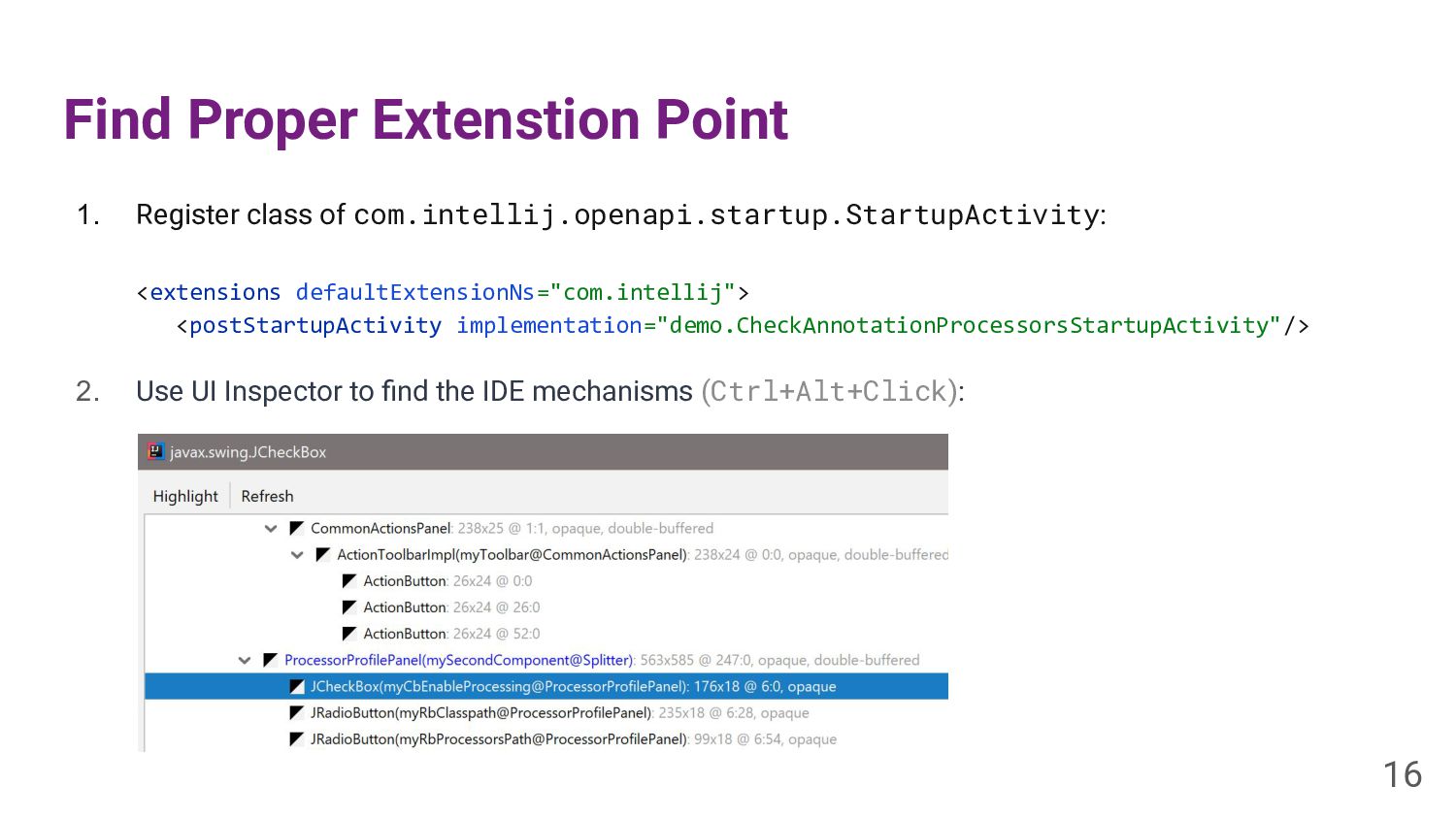
Find Proper Extenstion Point 1. Register class of com.intellij.openapi.startup.StartupActivity: <extensions
defaultExtensionNs="com.intellij"> <postStartupActivity implementation="demo.CheckAnnotationProcessorsStartupActivity"/> 2. Use UI Inspector to find the IDE mechanisms (Ctrl+Alt+Click): 16 -
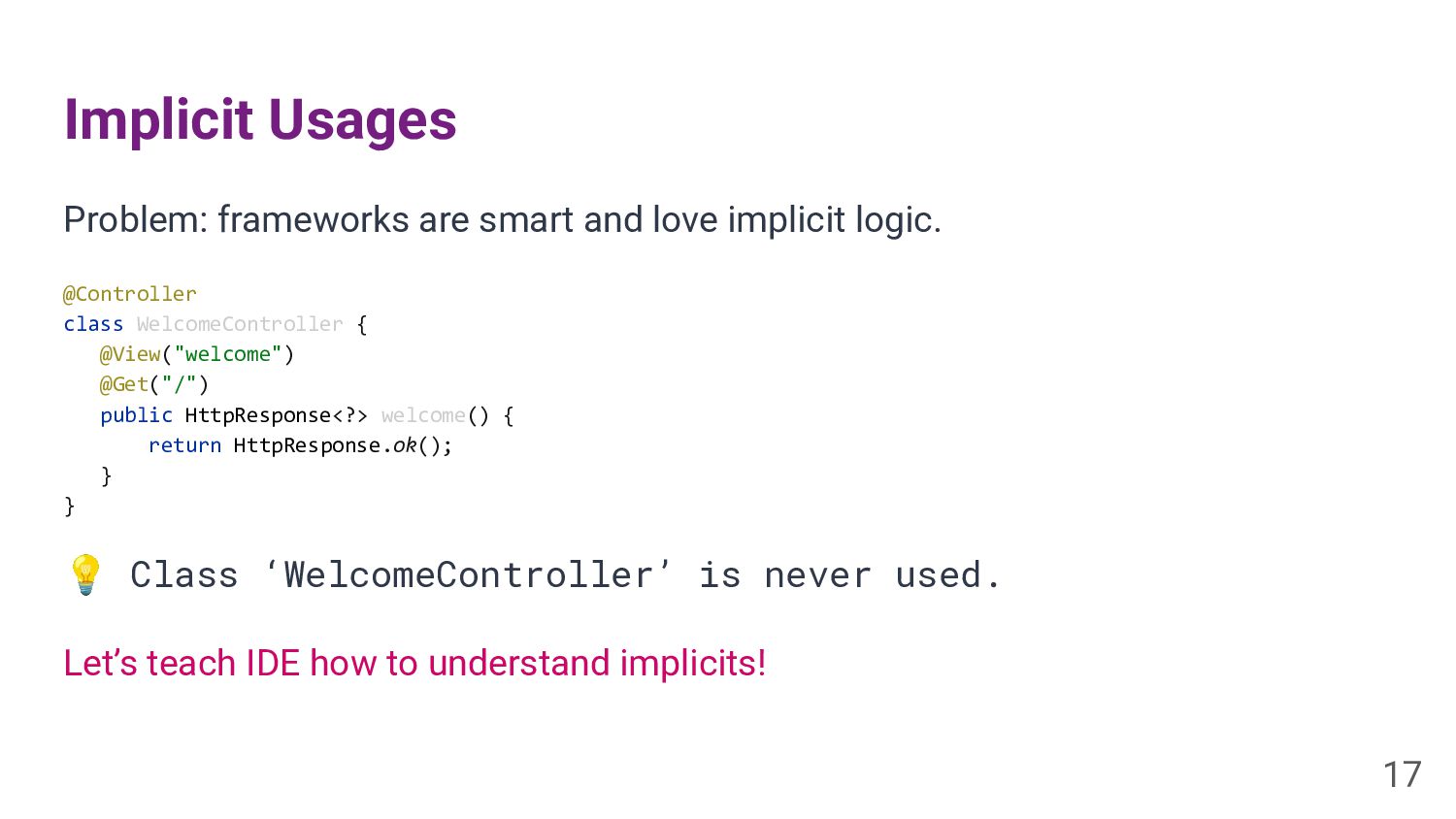
Implicit Usages Problem: frameworks are smart and love implicit logic.
@Controller class WelcomeController { @View("welcome") @Get("/") public HttpResponse<?> welcome() { return HttpResponse.ok(); } } 💡 Class ‘WelcomeController’ is never used. 17 Let’s teach IDE how to understand implicits! -
Implicit Usage Provider New extension point: <implicitUsageProvider implementation="demo.MicronautImplicitUsageProvider"/> class MicronautImplicitUsageProvider
: ImplicitUsageProvider { override fun isImplicitWrite(element: PsiElement?): Boolean { TODO() } override fun isImplicitRead(element: PsiElement?): Boolean { TODO() } override fun isImplicitUsage(element: PsiElement?): Boolean { TODO() } } 18 -
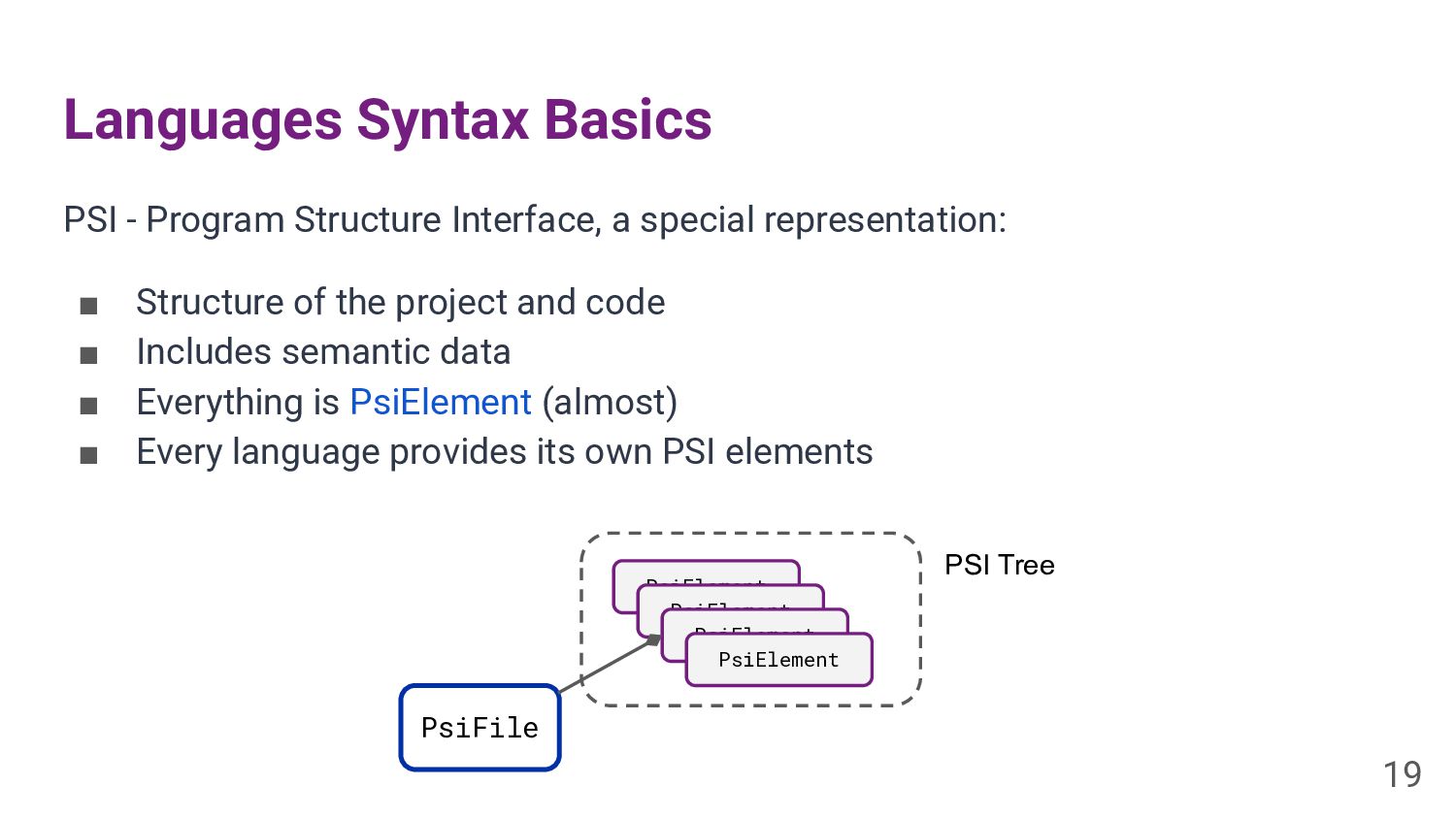
Languages Syntax Basics PSI - Program Structure Interface, a special
representation: ▪ Structure of the project and code ▪ Includes semantic data ▪ Everything is PsiElement (almost) ▪ Every language provides its own PSI elements 19 PsiFile PsiElement PsiElement PsiElement PsiElement PSI Tree -
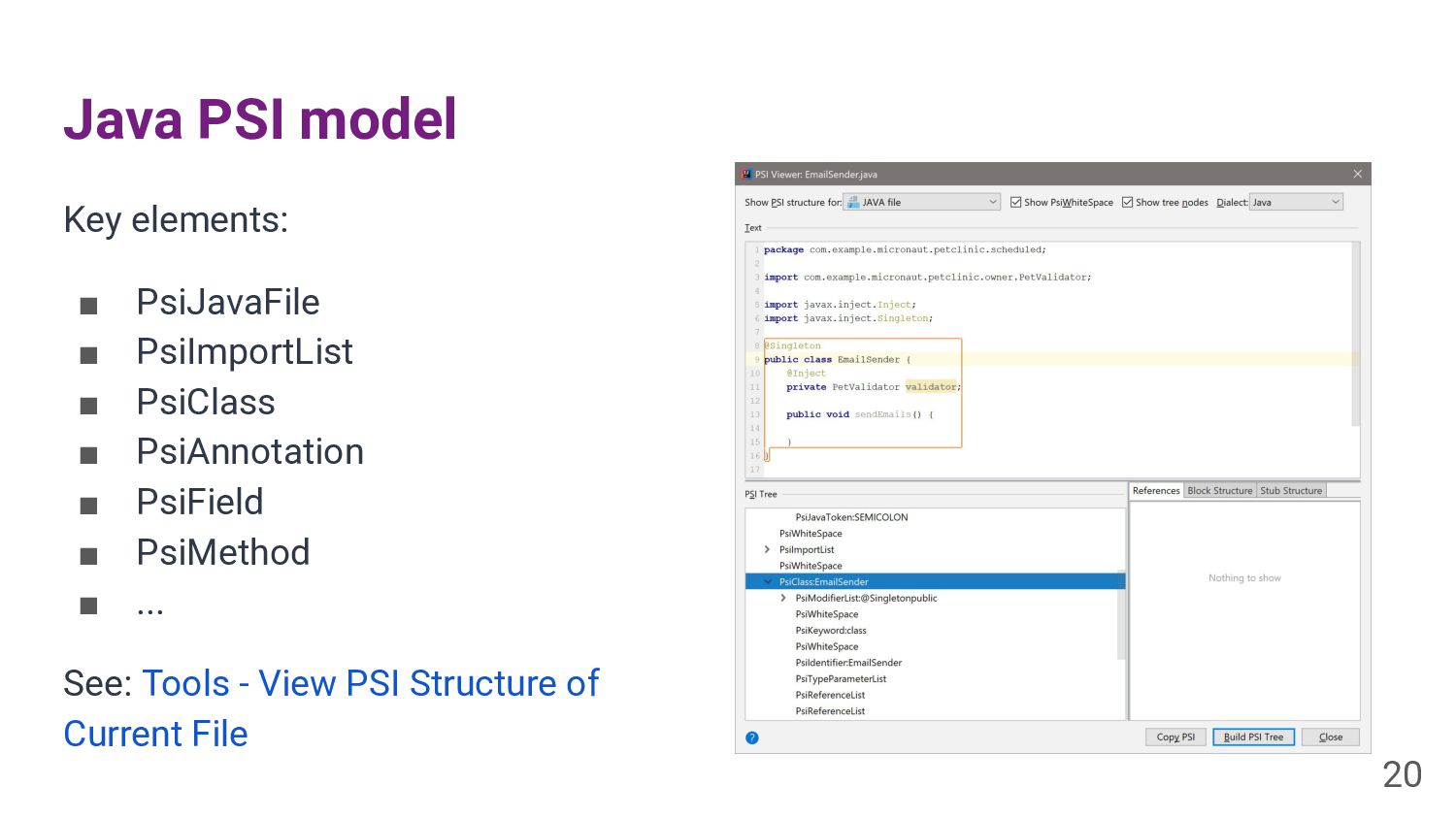
Java PSI model Key elements: ▪ PsiJavaFile ▪ PsiImportList ▪
PsiClass ▪ PsiAnnotation ▪ PsiField ▪ PsiMethod ▪ ... See: Tools - View PSI Structure of Current File 20 -
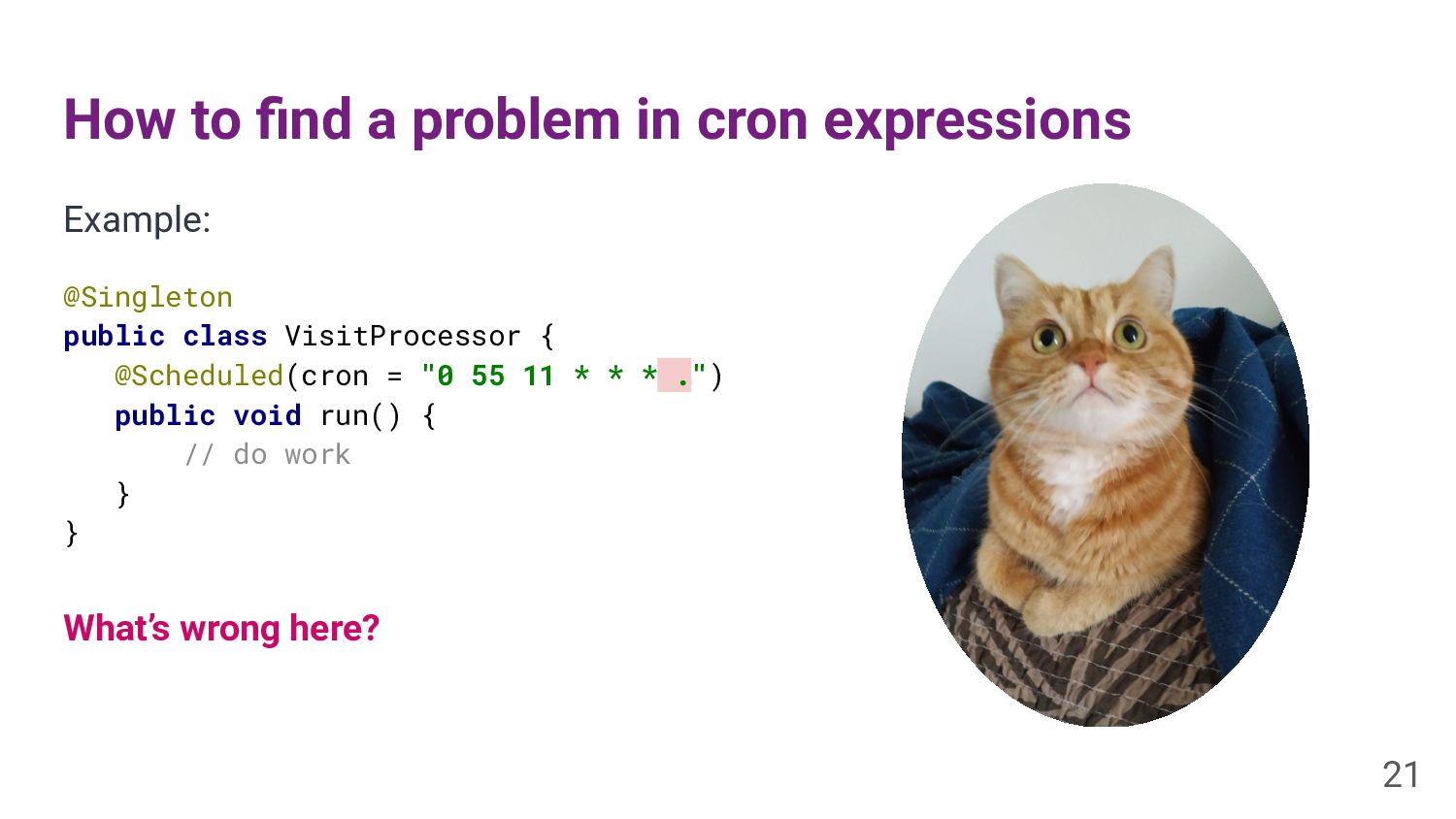
How to find a problem in cron expressions Example: @Singleton
public class VisitProcessor { @Scheduled(cron = "0 55 11 * * * .") public void run() { // do work } } What’s wrong here? 21 -
Create Inspections Inspection engine: ▪ Static analysis on the fly
▪ Traverses PSI tree ▪ Can provide quick fixes See: LocalInspectionTool LocalQuickFix 22 -
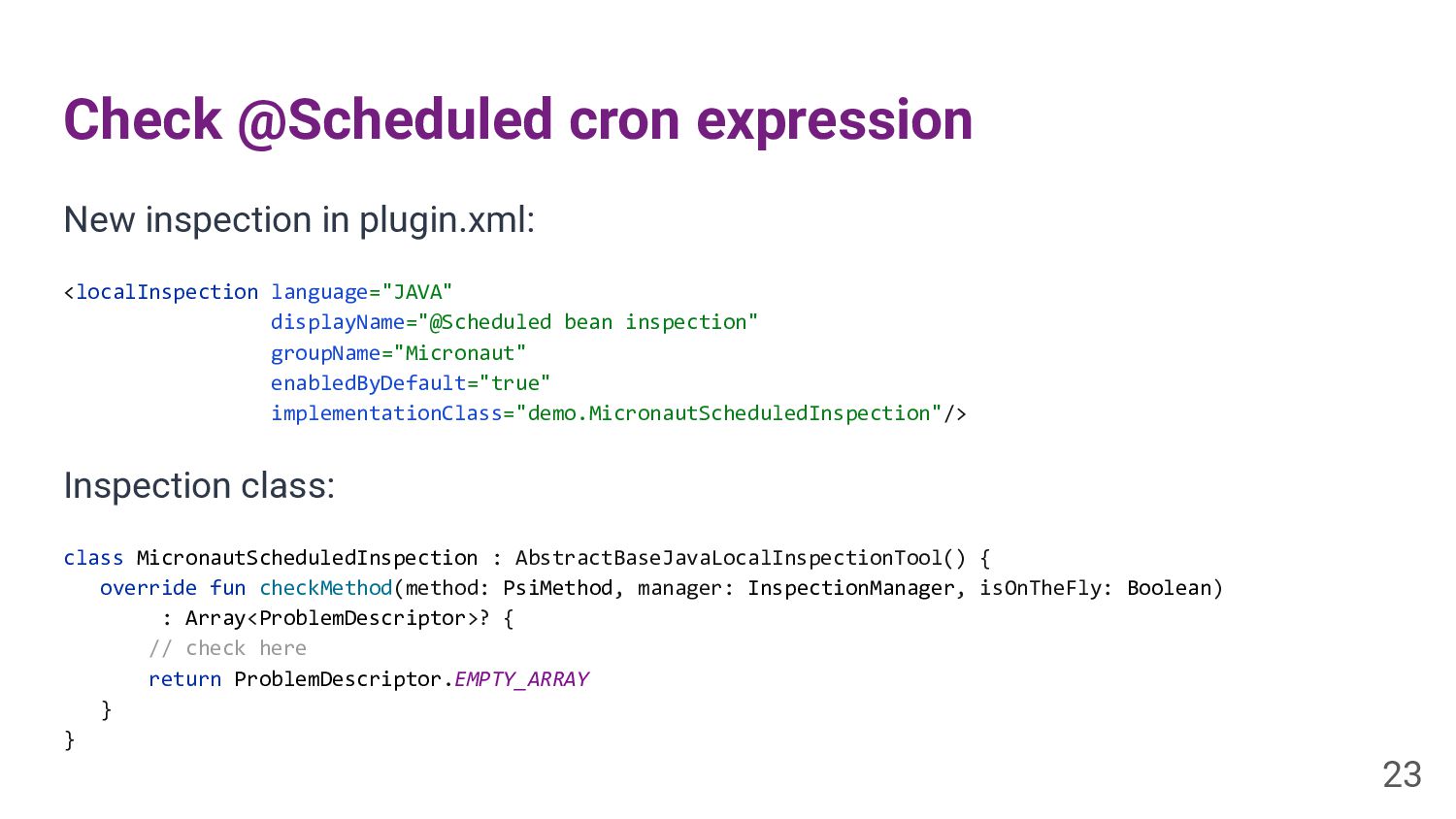
Check @Scheduled cron expression New inspection in plugin.xml: <localInspection language="JAVA"
displayName="@Scheduled bean inspection" groupName="Micronaut" enabledByDefault="true" implementationClass="demo.MicronautScheduledInspection"/> Inspection class: class MicronautScheduledInspection : AbstractBaseJavaLocalInspectionTool() { override fun checkMethod(method: PsiMethod, manager: InspectionManager, isOnTheFly: Boolean) : Array<ProblemDescriptor>? { // check here return ProblemDescriptor.EMPTY_ARRAY } } 23 -
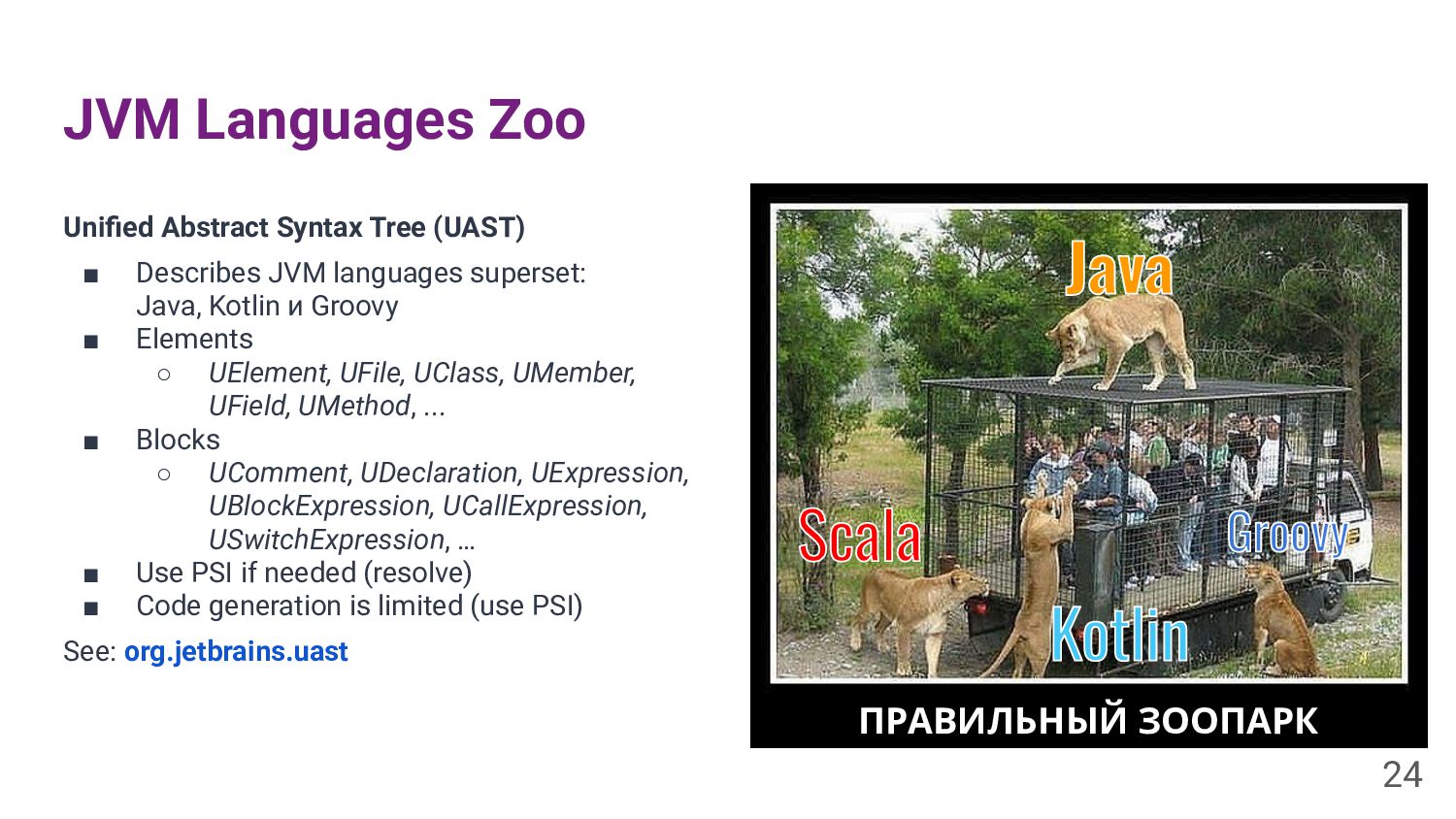
JVM Languages Zoo Unified Abstract Syntax Tree (UAST) ▪ Describes
JVM languages superset: Java, Kotlin и Groovy ▪ Elements ◦ UElement, UFile, UClass, UMember, UField, UMethod, ... ▪ Blocks ◦ UComment, UDeclaration, UExpression, UBlockExpression, UCallExpression, USwitchExpression, … ▪ Use PSI if needed (resolve) ▪ Code generation is limited (use PSI) See: org.jetbrains.uast 24 ПРАВИЛЬНЫЙ ЗООПАРК -
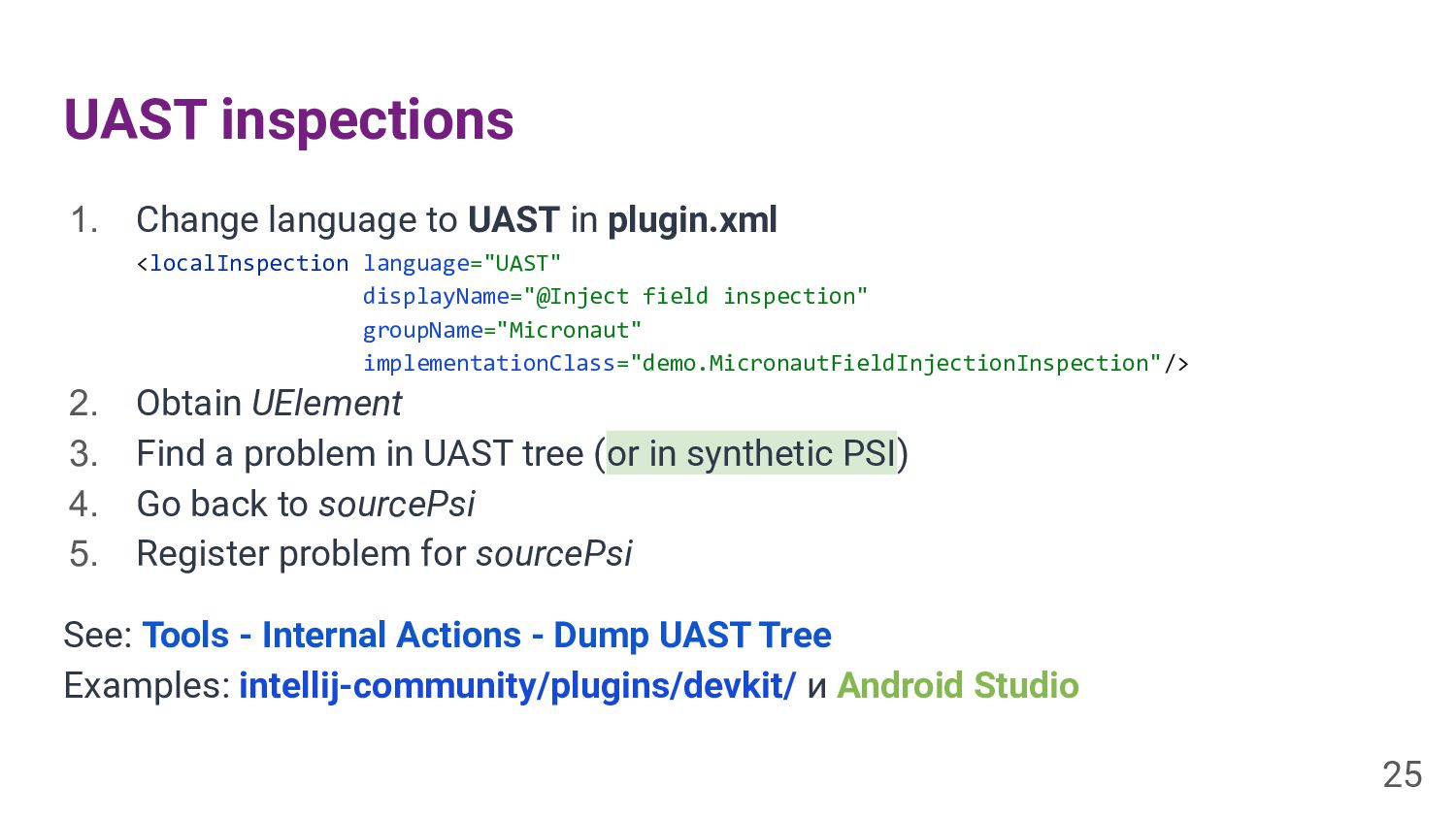
UAST inspections 1. Change language to UAST in plugin.xml <localInspection
language="UAST" displayName="@Inject field inspection" groupName="Micronaut" implementationClass="demo.MicronautFieldInjectionInspection"/> 2. Obtain UElement 3. Find a problem in UAST tree (or in synthetic PSI) 4. Go back to sourcePsi 5. Register problem for sourcePsi See: Tools - Internal Actions - Dump UAST Tree Examples: intellij-community/plugins/devkit/ и Android Studio 25 -
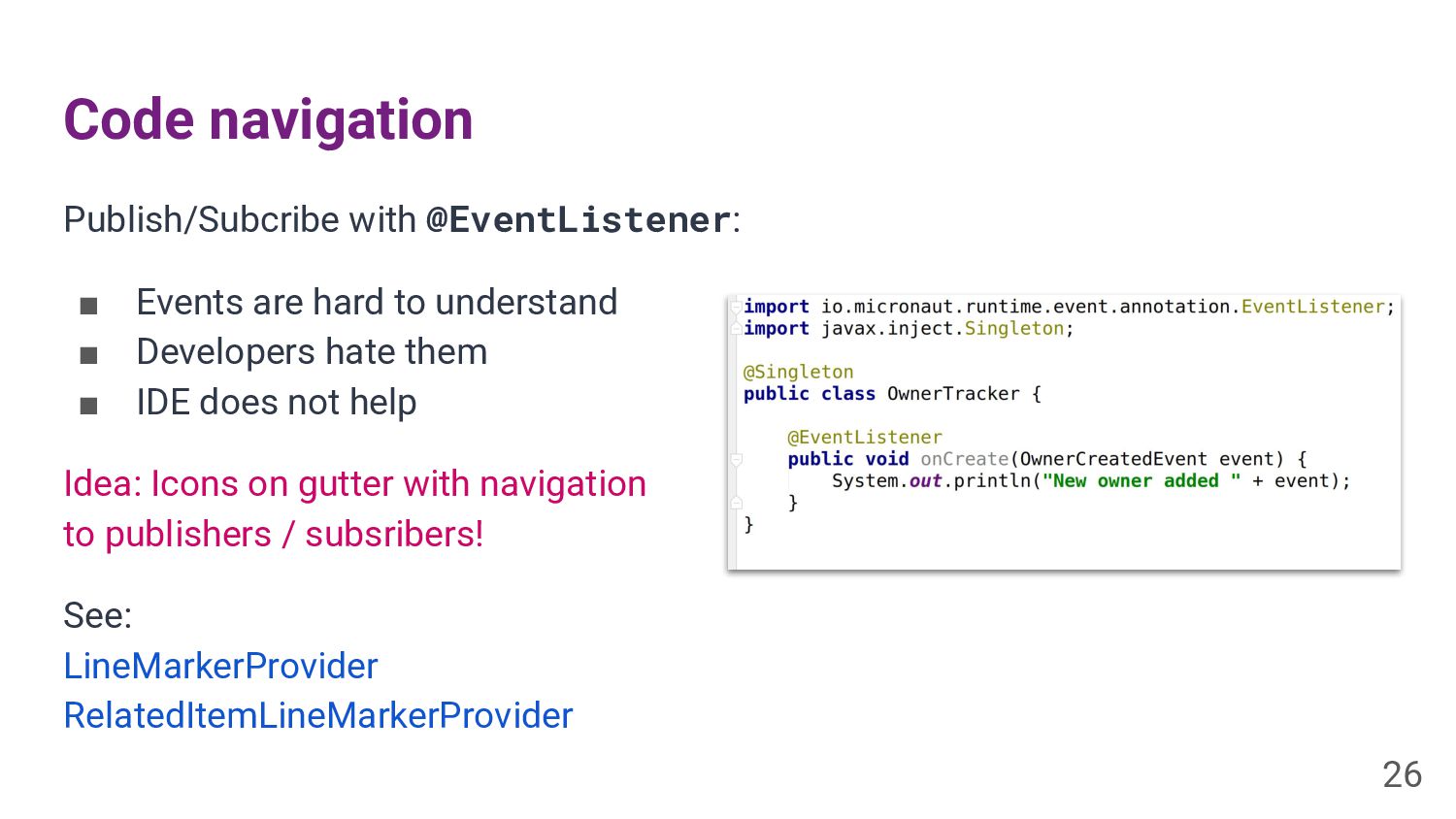
Code navigation Publish/Subcribe with @EventListener: ▪ Events are hard to
understand ▪ Developers hate them ▪ IDE does not help Idea: Icons on gutter with navigation to publishers / subsribers! See: LineMarkerProvider RelatedItemLineMarkerProvider 26 -
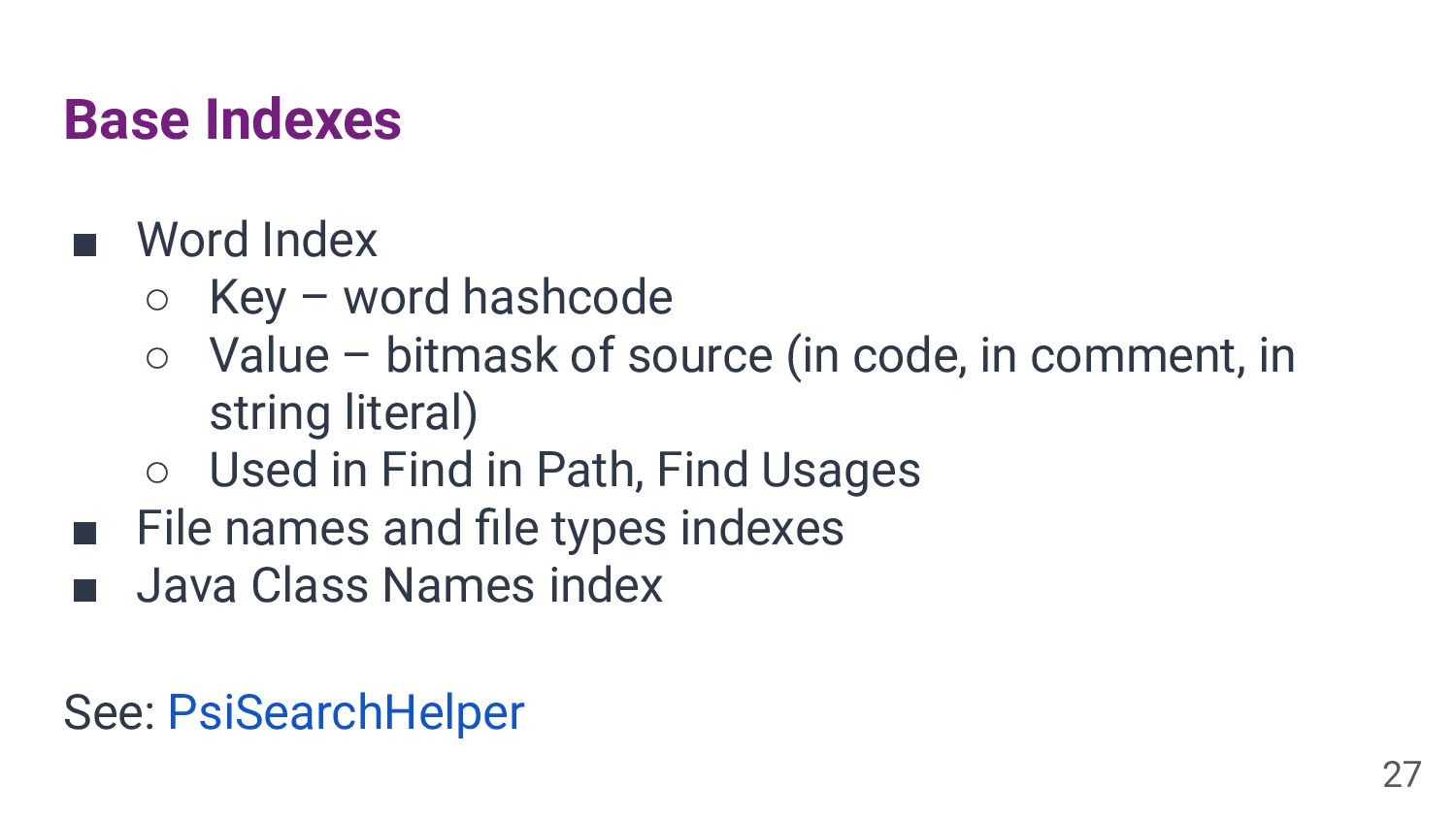
Base Indexes ▪ Word Index ◦ Key – word hashcode
◦ Value – bitmask of source (in code, in comment, in string literal) ◦ Used in Find in Path, Find Usages ▪ File names and file types indexes ▪ Java Class Names index See: PsiSearchHelper 27 -
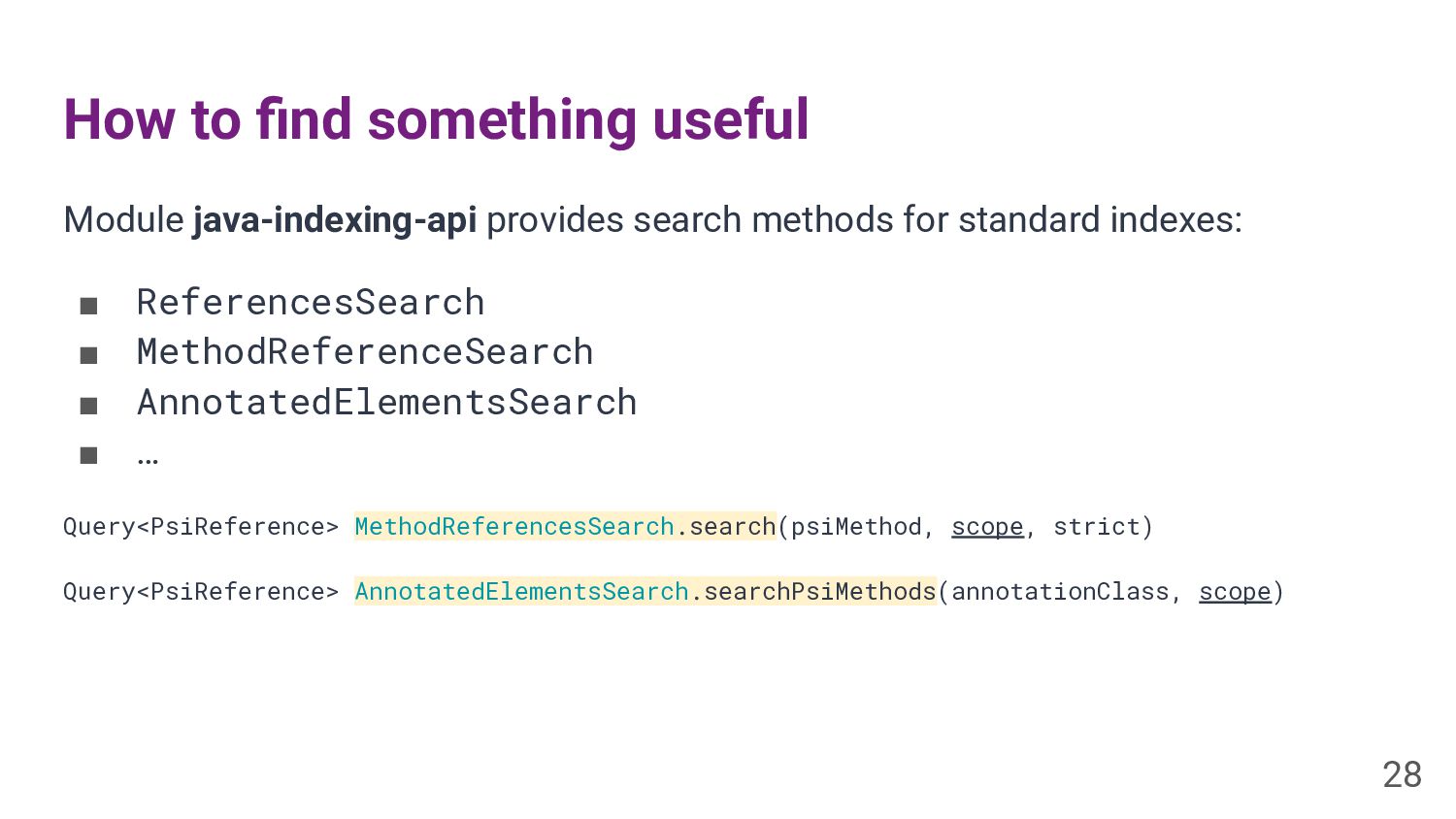
How to find something useful Module java-indexing-api provides search methods
for standard indexes: ▪ ReferencesSearch ▪ MethodReferenceSearch ▪ AnnotatedElementsSearch ▪ … Query<PsiReference> MethodReferencesSearch.search(psiMethod, scope, strict) Query<PsiReference> AnnotatedElementsSearch.searchPsiMethods(annotationClass, scope) 28 -
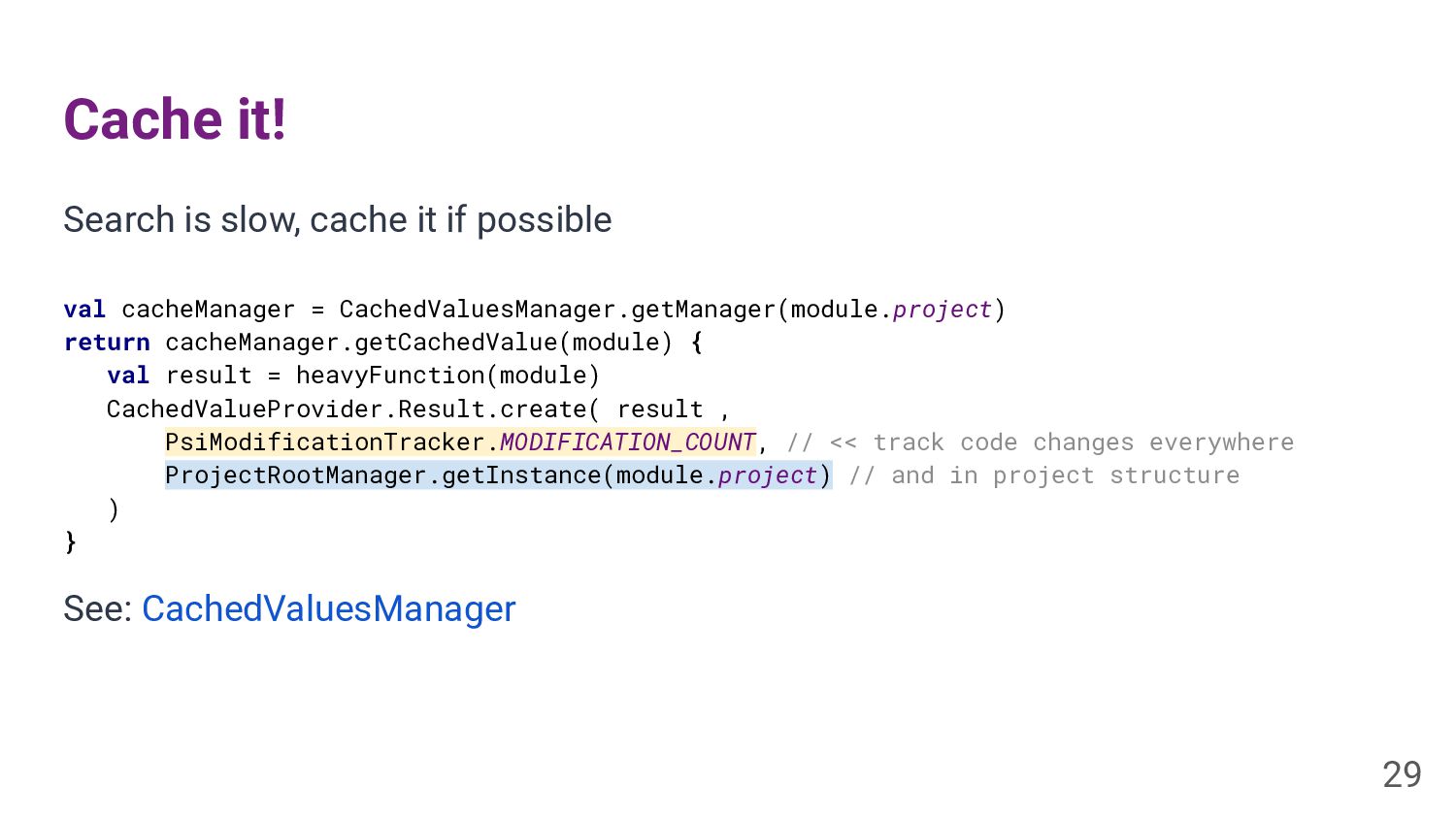
Cache it! Search is slow, cache it if possible 29
val cacheManager = CachedValuesManager.getManager(module.project) return cacheManager.getCachedValue(module) { val result = heavyFunction(module) CachedValueProvider.Result.create( result , PsiModificationTracker.MODIFICATION_COUNT, // << track code changes everywhere ProjectRootManager.getInstance(module.project) // and in project structure ) } See: CachedValuesManager -
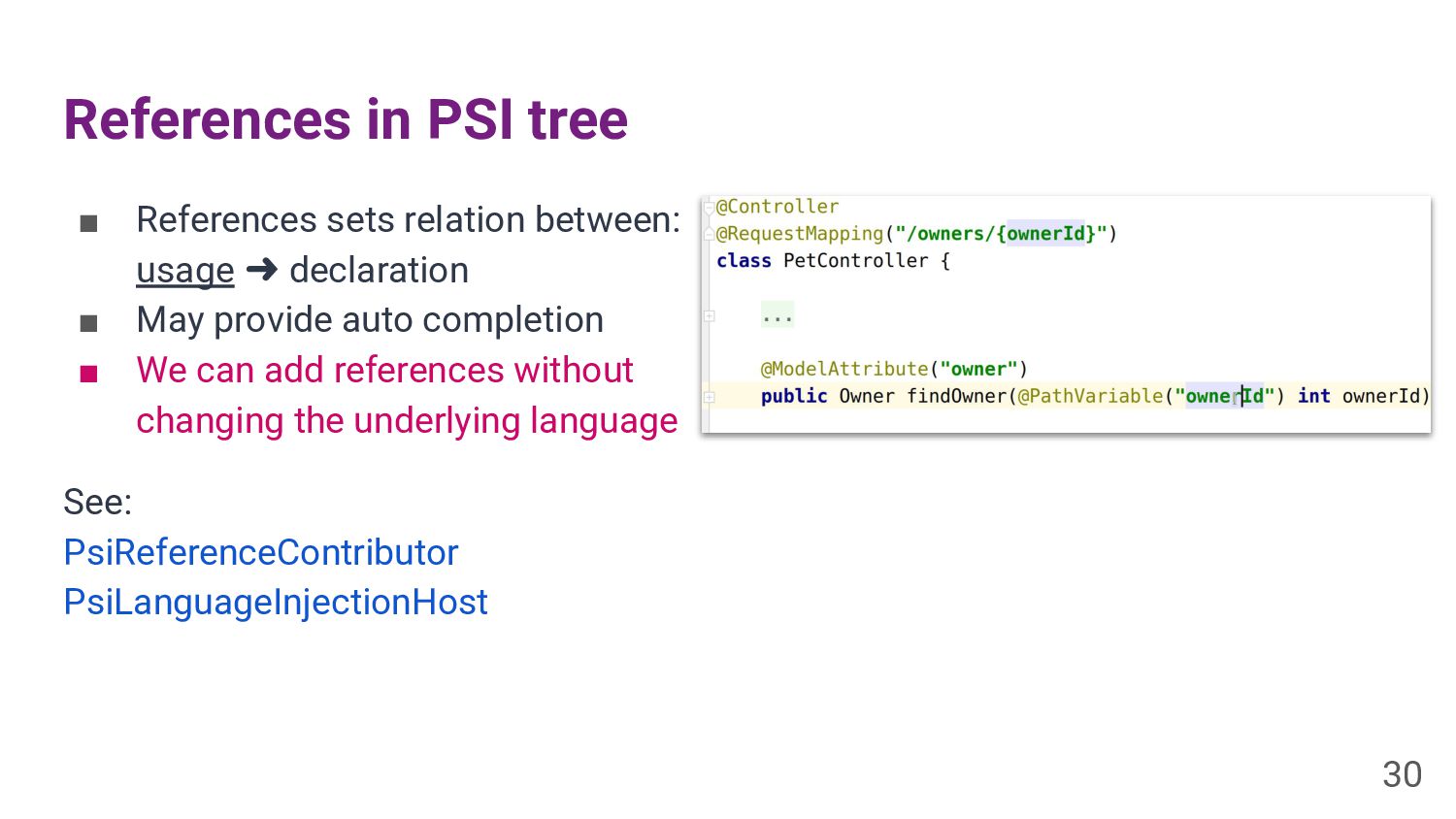
References in PSI tree ▪ References sets relation between: usage
➜ declaration ▪ May provide auto completion ▪ We can add references without changing the underlying language See: PsiReferenceContributor PsiLanguageInjectionHost 30 -
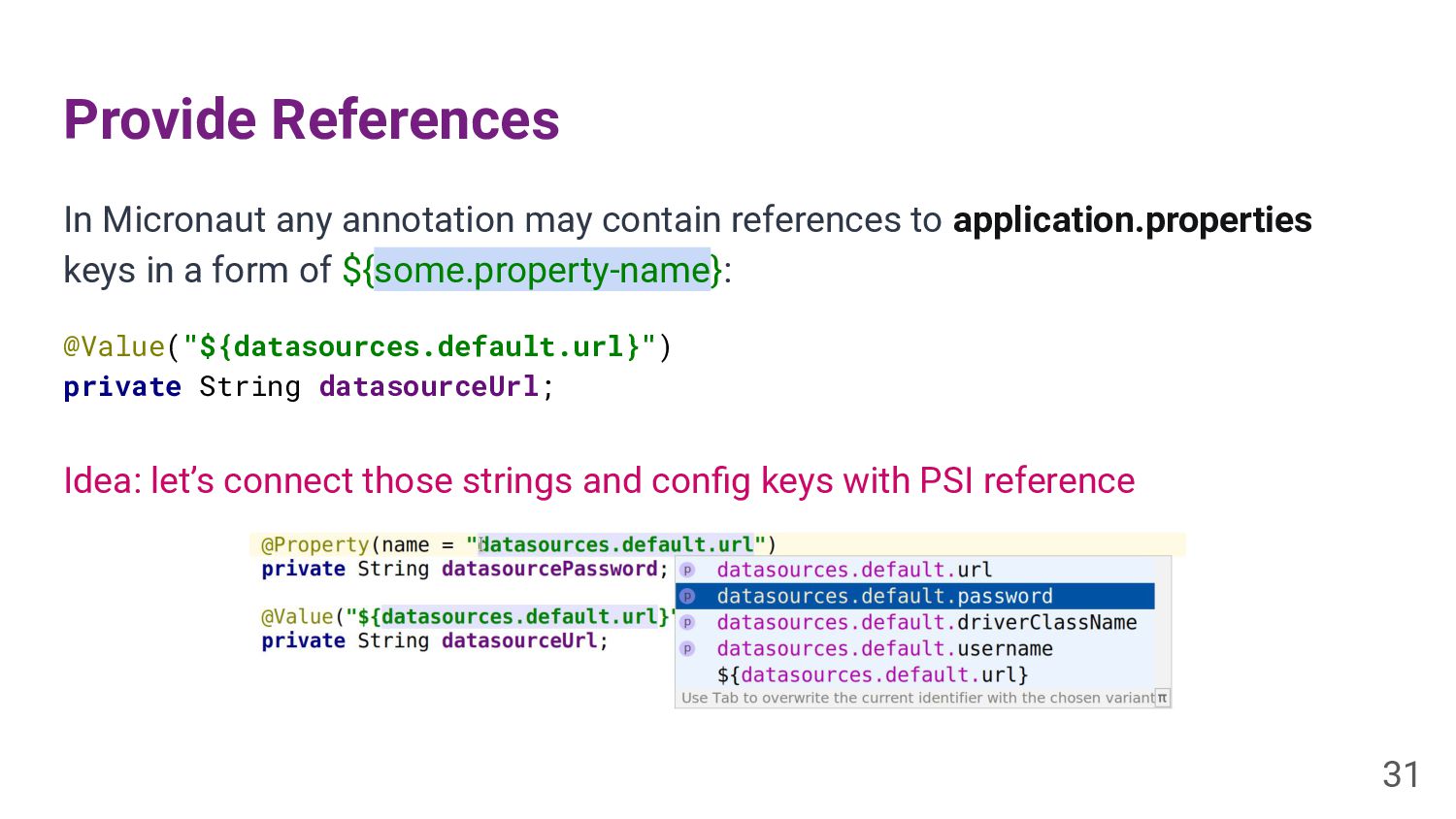
Provide References In Micronaut any annotation may contain references to
application.properties keys in a form of ${some.property-name}: @Value("${datasources.default.url}") private String datasourceUrl; Idea: let’s connect those strings and config keys with PSI reference 31 -
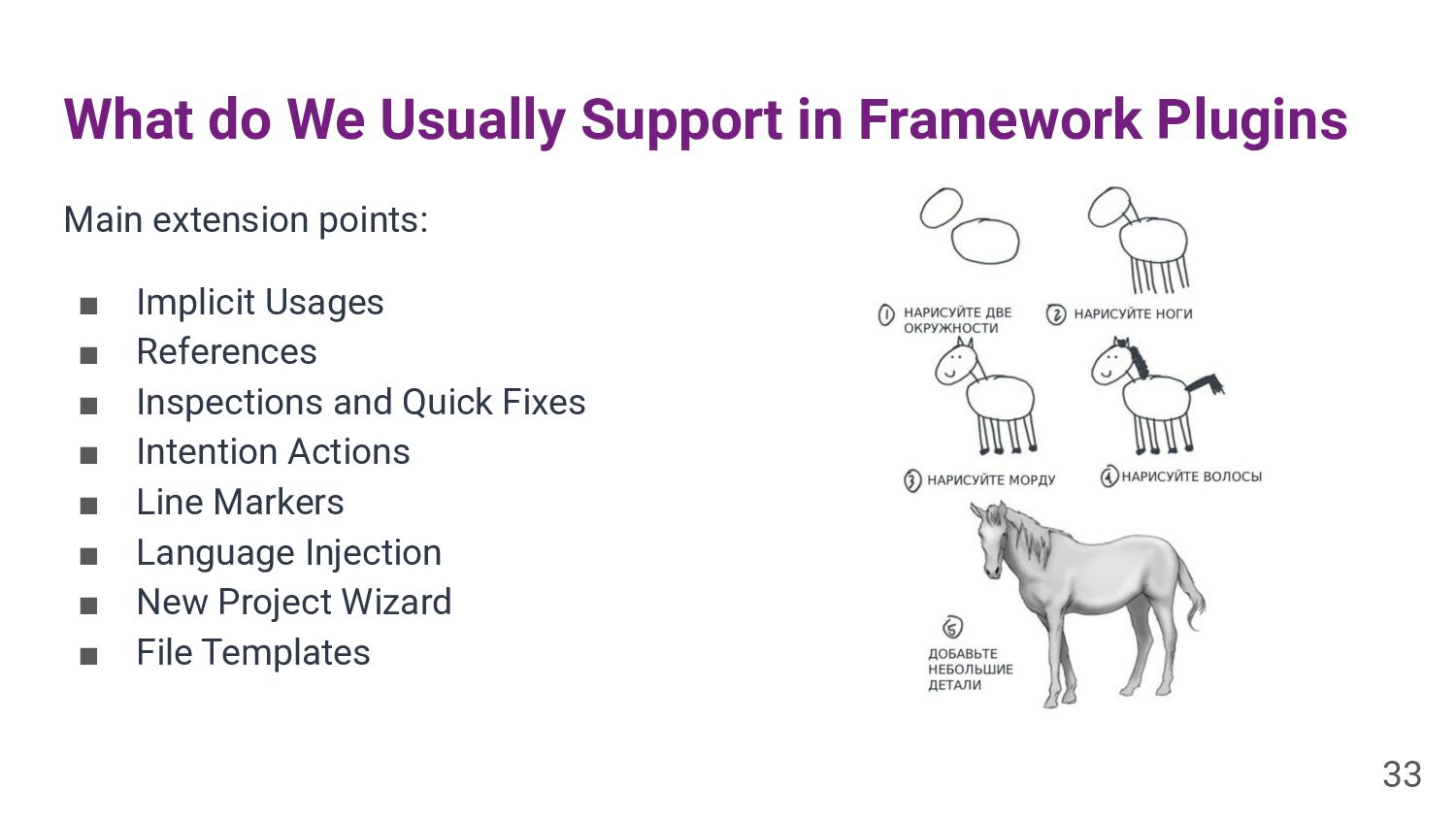
What do We Usually Support in Framework Plugins Main extension
points: ▪ Implicit Usages ▪ References ▪ Inspections and Quick Fixes ▪ Intention Actions ▪ Line Markers ▪ Language Injection ▪ New Project Wizard ▪ File Templates 33 -
Sometimes it Requires Tons of Code Spring Framework Support in
numbers: ▪ 260k LOC Java ▪ 20k LOC Kotlin ▪ 350k LOC Total ▪ 3400 Tests 34 -
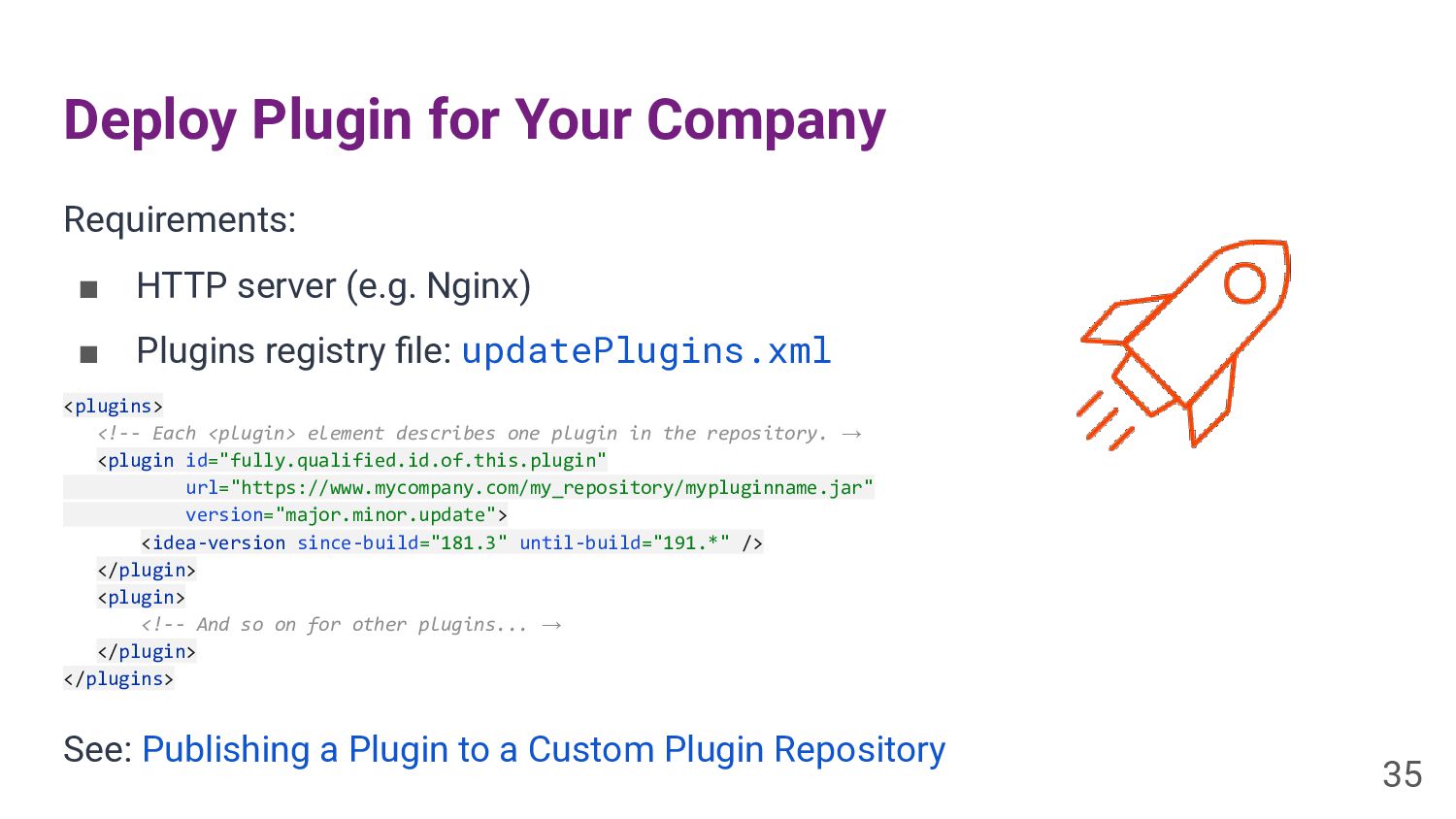
Deploy Plugin for Your Company Requirements: ▪ HTTP server (e.g.
Nginx) ▪ Plugins registry file: updatePlugins.xml <plugins> <!-- Each <plugin> element describes one plugin in the repository. → <plugin id="fully.qualified.id.of.this.plugin" url="https://www.mycompany.com/my_repository/mypluginname.jar" version="major.minor.update"> <idea-version since-build="181.3" until-build="191.*" /> </plugin> <plugin> <!-- And so on for other plugins... → </plugin> </plugins> See: Publishing a Plugin to a Custom Plugin Repository 35 -
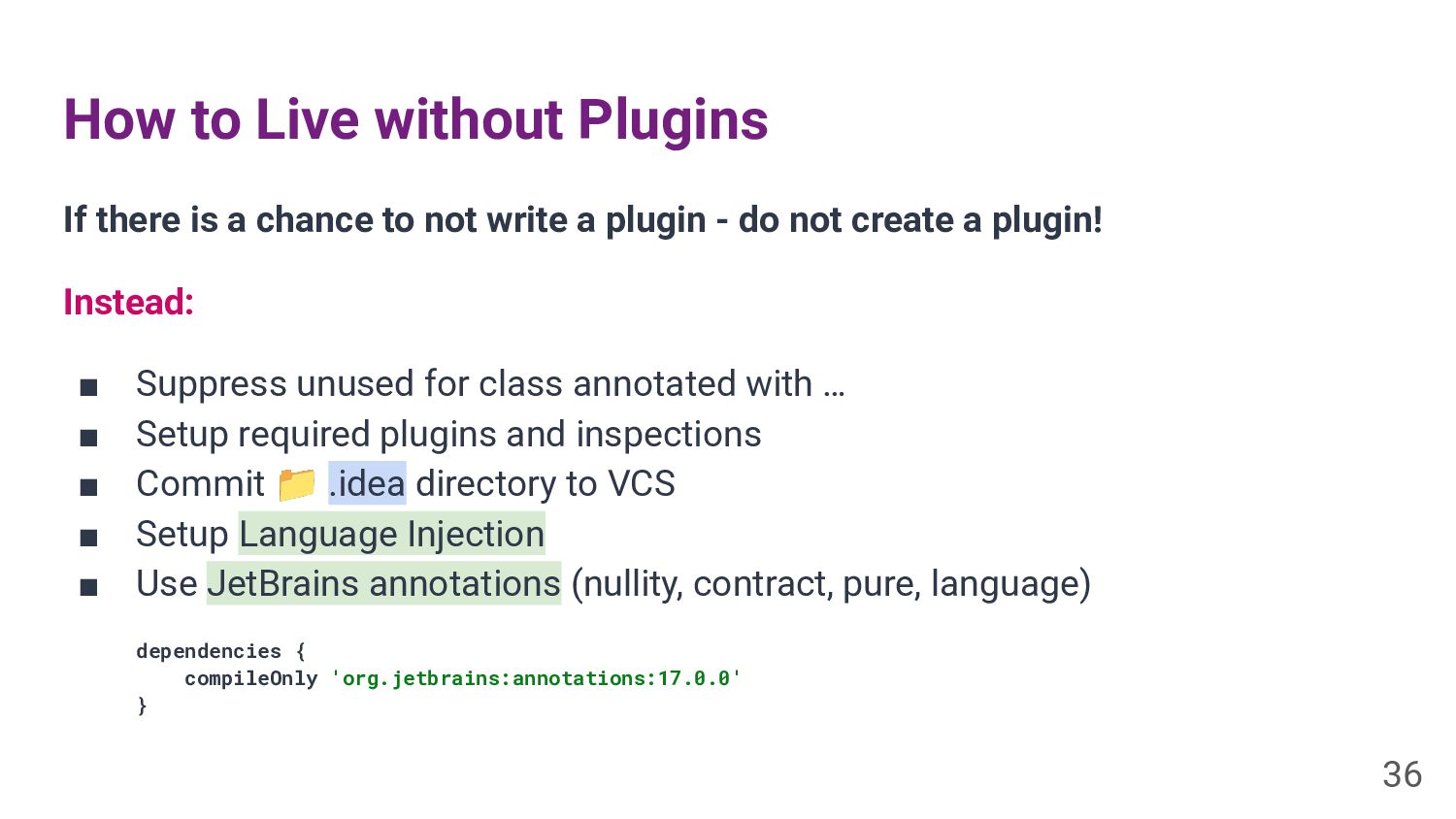
How to Live without Plugins If there is a chance
to not write a plugin - do not create a plugin! Instead: ▪ Suppress unused for class annotated with … ▪ Setup required plugins and inspections ▪ Commit 📁 .idea directory to VCS ▪ Setup Language Injection ▪ Use JetBrains annotations (nullity, contract, pure, language) dependencies { compileOnly 'org.jetbrains:annotations:17.0.0' } 36 -
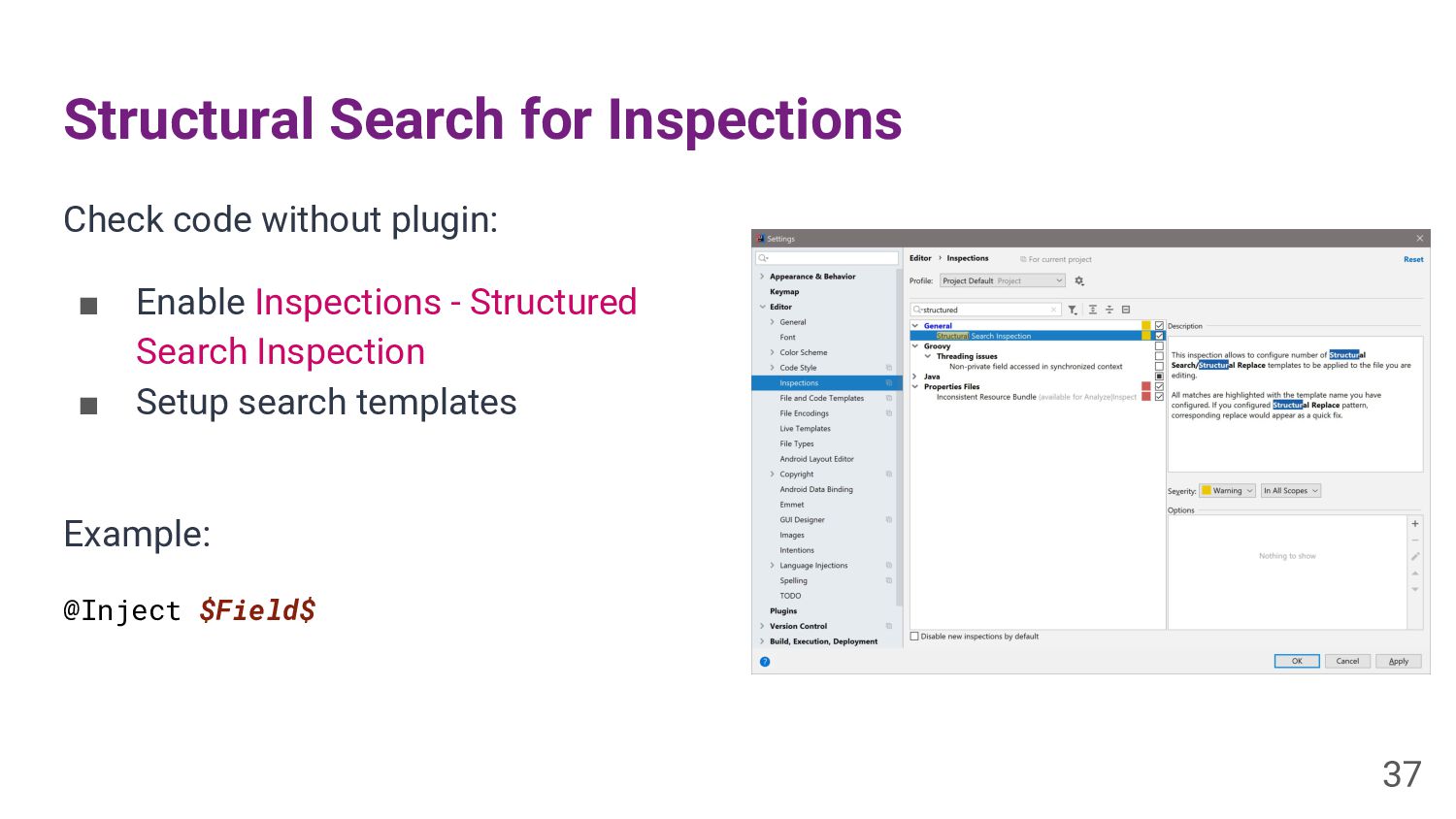
Structural Search for Inspections Check code without plugin: ▪ Enable
Inspections - Structured Search Inspection ▪ Setup search templates Example: @Inject $Field$ 37 -
Links ▪ IntelliJ IDEA CE Sources: github.com/JetBrains/intellij-community ▪ Plugin DevKit
Docs: jetbrains.org/intellij/sdk/docs/basics.html ▪ Forum: IntelliJ IDEA Open API and Plugin Development 38