Upgrade to Pro
— share decks privately, control downloads, hide ads and more …
Speaker Deck
Sign up for free
Menu
Search
Features
All features
Private URLs
Password Protection
Custom URLS
Scheduled publishing
Remove Branding
Restrict embedding
Deck Collections
Notes
Features
All features
Private URLs
Password Protection
Custom URLS
Scheduled publishing
Remove Branding
Restrict embedding
Deck Collections
Notes
Explore
Featured decks
Featured speakers
Programming
Technology
Storyboards
Explore
Featured decks
Featured speakers
Programming
Technology
Storyboards
Pricing
Search
Sign in
Sign up for free
Android でも Haptics 入門 potatotips #84 @Kaito-Dogi
Search
Kaito-Dogi
September 26, 2023
Programming
340
0
Share
Embed
Copy iframe code
Copy JS code
Copy link
Start on current slide
Android でも Haptics 入門 potatotips #84 @Kaito-Dogi
2023/09/26 開催の potatotips #84 にて、『Android でも Haptics 入門』 というテーマで発表しました。
Kaito-Dogi
September 26, 2023
More Decks by Kaito-Dogi
See All by Kaito-Dogi
その日時は Instant?LocalDateTime?
kaito_dogi
1
37
Expo Router は Expo 導入の決め手となるか フロントエンドカンファレンス沖縄2023 @Kaito-Dogi
kaito_dogi
3
4.2k
Kotlin で AWS Lambda 動かしてみた Server-Side Kotlin Meetup vol.9 @Kaito-Dogi
kaito_dogi
1
510
フロントエンドエンジニアの友人と“型”で話がすれ違った原因 YUMEMI.grow合同LT会in横浜 @Kaito-Dogi
kaito_dogi
1
690
ウォッチフェイス作ってみた shibuya.apk #41 @Kaito-Dogi
kaito_dogi
0
1.6k
Other Decks in Programming
See All in Programming
MVNOの申込からeSIM開通までをiOSアプリでつなぐ- 本人確認・MNP・通信事業者基盤をまたぐ実装
satotakeshi
0
520
AWS CDKのカスタムリソースでContinuum(旧Security Agent)を実装した話 | Implementing Continuum (formerly Security Agent) via AWS CDK Custom Resource
akihisaikeda
2
120
パズルゲームの作り方 / how to make puzzle games
kaityo256
PRO
2
260
Ghostty + Neovimで作る 透明でカッコ良い開発環境
j341nono
0
150
設計次第でAIコードの読む量は減らせる / designing-for-code-reading
minodriven
33
14k
スマートフォンでモールス信号を送受信する 〜スマートフォンのLEDとカメラで作る光通信の設計と実装〜
atsuki_seo
0
220
Agents on Rails - Rails at Scale 2026
irinanazarova
0
320
テストを司るデーモンに会いに行く 〜隔離した仮想マシンでテストを通すまで〜
h1d3mun3
1
600
The Rails Doctrine Decade
koic
2
460
App Intentsのビルドプロセスを支える技術
kntkymt
0
500
Augmenting AI with the Power of Jakarta EE
ivargrimstad
0
390
AI が書く Go コードの品質を劇的に向上させる Linter: “declscope”
mpyw
0
470
Featured
See All Featured
Rebuilding a faster, lazier Slack
samanthasiow
85
9.7k
XXLCSS - How to scale CSS and keep your sanity
sugarenia
250
1.3M
Leading Effective Engineering Teams in the AI Era
addyosmani
9
2.7k
Building the Perfect Custom Keyboard
takai
2
890
Money Talks: Using Revenue to Get Sh*t Done
nikkihalliwell
0
510
We Analyzed 250 Million AI Search Results: Here's What I Found
joshbly
1
2k
Heart Work Chapter 1 - Part 1
lfama
PRO
10
36k
The Myth of the Modular Monolith - Day 2 Keynote - Rails World 2024
eileencodes
28
3.7k
[RailsConf 2023 Opening Keynote] The Magic of Rails
eileencodes
31
10k
Accessibility Awareness
sabderemane
1
230
Designing Powerful Visuals for Engaging Learning
tmiket
1
590
Connecting the Dots Between Site Speed, User Experience & Your Business [WebExpo 2025]
tammyeverts
11
1k
Transcript
Android でも Haptics ⼊⾨ potatotips #84 @Kaito-Dogi
自己紹介 @Kaito_Dogi @Kaito-Dogi • どぎー • 株式会社ゆめみ • Android エンジニア
• カンボジア⾏ってきました
“Haptics” 聞いたことありますか?
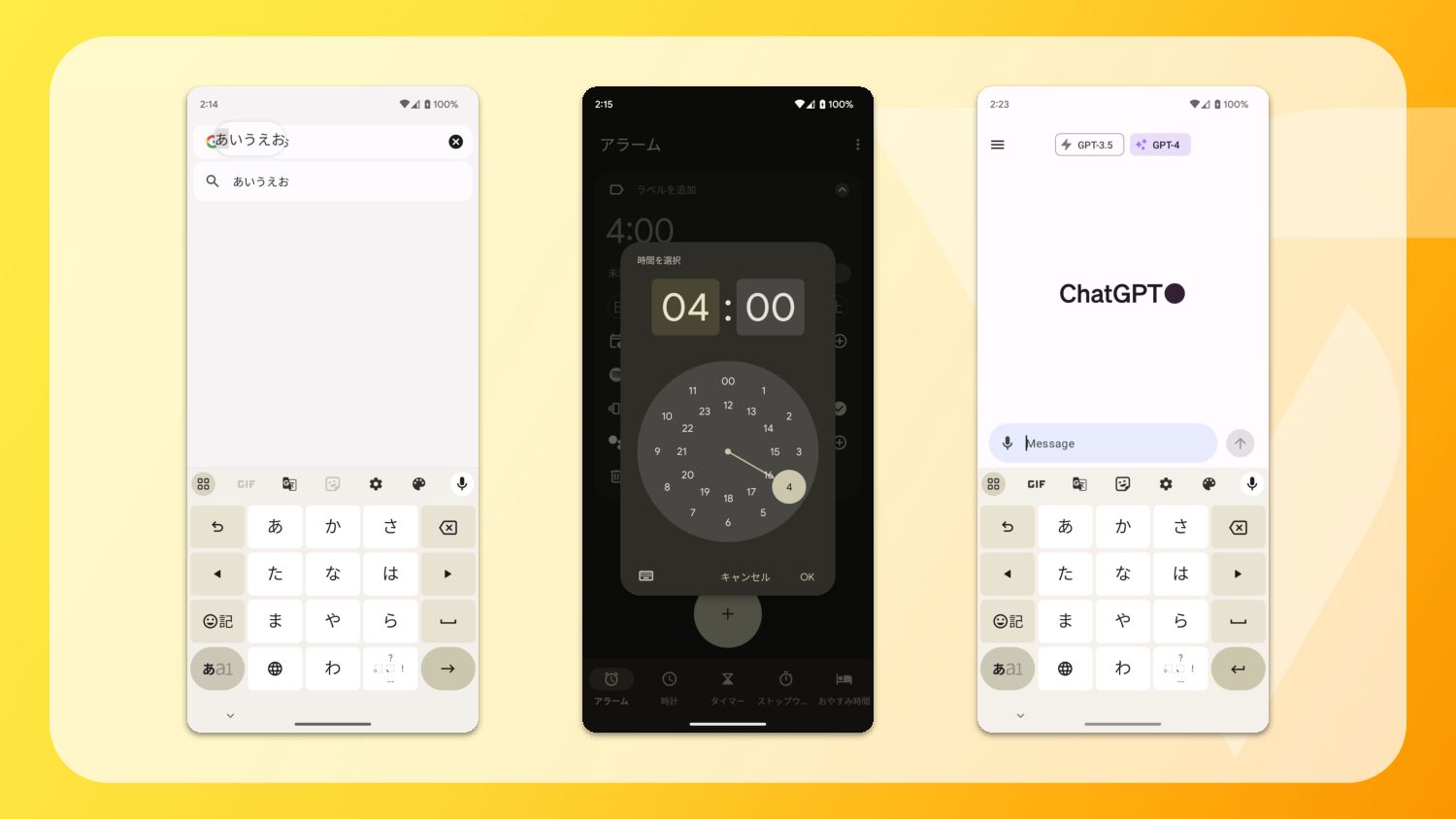
None
“振動”
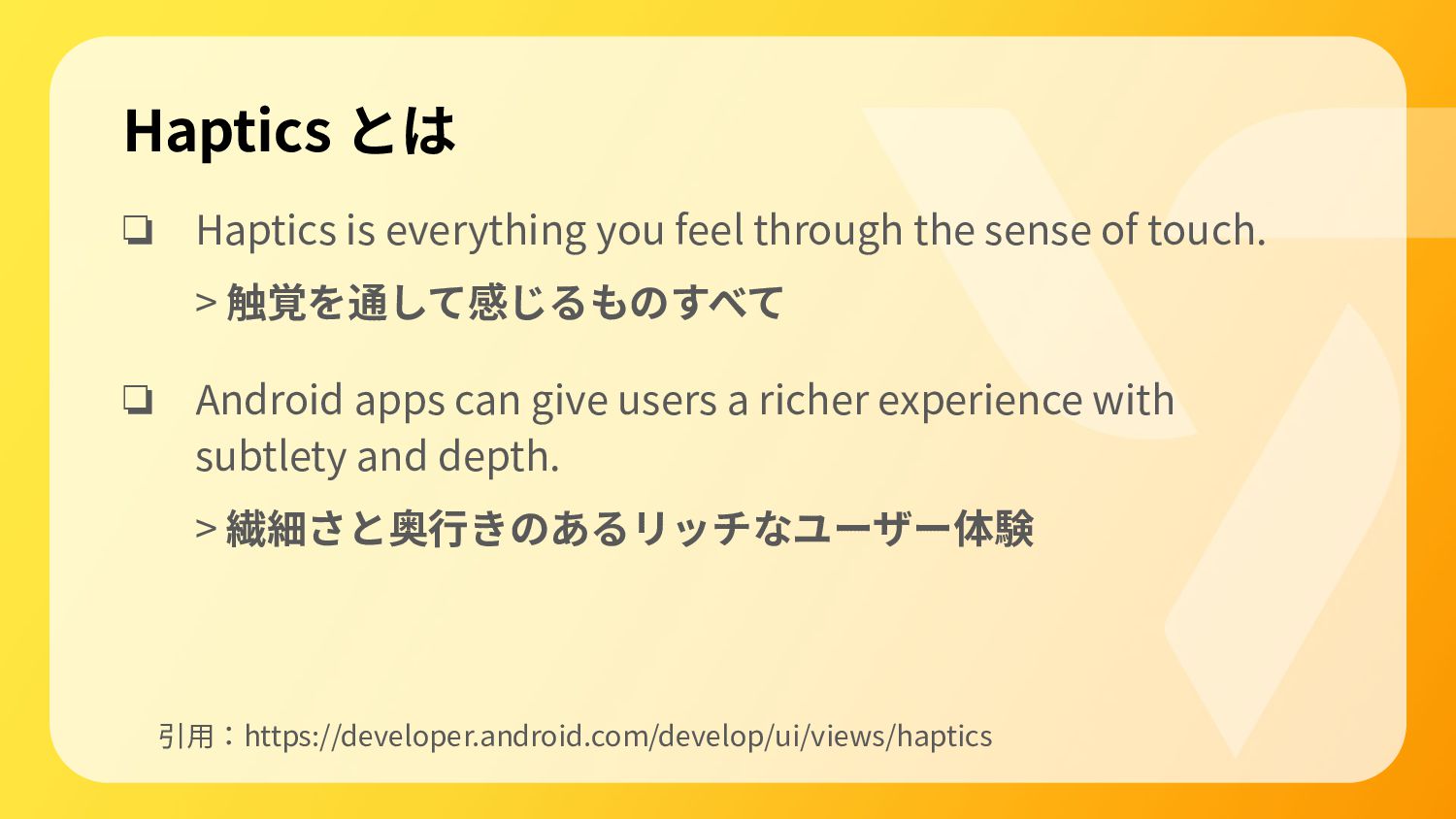
Haptics とは ❏ Haptics is everything you feel through the
sense of touch. > 触覚を通して感じるものすべて ❏ Android apps can give users a richer experience with subtlety and depth. > 繊細さと奥⾏きのあるリッチなユーザー体験 引⽤:https://developer.android.com/develop/ui/views/haptics
視覚、聴覚、そして “触覚”
Android でどう実装するか
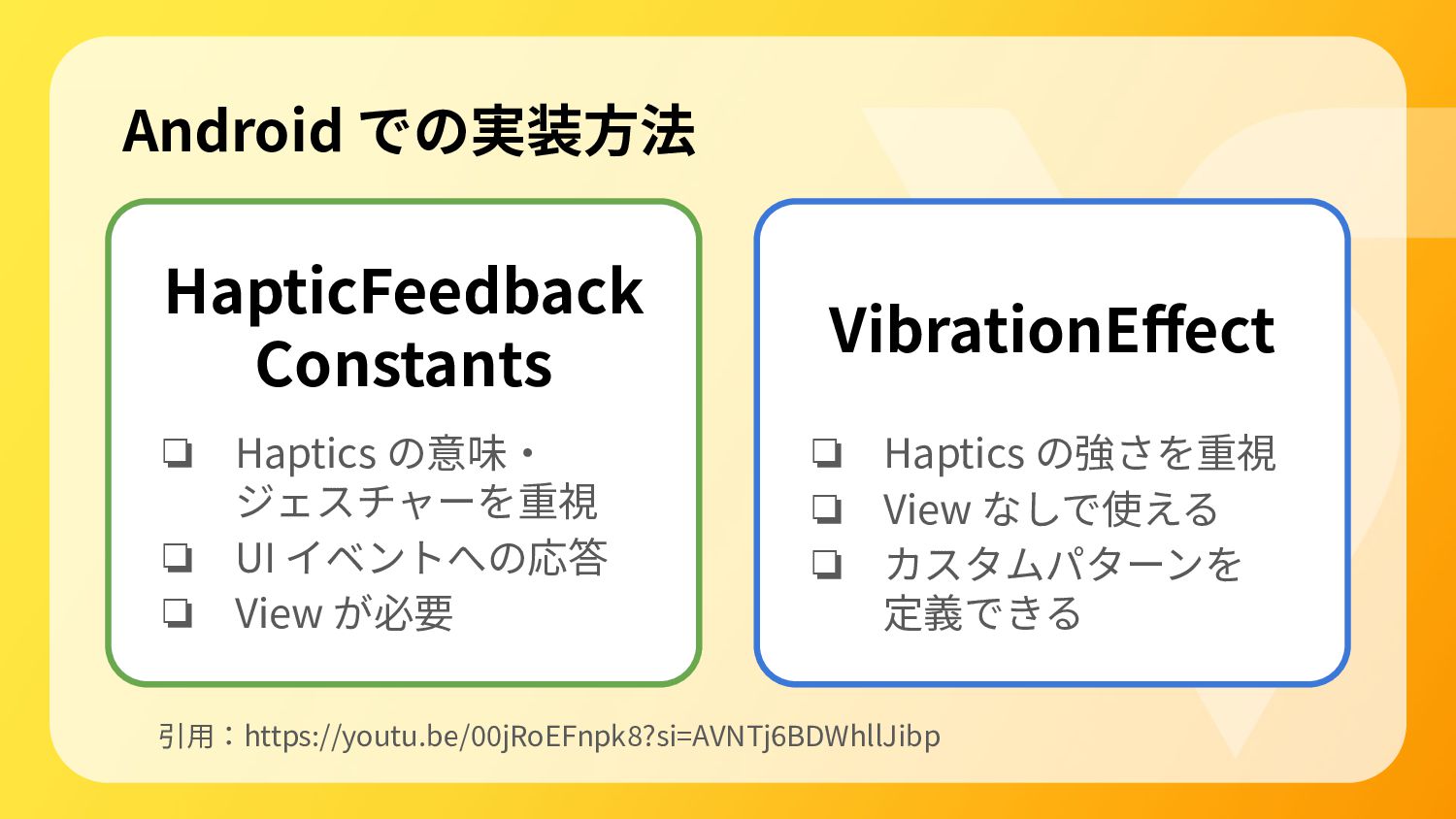
Android での実装⽅法 引⽤:https://youtu.be/00jRoEFnpk8?si=AVNTj6BDWhllJibp HapticFeedback Constants ❏ Haptics の意味‧ ジェスチャーを重視 ❏
UI イベントへの応答 ❏ View が必要 ❏ Haptics の強さを重視 ❏ View なしで使える ❏ カスタムパターンを 定義できる VibrationEffect
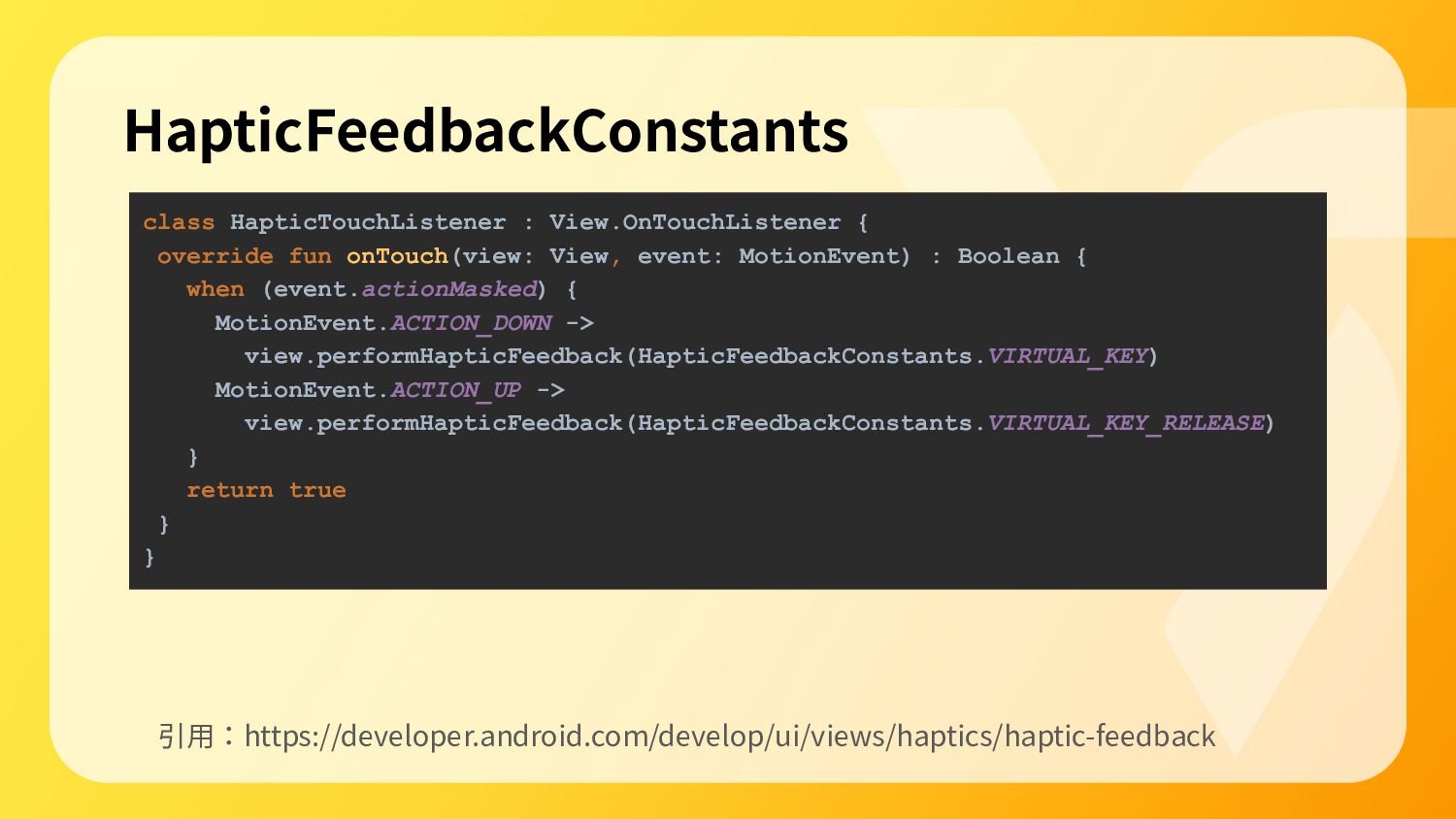
class HapticTouchListener : View.OnTouchListener { override fun onTouch(view: View, event:
MotionEvent) : Boolean { when (event.actionMasked) { MotionEvent.ACTION_DOWN -> view.performHapticFeedback(HapticFeedbackConstants.VIRTUAL_KEY) MotionEvent.ACTION_UP -> view.performHapticFeedback(HapticFeedbackConstants.VIRTUAL_KEY_RELEASE) } return true } } HapticFeedbackConstants 引⽤:https://developer.android.com/develop/ui/views/haptics/haptic-feedback
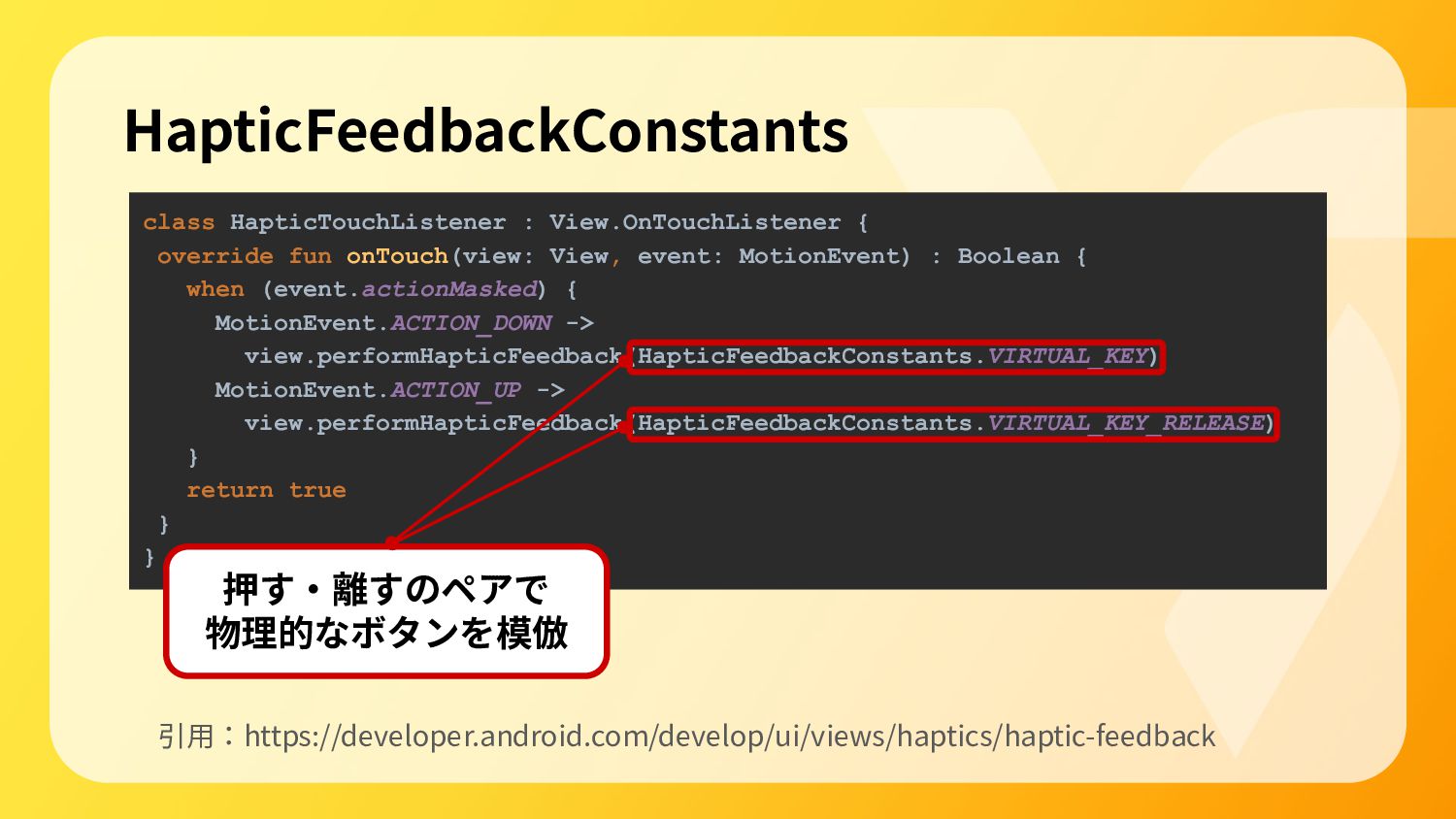
class HapticTouchListener : View.OnTouchListener { override fun onTouch(view: View, event:
MotionEvent) : Boolean { when (event.actionMasked) { MotionEvent.ACTION_DOWN -> view.performHapticFeedback(HapticFeedbackConstants.VIRTUAL_KEY) MotionEvent.ACTION_UP -> view.performHapticFeedback(HapticFeedbackConstants.VIRTUAL_KEY_RELEASE) } return true } } HapticFeedbackConstants 引⽤:https://developer.android.com/develop/ui/views/haptics/haptic-feedback 押す‧離すのペアで 物理的なボタンを模倣
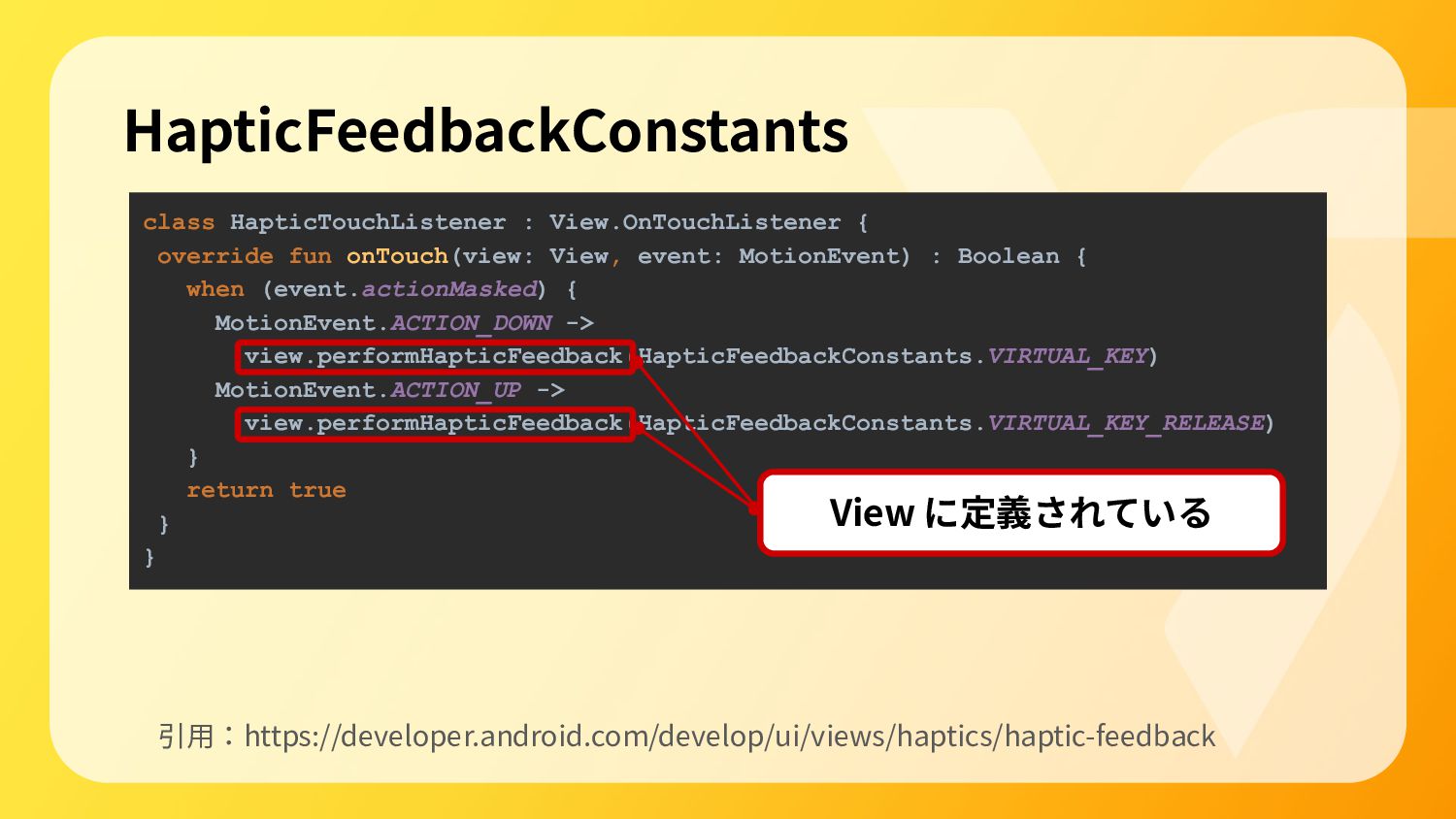
class HapticTouchListener : View.OnTouchListener { override fun onTouch(view: View, event:
MotionEvent) : Boolean { when (event.actionMasked) { MotionEvent.ACTION_DOWN -> view.performHapticFeedback(HapticFeedbackConstants.VIRTUAL_KEY) MotionEvent.ACTION_UP -> view.performHapticFeedback(HapticFeedbackConstants.VIRTUAL_KEY_RELEASE) } return true } } HapticFeedbackConstants 引⽤:https://developer.android.com/develop/ui/views/haptics/haptic-feedback View に定義されている
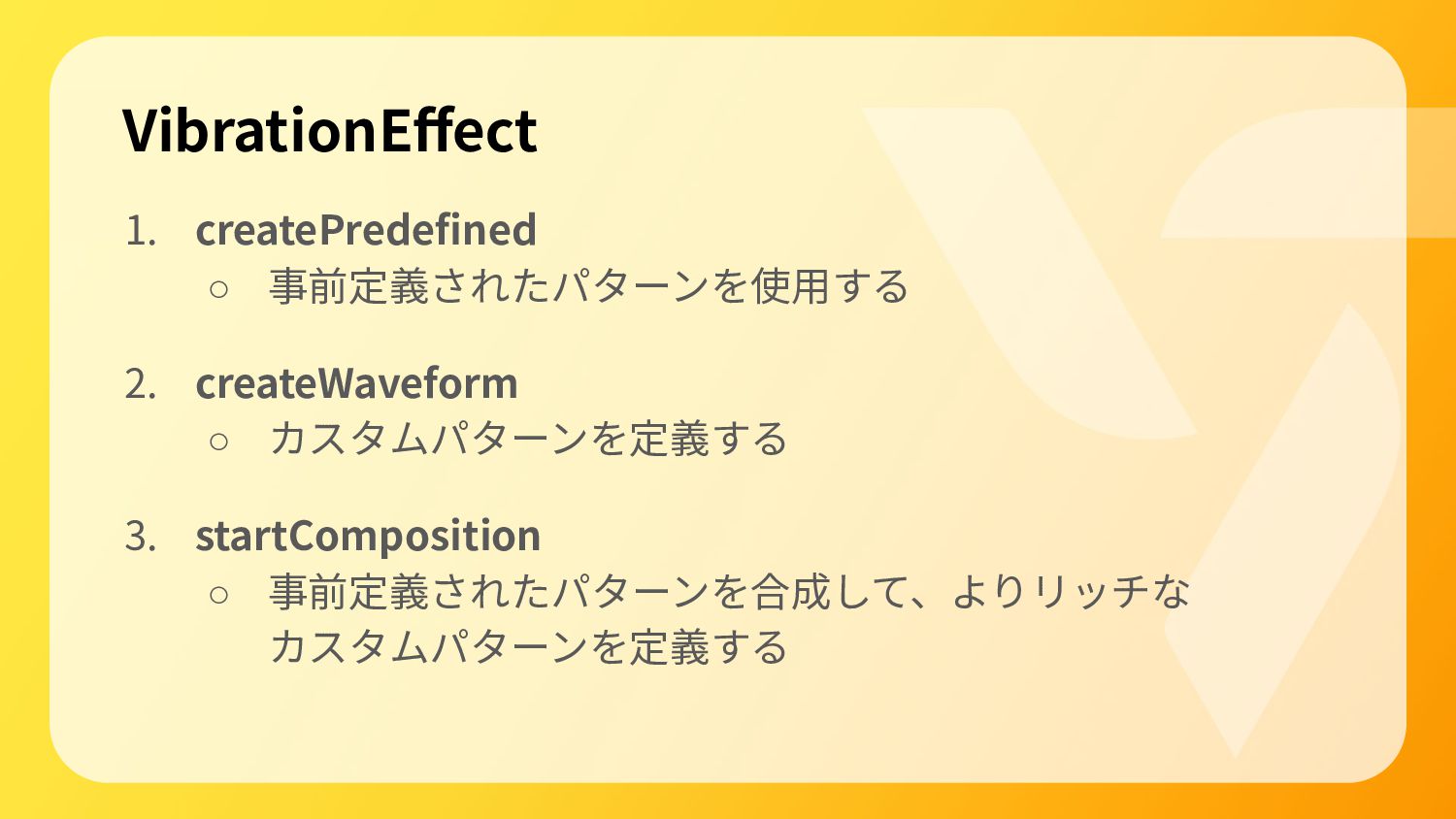
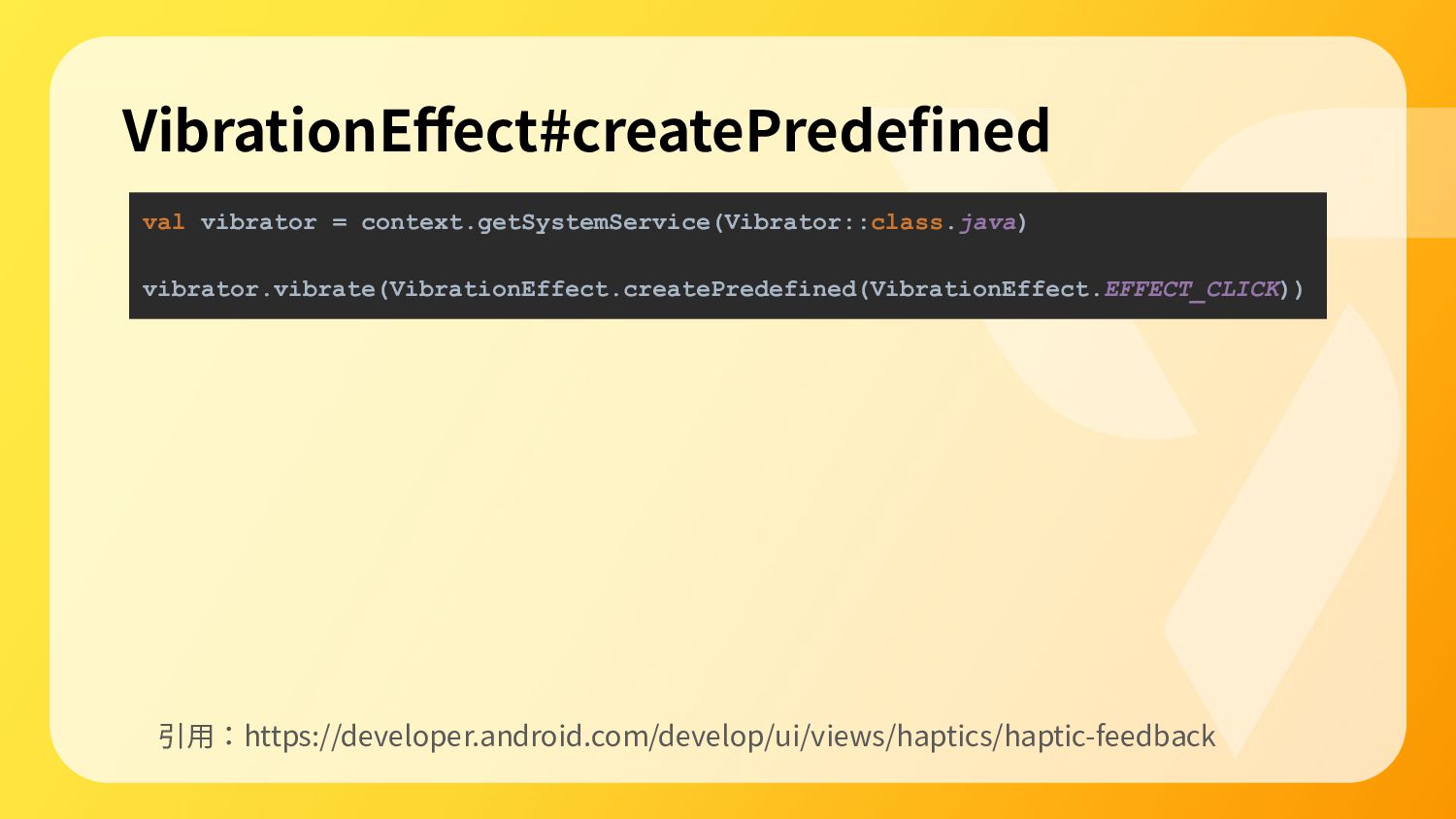
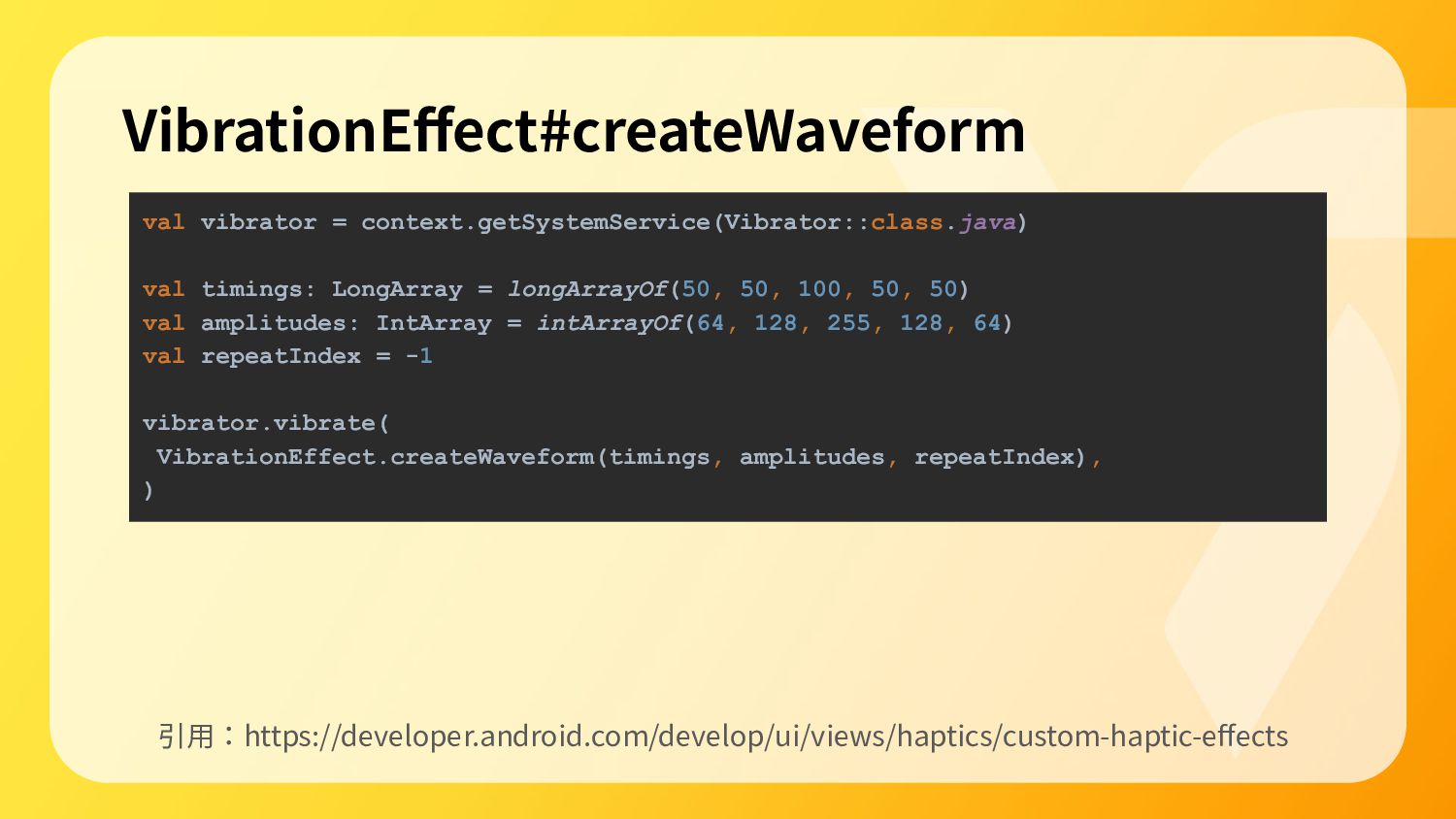
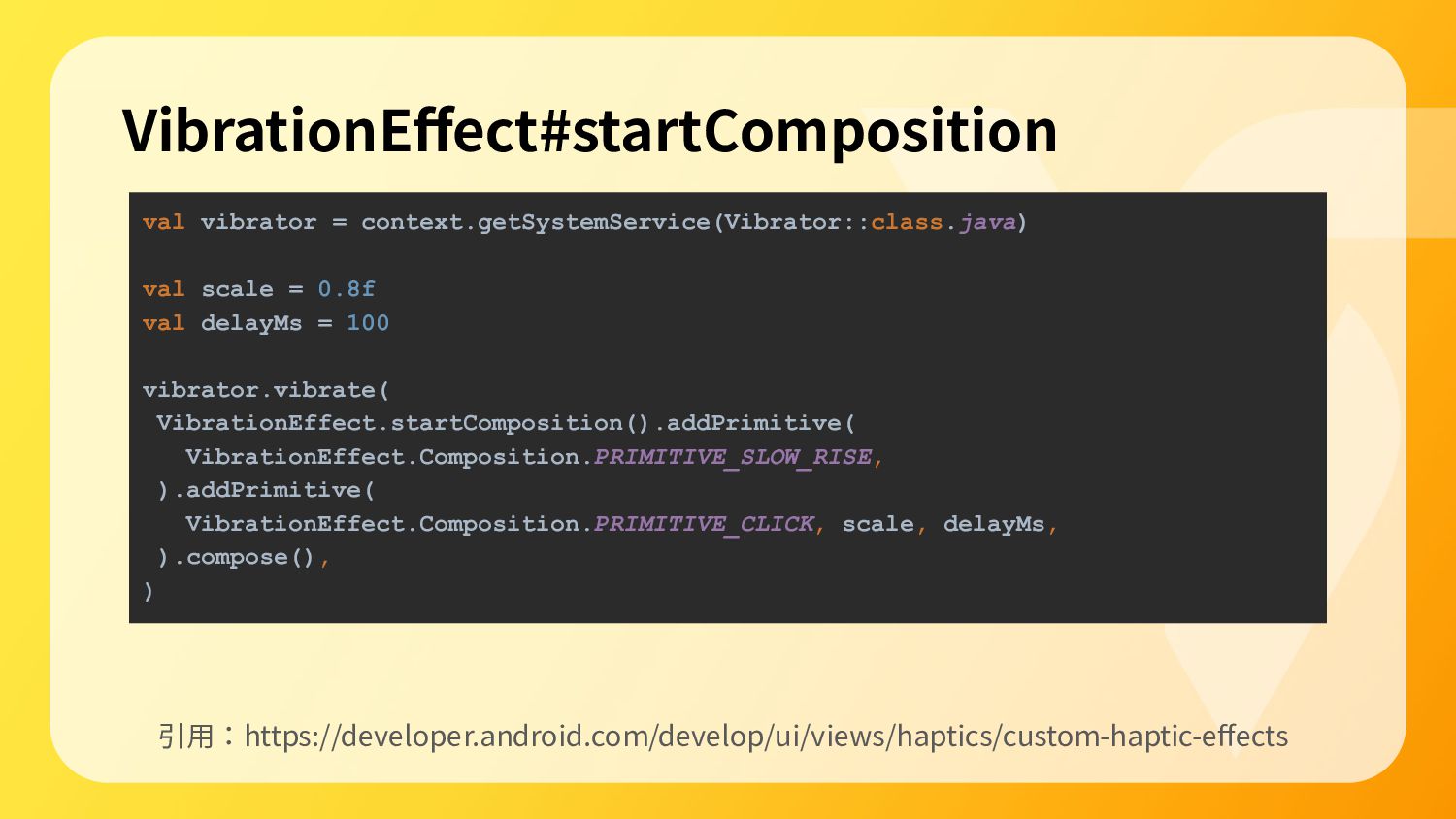
VibrationEffect 1. createPredefined ◦ 事前定義されたパターンを使⽤する 2. createWaveform ◦ カスタムパターンを定義する 3.
startComposition ◦ 事前定義されたパターンを合成して、よりリッチな カスタムパターンを定義する
val vibrator = context.getSystemService(Vibrator::class.java) vibrator.vibrate(VibrationEffect.createPredefined(VibrationEffect.EFFECT_CLICK)) VibrationEffect#createPredefined 引⽤:https://developer.android.com/develop/ui/views/haptics/haptic-feedback
val vibrator = context.getSystemService(Vibrator::class.java) val timings: LongArray = longArrayOf(50, 50,
100, 50, 50) val amplitudes: IntArray = intArrayOf(64, 128, 255, 128, 64) val repeatIndex = -1 vibrator.vibrate( VibrationEffect.createWaveform(timings, amplitudes, repeatIndex), ) VibrationEffect#createWaveform 引⽤:https://developer.android.com/develop/ui/views/haptics/custom-haptic-effects
val vibrator = context.getSystemService(Vibrator::class.java) val scale = 0.8f val delayMs
= 100 vibrator.vibrate( VibrationEffect.startComposition().addPrimitive( VibrationEffect.Composition.PRIMITIVE_SLOW_RISE, ).addPrimitive( VibrationEffect.Composition.PRIMITIVE_CLICK, scale, delayMs, ).compose(), ) VibrationEffect#startComposition 引⽤:https://developer.android.com/develop/ui/views/haptics/custom-haptic-effects
Android でどう取り⼊れるか
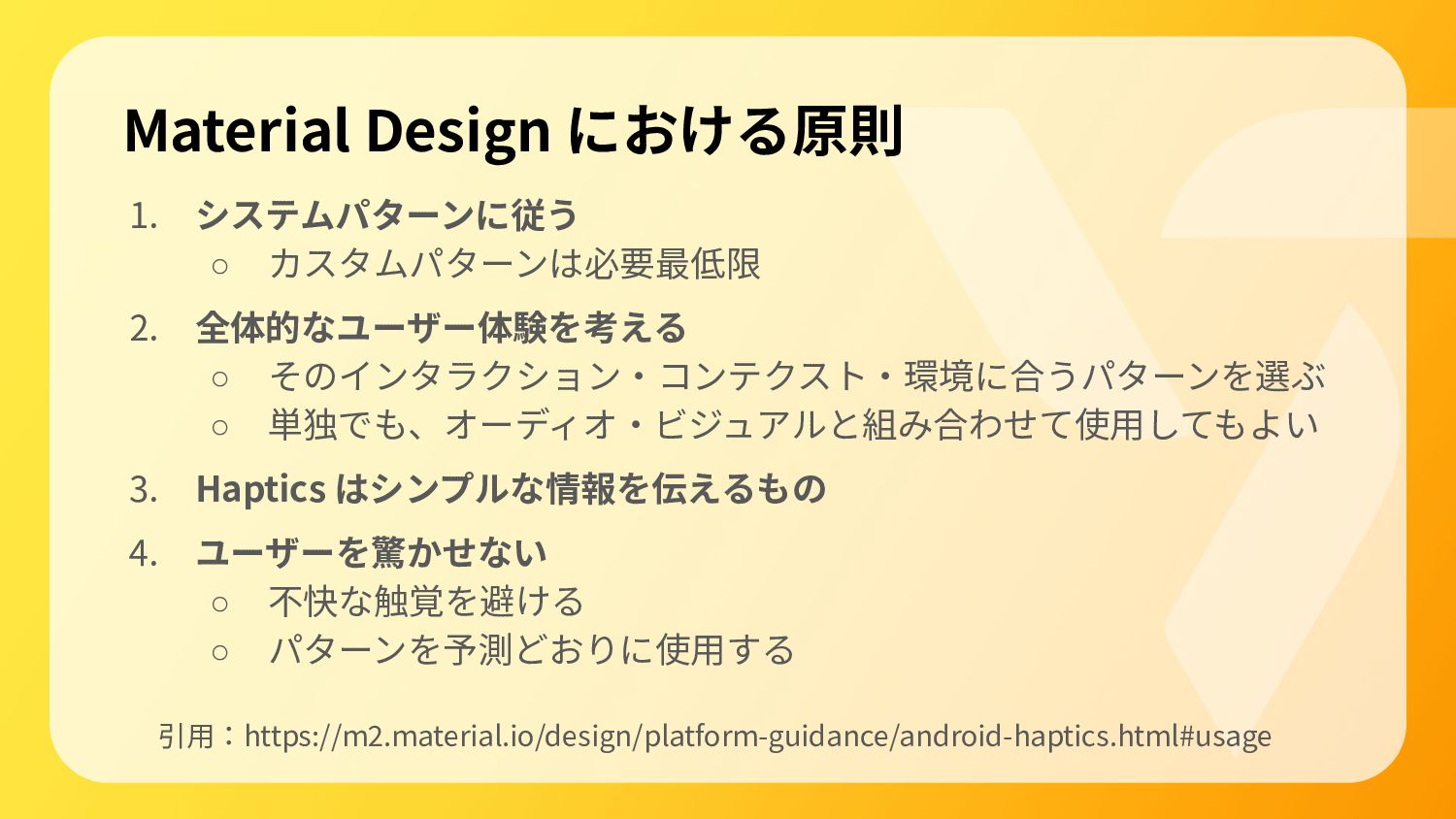
Material Design における原則 引⽤:https://m2.material.io/design/platform-guidance/android-haptics.html#usage 1. システムパターンに従う ◦ カスタムパターンは必要最低限 2. 全体的なユーザー体験を考える
◦ そのインタラクション‧コンテクスト‧環境に合うパターンを選ぶ ◦ 単独でも、オーディオ‧ビジュアルと組み合わせて使⽤してもよい 3. Haptics はシンプルな情報を伝えるもの 4. ユーザーを驚かせない ◦ 不快な触覚を避ける ◦ パターンを予測どおりに使⽤する
OS‧デバイスの制限を受ける 🚨
サンプルコード
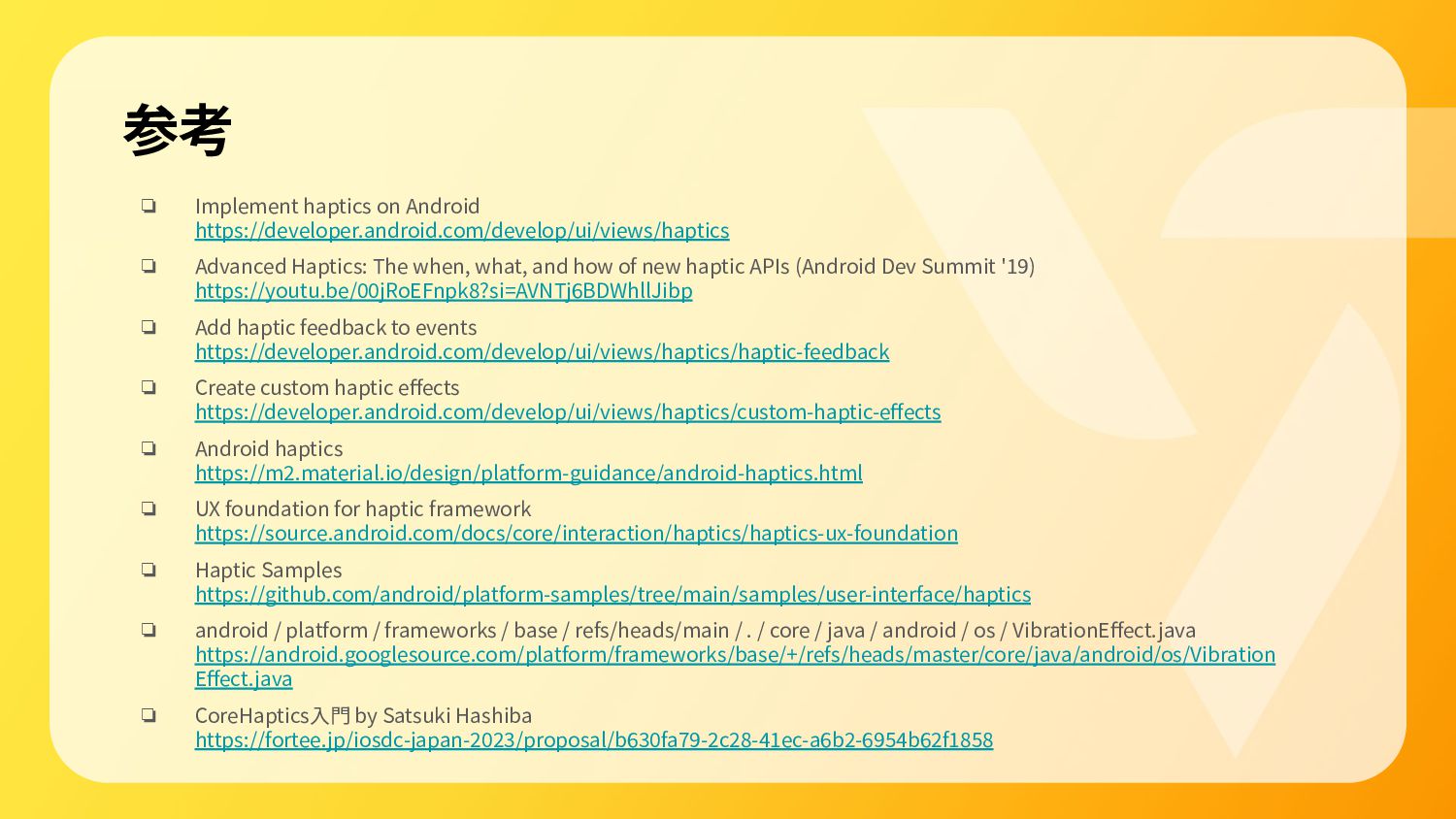
参考 ❏ Implement haptics on Android https://developer.android.com/develop/ui/views/haptics ❏ Advanced Haptics:
The when, what, and how of new haptic APIs (Android Dev Summit '19) https://youtu.be/00jRoEFnpk8?si=AVNTj6BDWhllJibp ❏ Add haptic feedback to events https://developer.android.com/develop/ui/views/haptics/haptic-feedback ❏ Create custom haptic effects https://developer.android.com/develop/ui/views/haptics/custom-haptic-effects ❏ Android haptics https://m2.material.io/design/platform-guidance/android-haptics.html ❏ UX foundation for haptic framework https://source.android.com/docs/core/interaction/haptics/haptics-ux-foundation ❏ Haptic Samples https://github.com/android/platform-samples/tree/main/samples/user-interface/haptics ❏ android / platform / frameworks / base / refs/heads/main / . / core / java / android / os / VibrationEffect.java https://android.googlesource.com/platform/frameworks/base/+/refs/heads/master/core/java/android/os/Vibration Effect.java ❏ CoreHaptics⼊⾨ by Satsuki Hashiba https://fortee.jp/iosdc-japan-2023/proposal/b630fa79-2c28-41ec-a6b2-6954b62f1858
ありがとうございました 🙌


 kaito_dogi
 satotakeshi
 akihisaikeda
 kaityo256
 j341nono
 minodriven
 atsuki_seo
 irinanazarova
 h1d3mun3
 koic
koic
 kntkymt
 ivargrimstad
 mpyw
mpyw
 samanthasiow
 sugarenia
 addyosmani
 takai
takai
 nikkihalliwell
 joshbly
 lfama
lfama
 eileencodes
 sabderemane
 tmiket
 tammyeverts