Upgrade to Pro
— share decks privately, control downloads, hide ads and more …
Speaker Deck
Sign up for free
Menu
Search
Features
All features
Private URLs
Password Protection
Custom URLS
Scheduled publishing
Remove Branding
Restrict embedding
Deck Collections
Notes
Features
All features
Private URLs
Password Protection
Custom URLS
Scheduled publishing
Remove Branding
Restrict embedding
Deck Collections
Notes
Explore
Featured decks
Featured speakers
Programming
Technology
Storyboards
Explore
Featured decks
Featured speakers
Programming
Technology
Storyboards
Pricing
Search
Sign in
Sign up for free
flutter_kaigi_2025.pdf
Search
Kyohei Ito
November 13, 2025
Programming
1.3k
2
Share
Embed
Copy iframe code
Copy JS code
Copy link
Start on current slide
flutter_kaigi_2025.pdf
Kyohei Ito
November 13, 2025
Transcript
71 slides
モバイル端末で動く LLM は どこまで実用的なのか FlutterKaigi 2025
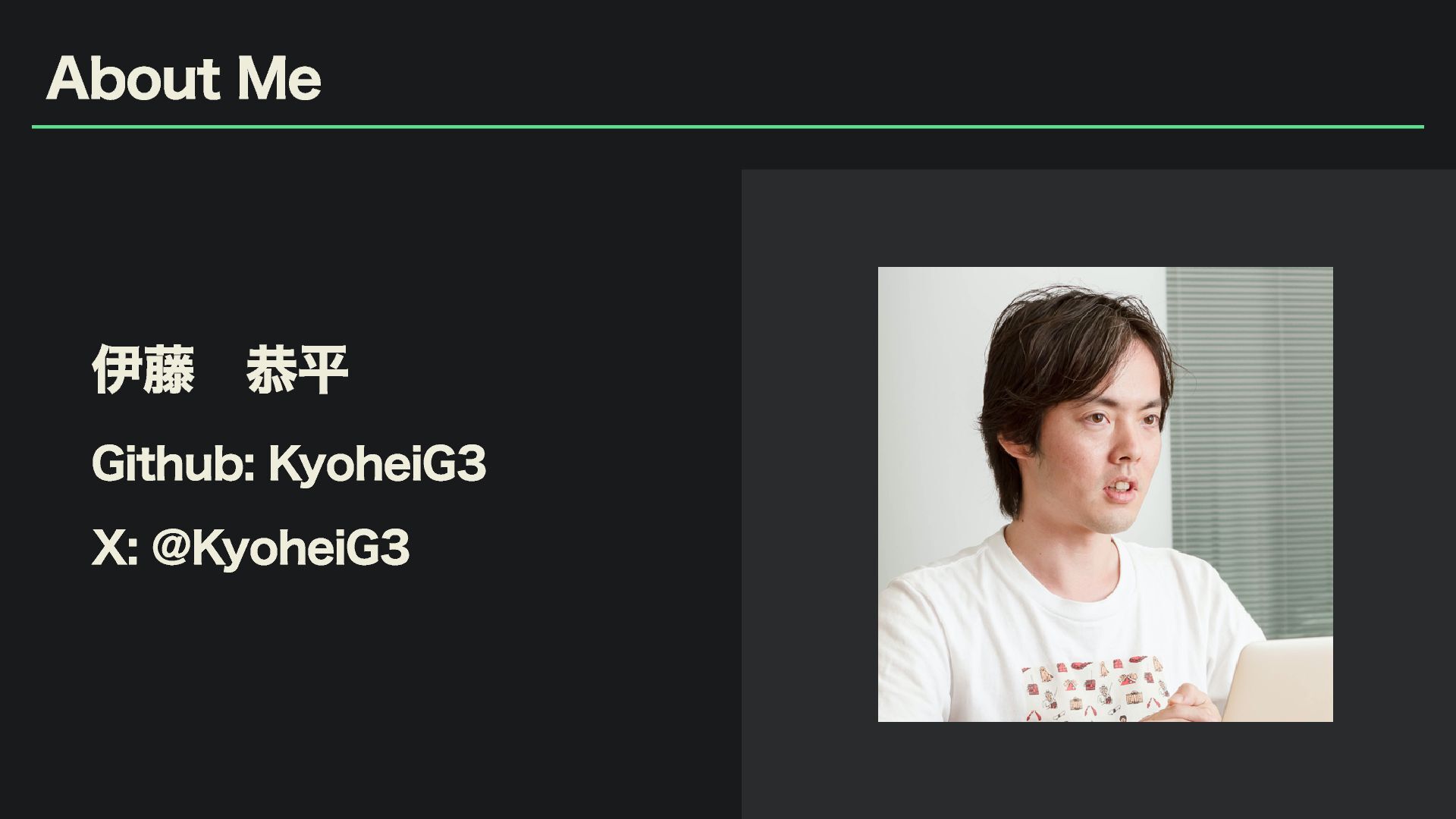
About Me 伊藤 恭平 Github: KyoheiG3 X: @KyoheiG3
なぜ今「オンデバイス LLM」なのか?
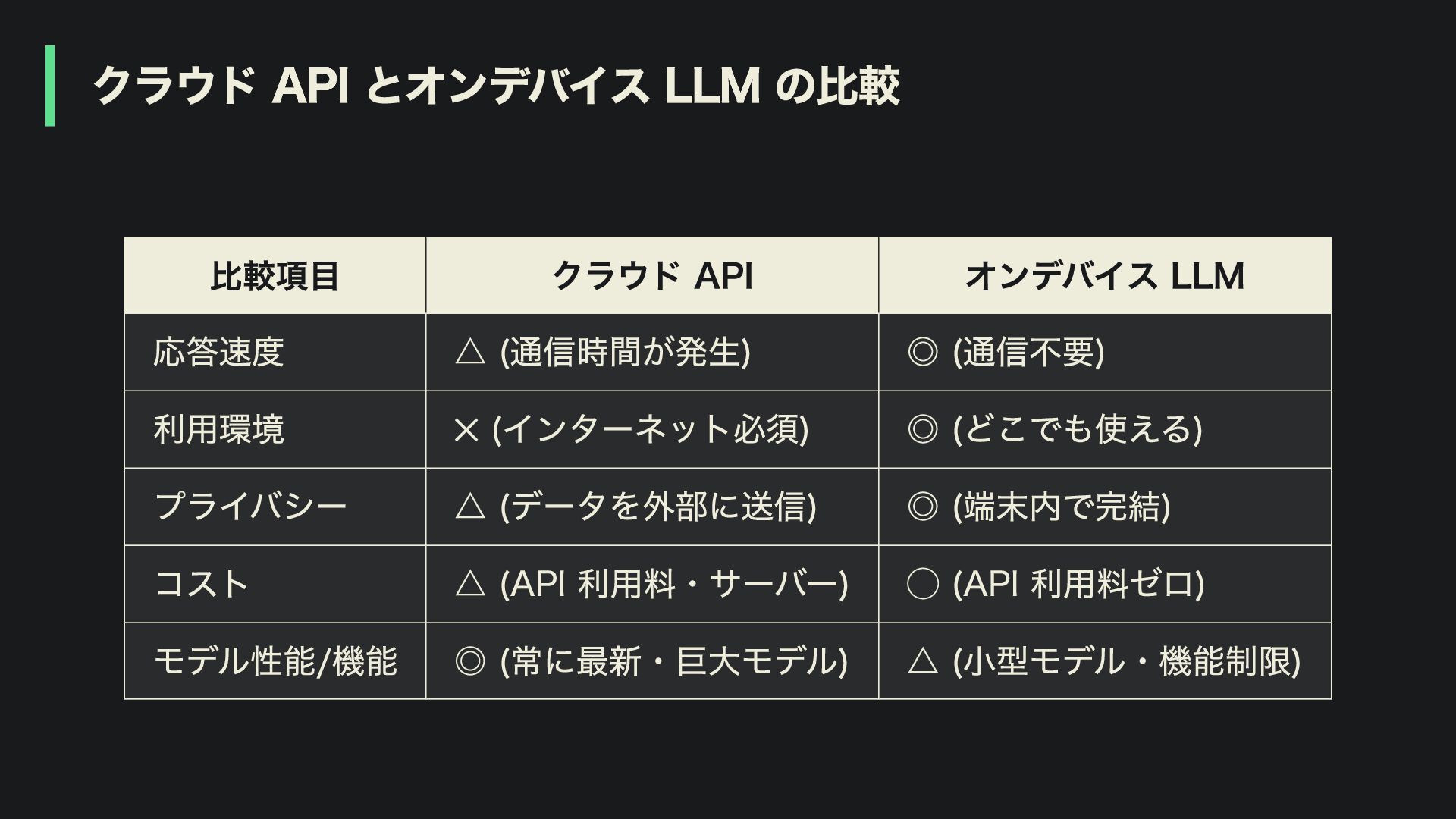
クラウド API とオンデバイス LLM の比較 比較項目 クラウド API オンデバイス LLM
応答速度 △ (通信時間が発生) ◎ (通信不要) 利用環境 ✕ (インターネット必須) ◎ (どこでも使える) プライバシー △ (データを外部に送信) ◎ (端末内で完結) コスト △ (API 利用料・サーバー) ◯ (API 利用料ゼロ) モデル性能/機能 ◎ (常に最新・巨大モデル) △ (小型モデル・機能制限)
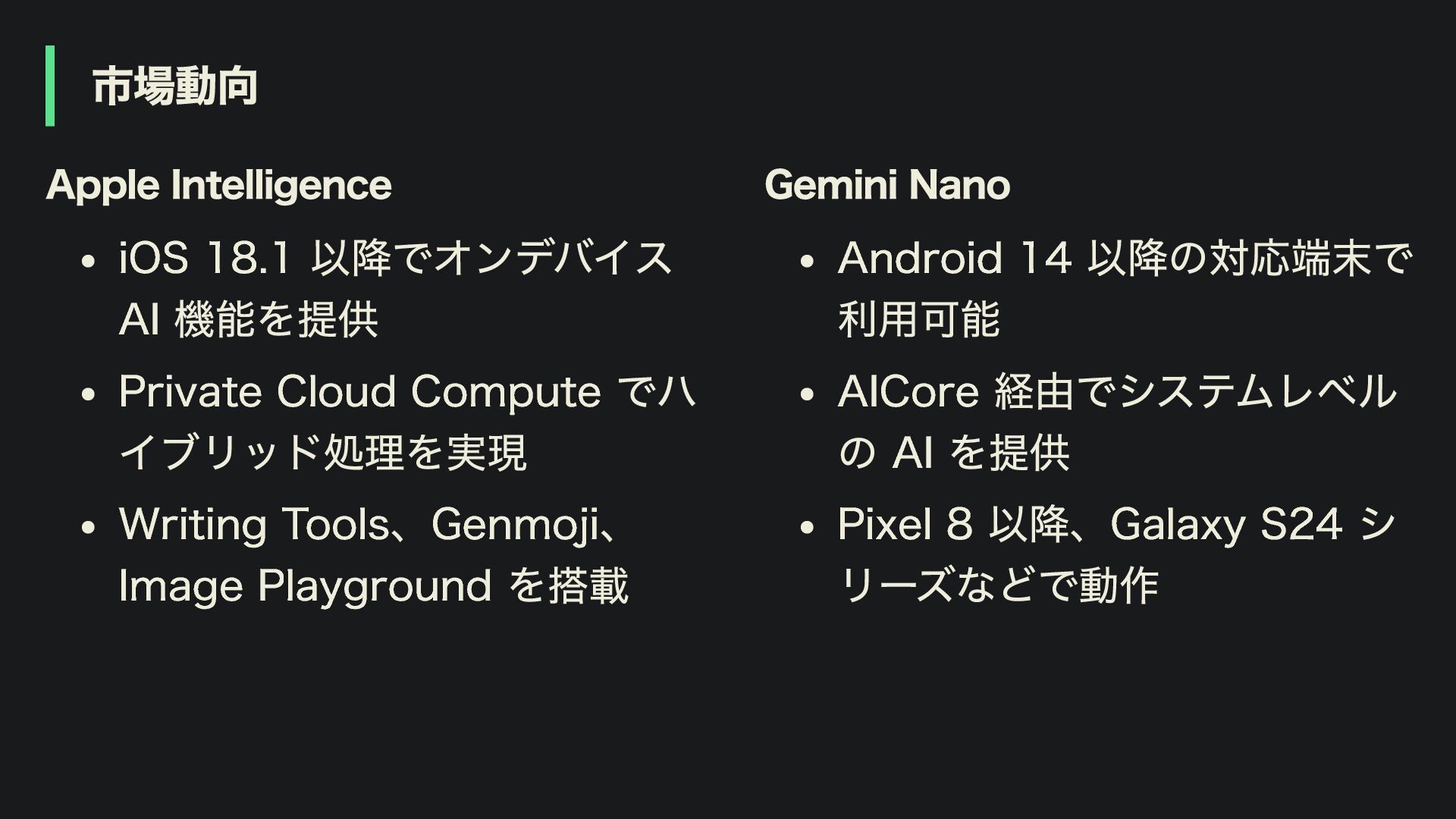
市場動向 Apple Intelligence iOS 18.1 以降でオンデバイス AI 機能を提供 Private Cloud
Compute でハ イブリッド処理を実現 Writing Tools、Genmoji、 Image Playground を搭載 Gemini Nano Android 14 以降の対応端末で 利用可能 AICore 経由でシステムレベル の AI を提供 Pixel 8 以降、Galaxy S24 シ リーズなどで動作
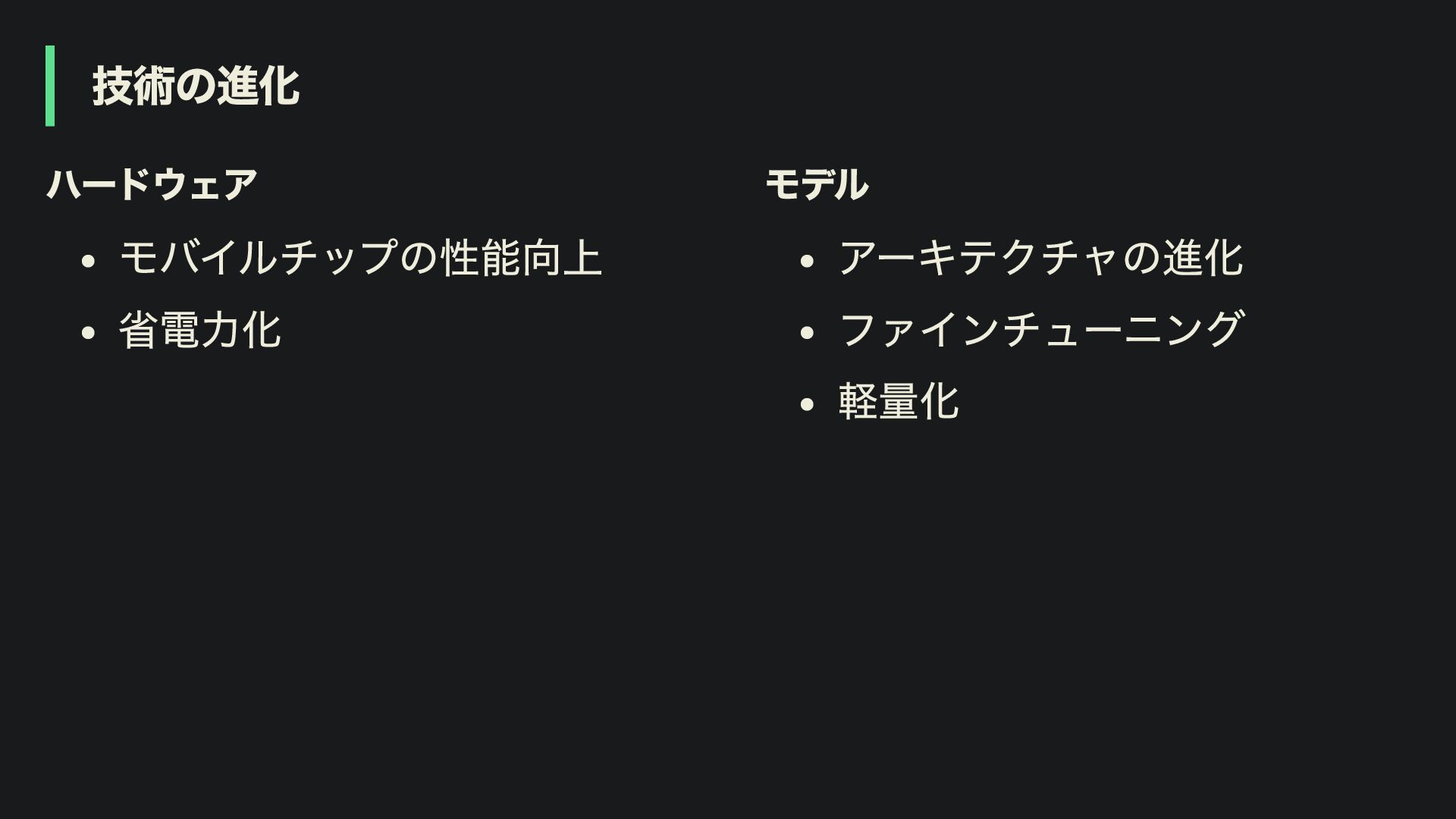
技術の進化 ハードウェア モバイルチップの性能向上 省電力化 モデル アーキテクチャの進化 ファインチューニング 軽量化
これからはオンデバイス LLM が主流に?
Agenda 1. オンデバイス LLM の基礎知識 2. Flutter で LLM を動かす選択肢
3. オンデバイス LLM の応用機能 4. パフォーマンスと実践的な考慮点
Agenda 1. オンデバイス LLM の基礎知識 2. Flutter で LLM を動かす選択肢
3. オンデバイス LLM の応用機能 4. パフォーマンスと実践的な考慮点
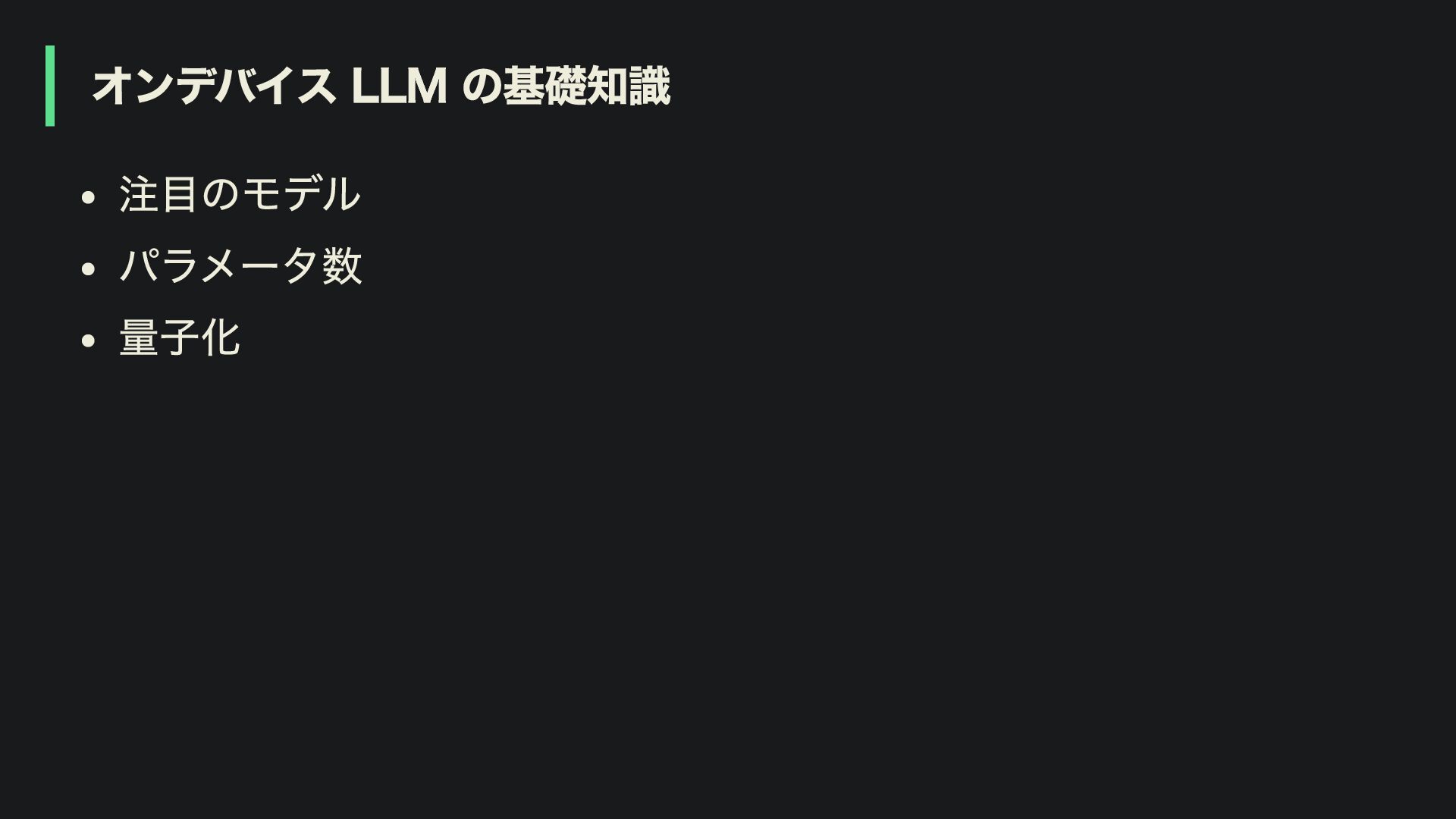
オンデバイス LLM の基礎知識 注目のモデル パラメータ数 量子化
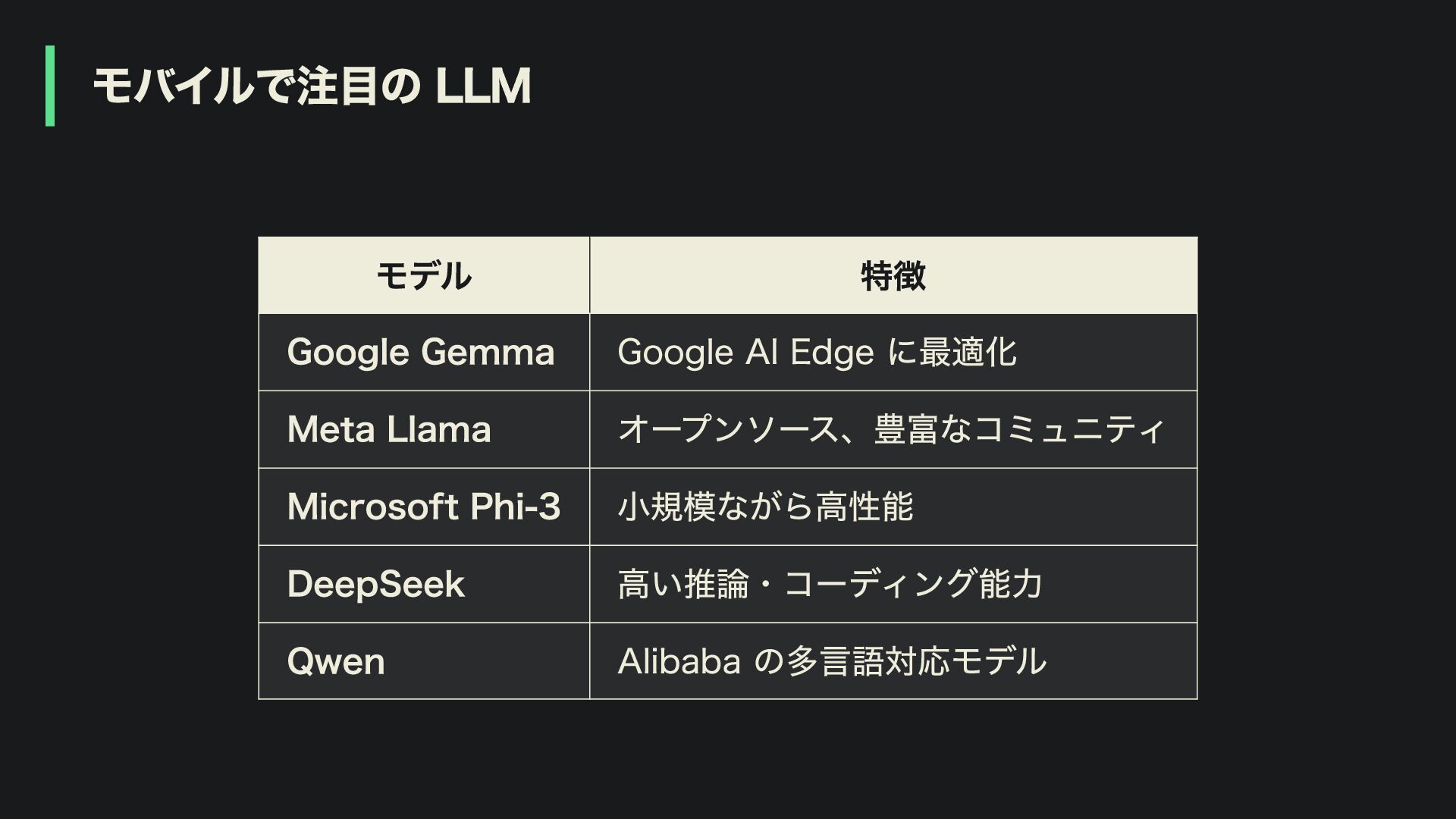
モバイルで注目の LLM モデル 特徴 Google Gemma Google AI Edge に最適化
Meta Llama オープンソース、豊富なコミュニティ Microsoft Phi-3 小規模ながら高性能 DeepSeek 高い推論・コーディング能力 Qwen Alibaba の多言語対応モデル
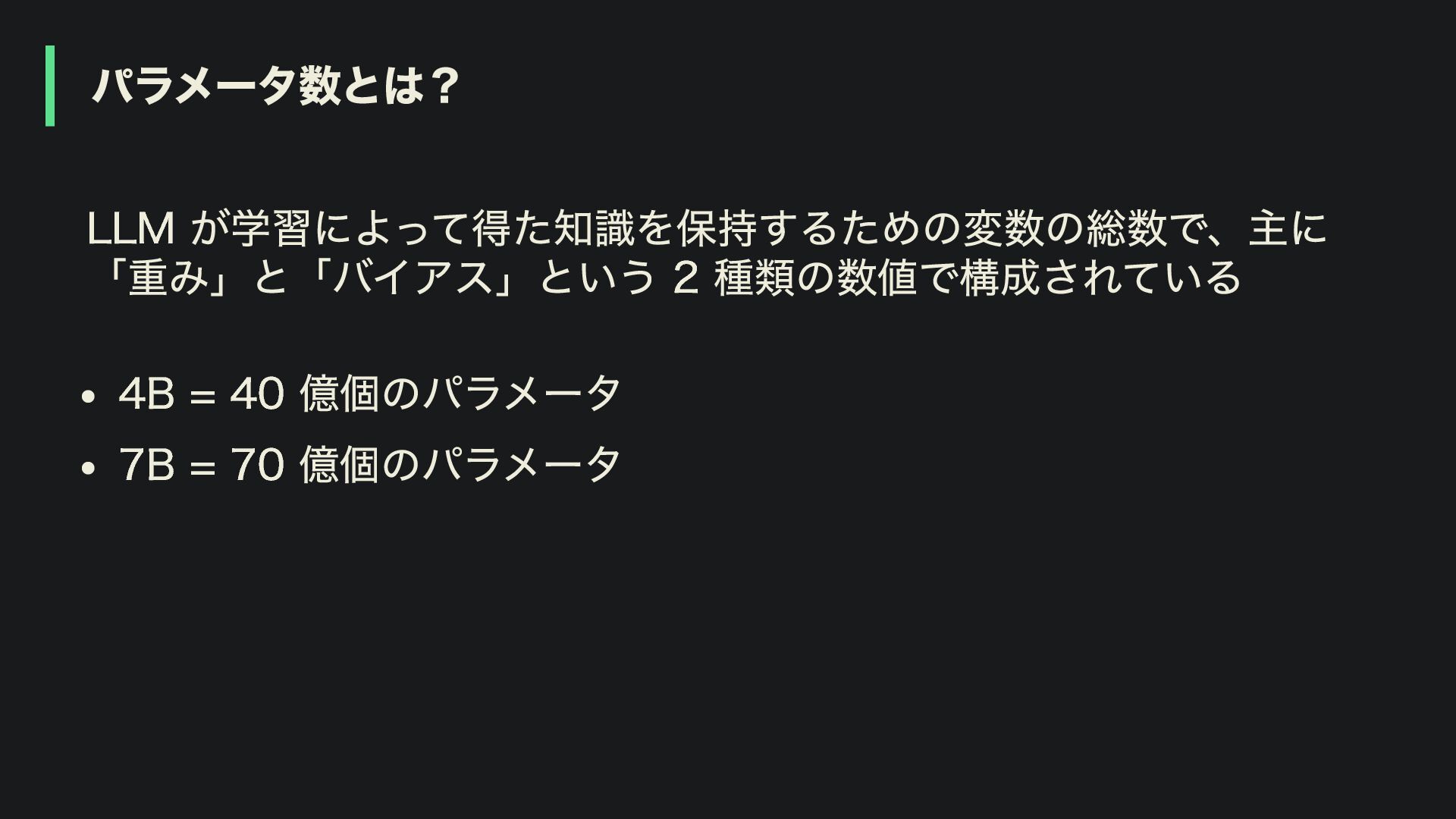
パラメータ数とは? LLM が学習によって得た知識を保持するための変数の総数で、主に 「重み」と「バイアス」という 2 種類の数値で構成されている 4B = 40 億個のパラメータ
7B = 70 億個のパラメータ
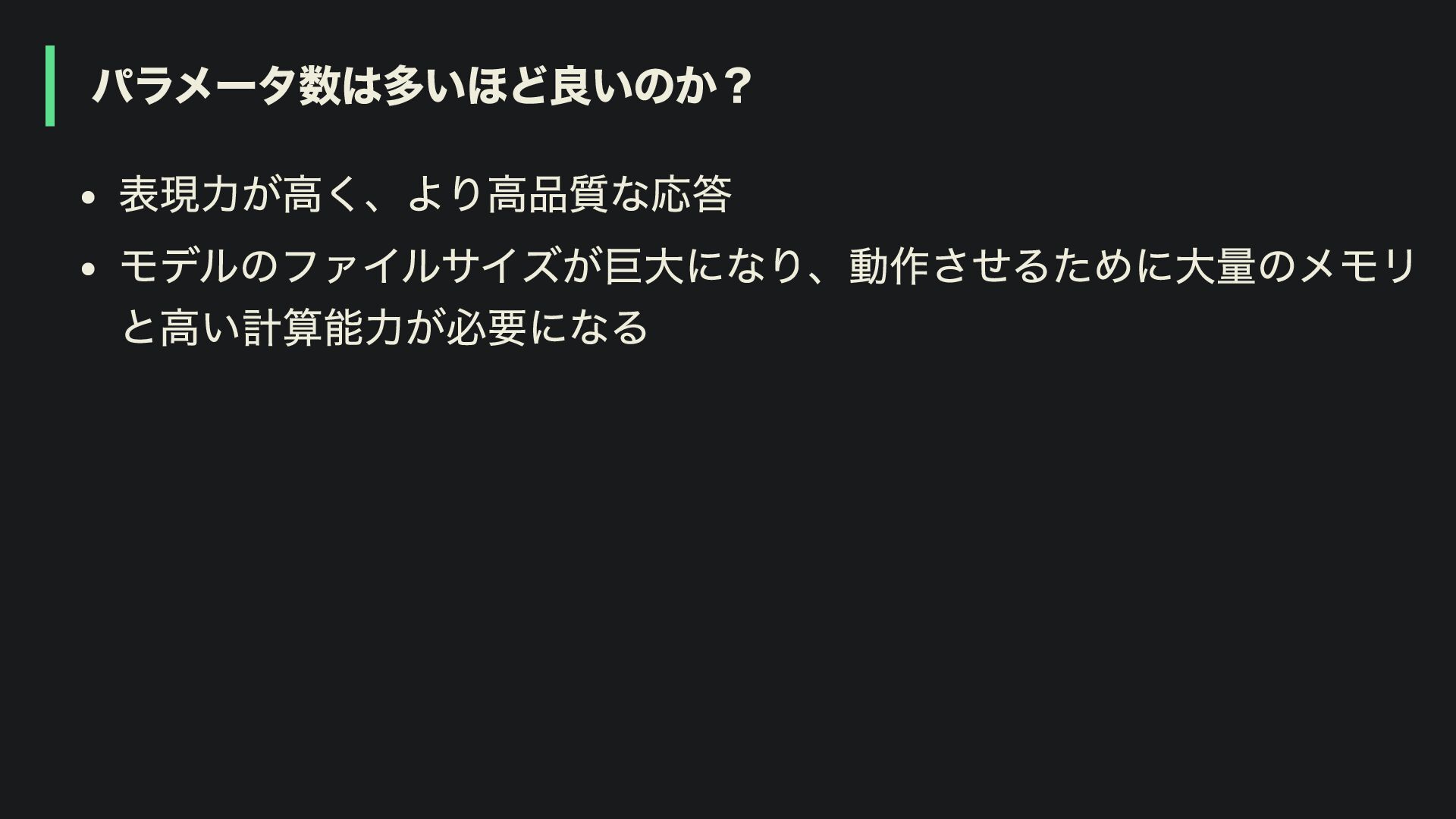
パラメータ数は多いほど良いのか? 表現力が高く、より高品質な応答 モデルのファイルサイズが巨大になり、動作させるために大量のメモリ と高い計算能力が必要になる
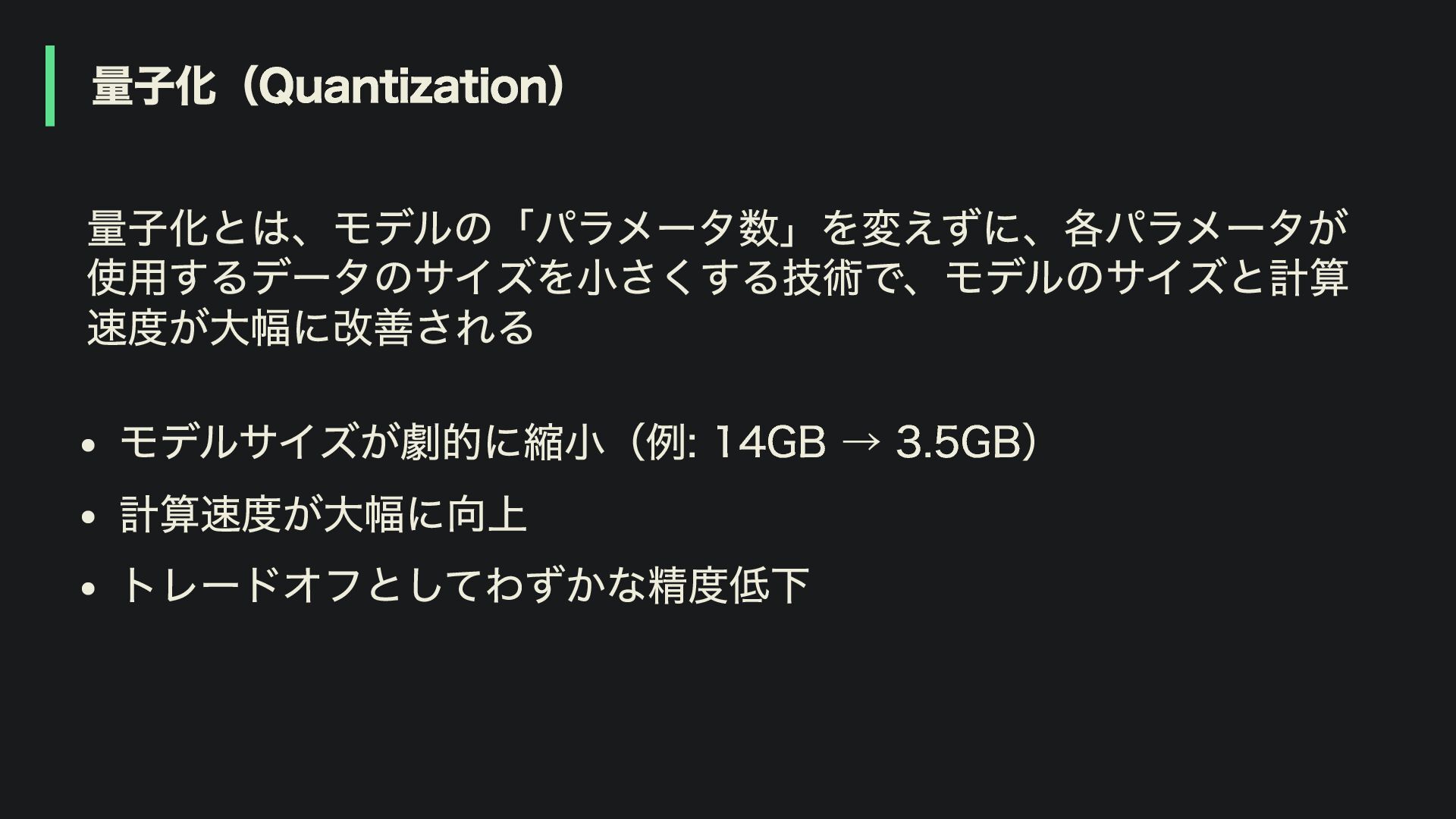
量子化(Quantization) 量子化とは、モデルの「パラメータ数」を変えずに、各パラメータが 使用するデータのサイズを小さくする技術で、モデルのサイズと計算 速度が大幅に改善される モデルサイズが劇的に縮小(例: 14GB → 3.5GB) 計算速度が大幅に向上 トレードオフとしてわずかな精度低下
量子化のイメージ 32 ビット浮動小数点(FP32) [0.17384529, -1.40821743, 0.98712456, -0.02941837, ...] ↓ 8
倍圧縮 8 ビット整数(INT8) 範囲: -128 ~ 127 [14, -115, 80, -2, ...] ↓ さらに 2 倍圧縮 4 ビット整数(INT4) 範囲: -8 ~ 7 [7, -8, 4, -1, ...]
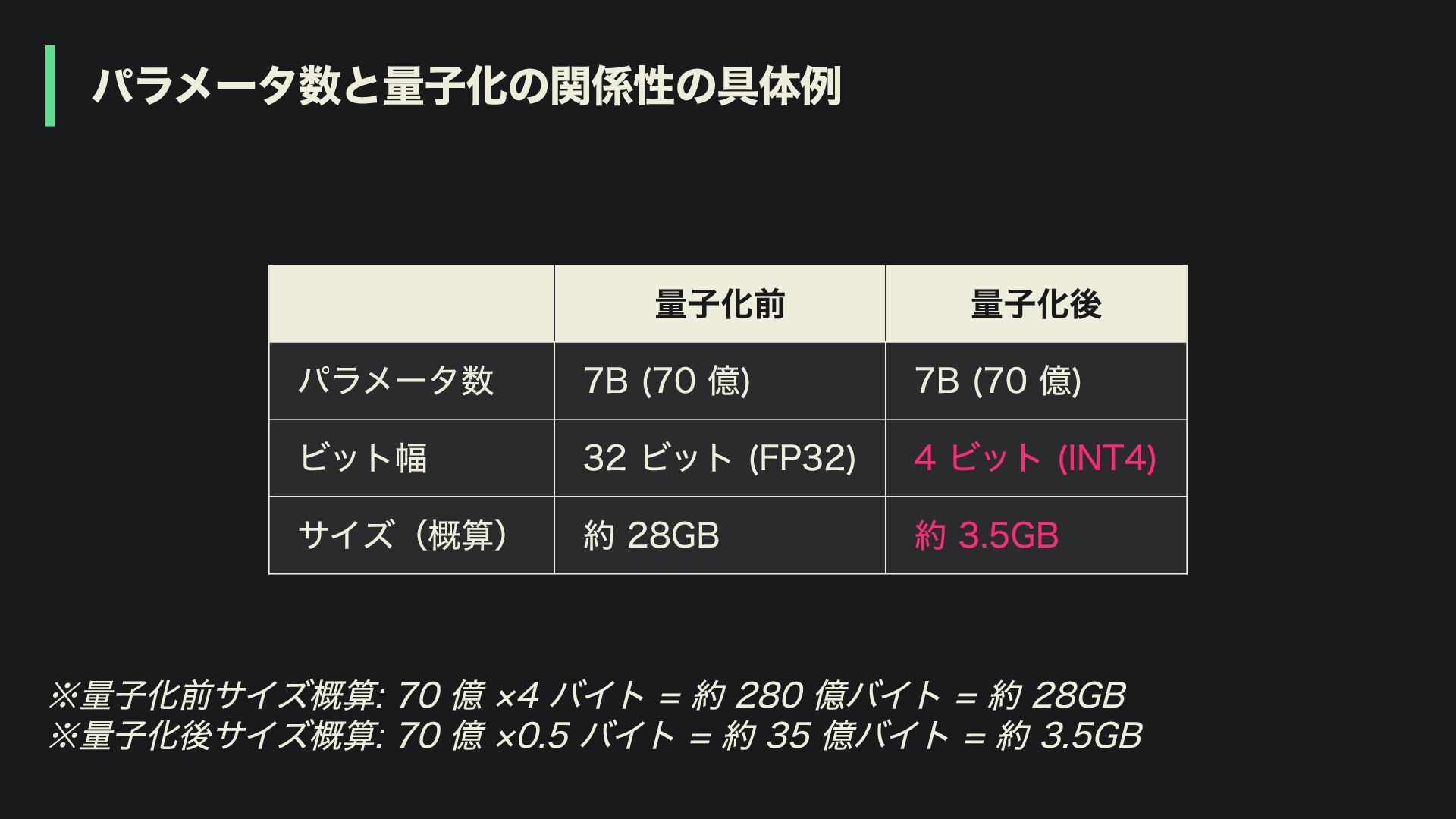
パラメータ数と量子化の関係性の具体例 量子化前 量子化後 パラメータ数 7B (70 億) 7B (70 億)
ビット幅 32 ビット (FP32) 4 ビット (INT4) サイズ(概算) 約 28GB 約 3.5GB ※量子化前サイズ概算: 70 億 ×4 バイト = 約 280 億バイト = 約 28GB ※量子化後サイズ概算: 70 億 ×0.5 バイト = 約 35 億バイト = 約 3.5GB
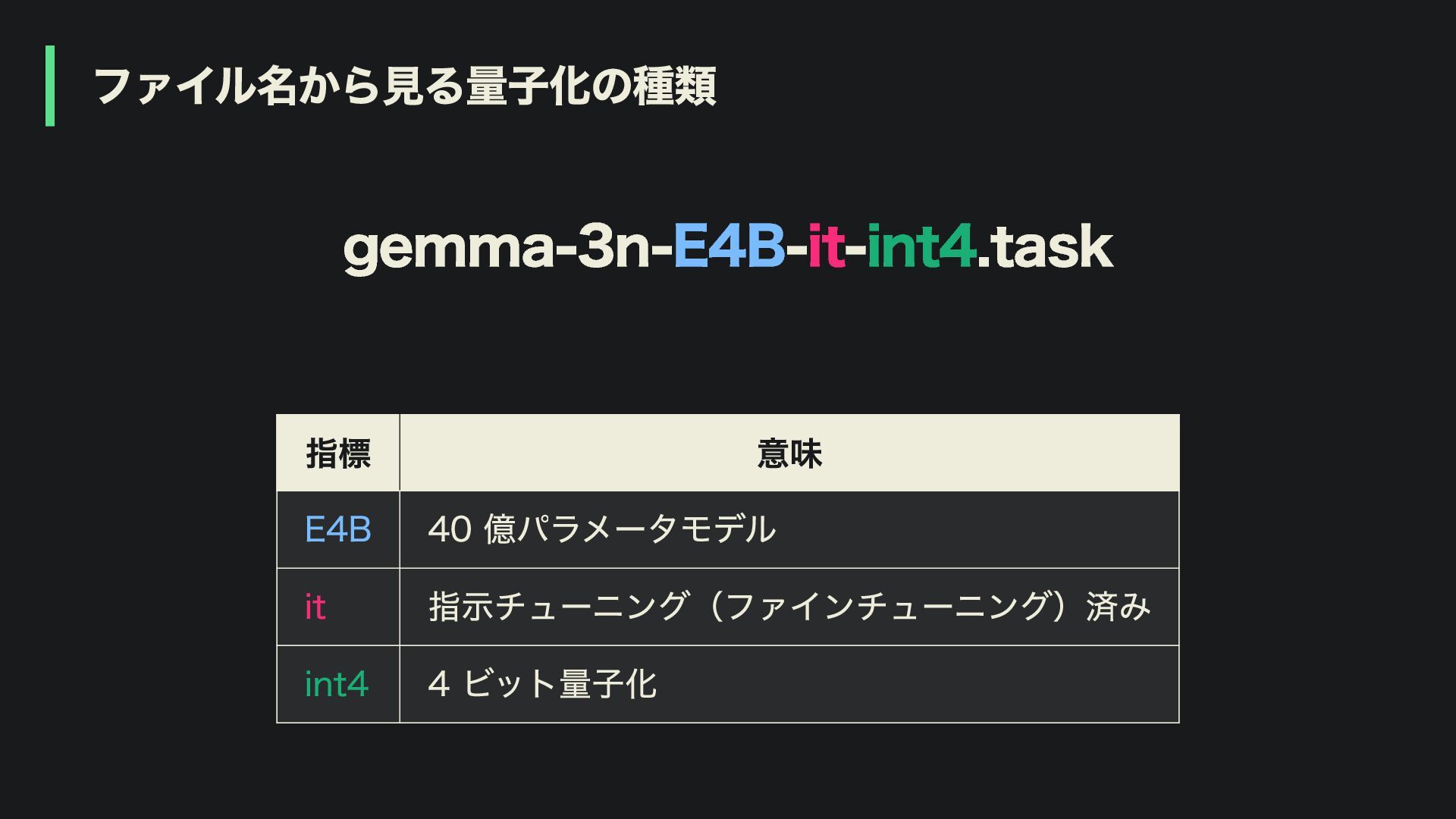
ファイル名から見る量子化の種類 gemma-3n-E4B-it-int4.task 指標 意味 E4B 40 億パラメータモデル it 指示チューニング(ファインチューニング)済み int4
4 ビット量子化
Agenda 2. Flutter で LLM を動かす選択肢 1. オンデバイス LLM の基礎知識
3. オンデバイス LLM の応用機能 4. パフォーマンスと実践的な考慮点
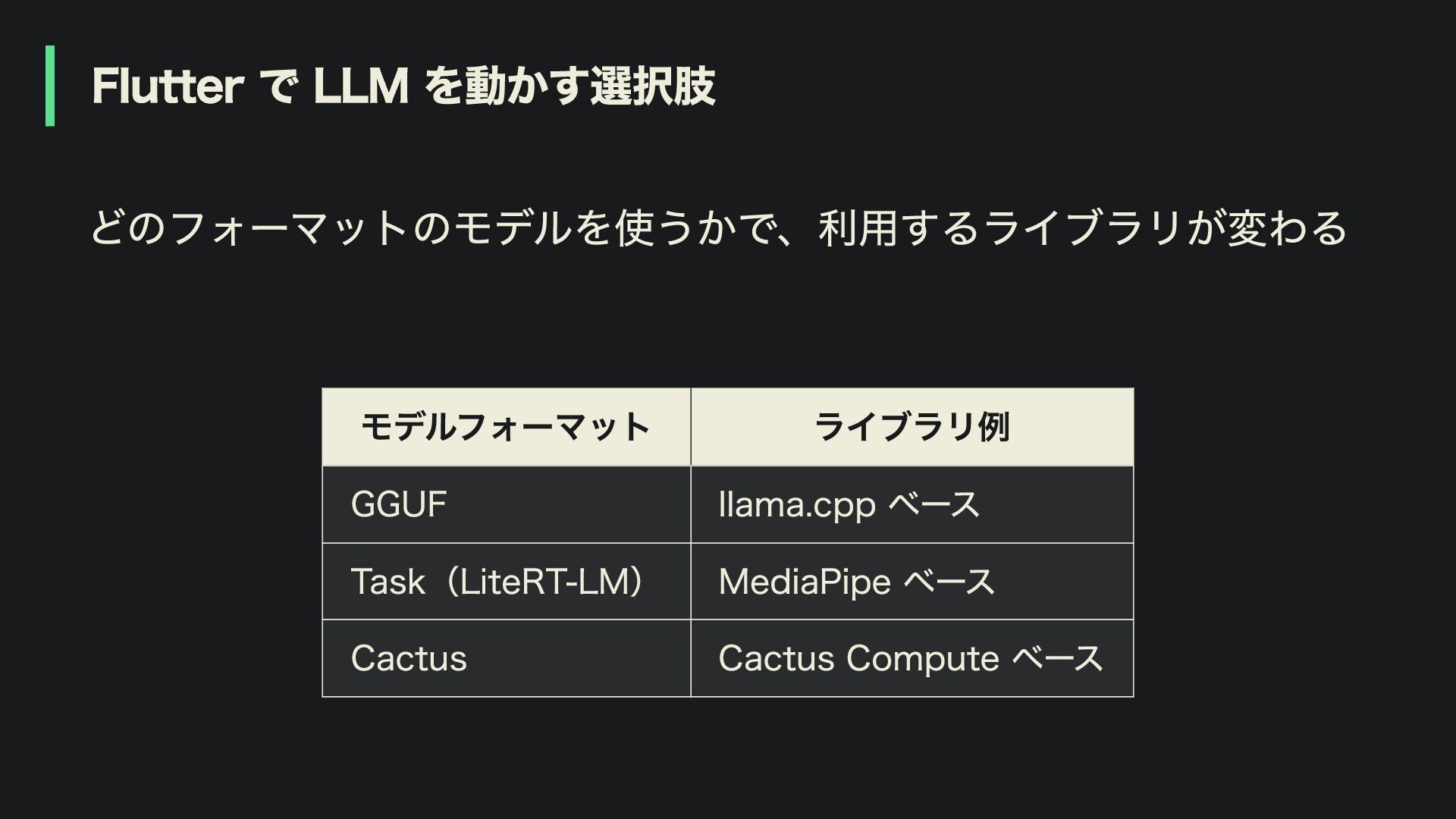
Flutter で LLM を動かす選択肢 どのフォーマットのモデルを使うかで、利用するライブラリが変わる モデルフォーマット ライブラリ例 GGUF llama.cpp ベース
Task(LiteRT-LM) MediaPipe ベース Cactus Cactus Compute ベース
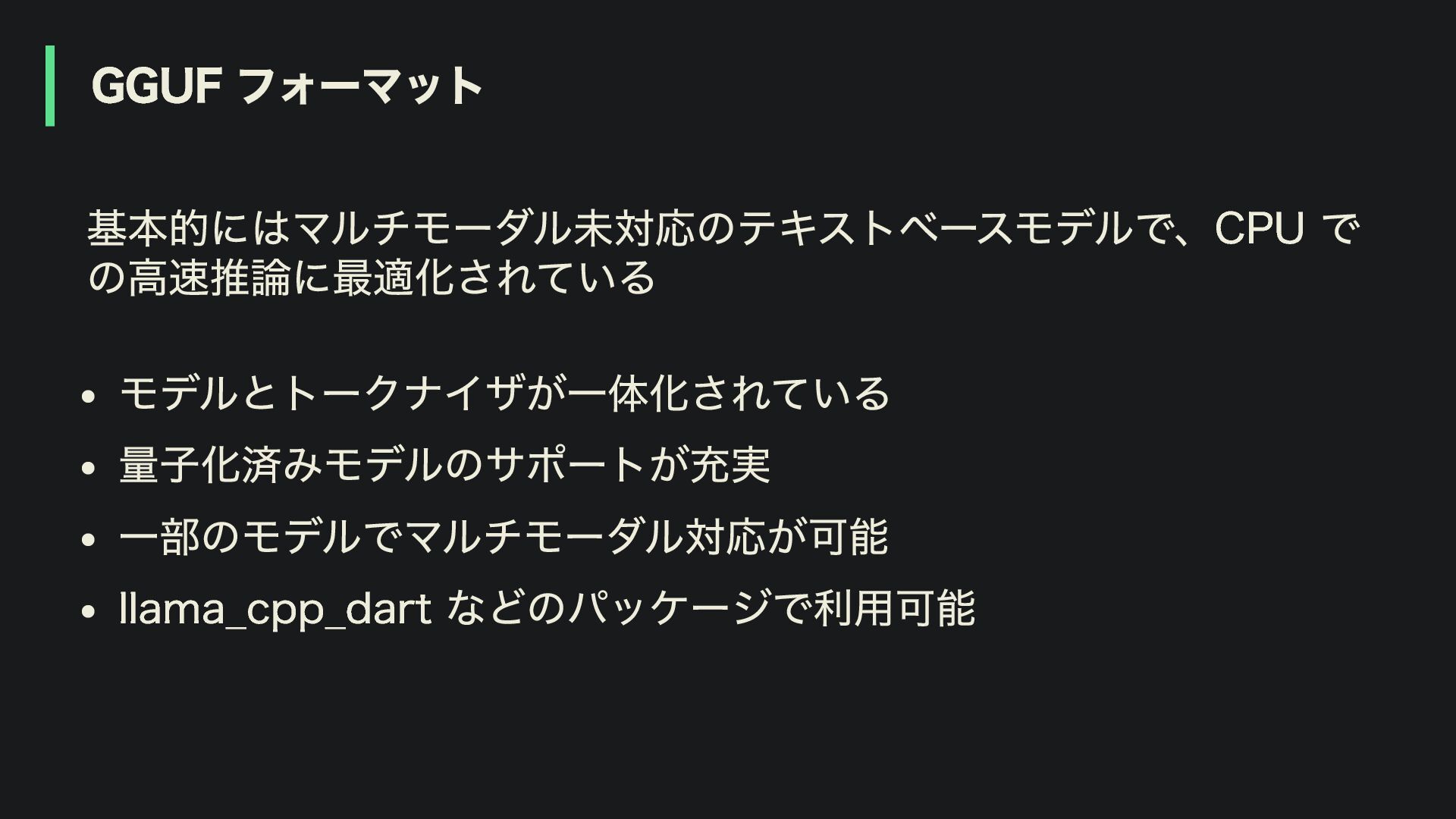
GGUF フォーマット 基本的にはマルチモーダル未対応のテキストベースモデルで、CPU で の高速推論に最適化されている モデルとトークナイザが一体化されている 量子化済みモデルのサポートが充実 一部のモデルでマルチモーダル対応が可能 llama_cpp_dart などのパッケージで利用可能
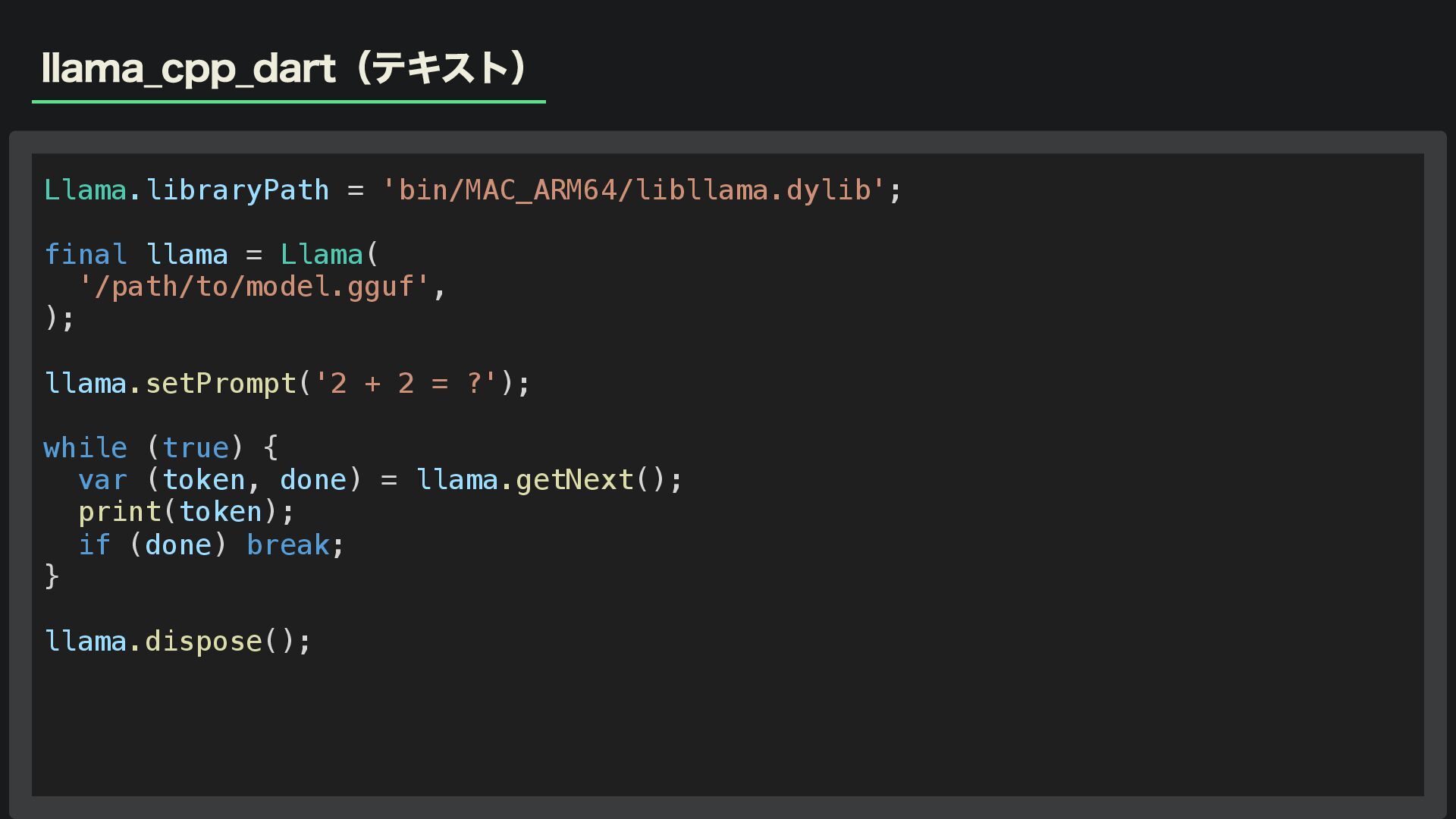
llama_cpp_dart(テキスト) Llama.libraryPath = 'bin/MAC_ARM64/libllama.dylib'; final llama = Llama( '/path/to/model.gguf', );
llama.setPrompt('2 + 2 = ?'); while (true) { var (token, done) = llama.getNext(); print(token); if (done) break; } llama.dispose();
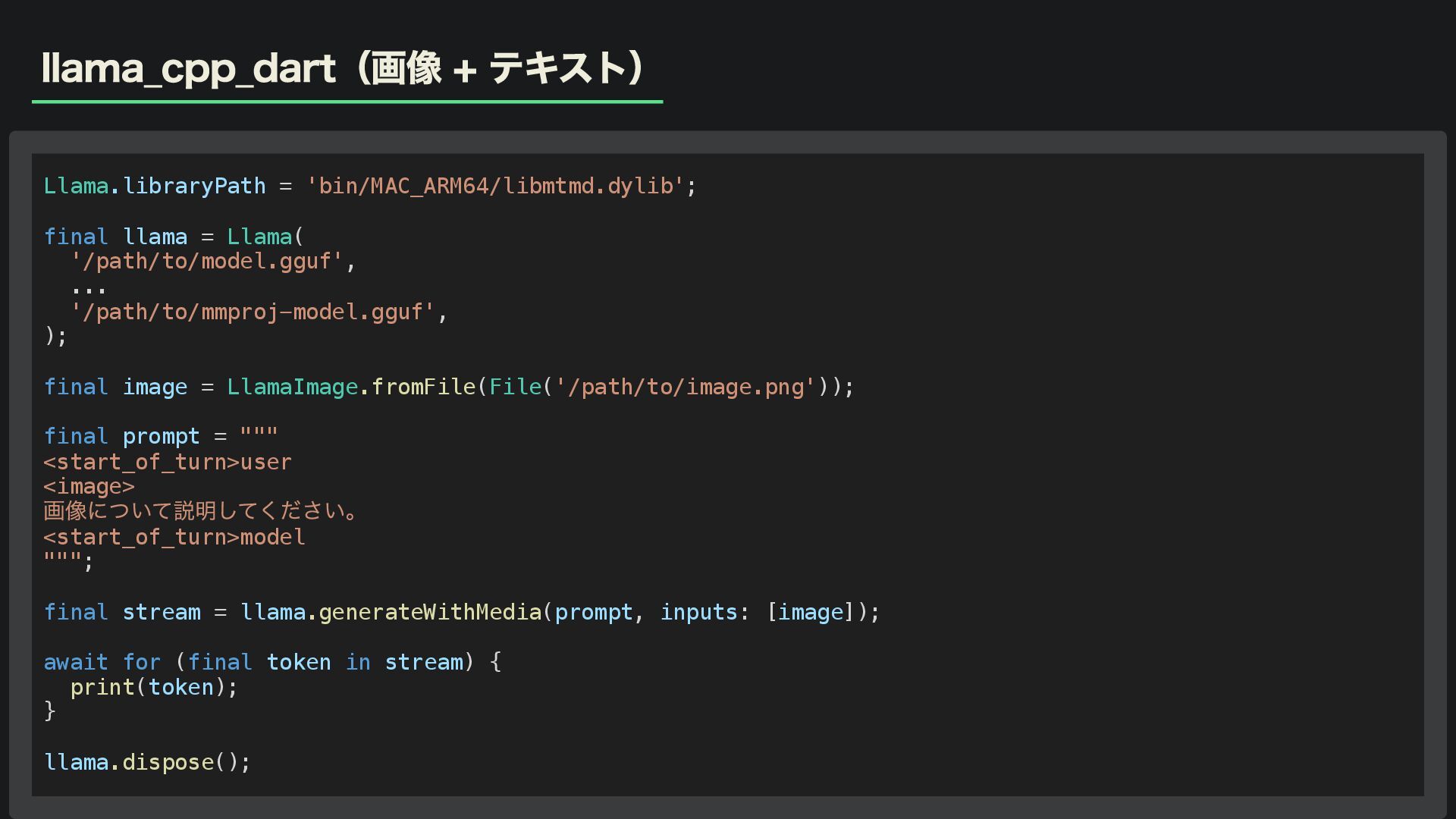
llama_cpp_dart(画像 + テキスト) Llama.libraryPath = 'bin/MAC_ARM64/libmtmd.dylib'; final llama = Llama(
'/path/to/model.gguf', ... '/path/to/mmproj-model.gguf', ); final image = LlamaImage.fromFile(File('/path/to/image.png')); final prompt = """ <start_of_turn>user <image> 画像について説明してください。 <start_of_turn>model """; final stream = llama.generateWithMedia(prompt, inputs: [image]); await for (final token in stream) { print(token); } llama.dispose();
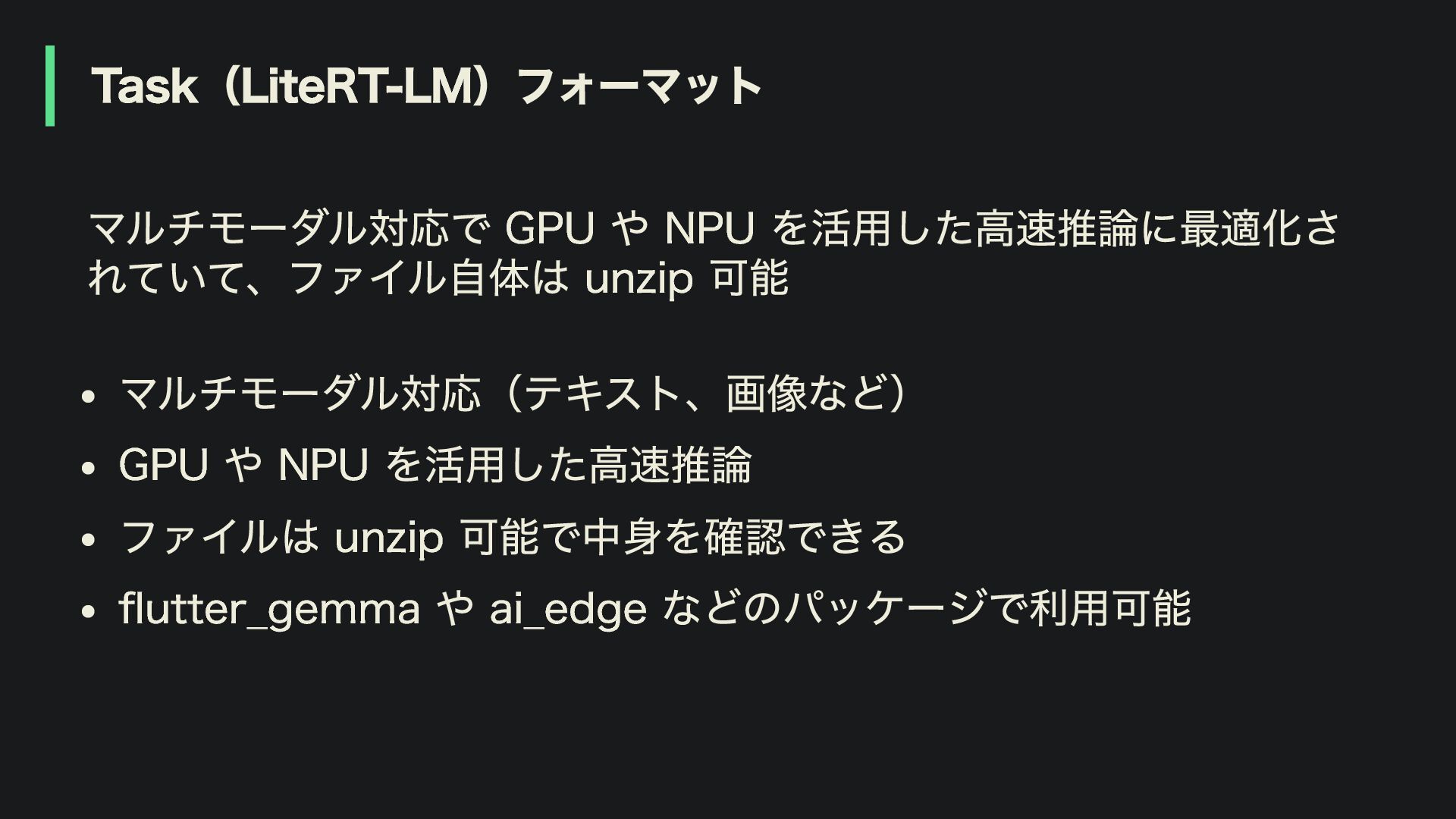
Task(LiteRT-LM)フォーマット マルチモーダル対応で GPU や NPU を活用した高速推論に最適化さ れていて、ファイル自体は unzip 可能 マルチモーダル対応(テキスト、画像など)
GPU や NPU を活用した高速推論 ファイルは unzip 可能で中身を確認できる flutter_gemma や ai_edge などのパッケージで利用可能
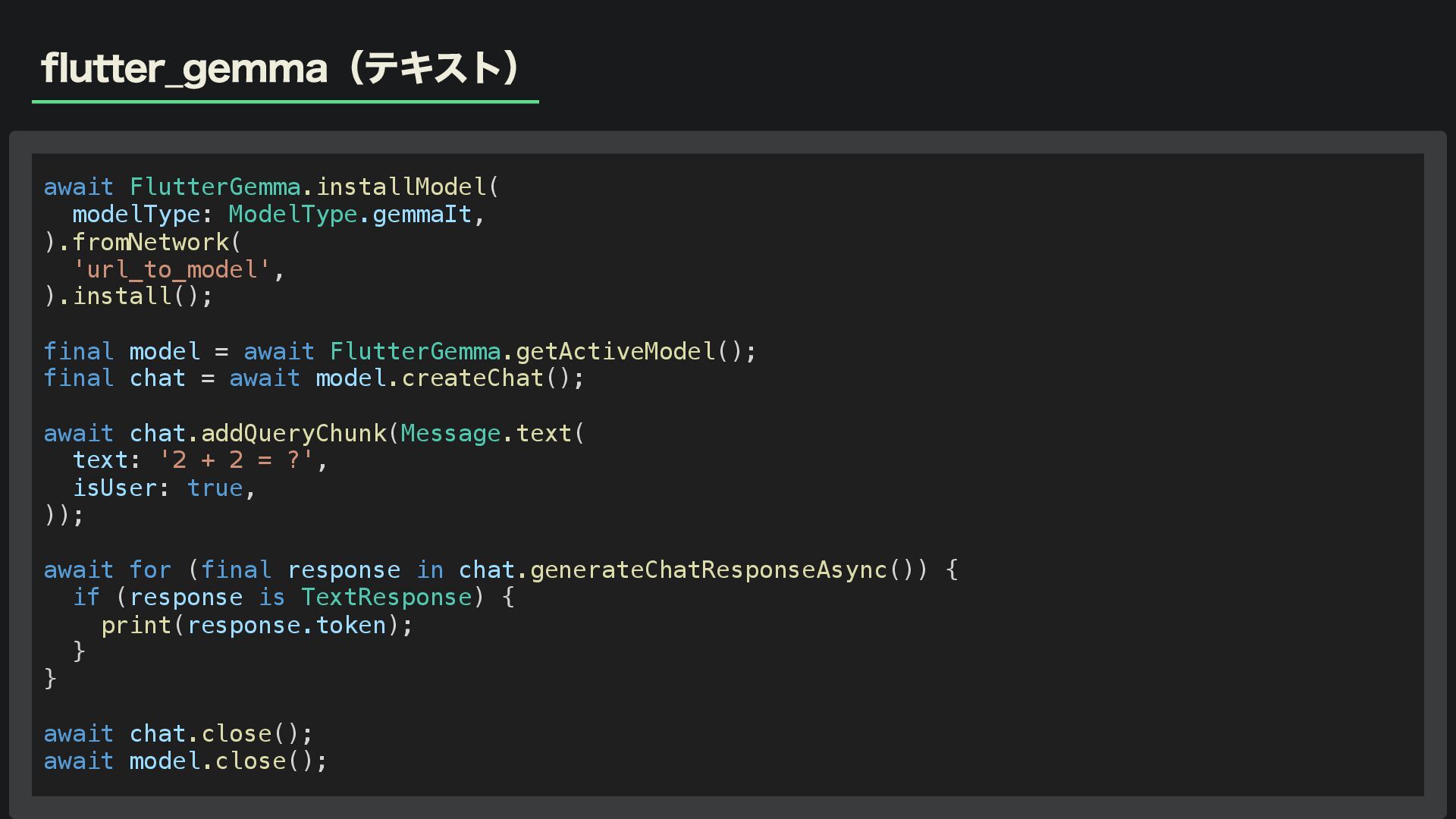
flutter_gemma(テキスト) await FlutterGemma.installModel( modelType: ModelType.gemmaIt, ).fromNetwork( 'url_to_model', ).install(); final model
= await FlutterGemma.getActiveModel(); final chat = await model.createChat(); await chat.addQueryChunk(Message.text( text: '2 + 2 = ?', isUser: true, )); await for (final response in chat.generateChatResponseAsync()) { if (response is TextResponse) { print(response.token); } } await chat.close(); await model.close();
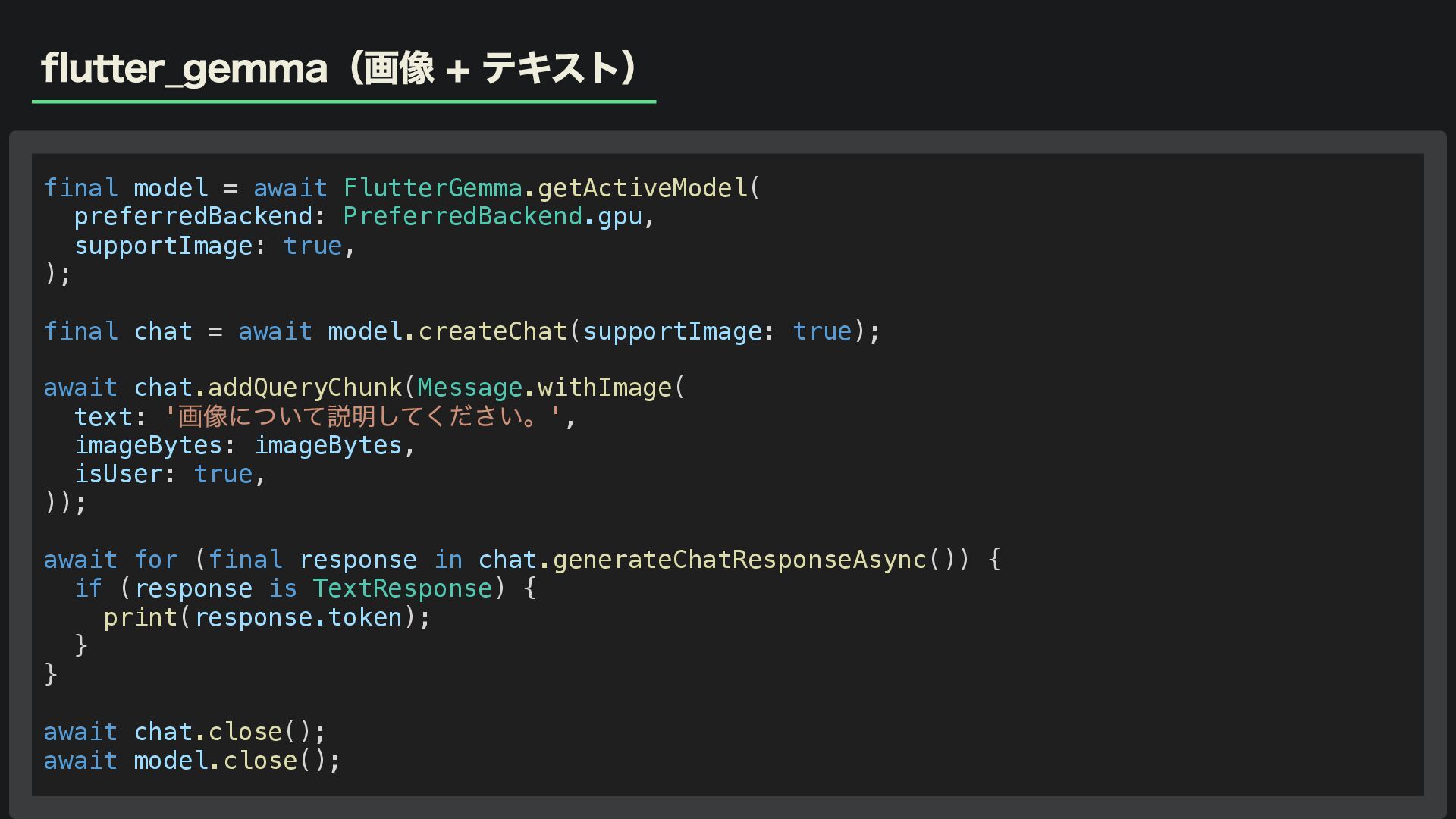
flutter_gemma(画像 + テキスト) final model = await FlutterGemma.getActiveModel( preferredBackend: PreferredBackend.gpu,
supportImage: true, ); final chat = await model.createChat(supportImage: true); await chat.addQueryChunk(Message.withImage( text: ' 画像について説明してください。', imageBytes: imageBytes, isUser: true, )); await for (final response in chat.generateChatResponseAsync()) { if (response is TextResponse) { print(response.token); } } await chat.close(); await model.close();
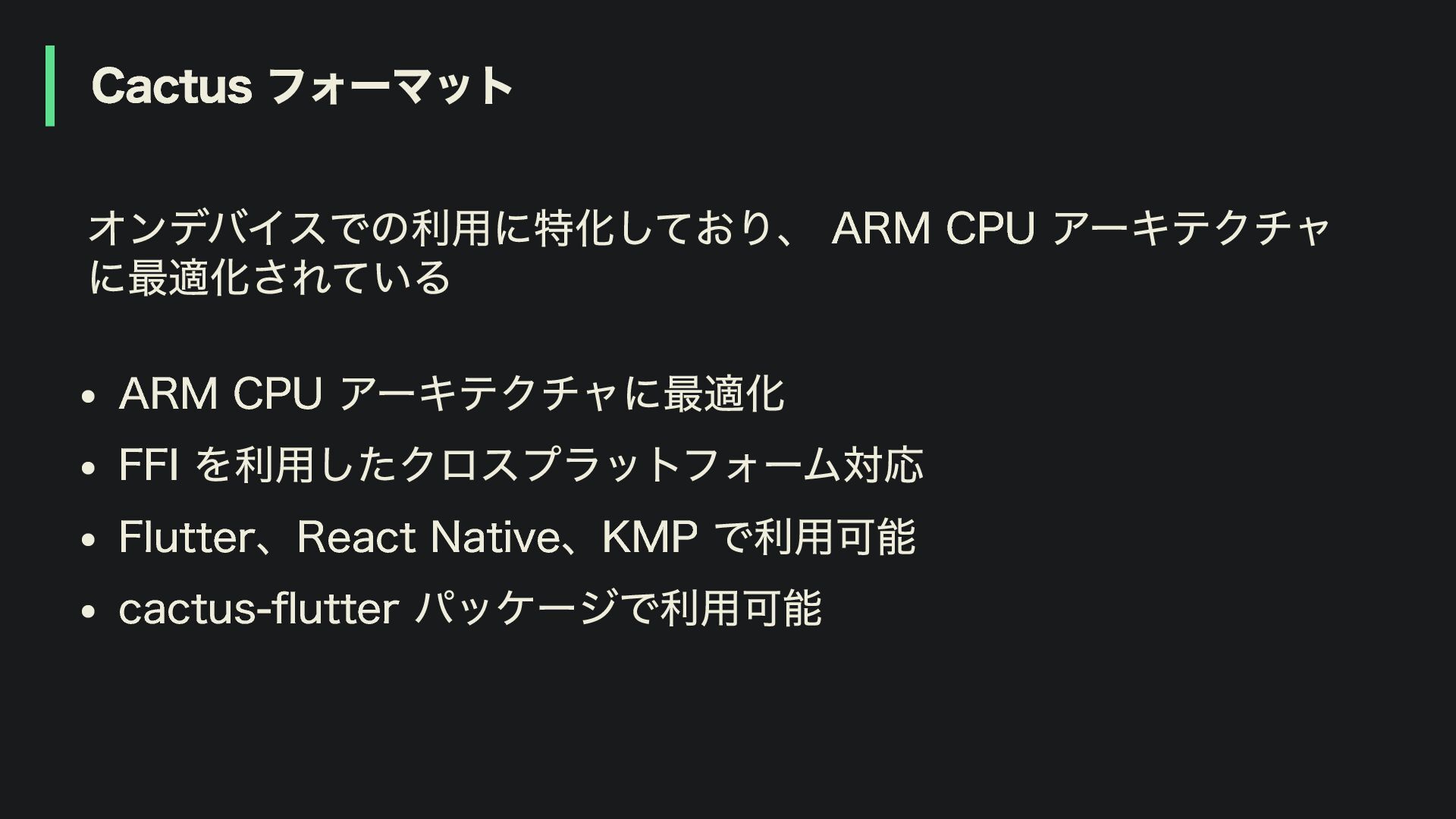
Cactus フォーマット オンデバイスでの利用に特化しており、 ARM CPU アーキテクチャ に最適化されている ARM CPU アーキテクチャに最適化
FFI を利用したクロスプラットフォーム対応 Flutter、React Native、KMP で利用可能 cactus-flutter パッケージで利用可能
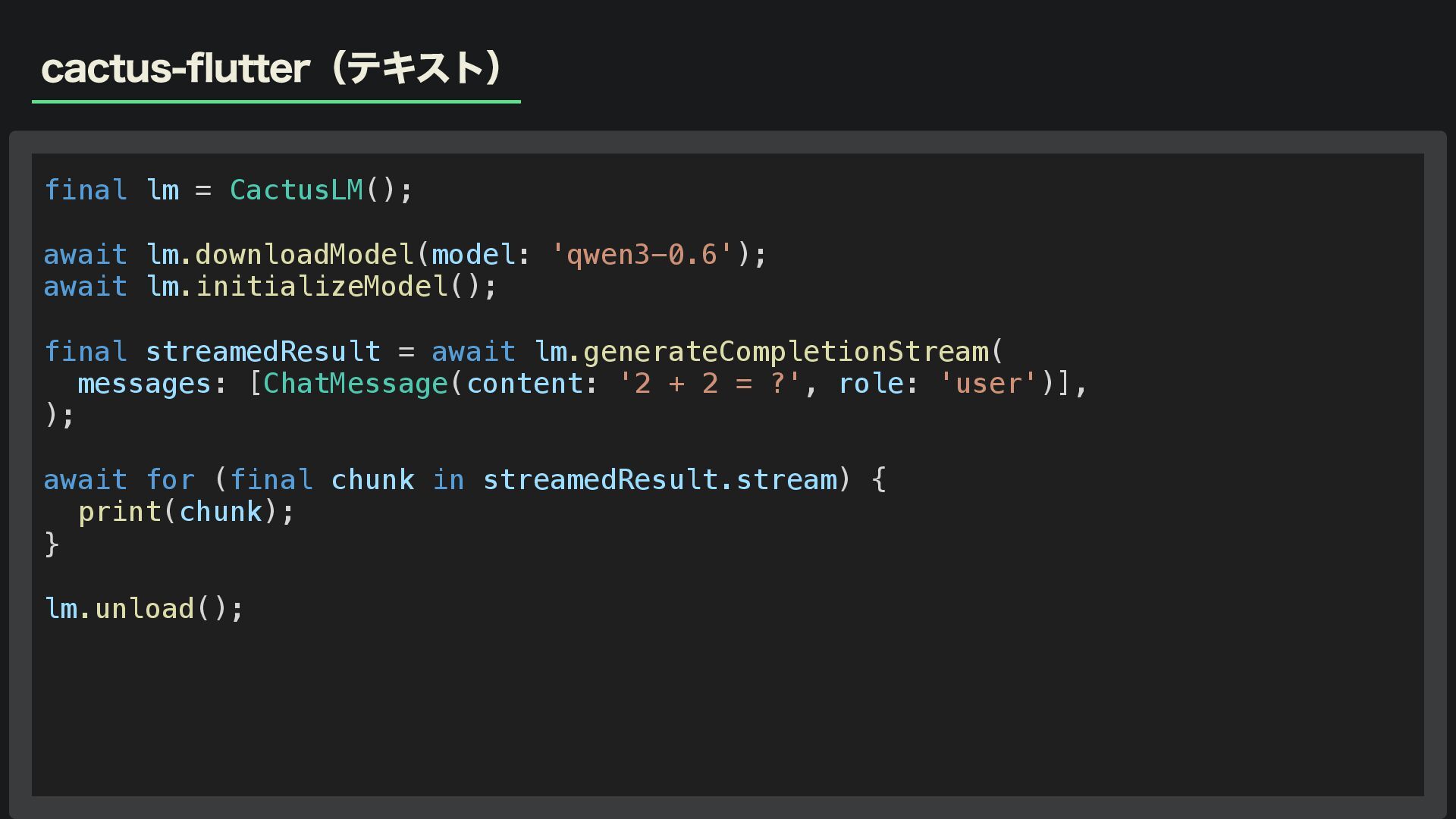
cactus-flutter(テキスト) final lm = CactusLM(); await lm.downloadModel(model: 'qwen3-0.6'); await lm.initializeModel();
final streamedResult = await lm.generateCompletionStream( messages: [ChatMessage(content: '2 + 2 = ?', role: 'user')], ); await for (final chunk in streamedResult.stream) { print(chunk); } lm.unload();
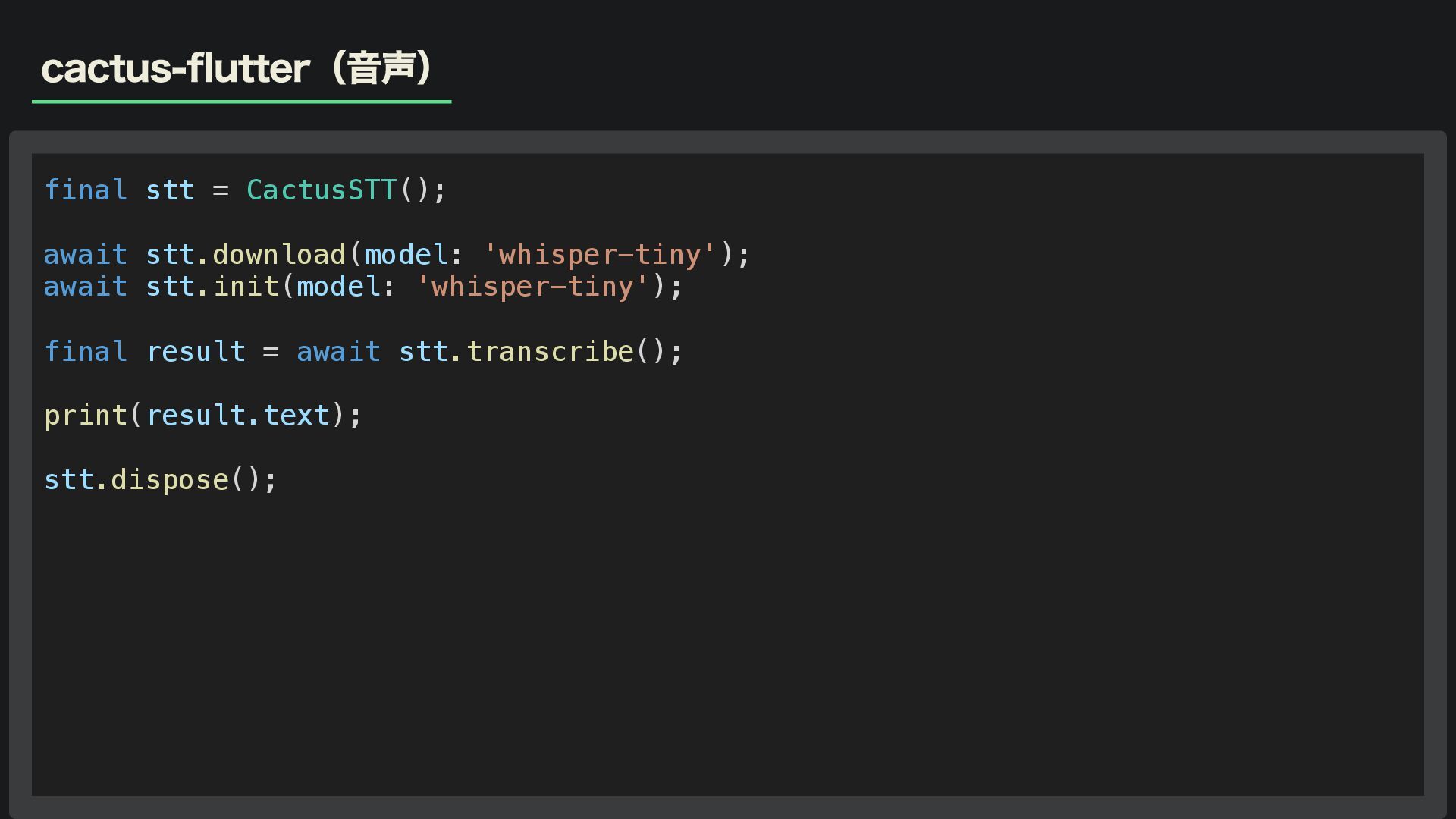
cactus-flutter(音声) final stt = CactusSTT(); await stt.download(model: 'whisper-tiny'); await stt.init(model:
'whisper-tiny'); final result = await stt.transcribe(); print(result.text); stt.dispose();
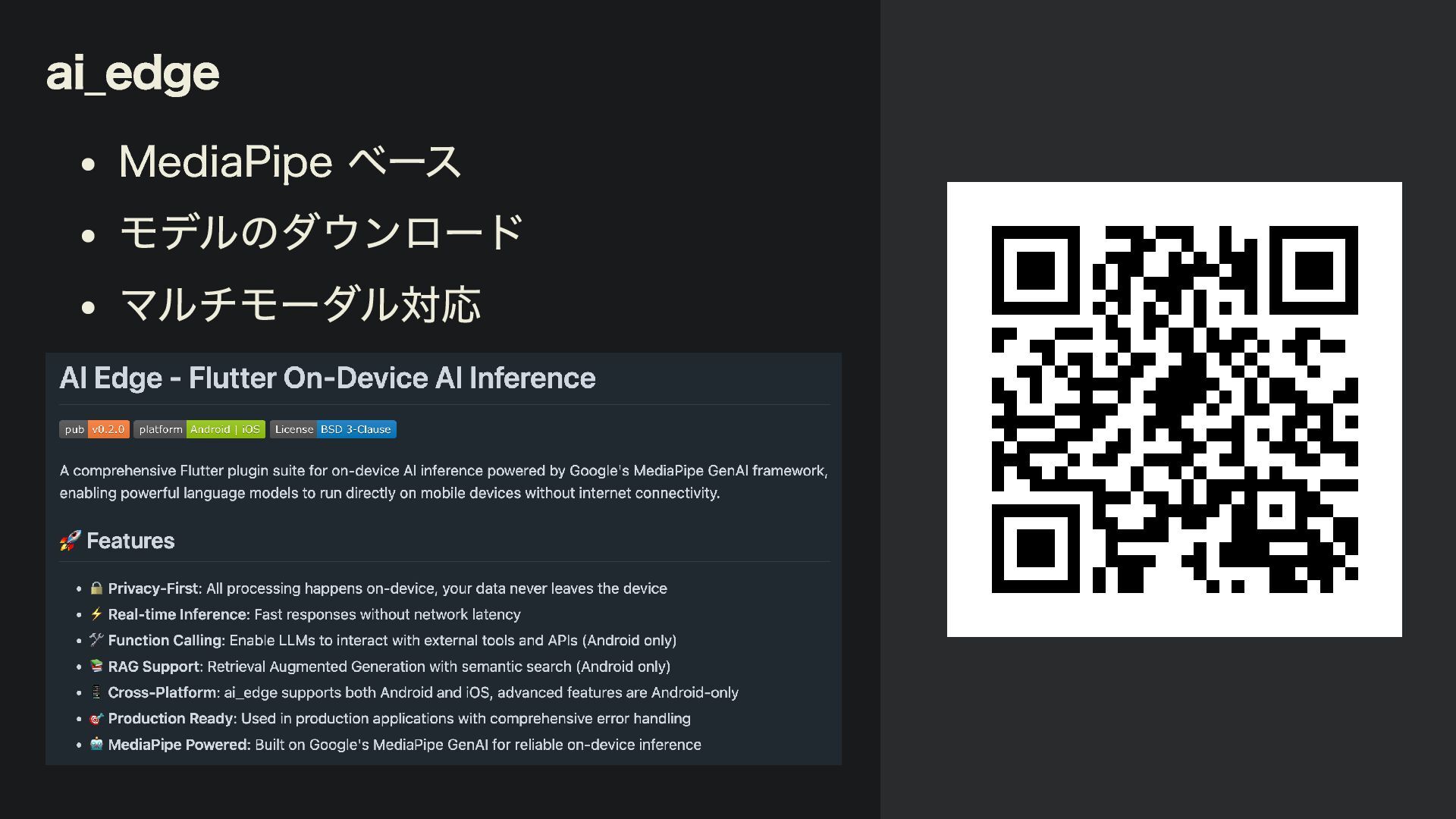
ai_edge MediaPipe ベース モデルのダウンロード マルチモーダル対応
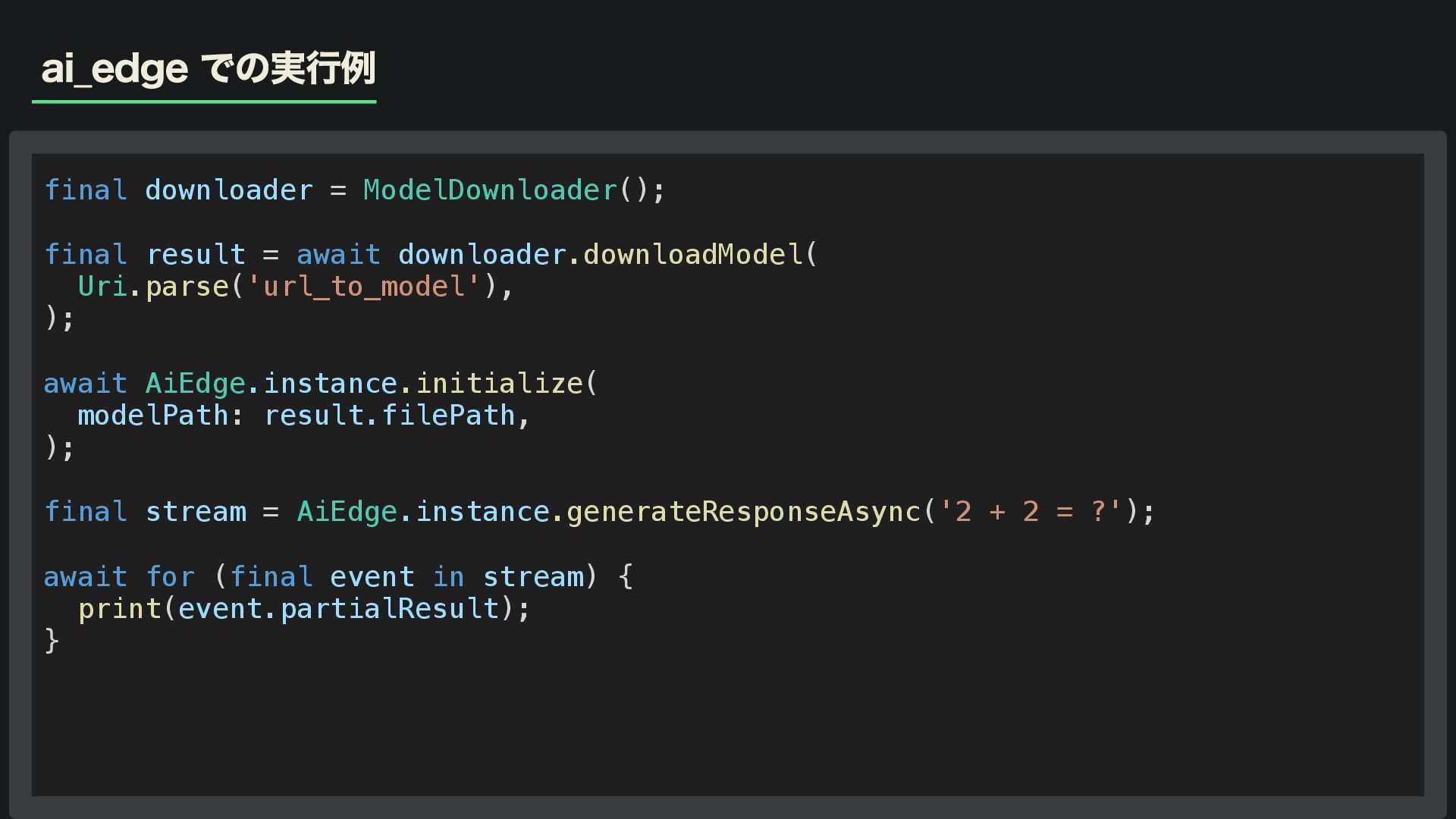
ai_edge での実行例 final downloader = ModelDownloader(); final result = await
downloader.downloadModel( Uri.parse('url_to_model'), ); await AiEdge.instance.initialize( modelPath: result.filePath, ); final stream = AiEdge.instance.generateResponseAsync('2 + 2 = ?'); await for (final event in stream) { print(event.partialResult); }
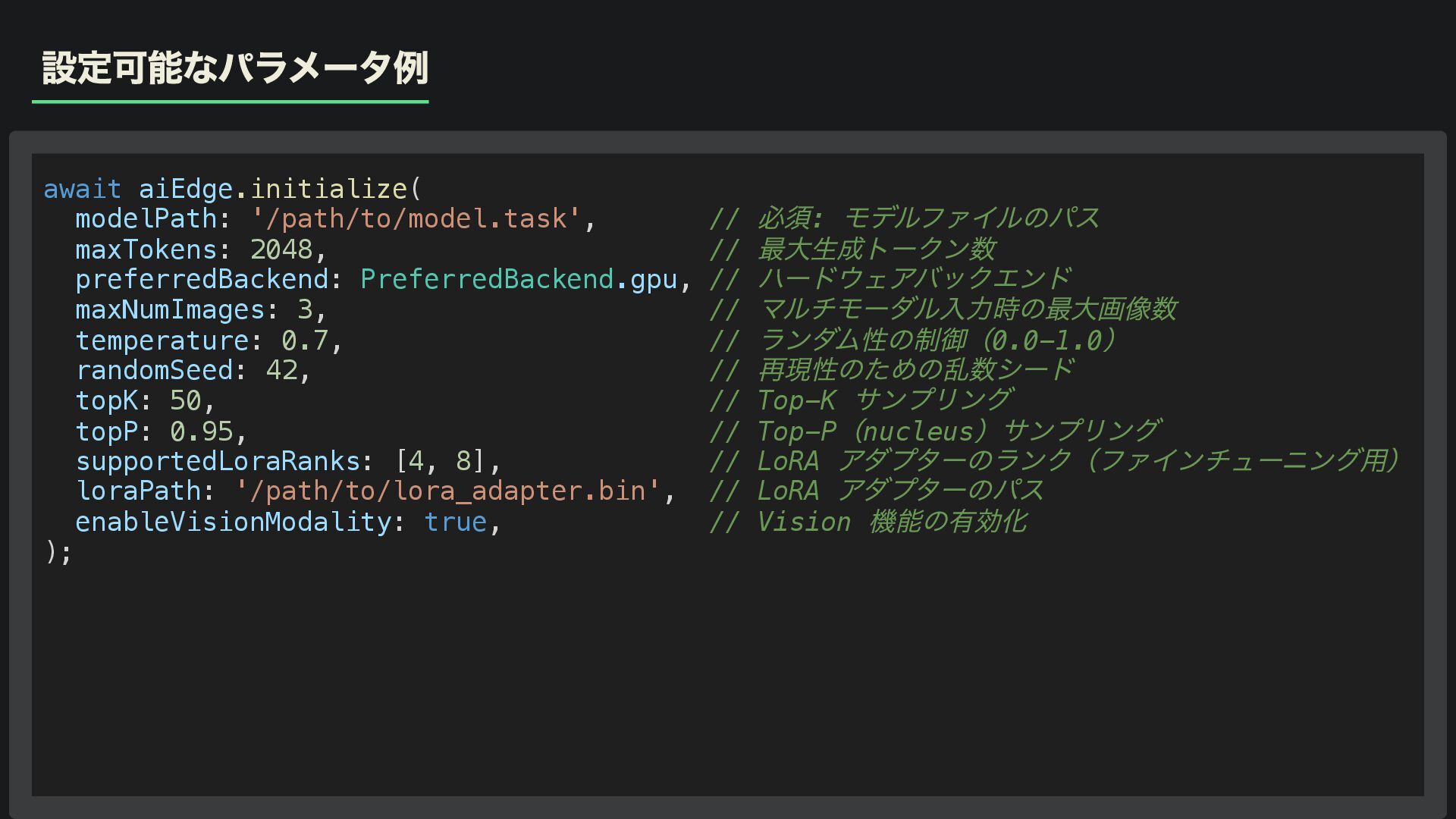
設定可能なパラメータ例 await aiEdge.initialize( modelPath: '/path/to/model.task', // 必須: モデルファイルのパス maxTokens: 2048,
// 最大生成トークン数 preferredBackend: PreferredBackend.gpu, // ハードウェアバックエンド maxNumImages: 3, // マルチモーダル入力時の最大画像数 temperature: 0.7, // ランダム性の制御(0.0-1.0 ) randomSeed: 42, // 再現性のための乱数シード topK: 50, // Top-K サンプリング topP: 0.95, // Top-P (nucleus )サンプリング supportedLoraRanks: [4, 8], // LoRA アダプターのランク(ファインチューニング用) loraPath: '/path/to/lora_adapter.bin', // LoRA アダプターのパス enableVisionModality: true, // Vision 機能の有効化 );
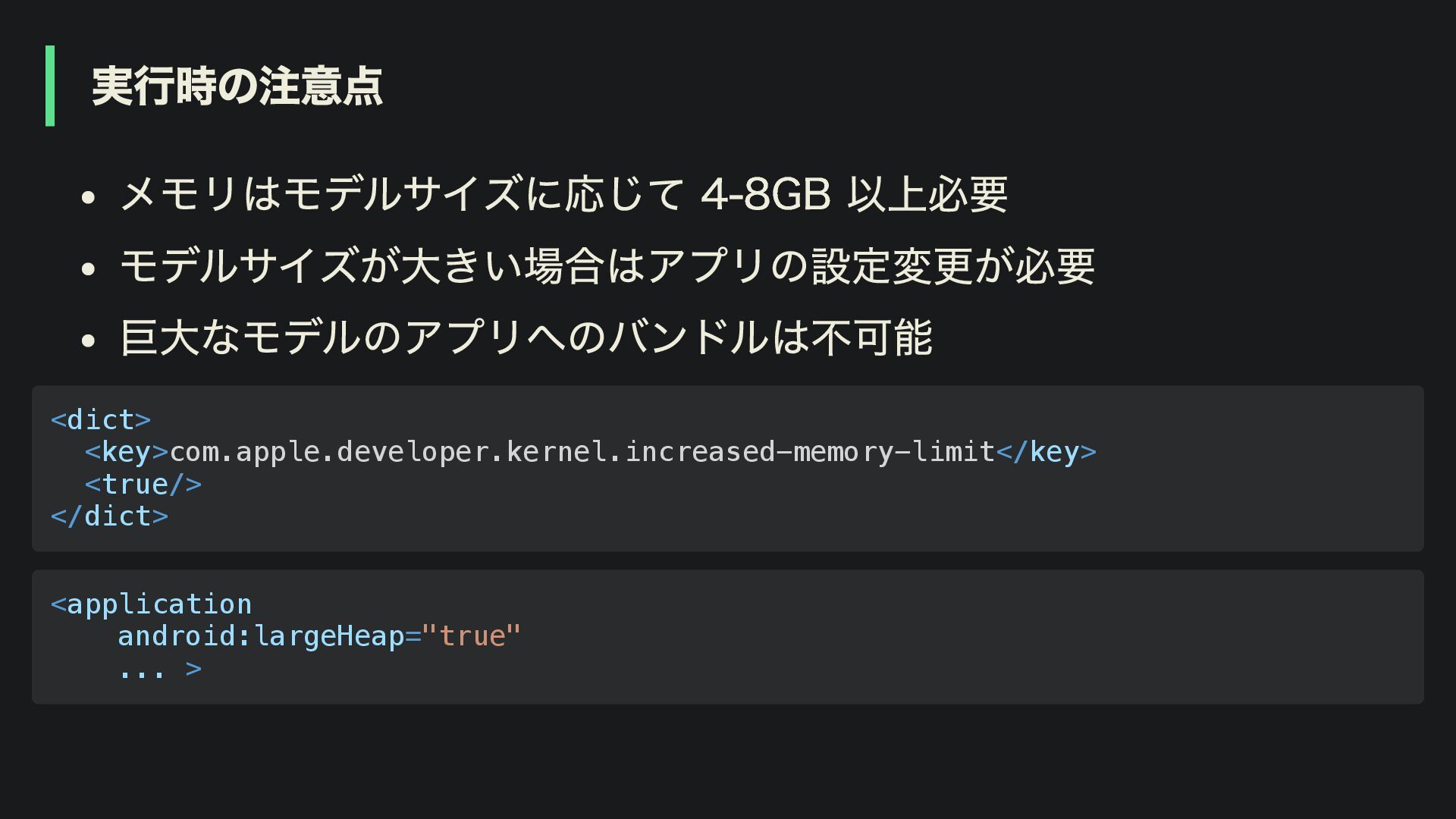
実行時の注意点 メモリはモデルサイズに応じて 4-8GB 以上必要 モデルサイズが大きい場合はアプリの設定変更が必要 巨大なモデルのアプリへのバンドルは不可能 <dict> <key>com.apple.developer.kernel.increased-memory-limit</key> <true/> </dict>
<application android:largeHeap="true" ... >
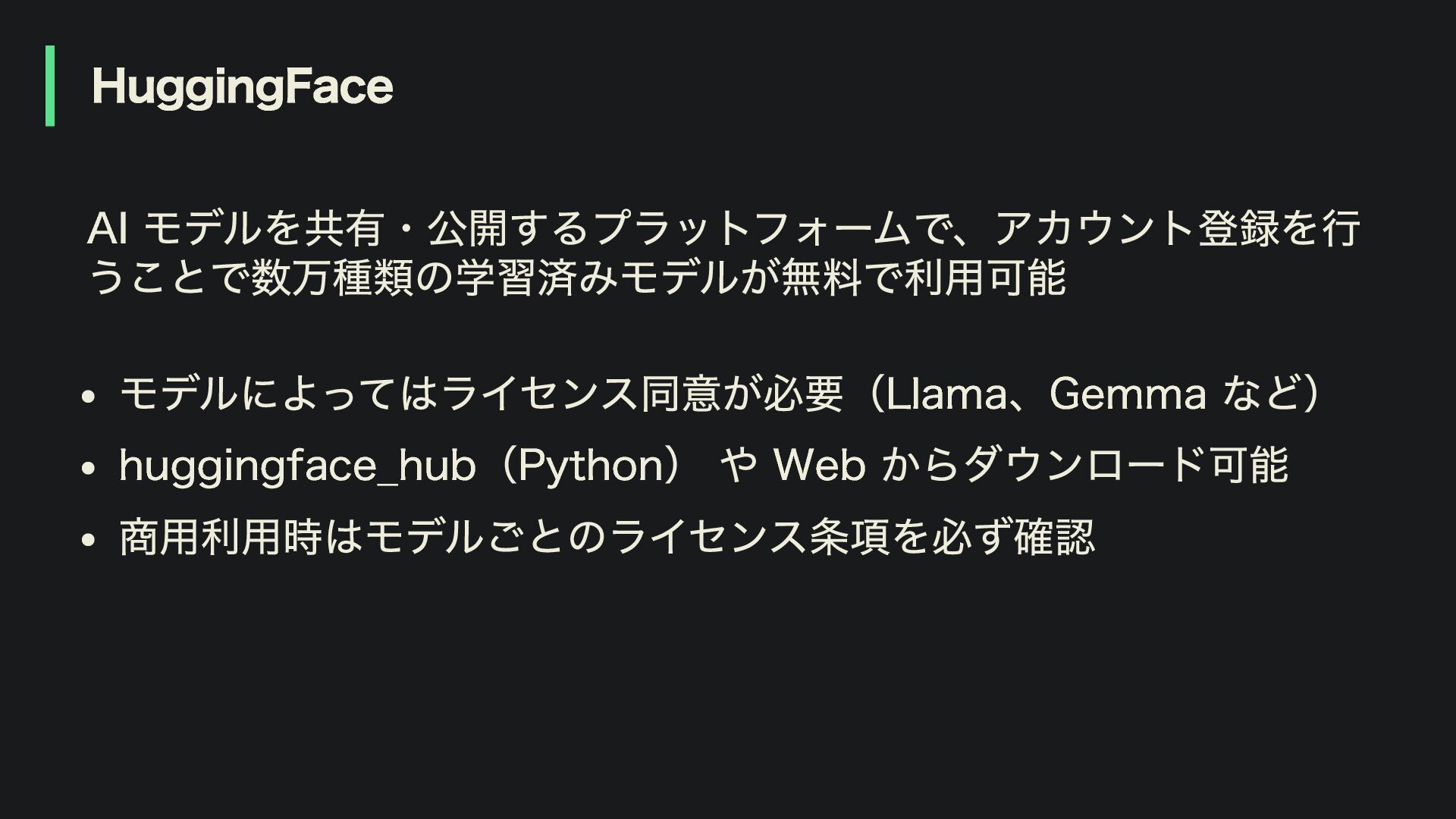
HuggingFace AI モデルを共有・公開するプラットフォームで、アカウント登録を行 うことで数万種類の学習済みモデルが無料で利用可能 モデルによってはライセンス同意が必要(Llama、Gemma など) huggingface_hub(Python) や Web からダウンロード可能
商用利用時はモデルごとのライセンス条項を必ず確認
Agenda 3. オンデバイス LLM の応用機能 1. オンデバイス LLM の基礎知識 2.
Flutter で LLM を動かす選択肢 4. パフォーマンスと実践的な考慮点
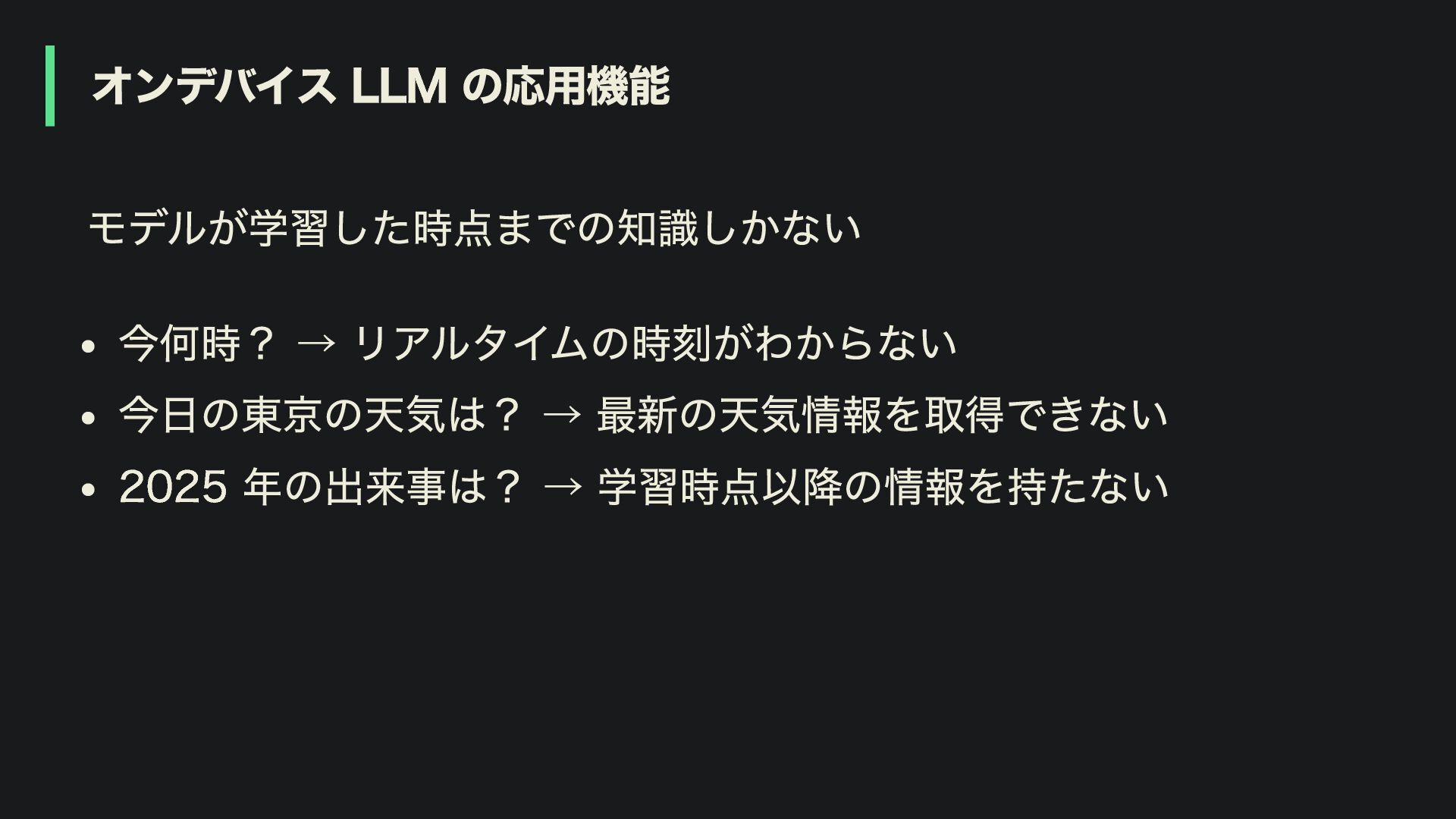
オンデバイス LLM の応用機能 モデルが学習した時点までの知識しかない 今何時? → リアルタイムの時刻がわからない 今日の東京の天気は? → 最新の天気情報を取得できない
2025 年の出来事は? → 学習時点以降の情報を持たない
Function Calling (Tool)
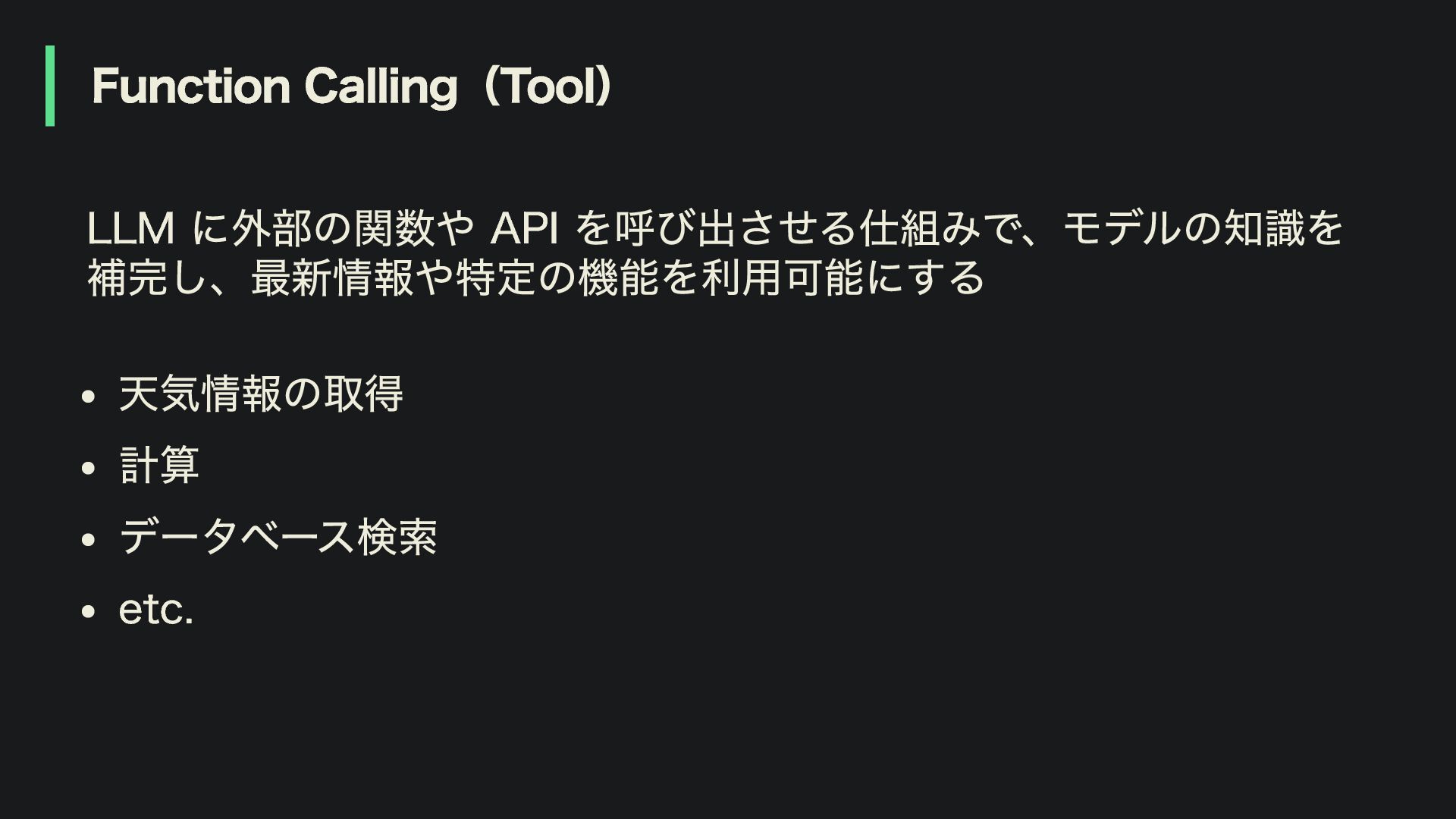
Function Calling(Tool) LLM に外部の関数や API を呼び出させる仕組みで、モデルの知識を 補完し、最新情報や特定の機能を利用可能にする 天気情報の取得 計算 データベース検索
etc.
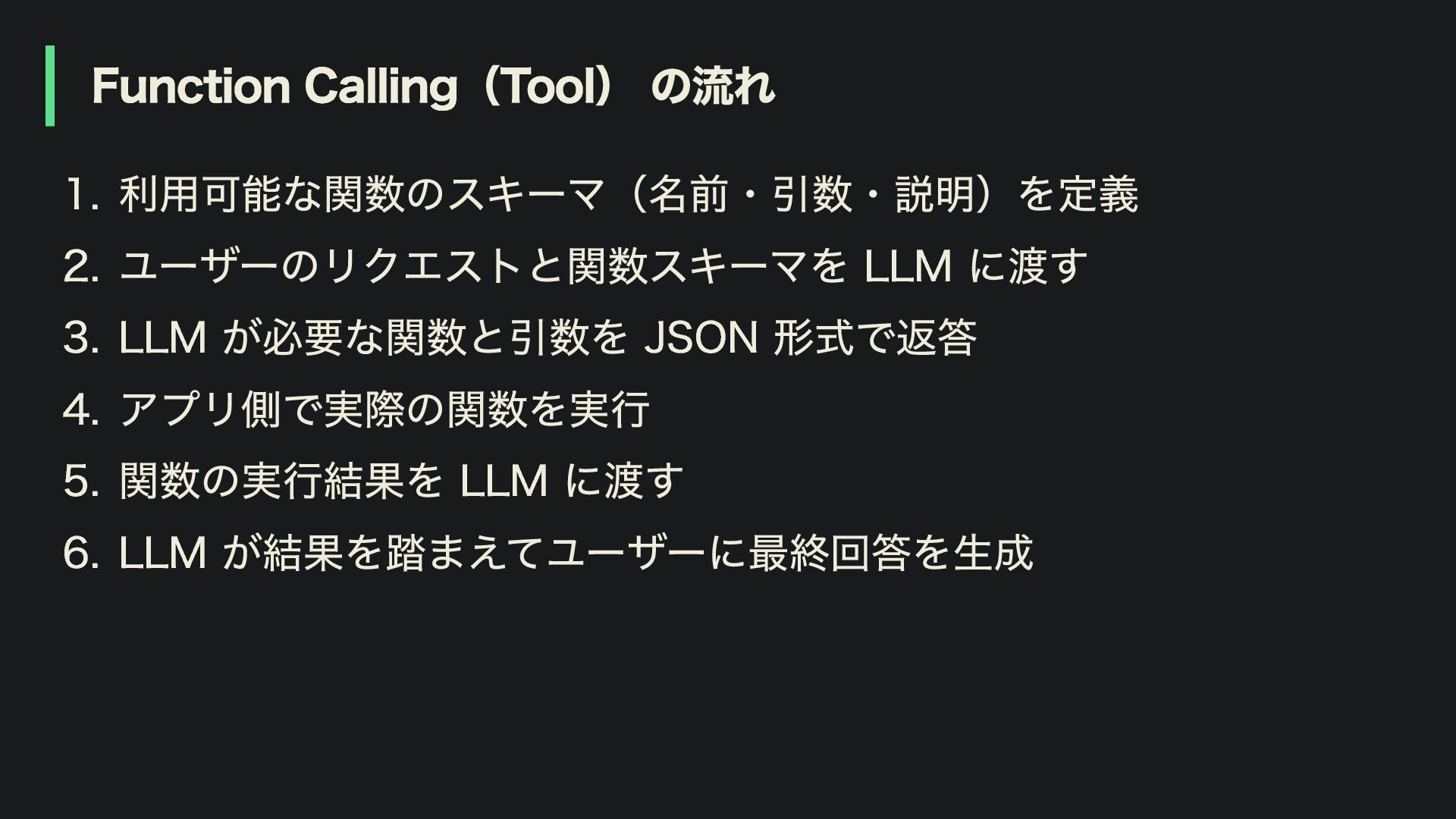
Function Calling(Tool) の流れ 1. 利用可能な関数のスキーマ(名前・引数・説明)を定義 2. ユーザーのリクエストと関数スキーマを LLM に渡す 3.
LLM が必要な関数と引数を JSON 形式で返答 4. アプリ側で実際の関数を実行 5. 関数の実行結果を LLM に渡す 6. LLM が結果を踏まえてユーザーに最終回答を生成
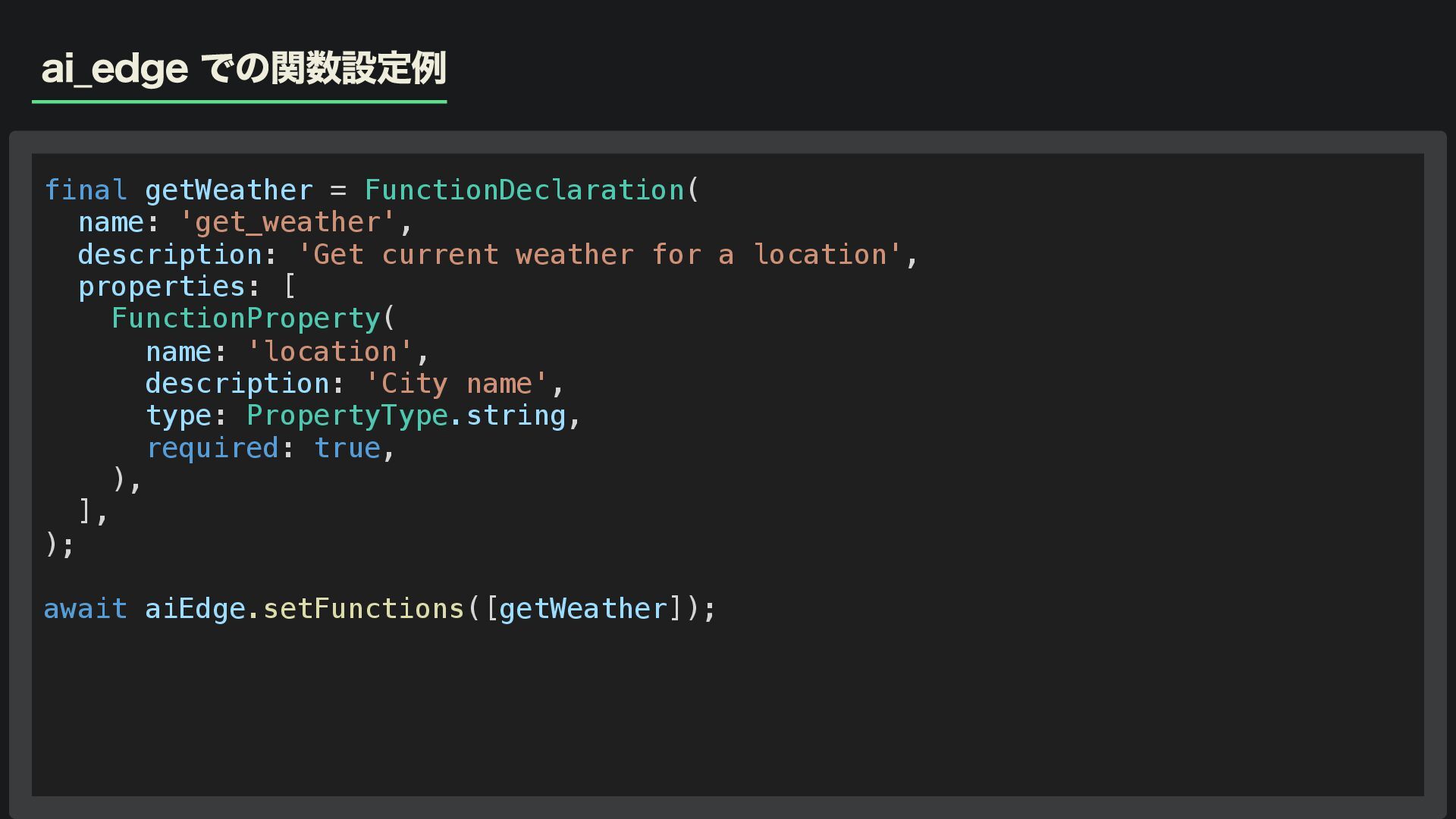
ai_edge での関数設定例 final getWeather = FunctionDeclaration( name: 'get_weather', description: 'Get
current weather for a location', properties: [ FunctionProperty( name: 'location', description: 'City name', type: PropertyType.string, required: true, ), ], ); await aiEdge.setFunctions([getWeather]);
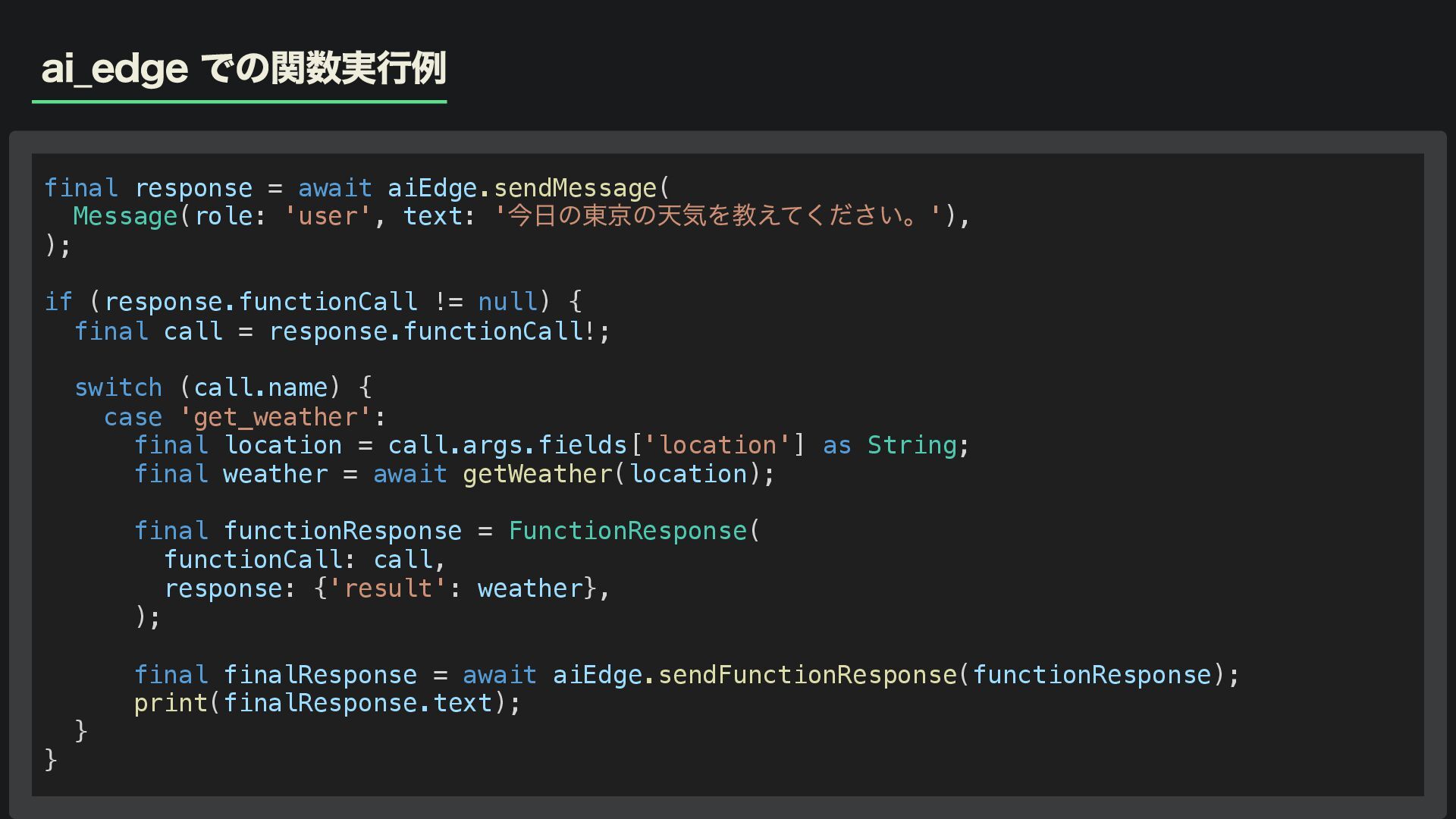
ai_edge での関数実行例 final response = await aiEdge.sendMessage( Message(role: 'user', text:
' 今日の東京の天気を教えてください。'), ); if (response.functionCall != null) { final call = response.functionCall!; switch (call.name) { case 'get_weather': final location = call.args.fields['location'] as String; final weather = await getWeather(location); final functionResponse = FunctionResponse( functionCall: call, response: {'result': weather}, ); final finalResponse = await aiEdge.sendFunctionResponse(functionResponse); print(finalResponse.text); } }
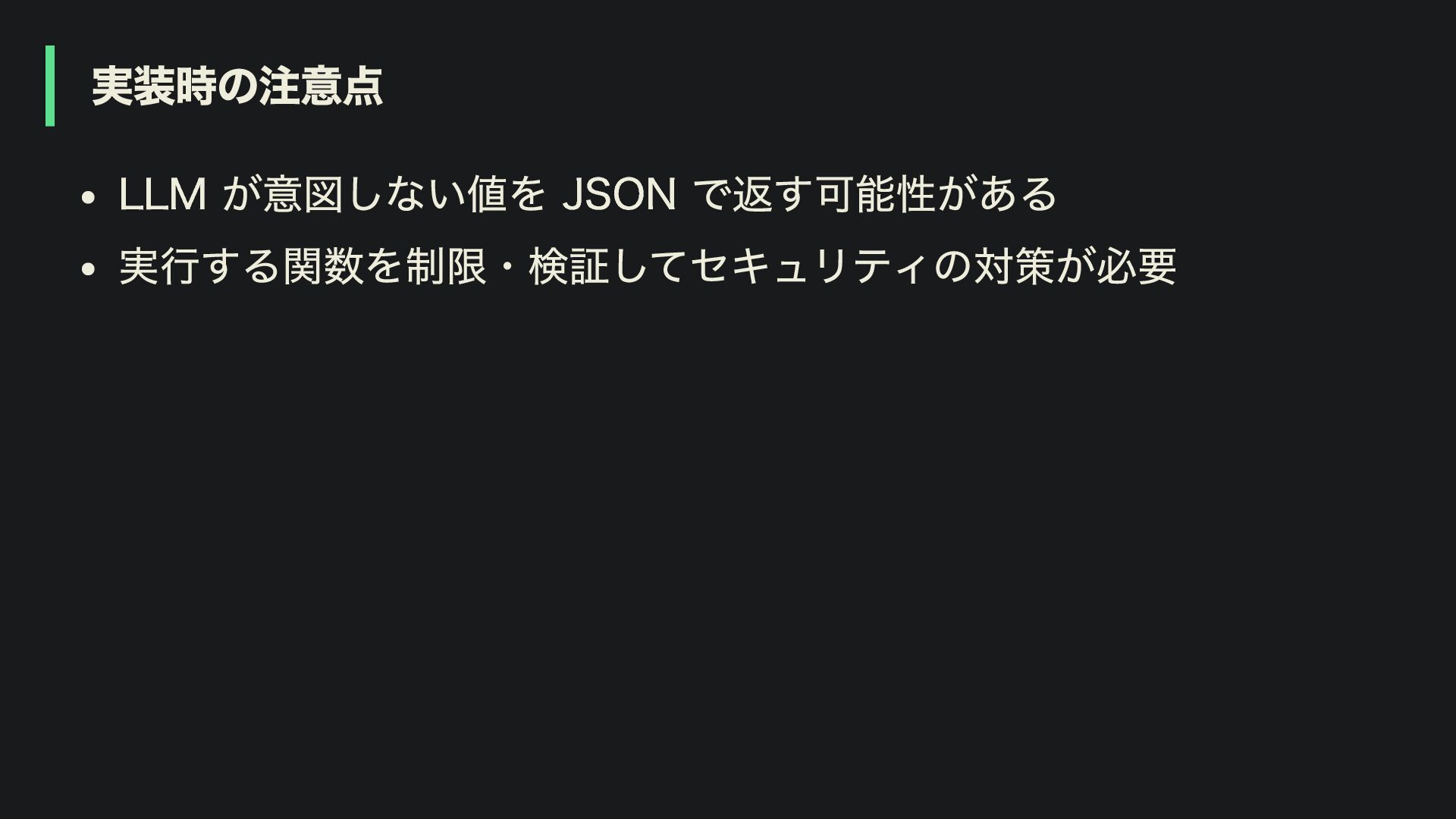
実装時の注意点 LLM が意図しない値を JSON で返す可能性がある 実行する関数を制限・検証してセキュリティの対策が必要
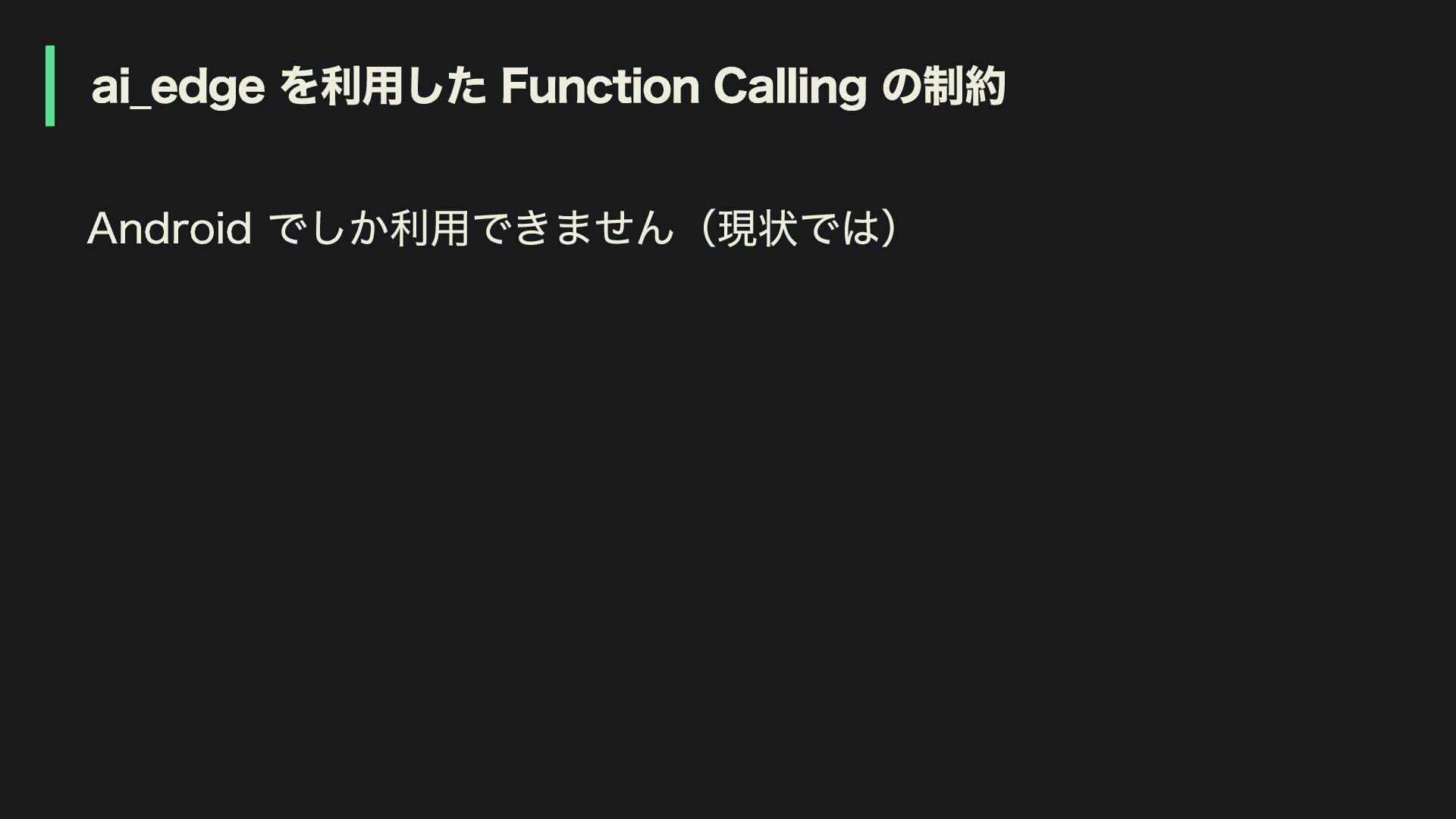
ai_edge を利用した Function Calling の制約 Android でしか利用できません(現状では)
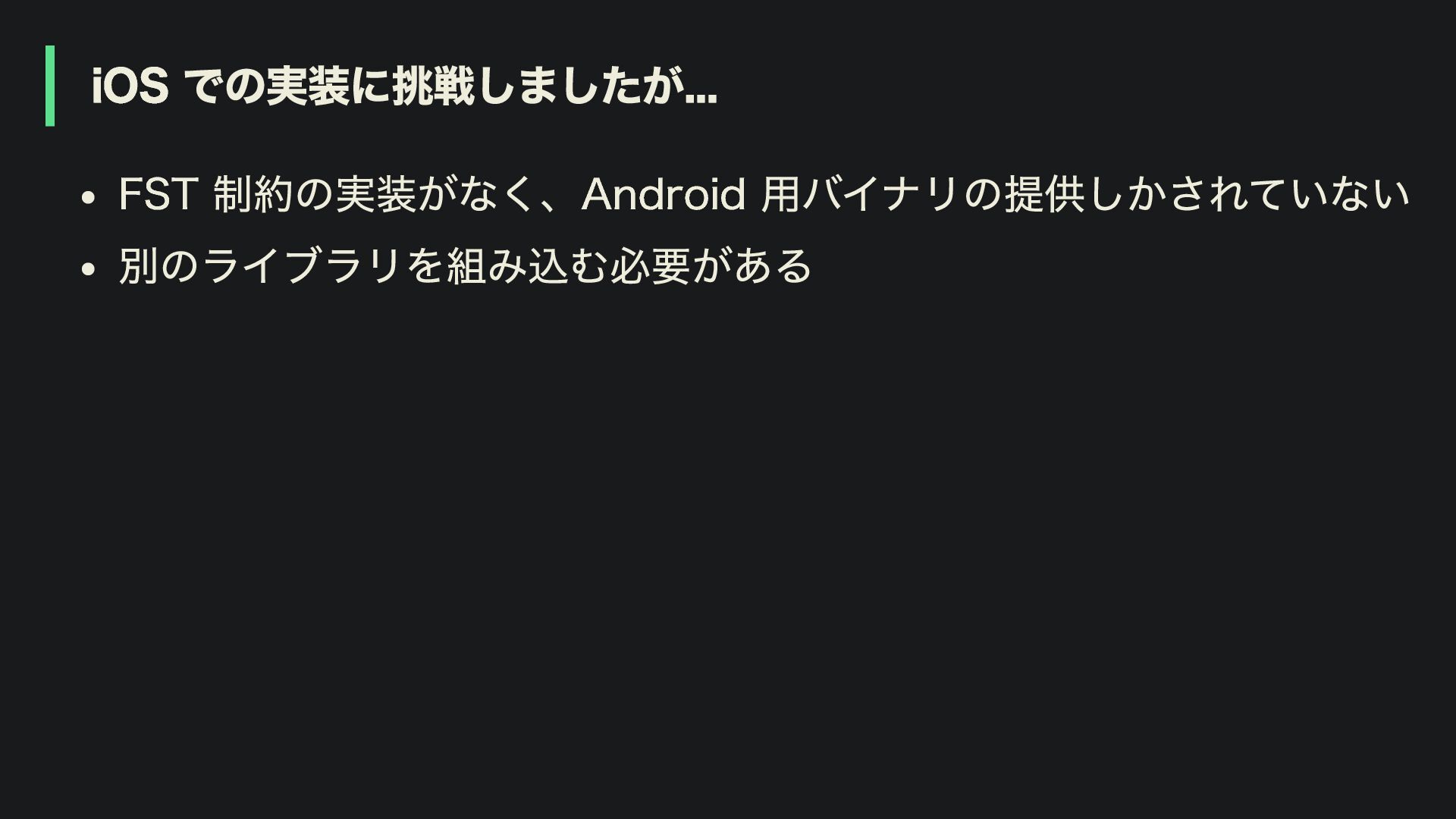
iOS での実装に挑戦しましたが... FST 制約の実装がなく、Android 用バイナリの提供しかされていない 別のライブラリを組み込む必要がある
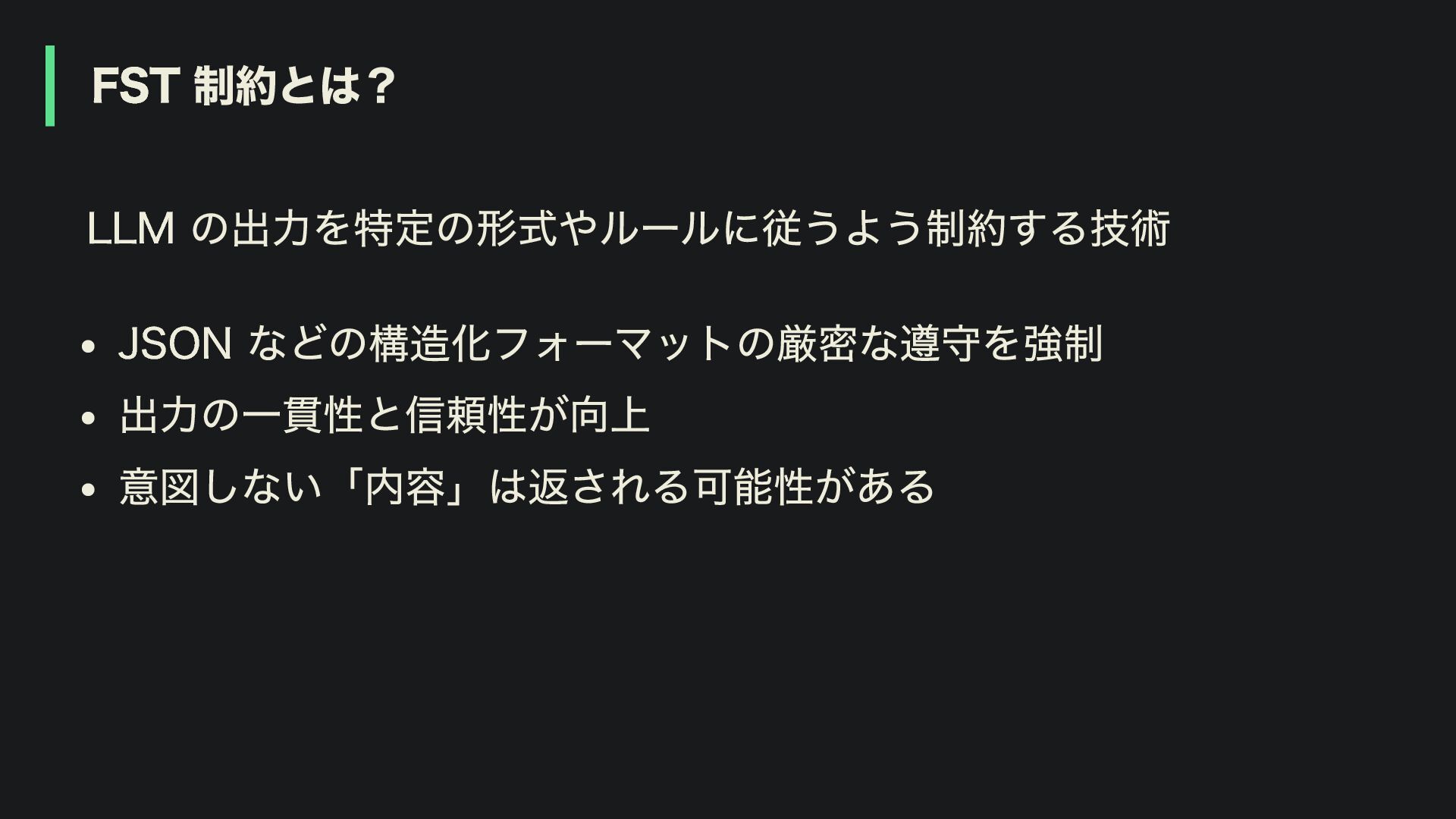
FST 制約とは? LLM の出力を特定の形式やルールに従うよう制約する技術 JSON などの構造化フォーマットの厳密な遵守を強制 出力の一貫性と信頼性が向上 意図しない「内容」は返される可能性がある
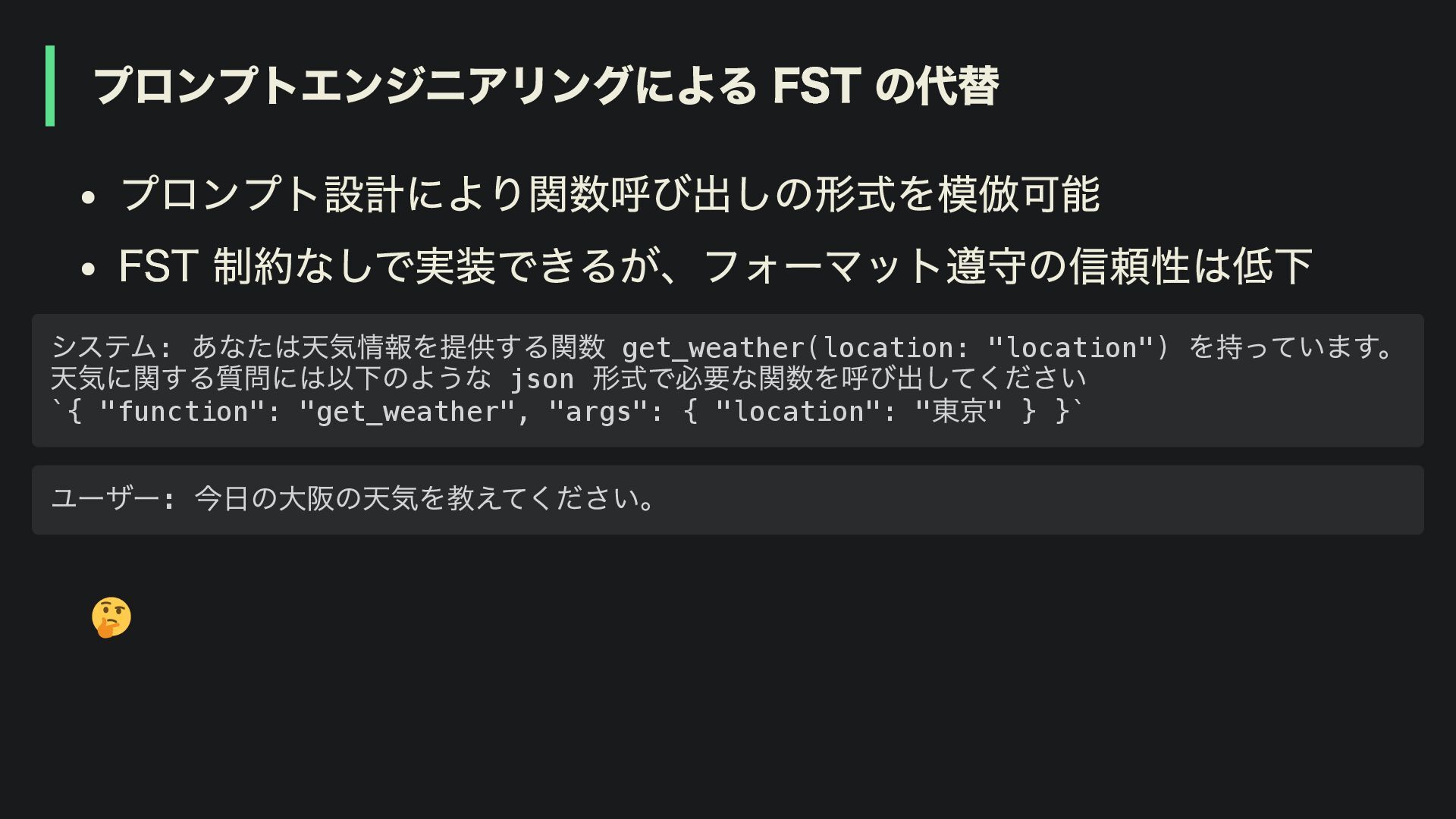
プロンプトエンジニアリングによる FST の代替 プロンプト設計により関数呼び出しの形式を模倣可能 FST 制約なしで実装できるが、フォーマット遵守の信頼性は低下 システム: あなたは天気情報を提供する関数 get_weather(location: "location")
を持っています。 天気に関する質問には以下のような json 形式で必要な関数を呼び出してください `{ "function": "get_weather", "args": { "location": " 東京" } }` ユーザー: 今日の大阪の天気を教えてください。
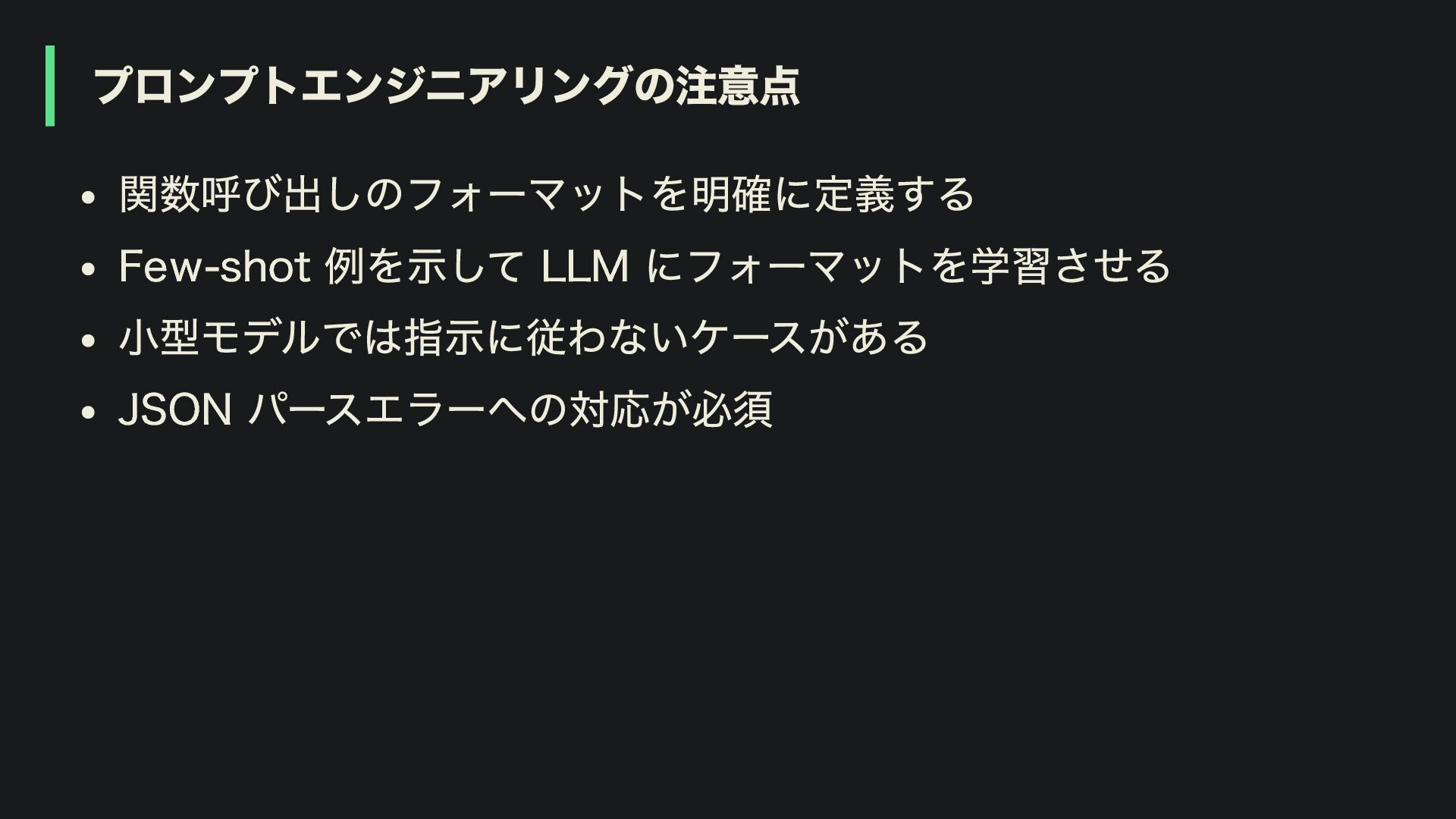
プロンプトエンジニアリングの注意点 関数呼び出しのフォーマットを明確に定義する Few-shot 例を示して LLM にフォーマットを学習させる 小型モデルでは指示に従わないケースがある JSON パースエラーへの対応が必須
Function Calling(Tool)まとめ 関数呼び出しと SaaS API などの組み合わせで最新情報を取得可能 プロンプトエンジニアリングという代替手段もある
Retrieval Augmented Generation (RAG)
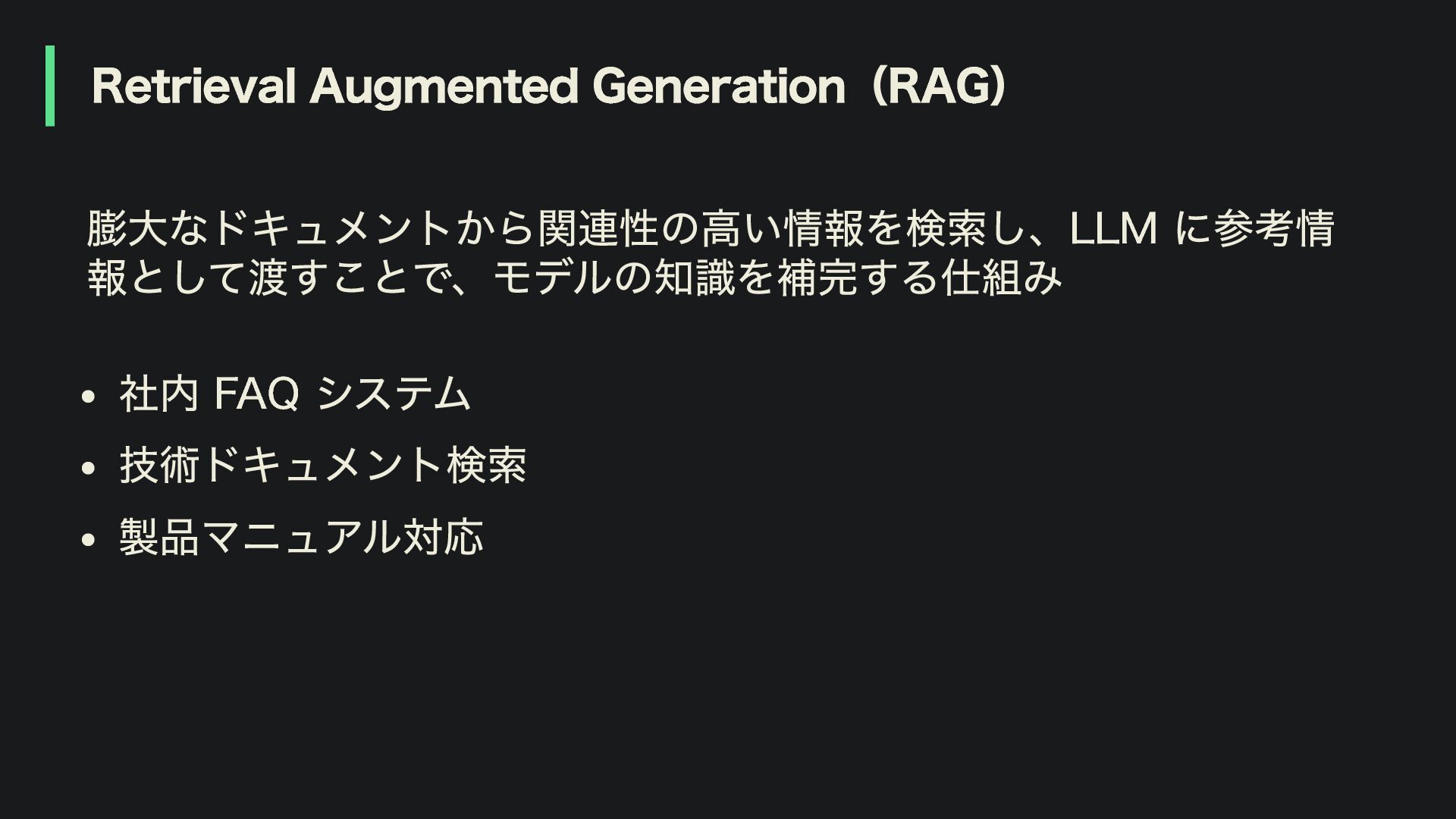
Retrieval Augmented Generation(RAG) 膨大なドキュメントから関連性の高い情報を検索し、LLM に参考情 報として渡すことで、モデルの知識を補完する仕組み 社内 FAQ システム 技術ドキュメント検索
製品マニュアル対応
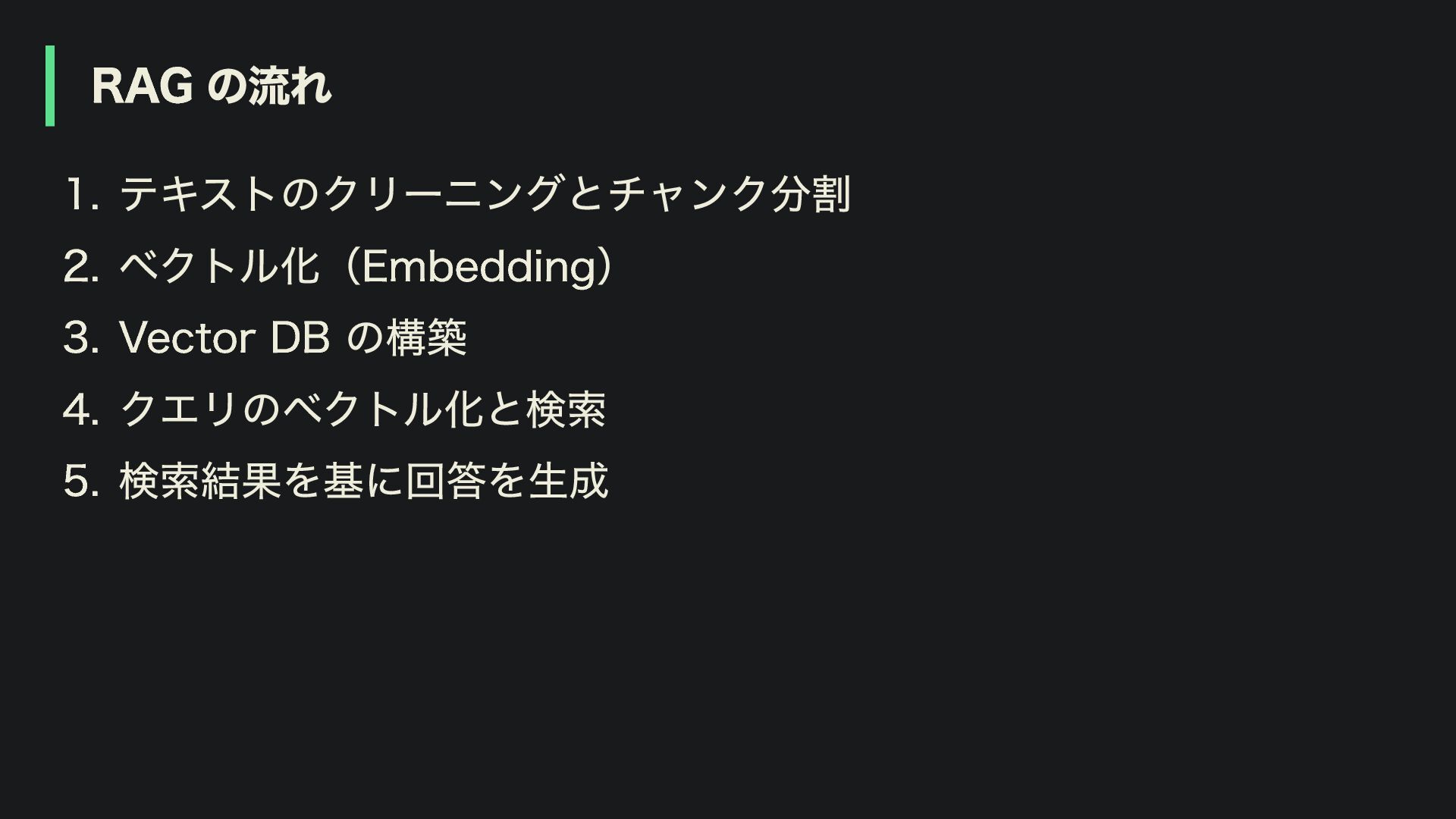
RAG の流れ 1. テキストのクリーニングとチャンク分割 2. ベクトル化(Embedding) 3. Vector DB の構築
4. クエリのベクトル化と検索 5. 検索結果を基に回答を生成
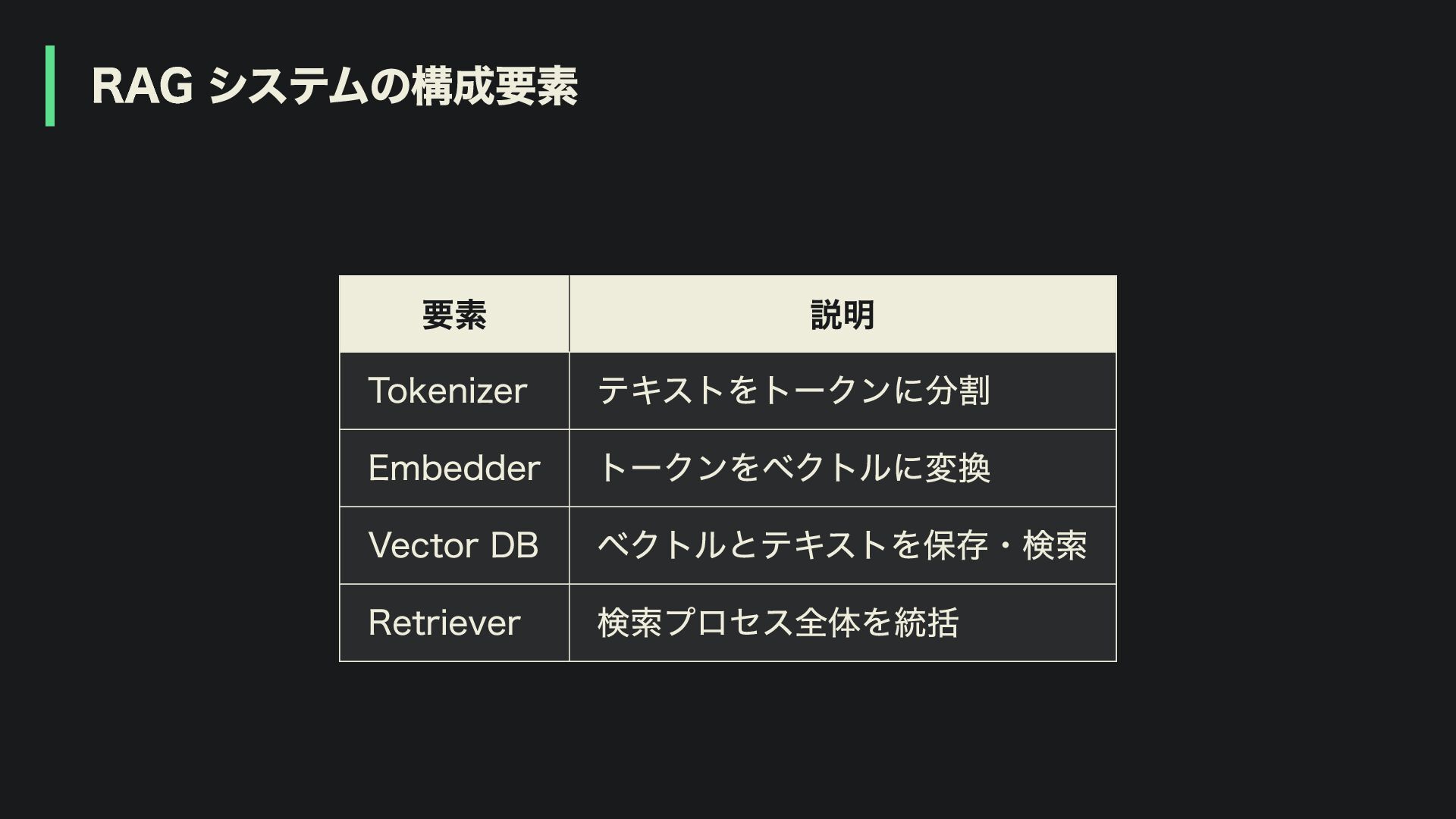
RAG システムの構成要素 要素 説明 Tokenizer テキストをトークンに分割 Embedder トークンをベクトルに変換 Vector DB
ベクトルとテキストを保存・検索 Retriever 検索プロセス全体を統括
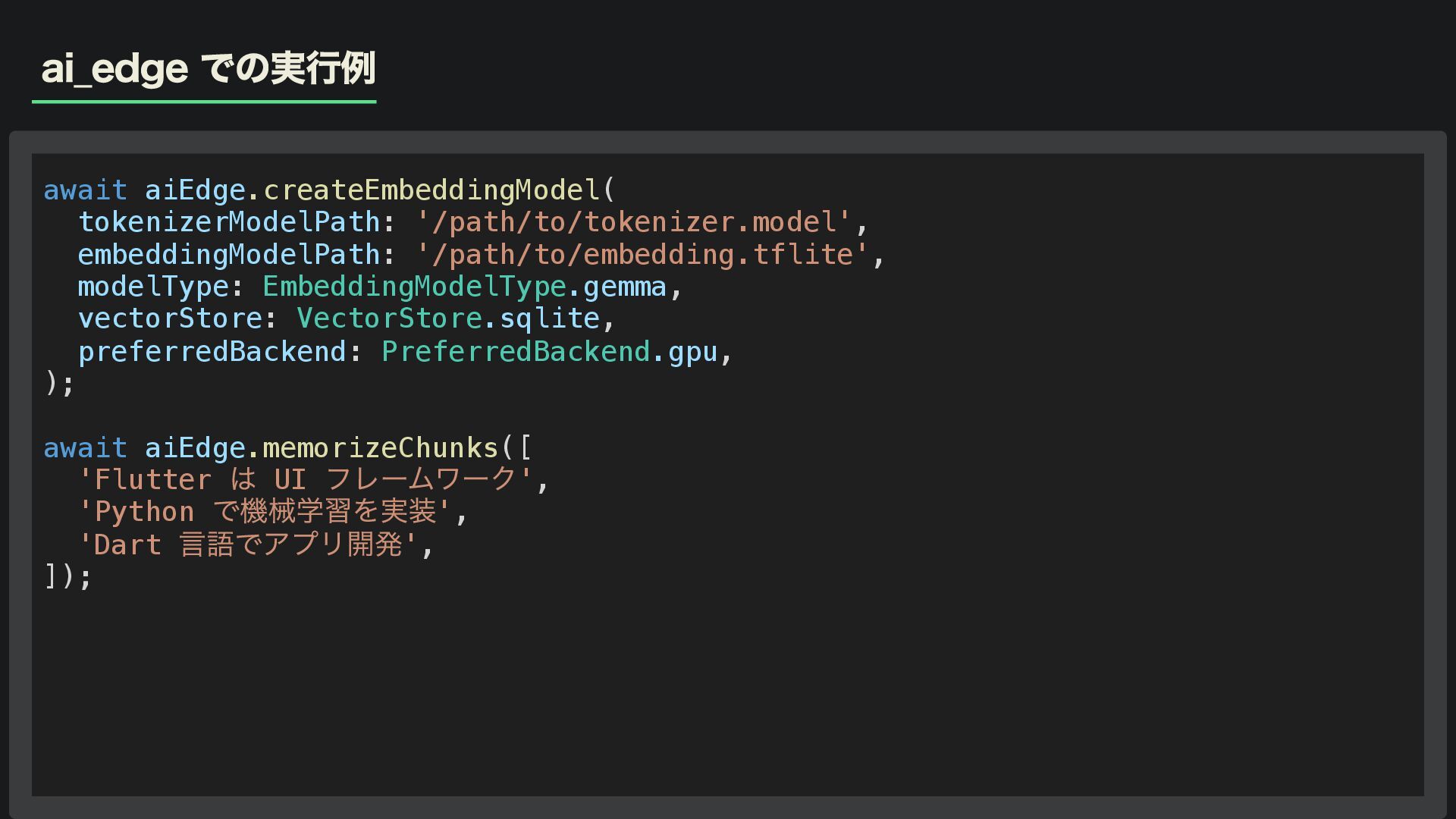
ai_edge での実行例 await aiEdge.createEmbeddingModel( tokenizerModelPath: '/path/to/tokenizer.model', embeddingModelPath: '/path/to/embedding.tflite', modelType: EmbeddingModelType.gemma,
vectorStore: VectorStore.sqlite, preferredBackend: PreferredBackend.gpu, ); await aiEdge.memorizeChunks([ 'Flutter は UI フレームワーク', 'Python で機械学習を実装', 'Dart 言語でアプリ開発', ]);
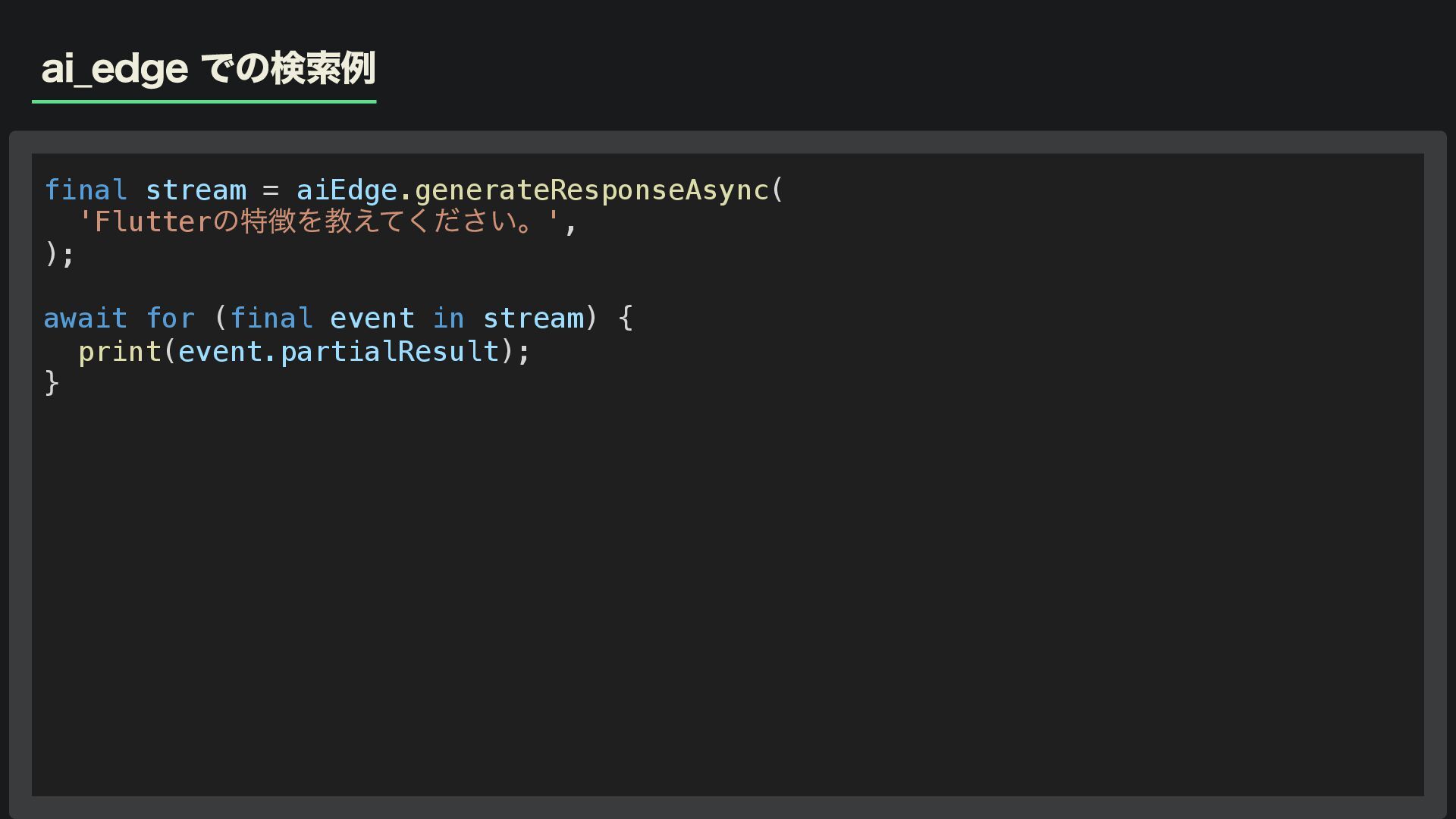
ai_edge での検索例 final stream = aiEdge.generateResponseAsync( 'Flutter の特徴を教えてください。', ); await
for (final event in stream) { print(event.partialResult); }
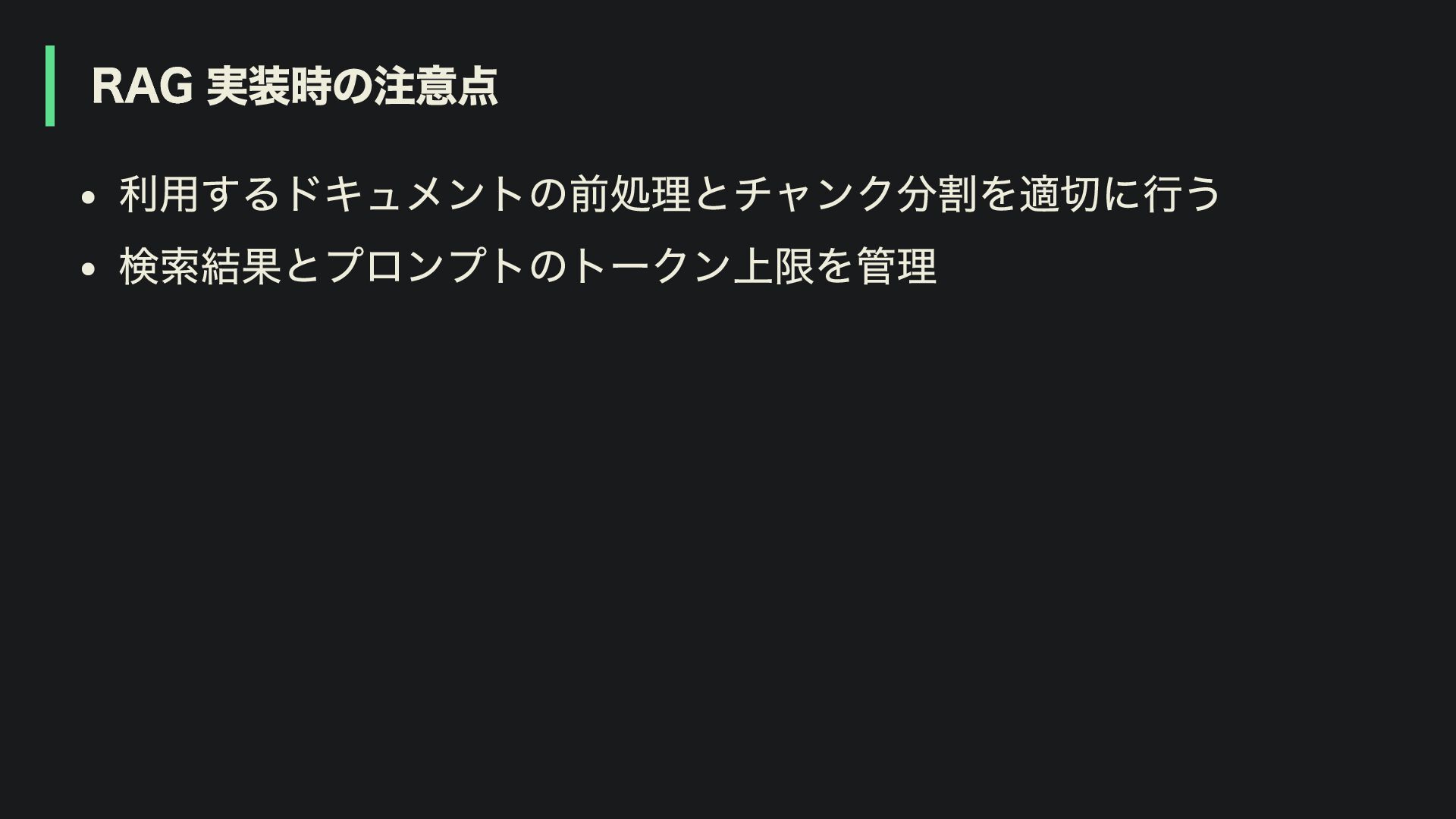
RAG 実装時の注意点 利用するドキュメントの前処理とチャンク分割を適切に行う 検索結果とプロンプトのトークン上限を管理
ai_edge を利用した RAG の制約 Android でしか利用できません(現状では)
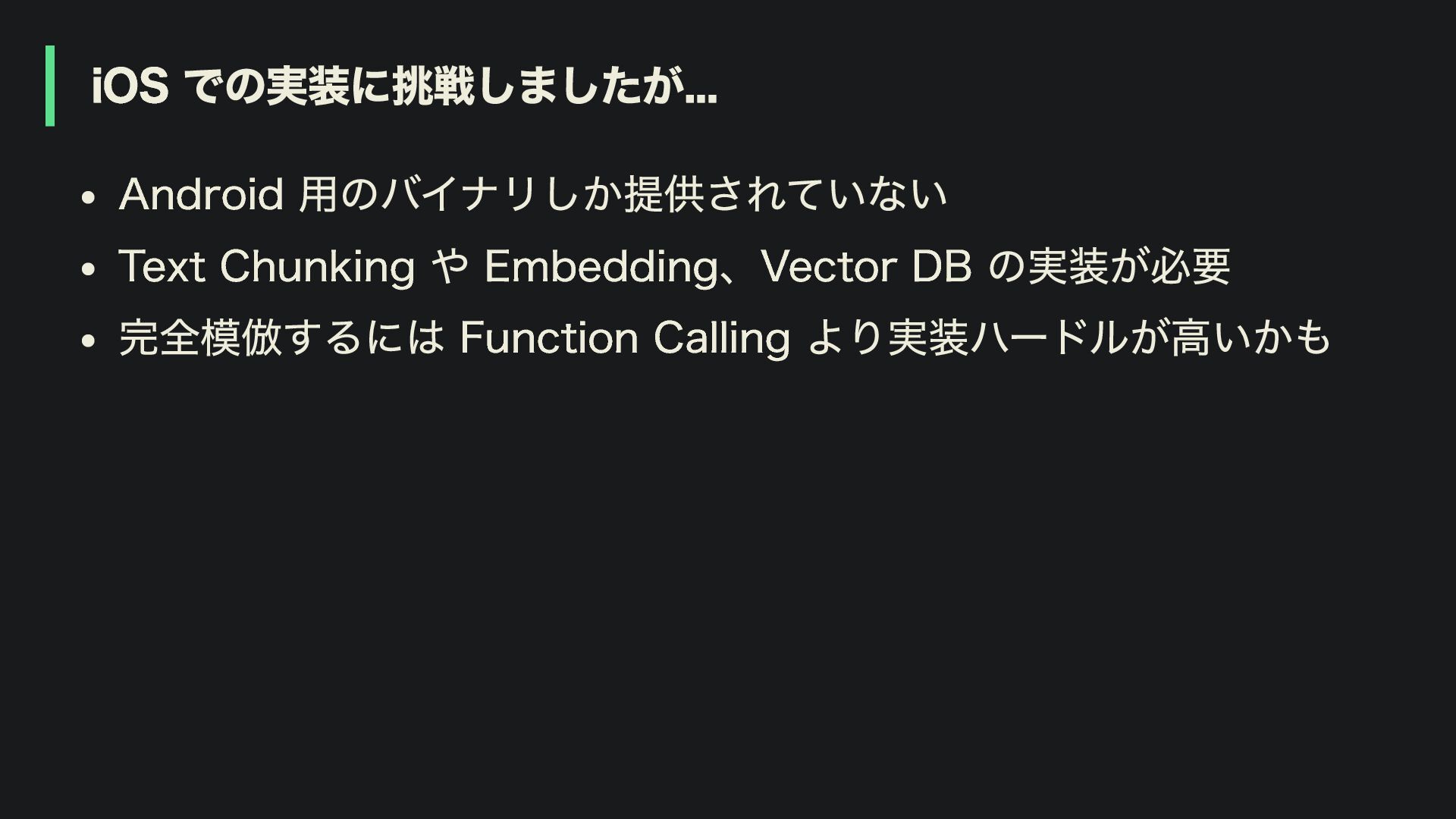
iOS での実装に挑戦しましたが... Android 用のバイナリしか提供されていない Text Chunking や Embedding、Vector DB の実装が必要
完全模倣するには Function Calling より実装ハードルが高いかも
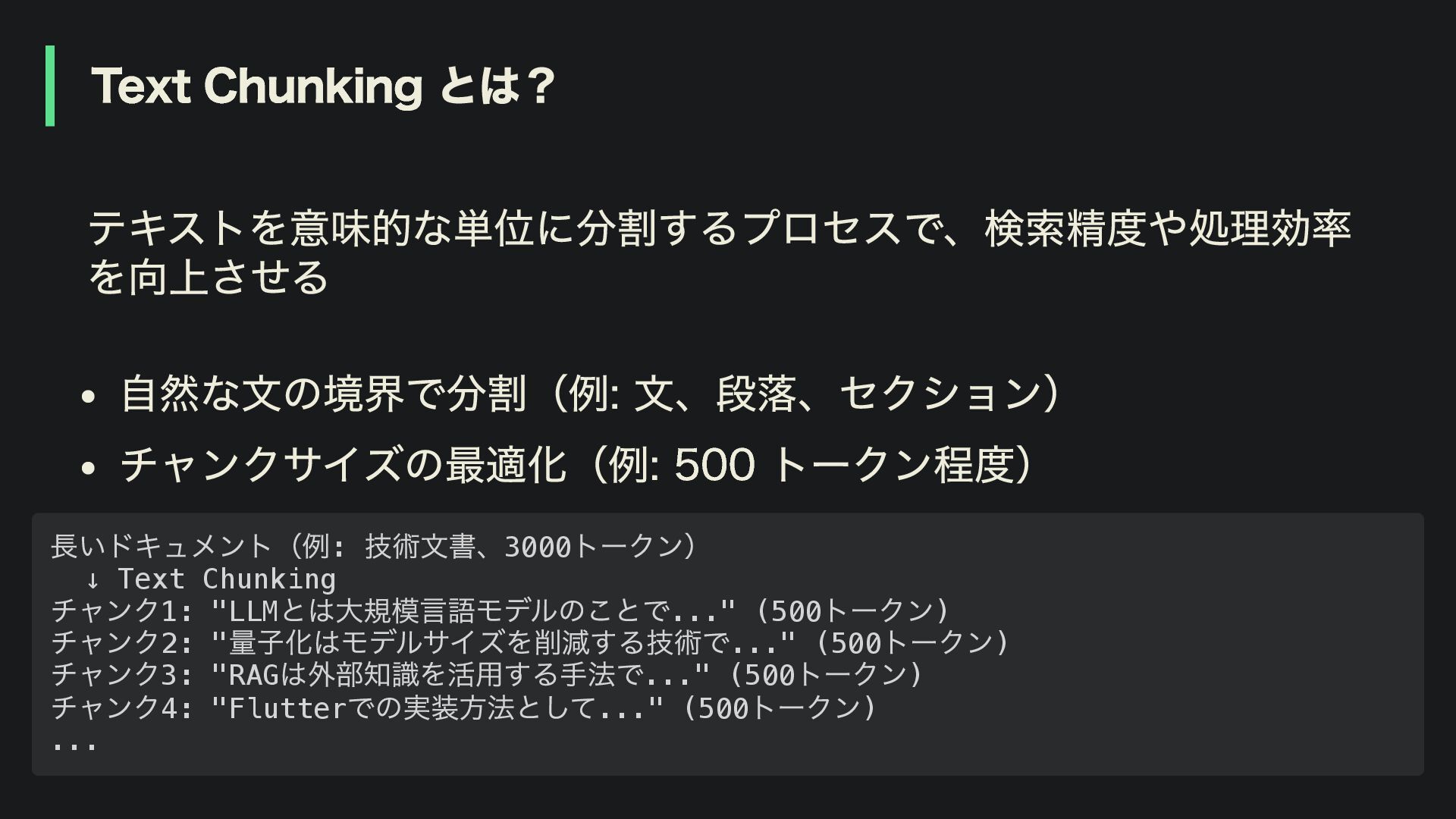
Text Chunking とは? テキストを意味的な単位に分割するプロセスで、検索精度や処理効率 を向上させる 自然な文の境界で分割(例: 文、段落、セクション) チャンクサイズの最適化(例: 500 トークン程度)
長いドキュメント(例: 技術文書、3000 トークン) ↓ Text Chunking チャンク1: "LLM とは大規模言語モデルのことで..." (500 トークン) チャンク2: " 量子化はモデルサイズを削減する技術で..." (500 トークン) チャンク3: "RAG は外部知識を活用する手法で..." (500 トークン) チャンク4: "Flutter での実装方法として..." (500 トークン) ...
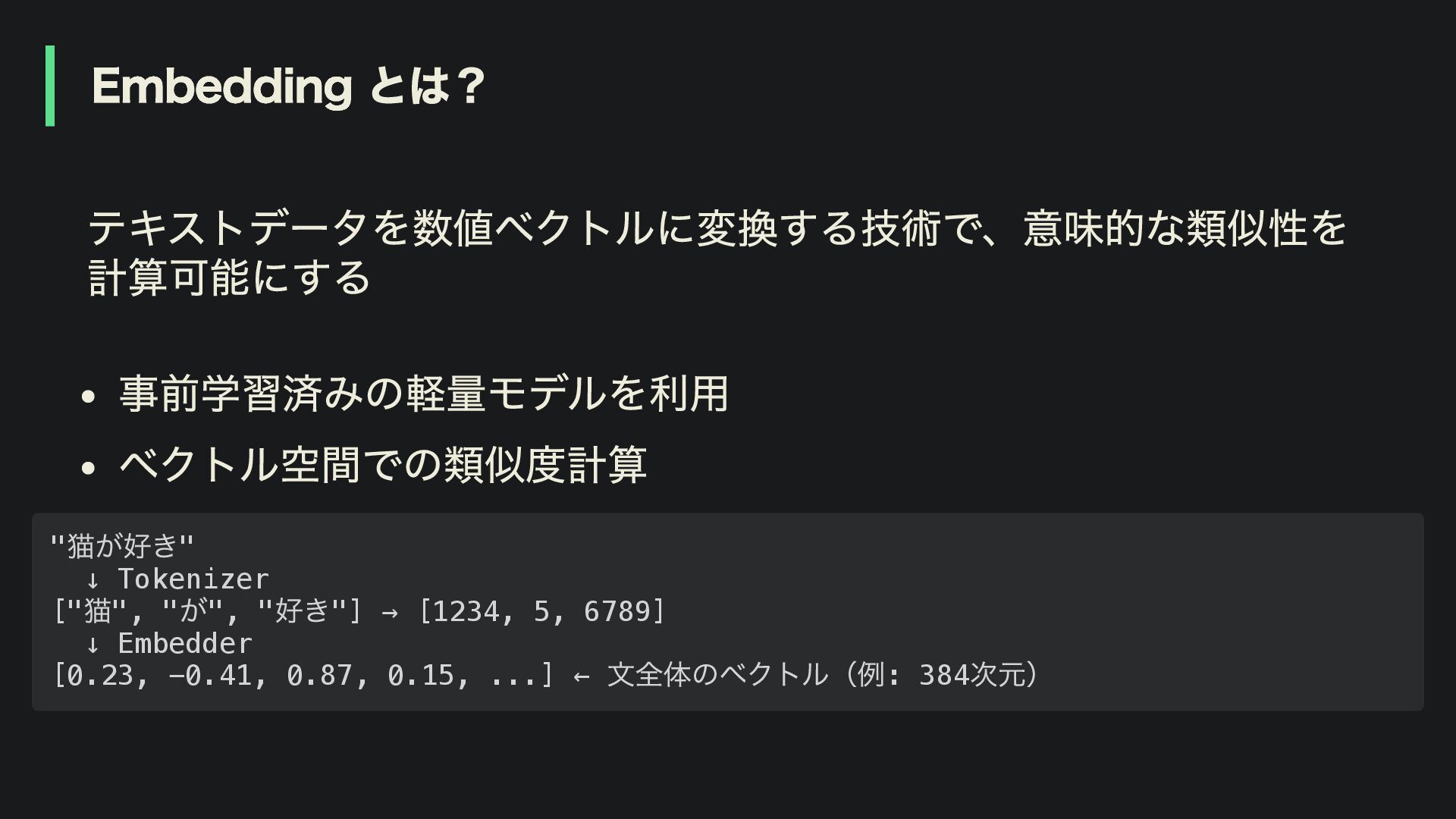
Embedding とは? テキストデータを数値ベクトルに変換する技術で、意味的な類似性を 計算可能にする 事前学習済みの軽量モデルを利用 ベクトル空間での類似度計算 " 猫が好き" ↓ Tokenizer
[" 猫", " が", " 好き"] → [1234, 5, 6789] ↓ Embedder [0.23, -0.41, 0.87, 0.15, ...] ← 文全体のベクトル(例: 384 次元)
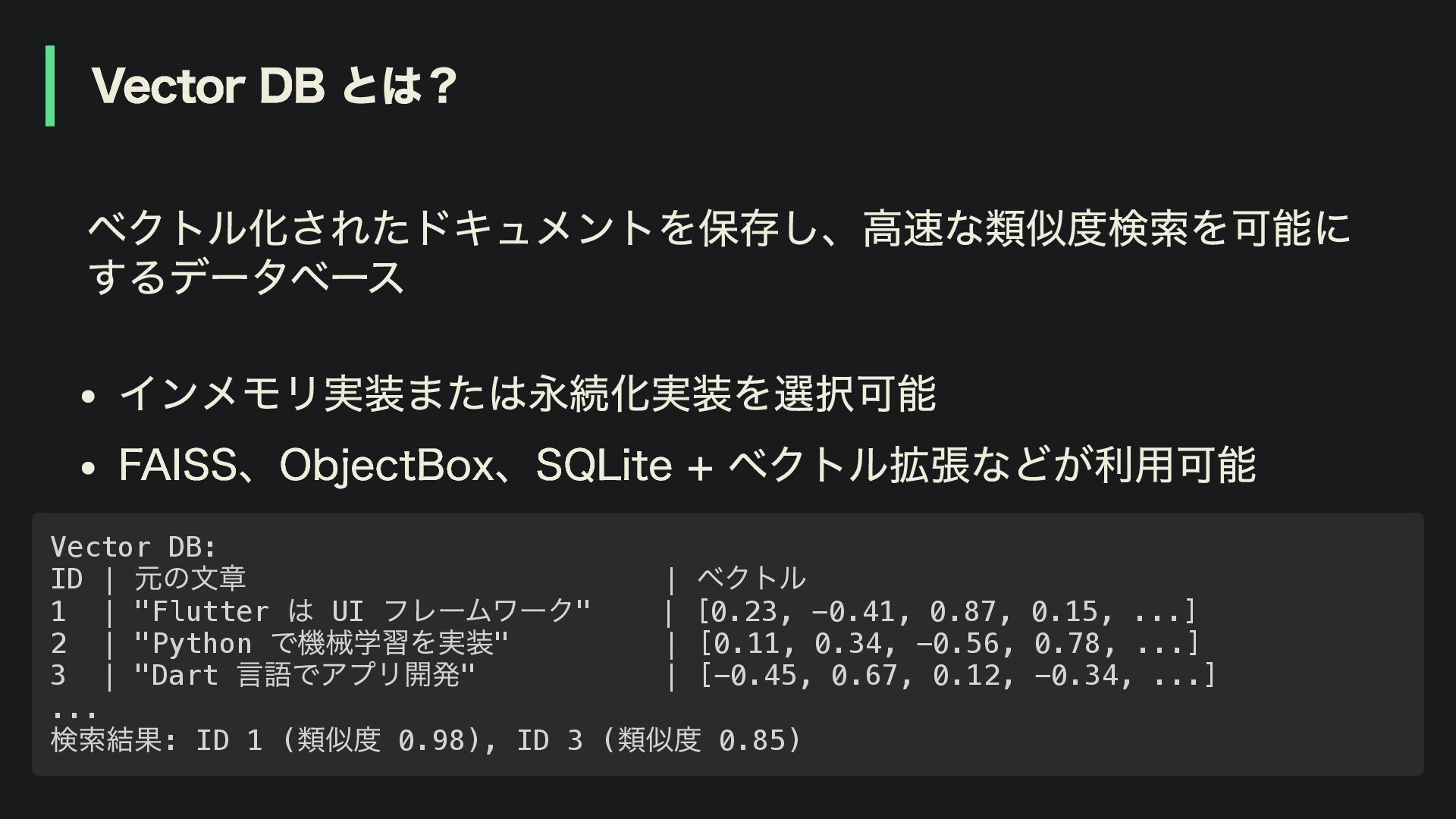
Vector DB とは? ベクトル化されたドキュメントを保存し、高速な類似度検索を可能に するデータベース インメモリ実装または永続化実装を選択可能 FAISS、ObjectBox、SQLite + ベクトル拡張などが利用可能 Vector
DB: ID | 元の文章 | ベクトル 1 | "Flutter は UI フレームワーク" | [0.23, -0.41, 0.87, 0.15, ...] 2 | "Python で機械学習を実装" | [0.11, 0.34, -0.56, 0.78, ...] 3 | "Dart 言語でアプリ開発" | [-0.45, 0.67, 0.12, -0.34, ...] ... 検索結果: ID 1 ( 類似度 0.98), ID 3 ( 類似度 0.85)
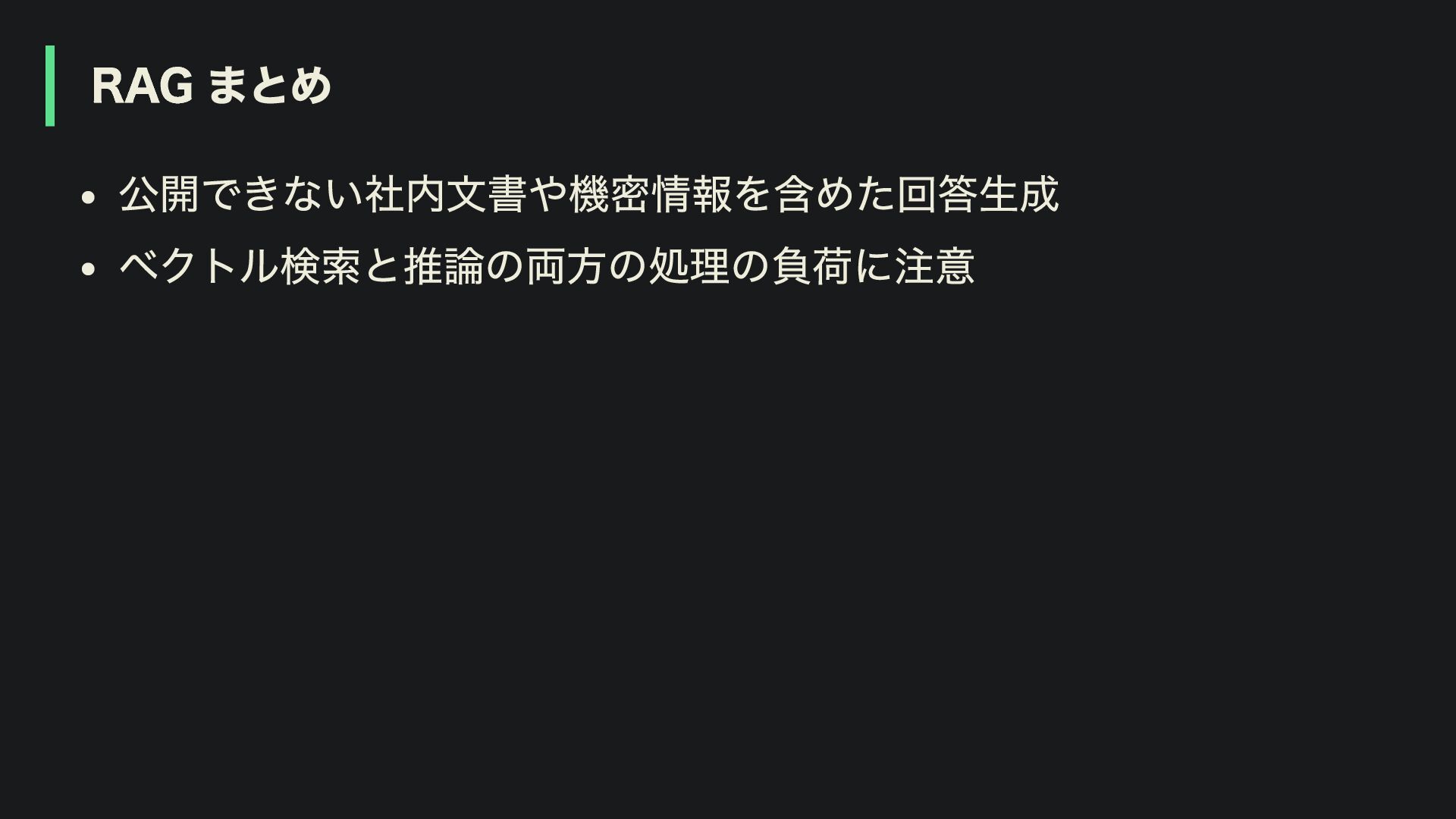
RAG まとめ 公開できない社内文書や機密情報を含めた回答生成 ベクトル検索と推論の両方の処理の負荷に注意
Agenda 4. パフォーマンスと実践的な考慮点 1. オンデバイス LLM の基礎知識 2. Flutter で
LLM を動かす選択肢 3. オンデバイス LLM の応用機能
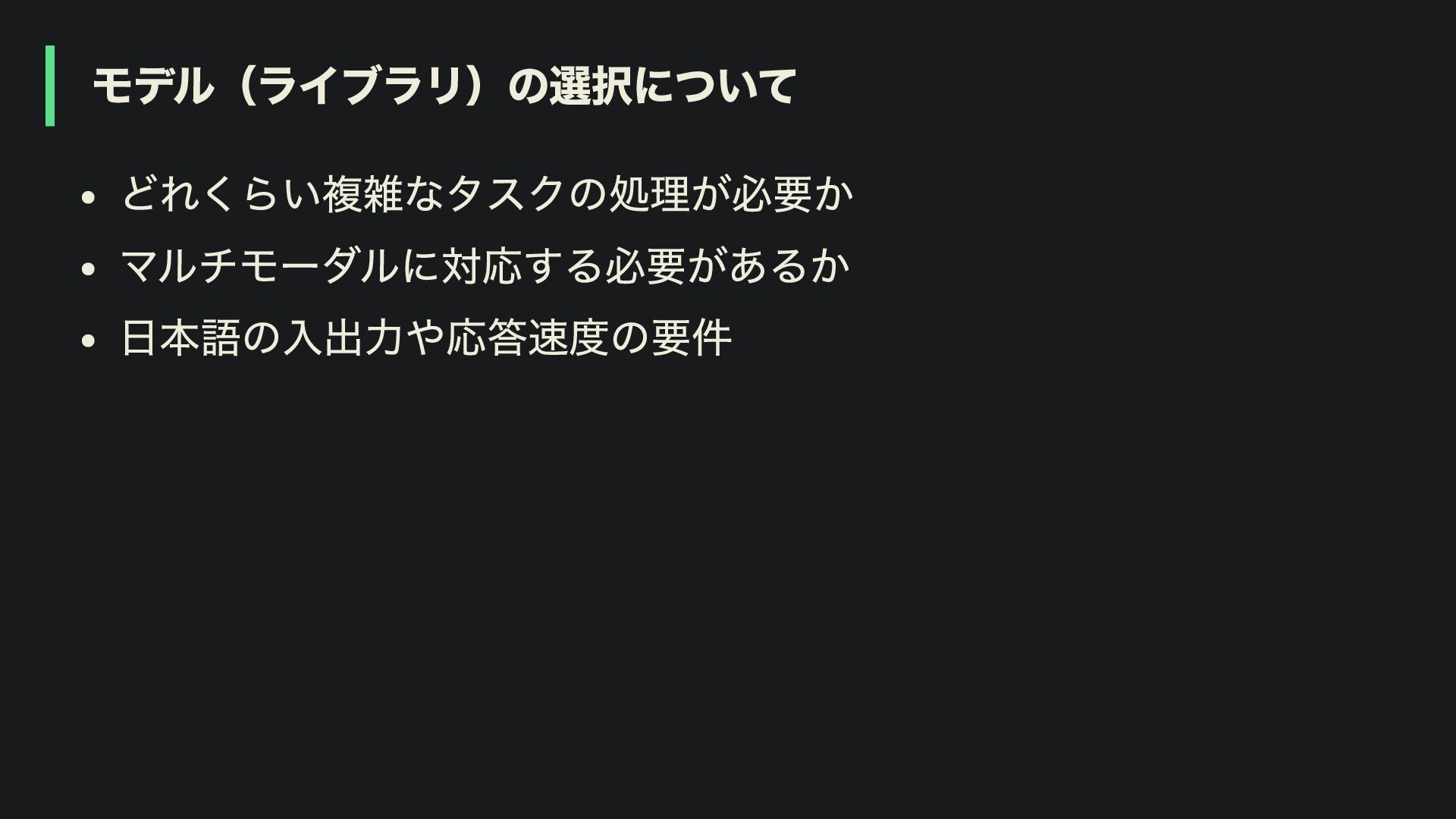
モデル(ライブラリ)の選択について どれくらい複雑なタスクの処理が必要か マルチモーダルに対応する必要があるか 日本語の入出力や応答速度の要件
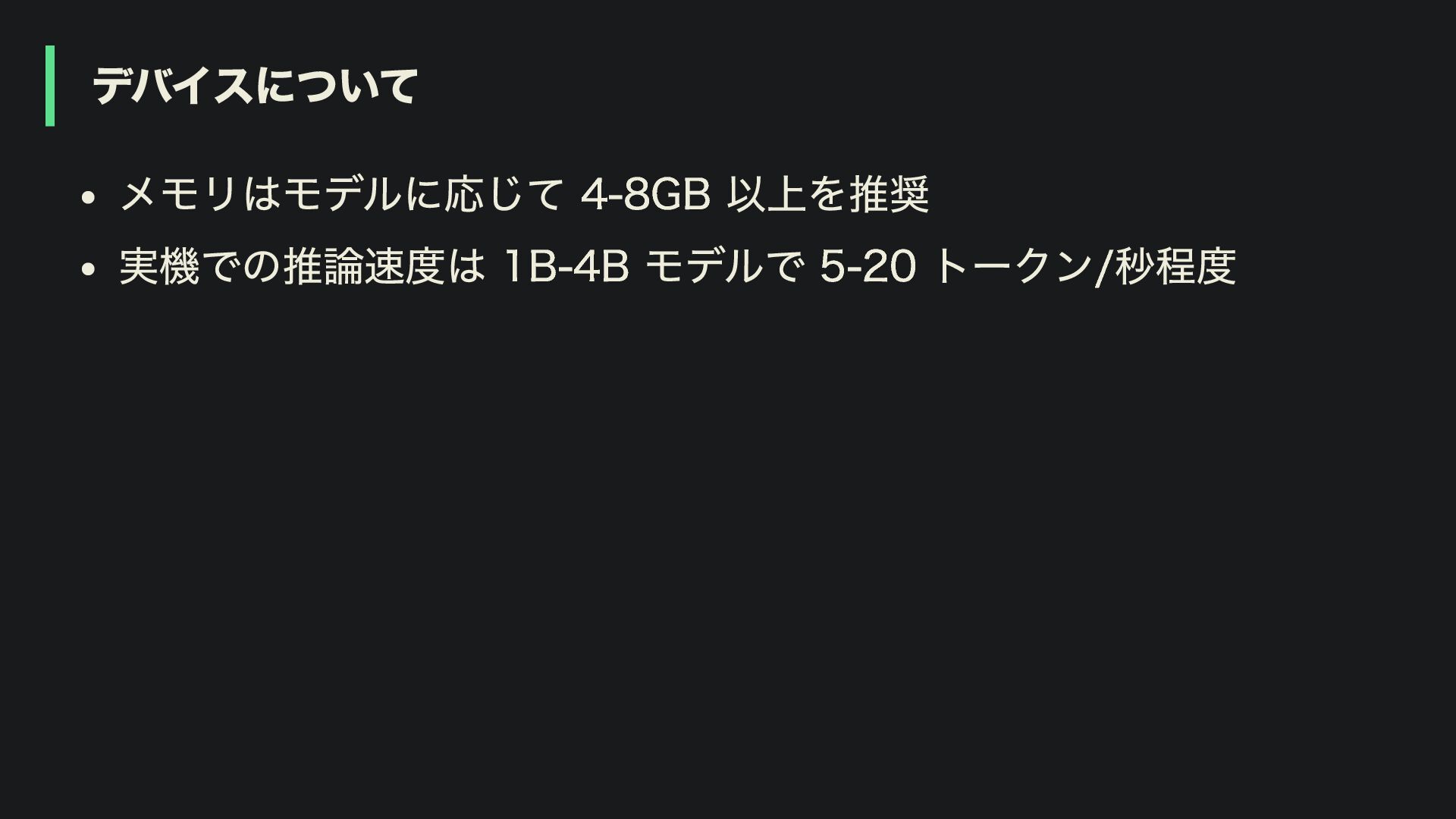
デバイスについて メモリはモデルに応じて 4-8GB 以上を推奨 実機での推論速度は 1B-4B モデルで 5-20 トークン/秒程度
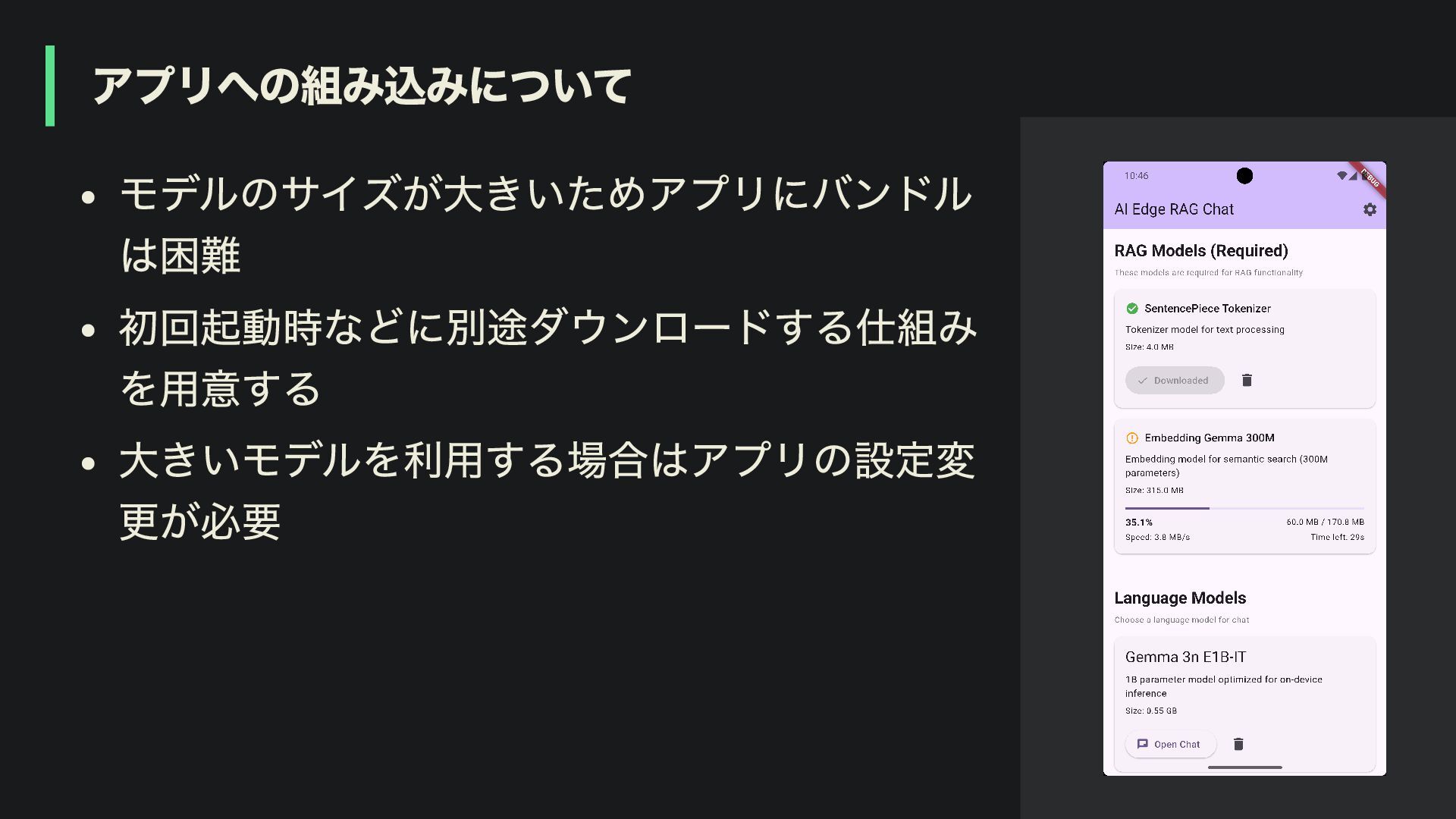
アプリへの組み込みについて モデルのサイズが大きいためアプリにバンドル は困難 初回起動時などに別途ダウンロードする仕組み を用意する 大きいモデルを利用する場合はアプリの設定変 更が必要
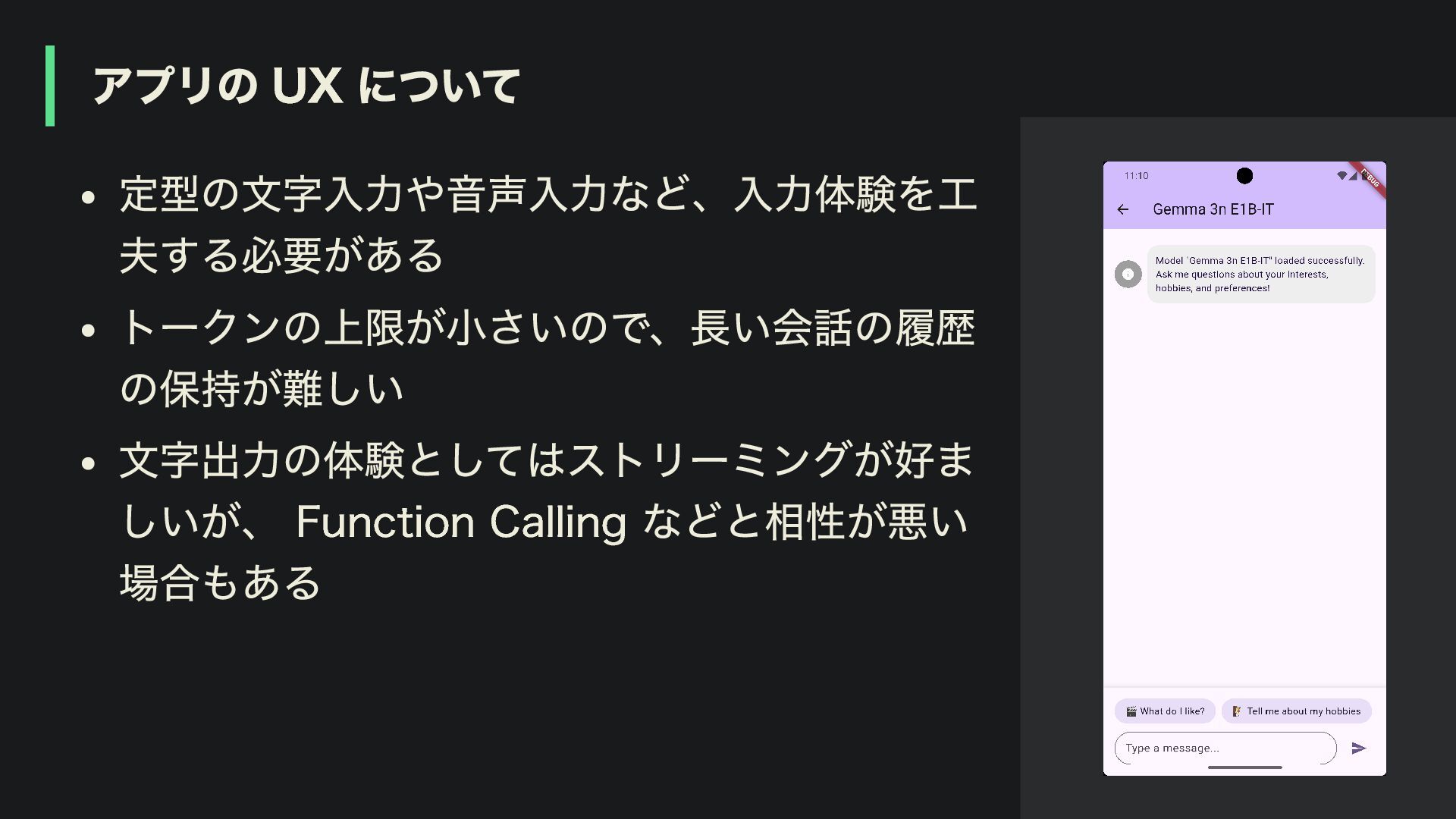
アプリの UX について 定型の文字入力や音声入力など、入力体験を工 夫する必要がある トークンの上限が小さいので、長い会話の履歴 の保持が難しい 文字出力の体験としてはストリーミングが好ま しいが、 Function
Calling などと相性が悪い 場合もある
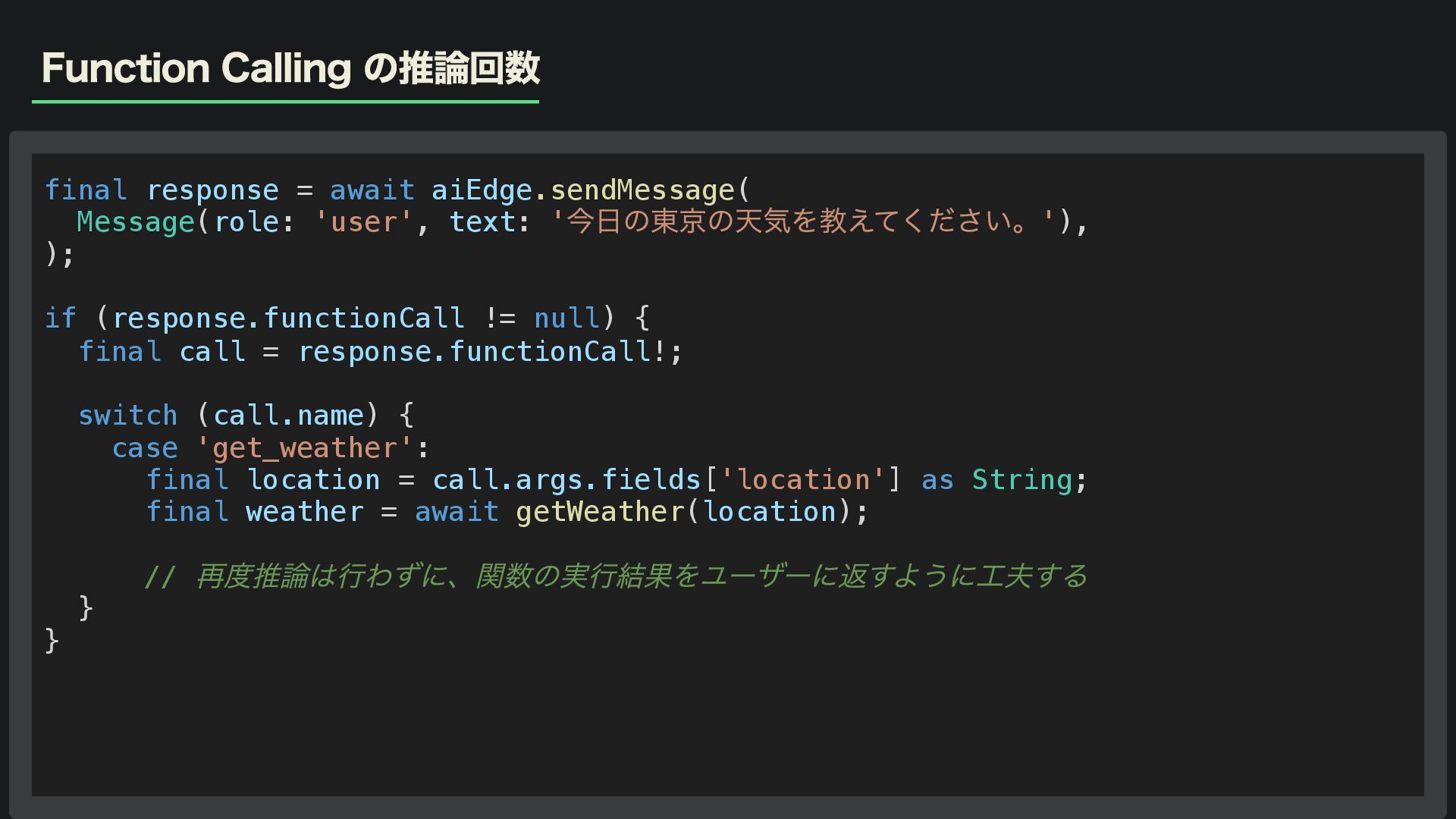
Function Calling の推論回数 final response = await aiEdge.sendMessage( Message(role: 'user',
text: ' 今日の東京の天気を教えてください。'), ); if (response.functionCall != null) { final call = response.functionCall!; switch (call.name) { case 'get_weather': final location = call.args.fields['location'] as String; final weather = await getWeather(location); // 再度推論は行わずに、関数の実行結果をユーザーに返すように工夫する } }
応答速度と回答品質の改善 パラメータ数が多いほど高品質だが、軽量なモデルの方が速い 日本語より英語の方が、コスト、速度、品質の面で有利 システムプロンプトや Few-shot 学習を活用して回答の品質を向上
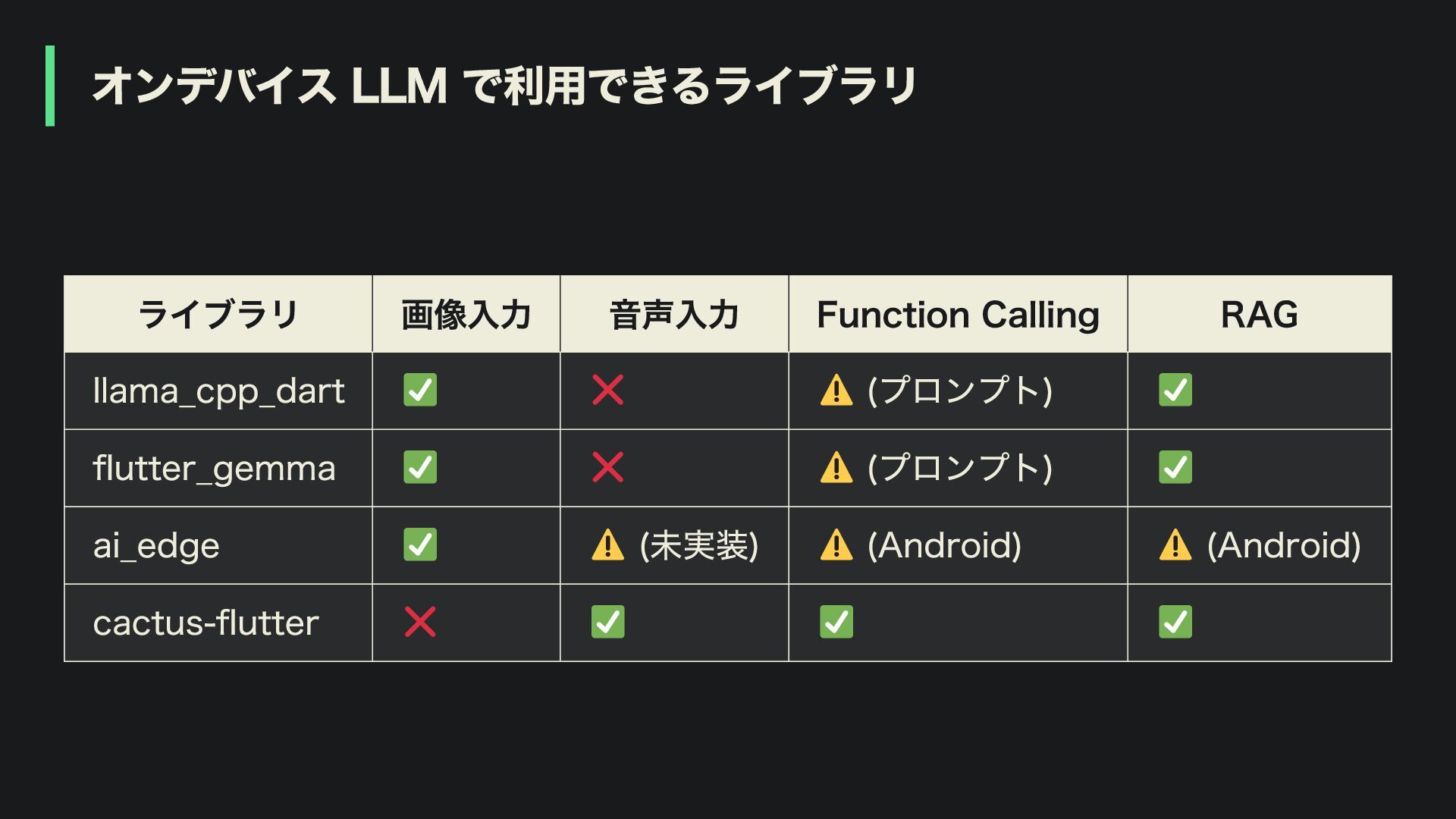
オンデバイス LLM で利用できるライブラリ ライブラリ 画像入力 音声入力 Function Calling RAG llama_cpp_dart
(プロンプト) flutter_gemma (プロンプト) ai_edge (未実装) (Android) (Android) cactus-flutter
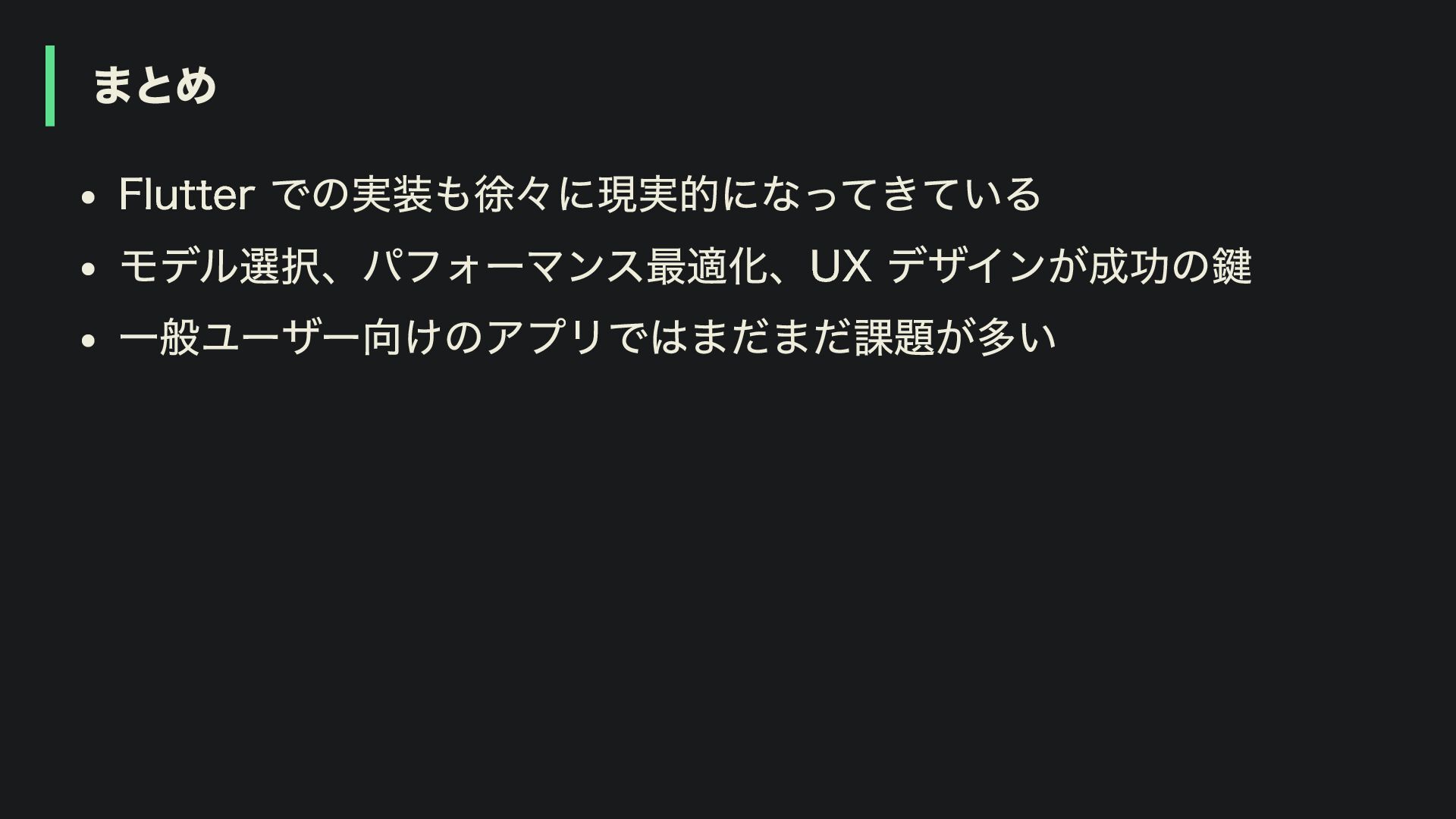
まとめ Flutter での実装も徐々に現実的になってきている モデル選択、パフォーマンス最適化、UX デザインが成功の鍵 一般ユーザー向けのアプリではまだまだ課題が多い
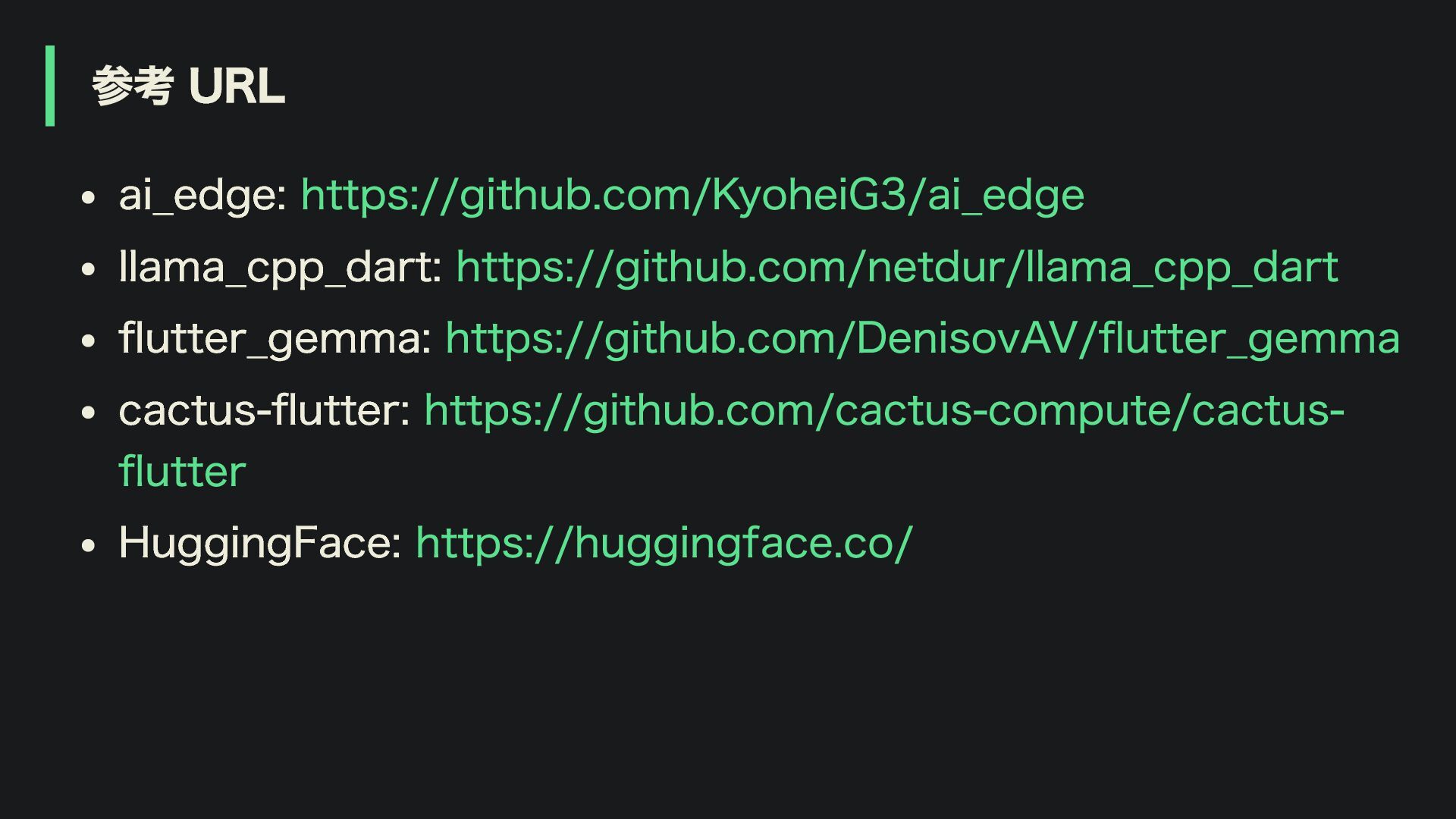
参考 URL ai_edge: https://github.com/KyoheiG3/ai_edge llama_cpp_dart: https://github.com/netdur/llama_cpp_dart flutter_gemma: https://github.com/DenisovAV/flutter_gemma cactus-flutter: https://github.com/cactus-compute/cactus-
flutter HuggingFace: https://huggingface.co/
Thanks! Github: KyoheiG3 X: @KyoheiG3
More Decks by Kyohei Ito
See All by Kyohei Ito
layerx_20241129.pdf
kyoheig3
2
540
flutterkaigi_2024.pdf
kyoheig3
0
2k
flutter_kaigi_2021.pdf
kyoheig3
0
1.2k
flutter_kmm_1.pdf
kyoheig3
1
1.2k
ca.swift_10.pdf
kyoheig3
0
740
iosdc_2018.pdf
kyoheig3
2
3.3k
orecon_vol1.pdf
kyoheig3
4
1.8k
iosdc_2017.pdf
kyoheig3
4
960
ca.swift_2.pdf
kyoheig3
9
1.4k
Other Decks in Programming
See All in Programming
SODA - FACT BOOK(JP)
sodainc
1
40k
Proxmox x Talos Linux x Terraform で実現するなんかいい感じの Kubernetes クラスタ / A Sleek Kubernetes Cluster Powered by Proxmox, Talos Linux, and Terraform
nnaka2992
0
200
DroidKnights 2026 Android A2UI Jetpack Compose 기반의 안전한 AI UI 렌더링 - 박제창
itsmedreamwalker
1
240
Snowflake Openflow Connector利用の勘所 / 20261024developersio2026tokyo-snowflake-openflow
kasacchiful
PRO
0
340
あなたはMCPの機能を、まだ知らない。
4geru
1
360
[DroidKnights 2026] Workflow AX: From Auto-Documented Policies to E2E Testing
raeminkang
0
580
Kotlin Fest 2026: Kotlin コンパイラに Contribute してみよう! - Kotlin/Wasm で深い再帰を書けるようにした話
ternbusty
1
220
Augmenting AI with the Power of Jakarta EE
ivargrimstad
0
340
Python Lambdaにおけるテストしやすい設計とAI支援の活用 / Designing Testable Python Lambda Functions with AI
kitano_yuichi
1
330
protojson における文字化けの扱い
kazuki1023
0
430
自宅サーバはどこまで再現できるのか - Proxmox VE上のVM環境をIaCとバックアップで戻してみた
youto
0
310
Vue.jsで作る空間解析アプリとCapacitorプラグインのData Bridge
hal_spidernight
1
170
Featured
See All Featured
Ruling the World: When Life Gets Gamed
codingconduct
0
440
The Art of Delivering Value - GDevCon NA Keynote
reverentgeek
16
2.2k
The AI Search Optimization Roadmap by Aleyda Solis
aleyda
2
6.4k
Documentation Writing (for coders)
carmenintech
77
5.6k
Organizational Design Perspectives: An Ontology of Organizational Design Elements
kimpetersen
PRO
1
880
HTML-Aware ERB: The Path to Reactive Rendering @ RubyCon 2026, Rimini, Italy
marcoroth
6
930
brightonSEO & MeasureFest 2025 - Winning Strategies for Black Friday CRO & PPC - Christian Goodrich
cargoodrich
3
900
Digital Projects Gone Horribly Wrong (And the UX Pros Who Still Save the Day) - Dean Schuster
uxyall
2
3.9k
The #1 spot is gone: here's how to win anyway
tamaranovitovic
4
1.2k
StorybookのUI Testing Handbookを読んだ
zakiyama
31
7.1k
Chasing Engaging Ingredients in Design
codingconduct
0
400
Un-Boring Meetings
codingconduct
0
500


 kyoheig3
 sodainc
 nnaka2992
 itsmedreamwalker
 kasacchiful
 4geru
 raeminkang
 ternbusty
 ivargrimstad
 kitano_yuichi
 kazuki1023
 youto
 hal_spidernight
 codingconduct
 reverentgeek
 aleyda
 carmenintech
 kimpetersen
 marcoroth
 cargoodrich
 uxyall
 tamaranovitovic
 zakiyama