Share
Embed
Free C++ Static Analysis Tools
Static analysis plays a crucial role in producing high-quality, reliable software. However, commercial static analysis tools can be prohibitively expensive, especially for small teams or projects. This presentation will explore a selection of widely available free and open-source static analysis tools. After a brief comparison based on key criteria such as usability, extensibility, and integration capabilities, one tool will be selected for a deeper dive. The session will then demonstrate how to install, and effectively use the chosen tool to enhance code quality.
Lloyd Moore
June 24, 2025
Transcript
20 slides
-
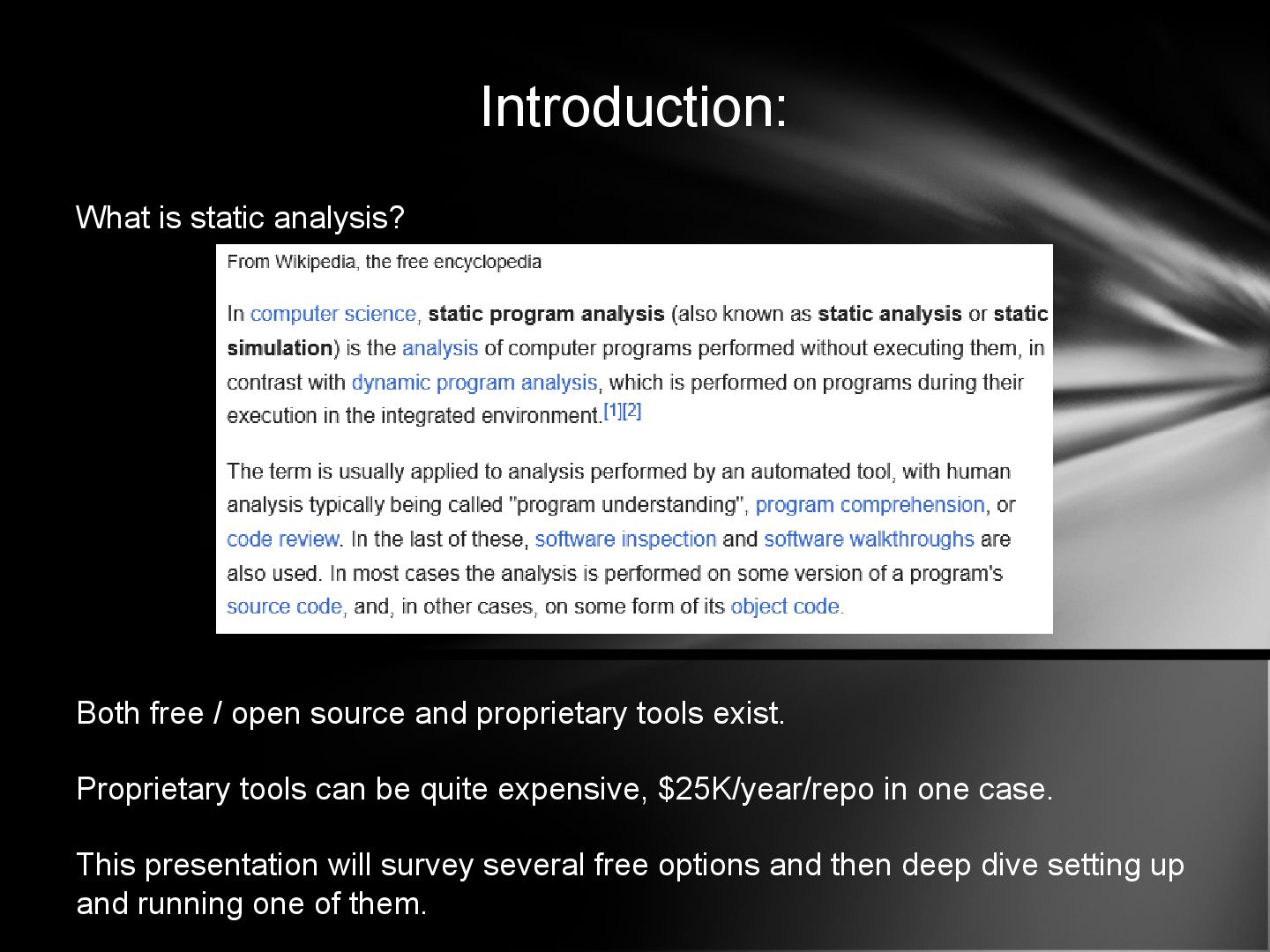
Introduction: What is static analysis? Both free / open source
and proprietary tools exist. Proprietary tools can be quite expensive, $25K/year/repo in one case. This presentation will survey several free options and then deep dive setting up and running one of them. -
Free Static Analysis Tools Clang Static Analyzer CppCheck
CppLint OCLint SonarQube Community Edition Note: Other options exist, these appeared to be the most common. -
Clang Static Analyzer Website: https://clang-analyzer.llvm.org Type /
Depth of Analysis: Excellent Integration / Usability: Excellent, integrated with various IDEs Customization / Extensibility: Excellent https://clang.llvm.org/docs/analyzer/user-docs/Options.html Performance: Fast License: Apache 2.0 (via LLVM) Notes: Part of and integrated with the Clang and LLVM toolchain. -
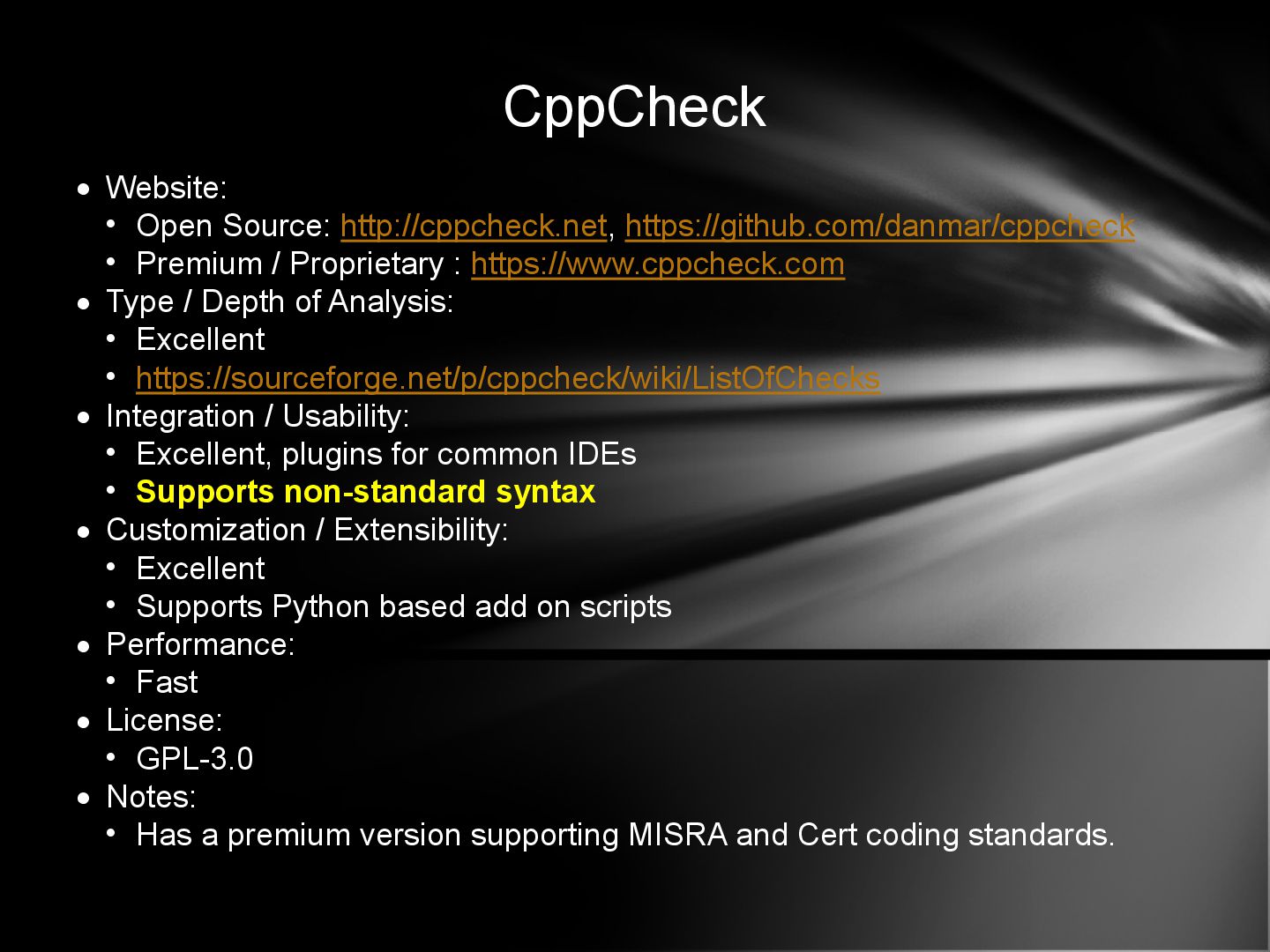
CppCheck Website: Open Source: http://cppcheck.net, https://github.com/danmar/cppcheck Premium
/ Proprietary : https://www.cppcheck.com Type / Depth of Analysis: Excellent https://sourceforge.net/p/cppcheck/wiki/ListOfChecks Integration / Usability: Excellent, plugins for common IDEs Supports non-standard syntax Customization / Extensibility: Excellent Supports Python based add on scripts Performance: Fast License: GPL-3.0 Notes: Has a premium version supporting MISRA and Cert coding standards. -
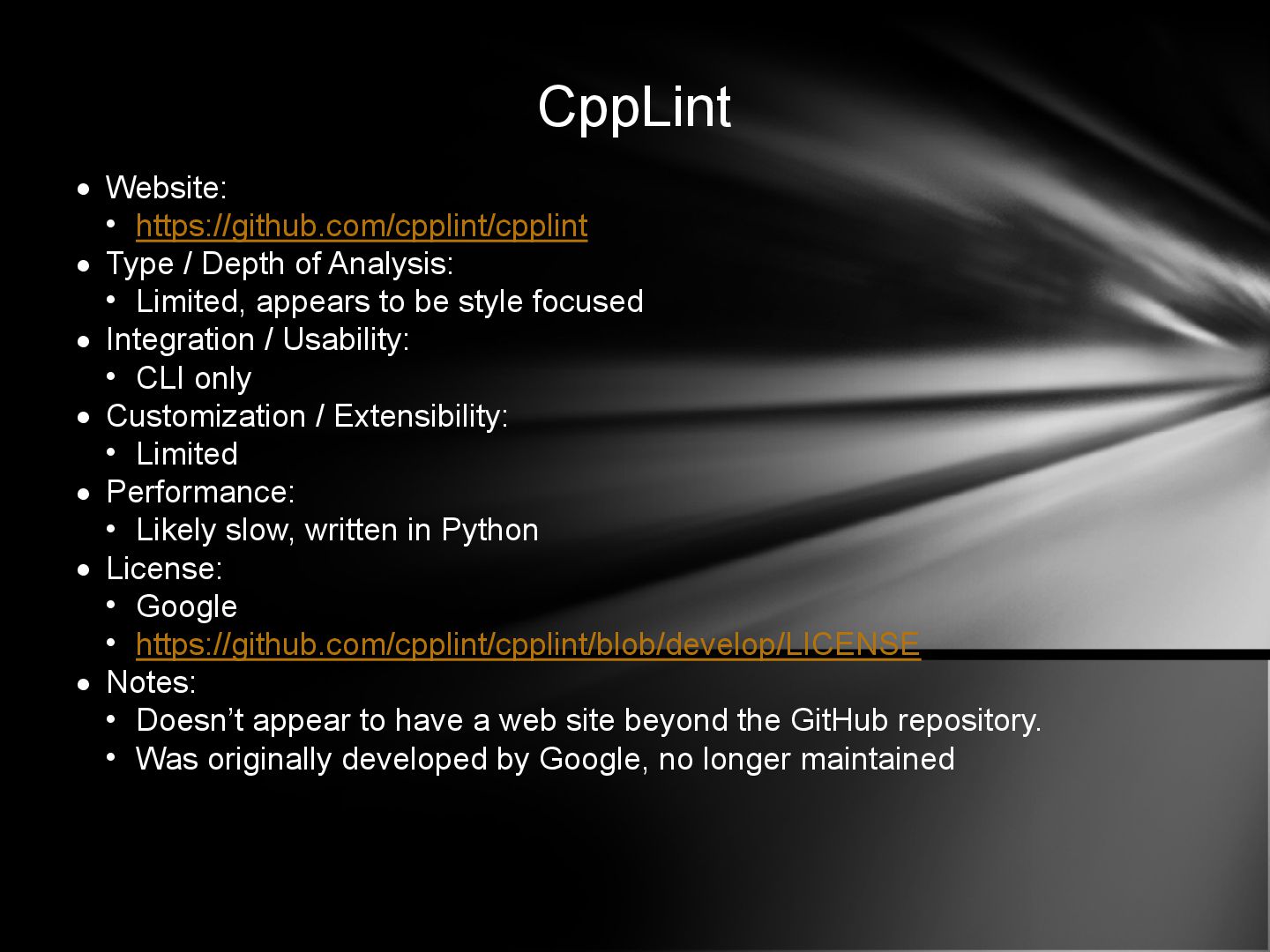
CppLint Website: https://github.com/cpplint/cpplint Type / Depth of
Analysis: Limited, appears to be style focused Integration / Usability: CLI only Customization / Extensibility: Limited Performance: Likely slow, written in Python License: Google https://github.com/cpplint/cpplint/blob/develop/LICENSE Notes: Doesn’t appear to have a web site beyond the GitHub repository. Was originally developed by Google, no longer maintained -
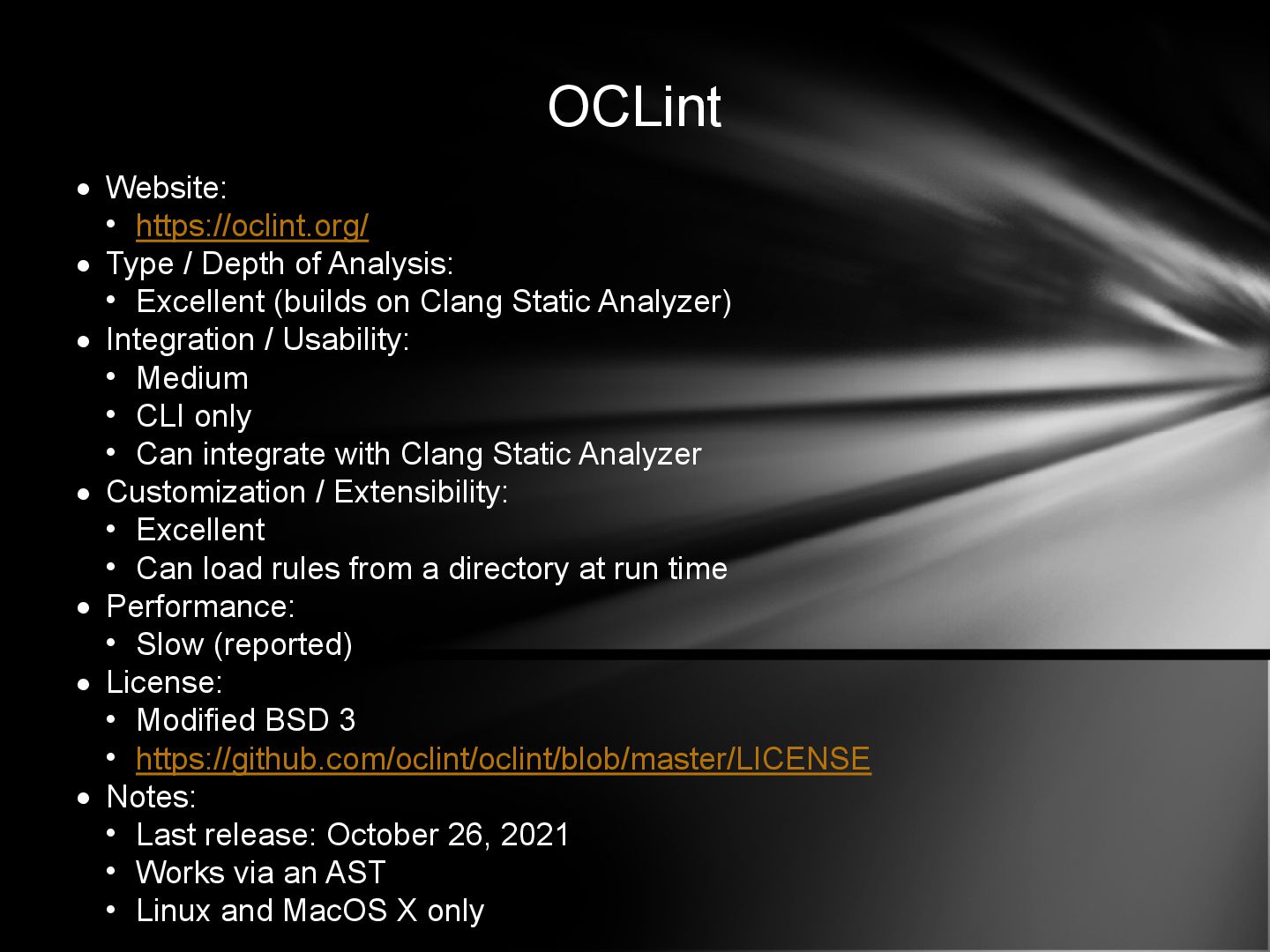
OCLint Website: https://oclint.org/ Type / Depth of
Analysis: Excellent (builds on Clang Static Analyzer) Integration / Usability: Medium CLI only Can integrate with Clang Static Analyzer Customization / Extensibility: Excellent Can load rules from a directory at run time Performance: Slow (reported) License: Modified BSD 3 https://github.com/oclint/oclint/blob/master/LICENSE Notes: Last release: October 26, 2021 Works via an AST Linux and MacOS X only -
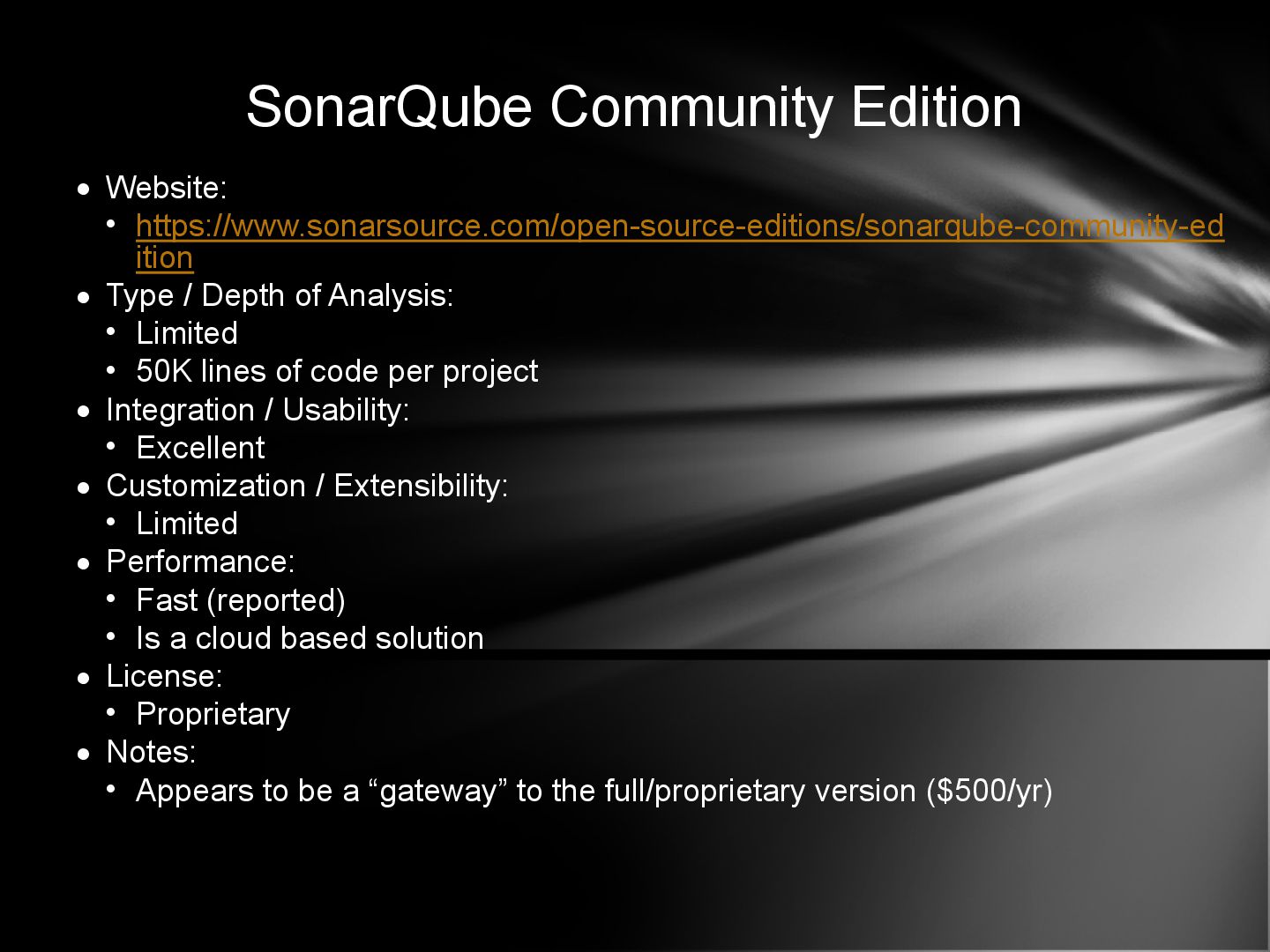
SonarQube Community Edition Website: https://www.sonarsource.com/open-source-editions/sonarqube-community-ed ition Type
/ Depth of Analysis: Limited 50K lines of code per project Integration / Usability: Excellent Customization / Extensibility: Limited Performance: Fast (reported) Is a cloud based solution License: Proprietary Notes: Appears to be a “gateway” to the full/proprietary version ($500/yr) -
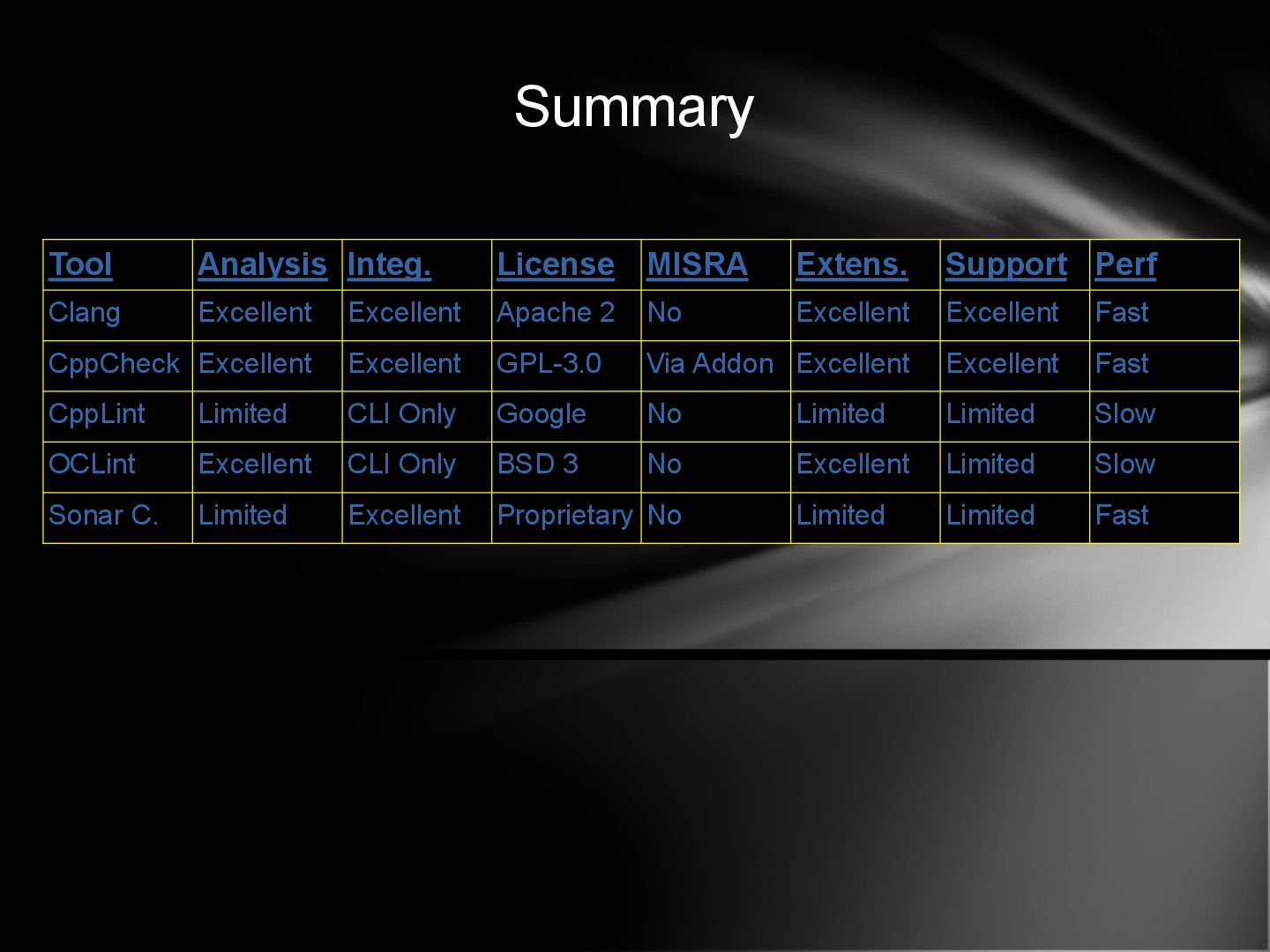
Summary Tool Analysis Integ. License MISRA Extens. Support Perf Clang
Excellent Excellent Apache 2 No Excellent Excellent Fast CppCheck Excellent Excellent GPL-3.0 Via Addon Excellent Excellent Fast CppLint Limited CLI Only Google No Limited Limited Slow OCLint Excellent CLI Only BSD 3 No Excellent Limited Slow Sonar C. Limited Excellent Proprietary No Limited Limited Fast -
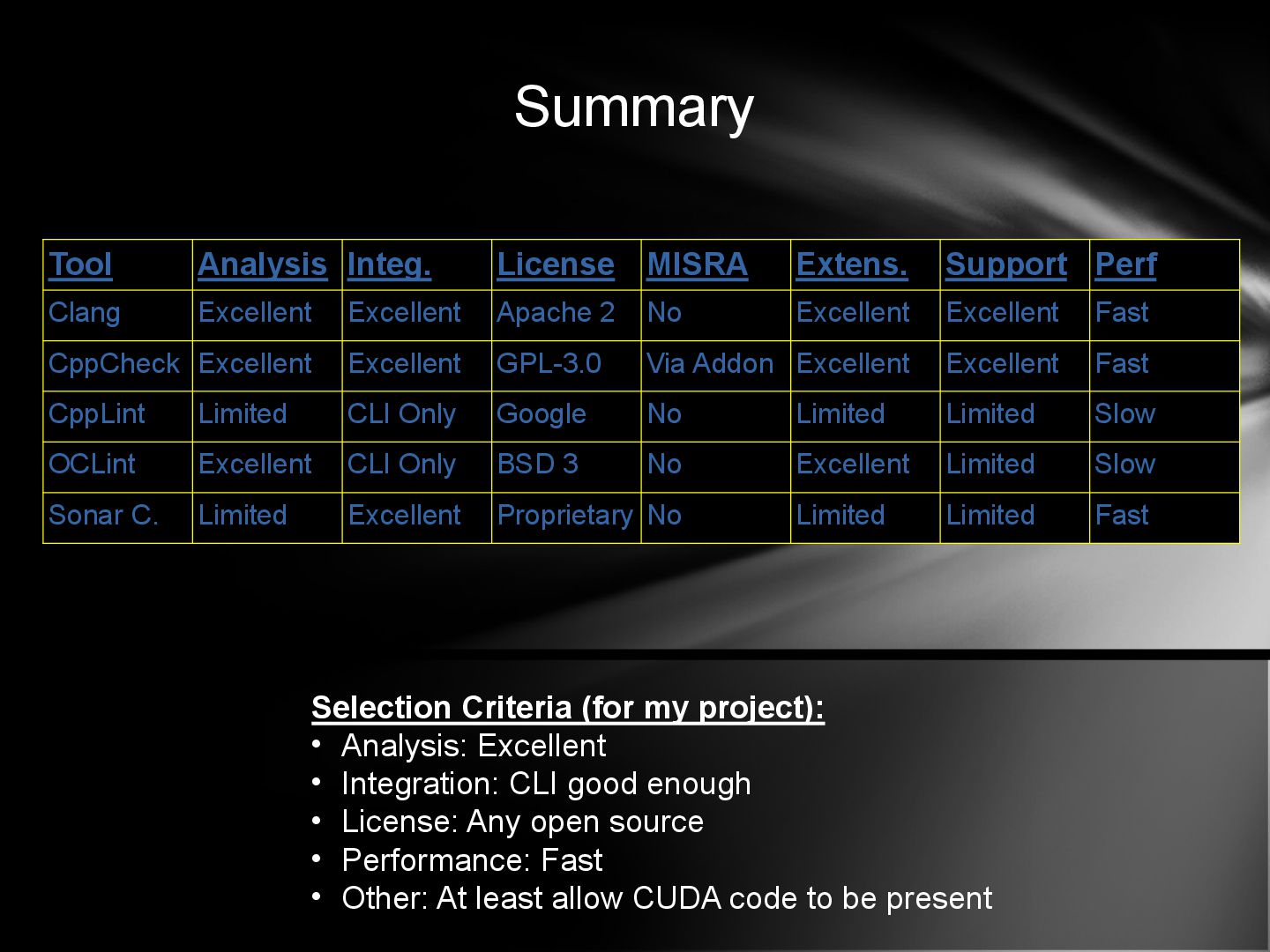
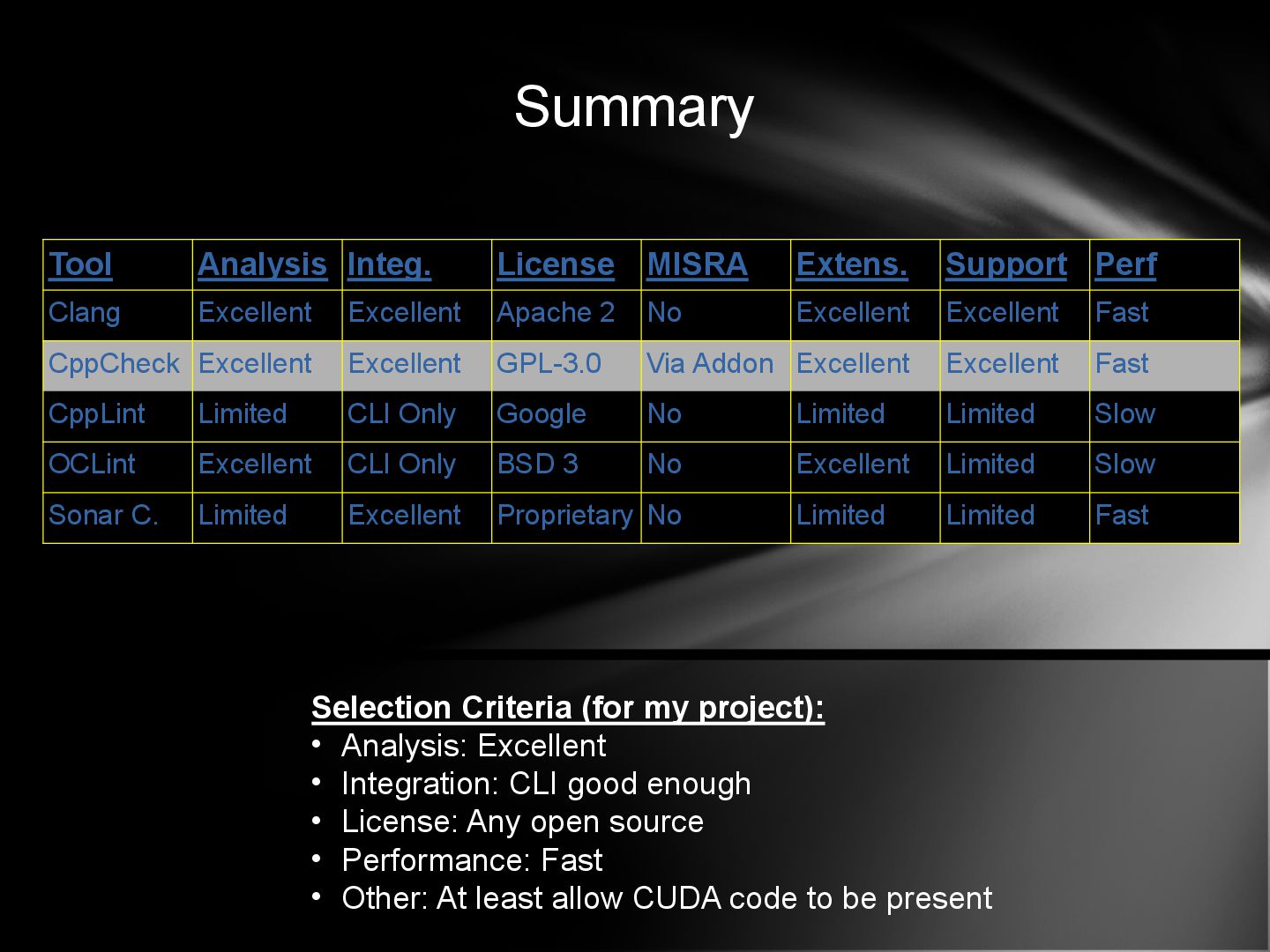
Summary Tool Analysis Integ. License MISRA Extens. Support Perf Clang
Excellent Excellent Apache 2 No Excellent Excellent Fast CppCheck Excellent Excellent GPL-3.0 Via Addon Excellent Excellent Fast CppLint Limited CLI Only Google No Limited Limited Slow OCLint Excellent CLI Only BSD 3 No Excellent Limited Slow Sonar C. Limited Excellent Proprietary No Limited Limited Fast Selection Criteria (for my project): Analysis: Excellent Integration: CLI good enough License: Any open source Performance: Fast Other: At least allow CUDA code to be present -
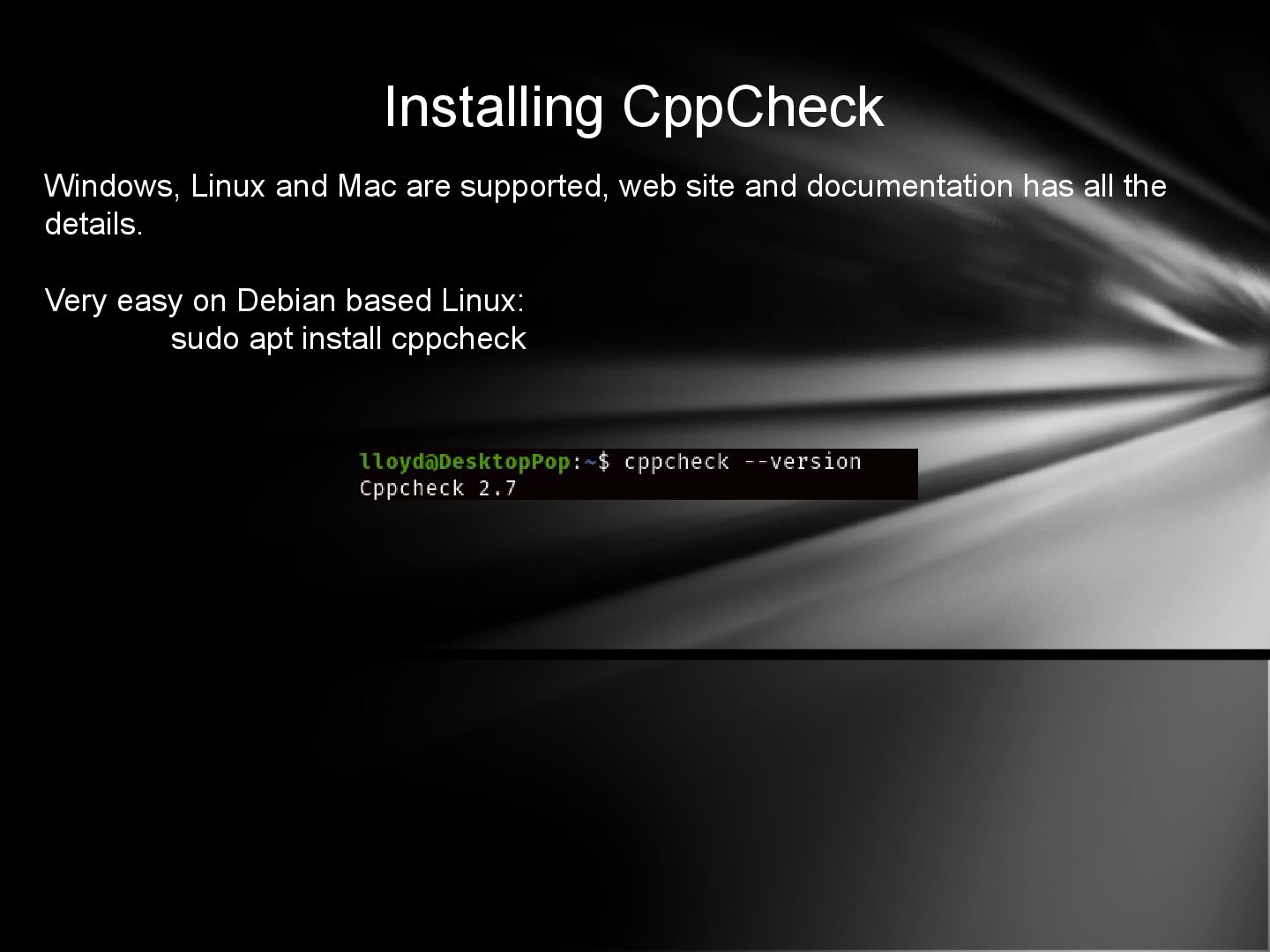
Installing CppCheck Windows, Linux and Mac are supported, web site
and documentation has all the details. Very easy on Debian based Linux: sudo apt install cppcheck -
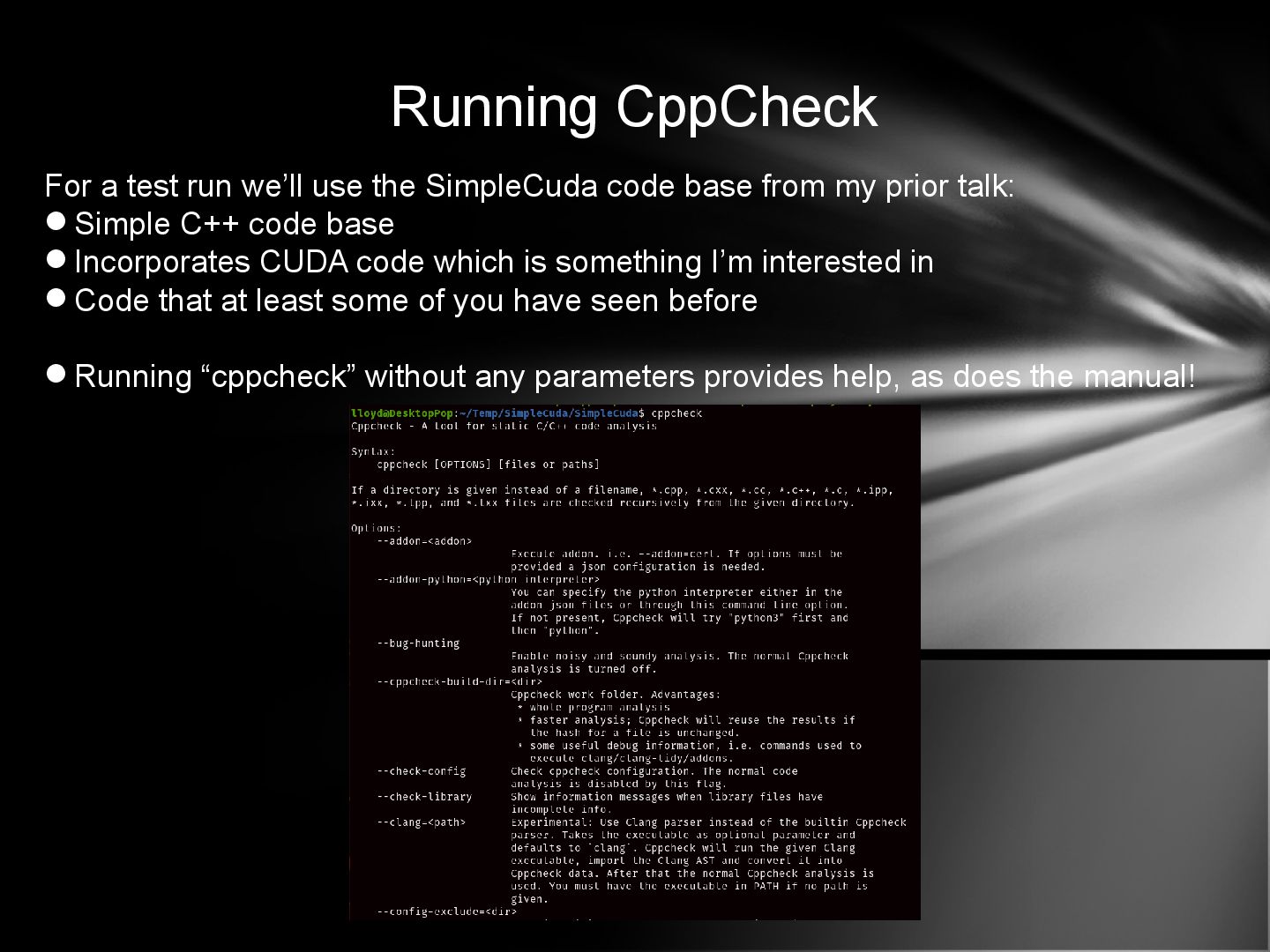
Running CppCheck For a test run we’ll use the SimpleCuda
code base from my prior talk: Simple C++ code base Incorporates CUDA code which is something I’m interested in Code that at least some of you have seen before Running “cppcheck” without any parameters provides help, as does the manual! -
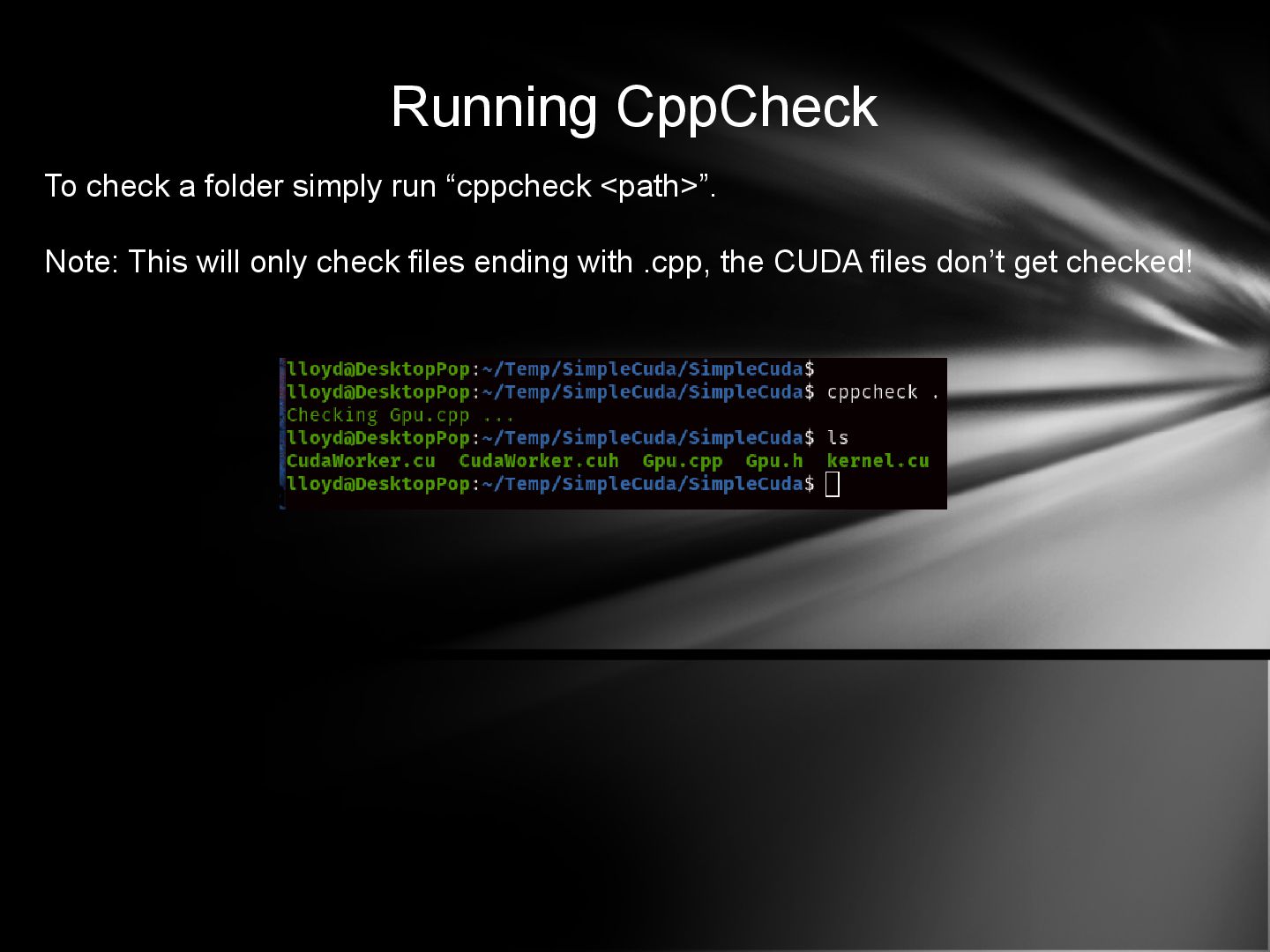
Running CppCheck To check a folder simply run “cppcheck <path>”.
Note: This will only check files ending with .cpp, the CUDA files don’t get checked! -
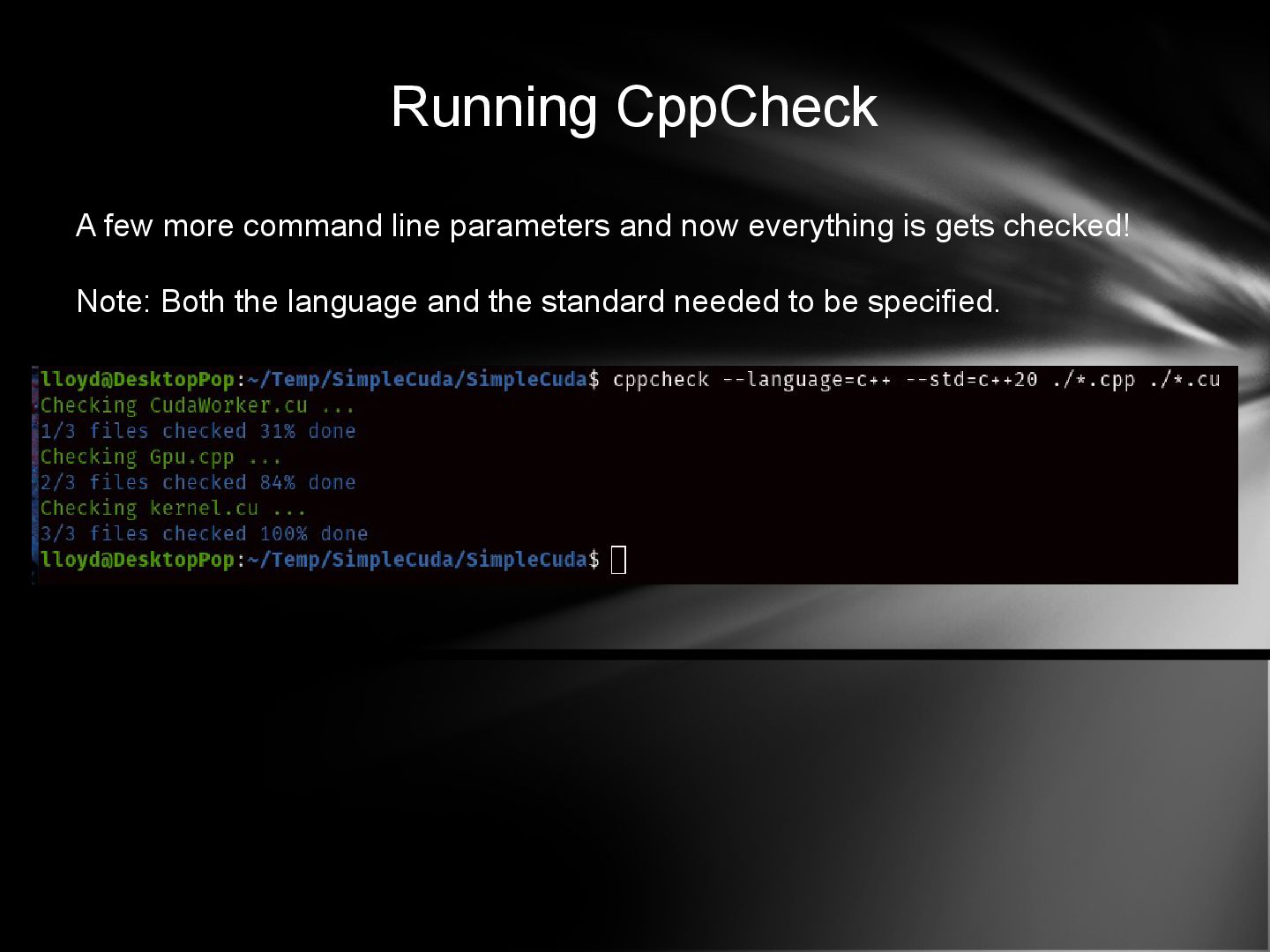
Running CppCheck A few more command line parameters and now
everything is gets checked! Note: Both the language and the standard needed to be specified. -
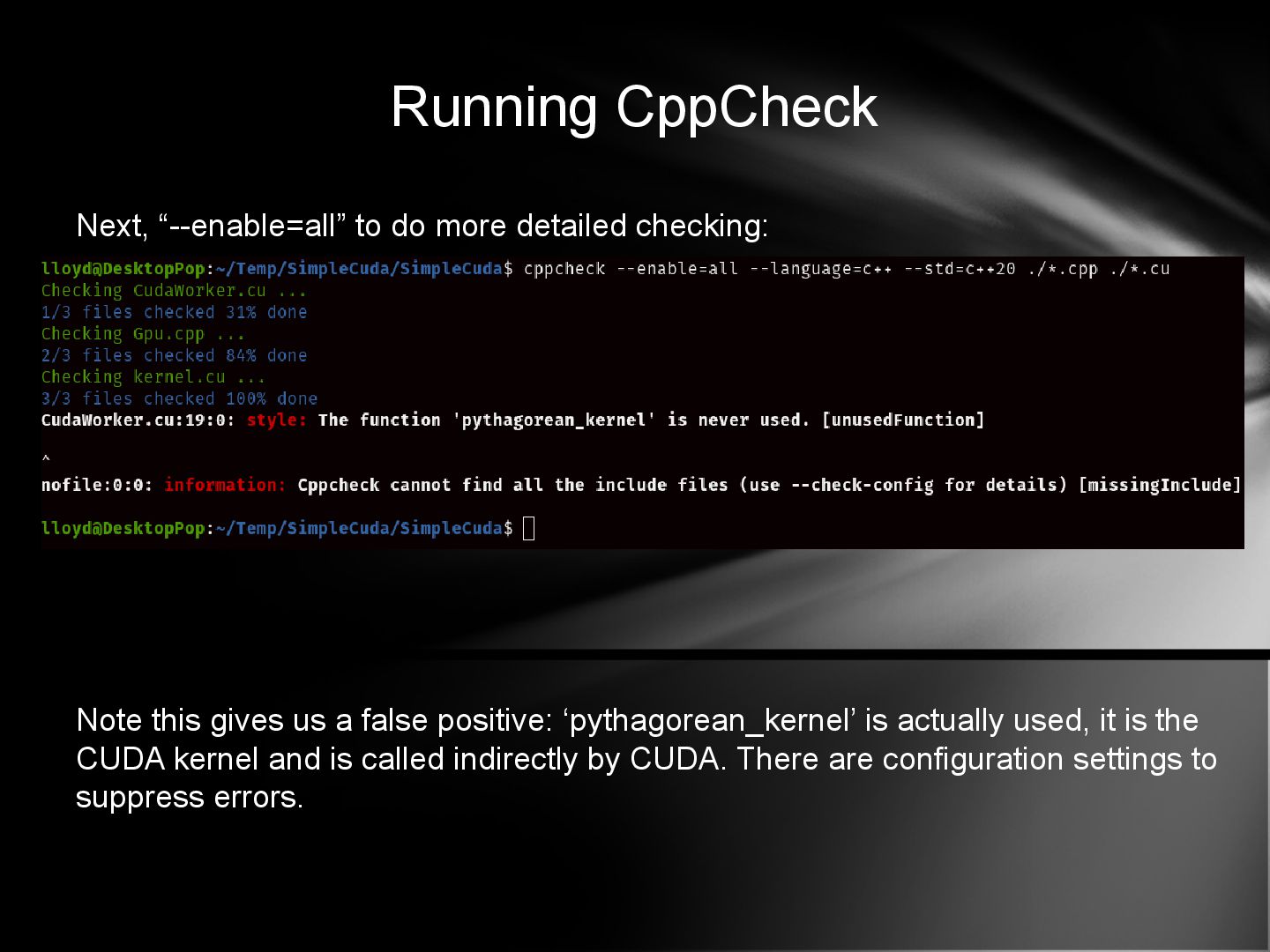
Running CppCheck Next, “--enable=all” to do more detailed checking: Note
this gives us a false positive: ‘pythagorean_kernel’ is actually used, it is the CUDA kernel and is called indirectly by CUDA. There are configuration settings to suppress errors. -
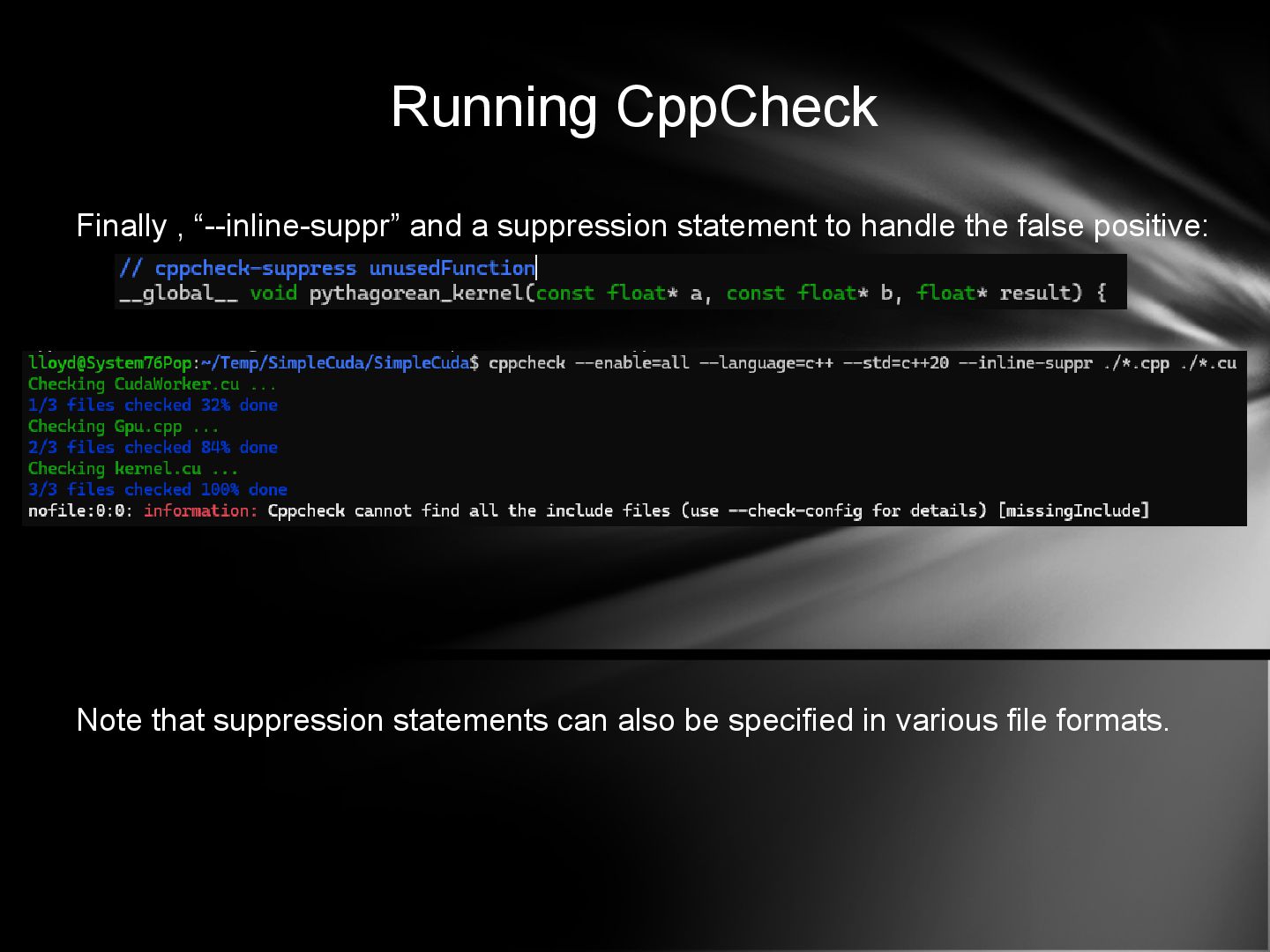
Running CppCheck Finally , “--inline-suppr” and a suppression statement to
handle the false positive: Note that suppression statements can also be specified in various file formats. -
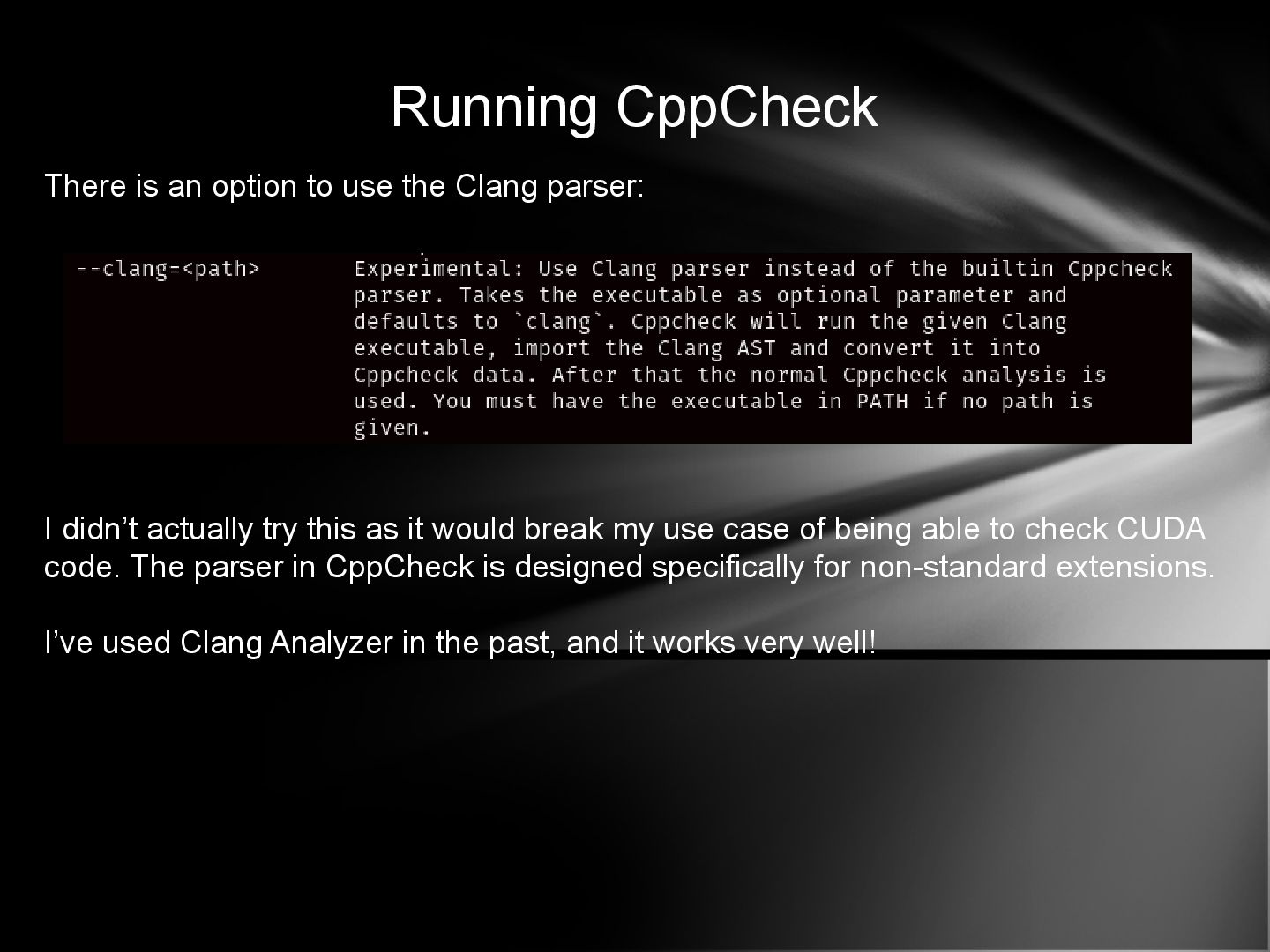
Running CppCheck There is an option to use the Clang
parser: I didn’t actually try this as it would break my use case of being able to check CUDA code. The parser in CppCheck is designed specifically for non-standard extensions. I’ve used Clang Analyzer in the past, and it works very well! -
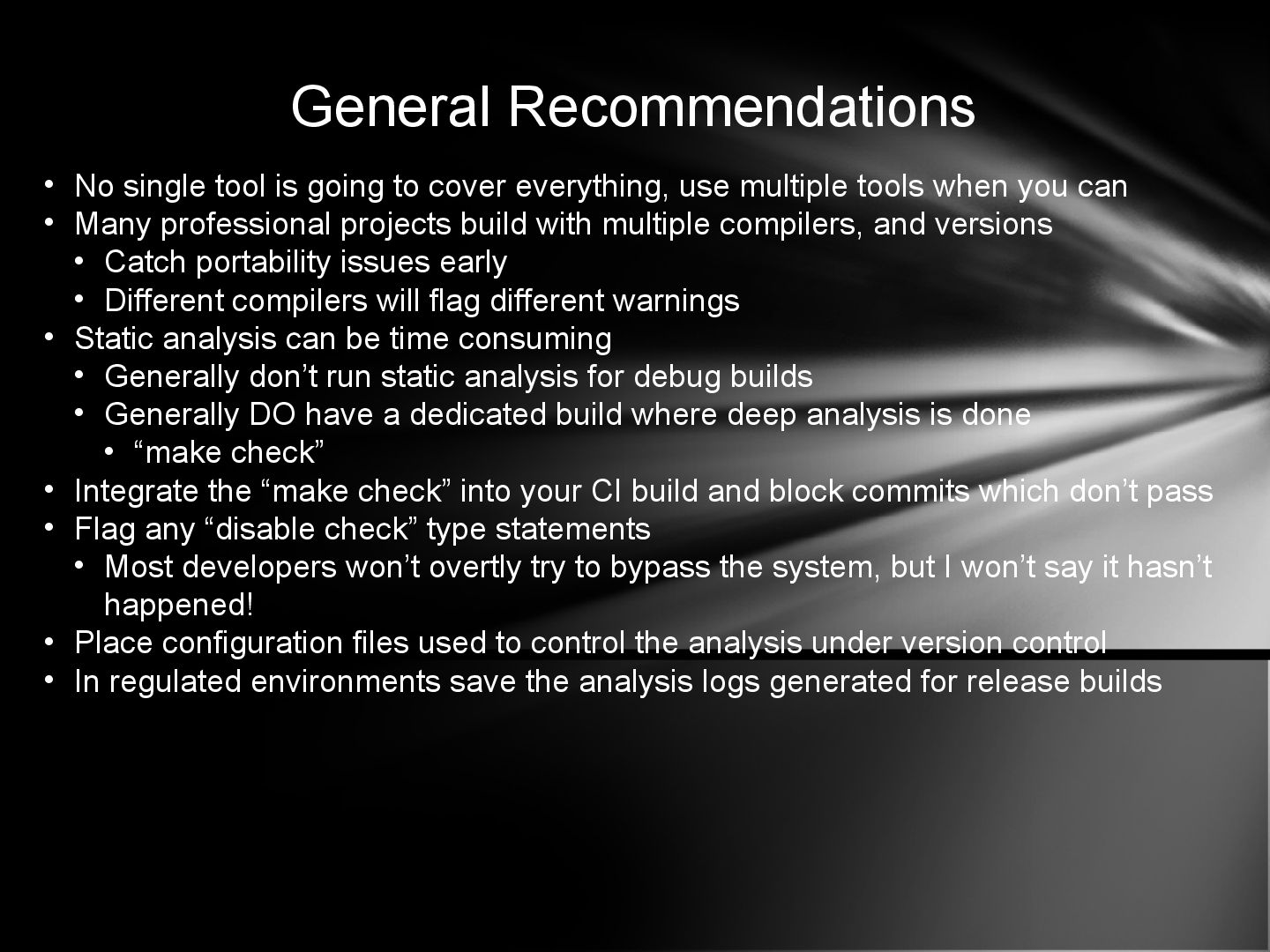
General Recommendations No single tool is going to cover
everything, use multiple tools when you can Many professional projects build with multiple compilers, and versions Catch portability issues early Different compilers will flag different warnings Static analysis can be time consuming Generally don’t run static analysis for debug builds Generally DO have a dedicated build where deep analysis is done “make check” Integrate the “make check” into your CI build and block commits which don’t pass Flag any “disable check” type statements Most developers won’t overtly try to bypass the system, but I won’t say it hasn’t happened! Place configuration files used to control the analysis under version control In regulated environments save the analysis logs generated for release builds