Upgrade to Pro — share decks privately, control downloads, hide ads and more …

MCP & AG-UI: Offene Protokolle für modulare Age...

Sponsored · SiteGround - Reliable hosting with speed, security, and support you can count on.

MCP & AG-UI: Offene Protokolle für modulare Agent-UI-Integration

Webanwendungen integrieren zunehmend intelligentes und adaptives Verhalten – von KI-Vorschlägen bis zu Echtzeit-Aufgabenunterstützung. Der Bedarf an strukturierter, standardisierter Interaktion zwischen Agenten und Benutzeroberflächen wird damit immer kritischer. Ad-hoc-APIs oder geschlossene SDKs führen schnell zu begrenzter Erweiterbarkeit, Technical-Debt und inkonsistenten UX-Mustern.

Dieser Vortrag stellt zwei offene Protokolle vor – AG-UI (Agent-User Interaction Protocol) und MCP (Model Context Protocol) – die Klarheit, Modularität und Interoperabilität in die Interaktion von Agenten mit modernen Web-Frontends bringen.

MCP ermöglicht dynamische Kontext-Hydration und semantische Einordnung, sodass Agenten mit strukturierten und unstrukturierten Eingaben auf spezifische Aufgaben reagieren können. AG-UI spezifiziert die Echtzeit-Darstellung von Agenten-Absichten, Updates und Feedback in der Benutzeroberfläche.

Zusammen bieten sie eine konsistente Methode, Agenten mit UI-Komponenten über Frameworks wie Angular, React, Vue oder Vanilla JavaScript zu verbinden.

Sie sehen, wie diese Protokolle in Frontend-Code angewendet werden, um intelligente Features ohne strikt gekoppelte Integrationen zu entwickeln.

Diese Session richtet sich an Entwickler, die KI modular und verständlich integrieren möchten.

Avatar for Max Schulte

Max Schulte

March 19, 2026
Tweet

More Decks by Max Schulte

Other Decks in Programming

Transcript

  1. MCP & AG-UI Offene Protokolle für modulare Agent-UI Integration BASTA!

    Max Marschall @MaxOSchulte Consultant / Architect @ Thinktecture
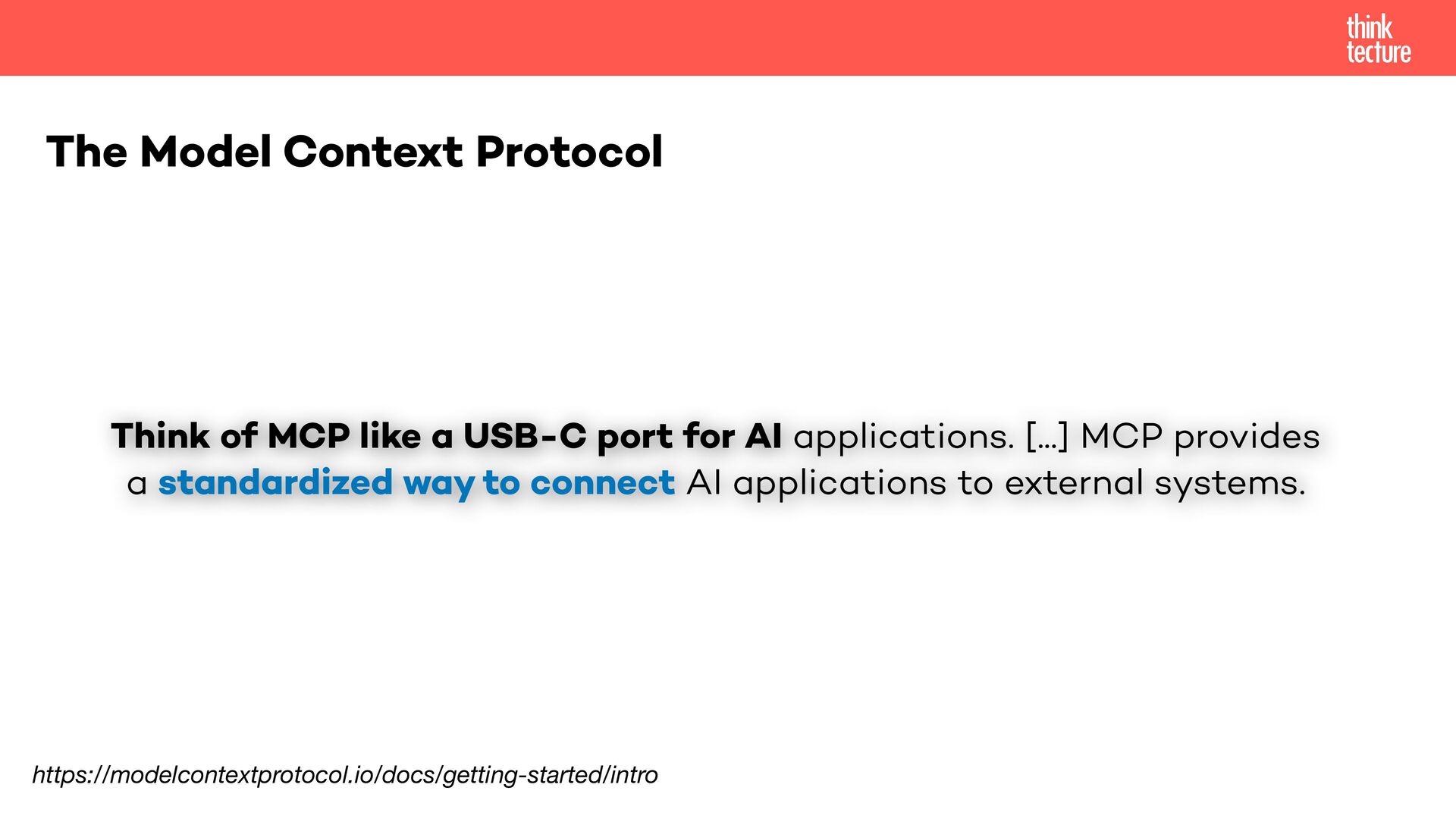
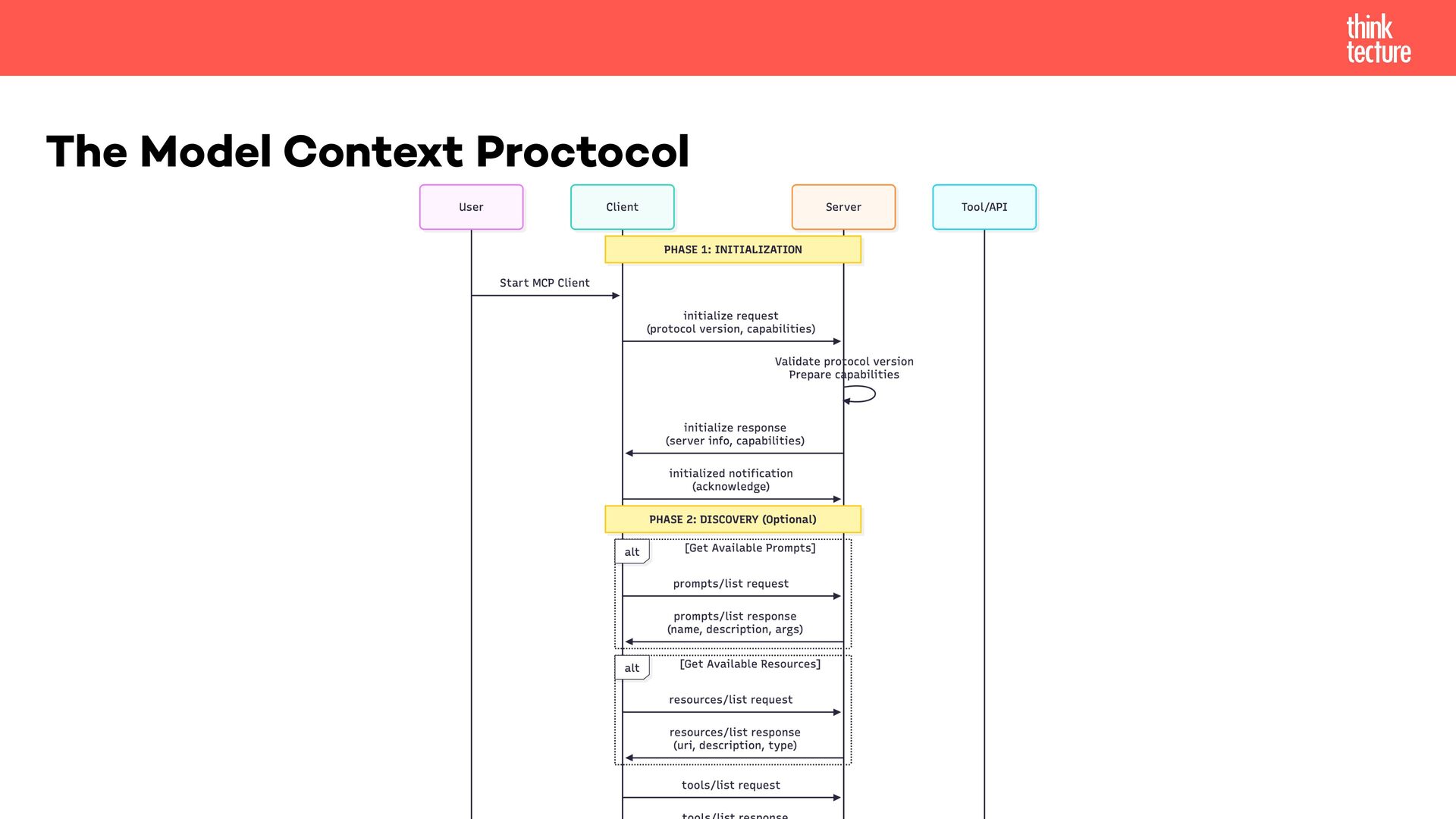
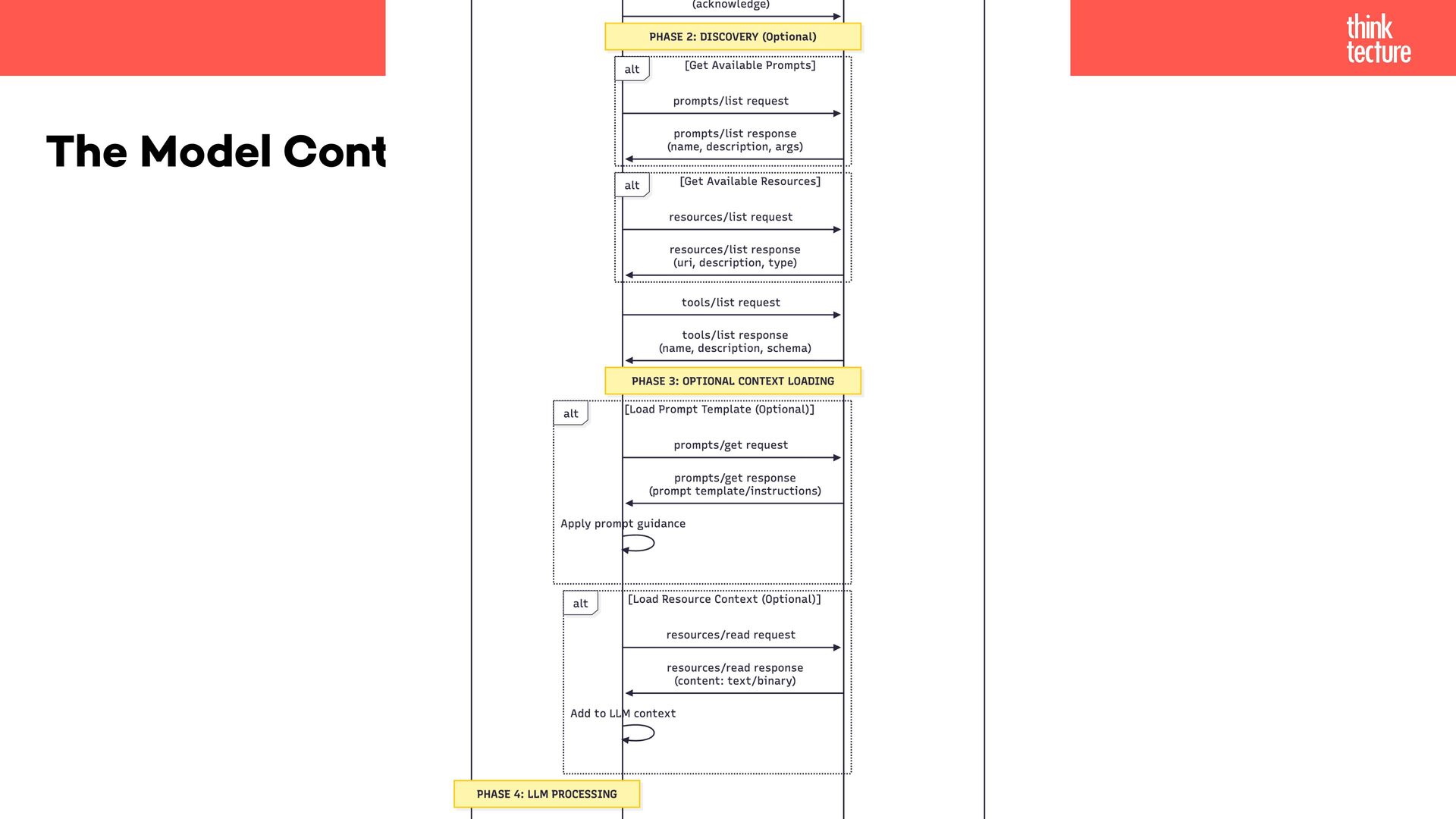
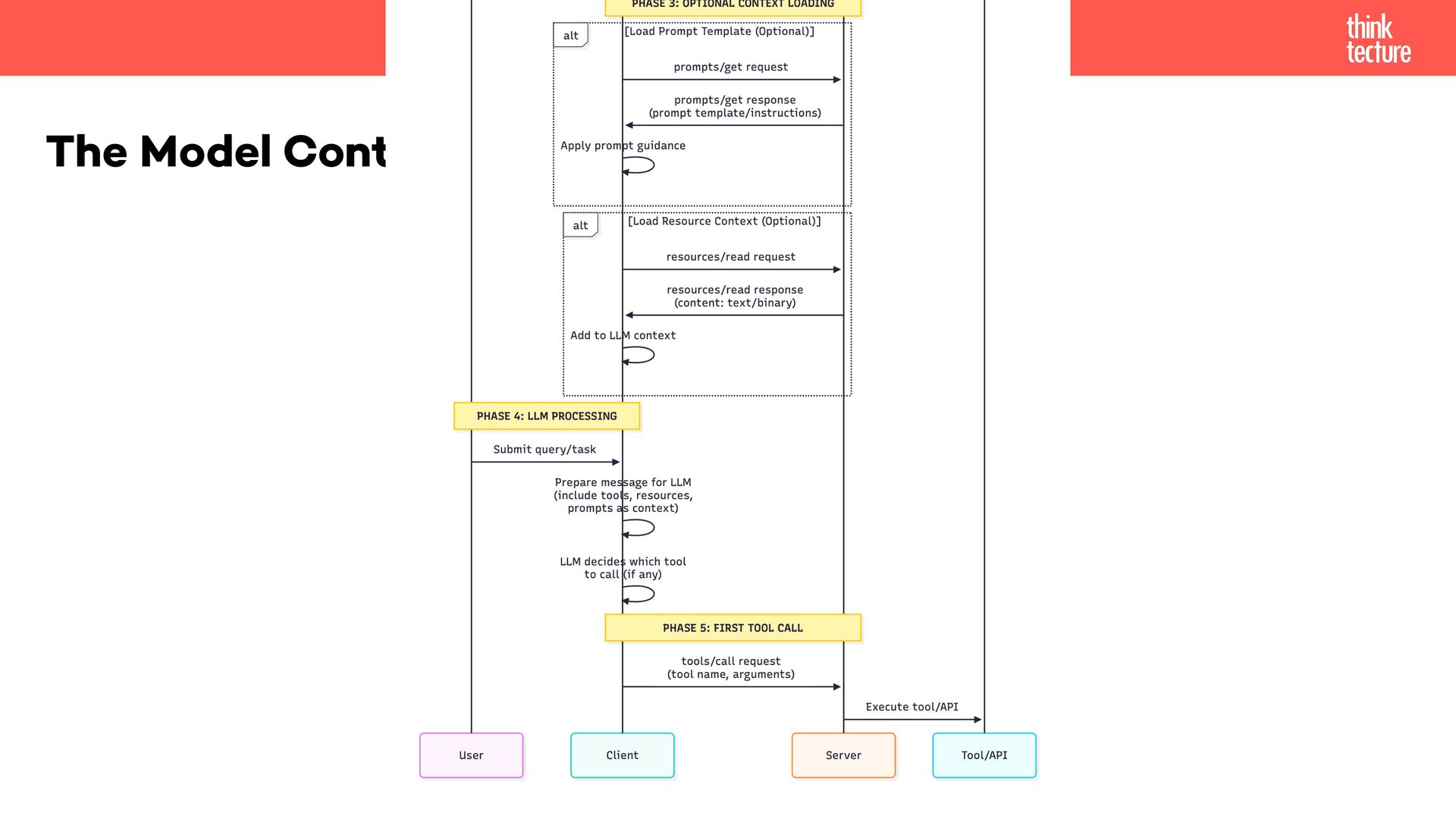
  2. The Model Context Protocol Think of MCP like a USB-C

    port for AI applications. [...] MCP provides a standardized way to connect AI applications to external systems. https://modelcontextprotocol.io/docs/getting-started/intro
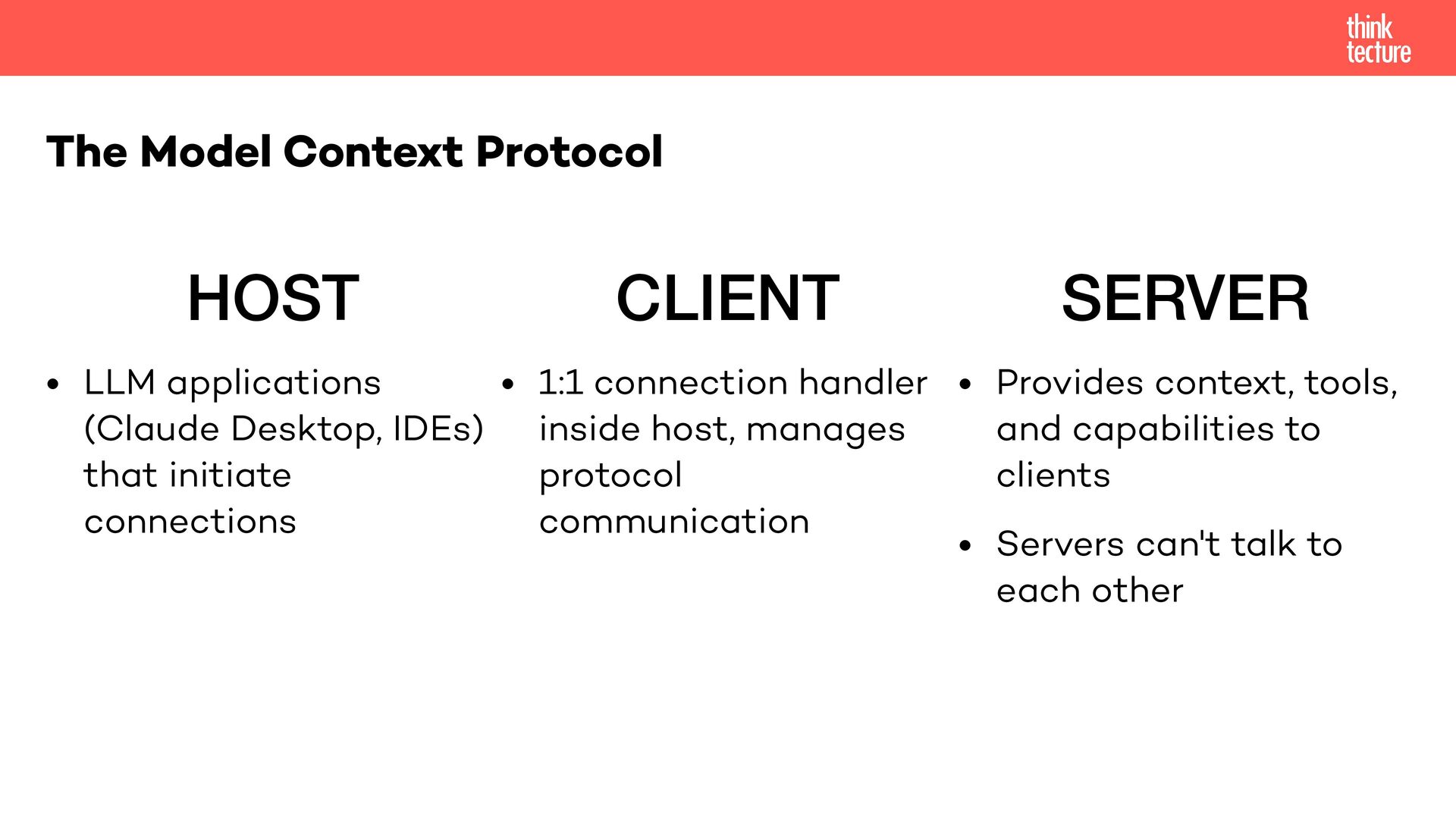
  3. HOST • LLM applications (Claude Desktop, IDEs) that initiate connections

    The Model Context Protocol CLIENT • 1:1 connection handler inside host, manages protocol communication SERVER • Provides context, tools, and capabilities to clients • Servers can't talk to each other
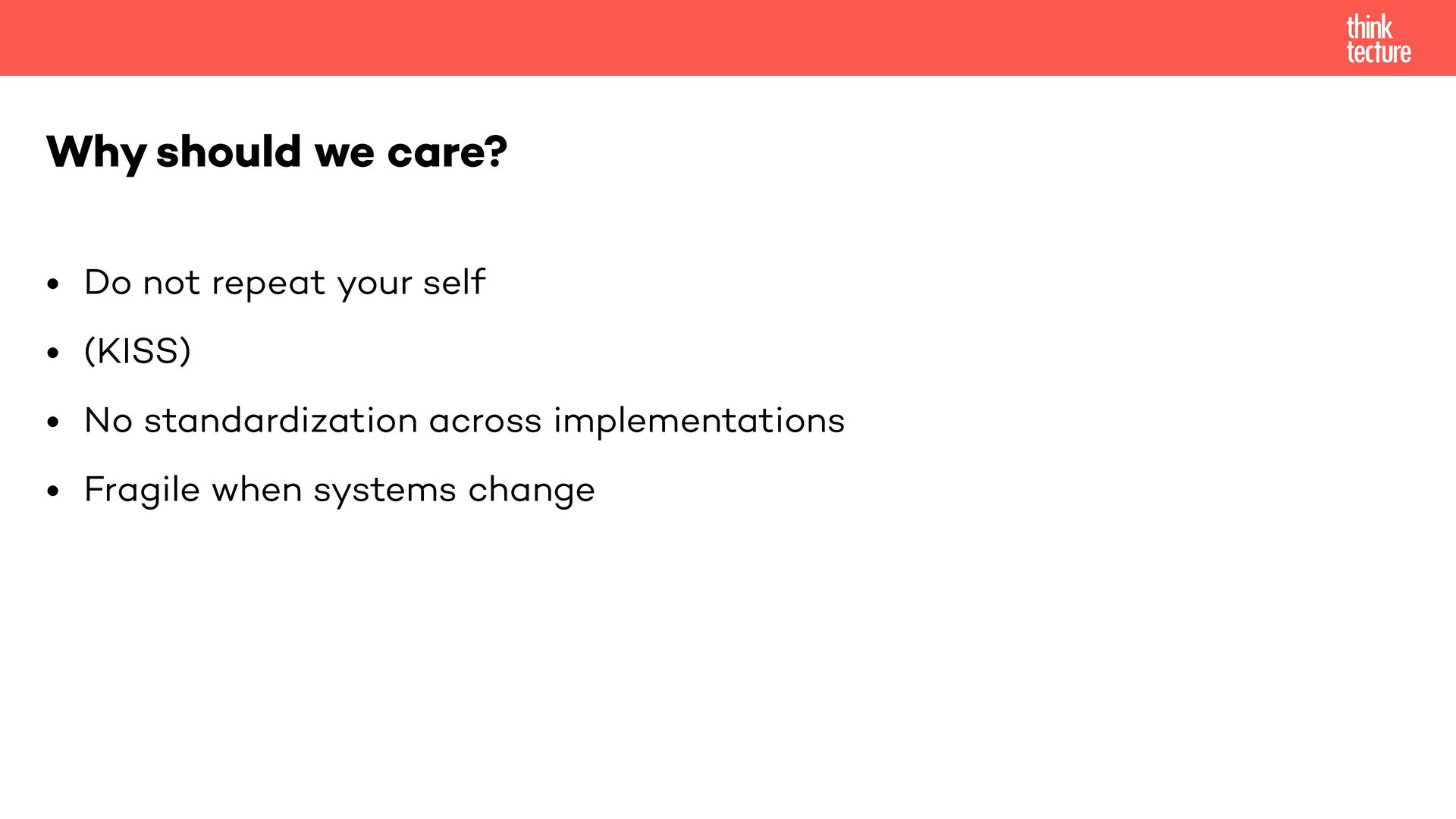
  4. • Do not repeat your self • (KISS) • No

    standardization across implementations • Fragile when systems change Why should we care?
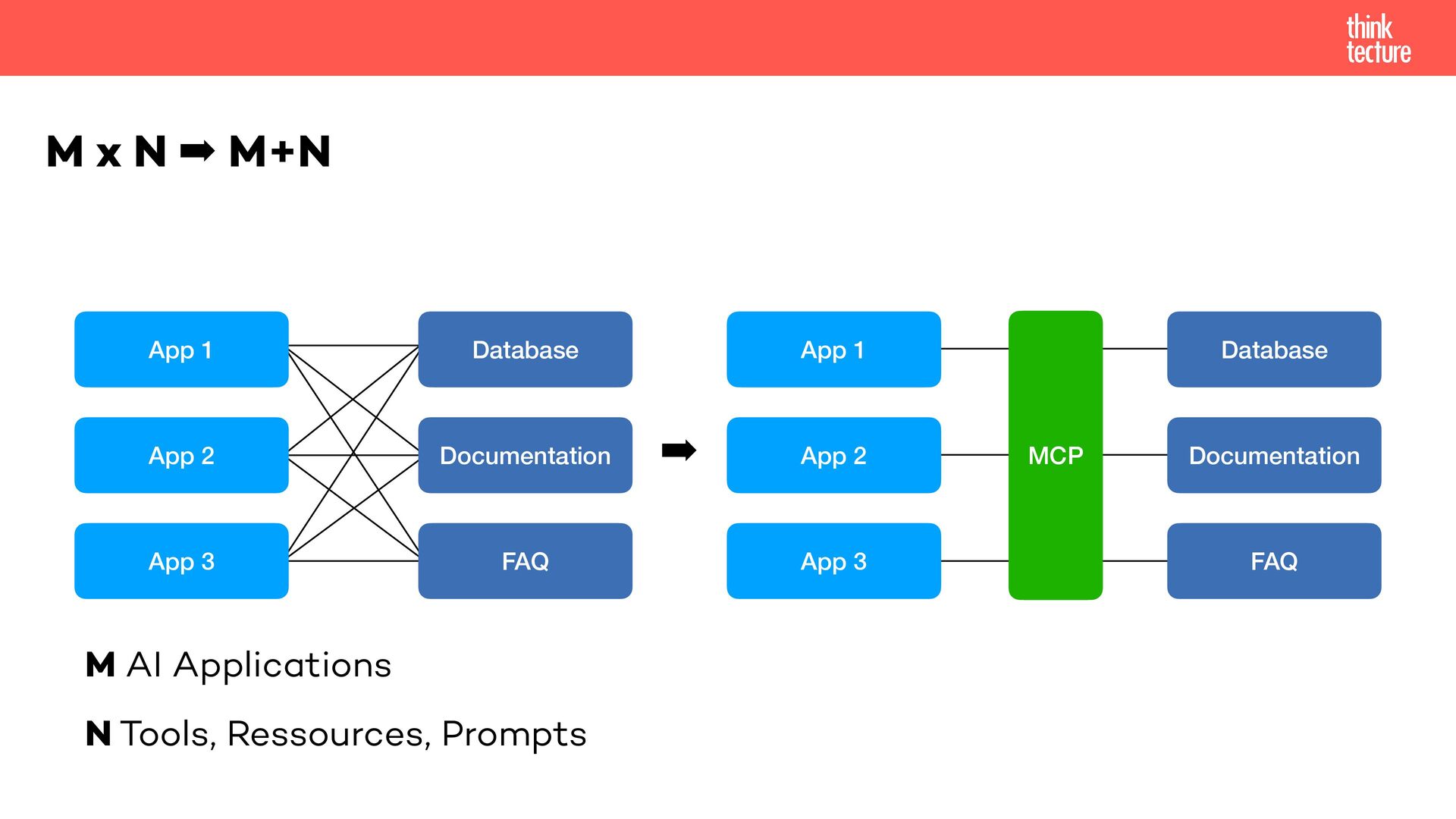
  5. M x N ➡ M+N App 1 App 3 App

    2 Database Documentation FAQ App 1 App 3 App 2 Database Documentation FAQ MCP M AI Applications N Tools, Ressources, Prompts ➡
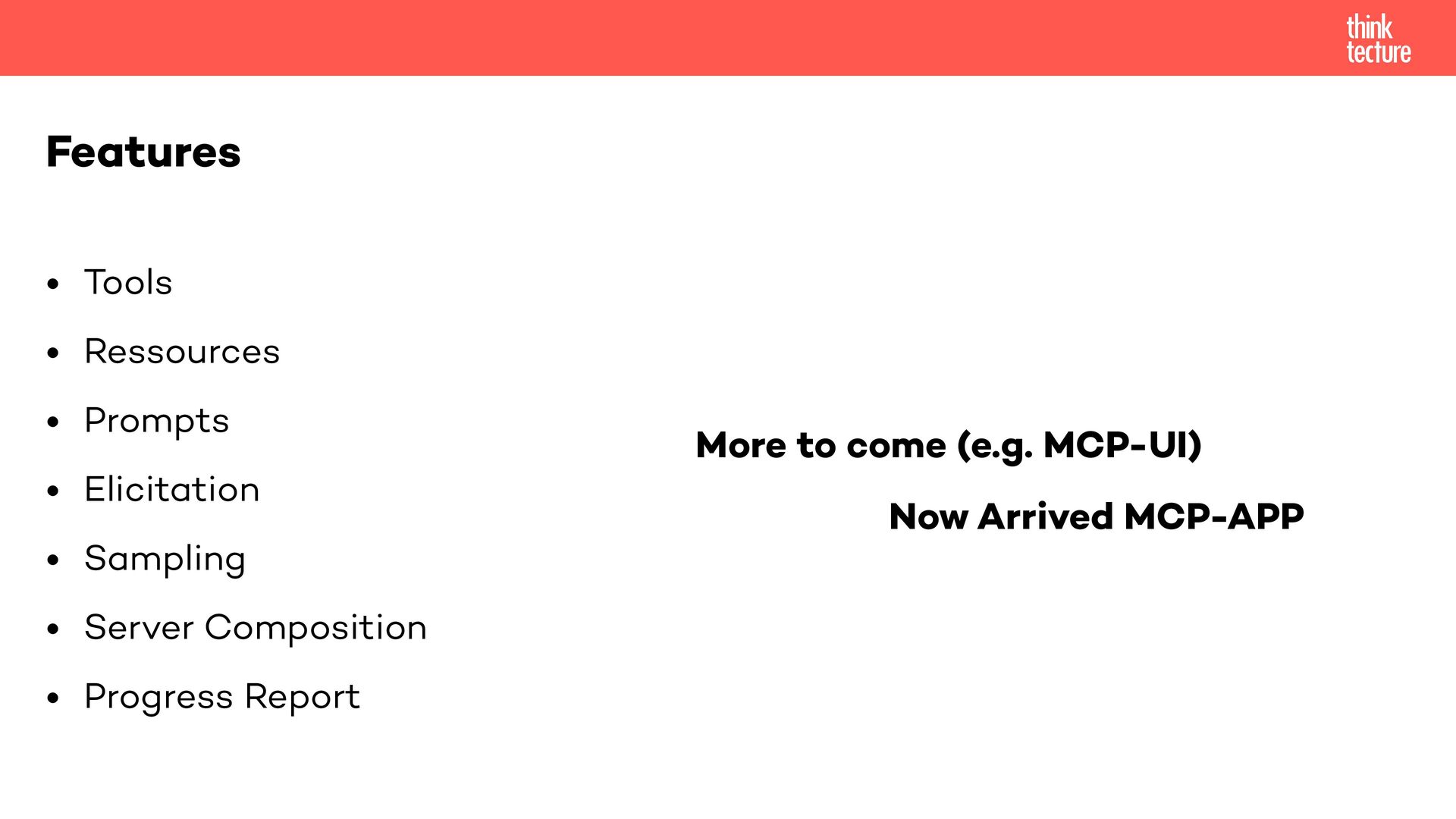
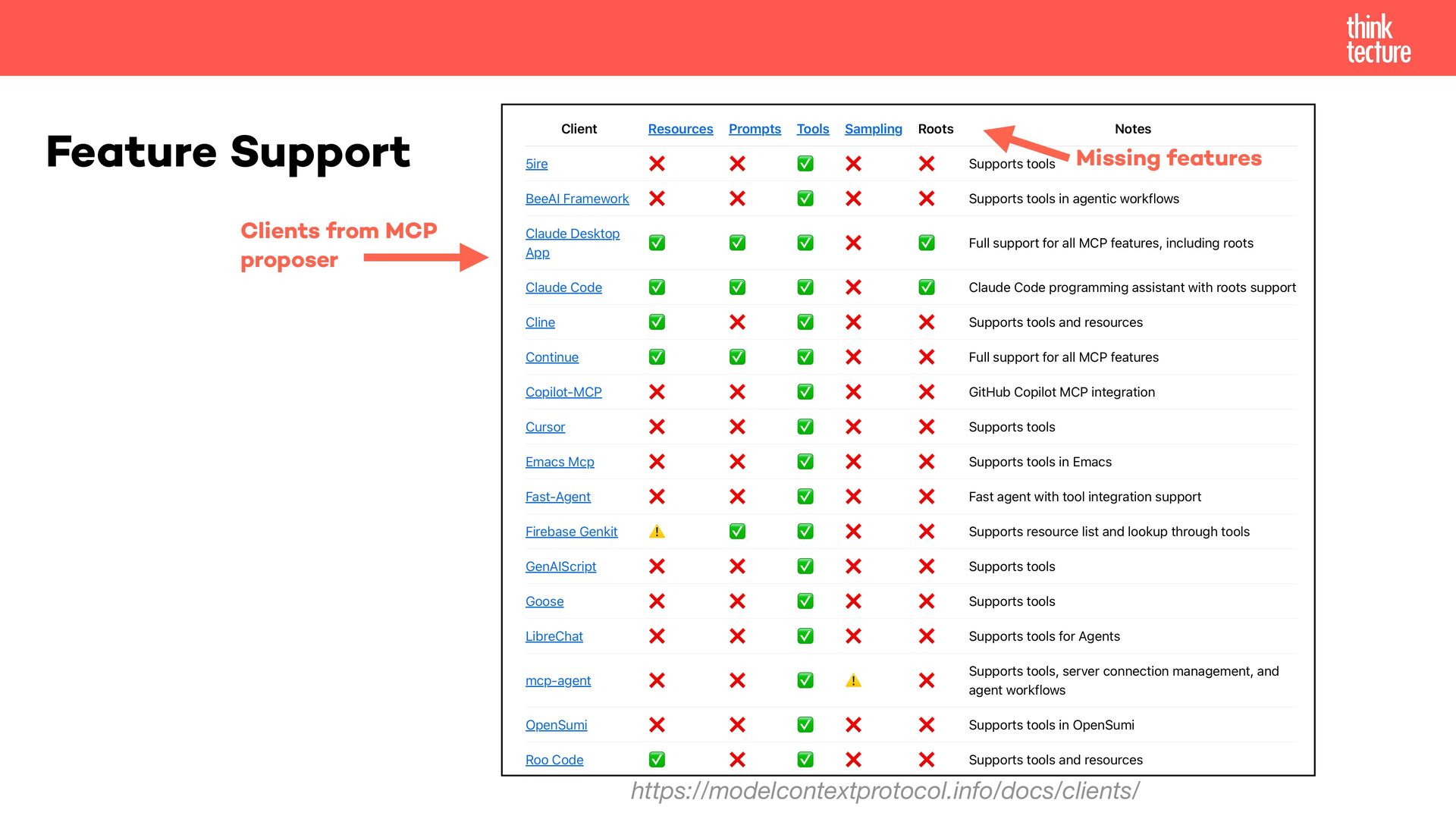
  6. • Tools • Ressources • Prompts • Elicitation • Sampling

    • Server Composition • Progress Report Features More to come (e.g. MCP-UI) Now Arrived MCP-APP
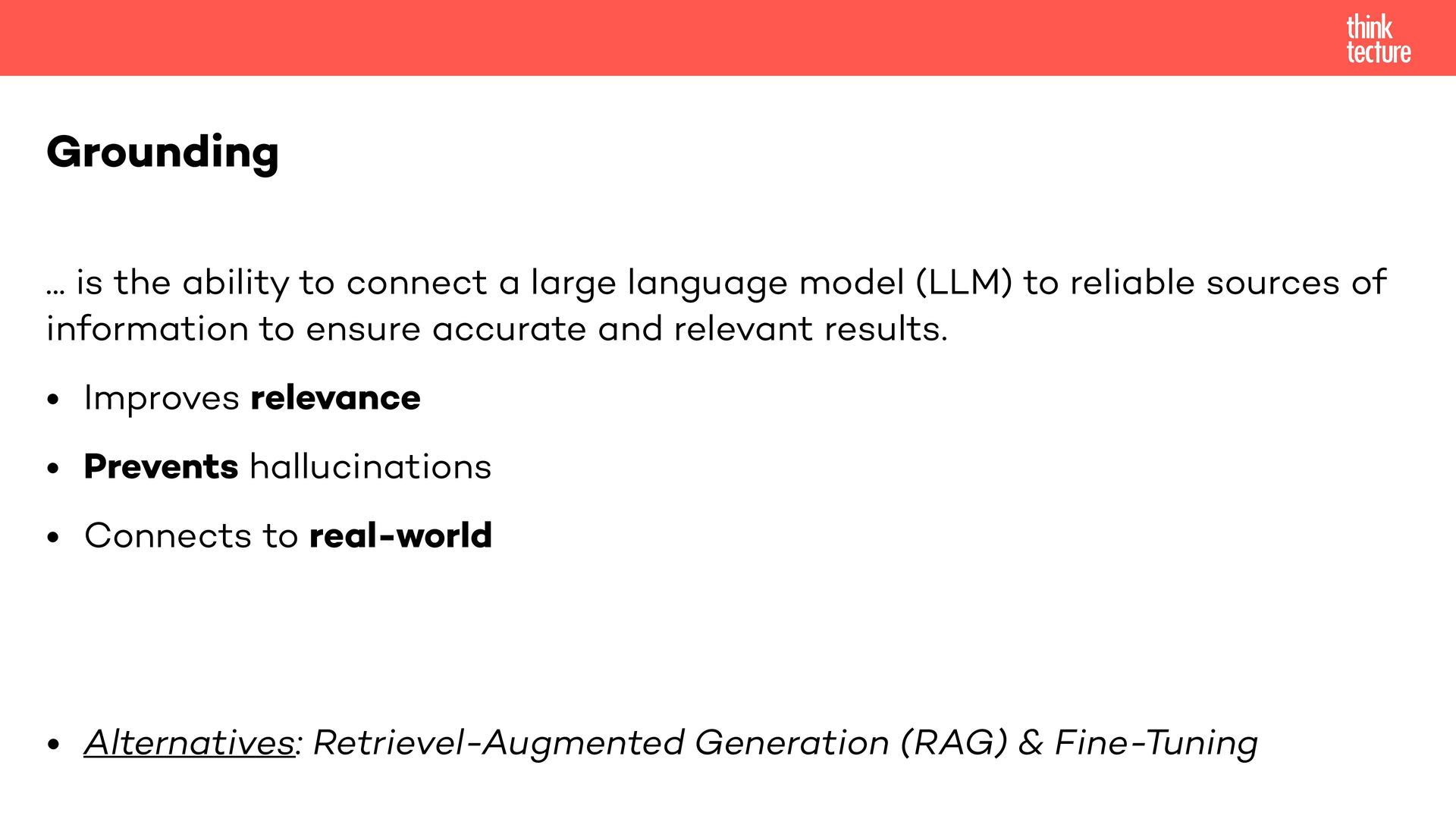
  7. ... is the ability to connect a large language model

    (LLM) to reliable sources of information to ensure accurate and relevant results. • Improves relevance • Prevents hallucinations • Connects to real-world • Alternatives: Retrievel-Augmented Generation (RAG) & Fine-Tuning Grounding
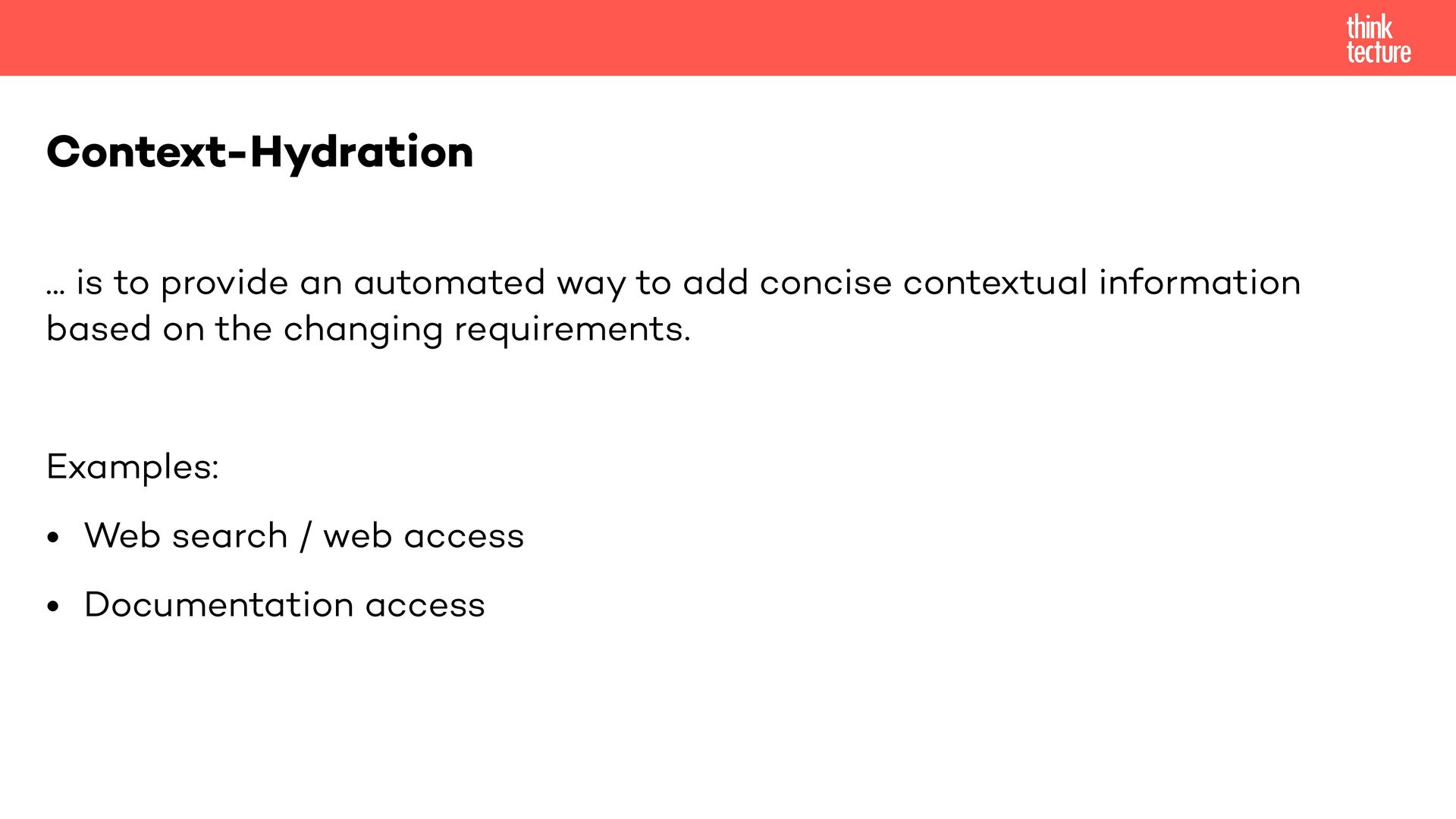
  8. ... is to provide an automated way to add concise

    contextual information based on the changing requirements. Examples: • Web search / web access • Documentation access Context-Hydration
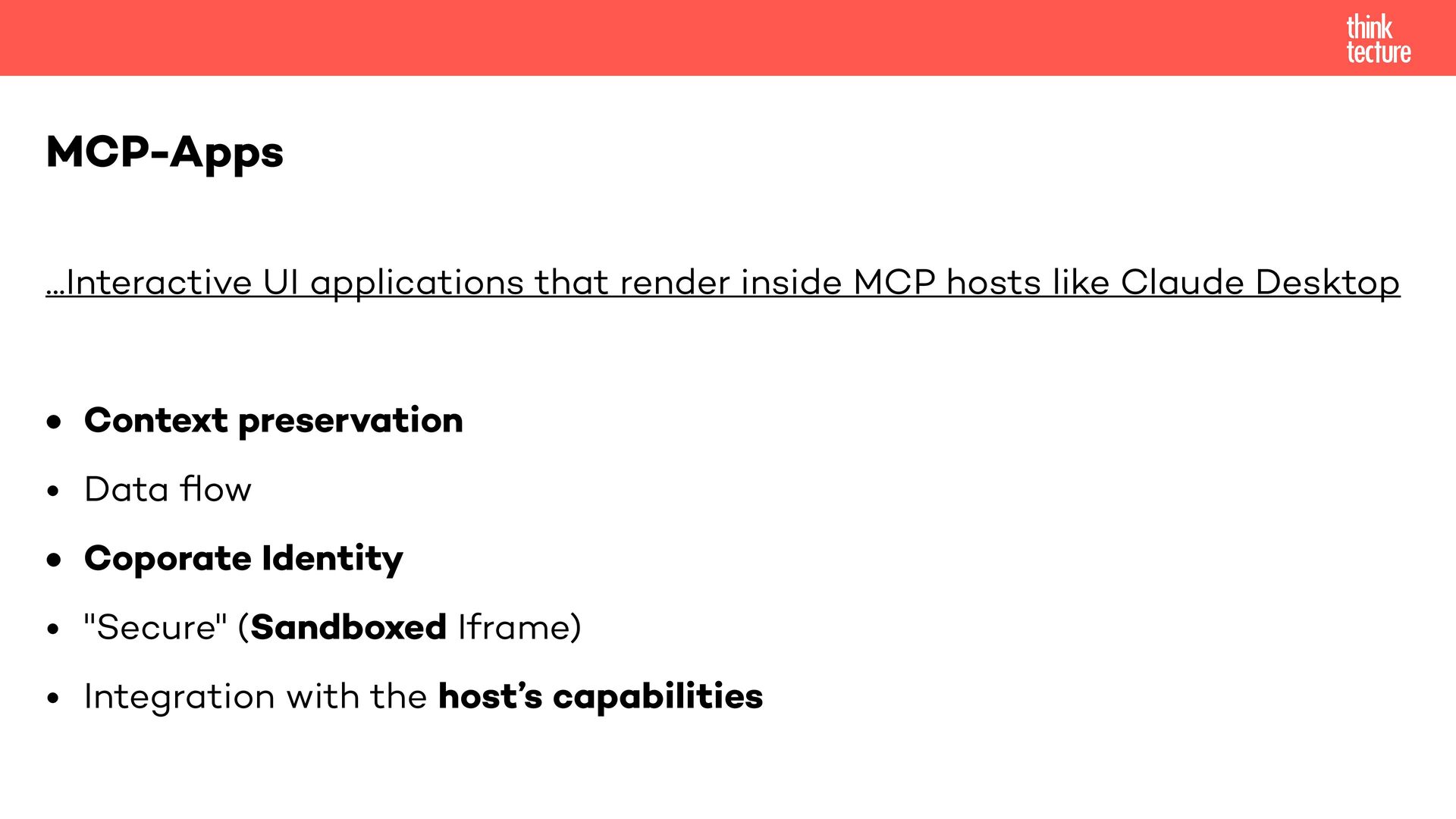
  9. ...Interactive UI applications that render inside MCP hosts like Claude

    Desktop • Context preservation • Data fl ow • Coporate Identity • "Secure" (Sandboxed Iframe) • Integration with the host’s capabilities MCP-Apps
  10. • Limit your tools • Scope your tools • Tool

    compatibility • Feature compatibility Best Practices
  11. • Different tools by authentication / authorization • Update tool

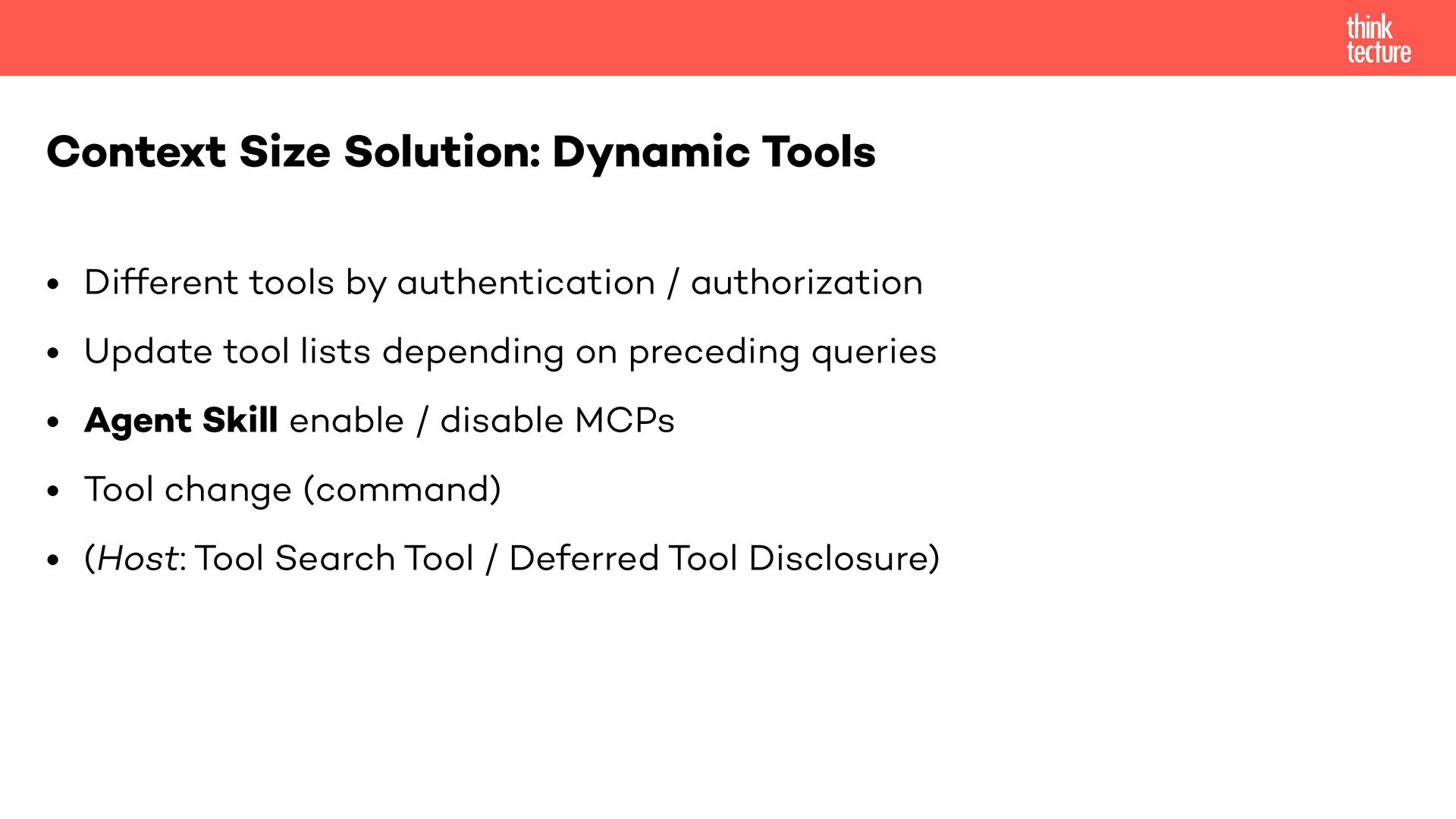
    lists depending on preceding queries • Agent Skill enable / disable MCPs • Tool change (command) • (Host: Tool Search Tool / Deferred Tool Disclosure) Context Size Solution: Dynamic Tools
  12. • Async-Tools • Code execution • (Antrophic / Claude) Agent

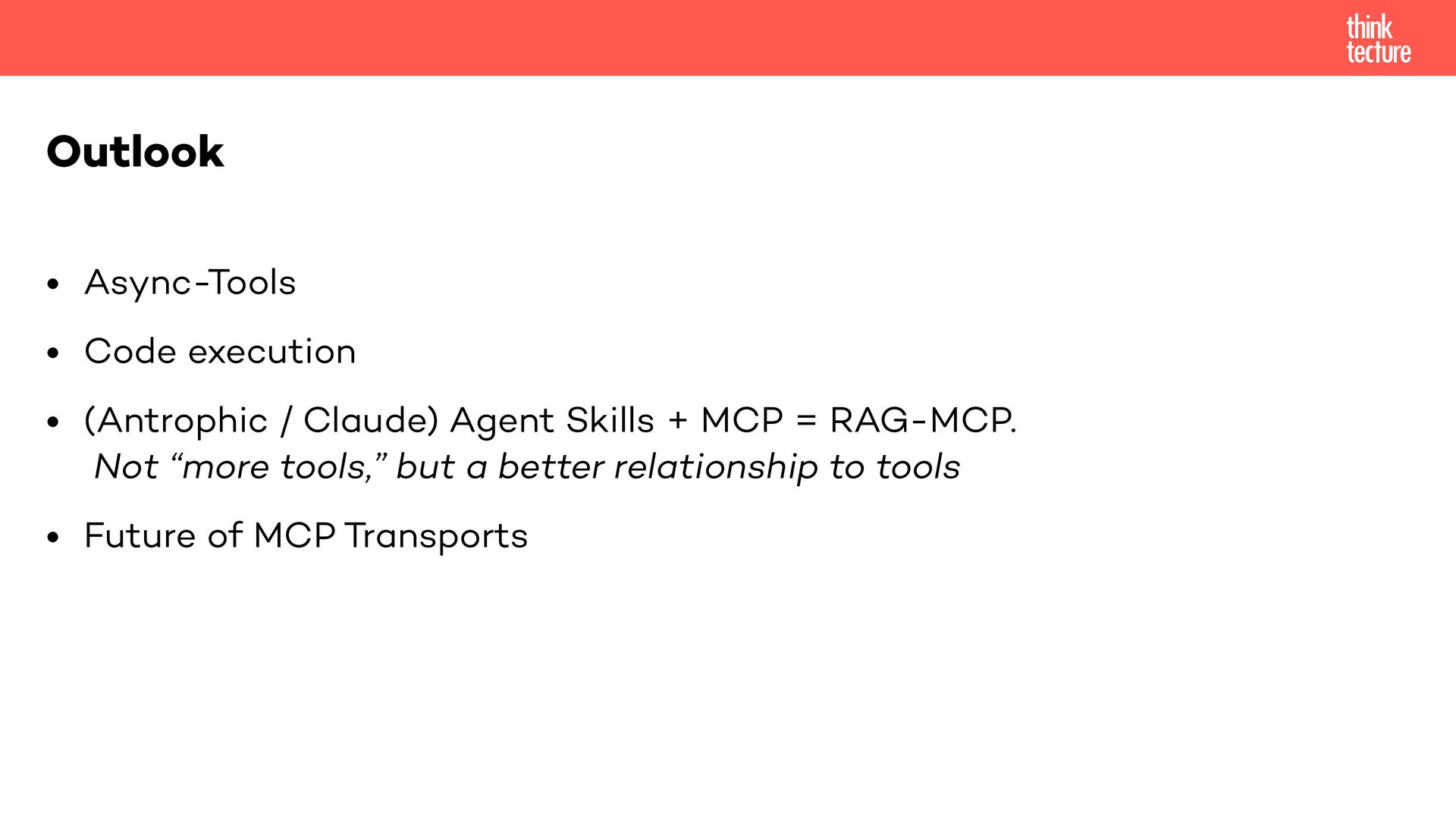
    Skills + MCP = RAG-MCP. Not “more tools,” but a better relationship to tools • Future of MCP Transports Outlook
  13. • No session tracking, no sticky sessions, no Redis/DynamoDB •

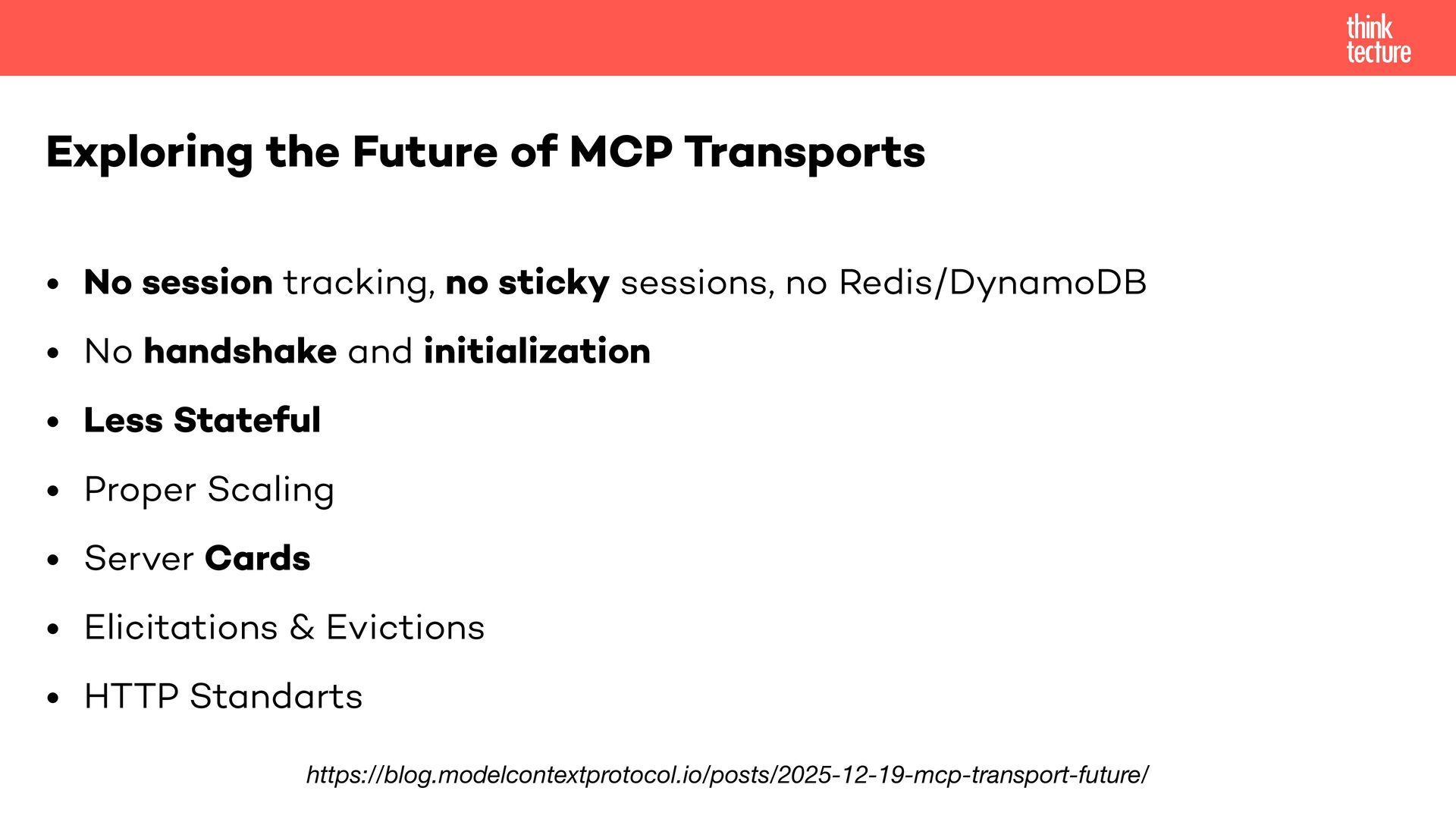
    No handshake and initialization • Less Stateful • Proper Scaling • Server Cards • Elicitations & Evictions • HTTP Standarts Exploring the Future of MCP Transports https://blog.modelcontextprotocol.io/posts/2025-12-19-mcp-transport-future/
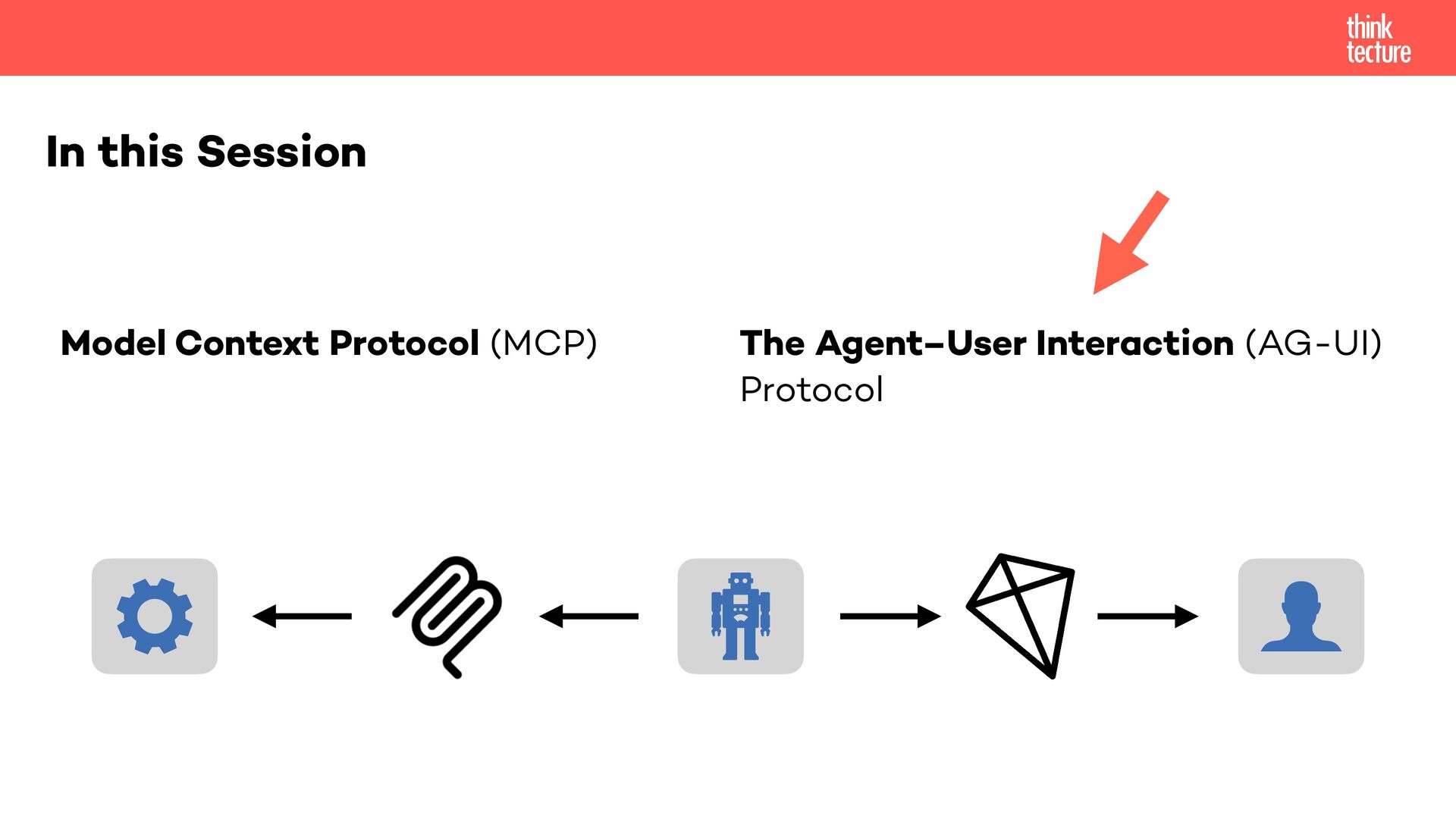
  14. The Agent–User Interaction (AG-UI) Protocol AG-UI is an open, lightweight,

    event-based protocol that standardizes how AI agents connect to user-facing applications. https://docs.ag-ui.com/introduction
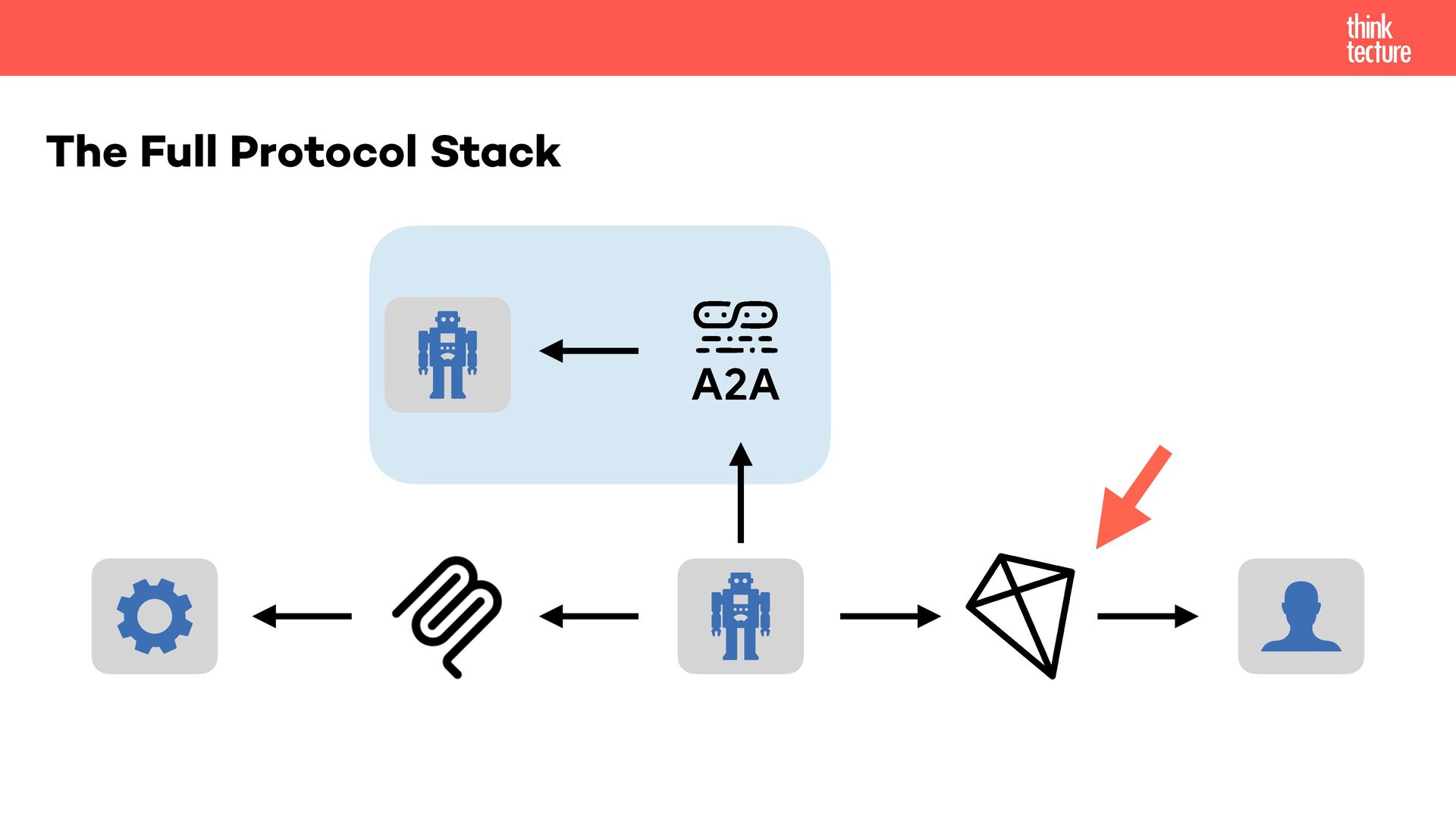
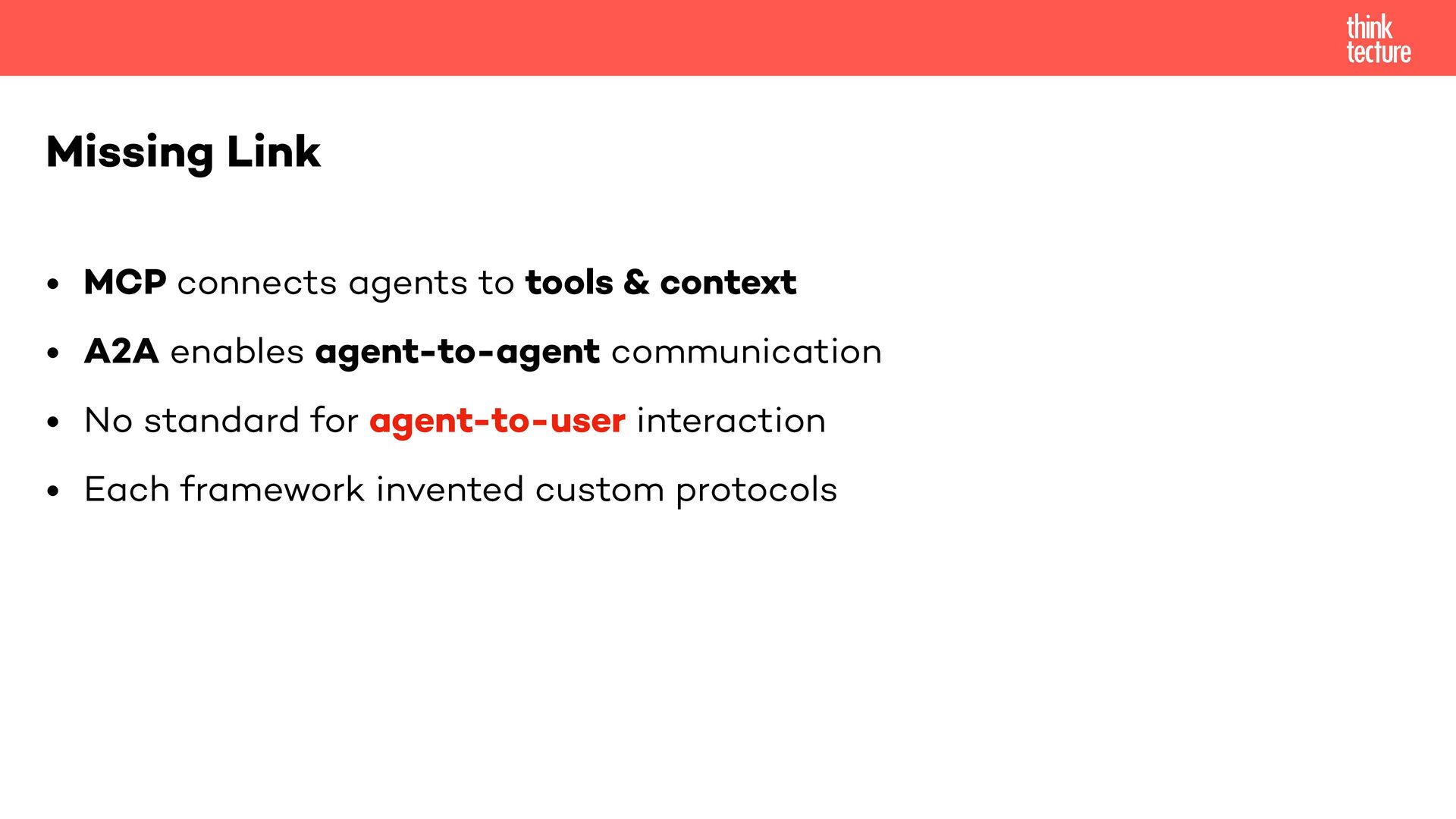
  15. • MCP connects agents to tools & context • A2A

    enables agent-to-agent communication • No standard for agent-to-user interaction • Each framework invented custom protocols Missing Link
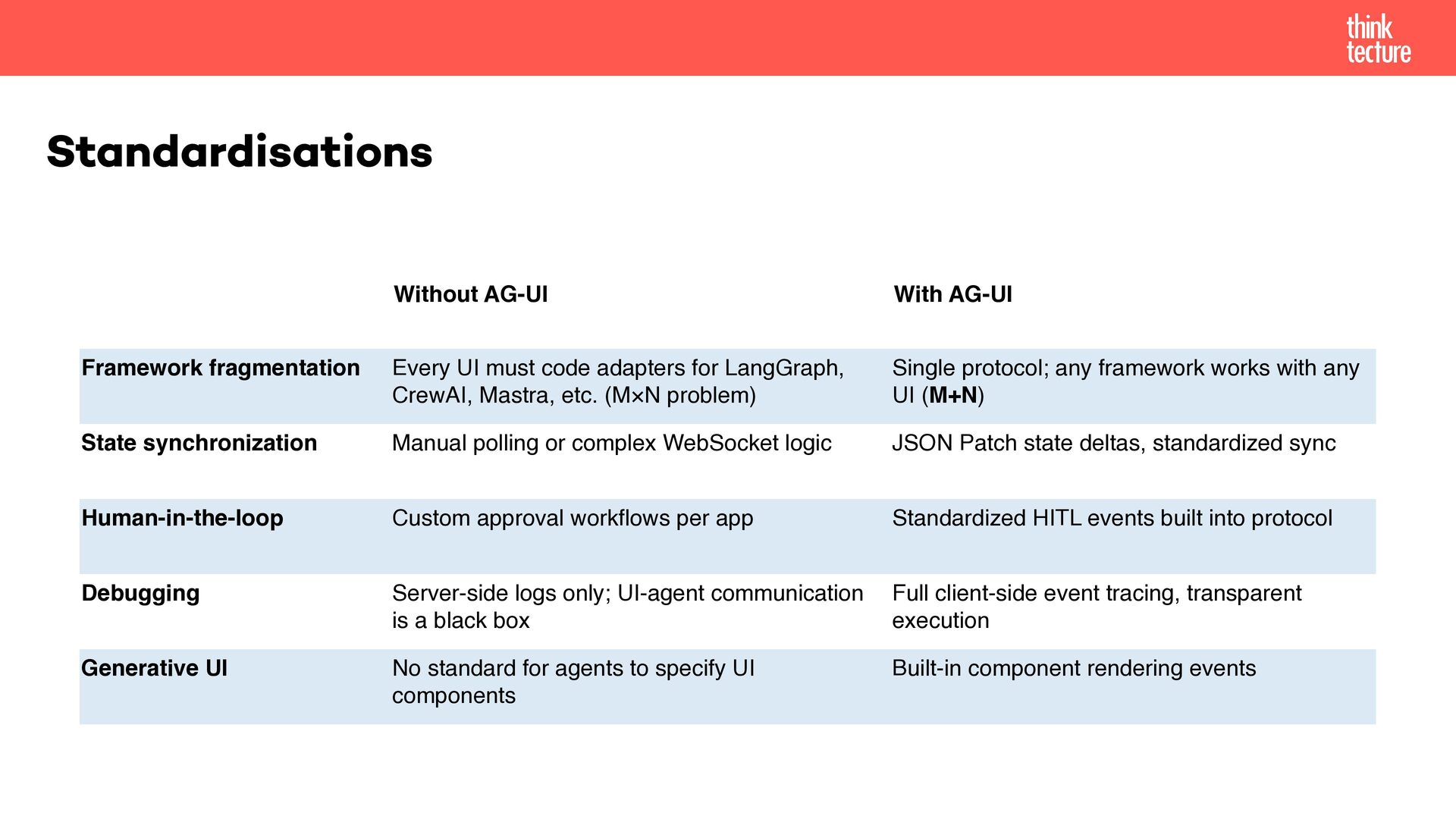
  16. Standardisations Without AG-UI With AG-UI Framework fragmentation Every UI must

    code adapters for LangGraph, CrewAI, Mastra, etc. (M×N problem) Single protocol; any framework works with any UI (M+N) State synchronization Manual polling or complex WebSocket logic JSON Patch state deltas, standardized sync Human-in-the-loop Custom approval workflows per app Standardized HITL events built into protocol Debugging Server-side logs only; UI-agent communication is a black box Full client-side event tracing, transparent execution Generative UI No standard for agents to specify UI components Built-in component rendering events
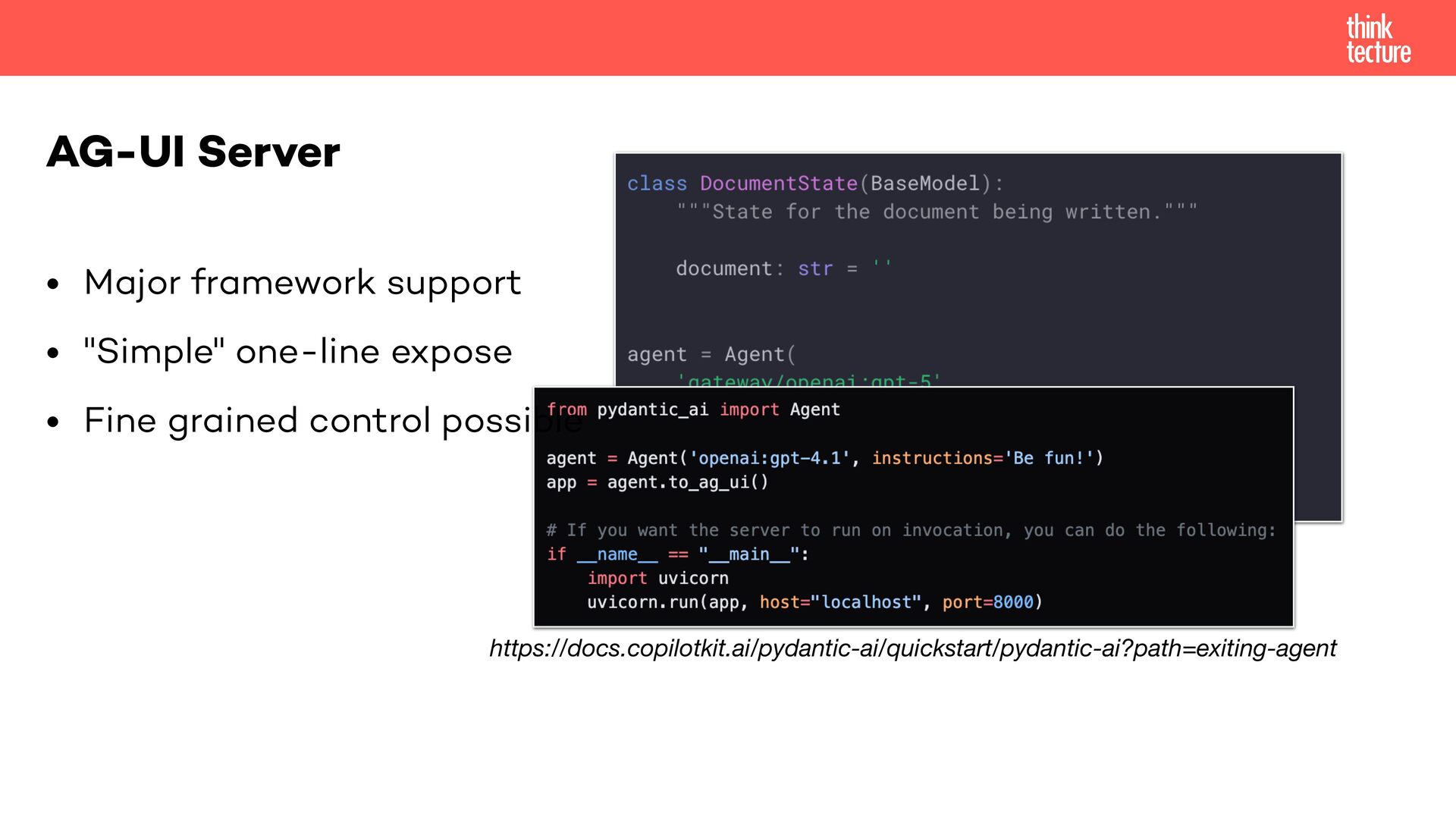
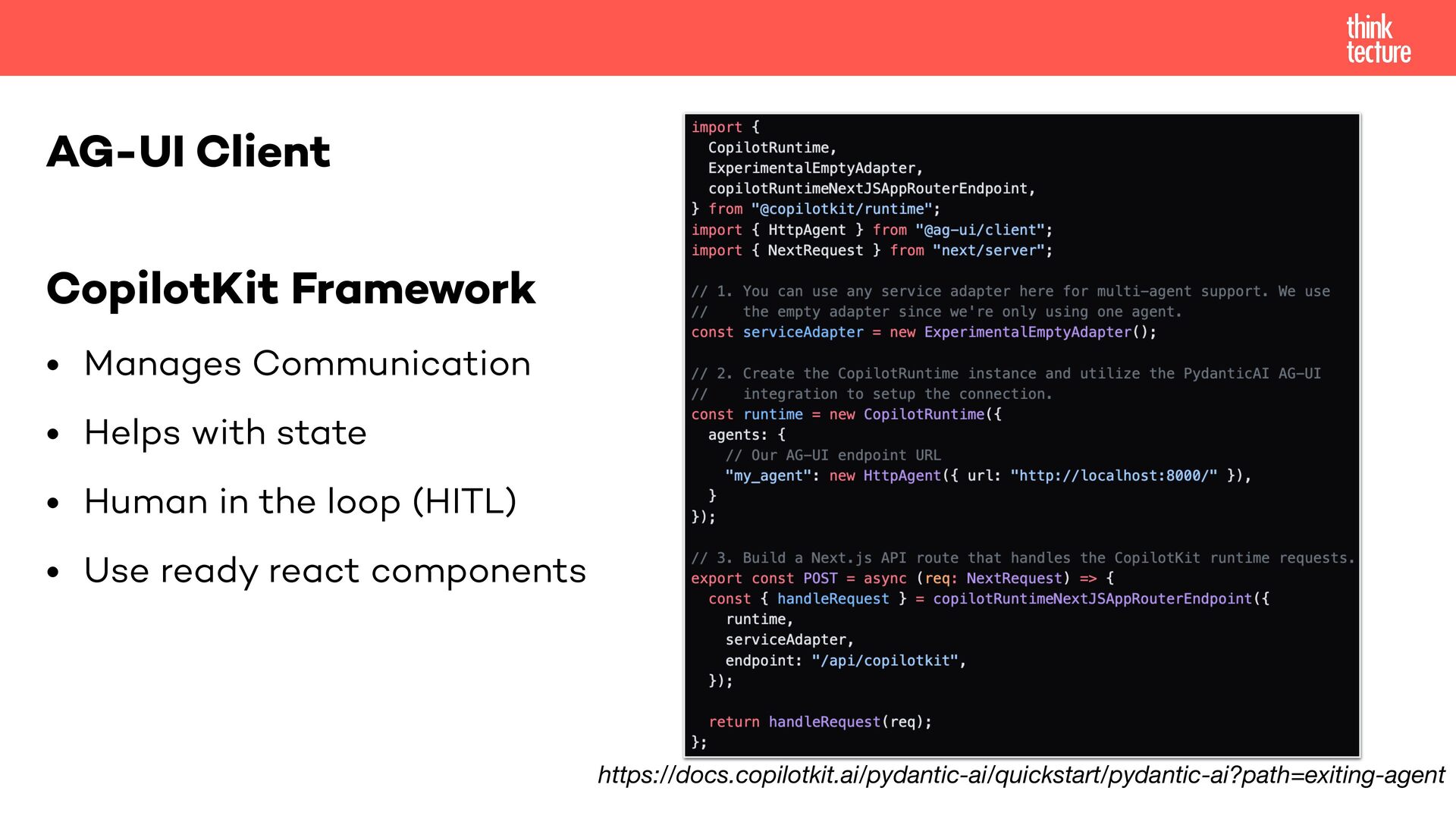
  17. CopilotKit Framework • Manages Communication • Helps with state •

    Human in the loop (HITL) • Use ready react components AG-UI Client https://docs.copilotkit.ai/pydantic-ai/quickstart/pydantic-ai?path=exiting-agent
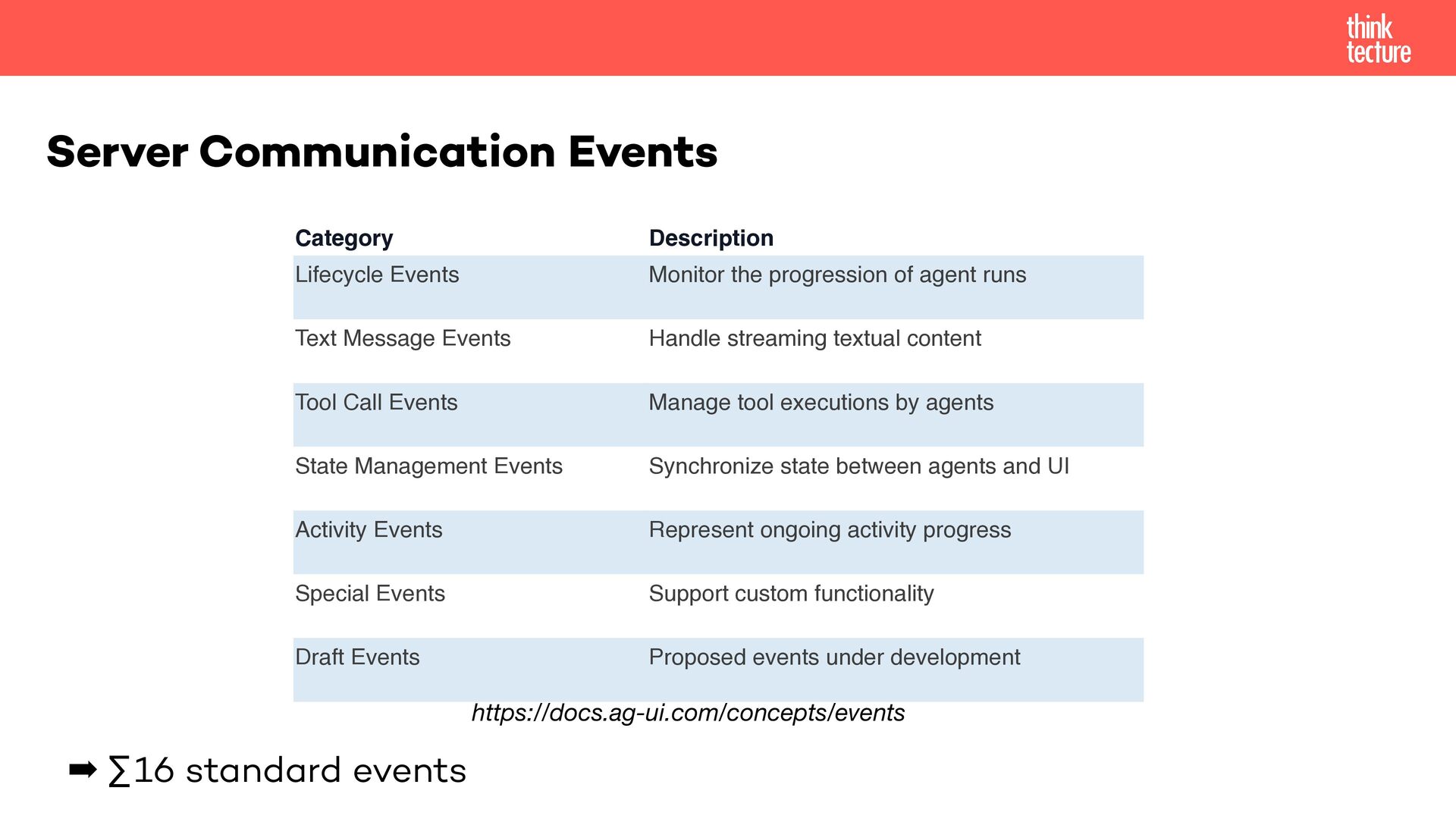
  18. Server Communication Events Category Description Lifecycle Events Monitor the progression

    of agent runs Text Message Events Handle streaming textual content Tool Call Events Manage tool executions by agents State Management Events Synchronize state between agents and UI Activity Events Represent ongoing activity progress Special Events Support custom functionality Draft Events Proposed events under development https://docs.ag-ui.com/concepts/events ➡ ∑16 standard events
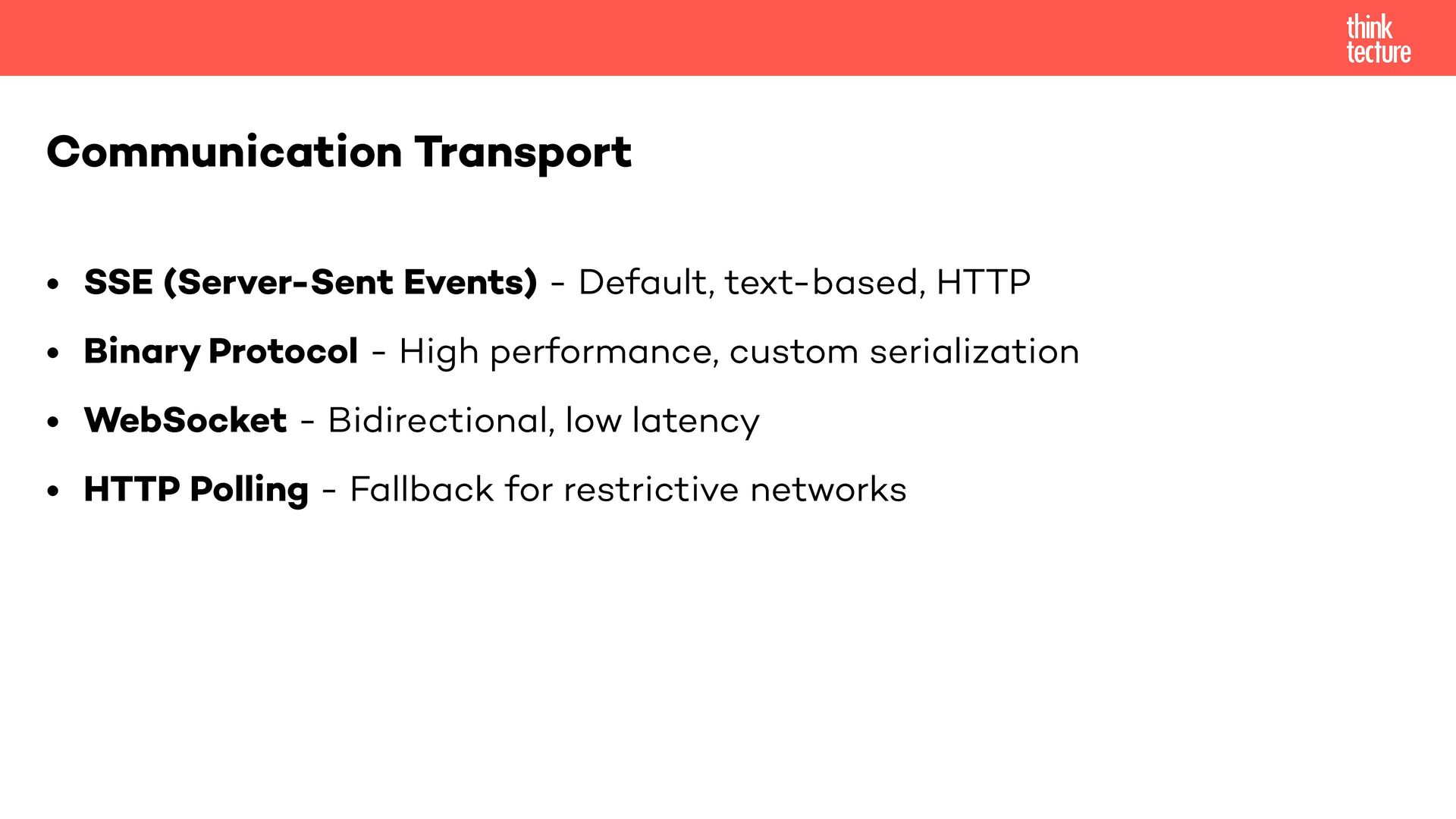
  19. • SSE (Server-Sent Events) - Default, text-based, HTTP • Binary

    Protocol - High performance, custom serialization • WebSocket - Bidirectional, low latency • HTTP Polling - Fallback for restrictive networks Communication Transport
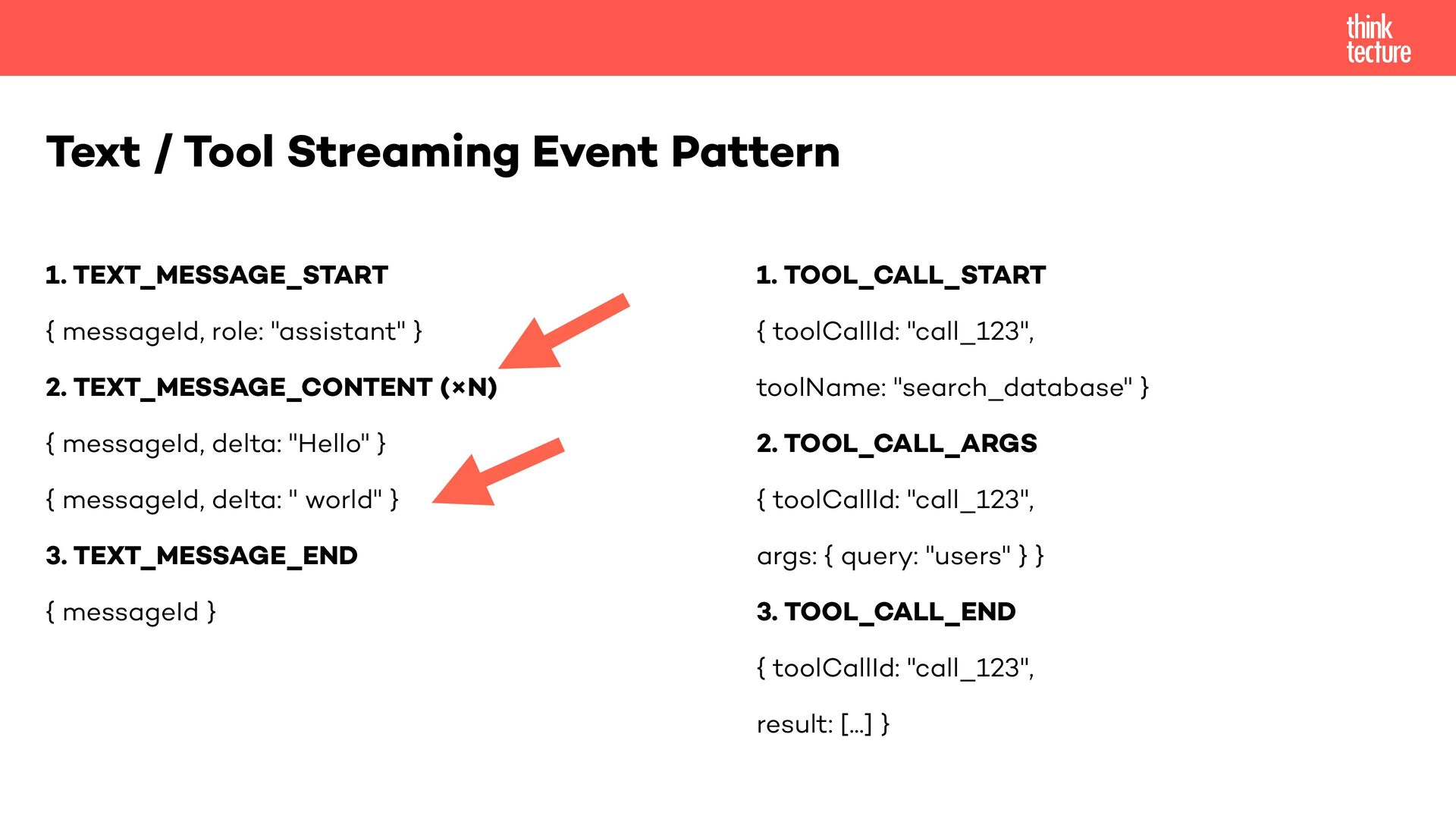
  20. 1. TEXT_MESSAGE_START { messageId, role: "assistant" } 2. TEXT_MESSAGE_CONTENT (×N)

    { messageId, delta: "Hello" } { messageId, delta: " world" } 3. TEXT_MESSAGE_END { messageId } Text / Tool Streaming Event Pattern 1. TOOL_CALL_START { toolCallId: "call_123", toolName: "search_database" } 2. TOOL_CALL_ARGS { toolCallId: "call_123", args: { query: "users" } } 3. TOOL_CALL_END { toolCallId: "call_123", result: [...] }
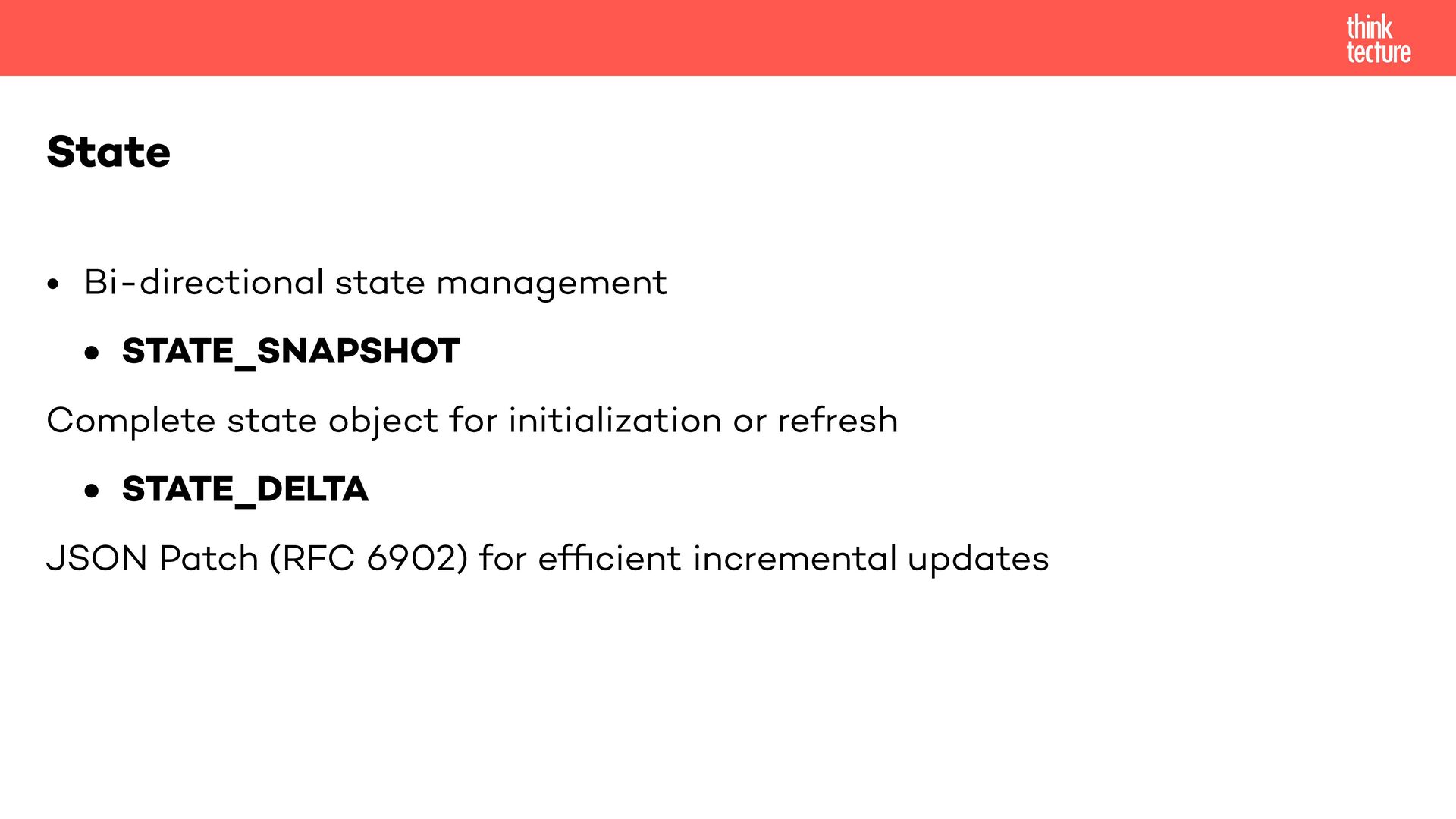
  21. • Bi-directional state management • STATE_SNAPSHOT Complete state object for

    initialization or refresh • STATE_DELTA JSON Patch (RFC 6902) for ef fi cient incremental updates State
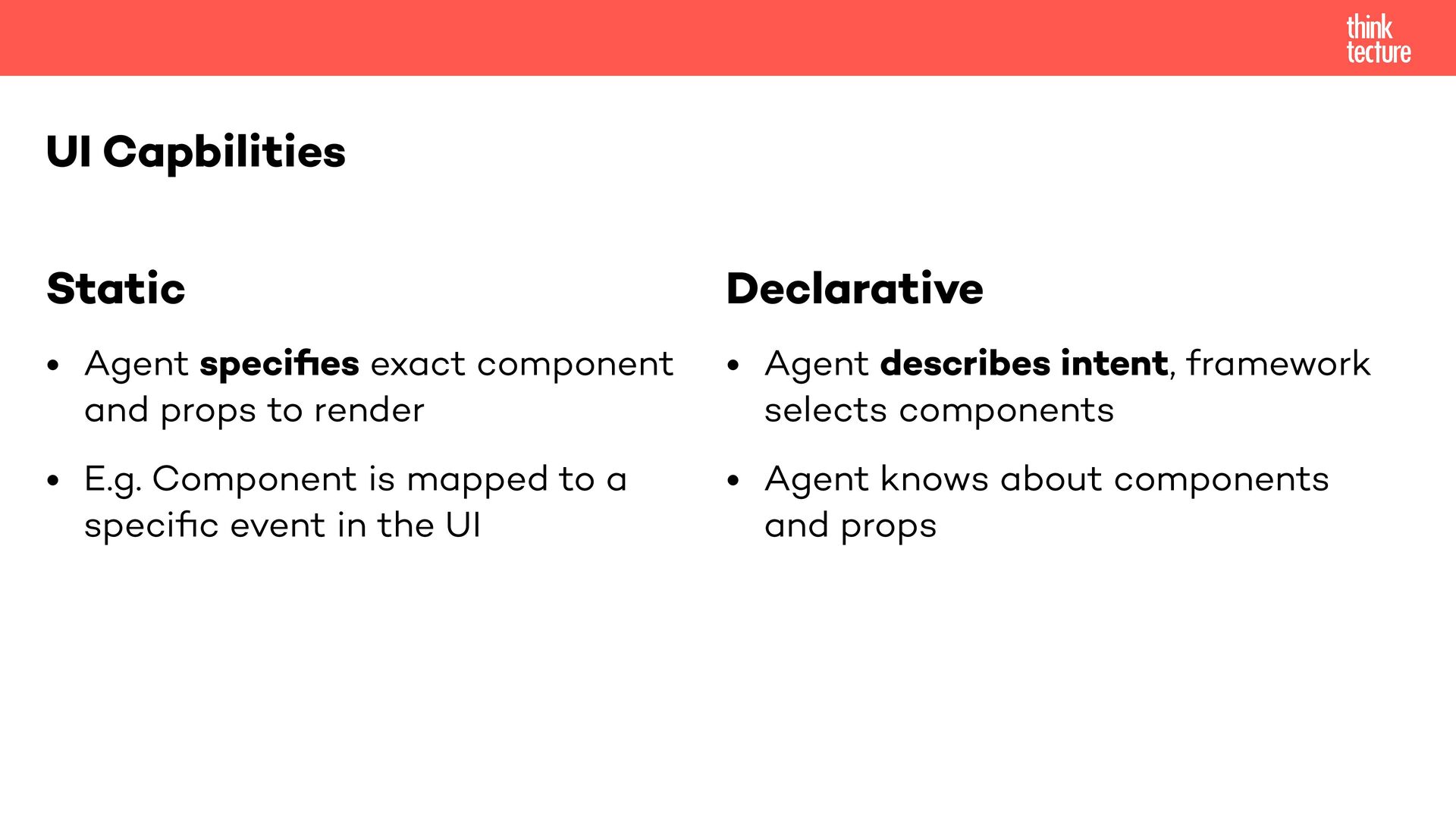
  22. Static • Agent speci fi es exact component and props

    to render • E.g. Component is mapped to a speci fi c event in the UI UI Capbilities Declarative • Agent describes intent, framework selects components • Agent knows about components and props
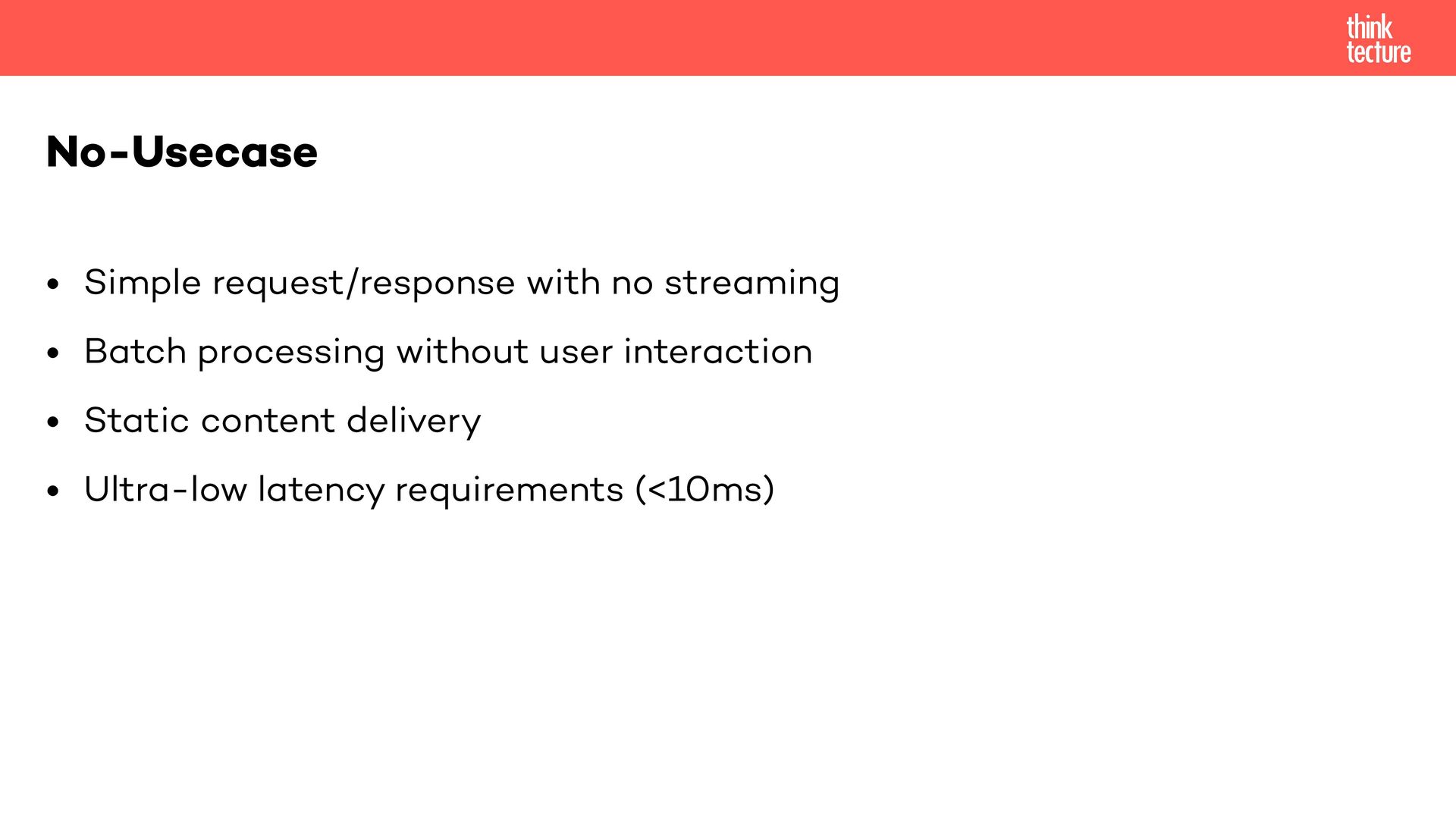
  23. • Simple request/response with no streaming • Batch processing without

    user interaction • Static content delivery • Ultra-low latency requirements (<10ms) No-Usecase
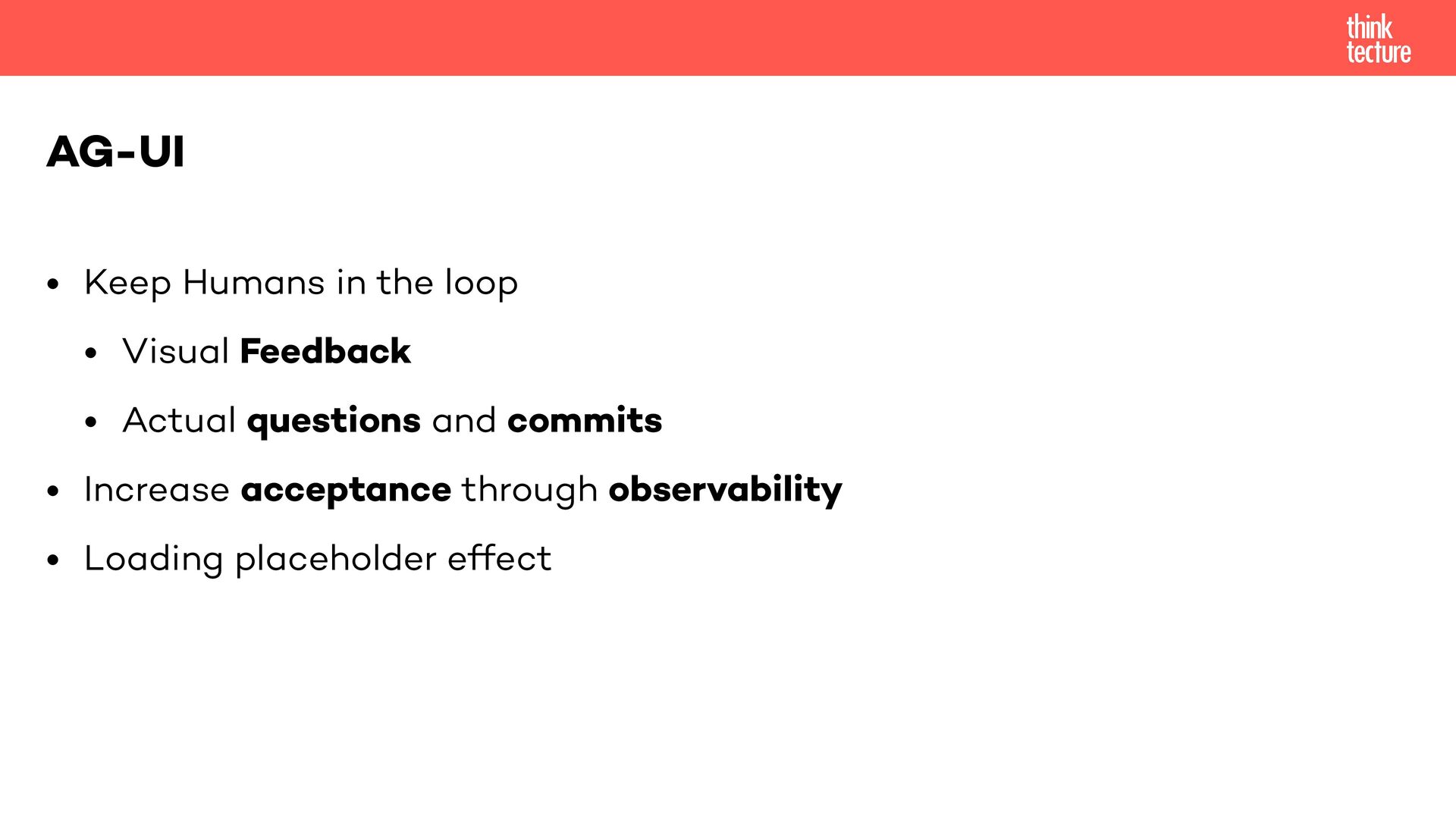
  24. • Keep Humans in the loop • Visual Feedback •

    Actual questions and commits • Increase acceptance through observability • Loading placeholder effect AG-UI