Upgrade to Pro
— share decks privately, control downloads, hide ads and more …
Speaker Deck
Features
Speaker Deck
PRO
Sign in
Sign up for free
Search
Search
Recap Accessibility in WWDC 2019
Search
Masayuki Iwai
June 17, 2019
Technology
350
5
Share
Embed
Copy iframe code
Copy JS code
Copy link
Start on current slide
Recap Accessibility in WWDC 2019
「参加してなくてもついていけるもん!WWDCゴリゴリキャッチアップ会」で発表した内容です。
https://wwdc-gorilla.connpass.com/event/132144/
Masayuki Iwai
June 17, 2019
More Decks by Masayuki Iwai
See All by Masayuki Iwai
CodePushとReact Nativeで緊急OTAリリース!了解!🚑
myb
2
1.9k
React Nativeで開発するマルチプラットフォームアプリ
myb
3
420
Other Decks in Technology
See All in Technology
MIXIで活躍できるエンジニアを 若手社員目線で考えてみる
mixi_engineers
PRO
0
130
英語が話せなくてもKubeConスタッフに参加した話
yusuke427
2
1.1k
自宅NWにISR4331を導入してみた話
okaits
0
120
Oracle MCP Servers Explained
thatjeffsmith
0
410
国家プロジェクトを支える「さくらONE」 大規模LLM開発におけるGPU障害を乗り越えるクラスター運用戦略
gpuunite_official
0
260
LanceDB入門
mocobeta
9
670
猫付きpingコマンドを自作
uyuki234
0
290
DatadogのBits Chatが開発組織にもたらしたもの / What Bits Chat Has Brought Us
sms_tech
1
300
巨大気象データと戦う ― サロゲートモデル学習を高速化する圧縮技術
gpuunite_official
0
250
도구에서 동료까지: 10년차 AI 스타트업의 AI 적응기
inureyes
PRO
1
330
関東Kaggler会発表資料
takoi
1
280
Kiro Crew入門 - 常駐エージェントの仕組みと使いどころ / Intro to Kiro Crew
k_adachi_01
1
800
Featured
See All Featured
The Power of CSS Pseudo Elements
geoffreycrofte
82
6.5k
Reflections from 52 weeks, 52 projects
jeffersonlam
356
21k
Designing Dashboards & Data Visualisations in Web Apps
destraynor
232
55k
Evolution of real-time – Irina Nazarova, EuRuKo, 2024
irinanazarova
9
1.5k
Applied NLP in the Age of Generative AI
inesmontani
PRO
4
2.4k
Embracing the Ebb and Flow
colly
88
5.1k
Skip the Path - Find Your Career Trail
mkilby
1
190
The Hidden Cost of Media on the Web [PixelPalooza 2025]
tammyeverts
2
470
Fashionably flexible responsive web design (full day workshop)
malarkey
408
67k
The Illustrated Guide to Node.js - THAT Conference 2024
reverentgeek
1
440
A Modern Web Designer's Workflow
chriscoyier
698
190k
Max Prin - Stacking Signals: How International SEO Comes Together (And Falls Apart)
techseoconnect
PRO
0
420
Transcript
Recap Accessibility in WWDC 2019 Masayuki Iwai@myb #wwdc_rusuban
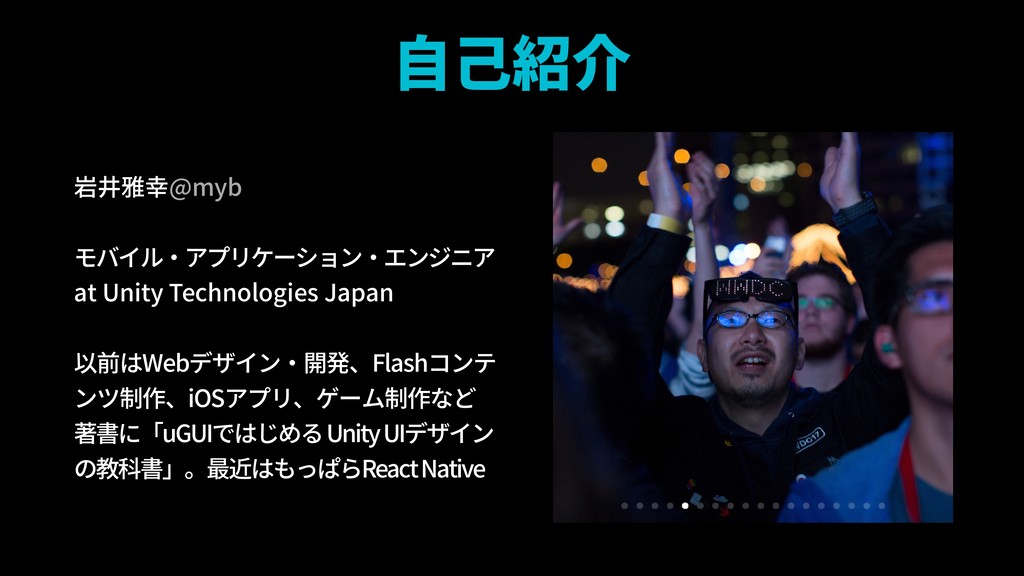
自己紹介 岩井雅幸@myb モバイル・アプリケーション・エンジニア at Unity Technologies Japan 以前はWebデザイン・開発、Flashコンテ ンツ制作、iOSアプリ、ゲーム制作など
著書に「uGUIではじめる Unity UIデザイン の教科書」。最近はもっぱらReact Native
Accessibility
None
None
None
Accessibility?
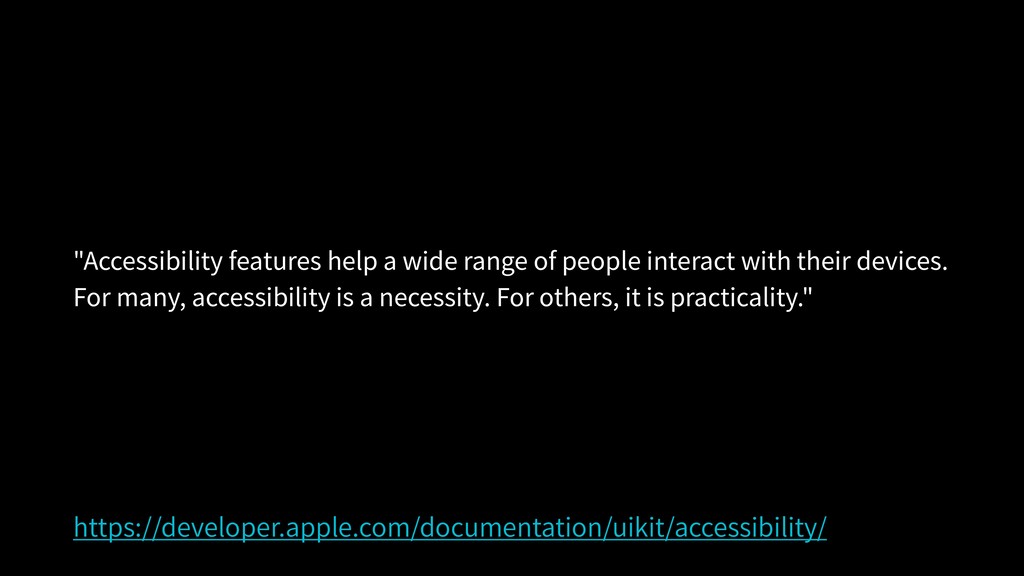
"Accessibility features help a wide range of people interact with
their devices. For many, accessibility is a necessity. For others, it is practicality." https://developer.apple.com/documentation/uikit/accessibility/
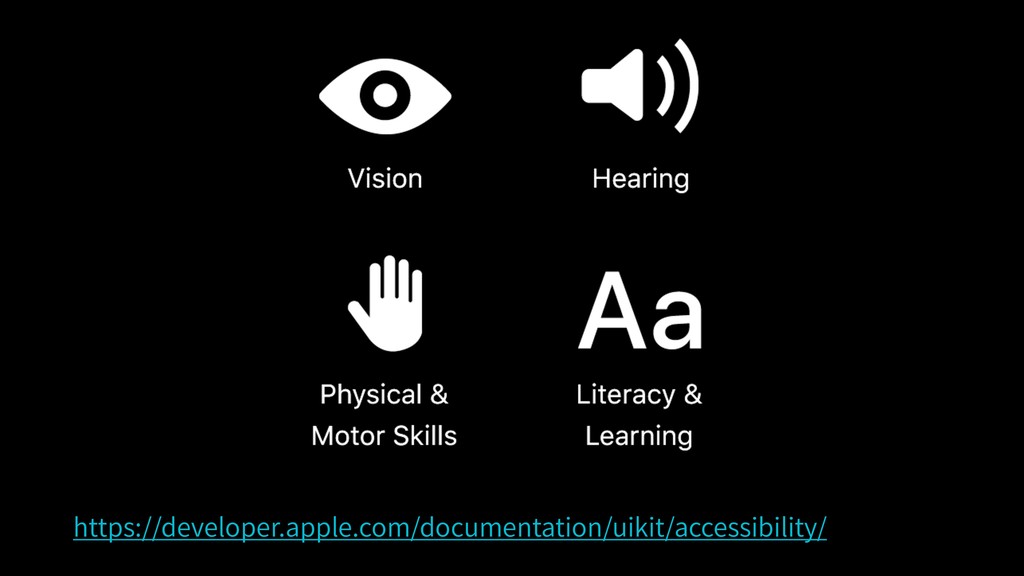
https://developer.apple.com/documentation/uikit/accessibility/
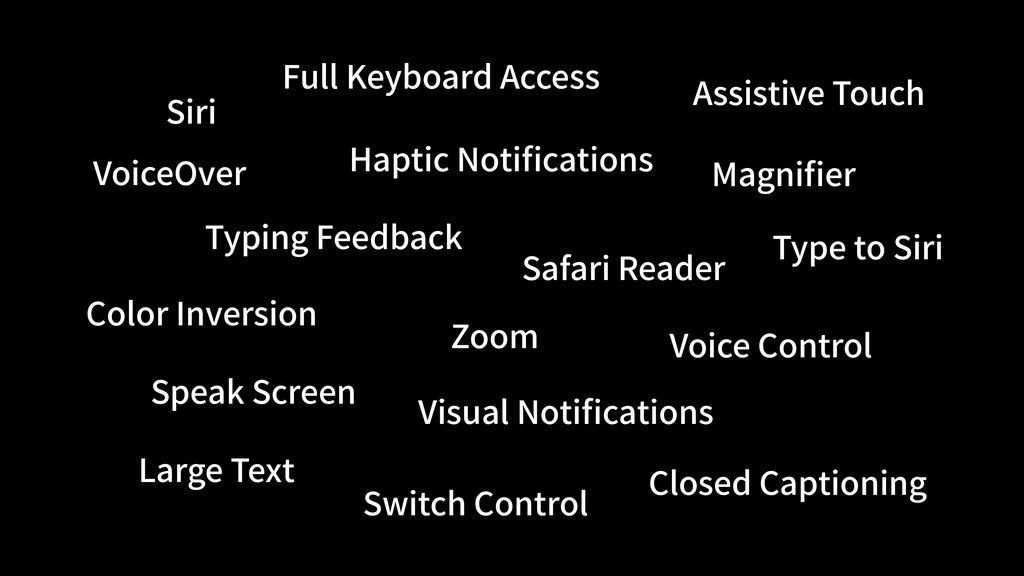
VoiceOver Color Inversion Large Text Zoom Magnifier Closed Captioning Visual
Notifications Haptic Notifications Type to Siri Switch Control Siri Assistive Touch Speak Screen Typing Feedback Safari Reader Full Keyboard Access Voice Control
None
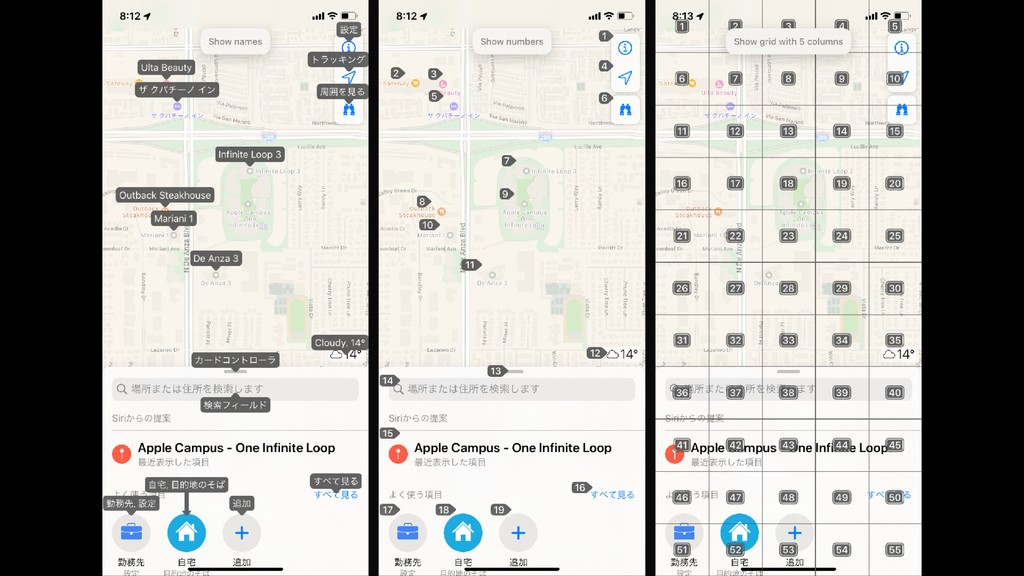
Voice Control
None
Accessibility Element
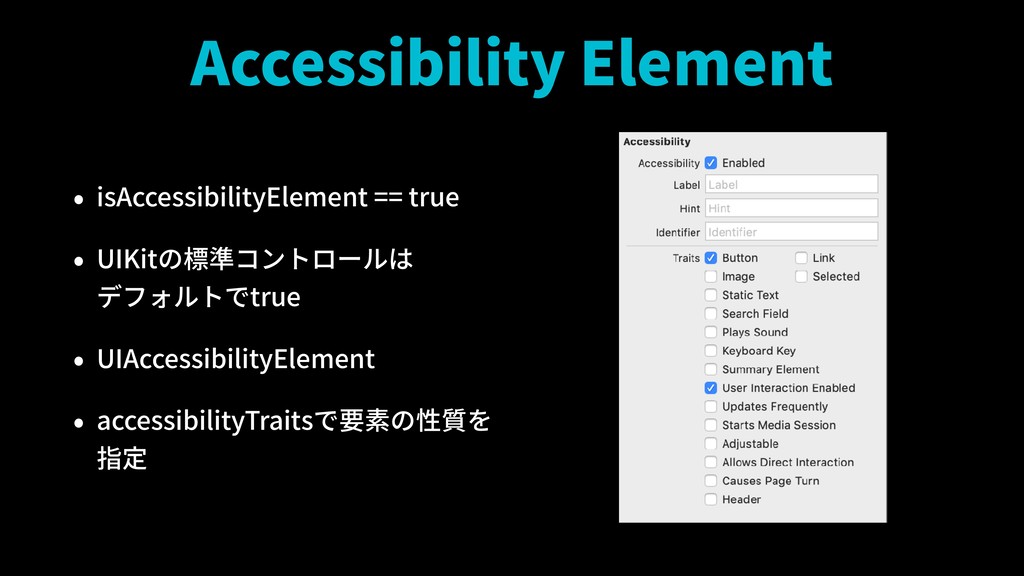
Accessibility Element • isAccessibilityElement == true • UIKitの標準コントロールは デフォルトでtrue •
UIAccessibilityElement • accessibilityTraitsで要素の性質を 指定
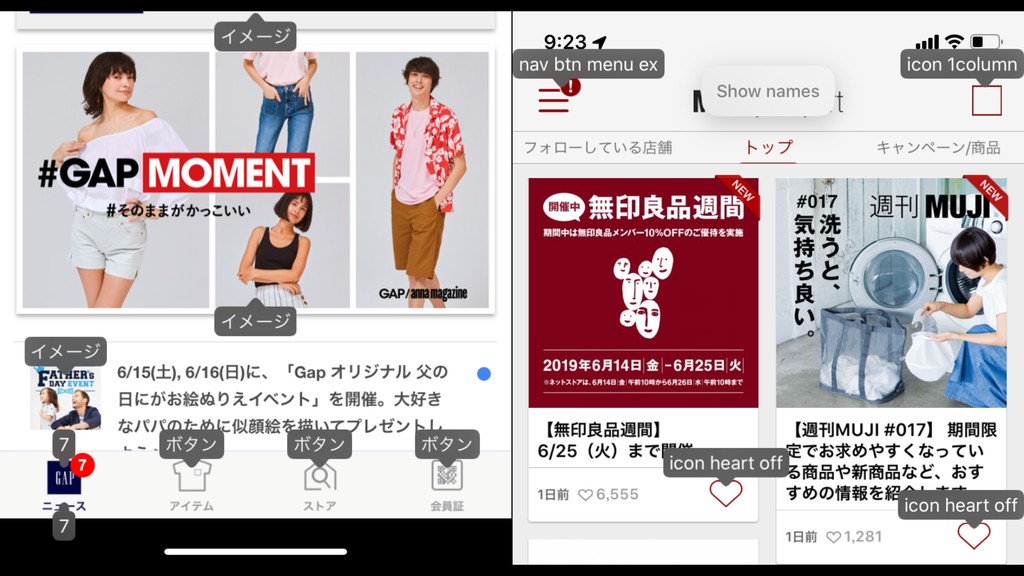
Accessibility Label
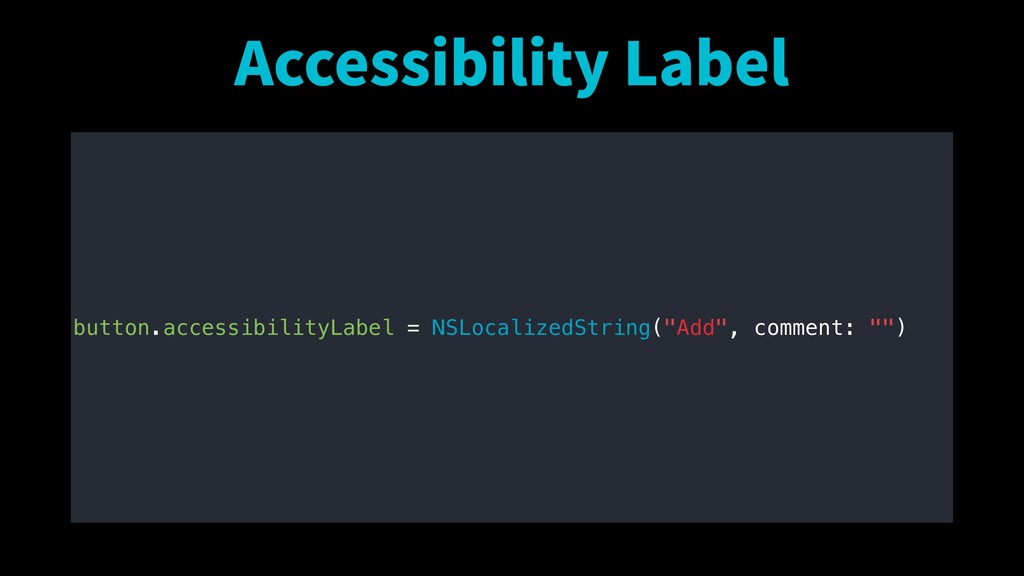
Accessibility Label button.accessibilityLabel = NSLocalizedString("Add", comment: "")
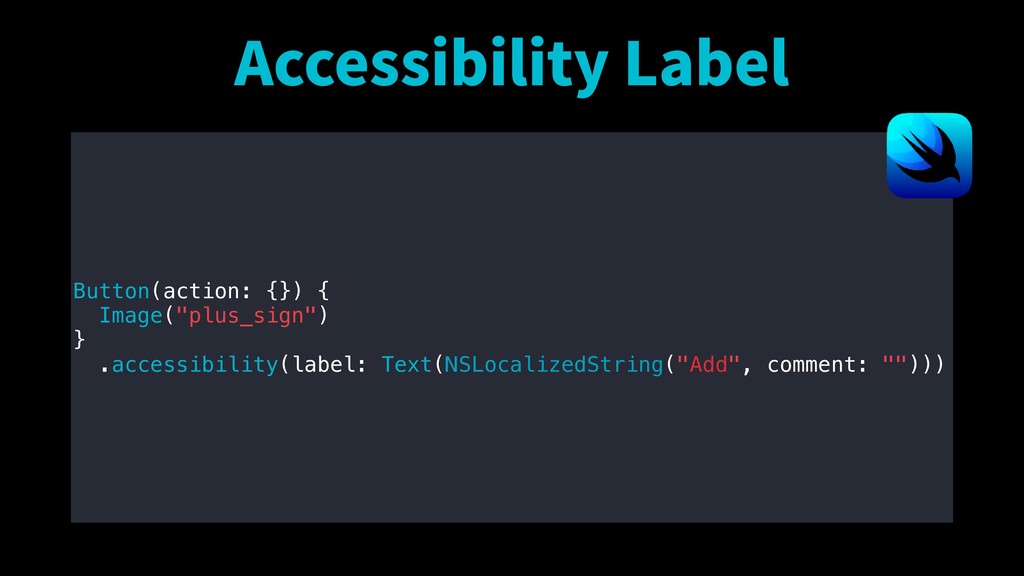
Accessibility Label Button(action: {}) { Image("plus_sign") } .accessibility(label: Text(NSLocalizedString("Add", comment:
"")))
None
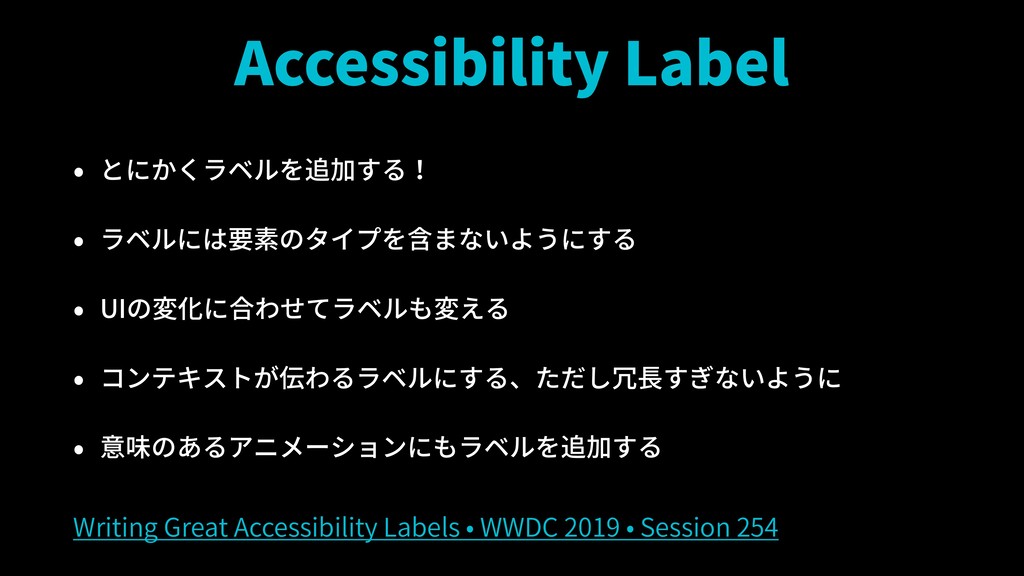
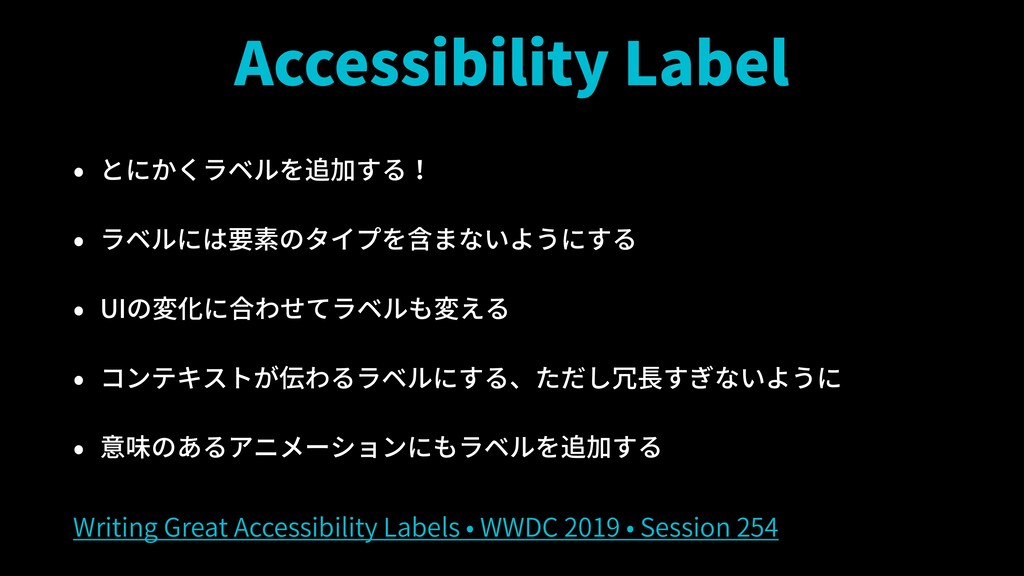
Accessibility Label • とにかくラベルを追加する! • ラベルには要素のタイプを含まないようにする • UIの変化に合わせてラベルも変える • コンテキストが伝わるラベルにする、ただし冗長すぎないように
• 意味のあるアニメーションにもラベルを追加する Writing Great Accessibility Labels • WWDC 2019 • Session 254
None
Accessibility Label • とにかくラベルを追加する! • ラベルには要素のタイプを含まないようにする • UIの変化に合わせてラベルも変える • コンテキストが伝わるラベルにする、ただし冗長すぎないように
• 意味のあるアニメーションにもラベルを追加する Writing Great Accessibility Labels • WWDC 2019 • Session 254
https://ja.wikipedia.org/wiki/小瀬川
Accessibility Label • とにかくラベルを追加する! • ラベルには要素のタイプを含まないようにする • UIの変化に合わせてラベルも変える • コンテキストが伝わるラベルにする、ただし冗長すぎないように
• 意味のあるアニメーションにもラベルを追加する Writing Great Accessibility Labels • WWDC 2019 • Session 254
None
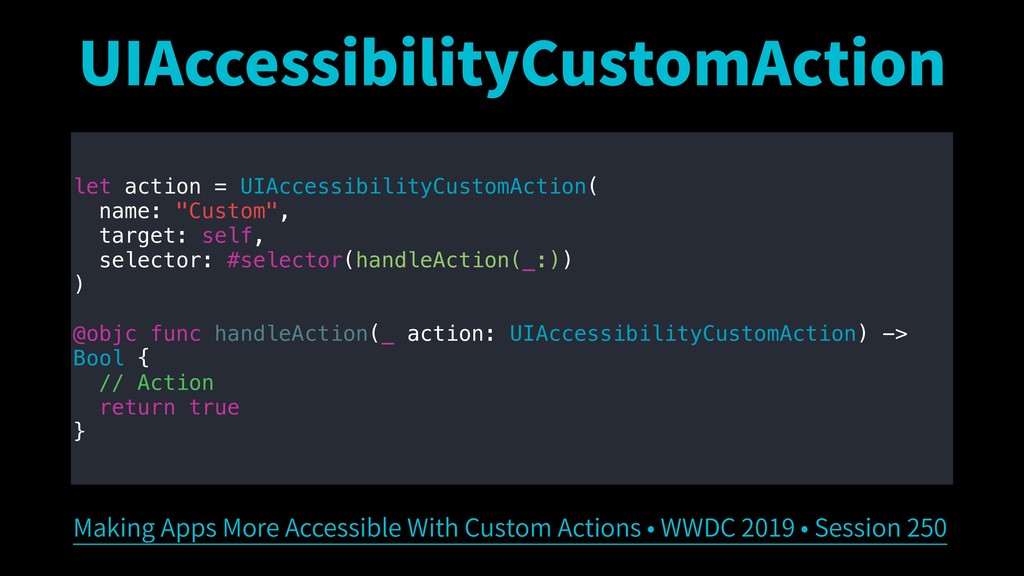
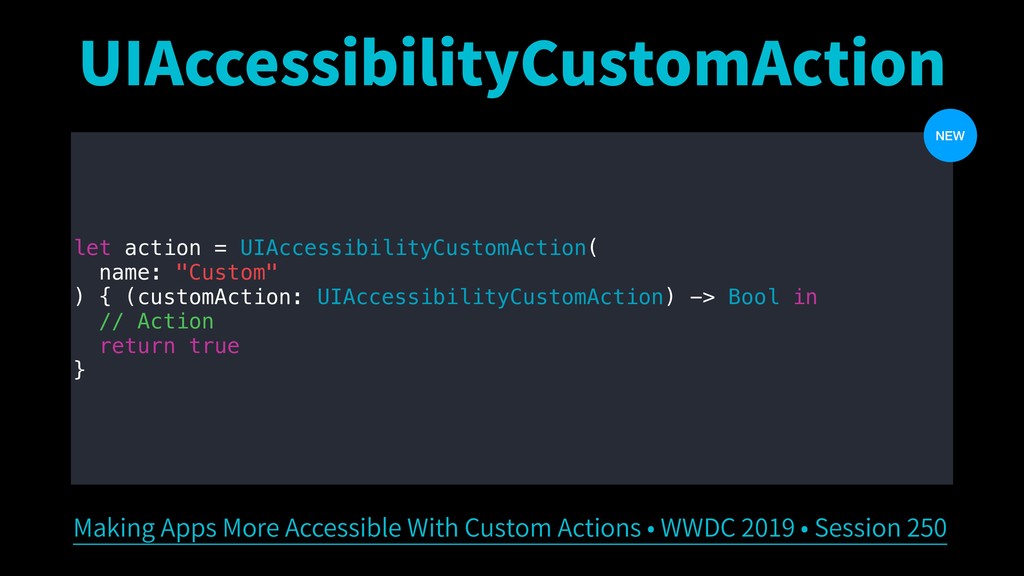
UIAccessibilityCustomAction
UIAccessibilityCustomAction let action = UIAccessibilityCustomAction( name: "Custom", target: self, selector:
#selector(handleAction(_:)) ) @objc func handleAction(_ action: UIAccessibilityCustomAction) -> Bool { // Action return true } Making Apps More Accessible With Custom Actions • WWDC 2019 • Session 250
UIAccessibilityCustomAction let action = UIAccessibilityCustomAction( name: "Custom" ) { (customAction:
UIAccessibilityCustomAction) -> Bool in // Action return true } Making Apps More Accessible With Custom Actions • WWDC 2019 • Session 250 NEW
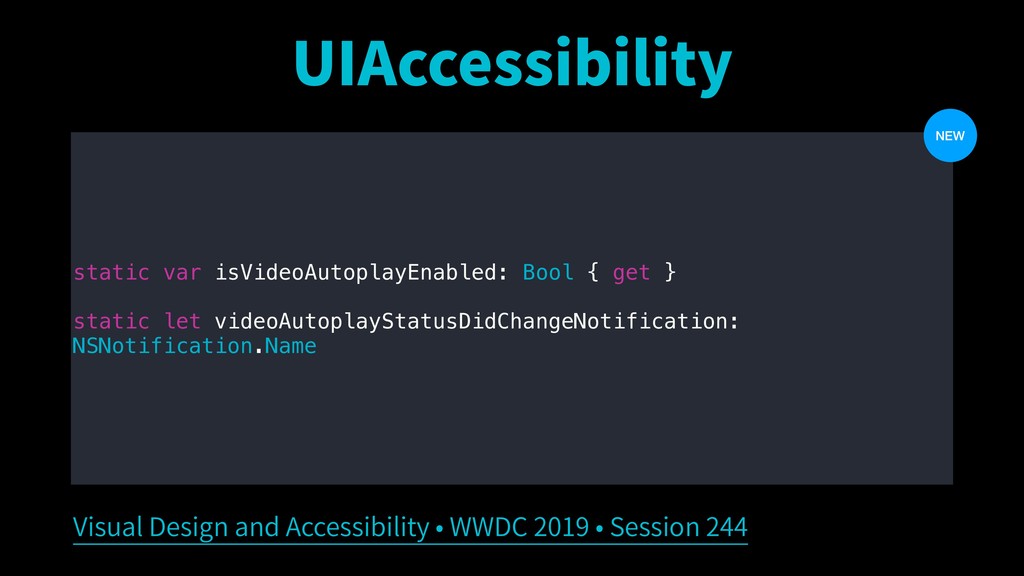
UIAccessibility
UIAccessibility static var isVideoAutoplayEnabled: Bool { get } static let
videoAutoplayStatusDidChangeNotification: NSNotification.Name Visual Design and Accessibility • WWDC 2019 • Session 244 NEW
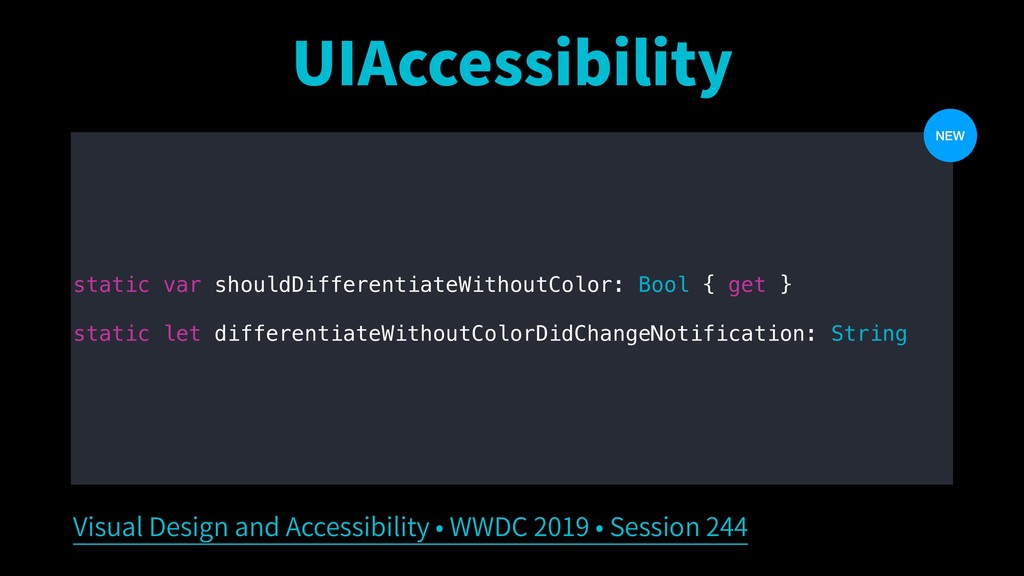
UIAccessibility static var shouldDifferentiateWithoutColor: Bool { get } static let
differentiateWithoutColorDidChangeNotification: String Visual Design and Accessibility • WWDC 2019 • Session 244 NEW
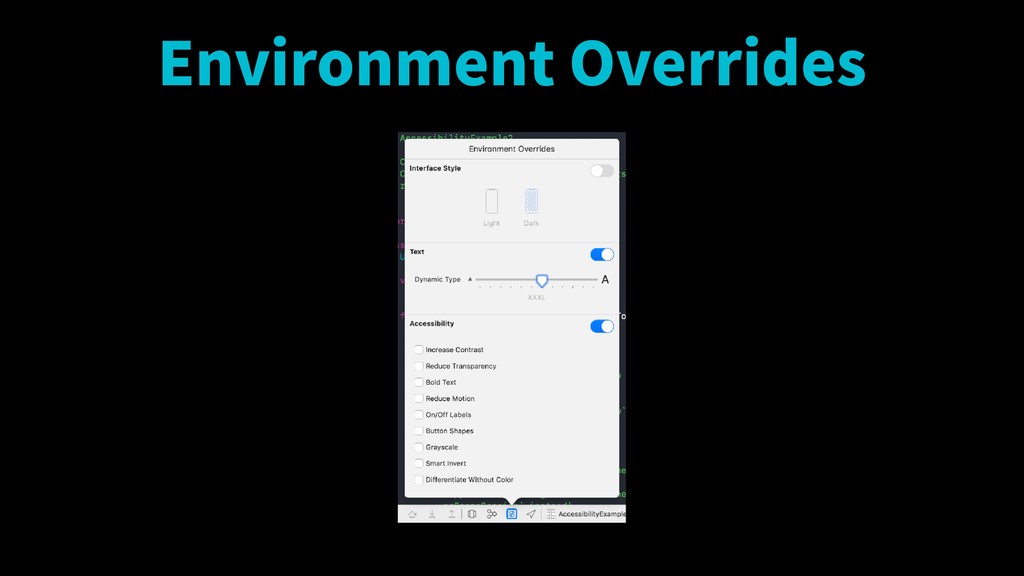
Environment Overrides
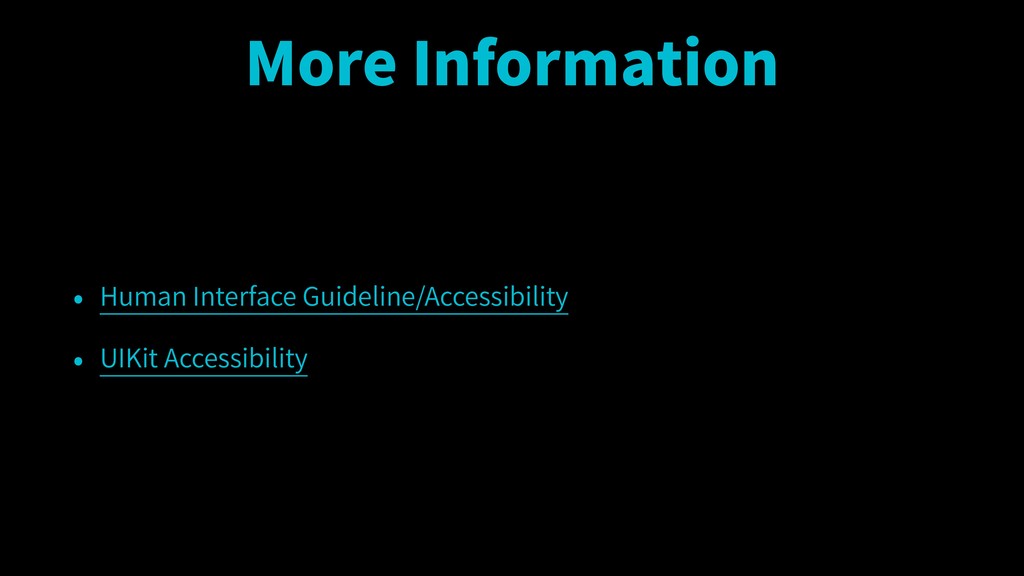
More Information • Human Interface Guideline/Accessibility • UIKit Accessibility
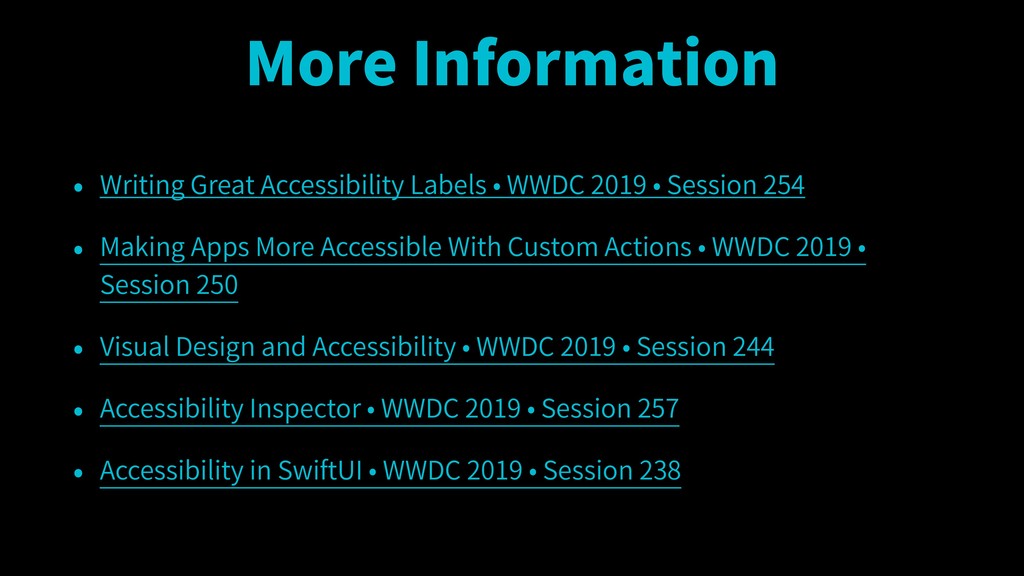
More Information • Writing Great Accessibility Labels • WWDC 2019
• Session 254 • Making Apps More Accessible With Custom Actions • WWDC 2019 • Session 250 • Visual Design and Accessibility • WWDC 2019 • Session 244 • Accessibility Inspector • WWDC 2019 • Session 257 • Accessibility in SwiftUI • WWDC 2019 • Session 238
Thank you!


 myb
myb
 mixi_engineers
 yusuke427
 okaits
 thatjeffsmith
 gpuunite_official
 mocobeta
 uyuki234
 sms_tech
 inureyes
 takoi
takoi
 k_adachi_01
 geoffreycrofte
 jeffersonlam
 destraynor
 irinanazarova
 inesmontani
 colly
colly
 mkilby
 tammyeverts
 malarkey
 reverentgeek
 chriscoyier
 techseoconnect