Integrating Jenkins with verification flows of ...
 SiteGround - Reliable hosting with speed, security, and support you can count on.
→

Share
Integrating Jenkins with verification flows of Embedded Systems
Jenkins is one of the most popular continuous integration systems, which is being used in many areas including Embedded Systems. Jenkins allows automating all stages of the common verification process: builds, testing, packaging and reporting. This system is designed to be a framework, which can be integrated into user development flows and toolchains.
The talk addresses the integration of common development tools of Embedded area into Jenkins. It covers integrations of tools and hardware peripherals into a centralized framework, which can be shared by multiple projects. In particular, an integration with code analysis tools (Coverity, PRQA QA·C, Cantata) will be presented as a part of a continuous integration flow for a system, which includes both software and hardware components.
The talk also covers CloudBees Jenkins Platform (CJP), which is an enterprise solution for big Jenkins installations, which have high requirements to the infrastructure stability and service levels. This product is being effectively used by many Embedded companies. Advanced usage examples will be provided for CJP features like Templates, CloudBees Jenkins Analytics and Workflow will be covered during the talk.

Oleg Nenashev PRO
Transcript
60 slides
-
© 2015 CloudBees, Inc. All Rights Reserved ©
2015 CloudBees, Inc. All Rights Reserved Integrating Jenkins with verification flows of Embedded Systems. Oleg Nenashev, CloudBees Inc. Jenkins Developer HW & Embedded Continuous Integration -
© 2015 CloudBees, Inc. All Rights Reserved Self-Introduction
2 • 10 years of R&D in HW and Embedded • 6 years of Jenkins/Hudson experience • Member of Jenkins Core Team • Jenkins Developer at CloudBees • PhD student, EDA Lab @ SPbPU h<ps://ru.linkedin.com/in/onenashev Past: @oleg_nenashev Twi<er: LinkedIn: -
© 2015 CloudBees, Inc. All Rights Reserved ©
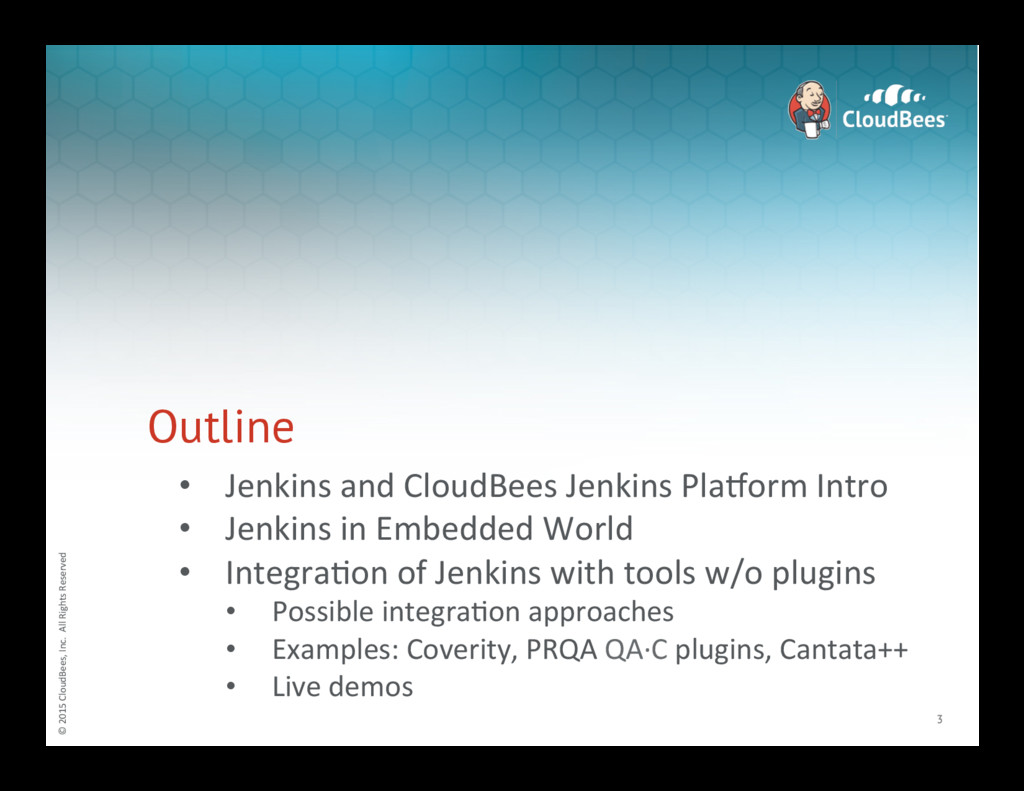
2015 CloudBees, Inc. All Rights Reserved Outline 3 • Jenkins and CloudBees Jenkins PlaJorm Intro • Jenkins in Embedded World • IntegraNon of Jenkins with tools w/o plugins • Possible integraNon approaches • Examples: Coverity, PRQA QA·∙C plugins, Cantata++ • Live demos -
© 2015 CloudBees, Inc. All Rights Reserved What
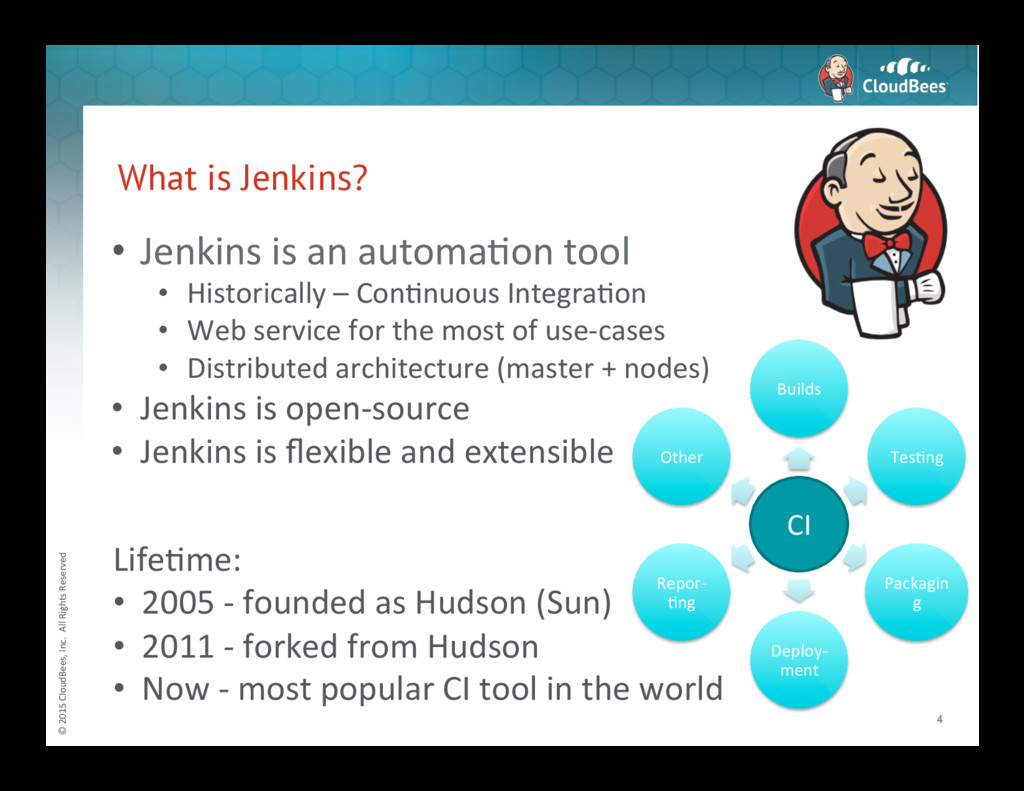
is Jenkins? 4 • Jenkins is an automaNon tool • Historically – ConNnuous IntegraNon • Web service for the most of use-‐cases • Distributed architecture (master + nodes) • Jenkins is open-‐source • Jenkins is flexible and extensible CI Builds TesNng Packagin g Deploy-‐ ment Repor-‐ Nng Other LifeNme: • 2005 -‐ founded as Hudson (Sun) • 2011 -‐ forked from Hudson • Now -‐ most popular CI tool in the world -
© 2015 CloudBees, Inc. All Rights Reserved Jenkins
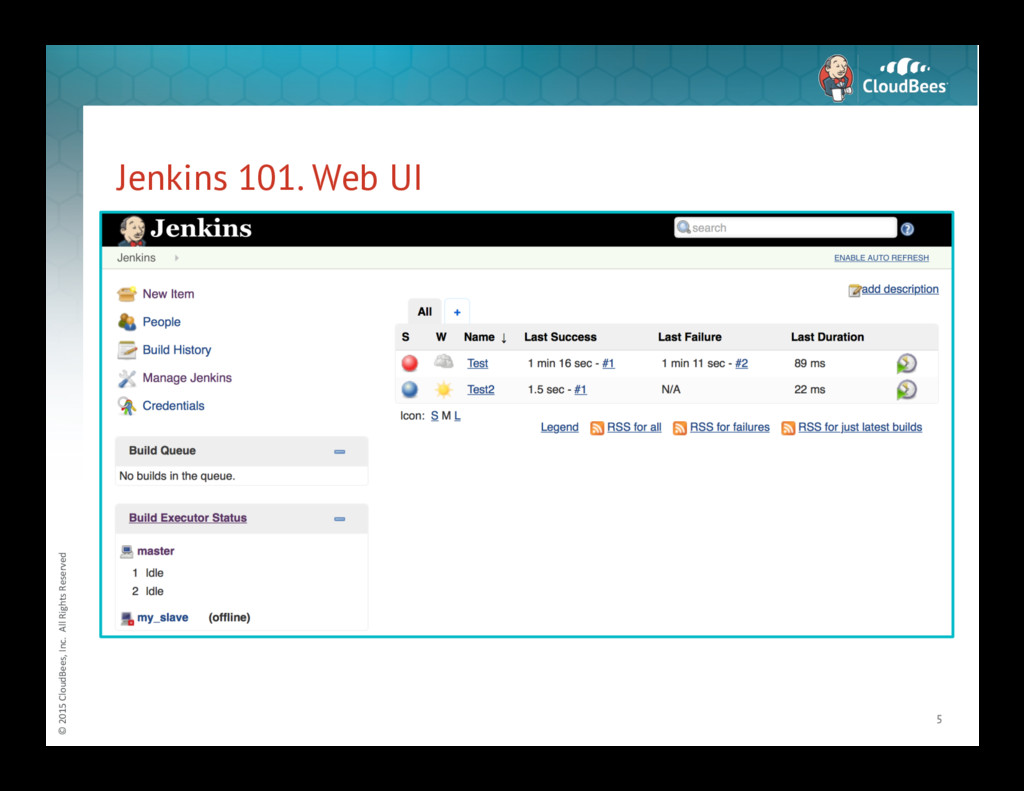
101. Web UI 5 -
© 2015 CloudBees, Inc. All Rights Reserved Jenkins
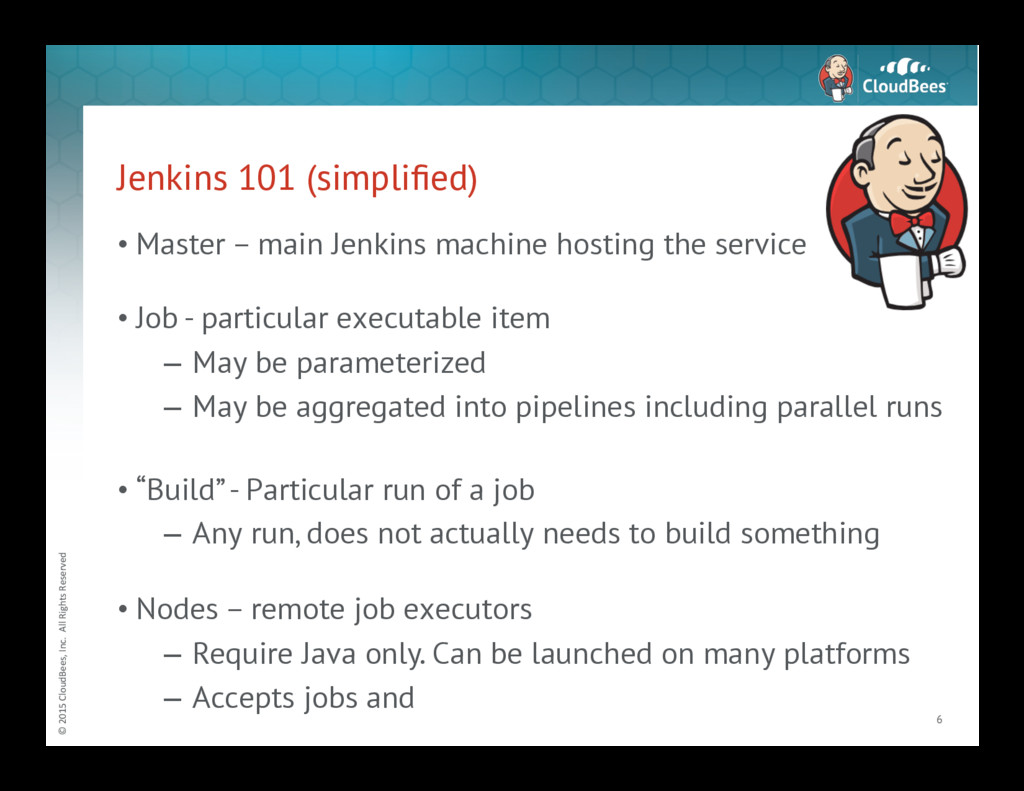
101 (simplified) • Master – main Jenkins machine hosting the service • Job - particular executable item – May be parameterized – May be aggregated into pipelines including parallel runs • “Build” - Particular run of a job – Any run, does not actually needs to build something • Nodes – remote job executors – Require Java only. Can be launched on many platforms – Accepts jobs and 6 -
© 2015 CloudBees, Inc. All Rights Reserved Jenkins
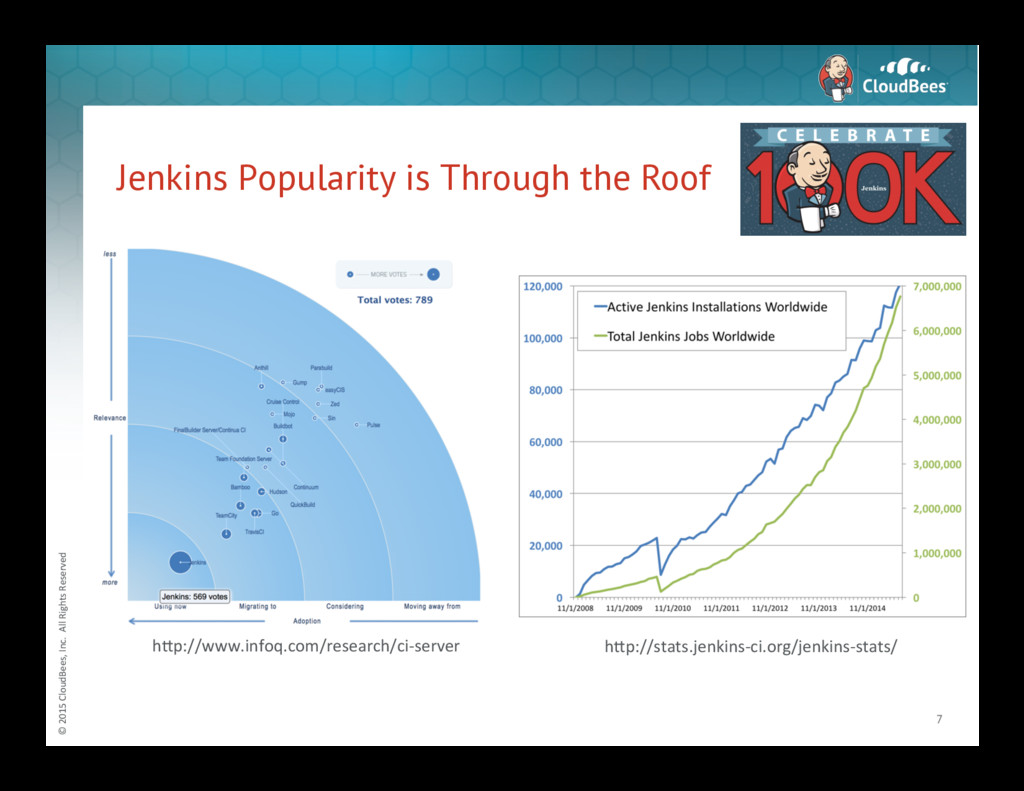
Popularity is Through the Roof 7 h<p://www.infoq.com/research/ci-‐server h<p://stats.jenkins-‐ci.org/jenkins-‐stats/ -
© 2015 CloudBees, Inc. All Rights Reserved Jenkins
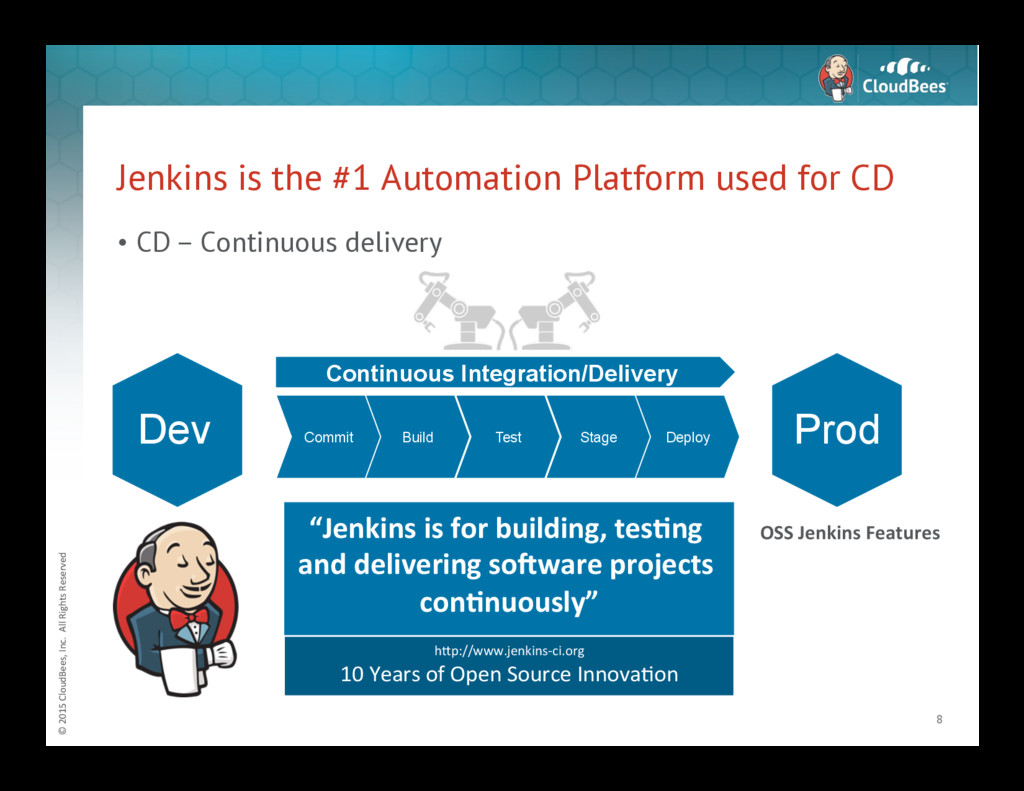
is the #1 Automation Platform used for CD • CD – Continuous delivery 8 Build Commit Test Stage Deploy Continuous Integration/Delivery Prod Dev “Jenkins is for building, tes3ng and delivering so6ware projects con3nuously” OSS Jenkins Features h<p://www.jenkins-‐ci.org 10 Years of Open Source InnovaNon -
© 2015 CloudBees, Inc. All Rights Reserved Jenkins
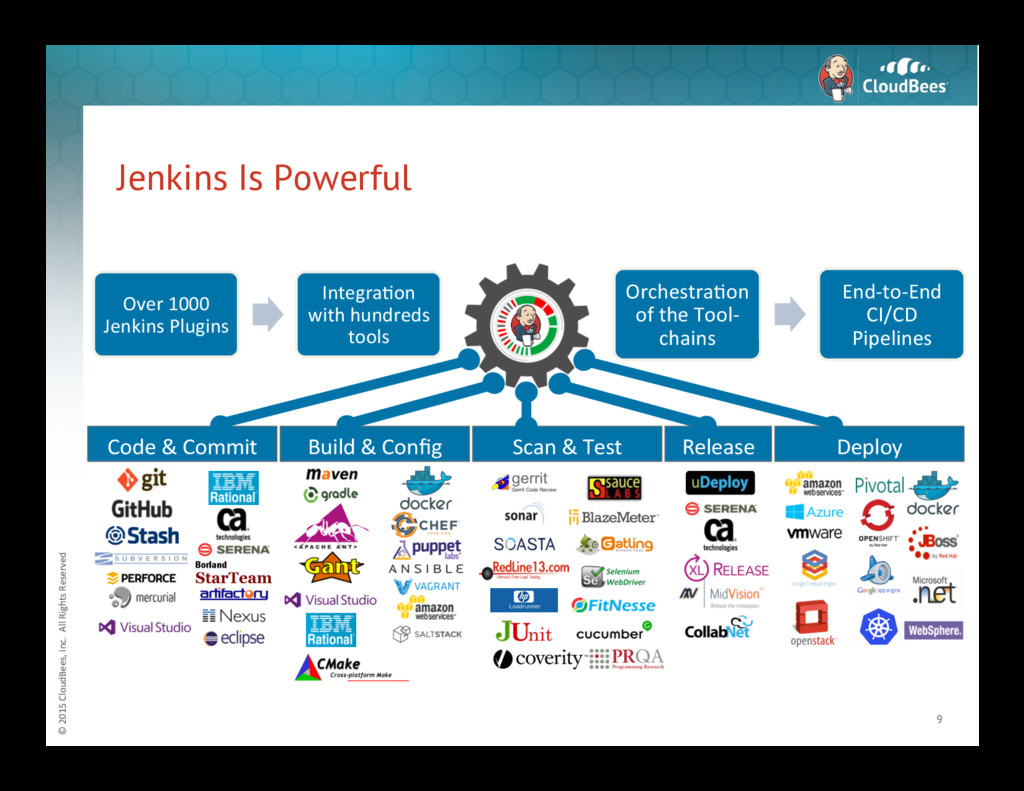
Is Powerful 9 Over 1000 Jenkins Plugins IntegraNon with hundreds tools OrchestraNon of the Tool-‐ chains End-‐to-‐End CI/CD Pipelines Deploy Release Scan & Test Code & Commit Build & Config -
© 2015 CloudBees, Inc. All Rights Reserved Common
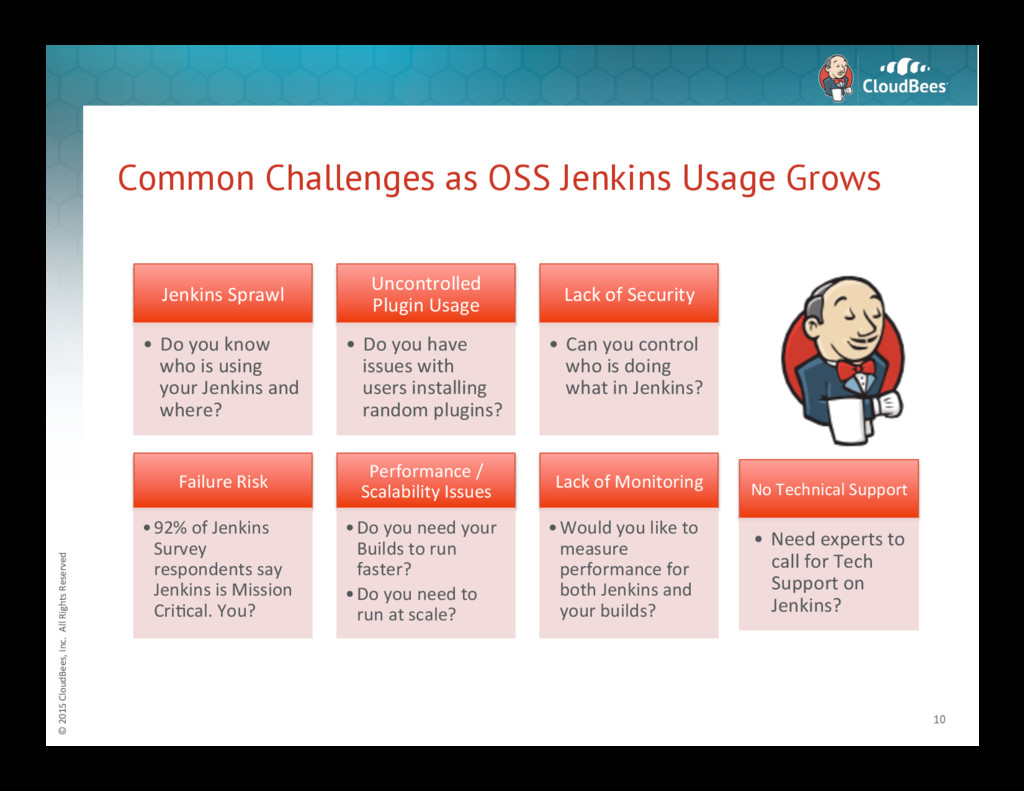
Challenges as OSS Jenkins Usage Grows 10 Jenkins Sprawl • Do you know who is using your Jenkins and where? Uncontrolled Plugin Usage • Do you have issues with users installing random plugins? Lack of Security • Can you control who is doing what in Jenkins? Failure Risk • 92% of Jenkins Survey respondents say Jenkins is Mission CriNcal. You? Performance / Scalability Issues • Do you need your Builds to run faster? • Do you need to run at scale? Lack of Monitoring • Would you like to measure performance for both Jenkins and your builds? No Technical Support • Need experts to call for Tech Support on Jenkins? -
© 2015 CloudBees, Inc. All Rights Reserved Open
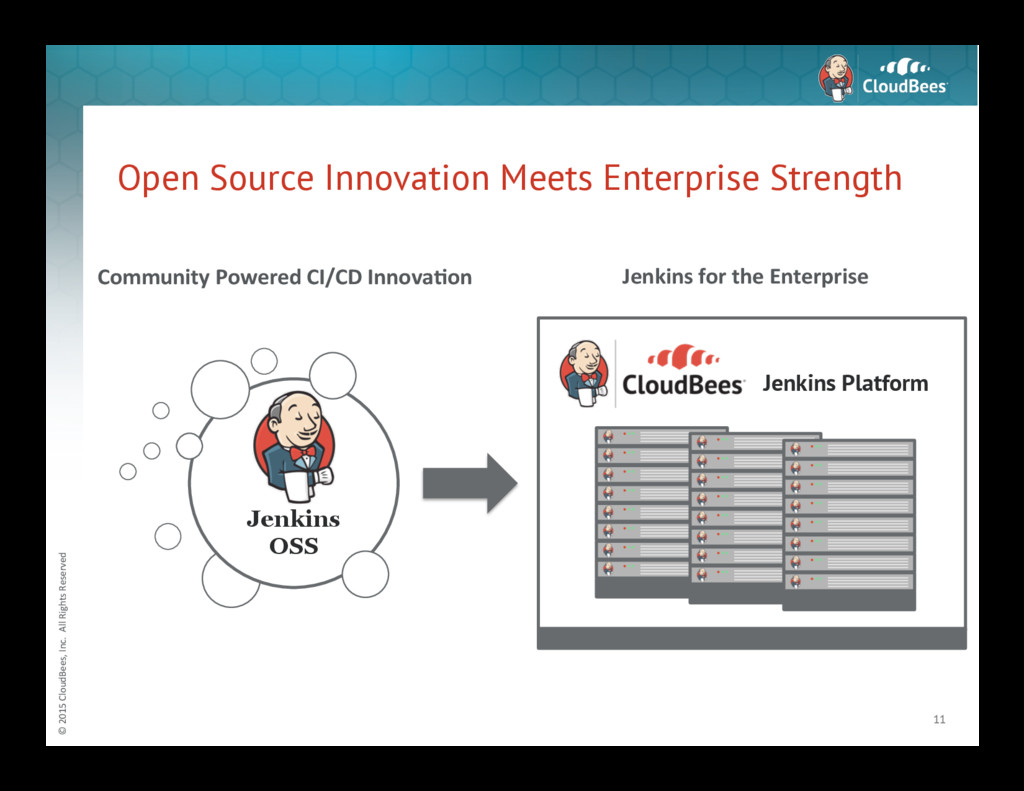
Source Innovation Meets Enterprise Strength 11 Jenkins OSS Community Powered CI/CD Innova3on Jenkins for the Enterprise Jenkins Platform -
© 2015 CloudBees, Inc. All Rights Reserved About
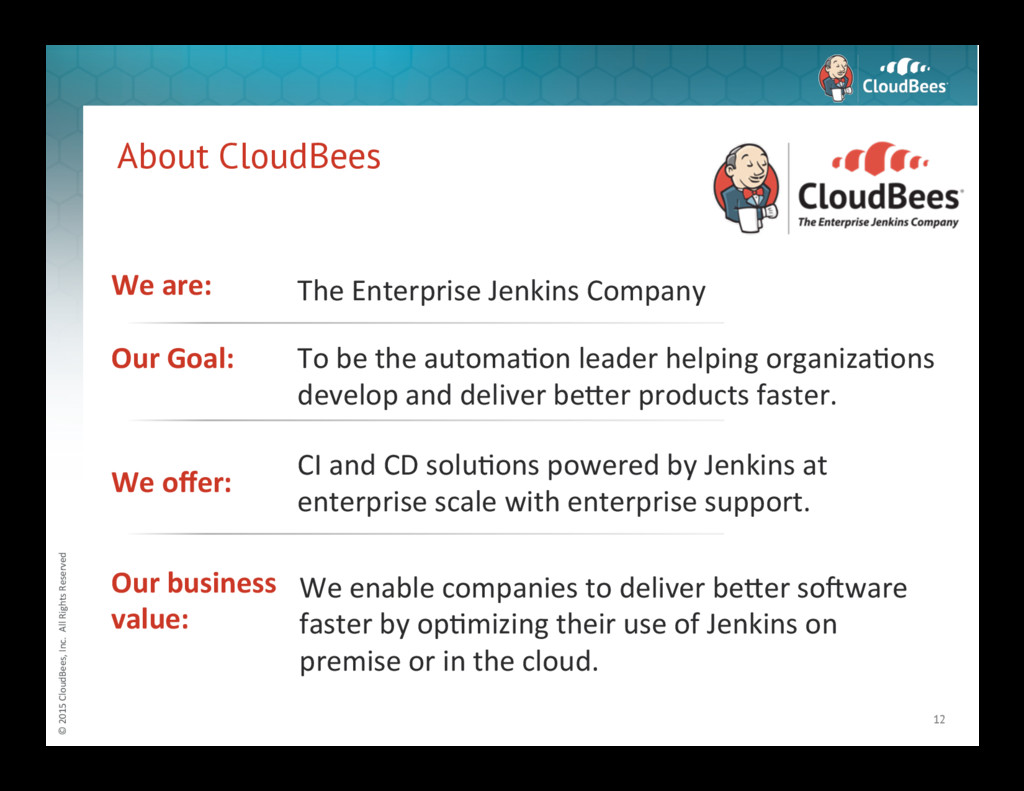
CloudBees 12 We are: The Enterprise Jenkins Company Our business value: We enable companies to deliver be<er sokware faster by opNmizing their use of Jenkins on premise or in the cloud. We offer: CI and CD soluNons powered by Jenkins at enterprise scale with enterprise support. Our Goal: To be the automaNon leader helping organizaNons develop and deliver be<er products faster. -
© 2015 CloudBees, Inc. All Rights Reserved CloudBees
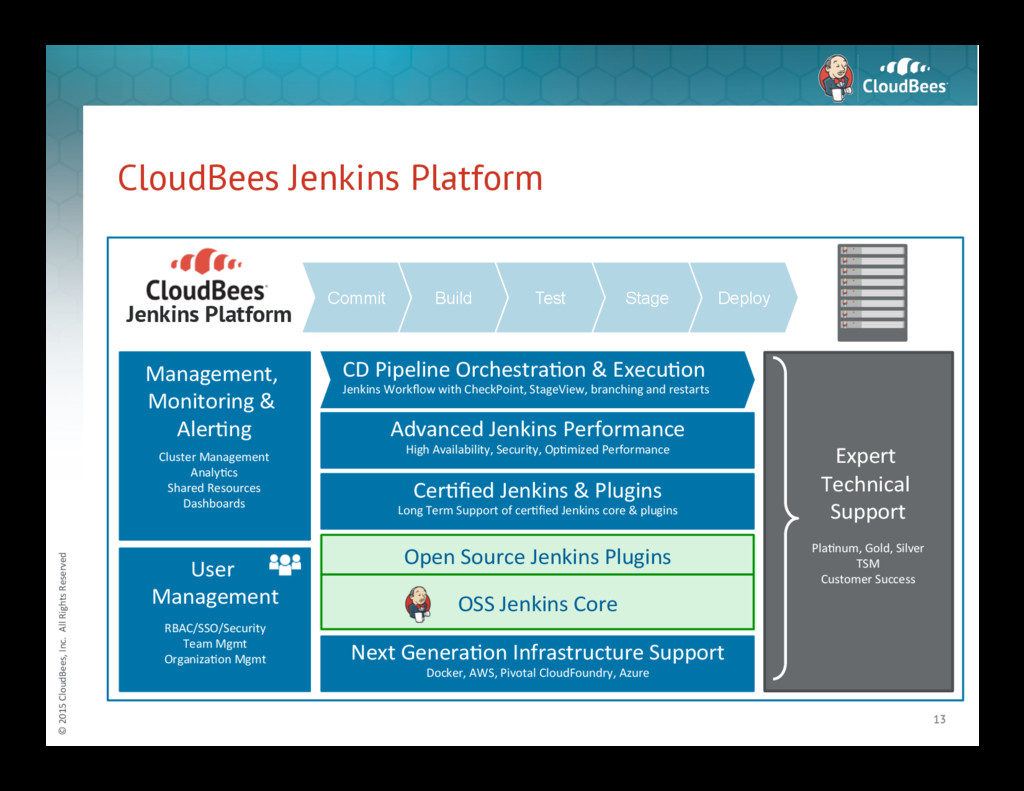
Jenkins Platform 13 Build Commit Test Stage Deploy User Management RBAC/SSO/Security Team Mgmt OrganizaNon Mgmt Expert Technical Support PlaNnum, Gold, Silver TSM Customer Success Management, Monitoring & AlerNng Cluster Management AnalyNcs Shared Resources Dashboards Advanced Jenkins Performance High Availability, Security, OpNmized Performance CD Pipeline OrchestraNon & ExecuNon Jenkins Workflow with CheckPoint, StageView, branching and restarts Open Source Jenkins Plugins OSS Jenkins Core Jenkins Platform Next GeneraNon Infrastructure Support Docker, AWS, Pivotal CloudFoundry, Azure CerNfied Jenkins & Plugins Long Term Support of cerNfied Jenkins core & plugins -
© 2015 CloudBees, Inc. All Rights Reserved CloudBees
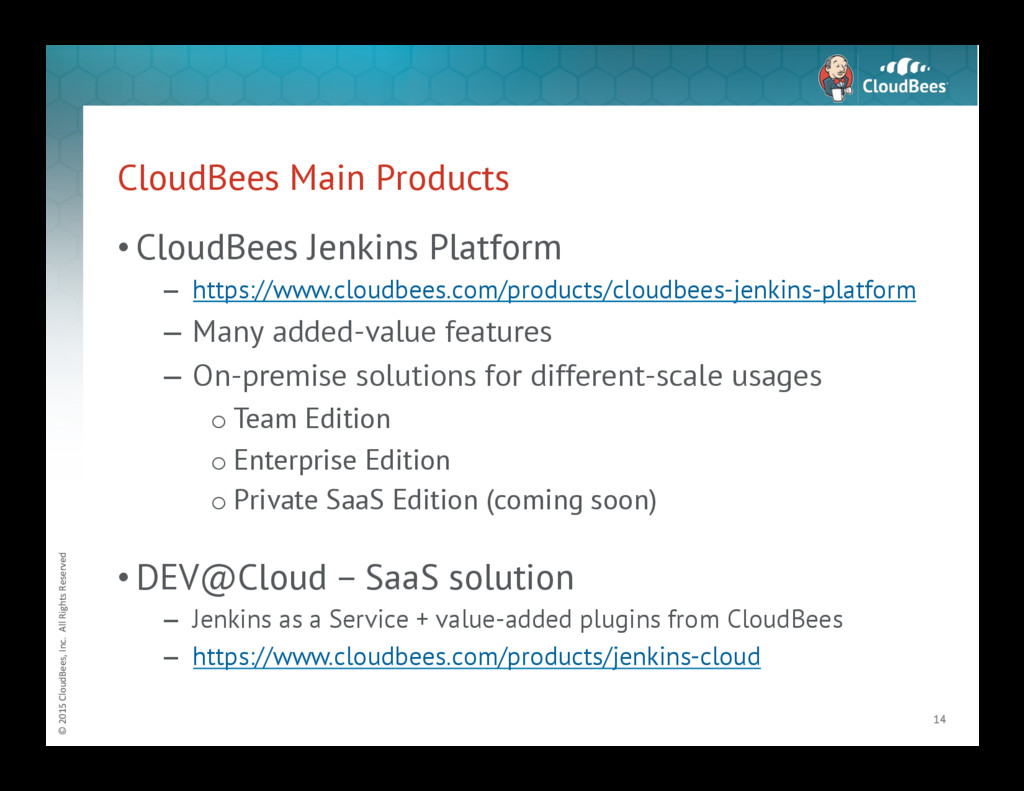
Main Products • CloudBees Jenkins Platform – https://www.cloudbees.com/products/cloudbees-jenkins-platform – Many added-value features – On-premise solutions for different-scale usages o Team Edition o Enterprise Edition o Private SaaS Edition (coming soon) • DEV@Cloud – SaaS solution – Jenkins as a Service + value-added plugins from CloudBees – https://www.cloudbees.com/products/jenkins-cloud 14 -
© 2015 CloudBees, Inc. All Rights Reserved CloudBees
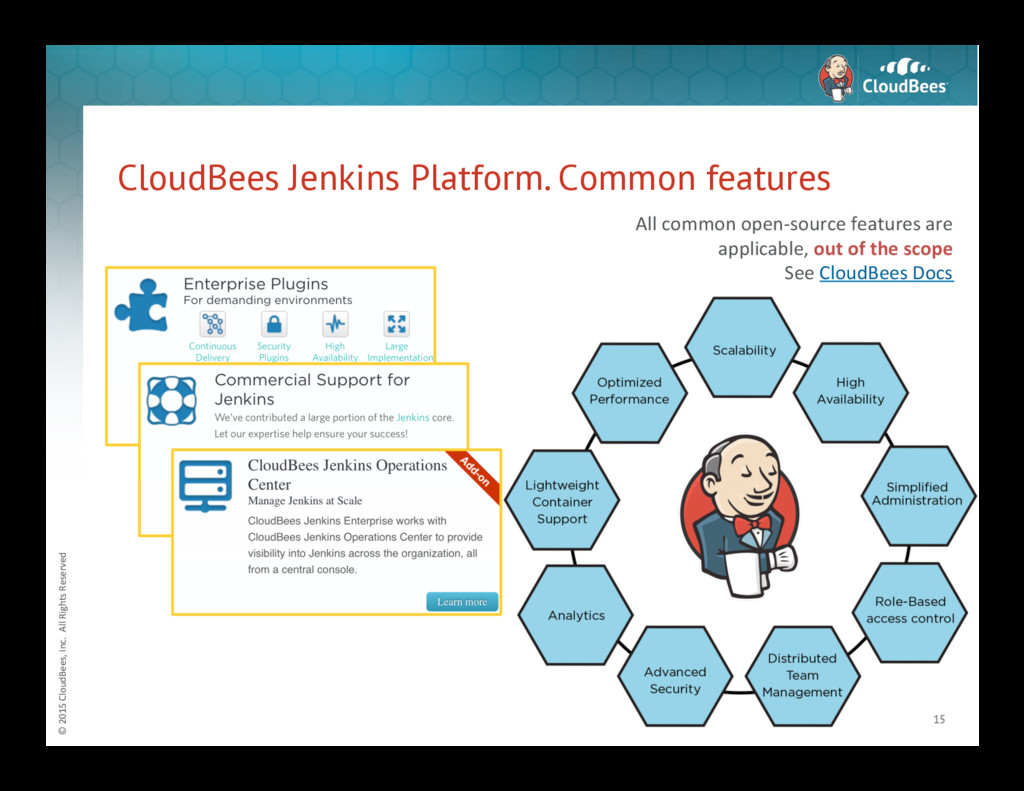
Jenkins Platform. Common features 15 All common open-‐source features are applicable, out of the scope See CloudBees Docs -
© 2015 CloudBees, Inc. All Rights Reserved CloudBees
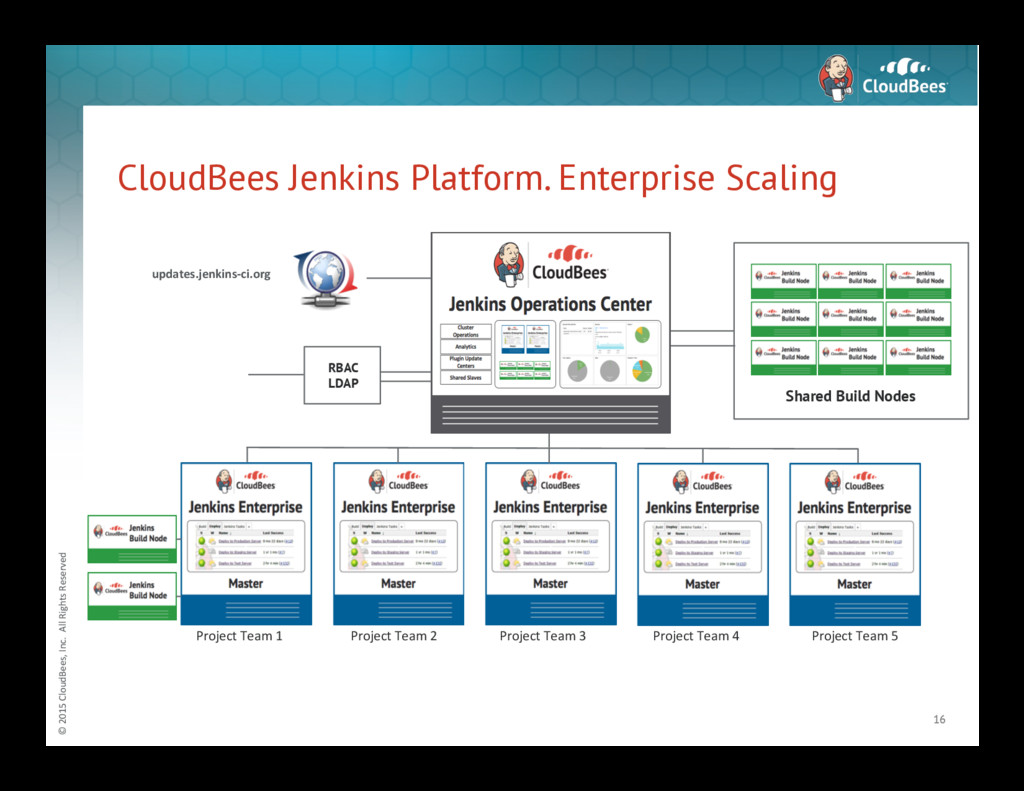
Jenkins Platform. Enterprise Scaling 16 Shared Build Nodes Project Team 1 Project Team 2 Project Team 3 Project Team 4 Project Team 5 RBAC LDAP updates.jenkins-‐ci.org -
© 2015 CloudBees, Inc. All Rights Reserved CloudBees
is Powering СI/CD Across Industries 17 A sampling of CloudBees customers -
© 2015 CloudBees, Inc. All Rights Reserved And
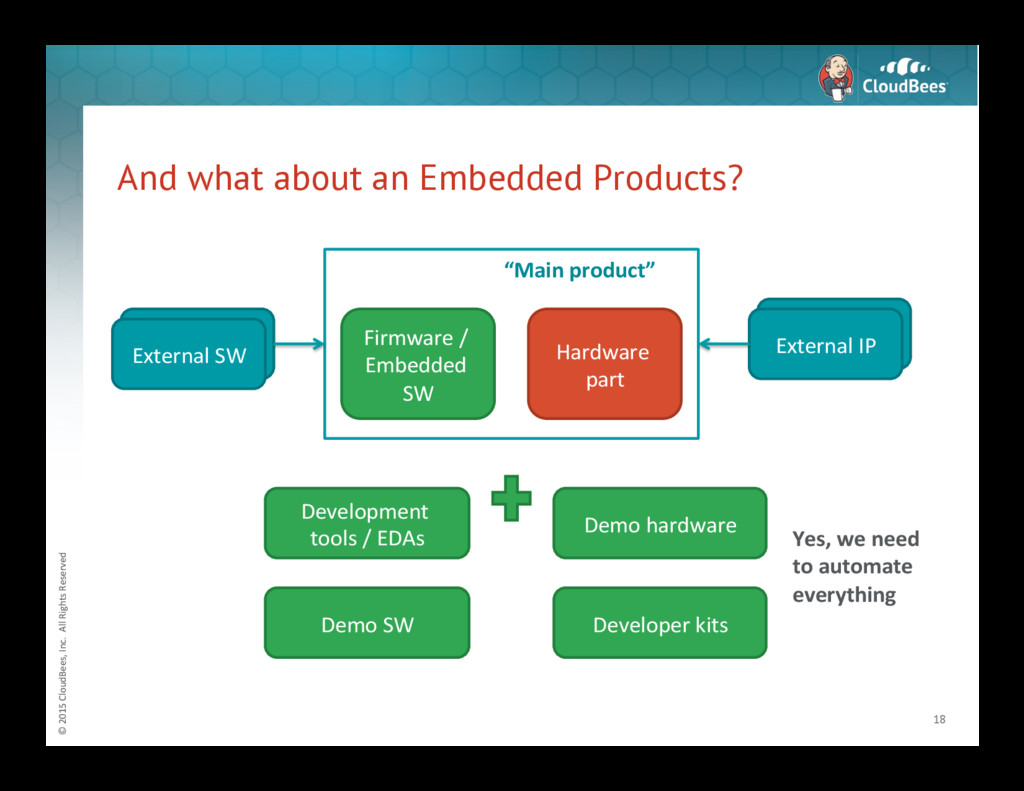
what about an Embedded Products? 18 Hardware part External IP Firmware / Embedded SW External SW Development tools / EDAs Demo SW Demo hardware Developer kits Yes, we need to automate everything “Main product” -
© 2015 CloudBees, Inc. All Rights Reserved Abstract
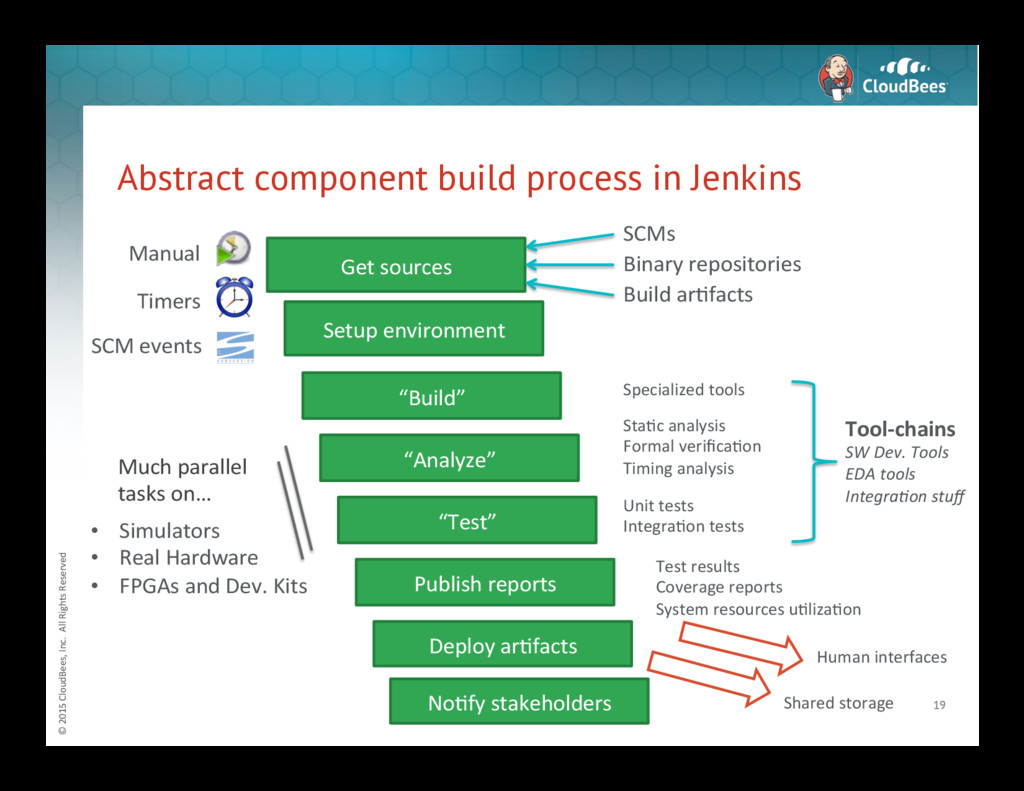
component build process in Jenkins 19 Get sources SCMs Binary repositories Build arNfacts Setup environment “Build” “Test” “Analyze” Publish reports Deploy arNfacts StaNc analysis Formal verificaNon Timing analysis Specialized tools Unit tests IntegraNon tests Tool-‐chains SW Dev. Tools EDA tools Integra4on stuff Test results Coverage reports System resources uNlizaNon Much parallel tasks on… • Simulators • Real Hardware • FPGAs and Dev. Kits Manual Timers SCM events Shared storage Human interfaces NoNfy stakeholders -
© 2015 CloudBees, Inc. All Rights Reserved And
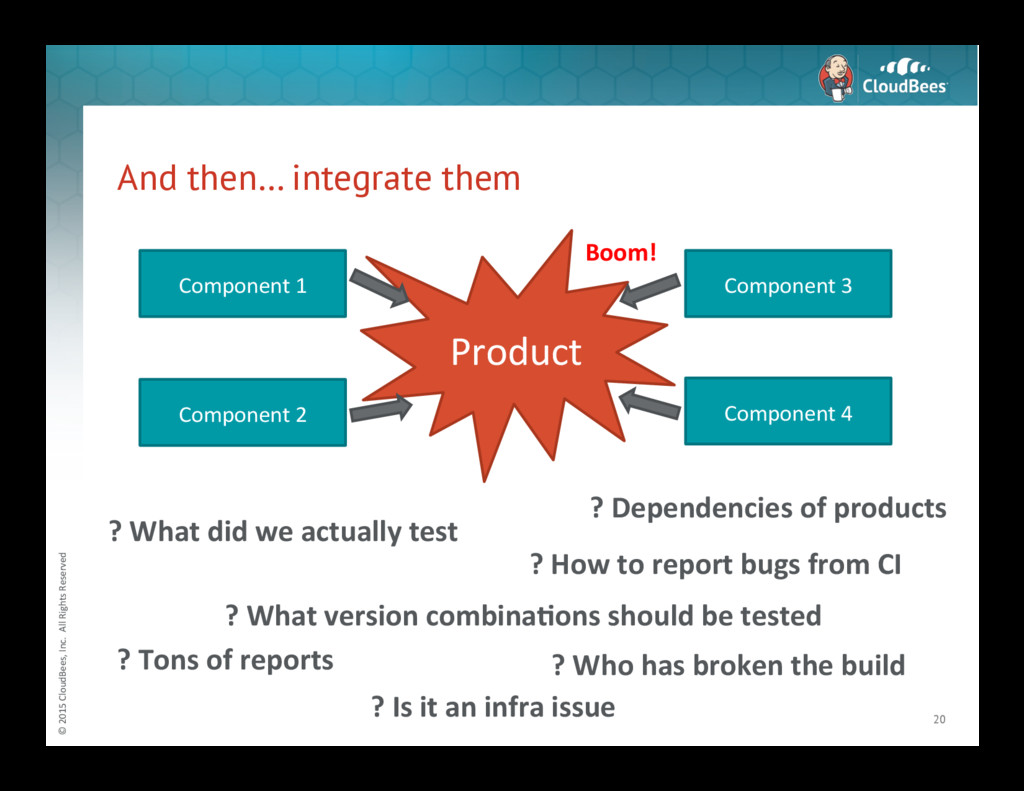
then… integrate them 20 Component 1 Component 2 Component 3 Component 4 Product ? Dependencies of products ? What version combina3ons should be tested ? How to report bugs from CI ? Tons of reports ? Who has broken the build ? Is it an infra issue ? What did we actually test Boom! -
© 2015 CloudBees, Inc. All Rights Reserved Embedded
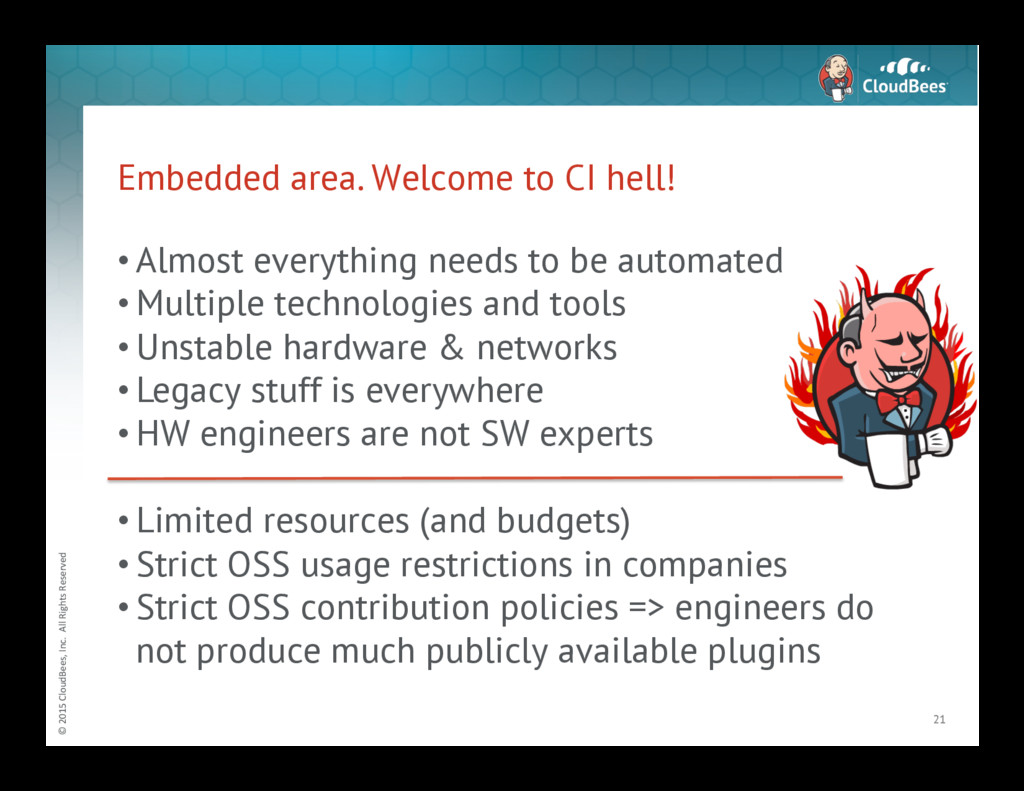
area. Welcome to CI hell! • Almost everything needs to be automated • Multiple technologies and tools • Unstable hardware & networks • Legacy stuff is everywhere • HW engineers are not SW experts • Limited resources (and budgets) • Strict OSS usage restrictions in companies • Strict OSS contribution policies => engineers do not produce much publicly available plugins 21 -
© 2015 CloudBees, Inc. All Rights Reserved Embedded
Area. Why Jenkins? • It’s the most popular tool in the world • It’s a framework => you can do everything • It’s open-source: – You can customize Jenkins core and plugins – Plenty of available materials and examples • “Stable” LTS versions • Commercial support for self-hosted installations 22 -
© 2015 CloudBees, Inc. All Rights Reserved Jenkins
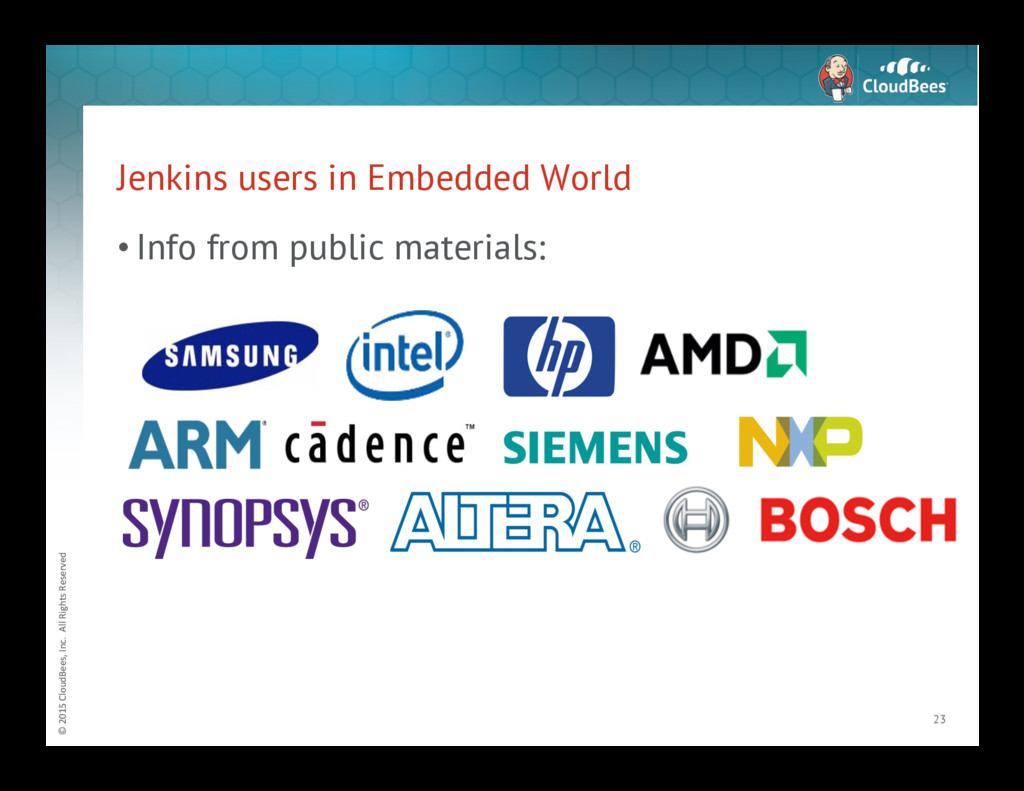
users in Embedded World • Info from public materials: 23 -
© 2015 CloudBees, Inc. All Rights Reserved Example.
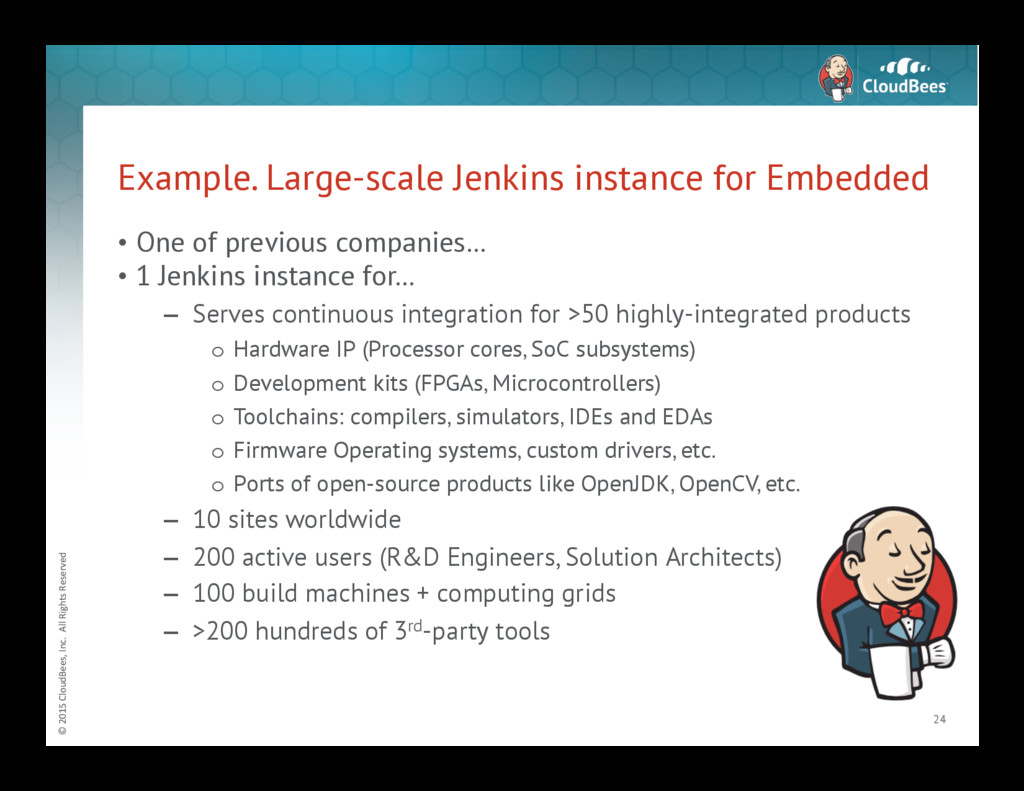
Large-scale Jenkins instance for Embedded • One of previous companies… • 1 Jenkins instance for… – Serves continuous integration for >50 highly-integrated products o Hardware IP (Processor cores, SoC subsystems) o Development kits (FPGAs, Microcontrollers) o Toolchains: compilers, simulators, IDEs and EDAs o Firmware Operating systems, custom drivers, etc. o Ports of open-source products like OpenJDK, OpenCV, etc. – 10 sites worldwide – 200 active users (R&D Engineers, Solution Architects) – 100 build machines + computing grids – >200 hundreds of 3rd-party tools 24 -
© 2015 CloudBees, Inc. All Rights Reserved Example.
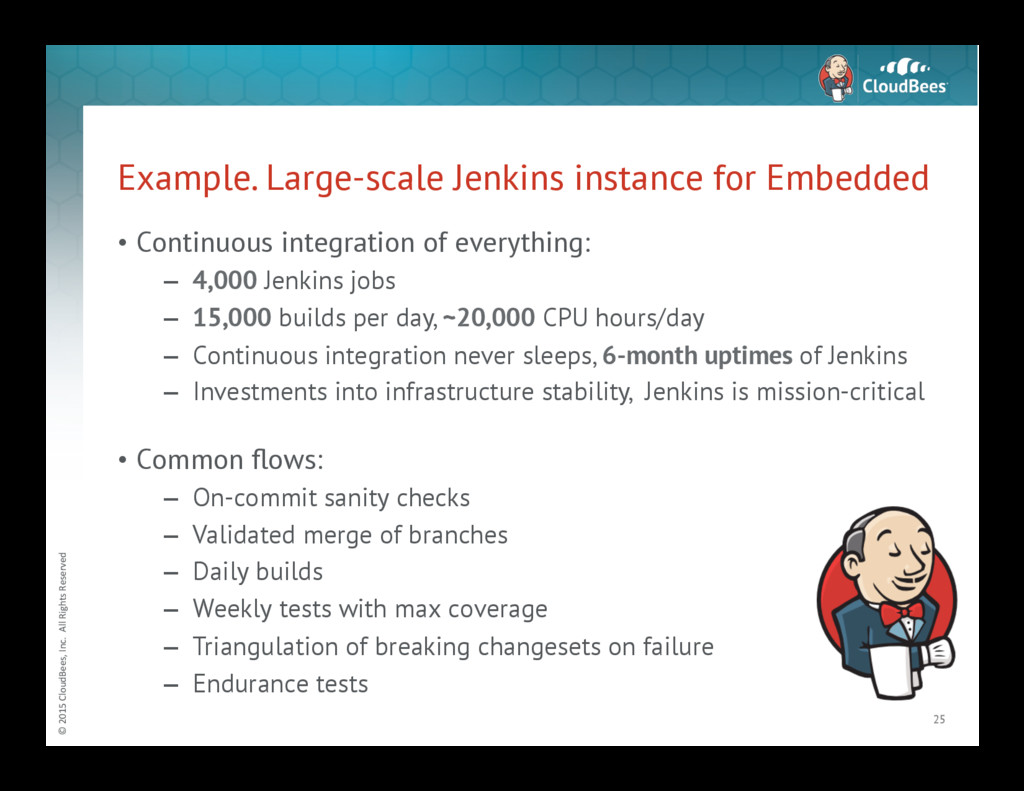
Large-scale Jenkins instance for Embedded • Continuous integration of everything: – 4,000 Jenkins jobs – 15,000 builds per day, ~20,000 CPU hours/day – Continuous integration never sleeps, 6-month uptimes of Jenkins – Investments into infrastructure stability, Jenkins is mission-critical • Common flows: – On-commit sanity checks – Validated merge of branches – Daily builds – Weekly tests with max coverage – Triangulation of breaking changesets on failure – Endurance tests 25 -
© 2015 CloudBees, Inc. All Rights Reserved Example.
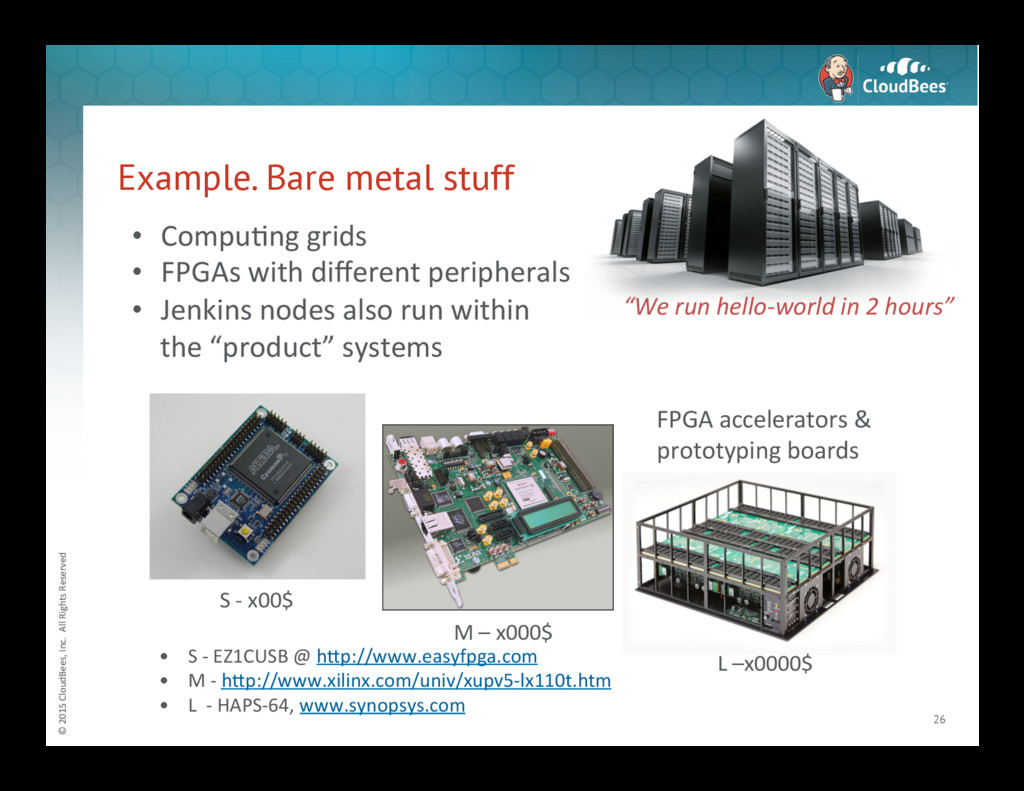
Bare metal stuff 26 • S -‐ EZ1CUSB @ h<p://www.easyfpga.com • M -‐ h<p://www.xilinx.com/univ/xupv5-‐lx110t.htm • L -‐ HAPS-‐64, www.synopsys.com S -‐ x00$ M – x000$ L –x0000$ FPGA accelerators & prototyping boards “We run hello-‐world in 2 hours” • CompuNng grids • FPGAs with different peripherals • Jenkins nodes also run within the “product” systems -
© 2015 CloudBees, Inc. All Rights Reserved And
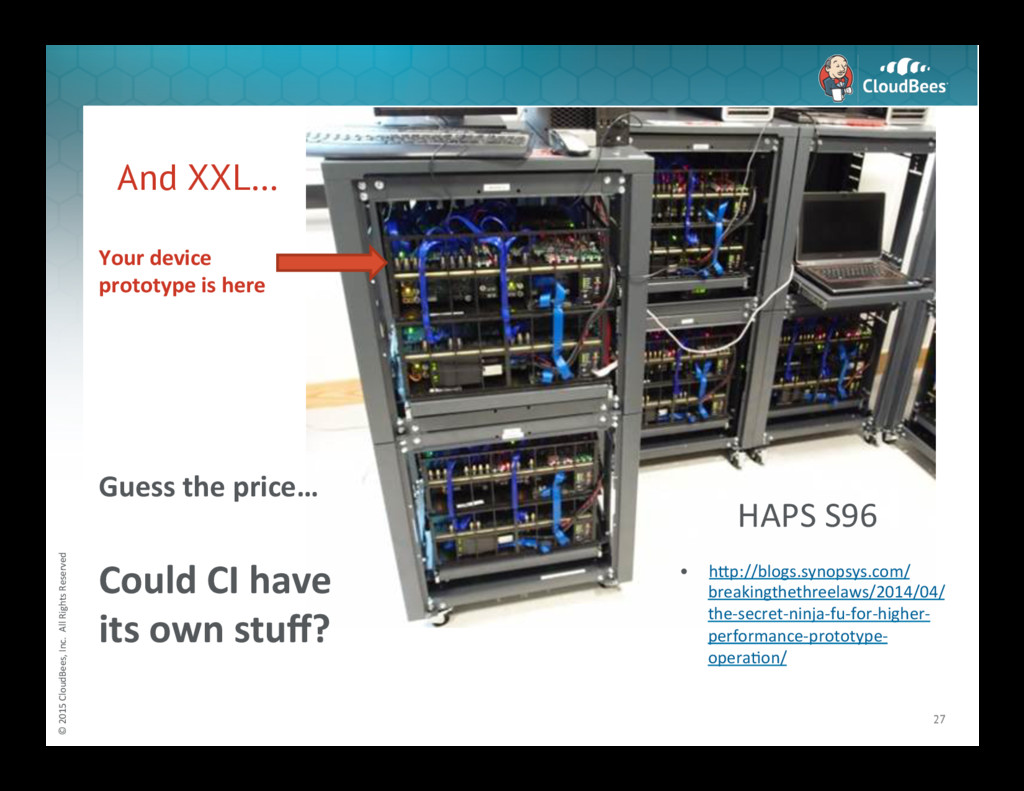
XXL… 27 • h<p://blogs.synopsys.com/ breakingthethreelaws/2014/04/ the-‐secret-‐ninja-‐fu-‐for-‐higher-‐ performance-‐prototype-‐ operaNon/ HAPS S96 Guess the price… Could CI have its own stuff? Your device prototype is here -
© 2015 CloudBees, Inc. All Rights Reserved Example.
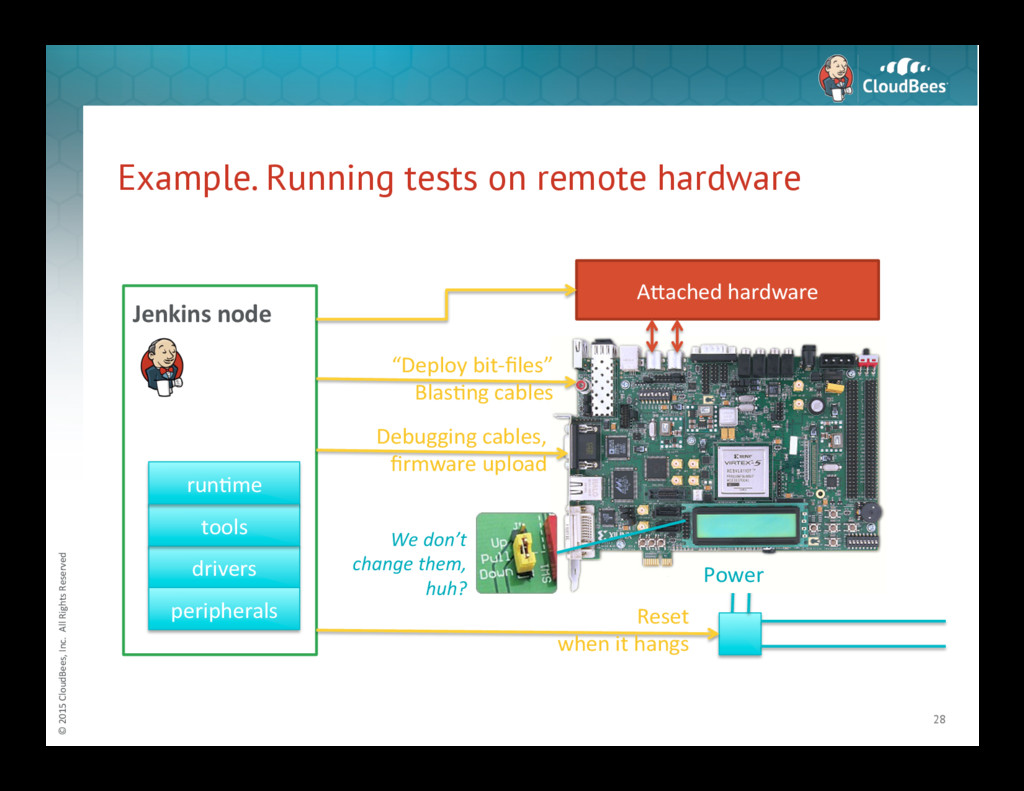
Running tests on remote hardware 28 Power Reset when it hangs “Deploy bit-‐files” BlasNng cables Debugging cables, firmware upload We don’t change them, huh? Jenkins node drivers tools peripherals A<ached hardware runNme -
© 2015 CloudBees, Inc. All Rights Reserved Example.
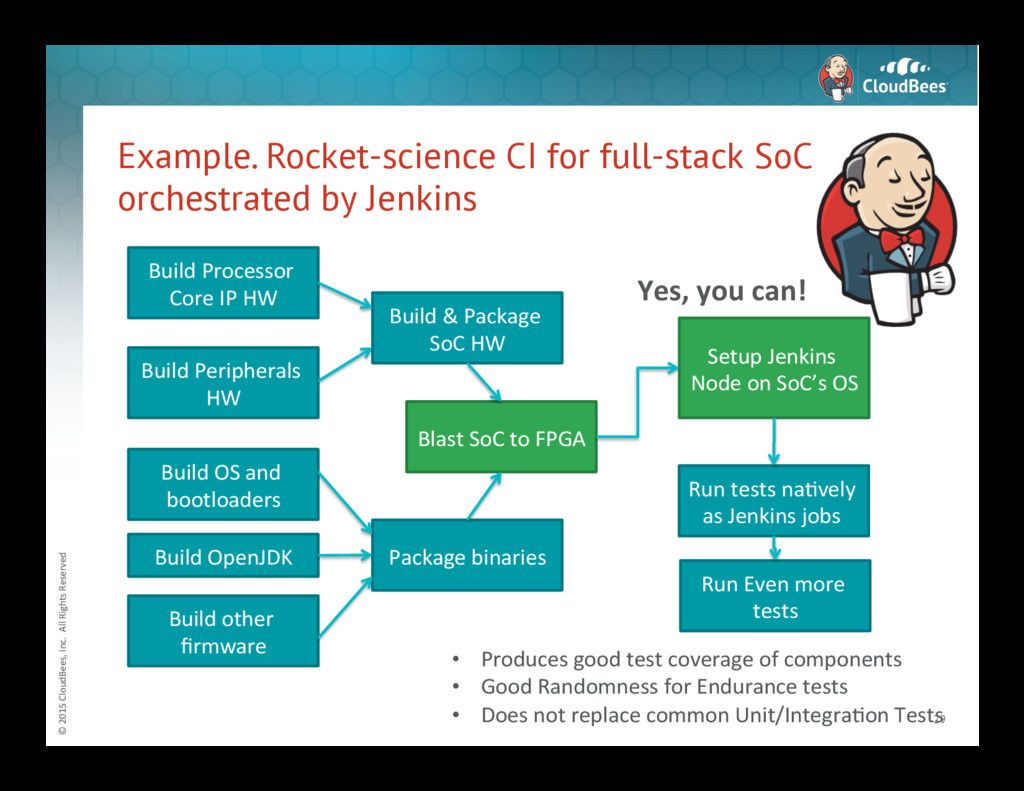
Rocket-science CI for full-stack SoC orchestrated by Jenkins 29 Build Processor Core IP HW Build Peripherals HW Build & Package SoC HW Build OS and bootloaders Build OpenJDK Build other firmware Package binaries Blast SoC to FPGA Setup Jenkins Node on SoC’s OS Yes, you can! Run tests naNvely as Jenkins jobs Run Even more tests • Produces good test coverage of components • Good Randomness for Endurance tests • Does not replace common Unit/IntegraNon Tests -
© 2015 CloudBees, Inc. All Rights Reserved Main
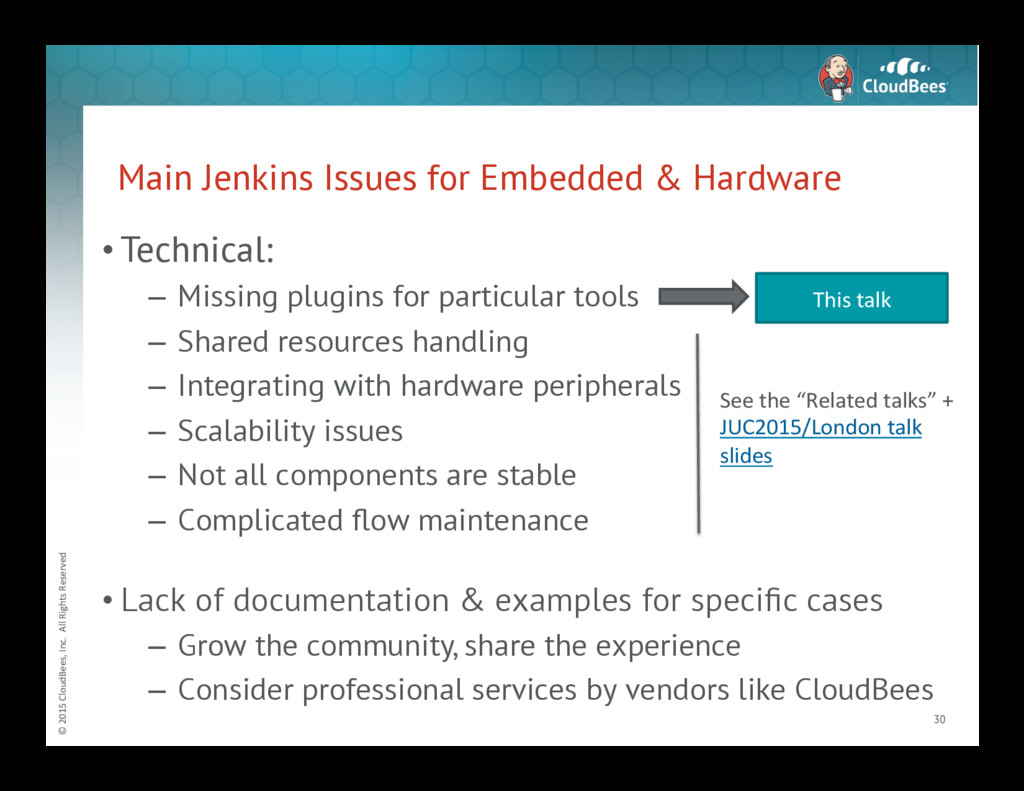
Jenkins Issues for Embedded & Hardware • Technical: – Missing plugins for particular tools – Shared resources handling – Integrating with hardware peripherals – Scalability issues – Not all components are stable – Complicated flow maintenance • Lack of documentation & examples for specific cases – Grow the community, share the experience – Consider professional services by vendors like CloudBees 30 This talk See the “Related talks” + JUC2015/London talk slides -
© 2015 CloudBees, Inc. All Rights Reserved ©
2015 CloudBees, Inc. All Rights Reserved Integration with Embedded Dev. Tools 31 -
© 2015 CloudBees, Inc. All Rights Reserved I
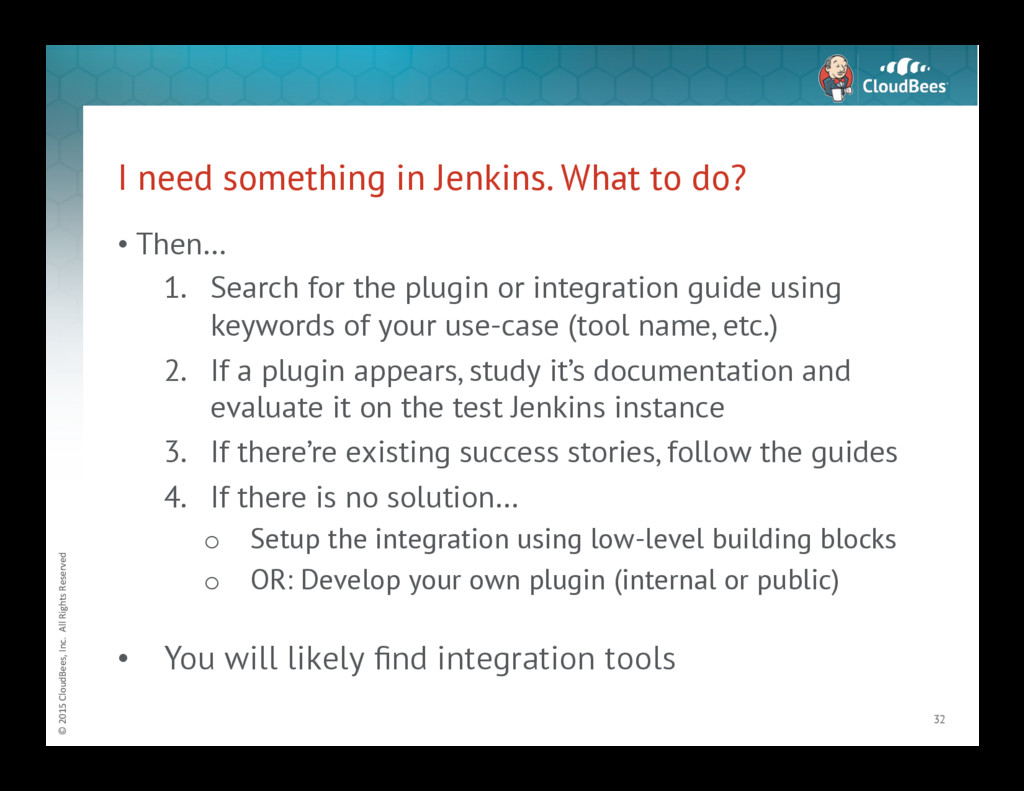
need something in Jenkins. What to do? • Then… 1. Search for the plugin or integration guide using keywords of your use-case (tool name, etc.) 2. If a plugin appears, study it’s documentation and evaluate it on the test Jenkins instance 3. If there’re existing success stories, follow the guides 4. If there is no solution… o Setup the integration using low-level building blocks o OR: Develop your own plugin (internal or public) • You will likely find integration tools 32 -
© 2015 CloudBees, Inc. All Rights Reserved Jenkins
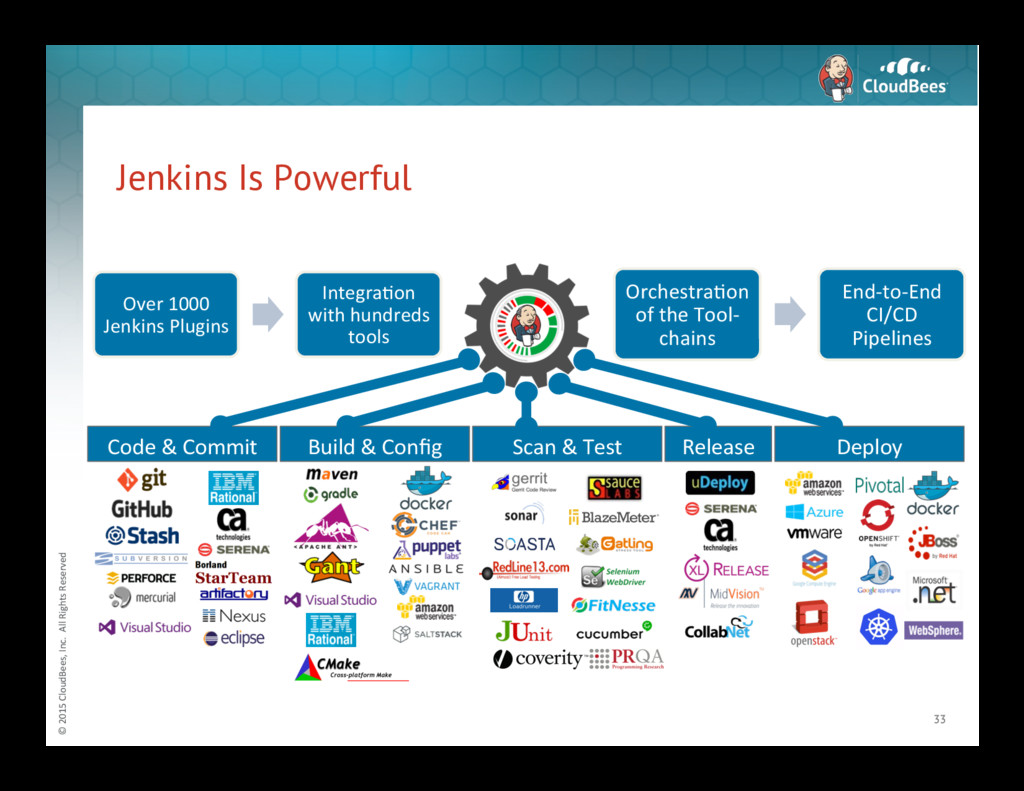
Is Powerful 33 Over 1000 Jenkins Plugins IntegraNon with hundreds tools OrchestraNon of the Tool-‐ chains End-‐to-‐End CI/CD Pipelines Deploy Release Scan & Test Code & Commit Build & Config -
© 2015 CloudBees, Inc. All Rights Reserved Example.
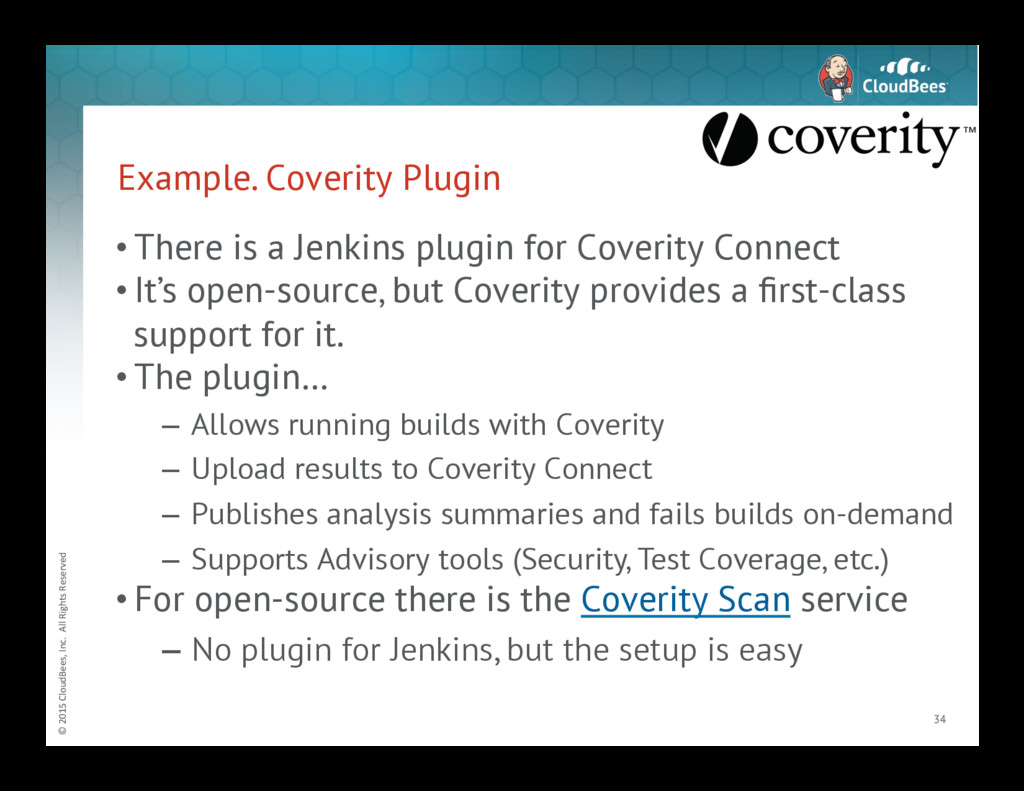
Coverity Plugin • There is a Jenkins plugin for Coverity Connect • It’s open-source, but Coverity provides a first-class support for it. • The plugin… – Allows running builds with Coverity – Upload results to Coverity Connect – Publishes analysis summaries and fails builds on-demand – Supports Advisory tools (Security, Test Coverage, etc.) • For open-source there is the Coverity Scan service – No plugin for Jenkins, but the setup is easy 34 -
© 2015 CloudBees, Inc. All Rights Reserved Example.
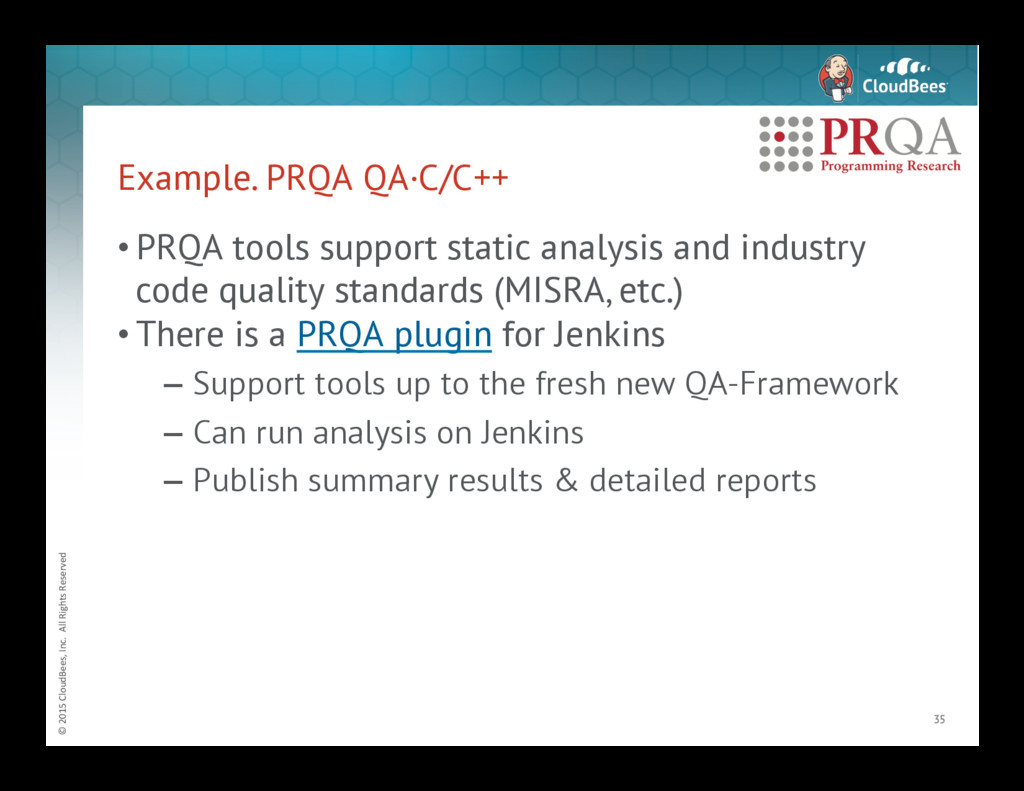
PRQA QA·C/C++ • PRQA tools support static analysis and industry code quality standards (MISRA, etc.) • There is a PRQA plugin for Jenkins – Support tools up to the fresh new QA-Framework – Can run analysis on Jenkins – Publish summary results & detailed reports 35 -
© 2015 CloudBees, Inc. All Rights Reserved Integrating
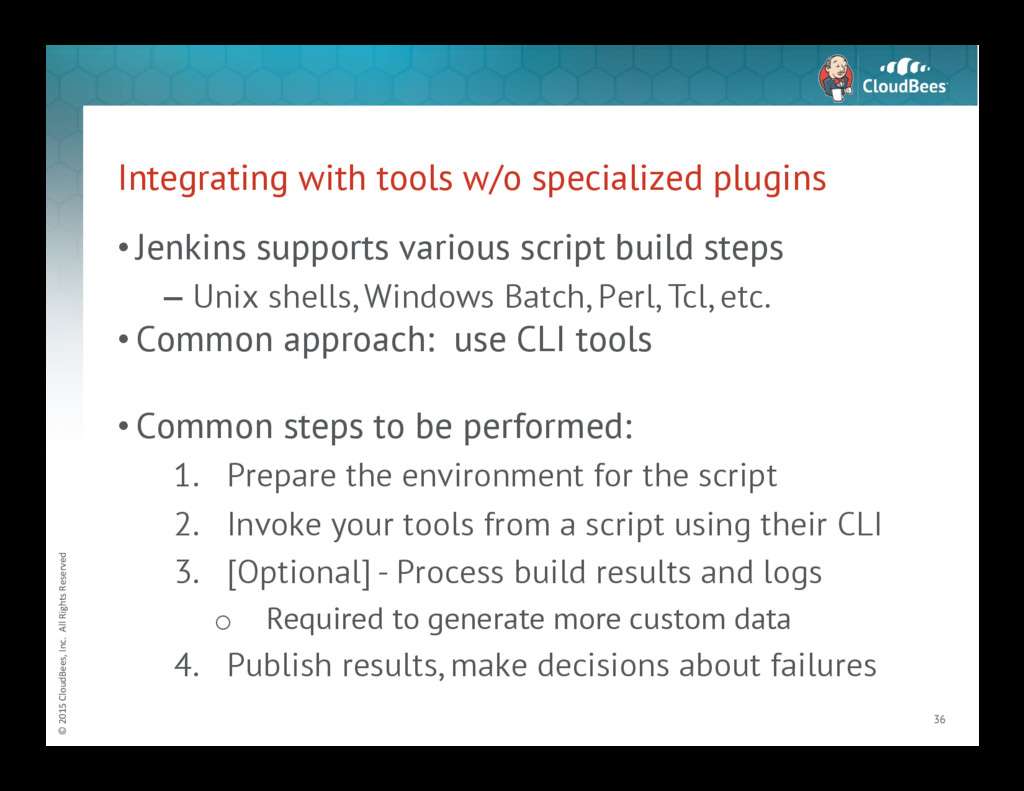
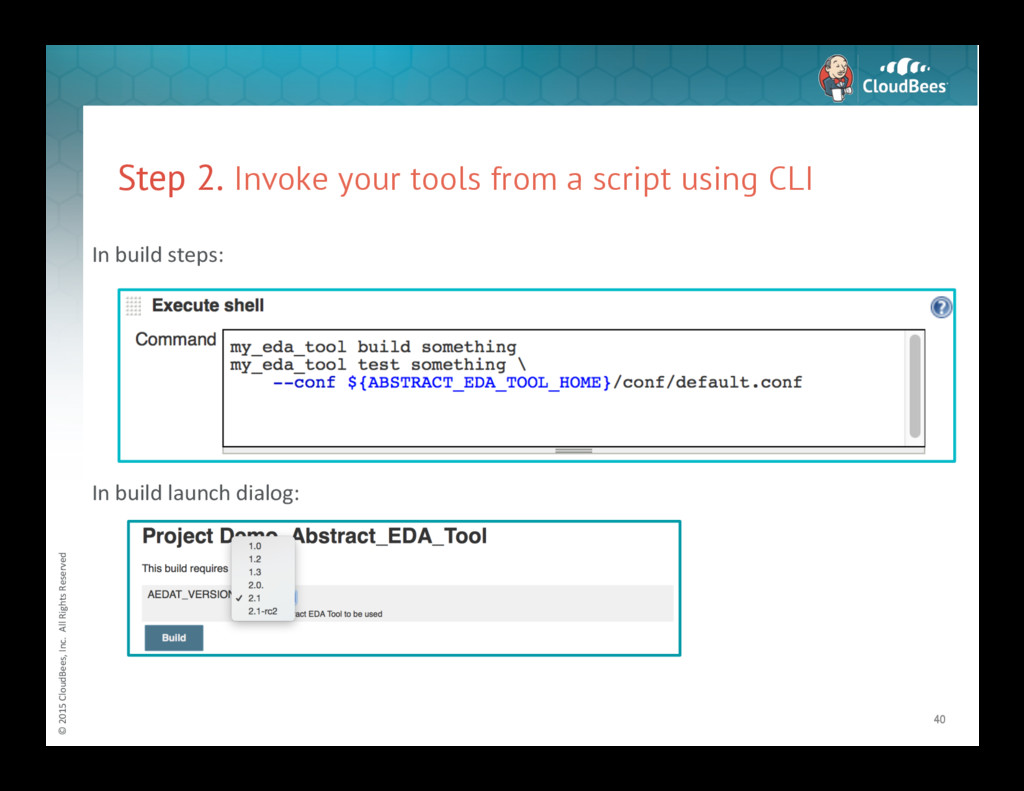
with tools w/o specialized plugins • Jenkins supports various script build steps – Unix shells, Windows Batch, Perl, Tcl, etc. • Common approach: use CLI tools • Common steps to be performed: 1. Prepare the environment for the script 2. Invoke your tools from a script using their CLI 3. [Optional] - Process build results and logs o Required to generate more custom data 4. Publish results, make decisions about failures 36 -
© 2015 CloudBees, Inc. All Rights Reserved Step
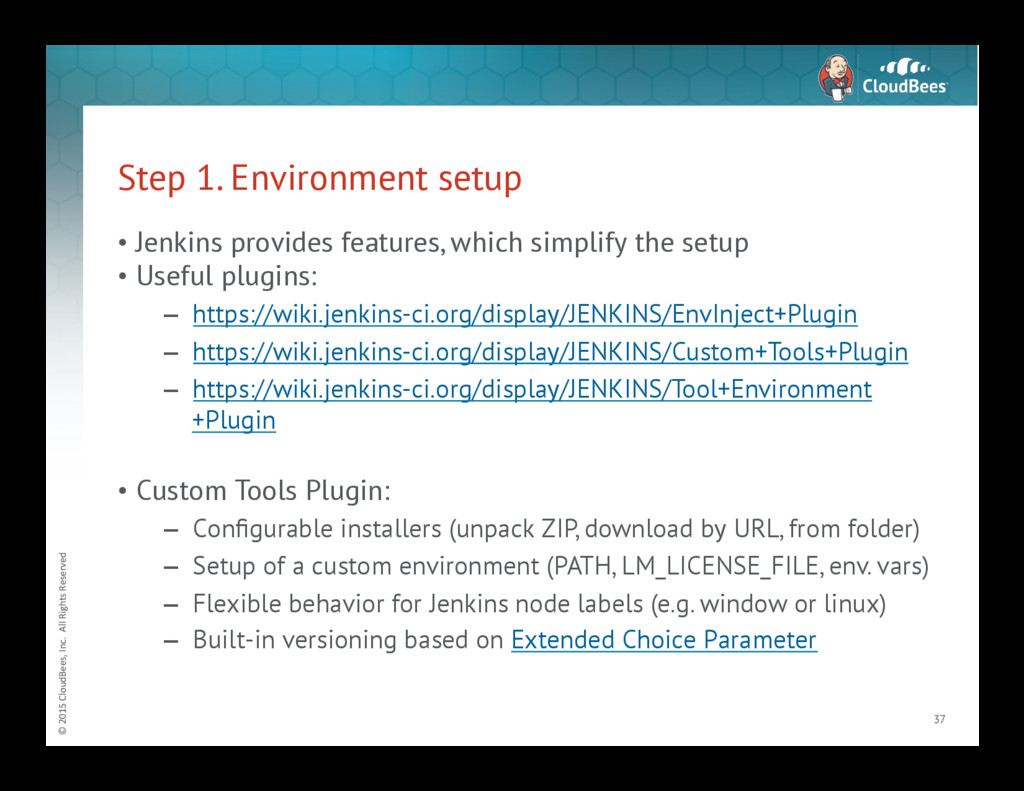
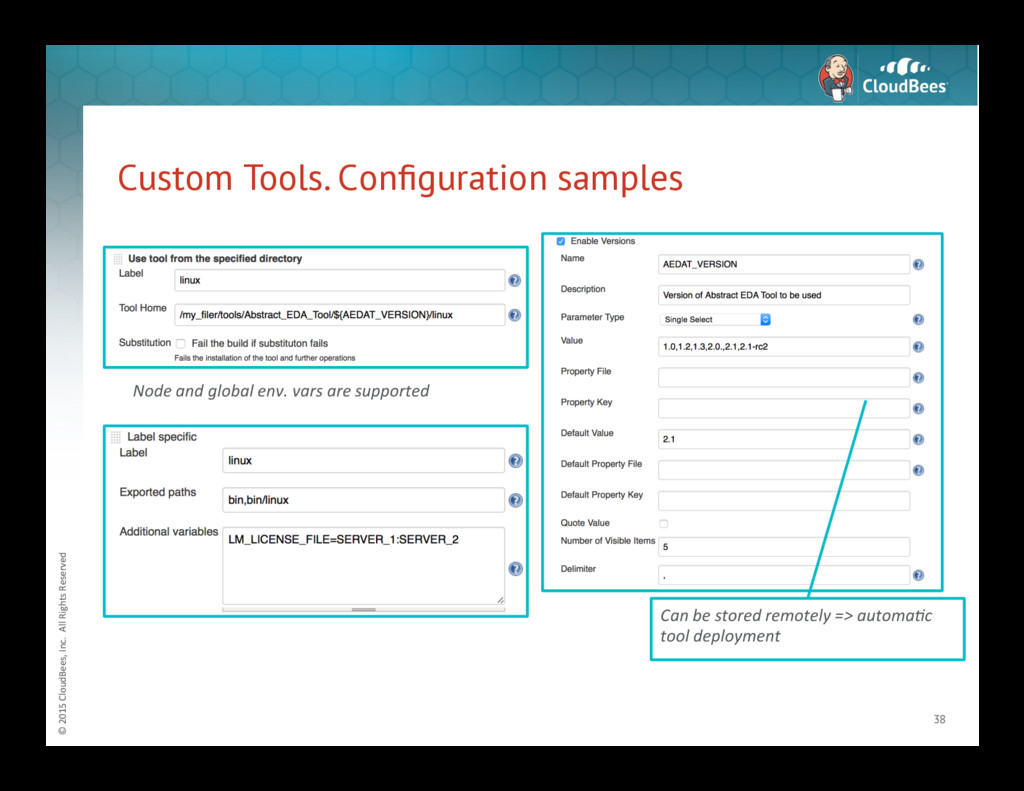
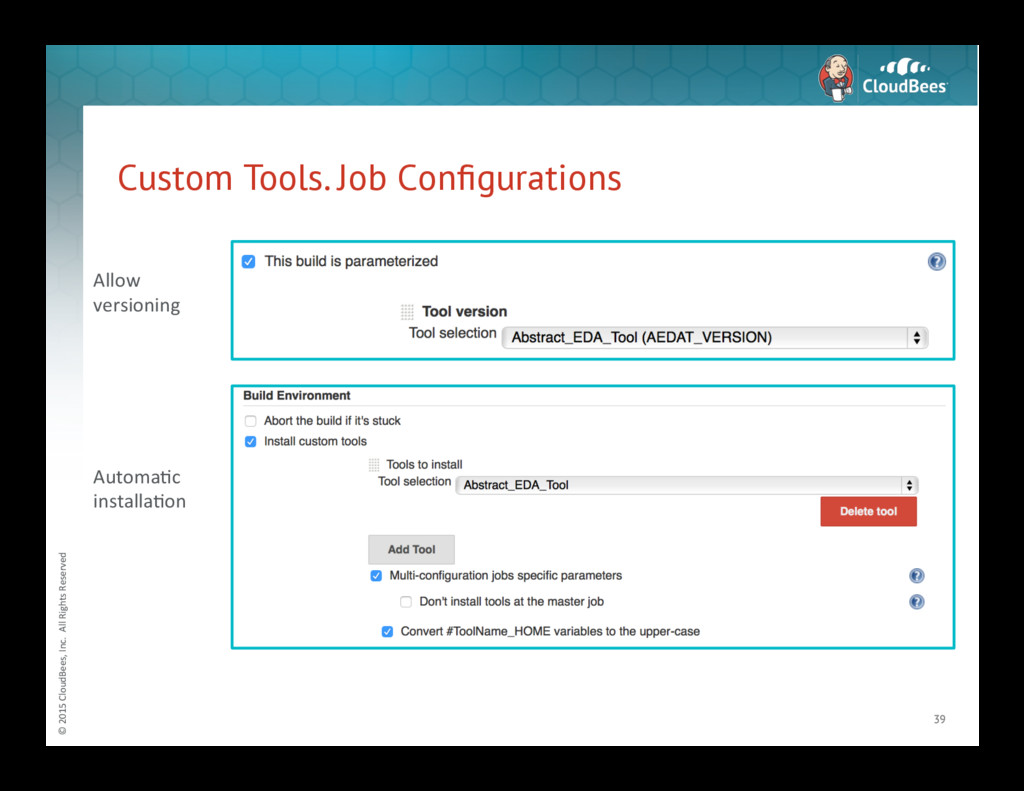
1. Environment setup • Jenkins provides features, which simplify the setup • Useful plugins: – https://wiki.jenkins-ci.org/display/JENKINS/EnvInject+Plugin – https://wiki.jenkins-ci.org/display/JENKINS/Custom+Tools+Plugin – https://wiki.jenkins-ci.org/display/JENKINS/Tool+Environment +Plugin • Custom Tools Plugin: – Configurable installers (unpack ZIP, download by URL, from folder) – Setup of a custom environment (PATH, LM_LICENSE_FILE, env. vars) – Flexible behavior for Jenkins node labels (e.g. window or linux) – Built-in versioning based on Extended Choice Parameter 37 -
© 2015 CloudBees, Inc. All Rights Reserved Custom
Tools. Configuration samples 38 Can be stored remotely => automa4c tool deployment Node and global env. vars are supported -
© 2015 CloudBees, Inc. All Rights Reserved Custom
Tools. Job Configurations 39 Allow versioning AutomaNc installaNon -
© 2015 CloudBees, Inc. All Rights Reserved Step
2. Invoke your tools from a script using CLI 40 In build steps: In build launch dialog: -
© 2015 CloudBees, Inc. All Rights Reserved Step
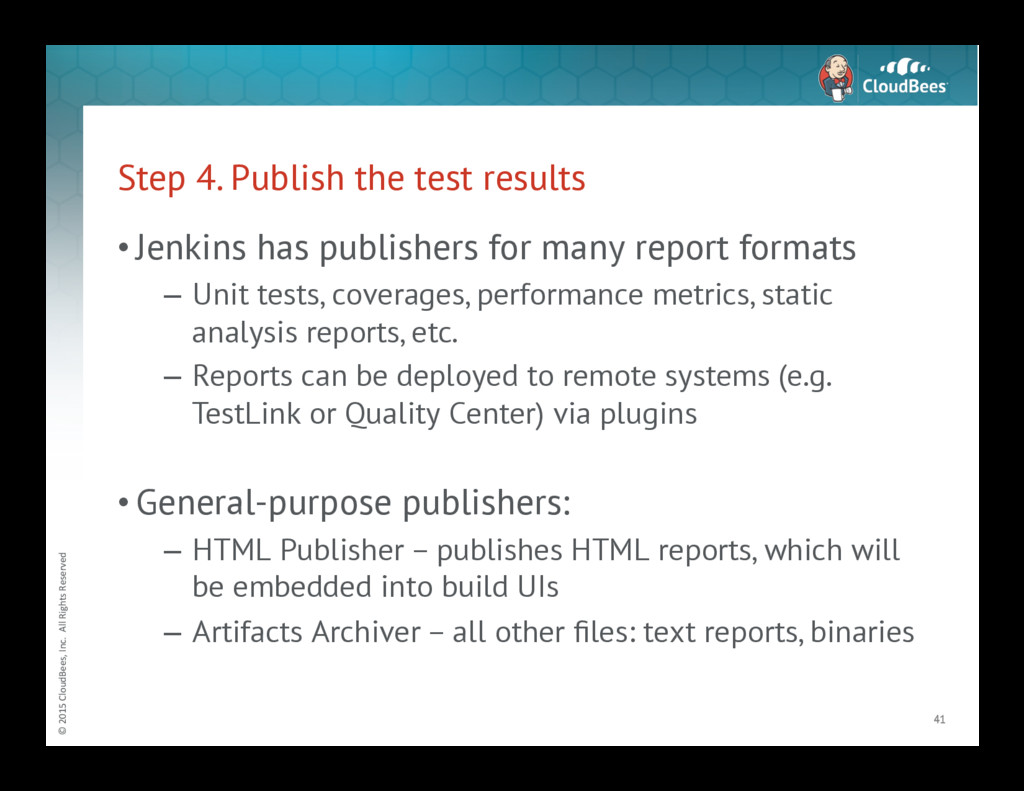
4. Publish the test results • Jenkins has publishers for many report formats – Unit tests, coverages, performance metrics, static analysis reports, etc. – Reports can be deployed to remote systems (e.g. TestLink or Quality Center) via plugins • General-purpose publishers: – HTML Publisher – publishes HTML reports, which will be embedded into build UIs – Artifacts Archiver – all other files: text reports, binaries 41 -
© 2015 CloudBees, Inc. All Rights Reserved Custom
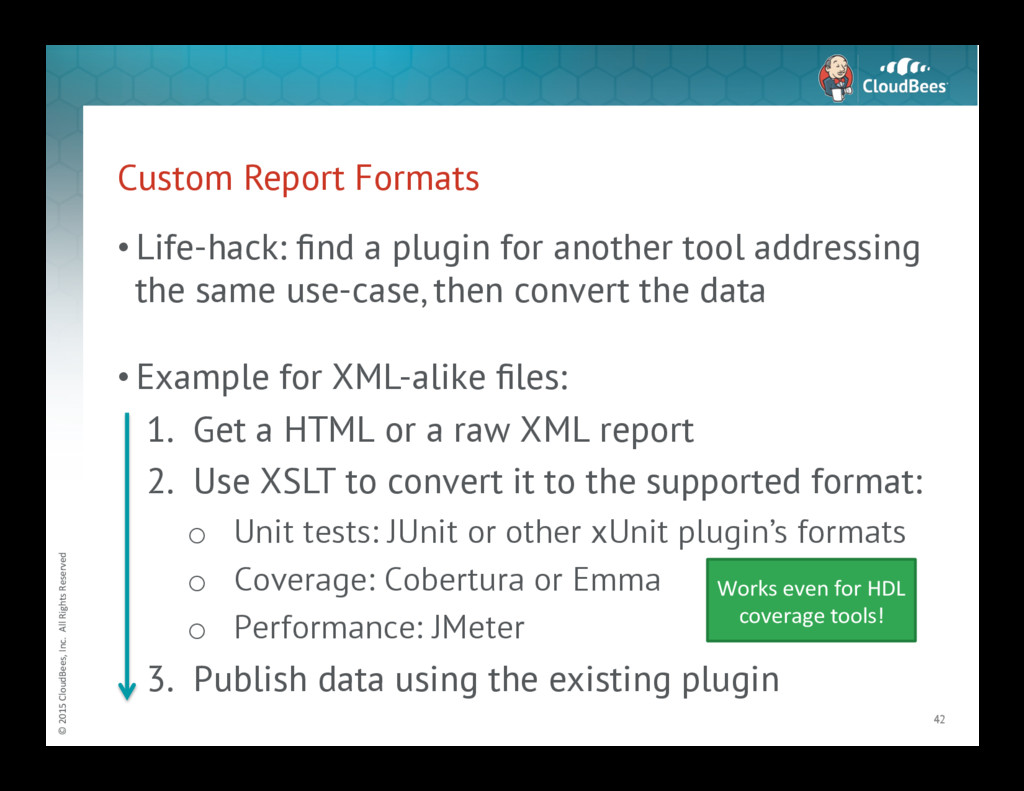
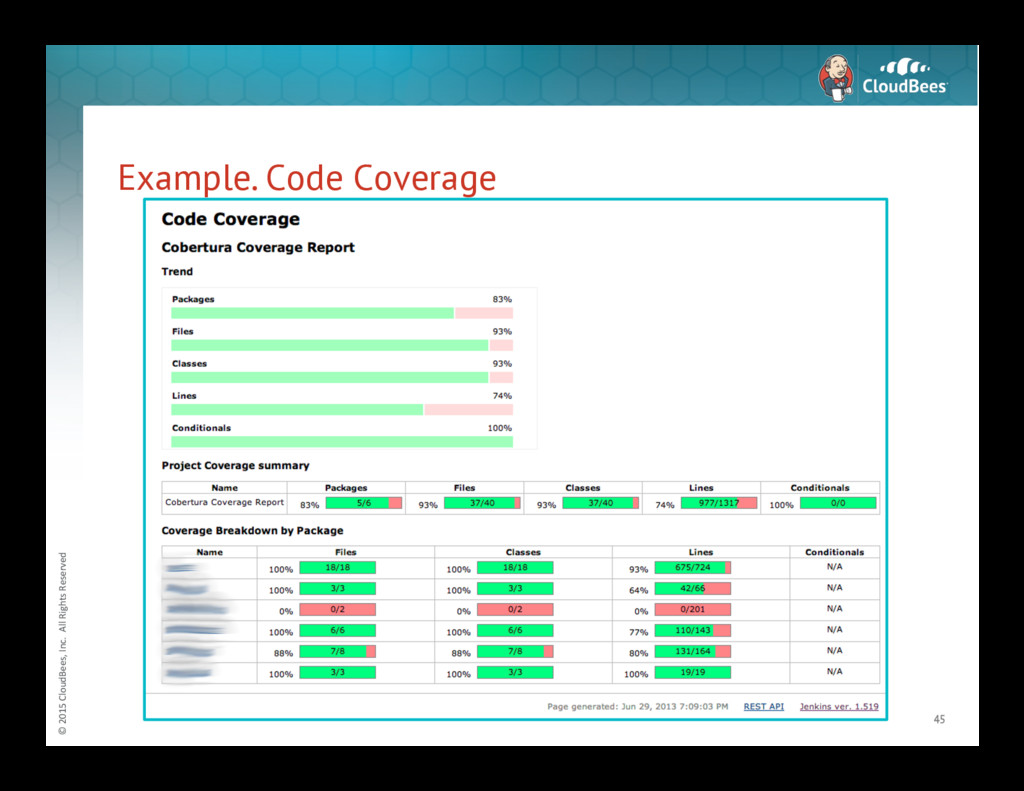
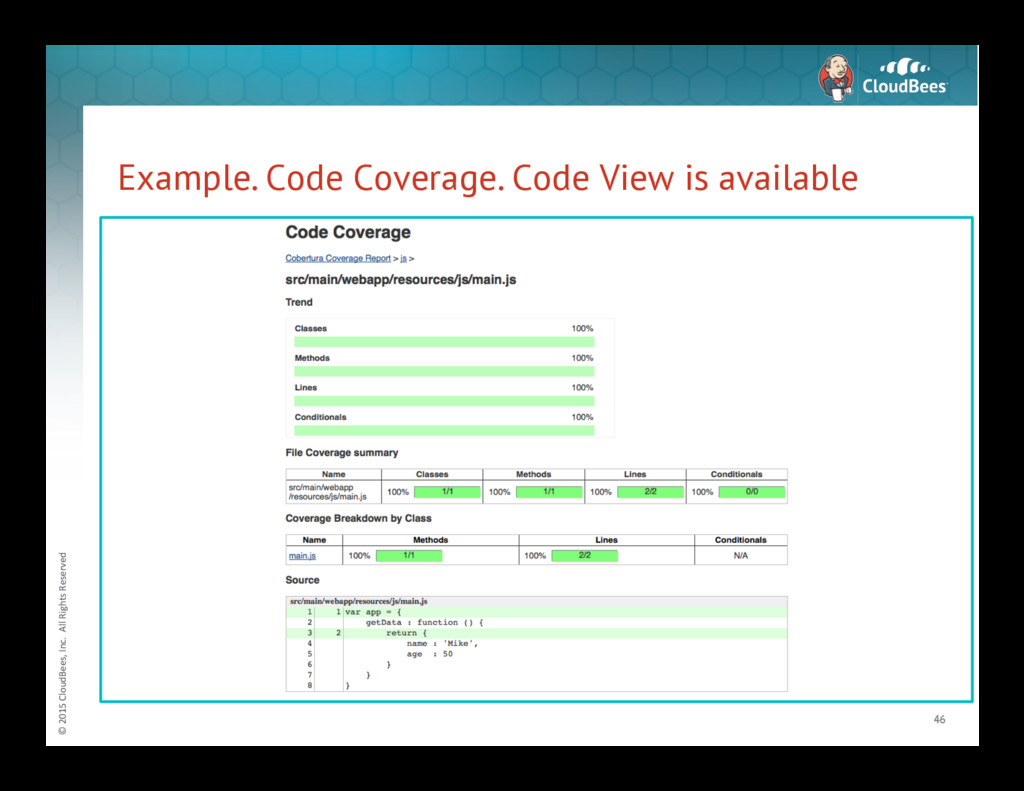
Report Formats • Life-hack: find a plugin for another tool addressing the same use-case, then convert the data • Example for XML-alike files: 1. Get a HTML or a raw XML report 2. Use XSLT to convert it to the supported format: o Unit tests: JUnit or other xUnit plugin’s formats o Coverage: Cobertura or Emma o Performance: JMeter 3. Publish data using the existing plugin 42 Works even for HDL coverage tools! -
© 2015 CloudBees, Inc. All Rights Reserved Unit
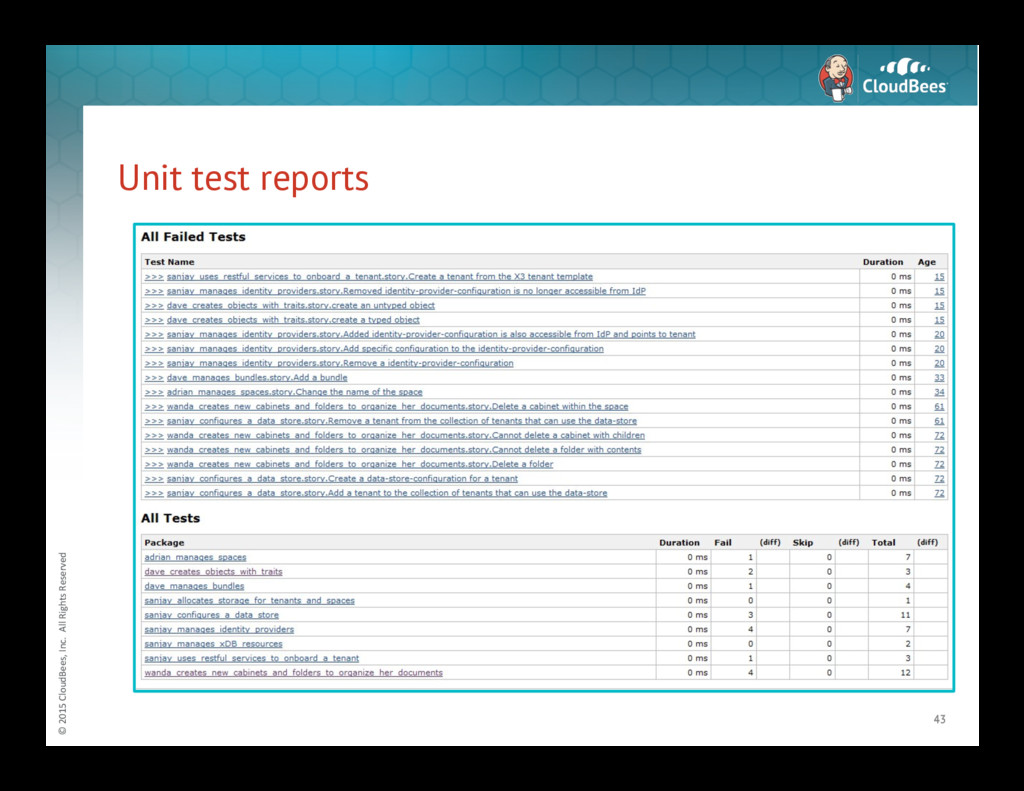
test reports 43 -
© 2015 CloudBees, Inc. All Rights Reserved Example.
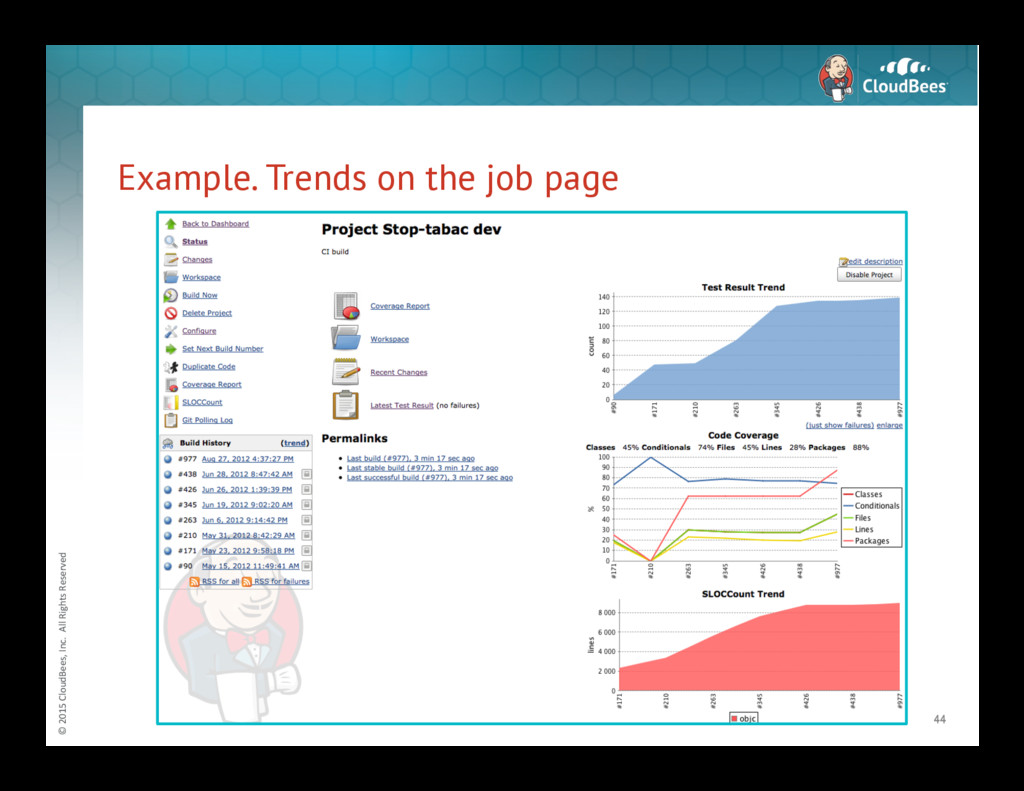
Trends on the job page 44 -
© 2015 CloudBees, Inc. All Rights Reserved Example.
Code Coverage 45 -
© 2015 CloudBees, Inc. All Rights Reserved Example.
Code Coverage. Code View is available 46 -
© 2015 CloudBees, Inc. All Rights Reserved Log
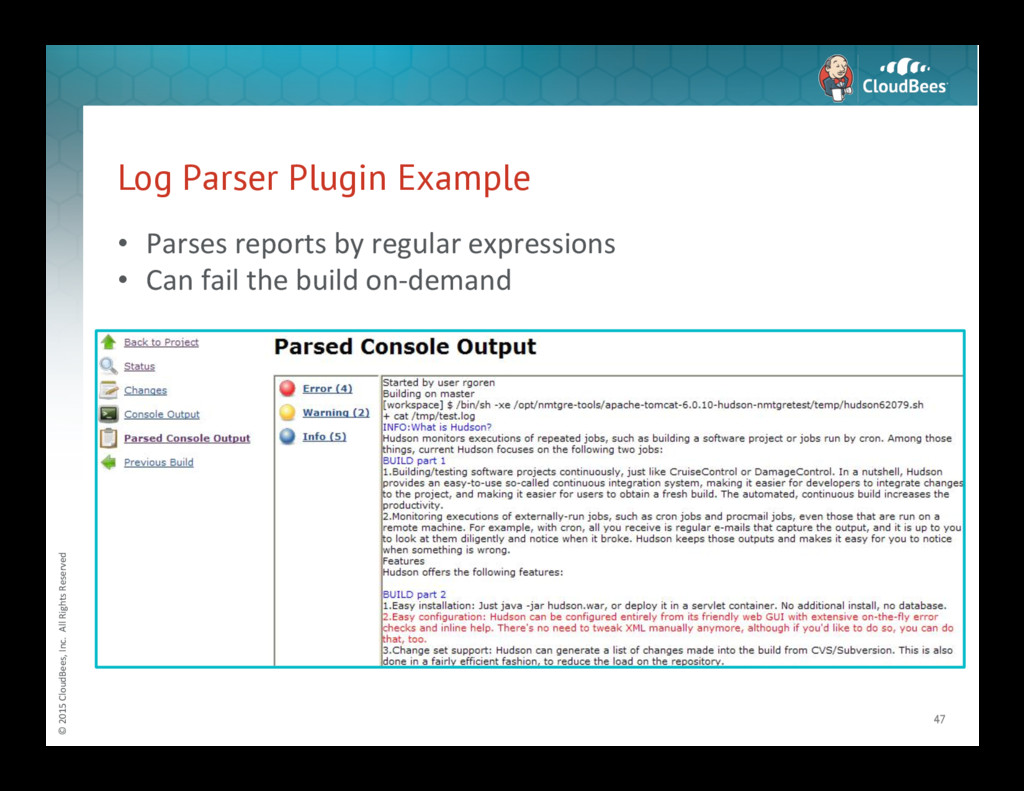
Parser Plugin Example 47 • Parses reports by regular expressions • Can fail the build on-‐demand -
© 2015 CloudBees, Inc. All Rights Reserved Example:
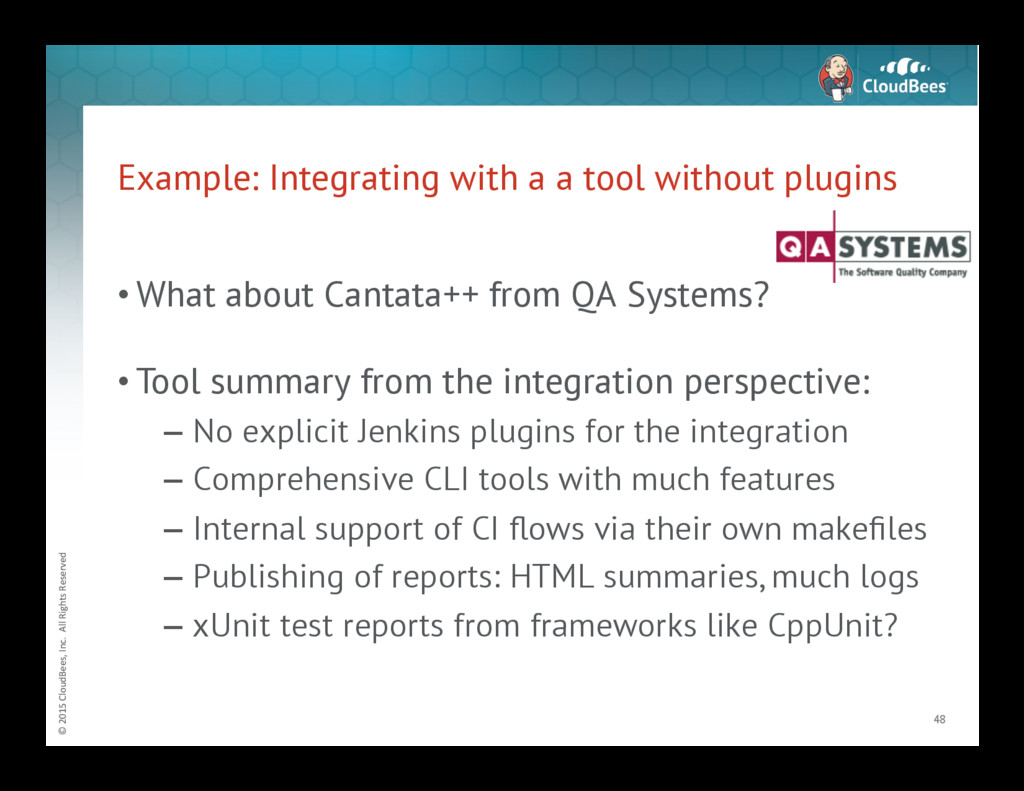
Integrating with a a tool without plugins 48 • What about Cantata++ from QA Systems? • Tool summary from the integration perspective: – No explicit Jenkins plugins for the integration – Comprehensive CLI tools with much features – Internal support of CI flows via their own makefiles – Publishing of reports: HTML summaries, much logs – xUnit test reports from frameworks like CppUnit? -
© 2015 CloudBees, Inc. All Rights Reserved Cantata++
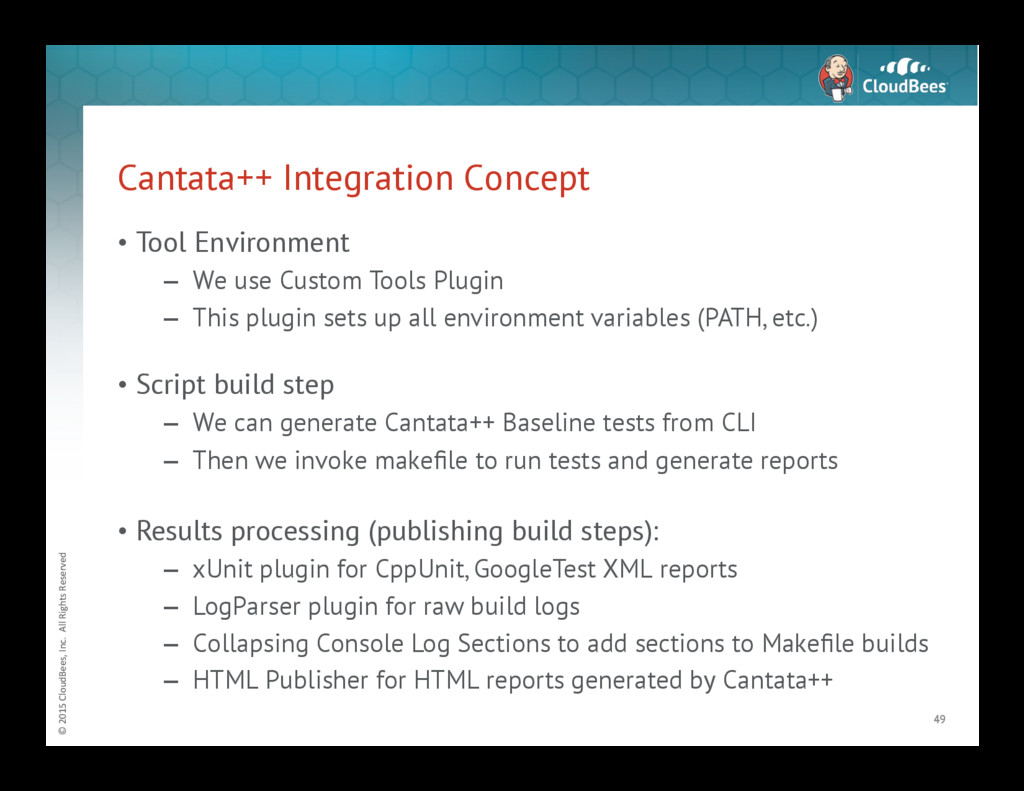
Integration Concept • Tool Environment – We use Custom Tools Plugin – This plugin sets up all environment variables (PATH, etc.) • Script build step – We can generate Cantata++ Baseline tests from CLI – Then we invoke makefile to run tests and generate reports • Results processing (publishing build steps): – xUnit plugin for CppUnit, GoogleTest XML reports – LogParser plugin for raw build logs – Collapsing Console Log Sections to add sections to Makefile builds – HTML Publisher for HTML reports generated by Cantata++ 49 -
© 2015 CloudBees, Inc. All Rights Reserved Further
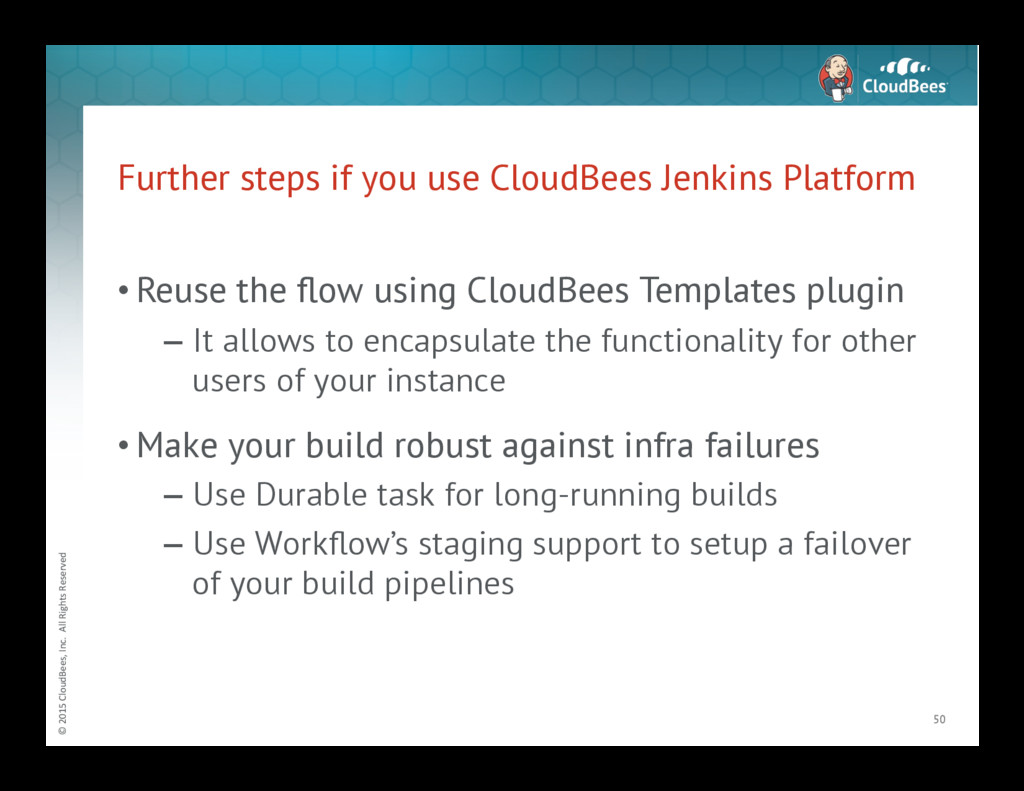
steps if you use CloudBees Jenkins Platform • Reuse the flow using CloudBees Templates plugin – It allows to encapsulate the functionality for other users of your instance • Make your build robust against infra failures – Use Durable task for long-running builds – Use Workflow’s staging support to setup a failover of your build pipelines 50 -
© 2015 CloudBees, Inc. All Rights Reserved CloudBees
Jenkins Platform (CJP) for Embedded • Current state: – No domain-specific solutions for embedded area now – CloudBees Jenkins Platform provides an added value by general-purpose stuff and enterprise support – CloudBees provides Professional Services for many areas (requires CloudBees Jenkins Platform) • CloudBees already has logos from the area 51 -
© 2015 CloudBees, Inc. All Rights Reserved CloudBees
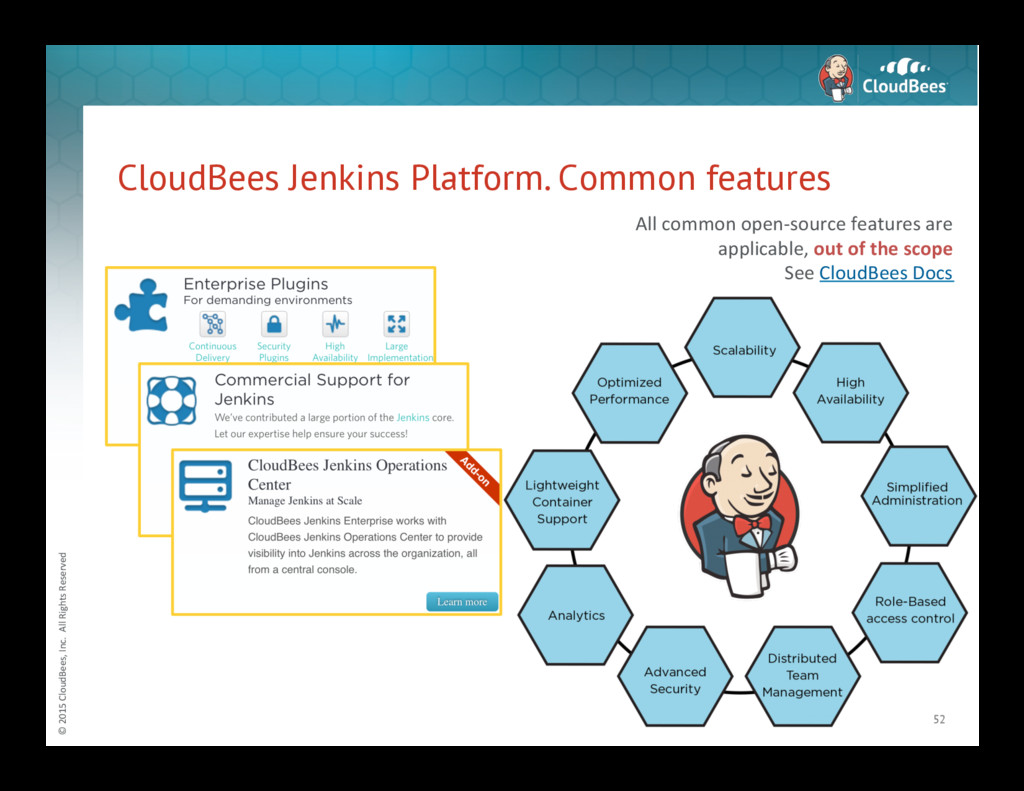
Jenkins Platform. Common features 52 All common open-‐source features are applicable, out of the scope See CloudBees Docs -
© 2015 CloudBees, Inc. All Rights Reserved CJP
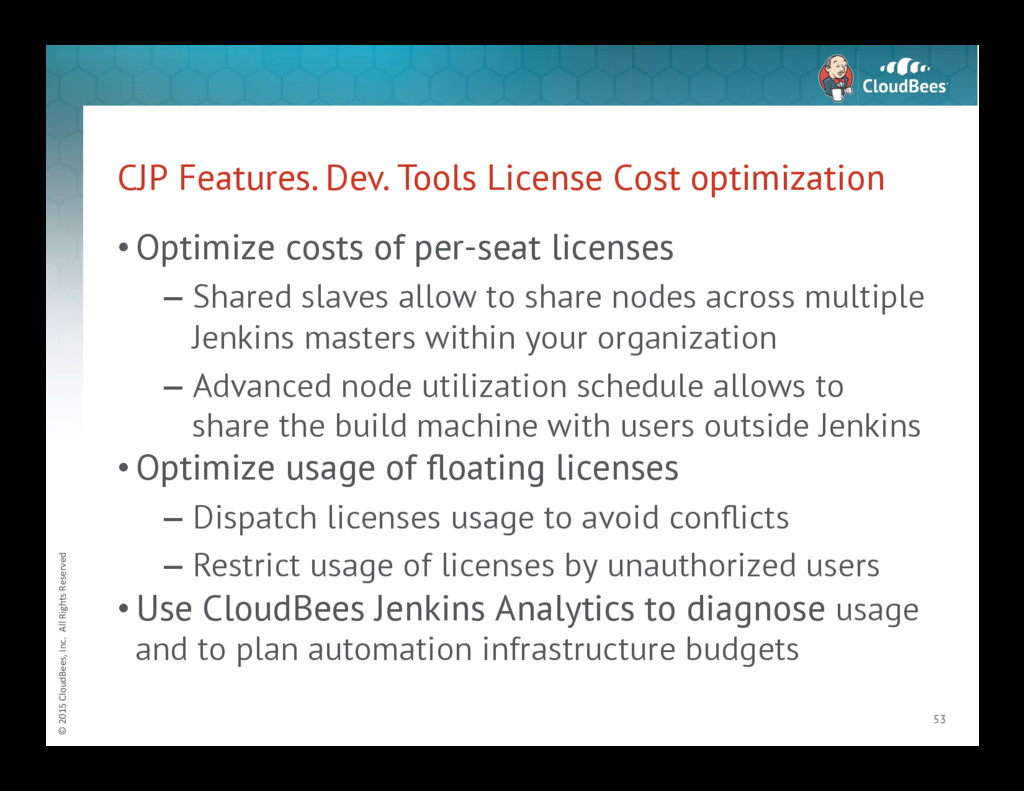
Features. Dev. Tools License Cost optimization • Optimize costs of per-seat licenses – Shared slaves allow to share nodes across multiple Jenkins masters within your organization – Advanced node utilization schedule allows to share the build machine with users outside Jenkins • Optimize usage of floating licenses – Dispatch licenses usage to avoid conflicts – Restrict usage of licenses by unauthorized users • Use CloudBees Jenkins Analytics to diagnose usage and to plan automation infrastructure budgets 53 -
© 2015 CloudBees, Inc. All Rights Reserved CJP
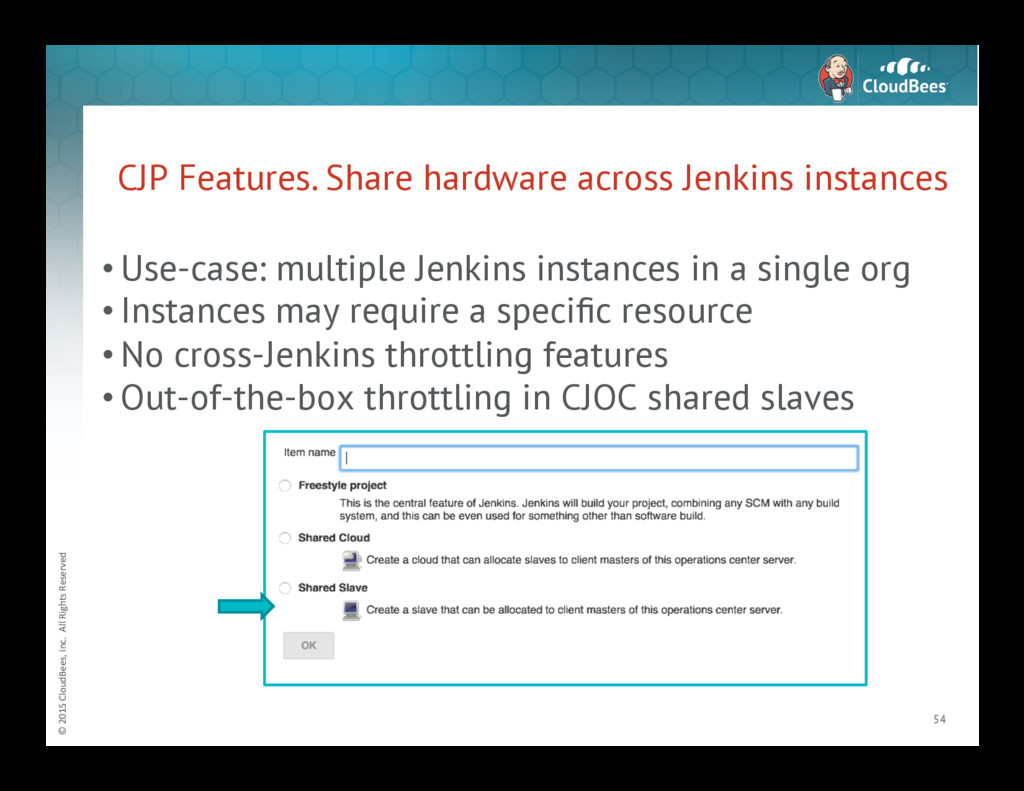
Features. Share hardware across Jenkins instances 54 • Use-case: multiple Jenkins instances in a single org • Instances may require a specific resource • No cross-Jenkins throttling features • Out-of-the-box throttling in CJOC shared slaves -
© 2015 CloudBees, Inc. All Rights Reserved CJP
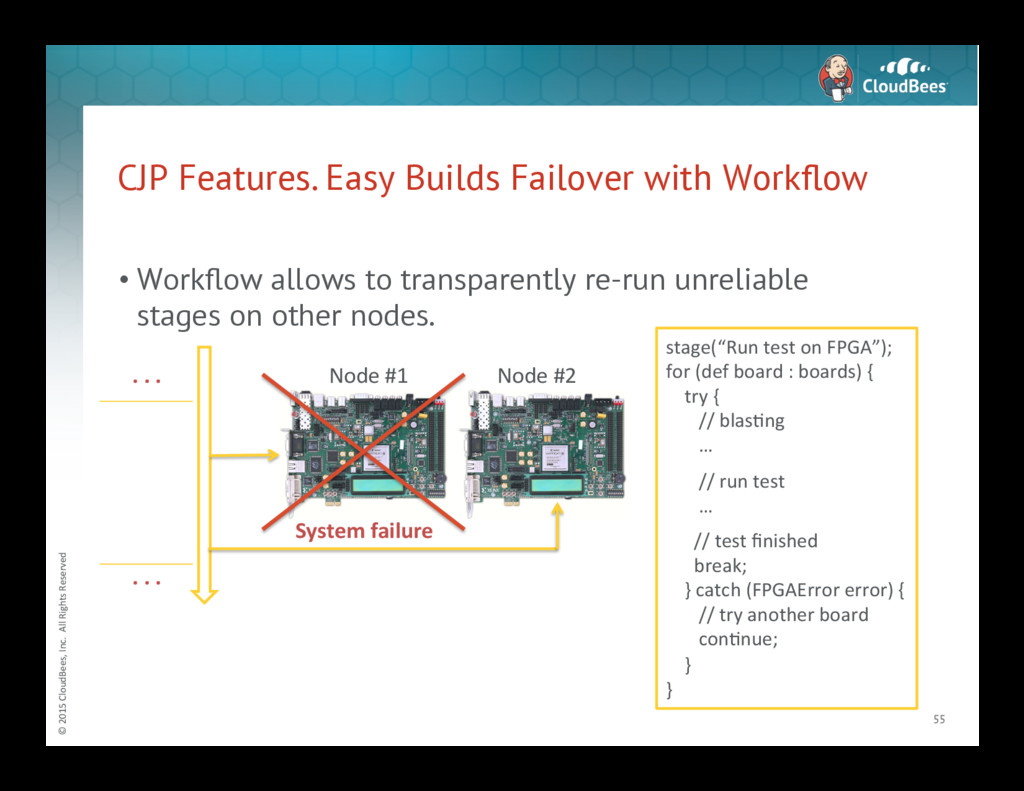
Features. Easy Builds Failover with Workflow 55 • Workflow allows to transparently re-run unreliable stages on other nodes. stage(“Run test on FPGA”); for (def board : boards) { try { // blasNng … // run test … // test finished break; } catch (FPGAError error) { // try another board conNnue; } } System failure Node #1 Node #2 . . . . . . -
© 2015 CloudBees, Inc. All Rights Reserved CJP
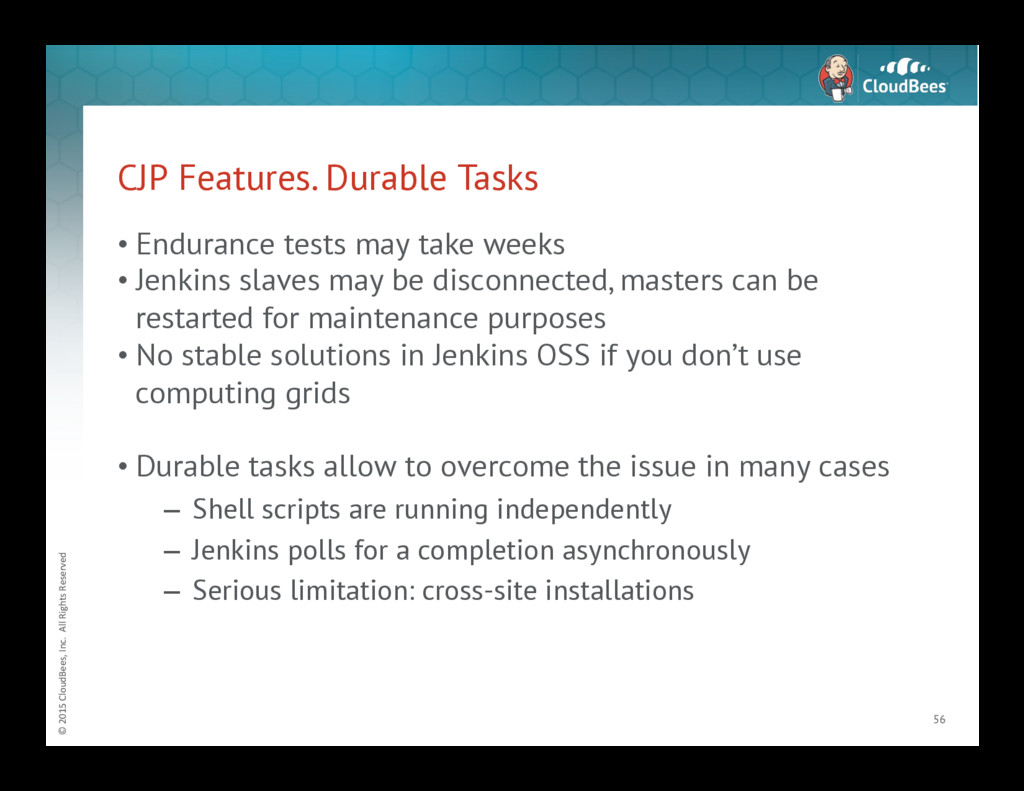
Features. Durable Tasks • Endurance tests may take weeks • Jenkins slaves may be disconnected, masters can be restarted for maintenance purposes • No stable solutions in Jenkins OSS if you don’t use computing grids • Durable tasks allow to overcome the issue in many cases – Shell scripts are running independently – Jenkins polls for a completion asynchronously – Serious limitation: cross-site installations 56 -
© 2015 CloudBees, Inc. All Rights Reserved Summary
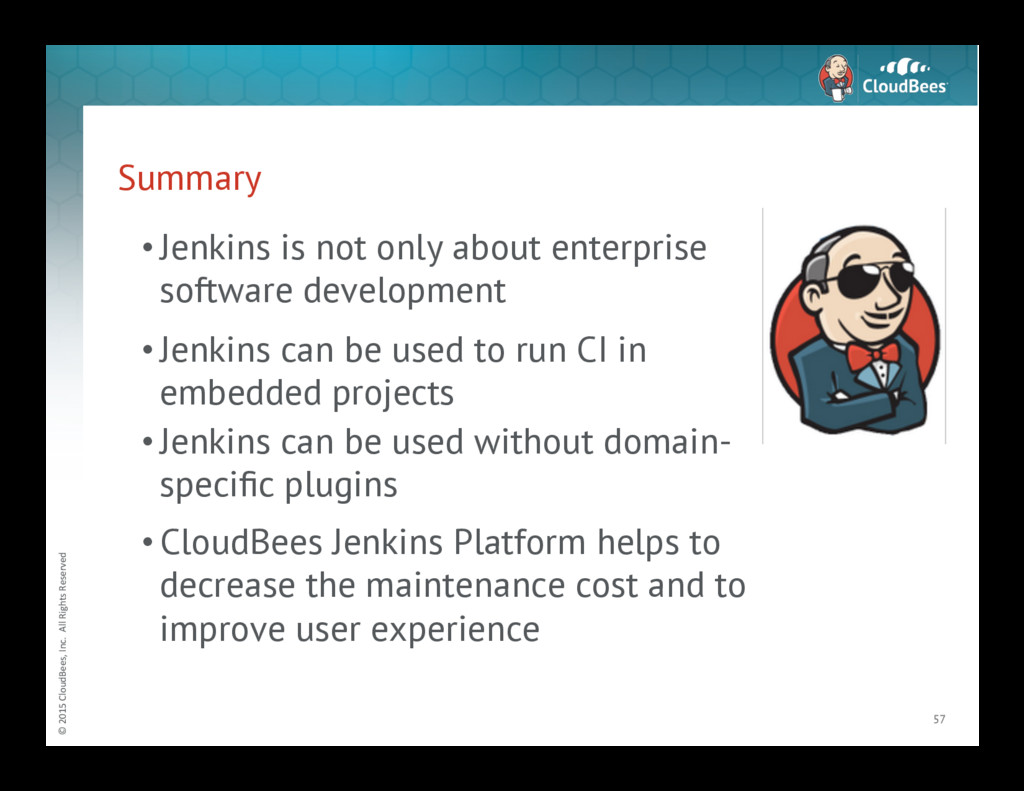
• Jenkins is not only about enterprise software development • Jenkins can be used to run CI in embedded projects • Jenkins can be used without domain- specific plugins • CloudBees Jenkins Platform helps to decrease the maintenance cost and to improve user experience 57 -
© 2015 CloudBees, Inc. All Rights Reserved Jenkins
& Embedded CI. Related talks • Oleg Nenashev, “Jenkins-Based CI for Heterogeneous Hardware/Software Projects” @JUC2015/London • Robert Martin, “Multi-Stage-CI with Jenkins in an Embedded World” @ JUC2014/Berlin • Martin d’Anjou, “FPGA CI with Jenkins” @SNUG2013/Canada • Alan Fitch, “Continuous Integration for FPGA Design and Verification” @ Verification Futures, 2015 • JL Gray, Gordon McGregor, “A 30 Minute Project Makeover Using Continuous Integration” @ DVCon, 2012 • Sarah Woodall, “The Famous Cows of Cambridge: A Non- Standard Use Case for Jenkins” @JUC2015/London 58 -
© 2015 CloudBees, Inc. All Rights Reserved Useful
links • Jenkins project – http://jenkins-ci.org • CloudBees website – https://www.cloudbees.com • CloudBees Jenkins Platform – https://www.cloudbees.com/products/cloudbees-jenkins-platform 59 -
© 2015 CloudBees, Inc. All Rights Reserved ©
2015 CloudBees, Inc. All Rights Reserved 60
 onenashev
 t45k
 ryunen344
 kasacchiful
 shoheimitani
 michaelsimons
 seike460
 4geru
 richargh
 ivargrimstad
 hakkadaikon
 ickx
 dayeon
 palkan
 akihiro_kokubo
 portentint
 lynnandtonic
 rocio
 cassininazir
 frankvandijk
 maggiecrowley
 wayneb77
 aleyda
 vanstee