Upgrade to Pro — share decks privately, control downloads, hide ads and more …

Make-Time-Something-Kids-Can-See

OnlineTimeZone
November 22, 2026

 Make-Time-Something-Kids-Can-See

A visual guide for teachers and parents on using free online visual timers for classroom transitions, ADHD focus, routines, and quiet work.

Explore interactive visual timers at: https://www.onlinetimezone.com/visual-timers.html

OnlineTimeZone

November 22, 2026

Transcript

8 slides
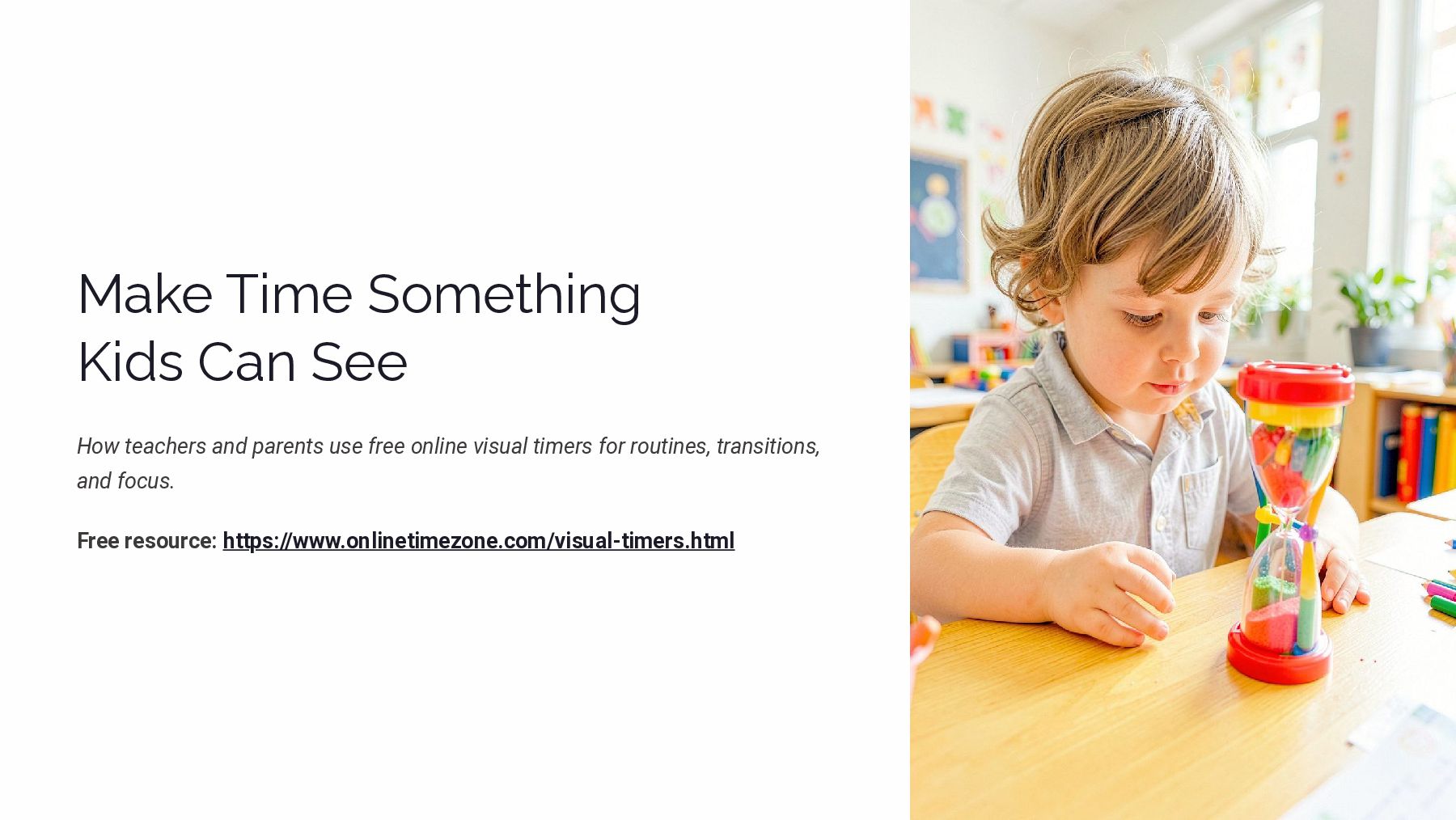
  1. Make Time Something Kids Can See How teachers and parents

    use free online visual timers for routines, transitions, and focus. Free resource: https://www.onlinetimezone.com/visual-timers.html
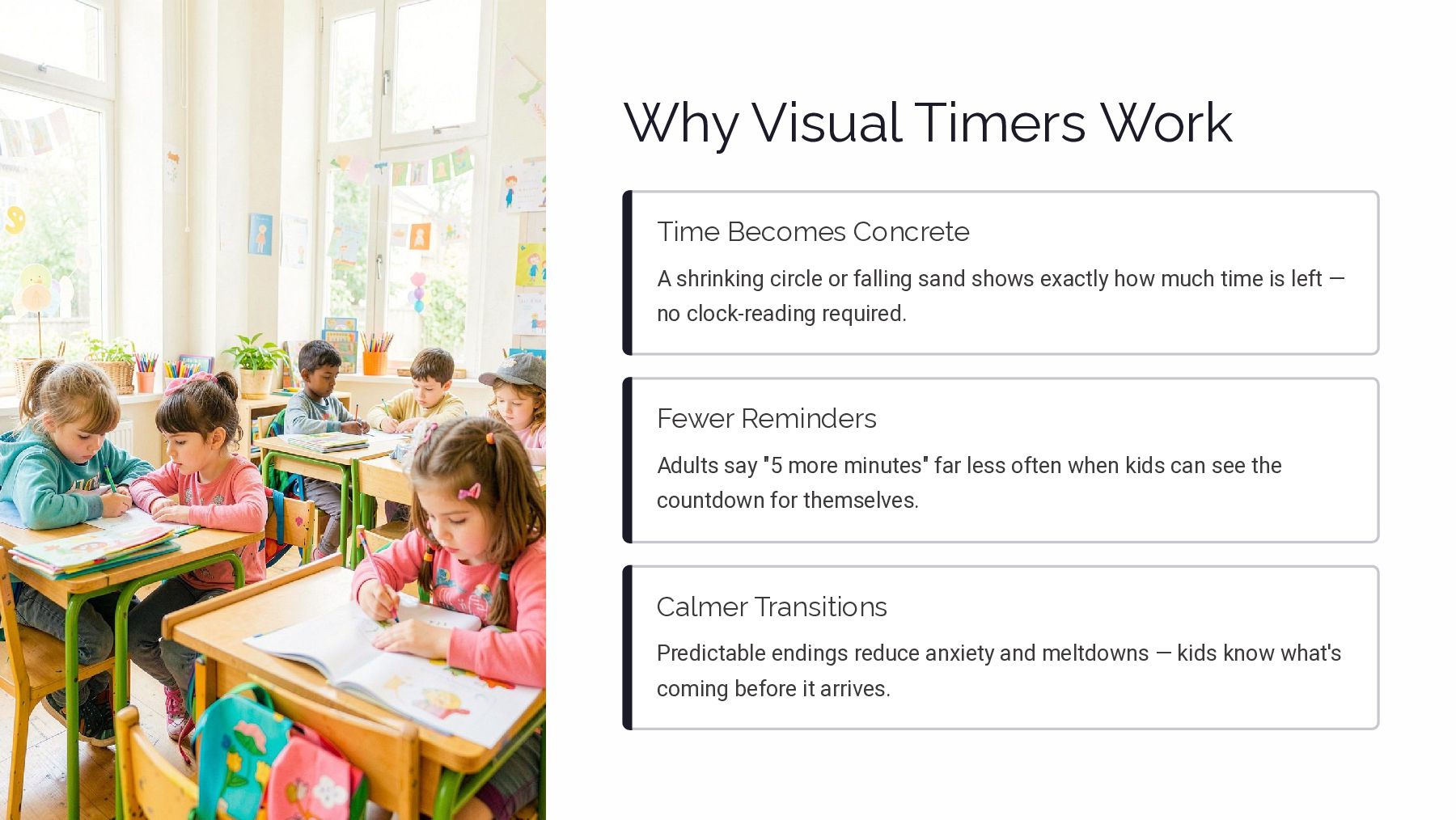
  2. Why Visual Timers Work Time Becomes Concrete A shrinking circle

    or falling sand shows exactly how much time is left — no clock-reading required. Fewer Reminders Adults say "5 more minutes" far less often when kids can see the countdown for themselves. Calmer Transitions Predictable endings reduce anxiety and meltdowns — kids know what's coming before it arrives.
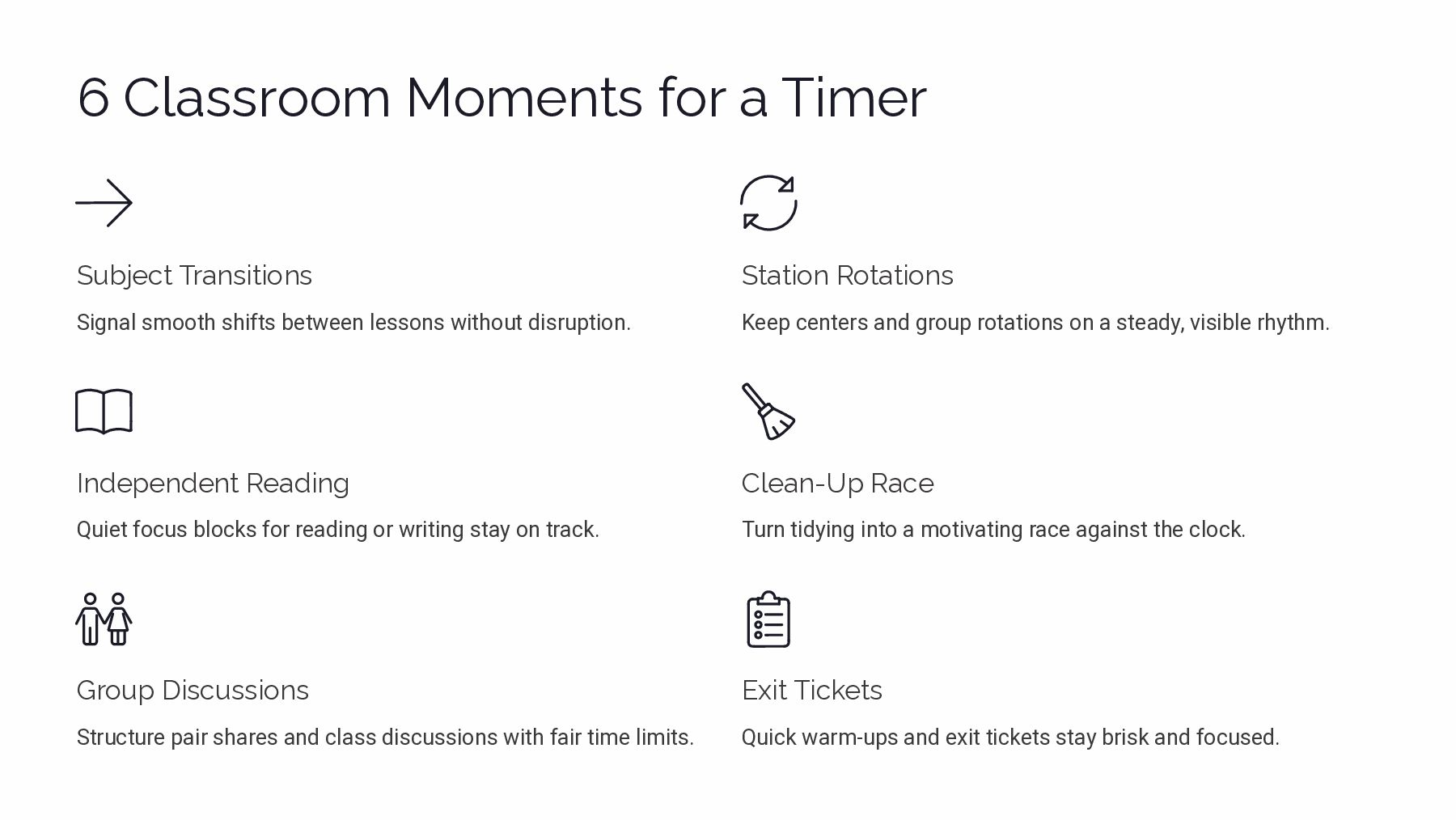
  3. 6 Classroom Moments for a Timer Subject Transitions Station Rotations

    Signal smooth shifts between lessons without disruption. Keep centers and group rotations on a steady, visible rhythm. Independent Reading Clean-Up Race Quiet focus blocks for reading or writing stay on track. Turn tidying into a motivating race against the clock. Group Discussions Exit Tickets Structure pair shares and class discussions with fair time limits. Quick warm-ups and exit tickets stay brisk and focused.
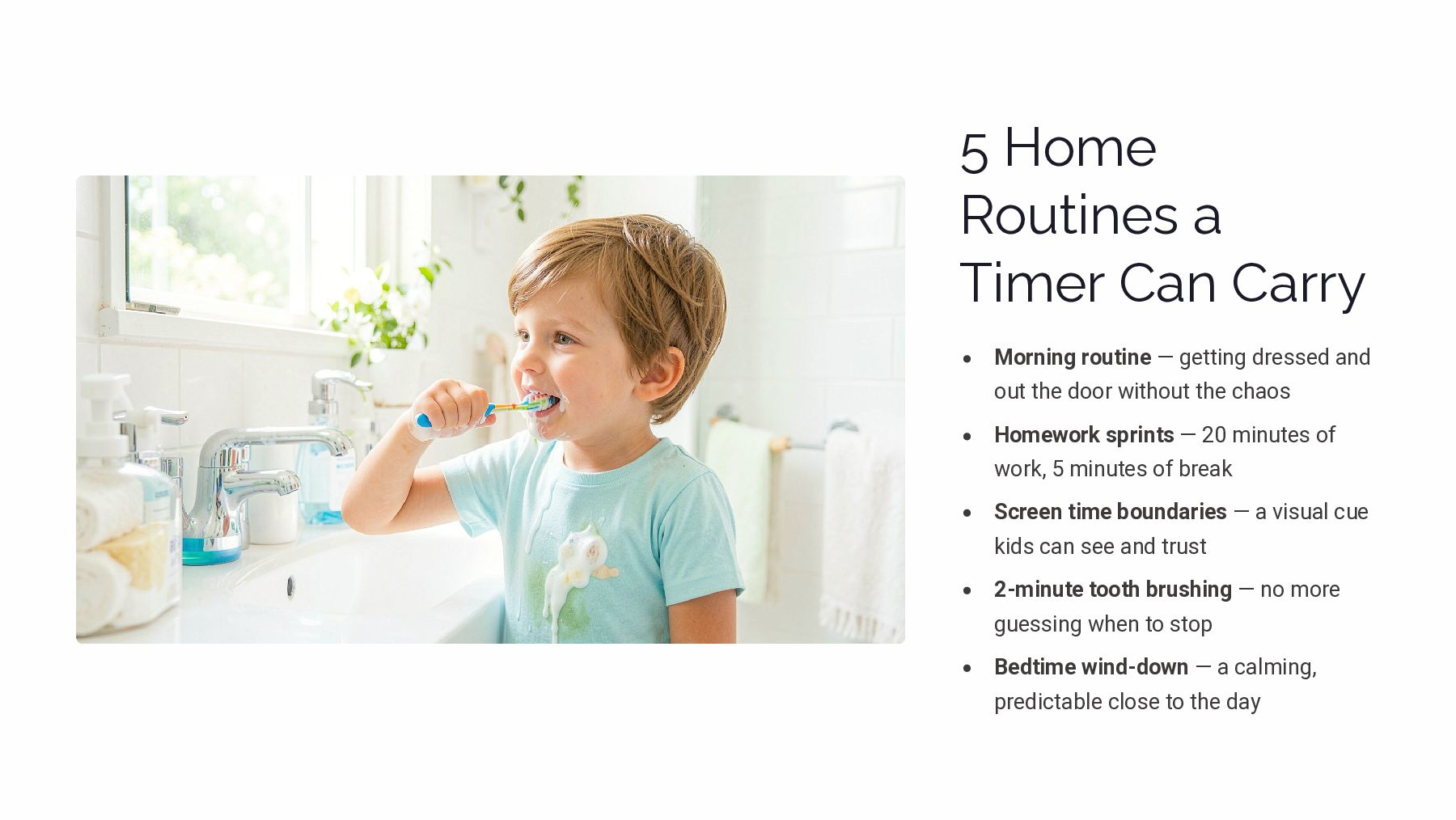
  4. 5 Home Routines a Timer Can Carry Morning routine —

    getting dressed and out the door without the chaos Homework sprints — 20 minutes of work, 5 minutes of break Screen time boundaries — a visual cue kids can see and trust 2-minute tooth brushing — no more guessing when to stop Bedtime wind-down — a calming, predictable close to the day
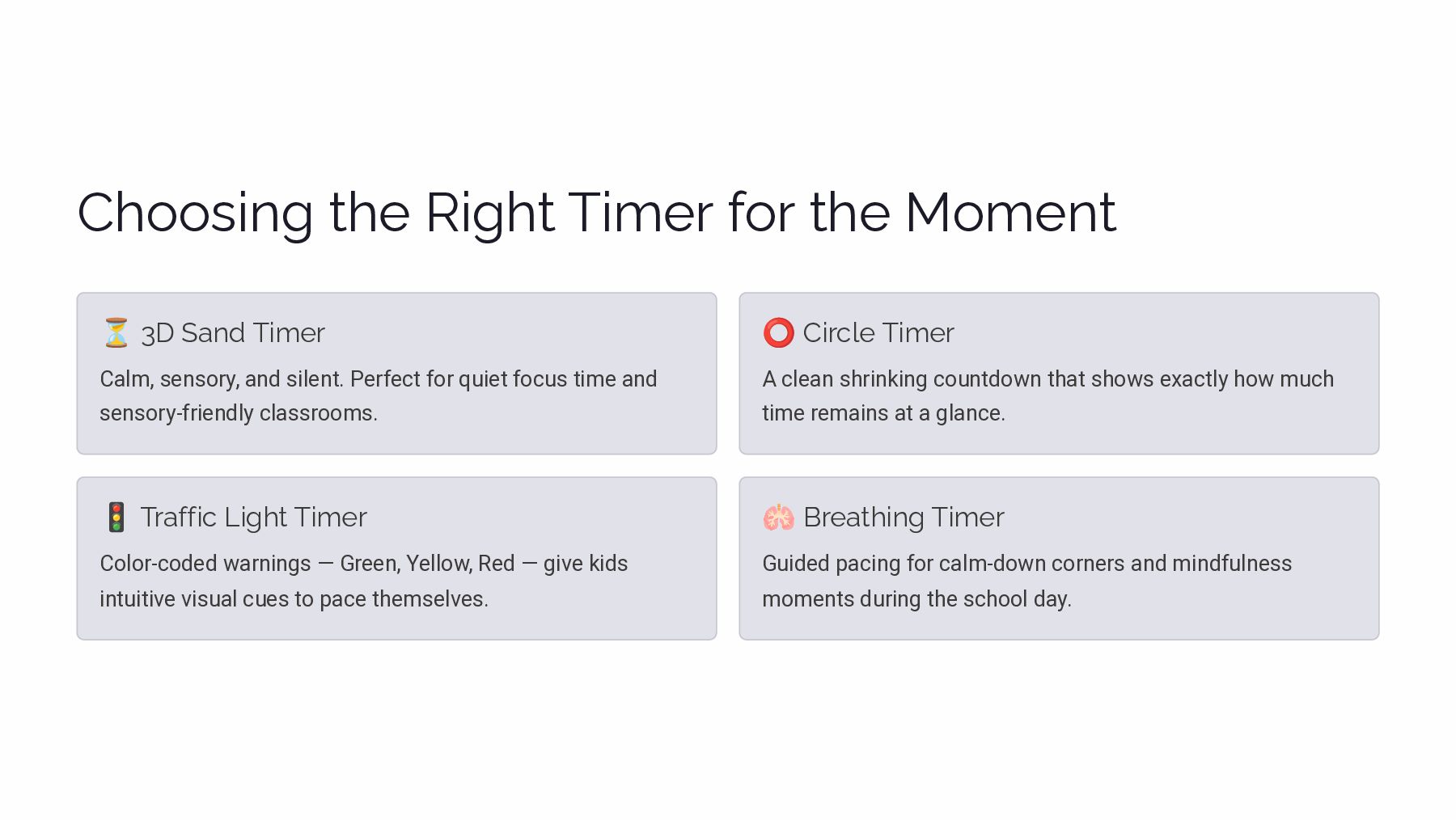
  5. Choosing the Right Timer for the Moment ⏳ 3D Sand

    Timer ⭕ Circle Timer Calm, sensory, and silent. Perfect for quiet focus time and A clean shrinking countdown that shows exactly how much sensory-friendly classrooms. time remains at a glance. 🚦 Traffic Light Timer 🫁 Breathing Timer Color-coded warnings — Green, Yellow, Red — give kids Guided pacing for calm-down corners and mindfulness intuitive visual cues to pace themselves. moments during the school day.
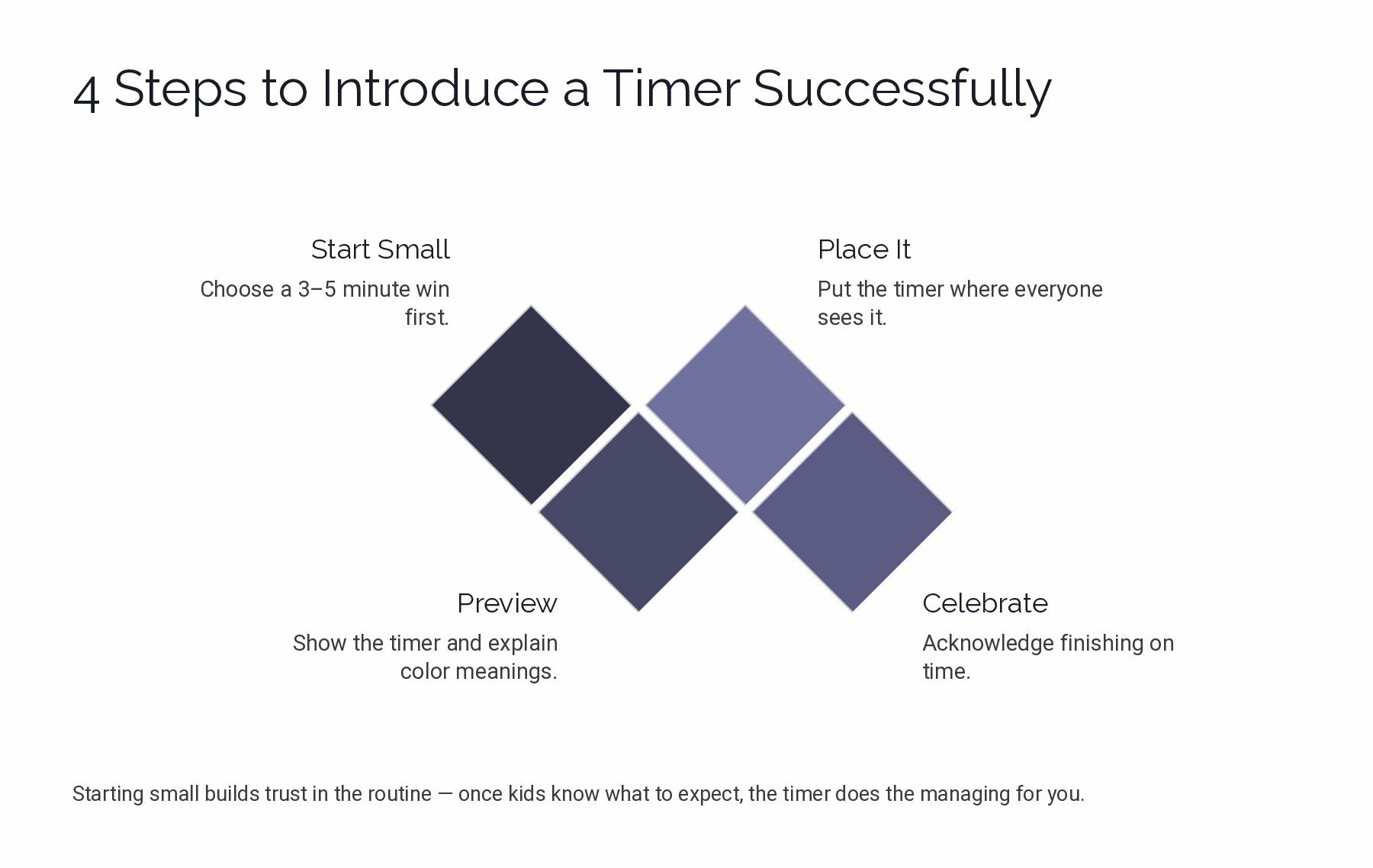
  6. 4 Steps to Introduce a Timer Successfully Start Small Place

    It Choose a 3–5 minute win first. Put the timer where everyone sees it. Preview Show the timer and explain color meanings. Celebrate Acknowledge finishing on time. Starting small builds trust in the routine — once kids know what to expect, the timer does the managing for you.
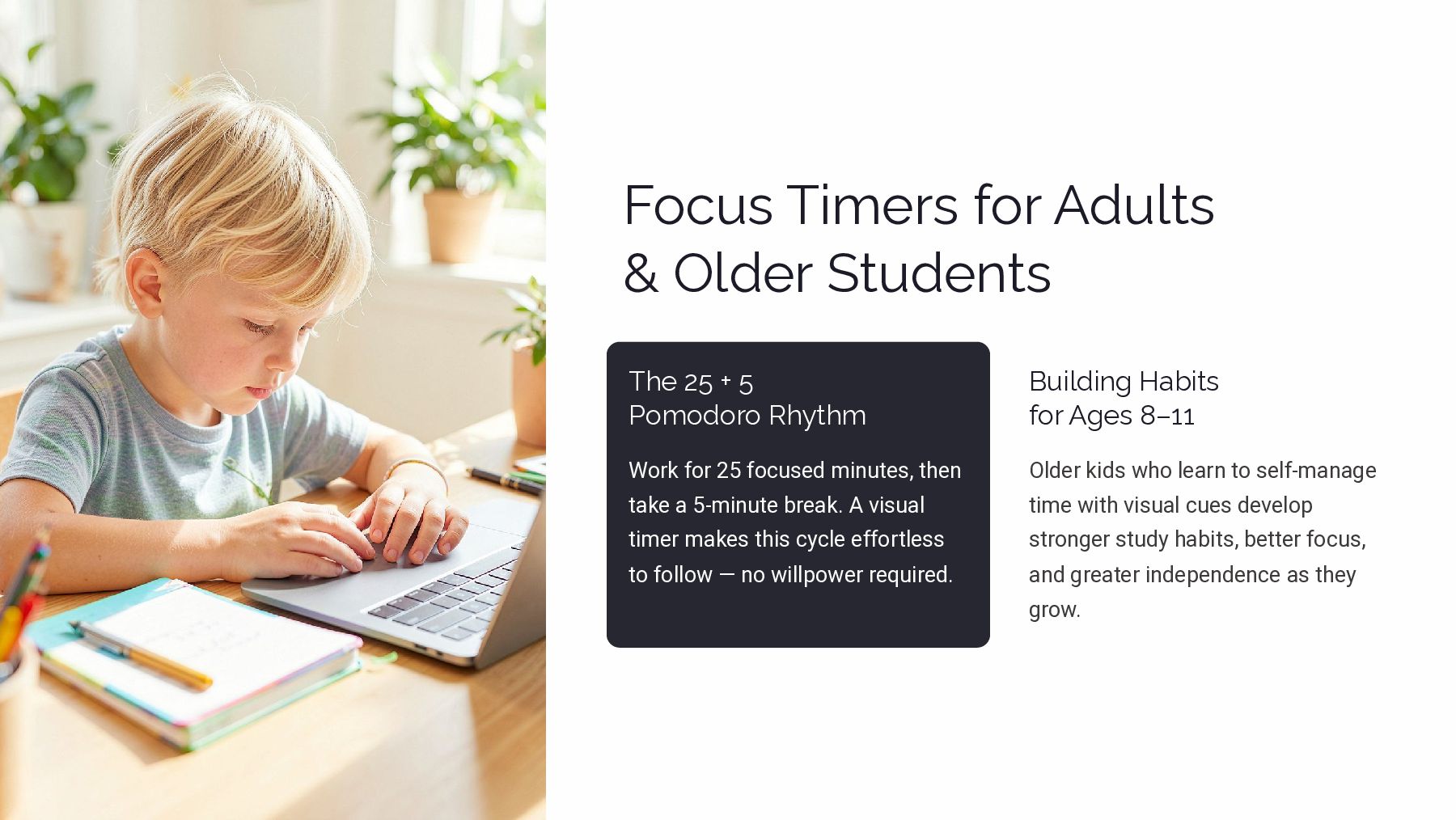
  7. Focus Timers for Adults & Older Students The 25 +

    5 Pomodoro Rhythm Building Habits for Ages 8–11 Work for 25 focused minutes, then Older kids who learn to self-manage take a 5-minute break. A visual time with visual cues develop timer makes this cycle effortless stronger study habits, better focus, to follow — no willpower required. and greater independence as they grow.
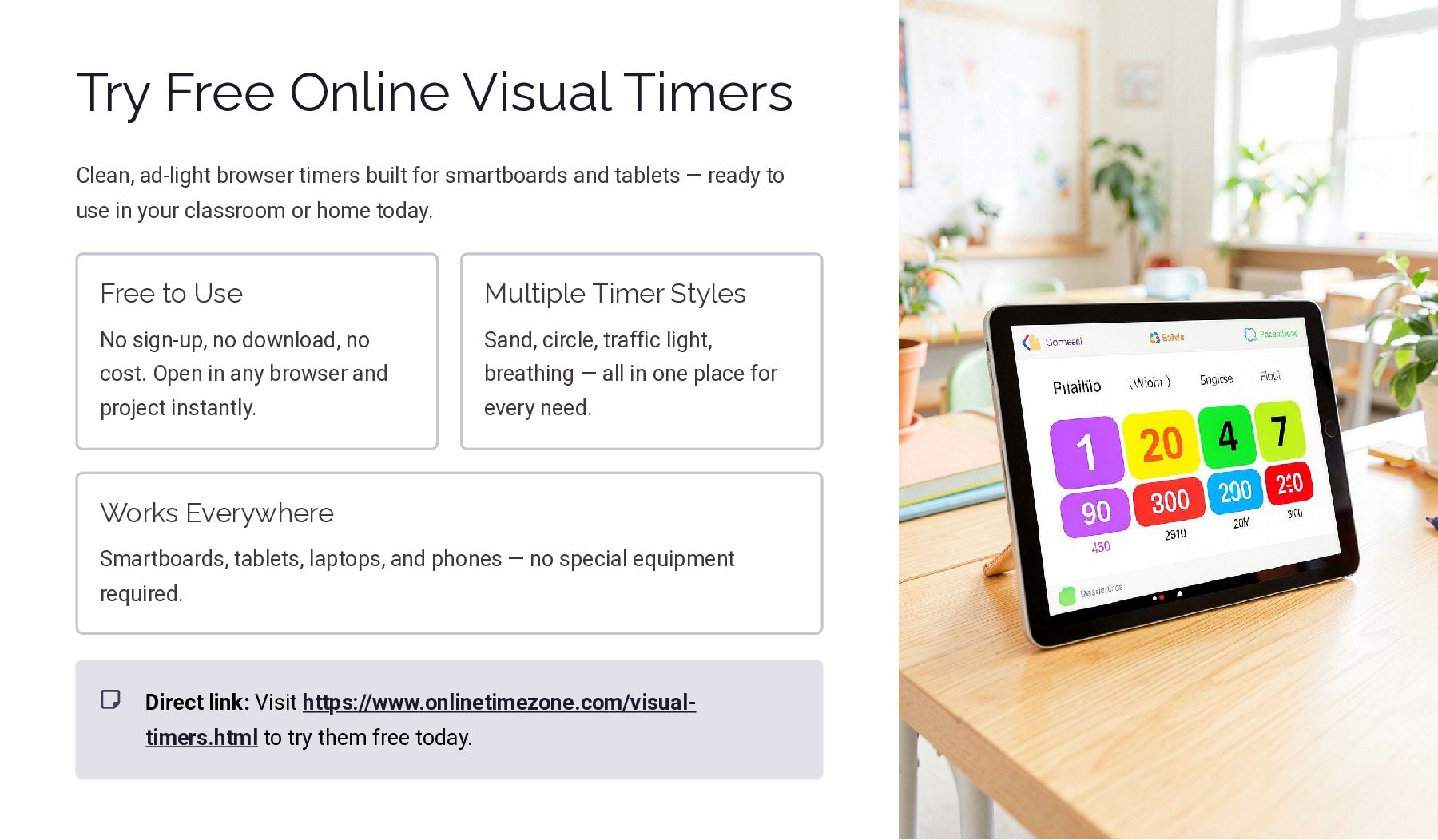
  8. Try Free Online Visual Timers Clean, ad-light browser timers built

    for smartboards and tablets — ready to use in your classroom or home today. Free to Use Multiple Timer Styles No sign-up, no download, no Sand, circle, traffic light, cost. Open in any browser and breathing — all in one place for project instantly. every need. Works Everywhere Smartboards, tablets, laptops, and phones — no special equipment required. Direct link: Visit https://www.onlinetimezone.com/visualtimers.html to try them free today.

Other Decks in Education