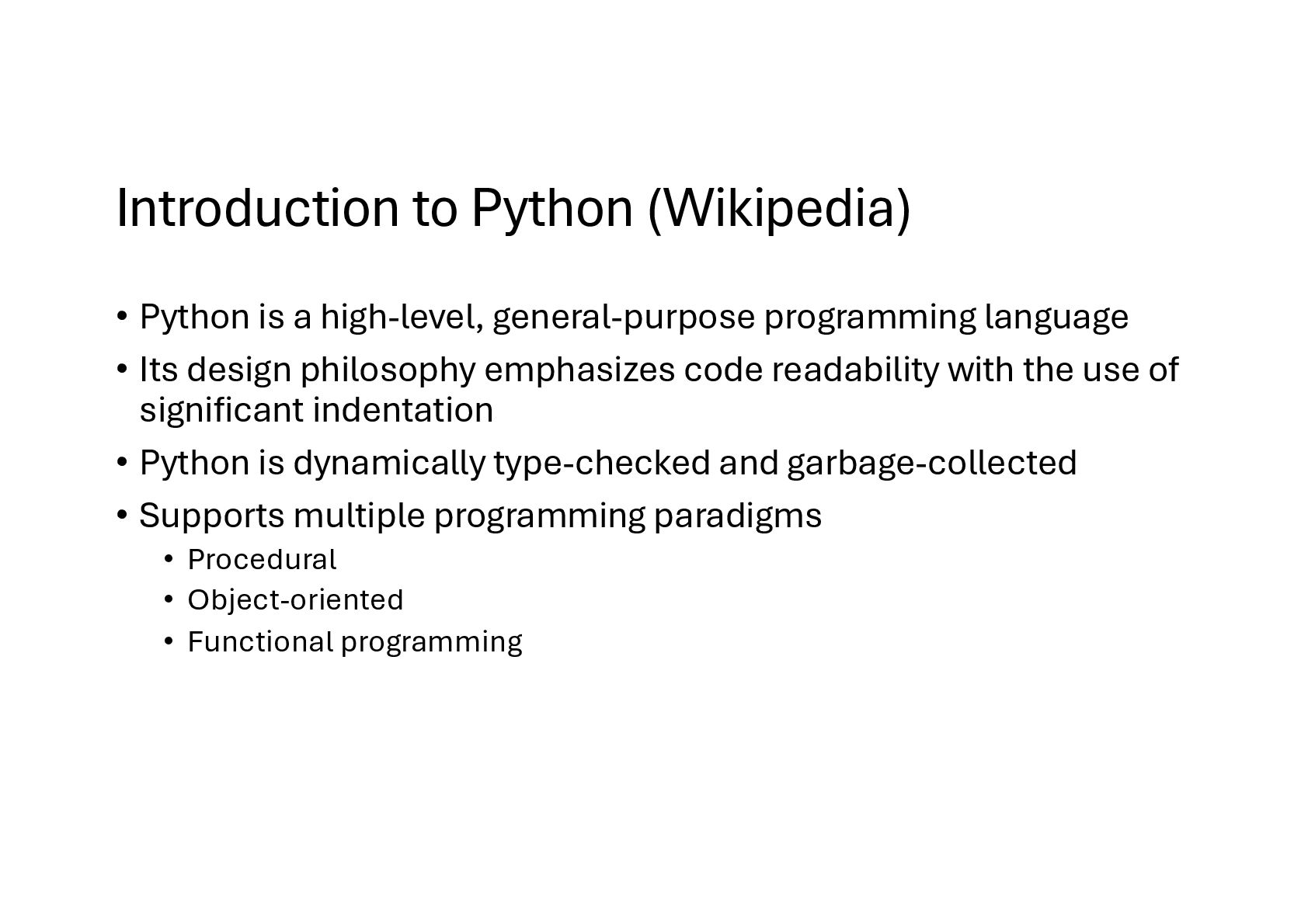
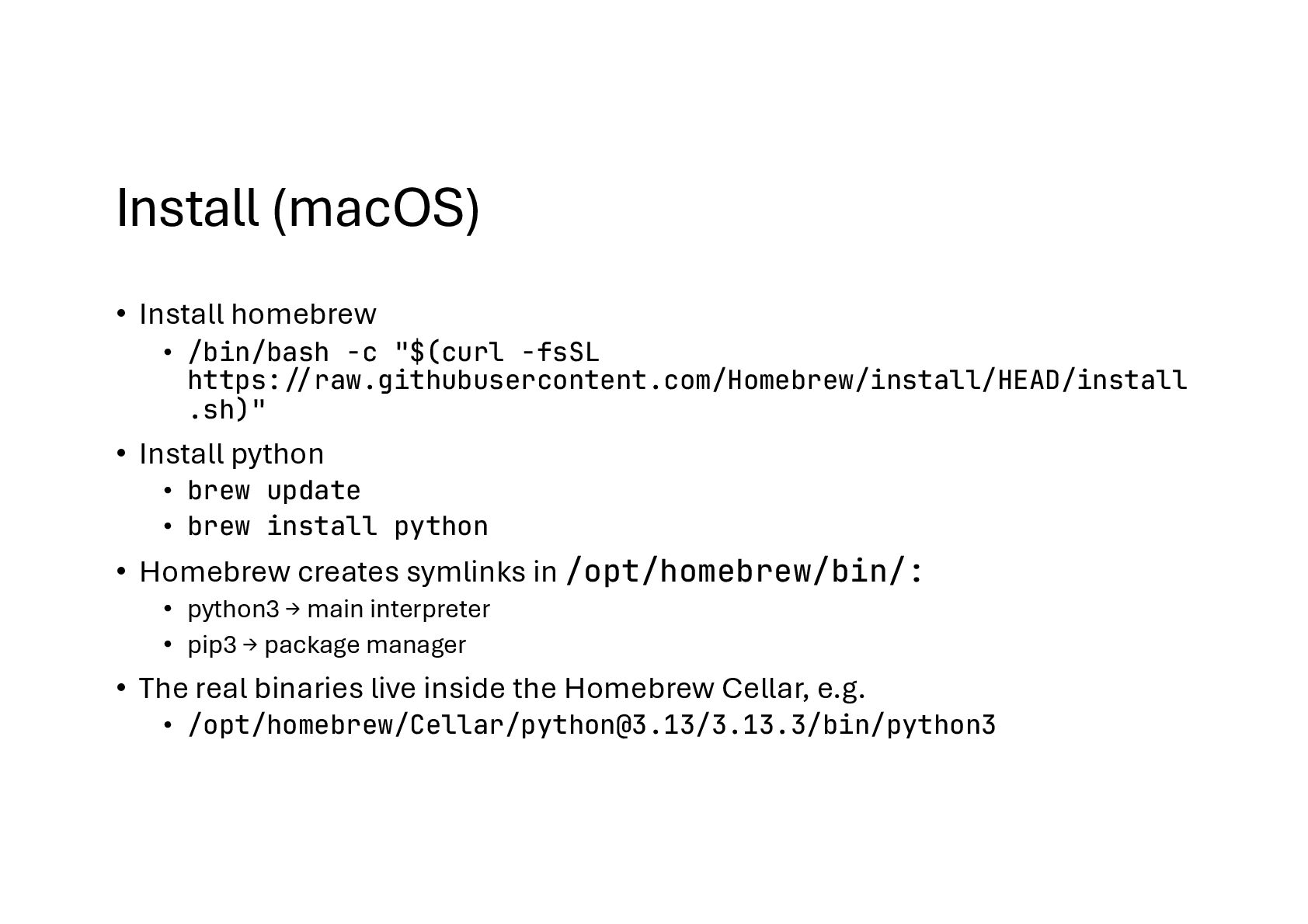
programming language • Its design philosophy emphasizes code readability with the use of significant indentation • Python is dynamically type-checked and garbage-collected • Supports multiple programming paradigms • Procedural • Object-oriented • Functional programming
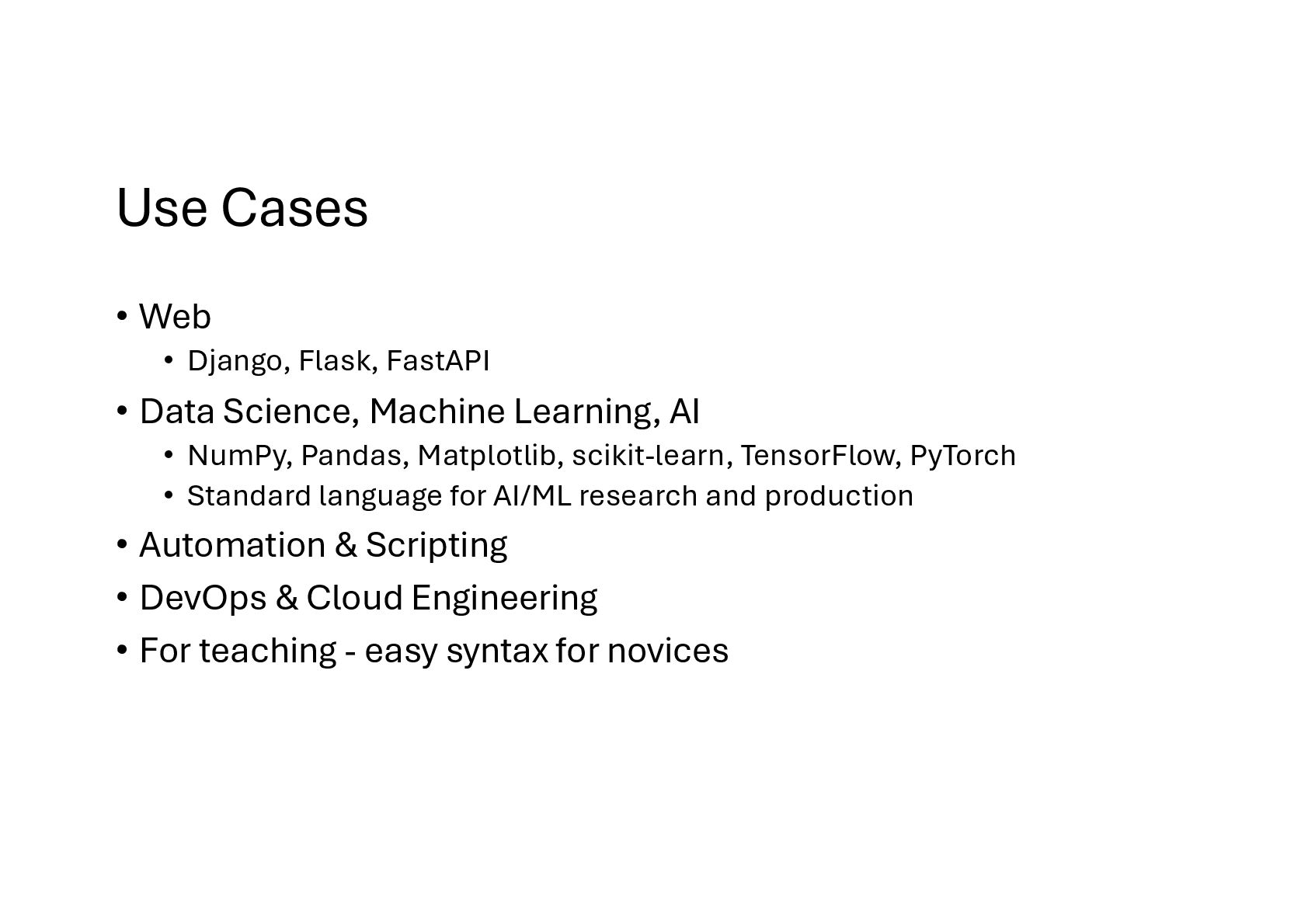
Science, Machine Learning, AI • NumPy, Pandas, Matplotlib, scikit-learn, TensorFlow, PyTorch • Standard language for AI/ML research and production • Automation & Scripting • DevOps & Cloud Engineering • For teaching - easy syntax for novices
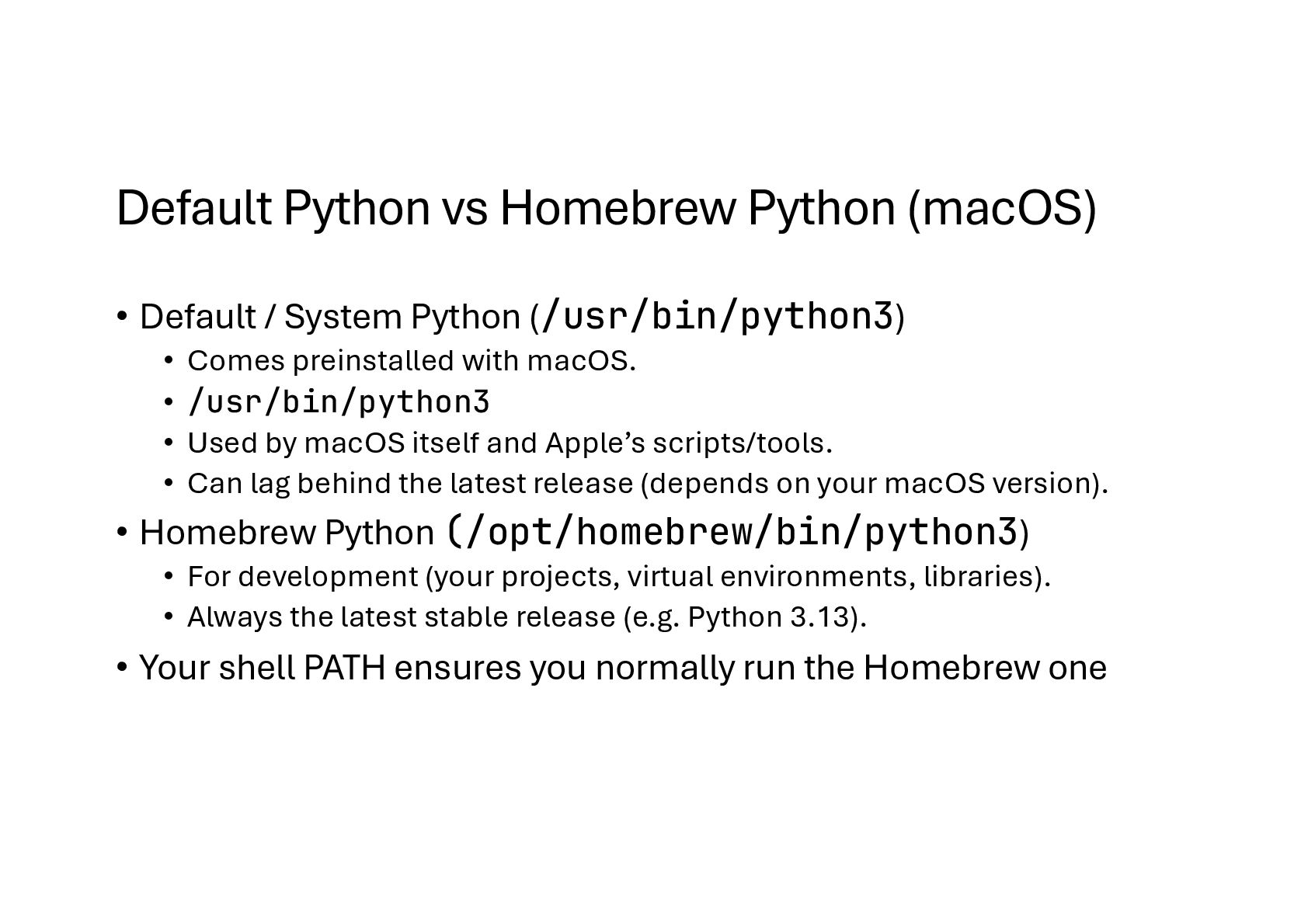
Python (/usr/bin/python3) • Comes preinstalled with macOS. • /usr/bin/python3 • Used by macOS itself and Apple’s scripts/tools. • Can lag behind the latest release (depends on your macOS version). • Homebrew Python (/opt/homebrew/bin/python3) • For development (your projects, virtual environments, libraries). • Always the latest stable release (e.g. Python 3.13). • Your shell PATH ensures you normally run the Homebrew one
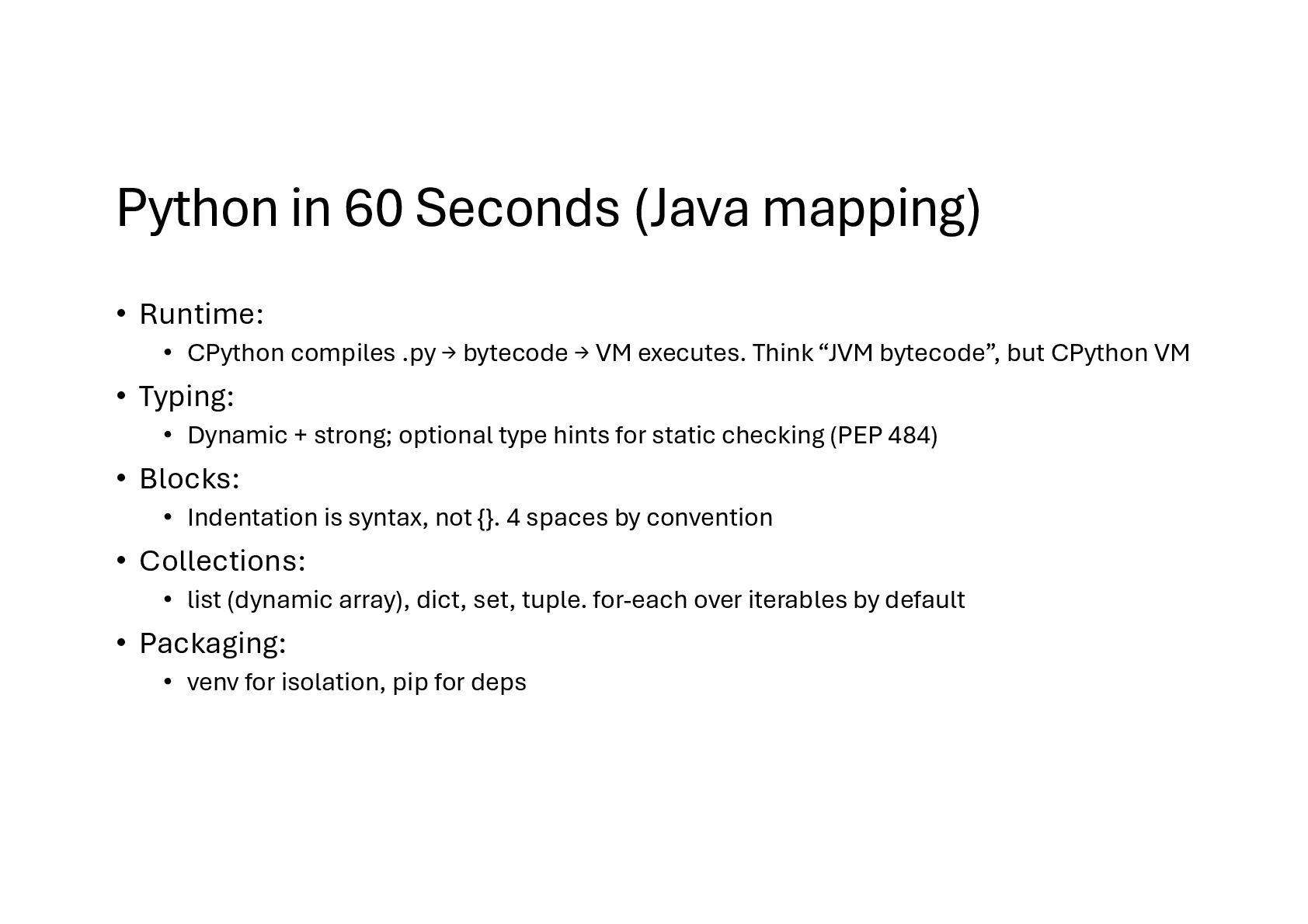
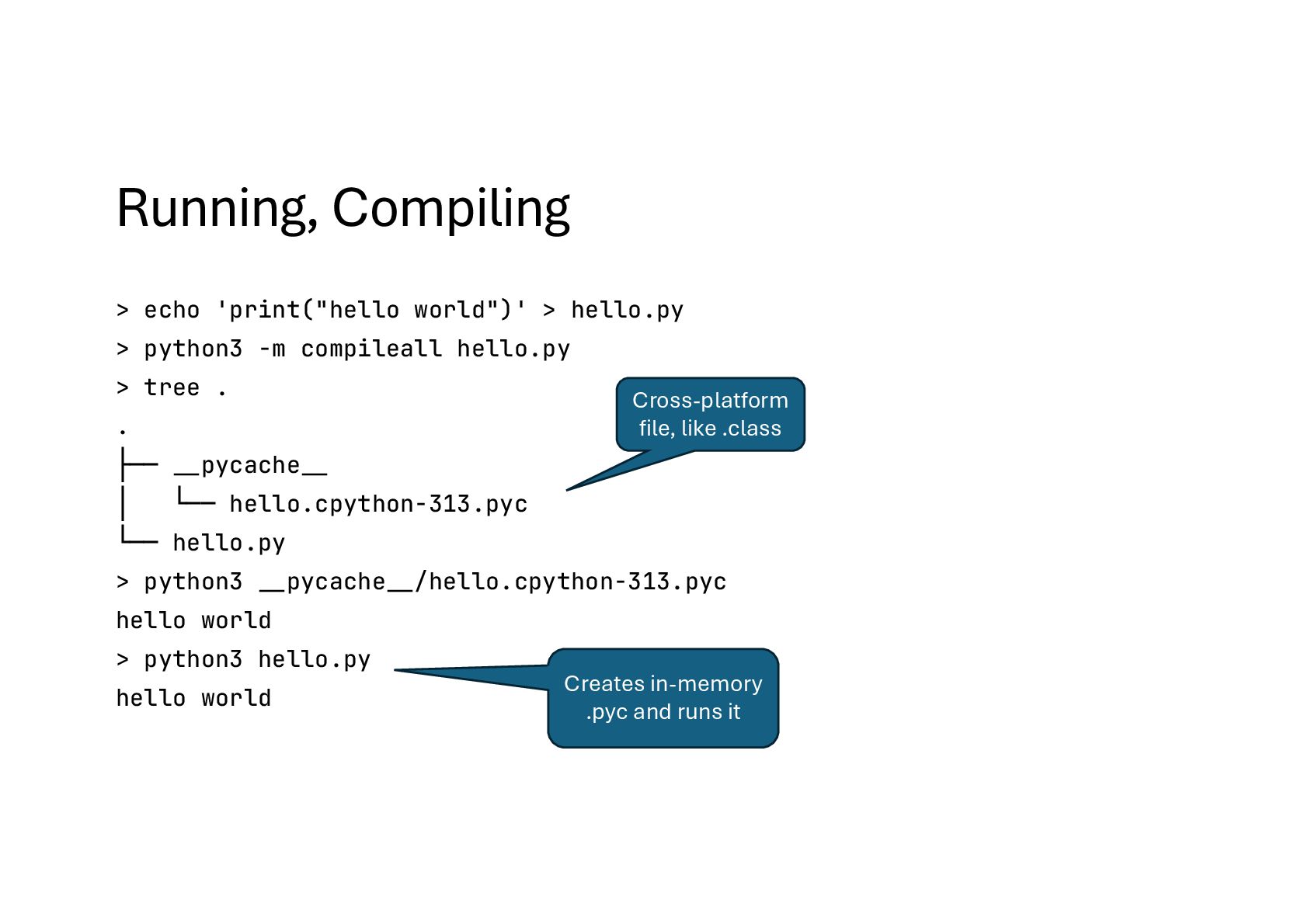
compiles .py → bytecode → VM executes. Think “JVM bytecode”, but CPython VM • Typing: • Dynamic + strong; optional type hints for static checking (PEP 484) • Blocks: • Indentation is syntax, not {}. 4 spaces by convention • Collections: • list (dynamic array), dict, set, tuple. for-each over iterables by default • Packaging: • venv for isolation, pip for deps
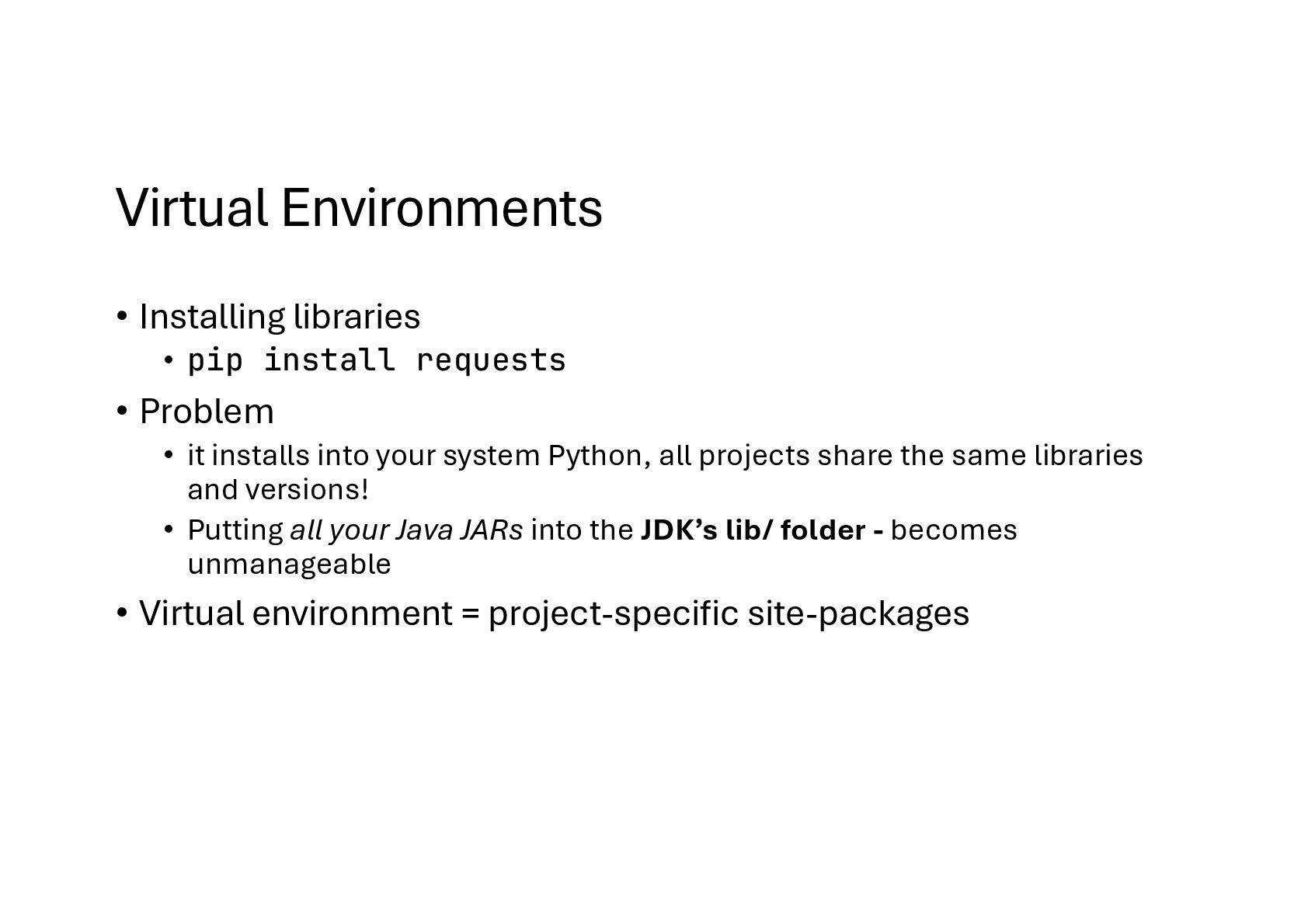
Problem • it installs into your system Python, all projects share the same libraries and versions! • Putting all your Java JARs into the JDK’s lib/ folder - becomes unmanageable • Virtual environment = project-specific site-packages
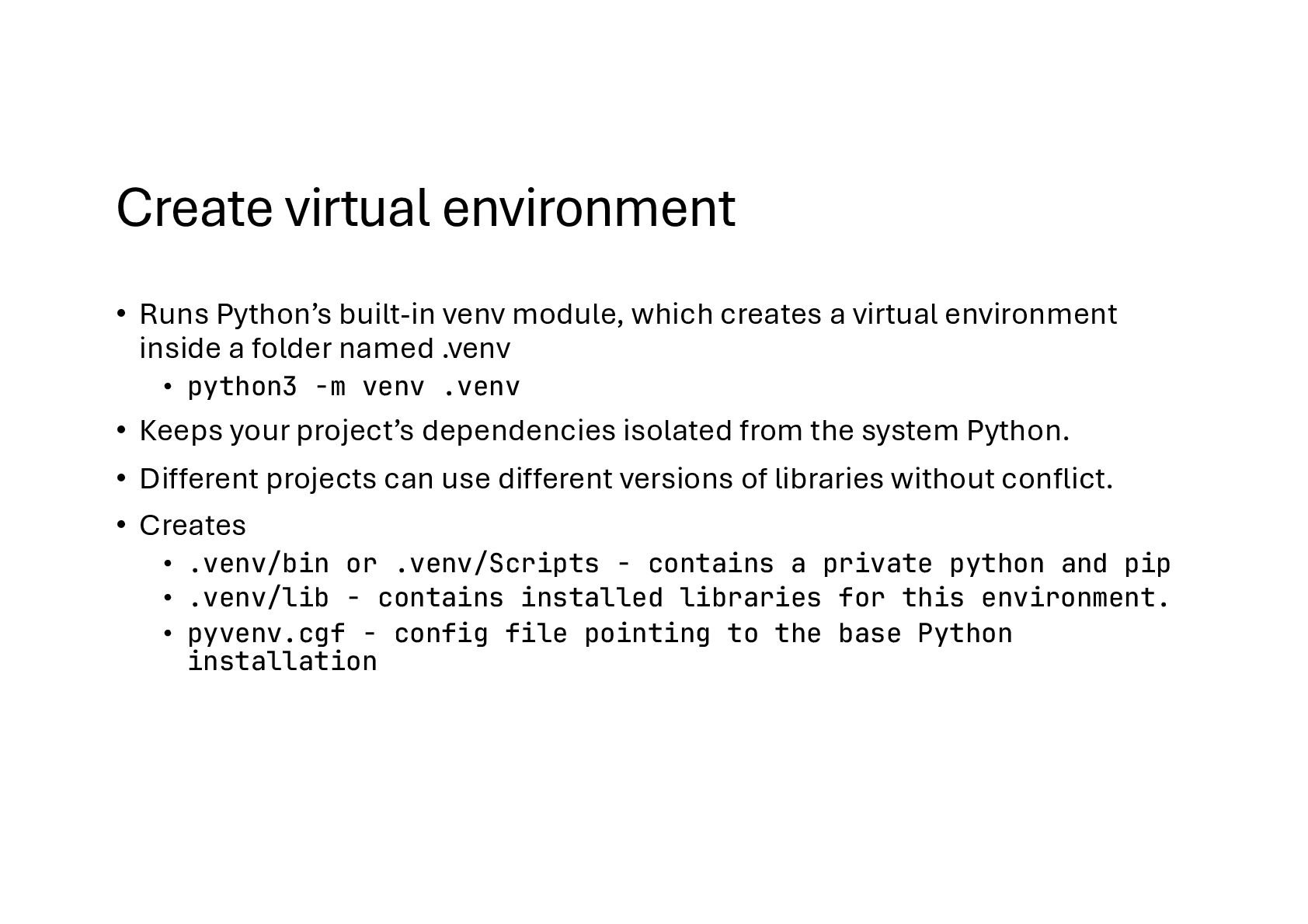
creates a virtual environment inside a folder named .venv • python3 -m venv .venv • Keeps your project’s dependencies isolated from the system Python. • Different projects can use different versions of libraries without conflict. • Creates • .venv/bin or .venv/Scripts - contains a private python and pip • .venv/lib - contains installed libraries for this environment. • pyvenv.cgf - config file pointing to the base Python installation
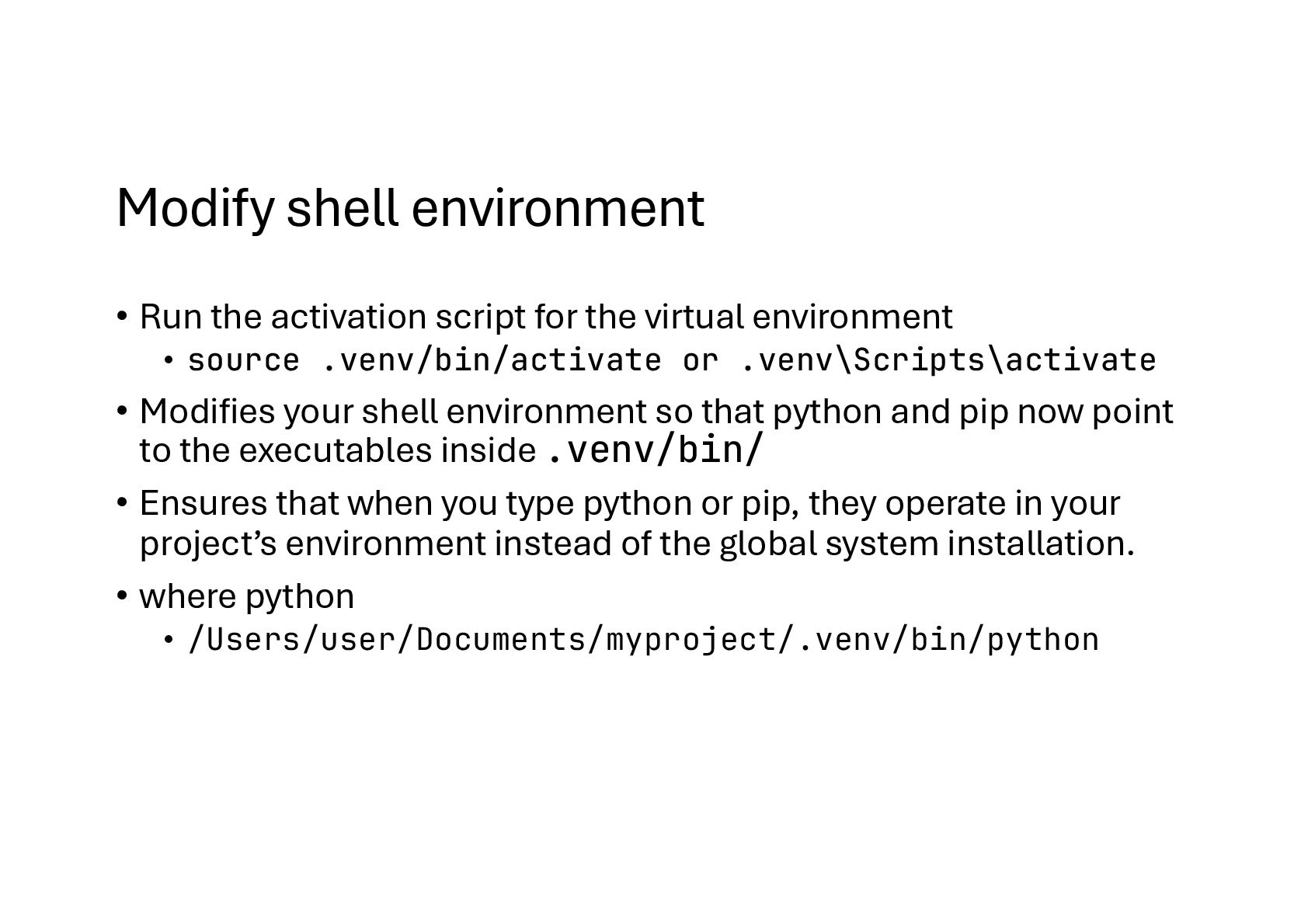
virtual environment • source .venv/bin/activate or .venv\Scripts\activate • Modifies your shell environment so that python and pip now point to the executables inside .venv/bin/ • Ensures that when you type python or pip, they operate in your project’s environment instead of the global system installation. • where python • /Users/user/Documents/myproject/.venv/bin/python
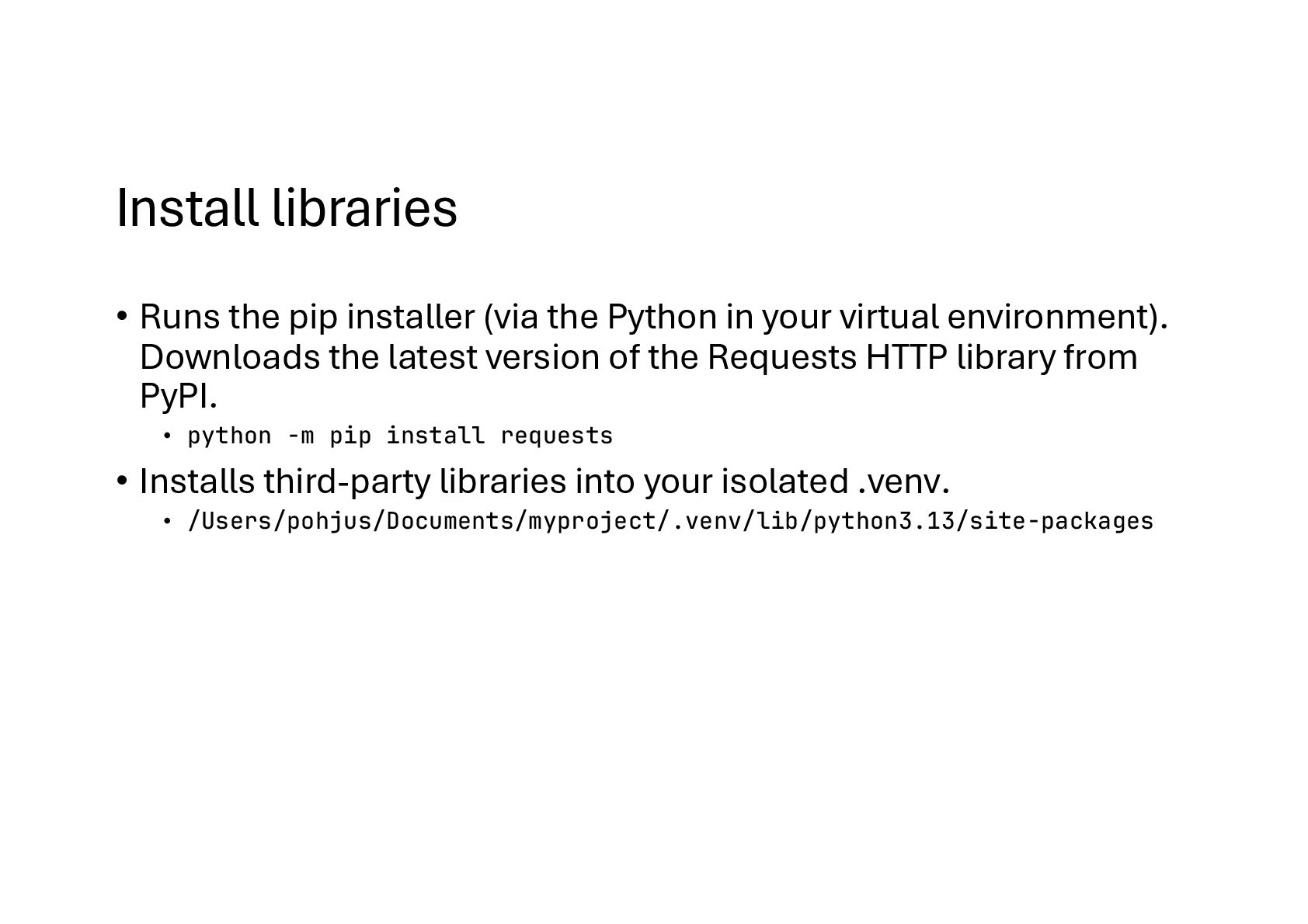
in your virtual environment). Downloads the latest version of the Requests HTTP library from PyPI. • python -m pip install requests • Installs third-party libraries into your isolated .venv. • /Users/pohjus/Documents/myproject/.venv/lib/python3.13/site-packages
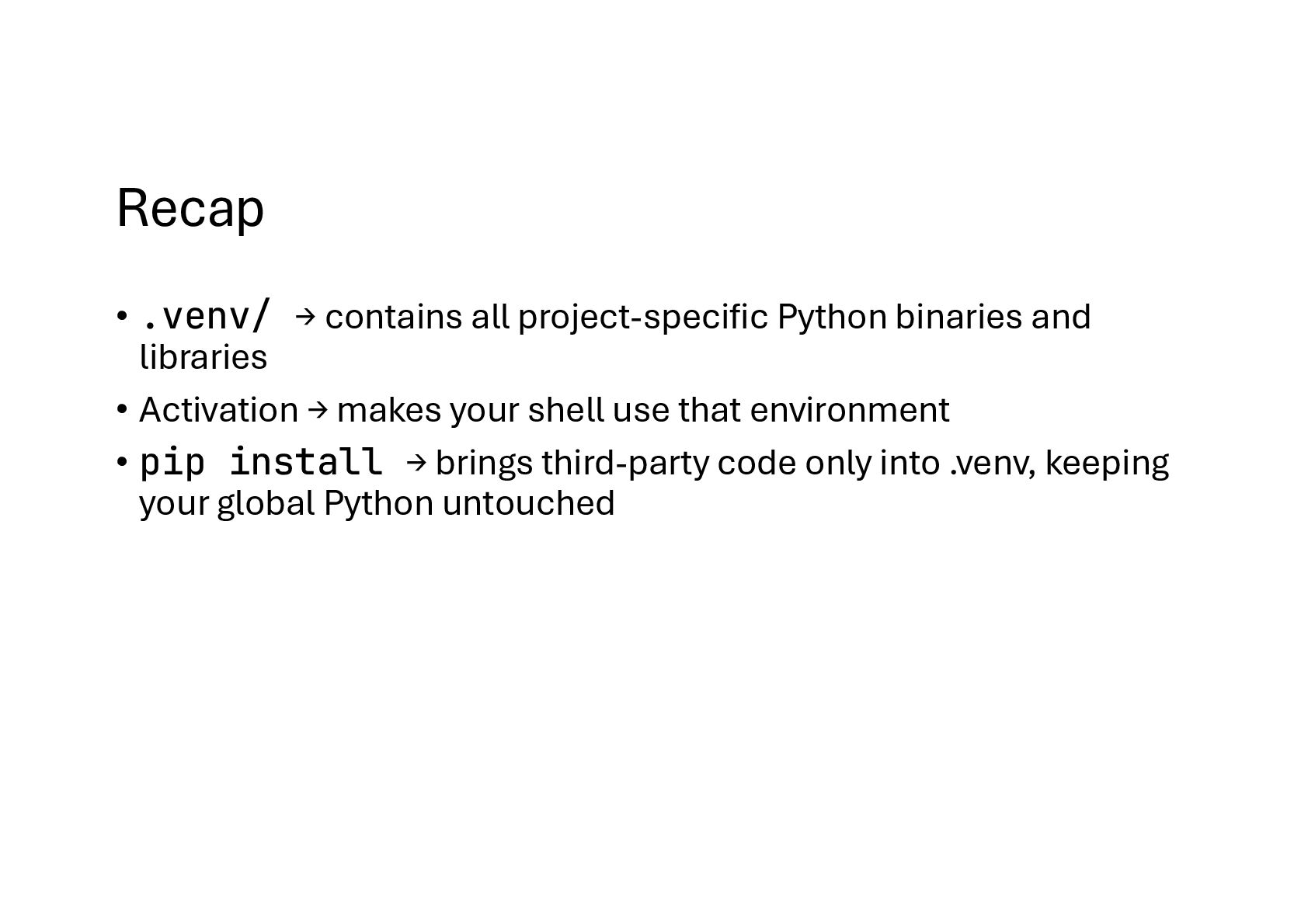
libraries • Activation → makes your shell use that environment • pip install → brings third-party code only into .venv, keeping your global Python untouched
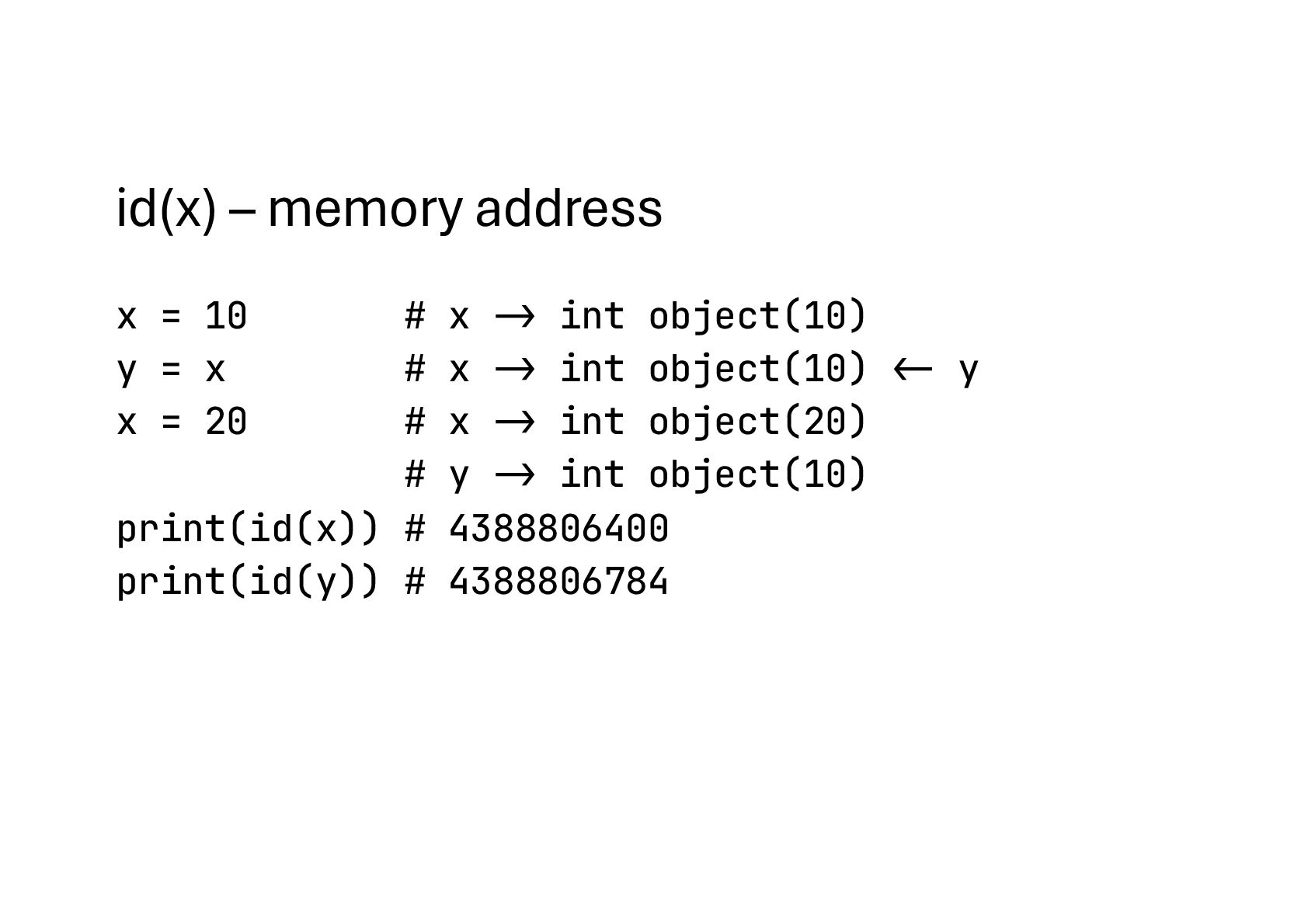
int object(10) y = x # x -> int object(10) "<- y x = 20 # x -> int object(20) # y -> int object(10) print(id(x)) # 4388806400 print(id(y)) # 4388806784
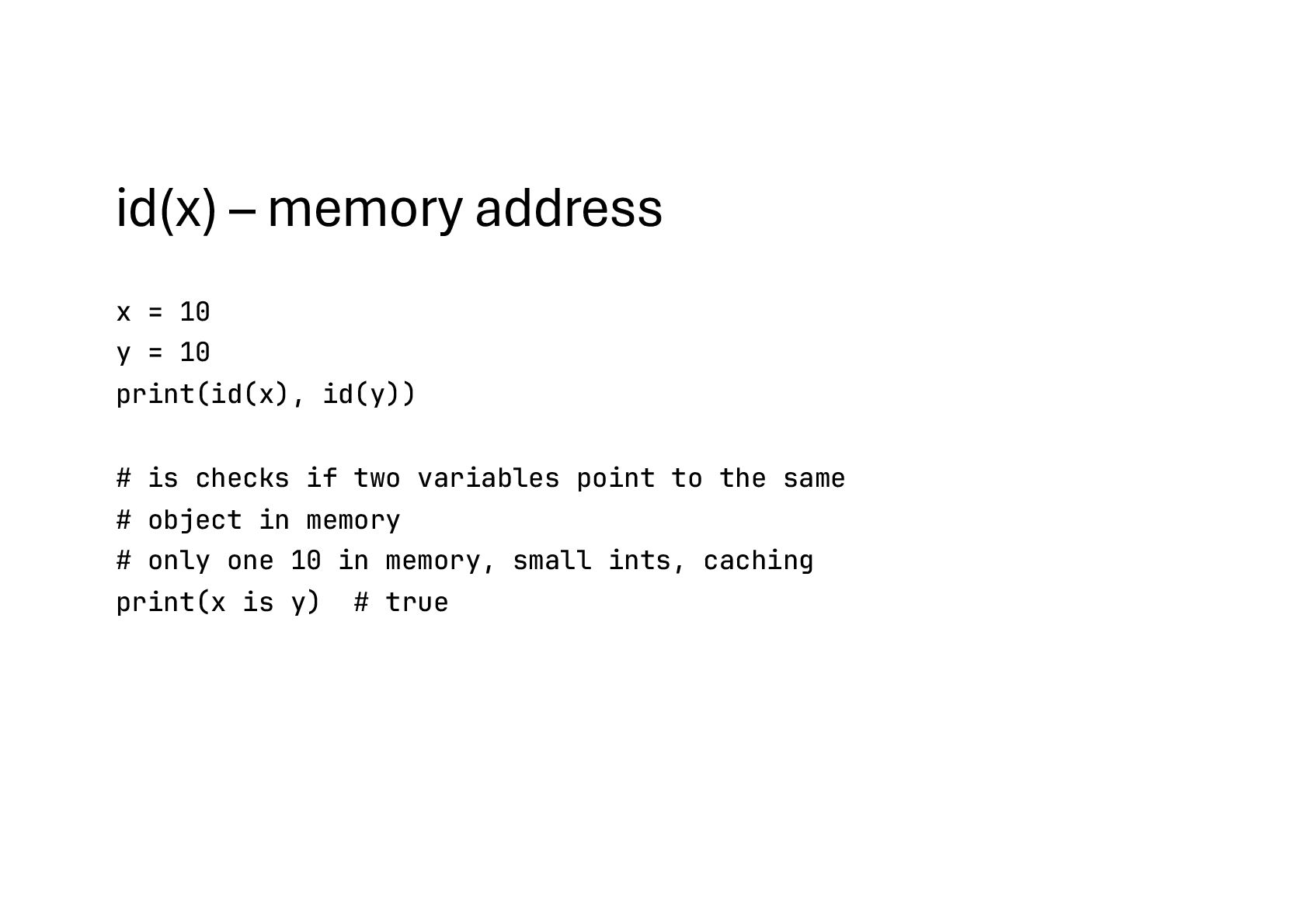
print(id(x), id(y)) # is checks if two variables point to the same # object in memory # only one 10 in memory, small ints, caching print(x is y) # true
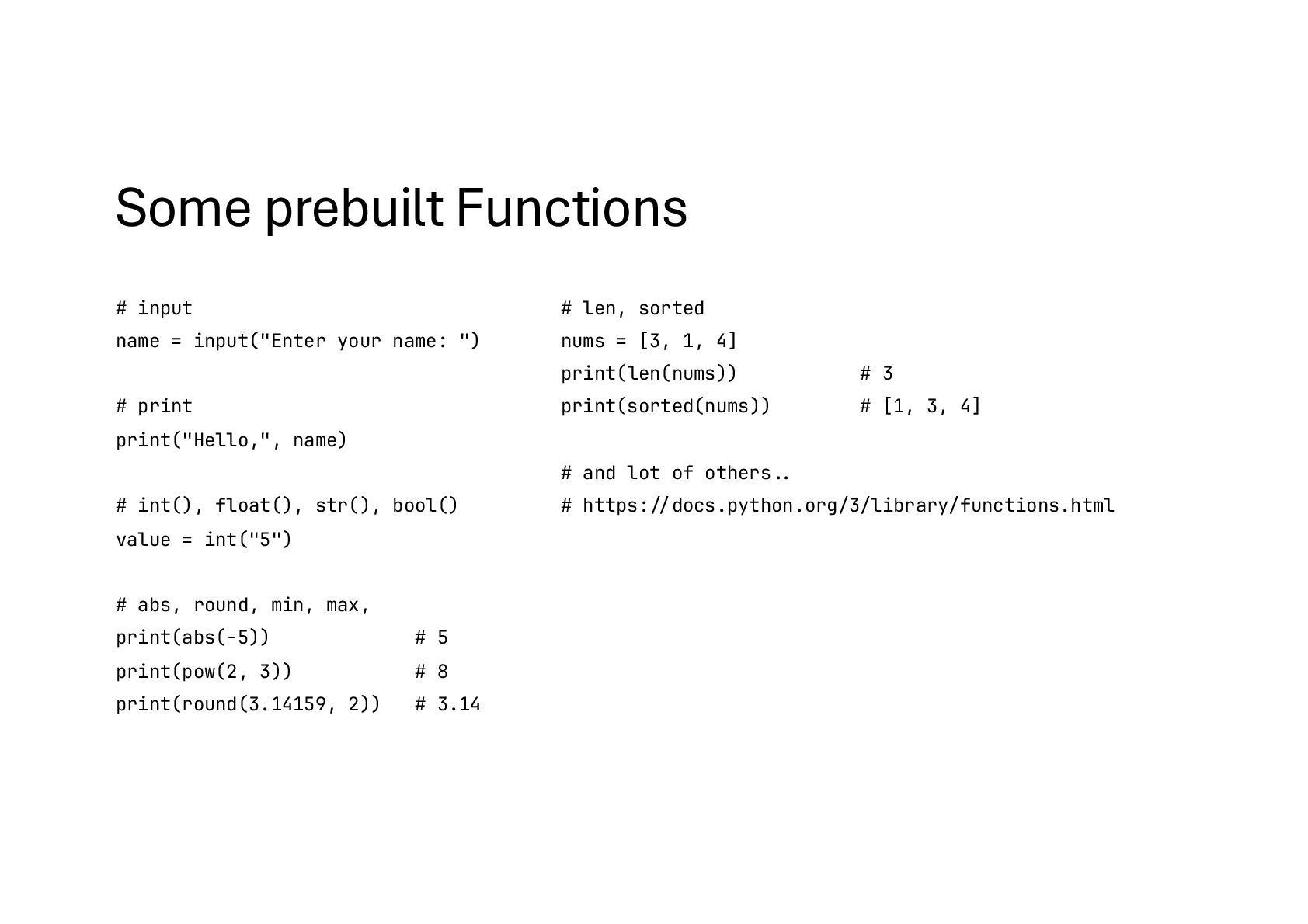
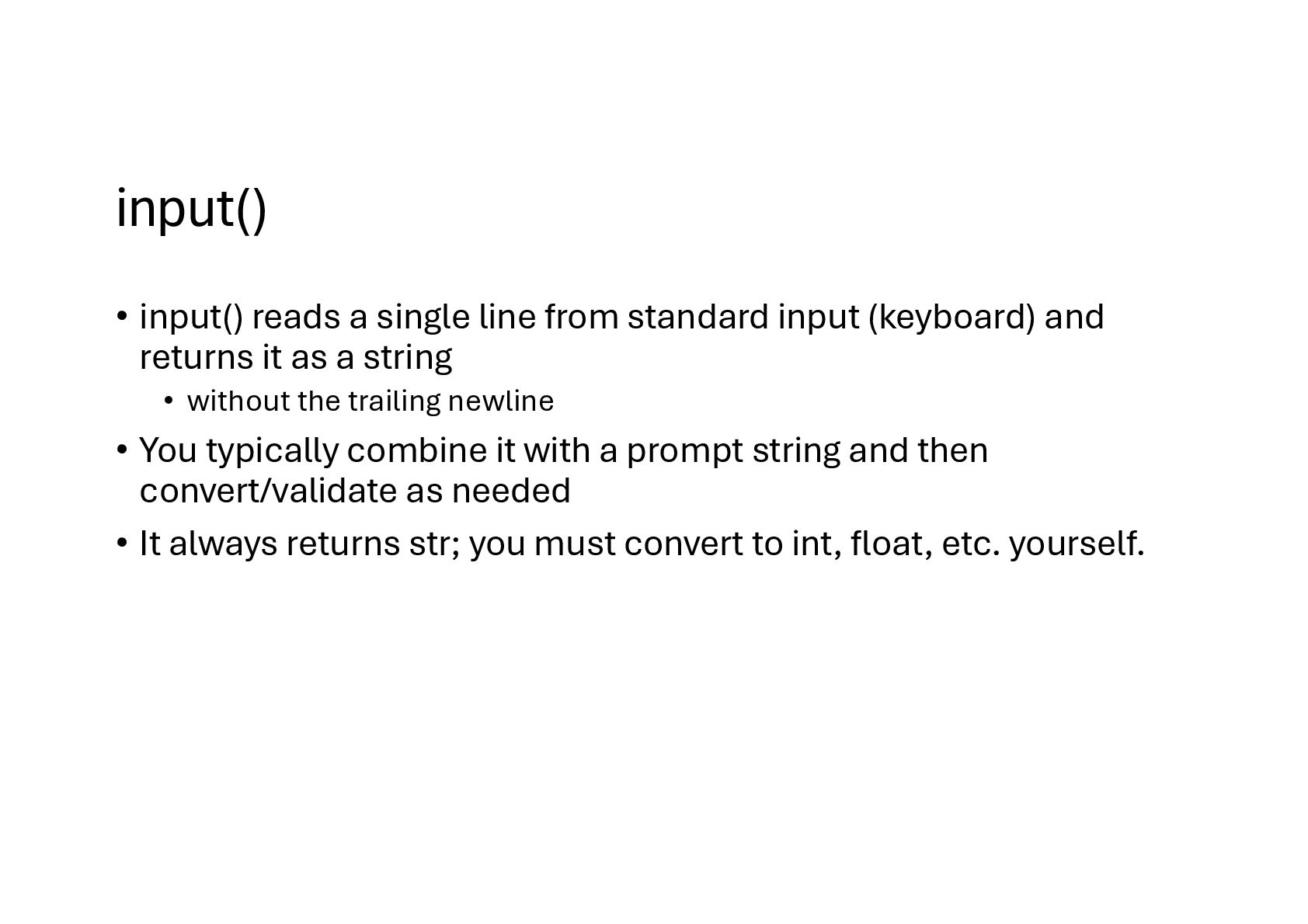
(keyboard) and returns it as a string • without the trailing newline • You typically combine it with a prompt string and then convert/validate as needed • It always returns str; you must convert to int, float, etc. yourself.
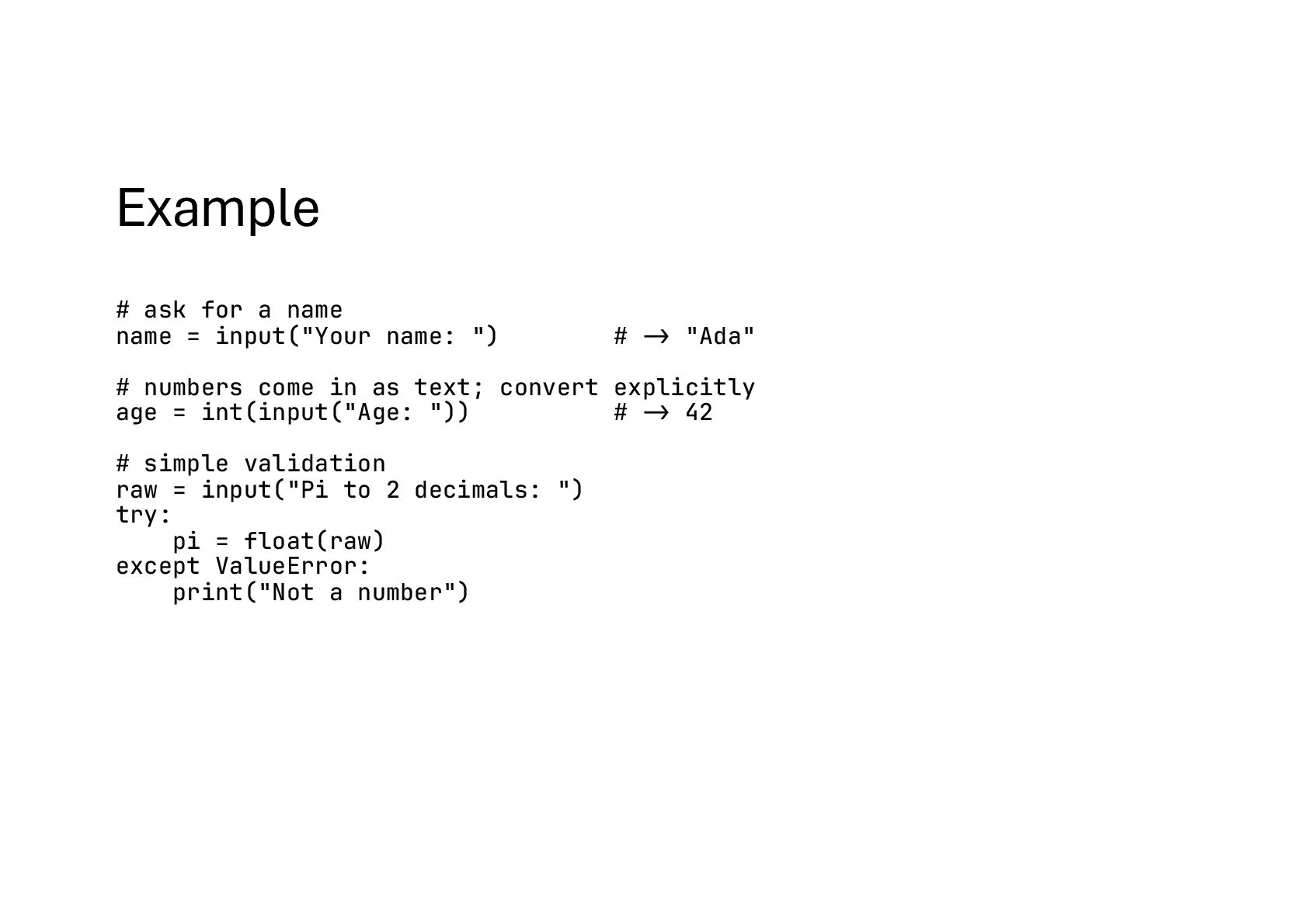
") # -> "Ada" # numbers come in as text; convert explicitly age = int(input("Age: ")) # -> 42 # simple validation raw = input("Pi to 2 decimals: ") try: pi = float(raw) except ValueError: print("Not a number")
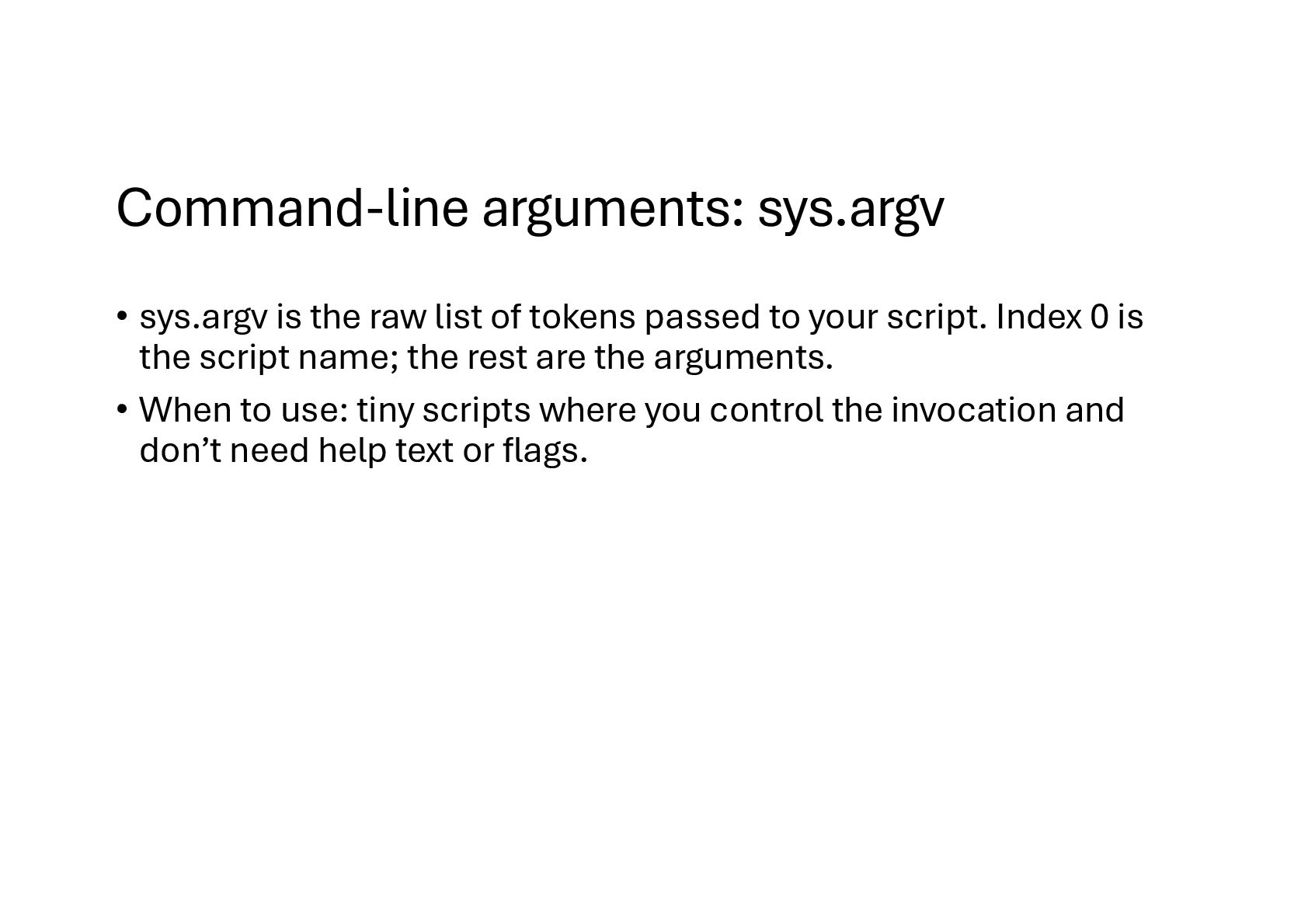
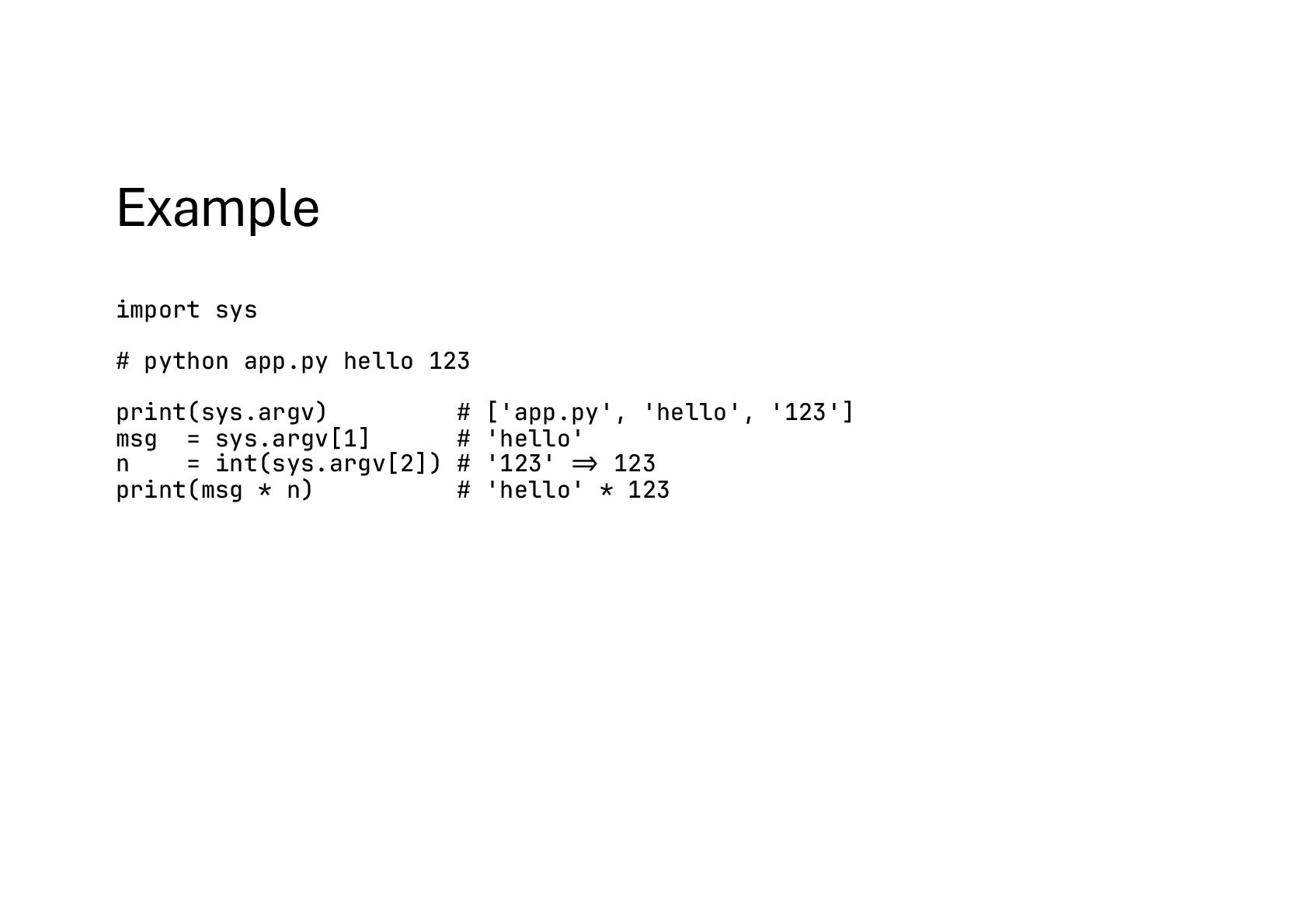
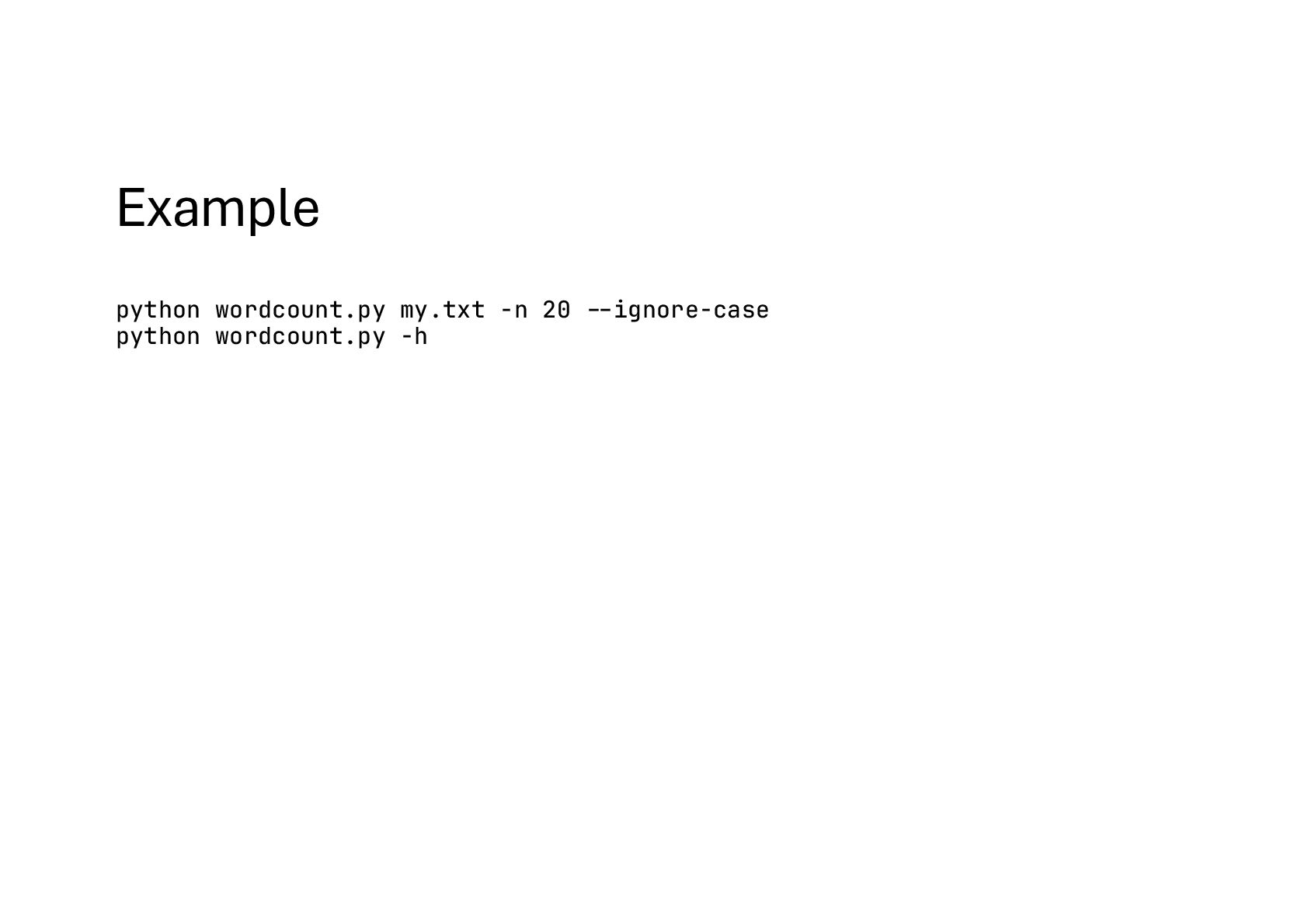
tokens passed to your script. Index 0 is the script name; the rest are the arguments. • When to use: tiny scripts where you control the invocation and don’t need help text or flags.
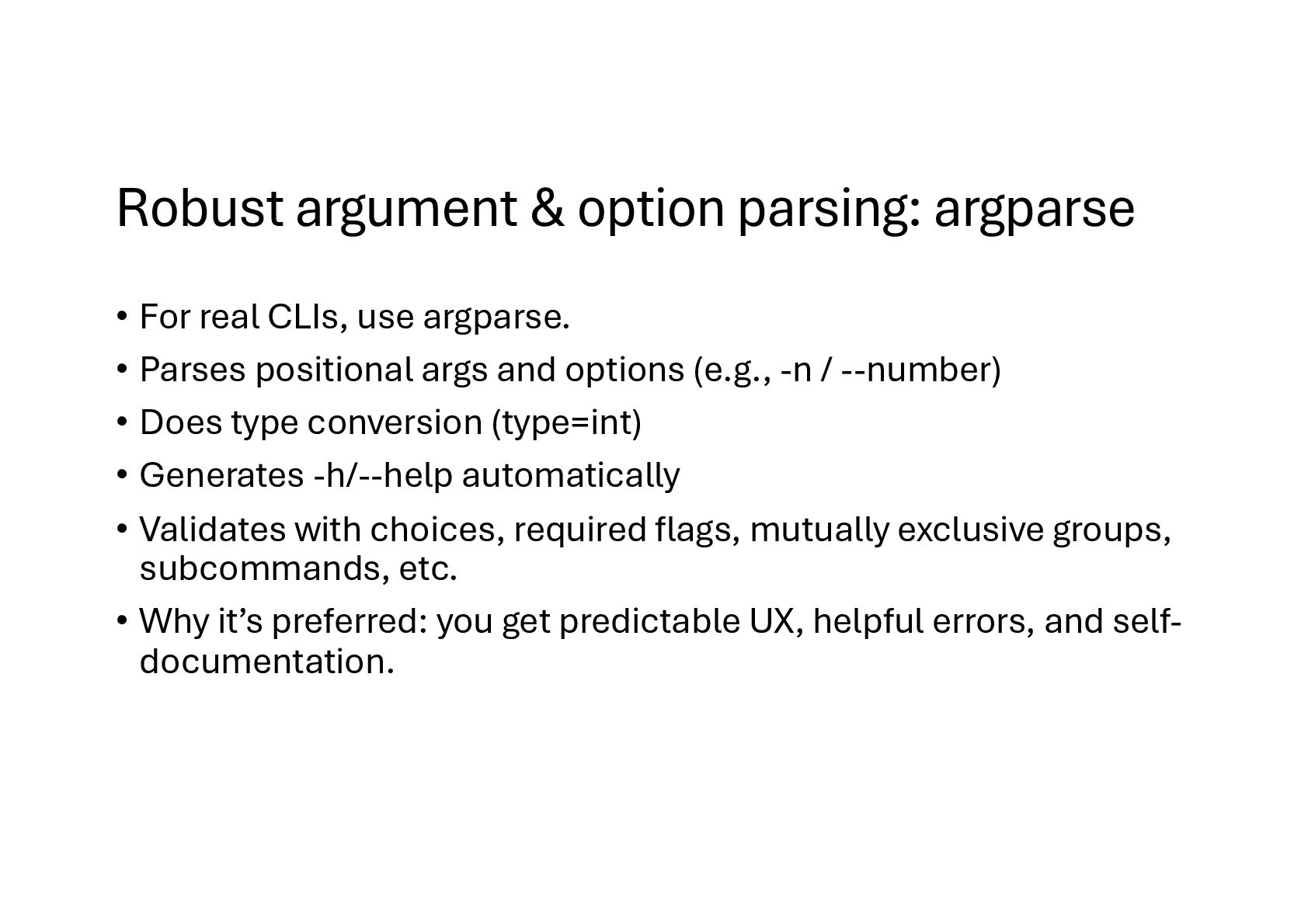
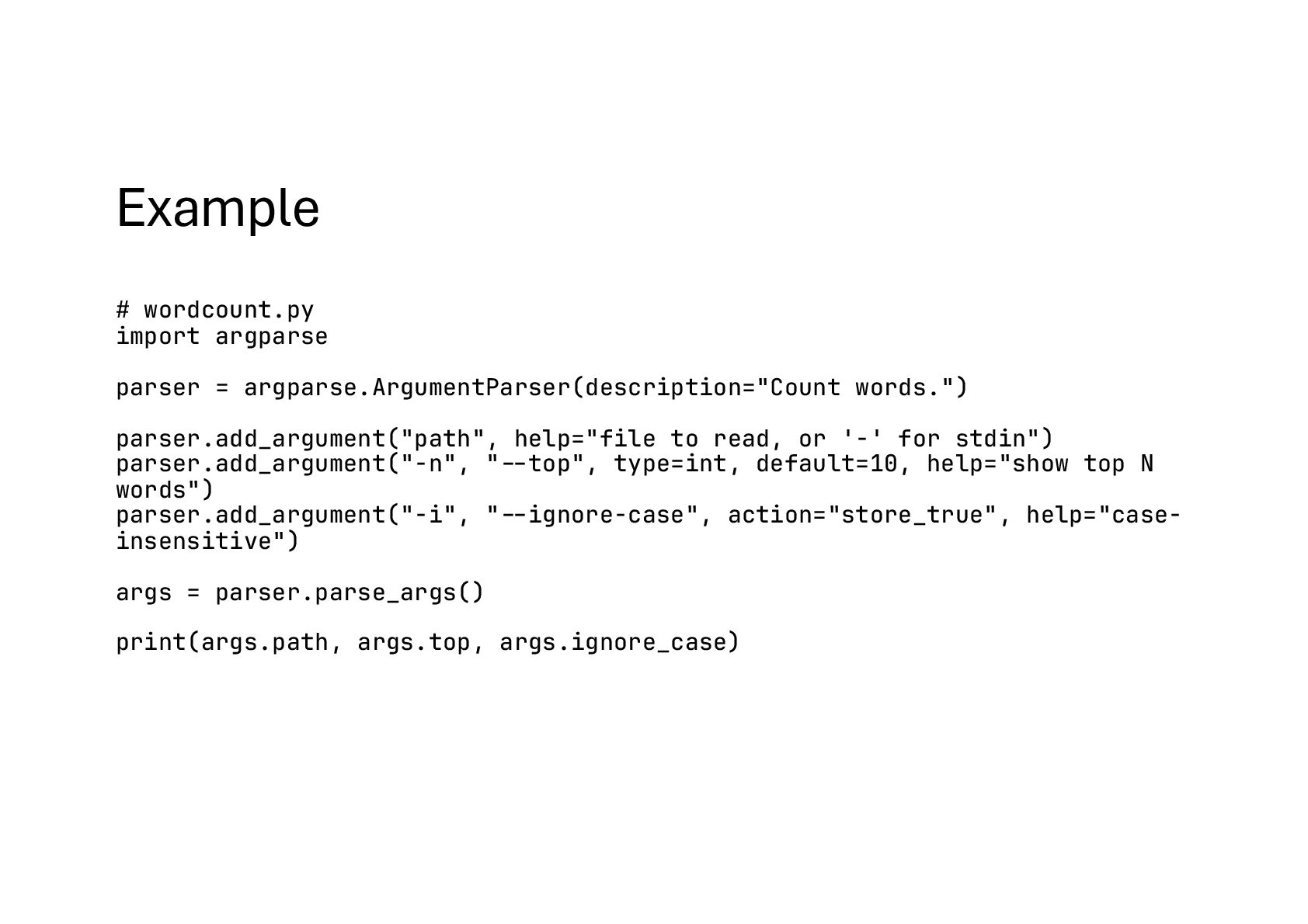
use argparse. • Parses positional args and options (e.g., -n / --number) • Does type conversion (type=int) • Generates -h/--help automatically • Validates with choices, required flags, mutually exclusive groups, subcommands, etc. • Why it’s preferred: you get predictable UX, helpful errors, and self- documentation.
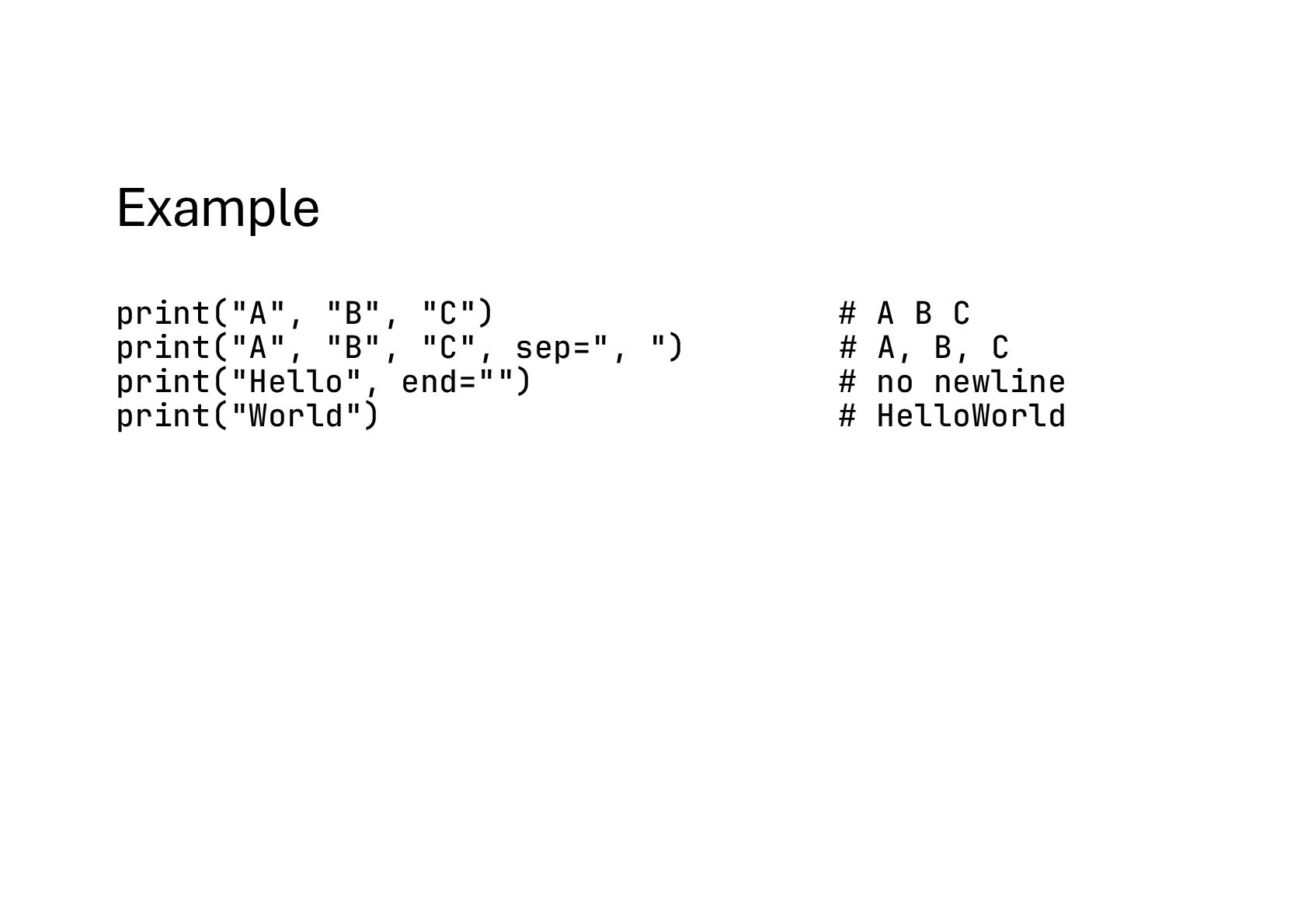
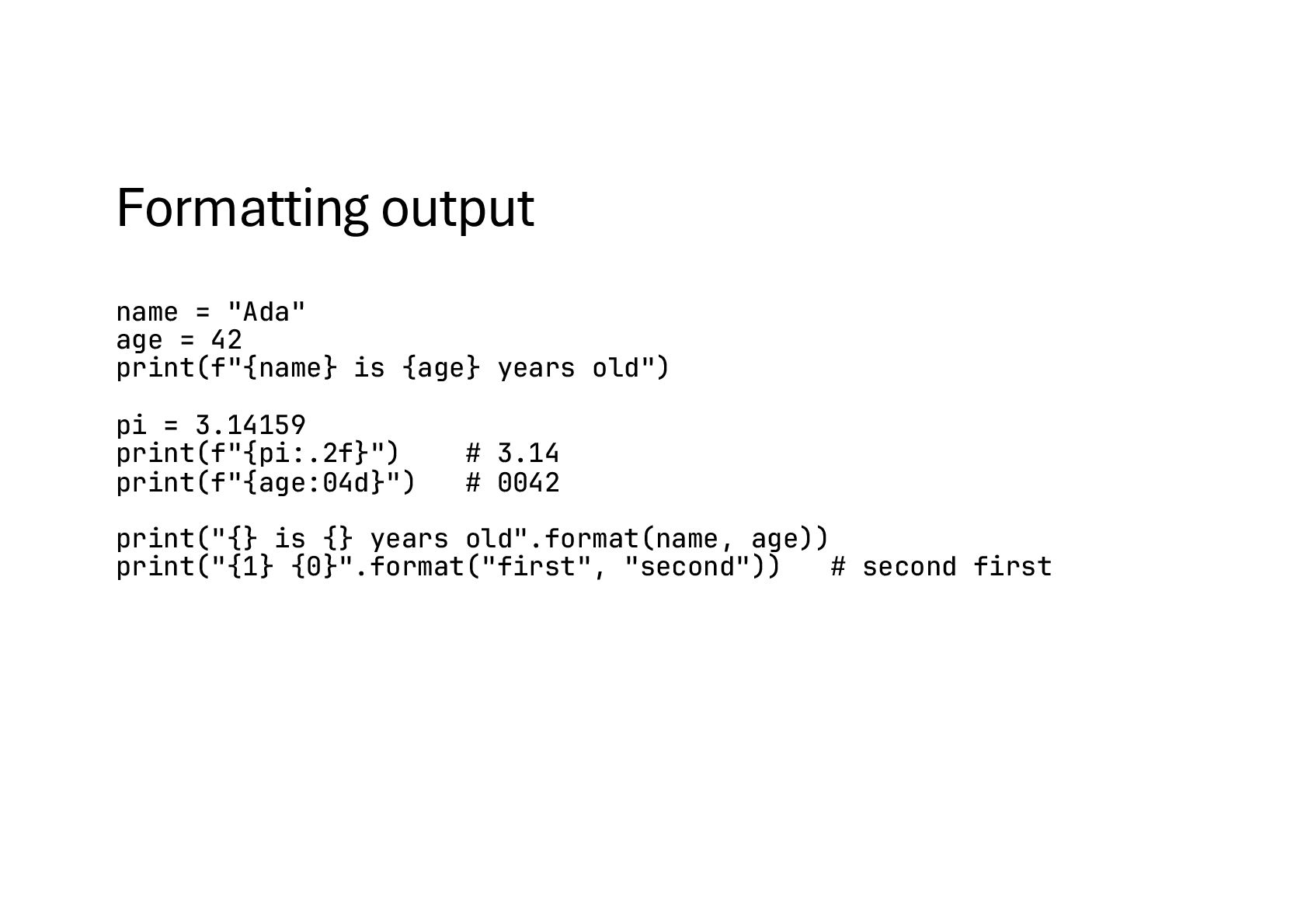
{age} years old") pi = 3.14159 print(f"{pi:.2f}") # 3.14 print(f"{age:04d}") # 0042 print("{} is {} years old".format(name, age)) print("{1} {0}".format("first", "second")) # second first
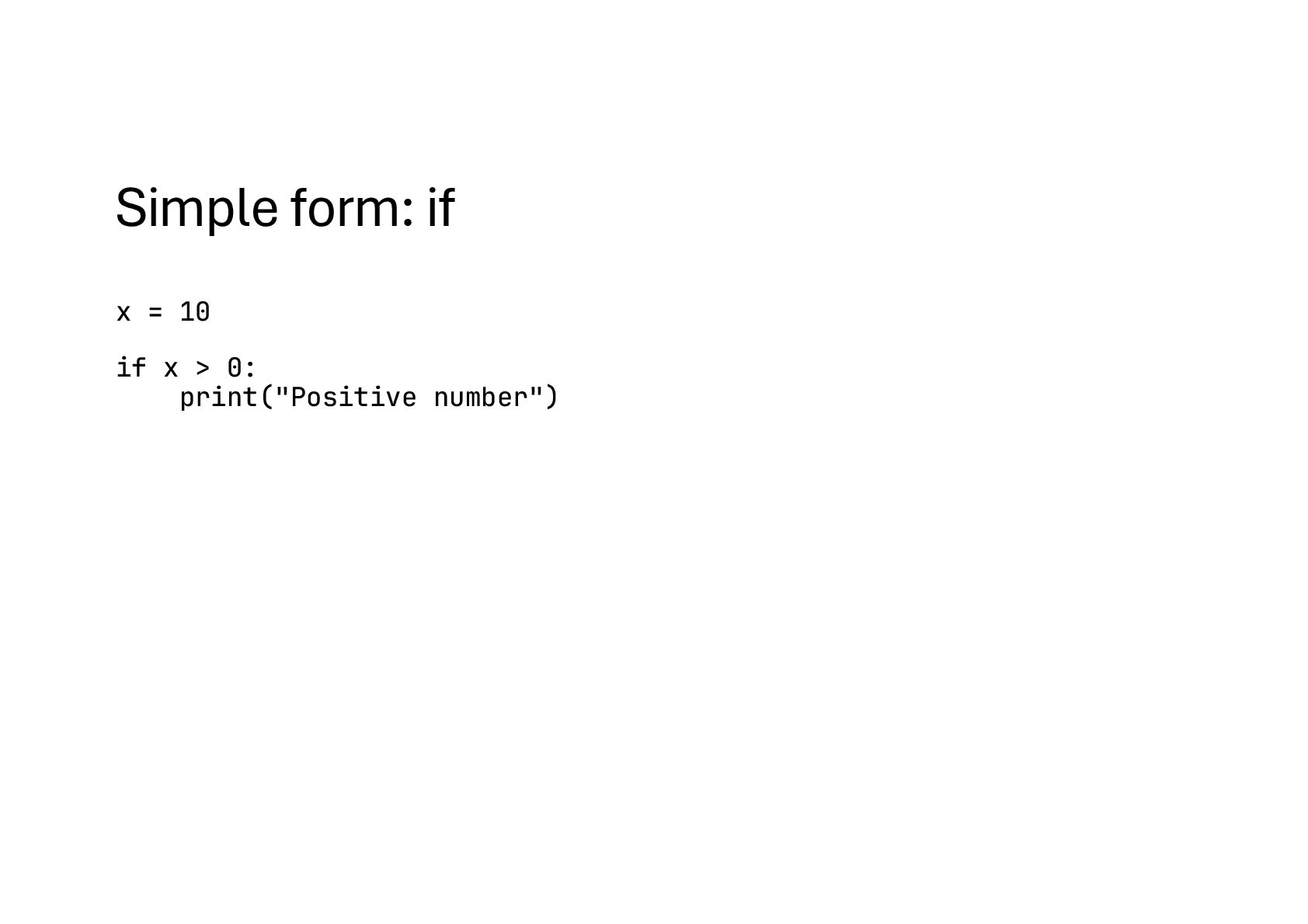
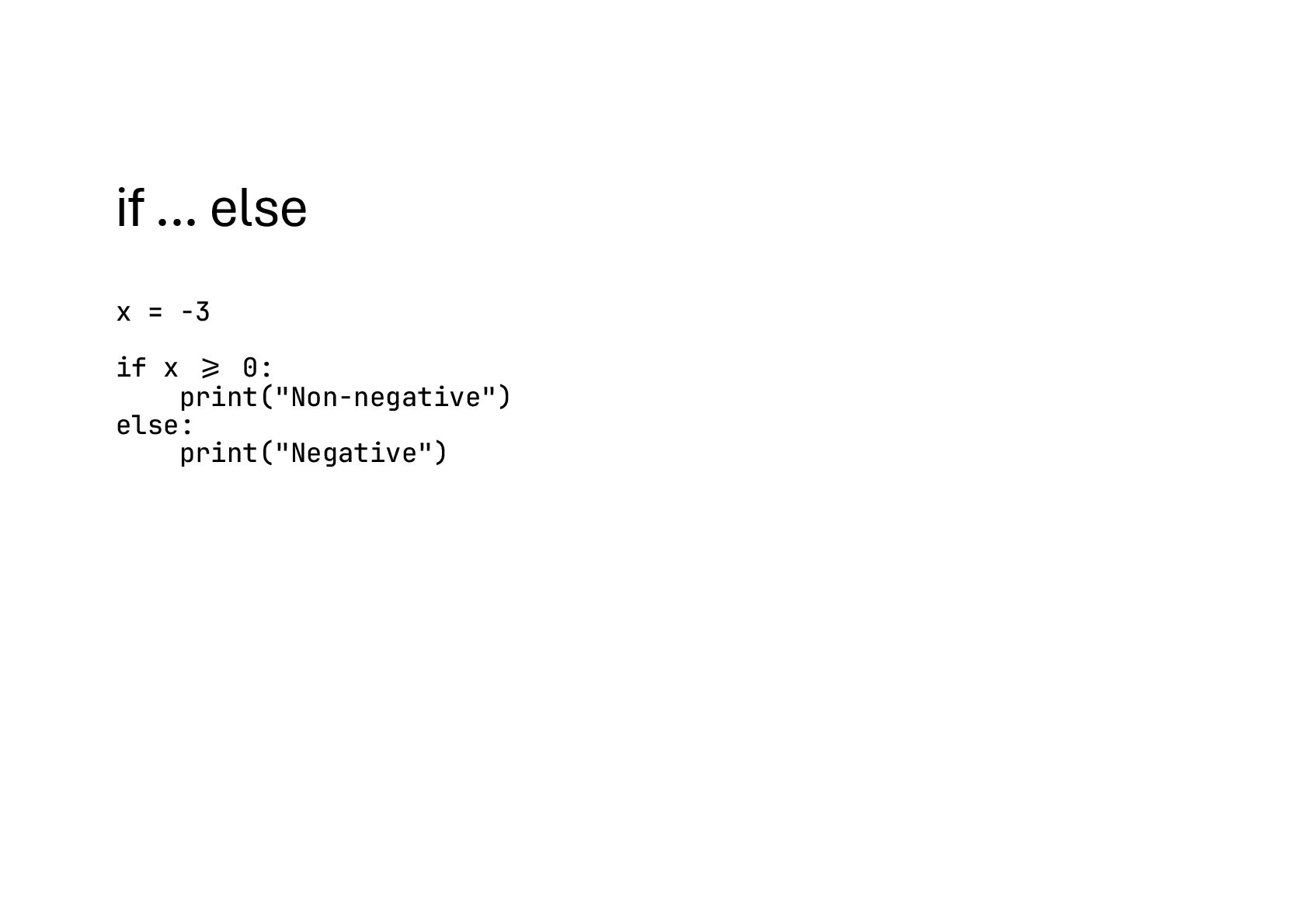
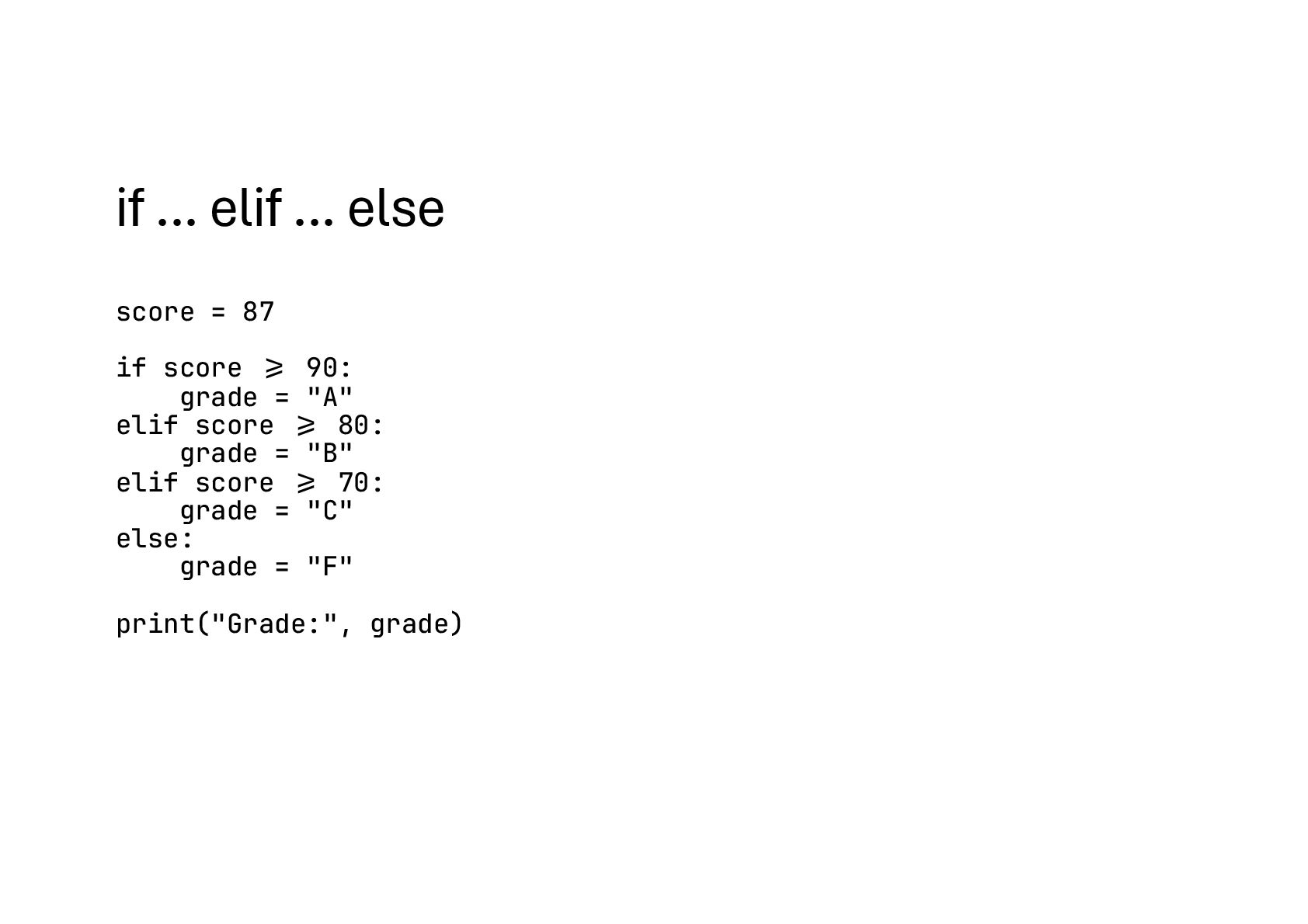
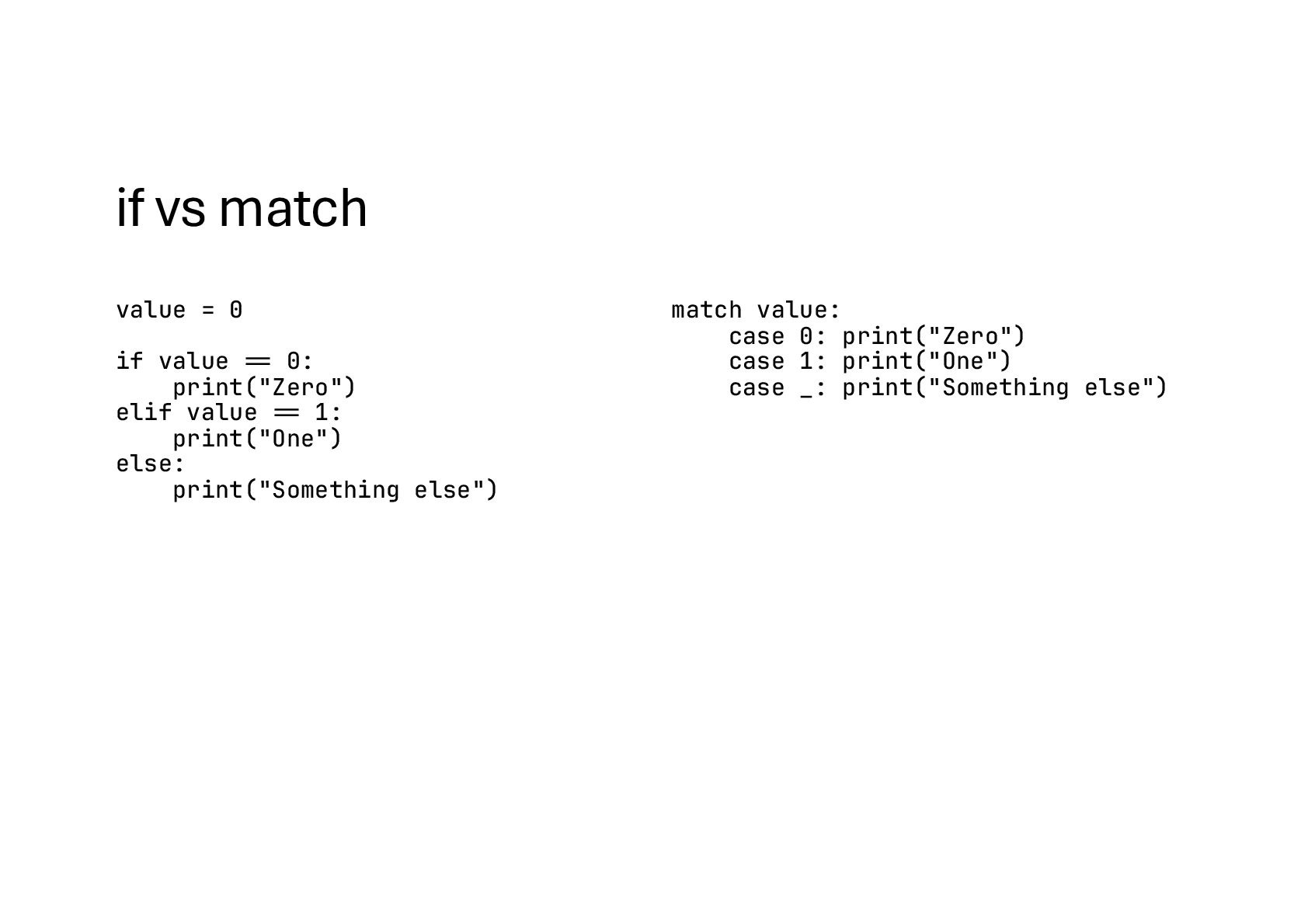
print("Zero") elif value #== 1: print("One") else: print("Something else") match value: case 0: print("Zero") case 1: print("One") case _: print("Something else")
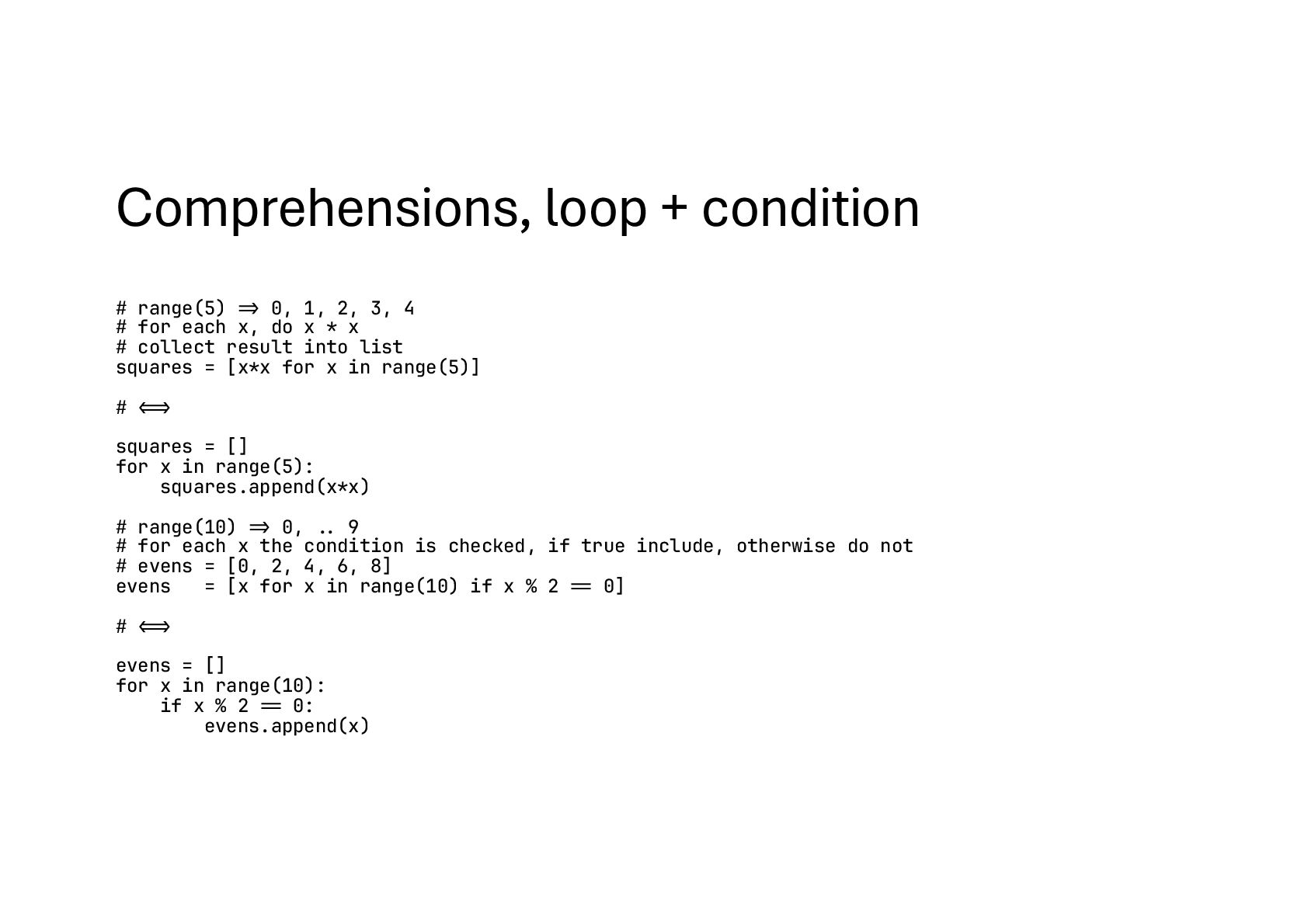
3, 4 # for each x, do x * x # collect result into list squares = [x*x for x in range(5)] # !!<=> squares = [] for x in range(5): squares.append(x*x) # range(10) !=> 0, !.. 9 # for each x the condition is checked, if true include, otherwise do not # evens = [0, 2, 4, 6, 8] evens = [x for x in range(10) if x % 2 !== 0] # !!<=> evens = [] for x in range(10): if x % 2 !== 0: evens.append(x)
2, 3] nums = (1, 2, 3) nums = {1, 2, 3} Add one nums.append(4) ❌ (immutable) nums.add(4) Add many nums.extend([5, 6]) ❌ nums.update([5, 6]) Insert at index nums.insert(1, 99) ❌ ❌ Remove by value nums.remove(2) ❌ nums.remove(2) # KeyError if missing Safe remove — — nums.discard(2) # no error if missing Pop element x = nums.pop() # last by default ❌ x = nums.pop() # arbitrary element Access by index first = nums[0] first = nums[0] ❌ Membership 2 in nums 2 in nums 2 in nums Iterate for x in nums:\n ... for x in nums:\n ... for x in nums:\n ...
flexible container where you can keep things that may change • Think of it like a shopping basket: you can put items in, take items out, or rearrange them • You need to add or remove items • You want to change existing items • You don’t know how many items there will be • You need to sort or rearrange data • Use a list whenever you need a collection that can grow, shrink, or change. • If the data is fixed and should never change, then a tuple is a better fit
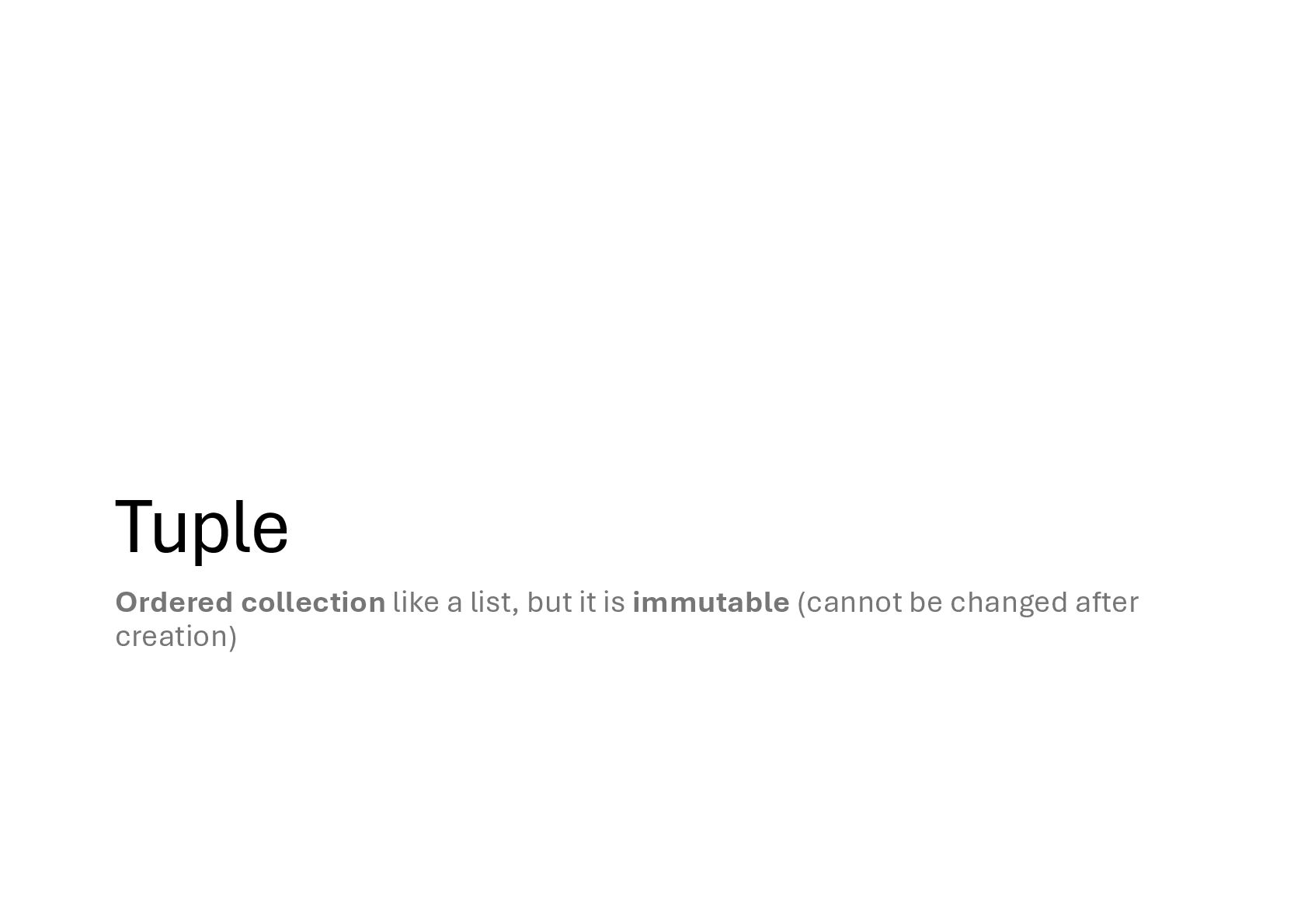
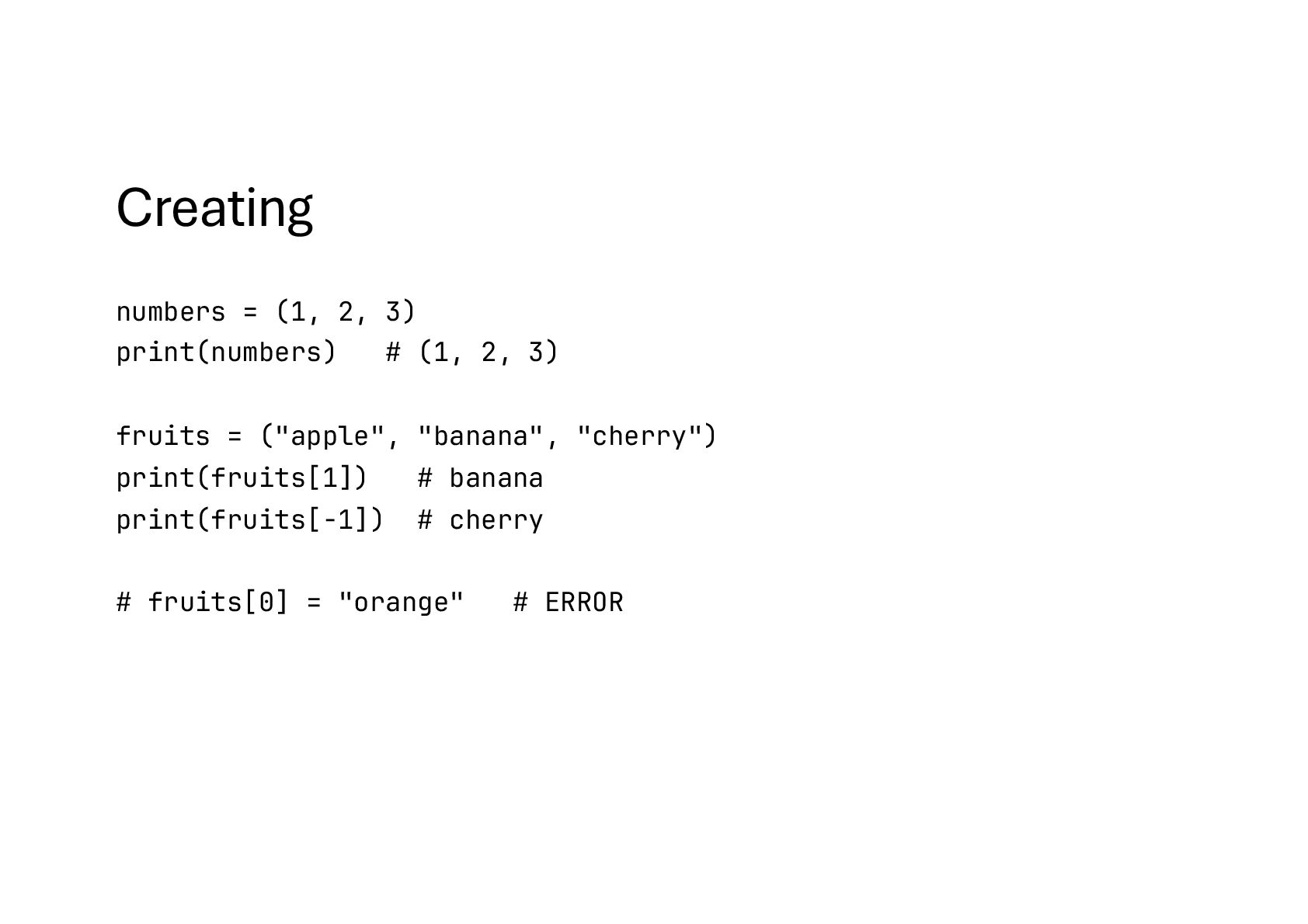
once you put things inside, you can’t change them • You can’t add new items • You can’t remove items. • You can’t change existing items • Why? Data should never change • Days of week, Coordinates • Use a tuple when your data should be fixed and unchangeable
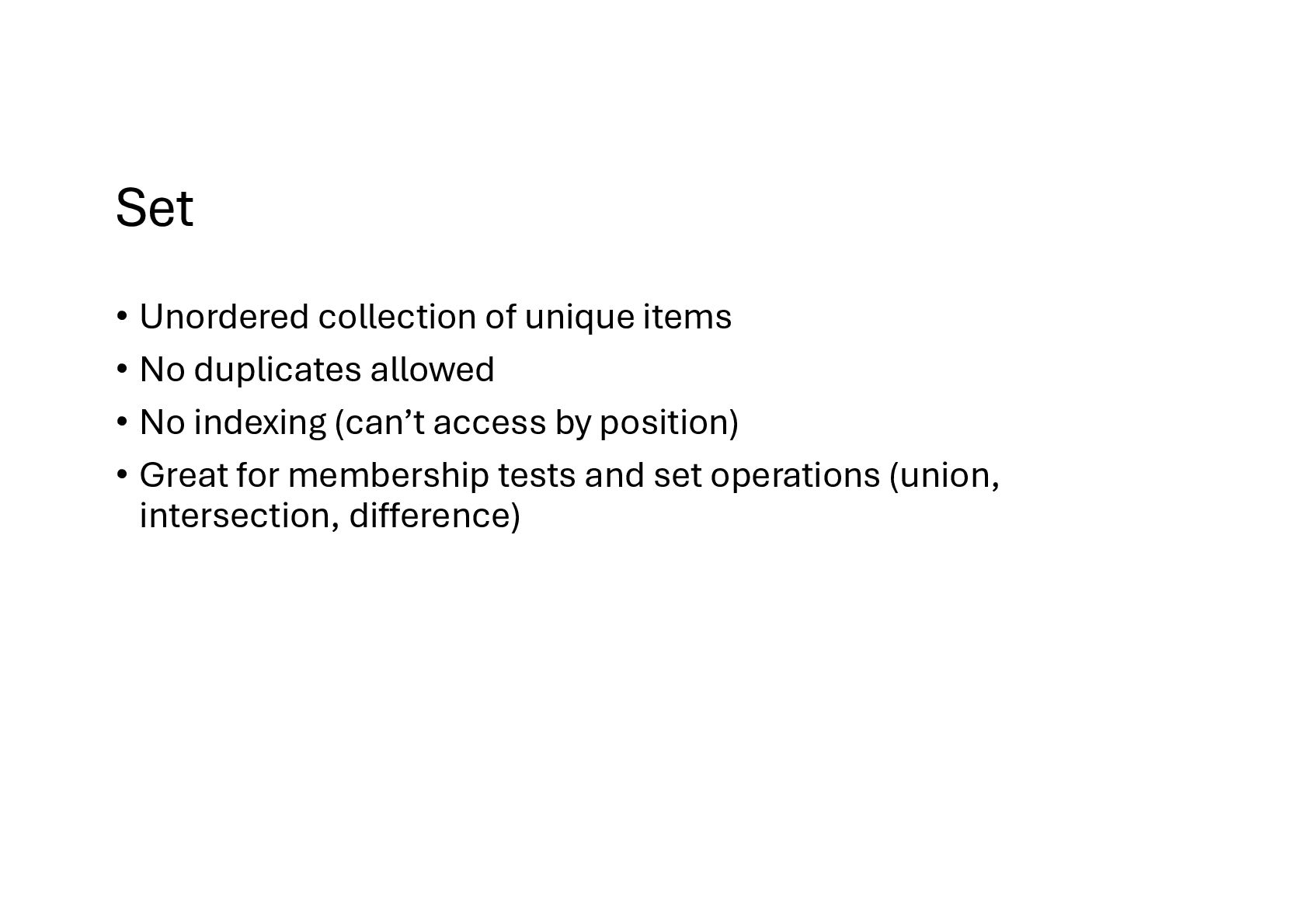
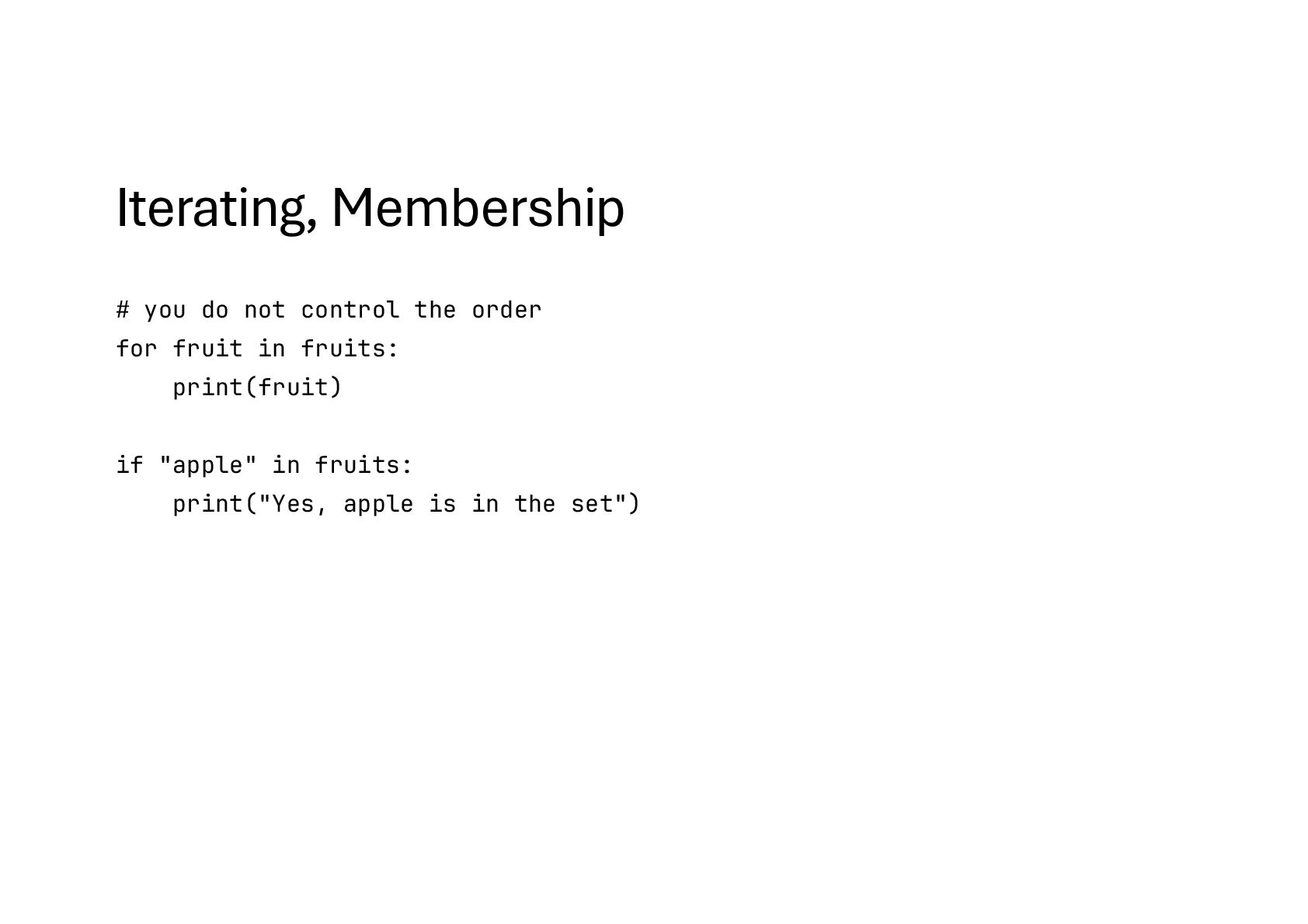
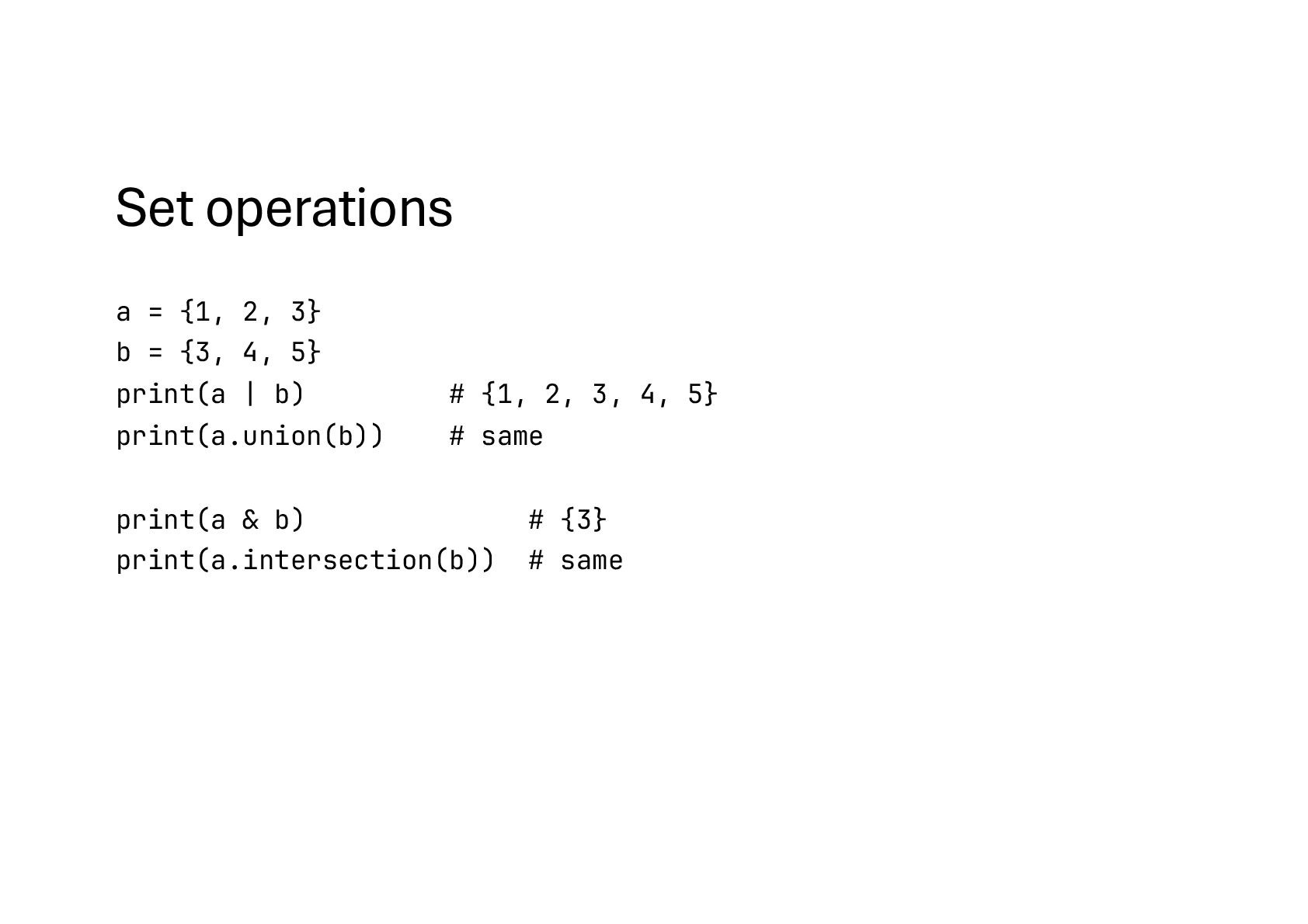
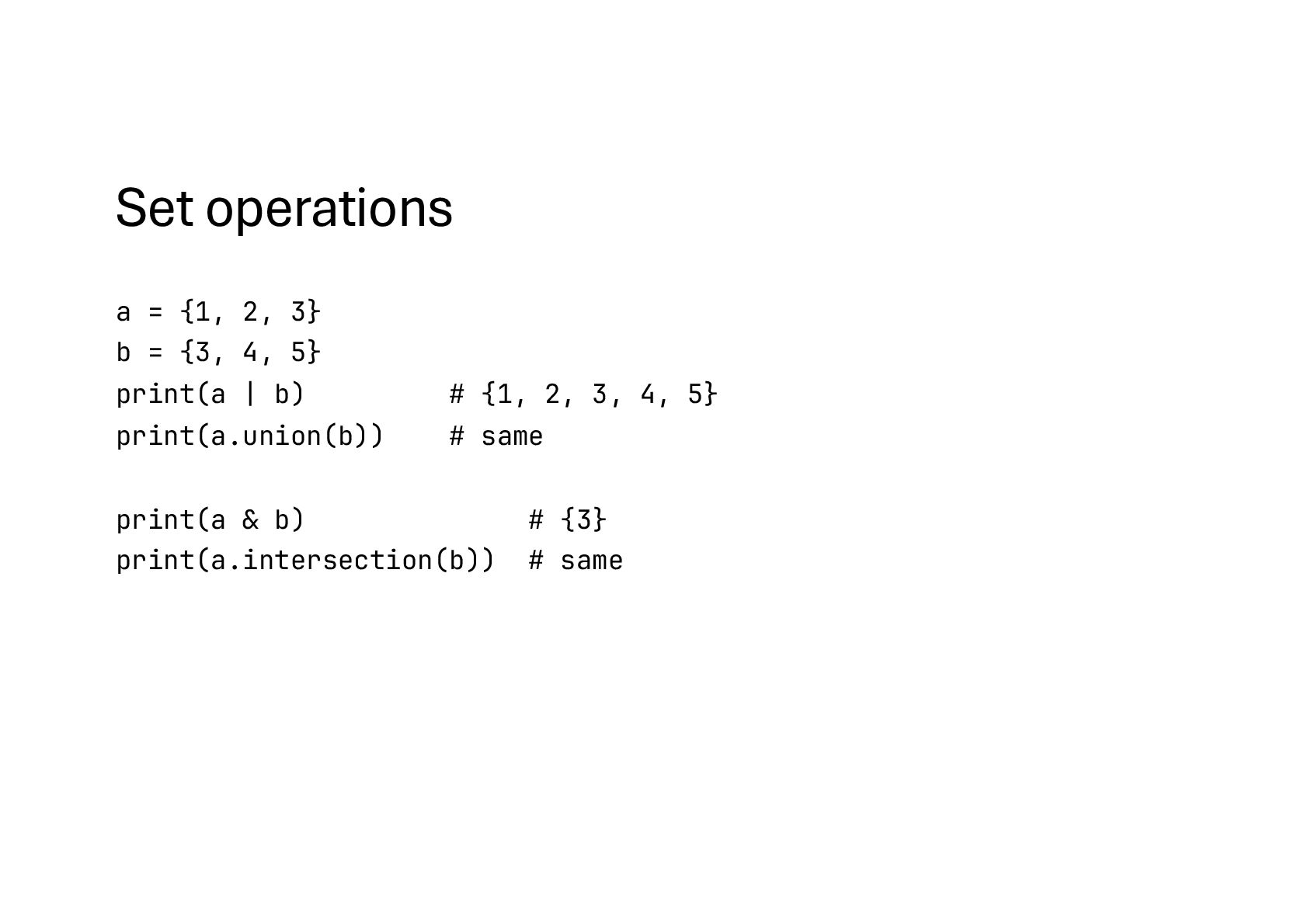
You can throw items in, but duplicates disappear (only unique items remain) • You don’t care about the order (Python doesn’t guarantee order in sets) • You can quickly check if something is inside • Why? Remove duplicates automatically • Fast membership testing, much faster for big datasets than checking in a list • Set operations: union, intersection
points to the same object a = [1, 2, 3] b = a a.append(4) # [1, 2, 3, 4] print(b) # shallow copy b = a.copy() # Content same? print(a !== b) # Memory address same? print(a is b)
Python’s model is different • Variables (names) do not live on a traditional stack • Namespaces are dict objects stored on the heap • The call stack only keeps references to these namespace dicts
global namespace (dict). • locals() → shows local variables inside functions. • Each function call creates a frame with its own local namespace dict • The call stack is just a list of frames • Everything in Python is an object on the heap, even the namespaces
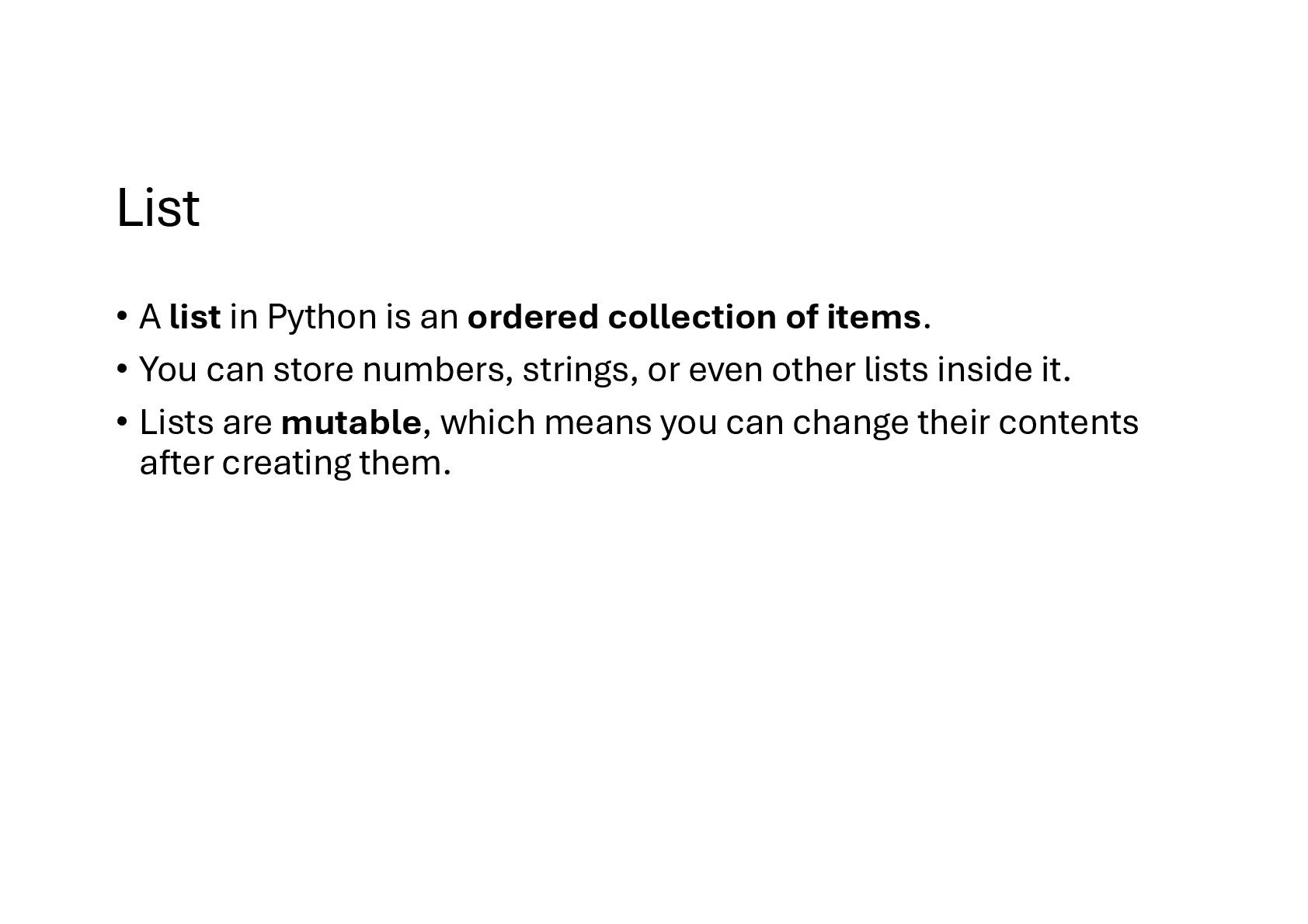
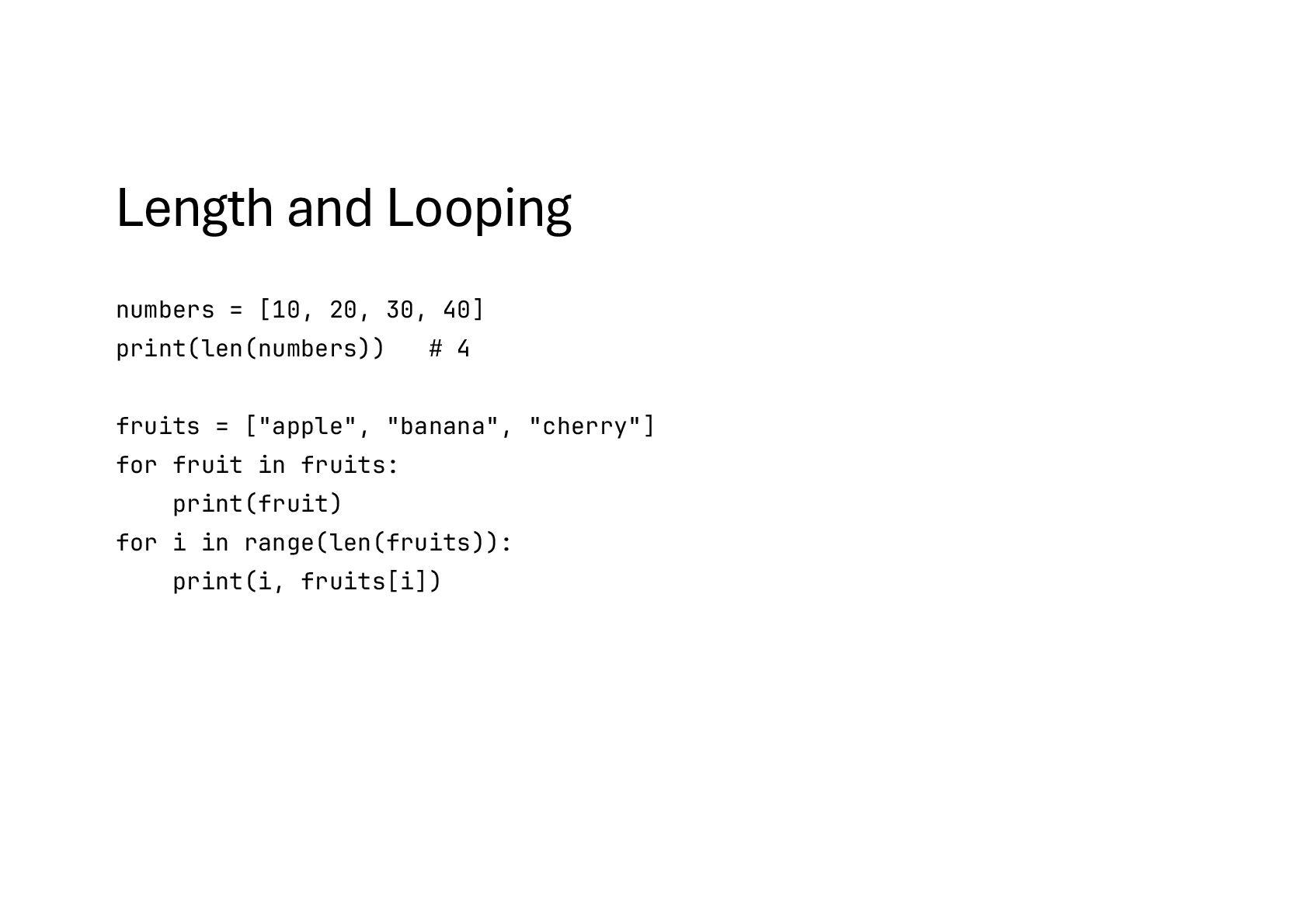
of items. • You can store numbers, strings, or even other lists inside it. • Lists are mutable, which means you can change their contents after creating them.
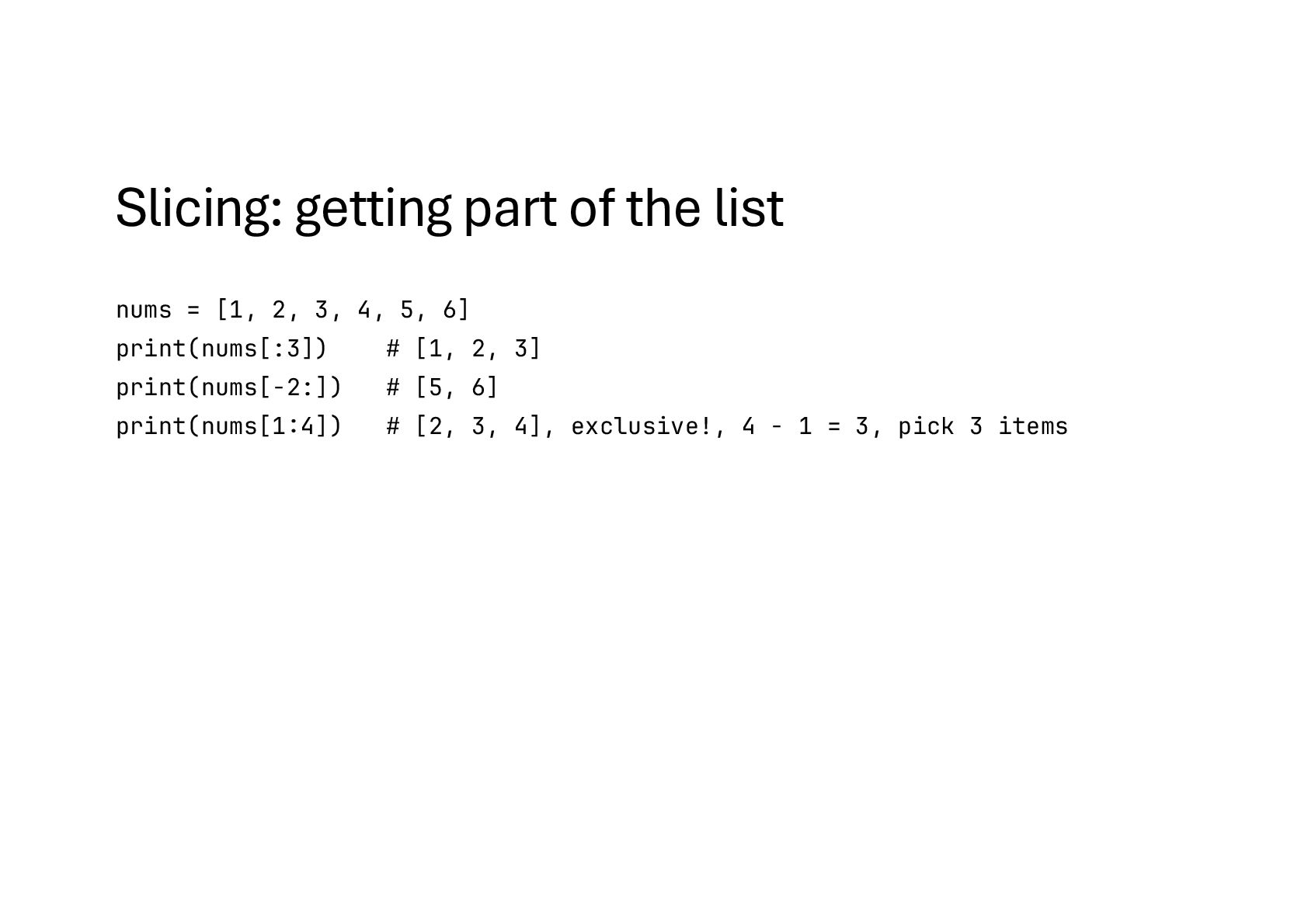
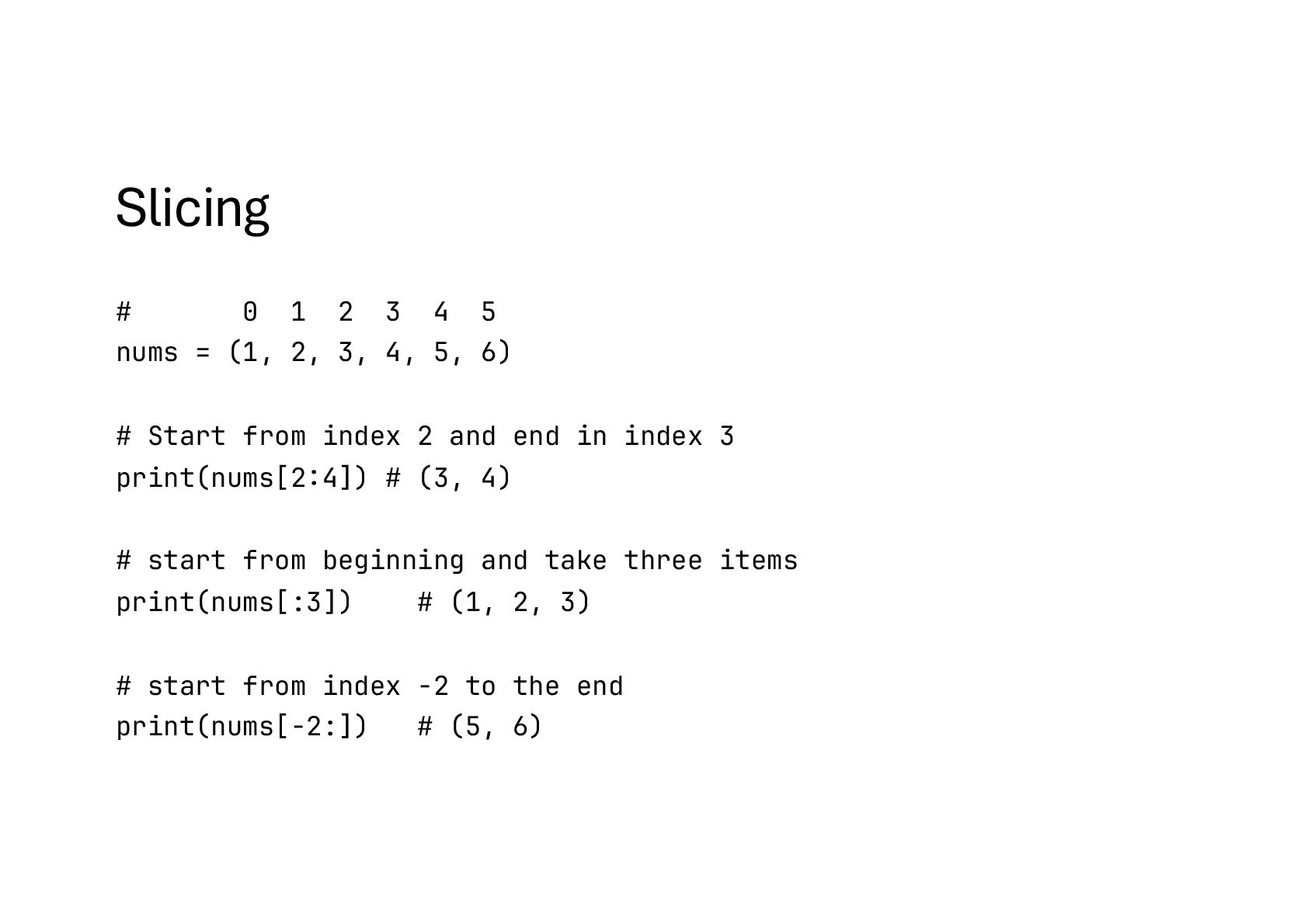
(1, 2, 3, 4, 5, 6) # Start from index 2 and end in index 3 print(nums[2:4]) # (3, 4) # start from beginning and take three items print(nums[:3]) # (1, 2, 3) # start from index -2 to the end print(nums[-2:]) # (5, 6)
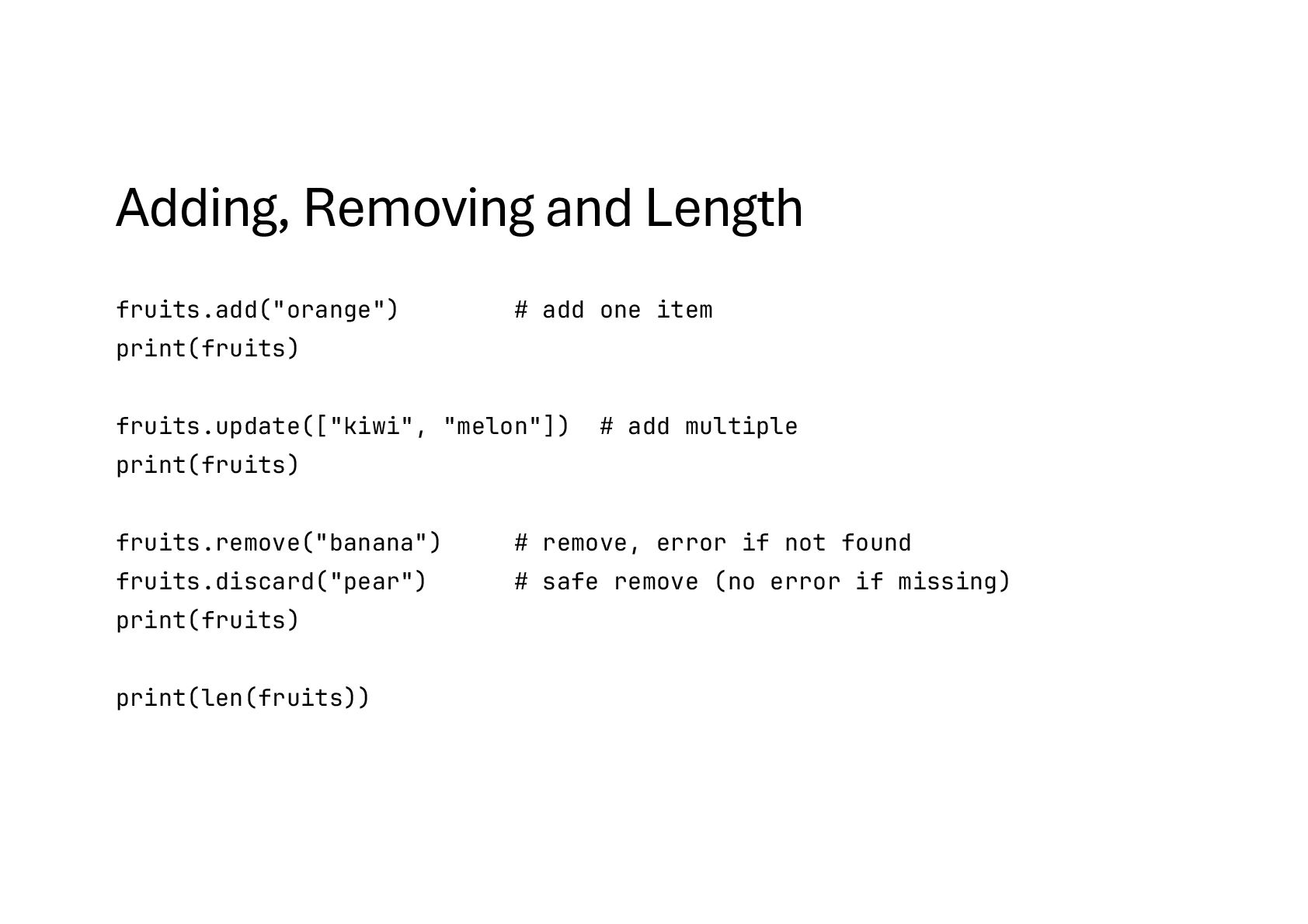
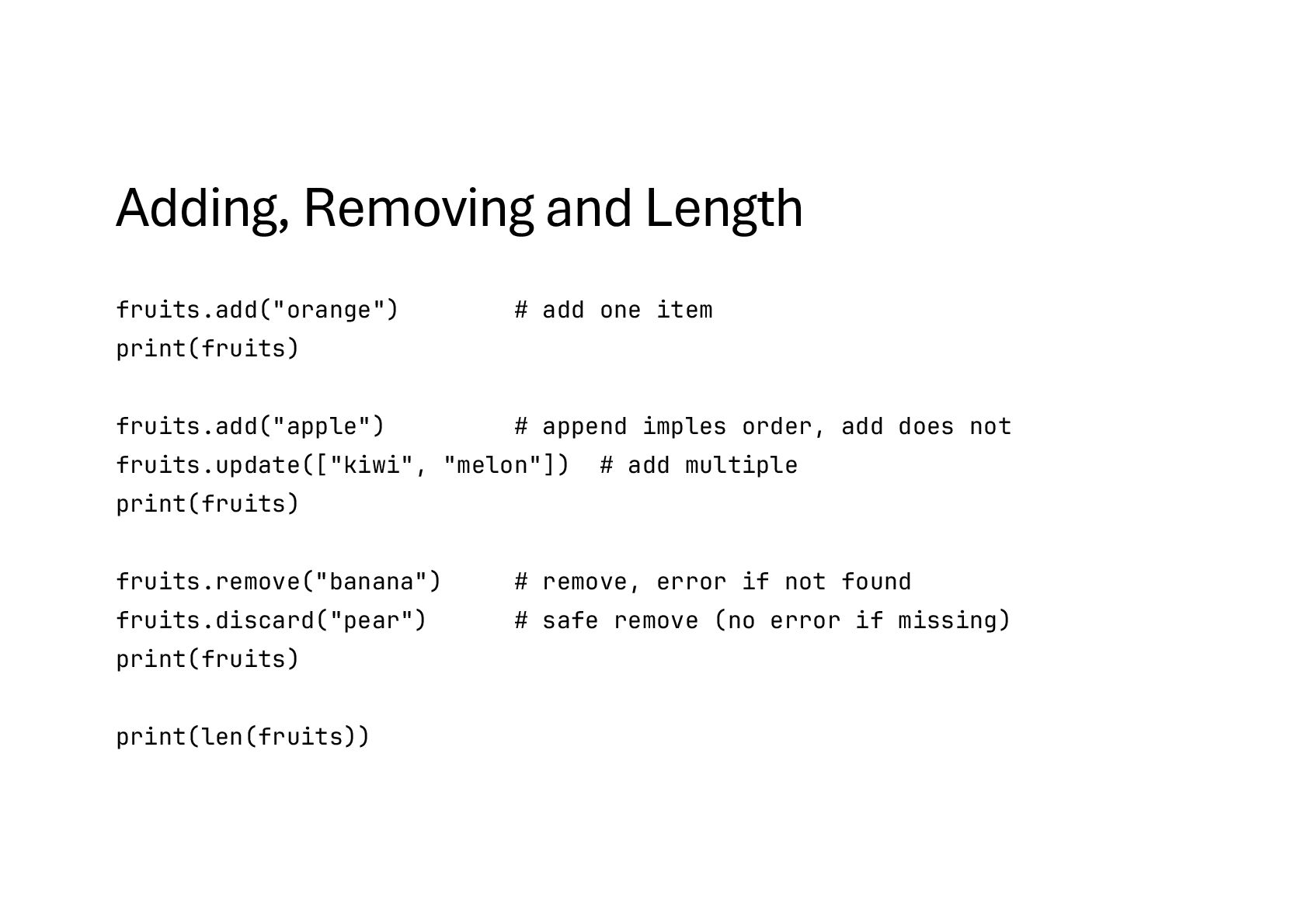
fruits.add("apple") # append imples order, add does not fruits.update(["kiwi", "melon"]) # add multiple print(fruits) fruits.remove("banana") # remove, error if not found fruits.discard("pear") # safe remove (no error if missing) print(fruits) print(len(fruits))
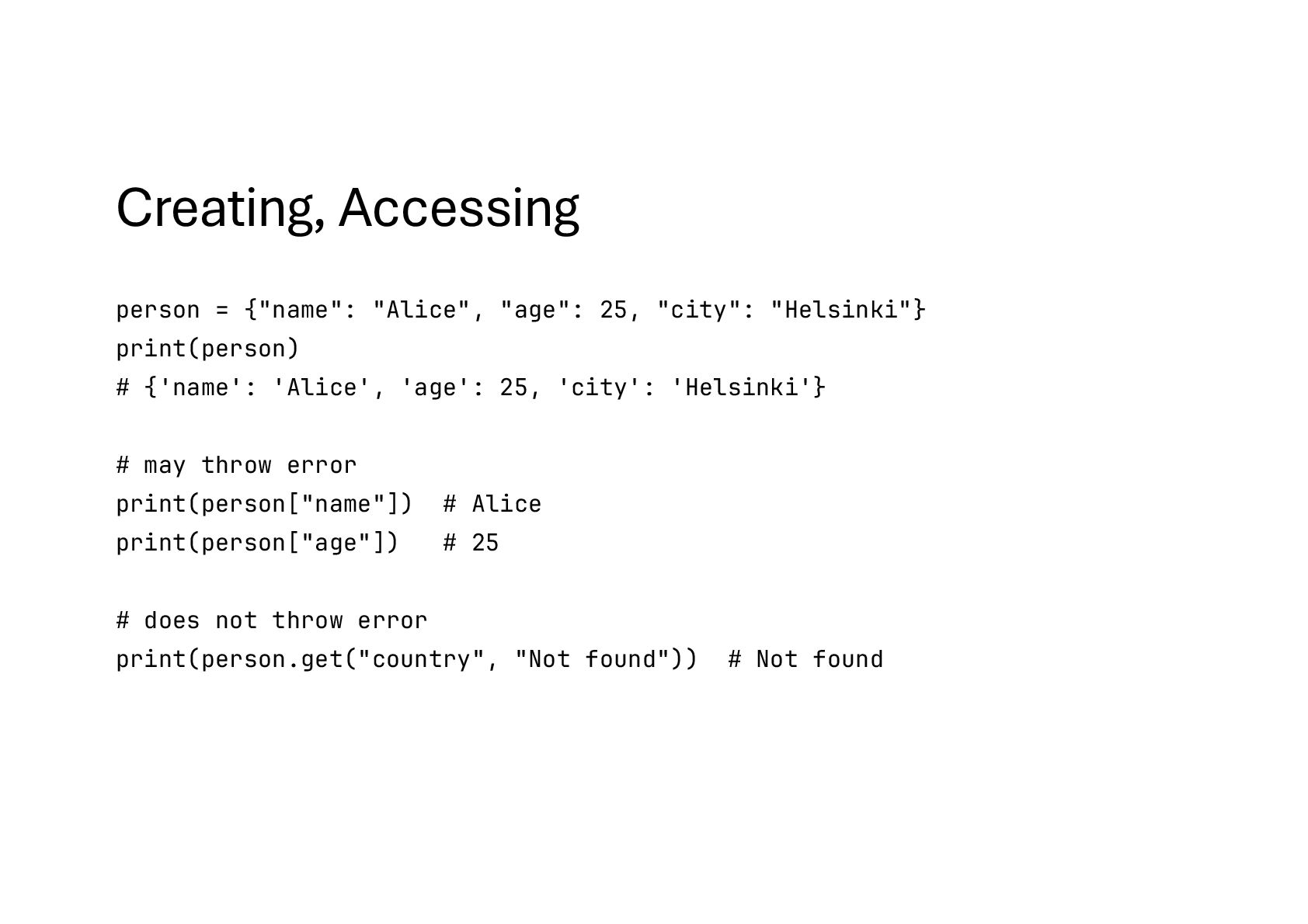
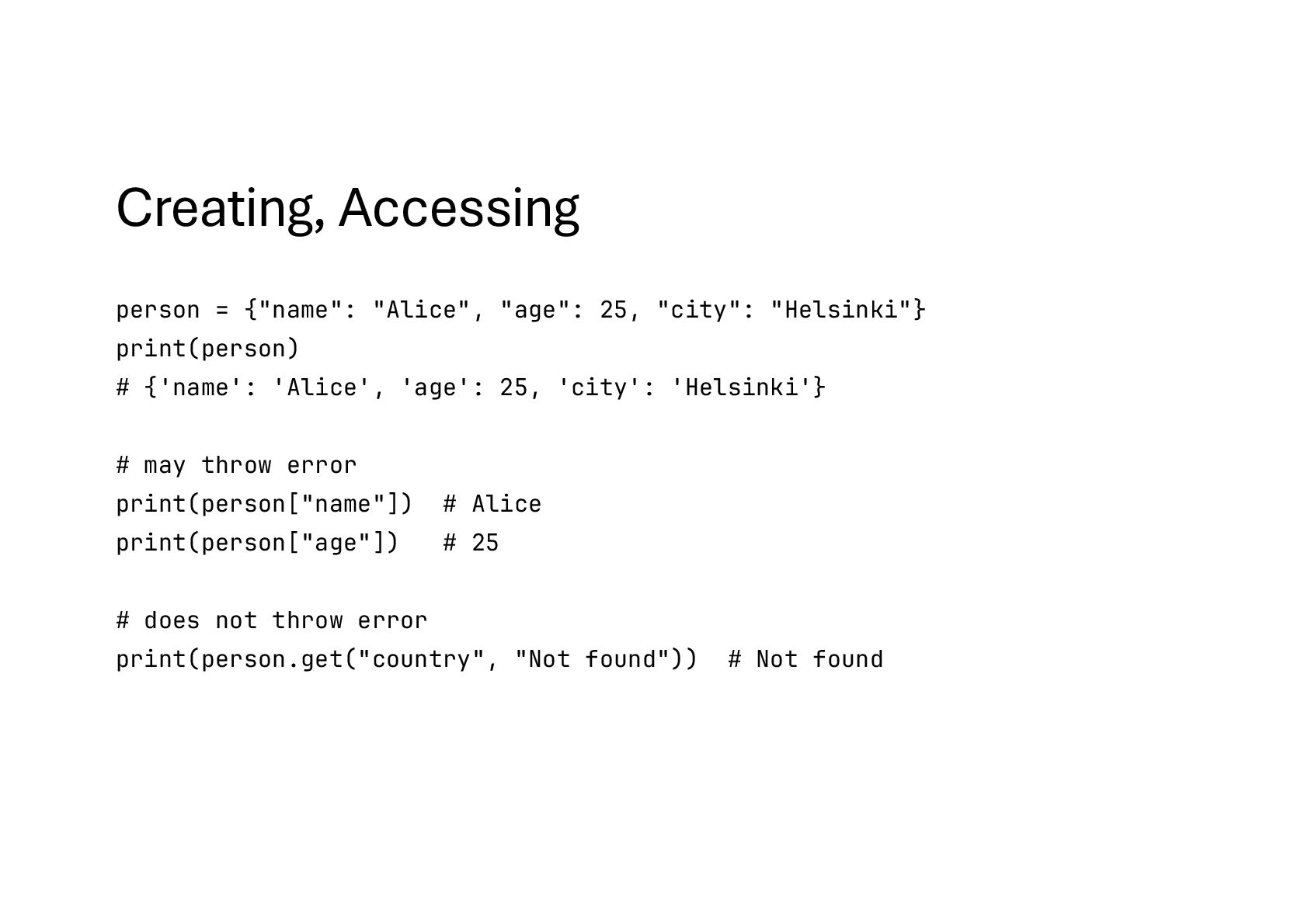
print(person) # {'name': 'Alice', 'age': 25, 'city': 'Helsinki'} # may throw error print(person["name"]) # Alice print(person["age"]) # 25 # does not throw error print(person.get("country", "Not found")) # Not found
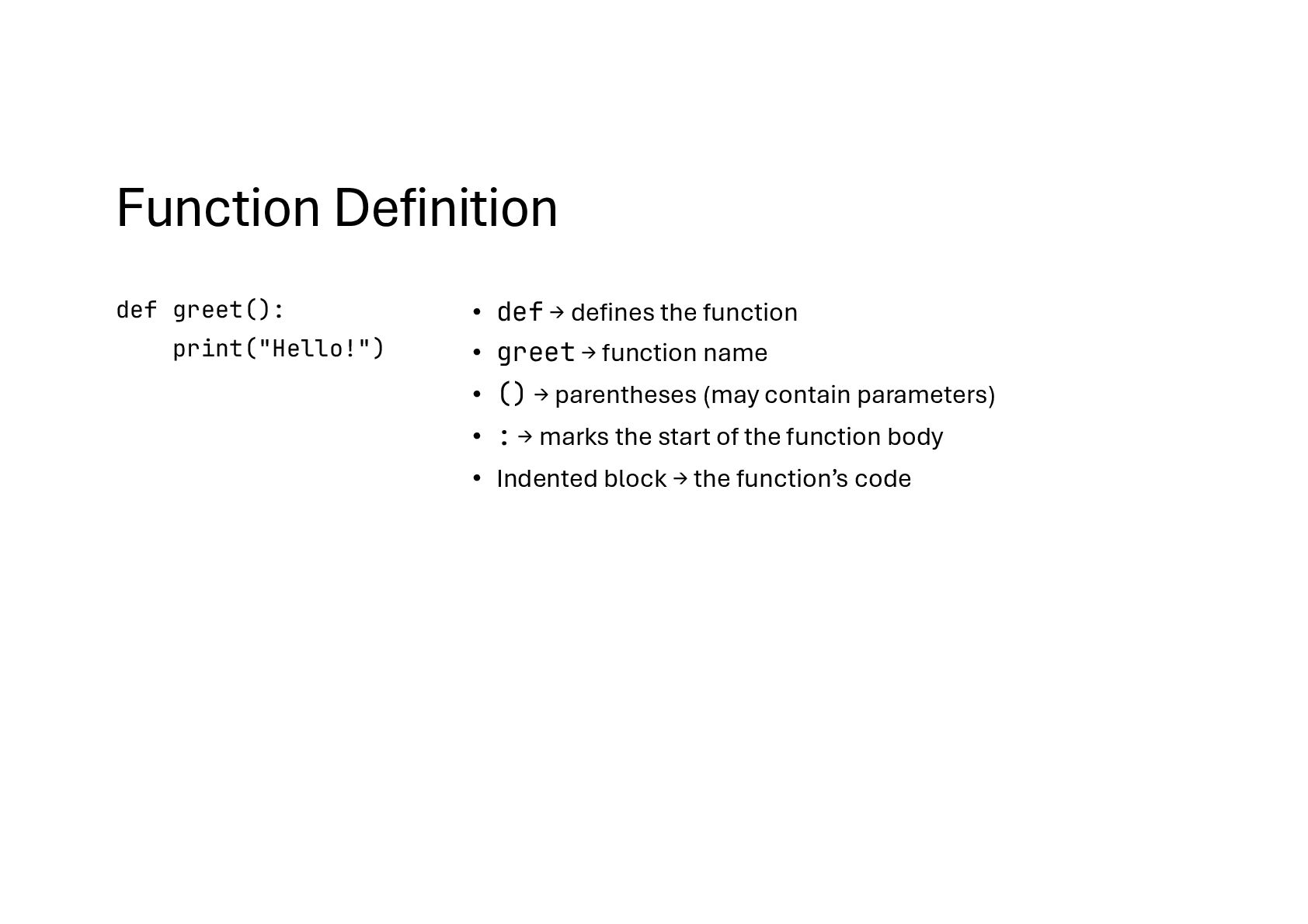
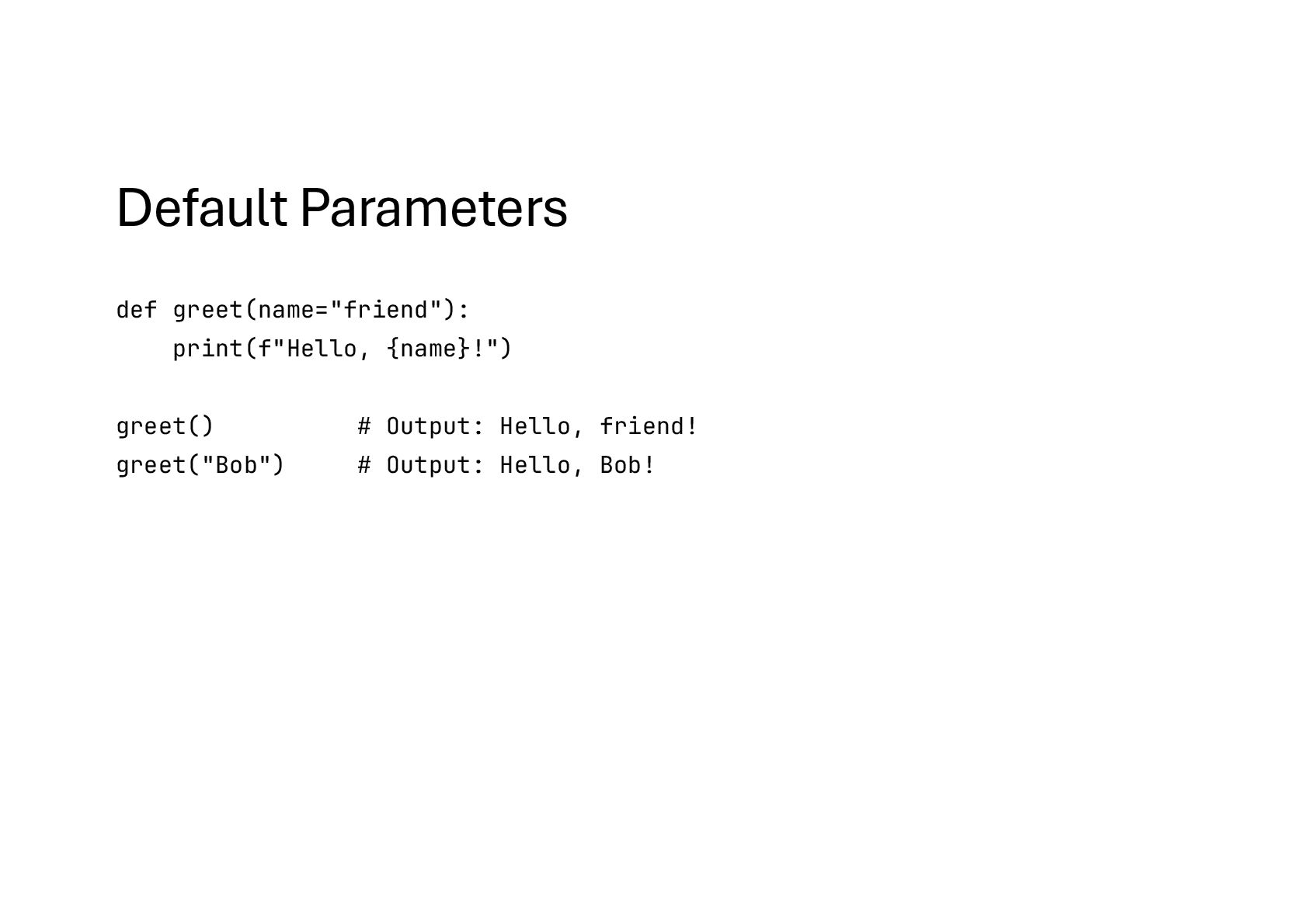
function • greet → function name • () → parentheses (may contain parameters) • : → marks the start of the function body • Indented block → the function’s code
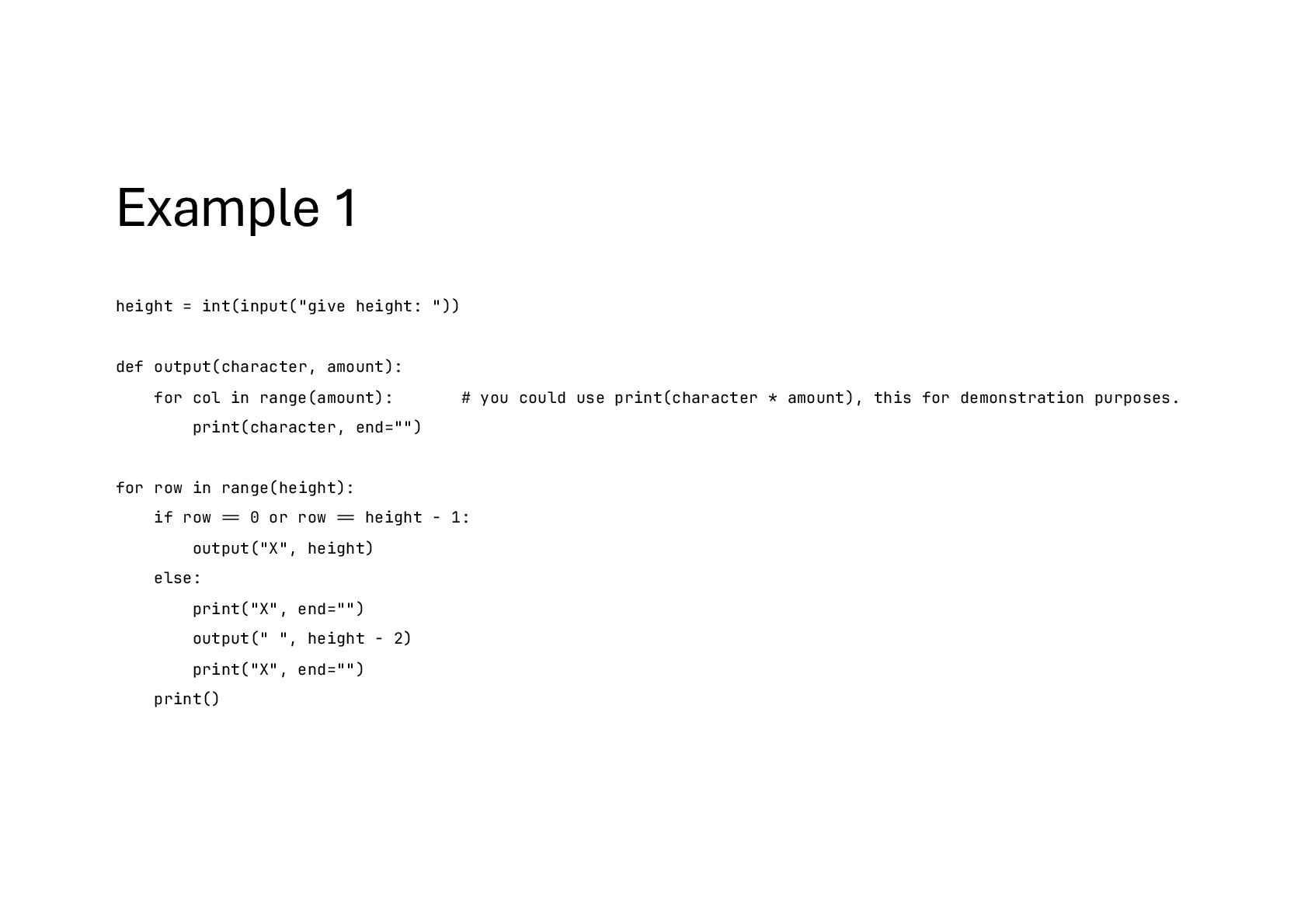
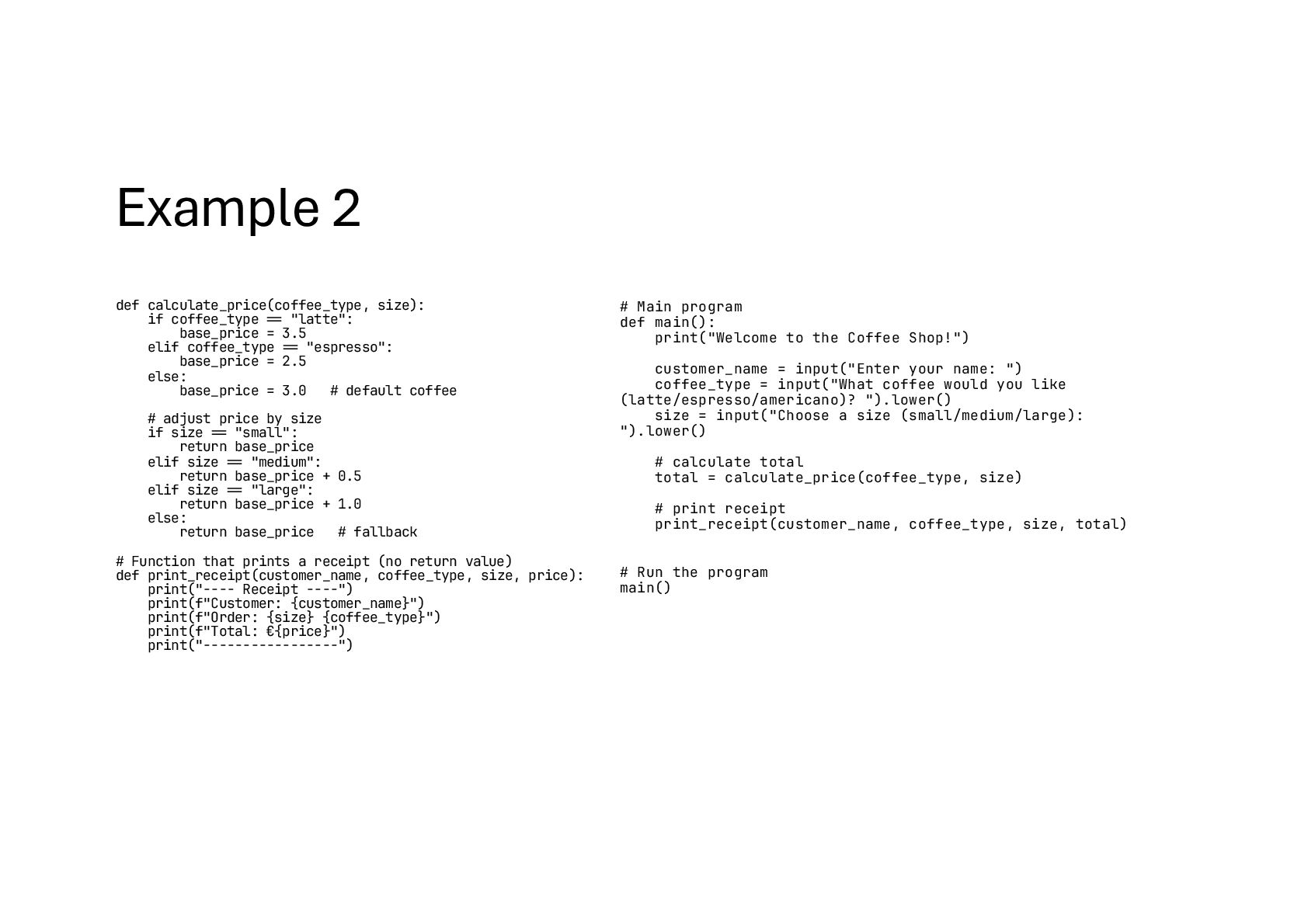
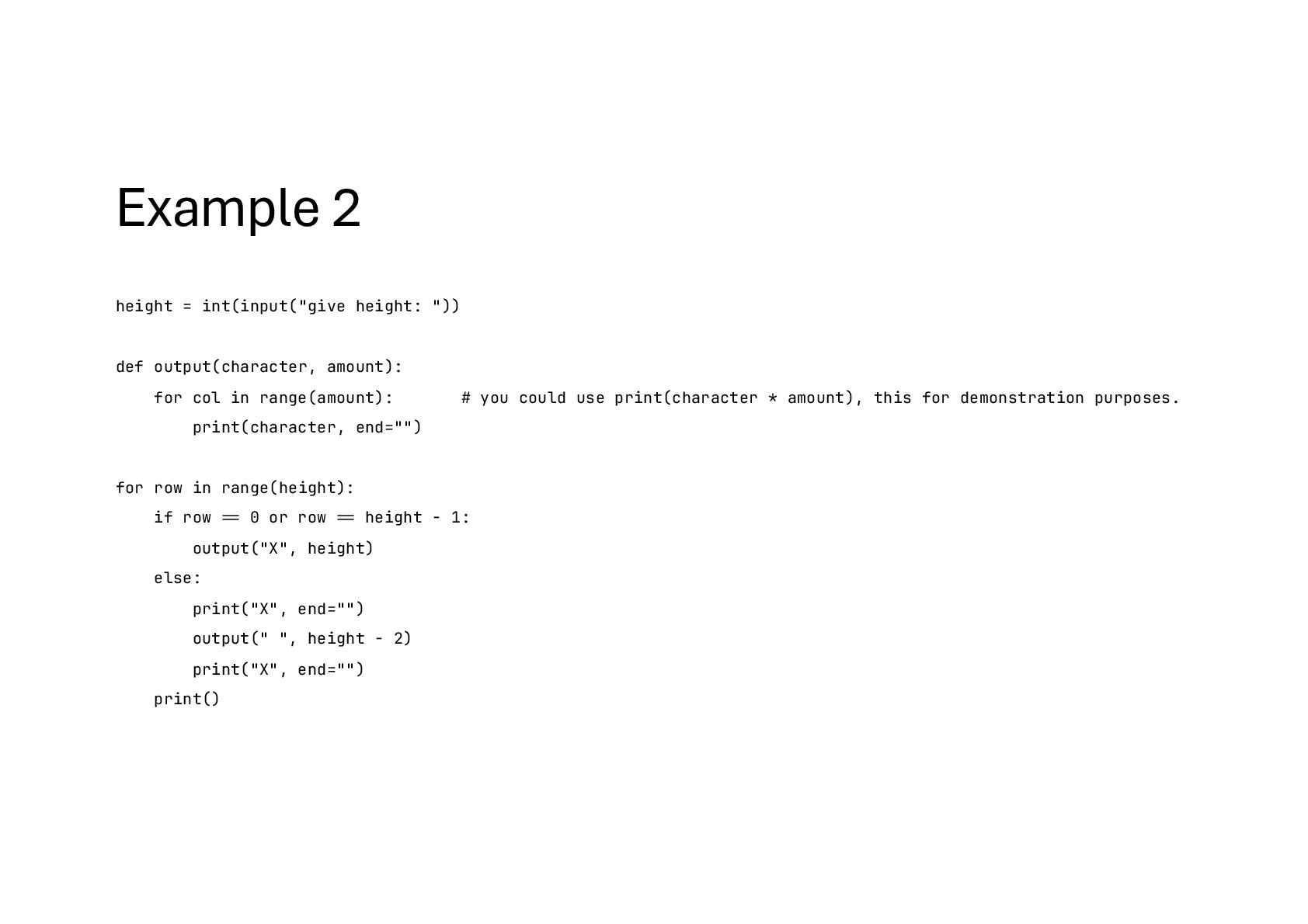
for col in range(amount): # you could use print(character * amount), this for demonstration purposes. print(character, end="") for row in range(height): if row !== 0 or row !== height - 1: output("X", height) else: print("X", end="") output(" ", height - 2) print("X", end="") print()
for col in range(amount): # you could use print(character * amount), this for demonstration purposes. print(character, end="") for row in range(height): if row !== 0 or row !== height - 1: output("X", height) else: print("X", end="") output(" ", height - 2) print("X", end="") print()


 pohjus
 pensuke628
 diggymo
 taiki45
 toshi0607
 sansantech
 mtpooh
 yoshiakiyamasaki
 kazuho
 bcantrill
 yama3133
 x5gtrn
 mrmtsu
 samlambert
 colly
colly
 helmedeiros
 kimpetersen
 lcolladotor
 mkilby
 reverentgeek
 szymonslowik
 tammyeverts
 chriscoyier
 codingconduct
 eileencodes
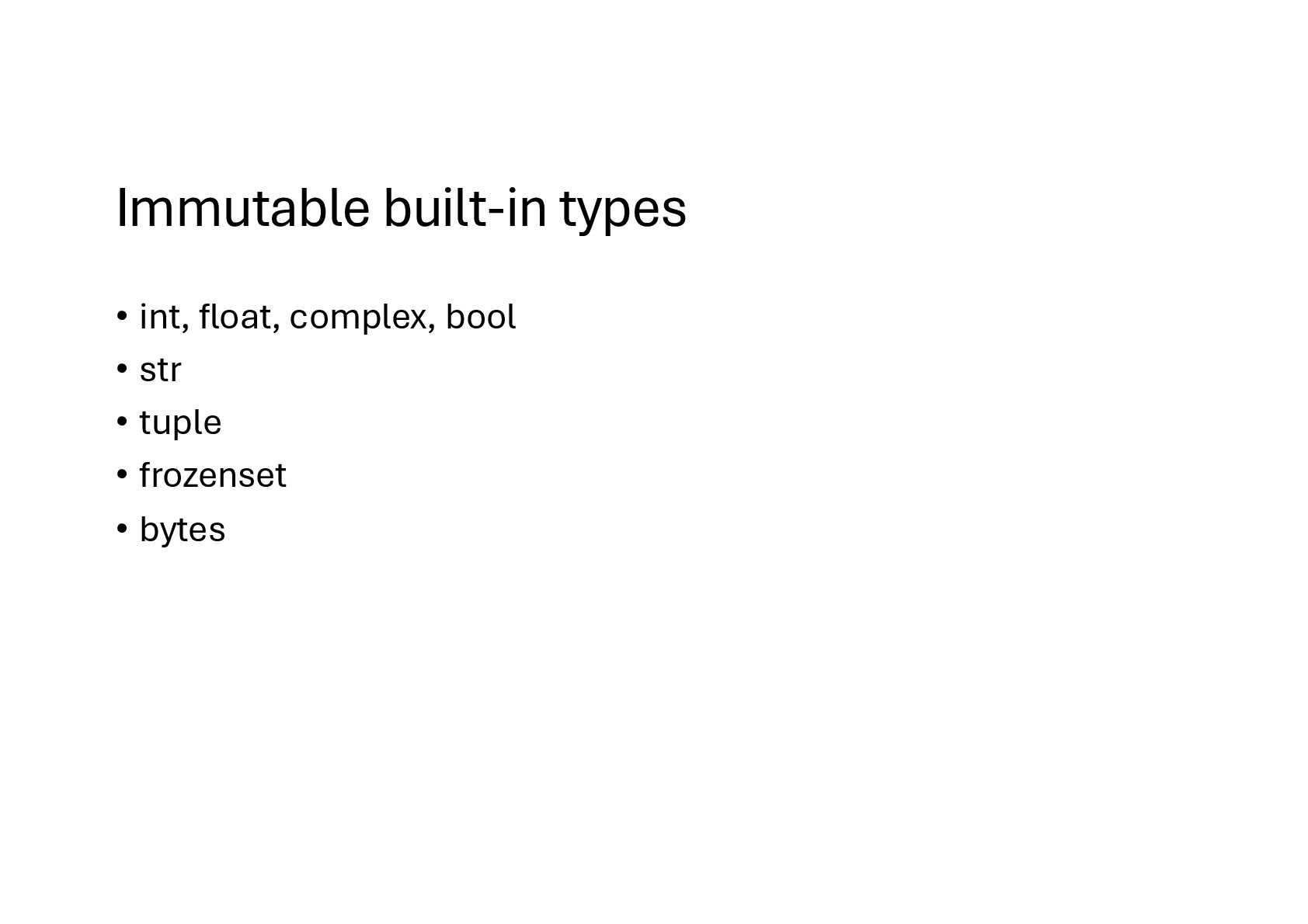
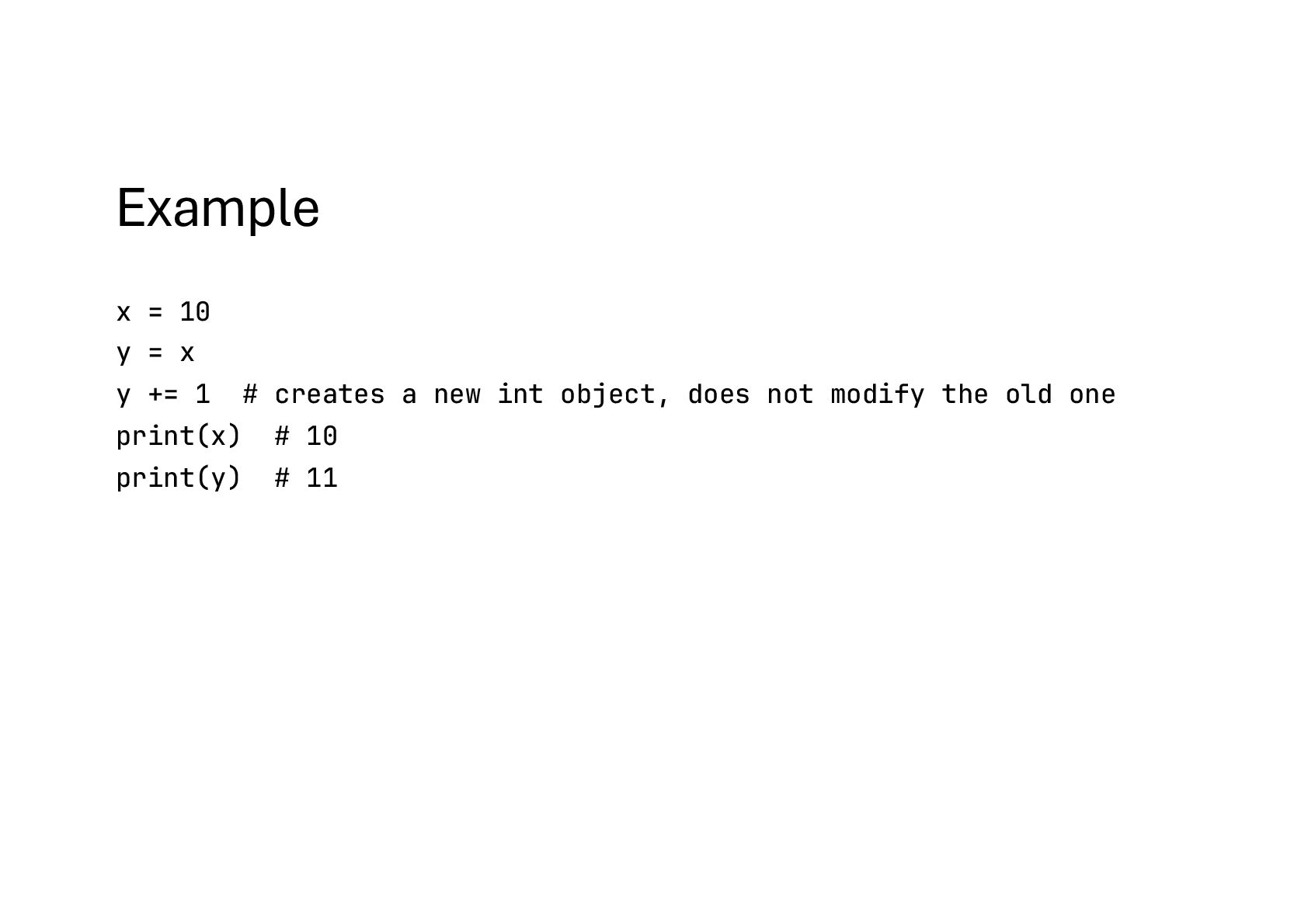
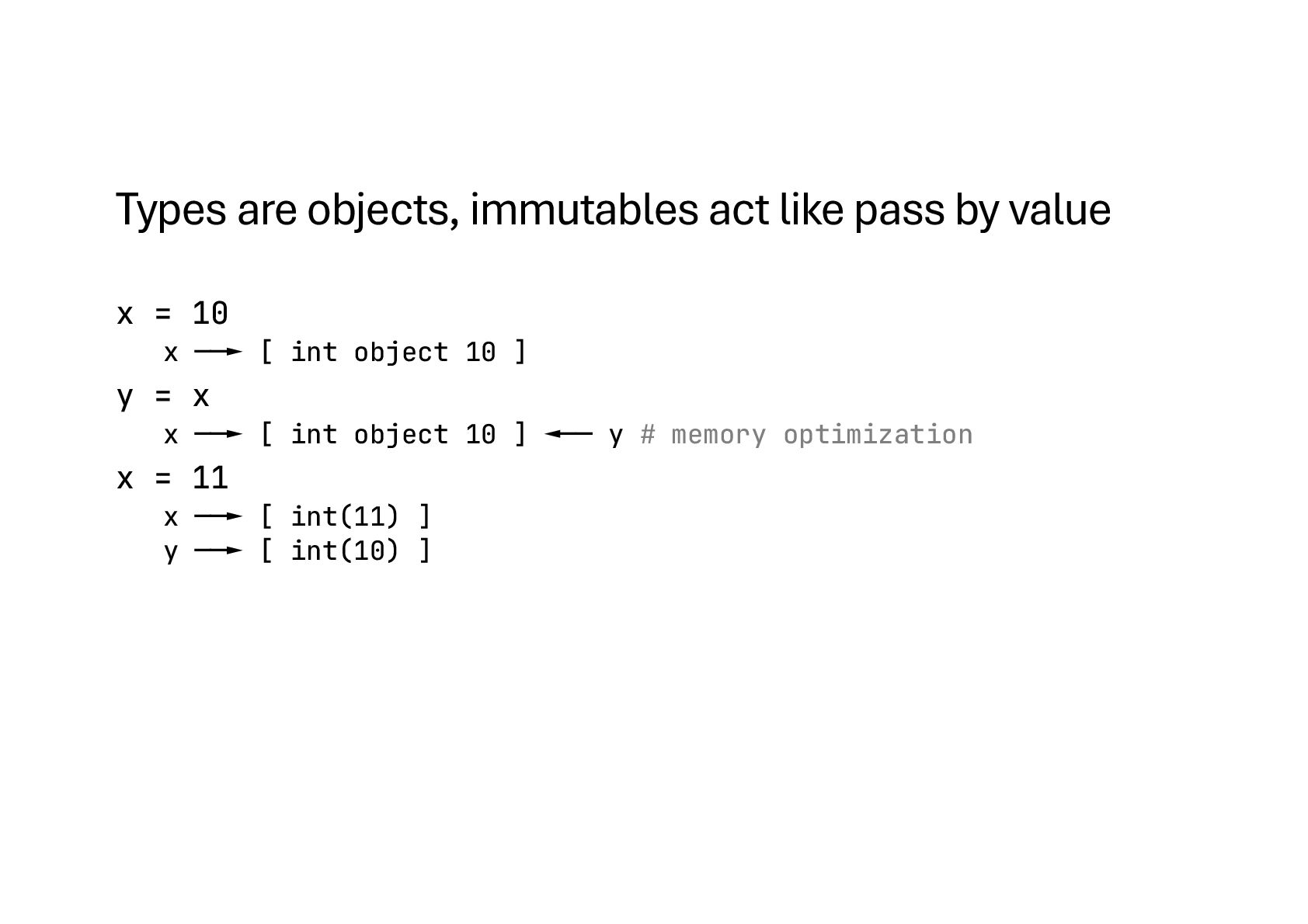
![id(x) – memory address list1 = [1, 2, 3] list2](https://files.speakerdeck.com/presentations/92ca9040671745958ebfde06f2002fe4/slide_19.jpg)
![Pretty tables from tabulate import tabulate table = [["Name", "Age"],](https://files.speakerdeck.com/presentations/92ca9040671745958ebfde06f2002fe4/slide_38.jpg)
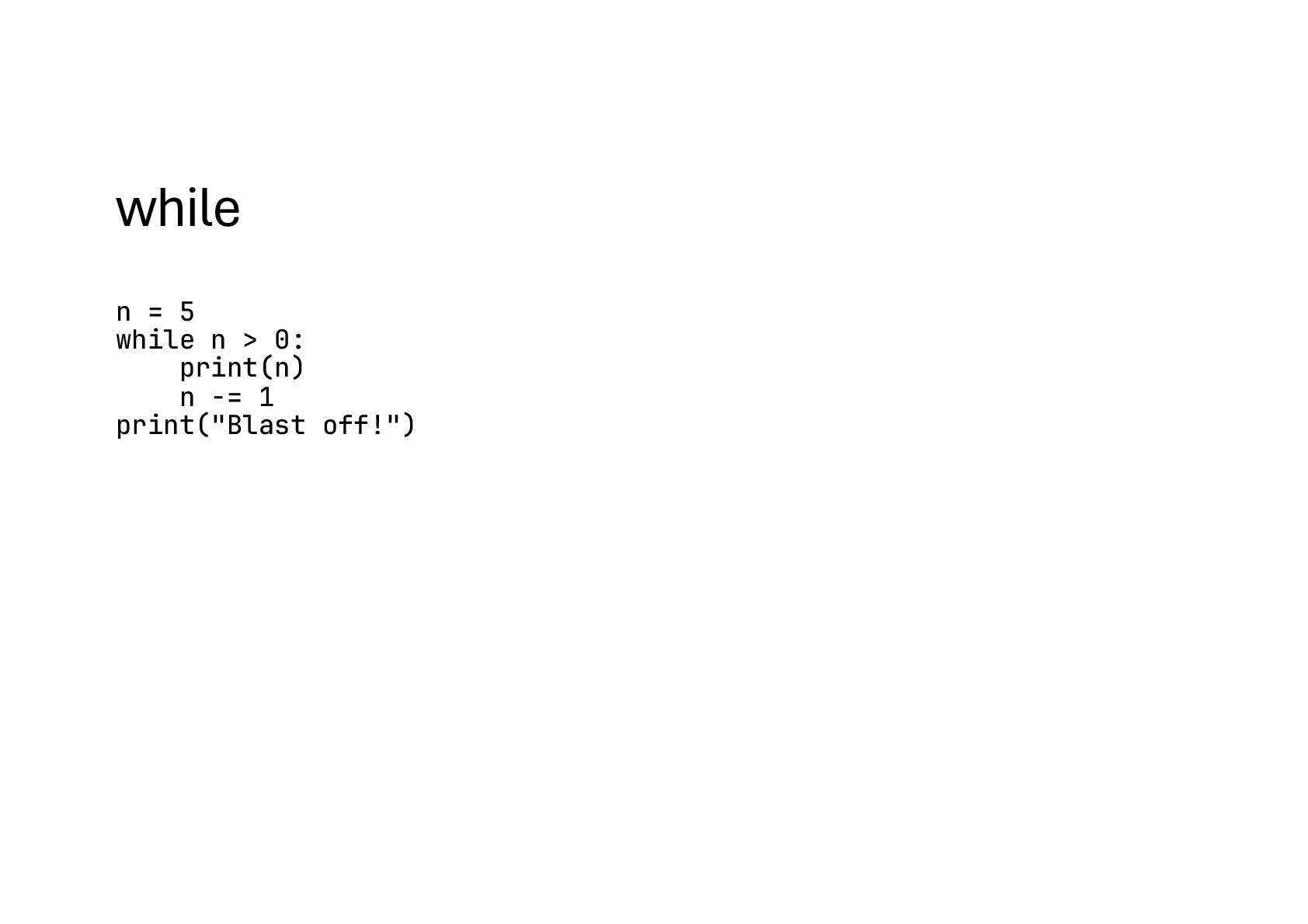
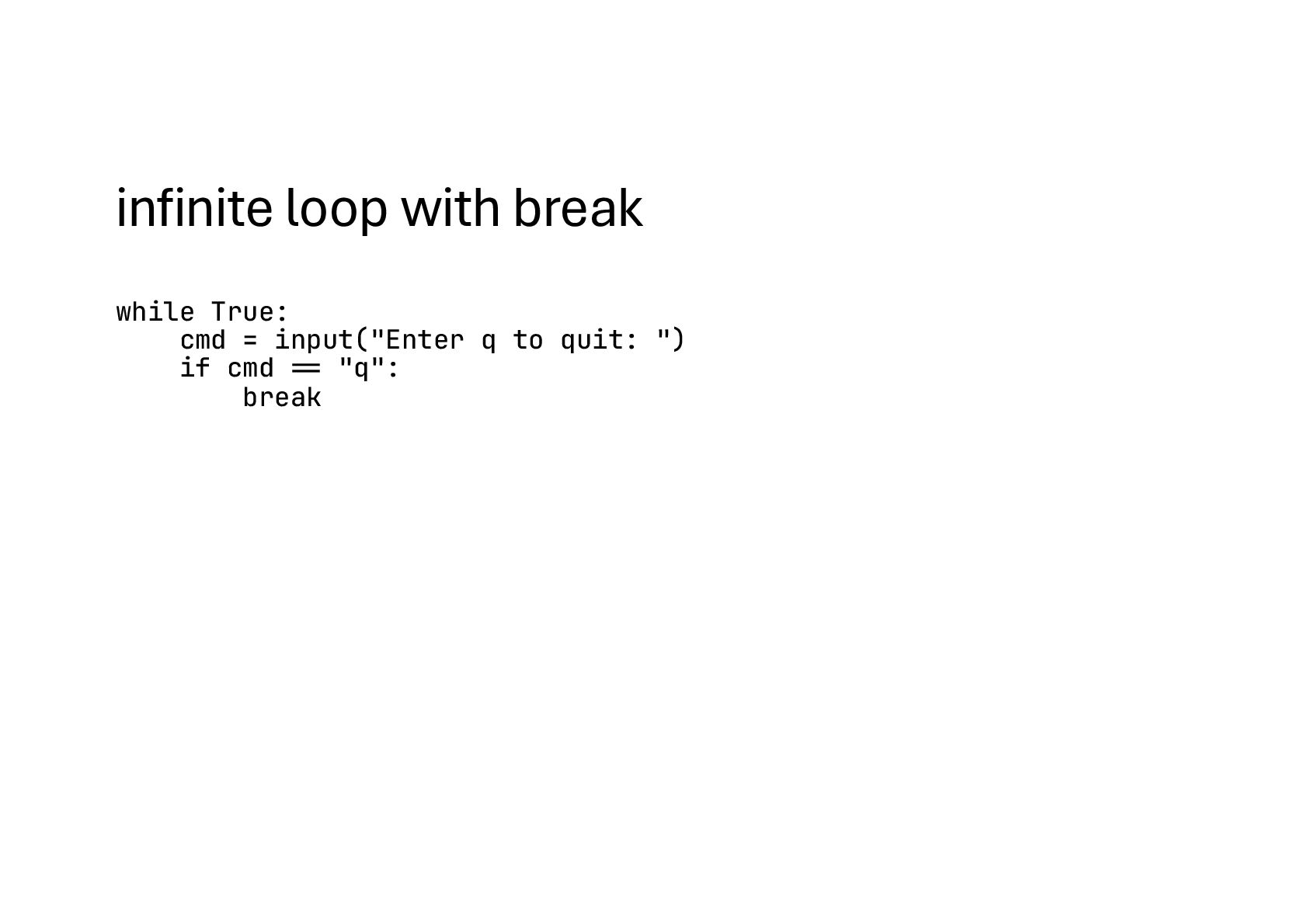
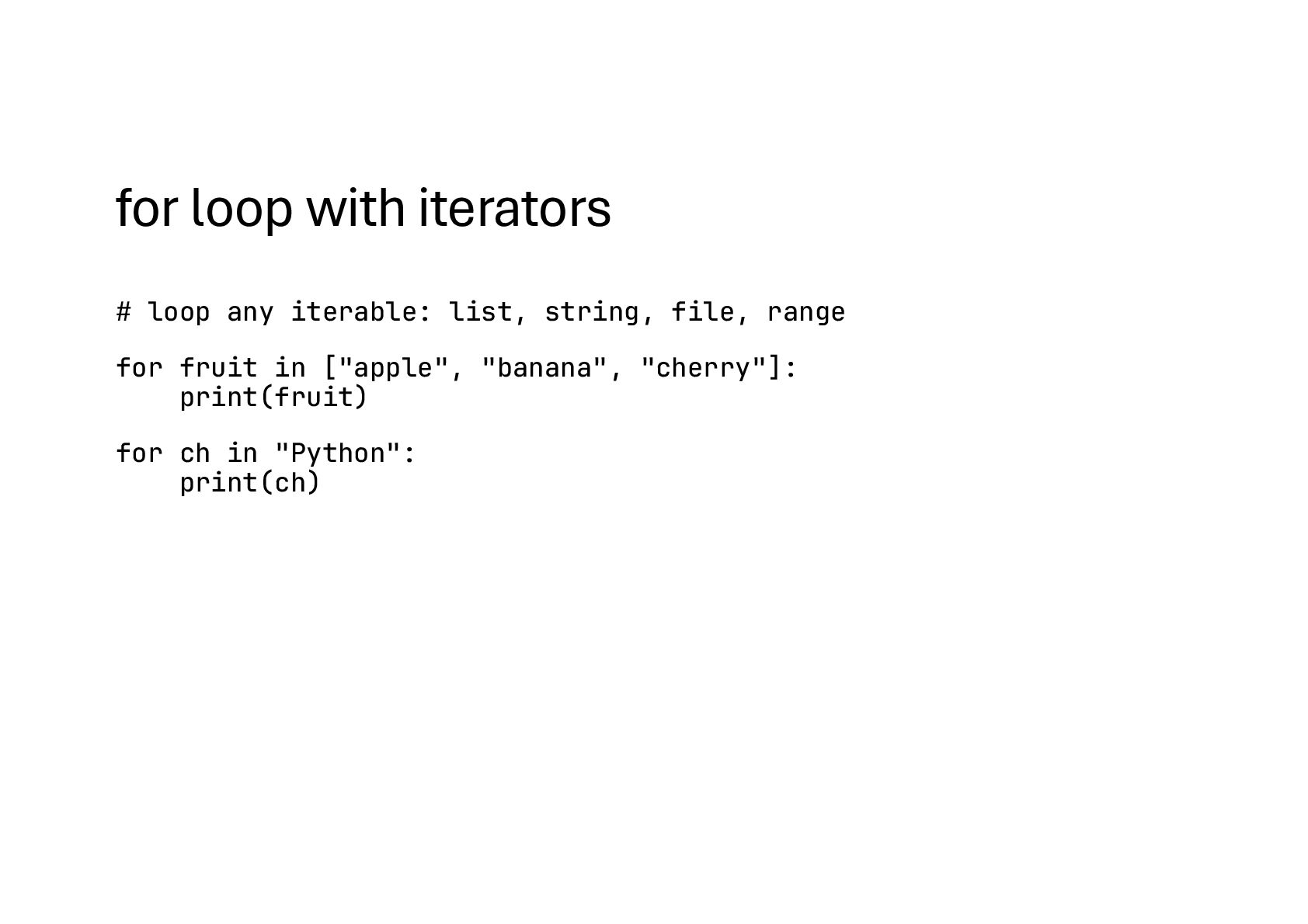
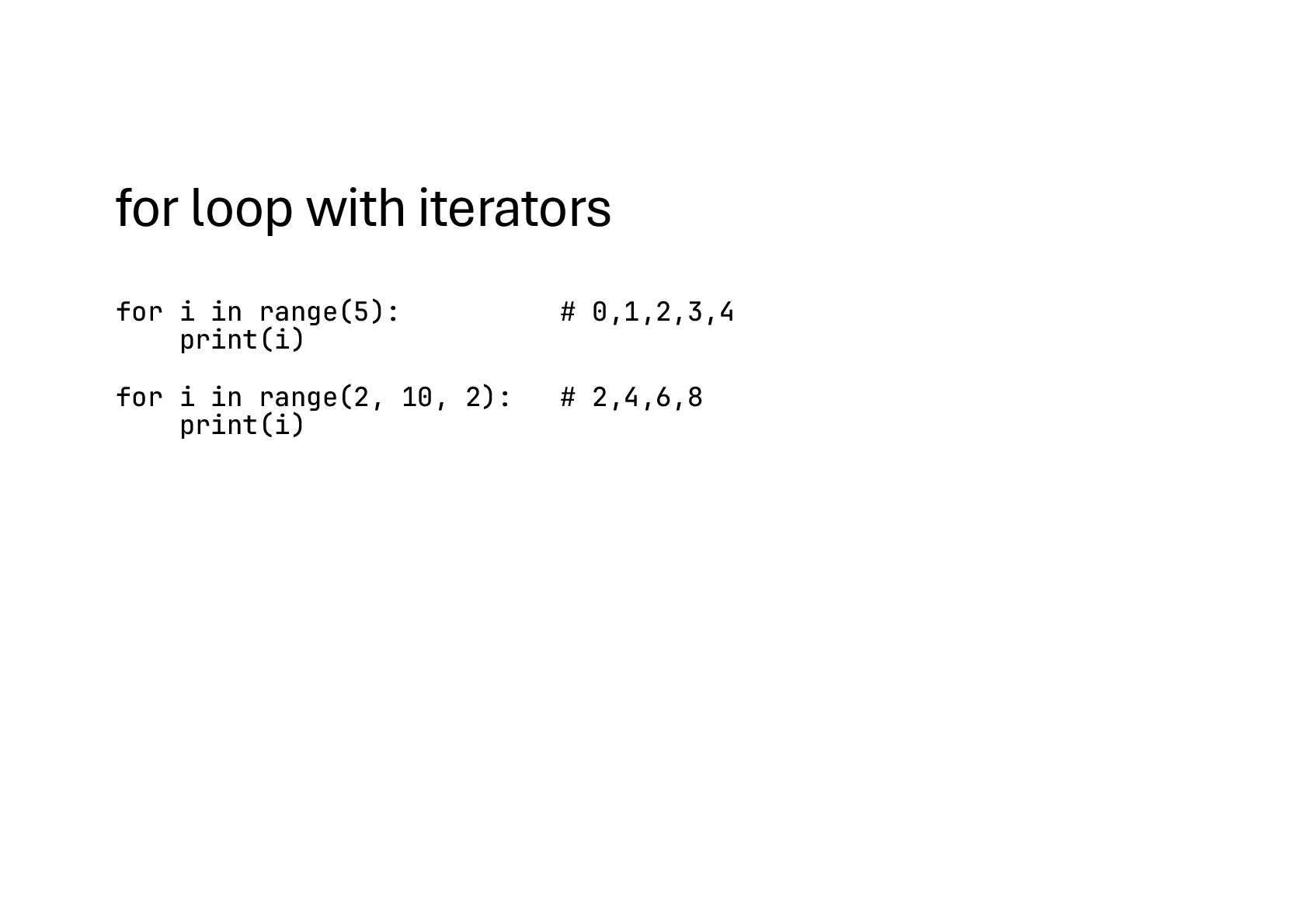
![Iterating with helpers for i, fruit in enumerate(["apple", "banana"], start=1):](https://files.speakerdeck.com/presentations/92ca9040671745958ebfde06f2002fe4/slide_54.jpg)
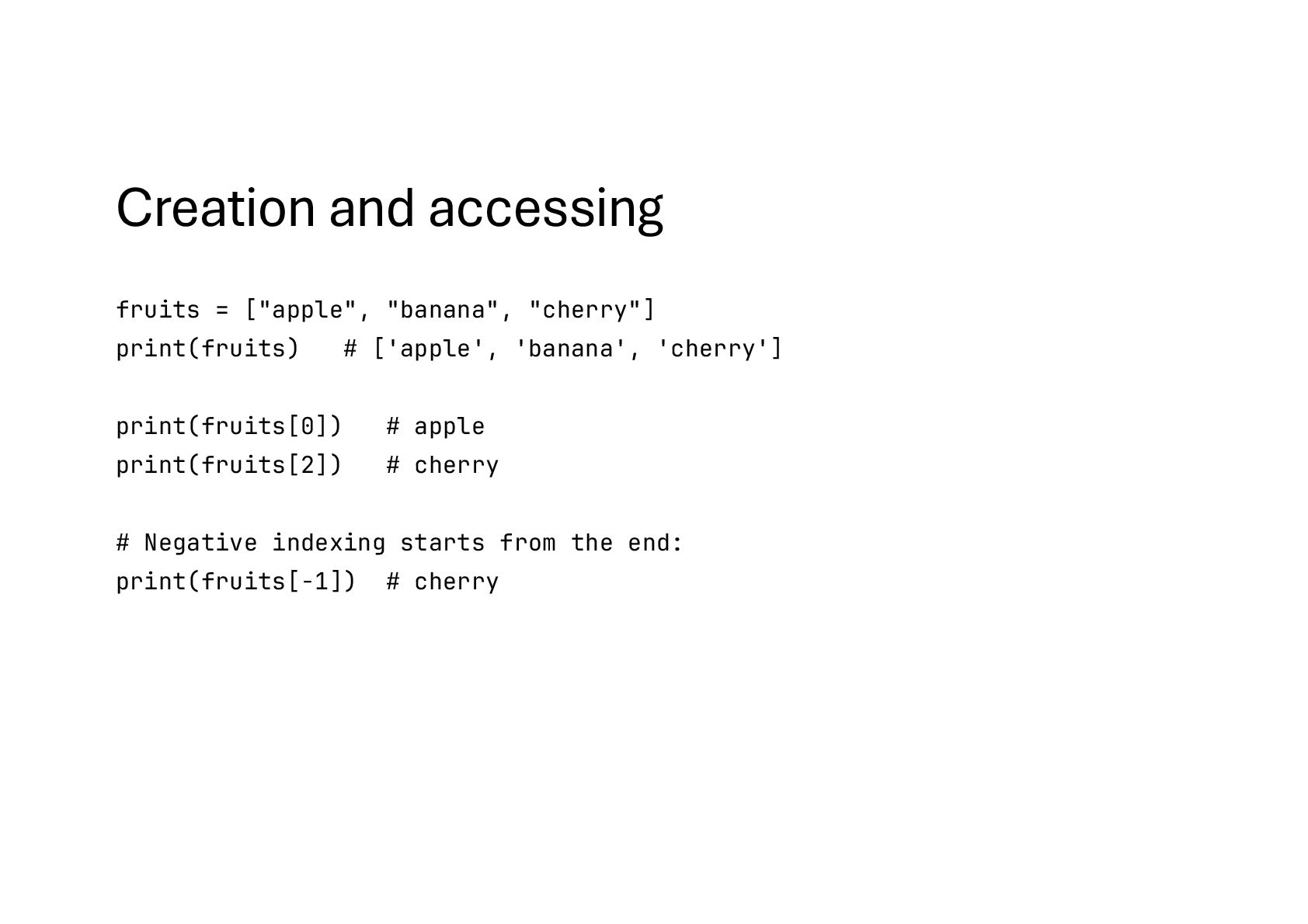
![Creation and accessing fruits = ["apple", "banana", "cherry"] print(fruits) #](https://files.speakerdeck.com/presentations/92ca9040671745958ebfde06f2002fe4/slide_68.jpg)
![Length and Looping numbers = [10, 20, 30, 40] print(len(numbers))](https://files.speakerdeck.com/presentations/92ca9040671745958ebfde06f2002fe4/slide_70.jpg)
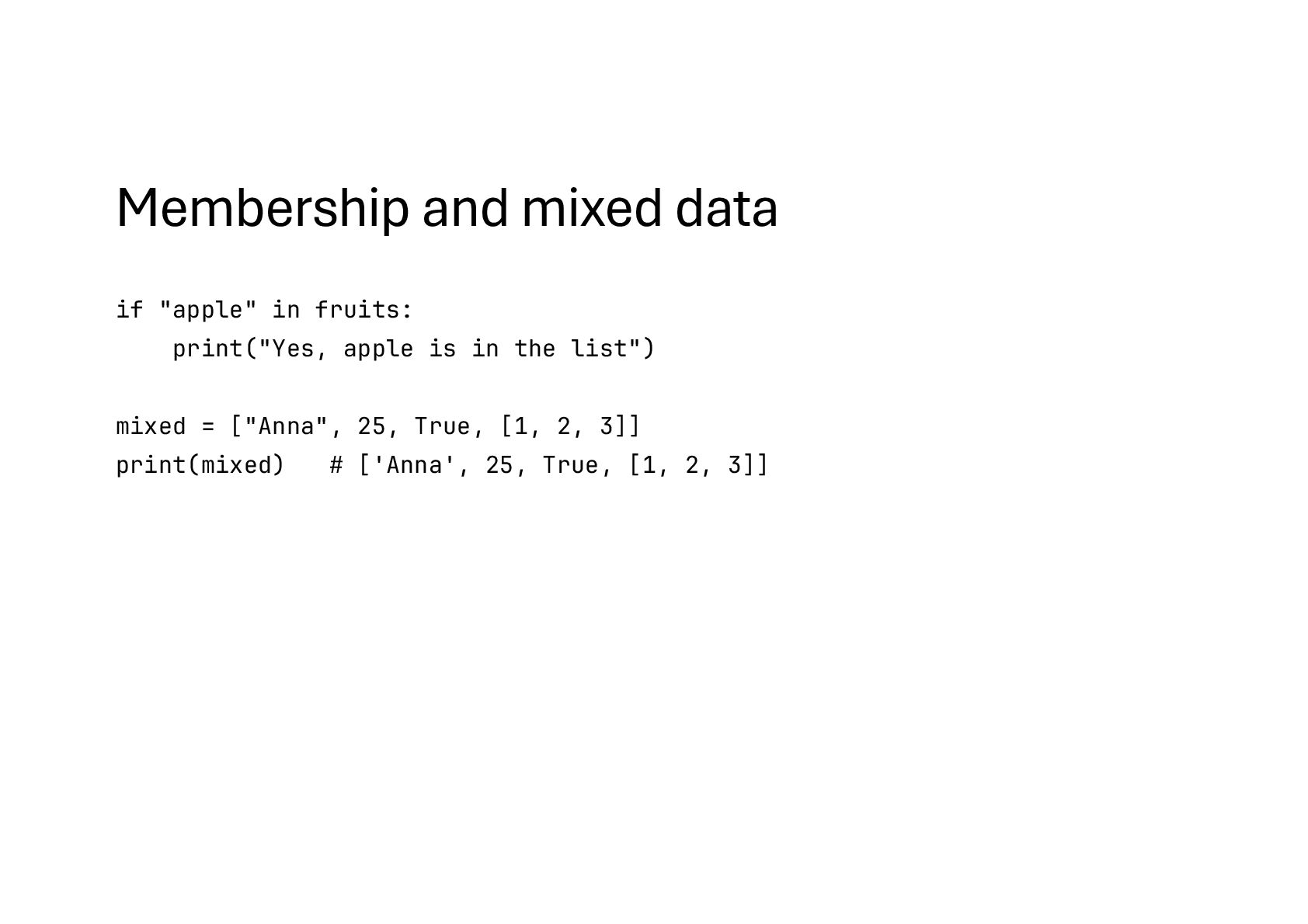
![Membership and mixed data fruits = ["apple", "orange", "banana"] if](https://files.speakerdeck.com/presentations/92ca9040671745958ebfde06f2002fe4/slide_72.jpg)
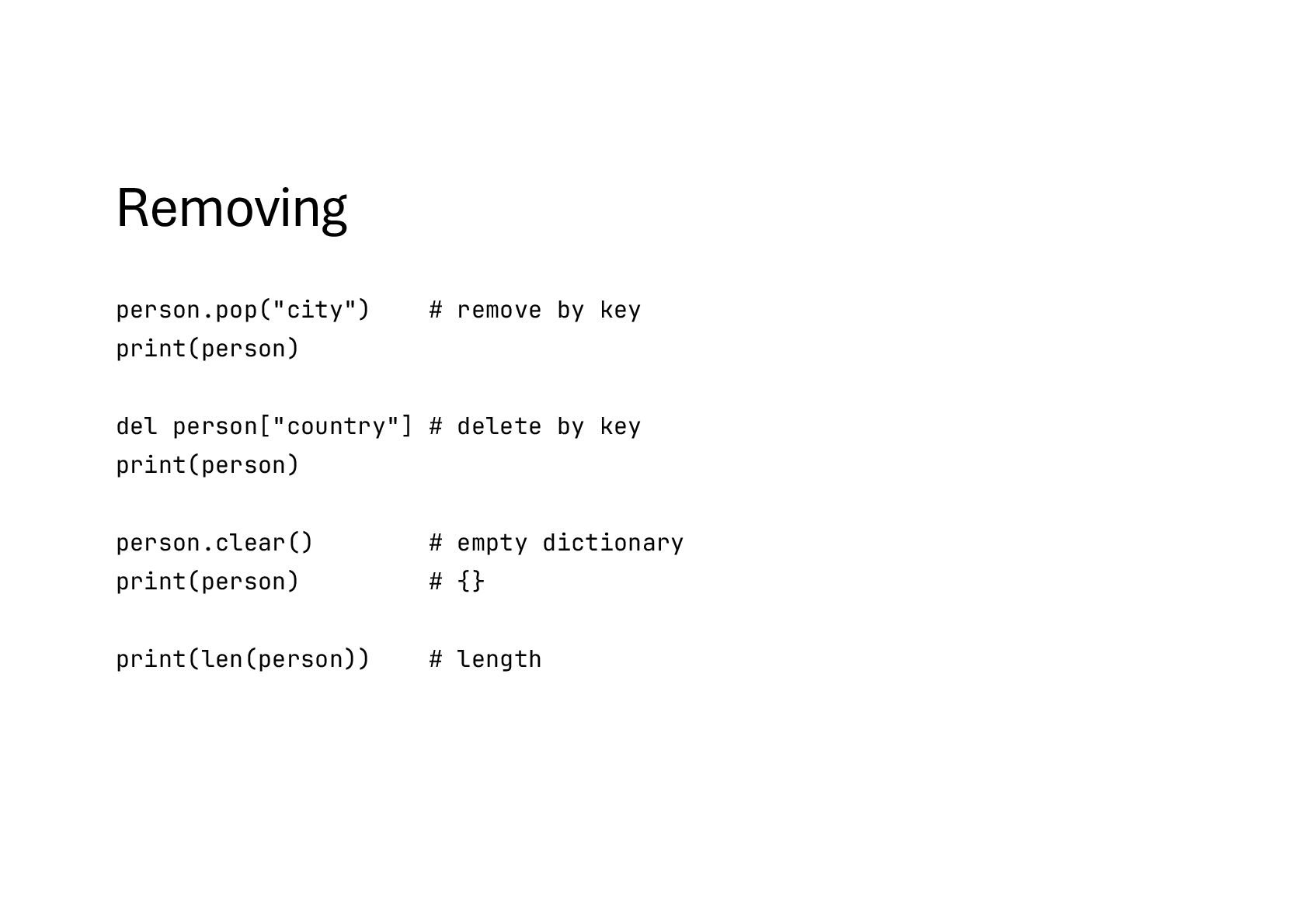
![Removing person.pop("city") # remove by key print(person) del person["country"] #](https://files.speakerdeck.com/presentations/92ca9040671745958ebfde06f2002fe4/slide_87.jpg)