Upgrade to Pro — share decks privately, control downloads, hide ads and more …

Kiro Power - Amazon Bedrock AgentCore を学ぶ、もう一つの方法

Kiro Power - Amazon Bedrock AgentCore を学ぶ、もう一つの方法

Avatar for r3_yamauchi

r3_yamauchi PRO

December 19, 2025
Tweet

More Decks by r3_yamauchi

Other Decks in Technology

Transcript

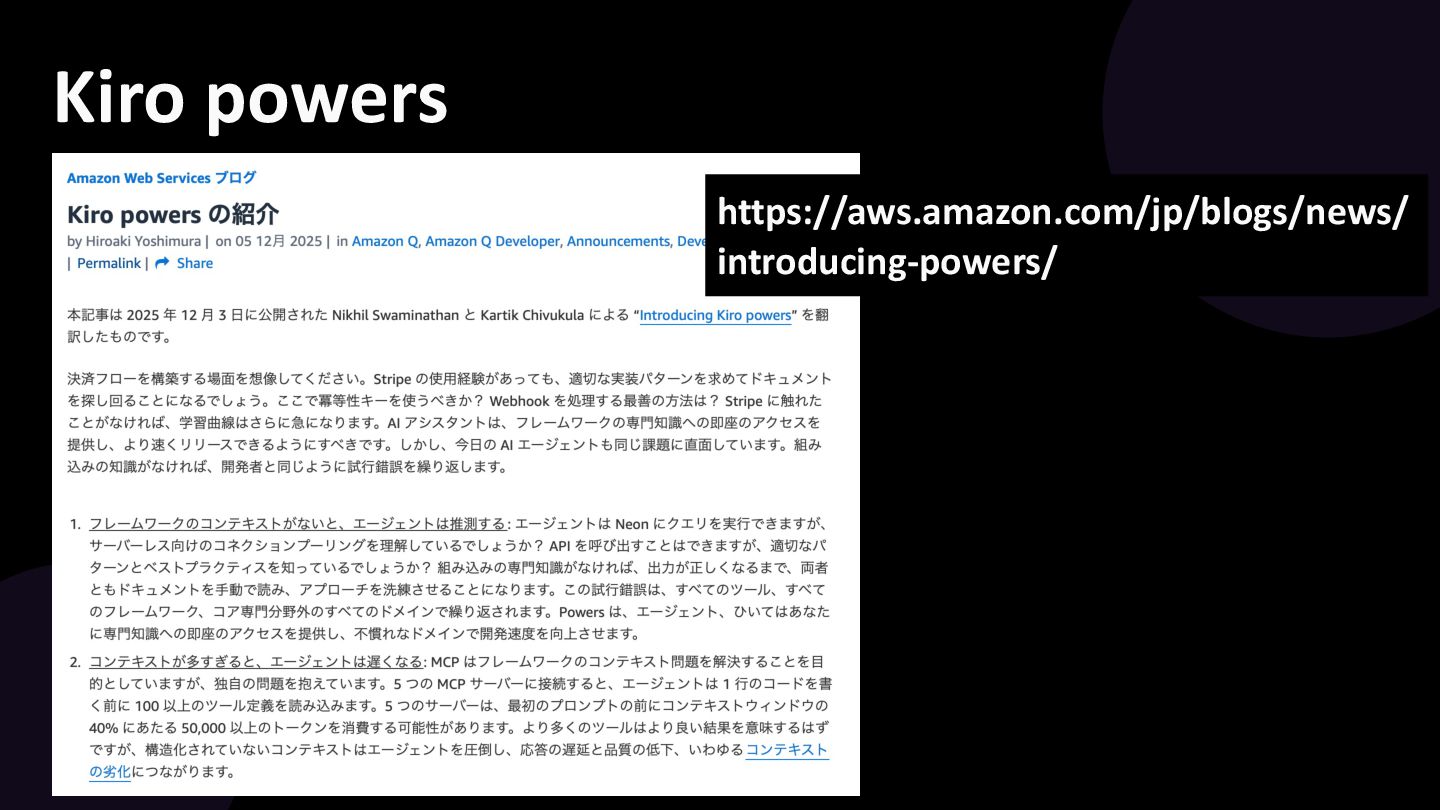
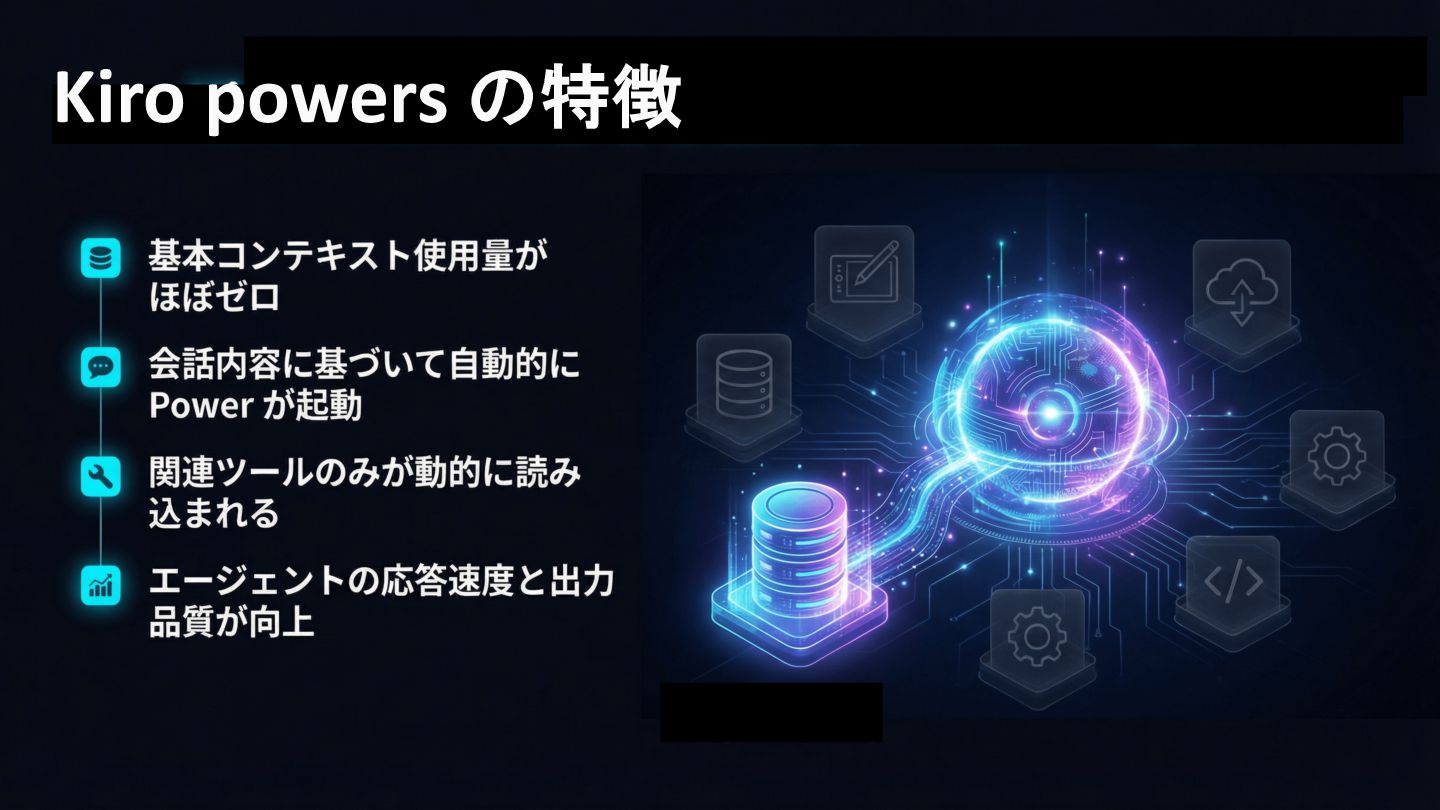
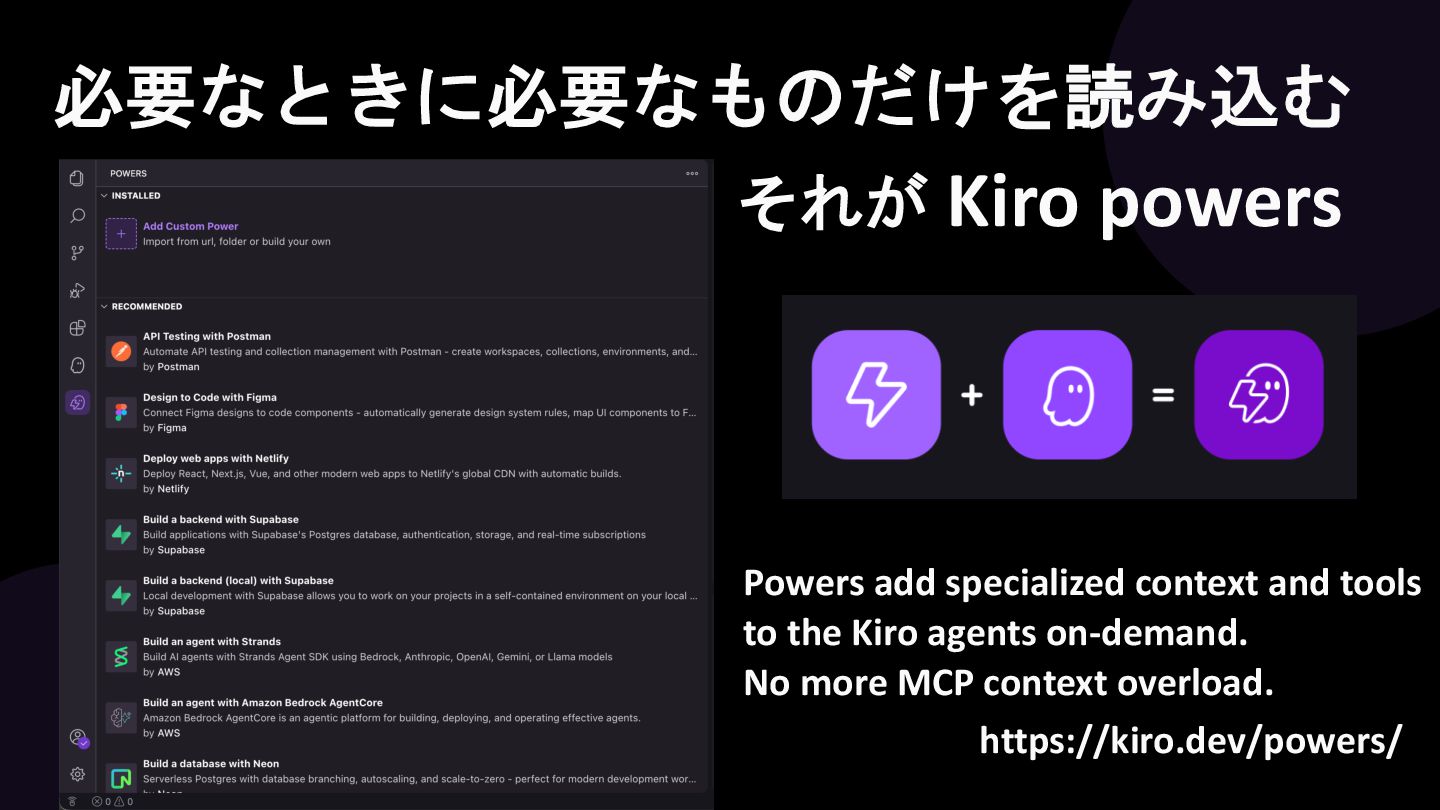
  1. 必要なときに必要なものだけを読み込む それが Kiro powers Powers add specialized context and tools

    to the Kiro agents on-demand. No more MCP context overload. https://kiro.dev/powers/
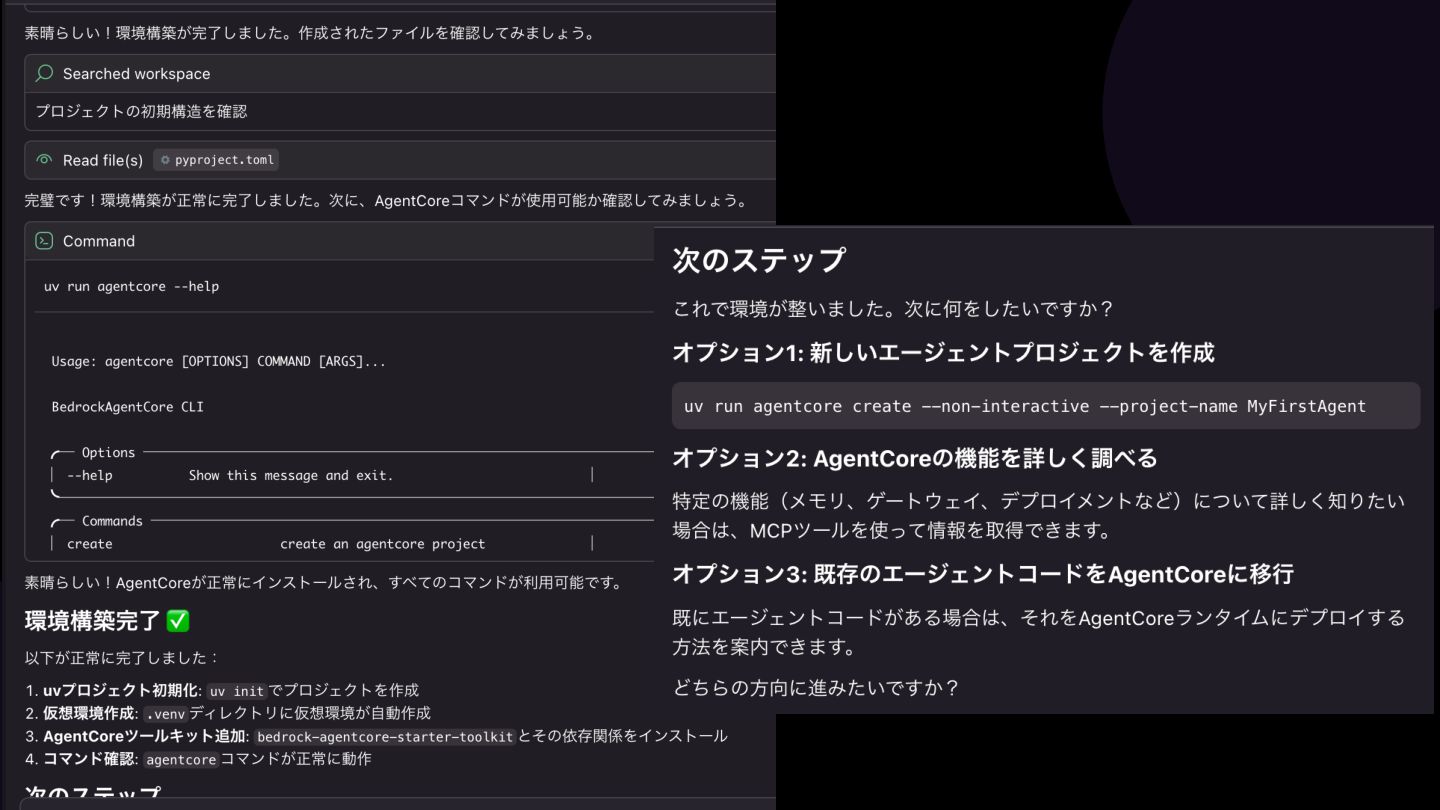
  2. uv run agentcore --help Usage: agentcore [OPTIONS] COMMAND [ARGS]... BedrockAgentCore

    CLI ╭─ Options ───────────────────────────────────────────────────────────╮ │ --help Show this message and exit. │ ╰─────────────────────────────────────────────────────────────────────╯ ╭─ Commands ──────────────────────────────────────────────────────────╮ │ create create an agentcore project │ │ dev Start a local development server for │ │ your agent with hot reloading. │ │ deploy Deploy Bedrock AgentCore with three │ │ deployment modes (formerly 'launch'). │ │ invoke Invoke Bedrock AgentCore endpoint. │ │ status Get Bedrock AgentCore status including │ │ config and runtime details. │ │ destroy Destroy Bedrock AgentCore resources. │ │ stop-session Stop an active runtime session. │
  3. │ create_mcp_gateway Creates an MCP Gateway. │ │ create_mcp_gateway_target Creates

    an MCP Gateway Target. │ │ configure Configuration management │ │ identity Manage Identity service resources │ │ gateway Manage Bedrock AgentCore Gateways │ │ memory Manage Bedrock AgentCore Memory │ │ resources │ │ obs Query and visualize agent observability │ │ data (spans, traces, logs) │ │ policy Manage Bedrock AgentCore Policy Engines │ │ and Policies │ │ eval Evaluate agent performance using │ │ built-in and custom evaluators │ ╰─────────────────────────────────────────────────────────────────────╯
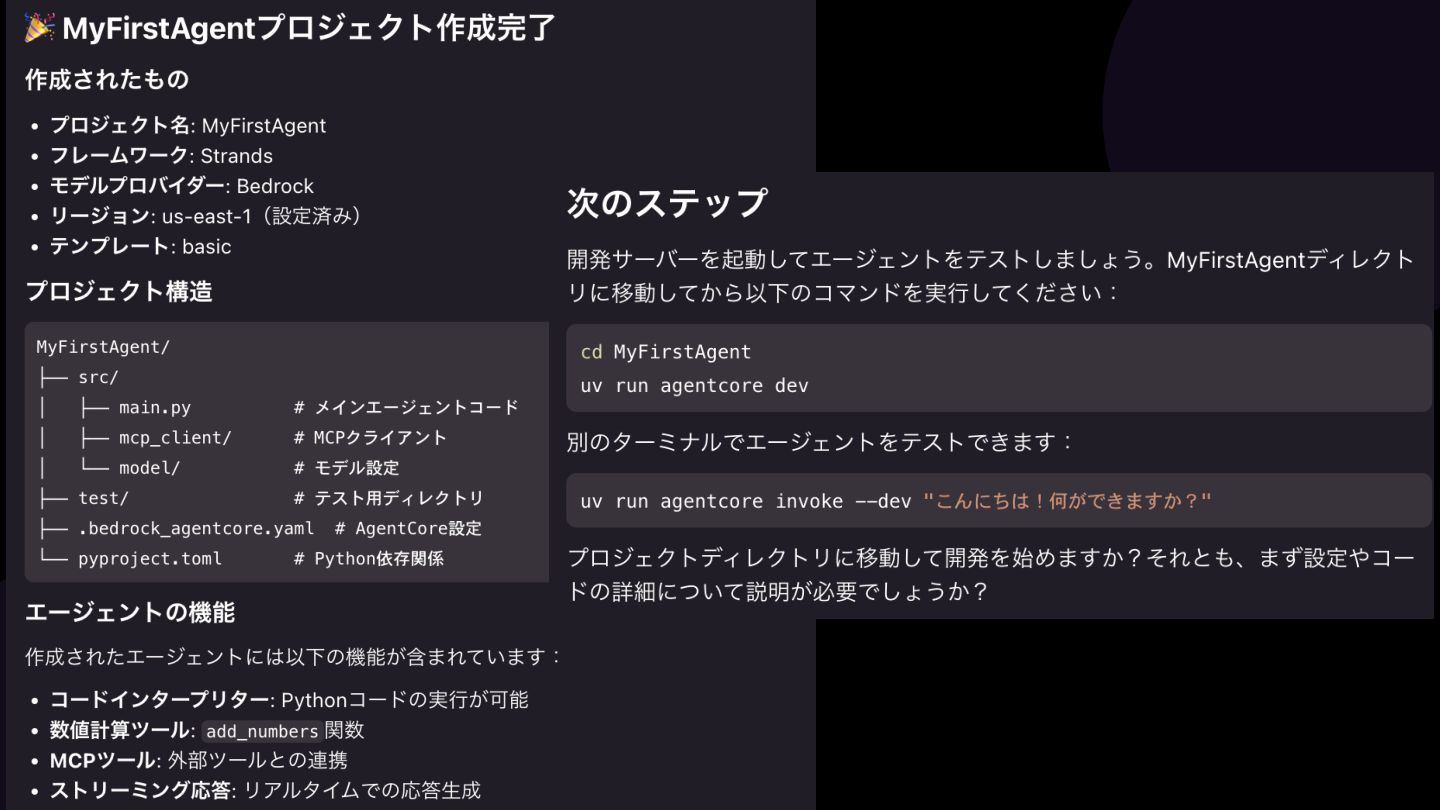
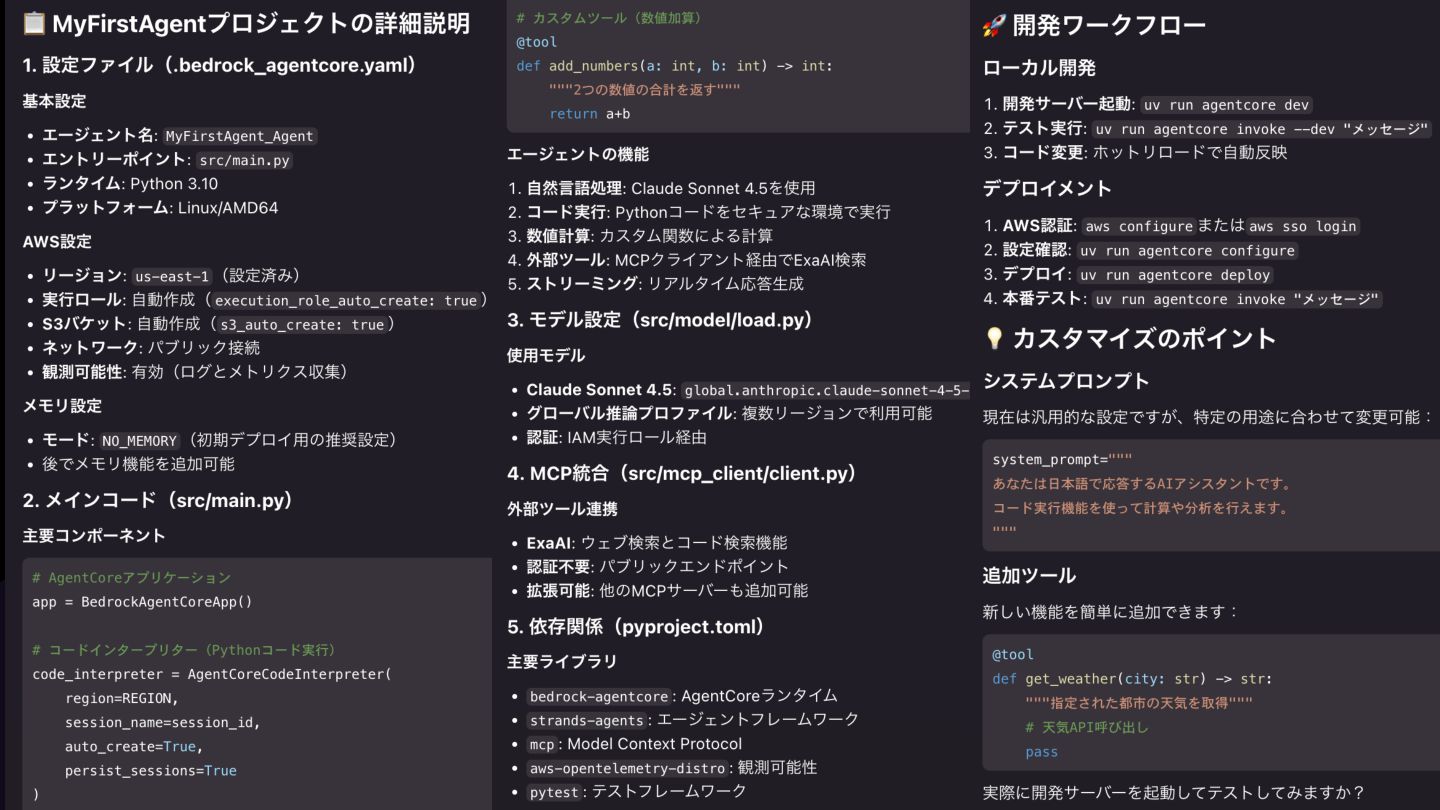
  4. これは agentcore create --template basic CLIツールによって生成されたプロ ジェクトです! 生成されるディレクトリは src/ と

    test/ の2つです。ルートには .gitignore ファイルと .bedrock_agentcore.yaml ファイルがあり、これは deploy、dev、 invoke などの agentcore コマンドで使用されます。 src/ アプリのメインエントリポイントは src/main.py に定義されています。 AgentCore SDK の @app.entrypoint デコレーターを使用して、このファイル は選択したエージェントフレームワークSDKが動作する Starlette ASGI アプリ を定義します。 src/mcp_client/client.py は、選択したエージェントフレームワークSDKのラ イブラリを使用した MCP クライアントを実装します。 src/model/load.py は、選択したモデルプロバイダーをインスタンス化します。 test/ テストはデフォルトでは定義されていません。pytest の定義をここに追加し てください。
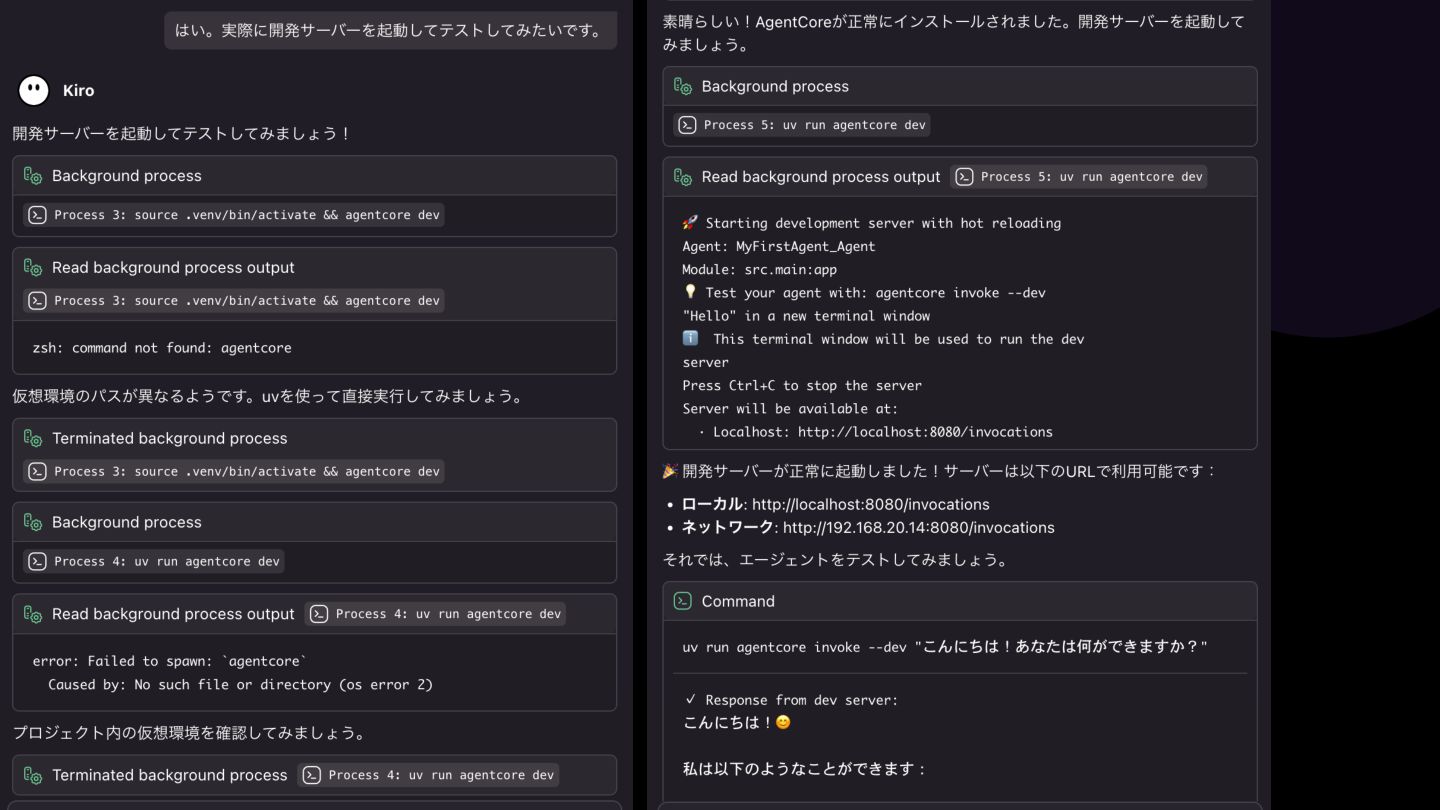
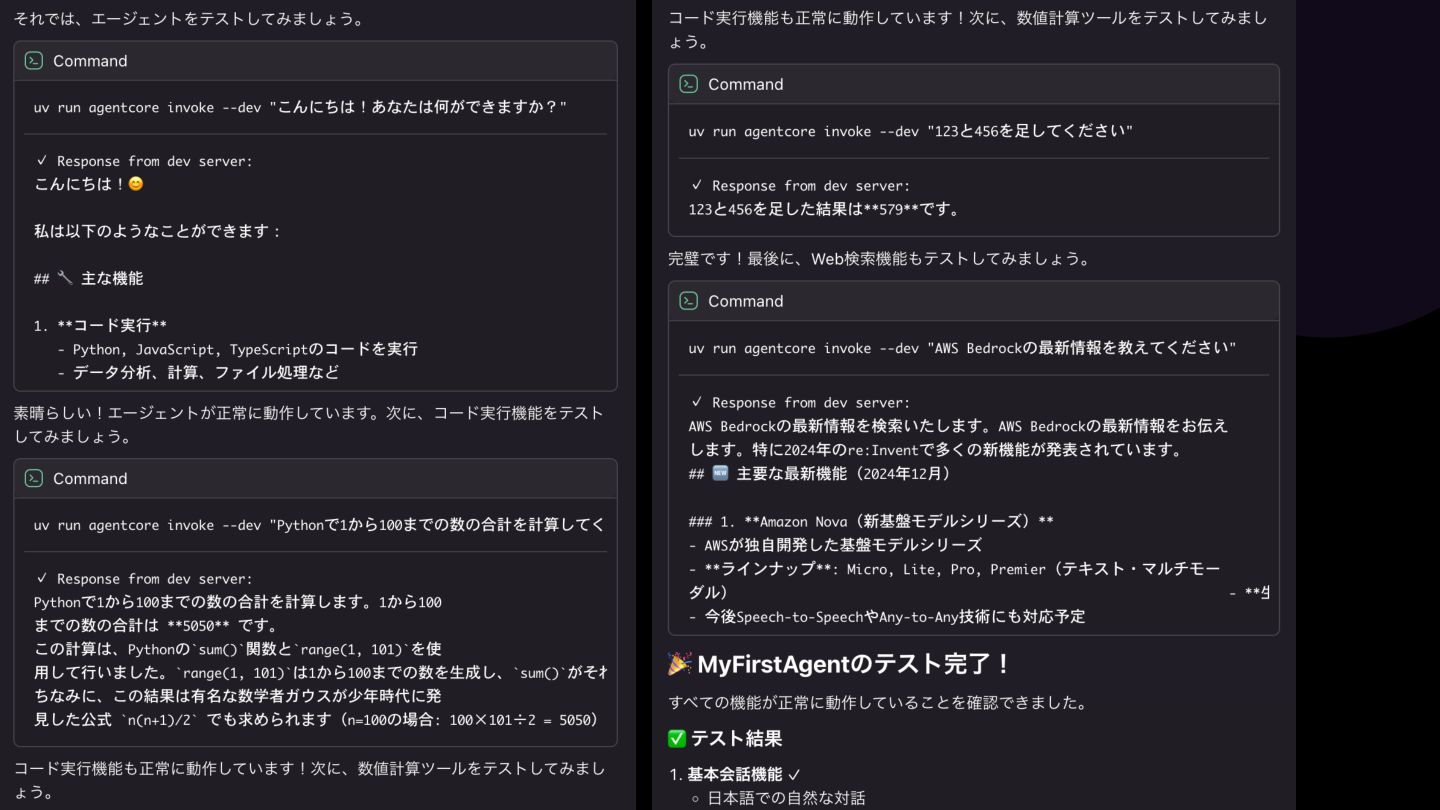
  5. ローカル開発 インストールが成功していれば、依存関係を含む仮想環境がすでに作成さ れています。 開発前に source .venv/bin/activate を実行してください。 agentcore dev を実行すると、0.0.0.0:8080

    でローカルサーバーが起動します。 新しいターミナルでは、次のようにしてサーバーを呼び出せます: agentcore invoke --dev "What can you do” デプロイ プロジェクトをカスタマイズしたい場合は、デプロイ前に agentcore configure を実行できます。そうでなければ、デフォルト設定のままで問題 なく動作します。 認証情報の入力後、agentcore deploy によってプロジェクトが Amazon Bedrock AgentCore にデプロイされます。 agentcore invoke を使用して、デプロイしたエージェントを呼び出すことが できます。