Upgrade to Pro — share decks privately, control downloads, hide ads and more …

Planning your upgrade to MySQL 9.7

Planning your upgrade to MySQL 9.7

The recent release of MySQL 9.7 Long Term Support (LTS) community editions, joins MySQL 8.4 LTS as the two current LTS releases. The popular and widely used MySQL 8.0 has now reached EOL. Organizations running MySQL 8.0 should be migrating to MySQL 8.4 and evaluating the roadmap of features and capabilities of the new MySQL 9.7.

In this session, we'll take a deep dive into the new capabilities shipping in MySQL 9.7 Community Edition: full DML support for JSON Duality Views, the Hypergraph Optimizer, JavaScript stored procedures, enhanced security management, and a number of Enterprise-only components now available to all — including replication observability tools and OpenTelemetry-based telemetry integration.
This talk focuses on how to responsibly evaluate and test a major version release before production deployment. We'll walk through a practical checklist covering compatibility assessment, workload testing, staged rollout strategies, and rollback planning to help developers integrating new features into application workflows, DBAs managing the migration and monitoring behavior changes, and engineering leadership weighing the timing and scope of the upgrade.
Attendees will leave with a better understanding of MySQL 9.7's most impactful features and a strategy they can take directly back to their team to evaluate them.

Avatar for Ronald Bradford

Ronald Bradford

August 07, 2026

More Decks by Ronald Bradford

Other Decks in Technology

Transcript

  1. Agenda 1. Why planning is critical? 2. Recommendations for MySQL

    upgrade steps 3. Understanding your production workload over time 4. Overview of MySQL 9.7 features and beyond
  2. About Me Author | Speaker | Contributor • 1999 -

    Started using MySQL (pre 3.23) • 2006 - First MySQL Conference Presentation • 2006 - 2008 Worked at MySQL Inc • 2010 - 2017 Oracle ACE Director (Alumni) • 2025 - MySQL Rockstar Legend Available now for Database Consulting Performance, Architecture, Migrations MySQL/PostgreSQL/MongoDB/Redis RDBMS, Pipelines, Warehouses
  3. Why bother with upgrades? • Open source software iterates quickly

    • Software dependency upgrades/support/security • New features • Commercial Support requirements • Forced upgrade ◦ e.g. AWS RDS
  4. What is the worst that could happen? • Production is

    down • Data loss • No database rollback procedure (or untested) • Unknown time to fix forward issues • Added engineering team demands ◦ e.g. updated dependencies / untested code
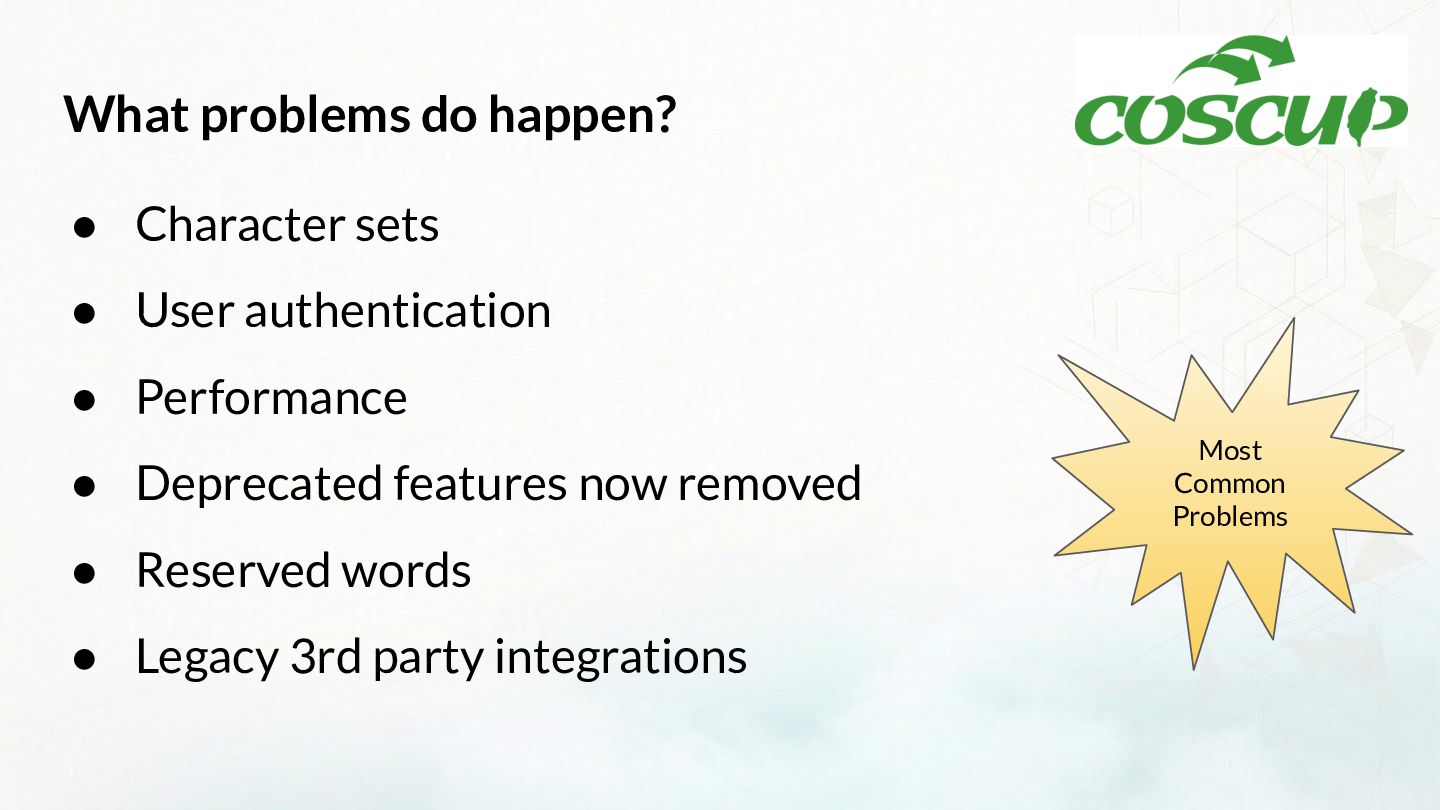
  5. What problems do happen? • Character sets • User authentication

    • Performance • Deprecated features now removed • Reserved words • Legacy 3rd party integrations Most Common Problems
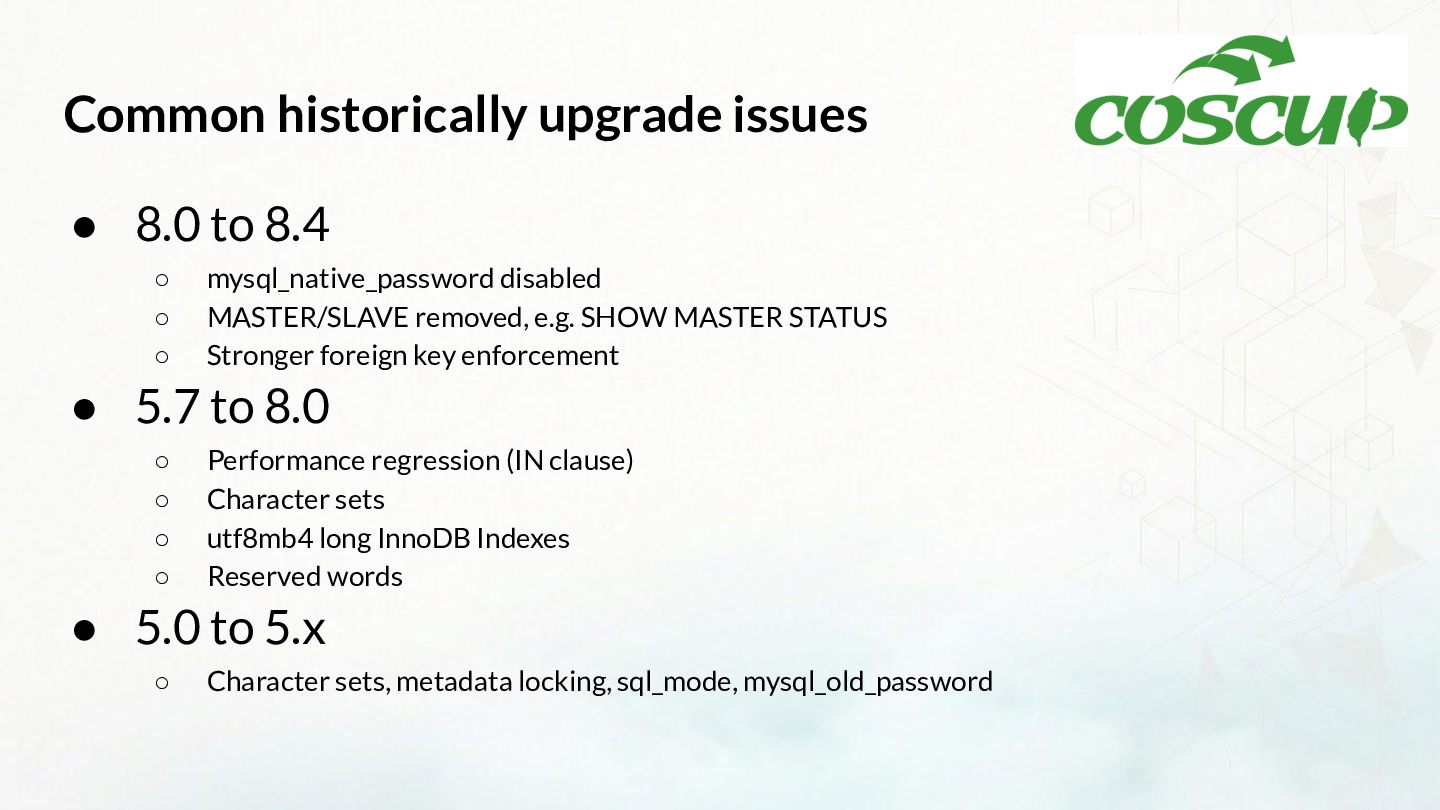
  6. Common historically upgrade issues • 8.0 to 8.4 ◦ ◦

    ◦ mysql_native_password disabled MASTER/SLAVE removed, e.g. SHOW MASTER STATUS Stronger foreign key enforcement • 5.7 to 8.0 ◦ ◦ ◦ ◦ Performance regression (IN clause) Character sets utf8mb4 long InnoDB Indexes Reserved words • 5.0 to 5.x ◦ Character sets, metadata locking, sql_mode, mysql_old_password
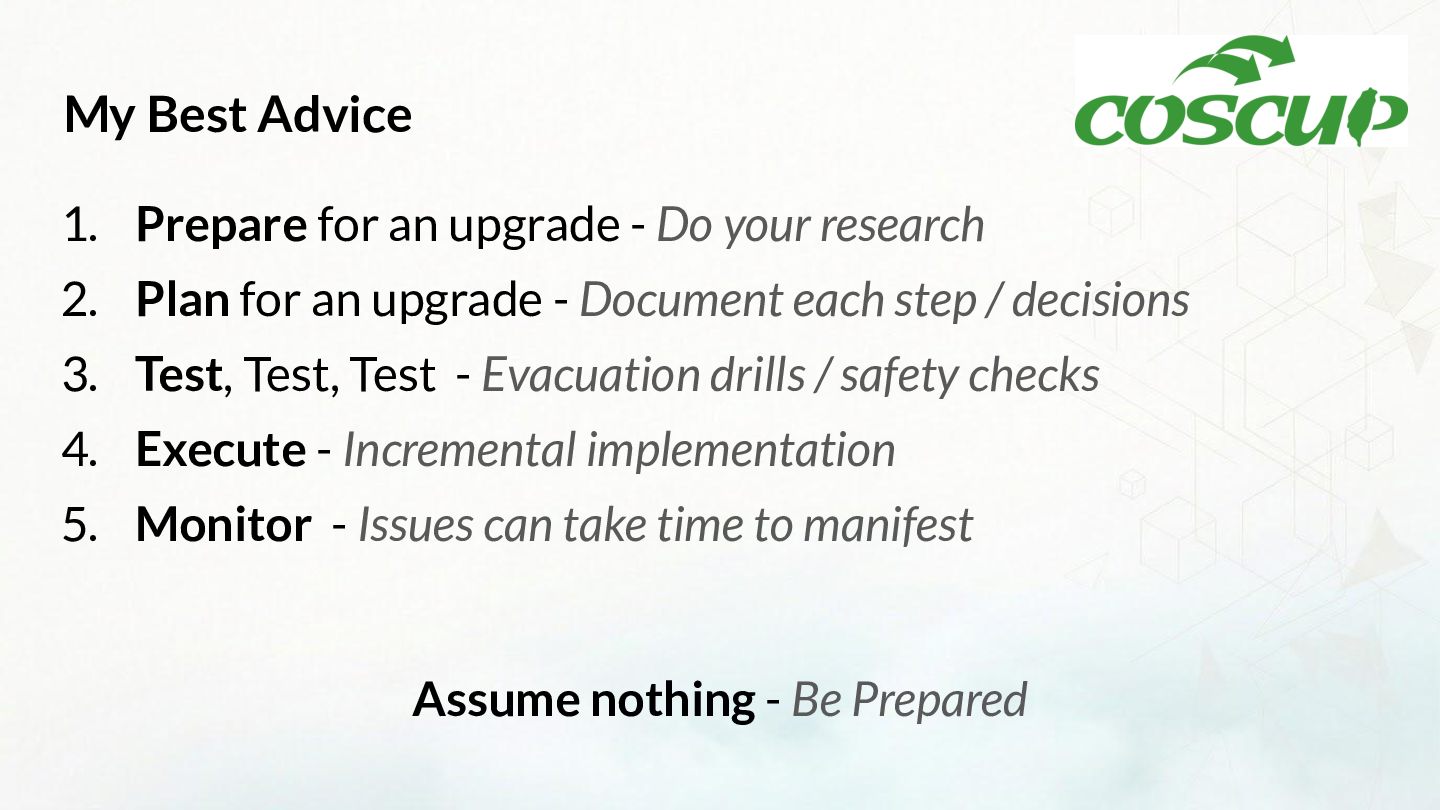
  7. My Best Advice 1. Prepare for an upgrade - Do

    your research 2. Plan for an upgrade - Document each step / decisions 3. Test, Test, Test - Evacuation drills / safety checks 4. Execute - Incremental implementation 5. Monitor - Issues can take time to manifest Assume nothing - Be Prepared
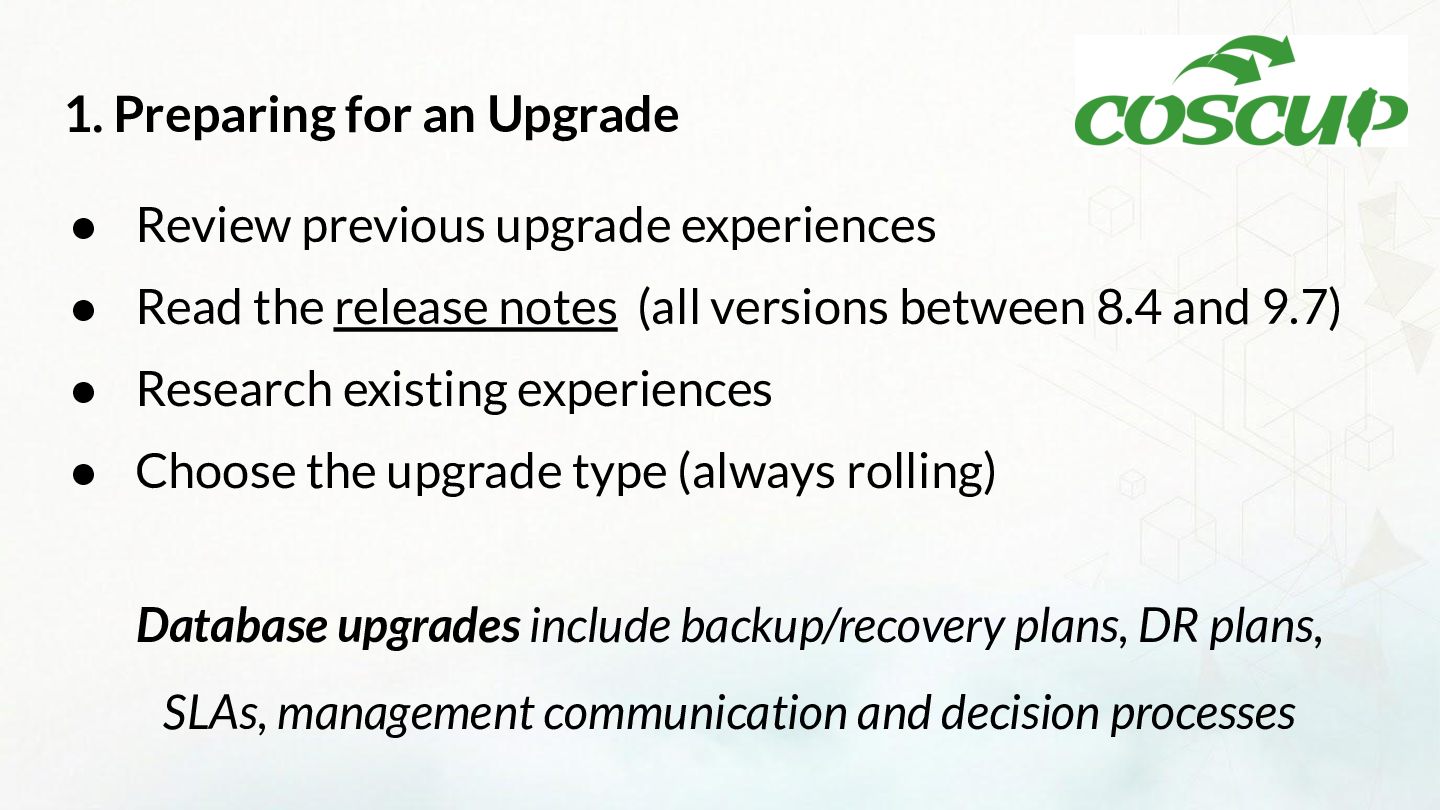
  8. 1. Preparing for an Upgrade • Review previous upgrade experiences

    • Read the release notes (all versions between 8.4 and 9.7) • Research existing experiences • Choose the upgrade type (always rolling) Database upgrades include backup/recovery plans, DR plans, SLAs, management communication and decision processes
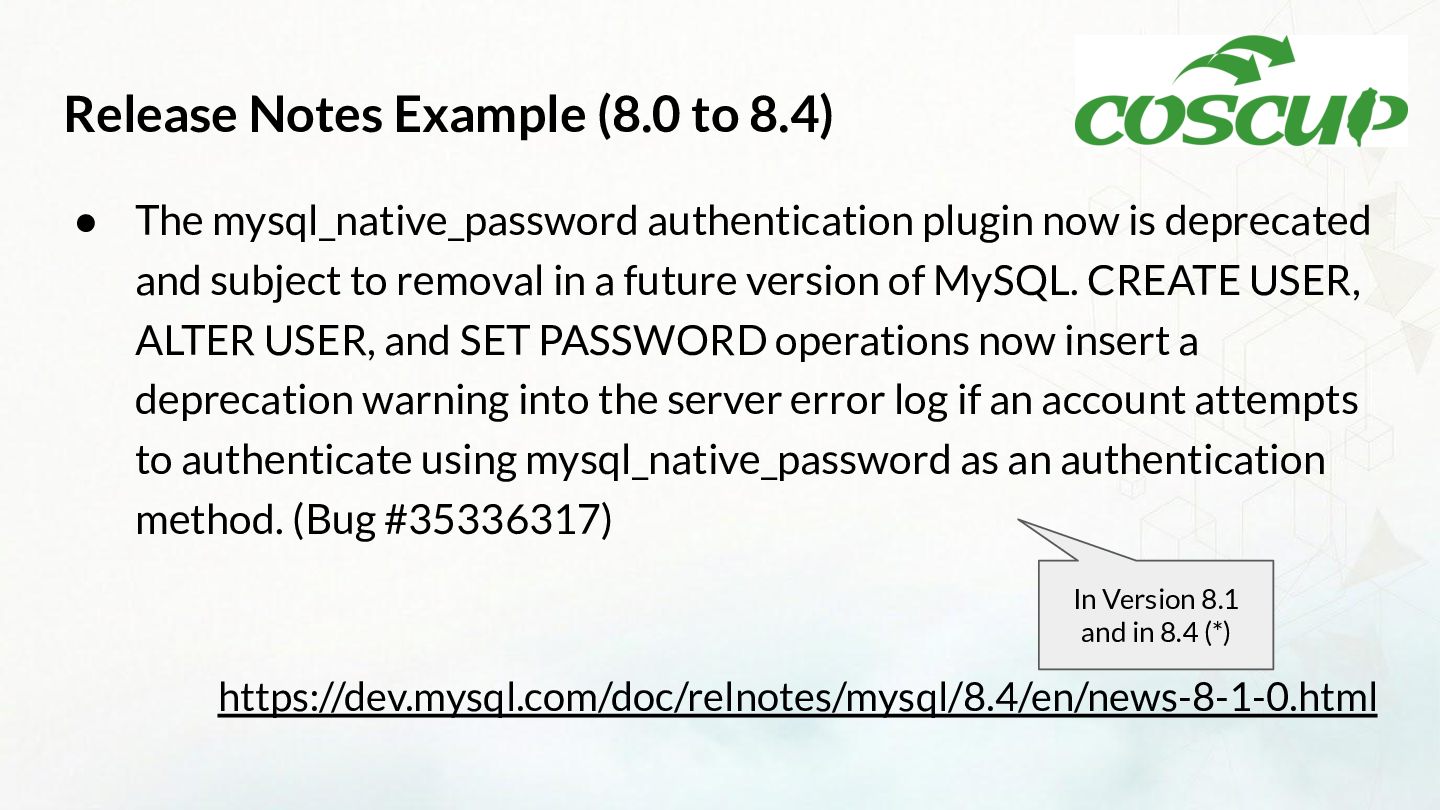
  9. Release Notes Example (8.0 to 8.4) • The mysql_native_password authentication

    plugin now is deprecated and subject to removal in a future version of MySQL. CREATE USER, ALTER USER, and SET PASSWORD operations now insert a deprecation warning into the server error log if an account attempts to authenticate using mysql_native_password as an authentication method. (Bug #35336317) In Version 8.1 and in 8.4 (*) https://dev.mysql.com/doc/relnotes/mysql/8.4/en/news-8-1-0.html
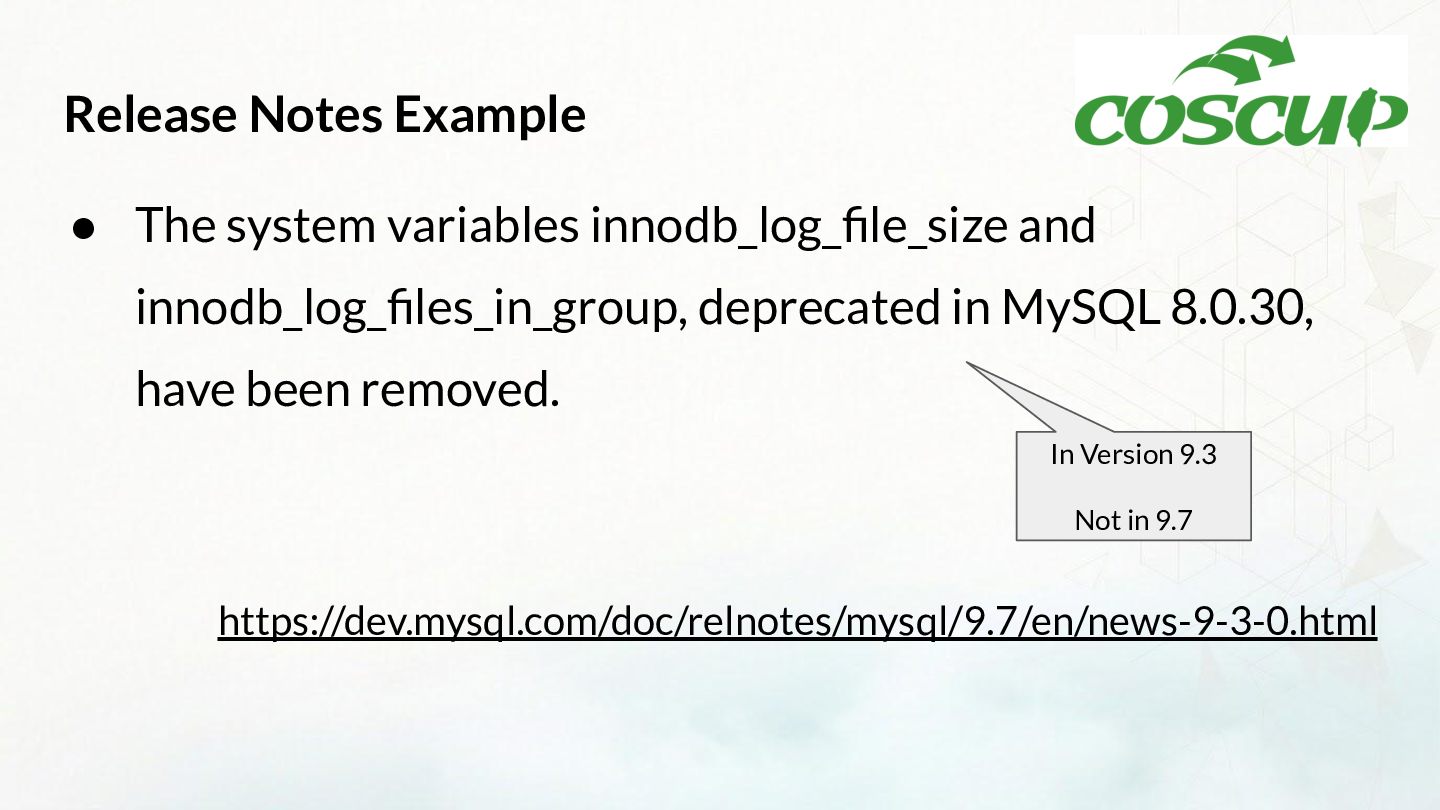
  10. Release Notes Example • The system variables innodb_log_file_size and innodb_log_files_in_group,

    deprecated in MySQL 8.0.30, have been removed. In Version 9.3 Not in 9.7 https://dev.mysql.com/doc/relnotes/mysql/9.7/en/news-9-3-0.html
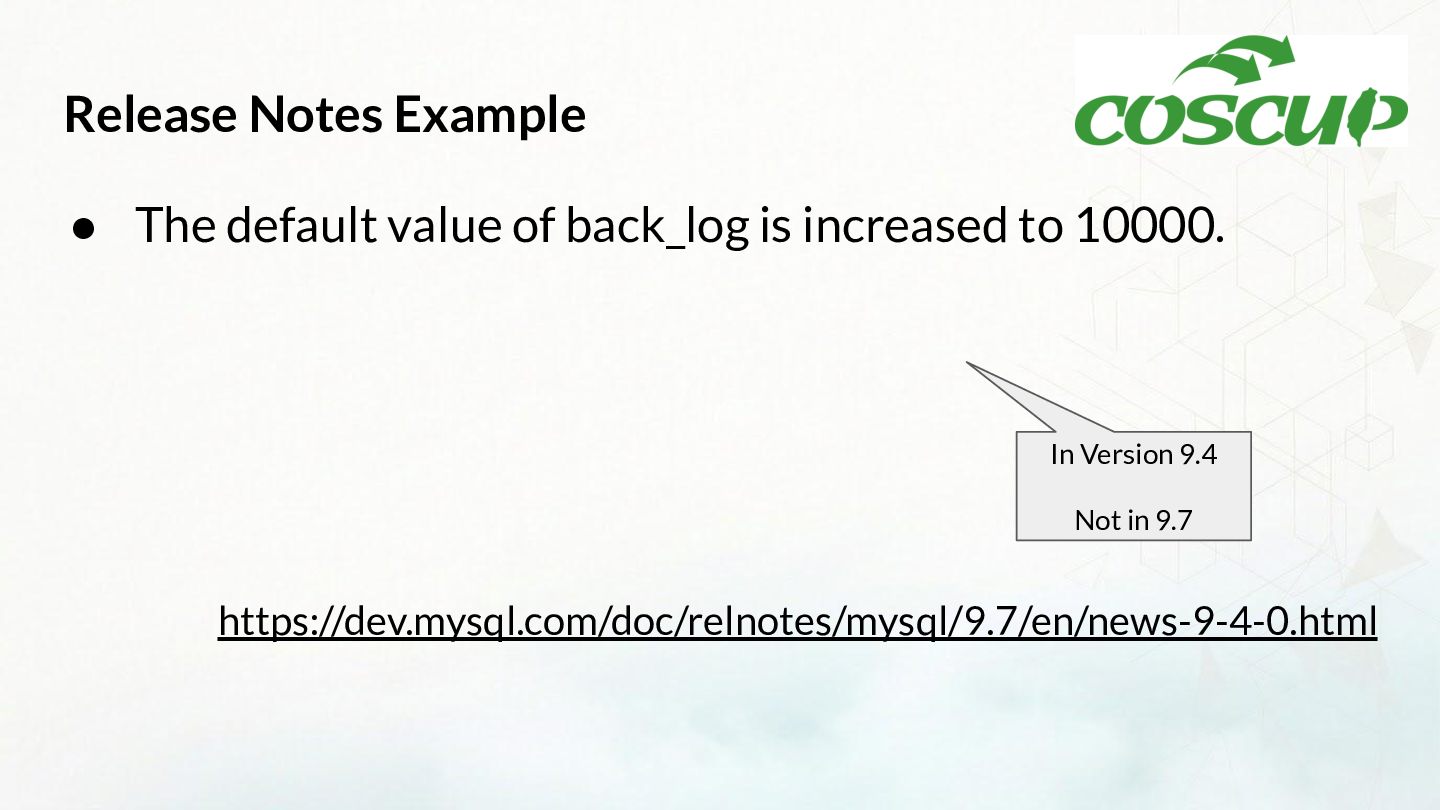
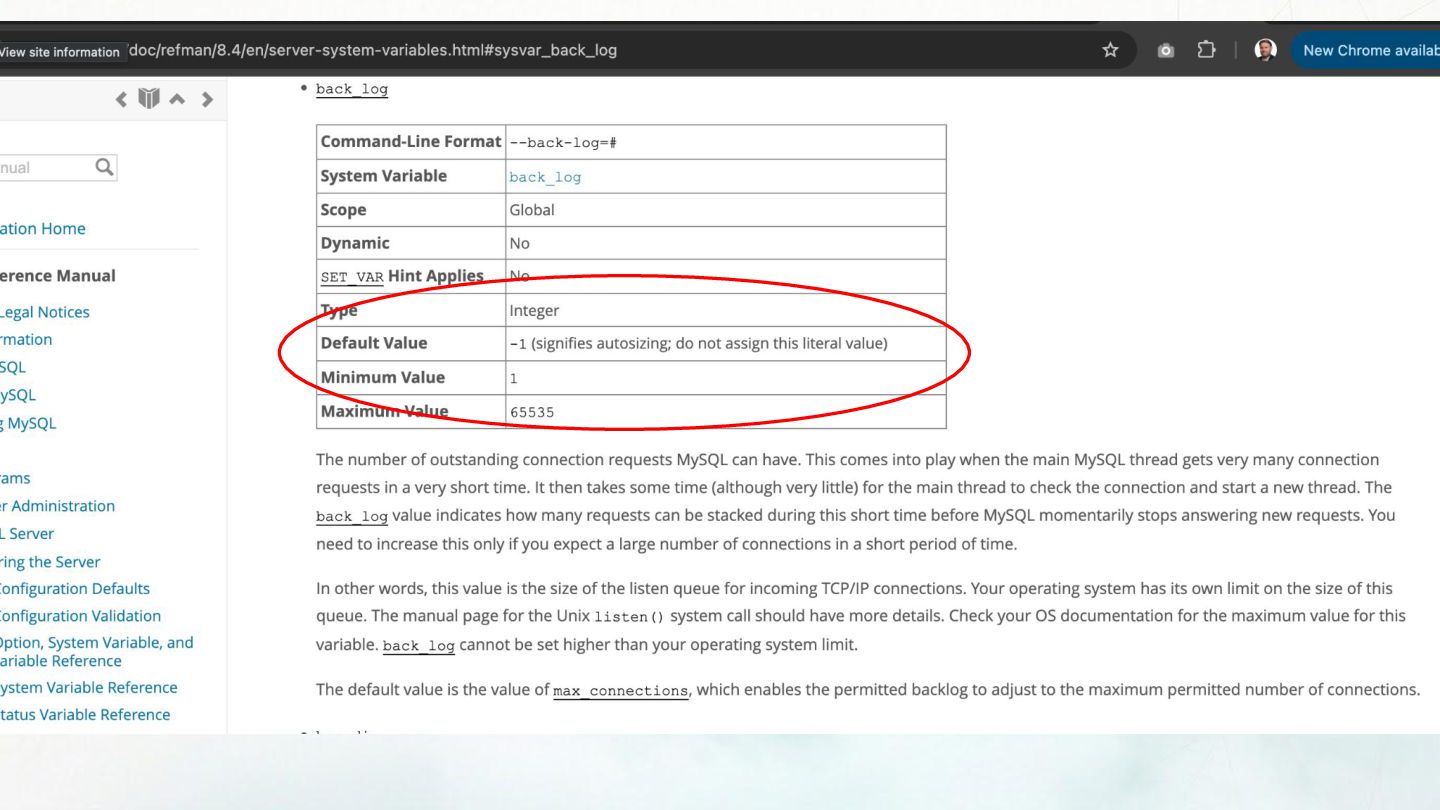
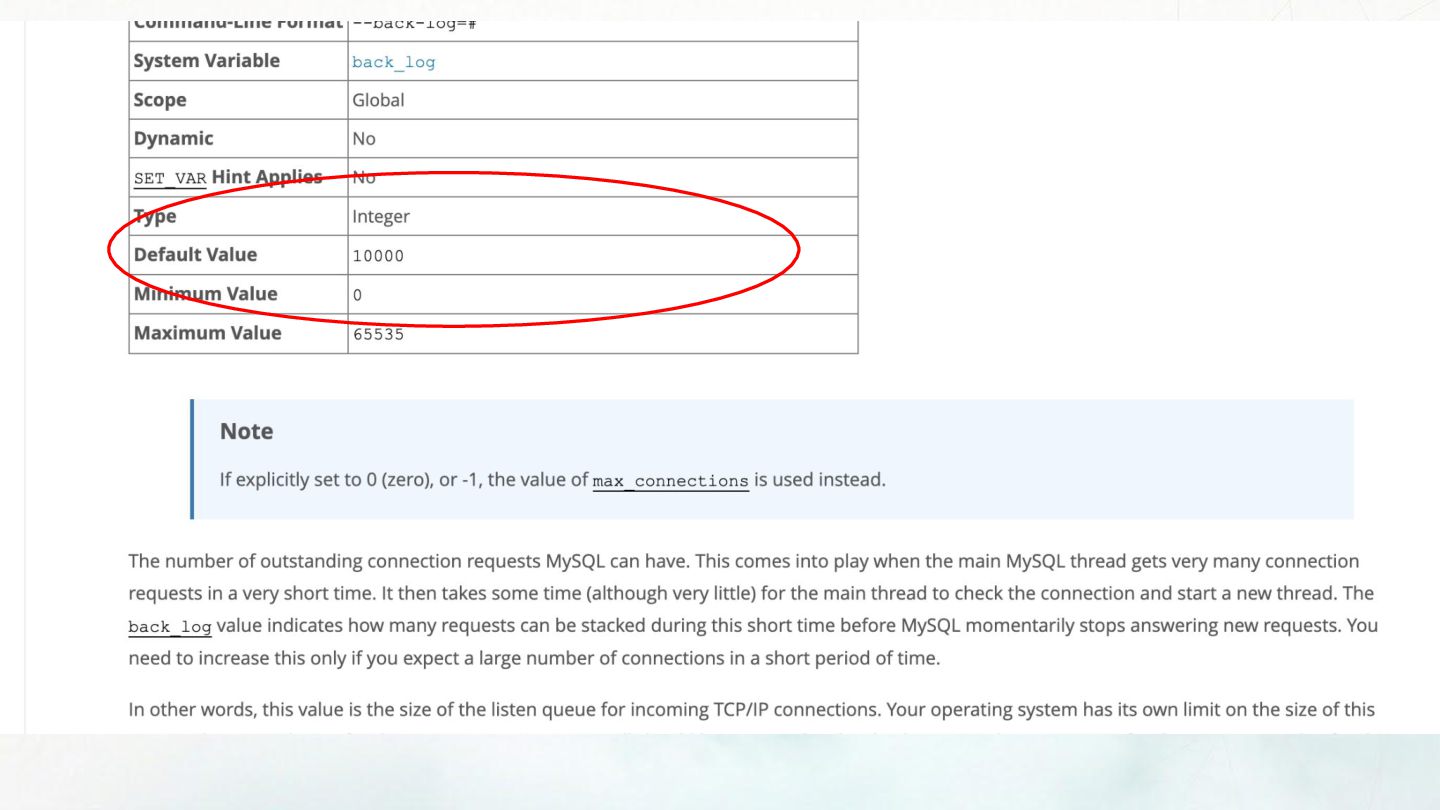
  11. Release Notes Example • The default value of back_log is

    increased to 10000. In Version 9.4 Not in 9.7 https://dev.mysql.com/doc/relnotes/mysql/9.7/en/news-9-4-0.html
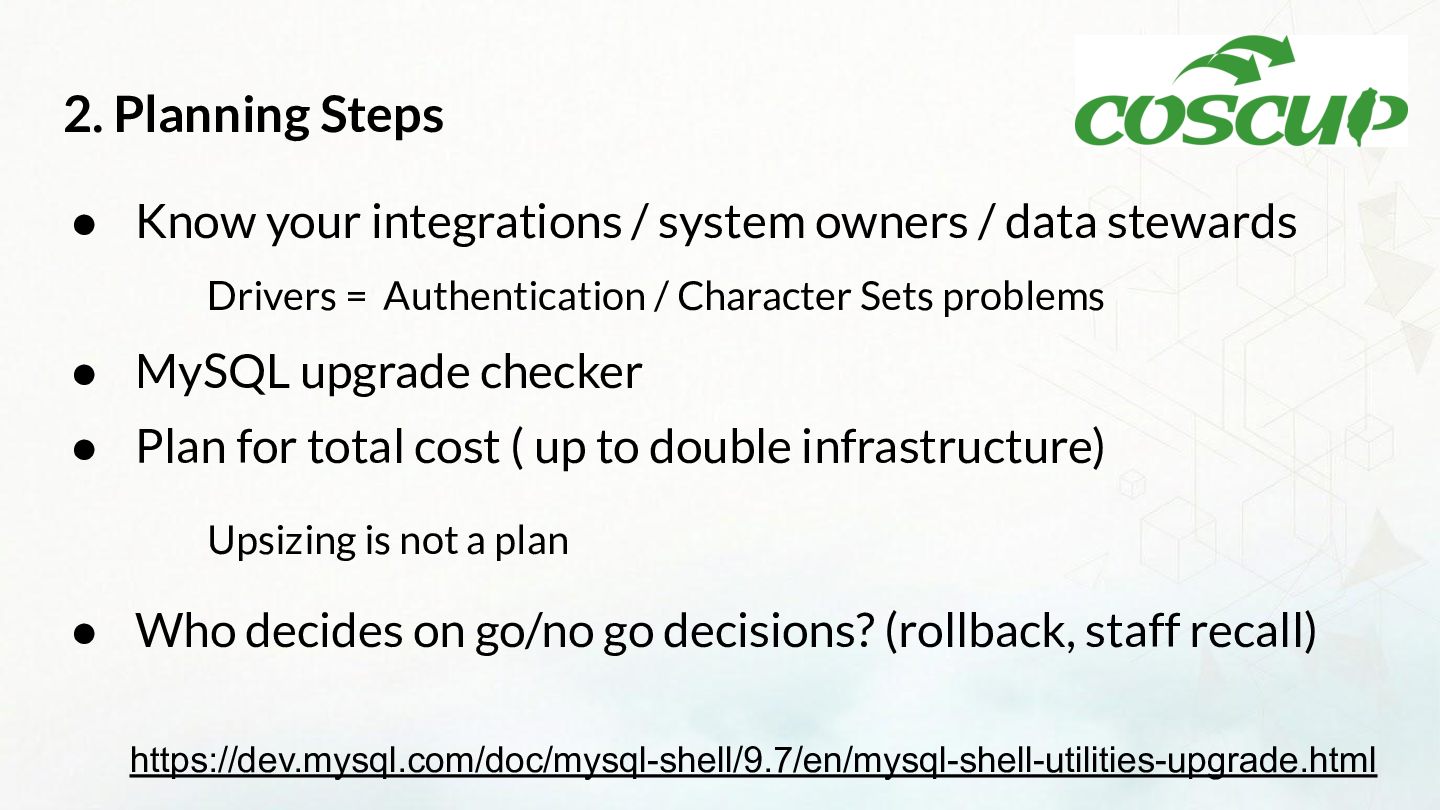
  12. 2. Planning Steps • Know your integrations / system owners

    / data stewards Drivers = Authentication / Character Sets problems • MySQL upgrade checker • Plan for total cost ( up to double infrastructure) Upsizing is not a plan • Who decides on go/no go decisions? (rollback, staff recall) https://dev.mysql.com/doc/mysql-shell/9.7/en/mysql-shell-utilities-upgrade.html
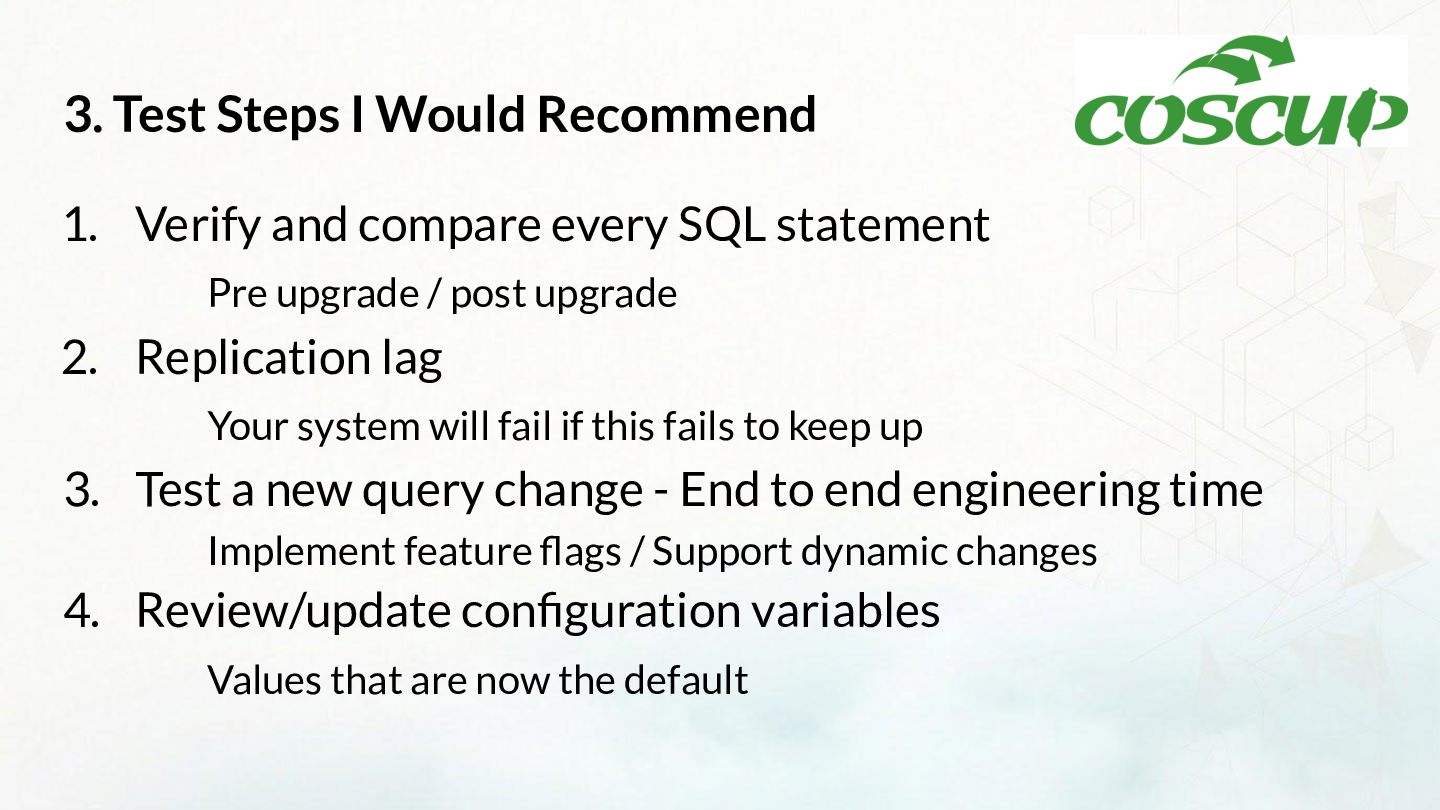
  13. 3. Test Steps I Would Recommend 1. Verify and compare

    every SQL statement Pre upgrade / post upgrade 2. Replication lag Your system will fail if this fails to keep up 3. Test a new query change - End to end engineering time Implement feature flags / Support dynamic changes 4. Review/update configuration variables Values that are now the default
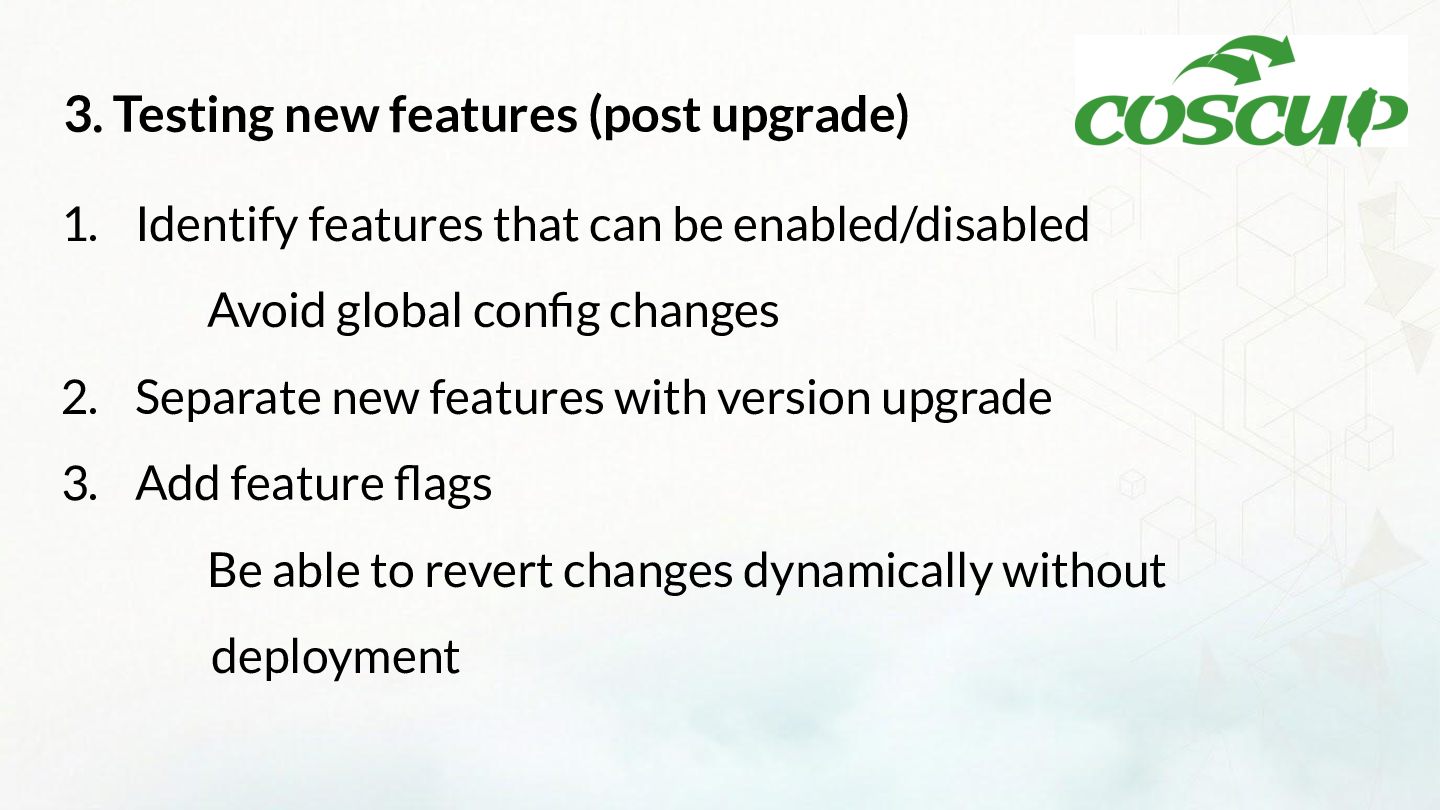
  14. 3. Testing new features (post upgrade) 1. Identify features that

    can be enabled/disabled Avoid global config changes 2. Separate new features with version upgrade 3. Add feature flags Be able to revert changes dynamically without deployment
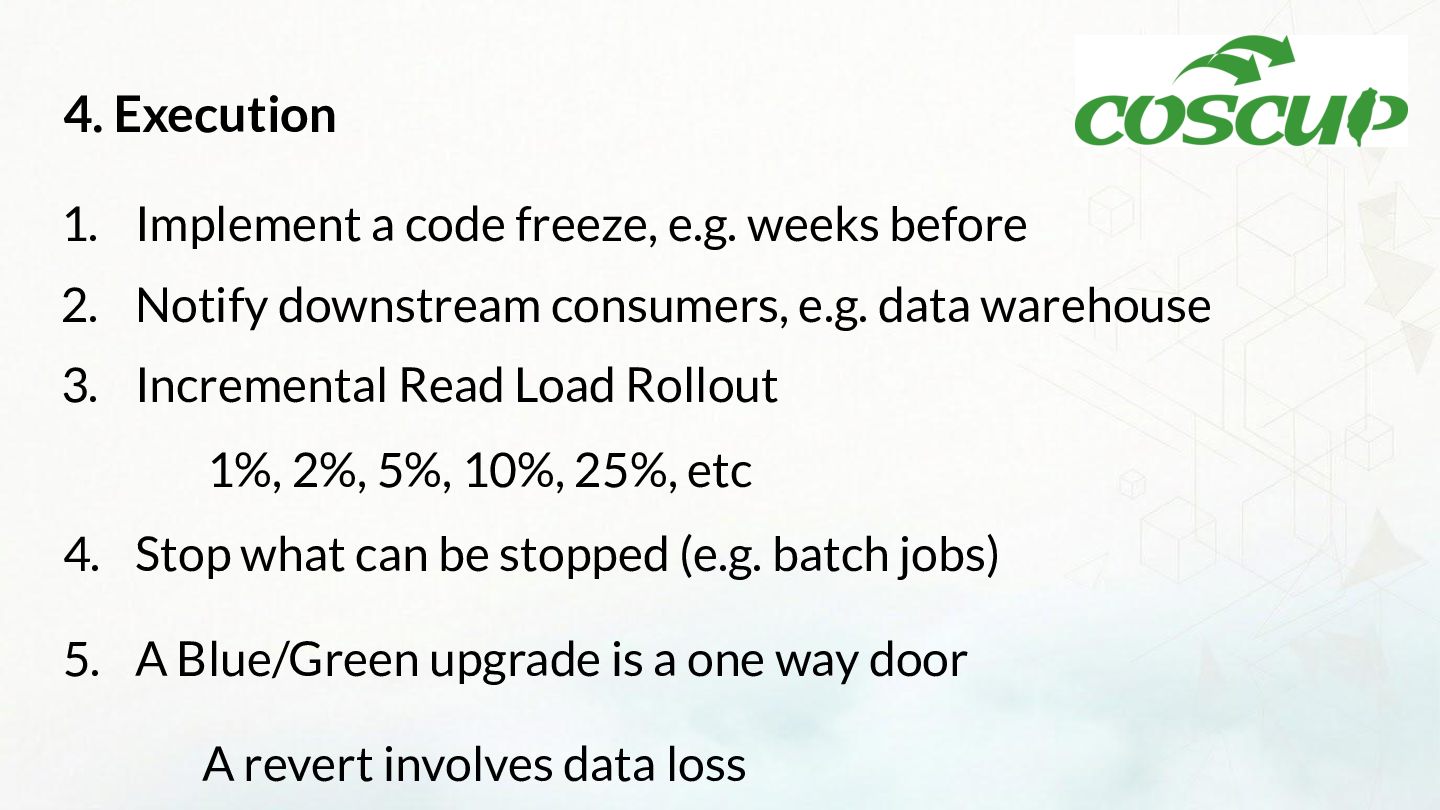
  15. 4. Execution 1. Implement a code freeze, e.g. weeks before

    2. Notify downstream consumers, e.g. data warehouse 3. Incremental Read Load Rollout 1%, 2%, 5%, 10%, 25%, etc 4. Stop what can be stopped (e.g. batch jobs) 5. A Blue/Green upgrade is a one way door A revert involves data loss
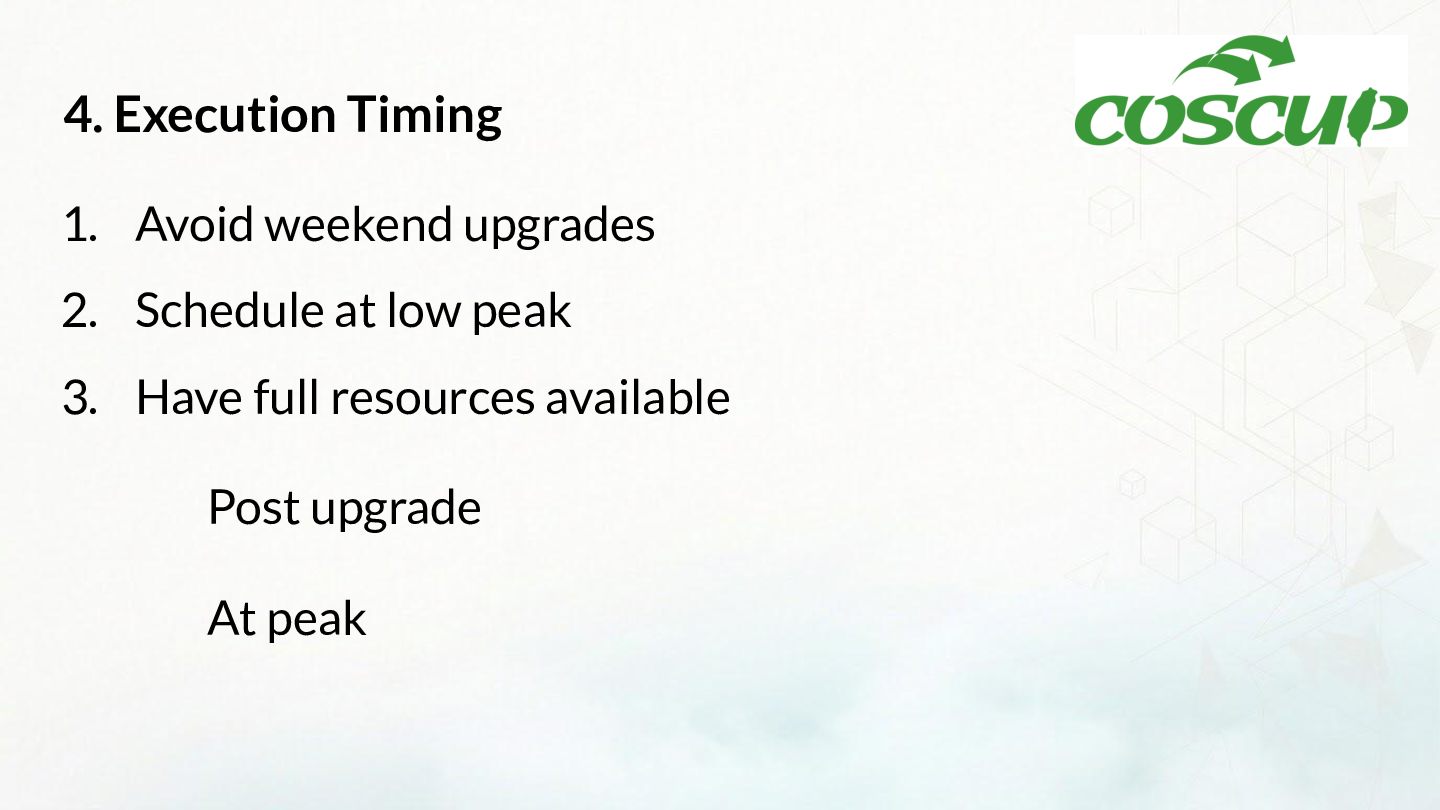
  16. 4. Execution Timing 1. Avoid weekend upgrades 2. Schedule at

    low peak 3. Have full resources available Post upgrade At peak
  17. 5. Monitoring Before Upgrade 1. Capture detailed usage patterns before

    upgrade 2. Review monitoring stats, not alert stats Be able to explain changes in normal workload After Upgrade Be prepared to scrutinize differences
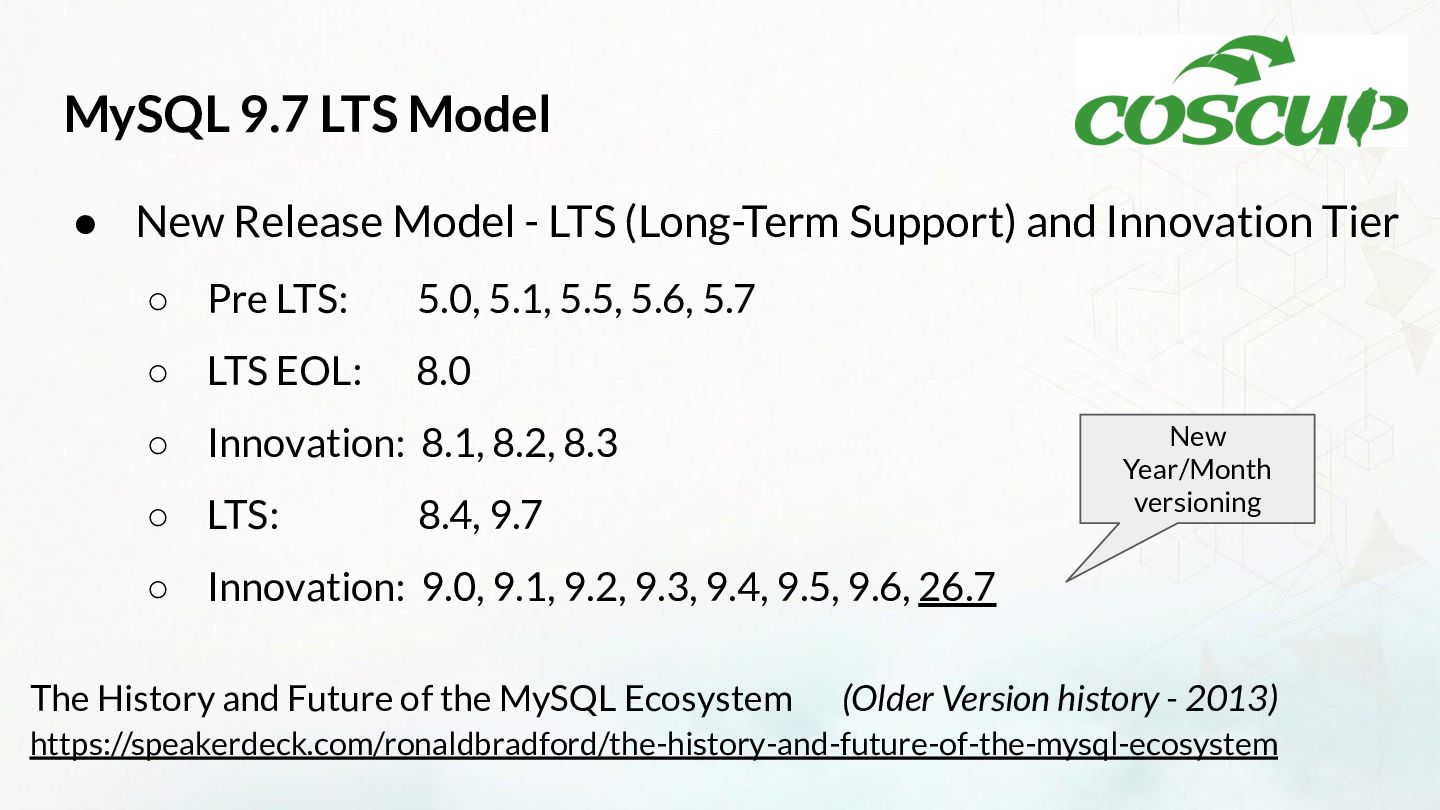
  18. MySQL 9.7 LTS Model • New Release Model - LTS

    (Long-Term Support) and Innovation Tier ◦ Pre LTS: 5.0, 5.1, 5.5, 5.6, 5.7 ◦ LTS EOL: 8.0 New Year/Month versioning ◦ Innovation: 8.1, 8.2, 8.3 ◦ LTS: 8.4, 9.7 ◦ Innovation: 9.0, 9.1, 9.2, 9.3, 9.4, 9.5, 9.6, 26.7 The History and Future of the MySQL Ecosystem (Older Version history - 2013) https://speakerdeck.com/ronaldbradford/the-history-and-future-of-the-mysql-ecosystem
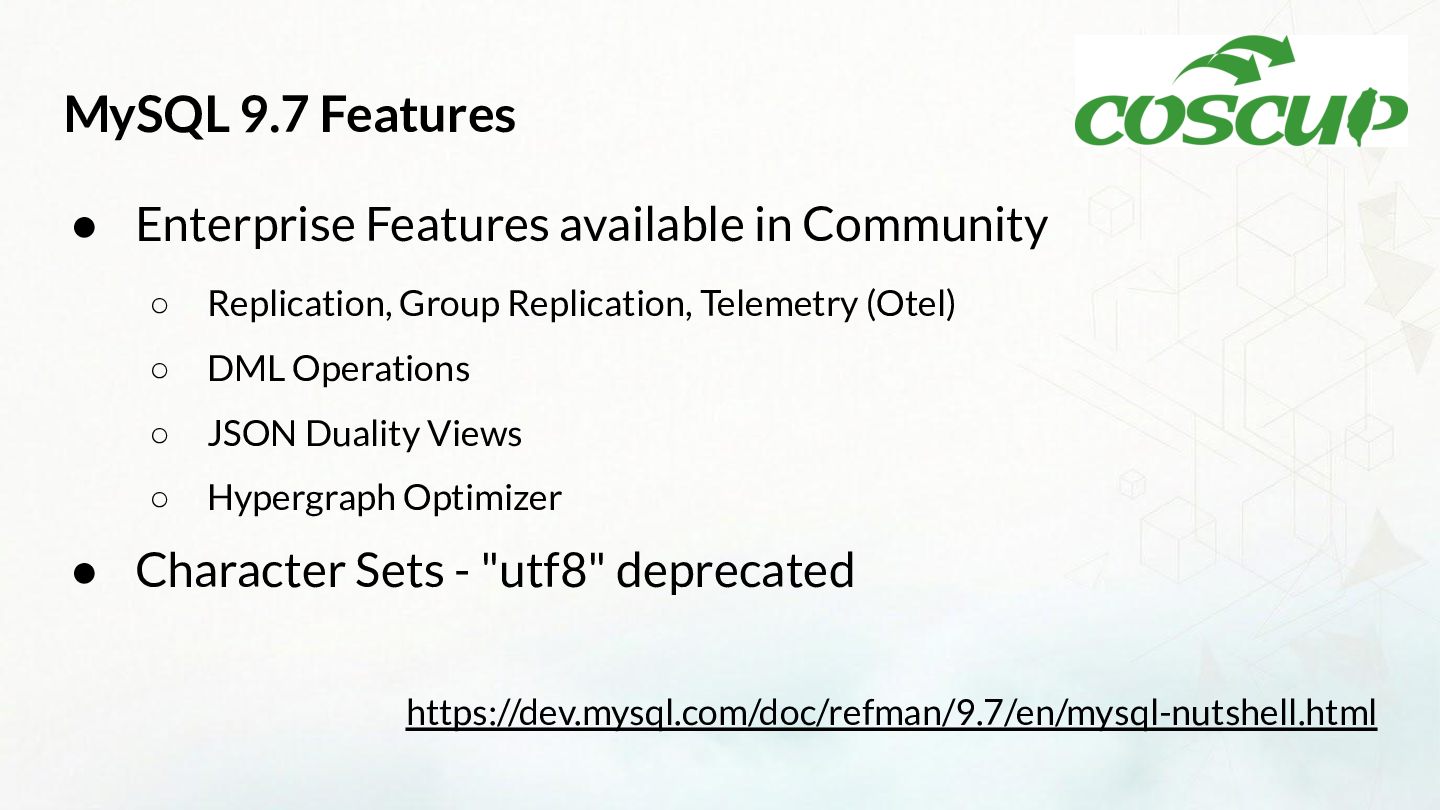
  19. MySQL 9.7 Features • Enterprise Features available in Community ◦

    Replication, Group Replication, Telemetry (Otel) ◦ DML Operations ◦ JSON Duality Views ◦ Hypergraph Optimizer • Character Sets - "utf8" deprecated https://dev.mysql.com/doc/refman/9.7/en/mysql-nutshell.html
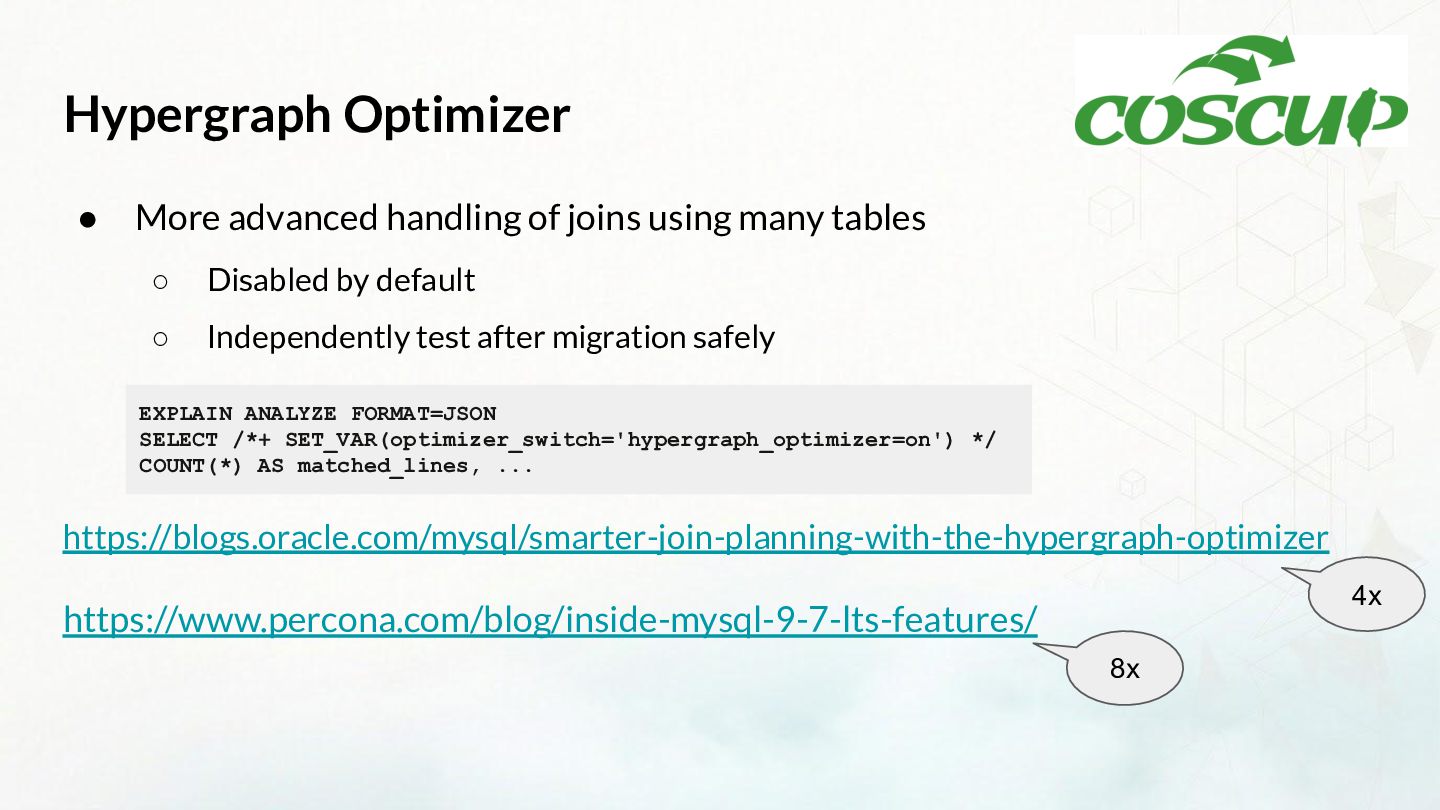
  20. Hypergraph Optimizer • More advanced handling of joins using many

    tables ◦ Disabled by default ◦ Independently test after migration safely EXPLAIN ANALYZE FORMAT=JSON SELECT /*+ SET_VAR(optimizer_switch='hypergraph_optimizer=on') */ COUNT(*) AS matched_lines, ... https://blogs.oracle.com/mysql/smarter-join-planning-with-the-hypergraph-optimizer 4x https://www.percona.com/blog/inside-mysql-9-7-lts-features/ 8x
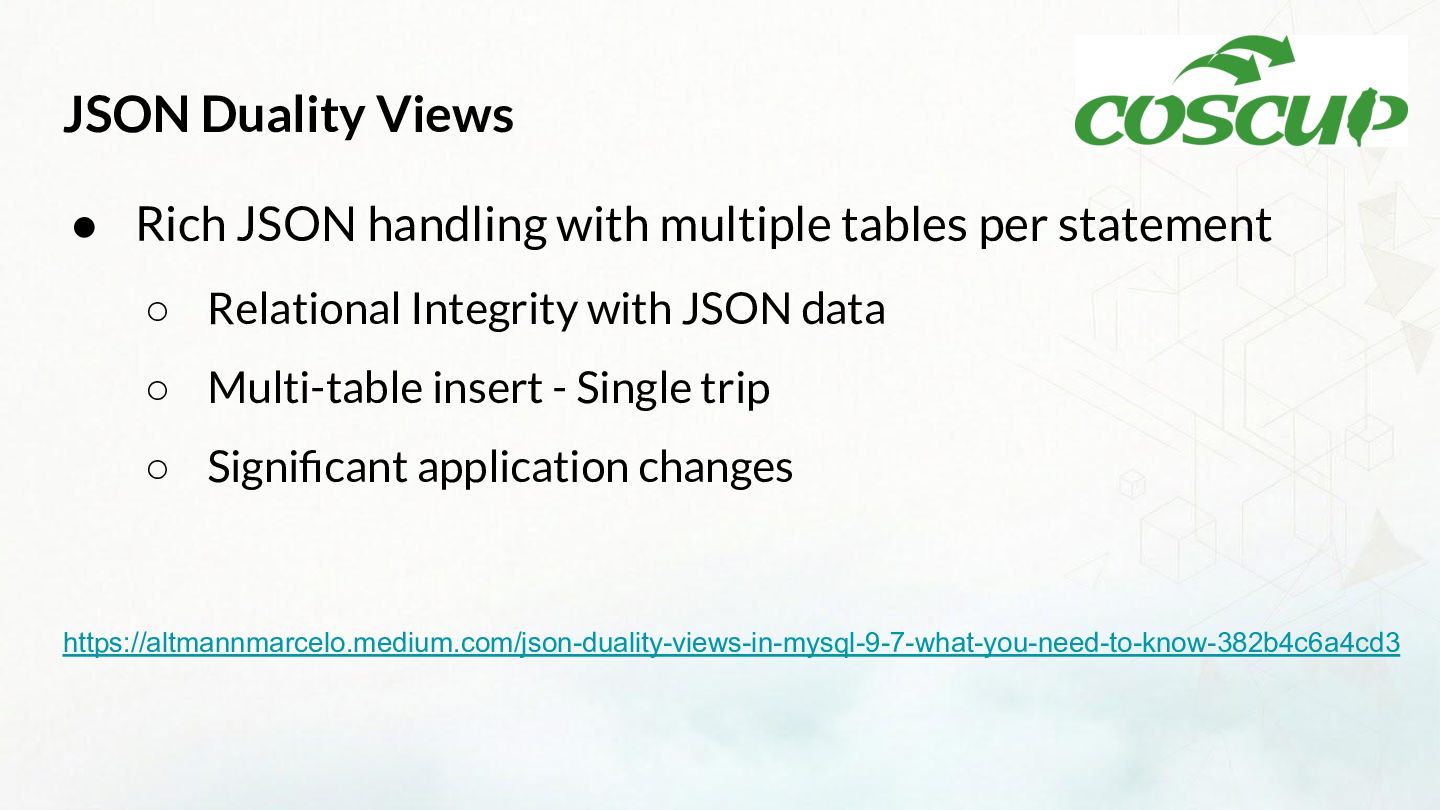
  21. JSON Duality Views • Rich JSON handling with multiple tables

    per statement ◦ Relational Integrity with JSON data ◦ Multi-table insert - Single trip ◦ Significant application changes https://altmannmarcelo.medium.com/json-duality-views-in-mysql-9-7-what-you-need-to-know-382b4c6a4cd3
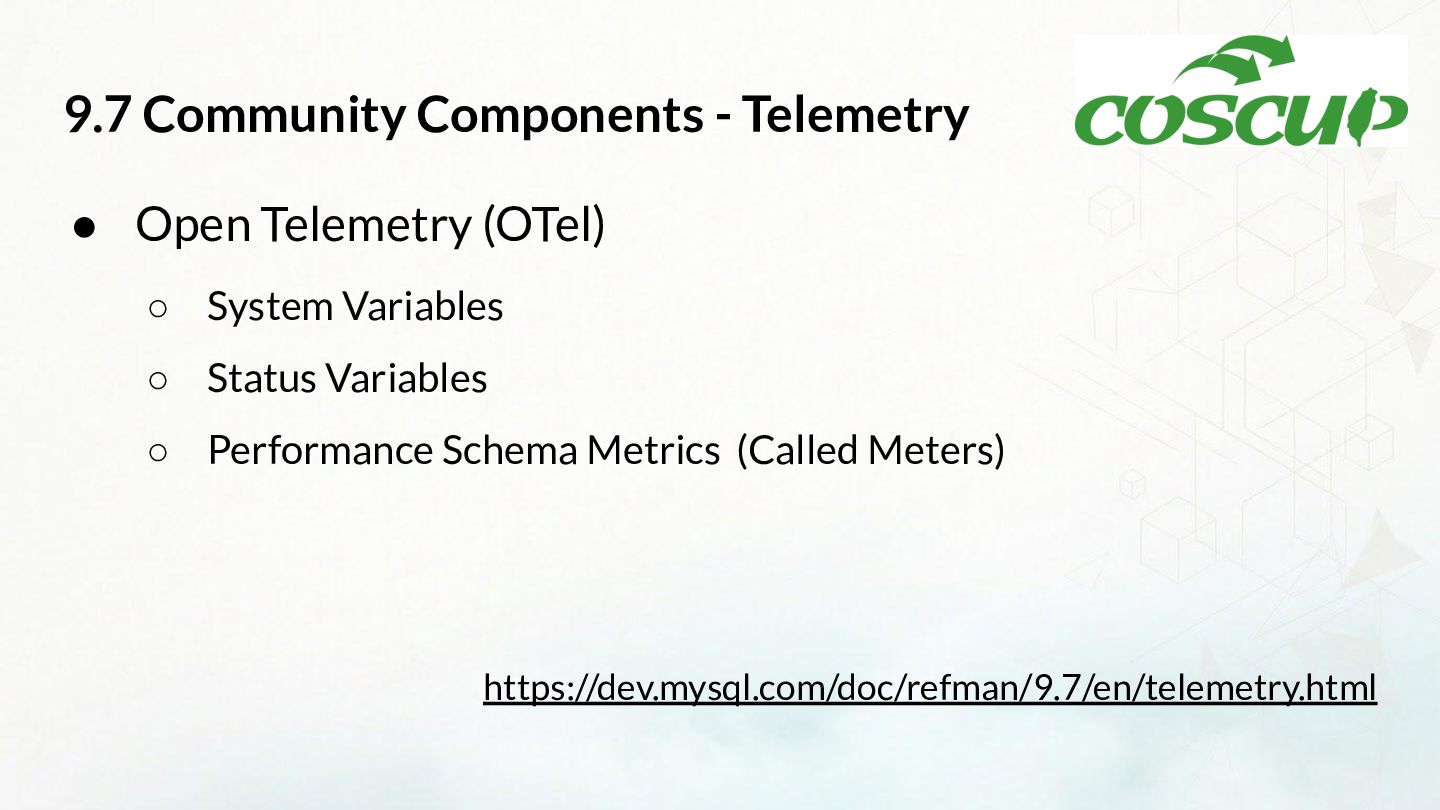
  22. 9.7 Community Components - Telemetry • Open Telemetry (OTel) ◦

    System Variables ◦ Status Variables ◦ Performance Schema Metrics (Called Meters) https://dev.mysql.com/doc/refman/9.7/en/telemetry.html
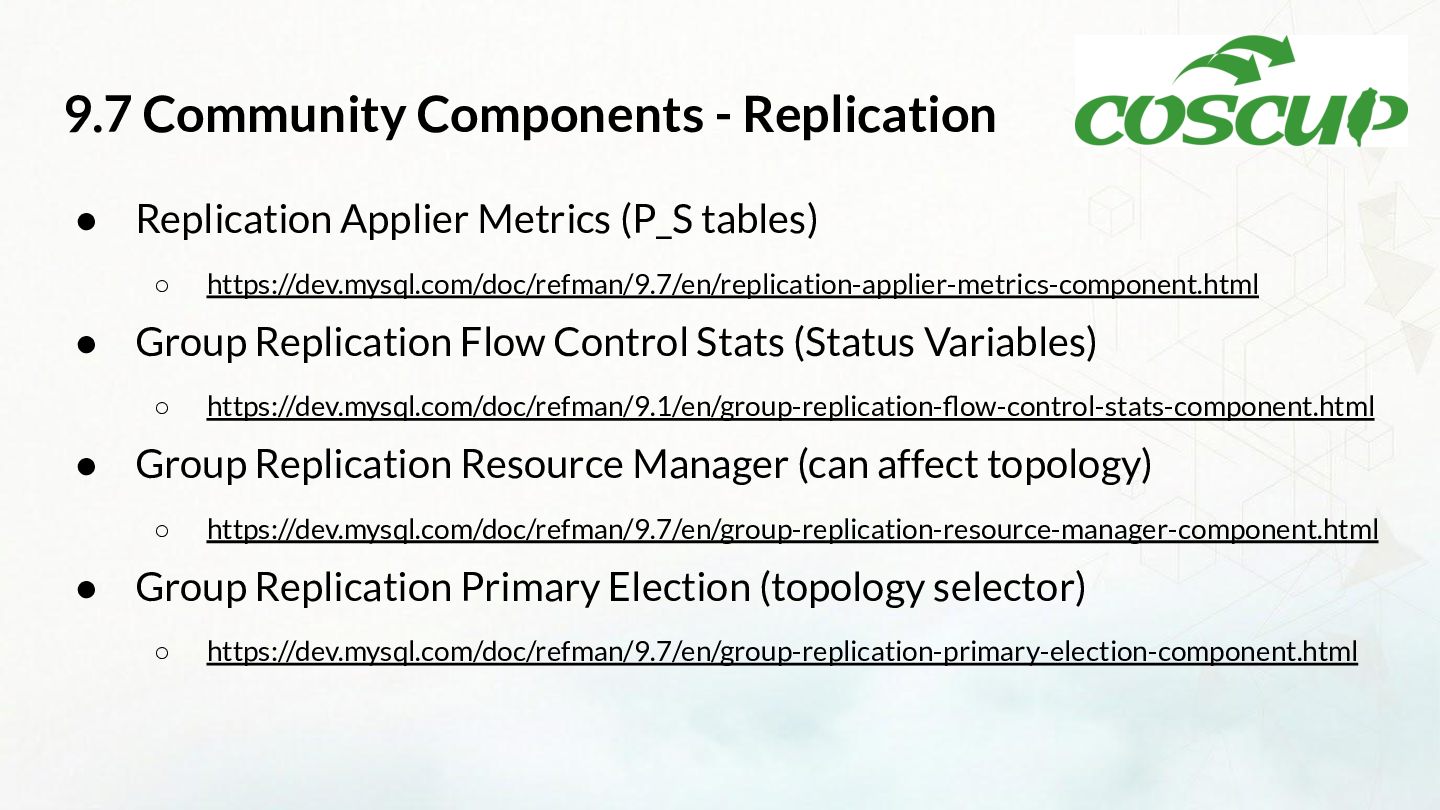
  23. 9.7 Community Components - Replication • Replication Applier Metrics (P_S

    tables) ◦ https://dev.mysql.com/doc/refman/9.7/en/replication-applier-metrics-component.html • Group Replication Flow Control Stats (Status Variables) ◦ https://dev.mysql.com/doc/refman/9.1/en/group-replication-flow-control-stats-component.html • Group Replication Resource Manager (can affect topology) ◦ https://dev.mysql.com/doc/refman/9.7/en/group-replication-resource-manager-component.html • Group Replication Primary Election (topology selector) ◦ https://dev.mysql.com/doc/refman/9.7/en/group-replication-primary-election-component.html
  24. Conclusion • Upgrades are hard ◦ Harder when not performed

    routinely • There are always more upgrades • Embrace as a Standard Operating Procedure (SOP) • Upgrade before EOL