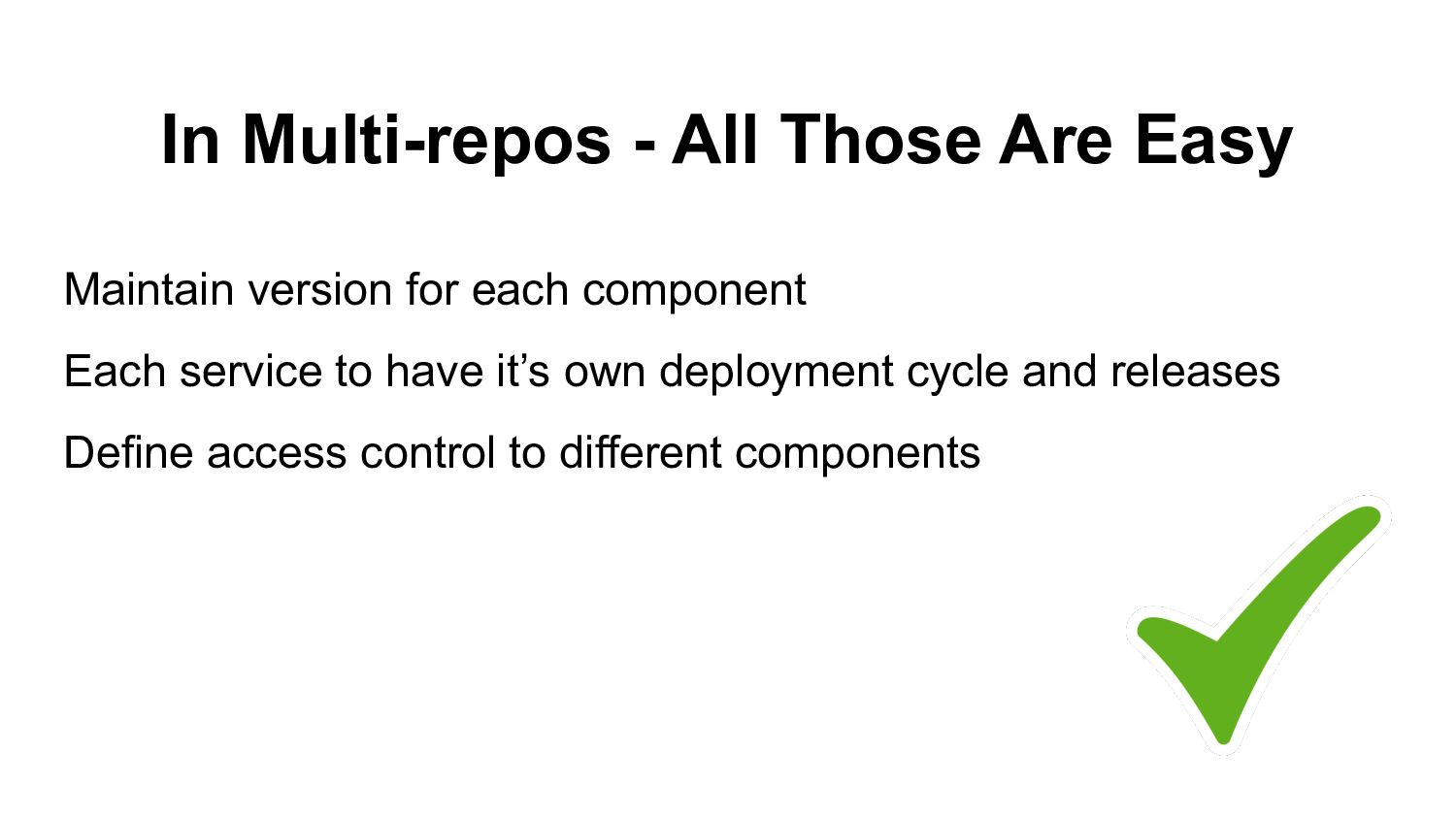
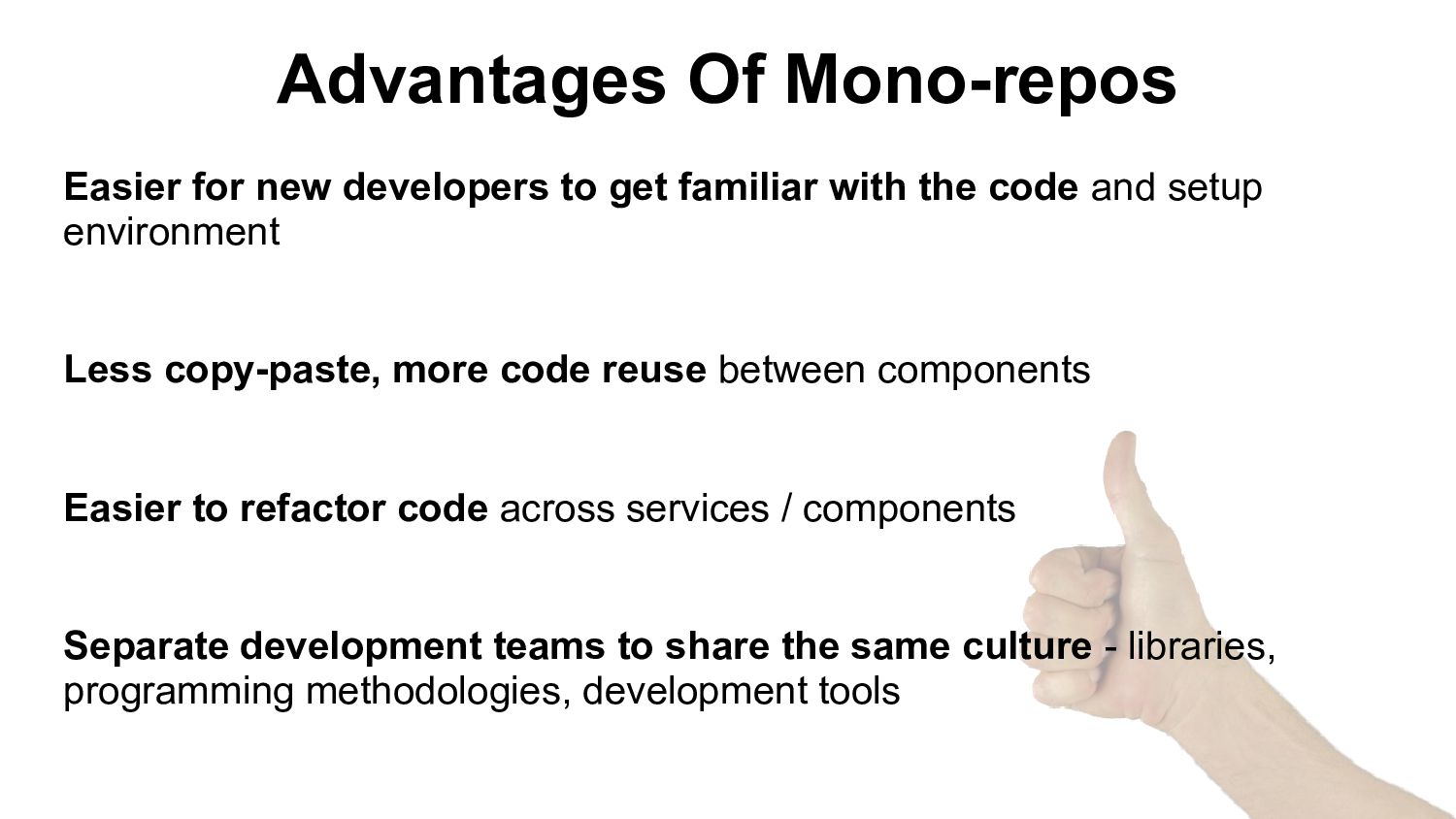
with the code and setup environment Less copy-paste, more code reuse between components Easier to refactor code across services / components Separate development teams to share the same culture - libraries, programming methodologies, development tools
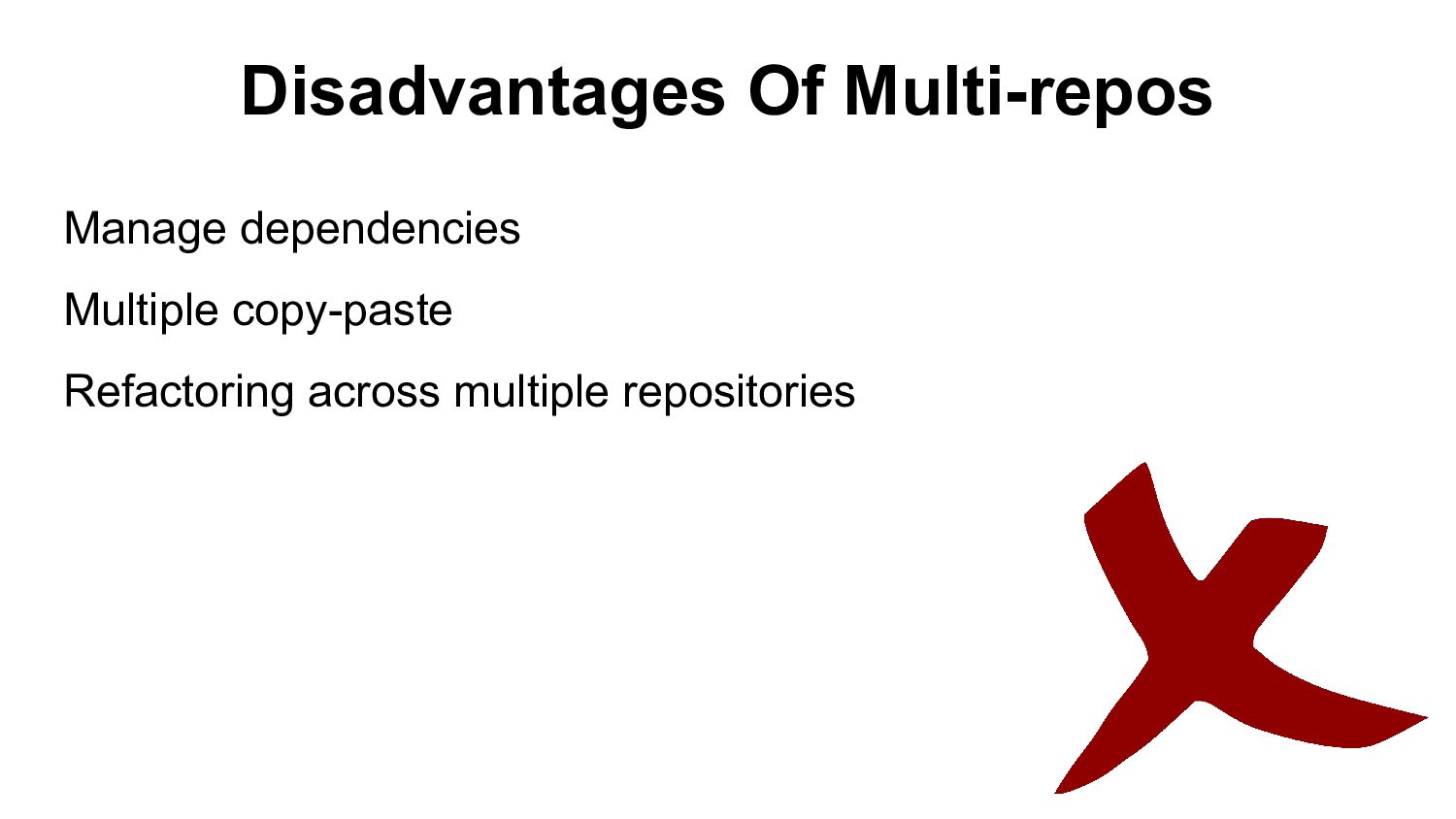
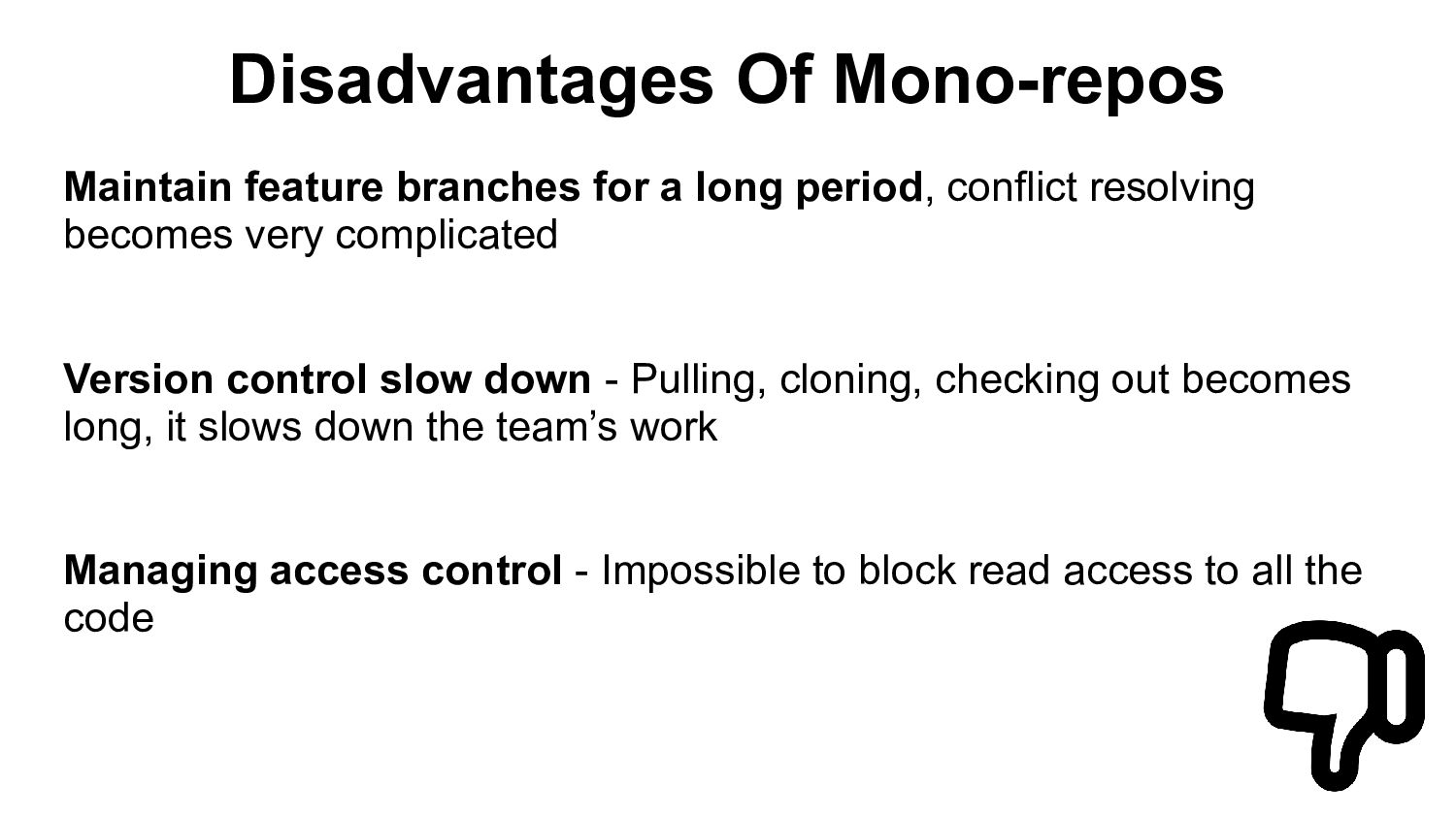
conflict resolving becomes very complicated Version control slow down - Pulling, cloning, checking out becomes long, it slows down the team’s work Managing access control - Impossible to block read access to all the code
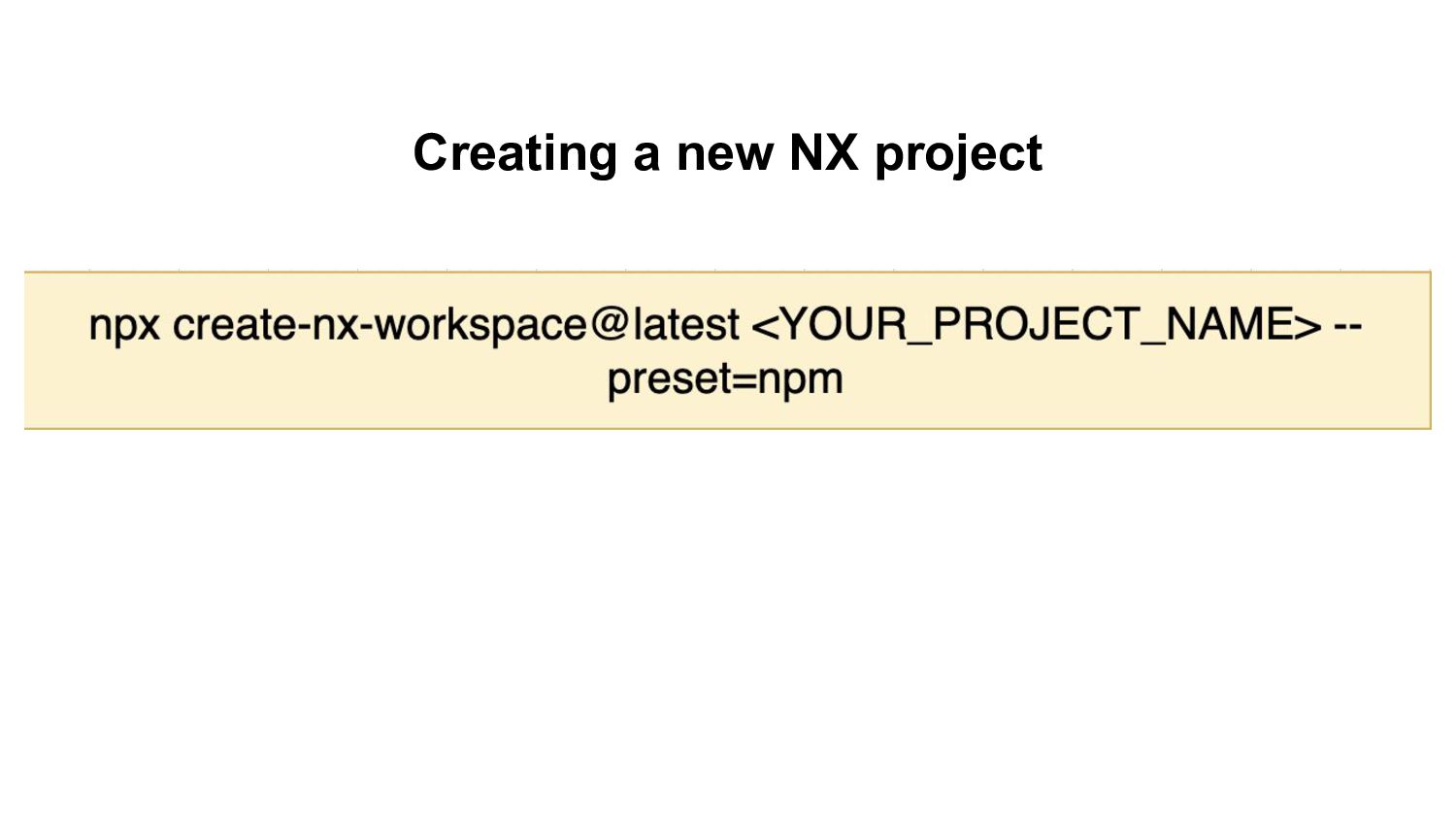
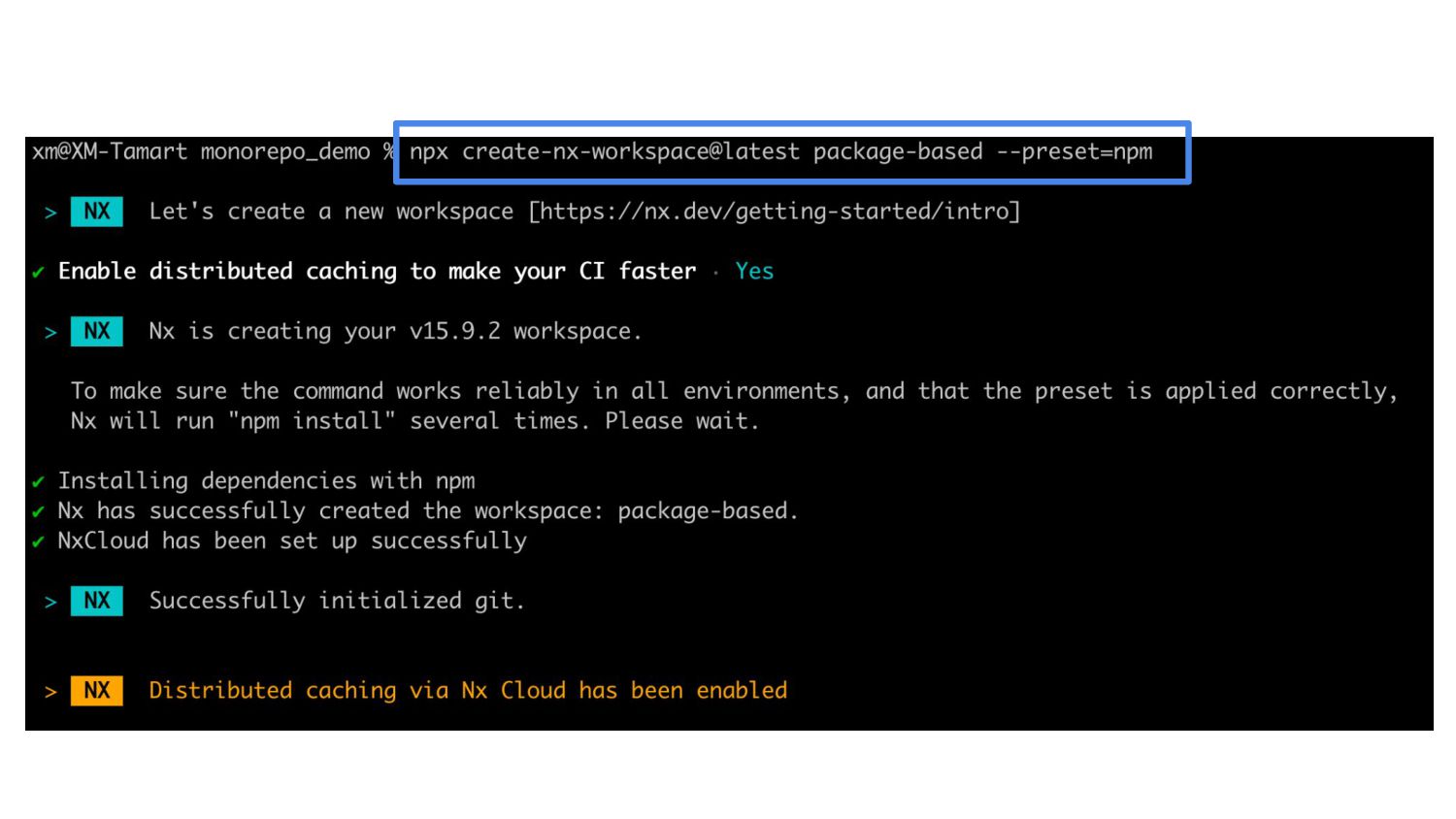
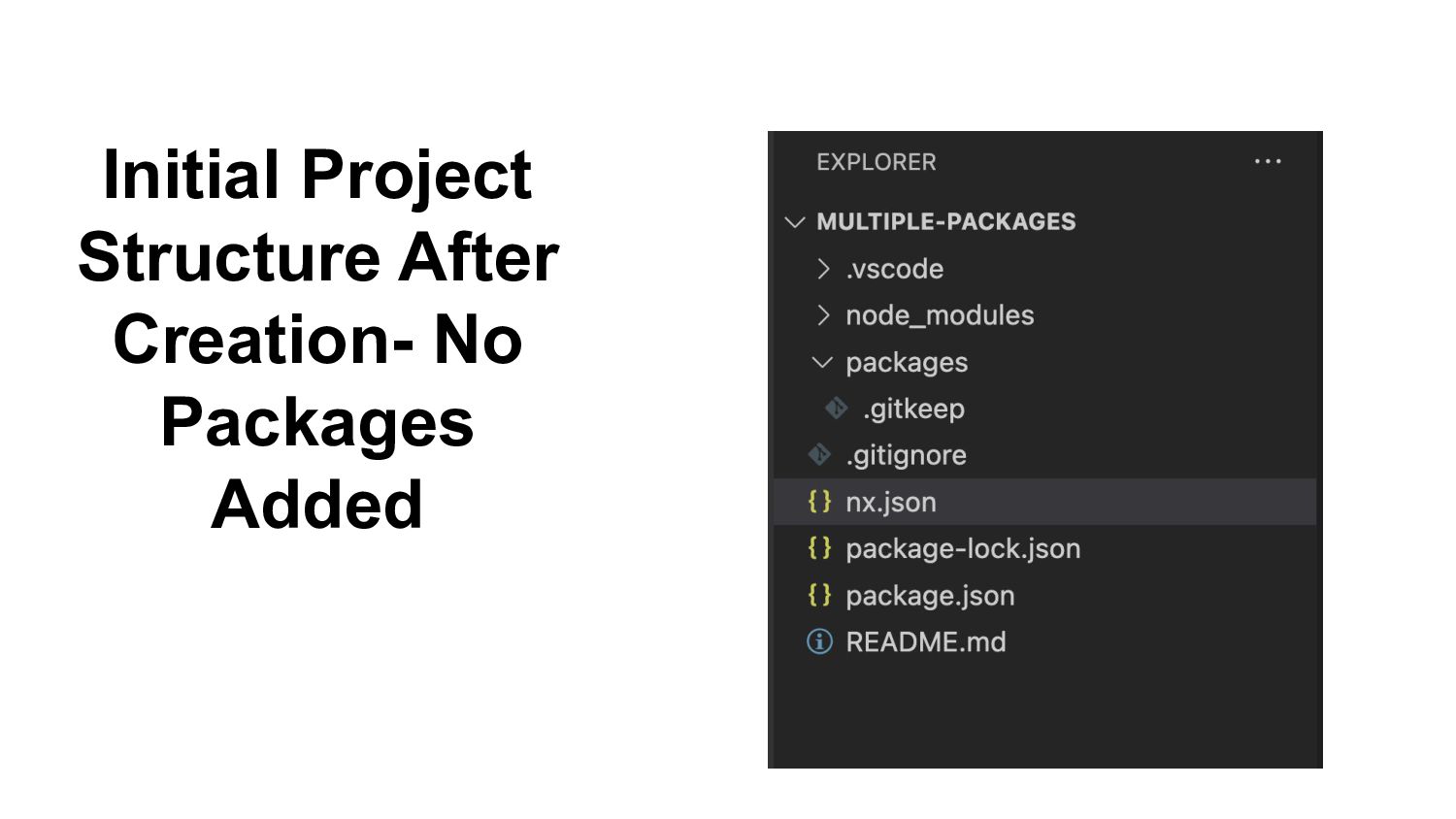
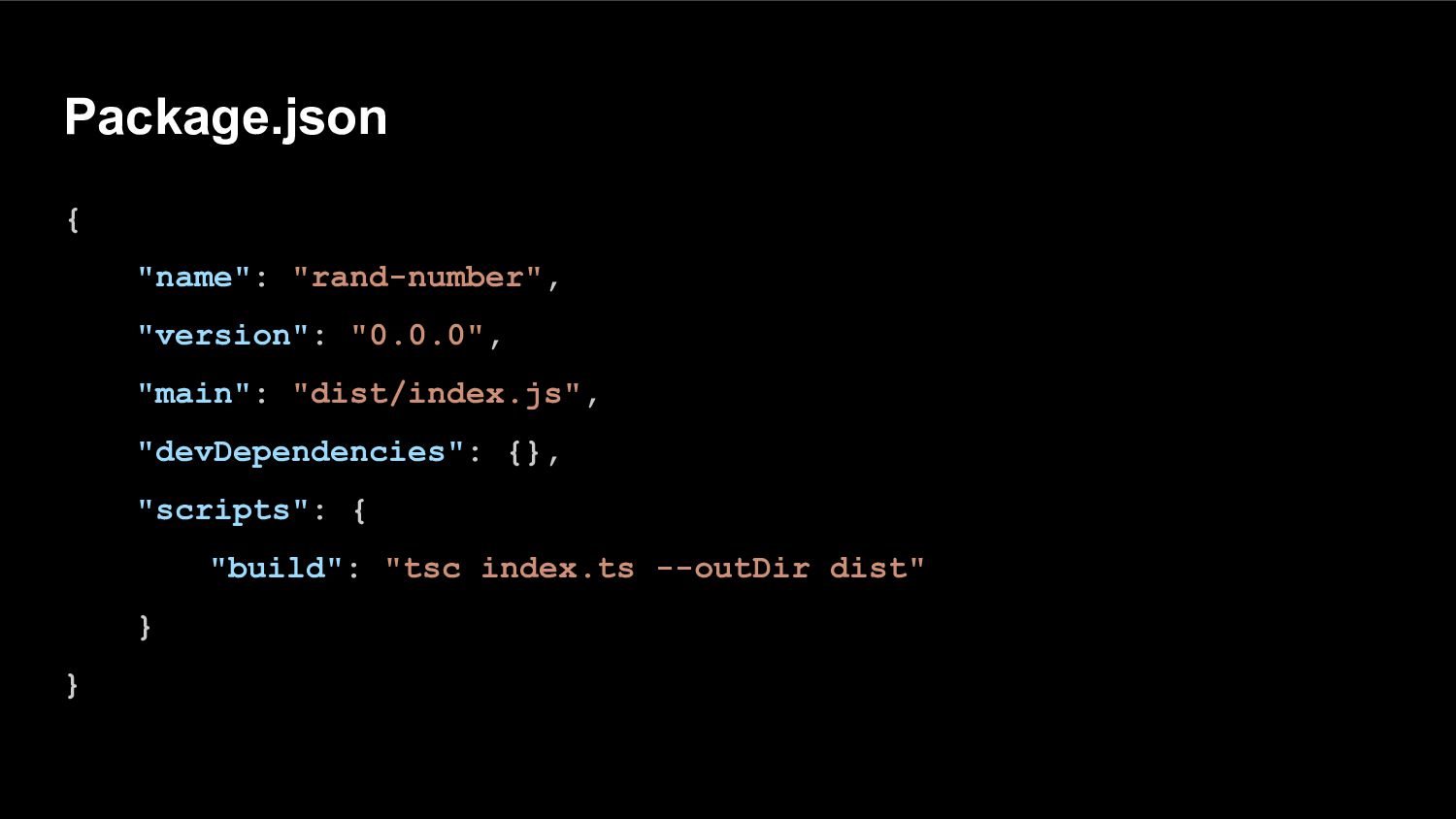
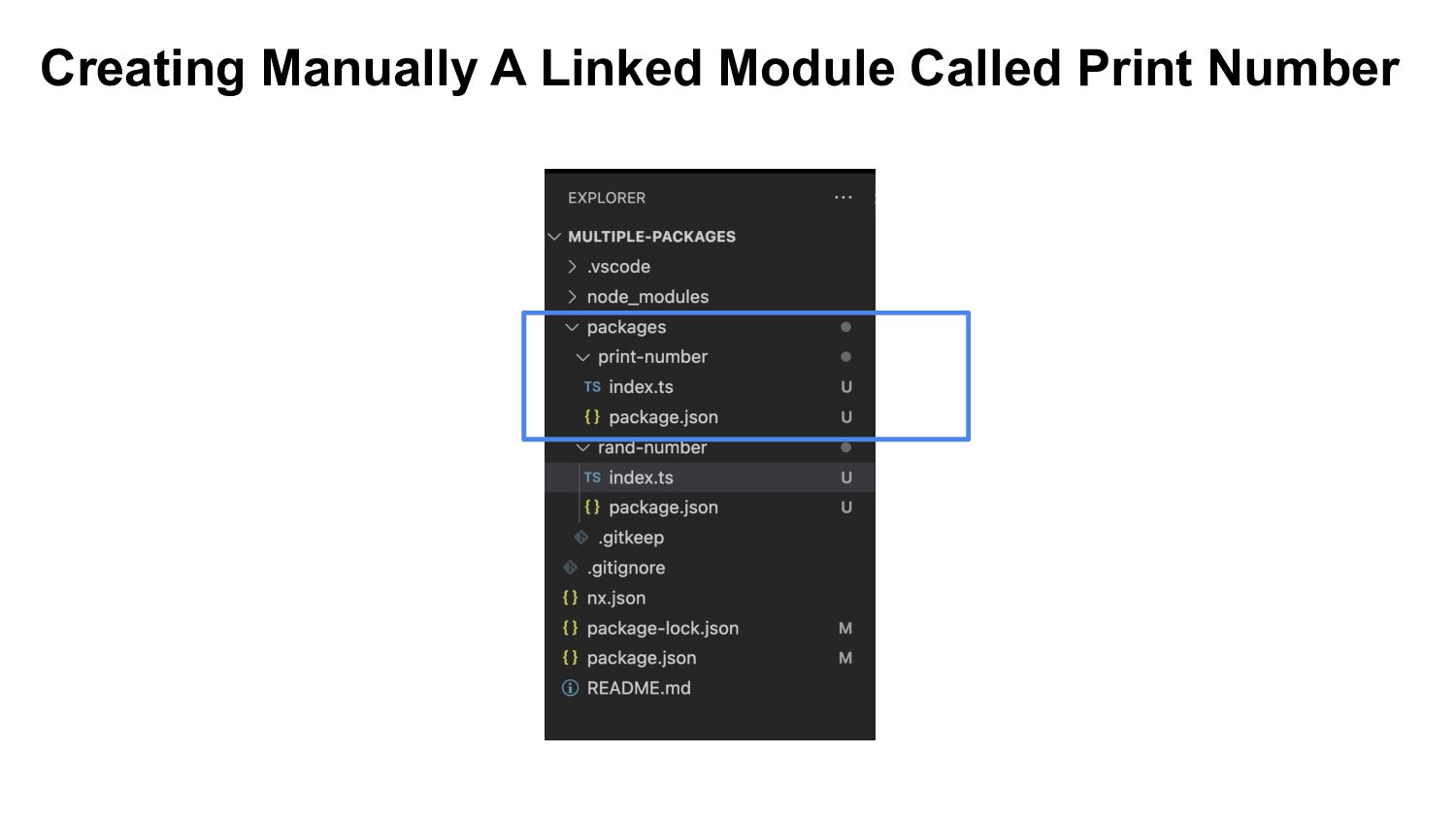
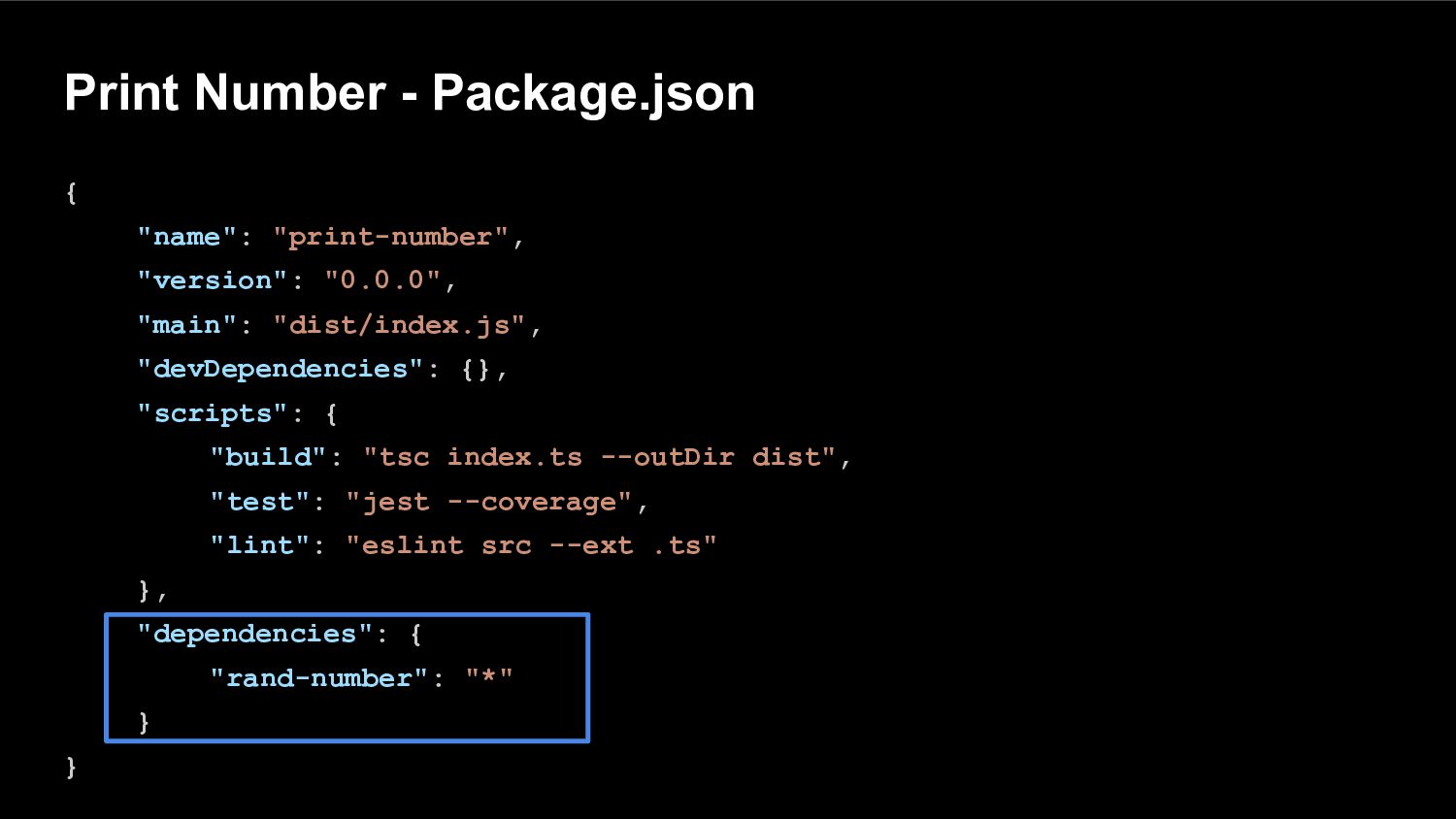
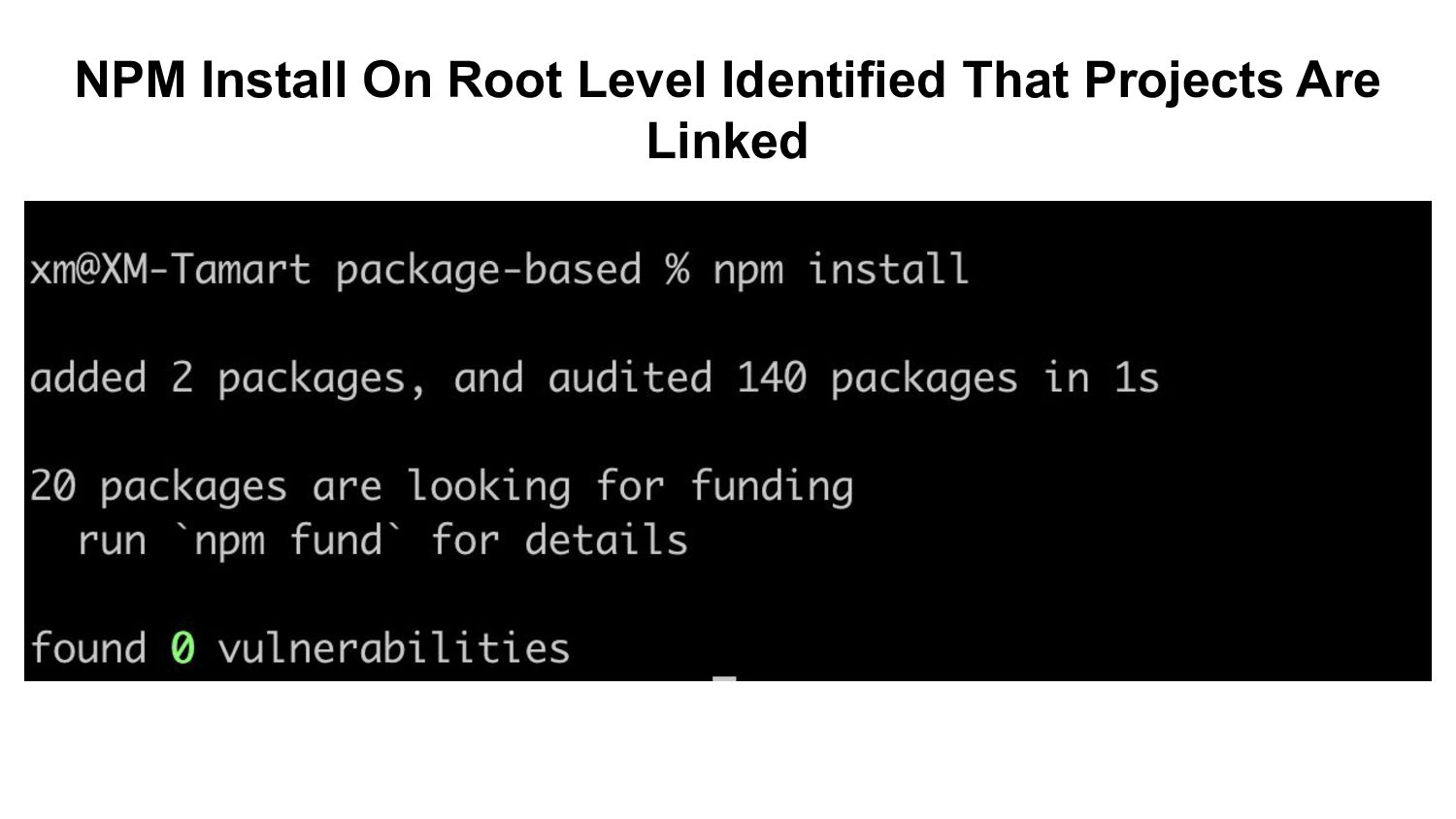
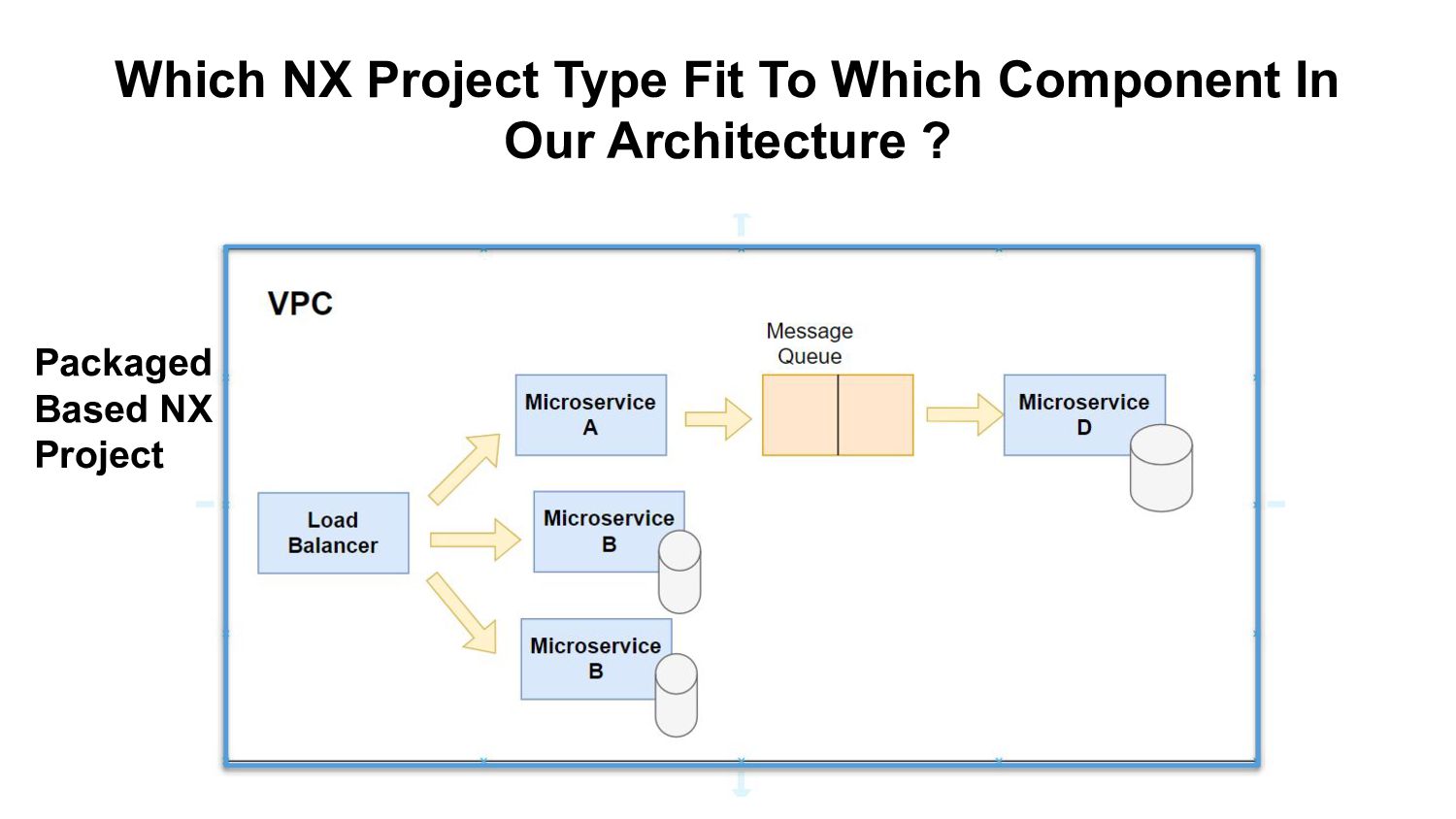
repo will be located. Each package will have each own package.json and it’s own node_modules folder A global package.json to control the main build Typescript is not installed - if you use it , you need to install it globally/ per package
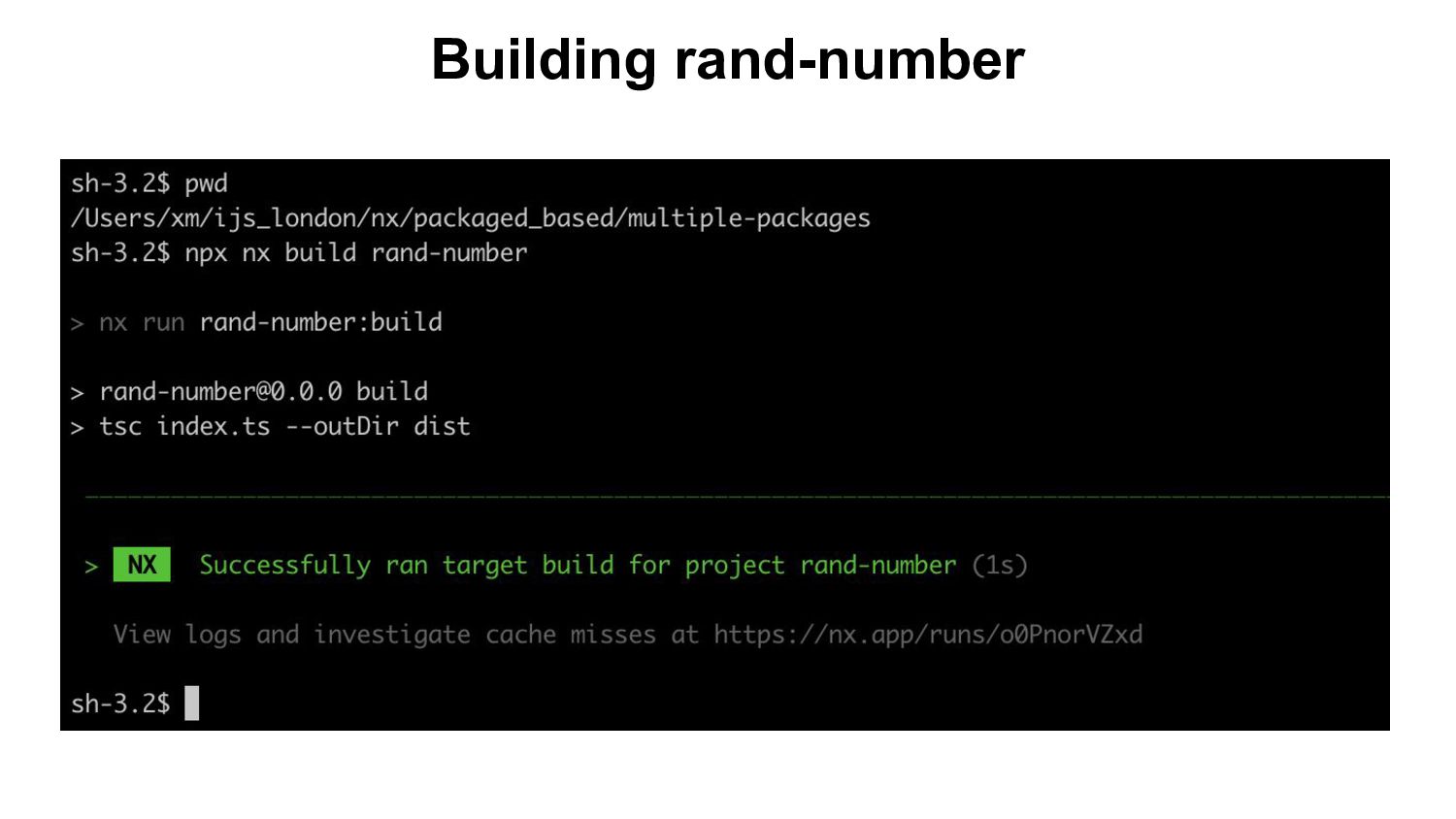
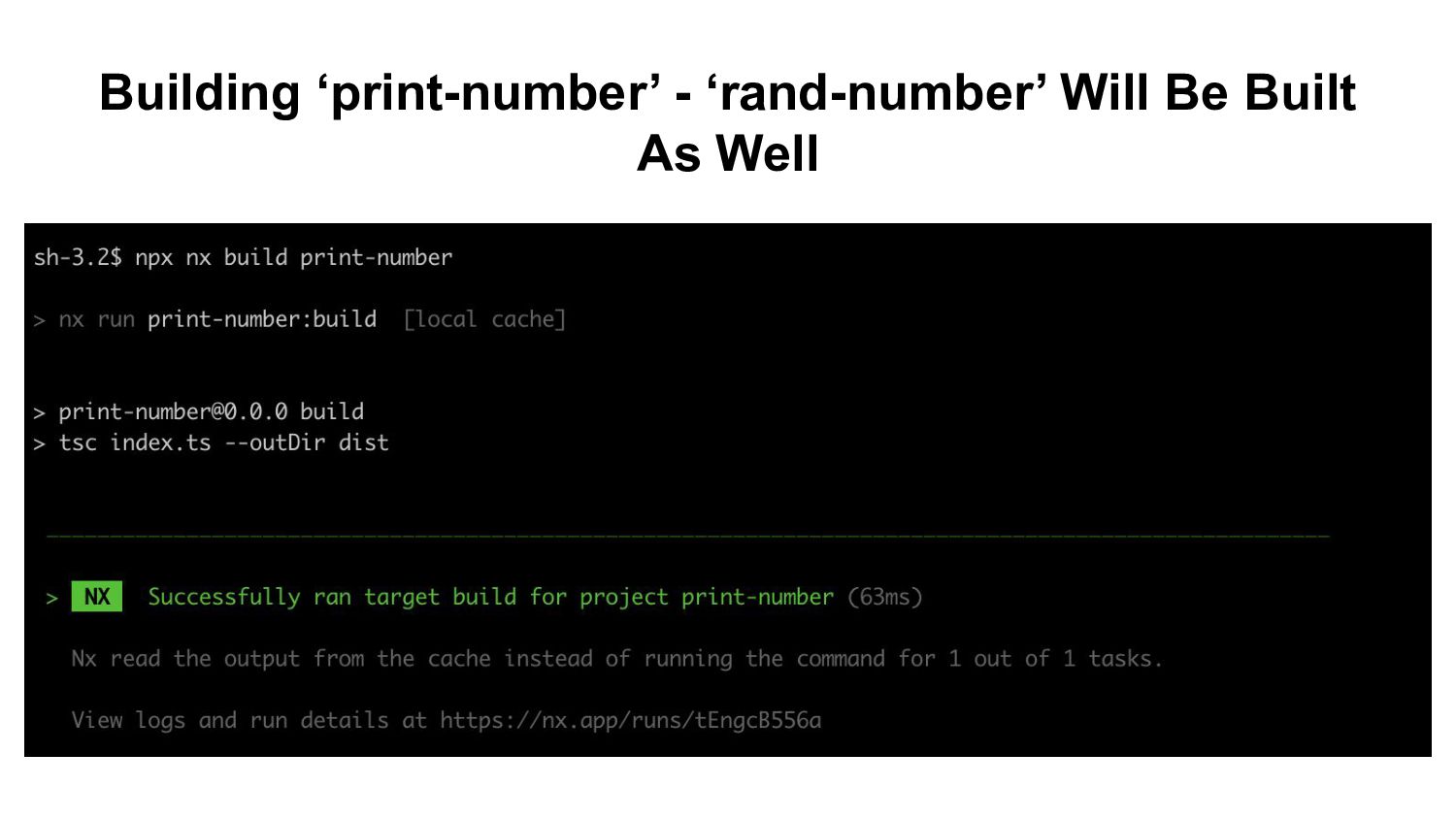
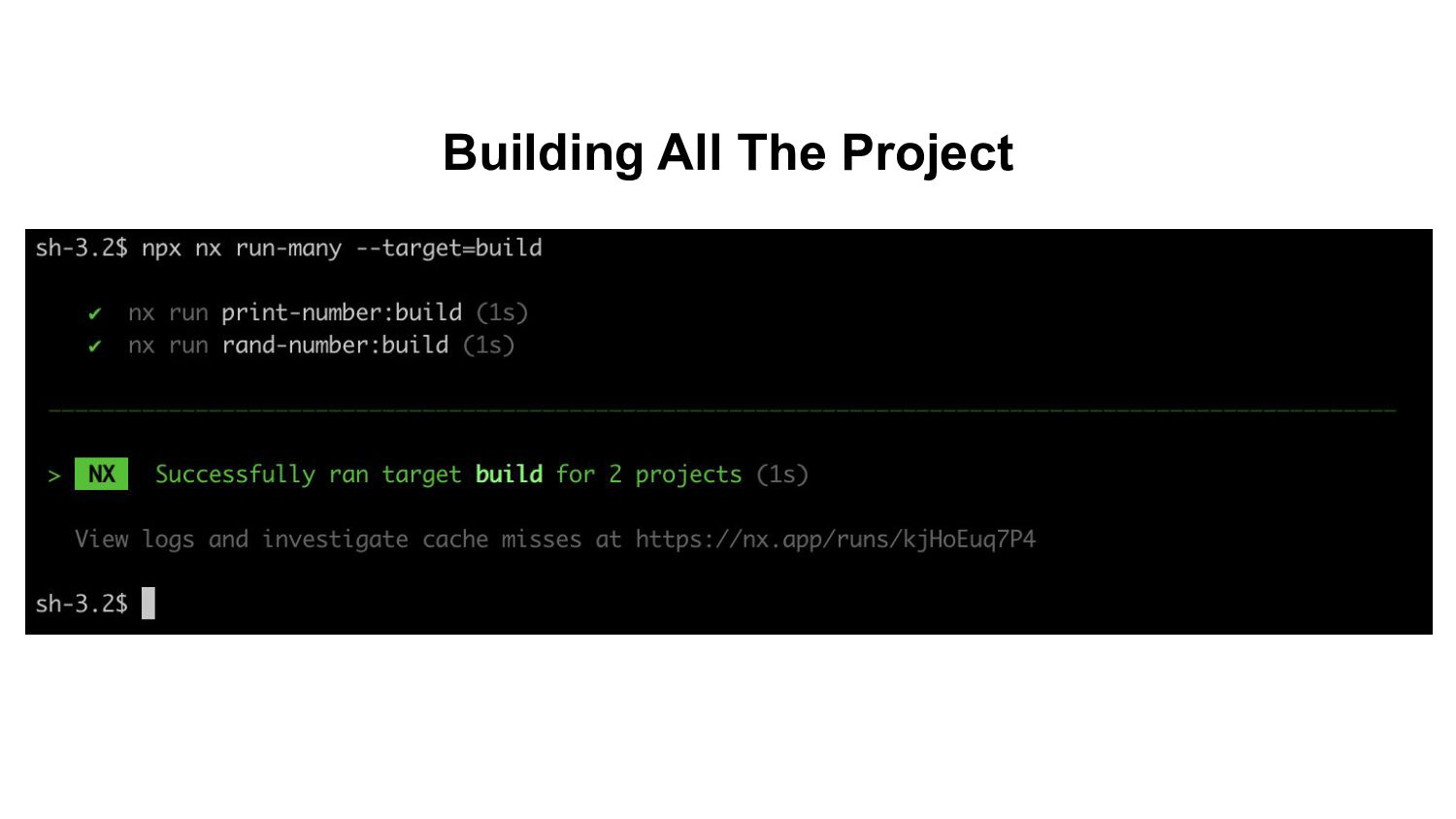
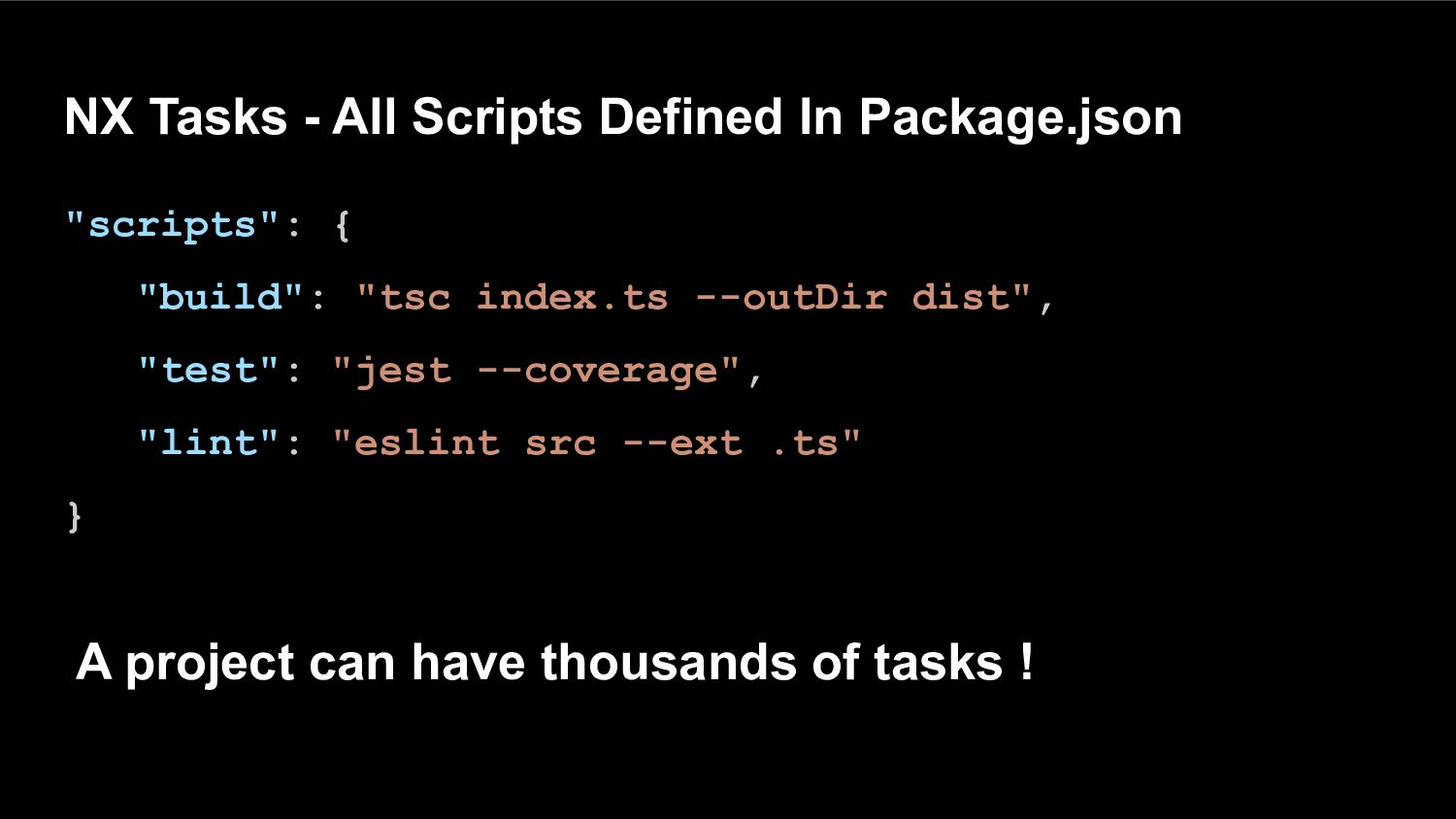
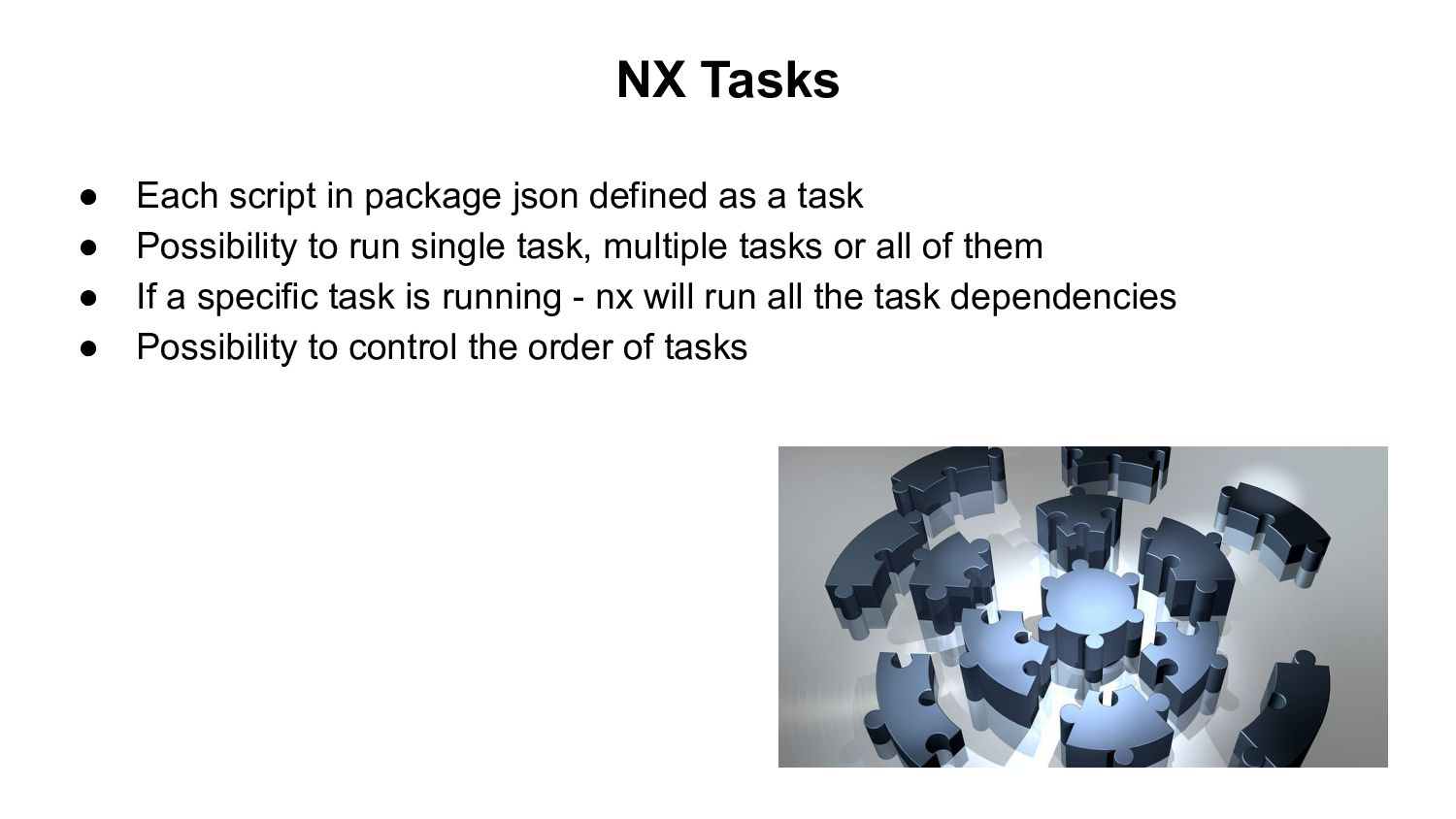
a task • Possibility to run single task, multiple tasks or all of them • If a specific task is running - nx will run all the task dependencies • Possibility to control the order of tasks
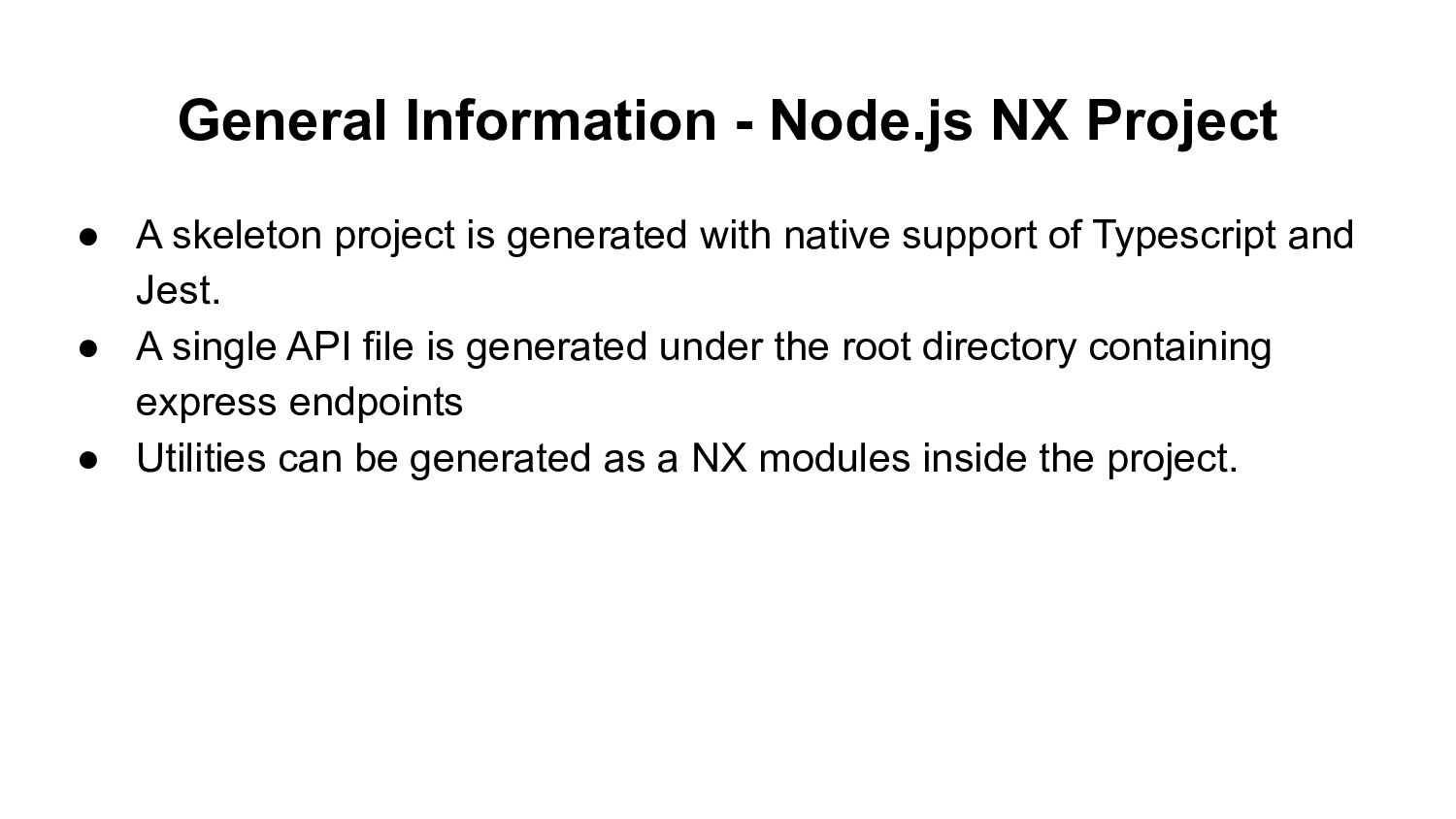
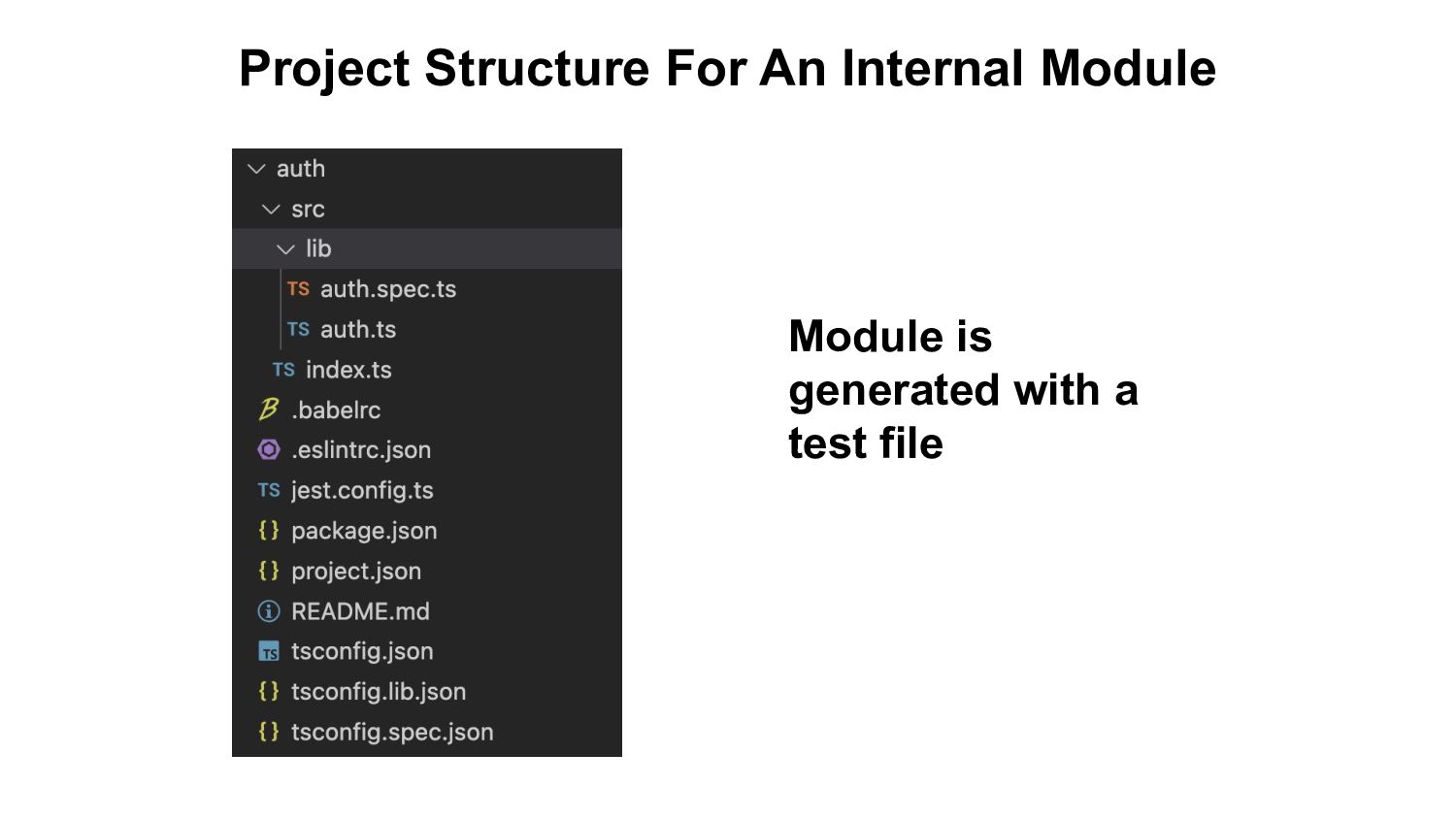
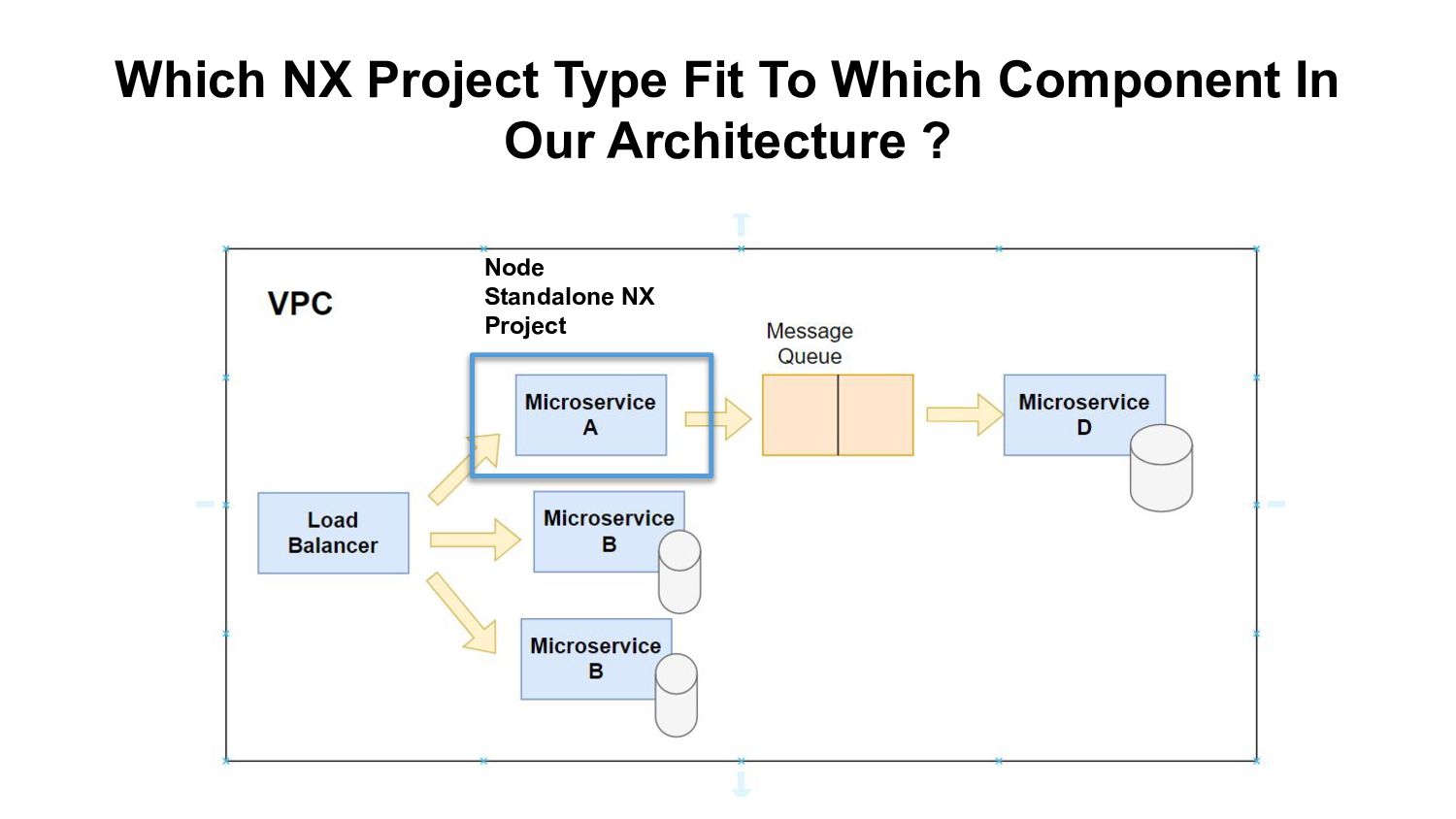
is generated with native support of Typescript and Jest. • A single API file is generated under the root directory containing express endpoints • Utilities can be generated as a NX modules inside the project.
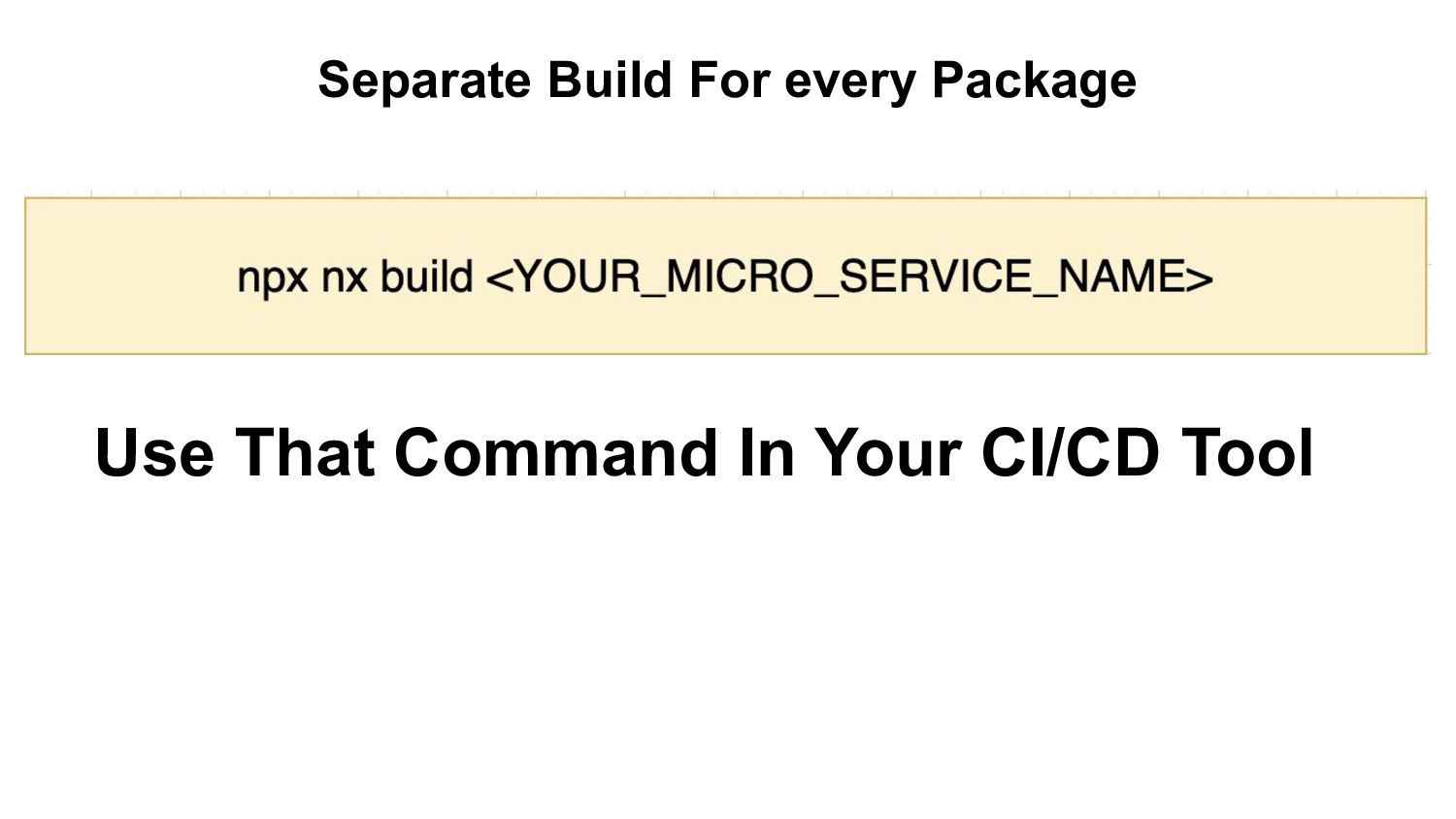
contains all the tests of all the micro services of the component can be very complex. • By adding a test script for each microservice package.json we can build a CI/CD that will enable you to test each component by itself.
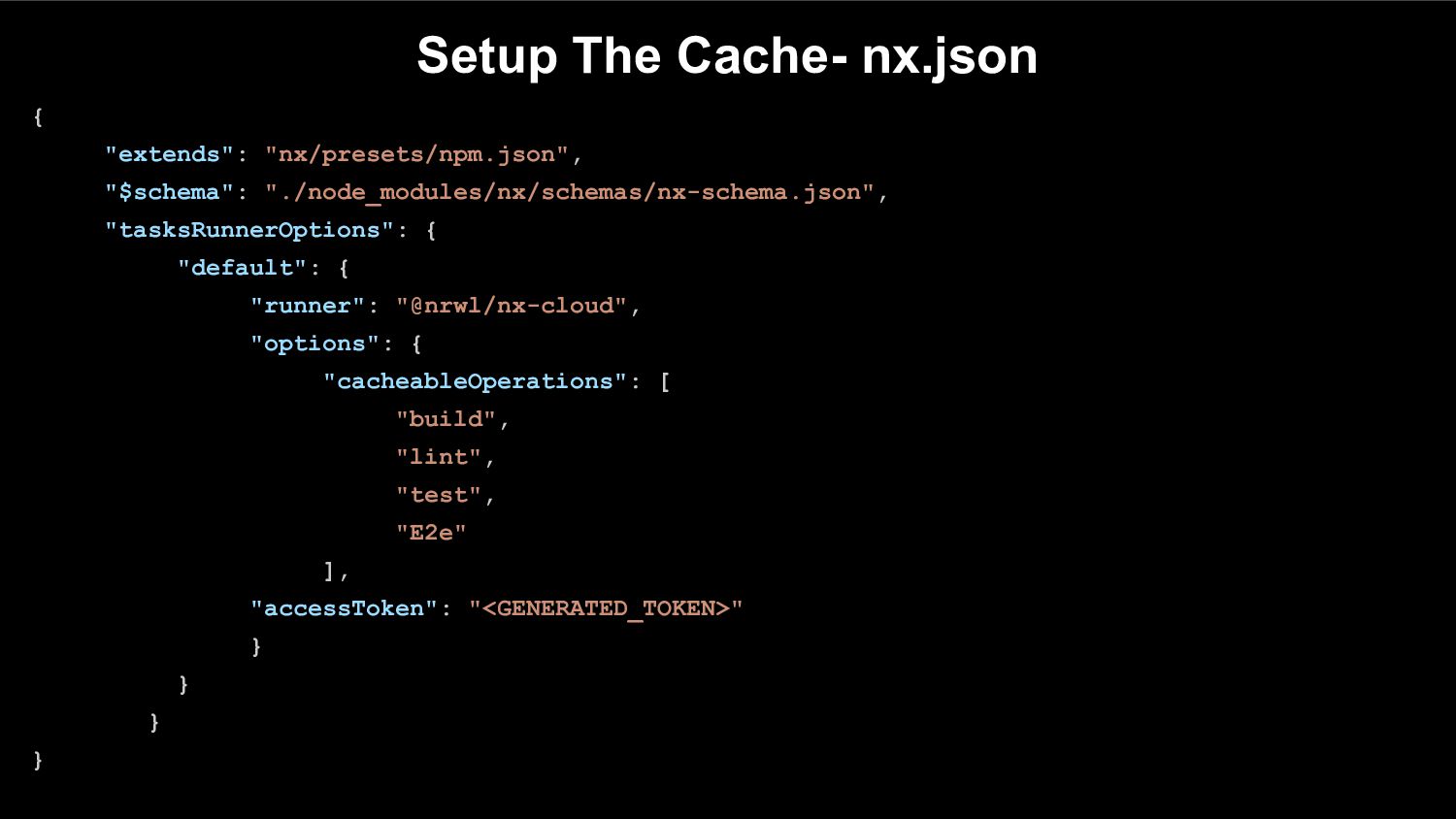
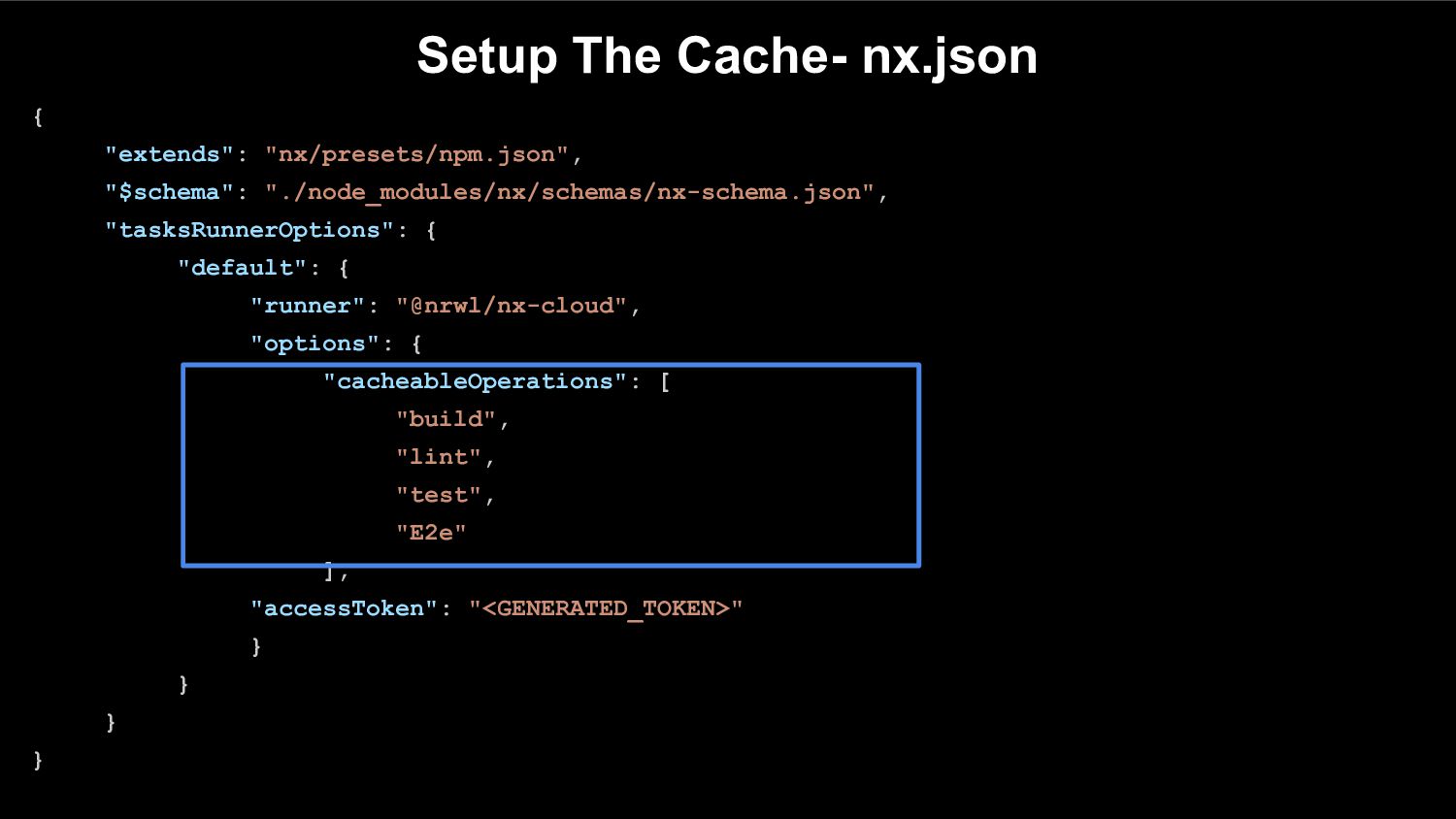
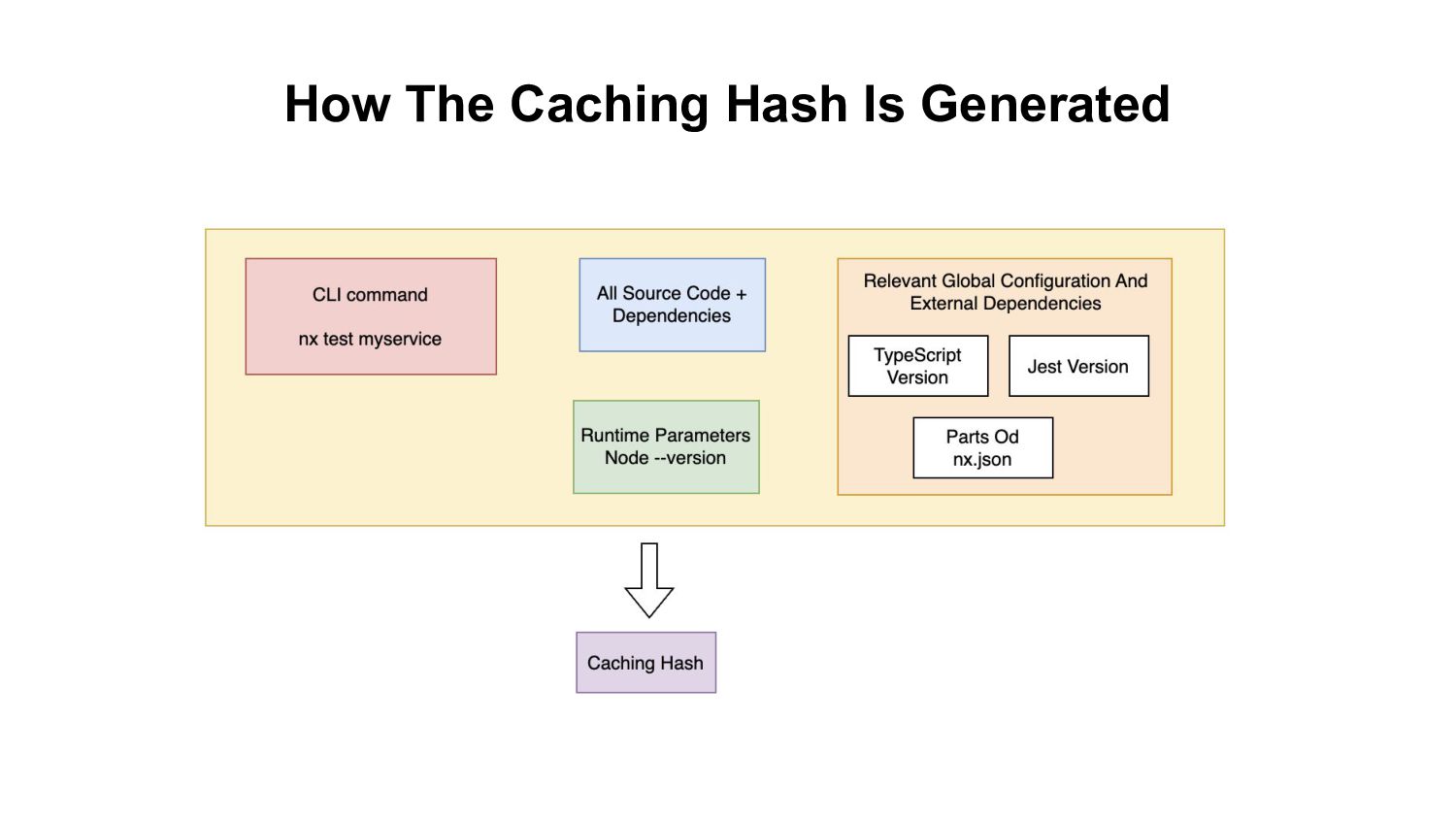
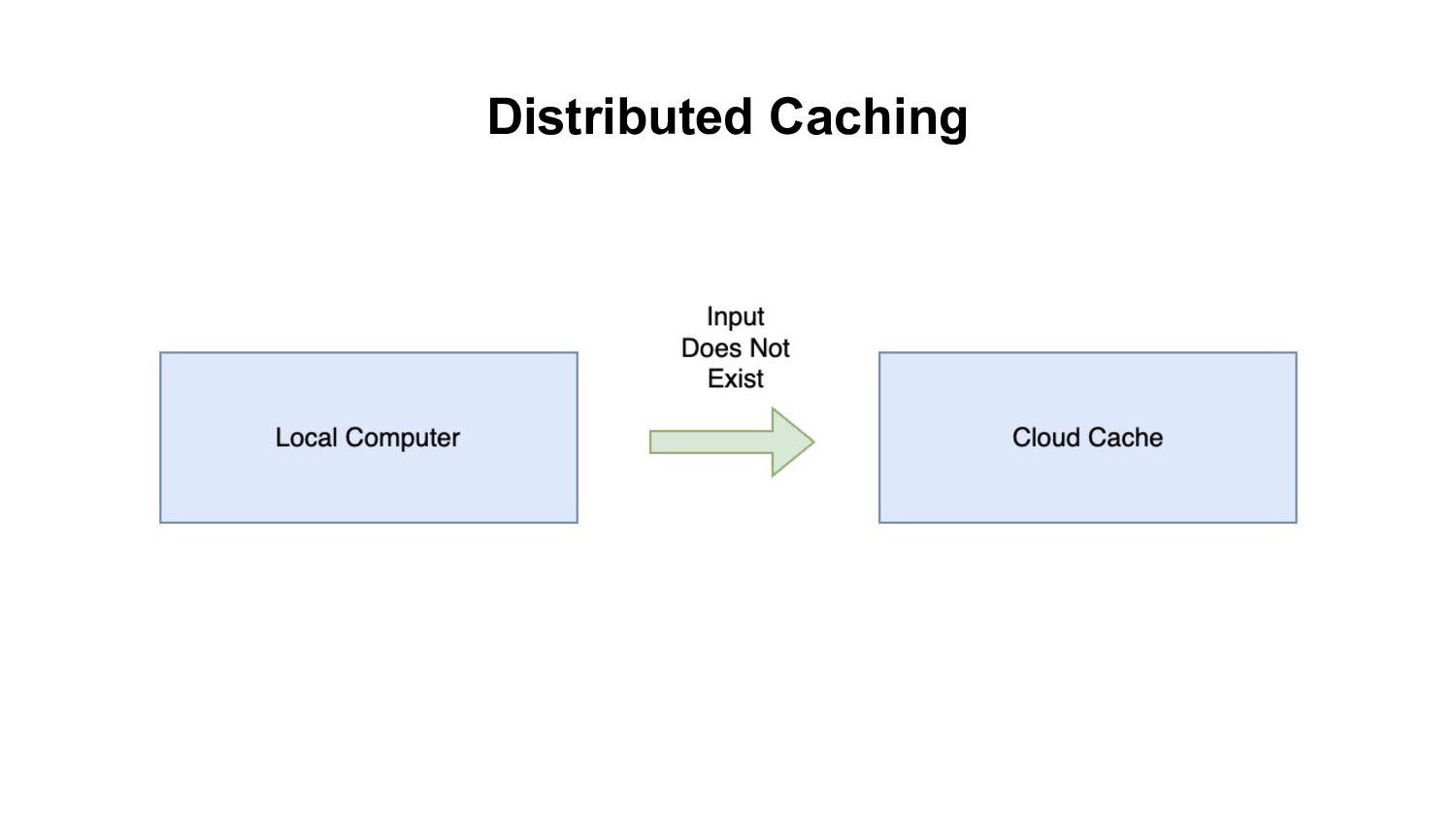
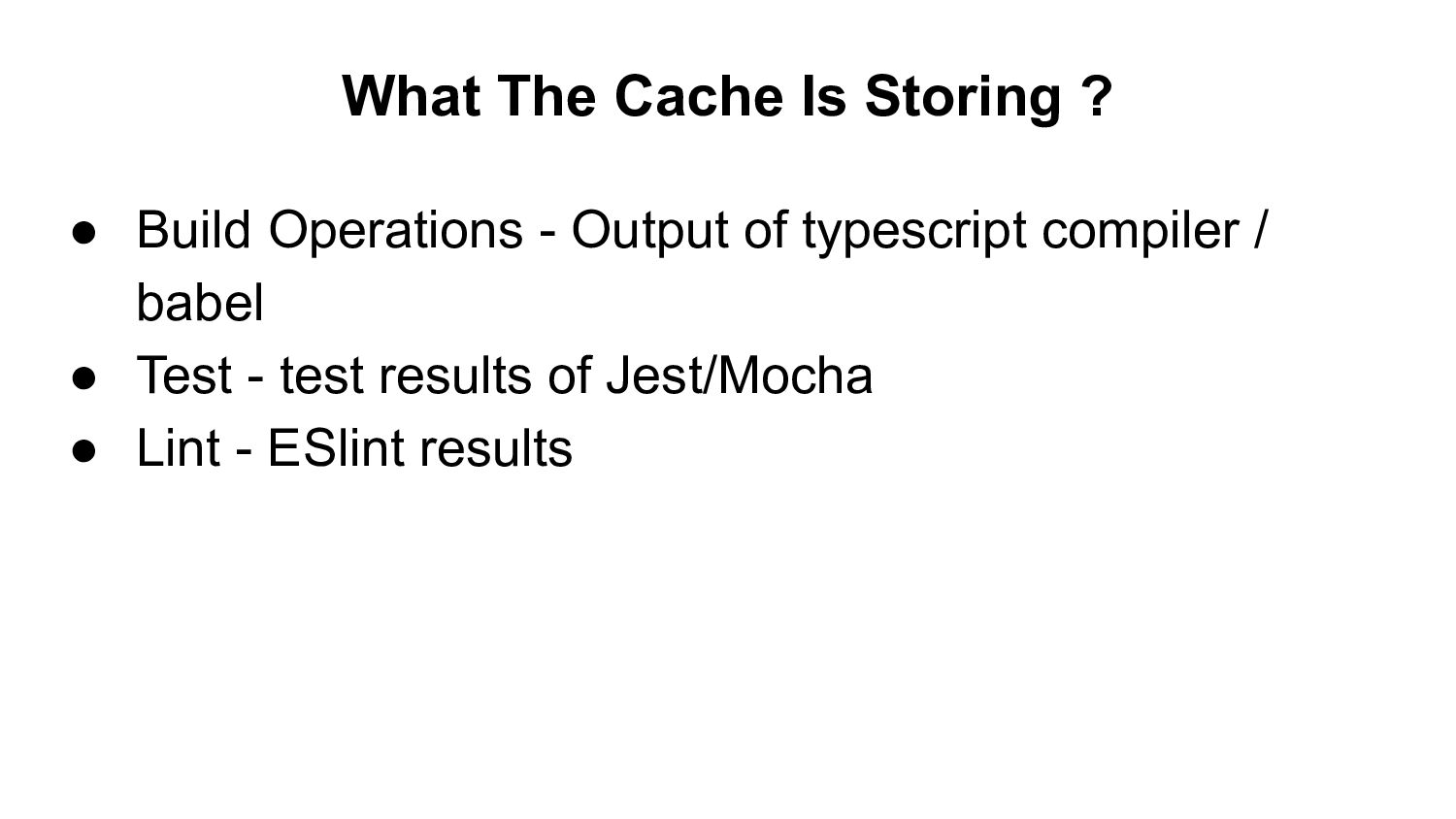
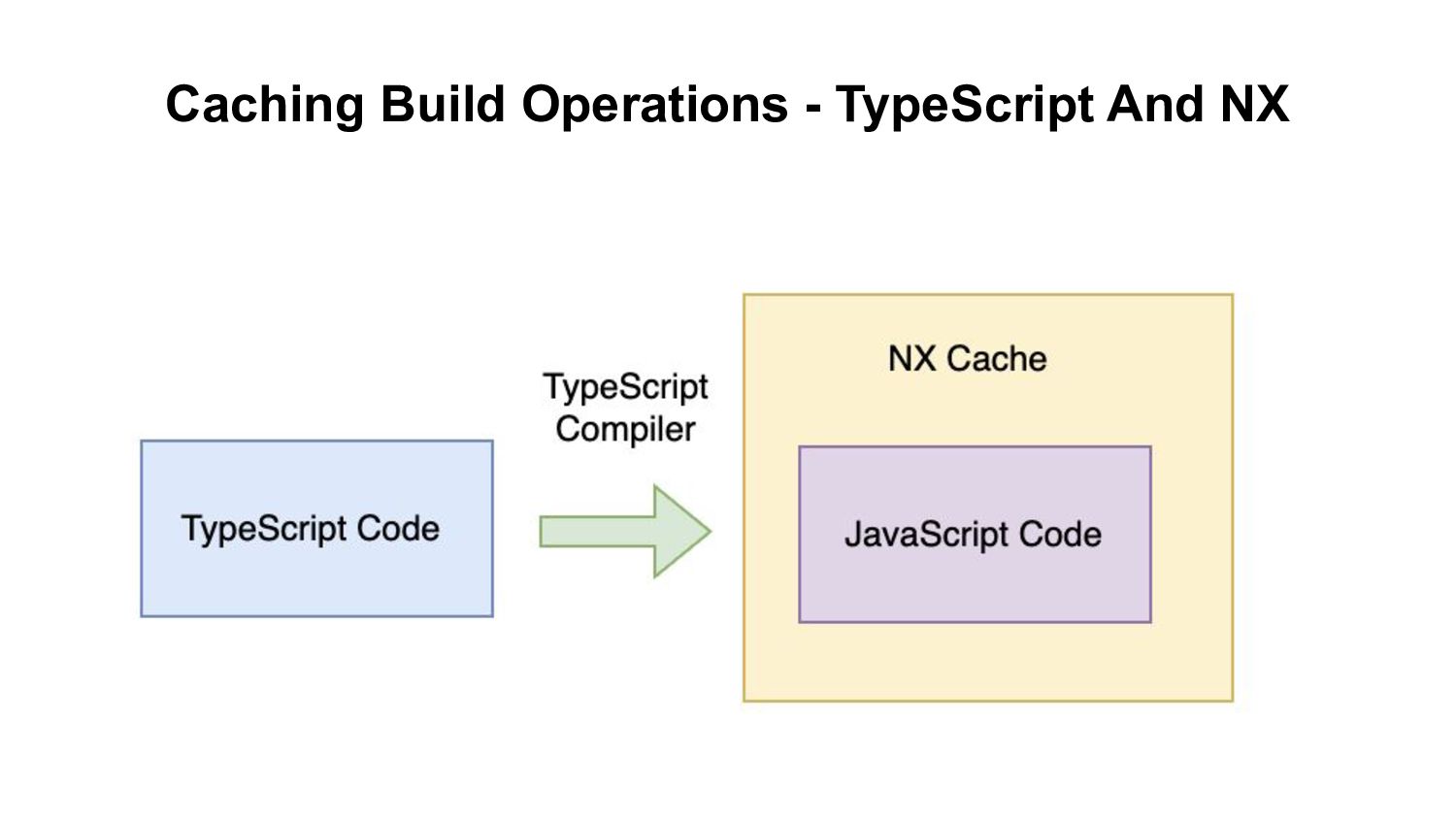
the build process saves a lot of time - especially when you have hundreds of different services and libraries Critical aspect that will make you consider add it to you projects
Existing Code With ? • You generally leave the module/express/nest code’s existing build/test/lint tooling untouched. • In other NX project types - you need to change your build/test/lint tools to fit to NX built in tools
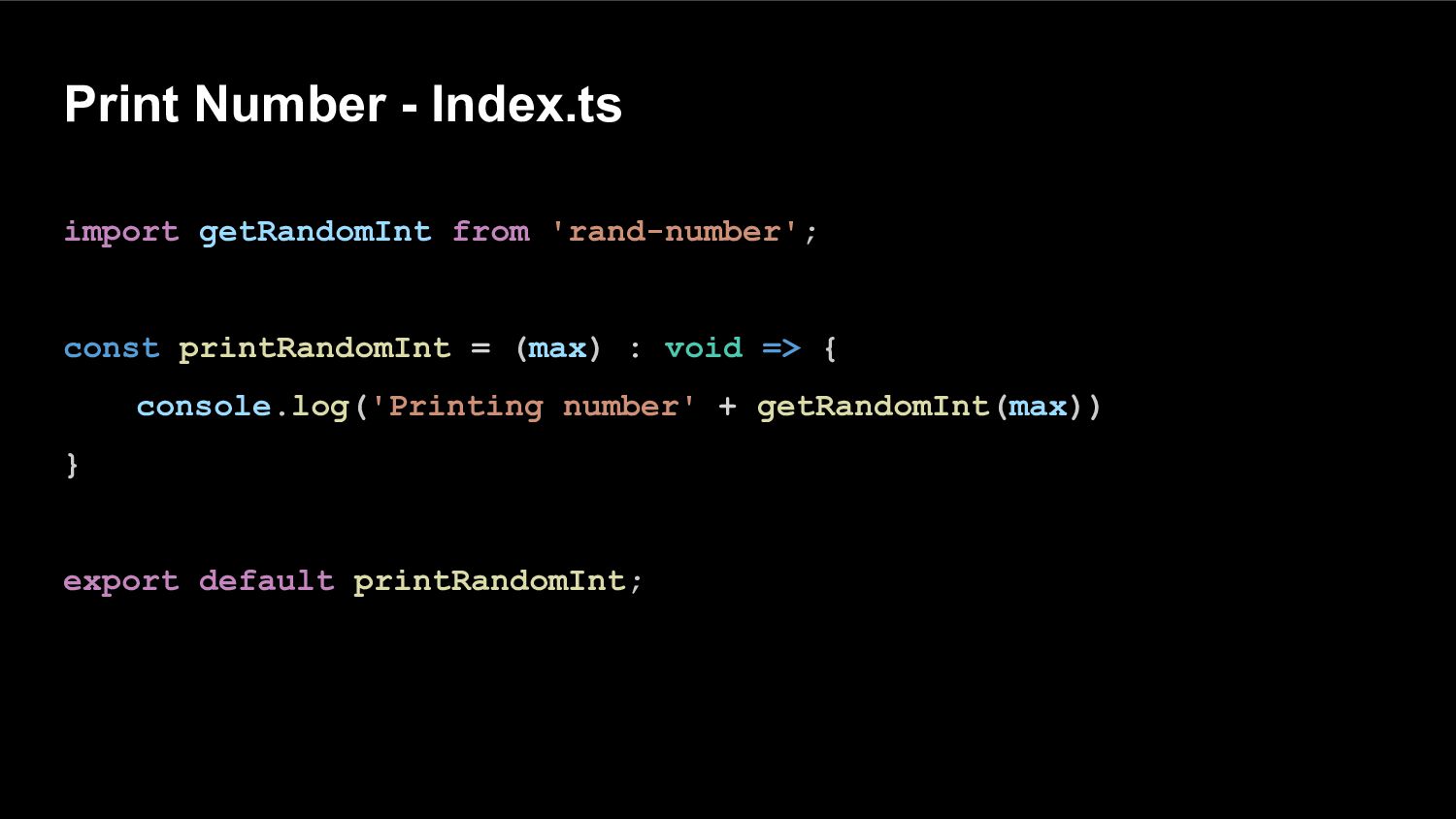
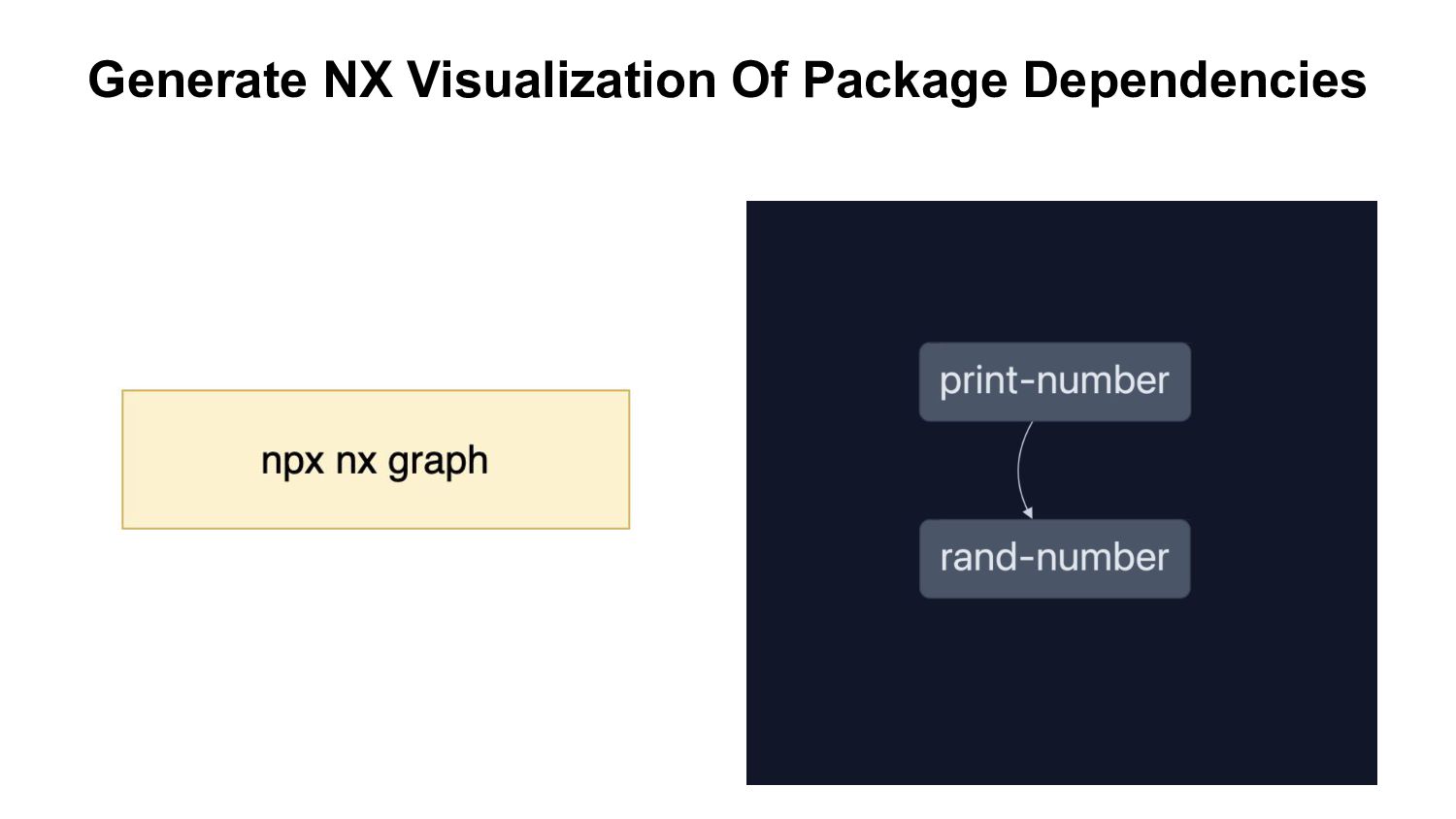
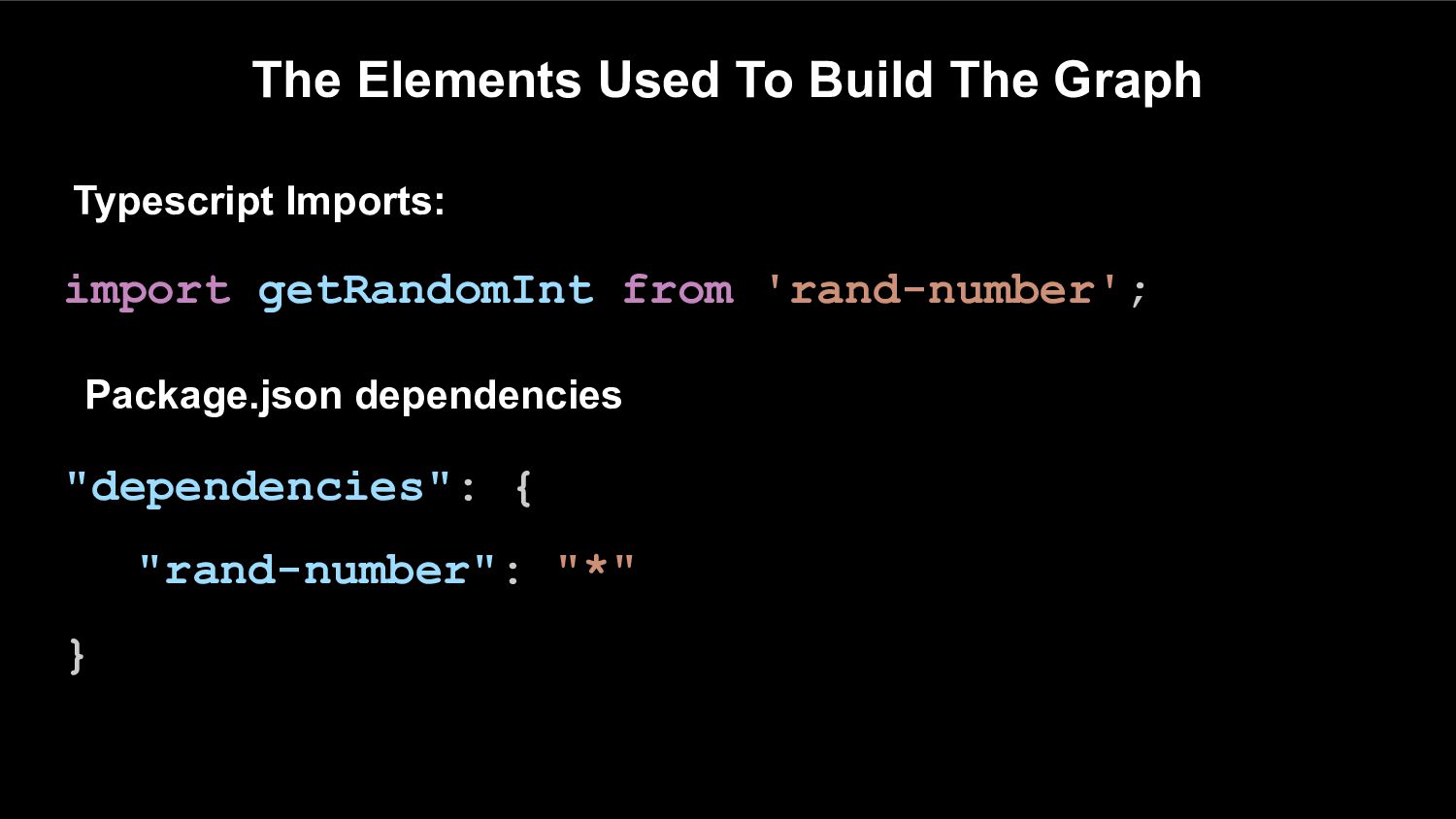
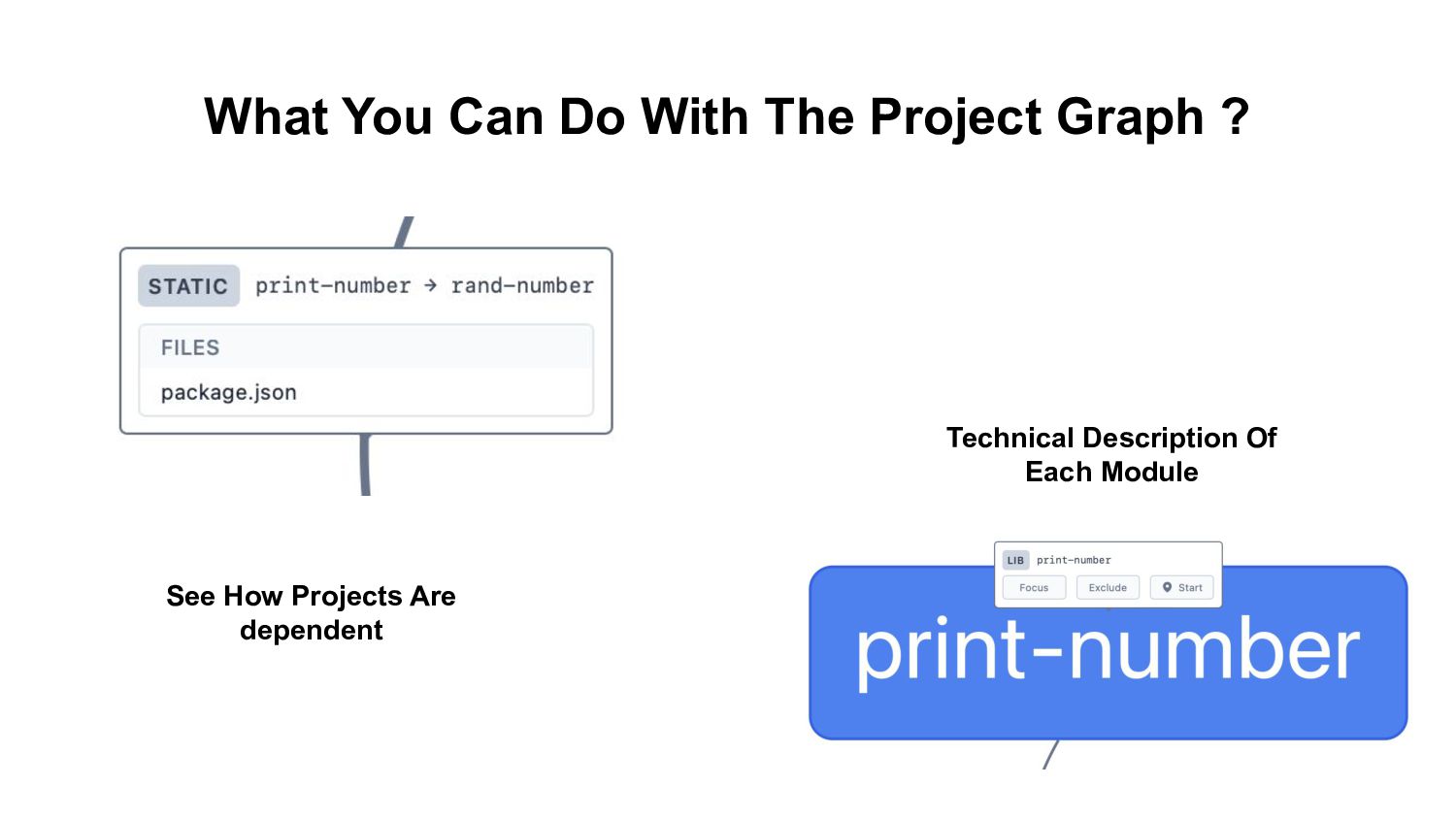
• Move an existing express/nest/utility into a package-based including package.json • NX will detect the your code as a package, cache the relevant scripts and build the package dependency graph.


 tamartwena
 tammyeverts
 portentint
 cassininazir
 aleyda
 dougneiner
 bcantrill
 techseoconnect
.png) helenjbeal
helenjbeal
 moore
moore
 smashingmag
 michaelherold

![Tamar Twena-Stern twitter @SternTwena linkedin /tamarstern [email protected]](https://files.speakerdeck.com/presentations/e3a75bbc00f54f27ae9e9aaf90745f42/slide_1.jpg)















![Tamar Twena-Stern twitter @SternTwena linkedin /tamarstern [email protected]](https://files.speakerdeck.com/presentations/e3a75bbc00f54f27ae9e9aaf90745f42/slide_70.jpg)