Share
Embed
Time Management for Engineering Managers
I spoke on Time Management for Engineering Managers at the Developer First Conference on June 12, 2020. Here are the slides.
Vidal Graupera
June 12, 2020
Transcript
23 slides
-
Topics 1. Introduction 2. Why It's Hard for EMs 3.
Rethinking How to Use The Tools 4. Techniques to Plan Day/Week/Mo 5. Tips (time allowing) 6. Resources and Wrap up 7. Q&A -
Introduction • A bit about me… & my mission •
Why important? • Can be overwhelming especially for new managers! • Time management is a constant challenge for all EMs interviewed on managersclub.com “What’s your work day like and how do you manage your time, emails, etc.?” -
Concepts • You will not get everything done! • Never
enough time…. Everyone has the same amount of time (even other managers) • Manager’s schedule vs maker's schedule, article by Paul Graham • Be really conscious of how you manage other people’s time. • What we can learn from computers -
Being a Perfectionist • Parkinson's law states that "work expands
to fill the amount of time allotted to it ." • The Pareto principle (80/20 rule) -
The Fallacy of Multitasking • Very tempting. It’s a myth
that this works. • Human beings are single threaded • Subject much research • “Your effective IQ goes down by 10% on these tasks!” -
Interruptions • Learn to love internal interruptions: they’re often your
job • You are an unblocker. • OK to be strict with external interruptions from 3rd parties, vendors, social visits, etc. -
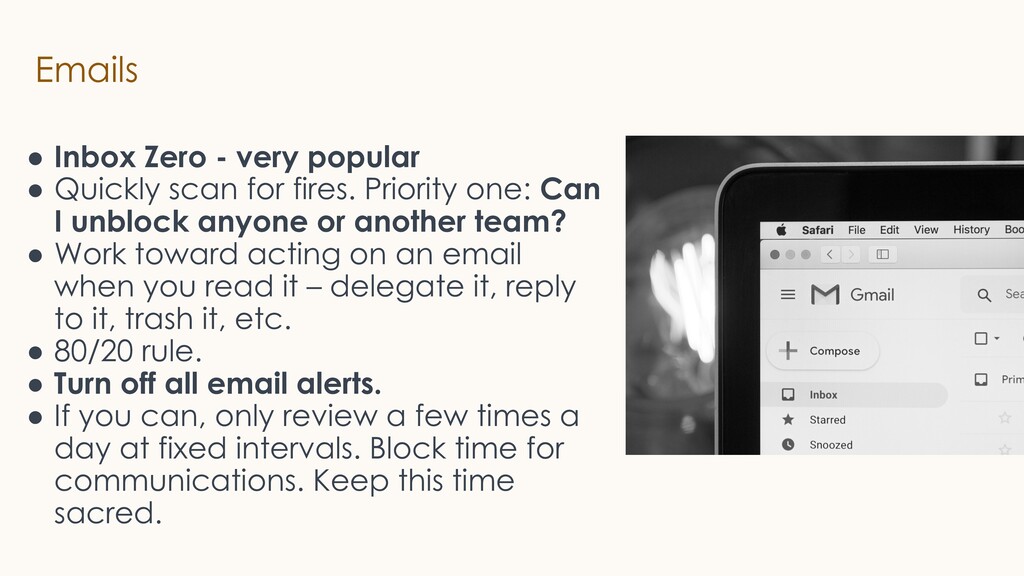
Emails • Inbox Zero - very popular • Quickly scan
for fires. Priority one: Can I unblock anyone or another team? • Work toward acting on an email when you read it – delegate it, reply to it, trash it, etc. • 80/20 rule. • Turn off all email alerts. • If you can, only review a few times a day at fixed intervals. Block time for communications. Keep this time sacred. -
Emails Continued • Filters and rules ◦ Addressed only to
you, or where you are named ◦ From manager or manager’s manager ◦ From team(s) and peers ◦ With “Action Required” or Invite to Edit or Comment ◦ Code Reviews, Alerts, Outages, etc. ◦ Automated emails and newsletters -> File • Last resort declare email bankruptcy -
Calendar • Whatever happens…. Your Calendar is not the enemy
• Scan calendar first thing, which meetings can I skip, cancel, etc.? • Defrag calendar • Schedule like items together, e.g. 1:1’s but not more than 3 • Themes by day of week, e.g. Monday 1:1s, Tuesdays on Project A • Defensive calendaring; avoid temptation to over schedule your day • Plan breaks for unplanned work and add (do not schedule) DNS blocks. • Prep for meetings 1 day in advance -
More on Calendar • Decline meeting and send representative. Delegate
as learning opportunity. • Declare a no meeting day, e.g. No Meeting Weds • Color code your calendar for easy scanning • Set meetings with your future self to get work done, or to check in with people. 2+ weeks out. -
Meetings • Meetings are often the main work up to
80% of time • Learn to love meetings! • Running effective meetings is super important • Action items, agendas, meeting notes, etc. “If there are no notes and AI, then meeting never happened.” • End early and return time to people! • Keep short (Parkinson's Law) • Laptops down. Notice how many people are paying attention. • Send surveys after meetings to improve them. • “Meeting in writing” e.g. use Google docs -
Personal Planning • Consider using an asset allocation strategy •
Develop a Time Map showing a picture of when you’d like to do each of your major activities during a normal week, e.g. 20% on recruiting • End of week review on Friday or Sunday -
Eisenhower Matrix (EM version) Adapted from a system used by
General Dwight D. Eisenhower and later popularized by Stephen Covey, as the “Time Management Matrix” -
To-dos • Create a daily “TO-DO” list of most important
1-3 items. • To-Do lists and apps are very popular • They do not have a sense of time so instead put items on calendar • Create checklists, daily and weekly so things don’t slip through the cracks • Pro-tip a Personal Kanban Board! -
Books on “Time Management” • Getting Things Done by David
Allen • When: The Scientific Secrets of Perfect Timing • The Checklist Manifesto • Personal Kanban • The 7 Habits of Highly Effective People • The Surprising Science of Meetings -
Times Up - Wrap Up - Q&A Thanks for your
time! I hope you found this useful. Contact Info • Twitter: @vgraupera • [email protected] Deck: https://managersclub.com/talks Images from Unsplash & pixabay -
Tips & Ideas • Get in early before everyone else
and things get busy or plan it out night before. • Or “Work 1 late night” e.g., stay late on Mondays to get week off to strong start and build momentum • Think what is the most important thing I can do, or that no one else can do or is able to do • Exercise and meditation to keep energy • Study and learn using audiobooks while driving or commuting -
More Tips • Become a faster typer • Autocomplete app
e.g. TextExpander • Leave your desk and book a conference room to work with focus, e.g. writing perf reviews • Most productive 2-4 hours after waking up. Don’t squander with e.g admin stuff, routine staff meeting, etc. Use it for deep, creative work work. Avoid getting sucked into email and calendar first thing. • Capture system. Get things out of your head it’s stress inducing. (GTD). I carry a paper notebook and Evernote.