i work at urban airship in portland, ORE. i’d like to talk to you about how we interact with our code. hi my name is Chris Dickinson and i work at Urban Airship in sunny Portland, Oregon. i'd like to talk to you today about how we interact with our code.
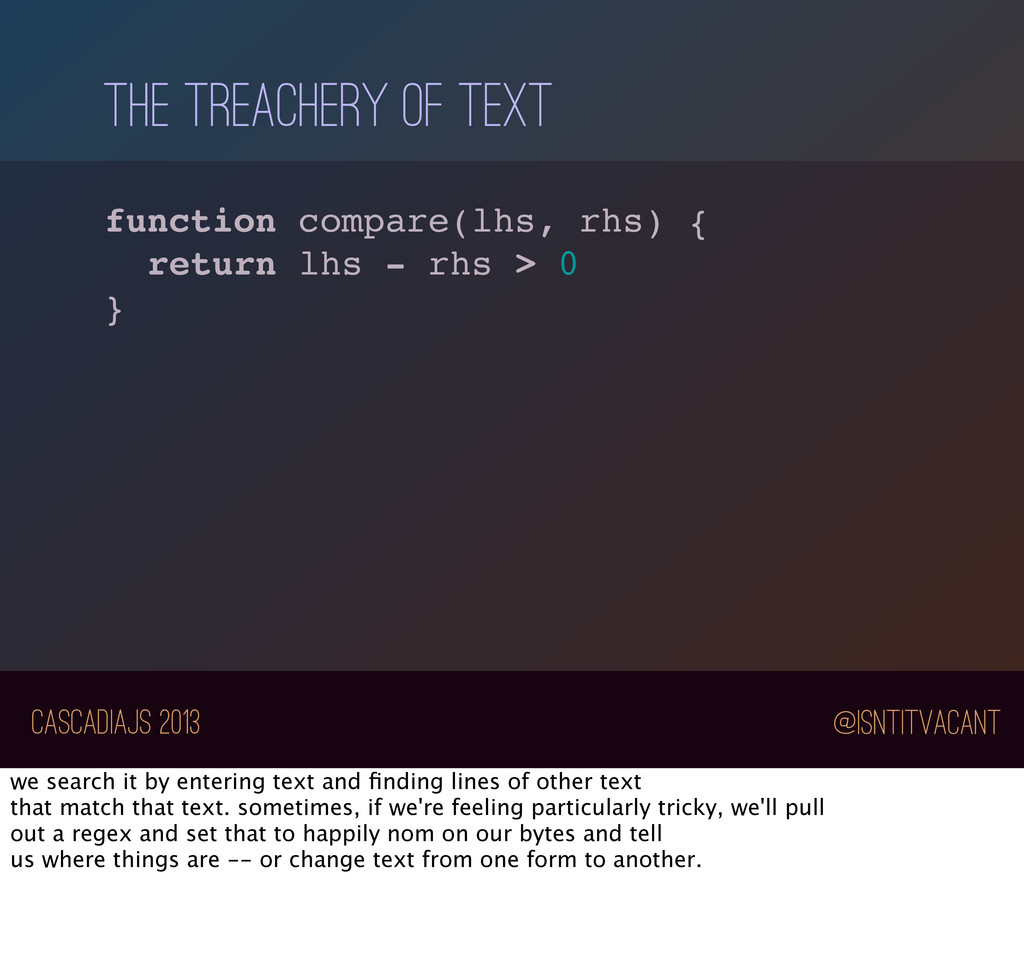
{ return lhs - rhs > 0 } this is some javascript -- this is how we usually see our code. but there's treachery afoot! this isn't really javascript, it's text. more than that, it's text that's represented as a series of bytes on a hard drive. and that's how we usually interact with our code.
{ return lhs - rhs > 0 } we search it by entering text and finding lines of other text that match that text. sometimes, if we're feeling particularly tricky, we'll pull out a regex and set that to happily nom on our bytes and tell us where things are -- or change text from one form to another.
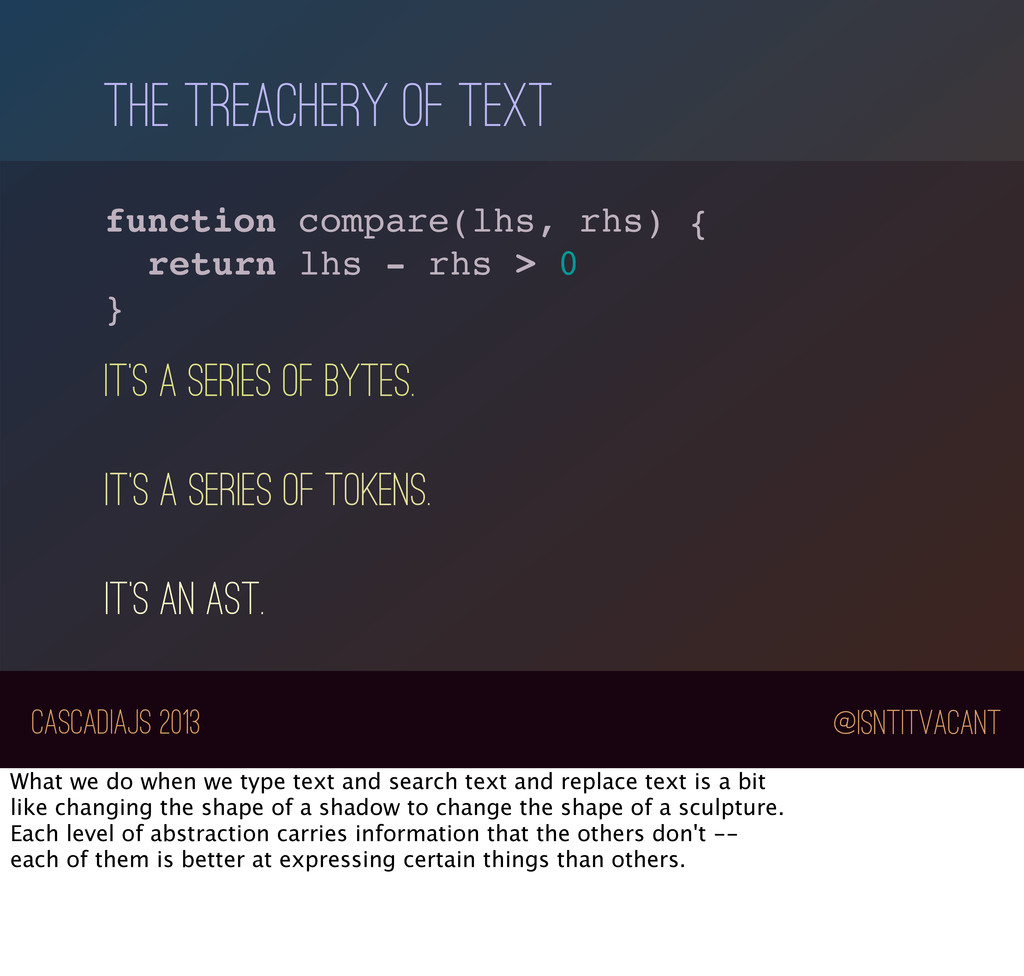
{ return lhs - rhs > 0 } it’s a series of bytes. IT’s A series of TOKENS. IT’s an AST. but, this is not just text. it's a series of tokens; it's a series of tokens assembled into a tree, it's a tree that represents instructions, it's a set of instructions that elicit actions from a virtual machine, it's a potential series of actions that cause electrons to hurdle from one side of a motherboard to another to manipulate a register. this text represents many things. each of these views on this code are true. each view is a different facet of what this text represents, a different level of abstraction.
{ return lhs - rhs > 0 } it’s a series of bytes. IT’s A series of TOKENS. IT’s an AST. What we do when we type text and search text and replace text is a bit like changing the shape of a shadow to change the shape of a sculpture. Each level of abstraction carries information that the others don't -- each of them is better at expressing certain things than others.
{ return lhs - rhs > 0 } IT’s an AST. today, I'd like to talk to you about working with your code on a different layer of abstraction - at the AST level.
JavaScript, you don't necessarily need to worry about writing your own parser. There are many implementations of JavaScript parsers in JavaScript -- this is one of the benefits of having such a relatively "small" language.
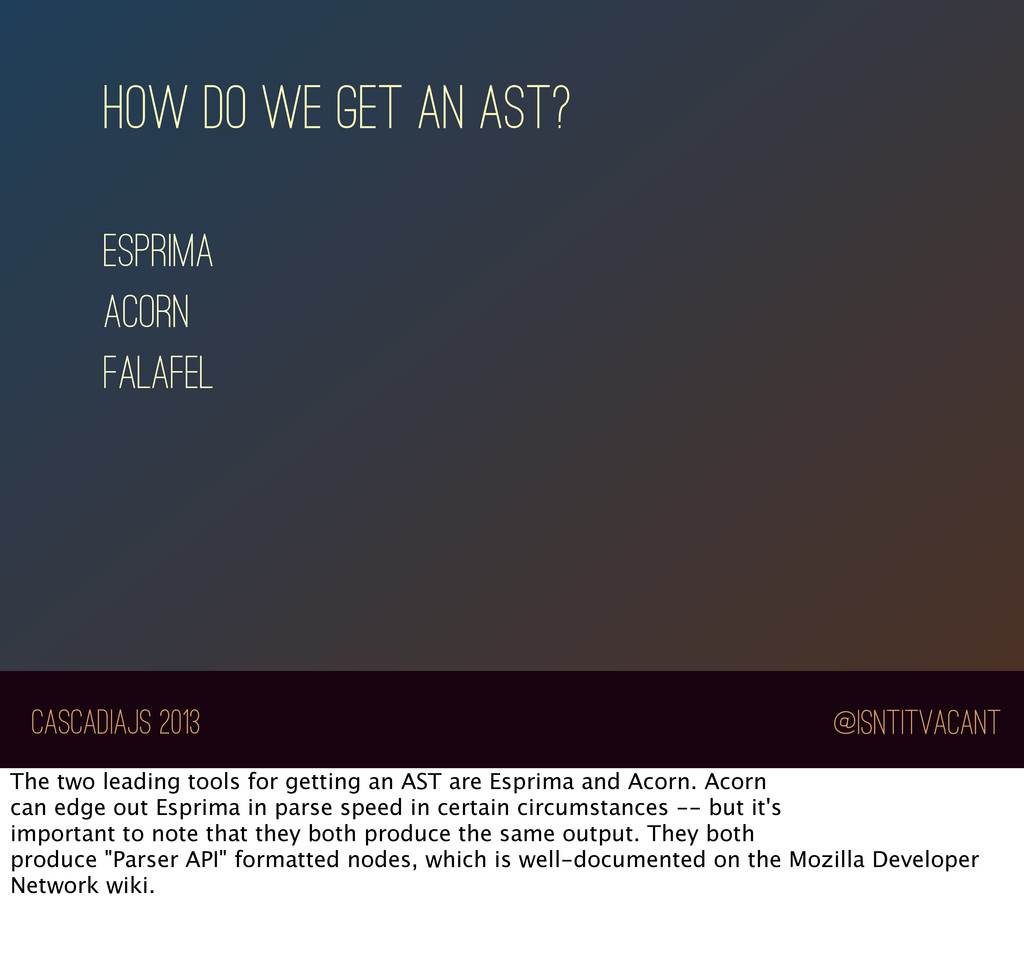
an ASt? The two leading tools for getting an AST are Esprima and Acorn. Acorn can edge out Esprima in parse speed in certain circumstances -- but it's important to note that they both produce the same output. They both produce "Parser API" formatted nodes, which is well-documented on the Mozilla Developer Network wiki.
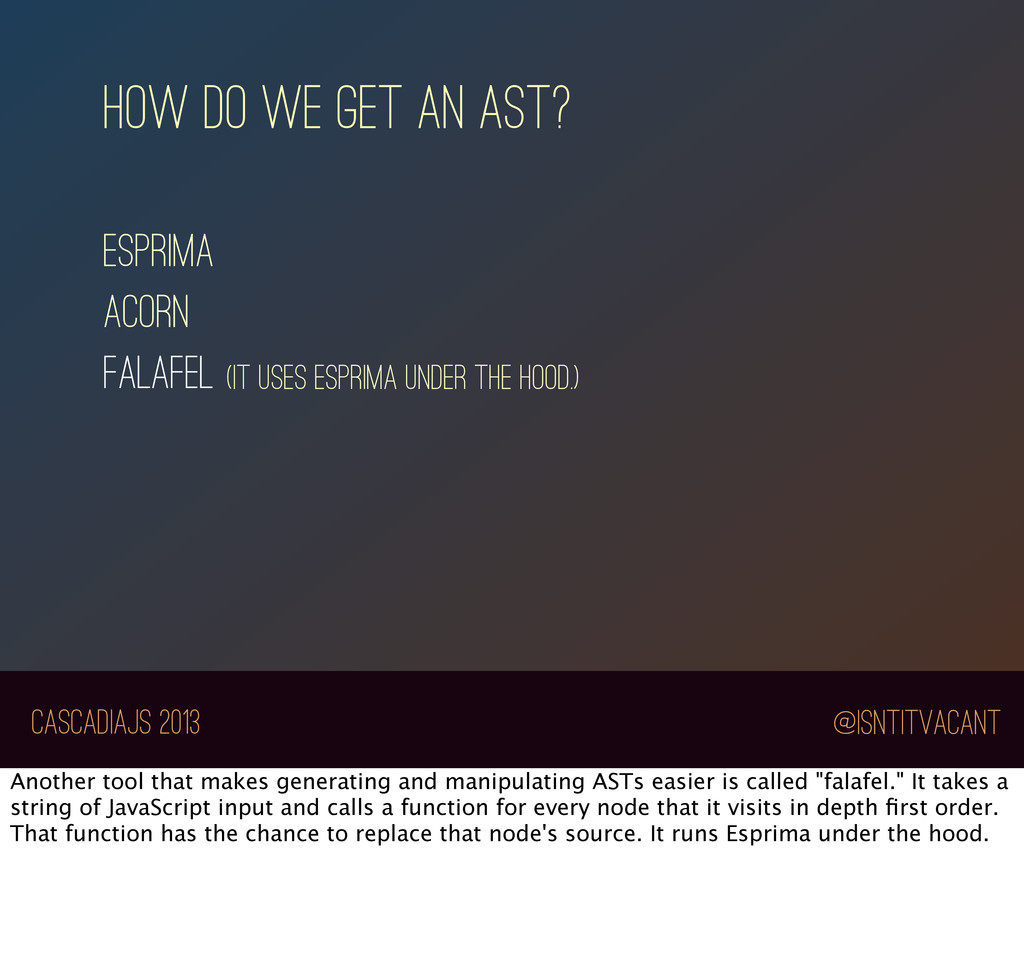
acorn falafel (It uses esprima under the hood.) Another tool that makes generating and manipulating ASTs easier is called "falafel." It takes a string of JavaScript input and calls a function for every node that it visits in depth first order. That function has the chance to replace that node's source. It runs Esprima under the hood.
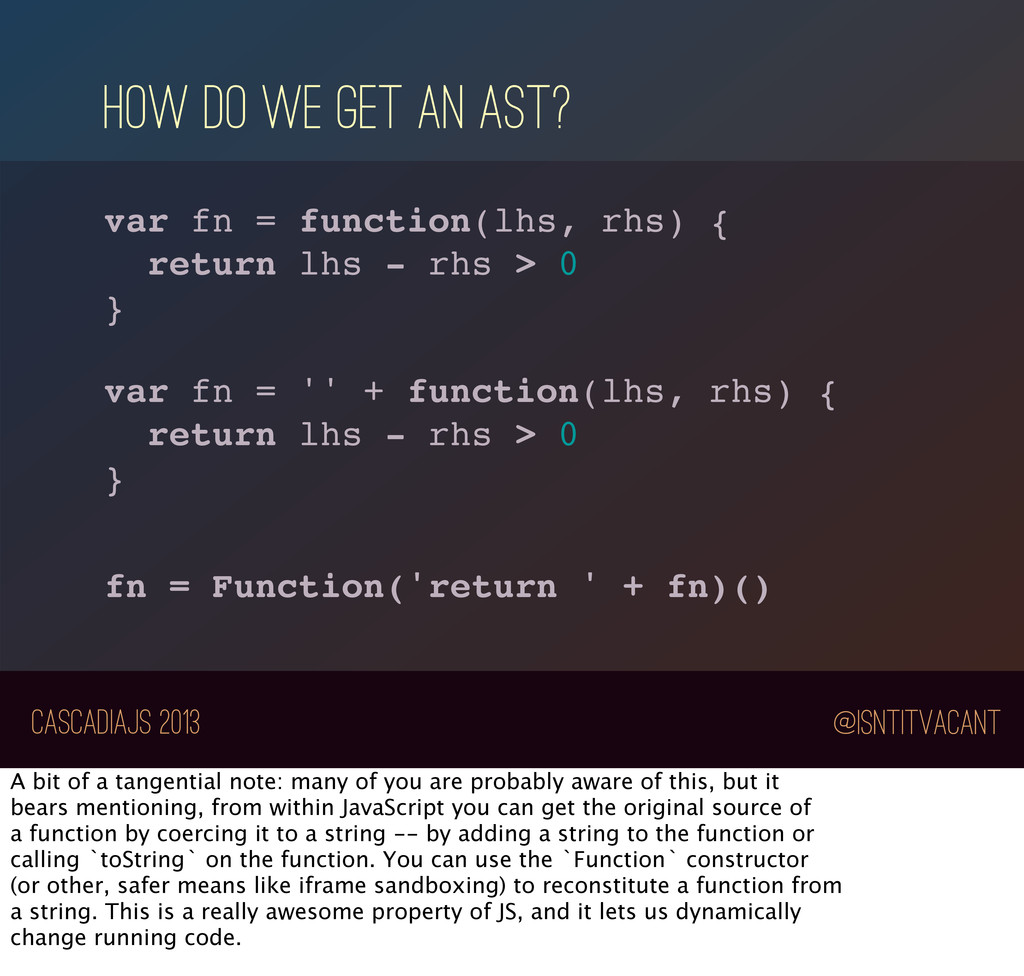
fn = function(lhs, rhs) { return lhs - rhs > 0 } var fn = '' + function(lhs, rhs) { return lhs - rhs > 0 } fn = Function('return ' + fn)() A bit of a tangential note: many of you are probably aware of this, but it bears mentioning, from within JavaScript you can get the original source of a function by coercing it to a string -- by adding a string to the function or calling `toString` on the function. You can use the `Function` constructor (or other, safer means like iframe sandboxing) to reconstitute a function from a string. This is a really awesome property of JS, and it lets us dynamically change running code.
we use it? I personally believe that JavaScript programmers are, amongst their other admirable traits, uniquely prepared to grapple with the challenge of working with ASTs, for a couple of reasons.
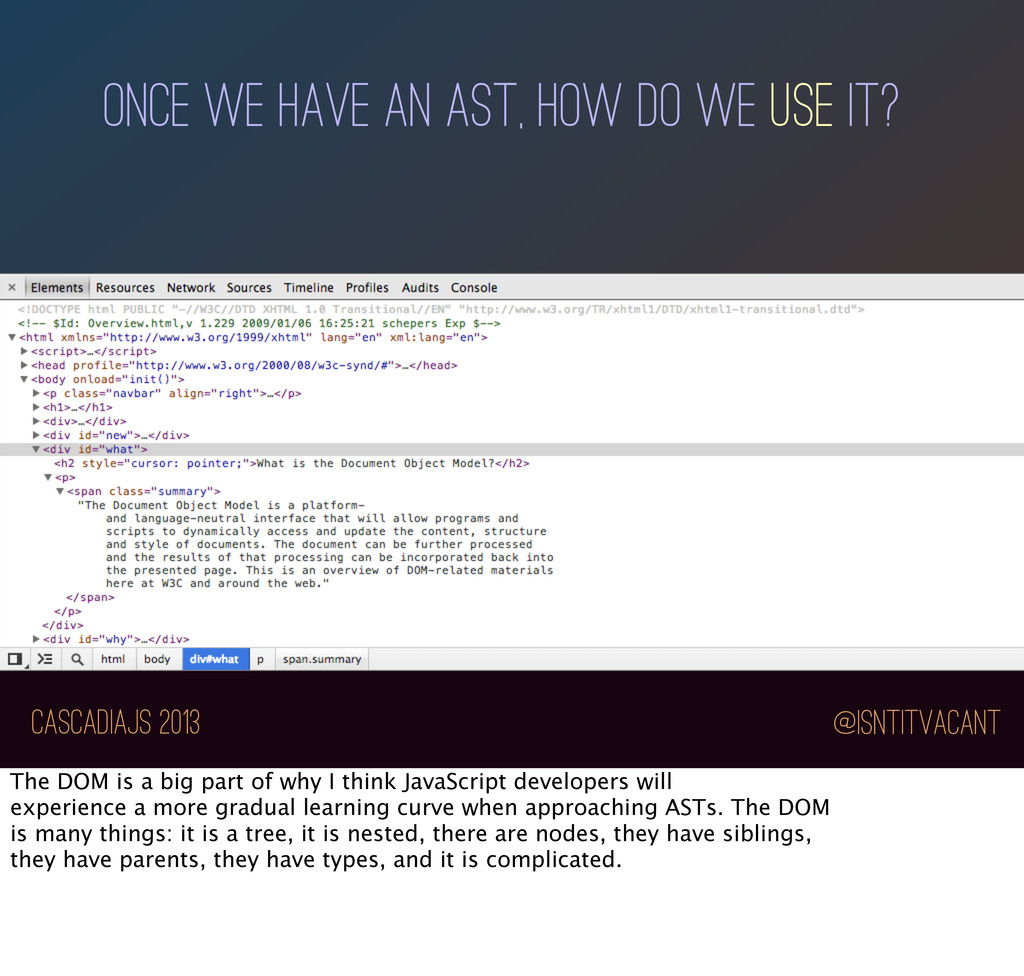
we use it? First, there's a tree structure that very nearly every JavaScript developer has at least a more than passing familiarity with: *click* the DOM
we use it? The DOM is a big part of why I think JavaScript developers will experience a more gradual learning curve when approaching ASTs. The DOM is many things: it is a tree, it is nested, there are nodes, they have siblings, they have parents, they have types, and it is complicated.
we use it? var x = document.createElement('div'); with(x) { appendChild(document.createElement('p'); } You may or may not remember how bad DOM programming used to be. I won't delve too far into it, but suffice to say, it was bad enough that JavaScript tried to ease the pain by introducing the "with" statement.
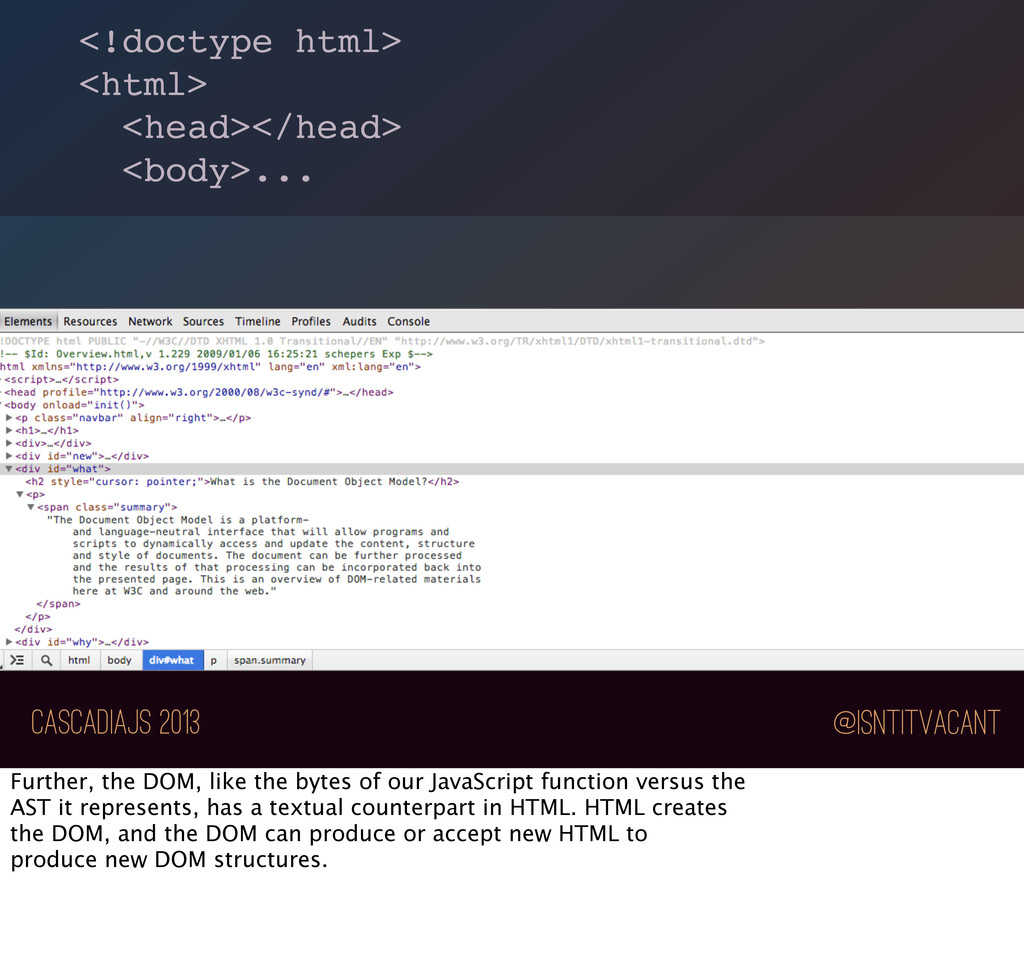
DOM, like the bytes of our JavaScript function versus the AST it represents, has a textual counterpart in HTML. HTML creates the DOM, and the DOM can produce or accept new HTML to produce new DOM structures.
community tried many approaches to this problem, and eventually one style clicked: query the tree structure using CSS selectors, and *consume* what you *output*.
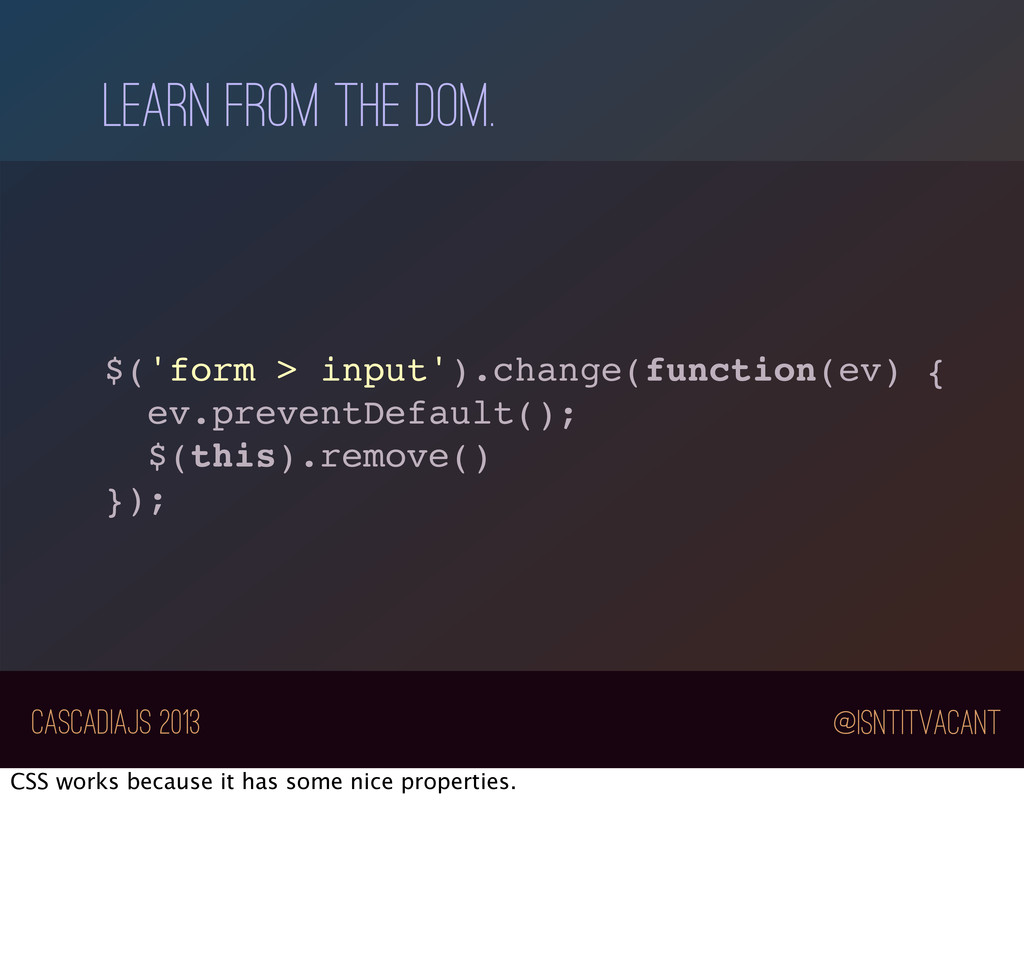
Learn from the dom. I'm talking about how jQuery changed the JavaScript world. Select using CSS selectors; consume HTML to produce DOM objects. Regardless of how you feel about jQuery-the- library, the concept is solid.
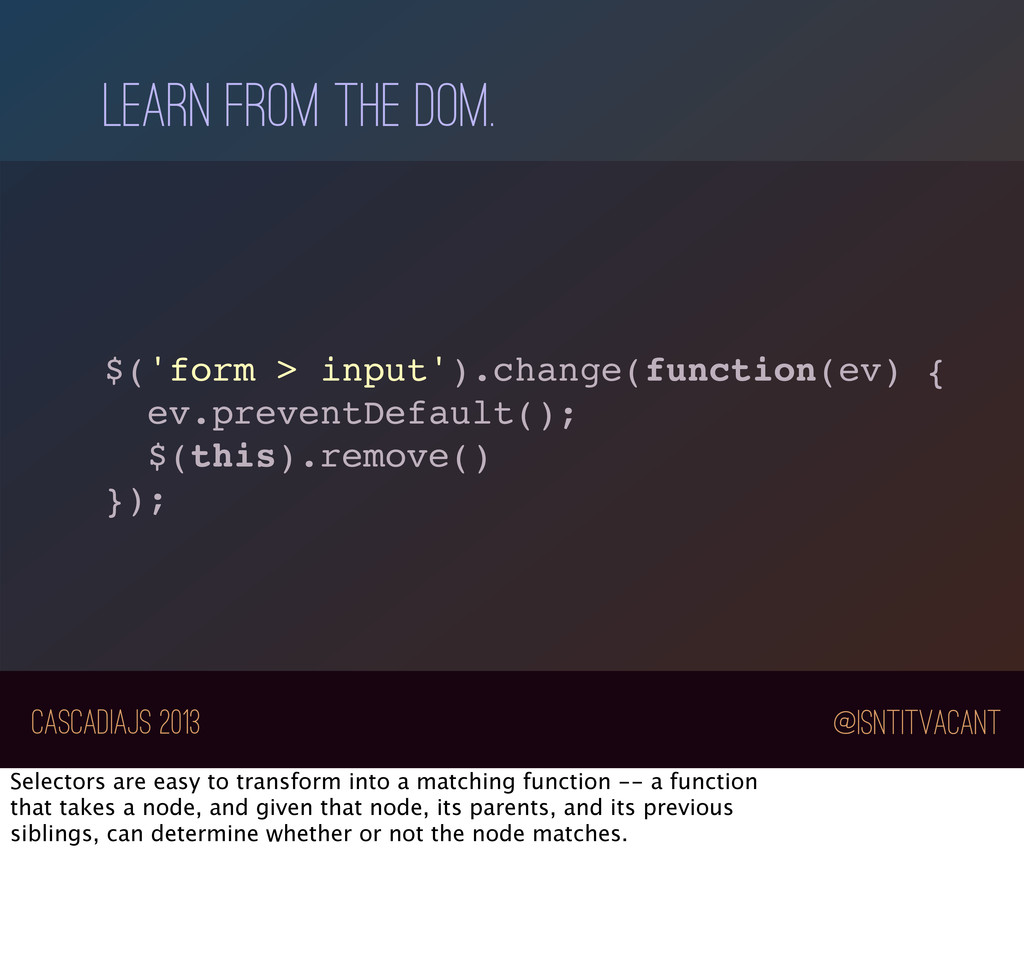
{ ev.preventDefault(); $(this).remove() }); Selectors are easy to transform into a matching function -- a function that takes a node, and given that node, its parents, and its previous siblings, can determine whether or not the node matches.
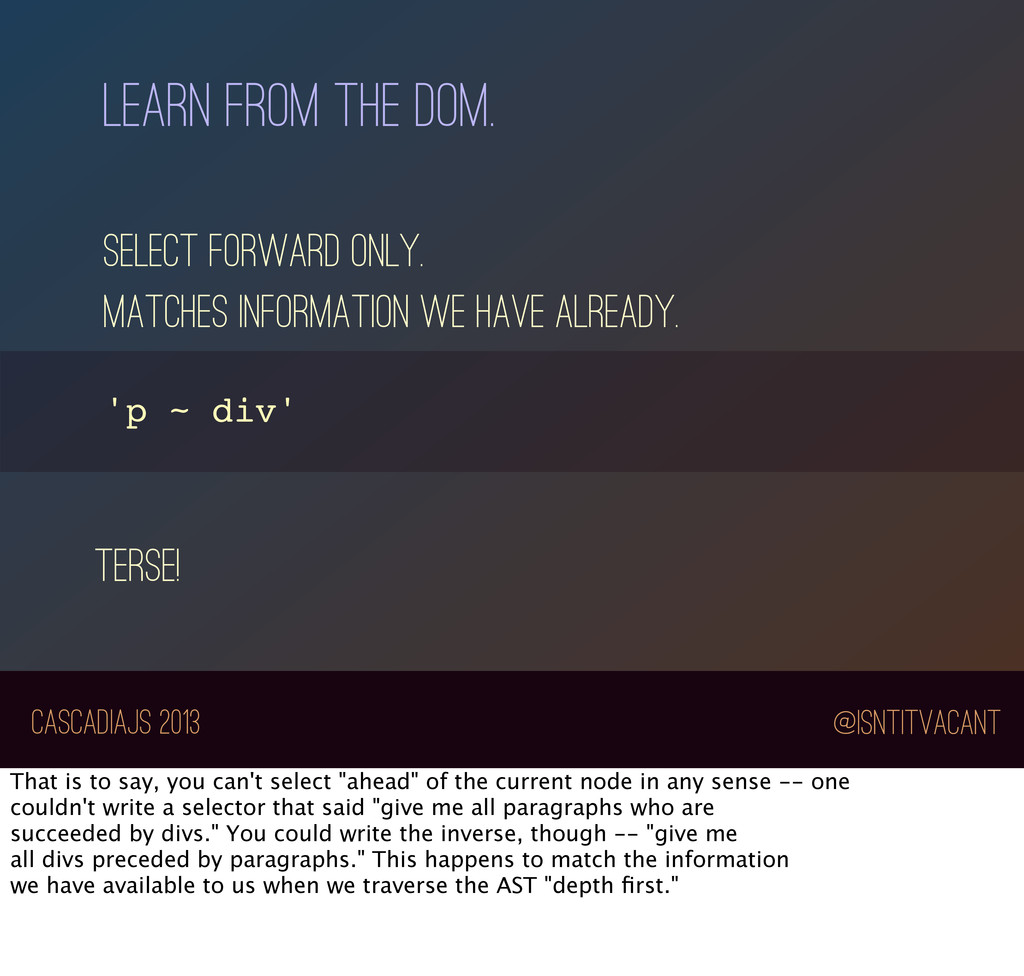
select forward only. matches information we have already. terse! That is to say, you can't select "ahead" of the current node in any sense -- one couldn't write a selector that said "give me all paragraphs who are succeeded by divs." You could write the inverse, though -- "give me all divs preceded by paragraphs." This happens to match the information we have available to us when we traverse the AST "depth first."
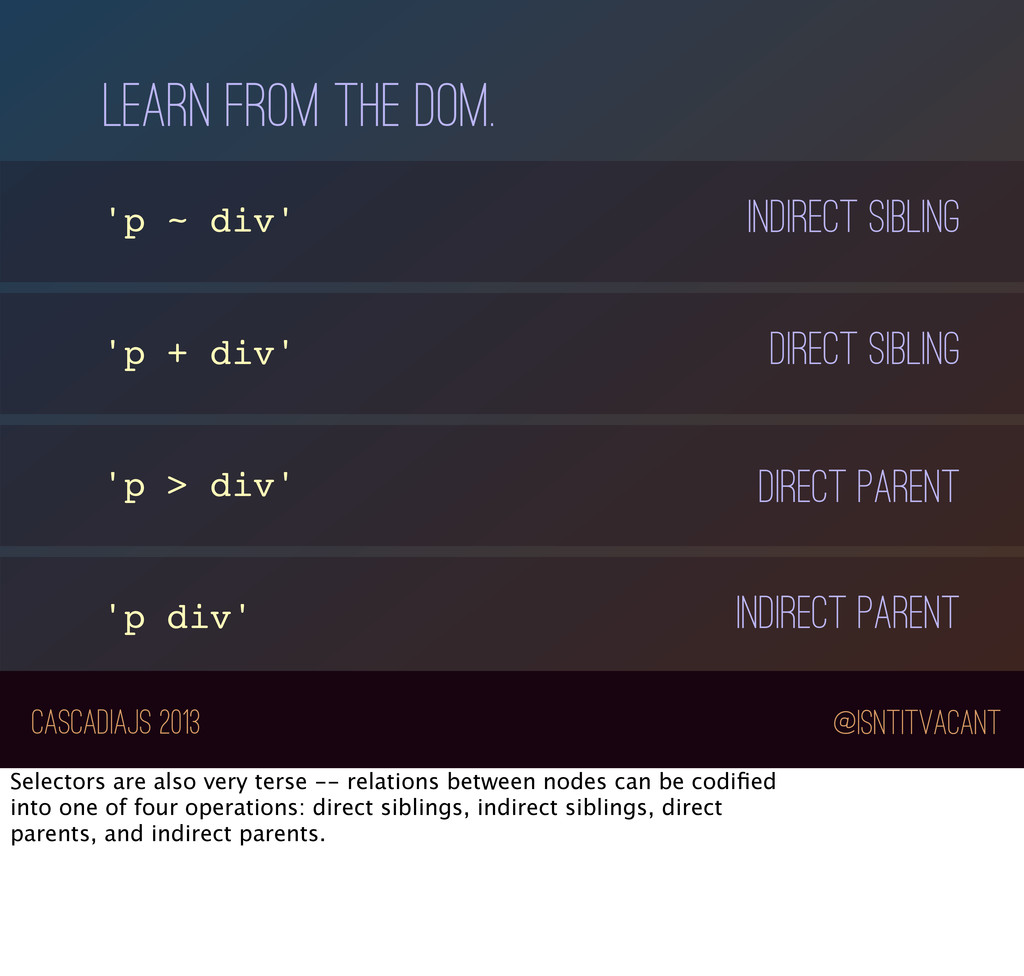
'p + div' 'p > div' 'p div' indirect sibling direct sibling direct Parent INdirect Parent Selectors are also very terse -- relations between nodes can be codified into one of four operations: direct siblings, indirect siblings, direct parents, and indirect parents.
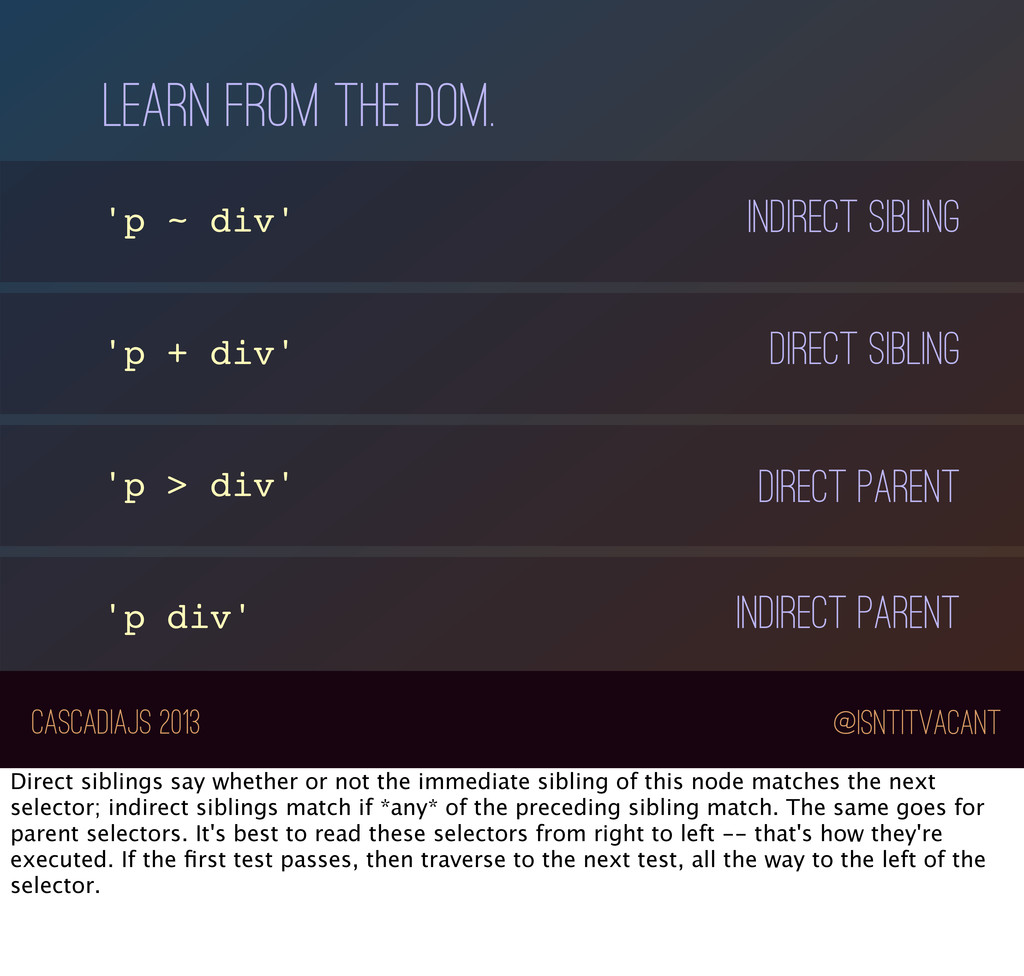
'p + div' 'p > div' 'p div' indirect sibling direct sibling direct Parent INdirect Parent Direct siblings say whether or not the immediate sibling of this node matches the next selector; indirect siblings match if *any* of the preceding sibling match. The same goes for parent selectors. It's best to read these selectors from right to left -- that's how they're executed. If the first test passes, then traverse to the next test, all the way to the left of the selector.
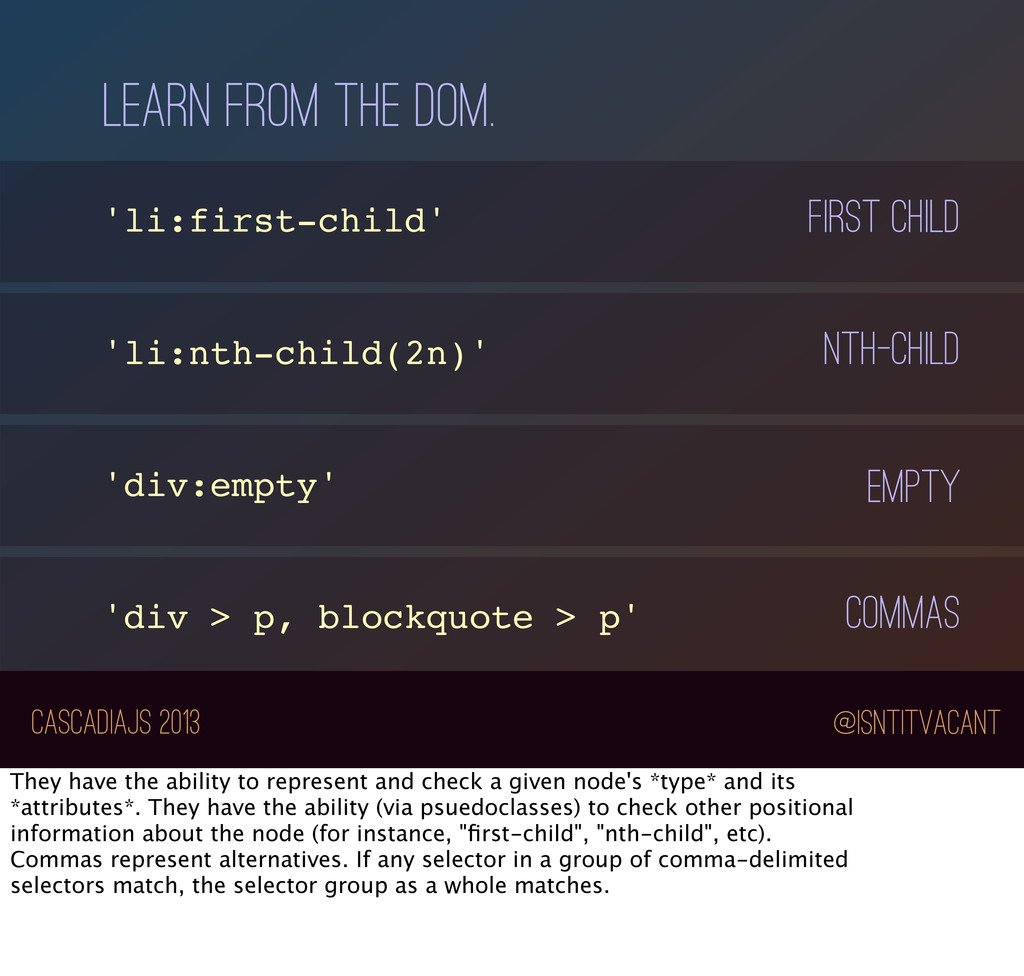
'div > p, blockquote > p' first child nth-child empty commas They have the ability to represent and check a given node's *type* and its *attributes*. They have the ability (via psuedoclasses) to check other positional information about the node (for instance, "first-child", "nth-child", etc). Commas represent alternatives. If any selector in a group of comma-delimited selectors match, the selector group as a whole matches.
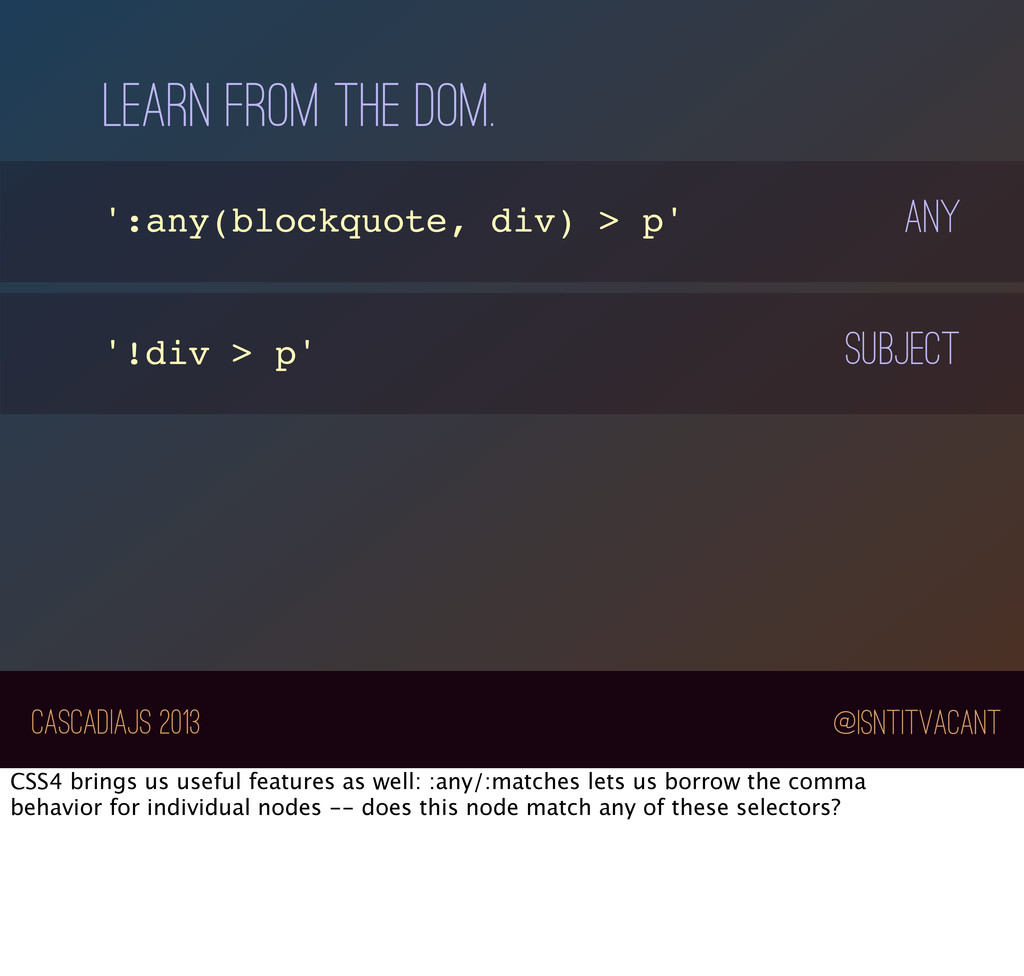
p' '!div > p' any subject CSS4 brings us useful features as well: :any/:matches lets us borrow the comma behavior for individual nodes -- does this node match any of these selectors?
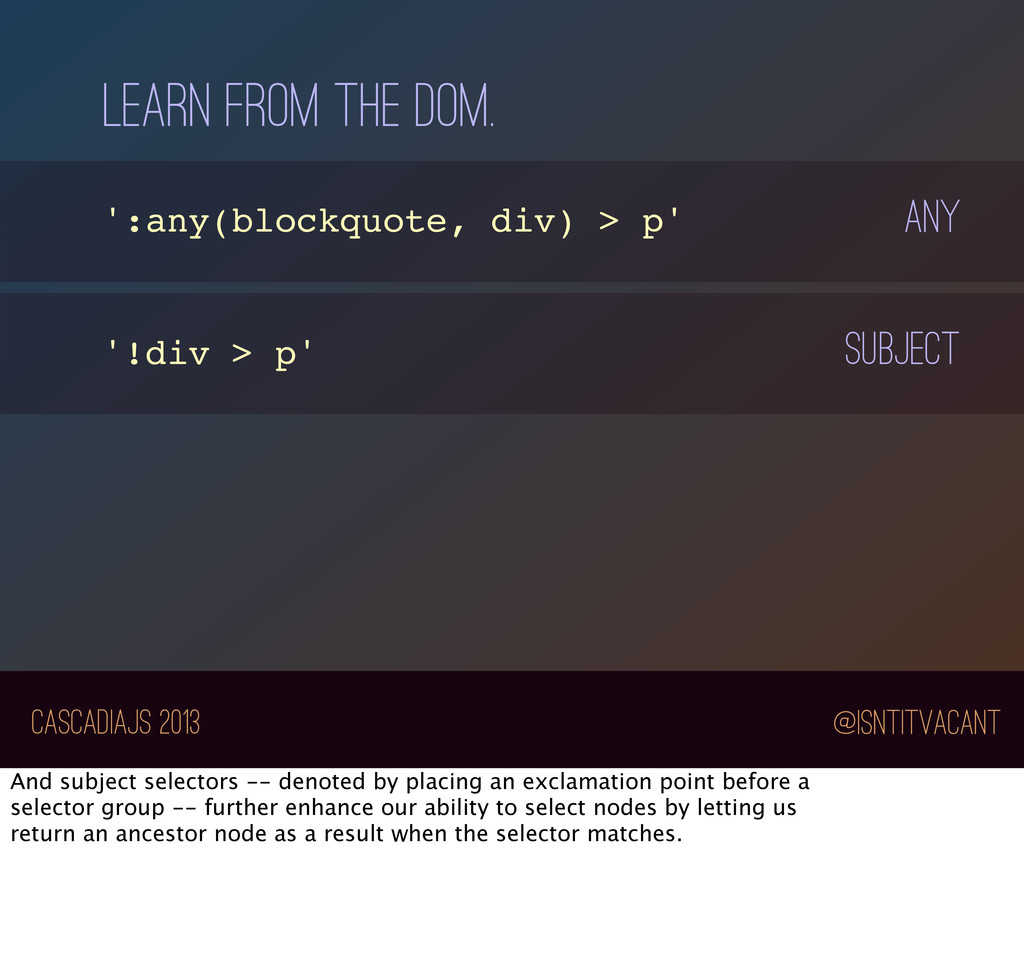
p' '!div > p' any subject And subject selectors -- denoted by placing an exclamation point before a selector group -- further enhance our ability to select nodes by letting us return an ancestor node as a result when the selector matches.
require('cssauron'); var lang = cssauron({ tag: 'type', parent: 'parent' }); var sel = lang('gary > busey') sel( {type: 'busey', parent: {type: 'gary'}} ); // truthy or false It has a simple API: you give it a definition of how to find various properties on your particular flavor of node, and it gives you back a selector compiler.
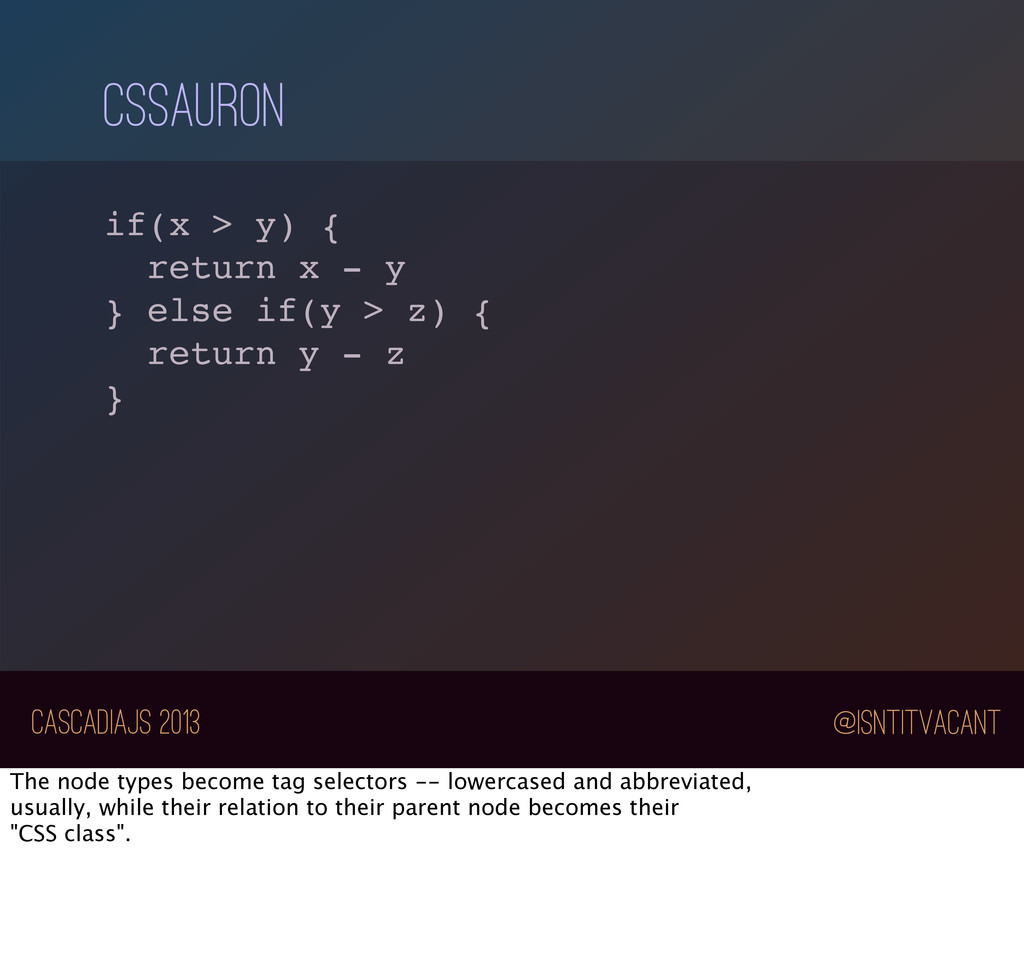
- y } else if(y > z) { return y - z } The node types become tag selectors -- lowercased and abbreviated, usually, while their relation to their parent node becomes their "CSS class".
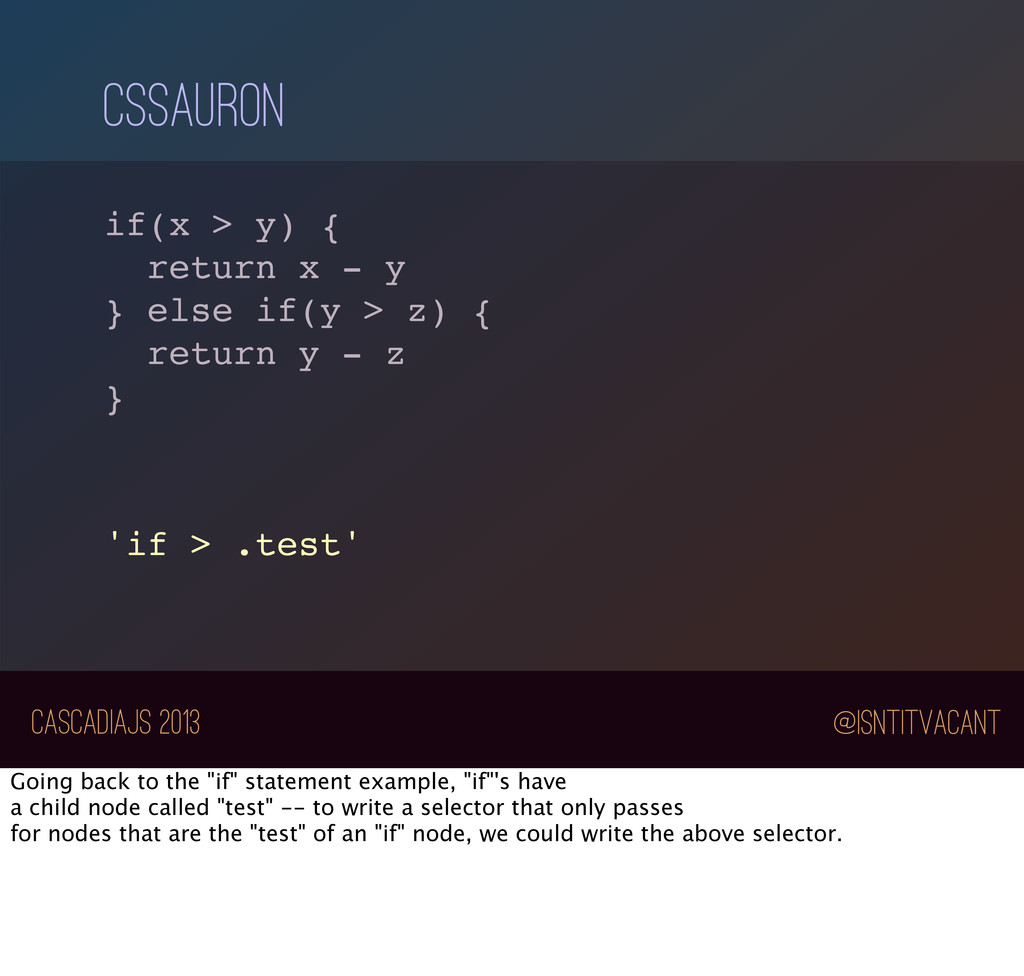
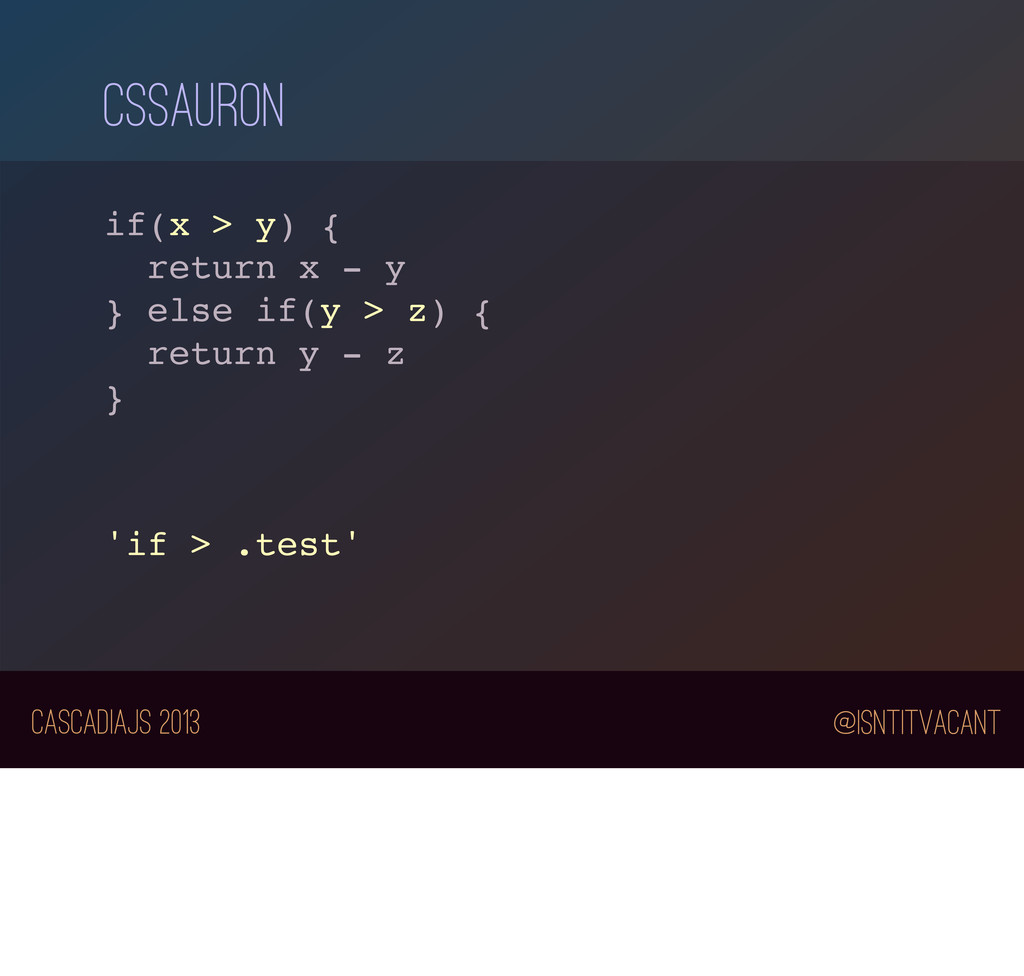
- y } else if(y > z) { return y - z } 'if > .test' Going back to the "if" statement example, "if"'s have a child node called "test" -- to write a selector that only passes for nodes that are the "test" of an "if" node, we could write the above selector.
refactoring, conditional test running, and letting your co-workers know you’re affecting their code before they even put it up for review. This democratizes style guides -- anyone can add a new rule, with a transformation to apply it to the entire codebase.
leverage other great JavaScript projects to make those tools even more powerful: store nodes as objects in levelgraph (the graph database on top of leveldb) for easy querying! Or, store the changes to nodes over time with JS-Git to get an idea of how your code’s structure changes over time.
decisions. Ultimately, building tools like this can reduce the cost of our technical decisions. The easier we can change our minds, the more often we’ll make good decisions.
decisions. And interestingly, it points to the idea that, as developers, when we look at the text of our code, we’re operating on yet another level of abstraction -- a symbolic level.
affect another, you get superpowers. We can use what we know at a symbolic level and apply it at an AST/structural level to make changes we could not fathom of making at a merely textual level. And we can make them safely.
a great position to build these tools to give others superpowers. The takeaway is that we need to build tools to make manipulating an AST as easy as manipulating the DOM. We have the power to do so, and in so doing, we can make life better for every developers.


 chrisdickinson
 iwatsukayura
 jame2408
 nokomoro3
 ivargrimstad
 kmars0605
 sylph01
 akihisaikeda
 syumai
 falcon8823
 timakin
 tomokon
 ryu1013
 oripsolob
 jakevdp
 nikkihalliwell
 tmiket
 ipullrank
 lindahogenes
 techseoconnect
 inesmontani
 addyosmani
 eitanlees