Upgrade to Pro
— share decks privately, control downloads, hide ads and more …
Speaker Deck
Sign up for free
Menu
Search
Features
All features
Private URLs
Password Protection
Custom URLS
Scheduled publishing
Remove Branding
Restrict embedding
Deck Collections
Notes
Features
All features
Private URLs
Password Protection
Custom URLS
Scheduled publishing
Remove Branding
Restrict embedding
Deck Collections
Notes
Explore
Featured decks
Featured speakers
Programming
Technology
Storyboards
Explore
Featured decks
Featured speakers
Programming
Technology
Storyboards
Pricing
Search
Sign in
Sign up for free
The Evolution of a Cocoa Programmer
Search
Chris Eidhof | @chriseidhof
January 11, 2014
Technology
800
8
Share
Embed
Copy iframe code
Copy JS code
Copy link
Start on current slide
The Evolution of a Cocoa Programmer
Chris Eidhof | @chriseidhof
January 11, 2014
More Decks by Chris Eidhof | @chriseidhof
See All by Chris Eidhof | @chriseidhof
Dutch FP Day 2015
chriseidhof
2
410
Tiny Networking in Swift
chriseidhof
2
19k
Functional Swift - Brooklyn
chriseidhof
3
1.3k
Functional Swift - SF
chriseidhof
6
26k
Functional Swift
chriseidhof
6
1.3k
Functional Swift
chriseidhof
1
180
Functional Programming in Swift
chriseidhof
40
19k
Lighter View Controllers
chriseidhof
4
220
Parsing with Blocks
chriseidhof
2
270
Other Decks in Technology
See All in Technology
雪かき部 #7 もう怖くない!SELECT文!
foursue
0
270
HacobuにおけるFDEとは/登壇資料(戸井田 裕貴)
hacobu
PRO
1
690
AIに書かせて、プラットフォームで縛る ― EKSプラットフォームで実践した責任境界と権限設計
elmodev09
1
1.1k
私の推しは「聞いてから進む」AIです -AI-DLCに一人でアプリを作らせた話
yama3133
0
150
覗いてみよう 関数型ビジュアル言語×2Dグラフィックスの世界
yohyamasaki
0
160
オブザーバビリティを高める AI エージェント体験を考える / Designing AI Agent Experiences That Enhance Observability
aoto
PRO
1
140
HolmesGPTで始めるSREエージェント入門!プラットフォームの障害調査はAIにお任せ 〜
leveragestech
PRO
0
130
BedrockとLambdaで作る リアルタイム進行型推理ゲーム
kawametho
0
140
KanaAI
shreyas1009
0
140
AIエージェント時代のPlatform as a Product —— テックリードがPdMとして回す発見・導入・計測 / Platform as a Product in the AI Agent Era
toshi0607
1
560
ログラスのマルチプロダクトを 支える認証基盤 〜テナントごとに異なる統制とどう向き合うか〜
dada4386
3
300
The kernel report
ennael
PRO
1
180
Featured
See All Featured
[RailsConf 2023] Rails as a piece of cake
palkan
59
7k
Digital Projects Gone Horribly Wrong (And the UX Pros Who Still Save the Day) - Dean Schuster
uxyall
1
3.2k
Navigating Algorithm Shifts & AI Overviews - #SMXNext
aleyda
1
1.6k
Leveraging Curiosity to Care for An Aging Population
cassininazir
1
520
SEO for Brand Visibility & Recognition
aleyda
0
4.8k
Designing Experiences People Love
moore
143
24k
Being A Developer After 40
akosma
91
590k
The Language of Interfaces
destraynor
162
27k
Navigating the moral maze — ethical principles for Al-driven product design
skipperchong
2
590
YesSQL, Process and Tooling at Scale
rocio
174
15k
Skip the Path - Find Your Career Trail
mkilby
1
240
Public Speaking Without Barfing On Your Shoes - THAT 2023
reverentgeek
1
580
Transcript
The evolution of a Cocoa Programmer Chris Eidhof Mobile Central
Europe 2014
Hashtags #mceconf #mce-evolution
None
None
commit c416c1d259bddaa74833e6df5acd770f85622293 Author: Chris Eidhof <
[email protected]
> Date: Wed Jan 7
11:54:34 2009 +0100 Empty project
I thought I was a pretty good programmer
I knew PHP, Ruby and Haskell
How hard can it be?
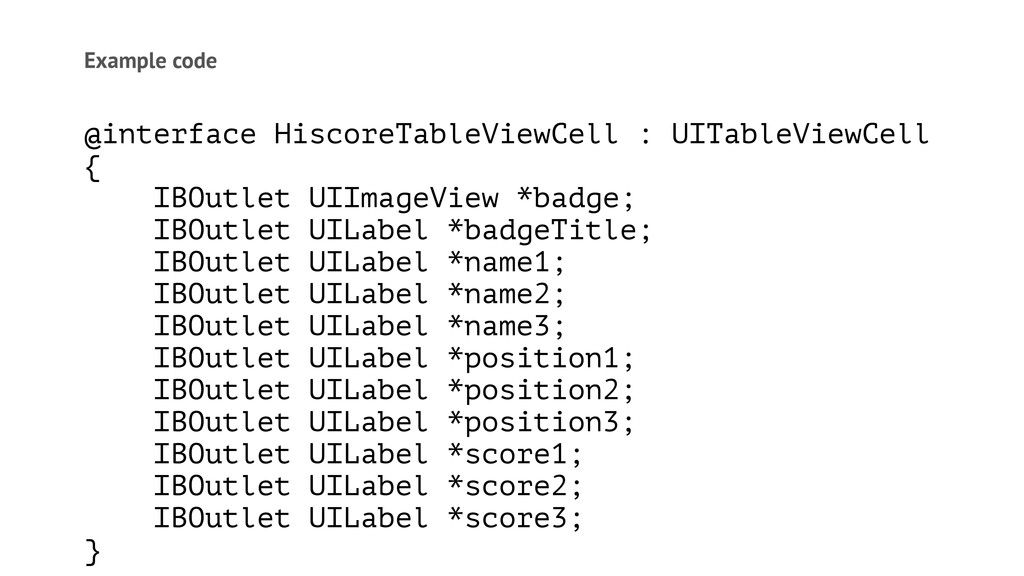
Example code @interface HiscoreTableViewCell : UITableViewCell { IBOutlet UIImageView *badge;
IBOutlet UILabel *badgeTitle; IBOutlet UILabel *name1; IBOutlet UILabel *name2; IBOutlet UILabel *name3; IBOutlet UILabel *position1; IBOutlet UILabel *position2; IBOutlet UILabel *position3; IBOutlet UILabel *score1; IBOutlet UILabel *score2; IBOutlet UILabel *score3; }
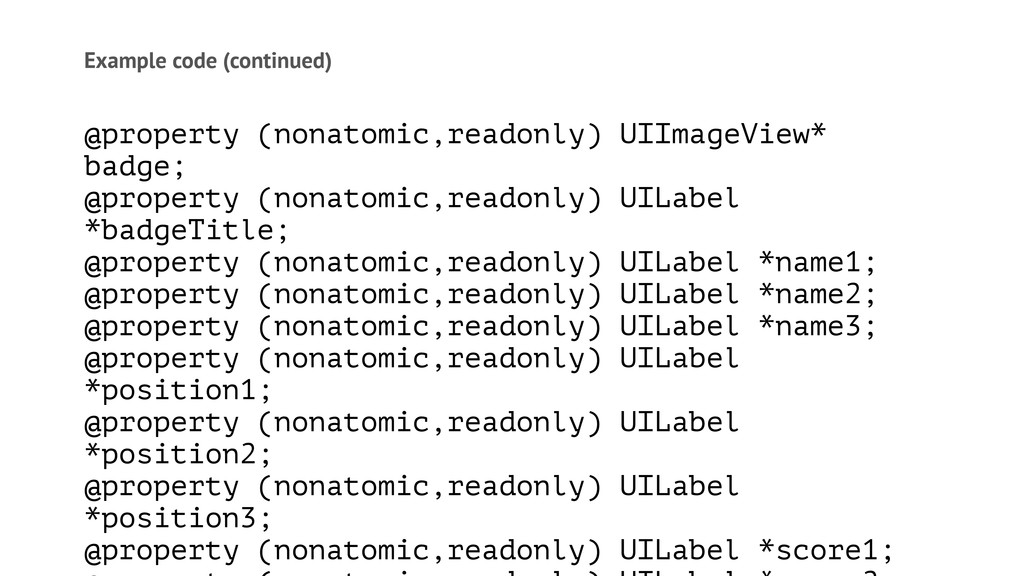
Example code (continued) @property (nonatomic,readonly) UIImageView* badge; @property (nonatomic,readonly) UILabel
*badgeTitle; @property (nonatomic,readonly) UILabel *name1; @property (nonatomic,readonly) UILabel *name2; @property (nonatomic,readonly) UILabel *name3; @property (nonatomic,readonly) UILabel *position1; @property (nonatomic,readonly) UILabel *position2; @property (nonatomic,readonly) UILabel *position3; @property (nonatomic,readonly) UILabel *score1;
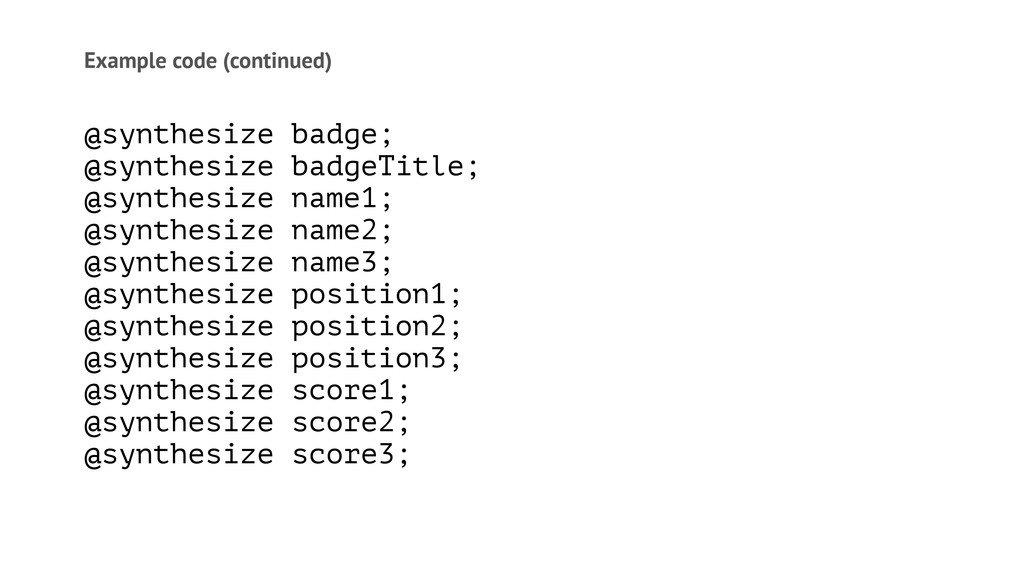
Example code (continued) @synthesize badge; @synthesize badgeTitle; @synthesize name1; @synthesize
name2; @synthesize name3; @synthesize position1; @synthesize position2; @synthesize position3; @synthesize score1; @synthesize score2; @synthesize score3;
There's more
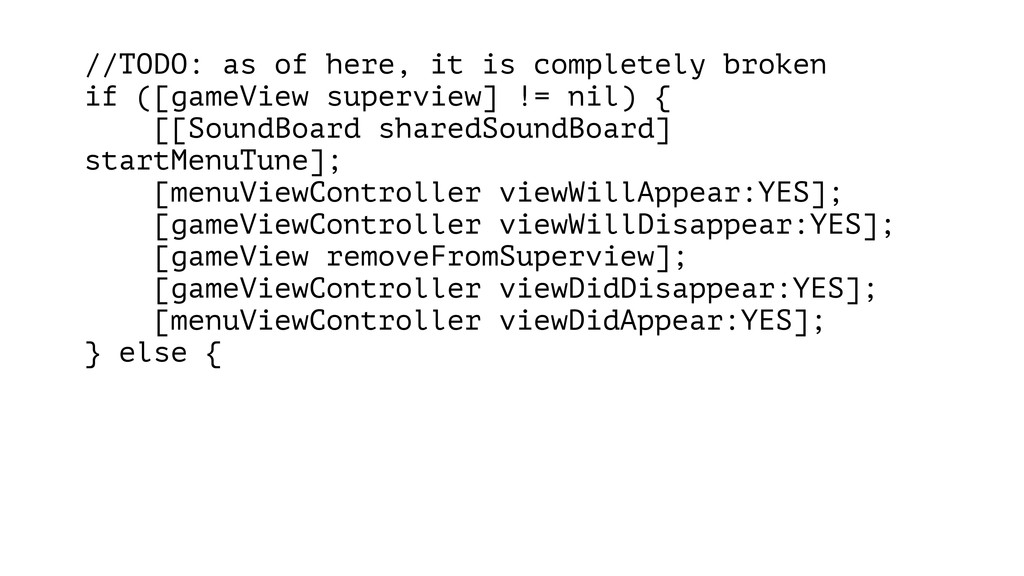
//TODO: as of here, it is completely broken if ([gameView
superview] != nil) { [[SoundBoard sharedSoundBoard] startMenuTune]; [menuViewController viewWillAppear:YES]; [gameViewController viewWillDisappear:YES]; [gameView removeFromSuperview]; [gameViewController viewDidDisappear:YES]; [menuViewController viewDidAppear:YES]; } else {
NSURL *cgiUrl = [NSURL URLWithString:POST_SCORE_URL]; NSMutableURLRequest *p = [NSMutableURLRequest requestWithURL:cgiUrl];
[p setTimeoutInterval:4]; [p setHTTPMethod:@"POST"]; [p setHTTPBody:requestData]; NSURLResponse *response = nil; NSError *error = nil; NSData *responseData = [NSURLConnection sendSynchronousRequest:p returningResponse:&response error:&error];
How did I get better?
If there's only one thing you'll remember Write code for
the person after you
EDD Embarassment-Driven Development
—Write a lot of code —Work with other people —Write
articles —Read books and code
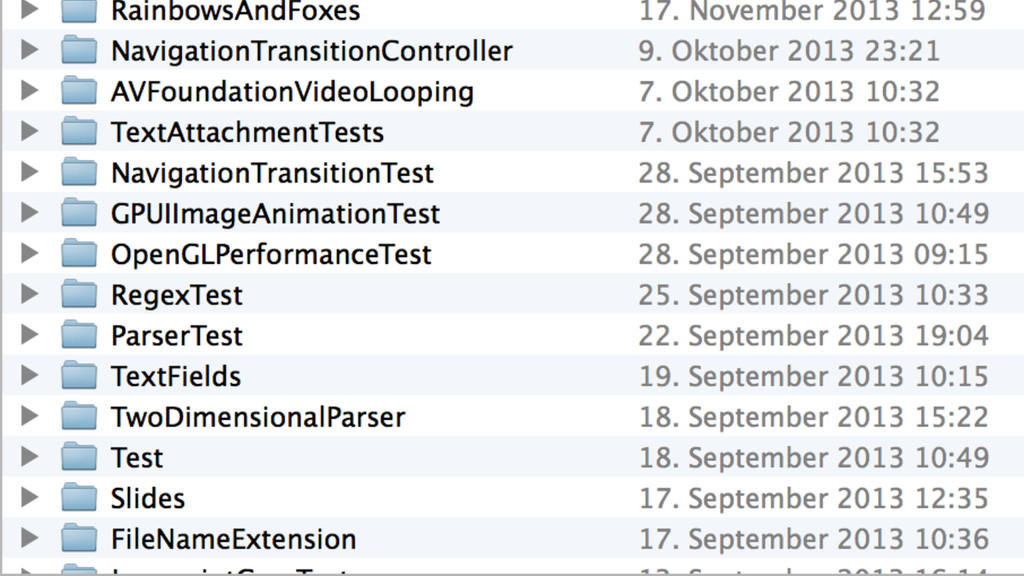
Write a lot of code —Lots of production code —Lots
of throwaway code
None
Collaborate —With people who are better than you —Or who
aren't better than you
Write Forces you to think.
Learn your frameworks —Use Core Data —Use UITableViewController —Use NSURLSession
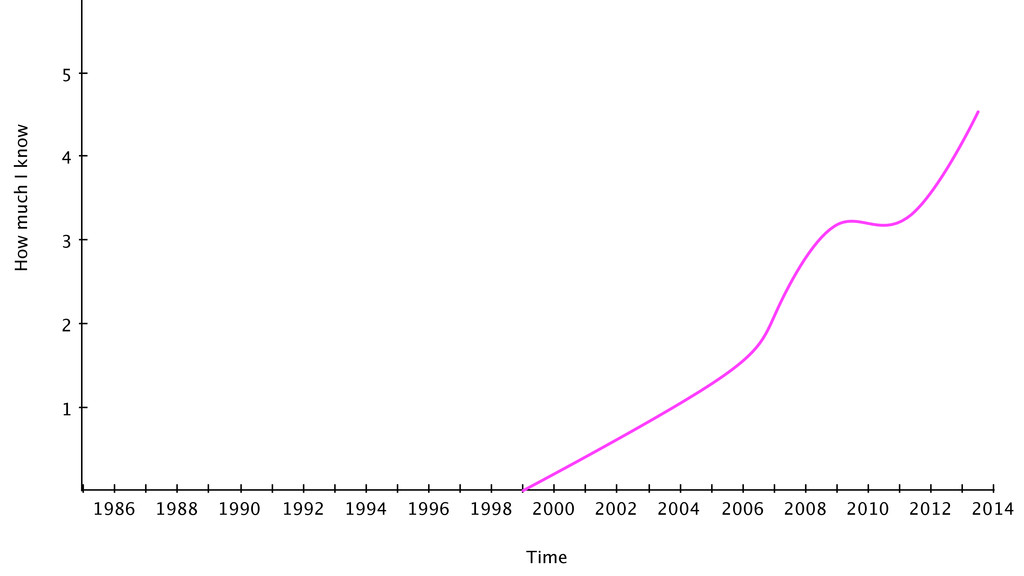
Absolute Knowledge
2014 1986 1988 1990 1992 1994 1996 1998 2000 2002
2004 2006 2008 2010 2012 1 2 3 4 5 Time How much I know
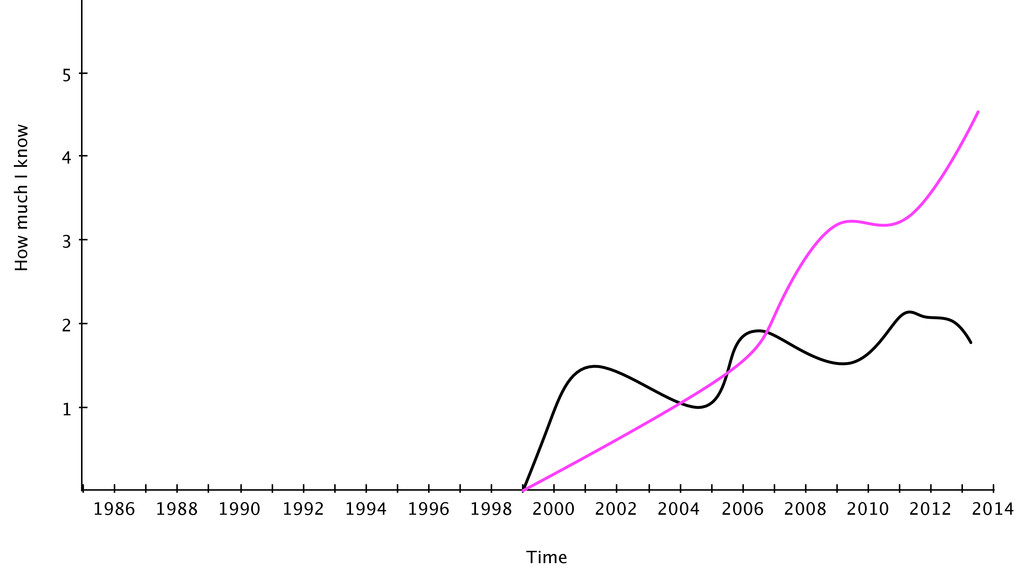
Perceived Knowledge
2014 1986 1988 1990 1992 1994 1996 1998 2000 2002
2004 2006 2008 2010 2012 1 2 3 4 5 Time How much I know
Strive to become better
Ship
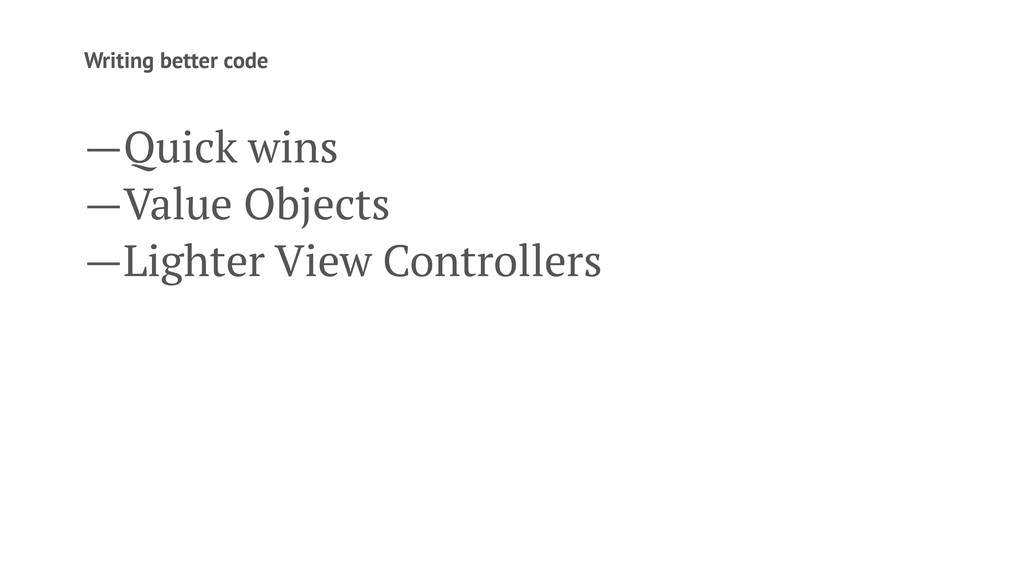
Writing better code —Quick wins —Value Objects —Lighter View Controllers
Quick Wins
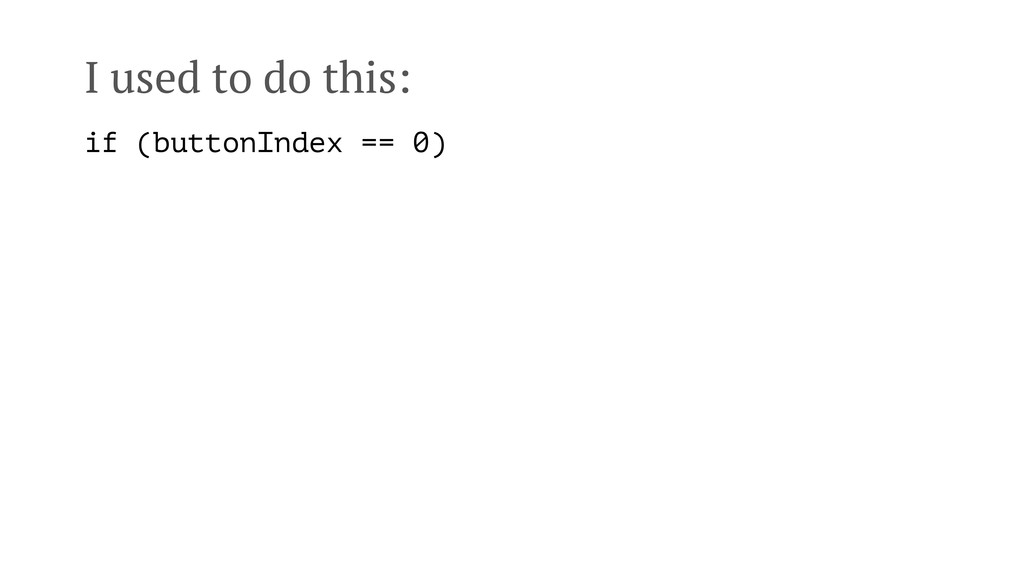
I used to do this: if (buttonIndex == 0)
I used to do this: if (buttonIndex == 0) instead,
now I write if (buttonIndex == StartButton)
I used to write this: if ([game state] == running
|| self.trainingMode)
I used to write this: if ([game state] == running
|| self.trainingMode) Now I write this: BOOL shouldPauseGame = game.state == running || self.trainingMode; if (shouldPauseGame)
Write small files I aim for 100-150 lines
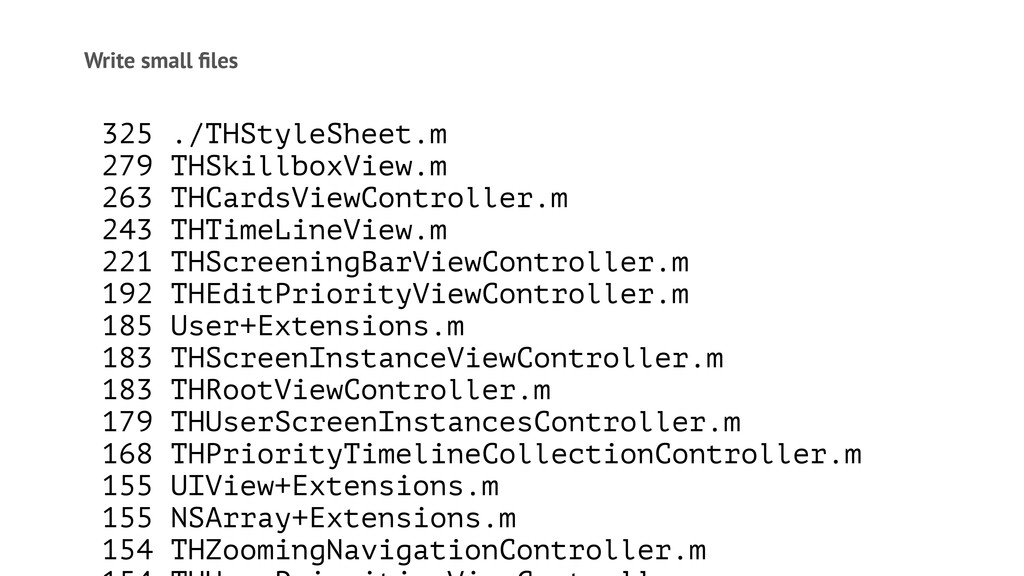
Write small files 325 ./THStyleSheet.m 279 THSkillboxView.m 263 THCardsViewController.m 243
THTimeLineView.m 221 THScreeningBarViewController.m 192 THEditPriorityViewController.m 185 User+Extensions.m 183 THScreenInstanceViewController.m 183 THRootViewController.m 179 THUserScreenInstancesController.m 168 THPriorityTimelineCollectionController.m 155 UIView+Extensions.m 155 NSArray+Extensions.m 154 THZoomingNavigationController.m
Write small files find . -name "*.m" -exec wc -l
"{}" \; | sort -n
Use protocols instead of class inheritance They are much more
flexible and make for clearer code.
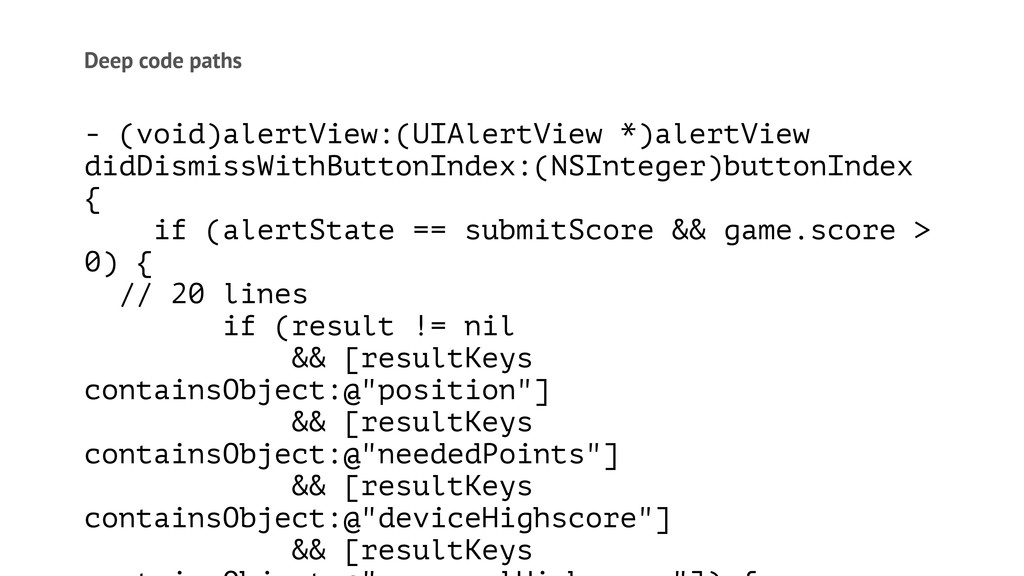
Deep code paths - (void)alertView:(UIAlertView *)alertView didDismissWithButtonIndex:(NSInteger)buttonIndex { if (alertState
== submitScore && game.score > 0) { // 20 lines if (result != nil && [resultKeys containsObject:@"position"] && [resultKeys containsObject:@"neededPoints"] && [resultKeys containsObject:@"deviceHighscore"] && [resultKeys
Deep code paths Pull out things into separate, well-named methods
Don't write fast code Optimize for readability
Really learn Interface Builder This makes prototyping much faster
Learn your frameworks
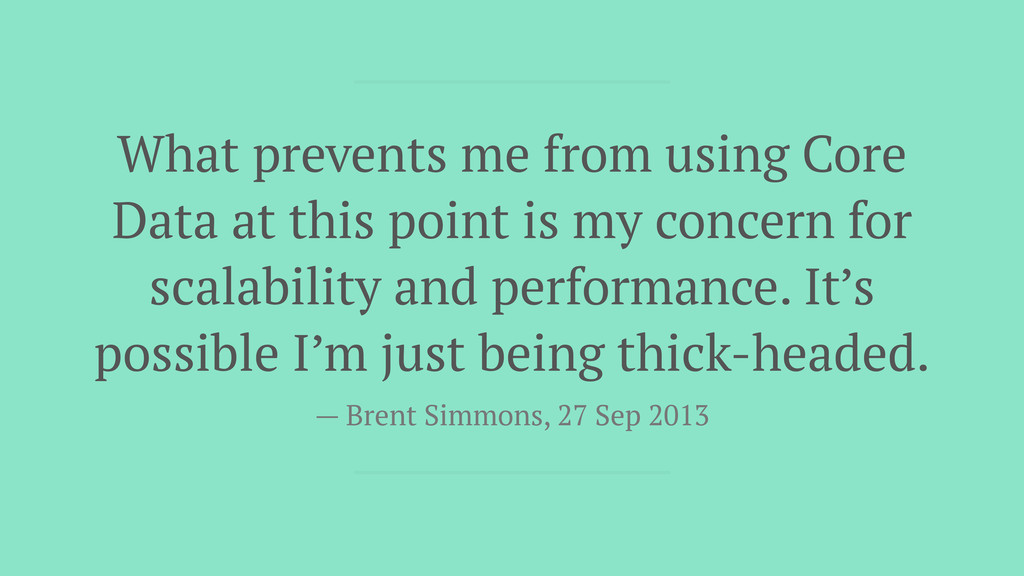
What prevents me from using Core Data at this point
is my concern for scalability and performance. It’s possible I’m just being thick-headed. — Brent Simmons, 27 Sep 2013
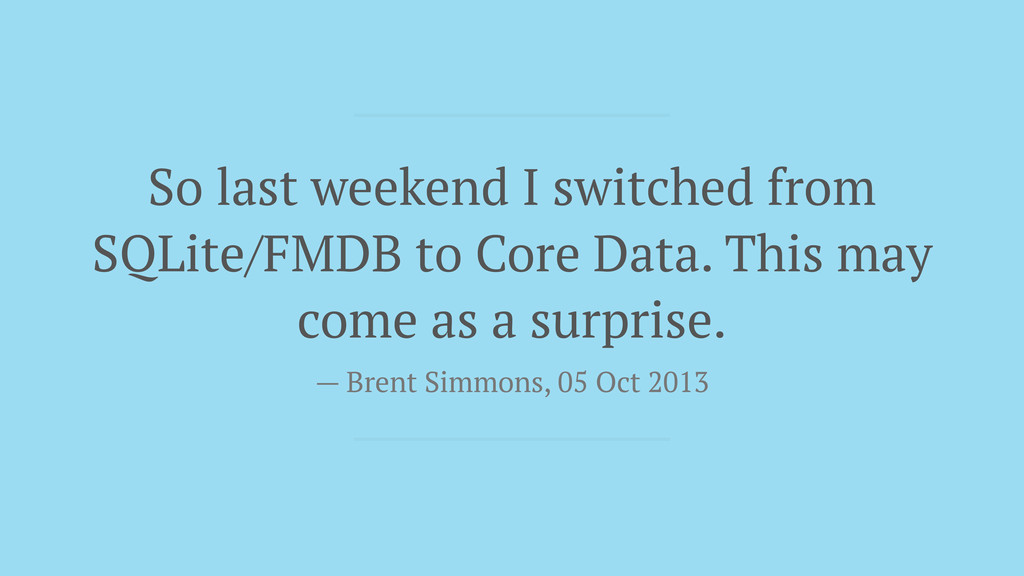
So last weekend I switched from SQLite/FMDB to Core Data.
This may come as a surprise. — Brent Simmons, 05 Oct 2013
Core Data —Relationships —Batching —NSFetchedResultsController —Speed of use
Value Objects
I used NSDictionary for everything NSDate* birthDate = [NSDate dateWithTimeIntervalSince1970:131855*3600];
NSDictionary* person = @{ @"name": @"Chris", @"birthdate": birthDate, @"numberOfKids": @0 };
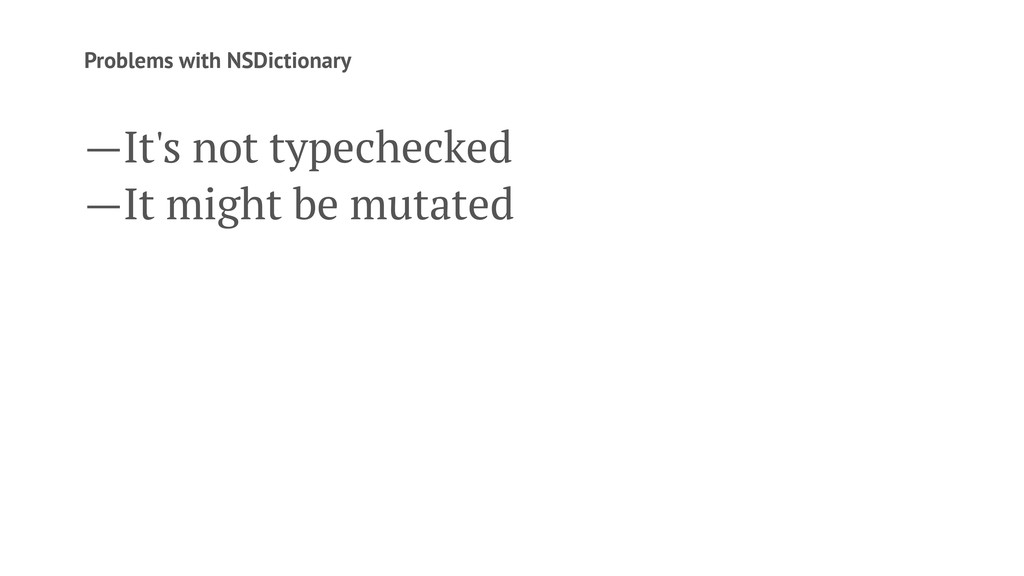
Problems with NSDictionary —It's not typechecked —It might be mutated
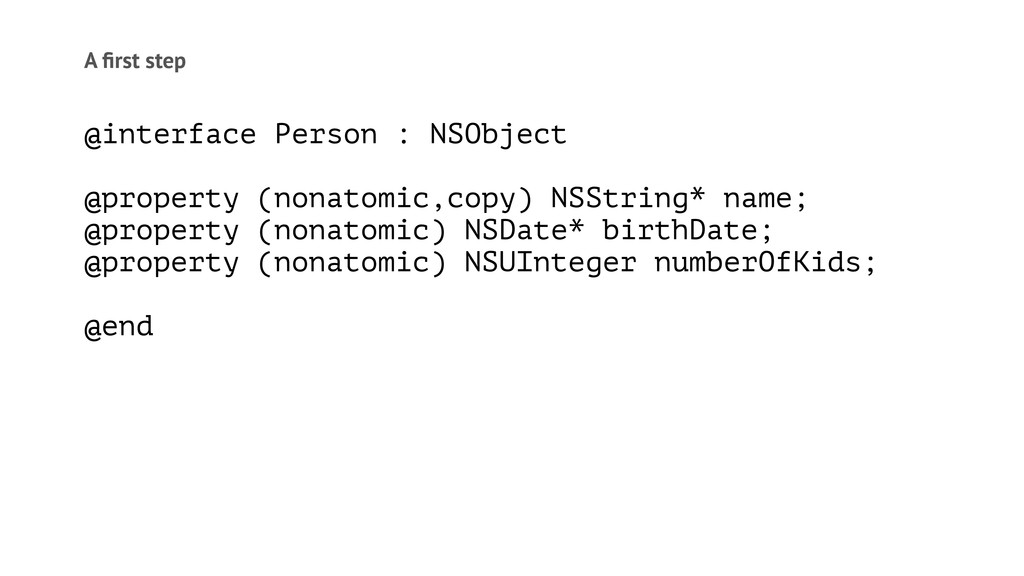
A first step @interface Person : NSObject @property (nonatomic,copy) NSString*
name; @property (nonatomic) NSDate* birthDate; @property (nonatomic) NSUInteger numberOfKids; @end
Mutation Sometimes mutation is very handy. Most of the times
it will bite you.
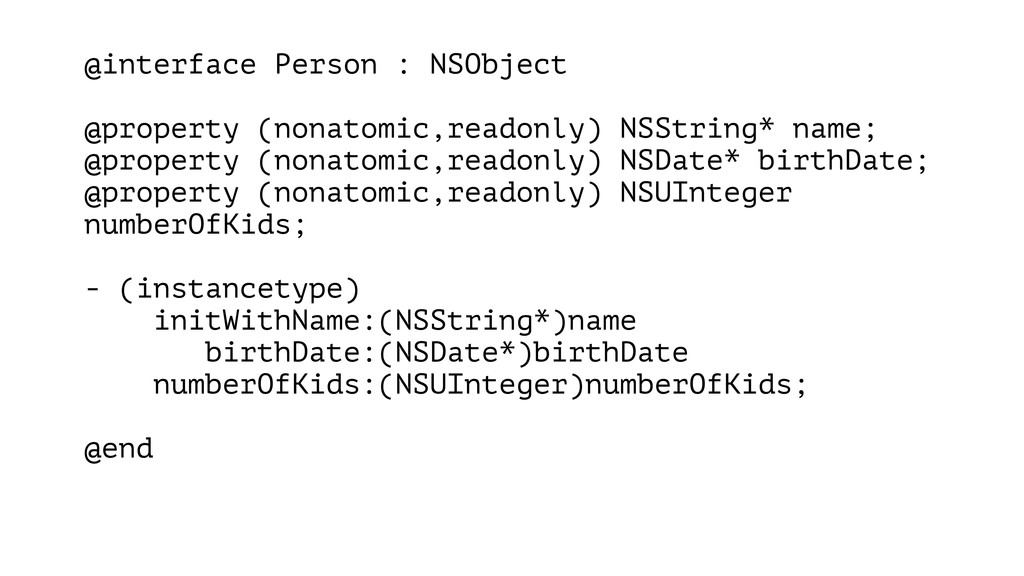
@interface Person : NSObject @property (nonatomic,readonly) NSString* name; @property (nonatomic,readonly)
NSDate* birthDate; @property (nonatomic,readonly) NSUInteger numberOfKids; - (instancetype) initWithName:(NSString*)name birthDate:(NSDate*)birthDate numberOfKids:(NSUInteger)numberOfKids; @end
Value Objects —Use lots of them. —Make them immutable.
Lighter View Controllers
Keep your view controllers light This is the least reusable
code you'll write
What can you do? —Smarter views —Smarter models —Use view
controller transitions —Use categories to populate views —Pull out protocols
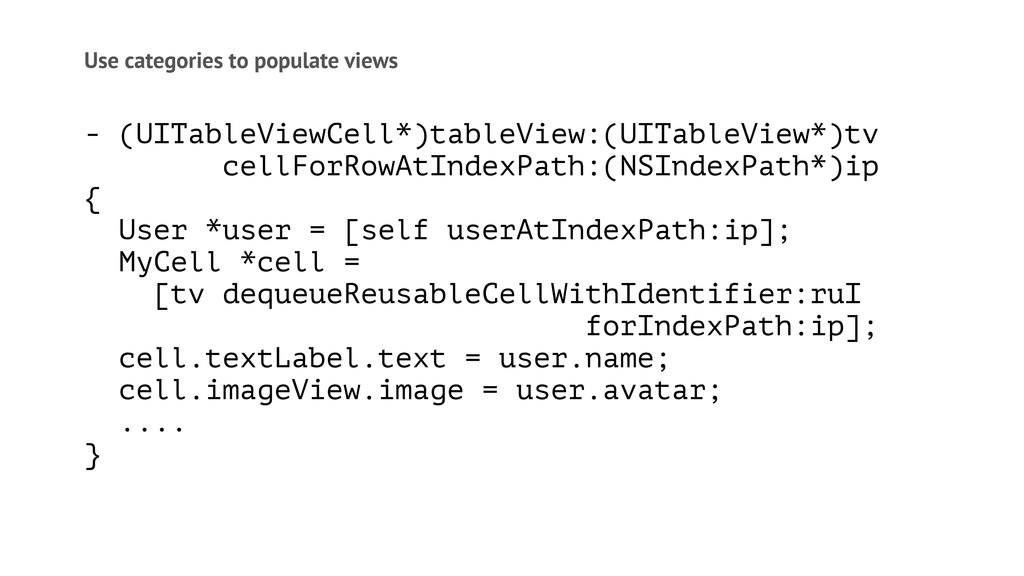
Use categories to populate views - (UITableViewCell*)tableView:(UITableView*)tv cellForRowAtIndexPath:(NSIndexPath*)ip { User
*user = [self userAtIndexPath:ip]; MyCell *cell = [tv dequeueReusableCellWithIdentifier:ruI forIndexPath:ip]; cell.textLabel.text = user.name; cell.imageView.image = user.avatar; .... }
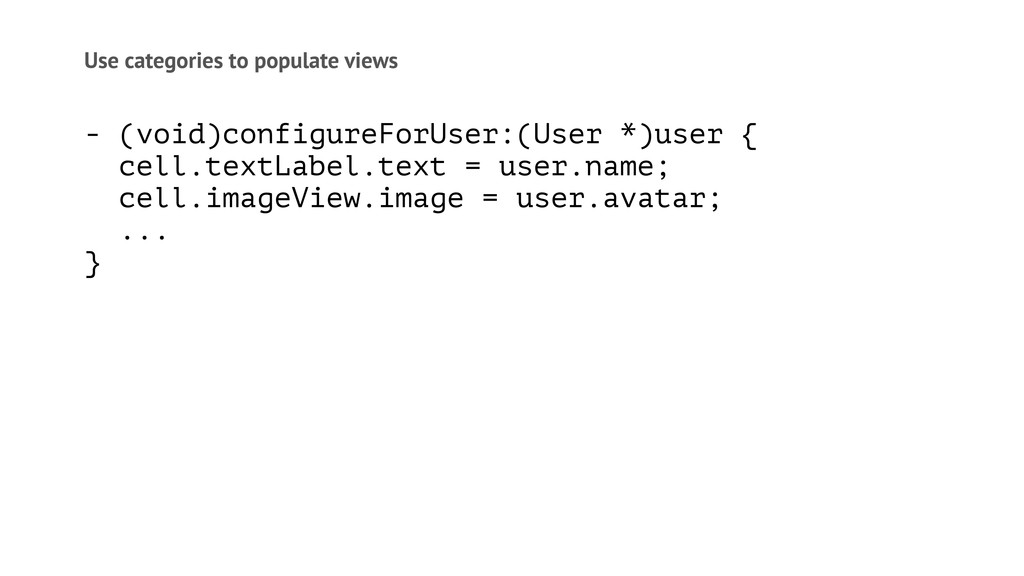
Use categories to populate views @interface MyCell (ConfigureForUser) - (void)configureForUser:(User
*)user; @end
Use categories to populate views - (void)configureForUser:(User *)user { cell.textLabel.text
= user.name; cell.imageView.image = user.avatar; ... }
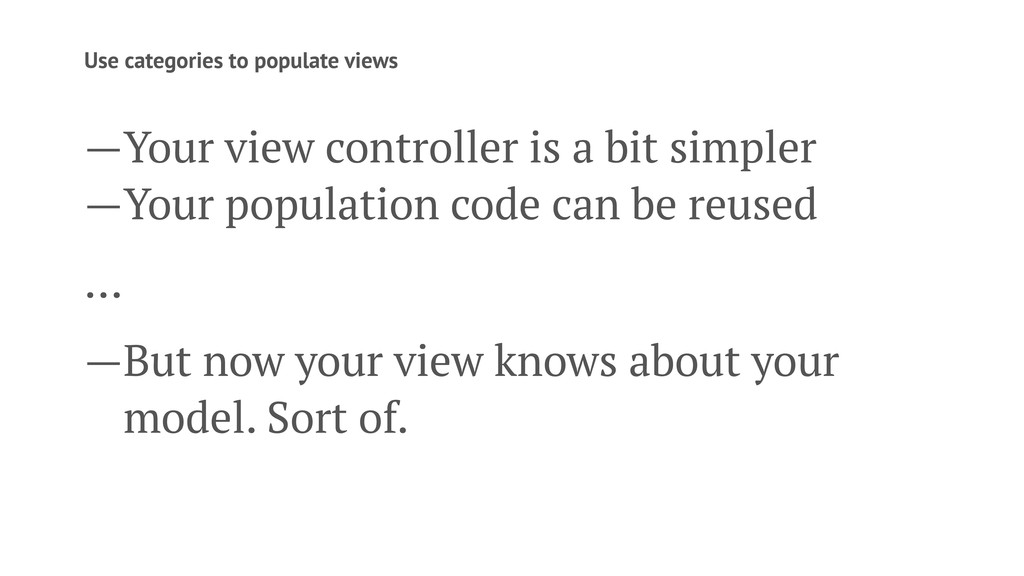
Use categories to populate views —Your view controller is a
bit simpler —Your population code can be reused ... —But now your view knows about your model. Sort of.
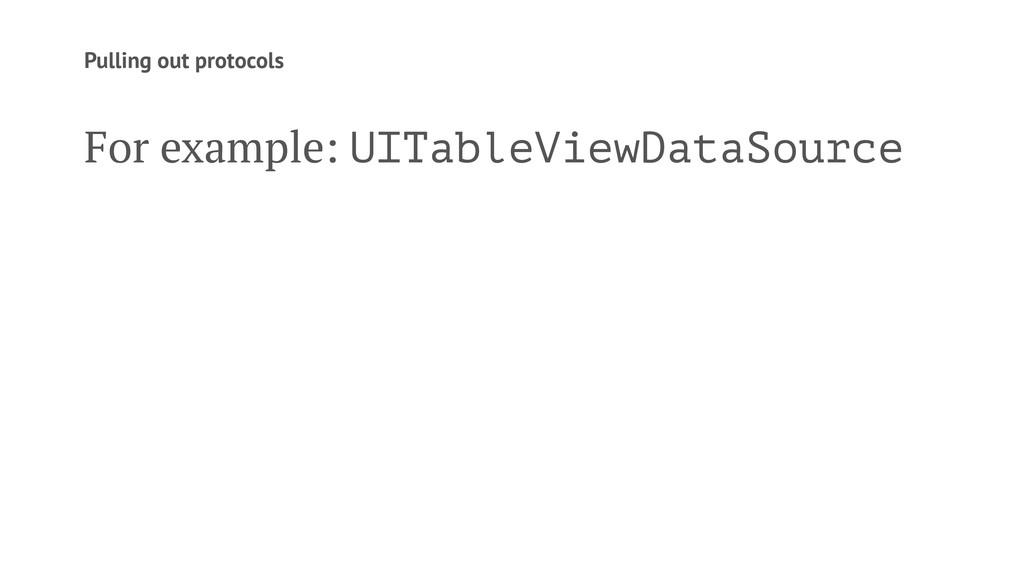
Pulling out protocols
Pulling out protocols For example: UITableViewDataSource
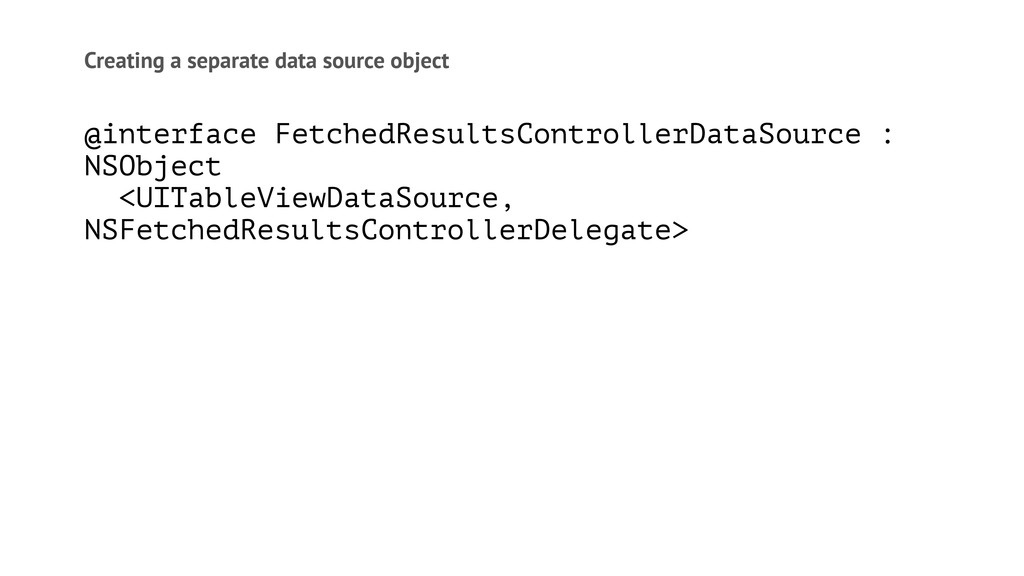
Creating a separate data source object @interface FetchedResultsControllerDataSource : NSObject
<UITableViewDataSource, NSFetchedResultsControllerDelegate>
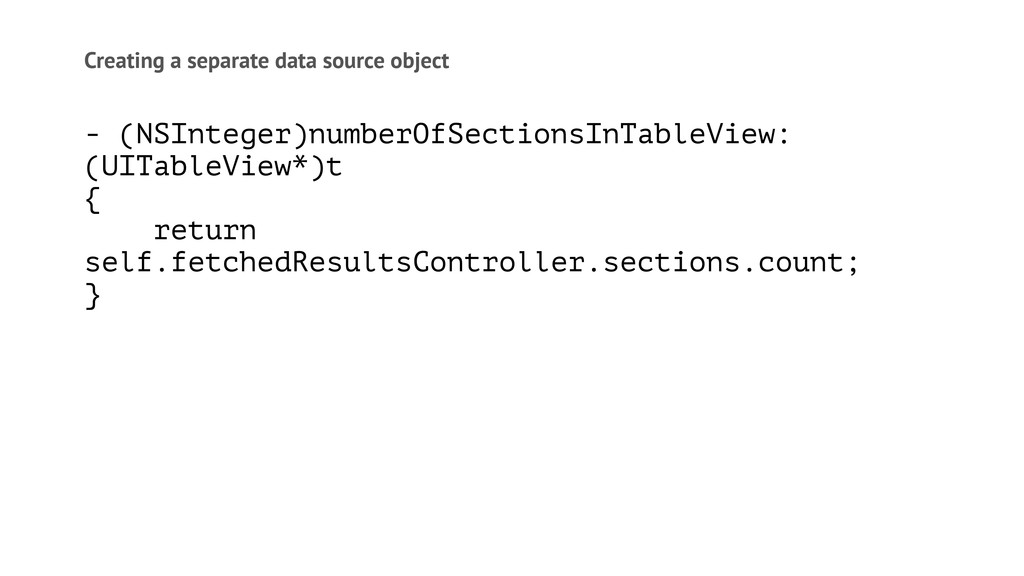
Creating a separate data source object - (NSInteger)numberOfSectionsInTableView: (UITableView*)t {
return self.fetchedResultsController.sections.count; }
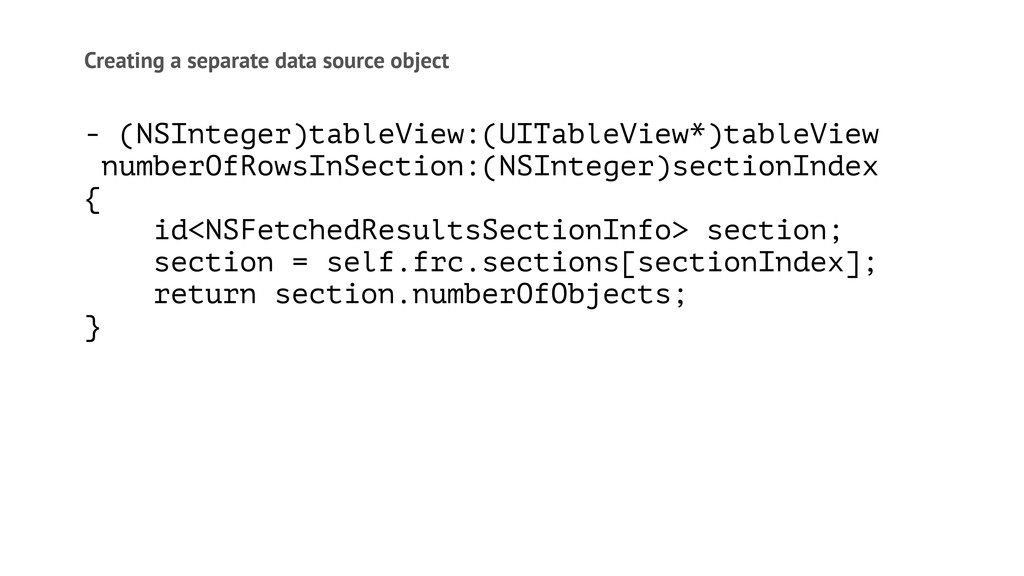
Creating a separate data source object - (NSInteger)tableView:(UITableView*)tableView numberOfRowsInSection:(NSInteger)sectionIndex {
id<NSFetchedResultsSectionInfo> section; section = self.frc.sections[sectionIndex]; return section.numberOfObjects; }
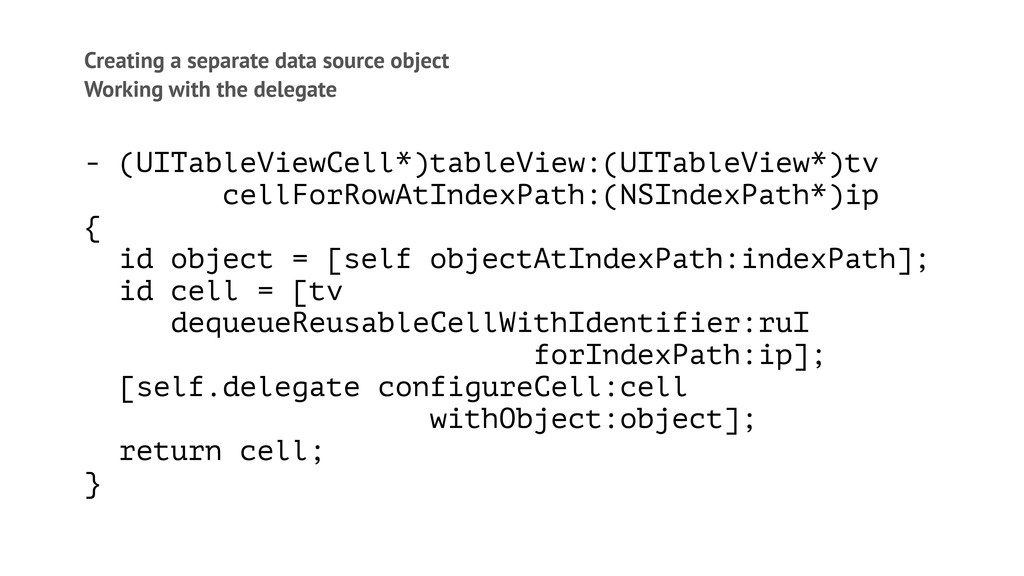
Creating a separate data source object Working with the delegate
- (UITableViewCell*)tableView:(UITableView*)tv cellForRowAtIndexPath:(NSIndexPath*)ip { id object = [self objectAtIndexPath:indexPath]; id cell = [tv dequeueReusableCellWithIdentifier:ruI forIndexPath:ip]; [self.delegate configureCell:cell withObject:object]; return cell; }
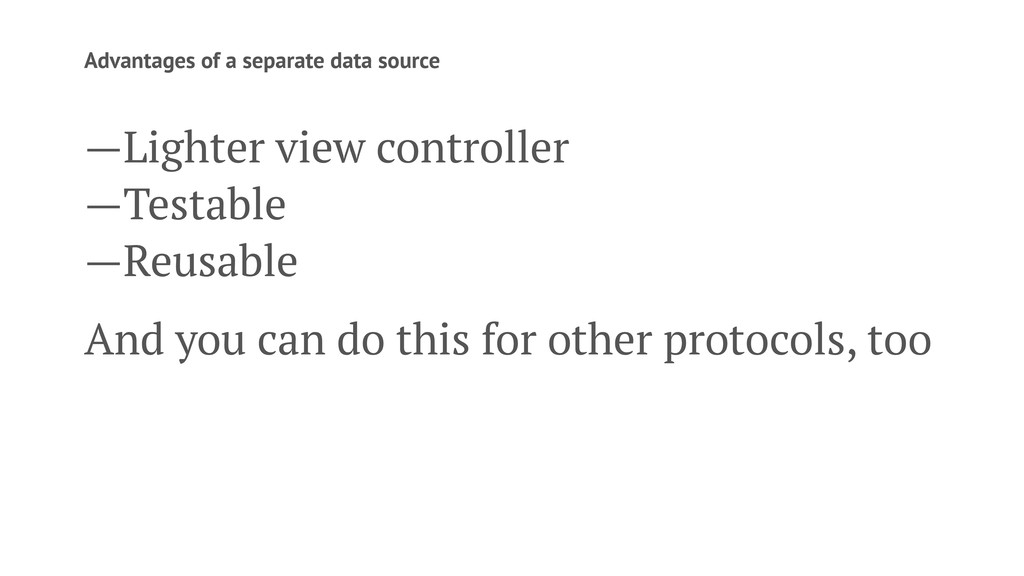
Advantages of a separate data source —Lighter view controller —Testable
—Reusable And you can do this for other protocols, too
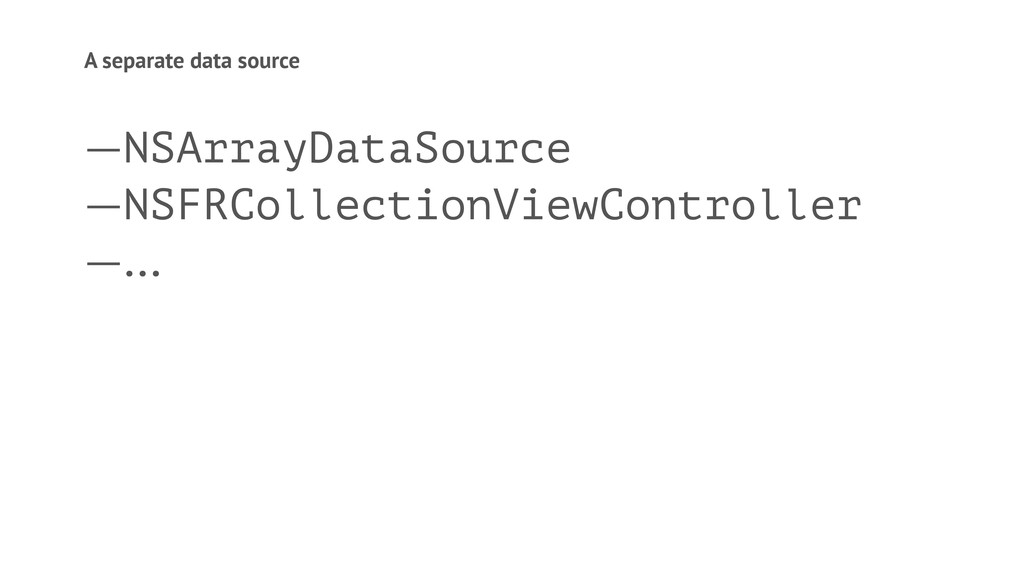
A separate data source —NSArrayDataSource —NSFRCollectionViewController —...
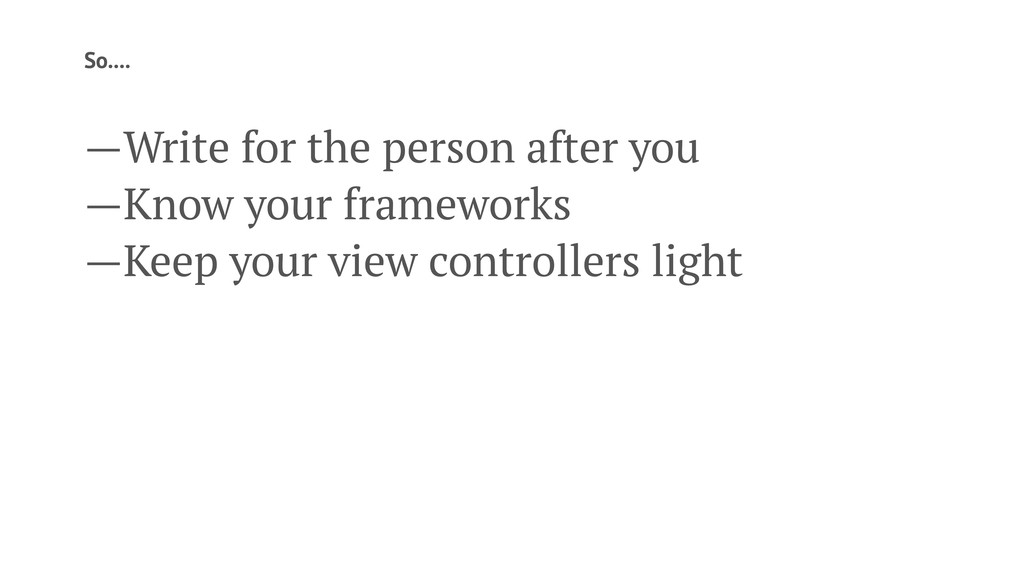
So.... —Write for the person after you —Know your frameworks
—Keep your view controllers light
Commercial Break
None
Questions? @chriseidhof


 chriseidhof
 foursue
 hacobu
 elmodev09
 yama3133
 yohyamasaki
 aoto
aoto
 leveragestech
 kawametho
 shreyas1009
 toshi0607
 dada4386
 ennael
 palkan
 uxyall
 aleyda
 cassininazir
 moore
moore
 akosma
 destraynor
 skipperchong
 rocio
rocio
 mkilby
 reverentgeek



![commit c416c1d259bddaa74833e6df5acd770f85622293 Author: Chris Eidhof <[email protected]> Date: Wed Jan 7](https://files.speakerdeck.com/presentations/ad51ebe05d13013169216e4c83706996/slide_4.jpg)
![NSURL *cgiUrl = [NSURL URLWithString:POST_SCORE_URL]; NSMutableURLRequest *p = [NSMutableURLRequest requestWithURL:cgiUrl];](https://files.speakerdeck.com/presentations/ad51ebe05d13013169216e4c83706996/slide_13.jpg)



![I used to write this: if ([game state] == running](https://files.speakerdeck.com/presentations/ad51ebe05d13013169216e4c83706996/slide_33.jpg)
![I used to write this: if ([game state] == running](https://files.speakerdeck.com/presentations/ad51ebe05d13013169216e4c83706996/slide_34.jpg)

![I used NSDictionary for everything NSDate* birthDate = [NSDate dateWithTimeIntervalSince1970:131855*3600];](https://files.speakerdeck.com/presentations/ad51ebe05d13013169216e4c83706996/slide_48.jpg)