Upgrade to Pro — share decks privately, control downloads, hide ads and more …

[DroidKaigi 2026] Bring your own phones to Gra...

Avatar for Yury Yury
September 01, 2026

[DroidKaigi 2026] Bring your own phones to Gradle Managed Devices

Gradle Managed Devices was introduced quite a while ago, but have you ever thought about using it not only for local emulators and Firebase Test Lab devices?

Google actually provides an extensible API, so we can declare our own logic for device management.

In this talk I will guide you through:
- what Gradle Managed Devices are
- how to run instrumented tests without Gradle and how they work under the hood
- building your own Managed Devices step by step in an interactive way
- how we can benefit from a company device farm

This talk is not a direct call to action or a ready-to-use solution. It’s a fun exploration of what we can technically achieve with these obscure, hidden Android Gradle Plugin APIs.

Avatar for Yury

Yury

September 01, 2026

More Decks by Yury

Other Decks in Programming

Transcript

  1. Bring your own phones to Gradle Managed Devices Yury Vlad

    linkedin.com/in/yury-vlad DroidKaigi 2026 1
  2. Agenda • What Gradle Managed Devices are • How to

    build your own Managed Devices step by step • How instrumented tests work under the hood • How to benefit from a company device farm DroidKaigi 2026 2
  3. Notice APIs from these slides are @Incubating and subject to
    change. • Gradle: 9.6.1 • Android Gradle Plugin: 9.3.1 DroidKaigi 2026 3
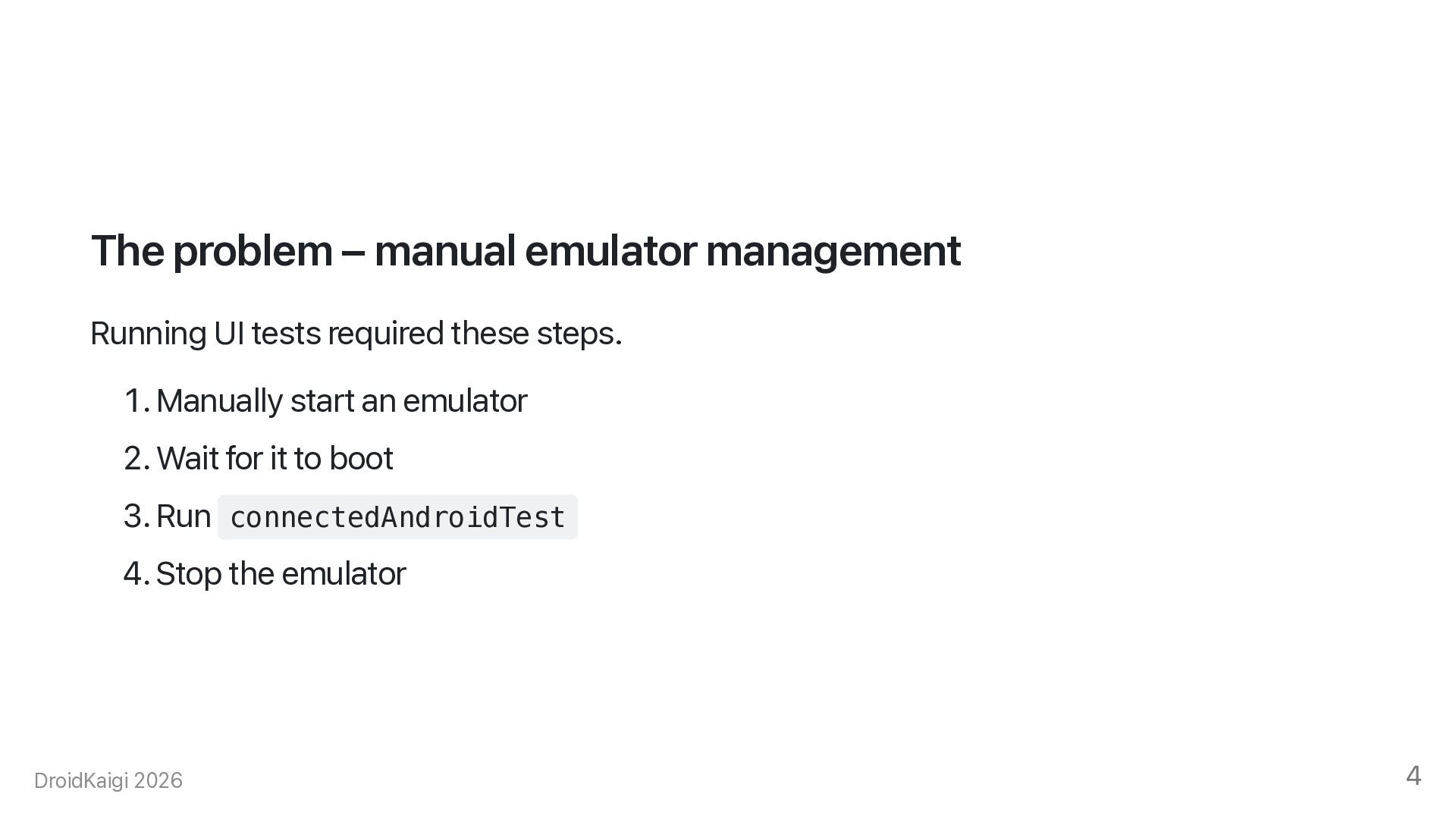
  4. The problem – manual emulator management Running UI tests required
    these steps. 1. Manually start an emulator 2. Wait for it to boot 3. Run connectedAndroidTest 4. Stop the emulator DroidKaigi 2026 4
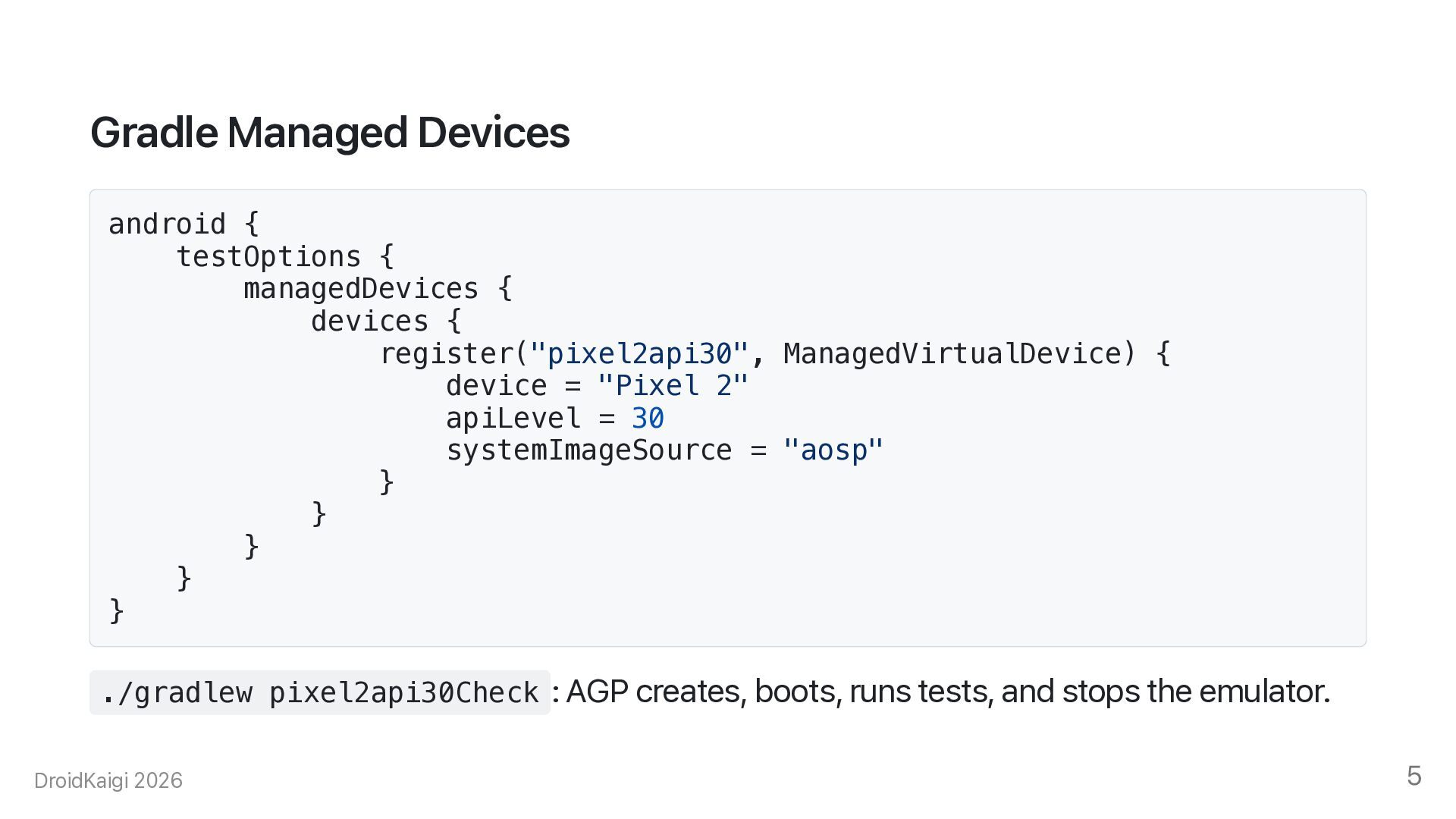
  5. Gradle Managed Devices android { testOptions { managedDevices { devices

    { register("pixel2api30", ManagedVirtualDevice) { device = "Pixel 2" apiLevel = 30 systemImageSource = "aosp" } } } } } ./gradlew pixel2api30Check : AGP creates, boots, runs tests, and stops the emulator. DroidKaigi 2026 5
  6. Why use Gradle Managed Devices? • No manual emulator management

    • Same environment on every machine • Snapshots for faster cold starts • Works on CI as is DroidKaigi 2026 6
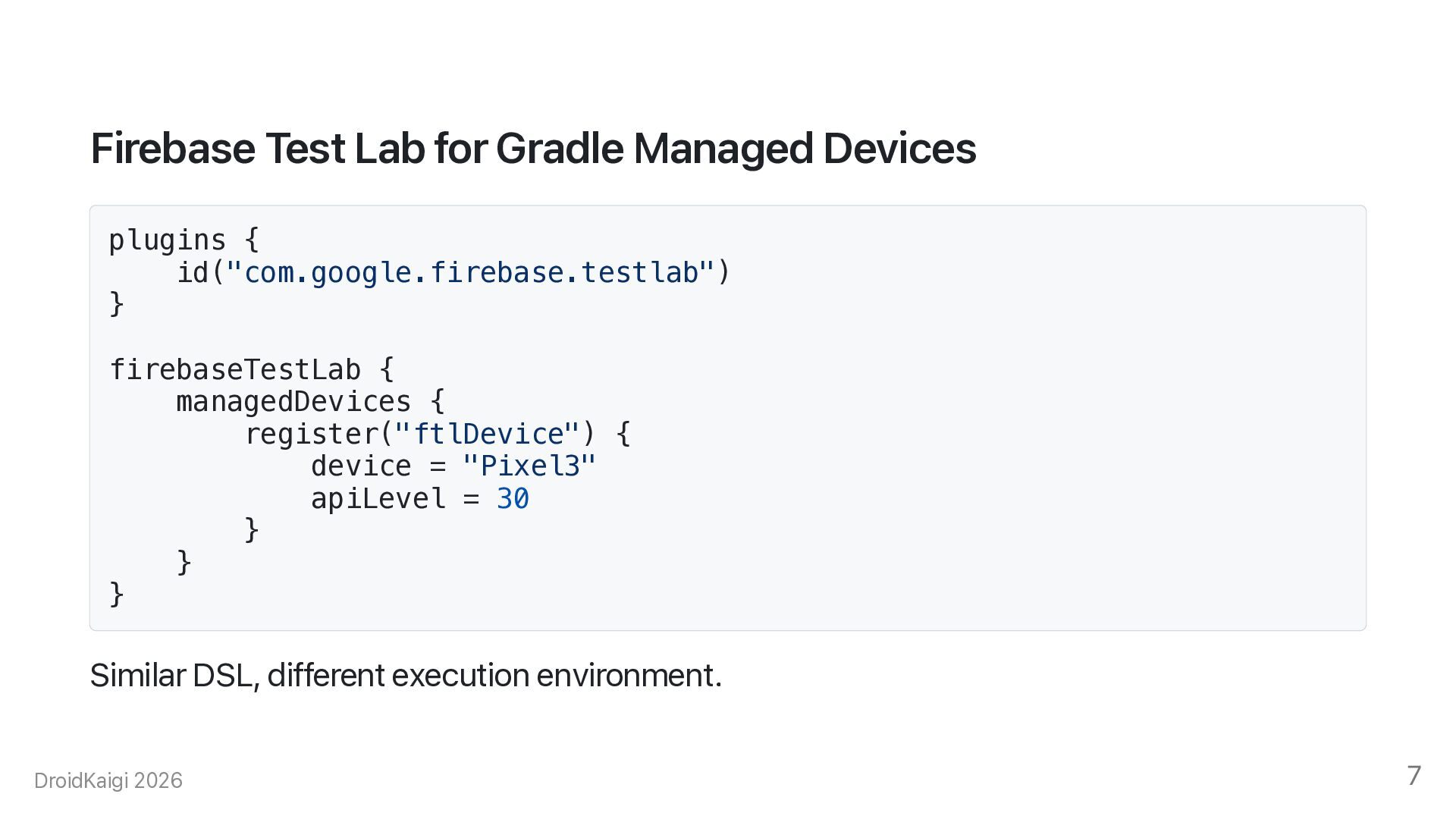
  7. Firebase Test Lab for Gradle Managed Devices plugins { id("com.google.firebase.testlab")

    } firebaseTestLab { managedDevices { register("ftlDevice") { device = "Pixel3" apiLevel = 30 } } } Similar DSL, different execution environment. DroidKaigi 2026 7
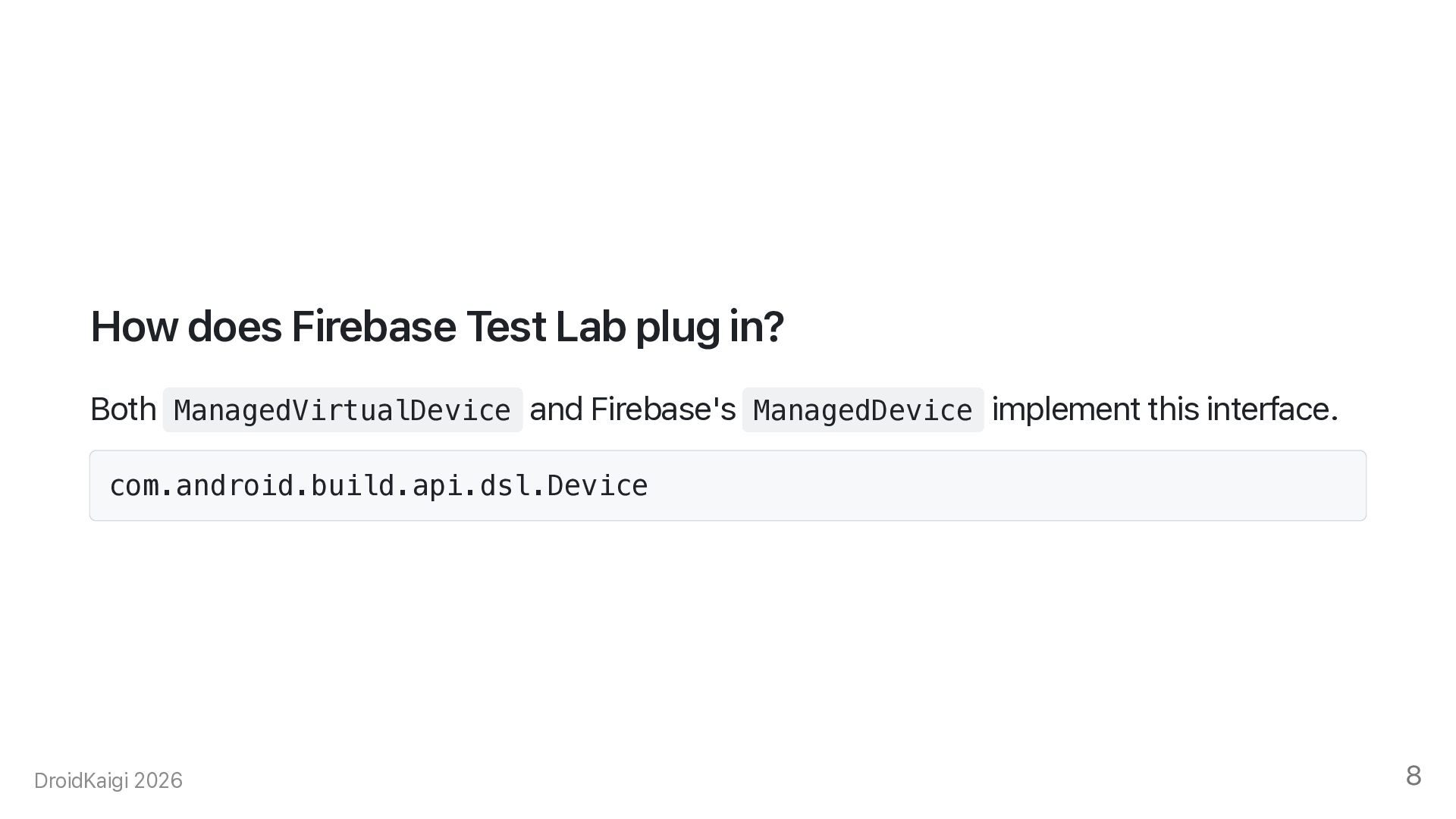
  8. How does Firebase Test Lab plug in? Both ManagedVirtualDevice and

    Firebase's ManagedDevice implement this interface. com.android.build.api.dsl.Device DroidKaigi 2026 8
  9. Gradle basics What you need to know for this talk.

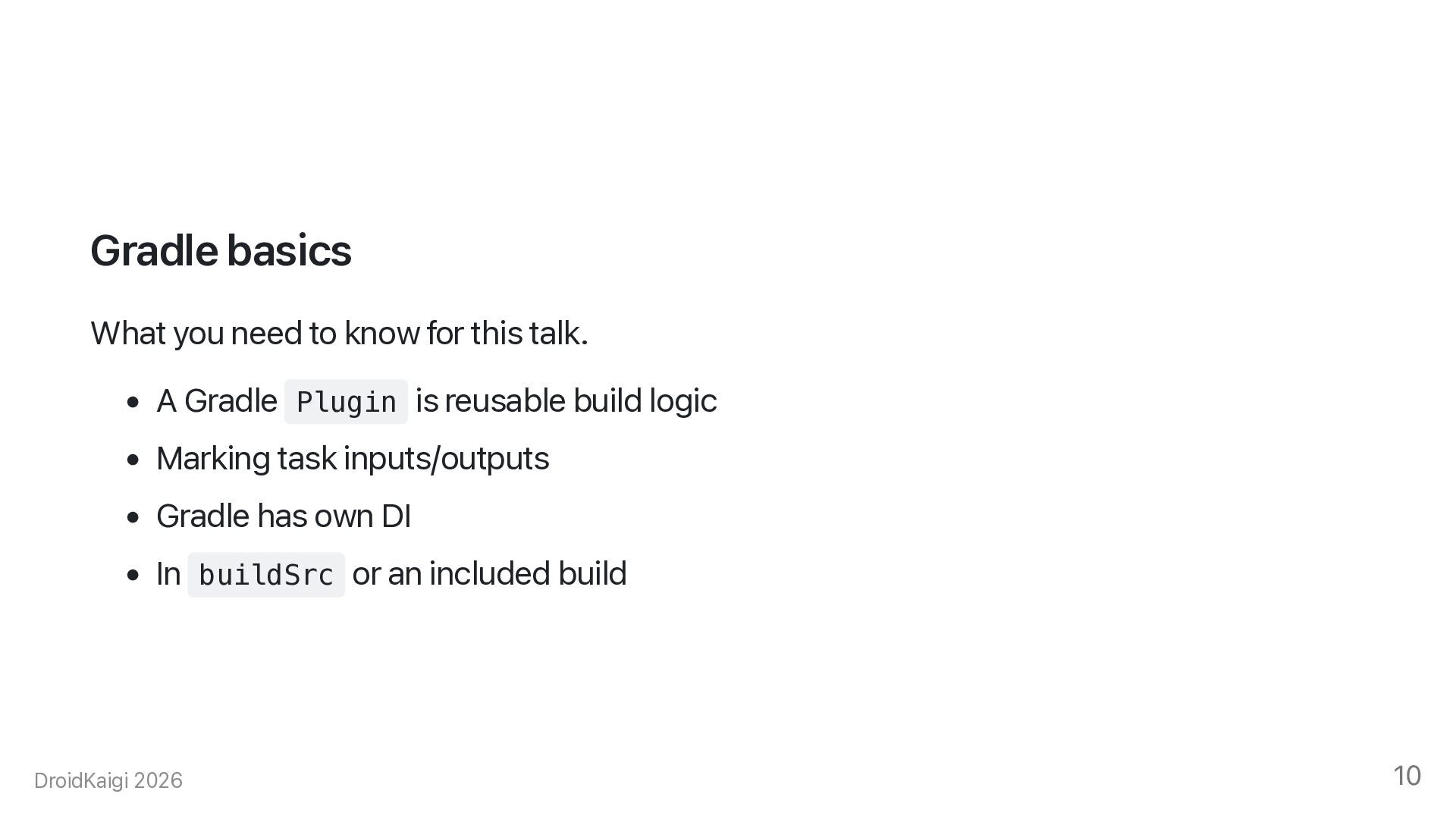
    • A Gradle Plugin is reusable build logic • Marking task inputs/outputs • Gradle has own DI • In buildSrc or an included build DroidKaigi 2026 10
  10. Register a custom device type This is the entry point

    for a custom Managed Device. managedDeviceRegistry.registerDeviceType(MyDevice::class.java) { dslImplementationClass = MyDeviceImpl::class.java setSetupActions(...) setTestRunActions(...) } DroidKaigi 2026 11
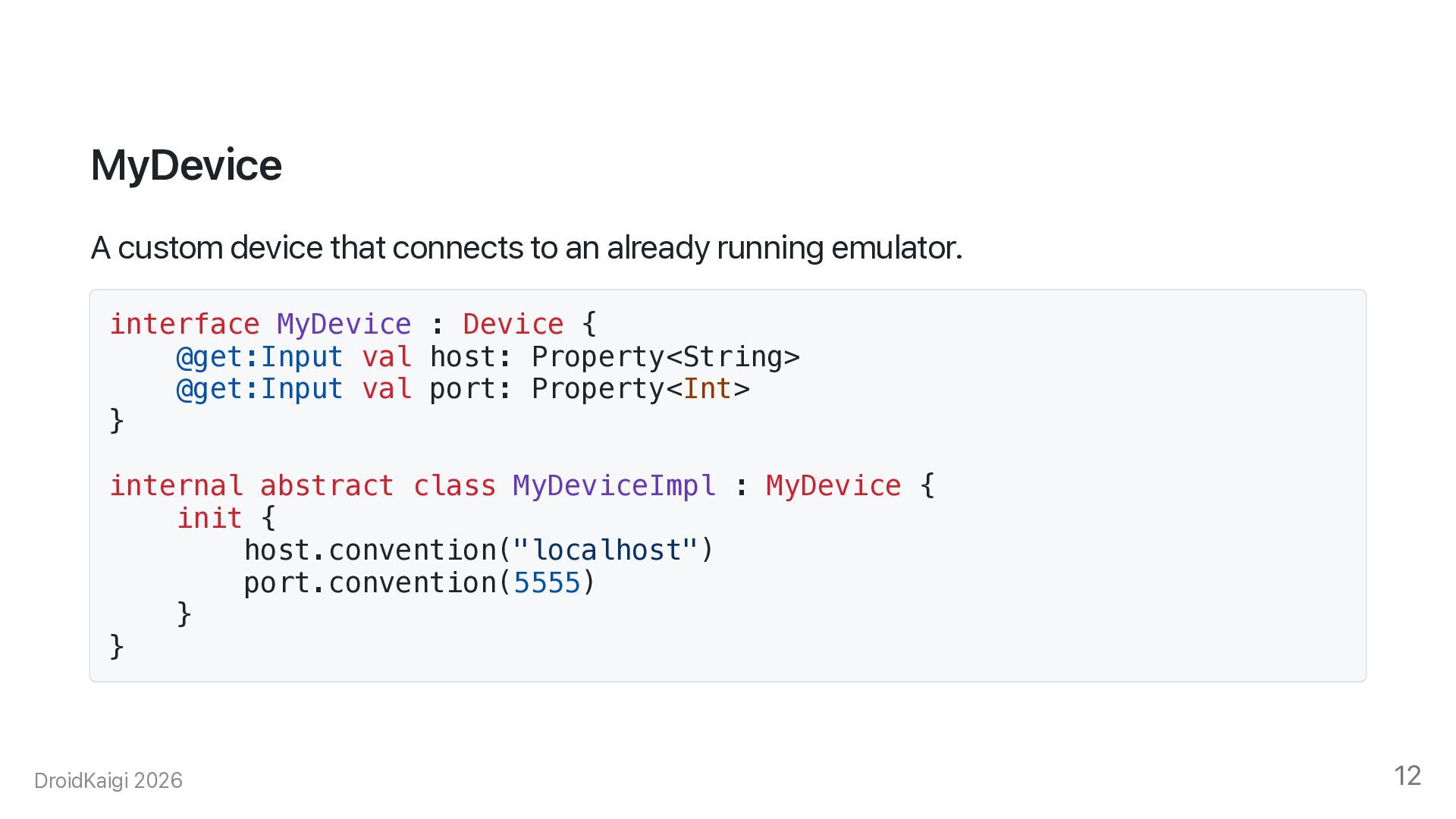
  11. MyDevice A custom device that connects to an already running

    emulator. interface MyDevice : Device { @get:Input val host: Property<String> @get:Input val port: Property<Int> } internal abstract class MyDeviceImpl : MyDevice { init { host.convention("localhost") port.convention(5555) } } DroidKaigi 2026 12
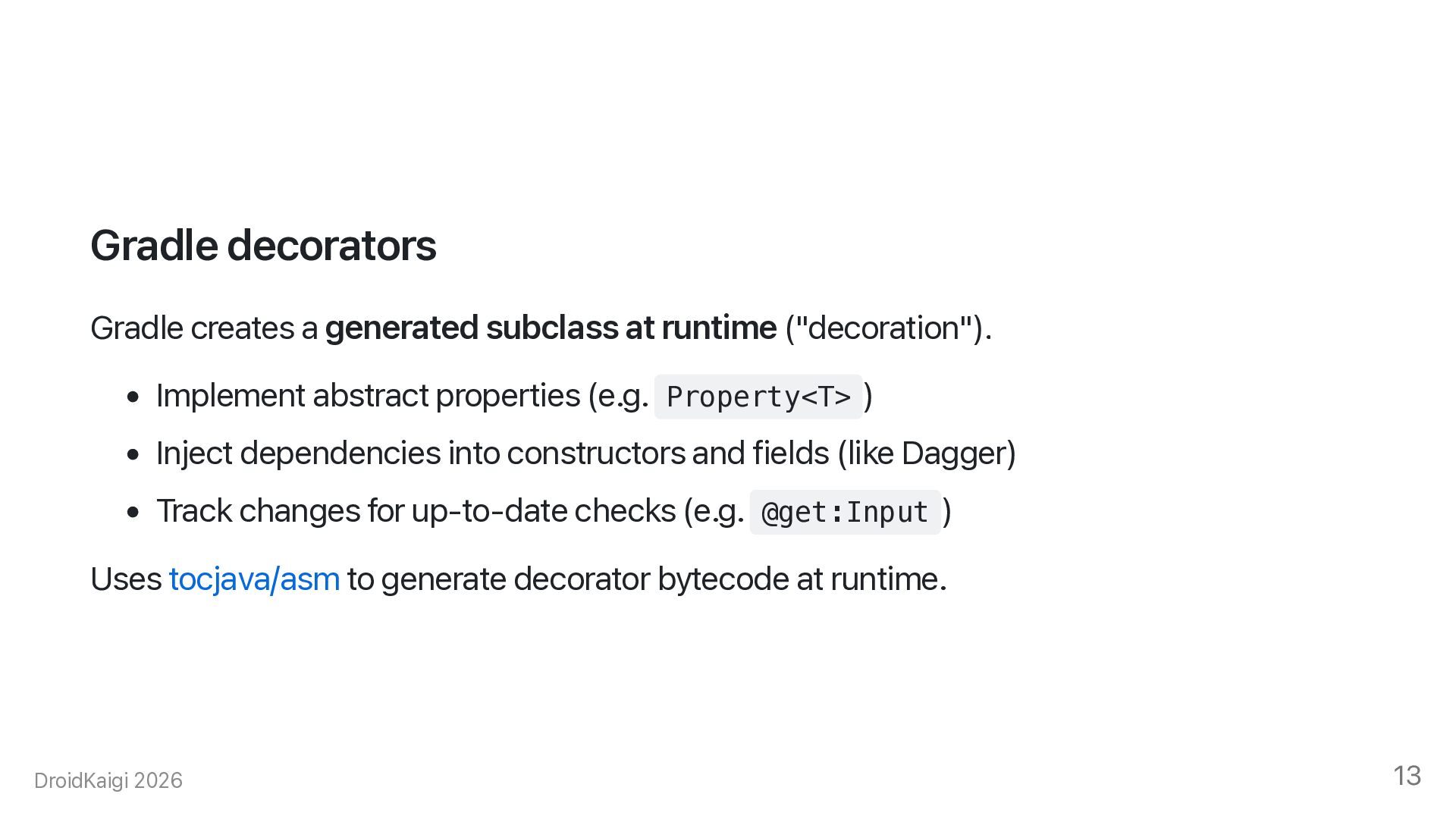
  12. Gradle decorators Gradle creates a generated subclass at runtime ("decoration").

    • Implement abstract properties (e.g. Property<T> ) • Inject dependencies into constructors and fields (like Dagger) • Track changes for up-to-date checks (e.g. @get:Input ) Uses tocjava/asm to generate decorator bytecode at runtime. DroidKaigi 2026 13
  13. Setup step — structure fun <SetupInputT : DeviceSetupInput> setSetupActions( configureAction:

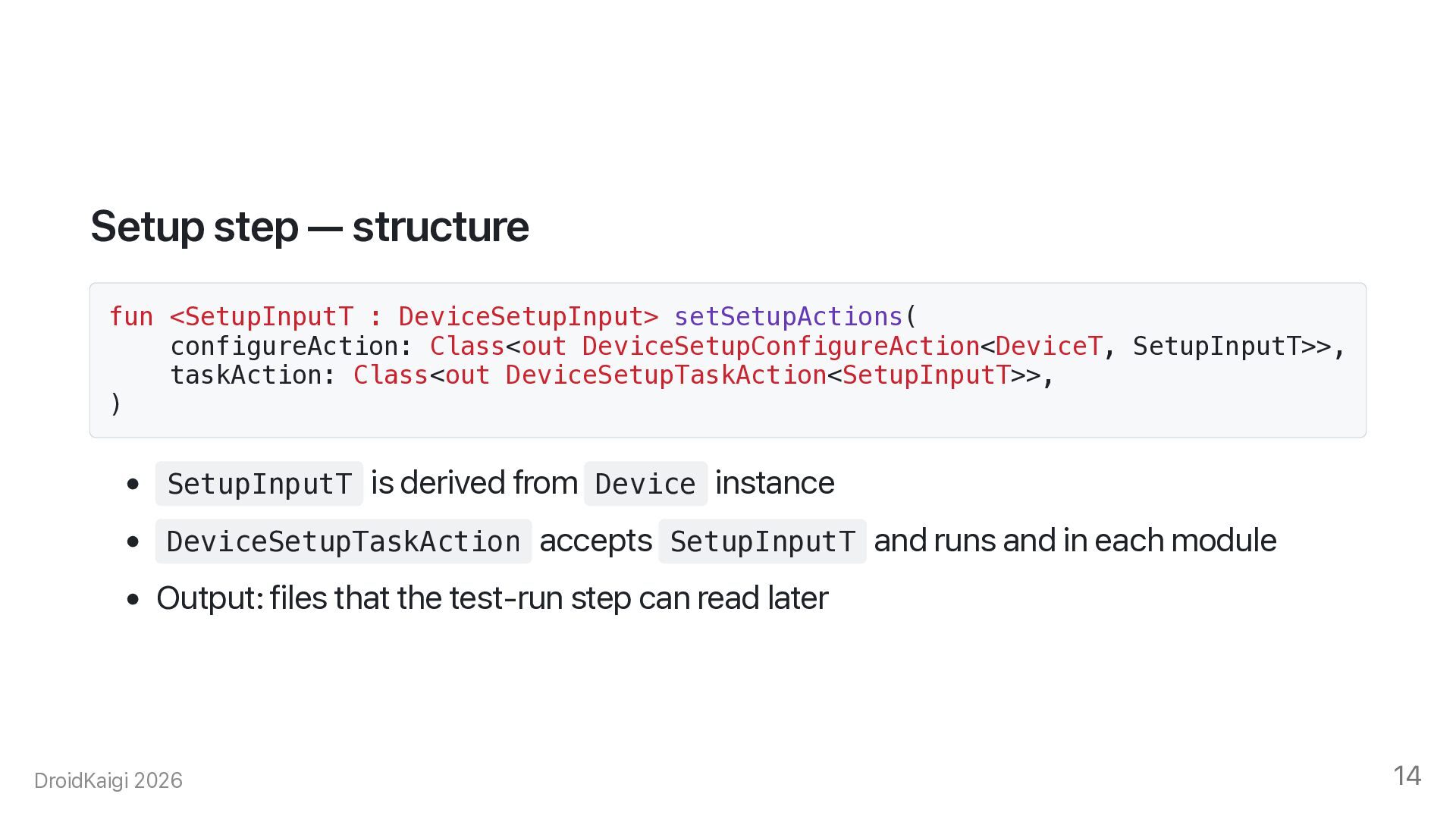
    Class<out DeviceSetupConfigureAction<DeviceT, SetupInputT>>, taskAction: Class<out DeviceSetupTaskAction<SetupInputT>>, ) • SetupInputT is derived from Device instance • DeviceSetupTaskAction accepts SetupInputT and runs and in each module • Output: files that the test-run step can read later DroidKaigi 2026 14
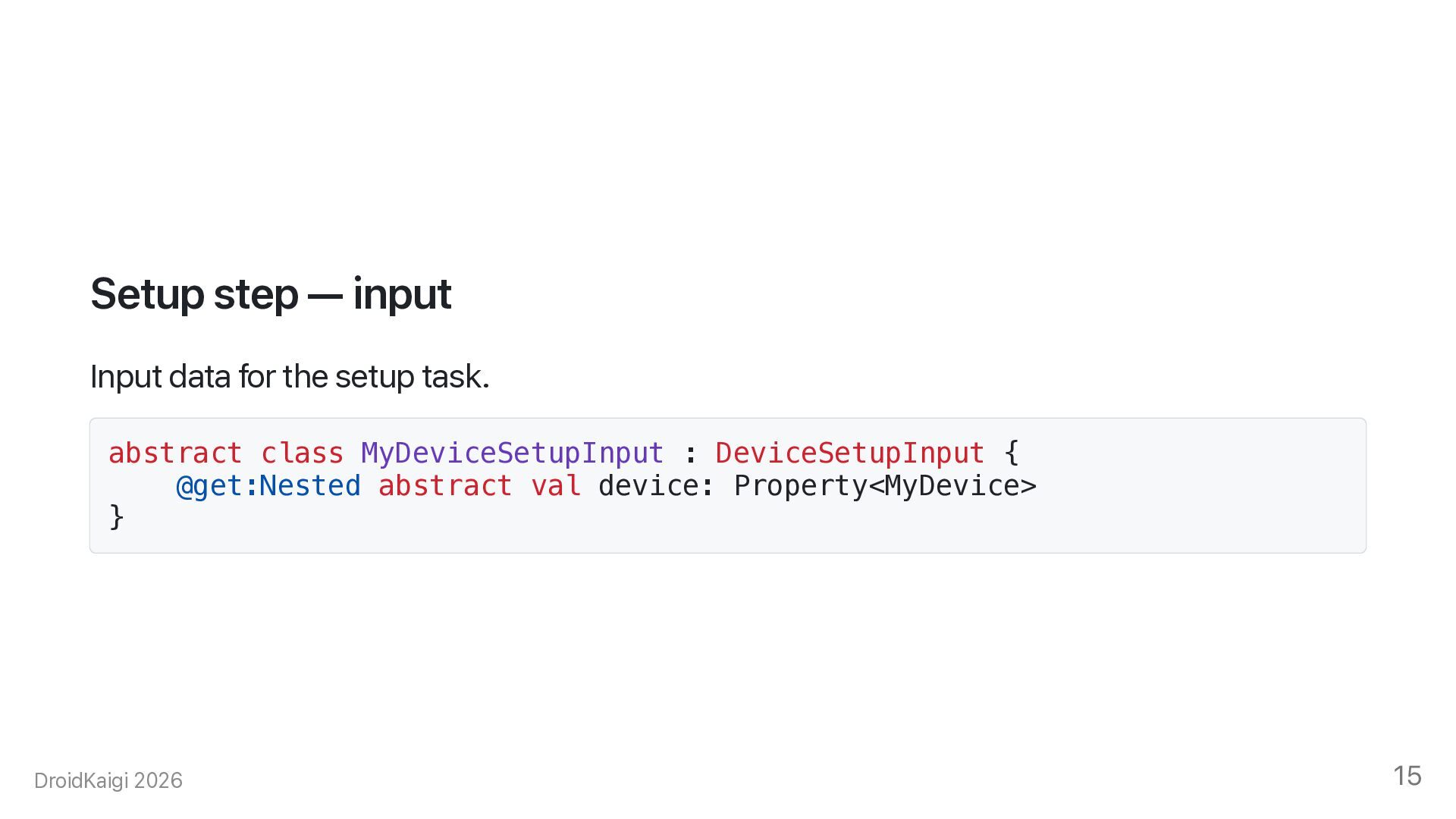
  14. Setup step — input Input data for the setup task.

    abstract class MyDeviceSetupInput : DeviceSetupInput { @get:Nested abstract val device: Property<MyDevice> } DroidKaigi 2026 15
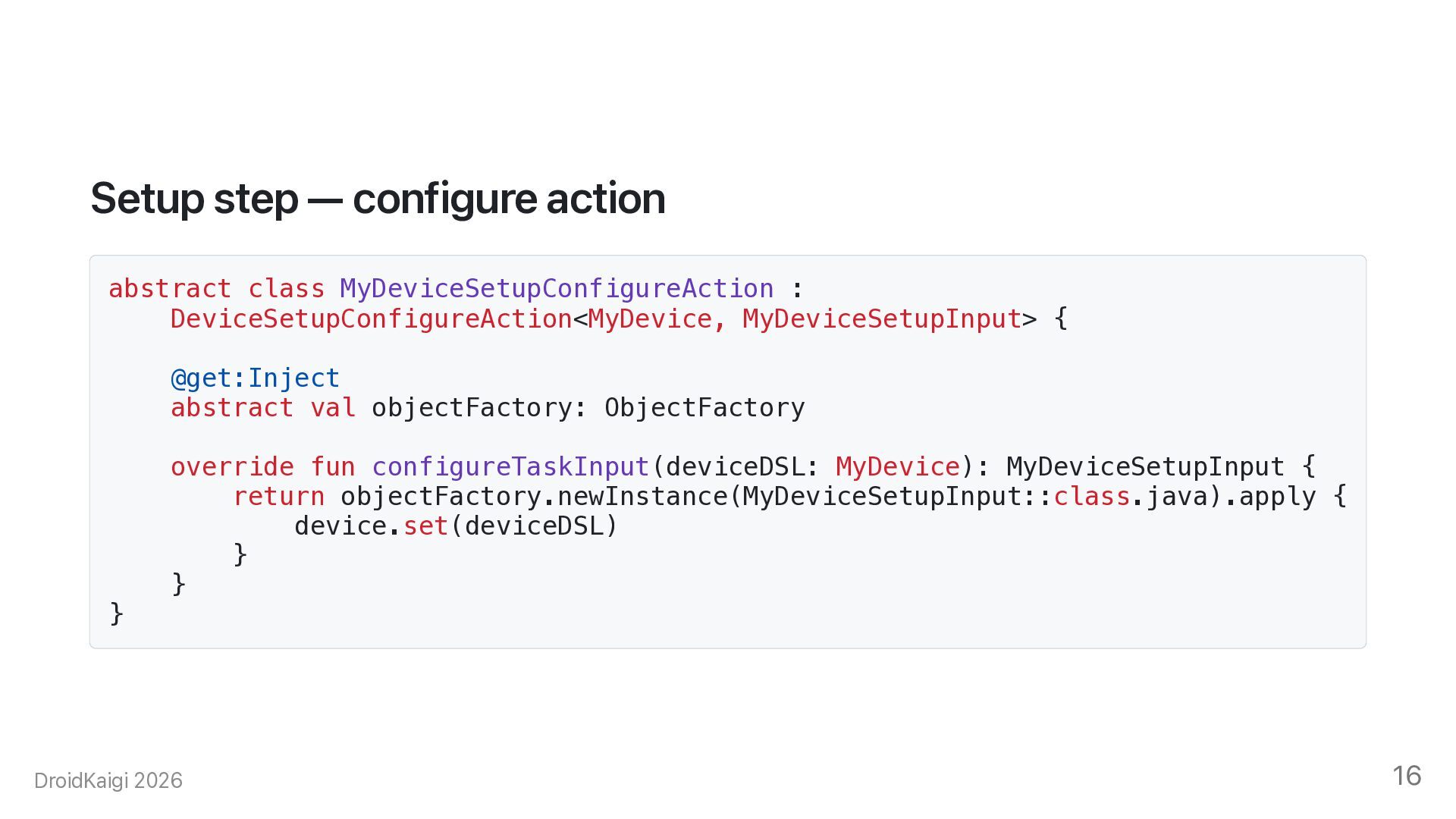
  15. Setup step — configure action abstract class MyDeviceSetupConfigureAction : DeviceSetupConfigureAction<MyDevice,

    MyDeviceSetupInput> { @get:Inject abstract val objectFactory: ObjectFactory } override fun configureTaskInput(deviceDSL: MyDevice): MyDeviceSetupInput { return objectFactory.newInstance(MyDeviceSetupInput::class.java).apply { device.set(deviceDSL) } } DroidKaigi 2026 16
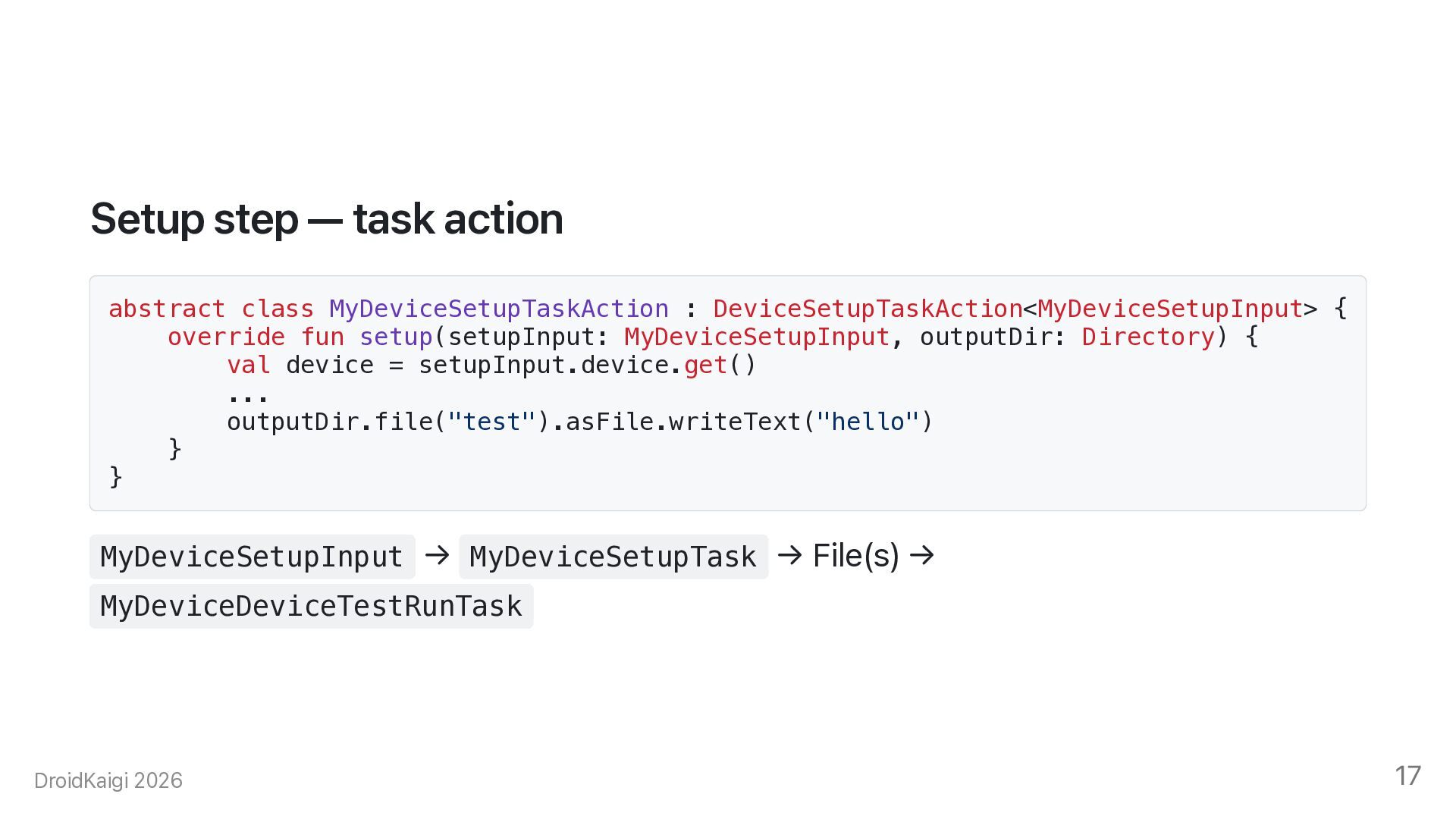
  16. Setup step — task action abstract class MyDeviceSetupTaskAction : DeviceSetupTaskAction<MyDeviceSetupInput>

    { override fun setup(setupInput: MyDeviceSetupInput, outputDir: Directory) { val device = setupInput.device.get() ... outputDir.file("test").asFile.writeText("hello") } } MyDeviceSetupInput → MyDeviceSetupTask → File(s) → MyDeviceDeviceTestRunTask DroidKaigi 2026 17
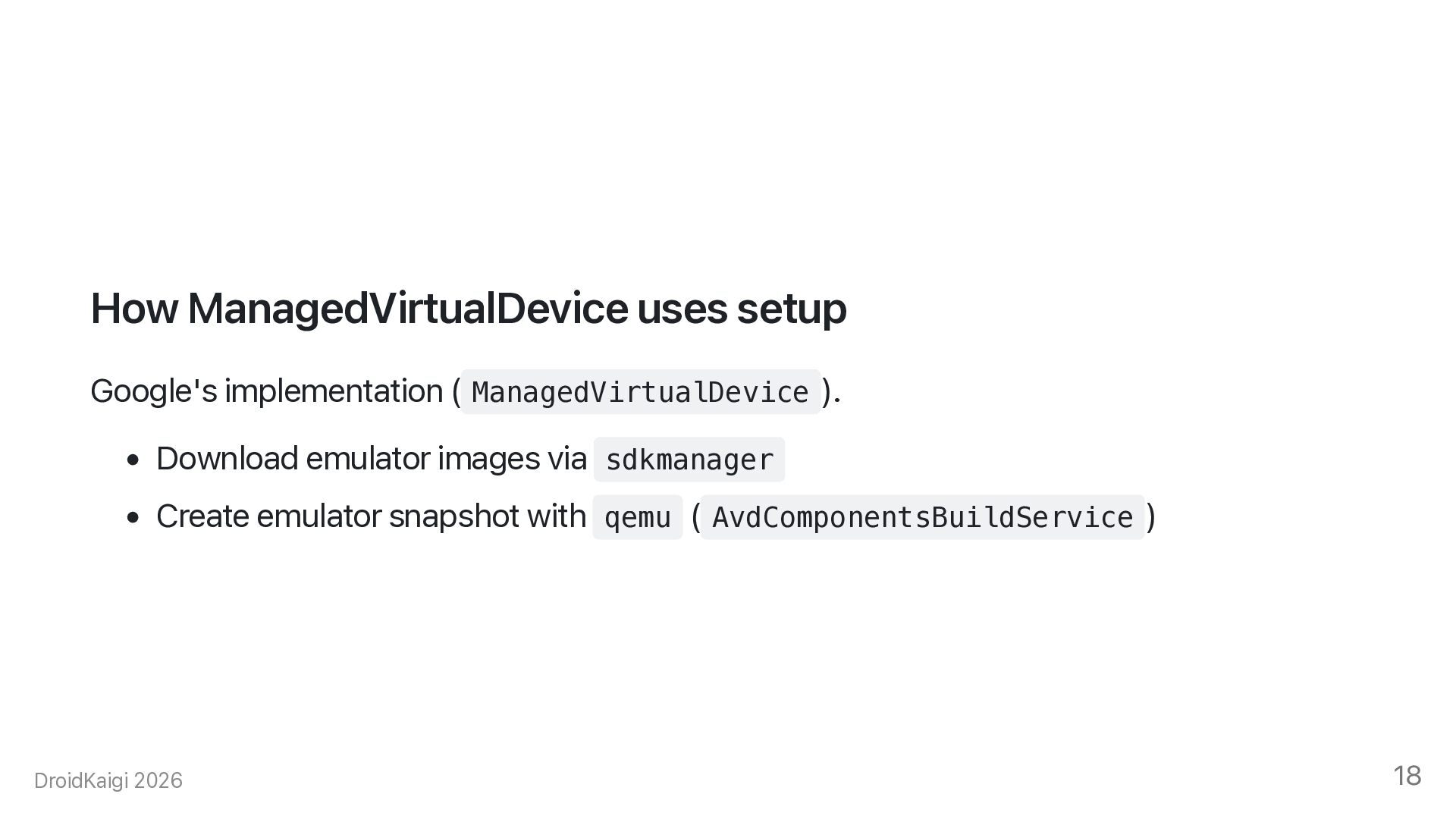
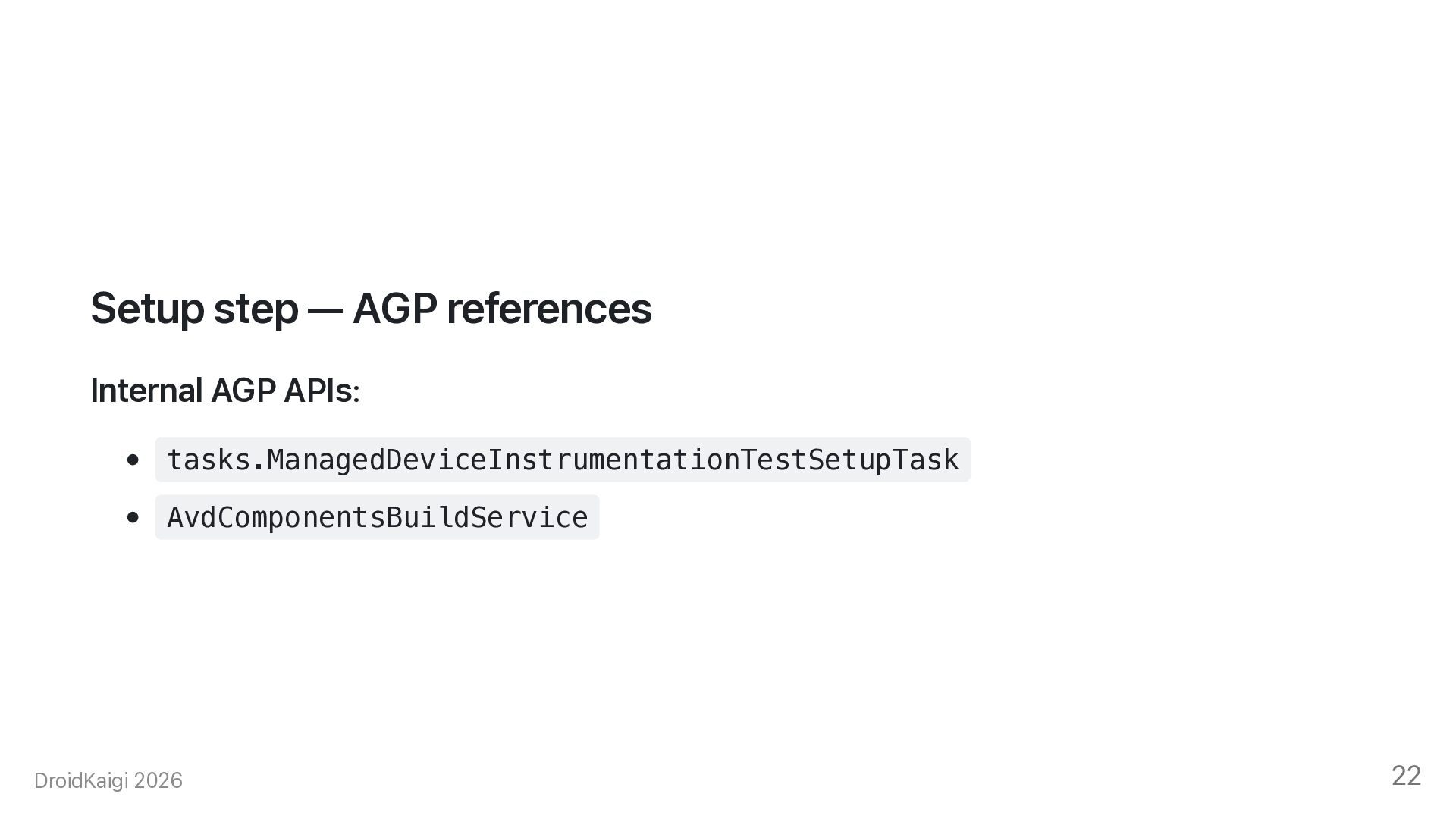
  17. How ManagedVirtualDevice uses setup Google's implementation ( ManagedVirtualDevice ). •

    Download emulator images via sdkmanager • Create emulator snapshot with qemu ( AvdComponentsBuildService ) DroidKaigi 2026 18
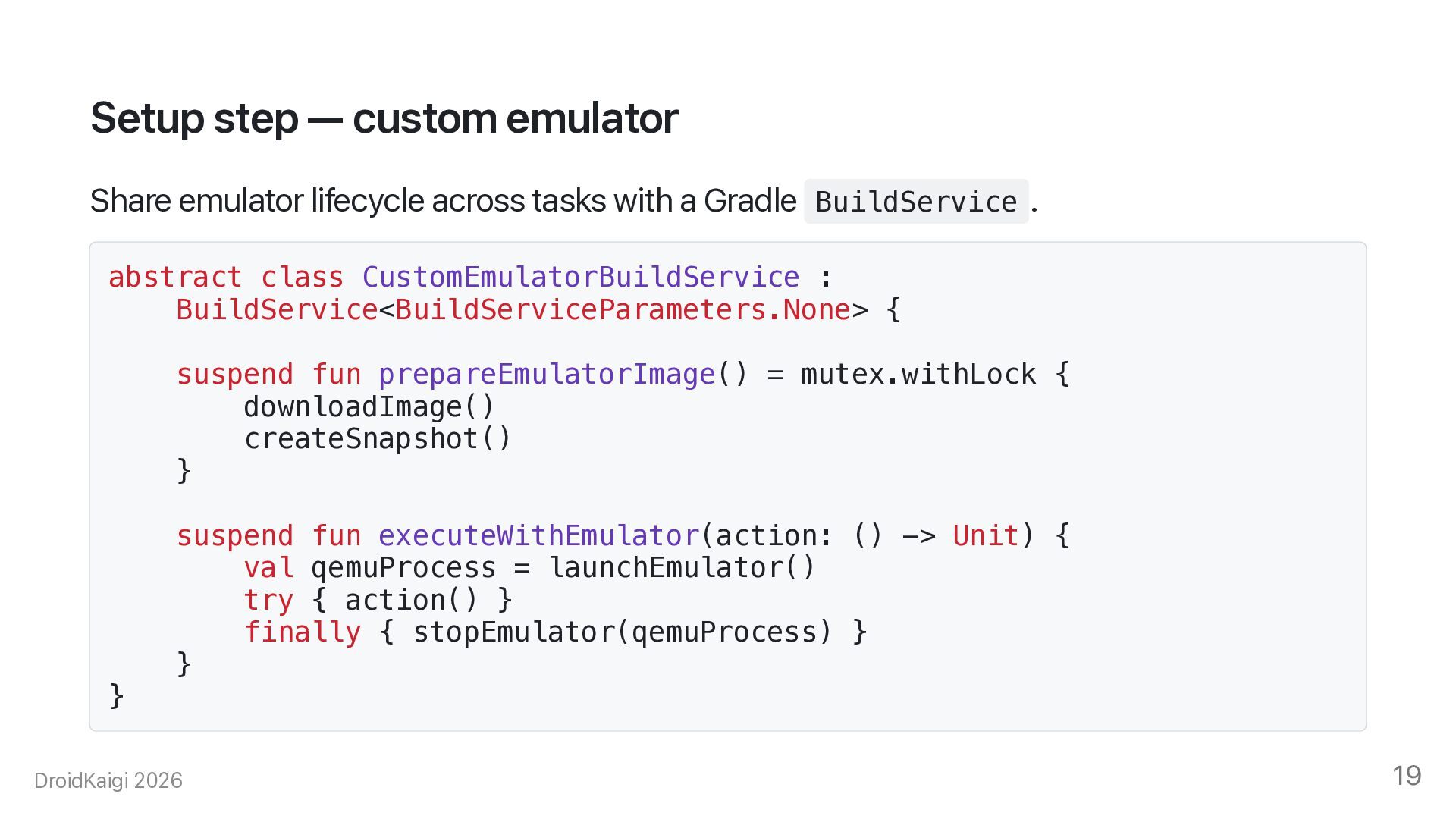
  18. Setup step — custom emulator Share emulator lifecycle across tasks

    with a Gradle BuildService . abstract class CustomEmulatorBuildService : BuildService<BuildServiceParameters.None> { suspend fun prepareEmulatorImage() = mutex.withLock { downloadImage() createSnapshot() } } suspend fun executeWithEmulator(action: () -> Unit) { val qemuProcess = launchEmulator() try { action() } finally { stopEmulator(qemuProcess) } } DroidKaigi 2026 19
  19. Registering the BuildService Register the service once when the plugin

    is applied. class MyDevicePlugin : Plugin<Project> { override fun apply(target: Project) { target.gradle.sharedServices .registerIfAbsent( "custom-emulator", CustomEmulatorBuildService::class.java ) { paramsForSetup -> ... } } } DroidKaigi 2026 20
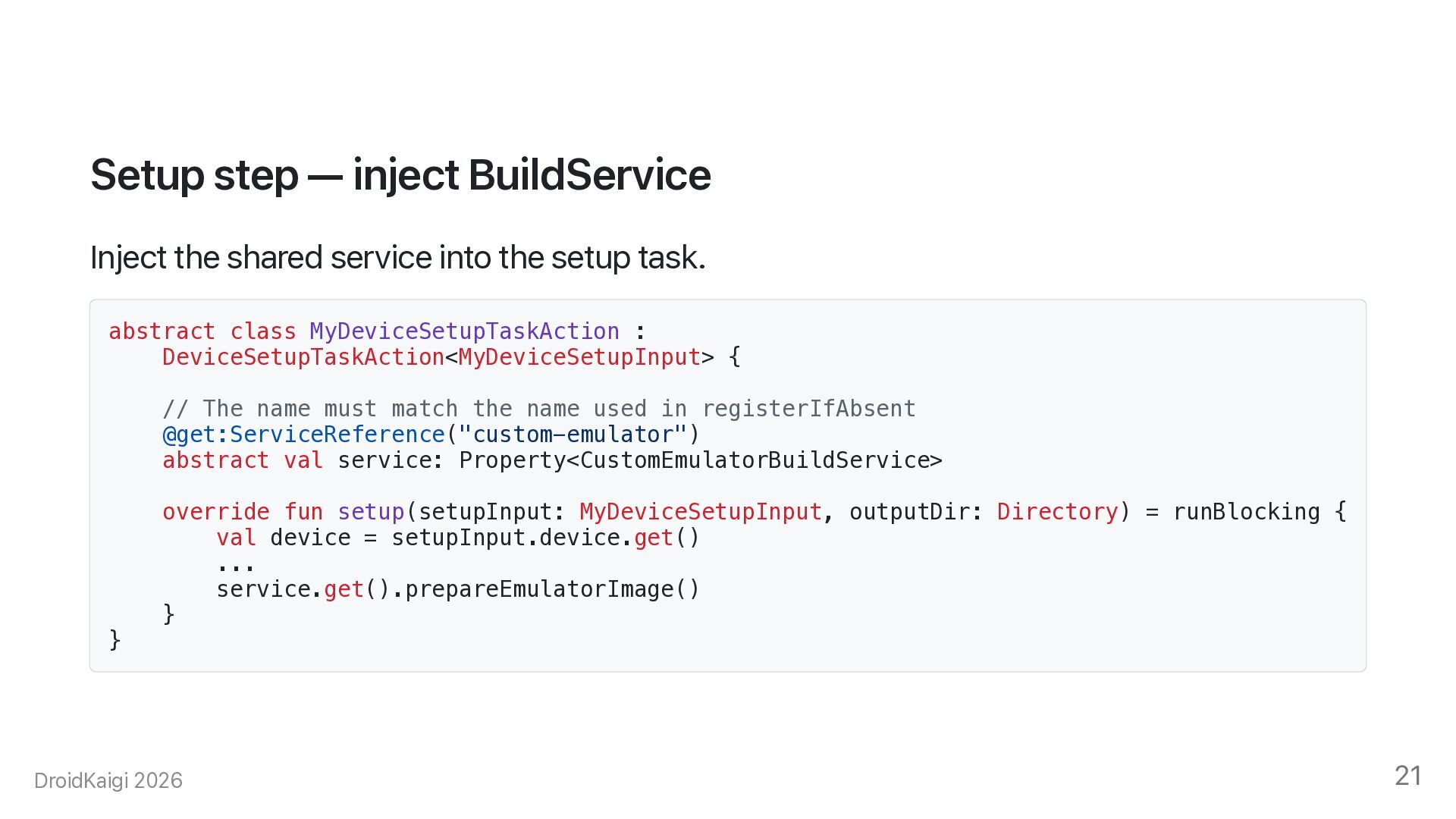
  20. Setup step — inject BuildService Inject the shared service into

    the setup task. abstract class MyDeviceSetupTaskAction : DeviceSetupTaskAction<MyDeviceSetupInput> { // The name must match the name used in registerIfAbsent @get:ServiceReference("custom-emulator") abstract val service: Property<CustomEmulatorBuildService> } override fun setup(setupInput: MyDeviceSetupInput, outputDir: Directory) = runBlocking { val device = setupInput.device.get() ... service.get().prepareEmulatorImage() } DroidKaigi 2026 21
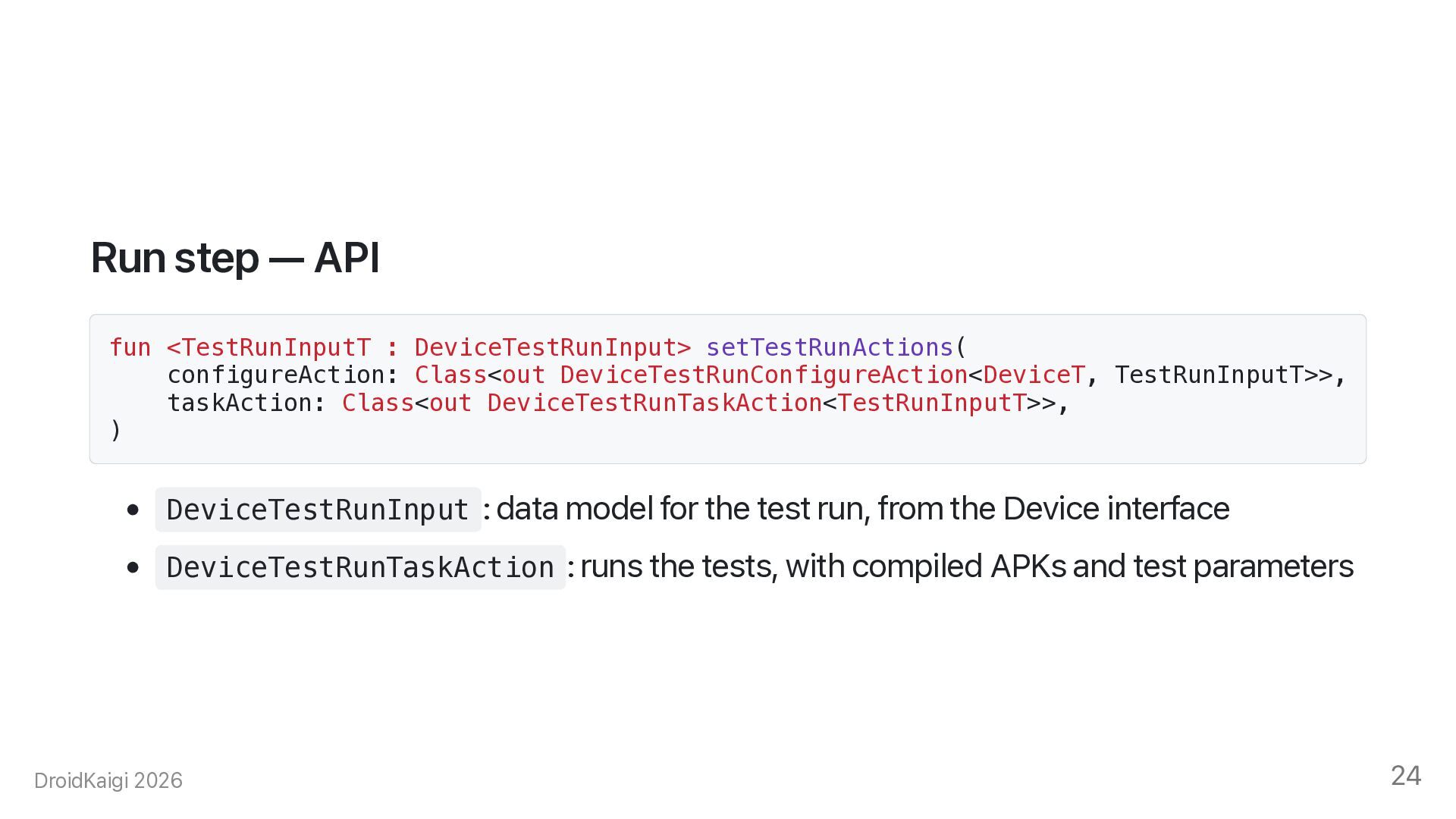
  21. Run step — API fun <TestRunInputT : DeviceTestRunInput> setTestRunActions( configureAction:

    Class<out DeviceTestRunConfigureAction<DeviceT, TestRunInputT>>, taskAction: Class<out DeviceTestRunTaskAction<TestRunInputT>>, ) • DeviceTestRunInput : data model for the test run, from the Device interface • DeviceTestRunTaskAction : runs the tests, with compiled APKs and test parameters DroidKaigi 2026 24
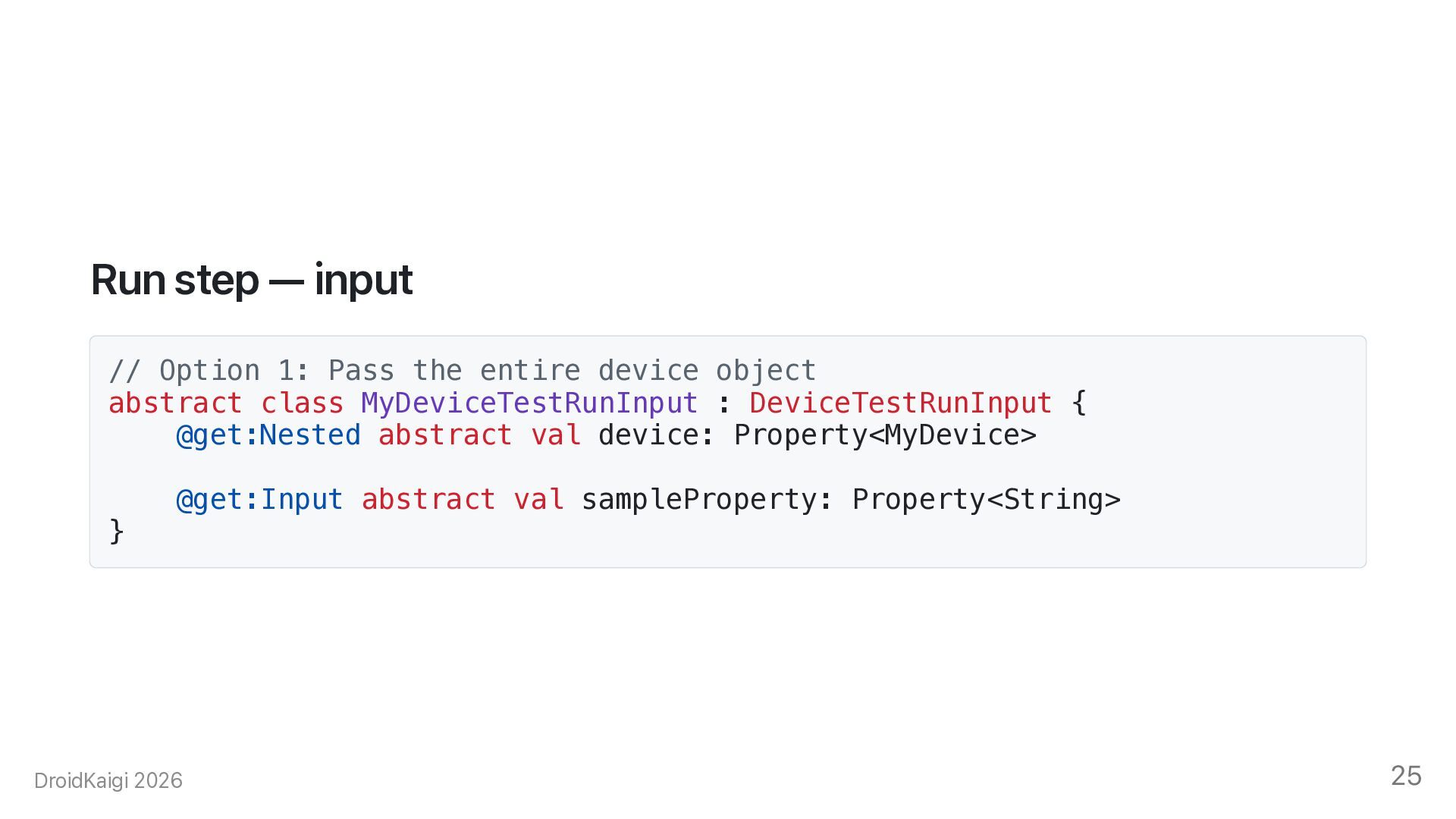
  22. Run step — input // Option 1: Pass the entire

    device object abstract class MyDeviceTestRunInput : DeviceTestRunInput { @get:Nested abstract val device: Property<MyDevice> } @get:Input abstract val sampleProperty: Property<String> DroidKaigi 2026 25
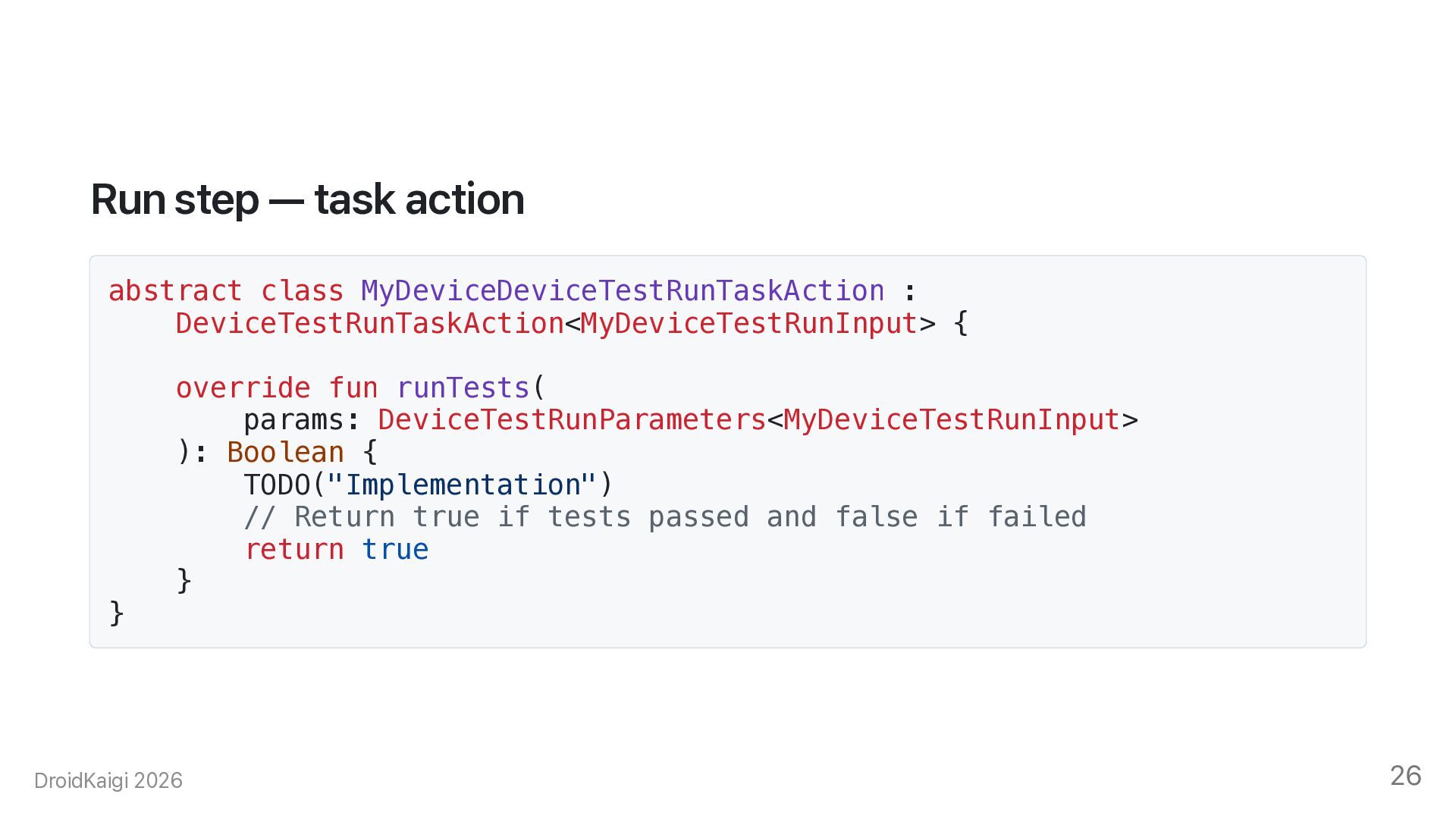
  23. Run step — task action abstract class MyDeviceDeviceTestRunTaskAction : DeviceTestRunTaskAction<MyDeviceTestRunInput>

    { } override fun runTests( params: DeviceTestRunParameters<MyDeviceTestRunInput> ): Boolean { TODO("Implementation") // Return true if tests passed and false if failed return true } DroidKaigi 2026 26
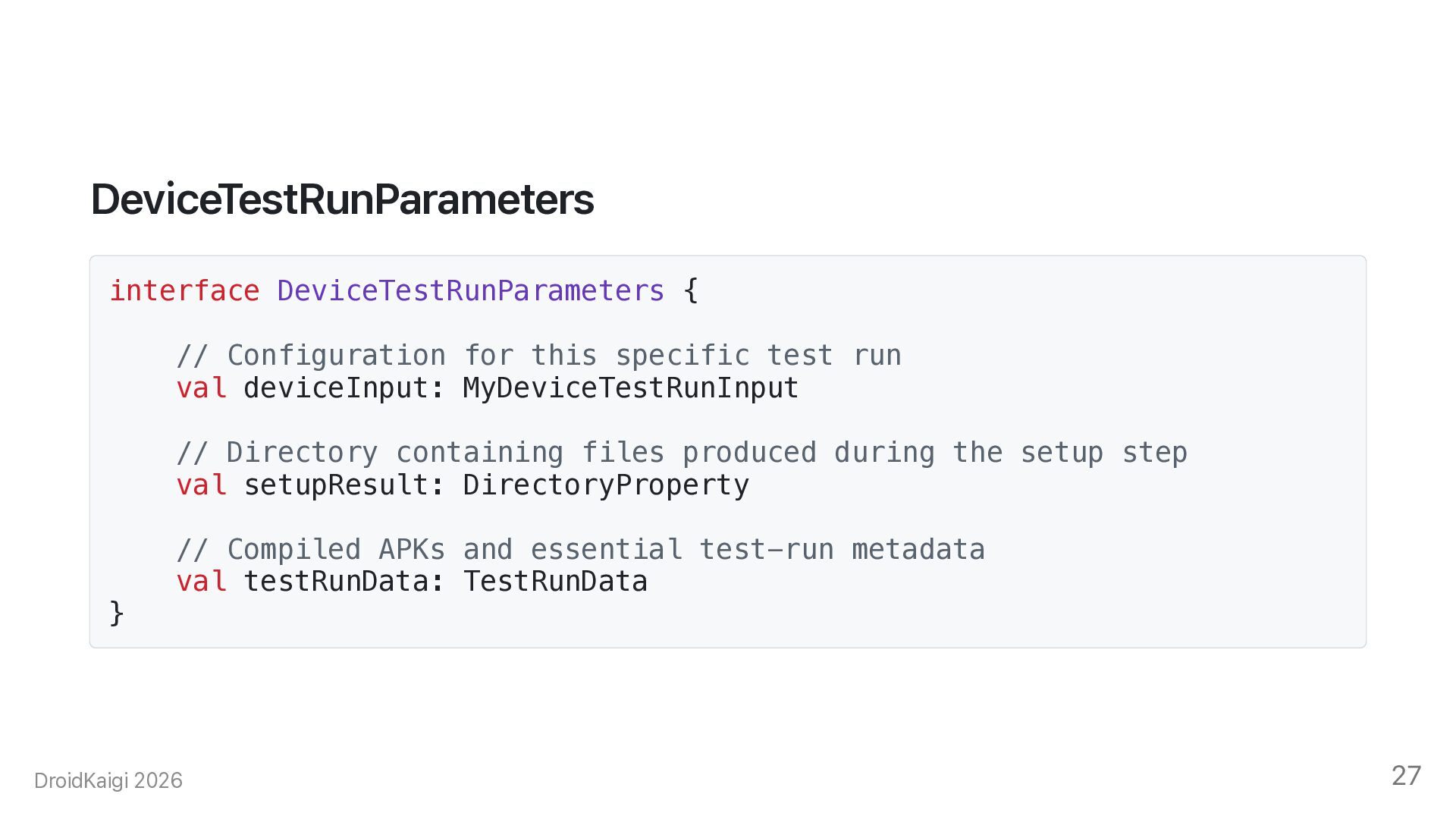
  24. DeviceTestRunParameters interface DeviceTestRunParameters { // Configuration for this specific test

    run val deviceInput: MyDeviceTestRunInput // Directory containing files produced during the setup step val setupResult: DirectoryProperty } // Compiled APKs and essential test-run metadata val testRunData: TestRunData DroidKaigi 2026 27
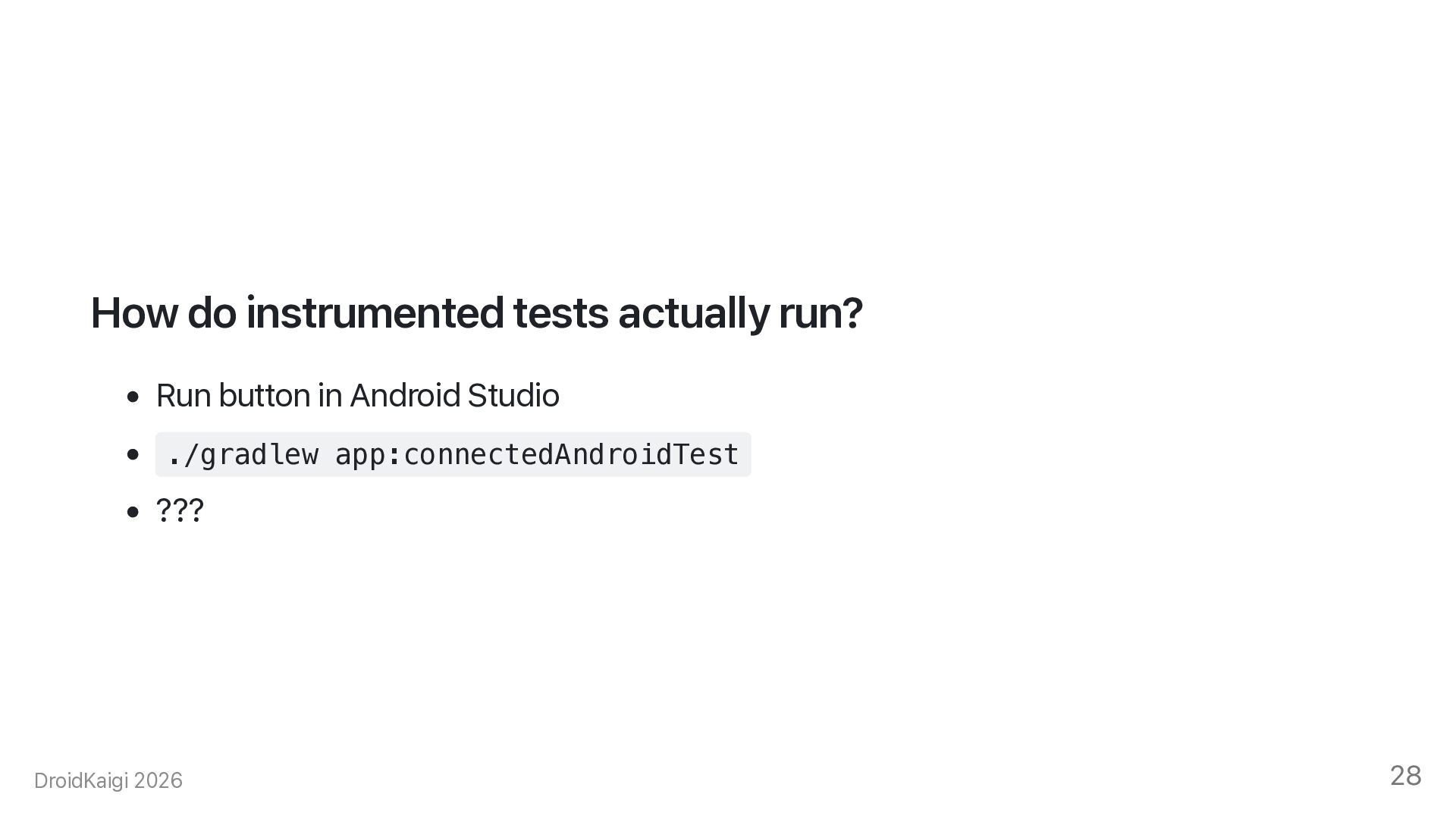
  25. How do instrumented tests actually run? • Run button in

    Android Studio • ./gradlew app:connectedAndroidTest • ??? DroidKaigi 2026 28
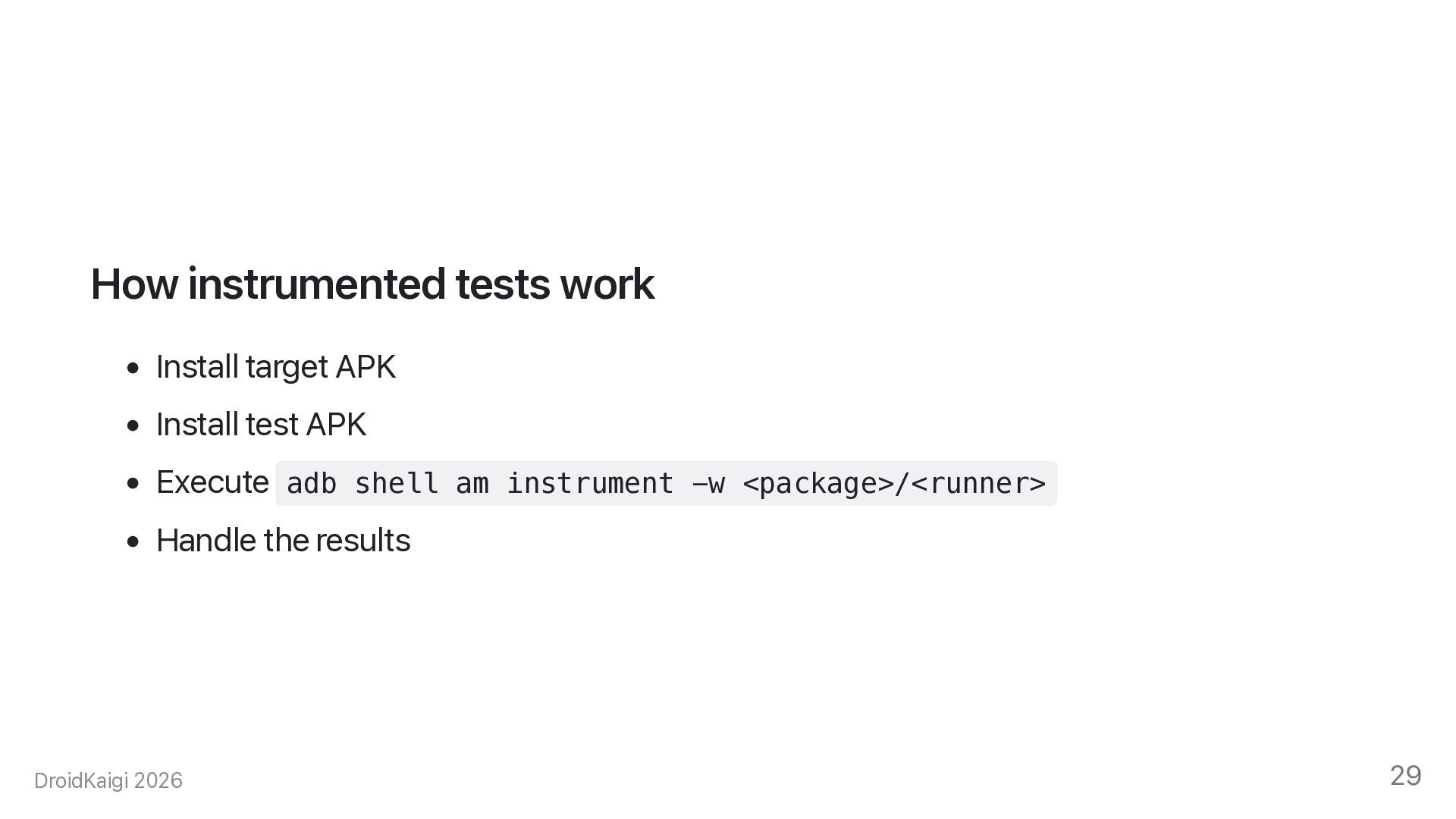
  26. How instrumented tests work • Install target APK • Install

    test APK • Execute adb shell am instrument -w <package>/<runner> • Handle the results DroidKaigi 2026 29
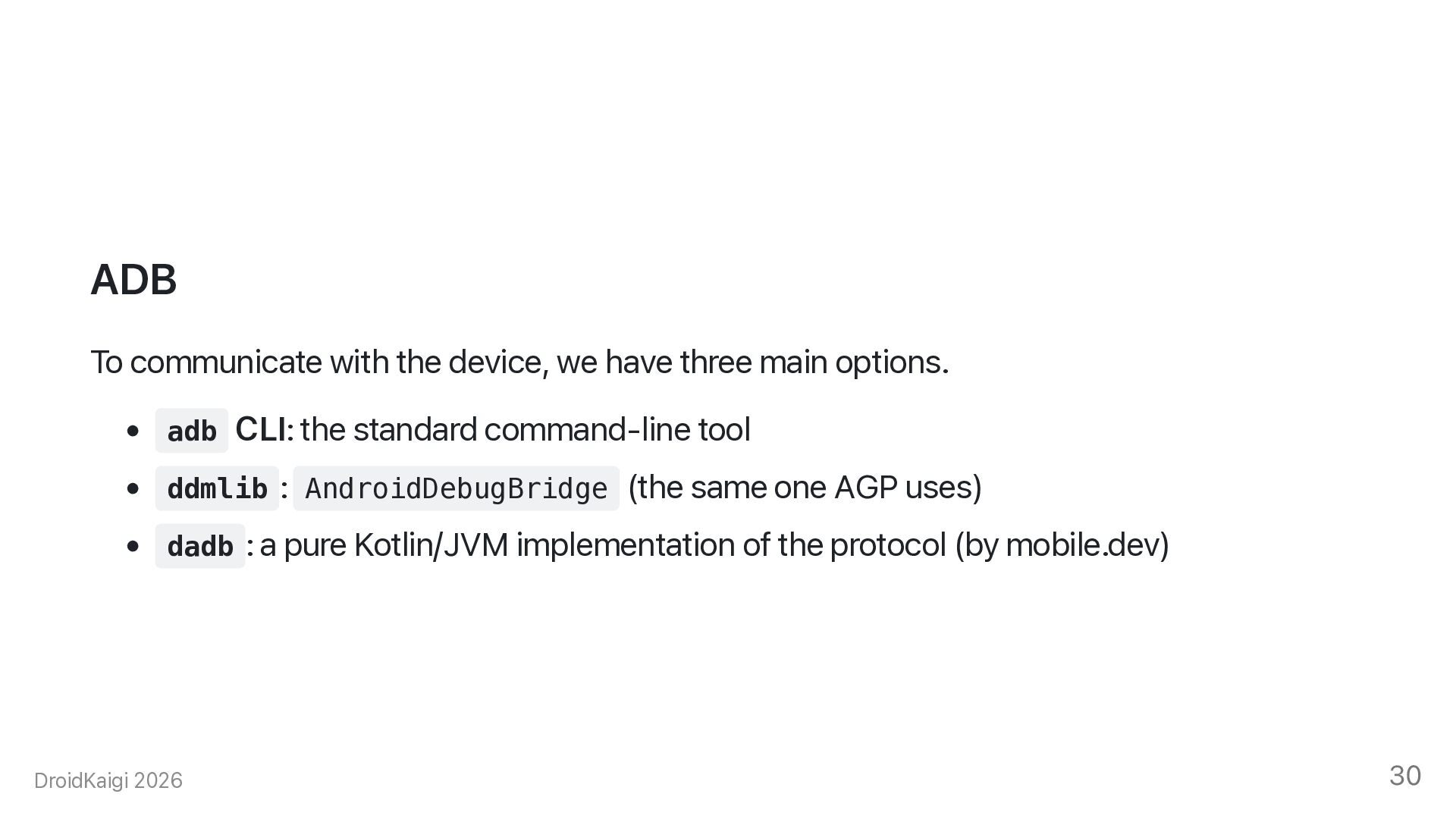
  27. ADB To communicate with the device, we have three main

    options. • adb CLI: the standard command-line tool • ddmlib : AndroidDebugBridge (the same one AGP uses) • dadb : a pure Kotlin/JVM implementation of the protocol (by mobile.dev) DroidKaigi 2026 30
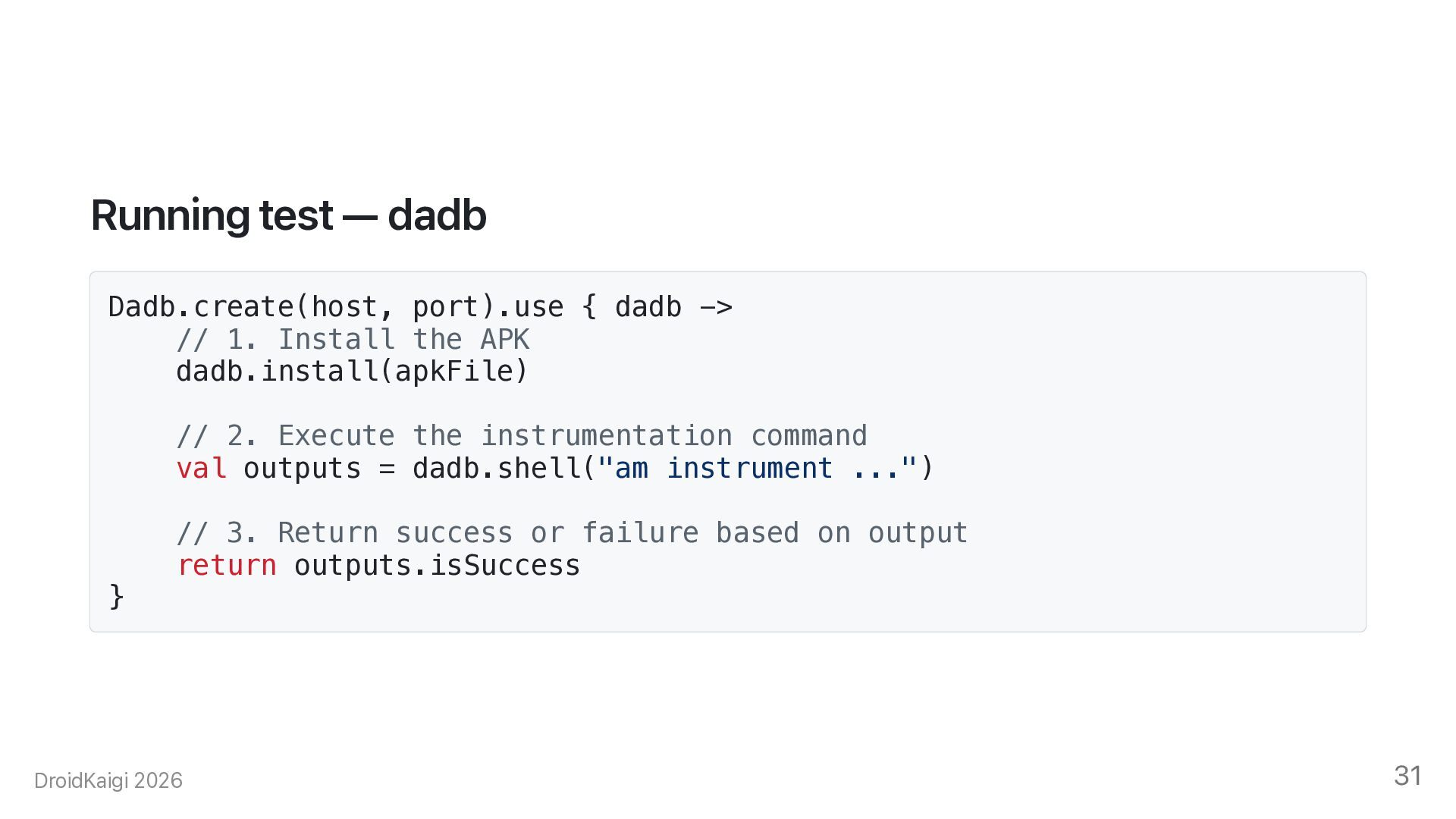
  28. Running test — dadb Dadb.create(host, port).use { dadb -> //

    1. Install the APK dadb.install(apkFile) // 2. Execute the instrumentation command val outputs = dadb.shell("am instrument ...") } // 3. Return success or failure based on output return outputs.isSuccess DroidKaigi 2026 31
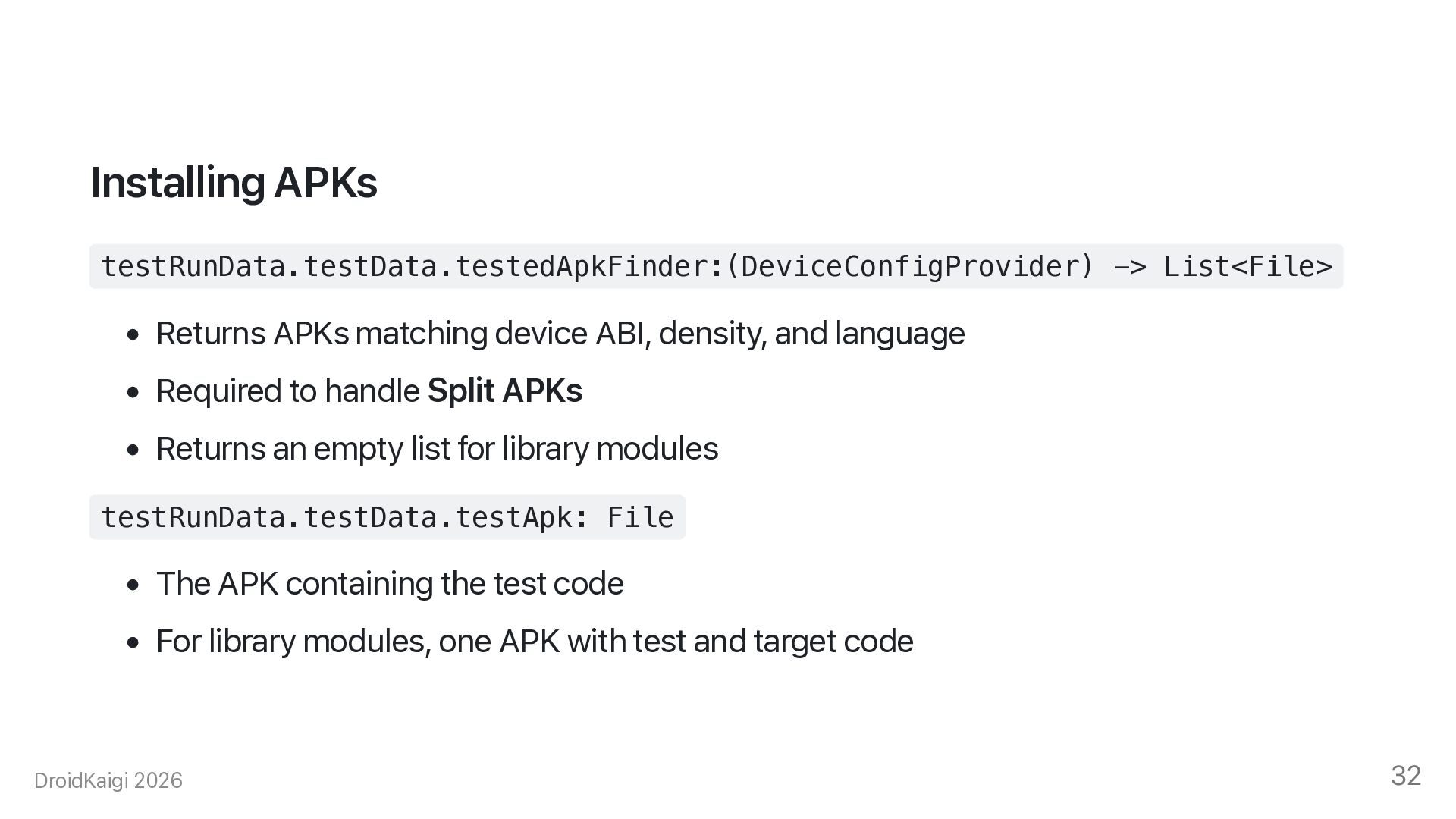
  29. Installing APKs testRunData.testData.testedApkFinder:(DeviceConfigProvider) -> List<File> • Returns APKs matching device

    ABI, density, and language • Required to handle Split APKs • Returns an empty list for library modules testRunData.testData.testApk: File • The APK containing the test code • For library modules, one APK with test and target code DroidKaigi 2026 32
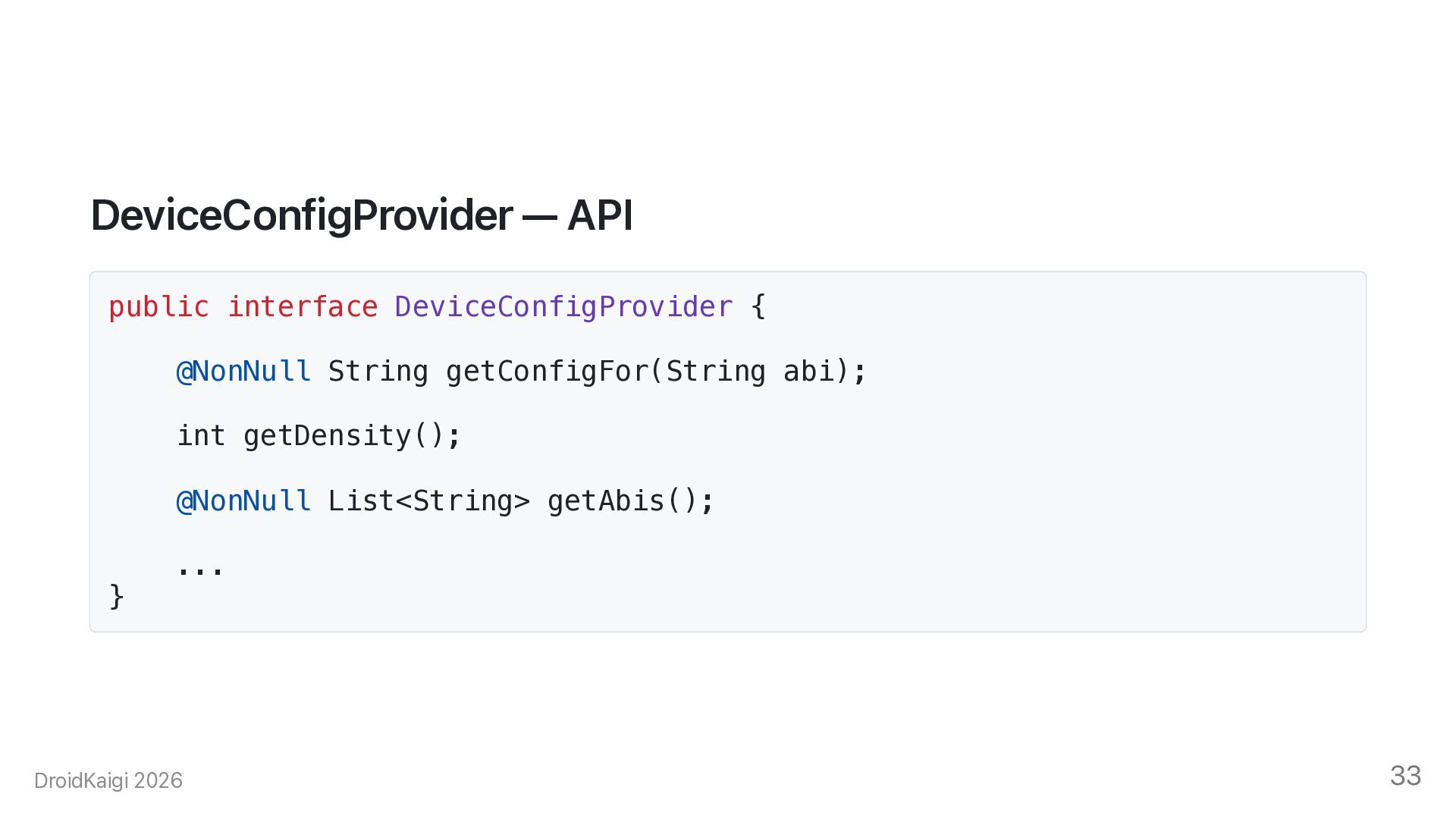
  30. DeviceConfigProvider — API public interface DeviceConfigProvider { @NonNull String getConfigFor(String

    abi); int getDensity(); @NonNull List<String> getAbis(); } ... DroidKaigi 2026 33
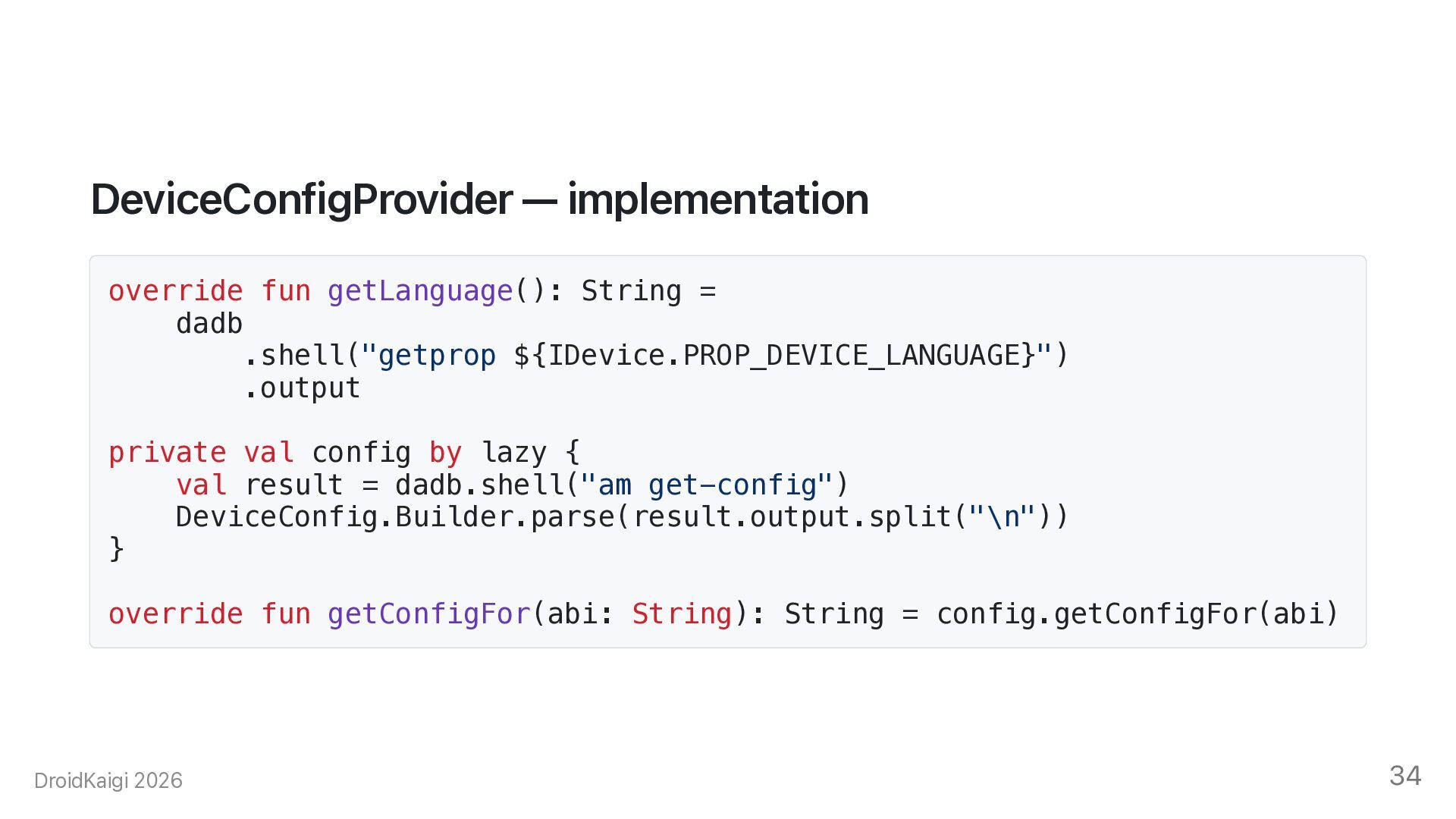
  31. DeviceConfigProvider — implementation override fun getLanguage(): String = dadb .shell("getprop

    ${IDevice.PROP_DEVICE_LANGUAGE}") .output private val config by lazy { val result = dadb.shell("am get-config") DeviceConfig.Builder.parse(result.output.split("\n")) } override fun getConfigFor(abi: String): String = config.getConfigFor(abi) DroidKaigi 2026 34
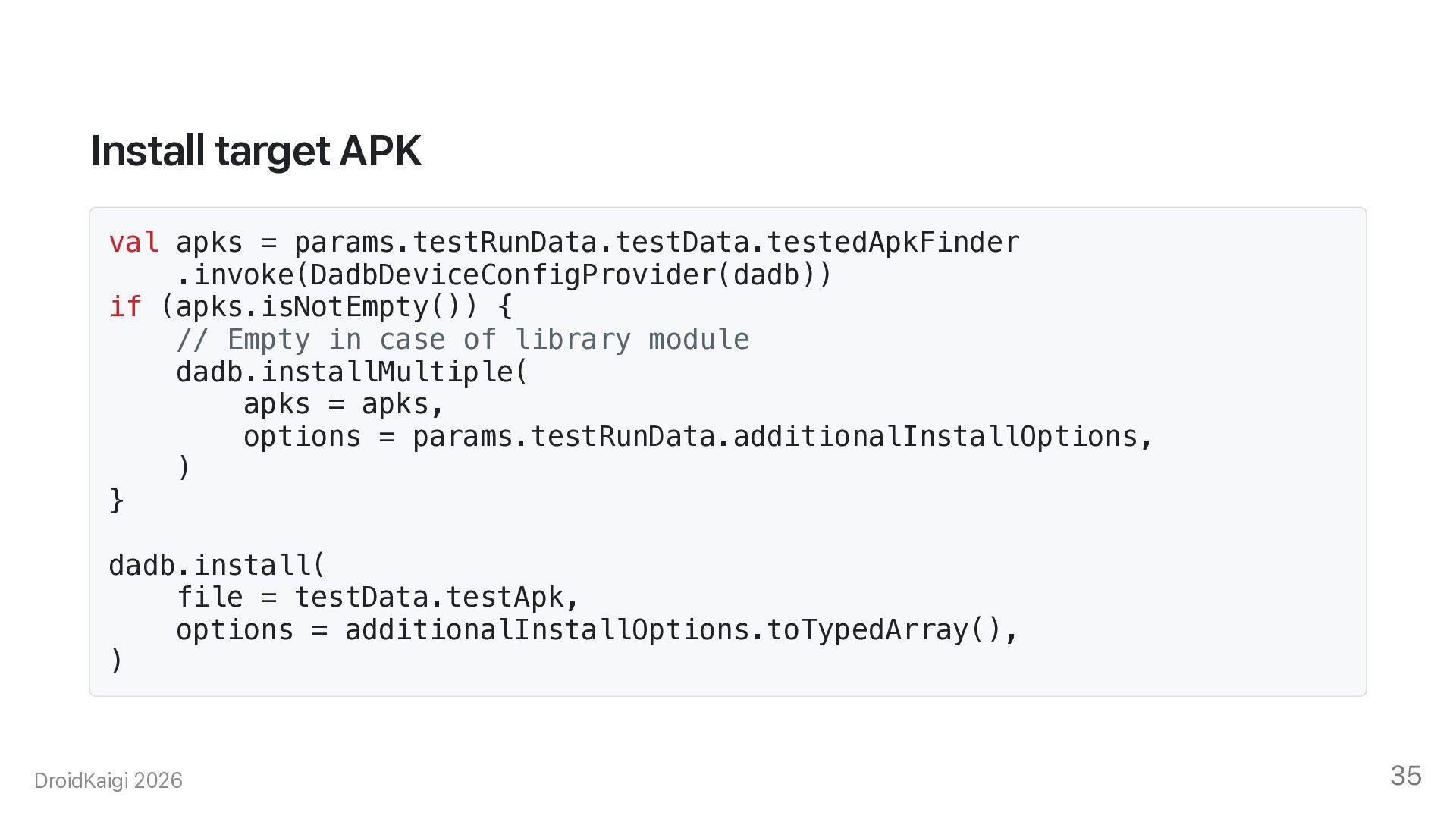
  32. Install target APK val apks = params.testRunData.testData.testedApkFinder .invoke(DadbDeviceConfigProvider(dadb)) if (apks.isNotEmpty())

    { // Empty in case of library module dadb.installMultiple( apks = apks, options = params.testRunData.additionalInstallOptions, ) } dadb.install( file = testData.testApk, options = additionalInstallOptions.toTypedArray(), ) DroidKaigi 2026 35
  33. Running test — am instrument val output = dadb //

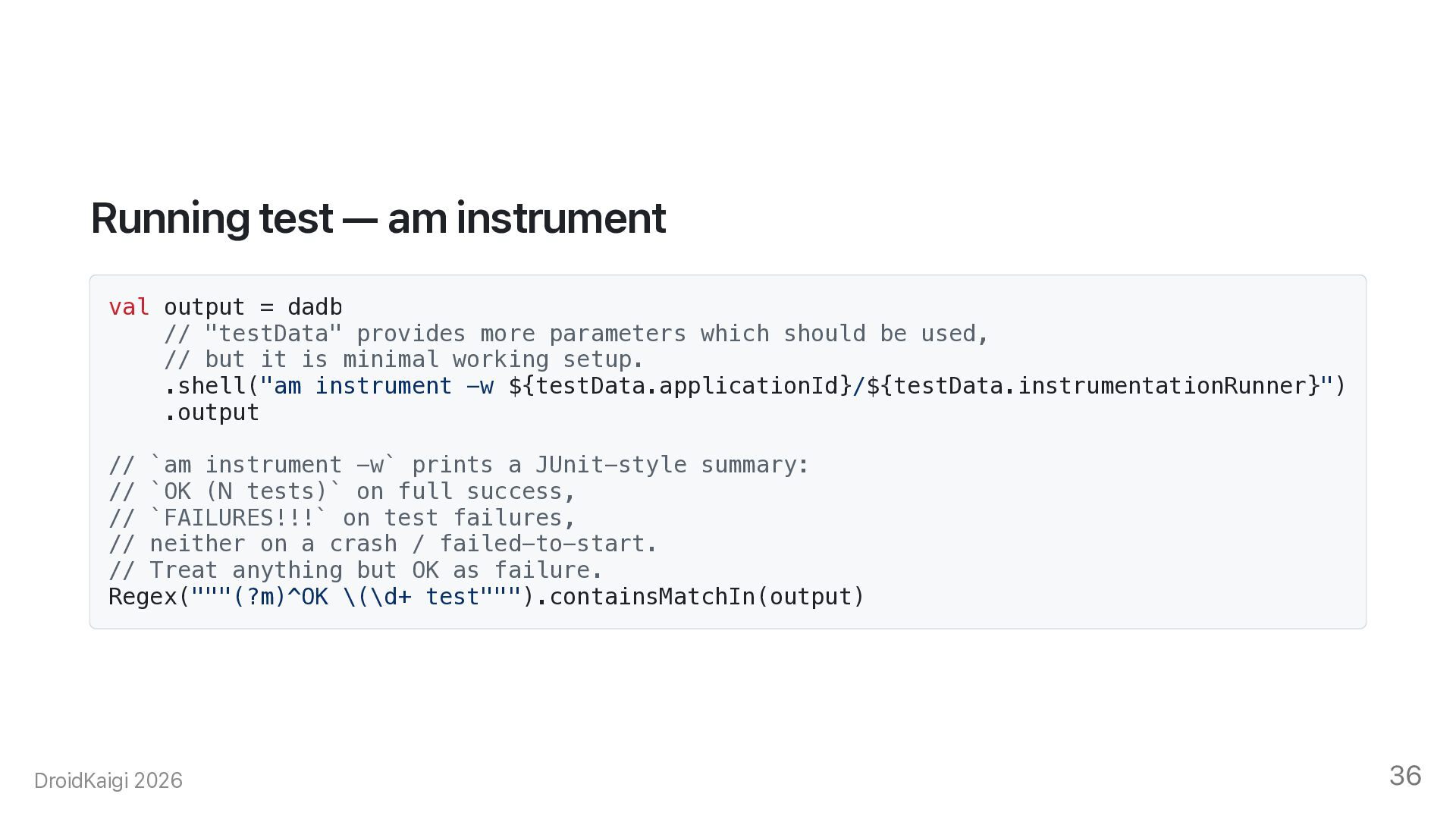
    "testData" provides more parameters which should be used, // but it is minimal working setup. .shell("am instrument -w ${testData.applicationId}/${testData.instrumentationRunner}") .output // `am instrument -w` prints a JUnit-style summary: // `OK (N tests)` on full success, // `FAILURES!!!` on test failures, // neither on a crash / failed-to-start. // Treat anything but OK as failure. Regex("""(?m)^OK \(\d+ test""").containsMatchIn(output) DroidKaigi 2026 36
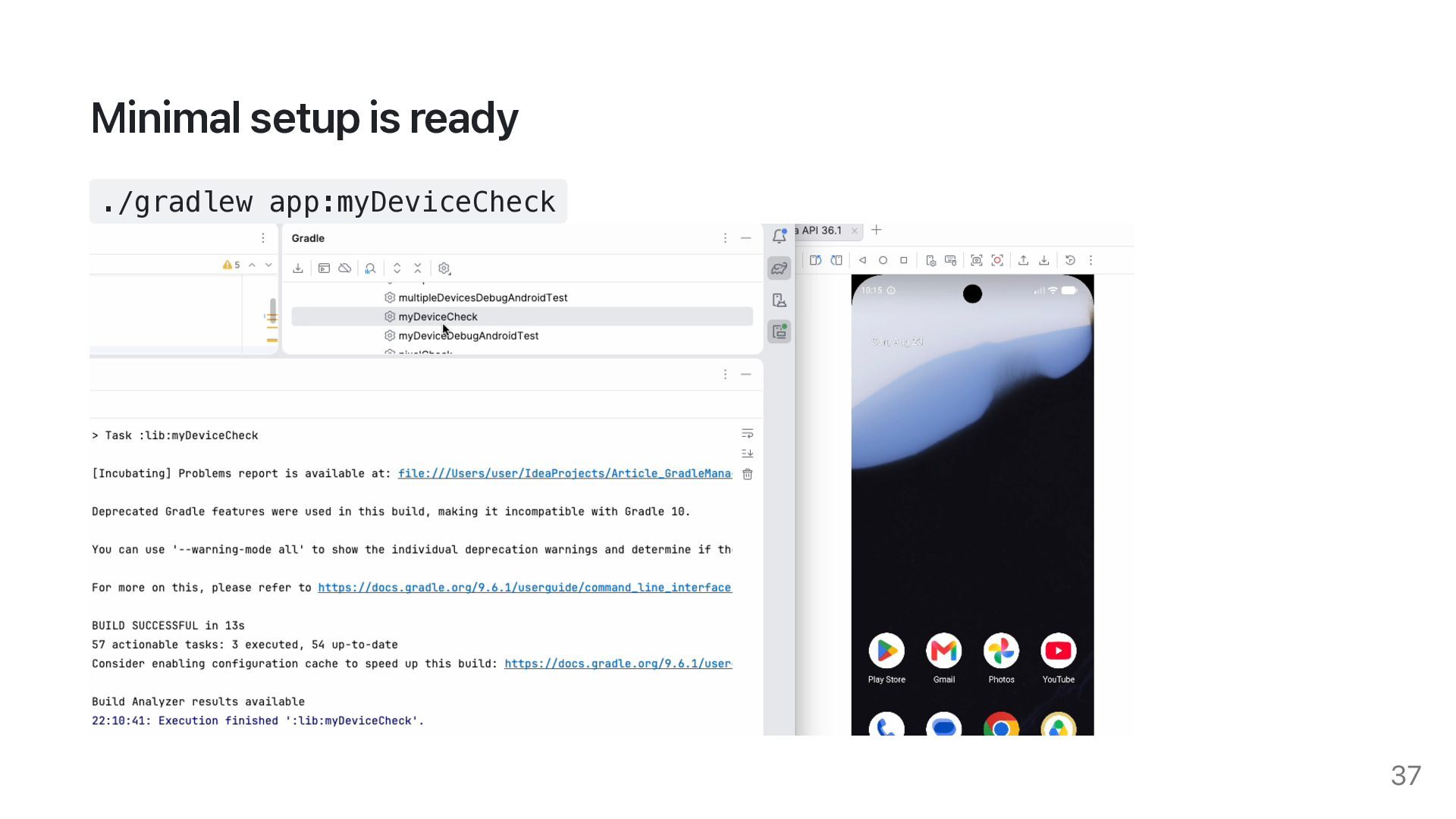
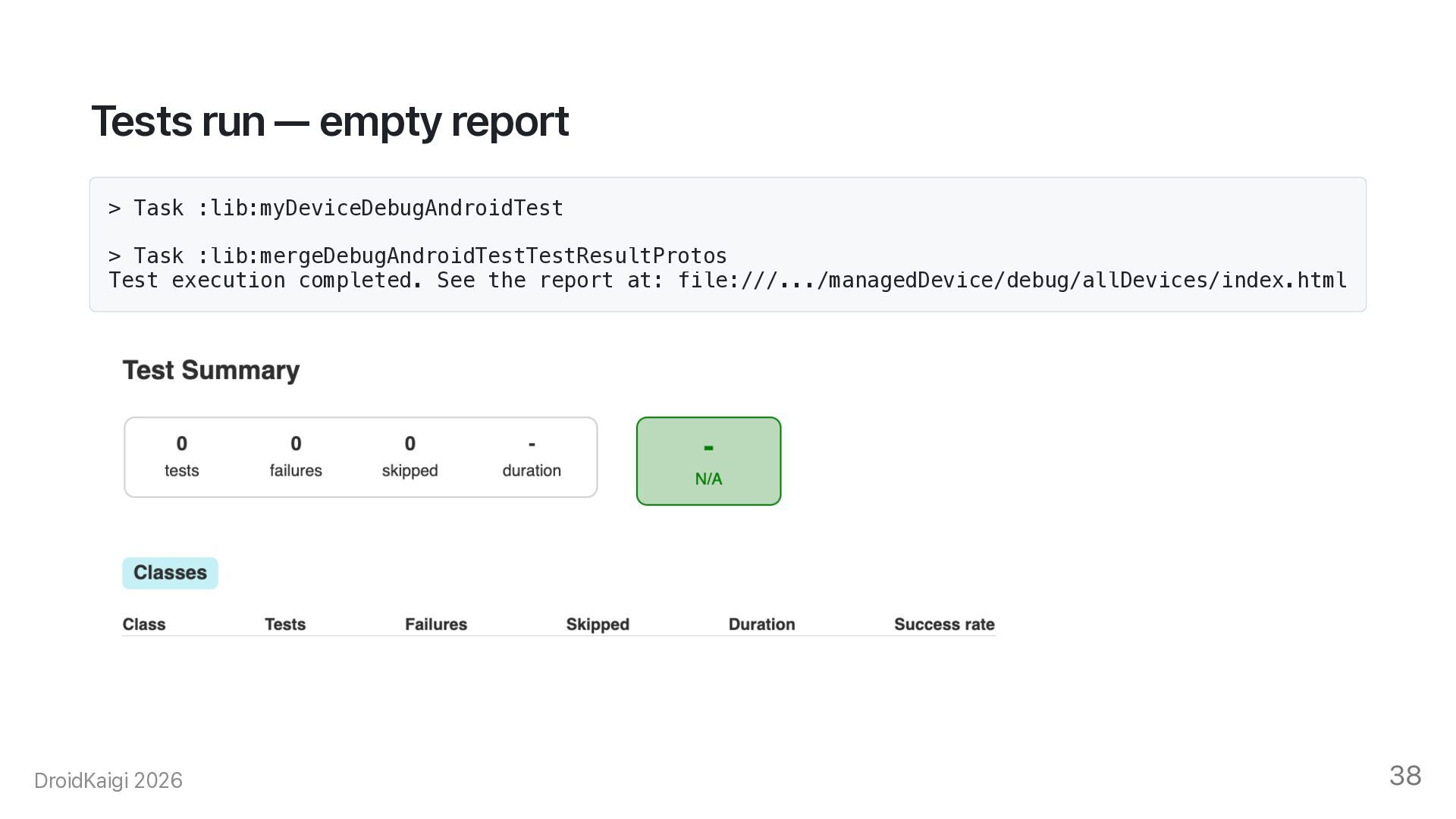
  34. Tests run — empty report > Task :lib:myDeviceDebugAndroidTest > Task

    :lib:mergeDebugAndroidTestTestResultProtos Test execution completed. See the report at: file:///.../managedDevice/debug/allDevices/index.html DroidKaigi 2026 38
  35. How are results parsed? adb shell am instrument -w returns

    a continuous stream of data. • Test names • Test statuses (passed, failed, skipped) • Result metadata How does AGP turn this stream into a JUnit report? DroidKaigi 2026 39
  36. Parsing test results — listener val xmlWriterListener = CustomTestRunListener( name,

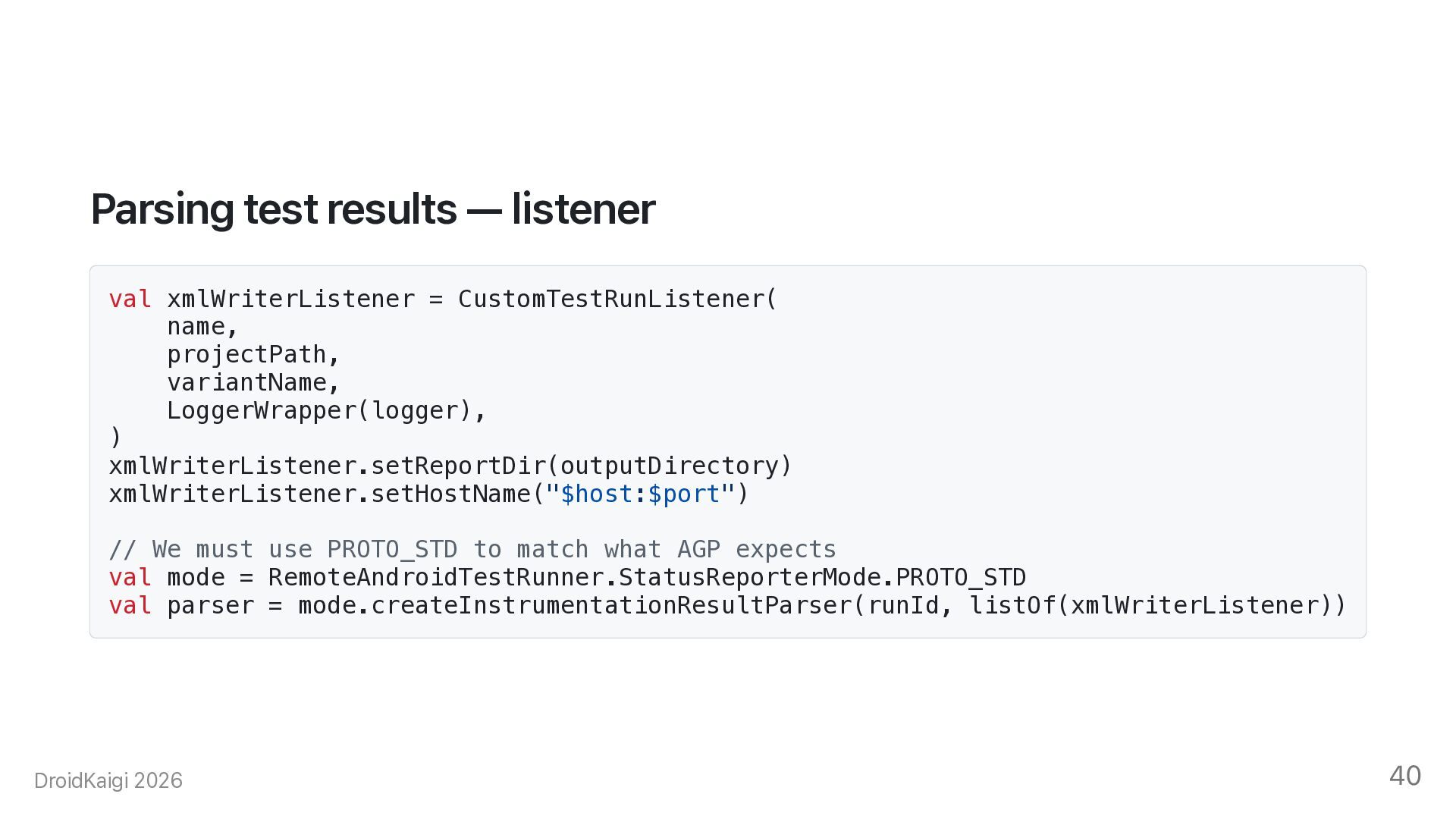
    projectPath, variantName, LoggerWrapper(logger), ) xmlWriterListener.setReportDir(outputDirectory) xmlWriterListener.setHostName("$host:$port") // We must use PROTO_STD to match what AGP expects val mode = RemoteAndroidTestRunner.StatusReporterMode.PROTO_STD val parser = mode.createInstrumentationResultParser(runId, listOf(xmlWriterListener)) DroidKaigi 2026 40
  37. Parsing test results — stream val mode = RemoteAndroidTestRunner.StatusReporterMode.PROTO_STD dadb.openShell("am

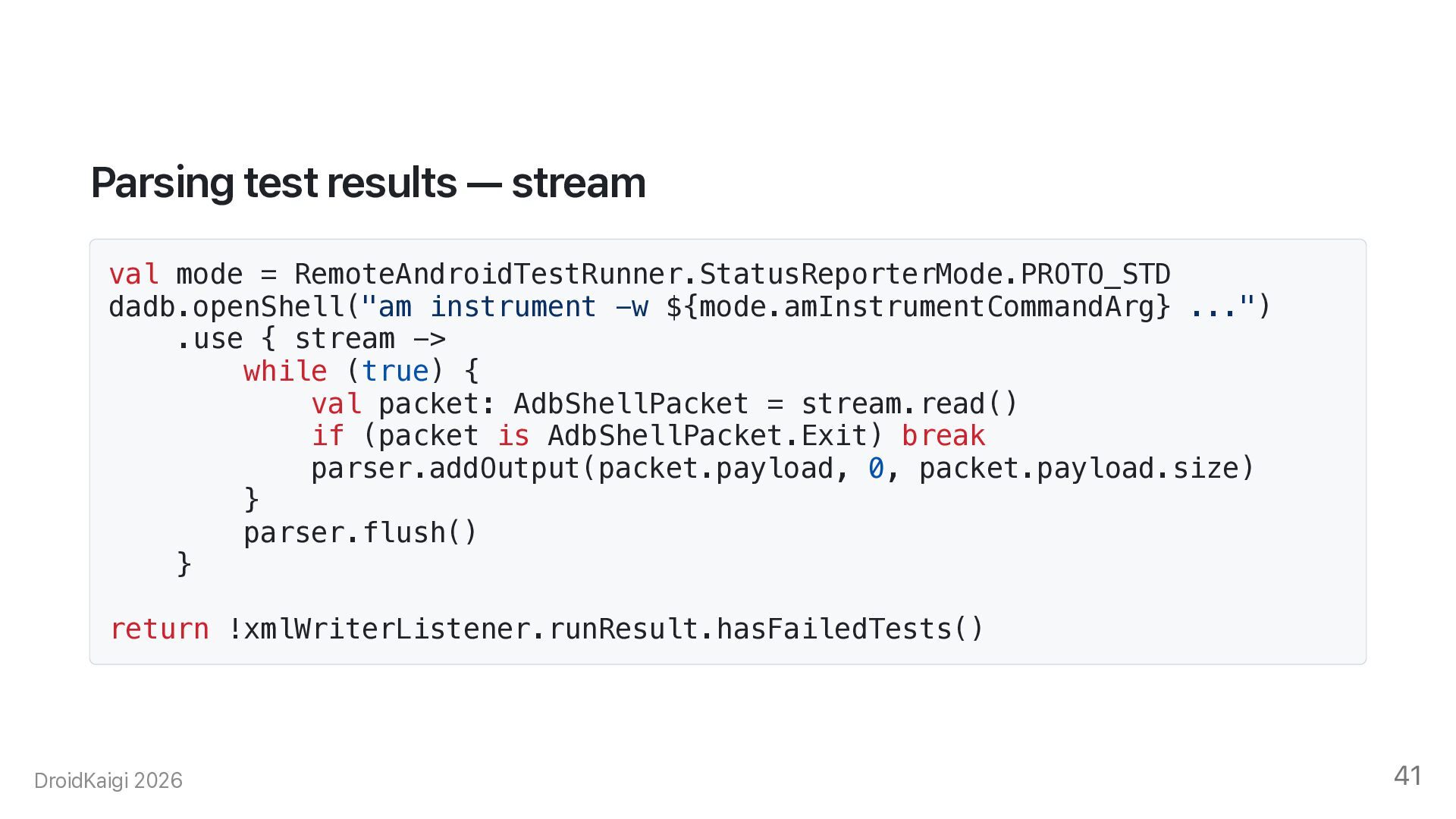
    instrument -w ${mode.amInstrumentCommandArg} ...") .use { stream -> while (true) { val packet: AdbShellPacket = stream.read() if (packet is AdbShellPacket.Exit) break parser.addOutput(packet.payload, 0, packet.payload.size) } parser.flush() } return !xmlWriterListener.runResult.hasFailedTests() DroidKaigi 2026 41
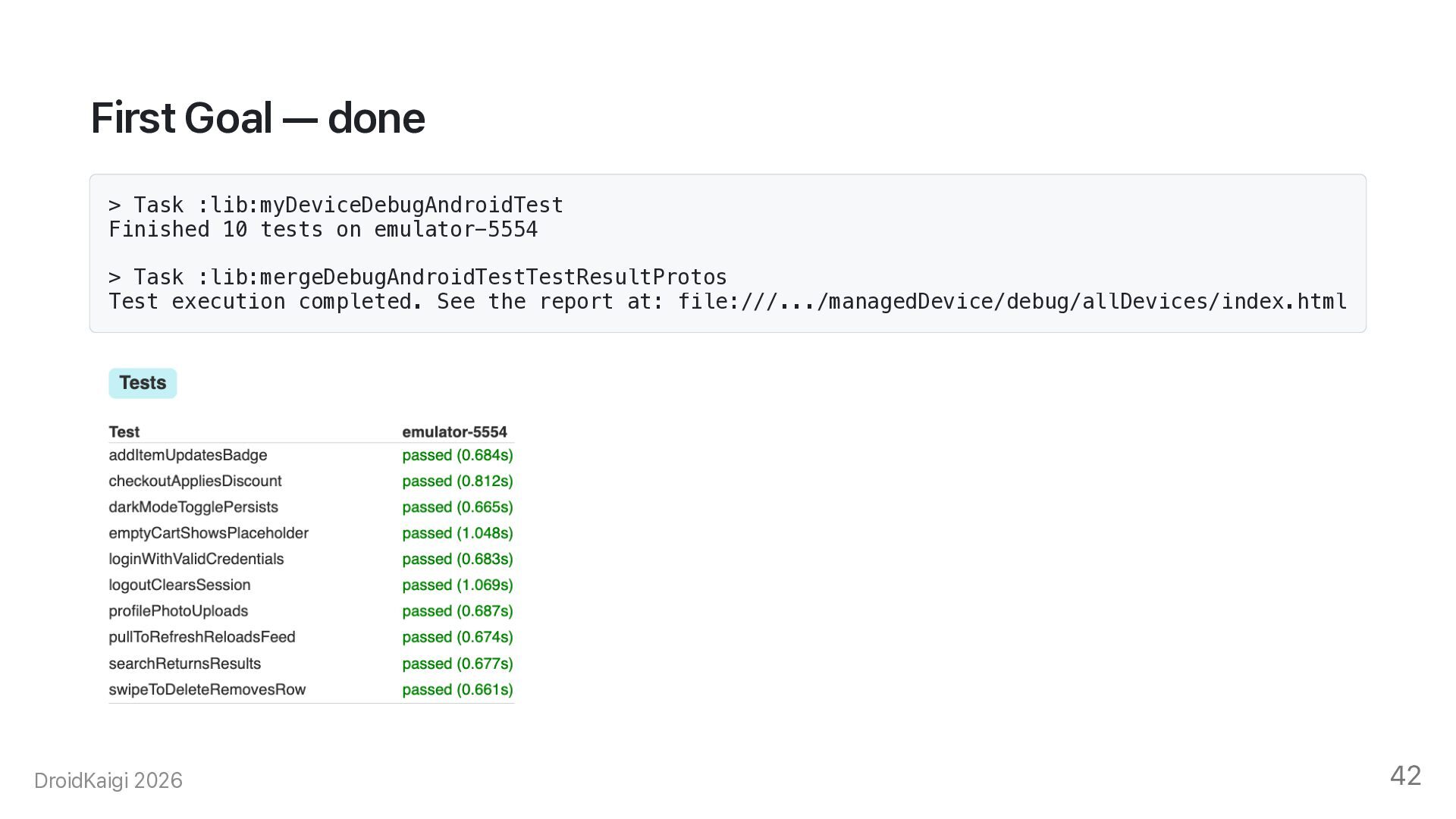
  38. First Goal — done > Task :lib:myDeviceDebugAndroidTest Finished 10 tests

    on emulator-5554 > Task :lib:mergeDebugAndroidTestTestResultProtos Test execution completed. See the report at: file:///.../managedDevice/debug/allDevices/index.html DroidKaigi 2026 42
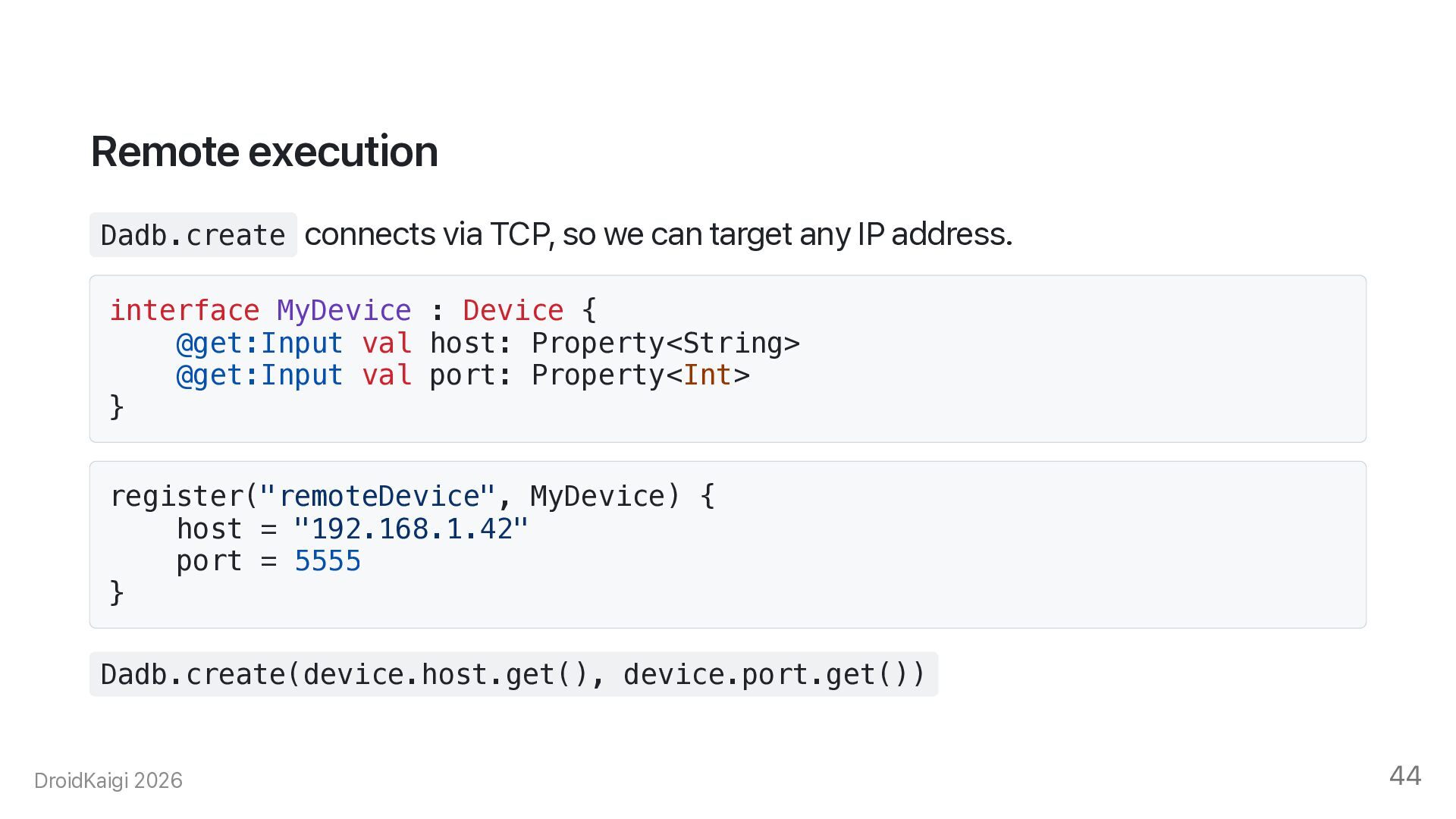
  39. Remote execution Dadb.create connects via TCP, so we can target

    any IP address. interface MyDevice : Device { @get:Input val host: Property<String> @get:Input val port: Property<Int> } register("remoteDevice", MyDevice) { host = "192.168.1.42" port = 5555 } Dadb.create(device.host.get(), device.port.get()) DroidKaigi 2026 44
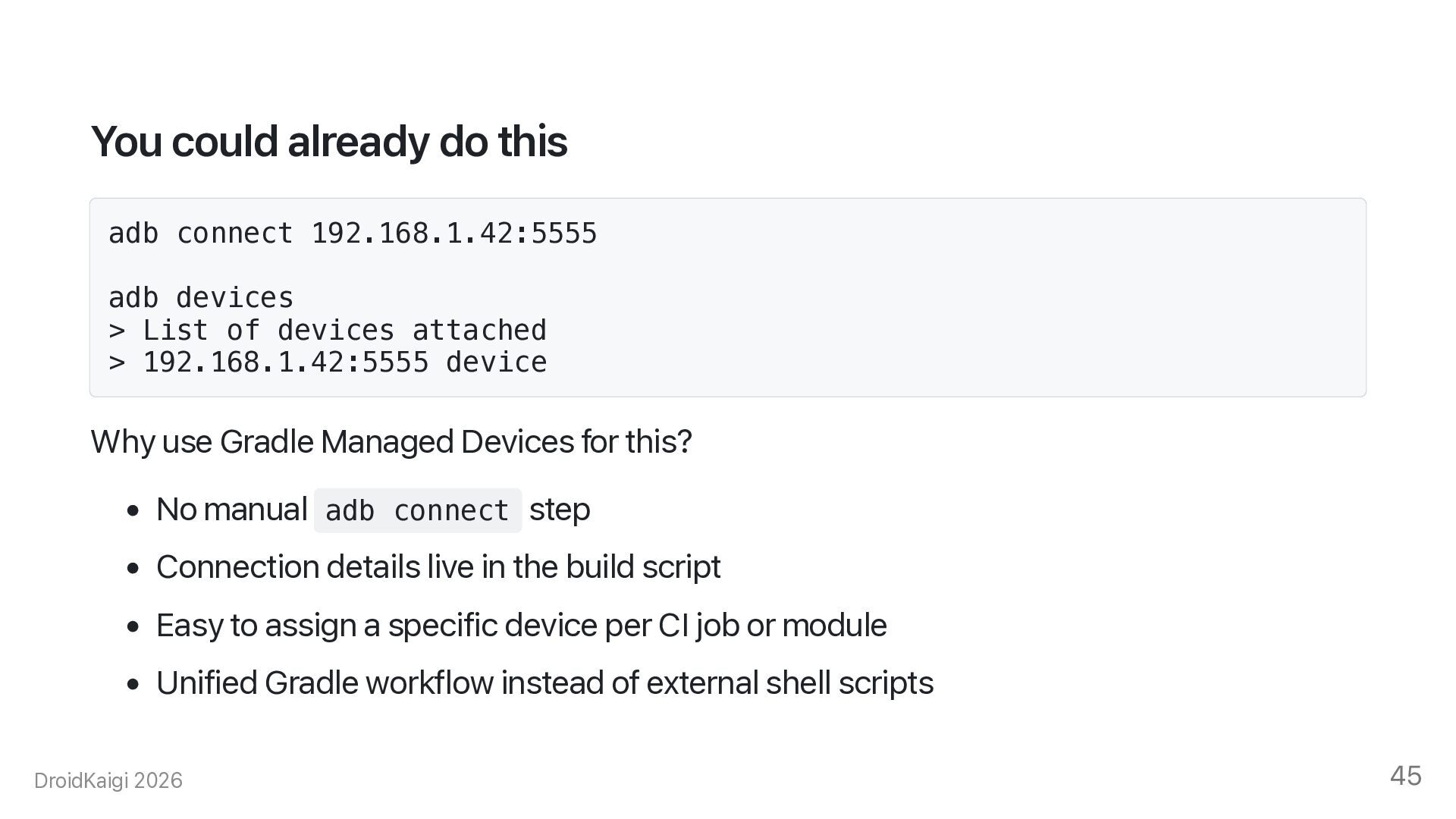
  40. You could already do this adb connect 192.168.1.42:5555 adb devices

    > List of devices attached > 192.168.1.42:5555 device Why use Gradle Managed Devices for this? • No manual adb connect step • Connection details live in the build script • Easy to assign a specific device per CI job or module • Unified Gradle workflow instead of external shell scripts DroidKaigi 2026 45
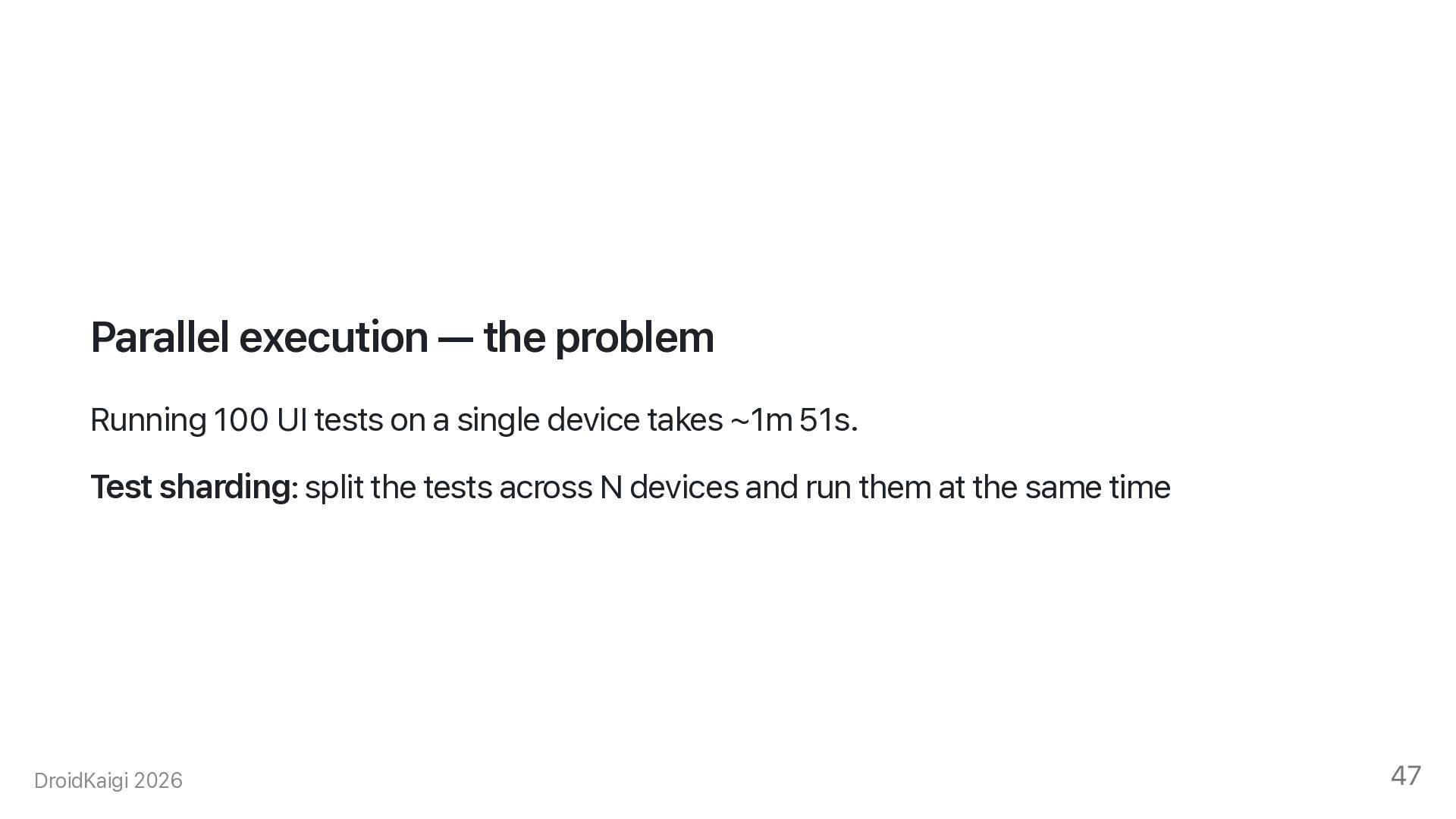
  41. Parallel execution — the problem Running 100 UI tests on

    a single device takes ~1m 51s. Test sharding: split the tests across N devices and run them at the same time DroidKaigi 2026 47
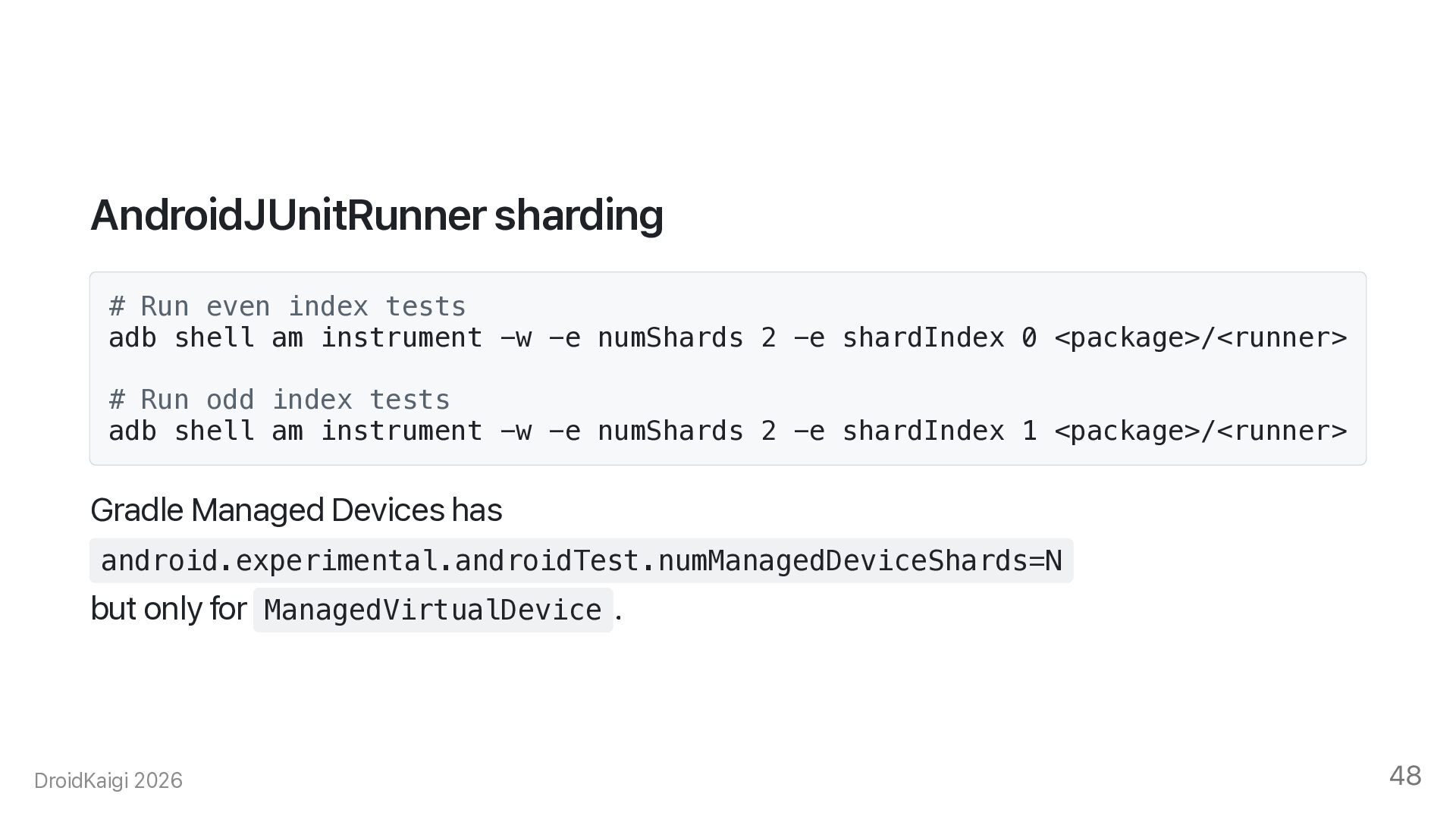
  42. AndroidJUnitRunner sharding # Run even index tests adb shell am

    instrument -w -e numShards 2 -e shardIndex 0 <package>/<runner> # Run odd index tests adb shell am instrument -w -e numShards 2 -e shardIndex 1 <package>/<runner> Gradle Managed Devices has android.experimental.androidTest.numManagedDeviceShards=N but only for ManagedVirtualDevice . DroidKaigi 2026 48
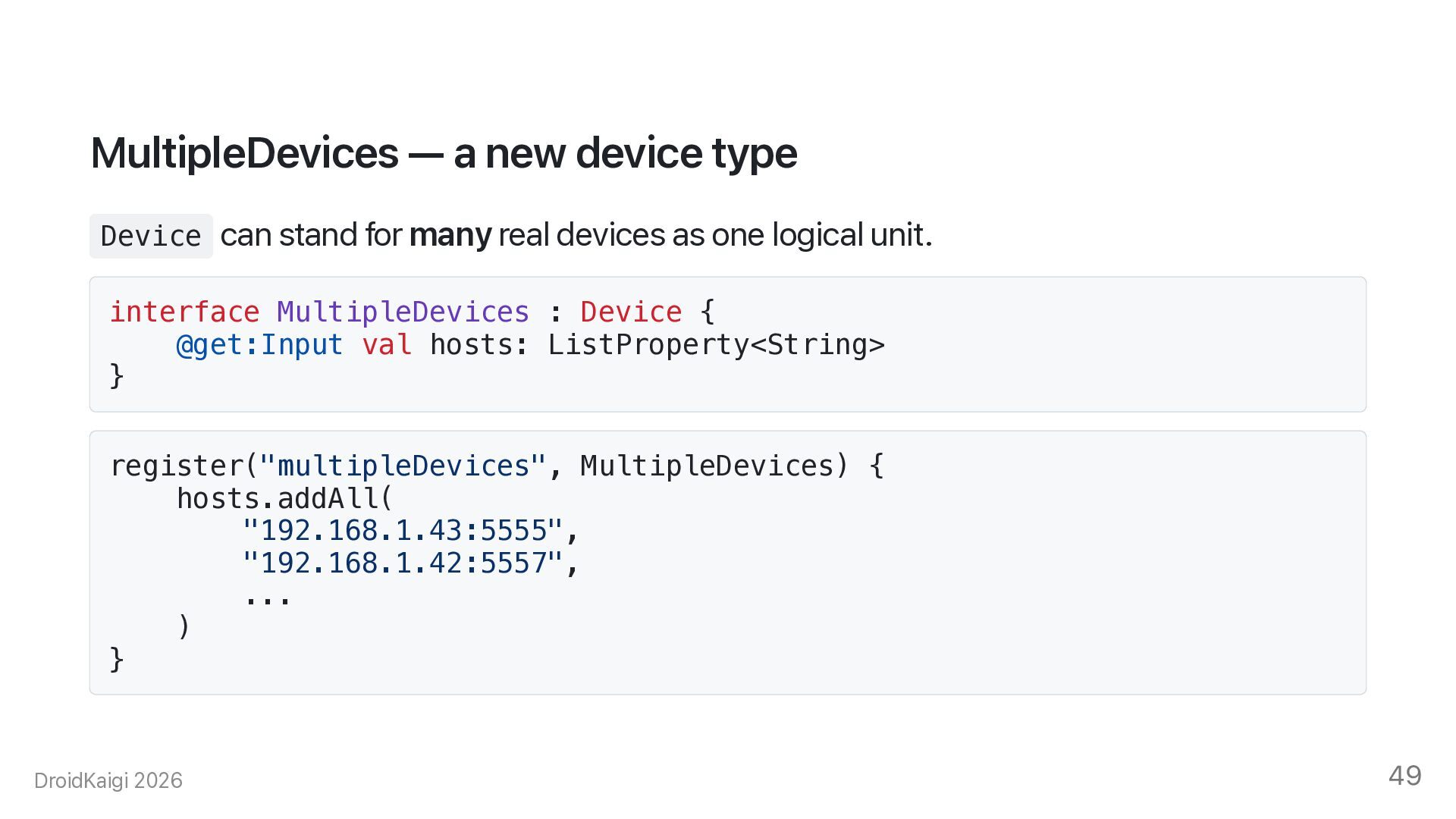
  43. MultipleDevices — a new device type Device can stand for

    many real devices as one logical unit. interface MultipleDevices : Device { @get:Input val hosts: ListProperty<String> } register("multipleDevices", MultipleDevices) { hosts.addAll( "192.168.1.43:5555", "192.168.1.42:5557", ... ) } DroidKaigi 2026 49
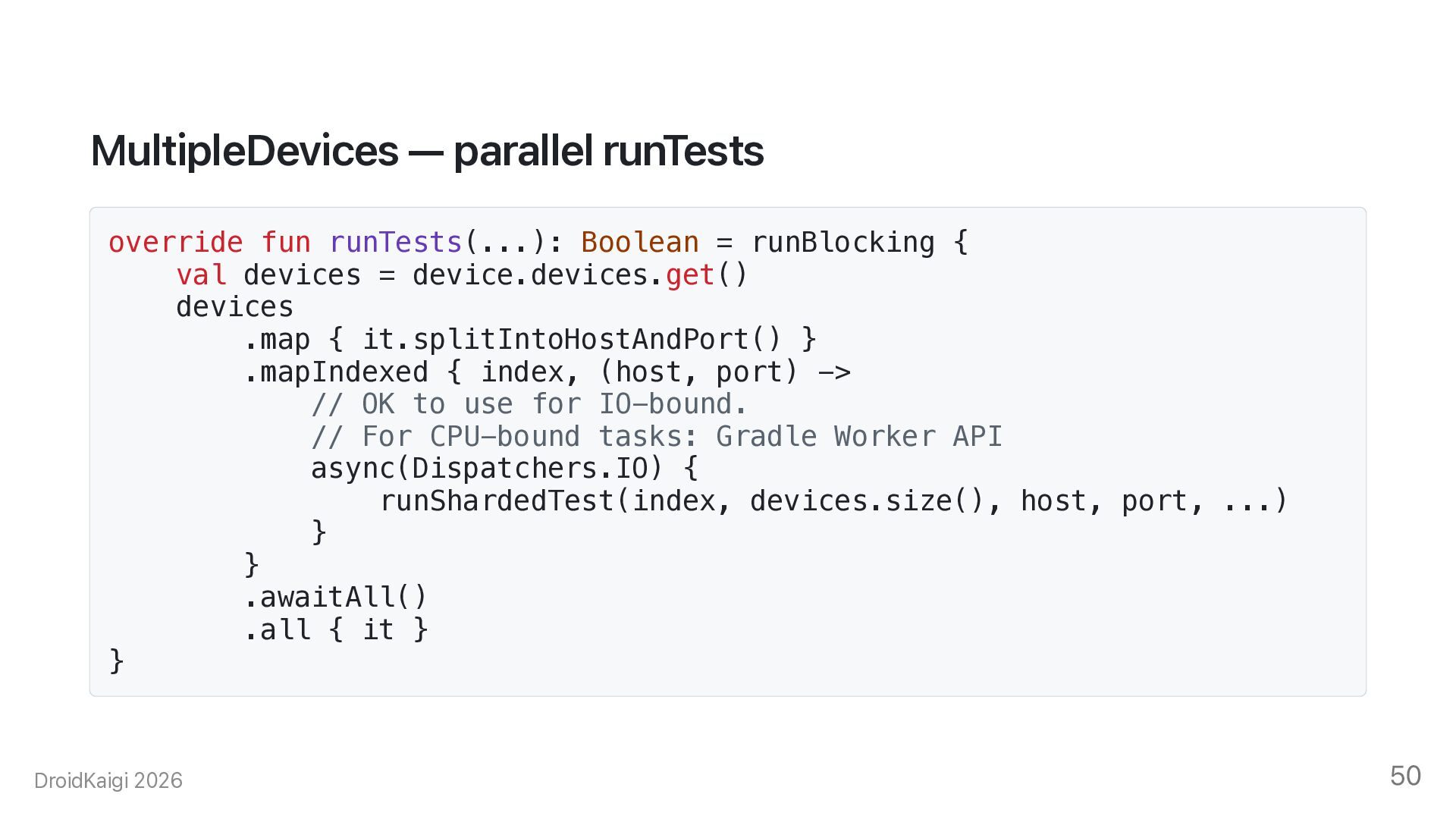
  44. MultipleDevices — parallel runTests override fun runTests(...): Boolean = runBlocking

    { val devices = device.devices.get() devices .map { it.splitIntoHostAndPort() } .mapIndexed { index, (host, port) -> // OK to use for IO-bound. // For CPU-bound tasks: Gradle Worker API async(Dispatchers.IO) { runShardedTest(index, devices.size(), host, port, ...) } } .awaitAll() .all { it } } DroidKaigi 2026 50
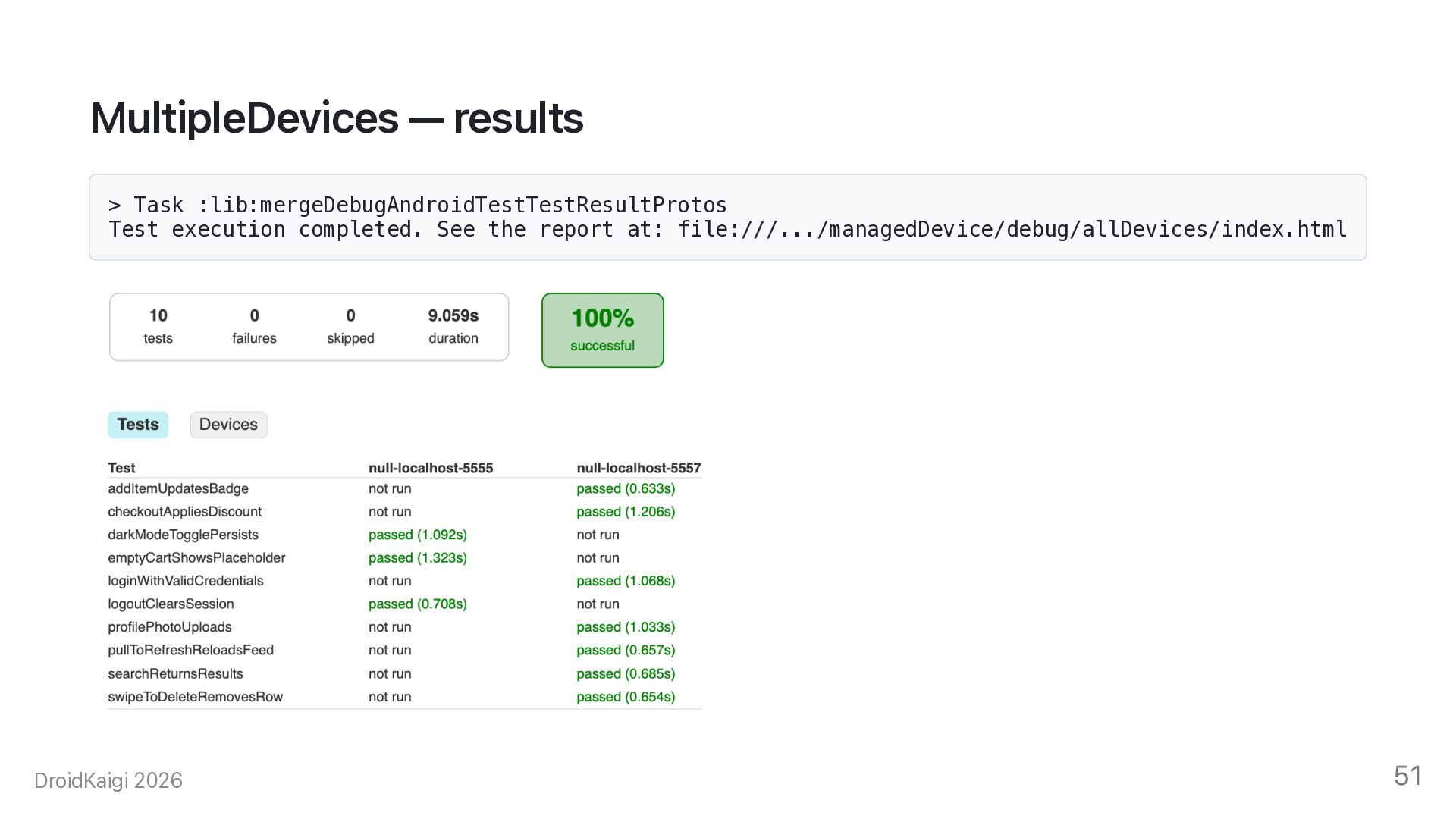
  45. MultipleDevices — results > Task :lib:mergeDebugAndroidTestTestResultProtos Test execution completed. See

    the report at: file:///.../managedDevice/debug/allDevices/index.html DroidKaigi 2026 51
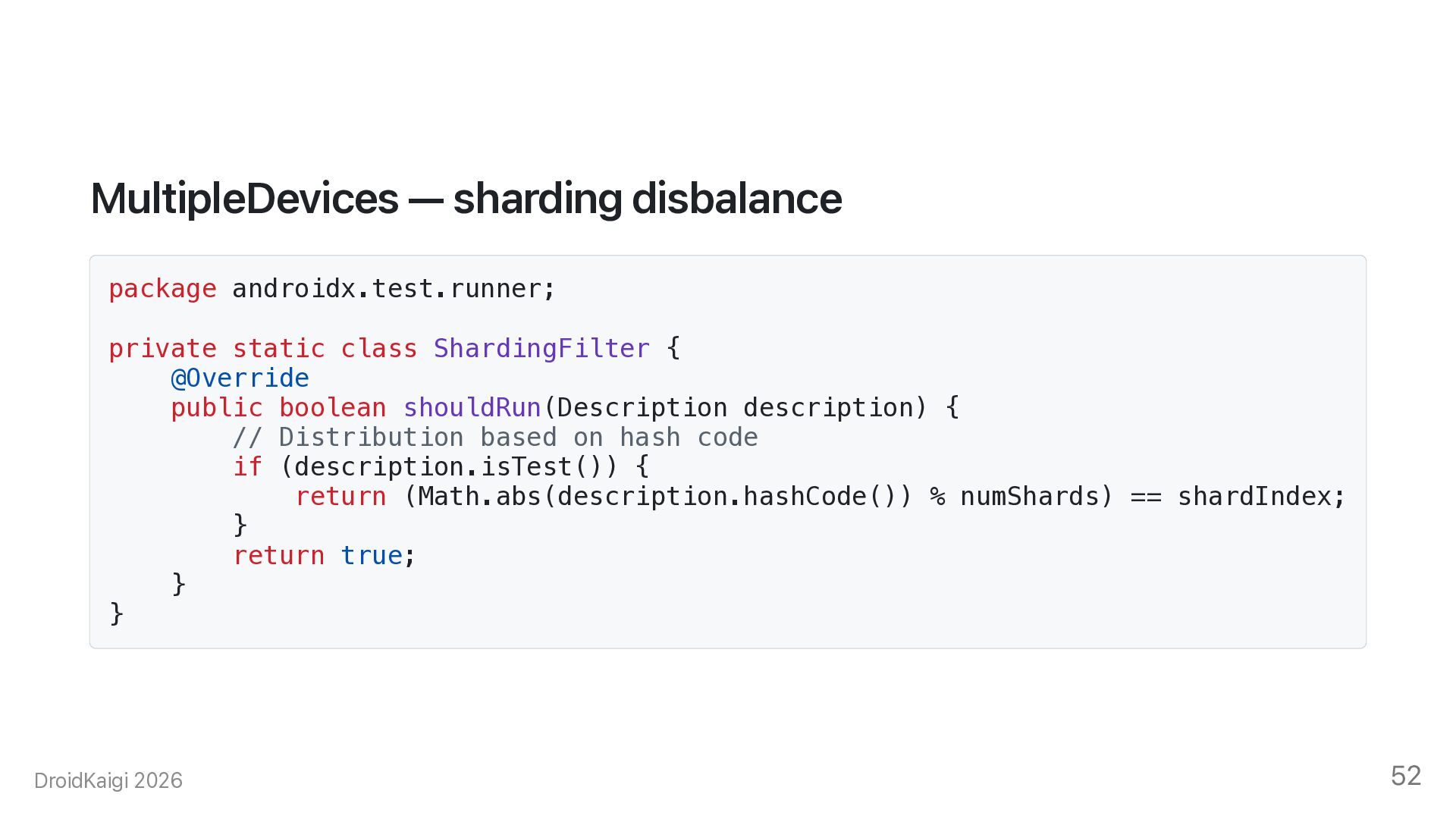
  46. MultipleDevices — sharding disbalance package androidx.test.runner; private static class ShardingFilter

    { @Override public boolean shouldRun(Description description) { // Distribution based on hash code if (description.isTest()) { return (Math.abs(description.hashCode()) % numShards) == shardIndex; } return true; } } DroidKaigi 2026 52
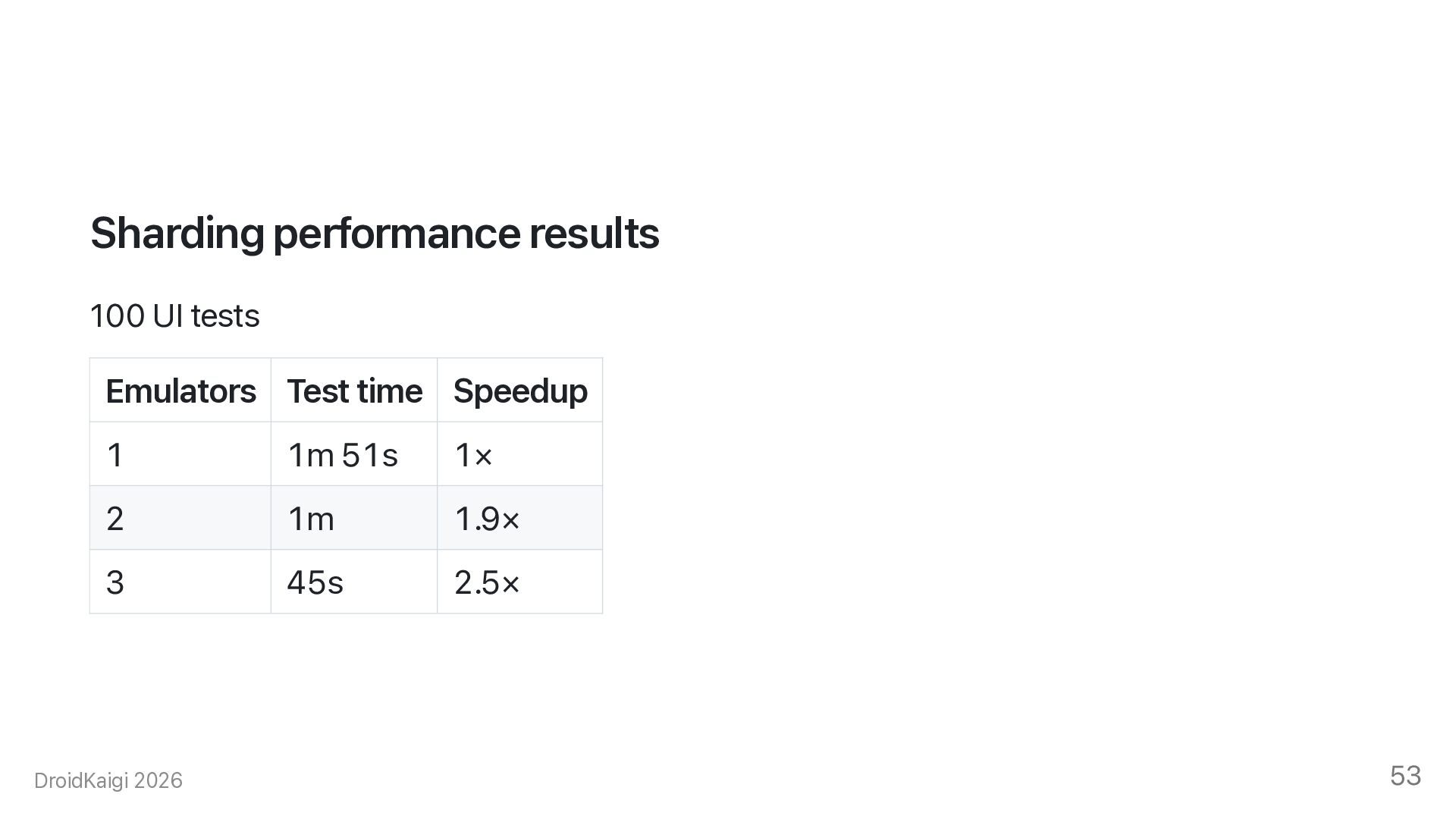
  47. Sharding performance results 100 UI tests Emulators Test time Speedup

    1 1m 51s 1× 2 1m 1.9× 3 45s 2.5× DroidKaigi 2026 53
  48. The remaining problem Sharding increases speed, but emulators still run

    locally. Running multiple emulators at the same time leads to. • High resource consumption (CPU and RAM) • Performance degradation on developer machines • Resource contention on CI — build tasks and emulators competing for the same CPU DroidKaigi 2026 54
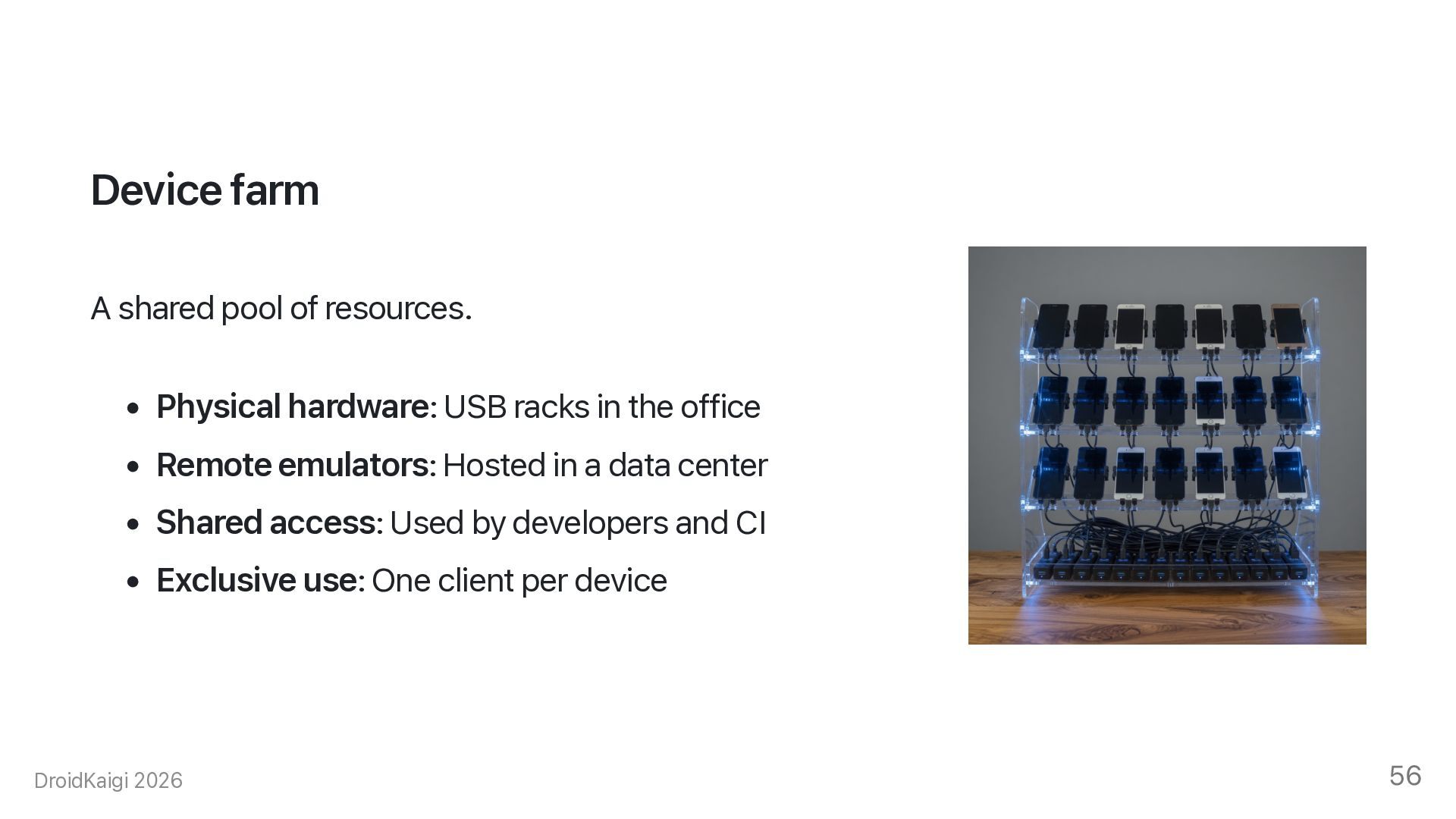
  49. Device farm A shared pool of resources. • Physical hardware:

    USB racks in the office • Remote emulators: Hosted in a data center • Shared access: Used by developers and CI • Exclusive use: One client per device DroidKaigi 2026 56
  50. Device broker A web service in front of the farm.

    • List free devices • Lease a device — only you can use it • Return host and port for ADB • Release the device after the test DroidKaigi 2026 57
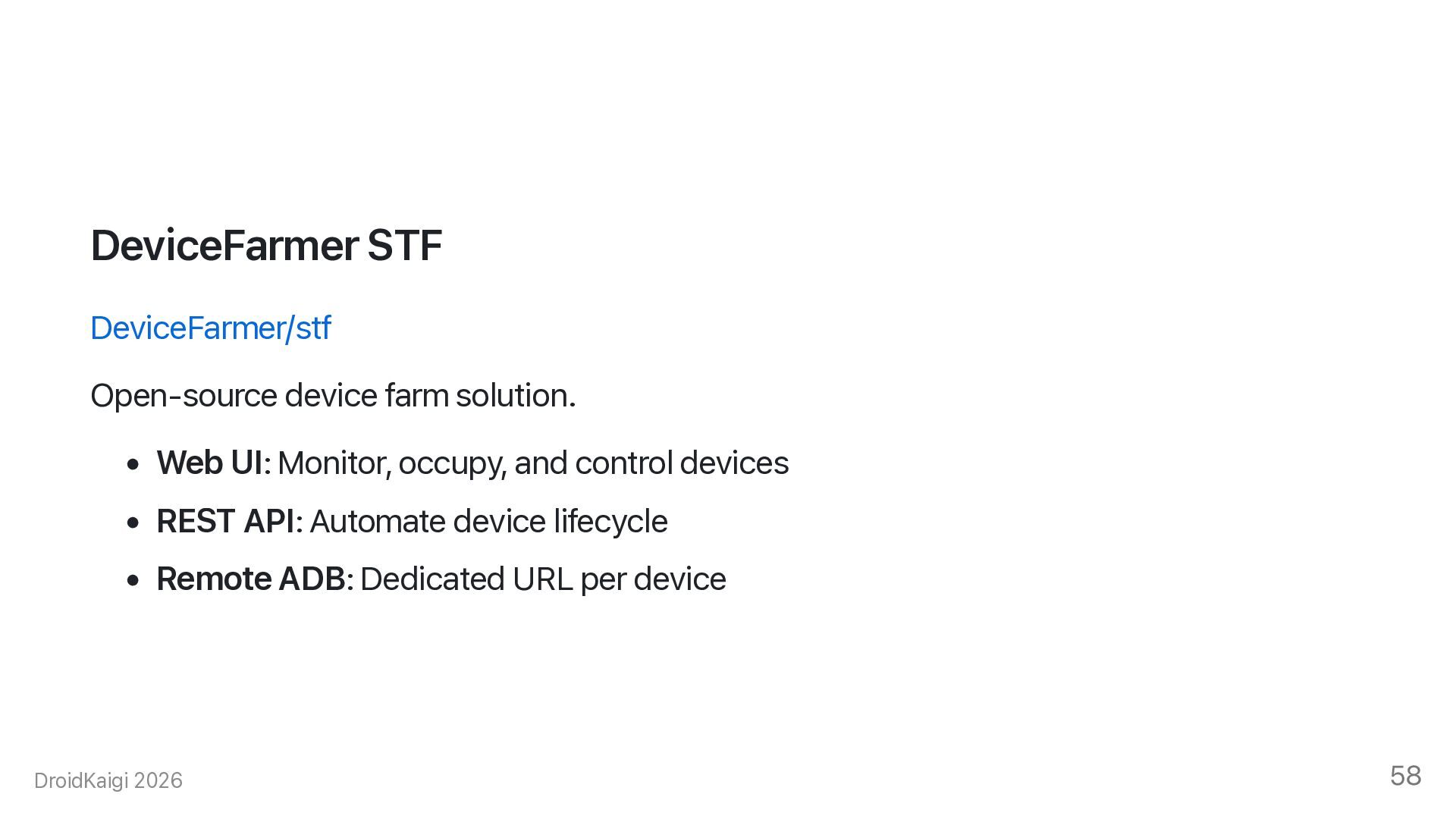
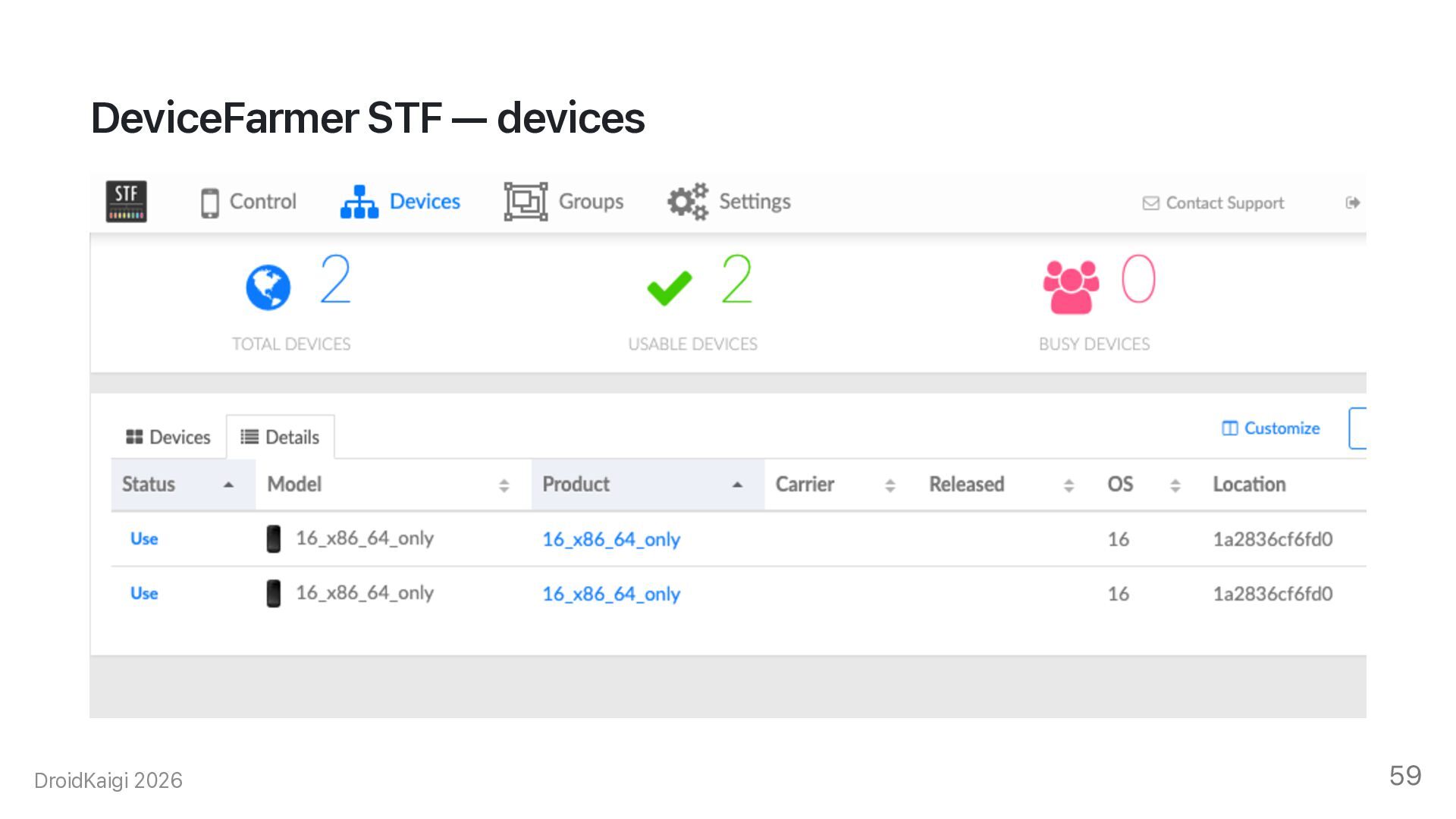
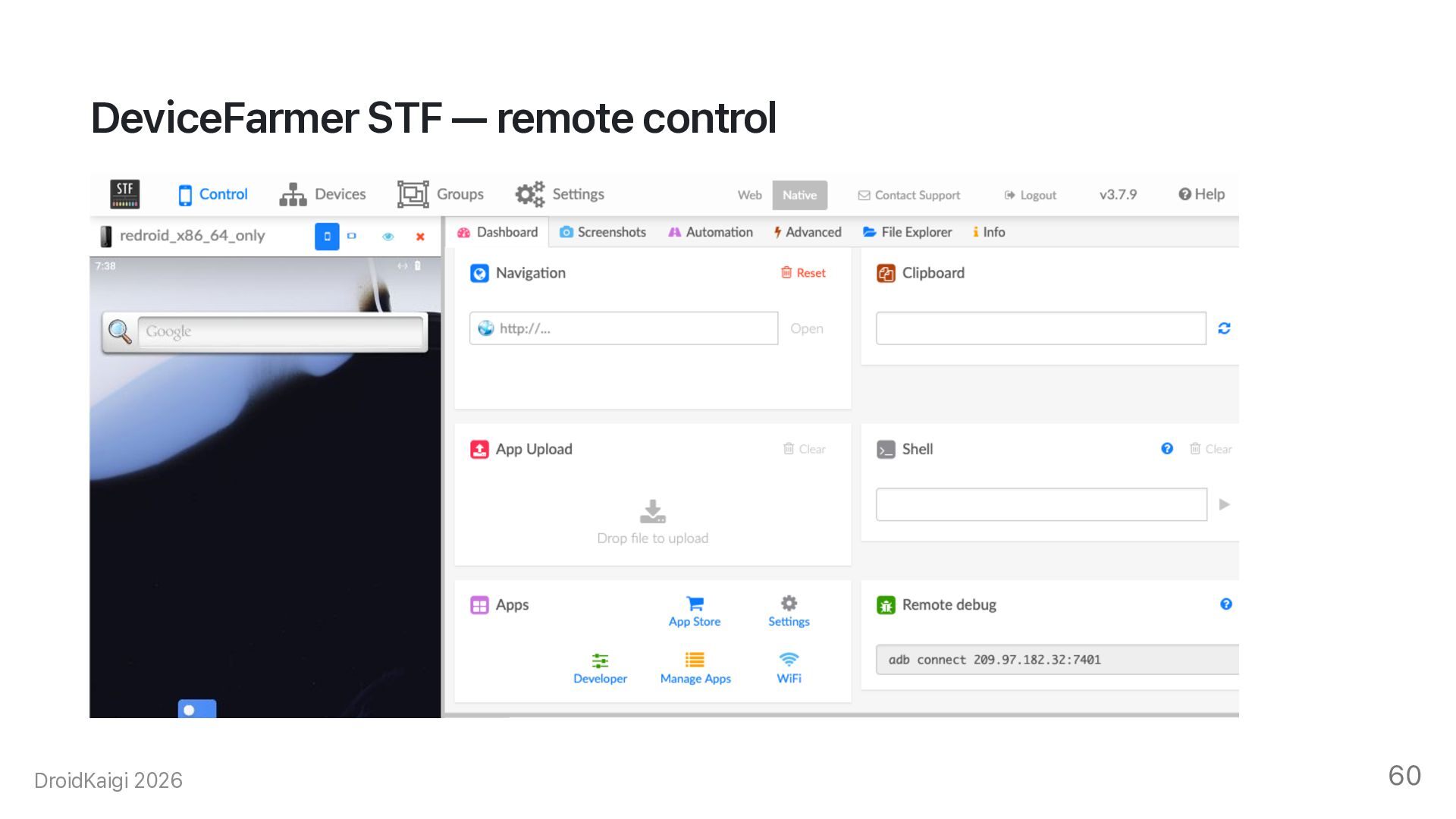
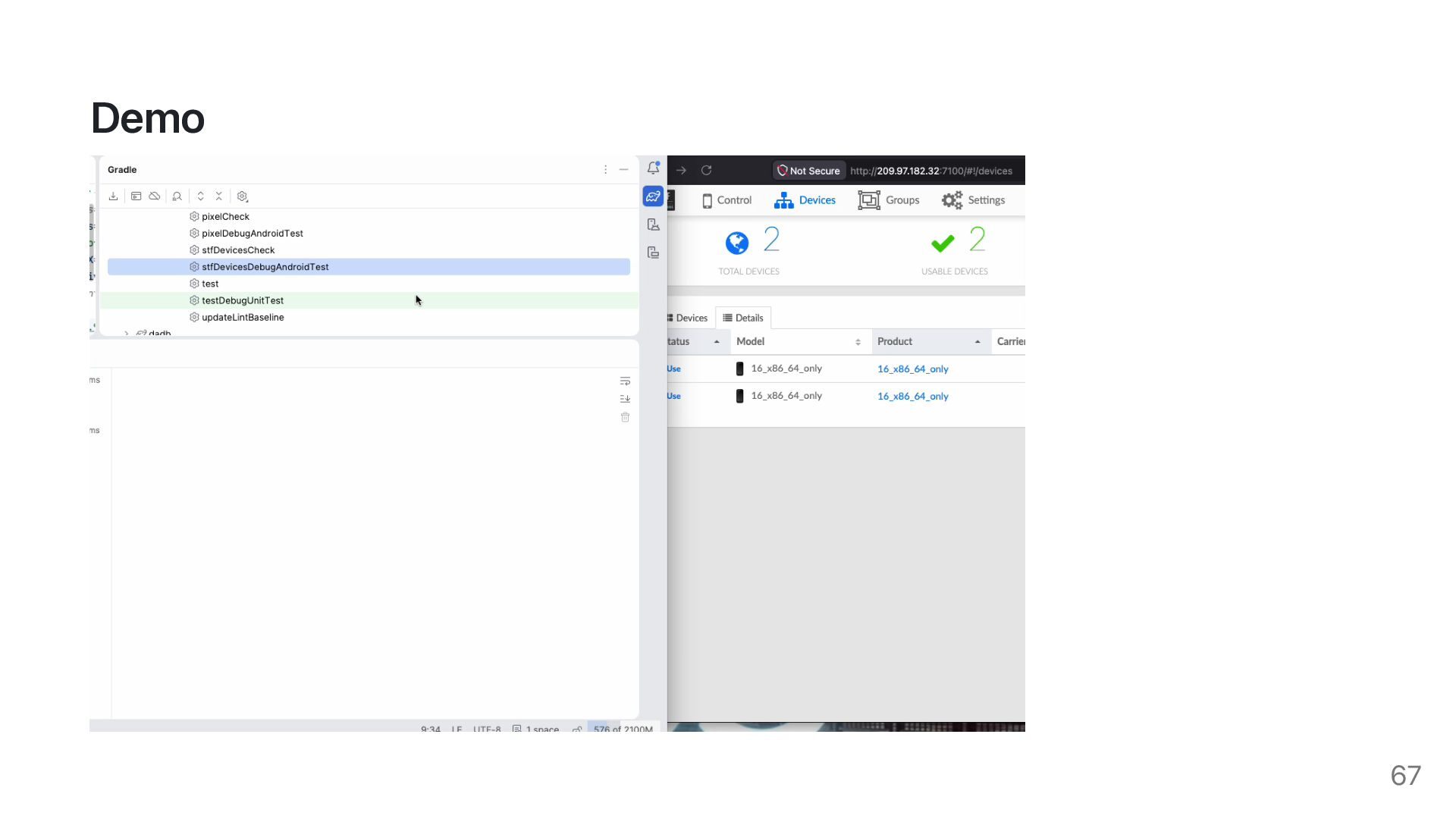
  51. DeviceFarmer STF DeviceFarmer/stf Open-source device farm solution. • Web UI:

    Monitor, occupy, and control devices • REST API: Automate device lifecycle • Remote ADB: Dedicated URL per device DroidKaigi 2026 58
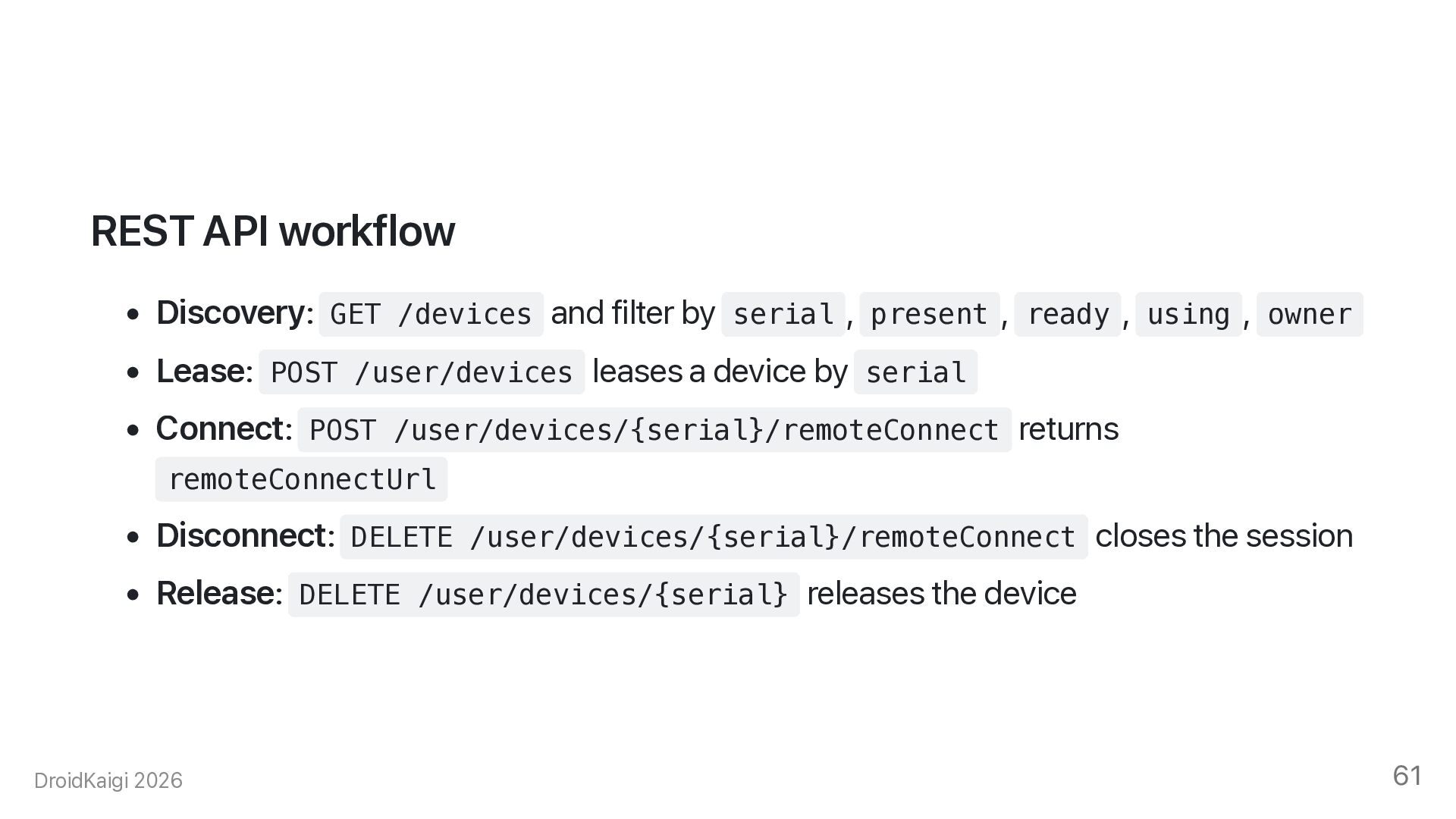
  52. REST API workflow • Discovery: GET /devices and filter by

    serial , present , ready , using , owner • Lease: POST /user/devices leases a device by serial • Connect: POST /user/devices/{serial}/remoteConnect returns remoteConnectUrl • Disconnect: DELETE /user/devices/{serial}/remoteConnect closes the session • Release: DELETE /user/devices/{serial} releases the device DroidKaigi 2026 61
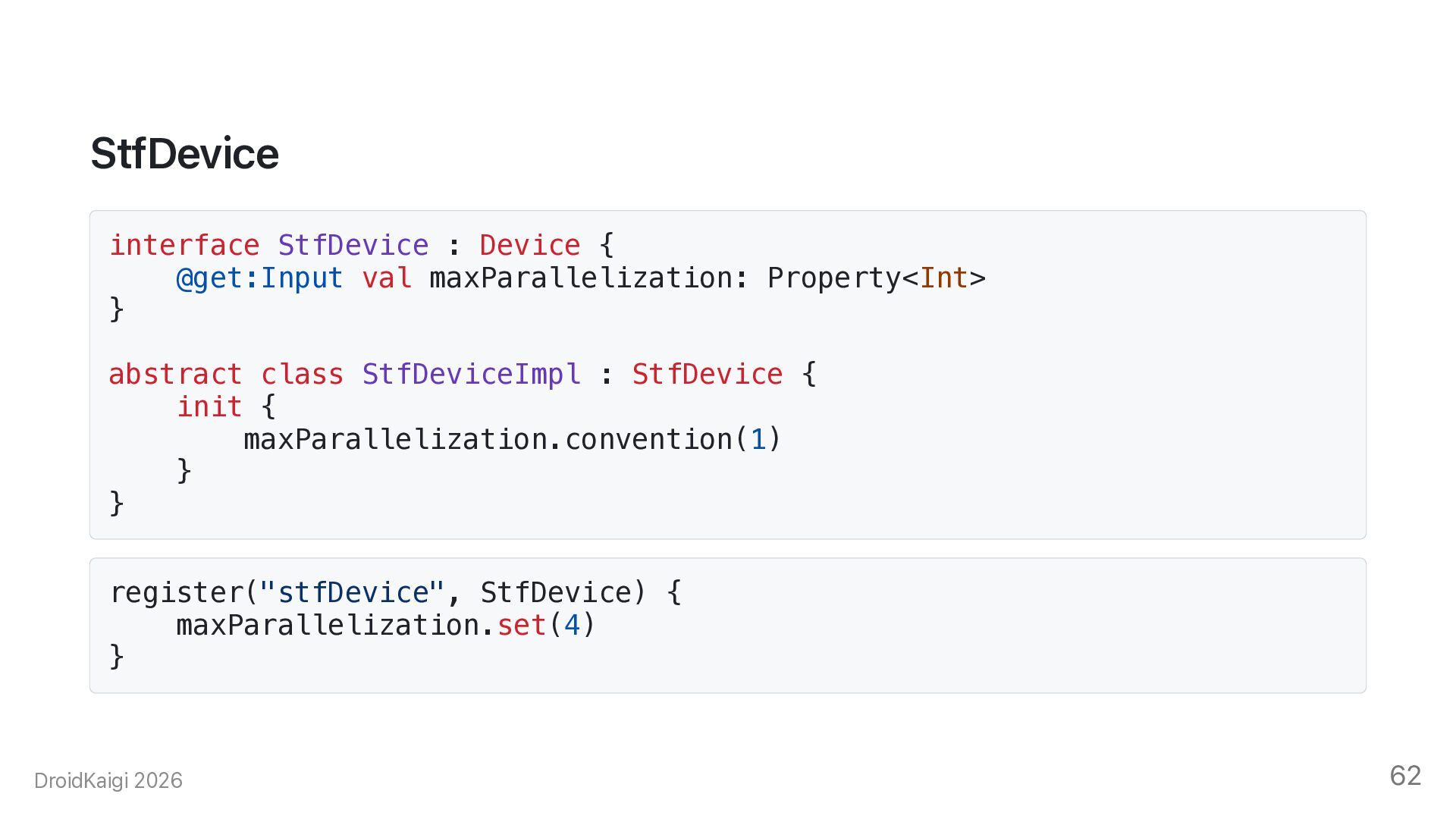
  53. StfDevice interface StfDevice : Device { @get:Input val maxParallelization: Property<Int>

    } abstract class StfDeviceImpl : StfDevice { init { maxParallelization.convention(1) } } register("stfDevice", StfDevice) { maxParallelization.set(4) } DroidKaigi 2026 62
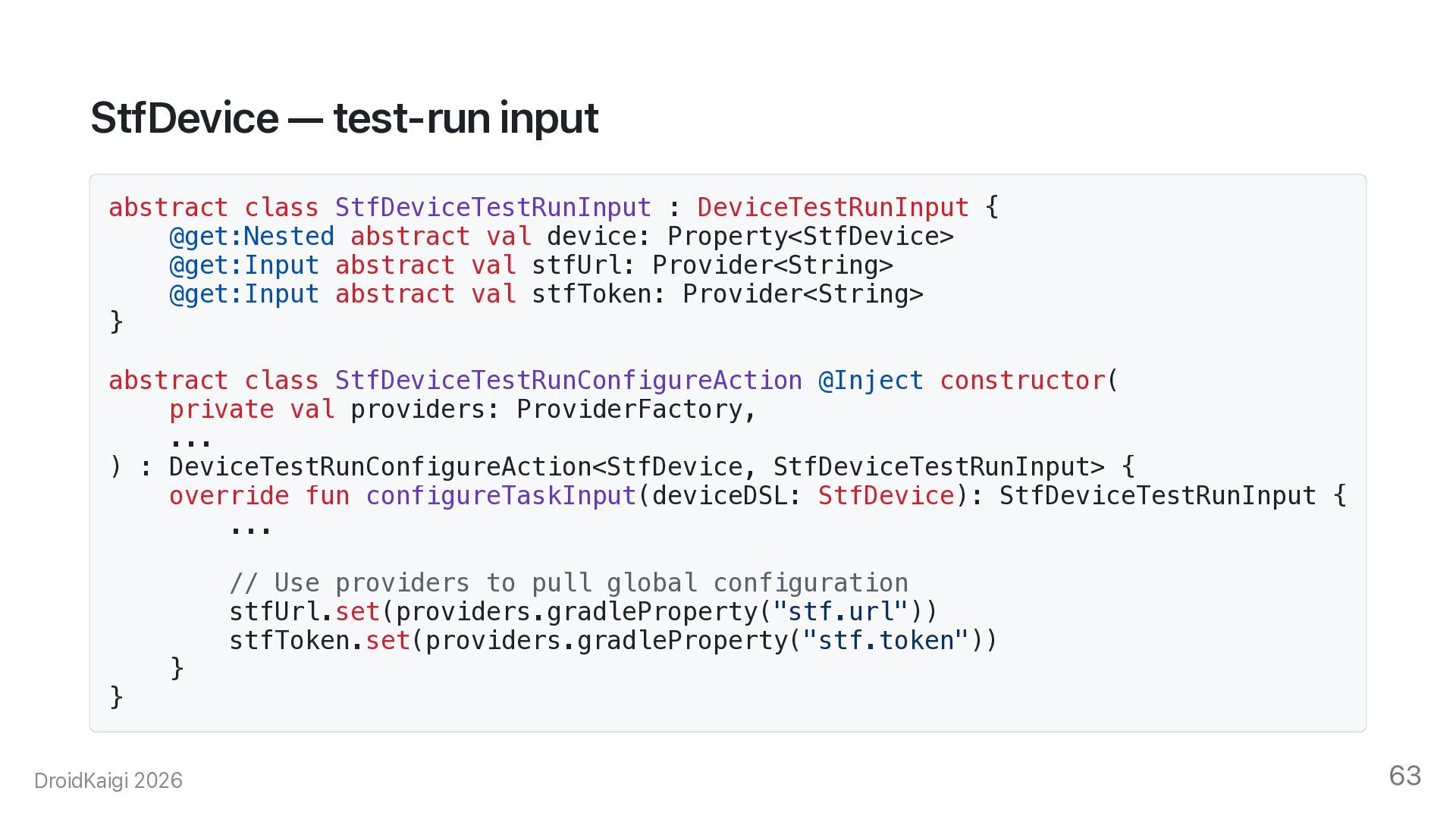
  54. StfDevice — test-run input abstract class StfDeviceTestRunInput : DeviceTestRunInput {

    @get:Nested abstract val device: Property<StfDevice> @get:Input abstract val stfUrl: Provider<String> @get:Input abstract val stfToken: Provider<String> } abstract class StfDeviceTestRunConfigureAction @Inject constructor( private val providers: ProviderFactory, ... ) : DeviceTestRunConfigureAction<StfDevice, StfDeviceTestRunInput> { override fun configureTaskInput(deviceDSL: StfDevice): StfDeviceTestRunInput { ... } } DroidKaigi 2026 // Use providers to pull global configuration stfUrl.set(providers.gradleProperty("stf.url")) stfToken.set(providers.gradleProperty("stf.token")) 63
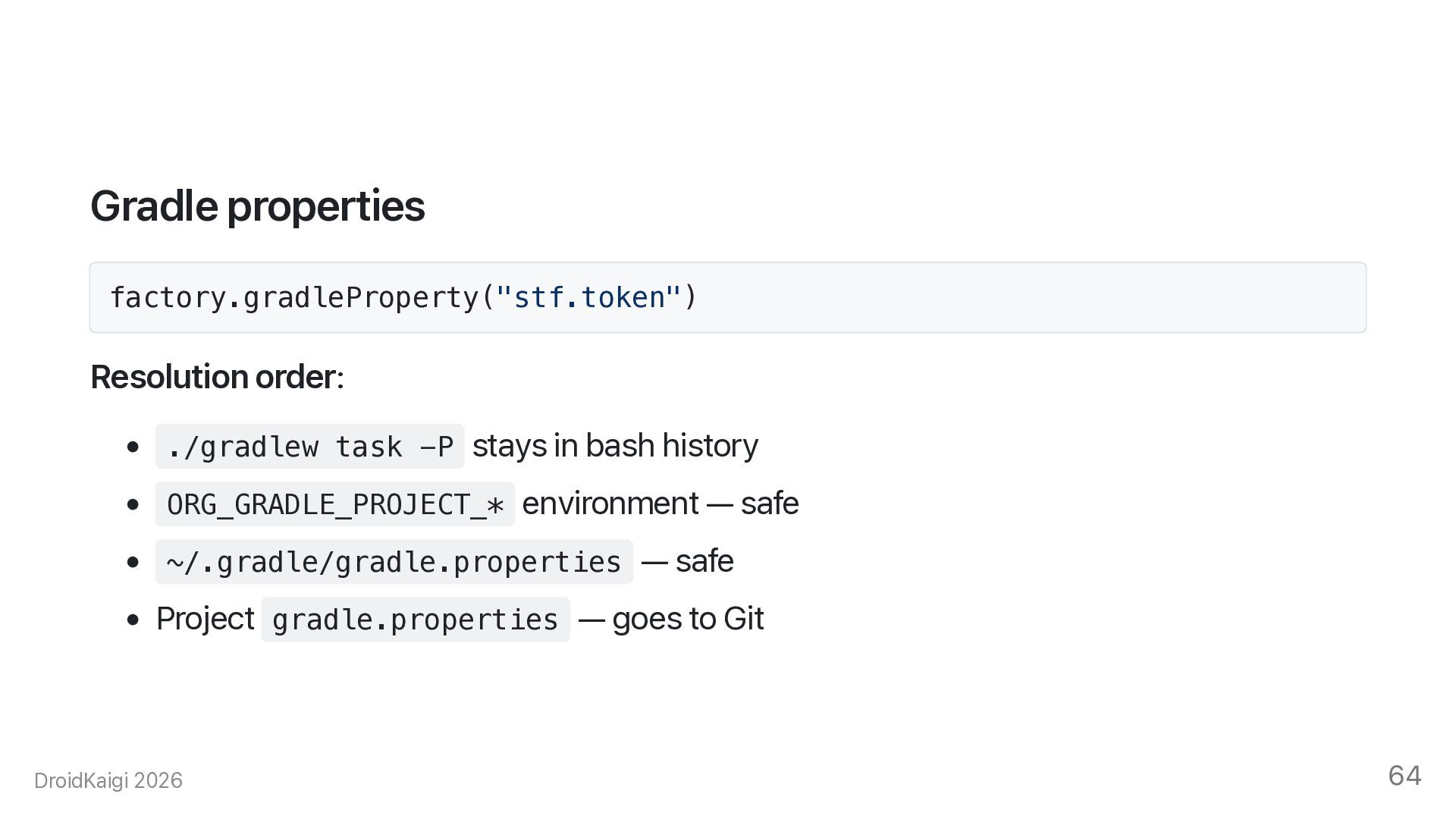
  55. Gradle properties factory.gradleProperty("stf.token") Resolution order: • ./gradlew task -P stays

    in bash history • ORG_GRADLE_PROJECT_* environment — safe • ~/.gradle/gradle.properties — safe • Project gradle.properties — goes to Git DroidKaigi 2026 64
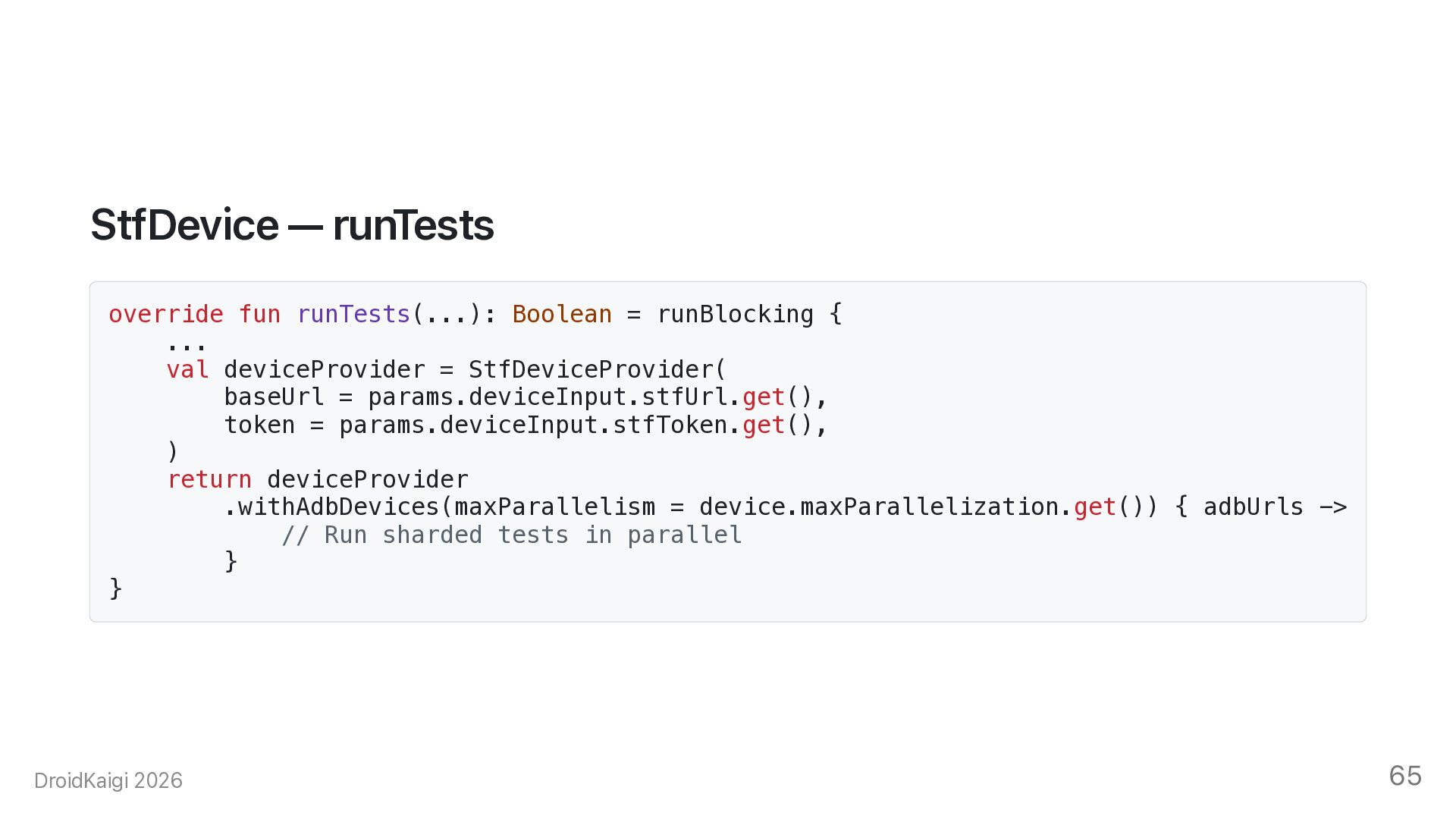
  56. StfDevice — runTests override fun runTests(...): Boolean = runBlocking {

    ... val deviceProvider = StfDeviceProvider( baseUrl = params.deviceInput.stfUrl.get(), token = params.deviceInput.stfToken.get(), ) return deviceProvider .withAdbDevices(maxParallelism = device.maxParallelization.get()) { adbUrls -> // Run sharded tests in parallel } } DroidKaigi 2026 65
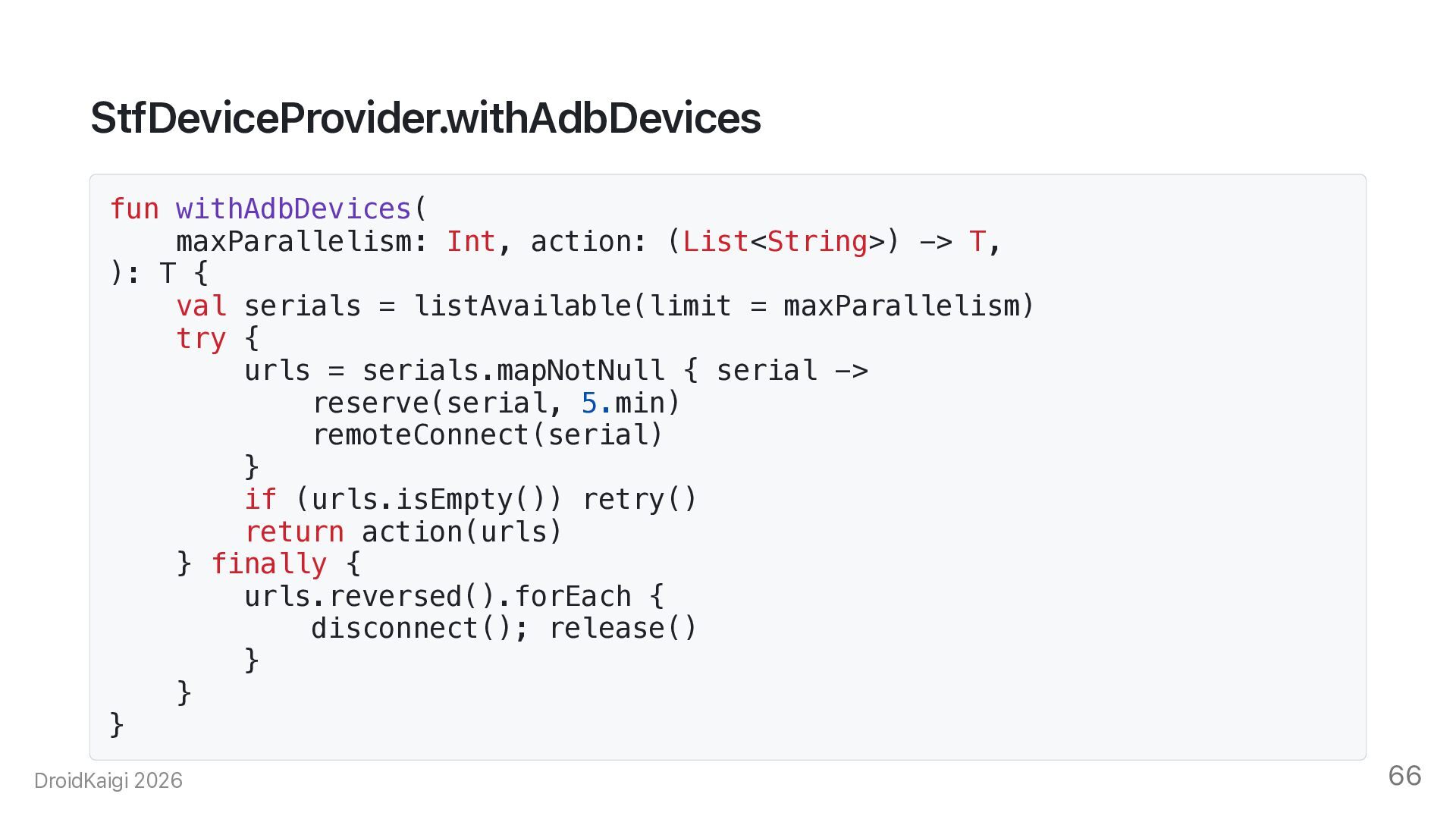
  57. StfDeviceProvider.withAdbDevices fun withAdbDevices( maxParallelism: Int, action: (List<String>) -> T, ):

    T { val serials = listAvailable(limit = maxParallelism) try { urls = serials.mapNotNull { serial -> reserve(serial, 5.min) remoteConnect(serial) } if (urls.isEmpty()) retry() return action(urls) } finally { urls.reversed().forEach { disconnect(); release() } } } DroidKaigi 2026 66
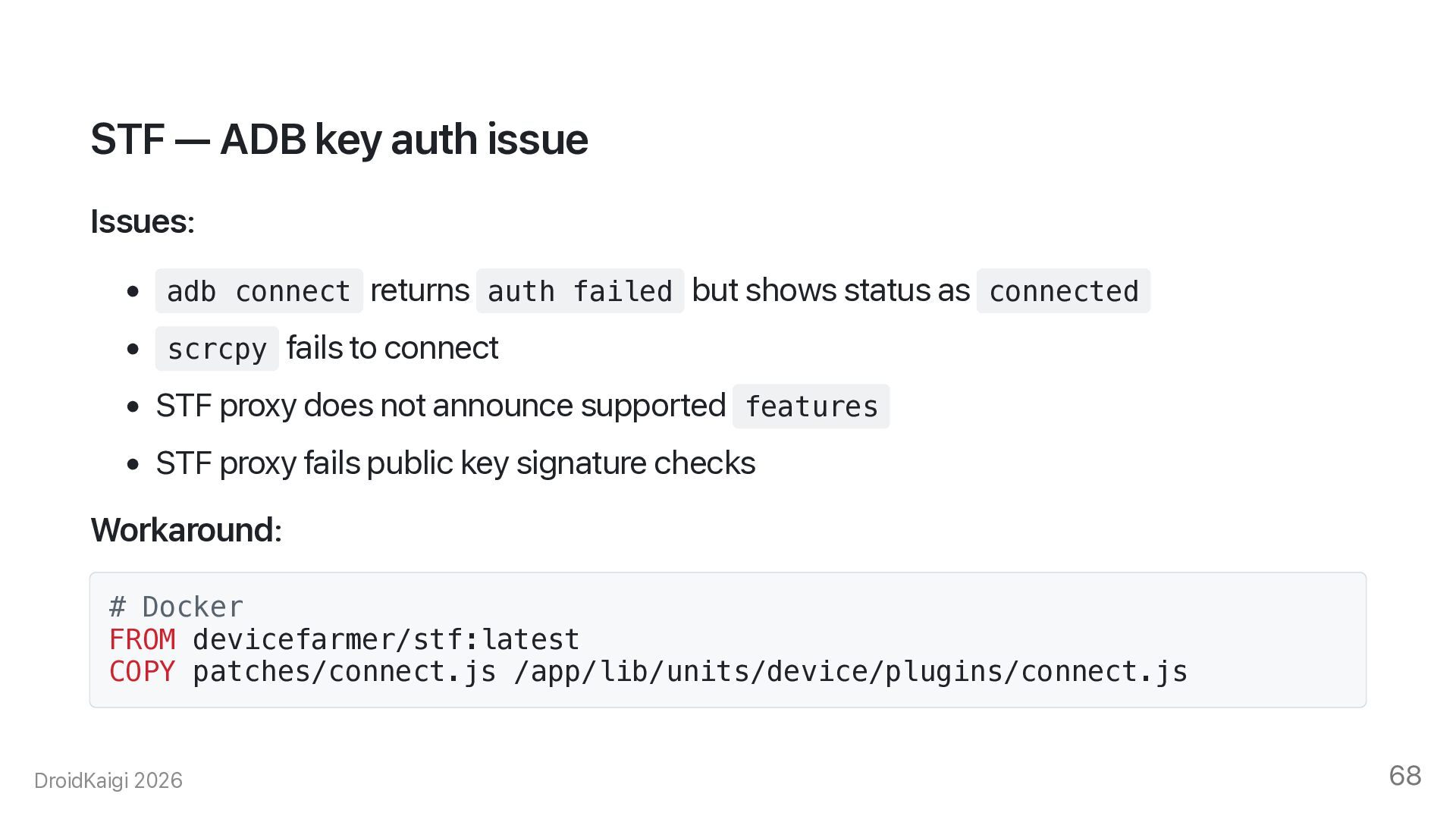
  58. STF — ADB key auth issue Issues: • adb connect

    returns auth failed but shows status as connected • scrcpy fails to connect • STF proxy does not announce supported features • STF proxy fails public key signature checks Workaround: # Docker FROM devicefarmer/stf:latest COPY patches/connect.js /app/lib/units/device/plugins/connect.js DroidKaigi 2026 68
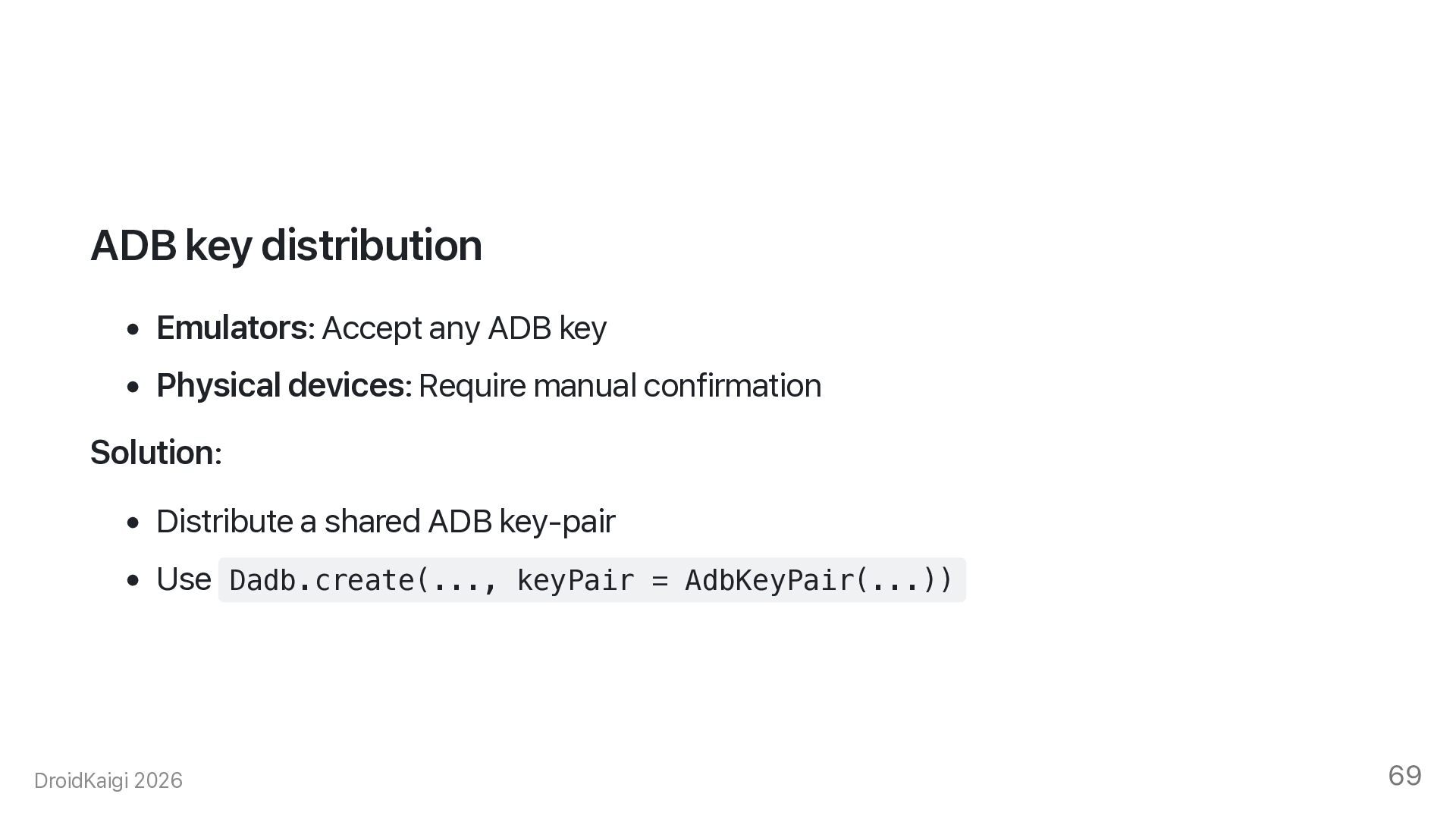
  59. ADB key distribution • Emulators: Accept any ADB key •

    Physical devices: Require manual confirmation Solution: • Distribute a shared ADB key-pair • Use Dadb.create(..., keyPair = AdbKeyPair(...)) DroidKaigi 2026 69
  60. Network security • Do not expose STF or devices to

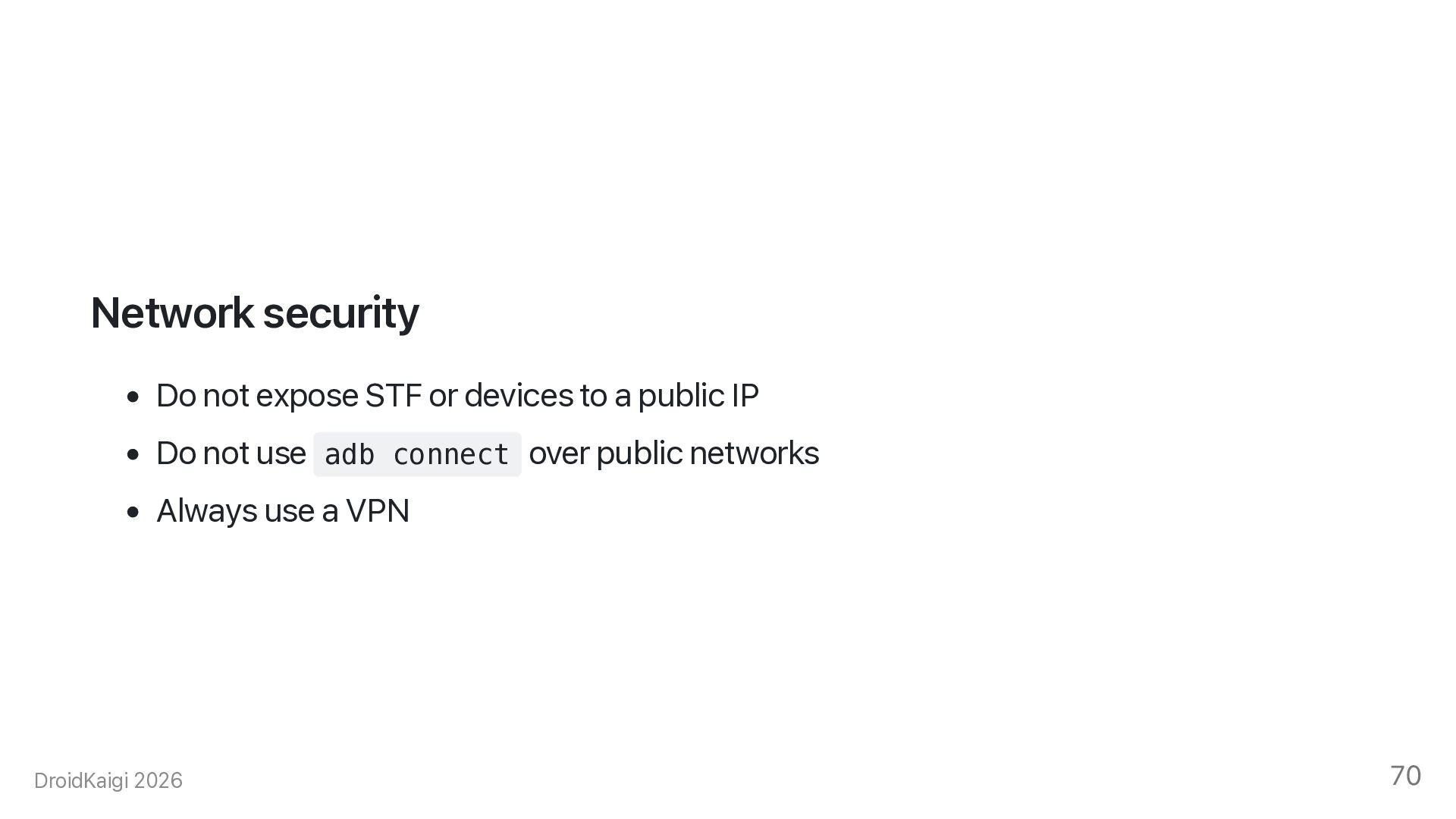
    a public IP • Do not use adb connect over public networks • Always use a VPN DroidKaigi 2026 70
  61. Redroid redroid/redroid • Ubuntu 22.04: highly recommended • macOS Docker:

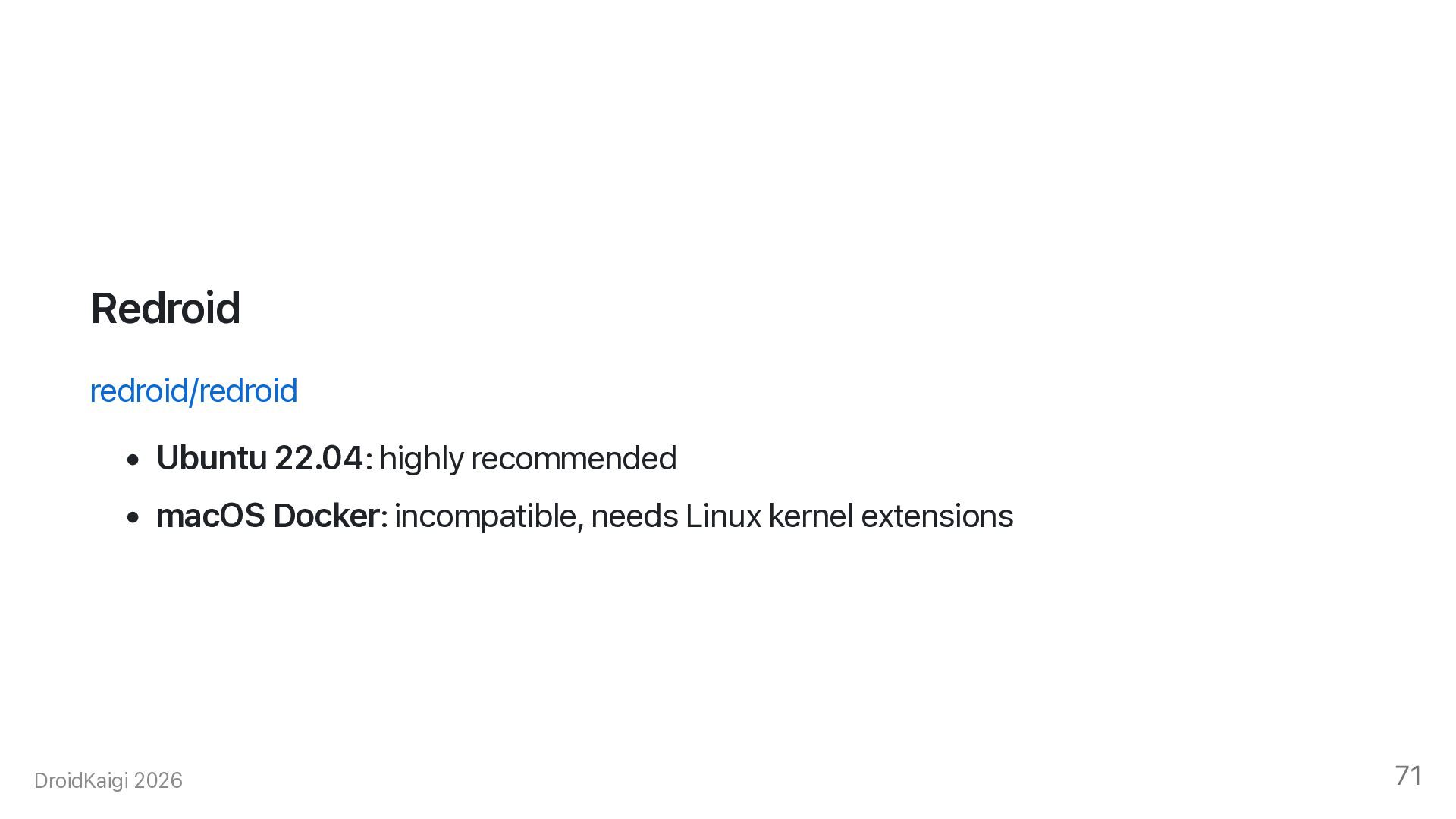
    incompatible, needs Linux kernel extensions DroidKaigi 2026 71
  62. Docker x-redroid: &redroid image: redroid/redroid:16.0.0_64only-latest services: redroid1: <<: *redroid adb:

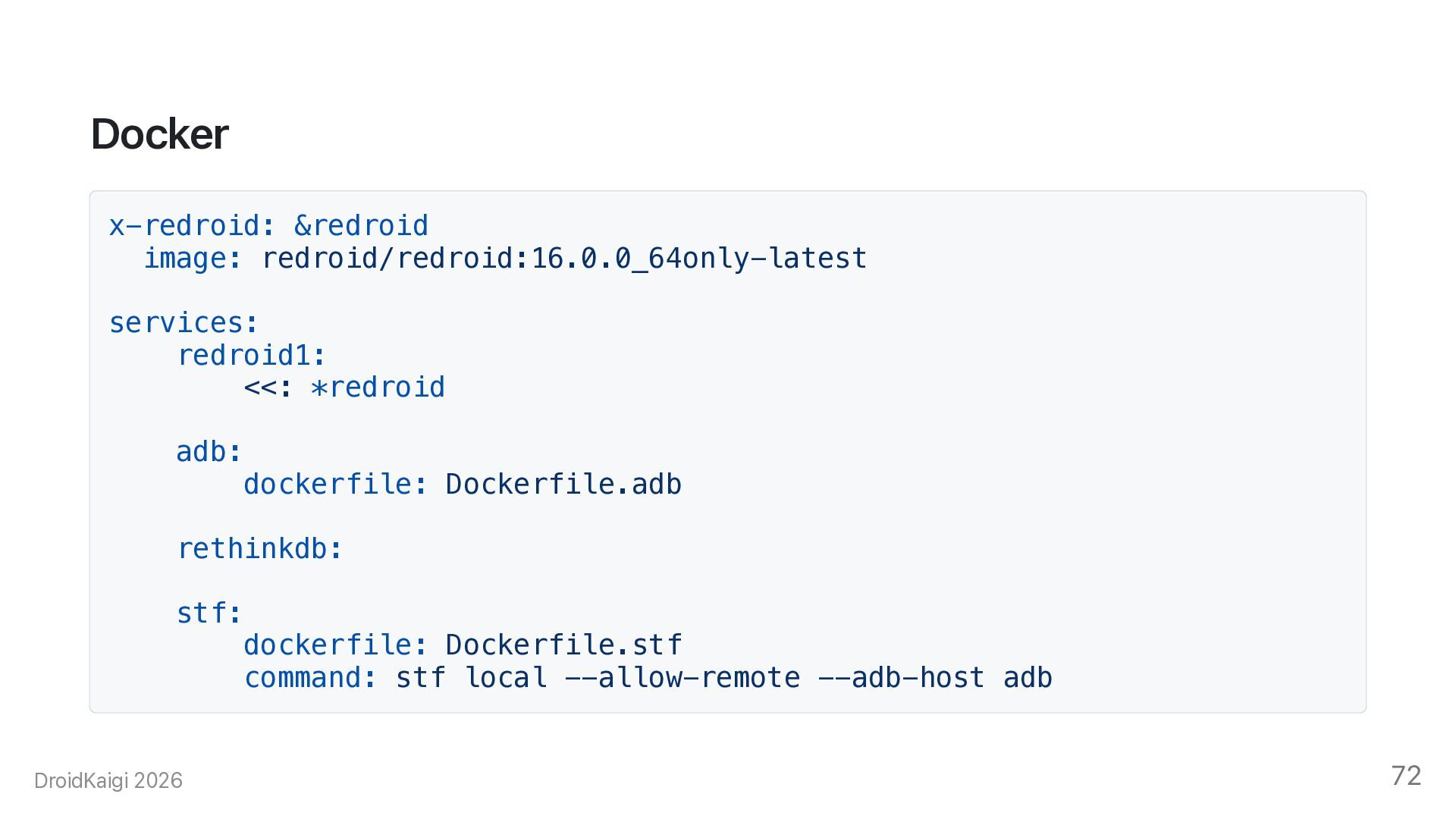
    dockerfile: Dockerfile.adb rethinkdb: stf: dockerfile: Dockerfile.stf command: stf local --allow-remote --adb-host adb DroidKaigi 2026 72
  63. Results • Local devices: Connect, install, test, and report •

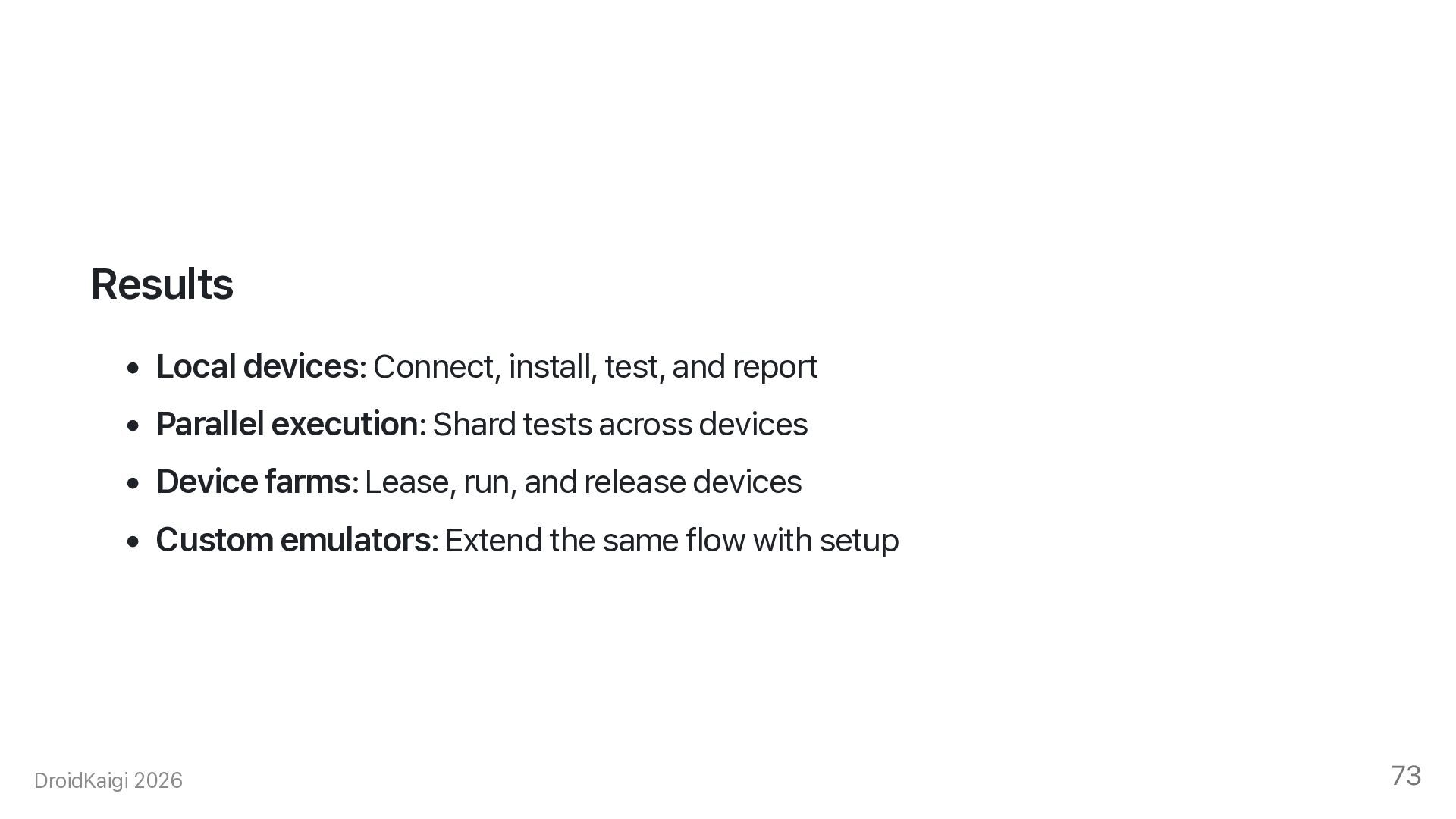
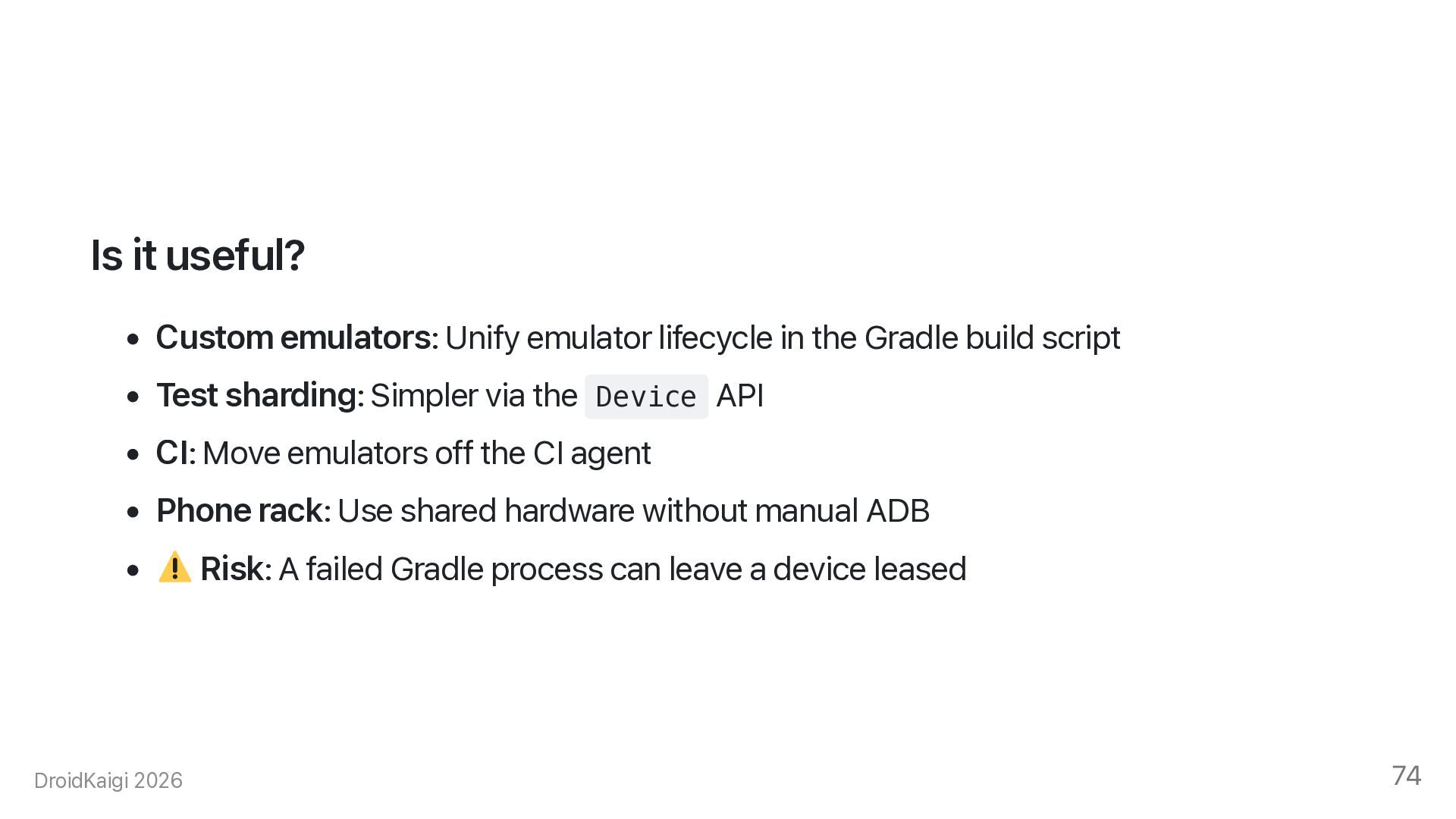
    Parallel execution: Shard tests across devices • Device farms: Lease, run, and release devices • Custom emulators: Extend the same flow with setup DroidKaigi 2026 73
  64. Is it useful? • Custom emulators: Unify emulator lifecycle in

    the Gradle build script • Test sharding: Simpler via the Device API • CI: Move emulators off the CI agent • Phone rack: Use shared hardware without manual ADB • DroidKaigi 2026 Risk: A failed Gradle process can leave a device leased 74
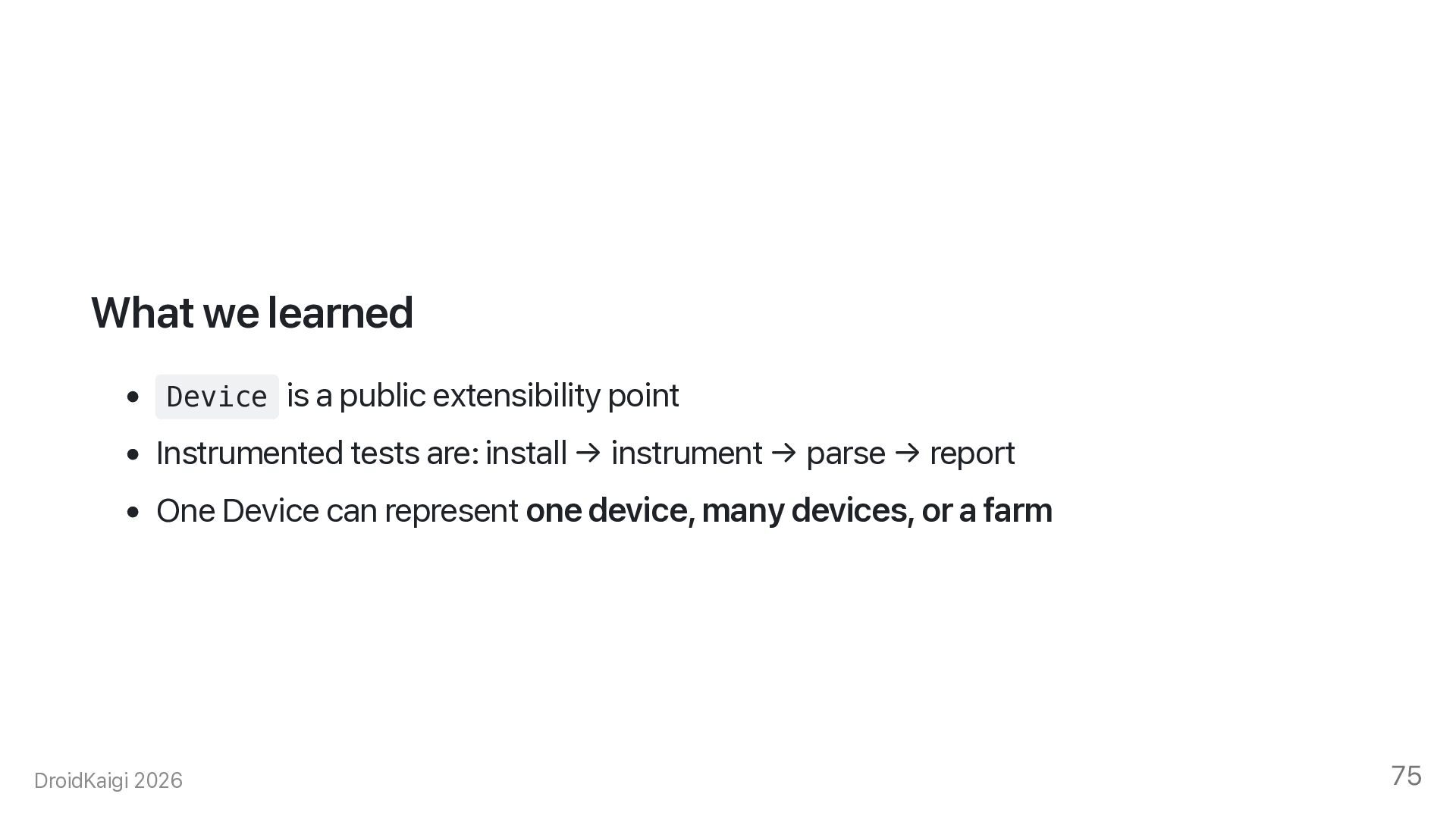
  65. What we learned • Device is a public extensibility point

    • Instrumented tests are: install → instrument → parse → report • One Device can represent one device, many devices, or a farm DroidKaigi 2026 75