Upgrade to Pro — share decks privately, control downloads, hide ads and more …

Serverless App Modernization: Why Cloud Run is ...

Serverless App Modernization: Why Cloud Run is the Sweet Spot for Modern Workloads

Companies want to build and deploy applications faster than ever. For years, the default answer was Kubernetes—but while powerful, it comes with a steep learning curve and heavy operational overhead. What if your developers could just write code and let the infrastructure manage itself?

Avatar for Patrick Eichler

Patrick Eichler

May 15, 2026

More Decks by Patrick Eichler

Other Decks in Technology

Transcript

  1. Companies want to build and deploy applications faster than ever.

    For years, the default answer was Kubernetes—but while powerful, it comes with a steep learning curve and heavy operational overhead. Serverless App Modernization - Why Cloud Run is the Sweet Spot for Modern Workloads Patrick Eichler YunaCloud
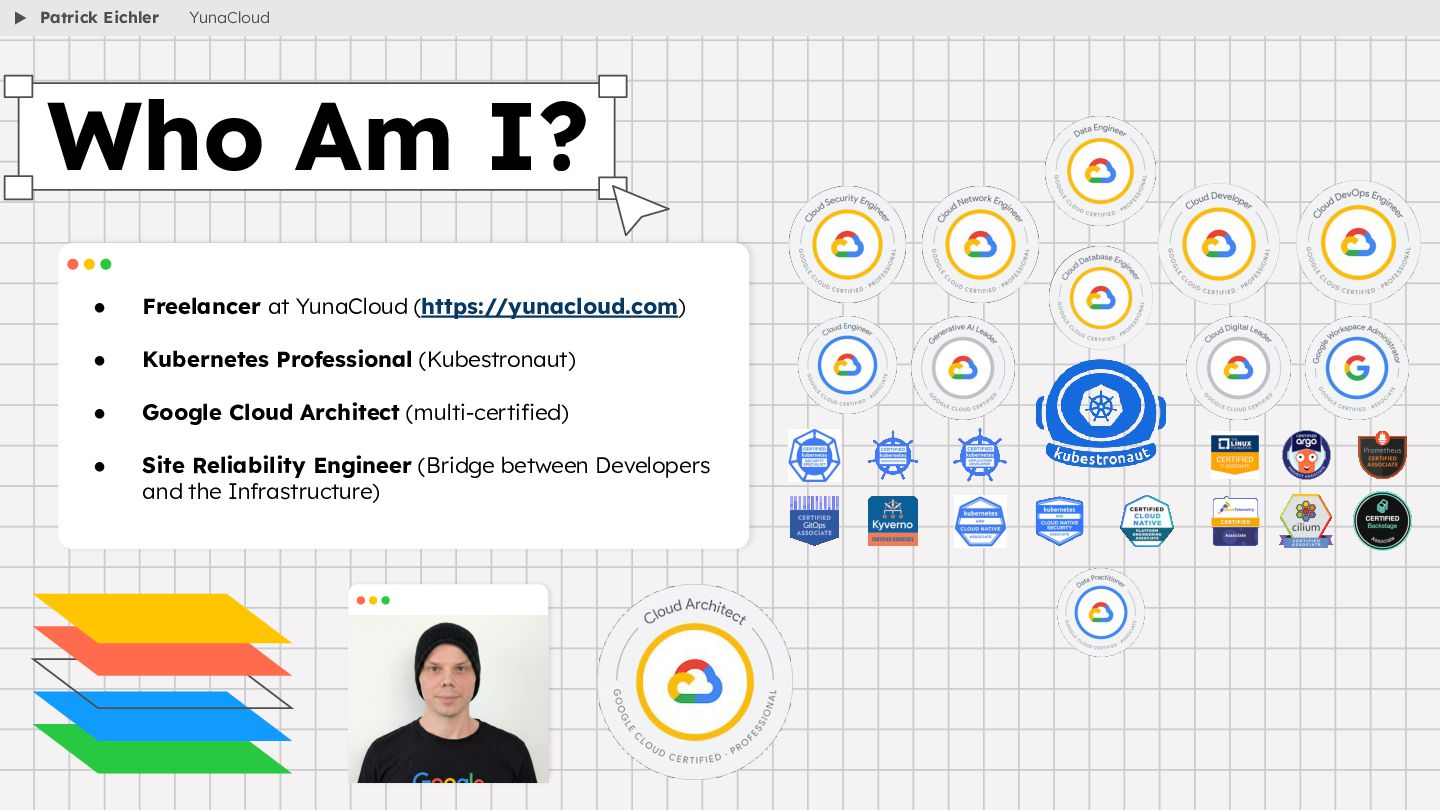
  2. • Freelancer at YunaCloud (https://yunacloud.com) • Kubernetes Professional (Kubestronaut) •

    Google Cloud Architect (multi-certified) • Site Reliability Engineer (Bridge between Developers and the Infrastructure) Who Am I? Patrick Eichler YunaCloud
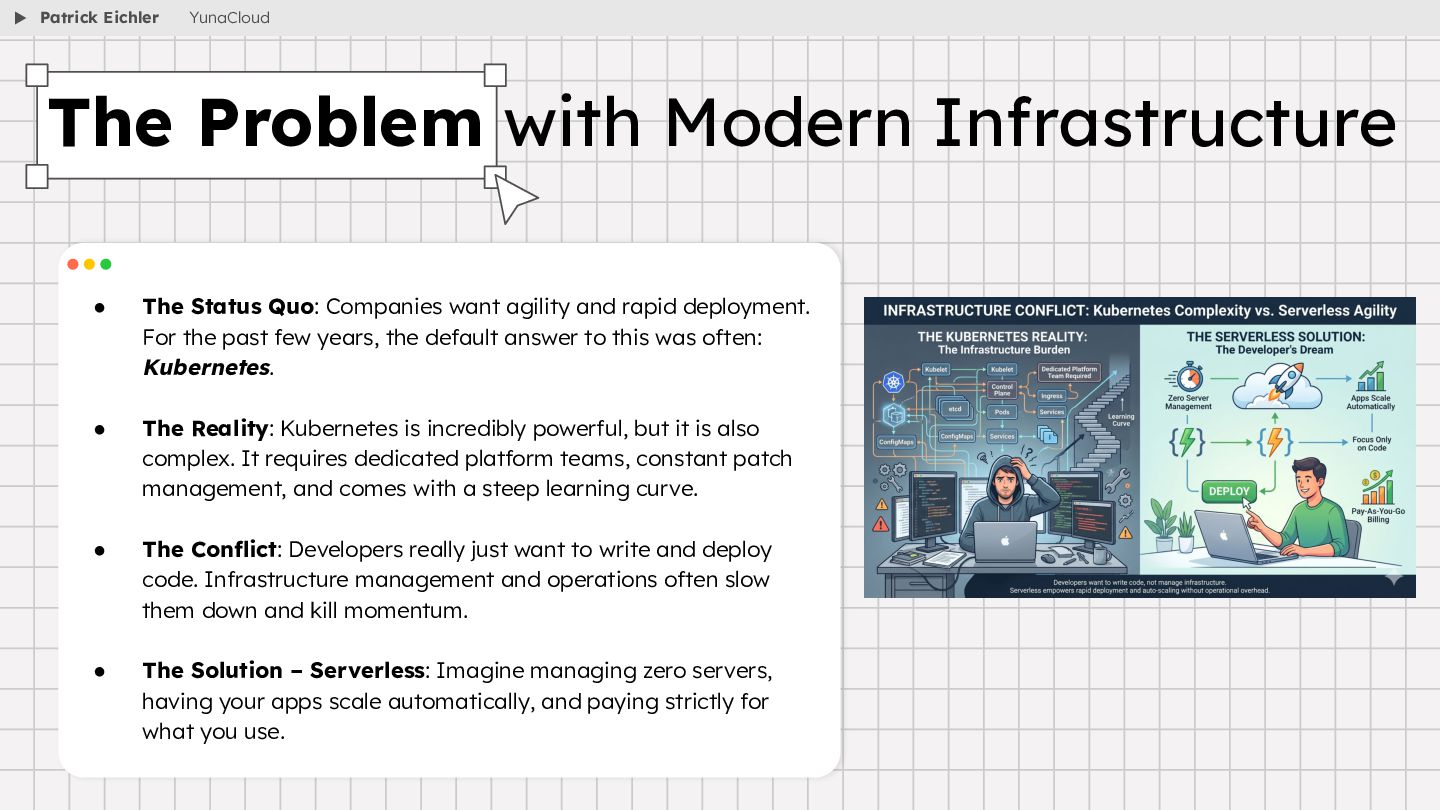
  3. • The Status Quo: Companies want agility and rapid deployment.

    For the past few years, the default answer to this was often: Kubernetes. • The Reality: Kubernetes is incredibly powerful, but it is also complex. It requires dedicated platform teams, constant patch management, and comes with a steep learning curve. • The Conflict: Developers really just want to write and deploy code. Infrastructure management and operations often slow them down and kill momentum. • The Solution – Serverless: Imagine managing zero servers, having your apps scale automatically, and paying strictly for what you use. The Problem with Modern Infrastructure Patrick Eichler YunaCloud
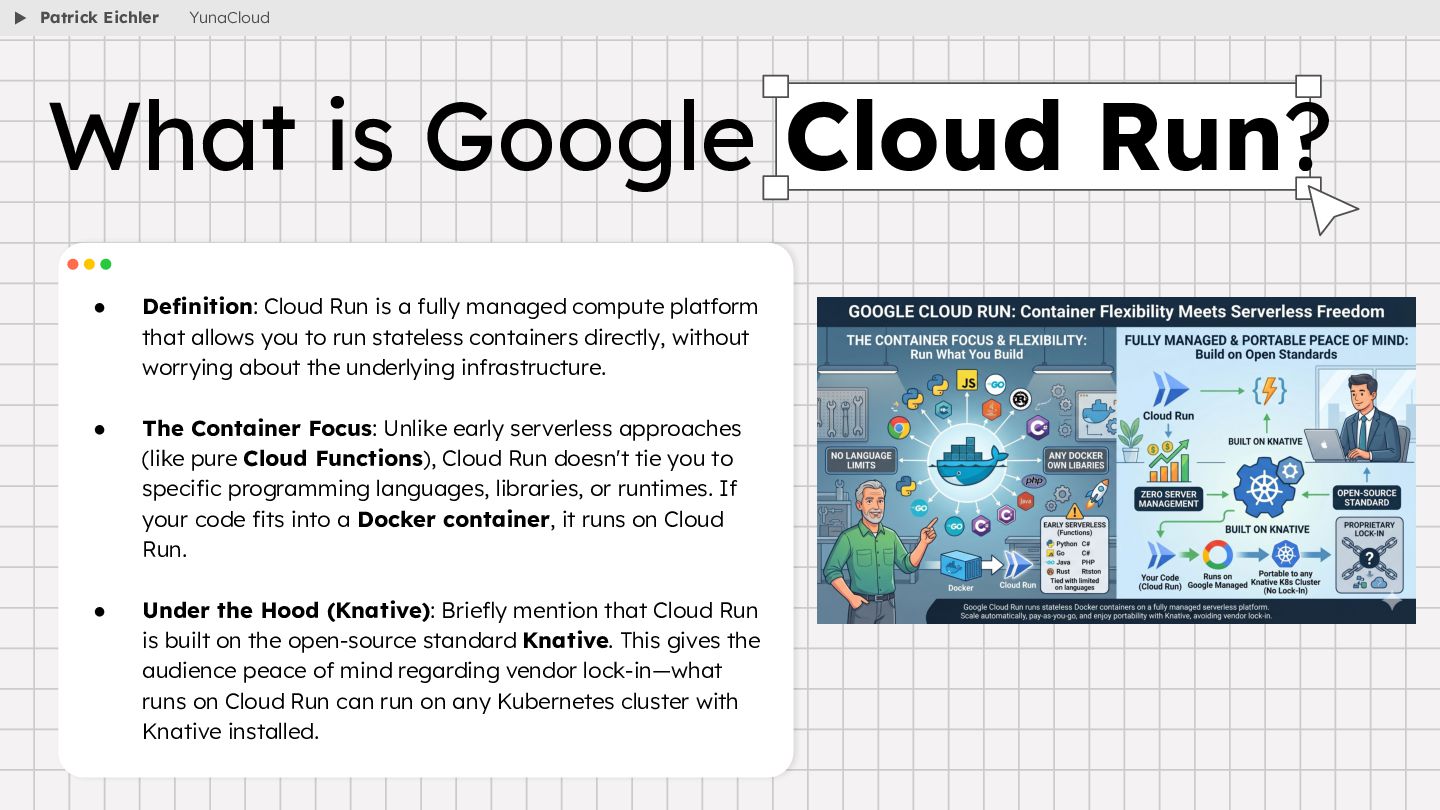
  4. • Definition: Cloud Run is a fully managed compute platform

    that allows you to run stateless containers directly, without worrying about the underlying infrastructure. • The Container Focus: Unlike early serverless approaches (like pure Cloud Functions), Cloud Run doesn't tie you to specific programming languages, libraries, or runtimes. If your code fits into a Docker container, it runs on Cloud Run. • Under the Hood (Knative): Briefly mention that Cloud Run is built on the open-source standard Knative. This gives the audience peace of mind regarding vendor lock-in—what runs on Cloud Run can run on any Kubernetes cluster with Knative installed. What is Google Cloud Run? Patrick Eichler YunaCloud
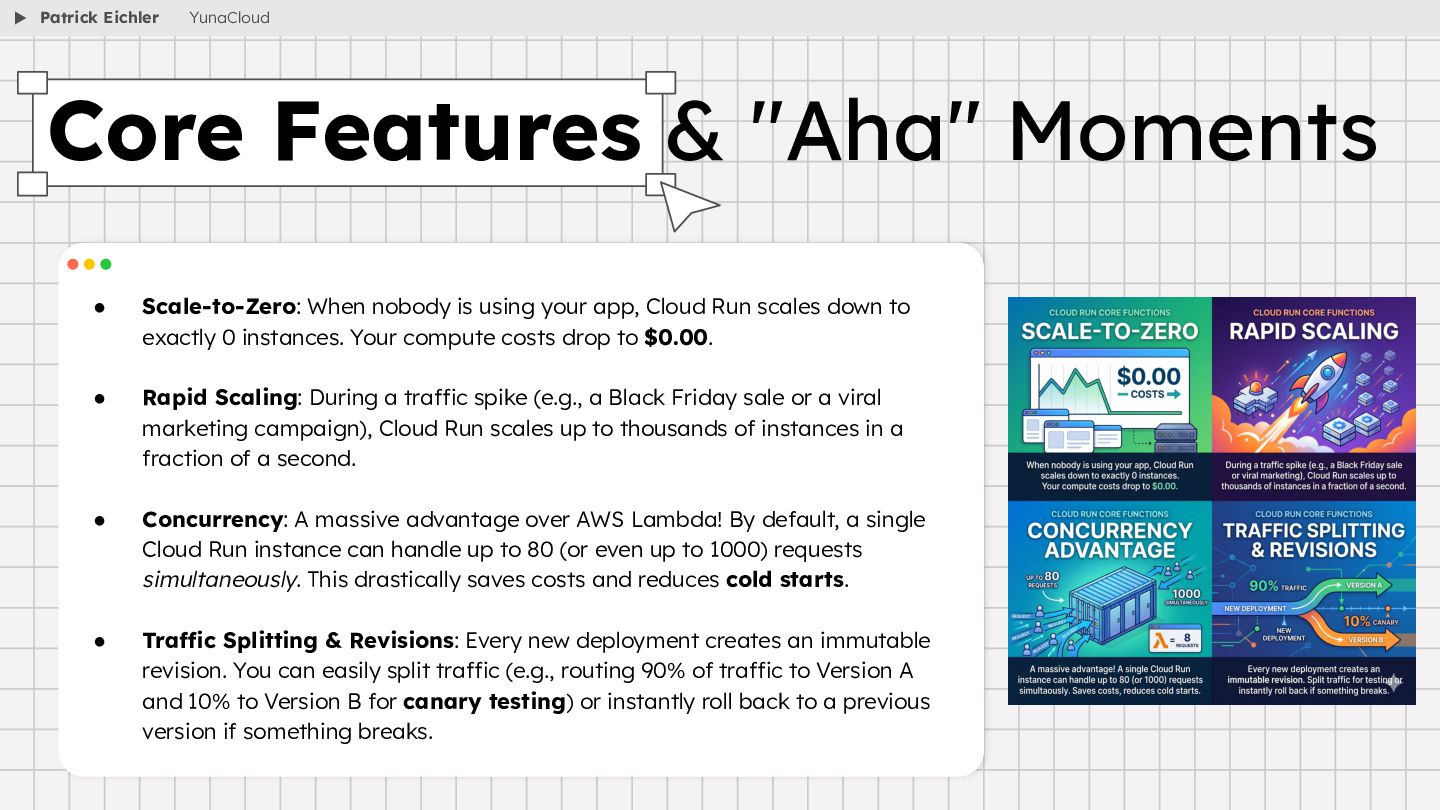
  5. • Scale-to-Zero: When nobody is using your app, Cloud Run

    scales down to exactly 0 instances. Your compute costs drop to $0.00. • Rapid Scaling: During a traffic spike (e.g., a Black Friday sale or a viral marketing campaign), Cloud Run scales up to thousands of instances in a fraction of a second. • Concurrency: A massive advantage over AWS Lambda! By default, a single Cloud Run instance can handle up to 80 (or even up to 1000) requests simultaneously. This drastically saves costs and reduces cold starts. • Traffic Splitting & Revisions: Every new deployment creates an immutable revision. You can easily split traffic (e.g., routing 90% of traffic to Version A and 10% to Version B for canary testing) or instantly roll back to a previous version if something breaks. Core Features & "Aha" Moments Patrick Eichler YunaCloud
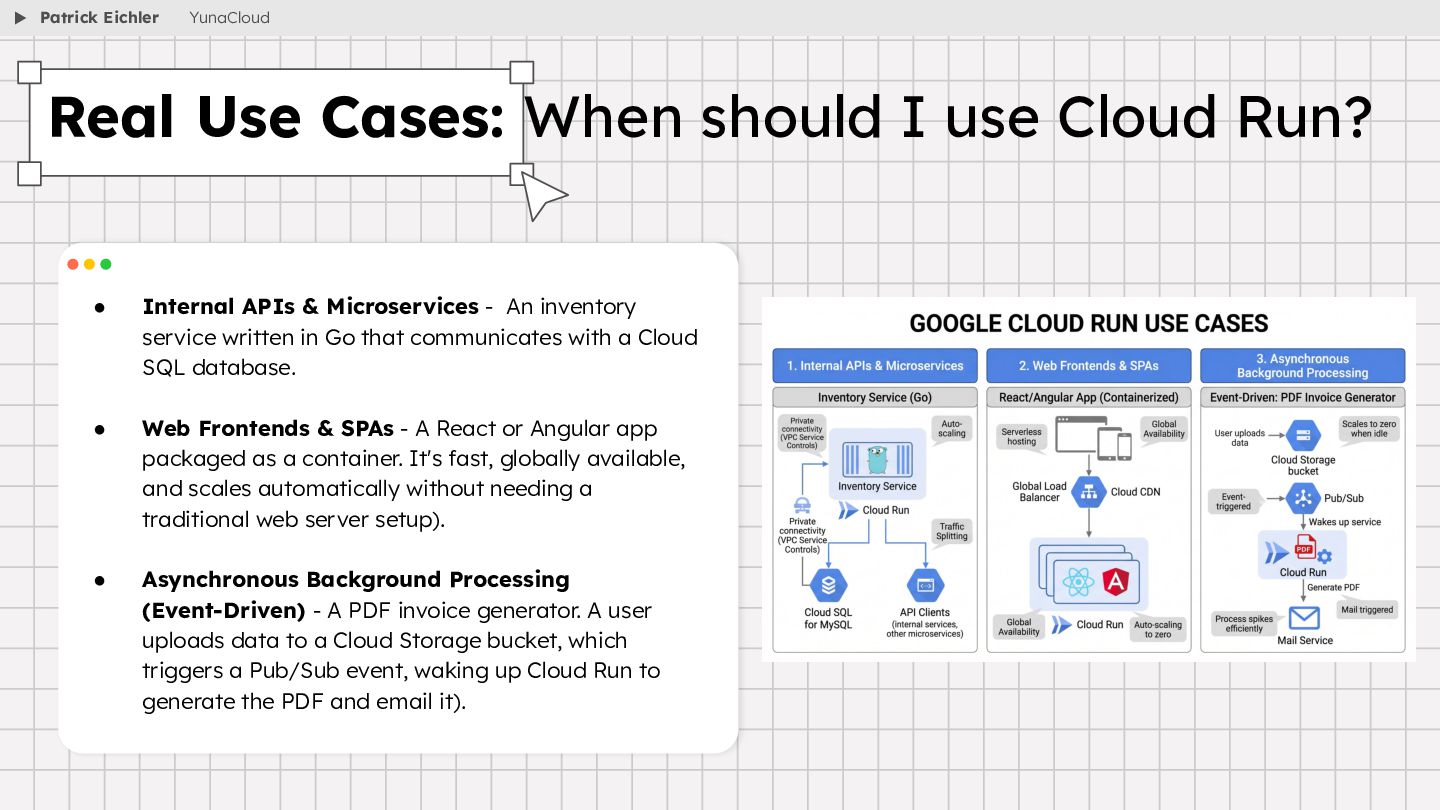
  6. • Internal APIs & Microservices - An inventory service written

    in Go that communicates with a Cloud SQL database. • Web Frontends & SPAs - A React or Angular app packaged as a container. It's fast, globally available, and scales automatically without needing a traditional web server setup). • Asynchronous Background Processing (Event-Driven) - A PDF invoice generator. A user uploads data to a Cloud Storage bucket, which triggers a Pub/Sub event, waking up Cloud Run to generate the PDF and email it). Real Use Cases: When should I use Cloud Run? Patrick Eichler YunaCloud
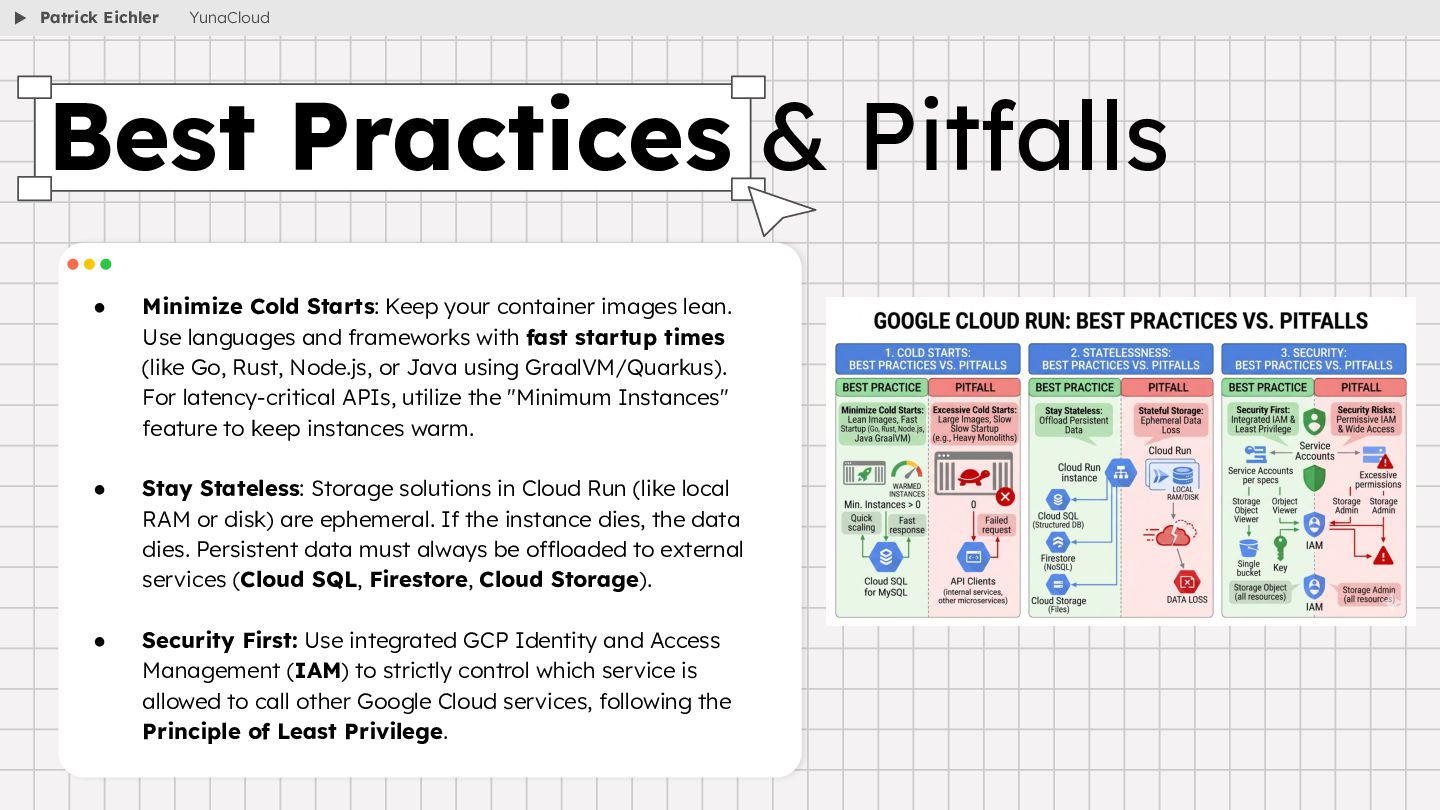
  7. • Minimize Cold Starts: Keep your container images lean. Use

    languages and frameworks with fast startup times (like Go, Rust, Node.js, or Java using GraalVM/Quarkus). For latency-critical APIs, utilize the "Minimum Instances" feature to keep instances warm. • Stay Stateless: Storage solutions in Cloud Run (like local RAM or disk) are ephemeral. If the instance dies, the data dies. Persistent data must always be offloaded to external services (Cloud SQL, Firestore, Cloud Storage). • Security First: Use integrated GCP Identity and Access Management (IAM) to strictly control which service is allowed to call other Google Cloud services, following the Principle of Least Privilege. Best Practices & Pitfalls Patrick Eichler YunaCloud
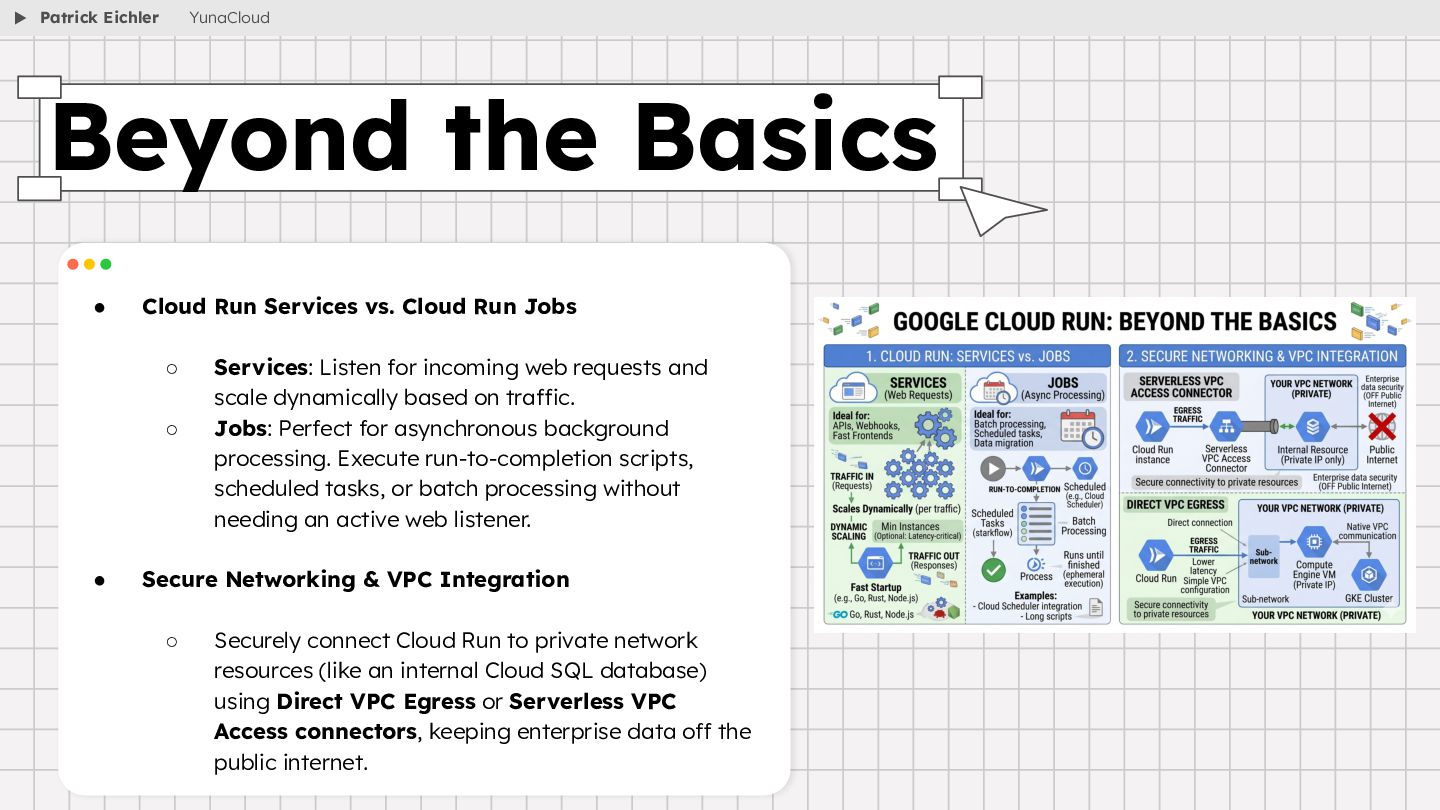
  8. • Cloud Run Services vs. Cloud Run Jobs ◦ Services:

    Listen for incoming web requests and scale dynamically based on traffic. ◦ Jobs: Perfect for asynchronous background processing. Execute run-to-completion scripts, scheduled tasks, or batch processing without needing an active web listener. • Secure Networking & VPC Integration ◦ Securely connect Cloud Run to private network resources (like an internal Cloud SQL database) using Direct VPC Egress or Serverless VPC Access connectors, keeping enterprise data off the public internet. Beyond the Basics Patrick Eichler YunaCloud
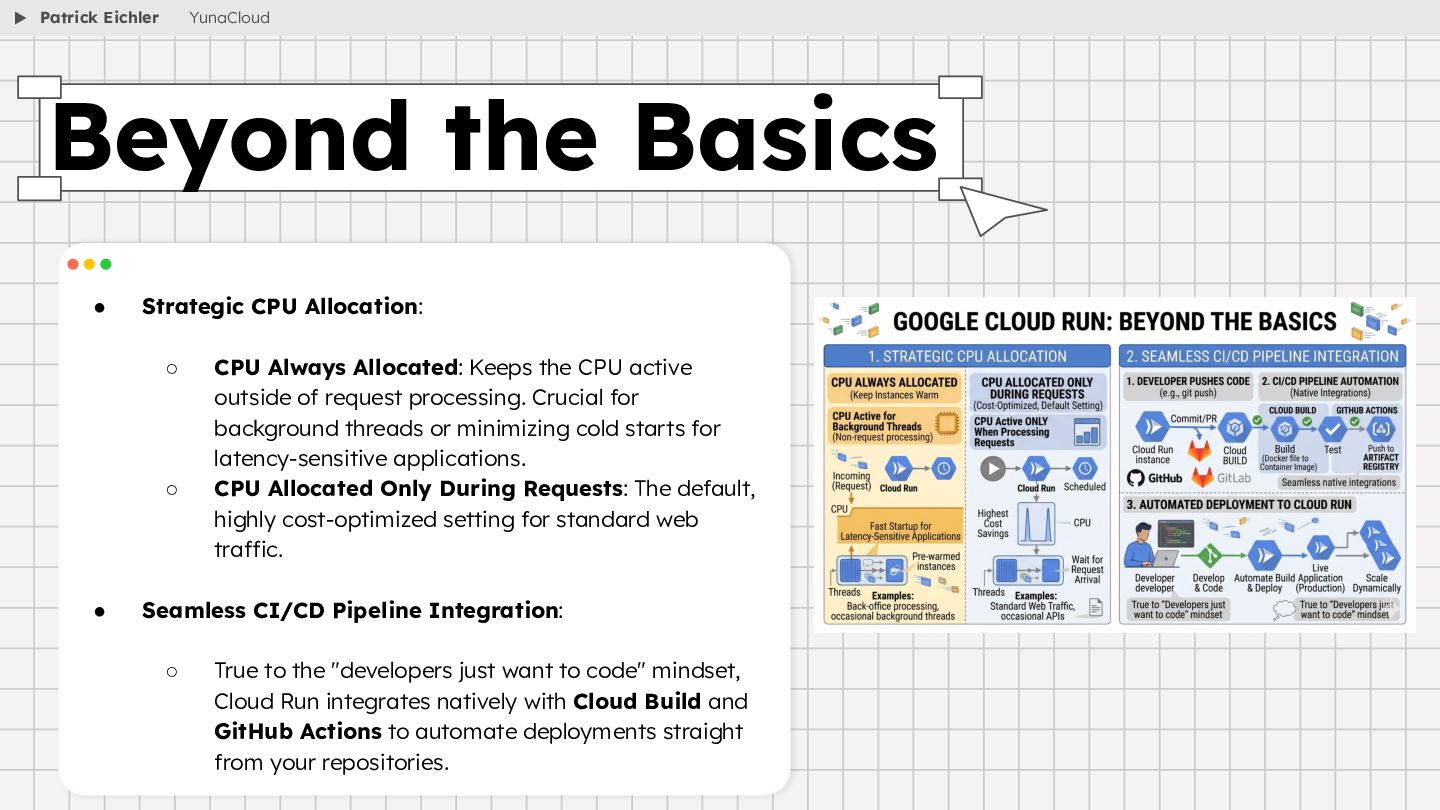
  9. • Strategic CPU Allocation: ◦ CPU Always Allocated: Keeps the

    CPU active outside of request processing. Crucial for background threads or minimizing cold starts for latency-sensitive applications. ◦ CPU Allocated Only During Requests: The default, highly cost-optimized setting for standard web traffic. • Seamless CI/CD Pipeline Integration: ◦ True to the "developers just want to code" mindset, Cloud Run integrates natively with Cloud Build and GitHub Actions to automate deployments straight from your repositories. Beyond the Basics Patrick Eichler YunaCloud
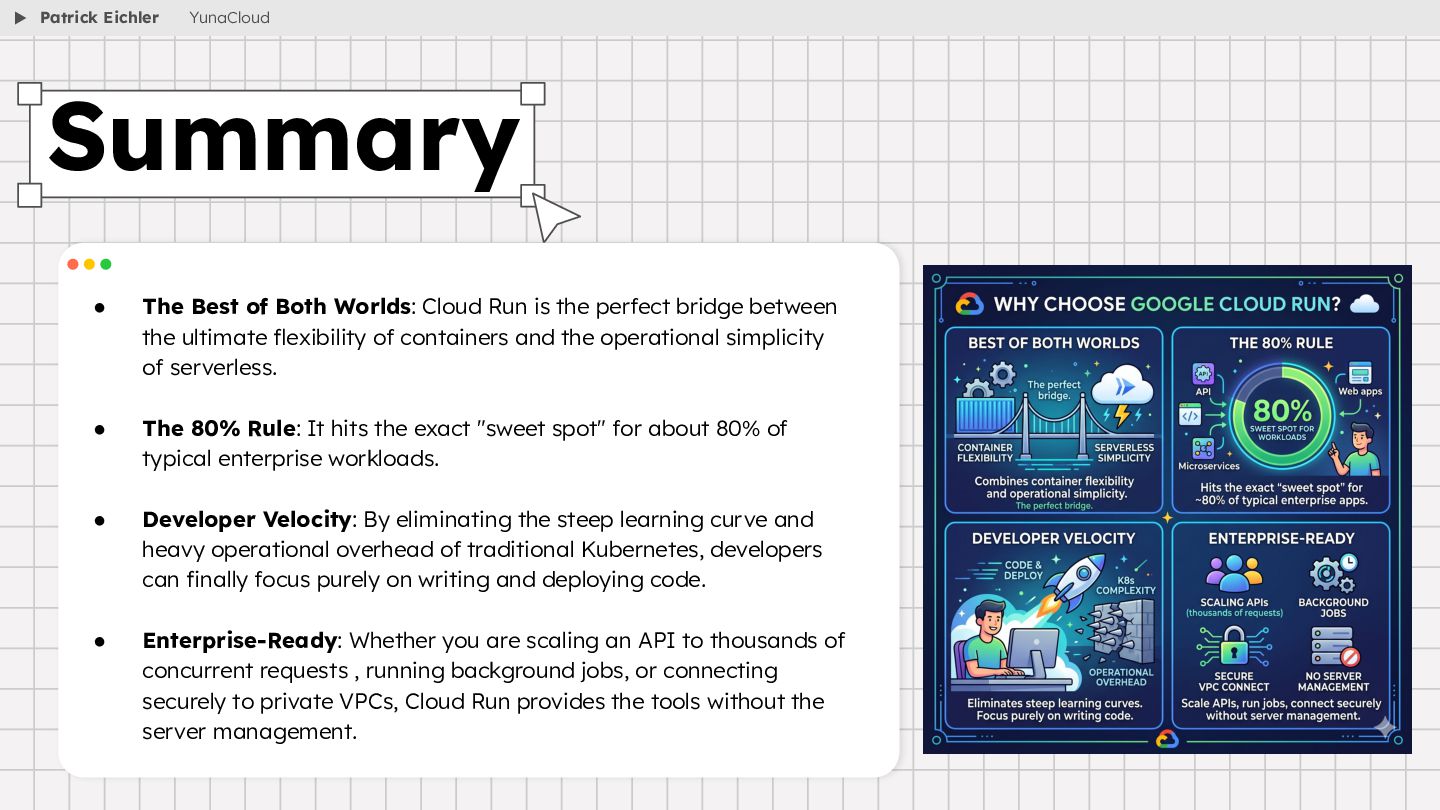
  10. • The Best of Both Worlds: Cloud Run is the

    perfect bridge between the ultimate flexibility of containers and the operational simplicity of serverless. • The 80% Rule: It hits the exact "sweet spot" for about 80% of typical enterprise workloads. • Developer Velocity: By eliminating the steep learning curve and heavy operational overhead of traditional Kubernetes, developers can finally focus purely on writing and deploying code. • Enterprise-Ready: Whether you are scaling an API to thousands of concurrent requests , running background jobs, or connecting securely to private VPCs, Cloud Run provides the tools without the server management. Summary Patrick Eichler YunaCloud
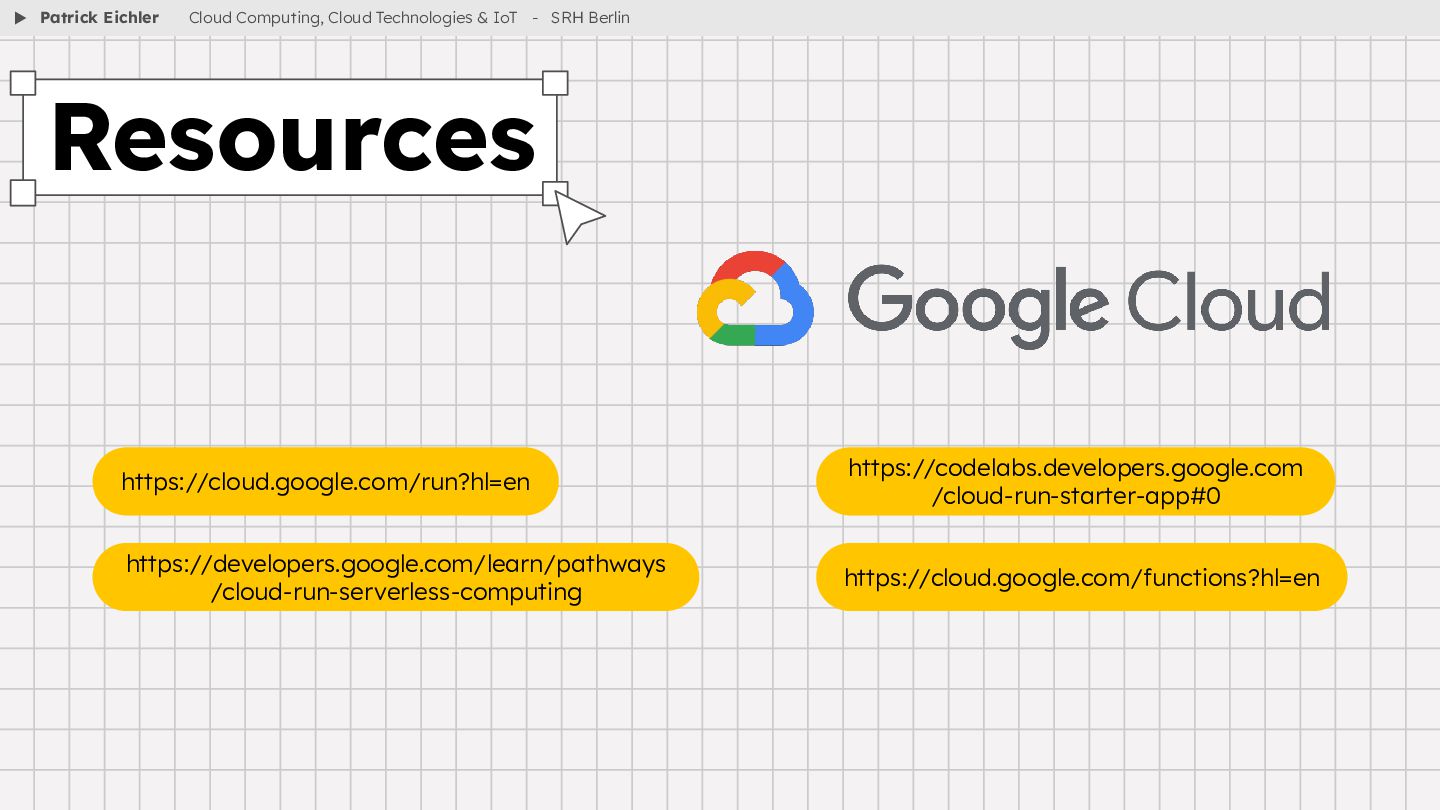
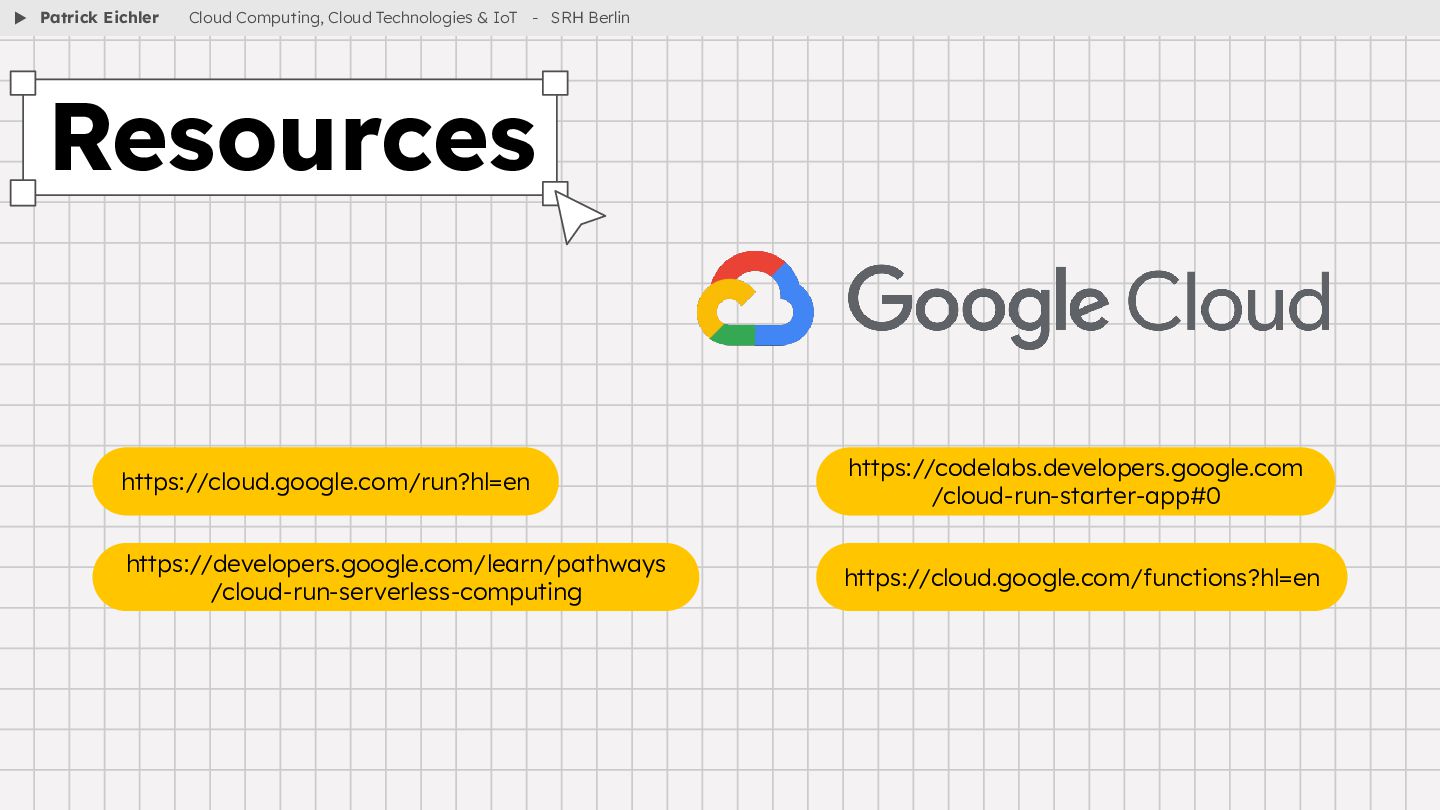
  11. ▶ Resources https://codelabs.developers.google.com /cloud-run-starter-app#0 Patrick Eichler Cloud Computing, Cloud Technologies

    & IoT - SRH Berlin https://cloud.google.com/run?hl=en https://developers.google.com/learn/pathways /cloud-run-serverless-computing https://cloud.google.com/functions?hl=en