a functional, single-page personal portfolio website using Gemini. Prompting the Web – Building Your Portfolio with GenAI Patrick Eichler GDG Presentation - Copyright by YunaCloud
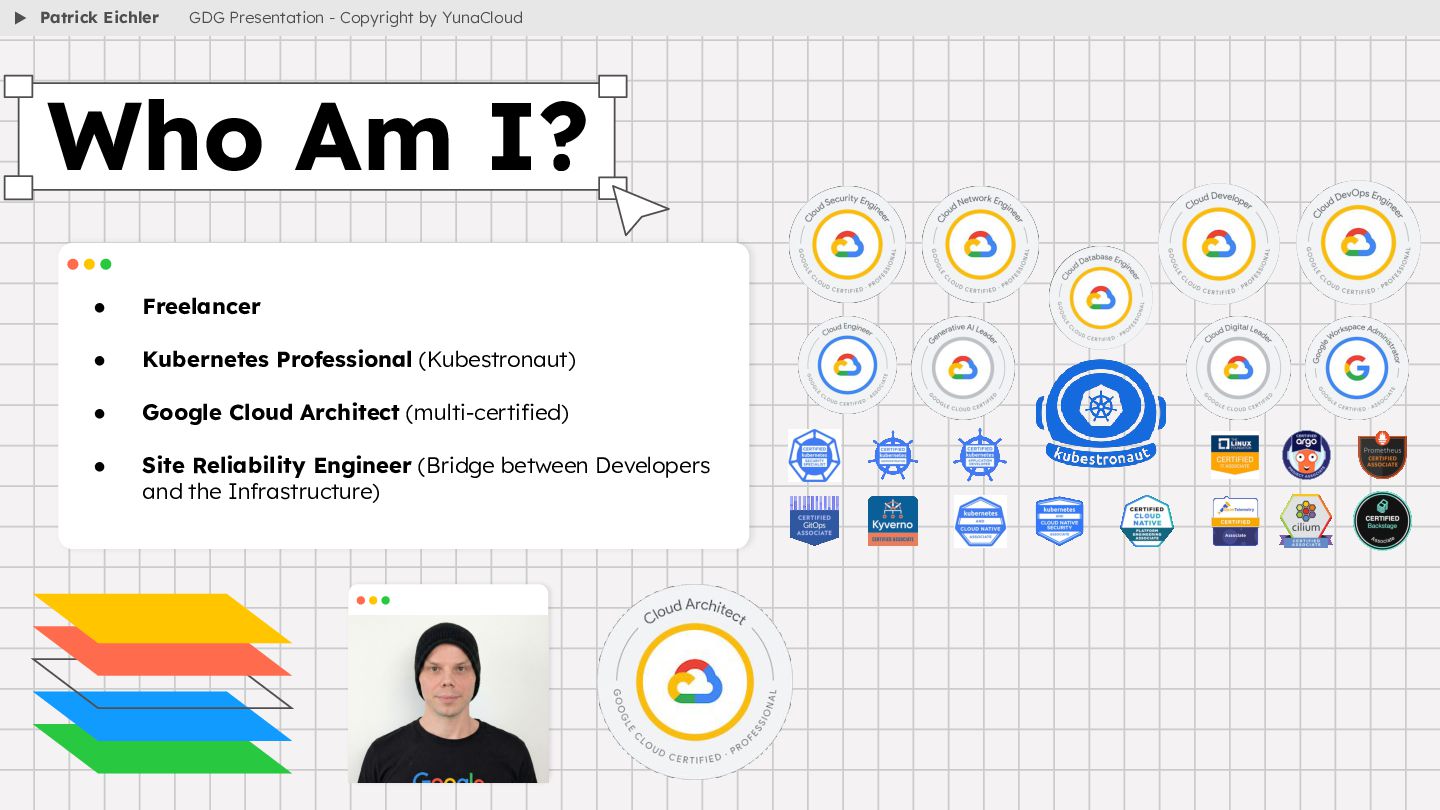
(multi-certified) • Site Reliability Engineer (Bridge between Developers and the Infrastructure) Who Am I? Patrick Eichler GDG Presentation - Copyright by YunaCloud
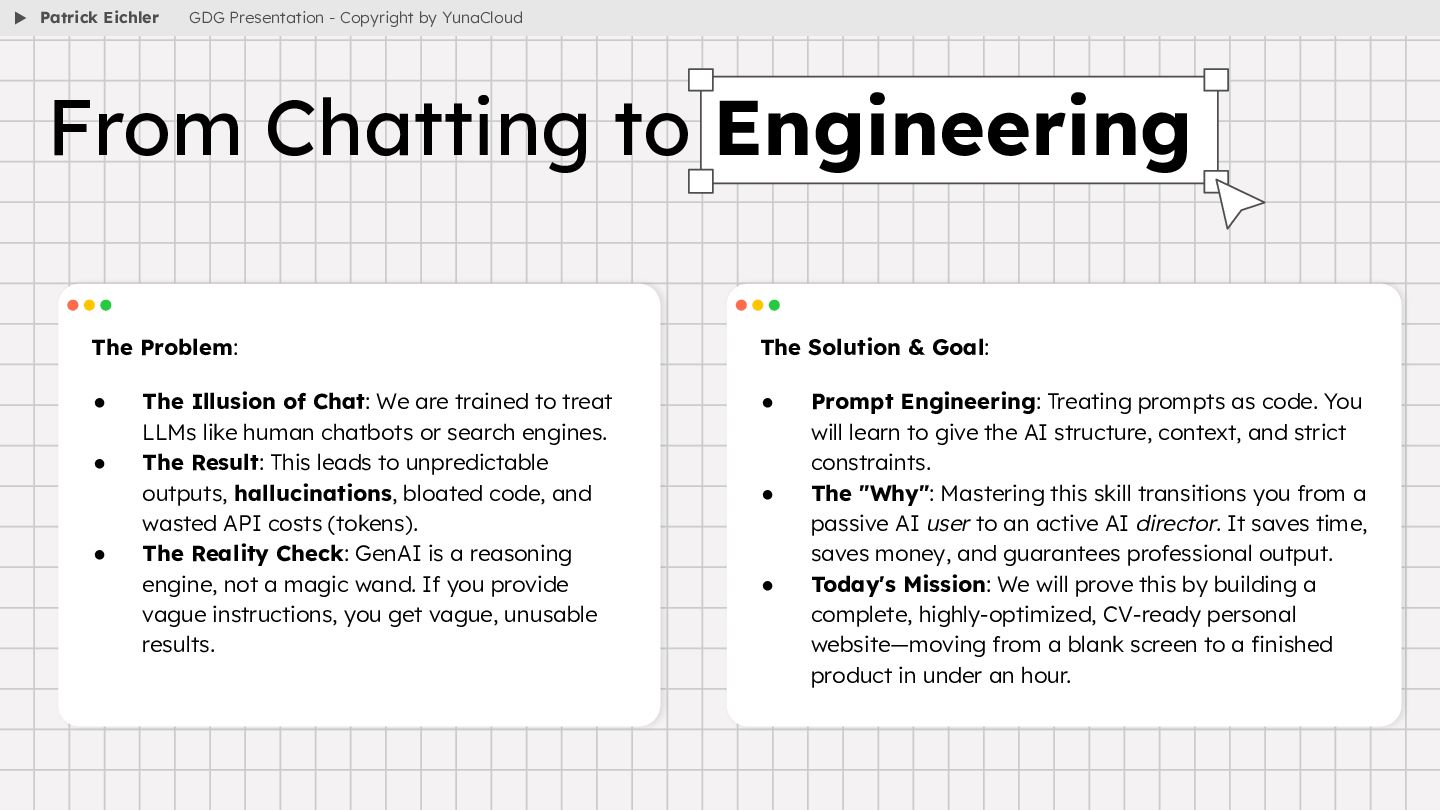
to treat LLMs like human chatbots or search engines. • The Result: This leads to unpredictable outputs, hallucinations, bloated code, and wasted API costs (tokens). • The Reality Check: GenAI is a reasoning engine, not a magic wand. If you provide vague instructions, you get vague, unusable results. From Chatting to Engineering Patrick Eichler GDG Presentation - Copyright by YunaCloud The Solution & Goal: • Prompt Engineering: Treating prompts as code. You will learn to give the AI structure, context, and strict constraints. • The "Why": Mastering this skill transitions you from a passive AI user to an active AI director. It saves time, saves money, and guarantees professional output. • Today's Mission: We will prove this by building a complete, highly-optimized, CV-ready personal website—moving from a blank screen to a finished product in under an hour.
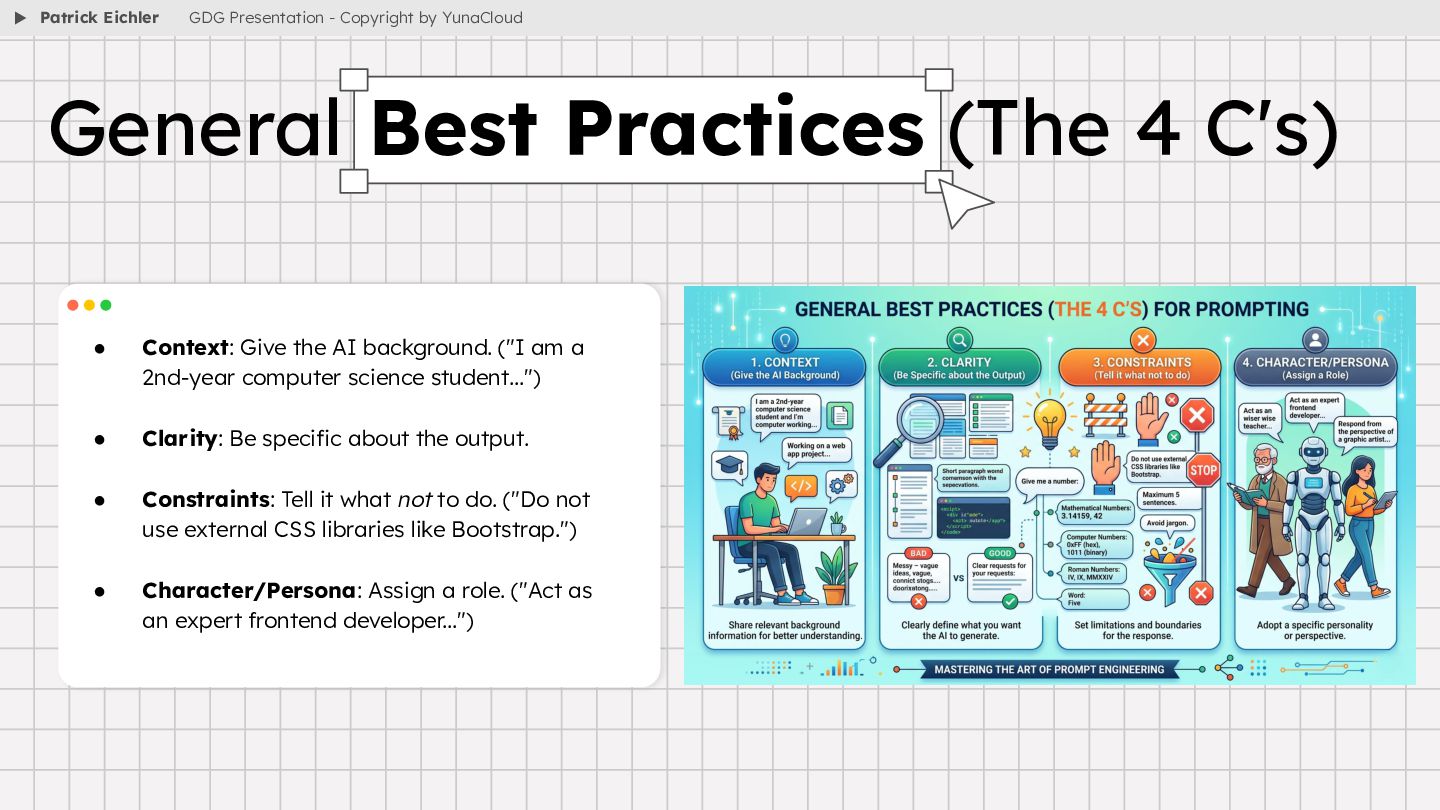
computer science student...") • Clarity: Be specific about the output. • Constraints: Tell it what not to do. ("Do not use external CSS libraries like Bootstrap.") • Character/Persona: Assign a role. ("Act as an expert frontend developer...") General Best Practices (The 4 C's) Patrick Eichler GDG Presentation - Copyright by YunaCloud
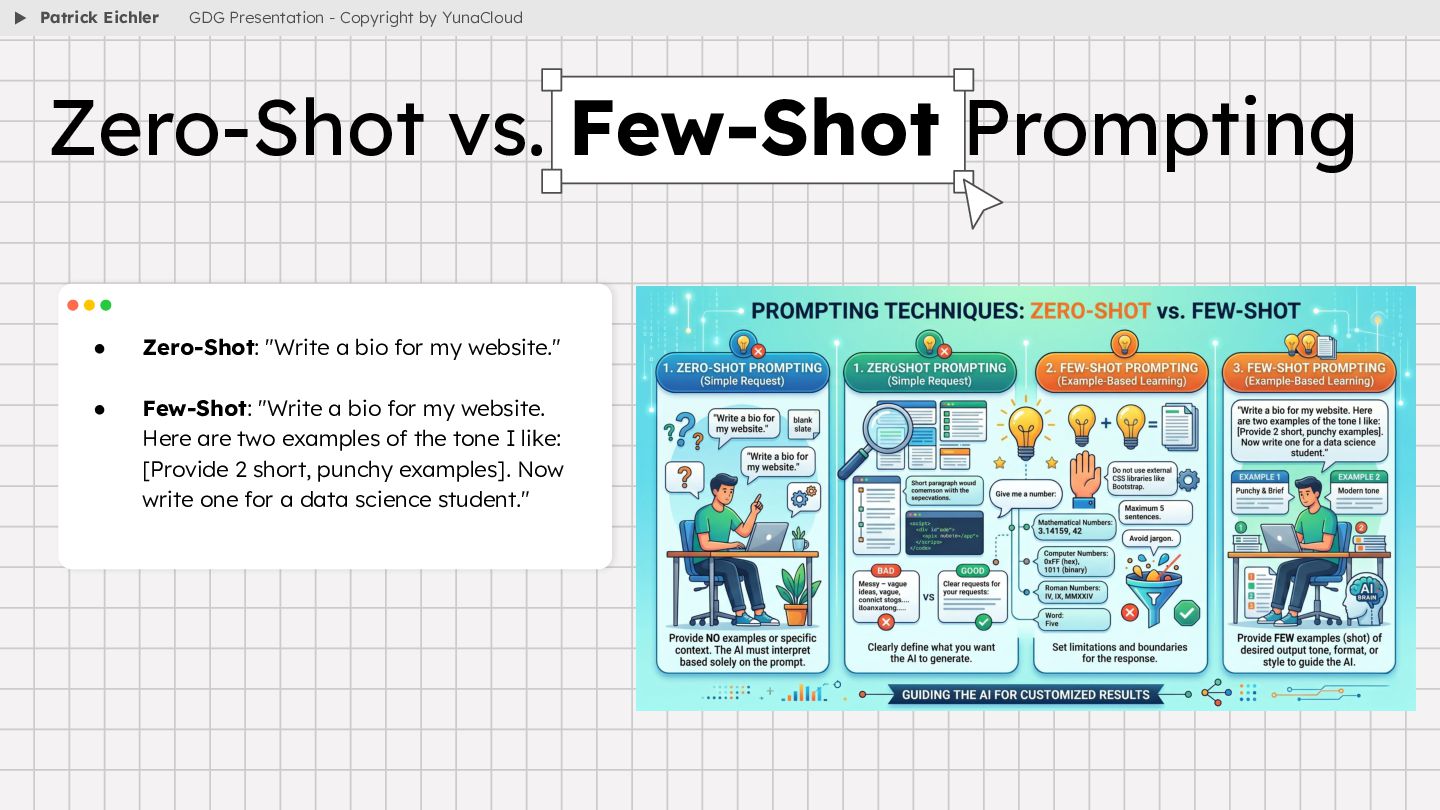
"Write a bio for my website. Here are two examples of the tone I like: [Provide 2 short, punchy examples]. Now write one for a data science student." Zero-Shot vs. Few-Shot Prompting Patrick Eichler GDG Presentation - Copyright by YunaCloud
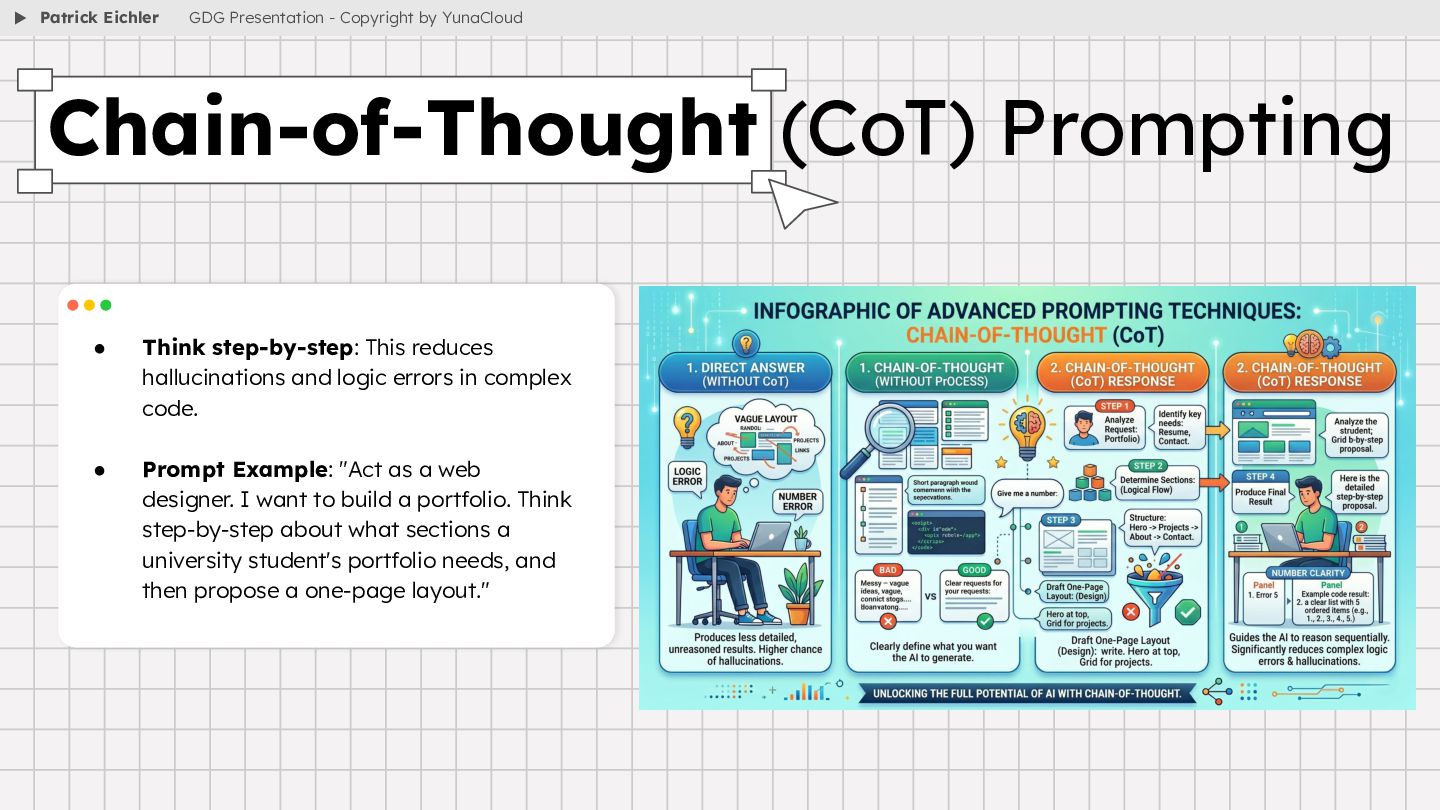
complex code. • Prompt Example: "Act as a web designer. I want to build a portfolio. Think step-by-step about what sections a university student's portfolio needs, and then propose a one-page layout." Chain-of-Thought (CoT) Prompting Patrick Eichler GDG Presentation - Copyright by YunaCloud
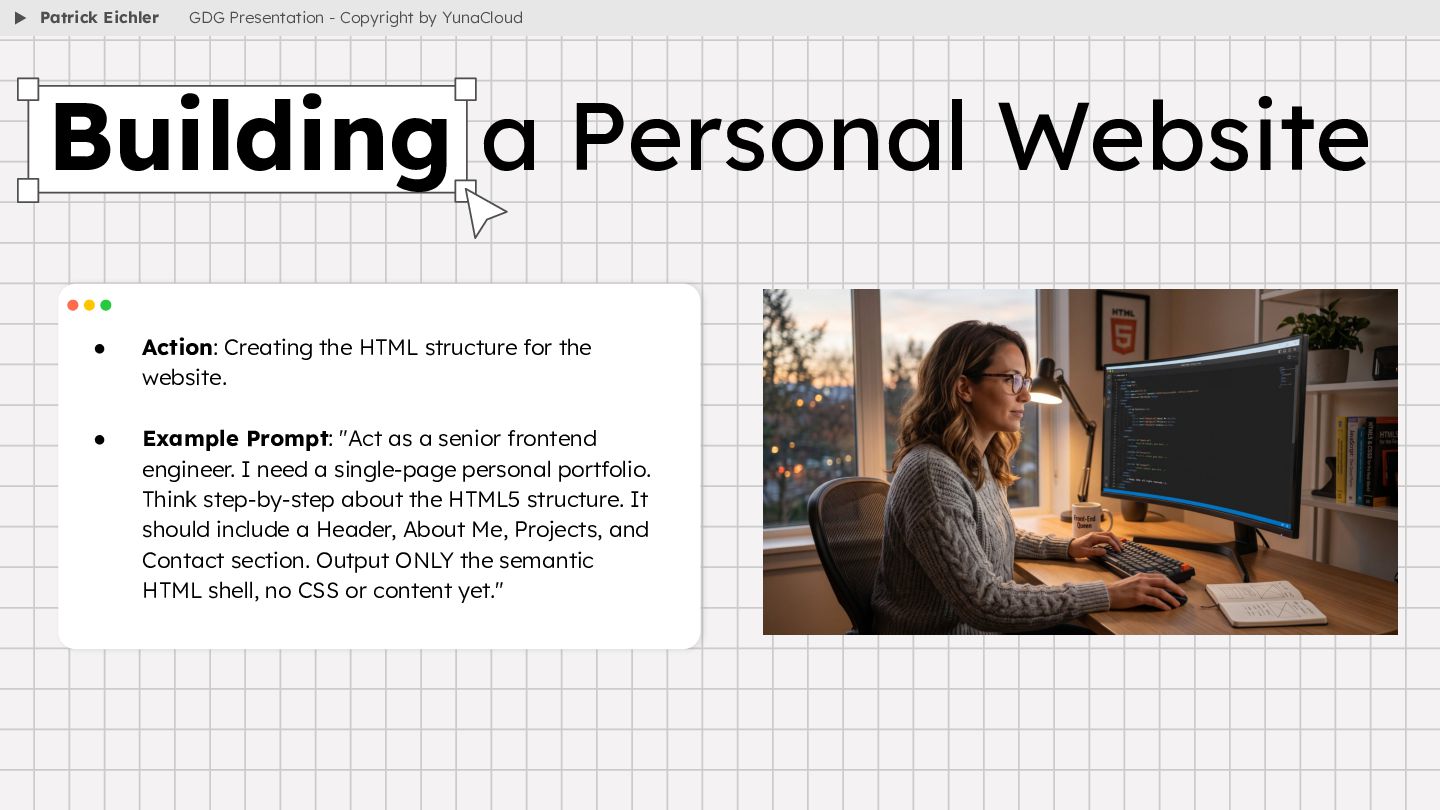
Example Prompt: "Act as a senior frontend engineer. I need a single-page personal portfolio. Think step-by-step about the HTML5 structure. It should include a Header, About Me, Projects, and Contact section. Output ONLY the semantic HTML shell, no CSS or content yet." Building a Personal Website Patrick Eichler GDG Presentation - Copyright by YunaCloud
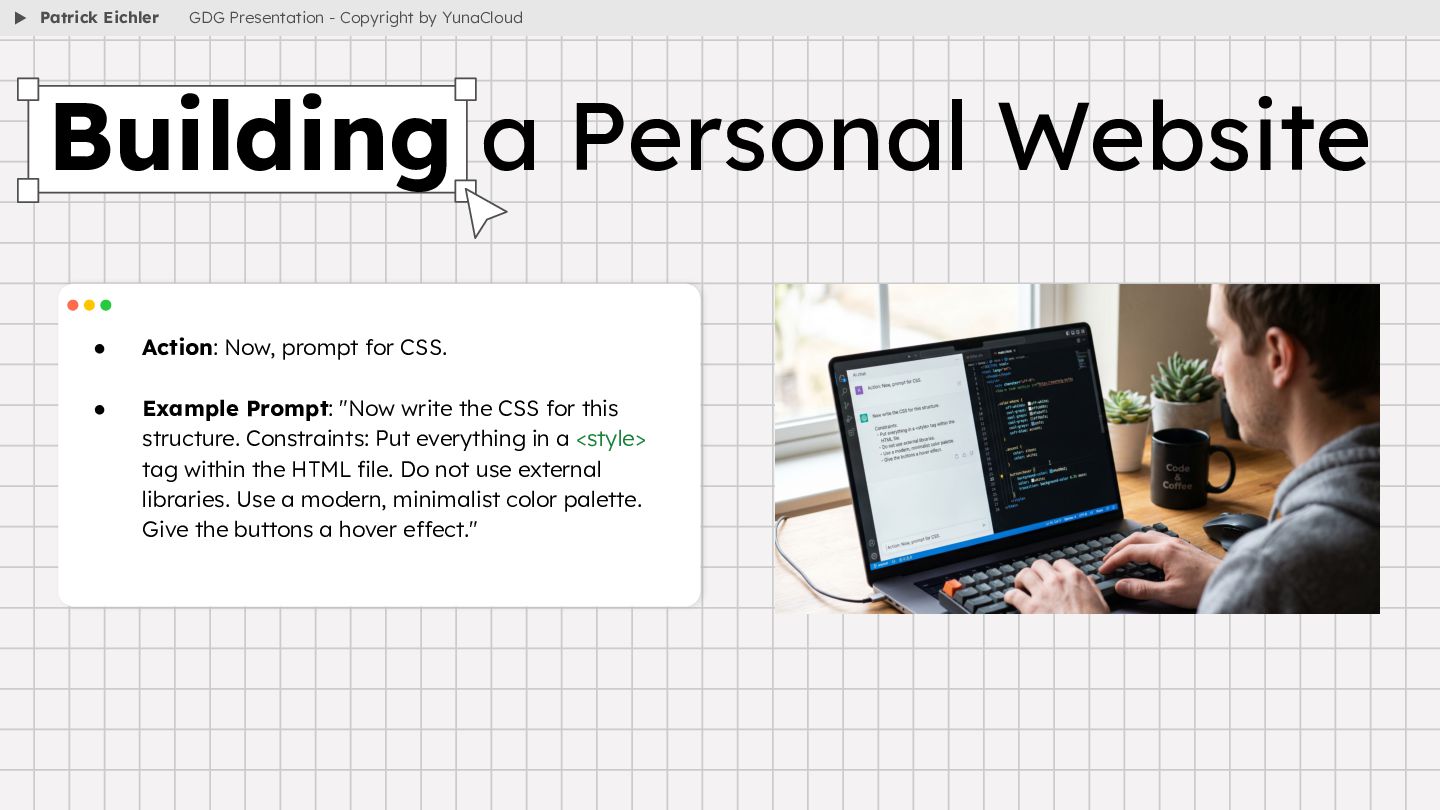
write the CSS for this structure. Constraints: Put everything in a <style> tag within the HTML file. Do not use external libraries. Use a modern, minimalist color palette. Give the buttons a hover effect." Building a Personal Website Patrick Eichler GDG Presentation - Copyright by YunaCloud
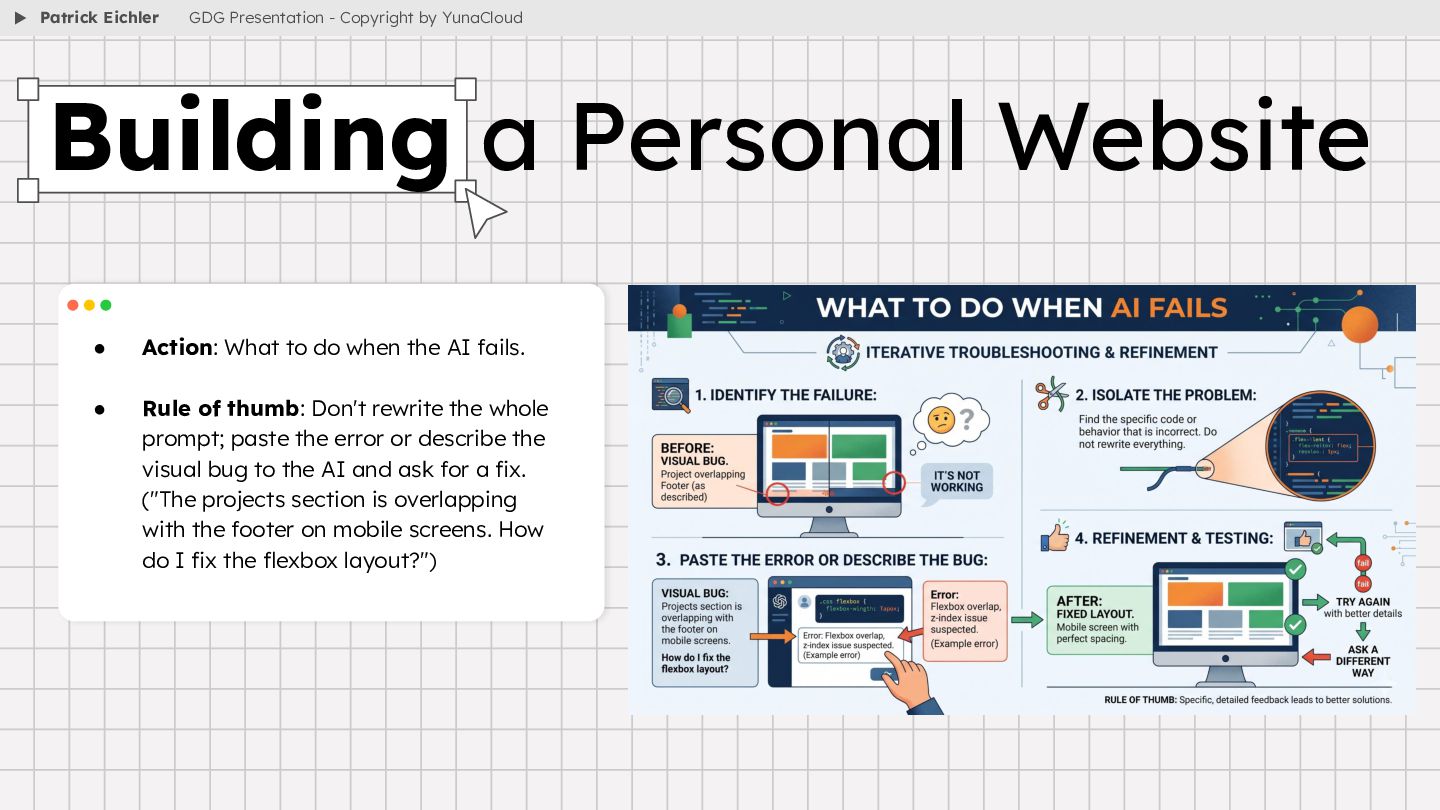
Rule of thumb: Don't rewrite the whole prompt; paste the error or describe the visual bug to the AI and ask for a fix. ("The projects section is overlapping with the footer on mobile screens. How do I fix the flexbox layout?") Building a Personal Website Patrick Eichler GDG Presentation - Copyright by YunaCloud
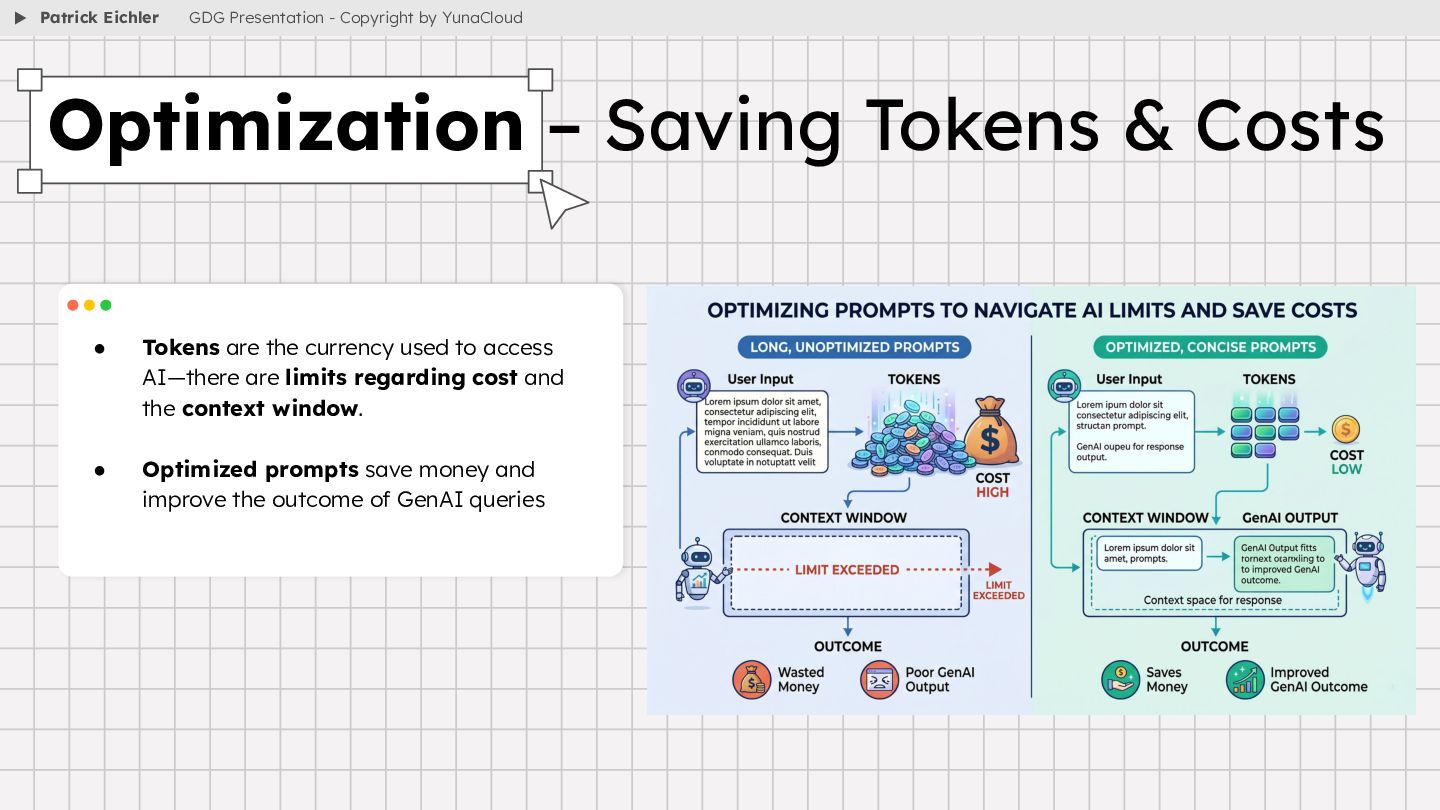
limits regarding cost and the context window. • Optimized prompts save money and improve the outcome of GenAI queries Optimization – Saving Tokens & Costs Patrick Eichler GDG Presentation - Copyright by YunaCloud
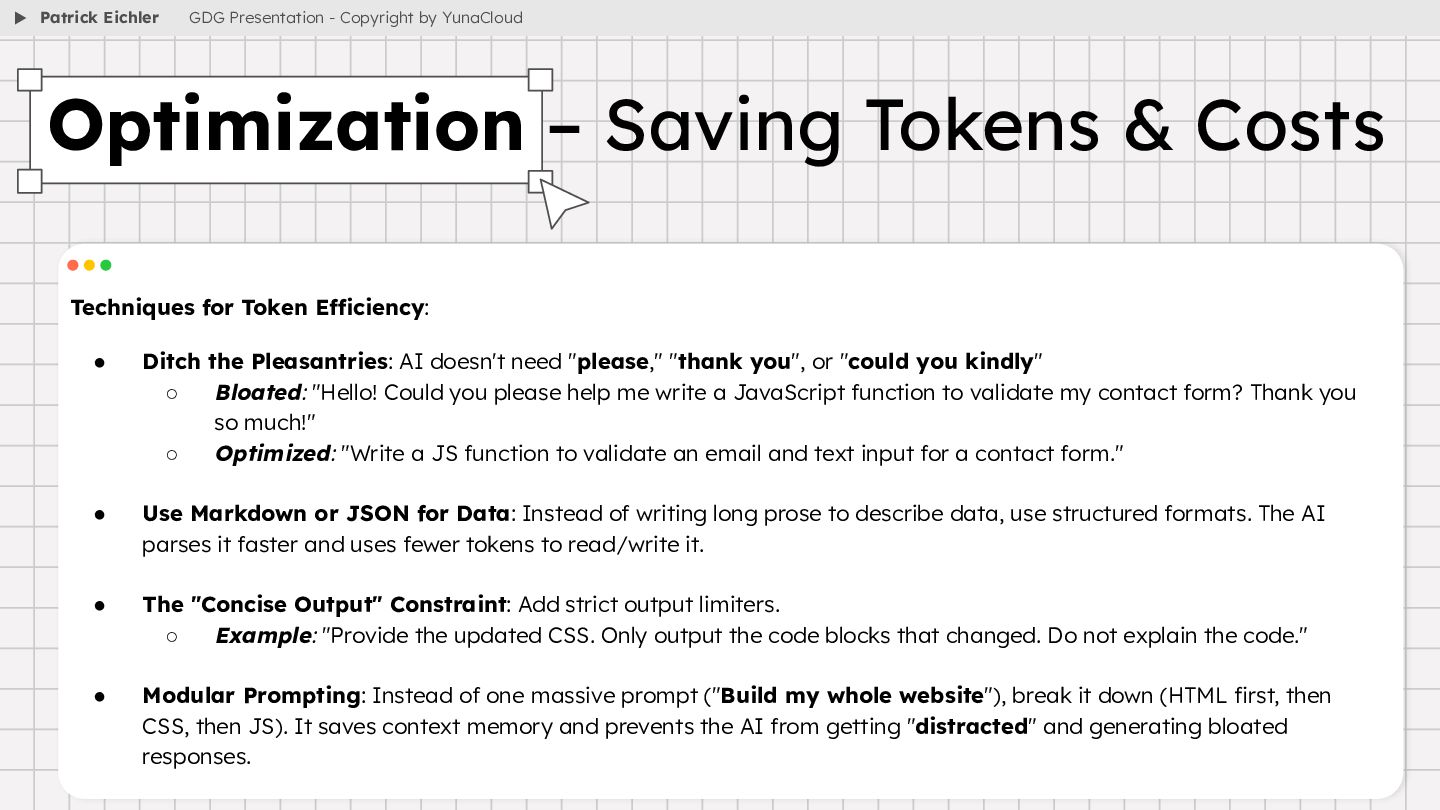
need "please," "thank you", or "could you kindly" ◦ Bloated: "Hello! Could you please help me write a JavaScript function to validate my contact form? Thank you so much!" ◦ Optimized: "Write a JS function to validate an email and text input for a contact form." • Use Markdown or JSON for Data: Instead of writing long prose to describe data, use structured formats. The AI parses it faster and uses fewer tokens to read/write it. • The "Concise Output" Constraint: Add strict output limiters. ◦ Example: "Provide the updated CSS. Only output the code blocks that changed. Do not explain the code." • Modular Prompting: Instead of one massive prompt ("Build my whole website"), break it down (HTML first, then CSS, then JS). It saves context memory and prevents the AI from getting "distracted" and generating bloated responses. Optimization – Saving Tokens & Costs Patrick Eichler GDG Presentation - Copyright by YunaCloud
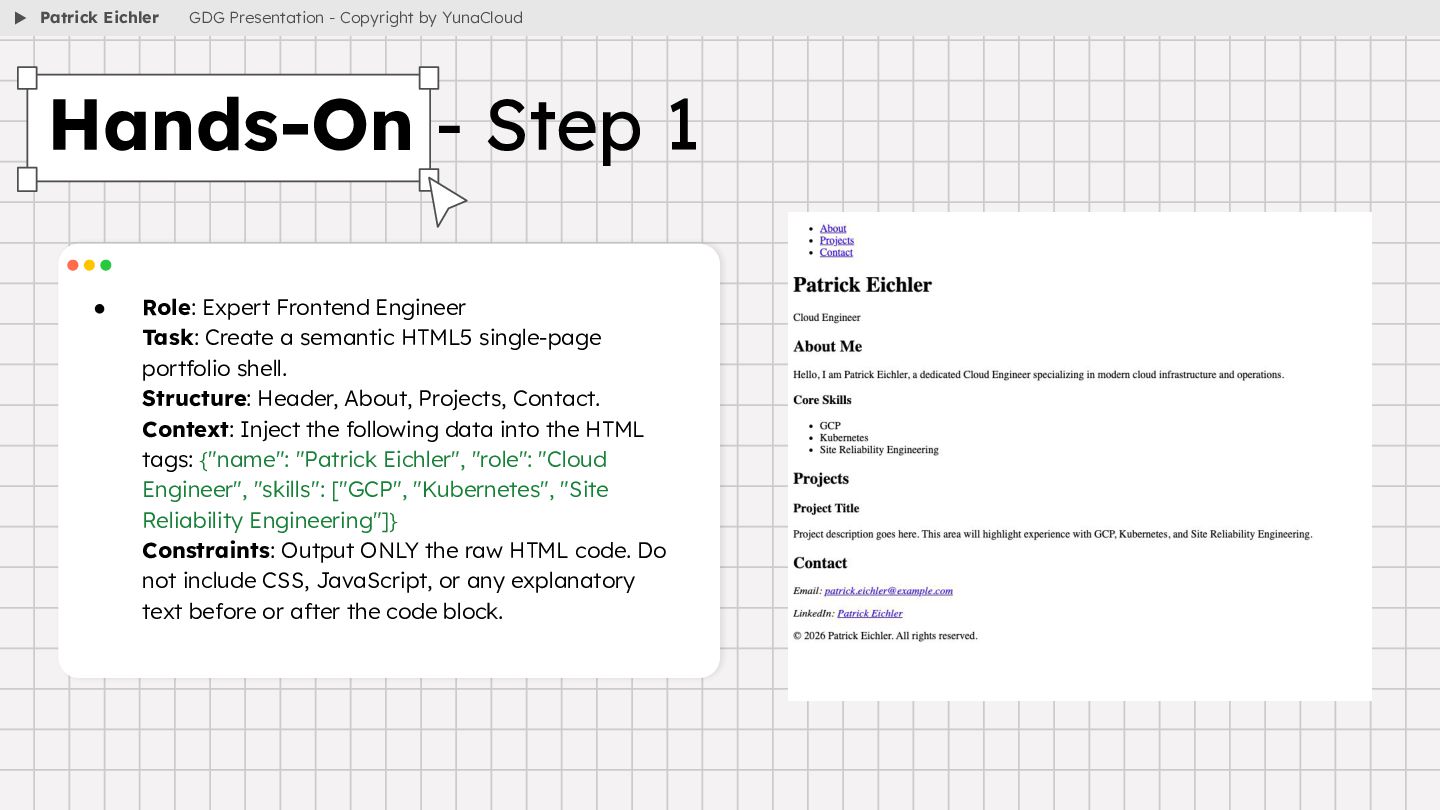
single-page portfolio shell. Structure: Header, About, Projects, Contact. Context: Inject the following data into the HTML tags: {"name": "Patrick Eichler", "role": "Cloud Engineer", "skills": ["GCP", "Kubernetes", "Site Reliability Engineering"]} Constraints: Output ONLY the raw HTML code. Do not include CSS, JavaScript, or any explanatory text before or after the code block. Hands-On - Step 1 Patrick Eichler GDG Presentation - Copyright by YunaCloud
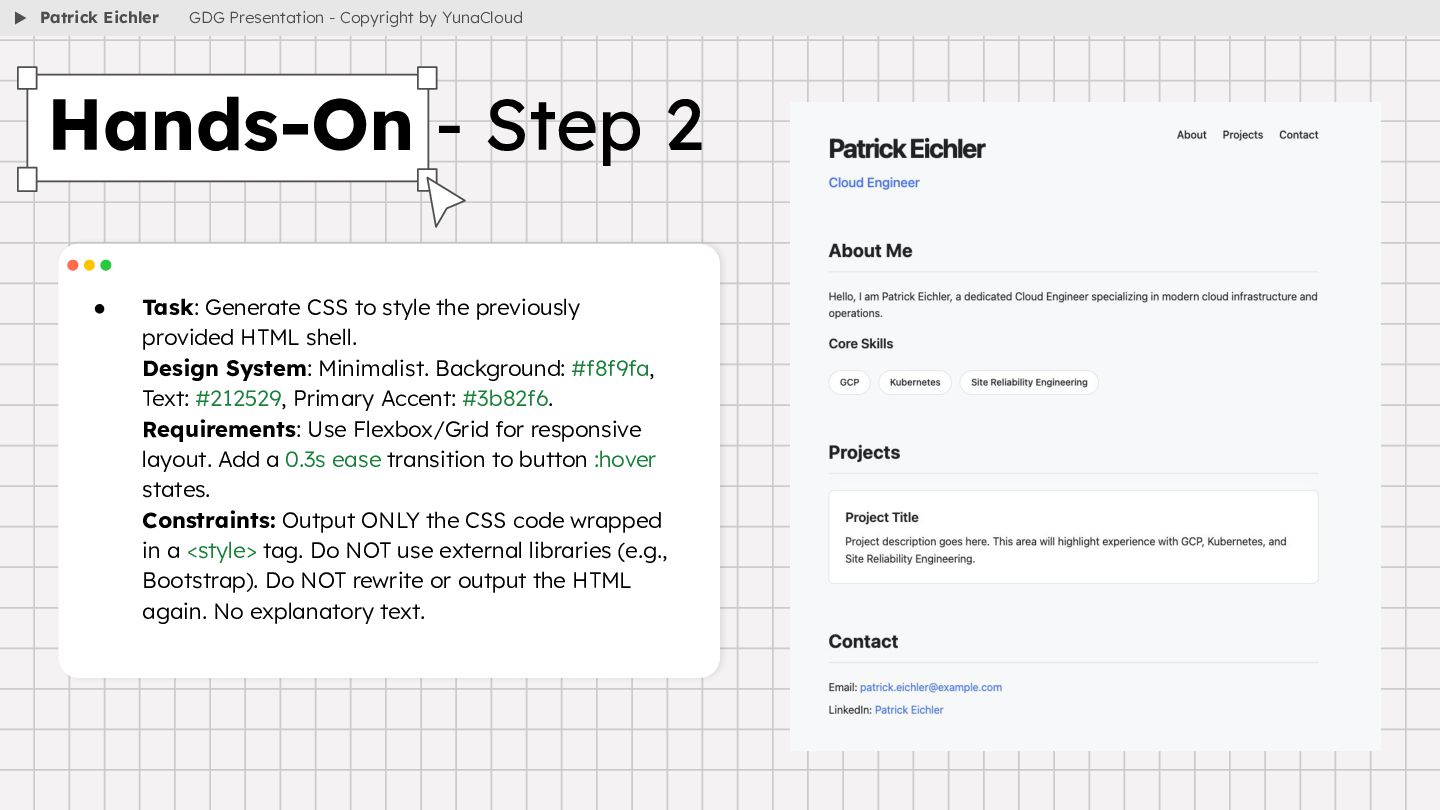
shell. Design System: Minimalist. Background: #f8f9fa, Text: #212529, Primary Accent: #3b82f6. Requirements: Use Flexbox/Grid for responsive layout. Add a 0.3s ease transition to button :hover states. Constraints: Output ONLY the CSS code wrapped in a <style> tag. Do NOT use external libraries (e.g., Bootstrap). Do NOT rewrite or output the HTML again. No explanatory text. Hands-On - Step 2 Patrick Eichler GDG Presentation - Copyright by YunaCloud
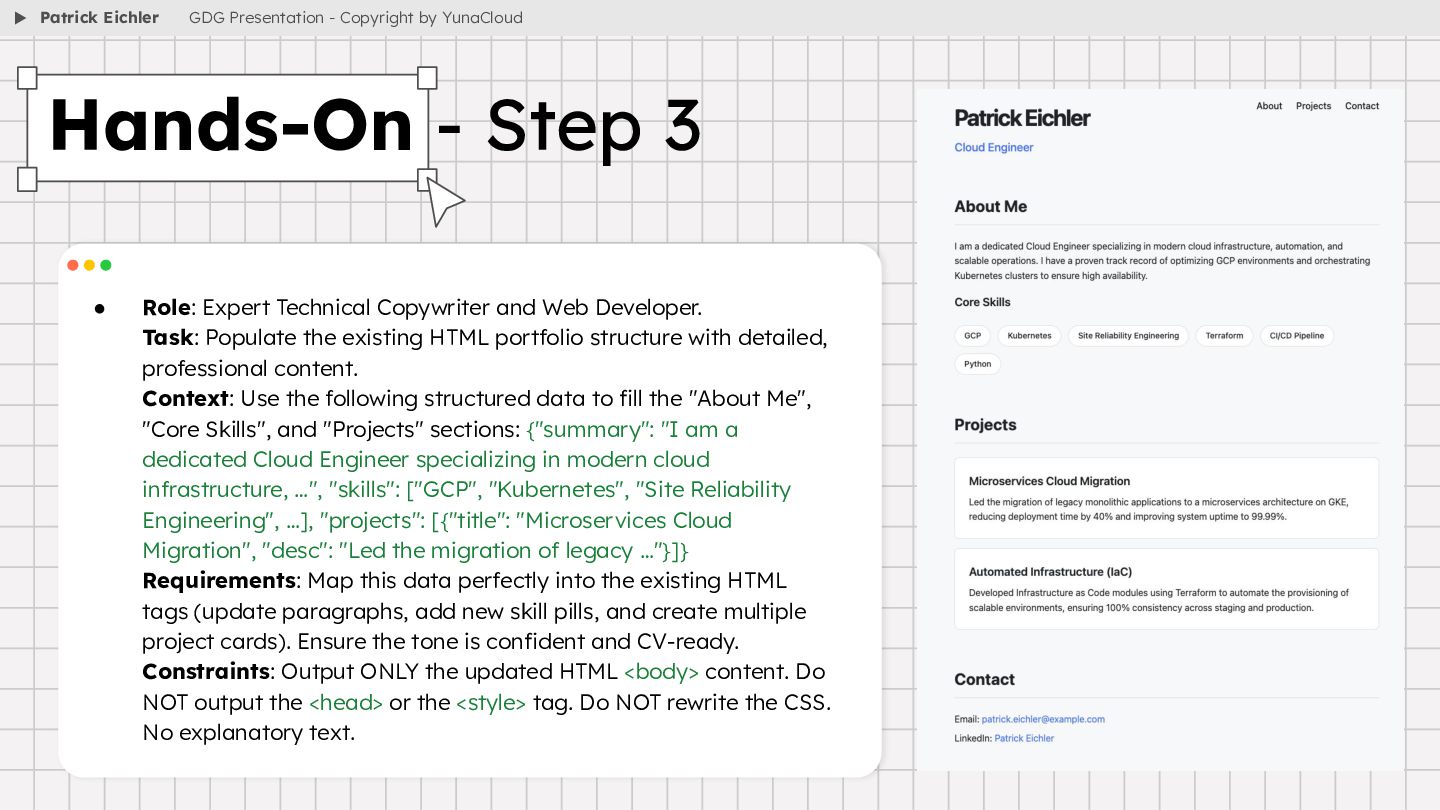
the existing HTML portfolio structure with detailed, professional content. Context: Use the following structured data to fill the "About Me", "Core Skills", and "Projects" sections: {"summary": "I am a dedicated Cloud Engineer specializing in modern cloud infrastructure, …", "skills": ["GCP", "Kubernetes", "Site Reliability Engineering", …], "projects": [{"title": "Microservices Cloud Migration", "desc": "Led the migration of legacy …"}]} Requirements: Map this data perfectly into the existing HTML tags (update paragraphs, add new skill pills, and create multiple project cards). Ensure the tone is confident and CV-ready. Constraints: Output ONLY the updated HTML <body> content. Do NOT output the <head> or the <style> tag. Do NOT rewrite the CSS. No explanatory text. Hands-On - Step 3 Patrick Eichler GDG Presentation - Copyright by YunaCloud


 itchimonji
.jpg) kotomin_m
kotomin_m
 juanmartin2026
 kentaro1981
 akiraasano
 datascientistsociety
 signer
 matleenalaakso
 ymzaki_m4
 masakiokuda
 cbtlibrary
 addyosmani
 lauravandoore
 joshbly
 inesmontani
 yeseniaperezcruz
 trishagee
 productmarketing
 iamctodd
 rocio
rocio
 jeffersonlam
 cassininazir
.jpg) cargoodrich
cargoodrich