Upgrade to Pro — share decks privately, control downloads, hide ads and more …

Continous Integration With PHP CI

Sponsored · Your Podcast. Everywhere. Effortlessly. Share. Educate. Inspire. Entertain. You do you. We'll handle the rest. →

Continous Integration With PHP CI

Presentation for PHP usergroup Kenya Meetup Kenya by Chencha Jacob

Jacob Chencha

October 07, 2014

Transcript

17 slides
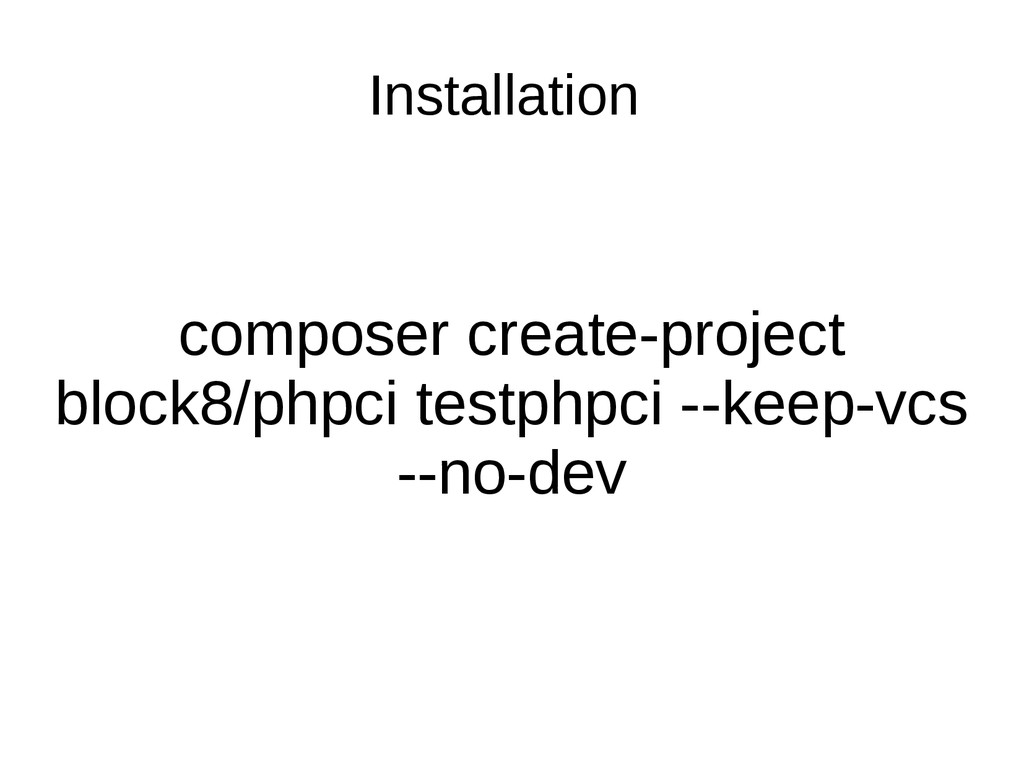
  1. Prerequisites • LAMP • Web Server (Preferably running on virtual

    instance) • Composer (In your $PATH) • Git • PHP shell_exec and exec must be enabled. Can be done from php.ini • Must have mcrypt library • A project with tests
  2. Folder Contents • bootstrap.php • composer.json • composer.lock • console

    • daemon • daemonise • Dockerfile • LICENSE.md • listing.txt • loggerconfig.php.example • phinx.php • PHPCI • phpci.yml • phpunit.xml • pluginconfig.php.example • public • README.md • Tests • vars.php • vendor •
  3. Add Conf file to Apache • <VirtualHost *:80> • DocumentRoot

    /var/www/ci/testphpci/public • ServerName phpci.local • <Directory /var/www/ci/testphpci/public > • Allow From All • RewriteEngine on • RewriteCond %{REQUEST_FILENAME} !-f • RewriteCond %{REQUEST_FILENAME} !-d • RewriteRule ^(.*) index.php?url=$1 [L,QSA] • </Directory> • • # Other directives here • </VirtualHost>
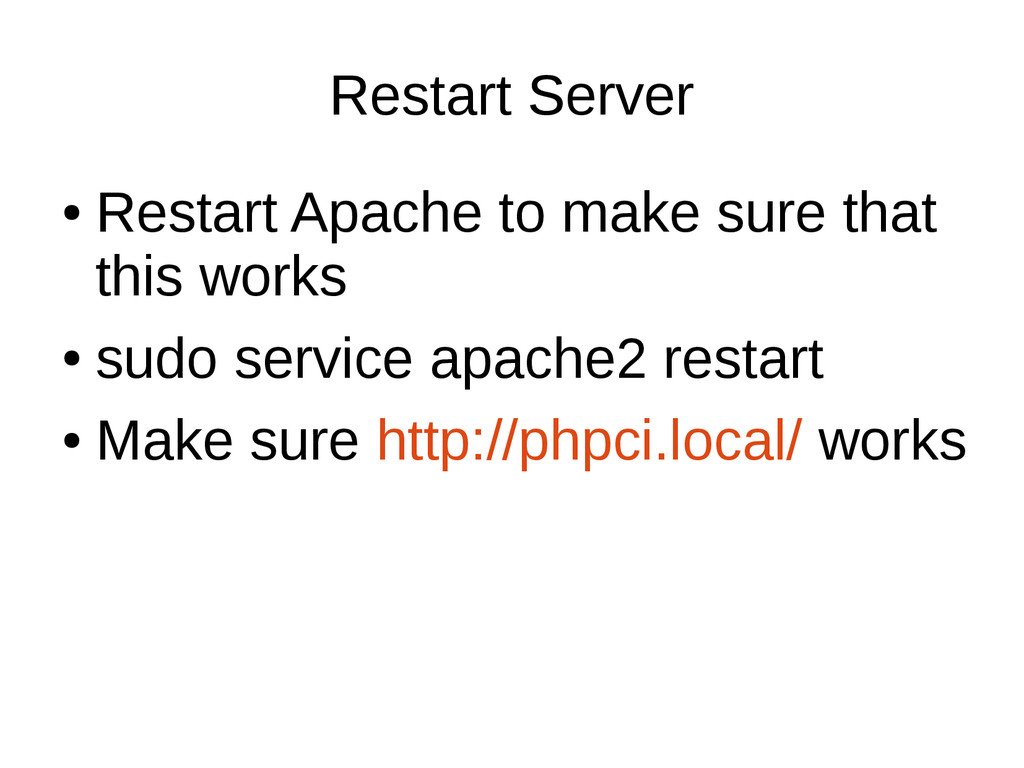
  4. Restart Server • Restart Apache to make sure that this

    works • sudo service apache2 restart • Make sure http://phpci.local/ works
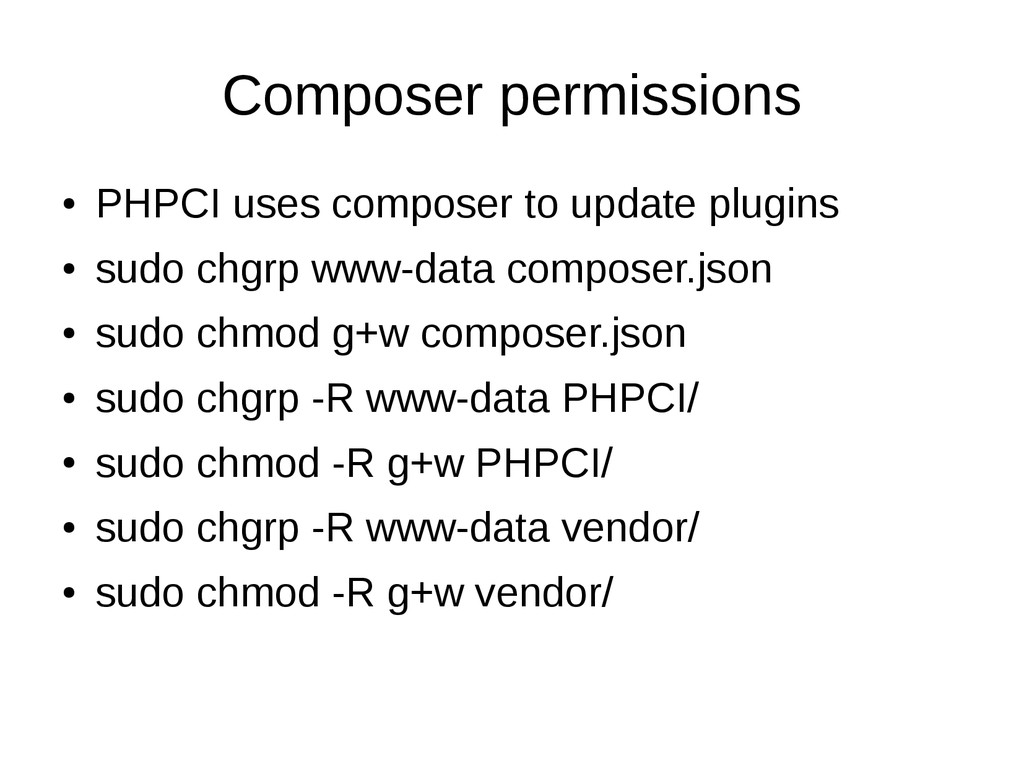
  5. Composer permissions • PHPCI uses composer to update plugins •

    sudo chgrp www-data composer.json • sudo chmod g+w composer.json • sudo chgrp -R www-data PHPCI/ • sudo chmod -R g+w PHPCI/ • sudo chgrp -R www-data vendor/ • sudo chmod -R g+w vendor/
  6. Sample Project • Clone the project • https://github.com/PHPUG/Validation.git • Add

    deploy keys to your account • This get automatically generated
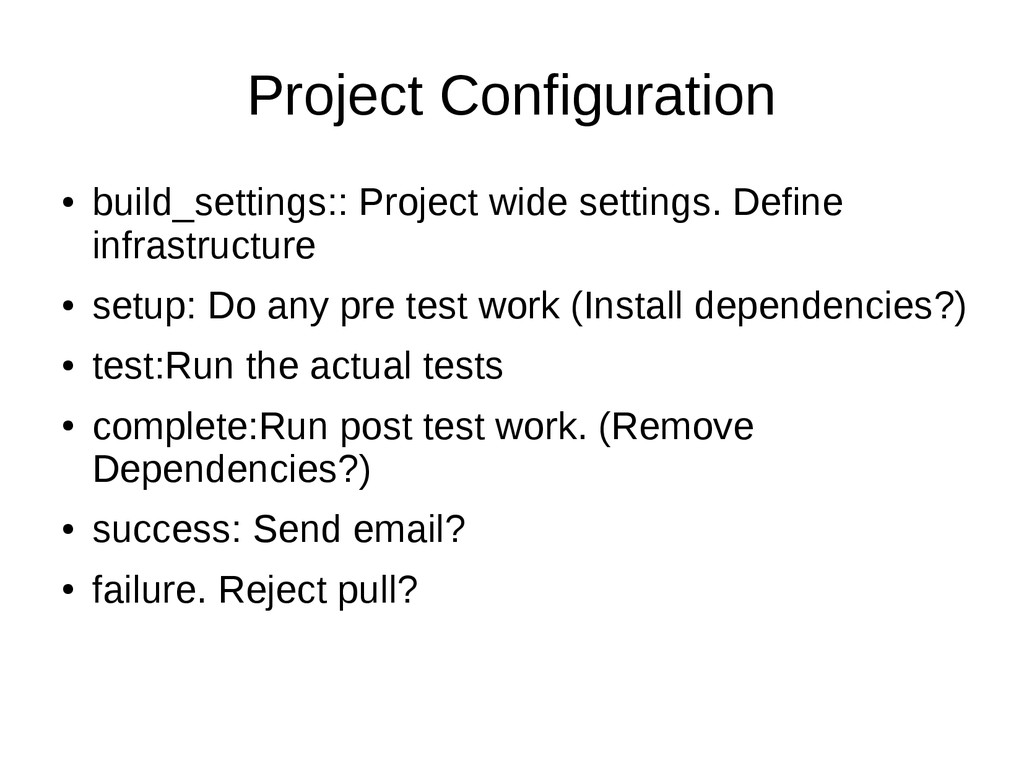
  7. Project Configuration • build_settings:: Project wide settings. Define infrastructure •

    setup: Do any pre test work (Install dependencies?) • test:Run the actual tests • complete:Run post test work. (Remove Dependencies?) • success: Send email? • failure. Reject pull?
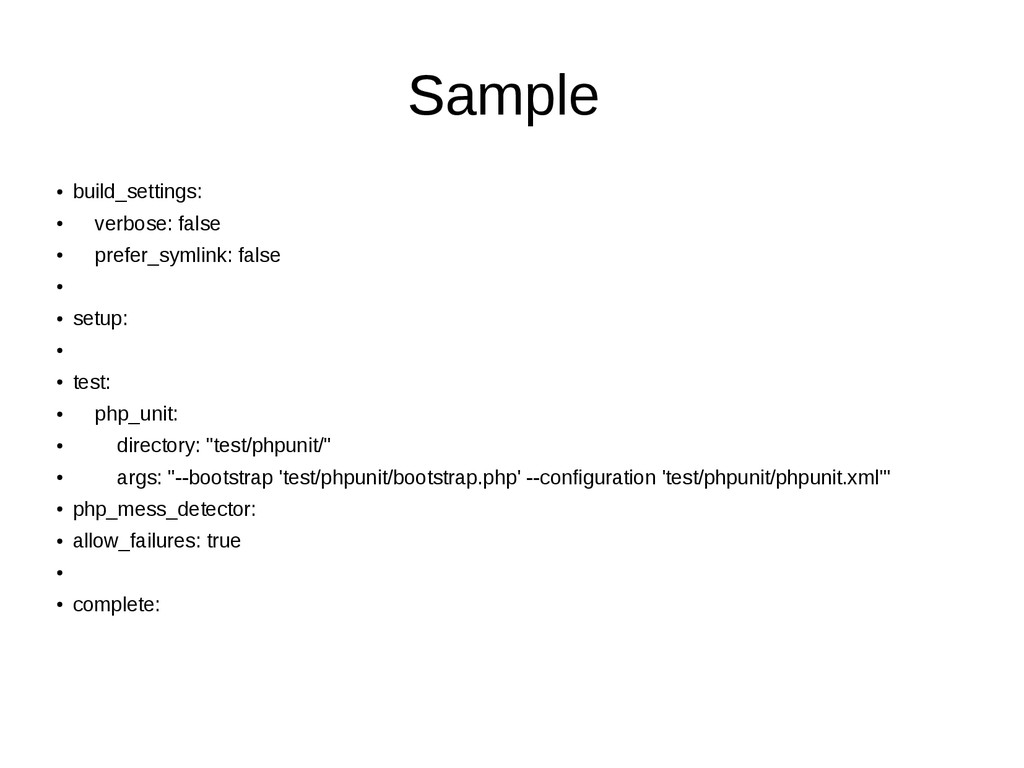
  8. Sample • build_settings: • verbose: false • prefer_symlink: false •

    • setup: • • test: • php_unit: • directory: "test/phpunit/" • args: "--bootstrap 'test/phpunit/bootstrap.php' --configuration 'test/phpunit/phpunit.xml'" • php_mess_detector: • allow_failures: true • • complete:
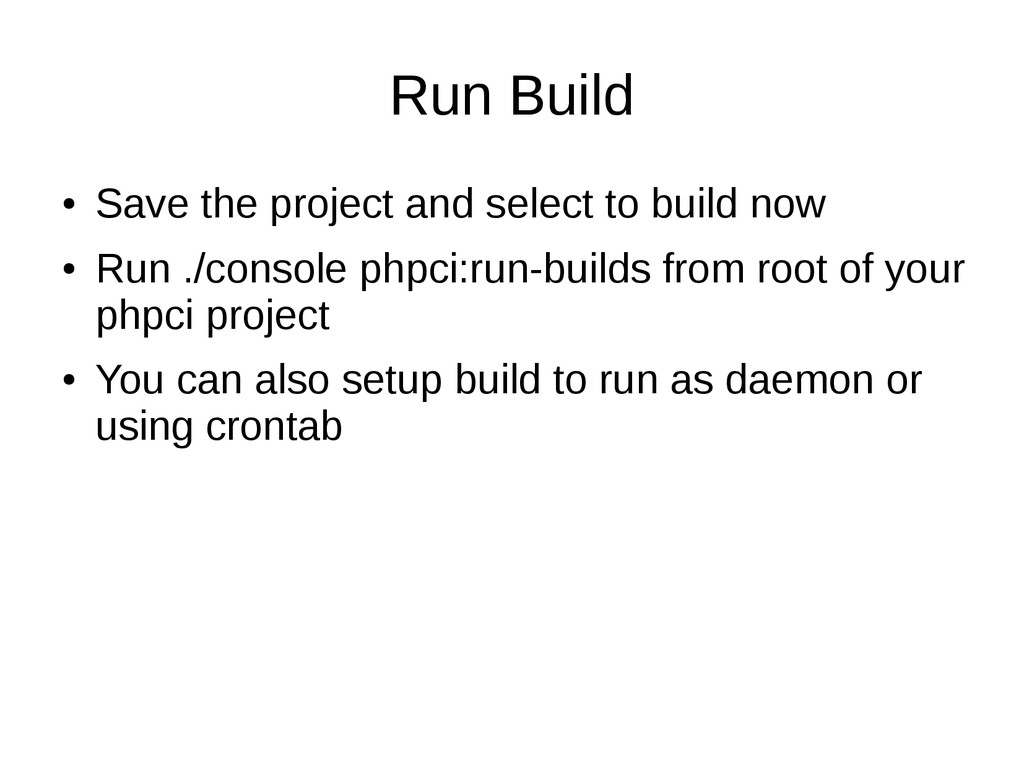
  9. Run Build • Save the project and select to build

    now • Run ./console phpci:run-builds from root of your phpci project • You can also setup build to run as daemon or using crontab

More Decks by Jacob Chencha

Other Decks in Programming