Upgrade to Pro — share decks privately, control downloads, hide ads and more …

Don't Leave Windows Broken

Sponsored · SiteGround - Reliable hosting with speed, security, and support you can count on.

Don't Leave Windows Broken

How to refactor and refine your code in JavaScript!
1. Linting
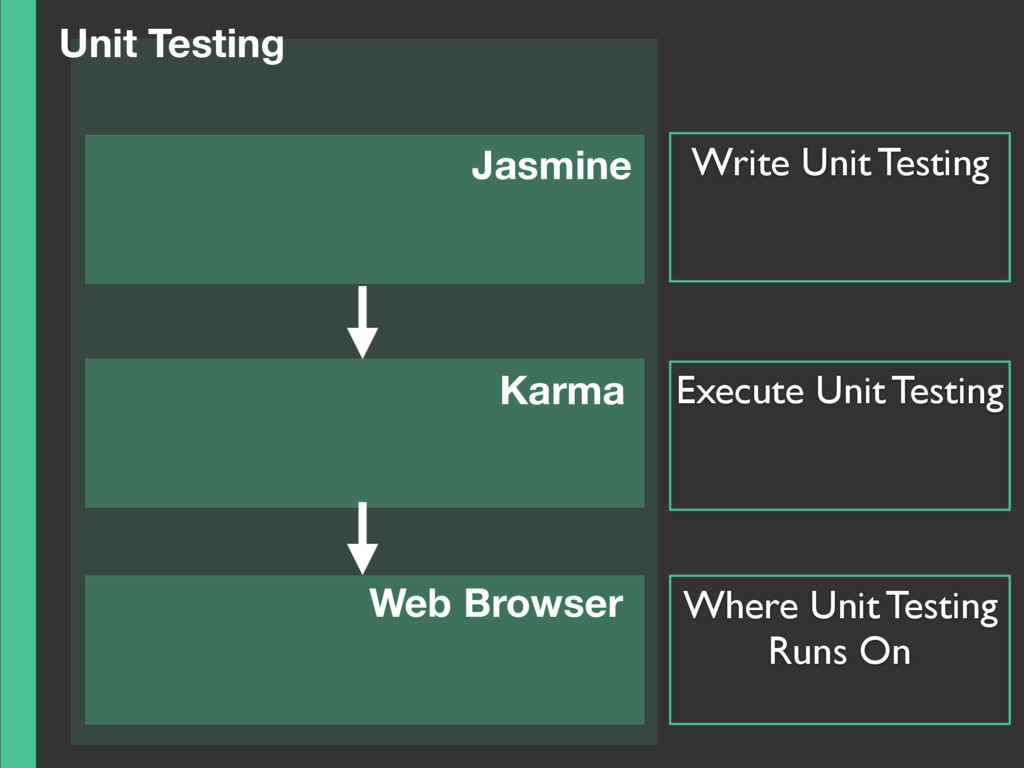
2. Unit Testing
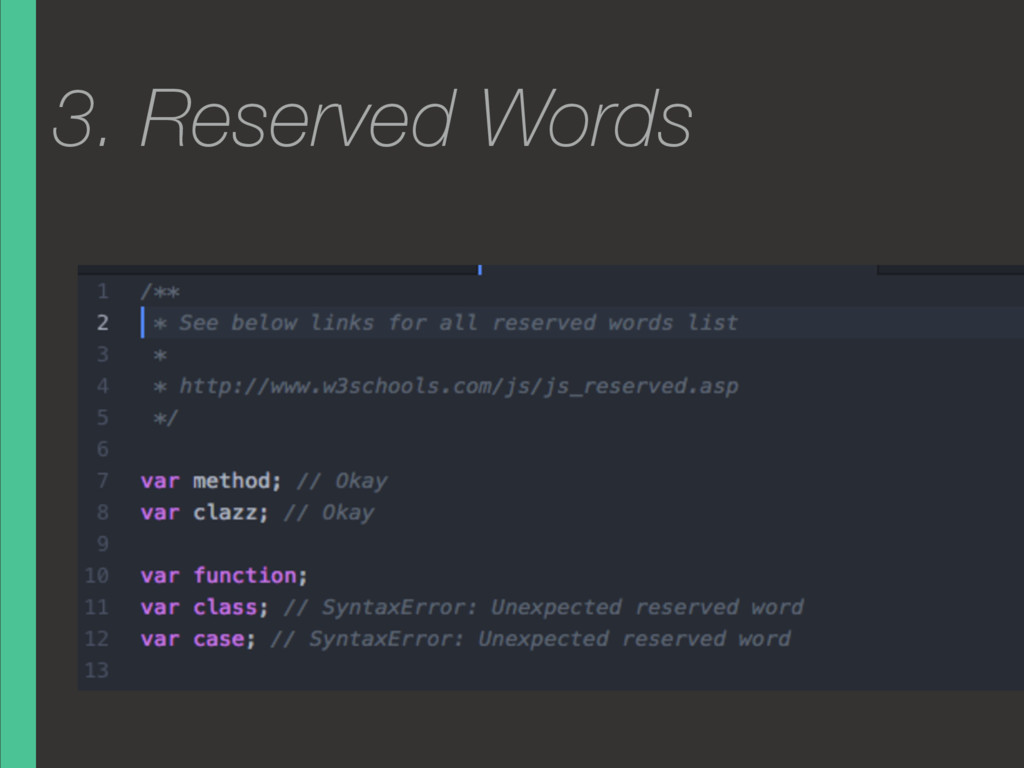
3. JavaScript : The Bad Parts

Avatar for Ken Wagatsuma

Ken Wagatsuma

December 06, 2015
Tweet

More Decks by Ken Wagatsuma

Other Decks in Programming

Transcript

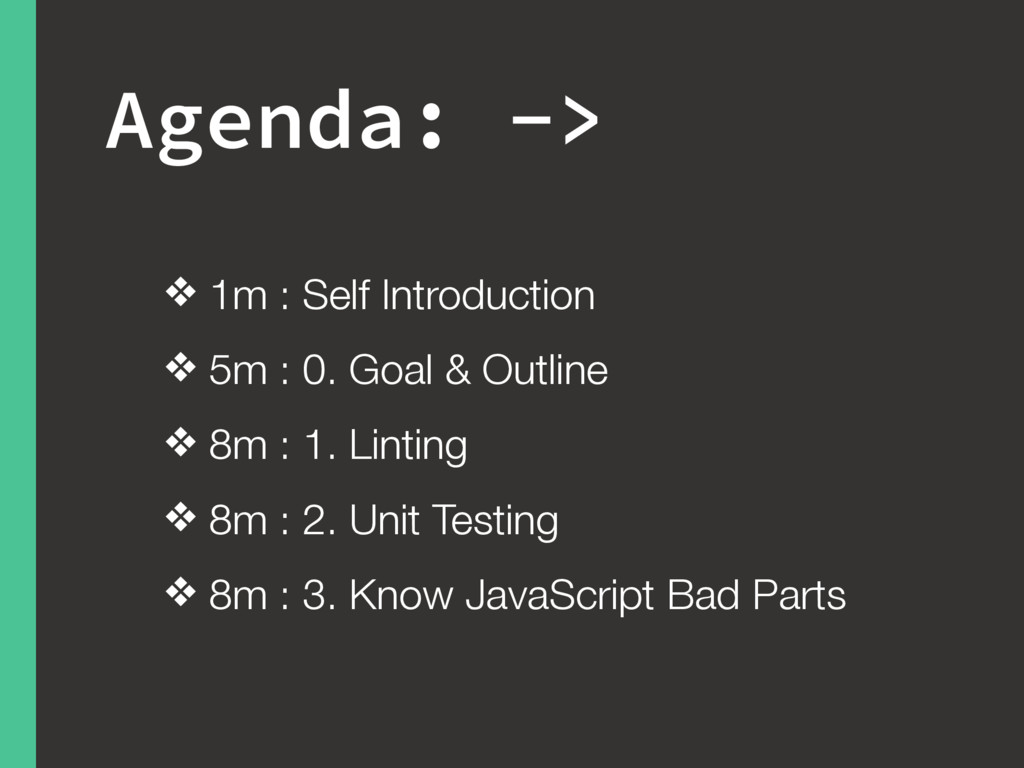
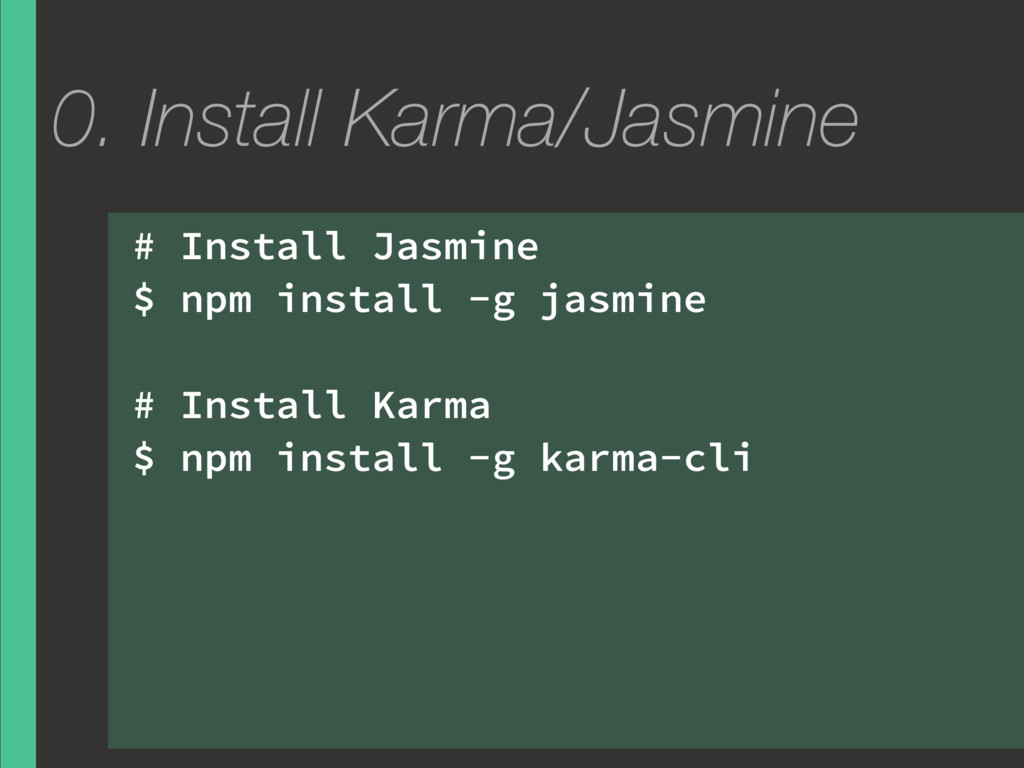
  1. Agenda: -> ❖ 1m : Self Introduction ❖ 5m :

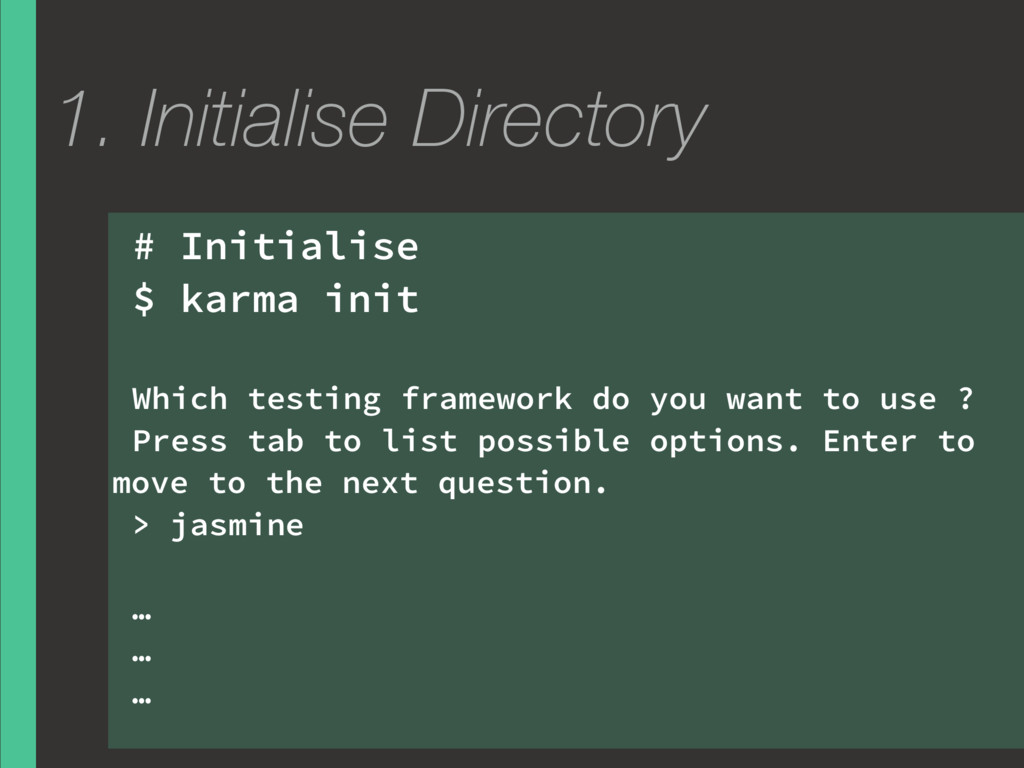
    0. Goal & Outline ❖ 8m : 1. Linting ❖ 8m : 2. Unit Testing ❖ 8m : 3. Know JavaScript Bad Parts
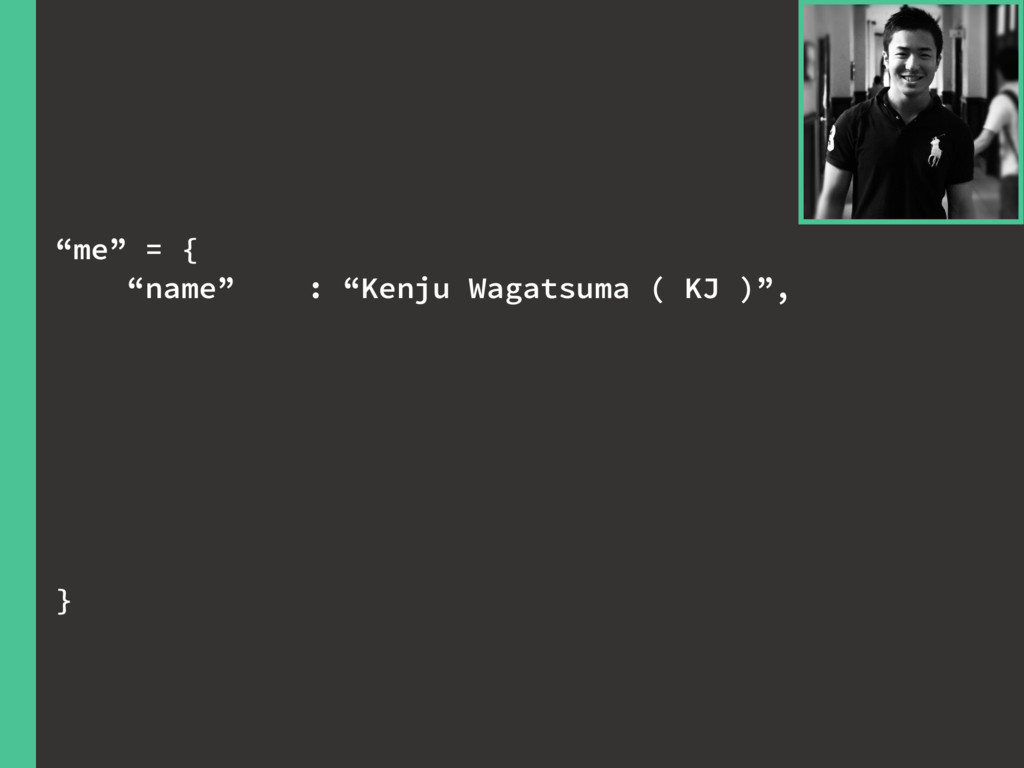
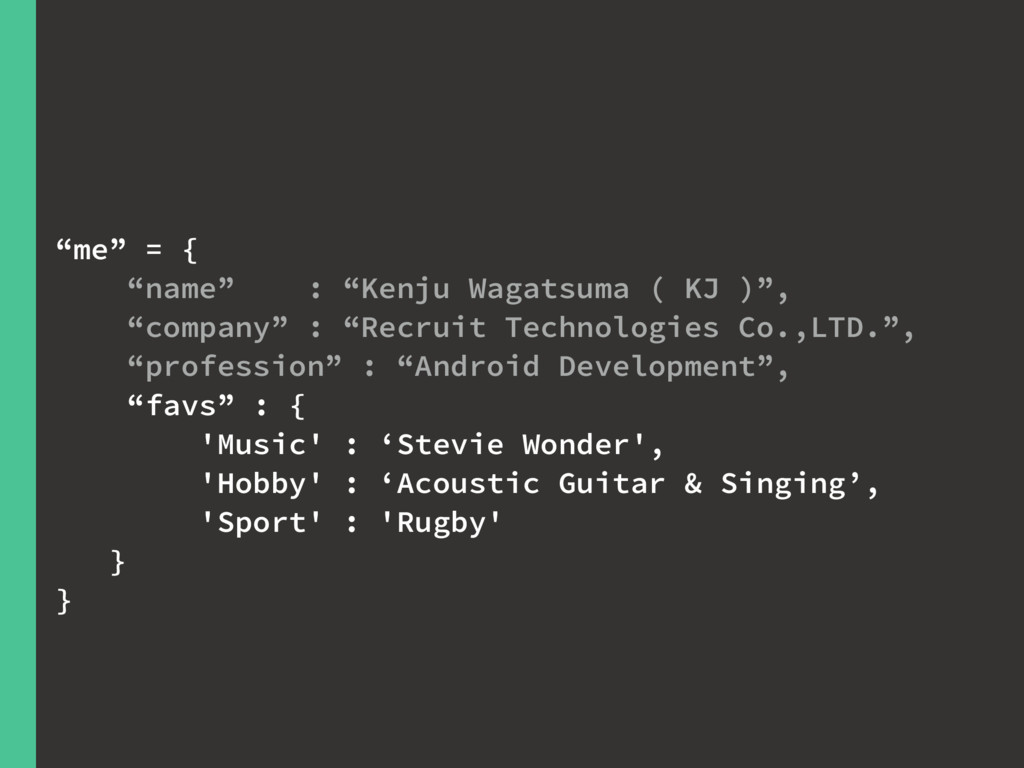
  2. “me” = { “name” : “Kenju Wagatsuma ( KJ )”,

    “company” : “Recruit Technologies Co.,LTD.”, }
  3. “me” = { “name” : “Kenju Wagatsuma ( KJ )”,

    “company” : “Recruit Technologies Co.,LTD.”, “profession” : “Android Development”, }
  4. “me” = { “name” : “Kenju Wagatsuma ( KJ )”,

    “company” : “Recruit Technologies Co.,LTD.”, “profession” : “Android Development”, “favs” : { 'Music' : ‘Stevie Wonder', 'Hobby' : ‘Acoustic Guitar & Singing’, 'Sport' : 'Rugby' } }
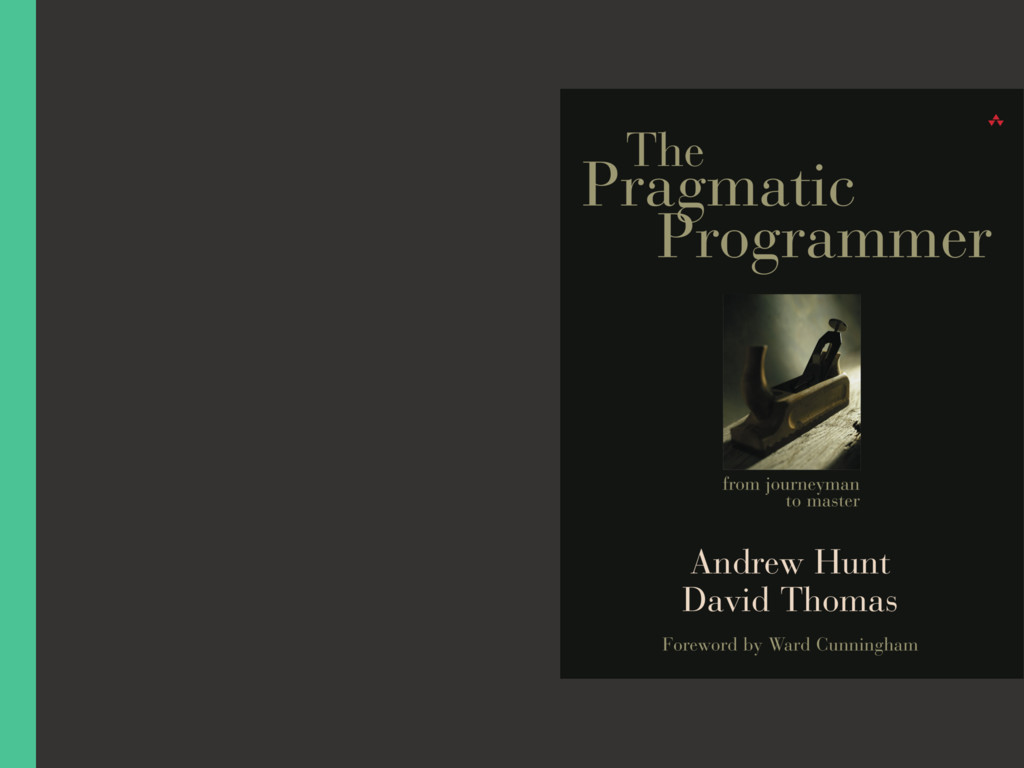
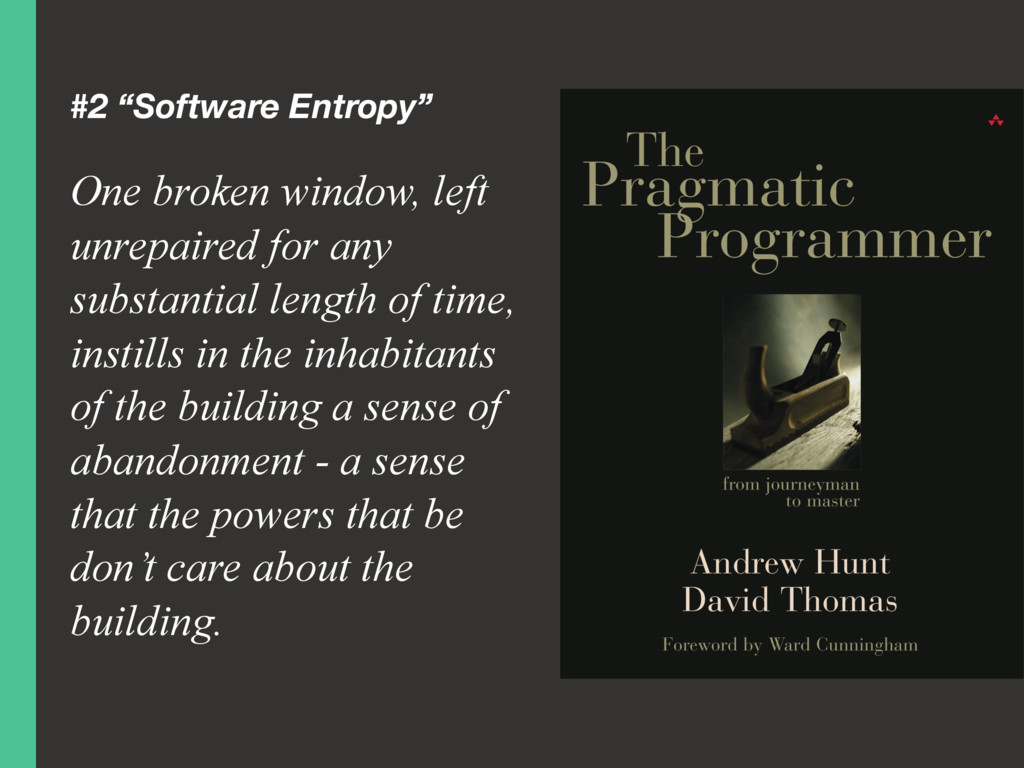
  5. #2 “Software Entropy” One broken window, left unrepaired for any

    substantial length of time, instills in the inhabitants of the building a sense of abandonment - a sense that the powers that be don’t care about the building.
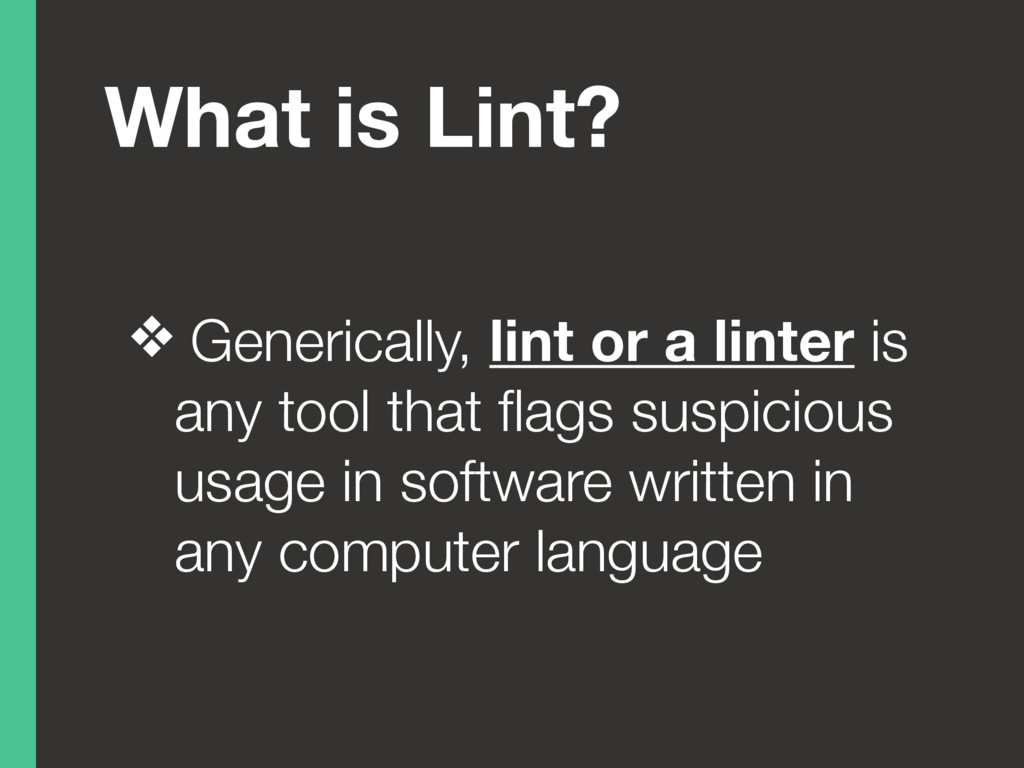
  6. What is Lint? ❖ Generically, lint or a linter is

    any tool that flags suspicious usage in software written in any computer language
  7. What is ESLint? ❖ is an open source JavaScript linting

    utility ❖ is written using Node.js ❖
  8. What is ESLint? ❖ is an open source JavaScript linting

    utility ❖ is written using Node.js ❖ and easy installation via npm
  9. Why is ESLint? ❖ JavaScript is loosely-typed so that is

    prone to developer error ❖ JavaScript has no compilation ❖
  10. Why is ESLint? ❖ JavaScript is loosely-typed so that is

    prone to developer error ❖ JavaScript has no compilation ❖ ESLint discovers problems with their JavaScript code without executing it
  11. What is Unit Test? ❖ Testing done on each module

    ( function, methods, etc. ) in isolation, to verify its behaviour
  12. Why Unit Test? ❖ 1. Examples of how to use

    all the functionality of your module ❖ 2. A means to build regression tests to validate any future changes to the code
  13. What is Karma? ❖ is testing development ❖ is not

    a testing framework, nor an assertion library ❖ (on which Jasmine, QUnit or other testing frameworks run)
  14. ❖ is an open source testing framework for JavaScript ❖
    runs on any JavaScript- enabled platform ❖ does not require a DOM What is Jasmine?
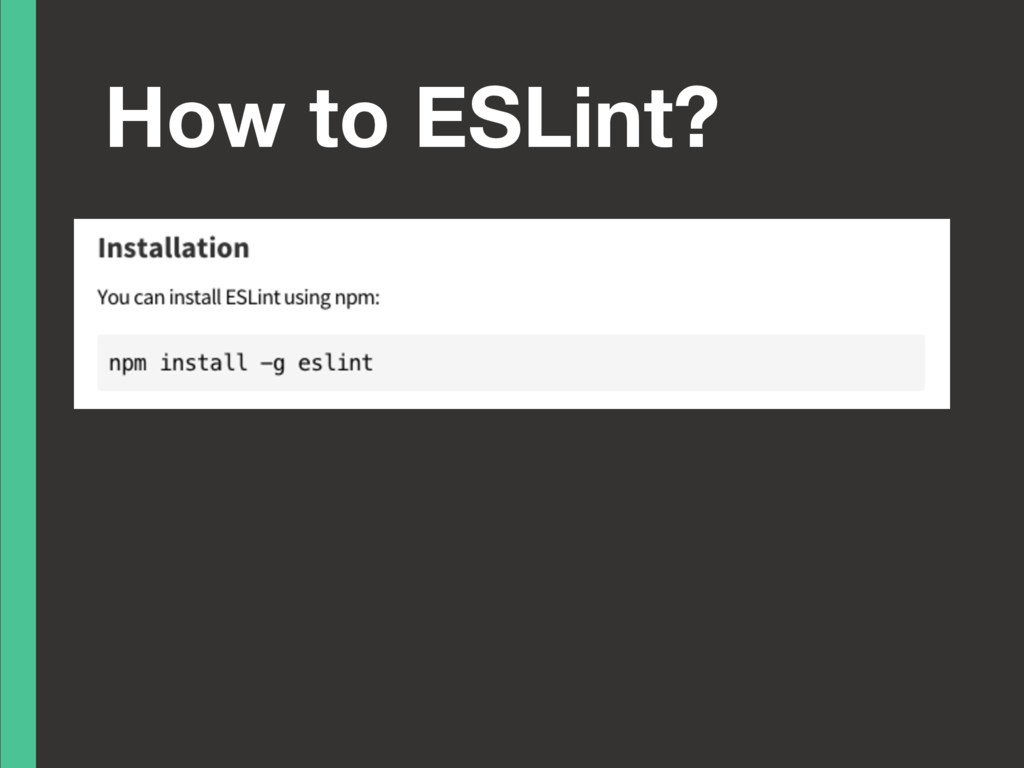
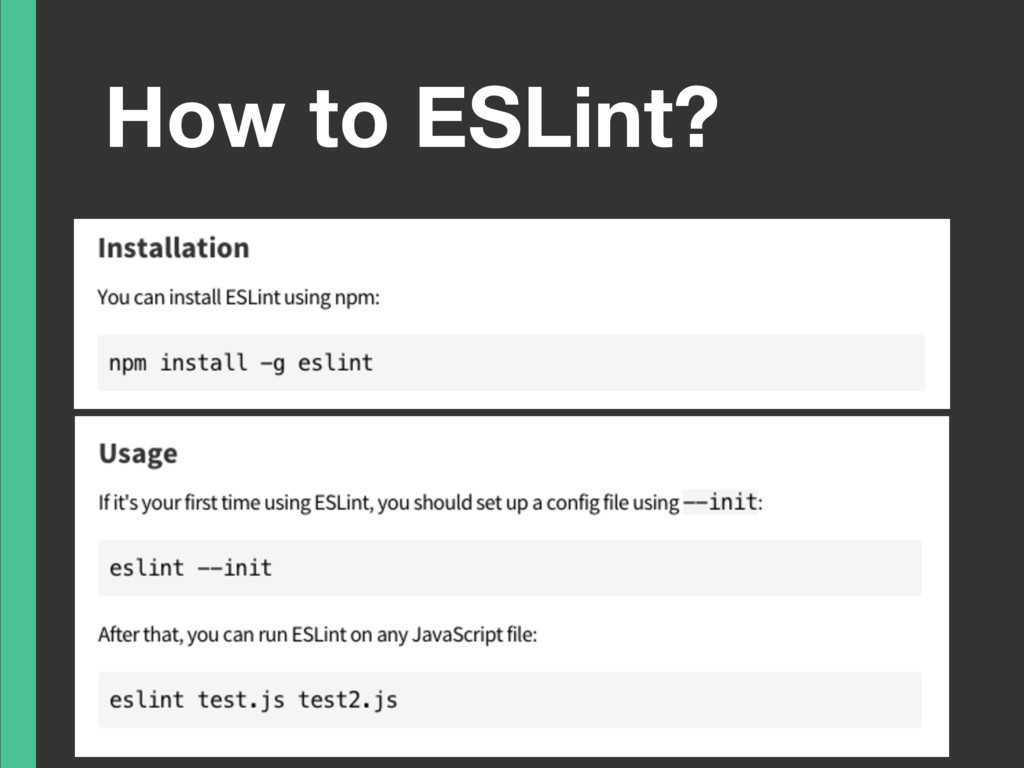
  15. 0. Install Karma/Jasmine # Install Jasmine $ npm install -g

    jasmine # Install Karma $ npm install -g karma-cli
  16. 1. Initialise Directory # Initialise $ karma init Which testing

    framework do you want to use ? Press tab to list possible options. Enter to move to the next question. > jasmine … … …
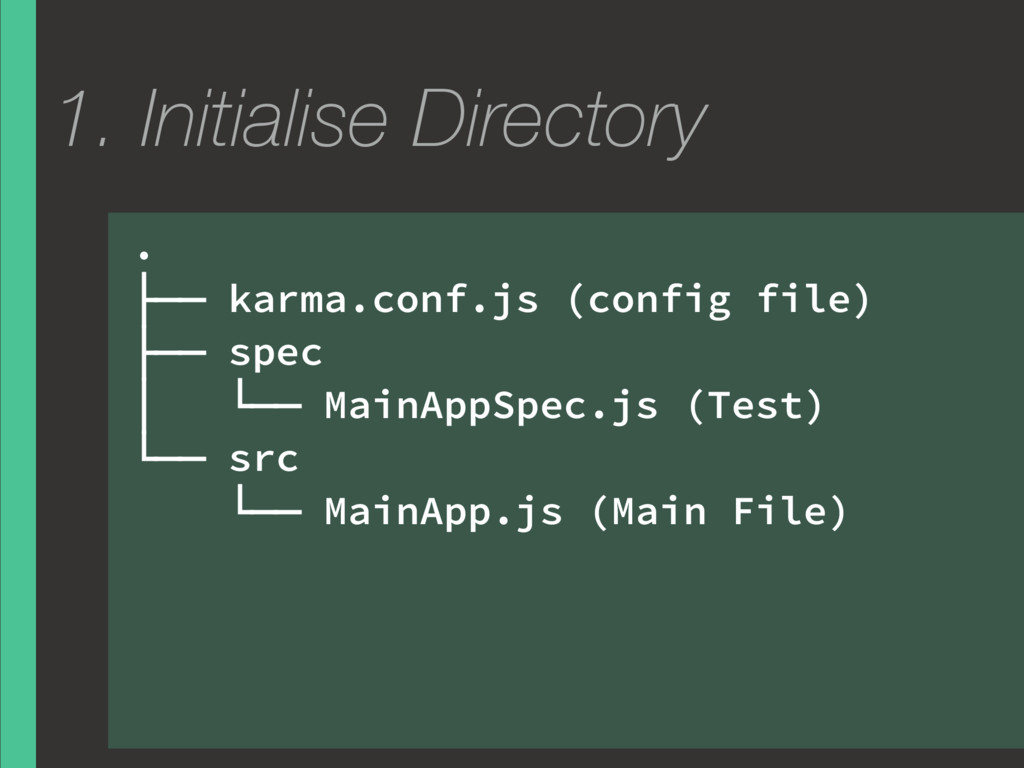
  17. 1. Initialise Directory . ├── karma.conf.js (config file) ├── spec

    │ └── MainAppSpec.js (Test) └── src └── MainApp.js (Main File)
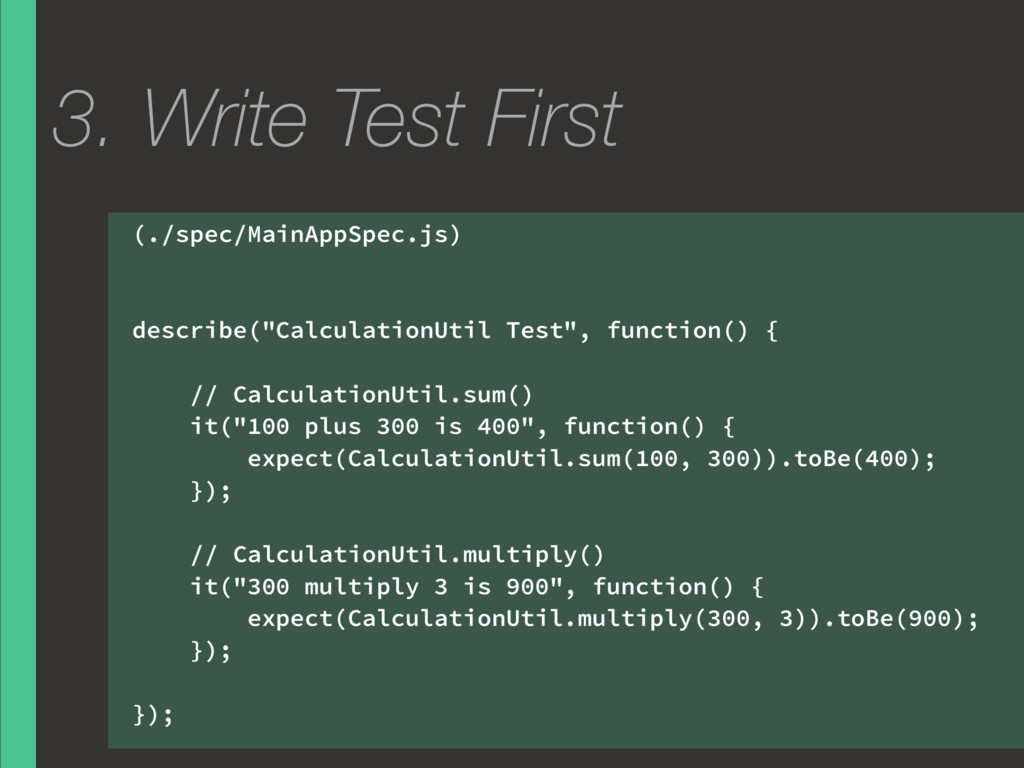
  18. 3. Write Test First (./spec/MainAppSpec.js) describe("CalculationUtil Test", function() { //

    CalculationUtil.sum() it("100 plus 300 is 400", function() { expect(CalculationUtil.sum(100, 300)).toBe(400); }); // CalculationUtil.multiply() it("300 multiply 3 is 900", function() { expect(CalculationUtil.multiply(300, 3)).toBe(900); }); });
  19. 4. Write Program (./src/MainApp.js) var CalculationUtil = CalculationUtil || {};

    CalculationUtil.sum = function(x, y) { if (typeof x !== 'number' || typeof y !== 'number') return; return x + y; }; CalculationUtil.multiply = function(x, y) { if (typeof x !== 'number' || typeof y !== 'number') return; return x * y; }
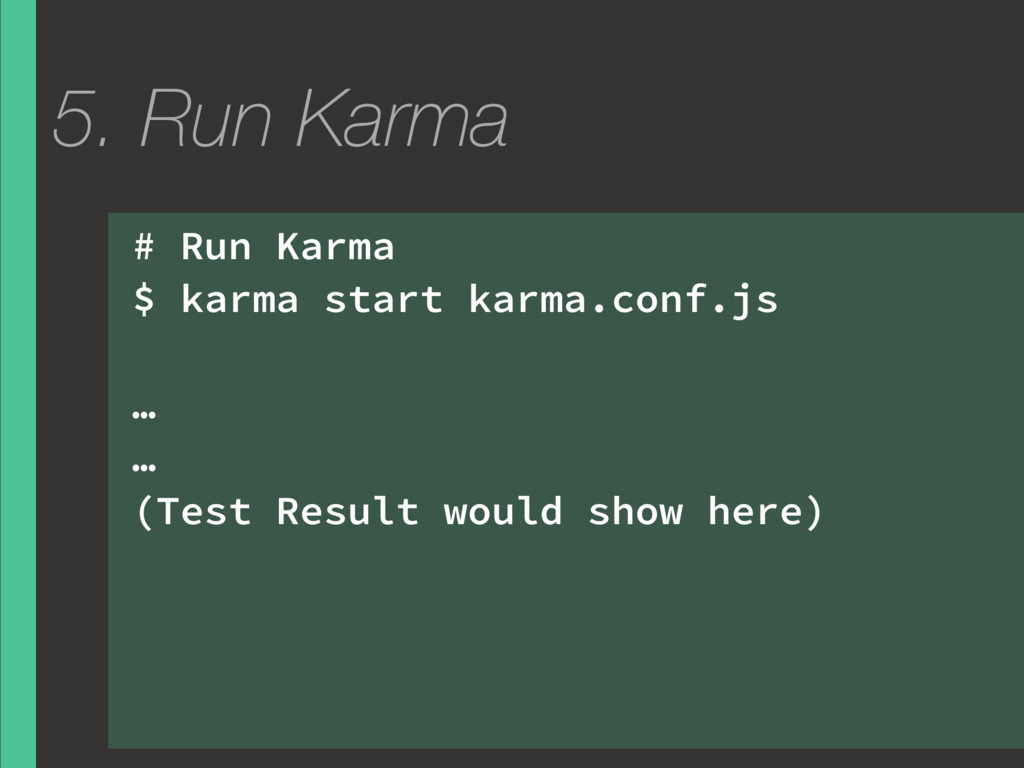
  20. 5. Run Karma # Run Karma $ karma start karma.conf.js

    … … (Test Result would show here)
  21. 1. == ‘’ == ‘0’ // false 0 == ‘’

    // true 0 == ‘0’ // true false == ‘false’ // false false == ‘0’ // true false == undefined // false false == null // false null == undefined // true