SERP Conf. Vienna - Web Accessibility: Optimizi...

Share
Embed
SERP Conf. Vienna - Web Accessibility: Optimizing for Inclusivity and SEO
Slides for Web Accessibility: Optimizing for Inclusivity and SEO for SERP Conf. Vienna, celebrated on the 30th October 2024 in Vienna, Austria.

Sara Fernández Carmona
October 30, 2024
Transcript
59 slides
-
Sara Fernández International SEO Consultant Web Accessibility: Optimizing for Inclusivity
and SEO Panel: Content Marketing & Semantic SEO -
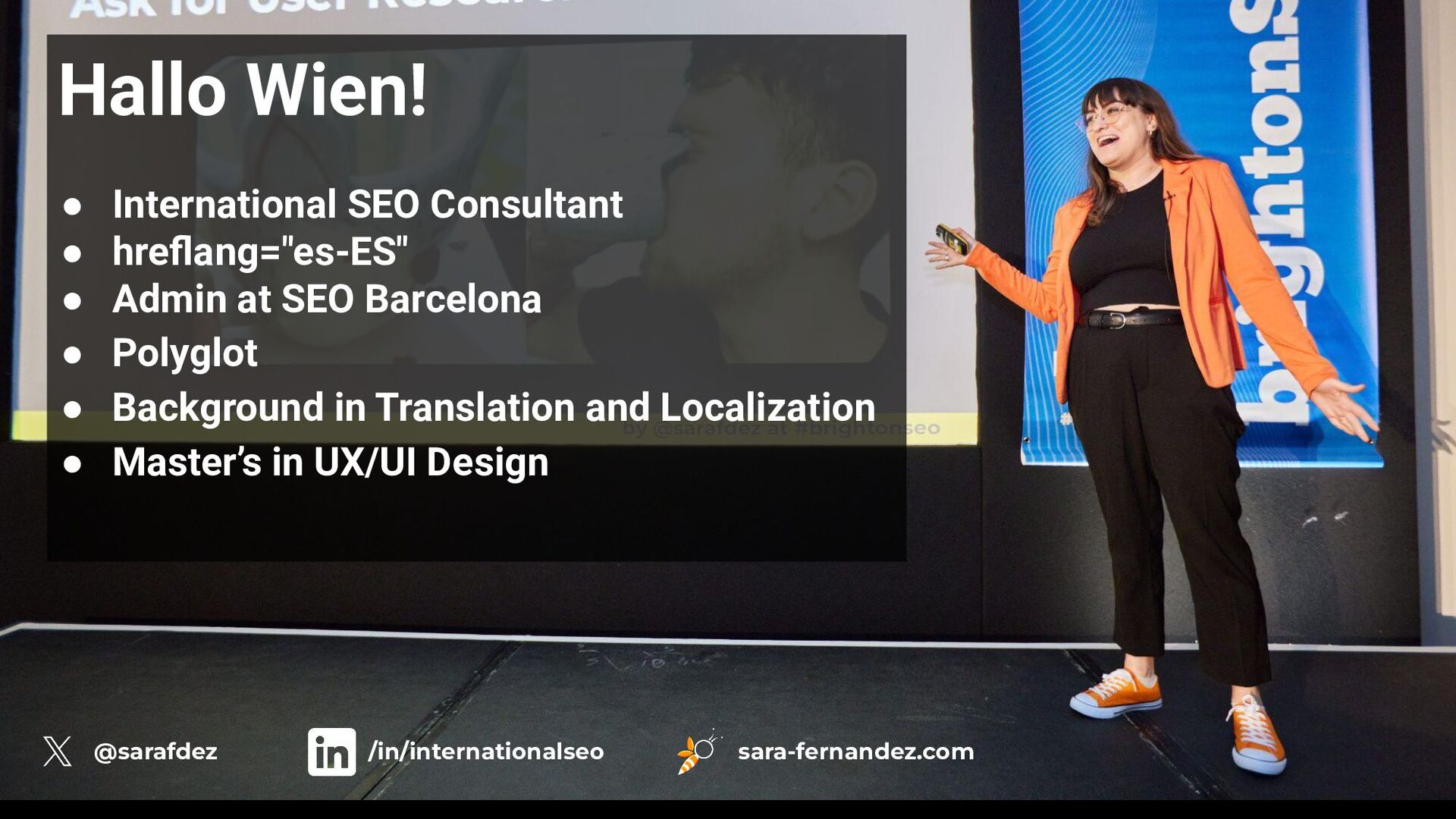
Hallo Wien! • International SEO Consultant • hreflang="es-ES" • Admin
at SEO Barcelona • Polyglot • Background in Translation and Localization • Master’s in UX/UI Design @sarafdez /in/internationalseo sara-fernandez.com -
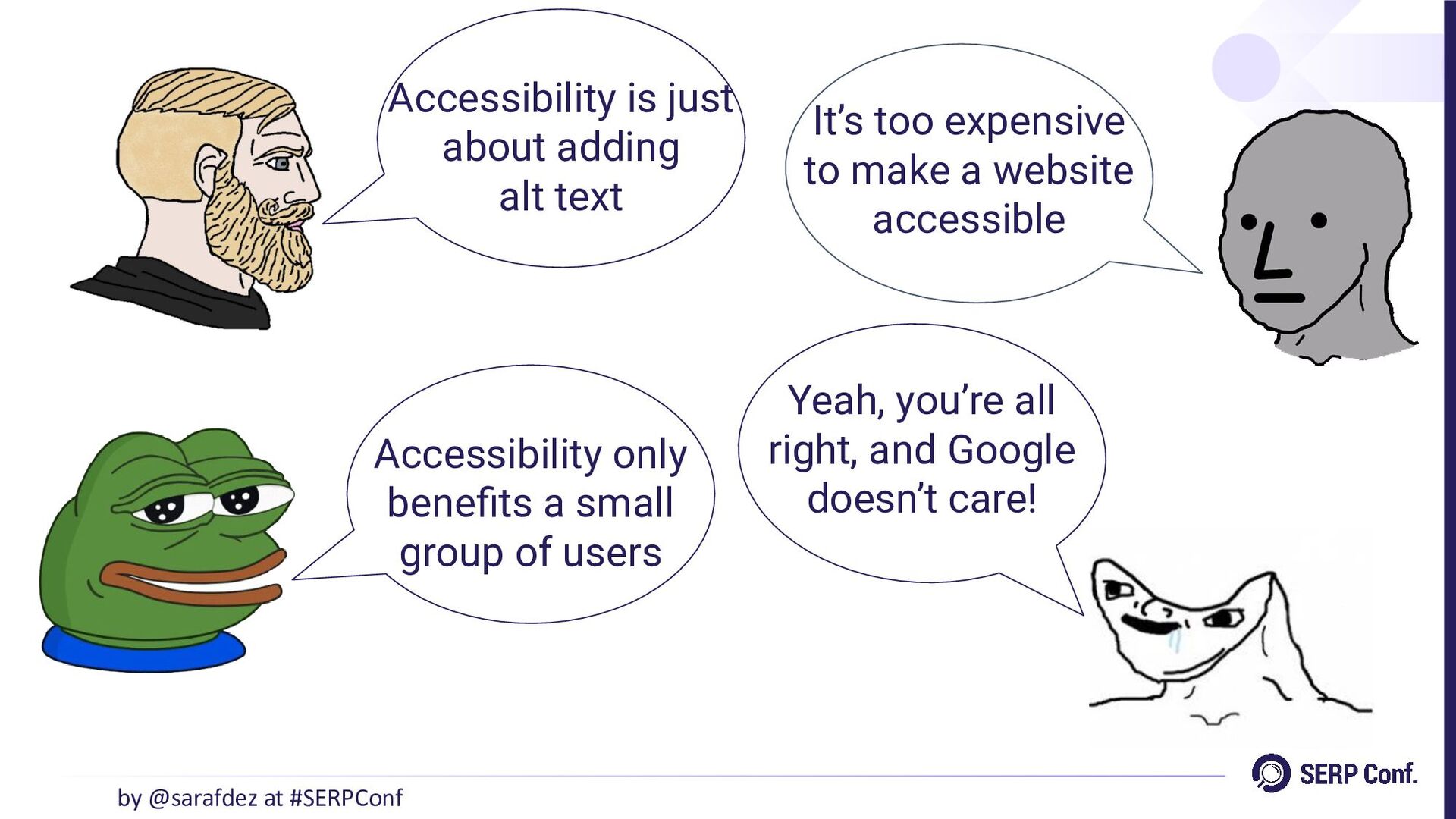
Accessibility is just about adding alt text Accessibility only benefits
a small group of users It’s too expensive to make a website accessible by @sarafdez at #SERPConf Yeah, you’re all right, and Google doesn’t care! -
“Accessibility ensures that environments, products, and services allow everyone to
participate equally and autonomously.” by @sarafdez at #SERPConf -
‘Accessibility’ vs. ‘disability’ by @sarafdez at #SERPConf Accessibility and disability
are often confused, but they are not the same. A person with a disability can participate in activities effectively in an accessible environment. -
Ensuring accessibility for diverse needs by @sarafdez at #SERPConf •
Hearing loss: ◦ Captions or transcripts allow individuals to access video content equally. • Color blindness: ◦ High contrast colors and avoiding sole reliance on color-coding ensure clear information. • Limited mobility: ◦ Voice commands and adaptive keyboards facilitate effective navigation. -
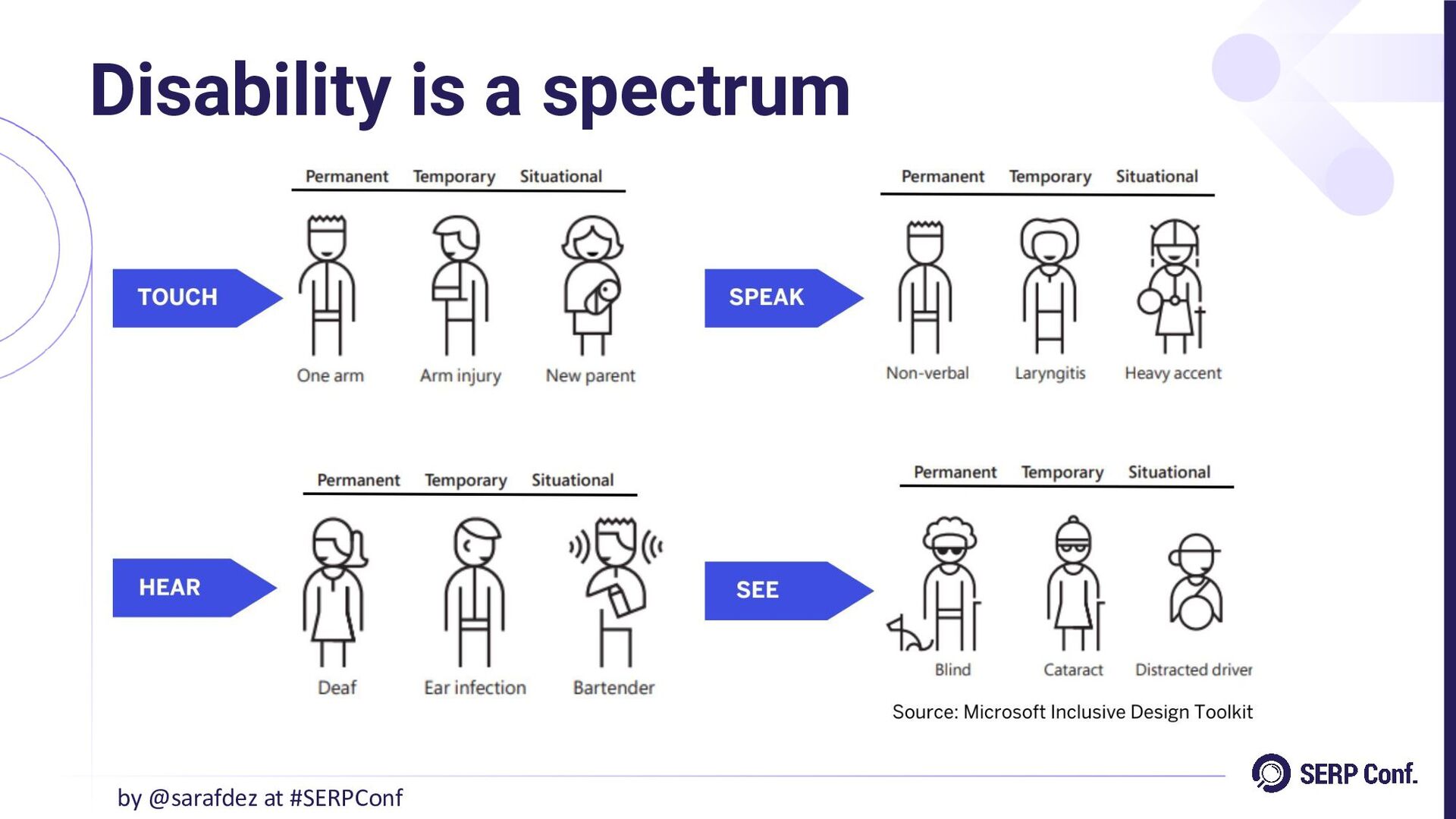
“Disability can affect vision, hearing, mobility, mental health, neurodiversity and
speech, and it can be classified as permanent, temporary or situational.” by @sarafdez at #SERPConf -
• Motor: ◦ A person missing an arm may have
difficulty performing tasks requiring both hands. • Visual: ◦ A blind individual faces challenges in perceiving visual information. • Auditory: ◦ A deaf person is unable to hear sounds, impacting communication and awareness. • Communicative: ◦ A mute individual cannot communicate verbally. Permanent disabilities by @sarafdez at #SERPConf -
• Motor: ◦ An individual with a fractured arm has
limited use of that limb temporarily. • Visual: ◦ Someone with cataracts experiences impaired vision until treated. • Auditory: ◦ An ear infection may cause temporary hearing loss. • Communicative: ◦ A person with laryngitis temporarily loses the ability to speak. Temporary disabilities by @sarafdez at #SERPConf -
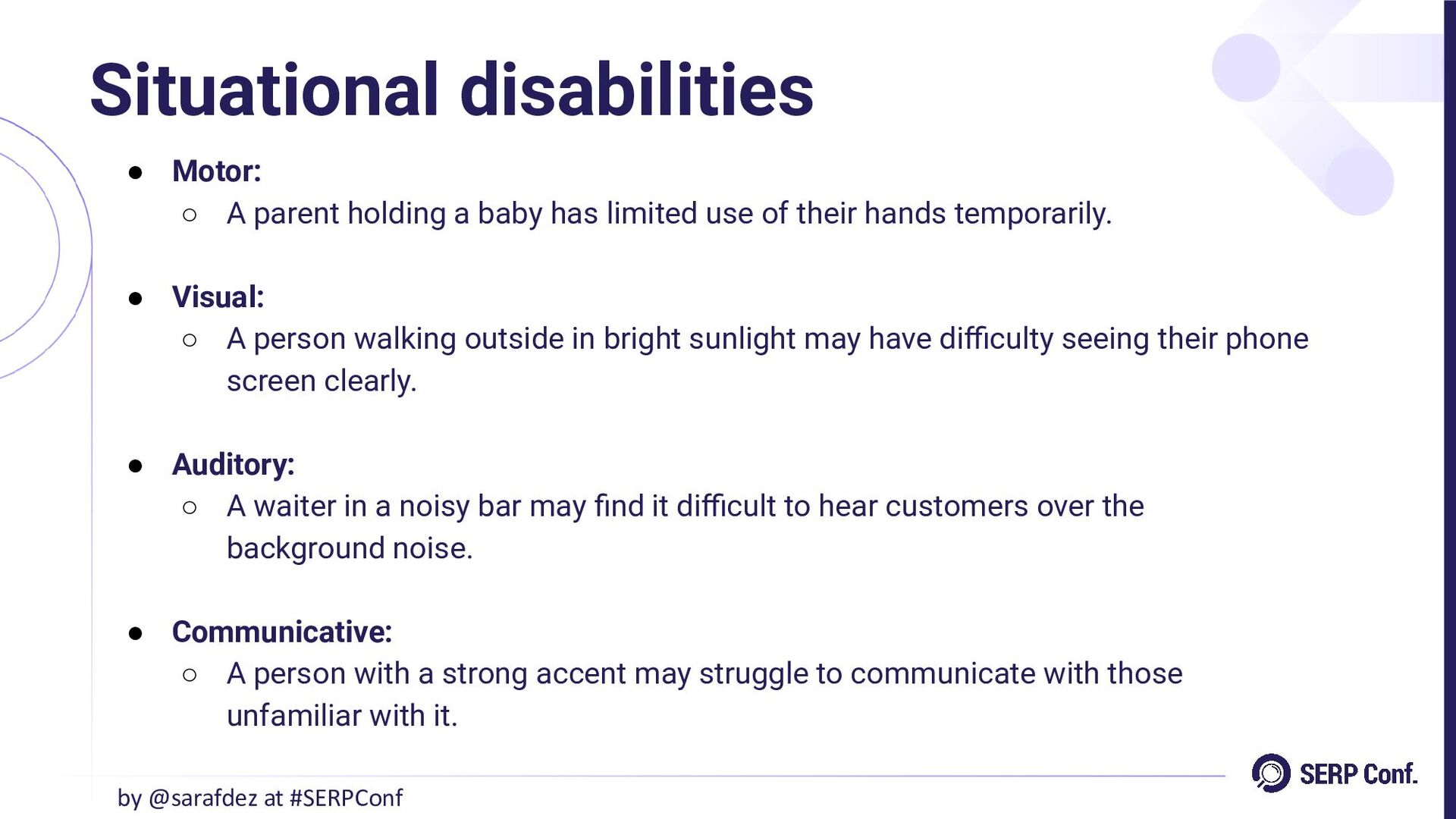
• Motor: ◦ A parent holding a baby has limited
use of their hands temporarily. • Visual: ◦ A person walking outside in bright sunlight may have difficulty seeing their phone screen clearly. • Auditory: ◦ A waiter in a noisy bar may find it difficult to hear customers over the background noise. • Communicative: ◦ A person with a strong accent may struggle to communicate with those unfamiliar with it. Situational disabilities by @sarafdez at #SERPConf -
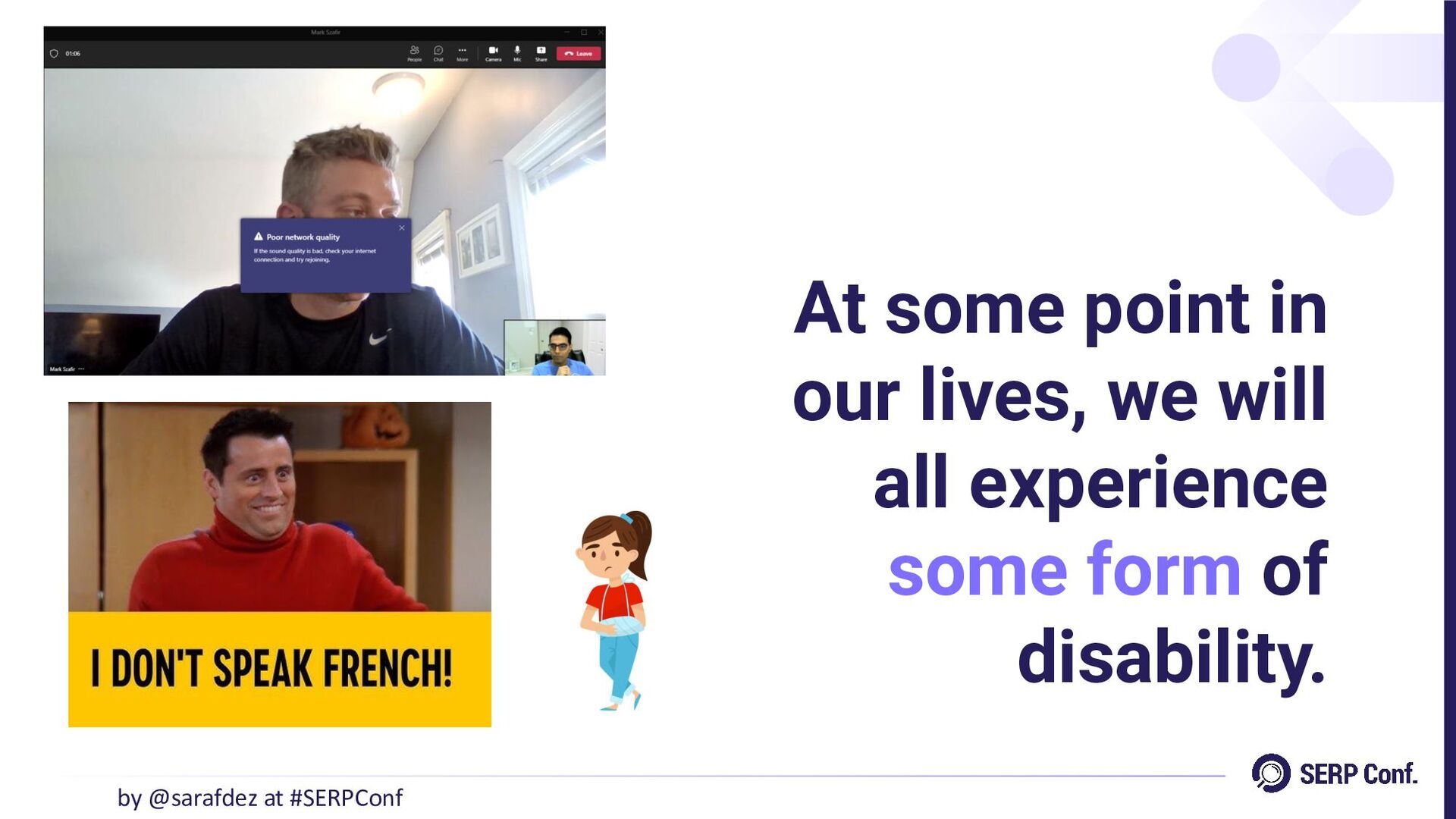
At some point in our lives, we will all experience
some form of disability. by @sarafdez at #SERPConf -
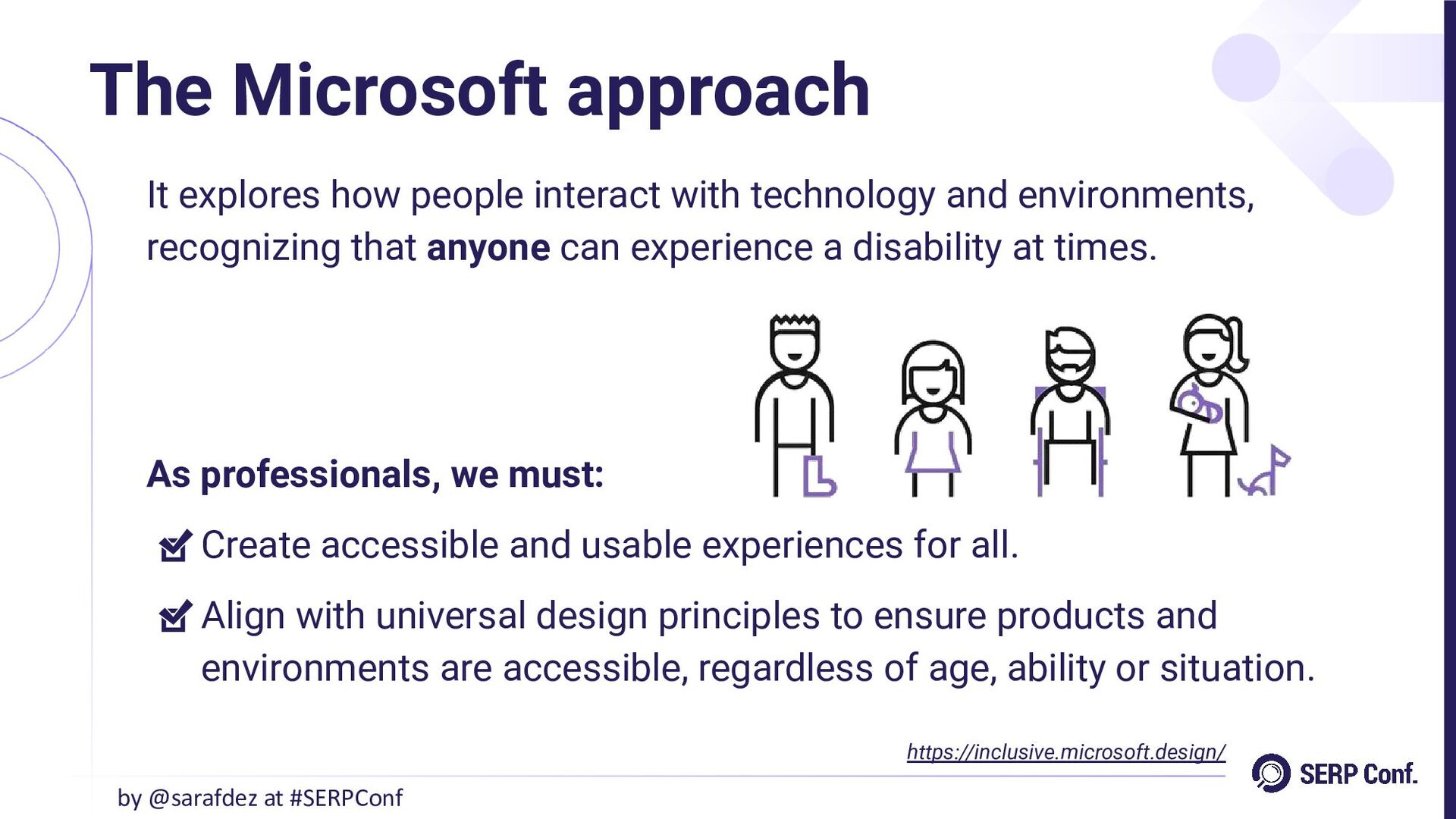
The Microsoft approach by @sarafdez at #SERPConf It explores how
people interact with technology and environments, recognizing that anyone can experience a disability at times. As professionals, we must: Create accessible and usable experiences for all. Align with universal design principles to ensure products and environments are accessible, regardless of age, ability or situation. https://inclusive.microsoft.design/ -
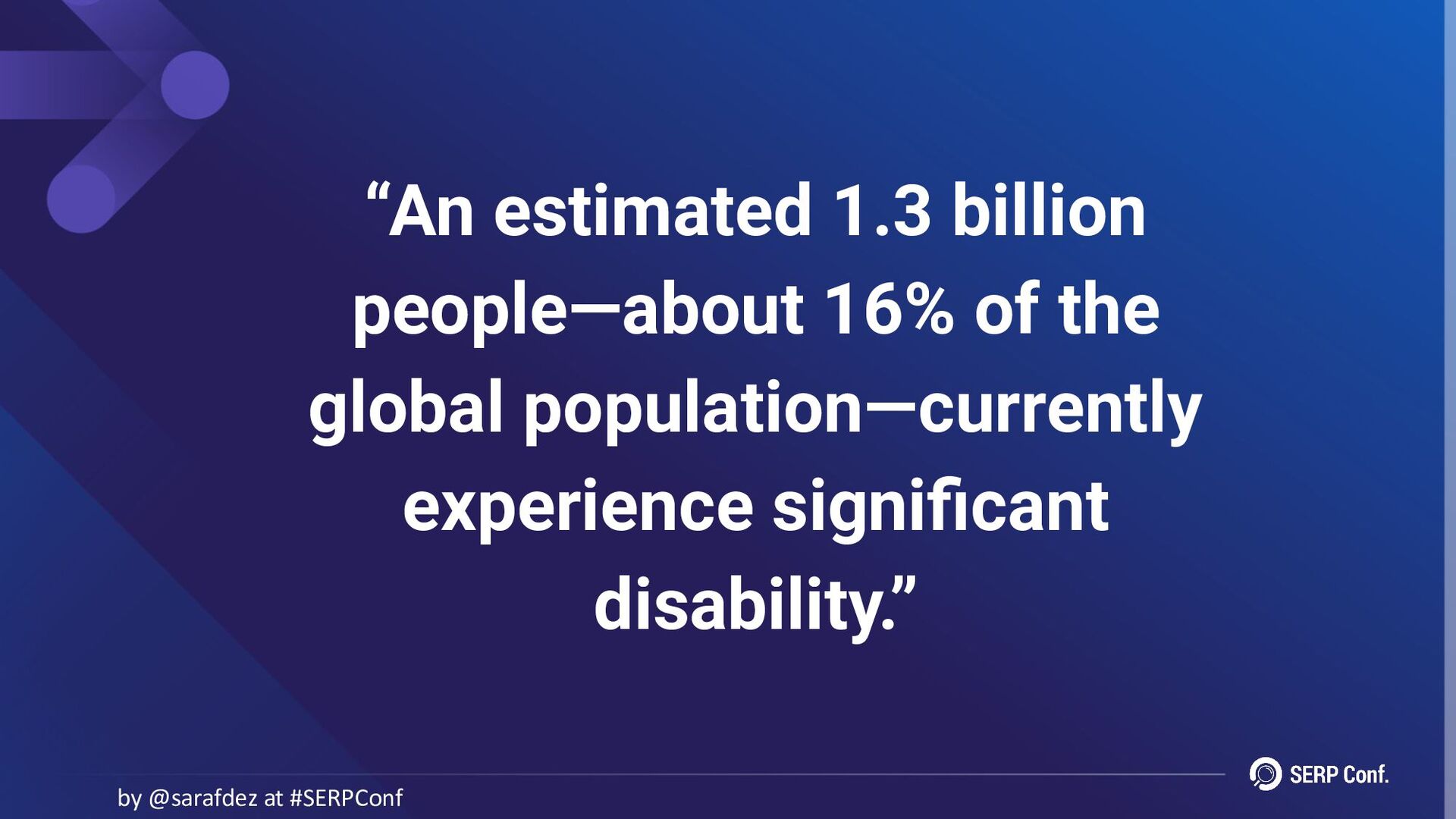
“An estimated 1.3 billion people—about 16% of the global population—currently
experience significant disability.” by @sarafdez at #SERPConf -
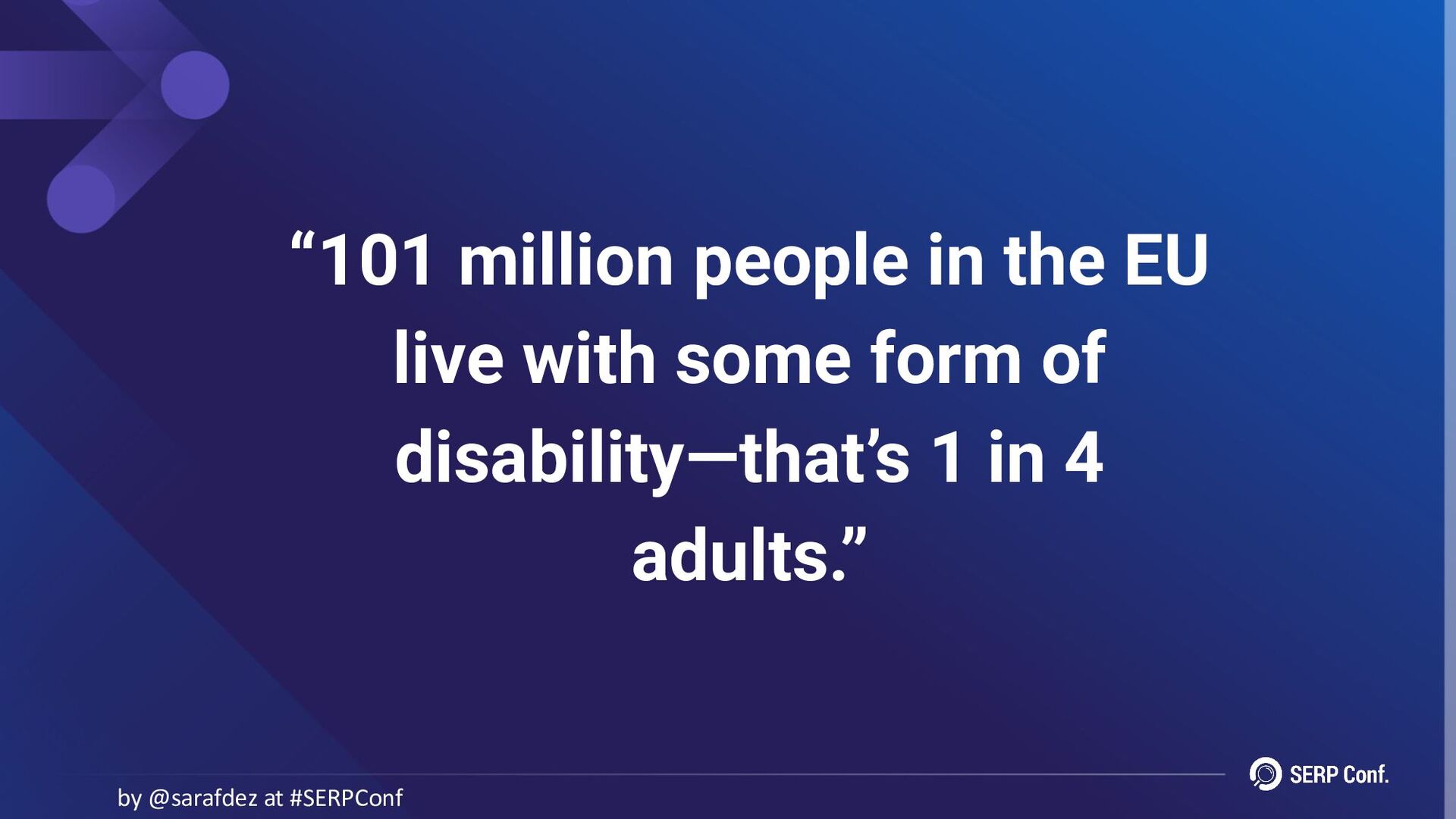
“101 million people in the EU live with some form
of disability—that’s 1 in 4 adults.” by @sarafdez at #SERPConf -
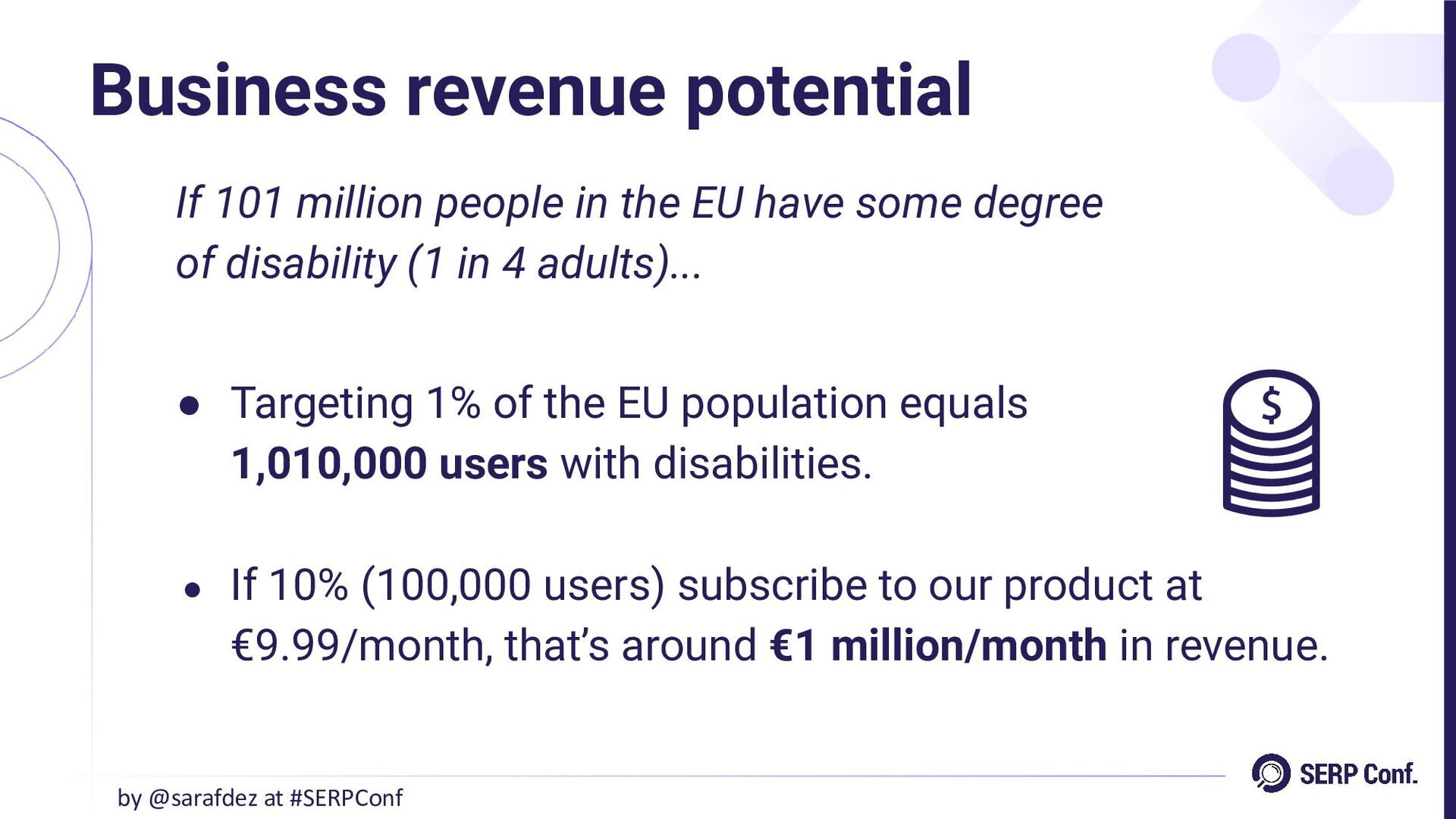
If 101 million people in the EU have some degree
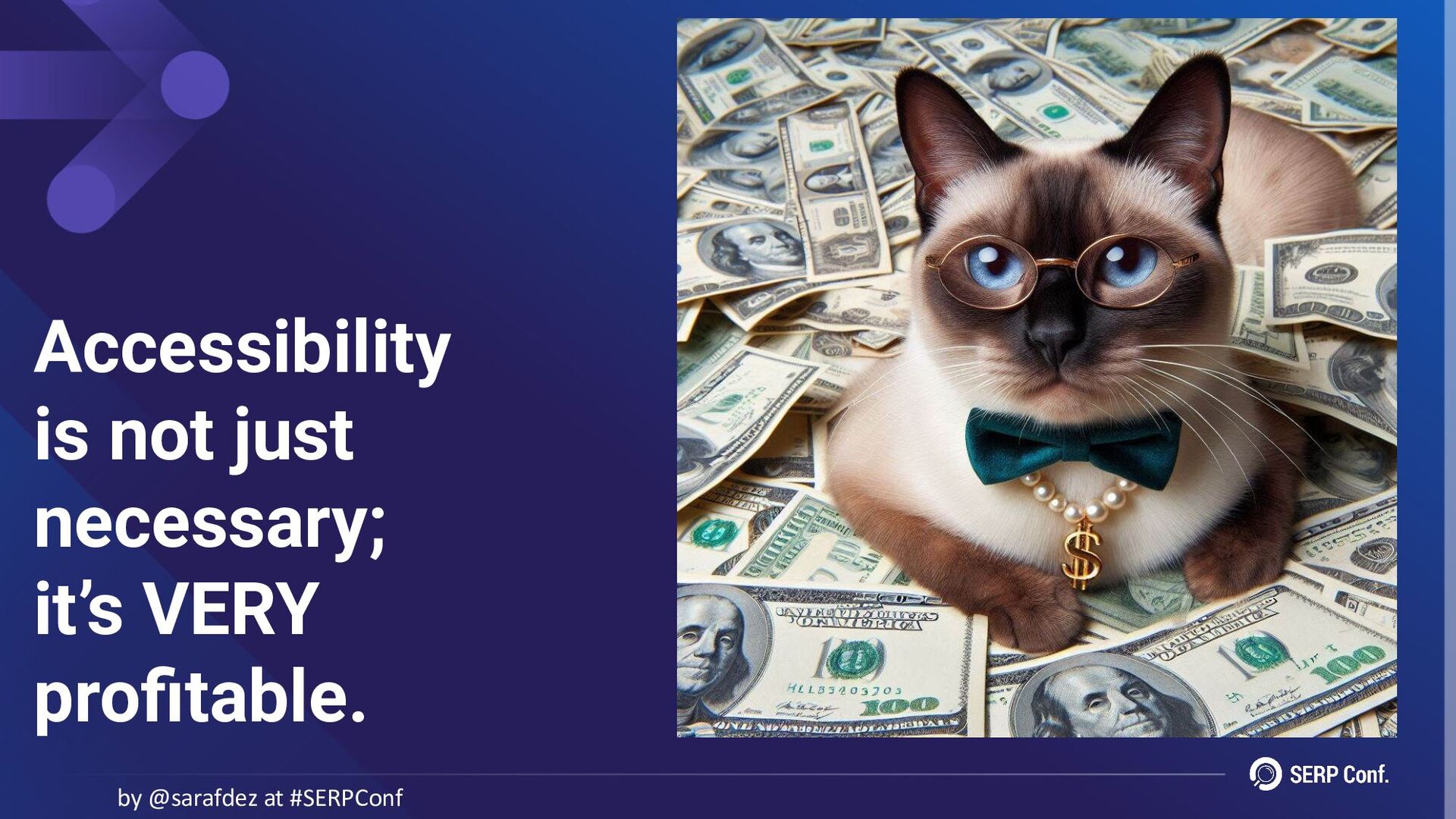
of disability (1 in 4 adults)... • Targeting 1% of the EU population equals 1,010,000 users with disabilities. • If 10% (100,000 users) subscribe to our product at €9.99/month, that’s around €1 million/month in revenue. Business revenue potential by @sarafdez at #SERPConf -
• Convincing executives of the importance of accessibility can be
challenging, but the numbers speak for themselves. • The focus should not just be on gaining customers, but empowering users and creating a respectful, inclusive environment that meets their needs. Convincing our stakeholders by @sarafdez at #SERPConf -
It’s key to educate stakeholders—developers, business owners and clients—on: •
The importance and benefits of web accessibility. • Legal requirements in their jurisdictions. • The ethical responsibility of making all products and services accessible. • Considering the real diversity of users that interact with a site, not just the “average” or “target” user. Educating our stakeholders by @sarafdez at #SERPConf -
“Accessibility ensures that environments, products, and services allow everyone to
participate equally and autonomously.” by @sarafdez at #SERPConf -
If all else fails, legal trouble will get stakeholders’ attention…
by @sarafdez at #SERPConf -
• Effective date: 28th June 2025. • Applies to businesses
trading in the EU, regardless of location, including UK businesses and their suppliers. • Covers all digital products and services: ◦ Public sector websites ◦ Private sector online stores and platforms European Accessibility Act (EAA) by @sarafdez at #SERPConf https://ec.europa.eu/social/main.jsp?catId=1202&langId=en -
EAA: What does it cover? by @sarafdez at #SERPConf Products:
• Computers and operating systems • Smartphones and other communication devices • TV equipment related to digital television services • ATMs and payment terminals • E-readers • Ticketing and check-in machines -
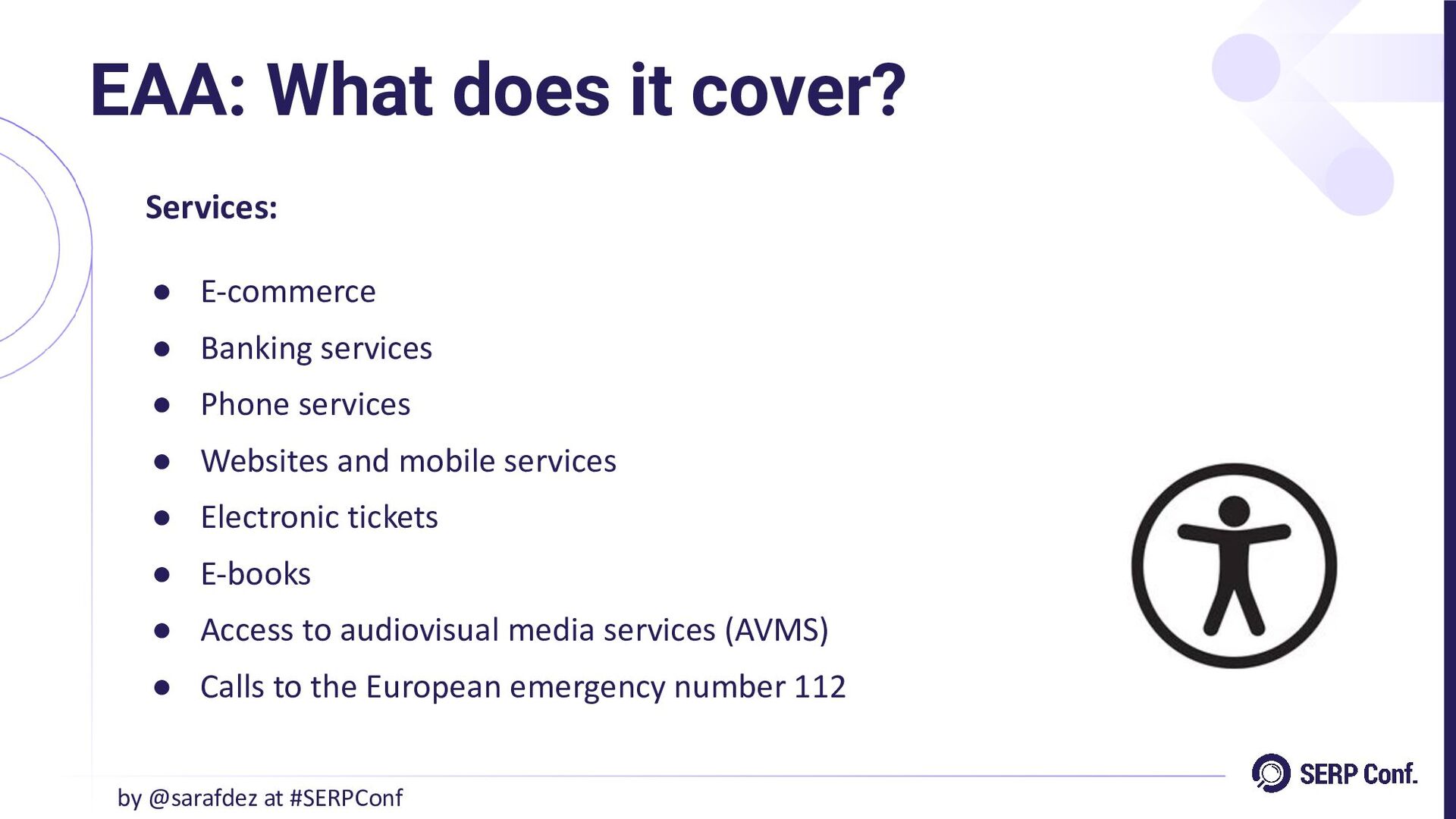
EAA: What does it cover? by @sarafdez at #SERPConf Services:
• E-commerce • Banking services • Phone services • Websites and mobile services • Electronic tickets • E-books • Access to audiovisual media services (AVMS) • Calls to the European emergency number 112 -
• Promote a more inclusive society. • Support independent living
for individuals with physical, mental, intellectual, or sensory impairments. • Ensure accessibility for groups such as seniors, pregnant women, or those with temporary limitations (e.g., travelers with luggage). EAA: Objectives by @sarafdez at #SERPConf -
Digital products and services must: • Be accessible and usable
by all, regardless of abilities or circumstances. • Remove barriers that limit access, ensuring equal opportunities for interaction and engagement. • Provide alternatives for those with sensory or functional limitations (e.g., captions for audio content). EAA: Requirements by @sarafdez at #SERPConf -
• Adapt designs to accommodate temporary and situational disabilities (e.g.,
large buttons for easy navigation on mobile devices). • Ensure compliance with standards that align with the Web Content Accessibility Guidelines (WCAG). EAA: Requirements by @sarafdez at #SERPConf -
• Regulatory authorities may impose fines, varying by location, violation,
and business size. • Some countries, like Ireland, may impose prison sentences for severe breaches. • Organizations may face lawsuits, court orders, or settlements from advocacy groups or individuals. • Legal action can force businesses to rectify accessibility issues. EAA: Penalties by @sarafdez at #SERPConf -
• Non-compliance can lead to negative publicity, harming your brand's
reputation. • Inaccessible products/services alienate users, while accessible ones attract a diverse audience. • EAA compliance will be critical for public/private procurement. Non-compliant businesses risk exclusion from these opportunities. EAA: Penalties by @sarafdez at #SERPConf -
Every business must: • Consult legal teams: ◦ Ensure the
EAA is on their radar and understand its implications. • Assess impact: ◦ Determine how the EAA applies to your business and operations. EAA: Key actions for businesses by @sarafdez at #SERPConf -
Every business must: • Evaluate accessibility: ◦ Review the accessibility
of products and services to identify gaps. • Develop a compliance plan: ◦ Create and implement a plan to address concerns and achieve compliance before the new legislation takes effect. EAA: Key actions for businesses by @sarafdez at #SERPConf -
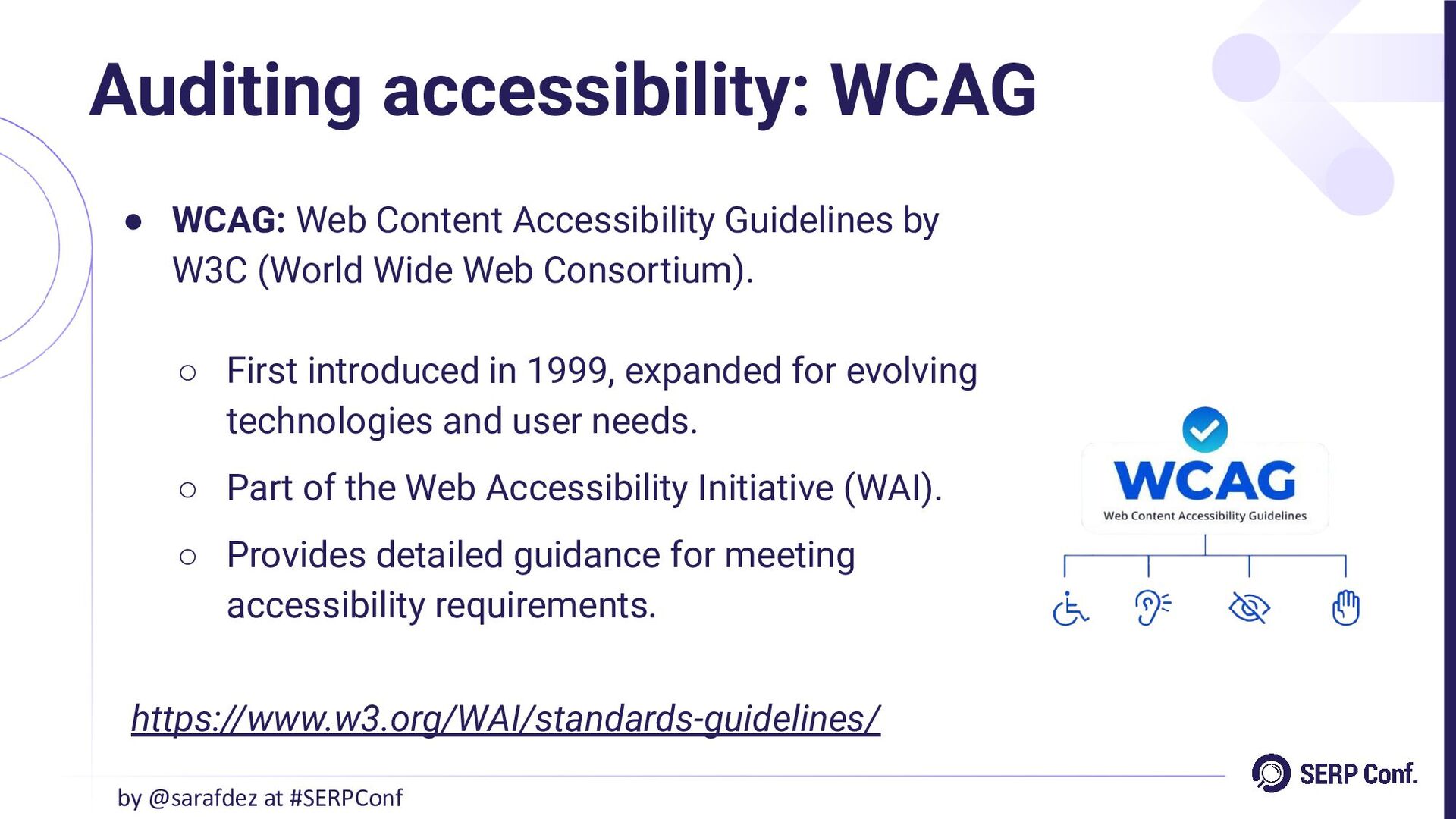
• WCAG: Web Content Accessibility Guidelines by W3C (World Wide
Web Consortium). ◦ First introduced in 1999, expanded for evolving technologies and user needs. ◦ Part of the Web Accessibility Initiative (WAI). ◦ Provides detailed guidance for meeting accessibility requirements. Auditing accessibility: WCAG by @sarafdez at #SERPConf https://www.w3.org/WAI/standards-guidelines/ -
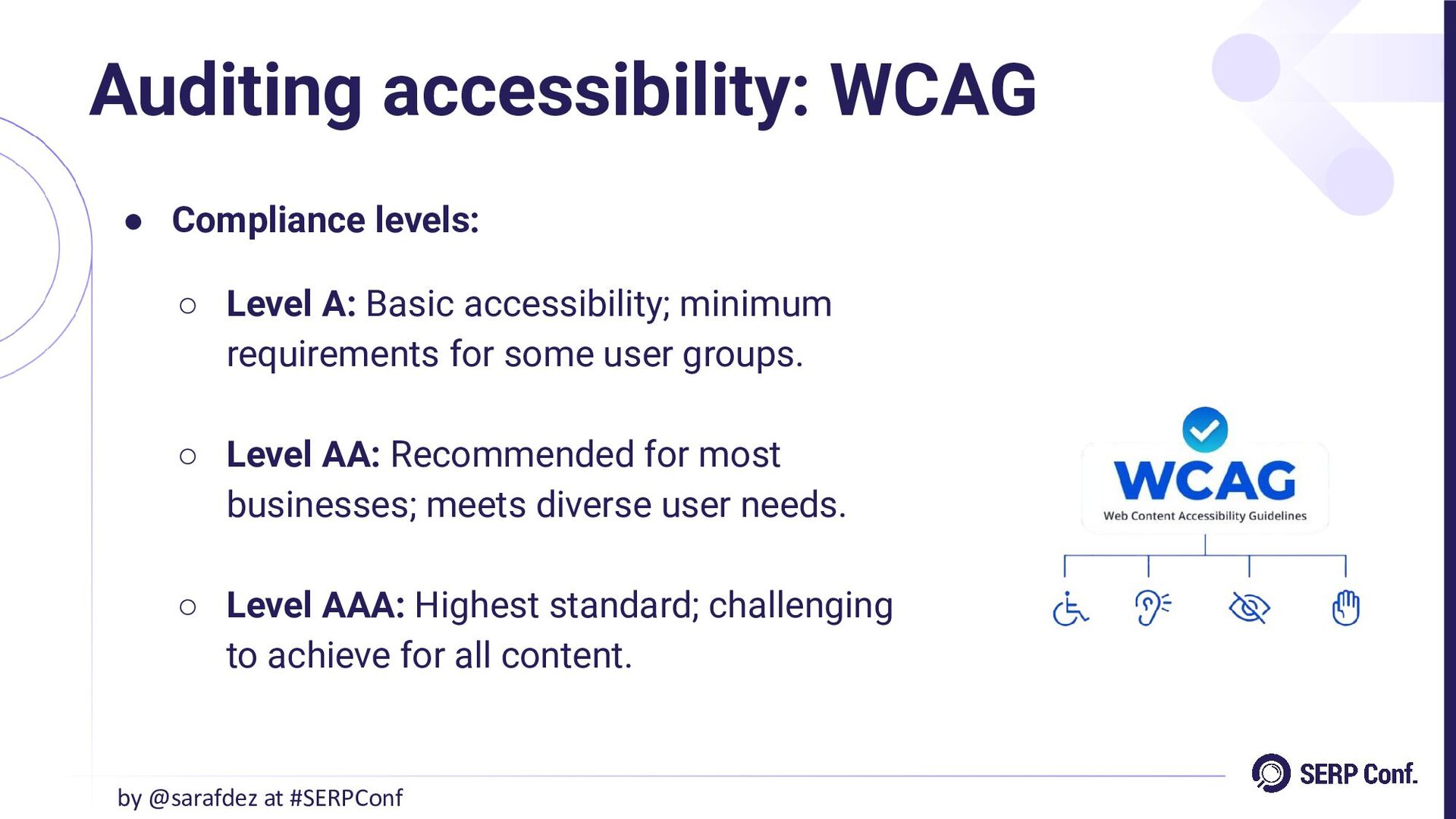
• Compliance levels: ◦ Level A: Basic accessibility; minimum requirements
for some user groups. ◦ Level AA: Recommended for most businesses; meets diverse user needs. ◦ Level AAA: Highest standard; challenging to achieve for all content. Auditing accessibility: WCAG by @sarafdez at #SERPConf -
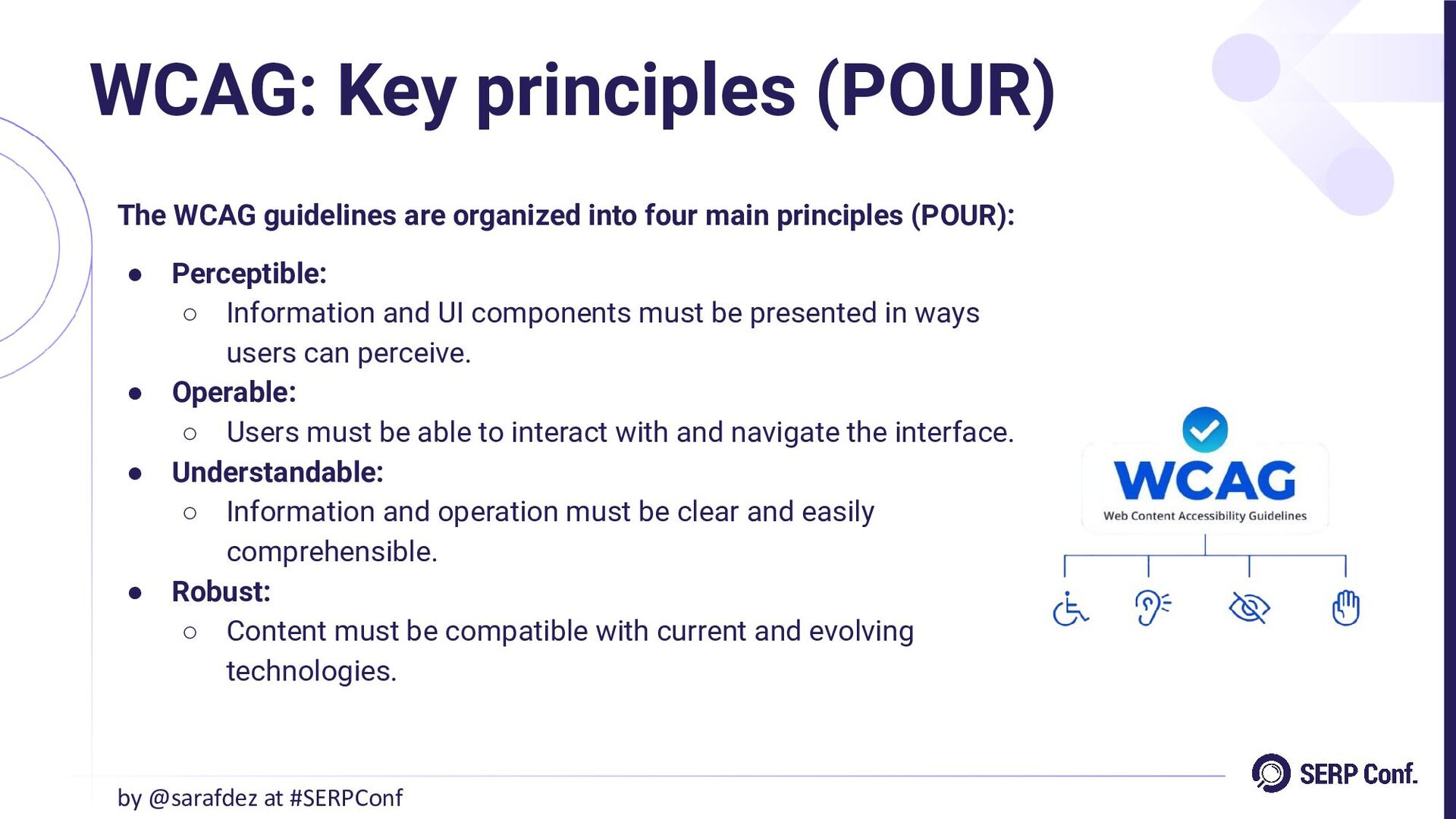
The WCAG guidelines are organized into four main principles (POUR):
• Perceptible: ◦ Information and UI components must be presented in ways users can perceive. • Operable: ◦ Users must be able to interact with and navigate the interface. • Understandable: ◦ Information and operation must be clear and easily comprehensible. • Robust: ◦ Content must be compatible with current and evolving technologies. WCAG: Key principles (POUR) by @sarafdez at #SERPConf -
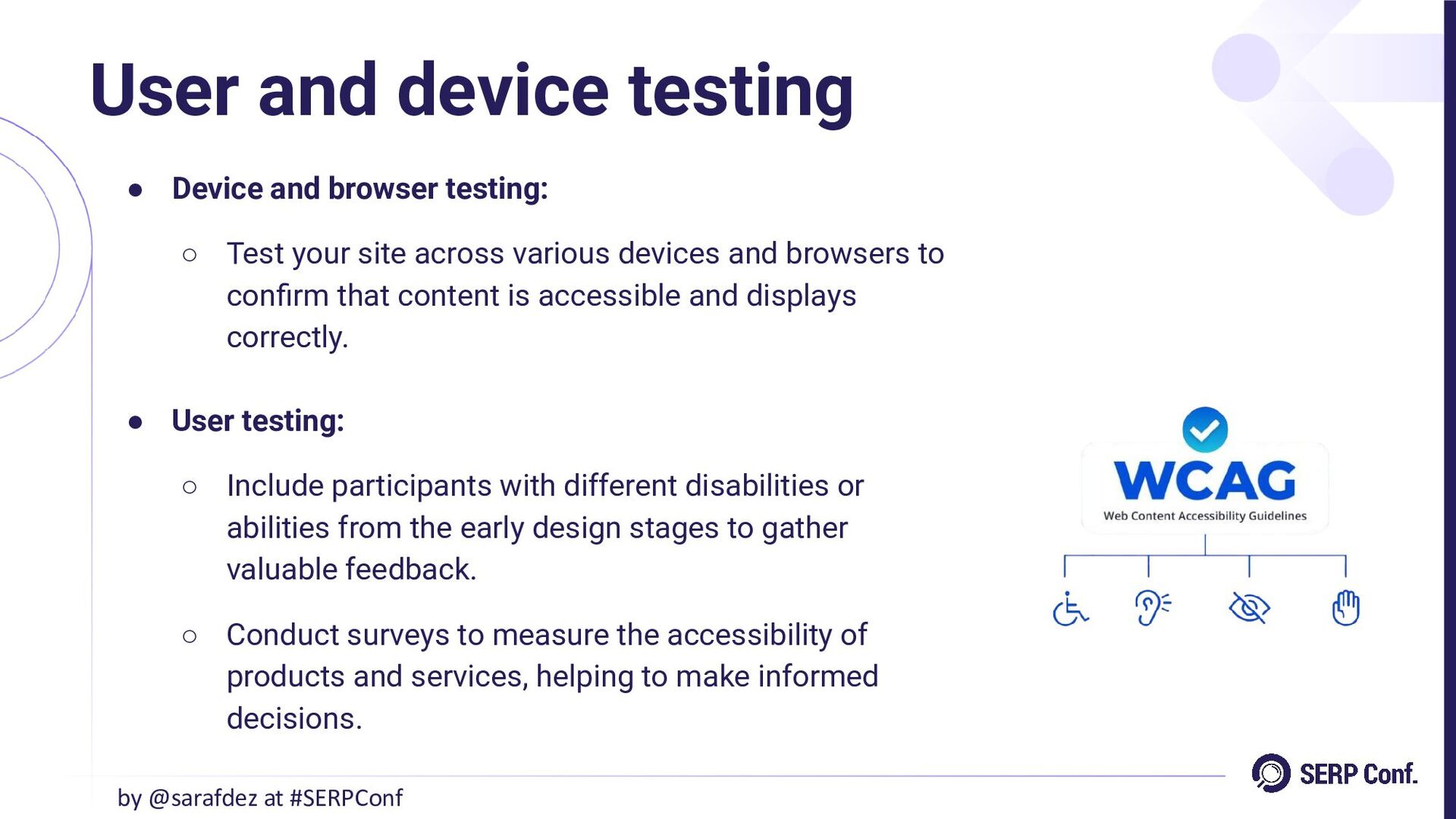
• Device and browser testing: ◦ Test your site across
various devices and browsers to confirm that content is accessible and displays correctly. • User testing: ◦ Include participants with different disabilities or abilities from the early design stages to gather valuable feedback. ◦ Conduct surveys to measure the accessibility of products and services, helping to make informed decisions. User and device testing by @sarafdez at #SERPConf -
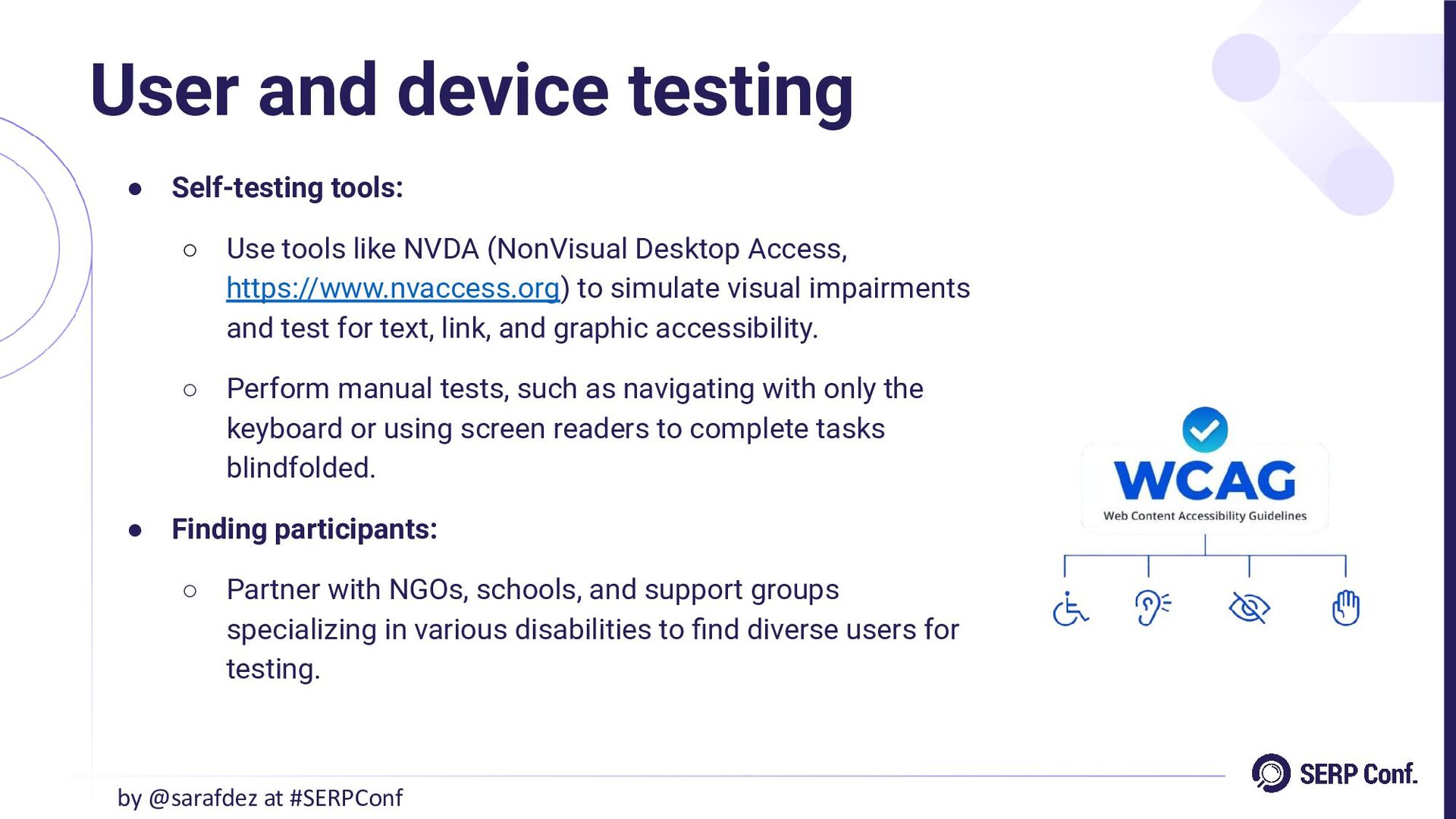
• Self-testing tools: ◦ Use tools like NVDA (NonVisual Desktop
Access, https://www.nvaccess.org) to simulate visual impairments and test for text, link, and graphic accessibility. ◦ Perform manual tests, such as navigating with only the keyboard or using screen readers to complete tasks blindfolded. • Finding participants: ◦ Partner with NGOs, schools, and support groups specializing in various disabilities to find diverse users for testing. User and device testing by @sarafdez at #SERPConf -
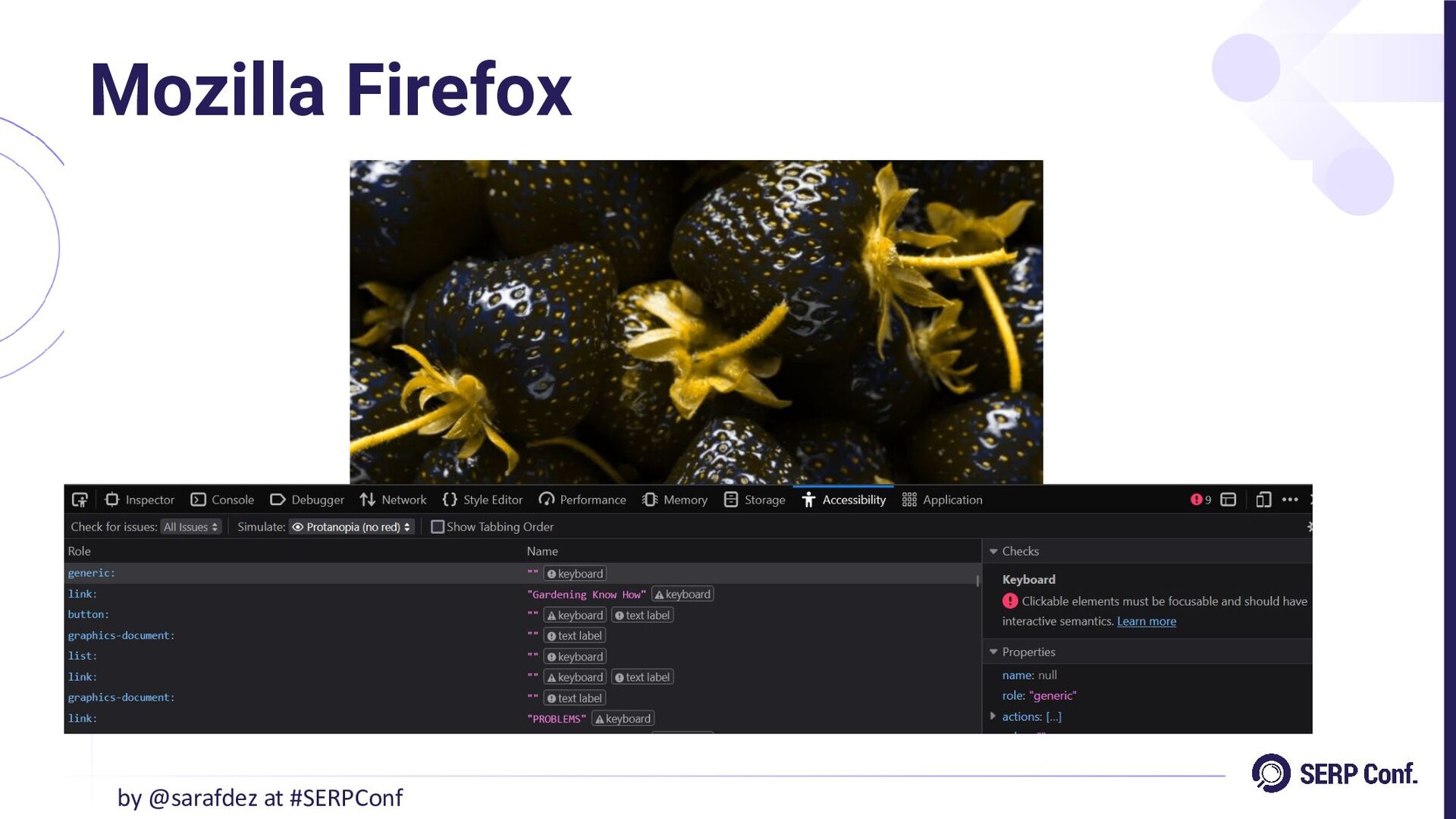
• Built-in accessibility tools: ◦ Right-click on a webpage in
Firefox and select “Inspect”. In the menu, choose “Accessibility” to open the accessibility inspector. • Check for issues: ◦ Click “Check for issues” to analyze contrast, clickable elements, and labels for accessibility improvements. • Simulate visual impairments: ◦ Use the “Simulate” dropdown to view the page as someone with protanopia (cannot see red), achromatopsia (no color), and more. Mozilla Firefox by @sarafdez at #SERPConf -
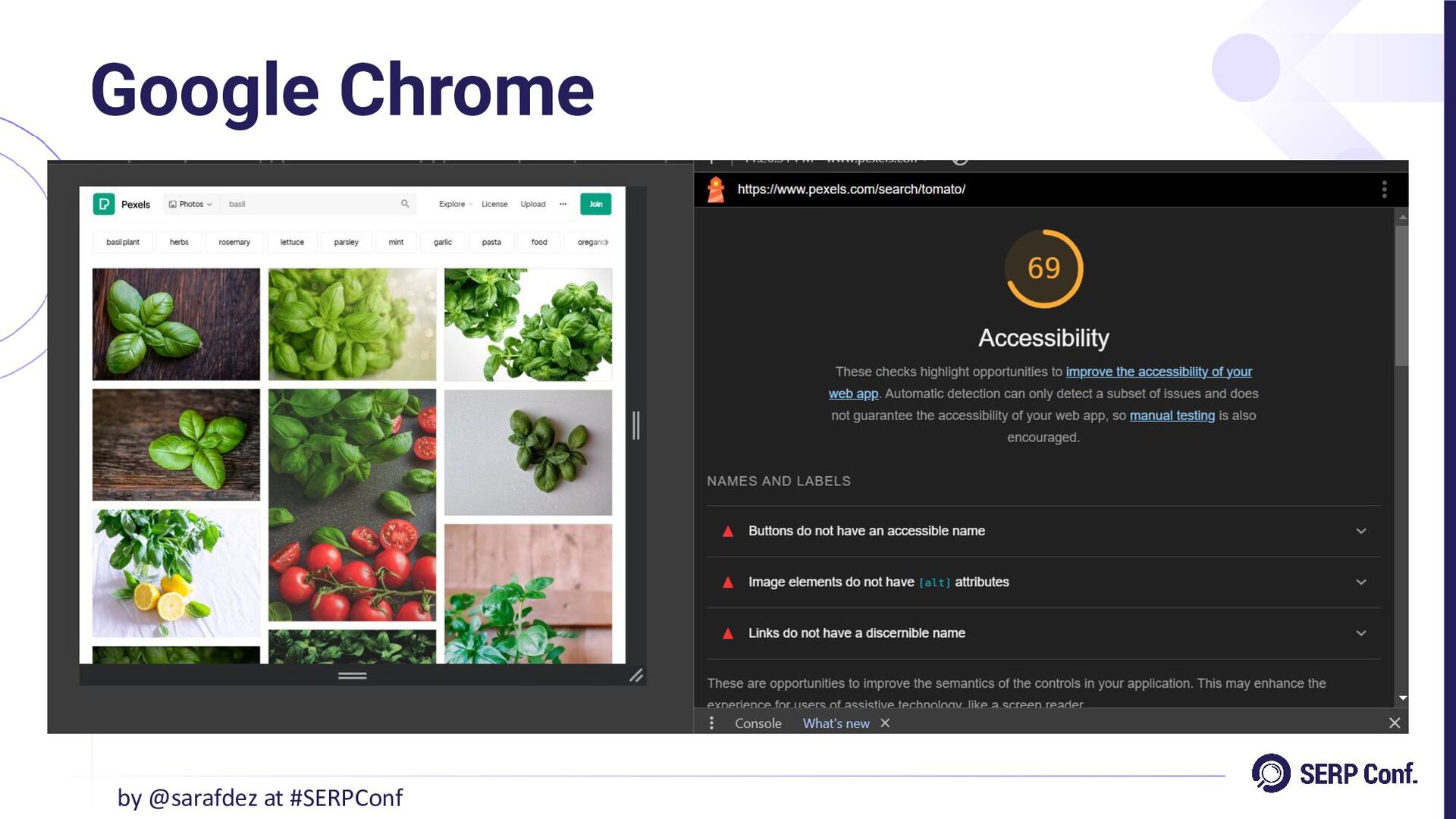
• Accessing the tool: ◦ Right-click on a webpage and
select “Inspect”. In the console, choose “Lighthouse”. ◦ In Lighthouse, select “Accessibility” and run the analysis. The tool provides an accessibility score and highlights areas for improvement. Google Chrome by @sarafdez at #SERPConf -
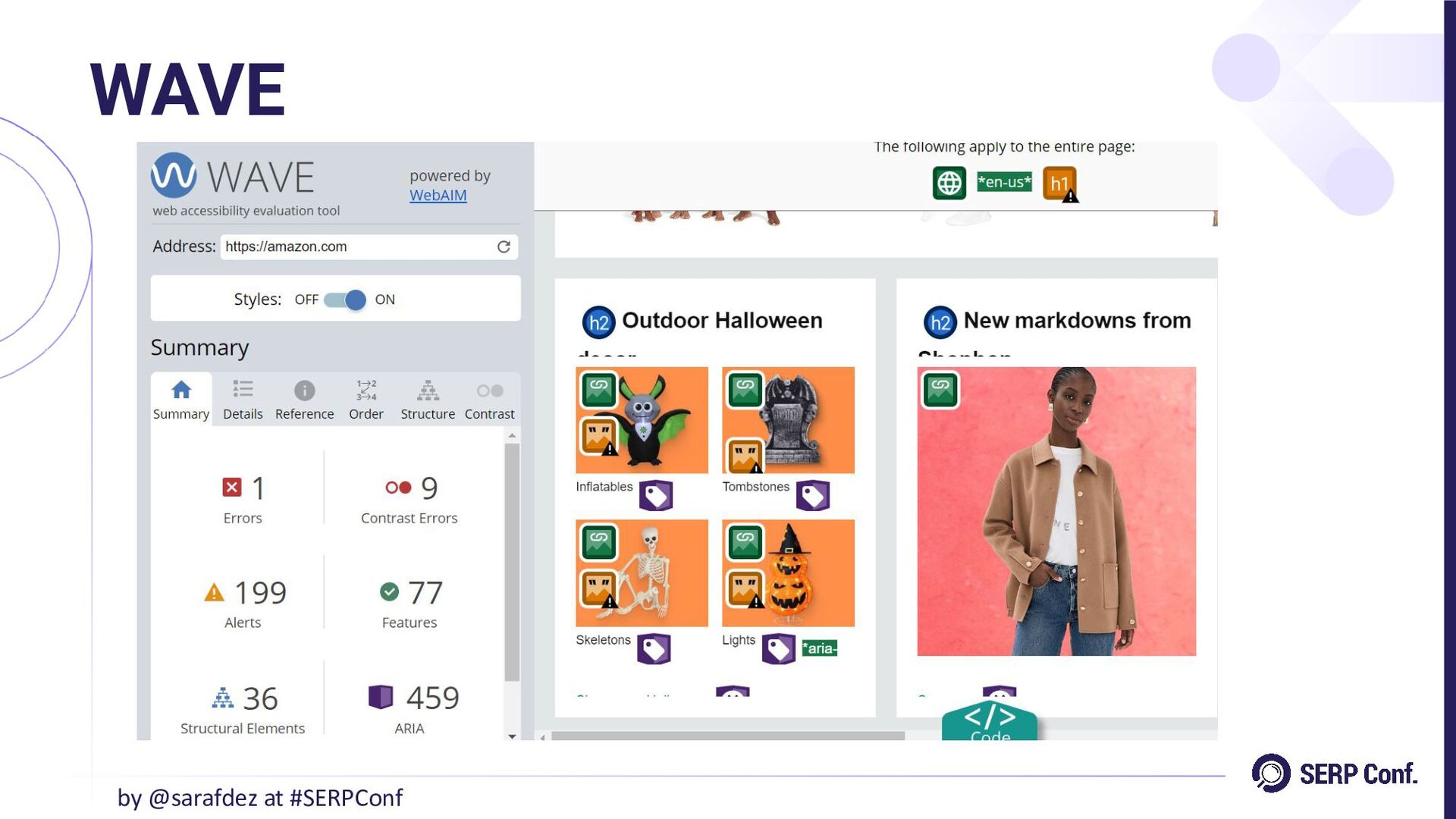
• Available online at https://wave.webaim.org/ • Also available as a
Chrome extension: WAVE Evaluation Tool. • How to use it? ◦ Enter the URL of the webpage you want to analyze. ◦ WAVE scans for accessibility issues, highlighting errors and warnings directly on the web content. ◦ The tool marks issues with icons and highlights them for easy identification, making it simple to locate and address problems. WAVE by @sarafdez at #SERPConf -
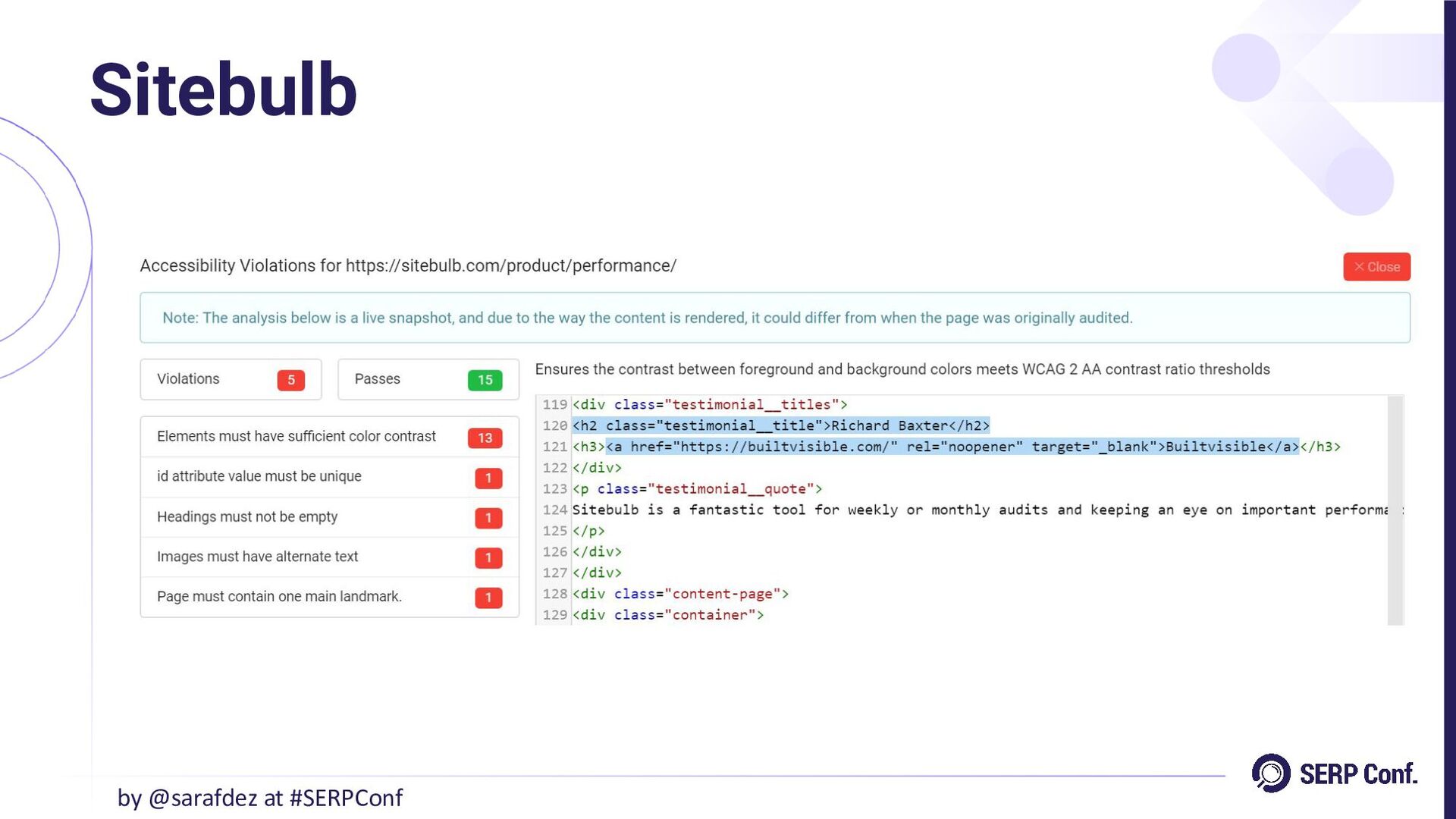
Sitebulb by @sarafdez at #SERPConf Sitebulb is an advanced SEO
audit tool that also supports accessibility analysis across multiple pages at once. • Setting up an accessibility audit: ◦ Use the “Chrome Crawler” option to enable accessibility checks. ◦ Activate the accessibility audit option during setup. • Results and reporting: ◦ After the crawl, access detailed reports and suggestions for improving accessibility. ◦ Customize audits to check for specific WCAG compliance levels during the scan. -
• Chrome extensions: ◦ Colorblindly: Simulates up to 8 different
vision impairments to test user experience on web pages. ◦ axe DevTools: Adds an extra tab in Chrome’s console to identify errors and provide suggestions for improvement. • WordPress plugin: ◦ WordPress Accessibility Checker: Integrates directly with WordPress, allowing for real-time accessibility testing during content editing. Supports bulk scans and generates reports for multiple pages simultaneously. Extensions and plugins by @sarafdez at #SERPConf -
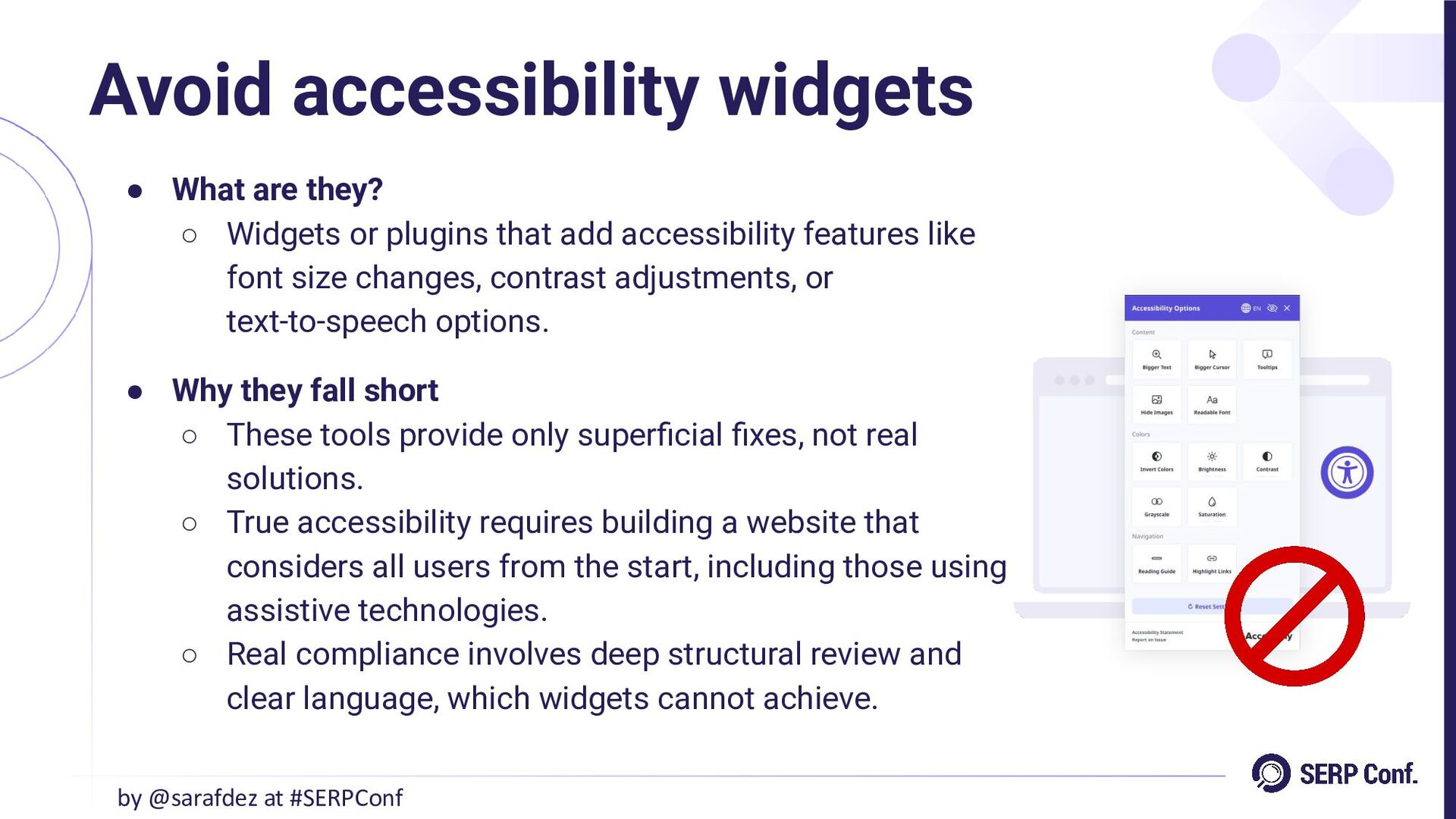
• What are they? ◦ Widgets or plugins that add
accessibility features like font size changes, contrast adjustments, or text-to-speech options. • Why they fall short ◦ These tools provide only superficial fixes, not real solutions. ◦ True accessibility requires building a website that considers all users from the start, including those using assistive technologies. ◦ Real compliance involves deep structural review and clear language, which widgets cannot achieve. Avoid accessibility widgets by @sarafdez at #SERPConf -
• Content & language: ◦ Use simple language. Avoid jargon
and write clearly for all reading levels. ◦ Break information into short paragraphs and bullet points. • Structure & navigation: ◦ Use headings (H1, H2, H3) for clear structure. ◦ Create descriptive links (e.g., “Learn more about accessibility” instead of “Click here”). • Visuals & contrast: ◦ Ensure high contrast between text and background. ◦ Use alt text for images and provide transcripts for videos. • Accessible interaction: ◦ Make buttons at least 44px x 96px with sufficient padding. ◦ Allow navigation using only a keyboard. Best SXO accessibility practices by @sarafdez at #SERPConf -
• Don’t use color alone: ◦ Avoid relying solely on
color to convey information. ◦ Combine colors with symbols, icons, illustrations, or text for better communication. ◦ Example: Instead of just using red to indicate a user is busy, add the text “Busy” alongside the color. • Typography & readability: ◦ Choose legible fonts (e.g., Arial, Verdana) and ensure adequate line spacing (150% of font size). ◦ Avoid complex backgrounds; keep a simple design. • Multi-device compatibility: ◦ Optimize for zoom and responsiveness on various devices. ◦ Ensure viewport compatibility (e.g., 16px for phones). Best SXO accessibility practices by @sarafdez at #SERPConf -
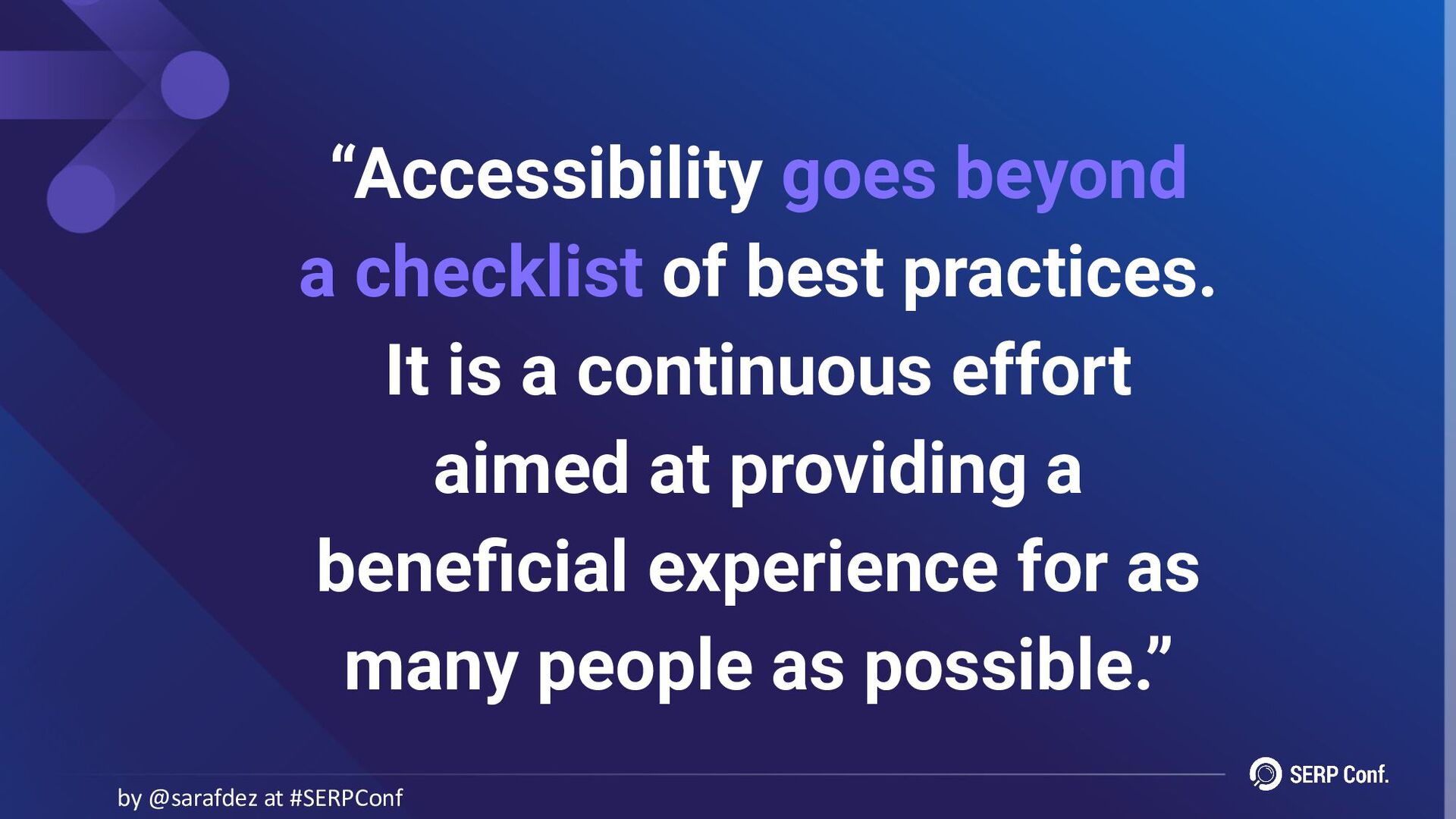
“Accessibility goes beyond a checklist of best practices. It is
a continuous effort aimed at providing a beneficial experience for as many people as possible.” by @sarafdez at #SERPConf -
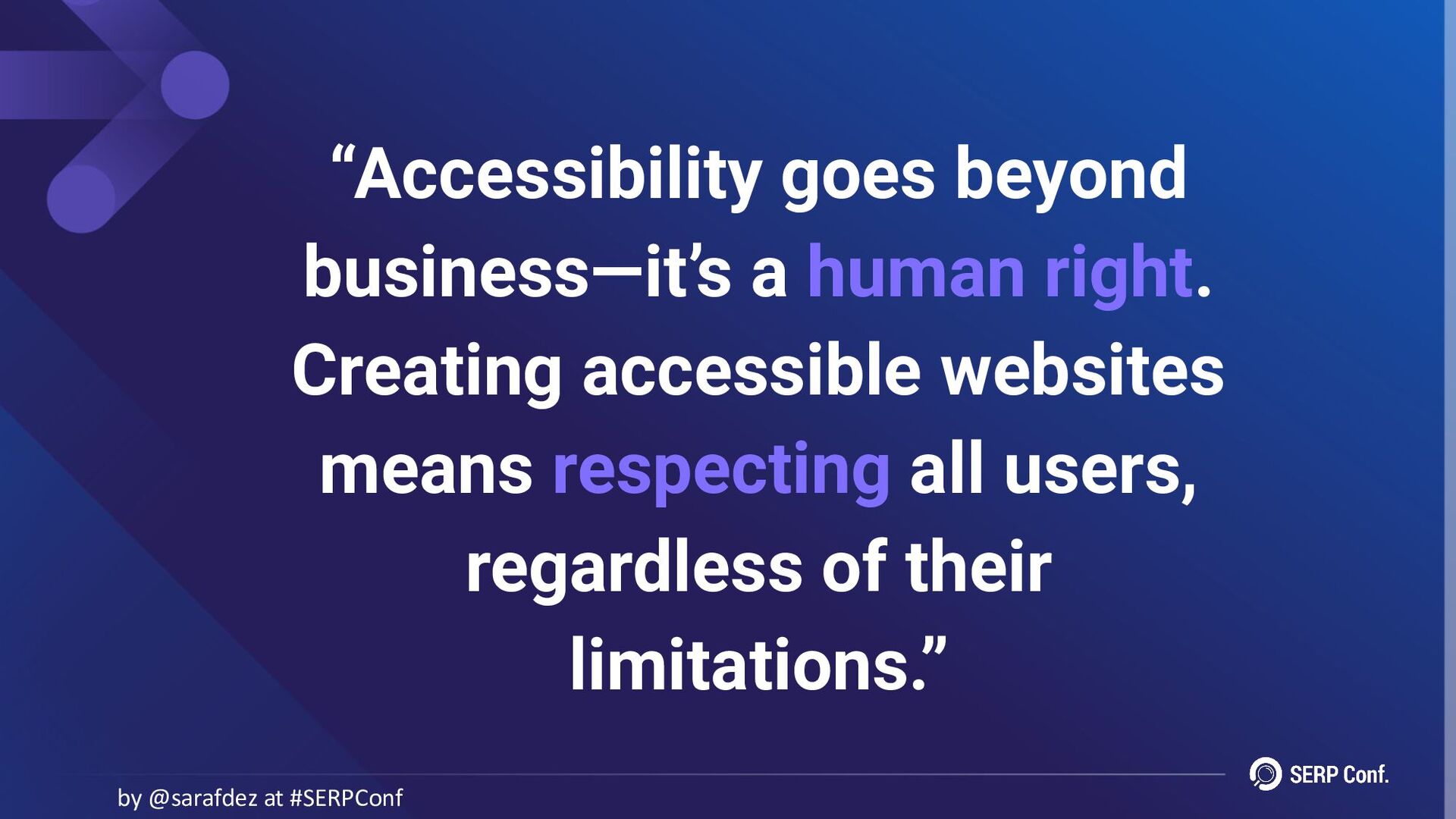
“Accessibility goes beyond business—it’s a human right. Creating accessible websites
means respecting all users, regardless of their limitations.” by @sarafdez at #SERPConf -
by @sarafdez at #SERPConf Thank you! Any questions? Slides available
at: https://speakerdeck.com/sarafernandez @sarafdez /in/internationalseo sara-fernandez.com
 sarafernandez
 portentint
 charlesmeaden
 tasky_ai
 joss1
 pojda
 decabbit
 aleyda
 speedyindexteam
 shuheioda
 samtorres
 chrisshort
 codingconduct
 skipperchong
 lara
 inesmontani
 aarron
 mfonobong
 ianozsvald
 morganepeng
 carmenintech
 keavy
 yeseniaperezcruz