Slides used in Session 3 of the on-demand part of the course "Prompt Engineering: Applications of Generative AI" offered by the Graduate School of Business and Finance at Waseda University in the spring quarter of 2026.
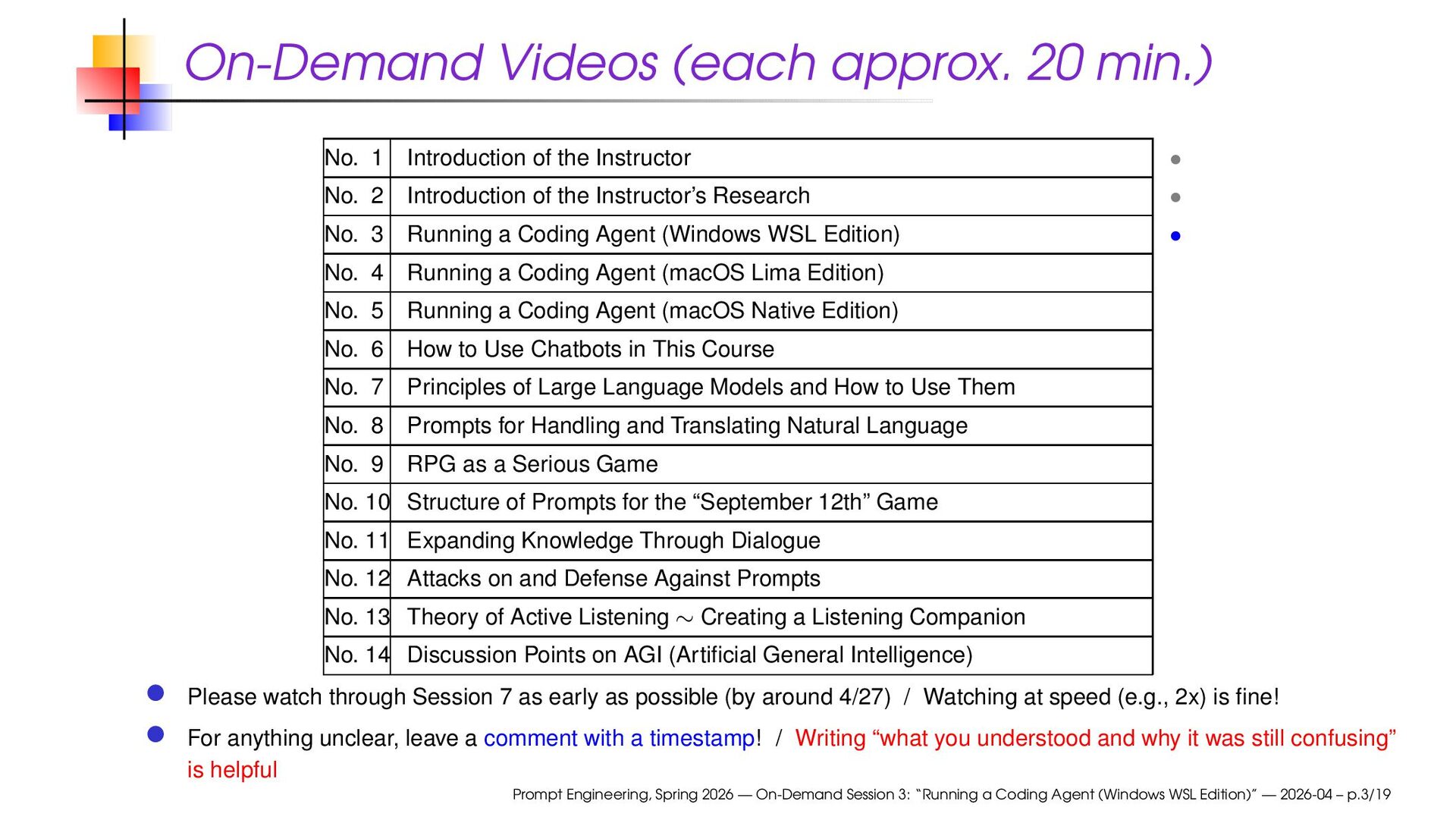
the Instructor • No. 2 Introduction of the Instructor’s Research • No. 3 Running a Coding Agent (Windows WSL Edition) • No. 4 Running a Coding Agent (macOS Lima Edition) No. 5 Running a Coding Agent (macOS Native Edition) No. 6 How to Use Chatbots in This Course No. 7 Principles of Large Language Models and How to Use Them No. 8 Prompts for Handling and Translating Natural Language No. 9 RPG as a Serious Game No. 10 Structure of Prompts for the “September 12th” Game No. 11 Expanding Knowledge Through Dialogue No. 12 Attacks on and Defense Against Prompts No. 13 Theory of Active Listening ∼ Creating a Listening Companion No. 14 Discussion Points on AGI (Artificial General Intelligence) Please watch through Session 7 as early as possible (by around 4/27) / Watching at speed (e.g., 2x) is fine! For anything unclear, leave a comment with a timestamp! / Writing “what you understood and why it was still confusing” is helpful Prompt Engineering, Spring 2026 — On-Demand Session 3: “Running a Coding Agent (Windows WSL Edition)” — 2026-04 – p.3/19
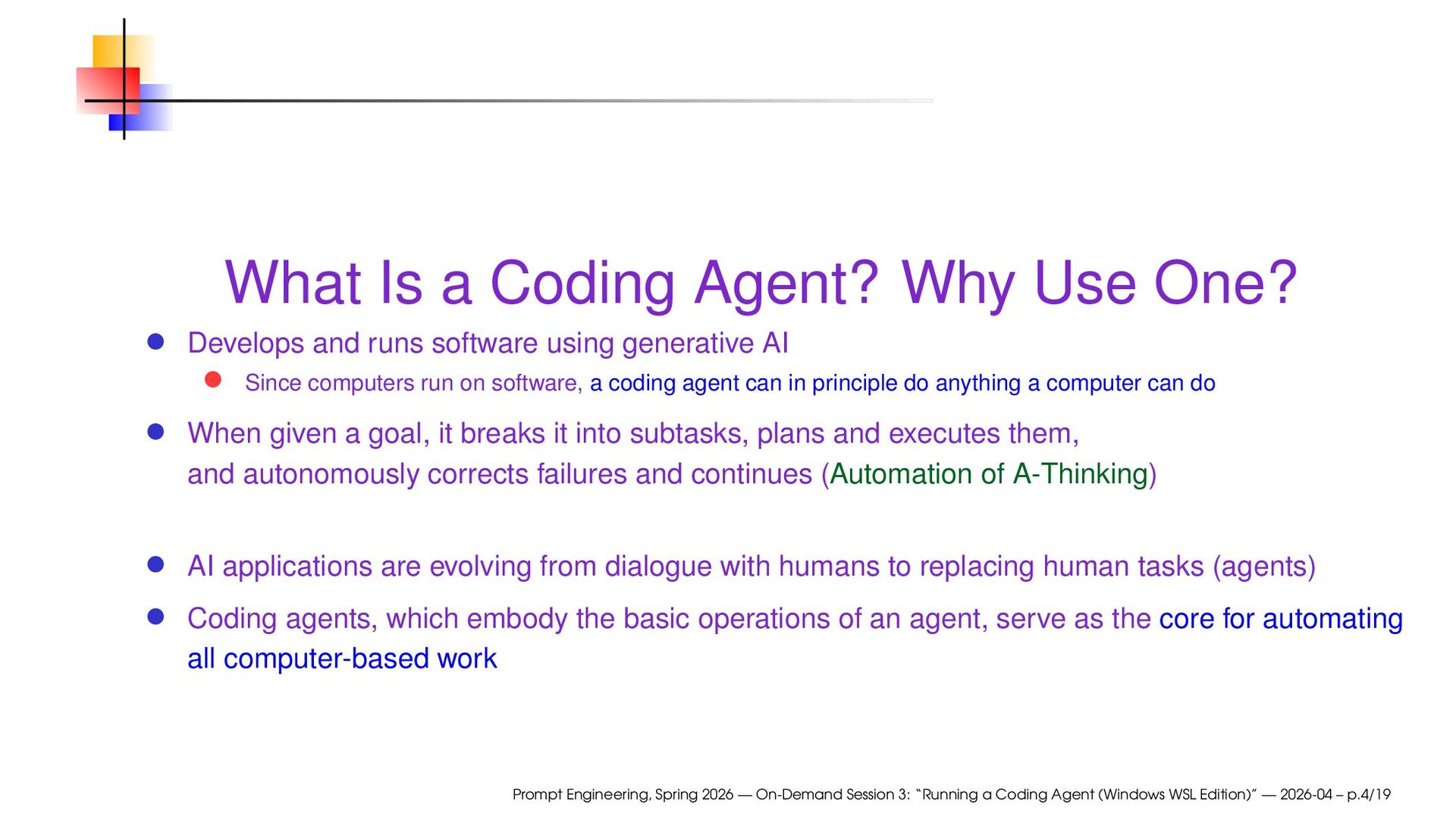
runs software using generative AI Since computers run on software, a coding agent can in principle do anything a computer can do When given a goal, it breaks it into subtasks, plans and executes them, and autonomously corrects failures and continues (Automation of A-Thinking) AI applications are evolving from dialogue with humans to replacing human tasks (agents) Coding agents, which embody the basic operations of an agent, serve as the core for automating all computer-based work Prompt Engineering, Spring 2026 — On-Demand Session 3: “Running a Coding Agent (Windows WSL Edition)” — 2026-04 – p.4/19
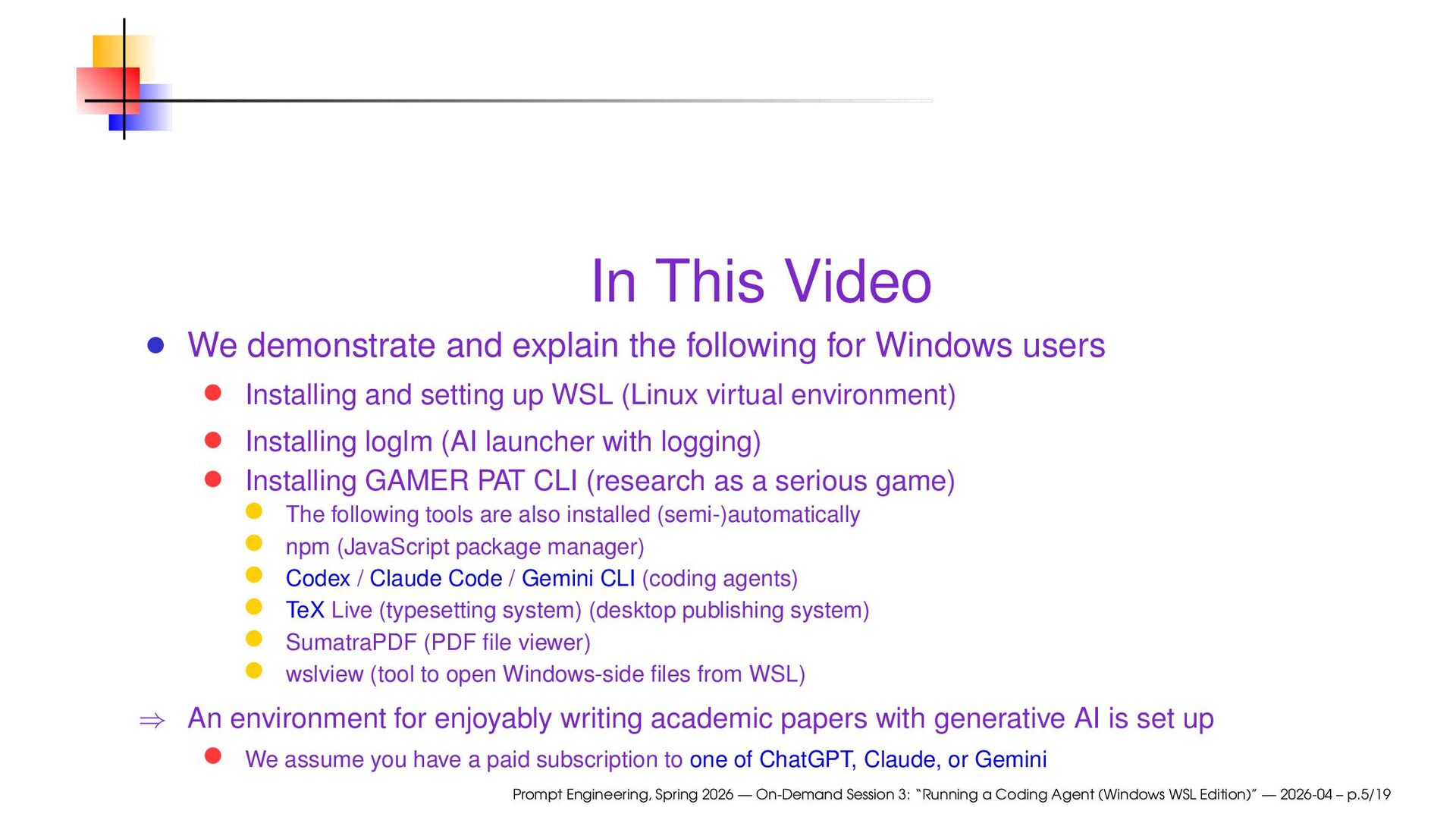
Windows users Installing and setting up WSL (Linux virtual environment) Installing loglm (AI launcher with logging) Installing GAMER PAT CLI (research as a serious game) The following tools are also installed (semi-)automatically npm (JavaScript package manager) Codex / Claude Code / Gemini CLI (coding agents) TeX Live (typesetting system) (desktop publishing system) SumatraPDF (PDF file viewer) wslview (tool to open Windows-side files from WSL) ⇒ An environment for enjoyably writing academic papers with generative AI is set up We assume you have a paid subscription to one of ChatGPT, Claude, or Gemini Prompt Engineering, Spring 2026 — On-Demand Session 3: “Running a Coding Agent (Windows WSL Edition)” — 2026-04 – p.5/19
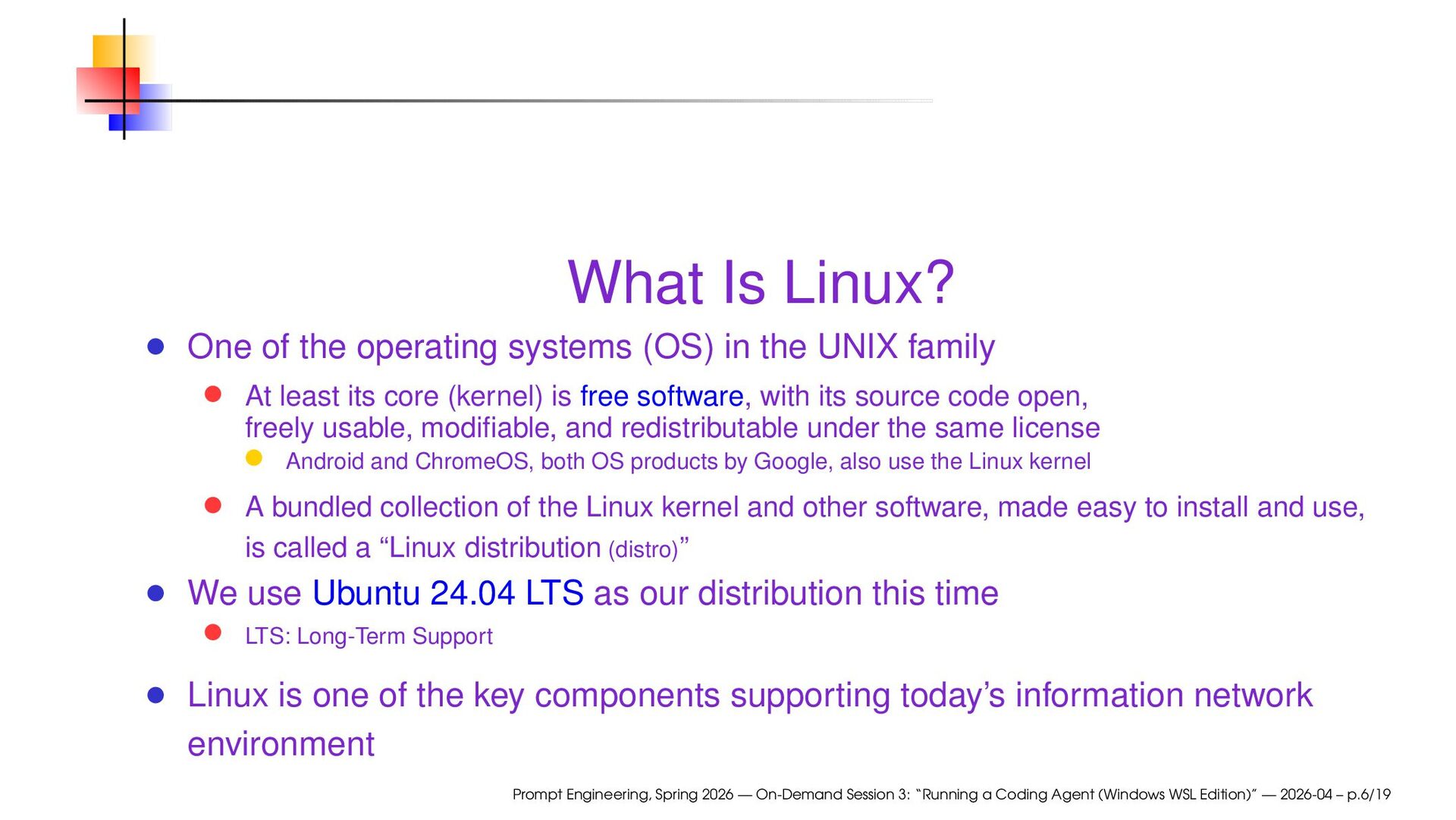
the UNIX family At least its core (kernel) is free software, with its source code open, freely usable, modifiable, and redistributable under the same license Android and ChromeOS, both OS products by Google, also use the Linux kernel A bundled collection of the Linux kernel and other software, made easy to install and use, is called a “Linux distribution (distro)” We use Ubuntu 24.04 LTS as our distribution this time LTS: Long-Term Support Linux is one of the key components supporting today’s information network environment Prompt Engineering, Spring 2026 — On-Demand Session 3: “Running a Coding Agent (Windows WSL Edition)” — 2026-04 – p.6/19
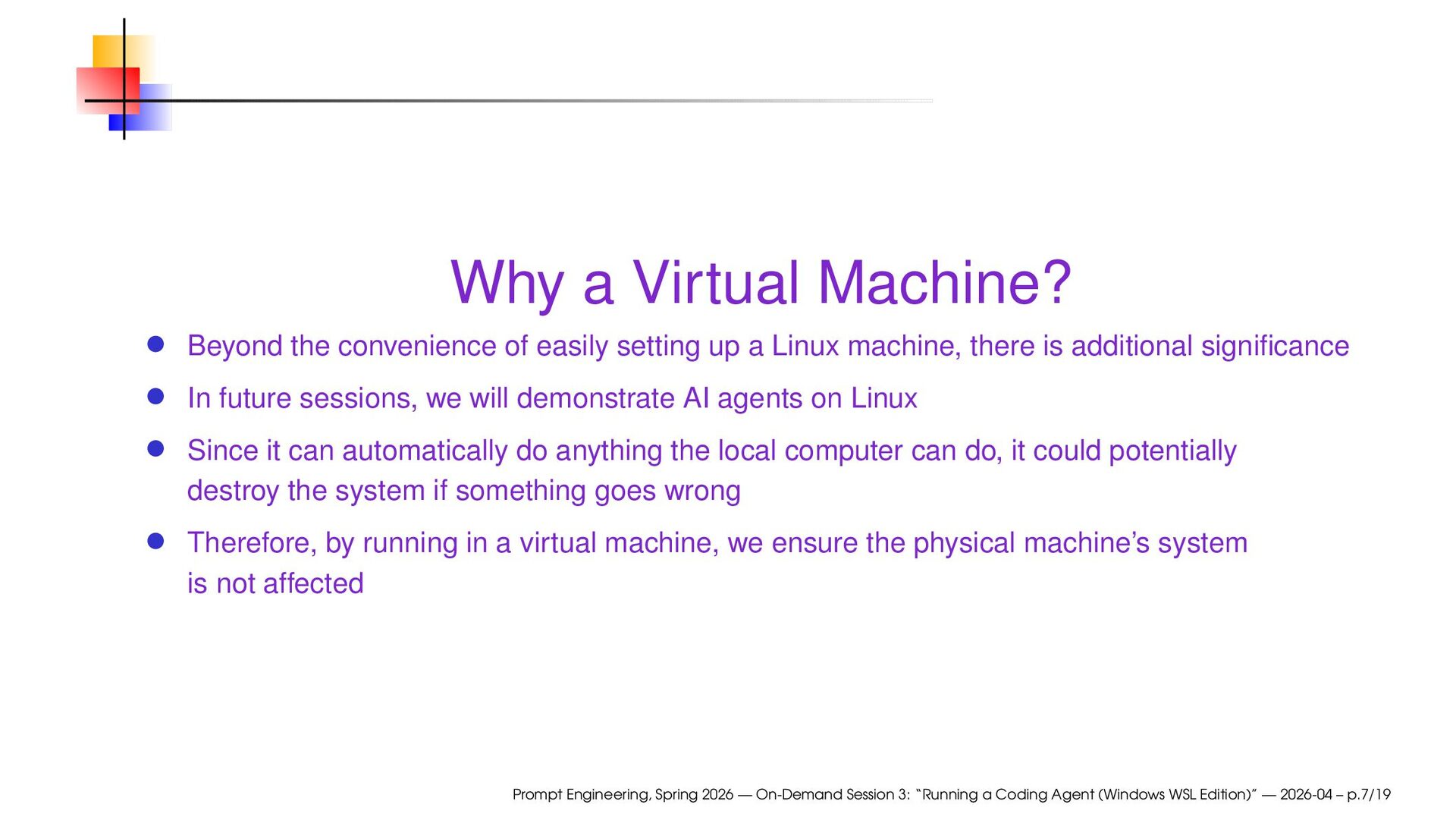
up a Linux machine, there is additional significance In future sessions, we will demonstrate AI agents on Linux Since it can automatically do anything the local computer can do, it could potentially destroy the system if something goes wrong Therefore, by running in a virtual machine, we ensure the physical machine’s system is not affected Prompt Engineering, Spring 2026 — On-Demand Session 3: “Running a Coding Agent (Windows WSL Edition)” — 2026-04 – p.7/19
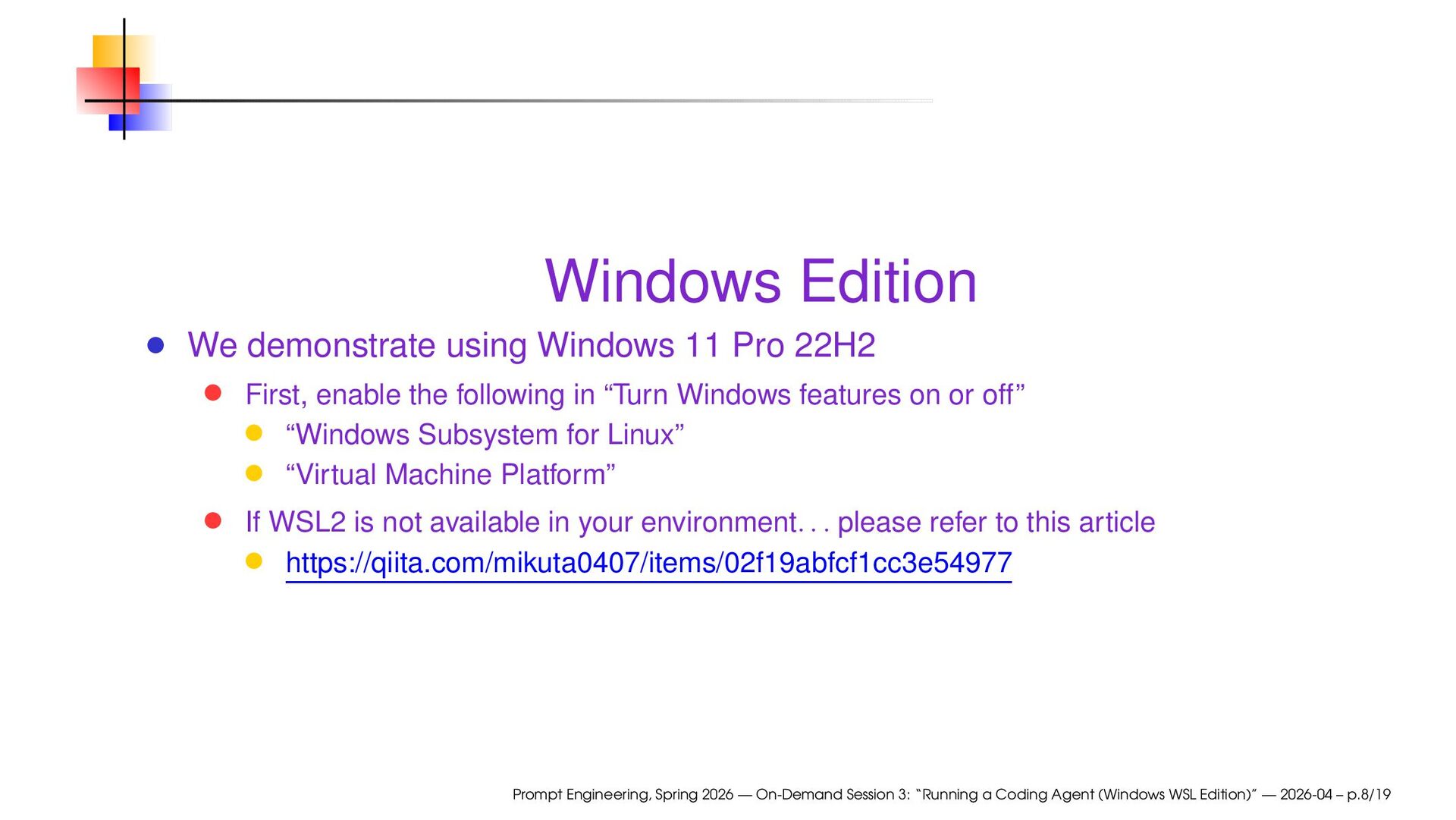
enable the following in “Turn Windows features on or off” “Windows Subsystem for Linux” “Virtual Machine Platform” If WSL2 is not available in your environment. . . please refer to this article https://qiita.com/mikuta0407/items/02f19abfcf1cc3e54977 Prompt Engineering, Spring 2026 — On-Demand Session 3: “Running a Coding Agent (Windows WSL Edition)” — 2026-04 – p.8/19
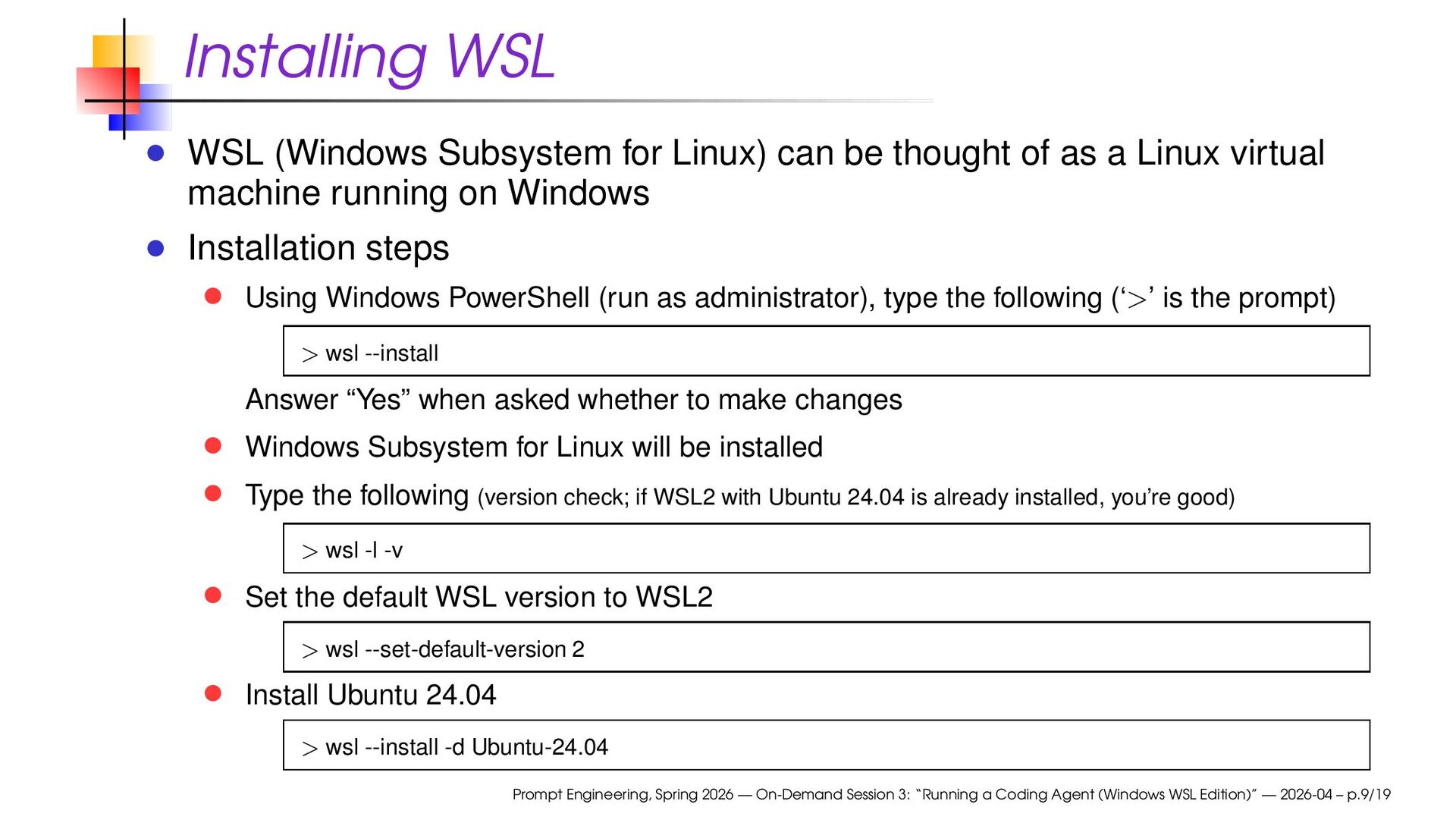
of as a Linux virtual machine running on Windows Installation steps Using Windows PowerShell (run as administrator), type the following (‘>’ is the prompt) > wsl --install Answer “Yes” when asked whether to make changes Windows Subsystem for Linux will be installed Type the following (version check; if WSL2 with Ubuntu 24.04 is already installed, you’re good) > wsl -l -v Set the default WSL version to WSL2 > wsl --set-default-version 2 Install Ubuntu 24.04 > wsl --install -d Ubuntu-24.04 Prompt Engineering, Spring 2026 — On-Demand Session 3: “Running a Coding Agent (Windows WSL Edition)” — 2026-04 – p.9/19
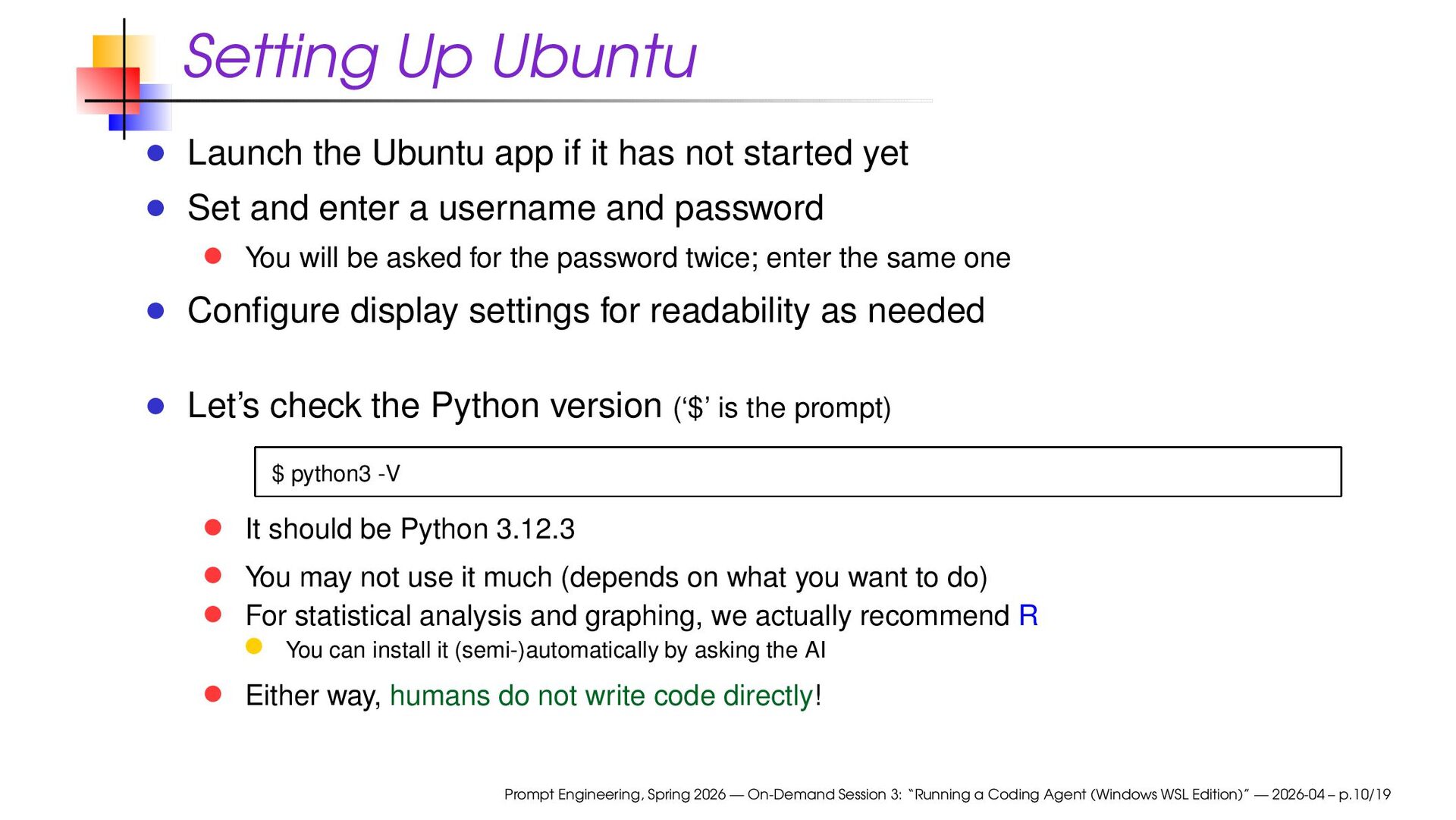
not started yet Set and enter a username and password You will be asked for the password twice; enter the same one Configure display settings for readability as needed Let’s check the Python version (‘$’ is the prompt) $ python3 -V It should be Python 3.12.3 You may not use it much (depends on what you want to do) For statistical analysis and graphing, we actually recommend R You can install it (semi-)automatically by asking the AI Either way, humans do not write code directly! Prompt Engineering, Spring 2026 — On-Demand Session 3: “Running a Coding Agent (Windows WSL Edition)” — 2026-04 – p.10/19
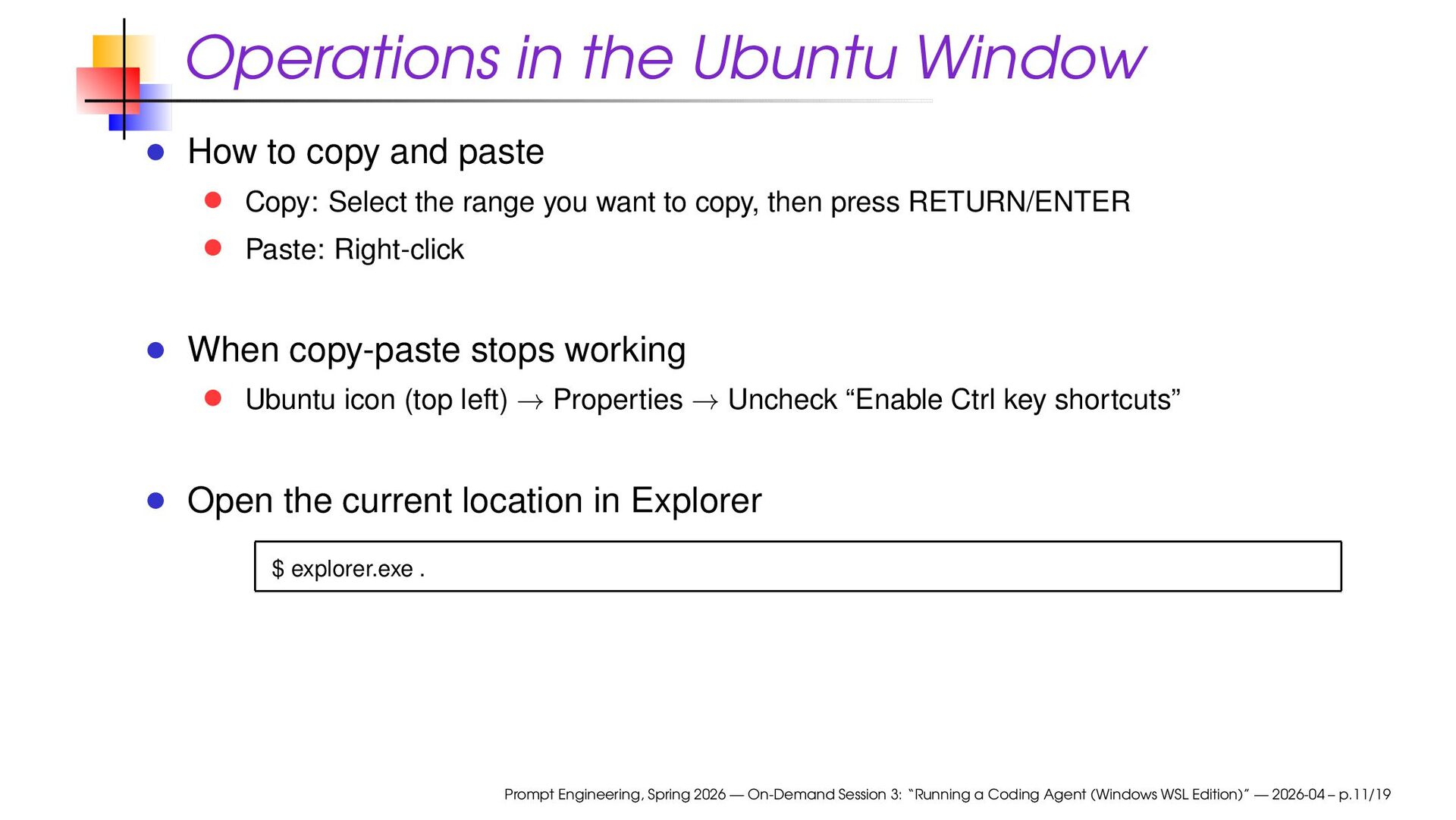
Copy: Select the range you want to copy, then press RETURN/ENTER Paste: Right-click When copy-paste stops working Ubuntu icon (top left) → Properties → Uncheck “Enable Ctrl key shortcuts” Open the current location in Explorer $ explorer.exe . Prompt Engineering, Spring 2026 — On-Demand Session 3: “Running a Coding Agent (Windows WSL Edition)” — 2026-04 – p.11/19
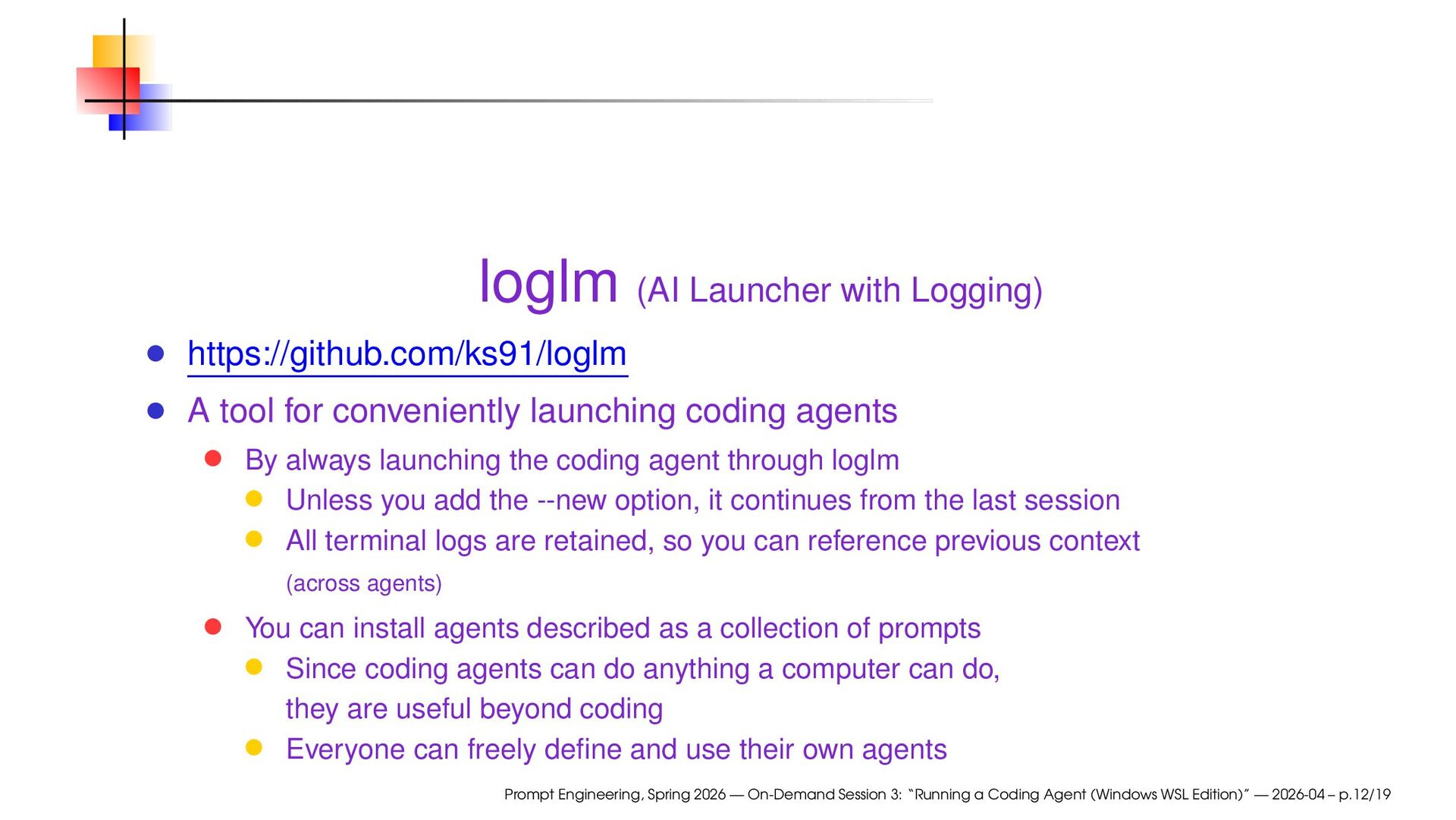
launching coding agents By always launching the coding agent through loglm Unless you add the --new option, it continues from the last session All terminal logs are retained, so you can reference previous context (across agents) You can install agents described as a collection of prompts Since coding agents can do anything a computer can do, they are useful beyond coding Everyone can freely define and use their own agents Prompt Engineering, Spring 2026 — On-Demand Session 3: “Running a Coding Agent (Windows WSL Edition)” — 2026-04 – p.12/19
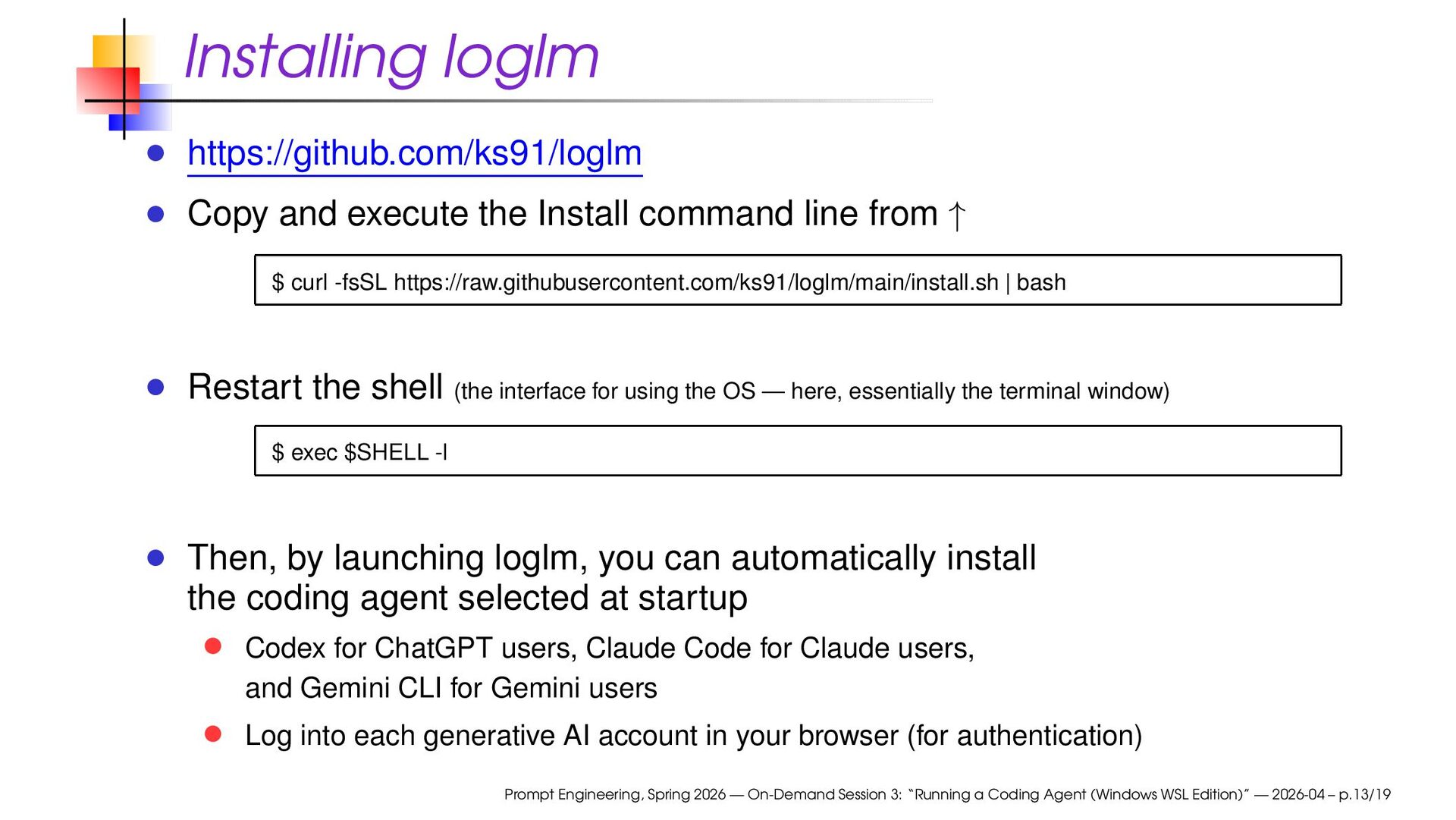
from ↑ $ curl -fsSL https://raw.githubusercontent.com/ks91/loglm/main/install.sh | bash Restart the shell (the interface for using the OS — here, essentially the terminal window) $ exec $SHELL -l Then, by launching loglm, you can automatically install the coding agent selected at startup Codex for ChatGPT users, Claude Code for Claude users, and Gemini CLI for Gemini users Log into each generative AI account in your browser (for authentication) Prompt Engineering, Spring 2026 — On-Demand Session 3: “Running a Coding Agent (Windows WSL Edition)” — 2026-04 – p.13/19
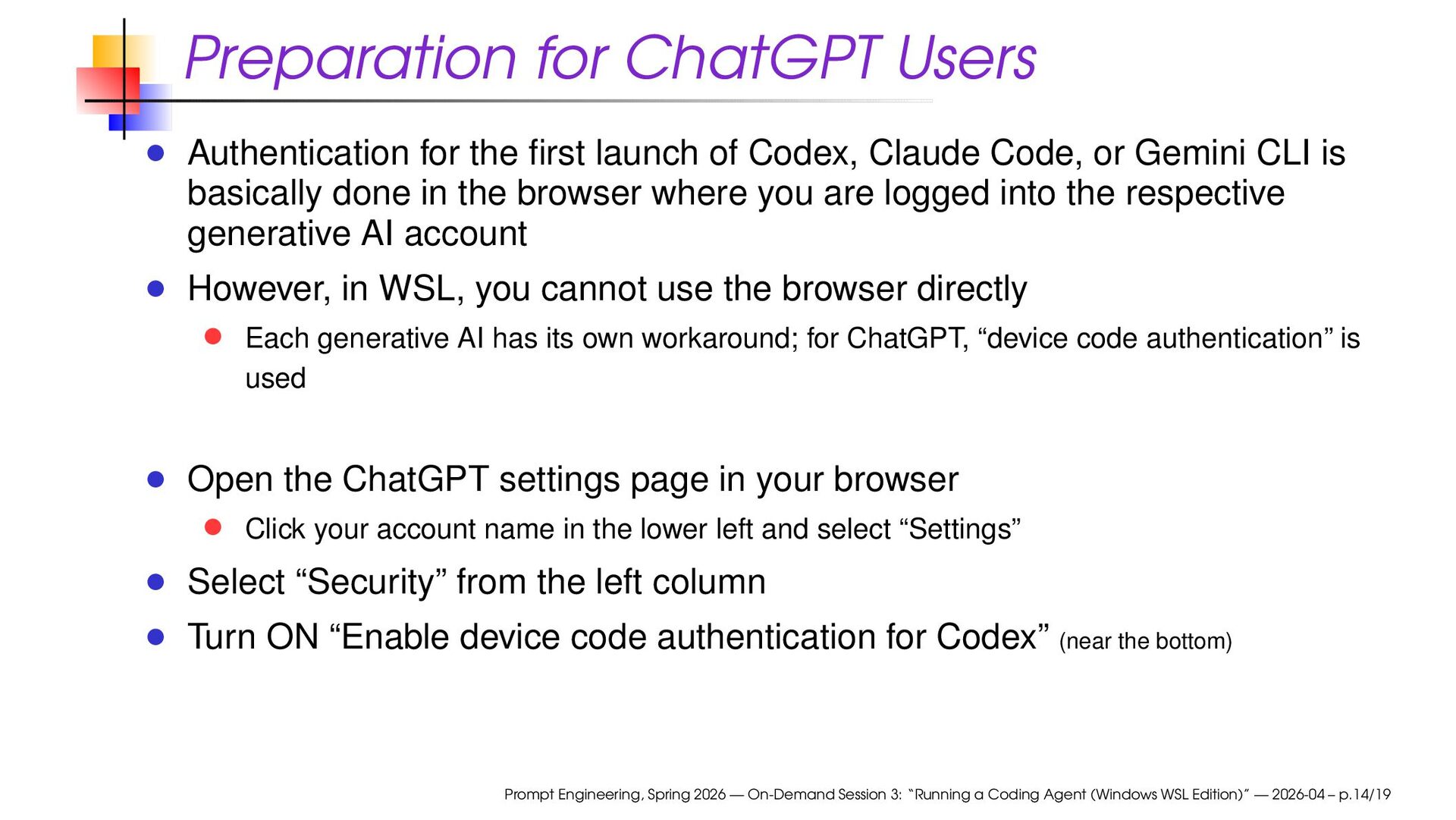
Codex, Claude Code, or Gemini CLI is basically done in the browser where you are logged into the respective generative AI account However, in WSL, you cannot use the browser directly Each generative AI has its own workaround; for ChatGPT, “device code authentication” is used Open the ChatGPT settings page in your browser Click your account name in the lower left and select “Settings” Select “Security” from the left column Turn ON “Enable device code authentication for Codex” (near the bottom) Prompt Engineering, Spring 2026 — On-Demand Session 3: “Running a Coding Agent (Windows WSL Edition)” — 2026-04 – p.14/19
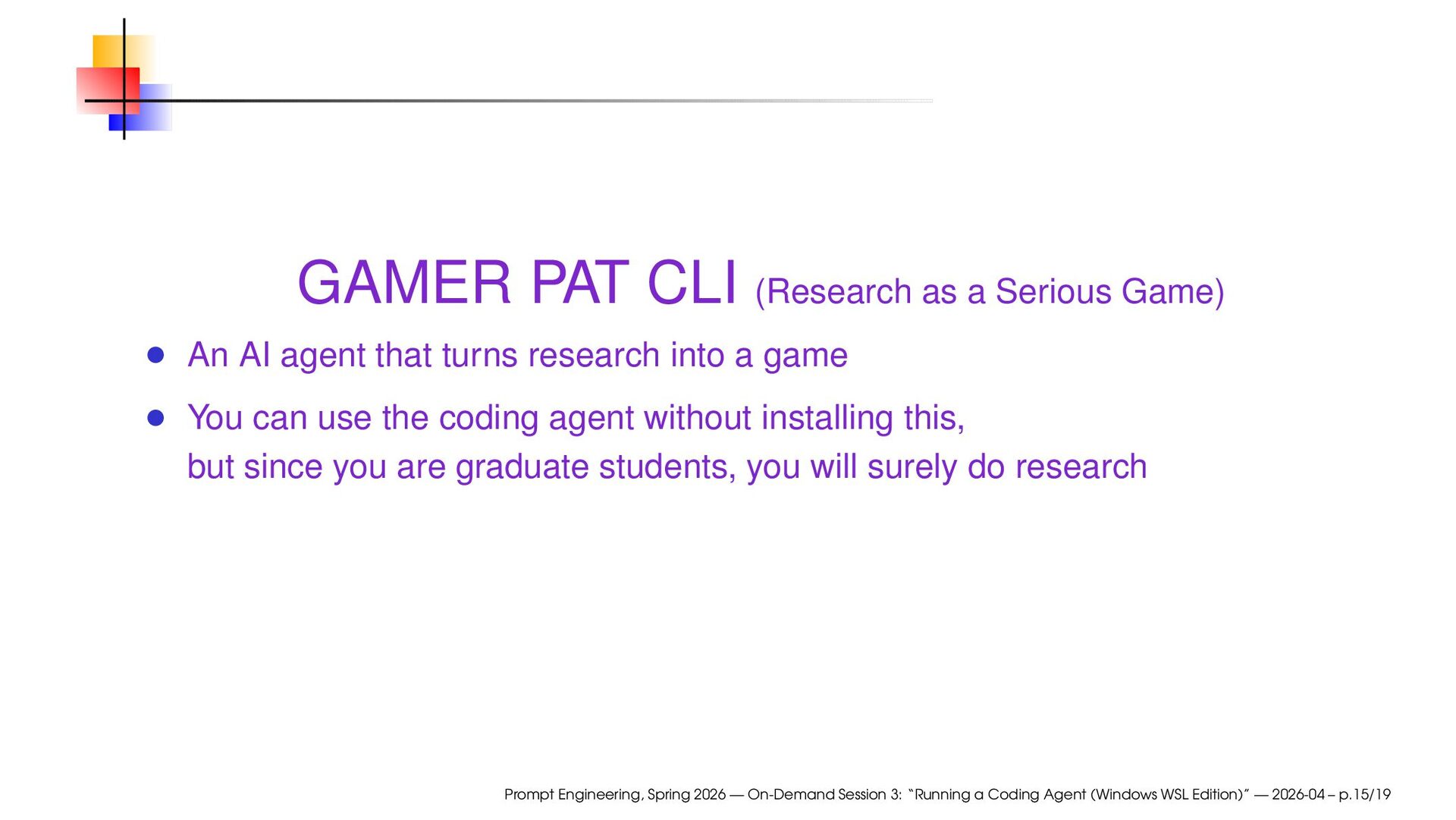
agent that turns research into a game You can use the coding agent without installing this, but since you are graduate students, you will surely do research Prompt Engineering, Spring 2026 — On-Demand Session 3: “Running a Coding Agent (Windows WSL Edition)” — 2026-04 – p.15/19
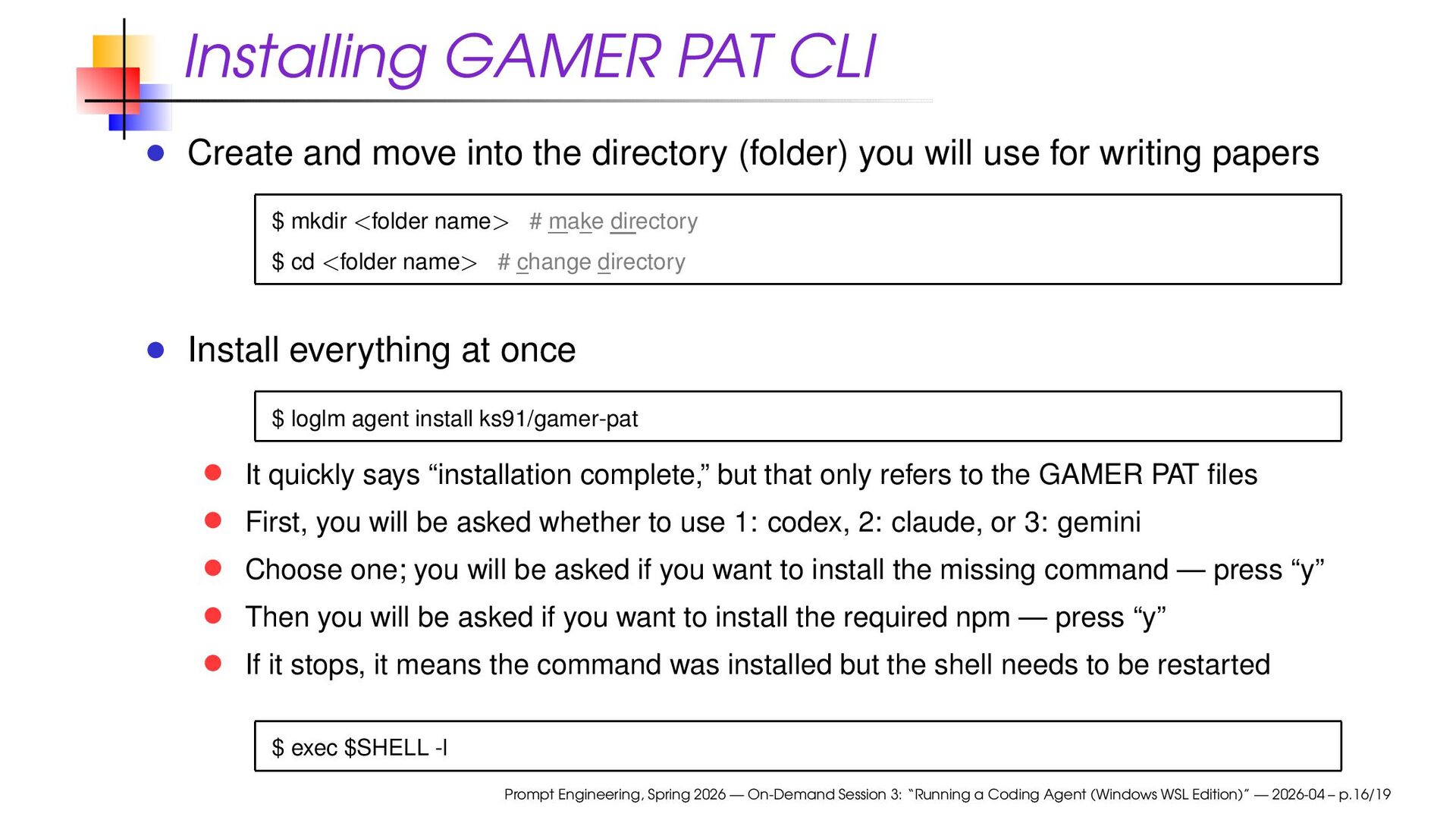
(folder) you will use for writing papers $ mkdir <folder name> # make directory $ cd <folder name> # change directory Install everything at once $ loglm agent install ks91/gamer-pat It quickly says “installation complete,” but that only refers to the GAMER PAT files First, you will be asked whether to use 1: codex, 2: claude, or 3: gemini Choose one; you will be asked if you want to install the missing command — press “y” Then you will be asked if you want to install the required npm — press “y” If it stops, it means the command was installed but the shell needs to be restarted $ exec $SHELL -l Prompt Engineering, Spring 2026 — On-Demand Session 3: “Running a Coding Agent (Windows WSL Edition)” — 2026-04 – p.16/19
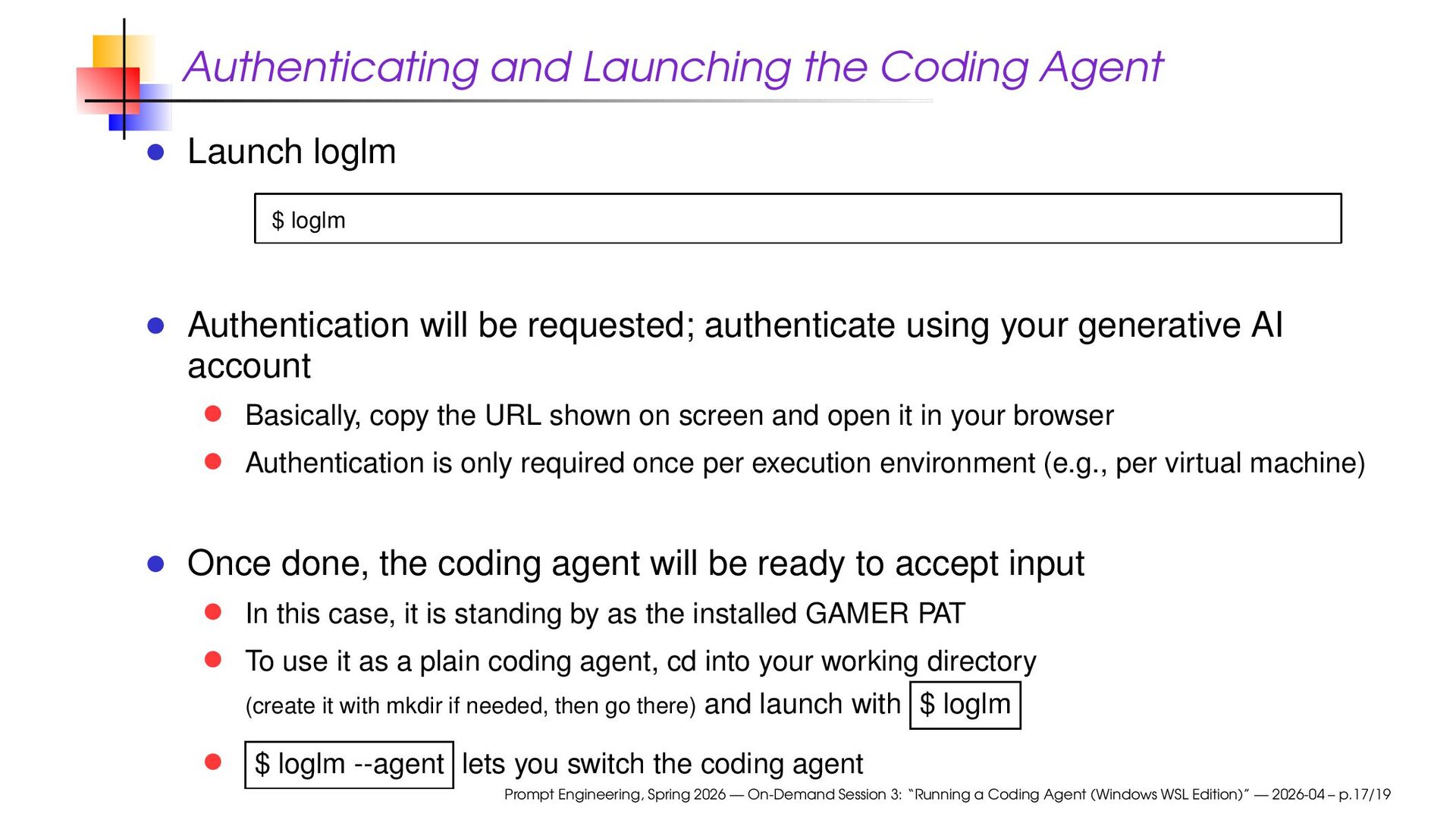
Authentication will be requested; authenticate using your generative AI account Basically, copy the URL shown on screen and open it in your browser Authentication is only required once per execution environment (e.g., per virtual machine) Once done, the coding agent will be ready to accept input In this case, it is standing by as the installed GAMER PAT To use it as a plain coding agent, cd into your working directory (create it with mkdir if needed, then go there) and launch with $ loglm $ loglm --agent lets you switch the coding agent Prompt Engineering, Spring 2026 — On-Demand Session 3: “Running a Coding Agent (Windows WSL Edition)” — 2026-04 – p.17/19
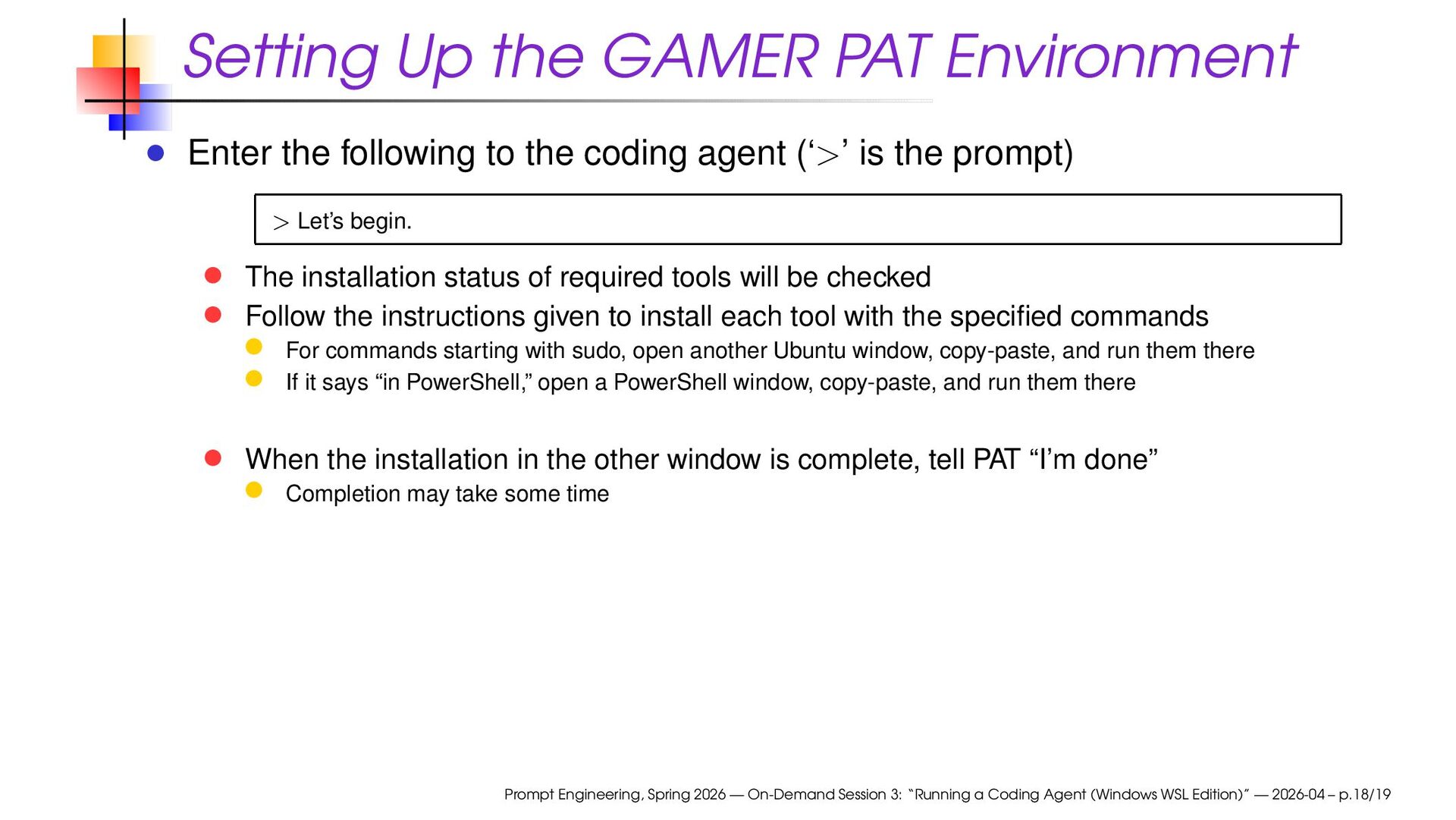
the coding agent (‘>’ is the prompt) > Let’s begin. The installation status of required tools will be checked Follow the instructions given to install each tool with the specified commands For commands starting with sudo, open another Ubuntu window, copy-paste, and run them there If it says “in PowerShell,” open a PowerShell window, copy-paste, and run them there When the installation in the other window is complete, tell PAT “I’m done” Completion may take some time Prompt Engineering, Spring 2026 — On-Demand Session 3: “Running a Coding Agent (Windows WSL Edition)” — 2026-04 – p.18/19
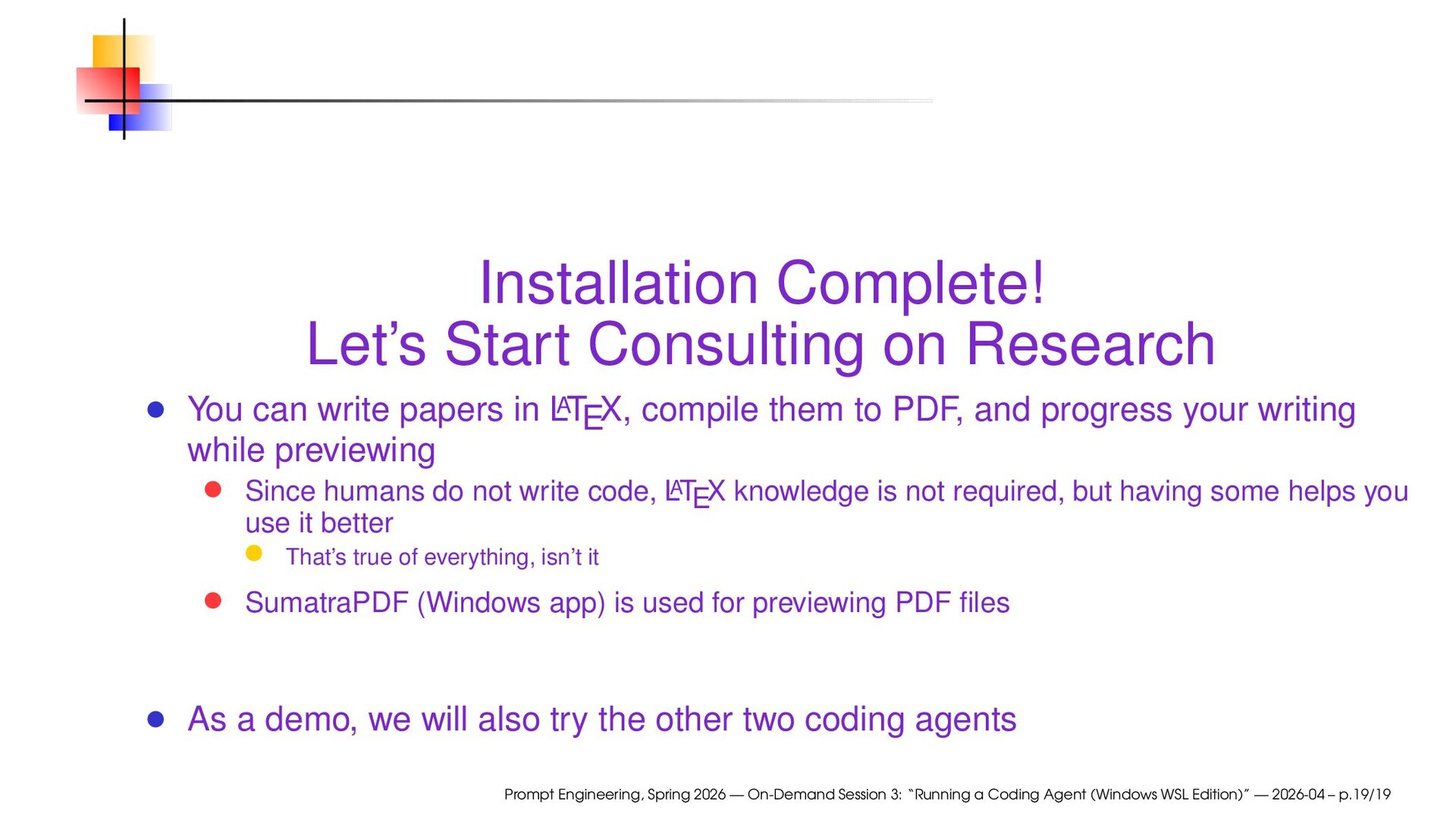
papers in L A TEX, compile them to PDF, and progress your writing while previewing Since humans do not write code, L A TEX knowledge is not required, but having some helps you use it better That’s true of everything, isn’t it SumatraPDF (Windows app) is used for previewing PDF files As a demo, we will also try the other two coding agents Prompt Engineering, Spring 2026 — On-Demand Session 3: “Running a Coding Agent (Windows WSL Edition)” — 2026-04 – p.19/19


 ks91
ks91
 legalontechnologies
 sansantech
 prog893
 finengine
 takmin
 cmusudakeisuke
 takuroabe
 tatsuyashiraishi
 atsush1_sada
 k1style
 kinopeee
 kentapapa
 chikuwait
 popppiees
 tammyeverts
 reverentgeek
 productmarketing
 sarafernandez
 smashingmag
 katarinadahlin
 cromwellryan
 ryanjones
 pedronauck
 gurzu
gurzu