Upgrade to Pro — share decks privately, control downloads, hide ads and more …

Presenting Remote Development Environments for ...

Presenting Remote Development Environments for Creating Mobile Apps

This talk explains how to bring your development inner loop onto the same infrastructure that already powers your CI. Create mobile apps without owning, managing and updating Apple hardware. Run coding agents in secure, scalable environments that your platform team controls, with the visibility, policies, and enterprise guardrails that make AI development safe to roll out at scale.

Atanas Chanev is a Staff Solutions Architect with an academic background and 18+ years of commercial experience in consulting, web, mobile and DevOps. A self-motivated and conscientious person with deep, hands-on analytical skills, he enjoys solving complex technical problems.

Avatar for Leeds Mobile

Leeds Mobile

July 18, 2026

More Decks by Leeds Mobile

Other Decks in Programming

Transcript

  1. Hi, I am Atanas 👋 I'm a Staff Solutions Architect

    at Bitrise. I have an academic background, from a previous life. Then I spent many years as a mobile app developer in London, before joining Bitrise.
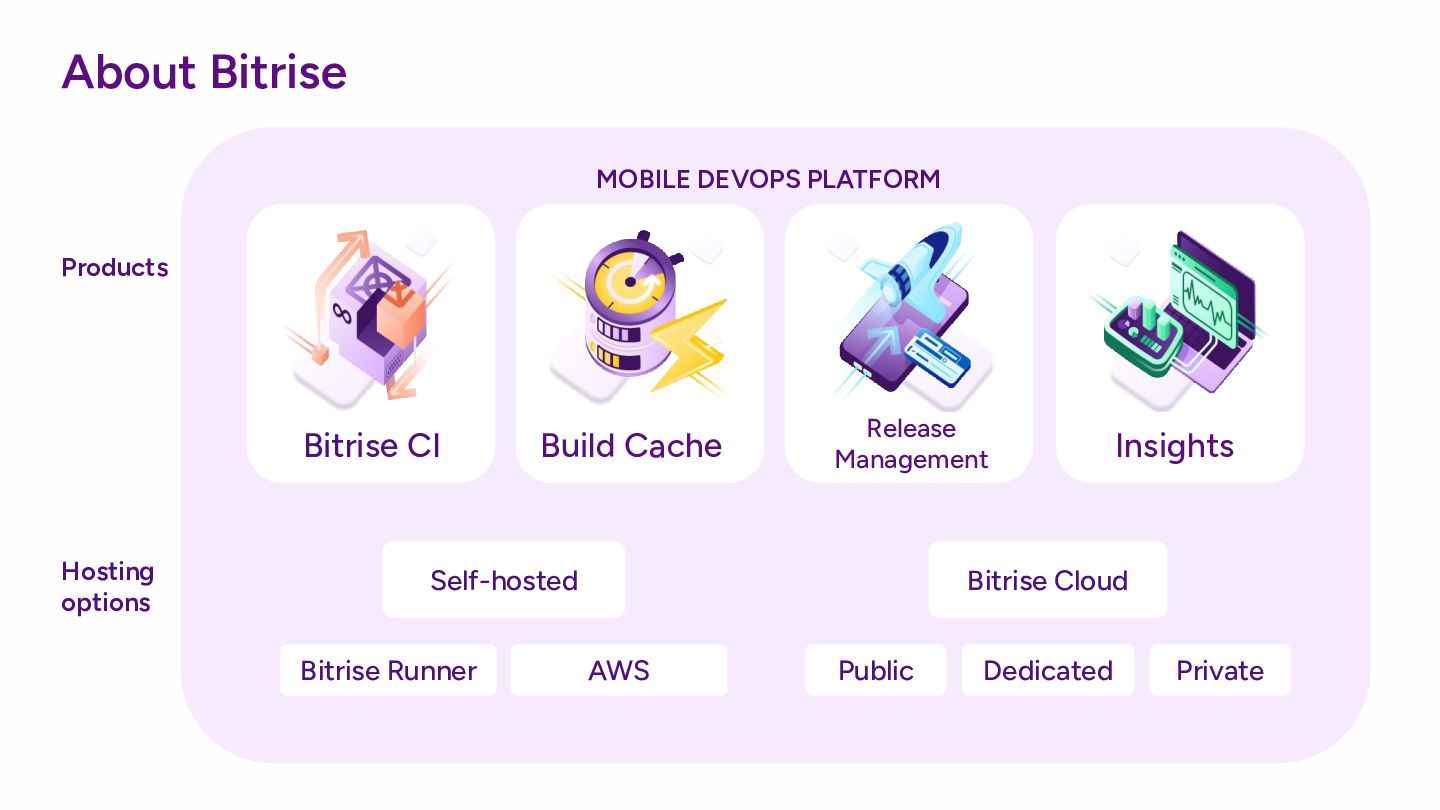
  2. About Bitrise Hosting options Products Build Cache Insights Release Management

    Bitrise CI MOBILE DEVOPS PLATFORM Self-hosted Bitrise Cloud AWS Bitrise Runner Public Private Dedicated
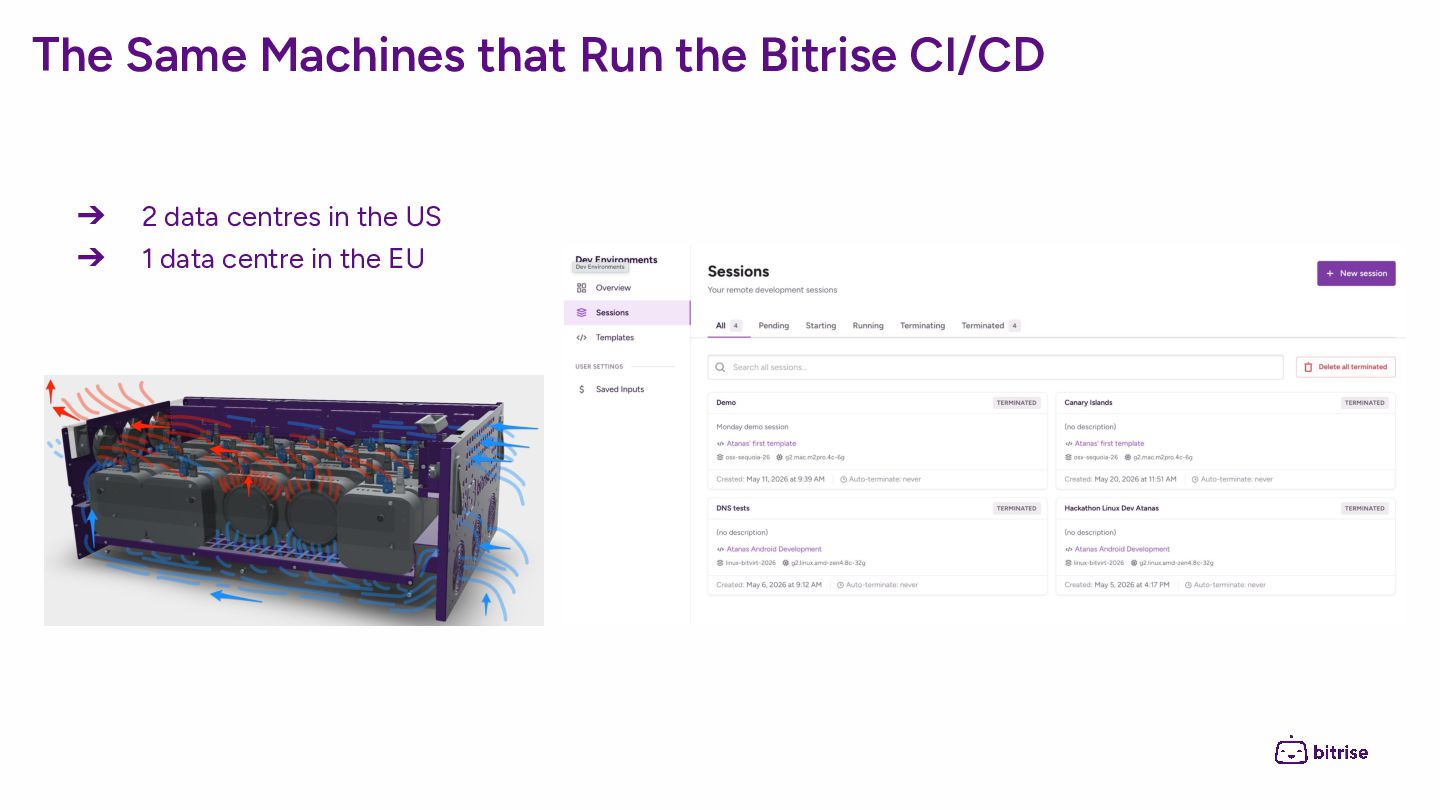
  3. The Same Machines that Run the Bitrise CI/CD ➔ 2

    data centres in the US ➔ 1 data centre in the EU
  4. No Need to Manage Your Own Fleet of Mac Minis

    ➔ Occasional app developers don’t need to purchase a Mac ➔ Cross platform developers may not need a Mac all the time ➔ Enterprise companies don’t want to manage and provision fleets of Mac machines ◆ Every few years Mac hardware becomes obsolete ◆ One major Xcode upgrade every year ◆ Virtualisation and scalability challenges
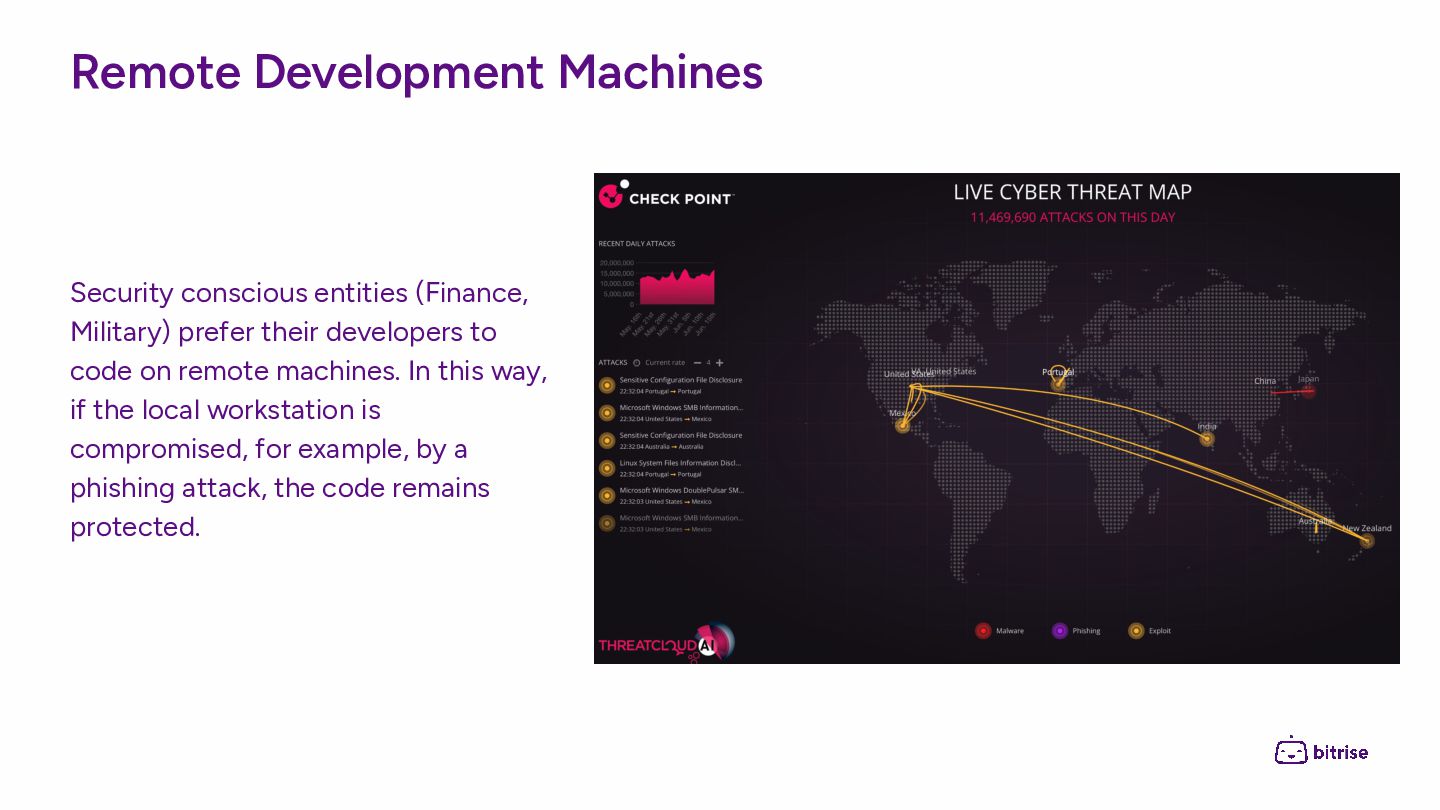
  5. Remote Development Machines Security conscious entities (Finance, Military) prefer their

    developers to code on remote machines. In this way, if the local workstation is compromised, for example, by a phishing attack, the code remains protected.
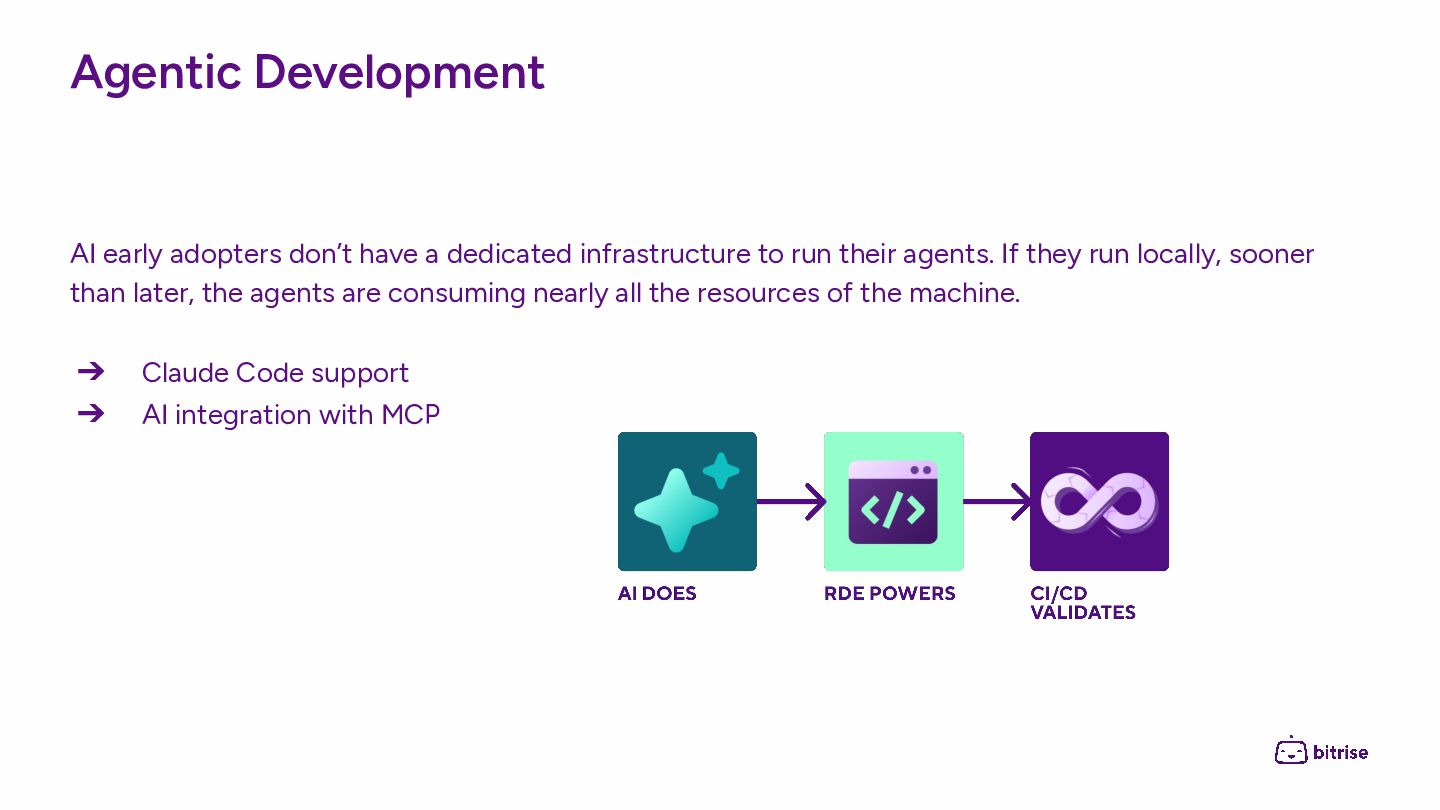
  6. Agentic Development AI early adopters don’t have a dedicated infrastructure

    to run their agents. If they run locally, sooner than later, the agents are consuming nearly all the resources of the machine. ➔ Claude Code support ➔ AI integration with MCP
  7. Connecting from Web ➔ Good for initial onboarding and setting

    up templates ➔ Great for quick edits, code review, onboarding new team members ➔ ssh, VS Code and VNC support
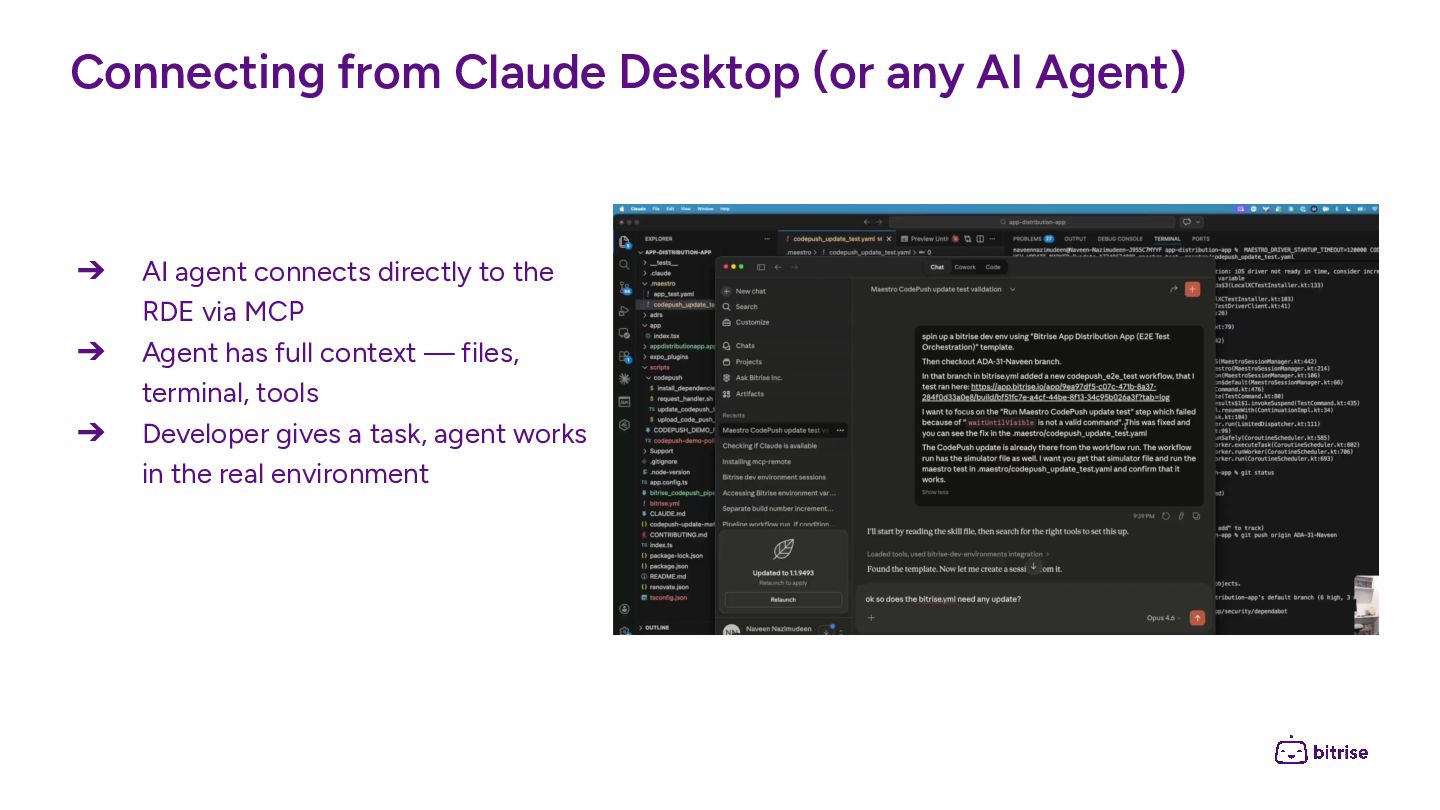
  8. Connecting from Claude Desktop (or any AI Agent) ➔ AI

    agent connects directly to the RDE via MCP ➔ Agent has full context — files, terminal, tools ➔ Developer gives a task, agent works in the real environment
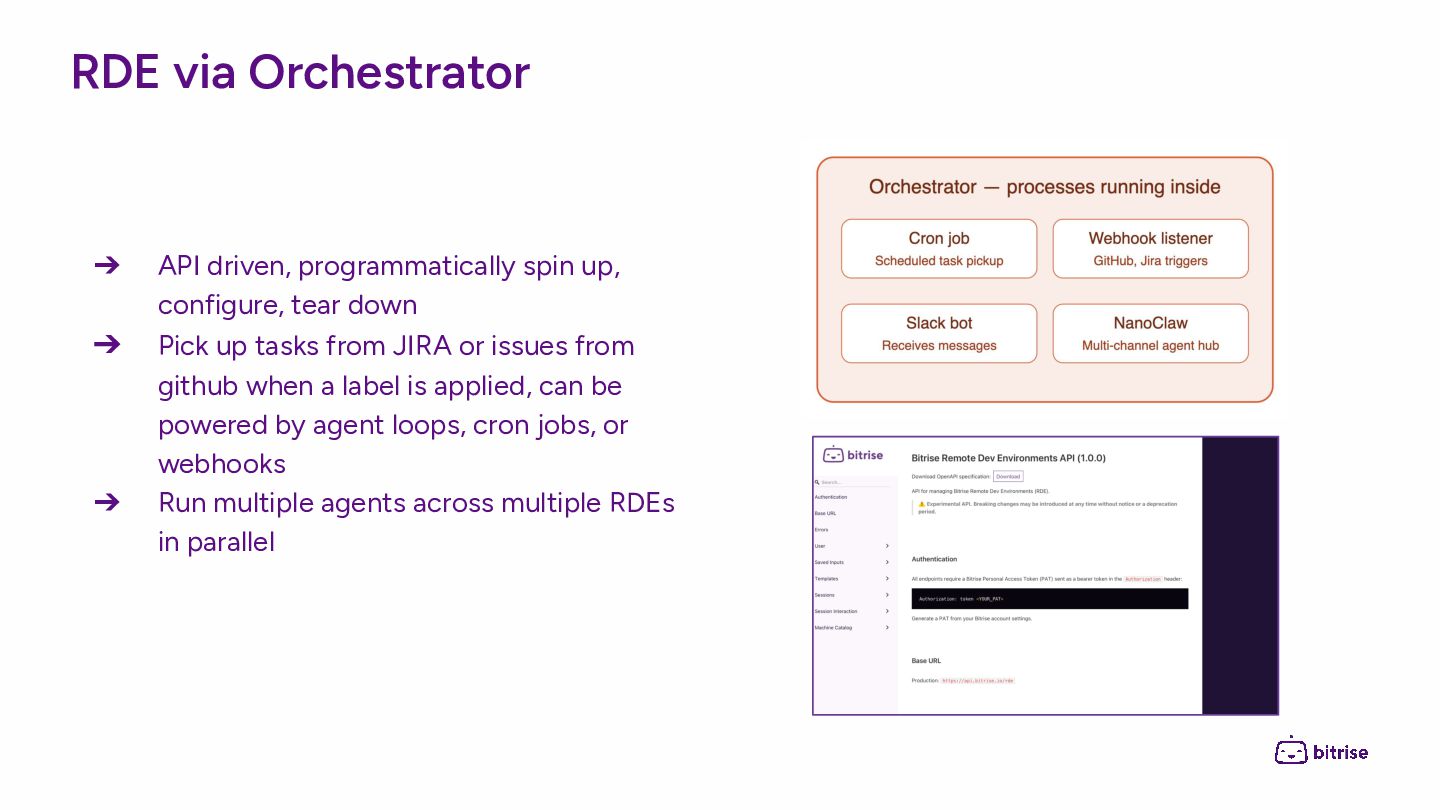
  9. RDE via Orchestrator ➔ API driven, programmatically spin up, configure,

    tear down ➔ Pick up tasks from JIRA or issues from github when a label is applied, can be powered by agent loops, cron jobs, or webhooks ➔ Run multiple agents across multiple RDEs in parallel
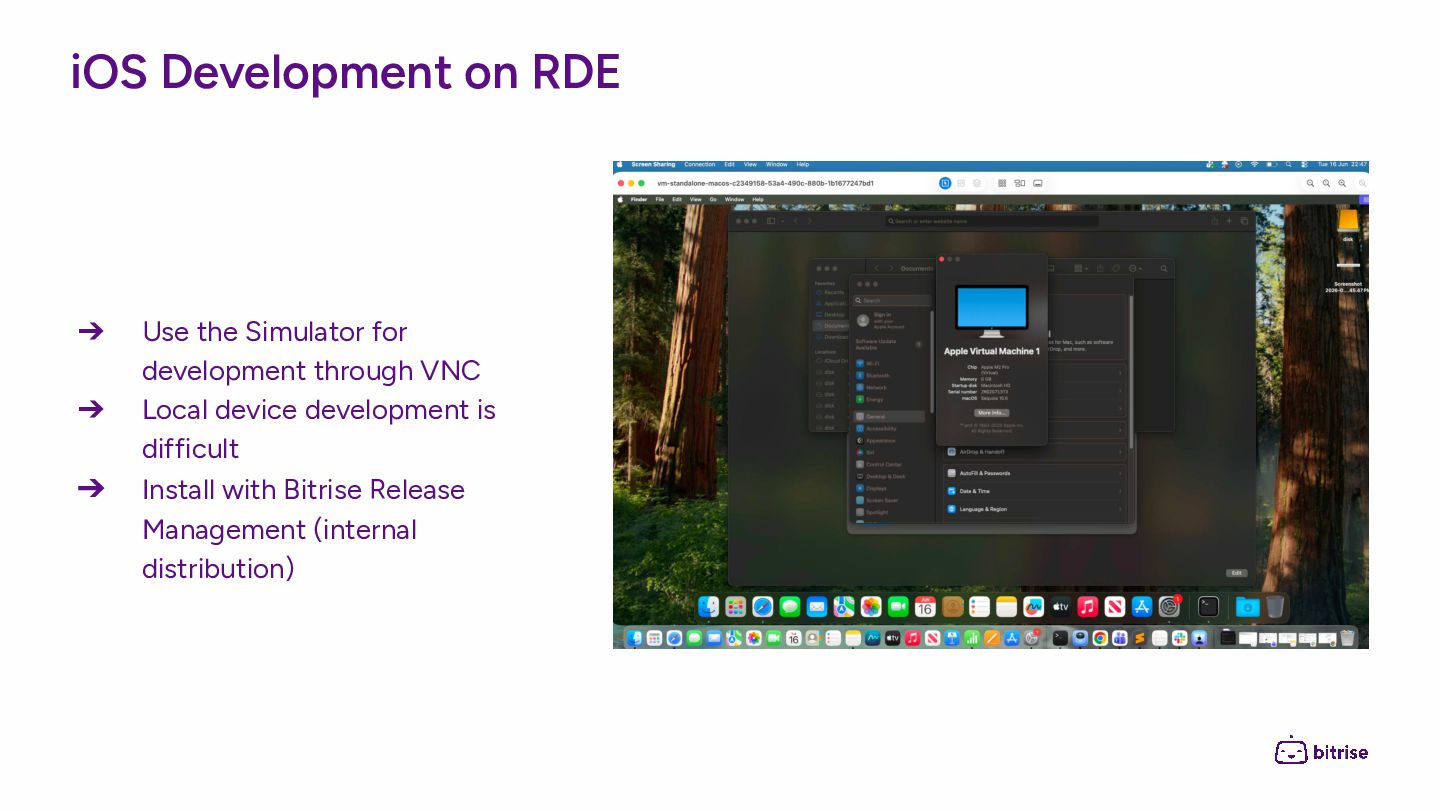
  10. iOS Development on RDE ➔ Use the Simulator for development

    through VNC ➔ Local device development is difficult ➔ Install with Bitrise Release Management (internal distribution)
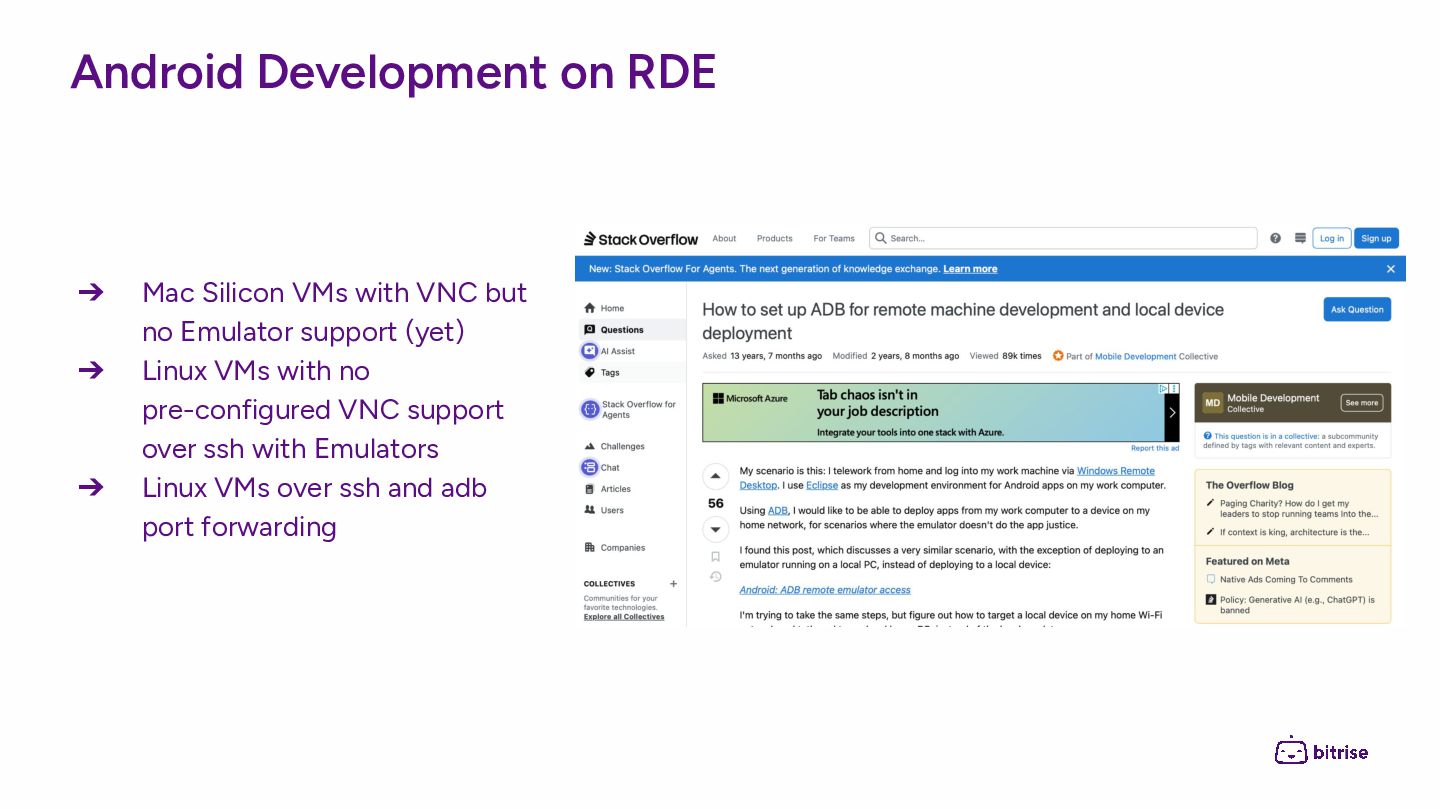
  11. Android Development on RDE ➔ Mac Silicon VMs with VNC

    but no Emulator support (yet) ➔ Linux VMs with no pre-configured VNC support over ssh with Emulators ➔ Linux VMs over ssh and adb port forwarding
  12. React Native Development with RDE After installing the app on

    the device, for example, with Bitrise Release Management, the localhost development server can be exposed through a tunnel and used from the local device
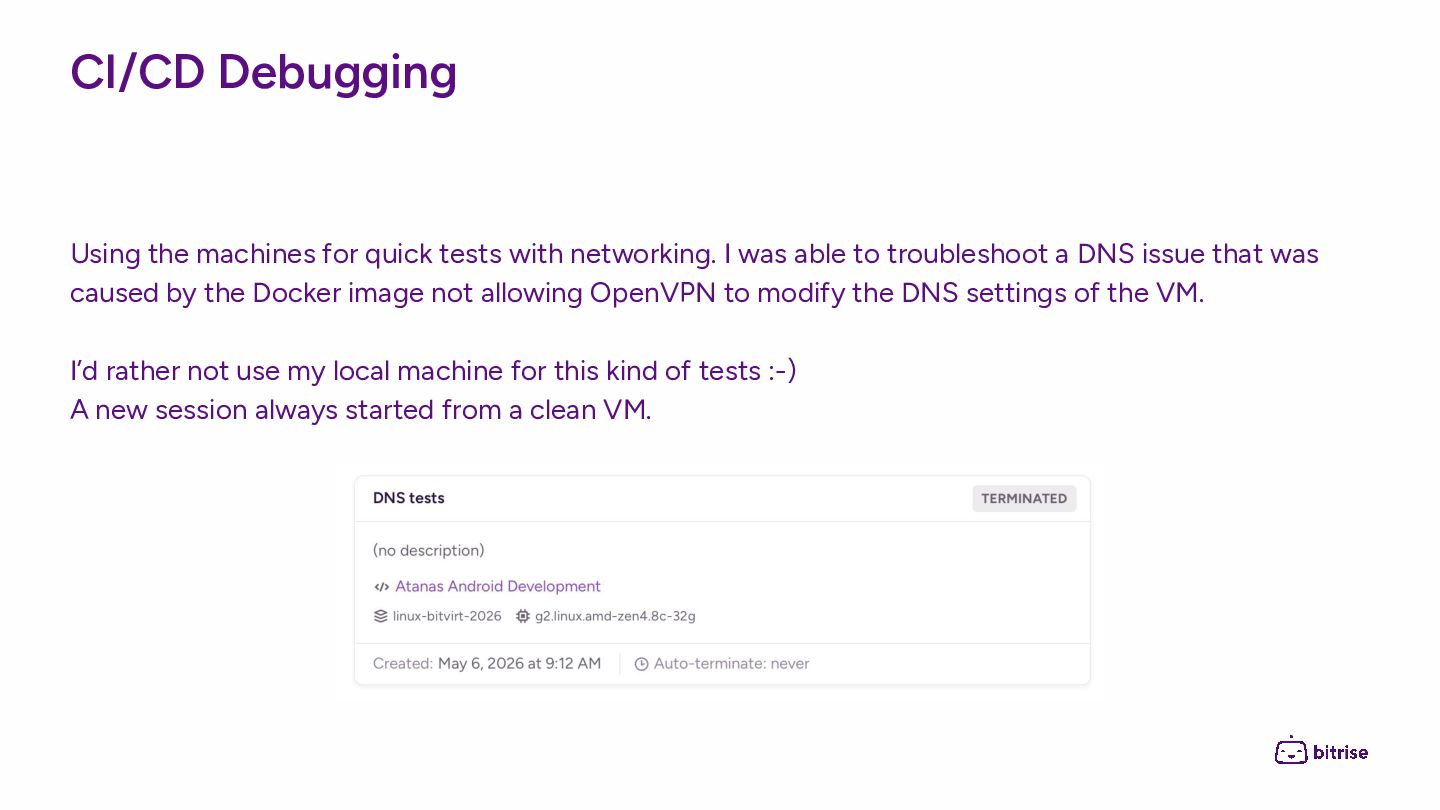
  13. CI/CD Debugging Using the machines for quick tests with networking.

    I was able to troubleshoot a DNS issue that was caused by the Docker image not allowing OpenVPN to modify the DNS settings of the VM. I’d rather not use my local machine for this kind of tests :-) A new session always started from a clean VM.
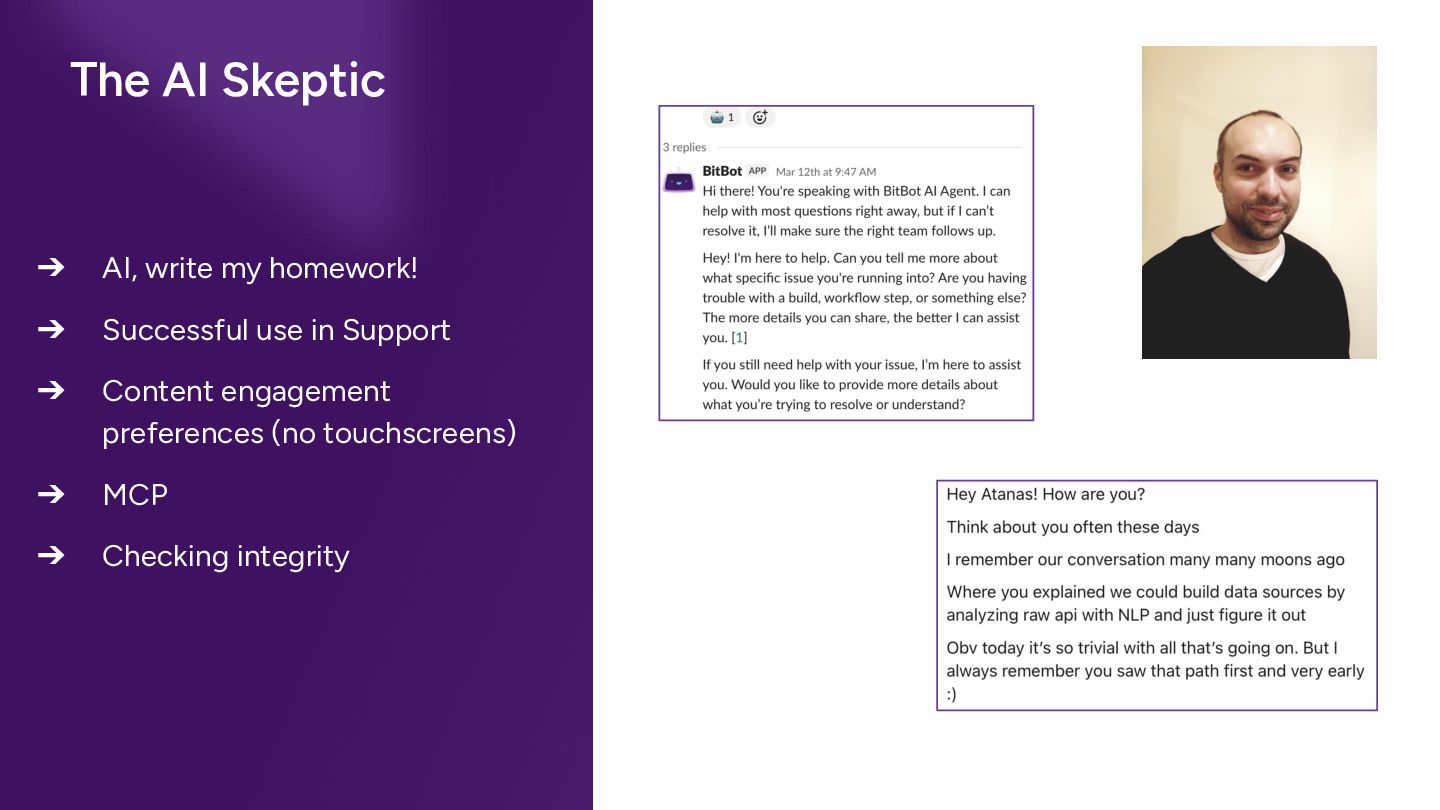
  14. The AI Skeptic ➔ AI, write my homework! ➔ Successful

    use in Support ➔ Content engagement preferences (no touchscreens) ➔ MCP ➔ Checking integrity
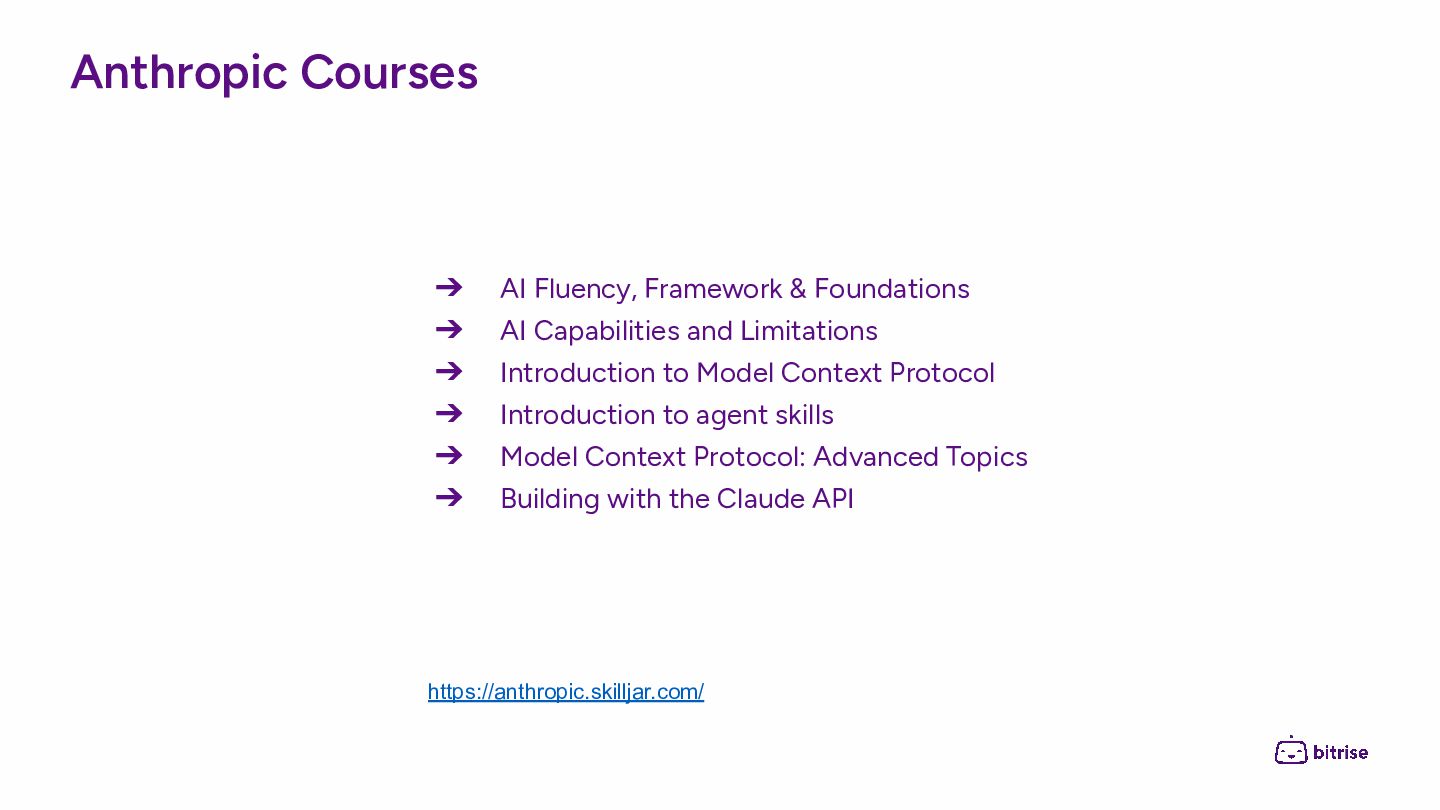
  15. Anthropic Courses ➔ AI Fluency, Framework & Foundations ➔ AI

    Capabilities and Limitations ➔ Introduction to Model Context Protocol ➔ Introduction to agent skills ➔ Model Context Protocol: Advanced Topics ➔ Building with the Claude API https://anthropic.skilljar.com/
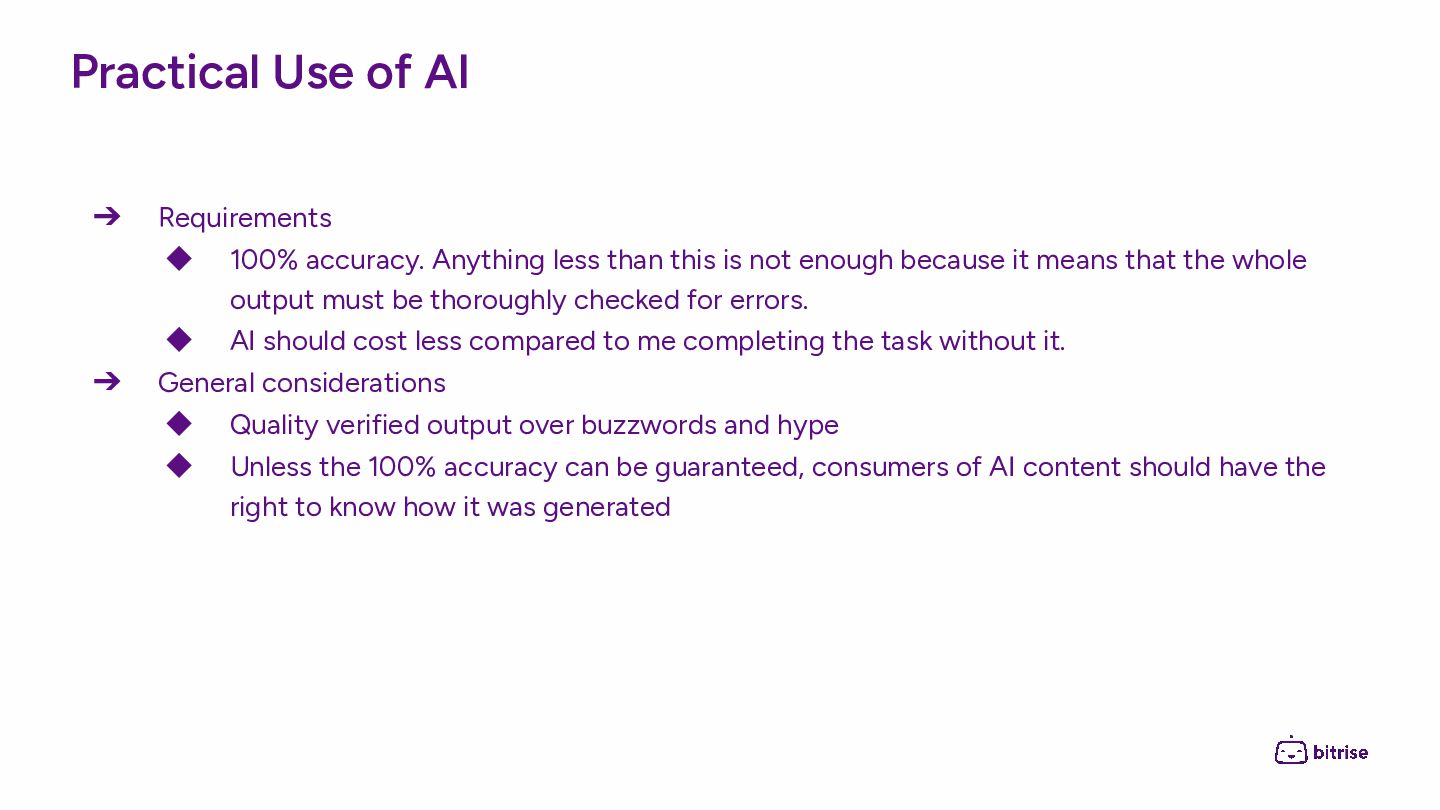
  16. Practical Use of AI ➔ Requirements ◆ 100% accuracy. Anything

    less than this is not enough because it means that the whole output must be thoroughly checked for errors. ◆ AI should cost less compared to me completing the task without it. ➔ General considerations ◆ Quality verified output over buzzwords and hype ◆ Unless the 100% accuracy can be guaranteed, consumers of AI content should have the right to know how it was generated
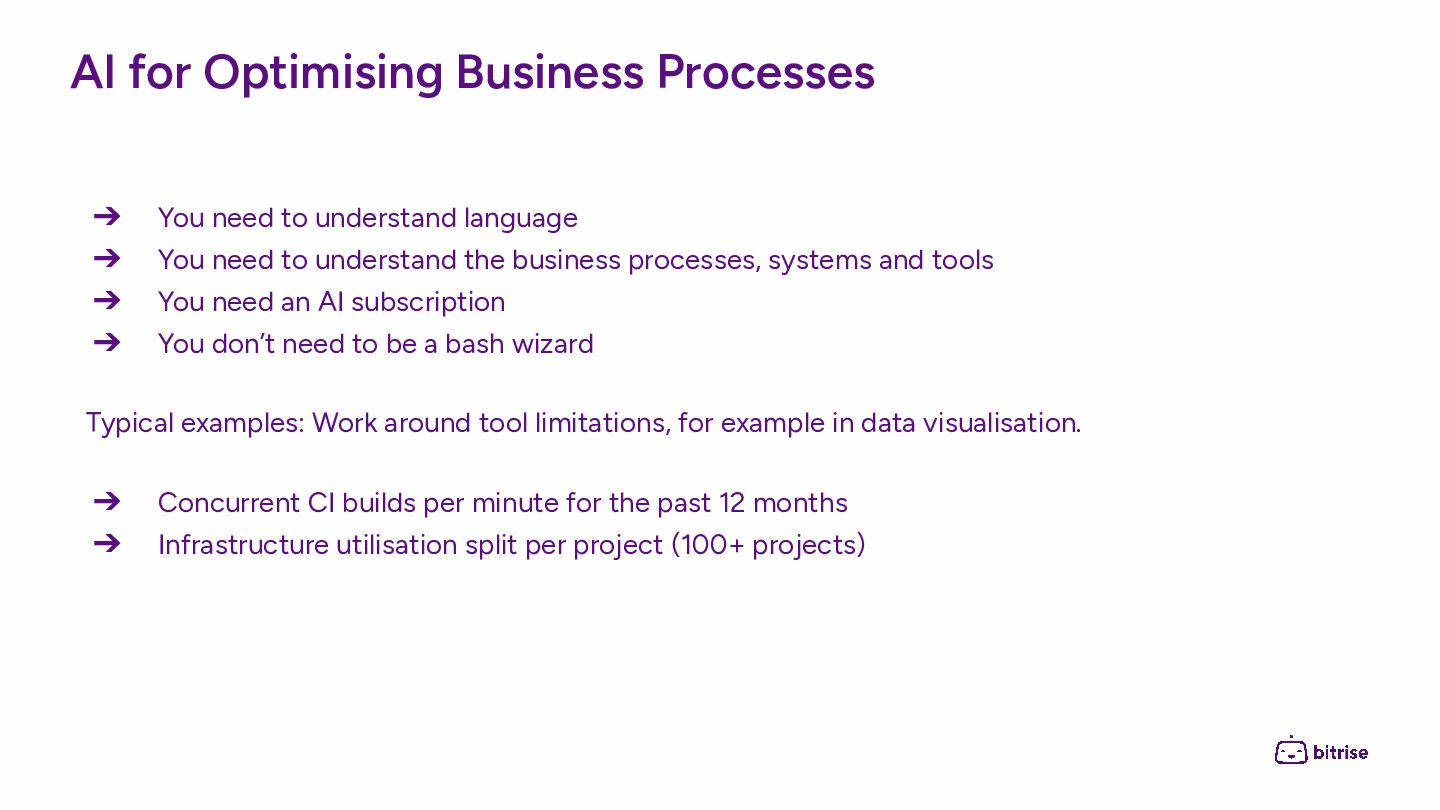
  17. AI for Optimising Business Processes ➔ You need to understand

    language ➔ You need to understand the business processes, systems and tools ➔ You need an AI subscription ➔ You don’t need to be a bash wizard Typical examples: Work around tool limitations, for example in data visualisation. ➔ Concurrent CI builds per minute for the past 12 months ➔ Infrastructure utilisation split per project (100+ projects)
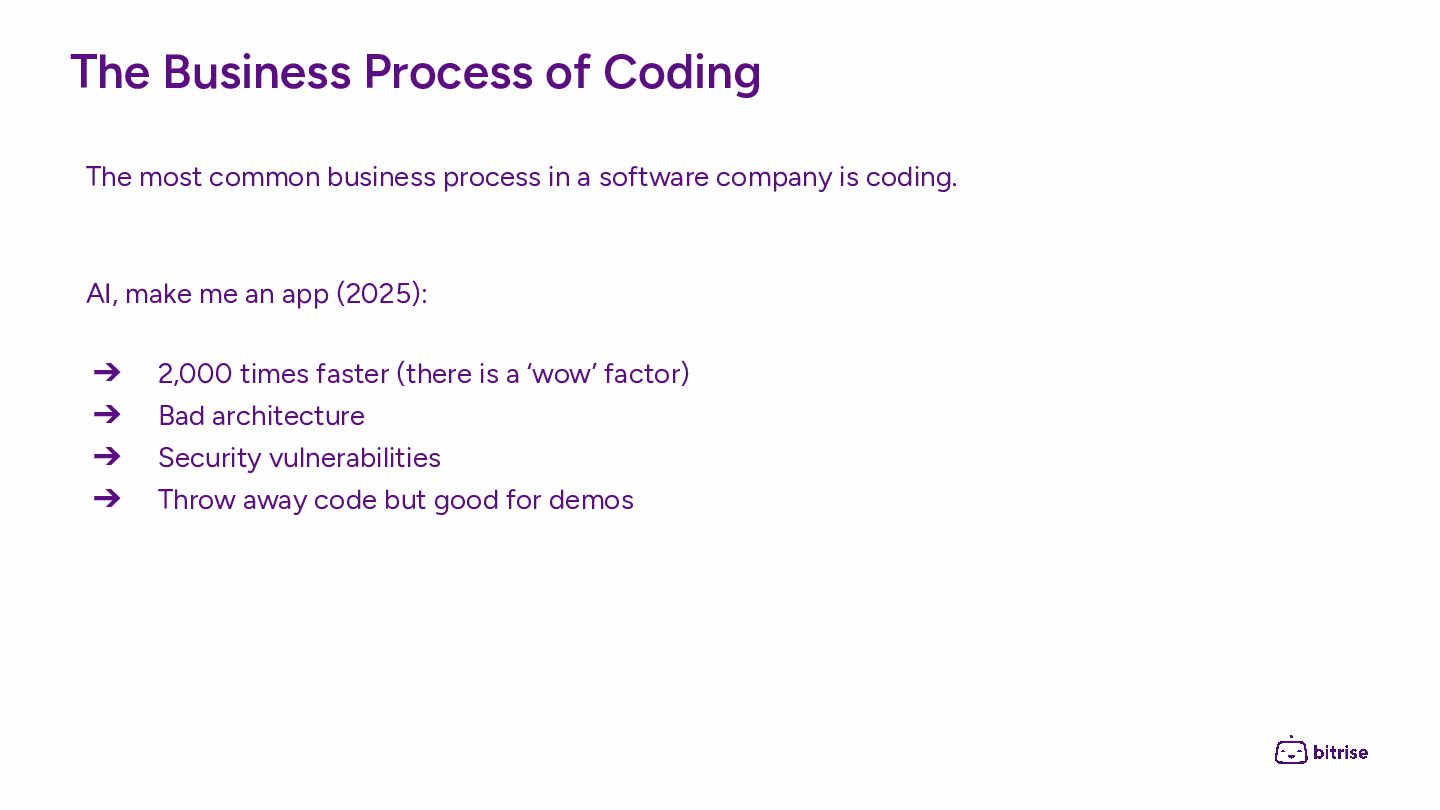
  18. The Business Process of Coding The most common business process

    in a software company is coding. AI, make me an app (2025): ➔ 2,000 times faster (there is a ‘wow’ factor) ➔ Bad architecture ➔ Security vulnerabilities ➔ Throw away code but good for demos
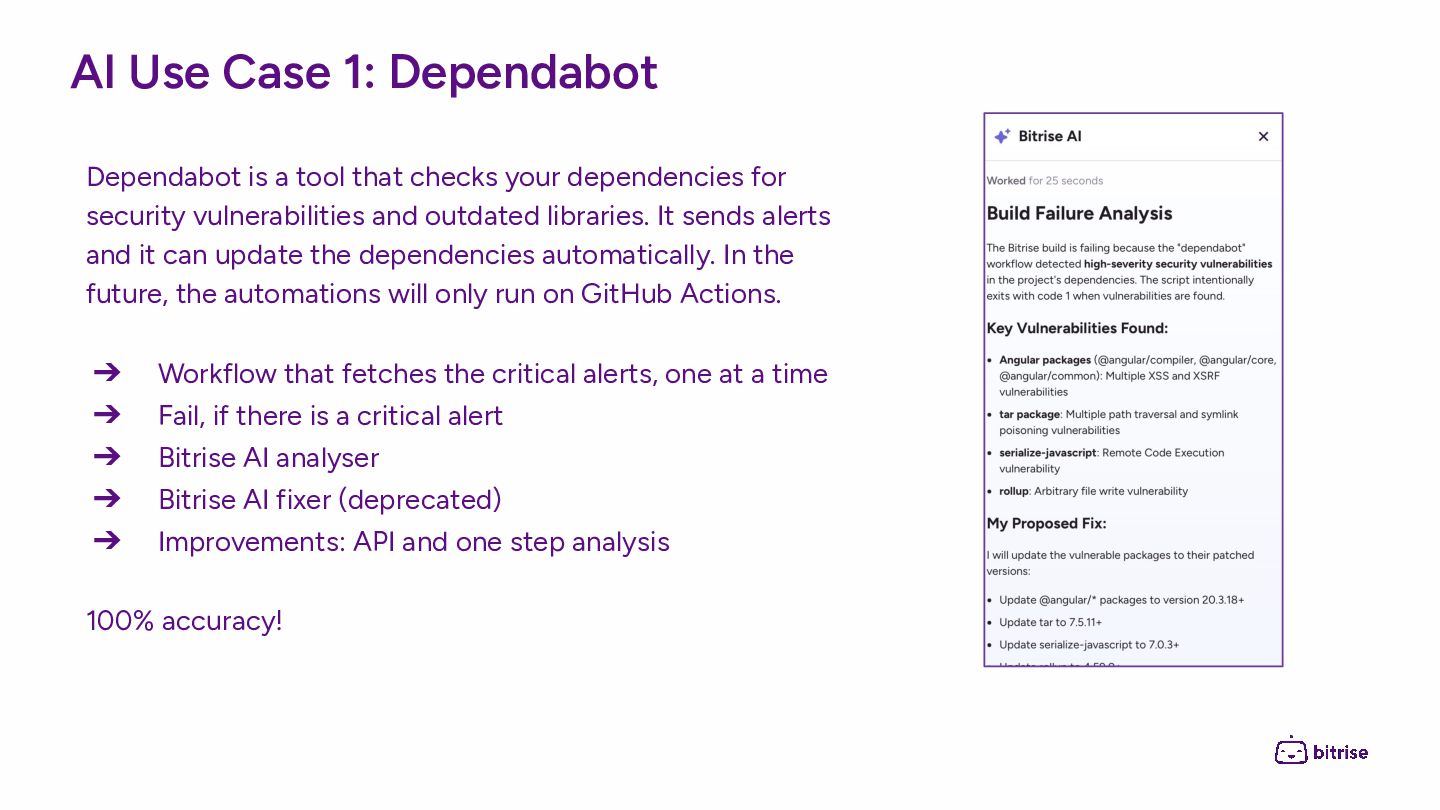
  19. AI Use Case 1: Dependabot Dependabot is a tool that

    checks your dependencies for security vulnerabilities and outdated libraries. It sends alerts and it can update the dependencies automatically. In the future, the automations will only run on GitHub Actions. ➔ Workflow that fetches the critical alerts, one at a time ➔ Fail, if there is a critical alert ➔ Bitrise AI analyser ➔ Bitrise AI fixer (deprecated) ➔ Improvements: API and one step analysis 100% accuracy!
  20. AI Use Case 2: Electronic Programming Guide Electronic programming guides

    are difficult because of memory management. Once there is a proof of concept by the Lead Developer to be used as a sample, it is relatively easy to add styling and the data source by other team members. It is now much faster with AI. ➔ Core knowledge (Tech Lead) ➔ AI infrastructure (Tech Lead) ➔ AI literacy (Developers) ➔ AI assisted development (Developers) Without core knowledge, the main building blocks are missing. Development without AI will be slower because of spending time on boilerplate. Without AI literacy, we wouldn’t know if the solution is fit for purpose, including whether it is of good quality and secure.
  21. AI Use Case 3: Non-mobile development from Budapest 50%-60% increase

    of development speed when coding with AI. That is, a task that could have taken a week, is taking 2-3 days to complete when using AI. ➔ Spending a long time defining and splitting the problem ➔ Spending a long time planning the execution ➔ The coding part is fast ➔ Quality Assurance Yes but … since the wide adoption of AI, we noticed an increase in regressions, mostly around edge cases. Is it a coincidence?
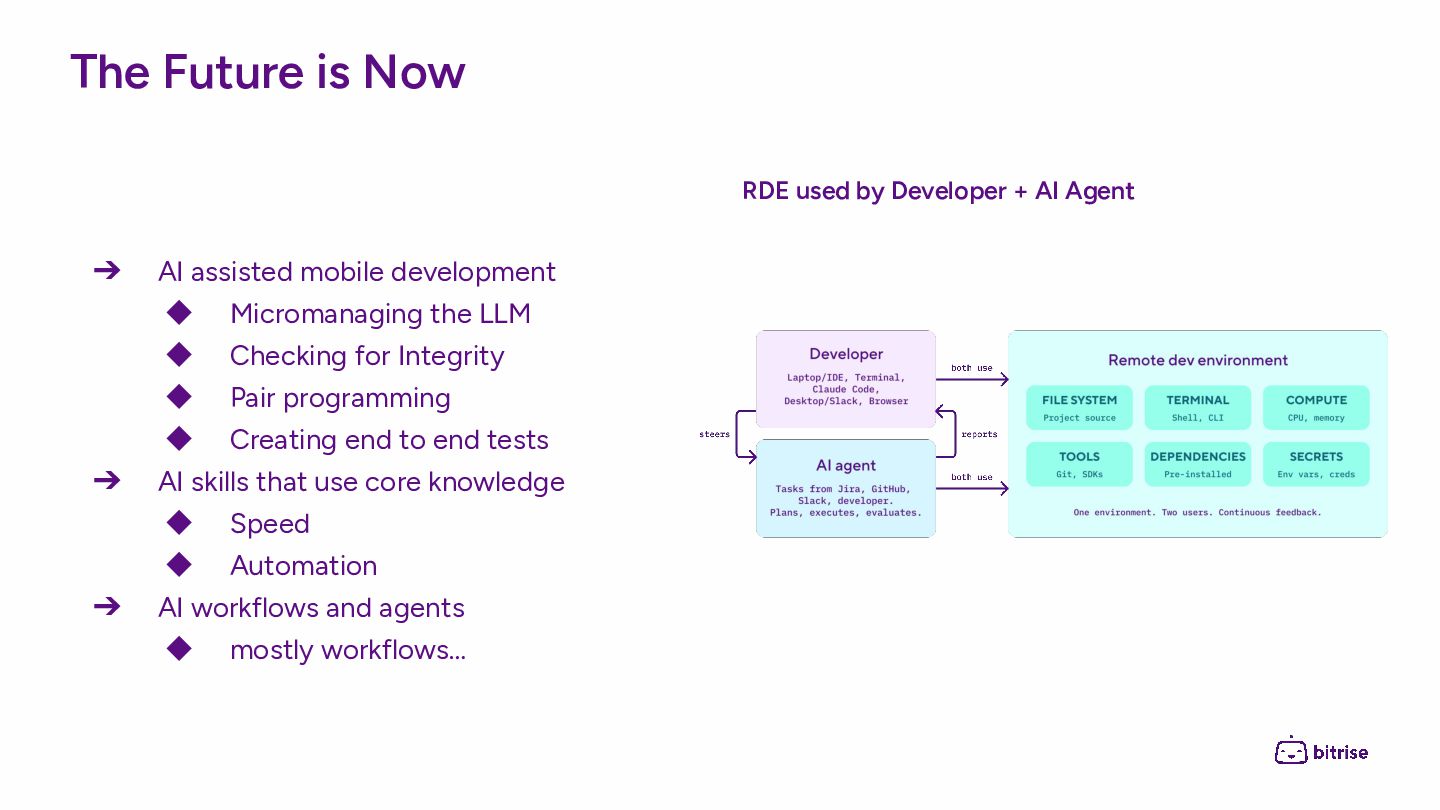
  22. The Future is Now ➔ AI assisted mobile development ◆

    Micromanaging the LLM ◆ Checking for Integrity ◆ Pair programming ◆ Creating end to end tests ➔ AI skills that use core knowledge ◆ Speed ◆ Automation ➔ AI workflows and agents ◆ mostly workflows… RDE used by Developer + AI Agent