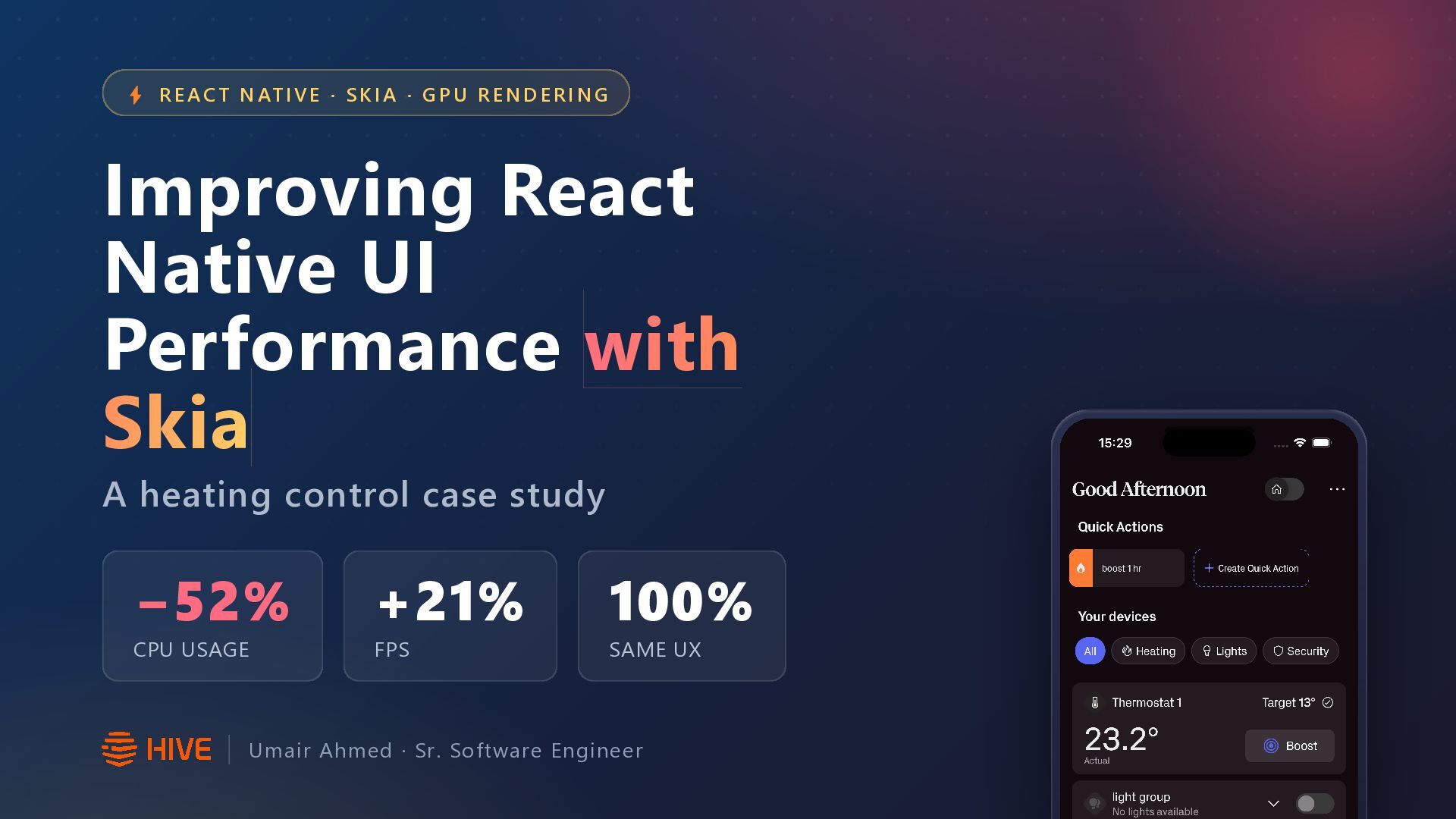
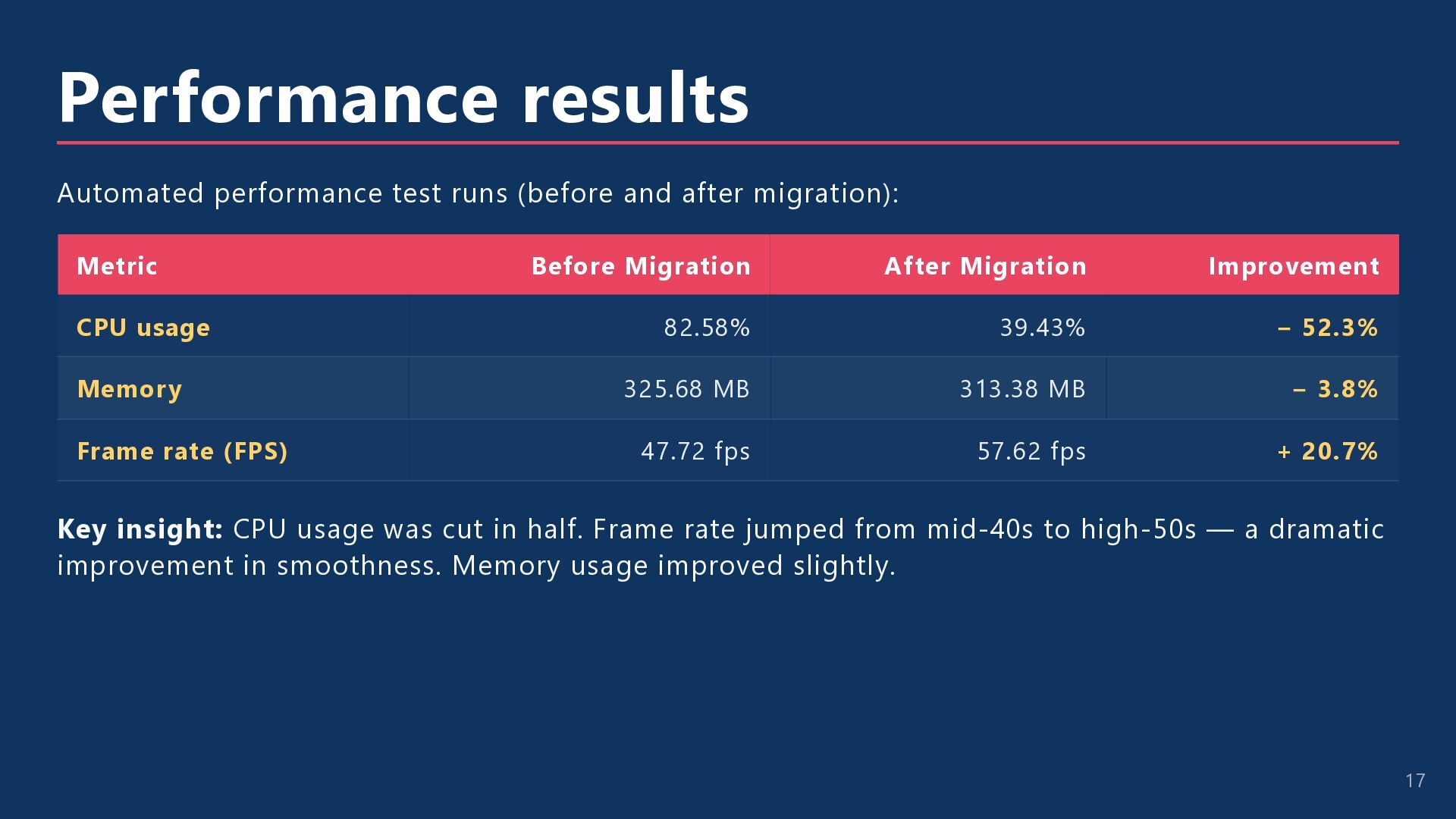
E · S K I A · G P U R E N D E R I N G Improving React Native UI Performance with Skia A heating control case study −52% CPU USAGE +21% FPS 100% SAME UX Umair Ahmed · Sr. Software Engineer
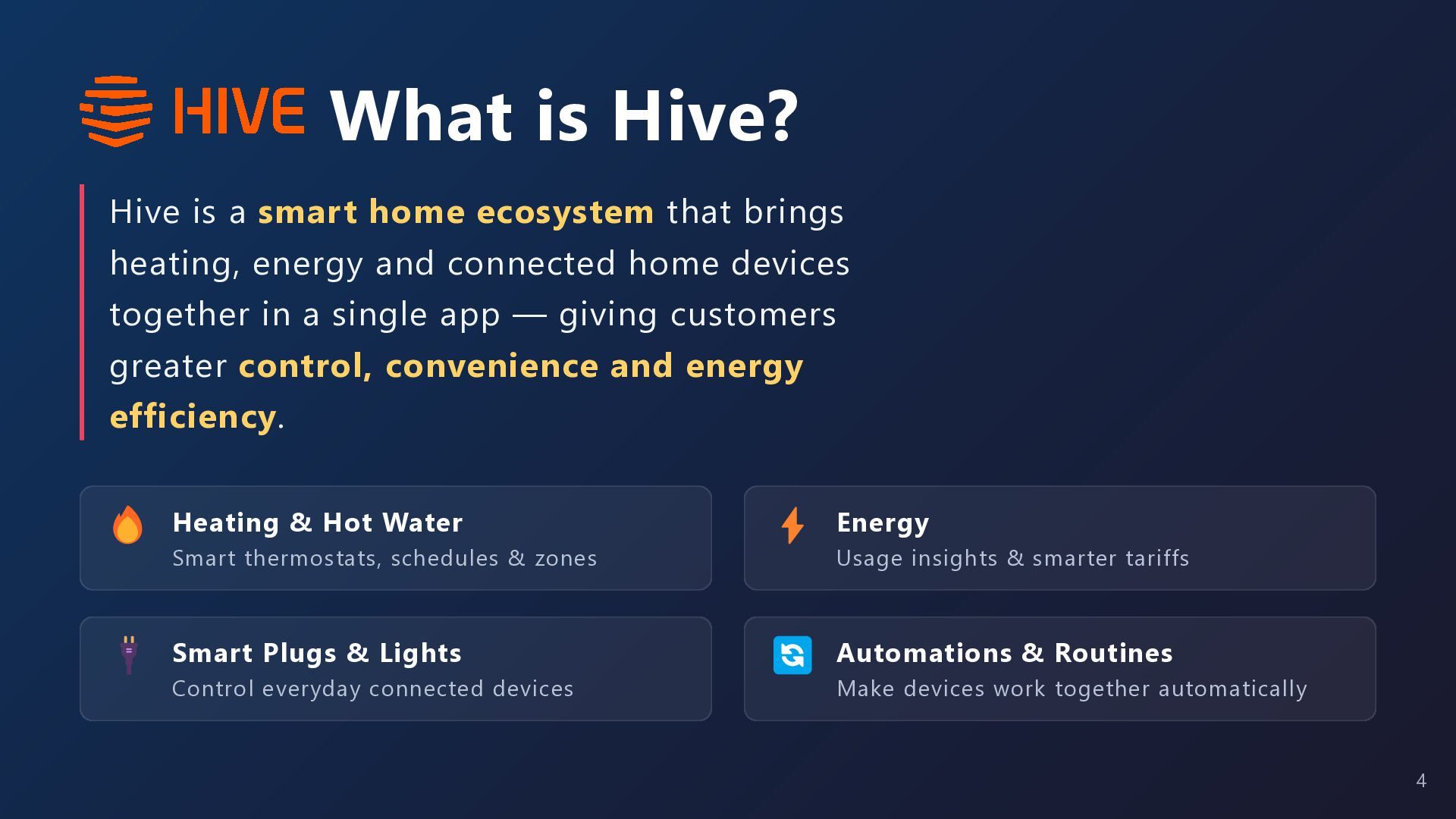
brings heating, energy and connected home devices together in a single app — giving customers greater control, convenience and energy efficiency. 🔥 Heating & Hot Water ⚡ Energy 🔌 Smart Plugs & Lights 🔄 Automations & Routines Smart thermostats, schedules & zones Control everyday connected devices Usage insights & smarter tariffs Make devices work together automatically 4
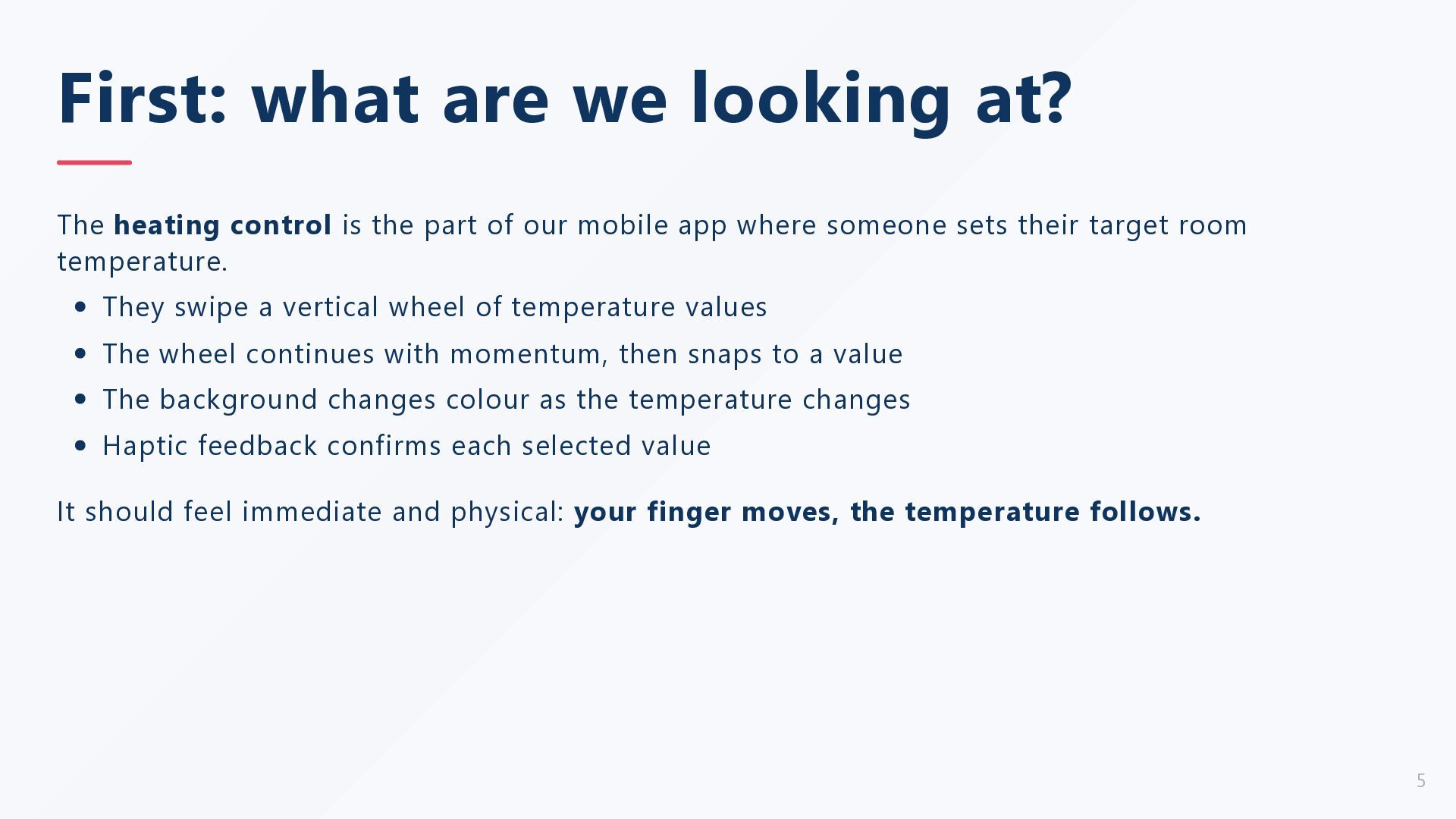
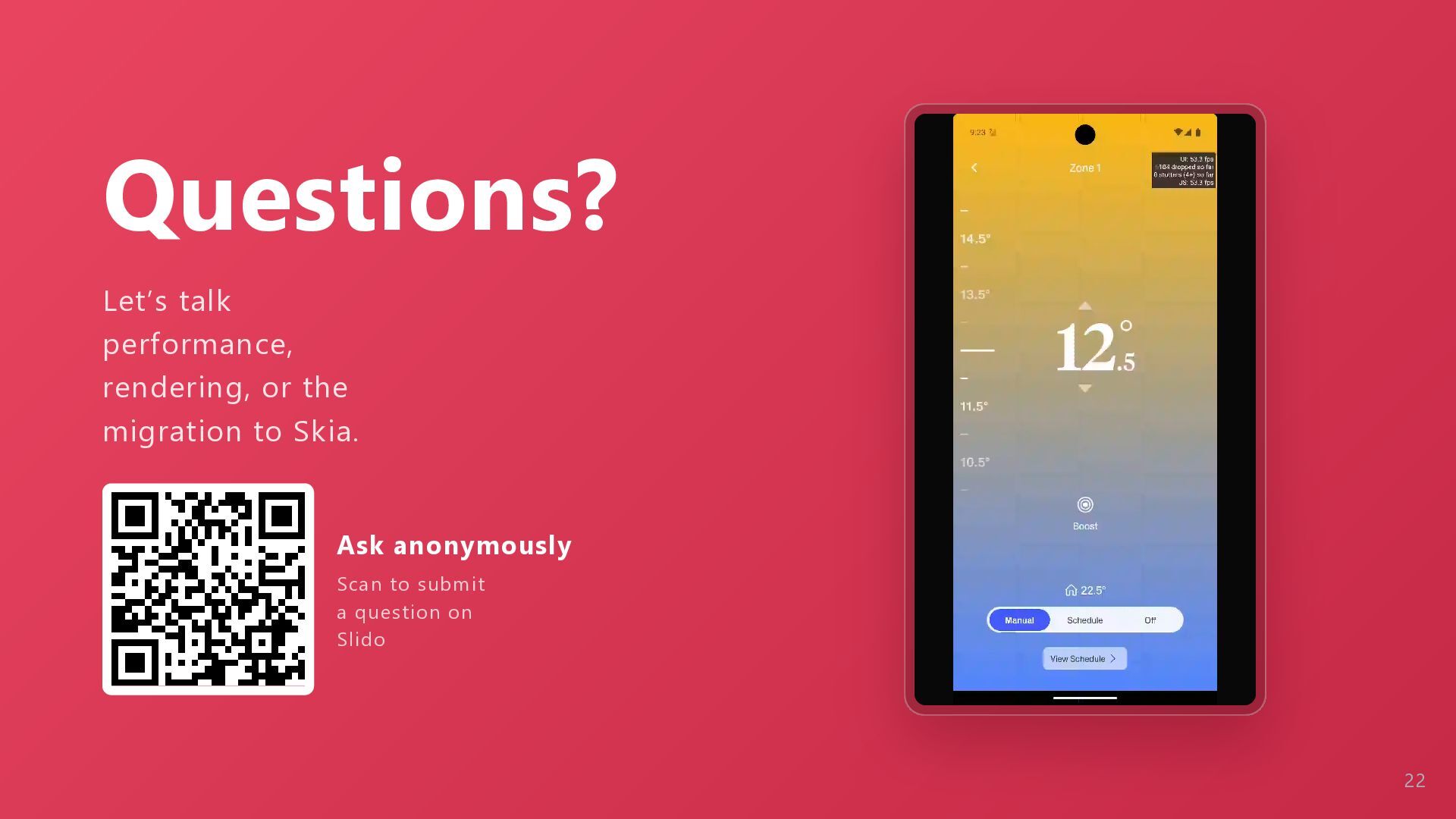
the part of our mobile app where someone sets their target room temperature. They swipe a vertical wheel of temperature values The wheel continues with momentum, then snaps to a value The background changes colour as the temperature changes Haptic feedback confirms each selected value It should feel immediate and physical: your finger moves, the temperature follows. 5
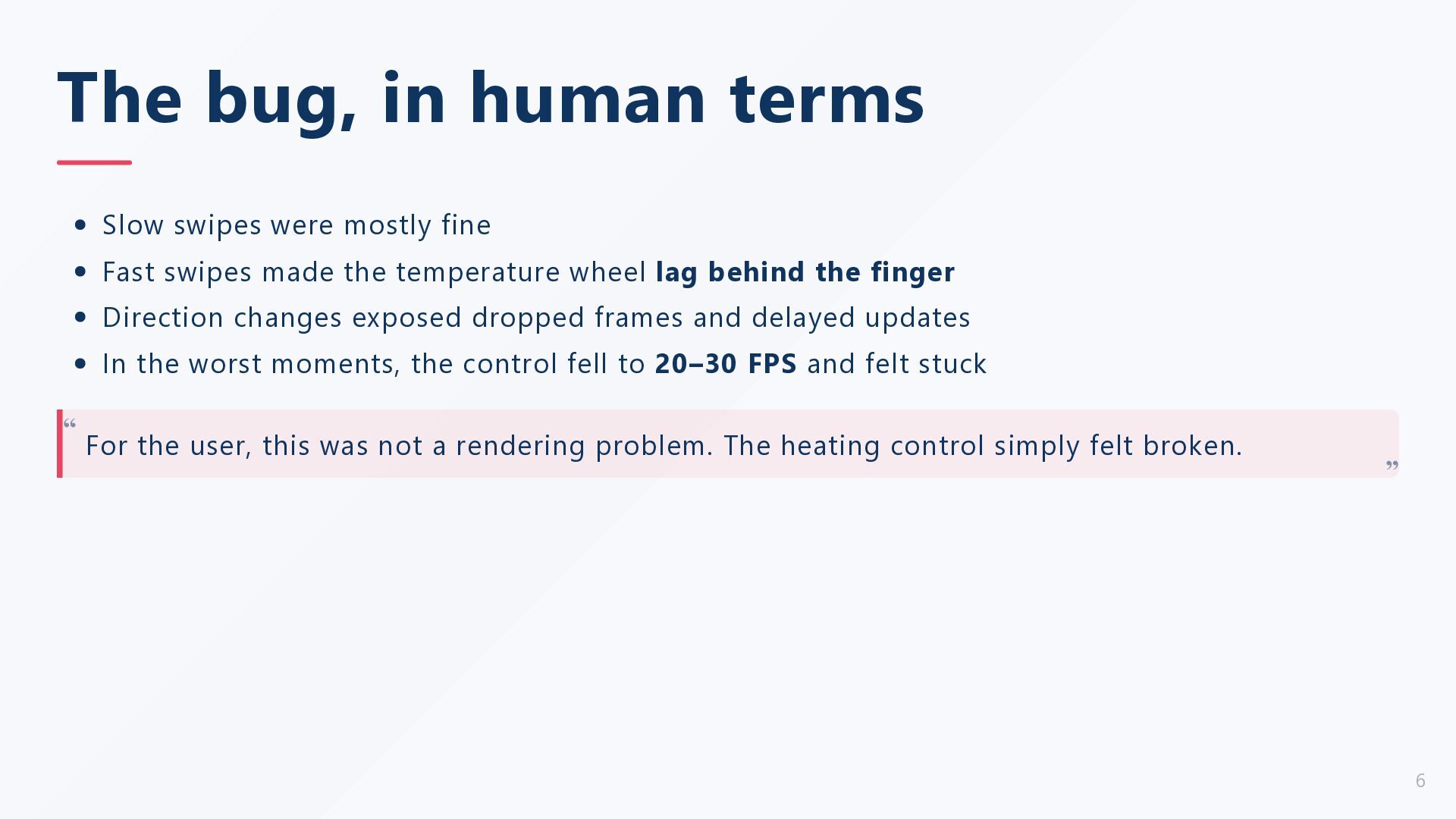
Fast swipes made the temperature wheel lag behind the finger Direction changes exposed dropped frames and delayed updates In the worst moments, the control fell to 20–30 FPS and felt stuck For the user, this was not a rendering problem. The heating control simply felt broken. “ “ 6
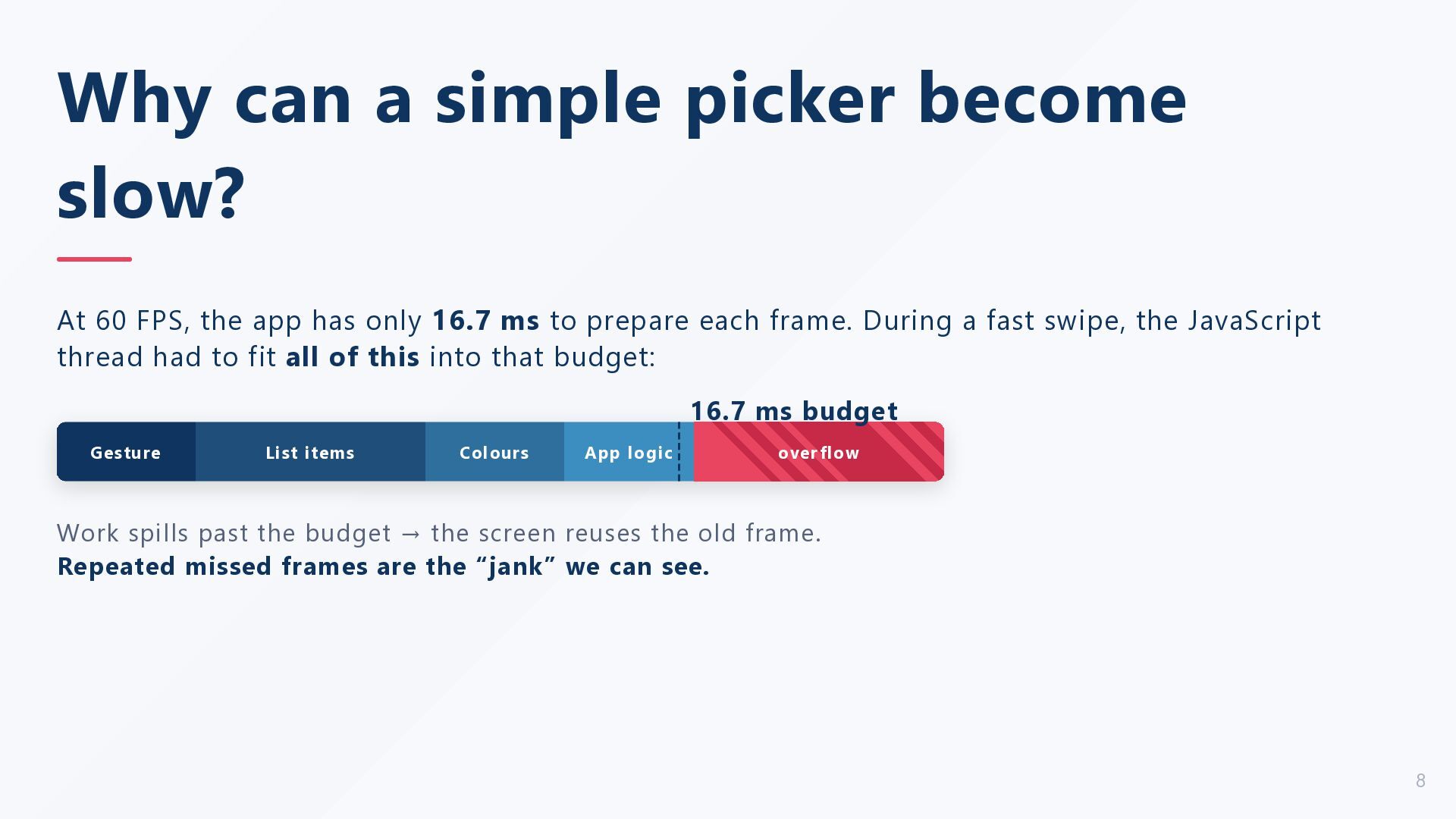
the app has only 16.7 ms to prepare each frame. During a fast swipe, the JavaScript thread had to fit all of this into that budget: 16.7 ms budget Gesture List items Colours App logic over flow Work spills past the budget → the screen reuses the old frame. Repeated missed frames are the “jank” we can see. 8
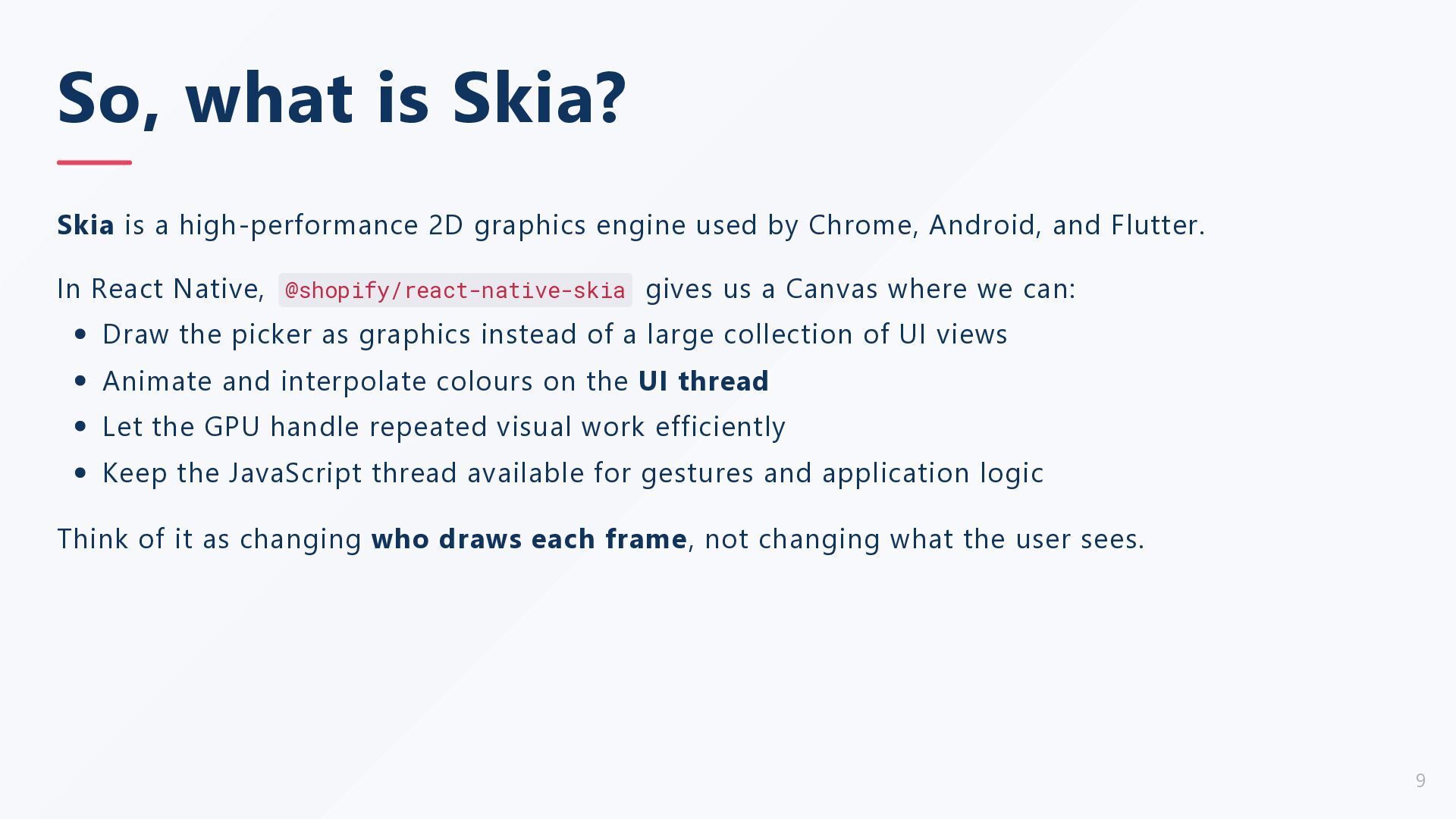
engine used by Chrome, Android, and Flutter. In React Native, @shopify/react-native-skia gives us a Canvas where we can: Draw the picker as graphics instead of a large collection of UI views Animate and interpolate colours on the UI thread Let the GPU handle repeated visual work efficiently Keep the JavaScript thread available for gestures and application logic Think of it as changing who draws each frame, not changing what the user sees. 9
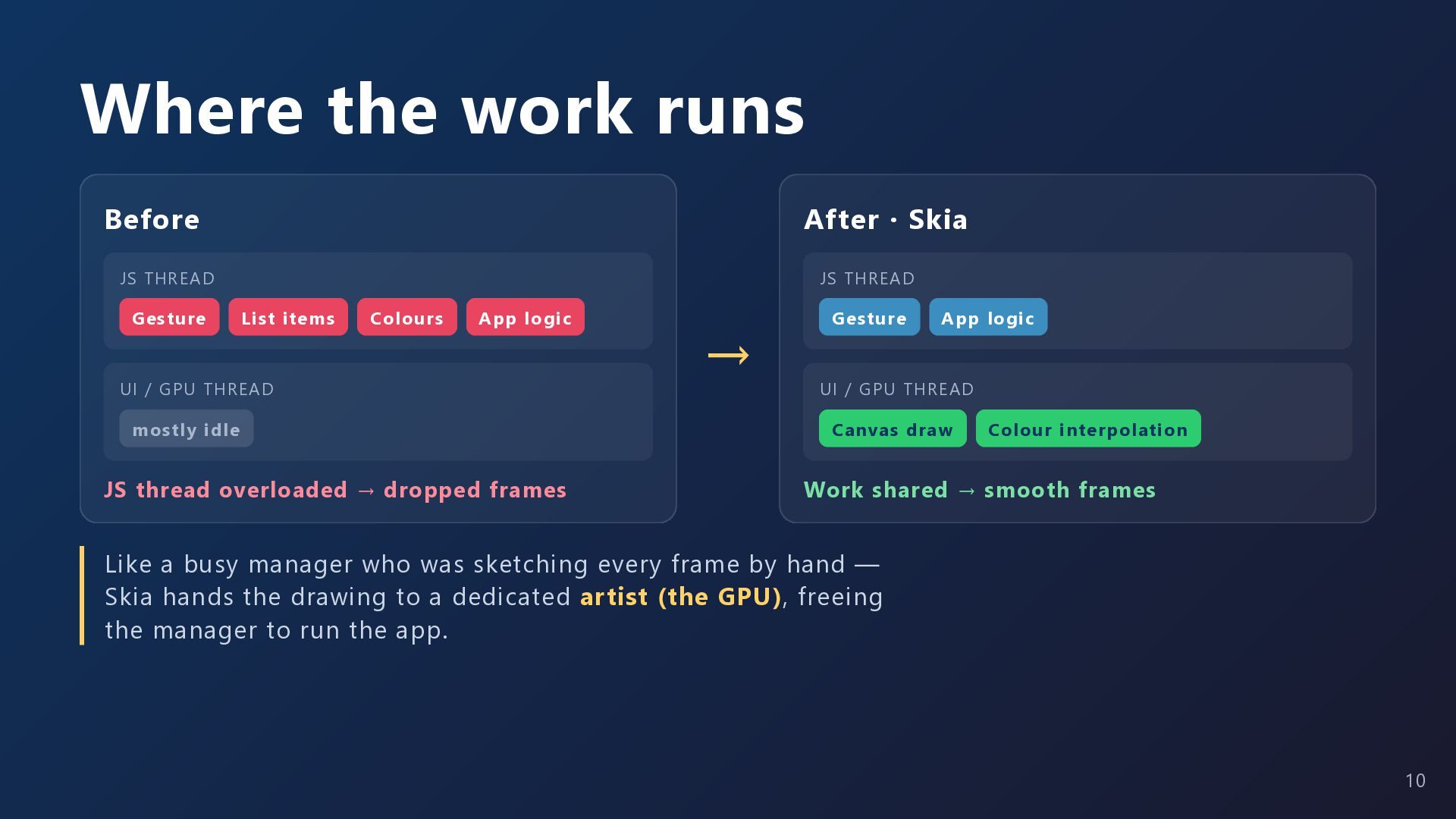
Gesture JS THREAD List items Colours App logic UI / GPU THREAD mostly idle JS thread overloaded → dropped frames → Gesture App logic UI / GPU THREAD Canvas draw Colour interpolation Work shared → smooth frames Like a busy manager who was sketching every frame by hand — Skia hands the drawing to a dedicated artist (the GPU), freeing the manager to run the app. 10
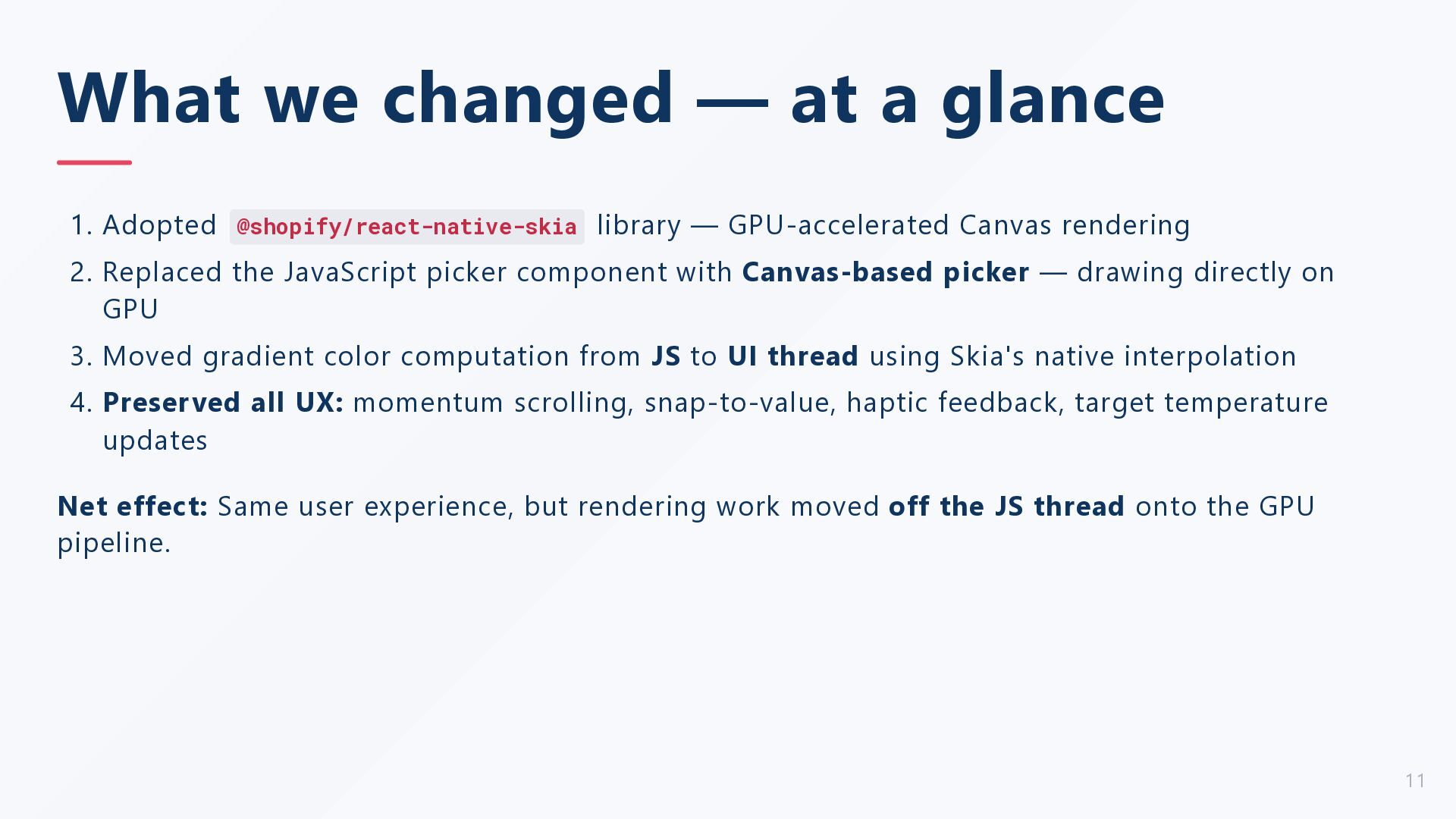
library — GPU-accelerated Canvas rendering 2. Replaced the JavaScript picker component with Canvas-based picker — drawing directly on GPU 3. Moved gradient color computation from JS to UI thread using Skia's native interpolation 4. Preserved all UX: momentum scrolling, snap-to-value, haptic feedback, target temperature updates Net effect: Same user experience, but rendering work moved off the JS thread onto the GPU pipeline. 11
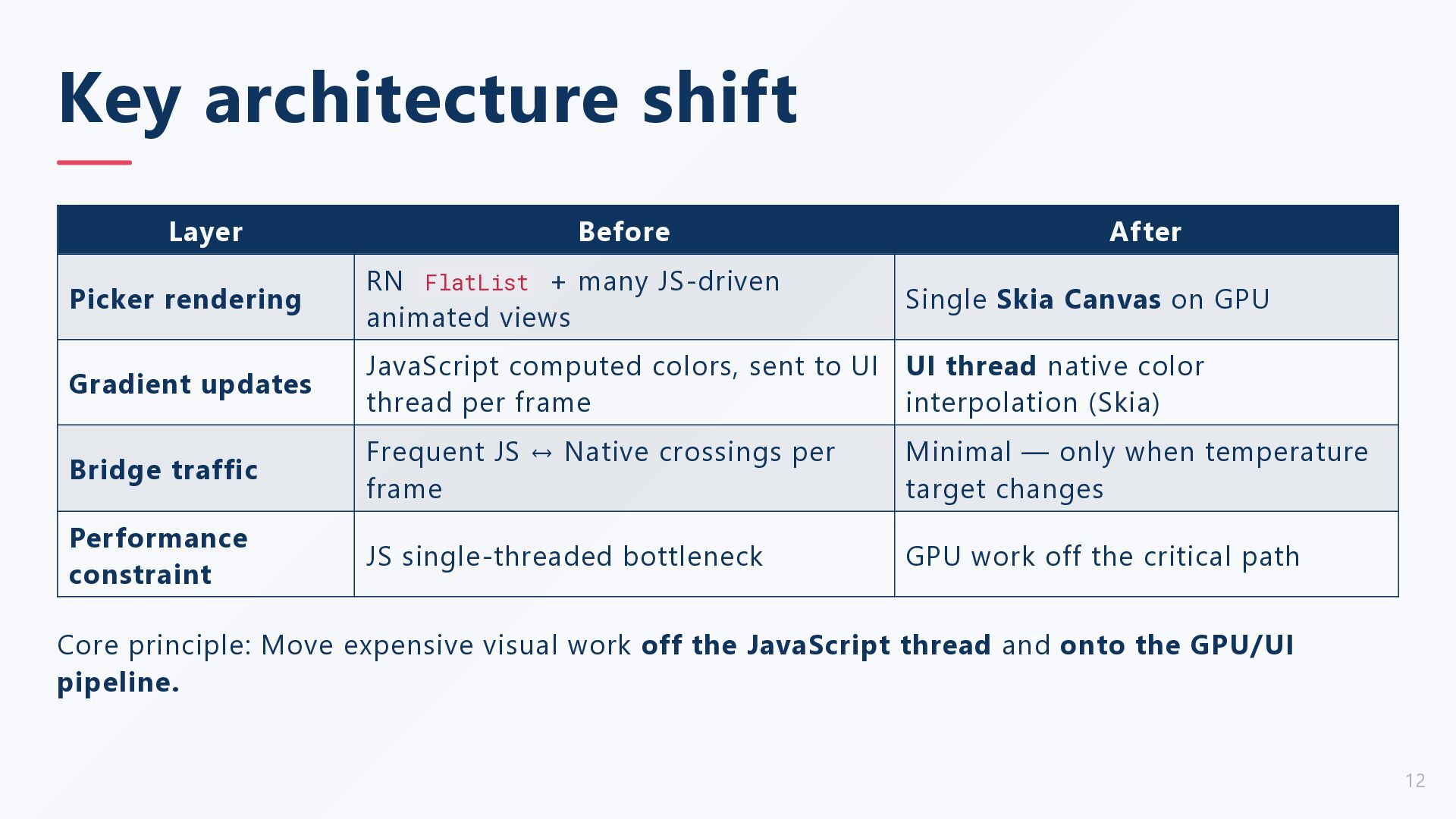
+ many JS-driven animated views Gradient updates JavaScript computed colors, sent to UI UI thread native color thread per frame interpolation (Skia) Bridge traffic Frequent JS ↔ Native crossings per frame Minimal — only when temperature target changes Performance constraint JS single-threaded bottleneck GPU work off the critical path Single Skia Canvas on GPU Core principle: Move expensive visual work off the JavaScript thread and onto the GPU/UI pipeline. 12
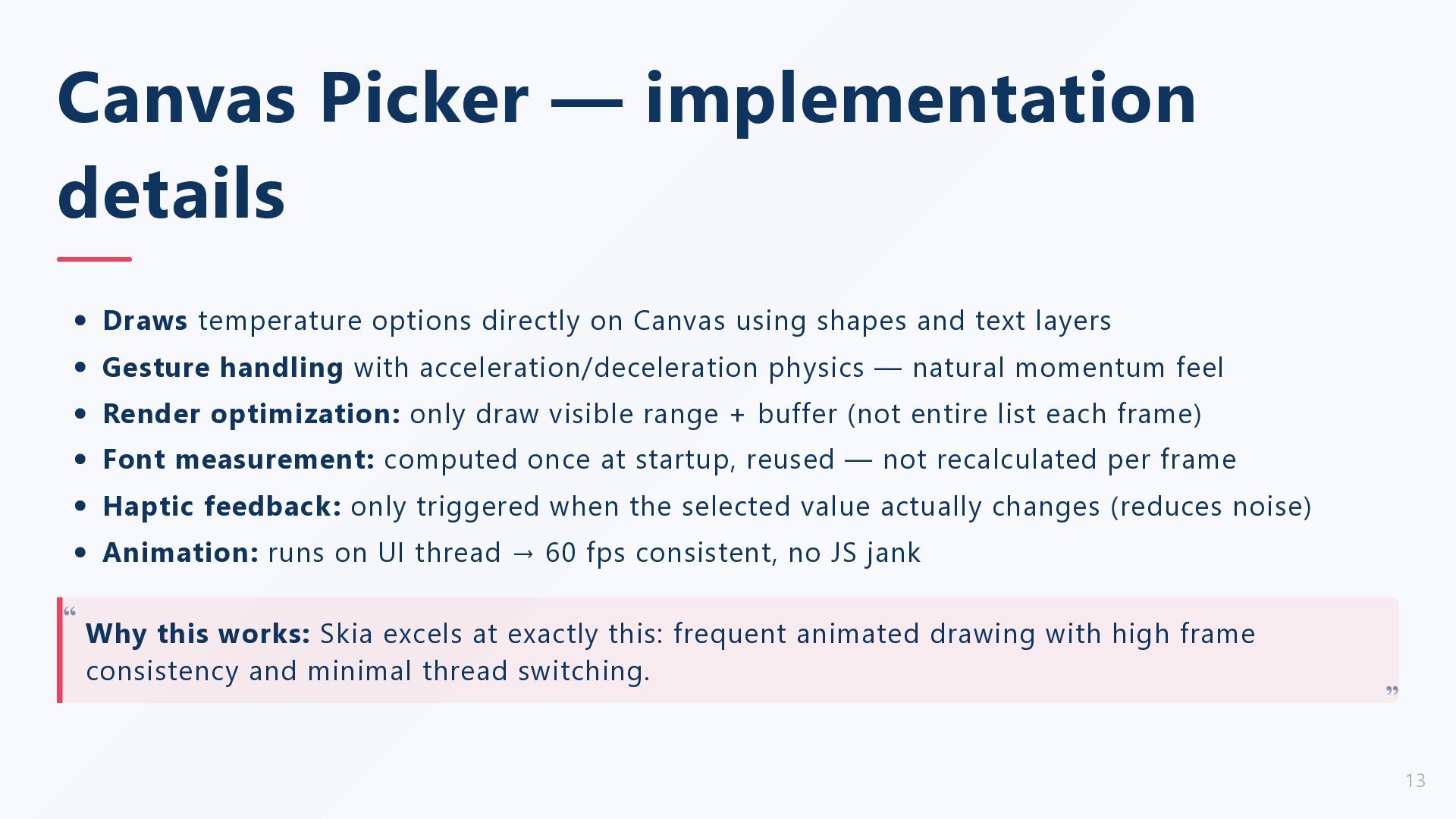
Canvas using shapes and text layers Gesture handling with acceleration/deceleration physics — natural momentum feel Render optimization: only draw visible range + buffer (not entire list each frame) Font measurement: computed once at startup, reused — not recalculated per frame Haptic feedback: only triggered when the selected value actually changes (reduces noise) Animation: runs on UI thread → 60 fps consistent, no JS jank Why this works: Skia excels at exactly this: frequent animated drawing with high frame consistency and minimal thread switching. “ “ 13
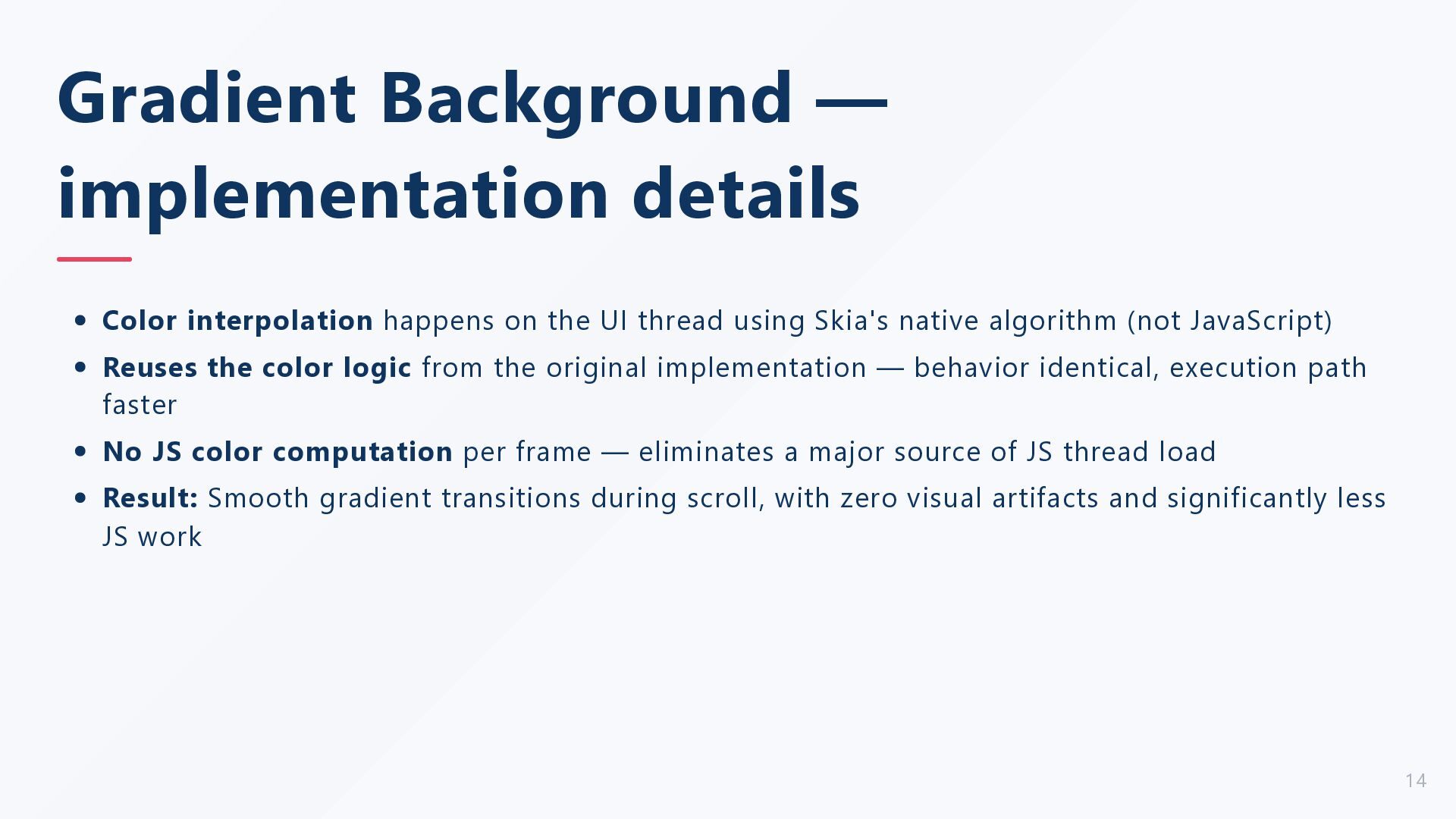
UI thread using Skia's native algorithm (not JavaScript) Reuses the color logic from the original implementation — behavior identical, execution path faster No JS color computation per frame — eliminates a major source of JS thread load Result: Smooth gradient transitions during scroll, with zero visual artifacts and significantly less JS work 14
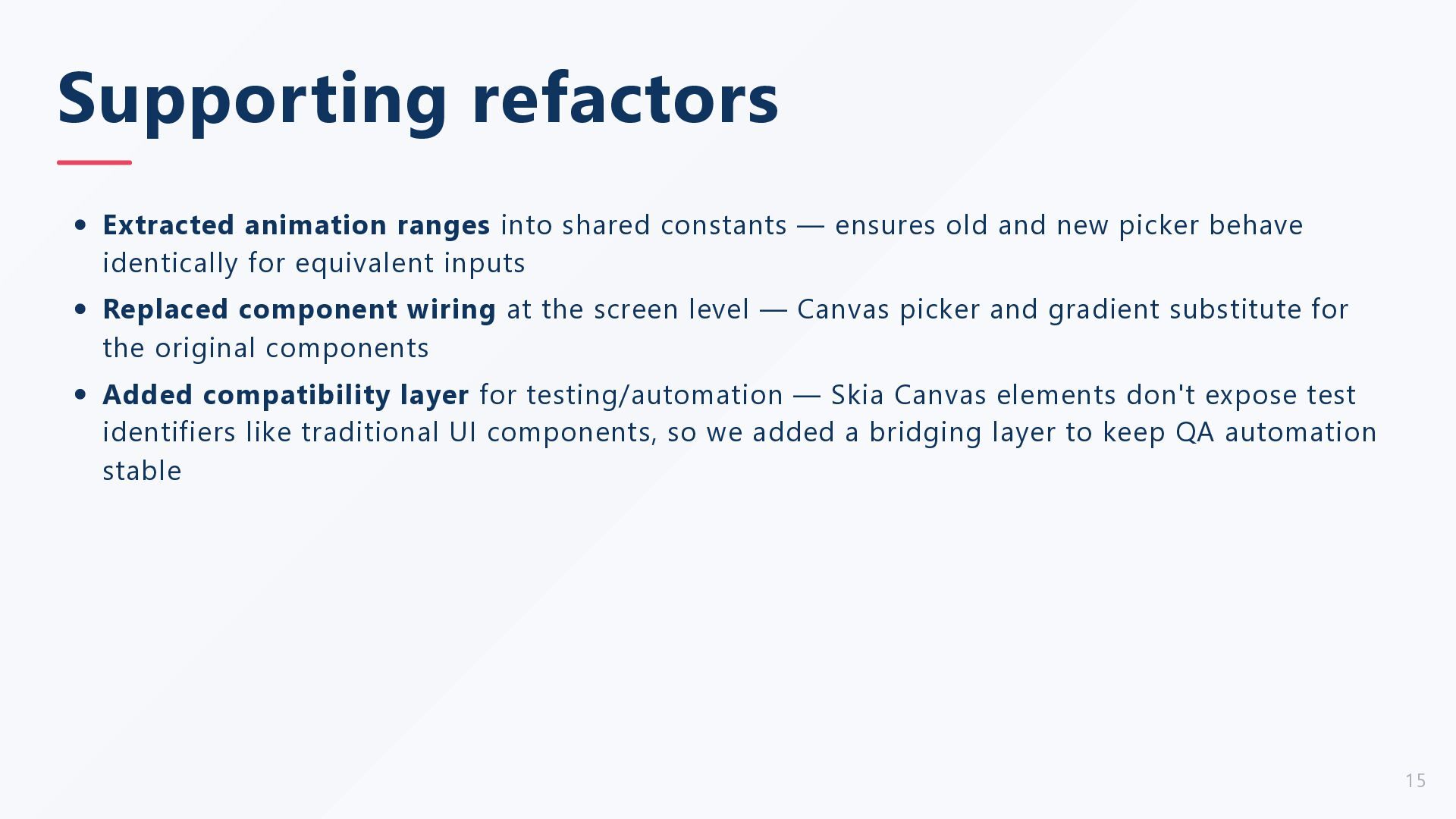
old and new picker behave identically for equivalent inputs Replaced component wiring at the screen level — Canvas picker and gradient substitute for the original components Added compatibility layer for testing/automation — Skia Canvas elements don't expose test identifiers like traditional UI components, so we added a bridging layer to keep QA automation stable 15
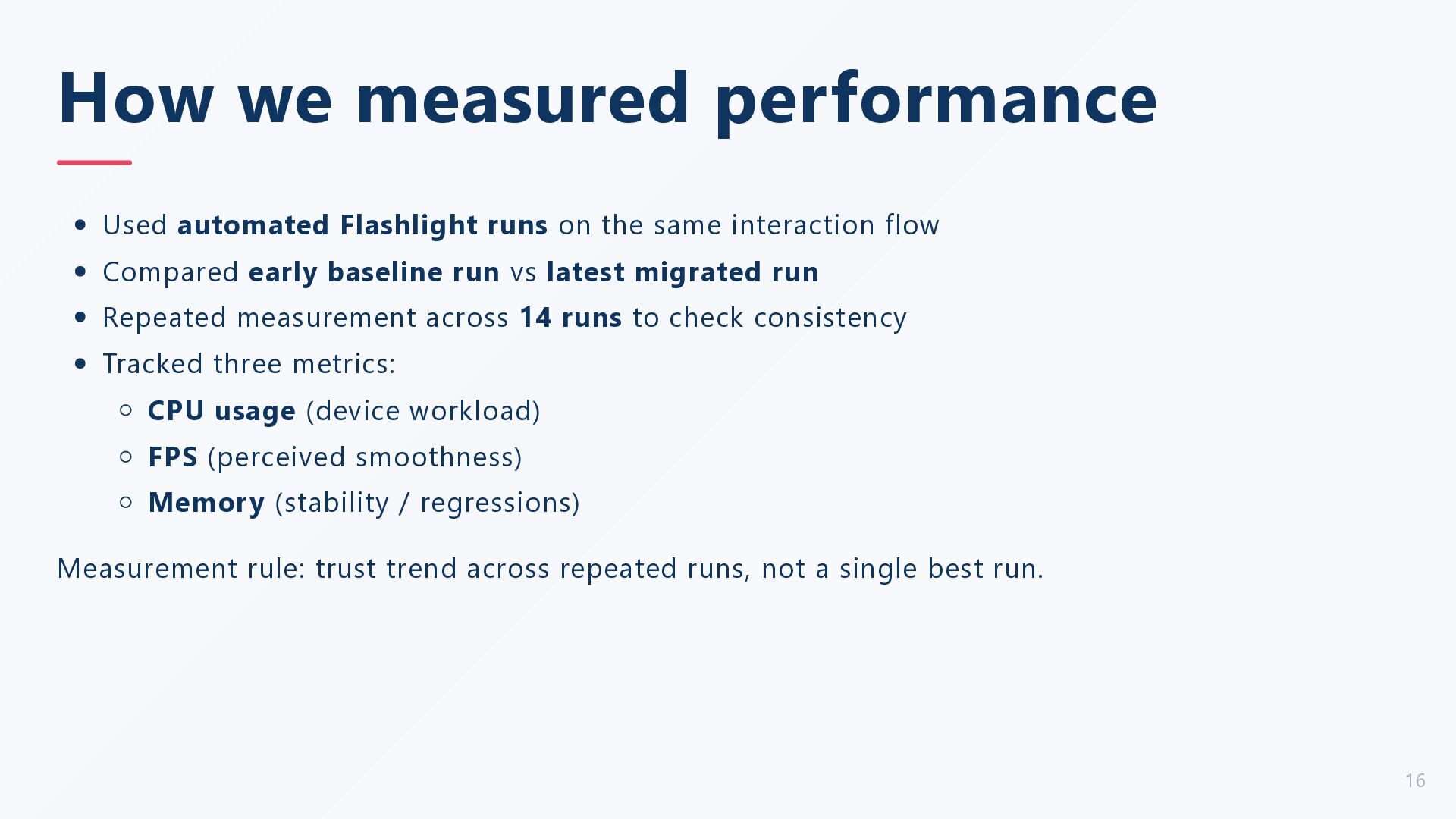
same interaction flow Compared early baseline run vs latest migrated run Repeated measurement across 14 runs to check consistency Tracked three metrics: CPU usage (device workload) FPS (perceived smoothness) Memory (stability / regressions) Measurement rule: trust trend across repeated runs, not a single best run. 16
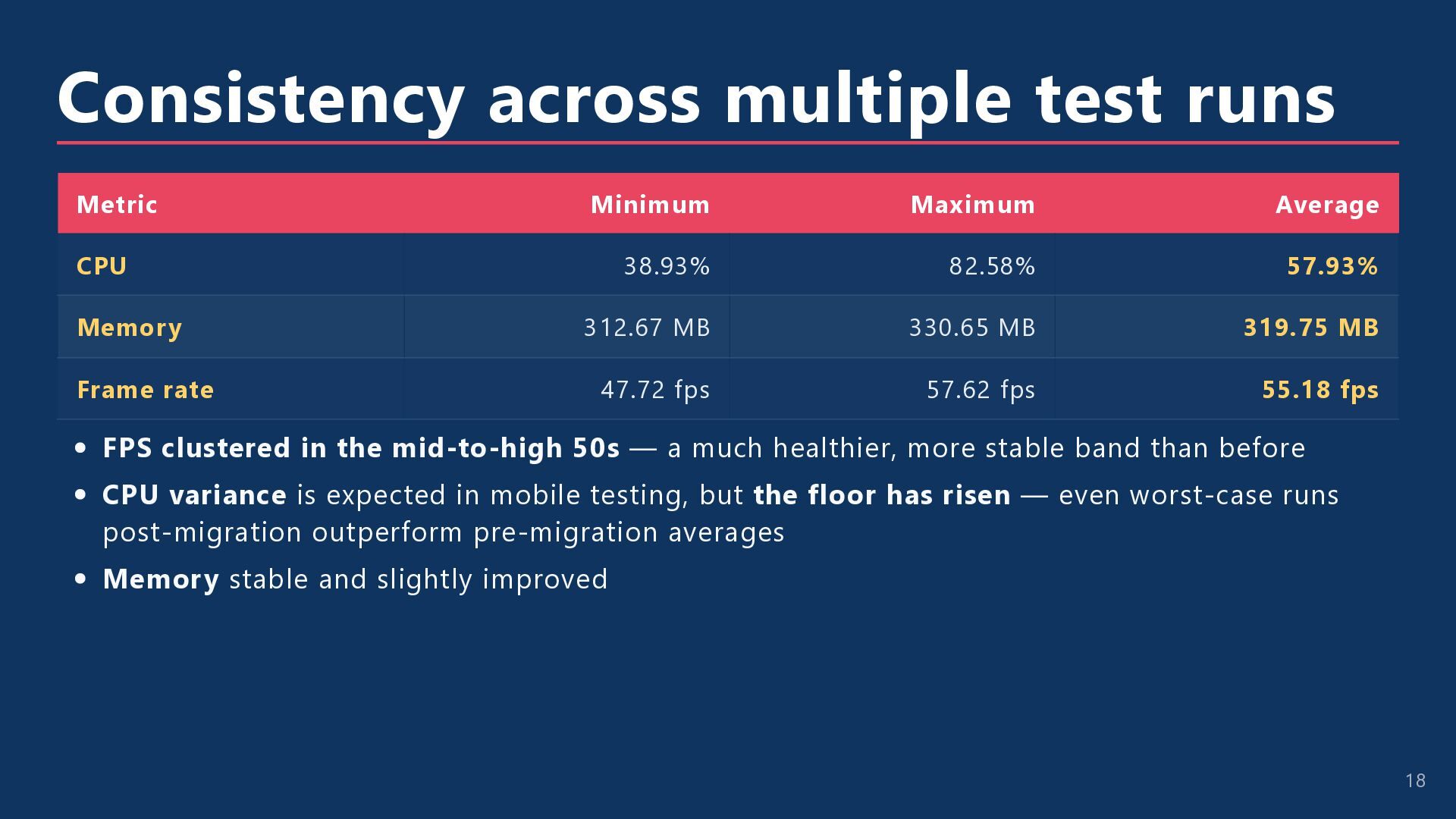
38.93% 82.58% 57.93% Memory 312.67 MB 330.65 MB 319.75 MB Frame rate 47.72 fps 57.62 fps 55.18 fps FPS clustered in the mid-to-high 50s — a much healthier, more stable band than before CPU variance is expected in mobile testing, but the floor has risen — even worst-case runs post-migration outperform pre-migration averages Memory stable and slightly improved 18
+ Android lock updates needed More custom rendering code vs standard RN components (higher maintenance surface) QA/accessibility requires bridge overlay strategies around Skia nodes Need continued validation on low-end devices and release builds This isn't free — but the user-experience payoff is worth it. “ “ 19
is animation-heavy and frame consistency is a known pain point Visual computation is repeatedly hitting the JS thread during gestures You need GPU-native drawing with minimal JS-thread involvement Avoid or delay Skia when: Standard RN components already sustain smooth frame delivery Team cannot absorb extra native + rendering maintenance yet The flow lacks measurable performance pressure Practical rule: profile first, migrate hotspots second, validate with repeated runs. 20
polish. Moves heavy visual work off the JavaScript thread → frees JS to handle input and logic Delivers visibly smoother, more responsive interaction with hard performance data Reduces device load by 50% while improving perceived performance by 20% Preserves all UX — users see no behavior change, only feel the smoothness Takeaway: When a single-threaded bottleneck throttles your UI, moving rendering work to the GPU (via Canvas) is a high-impact, measurable solution. 21


 leedsmobile
 xleitix
 gam0022
 colorful12
 kishida
 jame2408
 yutobara
 deka_morita
 iwatsukayura
 eed3si9n
 mofurune
 dske104
 paulk
paulk
 tammielis
 sarafernandez
 akihiro_kokubo
 madoxten
 katarinadahlin
 aleyda
 inesmontani
 samlambert
 ianozsvald
 pauljervisheath